Best NAS You Can Buy Right Now for Under $249 at the end of 2025
As personal data storage requirements continue to rise in 2025, many users are moving away from cloud platforms and monthly subscription services in search of something more private and cost effective. A dedicated NAS, or network attached storage system, allows you to back up photo collections, host a home media library, or manage small business files while keeping full control of your data and avoiding ongoing fees. The good news is that the market now includes several capable options priced at or under 249 dollars. Improvements in low power processors, wider use of DDR5 memory, and leaner operating systems have made entry level systems far more powerful than they were even a year ago. They can comfortably handle tasks such as Plex playback, simple virtualization, and lightweight container apps. This article looks at five NAS units currently available within this price bracket, each offering a practical mix of performance, connectivity, and storage flexibility for anyone building a reliable setup on a limited budget.
Important Disclaimer and Notes Before You Buy!
Before looking at specific NAS models, it helps to understand the common limits of systems in this price tier. Most units under 249 dollars arrive without drives, and rely on NVMe or SATA bays that must be filled separately. Some include small onboard storage such as 32GB to 64GB eMMC that only covers the operating system. This means the total cost of a usable setup will usually be higher than the base price. These devices are aimed at home users and personal cloud tasks rather than heavier business workloads. Several models also lack a full NAS operating system and instead use lightweight platforms such as CasaOS or ZimaOS, or provide only a simple interface for local file access and containers. These options are improving, yet they may not offer advanced RAID tools, snapshot automation, or detailed permission control found on systems like Synology DSM or TrueNAS. Overall, these NAS units suit users with some technical confidence or anyone who wants a simple setup with limited depth.
Beelink ME Mini NAS – 6 Bay SSD NAS
$209– Intel N150 – 12GB – No SSD (64GB eMMC Only) – 2x 2.5GbE + WiFi 6 – No OS / User Install – BUY HERE
The Beelink ME Mini is a compact NAS designed for anyone who wants fast SSD storage in a very small enclosure. It measures 99mm on each side and includes six M.2 2280 NVMe slots that can deliver as much as 24TB when fully populated. The system uses an Intel N150 processor with 12GB of LPDDR5 memory, which provides a solid mix of performance and low power draw. Connectivity includes two 2.5GbE ports, WiFi 6, and Bluetooth 5.2, giving it flexibility for both wired and wireless use. Cooling is handled passively and the unit contains its own power supply, which keeps noise and cable clutter to a minimum and makes it a good fit for living rooms or compact office spaces.
The device does not include a built in operating system and requires the user to install something like CasaOS, Ubuntu Server, or a container driven platform. It also ships without storage apart from a 64GB eMMC system partition, so the overall price will rise depending on the NVMe drives you select. Since it offers no 3.5 inch or 2.5 inch SATA support, this NAS is best suited to users who want a silent SSD focused setup with strong networking features and the freedom to install a custom OS.
Component
Specification
CPU
Intel N150 (4 cores, up to 3.6 GHz)
Memory
12GB LPDDR5
Internal Storage
64GB eMMC + 6x M.2 2280 NVMe slots
Networking
2x 2.5GbE LAN, WiFi 6, Bluetooth 5.2
Ports
USB 2.0, USB 3.2, USB-C, HDMI
OS
User-defined (Linux-based preferred)
Dimensions
99 x 99 x 99 mm
Terramaster F2-425 2- Bay Intel Value Turnkey NAS
$249– Intel N5105 – 4GB – TOS 6 Software – 1x 2.5GbE – 2x SATA – BUY HERE
The Terramaster F2-424 is a two bay NAS that sits near the upper edge of the 249 dollar bracket and focuses on providing a more traditional turnkey experience. It uses an Intel Celeron class x86 quad core processor with 4GB of memory that can be upgraded, which allows it to handle general home NAS tasks and hardware assisted 4K decoding for applications such as Plex, Emby, and Jellyfin.
The system supports two SATA drives for a total capacity of up to 60TB and includes TRAID for flexible expansion and space management. Connectivity is limited to a single 2.5GbE port, which is sufficient for most home use but less flexible than some other systems in this list that offer two LAN ports. The unit runs TOS 6, which provides RAID options, snapshots, cloud sync, and a broad selection of built in apps for backup, media, and light productivity needs.
Setup can be completed through the TNAS Mobile app, which also supports automatic photo and video backups from mobile devices. Local AI driven sorting for photos is included, and cross platform access is available through the TNAS client or standard network mapping. TerraSync enables PC backups with version history, and security features include OTP authentication, firewall controls, DoS protections, snapshots, and HyperLock WORM for ransomware resistance. The chassis is quiet in operation and uses tool free push lock trays that allow quick installation or replacement of drives.
Terramaster also offers the F2-425 Plus at roughly 130 dollars more. That model increases CPU and memory resources and is aimed at users who want stronger performance and scalability. For those who want to remain within the 249 dollar limit, the F2-424 provides a straightforward Intel based platform with a familiar OS, upgradable memory, and native HDD support, as long as the single network port meets the user’s needs.
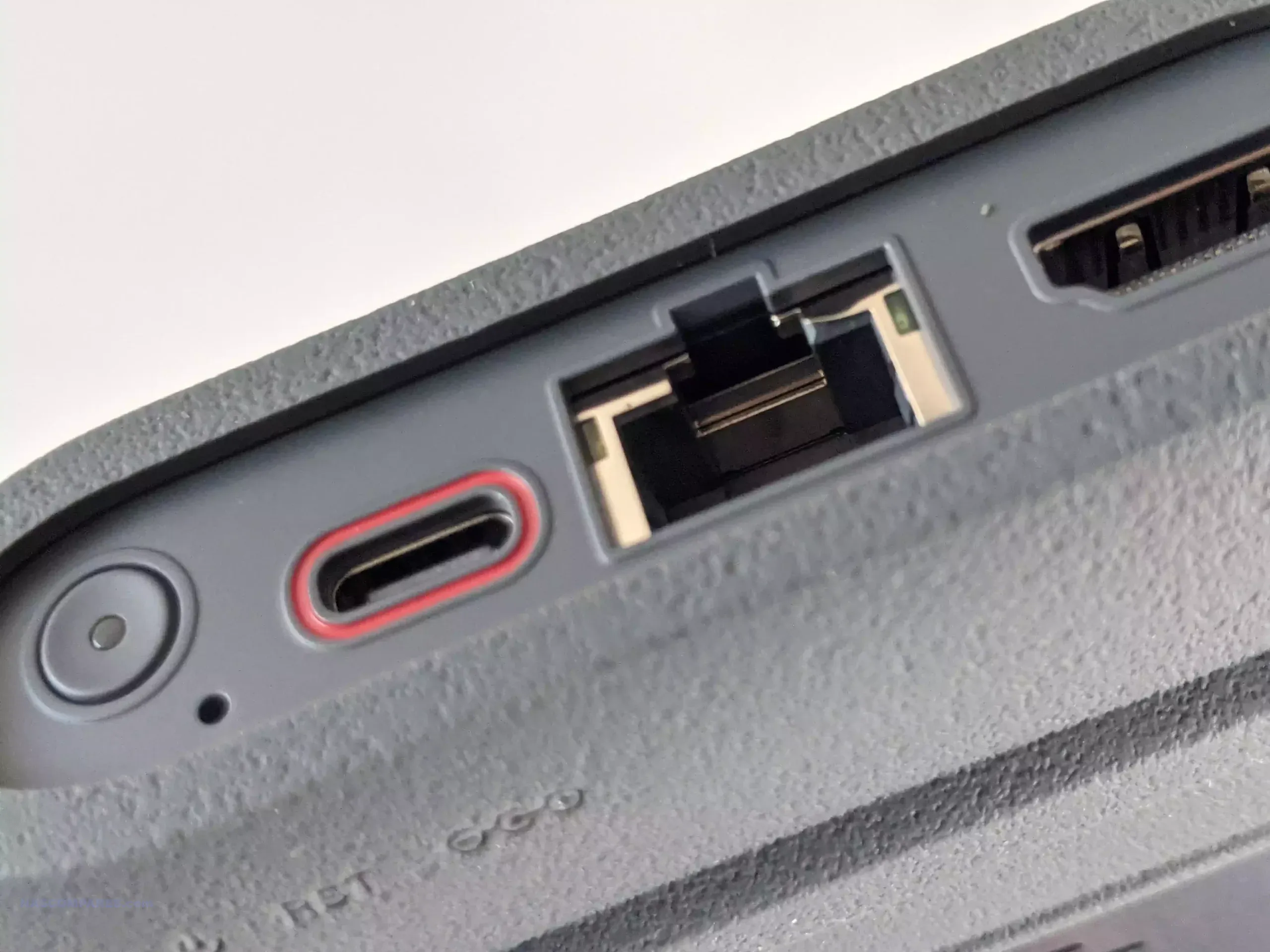
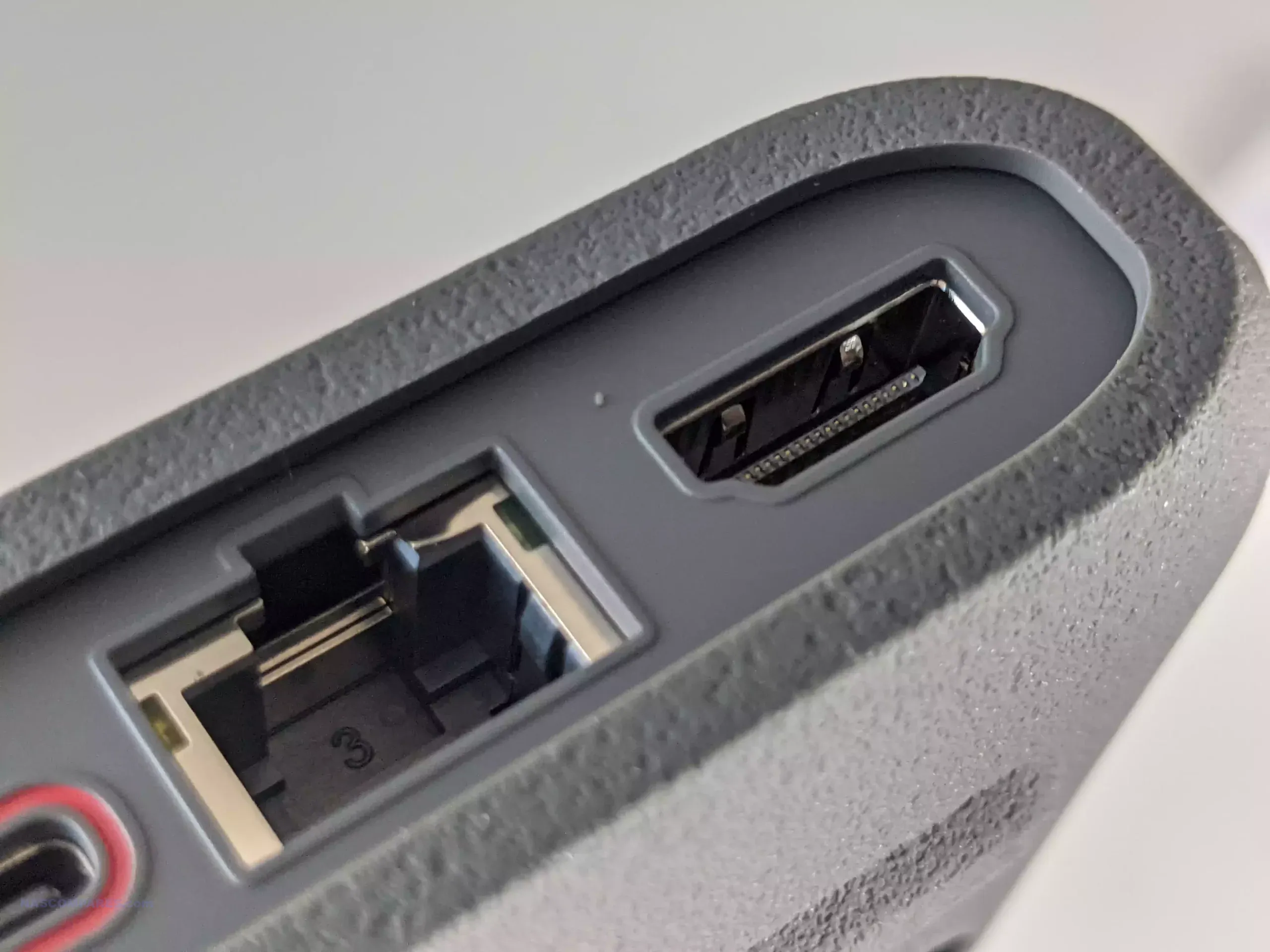
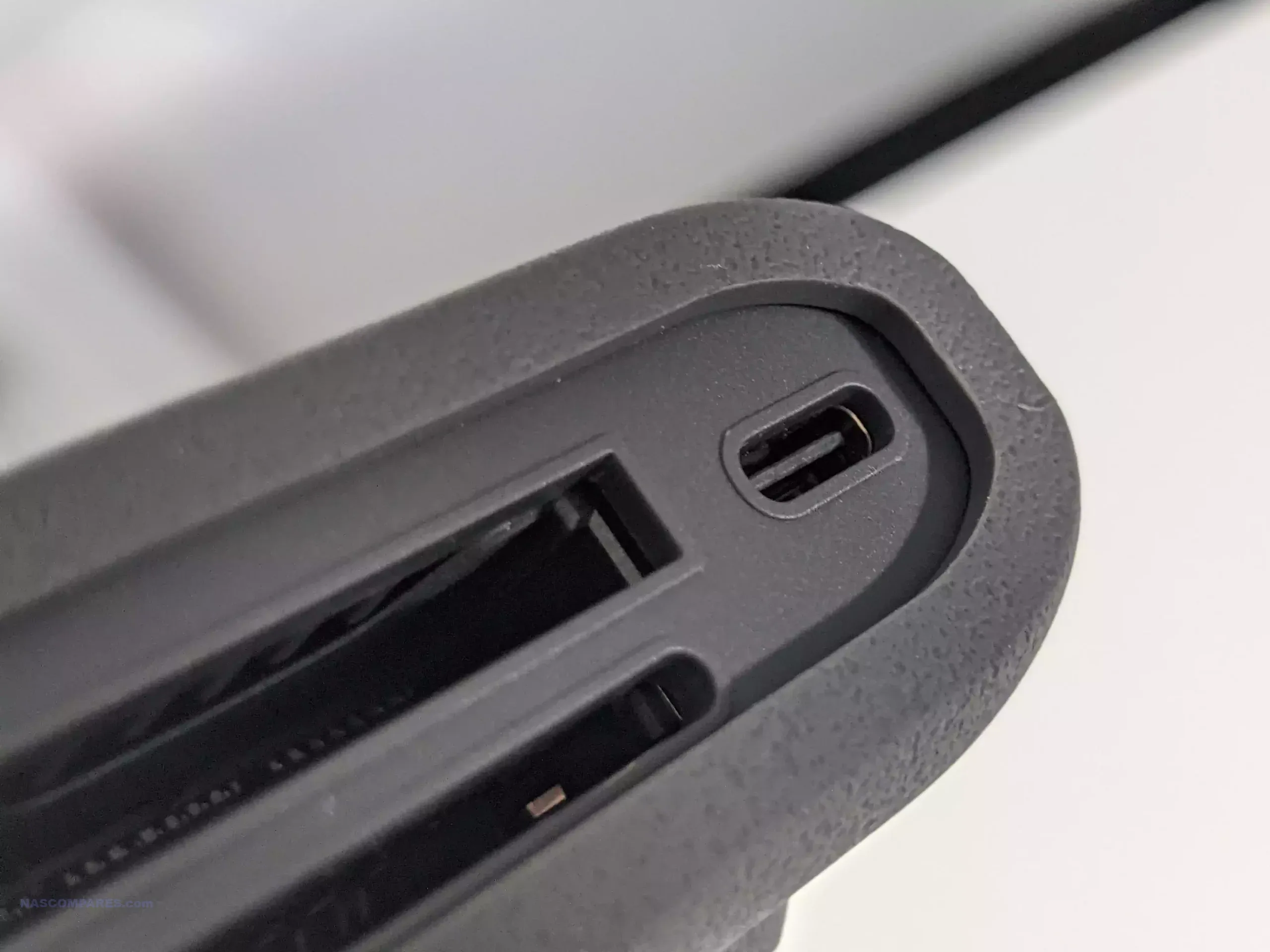
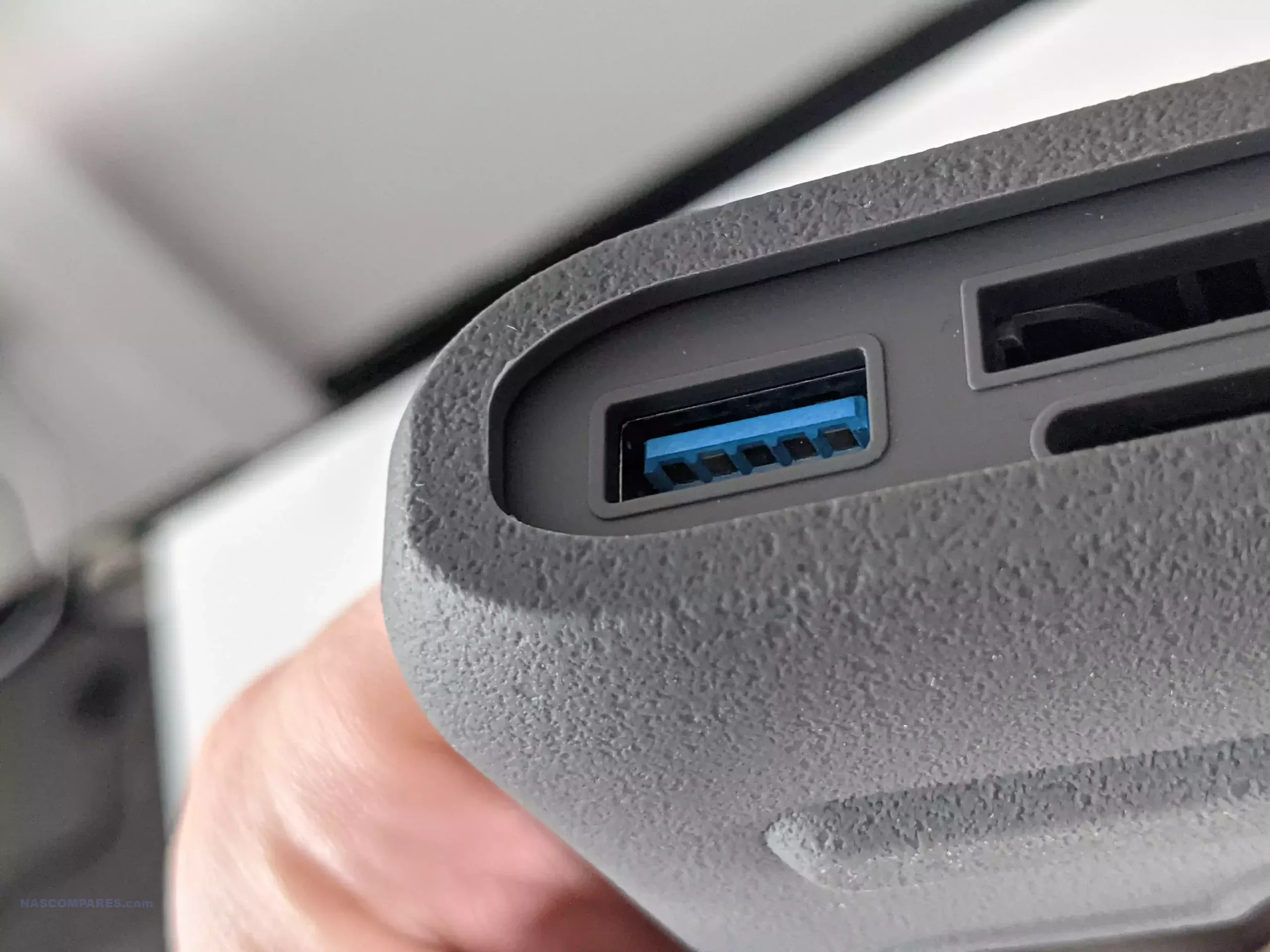
The GMKTec G9 provides hardware that closely matches the Beelink ME Mini, since it also uses the Intel N150 processor and 12GB of LPDDR5 memory. It arrives in a more traditional rectangular enclosure and includes four M.2 2280 NVMe slots instead of six. The system contains 64GB of onboard eMMC storage that is mainly used to boot Ubuntu 24.10, and it can dual boot into Windows 11 when an additional SSD is installed. As with the Beelink, there is no SATA support, so all storage relies on NVMe drives up to 4TB each. Cooling is handled by an active fan and the device includes two HDMI outputs, which makes it a stronger option for anyone who wants a small desktop system or direct media output as part of their NAS setup. The manufacturer issued a refresh in summer 2025 that improved the cooling layout with better vent placement and more efficient airflow.
The system stands out for its wider OS compatibility and expanded connectivity, including three USB 3.2 ports and a USB C connector with DisplayPort support. This makes it a more adaptable choice for users who want a multi role device with stronger visual output options. It still requires the user to provide their own NVMe storage and complete the OS installation process. It also runs warm, so SSD heatsinks and a well ventilated deployment location are strongly recommended.
Component
Specification
CPU
Intel N150 (4 cores, up to 3.6 GHz)
Memory
12GB LPDDR5
Internal Storage
64GB eMMC + 4x M.2 2280 NVMe slots
Networking
2x 2.5GbE LAN, WiFi 6, Bluetooth 5.2
Ports
3x USB 3.2, 1x Type-C (DP), 2x HDMI, Audio
OS
Ubuntu 24.10 by default, dual-boot capable
Dimensions
146.6 x 100.25 x 38.75 mm
Synology BeeStation 4TB NAS – ALL IN ONE!
$199 – Realtek RTD1619B – 1GB – 4TB SINGLE BAY – 1x 1GbE – BeeStation Manager (BSM) – BUY HERE
The Synology BeeStation 4TB is a single bay NAS designed for users who want a ready to use system with no installation work. It arrives with a pre installed 4TB hard drive and a sealed enclosure, so there is no need to source or fit storage. The system uses a Realtek RTD1619B ARM processor with 1GB of DDR4 memory and connects through a single 1GbE port. It runs BeeStation Manager, which focuses on beginner friendly features such as cloud style file access, simple photo management, and smooth integration with Synology mobile apps. Synology also released the BeeStation Plus model in 2025 with an Intel processor, more memory, and 8TB of storage, but it sits at roughly double the price. If you are willing to spend more, that model gives you greater performance and capacity.
The BeeStation 4TB suits households or individuals who want basic local backup and file sharing that behaves more like a smart external drive than a configurable NAS. It supports remote access, simple multimedia use, and manual backups through USB A and USB C ports, but it does not offer expansion, internal upgrades, or RAID. Since it is a sealed single drive system, users should maintain a second backup either in the cloud or on another external device. With its all in one design, three year warranty, and a learning curve aimed at beginners, it remains one of the few fully plug and play NAS options available under 250 dollars.
Component
Specification
CPU
Realtek RTD1619B (Quad-core ARM)
Memory
1GB DDR4
Internal Storage
4TB HDD (included, sealed)
Networking
1x 1GbE LAN
Ports
1x USB-A 3.2 Gen 1, 1x USB-C 3.2 Gen 1
OS
Synology BeeStation Manager (BSM)
Dimensions
148 x 62.6 x 196.3 mm
UGREEN NASync DXP2800 NAS – The New Challenger!
$249 – Intel N100 – 8GB – No Storage (32GB eMMC) – 1x 2.5GbE – UGOS Pro – BUY HERE
The UGREEN DXP2800 sits in the NASync series and targets users who want a mix of expandability and value. It supports both hard drives and SSDs through two 3.5 inch SATA bays and two M.2 NVMe slots that can be used for caching or fast active data work. The system uses an Intel N100 processor from the twelfth generation energy efficient N series and pairs it with 8GB of DDR5 memory that can be upgraded. A 32GB eMMC module holds the UGOS Pro operating system. Connectivity is built around a single 2.5GbE port with several USB ports on the front and rear including USB C and 10Gbps USB A. UGOS Pro offers a clean web interface with containers, RAID options such as zero, one, and JBOD, simple multimedia features, and remote file access.
UGREEN recently released the DH2300 two bay NAS at a noticeably lower price of roughly 100 to 120 dollars below the DXP2800. That model uses a lower power ARM processor, far less memory, and only one 1GbE port. It is acceptable for very light duties, but most users will benefit from spending a little more on the DXP2800 due to its stronger CPU, memory capacity, and networking.
Although UGOS Pro does not match the ecosystem depth of Synology DSM or QNAP QTS, the DXP2800 remains one of the few turnkey systems in this bracket that supports SSD and HDD storage in a flexible layout without proprietary limits. Users will still need to supply their own drives and configure storage pools, yet the combination of hardware capability and manageable software makes it a strong choice for anyone comfortable handling a modest amount of setup work.
$199 – Intel N150 – 8GB – No Storage (32GB eMMC) – 2x 2.5GbE – ZimaOS – BUY HERE
The ZimaBoard 2 (832) is a compact single board NAS platform built for users who want flexibility and modular control rather than a traditional enclosure based system. It arrives as a bare embedded board with all interfaces exposed, which makes it ideal for custom builds. The system uses the Intel N150 quad core processor with 8GB of LPDDR5x memory and includes 32GB of onboard eMMC storage for ZimaOS. The device ships with a lifetime ZimaOS license, which is notable at this price level. It also stands out by providing two powered SATA 3.0 ports, giving it native support for hard drives without any need for USB to SATA adapters. The product is now sold on Amazon, although the price can move between 249 and 349 dollars depending on current stock and promotions, so it is worth watching for discounts.
Connectivity is strong for a low profile platform. It offers two 2.5GbE ports, USB 3.1, a PCIe 3.0 x4 slot, and a Mini DisplayPort output that can deliver 4K60 video. The PCIe slot opens the door for add on networking, storage controllers, or accelerators, although most users will start by using the SATA ports for core NAS storage. The large passive heatsink keeps the board silent, although thermal results will depend on the case you choose and the surrounding environment.
This system suits DIY builders who want to create their own NAS, firewall appliance, lightweight media server, or container host. ZimaOS provides a simple web interface and allows the user to switch to CasaOS or other Linux based platforms if preferred. It is aimed at users who want maximum control and are comfortable managing their own setup rather than those seeking a plug and play NAS.
Component
Specification
CPU
Intel N150 (4 cores, up to 3.6GHz)
Memory
8GB LPDDR5x
Internal Storage
32GB eMMC + 2x SATA 3.0 (powered)
Networking
2x 2.5GbE LAN
Ports
2x USB 3.1, Mini DisplayPort, PCIe 3.0 x4
OS
ZimaOS (also supports CasaOS, Linux distros)
Dimensions
140 x 83 x 31 mm
Each NAS covered in this guide delivers its own mix of hardware capability, expansion potential, and overall usability while staying within the 249 dollar limit. Users who want a fully prepared option with minimal setup will likely prefer the Synology BeeStation, and anyone who wants a small SSD focused system with stronger customisation features may find the Beelink ME Mini or GMKTec G9 more suitable. The UGREEN DXP2800 stands out for its combination of HDD and SSD support and a more developed software platform, while the ZimaBoard 2 is aimed at technical users who want full control over every layer of the build. None of these devices is a perfect all rounder, yet each one provides a practical entry into local storage, self hosted media, and personal backup without exceeding a modest budget
This description contains links to Amazon. These links will take you to some of the products mentioned in today's content. As an Amazon Associate, I earn from qualifying purchases. Visit the NASCompares Deal Finder to find the best place to buy this device in your region, based on Service, Support and Reputation - Just Search for your NAS Drive in the Box Below
Need Advice on Data Storage from an Expert?
Finally, for free advice about your setup, just leave a message in the comments below here at NASCompares.com and we will get back to you.Need Help?
Where possible (and where appropriate) please provide as much information about your requirements, as then I can arrange the best answer and solution to your needs. Do not worry about your e-mail address being required, it will NOT be used in a mailing list and will NOT be used in any way other than to respond to your enquiry.
[contact-form-7]
TRY CHAT Terms and Conditions
If you like this service, please consider supporting us.
We use affiliate links on the blog allowing NAScompares information and advice service to be free of charge to you.Anything you purchase on the day you click on our links will generate a small commission which isused to run the website. Here is a link for Amazon and B&H.You can also get me a Ko-fi or old school Paypal. Thanks!To find out more about how to support this advice service checkHEREIf you need to fix or configure a NAS, check FiverHave you thought about helping others with your knowledge? Find Instructions Here
Or support us by using our affiliate links on Amazon UK and Amazon US
Alternatively, why not ask me on the ASK NASCompares forum, by clicking the button below. This is a community hub that serves as a place that I can answer your question, chew the fat, share new release information and even get corrections posted. I will always get around to answering ALL queries, but as a one-man operation, I cannot promise speed! So by sharing your query in the ASK NASCompares section below, you can get a better range of solutions and suggestions, alongside my own.

Can We Forgive and Forget The Synology HDD Compatibility Flip Flop?
Synology’s recent reversal on hard drive compatibility has reopened a larger debate about whether its NAS systems remain a trustworthy and sensible choice for both new buyers and long-term users. Throughout most of 2025, the company faced sustained criticism after enforcing strict drive verification checks that prevented users from installing or operating third-party HDDs and SSDs from major brands like Seagate and Western Digital. This policy, applied to the new Plus-series NAS models such as the DS925+, DS1525+, and DS1825+, effectively forced customers to purchase Synology’s own branded media or risk an unusable system. For a company long regarded as the industry standard for dependable and user-friendly storage solutions, the move appeared both unexpected and self-defeating. Although Synology later justified the decision as a way to ensure system stability and reliability, the backlash was immediate and global, with declining sales and widespread frustration among users who saw the change as a form of corporate overreach. Now, with the brand having confirmed a full rollback through the DSM 7.3 update—restoring support for non-Synology drives and removing prior warning prompts—the discussion has shifted. While the reversal is seen as a victory for users, it also highlights how fragile consumer confidence has become, and how a single policy misstep can redefine a company’s relationship with its community.
Below, my original video after the change by Synology after 6 months of their strict HDD media stance:
What Did Synology Do Wrong?
Synology’s critical mistake was implementing a restrictive hardware policy that undermined one of its key historical strengths: flexibility. For years, the company had built its reputation on offering an intuitive software platform, DSM, that ran on a wide variety of hardware configurations. By deciding to enforce hard drive compatibility restrictions in the 2025 generation of Plus-series NAS systems, Synology effectively turned once-open devices into closed platforms. The systems refused to initialise DSM or create storage pools when non-Synology drives were detected, and even when users managed to proceed, the interface was flooded with persistent warnings labelling third-party media as “unverified” or “at risk.” This move frustrated not only home users who wanted affordable upgrade options, but also small businesses that relied on Synology NAS for their daily operations. It created unnecessary technical and financial barriers at a time when alternative NAS vendors were offering greater compatibility and value. The brand’s own messaging made the situation worse: early statements focused on “system integrity” and “firmware optimisation” but failed to acknowledge that the change mainly benefited Synology’s hardware sales rather than the end user.
The second major error lay in how the company managed the fallout. Synology’s communication strategy throughout the controversy was inconsistent, fragmented, and in some regions almost non-existent. Different regional branches released conflicting press materials, with some hinting that compatibility with Seagate and Western Digital drives would soon return, while others maintained silence. No clear timeline or explanation was given for the testing process or the reasoning behind such aggressive enforcement. As a result, long-standing partners and distributors were left unsure of how to address customer concerns. Meanwhile, the online community—particularly on Reddit, NAS forums, and YouTube—quickly filled the information vacuum, fuelling frustration and speculation. Instead of clarifying the company’s intentions, Synology appeared defensive and disengaged, disabling comments on some of its own videos and refusing to directly address mounting criticism. This combination of restrictive policy and poor communication not only hurt its reputation but also suggested a growing disconnect between the brand’s leadership and its user base.
Why Are Users Mad at Synology?
Many users felt betrayed by Synology’s actions because the company had long marketed itself as the reliable, user-first alternative to more complex or DIY storage solutions. For years, Synology’s systems were praised for their openness—allowing customers to build their NAS setups using widely available components from trusted brands like Seagate, WD, and Toshiba. The introduction of hard drive restrictions in 2025 fundamentally altered that relationship. Suddenly, the same users who had invested heavily in Synology’s ecosystem found themselves unable to upgrade, expand, or even install DSM without purchasing the brand’s own drives, which were often rebranded versions of existing enterprise models sold at a premium. The move was viewed as a breach of trust, and the lack of transparency surrounding it only made things worse. Many saw it as an attempt to create a closed ecosystem that prioritised recurring hardware profits over customer freedom. This frustration was compounded by the timing—during a period when users were already facing higher hardware costs and tighter IT budgets, making Synology’s restrictive approach feel especially tone-deaf.
The Alerts and ‘Warnings’ that users have gotten used to up tll now (i.e pre DSM 7.3 roll out):
Another major source of anger came from how the policy rollout created confusion and inconsistency across Synology’s product lineup. While the Plus-series desktop NAS models received the strictest restrictions, larger RackStation and XS-series devices remained unaffected, creating the impression that Synology viewed its home and small-business customers as expendable. Even after announcing the rollback with DSM 7.3, many users noted that the company’s official compatibility lists still failed to mention Seagate or WD drives, and that public communication about the change was minimal. For those outside tech circles, this meant that the situation looked unchanged—product pages still implied that only Synology drives were supported, and many older negative reviews remained visible online. As a result, even with the restrictions now lifted, the perception of Synology as a brand willing to prioritise profit over user loyalty persists. The long delay in addressing community backlash, combined with inconsistent messaging, has left many customers sceptical that this U-turn represents a genuine shift rather than damage control.
What Did Synology Do to Fix This?
Synology’s eventual fix came in the form of a full policy reversal integrated into DSM 7.3, the company’s next major software update. With this version, users of the 2025 generation of Plus-series NAS devices—including models such as the DS925+, DS1525+, and DS1825+—regained the ability to freely use third-party hard drives and SSDs. The update removed not only the installation barriers but also the persistent “unverified drive” and “at risk” warnings that had previously appeared in Storage Manager. For most users, this restored full functionality, allowing them to initialise DSM, create and expand RAID arrays, use hot spares, and assign SSDs for caching without restrictions. The change essentially returned Synology’s systems to the state they were in before the controversial policy was introduced earlier in the year. The reversal applied primarily to desktop-class NAS systems rather than rackmount or XS-series models, suggesting that Synology wanted to restore goodwill among its core consumer and small-business audience first.
However, the way Synology implemented this reversal has drawn mixed responses. Instead of releasing a simple compatibility database update, which could have resolved the issue quickly, the company bundled the fix into a full DSM version upgrade. That meant users had to install an entirely new operating system build to regain third-party drive support, even if they were otherwise satisfied with their existing DSM 7.2 installations. For those managing multiple NAS units or enterprise environments, this created complications, especially since DSM 7.3 initially lacked a public beta and required careful validation before deployment.
The company also issued few direct statements about the rollback, opting instead for limited press communications that focused on “listening to customer feedback.” Despite the importance of the change, Synology’s product pages still make little mention of renewed Seagate and WD compatibility, leaving potential buyers to rely on external coverage or word of mouth. While the technical fix was effective, the manner of its rollout showed that Synology’s communication strategy remains cautious, reactive, and focused on damage limitation rather than proactive transparency.
What were/are the benefits of Buying Synology-branded Hard Drives and SSDs?
In parallel with the policy adjustments introduced in DSM 7.3, Synology has also begun expanding a series of benefits and incentives aimed at customers who purchase Synology NAS systems together with Synology-branded storage media. These initiatives are part of the company’s ongoing effort to strengthen its vertically integrated ecosystem, ensuring optimal performance and reliability when all components come from the same source. In selected markets, buyers who purchase Synology HAT, HAS, or SAT series drives on the same invoice as their NAS hardware now receive extended warranty coverage of up to five years, administered directly through authorized distributors and resellers. In addition, Synology has introduced an Express Replacement program, allowing for immediate drive swaps during the warranty period without waiting for the defective unit to be shipped and inspected, effectively mirroring the convenience of a premium RMA service. These benefits are available at no extra cost when drives are purchased through approved channels. The initiative is designed to make Synology’s validated ecosystem more appealing to businesses seeking predictable lifecycle management and faster recovery in the event of hardware failure, while also providing an incentive for users to standardize on Synology-branded components rather than mixing third-party storage.
Head over to Blackvoid HERE to read Luka’s great write-up on DSM 7.3 below:
Drive Type
Listed on Compatibility List
Not Listed (Not on Incompatibility List)
On Incompatibility List
HDD
Fully supported for installation, storage pool creation, migration, and caching
Fully supported for installation and storage pool creation; no warnings or limits
Blocked from installation and storage pool creation
2.5″ SATA SSD
Fully supported for installation, caching, and migration
Fully supported for installation, caching, and migration; no warnings or limits
Blocked from installation and storage pool creation
M.2 NVMe SSD
Fully supported for cache and storage pool creation (on select models)
Not supported for new cache or pool creation; supported only if migrated from an existing system
Fully blocked from all operations
Warranty Coverage
Full Synology NAS warranty applies
Full NAS warranty applies, but Synology may not provide drive-specific technical support
NAS warranty applies; installation blocked
Why Are Some Users Unconvinced?
Many long-time Synology owners remain sceptical because the company’s pattern of restrictive decision-making has not been limited to hard drives. Over the years, Synology has gradually tightened control over hardware support in other areas, such as M.2 NVMe SSD usage, network adapters, and GPU compatibility. Even though the recent rollback allows full use of third-party HDDs and SSDs in Plus-series models, the same freedom does not apply to NVMe storage. Users still cannot create storage pools or volumes on M.2 drives unless they are Synology-branded, which reinforces the perception that the company is only willing to compromise when it faces enough public pressure. Critics point out that while Synology deserves credit for reversing the hard drive restrictions, it has shown no similar flexibility in other parts of its ecosystem. This selective openness suggests a tactical move designed to repair short-term reputation damage rather than a genuine shift toward more open hardware policies. As a result, many users fear that future DSM updates could easily reintroduce similar restrictions under a different justification.
Another concern is that Synology has not done enough to communicate these changes clearly to new buyers. Even after the DSM 7.3 announcement, the company’s official compatibility lists for 2025 models still prioritise its own drives, with no explicit mention of Seagate or WD models being supported again. For first-time users who rely on these lists for purchasing decisions, there is no clear indication that the policy has changed.
This lack of transparency undermines confidence in Synology’s commitment to openness. Furthermore, the decision to tie the rollback to a major DSM update rather than a smaller patch raises worries that the company could use similar tactics in the future to control hardware functionality through software revisions. Many see the reversal as a necessary correction rather than an act of goodwill, and that distinction matters. Users may accept Synology’s reasoning for now, but the brand’s reputation for reliability has been replaced by a lingering doubt about whether it can be trusted to keep its platform open and user-focused.
NAS Series
Drives on Compatibility List
Drives Not Listed
Drives on Incompatibility List
RS Plus (e.g., RS2423+, RS422+)
Supported for new installation, storage pool creation, and migration
Supported only for migration; cannot create new storage pools or caches
Fully blocked from all operations
DVA/NVR Series (e.g., DVA1622, DVA3221, NVR1218)
Supported for installation and migration
Supported only for migration; cannot create new storage pools
Seagate IronWolf, SkyHawk, WD Purple not yet verified for use
Drives failing thermal or firmware tests
Use Case
Rackmount and surveillance workloads requiring consistent write throughput
Data migration or backup restoration
Unsupported entirely
Should You Trust Synology NAS Again?
Trusting Synology again depends largely on how much users value its software ecosystem compared to its corporate behaviour. The company’s DSM operating system remains one of the most advanced and stable NAS platforms available, offering a wide range of applications for backup, surveillance, multimedia, and virtualization that are unmatched by most competitors. For those who prioritise reliability, ease of use, and integration over raw hardware flexibility, Synology still provides a compelling product. The reintroduction of unrestricted hard drive support in DSM 7.3 restores much of the practical functionality that users lost earlier this year, and for many, that will be enough to justify purchasing a new NAS. From a technical standpoint, the Plus-series devices are still capable and efficient, with consistent performance, strong data protection features, and excellent long-term support. In short, the hardware remains solid, and the software continues to define Synology’s market dominance in turnkey storage solutions.
Below, references to the change in hard drive support policy are either absent in release notes or severely underplayed on the compatibility pages as of 3rd Nov 2025.
However, from a consumer trust perspective, caution is still warranted. The brand’s repeated pattern of restricting features, followed by later partial reversals, has left many wary that similar policies could return in future product generations. Even though DSM 7.3 represents a positive correction, Synology has not issued any long-term assurances that it will maintain this open stance. There is also concern about how much influence profit margins and proprietary hardware incentives continue to have over product decisions. For experienced users, the safest approach may be to treat Synology as a premium but increasingly closed ecosystem—one that delivers outstanding software at the cost of long-term flexibility. Whether it is “okay” to buy a Synology NAS now depends on priorities: if you value a polished interface and dependable system behaviour above everything else, Synology is still one of the best options available. But if transparency, open standards, and full hardware freedom matter more, then the company’s recent U-turn should be seen not as a full restoration of trust, but as a cautious and temporary concession to public pressure.
If/When you do wish to purchase a Synology NAS, please do use the links below in order to purchase your NAS. Doing so results in a small commission coming to me and Ed here at NASCompares, and it allows us to keep doing what we do here, and is the most frictionless and zero-cost way for you to support our articles, reviews, videos, guides, support systems and more.
Synology DS925+ NAS
Synology DS1525+ NAS
Synology DS1825+ NAS
Check Amazon in Your Region for the Synology DS925+ NAS
This description contains links to Amazon. These links will take you to some of the products mentioned in today's content. As an Amazon Associate, I earn from qualifying purchases. Visit the NASCompares Deal Finder to find the best place to buy this device in your region, based on Service, Support and Reputation - Just Search for your NAS Drive in the Box Below
Need Advice on Data Storage from an Expert?
Finally, for free advice about your setup, just leave a message in the comments below here at NASCompares.com and we will get back to you.Need Help?
Where possible (and where appropriate) please provide as much information about your requirements, as then I can arrange the best answer and solution to your needs. Do not worry about your e-mail address being required, it will NOT be used in a mailing list and will NOT be used in any way other than to respond to your enquiry.
[contact-form-7]
TRY CHAT Terms and Conditions
If you like this service, please consider supporting us.
We use affiliate links on the blog allowing NAScompares information and advice service to be free of charge to you.Anything you purchase on the day you click on our links will generate a small commission which isused to run the website. Here is a link for Amazon and B&H.You can also get me a Ko-fi or old school Paypal. Thanks!To find out more about how to support this advice service checkHEREIf you need to fix or configure a NAS, check FiverHave you thought about helping others with your knowledge? Find Instructions Here
Or support us by using our affiliate links on Amazon UK and Amazon US
Alternatively, why not ask me on the ASK NASCompares forum, by clicking the button below. This is a community hub that serves as a place that I can answer your question, chew the fat, share new release information and even get corrections posted. I will always get around to answering ALL queries, but as a one-man operation, I cannot promise speed! So by sharing your query in the ASK NASCompares section below, you can get a better range of solutions and suggestions, alongside my own.
Should You Upgrade Your Synology from DSM 7.2 to DSM 7.3?
DSM 7.3 represents Synology’s final major release under the DSM 7 platform before the expected transition to DSM 8, and it introduces a mix of refinements, policy reversals, and new enterprise tools that signal both the maturity and the approaching end of this software generation. The update arrives after an extended rollout period that began in mid-2025 and has been deployed gradually across supported NAS models to ensure stability. It brings several notable changes, most prominently the revision of the company’s restrictive hard drive policy under the new HCL 5.0 standard, allowing a broader range of third-party drives on 2025 Plus series systems. Other additions include the Synology Tiering package, designed to automate storage management between multiple NAS devices, and the introduction of the AI Console, a framework that integrates external AI and LLM providers into Synology’s productivity applications. Alongside these new components, DSM 7.3 also adds incremental updates such as native exFAT support, more flexible encryption handling, improved domain and directory management, and several kernel-level security patches.
However, for most existing users running DSM 7.2, the decision to upgrade should not be automatic. Many of the most visible features in DSM 7.3, including Synology Drive 4.0 and early versions of Synology Tiering, can already be accessed through separate beta packages on DSM 7.2 without performing a full system upgrade. Moreover, DSM 7.3 has arrived without a public beta phase, leading to mixed community feedback on compatibility issues and minor application regressions reported during early adoption. The release is stable for general use, but it represents an incremental refinement rather than a fundamental reinvention of Synology’s operating environment. For many users, DSM 7.3 serves as both a capstone for the current platform and a preparatory step toward the next-generation DSM 8 ecosystem expected to follow in 2026.
Should You Upgrade to Synology DSM 7.3? The TL;DR
For most existing Synology users, DSM 7.3 is a cautious, incremental update rather than a transformative one. It refines several areas—particularly in data security via vulnerability patches, encrypted storage handling, and drive compatibility—but few of these changes are critical for stable systems already running DSM 7.2. The improved drive policy on 2025 Plus models is a welcome reversal of the restrictive compatibility introduced earlier, yet older systems benefit little beyond quality-of-life improvements. Similarly, the new Synology Tiering and AI Console frameworks show potential but are limited in scope, requiring multi-system deployments or external AI integrations that do not suit typical home or small business users. In short, DSM 7.3 is reliable and functionally solid, but it introduces no must-have feature for those already content with DSM 7.2. Users with newer 2025 Plus series hardware, or those who need to take advantage of the new tiering, encryption, or administrative tools, can confidently upgrade once their model is supported. However, administrators running mission-critical workloads, media servers, or older legacy devices may prefer to wait until early 2026 for further stability updates or the initial DSM 8 previews. The release feels transitional—a final, polished step for the DSM 7 generation rather than a defining milestone—so unless your deployment directly benefits from one of its headline features, remaining on DSM 7.2 remains a perfectly reasonable choice.
Want to Support What We Do?Use the Links Below to Buy your NAS and/or HDD and SSD Media. Clicking these links will result in a small commission for anything you purchase, heading to me and Eddie @NASCompares and allows us to keep doing this! It’s just us two here and between this and ads, it’s the most passive way to keep us sailing! Thanks
Will Upgrading to DSM 7.3 Remove My Ability to Hardware Transcode?
Upgrading to DSM 7.3 does not remove hardware transcoding support on systems that already possess compatible integrated graphics or dedicated GPU functionality. The removal of hardware transcoding drivers occurred earlier, during the rollout of DSM 7.2.2, and affected only specific 2025-generation NAS models where Synology chose to disable HEVC (H.265) hardware acceleration for licensing and driver maintenance reasons. For all older devices—such as the DS920+, DS423+, and DS224+—the upgrade to DSM 7.3 preserves existing transcoding capabilities, including both H.264 and H.265 conversions, assuming these were functional in DSM 7.2. Users can continue to use hardware-assisted video conversion in applications such as Synology Video Station (if you still have it!), Plex, and Jellyfin without additional configuration. No drivers are removed or replaced by the DSM 7.3 upgrade process, and GPU-accelerated workloads remain fully accessible. The only cautionary point applies to future NAS models that will ship with DSM 7.3 preinstalled, as these may already reflect Synology’s newer driver policy, but existing systems upgrading from DSM 7.2 retain their transcoding performance entirely unchanged. Just remember that Synology 2025 series devices that have an integrated graphics CPU do NOT have the graphics driver by default. Watch the video below to learn more:
Will Upgrading to DSM 7.3 Result in My M.2 SSDs Becoming Unsupported or Unusable?
For most users, upgrading to DSM 7.3 will not cause any change to M.2 SSD functionality. Systems that already have existing cache or storage configurations using M.2 NVMe drives in DSM 7.2 will continue to operate normally after the upgrade, with no data loss or drive disconnection. The update does not remove support for previously installed third-party NVMe SSDs, nor does it alter existing caching or volume structures.
However, DSM 7.3 maintains Synology’s restrictive stance on creating new NVMe-based storage pools (i.e only their own bradned drives currently) or caches using unverified drives. While the broader HCL 5.0 policy restores open drive usage for SATA HDDs and SSDs on the 2025 Plus series, it does not extend to M.2 NVMe media, which still require official validation to be initialised in new roles. Users upgrading from DSM 7.2 who already have third-party M.2 drives configured will see no functional difference, but those attempting to add or reassign new NVMe devices after the upgrade will remain subject to the same compatibility enforcement introduced in DSM 7.2.
Is Synology Drive 4.0 Worth Upgrading to DSM 7.3 For?
Synology Drive 4.0 introduces a collection of small but practical improvements that enhance team collaboration and file management, but none of these changes require DSM 7.3 to function. The new version adds improved file labelling and categorisation tools, making it easier for teams to assign colour-coded or custom tags to shared content.
It also refines file request functionality, allowing users to specify reasons for requesting access and to track these submissions more transparently. File locking has also been expanded, now supporting manual control in addition to automatic version locking, which prevents conflicts when multiple users are editing the same document.
Together, these updates improve workflow precision and traceability, particularly in shared office environments or remote teams using Drive as a private alternative to cloud collaboration platforms such as OneDrive or Google Drive.
Beyond these refinements, Synology Drive 4.0 also brings stronger integration with Synology Account authentication, a requirement for accessing its newest collaborative features. This includes cross-user label sharing, improved audit tracking, and the option to enforce identity binding for Drive users in larger deployments.
However, all of these capabilities remain accessible to DSM 7.2 users via Synology’s beta package program, meaning there is no requirement to upgrade to DSM 7.3 to test or use them. Unless you specifically need tighter Drive account linkage or plan to adopt other DSM 7.3-only features such as Tiering or AI Console integration, the Drive 4.0 update alone does not justify upgrading your NAS operating system.
Is Synology Tiering Worth Upgrading to DSM 7.3 For?
Synology Tiering is one of the most significant new features in DSM 7.3, introducing an automated data management system designed to move infrequently accessed files from fast “hot” storage to lower-cost “cold” storage across multiple NAS devices. The concept is similar to hierarchical storage management in enterprise systems, but unlike QNAP’s QTier, it does not operate within a single NAS.
Instead, it requires two or more Synology NAS units running DSM 7.3, with the hot tier hosting the primary, frequently used data, and the cold tier configured as a secondary vault where less active files are migrated. Administrators can create tiering plans that determine how long a file remains in the hot tier based on modification or access frequency, with policies ranging from one day to several years. Transfers occur automatically over encrypted HTTPS connections, and stub files are left behind in the hot tier to preserve accessibility, allowing users to recall files seamlessly when needed.
However, despite its potential, Synology Tiering remains a beta-stage feature with limited configuration depth and hardware support. Not all NAS systems qualify for hot-tier deployment, and the supported model lists are inconsistent. For example, the DS425+—a system without M.2 slots—supports hot-tier operation, whereas the DS923+, which features greater performance and expandability, does not. Likewise, several older Plus-series models and most rackmount units are limited to cold-tier functionality only.
The service currently lacks integration with Synology Drive, encrypted folders, or other key DSM services, meaning many shared folders cannot participate in tiering policies. While the feature offers promise for businesses managing distributed sites or large archives, it is still early in development and unsuitable as the sole reason to perform a DSM 7.3 upgrade. It can also be tested independently on DSM 7.2 via the beta package, allowing administrators to evaluate its practicality before committing to a full system migration.
It is worth noting that Synology’s allocation of which NAS systems qualify as hot-tier and cold-tier devices under DSM 7.3 results in some unusual distinctions between models. Several systems with similar or even higher technical specifications are listed only as cold-tier devices, while others with more modest hardware are fully approved for hot-tier functionality.
For example, the Intel Celeron-based DS225+, which supports only SATA HDDs and lacks M.2 NVMe or 10GbE connectivity, is officially designated as a hot-tier system. In contrast, the AMD Ryzen R1600-based DS923+, which includes dual M.2 NVMe slots and 10GbE upgradability, appears only on the cold-tier list.
This creates a noticeable mismatch between capability and feature assignment across both desktop and rackmount systems, suggesting that Synology’s tiering support matrix has been determined on a per-model basis rather than by hardware class.
The division between these two groups highlights some unexpected choices, where NAS models with more advanced configurations—such as integrated NVMe storage or faster network options—are limited to cold-tier participation, while smaller, SATA-only systems are permitted full hot-tier operation.
Are Synology AI Admin Console Services Worth Upgrading to DSM 7.3 For?
The Synology AI Console is a new administrative framework introduced in DSM 7.3 that allows NAS administrators to connect external artificial intelligence and large language model (LLM) services, such as OpenAI, Azure OpenAI, Google Gemini, and Amazon Bedrock, directly into select Synology productivity applications. Its purpose is to enhance tools like Synology MailPlus and Synology Office with text summarisation, translation, and content generation capabilities.
Rather than hosting AI workloads locally, the Console acts as a bridge between the NAS and third-party AI providers through user-supplied API keys. Administrators can control who can access these features, set daily or per-minute token limits to manage consumption, and monitor all requests via detailed transaction logs.
A privacy-focused de-identification mechanism can also be enabled to mask sensitive data—such as names, IP addresses, or account details—before it leaves the NAS for external processing, restoring it upon return.
While these controls demonstrate a well-considered security approach, the AI Console remains divisive. Because all AI requests are processed externally rather than on-device, the system sends portions of MailPlus and Office text content to third-party cloud providers for analysis and response generation.
Even with encryption and masking in place, this design conflicts with the expectations of users who adopt a NAS precisely to maintain full local control over data.
Moreover, the Console currently supports only text-based functions and does not provide local inference, on-device LLM hosting, or GPU-accelerated processing, which limits its appeal to professional or privacy-conscious users. For most home and small-business owners, the AI Console is an optional enhancement rather than a compelling reason to upgrade.
It may benefit organisations already running MailPlus or Office in a collaborative environment, but its dependence on external AI infrastructure means its inclusion in DSM 7.3 is unlikely to justify a system-wide update on its own.
A Pre-emptive Warning about DSM 7.3 and Synology RS / Rackstation and NVR / DVA Surveillance Systems
While DSM 7.3 restores third-party hard drive flexibility on the 2025 DiskStation Plus range, this policy change does not extend to RackStation (RS) or DVA/NVR systems. These models continue to enforce Synology’s restricted compatibility framework, requiring officially verified HAT, HAS, or SAT series drives for full SMART monitoring, health data reporting, and warranty-backed operation. Unverified drives may still function but typically appear with degraded status indicators, limited temperature or lifespan data, and persistent “incompatible” warnings within Storage Manager.
This limitation remains particularly relevant to surveillance deployments, as Synology has yet to certify common NVR-grade drives such as Seagate IronWolf, Seagate SkyHawk, or WD Purple series models. At the time of writing, only one 2025-generation RackStation has been released under this policy, but Synology is expected to expand the line-up significantly into Q1 2026, with new models such as the DVA7400, DVA3000, and additional 4- and 8-bay RS systems all expected to ship with DSM 7.3 pre-installed and to follow the same verified-drive enforcement. As such, administrators planning future rackmount or surveillance deployments should confirm drive support in advance, as Synology shows no signs of relaxing its enterprise compatibility standards for these product tiers.
Should You Upgrade to DSM 7.3? VERDICT
For most existing Synology users, DSM 7.3 stands as a careful, incremental evolution of the platform rather than a major overhaul. It introduces refinements in data protection, encryption handling, and administrative control while restoring a more open stance on third-party hard drive use under the new HCL 5.0 policy. These adjustments address several long-standing user concerns, particularly on the 2025 Plus series, where Synology has finally reintroduced full flexibility for HDD and SSD compatibility. However, outside of that reversal, DSM 7.3’s core updates—such as minor kernel improvements, user interface refinements, and system efficiency tweaks—represent evolutionary stability rather than innovation. The release also marks Synology’s first attempt to integrate AI-based administrative tools and multi-tier storage, but both features remain optional, niche in scope, and better suited to advanced users or multi-NAS deployments. For those running stable DSM 7.2 environments, the upgrade is beneficial but not essential, as few of the new capabilities materially alter day-to-day operations.
That said, DSM 7.3 remains a worthwhile step forward for users who want to align their systems with Synology’s next-generation framework before DSM 8’s eventual release. Owners of newer 2025 models such as the DS925+, DS1525+, or RS2825RP+ will likely find the update unavoidable, as it forms the baseline for upcoming package releases and extended security support. Administrators managing large data environments may also appreciate the improved directory integration, enhanced file versioning, and native exFAT support included in this release. Still, those relying on older Plus or XS-class devices for media, backup, or general storage tasks may prefer to wait for a few minor revisions before upgrading, allowing early adopters to expose any unforeseen issues. DSM 7.3 is polished and well-structured, but it feels transitional—a bridge between legacy DSM 7.2 deployments and the more modern, AI-aware infrastructure Synology is preparing for DSM 8. Unless you specifically require its new storage policies, tiering capabilities, or AI integration, remaining on DSM 7.2 remains a stable, low-risk option for the foreseeable future.
Which Systems Support the DSM 7.3 Upgrade? (Updated List)
The DSM 7.3 (version 7.3-81180) update is available as a manual download for an extensive range of Synology NAS systems, spanning the Plus, XS, SA, FS, HD, Value, and J series. Rollout continues in stages, meaning some users will not yet receive an automatic update notification. Once installed, DSM 7.3 cannot be downgraded to a previous version, and for many older models, it will be the final feature-bearing update, with future maintenance limited to security and stability patches.
The complete set of DSM 7.3 installation files, as listed in Synology’s October 2025 release, confirms support for virtually all NAS models released between 2016 and 2025. Key model families include:
Video analytics and surveillance models: DVA1622, DVA3219, DVA3221.
Virtual DSM package: VirtualDSM 7.3-81180.
This dataset confirms that DSM 7.3 has been compiled for almost every currently supported platform, with file sizes ranging from roughly 300 MB for entry-level systems (such as the DS120j and RS217) up to 430 MB for enterprise and FlashStation devices. Users operating 2025-generation systems such as the DS225+, DS425+, DS725+, DS925+, DS1525+, DS1825+, RS2825RP+, and SA3410 will receive DSM 7.3 pre-installed or as part of first-release firmware. For older devices dating back to 2016–2018, DSM 7.3 will act as the final major update before DSM 8 arrives in 2026.
Which Synology NAS will See DSM 7.3 as their LAST Major Synology Update?
The DSM 7.3 (version 7.3-81180) update is available for a wide range of Synology NAS models, though rollout is staged and certain older systems will remain on DSM 7.2 or earlier. It is important to note that DSM 7.3 will be the final major upgrade for many devices, after which they will continue to receive only security and maintenance patches. Users should also be aware that once installed, DSM 7.3 cannot be downgraded.
For these devices, DSM 7.3 represents the end of the feature update cycle, effectively marking the transition point toward DSM 8, which will accompany newer 2026 and later hardware. Users operating 2025-series NAS systems that are produced by Synology in 2026 (the DS225+, DS425+, DS725+, DS925+, DS1525+, DS1825+, and RS2825RP+) will receive DSM 7.3 by default and will likely be among the first to transition to DSM 8 once available.
Is the Synology DS925+, DS1825+, DS1525+, etc NAS OK to Buy Now?
As this change in unverified hard drive support policy by Synology seems to be rolled out in the DSM 7.3 update, that means that currently if you buy and deply a Synology x25 generation NAS, you will still be subject to the restricted HDD deployment status of DSM right now (i.e cannot initialize, cannot RAID build, Rebuild, hot spare, etc unless using a Synology labelled drive or one that eventually might arrive on the compatibility list). So, if you buy the new Synology DS925+, DS1825+ or DS1525+ – unless you were already going to buy Synology hard drive and SSD media, you won’t be able to do very much out the box! So, if you are only considering a Synology NAS right now IF it can be used with 3rd party and/or unverified storage media – DO NOT BUY until the DSM 7.3 update rolls out! You will just be wasting some of your 3 year included warranty whilst you wait!
HOWEVER –If/When you do wish to purchase a Synology NAS, please do use the links below in order to purchase your NAS. Doing so results in a small commission coming to me and Ed here at NASCompares, and it allows us to keep doing what we do here, and is the most frictionless and zero-cost way for you to support our articles, reviews, videos, guides, support systems and more.
Synology DS925+ NAS
Synology DS1525+ NAS
Synology DS1825+ NAS
Check Amazon in Your Region for the Synology DS925+ NAS
Below are further videos from over the course of the last 6+ months that cover the evolution of Synology and this controversial hard drive support policy.
This description contains links to Amazon. These links will take you to some of the products mentioned in today's content. As an Amazon Associate, I earn from qualifying purchases. Visit the NASCompares Deal Finder to find the best place to buy this device in your region, based on Service, Support and Reputation - Just Search for your NAS Drive in the Box Below
Need Advice on Data Storage from an Expert?
Finally, for free advice about your setup, just leave a message in the comments below here at NASCompares.com and we will get back to you.Need Help?
Where possible (and where appropriate) please provide as much information about your requirements, as then I can arrange the best answer and solution to your needs. Do not worry about your e-mail address being required, it will NOT be used in a mailing list and will NOT be used in any way other than to respond to your enquiry.
[contact-form-7]
TRY CHAT Terms and Conditions
If you like this service, please consider supporting us.
We use affiliate links on the blog allowing NAScompares information and advice service to be free of charge to you.Anything you purchase on the day you click on our links will generate a small commission which isused to run the website. Here is a link for Amazon and B&H.You can also get me a Ko-fi or old school Paypal. Thanks!To find out more about how to support this advice service checkHEREIf you need to fix or configure a NAS, check FiverHave you thought about helping others with your knowledge? Find Instructions Here
Or support us by using our affiliate links on Amazon UK and Amazon US
Alternatively, why not ask me on the ASK NASCompares forum, by clicking the button below. This is a community hub that serves as a place that I can answer your question, chew the fat, share new release information and even get corrections posted. I will always get around to answering ALL queries, but as a one-man operation, I cannot promise speed! So by sharing your query in the ASK NASCompares section below, you can get a better range of solutions and suggestions, alongside my own.
If you like this service, please consider supporting us. We use affiliate links on the blog allowing NAScompares information and advice service to be free of charge to you.Anything you purchase on the day you click on our links will generate a small commission which isused to run the website. Here is a link for Amazon and B&H.You can also get me a Ko-fi or old school Paypal. Thanks!To find out more about how to support this advice service checkHEREIf you need to fix or configure a NAS, check FiverHave you thought about helping others with your knowledge? Find Instructions Here
This description contains links to Amazon. These links will take you to some of the products mentioned in today's content. As an Amazon Associate, I earn from qualifying purchases. Visit the NASCompares Deal Finder to find the best place to buy this device in your region, based on Service, Support and Reputation - Just Search for your NAS Drive in the Box Below
Need Advice on Data Storage from an Expert?
Finally, for free advice about your setup, just leave a message in the comments below here at NASCompares.com and we will get back to you.Need Help?
Where possible (and where appropriate) please provide as much information about your requirements, as then I can arrange the best answer and solution to your needs. Do not worry about your e-mail address being required, it will NOT be used in a mailing list and will NOT be used in any way other than to respond to your enquiry.
[contact-form-7]
TRY CHAT Terms and Conditions
If you like this service, please consider supporting us.
We use affiliate links on the blog allowing NAScompares information and advice service to be free of charge to you.Anything you purchase on the day you click on our links will generate a small commission which isused to run the website. Here is a link for Amazon and B&H.You can also get me a Ko-fi or old school Paypal. Thanks!To find out more about how to support this advice service checkHEREIf you need to fix or configure a NAS, check FiverHave you thought about helping others with your knowledge? Find Instructions Here
Or support us by using our affiliate links on Amazon UK and Amazon US
Alternatively, why not ask me on the ASK NASCompares forum, by clicking the button below. This is a community hub that serves as a place that I can answer your question, chew the fat, share new release information and even get corrections posted. I will always get around to answering ALL queries, but as a one-man operation, I cannot promise speed! So by sharing your query in the ASK NASCompares section below, you can get a better range of solutions and suggestions, alongside my own.
The Synology Hard Drive and SSD Support Change in DSM 7.3 Explained – What You Can/Cannot Do
With the release of DSM 7.3, Synology has formally introduced its latest and most detailed round of storage compatibility policies to date, outlining exactly which hard drives and solid-state drives are supported across its growing NAS product ecosystem. These updates arrive after several years of gradual tightening in Synology’s hardware validation process, which began in 2021 with the introduction of the HAT5300 and HAT3300 drives and became fully enforced in the 2024–2025 generation of devices. Under DSM 7.2, many of these newer systems—in particular the Plus series—were restricted to using Synology-branded drives only, effectively preventing users from creating storage pools with unverified third-party disks. This limitation led to considerable backlash from the community and power users who had relied on flexible drive choices for mixed or repurposed storage builds.
DSM 7.3 introduces a new structure to this policy, known internally as the HCL 5.0 framework, which partially relaxes those restrictions for 2025 model-year DiskStation Plus and J series NAS systems. It reinstates the ability to use non-listed hard drives and SATA SSDs for pool creation, while maintaining a degree of verification for higher-end systems such as the XS, SA, FS, and HD series. The update is significant because it rebalances Synology’s approach to drive validation, aligning reliability goals with user flexibility. In addition, DSM 7.3’s drive-handling system now displays clearer notifications within Storage Manager, differentiating between listed, unlisted, and incompatible drives, helping users understand the operational impact of their hardware choices before deploying them into active volumes or caches.
For professionals managing larger deployments, DSM 7.3 also provides expanded transparency on what Synology considers “verified reliability,” listing the precise categories of tests that certified drives undergo—thermal stress, power cycle endurance, and abnormal shutdown simulation—before being added to the official compatibility list. These details are especially relevant for IT administrators planning storage upgrades or migrations, as the new compatibility tables make it clear which drive types can be used in different Synology product families. This article breaks down the logic behind these changes, explains how Synology’s updated system reacts to various drive types, and clarifies which NAS lines now support third-party drives under DSM 7.3.
Want to Support What We Do?Use the Links Below to Buy your NAS and/or HDD and SSD Media. Clicking these links will result in a small commission for anything you purchase, heading to me and Eddie @NASCompares and allows us to keep doing this! It’s just us two here and between this and ads, it’s the most passive way to keep us sailing! Thanks
Why Synology Has Changed Hard Drive and SSD Support in DSM 7.3?
When the Synology 2025 PLUS series launched in spring 2025, Synology’s decision to restrict many newer NAS models to officially approved Synology-branded drives marked a major turning point in the company’s storage policy, triggering widespread criticism across its user base. Systems like the DS923+ and DS1522+ suddenly required drives from Synology’s HAT or SAT ranges for creating new storage pools, leaving long-time users frustrated that they could no longer use trusted third-party disks from vendors such as Seagate or Western Digital. Synology’s explanation at the time centered on reliability: they claimed a growing number of support incidents were linked to unverified drives with unstable firmware, inconsistent temperature readings, or poor power recovery behavior. The aim was to unify performance standards across the portfolio and ensure that every supported configuration met enterprise-grade validation tests already used in their FS and SA lines. However, as the backlash grew throughout 2024 and early 2025, it became clear that many customers—especially small businesses and home users—felt alienated by this rigid policy. Some migrated to alternative NAS ecosystems, while others publicly voiced concerns about the long-term openness of Synology’s platform. In response, Synology developed a new compatibility framework known as HCL 5.0, introduced in DSM 7.3, to strike a balance between reliability and flexibility. This new approach reinstates the ability to use unlisted hard drives and 2.5-inch SATA SSDs for storage pool creation on 2025 DiskStation Plus, Value, and J series models, provided the drives are not explicitly marked as incompatible. Meanwhile, enterprise systems such as the FS, SA, XS, and HD ranges continue to enforce strict compatibility for mission-critical stability. Synology described this as a pragmatic evolution of its policy, aligning with customer expectations while continuing to collaborate with major drive manufacturers to validate additional models under its new testing program. The result is a hybrid policy that protects Synology’s enterprise reliability standards but restores much of the flexibility and user confidence that defined the brand’s earlier systems.
What Happens When a User Installs a Hard Drive That Is Not on the Compatibility List but Is Not on the Incompatibility List Either?
Under DSM 7.3, Synology has overhauled how its NAS systems handle drives that are not officially listed in the compatibility database but are also not explicitly marked as incompatible. This new policy, part of the HCL 5.0 framework, restores the flexibility that was largely lost with DSM 7.2. For users of 2025 DiskStation Plus models, including systems such as the DS1525+, DS925+, and DS725+, these drives are now treated as fully functional and supported for installation, storage pool creation, and volume management. When a non-listed HDD or SATA SSD is installed in these units, DSM 7.3 accepts it without generating warnings, restrictions, or “unverified” messages. The drive behaves identically to a fully approved model, and users can create new RAID arrays, expand existing volumes, and use all standard DSM features such as snapshots, encryption, and Hyper Backup. This marks a significant shift from DSM 7.2, which blocked pool creation entirely if the installed drive was not verified by Synology.
The only distinction that remains is on the support side rather than the user interface. While DSM 7.3 operates normally with these drives, Synology’s technical support team may limit assistance for issues proven to be caused by non-listed hardware. This distinction allows experienced users to use mixed or legacy drives at their discretion while maintaining a clear boundary of responsibility. From a practical standpoint, performance, drive telemetry, and reliability monitoring remain fully available, including S.M.A.R.T. analysis, temperature reporting, and bad sector scanning. Storage pools built with these drives are indistinguishable from those using Synology-validated models, which means users can freely upgrade or migrate without worrying about feature loss.
The only exceptions to this open policy involve M.2 NVMe drives and systems outside the Plus, Value, or J series. NVMe SSDs used for caching or storage pools still require official validation because they endure heavier sustained write loads and generate more heat under continuous NAS workloads. As a result, only listed M.2 models can be used for new cache or pool creation, though previously configured drives can still be migrated. Meanwhile, enterprise-oriented NAS lines such as the RS, FS, SA, and XS series continue to operate under stricter compatibility rules, where only officially listed drives can be used for new storage pool creation. In these systems, non-listed drives can sometimes be recognized for migration, but cannot participate in new arrays or cache volumes.
For most users, this means that DSM 7.3 on the 2025 Plus series finally restores the traditional Synology experience: the ability to use virtually any NAS-grade hard drive or 2.5-inch SSD without restriction. It also removes the previous generation’s unnecessary barriers that alienated long-term customers. Synology has positioned this change as a response to community feedback, reaffirming that flexibility can coexist with reliability. The HCL 5.0 framework is now the baseline for all new consumer and prosumer systems, signaling Synology’s partial return to an open and more user-friendly storage policy.
Drive Type
Listed on Compatibility List
Not Listed (Not on Incompatibility List)
On Incompatibility List
HDD
Fully supported for installation, storage pool creation, migration, and caching
Fully supported for installation and storage pool creation; no warnings or limits
Blocked from installation and storage pool creation
2.5″ SATA SSD
Fully supported for installation, caching, and migration
Fully supported for installation, caching, and migration; no warnings or limits
Blocked from installation and storage pool creation
M.2 NVMe SSD
Fully supported for cache and storage pool creation (on select models)
Not supported for new cache or pool creation; supported only if migrated from an existing system
Fully blocked from all operations
Warranty Coverage
Full Synology NAS warranty applies
Full NAS warranty applies, but Synology may not provide drive-specific technical support
NAS warranty applies; installation blocked
How Is Hard Drive Compatibility in DSM 7.3 on the Rackstation/RS and NVR/DVA Surveillance NAS Systems?
While the original restrictions are expected (though not wholy welcome) for enterprise-grade units, DSM 7.3 also applies similar limitations to rackmount Plus (RS+) and DVA/NVR models, which has generated frustration among users expecting parity with desktop Plus series devices. Systems such as the RS2423RP+, RS422+, and DVA1622 remain governed by a more conservative policy, where only drives on the compatibility list can be used for new pool creation, and unlisted HDDs are accepted only for migration. In contrast to the new, flexible policy introduced for 2025 DiskStation Plus models, these rackmount and surveillance systems do not yet benefit from the same relaxed rules. This distinction is particularly disappointing given that many surveillance-optimized HDDs—such as Seagate’s SkyHawk or IronWolf ranges—have not yet been verified by Synology for DVA or NVR units, leaving buyers with fewer officially supported choices despite these drives being purpose-built for similar workloads.
The DVA and NVR product lines further complicate matters because their operating environments rely heavily on consistent write performance and power management behavior. Synology’s internal reasoning is that drive validation for continuous surveillance recording requires more predictable I/O latency and lower error recovery times than typical NAS workloads. However, the practical impact is a reduced range of compatible disks, even when many third-party NAS or CCTV-specific drives are known to perform reliably under similar conditions. Until Synology expands its verification program to include these models, administrators deploying rackmount Plus or DVA systems must continue to rely exclusively on officially listed drives or accept limited migration-only functionality.
NAS Series
Drives on Compatibility List
Drives Not Listed
Drives on Incompatibility List
RS Plus (e.g., RS2423+, RS422+)
Supported for new installation, storage pool creation, and migration
Supported only for migration; cannot create new storage pools or caches
Fully blocked from all operations
DVA/NVR Series (e.g., DVA1622, DVA3221, NVR1218)
Supported for installation and migration
Supported only for migration; cannot create new storage pools
Seagate IronWolf, SkyHawk, WD Purple not yet verified for use
Drives failing thermal or firmware tests
Use Case
Rackmount and surveillance workloads requiring consistent write throughput
Data migration or backup restoration
Unsupported entirely
These restrictions highlight an ongoing inconsistency in Synology’s product ecosystem. DSM 7.3 offers broad flexibility and open drive use on desktop Plus series systems but maintains enterprise-grade rigidity across rackmount Plus and surveillance-focused models. For now, this gap means that users deploying DSM 7.3 on RS or DVA systems cannot benefit from the same simplified, user-friendly drive policy available to standard DiskStation Plus NAS units.
How Is Hard Drive Compatibility in DSM 7.3 on the FS, HD, SA, UC, XS+, XS, and DP Series?
In DSM 7.3, Synology continues to apply the most stringent validation rules across its enterprise and datacenter-class NAS platforms, which include the FS, HD, SA, UC, XS+, XS, RS, and DP series. These systems are built for environments where sustained uptime, predictable throughput, and long-term data integrity are non-negotiable. As a result, they rely entirely on Synology’s Enterprise Compatibility Framework, which only permits the use of drives that have been formally validated and listed on the official compatibility database. These listed drives undergo intensive reliability testing, including extended read/write stress cycles, multi-node redundancy simulations, and controlled recovery from power or network failures. DSM 7.3 enforces this framework to guarantee consistent behavior across RAID arrays and to ensure that firmware-level optimizations, such as error recovery timing and caching algorithms, work as designed with Synology’s proprietary storage stack.
For users of these enterprise models, drives fall into three possible states: listed, not listed, and incompatible. Listed drives are fully supported for installation, storage pool creation, caching, and migration. Drives that are not listed may still appear in Storage Manager but are limited to migration-only use, meaning they can be mounted if they come from an existing Synology system but cannot be initialized for new volumes or RAID groups. This allows data recovery or transition from legacy setups without granting full functionality. Meanwhile, drives on the incompatibility list are blocked entirely and cannot be used in any capacity. These restrictions are designed to prevent firmware mismatches or mechanical inconsistencies that could undermine array stability. In practice, this means that enterprise and rackmount models remain tied to the official drive ecosystem, often limited to Synology’s own HAT or HAS series drives or verified OEM equivalents.
In these product classes, DSM 7.3 also maintains a strict policy for cache and SSD usage. M.2 NVMe drives can only be used for caching or storage pools if they appear on the official compatibility list. Unlisted M.2 drives are detected by the system but cannot be assigned to any cache operation, even for testing purposes. Similarly, 2.5-inch SATA or SAS SSDs that are not verified cannot participate in new array creation, even though they may mount for migration. This conservative approach reflects Synology’s focus on maintaining data integrity over flexibility in its upper-tier systems, where downtime or data corruption can carry substantial business costs. DSM communicates these restrictions clearly during setup: any attempt to use an unsupported drive for new pool creation will trigger a warning explaining that the operation cannot proceed due to compatibility enforcement.
NAS Series
Drives on Compatibility List
Drives Not Listed
Drives on Incompatibility List
FS, HD, SA, UC, XS+, XS, DP
Fully supported for new installation, storage pool creation, cache creation, and migration
Supported only for migration from existing Synology systems; cannot create new pools or caches
Fully blocked from installation, pool creation, or migration
Supported Drive Types
HDD, 2.5″ SATA/SAS SSD, M.2 NVMe SSD (depending on model)
HDD and 2.5″ SATA SSD (migration only)
All drive types blocked
Cache Creation
Allowed only with listed drives
Blocked
Blocked
Use Case
Enterprise-class virtualization, clustering, and 24/7 workloads
Transitional migration only
Unsupported entirely
What are the benefits of Buying Synology-branded Hard Drives and SSDs?
In parallel with the policy adjustments introduced in DSM 7.3, Synology has also begun expanding a series of benefits and incentives aimed at customers who purchase Synology NAS systems together with Synology-branded storage media. These initiatives are part of the company’s ongoing effort to strengthen its vertically integrated ecosystem, ensuring optimal performance and reliability when all components come from the same source. In selected markets, buyers who purchase Synology HAT, HAS, or SAT series drives on the same invoice as their NAS hardware now receive extended warranty coverage of up to five years, administered directly through authorized distributors and resellers. In addition, Synology has introduced an Express Replacement program, allowing for immediate drive swaps during the warranty period without waiting for the defective unit to be shipped and inspected, effectively mirroring the convenience of a premium RMA service. These benefits are available at no extra cost when drives are purchased through approved channels. The initiative is designed to make Synology’s validated ecosystem more appealing to businesses seeking predictable lifecycle management and faster recovery in the event of hardware failure, while also providing an incentive for users to standardize on Synology-branded components rather than mixing third-party storage.
Head over to Blackvoid HERE to read Luka’s great write-up on DSM 7.3 below:
DSM 7.3 and Hard Drive / SSD Support Conclusion
DSM 7.3 might well represent the most comprehensive and transparent storage compatibility framework Synology has released to date (after years of obviscation and unclear messaging), but it also reinforces a clear divide between its consumer and enterprise platforms. The introduction of the HCL 5.0 policy marks a pragmatic shift from the heavily restricted DSM 7.1/7.2 model, restoring the flexibility that long-time users had relied on for more than a decade. On the 2025 DiskStation Plus series, users can once again install and operate any third-party NAS-grade HDD or SATA SSD without limitation, bringing back the open and adaptable system design that helped define Synology’s reputation. This balance between openness and validation shows the company’s recognition of user feedback and its effort to rebuild trust after widespread criticism of its earlier drive-locking policy. By maintaining full functionality for unlisted drives while still reserving strict validation for high-end hardware, DSM 7.3 offers a compromise that keeps consumer-grade systems practical and professional-grade systems predictable. Not ideal, but better than what was already in place.
However, DSM 7.3 also underlines the growing separation between Synology’s desktop Plus models and its rackmount Plus, DVA, and enterprise systems. While home and small-business users benefit from restored flexibility, administrators working with rackmount or surveillance solutions remain tied to tightly controlled drive lists. The continued exclusion of common NAS and NVR-grade drives—such as Seagate IronWolf and SkyHawk or WD Purple series—from the verified list limits adoption and drives up deployment costs, particularly for surveillance users who require high-capacity, continuous-write storage. Until Synology expands its validation program or aligns its rackmount Plus systems with the same drive-handling rules as its desktop equivalents, this divide will remain a sticking point. DSM 7.3 is therefore both a meaningful correction and a reminder that Synology’s storage policy continues to evolve in response to user pressure. It moves the platform back toward flexibility without abandoning its enterprise reliability philosophy, but the differences between product tiers are now more visible than ever.
Want to Support What We Do?Use the Links Below to Buy your NAS and/or HDD and SSD Media. Clicking these links will result in a small commission for anything you purchase, heading to me and Eddie @NASCompares and allows us to keep doing this! It’s just us two here and between this and ads, it’s the most passive way to keep us sailing! Thanks
This description contains links to Amazon. These links will take you to some of the products mentioned in today's content. As an Amazon Associate, I earn from qualifying purchases. Visit the NASCompares Deal Finder to find the best place to buy this device in your region, based on Service, Support and Reputation - Just Search for your NAS Drive in the Box Below
Need Advice on Data Storage from an Expert?
Finally, for free advice about your setup, just leave a message in the comments below here at NASCompares.com and we will get back to you.Need Help?
Where possible (and where appropriate) please provide as much information about your requirements, as then I can arrange the best answer and solution to your needs. Do not worry about your e-mail address being required, it will NOT be used in a mailing list and will NOT be used in any way other than to respond to your enquiry.
[contact-form-7]
TRY CHAT Terms and Conditions
If you like this service, please consider supporting us.
We use affiliate links on the blog allowing NAScompares information and advice service to be free of charge to you.Anything you purchase on the day you click on our links will generate a small commission which isused to run the website. Here is a link for Amazon and B&H.You can also get me a Ko-fi or old school Paypal. Thanks!To find out more about how to support this advice service checkHEREIf you need to fix or configure a NAS, check FiverHave you thought about helping others with your knowledge? Find Instructions Here
Or support us by using our affiliate links on Amazon UK and Amazon US
Alternatively, why not ask me on the ASK NASCompares forum, by clicking the button below. This is a community hub that serves as a place that I can answer your question, chew the fat, share new release information and even get corrections posted. I will always get around to answering ALL queries, but as a one-man operation, I cannot promise speed! So by sharing your query in the ASK NASCompares section below, you can get a better range of solutions and suggestions, alongside my own.
Synology (FINALLY) Gives In to 3rd Party HDD Support in 2025 PLUS Series NAS
7/10/25 – Updated with information supplied by Synology on how verifications and product ranges will support different HDD/SSD in DSM 7.3
Of all the stories of 2025, very few had the level of impact on the NAS industry that the Hard Drive support policy change by Synology did. Arguably THE name in the world of turnkey NAS, Synology enjoyed a fairly spotless reputation up until recent years, but when their gradual first-party support stance took a very drastic acceleration in April 2025 with a complete lockout of HDDs from Seagate and WD for their 2025 generation of hardware, the industry responded very, very unfavourably (Ed – understatement of the YEAR). Over the months that followed, even some of the biggest tech platforms and consumer rights focused media outlets on the internet made damning statements about the brand’s actions, previously very Synology-friendly outlets either criticised the move or simply ceased covering Synology, and even typically heavily supportive Synology-associated platforms such as the Synology subreddit and yes even here at NASCompareswere keen to highlight every inconsistent turn of this story. After six months of heavy fire, undoubtedly poor sales of the 7–8 released Synology 2025 generation hardware launches in that time (eg DS925+, DS1825+, DS425+, etc), repeated missteps by the brand in user engagement (such as disabling comments on videos, contradictory press statements and baffling justifications around hardware)… now… NOW the brand has announced that you will once again be able to use Seagate and WD Hard Drives on the Synology 2025 generation of devices – and importantly, this time without the level of shouted alerts and warnings. So, let’s discuss when this WD and Seagate Hard Drive media support is coming back, what are the limits, is this too little too late and whether all this was ever worth it for Synology.
When and How Will Third-Party Hard Drive Support Return to the 2025 Synology NAS?
Synology has detailed that third-party hard drive support will return to 2025 devices alongside the rollout of DSM 7.3, the next major update to the Synology software platform. Unlike previous statements earlier this year, this U-turn now means that Seagate and WD drives will not only be usable again but also with a significant reduction (possibly even complete removal – still awaiting exact testing of DSM 7.3 ourselves) from the constant “unverified drive” and “at risk” warnings that plagued users. This represents a return to the compatibility model users were familiar with before 2025. Exact rollout dates of the DSM 7.3 update are still pending (likely Q4 2025 or early Q1 2026), but this will mark the point where Synology’s 2025 NAS systems no longer block unsupported drives at installation. Until that update arrives and users proceed with it’s installation, Synology 2025 systems will of course still not allow unconfirmed media to initialise DSM. Likewise, it remains unclear how the update will interact with users who have already employed community scripts to bypass restrictions – whether these fixes will still be needed, or whether DSM 7.3 will overwrite them entirely.
Another important detail is how far this reinstated compatibility extends. According to Synology’s new position in the DSM 7.3 rollout, users will again be able to initialise DSM, create storage pools, volumes, run disk checks, expand pools, perform RAID repairs and create hot spare disks – essentially restoring the same functionality that was lost earlier this year. Crucially, the obtrusive warning messages that previously accompanied unsupported drives will be removed, which means the user experience should be indistinguishable from older Synology generations. Synology has stated that testing of specific Seagate and WD drives was still “ongoing” in the last 6 months, but this appears largely academic now, since DSM 7.3 will no longer enforce the same restrictions. Which brings into question the validity of those claims. In practice though, this means users can once again choose from the wider drive market, without fear of blocked features or disruptive alerts. It is still not 100% clear on what the position regarding M.2 NVMe SSDs and Storage Pool use will be, as well as if this is going to be completely brand wide – or just affecting the PLUS series new and old that are eligible for the DSM 7.3 update.
The Alerts and ‘Warnings’ that users have gotten used to up tll now (i.e pre DSM 7.3 roll out):
To confirm, the current 2025 systems that primarily this Synology U-turn on Hard Drive compatibility in DSM would affect are:
Synology DS925+
Synology DS1525+
Synology DS725+
Synology DS1825+
Synology DS425+
Synology DS225+
Synology RS2825RP+
Previous PLUS series devices did not arrive with the exceedingly strict ‘no verified = no initialization’ rule that the above system’s had, so although these will benefit in DSM 7.3 with lessened warnings that they currently had, it is not the deal breaker proposition that it is/was in the x25 series.
However, let’s return to the point. Was ALL of this chaos by Synology worth it? Was there actually a coherent strategy in place here? Let’s discuss the damage that the last 6 months have caused.
What Happens When a User Installs a Hard Drive That Is Not on the Compatibility List but Is Not on the Incompatibility List Either?
Under DSM 7.3, Synology has overhauled how its NAS systems handle drives that are not officially listed in the compatibility database but are also not explicitly marked as incompatible. This new policy, part of the HCL 5.0 framework, restores the flexibility that was largely lost with DSM 7.2. For users of 2025 DiskStation Plus models, including systems such as the DS1525+, DS925+, and DS725+, these drives are now treated as fully functional and supported for installation, storage pool creation, and volume management. When a non-listed HDD or SATA SSD is installed in these units, DSM 7.3 accepts it without generating warnings, restrictions, or “unverified” messages. The drive behaves identically to a fully approved model, and users can create new RAID arrays, expand existing volumes, and use all standard DSM features such as snapshots, encryption, and Hyper Backup. This marks a significant shift from DSM 7.2, which blocked pool creation entirely if the installed drive was not verified by Synology.
The only distinction that remains is on the support side rather than the user interface. While DSM 7.3 operates normally with these drives, Synology’s technical support team may limit assistance for issues proven to be caused by non-listed hardware. This distinction allows experienced users to use mixed or legacy drives at their discretion while maintaining a clear boundary of responsibility. From a practical standpoint, performance, drive telemetry, and reliability monitoring remain fully available, including S.M.A.R.T. analysis, temperature reporting, and bad sector scanning. Storage pools built with these drives are indistinguishable from those using Synology-validated models, which means users can freely upgrade or migrate without worrying about feature loss.
The only exceptions to this open policy involve M.2 NVMe drives and systems outside the Plus, Value, or J series. NVMe SSDs used for caching or storage pools still require official validation because they endure heavier sustained write loads and generate more heat under continuous NAS workloads. As a result, only listed M.2 models can be used for new cache or pool creation, though previously configured drives can still be migrated. Meanwhile, enterprise-oriented NAS lines such as the RS, FS, SA, and XS series continue to operate under stricter compatibility rules, where only officially listed drives can be used for new storage pool creation. In these systems, non-listed drives can sometimes be recognized for migration, but cannot participate in new arrays or cache volumes.
For most users, this means that DSM 7.3 on the 2025 Plus series finally restores the traditional Synology experience: the ability to use virtually any NAS-grade hard drive or 2.5-inch SSD without restriction. It also removes the previous generation’s unnecessary barriers that alienated long-term customers. Synology has positioned this change as a response to community feedback, reaffirming that flexibility can coexist with reliability. The HCL 5.0 framework is now the baseline for all new consumer and prosumer systems, signaling Synology’s partial return to an open and more user-friendly storage policy.
Drive Type
Listed on Compatibility List
Not Listed (Not on Incompatibility List)
On Incompatibility List
HDD
Fully supported for installation, storage pool creation, migration, and caching
Fully supported for installation and storage pool creation; no warnings or limits
Blocked from installation and storage pool creation
2.5″ SATA SSD
Fully supported for installation, caching, and migration
Fully supported for installation, caching, and migration; no warnings or limits
Blocked from installation and storage pool creation
M.2 NVMe SSD
Fully supported for cache and storage pool creation (on select models)
Not supported for new cache or pool creation; supported only if migrated from an existing system
Fully blocked from all operations
Warranty Coverage
Full Synology NAS warranty applies
Full NAS warranty applies, but Synology may not provide drive-specific technical support
NAS warranty applies; installation blocked
How Is Hard Drive Compatibility in DSM 7.3 on the Rackstation/RS and NVR/DVA Surveillance NAS Systems?
While the original restrictions are expected (though not wholy welcome) for enterprise-grade units, DSM 7.3 also applies similar limitations to rackmount Plus (RS+) and DVA/NVR models, which has generated frustration among users expecting parity with desktop Plus series devices. Systems such as the RS2423RP+, RS422+, and DVA1622 remain governed by a more conservative policy, where only drives on the compatibility list can be used for new pool creation, and unlisted HDDs are accepted only for migration. In contrast to the new, flexible policy introduced for 2025 DiskStation Plus models, these rackmount and surveillance systems do not yet benefit from the same relaxed rules. This distinction is particularly disappointing given that many surveillance-optimized HDDs—such as Seagate’s SkyHawk or IronWolf ranges—have not yet been verified by Synology for DVA or NVR units, leaving buyers with fewer officially supported choices despite these drives being purpose-built for similar workloads.
The DVA and NVR product lines further complicate matters because their operating environments rely heavily on consistent write performance and power management behavior. Synology’s internal reasoning is that drive validation for continuous surveillance recording requires more predictable I/O latency and lower error recovery times than typical NAS workloads. However, the practical impact is a reduced range of compatible disks, even when many third-party NAS or CCTV-specific drives are known to perform reliably under similar conditions. Until Synology expands its verification program to include these models, administrators deploying rackmount Plus or DVA systems must continue to rely exclusively on officially listed drives or accept limited migration-only functionality.
NAS Series
Drives on Compatibility List
Drives Not Listed
Drives on Incompatibility List
RS Plus (e.g., RS2423+, RS422+)
Supported for new installation, storage pool creation, and migration
Supported only for migration; cannot create new storage pools or caches
Fully blocked from all operations
DVA/NVR Series (e.g., DVA1622, DVA3221, NVR1218)
Supported for installation and migration
Supported only for migration; cannot create new storage pools
Seagate IronWolf, SkyHawk, WD Purple not yet verified for use
Drives failing thermal or firmware tests
Use Case
Rackmount and surveillance workloads requiring consistent write throughput
Data migration or backup restoration
Unsupported entirely
These restrictions highlight an ongoing inconsistency in Synology’s product ecosystem. DSM 7.3 offers broad flexibility and open drive use on desktop Plus series systems but maintains enterprise-grade rigidity across rackmount Plus and surveillance-focused models. For now, this gap means that users deploying DSM 7.3 on RS or DVA systems cannot benefit from the same simplified, user-friendly drive policy available to standard DiskStation Plus NAS units.
How Is Hard Drive Compatibility in DSM 7.3 on the FS, HD, SA, UC, XS+, XS, and DP Series?
In DSM 7.3, Synology continues to apply the most stringent validation rules across its enterprise and datacenter-class NAS platforms, which include the FS, HD, SA, UC, XS+, XS, RS, and DP series. These systems are built for environments where sustained uptime, predictable throughput, and long-term data integrity are non-negotiable. As a result, they rely entirely on Synology’s Enterprise Compatibility Framework, which only permits the use of drives that have been formally validated and listed on the official compatibility database. These listed drives undergo intensive reliability testing, including extended read/write stress cycles, multi-node redundancy simulations, and controlled recovery from power or network failures. DSM 7.3 enforces this framework to guarantee consistent behavior across RAID arrays and to ensure that firmware-level optimizations, such as error recovery timing and caching algorithms, work as designed with Synology’s proprietary storage stack.
For users of these enterprise models, drives fall into three possible states: listed, not listed, and incompatible. Listed drives are fully supported for installation, storage pool creation, caching, and migration. Drives that are not listed may still appear in Storage Manager but are limited to migration-only use, meaning they can be mounted if they come from an existing Synology system but cannot be initialized for new volumes or RAID groups. This allows data recovery or transition from legacy setups without granting full functionality. Meanwhile, drives on the incompatibility list are blocked entirely and cannot be used in any capacity. These restrictions are designed to prevent firmware mismatches or mechanical inconsistencies that could undermine array stability. In practice, this means that enterprise and rackmount models remain tied to the official drive ecosystem, often limited to Synology’s own HAT or HAS series drives or verified OEM equivalents.
In these product classes, DSM 7.3 also maintains a strict policy for cache and SSD usage. M.2 NVMe drives can only be used for caching or storage pools if they appear on the official compatibility list. Unlisted M.2 drives are detected by the system but cannot be assigned to any cache operation, even for testing purposes. Similarly, 2.5-inch SATA or SAS SSDs that are not verified cannot participate in new array creation, even though they may mount for migration. This conservative approach reflects Synology’s focus on maintaining data integrity over flexibility in its upper-tier systems, where downtime or data corruption can carry substantial business costs. DSM communicates these restrictions clearly during setup: any attempt to use an unsupported drive for new pool creation will trigger a warning explaining that the operation cannot proceed due to compatibility enforcement.
NAS Series
Drives on Compatibility List
Drives Not Listed
Drives on Incompatibility List
FS, HD, SA, UC, XS+, XS, DP
Fully supported for new installation, storage pool creation, cache creation, and migration
Supported only for migration from existing Synology systems; cannot create new pools or caches
Fully blocked from installation, pool creation, or migration
Supported Drive Types
HDD, 2.5″ SATA/SAS SSD, M.2 NVMe SSD (depending on model)
HDD and 2.5″ SATA SSD (migration only)
All drive types blocked
Cache Creation
Allowed only with listed drives
Blocked
Blocked
Use Case
Enterprise-class virtualization, clustering, and 24/7 workloads
Transitional migration only
Unsupported entirely
What are the benefits of Buying Synology-branded Hard Drives and SSDs?
In parallel with the policy adjustments introduced in DSM 7.3, Synology has also begun expanding a series of benefits and incentives aimed at customers who purchase Synology NAS systems together with Synology-branded storage media. These initiatives are part of the company’s ongoing effort to strengthen its vertically integrated ecosystem, ensuring optimal performance and reliability when all components come from the same source. In selected markets, buyers who purchase Synology HAT, HAS, or SAT series drives on the same invoice as their NAS hardware now receive extended warranty coverage of up to five years, administered directly through authorized distributors and resellers. In addition, Synology has introduced an Express Replacement program, allowing for immediate drive swaps during the warranty period without waiting for the defective unit to be shipped and inspected, effectively mirroring the convenience of a premium RMA service. These benefits are available at no extra cost when drives are purchased through approved channels. The initiative is designed to make Synology’s validated ecosystem more appealing to businesses seeking predictable lifecycle management and faster recovery in the event of hardware failure, while also providing an incentive for users to standardize on Synology-branded components rather than mixing third-party storage.
Head over to Blackvoid HERE to read Luka’s great write-up on DSM 7.3 below:
Is it Too Little, Too Late? Is the Damage to the Synology Brand Already Done?
It’s a valid point. As mentioned in the intro, Synology has been a brand that, short of a few knocks along the way, has had a sterling reputation. Although their hardware has often been a little underwhelming, the software and services have been largely A1. But the move by Synology in restricting the use of drives from brands such as Seagate and WD burned A LOT of bridges. One cannot imagine that Western Digital or Seagate Technology were especially pleased by the rebuke either. The backlash was immediate and huge. Numerous sources I have spoken to in Europe and the U.S regarding Synology PLUS series sales (even for the 2023/22/21 ranges) confirmed the same sentiment: “Synology Diskstation sales were at a fraction of the previous year.” How much these support changes impacted enterprise solutions is unconfirmed, but given the number of sys-admins who quietly admitted to changing their buying plans, and sales teams who admitted recommending other vendors when Synology quotes became less competitive, the damage over the last 6 months has been palpable.
However, what about the next six months? Or the next 12 or 24? The timing of Synology’s disastrous hard drive support policy flip-flop could hardly have been worse. Alongside tech buyers (home and business) having tighter budgets due to rising costs, international trade tariffs being debated, new players entering the NAS industry, and rising expectations of what a system should do, Synology could not have chosen a worse moment for an unpopular policy. Many users who saw the way the policy was rolled out interpreted it as “the writing on the wall” and changed their stance on the brand. Some already jumped ship to alternative vendors, and others opted for older Synology hardware from pre-2025 ranges to avoid the lockout. For those buyers, the fact that the restrictions are now being removed will feel like a bitter twist – they could have had the newer hardware with the same freedom if they had simply waited a little longer.
How much of this shift can be attributed to public and media backlash is hard to quantify, but the scale of the U-turn speaks for itself. This is not the first time Synology has reversed course under pressure. Back in 2021/22, when DSM 7.0 introduced the earliest versions of its compatibility enforcement with red critical warnings, the outcry forced a retreat in DSM 7.1 to amber warnings instead (read here). History has now repeated itself on a much bigger stage. The difference is that this time, months of poor reviews, negative coverage, and lost sales will remain part of the public record, and Synology will struggle to erase that damage.
Much like QNAP and its long-running association with Deadbolt ransomware attacks, Synology may find that users do not easily forget this saga. For months, the internet has been awash with angry comments, critical reviews, and valid frustration at the brand’s direction. Even with DSM 7.3 restoring full drive freedom, the stigma of this six-month debacle will linger. Some users will never return. Others will approach Synology with renewed caution, mindful that the company could change course again in the future. The reaction from existing and potential Synology PLUS series NAS users was loud enough that I felt compelled to make two videos SPECIFICALLY because users were DM’ing and commenting about why I/NASCompares was continuing in our coverage of this brand:
Is the Synology DS925+, DS1825+, DS1525+, etc NAS OK to Buy Now?
As this change in unverified hard drive support policy by Synology seems to be rolled out in the DSM 7.3 update, that means that currently if you buy and deply a Synology x25 generation NAS, you will still be subject to the restricted HDD deployment status of DSM right now (i.e cannot initialize, cannot RAID build, Rebuild, hot spare, etc unless using a Synology labelled drive or one that eventually might arrive on the compatibility list). So, if you buy the new Synology DS925+, DS1825+ or DS1525+ – unless you were already going to buy Synology hard drive and SSD media, you won’t be able to do very much out the box! So, if you are only considering a Synology NAS right now IF it can be used with 3rd party and/or unverified storage media – DO NOT BUY until the DSM 7.3 update rolls out! You will just be wasting some of your 3 year included warranty whilst you wait!
HOWEVER –If/When you do wish to purchase a Synology NAS, please do use the links below in order to purchase your NAS. Doing so results in a small commission coming to me and Ed here at NASCompares, and it allows us to keep doing what we do here, and is the most frictionless and zero-cost way for you to support our articles, reviews, videos, guides, support systems and more.
Synology DS925+ NAS
Synology DS1525+ NAS
Synology DS1825+ NAS
Check Amazon in Your Region for the Synology DS925+ NAS
Below are further videos from over the course of the last 6+ months that cover the evolution of Synology and this controversial hard drive support policy.
This description contains links to Amazon. These links will take you to some of the products mentioned in today's content. As an Amazon Associate, I earn from qualifying purchases. Visit the NASCompares Deal Finder to find the best place to buy this device in your region, based on Service, Support and Reputation - Just Search for your NAS Drive in the Box Below
Need Advice on Data Storage from an Expert?
Finally, for free advice about your setup, just leave a message in the comments below here at NASCompares.com and we will get back to you.Need Help?
Where possible (and where appropriate) please provide as much information about your requirements, as then I can arrange the best answer and solution to your needs. Do not worry about your e-mail address being required, it will NOT be used in a mailing list and will NOT be used in any way other than to respond to your enquiry.
[contact-form-7]
TRY CHAT Terms and Conditions
If you like this service, please consider supporting us.
We use affiliate links on the blog allowing NAScompares information and advice service to be free of charge to you.Anything you purchase on the day you click on our links will generate a small commission which isused to run the website. Here is a link for Amazon and B&H.You can also get me a Ko-fi or old school Paypal. Thanks!To find out more about how to support this advice service checkHEREIf you need to fix or configure a NAS, check FiverHave you thought about helping others with your knowledge? Find Instructions Here
Or support us by using our affiliate links on Amazon UK and Amazon US
Alternatively, why not ask me on the ASK NASCompares forum, by clicking the button below. This is a community hub that serves as a place that I can answer your question, chew the fat, share new release information and even get corrections posted. I will always get around to answering ALL queries, but as a one-man operation, I cannot promise speed! So by sharing your query in the ASK NASCompares section below, you can get a better range of solutions and suggestions, alongside my own.
If you like this service, please consider supporting us. We use affiliate links on the blog allowing NAScompares information and advice service to be free of charge to you.Anything you purchase on the day you click on our links will generate a small commission which isused to run the website. Here is a link for Amazon and B&H.You can also get me a Ko-fi or old school Paypal. Thanks!To find out more about how to support this advice service checkHEREIf you need to fix or configure a NAS, check FiverHave you thought about helping others with your knowledge? Find Instructions Here
Get Graphics Drivers and Hardware Transcoding BACK for Plex/Jellyfin/Emby on your Synology NAS
Note – the video on this fix will be published soon and I will update this article with images ASAP.
Synology’s 2025 refresh brought the DS225+ and DS425+ with the familiar Intel Celeron J4125, but it also quietly removed the kernel graphics driver support that Plex, Jellyfin, and Emby use for hardware transcoding of H.264 and HEVC. This guide explains what changed, why it matters for real-world streaming, and how you can restore GPU-accelerated transcoding on these models using an unofficial SSH method shared by the community. If you rely on your NAS to reshape 4K or high bitrate files for phones, tablets, hotel TVs, or limited connections, this walkthrough will help you get that efficiency back.
IMPORTANT – Massive credit to RROrg group over on Github for ‘cracking the nut’ on this with their latest repo HERE
Additionally, credit to Luka @ Blackvoid, who made this great article, covered this first and gave me permission to use his guide here and in my upcoming video. Read his article HERE
What Happened to Hardware Transcoding on the Synology 2025 NAS, and Why Is This a Problem
When Synology launched the 2025 “x25” lineup, users expected a minor refresh of familiar models like the DS225+ and DS425+. Instead, they discovered that Synology had removed the i915 graphics driver from DSM, effectively disabling hardware transcoding on the Intel Celeron J4125 CPU. This meant that Plex, Jellyfin, and Emby could no longer tap into the iGPU’s Quick Sync Video capabilities. Synology confirmed the change in support tickets, explaining that both H.264 (AVC) and H.265 (HEVC) transcoding had been deliberately blocked at the kernel driver level. The company cited licensing costs for HEVC, even though AVC is license-free, and argued that most client devices already support native playback. The earliest and longest discucssions on this topic are HERE on this Plex Forum thread.
The result is a significant downgrade for users who bought these models expecting the same multimedia performance as their predecessors. Instead of 10–20% CPU usage during hardware-accelerated transcoding, users now see 80–100% CPU utilization when reshaping video on the fly. For remote streaming, converting 4K to 1080p or 720p becomes slow, inefficient, and often unworkable. This change undermines the value proposition of the J4125 platform and leaves Plex and Jellyfin users with hardware that is technically capable but artificially restricted, creating frustration across the Synology community.
Disclaimer: This Is Unofficial – Know the Risks!
Before diving into the workaround, it is important to understand that this method is not supported by Synology and involves altering core system modules via SSH. These steps rely on community-compiled drivers and are provided “as is,” without warranty. Making changes at the kernel level can cause instability, break after DSM updates, or in the worst case, lead to data loss if mistakes are made. You should always keep verified backups of your data before proceeding, and only attempt this if you are comfortable working with the command line and root-level access. Proceed entirely at your own risk.
Step By Step Guide to Get J41225 Graphics Drivers Hardware Transcoding Back
Log into DSM and create a new Shared Folder (e.g. scripts) on your main volume.
Make sure your DSM account has full access, since root privileges will be needed later.
Upload the Archive
Use File Station or SMB to upload the .zip file into the new scripts shared folder.
Once uploaded, extract it on the NAS by right-clicking and selecting Extract Here.
If extraction creates subfolders, move the relevant script files (such as transcode_4_x25.sh) directly into the main scripts directory for easier referencing.
Set the event to Boot-up so the script runs every time the NAS restarts.
Point to the Script
In the task settings, paste the full path to the script file, for example:
sh /volume1/scripts/transcode_4_x25.sh
If unsure, right-click the .sh file in File Station, select Properties, and copy the full directory path.
Confirm and Save
DSM will warn you about using root and non-standard scripts. Acknowledge this and proceed.
Enter your DSM admin password when prompted.
The scheduled task will now appear in the list.
Run the Script
Right-click the new task and select Run to execute it immediately.
Optionally, reboot your NAS to confirm that the driver loads automatically on startup.
Verify Hardware Transcoding
Open Plex (or Jellyfin/Emby) and play a file requiring transcoding.
Check playback statistics: you should now see HW (hardware transcoding) instead of CPU-only usage.
Conclusion
Synology’s decision to remove iGPU drivers from the 2025 DS225+ and DS425+ left many users frustrated, especially those who rely on Plex or Jellyfin for remote streaming. While the company cites licensing costs and client-side decoding as justification, the hardware itself remains fully capable of transcoding. Thanks to community-driven efforts, it is possible to re-enable Quick Sync on these models with an SSH-based workaround. This fix restores the efficiency and functionality users expected, though it comes with risks and requires maintenance after reboots. For multimedia enthusiasts who value hardware transcoding, this unofficial solution may be the only way to unlock the true potential of these NAS systems.
This description contains links to Amazon. These links will take you to some of the products mentioned in today's content. As an Amazon Associate, I earn from qualifying purchases. Visit the NASCompares Deal Finder to find the best place to buy this device in your region, based on Service, Support and Reputation - Just Search for your NAS Drive in the Box Below
Need Advice on Data Storage from an Expert?
Finally, for free advice about your setup, just leave a message in the comments below here at NASCompares.com and we will get back to you.Need Help?
Where possible (and where appropriate) please provide as much information about your requirements, as then I can arrange the best answer and solution to your needs. Do not worry about your e-mail address being required, it will NOT be used in a mailing list and will NOT be used in any way other than to respond to your enquiry.
[contact-form-7]
TRY CHAT Terms and Conditions
If you like this service, please consider supporting us.
We use affiliate links on the blog allowing NAScompares information and advice service to be free of charge to you.Anything you purchase on the day you click on our links will generate a small commission which isused to run the website. Here is a link for Amazon and B&H.You can also get me a Ko-fi or old school Paypal. Thanks!To find out more about how to support this advice service checkHEREIf you need to fix or configure a NAS, check FiverHave you thought about helping others with your knowledge? Find Instructions Here
Or support us by using our affiliate links on Amazon UK and Amazon US
Alternatively, why not ask me on the ASK NASCompares forum, by clicking the button below. This is a community hub that serves as a place that I can answer your question, chew the fat, share new release information and even get corrections posted. I will always get around to answering ALL queries, but as a one-man operation, I cannot promise speed! So by sharing your query in the ASK NASCompares section below, you can get a better range of solutions and suggestions, alongside my own.
Why are NAS Systems not 10GbE as Standard Right Now?
It is 2025, yet the majority of NAS systems on the market continue to ship with 1GbE or, at best, 2.5GbE networking, leaving many users questioning why 10GbE has not become a standard feature. Over the past decade, the cost of 10GbE networking equipment, including switches, NICs, and adapters, has steadily declined, and the technology has long since moved from being an enterprise-only option into mainstream availability. Home labs, creative professionals, and small businesses are increasingly working with 4K and 8K media, large VM environments, and multi-terabyte datasets, all of which can easily saturate a 1GbE or even 2.5GbE connection. Despite this shift, when browsing the portfolios of Synology, QNAP, Asustor, TerraMaster, or even newer DIY-friendly NAS brands, the entry-level and mid-tier systems remain locked at bandwidth speeds that are already dwarfed by modern SSD arrays and multi-bay RAID configurations.
asdasd
This gap between user expectations and manufacturer offerings has become more striking as affordable consumer motherboards and even some mini-PCs now integrate 5GbE or 10GbE as standard. By contrast, NAS vendors still tend to position 10GbE as a high-end add-on or restrict it to flagship models, often requiring costly proprietary NIC upgrades. For the average buyer, this creates the perception that NAS devices are lagging behind broader networking trends and are artificially constrained to maintain price tiers. The reality is more complex. The question of why 10GbE has not become universal in NAS hardware cannot be answered solely by pointing to falling market prices of controllers and switches. Instead, the explanation lies in a mix of economics, hardware design limitations, CPU lane allocations, and the fact that networking itself is evolving beyond 10GbE into alternatives like 25GbE and USB4. All of these factors together show why the integration of 10GbE into NAS devices remains more complicated than it may first appear.
Discussing the Issue / Barriers to Manufacturers
One of the most persistent barriers to universal 10GbE adoption in NAS systems is the economic reality of how these devices are positioned. Vendors like Synology, QNAP, and Asustor operate in a layered product ecosystem, where each tier is designed to push customers toward more expensive models. Entry-level devices often compete on affordability rather than raw performance, meaning that features like 10GbE are deliberately held back to differentiate mid-range and enterprise systems. The actual bill of materials (BOM) cost for including 10GbE hardware is lower than it was five years ago, but manufacturers still view it as a premium feature that justifies higher price points. By holding 10GbE in reserve for upper tiers, vendors protect their margins, avoid cannibalising sales of more profitable models, and keep upgrade paths clear for customers as their needs grow. This is not simply technical gatekeeping but a conscious market segmentation strategy.
A second, more technical challenge comes from CPU and chipset design. The processors used in affordable NAS devices are almost always low-power embedded models—Intel Celeron, Atom, or entry-level AMD Ryzen Embedded chips—which provide only a limited number of PCIe lanes. These lanes must be distributed across storage controllers, NVMe slots, expansion slots, and network interfaces. Introducing 10GbE requires not only dedicating at least two, and often four, PCIe lanes, but also ensuring that the CPU can handle the higher throughput without becoming the bottleneck. If a vendor reallocates lanes to add 10GbE, they may have to reduce the number of NVMe slots, cut down on SATA ports, or compromise expansion card bandwidth. For many manufacturers, it is simpler to leave 10GbE out of the base design than to risk producing a system that looks good on paper but struggles to deliver in practice.
Beyond lane allocation, there is also the issue of power, thermals, and board layout. 10GbE controllers typically draw more power and generate more heat than 1GbE or 2.5GbE chips. In compact NAS enclosures designed for low-noise operation, this can force more aggressive cooling solutions or tighter thermal management. For brands already working within strict acoustic and energy efficiency limits, especially in home or small office NAS devices, the integration of 10GbE becomes a balancing act between speed and stability. Higher thermal load can also reduce the overall lifespan of components or require larger enclosures, both of which erode the appeal of entry-level systems where buyers expect compact and efficient designs.
Another factor that discourages widespread 10GbE adoption is ecosystem alignment. NAS vendors are keenly aware that a large percentage of their target audience does not yet operate in 10GbE-ready environments. Even though 10GbE switches and NICs are more affordable in 2025, many households and small offices still rely on routers and switches with 1GbE or 2.5GbE uplinks. For these users, the inclusion of 10GbE would have little practical benefit, since the rest of the network infrastructure cannot support it. From the manufacturer’s perspective, bundling 10GbE into a device that will simply be throttled by the customer’s network backbone risks making the feature look pointless, or worse, “non-functional.” As such, 10GbE tends to be reserved for prosumer and enterprise segments, where it is more likely that users already have or are willing to invest in compatible infrastructure.
Finally, there is a subtle but important business factor at play: vendor ecosystems and upsell opportunities. Many NAS brands sell proprietary 10GbE upgrade cards or branded NICs, which can only be used with their systems. By omitting onboard 10GbE but providing expansion slots, vendors create an additional revenue stream while giving customers flexibility to upgrade later. This model also ensures that users who truly require 10GbE end up spending more within the brand’s ecosystem, while casual buyers stick to lower-cost systems that do not overdeliver. In this sense, the absence of 10GbE on affordable NAS units is not only about technical limitations, but also about preserving a staged upgrade model that aligns with each brand’s long-term revenue strategy.
The Solution – How Can 10GbE Be More Accessible?
The landscape for 10GbE networking hardware has improved significantly in the last few years, with controllers becoming cheaper, more efficient, and easier to integrate into consumer systems. Early 10GbE relied heavily on costly Intel or Mellanox chipsets designed primarily for enterprise servers, often priced in the hundreds of dollars per card. Today, vendors such as Realtek, Aquantia (now under Marvell), and Broadcom produce consumer-focused 10GbE controllers that are smaller, run cooler, and consume less power. These newer chipsets are also designed to integrate more smoothly with mainstream CPUs and motherboards, reducing the need for complex PCB layouts. The result has been a marked reduction in the cost of standalone NICs and USB-to-10GbE adapters, which now frequently sell for under $100, making them accessible even for home users experimenting with faster networking.
Even with this progress, manufacturers remain hesitant to make 10GbE a baseline feature across all NAS devices. Part of the reason lies in how modern NAS systems must juggle limited resources. As CPUs have shifted to PCIe Gen 4 and Gen 5, the available bandwidth has increased, but vendors are also using these lanes to expand NVMe storage pools, enable GPU acceleration, or add AI-focused co-processors for surveillance, indexing, or media analysis. In many cases, vendors see greater value in offering more M.2 slots, dual PCIe expansion options, or flexible NIC bays than in permanently dedicating space to 10GbE. This explains why hybrid designs are now common: devices shipping with 2.5GbE or 5GbE onboard, with a dedicated slot for an optional 10GbE card. Such configurations give users a faster-than-gigabit baseline, but also keep upgrade paths open for power users who truly need multi-gigabit networking.
The state of 10GbE is also being influenced by the rapid adoption of adjacent technologies. 2.5GbE has become the de facto standard in new consumer motherboards and mid-tier switches, offering a cheap and widely compatible upgrade path for everyday users who want more than 1GbE without changing their cabling. At the other end of the spectrum, higher-speed networking such as 25GbE or 40GbE is filtering down from data centres to advanced prosumer setups, while direct-connect solutions like Thunderbolt 4 and USB4 offer bandwidth well beyond 10GbE with less CPU overhead and simpler plug-and-play deployment. Software optimisation is also playing a role: modern NAS operating systems increasingly support IP over Thunderbolt or USB4, which provides a parallel path to multi-gigabit performance without the traditional reliance on Ethernet standards. As a result, 10GbE finds itself squeezed in the middle—too expensive to be a no-brainer at the entry level, but increasingly overshadowed by faster alternatives at the top end. It remains a critical sweet spot for small businesses and creative professionals, but its window of dominance is being challenged by the pace of networking innovation.
Verdict and Conclusion – Buy a 10GbE NAS Now or Wait?
The question of why 10GbE has not become a standard feature across NAS devices in 2025 does not have a single answer, but rather a convergence of factors. Manufacturers face technical challenges in CPU lane allocation, thermal management, and system design, while also making deliberate market choices to protect product segmentation and encourage upsell opportunities. At the same time, 10GbE sits in an awkward position within the networking landscape: cheaper and more efficient than ever, yet increasingly bypassed by the widespread adoption of 2.5GbE on the low end and the emergence of 25GbE, Thunderbolt, and USB4 on the high end. For now, this means that 10GbE remains reserved for higher-tier NAS systems where the hardware can genuinely sustain its throughput and where the user base is prepared to invest in compatible infrastructure. While prices will continue to fall and adoption will grow, it is unlikely that every NAS will adopt 10GbE as standard before other technologies begin to replace it as the next performance baseline.
5 affordable Turnkey 10GbE NAS Solutions (Between $499 and $699)
For years, 10GbE networking has been seen as a premium feature reserved for high-end or enterprise-grade NAS devices, often pushing total system costs well beyond the reach of home users and small businesses. However, as controller prices have dropped and demand for faster data transfers has grown, a new wave of affordable NAS solutions has started to appear with built-in 10GbE. These systems no longer require expensive proprietary upgrade cards or third-party NICs, and many sit comfortably below the $699 / £599 price point. They cover a range of use cases, from compact SSD-based NAS devices to rackmount storage appliances and versatile desktop units. Below is a selection of some of the most notable options currently available, each offering a balance of performance, connectivity, and affordability for users who want to move beyond 1GbE or 2.5GbE without breaking the bank.
UniFi UNAS Pro (7-Bay, Rackmount)
I keep coming back to two words for the UniFi UNAS Pro—fundamentals and consistency. UniFi has clearly focused on making this system a strong addition to their ecosystem, prioritizing the essential storage needs of a NAS. They’ve succeeded in this, but comparisons with long-established competitors are inevitable. While solid, reliable, and stable, the UniFi UNAS Pro will take time to be competitive on the software front. If you’re deeply invested in the UniFi ecosystem, you’ll appreciate its ease of use and integration. However, outside of a UniFi network, it may feel feature-light compared to alternatives. The pricing is competitive for a launch product at $499, and while it’s not the best NAS on the market, it’s the most user-friendly and UniFi-ready. It will likely satisfy many users’ needs. I can certainly see this being integrated into existing UniFi networks as a 2nd stage backup alongside their already existing 3rd party NAS solution, with the potential to graduating to their primary storage as Ubiquiti continue to evolve this platform above and beyond the fundamentals their have nailed down in the UNAS Pro system.
Specs: ARM Cortex-A57 quad-core CPU, 8 GB RAM, seven 2.5″/3.5″ SATA bays, 1×10GbE SFP+ and 1×1GbE.
Why It Stands Out: Exceptional price-to-performance for pure storage needs. Lacks advanced multimedia or container apps but ideal for high-speed backups in a rackmount setup.
BUILD QUALITY - 10/10
HARDWARE - 7/10
PERFORMANCE - 7/10
PRICE - 9/10
VALUE - 8/10
8.2
PROS
Nails down the fundamentals of NAS Storage very well Easy to use GUI and well suited in the UniFi Ecosystem/UX Complete Offline Use is supported Use of a UI account is NOT compulsory Excellently deployed Snapshot Features 10GbE out-the-box Open HDD Compatibility, but also 1st party options too Backup and Restoration Options Nailed down perfectly Very power efficient and CPU/, Memory utilization rarely high Compact, Quite and well designed chassis The LCD controls are completely \'different level\' compared to other brands in the market Promised competitive pricing FAST deployment (3-5mins tops) Reactive Storage expandability and easy-to-understand storage failover options Mobile app deployment is intuitive/fast Feels stable, secure and reliable at all times Performance is respectable (considering SATA Bay count and CPU) but also sustained performance is very good Single screen dashboard is clear and intuitive Ditto for the native file explorer
CONS
7 Bays is a bit unusual, plus feels like the existing UNVR with different firmware Additional App installation (eg. \'Protect\') not currently supported. So no container support for 3rd party apps Network Controls are limited Works at it\'s best in an existing UniFi managed network, feels a little limited in \'standalone\' Multiple storage pools not supported (nor is RAID 0) Lack of Scheduled On/Off Lack of redundant PSU Only 1 10Gb port and 1x 1GbE, no USBs for expanded storage or an expansion
Asustor Flashstor 12 Gen 1 (Compact NVMe NAS)
The Asustor Flashstor Gen 2 12-Bay NAS is a robust and versatile solution for users with demanding storage needs. Its combination of high-performance hardware, extensive connectivity options, and compact design makes it a standout choice for content creators, small businesses, and enthusiasts. With dual 10GbE ports, USB 4.0 connectivity, and support for up to 12 M.2 NVMe drives, it offers exceptional speed and scalability. While the device has a few quirks, such as its mixed PCIe slot speeds and lack of M.2 heat sinks, these are manageable with proper planning and aftermarket solutions. The Flashstor Gen 2 excels in raw performance, handling intensive workflows with ease and maintaining low noise levels even under load. Its power efficiency and robust thermal management further enhance its appeal for 24/7 operation. For users prioritizing hardware capabilities and performance, the Flashstor Gen 2 delivers on its promises. While its complexity may deter less experienced users, those with the technical expertise to configure and optimize the system will find it a valuable addition to their workflow.
Specs: Intel Celeron N5105, 12×M.2 NVMe slots, single 10GbE port, compact form factor.
Notable Traits: High-density SSD storage in a small desktop chassis. Excellent value for SSD-heavy builds.
SOFTWARE - 6/10
HARDWARE - 9/10
PERFORMANCE - 10/10
PRICE - 7/10
VALUE - 8/10
8.0
PROS
Exceptional Performance: Dual 10-Gigabit Ethernet ports and USB 4.0 connectivity deliver fast and reliable data transfer speeds, ideal for 4K editing and collaborative environments. Extensive Storage Options: Supports up to 12 M.2 NVMe SSDs, allowing for large-scale, high-speed storage arrays. ECC Memory Support: Includes 16GB of DDR5-4800 ECC memory (expandable to 64GB), ensuring data integrity for critical applications. Compact Design: Small footprint makes it perfect for workspaces with limited room. Quiet Operation: Dual-fan system keeps noise levels low, even under heavy loads. Flexible Connectivity: Features two USB 4.0 Type-C ports and three USB 3.2 Gen 2 Type-A ports for direct storage access and peripheral integration. Power Efficiency: Low power consumption (32.2W idle, 56W under load) makes it economical to run, even for 24/7 operation. Thermal Management Enhancements: Dual fans and copper heat pipes efficiently dissipate heat, ensuring stable performance. Support for Third-Party Operating Systems: Compatible with platforms like TrueNAS and Unraid for advanced customization.
CONS
Mixed PCIe Slot Speeds: Inconsistent PCIe bandwidth across M.2 slots complicates unified RAID configurations. Lack of M.2 Heat Sinks: NVMe slots do not include heat sinks, requiring aftermarket cooling solutions for intensive workloads. No Integrated Graphics: The AMD Ryzen V3C14 processor lacks integrated graphics, limiting hardware transcoding and multimedia capabilities. Steep Price: The 12-bay model’s cost ($1,300–$1,400) and the six-bay version’s lack of ECC memory make them expensive compared to alternatives.
UGREEN NASync DXP4800 Plus
BOTTOM LINE – The UGREEN NASYnc DXP4800 Plus does not feel ‘finished’ yet and still needs more time in the over, but UGREEN have been very clear with me that this product is not intended for release and fulfilment till summer 2024 and improvements, optimization and product completion is still in progress. Judging the UGREEN NAS systems, when what we have is a pre-release and pre-crowdfunding sample, was always going to be tough. The DXP4800 PLUS is a very well put-together NAS solution, arriving with a fantastic launching price point (arguably even at its RRP for the hardware on offer). UGREEN has clearly made efforts here to carve out their own style, adding their own aesthetic to the traditional 4-bay server box design that plagues NAS boxes at this scale. Equally, although they are not the first brand to consider Kickstarter/Crowdfunding for launching a new product in the NAS/personal-cloud sector, this is easily one of the most confident entries I have seen yet. The fact that this system arrives on the market primarily as a crowdfunded solution (though almost certainly, if successful, will roll out at traditional retail) is definitely going to give users some pause for thought. Equally, the UGREEN NAS software, still in beta at the time of writing, although very responsive and nailing down the basics, still feels like it needs more work to compete with the bigger boys at Synology and QNAP. Hardware architecture, scalability, and performance are all pretty impressive, though the performance of the Gen 4×4 M.2 NVMe slots didn’t seem to hit the numbers I was expecting. Perhaps a question of PCIe bottlenecking internally, or a need for further tweaking and optimization as the system continues development. Bottom line, with expected software updates to roll out closer to launch and fulfillment, such as an expanded App center and mobile client, the UGREEN DXP4800 Plus is definitely a device worth keeping an eye on in the growing Turnkey and semi-DIY NAS market. As an alternative to public cloud services, this is a no-brainer and worth the entry price point. As an alternative to established Turnkey NAS Solutions, we will hold off judgment till it is publicly released.
Specs: Intel Pentium Gold 8505 (6-thread), 8 GB DDR5, 4×SATA + 2×M.2 slots, 1×10GbE and 1×2.5GbE, plus HDMI, USB-C, USB-A, and SD reader.
Why It’s Attractive: Well-rounded design with rich connectivity and media support, undercuts most rivals on price and features.
SOFTWARE - 6/10
HARDWARE - 9/10
PERFORMANCE - 6/10
PRICE - 9/10
VALUE - 8/10
7.6
PROS
Exceptional Hardware for the Price 4 HDDs + 2x Gen 4x4 M.2 in 1 box under $400 Good Balanced CPU choice in the Pentium Gold 8505 10GbE and 2.5GbE as standard An SD Card Slot (wielrd rare!) 10/10 Build Quality Great Scalability Fantastic Mobile Application (even vs Synology and QNAP etc) Desktop/Browser GUI shows promise Established Brand entering the NAS Market Not too noisy (comparatively) Very Appealing retail package+accessories
CONS
10GbE Performance was underwhelming Crowdfunding choice is confusing Software (still in Beta) is still far from ready 22/3/24 non-UGREEN PSU is unexpected
TerraMaster F4-424 Max / F6-424 Max
The TerraMaster F4-424 Max is a robust 4-bay NAS system that offers a powerful mix of features and flexibility for a wide range of tasks. Powered by the Intel i5-1235U CPU with 10 cores and 12 threads, the F4-424 Max excels at resource-intensive applications such as Plex media streaming, 4K hardware transcoding, and virtual machine hosting. Its dual M.2 NVMe slots running at PCIe Gen 4 speeds significantly improve storage performance, especially when used for caching, while the two 10GbE ports offer high-speed networking environments, allowing for 20Gbps throughput via link aggregation.
In terms of software, TOS 6 brings notable improvements, although it still lags behind the more polished ecosystems of Synology DSM and QNAP QTS. That said, TerraMaster’s continuous software evolution with each new version of TOS ensures that users have access to more robust tools and security features. For its price point of $899.99, the F4-424 Max is a compelling option for those seeking high-performance NAS solutions with scalability in mind. While the Pro model offers competitive performance, the Max takes it a step further with advanced networking, making it ideal for environments where speed is a priority.
Specs: Intel Core i5-1235U (10-core), 8 GB RAM, dual 10GbE ports, dual M.2, with 4 or 6 SATA bays depending on model.
Why It Helps: The F4-424 Max frequently drops below the $800 mark in promotions, offering unusually strong CPU performance and dual 10GbE at a mid-range price point.
Where to Buy?
Terramaster F4-424 Max ($899 Amazon) – HERETerramaster F4-424 Max ($799 Aliexpress) – HERE
SOFTWARE - 6/10
HARDWARE - 9/10
PERFORMANCE - 9/10
PRICE - 9/10
VALUE - 8/10
8.2
PROS
Powerful Hardware: Intel i5-1235U with 10 cores and 12 threads for resource-heavy tasks. Dual 10GbE Ports: High-speed networking capabilities with link aggregation for up to 20Gbps, ideal for large file transfers. PCIe Gen 4 NVMe Support: Two M.2 NVMe slots offering exceptional performance for caching or additional high-speed storage. Efficient Cooling: The large 120mm fan ensures quiet and effective cooling, making it suitable for home and office environments. Improved TOS 6 Software: Enhancements in GUI, backup tools, and overall security bring TOS closer to its competitors.
CONS
Higher Price Tag: At $899.99, it’s more expensive than TerraMaster’s other models, which may deter budget-conscious buyers. No PCIe Expansion: Lack of a PCIe slot limits potential for future upgrades, such as adding 10GbE cards or more M.2 drives. Presentation: The software has improved a lot, but still feels inconsistent in places compared with alternatives from brands such as Synology and QNAP.
This description contains links to Amazon. These links will take you to some of the products mentioned in today's content. As an Amazon Associate, I earn from qualifying purchases. Visit the NASCompares Deal Finder to find the best place to buy this device in your region, based on Service, Support and Reputation - Just Search for your NAS Drive in the Box Below
Need Advice on Data Storage from an Expert?
Finally, for free advice about your setup, just leave a message in the comments below here at NASCompares.com and we will get back to you.Need Help?
Where possible (and where appropriate) please provide as much information about your requirements, as then I can arrange the best answer and solution to your needs. Do not worry about your e-mail address being required, it will NOT be used in a mailing list and will NOT be used in any way other than to respond to your enquiry.
[contact-form-7]
TRY CHAT Terms and Conditions
If you like this service, please consider supporting us.
We use affiliate links on the blog allowing NAScompares information and advice service to be free of charge to you.Anything you purchase on the day you click on our links will generate a small commission which isused to run the website. Here is a link for Amazon and B&H.You can also get me a Ko-fi or old school Paypal. Thanks!To find out more about how to support this advice service checkHEREIf you need to fix or configure a NAS, check FiverHave you thought about helping others with your knowledge? Find Instructions Here
Or support us by using our affiliate links on Amazon UK and Amazon US
Alternatively, why not ask me on the ASK NASCompares forum, by clicking the button below. This is a community hub that serves as a place that I can answer your question, chew the fat, share new release information and even get corrections posted. I will always get around to answering ALL queries, but as a one-man operation, I cannot promise speed! So by sharing your query in the ASK NASCompares section below, you can get a better range of solutions and suggestions, alongside my own.
The Synology Solution 2025/2026 Event – What Was There?
At Synology’s UK Solutions Exhibition 2025, the company marked its 25th anniversary with a detailed look at how it intends to position itself for the next phase of enterprise and private-cloud data management. The event covered a wide spectrum of topics, ranging from backup and storage architecture to surveillance, productivity platforms, and AI governance, with several new products and services scheduled for release in late 2025 and early 2026. Alongside technical presentations and case studies, Synology also addressed contentious issues such as its ongoing hard drive support policy and the balance between on-premises control and cloud services. This article brings together the key takeaways, product roadmaps, and policy updates from the event, supplemented with insights gathered through direct conversations with Synology staff across multiple sessions.
The TL;DR – Here is what’s NEW/Coming Soon
Synology DVA7400 12 Bay Rackmount (GFX Card, etc)
Synology DVA3000 4-Bay (seemed like somewhere between the DVA3221 and DVA1622
Semantic Video Search in Surveillance Station
Dynamic Mosaic and Smoke Detection in Surveillance Station
Updates on info for the PAS and GS Systems (eg Cluster Manager)
More info and lite usage demo of the managed switches
Same cameras shown from Computex event, but also a “Synology SD Card” (?!?)that is managed in Surveillance Station
Active Protect tweaks and improved comms with ABB
Synology Chat Plus and Meets (Video Conferencing software)
Synology NAS with GFX/GPU Card that can host local LLM
Synology Tiering
Before We Go Any Further – We STILL Have to Discuss Synology Hard Drive Compatibility!
Synology’s hard drive support policy was a recurring topic throughout the event and in direct conversations with staff. The subject was formally addressed in the opening session, where the company framed its approach as a strategic decision to validate and support selected drives for reliability and lifecycle assurance. In a later Q&A with a large Synology customer, the policy came up again, though the exchange felt somewhat staged. Away from the stage, I spoke with almost a dozen Synology team members on and off the record. The consistent message was that verification of Seagate and Western Digital drives is still in progress, but I also received conflicting off-the-record remarks about how validation and support could be expanded in the future. A follow-up article and video from me on this subject will be published soon to explore the matter further.
“As workloads scale and data becomes even more critical. We’ve made the strategic decision to fully validate and support scenario drives in our solution. This means that we take an end to end responsibility for performance, reliability and long-term availability by managing both hardware and the software stack. We intend to show you that we can deliver deeper integration, such as real-time health monitoring, predictive risk analysis and seamless firmware updates, all designed to reduce risk and maximise uptime.
This change is not about limiting choice, it’s about accountability. When you deploy a Synology solution, you can be confident that we stand behind every component and that you’ll receive a system optimised for performance and reliability over its entire lifestyle. And for our partners, this also means fewer unknowns of deployment and support, greater predictability and stronger value for your customers. Together, we can focus less on troubleshooting and more on helping businesses innovate, securely.”
The official position is that tighter control of hardware compatibility will improve integration features like predictive monitoring and firmware management, while reducing deployment risks. However, Synology repeatedly stressed that the policy is not yet final, with feedback from customers and partners still under review. From my discussions, the messaging suggests that although Synology’s stance is rooted in system accountability, the practical implications for users—particularly regarding Seagate and WD models such as IronWolf and Red or surveillance-focused drives like SkyHawk and Purple—remain unsettled. The lack of clarity points to an ongoing process where official announcements may evolve, but for now customers are being told the policy is about creating a more reliable platform rather than restricting options.
Introduction to Synology – 25 Years On
The opening session of Synology’s UK Solutions Exhibition marked the company’s 25th anniversary with a review of its history, current reach, and overall strategy. Synology reported that it has 14 million installations worldwide, is protecting around 25 million entities and servers, and manages more than 2 million accounts. Case examples were used to illustrate different applications, including the Imperial War Museum’s video archive workflows, Toyota’s use of scalable backup and disaster recovery, and surveillance and crowd management deployments using Synology cameras and DVA units. The presentation also provided background on the company’s origins in 2000 and the development of DSM as its Linux-based operating system. DSM was described as having grown from a small-business storage platform into a wider environment that spans file management, surveillance, backup, cloud services, and productivity, positioned between consumer-focused devices and enterprise systems.
The session also focused on the conditions in which these systems now operate. Trends highlighted included increasing architectural complexity from hybrid and cloud deployments, stricter compliance and regulatory requirements, persistent security threats, and ongoing budget constraints. Synology framed its approach around four design principles: integrating hardware and software into a single platform, embedding security features from the outset, simplifying management to reduce reliance on specialist expertise, and ensuring predictable long-term costs rather than shifting expenses over time. A notable point was the company’s drive compatibility and accountability policy. Synology stated that it will validate and support specific hard drives and SSDs to provide real-time monitoring, firmware updates, and lifecycle assurances. However, the company also acknowledged that it is still assessing customer and partner feedback on the subject of drive and SSD verification, indicating that its position may continue to evolve. The presentation ended with an invitation to engage with Synology staff during the event and a transition to the next session on data protection.
New / in-progress / future items mentioned:
Synology’s drive compatibility and accountability policy, with integrated monitoring, firmware management, and lifecycle support.
Synology confirmed it is still assessing customer and partner feedback on hard drive and SSD verification, leaving open the possibility of adjustments.
Synology and Data Storage Now/Future
Active Protect and the DP series was once again a heavy presence at this event and was more formally presented as Synology’s hardware-plus-software backup appliance family, structured around three guarantees: isolation, visibility, and auditability. It combines technologies such as high-rate deduplication (up to 80%), btrfs checksums with self-healing, immutability at the primary backup layer tied to retention policies, VM-based backup verification and sandboxing, and software-driven offline air-gap replication. These measures are positioned as protection against common and combined attack chains, including phishing, stolen credentials, ransomware, insider threats, and zero-day exploits. Large-scale management is enabled through clustering (tested with over 2,500 nodes and 150,000 endpoints), protection plans, and failover between backup servers to avoid single points of failure. Audit logs can be forwarded to external SIEMs and long-term retention is supported via Synology’s Secure Scalable Storage with WORM. Case studies included a Japanese bank with six appliances across DR sites, a Taiwanese logistics company consolidating over ten devices, and Toyota, which migrated away from tape to Active Protect in 2025, citing reduced costs and improved resilience.
The presentation framed the wider context as one where 70% of organisations have experienced data loss or attacks and 88% of those were unable to recover. The strategy was outlined as layered: employee education, least-privilege delegated administration, and backup as the final line of defence. Technical implementation details highlighted cloning instead of full copying, policy-driven immutability, VM-based verification, and software-controlled air-gap mechanisms as ways to achieve isolation and restore confidence. Visibility was addressed through centralized portals, cluster management, and protection plan broadcasting across sites, while auditability was achieved through extensive telemetry, monitoring, and immutable log storage. The brand also noted that it is working to further improve connectivity between Active Protect appliances and Active Backup for Business-equipped devices, aiming to strengthen multi-site operations and incremental migration paths. Deployment was described as end-to-end through Synology appliances, with hot spares and replacement hardware options to maintain recovery point objectives. The solution was positioned as an integrated alternative to mixed third-party systems, with the trade-off being a reliance on Synology’s single-vendor model for both hardware and software.
New / in-progress / future items mentioned:
Active Protect appliance family: integrated hardware-plus-software backup solution with isolation, visibility, and auditability features.
Protection plans and clustering: centralized policies for managing thousands of endpoints and enabling cross-site disaster recovery.
Software-based air-gap replication: offline replication without tape media, controlled through software and network port management.
VM-based backup verification and sandboxing: integrated hypervisor for validating and testing backups.
Planned improvements to connectivity between Active Protect and Active Backup devices to strengthen multi-site operations and integration.
Robust, Scalable and Fast Storage Now and the Future
This session focused on Synology’s enterprise storage portfolio and its positioning across security, efficiency, scalability, and performance requirements. The company reported that it currently manages around 350 exabytes across roughly 260,000 businesses and highlighted product families for flash, hybrid, and high-capacity storage. Security was presented as a three-stage process (protect, detect, recover), incorporating measures such as multi-factor sign-in, encryption, immutable snapshots, Active Insight monitoring, and replication. This was also where we saw a reference (2nd time this year) to the multi-site storage tiering service ‘Synology Tiering’ – catchy name, right? Sadly, this does not appear to be a deployment model that can be done inside a single system (ala QNAP QTier).
Efficiency claims included up to 5:1 data reduction, thin provisioning, automated tiering, and hybrid cloud integration with C2 and Hybrid Share. Hybrid Share adoption was noted at over 1,400 enterprises and 3,500 sites, with features such as edge caching and global file locking to support multi-site collaboration. The GS series (notably GS3400) was introduced as a scale-out solution for unstructured data, supporting up to 48 nodes, 11.5 PB per cluster, SMB and S3 protocols, and managed centrally with the GridStation Manager software and its dedicated Cluster Manager GUI.
At the performance end, Synology presented the PAS series, including the PAS 7700 all-NVMe U.3 rackmount system and a 12-bay SATA SSD version. PAS systems run on new Parallel Active Manager software and feature active-active dual controllers, RAID TP (triple parity), rate bitmap rebuilds, and cache protection. Demonstrations covered VDI boot storms, large-scale SQL databases, and EDA simulations, with claims of sub-millisecond latency and throughput in the tens of gigabytes per second. Security measures include network isolation, VLANs, and self-encrypting drives. The GS and PAS series were described as extending Synology’s ecosystem from large-scale archival storage to ultra-low-latency mission-critical workloads, all linked through C2 cloud services, Active Insight monitoring, and policy-driven automation. The company also indicated that further improvements are underway to enhance connectivity between Active Protect appliances and Active Backup devices, enabling more integrated multi-site operations.
The demonstrations of the PAS 7700 system were used to illustrate performance under realistic enterprise workloads. In one scenario, a virtual desktop infrastructure with 1,000 desktops was booted simultaneously to highlight predictable behavior during “boot storm” events. A second demonstration focused on SQL database operations, where over 1,000 concurrent users generated mixed read/write activity, reportedly sustaining more than one million IOPS at approximately one millisecond latency. The third example involved an electronic design automation (EDA) simulation handling around 1,300 jobsets, used to demonstrate the system’s ability to maintain consistent throughput and ultra-low latency under computationally intensive conditions. These scenarios were intended to show how the all-NVMe architecture and active-active controller design could deliver stable, high-performance output across diverse mission-critical environments.
New / in-progress / future items mentioned:
GS series (GridStation): scale-out storage, GS3400 unit, up to 48-node clusters and 11.5 PB per cluster, managed by GridStation Manager with Cluster Manager GUI.
PAS series: new enterprise rackmount systems, including the PAS 7700 all-NVMe U.3 48-bay system and a 12-bay SATA SSD version, with active-active controllers.
Parallel Active Manager software: new management layer for PAS systems.
Planned improvements to connectivity between Active Protect and Active Backup devices for enhanced multi-site integration.
Synology Surveillance Station, New DVA3000, DVA7400, Synology SD Card, Switches and More
This section outlined Synology’s surveillance strategy, built on two platforms: the on-premises Surveillance Station VMS and the new cloud-based Synology C2 Cloud VSaaS. Both are designed to scale across large environments, with CMS central management tested at around 3,000 hosts and 30,000 cameras, and real-world deployments exceeding these figures. Features include open APIs for third-party integration, drag-and-drop monitoring, E-maps, and bulk provisioning tools for rapid deployment.
AI capabilities are available on-camera and on-appliance, with functions such as people/vehicle detection, face recognition, license plate recognition, dynamic mosaic (privacy blurring), and smoke detection. An upcoming semantic video search will enable natural-language style queries across historical footage, and is cited as one reason for higher-capacity DVA models.
New hardware introduced includes the DVA3000 (4-bay, 40 cameras, 6 AI tasks) and the DVA7400 (12-bay rackmount, up to 100 cameras, 40 AI tasks, with a GPU included), both expected in early 2026. Additional components include three PoE switches and an industrial-grade microSD card designed for continuous edge recording and health monitoring, though final specifications such as SD card class remain unconfirmed.
C2 Cloud was described as a cloud-managed surveillance option requiring no local NAS or NVR, with built-in AI analytics, centralized access via browser or mobile, and failover to local peer-to-peer streaming when internet is down. The on-premises and cloud platforms are intended to remain separate at launch, though hybrid interoperability is planned in later updates to unify workflows. Security is built into both models, including encryption, MFA, granular access roles, privacy controls, and a product security incident response team supported by a bug bounty program.
Customer examples ranged from schools and stadiums to large government deployments, highlighting scalability, API-based third-party integration, and operational improvements such as automated crowd counting and smoke detection. Licensing continues to follow Synology’s low-overhead approach for on-prem setups, with cloud plans bundling AI features directly. The roadmap places new cameras in Q4 2025 and the DVA models in early 2026, with hybrid operation features to follow.
When asked directly about the status of hard drive compatibility in the new surveillance systems, including whether support would be limited to Synology-branded HDDs or extend to commonly used models such as WD Purple and Seagate SkyHawk, Synology was unable to provide a clear confirmation. The company indicated that final details on drive verification and supported models for these upcoming surveillance platforms remain under review.
New / in-progress / future items mentioned:
DVA3000: 4-bay surveillance appliance, 40 camera feeds, 6 AI operations, expected early 2026.
DVA7400: 12-bay rackmount model with GPU, up to 100 cameras and 40 AI tasks, expected early 2026.
Upcoming semantic video search: natural-language video query functionality.
Three new PoE switches for simplified deployment and management.
Industrial microSD card with edge recording and health reporting (specifications still unconfirmed).
Synology C2 Cloud(cloud VSaaS): cloud-managed surveillance platform, launching with AI features included.
Planned hybrid interoperability between Surveillance Station (on-prem) and C2 Cloud (cloud) in future updates.
Synology and AI – New GPU-Equipped Local AI NAS in Development and More Optional AI Integration in Synology NAS
This session focused on Synology’s Office Suite, which is positioned as a private-cloud productivity and communication platform designed to offer enterprises 100% data ownership, on-premises deployment, and long-term cost control. Core services include Drive and Office for file storage and real-time collaboration, Mail Plus for enterprise email, and the upcoming Chat & Meet for messaging and video conferencing. A new AI Console was also introduced, intended to manage and audit AI usage within the suite. The platform targets organizations concerned about rising cloud subscription costs—especially with Microsoft’s announced October 2025 price increases—data sovereignty, and security risks introduced by unsanctioned use of generative AI. Adoption figures cited include over 600,000 businesses and 80 million users.
Synology Drive and Office were presented as tools for structured file management and collaborative editing of documents, spreadsheets, and presentations. Features include file requests, configurable link sharing, audit logs, watermarking, and remote wiping. A case study from Yonsei University Medical Center highlighted the replacement of a Windows-based file system with Synology Drive, enabling centralized permission management, endpoint oversight, and synchronization across 15,000 employee devices. Mail Plus adds enterprise-grade email features, such as domain sharing for multi-site deployments, active-active clustering for high availability, delegated role management, auditing, and moderation workflows. Together, these services are designed to offer core collaboration and communication functions while preserving organizational control of data and infrastructure.
The roadmap extends the suite with Chat & Meet, an on-premises platform for real-time messaging and video conferencing. It is designed to support over 10,000 simultaneous chat users and 7,000 video participants, integrating channels, group messaging, and video sessions into a single interface. Administrative tools include permission management and migration utilities to ease transitions from existing platforms. Parallel to this, Synology is introducing the AI Console, which addresses risks such as content injection, jailbreaks, and data leakage by providing de-identification, provider management, permission settings, and auditing. The console will also support on-prem GPU-backed AI models for tasks such as semantic search, OCR, and speech-to-text, and is planned to integrate with OpenAI-compatible and self-hosted LLMs via MSCP.
The overarching message is that Synology is extending its productivity ecosystem to address enterprise concerns about cost, security, and compliance while enabling new collaboration and AI capabilities. The suite’s design emphasizes continuity through high-availability clustering, role-based administration, and unified consoles for policy enforcement and auditing. With the AI Console, Synology seeks to embed governance into AI usage, allowing enterprises to adopt advanced tools without exposing sensitive data to uncontrolled environments. Looking forward, further integration of GPU-enabled AI features and the addition of Chat & Meet mark key developments in Synology’s private-cloud strategy, aimed at providing alternatives to mainstream SaaS ecosystems while maintaining operational control.
New / in-progress / future items mentioned:
Chat & Meet: on-premises messaging and video conferencing platform, supporting large-scale deployments.
AI Console: centralized AI governance with de-identification, provider management, permissions, and auditing.
Planned GPU-backed AI models: semantic search, OCR, image recognition, and speech-to-text.
Integration with third-party and on-prem AI servers: OpenAI-compatible and self-hosted models via MSCP.
This description contains links to Amazon. These links will take you to some of the products mentioned in today's content. As an Amazon Associate, I earn from qualifying purchases. Visit the NASCompares Deal Finder to find the best place to buy this device in your region, based on Service, Support and Reputation - Just Search for your NAS Drive in the Box Below
Need Advice on Data Storage from an Expert?
Finally, for free advice about your setup, just leave a message in the comments below here at NASCompares.com and we will get back to you.Need Help?
Where possible (and where appropriate) please provide as much information about your requirements, as then I can arrange the best answer and solution to your needs. Do not worry about your e-mail address being required, it will NOT be used in a mailing list and will NOT be used in any way other than to respond to your enquiry.
[contact-form-7]
TRY CHAT Terms and Conditions
If you like this service, please consider supporting us.
We use affiliate links on the blog allowing NAScompares information and advice service to be free of charge to you.Anything you purchase on the day you click on our links will generate a small commission which isused to run the website. Here is a link for Amazon and B&H.You can also get me a Ko-fi or old school Paypal. Thanks!To find out more about how to support this advice service checkHEREIf you need to fix or configure a NAS, check FiverHave you thought about helping others with your knowledge? Find Instructions Here
Or support us by using our affiliate links on Amazon UK and Amazon US
Alternatively, why not ask me on the ASK NASCompares forum, by clicking the button below. This is a community hub that serves as a place that I can answer your question, chew the fat, share new release information and even get corrections posted. I will always get around to answering ALL queries, but as a one-man operation, I cannot promise speed! So by sharing your query in the ASK NASCompares section below, you can get a better range of solutions and suggestions, alongside my own.
If you like this service, please consider supporting us. We use affiliate links on the blog allowing NAScompares information and advice service to be free of charge to you.Anything you purchase on the day you click on our links will generate a small commission which isused to run the website. Here is a link for Amazon and B&H.You can also get me a Ko-fi or old school Paypal. Thanks!To find out more about how to support this advice service checkHEREIf you need to fix or configure a NAS, check FiverHave you thought about helping others with your knowledge? Find Instructions Here
The Synology DS425+ is a 4-bay NAS system launched in mid-2025 as part of the company’s continued refresh of its Plus Series product line, replacing the DS423+. It is designed to serve home power users, creative professionals, and small business environments that require a balance of reliable storage, streamlined software integration, and modest multimedia capabilities. The unit retains a familiar chassis and architecture, featuring the Intel Celeron J4125 quad-core processor (2.0 GHz base, 2.7 GHz burst) with integrated graphics support, 2GB of soldered DDR4 memory (expandable up to 6GB with an additional 4GB Synology module), and two M.2 NVMe slots intended primarily for SSD caching using Synology-verified drives.
Alongside this hardware, the DS425+ runs DSM 7.2 and includes the full suite of Synology services, such as Active Backup, Surveillance Station, Virtual Machine Manager, Synology Drive, and Hybrid RAID (SHR) support. Network connectivity is handled by a single 2.5GbE and a 1GbE port, while two USB 3.2 Gen 1 ports enable external storage or UPS integration. Despite minimal hardware changes over its predecessor, the DS425+ demonstrates Synology’s continued focus on efficiency, low noise output, and energy-conscious operation—important factors for users planning to run a 24/7 NAS. However, these choices also reflect broader changes in Synology’s platform strategy that may not suit every user, especially those seeking higher flexibility or modern internal specifications.
SOFTWARE - 10/10
HARDWARE - 4/10
PERFORMANCE - 6/10
PRICE - 6/10
VALUE - 7/10
6.6
PROS
DSM 7.2 Operating System: Offers a rich suite of first-party apps including Active Backup, Surveillance Station, Synology Drive, and Hyper Backup with strong cross-platform support. Low Noise and Power Consumption: Quiet 92mm fan setup and efficient power usage (~28W under load) make it ideal for 24/7 operation in home or office environments. Integrated Graphics (Intel UHD 600): Supports light Plex or Jellyfin hardware transcoding for 1080p media, a rare inclusion in Synology’s 2025 lineup. Compact and Versatile Design: Small chassis with 4 SATA bays and 2 M.2 NVMe slots for cache acceleration, supporting RAID 5/6 and SHR. Strong Security Posture: Includes 2FA, SSL, VPN tools, and a proactive PSIRT vulnerability disclosure program for ongoing protection. Good Thermal Management: Maintains stable drive and system temperatures (~32–35°C) even under moderate load. Broad Software Ecosystem: Additional apps like Synology Photos, Chat, Office, and Drive make it a multi-functional NAS beyond just storage.
CONS
Strict Drive Compatibility: Requires Synology-only HDDs and SSDs for full functionality; third-party drives trigger warnings or are blocked entirely. Outdated CPU Platform: Uses a 2019-era Intel J4125 CPU, now underpowered compared to newer Intel N-series or AMD embedded chips. Memory Upgrade Limitations: Comes with 2GB soldered RAM, upgradeable to only 6GB total, and officially supports Synology-branded memory only. Limited Connectivity and I/O: No PCIe, eSATA, or SD card support; only one 2.5GbE and two 5Gbps USB ports—lagging behind competitors in 2025.
One of the most compelling reasons to consider the DS425+ is its support for Synology’s DiskStation Manager (DSM), a mature and highly integrated NAS operating system. DSM 7.2, which comes preinstalled, offers a unified and consistent user experience with a wide range of built-in applications tailored for home users, remote workers, and small office setups. Core tools like Active Backup for Business allow centralized backup of entire operating systems, folders, and virtual machines, making the DS425+ useful as a bare-metal recovery or disaster recovery node. Hyper Backup enables encrypted, versioned backups to local, remote, or cloud destinations, while tools like Snapshot Replication provide rapid rollbacks and protection against ransomware.
Synology also offers sector-specific solutions through packages like Surveillance Station and Virtual Machine Manager, the former allowing support for up to 40 cameras (with up to 800FPS at 1080p H.264), and the latter providing basic VM hosting for Linux and lightweight Windows workloads. These tools are tightly optimized for the hardware, with low overhead and accessible browser-based management. Furthermore, the DS425+ supports Synology Hybrid RAID (SHR), giving users more flexibility when mixing drive capacities and minimizing unused storage space compared to traditional RAID models.
DSM extends beyond simple storage management by including companion apps like Synology Photos, Drive, and Chat, all of which are compatible with Windows, macOS, Android, and iOS. The DS425+ integrates these tools with centralized user management, group permissions, and support for LDAP and Active Directory.
For users who value reliability, Synology’s proactive security strategy—including its public security advisories, pen-testing initiatives, and in-house incident response—adds extra confidence to the long-term stability and safety of the system. In many cases, users report that the simplicity and polish of DSM is what keeps them loyal to the Synology platform, even when hardware specifications appear modest.
Strict Drive Compatibility and Locked Storage Expansion
One of the most significant limitations of the DS425+ is its strict enforcement of Synology-only drive compatibility, particularly for both 3.5″ HDDs and M.2 NVMe SSDs. As of mid-2025, this model only allows full functionality when paired with Synology-branded drives, such as the HAT5300 series for hard disks or SNV3410/3510 for SSDs.
If users attempt to install non-Synology drives—even widely used options like Seagate IronWolf or WD Red—the system will either block the drives entirely or present warnings and restrict key functionality, such as RAID rebuild, hot spare assignment, or expansion. This policy represents a significant departure from Synology’s historically broader compatibility stance and has become a source of ongoing controversy among users and reviewers alike.
From a practical standpoint, this limitation can result in higher upfront costs, reduced flexibility in sourcing drives, and long-term concerns about availability and vendor lock-in. For example, Synology’s high-capacity enterprise HDDs are often difficult to find in retail channels and may be priced at a premium compared to similar offerings from Seagate or Toshiba.
Users migrating from older Synology systems who want to reuse perfectly functional drives may find themselves unable to do so, as the new system won’t allow proper array recovery or expansion unless all drives meet the strict compatibility criteria. While this approach enables Synology to tightly optimize performance and reliability, it effectively turns the DS425+ into a semi-proprietary ecosystem where even core storage components are vendor-restricted.
This is particularly frustrating for experienced NAS users who expect to mix and match drives or who run environments where hardware recycling and drive lifecycle management are critical. The decision also impacts future-proofing: users who want to grow their arrays over time must now ensure drive stock alignment with Synology’s approved list, which may change over time or vary by region. Despite DSM’s strengths, this hard stance on compatibility significantly undermines one of the key selling points of NAS platforms—modularity—and could be a dealbreaker for value-conscious users or those with existing disk investments.
Low Noise and Power Efficiency for 24/7 Use
Another advantage of the DS425+ lies in its energy-efficient and acoustically quiet design, which makes it highly suitable for constant operation in homes, studios, or office environments where noise and heat are critical considerations. Based on extended testing, the system consumes just 28.25W under access load and drops to as low as 6.10W in HDD hibernation, making it one of the more economical NAS units in its class when measured over long-term 24/7 usage.
Even when populated with four 4TB hard drives and placed under sustained load, real-world power draw rarely exceeded 44W during high CPU utilization. This is further aided by the relatively low thermal output, with ambient casing temperatures measured around 32°C and drive bays stabilizing at just 35°C under load.
In terms of acoustic performance, the DS425+ is equipped with two 92mm fans, and noise testing shows the system remains quiet enough for close-proximity deployment. In idle mode with the fans on their lowest profile, it registers a sound level between 36 to 38 dB(A), which increases only moderately under load or at medium fan speed. Even when the system was manually set to full fan speed with high drive activity, noise output peaked at 53 dB(A)—still manageable for most non-silent workspaces. This operational profile makes the DS425+ appealing to users seeking a low-maintenance NAS that can be discreetly placed in a shared room, office, or AV rack without introducing unwanted distraction or thermal buildup.
This power and noise behavior also helps prolong component lifespan, particularly in warmer climates or enclosed cabinets, and supports use cases like 24/7 media server operation, offsite backups, or even small-scale CCTV archiving. Importantly, despite these low operating figures, the DS425+ still maintains stability and consistent throughput thanks to the efficiency of the J4125 processor and DSM’s power-aware service management. These characteristics, often underappreciated in specs alone, make it especially suitable for those who want reliable long-term uptime without high energy costs or acoustic interference.
Memory Limitations and Unorthodox Upgrade Path
The DS425+ comes with 2GB of DDR4 memory soldered directly to the motherboard, which is low by 2025 standards even for entry-level NAS devices. While it includes an additional memory slot that allows for the installation of a single 4GB module, the system officially supports a maximum of just 6GB of total RAM. This is an unusual and restrictive configuration, especially when many modern NAS devices now ship with 4GB or 8GB by default, and support 16GB or more—sometimes with dual-channel configurations for better performance. Synology’s strict validation policy also means that only their branded RAM (e.g. D4NESO-2666-4G) is fully supported, and installing third-party modules can trigger warnings in DSM or potentially void support coverage.
This memory ceiling becomes problematic when running DSM features that scale with RAM usage, such as Synology Drive, Snapshot Replication, Virtual Machine Manager, or Surveillance Station. As observed during testing, the DS425+ routinely used 27–38% of its available memory at idle, even without third-party packages installed. This is largely due to DSM’s intelligent memory caching system, which improves performance but leaves little headroom for user-defined workloads. Once additional services or multimedia indexing tasks are introduced, memory utilization climbs quickly, increasing the risk of slowdowns, swap usage, or outright service failure under peak demand.
For users who intend to deploy containers, host multiple camera feeds, or run even a small number of VMs, this limitation may lead to bottlenecks sooner than expected. It also makes the DS425+ a less viable choice for future expansion or multi-user environments. Unlike other NAS brands that allow full third-party upgrade freedom—or systems with dual RAM slots and broader capacity support—Synology’s enforced limitations here represent another example of the platform’s increasingly locked-down approach. For a system marketed to prosumers, the inability to exceed 6GB RAM comfortably is a notable technical and strategic constraint.
Integrated Graphics for Light Media Transcoding
Unlike many NAS units in this price tier, the DS425+ includes an Intel Celeron J4125 processor with integrated Intel UHD Graphics 600, which unlocks hardware-accelerated video decoding and transcoding in supported applications like Plex or Jellyfin. This makes the DS425+ one of the few Synology models in 2025 that still offers integrated GPU support out of the box, especially as newer Synology models with more recent CPUs have increasingly omitted integrated graphics. While the DS425+ is not intended to replace a dedicated media server, its GPU can significantly improve performance and efficiency for on-the-fly transcoding of formats like H.264 and H.265 (HEVC), particularly when streaming to remote clients with bandwidth constraints.
In real-world usage scenarios, this means the DS425+ can handle direct streaming and limited transcoding of 1080p content without overwhelming the CPU, provided the source formats are within the GPU’s supported codec list. During Plex testing, the DS425+ performed adequately with one or two 1080p transcodes running simultaneously, and was also able to manage basic 4K downscaling if the codec was natively supported by the hardware. For home users who have mixed devices—such as smart TVs, mobile devices, and tablets that vary in codec support—the presence of hardware transcoding offers improved flexibility without requiring as much manual conversion or format standardization of their media library.
Additionally, Synology’s native multimedia applications such as Surveillance Station and Synology Photos also benefit from GPU acceleration, helping speed up thumbnail generation, indexing, and playback, especially for high-resolution image and video collections. While raw CPU power in the DS425+ is modest by 2025 standards, the inclusion of integrated graphics helps balance out performance for lightweight graphical workloads and makes the system more viable as a general-purpose media hub. For users considering a NAS for Plex, family media streaming, or small business content previews, this capability adds meaningful value—especially since few modern Synology NAS devices still include Intel-based chips with iGPU support.
Outdated CPU Platform and Limited Performance Headroom
The DS425+ ships with the Intel Celeron J4125, a 4-core, 4-thread processor that was originally launched in late 2019. While it offers modest performance and includes integrated graphics, the J4125 is now significantly behind modern alternatives in both efficiency and raw compute power. Intel itself has discontinued the Celeron branding entirely, moving toward newer architectures like Alder Lake-N and Jasper Lake, which offer improved IPC (instructions per cycle), higher core/thread counts, and better thermal efficiency—all while retaining low power consumption. In comparison, the J4125’s aging 14nm Gemini Lake architecture struggles with heavier multitasking, especially when running services like virtual machines, surveillance workloads, or multiple Docker containers in parallel.
Synology has retained this CPU across several generations of its 2- and 4-bay Plus series models, which makes the DS425+ feel less like a generational upgrade and more like a lateral move. During performance testing, the unit handled DSM core tasks and multimedia indexing smoothly, but CPU load increased sharply under heavier tasks such as simultaneous Surveillance Station streams, Hyper Backup routines, or basic VM instances.
Synology DS224+ NAS Memory
This limited headroom constrains the DS425+ to light-to-moderate workloads, and it can bottleneck more quickly than newer systems from other brands using more recent Intel N-series or AMD Ryzen Embedded CPUs. This is especially important as DSM continues to add new features that may increase background resource consumption over time.
Additionally, the CPU’s lack of support for modern instruction sets or features like AVX can limit compatibility with certain Docker containers or third-party applications that expect more recent hardware. While the DS425+ can serve well as a general-purpose file server or light media NAS, it’s not suited for users who anticipate growth into heavier mixed-use deployments. In a 2025 market where many similarly priced NAS units offer 6- or 8-core CPUs and PCIe Gen 3 or 4 support, the DS425+ feels constrained and unlikely to age well for users with evolving or expanding workloads.
Compact Form Factor with Versatile Storage Options
The DS425+ offers a space-efficient chassis design that houses four 3.5″/2.5″ SATA drive bays, along with two M.2 2280 NVMe SSD slots for caching. This provides a versatile platform for users who want flexible storage layouts without moving to a physically larger or more expensive rackmount or tower system.
The vertical orientation of the chassis, measuring just 166 x 199 x 223 mm, makes it easy to deploy the device in tight workspaces, shelving units, or beneath desks—ideal for small offices, home studios, or AV setups where space is at a premium. Despite its small footprint, the device retains full support for key RAID configurations including SHR, RAID 5/6/10, and JBOD, and offers hot-swappable access to the main drive bays for ease of maintenance.
The inclusion of two M.2 NVMe slots on the base of the unit allows users to improve performance through read/write caching without sacrificing primary drive bays. Although these M.2 slots are limited to Synology-verified SSDs and are not usable for storage pools, they can still offer significant boosts to random I/O performance in multi-user environments or when used with demanding workloads like Synology Drive or VM hosting. Combined with support for SSD TRIM and smart cache algorithms within DSM, the system can be tuned to optimize response times during high-access periods without introducing large amounts of memory overhead.
From a practical standpoint, this layout is beneficial for users managing multiple storage tiers, such as a mix of large-capacity HDDs for archiving and faster SSDs for active projects or virtual machines. Furthermore, the DS425+ supports volume expansion using larger capacity drives, RAID migration options (e.g. from Basic to RAID 5 or RAID 5 to RAID 6), and up to 32 internal volumes, giving users enough headroom for future scaling. These features, while standard in DSM, are fully supported in this chassis and make it easier to adapt the NAS as storage needs evolve—without the need to start from scratch or invest in a new enclosure.
Limited I/O and Underwhelming Connectivity for the Price
While the DS425+ introduces a 2.5GbE network port alongside a legacy 1GbE port, the rest of its I/O configuration is relatively limited and arguably outdated compared to competitors in its price range. The system includes just two USB 3.2 Gen 1 ports, both of which operate at 5Gbps rather than the more modern 10Gbps (Gen 2) speeds that are increasingly common in 2025. There is no SD card slot, no eSATA or PCIe expansion slot, and no HDMI output, all of which are features now appearing on rival NAS systems from QNAP, TerraMaster, and UGREEN—even at similar or lower price points. These omissions restrict how the device can be expanded or integrated into more complex workflows, such as direct-attached backup targets, external GPU support, or quick media ingestion.
The presence of only a single 2.5GbE port also imposes a bottleneck for users wanting to make full use of SSD caching or high-throughput RAID configurations. There is no support for link aggregation, as the 1GbE and 2.5GbE ports cannot be bonded in a meaningful way, and the system lacks support for 5GbE or 10GbE—either onboard or via expansion. In scenarios where large video files, virtual machine images, or multiple users are simultaneously accessing data, the NAS may become network-bound more quickly than other models with multi-GbE or SFP+ connectivity.
Furthermore, while DSM offers support for USB peripherals such as external drives and UPS devices, the limited port count and bandwidth mean there is little headroom for simultaneous external expansions, and the brand limits the support of USB peripherals for security reasons. For example, attaching both an external drive and a USB-connected UPS may require unplugging one to rotate in another device. This may not impact casual home users, but for power users managing workflows like video editing, offsite rotation backups, or multi-location file sync, this level of I/O flexibility feels dated. When factoring in the DS425+’s pricing, which places it near many NAS models with more expansive I/O, this minimalism can be a significant drawback.
Strong Security Framework and Proactive Vulnerability Management
The DS425+ benefits from Synology’s broader emphasis on security, offering a robust framework for data protection, secure remote access, and proactive threat mitigation. DSM includes built-in tools such as firewall rules, auto-blocking of suspicious IPs, HTTPS configuration, and native integration with Let’s Encrypt for SSL certificates. Two-factor authentication (2FA) can be enforced per user or globally, and built-in VPN server options (including OpenVPN and L2TP/IPSec) provide secure tunnels for remote workers or offsite access. For businesses or power users hosting sensitive data, the inclusion of AES-NI hardware encryption ensures efficient at-rest protection without drastically impacting system performance.
What sets Synology apart is its ongoing commitment to security research and response. The company operates a public-facing Product Security Incident Response Team (PSIRT) and regularly updates a detailed security advisory page disclosing vulnerabilities and their mitigations. Synology also participates in Pwn2Own, a white-hat hacking competition, and runs internal bug bounty programs to uncover and patch exploits before they are discovered in the wild. This culture of transparency and preemptive action is especially valuable as NAS devices become more frequently targeted by malware and ransomware threats, particularly those exposed to the internet or used in hybrid cloud workflows.
Additionally, many DSM apps include granular permission management, audit logs, and user-based access rules, giving administrators tight control over file shares, backup targets, and service access. Synology’s Hybrid Share and Cloud Sync tools support end-to-end encryption and offer options to decouple cloud storage keys from the local system, further strengthening data sovereignty. For users concerned with long-term viability and platform trust, Synology’s structured and well-documented security practices help the DS425+ stand out against competitors that may offer more hardware but less attention to software and infrastructure hardening. This makes it a viable choice for users prioritizing data safety in either personal or professional contexts.
Questionable Long-Term Value Amid Shifting Synology Strategy
Another concern with the DS425+ is its position within Synology’s evolving product strategy, which raises questions about long-term support and ecosystem focus. Synology has recently been expanding its BeeStation and BeeStation Plus lines—pre-populated, user-friendly NAS solutions that share similar hardware (in some cases, the same J4125 CPU), but are bundled with drives and offer a simplified DSM variant tailored for general consumers. These systems, while more limited in scope, are marketed as turnkey alternatives with lower pricing and fewer user-configurable components. The DS425+, by contrast, sits awkwardly between Synology’s increasingly restrictive hardware requirements and the emerging shift toward closed, fully managed platforms.
This change in trajectory creates uncertainty for prospective buyers looking for a long-term investment. If Synology continues prioritizing its proprietary hardware and software pairings, users who prefer modularity, drive freedom, or advanced customization may find themselves increasingly constrained. As already noted, the DS425+ enforces tight compatibility rules, limits memory expansion, and restricts NVMe usage to caching only. At the same time, Synology is streamlining its portfolio around devices with even stricter limitations but more mass-market appeal. This raises the possibility that traditional “Plus” models like the DS425+ may be sidelined or see fewer feature updates in future DSM releases, as Synology shifts development toward more controlled environments.
From a cost perspective, the DS425+ is priced around $519, placing it uncomfortably close to more powerful third-party NAS systems that offer better CPUs, more RAM, and greater I/O flexibility. Competing brands frequently offer 4-bay systems with modern N-series Intel processors or embedded AMD chips, 8GB+ of memory, and faster networking, often for the same or lower price. As a result, the DS425+ risks being outclassed not only by its competition, but by Synology’s own growing lineup of prepackaged solutions. Users investing in the DS425+ today may find themselves limited not just by current specs, but by an ecosystem slowly drifting away from the prosumer and enthusiast segment this model was originally meant to serve.
Synology DS425+ NAS Review – Conclusion and Verdict
The Synology DS425+ presents a mixed proposition in 2025. On one hand, it remains a competent 4-bay NAS solution for users prioritizing software integration, low power operation, and quiet, reliable 24/7 usage. Its support for DSM 7.2 and the full suite of Synology applications—ranging from Active Backup to Surveillance Station and Synology Drive—makes it a strong turnkey platform for general-purpose storage, backup, and multimedia needs. Integrated graphics give it an edge in light media streaming scenarios, and its support for M.2 NVMe caching allows for performance optimization without occupying drive bays. It’s a well-built device that continues to “just work,” particularly in home and small office setups where reliability, simplicity, and refined software matter more than raw horsepower.
However, these strengths are increasingly offset by hardware limitations and Synology’s increasingly restrictive ecosystem. The soldered 2GB of RAM, locked 6GB memory ceiling, outdated CPU, limited I/O, and especially the enforced use of Synology-only drives all hinder flexibility and long-term value. When compared to similarly priced alternatives from competing NAS vendors—many of which offer newer processors, faster ports, and full hardware freedom—the DS425+ can feel constrained and overpriced. In addition, Synology’s expanding focus on pre-populated BeeStation devices suggests a possible shift away from traditional DIY-friendly models like this one. For users who are already invested in the Synology ecosystem or who value DSM above all else, the DS425+ may still be a worthwhile buy. But for those seeking hardware scalability, third-party compatibility, or better price-to-performance, it may be worth considering other options or waiting to see how Synology’s roadmap evolves.
DSM 7.2 Operating System: Offers a rich suite of first-party apps including Active Backup, Surveillance Station, Synology Drive, and Hyper Backup with strong cross-platform support.
Low Noise and Power Consumption: Quiet 92mm fan setup and efficient power usage (~28W under load) make it ideal for 24/7 operation in home or office environments.
Integrated Graphics (Intel UHD 600): Supports light Plex or Jellyfin hardware transcoding for 1080p media, a rare inclusion in Synology’s 2025 lineup.
Compact and Versatile Design: Small chassis with 4 SATA bays and 2 M.2 NVMe slots for cache acceleration, supporting RAID 5/6 and SHR.
Strong Security Posture: Includes 2FA, SSL, VPN tools, and a proactive PSIRT vulnerability disclosure program for ongoing protection.
Good Thermal Management: Maintains stable drive and system temperatures (~32–35°C) even under moderate load.
Broad Software Ecosystem: Additional apps like Synology Photos, Chat, Office, and Drive make it a multi-functional NAS beyond just storage.
Strict Drive Compatibility: Requires Synology-only HDDs and SSDs for full functionality; third-party drives trigger warnings or are blocked entirely.
Outdated CPU Platform: Uses a 2019-era Intel J4125 CPU, now underpowered compared to newer Intel N-series or AMD embedded chips.
Memory Upgrade Limitations: Comes with 2GB soldered RAM, upgradeable to only 6GB total, and officially supports Synology-branded memory only.
Limited Connectivity and I/O: No PCIe, eSATA, or SD card support; only one 2.5GbE and two 5Gbps USB ports—lagging behind competitors in 2025.
This description contains links to Amazon. These links will take you to some of the products mentioned in today's content. As an Amazon Associate, I earn from qualifying purchases. Visit the NASCompares Deal Finder to find the best place to buy this device in your region, based on Service, Support and Reputation - Just Search for your NAS Drive in the Box Below
Need Advice on Data Storage from an Expert?
Finally, for free advice about your setup, just leave a message in the comments below here at NASCompares.com and we will get back to you.Need Help?
Where possible (and where appropriate) please provide as much information about your requirements, as then I can arrange the best answer and solution to your needs. Do not worry about your e-mail address being required, it will NOT be used in a mailing list and will NOT be used in any way other than to respond to your enquiry.
[contact-form-7]
TRY CHAT Terms and Conditions
If you like this service, please consider supporting us.
We use affiliate links on the blog allowing NAScompares information and advice service to be free of charge to you.Anything you purchase on the day you click on our links will generate a small commission which isused to run the website. Here is a link for Amazon and B&H.You can also get me a Ko-fi or old school Paypal. Thanks!To find out more about how to support this advice service checkHEREIf you need to fix or configure a NAS, check FiverHave you thought about helping others with your knowledge? Find Instructions Here
Or support us by using our affiliate links on Amazon UK and Amazon US
Alternatively, why not ask me on the ASK NASCompares forum, by clicking the button below. This is a community hub that serves as a place that I can answer your question, chew the fat, share new release information and even get corrections posted. I will always get around to answering ALL queries, but as a one-man operation, I cannot promise speed! So by sharing your query in the ASK NASCompares section below, you can get a better range of solutions and suggestions, alongside my own.
Synology DS1825+ vs UGREEN DXP8800 PLUS NAS – Which Should You Buy?
In 2025, the market for high-capacity 8-bay NAS systems has become more competitive than ever, with traditional leaders like Synology now facing serious contenders from newer brands such as UGREEN. The Synology DS1825+ represents the company’s latest flagship in the Plus series, incorporating a more restrictive hardware ecosystem and a focus on long-term software support, surveillance integration, and backup solutions. In contrast, the UGREEN DXP8800 Plus leans heavily into raw hardware capability and customization, offering an unlocked platform for power users and DIY enthusiasts.
This head-to-head comparison explores both systems in terms of design, internal specifications, external connectivity, operating systems, and service ecosystems. Beyond surface specs, we’ll also assess real-world usability, third-party compatibility, and the broader implications of each system’s approach to expansion and user control. Whether you’re choosing a NAS for Plex, virtual machines, business continuity, or scalable 10GbE storage, this article aims to clarify which of these two NAS units better fits different user scenarios in 2025 and beyond.
The Synology DS1825+ is an 8-bay desktop NAS that marks a significant shift in the company’s approach to hardware and compatibility. Equipped with the AMD Ryzen Embedded V1500B processor—a 4-core, 8-thread chip running at 2.2GHz —this system balances power efficiency with performance across general file operations, virtualization, and media hosting. It includes support for up to 32GB of ECC DDR5 memory (2x SODIMM, arriving with 8GB by default), two M.2 NVMe slots for Synology-only SSD caching, and an onboard 10GbE port alongside three USB 3.2 Gen 1 ports. However, Synology’s controversial locked ecosystem continues here, restricting users to only Synology-branded drives for full support and access to storage pools, along with limited use of the NVMe bays strictly for cache, not storage.
While its internal hardware is more capable than previous Plus series models, the DS1825+ removes several features seen in past units. By default, it arrives with 2x 2.5GbE network ports, with the option to scale upto 10GbE with the use of a 1st party upgrade PCIe card, but at this pricepoint many users wuld expect 10GbE as standard. The shift to DSM 7.2 brings a refined software experience, including native Active Backup for Business, Hyper Backup, Surveillance Station, and full Docker support. However, DSM’s increasing reliance on Synology’s own hardware and subscription services, such as C2 Surveillance Proxy and Synology Drive Server, makes it harder for users to customize or expand without sticking to Synology’s ecosystem. Overall, the DS1825+ is best suited for users who want an integrated, secure, and reliable NAS experience with minimal manual setup, provided they are comfortable with the tighter hardware constraints.
The UGREEN DXP8800 Plus is an 8-bay NAS solution that positions itself as a powerful, open-platform alternative for users seeking greater control over hardware and software customization. At the heart of the system is the 8-core, 16-thread Intel Core i5-1235U processor, paired with 8GB of DDR5 memory (expandable up to 64GB), but lacks support for ECC memory. Unlike its Synology counterpart, the DXP8800 Plus supports a much wider range of third-party hard drives and SSDs, and offers 2x Gen 4×4 M.2 NVMe slots that can be used not only for cache but also for primary or tiered storage, depending on the user’s operating system. This flexibility is backed by a user-serviceable layout and BIOS access, which allows full compatibility with alternative NAS OS options such as TrueNAS SCALE, UnRAID, or OpenMediaVault.
Connectivity is another area where the DXP8800 Plus stands out. It features two native 10GbE (RJ45) ports, two 2.5GbE ports, and dual USB4/Thunderbolt 4 ports, dramatically expanding external storage, docking, and display capabilities. This, combined with onboard HDMI output and front-accessible USB 3.2 ports, makes it far more versatile for media creation, backup workflows, and even lightweight workstation use. However, the DXP8800 Plus does not come with a polished first-party NAS operating system—UGREEN’s UGOS Pro remains in early stages, and lacks many of the mature backup, surveillance, and cloud services found in DSM. As such, the DXP8800 Plus is ideal for tech-savvy users who value open architecture, higher hardware flexibility, and self-managed software ecosystems over out-of-the-box turnkey simplicity.
Synology DS1825+ vs UGREEN DXP8800 PLUS NAS – Design and Storage
The Synology DS1825+ maintains the familiar chassis style used in the Plus series, combining functionality with conservative aesthetics. It features a full-sized 8-bay front panel with lockable trays, designed for tool-less insertion of 3.5” SATA drives and optional 2.5” adapters. The main body is a mix of steel and plastic, with a focus on rigidity and reduced vibration. The system lacks any onboard display or LCD, offering only basic LED indicators for system status, drive activity, and alerts, which may frustrate users seeking at-a-glance diagnostics. Access to internal components like the DDR5 ECC RAM and dual M.2 NVMe slots requires removing the top cover and internal caddy brackets, which isn’t as straightforward as it could be—especially given that the NVMe slots are only usable for cache and require Synology-branded drives. Thermal management relies on dual 120mm rear-mounted fans, which operate quietly but are non-replaceable without voiding warranty due to the proprietary fan harness. Physically, the NAS is slightly larger than competing 8-bay units and lacks rubberized feet or vibration isolation, which may be relevant for users placing it on shared work surfaces or desks.
The UGREEN DXP8800 Plus delivers a contrasting design focused on space efficiency, cooling, and user-accessibility. The NAS is housed in a durable metal shell with perforated side panels and a high-density internal structure. Despite its smaller footprint, it manages to accommodate eight SATA bays, two 4X4 M.2 NVMe slots, two SODIMM slots, and active cooling—all while remaining user-serviceable with just a standard screwdriver. The hot-swap trays are spring-loaded and support tool-less 3.5” drives or 2.5” drives via included screws. Access to RAM and SSD slots is streamlined through a simple internal partition design that doesn’t require full disassembly, making upgrades significantly faster than on the DS1825+. The rear exhaust fan is larger than expected for a device this compact, and although thermals are generally within acceptable limits, our testing showed that M.2 SSDs running at PCIe Gen 3 speeds did reach over 65°C during sustained I/O, especially when mounted without aftermarket heatsinks. Unlike Synology, UGREEN includes front-mounted USB 3.2 Gen 2 ports (Type-A and Type-C), ideal for creators and users who frequently move large projects or footage onto the system using direct-attached storage.
When it comes to storage flexibility, the differences are stark. Synology’s DS1825+ enforces a strict hardware compatibility policy, where only Synology-certified HDDs (such as the HAT5300) and SSDs (SAT5200 or SNV3410/3510) are officially supported. Drives outside this list may trigger warnings, be ineligible for pools, or lose access to SMART health readings. NVMe drives cannot be used for storage volumes at all and are locked to caching roles only. These restrictions are enforced by DSM 7.2+ and persist even with the system fully updated.
By contrast, the UGREEN DXP8800 Plus places no such limits. Any SATA or NVMe drive can be used, and users can create pools across mixed-capacity and mixed-brand disks, including enterprise-grade drives. Storage volumes can be configured freely in supported OS environments, and the two M.2 slots can act as primary storage, tiered ZFS vdevs, or cache depending on the OS—TrueNAS SCALE, for instance, recognized all M.2 drives and allowed custom pool creation without issue. This makes UGREEN’s system more attractive to users with existing drives or specific ZFS/Btrfs layouts in mind.
Synology DS1825+ vs UGREEN DXP8800 PLUS NAS – Internal Hardware
he Synology DS1825+ is built around the AMD Ryzen V1500B processor, a 4-core, 8-thread embedded SoC designed specifically for NAS and server workloads. With a fixed base clock of 2.2GHz and no boost functionality, this Zen-based CPU focuses on stability, multi-threaded efficiency, and low power consumption, making it well-suited for consistent background operations like file serving, multi-client backups, and large-scale storage array management. The chip includes AES-NI support for hardware encryption acceleration and offers full compatibility with DSM’s virtualization stack, including Docker and Synology’s Virtual Machine Manager. However, the V1500B lacks an integrated GPU, and the DS1825+ does not support hardware transcoding, making it unsuitable for Plex or media applications that rely on real-time video encoding unless offloaded to cloud services like Synology C2. It’s a reliable and mature processor choice, albeit one that prioritizes stability over flexibility or raw speed.
The DS1825+ ships with 8GB of ECC DDR4 memory (1x SODIMM) installed, with support for up to 32GB across two slots, and ECC is supported on both official and some compatible third-party modules. The internal layout, however, is relatively restrictive. The memory and M.2 slots require tray removal and partial disassembly to access. Synology includes two M.2 NVMe slots that operate at PCIe Gen 3×4, but DSM only allows them to be used for read/write caching and only with Synology SNV3410 or SNV3510 SSDs. These slots are not available for storage pool creation or system boot, regardless of the SSD used. There is no PCIe slot or BIOS access, making this a closed system that enforces Synology’s validation model tightly. While this approach ensures stability, it limits performance tuning and locks users into higher-priced branded components.
The UGREEN DXP8800 Plus uses an Intel Core i5-1235U, a hybrid 10-core (2 performance, 8 efficiency), 12-thread mobile CPU built on the Alder Lake-U architecture. With a boost clock up to 4.4GHz and integrated Intel Xe graphics, it offers both multi-threaded efficiency and hardware video transcoding support via Quick Sync. This is ideal for users running Plex, Jellyfin, or AI-based video analysis locally. The system ships with 8GB of non-ECC DDR4 memory, expandable to 64GB, using standard SODIMM slots. UGREEN’s internal board features 2x M.2 NVMe slots operating at PCIe Gen 4×4 speeds, offering significantly more bandwidth than Synology’s Gen 3 slots. These SSDs can be used for boot, storage pools, or cache, and the system supports a wide range of third-party drives without warnings or restrictions. BIOS access is fully available, allowing installation of operating systems like TrueNAS, UnRAID, or Proxmox. UGREEN’s internal hardware favors openness and customizability, providing users with direct control over performance, expansion, and component choice—at the cost of requiring more technical expertise.
Feature
Synology DS1825+
UGREEN DXP8800 Plus
CPU
AMD Ryzen V1500B (4C/8T, 2.2GHz)
Intel Core i5-1235U (10C/12T, 0.9–4.4GHz)
Architecture
Zen (Embedded, 14nm)
Alder Lake-U (Hybrid, Intel 7)
Integrated GPU
None
Intel Xe (Quick Sync support)
Memory
8GB ECC DDR4 (up to 32GB ECC)
8GB DDR4 non-ECC (up to 64GB)
M.2 NVMe Slots
2x PCIe Gen 3×4 (Synology SSDs, cache-only)
2x PCIe Gen 4×4 (Any SSD, storage/cache/boot)
Drive Bays
8x SATA (Synology-only drives recommended)
8x SATA (any brand/size supported)
Expansion Access
No PCIe, no GPU, no BIOS access
Full BIOS access, OS selectable
Thermal Design
2x 120mm fans, passive CPU cooling
1x rear fan, active CPU cooling
Transcoding Support
None (no GPU)
Yes (Intel Quick Sync supported)
Synology DS1825+ vs UGREEN DXP8800 PLUS NAS – Ports and Connections
The Synology DS1825+ delivers a modest and business-focused range of connectivity options, designed primarily for reliability and integration within an IT-managed environment. It includes 2x 2.5GbE RJ-45 LAN ports, offering basic link aggregation or dual-network failover functionality. While this offers faster-than-Gigabit throughput, the lack of 10GbE out of the box may be limiting for users working with large media files or virtualization workloads, particularly in comparison to other 2025 systems.
The system provides 3x USB 3.2 Gen 1 (5Gbps) Type-A ports, all located on the rear, suitable for UPS integration, external storage, or compatible backup devices. In terms of expansion, Synology includes 2x USB Type-C ports, but these are reserved exclusively for connecting official DX525 expansion units. They do not support data transfer, peripherals, or USB-C accessories and serve only as proprietary expansion interfaces. No HDMI, DisplayPort, or audio outputs are included, and there is no SD card reader. This reinforces Synology’s design philosophy: operate headlessly, manage remotely, and keep the system within the bounds of their validated ecosystem.
In contrast, the UGREEN DXP8800 Plus positions itself as a fully-featured, hybrid-use NAS platform with wide-ranging I/O options for prosumers and professionals. It features 2x 10GbE RJ-45 LAN ports—a clear advantage over Synology’s 2.5GbE setup—offering significantly more bandwidth for media editing, VM hosts, or multi-user environments. On the front, UGREEN includes 2x Thunderbolt 4 (40Gbps) ports, which double as high-speed USB-C for peripherals, external drives, or even eGPU enclosures in supported OS setups. The rear provides 2x USB-A ports at 10Gbps, plus 2x USB 2.0 ports, allowing backward-compatible peripheral support. For display, the system includes 1x HDMI port with 8K output support, connected via Intel’s Xe iGPU, as well as a high-speed SD 4.0 card reader—a particularly valuable addition for content creators offloading camera media directly to the NAS. There is also a PCIe x4 slot for optional hardware expansion. This broad I/O layout enables the DXP8800 Plus to function as a headless NAS, a media server, or even a workstation replacement, depending on the OS you choose to run.
The gap in connectivity between these two NAS systems reflects their broader design philosophies. Synology has deliberately kept the DS1825+ minimal, standardized, and tightly integrated with its ecosystem, which enhances long-term support and serviceability but limits flexibility. UGREEN, on the other hand, offers extensive general-purpose ports that cater to a wider range of workflows—especially for users running Windows, Proxmox, TrueNAS, or virtualized environments. Whether it’s direct media ingestion via SD card, high-speed expansion through Thunderbolt, or dual 10GbE networking, the DXP8800 Plus outpaces the DS1825+ in almost every I/O category. However, this flexibility comes with the expectation that the user is comfortable with open-platform system management and a DIY-style deployment model.
Feature
Synology DS1825+
UGREEN DXP8800 Plus
LAN Ports
2x 2.5GbE RJ-45
2x 10GbE RJ-45
USB Type-A Ports
3x USB 3.2 Gen 1 (5Gbps, rear)
2x USB-A 10Gbps (rear) + 2x USB 2.0 (rear)
USB Type-C / TB4 Ports
2x USB Type-C (for DX525 expansion only)
2x Thunderbolt 4 (40Gbps, front)
Video Output
None
1x HDMI (8K capable)
SD Card Reader
None
1x SD 4.0
Audio Out
None
None
PCIe Expansion Slot
1x PCIe Gen3 x8 (x4 link)
1x PCIe x4
Front USB Access
None
Yes – 2x Thunderbolt 4 ports
Expansion Interface
DX525 via USB-C (proprietary, not general use)
Open – Thunderbolt/USB/PCIe/network based
BIOS/UEFI Access
No
Yes
Synology DS1825+ vs UGREEN DXP8800 PLUS NAS – Software and Services
The Synology DS1825+ runs on DSM 7.2, Synology’s mature and widely respected NAS operating system. DSM offers a broad ecosystem of native applications and services, including advanced storage management, multi-tiered backup solutions, virtual machine hosting, and comprehensive multimedia support. Key built-in tools such as Synology Drive, Hyper Backup, Active Backup for Business, Surveillance Station, and Synology Photos provide enterprise-grade data handling in a highly polished interface.
DSM also includes Snapshot Replication with Btrfs, granular folder/file-level restore, and Active Directory integration. Importantly, DSM supports features like Windows ACL permissions, Samba v4, WORM file locking, and two-factor authentication by default, with Synology’s C2 platform offering cloud sync, identity management, and secure backup options. However, DSM has increasingly tied deeper functionality (e.g., certain security tools and snapshots) to Synology-branded storage and expansion hardware, with third-party drive warnings now appearing by default.
UGREEN’s DXP8800 Plus runs UGOS Pro, a Linux-based operating system developed in-house. Now one year into active deployment, UGOS Pro has matured substantially with ongoing updates and wider feature support. The interface is clean and web-accessible, and recent updates have added core NAS functions previously missing. As of the latest firmware, Docker, virtual machine creation, and Jellyfin media server are all natively supported via one-click installs.
Importantly, iSCSI support was also added, addressing a key omission for enterprise or VMware users. 2-factor authentication (2FA) is now present, and security protocols include IP/MAC-level blocking, custom firewall rules, and access control policies. While UGREEN still lacks the depth of anti-ransomware protection found in DSM or QNAP’s QuFirewall, the fundamentals have improved dramatically. Local-only AI services for photo indexing and object recognition have also been refined, with user-selectable models running without internet access.
Where DSM excels in deep integration and business-class reliability, UGOS Pro stands out for its openness and responsiveness to user feedback. Users can enable SSH, customize OS-level settings, and even install TrueNAS, UnRAID, or Proxmox without voiding the warranty, as UGREEN has opted for an open-platform approach.
UGOS also supports Windows file services (SMB), NFS, and web-based file managers, though its permissions system and UI are still somewhat basic compared to DSM. Synology’s first-party software tends to offer higher polish, more documentation, and broader cross-platform support, particularly in cloud-integrated services, whereas UGOS is catching up in functional breadth but remains relatively limited in automation and long-term software ecosystem depth.
Both platforms include mobile apps and browser-based remote access, but Synology’s remote access via QuickConnect is significantly more user-friendly and secure out-of-the-box, while UGREEN’s remote services are best replaced or supplemented by Tailscale, Cloudflare Tunnel, or similar tools. Synology’s Surveillance Station also has years of development behind it with support for hundreds of IP cameras, whereas UGREEN does not yet include native surveillance software in UGOS Pro.
For users seeking a media-focused setup, UGOS offers a good local multimedia experience via Jellyfin, while DSM supports Plex and Video Station (with transcoding limitations depending on CPU). Ultimately, Synology’s DSM remains the more robust, enterprise-ready option, while UGOS Pro presents a highly promising and increasingly competitive open alternative that still favors self-managed users.
Yes (local-only model selection, disable per feature)
Plex Media Server
Yes (no hardware transcoding)
Not supported natively (use Docker)
Jellyfin Media Server
Installable manually or via Docker
One-click install supported
Remote Access
QuickConnect (Synology ID)
UGOS portal + optional third-party tools
App Ecosystem
Mature, hundreds of first/third-party apps
Growing; core NAS features now stable
Surveillance
Surveillance Station (extensive camera support)
None natively included
Synology DS1825+ vs UGREEN DXP8800 PLUS NAS – Verdict and Conclusion
The Synology DS1825+ remains a compelling choice for users prioritizing reliability, software integration, and long-term support. With the proven DSM 7.2 platform, it offers enterprise-grade tools for file management, backup, virtual machines, and surveillance. Features like Snapshot Replication, C2 cloud integration, and Active Backup for Business provide peace of mind for professionals who want a turnkey experience with minimal maintenance. Although hardware specs such as the Ryzen V1500B CPU and dual 2.5GbE ports might seem modest compared to rivals, they are more than adequate for office environments, multi-user file sharing, and even light virtualization. That said, its increasing reliance on Synology-branded drives and accessories, as well as its lack of GPU support and M.2 NVMe flexibility, could be frustrating for DIY enthusiasts or media-focused users.
By contrast, the UGREEN DXP8800 Plus is a hardware-forward NAS that emphasizes performance, bandwidth, and customization. With a 12-core Intel Core i5-1235U CPU, dual 10GbE, PCIe expandability, and full-speed Gen 4 NVMe slots, it is built for workloads that demand raw power—media servers, high-speed backups, AI indexing, and even containerized apps via Docker. UGOS Pro has matured considerably over the last year, with new features like iSCSI, 2FA, VM hosting, and Jellyfin support making it much more viable than at launch. Still, while UGREEN’s open architecture and wider SSD/drive compatibility are a strength, its software ecosystem isn’t yet as refined or battle-tested as Synology’s DSM, especially for more security-sensitive or compliance-bound environments. Surveillance features and enterprise-level monitoring tools are also still missing or immature in comparison.
In short, the Synology DS1825+ is best suited for SMBs, IT administrators, or content creators who want a dependable, low-maintenance NAS with rich native features and strong vendor support, especially where third-party remote access is limited or not desired. On the other hand, the UGREEN DXP8800 Plus is ideal for prosumers, media professionals, and tech-savvy users who want maximum hardware flexibility, faster internal/external transfer speeds, and the freedom to customize their NAS at the OS level, even if that means dealing with a slightly rougher software experience. If ease of use, documentation, and long-term stability are your priorities, the DS1825+ remains a safe bet. But if you’re looking for value in performance per dollar, more openness, and higher bandwidth potential, the DXP8800 Plus offers a lot for the price.
PROS
CONS
PROS
CONS
DSM 7.2 OS offers mature, stable, and feature-rich ecosystem with professional backup, replication, and VM tools.
ECC DDR4 Memory (8GB expandable to 32GB) ensures greater data integrity and system stability.
Broad software support including Surveillance Station, Active Backup, C2 Hybrid Cloud, and Hyper Backup.
PCIe Gen3 slot allows for 10GbE or 25GbE network expansion or M.2 cache via supported adapters.
Low noise and power efficiency (~23.8 dB, ~60W during access), making it suitable for office environments.
Limited M.2 NVMe support (Gen3x4, only Synology-branded SSDs officially supported).
No built-in GPU or transcoding support, limiting suitability for Plex or media conversion workflows.
Locks users into Synology drives/accessories, reducing flexibility and increasing costs over time.
High-performance Intel Core i5-1235U CPU (12-core, 10-thread) enables heavy multitasking, VMs, and AI workloads.
Dual 10GbE LAN ports allow for ultra-fast network throughput and multi-client simultaneous access.
Two M.2 NVMe Gen4x4 slots support broad range of SSDs for caching or fast storage pools.
64GB DDR5 upgrade support offers excellent memory headroom for Docker, virtualization, and AI indexing.
UGOS Pro now includes Jellyfin, Docker, VMs, iSCSI, and 2FA, closing many early software gaps.
UGOS Pro still lacks polished UI/UX compared to DSM; some features buried or poorly documented.
No official Plex support and limited surveillance tools, weakening multimedia and NVR potential.
Brand trust and software maturity still lag behind market leaders like Synology or QNAP.
This description contains links to Amazon. These links will take you to some of the products mentioned in today's content. As an Amazon Associate, I earn from qualifying purchases. Visit the NASCompares Deal Finder to find the best place to buy this device in your region, based on Service, Support and Reputation - Just Search for your NAS Drive in the Box Below
Need Advice on Data Storage from an Expert?
Finally, for free advice about your setup, just leave a message in the comments below here at NASCompares.com and we will get back to you.Need Help?
Where possible (and where appropriate) please provide as much information about your requirements, as then I can arrange the best answer and solution to your needs. Do not worry about your e-mail address being required, it will NOT be used in a mailing list and will NOT be used in any way other than to respond to your enquiry.
[contact-form-7]
TRY CHAT Terms and Conditions
If you like this service, please consider supporting us.
We use affiliate links on the blog allowing NAScompares information and advice service to be free of charge to you.Anything you purchase on the day you click on our links will generate a small commission which isused to run the website. Here is a link for Amazon and B&H.You can also get me a Ko-fi or old school Paypal. Thanks!To find out more about how to support this advice service checkHEREIf you need to fix or configure a NAS, check FiverHave you thought about helping others with your knowledge? Find Instructions Here
Or support us by using our affiliate links on Amazon UK and Amazon US
Alternatively, why not ask me on the ASK NASCompares forum, by clicking the button below. This is a community hub that serves as a place that I can answer your question, chew the fat, share new release information and even get corrections posted. I will always get around to answering ALL queries, but as a one-man operation, I cannot promise speed! So by sharing your query in the ASK NASCompares section below, you can get a better range of solutions and suggestions, alongside my own.
AI Console for Synology Mail Plus and Synology Office – But Should You Use It?
Note -Thanks again to Daniel from Germany for all his support and assistance for this video. Visit his site HERE
Synology has introduced a new software package called AI Console, aimed at integrating third-party AI and large language model (LLM) services directly into select Synology productivity applications. The package is available on devices running DSM 7.2 or later and supports only certain x86-64 NAS models, reflecting the higher processing and memory requirements of AI workloads.
Rather than running its own local AI engine, Synology provides a centralised management tool for connecting to established AI providers, including OpenAI, Azure OpenAI, Google Gemini via AI Studio or Vertex AI, Amazon Bedrock, and Baidu AI Cloud. Once linked using the administrator’s API key, these services can be used within Synology MailPlus and Synology Office to perform tasks such as summarising long emails, generating responses, translating text, adjusting tone, and producing refined document content.
The AI Console is designed with administration and control in mind. It allows system managers to configure access on a per-package basis, selectively enabling or excluding AI features for specific users or groups. Advanced options include setting daily or per-minute token limits for each user to control consumption and manage costs, as usage charges are determined by the chosen AI provider rather than Synology itself. For privacy protection, the Console supports a de-identification process that can mask predefined categories of sensitive data before prompts are sent to an AI provider, with the original data restored after the response is received.
Administrators can monitor adoption and usage trends through transaction logs, which capture request details such as timestamps, IP addresses, API models used, and token counts, alongside admin logs that record configuration changes. While the AI Console does not add AI functionality to all DSM applications, it focuses on extending the business-oriented MailPlus and Office suite. However, this is not a move that will please all Synology owners or buyers, as some value their NAS primarily for complete local data control and may view any cloud-connected AI integration as an unnecessary or risky addition.
Why is Synology AI Console So Contentious?
The idea of adding AI functionality to a NAS is divisive because many users adopt these systems specifically to avoid reliance on cloud-based services. A key selling point of a Synology NAS has long been the ability to store, process, and back up data entirely within the user’s own premises, retaining full control over where that data resides and who can access it.
By design, the Synology AI Console connects to external AI providers through API calls, meaning that text-based content from MailPlus or Office documents is transmitted to third-party servers for processing. Even with encryption in transit and privacy safeguards such as de-identification, this external dependency conflicts with the expectations of users who purchased a NAS to minimise exposure to external networks. This tension is heightened by the fact that the AI operations do not run locally on the NAS hardware, which for some buyers undermines the appeal of integrating AI into a device marketed for self-contained operation.
Another factor making AI use contentious is the trust and compliance aspect. Many NAS deployments are in small businesses, professional environments, or home offices handling sensitive material. Sending even anonymised extracts of communications or documents to an external service raises compliance questions for organisations bound by strict data protection rules, especially in regulated industries such as healthcare, finance, or legal services.
While the AI Console provides administrative controls, auditing tools, and the option to disable AI entirely for certain users or packages, the underlying reality remains that data is leaving the local network for processing. This creates a fundamental divide between those who welcome AI for its productivity benefits and those who see any form of off-device data processing as incompatible with the core value proposition of a private NAS.
What Security Provisions Have Synology Put in Place?
Synology’s AI Console incorporates multiple layers of control to reduce the risks associated with transmitting data to third-party AI providers. API keys for connected AI services are stored locally on the NAS rather than in the cloud, and all requests are sent directly from the device to the selected AI provider. Administrators can remove these keys at any time, immediately severing the connection. The system allows AI access to be enabled or disabled at the package level, with the option to exclude specific users or groups entirely. To prevent uncontrolled consumption, administrators can set token rate limits per user, measured either per minute or per day. Transaction logs record each AI request with details such as timestamp, source IP address, user account, API model used, and token usage, while admin logs document any configuration changes. This creates a verifiable audit trail for compliance and internal review.
Key security provisions include:
Local storage of API keys, with no cloud-based key management.
Direct communication between the NAS and the AI provider, bypassing Synology’s own servers.
Ability to revoke API access instantly by deleting stored keys.
Per-package AI enable/disable controls, with user and group-level exclusions.
Token rate limiting to control per-user API usage.
Detailed transaction logs for all AI requests.
Administrative logs for configuration changes.
Optional logging of request inputs and outputs for auditing.
For added privacy, Synology offers a de-identification feature that can mask selected categories of sensitive data before they are transmitted to the AI provider, restoring the original information once the processed output is returned. This feature can identify and anonymise common identifiers such as names, email addresses, IP addresses, banking details, and various country-specific personal or business numbers. De-identification relies on a combination of AI-driven semantic analysis and predefined regular expression rules, giving administrators control over which data types are masked. It requires the installation of the Container Manager package and a minimum of 8 GB of RAM, with each enabled language model consuming roughly 1 GB of memory. Although Synology notes that de-identification cannot guarantee 100% masking, the mechanism is intended to significantly reduce the chance of exposing sensitive details during AI processing.
Synology Mail Plus and AI Console Integration
When enabled for Synology MailPlus, the AI Console provides a set of functions aimed at improving email efficiency through automated text processing. Within the MailPlus interface, users can generate short or detailed summaries of incoming emails, which can help quickly assess lengthy messages without reading them in full. The AI assistant can also draft replies based on user instructions, with options to adjust tone, length, and formality, or translate the response into a supported language. All AI processing is text-based, with attachments excluded from transmission to the AI provider. The system also supports “Help me write” prompts directly within the reply editor, allowing for quick generation of tailored responses that can be inserted and then edited before sending. Importantly, these capabilities are only available to users granted AI permissions by the administrator, and all actions are recorded in transaction logs for review.
The integration offers multiple editing refinements, including making a message more formal or casual, shortening or lengthening text, and translating to or from languages supported by the connected AI model. Users can also rephrase replies entirely or request alternative drafts. Although these capabilities are similar to features found in other email platforms that integrate AI, the implementation within MailPlus is designed to remain under the control of the NAS administrator, with optional de-identification masking personal data before it is sent to the provider. Responses are generated by the third-party AI service configured in AI Console, and processing occurs only when the user explicitly invokes an AI function, avoiding any automated sending of content without user action.
From a functional perspective, MailPlus AI integration is targeted primarily at professional or business environments that run their own Synology-hosted mail server. It can streamline response drafting, reduce time spent on routine communication, and support multilingual correspondence. However, the scope is currently limited to text-based tasks, with no AI-driven attachment analysis, advanced categorisation, sentiment detection, or automated email sorting included. The feature set also lacks customisable style profiles beyond the basic tone and length adjustments, meaning more specific brand or sector language must still be applied manually. The value for each organisation will depend on how frequently staff interact with longer, more complex emails, and whether the trade-off of involving an external AI service aligns with internal data handling policies and compliance requirements.
Synology Office and AI Console Integration
In Synology Office, AI Console integration extends across the suite’s document, spreadsheet, and presentation tools, embedding AI-assisted functions within the existing editing interface. In documents, the AI assistant can summarise entire files, rewrite selected sections, adjust tone, translate content, or improve grammar. These actions can be applied either through a right-click contextual menu or via a dedicated AI sidebar that displays results alongside the original content. Users can choose to insert AI-generated revisions directly into the file or keep them separate for manual comparison. The system maintains Office’s existing version history, meaning any AI-driven edits can be rolled back without data loss.
In spreadsheets, the integration is aimed at assisting with formula comprehension and basic data interpretation. Users can request explanations of specific formulas, generate new formulas from plain-language prompts, or run simple calculations without manually writing functions. The AI can also produce summaries of table data, although its analytical depth is limited compared to dedicated business intelligence tools. As with documents, processing is restricted to text-based content; the system does not transmit embedded images or charts to the AI provider. Administrators can control whether AI features are available in spreadsheets, allowing them to be enabled for certain user groups while remaining disabled for others.
For presentations, the AI can refine slide text, translate content, or expand bullet points into fuller sentences, making it useful for producing alternate versions of existing material. The functionality mirrors what is available in documents, with tone and length adjustments as well as grammar checks. However, it does not currently create entirely new slide decks or visual layouts from prompts. The processing workflow remains the same across all Office formats: only when a user explicitly triggers an AI action is the relevant text sent to the configured provider, and all requests are recorded in the AI Console’s transaction logs.
Overall, the Synology Office integration offers consistent AI tools across its core applications, focusing on editorial and language-based support rather than data-driven automation. While the scope is narrower than AI-enabled features in some third-party office suites, the implementation maintains administrative control and allows for selective deployment, making it adaptable to environments where privacy considerations limit the use of external services.
What Features of AI/LLM Are Not Present?
Although the Synology AI Console brings AI-assisted functions to MailPlus and Office, it does not provide the same breadth of capabilities found in some competing platforms. There is no locally hosted AI model option, meaning all processing is dependent on a live connection to a third-party provider. As a result, the system lacks offline functionality, GPU-accelerated local workloads, or support for running open-source LLMs within the NAS environment. In practical terms, this means that all AI operations involve external processing, which may not suit users who require fully on-premises data handling.
Beyond the infrastructure level, several functional gaps remain. The integration does not extend to all DSM applications, omitting areas such as File Station, Photo Station, Synology Photos, and Surveillance Station. Within MailPlus and Office, the AI features are focused on text editing and basic summarisation rather than broader automation. There is no built-in capability for sentiment analysis, advanced data analytics, automatic categorisation, or content generation from large datasets. Similarly, the AI Console does not currently allow multi-step task automation or integration with custom scripts, limiting its use to predefined actions within the supported productivity tools.
Is Synology AI Console Safe?
From a technical and administrative perspective, Synology has implemented several measures to protect data when using the AI Console. API keys are stored locally on the NAS, and requests to AI providers are sent directly from the device rather than passing through Synology-operated servers. Administrators can limit access to specific packages, exclude selected users or groups, set token usage caps, and monitor all AI interactions through detailed logs. For additional privacy, the optional de-identification feature can mask sensitive details such as personal identifiers, banking information, and IP addresses before prompts are transmitted, restoring them only after the AI provider returns a response.
However, the safety of the AI Console ultimately depends on the chosen AI provider and the user’s own policies. All processing occurs on the provider’s infrastructure, meaning data leaves the local network whenever AI features are used. Even with encryption and masking in place, this external dependency may be unacceptable in environments with strict regulatory requirements or where complete local control is mandatory. While Synology provides the tools to minimise risk and monitor usage, it is the administrator’s responsibility to select a compliant provider, configure de-identification appropriately, and ensure that AI features are only enabled where the security implications are fully understood.
Here is my video on the original reveal of AI Integration/Connection into Synology DSM when it was first shown off during the Synology Solution Exhibition back in 2023 in Taipei:
This description contains links to Amazon. These links will take you to some of the products mentioned in today's content. As an Amazon Associate, I earn from qualifying purchases. Visit the NASCompares Deal Finder to find the best place to buy this device in your region, based on Service, Support and Reputation - Just Search for your NAS Drive in the Box Below
Need Advice on Data Storage from an Expert?
Finally, for free advice about your setup, just leave a message in the comments below here at NASCompares.com and we will get back to you.Need Help?
Where possible (and where appropriate) please provide as much information about your requirements, as then I can arrange the best answer and solution to your needs. Do not worry about your e-mail address being required, it will NOT be used in a mailing list and will NOT be used in any way other than to respond to your enquiry.
[contact-form-7]
TRY CHAT Terms and Conditions
If you like this service, please consider supporting us.
We use affiliate links on the blog allowing NAScompares information and advice service to be free of charge to you.Anything you purchase on the day you click on our links will generate a small commission which isused to run the website. Here is a link for Amazon and B&H.You can also get me a Ko-fi or old school Paypal. Thanks!To find out more about how to support this advice service checkHEREIf you need to fix or configure a NAS, check FiverHave you thought about helping others with your knowledge? Find Instructions Here
Or support us by using our affiliate links on Amazon UK and Amazon US
Alternatively, why not ask me on the ASK NASCompares forum, by clicking the button below. This is a community hub that serves as a place that I can answer your question, chew the fat, share new release information and even get corrections posted. I will always get around to answering ALL queries, but as a one-man operation, I cannot promise speed! So by sharing your query in the ASK NASCompares section below, you can get a better range of solutions and suggestions, alongside my own.
The Synology DS225+ is a 2-bay desktop NAS released in 2025 as a refresh to the DS224+, aimed at home users, remote workers, and small teams needing centralized storage, backup, and multimedia functionality. It retains the Intel Celeron J4125 processor, a quad-core chip with integrated graphics, and includes 2GB of DDR4 non-ECC memory soldered to the board, with an available slot to expand the total to 6GB. Connectivity consists of both a standard 1GbE port and a 2.5GbE port, along with dual USB 3.2 Gen 1 ports for external drives or UPS devices. The chassis is compact and passively efficient, consuming less than 17 watts under load and producing under 20 dB(A) of idle noise—well-suited for environments where silence and energy efficiency matter.
The DS225+ runs DSM 7.2, Synology’s proprietary NAS operating system, and supports the full catalog of Synology applications for backup, file sharing, collaboration, and even light virtualization. Users can take advantage of tools like Active Backup, Hyper Backup, Surveillance Station, Synology Drive, and Virtual Machine Manager, with support for Btrfs and SHR offering additional flexibility. While the DS225+ delivers a solid turnkey experience for typical NAS users, its dated CPU, limited upgrade path, and increasingly restrictive drive compatibility policy raise questions about long-term value and competitiveness in the current NAS landscape. This review will examine five key advantages that justify its place in the market—and five potential drawbacks that could sway buyers toward alternatives or delay a purchase.
SOFTWARE - 10/10
HARDWARE - 5/10
PERFORMANCE - 6/10
PRICE - 7/10
VALUE - 6/10
6.8
PROS
DSM 7.2 Software Suite: Includes license-free tools like Active Backup, Snapshot Replication, Synology Drive, Photos, and Surveillance Station. Low Power Consumption: Consumes just ~17W under load and ~6W in hibernation, making it highly efficient for 24/7 use. Quiet Operation: Runs at just 19.6 dB(A) in idle, with a single 92mm fan and well-controlled thermals, ideal for home or office environments. Integrated Graphics Support: The Intel J4125 includes UHD 600 graphics for light Plex or Jellyfin transcoding and improved multimedia indexing. 2.5GbE + 1GbE Ports: Offers faster-than-Gigabit networking without requiring premium models or PCIe upgrades. Flexible RAID and File System Support: Supports Btrfs, SHR, RAID 0/1, and volume expansion with larger drives via DSM. Compact and Lightweight Design: Small footprint (165 × 108 × 232 mm, 1.3 kg) fits neatly into tight or silent workspaces.
CONS
Strict Drive Compatibility: Officially supports only Synology-branded HDDs and SSDs, with DSM limiting or blocking unsupported drives. Outdated CPU: Still uses a 2019-era Intel Celeron J4125, which lacks the performance headroom of newer N-series or AMD chips. Memory Constraints: Comes with 2GB soldered RAM and supports only up to 6GB with Synology-validated modules. No I/O Expandability: Lacks PCIe, SD card, or USB 3.2 Gen 2 ports; USB limited to 5Gbps with no front-mounted convenience port.
One of the strongest arguments in favor of the DS225+ is its inclusion of Synology’s DiskStation Manager (DSM), widely recognized as one of the most polished NAS operating systems on the market. DSM 7.2 runs natively on the DS225+ and includes a comprehensive suite of first-party tools designed for file management, backup, synchronization, collaboration, and multimedia.
Applications such as Active Backup for Business enable full system imaging and granular backups for Windows and Linux clients, while Hyper Backup supports encrypted, versioned backups to remote Synology NAS, USB drives, or public cloud platforms. These tools are license-free and integrate tightly with DSM’s centralized control panel and task scheduler, making them practical for individuals and small teams alike.
The DS225+ also supports Snapshot Replication, allowing users to create fast, low-overhead restore points across shared folders or entire volumes. This is especially useful for protecting data against accidental deletion or ransomware threats. Multimedia services such as Synology Photos and Video Station are included, with support for AI-driven features like facial and object recognition—provided the RAM is upgraded to at least 4GB.
Additionally, users can deploy lightweight productivity services such as Synology Drive, Chat, and Office, all of which are accessible via browser or mobile apps. While the DS225+ is limited to 2 bays, it still benefits from full access to Synology’s software stack, giving users enterprise-grade functionality in a compact and relatively affordable unit.
Locked Drive Compatibility Limits Flexibility and Upgrade Options
A major drawback of the DS225+ is Synology’s increasingly rigid stance on drive compatibility, particularly with its 2025 product generation. At launch, the DS225+ only officially supports Synology-branded HDDs and SSDs, including the HAT5300 and SAT5200 series. While these drives offer solid performance and enterprise-grade validation, they are often more expensive than third-party alternatives and far less widely available in retail markets.
More critically, DSM may block or degrade functionality if users install unsupported drives—such as WD Red, Seagate IronWolf, or Toshiba N300—even if those drives meet technical requirements. This includes disabling RAID creation, expansion, and in some cases even volume initialization.
For users hoping to reuse drives from older systems or build cost-effective arrays with commodity drives, this presents a serious limitation. The policy effectively turns the DS225+ into a semi-proprietary system where basic RAID features and DSM warnings depend on purchasing Synology-approved hardware.
While it’s possible the compatibility list may expand in the future, as of July 2025, this restriction creates significant friction for DIY users or small offices managing mixed storage fleets. It also undermines the flexibility that has traditionally been one of Synology’s key advantages over more locked-down storage ecosystems. Users seeking the freedom to choose drives based on price, warranty, or local availability will find the DS225+ ecosystem increasingly restrictive.
Exceptionally Low Power Consumption and Quiet Operation
The DS225+ is particularly well-suited for 24/7 deployment in environments where power efficiency and noise are concerns, such as home offices, media rooms, or shared living spaces. In real-world usage, the system consumes just 16.98 watts during access and drops as low as 6.08 watts in HDD hibernation, making it one of the most energy-efficient 2-bay NAS systems in its class.
This low draw is aided by the efficient Intel J4125 processor and a single 92mm system fan that manages thermals without overcompensating. During testing, the DS225+ maintained component temperatures of 32°C–37°C even under sustained moderate CPU and disk activity, confirming that the chassis design and airflow are well-optimized for the thermal envelope.
In terms of acoustics, the DS225+ is also ideal for quiet setups. It produces just 19.6 dB(A) of noise at idle—barely above ambient background levels—and remains quiet even under drive access or medium fan profiles. This makes it an appealing choice for use in proximity to desks, entertainment setups, or even bedrooms, without becoming a source of distraction. The adjustable fan modes (Full-Speed, Cool, and Quiet) can be fine-tuned in DSM, allowing users to prioritize either silence or cooling based on workload and ambient conditions. For users who want a reliable NAS that can operate continuously without noticeable noise or energy penalties, the DS225+ delivers an efficient and unobtrusive experience.
Aging Intel Celeron J4125 CPU Limits Future-Proofing
The DS225+ continues to use the Intel Celeron J4125, a 4-core, 4-thread processor first launched in late 2019. While it still performs adequately for DSM tasks, light media streaming, and small office workloads, it is now well behind newer processor architectures in terms of efficiency, instruction set support, and overall responsiveness.
Competing NAS units released in 2024 and 2025 have moved on to Intel N-series, Jasper Lake, or even embedded AMD processors, many of which offer better performance-per-watt, additional cores, and support for modern instruction sets such as AVX2 and higher memory bandwidth. In contrast, the J4125’s dated 14nm Gemini Lake Refresh architecture lacks modern features and could begin to show its age sooner, especially under multitasking or when running additional DSM packages concurrently.
Although the DS225+ is not intended for heavy virtualized workloads or media encoding, the use of such an older CPU architecture restricts its growth potential. During testing, even modest activity such as Surveillance Station recording or Synology Drive sync tasks caused the CPU to reach 60–70% utilization, leaving little room for additional services. Docker and Virtual Machine Manager are supported, but their use is constrained by both CPU headroom and the device’s limited memory ceiling. For users expecting to scale their usage over the next 3–5 years, the DS225+ may struggle to keep pace as DSM continues to evolve and introduce more background services, analytics, and real-time processing demands.
Integrated Graphics for Light Transcoding and Multimedia Tasks
A notable advantage of the DS225+ is its use of the Intel Celeron J4125, a quad-core x86 processor that includes integrated Intel UHD 600 graphics. While this is not a new CPU, the presence of onboard graphics enables hardware-accelerated video decoding and transcoding, a feature that’s become less common in newer NAS systems using ARM-based or non-iGPU x86 processors. For users planning to run Plex or Jellyfin, this hardware acceleration allows the DS225+ to handle light 1080p transcoding tasks—useful when streaming to devices with limited codec support or over constrained network connections.
This capability is especially important for homes or small offices that want centralized media storage without relying on local playback compatibility. During testing, the DS225+ performed adequately when transcoding one or two 1080p streams simultaneously, especially when the source files used H.264 or H.265 formats compatible with the GPU.
Synology’s native apps like Surveillance Station and Synology Photos also benefit from integrated graphics, improving responsiveness during thumbnail generation and background indexing of photos and videos. While not intended for intensive media workflows, the DS225+ offers enough GPU performance for common multimedia use cases, making it more versatile than similarly priced NAS units that lack any form of video acceleration.
Limited Memory and Restrictive Upgrade Policy
The DS225+ ships with just 2GB of DDR4 memory, which is soldered directly to the motherboard, limiting flexibility from the outset. While it does feature a single accessible SODIMM slot to expand the total memory to 6GB (2GB onboard + 4GB additional), Synology officially supports only their own branded 4GB memory module. Using non-Synology memory will either trigger DSM warnings or void technical support eligibility. This restrictive policy contrasts with other NAS vendors that support industry-standard memory upgrades more openly. In practical terms, the 6GB ceiling is already considered low for 2025, especially as DSM continues to expand its service ecosystem and memory-hungry packages like Photos, Drive, and Surveillance Station become more prevalent.
Real-world testing shows that even at idle with no user-installed applications, DSM often consumes 28–38% of available memory due to intelligent caching. Once additional services are installed—such as indexing, media streaming, or light virtual machines—the system can begin to feel constrained, leading to slower response times or increased reliance on swap memory. For example, enabling facial recognition in Synology Photos or running simultaneous Docker containers may quickly push the system beyond its comfortable operational range. This limitation makes the DS225+ poorly suited for users who want to experiment with virtualization, host large collaborative environments, or ensure headroom for future DSM features. Even for modest multi-user environments, the soldered memory and limited upgrade capacity represent a clear technical bottleneck.
Dual LAN Ports with 2.5GbE Support for Faster Transfers
The DS225+ is equipped with two Ethernet ports—one standard 1GbE and one 2.5GbE—giving users flexibility in how they connect and scale their network performance. This is a meaningful improvement over entry-level NAS models that only offer single Gigabit connectivity, especially as more consumer routers and switches begin to support multi-gigabit speeds. When paired with a compatible switch or direct 2.5GbE connection, the DS225+ can achieve transfer speeds up to 280–290MB/s under optimal conditions, significantly reducing the time needed for backups, media streaming, or large file transfers over LAN. For those sticking to 1GbE setups, the second port still provides redundancy or the option to separate network traffic between general access and administrative tasks.
Although the DS225+ does not support link aggregation or PCIe expansion, having dual LAN ports allows for some segmentation and future-proofing in small network environments. Users can reserve the faster 2.5GbE interface for high-priority devices such as a workstation or editing PC, while the 1GbE port can be used for background syncing, IP camera feeds, or system management. The inclusion of 2.5GbE is also relevant in home lab and prosumer scenarios, where higher-speed NAS-to-NAS replication or remote backup over multi-GbE connections is becoming more common. While the benefit is conditional on the rest of the network infrastructure supporting these speeds, it’s still an advantage that many previous 2-bay NAS models from this brand do not provide.
Limited I/O Expansion and Slower USB Connectivity
While the DS225+ includes the essentials for a basic NAS setup, its external connectivity is minimal, offering just two USB 3.2 Gen 1 ports, each limited to 5Gbps. This is notably behind the current standard of USB 3.2 Gen 2, which offers 10Gbps, and well below newer competitors that feature USB-C, eSATA, or PCIe slots for future expansion.
The lack of a front-mounted USB port or SD card reader also reduces convenience for users who regularly transfer media from cameras or external drives. In scenarios involving backup rotation, media ingestion, or hot-swapping data from multiple USB devices, users may find themselves manually unplugging and swapping cables due to the low number and placement of ports.
This limitation becomes more pronounced as the DS225+ cannot be expanded via PCIe, ruling out the addition of 10GbE networking, additional NVMe cache, or external SAS enclosures. Even Synology’s own expansion units are unsupported on this model, meaning what you see is essentially what you’re locked into for the lifespan of the system. While the DS225+ works well within its default role, users requiring scalable connectivity for workflows like multi-tiered backup, external archives, or direct media workstations will likely find it too constrained. The inability to expand I/O makes it harder to adapt the device as your setup grows or changes, placing it at a disadvantage in a market where even entry-level NAS units are becoming more modular.
Compact Design with Full DSM Access and RAID Flexibility
Despite its small physical footprint, the DS225+ delivers the full functionality of Synology’s DSM ecosystem, enabling users to configure advanced storage, backup, and collaboration features without needing a larger or more expensive unit. Measuring just 165 mm x 108 mm x 232.2 mm and weighing 1.3 kg, the DS225+ fits easily on a shelf, under a desk, or alongside other AV equipment. This makes it especially appealing to users with limited space or those looking to maintain a minimal setup. The 2-bay form factor supports 3.5″ SATA HDDs or 2.5″ SSDs, and users can configure their storage using Basic, JBOD, RAID 0, RAID 1, or Synology Hybrid RAID (SHR) depending on redundancy and capacity needs.
The benefit here is that while the DS225+ lacks the expansion features of higher-end NAS units, it doesn’t compromise on software or configurability. DSM allows for volume expansion with larger drives, RAID migration from Basic to RAID 1, and SSD TRIM support for improving SSD longevity. Users can also benefit from Btrfs snapshots and file versioning, even on this compact system.
This flexibility allows individuals to start with a single drive and expand or rebuild as storage needs increase. The ability to pair this with external drives via USB 3.2 for backups or offloading archived content extends its functionality further. For users who want the core NAS experience without the complexity or physical scale of larger models, the DS225+ is a strong, space-efficient option.
The DS225+ sits within a transitional period for Synology, during which the company has increasingly signaled a shift toward pre-populated, locked-down platforms such as the BeeStation and BeeStation Plus series. These newer lines are aimed at users seeking simplicity and cloud-like convenience, but they also reflect Synology’s broader move toward closed ecosystems with tighter control over hardware and software integration. As these preconfigured models begin to replace traditional bare-metal Plus series NAS options in Synology’s lineup, it’s unclear how much longer models like the DS225+ will remain actively supported or prioritized in DSM development.
This creates uncertainty for prospective buyers who want a long-term investment. While Synology’s current support lifecycle is generally strong, the tighter coupling between software and specific hardware could eventually result in DSM updates being optimized for newer, more restrictive platforms. For example, users of the DS225+ may find that future DSM features—such as enhanced AI functions or hybrid cloud integrations—are limited or unsupported due to the older CPU or reduced memory ceiling.
Additionally, if the company continues to prioritize its locked-drive strategy and proprietary accessories, even firmware-level changes could make legacy systems like the DS225+ feel increasingly boxed in. This isn’t an immediate concern, but for users thinking 3–5 years ahead, the direction of Synology’s portfolio suggests the DS225+ may not age as gracefully as its predecessors once did.
Synology DS225+ NAS Review – Verdict and Conclusion
The Synology DS225+ delivers a polished and well-integrated NAS experience that caters to home users and small teams looking for dependable data storage, backups, and light multimedia handling. Its compact form factor, efficient thermal and acoustic design, and access to the full DSM 7.2 ecosystem make it a compelling choice for those who prioritize low noise, low power use, and a robust software suite. The inclusion of 2.5GbE networking, integrated graphics for basic Plex or Jellyfin transcoding, and support for Btrfs, SHR, and snapshot replication ensure that it remains practical for a wide range of core NAS tasks. It’s a system that “just works,” and for many users, that is enough to justify its place on their shortlist.
However, the DS225+ is increasingly defined by its limitations as much as its strengths. The use of an aging processor, restricted memory expansion, limited I/O, and locked-down drive compatibility significantly reduce its appeal for users who expect flexibility, performance headroom, or long-term scalability. When positioned against similarly priced or even cheaper NAS solutions from competing brands—many of which offer newer CPUs, broader third-party drive support, and better external connectivity—the DS225+ risks feeling outdated straight out of the box. Synology’s evolving product strategy also casts doubt on the long-term direction for devices like this. For users who are already committed to the Synology ecosystem or need something simple and quiet for basic NAS duties, the DS225+ can still be a solid purchase. For those looking for open-ended expandability or stronger hardware per dollar, however, it’s worth comparing alternatives or waiting to see how Synology’s next generation unfolds.
This description contains links to Amazon. These links will take you to some of the products mentioned in today's content. As an Amazon Associate, I earn from qualifying purchases. Visit the NASCompares Deal Finder to find the best place to buy this device in your region, based on Service, Support and Reputation - Just Search for your NAS Drive in the Box Below
Need Advice on Data Storage from an Expert?
Finally, for free advice about your setup, just leave a message in the comments below here at NASCompares.com and we will get back to you.Need Help?
Where possible (and where appropriate) please provide as much information about your requirements, as then I can arrange the best answer and solution to your needs. Do not worry about your e-mail address being required, it will NOT be used in a mailing list and will NOT be used in any way other than to respond to your enquiry.
[contact-form-7]
TRY CHAT Terms and Conditions
If you like this service, please consider supporting us.
We use affiliate links on the blog allowing NAScompares information and advice service to be free of charge to you.Anything you purchase on the day you click on our links will generate a small commission which isused to run the website. Here is a link for Amazon and B&H.You can also get me a Ko-fi or old school Paypal. Thanks!To find out more about how to support this advice service checkHEREIf you need to fix or configure a NAS, check FiverHave you thought about helping others with your knowledge? Find Instructions Here
Or support us by using our affiliate links on Amazon UK and Amazon US
Alternatively, why not ask me on the ASK NASCompares forum, by clicking the button below. This is a community hub that serves as a place that I can answer your question, chew the fat, share new release information and even get corrections posted. I will always get around to answering ALL queries, but as a one-man operation, I cannot promise speed! So by sharing your query in the ASK NASCompares section below, you can get a better range of solutions and suggestions, alongside my own.
Synology DS1525+ NAS Review – A Solid Release, with bizarre compatibility rules
The Synology DS1525+ is the latest entry in the company’s long-running 5-bay Plus series, designed to deliver a flexible and reliable storage solution for small businesses, creative professionals, and advanced home users who require more capacity and functionality than entry-level models but do not need a full enterprise rackmount system. Retaining the familiar compact desktop chassis of its predecessor, the DS1522+, the DS1525+ supports up to 15 drives with two DX525 expansion units and integrates two M.2 NVMe slots for SSD caching or storage pools, catering to workloads that demand higher IOPS and tiered performance. Notably, it moves away from the Ryzen R1600 CPU found in the DS1522+, opting instead for the quad-core AMD Ryzen V1500B, a server-oriented processor that prioritizes file processing and ECC memory support over integrated graphics and media transcoding. This change aligns the system with Synology’s broader SMB product strategy, which emphasizes data integrity and predictable performance under multi-user access rather than consumer-oriented multimedia features.
The DS1525+ also introduces dual 2.5GbE ports, replacing the DS1522+’s four 1GbE ports, and retains a PCIe Gen3 ×2 slot for optional 10GbE network upgrades. These hardware refinements are paired with Synology’s DSM software platform, which continues to offer one of the most comprehensive and secure NAS operating environments on the market. However, as highlighted in testing and the accompanying video review, these benefits are tempered by Synology’s increasingly restrictive hardware validation policies, which limit drive and SSD compatibility and impose artificial constraints on expandability. This review examines the DS1525+ from multiple angles, including design, internal hardware, connectivity, software functionality, and overall value, to help prospective buyers determine whether its trade-offs and strengths align with their needs.
Synology DS1525+ NAS Review – Quick Conclusion
The Synology DS1525+ is a dependable and well-executed 5-bay NAS that strikes a careful balance between reliability, expandability, and ease of use, making it particularly suited for small businesses, creative professionals, and advanced home users looking for a scalable and predictable storage solution. It builds on Synology’s proven design, offering a compact and quiet chassis with hot-swappable drive bays, support for up to 15 drives with expansion units, and efficient cooling that maintains low noise levels even under sustained workloads. Powered by the quad-core AMD Ryzen V1500B processor and equipped with ECC memory—expandable to 32 GB—the DS1525+ handles multi-user file serving, virtualization workloads, and surveillance duties with stability and consistency. The dual rear 2.5GbE ports, with link aggregation and optional 10GbE via the PCIe slot, offer a meaningful upgrade path for network throughput, while the two M.2 NVMe slots allow for SSD caching or dedicated storage pools, further enhancing performance in I/O-heavy tasks. DSM remains one of the most comprehensive and user-friendly NAS operating systems on the market, providing seamless integration of backup, hybrid cloud, collaboration, virtualization, and security tools that save significant administrative time and deliver strong data protection. However, the system also reflects several compromises: the PCIe Gen3 ×2 mini slot limits the bandwidth and physical scope available to high-speed expansion cards, USB ports are restricted to basic storage and UPS use, and NVMe performance is constrained by Synology’s validated SSD options that prioritize endurance over maximum throughput. Furthermore, the transition from four 1GbE ports on the DS1522+ to two 2.5GbE ports on this model sacrifices some redundancy and may necessitate infrastructure upgrades to take full advantage. Despite these limitations, the DS1525+ remains a solid choice for users already invested in Synology’s ecosystem, or for those who value predictable hardware behavior, mature software integration, and quiet, efficient operation over unrestrained hardware flexibility. In environments where DSM’s feature-rich platform and long-term stability are more critical than maximum raw performance or third-party hardware freedom, the DS1525+ delivers a consistent and refined experience.
SOFTWARE - 10/10
HARDWARE - 6/10
PERFORMANCE - 7/10
PRICE - 7/10
VALUE - 6/10
7.2
PROS
Compact and quiet 5-bay design with support for 15 drives total Dual 2.5GbE ports with aggregation and optional 10GbE upgrade ECC memory support with upgradable capacity up to 32 GB Hot-swappable drive bays and tool-free tray design Integrated M.2 NVMe slots for caching or storage pools are easy to access, tooless and uncomplicated to deploy Excellent DSM software suite with extensive features Stable performance under multi-user and virtualized workloads Efficient cooling with low noise levels in office environments
CONS
Huge limitations on the choice of HDD and SSD Media you can use on this system USB ports limited to basic storage/UPS functionality M.2 NVMe performance has limited scope in current configuration and support
The DS1525+ continues Synology’s established design language, using a compact desktop enclosure measuring 166 × 230 × 223 mm and weighing just under 2.7 kg. The chassis is predominantly plastic on the exterior, with a metal internal frame to support the drive bays and improve rigidity. Although it retains the same overall appearance as the DS1522+, the DS1525+ benefits from thoughtful airflow improvements that enhance thermal performance under sustained workloads. Ventilation is provided by dual 92 mm rear-mounted fans, complemented by side and base vents to maintain consistent internal temperatures even with all five bays populated and two NVMe SSDs installed. The toolless 3.5” drive trays allow quick installation of SATA HDDs without screws, while optional brackets support 2.5” SATA SSDs if required. As noted during testing, the physical build remains sturdy and understated, making it a good fit for office and studio environments where noise and visual distraction are concerns.
In terms of storage flexibility, the DS1525+ supports five native drive bays, each hot-swappable, and accepts a mix of 3.5” SATA HDDs and 2.5” SATA SSDs. The bays are managed by Synology’s DSM software and support all common RAID configurations, including SHR, RAID 5, 6, and 10, enabling users to optimize for capacity, redundancy, or performance depending on their workload. The system can also scale up to 15 drives using two DX525 expansion units, connected via dedicated USB Type-C expansion ports on the rear. Although the move from eSATA to USB-C modernizes the connection standard, it does not significantly increase bandwidth, as it remains limited to approximately 5 Gbps per link, which can become a bottleneck if the expansion units are fully populated with high-speed drives. Despite this, the expandability remains useful for businesses that anticipate growing data storage needs over time, allowing gradual investment rather than a large upfront commitment.
A key design inclusion is the two M.2 2280 NVMe slots located on the underside of the chassis. These slots can be configured as read/write cache for improved random I/O performance or, with Synology’s verified SSDs, as dedicated storage pools. In testing, the NVMe slots were confirmed to operate at PCIe Gen3 ×4 per slot, providing ample bandwidth for most NAS-grade SSDs. However, as pointed out in the video review, the available Synology NVMe SSDs are endurance-oriented and limited in write speed, which may undercut the full potential of these slots for high-throughput storage pools.
The slots also remain restricted by Synology’s SSD validation policy, which prevents the use of competing brands and forces users to choose from Synology’s own range of NVMe drives, which are often more expensive and limited in capacity. Nonetheless, the M.2 slots provide additional flexibility for workloads that benefit from caching or tiered storage setups, particularly in virtualized or database-heavy environments. Another important design consideration is the thermal and acoustic behavior of the DS1525+ when fully populated and under sustained load.
During extended testing with five 7,200 RPM Synology HAT5300 HDDs and two NVMe SSDs, surface temperatures remained within acceptable ranges, averaging 38–43°C around the chassis and 65–70°C on the NVMe drives. The rear fans were able to maintain stable temperatures across the system even with high drive activity, and they support multiple fan profiles (Quiet, Cool, Full-Speed) for users to balance noise and cooling performance. The plastic chassis construction helps keep overall noise levels lower than metal-bodied alternatives, with measured idle noise between 36–39 dBA and peak noise under heavy load reaching around 52–55 dBA when using high-RPM drives. While not silent, it is unlikely to be disruptive in most office or home environments, especially when placed out of direct proximity to users.
Lastly, the DS1525+’s storage features are tightly integrated with Synology’s DSM platform, which supports a maximum single volume size of up to 108 TB (or 200 TB with sufficient memory). RAID migrations, volume expansions, and global hot spares are supported across all common RAID types, making it easy to adjust storage configurations as needs change. For businesses, the ability to expand storage on demand, coupled with snapshot and replication tools in DSM, ensures data resiliency and flexible recovery options. However, the strict hardware validation policy remains a limitation; users migrating from older systems with non-Synology drives may encounter warnings, inability to expand arrays, or even outright initialization failures with unsupported drives. This policy makes it essential to plan storage purchases carefully and verify compatibility prior to deployment.
Synology DS1525+ NAS Review – Internal Hardware
At the heart of the DS1525+ is the AMD Ryzen V1500B processor, a quad-core, eight-thread 64-bit CPU running at 2.2 GHz. This server-class embedded chip is designed primarily for file processing and multi-threaded workload stability, and its inclusion aligns with Synology’s focus on predictable performance and ECC memory support over multimedia capabilities. Unlike the Ryzen R1600 found in the earlier DS1522+, which offers higher clock speeds and integrated graphics, the V1500B omits hardware media encoding and transcoding support entirely, reflecting Synology’s deliberate pivot toward business-oriented file operations rather than consumer-grade media streaming.
The processor is soldered to the mainboard and not user-replaceable, but it provides sufficient compute power for services like Btrfs snapshots, high-volume SMB/NFS file serving, virtualization with up to eight recommended VM instances, and running multiple DSM applications simultaneously. Its support for ECC memory is particularly valuable in critical environments where data integrity is paramount, reducing the risk of corruption during power events or high load.
The system is equipped with 8 GB of DDR4 ECC SODIMM memory as standard, installed as a single 8 GB module. The motherboard provides two SODIMM slots, supporting up to 32 GB of total memory using 16 GB modules in a dual-channel configuration. This memory ceiling is adequate for typical SMB workloads, virtualization, and even moderate database applications, though users with heavier VM demands or larger hybrid cloud deployments may want to upgrade early. Synology strongly recommends using only validated Synology memory modules, as DSM will display warnings if unvalidated modules are detected, and technical support may be limited. During testing, the standard 8 GB configuration was sufficient for running DSM with multiple file shares, virtual machines, snapshot tasks, and background indexing processes without hitting memory bottlenecks. The memory can be easily accessed and upgraded by removing the side panel of the chassis, which is designed for straightforward maintenance.
Thermally, the DS1525+ maintains internal component stability even under full load. The processor is passively cooled, relying on the dual rear 92 mm fans for airflow across the entire system. Temperature readings during stress tests remained within specification, though the V1500B’s higher TDP compared to Intel Atom or Celeron CPUs results in slightly elevated baseline power consumption. The internal layout remains organized and clean, with the M.2 slots located on the underside of the chassis, separate from the mainboard and drive bays. This prevents localized hotspots and allows the fans to maintain airflow across all critical components, including memory and storage. Users should note that while the PCIe Gen3 interface supports expansion cards, the available slot is limited to ×2 link width, reflecting the moderate bandwidth needs of most NAS workloads but potentially constraining advanced 10GbE or multi-SSD configurations. The overall hardware architecture reflects a deliberate balance between cost efficiency, reliability, and the target workload profiles Synology intends for this model.
Component
Specification
CPU
AMD Ryzen V1500B, 4 cores, 8 threads, 2.2 GHz
Memory (standard)
8 GB DDR4 ECC SODIMM (1 × 8 GB)
Memory (maximum)
32 GB DDR4 ECC SODIMM (2 × 16 GB)
Memory slots
2 total (1 free)
M.2 NVMe slots
2 × M.2 2280, PCIe Gen3 ×4 each
PCIe slot
1 × PCIe Gen3 ×2 for optional NIC
Cooling
2 × 92 mm rear fans, CPU passive
ECC support
Yes
Synology DS1525+ NAS Review – Ports and Connections
The DS1525+ offers a streamlined set of connectivity options that aim to balance modern bandwidth requirements with compatibility and expandability. On the rear panel, the system features two RJ-45 2.5GbE network ports that replace the four 1GbE ports found on the DS1522+. These ports support link aggregation, failover, and SMB Multichannel for improved throughput and redundancy, but users will need a compatible 2.5GbE or multigigabit switch to fully realize their potential.
For users requiring more network bandwidth, Synology provides a PCIe Gen3 ×2 expansion slot that can accommodate an optional 10GbE NIC, allowing the system to scale up to much higher transfer rates when used in demanding environments such as large media libraries or high-concurrency file sharing. This combination of onboard 2.5GbE and optional 10GbE caters to a wide range of deployment scenarios, though the move from four ports to two may disappoint users who previously relied on the additional ports for VLAN separation or increased failover granularity.
In addition to networking, the DS1525+ includes two USB 3.2 Gen 1 Type-A ports, positioned on the rear, which support basic external storage and UPS connections. Unlike earlier models that offered limited support for USB accessories, the DS1525+’s USB implementation is largely relegated to these basic functions, and it does not support more advanced use cases like external GPUs or high-speed data ingest beyond the capabilities of USB 3.2 Gen 1. The USB ports are adequate for attaching backup drives or monitoring UPS status but are otherwise limited in functionality. Adjacent to the USB ports are two USB Type-C expansion ports that allow connection of up to two DX525 expansion units. While the move to Type-C modernizes the connector form factor, these expansion ports are still based on a SATA-equivalent bandwidth of roughly 6 Gbps per link, limiting their aggregate performance potential. Nonetheless, they enable storage scalability from five to 15 bays, maintaining a clear upgrade path without requiring a complete system replacement.
Physically, all ports are located on the rear panel, keeping the front of the chassis clean and accessible for drive access. The PCIe slot is located internally, and installing an expansion card requires removing the top panel. Users who need the optional 10GbE NIC should plan for this additional step during setup. Power input is handled through an internal 120W AC adapter, eliminating the need for an external brick and contributing to the system’s tidy cabling.
The system also supports Wake-on-LAN and power recovery, allowing administrators to automate power cycles and recover from outages remotely. The inclusion of two 2.5GbE ports reflects Synology’s incremental approach to adopting higher-speed Ethernet standards while maintaining affordability, but it also highlights the relatively modest ambitions of this generation when compared to competitive NAS units that have already adopted four-port 2.5GbE or standard 10GbE onboard configurations.
Port Type
Quantity and Details
RJ-45 2.5GbE LAN
2 (supporting aggregation/failover)
PCIe Expansion Slot
1 × PCIe Gen3 ×2 (for optional NIC)
USB 3.2 Gen 1 Type-A
2 (rear)
USB Type-C Expansion
2 (for DX525 expansion units)
Wake-on-LAN / WAN
Supported
Power Supply
Internal 120W AC adapter
Synology DS1525+ NAS Review – Speed, Noise and Power Consumption Tests
The DS1525+ demonstrates controlled acoustic performance that is in line with its intended use in office or home environments. The dual 92 mm rear fans operate in three selectable profiles — Quiet, Cool, and Full-Speed — allowing users to adjust the balance between noise and cooling efficiency. During testing with five Synology HAT5300 7,200 RPM drives and two NVMe SSDs installed, idle noise levels were measured at approximately 36–39 dBA in Quiet mode, which is noticeable but unlikely to disturb most users. Under moderate load in Cool mode, noise levels increased slightly to around 37–40 dBA, while Full-Speed mode produced more airflow and reached approximately 43–45 dBA with minimal vibration. Peak noise occurred when the drives were under heavy access and the fans at maximum speed, reaching 52–55 dBA. As noted in the video review, at that point the drive mechanics themselves were more audible than the fans, especially when using high-RPM or larger capacity HDDs. Overall, the system remains suitable for placement in proximity to users as long as larger enterprise-grade drives are avoided.
In terms of power consumption, the DS1525+ is modestly more efficient than earlier generations, though still higher than lower-power Celeron-based alternatives due to the Ryzen V1500B’s higher baseline TDP. In the lowest idle state with no drives installed, the system consumed approximately 16.7–16.8 watts, which can be further reduced through DSM’s scheduled hibernation features. With five 4TB 7,200 RPM drives installed and idle, power draw increased to around 41–42 watts. During active workloads with all drives accessed simultaneously and a 10GbE NIC installed, power consumption peaked at roughly 60–68 watts, which is reasonable given the system’s capacity and workload. When tested using only the SSD storage pool over 10GbE, power draw settled between 53–58 watts, reflecting the efficiency of the NVMe SSDs but also the fact that the Ryzen CPU remains engaged during high-throughput operations. These figures highlight that while the DS1525+ is not among the most power-frugal NAS options, it remains within acceptable limits for its class.
Performance testing covered several storage configurations and network scenarios to evaluate throughput and responsiveness. Using five Synology HAT5300 drives in SHR and a Synology E10G22-T1-Mini NIC installed for 10GbE connectivity, sequential read speeds reached 900–950 MB/s, with write speeds peaking around 800–850 MB/s. This demonstrates that the system can effectively saturate a 10GbE link under optimal conditions with HDD-based arrays. Using only the two onboard 2.5GbE ports with link aggregation, the system achieved approximately 550–580 MB/s combined, which is sufficient for many SMB workloads but falls short of single 10GbE capabilities. NVMe performance was limited by Synology’s validated SSDs, which prioritize endurance over speed, reaching maximum write speeds around 750 MB/s and read speeds closer to 1,000 MB/s in a RAID 0 pool. As noted in testing, higher-performing third-party SSDs are not supported due to validation restrictions, which prevents the system from fully exploiting the NVMe slots’ Gen3 ×4 bandwidth potential.
For real-world mixed workloads, the DS1525+ proved capable of handling simultaneous file sharing, virtual machine hosting, and snapshot operations without significant degradation. Virtualization workloads supported up to eight recommended VM instances, and Surveillance Station operated within specification at up to 40 1080p cameras, though sustained workloads at maximum capacity may benefit from additional memory. File transfers over SMB maintained consistent throughput even under multiple concurrent sessions, and Btrfs snapshot and replication tasks completed within expected timeframes for the test array. The system’s stability and predictability align well with business-focused deployment scenarios, provided users adhere to the validated hardware list and plan network infrastructure accordingly. The key limitations in performance stem not from the hardware itself but from the imposed compatibility restrictions, which may prevent users from selecting higher-performing drives or SSDs.
Metric
Measured Value
Idle Noise (Quiet Mode)
~36–39 dBA
Load Noise (Full-Speed)
~52–55 dBA (with HDDs under heavy access)
Idle Power (no drives)
~16.7–16.8 watts
Idle Power (5 HDDs)
~41–42 watts
Load Power (HDD + 10GbE)
~60–68 watts
Sequential Read (10GbE)
~900–950 MB/s
Sequential Write (10GbE)
~800–850 MB/s
NVMe Pool Write (RAID 0)
~750 MB/s (Synology SSDs)
NVMe Pool Read (RAID 0)
~1,000 MB/s (Synology SSDs)
Synology DS1525+ NAS Review – DSM Software
The DS1525+ runs Synology’s DiskStation Manager (DSM) operating system, which remains a cornerstone of its appeal. DSM combines an intuitive web-based interface with a rich suite of business, backup, collaboration, and security applications that are deeply integrated into the hardware. The operating system leverages the DS1525+’s hardware capabilities fully, supporting Btrfs as the default file system for internal volumes, providing snapshot-based recovery, advanced quota management, and replication options. In this model, DSM supports up to 32 internal volumes, 108 TB per volume (expandable to 200 TB with 32 GB of memory), and all common RAID configurations including SHR for flexible redundancy. File services are comprehensive, with SMB, AFP, NFS, FTP, Rsync, and WebDAV all included, as well as support for Active Directory, LDAP, and Kerberos authentication. The user and group management features allow up to 1,024 user accounts and 256 groups, making it suitable for departmental and SMB environments.
DSM’s package ecosystem enables the DS1525+ to function as more than just a file server. The system supports core Synology applications such as Active Backup for Business, which allows centralized backup of PCs, servers, and cloud services, and Synology Drive, which offers private cloud-style file sharing with file versioning and team collaboration. Hyper Backup facilitates multi-version backups to local or remote destinations, while Surveillance Station turns the NAS into a capable NVR, supporting up to 40 cameras at 1080p. Virtualization workloads are handled through Virtual Machine Manager, which supports up to eight recommended VM instances and integrates with VMware, Windows Server, and Citrix environments. The DS1525+ also supports Snapshot Replication, Hybrid Share for hybrid cloud workflows, and Synology Office and Chat for internal collaboration. The ecosystem continues to prioritize stability, security, and ease of management, which explains its popularity even in the face of growing hardware restrictions.
That said, DSM’s strength also highlights the ongoing tension between software capability and Synology’s restrictive hardware validation policies. The DS1525+ enforces validated drive and SSD lists for full functionality of features like RAID recovery, hot spares, and SSD storage pools. While DSM continues to outperform many competitors in usability and features, these artificial restrictions reduce hardware choice and increase costs. Prospective users should review Synology’s compatibility list before deploying third-party drives, especially if migrating from older systems. For those willing to adhere to Synology’s ecosystem, DSM delivers a mature, reliable platform that simplifies even complex workflows, while maintaining strong security practices and a steady cadence of updates.
Application/Feature
Supported
Notes
Active Backup for Business
Yes
Centralized PC, server, SaaS backup
Synology Drive
Yes
Private cloud, file sync, sharing
Hyper Backup
Yes
Multi-destination, multi-version backup
Surveillance Station
Yes
Up to 40 cameras, 2 licenses included
Snapshot Replication
Yes
Up to 4,096 system snapshots
Hybrid Share
Yes
Hybrid cloud with C2 integration
Synology Office
Yes
Up to 80 collaborative users
Synology Chat
Yes
Up to 150 messaging users
Virtual Machine Manager
Yes
Up to 8 VM instances
MailPlus Server
Yes
Up to 100 mail users with licenses
SAN Manager (iSCSI)
Yes
64 targets, 128 LUNs
Media Server (DLNA)
Yes
Stream to DLNA devices
VPN Server
Yes
Up to 8 concurrent connections
Synology DS1525+ NAS Review – Verdict and Conclusion
The Synology DS1525+ is a capable and well-built NAS that continues the company’s focus on dependable performance, solid build quality, and integration with the robust DSM software ecosystem. Its compact 5-bay design, quiet operation, and scalable storage make it a suitable choice for small offices, creative studios, and prosumers who need reliable data management with room to grow. The inclusion of a server-grade Ryzen V1500B CPU and ECC memory support ensures predictable performance for file serving, virtualization, and surveillance workloads, while the dual M.2 slots and PCIe expansion keep it competitive in terms of flexibility. DSM remains a standout feature, providing an excellent range of tools for backup, collaboration, and hybrid cloud deployments that can save significant time and administrative effort in day-to-day use. From a hardware standpoint, it represents a moderate but clear improvement over the DS1522+ in terms of network bandwidth and workload readiness, even if some areas, like PCIe bandwidth and USB functionality, have seen little or no change.
However, the DS1525+ also reflects several limitations inherent in Synology’s current approach. The switch from four 1GbE ports to two 2.5GbE ports sacrifices some port redundancy and may require infrastructure upgrades to fully benefit. The reliance on validated Synology drives and SSDs, while arguably aimed at improving stability and support, adds cost and restricts flexibility, which can frustrate users migrating from existing hardware ecosystems. In performance terms, while the DS1525+ can saturate a 10GbE link under the right conditions, the full potential of its NVMe slots and PCIe expansion is hampered by both validation policies and hardware link width. Ultimately, this NAS is best suited for those already invested in Synology’s ecosystem or those who value software integration and ease of use over hardware openness. For buyers who prioritize predictability, software maturity, and a controlled experience, the DS1525+ delivers on its promises. For those who want maximum hardware freedom or higher outright performance for the price, competing options may be worth considering.
This description contains links to Amazon. These links will take you to some of the products mentioned in today's content. As an Amazon Associate, I earn from qualifying purchases. Visit the NASCompares Deal Finder to find the best place to buy this device in your region, based on Service, Support and Reputation - Just Search for your NAS Drive in the Box Below
Need Advice on Data Storage from an Expert?
Finally, for free advice about your setup, just leave a message in the comments below here at NASCompares.com and we will get back to you.Need Help?
Where possible (and where appropriate) please provide as much information about your requirements, as then I can arrange the best answer and solution to your needs. Do not worry about your e-mail address being required, it will NOT be used in a mailing list and will NOT be used in any way other than to respond to your enquiry.
[contact-form-7]
TRY CHAT Terms and Conditions
If you like this service, please consider supporting us.
We use affiliate links on the blog allowing NAScompares information and advice service to be free of charge to you.Anything you purchase on the day you click on our links will generate a small commission which isused to run the website. Here is a link for Amazon and B&H.You can also get me a Ko-fi or old school Paypal. Thanks!To find out more about how to support this advice service checkHEREIf you need to fix or configure a NAS, check FiverHave you thought about helping others with your knowledge? Find Instructions Here
Or support us by using our affiliate links on Amazon UK and Amazon US
Alternatively, why not ask me on the ASK NASCompares forum, by clicking the button below. This is a community hub that serves as a place that I can answer your question, chew the fat, share new release information and even get corrections posted. I will always get around to answering ALL queries, but as a one-man operation, I cannot promise speed! So by sharing your query in the ASK NASCompares section below, you can get a better range of solutions and suggestions, alongside my own.
The Synology DS1825+ is the latest 8-bay desktop NAS in the company’s established Plus series, positioned as the direct successor to the DS1821+ that launched in late 2020. After a considerable gap of nearly four years, expectations were high for significant improvements in hardware and features to match the evolving needs of small businesses, creative professionals, and advanced home users. Synology has chosen to retain the same AMD Ryzen V1500B processor, a quad-core 2.2 GHz CPU, while doubling the base memory to 8 GB ECC and upgrading the network interfaces to dual 2.5GbE. Notably, the DS1825+ also introduces tighter drive and SSD compatibility controls, supporting only Synology-validated HDDs and NVMe SSDs for storage pools. These decisions have sparked debate within the NAS community over whether the incremental updates and compatibility restrictions justify the increased price point. In this review, we examine how the DS1825+ performs in design, expandability, power efficiency, and software integration, and evaluate its suitability as a flexible yet reliable NAS solution in 2025.
Synology DS1825+ NAS Review – Quick Conclusion
The Synology DS1825+ is a solid but measured update to the company’s long-running 8-bay Plus series, combining a proven and durable chassis design, dependable performance, and the full-featured DSM software ecosystem with only modest hardware enhancements over its predecessor. The system maintains the robust all-metal build quality, excellent serviceability, quiet dual-fan cooling, and eight hot-swappable drive bays, expandable to 18 total with DX525 units for future growth. Notable upgrades include doubling the default memory to 8 GB ECC, scalable up to 32 GB for virtualization and heavy workloads, and replacing the DS1821+’s four 1GbE ports with two faster 2.5GbE ports that support link aggregation, failover, and SMB multichannel to better utilize modern networks. Internally, the Ryzen V1500B processor continues to deliver stable and consistent performance across tasks like file serving, virtual machines, snapshots, and surveillance, but it clearly lags behind newer processors in efficiency, PCIe bandwidth, and GPU-accelerated media handling, limiting its appeal for use cases like Plex transcoding or advanced PCIe storage.
DSM remains the system’s strongest attribute, offering a comprehensive suite of business-grade features including Btrfs snapshots, hybrid cloud replication, Docker, SAN Manager, and support for up to eight virtual machines and dozens of IP cameras, all managed through a user-friendly interface. However, the increasingly strict hardware validation policy for HDDs and SSDs means DSM features such as RAID recovery, hot spares, and SSD storage pools require Synology-verified components, which can drive up costs and limit flexibility compared to earlier models. In our testing, the DS1825+ delivered reliable performance, predictable noise and power levels, and excellent expandability, but it trades openness and cutting-edge hardware for stability, integration, and controlled user experience. It is best suited for buyers already invested in the Synology ecosystem who prioritize seamless software, long-term support, and predictable operation over maximum hardware choice or price optimization. But like many Synology solutions released in 2025, this is a product marred by their increasingly aggressive media compatibility policy and, in months to come, if/when further alternative drives appear on the support lists – many of us will wonder what the point of it all was. This is a solid solution, that is tainted by a significant and artifical shortcoming created by the brand themselves. I still recommend it, but be aware of it’s qwerks.
SOFTWARE - 10/10
HARDWARE - 7/10
PERFORMANCE - 7/10
PRICE - 7/10
VALUE - 7/10
7.6
PROS
Robust, all-metal chassis with excellent build quality and serviceability Eight hot-swappable drive bays, expandable to 18 with DX525 units Dual 2.5GbE ports with support for link aggregation and failover Default 8 GB ECC memory, scalable to 32 GB for advanced workloads Full DSM software feature set including virtualization and snapshots Quiet and efficient cooling with replaceable fans and selectable profiles Support for SSD caching and SSD storage pools with onboard NVMe slots PCIe expansion slot for 10GbE NICs or greater
CONS
Limited drive and SSD compatibility, requiring Synology-validated models Retains older Ryzen V1500B CPU from predecessor launched 2021, lacking GPU Only two LAN ports versus four on the previous generation
The DS1825+ continues Synology’s long-standing chassis design used across its larger desktop NAS models, retaining the familiar all-black metal and plastic enclosure. Measuring 166 mm high, 343 mm wide, and 243 mm deep, and weighing around 6 kg, it maintains the compact footprint expected of an 8-bay system while offering good internal airflow and accessibility. The front panel houses eight tool-less drive trays, each supporting either 3.5” SATA HDDs or 2.5” SATA SSDs, with hot-swapping supported on the main bays. Unlike the predecessor, this model enforces strict validation of drives, allowing only Synology-branded HAT5300 series HDDs and SAT5200/5210 SSDs, a significant limitation compared to earlier generations which were more permissive toward third-party drives. The front panel also features brightness-adjustable LEDs, a power button, and USB 3.2 ports for quick external access.
Internally, the DS1825+ provides two M.2 2280 NVMe SSD slots, designed primarily for SSD caching, but also supporting storage pools when used exclusively with Synology’s own NVMe SSDs. These slots use PCIe Gen 3 x4 links, which is adequate for caching and light storage workloads, though significantly behind what Gen 4-capable SSDs could theoretically offer. Importantly, the M.2 slots do not support hot-swap, and installing SSDs requires removing the chassis cover. The use of these NVMe slots for primary storage pools remains an appealing option for virtualized workloads or high-IOPS applications, albeit limited by the drive selection policy and the modest PCIe 3.0 bandwidth.
For users requiring greater capacity, the DS1825+ can be expanded up to a total of 18 drive bays by attaching up to two Synology DX525 expansion units via rear-mounted USB-C ports. This expandability enables support for larger storage pools as business needs grow, but it is worth noting that the expansion connection bandwidth is limited to USB 3.2 Gen 1 levels, which is equivalent to 5 Gbps, potentially creating a bottleneck if fully populating both expansion units with high-capacity drives. The backward-compatible design allows users of older DX517 units to repurpose them, though at a reduced performance ceiling. Unlike rackmount models, the DS1825+ does not support redundant power supplies or expansion over faster SAS connections.
One of the standout aspects of the DS1825+ remains its toolless drive trays, which include plastic clips for 3.5” drives and mounting holes for 2.5” SSDs. This makes maintenance and upgrades straightforward, and the internal dual 120 mm fans can also be replaced easily if needed. The chassis provides three fan modes—full-speed, cool, and quiet—allowing users to balance between thermal performance and noise levels. Overall, the physical construction remains solid and serviceable, benefiting from the company’s years of refinement in NAS hardware design.
The DS1825+ maintains its reputation for efficient use of space while improving storage scalability options over its older siblings. However, its strict drive compatibility requirements limit flexibility for those who previously mixed and matched drives based on cost or availability – which is a little bit of a dampener when you think about how appealing SHR (Synology htbrid RAID) is with those that gradually upgrade storage over the years in a single RAID pool. While the ability to expand to 18 bays and to leverage SSD caching or pools is welcome, users must carefully plan their deployment around Synology’s approved hardware list to avoid operational warnings or outright incompatibility.
Synology DS1825+ NAS Review – Internal Hardware
At the heart of the DS1825+ is the AMD Ryzen V1500B processor, a quad-core, eight-thread 64-bit CPU running at 2.2 GHz. This is the same embedded server-grade chip used in its predecessor, the DS1821+, and is designed for consistent, reliable file processing and multi-tasking in a NAS environment. The V1500B supports ECC memory and offers a modest power envelope compared to consumer-grade CPUs while delivering sufficient performance for most small business tasks, including light virtualization, high-volume file sharing, and running multiple DSM services simultaneously. Notably, the processor lacks integrated graphics, which means it does not support hardware-accelerated video transcoding—a limitation noted during testing and worth considering for users planning to run Plex or similar media servers. Despite its age and modest clock speed by 2025 standards, the V1500B remains a capable chip in terms of PCIe lane allocation and IOPS throughput for NAS workloads, striking a balance between power efficiency and server-oriented stability.
Memory in the DS1825+ is configured as 8 GB of DDR4 ECC SODIMM out of the box, doubling the 4 GB baseline offered on the DS1821+. The system uses standard SO-DIMM slots and offers two memory slots in total, supporting up to 32 GB (2 × 16 GB) if both slots are populated. During testing, the system correctly reported and utilized Synology-branded ECC memory, which the company mandates for full warranty and support compliance. While technically compatible with some third-party modules, users choosing non-Synology memory risk reduced support and the possibility of system warnings in DSM. The inclusion of ECC memory is crucial for ensuring data integrity, especially in RAID arrays and virtual machine workloads, where single-bit memory errors could otherwise lead to data corruption. In practice, 8 GB is adequate for smaller file-serving and backup scenarios, but users planning to run multiple virtual machines, intensive database applications, or very large volumes beyond 108 TB should strongly consider upgrading to the maximum supported memory to maintain performance under heavier loads.
The DS1825+ includes a single PCIe Gen3 x8 slot, operating at x4 link width, which provides flexibility for network upgrades and additional functionality. This slot supports Synology’s own PCIe expansion cards, including 10GbE NICs and M.2 NVMe SSD adapters for additional caching options. However, as noted during testing, some older or third-party PCIe cards that function on other Synology systems were not recognized by the DS1825+, suggesting firmware-level restrictions similar to the strict drive compatibility policies. This limits user choice somewhat and reinforces Synology’s preference for a controlled hardware ecosystem. The PCIe slot itself is easily accessible after removing the cover and is positioned above the mainboard in line with the rear ventilation path, ensuring adequate cooling for add-in cards even during prolonged operation. While the PCIe slot is a welcome inclusion for future-proofing, its limitations in both bandwidth (Gen3 ×4) and card support should be carefully weighed by users planning advanced configurations.
Component
Specification
CPU Model
AMD Ryzen V1500B (Quad-Core, 8-Thread, 2.2 GHz)
CPU Architecture
64-bit, x86, embedded server-class
Hardware Encryption Engine
Supported (AES-NI)
System Memory (Default)
8 GB DDR4 ECC SO-DIMM (1 × 8 GB)
Memory Slots
2 total (supports up to 32 GB: 2 × 16 GB)
PCIe Expansion
1 × Gen3 x8 physical slot (operates at ×4 link)
M.2 Slots
2 × 2280 NVMe PCIe Gen3 x4 (for cache or storage)
Memory Notes
Synology-branded ECC memory recommended; non-Synology modules may generate warnings or void warranty
Synology DS1825+ NAS Review – Ports and Connections
On the back of the DS1825+, Synology has revised the network interface configuration to reflect more modern bandwidth expectations while keeping the overall I/O layout consistent with prior models. The system now features two 2.5GbE RJ-45 LAN ports, replacing the four 1GbE ports found on the DS1821+. This effectively doubles the available aggregate bandwidth compared to its predecessor when used with a compatible switch, while also supporting SMB Multichannel, link aggregation, failover, and load balancing through DSM’s network manager. During our testing, the 2.5GbE ports performed reliably and reached near-maximum throughput when paired with high-speed drives or SSD caching. However, the reduction from four ports to two has been met with mixed reactions, as it removes the option to segment traffic across more physical interfaces, which some users previously leveraged for separate VLANs or dedicated services.
Alongside its LAN ports, the DS1825+ includes three USB 3.2 Gen 1 Type-A ports, two located on the rear and one on the front panel. These ports support external hard drives, SSDs, UPS devices, and a limited number of compatible peripherals. For expansion, the system offers two USB Type-C ports on the rear for connecting DX525 expansion units, each adding five additional drive bays. While the shift to USB-C modernizes the physical connectors compared to the legacy eSATA ports used previously, it is important to note that the underlying bandwidth is still equivalent to USB 3.2 Gen 1 (5 Gbps). This limitation may impact performance if fully populating multiple expansion bays, particularly if configured with high-capacity 7,200 RPM HDDs or SSDs. During our testing, expansion connectivity was stable but not as fast as many users might assume given the Type-C connectors. No additional USB-C functionality for general peripherals is supported—these ports are strictly reserved for expansion chassis.
The system’s PCIe Gen3 x8 slot complements the onboard I/O, providing a pathway for additional high-speed interfaces. Synology’s supported PCIe cards include 10GbE network adapters and additional NVMe SSD adapters, which can unlock greater bandwidth potential or dedicated SSD storage for high-performance applications. However, as discussed in the hardware section, card compatibility is limited to Synology-validated options, and some third-party cards that work in earlier models may not function here. This means users planning to scale beyond the included 2.5GbE must factor in the added cost of Synology’s cards. Physically, the slot and I/O arrangement remain clean and accessible, with sufficient spacing to avoid airflow obstructions, and the internal fans provide adequate cooling even under sustained high-speed transfers.
Port Type
Quantity and Details
LAN Ports
2 × 2.5GbE RJ-45 (supports link aggregation, failover)
USB Ports
3 × USB 3.2 Gen 1 Type-A (1 front, 2 rear)
Expansion Ports
2 × USB Type-C (for DX525 expansion only)
PCIe Expansion Slot
1 × PCIe Gen3 x8 (operates at x4)
Supported PCIe Cards
Synology 10GbE NICs, NVMe SSD adapter cards
Hot-Swappable Drive Bays
8 × 3.5”/2.5” SATA (front), M.2 slots not hot-swappable
Synology DS1825+ NAS Review – Heat, Noise and Storage Performance Tests
The DS1825+ maintains the same overall acoustic profile as its predecessor, though some subtle differences emerge in testing due to changes in fan tuning and drive validation. Equipped with two 120 mm rear-mounted fans, the system allows users to select between Full-Speed, Cool, and Quiet modes through DSM. In our tests with eight Synology HAT5300 7,200 RPM drives, idle noise measured between 35–38 dBA in Quiet mode, rising to 39–41 dBA under moderate load in Cool mode. At maximum fan speed, noise levels reached 44–46 dBA, which is audible in office environments but not disruptive. During intensive drive access, with fans set to Auto, the system balanced cooling with acoustics, averaging 48–50 dBA. It’s worth noting that drive selection significantly affects perceived noise—higher capacity drives or older models with louder bearings can exceed these figures. The fans remain easy to replace and are effective at maintaining stable internal temperatures even during sustained RAID rebuilds or virtualization workloads, underscoring Synology’s mature thermal management design.
In terms of power consumption, the DS1825+ exhibits predictable behavior for a system of this size and hardware configuration. With no drives installed, idle power draw measured around 21–22 watts with one LAN port active. Fully populated with eight HAT5300 HDDs and left idle with fans on Auto, consumption increased to a baseline of 57–62 watts. This rises further during drive-intensive operations, with power usage determined primarily by the number and type of drives installed—HDDs can draw between 3–10 watts each depending on workload. The Ryzen V1500B is not an especially low-TDP processor, but its efficiency under file-serving workloads keeps total system power reasonable. DSM allows users to fine-tune power use further through features such as scheduled on/off, drive hibernation, and Wake-on-LAN, which proved reliable during testing. Compared to smaller NAS systems, the DS1825+ naturally consumes more power due to its larger drive count and internal fans, but remains efficient relative to comparable 8-bay business-class models.
Performance of the DS1825+ aligns closely with the DS1821+ it replaces, as the core CPU and architecture remain unchanged. In our testing with eight HAT5300 drives configured in RAID 6, sequential read speeds over the dual 2.5GbE ports easily saturated a single link, averaging 290–295 MB/s. When link aggregation was enabled, throughput peaked near 580 MB/s under optimal conditions, confirming the benefit of aggregated connections for large file transfers. When fitted with Synology NVMe SSDs in caching mode, random read and write latencies improved noticeably, particularly in multi-client scenarios or under virtualization workloads. Using NVMe SSDs as storage pools further improved responsiveness but was constrained by the PCIe Gen3 ×4 bandwidth ceiling and limited SSD model options.
For video editing or high-volume content serving, the DS1825+ still benefits from installing a 10GbE NIC, though buyers should factor in the added cost of both the card and compatible network equipment. CPU-intensive tasks like running multiple VMs or DSM apps simultaneously are handled adequately, though media transcoding remains unsupported due to the lack of an integrated GPU.
The system’s flexibility in RAID and storage configurations allows it to adapt to different usage patterns, but it’s clear from our tests that performance is gated more by Synology’s validation policies and hardware constraints than by raw capability. For example, attempts to use third-party SSDs for caching or pools resulted in warnings and reduced feature access, despite the hardware technically supporting them. Similarly, third-party 7,200 RPM NAS HDDs could not be initialized in DSM at all, forcing reliance on Synology’s own drives. This imposed restriction does not impact the system’s fundamental speed or reliability once properly configured but does affect cost and planning. Overall, the DS1825+ delivers solid, predictable performance for its class, but users expecting a generational leap over the DS1821+ may find the gains modest and mostly limited to network throughput and improved default memory.
Attribute
Measured or Rated Value
Idle Noise (Quiet Mode)
35–38 dBA (8 × HAT5300 drives)
Load Noise (Auto, Full Load)
48–50 dBA
Idle Power (no drives)
21–22 watts
Idle Power (8 drives)
57–62 watts
Access Power
~60–65 watts (variable by workload/drives)
Operating Temperature Range
0–40°C (32–104°F)
Sequential Read (2.5GbE)
~295 MB/s single link, ~580 MB/s aggregated
Sequential Read (10GbE NIC)
~1,050–1,150 MB/s sustained (with RAID 6 and 7,200 RPM drives)
Synology DS1825+ NAS Review – DSM
The DS1825+ runs Synology’s latest DiskStation Manager (DSM) operating system, providing a consistent and mature software experience across the company’s product line. DSM continues to be one of the strongest reasons to choose Synology, offering a polished browser-based interface, extensive administrative controls, and a large ecosystem of first-party and third-party applications. The DS1825+ ships with the full DSM suite enabled, supporting features like Snapshot Replication, Hyper Backup, Synology Drive, and Virtual Machine Manager out of the box. During testing, DSM performed reliably, with the hardware fully supporting even advanced features like Btrfs file system snapshots, multi-version backups, and iSCSI SAN services. Resource usage remained modest even with several concurrent services running, thanks to the Ryzen CPU and ECC memory ensuring stability and data integrity.
One of DSM’s strengths is its virtualization and containerization support, which the DS1825+ leverages effectively. With its quad-core CPU and up to 32 GB of memory, the system can host several virtual DSM instances or lightweight Linux and Windows VMs via Virtual Machine Manager. Our tests demonstrated support for up to eight recommended VM instances and full compatibility with VMware, Hyper-V, Citrix, and OpenStack environments. The system also handles Docker containers well, although its lack of integrated graphics limits its appeal as a media transcoding server. Surveillance Station also remains fully functional here, with support for up to 40 IP cameras at 1080p H.264 and licensing for two included channels, expandable with additional licenses. This makes the DS1825+ a viable choice for businesses looking to consolidate surveillance storage and general file services on a single platform.
Application support on the DS1825+ aligns with Synology’s broader Plus-series feature set, and DSM’s package center provides easy access to install and manage additional services. The system supports the full suite of collaborative tools such as Synology Office, Chat, MailPlus, and Calendar, with tested limits of around 100 simultaneous users for office productivity and chat workloads. Hybrid Share and C2 cloud integration extend functionality into hybrid environments, allowing users to leverage Synology’s own cloud for offsite replication or shared folders. Synology Drive provides private cloud file synchronization for up to 100 users and over a million hosted files, making the system suitable for medium-sized teams. While the strict hardware validation policies discussed earlier extend to SSDs and HDDs, they do not affect DSM’s software features, which remain fully unlocked and accessible regardless of drive choice.
Application/Service
Supported on DS1825+
Notes
Active Backup for Business
Yes
Supports PC, VM, server, and SaaS backups
Synology Drive
Yes
Up to 100 users, 1M+ hosted files
Hyper Backup
Yes
Full system, folder-level, and cloud backups
Surveillance Station
Yes
Up to 40 cameras (2 licenses included)
Snapshot Replication
Yes
Up to 4,096 system snapshots
Virtual Machine Manager
Yes
Up to 8 recommended VM instances
Synology Office
Yes
Up to 100 collaborative users
Synology Chat
Yes
Up to 150 users with messaging history
Hybrid Share & C2 Cloud
Yes
Hybrid cloud file storage and sync
MailPlus / MailPlus Server
Yes
Up to 120 users with purchased licenses
Calendar & Contacts
Yes
Team scheduling and shared contacts
Docker / Container Manager
Yes
Supports Linux-based containers
SAN Manager (iSCSI)
Yes
Up to 64 targets, 128 LUNs
Media Server (DLNA)
Yes
Streams to DLNA/UPnP devices
Log Center
Yes
Up to 1,000 syslog events per second
Synology DS1825+ NAS Review – Verdict and Conclusion
The Synology DS1825+ is a competent evolution of the company’s long-running 8-bay Plus series, offering measured yet meaningful updates in key areas such as default memory, network bandwidth, and support for Synology’s mature DSM ecosystem. The system retains its robust all-metal chassis with a compact footprint, efficient dual-fan cooling, and easy-to-service drive trays and components. The addition of dual 2.5GbE networking, which supports link aggregation and SMB Multichannel, better aligns with current network environments, though it still requires compatible switches to fully realize its bandwidth potential. The upgrade to 8 GB ECC memory by default, scalable up to 32 GB, provides headroom for virtualization workloads and ensures data integrity during multi-threaded operations like iSCSI SANs and virtual machine hosting. In practice, the DS1825+ performed reliably across all tested DSM features, including Snapshot Replication, Hybrid Share, and Synology Drive, even under heavier RAID 6 configurations. Noise and power consumption stayed within the expected range for an 8-bay business-class NAS, and its expandability to 18 bays via DX525 units ensures the DS1825+ remains a viable option as storage needs grow over time. Taken together, it offers a dependable and familiar experience that continues to serve Synology’s target audience well.
However, the DS1825+ is equally defined by compromises that prospective buyers must consider carefully before purchase. Synology’s increasingly rigid compatibility policies for both HDDs and NVMe SSDs significantly reduce flexibility and raise costs, as users are now effectively required to source only Synology-validated drives to avoid warnings and to unlock certain DSM features like RAID recovery, hot spares, and SSD storage pools. The hardware platform itself, anchored by the now four-year-old Ryzen V1500B processor, has not evolved meaningfully, leaving it without GPU-based transcoding capabilities and limiting PCIe bandwidth to Gen3 ×4 for both add-in cards and NVMe slots. The replacement of the DS1821+’s four 1GbE ports with only two 2.5GbE ports arguably improves aggregate throughput but sacrifices the port density some environments depend on for VLANs or dedicated service segregation. As noted in our testing, PCIe card support also remains restricted to Synology’s own validated models, further constraining upgrade paths for networking or SSD configurations. For those deeply invested in Synology’s ecosystem and who value its software integration and long-term reliability over hardware flexibility, the DS1825+ remains a strong choice that delivers on stability and ease of use. For users prioritizing maximum hardware control, wider component compatibility, or newer processing capabilities, competing platforms with more open policies may better suit their needs. Ultimately, the DS1825+ continues Synology’s tradition of reliable and controlled NAS solutions, but with a narrower appeal than in previous generations.
This description contains links to Amazon. These links will take you to some of the products mentioned in today's content. As an Amazon Associate, I earn from qualifying purchases. Visit the NASCompares Deal Finder to find the best place to buy this device in your region, based on Service, Support and Reputation - Just Search for your NAS Drive in the Box Below
Need Advice on Data Storage from an Expert?
Finally, for free advice about your setup, just leave a message in the comments below here at NASCompares.com and we will get back to you.Need Help?
Where possible (and where appropriate) please provide as much information about your requirements, as then I can arrange the best answer and solution to your needs. Do not worry about your e-mail address being required, it will NOT be used in a mailing list and will NOT be used in any way other than to respond to your enquiry.
[contact-form-7]
TRY CHAT Terms and Conditions
If you like this service, please consider supporting us.
We use affiliate links on the blog allowing NAScompares information and advice service to be free of charge to you.Anything you purchase on the day you click on our links will generate a small commission which isused to run the website. Here is a link for Amazon and B&H.You can also get me a Ko-fi or old school Paypal. Thanks!To find out more about how to support this advice service checkHEREIf you need to fix or configure a NAS, check FiverHave you thought about helping others with your knowledge? Find Instructions Here
Or support us by using our affiliate links on Amazon UK and Amazon US
Alternatively, why not ask me on the ASK NASCompares forum, by clicking the button below. This is a community hub that serves as a place that I can answer your question, chew the fat, share new release information and even get corrections posted. I will always get around to answering ALL queries, but as a one-man operation, I cannot promise speed! So by sharing your query in the ASK NASCompares section below, you can get a better range of solutions and suggestions, alongside my own.