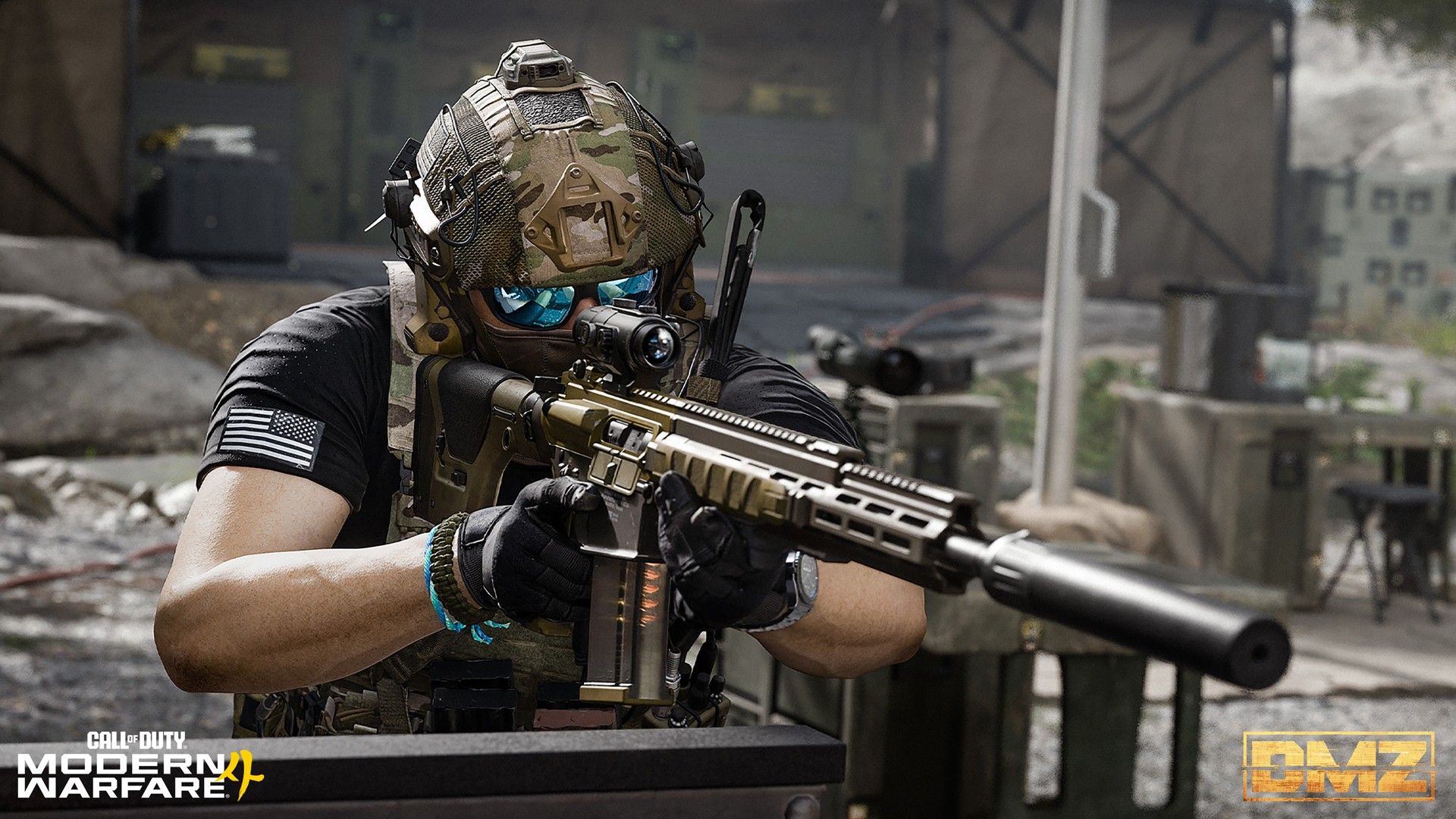
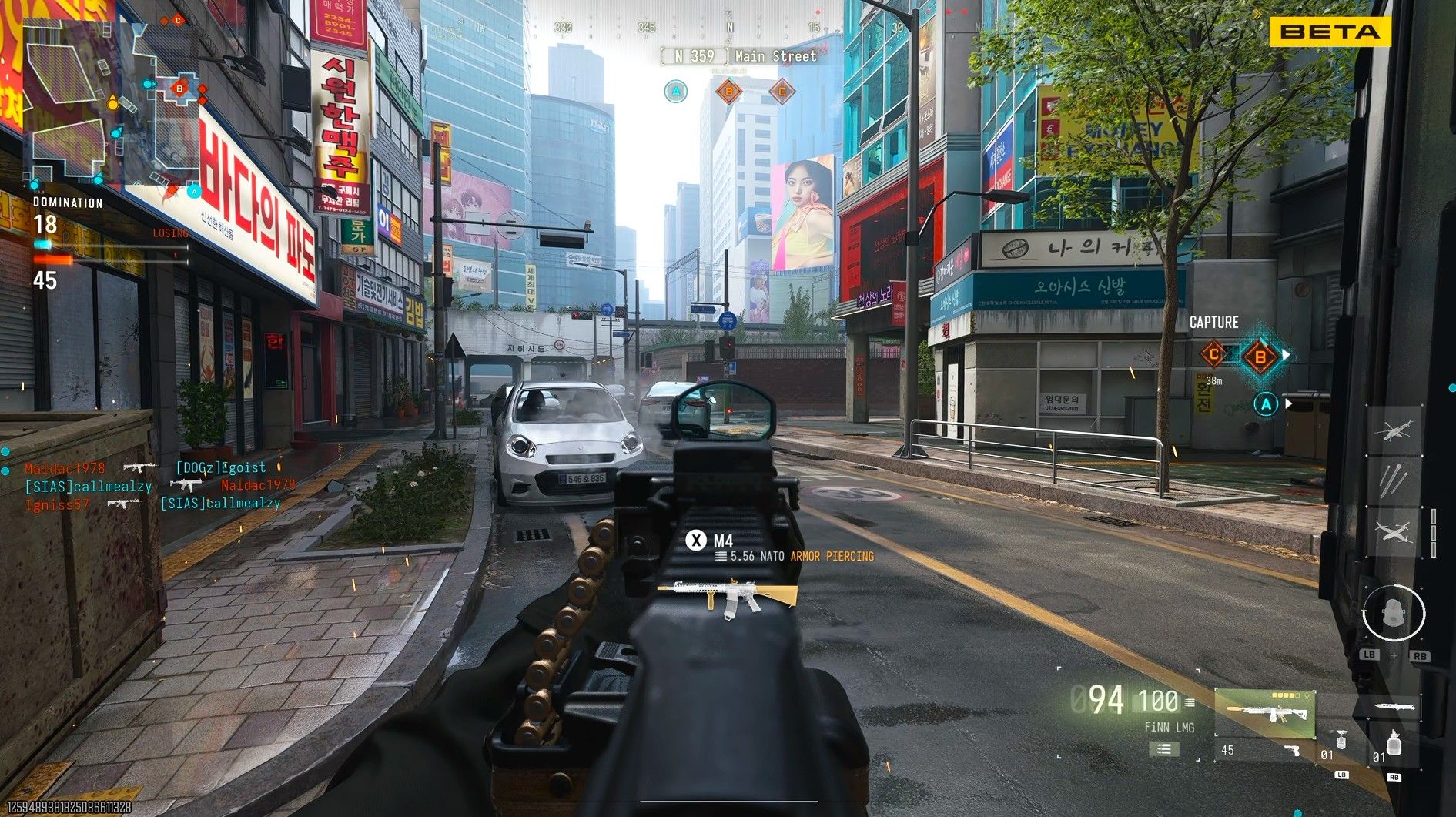
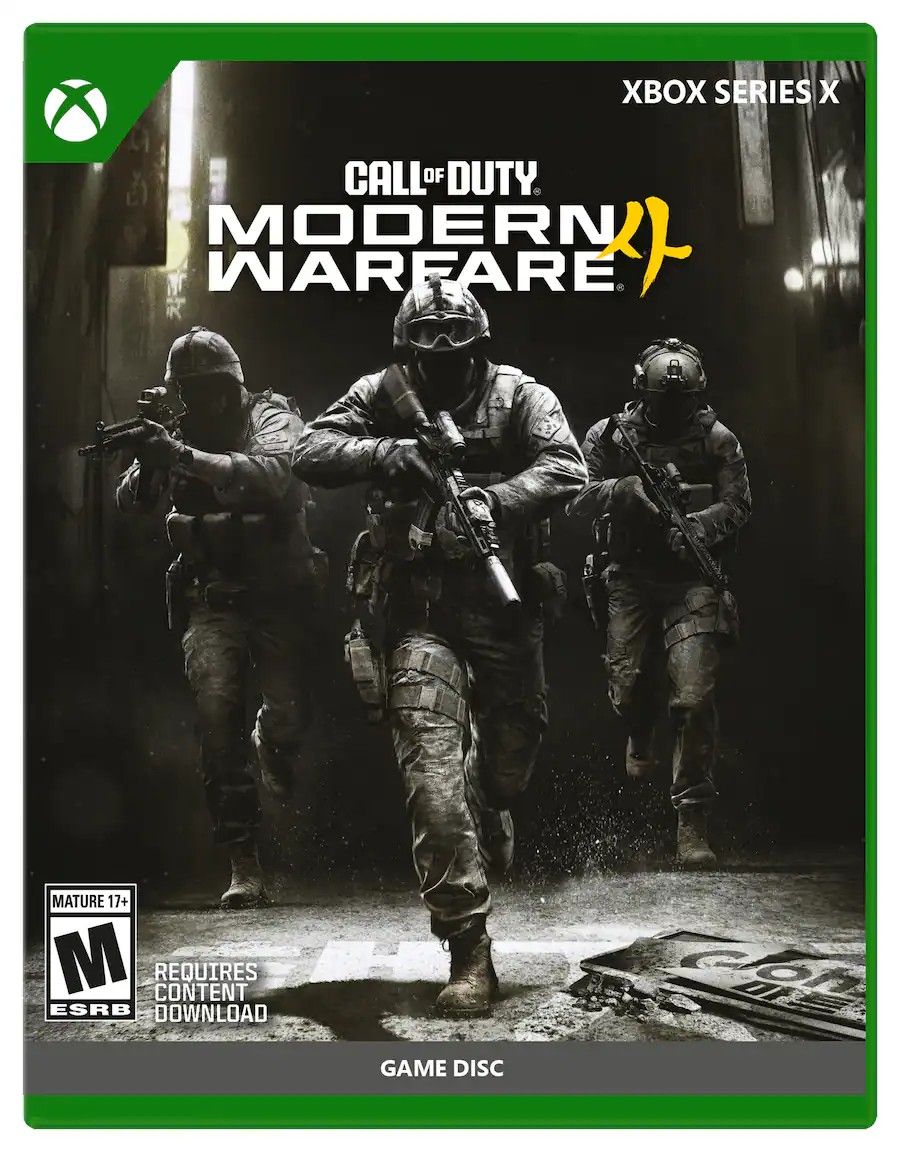
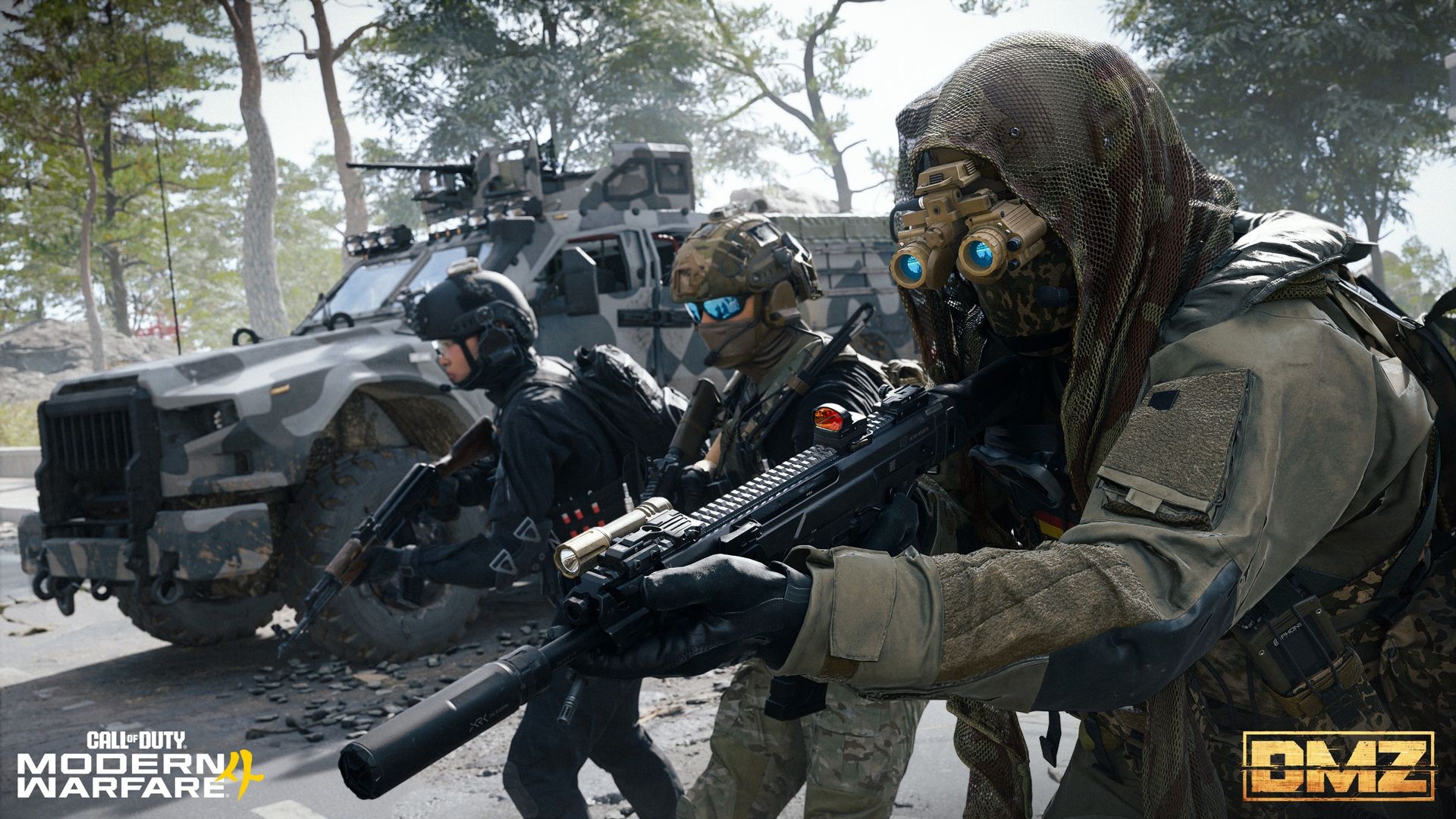
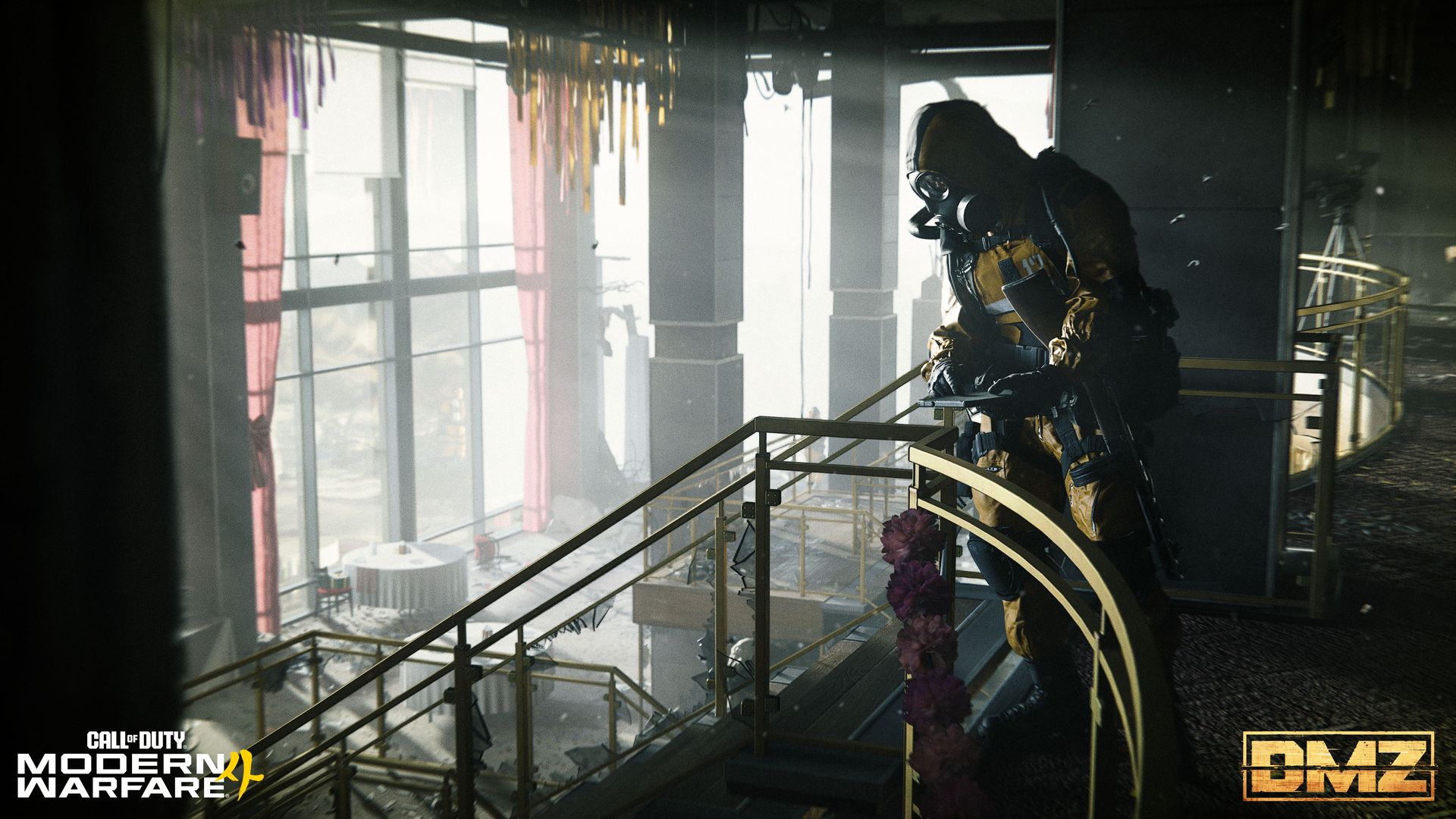
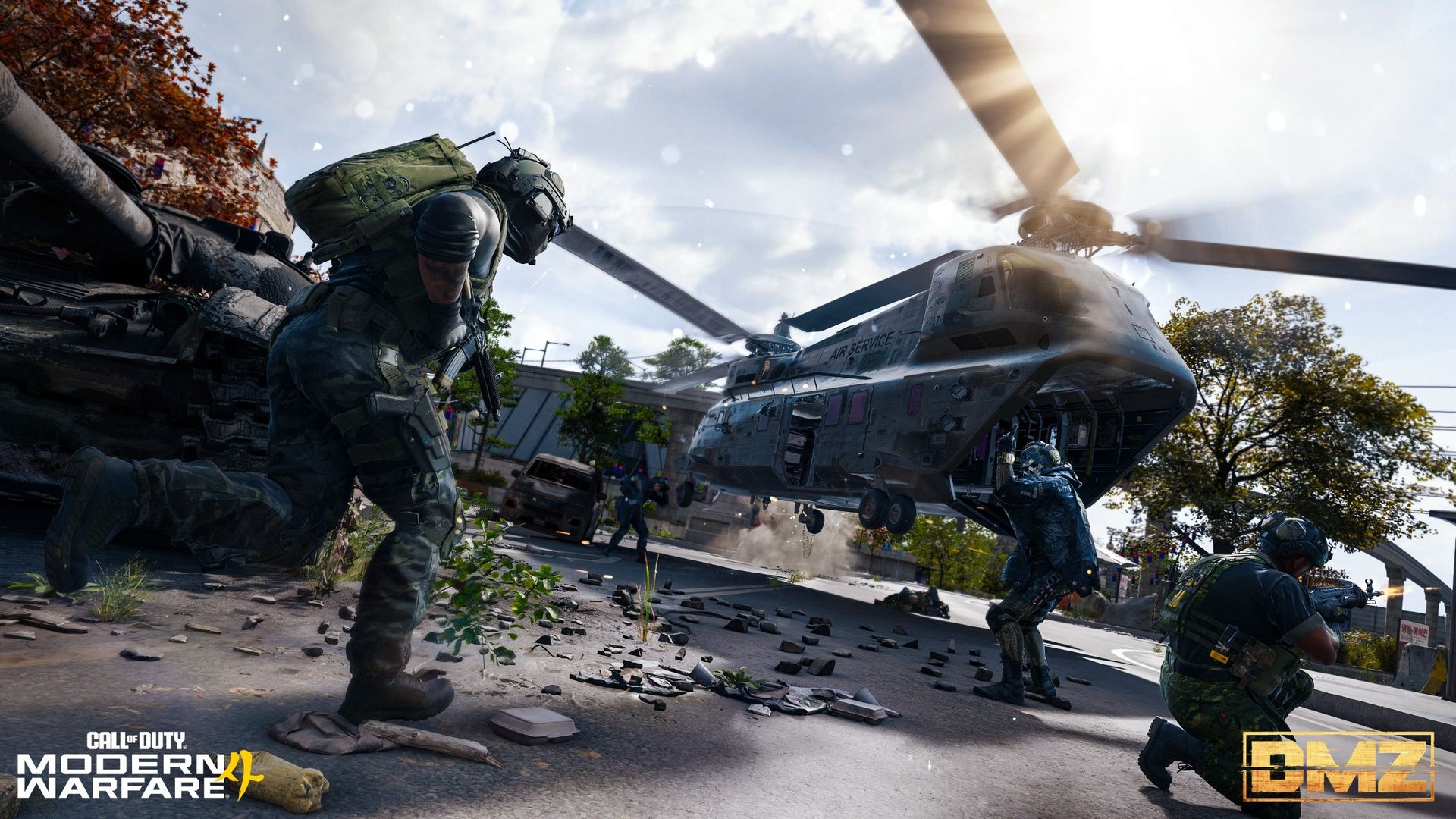
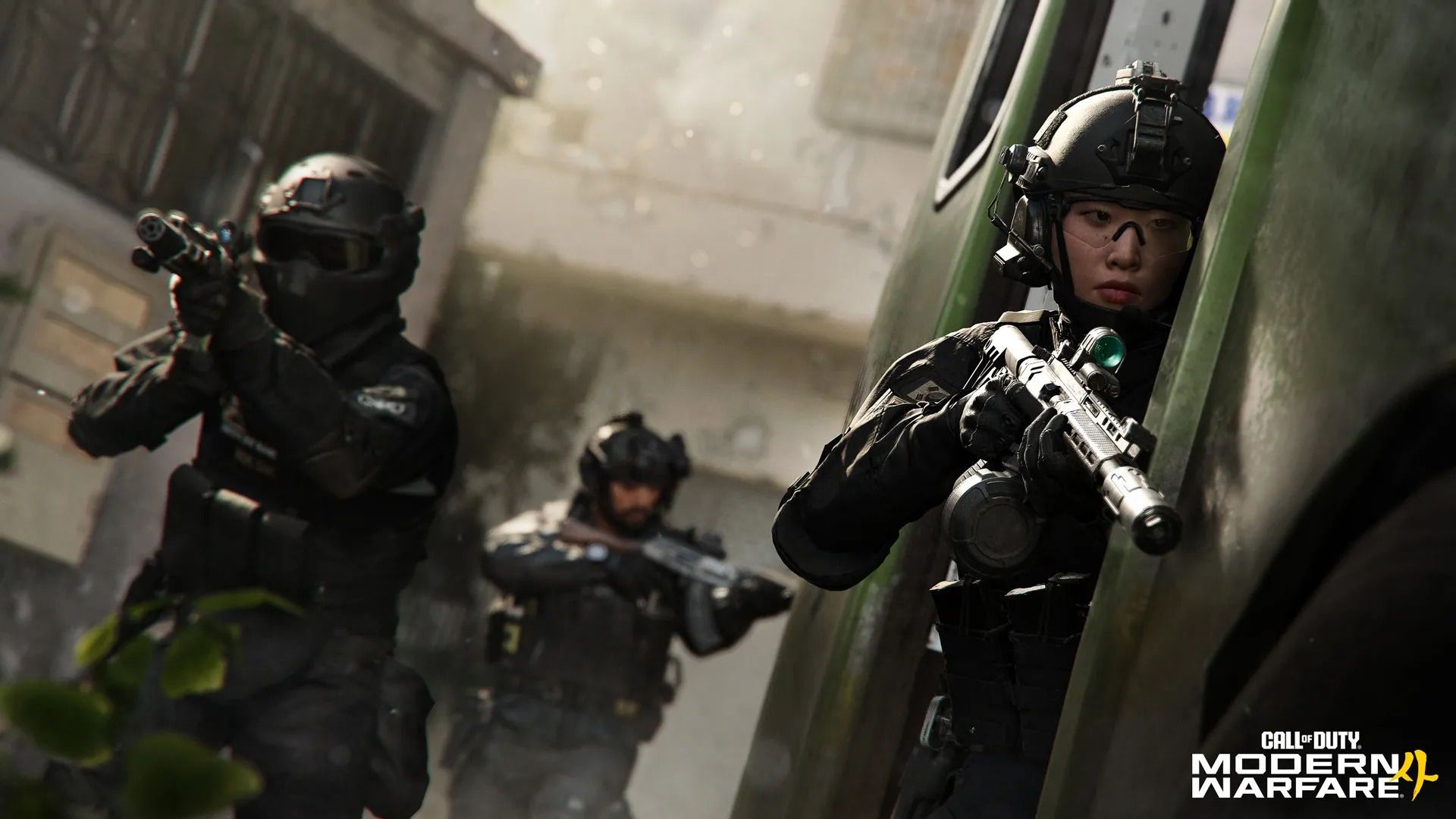
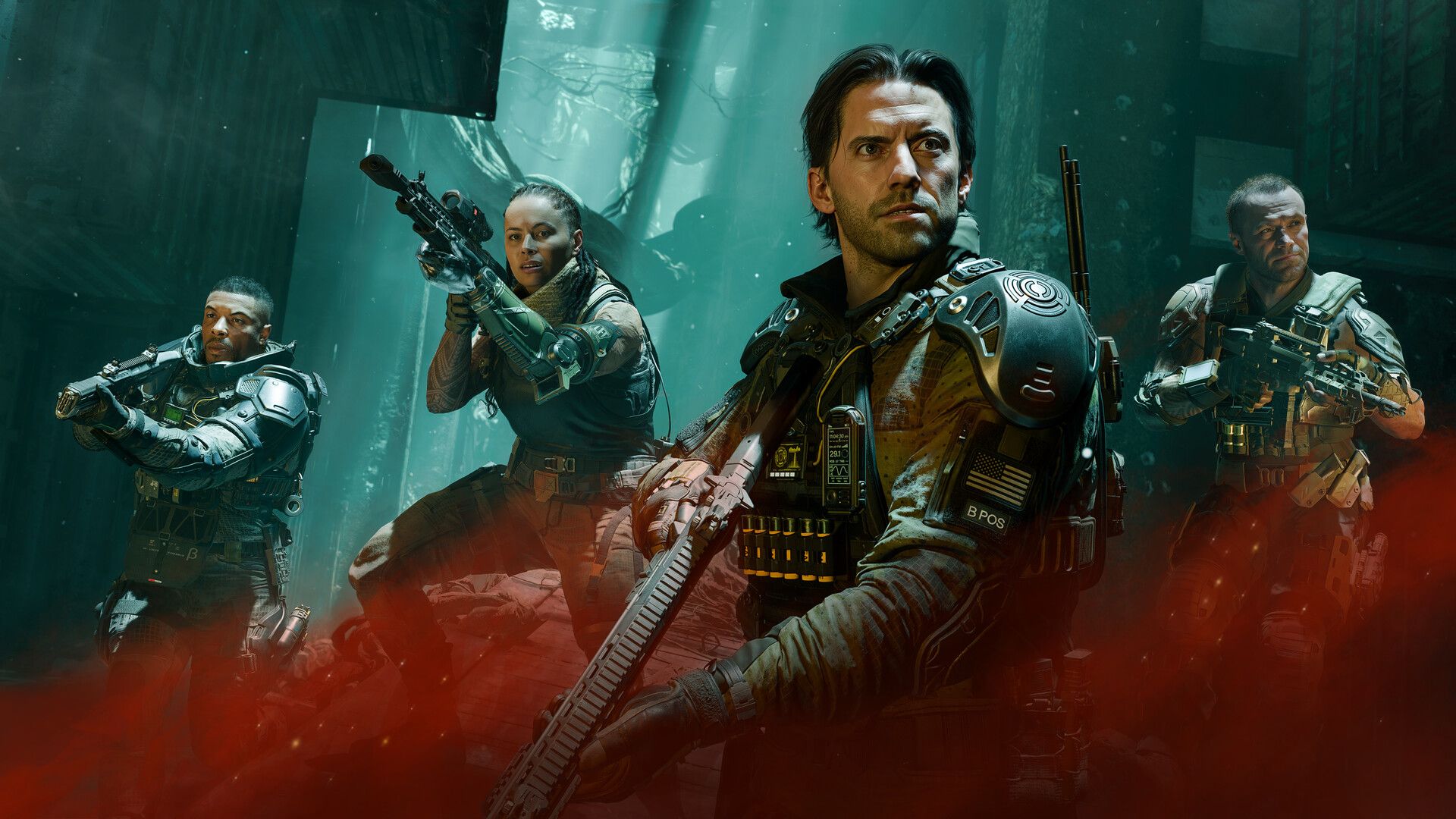
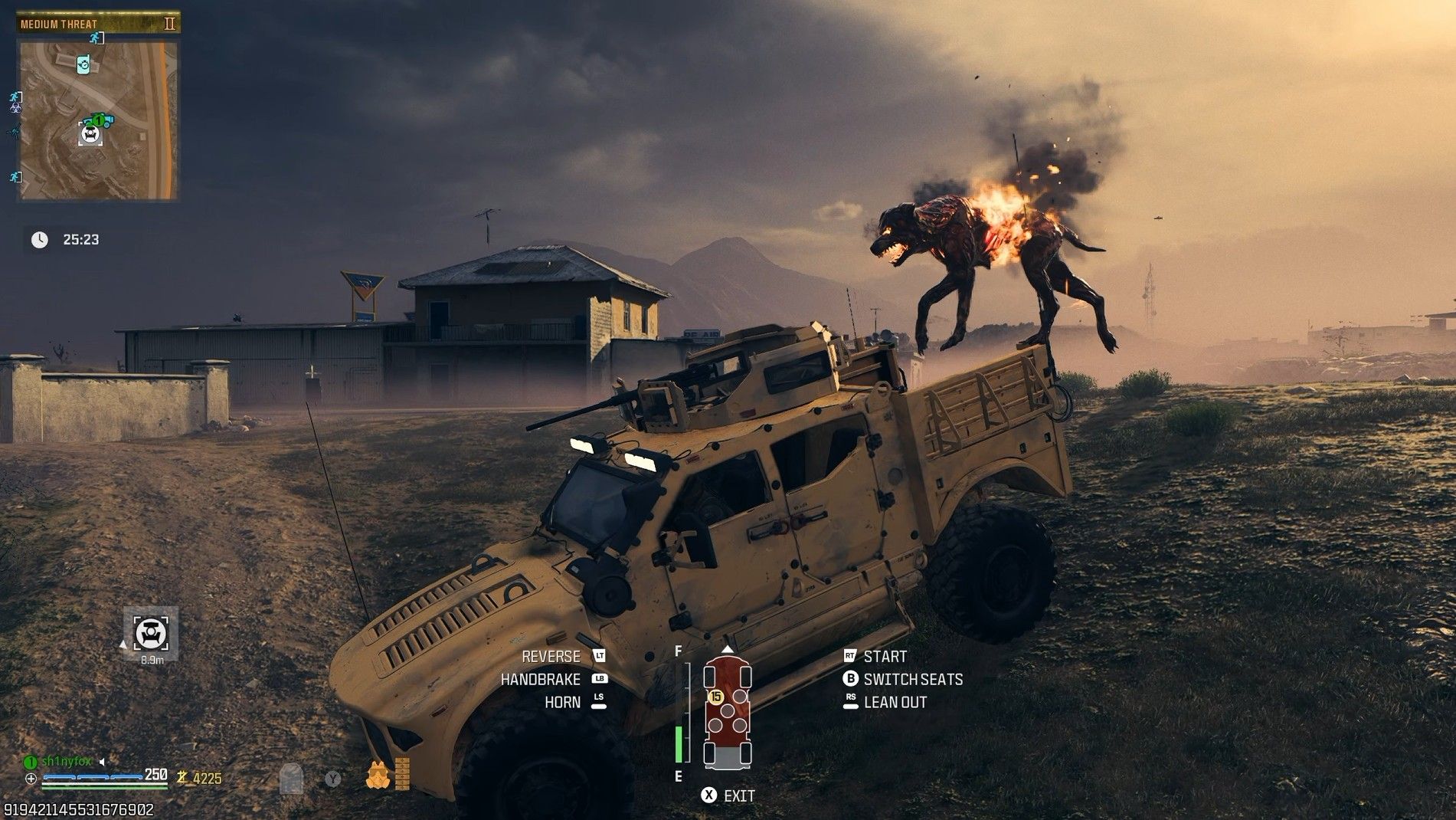
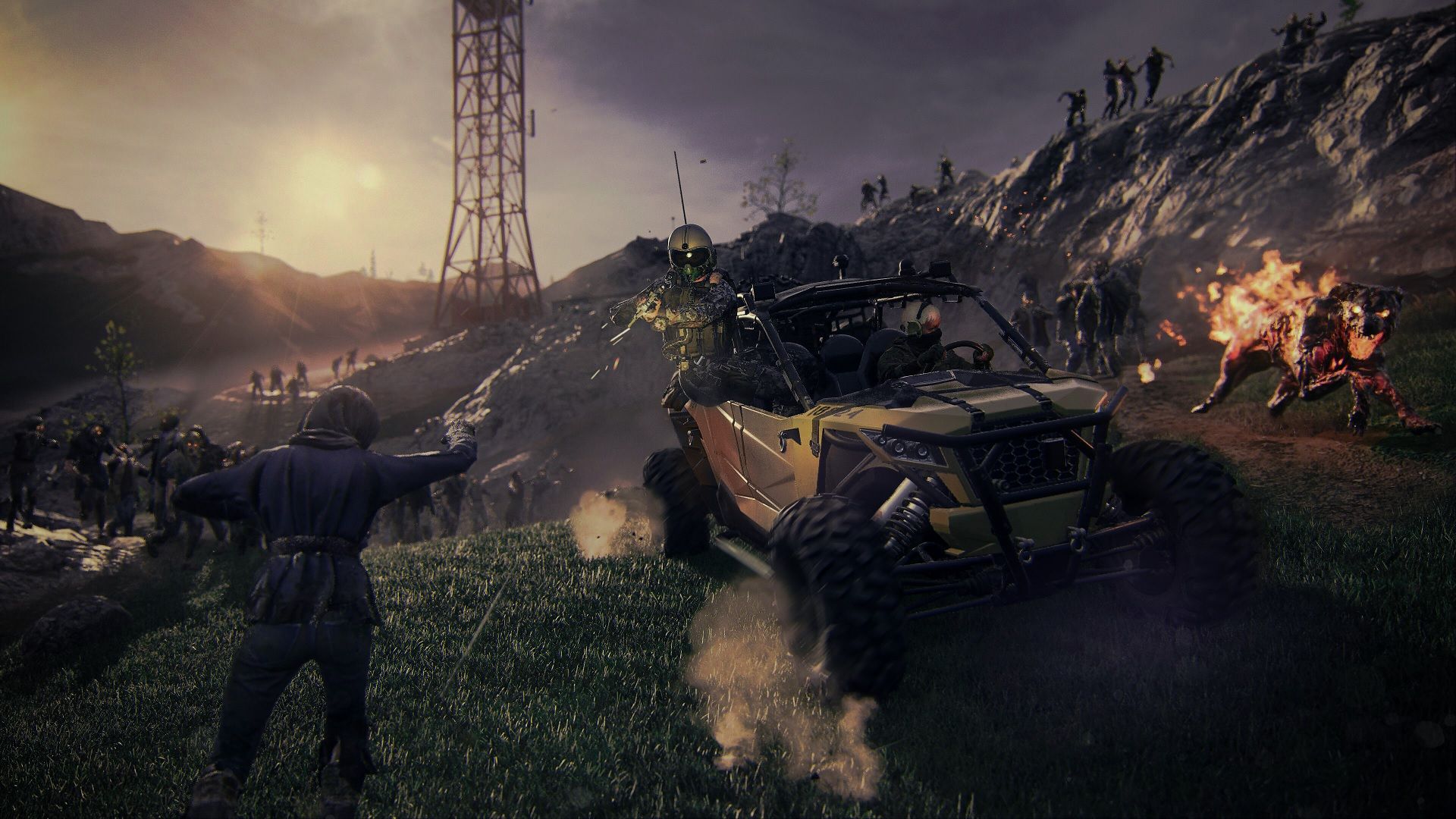
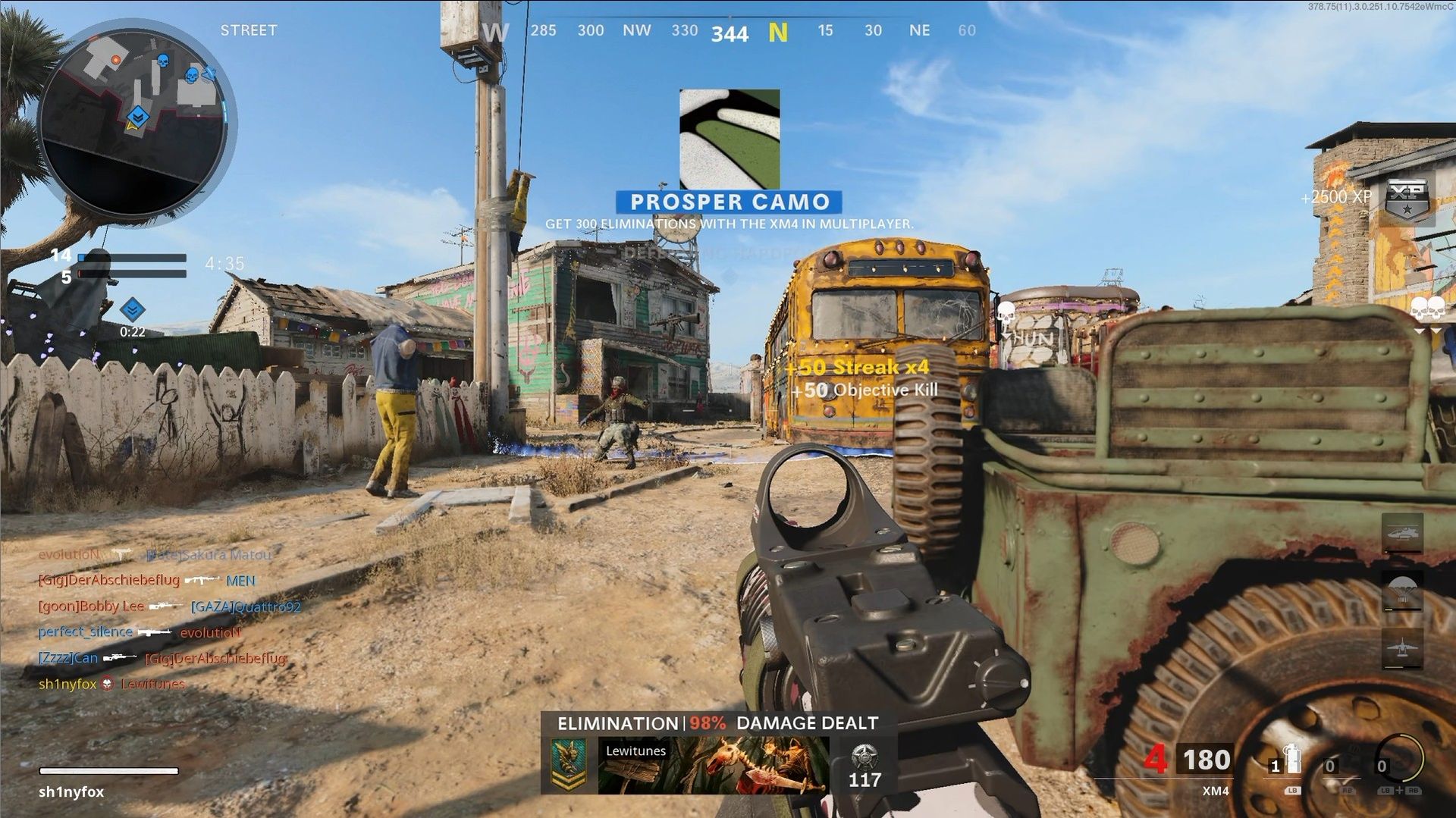
Call of Duty: Modern Warfare 4 was always going to be a tough launch. After back-to-back releases on Xbox Game Pass, this year's Call of Duty isn't, and of course, it comes out less than a month before GTA 6.
In the latest race to secure your pre-order for Modern Warfare 4, Activision has announced today that two-thirds of the game will now be playable early. But only if you've pre-ordered it in time. And only if you've digitally pre-ordered it. Physical copies will still have to wait until the main launch date.
Campaign early access begins on October 16, and four days later we'll now be able to drop into DMZ on October 20. The game actually releases on October 23, but at this point, that only now means multiplayer.
DMZ Early Access begins October 20. A week of DMZ intel only scratched the surface.The rest is yours to discover. https://t.co/HwXUoa4mSfOctober 9, 2026
We're at the end of a weeklong drop of intel on the DMZ mode, which it's fair to say is the one that people who are planning to play Modern Warfare 4 are most interested in.
During the beta we got a chance to try out the multiplayer and play through a campaign mission, but nobody has yet touched the extraction shooter mode, DMZ.
It's not the first time Call of Duty has dabbled with an extraction shooter. The first DMZ (which you can still play) was a free-to-play expansion of Modern Warfare 2. Then a year later came Modern Warfare 3 Zombies, which utilized the Ursikstan Warzone map for an entirely PvE extraction experience.
Black Ops 7 also had Endgame, another purely PvE extraction mode, but with the return of DMZ, it'll be back to PvPvE action.
It looks extremely promising, though. There will be missions to complete and narratives to unravel, rewards to be earned, and what looks like a fairly deep and substantial progression system.
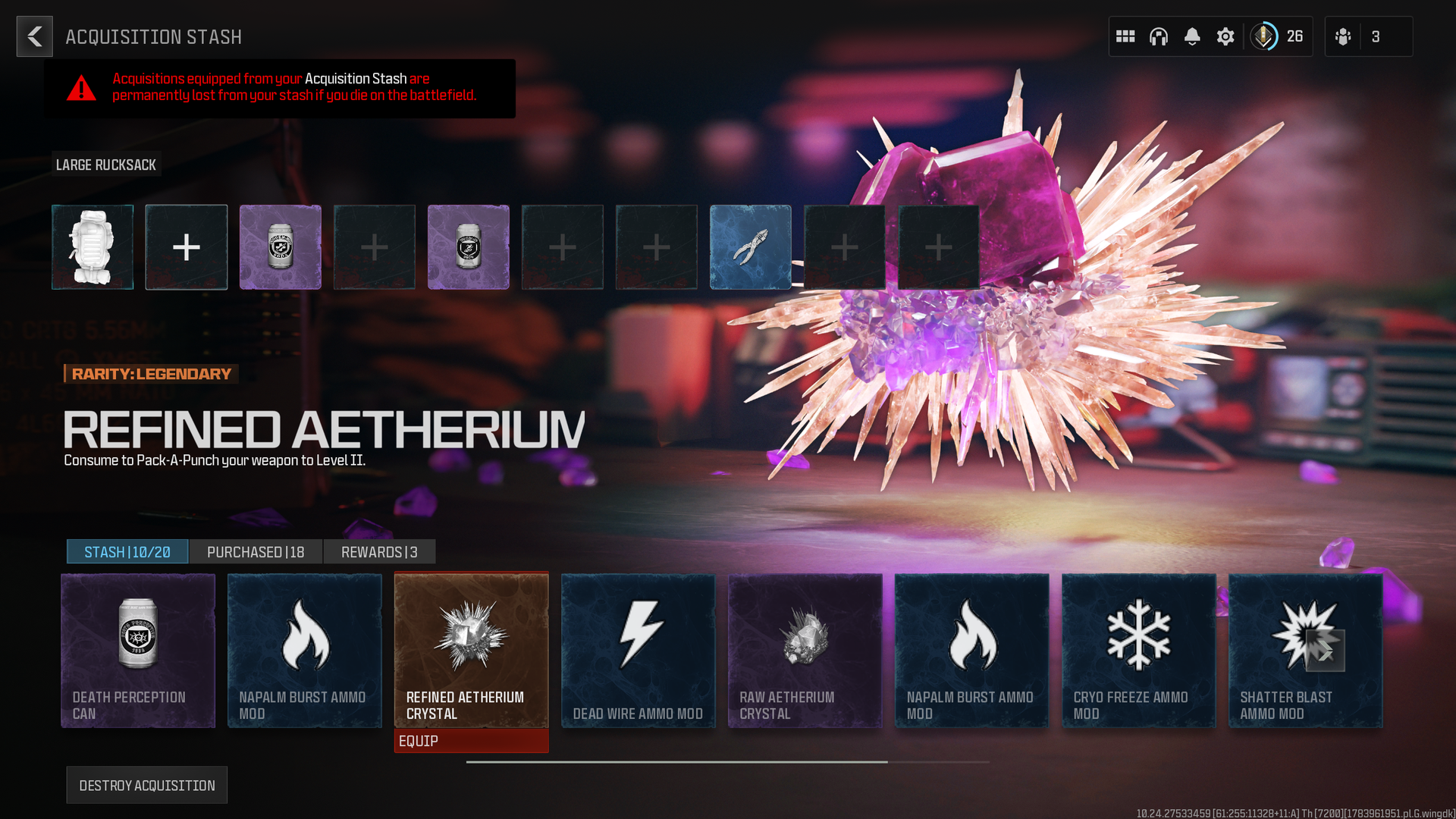
DMZ will also have its own Mastery Camo grind, which will certainly require some forward planning based on the gameplay loop. If you lose a weapon in the DMZ, you'll need to get another, or acquire it through the FOB, which also requires extra steps.
Nevertheless, if you're looking forward to DMZ, get your digital pre-order in now at the Xbox Store (with Xbox Play Anywhere), Steam, PS5, or Battle.net.
Join us on Reddit at r/WindowsCentral to share your insights and discuss our latest news, reviews, and more.
While I'm a Razer DeathAdder kid at heart and always will be, when it comes to gaming it's hard to top the Basilisk. I actually switched to using the Basilisk V3 Pro last year, and it's been an incredible mouse.
Not just for gaming, because it's so ergonomic, it's a fantastic mouse to use all day everyday for work, too.
It's going to be hard to top, but the Basilisk V4 Pro is now here, and as you'd expect, it's packed with improvements and new features.
On the surface it looks a lot like its predecessor, but there are some thoughtful improvements that help to elevate it a little further.
Equally, there are some choices I'm not as fond of, not least an out-of-the-box button binding for AI, which we'll talk about later. Overall, it's still an incredible package, though.
This review was conducted with a Basilisk V4 Pro provided to Windows Central by Razer. The company had no input in nor saw the contents of the review prior to publication.
What's new in the Razer Basilisk V4 Pro?
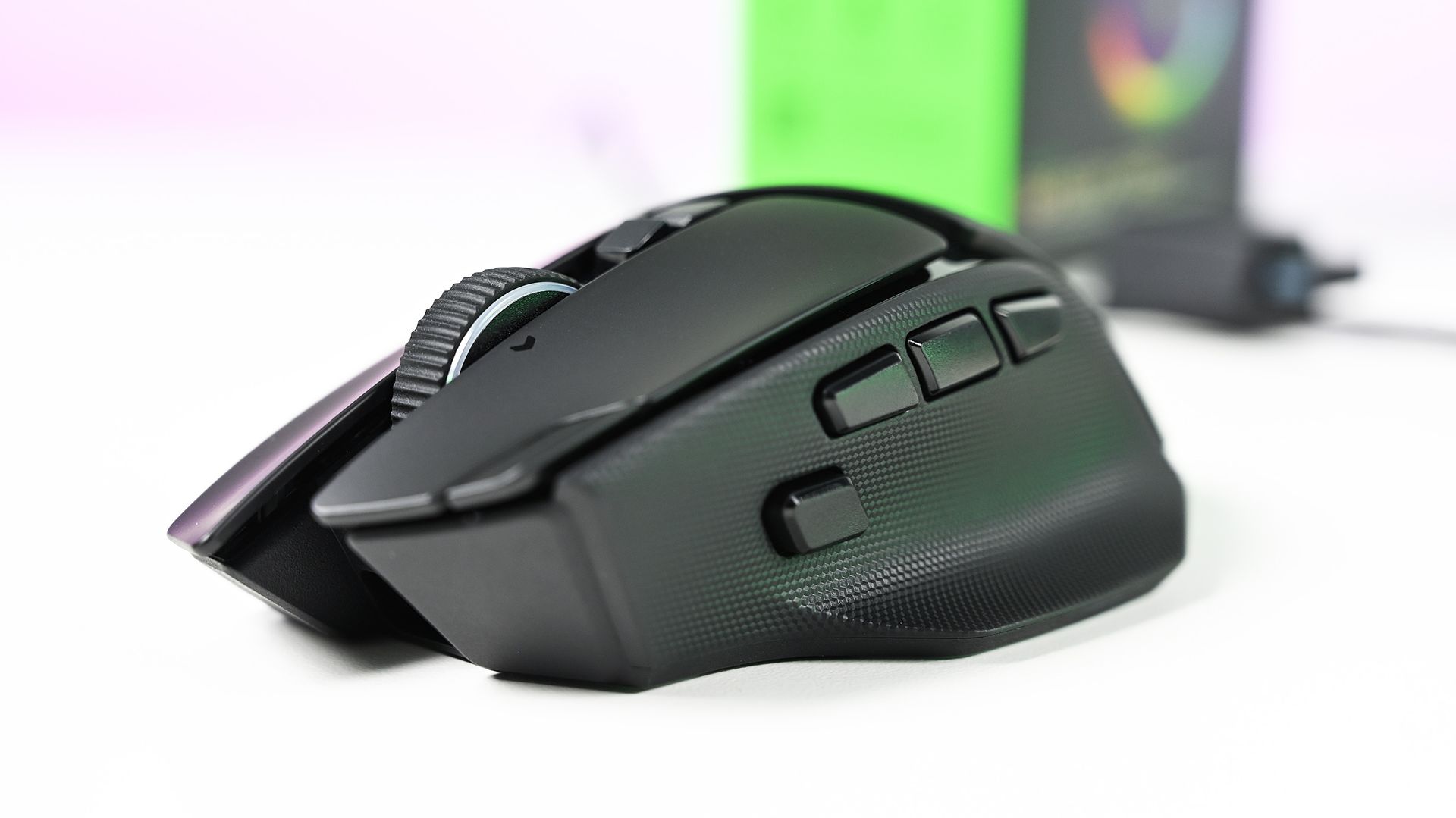
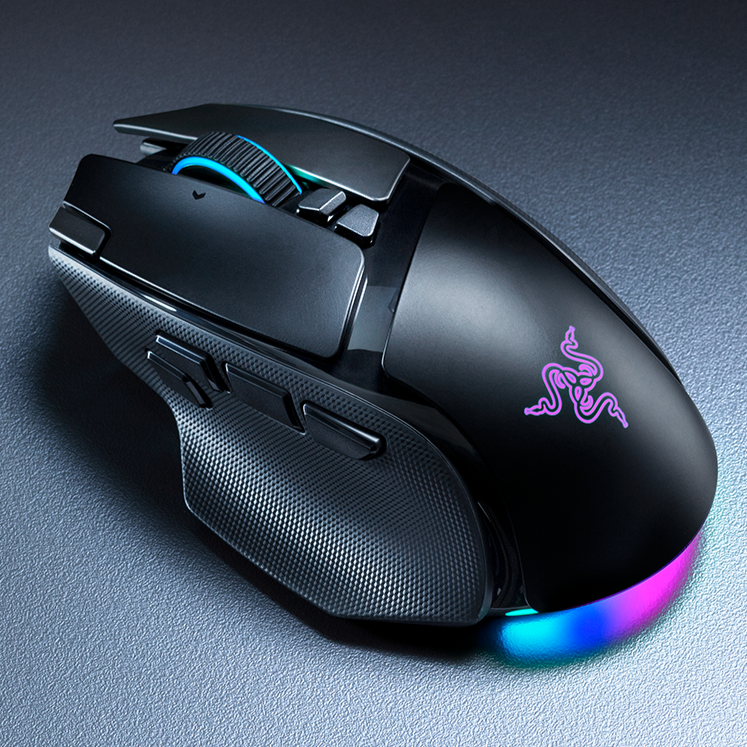
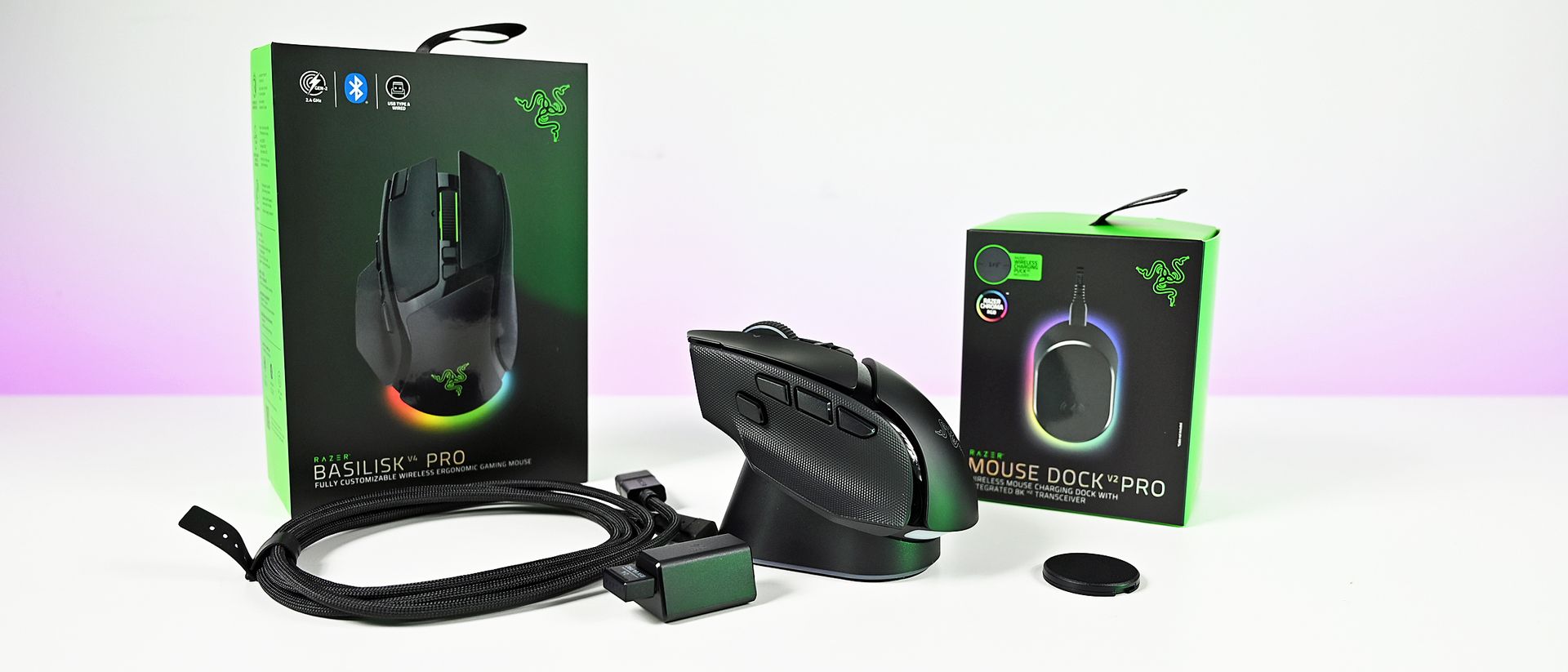
The Basilisk V4 Pro makes some subtle but welcome improvements to its design. (Image credit: Daniel Rubino)
Rather than break down every little design feature, I'm going to try and keep it brief by outlining what's new and changed from the previous Basilisk V3 Pro 35K that I've been using every day.
The overall design has been very subtly changed, but for the better. Especially if you have smaller hands, like myself. Side-by-side with the previous Basilisk, it's very slightly shorter, but still noticeable. This makes the main mouse click buttons also a hair shorter, and they do sit better under my fingers.
The left mouse button also has a friend on the Basilisk V4 Pro, taking a little notch out of it but still positioned in such a way that you won't accidentally press it. This is the profile cycling button, moved up top from underneath on the Basilisk V3 Pro 35K, and a much more sensible location for it.
Now, say, if you have profiles for work and profiles for gaming, you can just effortlessly go between them without having to flip the mouse over and press until you get the right one.
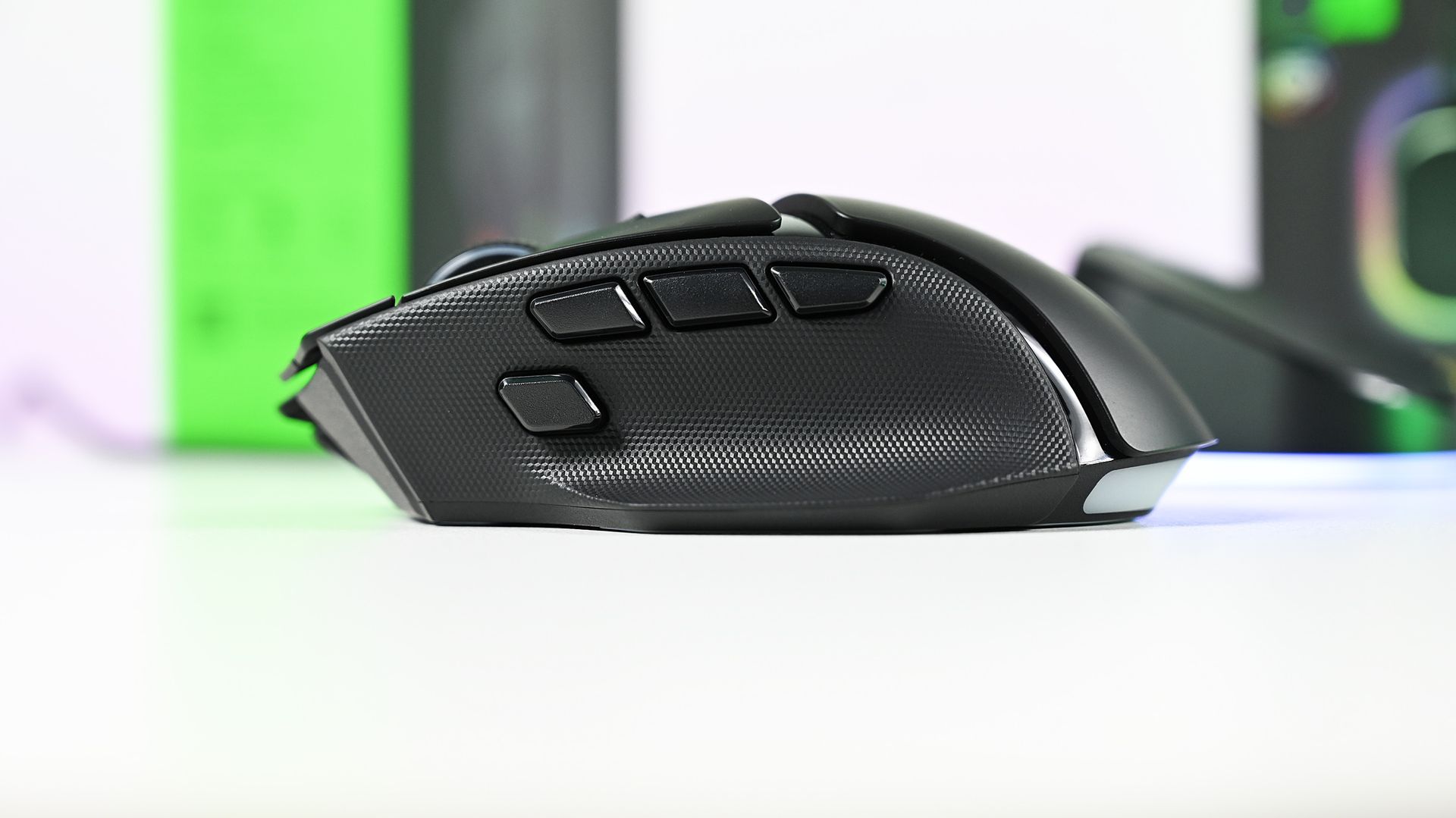
The buttons on the left-side of the Basilisk V4 Pro are much better on this year's model, too. There are now three, and the HyperShift button has been repositioned and redesigned and is easier to click with your thumb. Two of the others are vacant out of the box to be mapped to your own functions. But I love that they're smaller and more defined than the buttons on the older Basilisk.
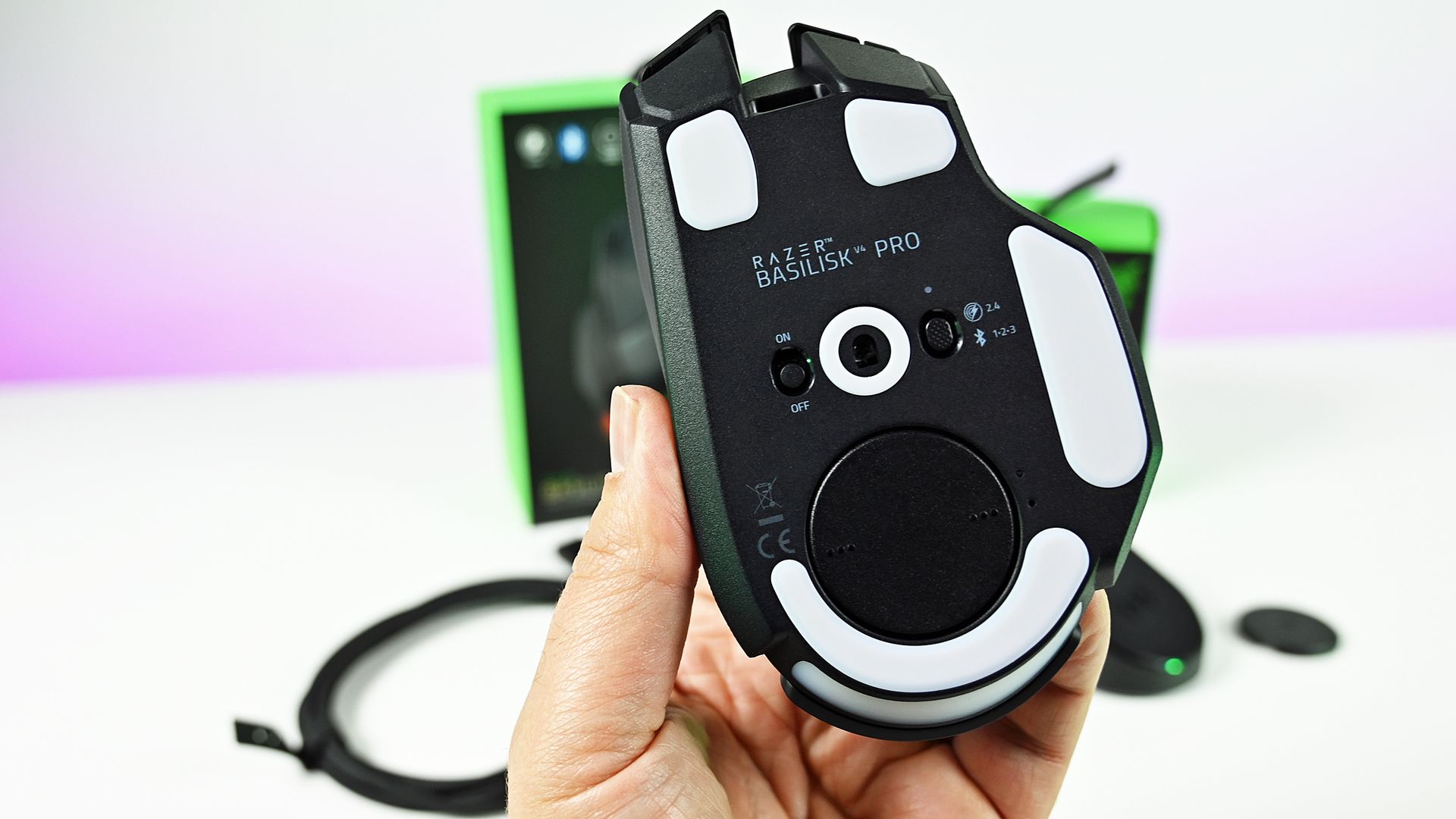
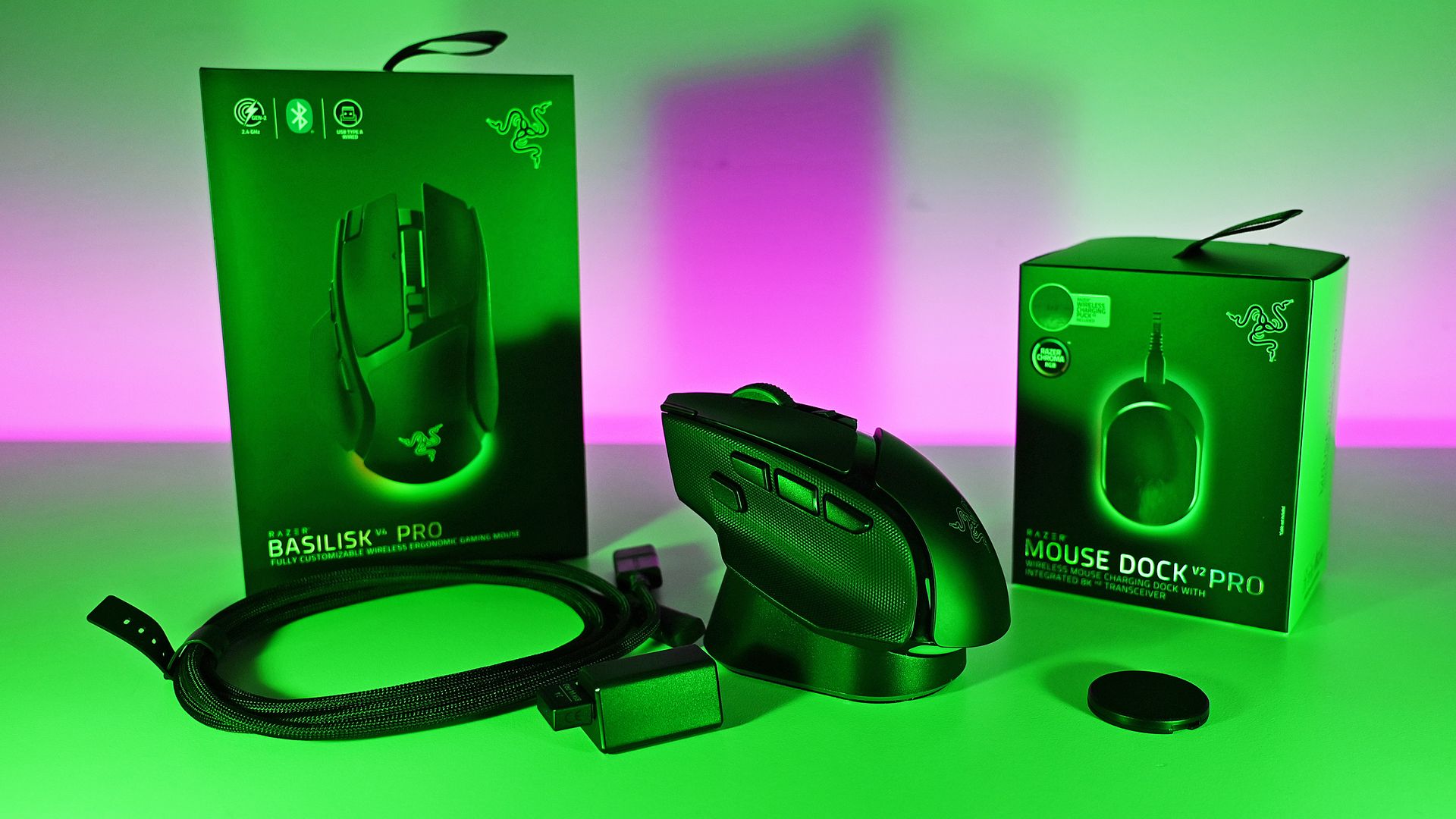
The wireless charging puck comes pre-installed, but can still be removed to store the 2.4 GHz dongle. (Image credit: Daniel Rubino)
In total there are 14 customizable buttons on the Basilisk V4 Pro, which, combined with HyperShift and the four profiles you can store on the mouse, leaves more space than most of us will ever need to set the perfect layout.
The sensor gets an upgrade, of course, to Razer's Gen-3 Focus Pro 50k optical sensor. But it's not this that is most exciting; it's Frame Sync. The Basilisk V4 Pro will align both the sensor scanning and the mouse's polling rate. This reduces motion latency when it's communicating with the PC but, crucially, also helps improve battery life, as there's no wasted reporting.
That leads to up to 200 hours off the charger (up to 275 hours on Bluetooth), though I haven't been able to push it that far. I haven't had it long enough, but it's not run out of battery yet, and it's going strong.
I'm far from a pro gamer, too, but I love using the Basilisk V4 Pro. It's so accurate; I feel better than I actually am. In some games you also have a built-in 'cheat' since you can map a button to do an instant 180-degree turn. I pass no judgment, but it's there.
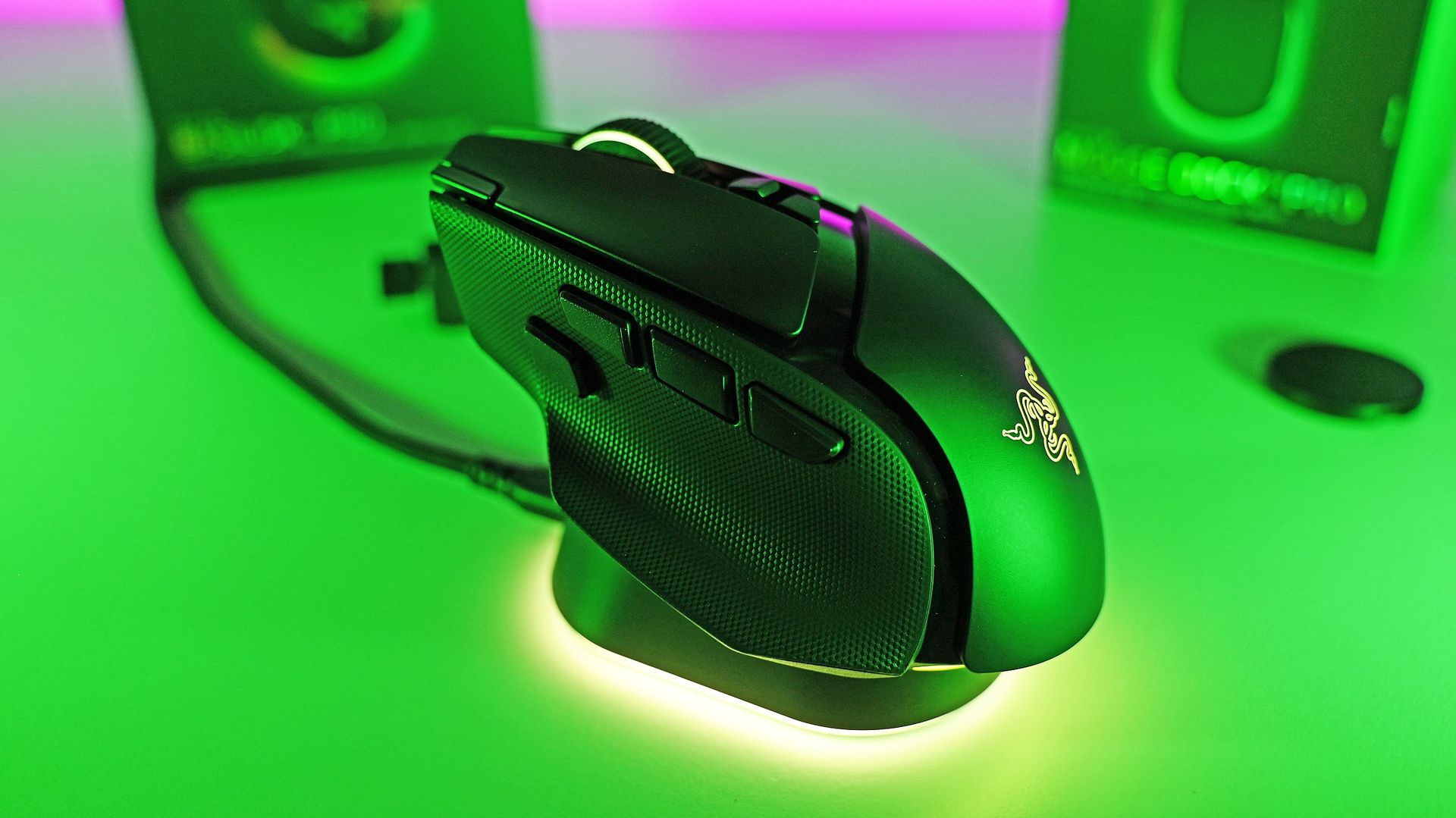
When you do need to top up, if you already have one of Razer's wireless charging mousepads, the Basilisk V4 Pro is compatible. The charging puck is pre-installed, and it also works with the new mouse dock. It's an optional purchase, but you just drop the Basilisk V2 Pro on top, and it charges it up. If you use the mousepad, you'll never have to worry about running out. I've never once charged my Basilisk V3 Pro 35K manually.
The new mouse dock is absolutely superb. (Image credit: Daniel Rubino)
Despite better battery life, the Basilisk V4 Pro is even lighter than its predecessor. While it's not a massive amount, it is noticeable, especially when you're actually moving it about the desk.
The best performance comes naturally wired or using the 2.4 GHz dongle, but you can also pair the Basilisk V4 Pro up with three additional Bluetooth devices. You're able to cycle between them with the button on the bottom, with each having its own color code to help you distinguish them.
I also want to shout out the Precision Tactile setting on the scroll wheel. As someone who's constantly scrolling through large chunks of text, it's really made this so much more pleasant to do.
Overall, though, I really like the changes made to the Basilisk V4 Pro. Not all of them, but as a package, it's such a nice mouse. Packed with features, insane levels of customization, and the performance we've come to expect, all wrapped up in a stellar soft-touch finish with better battery life.
What I don't like about the Razer Basilisk V4 Pro
Respectfully, Razer, nobody wants this. (Image credit: Windows Central)
Let's talk about AI. Yes, groan.
I should say up front, this feature is optional. You can make it go away. But out of the box, it's configured, and I don't like it one bit.
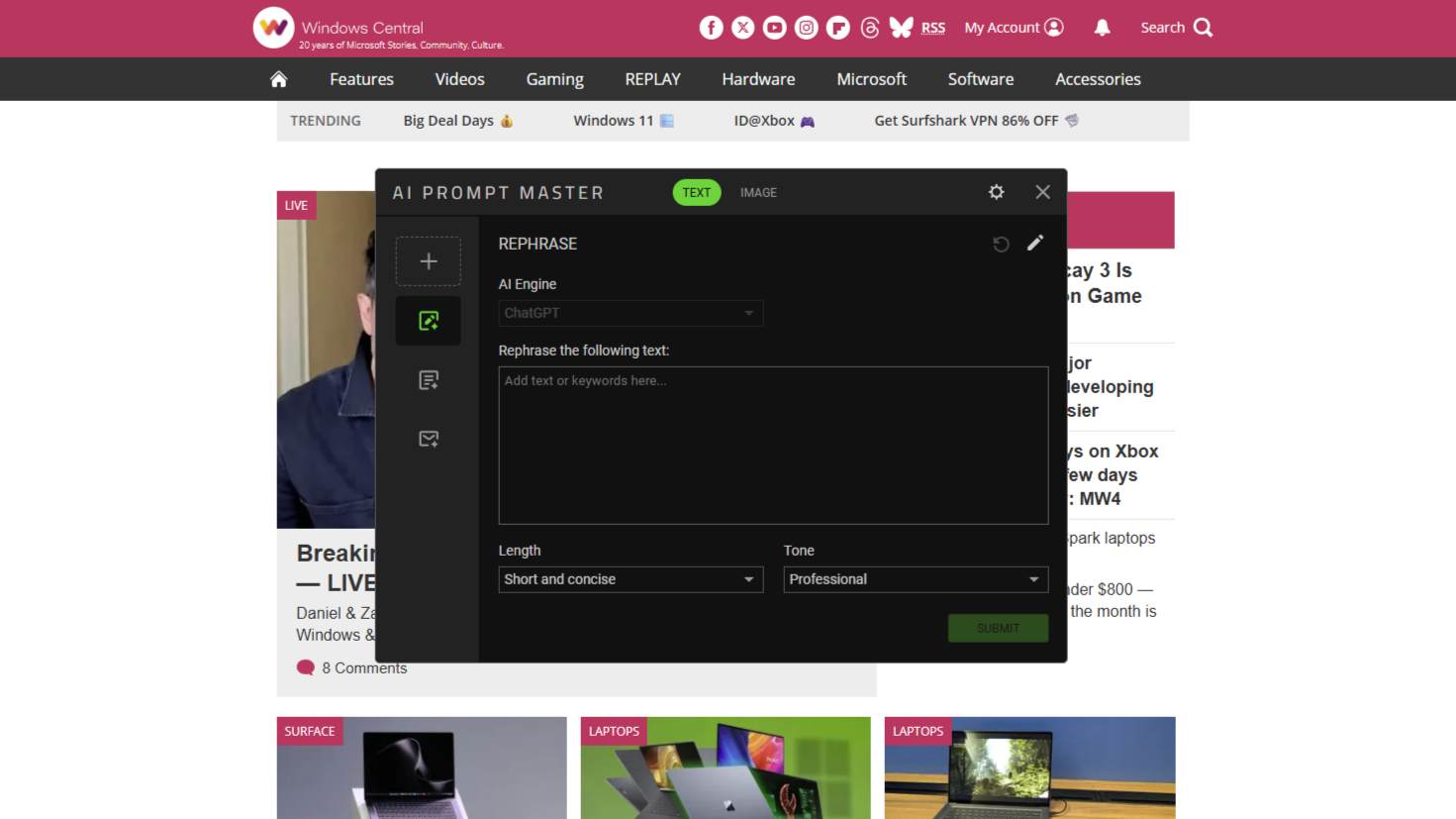
One of the three buttons on the side of the mouse launches the "AI Prompt Master." This opens a chatbot window, built by Razer but using ChatGPT to execute. You have pre-built options to compose emails, summarize, rewrite, and create images, with modifiers for what you want the results to look like, and you can create your own template.
My question, though: Why?
Razer is a company founded on gaming. Its core customers are gamers. This is the best gaming mouse the company has ever made, but by default, it has a hardware button bound to an AI chatbot. Not even one that lets you change the AI engine it uses (right now at least). And it even sits above all your open windows, even if you're not actively using it. Awful.
At least you can map the AI button to something useful. (Image credit: Daniel Rubino)
If you don't have Synapse installed on a PC, it won't work. And yes, you can remap the button to anything else you want. I just don't understand why it's even here. Gamers are not typically receptive to AI being shovelled into their gaming setups. We've been there already with Microsoft and its Gaming Copilot.
That's basically all I don't like about the Basilisk V4 Pro. I know it can be made to go away; I'm just really disappointed that a company I've used for gaming hardware for so long has gone down this path. And with a pretty bad app for it, too.
I should also mention the price. This is the top of the line, so it comes with a price tag to match at $169.99. But if you're looking for the best of the best, it's worth it.
I'd also maybe like to have seen more than just Razer's own wireless charging accessories able to charge the mouse. I get it, from a business perspective, and controlling the experience. But if you have a wireless charging pad for your phone already, I can't deny it'd have been nice to be able to use that with the Basilisk V4 Pro as well.
Should you buy the Razer Basilisk V4 Pro?
Long live the king. (Image credit: Daniel Rubino)
AI shenanigans aside, the Basilisk V4 Pro is a ridiculously good gaming mouse. If you've ever used a Basilisk before, you'll know why.
The core remains largely unchanged, just updated for 2026 with performance oozing out of it. Like its top controllers, you can top out at an 8,000 Hz polling rate, and with Frame Sync, it's one of the most accurate gaming mice for competitive players.
Whether you should buy one or not depends on which mouse you're currently using. If you're on a Basilisk V3 Pro 35K, as I have been, it's a harder sell. It's a little bit better, but I'm not sure you should be first in line.
If you're on anything older or from another manufacturer, it's far easier to recommend. It's ergonomic, so you can use it all day for work or play. The improved battery life means you can actually take it on the road with you for multiple weeks without having to worry about it even if you're using it heavily, and it's absolutely killer for gaming.
It's hard to make great products greater, especially when you already have one of the best gaming mice on the planet. But Razer managed it with the Basilisk V4 Pro.
"Where immersion meets customization, the Razer Basilisk V4 Pro takes both further than ever. Fully decked out with our latest suite of next-gen technologies, discover the ultimate wireless ergonomic RGB gaming mouse that plays to your every possible preference."
Join us on Reddit at r/WindowsCentral to share your insights and discuss our latest news, reviews, and more.
While a lot of the Microsoft Surface/NVIDIA co-event is talk of AI, and indeed RTX Spark isn't being marketed as a gaming platform so much, gaming still got a pretty big mention.
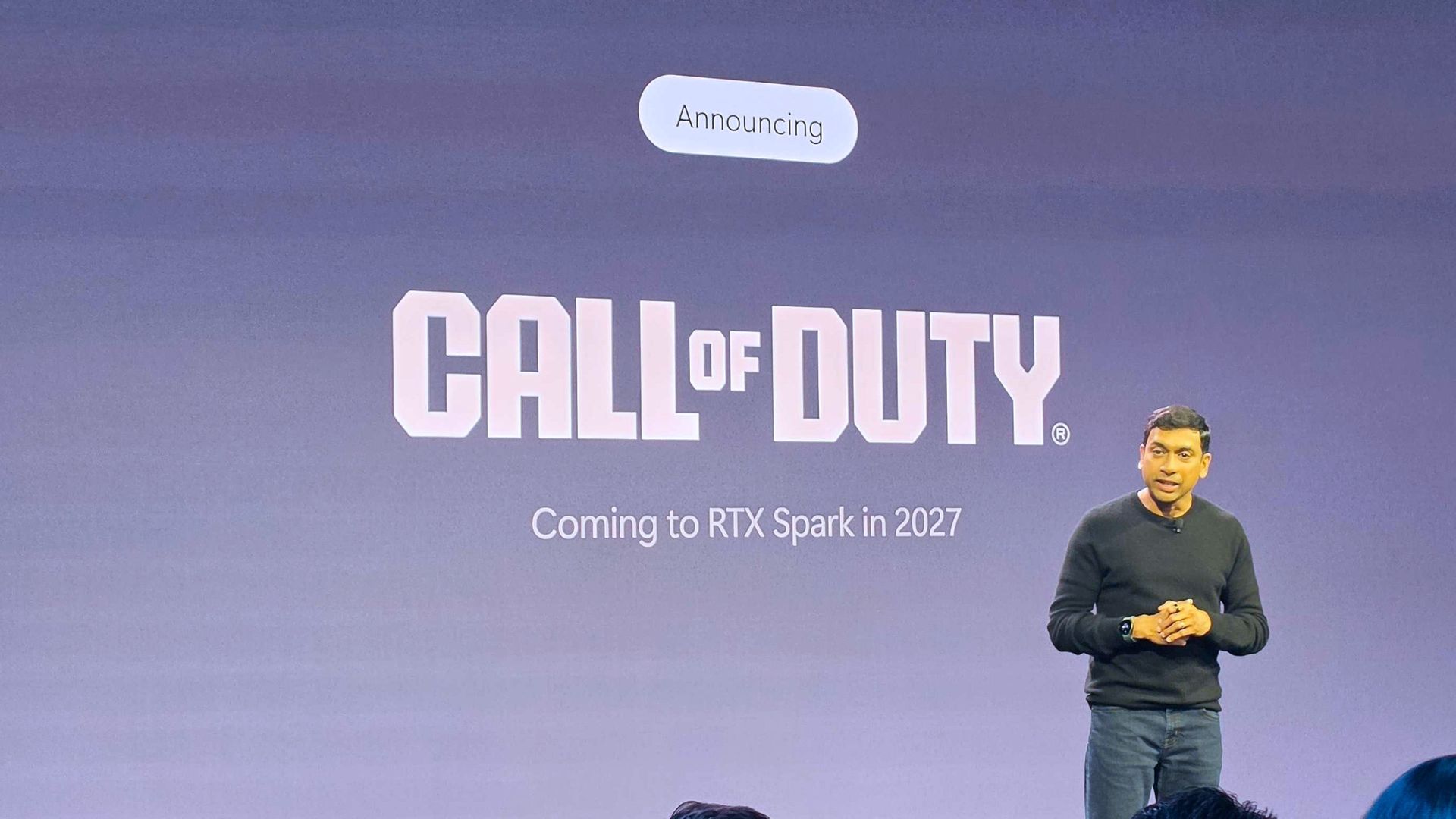
One of Microsoft's biggest franchises, Call of Duty, will be available on RTX Spark devices at some point in 2027. At first that might not sound like a big deal; after all, it's a Microsoft game on a Microsoft-powered platform.
But as with the Steam Deck and the Qualcomm Snapdragon X platform, the big sticking point has been anticheat support. Lots of games can be played on Windows on Arm already, and surprisingly well. But anticheat support is still in its infancy, and this news means that Activision's Ricochet is being developed to run on ARM64.
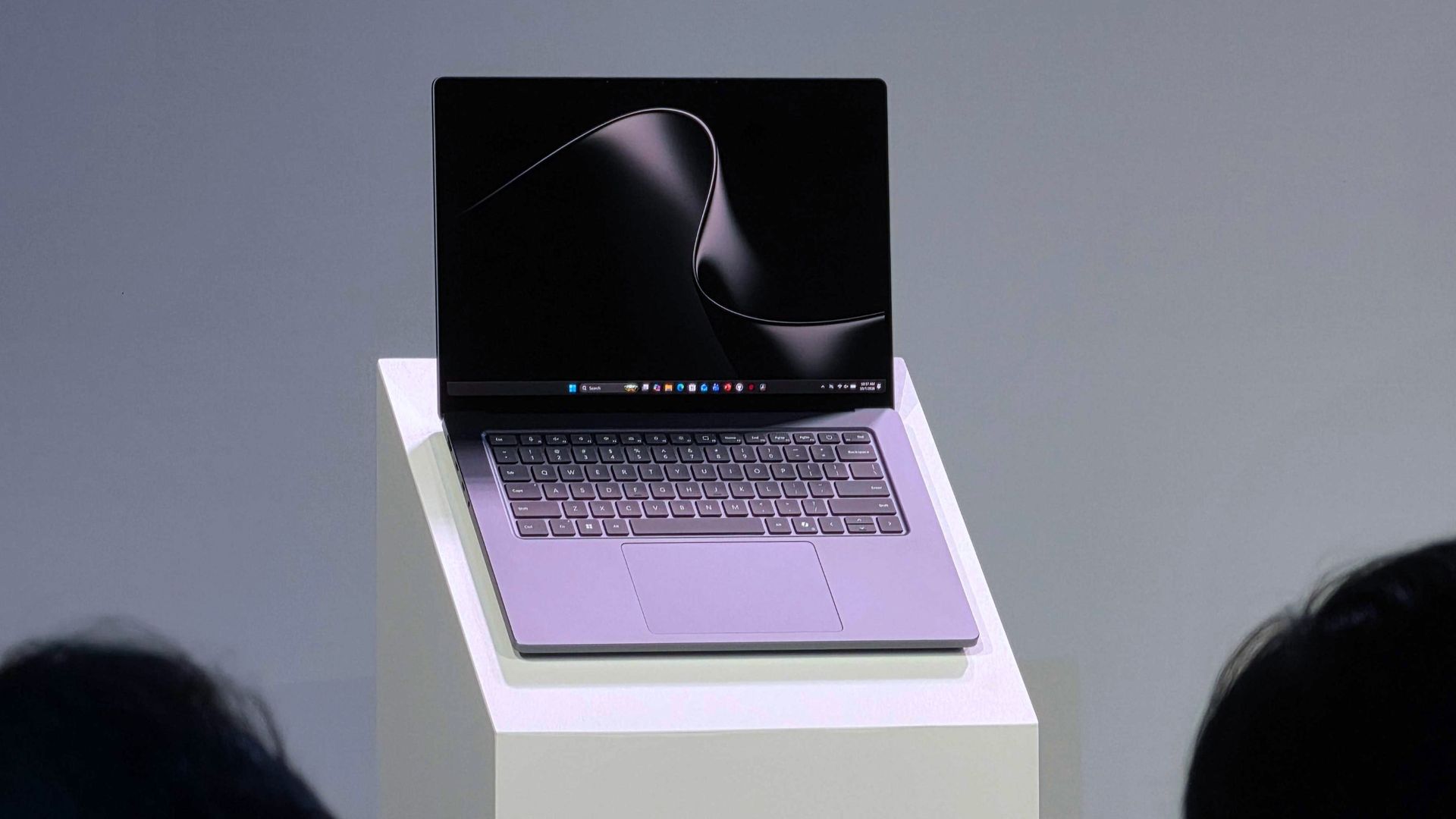
Call of Duty is coming to a Surface Laptop Ultra near you. (Image credit: Daniel Rubino | Windows Central)
What can we take from this? Well, the view I'm taking as a Call of Duty player is that this is a pretty significant development for the future of the franchise. Sure, folks buying RTX Spark laptops and desktops in the foreseeable future are likely developers or AI enthusiasts first, but people still like to game.
Folks can talk about whether Ricochet is any good or not until they're blue in the face, but it's required to play modern Call of Duty titles on PC. Today, that means AMD and Intel-powered systems only because of the kernel-level anticheat.
Coming to RTX Spark means Ricochet is being developed to support ARM64, and in the longer term, that surely means not only systems using NVIDIA's chip. I still long to see a world where Snapdragon and RTX Spark chips are powering future handhelds, and I want those devices to be able to play my favorite game my hopeless addiction.
Failing that, at some point I know I'll be moving to Windows on Arm fully. Even if it's not for some years, given the price of everything, it's going to happen, and I want all my games on there.
Will it be Modern Warfare 4 that arrives first on RTX Spark, or will we have to wait for next year's game? (Image credit: Windows Central)
Ricochet joins the likes of Epic's Easy Anti Cheat, Denuvo, and Battleye, all of which have plans to support Windows on Arm.
The other thing we can take is that it was very deliberately announced as "Call of Duty." Not Modern Warfare 4, which is the next game to launch on October 23 this year. 2027 is a big window of time, so it is possible it could take until next year's game to get everything up and running.
Then there are the legacy titles that also use Ricochet. Will these be included, or just the most current release at the time?
In any case, I'm glad to hear this news. Even if Windows on Arm isn't going to be a true gamer's platform for a while yet, we have to start somewhere. And this is a big step in the right direction.
Join us on Reddit at r/WindowsCentral to share your insights and discuss our latest news, reviews, and more.
Call of Duty: Modern Warfare 4 is just over a couple of weeks away (less if you get the early access to the campaign), but there's still time to get your pre-order in before that.
If you're ordering on Xbox Series X or PS5, then there's a strong case to order a physical copy, because you can get some free stuff with your purchase.
Modern Warfare 4 (with 5 hours of 2XP): $69.99 With campaign, multiplayer, and DMZ to enjoy in this year's Call of Duty and its Korean setting, there's plenty to sink your teeth into. Amazon's pre-order will help accelerate those early hours with a pocket full of 2XP tokens to use as you level up.
After a bit of a slow start, there's actually a lot to look forward to in Modern Warfare 4. DMZ has finally had a full reveal, and there's still more to come. But it looks extremely promising, turning Call of Duty into a serious extraction shooter.
The campaign is a return to normality after the unusual one we had in Black Ops 7, with the Korean setting looking absolutely glorious from what we've seen so far.
As ever, we'll be jumping into a new Mastery Camo grind, and there will be all manner of calling cards, blueprints, and other items to unlock, and no shortage of things to do.
It's also worth remembering that Modern Warfare 4 will not be available on Xbox Game Pass at launch. After back-to-back releases, the title has since been removed, and we don't expect to see it added to the library until October 2028 at the earliest.
So if you want to play, you need to buy like the old days. So you may as well get some added bonuses for yourself while you're at it.
If, like me, you've been playing Black Ops 7 all year, you probably have a good stash of 2XP tokens already, so I'd definitely go for the steelbook. That and I'm a sucker for a steelbook. But if you've had time away, those 2XP tokens will certainly help you burn through the early levelling process a bit quicker.
Join us on Reddit at r/WindowsCentral to share your insights and discuss our latest news, reviews, and more.
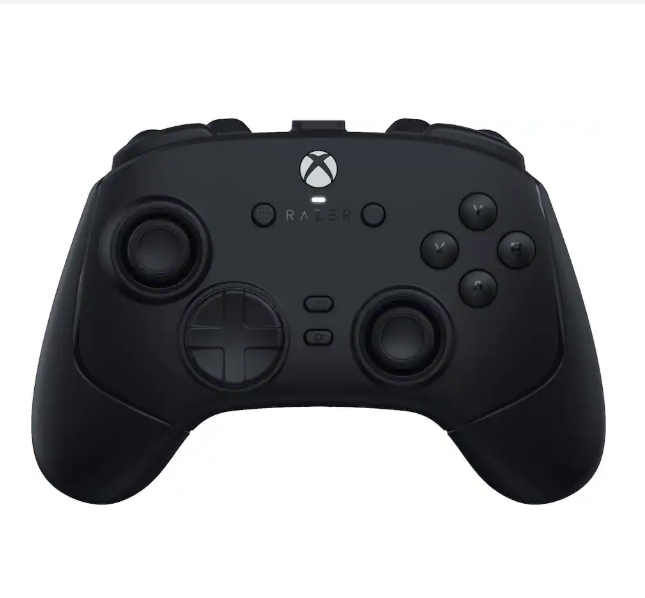
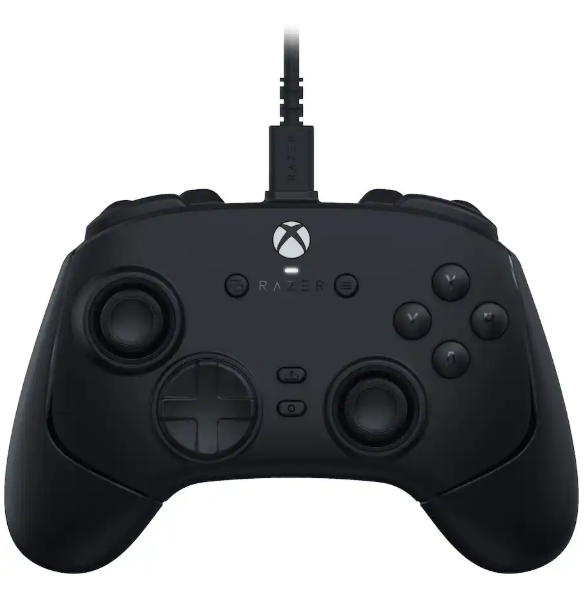
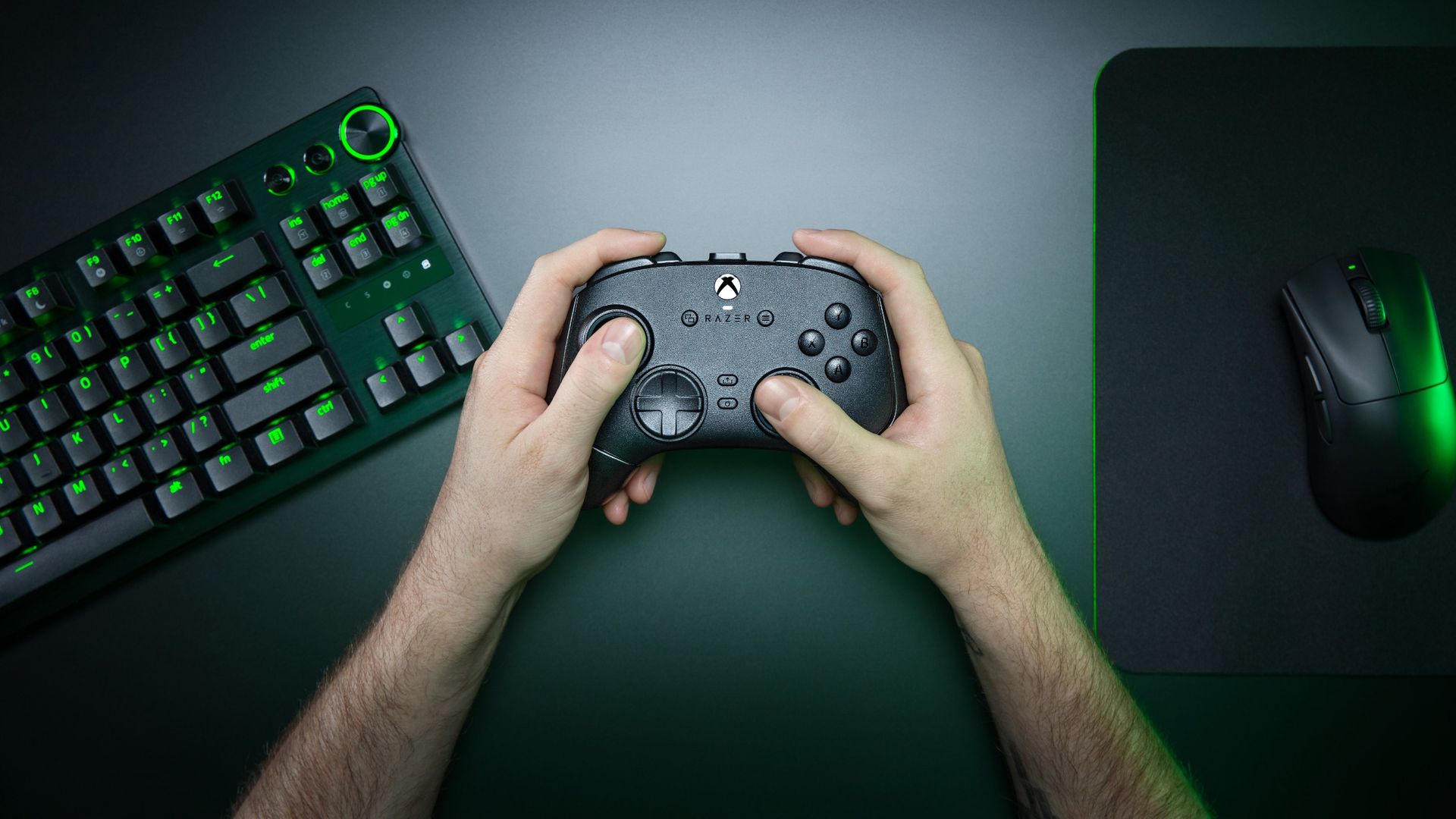
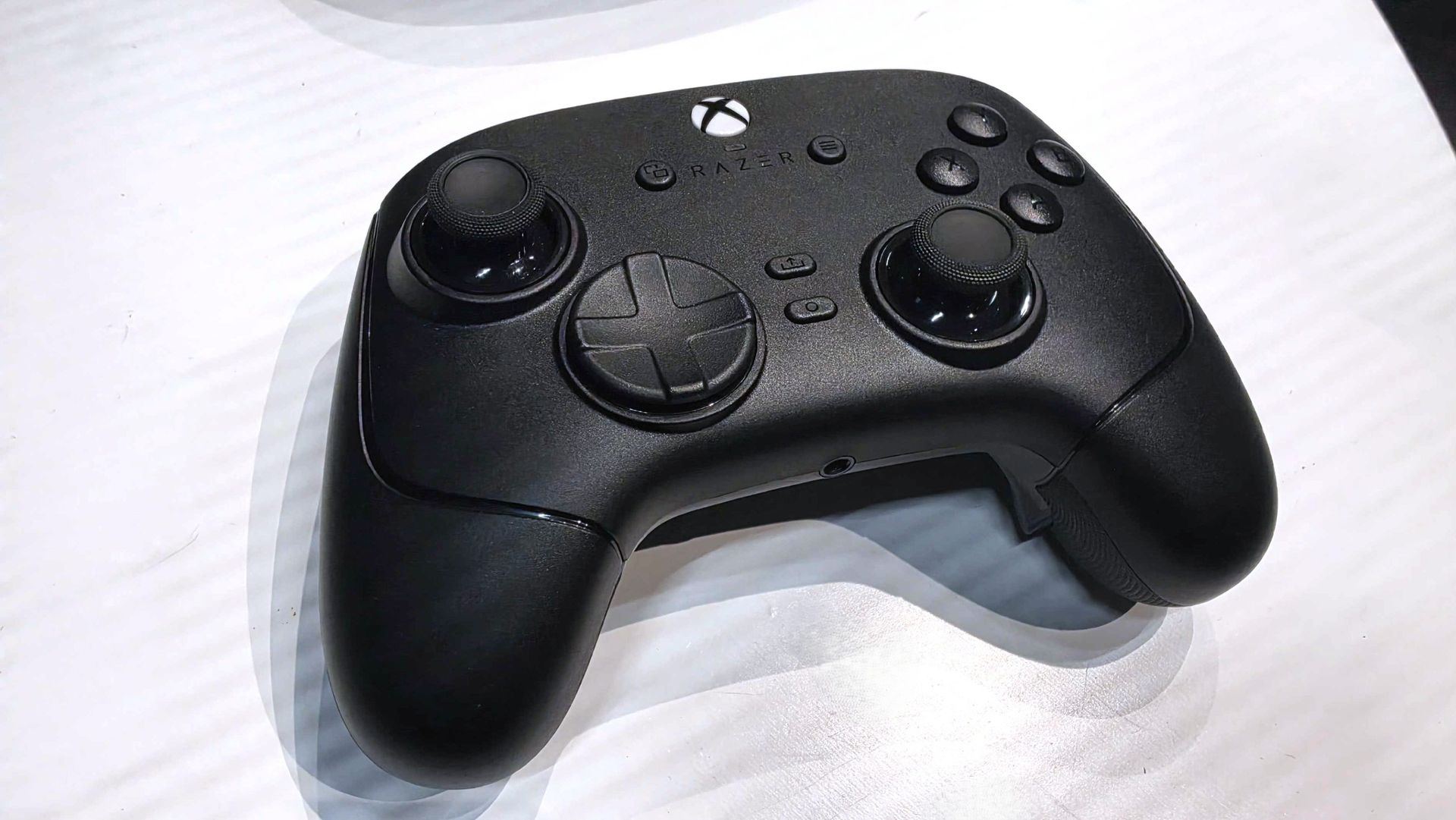
Razer controllers have been my personal go-to on Xbox and PC for years now, and the company isn't resting on its laurels. Announced today is the Razer Wolverine V4 Pro, alongside a less expensive but still similar Wolverine V4 Tournament Edition.
At first glance the Wolverine V4 Pro looks a lot like both the Wolverine V3 Pro and the PC-exclusive Wolverine V3 Pro 8K. I reviewed both, and I still use both, but the Wolverine V4 Pro now mixes the best of each into one package while making some meaningful upgrades to the tech and its features.
For starters, we're not talking about TMR sticks anymore. Razer has already moved beyond that, building the Wolverine V4 Pro with capacitive sticks. But what does that actually mean?
"Engineered for competitive FPS, racing simulators, and sports games, the Razer Wolverine V4 Pro is a premium wireless gaming controller built for players who demand maximum precision, customization, and control."View Deal
"Powering the Wolverine V4 line’s asymmetrical thumbstick layout are two new capacitive sensors, the next step in contactless sensor design, offering superior resolution, power efficiency and resistance to magnetic interference over TMR and Hall Effect counterparts, while maintaining the drift-resistant performance of both. Paired with a 16-bit ADC chip, the sensors register approximately 3,000 steps1 of movement for smoother tracking, reduced jitter, and overall higher accuracy for dominant FPS play. "
In real-world use it'll be hard to actually quantify, but it should help contribute towards better battery life. One of the biggest drawbacks with the Wolverine V3 Pro was its battery life, so we'll certainly take any improvements we can get.
The other big performance-related improvement in the Wolverine V4 Pro is also the 8,000 Hz polling rate on PC. On Xbox it's still limited to 250 Hz, but there's nothing Razer or anyone else can do about that. It's an Xbox limitation. But for players who play on both Xbox Series X|S and PC, you can now have all the best in a single package.
8,000 Hz is not essential, but if you play competitive games like Call of Duty, Apex Legends, and the like, you want the best sticks and the fastest polling rates you can have. It's becoming increasingly common to get such high polling rates, but previously you'd need to own two of Razer's controllers if you wanted this as well as Xbox compatibility.
Improvements have also been made to the actual thumbsticks. There are now six total thumbcaps to choose from, as well as magnetic rear paddles that can easily be removed if you don't want to use them.
"Featuring high-precision anti-drift sensors, advanced customization, and ultra-low latency with up to 8K Hz Polling on PC, gain the competitive edge you need to perform at your best.View Deal
The Wolverine V4 Pro is an all-in-one performance package now for both PC and Xbox. (Image credit: Razer)
These, along with the additional bumper buttons, can still be remapped to whatever you want them to do, and as with previous controllers, you can store them in up to four different profiles on the controller itself. The Razer Synapse app will also allow you an insane level of customization, as always.
The incredible clicky face buttons are still here, too, as are the near-instant mouse click trigger stops. New for this year's controller, though, is a removable faceplate. It attaches with magnets for ease of use, and it's got a pretty slick translucent design behind it if you want to play without it on at all.
There are no custom faceplates at this point, but having the feature, it seems inevitable that there will be some kind of collaborations in the future. Oh, and haptics are back. But you can turn them off, of course.
It's not all add, though. Razer has decided this time around not to include one of its excellent controller cases. Even if you don't actively put your controller in the case, they've always been really good quality, and it's a nice way to keep your additional sticks and the wireless dongle organized, so it's a little sad to see it go.
The Wolverine V4 Tournament Edition keeps much of the same goodness but comes in a lot cheaper. For one, it's only available wired, but you still get the new capacitive sticks, the 8,000 Hz polling rate on PC, and the same design. The rear paddles aren't removable, however, and neither is the faceplate.
Call of Duty: Modern Warfare 4 is finally launching on October 23, and the mode that's probably most hyped is DMZ. It's been teased for some time, but as we get closer to launch we're finally getting more information on what it is, how it's going to play, and the mechanics we're going to be experiencing.
One of the key parts of DMZ will be the Forward Operating Base (FOB). This is essentially your command center before and after your runs, and crucially, it will evolve as you play the game and progress further.
The FOB will be made up of a number of different Stations, some more crucial to how well you're going to do than others. You'll start out with some, and as you level up, you'll unlock more, as well as be able to upgrade them.
At a glance
The FOB is your pre- and post-match hub where you'll manage every aspect of your DMZ deployments.
It's divided into FOB Stations, some of which are available immediately; others will unlock as you progress.
The Stations will help you manage loadouts and your stash, craft better gear, track your objectives, and even show off a little.
All Modern Warfare 4 DMZ FOB Stations and what they do
Your FOB will start out quite barren, but that will change as you progress. (Image credit: Activision)
When you begin, your FOB will be far from complete. Some Stations will be available straight away; others you'll need to unlock by leveling up through your DMZ progression.
Some will be essential to success in future runs. Others seem purely for your own vanity. Here are all the currently announced FOB Stations for Modern Warfare 4 DMZ, which are available immediately and which you can unlock as you progress, as well as what they can do for you.
Immediately available FOB Stations
Operators (Active Duty): Manage available operators, their status, upgrade traits, and choose one for deployment.
Stash/Loadout: The stash allows you to store gear you've looted from previous runs in DMZ, including weapons, gear, crafting materials, and more. When you extract from a run, you're able to offload items into your stash and then use the Loadout menu to equip weapons and gear for your next one.
DMZ Orders: The place to see your Mission Directives that will help guide you through DMZ, tell the story, and help you master the Exclusion Zone.
Firing Range: A Call of Duty staple for testing your weapons before dropping in for a run.
Survival Kits: Themed packs of loot that can be used to craft items or as part of your next loadout.
Unlockable FOB Stations
3D Printer: This is used for crafting items and upgrading other FOB Stations once you have the right items. Printer Resources and Ingredients can be found during deployments in DMZ.
Gunsmith: Spend DMZ Cash to buy attachments for weapons you've looted or craft new ones from scratch. Attachments are based on the level of the weapon and the shared attachments you've unlocked. Extracting Weapon Manuals increases the selection of weapons you can craft.
Vendor: A daily rotation of items you can buy with DMZ Cash.
Bounty Leaderboard: Tracking the most successful PvP players in the Exclusion Zone.
Boss Board: Buy intel on Lieutenants, and additional information on Commanders.
Dog Tag Case: Show off the dog tags you've collected from defeating other players during your deployments.
DMZ Progression: Monitor your DMZ progression track and the rewards unlocked at their corresponding levels.
Always available FOB Station
Deploy: Does what it says on the tin. You'll go here to drop into Hajin for a new DMZ run.
We're promised a further intel drop on the FOB soon, including a full tour. As we know more about the FOB Stations in Call of Duty: Modern Warfare 4 DMZ, this post will be updated with all the details you need to know.
Join us on Reddit at r/WindowsCentral to share your insights and discuss our latest news, reviews, and more.
DMZ returns as Call of Duty turns its hand to an extraction shooter once more. The original DMZ first touched on this, and then subsequent attempts were made with Modern Warfare 3 Zombies (MWZ) and later Endgame in Black Ops 7.
Unlike MWZ and Endgame, DMZ returns to the PvPvE gameplay loop of the original DMZ, much like other popular extraction shooters such as Marathon and Arc Raiders. Unlike those two, however, there is currently no planned PvE-only mode.
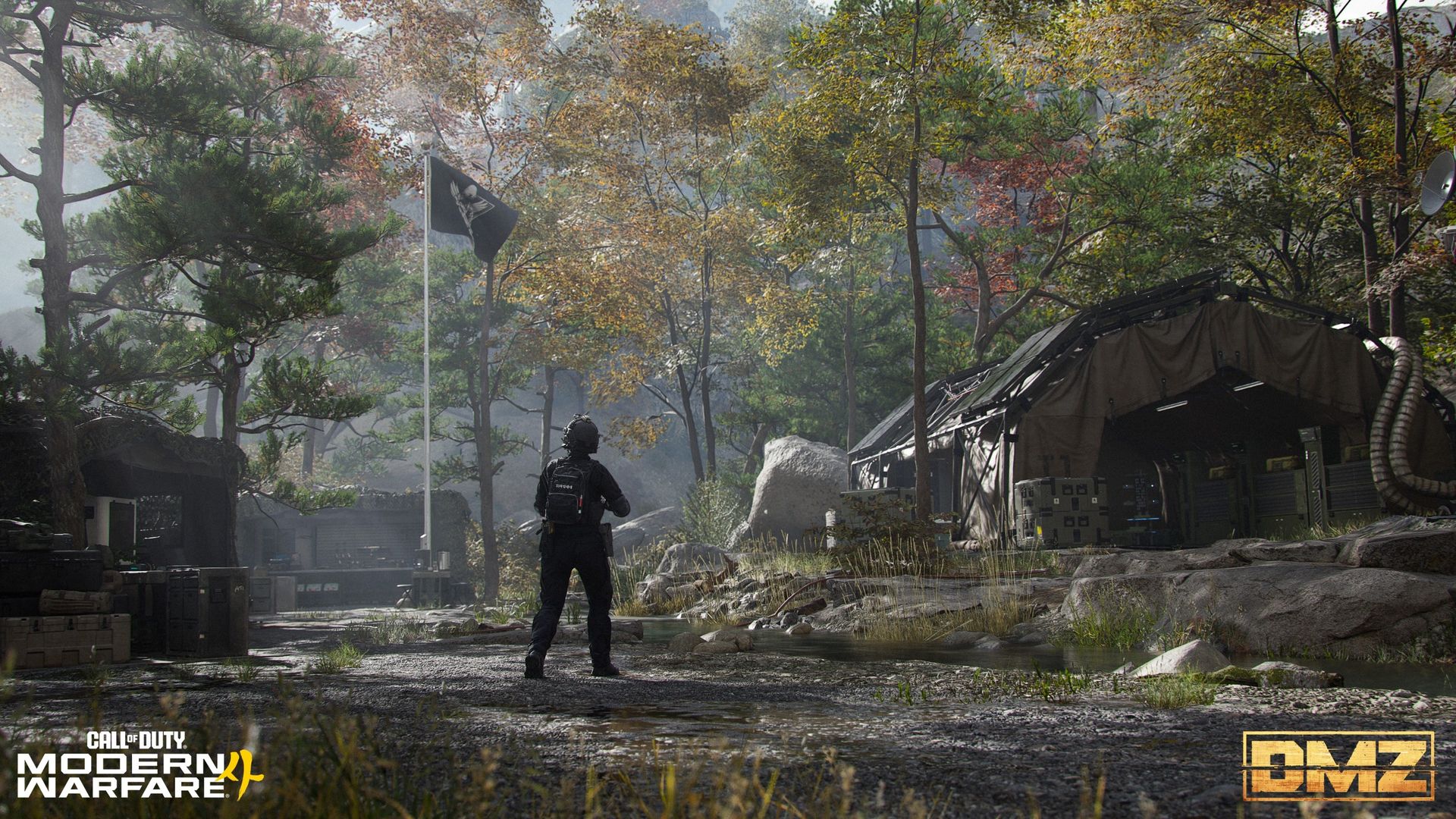
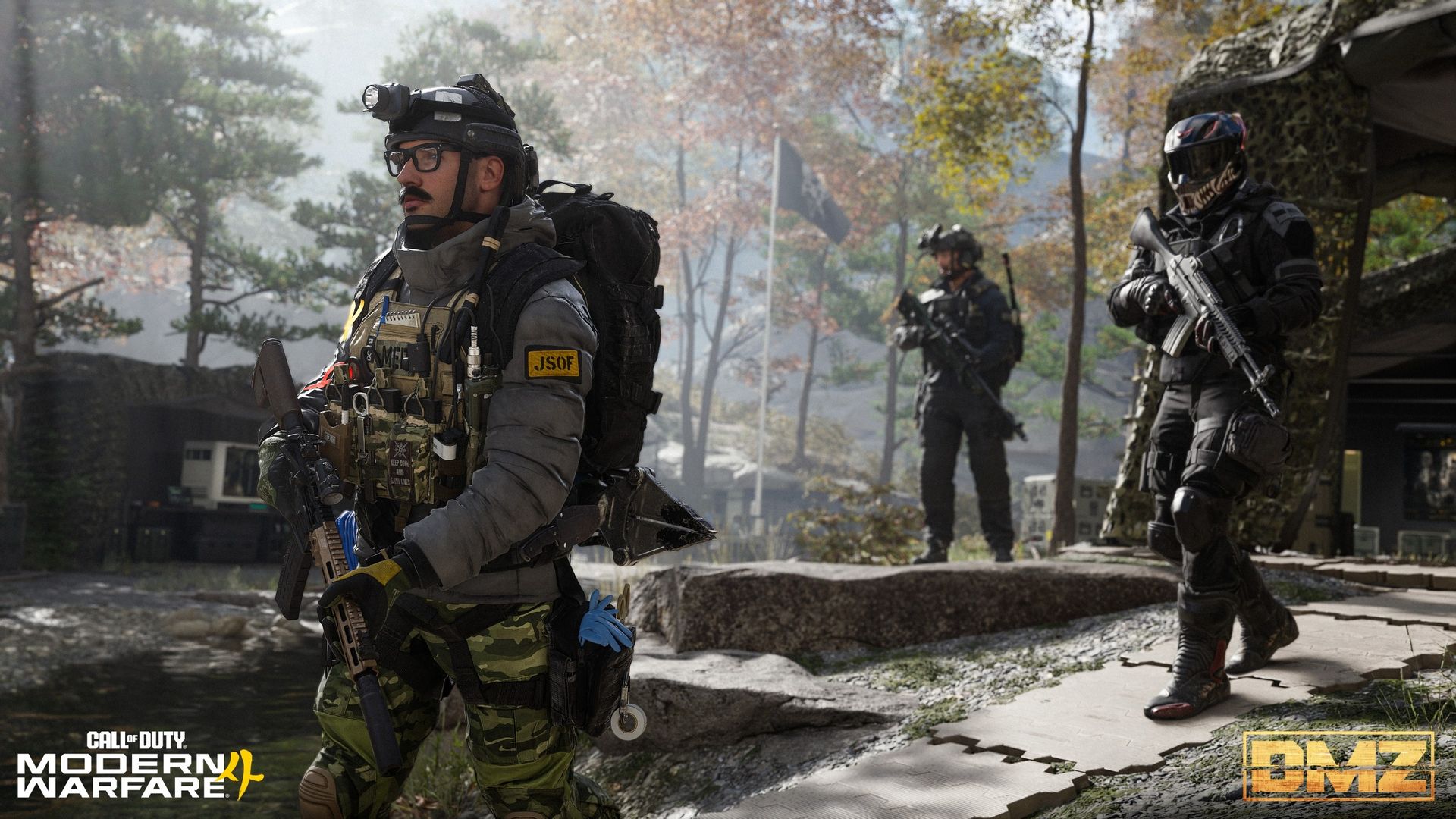
DMZ gets its own map, Hajin, where operators will drop into the Exclusion Zone. The basic loop is drop in, complete objectives, earn loot, and extract with your spoils. As it's PvEvP, though, you'll encounter both AI enemies and real-world players.
DMZ will also have its own progression track (though you'll still be able to earn overall player and weapon XP), leveling up to 70. Progression through the levels will unlock new FOB stations and crafting recipes among its rewards, so the higher you get, the better equipped you'll be. Pretty standard.
The Forward Operating Base (FOB) is your DMZ command center
The Forward Operating Base is your command center for all DMZ runs. (Image credit: Activision)
More is to come later in the week regarding the full tour of the FOB, but we do at least already have a basic overview of what it is and how it'll work.
Essentially this is your base of operations for all DMZ runs. The FOB "evolves with you" as you progress, turning from nothing into your own personal stronghold.
From the off you'll have five stations available, which will help you manage your operators, your stash, your mission directives, a firing range, and survival kits, which are "themed packs of loot items" used for crafting or gearing up. I'm hoping that these kits are acquirable via means that don't revolve around paying money, but we'll have to wait for the full intel drop to know more.
There's also the Deploy station that is permanently available, as you'll use it for the pretty obvious task of deploying into Hajin.
As you progress through DMZ, there are a further seven stations to unlock, some of which will track progression and offer a little vanity, others for crafting and acquiring better gear using resources or the mode's dedicated currency, DMZ cash.
Drop in, gear up, go hunting. (Image credit: Activision)
Each run in DMZ will follow a fairly regular pattern, albeit always with the threat of other players derailing you.
Progression relies on exploration, combat, and completing objectives across the various POIs. And looting, of course. Part of this can be influenced by the 3D Printer at your FOB, which will give you a heads-up on which parts of the map will drop items that you're specifically looking for.
Side Ops are the lower-stress objectives that will allow you to explore Hajin a little more, gather materials, and get intel on some boss locations. Dynamic Operations will reward DMZ Cash, XP, and Supply Drops that scale up in quality based on how many you've completed.
Looting will remain key, though, as besides stocking up on essential consumables such as armor plates and bandages, you'll also be on the lookout for special items, like keys to unlock better loot rooms. There are also apparently a bunch of underground entrances to locate from the more rural areas of Hajin.
You're also guided by DMZ Orders, which will help you both get to grips with DMZ and guide you on the right path to progression, as well as further the narrative.
After every DMZ deployment, you'll be presented with an After Action Report, whether you managed to exfil or not. Ratings go from F (I'm definitely getting plenty of those) all the way up to S++. It'll show you how you did on your run, as well as the XP progress you've made on your DMZ rank as well as your Dog Tag level. The latter will help you upgrade your operator's traits, so it's one to pay close attention to as you start to attempt the more difficult content.
DMZ is shaping up to be a big deal if they can execute it right. (Image credit: Activision)
The Hajin map for DMZ is a sizeable location packed with POIs of varying difficulty. If you've played MWZ or Endgame before, you'll have a basic idea of how it goes. The low-threat zone is where you'll start out, find your feet, and do some looting, and gradually you'll begin making your way into the higher-threat zones where the more difficult objectives (and better rewards) lie.
There is a lot more to digest as we head towards the launch of Modern Warfare 4 on October 23. I have plenty of my own questions that can't be answered until it's actually here, like how it's going to play out for solo players, how 'sweaty' the PvP will get, and such. But the initial impressions are pretty good.
In the "From the Ward" video (which you can see above) there's also a brief tease of what's to come via seasonal content, including new bosses, and, apparently, new maps, or at least, new parts of Hajin.
I want DMZ to be good, and I want it to be stacked with content throughout the lifespan of Modern Warfare 4. With only multiplayer or Warzone to play otherwise, I'm banking a lot on this mode. I'm probably not alone there, either. I can't do a full year on multiplayer alone.
Join us on Reddit at r/WindowsCentral to share your insights and discuss our latest news, reviews, and more.
2025 saw the long-awaited return of official NASCAR video games, after years in the wilderness that came after some lacklustre efforts under a previous publisher.
NASCAR's video game is now handled by iRacing, a team that knows how to do things right. It's not a simple rip of the NASCAR aspect of the iRacing sim; it's a tailored, dedicated experience, built to be enjoyable on console and PC, and importantly, with a controller.
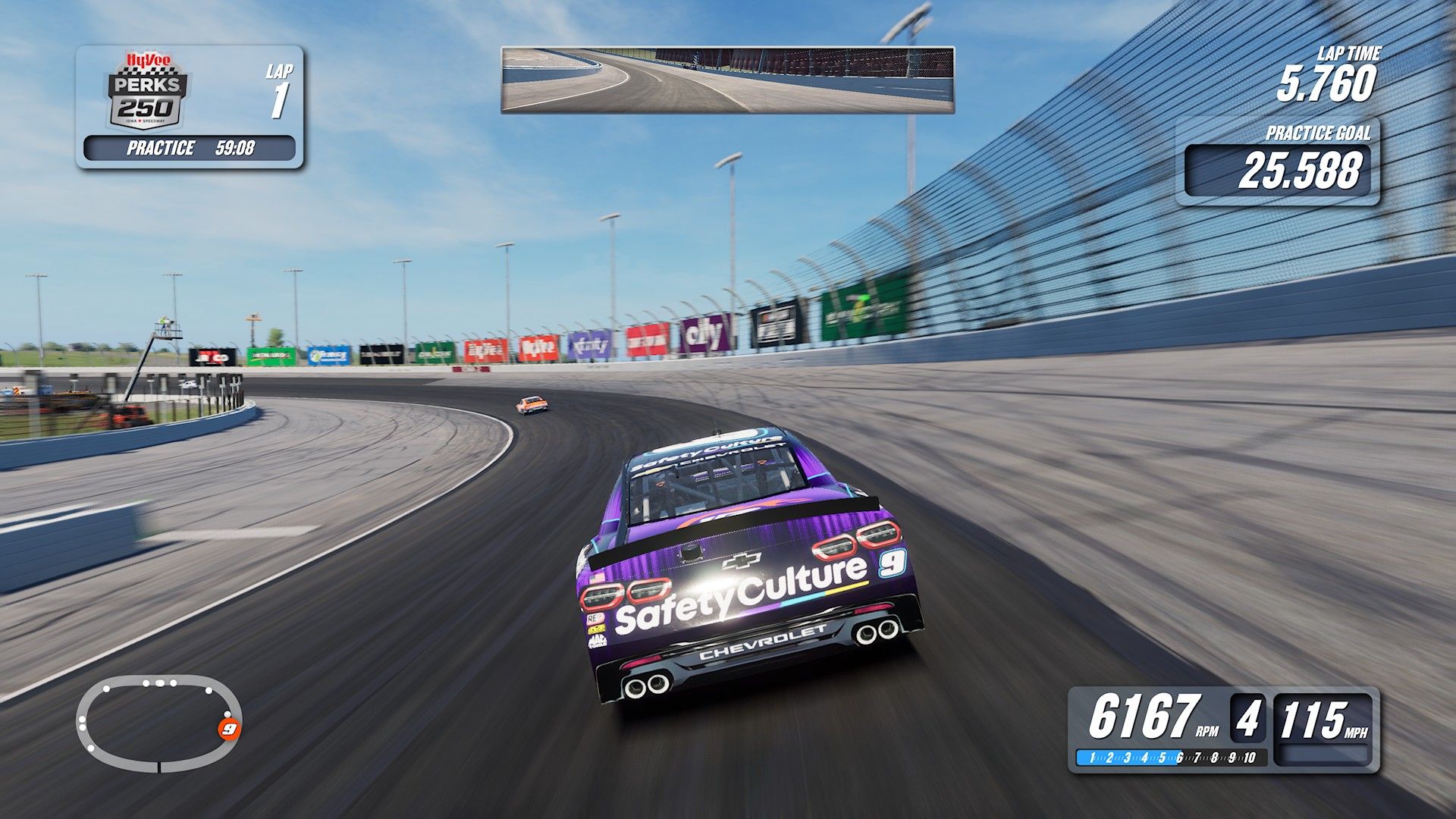
NASCAR 26 is the second attempt by iRacing, and as you would certainly hope, it's an improvement. The core remains, but with some new features that make the package that bit better.
The short version is that I wish all console racing games had what makes NASCAR 26 good. It combines the licensing with a healthy dose of NASCAR razzle-dazzle, real-world personalities, and the incredible iRacing tech underneath that gives it its realistic feel.
Even if you're not a particularly big NASCAR fan but you like good racing games, you should definitely give this one a try.
This review was produced using a copy of NASCAR 26 Gold Edition on Xbox Series X provided by iRacing. Nobody from the company had any input in nor saw the contents of this review prior to publication.
NASCAR 26 looks as spectacular as the real thing
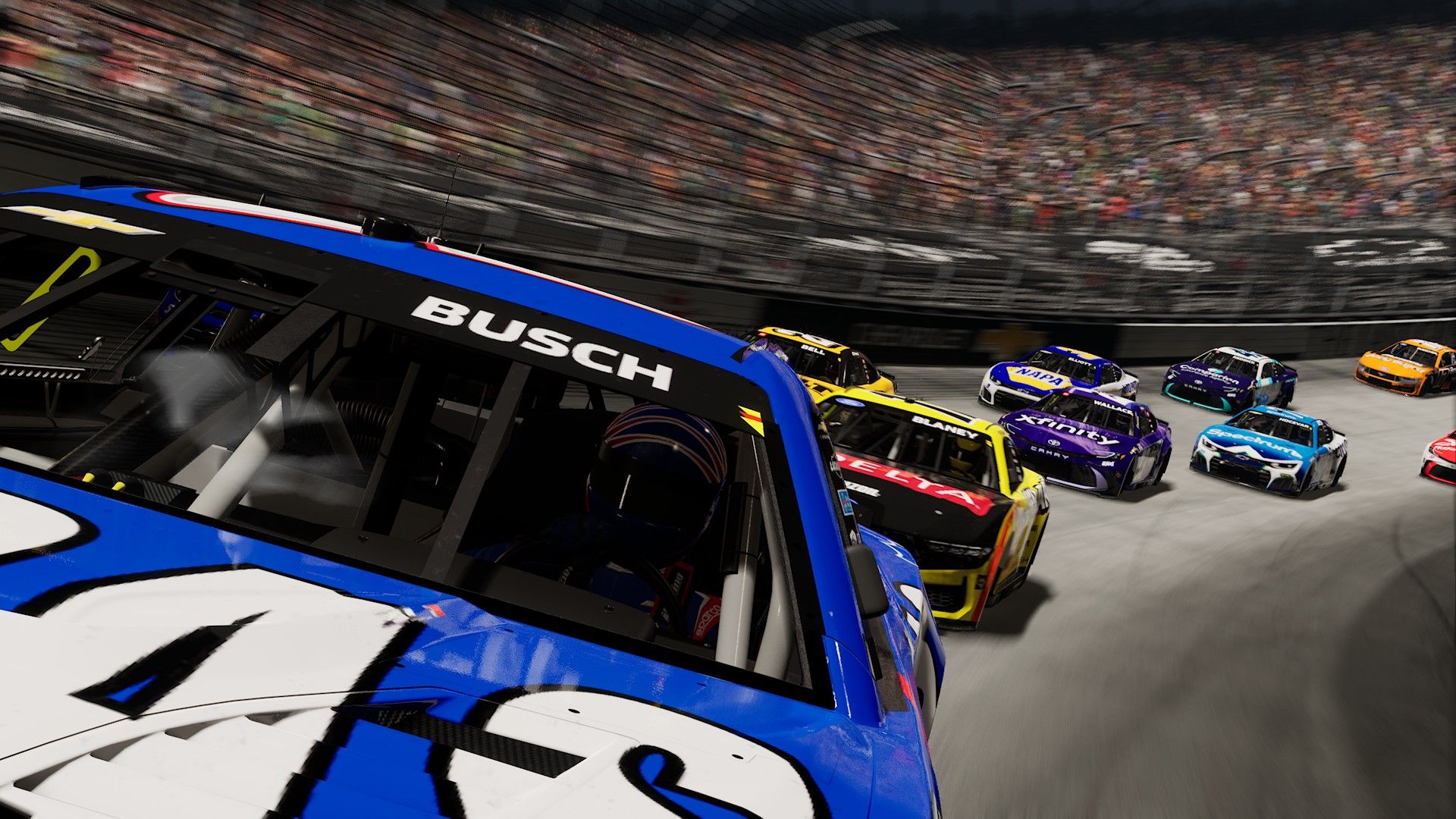
The great Kyle Busch may have left us, but his legacy lives on. (Image credit: Windows Central)
I am a big NASCAR fan. Watching it live from the UK takes serious commitment, but through hell or high water, I'm there (almost) every weekend in the small hours.
As much fun as I've had in past NASCAR games and on iRacing, it takes a complete package like NASCAR 26 to bring everything together. And it starts with the presentation.
For starters, you've got real-world NASCAR personalities playing a part in the game. When you fire up your first career mode season, you've got Dale Jr. securing you a contract. Former crew chief turned broadcaster Steve Letarte makes plenty of appearances, Jamie McMurray will help you learn the ropes, and TJ Majors is in your ear as the all-important spotter.
The lighting in NASCAR 26 is superb. (Image credit: Windows Central)
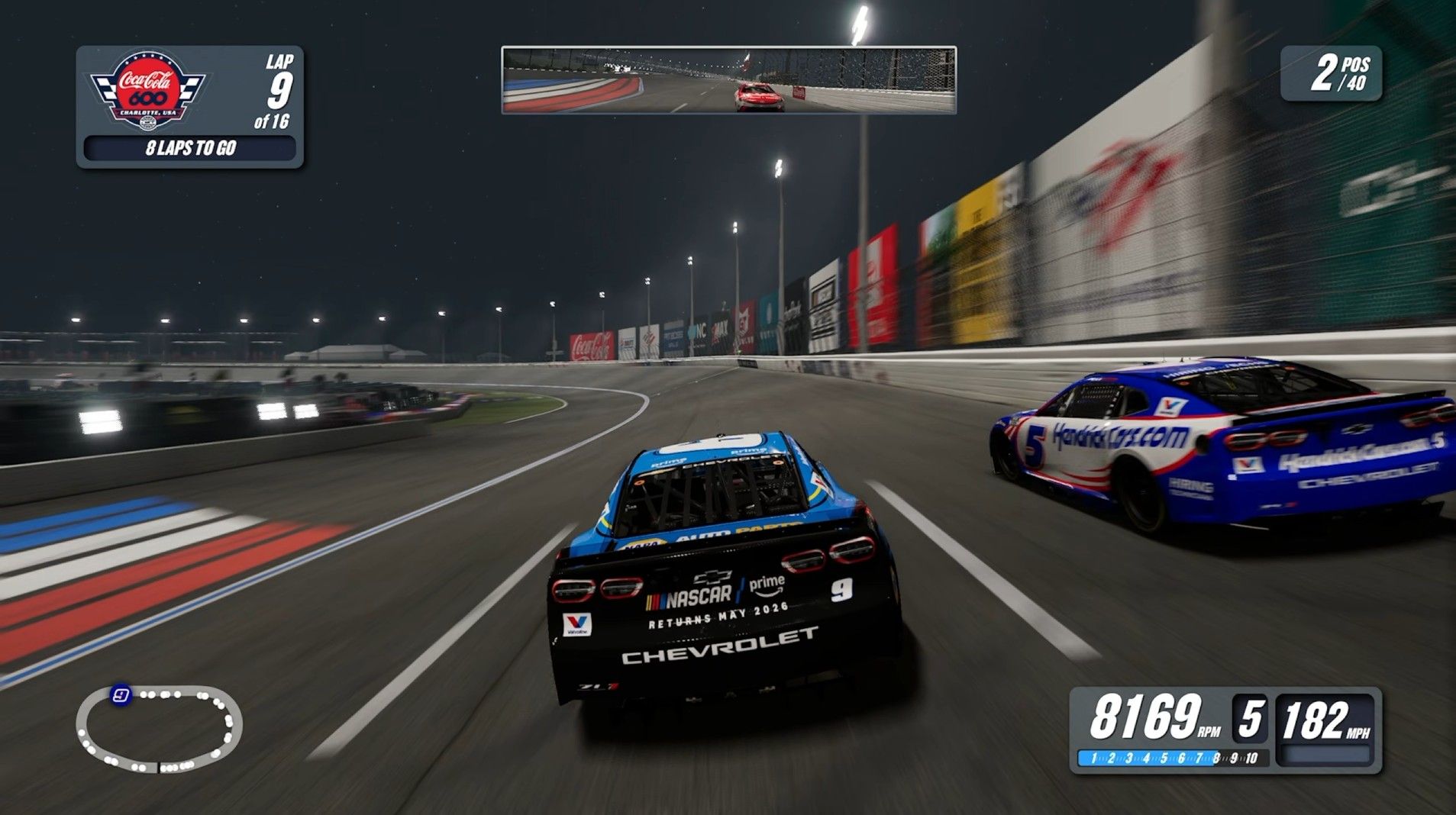
That real-world crossover applies to the cars and their drivers and all the circuits you'll visit behind the wheel. I've only one point of comparison I can make myself, that being Charlotte Motor Speedway, but that looks just as spectacular in-game.
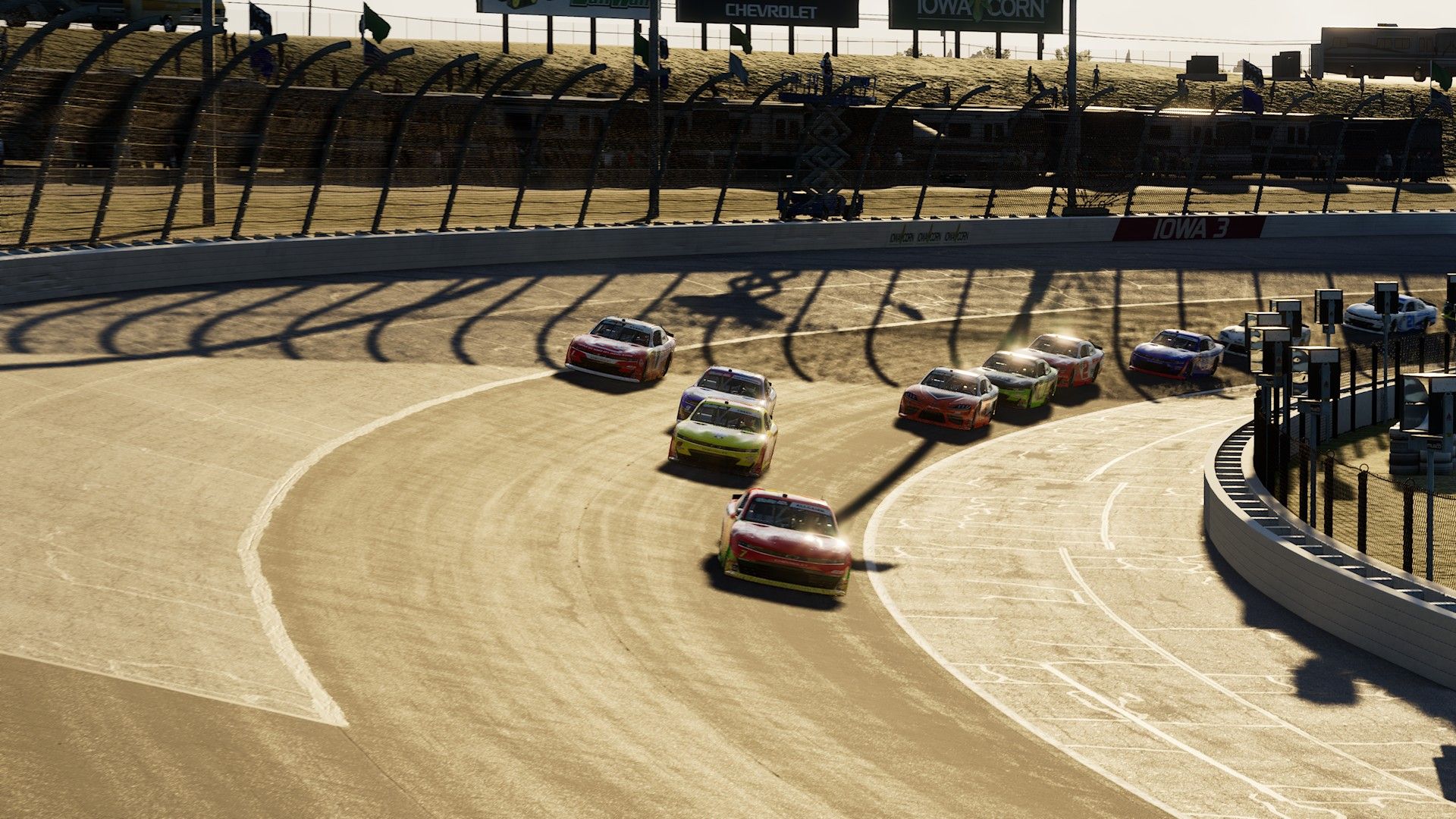
NASCAR 26 does such a good job at capturing the atmosphere of the race tracks, as well as how good the cars look (until they inevitably get banged up).
Part of this is the new dynamic lighting, which for night races especially really does make it feel like you're racing at night. Not some kind of fake interpretation of night.
The NASCAR 26 career mode doesn't have any surprises, but it's thorough
Four different series are available to play both in career mode and free play. (Image credit: Windows Central)
I don't want to dwell too much on the career mode, because for the most part if you played NASCAR 25, it'll feel very familiar.
The trajectory is predictable; you start at the bottom and make your way up to the NASCAR Cup Series in hopes of winning the big prize. As in NASCAR 25, and a change from some older games, the ARCA series is where you begin, not on dirt.
You're responsible for performing well on the track, earning reputation, and getting points that will help your team's workshop keep ticking over. Prize money is important, too, as without it you can't hire better staff. It's straightforward enough. Build a better team, become a better driver, hire better people, and get more lucrative sponsorships.
If you prefer a shorter experience, you can jump into The Chase, a mode that mimics the returning format for the final 10 races of the real-world season. Even running short races and doing a complete career mode (and then enough seasons to unlock the achievements if you're going after that new Mythic unlock) will take a serious investment of time.
NASCAR 26 feels like a 'lite' sim racer you can actually play with a controller
When the AI drivers are on form it can lead to some amazing racing. (Image credit: Windows Central)
Beyond just trust in iRacing to look after the NASCAR brand, the reason I was always most excited for the new games was the tech that would be underneath.
iRacing employs actual race engineers. It laser scans tracks. While NASCAR 26, as with its predecessor, isn't a simple copy and paste of the PC sim, I genuinely think that it has the best physics of any console racer. Compared to, say, Forza Motorsport, it just feels so good.
Cars behave how you'd expect them to behave. They bounce around and wobble at speed. When you leave pit road on cold tires, the rear will just snap around on you if you try and accelerate too quickly. Changes you make to the setup feel meaningful. If you dial in some changes because you're too tight, you'll feel it. You'll also feel it if you go too far in the wrong direction.
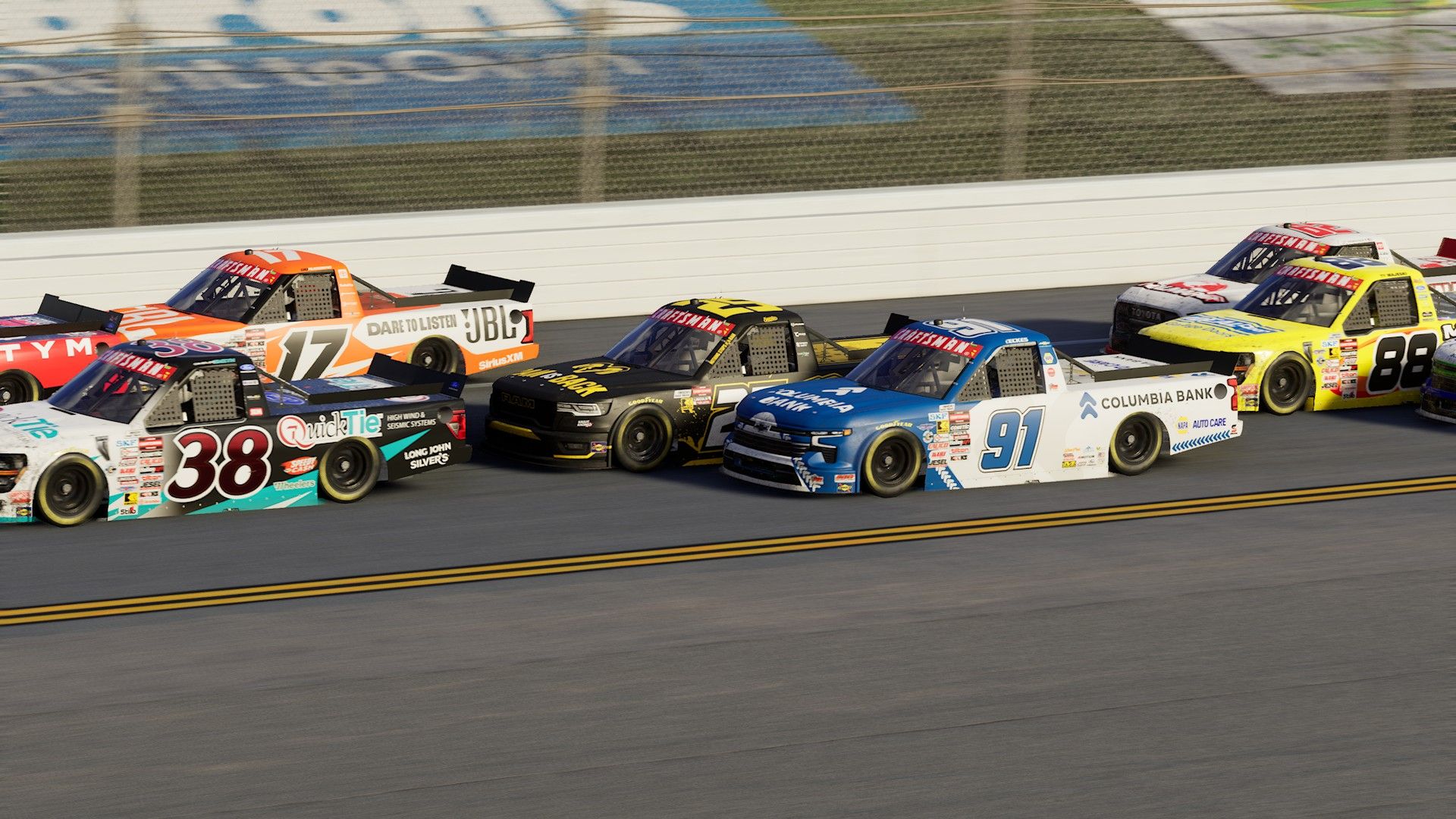
Drafting is essential at Daytona, Talladega, and Atlanta. As in the real thing, if you lose the draft, you're going nowhere. And on other ovals, you're rewarded for finding your own fastest line. Road courses are a riot, too, because a NASCAR racer is big and heavy, and it doesn't like turning on a dime. I can fly around Watkins Glen in other games, but in NASCAR 26, it suddenly feels challenging.
New for this year, too, is the fact that tracks will change. Through the course of a race, rubber will lay down on the surface, and just as in reality, that affects where you can go and how fast you can go when you're there. It's not just a visual change designed to make it look more realistic. Combined with tire degradation and fuel consumption, it provides a realistic experience, but the track changes still feel very subtle.
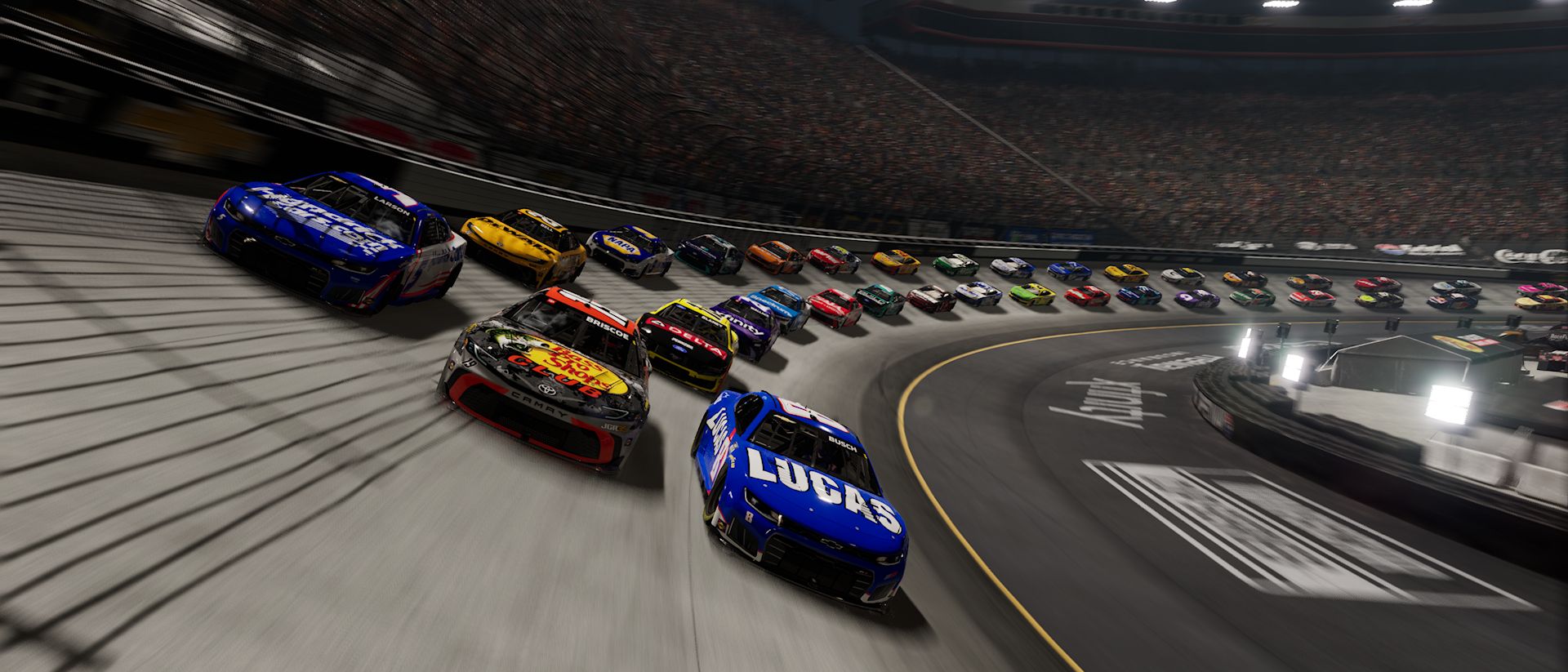
Pack racing at superspeedways is a fine art and if you lose the draft, you're going backwards. (Image credit: Windows Central)
The AI drivers are also, mostly, some of the best I've come across in a track racing game. There are moments when it just descends into chaos, and sometimes the back of the pack behaves irregularly as you come to lap them. But when you're up front battling, it feels like you're actually battling.
Beating and banging is fair game; there's no iRacing-esque safety rating to worry about, but I'm amazed at how easy it is to actually race properly against the AI drivers and how much of a challenge it can be to get round them. In the old days of NASCAR Heat, you could pretty much just weave in and out and go from the back to the front in any race. You can't do that here.
I've had so much fun chasing down the AI drivers, having to experiment with different lines, sometimes even just fully sending it, and hoping I get clear. You're able to tweak the AI strength quite substantially, too, so as you get better, you can make the challenge harder.
All of this is perfectly achievable using a controller, too. The best experience will always be with a wheel, but NASCAR 26 doesn't feel overly twitchy or fake when using a controller, and the settings in the game allow you to customize your inputs to get it feeling just right for you.
The spotter also deserves highlighting. It's pretty good, which is useful because if you're driving in cockpit view, it is essential. Calls are clear and informative, and most of all, accurate. If he says you're three wide, you can believe it. If he calls a car inside but you can't see any hint of it, oh, it's there.
Other quick hits
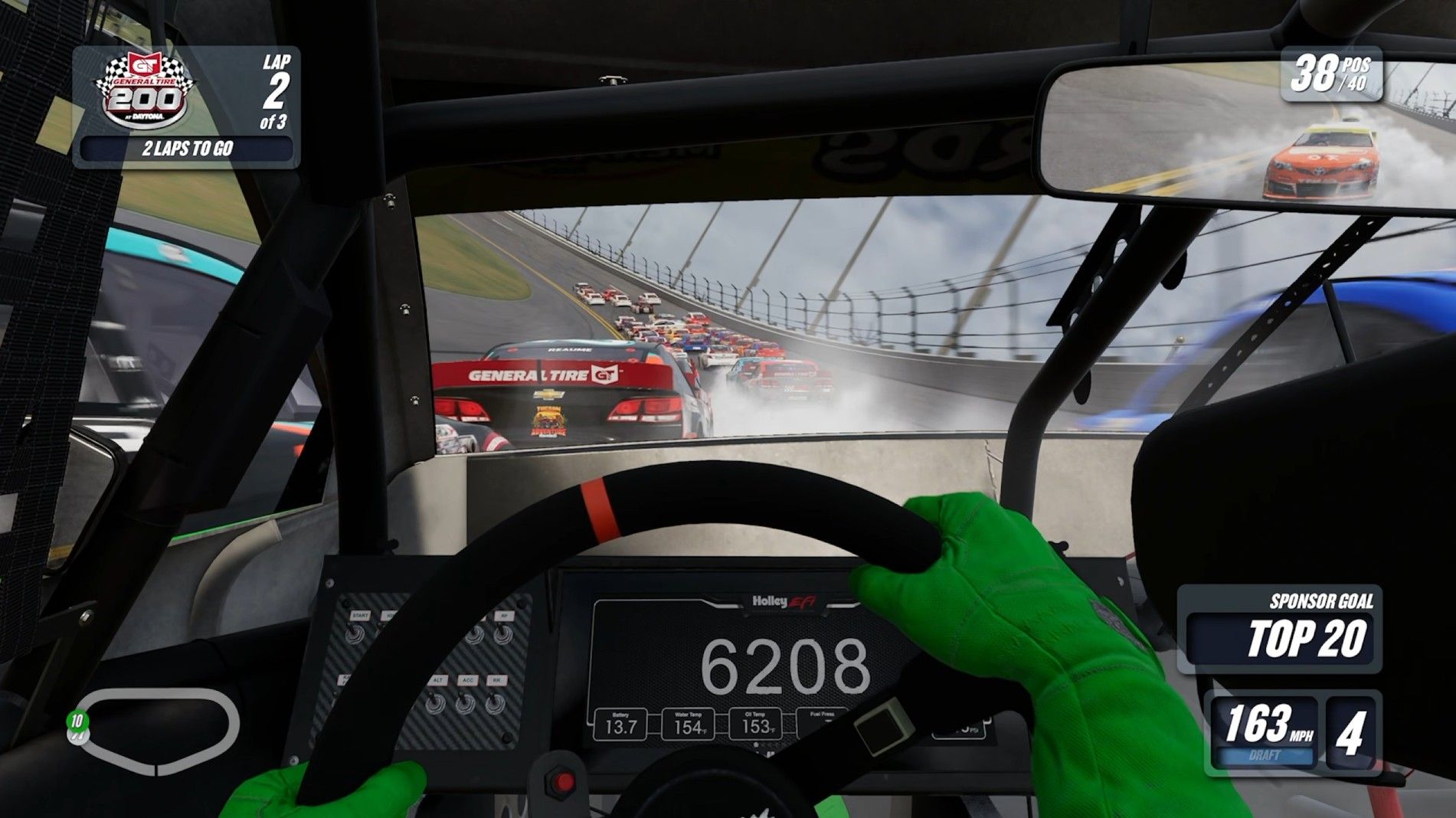
Seconds before the big one at Daytona... (Image credit: Windows Central)
You have full crossplay in NASCAR 26. You can choose to just be console-only, full crossplay, or turn it off and only play on the same platform.
Multiplayer is a mixed bag, but that's not necessarily the fault of the game. People race like clowns, and you're just going to have to deal with that. It would be nice to have online series and leaderboards to play as well.
While the level of customization for your setup and your input devices is welcome, it can also be overwhelming.
The career mode may be extensive, but outside of it there's not a whole lot to do if you're not a multiplayer fan. You can run endless quick races, but over time it gets repetitive. I'd like to see future incarnations of the NASCAR game think a little outside the box, perhaps with regular special challenges. I'm not suggesting full live service, but something fresh on a regular basis to keep us engaged.
NASCAR 26 is an iteration, but a good one, and a strong racer
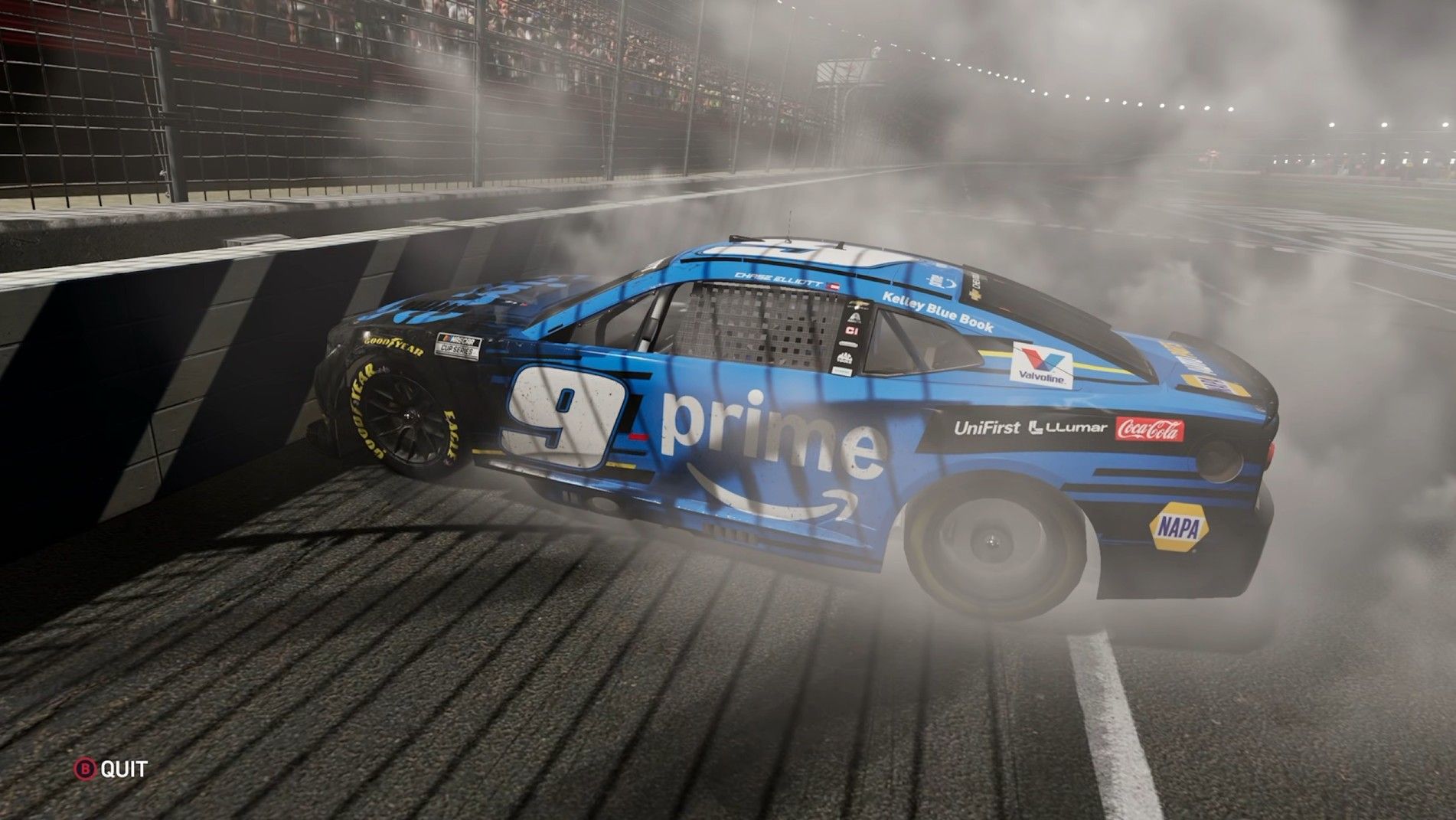
NASCAR 26 is deserving of a celebratory burnout. (Image credit: Windows Central)
I don't think any of us expected anything drastically different, and NASCAR 26 is a definite iteration. But it does make some meaningful improvements that are small in their own right but add up to a better overall package.
But the core experience is still one of the best track racers out there, whether you're a NASCAR fan or not. Cars feel alive and fun to drive, and when the AI works, it produces some of the most fun racing you can get.
I'd like to see more non-career mode content, and honestly, I'd like to see future games drop earlier in a season. We're a handful of races out from the 2026 NASCAR season ending, having spent most of it on last year's game with last year's cars.
Open-world racers like Forza Horizon 6 get most of the attention these days, but iRacing continues to prove that when done right, there's still room for good track action. NASCAR 26 is one of the best out there right now, and it certainly bodes well for next year's Indycar game.
"Battle your way through all four NASCAR National Series in Career, Quick Race, Championship, Multiplayer, or our all-new mode featuring The Chase! And, with all the laser-scanned assets of iRacing, the level of authenticity has never been higher with dynamic track, an all-new peak performance training mode, and enhanced driving physics across every chassis."
As Call of Duty: Modern Warfare 4 approaches on October 23, the PR machine is really getting into full swing. Whether it's reactive or not is irrelevant, so long as players are being given worthwhile features.
It looks like Modern Warfare 4 is going to fix one of the biggest points of irritation I have with Call of Duty in general: burning through 2XP tokens while you're sat in the lobby, or tweaking your loadout, or hell, even checking on your Camo challenges.
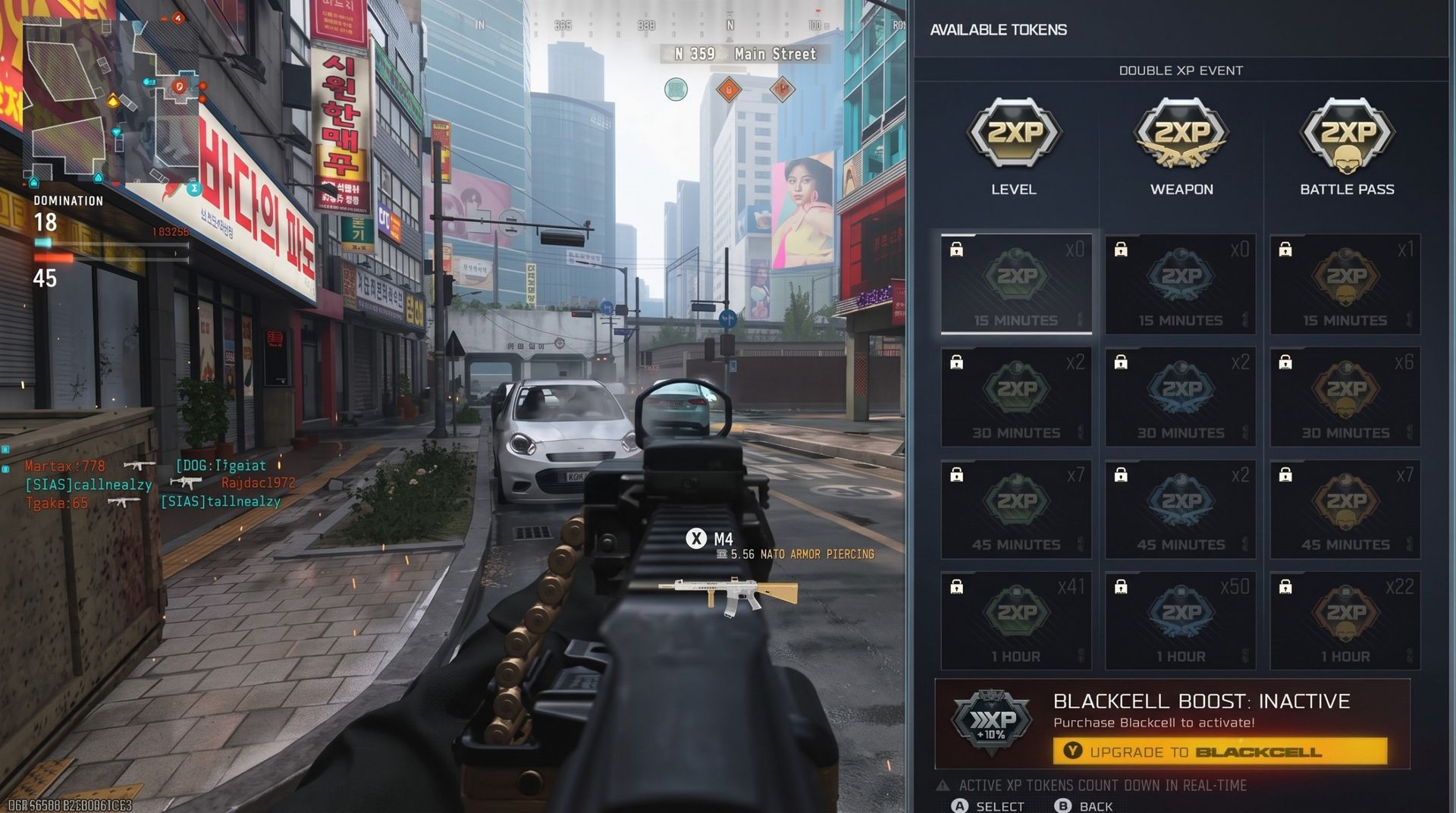
Announced today is the news that this will not be the case in Modern Warfare 4. 2XP tokens will now only count down in-game time, not from the very second you apply them, as happens right now.
More time to make your 2XP count.Tokens will count down in game time and your existing tokens will be usable starting in Modern Warfare 4. pic.twitter.com/AZNVBdLVc9September 28, 2026
I don't know if there's panic setting in, if these ideas were always planned, or if players are actually being listened to. But this is twice in recent days that we're getting some positive news about features for Modern Warfare 4.
The 2XP token update comes after the news that from Season 1, when Warzone is integrated with Modern Warfare 4, players will have a toggle to turn off all the goofy legacy skins and see default MW4 operators instead.
I'm not sure this is enough to make me want to play Warzone outside of doing the Mastery Camo, but still, it's another big W from Call of Duty for its players. Even though I only tolerate Warzone for the barest minimum time, there are some truly heinous cosmetics going back as far as Modern Warfare 2.
You can still buy this nonsense in Modern Warfare 3 by the way, I took this screenshot yesterday. (Image credit: Windows Central)
In isolation each of these may seem small, but both are actually significant quality of life increases. I can now work on the Warzone Mastery Camo without seeing Beavis and Butthead or American Dad, and I can do so knowing I'm not losing my 2XP tokens while waiting on matchmaking.
There are still plenty of improvements that could be made, though. I don't really have a dog in the SBMM fight, but plenty of players do, even if it doesn't look like it's going away. The anticheat will also be a big focus, again, and Activision talks a big game, but players are only going to be happy when they see it working.
But I'm happy to take the wins wherever they come. I've got about 50 hours of 2XP and 52 hours of 2XP weapon tokens to burn through when Modern Warfare 4 comes out. I'm glad that will at least translate to in-game hours and not losing half of it outside of matches.
Join us on Reddit at r/WindowsCentral to share your insights and discuss our latest news, reviews, and more.
Call of Duty: Modern Warfare 4 launches on October 23 (though the campaign has an early access period for a week prior to this), and if you're jumping in at launch, then you're going to want to burn through leveling up as fast as possible, right?
Whether you're going down the Classic Prestige route (aka, the proper way) or the other Prestige that doesn't reset your progress and gives fewer rewards, there are a lot of levels to climb through. Then there are the weapons, which, based on the Modern Warfare 4 beta period, will take some time.
What you need to speed this process up is a big stash of 2XP tokens. You've likely already got some if you've been playing Black Ops 7, and they will carry forward to Modern Warfare 4. But you should be at least opening Black Ops 7 every day right now to maximize your gains going into the new game by getting all the free 2XP tokens you can.
Open Black Ops 7 daily, grab the free 2XP tokens and profit
These things are being given out like candy. (Image credit: Windows Central)
Even if you've stopped actively playing Black Ops 7 now (I know I've been putting some time into Modern Warfare 3 Zombies instead), don't uninstall it.
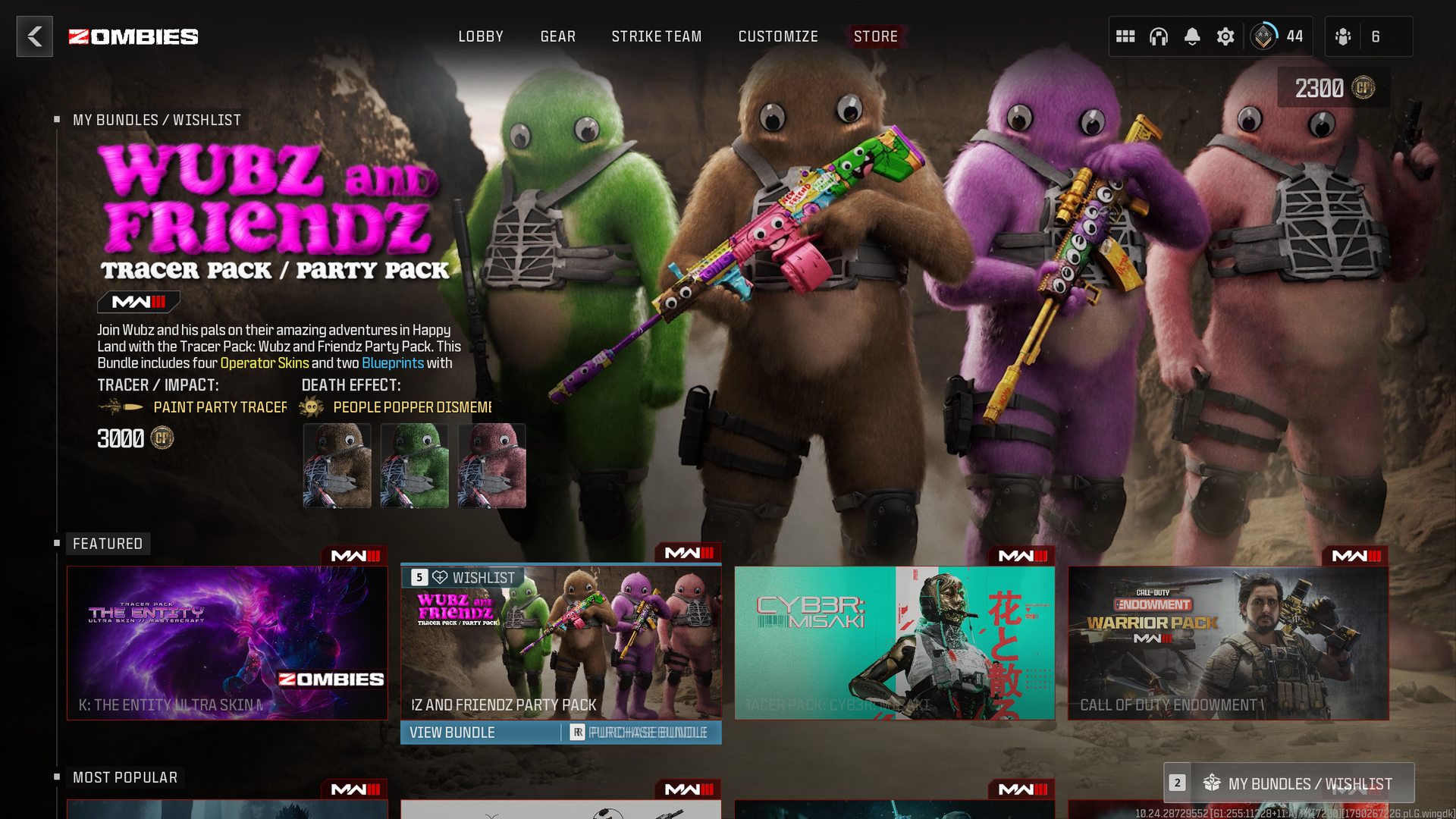
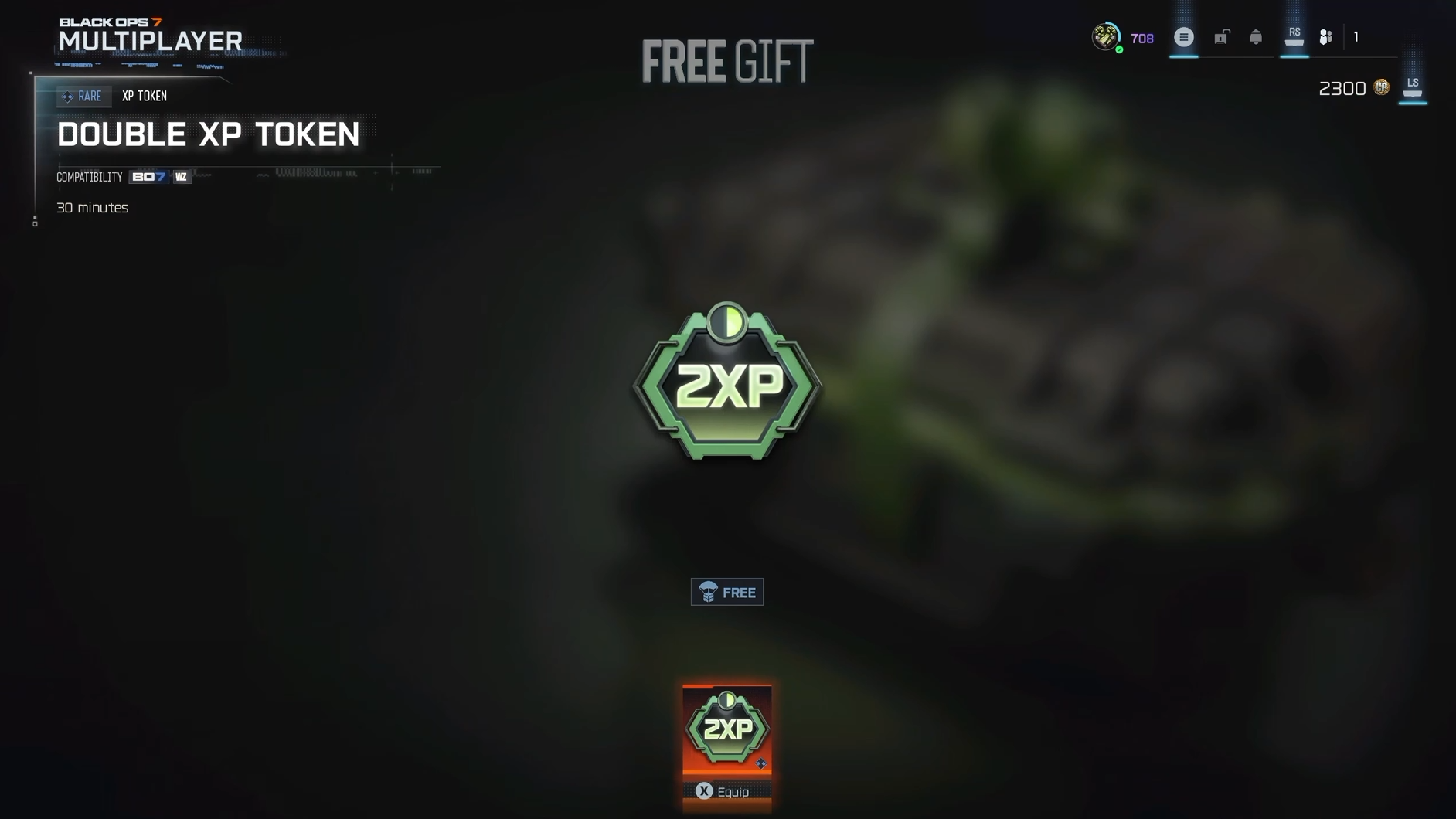
Instead, open it up every day, and go straight to the Store tab. I don't know if it's actually every day, but it sure feels like it right now, but when you open the game after each daily reset, you'll likely see the message "free" at the top of the screen just under where it says Store.
There could be free Gobblegums, but those won't be any use to you in Modern Warfare 4. But what you do need to do is scroll down a little further and look for the "Free Gift" box.
Whatever this is, claim it. It could be a 2XP token, a 2XP Weapon token, or a 2XP Battle Pass token. All three will carry forward into Modern Warfare 4, but it's the first two in particular that you want to be stocking up on.
Just claim it, but be sure not to press the equip button when you do. This way it'll go into your pile, and you can close the game until the next day. Just rinse and repeat and stock up all the way through to October 22.
Finish the Black Ops 7 Season 06 Battle Pass if you can
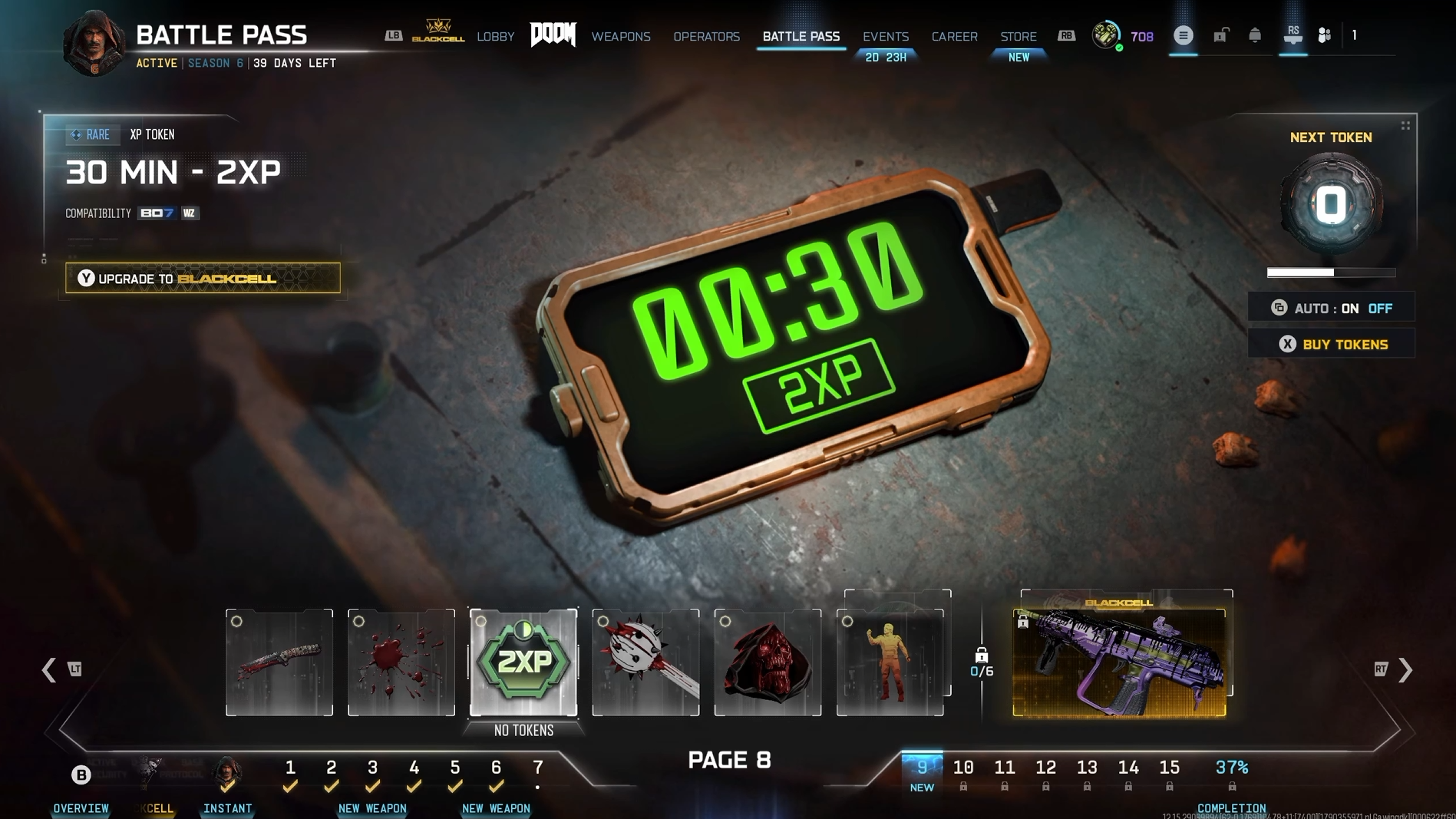
If you don't mind playing, the Battle Pass also has some tokens you can stash. (Image credit: Windows Central)
None of the weapons or cosmetic items you can get in the Season 06 Battle Pass in Black Ops 7 will be usable in Modern Warfare 4 (though you will be able to use some of these in Warzone).
But the Battle Pass also gives you 2XP and 2XP Weapon tokens, alongside COD Points which also carry forward into Modern Warfare 4.
So, if you can finish the current Battle Pass, you'll get a few more tokens to add into your stash. But obviously for this, you'll have to play the game. I recommend not having auto-redeem turned on so you choose the rewards you claim as you progress.
It'll at least make the process shorter if you're mostly interested in the tokens and the currency since new pages can unlock before you've claimed everything on the current one.
This may all sound a little "duhhhh" to regular players, but it's worth highlighting. Especially as we're in that period where traditionally even those regular players have moved away from the current Call of Duty.
Better still, at least if you have Xbox Game Pass Ultimate, is that you can claim these tokens even if you haven't played a lick of Black Ops 7. Maybe you skipped this year, but you're coming back for Modern Warfare 4. In that case, why not give yourself a little leg up?
It only takes a couple of minutes to fire up the game, grab any free tokens, and close it again. But it'll certainly help your leveling in Modern Warfare 4.
As will doing it the proper way and going Classic Prestige. Using this track will grant improved XP gains, so you'll be getting higher, faster. Make things easy on yourself; it's the smart thing to do.
Join us on Reddit at r/WindowsCentral to share your insights and discuss our latest news, reviews, and more.
I've been a Manchester United fan for as long as I can remember (going on 37 years now), coming from a family of Manchester United fans. Watching games with my grandad as a young child remains some of my fondest memories.
Sure it's been tough in recent years, but the passion never dies. Imagine my absolute delight when my club crosses over with my job. It's been happening for a couple of years already, since Snapdragon took over shirt sponsorship, and it's gone up another notch this season.
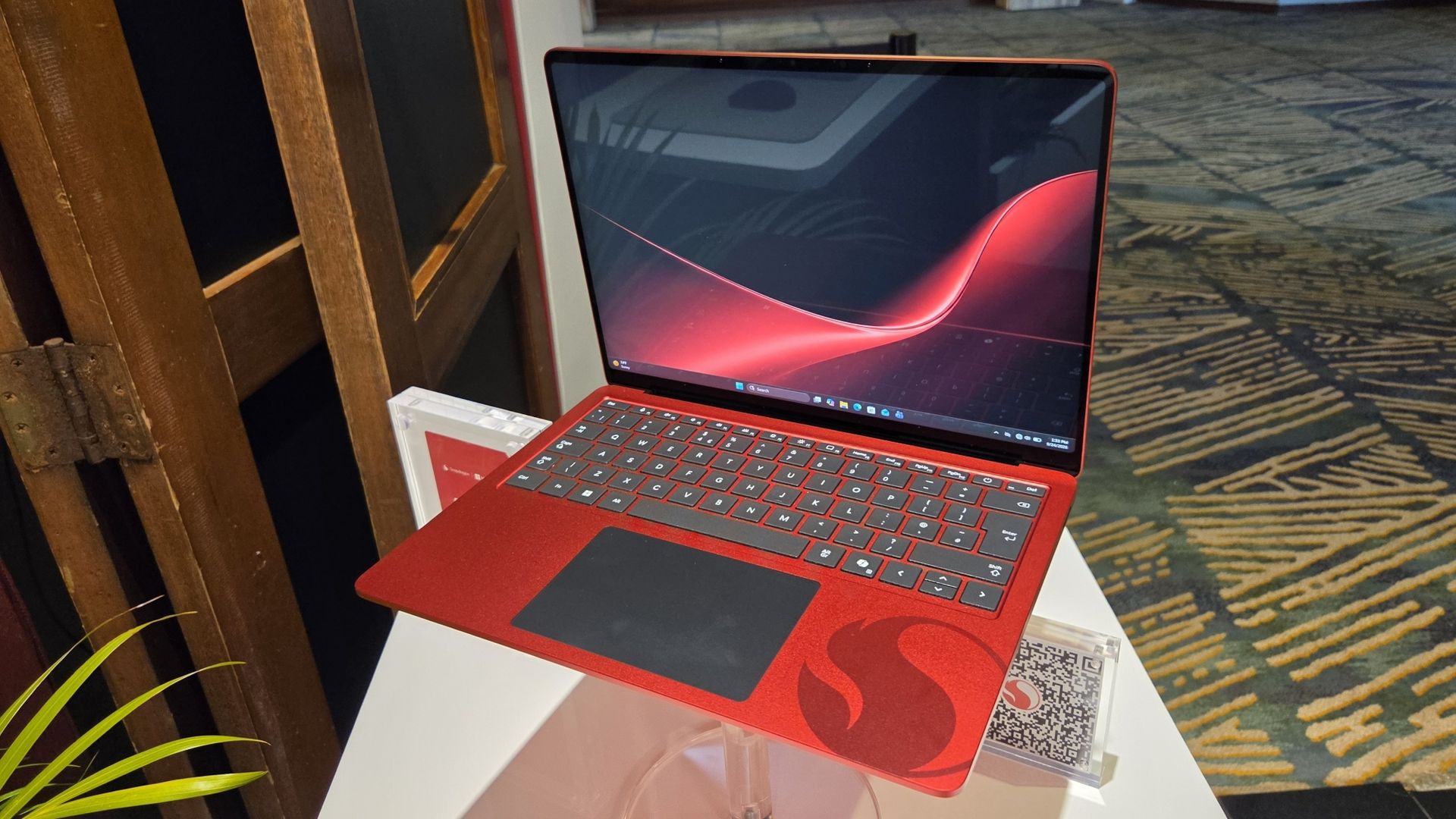
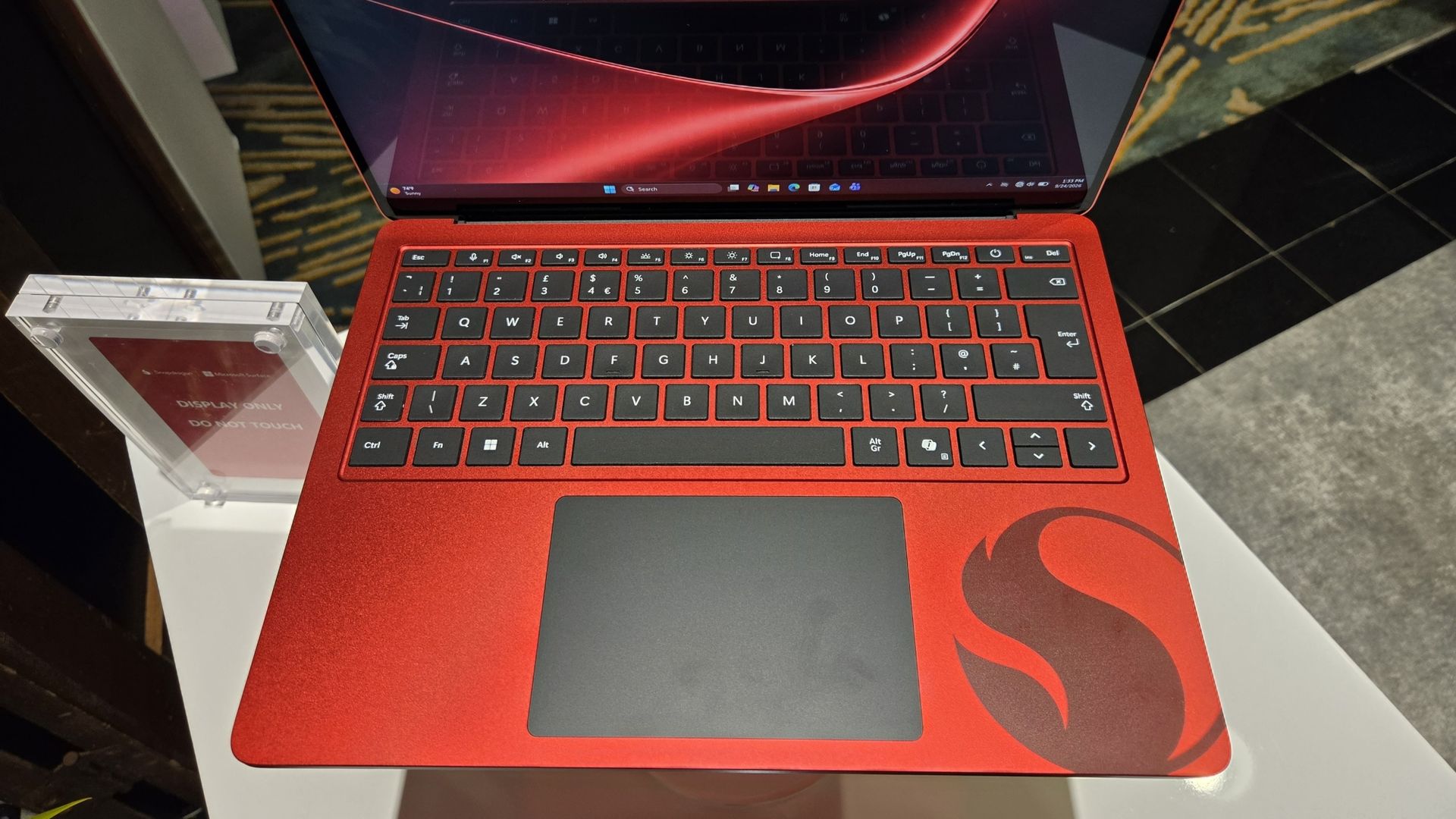
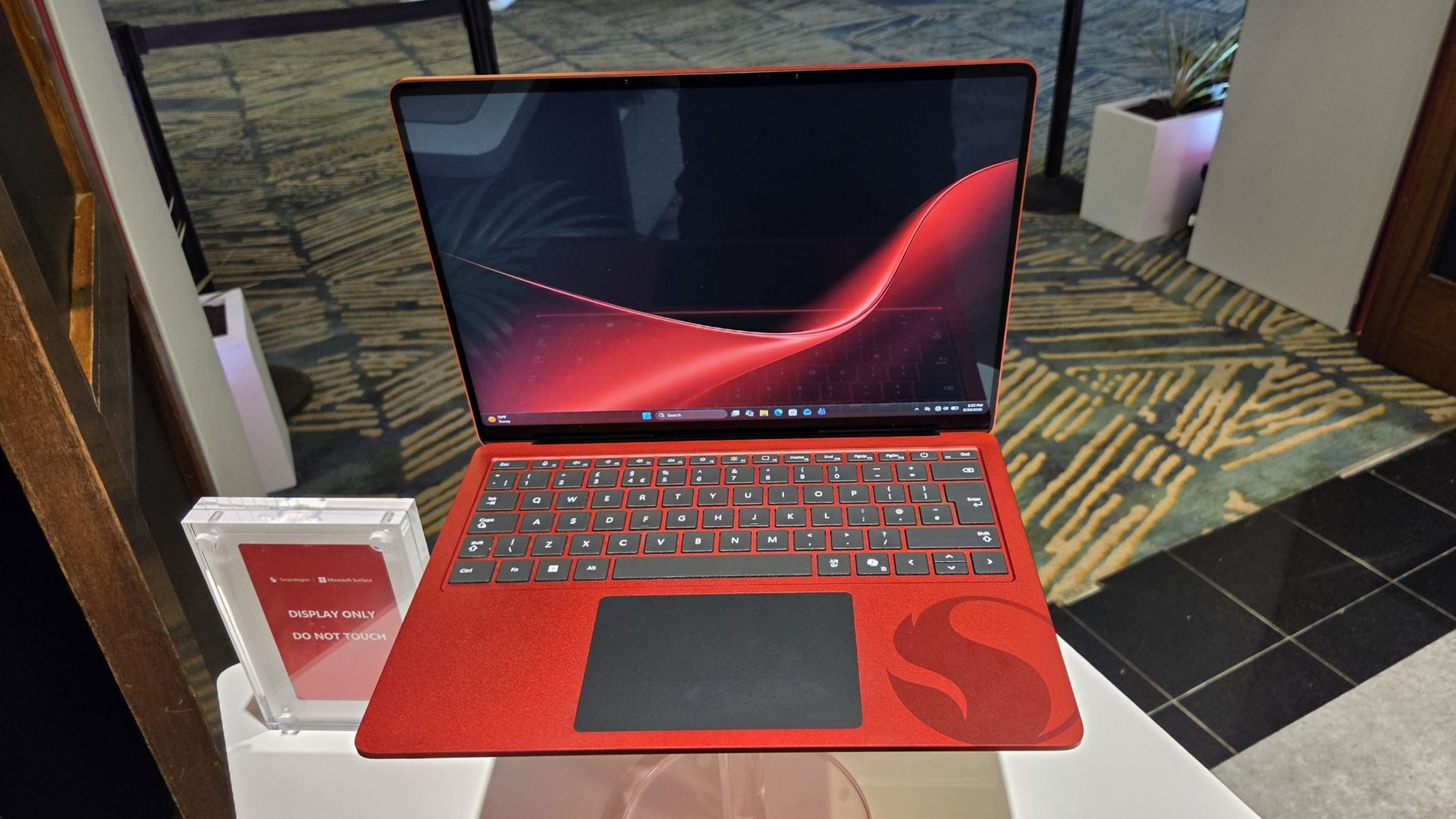
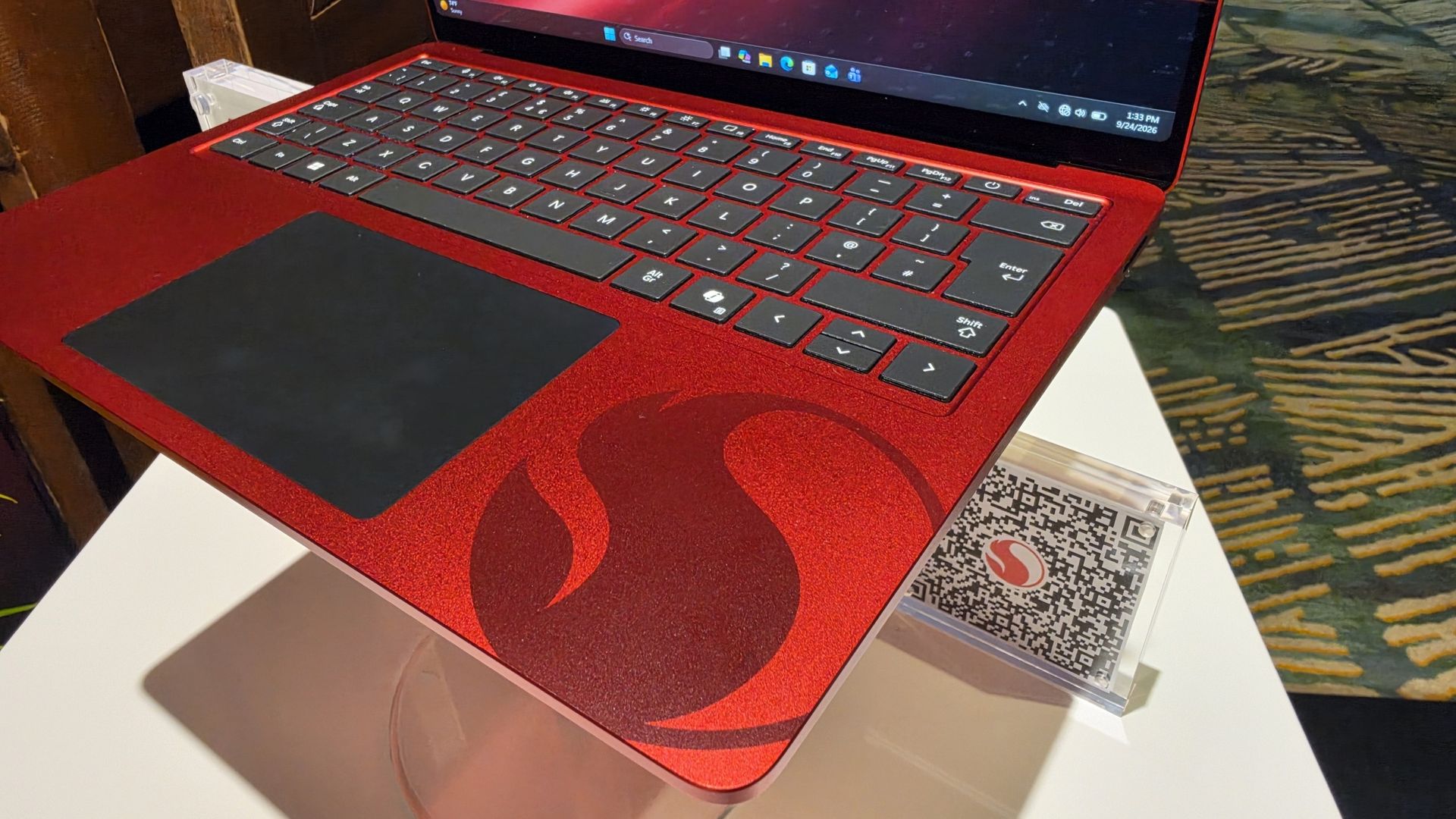
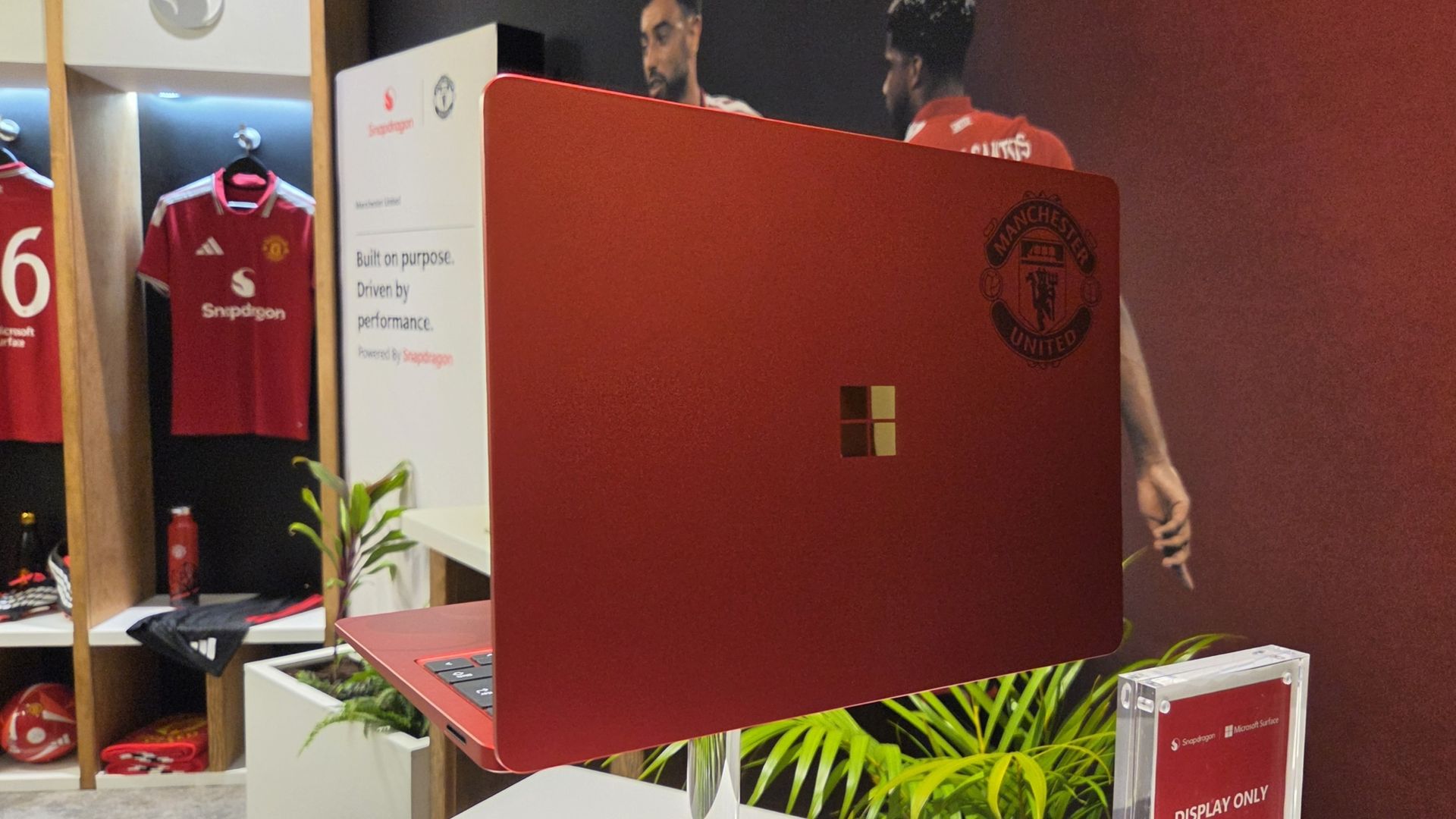
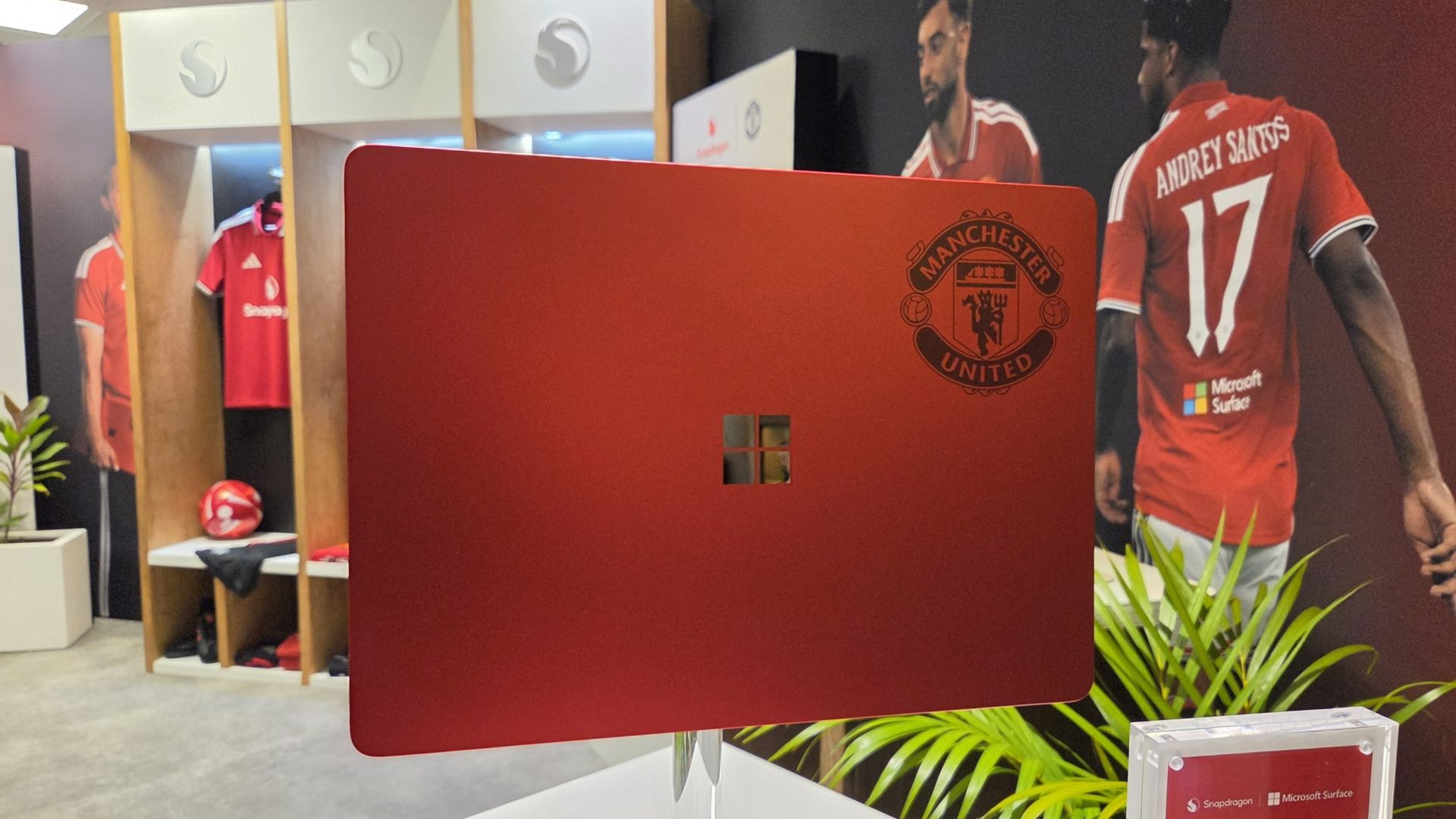
Alongside Microsoft Surface replacing Copilot+ PC (which it seems is now dead) as the rear shirt sponsor, Qualcomm and Microsoft have collaborated on the greatest laptop ever made: The Manchester United limited edition Surface Laptop.
The only downside is that it's not just going on general sale, because I would probably be first in line to buy one. Just because it's red and it has the Manchester United badge on it.
But here it is in all its glory, thanks to our man Zac Bowden, who's on the ground in Hawaii (this job is really tough at times) at the 2026 edition of the Snapdragon Summit.
GloryZac Bowden | Windows CentralGloryZac Bowden | Windows CentralMan UnitedZac Bowden | Windows CentralAnd the RedsZac Bowden | Windows CentralGo marchingZac Bowden | Windows CentralOn on on!Zac Bowden | Windows Central
I don't see an Arsenal laptop out there, do I? Manchester City? Liverpool? Chelsea? Spurs wouldn't even get a calculator these days.
If I had to criticize it at all, beyond the fact it's not going on general sale, it'd be that I don't think it goes far enough into the Manchester United branding. The badge being there is great, but I think they could have done more.
How about ghosting an image of Old Trafford, the Theatre of Dreams, onto the lid like the 1994-1996 home shirt? 30 years on that would have been incredible.
These are extremely limited, and Manchester United and Snapdragon are currently running a giveaway for fans to get their hands on one. You can find out how to enter here and get yourself in the pot to win something that is, frankly, priceless.
Join us on Reddit at r/WindowsCentral to share your insights and discuss our latest news, reviews, and more.
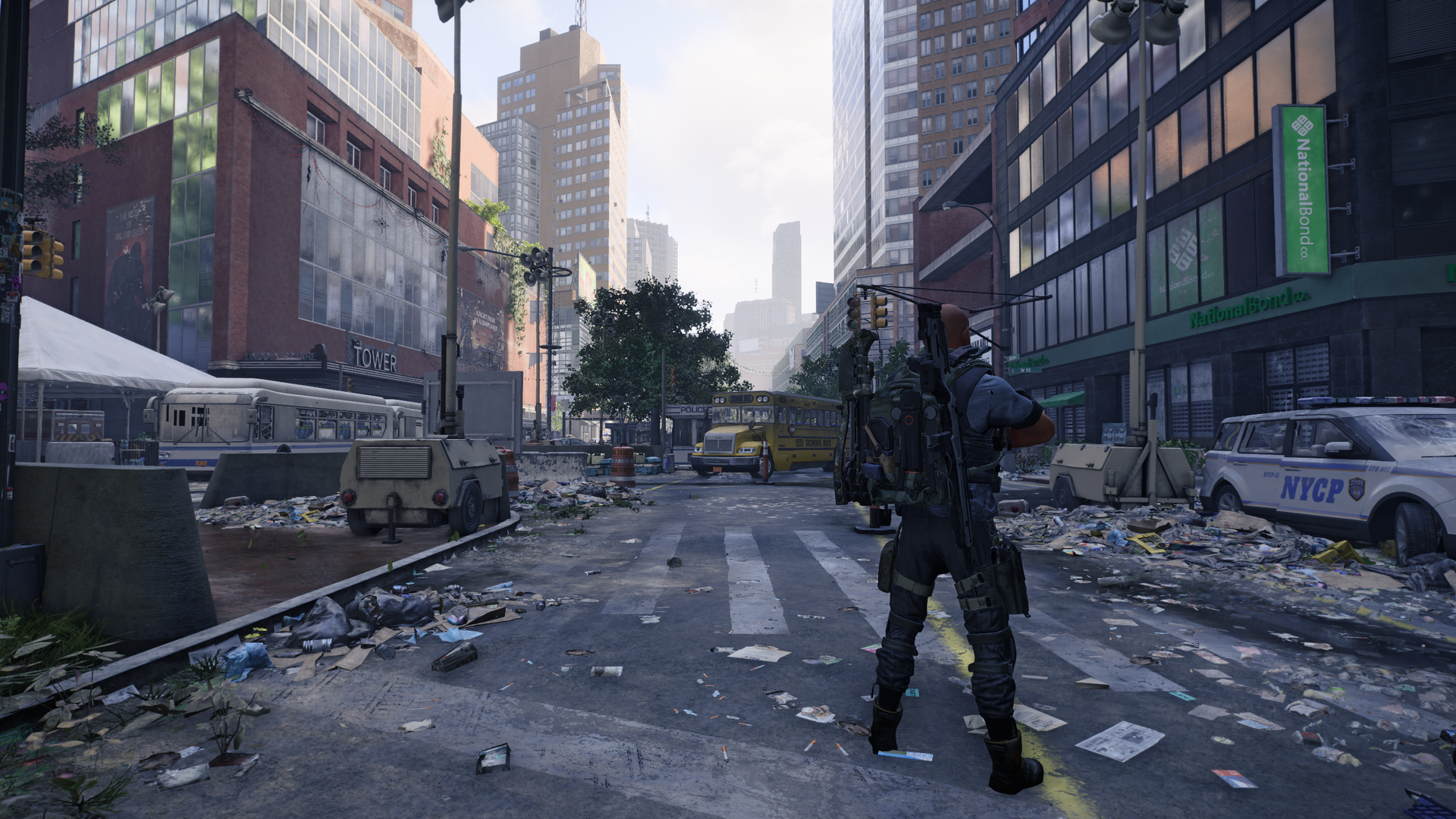
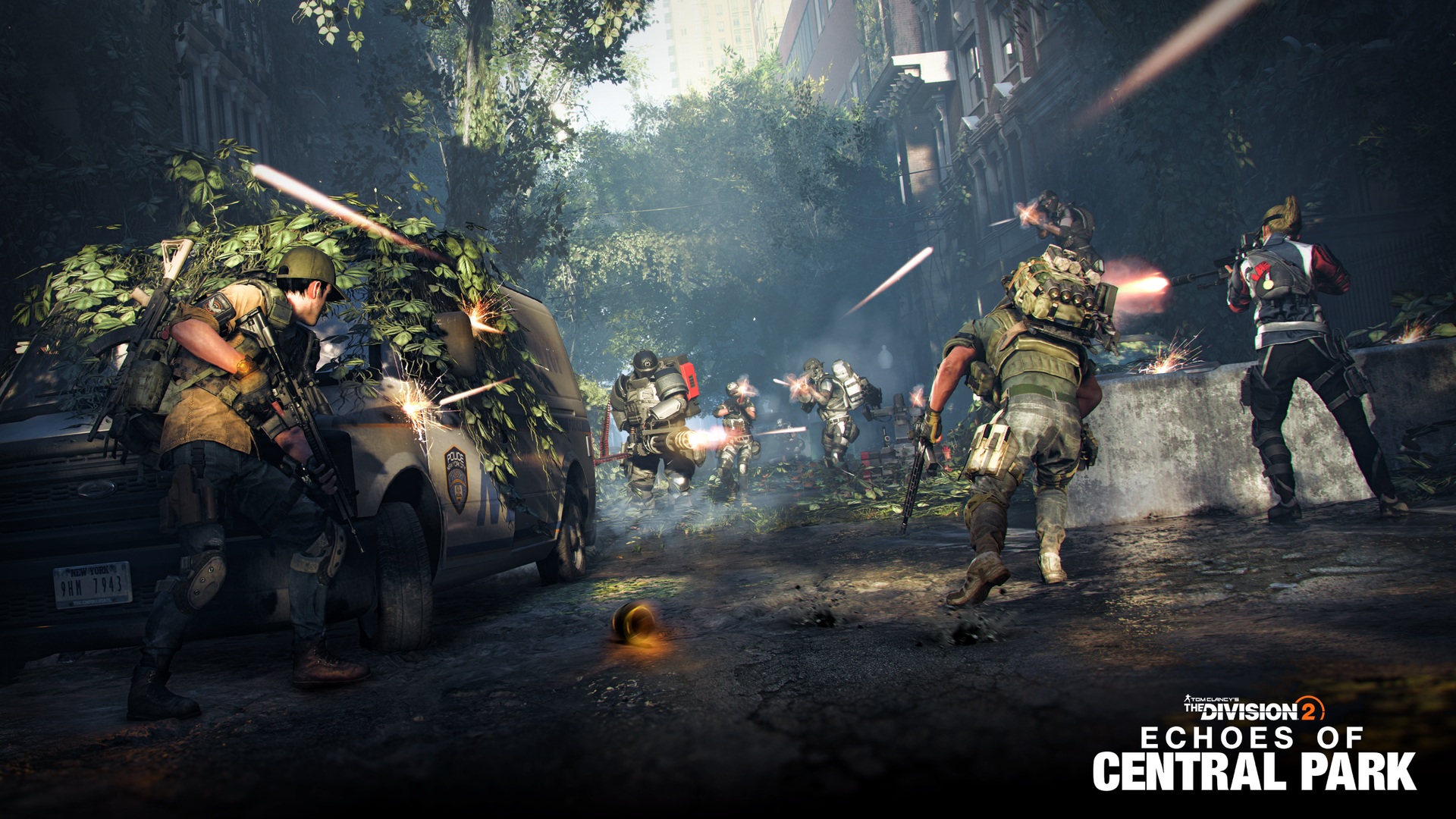
The Division 2's latest expansion, Echoes of Central Park, has finally been fully revealed, and I've been fortunate enough to have an early play test. I dip in and out of The Division 2 these days, but since launch I'm about 1,000 hours deep, and it's been one of my favorite games to play across the Xbox One and Xbox Series X|S era.
I've written previously in covering the game that it's a testament to its community and the reaction to said community by the developers that The Division 2 is still getting new content to this day. The original plans would have seen it sunset into maintenance mode long ago.
But a reversal brought new modes and experiences, the Battle for Brooklyn DLC, and now, Echoes of Central Park. With this latest expansion, Massive is taking The Division 2 down a path that we've never walked before. Yes, there's a new map and new locations to explore, but there's also a much darker tone.
If you can get darker than a pandemic that brought civilization to its knees, that is.
Echoes of Central Park is introducing horror elements to The Division 2, and while I have played it, I still don't fully understand where that's leading. But it feels different, and I'm here for it.
This article was produced based on an early playtest of The Division 2: Echoes of Central Park on PC provided by Ubisoft. It was a limited selection of the finished content and has been published specifically without content that could be deemed a spoiler. Nobody at Ubisoft had any input nor saw the content of this article prior to publication.
Central Park is a dark and terrifying location
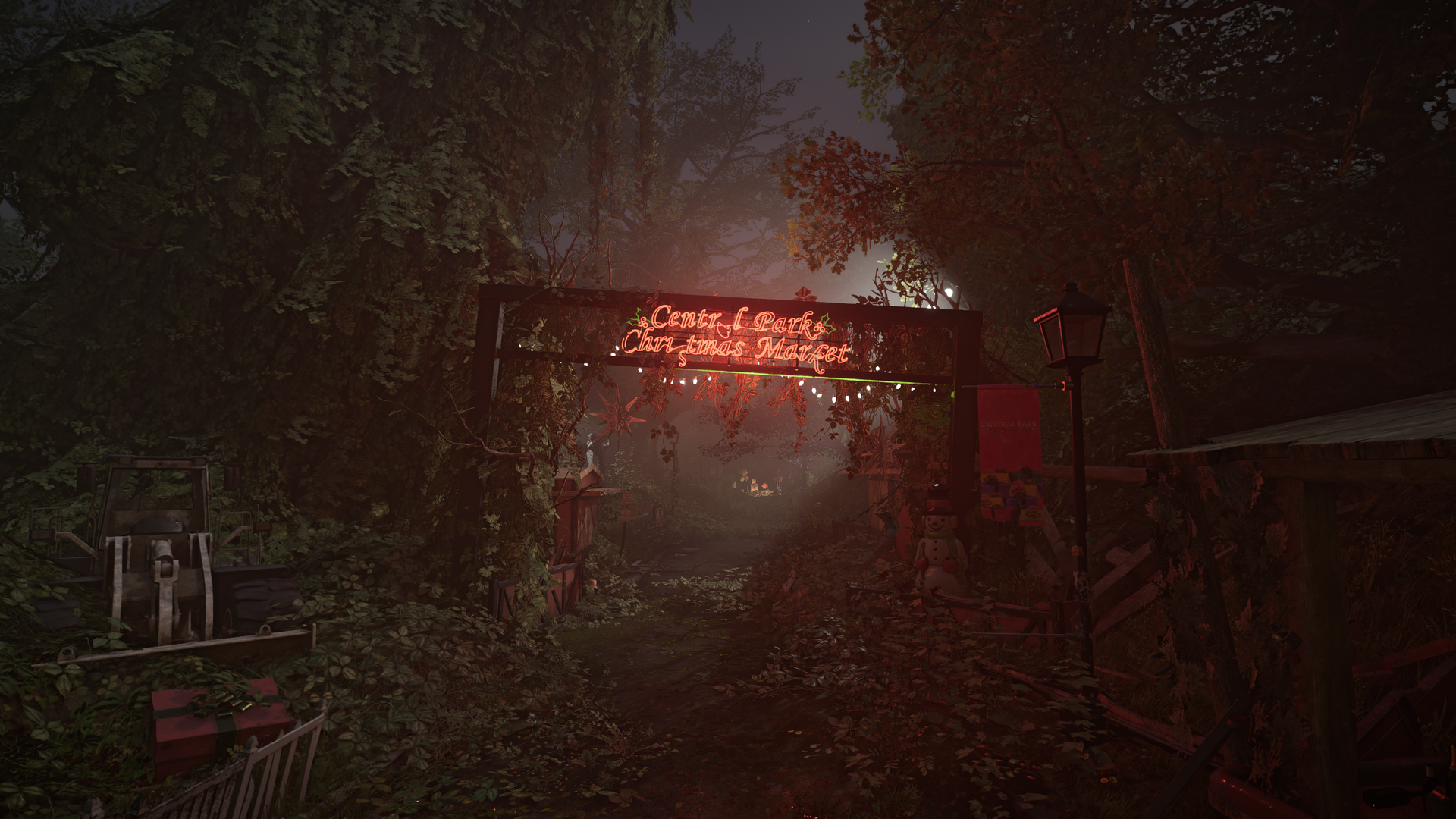
I mean if that doesn't look spooky enough... (Image credit: Windows Central | Ubisoft)
The premise behind Echoes of Central Park is that once again Division Agents are responding to a distress call. We've been deployed across much of New York City since the start of the first game, but Central Park has always been out of bounds.
I always assumed it would have been used as a mass grave for all the casualties of the Green Poison, and on that front, I seem to have been correct. But there's something else going on in there. Something mysterious and terrifying.
You get a little teaser of it during the introduction mission (and don't worry, this entire article will be spoiler free).
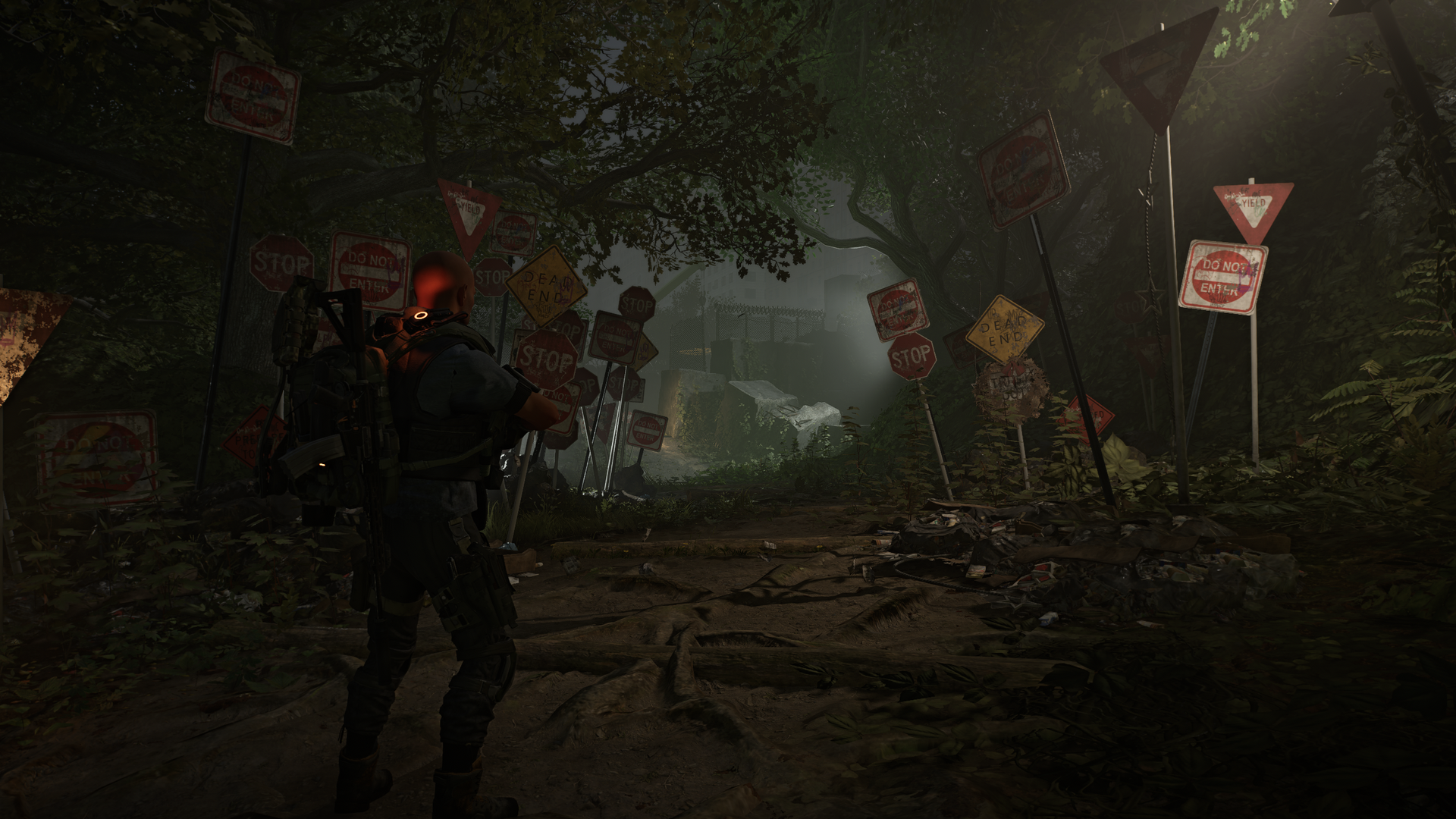
Someone really thinks we should stay out of here. (Image credit: Windows Central | Ubisoft)
It also adds a narrator for the first time, rather than just other members of The Division or from the settlements in your ear. It feels like it's going to play out like some kind of horror story, and it's built very much in that way.
You don't know what you'll be facing at the end, but again, there are teasers to get the brain matter working during your introduction.
But it seems pretty clear that whatever we're building up to fight against is unlike any other foe we've faced yet in any of The Division series.
Lots of familiarity, but some new mechanics to get to grips with
New mission, same old post-Green Poison New York City. What a mess. (Image credit: Windows Central | Ubisoft)
I've played two of the main missions in the Echoes of Central Park DLC and while I'm not allowed to talk about much of the specifics, I can generalize.
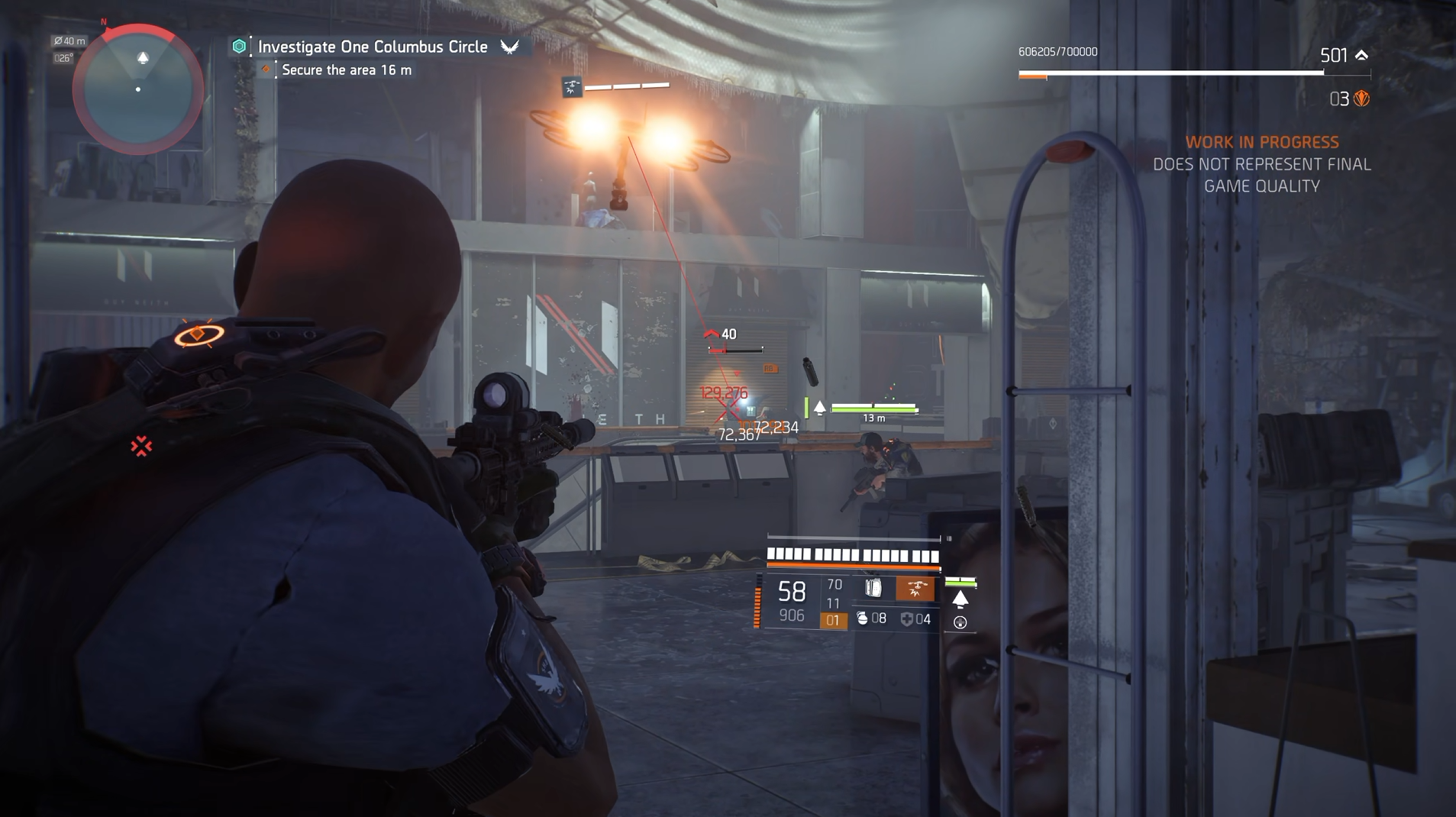
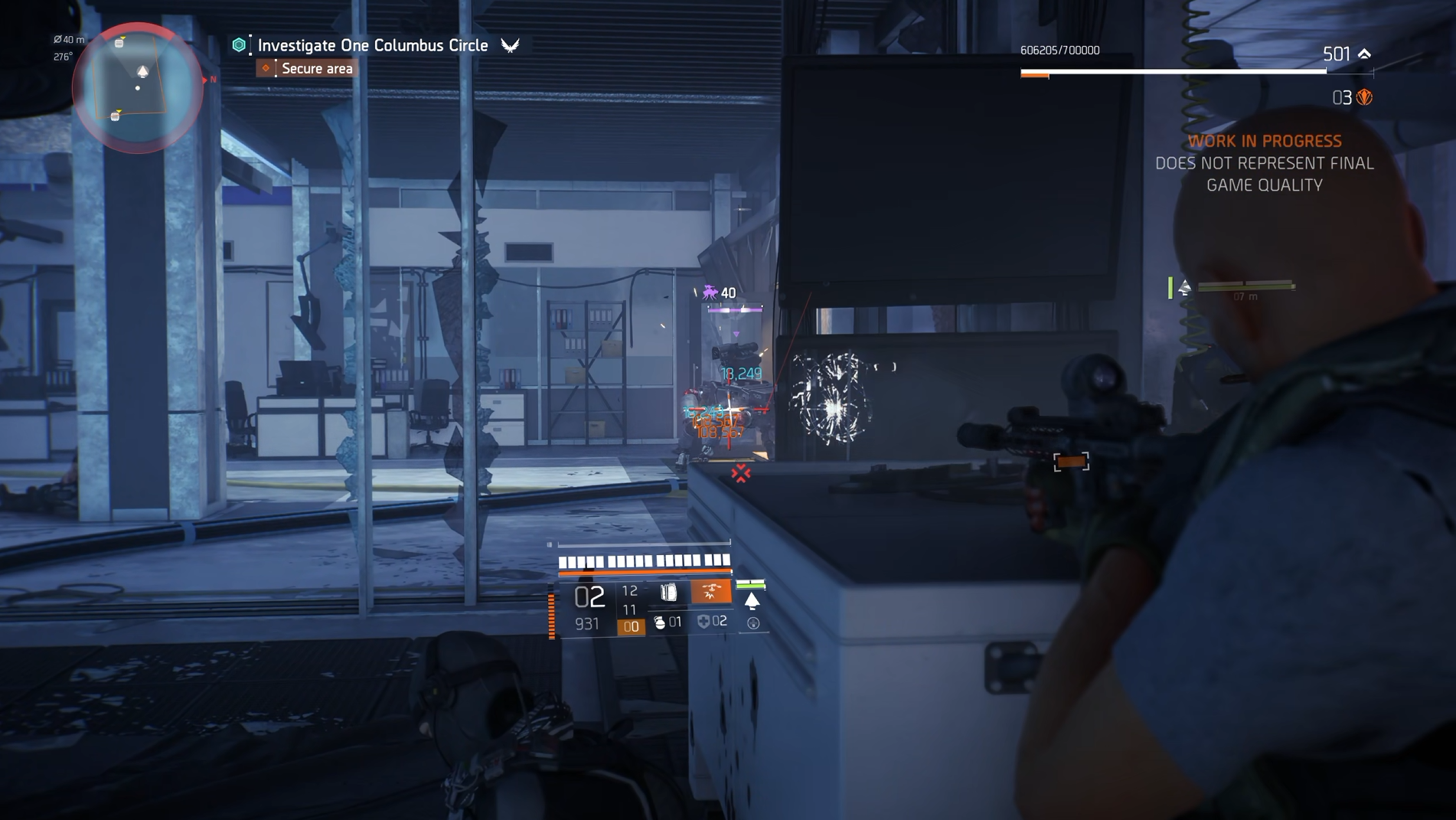
On one hand, everything still feels familiar. The same enemy factions are present, and they're still as irritating as ever (looking at you, Black Tusk and your stupid drones) but the core gameplay loop doesn't seem to be changing too much. There is still a new endgame experience that I haven't seen, too.
What I have enjoyed is that during these missions, there are some new challenges. Considering I was playing on Story difficulty, some of the bosses were far more difficult than I expected. Though it should also be said I was playing with a character provided by Ubisoft, not my own, with maximum stats and a stash of gear built to shred. When I play through again, it might be less stressful.
The core of the missions is familiar, but there are some new mechanics to grapple with. Windows Central | UbisoftThe core of the missions is familiar, but there are some new mechanics to grapple with. Windows Central | Ubisoft
But there are some mechanics to the boss fights beyond just "this is a seriously tanky enemy" that you need to get your head around. They feel like proper boss fights, which is good. While melting high-level enemies is fun, I want something that's going to test my credentials as a good Division Agent.
You also now, for the first time, have the opportunity to use AI teammates. Your companions have their own respective skillsets that you can also improve upon, but they're also there to deploy alongside you in combat.
Matchmaking has always been pretty good in The Division, and there's rarely been a time when I haven't been able to find a squad to take on more difficult content. But having a little NPC backup certainly doesn't hurt. And I think in Echoes of Central Park we're going to need it.
Echoes of Central Park really does feel like The Division at its very best
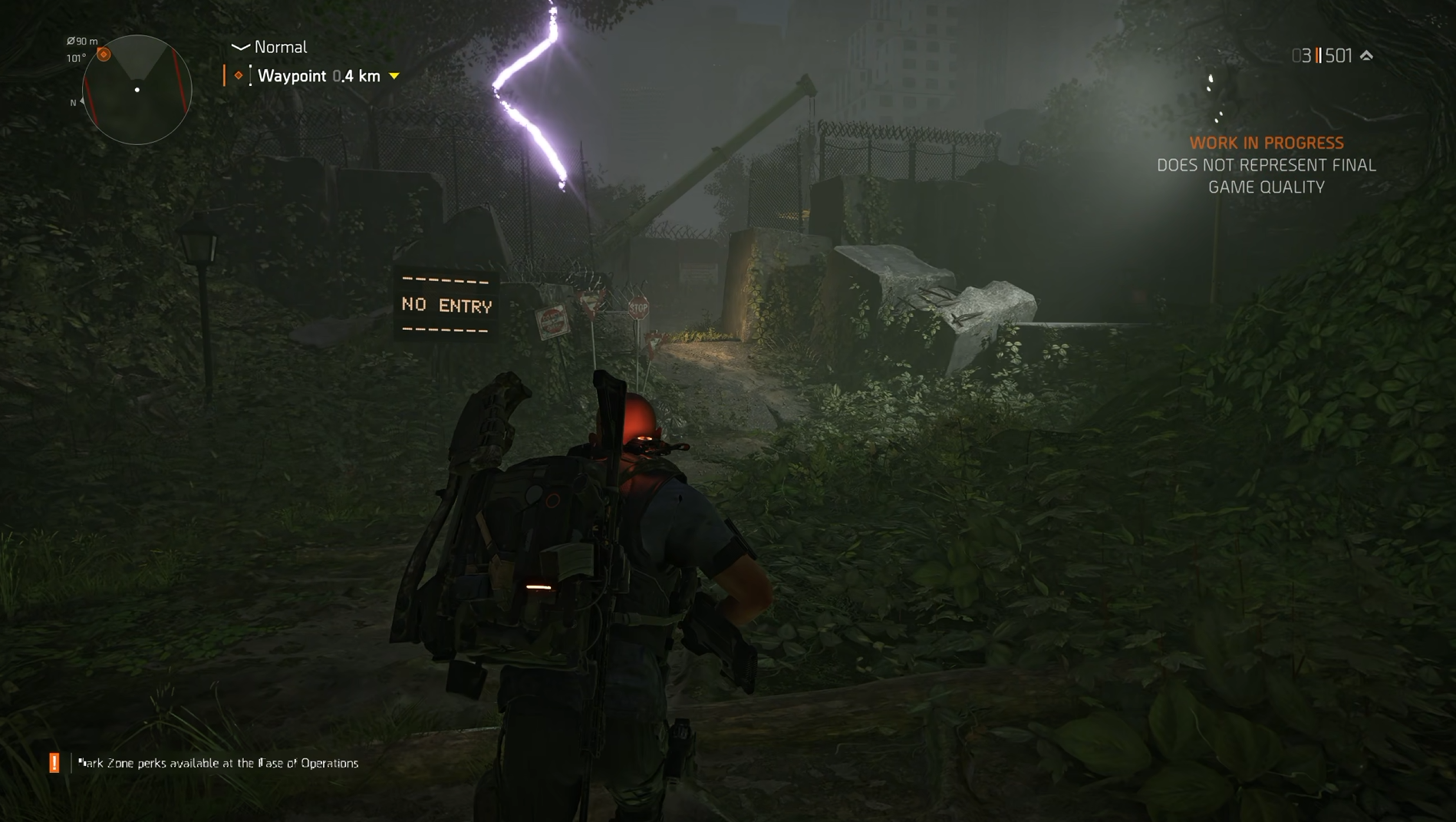
Purple lightning must mean something, right? (Image credit: Windows Central | Ubisoft)
I can't pass a full judgment yet, because, like everyone else, I haven't seen the whole thing, and I haven't taken this new darker path to its conclusion.
But what I have played has left me in no doubt that this looks like being the best expansion to The Division 2 to date. It feels familiar enough not to try and reinvent the wheel, but it's going down a different path to the narrative up to this point.
I love that you feel like a superhero saving what's left of humanity as an Agent of The Division. But I love even more that Echoes of Central Park makes you feel vulnerable. Something is going on that we haven't experienced before. It's going to be tough, and it's going to be terrifying.
That hooks you from the first moment, and since I played, I've been racking my brains trying to come up with an idea of what's actually going on. I've got nowhere. But I cannot wait until it releases and I can see where this new, darker story is taking us.
Join us on Reddit at r/WindowsCentral to share your insights and discuss our latest news, reviews, and more.
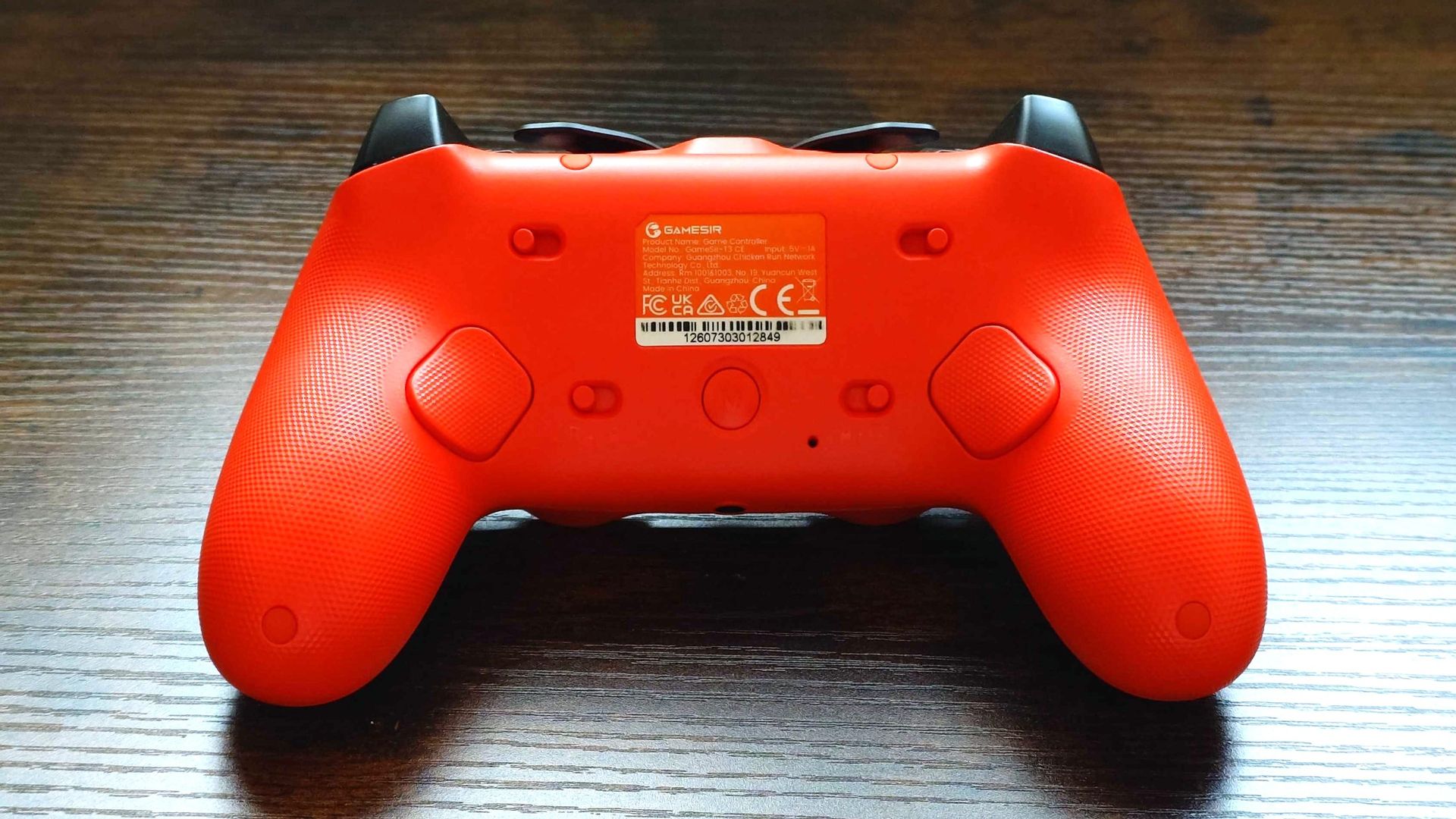
GameSir controllers have been getting quite a bit of attention of late, including the Tarantula 8K. Much of it is unfounded claims of "cheating" when, in truth, a GameSir controller can be customized in much the same way as many competing pro-grade controllers.
But that's not the topic of discussion for today. The focus is firmly on the GameSir Tarantula 8K, a controller that packs the same sort of spec sheet as more established brands with a far more attractive price.
That's not an exaggeration, either. At $70 right now, the GameSir Tarantula 8K is priced in the same ballpark as Microsoft's limited-edition Xbox 25 controller and runs rings around it. There are caveats; for one, this isn't for console, it's a PC controller, and it's wired. But honestly, I opened the box not knowing what to expect, and it didn't take long to be impressed. The GameSir Tarantula 8K is one of the best controllers I've ever used.
GameSir Tarantula 8K specs
Specification
Details
Connectivity
Wired (USB-C)
Polling Rate
Up to 8,000 Hz
Compatibility
PC (Windows 10/11)
Thumbsticks
GameSir Mag-Res TMR sticks Gen 2
Triggers
Dual-mode: Hall Effect analog triggers & hair-trigger micro switches
Face Buttons
Mechanical micro-switch ABXY
D-Pad
Tactile mechanical D-pad
Back & Extra Buttons
9 remappable buttons
Gyroscope
6-axis
Lighting
Customizable RGB strip
Weight
180g
Software Support
GameSir Connect
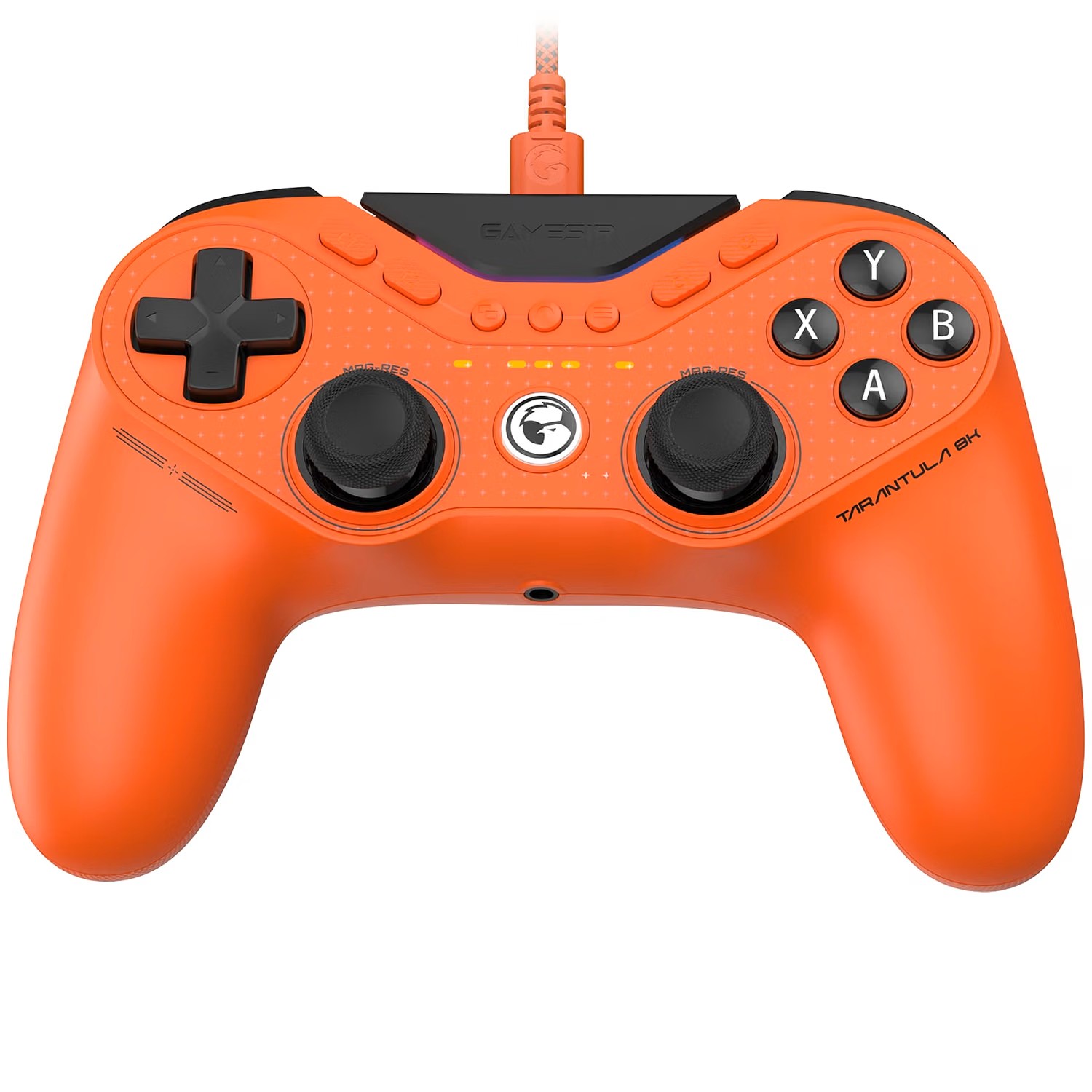
A PlayStation-esque design packed with the latest tech
Don't necessarily be put off by the side-by-side sticks. (Image credit: Windows Central)
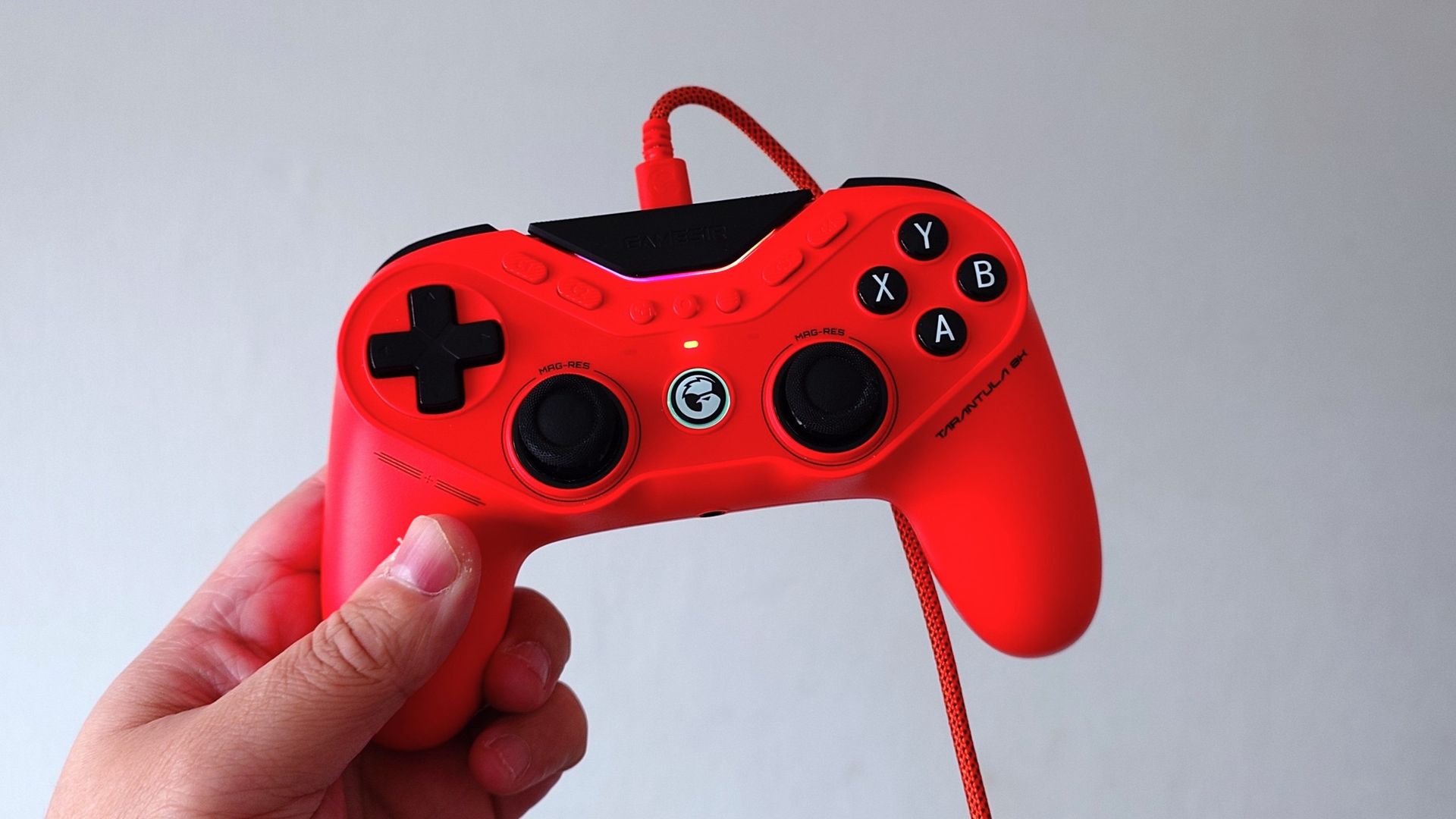
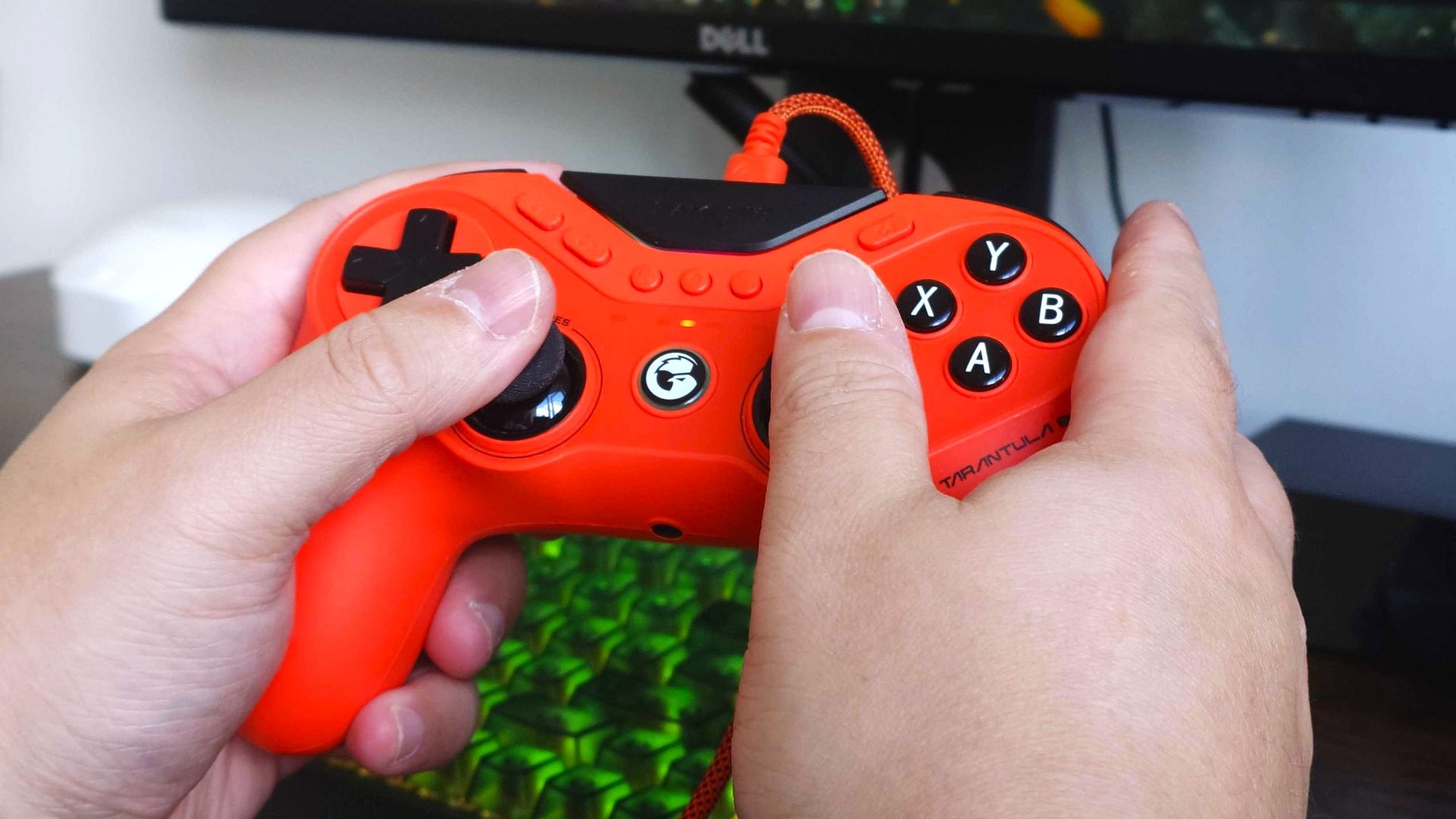
Gamers who outright don't like the side-by-side analog stick design will for sure be disappointed to see it here. But try to look beyond that, because it's not the defining feature. The overall form factor is very reminiscent of a Sony DualShock, but I think it works well. Especially for smaller hands such as my own.
For the basics, it ticks all the right boxes. The rear buttons are exactly in the right spot, everything is reachable without ever feeling like you're stretching, and all the main controls feel glorious. I also love that those rear buttons can be locked, so if you physically don't want them to press, they won't. You have support for multiple profiles on the controller, but if you quickly want to disable the rear buttons, you can.
The face buttons have mouse switches beneath them so you get a positive response and a satisfying click. The triggers, too, when the stops are engaged, are also mouse switches. This type of tech isn't new to me; I've been using Razer's controllers that take a similar approach. But, again, this is an affordable controller.
There are also a frankly absurd number of customizable buttons on the Tarantula 8K. Besides the two on the back, there are four on the face of the controller and an additional two extra bumper controls, as well as the black part that says "GameSir".
These are in addition to the dedicated start, menu, and capture buttons and the GameSir logo button, which will launch the Xbox Game Bar quick switcher to jump in and out of games and launchers quickly.
Then we get to the sticks (there's no time to catch your breath). As you'd hope on a pro-grade controller, the sticks are TMR, so stick drift is no concern, and they're good. They're smooth, and the stock thumbcaps are nice. I typically go for a concave design, which these are not, but they feel like a hybrid. The edges are textured and raised above a convex surface, and I think it's my new favorite design.
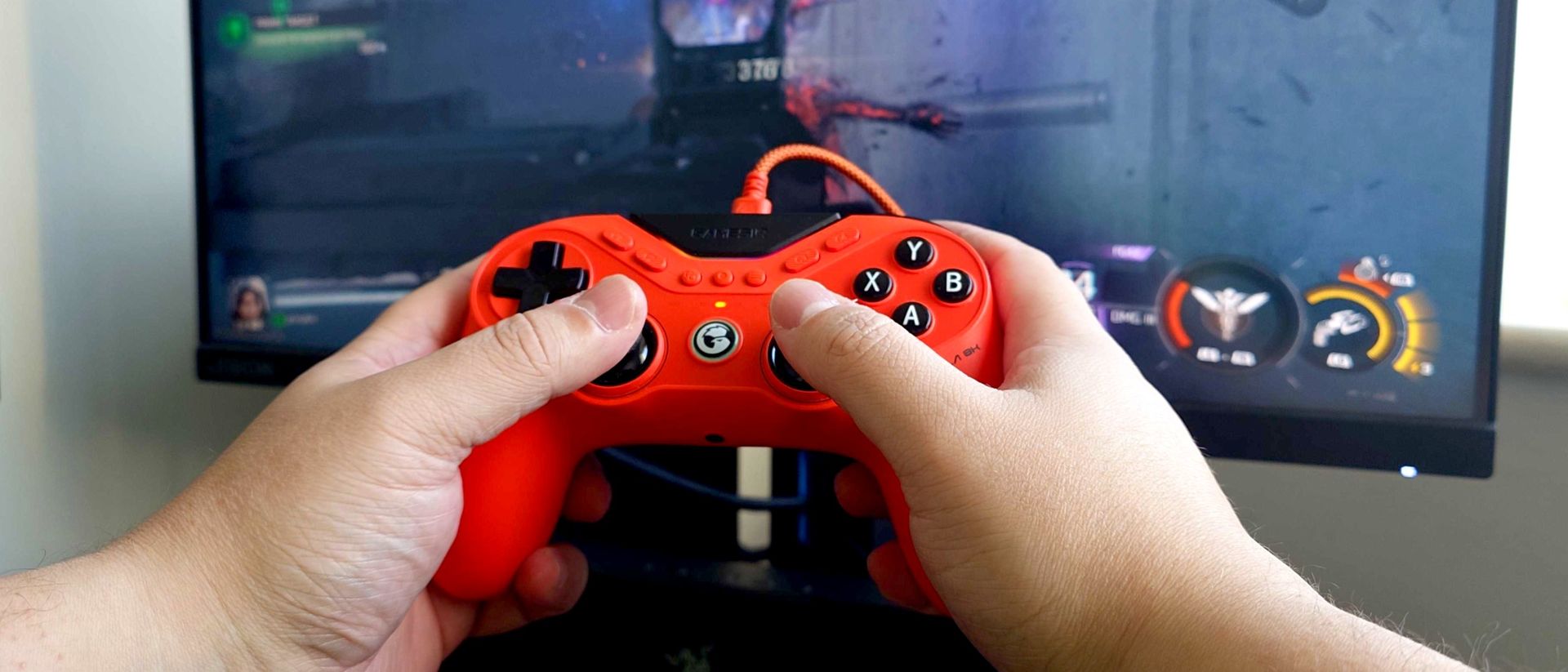
No vibration hardware makes the Tarantula 8K lightweight and very comfortable to use for long periods. (Image credit: Windows Central)
As the name implies, too, the Tarantula 8K supports 8,000 Hz polling, with options to restrict it to 250 Hz, 1,000 Hz, and 4,000 Hz. An 8,000 Hz polling rate is still overkill (at least I think), but it's there. Generally I'm running at 4,000 Hz in Call of Duty (which still seems to be all I play), and overall I've not noticed any difference. But importantly, it feels every bit as fast and responsive as my Razer Wolverine V3 Pro 8K, which is about the best controller I've ever used. High praise for the Tarantula 8K.
Testing that 8,000 Hz claim also bears fruit using the Gamepadla Polling tool to test. It has no problem hitting or getting very close to that magic number connected to a USB 3.2 port on my motherboard.
As when I tested the Razer Wolverine V3 Pro 8K, it's advisable if you have a desktop PC to connect it directly to the motherboard if you're chasing the highest performance. The USB ports on the front of my PC case may say they're USB 3.2, but once again, the controller doesn't report quite the same polling rates connected to these.
A word on the weight, too. It's very light at just 180 g, and that's largely down to an absence of any haptics or rumble motors. If you want vibrations, you have no option at all, but the benefit is that it's an extremely lightweight controller.
As it's targeted at competitive players that typically won't have vibration turned on anyway, I don't see this as a drawback, but if you also dabble in, say, racing games, be aware you won't have any feedback.
Plenty of customization through an easy-to-use app
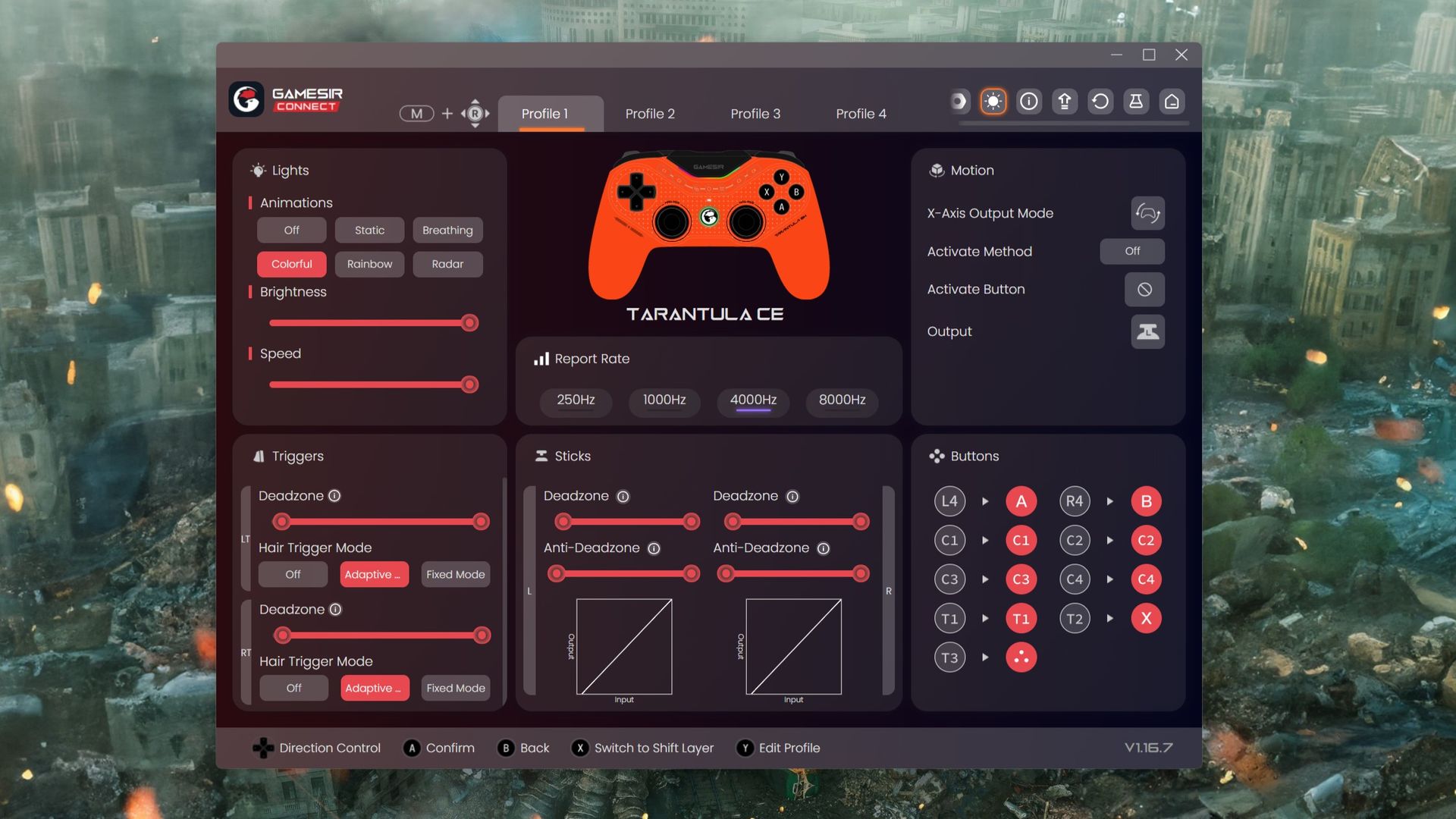
The GameSir Connect app is simple to use, and once you're done it gets right out of the way. (Image credit: Windows Central)
The software is where the recent talk of "built-in cheats" started coming from, and I've addressed that already in a post. There was a feature originally that interfered with rotational aim assist in Apex Legends, and that has since been removed. And yes, you can get really in the weeds, customize your curves, and extract every last drop of performance from this controller.
But for us average players, it's just nice to have these features, to have customizable profiles, and things we can tweak in an app that doesn't take a degree in computing to understand.
The app is where you set up your customized keybindings; you can tweak how you want the triggers to respond, the lighting, all that jazz. Additionally, if, somehow, there aren't enough buttons on the Tarantula 8K for you, you can use the Shift Layer to add even more.
Importantly, you don't need the app. Once you've set everything up, you can save it to the controller and then use the M button on the rear in conjunction with a direction on the right stick to cycle between your profiles. If you don't want to change anything, you don't ever have to open it once; it'll work right out of the box.
But without using the app, you'll be locked to a 250 Hz polling rate, and you won't be able to update the firmware. So it's worth getting, but it doesn't sit there running in the background or anything. Open it up, make your changes, close it, and go play your games. That simple.
Is there anything not to like about the GameSir Tarantula 8K
The grip is barely there, barely grippy, but it certainly gets grubby. (Image credit: Windows Central)
The Tarantula 8K is worthy of high praise, but there are still a couple of bits that I'm not so keen on. The first is the grip, because it's not very grippy. It's ever so slightly textured plastic, and it's just enough to get grubby the more you use it, but it doesn't actually feel like it really helps me grip the controller better.
The same applies to the triggers and bumpers. There's the slightest texture, and I don't dislike it, but it also seems like it just gets grubby over providing any real benefit in use.
The extra bumper buttons are also very close to the traditional bumpers. As in close enough to just avoid touching. If you don't want to use these, then you won't see a problem, but for the purposes of testing, I remapped the X button (reload in Call of Duty).
It's a button I typically map to the rear, but since there are only two buttons to use here, I tried the extra right-hand bumper instead. And when I tell you that I've accidentally thrown a grenade instead of reloading my weapon on several occasions, you'll understand why I think they're a little close together.
It's just too easy to press one over the other in the heat of gameplay. Likewise, when I want to throw a grenade, I have on occasion reloaded my weapon instead.
I'd also like an option that isn't orange to choose from for the color. But that's just personal preference.
The GameSir Tarantula 8K puts the industry on notice
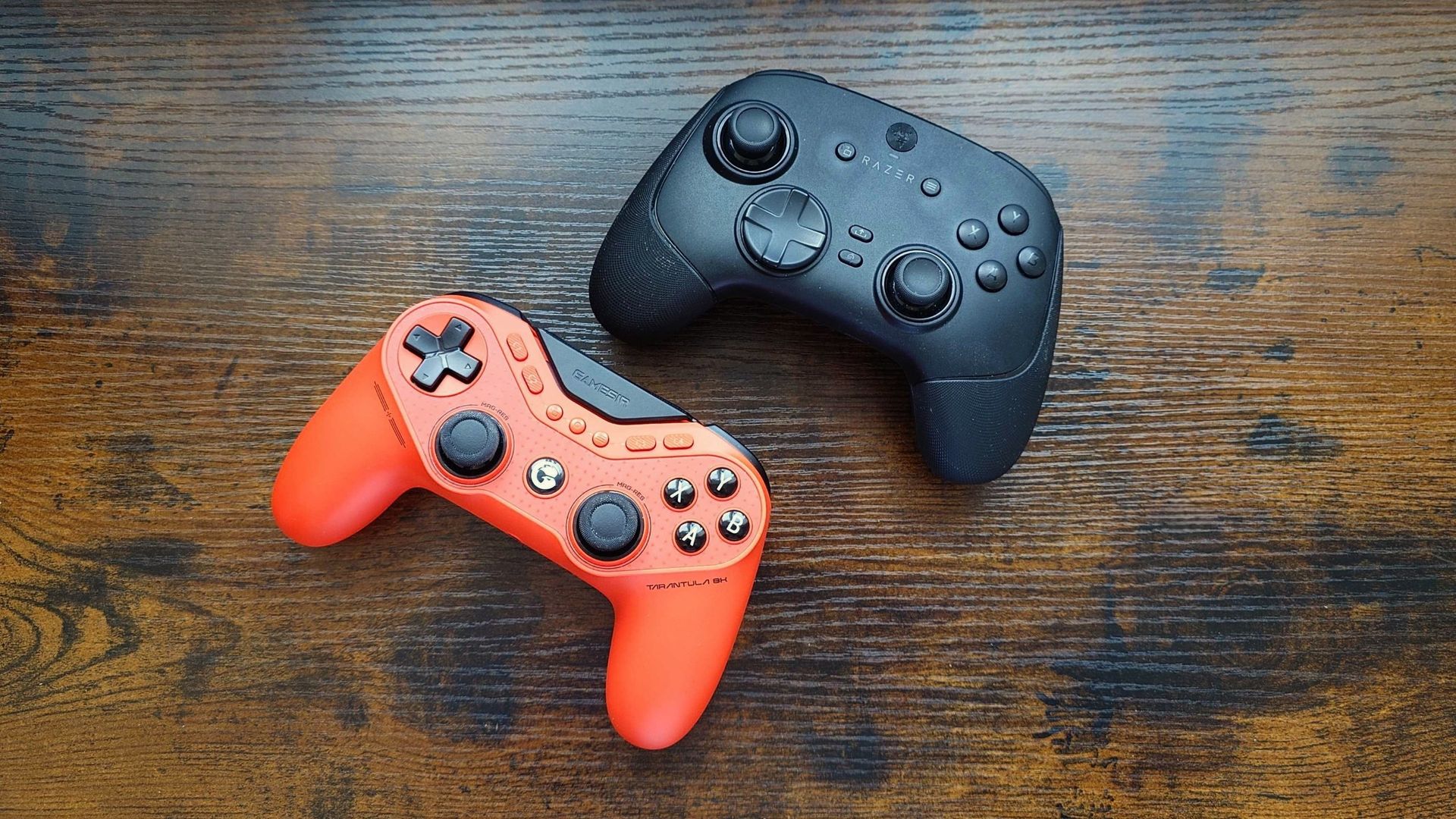
One of these costs a lot less than the other while offering similar performance. (Image credit: Windows Central)
When you look at the package GameSir has put together here for $70 it's pretty mindblowing and should put the industry on notice. I'm particularly looking at Xbox here, too, because the standard Xbox controller still sells for a price that is now no longer acceptable for the hardware inside it.
It's inexcusable in 2026 not to at least have Hall Effect sticks in a time when a company like GameSir is pushing out a fully capable professional-grade controller with 8,000 Hz, TMR sticks, mouse switches, and all this goodness, and Xbox is still phoning it in with ancient tech.
I've used GameSir controllers over the years, and the G7 SE was my most recent, and I very much enjoyed it. Once again it was a budget price controller with not-budget specs. The Tarantula 8K is the same story. Right now, there's really nothing more I could expect inside a high-end controller, yet this one is priced like a budget model.
If you're on Xbox, there is a dedicated version of the Tarantula, albeit not exactly the same, and it tops out at 1,000 Hz on PC. Additionally, if you prefer the Xbox-style layout but still want an 8K-capable controller, GameSir has the G7 Pro for you.
GameSir deserves a seat at the table with the likes of Razer and Scuf. The Tarantula 8K is that good, and you should absolutely buy one if you're looking for a competitive controller for PC.
We're finally getting that, and thanks to some poking around in the latest version of the Xbox app on Windows 11, we've got some new information to go on.
For one, the badge and the sound that plays when it unlocks have now been seen (and heard) for the first time.
A new update for the Xbox PC App reveals: Xbox Mythic Achievement; plus symbol and unlock sound.The Xbox Mythic Achievement is expected to be a 100% Gamerscore game completion reward. pic.twitter.com/STLisa4ubzSeptember 22, 2026
I think it looks pretty good. I mean, it's just a little icon, after all, but I think the design is certainly a little fancier than PlayStation's equivalent, which is just a trophy.
Xbox hasn't publicly detailed anything as yet around the Mythic Achievement and its requirements, but it was always assumed we'd be getting something that rewards for completing all the achievements attached to a game.
The folks at XCT.live have been poking around inside the bits of the app we mere mortals never see and appear to have extracted some key bits of information on how the new Mythic Achievement will work. Crucially, it doesn't look to be a fully 100% requirement, isolating any achievements linked to DLC outside of the Mythic unlock process:
"The Xbox app works out Mythic from a group of achievements that it calls BaseGame. The unlock toast says “Unlocked all N achievements in the original game”. The game page has a “Required for Mythic achievement” filter, and it labels every achievement outside the group as “Add-on”. DLC achievements are not in the BaseGame group, so they do not count. The app counts achievements, not Gamerscore. It is not a “100% Gamerscore” reward."
Code in the app indicates that it is not a 100% Gamerscore requirement, either. It counts achievements within the BaseGame group, not the associated Gamerscore. So it sounds like if you start a game that had more achievements added over time, you'll still be able to get the Mythic Achievement by hitting all the original ones, not having to get all of the new ones as well.
Hopefully it's also retroactively applied to games that you've already completed the requirements for. Either way, it looks like it's beginning to gather steam, and hopefully we'll see it for ourselves sooner rather than later.
What's the first game you'll be trying to get the Mythic Achievement for? It's got to be here in time for GTA 6, hasn't it?
Join us on Reddit at r/WindowsCentral to share your insights and discuss our latest news, reviews, and more.
The echo chamber on the internet would have you believe that Call of Duty: Black Ops 7 was a horrible game. After many hundreds of hours playing, I don't agree with that, at least not entirely. Like most games, it has its good points and its bad points.
But as we're approaching yet another yearly cycle with Modern Warfare 4 arriving next month, once again it's time for opinions to be voiced around how the franchise should become "good" again.
For many, it's a return to the glory days of multiplayer. There are those who believe that Warzone should be completely split off as its own thing, too, and not tied to the yearly release. And plenty more besides.
But on the Warzone front, I agree, and a video I watched by dkdynamite on YouTube takes this idea and applies it to Zombies. There are so many different experiences under Call of Duty these days, but I'm not so sure this approach of making one game to suit everyone is working.
I think it's time that parties from Microsoft/Xbox and Activision get their respective heads together and think long and hard about what the road ahead looks like. I think that road should be a break up of Call of Duty.
Break up Call of Duty? What do you mean?
The less Warzone I have to play, the better. (Image credit: Windows Central)
The traditional core of Call of Duty is the campaign and the multiplayer. As the years have passed, though, Zombies has grown to be a huge part of the game's audience, and of course, there's Warzone. The free-to-play battle royale mode that I personally think has infected too much of the main game.
Using Black Ops 7 as an example, there has been a ridiculous amount of content to play. Beyond the core campaign and multiplayer, there's an extensive Zombies mode, there's Endgame, and there have been limited-time modes and special events across all three, and Warzone is there on the side with its own batch of content.
There are players who will dive into each mode, but it's impossible to do so fully in a year. For many of us, the camo grind and calling card challenges draw us in long enough to complete them, and then we'll go back to our preferred mode.
Zombies players are the best example right now, because after five consecutive Call of Duty releases with Zombies (of some form), Modern Warfare 4 is arriving without. So what's attracting those players to Modern Warfare 4 for the next year? Aside from the campaign, there's a grand total of zero content (at least confirmed for now) of a PvE nature in Modern Warfare 4. DMZ has PvP, with no sign so far of a dedicated PvE mode.
This is why I think it's time to stop the cycle and start breaking apart the various aspects of Call of Duty. Does that mean a standalone Zombies game that runs alongside but is separated from a yearly release or multiple yearly releases? Does that mean Warzone is just Warzone and does its own thing? DMZ getting more than a year of live support and continuing into 2028 or beyond?
Yes to all. I sure wish Black Ops 7 Endgame was getting a second year.
Trying to please everyone pleases no one
The critics are already out before MW4 even releases. (Image credit: Windows Central)
Sure, it would require a significant shift and some reorganization, but Call of Duty is owned by Microsoft, one of the biggest companies on the planet.
But the current yearly cycle isn't pleasing anyone. Warzone players are peeved that every year their game gets changed based on whatever that year's main release is. Zombies players now have nothing new until at least next year, or 2028, when Treyarch returns. Multiplayer fans are constantly aggravated by something.
There are so many plates spinning.
There's no way that the yearly release cycle will end, no matter how many of us think it should. The money has to keep rolling in. But I argue that happy players are players who spend money on a game, whatever form that takes.
Call of Duty is big enough that it could be a collection of games, not just one. Give us a new multiplayer every year and a new campaign. But how about a standalone PvE game based on Zombies that lives for multiple years alongside it?
The problem is I feel, and I'm sure I'm not alone, that the cycle and every game is built with the top priority being monetization, not getting people to play and enjoy playing. We saw it with the price increase to Game Pass post-Black Ops 6 and when that didn't work out, the subsequent removal of Call of Duty from being a day-one Game Pass release.
The revenue took a dive because people were jumping in on Game Pass, not paying $80 whether they played it for a week or a year, on top of any additional microtransactions. So it's off Game Pass.
Would it not be better to have more dedicated experiences for players to enjoy for longer? Give teams a focus, time to breathe, and time to work their magic and focus on making and supporting games that players want to play, rather than keep tolerating.
Older Call of Duty games prove this could work
MW3 Zombies is still a great time in 2026 and still full of people playing it. (Image credit: Windows Central)
The point is that a good experience lasts, and players will stick around playing it. So instead of getting to a point where everyone's tired of the current game and goes back to the older ones, how about we just build longer-lasting experiences to begin with? I think part of why the older games still hold up is because we don't really appreciate them until they're in the rearview mirror and we have more time to take it all in.
Don't expect Warzone players to play multiplayer or Zombies. Don't expect either of those two types of players to want to play Warzone. Hell, if casual mode didn't exist, I wouldn't have done the mastery camo. Even then it was 65 hours of misery because I just don't like Warzone. But give each type of player their own bespoke experience.
Give each mode the space, and importantly, the time, to breathe. From the creation to post-launch support.
Join us on Reddit at r/WindowsCentral to share your insights and discuss our latest news, reviews, and more.
Alongside the new, and honestly quite epic-looking, campaign trailer for Call of Duty: Modern Warfare 4 that was released during the Xbox Tokyo Game Show presentation, we have some comments on the future of one of Microsoft's crown jewels.
Underneath the X post publishing the trailer on the official Call of Duty account, Modern Warfare 4 players are invited to "witness the epic conclusion".
The latest game does indeed follow Modern Warfare 3 and the storyline first introduced when the franchise was rebooted back in 2019, and all signs point to this being the final entry in a now quadrilogy.
You could read into this however you wish. It's obviously bringing the current series to a close, but does Modern Warfare still have a future as a franchise?
What we do at least know is that Call of Duty 2027 is being made by Sledgehammer Games, and we're anticipating a new sub-series, the first in six years by that point from Sledgehammer last introducing the newness that was Vanguard.
Will Modern Warfare 4 be the last we see of the franchise, or will it just get rebooted again? (Image credit: Windows Central)
I think now is the time to draw the curtain on both Modern Warfare and Black Ops, in all honesty. Since 2019 we've had four Modern Warfare games, three Black Ops games, and Vanguard.
The complaints will never go away, though, whatever Call of Duty does. But I genuinely think that Modern Warfare and Black Ops fatigue, even if subconscious, is partly at fault. By October 23, these two series will have resulted in 14 of the 23 total Call of Duty games we've had.
Business-wise, it's easy to see why. The likes of Ghosts, Advanced Warfare, and Infinite Warfare weren't as well received, nor were WW2 or Vanguard. But I'm convinced now that we've played more than enough Modern Warfare and Black Ops for a while. Unless the original Black Ops games are to get remakes, I don't think we need to see it again for some time after back-to-back years.
And that's the other thing. The last five years have seen back-to-back Modern Warfare titles, then back-to-back Black Ops titles, before going back to Modern Warfare again. They're clearly the most successful by a number of metrics, but it isn't going to last forever.
Campaign aside, Black Ops 7 hasn't been a bad game at all. (Image credit: Xbox Game Studios)
I do think there's an element of rose-tinted glasses, too. Modern Warfare (2019) is looked upon very highly, but we also need to remember that it, and Warzone that came in the same year, was around at a time we were all locked indoors with nothing to do. Personally, I didn't take to the all-new Modern Warfare coming after Black Ops 4 and ended up having some time away from playing Call of Duty entirely.
Treyarch has already teased that the studio is ready to make "something new and something that nobody's ever experienced before" when it comes back around to its turn for Call of Duty in a couple of years.
I will close, though, by saying that I have (mostly) enjoyed Black Ops 6 and Black Ops 7, and the latter I don't think is deserving of a lot of the negativity thrown its way. But it is time for something new, something that isn't Black Ops or Modern Warfare, and frankly, something that doesn't feel like it's built entirely to provide a platform for Warzone.
What that looks like only time will tell, but if Microsoft wants to keep its golden goose going strong, it needs to take some risks. I'm already of the mind that not putting Modern Warfare 4 on Game Pass is going to affect its player count, especially given GTA 6 launches less than a month later. I guess we'll see what happens.
Join us on Reddit at r/WindowsCentral to share your insights and discuss our latest news, reviews, and more.
I am chuckling a little at this, because among all the discourse around physical media of late, I feel like Rockstar Games just threw out an almighty troll.
GTA 6 will, of course, only be available digitally. Even if you buy it from a third-party retailer, you're only getting a download code inside the case. You can put it in your collection with your other physical games, but there's nothing inside.
Today, though, Rockstar has announced there is some physical media coming for fans and collectors. Except, no, it hasn't done a massive U-turn. But you can buy a copy of the GTA 6 soundtrack to listen to and keep forever.
I'm not belittling the fact that the GTA 6 soundtrack is getting a physical release. I love that it is. GTA games usually have outstanding soundtracks thanks to the variety of radio stations you can listen to. And my love of physical media doesn't just cover games.
Better still, you'll be able to get it on both CD and vinyl, with two versions of the latter including a significantly more expensive limited edition release. This one seems to have some exclusive artwork, as well as "transparent magenta discs filled with blue liquid."
That should look pretty trippy as it goes around on your turntable.
It's hard not to see a troll in this, though, too. GTA 6 is going to be one of the biggest game launches in the history of game launches, and merchandise of all kinds will be part of that.
But given the stance regarding digital vs physical for the game, the irony isn't lost that the same doesn't apply to the soundtrack. Even if it existing is a good thing.
Some of the artists and tracks teased so far include:
Yung Lean - That's It (feat. Future & Metro Boomin)
Travis Scott - RHYNO (prod. by Guy-Manuel de Homem-Christo)
CA7RIEL & Paco Amoroso, PinkPantheress, Fred again.., & Etienne de Crécy - Sexy Magic
Morgan Wallen - Last Thing You Need
Rauw Alejandro - Macacoa 2000
Keith Richards - Bright Lights, Big City
If you want a copy of your own, you can pre-order it now on Rockstar's new dedicated store, with shipping expected on November 20. Will you be picking one up?
Join us on Reddit at r/WindowsCentral to share your insights and discuss our latest news, reviews, and more.
It's that time of year again where a new Call of Duty is on the horizon and the existing game has been played so much that older titles in the franchise get wheeled out for a dose of nostalgia and a change of pace.
With an Xbox Game Pass subscription, that's even easier. In my case, I've been checking out a couple of previous Call of Duty games I originally skipped for various reasons. The first being Black Ops Cold War, the latest to join Game Pass, and now, Modern Warfare 3.
Except, in a change of pace, I haven't touched multiplayer, nor the campaign, not yet, anyway. My YouTube feed was filling up with folks playing Modern Warfare 3 Zombies (also referred to as MWZ), and it looked very much like my jam. So I installed it and jumped right in.
How have I not played this before? Zombies purists may look upon this take on the franchise very differently, but I'm the furthest thing from that. Traditionally I love open-world games, looter shooters, and experiences with a big sandbox to explore and find things to do with rewards to chase. It's why I love The Division 2 so much.
I'm hooked. Instantly hooked. A good chunk of my time in Black Ops 7 has been spent in the Endgame mode, with its lighter take on an extraction shooter proving to be a lot of fun. MWZ is also a PvE-exclusive extraction shooter; it came a couple of years before Black Ops 7, and I think it's actually better.
MWZ feels less daunting as a newcomer over more classic Call of Duty Zombies experiences
Some of the content is harder solo, but much of it, especially early on, isn't too daunting. (Image credit: Windows Central)
Don't get me wrong, I totally get why people love Zombies. All told, I should be one of them. PvE gameplay is always my preference, and the whole idea of the easter egg quests, the continued storyline that's crossed multiple games, and the replay value ticks the right kind of boxes.
But I've never really played the mode for whatever reason, and the round-based gameplay does feel a little daunting to me. The way the difficulty keeps ramping up is a good challenge to have, but I can also see how it could be off-putting to newcomers and more casual players.
Like Black Ops 7 Endgame, MWZ lets you play entirely at your own pace. Eventually you'll need to go into the higher-tier threat level zones, but you decide when. While you're getting to grips with the mode, as I have been doing, you can just run around in tier 1.
Getting used to the map, the gameplay, doing the Act 1 missions, and raising your Containment Level to make life simpler when you do decide to take on the more difficult parts.
You don't want to pet this dog. (Image credit: Windows Central)
What I also really like as a new player is that thanks to the scale of the Urzikstan map over a more traditional round-based Zombies map, it's easier to get out of trouble. The trap I always fall into any time I try Zombies is getting boxed in, and it's game over. MWZ has the added bonus that even without a Self Revive equipped, other players in your match can pick you back up, even if they're not in your squad.
It's not easy, but it does feel more approachable. And if you ever played Warzone on Urzikstan, you'll already feel at home on the map.
MWZ also has a series of story missions to progress through that you don't have to figure out for yourself like a traditional easter egg. There still are easter eggs to complete if you wish, but there's a more linear story you can also follow in the different Acts, with smaller side missions to progress through before hitting the final story mission.
I don't think it's "hand-holding," but I do appreciate being pointed in the right direction without needing to follow a YouTube video.
I love the loot system in Modern Warfare 3 Zombies
Being able to start a new run with sweet loot extracted from previous ones is real handy! (Image credit: Windows Central)
As a looter-shooter kind of guy at heart, I really like the way that your gear is handled in MWZ. In traditional round-based Zombies, you can build a loadout, but you're starting from scratch every game.
In MWZ, if you've managed to extract with the right gear, you can use it right away to juice yourself up for more difficult content right out of the chopper.
I've barely scratched the surface so far, but already I've built up a stash of Aetherium Crystals to avoid needing to use the Pack-a-Punch machine (and save my points for something else) as well as getting my hands on the schematics for some of the perks.
Acquiring Schematics to craft items before a run is a fantastic addition. (Image credit: Windows Central)
The cooldown on using the Schematics adds an element of planning to the equation, but already as a total noob I can drop in with a couple of useful perks, as well as any I managed to extract from a previous run.
As a not-very-good Zombies player, one of the things I always seem to struggle with the most is managing my points with how many different things you have to use them for. MWZ doesn't rely as heavily on them when you get rolling and build up a good stash.
But also as a looter-shooter fan, I love that in MWZ you actually have a loot chase. There's a ton of stuff to acquire, and thanks to RNG, plenty of reasons to keep replaying, chasing the items. It's a different experience from the traditional Call of Duty grind, where the focus is on Camos and Calling Card challenges.
It's also pretty fantastic that you can literally start at level 1 and get your hands on weapons that, in multiplayer, you wouldn't get access to until you unlock them at their relevant levels. I'm running around with a WSP Swarm right now (and have already done some of its Camo challenges) that I still haven't reached the right level for.
Living proof PvE content in Call of Duty is worth having
Would you look at that, a Dead Wire ammo mod from the easiest zone that I can come back into a different run with! (Image credit: Windows Central)
While I have enjoyed Black Ops 7 in Endgame, dipping into MWZ immediately made me think of the upcoming DMZ mode in Modern Warfare 4.
There is no Zombies this year, be it round-based or an MWZ-type experience. There's nothing. The continual focus of Call of Duty is on its bread and butter: multiplayer and Warzone.
Zombies has always proved that PvE has a place in Call of Duty, and Endgame was a decent experiment with Black Ops 7, too. But DMZ in Modern Warfare 4 is planned as a PvPvE experience, always throwing in the chance that other real-world players will spoil your fun.
And let's face it, this is Call of Duty; it will absolutely fill up with sweats that have no mission beyond wiping out as many players as possible.
I'm all for as much PvE content in Call of Duty as we can get. (Image credit: Windows Central)
We're seeing the thirst for purely PvE play elsewhere, too. Bungie is adding a PvE-only mode to its own extraction shooter, Marathon. There's plenty of us out there that want to enjoy these types of experiences without wanting to be on edge constantly waiting for a PvP demon who exists just to ruin your day.
It's why in my 1,000 or so hours in The Division 2, probably 6 of those have been spent in the Dark Zone. If I want PvP, I play multiplayer.
So I hope that it's at least a consideration down the line to add a PvE mode to DMZ in Modern Warfare 4. It's the mode I'm pinning most of my hopes on, but if it ends up turning into Warzone lite, it'll get dropped.
It's a typically 'me' thing to do discovering games years later that I actually really enjoy, and that's the same here. I haven't touched Modern Warfare 3's campaign or multiplayer modes at all. Only Zombies.
Being on Xbox Game Pass makes it easy enough to try. Even if you're not into Zombies, it's worth giving a go if you skipped it in the past and you like open-world looter-type games.
Join us on Reddit at r/WindowsCentral to share your insights and discuss our latest news, reviews, and more.
Call of Duty: Black Ops Cold War recently joined Xbox Game Pass, and as such, there's an influx of folks who haven't played before. That goes for me, too, having played only a small amount back in 2020 on the PS4.
If you're on console, it's mostly OK. But on PC there are some issues, one of which is a problem with textures not rendering properly. Sometimes it'll look blocky, others the sky won't render in at all, and when it happens, it looks like you're playing a PS1 game. Horrible.
It turns out this has been an issue pretty much always on PC, and given it's a six-year-old game, it's unlikely to get a patch to fix it. General consensus is that it suffers from a memory leak, and while I would expect Microsoft to make sure new arrivals on Game Pass aren't broken, let's face it, it's not happening.
It affects all game modes, so even if you only jump into the Campaign and Zombies, you're going to see it eventually.
Many attribute the issue to AMD graphics, but I've seen it on NVIDIA, too, and no amount of trying different drivers makes a difference. There is no fix, but there are some workarounds you can employ that can help it happen less often. You may not need all of them, but some of these have worked for me.
1. Reduce your settings to medium and don't use the high resolution textures
Trust me, you don't need the HD textures. Just turn them off, chances are it'll help. (Image credit: Future)
It's an older game, and it doesn't look as crisp as Black Ops 7 or the upcoming Modern Warfare 4. It's best to just accept this, and even though you may well be able to run it maxed out (I certainly can on an RTX 5090), dropping the settings is one way to help reduce the texture issue. Create less strain on the system.
The other thing to do is to make sure you're not trying to use the HD texture pack. In my experience it doesn't make that much difference, anyway. But having this enabled prompted texture issues in every single game for me; turning it off and going down to medium, it rarely happens now.
The HD texture pack can't be removed if you're playing on Game Pass (and is part of the reason the game is so ridiculously large in size), so just make sure you're not using it.
2. Tweak your targeted VRAM usage
You only have three options for VRAM usage targets on Black Ops Cold War, but it's worth playing with to see if it makes a difference. (Image credit: Windows Central)
In the graphics settings you have an option to tell the game what target to aim for regarding VRAM usage.
One step you can take to try and help with texture issues is dropping this down, especially if you don't have mountains of it to spare. I appreciate that while I'm using 32GB VRAM, most aren't, and it's a more precious commodity.
For most, 80% should be good. It's not a magic fix, but it's worth trying anyway.
3. Turn off upscaling
In my experience, DLSS being disabled can help reduce texture issues. (Image credit: Windows Central)
For me, it was the combination of turning off DLSS along with dropping the settings to medium that had the most impact. I didn't realise DLSS was even enabled at first, but I've had the least texture issues since turning it off.
It also means you have to turn off any ray tracing effects, which is fine; you don't need that anyway.
Black Ops Cold War isn't the most demanding game out there; after all, it is from 2020. If you have a GPU from the last decade, you should be fine without relying on upscaling.
If it does start to chug a little, you can play with the render resolution to try and overcome it. But turning off the upscaler seems to have been an important step for me, at least on NVIDIA.
I spent a good amount of time trying to see if anyone had a fix for the texture issues in Black Ops Cold War, and there's also talk out there regarding page files and other configuration changes that I didn't feel comfortable messing with unless it was a last resort.
Fortunately, the combination of dropping the graphics settings and turning off the upscaling has mitigated it to the point that where it once happened multiple times an hour, I can now play for multiple hours at a time and not see it happen once.
It's also worth making sure you're not using your GPU for anything else while playing. If you're watching video content on the side, make sure you turn off hardware acceleration (in Chrome and Edge this can be done in the flags), or just don't have anything else open to be safe.
It'd be nice for Microsoft/Activision to get a patch out since the game just got added to Game Pass and a bunch of people are experiencing it for the first time. The ancient version of Modern Warfare 2 on PC just got patched to fix exploits, so you never know. I think they have a duty of care to make sure games being offered are in a good place.
Join us on Reddit at r/WindowsCentral to share your insights and discuss our latest news, reviews, and more.

 Connexion