Leviia Storag3 propose un stockage S3 où les données sont stockées en France : découvrez comment l'utiliser pour stocker vos sauvegardes immuables Veeam Backup.
Bravoplay Casino offre une expérience de jeu complète avec une application conviviale, des bonus attractifs et une large sélection de jeux. Que vous soyez novice ou joueur expérimenté, découvrez tout ce que ce casino en ligne a à offrir. Inscription et Connexion au Bravoplay Casino Pour profiter des jeux sur le site officiel, il est …
Cloudflare has released its Clef and Clef-flash decision models as open-source Apache 2.0 weights, while offering customers hands-on reinforcement-learning fine-tuning for their own workloads. Both models are hosted on Workers AI; a self-service training and redeployment platform is planned.
ChatGPT Pro 500 brings Astra Ultrafast to ChatGPT Work and Codex for $500 a month—$300 more than Pro 200—as OpenAI prepares to halve the lower tier’s included usage. The change builds on the GPT-6 Astra rollout to paid plans, but the faster mode targets users whose work is slowed by waiting on model responses.
Microsoft reports that government agencies and services accounted for 27% of observed cyber activity in 2026, up from 17% in 2025. Phishing’s share of observed intrusions also rose sharply, from 7% to 23%, while more than half of intrusions using valid accounts led to further credential theft.
ClickFix accounted for 52% of Push’s detections through Q2 2026, with newer lures hiding malicious commands in fake installation pages for tools such as Claude Code and NotebookLM. Microsoft’s 2026 Digital Defense Report also warns that AI agents’ access to enterprise data, tools, and identities is becoming a security concern.
Azure Cosmos DB Shell is now available from Data Explorer in the Azure portal, where it opens already connected to the account you’re viewing. The feature is in preview, but it lets users inspect data and run NoSQL queries without setting up a separate connection.
Anthropic has made Claude for Government generally available to federal and state agencies, moving its FedRAMP High service beyond beta while the Pentagon’s supply-chain-risk designation remains in place. The dispute was covered when an appeals court let the Pentagon blacklist Claude; civilian agencies are now the focus of Anthropic’s government rollout.
Micron expects memory and storage supply to tighten further in 2027 and 2028, with more than 75% of its 2027 output already committed. The outlook extends the squeeze behind the sixfold jump in DDR5 laptop memory prices and Schenker’s laptop price increases.
AirCard
, c'est une appli macOS gratuite qui permet de remplacer l'image par défaut d'une carte dans Apple Wallet, directement depuis votre Mac relié à l'iPhone par un câble USB et tout ça sans jailbreak. Je l'ai essayée sur mon iPhone 16 Pro Max sous iOS 18.2 avec macOS 15, et ça marche du tonnerre. Attention quand même, l'appli n'a aucun bouton pour revenir en arrière, mais ne vous inquiétez pas je vais tout vous expliquer.
Ce tour de passe-passe nous vient d'AirLift, une faille du service AirTraffic, celui là même qui synchronise les médias d'un Mac vers iOS. Et
AirLift
s'en sert pour lire et écrire dans des dossiers qu'il n'est pas censé toucher, depuis un Mac déjà appairé avec l'iPhone. Cette petite vuln a été testée sur iOS 18.0, et Apple peut évidement la corriger quand elle veut mais ce serait quand même vraiment dommage parce que c'est bien cool. Maintenant rassurez vous, côté paiement, rien ne bouge ou n'est transféré ou créé. On ne change que l'image d'une carte du wallet c'est tout !
Je vous propose maintenant de rentrer dans le dur.
Installer AirCard et brancher l'iPhone
Il vous faut donc un Mac (Apple Silicon ou Intel), un iPhone, un câble USB qui transmet les données et une carte déjà ajoutée à Wallet. Téléchargez AirCard.dmg dans les releases du dépôt, ouvrez-le et glissez l'appli dans le dossier des Applications. Si macOS refuse de la lancer parce que l'éditeur est inconnu, faites un clic droit sur l'appli, Ouvrir, puis Ouvrir une seconde fois. Sinon, faut passer par
Sentinel
ou par cette commande qui retire le blocage :
sudo xattr -cr /Applications/AirCard.app
Détecter la carte
Branchez l'iPhone au Mac en USB, déverrouillé, et acceptez de faire confiance à l'ordinateur. Dans AirCard, restez sur l'onglet Apple Wallet et cliquez sur Scan Cards. Sur l'iPhone, double-cliquez sur le bouton latéral et Apple Pay s'ouvrira comme quand vous faites un paiement, avec Face ID. Une fois authentifié, touchez la carte à relooker, et une deuxième fois si rien ne bouge. Ce geste permet en fait à AirCard de récupérer l'identifiant de la carte (un hash), et elle peut apparaître ensuite dans la fenêtre du Mac.
Si le scan ne trouve rien, ouvrez Log dans AirCard et cherchez "Connected to the unified device log stream". Relancez ensuite un scan, authentifiez-vous et touchez vraiment la carte, ou passez d'une carte à l'autre. Si ça bloque encore, débranchez, déverrouillez l'iPhone et rebranchez. Des utilisateurs sous iOS 18 rapportent sur le GitHub du projet que le scan ne détecte pas toutes les cartes voire aucune avec cette 1.2.5. Moi j'ai pas eu de problème mais il arrive parfois que iOS remplace certaines valeurs par "private", et le scanner ne peut alors pas les récupérer.
Choisir l'image et flasher
Ensuite, cliquez sur l'emplacement de la carte où il y a le symbole +, ou glissez-y directement une image. AirCard la recadre alors automatiquement en 1536 × 969 pixels bien centrée avec le ratio d'une carte. Cela veut dire que peu importe le design que vous voulez utiliser, gardez bien ce qui est important pour vous au centre de l'image. Ensuite cliquez sur Flash Skins et ça appliquera votre image sur votre carte dans Apple Wallet. Chez moi, l'opération a pris entre 30 secondes jusqu'à parfois 1 min (j'ai pas super chronométré non plus, hein) mais le flash est allé jusqu'au bout à chaque fois.
Ensuite quittez Wallet depuis le sélecteur d'apps et relancez-le, ou redémarrez carrément l'iPhone et hop, votre nouveau visuel de carte apparaitra.
J'ai donc comme beaucoup commencé par un skin d'Amex Black, sans chichi sur l'une de mes CB, histoire de frimer...
Puis sur ma seconde CB, je me suis fait un skin de carte Vitale maison. Au départ, je me suis fait un PNG avec Pixelmator, tout ce qu'il y a de plus normal avec la bonne taille et tout et tout, mais ça n'a jamais voulu se mettre sur ma carte. Donc, j'ai refait l'image en important simplement mon visuel dans l'
éditeur de cardart.cc
, qui exporte un PNG clean au bon format en 1536 × 969 et ça a fonctionné.
Et voilà, quand je paie en sans contact, maintenant ça donne ça... Je pense que les caissier.es vont flipper.
D'ailleurs, si vous cherchez d'autres visuels, il y en a plein sur
cardart
en téléchargement gratuit. La carte d'identité de Bob l'Eponge m'a tenté aussi, je l'avoue....
Le clavier du code, le Mac en moins, et le piège
Notez que AirCard sait aussi habiller le clavier du code de verrouillage avec des thèmes en .passthm. Suffit de vous rendre dans l'onglet Passcode, vous glissez le fichier passthm, vous l'appliquez puis vous redémarrez, et là, normalement, vous avez un super beau clavier. Pour ma part, je n'ai pas essayé parce que je m'en fous un peu, mais bon, c'est là.
Ah et sinon, si vous n'avez pas de Mac, il y a aussi une version
AirCard-iOS
qui fera le taf uniquement depuis l'iPhone, mais ça exige iOS 18 minimum, une installation par sideload (SideStore, AltStore, TrollStore ou LiveContainer) et un appairage par le mode développeur. Donc, c'est un peu plus relou qu'avec l'application pour macOS.
Et le petit piège dont je vous parle au début, c'est que la version 1.2.5 de Aircard n'a pas de bouton pour restaurer le visuel d'origine. Donc, si celui-ci ne vous plaît plus, vous pouvez soit le remplacer par un autre, soit vous devez retrouver votre visuel d'origine en téléchargement sur le web. Après, peut-être qu'en supprimant la carte du wallet et en la recréant, ça réparera le visuel, je ne sais pas... Faudra tester !
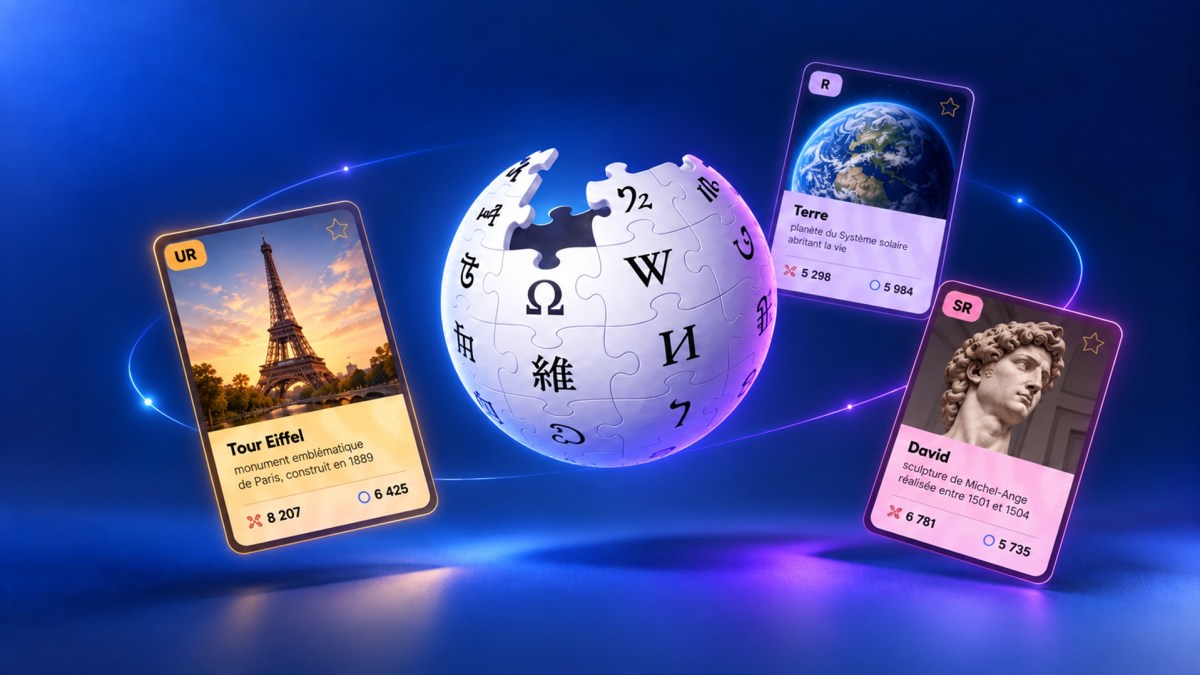
Lancé en mars 2026, WikiMasters transforme les articles de Wikipédia en cartes à collectionner. Le jeu a explosé en septembre. On a relevé cinq astuces pour défausser plus vite, gagner des wikibidous et ne pas rater les bonnes enchères.
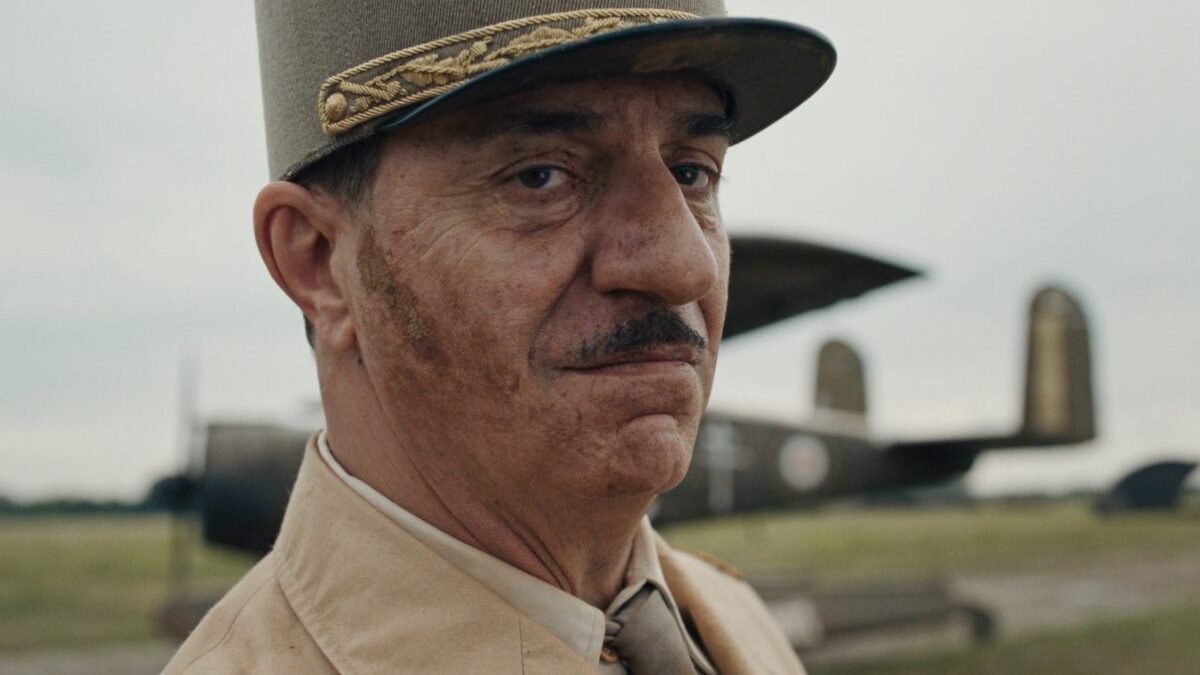
Après les 5,8 millions d'entrées engrangées depuis juin par le diptyque épique La Bataille de Gaulle, on pensait le filon épuisé. C'était sans compter sur Arte France Cinéma et le cinéaste russe Alexandre Sokourov, qui préparent France, toi, France, un nouveau film sur De Gaulle.
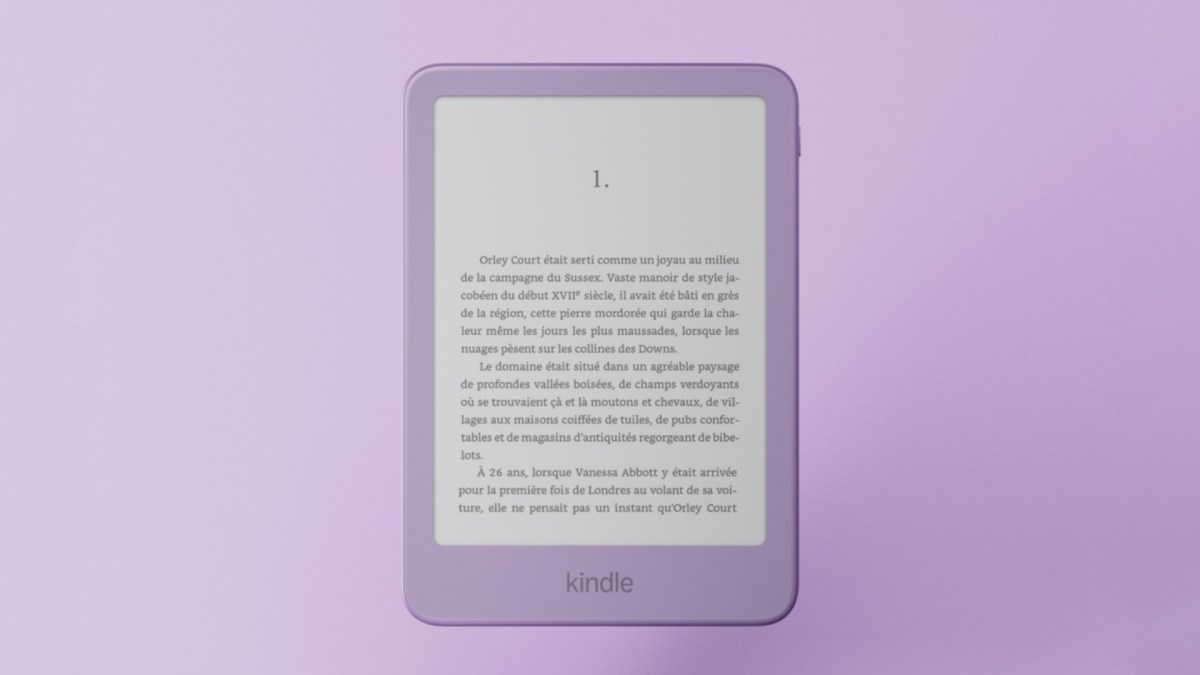
Amazon annonce le renouvellement des Kindle, Kindle Paperwhite et Kindle Colorsoft. Les liseuses ont le droit à un nouveau design, à des versions en aluminium et à des coloris inédits. Autre nouveauté plus insolite : Amazon lance une télécommande pour tourner les pages.
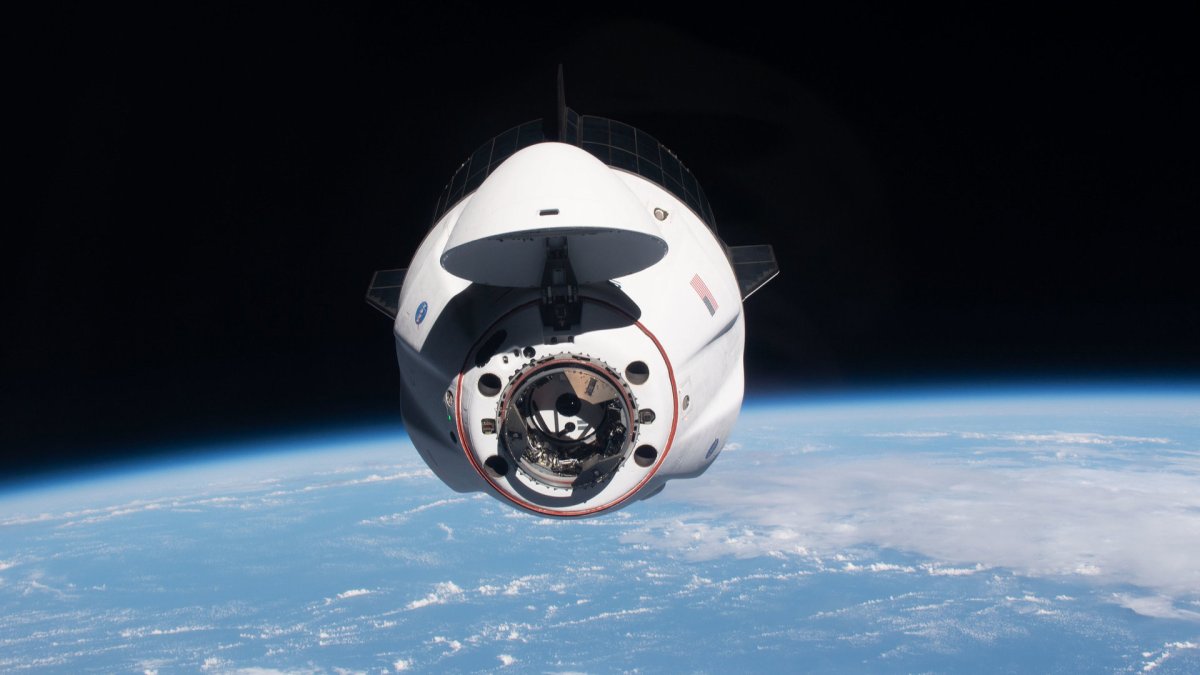
Comme pour la mission de Sophie Adenot en février, SpaceX permet de suivre en temps réel la capsule de Crew-13, partie ce jeudi 1er octobre à 17h10 vers la Station spatiale internationale avec quatre astronautes à bord.
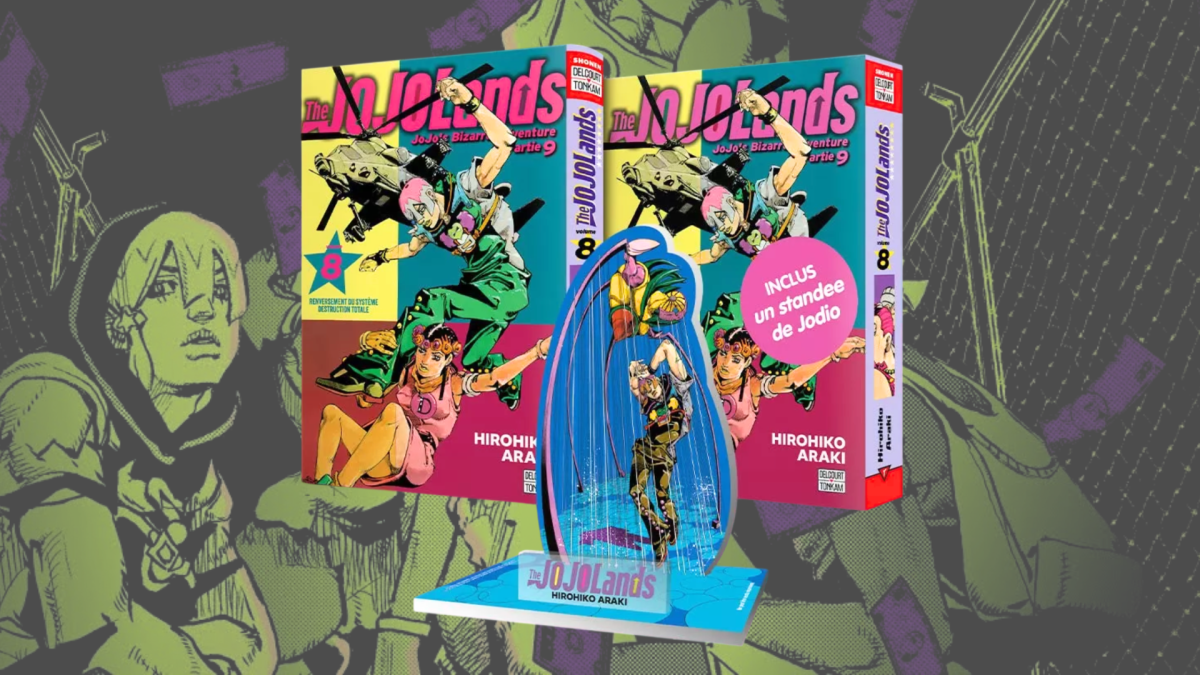
[Deal du jour] Le tome 8 de The JOJOLands, neuvième partie de JoJo's Bizarre Adventure, aura droit à une édition collector en France. Voici où précommander cette version, qui contient un bonus à l’effigie de Jodio.
Police in Spain have arrested a 16-year-old whom investigators suspect of running the KillSec ransomware group. KillSec is accused of stealing data from organizations and threatening to publish it on its leak site unless they paid.
The 16-year-old was one of 3 people arrested on September 30, when police also took control of that site.
Investigators identified him as KillSec's suspected
This week, the useful words are boring ones: inspect, cache, compile, store, trust. Each sounds harmless. Each can become an attack path when a system does a little more than people expect. A model check can run code. A cache can mix up requests. A public secret can stay useful for years.
That is the lesson running through the list. Attackers do not always need a brilliant new trick. They can
Crowngreen Casino offers a thrilling online gaming experience with a range of games, attractive bonuses, and a user-friendly app. Players looking for a reliable platform for slots and table games will find valuable features to enjoy. Registration and Login Process Getting started at Crowngreen Casino is straightforward. The registration process requires a few simple steps: …
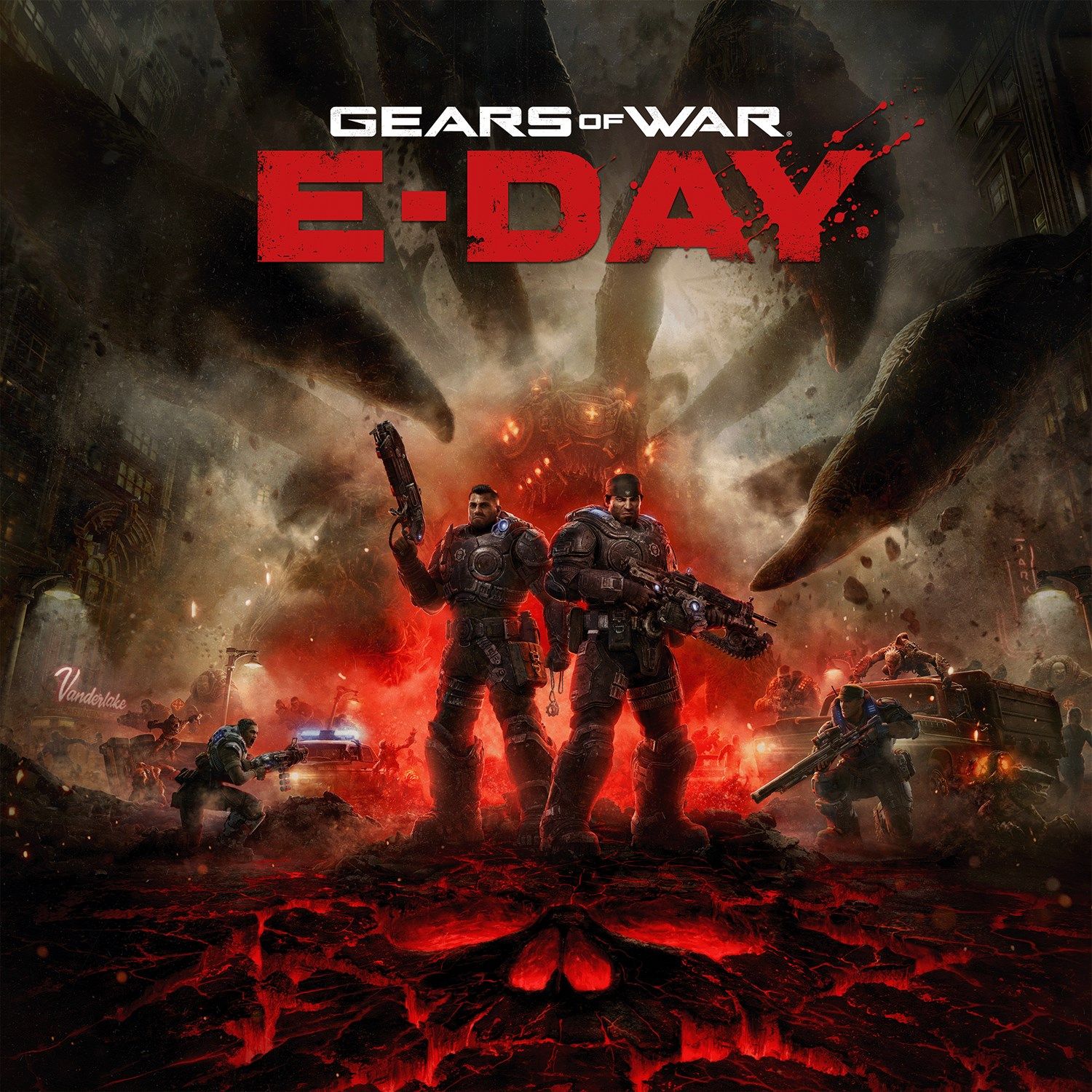
Still, to celebrate this momentous occasion, Gears of War: E-Day's developers, The Coalition, have released an extensive blog post detailing their plans for updating the game's multiplayer content, balance changes, and more.
Here's what you can expect from Gears of War: E-Day's post-launch updates.
Gears of War: E-Day Season 1
Check out Season 1 details, updates from the Beta and what's coming next.Read More: https://t.co/vaBCRztAQs pic.twitter.com/95eGqiIalXSeptember 30, 2026
First off, The Coalition states that Season 1 of Gears of War: E-Day's multiplayer content, titled Season 1: Emergence, will be running from today all the way up to December 1, 2026.
Season 1 will include all the game's launch maps, games, cosmetics, and three limited-time events called Halloween, 20 Years of Gears, and Thanksgibbing. Each event will last for two weeks and will feature a Versus Event mode, a Horde Siege Event mission, and exclusive, limited-time rewards.
Additionally, Season 1 will include:
Ranked: Versus Ranked will officially launch one week after launch on October 13, giving players crucial time to get up-to-speed with all our maps, modes and sandbox before jumping into competitive.
Weekly Challenges: The weekly challenges Premium Edition owners receive on October 1 are the same challenges all players will receive at launch on October 6, weekly challenges will then refresh on October 13.
Shop: Shop offers will rotate every Tuesday. Be sure to check every week for free featured gifts.
Never Fight Alone Charity Bundle: 100% of net revenue of the Never Fight Alone Year 5 bundle, which includes an exclusive skin and weapon skin set, and the Never Fight Alone Legacy set, goes to our partner Crisis Text Line in our mission to prevent suicide.
Promotional Items: Cosmetic items available exclusively through limited time partnerships will become available in the Barracks for Coins and Iron after the partnership exclusivity term lapses.
Gears of War: Reloaded Rewards: To celebrate the release of the original Gears of War 20 years ago, we’re offering exclusive rewards to commemorate players’ engagement with Gears of War: Reloaded.
Fire and Fenix Pose: Complete the “Prison Breakout” XBOX Achievement in Gears of War: Reloaded.
Old Guard Medal & “Locked n’ Reloaded” Title: Complete the “Re-Up” XBOX Achievement in Gears of War: Reloaded.
Gears of War: E-Day Season 2 and beyond
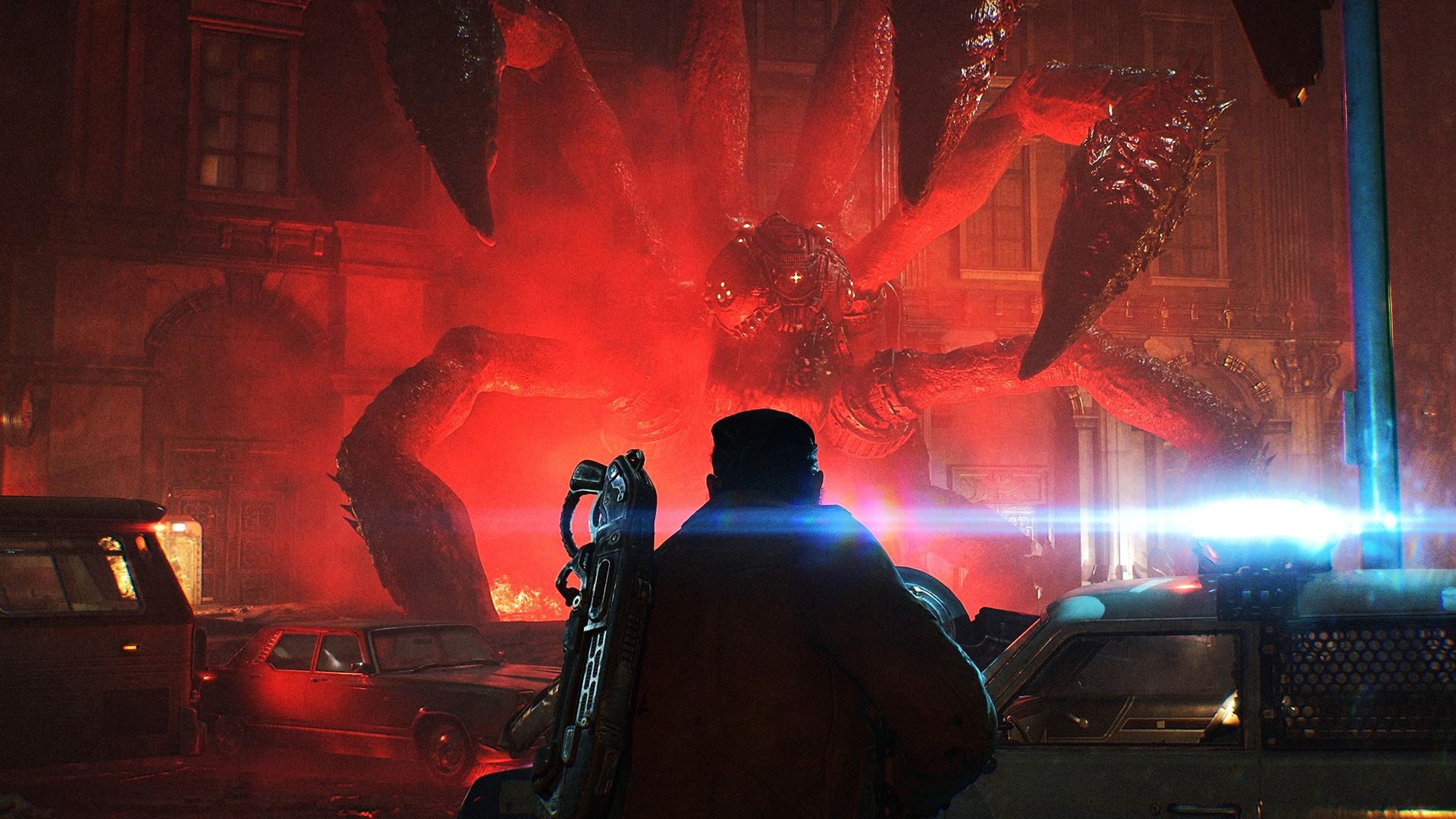
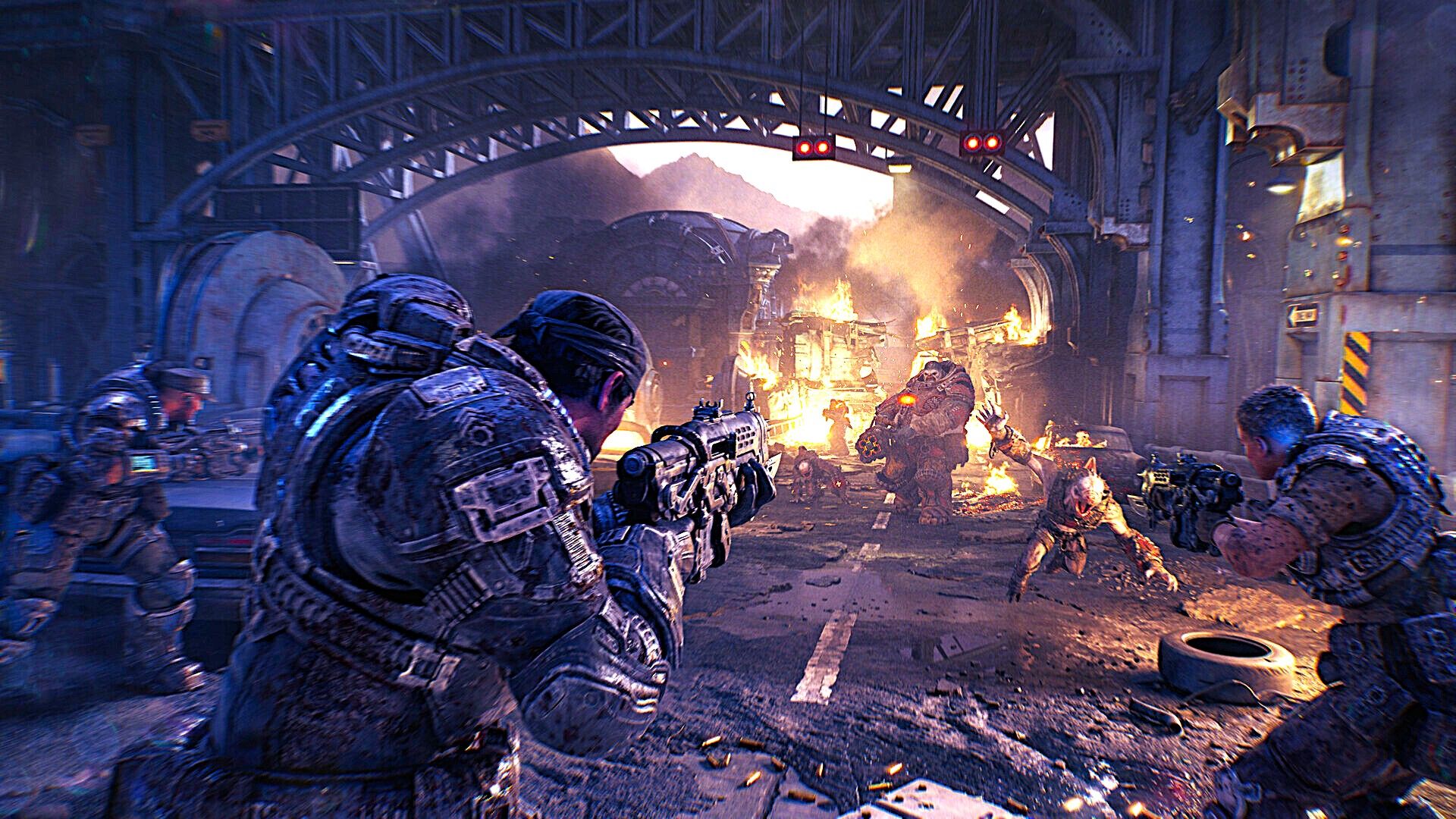
Corpsers are back and meaner than ever. (Image credit: Xbox Game Studios)
Season 2: Legacy will begin at a later date after Season 1 and will feature content themed around the Gears of War franchise's 20th anniversary. The Coalition has also prepared a birthday gift for players to open on November 7, the day when the original Gears of War launched two decades ago.
Additionally, The Coalition has announced that Season 2 will include a Dead Serious Achievement. Any players who obtain it will be rewarded with exclusive cosmetics like a Medal, a Player Title, a Banner, an Emblem, an Icon, and a Legendary Character skin.
Lastly, Gears of War: E-Day has been confirmed to receive at least five post-launch seasons. The names of future seasons after Season 2 are:
Season 3: Infiltration
Season 4: Pendulum
Season 5: Devotion
Gears of War: E-Day Multiplayer Balance changes
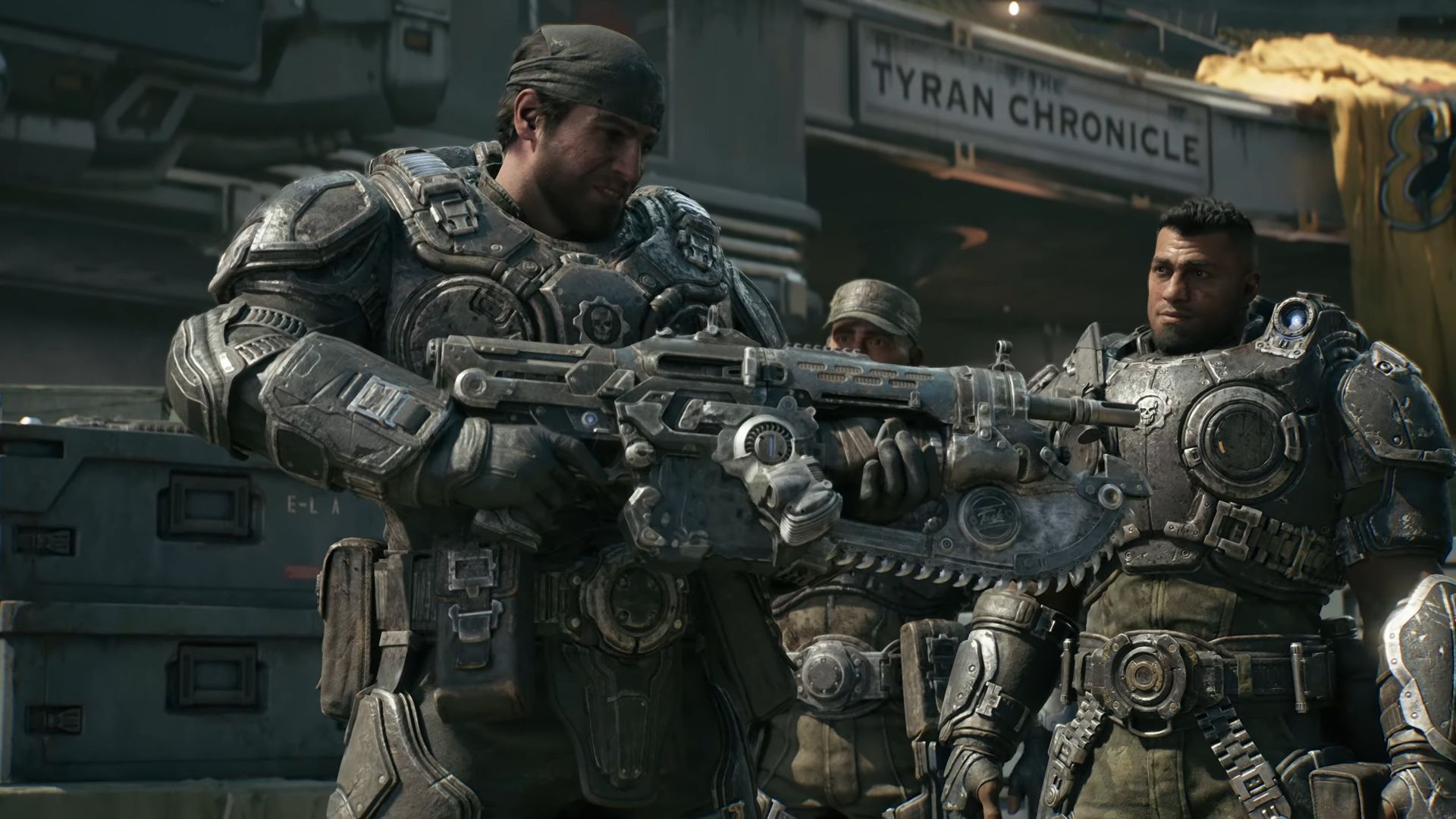
Marcus holding the iconic Chainsaw Lancer for the first time. (Image credit: Microsoft)
Moving on from seasonal content, The Coalition then lays out its plan for updating Gears of War: E-Day's gameplay based on feedback from the multiplayer betas.
Their first move is to change the Gnasher, Gears of War's iconic shotgun that is regarded as one of the best weapons to use in PvP and PvE content throughout the whole franchise.
The developers noticed that during Gears 2 to 5, firing the Gnasher from the hip has often resulted in some shots missing when they clearly should've hit the target. So, The Coalition has decided to finally fix that by introducing a new hybrid muzzle and camera-oriented shooting mechanic.
This means that when you fire the Gnasher, the game will check both the camera and muzzle shots and apply whichever angle is better suited for the shot, which should (hopefully) result in more accurate hits.
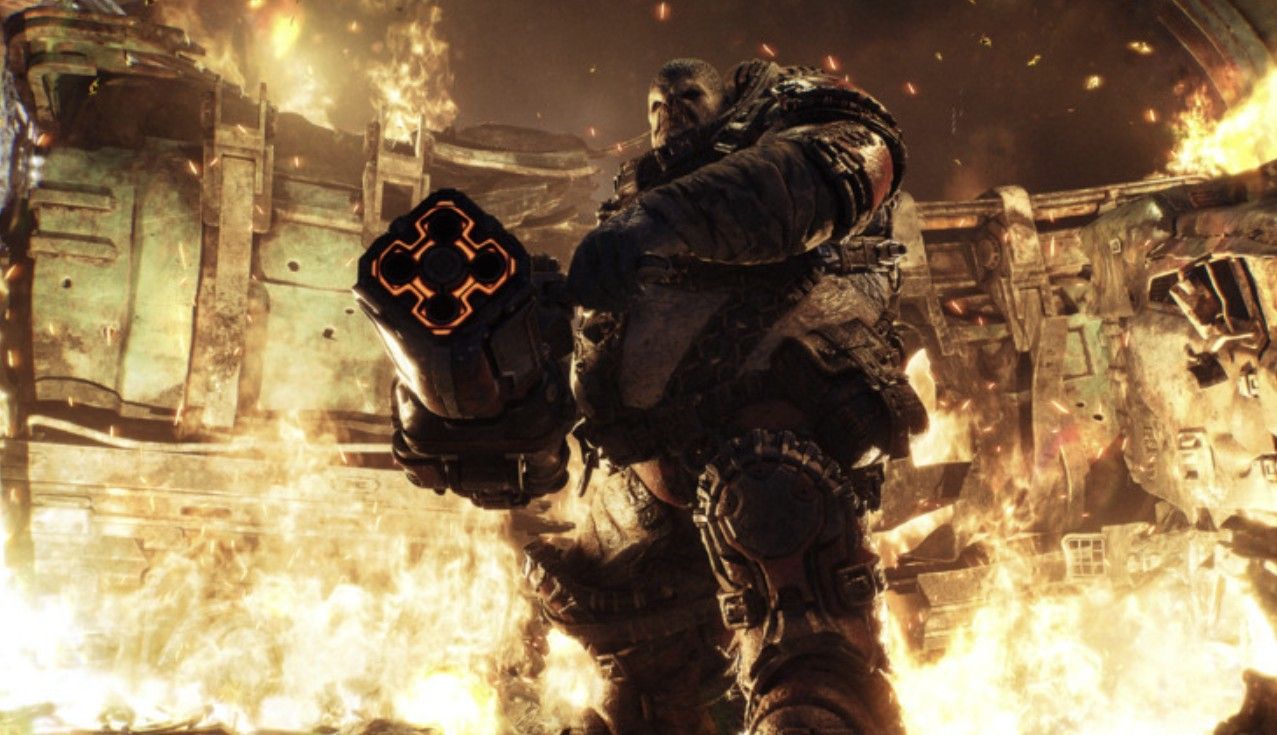
BOOM. (Image credit: Microsoft)
Next up, The Coalition states that iconic gameplay features from past Gears of War titles, like Meat Shields, Chainsaw Duels, select fan-favorite weapons, Private Lobbies, and Leaderboards, are being considered to be added to Gears of War: E-Day in post-launch updates or the next game.
Right now, the developers are focusing on making sure Gears of War: E-Day has the most stable launch experience possible.
Finally, The Coalition has laid out a series of patch notes for Gears of War: E-Day's early access launch, which include bug fixes, balance adjustments, Quality-of-life improvements, and more:
Click here to expand the full list ↴
Tuning:
Weapon Tuning:
Adjusted Prototype Lancer damage to a value in-between Beta weekend 1 and 2
Reduced Lancer Mk1 damage
Reduced Vulcan damage
Increased Hammerburst damage
Increased damage of the Gnasher while ADS at range
Improved Gnasher hipfire consistency
Reduced rate of fire for the Snub
Reduced the Gut-Puncher spare ammo amount
Movement & Cover Tuning:
Improved strafe movement responsiveness
Adjustments to cover enter speed and distance of cover-enter cancel
Reduced Cover Slip speed
Reduced Slide distance
Horde Siege Tuning:
Adjustment of brightness and opacity of Energy icons
Adjusted the difficulty of Repair objectives
Decreased the health threshold at which a Boomer, Flayer, or Grinder can be executed with a Prototype Lancer
Reduced Weapon Part Rewards for participation in invasions
Reduced Weapon Part Rewards for Weapon Part Stockpiles
Increased the difficulty of all Invasions
Increased the difficulty of Commander and Allfather difficulties
Adjusted the Medic’s stim duration
Increased equipment costs
Reduced the impact of some Squad Perks
Increased the Energy cost of Squad Perks
Versus Tuning:
Reduced the wave respawn time
Reduced frequency of trading to feel more fair and consistent
Adjusted Scoring in Demolition
Adjusted Scoring in Crucible
Bug Fixes:
Across PC, XBOX and handhelds, we made numerous improvements to stability, performance and optimization across applicable hardware configurations
On PC, we addressed a bug causing graphics settings to reset between launches
Made adjustments to prevent macro abuse of semi-automatic weapons
On PC, we addressed an issue causing missing VFX on explosions when set to Low quality settings
On “Legacy” control settings, fixed an issue causing an inconsistent Sprint release delay
On PC, fixed an issue causing additional input delay when playing on mouse and keyboard
On PC, fixed an issue causing mouse & keyboard lighting effects to not display properly
In Horde Siege, fixed an issue causing Tickers not to be properly flung when kicked
In Horde Siege, fixed an issue causing blast charges delivered during the Corpser Invasion Event to not register
Fixed an issue allowing players to shoot enemies not in front of their barrel when aiming down sights
Fixed an issue causing versus ranked or social players to get stuck at the “Waiting for Other Players” screen
Fixed an issue causing destructible assets to ‘stick’ to players
Fixed an issue where Marksman UAV visual effect might persist
Improved the reliability of starting objectives in Horde Siege
Improved the reliability of switching which squadmate you are spectating when cog tagged in Horde Siege
Fixed an issue where Tickers were immune to Gorehooks
Fixed an issue allowing more than four squad members in Versus
Fixed an issue where abandoned turrets could not be interacted with
Fixed visual issues with ranking up from Onyx 3
Fixed an issue where boss health bars and locators could scale incorrectly
Fixed multiple issues where specific enemies may not be able to path at certain objectives
Fixed multiple issues that would prevent objectives from completing in Horde Siege
Fixed multiple inconsistencies and interaction errors in the Horde Siege lobby and Barracks
Fixed multiple scoring inconsistencies and errors
Fixed multiple matchmaking errors and timeouts
Fixed an issue where Mortar strike vfx could appear without cause
Fixed an issue where TDM matches would end too early
QoL & Feedback:
On all platforms, we added an FOV slider
On all platforms, we improved HDR calibration, made UI paper-white adjustment independent
On all platforms, we added the ability to disable Chromatic Aberration
On all platforms, we added the ability to disable Film Grain
On PC, Max FPS can be set to 30, 60, 90, 120, 144, 240, or Unlimited
On PC, setting Max FPS to “Unlimited” will not cap your framerate
On PC, multi frame generation is now optionally supported
On PC, we added a setting to allow players to enable or disable Lamp device support for mouse and keyboard lighting
On XBOX, “The Lucky Ones Died on E-Day” achievement has been removed in order to support the upcoming Mythic Achievements feature. Players will still earn the “I AM A GEAR” Player Title upon completing all other achievements and the achievement remains on Steam
In multiplayer, adjusted Player XP to better align the rate of progression across Horde Siege and Versus
Made improvement to Backfill AI bot behavior
Advanced Shader Delivery (ASD):
On PC, Advanced Shader Delivery (ASD) is a new feature that significantly reduces the time spent compiling shaders across different PC hardware configurations. It benefits Gears of War: E-Day and other supported games across the Xbox PC app
For launch, ASD will be supported on AMD hardware, with NVIDIA support coming later in October
Playing E-Day outside the Xbox PC app? You may still benefit from ASD if the Xbox PC app is installed on your Windows 11 PC, allowing the required shaders to be pre-installed
LAUNCH KNOWN ISSUES:
Playing through the entire length of the game without reloading checkpoints or restarting may cause memory issues. Please reload a checkpoint if you get blocked at an encounter or objective
Performance Overlay in Benchmark mode does not include generated frames, and can report a lower than accurate FPS
Game process may continue to run after closing, can be viewed and shut down from task manager
New clients joining a lobby working through an existing save will receive all prior secondary objective and hardcase progress in the War Journal and all relevant Forge rewards
On PC, offline play is unavailable until October 6
Are you ready for Gears of War: E-Day?
If you're a fan of Gears of War or third-person shooters, then you won't want to miss out on Gears of War: E-Day when it leaves early access and launches for the general public on October 6, 2026, for Xbox Series X|S and PC.
It's turning out to be one of the best games in the series just from the campaign alone, and judging from these long-term plans for its exciting multiplayer modes, Gears of War: E-Day is going to satiate your craving for video game violence for a long time.
Relive the tragic day that started the long, grueling war between the COGs and the Locust horde in the highly anticipated prequel of the Gears of War franchise, Gears of War: E-Day.

 Connexion