Microsoft a dévoilé Project Zenith, un Windows 11 clé en main où tout est prêt pour les développeurs. Mais attention au prérequis : 64 Go de mémoire unifiée.
Dès mi-septembre 2026, Exchange Online va limiter puis bloquer les e-mails des serveurs Exchange 2016 et 2019 sans le patch d'octobre 2025. Voici quoi faire.
Microsoft désactive par défaut les prédictions de texte dans Word et Outlook. La fonction reste disponible, mais il faudra l'activer vous-même. Voici pourquoi.
Windows 11 will soon be able to provide a "distraction-free" experience with less clutter... as long as you are a developer with an extremely expensive PC. Microsoft just announced Project Zenith, which feels like a mixture of marketing speak and a good idea.
Project Zenith devices will come with pre-enabled settings and pre-installed apps to reduce how much developers need to do to start working. None of the features are exclusive to those devices, however. You could just manually set Windows 11 a certain way and install apps like Visual Studio Code.
Project Zenith devices also need to have at least 64 GB of unified memory and at least 250 GB/s memory bandwidth.
But if you can already buy a PC with those specs and install apps and change settings yourself, what's the point of Project Zenith? That's a fair question, but I think there is a solid idea to build on.
Biggest News of the Week
Windows 11 runs on over a billion devices, ranging from lightweight laptops in classrooms to powerful gaming rigs. There are different SKUs of Windows 11 already, but too many people are tossed into the standard Windows experience out of the box.
Having a configuration of Windows 11 tailored to developers is a fine idea, and I'd love to see Microsoft explore the concept further. We're seeing that a bit on the gaming side of things with Game Mode and Project Helix.
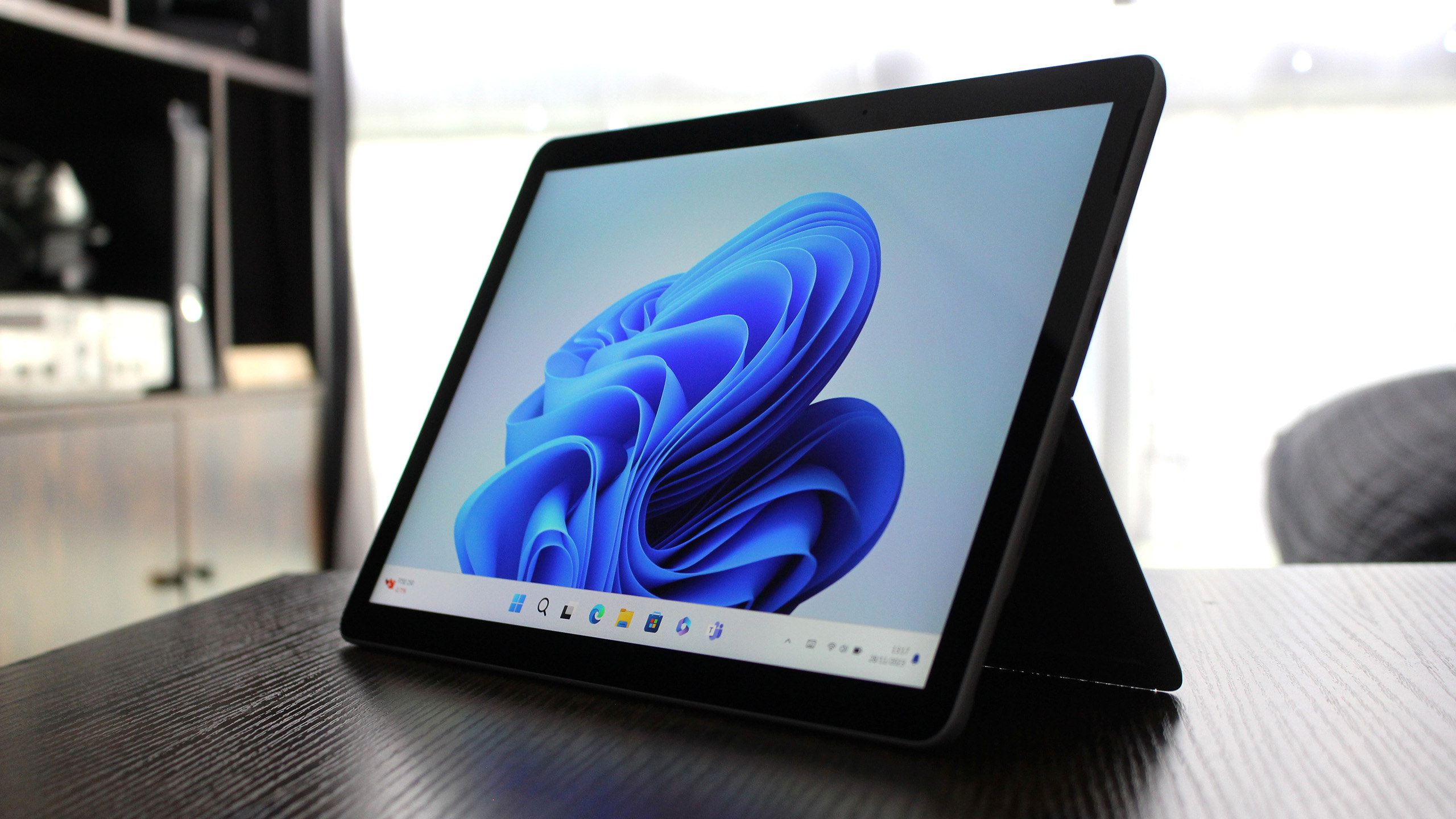
The Surface Pro 11 was one of many Surface devices that demonstrated what Snapdragon-powered PCs can do. (Image credit: Windows Central)
The concept of a tailored version of Windows is not new. Microsoft has toyed around with the idea several times over the years. We saw a glimmer of hope with Windows 10X, but that version of Windows never made it out of testing. Windows 10 S mode was another attempt to tweak the OS for certain users.
I'd love to see a dynamic version of Windows with entire components stripped out if they're unneeded. A glorious modern version of Windows that can easily add full legacy support with the flip of a switch. But that doesn't seem realistic.
Instead, Microsoft needs to lean into the idea of tailoring the "full fat" version of Windows 11 to different use cases. For example, a lot of people hate AI but Microsoft appears to be a big fan of it. Microsoft could have Copilot+ PCs come with AI features pre-enabled and Copilot pre-installed. The tech giant could then have a "non-AI" version of Windows 11 that has AI features disabled or not installed at all.
Alternatively, this could be done through the unboxing experience. Microsoft already asks you questions to determine how you plan to use your PC. Having different modes could make that process more impactful. But since your PC is running Windows 11, you could always enable or install what you need later.
Of course, this would require Microsoft to admit that there's a real demand for an AI-free version of Windows 11, and that users shouldn't need an EU mandate just to get a PC without ads.
Join us on Reddit at r/WindowsCentral to share your insights and discuss our latest news, reviews, and more.
Switzerland's federal government wants to move away from any reliance on Microsoft 365, as it begins testing alternatives to replace the American-made software suite. It's a recurring theme of European countries pursuing digital sovereignty, as we saw earlier this year when the French government began dropping Windows 10/11 in favor of Linux-based operating system 'distros'.
Rising license costs are also attributed to the Swiss switch, but that isn't much of a new trend. (Image credit: Getty Images | Sunphol Sorakul)
For my money, the most interesting part is the data protection reasoning, as Professor Matthias Stürmer at Bern University of Applied Sciences described his concerns about the implied risk of leaks from a system controlled by foreign governments. Stürmer predictably lists rising license costs as a secondary problem, but it's frontloaded by the move away from America's Microsoft.
We know that foreign governments can access this data — this is available at any time.
Professor Matthias Stürmer, BFH (via RTS)
For now, it's just a trial that could yield unsatisfactory results, ultimately leading the Swiss government to stick with Microsoft 365. Either way, the pilot is apparently expected to move 7% of federal admin staff and their 3,000 workstations to whichever alternative suites are selected, taking private government data with them.
On the other hand, Microsoft's own Sovereign Cloud already focuses on data sovereignty, so it's not as if the company isn't aware of these kinds of concerns. The platform "ensures customer data stays in Europe, under European Law — and encryption is under full control of customers," but that hasn't been enough to convince the governments of Germany, France, and now Switzerland.
Join us on Reddit at r/WindowsCentral to share your insights and discuss our latest news, reviews, and more.
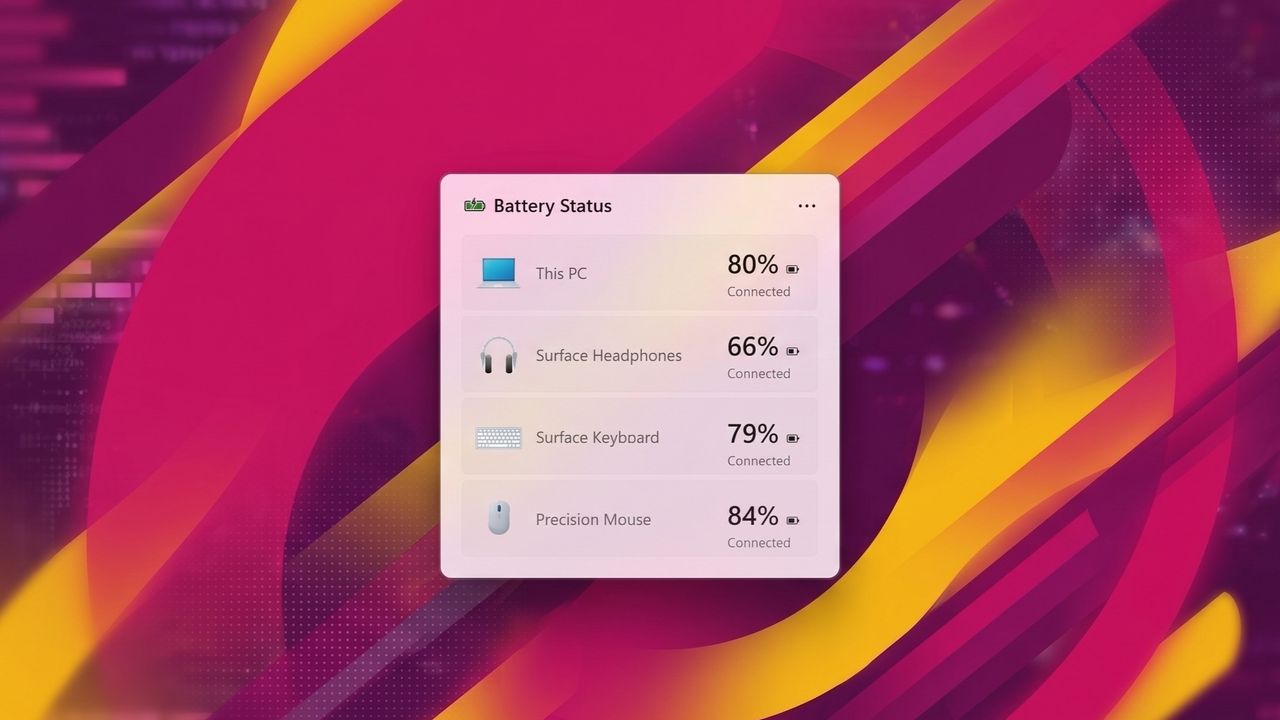
It looks like Microsoft is working on a handy new widget for Windows 11 that will display the status of your device's battery, along with any wireless peripherals connected to your PC. References to such a widget were first discovered on Discord in the latest Windows 11 preview builds, though it doesn't appear to be functional just yet.
The new battery widget will be available in the Windows 11 Widget Board and will also be placeable on the Windows 11 lock screen, too. Although it's not functional just yet, strings and assets are already present in the latest builds, revealing how the widget will function and what it will actually look like.
The widget features light and dark mode themes and will show devices in a vertical list, starting with your PC battery at the top. Each device will include an icon representing the peripheral, along with the name of the device and the battery percentage. The widget will also be able to show when a device is charging, or has energy saver enabled or disabled.
Of course, other platforms have featured a battery widget of some kind of years. Both Android and iOS have battery widgets that show the battery levels of all accessories connected, and now Windows 11 is catching up with the same feature.
The new battery widget will be a nice addition to the Widgets Board, which many might argue has been kind of useless since its debut in 2021. While some apps have taken advantage of it, most apps haven't. Phone Link, OneDrive, and Weather are the only useful widgets I've found on Windows 11, and it would be nice to have some more.
In fact, more system-level widgets wouldn't go amiss. Widgets for checking on current CPU or memory usage would be a nice addition alongside the battery widget, though there's no sign that this is in the works just yet. For now, we just have the battery widget to look forward to, which I'm happy to see is in development.
Now, if only we could convince Microsoft to let us pin widgets to the Start menu or desktop. Perhaps then they'd actually get some use!
Join us on Reddit at r/WindowsCentral to share your insights and discuss our latest news, reviews, and more.
Microsoft is working to resolve a known issue that causes delays or blocks some users from opening the Microsoft Teams desktop client on Windows systems. [...]
A "ready-to-code distraction-free Windows experience" is on the way for developers. Microsoft just detailed how Windows 11 will be optimized for people with developer-class devices.
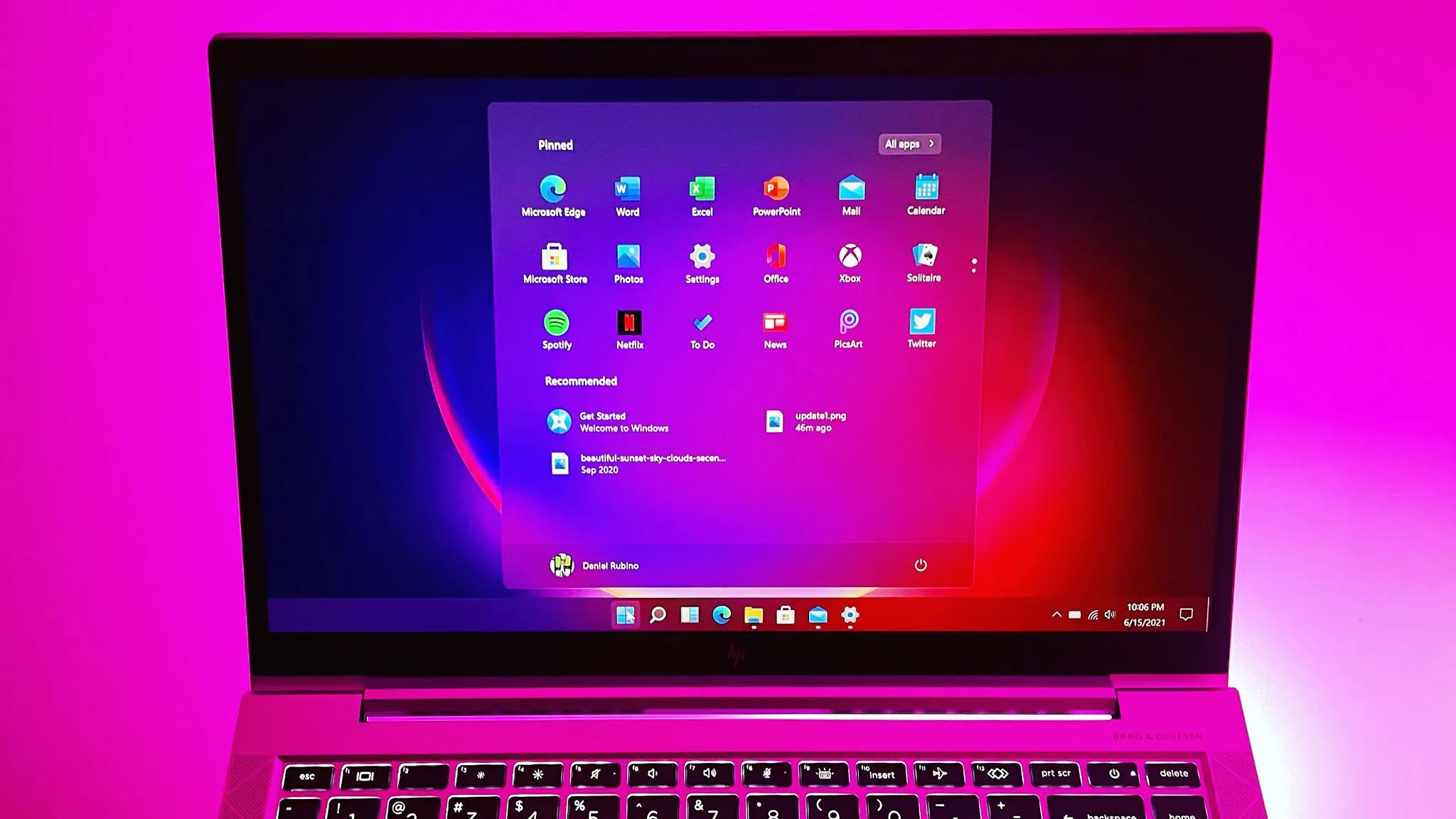
The idea behind Project Zenith is to save developers time by preinstalling apps and having Settings pre-enabled that are optimized for development. For example, File Explorer will show file extensions, hidden files, and the full path in the title bar.
Those options are not new, but they can take a while to set up when you also have to install a bunch of apps and tweak other settings.
We already knew about some of these experiences because of announcements made at Build 2026, but we now know a name for the project and more information about how Windows 11 will be optimized for developer-class devices.
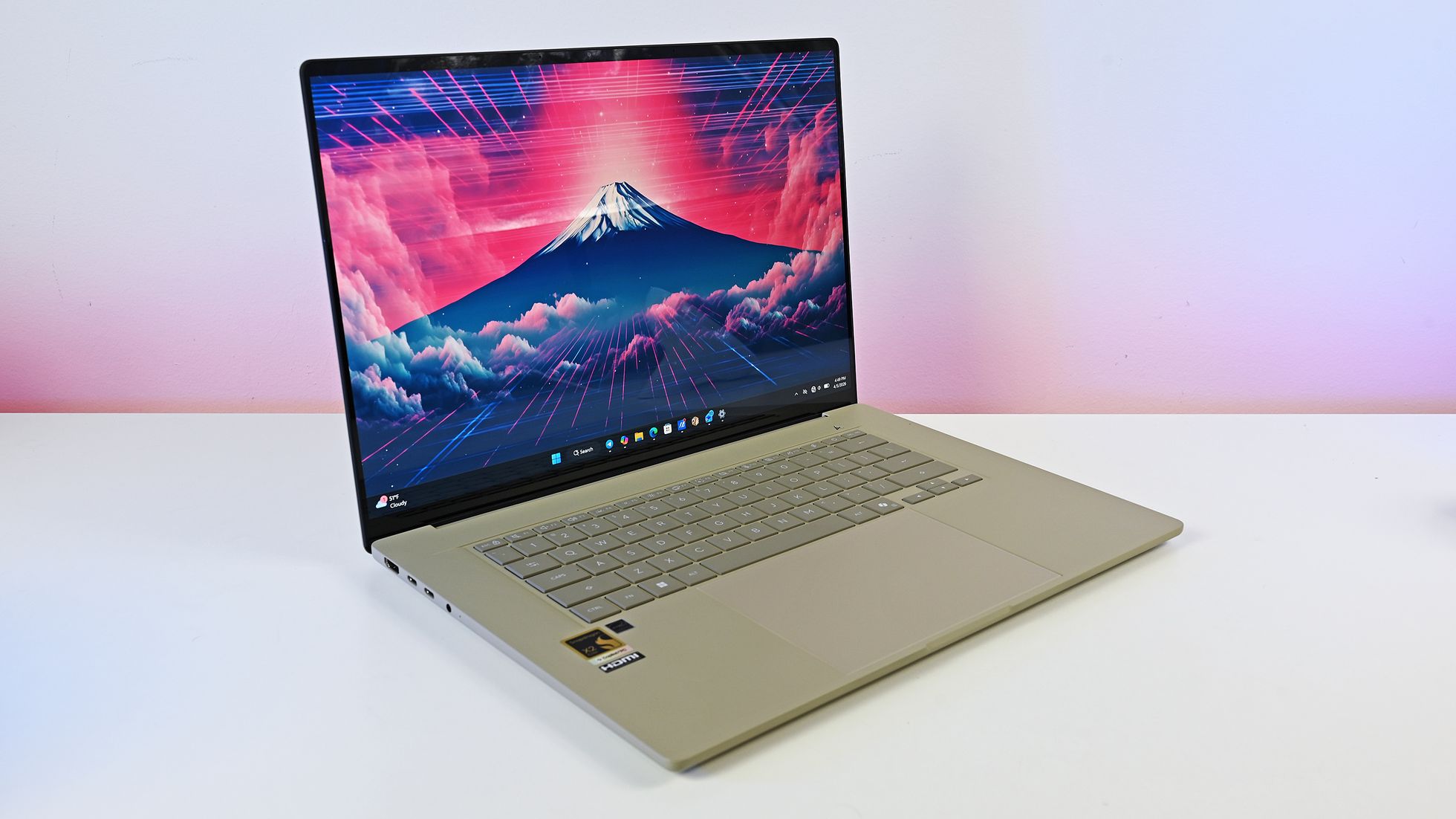
Those devices will be able to run 30B+ parameter models locally and unmetered and use a variety of tools out of the box. Windows Terminal and Visual Studio Code are pinned to the Taskbar by default. GitHub Copilot, PowerToys, WinAppCLI, and Windows Dev Skills will also be preinstalled, according to The Verge.
Project Zenith will launch first on AMD's Ryzen AI Halo devices, but it will make its way to other systems over the coming months.
To classify as a developer-class device, a system will need at least 64 GB of unified memory and at least 250 GB/s memory bandwidth.
The best version of Windows 11
A natural response to Microsoft's blog post is to ask, "don't we all want a distraction-free Windows experience?" I don't know anyone clamoring for more distractions on their PC. But I believe Project Zenith is specific to developers for a good reason.
Many developers have a similar workflow or rely on a set of tools. What would be considered a useful preinstalled app for developers would be viewed as bloat for general users.
Similarly, the enabled settings viewed as useful by developers would make Windows 11 feel crowded for everyday computing.
A better approach would be to tailor Windows 11 to different use cases. We're starting to see that with Xbox Mode on Windows 11 and now Project Zenith for developers.
Of course, Project Zenith devices, PCs running Xbox Mode, and all other Windows 11 devices benefit from the general improvements to Windows 11, such as reducing memory usage and improving Search and File Explorer. Many of those changes can be seen in the latest major update to Windows 11.
Join us on Reddit at r/WindowsCentral to share your insights and discuss our latest news, reviews, and more.
DirectX 12, Microsoft désactive la prise en charge de Work Graphs dans le Shader Model 6.10. Les jeux n’ont pas adopté suffisamment cette technologie GPU.
Microsoft says a known issue that reverts mouse settings after installing the KB5120998 August 2026 preview update affects only non-English Windows 11 systems. [...]
Microsoft has confirmed that desktop settings are lost or reset on some Windows devices after installing the KB5120998 August 2026 preview update. [...]
Quick Machine Recovery, Point-in-time restore, Cloud rebuild, etc. Quel outil utiliser en fonction de telle ou telle panne Windows ? Voici l'avis de Microsoft.
Microsoft is working to fix a known issue that causes crashes and launch failures for Microsoft Teams and New Outlook users after installing updates released since the August 2026 Patch Tuesday. [...]
Microsoft va déployer les Hero Link sur SharePoint et OneDrive : un seul lien de partage par fichier, modifiable après envoi. Ce que vous devez savoir.
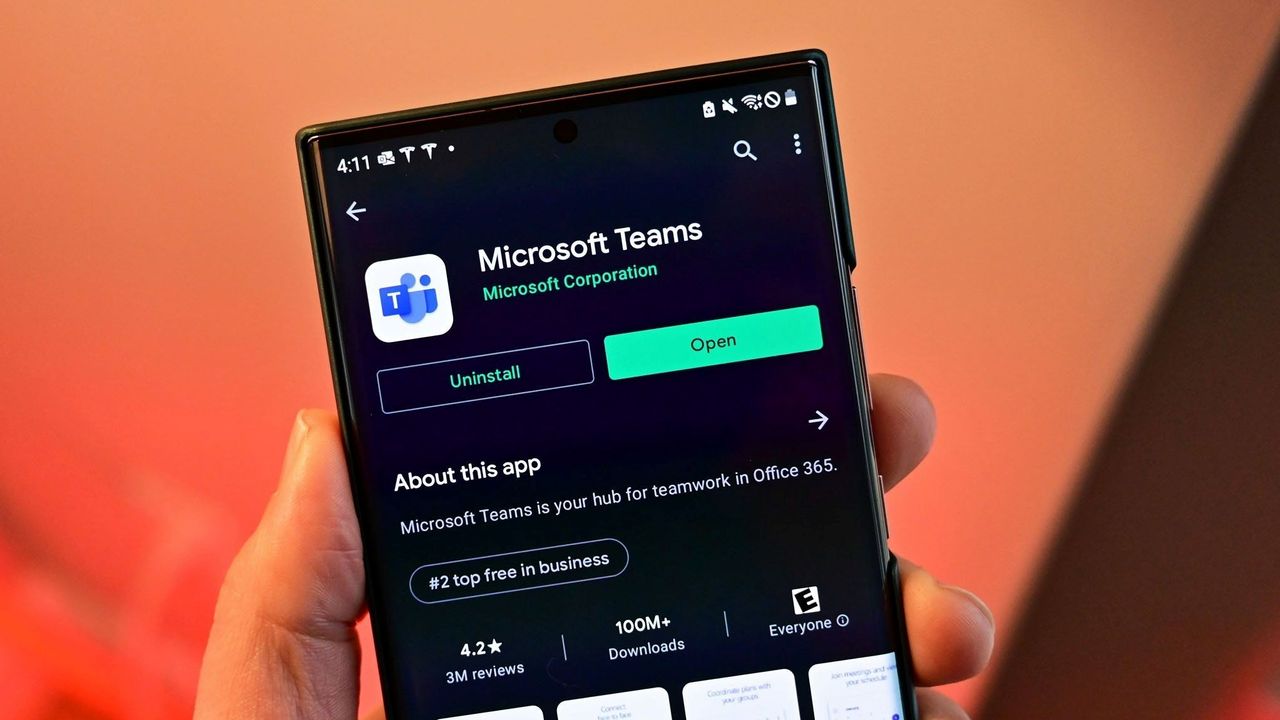
Microsoft Teams will soon let you temporarily pause notifications for a set period of time. Teams already has a variety of mute functions, but the new feature should make it easier to quiet down anything from Teams for a bit.
The feature starts rolling out this month and should be available to all users by early October.
"Microsoft Teams will introduce a new capability that allows users to temporarily pause notifications for a selected period of time. This feature gives users greater control over interruptions, helps reduce notification overload, and enables focused work, meetings, and other activities without requiring changes to existing notification settings."
All versions of Teams will have the option to temporarily pause Teams notifications for a set duration. The feature will be accessible through the profile menu in the upper-right corner of Teams.
The new capability in Teams is a bit like "Focus" in Windows 11, though it's specific to Teams. If you're working on a project, you may want to receive notifications through Windows 11 but keep Teams quiet.
Many workers have to use a variety of communication platforms. Pausing Teams notifications for a while could come in handy when presenting on Zoom. Microsoft accidentally shared discussions about other companies during a presentation by having a Teams notification appear. Pausing notifications would have prevented that.
It appears that one of the key differences in using this new feature compared to Do Not Disturb is how you'll appear to your colleagues. Setting Teams to Do Not Disturb is simple and effective, but it changes your public status indicator to red. I believe pausing notifications will leave your status unchanged.
Muting channels in Teams is also an existing feature, but it is done on a per-channel or per-chat basis. Pausing notifications should work across the board.
Neowin first spotted the new feature for Teams, but at the time details were scarce. Microsoft has since detailed how the feature will work and how the option differs from other methods of muting Teams.
It's unclear if pausing notifications will sync across all of your devices or if it is on a per-instance basis. I would hope there is an option to sync the pausing or pick which devices will continue to receive notifications.
Join us on Reddit at r/WindowsCentral to share your insights and discuss our latest news, reviews, and more.

 Connexion



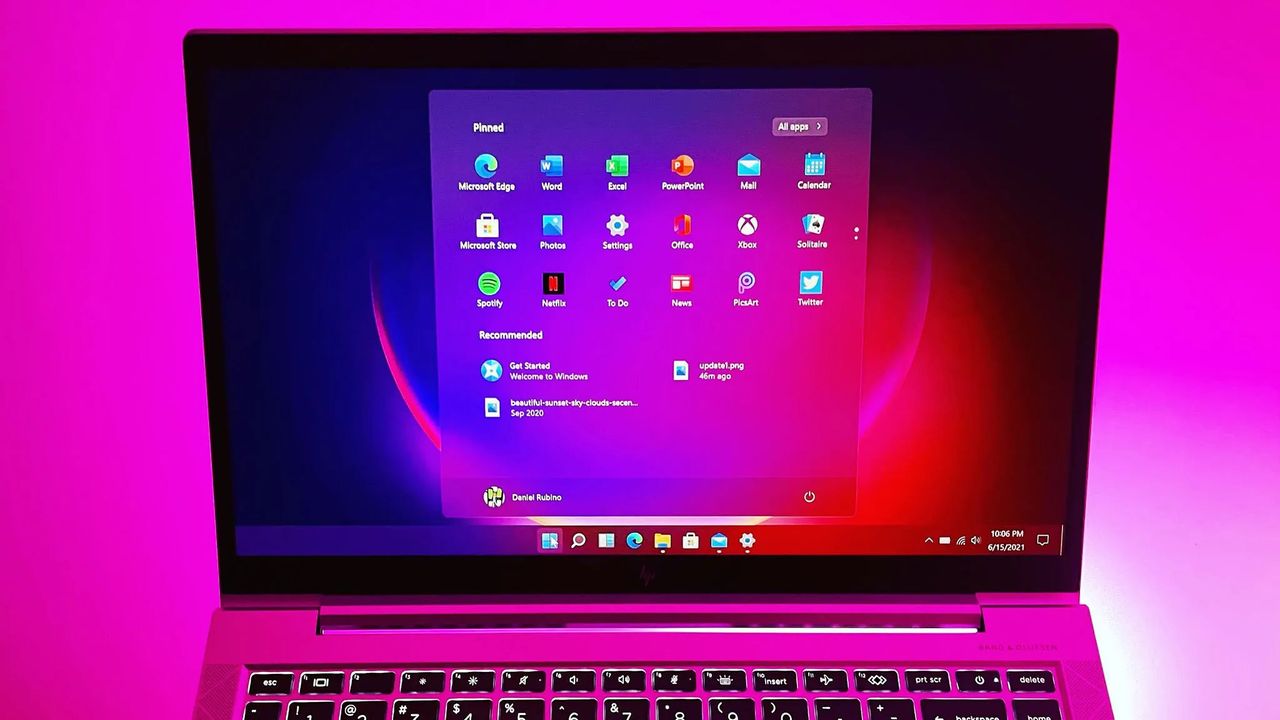
 Windows 11 26H2 semble faire revenir un étrange bug de la Vue des tâches pourtant disparu sous 25H2. Explications
  Microsoft dévoile Project Zenith, un Windows 11 préparé pour les développeurs avec des outils préinstallés, WSL et IA locale.
 DirectX 12, Microsoft désactive la prise en charge de Work Graphs dans le Shader Model 6.10. Les jeux n’ont pas adopté suffisamment cette technologie GPU.