Connexion
New Spectre v2 attack variant leaks Linux root password hash in minutes
A new Branch Target Reuse (BTR) attack has been devised that can recover root password hashes on Intel computers running Linux in 3-5 minutes on average. [...]


Amazon Prime's Big Deal Days event is just a week away, starting on October 7, 2026. However, Amazon's competition isn't waiting to host enticing counter deals for it by then, as some early competitor deals are already cropping up.
One such deal is this 44% discount for the Dell 14S laptop, which has taken its steep $1,599.99 listing price down to a more affordable $899.99 at Best Buy.
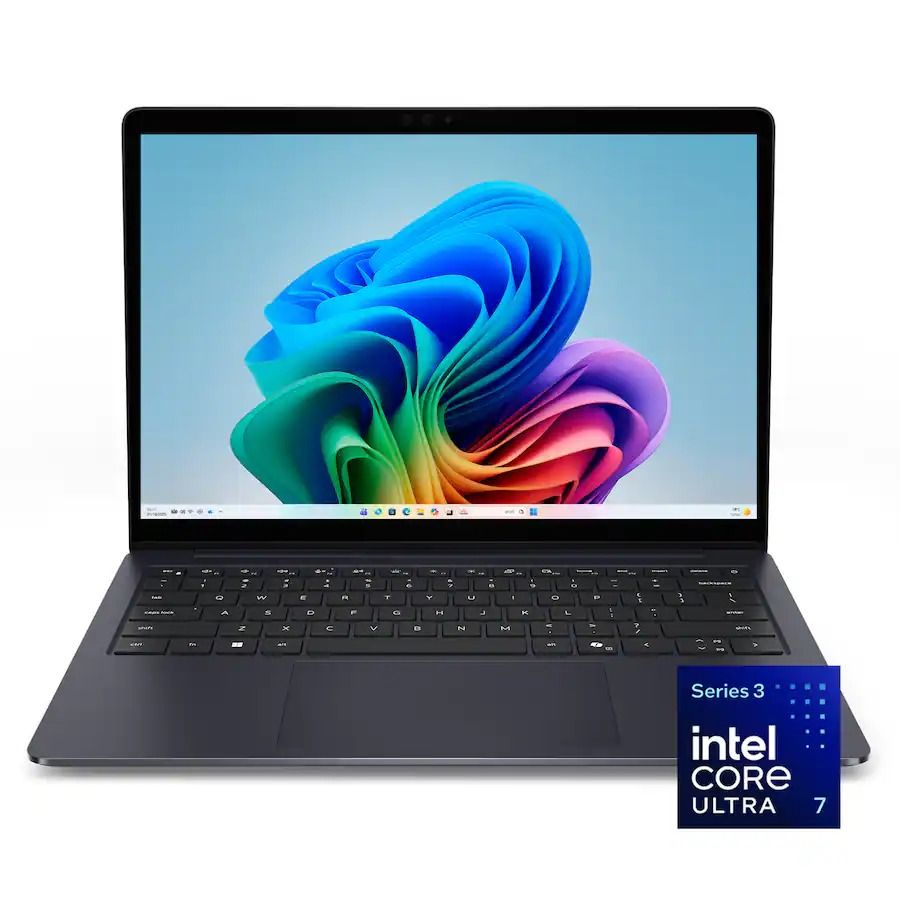
14S 14" 2K Touchscreen Laptop (Intel Core Ultra 7 355 2026, 16GB RAM, 512GB SDD, Copilot+): was $1599.99 now $899.99
"The Dell 14S is a compelling choice for a variety of users thanks to its long-lasting battery life (and) relatively affordable price." ~ Sean Riley, Freelance Writer, Tom's Guide
Tom's Guide review: ⭐⭐⭐⭐View Deal
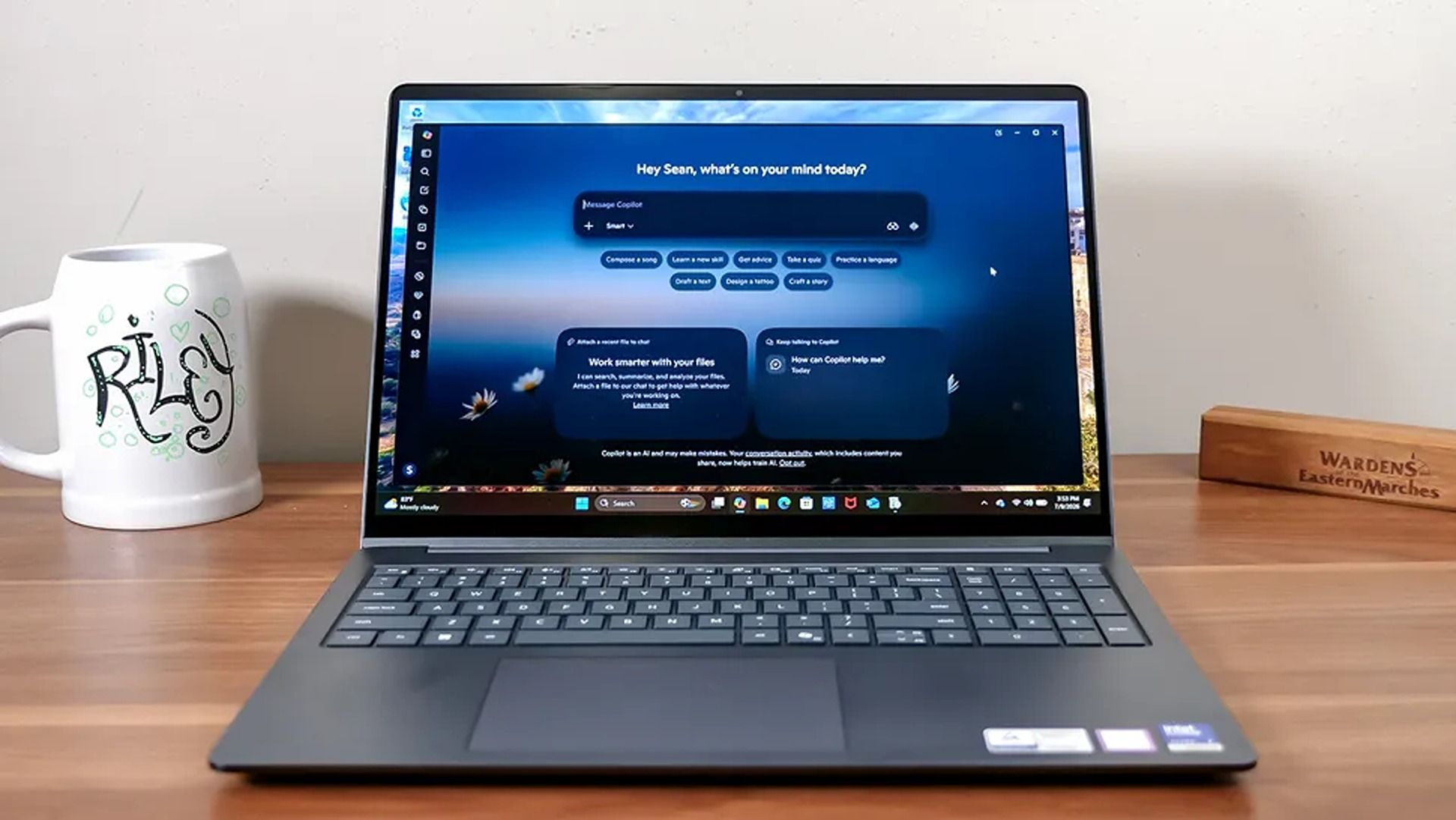
The Dell 14S laptop boasts a wide variety of tech that makes it a more-than-competent productivity companion for students and desk jockeys alike.
This configuration of the Dell 14S laptop features an Intel Core Ultra 7 355 CPU with 16GB RAM and 512GB storage. These enable it to run web browsers with multiple tabs open, edit photos in Photoshop, and even play 4K YouTube videos in the background, all at once without a significant drop in performance.
Additionally, it features a 14-inch 2K LED screen to display images and videos with sharp details and vibrant color gamuts, a premium-quality build to protect its vital components, a comfortable-to-use keyboard with a trackpad, and a powerful battery life that will last you over 20 hours before needing to recharge.
Finally, the Dell 14S is a Copilot+ PC (a name that's starting to disappear) with an NPU capable of 49 trillion operations per second (TOPS). This means that it can operate AI-empowered programs like Cocreator or Recall with ease, and use AI search engines to help you research information more quickly online.
So, if you're looking for a straightforward laptop that's purely focused on powering through light workflow tasks at school or work all day without a break, you can't go wrong with the Dell 14S.
Dell 14S's discounted $899.99 price tag at Best Buy is certainly cheaper right now than its more powerful yet more expensive Dell XPS 14 counterpart, which usually runs for a retail price of $2,249.99 at Dell.
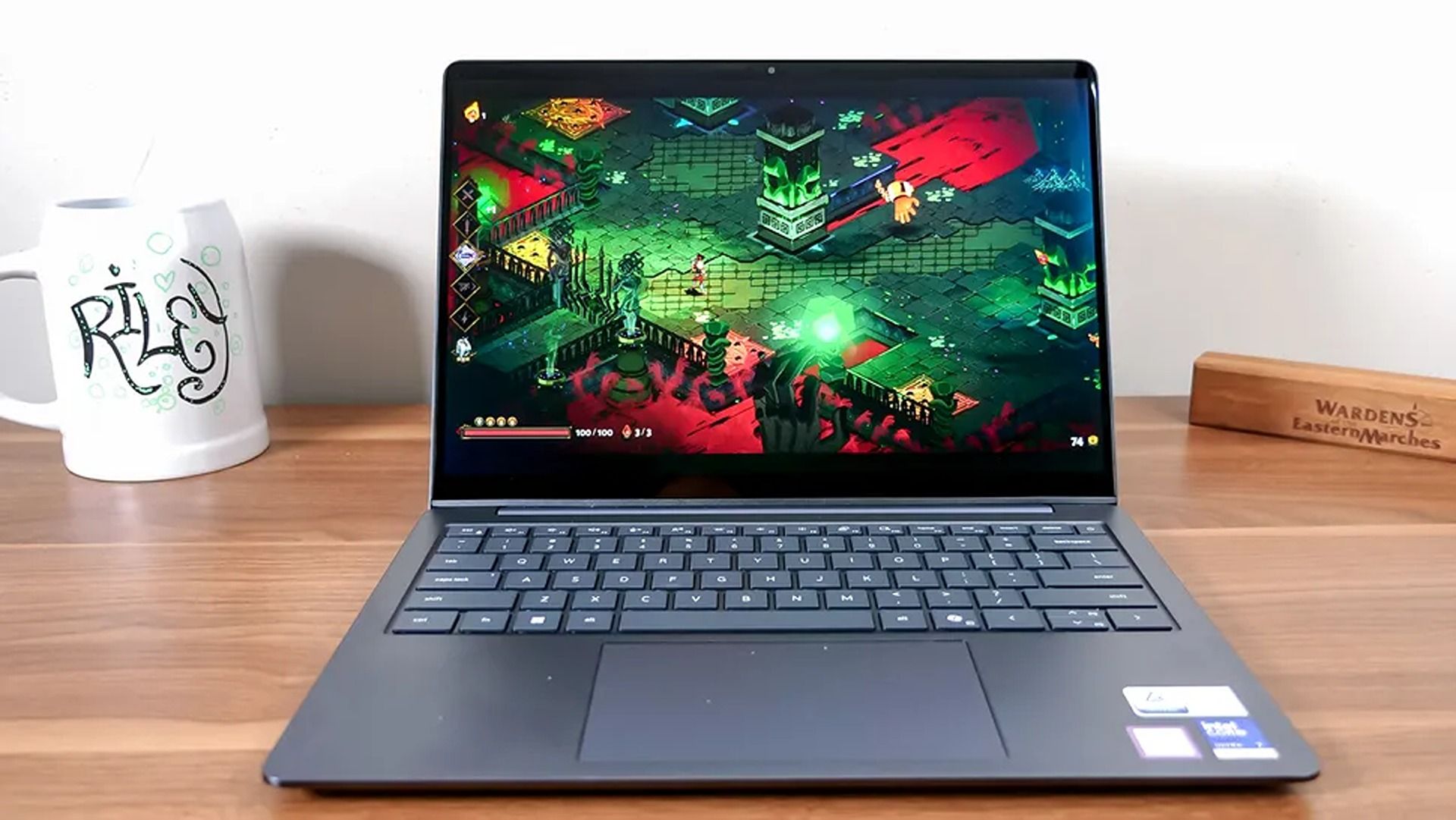
The Dell 14S is capable of running light 2D games, but it is not designed for intensive 3D AAA video due to having a limited integrated Intel graphics, instead of a dedicated gaming GPU.
You can't replace the Dell 14S's 16GB (LPDDR5X) RAM, as it's soldered in place. You can replace its 512GB SSD with a larger one (like a 1TB or 2TB SSD) via its M.2 solid-state drive slot.

Join us on Reddit at r/WindowsCentral to share your insights and discuss our latest news, reviews, and more.
Premium laptops rarely cost under $1,000 these days. But a $310.99 discount on the Lenovo Yoga Slim 7x drops the price of the PC to $989.99. The Yoga Slim 7x already delivered excellent value for its price, so it's even more attractive after a discount.
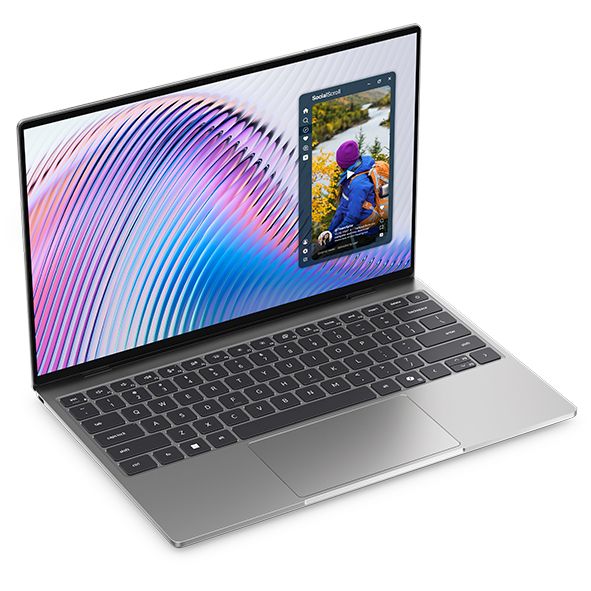
Yoga Slim 7x: was $1299.99 now $989.99
"The Slim 7x (Gen 11) is a laptop I can see fitting in perfectly with students, home business pros, and casual users who simply want a laptop for around $1,199 (even less when it's on sale) that feels like it should cost a lot more." — Cale Hunt, Windows CentralView Deal
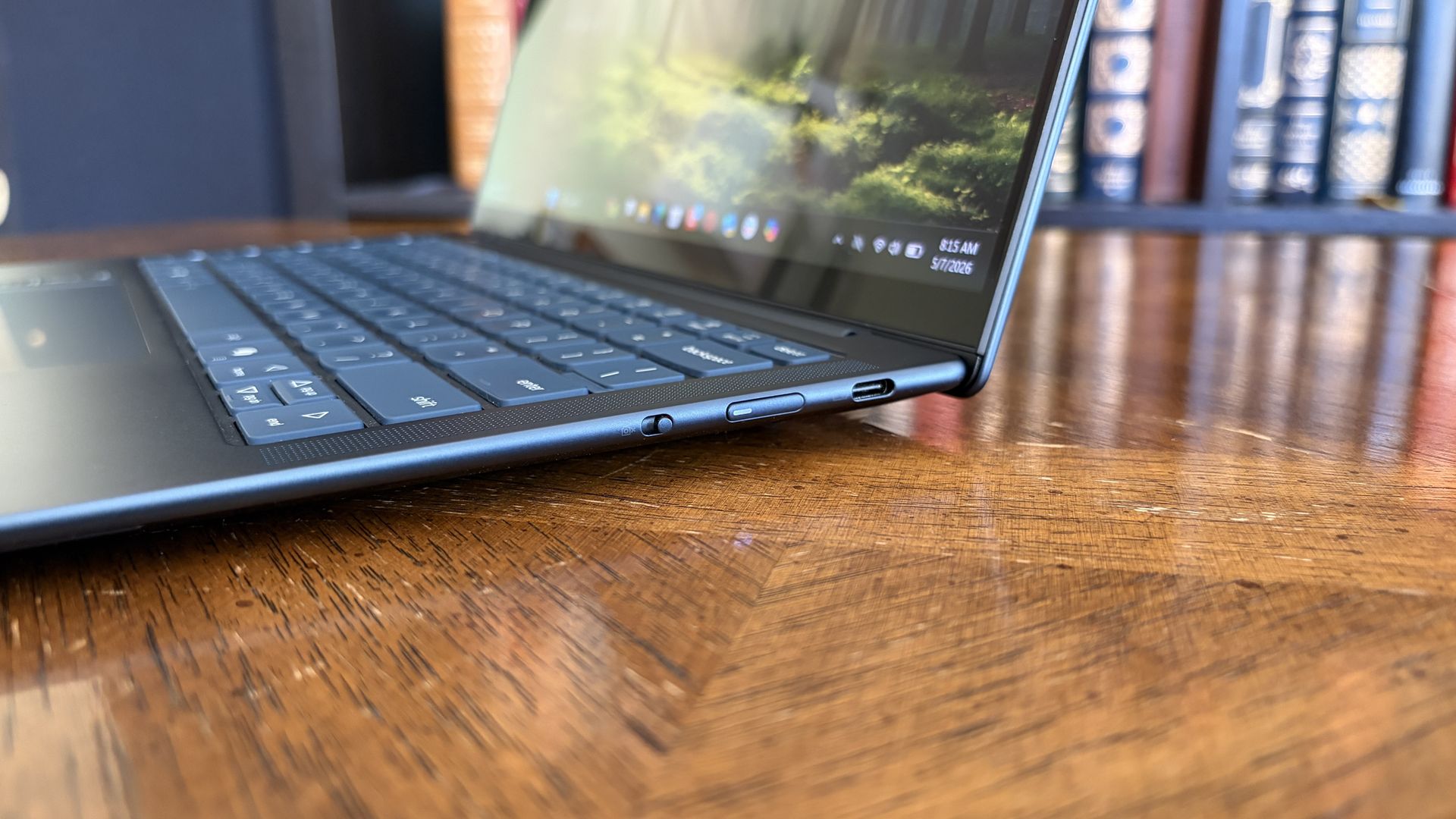
The model that's on sale has a Snapdragon X2 Plus processor, 16GB of memory, and 512GB of storage. Those specs are more than enough for everyday computing and getting work done.
Our Cale Hunt reviewed the Snapdragon X2 Elite version of the Yoga Slim 7x and came away impressed. The Snapdragon X2 Plus model has the same excellent build, keyboard, camera, and battery life.
Lenovo's Yoga Slim 7x (Gen 11) has the best battery life of any laptop I've personally tested
Cale Hunt, Windows Central
The Yoga Slim 7x is a thin laptop. Its bottom half is barely thicker than a USB-C port. Even when closed, the entire laptop is 0.55 inches thick and weighs just 2.73 lbs. But despite its thin body, the laptop is rigid, resisting any reasonable bends and not creaking when pressured.
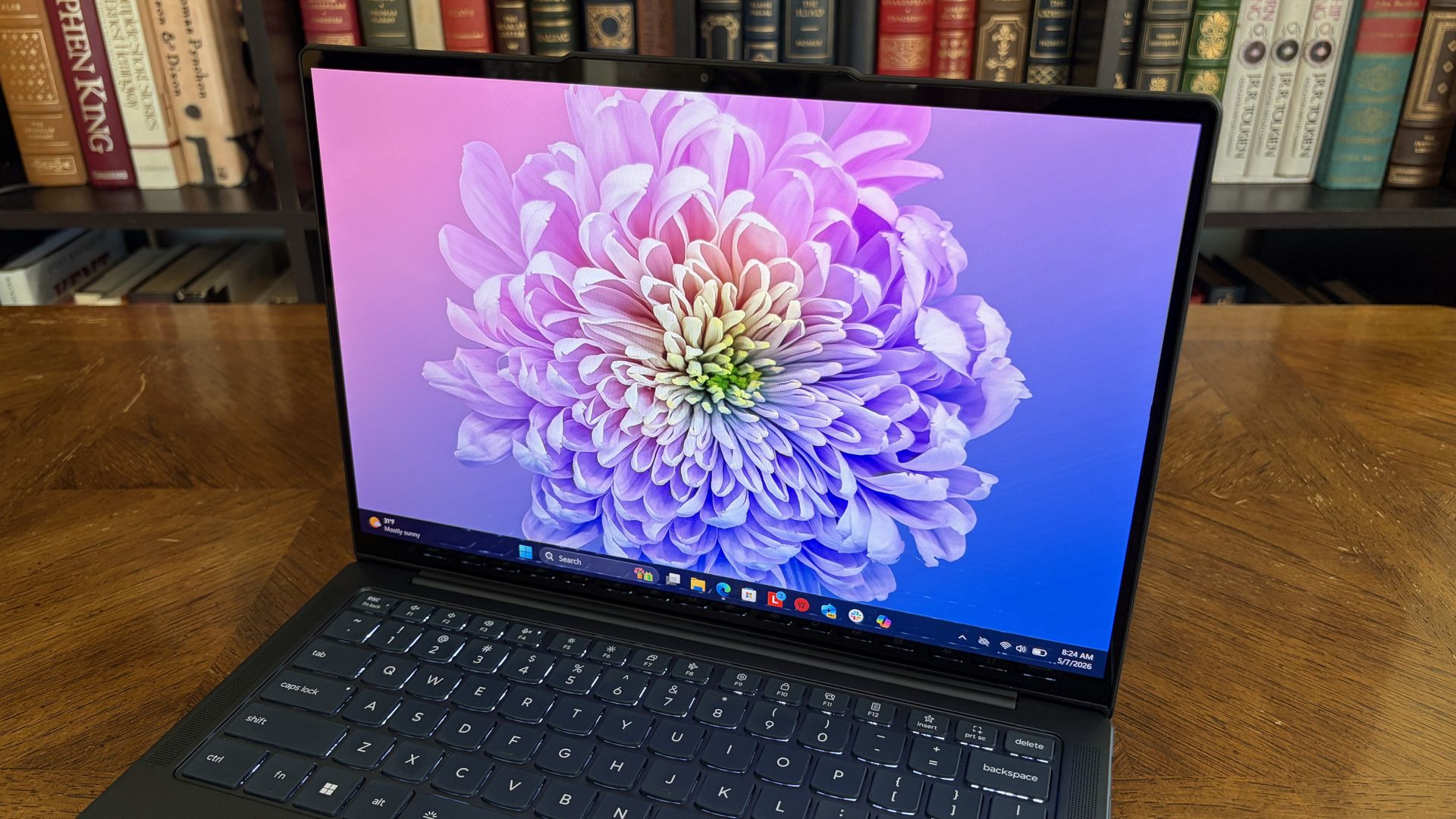
Along the top of the Yoga Slim 7x's screen sits a notch housing a 9.2MP camera that beats many webcams seen in similar laptops. As you'd expect from a premium laptop, the Yoga Slim 7x supports Windows Hello facial recognition.
Unlike some laptops in the same price range, the Yoga Slim 7x supports Human Presence Detection (HPD), which can unlock or lock your PC automatically when you leave or approach the computer.
The keyboard of the Yoga Slim 7x is well-spaced and comfortable. I share Hunt's wish for the PC to have a haptic trackpad, but the standard trackpad on the laptop is fine.
You can upgrade to a Yoga Slim 7x with higher specs if you'd like. The laptop is available with up to a Snapdragon X2 Elite. But you have to spend significantly more to get that chip (at least $1,549 from what I've found).
If you want an excellent laptop that lasts all day and is more than enough for everyday computing, the Yoga Slim 7x with a Snapdragon X2 Plus is an excellent choice.
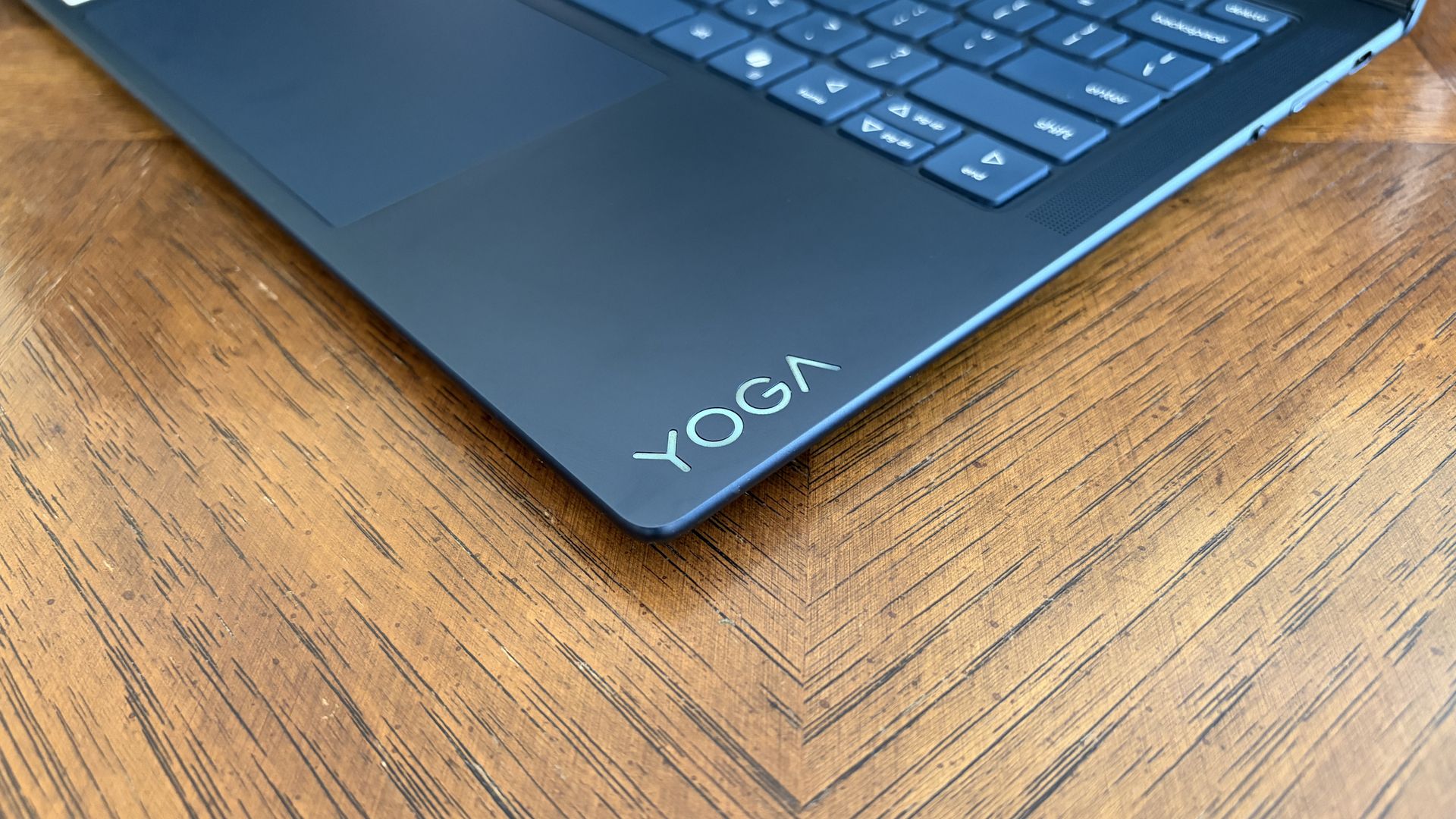
The Yoga Slim 7x is an excellent laptop that's easy to recommend, especially with the Snapdragon X2 Plus inside. But it is not a gaming laptop. Don't get me wrong, it can play some games. But I wouldn't recommend buying the Yoga Slim 7x (or any PC running a Snapdragon X processor) to a gamer.
Snapdragon X-powered PCs used to struggle with just about any game. They are now capable of running some games thanks to improvements by Microsoft and Qualcomm.
👉RELATED: What testing 200 games on a Snapdragon X teaches us about Windows 11 on Arm
If you do get a Yoga Slim 7x, gaming can be a fun experiment to see how far Windows 11 on Arm has come, but it shouldn't be a driving force behind the purchase.
Join us on Reddit at r/WindowsCentral to share your insights and discuss our latest news, reviews, and more.


Get ready, players, because Gears of War: E-Day is nearly here, and it’s shaping up to be one of the best games in the Gears of War franchise and the biggest gaming blockbuster of the year, second only to Grand Theft Auto VI.
However, there is one caveat Xbox players must be aware of before buying it on October 6 (or October 1, if they've secured early access via pre-ordering the game), and that is its required install space of 115GB (as confirmed on its Steam page).
That’s about one-tenth of a standard Xbox Series X’s 1TB storage space, and that’s just for the base game alone without any DLC. Plus, the developers plan (confirmed by GameSpot) to update Gears of War: E-Day’s Horde Mode with new classes, missions, modifiers, and seasonal content, along with adding other in-game items like gun cosmetics and character skins, so that 115GB install requirement is going to bloat fast.
So, we have sought out the best Xbox Series X|S storage expansion devices, from external SSDs to plug-and-play SSD cards, to help you fit in Gears of War: E-Day while having tons to spare for its post-launch updates and other awesome Xbox Series X|S titles for your Xbox.
Now, granted, finding Xbox external storage upgrades is a lot harder these days thanks to the ongoing RAM crisis, jacking up the prices of all things tech-related while making their availability scarcer.
One of the more affordable and available options is external hard drives, which can offer tons of storage space ranging from 512GB, 1TB, 2TB, and even 4TB. In addition, they can be formatted to store all kinds of media, not just Xbox games, depending on what platform you intend to use it for.
The drawback is that you can’t play Xbox games directly from an external hard drive, you have to manually transfer them from the hard drive onto your Xbox’s internal hard drive if you wish to play them.
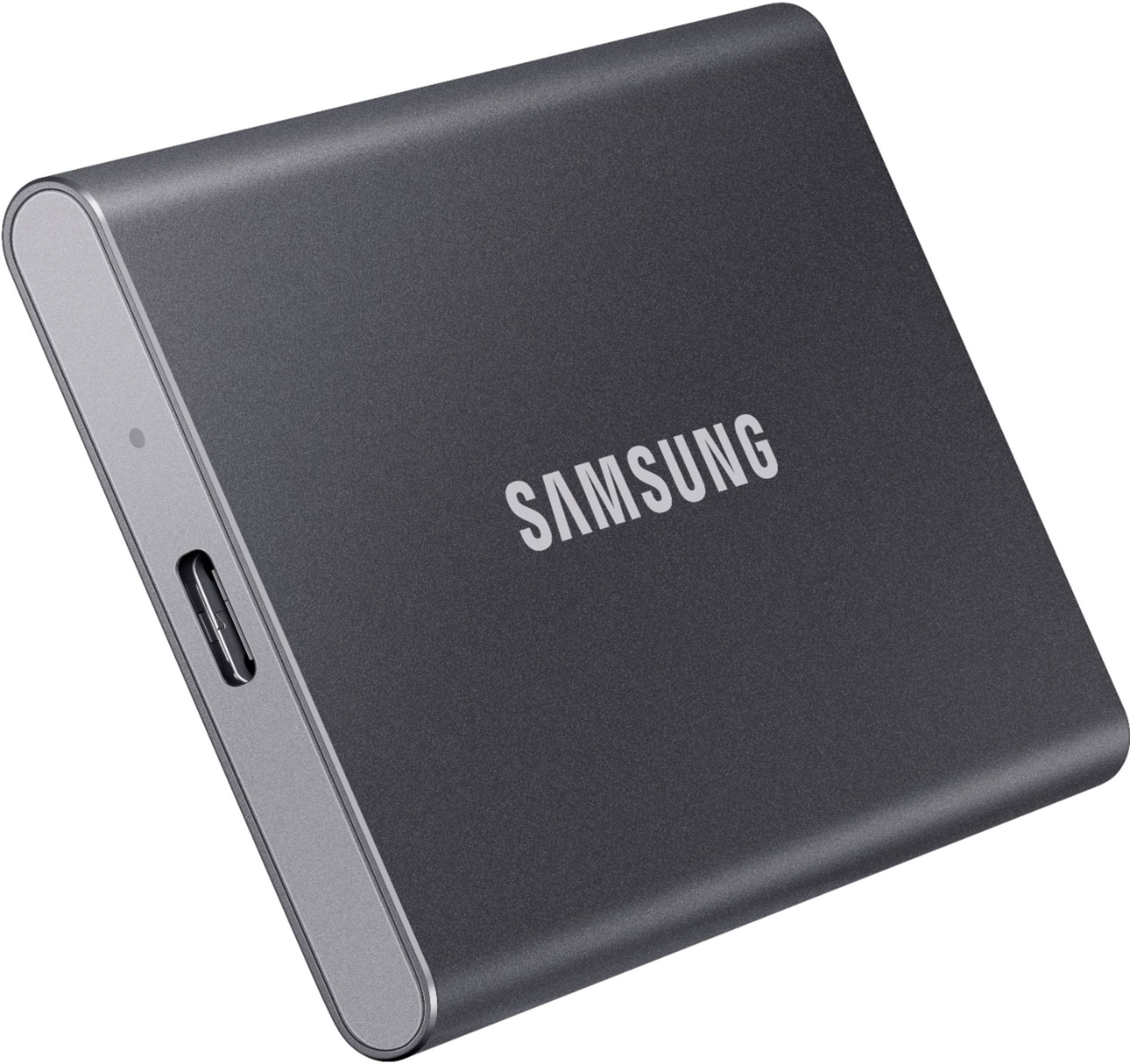
T7 Portable SSD 1TB Titan Gray: was $274.99 now $229.99
“The Samsung T7 portable SSD is every bit as good as the T7 Touch but at a lower price. It makes it a brilliant all-purpose portable SSD that can be used for both computers and the latest Xbox consoles.” ~ Richard Devine, Managing Editor, Windows Central
Windows Central review: ⭐⭐⭐⭐½View Deal
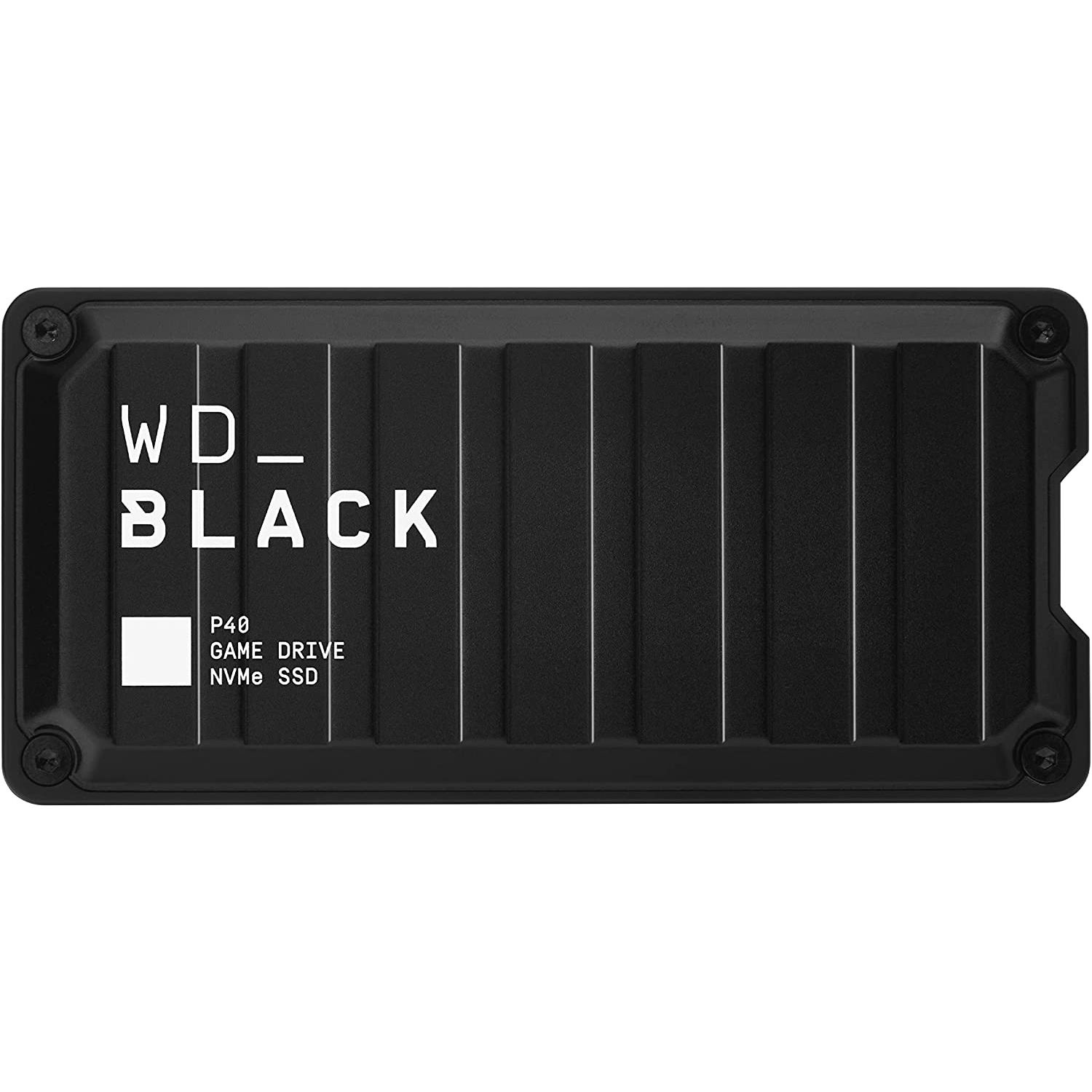
1TB P40 Game Drive SSD: $209.00
“Western Digital's P40 Game Drive SSD is a stellar external storage upgrade for Xbox Series X|S consoles, and is even better on PC with RGB customization and faster speeds. If you're only getting this for Xbox, though, there may be more affordable options.” ~ Zachary Boddy, former Staff Writer, Windows Central
Windows Central review: ⭐⭐⭐⭐View Deal
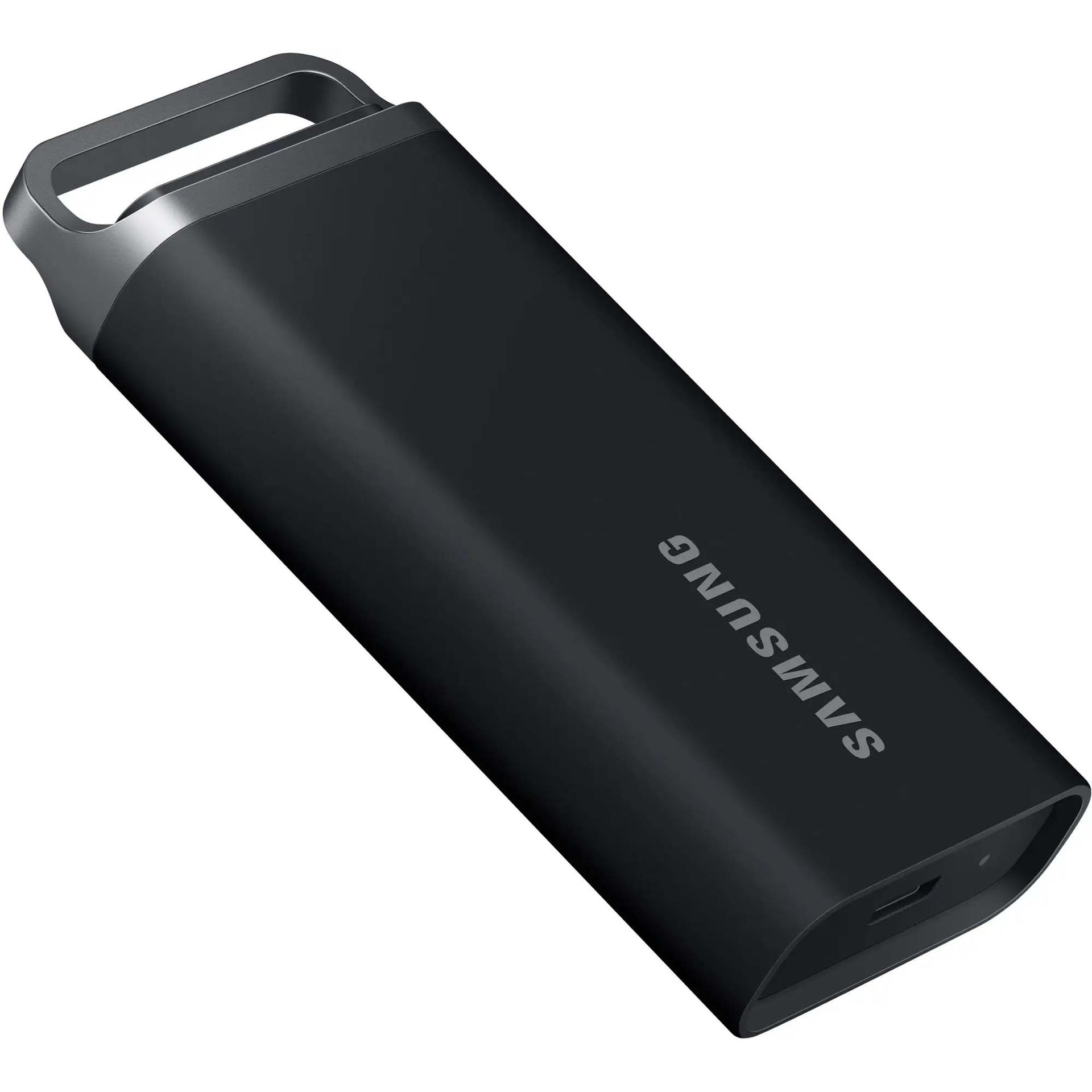
T5 EVO Portable SSD 4TB Black: $559.00
“If you specifically need a super portable external SSD for playing your classic Xbox games and storing Series X|S games, then the Samsung T5 EVO is a fantastic pick. It has a slim form factor that can easily fit in your pocket or in a bag. Plus, it's drop-resistant to better withstand jostling on the go.” ~ Rebecca Spear, former gaming staff writer, Windows Central
Best Premium USB from our best Xbox SSDs in 2025 listView Deal
Plug & Play expansion cards are scarcer and more expensive, but more convenient Xbox storage expansion units compared to external hard drives.
They fit easily into an Xbox’s dedicated expansion card slot, so they don’t take up desk space, and they let players play games installed on the cards directly without needing to shuffle them into the Xbox’s internal SSD, saving you from tedious file management.
However, you can’t reformat these Plug & Play Xbox expansion cards for other devices, as they were purely designed for Xbox consoles.
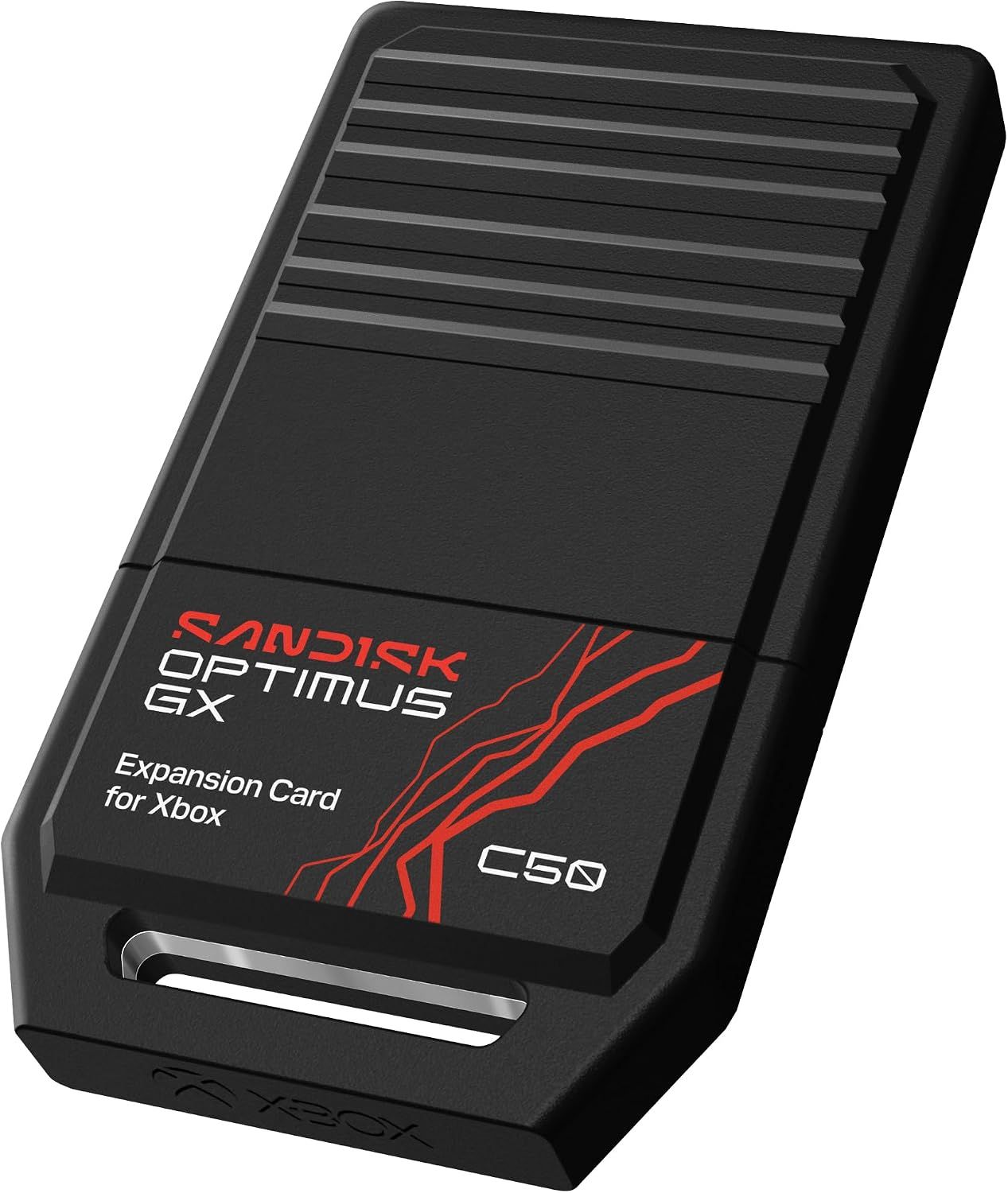
1TB Optimus GX C50 Storage Expansion Card for Xbox: $239.00
The SanDisk Optimus GX C50 is the newest Xbox storage Expansion Card line on the block.
It comes in multiple storage models from 512GB to 2TB, with low-latency performance that matches Xbox Velocity Architecture, so games can be played directly from it. Plus, it’s compatible with Xbox’s Quick Resume feature, so players can swap between multiple games without losing progress.
Plus, it has a free one-month trial membership for Xbox Game Pass Ultimate.View Deal
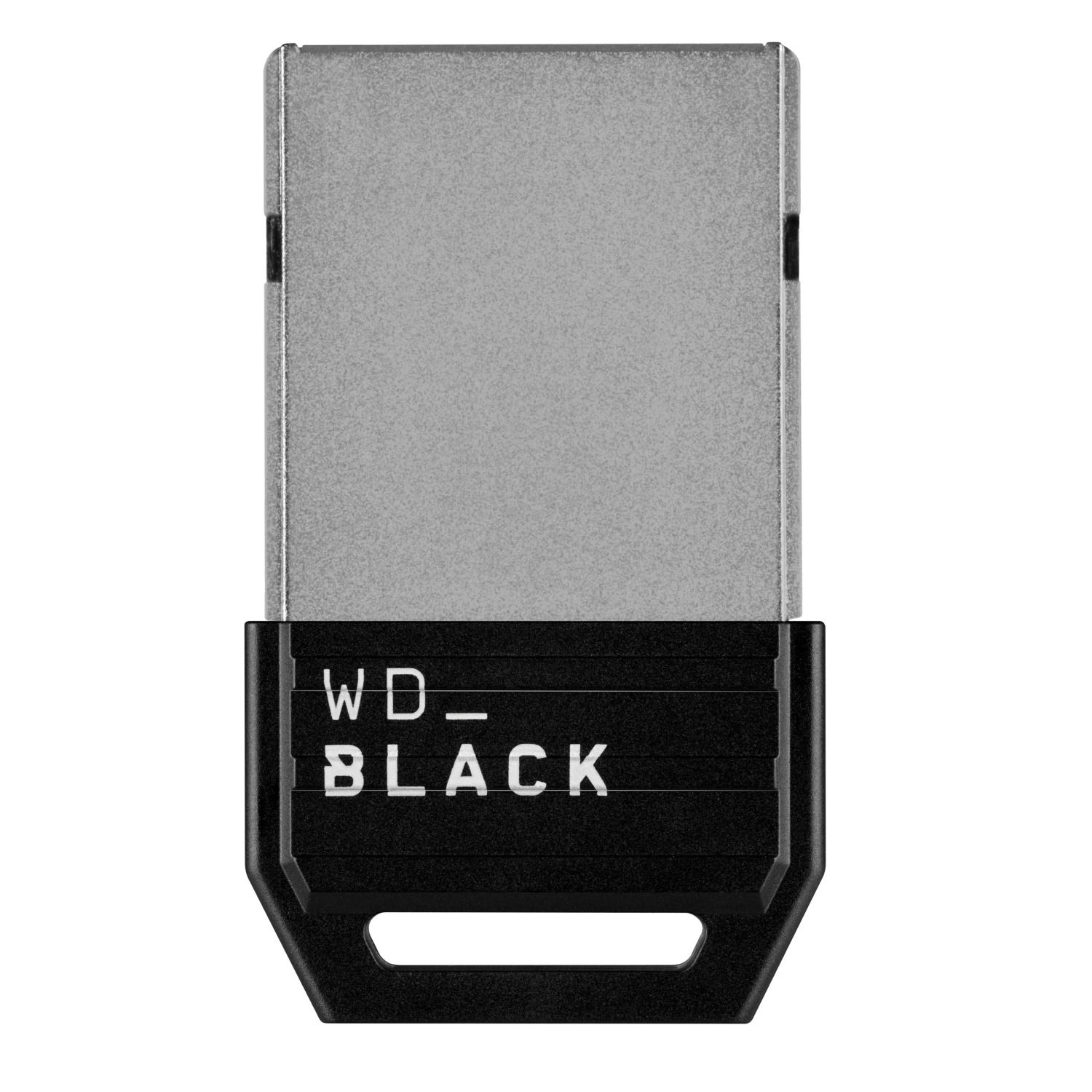
1TB C50 Expansion Card for Xbox: $269.00
“Western Digital's long-awaited competitor to the exorbitant Seagate Expansion Card for Xbox Series X|S is functionally and practically great, and it has lowered prices.” ~ Zachary Boddy, former Staff Writer, Windows Central
Windows Central review: ⭐⭐⭐⭐View Deal
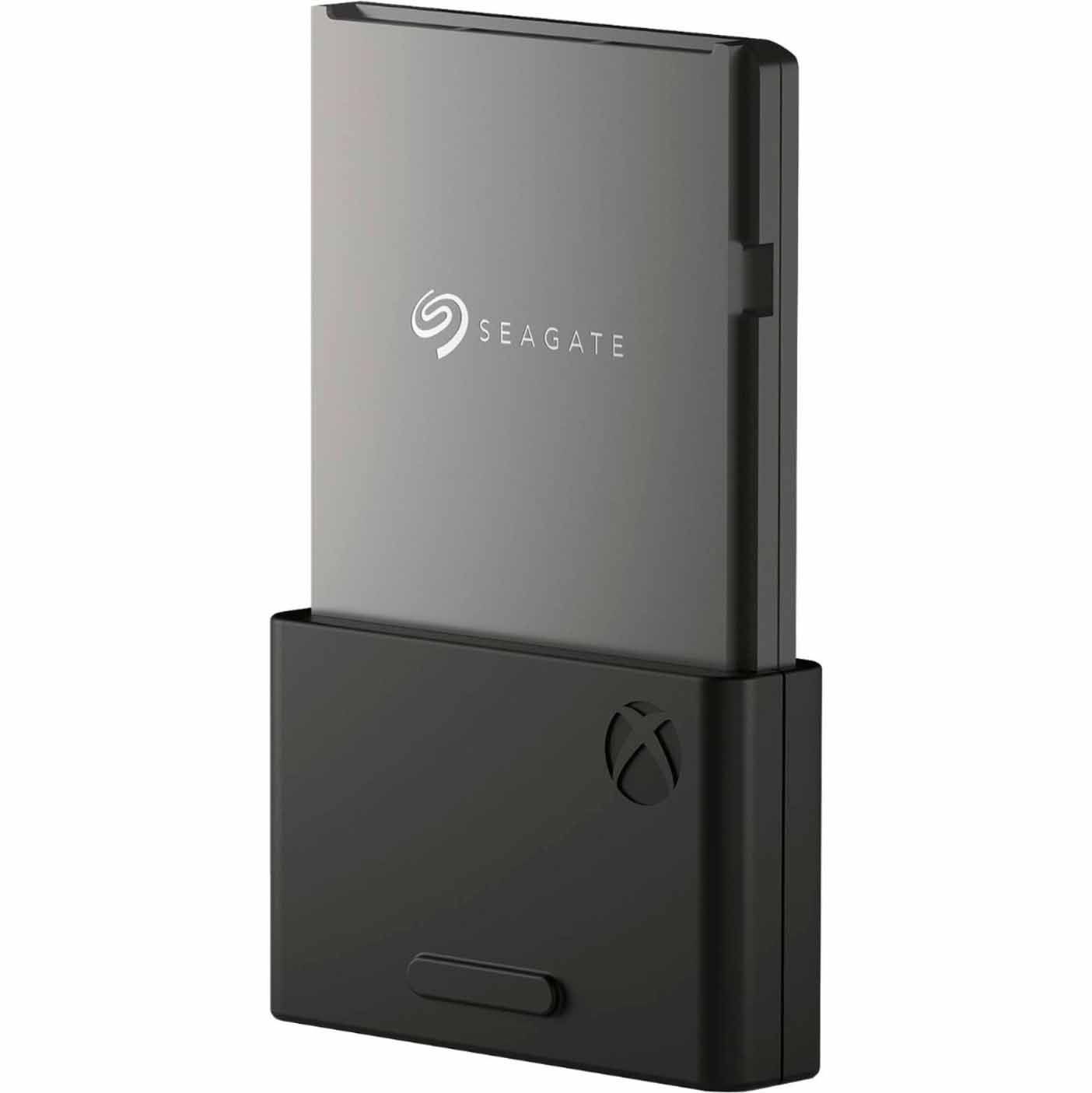
Storage Expansion Card 2TB Solid State Drive: $279.99
"Microsoft and Seagate partnered up on a slick memory card-style SSD expansion for Xbox Series X and Xbox Series S, filling demand where standard hard drives simply don't cut it.” Matt Brown, former Staff Writer, Windows Central
Windows Central review: ⭐⭐⭐⭐View Deal
If you don’t mind waiting for discounts, it may be wise to wait until these external hard drives and plug-and-play cards go on sale, as many of them have retail prices that cost hundreds of dollars as of this writing.
However, the RAM crisis is stirring extreme levels of FOMO (Fear of Missing Out) behavior in consumers, driving them to buy popular Seagate and WD_Black Xbox expansion cards online until they run out of stock, even at full price.
With this in mind, it may also be a risky but good idea to grab one of these devices quickly because they may sell out before they even get a chance to be discounted during sales events like Amazon's Big Deal Days in October or Black Friday in November.
And there you have all the best options to upgrade your Xbox’s Storage size in time for Gears of War: E-Day. Are you looking forward to playing Gears of War: E-Day? Will you be sticking around to play its Horde Siege mode months after launch to see its post-game updates?
If you have any thoughts on the matter, please send them to the comments section below, or our Discord, Reddit, or cast a vote in the poll above.
Gears of War: E-Day is scheduled to launch on Xbox Series X|S (with Xbox Play Anywhere support), Xbox Game Pass, and PC via Windows and Steam on October 1, 2026, for early-access players who pre-ordered the game, and then October 6, 2026, for everyone else.

Gears of War: E-Day (Xbox): $69.00
Relive the tragic day that started the long, grueling war between the COGs and the Locust horde in the highly anticipated prequel of the Gears of War franchise, Gears of War: E-Day.
• Xbox Store
• SteamView Deal
Join us on Reddit at r/WindowsCentral to share your insights and discuss our latest news, reviews, and more.

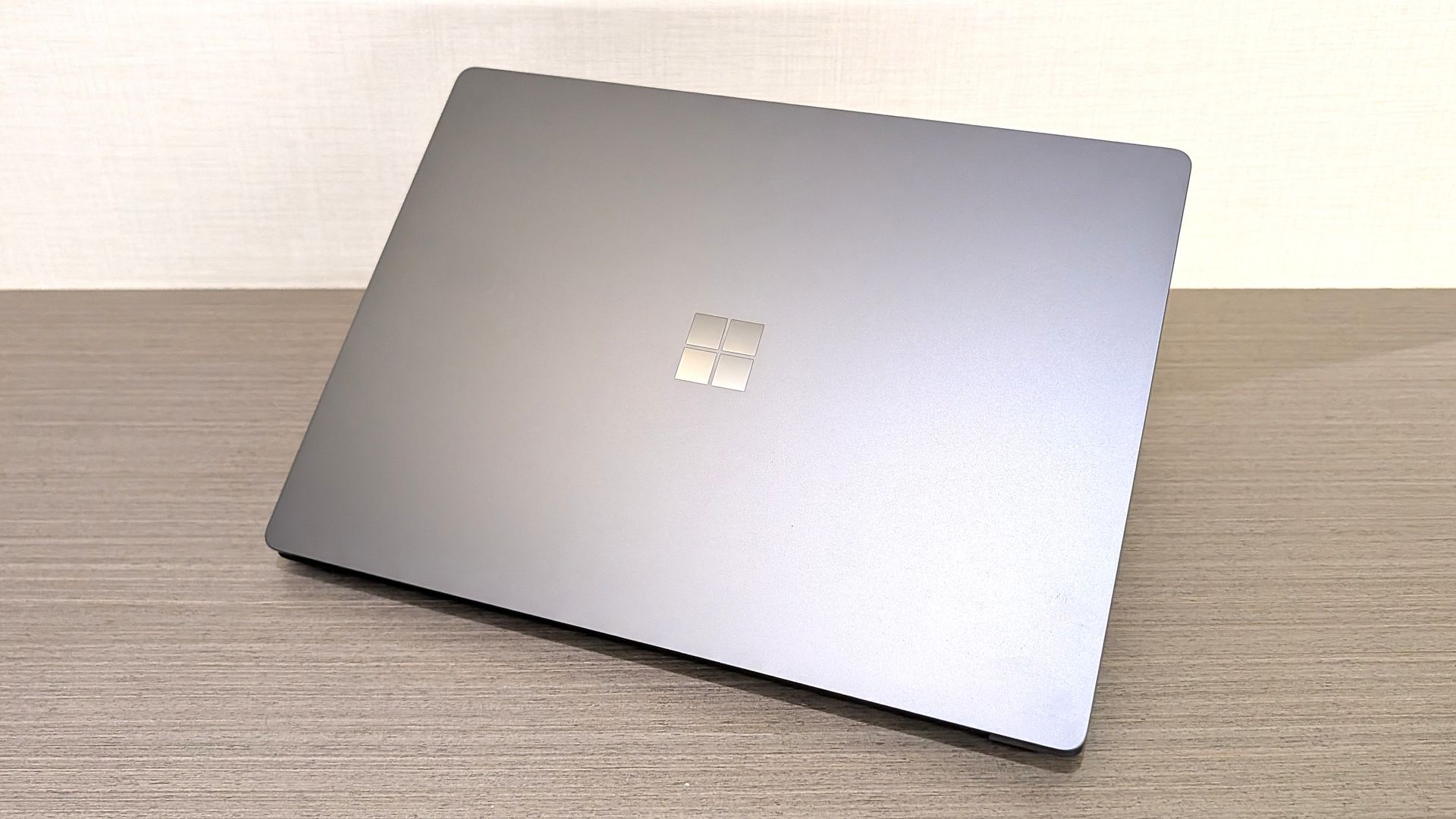
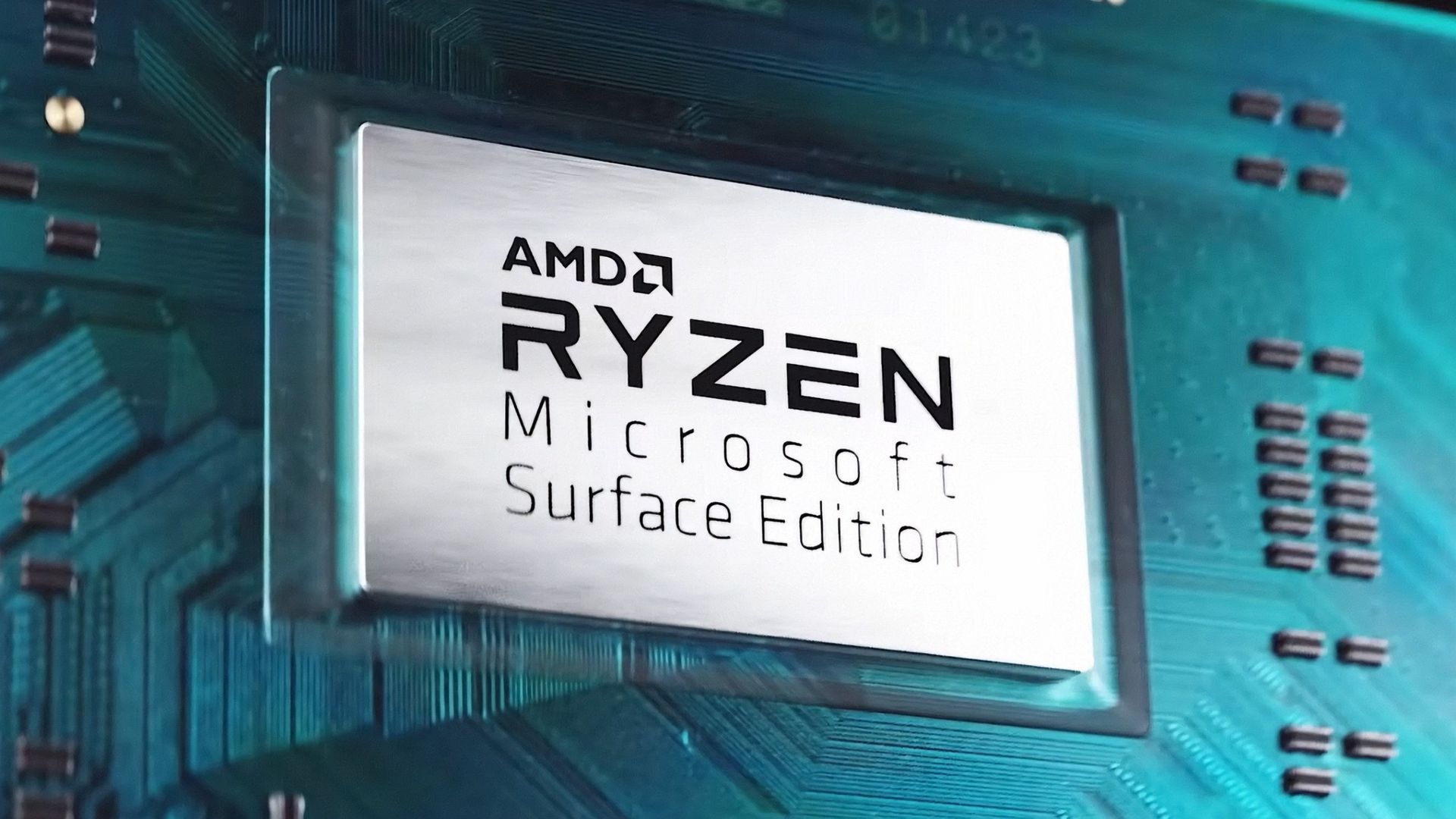
In 2026, you can find new Surface PCs from Microsoft for sale powered by almost all major chip makers. There are Surface PCs with Intel, Snapdragon, and very soon, even NVIDIA. But one chipmaker you won't see in a Surface PC today is AMD.
This wasn't always the case however. In 2019, Microsoft released the Surface Laptop 3 with both Intel and AMD chip offerings, a first for the Surface line that lasted just two generations before being dropped entirely with the launch of Surface Laptop 5.
Microsoft has never explained why it decided to drop AMD from the lineup, until now that is. In an interview with Windows Central, I asked Surface CVP Brett Ostrum why we don't see AMD in the Surface lineup in 2026.
"We love working with AMD. We have a limited portfolio, and so we have to make our choices pretty wisely in terms of what we're doing and where we're doing," Ostrum told me, before proclaiming "I love working with AMD."
So in short, it seems Microsoft doesn't sell any Surface PCs with an AMD chip right now because the portfolio is limited in size and the company has other partners and customers they need to appease first.
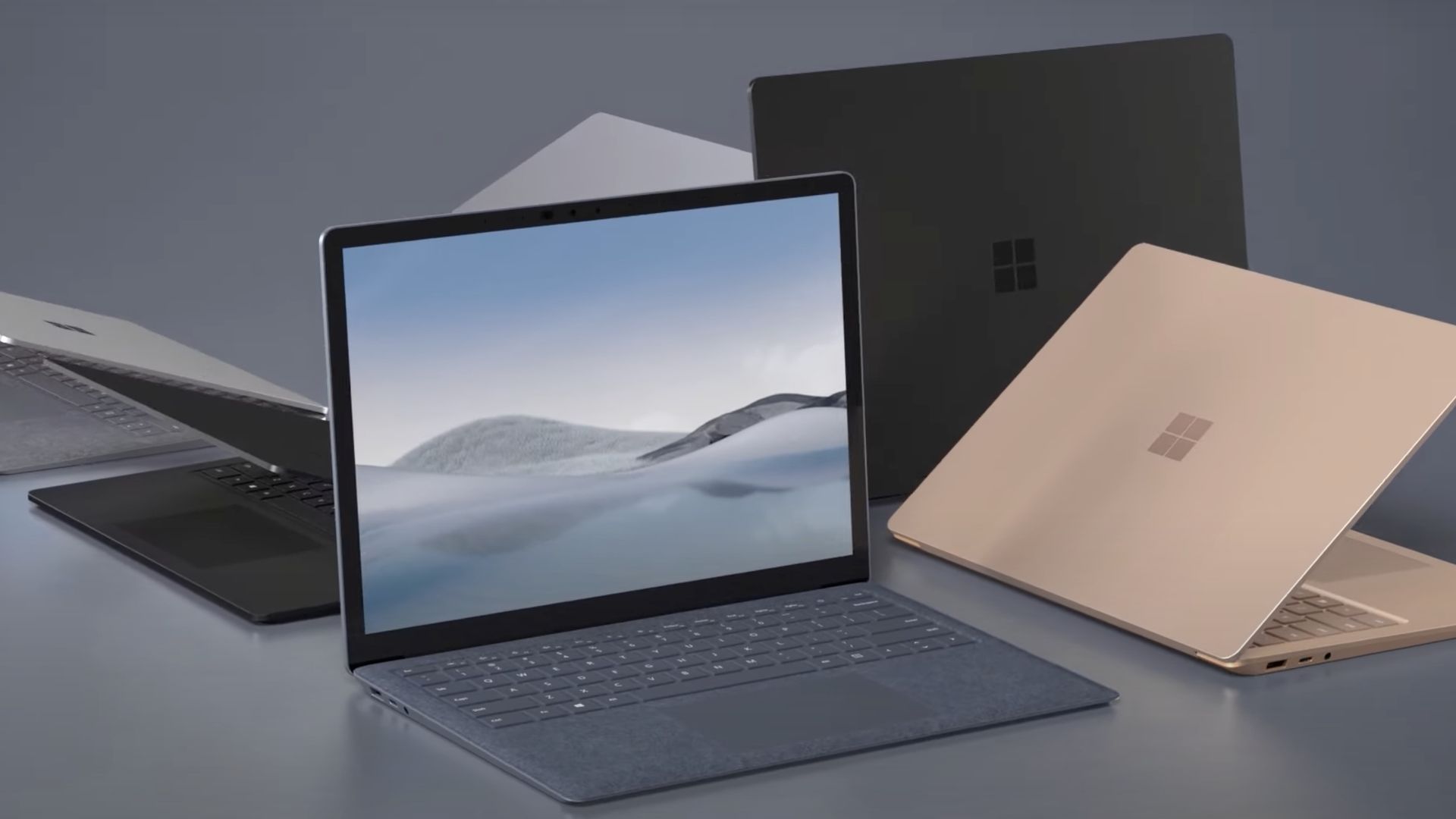
I'm not sure I buy this explanation as Microsoft was clearly able to offer the same device with Intel or AMD in the past. Why can't Microsoft just do that today with the Surface Laptop 8 series, for example?
Microsoft has a close working relationship with AMD in the gaming space. AMD will power the next-gen Xbox, and is what you'll find in the currently manufactured Xbox consoles too. But for whatever reason, you just don't find it in a Surface.
With that said, there were rumors last year that Microsoft was working on a Surface powered by AMD's rumored Arm-based chip codenamed Sound Wave. That chip was rumored to launch sometime this year, but we've seen no sign of it as of yet.
If that chip ever does ship, we don't know where that might fit into Microsoft's limited portfolio as we have no real idea if the Sound Wave APU is a high-end one or not.
Either way, for now, Microsoft's official on-the-record stance as to why we don't see AMD in Surface PCs is because the portfolio is limited and they don't have the room for it right now.
Hopefully that rumored Surface powered by AMD's Sound Wave chip hasn't been totally canceled.
Join us on Reddit at r/WindowsCentral to share your insights and discuss our latest news, reviews, and more.
Winhanced is a launcher that essentially replaces Xbox Mode on your Windows handheld. Instead of simply fullscreening the Xbox app, Winhanced gives you a fully featured user interface that connects to your Xbox, Steam, GOG, and Epic libraries, alongside support for emulators, other apps, and much more.
I've talked quite extensively about Winhanced here on Windows Central, using the launcher for quite some time on my own handhelds, and seen it in both its current, near-complete state and its not-so-complete state a few months back.
The launcher is nearing version 1.0, which I’m sure I’ll cover when it releases, as the sneak peek I’ve seen — and will discuss closer to release — is extremely exciting. However, version 0.9.9.9 is available today and boasts new features and improvements. These are just a few that caught my attention:
Those are just a handful of the additions, and 0.9.9.9 also includes substantial behind-the-scenes work to improve how Winhanced works in general, making it a pretty seamless experience. If you're interested, I urge you to join the Winhanced Discord and check out the full release notes because there’s simply far too much for me to reasonably cram into one overextended post without getting into the weeds.
I’ve moaned since the day I got my Xbox Ally X about just how unpolished and, frankly, disappointing the user experience was. Winhanced has genuinely changed that for me, though, and made me much more willing to pick up my Xbox Ally X and actually play games on it, which isn’t something I can say for the other launchers I’ve tried.
If you’ve tried Winhanced before and found it too buggy, I’d suggest giving it another shot now. A big part of 0.9.9.9 focused on squashing hardware-related bugs and improving consistency across supported handhelds, with the developer describing this release's device consistency as finally at a "1.0 level."
If Winhanced isn’t your thing, though, that’s okay too. Xbox Mode is improving, but I'll still use this instead. Let me know your thoughts in the comments, or just drop a vote on the poll!
Join us on Reddit at r/WindowsCentral to share your insights and discuss our latest news, reviews, and more.
At this year's annual Snapdragon Summit, I had the opportunity to sit down and talk with Microsoft Surface CVP Brett Ostrum about all things Surface and Windows. One question I was eager to ask was about MacBook Neo, and whether or not Microsoft was interested in competing in that space.
"Let me start this way: we have never shipped a gaming PC," Ostrum opened with. "The reason we've never shipped a gaming PC is because OEMs do just fine in that space. They've done fine; they meet the customer needs; there's not a benefit for Surface to go into that space ... We knew Neo was coming long before it showed up. And so part of the question is, does Surface need to play a role relative to Neo? It wasn't a surprise. We chose to let the OEMs play in that space to deliver lower-priced devices."
His response confirms that Microsoft doesn't think it's necessary to use Surface to compete with MacBook Neo, because Windows OEMs have already stepped up to deliver truly good alternatives. The Dell XPS 13 and ASUS ZenBook 14 are two prime examples of Windows PCs that cost the same as a MacBook Neo, while beating it in a number of key ways.
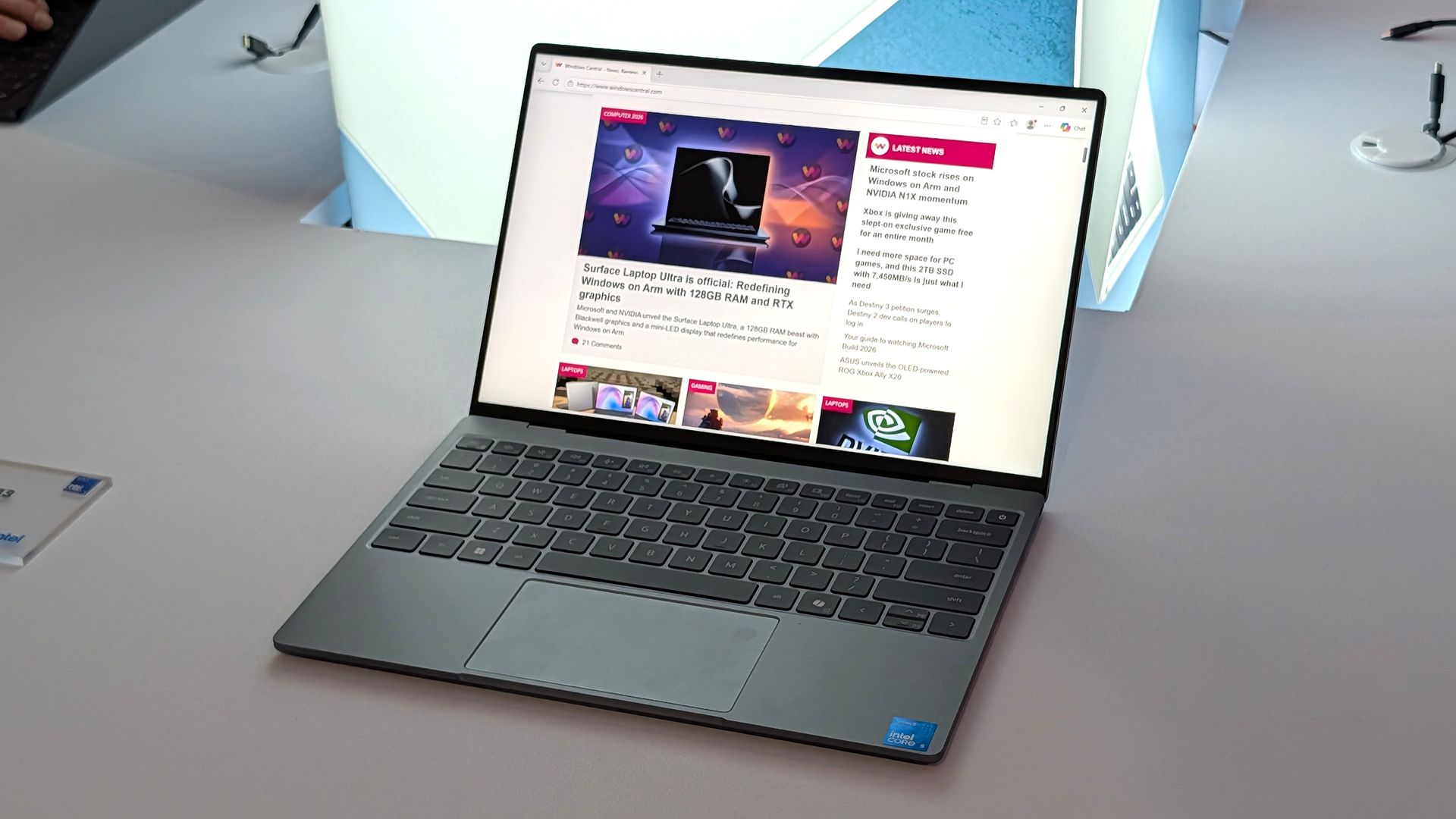
With that said, Microsoft is aware that customers are wondering why Surface isn't competing in this space. Ostrum tells me, "I've heard the feedback from press, I've heard the feedback from retailers, I've heard the feedback from partners to say Surface should be here. We will take that into consideration; we will certainly consider some options. But I would start with the gaming point. We do not have to play in every field."
That sounds like the door is open for the company to revisit this segment in the future, but for now it's clear that Microsoft isn't interested in building a low-cost Surface PC to compete head-to-head with MacBook Neo. Right now, Surface is more interested in competing at the very high end with devices like the Surface Laptop Ultra, which I tried earlier this year.
In fact, I've heard from sources that Microsoft now identifies its lineup of Surface PCs as three distinct categories of premium: Entry Premium, Premium, and Ultra Premium. Entry Premium are the most affordable Surface PCs, all of which start at above $1,000.
Of course, Surface used to build affordable PCs in the form of the Surface Go and Surface Laptop Go, both of which started at well under $600. But that was back before the component shortage forced price hikes, and under entirely different Surface leadership.
Today, the focus is on its premium Surface PC lineup, and we'll hear more about the company's new Surface Laptop Ultra on October 7.
Join us on Reddit at r/WindowsCentral to share your insights and discuss our latest news, reviews, and more.
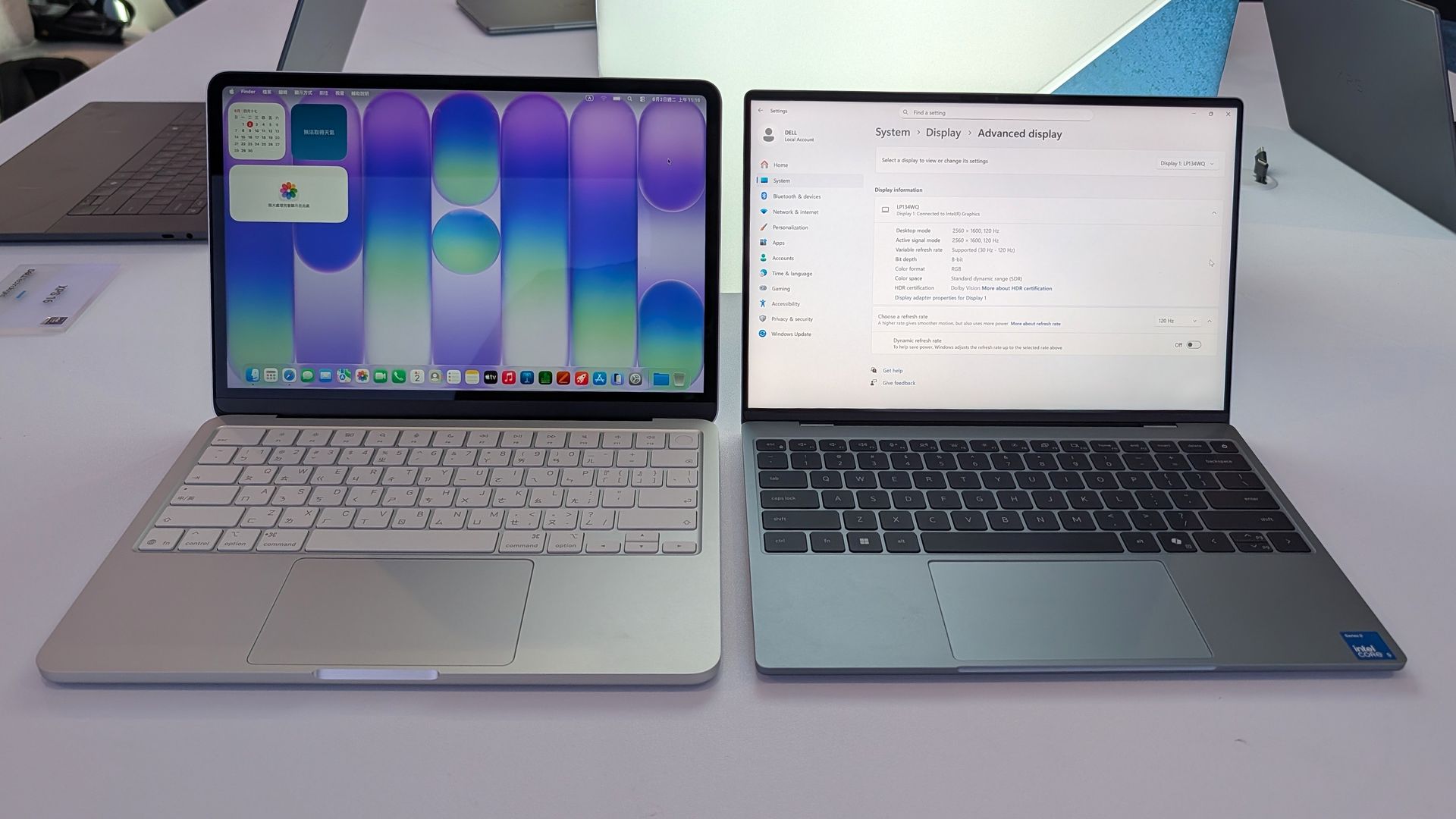
Flagship laptops often pack high-end specs and maximize the wow factor. But Dell decided to take a different approach with the XPS 13 this year. Rather than shove every premium option into a PC regardless of price, Dell built a budget-friendly laptop with premium build quality and surprisingly strong specs without breaking the bank.
The result is a truly impressive laptop that punches well above its price. The XPS 13 has a 2.5K 120Hz panel, a solid keyboard and trackpad, and a pair of Thunderbolt 4 ports packed into its thin aluminum body.
Dell is bullish about the new XPS 13, stating that the company wants the laptop to be people's first XPS. Our Cale Hunt called the new XPS 13 "the perfect starter PC" and our Zac Bowden was "shocked" at the quality and value of the laptop.
Dell's current discount on the XPS 13 is modest, but it keeps the laptop at an affordable price.
"Dell's new XPS 13 is the new best deal in laptops, surpassing the MacBook Neo with a better display, ports, build quality, and performance for the same price." — Zac Bowden, Senior Editor, Windows CentralView Deal

Pro Wireless Headset: was $139.99 now $118.99
This headset is an excellent companion to the Dell XPS 13 if you want to listen to meetings or seminars in public or have clear audio when chatting on Microsoft Teams or Zoom.View Deal
The unfortunate reality in 2026 is that it's increasingly difficult to find a great deal on anything, let alone a quality PC. The ongoing RAM crisis hurts PC shoppers, but the truth is that money doesn't go as far as it used to.
That means that sometimes you need to grab a PC when it's worth it rather than holding out hope for a killer sale.
It's no longer a given that electronics will become cheaper over time. In some cases, prices have increased after launch. Apple raised the price of the MacBook Neo by $100, and Dell did the same with the XPS 13. Both those laptops were once $699 for everyday shoppers and $599 for students.
Still, the Dell XPS 13 is a bargain at its current price, and it delivers the features you'd expect from a modern laptop. That may not sound like much, but a lot of laptops in this price range are missing key features that should be commonplace in even budget-friendly computers.
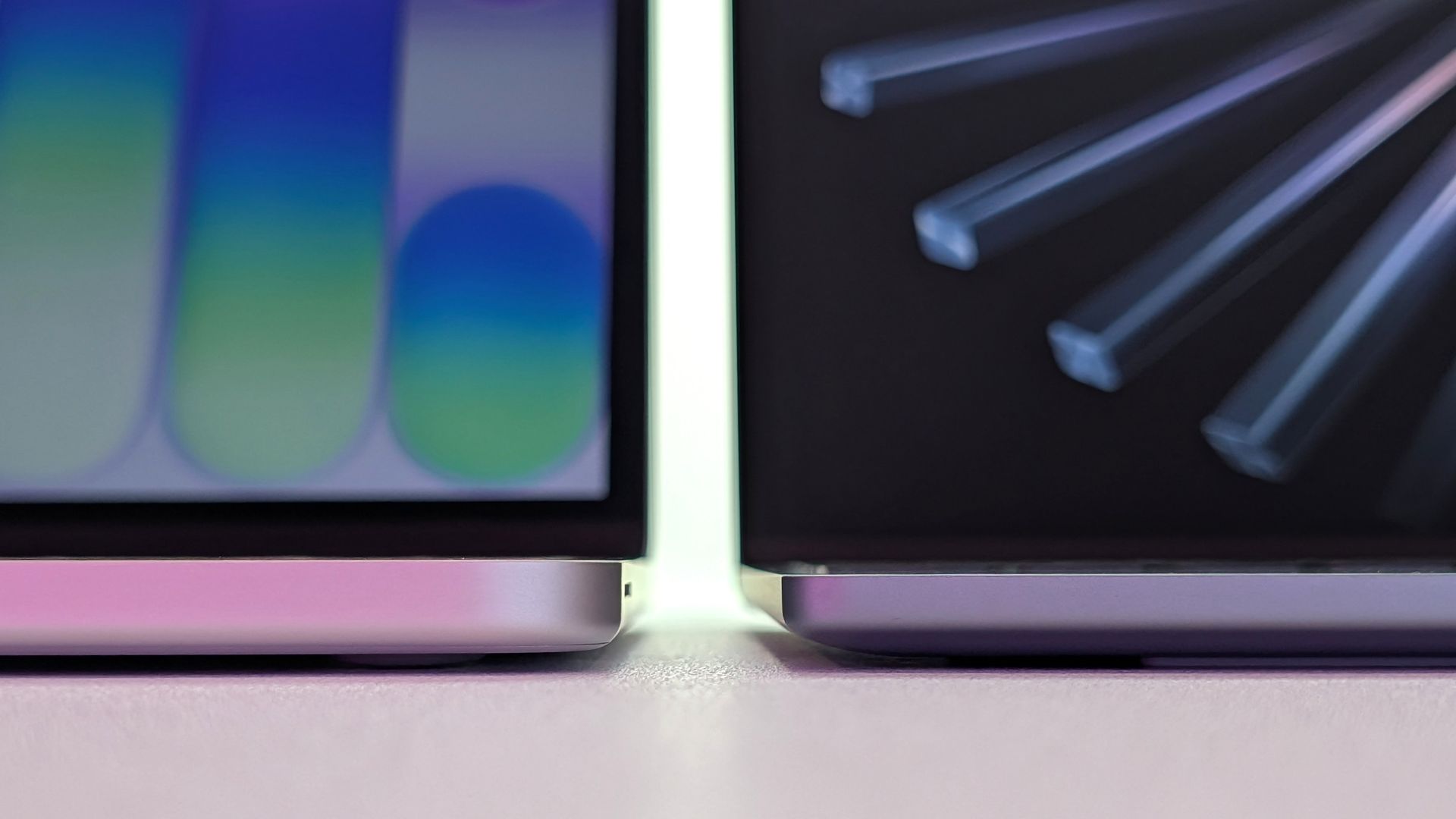
Compare the Dell XPS 13 and MacBook Neo and you'll see that only Dell's budget-friendly laptop has backlit keys. The XPS 13 also has an IR sensor for facial recognition, better speakers, and support for Wi-Fi 7 rather than the older Wi-Fi 6E.
The XPS 13 also has Thunderbolt 4 ports that make it the obvious choice for anyone who needs to use more than one external display. And speaking of displays, the 120Hz screen of the XPS 13 also beats out Apple's offering (60Hz).
Dell delivers more value than Apple, making the XPS 13 easy to recommend.
Join us on Reddit at r/WindowsCentral to share your insights and discuss our latest news, reviews, and more.

I've been a Manchester United fan for as long as I can remember (going on 37 years now), coming from a family of Manchester United fans. Watching games with my grandad as a young child remains some of my fondest memories.
Sure it's been tough in recent years, but the passion never dies. Imagine my absolute delight when my club crosses over with my job. It's been happening for a couple of years already, since Snapdragon took over shirt sponsorship, and it's gone up another notch this season.
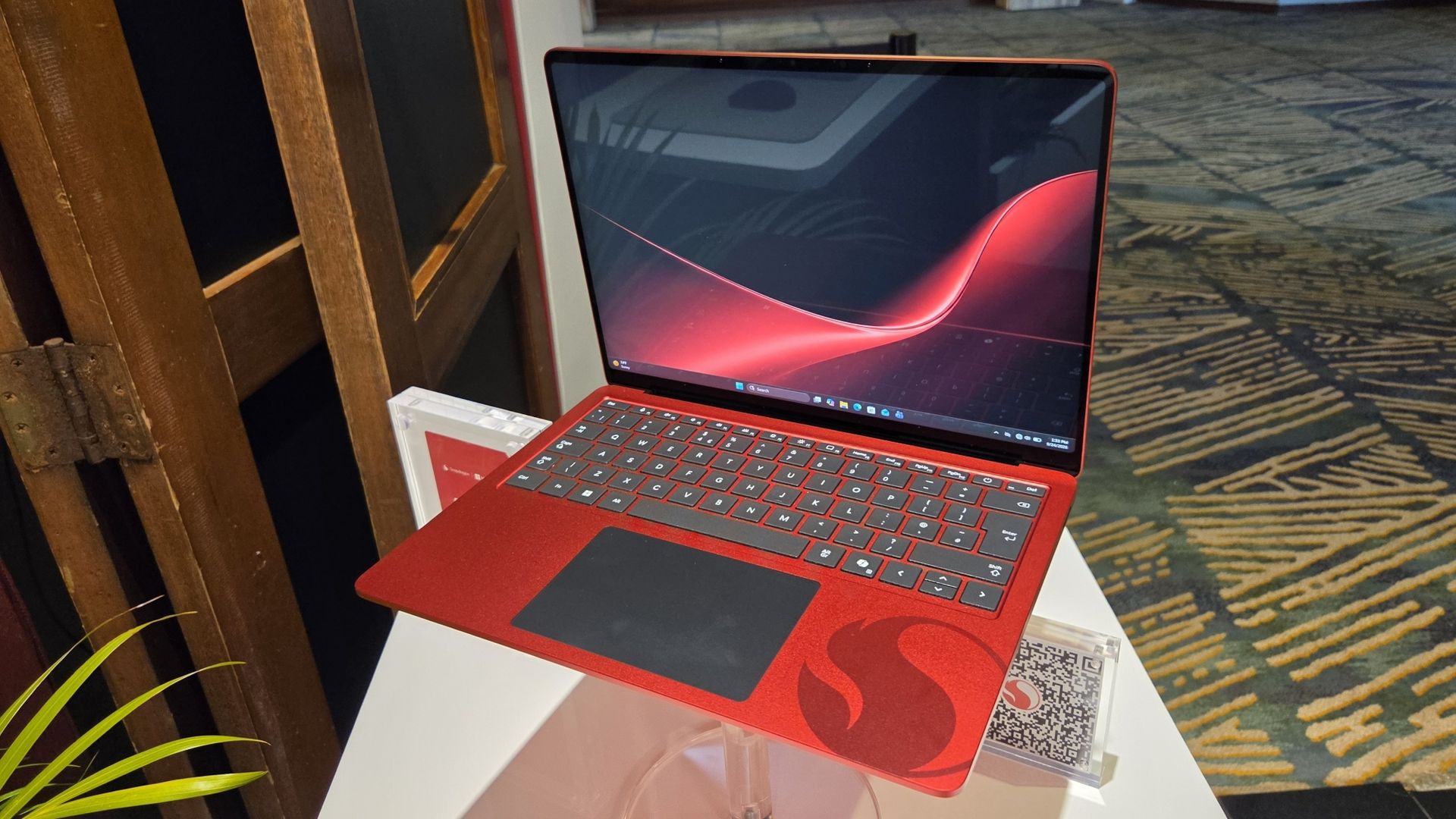
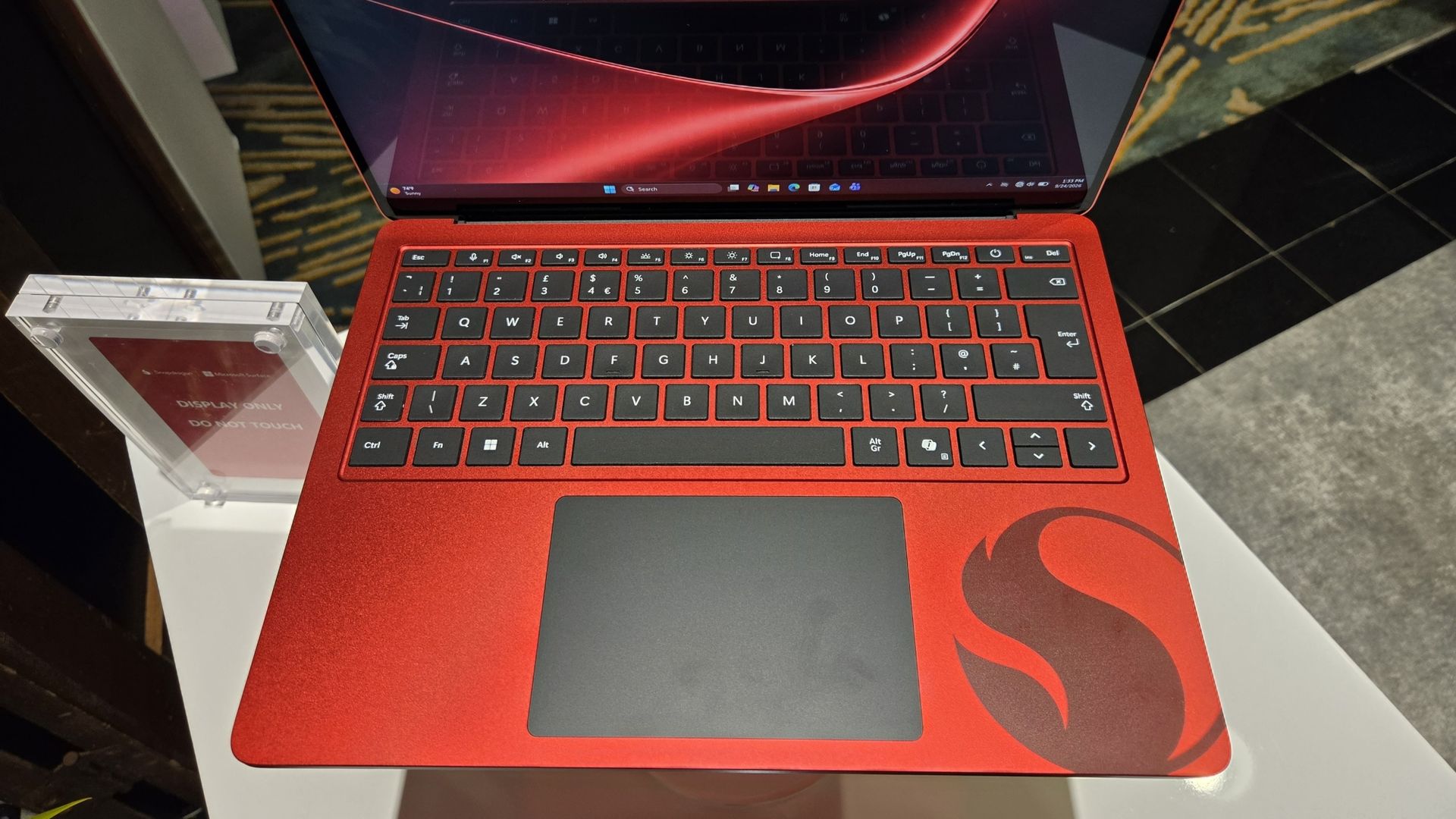
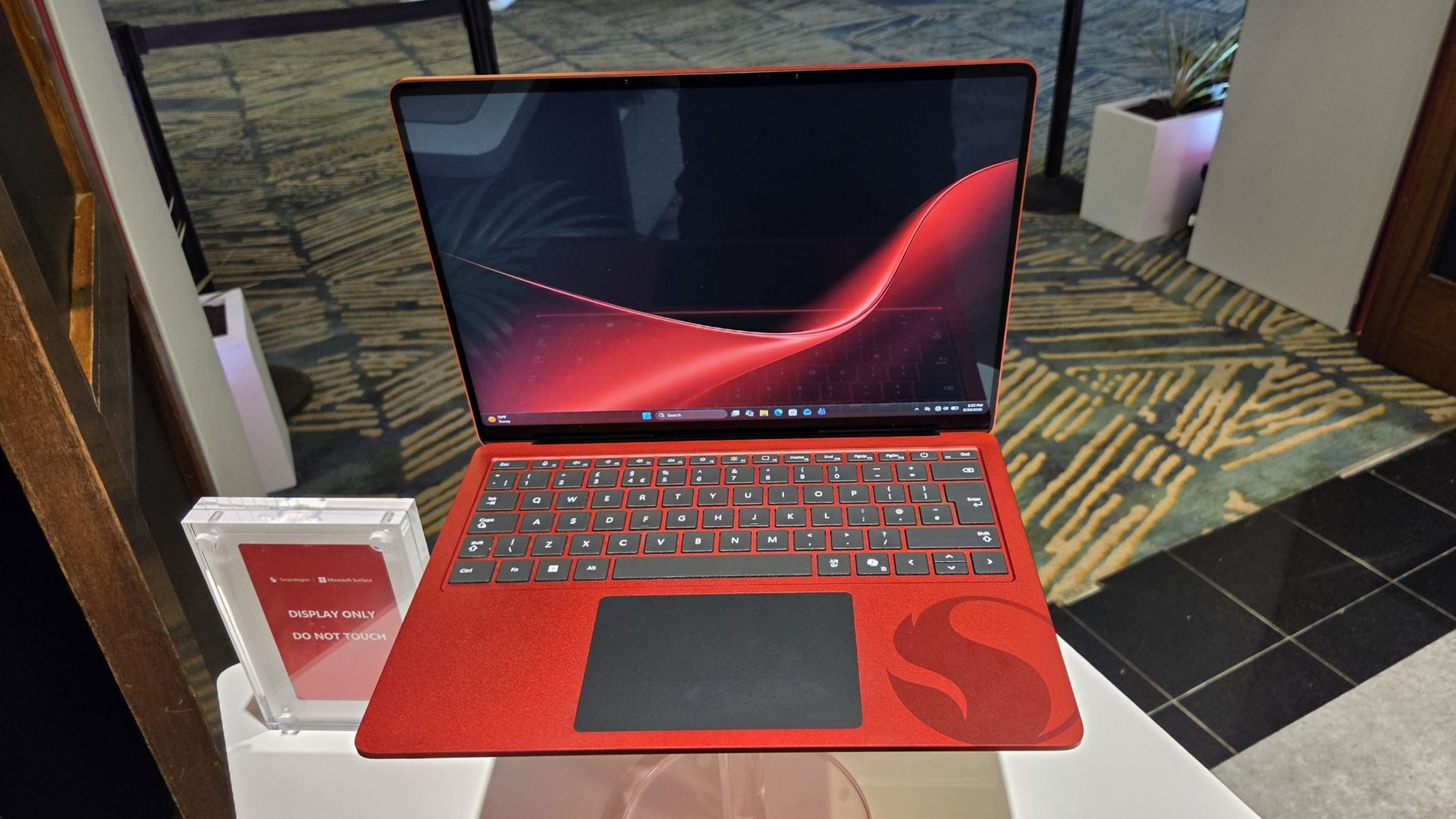
Alongside Microsoft Surface replacing Copilot+ PC (which it seems is now dead) as the rear shirt sponsor, Qualcomm and Microsoft have collaborated on the greatest laptop ever made: The Manchester United limited edition Surface Laptop.
The only downside is that it's not just going on general sale, because I would probably be first in line to buy one. Just because it's red and it has the Manchester United badge on it.
But here it is in all its glory, thanks to our man Zac Bowden, who's on the ground in Hawaii (this job is really tough at times) at the 2026 edition of the Snapdragon Summit.
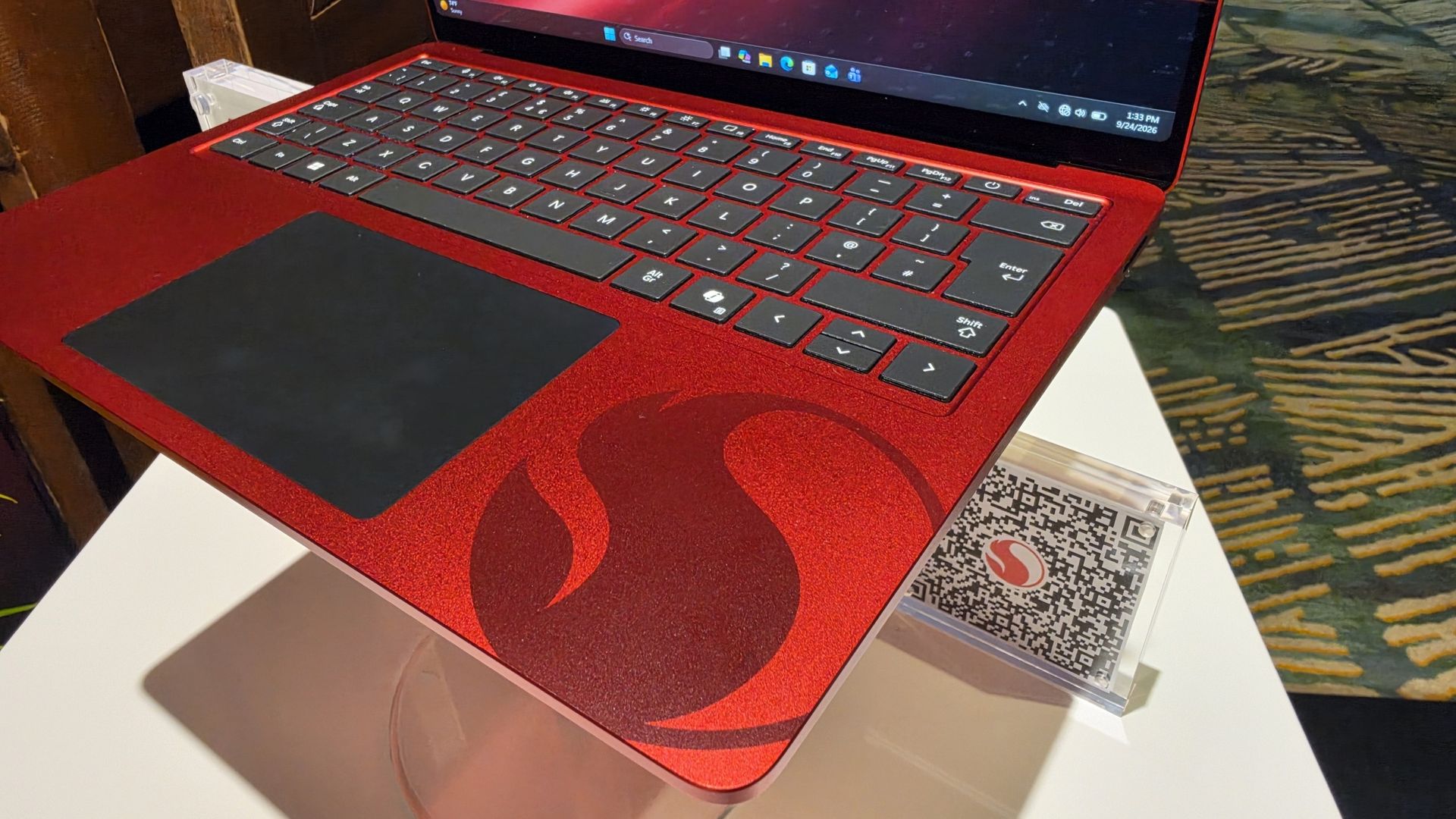
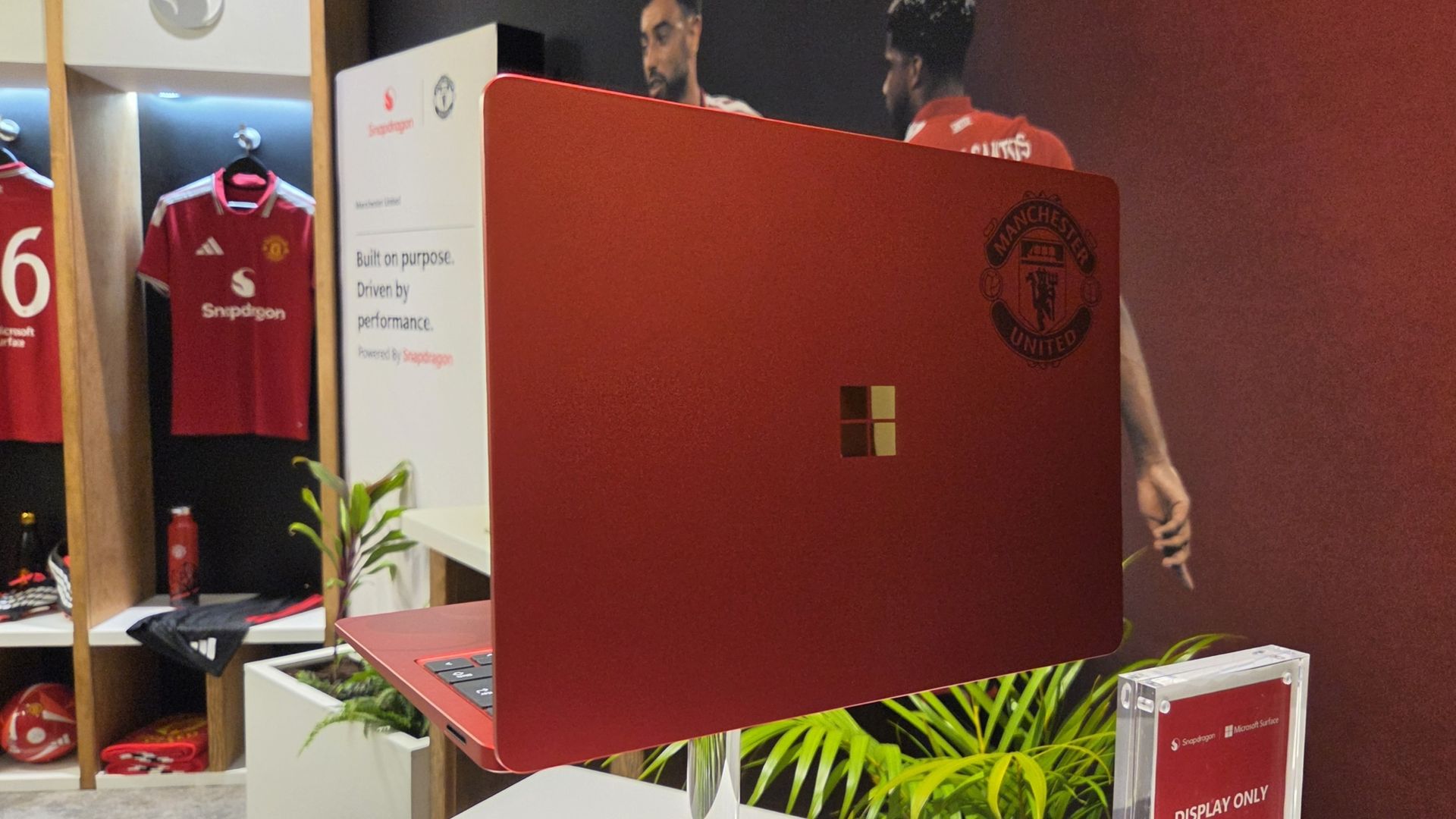
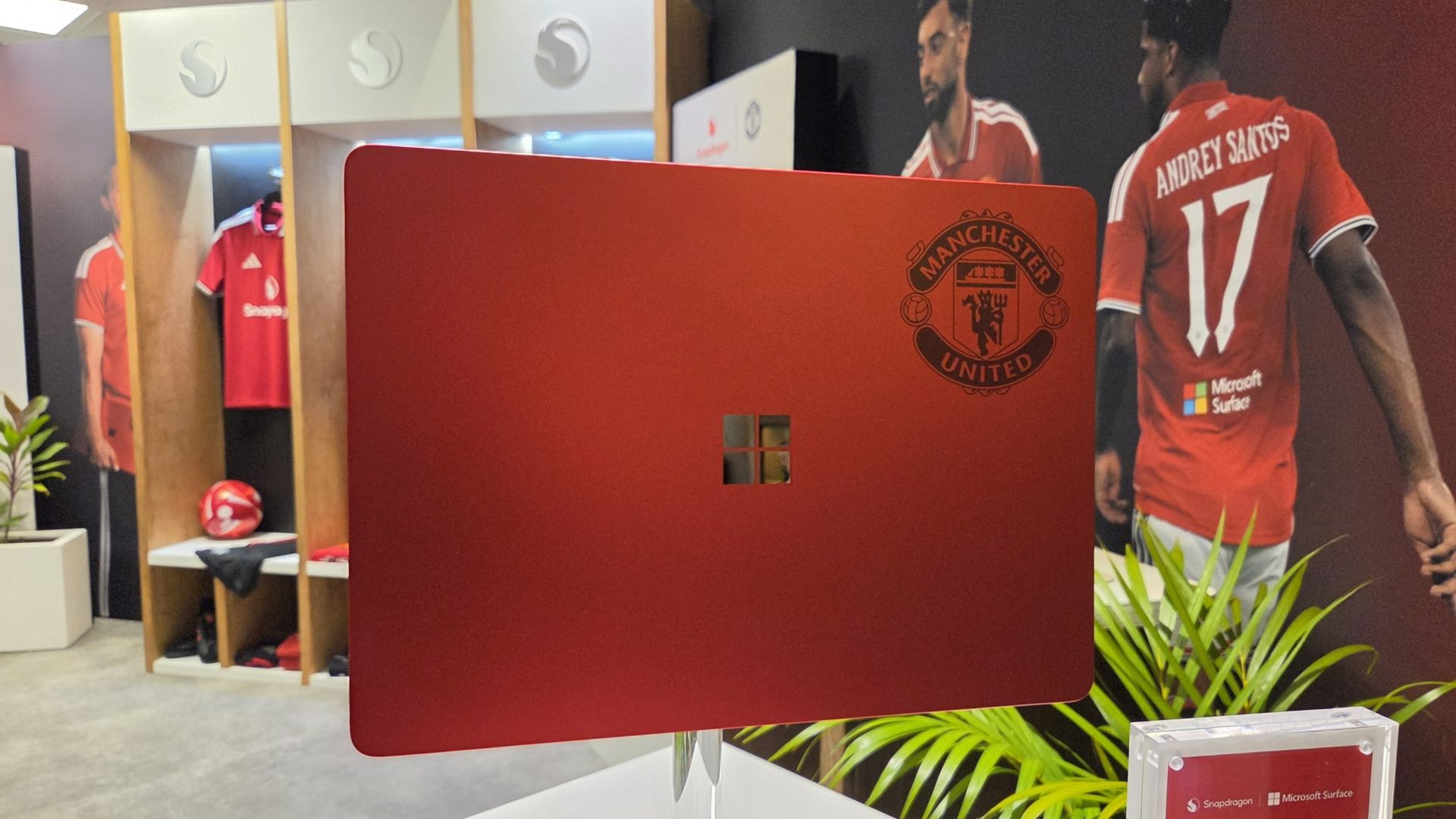
I don't see an Arsenal laptop out there, do I? Manchester City? Liverpool? Chelsea? Spurs wouldn't even get a calculator these days.
If I had to criticize it at all, beyond the fact it's not going on general sale, it'd be that I don't think it goes far enough into the Manchester United branding. The badge being there is great, but I think they could have done more.
How about ghosting an image of Old Trafford, the Theatre of Dreams, onto the lid like the 1994-1996 home shirt? 30 years on that would have been incredible.
These are extremely limited, and Manchester United and Snapdragon are currently running a giveaway for fans to get their hands on one. You can find out how to enter here and get yourself in the pot to win something that is, frankly, priceless.
Join us on Reddit at r/WindowsCentral to share your insights and discuss our latest news, reviews, and more.


Un emplacement M.2 finalement, ce n'est rien d'autre qu'un bonne vieille connexion PCIe d'une à quatre lignes selon la machine (sauf quand il est câblé en SATA, mais ça, j'en reparle à la fin). Et en général, comme le montre la photo ci-dessous, ce qu'on y met, c'est un SSD pour avoir du stockage rapide et efficace

Emplacement d'un M.2 sur la carte mère d'un laptop ( source )
Mais aujourd'hui, on va s'ouvrir un petit peu l'esprit sur cet emplacement M.2, parce que OUI, rien ne vous oblige à y mettre un SSD !
Mais avant de commander quoi que ce soit, sortez le manuel de votre carte mère ou la doc de votre mini-PC et regardez le type (PCIe ou SATA) de votre connecteur M.2, le format accepté et surtout le nombre de lignes de cet emplacement.

Le nombre de lignes, c'est le nombre de voies de circulation entre la carte M.2 et le processeur. Plus il y en a, plus ça va vite, donc en général, pour une carte réseau, une ligne (x1) ou deux (x2) suffisent. Mais si vous partez sur une carte graphique, il faudra 4 lignes minimum (x4).
Par exemple, le Beelink ME Mini , lui, dispose de 5 emplacements PCIe 3.0 x1 et un seul en x2. Et sur une ASRock B850 Pro-A , le 4e emplacement M2 tourne en x4... mais retombe en x2 dès qu'un disque occupe l'un des autres ports M.2 en SATA3.
Regardez aussi ce que l'emplacement partage, car sur cette même carte mère ASRock, occuper par exemple le 3ème emplacement désactive purement et simplement le slot PCIE2. Vérifiez aussi que la puce du contrôleur M.2 dispose bien d'un pilote pour votre système, et demandez-vous par où passera le câble car mis à part l'accélérateur IA que je vous présente un peu plus bas, toutes les cartes qui suivent traînent un truc derrière elles. Donc, il faudra peut-être découper votre boîtier ou laisser dépasser des trucs...
Allez, c'est parti !
Pour un NAS ou un routeur maison, la carte 5 GbE de KALEA à 29,90 € embarque une Realtek RTL8126 qui se branche sur un emplacement à clé M ou B+M et déporte son port RJ45 sur une équerre classique de PC. Et bonne nouvelle, comme la RTL8126 est une puce PCIe 3.0 x1, une seule ligne suffit ! Elle est reconnue par le pilote r8169 de Linux depuis le noyau 6.9, et sous FreeBSD (donc OPNsense ou pfSense) par le pilote officiel de Realtek , realtek-re-kmod, qui s'installe à part.

La carte 5 GbE de KALEA, avec son port RJ45 déporté sur une équerre
Maintenant, si vous voulez du 10 GbE, la carte de REKONG à 98,32 € passe par une Marvell AQC113. Et si j'en crois la fiche du vendeur, elle accepte du Gen4 x1 ou du Gen3 en x4, x2 et x1. Sauf qu'une ligne Gen3, c'est 8 Gbit/s, ce qui veut dire que sur un emplacement Gen3 x1, elle plafonnera sous ses 10 Gbit/s. Donc à ce prix-là, autant prendre la 5 GbE. Par contre, en Gen3 x2 (16 Gbit/s) ou en Gen4 x1 (32 Gbit/s), elle pourra tenir les 10 Gbit/s sans problème,
Côté logiciel, Linux la gère avec son pilote atlantic, mais sous OPNsense, c'est une autre histoire. Le pilote FreeBSD d'Aquantia, lui, ne prend pas en charge l'AQC113 et il faudra passer par un pilote communautaire .
Si vous faites tourner Frigate pour vos caméras , oubliez le Google Coral, qui n'est plus recommandé par Frigate . Mais attention, avant d'acheter un autre accélérateur IA à la place, regardez d'abord si votre processeur ne sait pas déjà faire le boulot, car le détecteur OpenVINO de Frigate tourne sur le GPU intégré des processeurs Intel de 6e génération ou plus récents. Un N100, par exemple, analyse une image en 15 ms environ avec MobileNetV2, sans rien acheter de plus, donc vous n'en aurez peut-être même pas besoin.
Par contre, si ça ne suffit plus, le module Hailo-8 de LUCKFOX à 201,59 € vous amènera 26 TOPS sur une interface PCIe Gen3 à quatre lignes. Frigate le prend en charge, avec environ 7 ms par image, mais mesurées avec YOLOv6n, donc c'est loin d'être comparable aux 15 ms du N100.
Maintenant, le truc cool, c'est que vous n'avez pas besoin d'un emplacement x4. La preuve, l'AI HAT+ 26 TOPS de Raspberry Pi, construit autour du même Hailo-8, tourne sur le port PCIe du Pi 5, qui n'a qu'une seule ligne. Un emplacement M.2 en x1 fera donc l'affaire, même si Frigate note que les PC x86 à deux lignes font mieux que le Pi.

Le module M.2 Hailo-8, avec sa puce sous un capot métallique
Ici, c'est la seule carte de la liste qui exige un emplacement x4. L'adaptateur OCuLink de RIITOP à 36,95 € transformera instantanément votre port M.2 en prise OCuLink PCIe 4.0 x4 (jusqu'à 64 Gbit/s). On doit ensuite le relier au dock Minisforum DEG1 (prix 109,00 €), sur laquelle se plug la carte graphique (à acheter séparément avec son alim) et se branche sur une alimentation ATX ou SFX. Le câble OCuLink, lui, est livré avec le dock .

L'adaptateur M.2 de RIITOP et sa prise OCuLink
Notez que le DEG1 de Minisforum n'est compatible qu'avec les machines qui gèrent le PCIe 4.0 x4, donc visez un emplacement Gen4 x4. Et l'OCuLink ne se branche pas à chaud, faudra éteindre le PC avant.

Le dock DEG1 de Minisforum, avec le slot qui reçoit la carte graphique
Et si vous préférez rester à l'intérieur du boîtier, la nappe ADT-Link à 35,45 € ressortira l'emplacement M.2 en slot PCIe x16 prévu pour une carte graphique. Alors je dis x16, mais c'est seulement au niveau du format PCIe 3.0 parce que la carte, en réalité, ne recevra que les lignes réellement disponibles de l'emplacement M.2.

La nappe R43SR d'ADT-Link, du connecteur M.2 au slot PCIe x16
Et si le port USB-C en façade de votre boîtier reste inerte faute de connecteur sur la carte mère, l'adaptateur Type-E de CY à 32,99 € transformera l'emplacement M.2 en connecteur interne Type-E à 20 Gbit/s. Il repose sur une ASMedia ASM3242, conçue pour quatre lignes PCIe Gen3 (sur deux, on tombe à 16 Gbit/s), et ne fait ni vidéo, ni audio, ni recharge PD.

L'adaptateur M.2 de CY, son connecteur Type-E et son dissipateur
Maintenant, si un connecteur USB 3.0 à 19 broches est encore libre, un simple adaptateur EZDIY-FAB à 14,99 € réveillera ce port en USB 3.2 Gen 1, sans avoir à toucher à votre emplacement M.2.

L'adaptateur en L d'EZDIY-FAB, vu sous deux angles
Côté stockage, le contrôleur SATA de Namvo à 29,99 € vous ajoutera 6 ports SATA 6 Gbit/s grâce à une ASMedia ASM1166 , reliée en PCIe Gen3 x2. Ça fait 16 Gbit/s à partager entre les 6 disques, et moitié moins sur un emplacement x1.

Le contrôleur SATA de Namvo
Enfin, pour ajouter du Wi-Fi 6E à une tour qui n'en a pas, il vous faudra un module Intel AX210 à 28,37 € et un adaptateur Jectse à 9,62 € qui le fera tenir dans un emplacement à clé M. Comme Intel documente son AX210 comme étant du Wi-Fi (PCIe) et BT (USB), l'adaptateur fait passer le Wi-Fi par une ligne PCIe et le Bluetooth par un petit câble USB 2.0 fourni, à relier à un connecteur interne de la carte mère. Et les antennes ne figurent ni sur la fiche du module ni dans le colisage de l'adaptateur, donc faudra les acheter à part.
Méfiez-vous par contre de la liste de compatibilité de la fiche Jectse, qui dit supporter aussi l'AX201. Intel classe ce module en "M.2: CNVio2", et pas en PCIe et USB. Bref, attention à bien prendre un AX210 et pas un 201
Voilà et si votre emplacement libre s'avère être câblé en SATA, bah oubliez toutes ces cartes... Toutes ces cartes parlent uniquement le PCIe. Il ne vous restera alors plus qu'à y mettre un SSD SATA... Snif.
Source : XDA Developers

Microsoft just refreshed the Surface Pro 12-inch and Surface Laptop 13-inch with Snapdragon X2 processors. The company also announced the return of the Surface Mouse. In a couple of weeks, we'll get a closer look at the Surface Laptop Ultra during Microsoft's Windows and Surface event.
The Surface family has undergone a lot of changes over the last year. Microsoft officially pulled the plug on the Surface Hub back in April. The Surface Go and Surface Laptop Go have also been cut from the portfolio. With the Surface Studio, Surface Laptop Studio, Surface Duo, Surface Book, Surface Headphones, and Surface Earbuds already discontinued, the remaining Surface lineup is rather streamlined.
But despite the relatively low number of Surface devices being made in 2026, Microsoft announced 12 Surface devices this year. To get to that number, you have to count some devices with similar chassis separately. I consider the consumer and business versions of the Surface PCs separate enough to stand on their own.
Microsoft even introduced a new type of Surface in the Surface Laptop Ultra and brought back the Surface Mouse.
It's a strange contrast. Microsoft has discontinued several Surface product lines and has one of the smallest Surface portfolios in the brand's history, yet the company has announced more Surface hardware in 2026 than in many years when the lineup was much larger.
I've voiced concerns about how Microsoft has unveiled its hardware this year. I think the company has spread things out so much that the Surface brand has been diluted. Case in point, Microsoft just announced new Surface devices two weeks before the company's Windows and Surface event.
Surface was never going to command the attention of an Apple hardware event or even Samsung presenting on stage, but trickling out announcements in press releases or at other companies' events is a bad way to draw interest in Surface.
While I would have preferred a couple of major Surface events that could create hype, Microsoft has unveiled a lot of hardware this year. I'm curious if there is one device that stands out to you.
As much as I am excited about some individual Surface devices, I still feel like the brand is fragmented and lost. What is Microsoft Surface in 2026?https://t.co/5QNvm1Uts6September 23, 2026
With 12 devices announced or launched, there's a good chance you're interested in more than one. Please hop into the comments and share your thoughts in addition to voting in the poll.
Join us on Reddit at r/WindowsCentral to share your insights and discuss our latest news, reviews, and more.