Dell a corrigé cinq failles dans Dell System Update, dont la CVE-2026-86360 (9,6/10) qui permet d'exécuter du code en tant que root sur les serveurs PowerEdge.
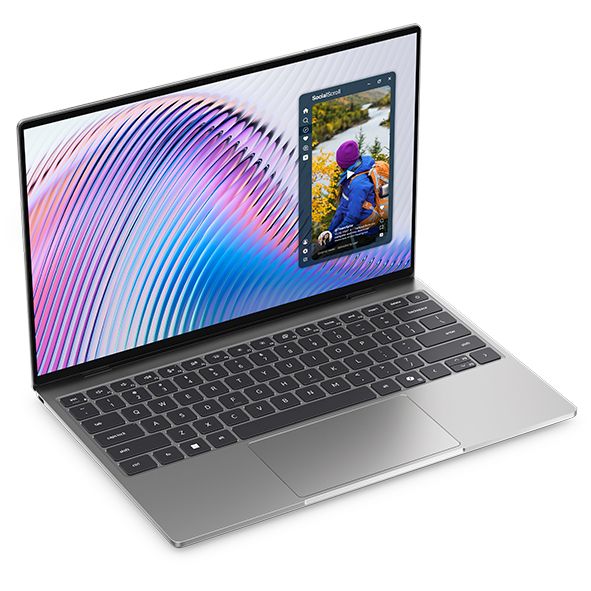
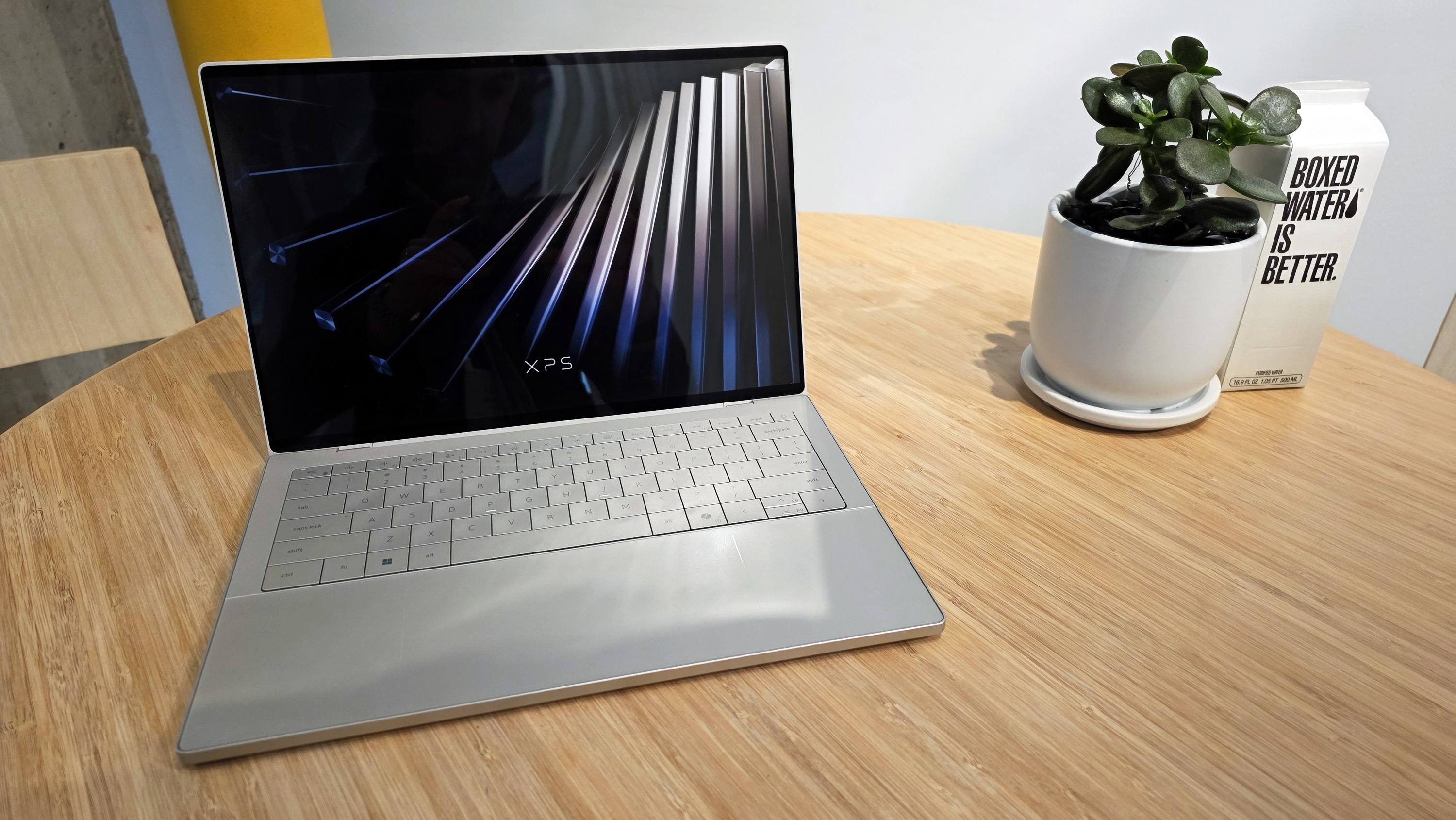
Prime Day starts on October 6, 2026, but arguably the best laptop deal of the week is already here. A $200 discount on the XPS 13 drops the XPS 13 to $799.99. There's even a version of the XPS 13 discounted to $599.99 if you only need 8GB of RAM.
Of course, it isn't actually a Prime Day deal. The discount is through Best Buy, making it a "Techtober" deal. But do you really care why you're saving $200 on what our expert calls "the perfect starter PC"?
"Dell's new XPS 13 is the new best deal in laptops, surpassing the MacBook Neo with a better display, ports, build quality, and performance for the same price." — Zac Bowden, Senior Editor, Windows CentralView Deal
This version of the XPS 13 is incredibly affordable, especially when discounted. It does, however, come with just 8GB of RAM. That's fine for some users, but make sure it will meet your demands before placing an order.View Deal
Laptops this good are rarely in this price range due to the ongoing RAM crisis and other component shortages. Dell created this version of the XPS 13 to be more affordable, but premium laptops with this feature set and design now normally cost $1,000.
The XPS 13 that came out this year earned a 4.5 out of 5 from both Tom's Hardware and Tom's Guide. Our colleagues complimented the laptop's 2.5K screen, incredible battery life, and excellent speakers.
Matt Safford from Tom's Hardware called the new XPS 13 "an excellent Windows-based answer to the MacBook Neo." I agree with his take, though I question how many people genuinely debate between a Windows laptop and a MacBook.
The XPS 13 is a thin-and-light laptop with a refined design. It has several features that "discount" laptops lack (I'm looking at you, MacBook Neo). For example, the XPS 13 has backlit keys, an IR sensor for facial recognition, and support for Wi-Fi 7. Toss in a pair of Thunderbolt 4 ports and a 120Hz display and it's easy to see why our Zac Bowden said he was "shocked" at the value of the laptop when he went hands-on with the XPS 13.
Join us on Reddit at r/WindowsCentral to share your insights and discuss our latest news, reviews, and more.
Amazon Prime's Big Deal Days event is just a week away, starting on October 7, 2026. However, Amazon's competition isn't waiting to host enticing counter deals for it by then, as some early competitor deals are already cropping up.
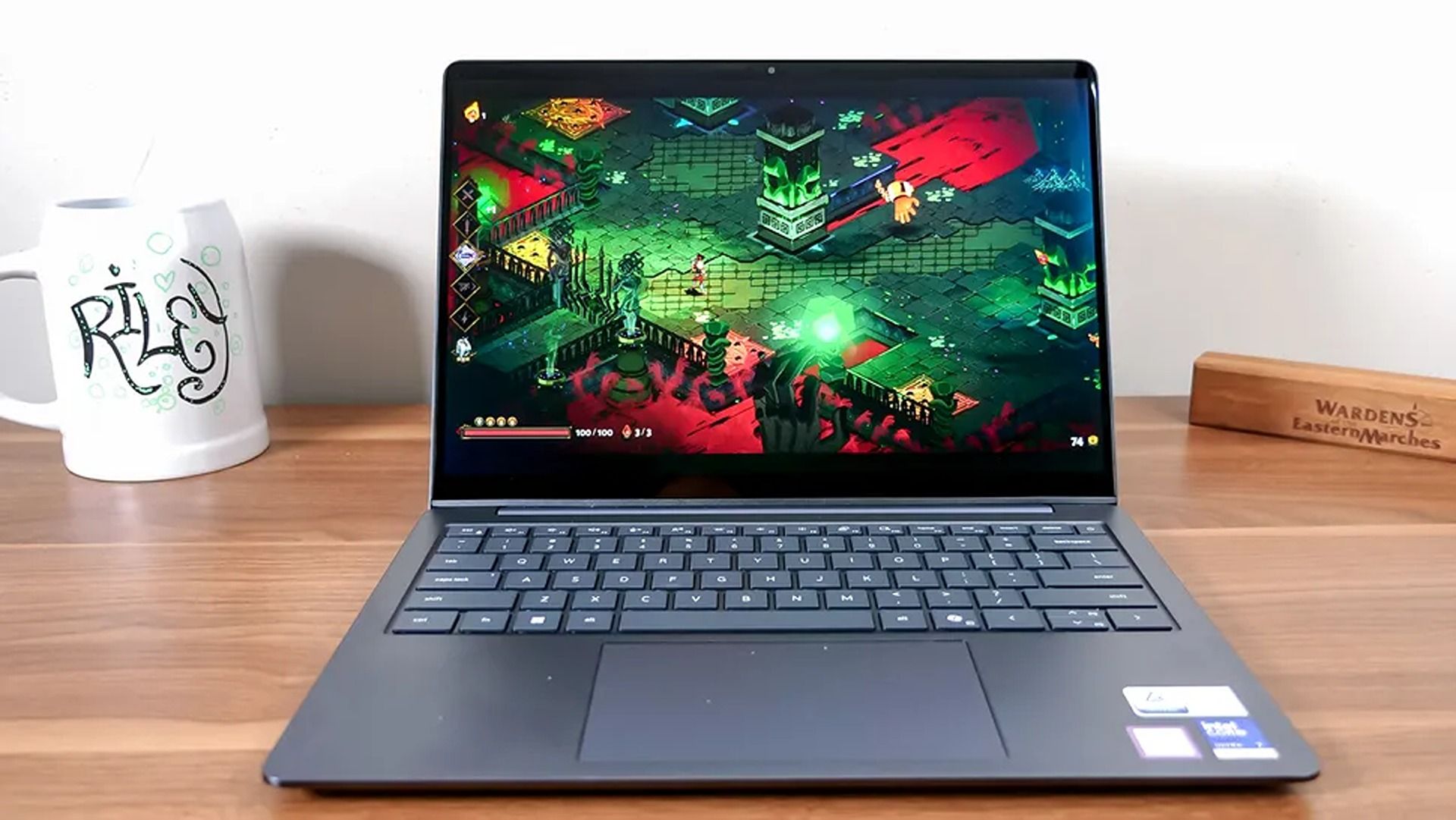
One such deal is this 44% discount for the Dell 14S laptop, which has taken its steep $1,599.99 listing price down to a more affordable $899.99 at Best Buy.
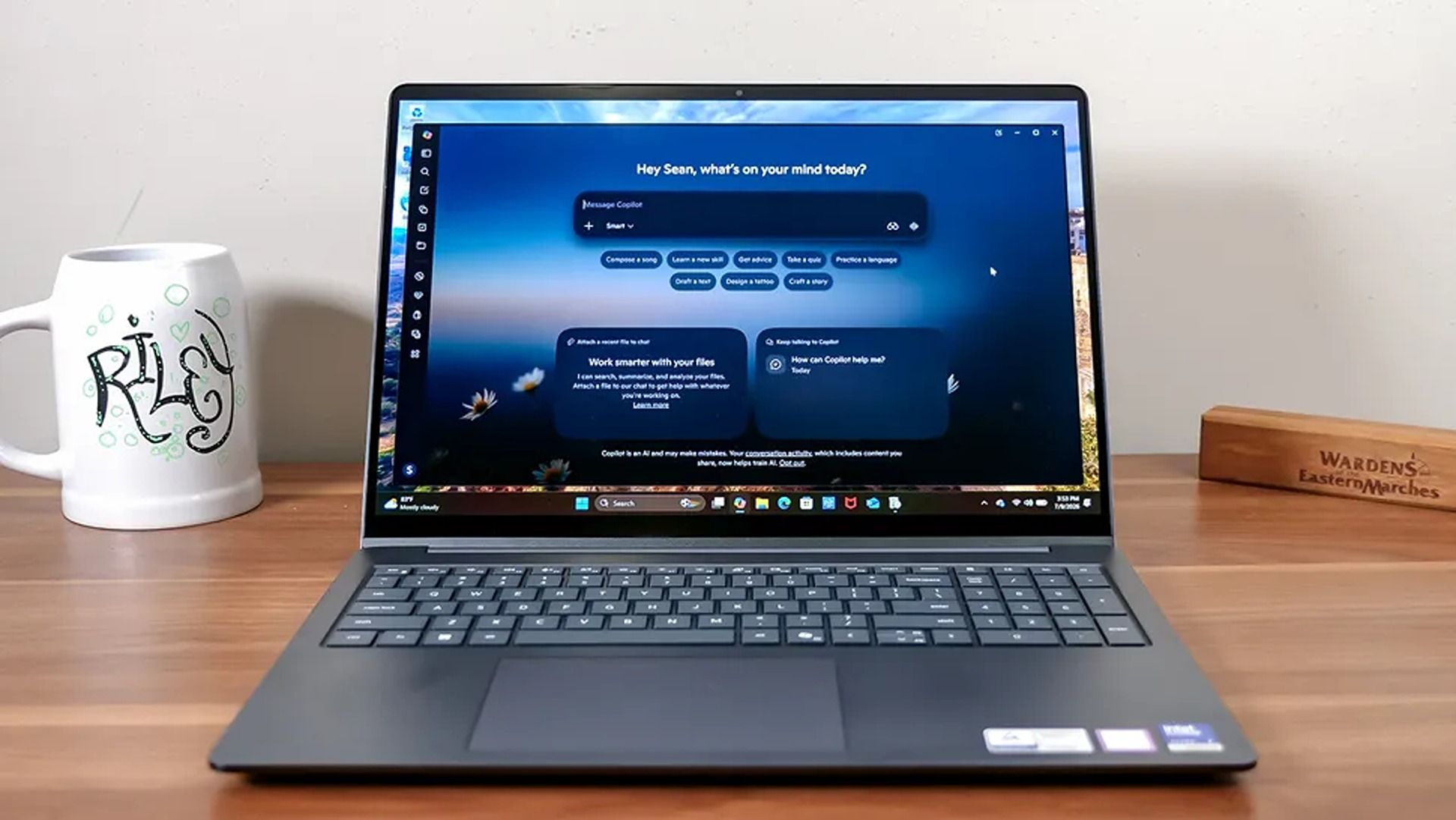
"The Dell 14S is a compelling choice for a variety of users thanks to its long-lasting battery life (and) relatively affordable price." ~ Sean Riley, Freelance Writer, Tom's Guide
The Dell 14S laptop boasts a wide variety of tech that makes it a more-than-competent productivity companion for students and desk jockeys alike.
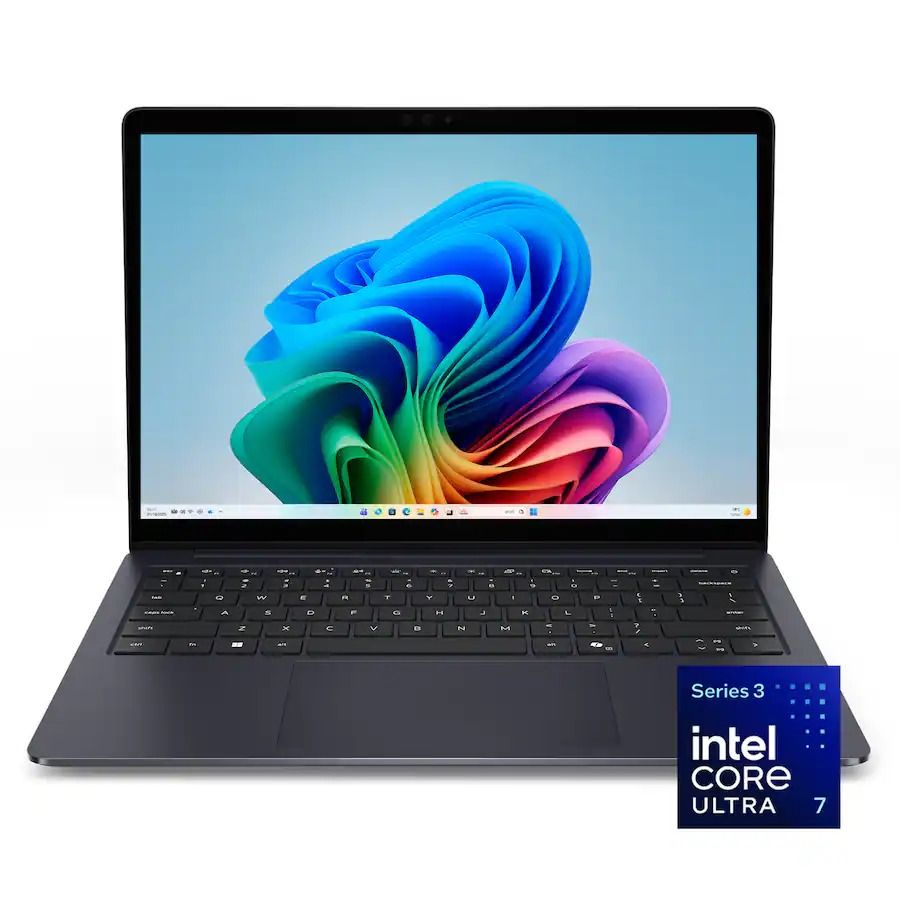
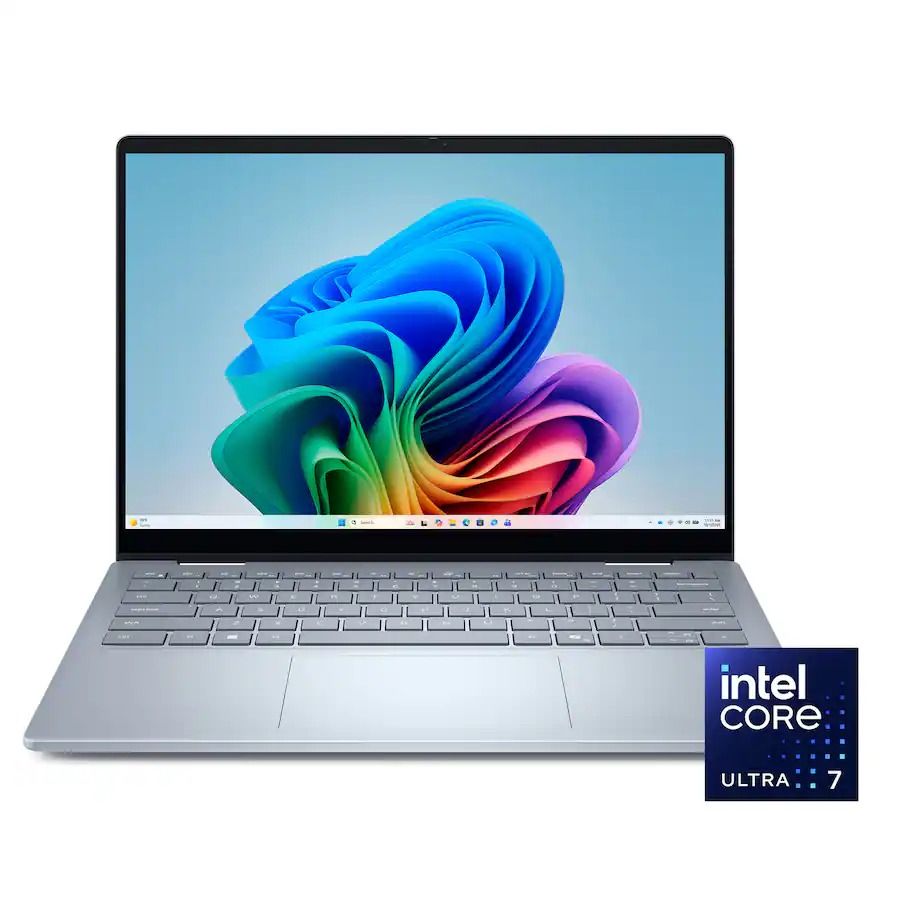
This configuration of the Dell 14S laptop features an Intel Core Ultra 7 355 CPU with 16GB RAM and 512GB storage. These enable it to run web browsers with multiple tabs open, edit photos in Photoshop, and even play 4K YouTube videos in the background, all at once without a significant drop in performance.
Additionally, it features a 14-inch 2K LED screen to display images and videos with sharp details and vibrant color gamuts, a premium-quality build to protect its vital components, a comfortable-to-use keyboard with a trackpad, and a powerful battery life that will last you over 20 hours before needing to recharge.
Finally, the Dell 14S is a Copilot+ PC (a name that's starting to disappear) with an NPU capable of 49 trillion operations per second (TOPS). This means that it can operate AI-empowered programs like Cocreator or Recall with ease, and use AI search engines to help you research information more quickly online.
So, if you're looking for a straightforward laptop that's purely focused on powering through light workflow tasks at school or work all day without a break, you can't go wrong with the Dell 14S.
Dell 14S's discounted $899.99 price tag at Best Buy is certainly cheaper right now than its more powerful yet more expensive Dell XPS 14 counterpart, which usually runs for a retail price of $2,249.99 at Dell.
Is it good for gaming?
The Dell 14S is capable of running light 2D games, but it is not designed for intensive 3D AAA video due to having a limited integrated Intel graphics, instead of a dedicated gaming GPU.
Can I replace its RAM or SSD?
You can't replace the Dell 14S's 16GB (LPDDR5X) RAM, as it's soldered in place. You can replace its 512GB SSD with a larger one (like a 1TB or 2TB SSD) via its M.2 solid-state drive slot.
Join us on Reddit at r/WindowsCentral to share your insights and discuss our latest news, reviews, and more.
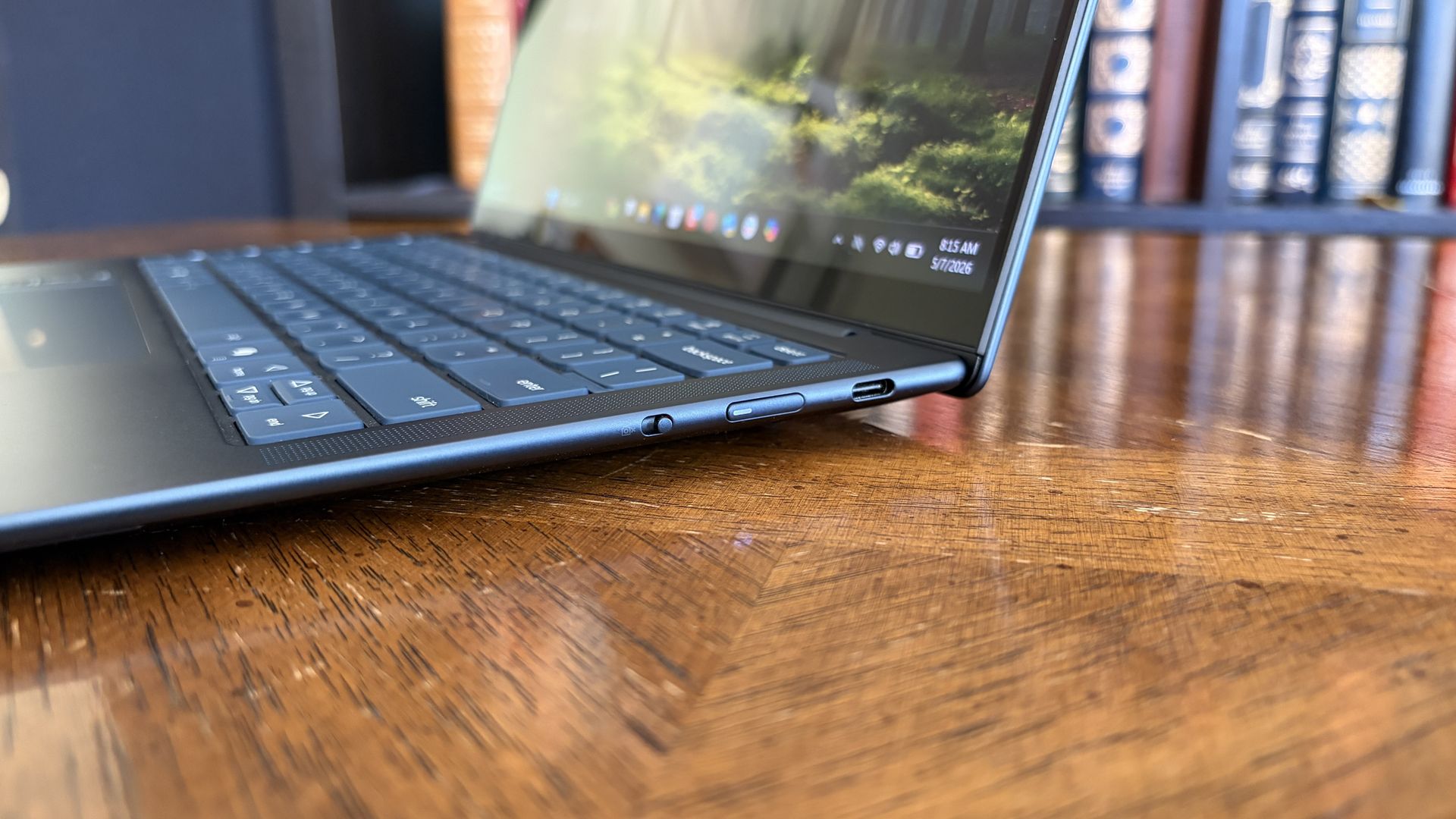
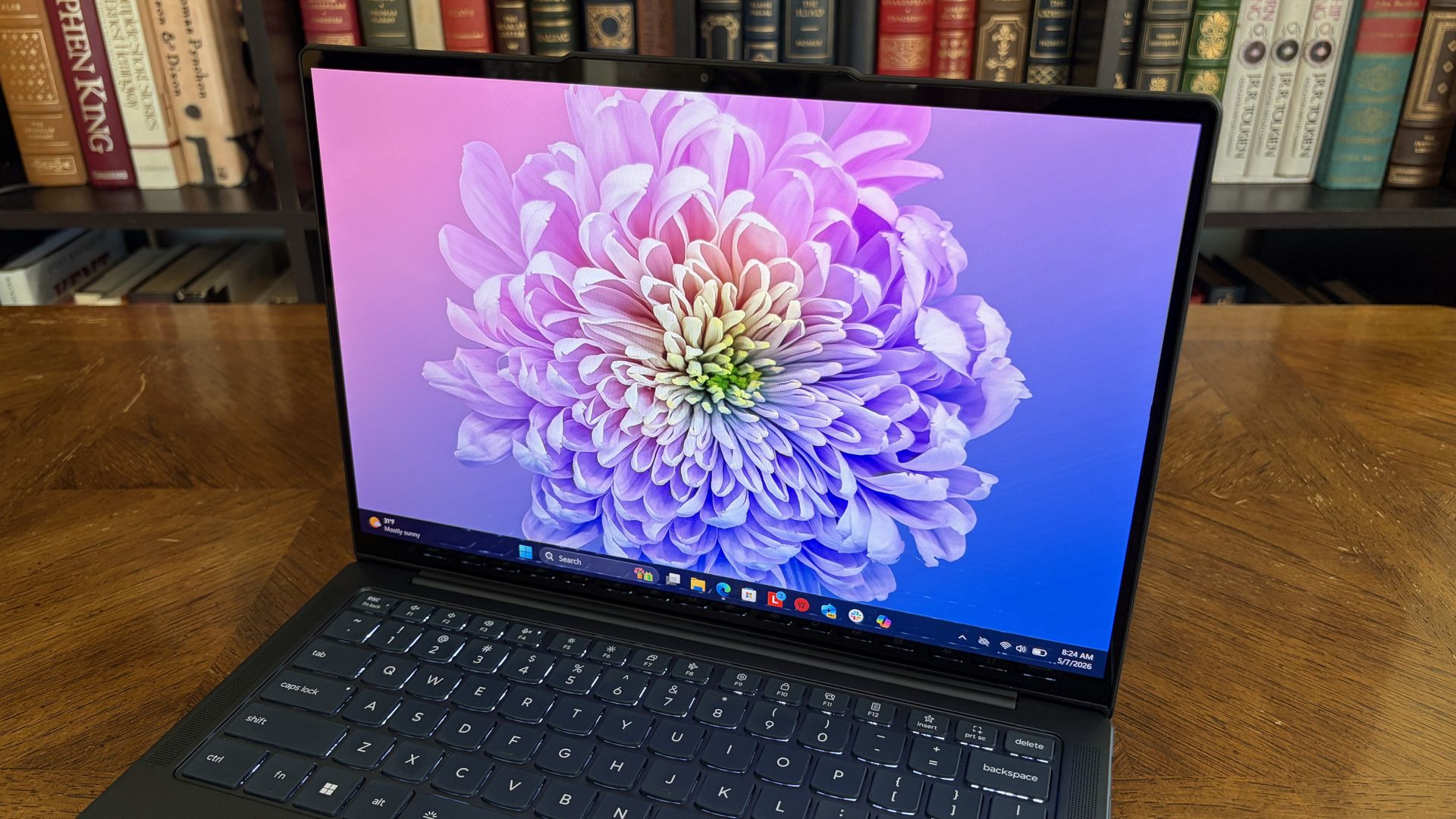
Premium laptops rarely cost under $1,000 these days. But a $310.99 discount on the Lenovo Yoga Slim 7x drops the price of the PC to $989.99. The Yoga Slim 7x already delivered excellent value for its price, so it's even more attractive after a discount.
"The Slim 7x (Gen 11) is a laptop I can see fitting in perfectly with students, home business pros, and casual users who simply want a laptop for around $1,199 (even less when it's on sale) that feels like it should cost a lot more." — Cale Hunt, Windows CentralView Deal
(Image credit: Future)
The model that's on sale has a Snapdragon X2 Plus processor, 16GB of memory, and 512GB of storage. Those specs are more than enough for everyday computing and getting work done.
Lenovo's Yoga Slim 7x (Gen 11) has the best battery life of any laptop I've personally tested
Cale Hunt, Windows Central
The Yoga Slim 7x is a thin laptop. Its bottom half is barely thicker than a USB-C port. Even when closed, the entire laptop is 0.55 inches thick and weighs just 2.73 lbs. But despite its thin body, the laptop is rigid, resisting any reasonable bends and not creaking when pressured.
Along the top of the Yoga Slim 7x's screen sits a notch housing a 9.2MP camera that beats many webcams seen in similar laptops. As you'd expect from a premium laptop, the Yoga Slim 7x supports Windows Hello facial recognition.
Unlike some laptops in the same price range, the Yoga Slim 7x supports Human Presence Detection (HPD), which can unlock or lock your PC automatically when you leave or approach the computer.
The keyboard of the Yoga Slim 7x is well-spaced and comfortable. I share Hunt's wish for the PC to have a haptic trackpad, but the standard trackpad on the laptop is fine.
You can upgrade to a Yoga Slim 7x with higher specs if you'd like. The laptop is available with up to a Snapdragon X2 Elite. But you have to spend significantly more to get that chip (at least $1,549 from what I've found).
If you want an excellent laptop that lasts all day and is more than enough for everyday computing, the Yoga Slim 7x with a Snapdragon X2 Plus is an excellent choice.
Is the Lenovo Yoga Slim 7x a gaming laptop?
The Lenovo Yoga Slim 7x is a great laptop, but it is not a gaming PC. (Image credit: Future)
The Yoga Slim 7x is an excellent laptop that's easy to recommend, especially with the Snapdragon X2 Plus inside. But it is not a gaming laptop. Don't get me wrong, it can play some games. But I wouldn't recommend buying the Yoga Slim 7x (or any PC running a Snapdragon X processor) to a gamer.
Snapdragon X-powered PCs used to struggle with just about any game. They are now capable of running some games thanks to improvements by Microsoft and Qualcomm.
If you do get a Yoga Slim 7x, gaming can be a fun experiment to see how far Windows 11 on Arm has come, but it shouldn't be a driving force behind the purchase.
Join us on Reddit at r/WindowsCentral to share your insights and discuss our latest news, reviews, and more.
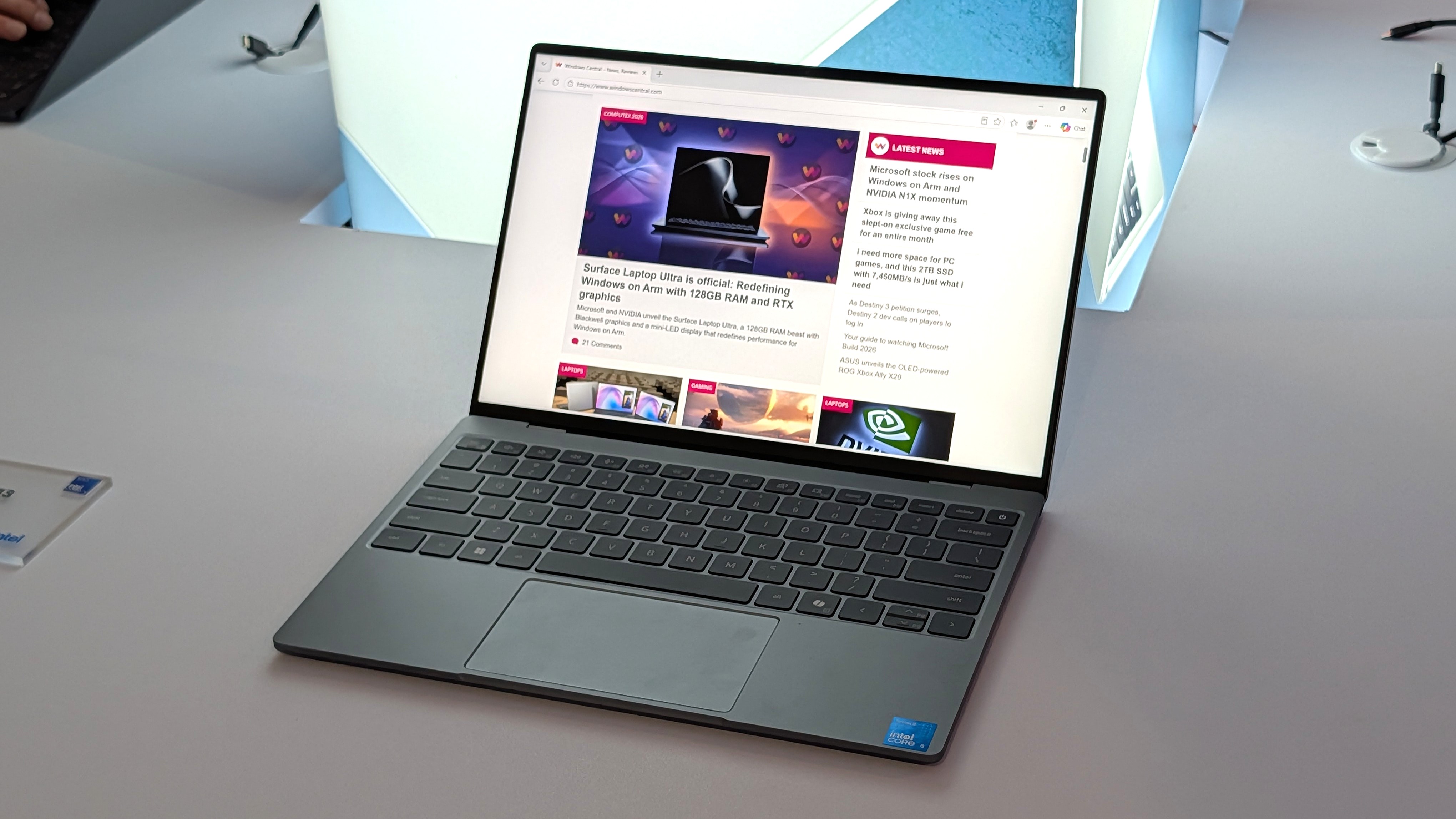
Flagship laptops often pack high-end specs and maximize the wow factor. But Dell decided to take a different approach with the XPS 13 this year. Rather than shove every premium option into a PC regardless of price, Dell built a budget-friendly laptop with premium build quality and surprisingly strong specs without breaking the bank.
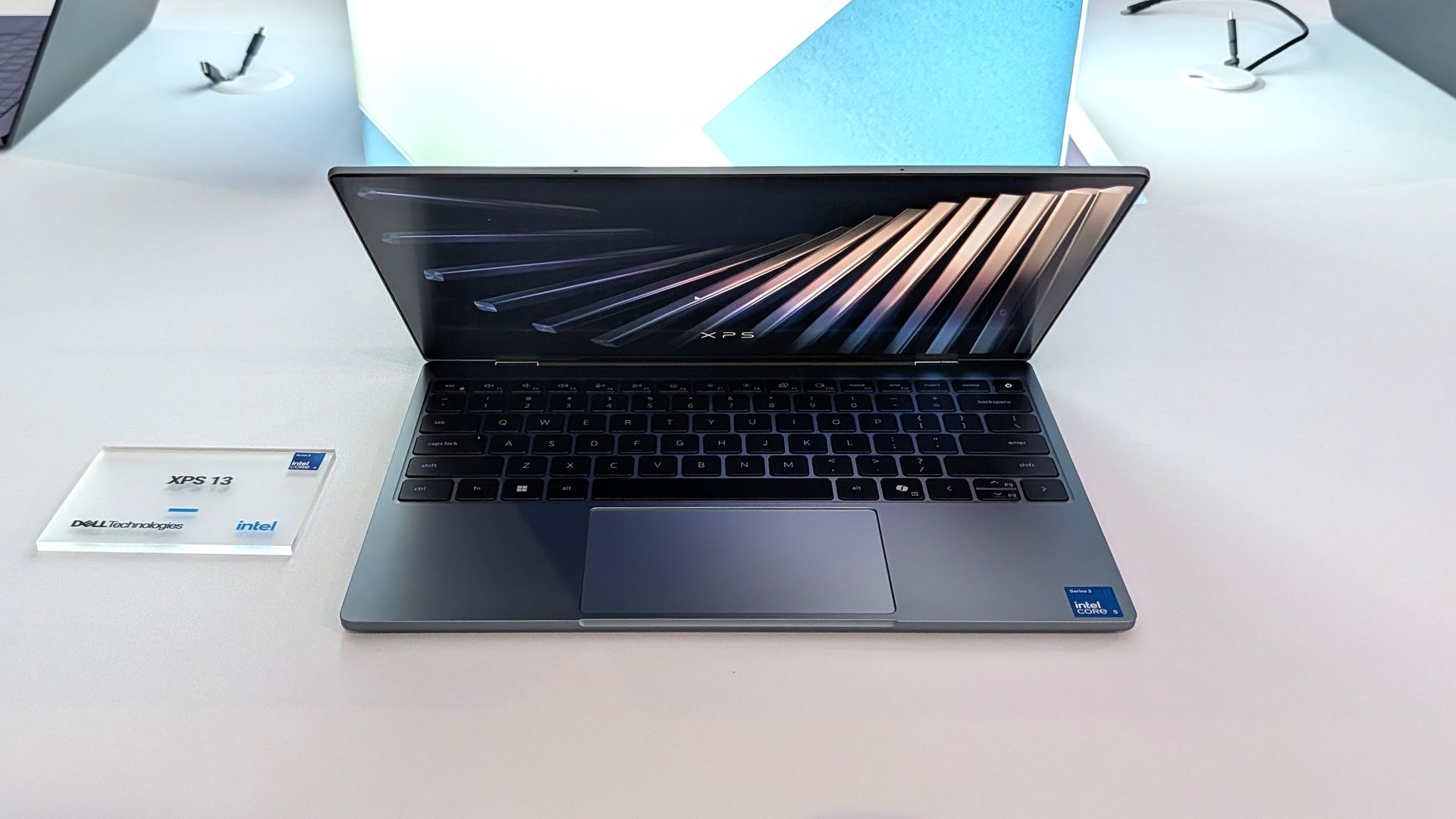
The result is a truly impressive laptop that punches well above its price. The XPS 13 has a 2.5K 120Hz panel, a solid keyboard and trackpad, and a pair of Thunderbolt 4 ports packed into its thin aluminum body.
Dell's current discount on the XPS 13 is modest, but it keeps the laptop at an affordable price.
"Dell's new XPS 13 is the new best deal in laptops, surpassing the MacBook Neo with a better display, ports, build quality, and performance for the same price." — Zac Bowden, Senior Editor, Windows CentralView Deal
This headset is an excellent companion to the Dell XPS 13 if you want to listen to meetings or seminars in public or have clear audio when chatting on Microsoft Teams or Zoom.View Deal
Laptop deals in 2026
The unfortunate reality in 2026 is that it's increasingly difficult to find a great deal on anything, let alone a quality PC. The ongoing RAM crisis hurts PC shoppers, but the truth is that money doesn't go as far as it used to.
That means that sometimes you need to grab a PC when it's worth it rather than holding out hope for a killer sale.
It's no longer a given that electronics will become cheaper over time. In some cases, prices have increased after launch. Apple raised the price of the MacBook Neo by $100, and Dell did the same with the XPS 13. Both those laptops were once $699 for everyday shoppers and $599 for students.
Still, the Dell XPS 13 is a bargain at its current price, and it delivers the features you'd expect from a modern laptop. That may not sound like much, but a lot of laptops in this price range are missing key features that should be commonplace in even budget-friendly computers.
Dell XPS 13 vs. MacBook Neo
(Image credit: Zac Bowden / Windows Central)
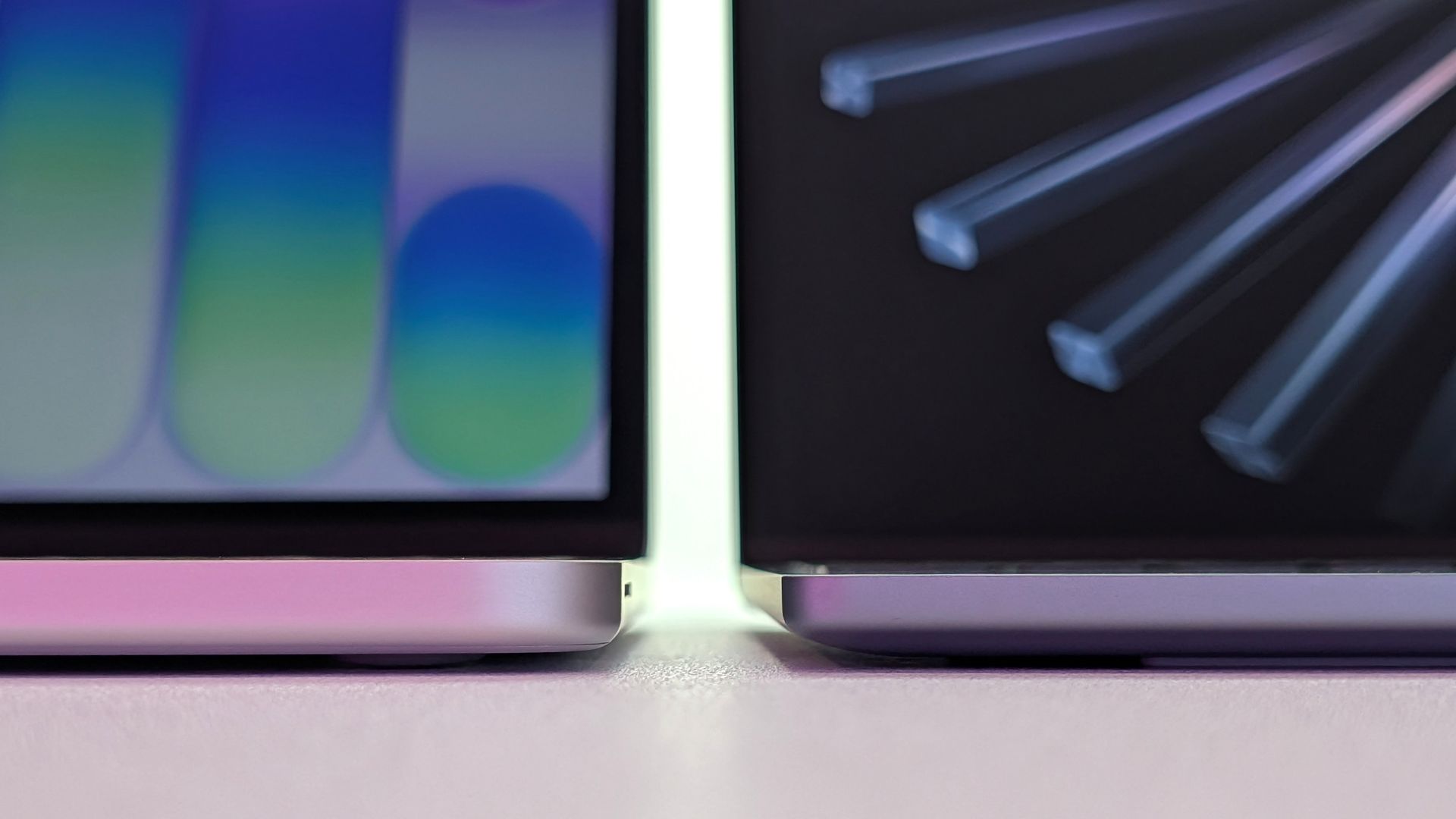
Compare the Dell XPS 13 and MacBook Neo and you'll see that only Dell's budget-friendly laptop has backlit keys. The XPS 13 also has an IR sensor for facial recognition, better speakers, and support for Wi-Fi 7 rather than the older Wi-Fi 6E.
The XPS 13 also has Thunderbolt 4 ports that make it the obvious choice for anyone who needs to use more than one external display. And speaking of displays, the 120Hz screen of the XPS 13 also beats out Apple's offering (60Hz).
Dell delivers more value than Apple, making the XPS 13 easy to recommend.
Join us on Reddit at r/WindowsCentral to share your insights and discuss our latest news, reviews, and more.
We're just a couple of months away from Black Friday in November, when we usually see the biggest discounts on some of the best productivity laptops. However, some brands aren't waiting that long.
Dell, for instance, is slashing prices on models of its 14 Plus and 16 Plus laptops to $1,109.99 (was $1,379.99) and $1,559.99 (was $1,629.99), respectively, for a limited time. Additionally, Dell is offering discounts on alternative models of the same laptops if you need to change a particular spec at its official storefront.
"The Dell 14 Plus gets the job done without fuss or flair, and its reasonable pricing makes it a solid choice for those who just need a tool." — Zachary Boddy, Former Staff Writer, Windows Central reviewView Deal
"The Dell 16 Plus offers a solid mid-tier laptop experience throughout. Between great general computing performance for any college student or executive and long-lasting battery life, the base $options make a ton of sense." — Ural Garrett, Writer, TechRadar ReviewView Deal
What do you get with a Dell Plus laptop?
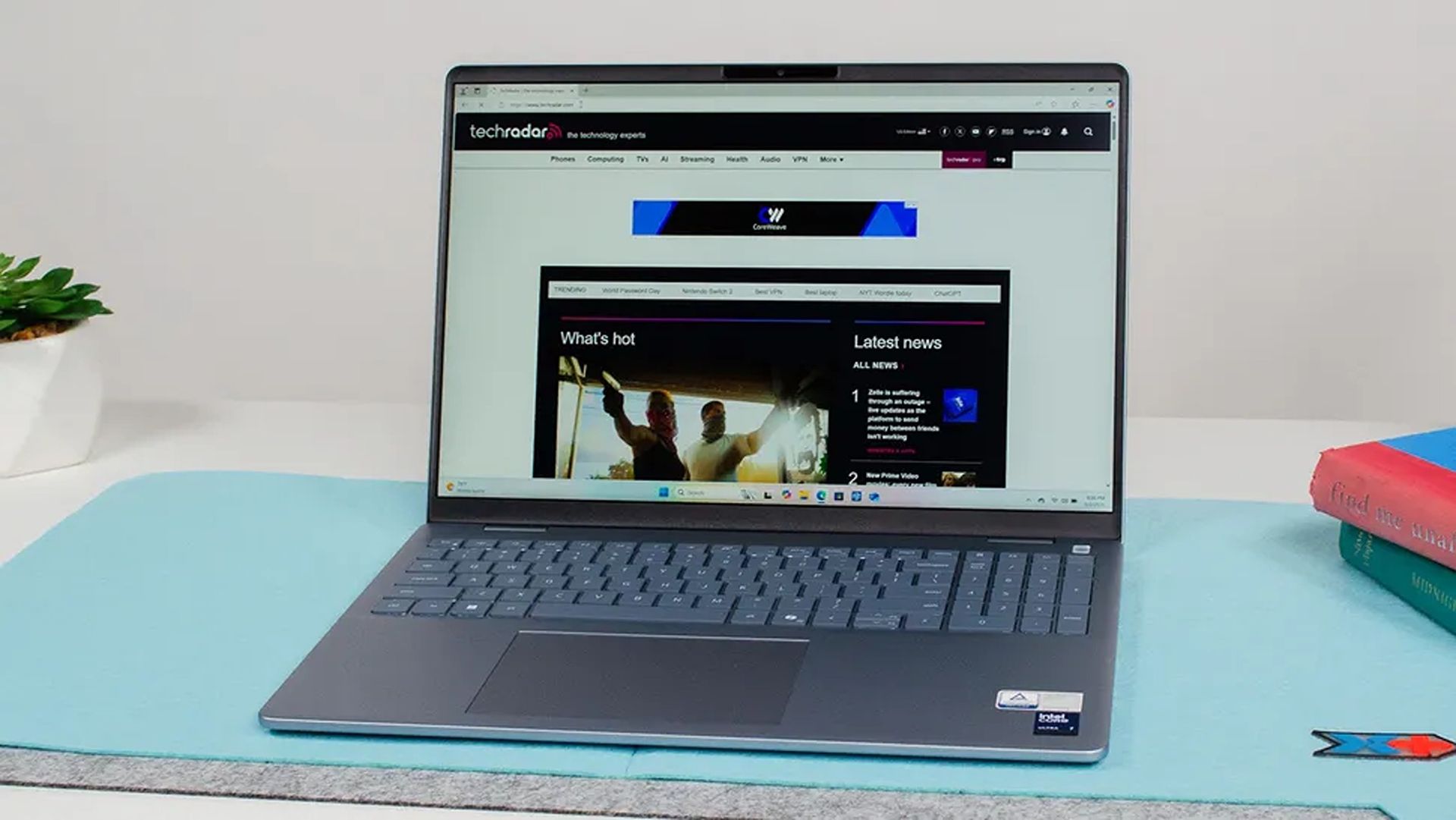
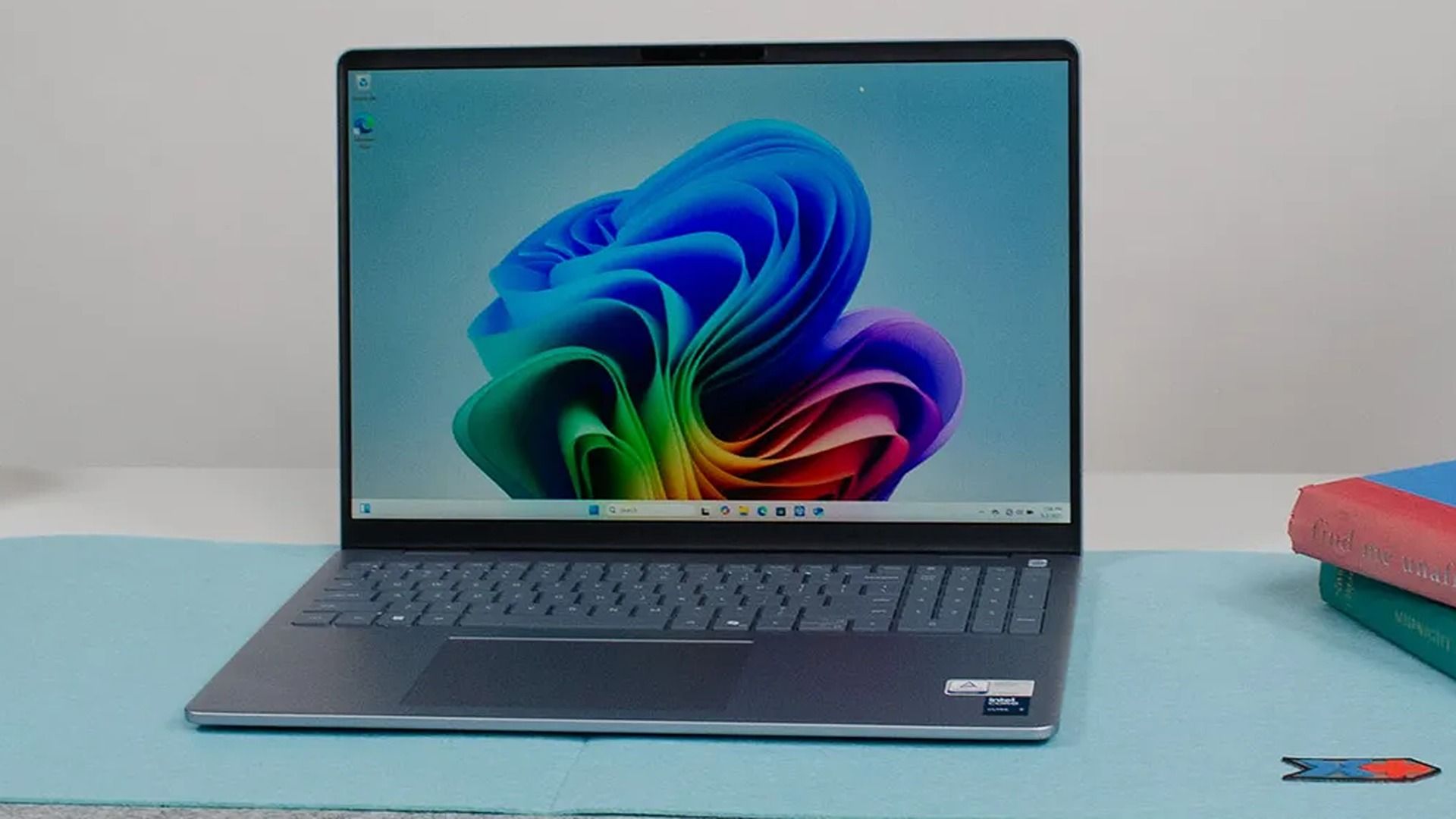
Dell's 16 Plus in action. (Image credit: TechRadar (John Loeffler) | Dell)
If you want no-nonsense laptops that skip gamer-centric RGB lighting and other frivolous features for efficient productivity, you can't go wrong with either the Dell 16 Plus or 14 Plus, depending on your travel needs.
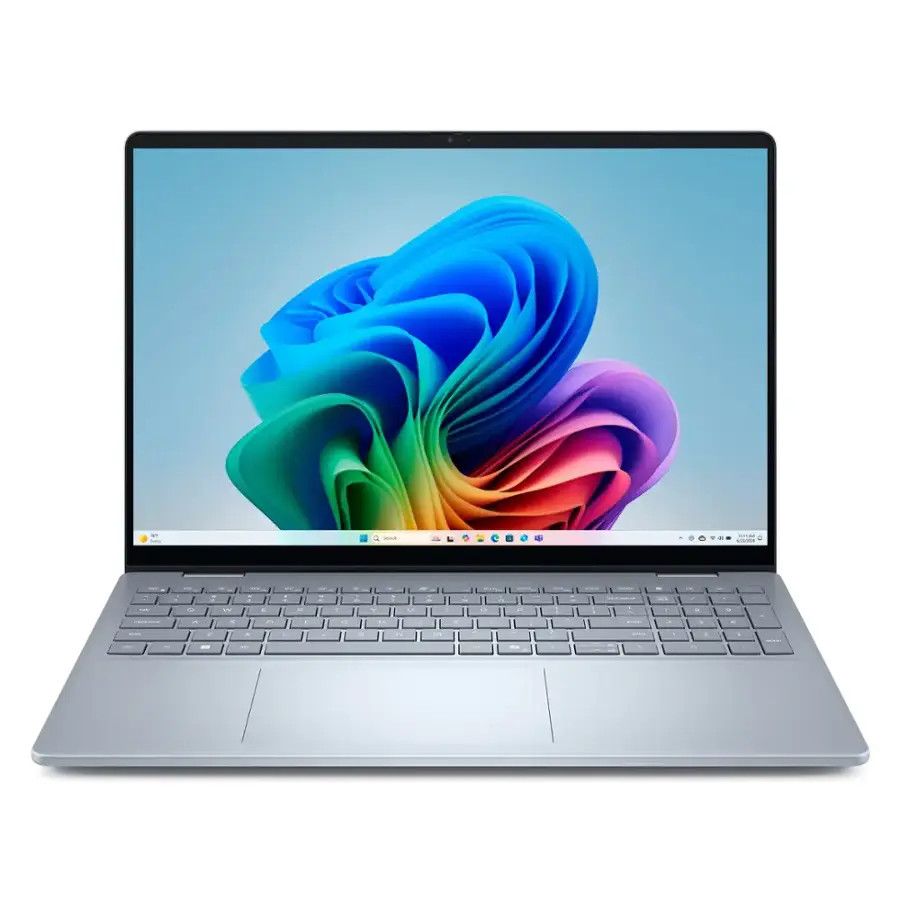
The Dell 16 Plus is a traditional 16-inch portable PC built for work, web browsing, and Copilot+ PC features thanks to its 16GB RAM and Intel Core Ultra processor with an NPU for local AI tasks rated for 47 TOPS.
It also features a solid design weighing 4.12 lbs, so it's still reasonably portable despite its size, plus a QHD+ (2560x1600) 120Hz display with an anti-glare coating, and a battery supporting up to 20 hours of video playback, adjusting for whatever else you need.
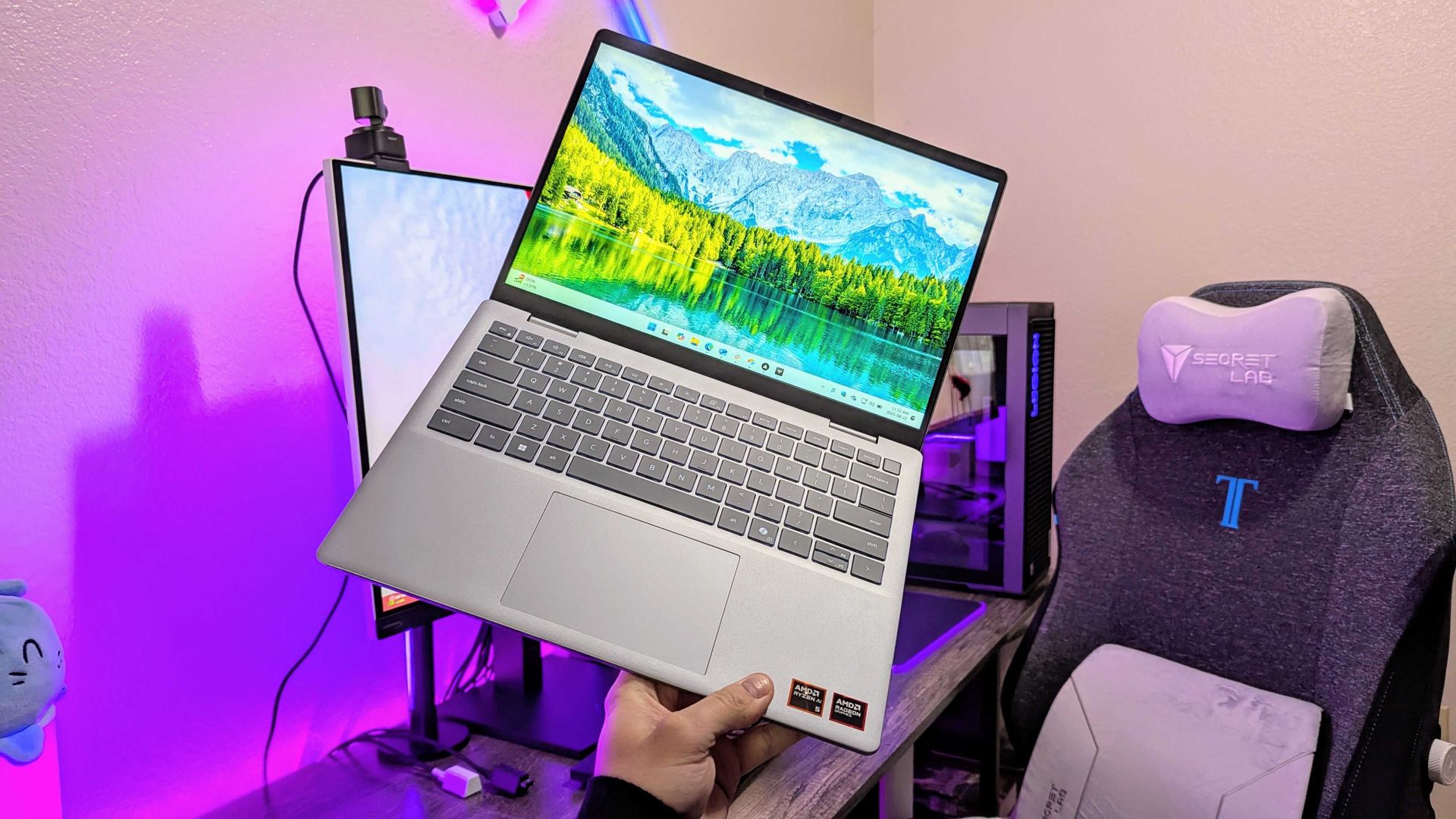
An AMD-based Dell 14 Plus in hand. (Image credit: Windows Central | Zachary Boddy)
Meanwhile, the Dell 14 Plus offers an affordable alternative while keeping 16GB of DDR RAM and a QHD+ panel in its more compact 14-inch display. It packs a slightly more modest Core Ultra 5 226V processor with a 40 TOPS NPU and a 512GB solid-state drive.
Battery life is similar to its larger sibling, if not slightly longer, with a 22-hour estimate for local video playback. Copilot+ PC functionality is also here again, thanks to that built-in NPU, so Microsoft's local AI processes like Click to Do all run on the Intel processor.
Naturally, its smaller size also means a lighter chassis at 3.42 lbs, making it even more portable without feeling cramped while working on its anti-glare 120Hz screen. It also includes USB-A and HDMI ports alongside modern USB-C 3.2 Gen 2, so connectivity is covered.
Can these laptops have their RAM and SSDs upgraded?
The Dell 16 Plus and Dell 14 Plus laptops can't have their soldered RAM upgraded. However, you should be able to replace and upgrade the Gen4x4 QLC SSD inside.
Are these laptops good for gaming?
The Dell 14 Plus and Dell 16 Plus laptops are best suited for lightweight or web-based games. If you try to run anything more graphically intensive, their lack of a dedicated graphics card will deliver lower performance than dedicated gaming laptops.
Join us on Reddit at r/WindowsCentral to share your insights and discuss our latest news, reviews, and more.
The memory crisis rages on, driving PC gaming prices through the roof. But that won't stop Dell (as Alienware) from offering powerful gaming desktops and letting players enjoy their favorite titles at high resolutions and smooth frame rates.
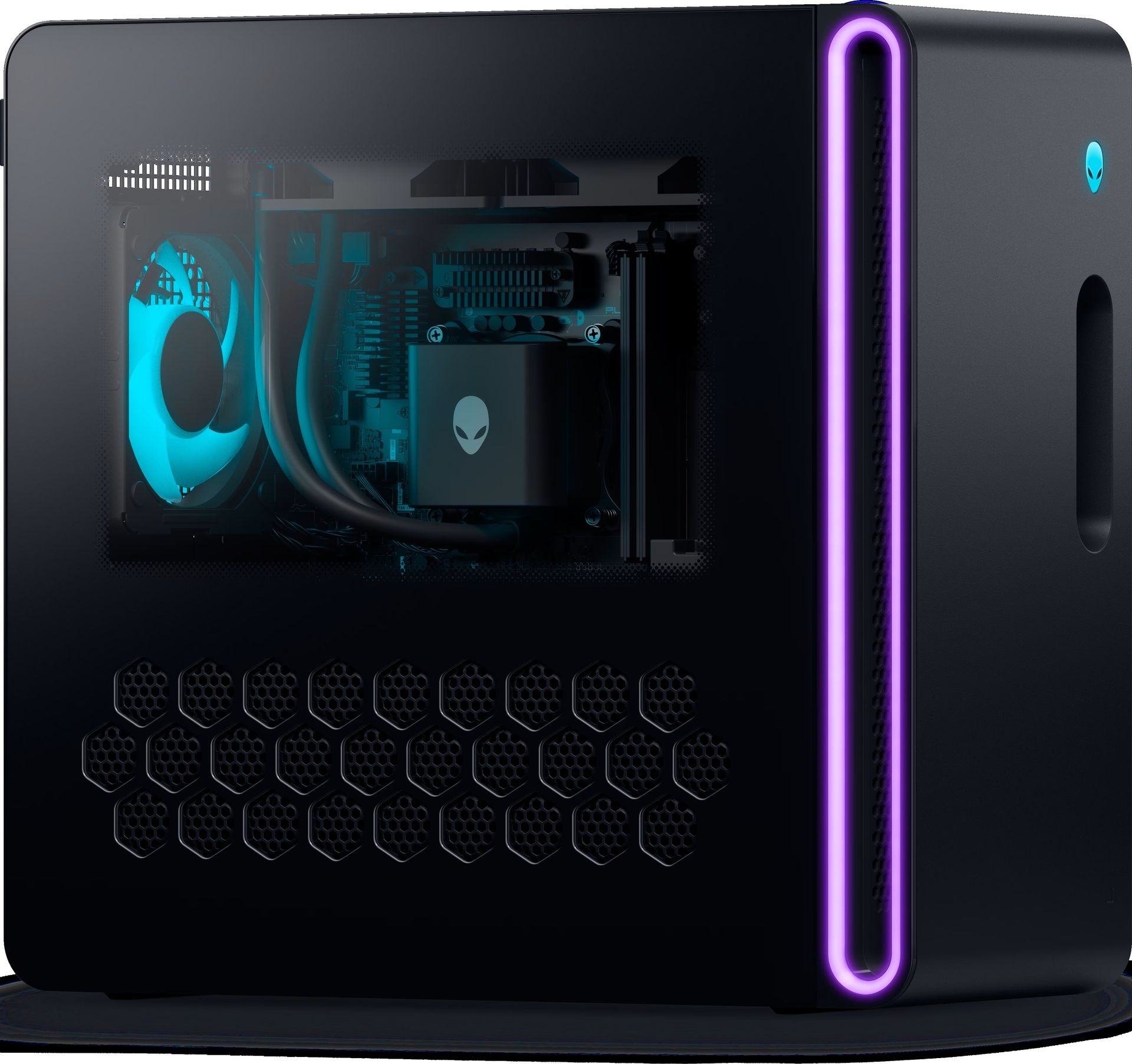
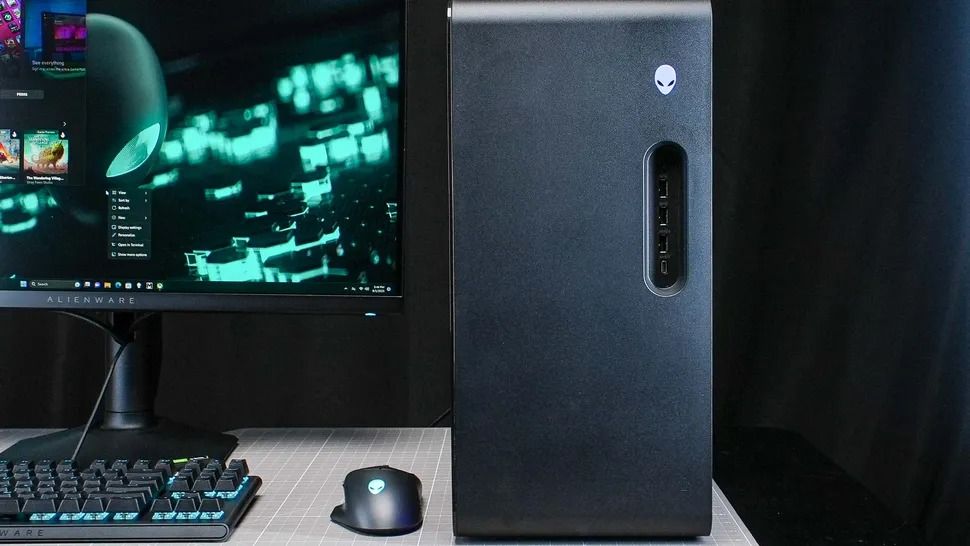
One rig in particular is the Alienware Aurora Gaming Desktop, currently discounted by $1,000 and offering an RTX 5070 (12 GB) GPU, 32GB of DDR5 RAM, and an Intel Core Ultra 7 265F CPU configuration for $2,229.99 at Dell (was $3,229.99).
"The Alienware Aurora R16 delivers great gaming performance at a whisper thanks to its powerful components and enhanced cooling technology." — Tony Polanco, Senior Computing Writer, Tom's Guide
It didn't earn these top review scores lightly either, as the Alienware Aurora R16 configuration that's on sale is equipped with some of the most mainstream and capable hardware for gaming.
These include an NVIDIA GeForce RTX 5070 graphics card to help it run graphically intense games like Cyberpunk 2077 at 1440p and 60fps (with some DLSS support), 32GB RAM to help it maintain stability during heavy multitasking (like playing a game while opening several browser tabs), and an Intel Core Ultra 7 265F CPU to aid it during content creation (like photo editing and rendering graphics) or everyday tasks (like browsing the web or writing reports).
It also has a 1TB SSD, so the Aurora can store plenty of game files or work folders that can be transferred in mere seconds.
To top it off, the Alienware Aurora Gaming Desktop has a superb ventilation and cooling system that will prevent this gaming PC from overheating during heavy-duty tasks while keeping it quiet.
Extra accessories for the Alienware Aurora Gaming Desktop
So if you're looking for a reliable gaming PC rig that can play the best PC games at their full graphical potential while getting some work done on the side in a jiffy, then you won't regret snagging the Alienware Aurora Gaming Desktop, now on sale for $2,229.99 at Dell.
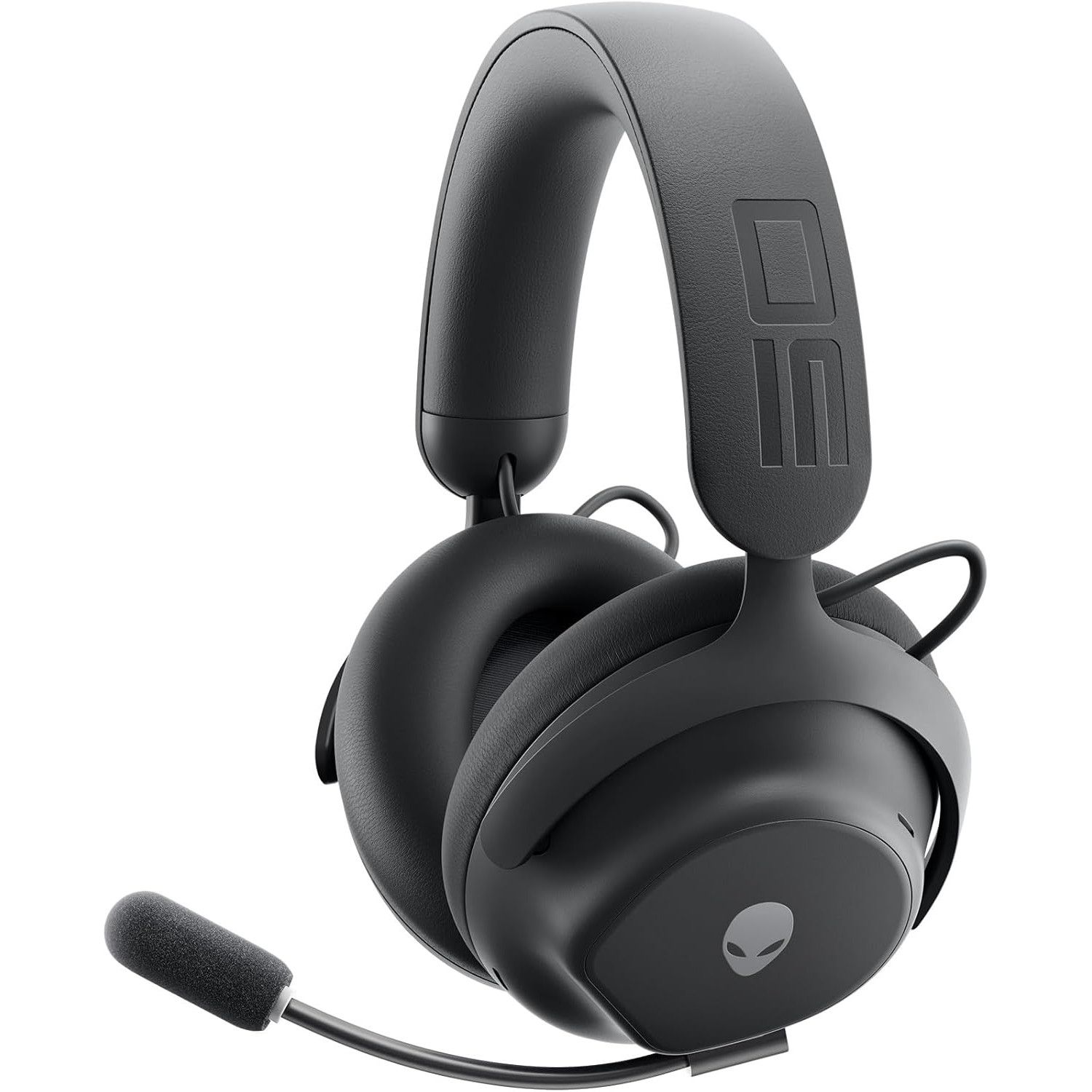
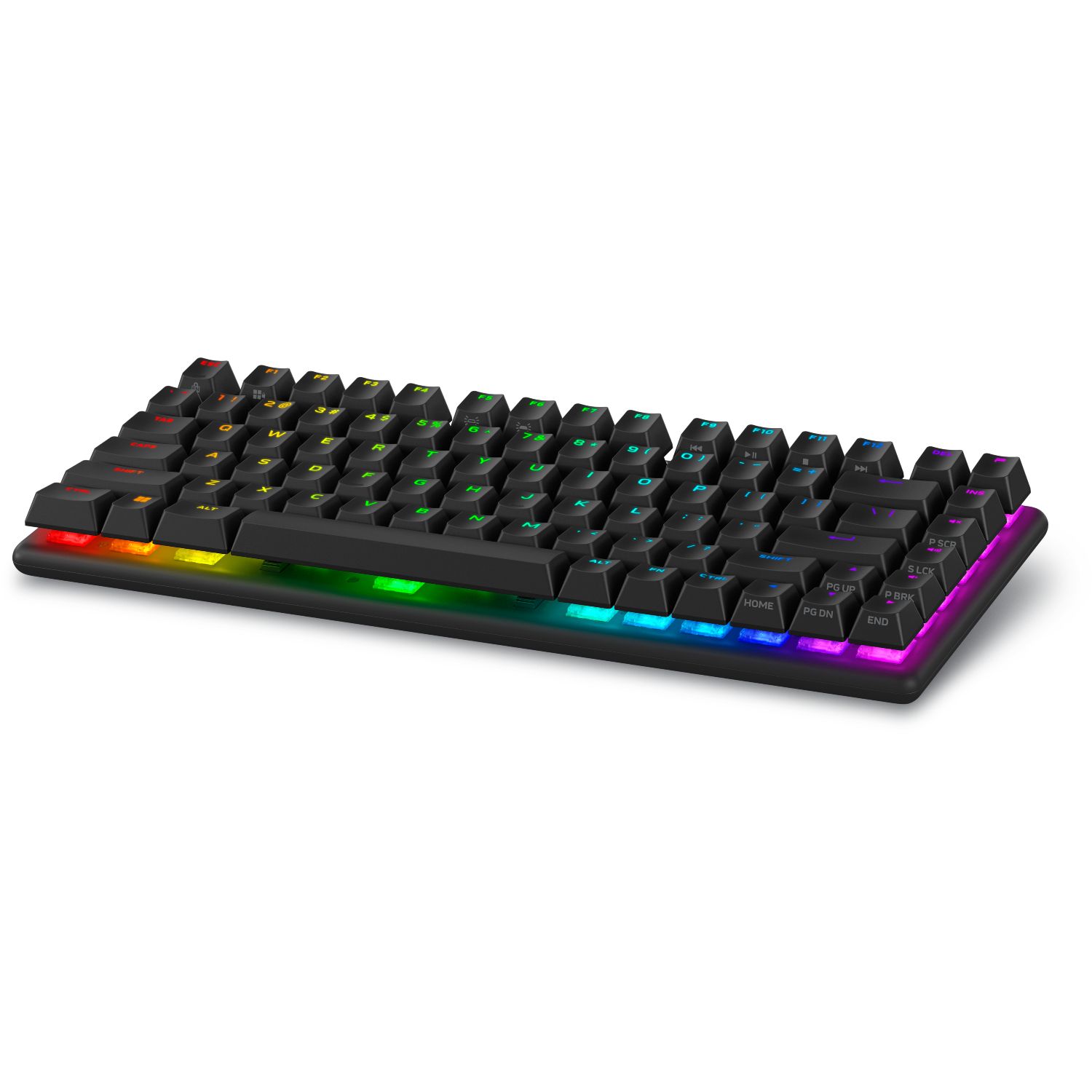
While you're at it, here are some additional discounted accessories to help complete your Alienware Aurora Gaming Desktop setup and enhance your gaming experience.
"Developed in collaboration with over 100 esports professionals, it stands as one of the best wireless gaming headsets and has dethroned my favorite Razer option as my daily driver." — Brendan Lowry, Contributor, Gaming
"Build quality is exceptional, typing feels great, and gaming performance is flawless. It's light on extra features at this price point, but the core experience is good enough to make up for it." — Zachary Boddy, former Staff Writer
"Dell knocks it out of the park again with the excellent Alienware AW720M gaming mouse. Sleek, lightweight, and gorgeous, this mouse sports some serious hardware and specs." ~—Allisa James, Computing Staff Writer
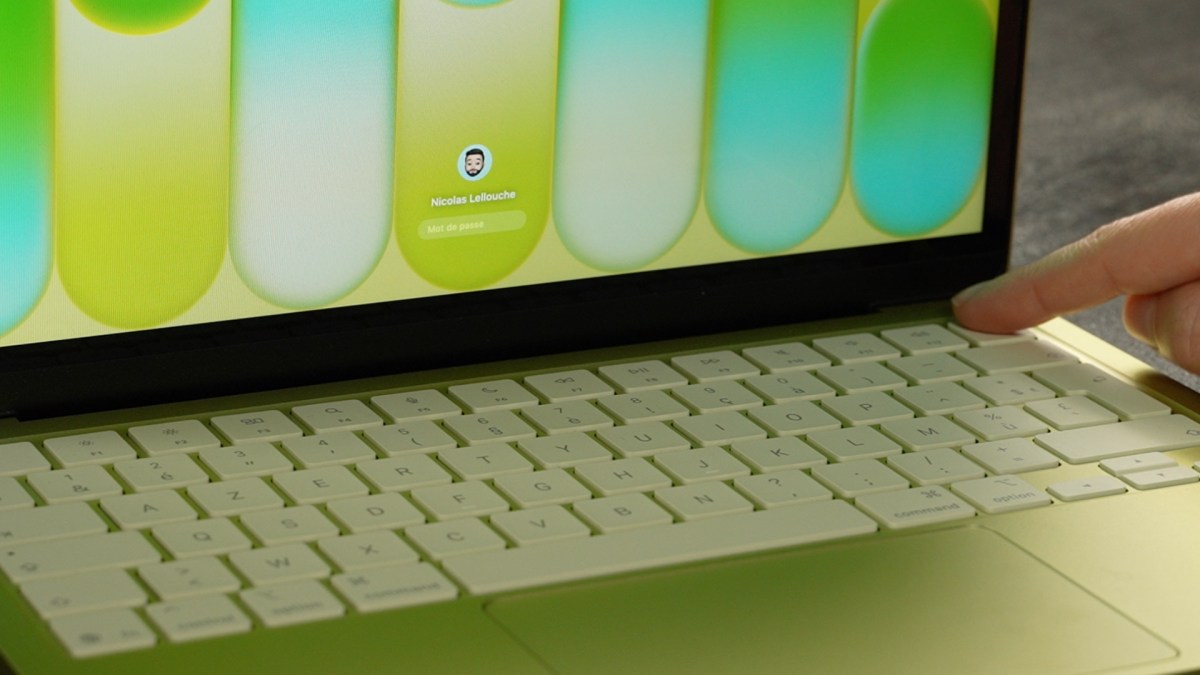
Dell just announced a new laptop to take on Apple's MacBook Neo. The Dell 14S is a colorful laptop designed for college students and young adults, which helps the PC compete with the MacBook Neo's colorful range.
The Dell 14S should be a budget-friendly PC, though Dell has not released pricing for the laptop yet. The laptop has an aluminum body and a nice selection of ports, including two USB 3.2 Type-C ports, an HDMI port, and a 3.5mm headphone jack.
The Dell 14S and the Dell XPS 13 released earlier this year both compete with the MacBook Neo, but they do so in different ways. The XPS 13 has a better display, Wi-Fi 7, a backlit keyboard, and is a more premium device.
The Dell 14S promises all-day battery life, is available in several colors, and has a 16:10 display.
People who were intrigued by the low price of the MacBook Neo but want the look of a premium laptop running Windows 11 will likely prefer the newest XPS 13. Those who like the colorful tone of the MacBook Neo but want a lightweight and affordable device running Windows 11 will probably lean toward the Dell 14S.
Dell's confusing naming scheme
Dell is still struggling with naming its products. The company abandoned the XPS lineup and got rid of its entire consumer-focused strategy but has since backtracked and brought back XPS. But the company seems confused on what XPS means to customers.
If you head over to Dell's webpage about the New Dell 14S, you'll see a comparison chart that includes the New Dell 14, New Dell 14S, and Dell 14S. Incredibly, they are quite different from each other.
Listing two laptops side-by-side and having one labeled as "new" is fine. It's somewhat similar to how car companies handle naming, though the automotive industry often just attaches a year within parentheses.
Sticking with that analogy, if you look at a 2025 Honda Civic and a 2026 Honda Civic, they should be somewhat similar vehicles. Barring a complete overhaul, a new version of a model should resemble its predecessor.
If there is an overhaul, it's usually a linear progression, such as when Dell shifted from the old-old XPS to the once-new-but-now-old XPS.
If you did not already know which of the below PCs were XPS laptops, could you easily guess which are in that family of devices?
Zac Bowden / Windows CentralFuture | Daniel RubinoDell
What is an XPS device in 2026? The new XPS 14 is a premium device featuring an Intel Core Ultra 7 processor or more powerful processor. The not-so-new but still great XPS 14 shares a similar design and also has an Intel Core Ultra 7 chip, albeit an older one.
So, XPS laptops are premium machines with high-end processors and a design resembling the XPS laptops from recent years, correct? Nope. The XPS 13 from this year is a budget-focused PC with options powered by an Intel Core Ultra 3 chip.
Other differences stand out, such as the latest XPS 13 having options with 8GB of RAM compared to the 16GB minimum of the new XPS 14.
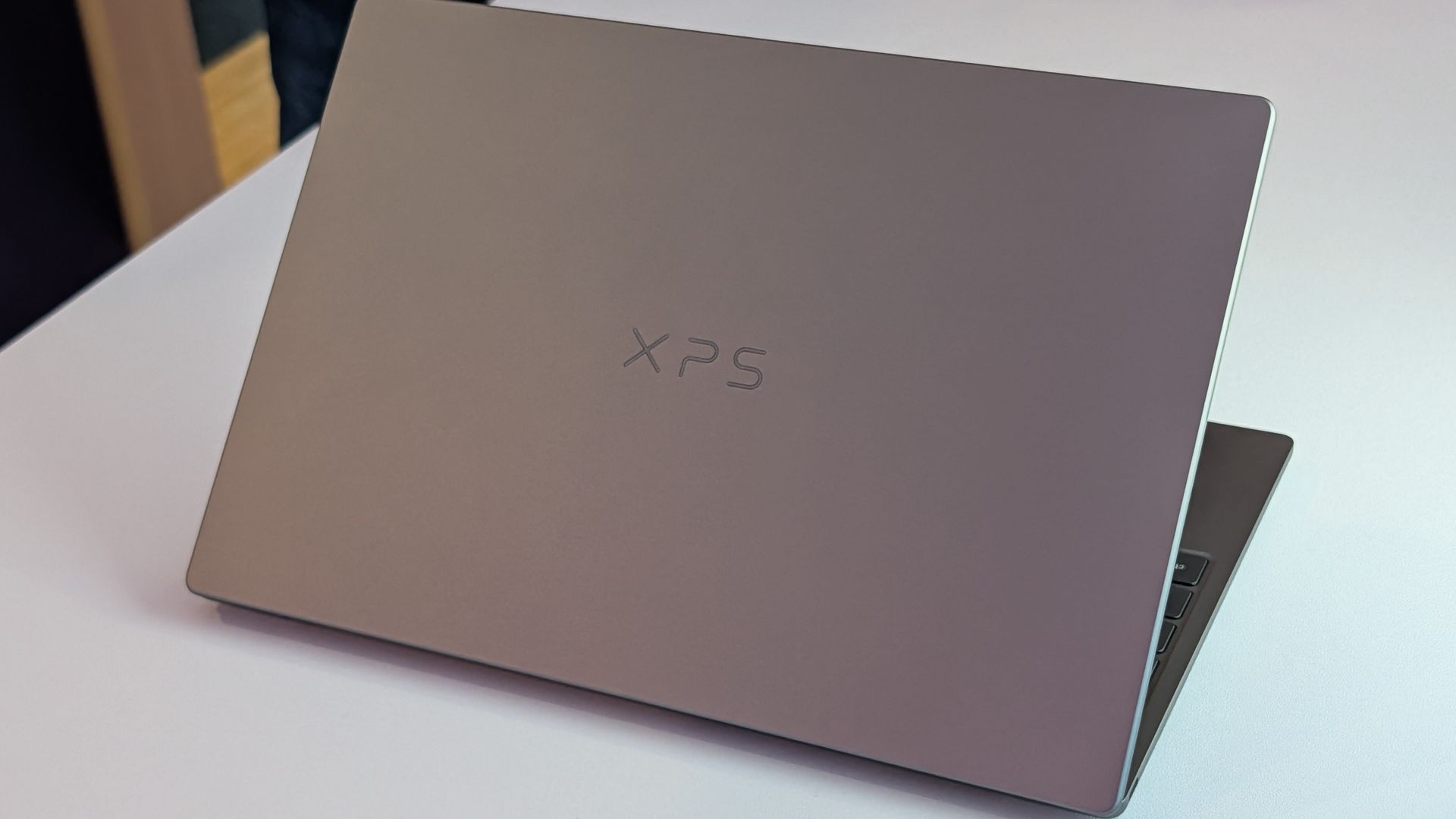
Please understand, I think the latest XPS 13 and XPS 14 are excellent laptops. I predict the Dell 14S will also be a solid PC. But I don't understand what Dell is doing with its XPS brand. The company seems to have remembered that consumers value the XPS brand and has chosen to etch the XPS logo onto things willy-nilly.
Join us on Reddit at r/WindowsCentral to share your insights and discuss our latest news, reviews, and more.
Sur la liste des fournitures de rentrée, le PC portable figure souvent tout en haut, que ce soit pour étudier ou télétravailler. Voici les meilleurs modèles que nous avons retenus selon les usages et les budgets.

 Connexion