Gl.iNet Launching Portable Dashcams and AirBnB Cameras – No, Really… GL.iNet is best known for its travel routers, networking hardware and increasingly broad range of portable connectivity products, but at IFA 2026 the company showed that it is looking at expanding into another part of the travel market. Under its Umino branding, GL.iNet revealed the […]
Even my jaw dropped a bit when I was getting briefed on it, as very few Razer products hit below $50, especially when not on sale.
Of course, the $49.99 question is it any good? To be fair, I'm a bit biased against 65% keyboards (I miss my media keys), but I've spent the last 10 days using it, and let's just say the price wasn't the only surprise.
Let's get into the pros, cons, and who this is for.
Razerhad no input, nor did it see the contents of this review, prior to publication.
Razer Reclusa X Mini 65%: Price and specifications
Direct top-down view of the Razer Reclusa X Mini 65% keyboard showing its black, white, and teal keycaps. (Image credit: Daniel Rubino)
The Reclusa X Mini 65% launches at just $49.99 (Razer.com, Amazon; I expect Best Buy to get it eventually), making it one of the most affordable mechanical keyboards Razer has released in recent memory. That's especially notable when you consider it isn't cutting corners on enthusiast-friendly features such as hot-swappable switches, south-facing LEDs, pre-lubed stabilizers, per-key RGB lighting, and support for Razer's competitive gaming technologies.
Among its highlights are Razer's Gen-3 Orange tactile switches, compatibility with both 3-pin and 5-pin mechanical switches, dual-layer silicone dampening, and a new tri-tone visual design that immediately separates it from the rest of Razer's keyboard portfolio.
The biggest surprise with the Reclusa X Mini 65% is just how good it feels to type on.
I'm generally not a huge fan of 65% keyboards. I miss dedicated media controls, and shrinking a layout inevitably introduces compromises. Yet after a few days with the Reclusa, I found myself reaching for it more often than expected.
Razer describes them as delivering a tactile bump with quieter operation and improved consistency, while maintaining a 100-million keystroke lifespan. In practice, they're some of my favorite tactile switches Razer has produced, even compared to the more expensive Huntsman line.
The keys feel snappy, springy, and responsive, with excellent travel and a satisfying bottom-out characteristic that's surprisingly difficult to describe. The closest comparison is that each keystroke feels deliberate, controlled, and rewarding.
Every press feels crisp and energetic, with just enough tactility to make long typing sessions genuinely enjoyable.
The keyboard's dual-layer silicone dampening helps elevate the experience further. Razer specifically tuned the board to reduce resonance and hollow acoustics, and it shows.
The overall sound profile sits somewhere between mid-volume and clacky. Meanwhile, the space bar and backspace produce a deeper, more pronounced thock that adds personality without becoming distracting.
Surprisingly, no risers on the bottom of the Reclusa X Mini 65%. (Image credit: Daniel Rubino)
For a $50 keyboard, the construction is also impressive.
My review unit measured roughly 710 grams, giving it enough heft to stay planted on the desk. The chassis doesn't feel flimsy, cheap, or hollow. The matte finish does a great job resisting fingerprints, and the included braided USB-C cable is the same type of quality cable Razer ships with more expensive products.
The hot-swappable design is another major selling point.
Users can install both 3-pin and 5-pin switches without soldering, making the board approachable for newcomers while still appealing to enthusiasts. Razer even notes that the keyboard can be opened through screws in the top plate for additional modifications, although doing so may affect warranty coverage according to the FAQ
The Razer Reclusa X Mini 65% has a very solid body with a single Type-C port on the left-hand side. (Image credit: Daniel Rubino)
I experimented with swapping switches and found the process straightforward. More importantly, I never felt a pressing need to do so. The stock experience is already strong enough that many users will be perfectly happy leaving it untouched.
The new tri-tone keycap design is another win.
Razer says the design is intended to give the keyboard a distinctive visual identity, and it succeeds. Combined with south-facing RGB LEDs, the Reclusa feels like one of Razer's clearest nods yet toward the custom keyboard crowd.
Gaming features that actually matter
Screenshot of Razer Synapse and the multiple gaming features for the Razer Reclusa X Mini 65% keyboard. (Image credit: Daniel Rubino)
The Reclusa X Mini 65% also includes Snap Tap, Snap Flex, and Dual-Keypress Priority, technologies aimed primarily at competitive players.
Snap Tap helps prioritize directional inputs for cleaner counter-strafing behavior, while Snap Flex can bind two actions to a single keystroke for more consistent multi-input actions. Dual-Keypress Priority is designed to maintain movement consistency when overlapping directional inputs occur.
Close-up of the included Doubleshot ABS, tri-tone design keycaps and RGB. (Image credit: Daniel Rubino)
During a few gaming sessions in Call of Duty and DOOM: The Dark Ages, the keyboard behaved exactly as I'd expect from a modern Razer gaming board. The features worked as advertised, though none fundamentally changed my experience during limited testing.
The more important takeaway is that entry-level pricing doesn't mean sacrificing gaming-focused functionality.
What I don't like
(Image credit: Daniel Rubino)
The 65% form factor itself remains my biggest complaint.
That's more personal preference than a flaw, but users accustomed to dedicated media keys, function rows, or larger layouts may feel constrained. That said, I like typing so much on this; I haven't switched back yet, so that's saying something.
Another drawback is the lack of adjustable feet.
The keyboard sits completely flat, and there are no built-in risers to alter the typing angle. Some users will appreciate the low profile, but I would have liked additional adjustment options.
The Reclusa feels premium where it matters most, but a pair of flip-out feet would have completed the package.
RGB lighting is also merely good rather than exceptional. It gets the job done, but don't expect the depth, diffusion, and visual impact of premium Razer boards like the Huntsman V3 Pro series.
Finally, Synapse remains a potential sticking point. While Razer has been increasingly expanding web-based support options across its ecosystem, some users still prefer products that avoid software requirements entirely.
Should you buy it?
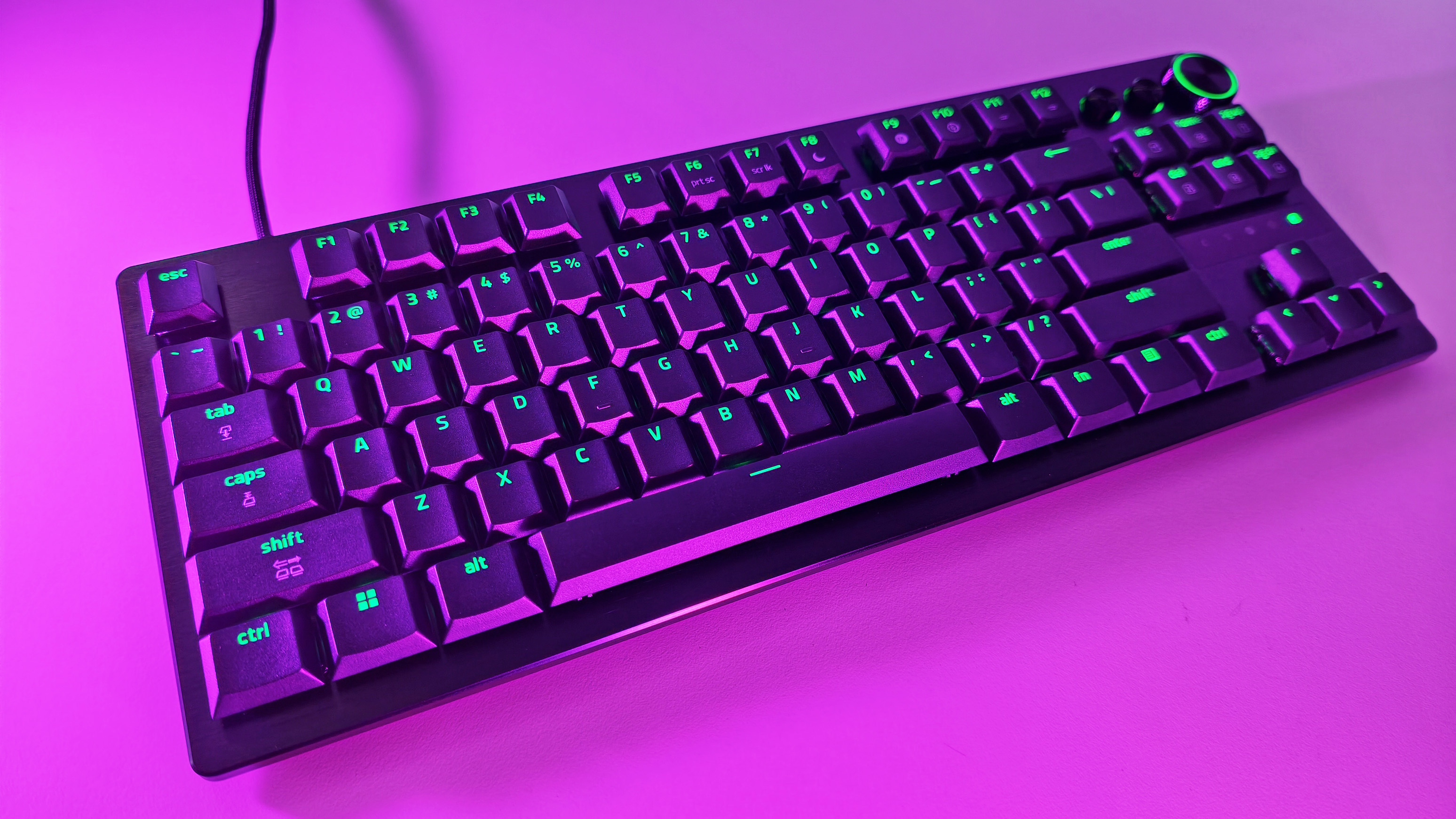
(Image credit: Daniel Rubino)
✅You should buy this if...
You want a quality mechanical keyboard under $50
You want hot-swappable switches without entering the custom keyboard rabbit hole
You enjoy tactile switches and satisfying typing acoustics
You want enthusiast-friendly features from a major gaming brand
❌You shouldn't buy this if...
You need a full-size or TKL layout
Dedicated media controls are a must-have
Adjustable typing angles are important to you
You want flagship-tier RGB lighting
Final thoughts
The Reclusa X Mini 65% feels like the beginning of something larger for Razer.
The company explicitly describes the model as the debut of a new enthusiast-focused Reclusa family and "the first step in the Reclusa journey." While Razer hasn't announced additional models, the messaging strongly suggests the line will expand into other sizes and configurations over time.
If that's the plan, this is an excellent start.
At just $49.99, the Reclusa X Mini 65% delivers a surprisingly refined typing experience, useful gaming features, broad customization potential, and a build quality that belies its budget-friendly price. I still prefer larger layouts, but that's the highest compliment I can give this keyboard: despite my reservations about 65% boards, I genuinely enjoyed using it.
Who should buy it?
The Razer Reclusa X Mini 65% is ideal for gamers and keyboard enthusiasts looking for a genuinely good mechanical keyboard without spending triple digits. If you've been curious about hot-swappable keyboards, custom keycaps, and enthusiast-focused features but don't want to dive headfirst into the custom keyboard rabbit hole, this is one of the easiest and most affordable entry points Razer has offered.
It'll also be a great gift for young aspiring gamers this holiday season.
Razer
Reclusa X Mini 65%
A remarkably affordable enthusiast keyboard that combines hot-swappable switches, excellent tactile feedback, and a premium feel into a package that punches well above its $49.99 asking price.
Join us on Reddit at r/WindowsCentral to share your insights and discuss our latest news, reviews, and more.
SteelSeries, one of the world's leading brands for making the best Xbox accessories, has recently unveiled its latest creation – the SteelSeries Aeon Pro Controller.
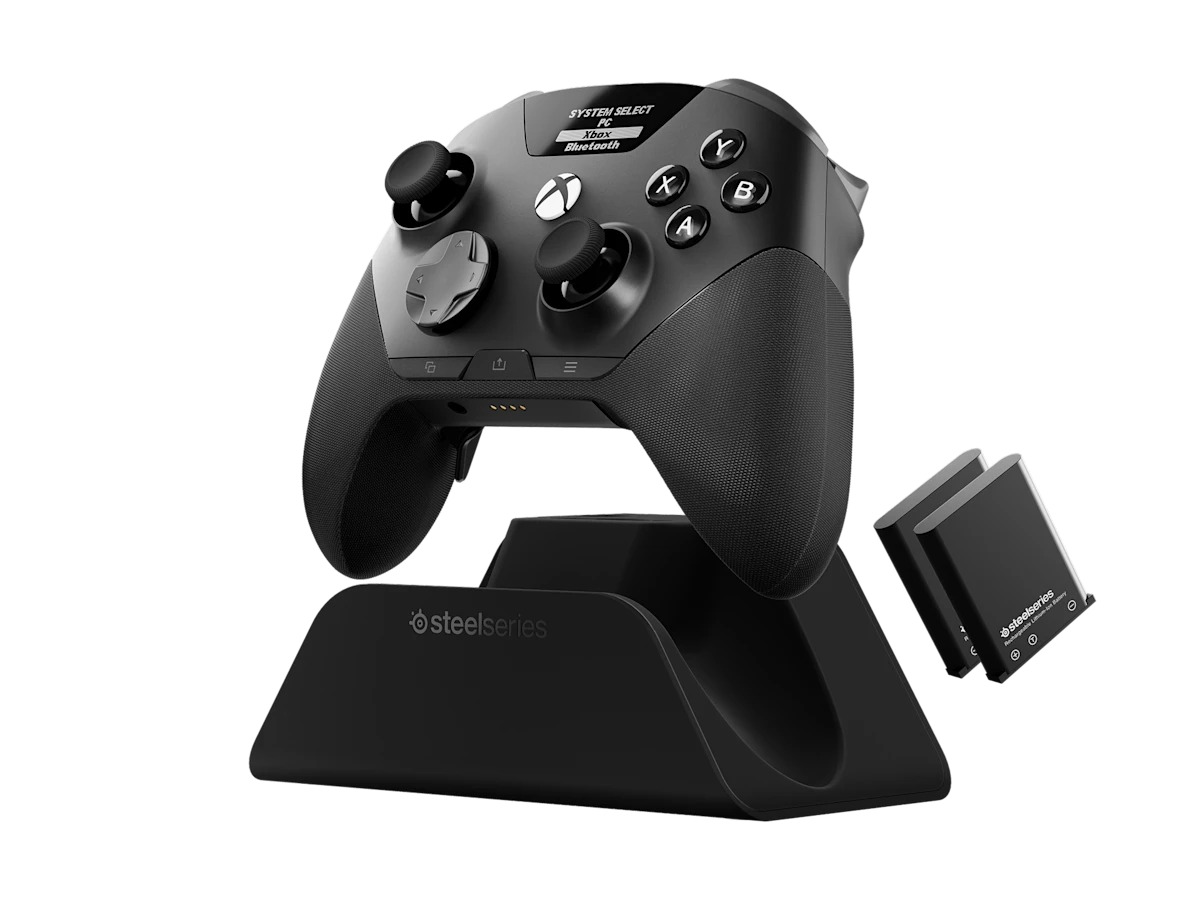
This device features the world's first QuickSwitch Dock System for Xbox, PC, and Mobile devices(Patent Pending), which allows you to switch the controller's connection between platforms without the need for cables or re-pairing wireless connections.
The SteelSeries Aeon Pro Controller also includes an Infinite Power System with dual hot-swappable batteries, so you never have to worry about losing power while gaming.
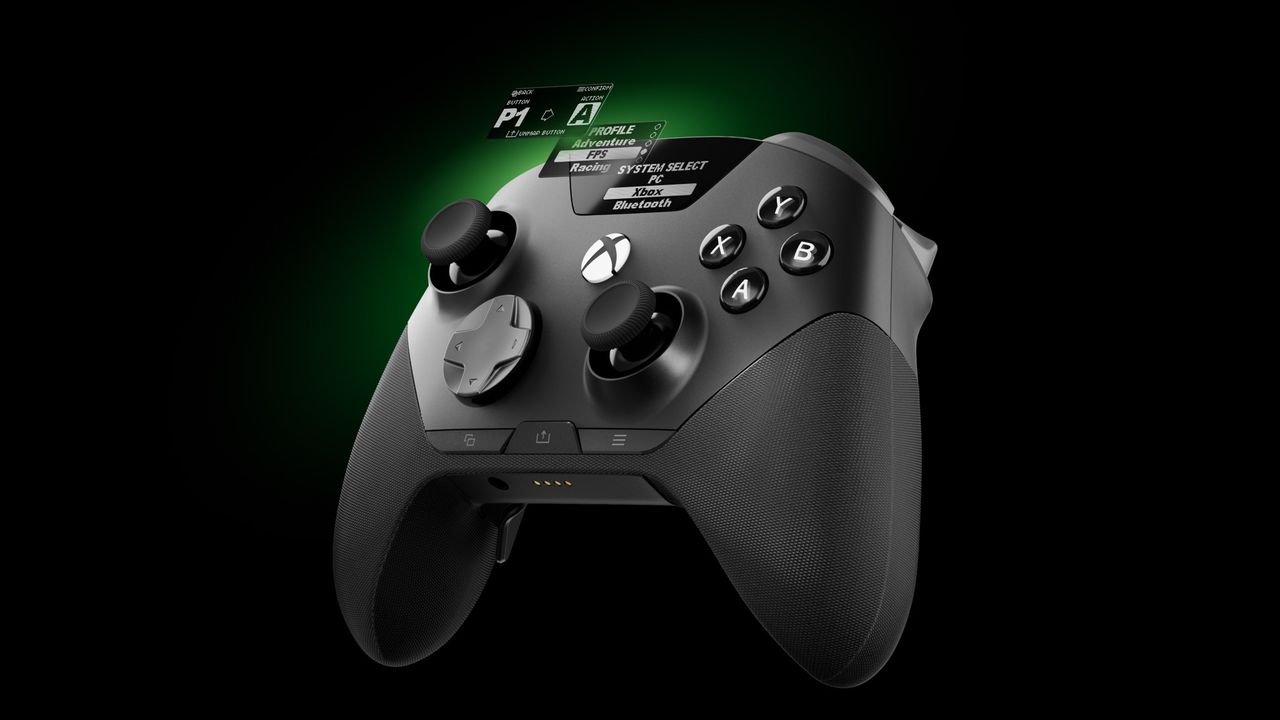
On top of that, the SteelSeries Aeon Pro Controller has fast and precise controls thanks to its first-rate triggers, mechanical switch buttons, and Hall Effect Thumbsticks, all of which can be customized, and their changes saved on user-made profiles using the controller's Onboard OLED Screen.
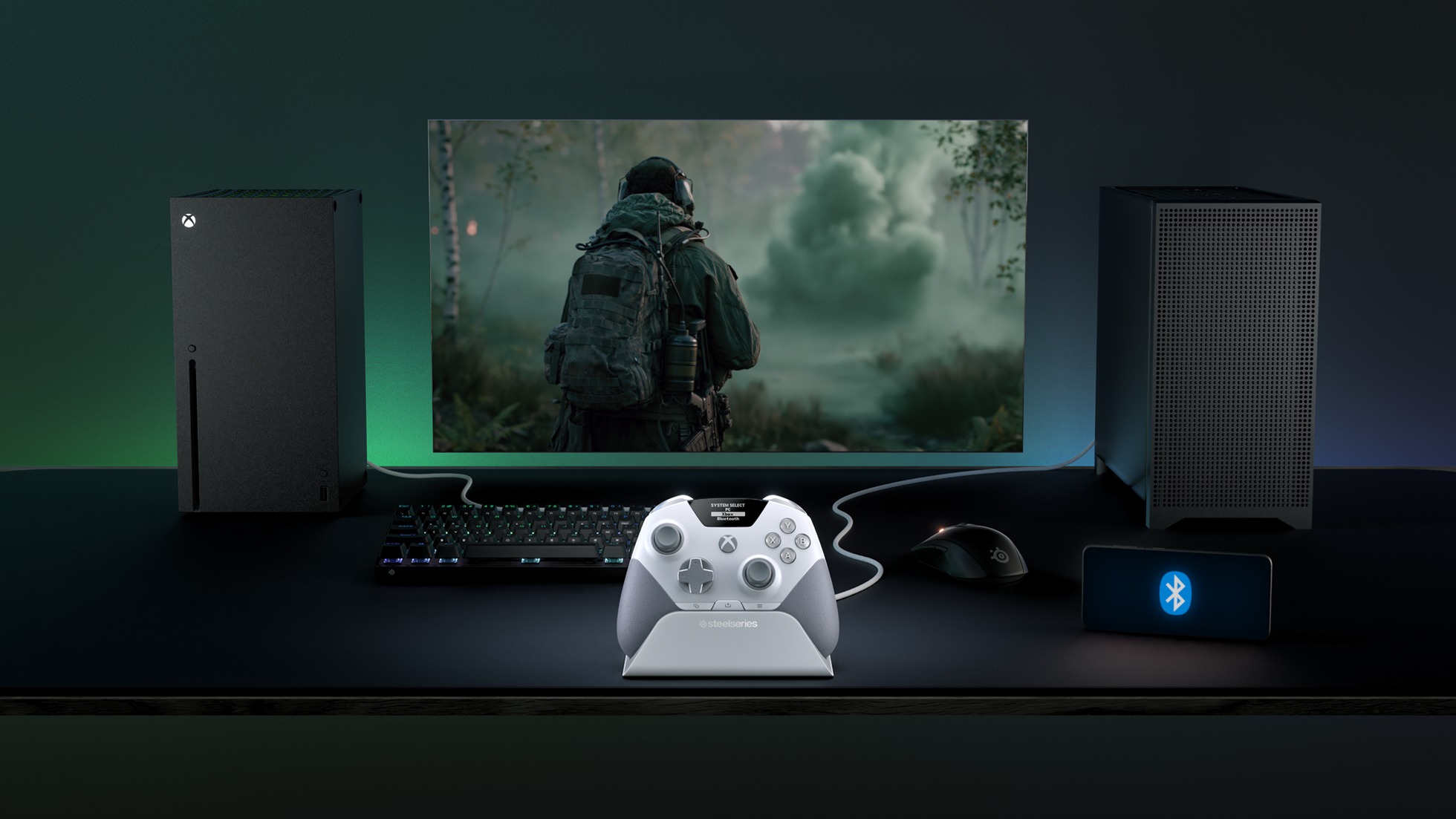
The SteelSeries Aeon Pro controller can swap connections between Xbox and PC without any fussing about disconnecting and reconnection cables or wireless pairings. (Image credit: SteelSeries)
Its features don't stop there, as the SteelSeries Aeon Pro has a Modular Stick Systemthat lets you swap out thumbsticks (with standard concave, tall concave, and short convex options), extra remappable Contoured Back Buttons, and a Wrap-Around Textured Grip to make it easier to hold.
Finally, this controller is compatible with the SteelSeries GG Software Suite app so you can customize every aspect of it, including its button and trigger inputs, rumble sensitivity, custom GG and Sonar integrations, and power settings on PC.
The SteelSeries Aeon Pro is now available (in black or white) at SteelSeries.com and select retailers worldwide for $259.99 | £229.99 | €259.99.
It's a very sleek Xbox controller rife with features to make your gaming life easier, but does its quality match up to its high listing price? Stay tuned to find out, as we're hoping to review it soon and let you know if the StreelSeries Aeon Pro is actually good and worth your money.
Stay connected with your Xbox and PC games at all times without re-pairing or reconnecting cables with the new SteelSeries Aeon Pro controller.
This controller will meet your gaming needs with its unlimited battery life, OLED Smart Display, Hall Effect Thumbsticks, and vast customization options through the SteelSeries GG software app.View Deal
Join us on Reddit at r/WindowsCentral to share your insights and discuss our latest news, reviews, and more.
The FanX Drive X3 is one of those odd little storage gadgets that immediately raises a useful question: can a small USB device and a software layer turn an older PC into something NAS-like without asking the owner to learn TrueNAS, Linux permissions, Docker compose files or remote access plumbing? In our hands-on preview, the […]
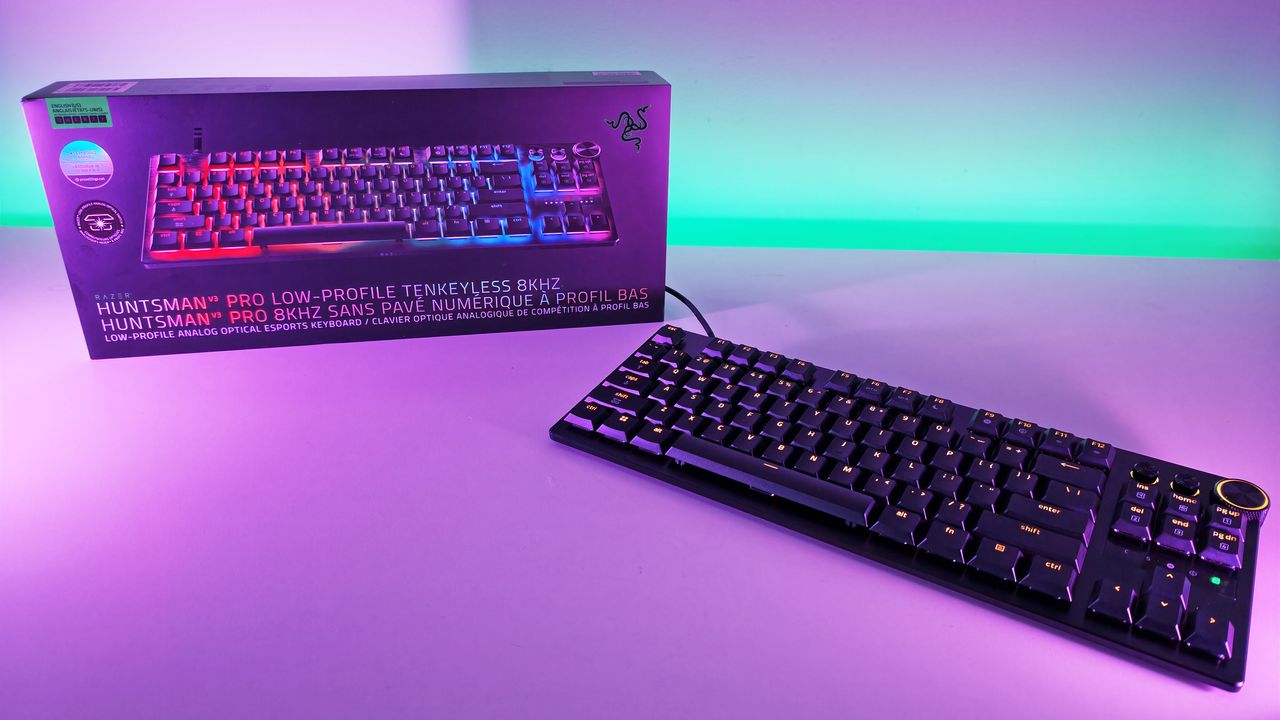
For the past two weeks, the just-announced Razer Huntsman V3 Pro Low-Profile Tenkeyless 8KHz (winner of the longest keyboard name yet) has been permanently parked on my desk. Between churning out editorial content and squeezing in late-night gaming sessions, I’ve put Razer’s latest optical deck through hundreds of thousands of keystrokes.
Razer hasn't slowed down its rapid pace of hardware innovation, but bringing analog optical switches to an ultra-slim low-profile chassis is easily one of its most intriguing experiments yet.
After fourteen days of continuous hands-on testing, this slender powerhouse has completely reshaped my daily workflow and play routine.
Razerhad no input, nor did it see the contents of this review, prior to publication.
Razer Huntsman V3 Pro LP TKL: Price, availability, and specs
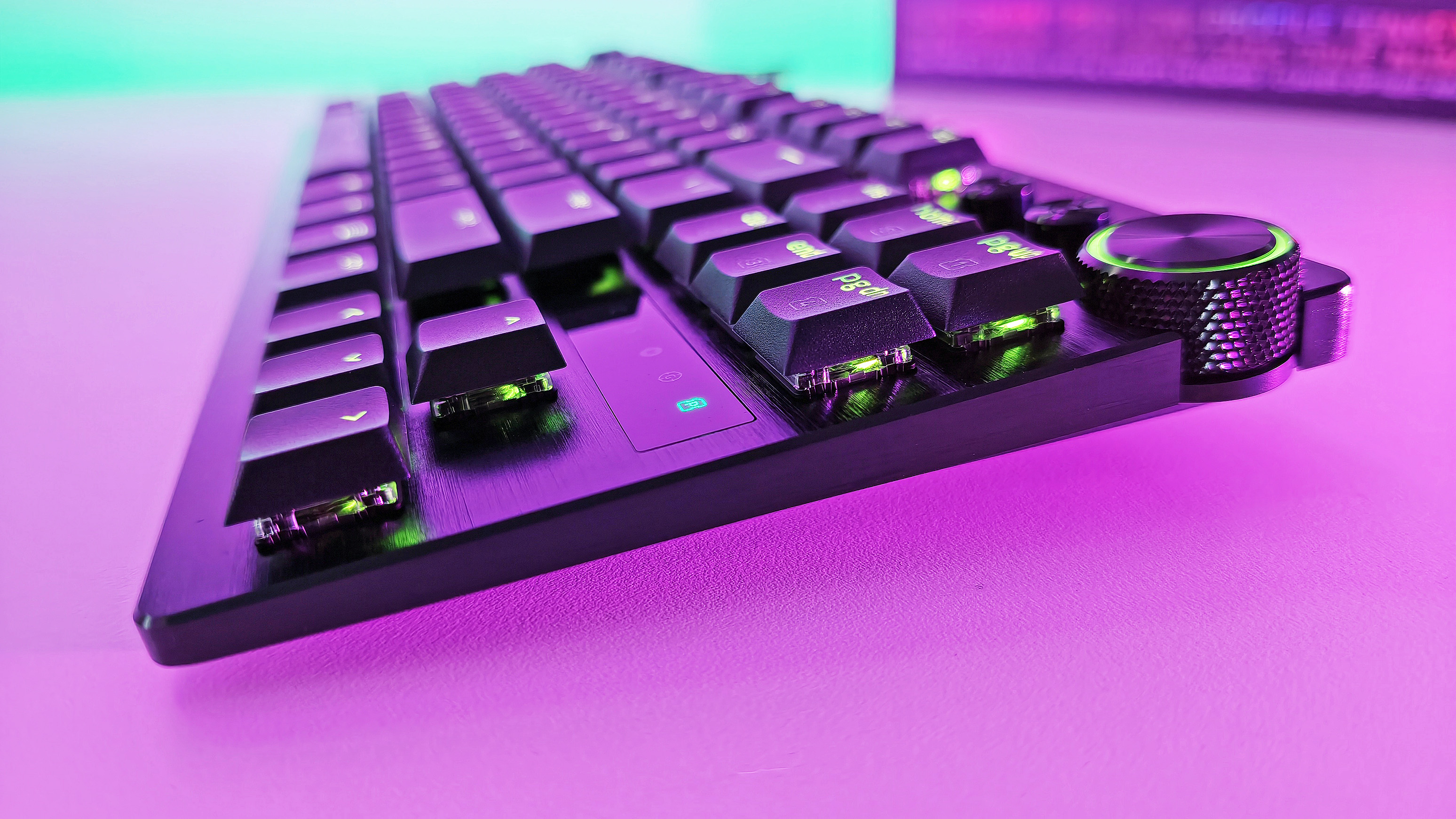
Side profile view highlighting the ultra-slim design and low-profile optical switches of the Razer Huntsman V3 Pro TKL keyboard. (Image credit: Daniel Rubino)
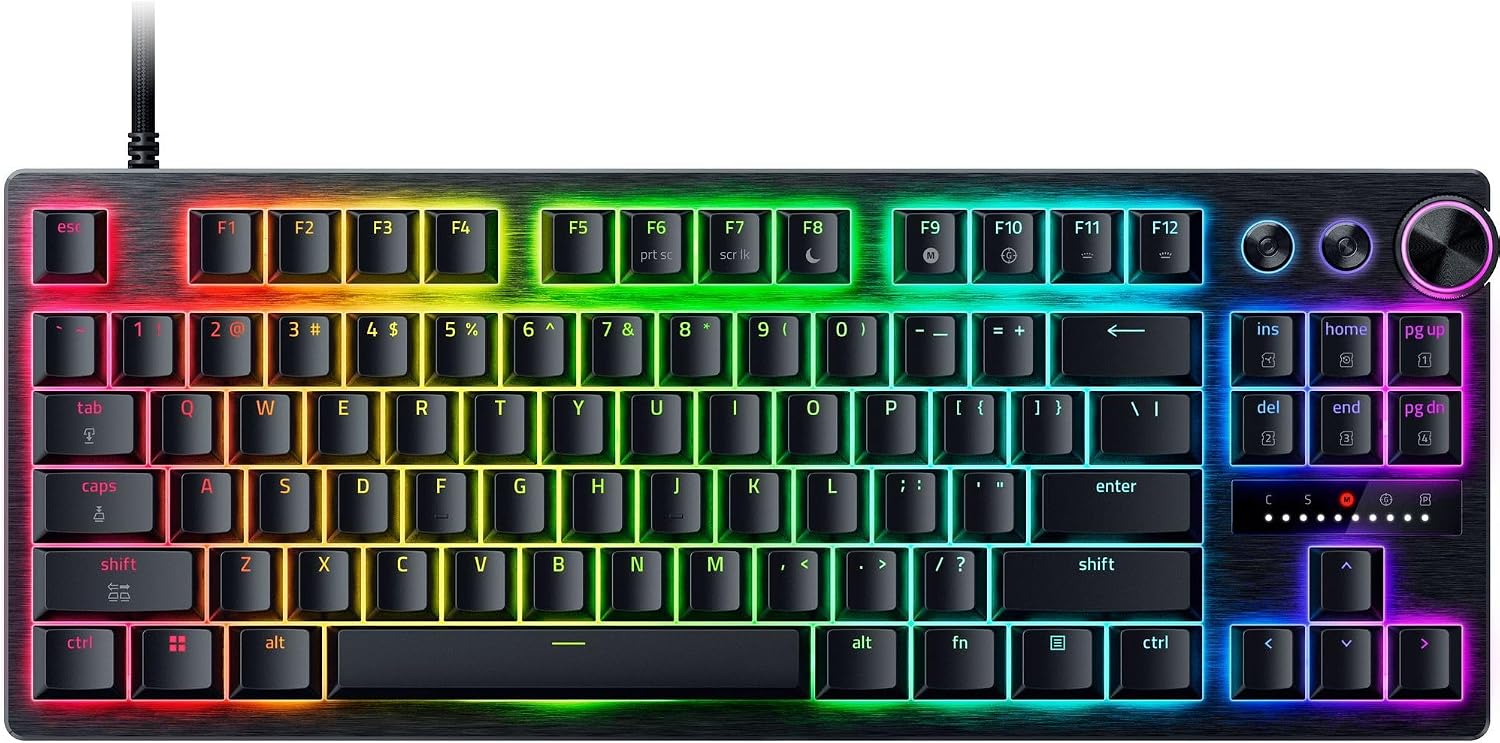
Built around Razer’s Low-Profile Analog Optical Switches, it boasts an adjustable actuation range spanning 0.1 mm to 2.8 mm, 8,000Hz HyperPolling, per-key RGB, a 5052 aluminum alloy top plate, doubleshot PBT keycaps, and a multi-function digital dial accompanied by dedicated media buttons.
It connects via a detachable braided USB Type-C cable, included in the box. No wireless (Razer insists that while many ask for wireless, no one trusts it to last long enough, so everyone just leaves it plugged in. I am 100% guilty of this!)
It is now available from Razer.com and associated retailers like Best Buy, Amazon, and more.
Razer Huntsman V3 Pro LP TKL: Design and typing experience
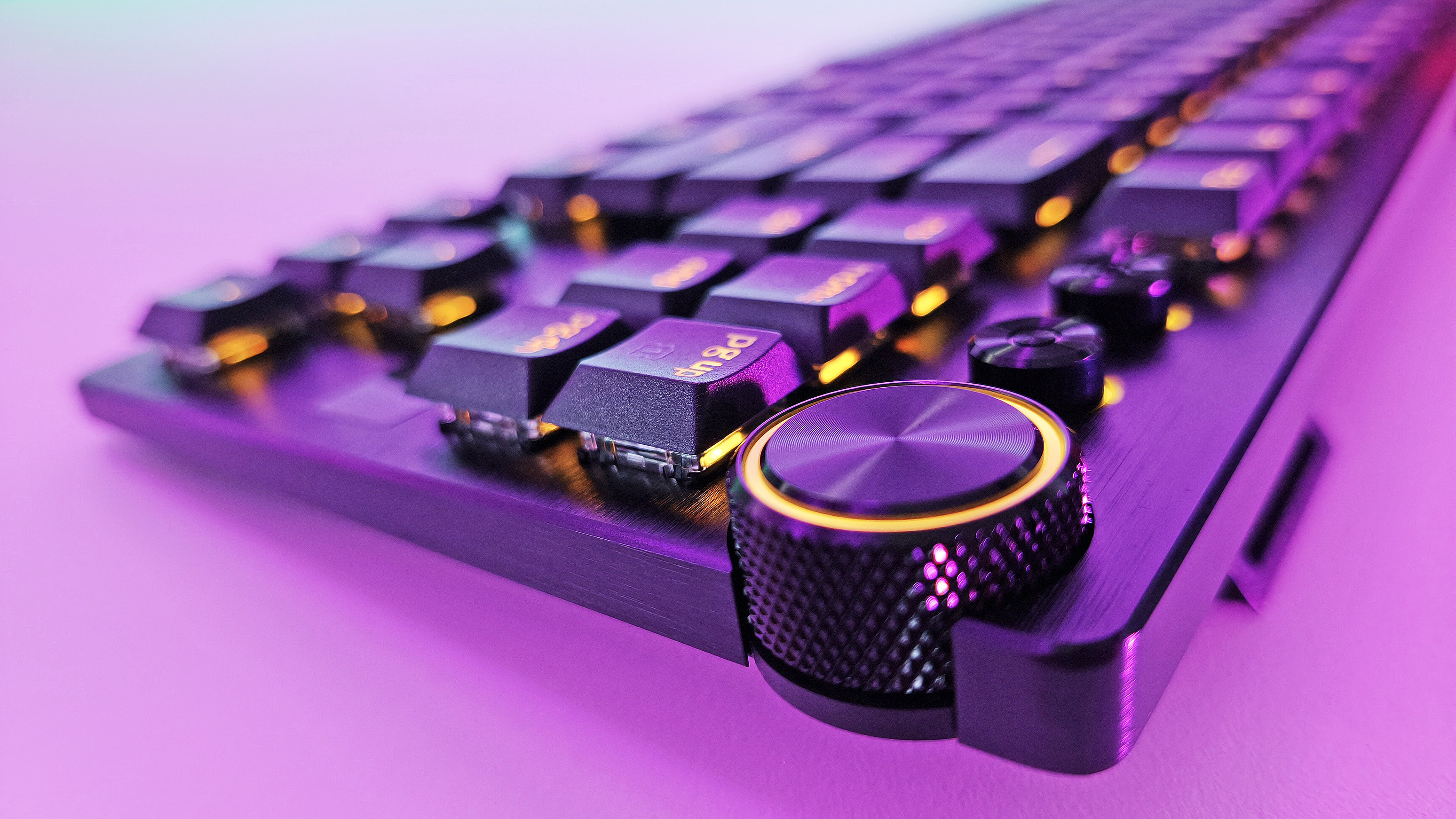
Side-angle view showing the low-profile keycaps, brushed metal plate, and green RGB lighting on the Razer Huntsman V3 Pro TKL keyboard. (Image credit: Daniel Rubino)
Razer has officially reached double digits with its flagship Huntsman keyboard lineup, marking this Huntsman V3 Pro Low-Profile TKL as the 10th entry in the family tree, which I find hilarious.
Having tracked the evolution of this sub-brand over the years, watching model number ten land on my desk feels like a milestone. It’ll earn a place on our curated guide for the best gaming keyboards under the low-profile crown.
At a sleek 19.5mm front height, the deck sits lower to the desk than a nickel standing on its edge. I prefer low-profile keyboards for two practical reasons:
Seamless laptop-to-desktop parity: As someone who constantly hops between high-end laptops and a full desktop workstation, low-profile keys eliminate the jarring adjustment curve required when shifting to standard deep-travel mechanical boards.
Speed and reduced fatigue: With shorter overall travel distance (2.8mm total), less physical effort is needed to execute keystrokes. It feels faster and easier to operate, warding off hand fatigue during long writing marathons. Call it lazy hands if you want, but my fingers appreciate the efficiency.
As Editor-in-Chief of Windows Central, my daily workload splits roughly 80% typing for my job and 20% gaming. As a trained touch-typist, I demand a deck that can keep pace with high WPM output without sounding like an industrial typewriter. The sound and feel across all 10 Huntsman iterations remain remarkably consistent, but this low-profile variant introduces a softer actuation due to its reduced key travel.
The acoustics are superb: audible enough to offer satisfying tactile feedback, but quiet enough to keep office mates from plotting your demise.
Razer’s tenth Huntsman brings optical analog power down to desk level—and it sets a new gold standard.
The physical keycaps feature an excellent subtle texture and slight dome profile that guides fingers smoothly across the home row. (If you want a deeper dive into mechanical, optical, and magnetic mechanisms, check out our guide on keyboard switches explained.)
If I could manifest my ultimate keyboard, it would be a Frankenstein fusion of this low-profile Huntsman layout and the 3-pound, forged-metal chassis of the $499 Razer Huntsman Signature Edition. Realistically, we can't have both in a single device. Forced to choose, I’m sticking with the Low-Profile Huntsman over the Signature Edition for daily driving—it is simply a joy to type on.
Close-up of the textured volume knob and media controls on the Razer Huntsman V3 Pro Low-Profile Tenkeyless gaming keyboard. (Image credit: Daniel Rubino)
Because there is no wrist rest included in the box, you might assume ergonomic support is an issue. Thankfully, the low frame sits flat enough that wrist extension isn't an issue. However, I paired it with a cheap $26 foam wrist rest (like this foam wrist rest on Amazon), and the setup felt complete.
Razer Huntsman V3 Pro LP TKL: Gaming performance and movement tech
Razer Synapse actuation tab for Razer Huntsman V3 Pro Low-Profile keyboard with Snap Tap, Rapid Trigger, and actuation point settings. (Image credit: Daniel Rubino)
When it is time to drop the editorial work and game, the Huntsman V3 Pro LP TKL reveals its true colors. Testing this board across high-stakes titles like DOOM: The Dark Ages, Warhammer 40,000: Space Marine 2, and 007 First Light, the sheer responsiveness of the analog optical deck became undeniable.
In the chaotic melee of Space Marine 2 and the fast-paced combat of DOOM: The Dark Ages, Razer's aggressive software suite provides a distinct advantage:
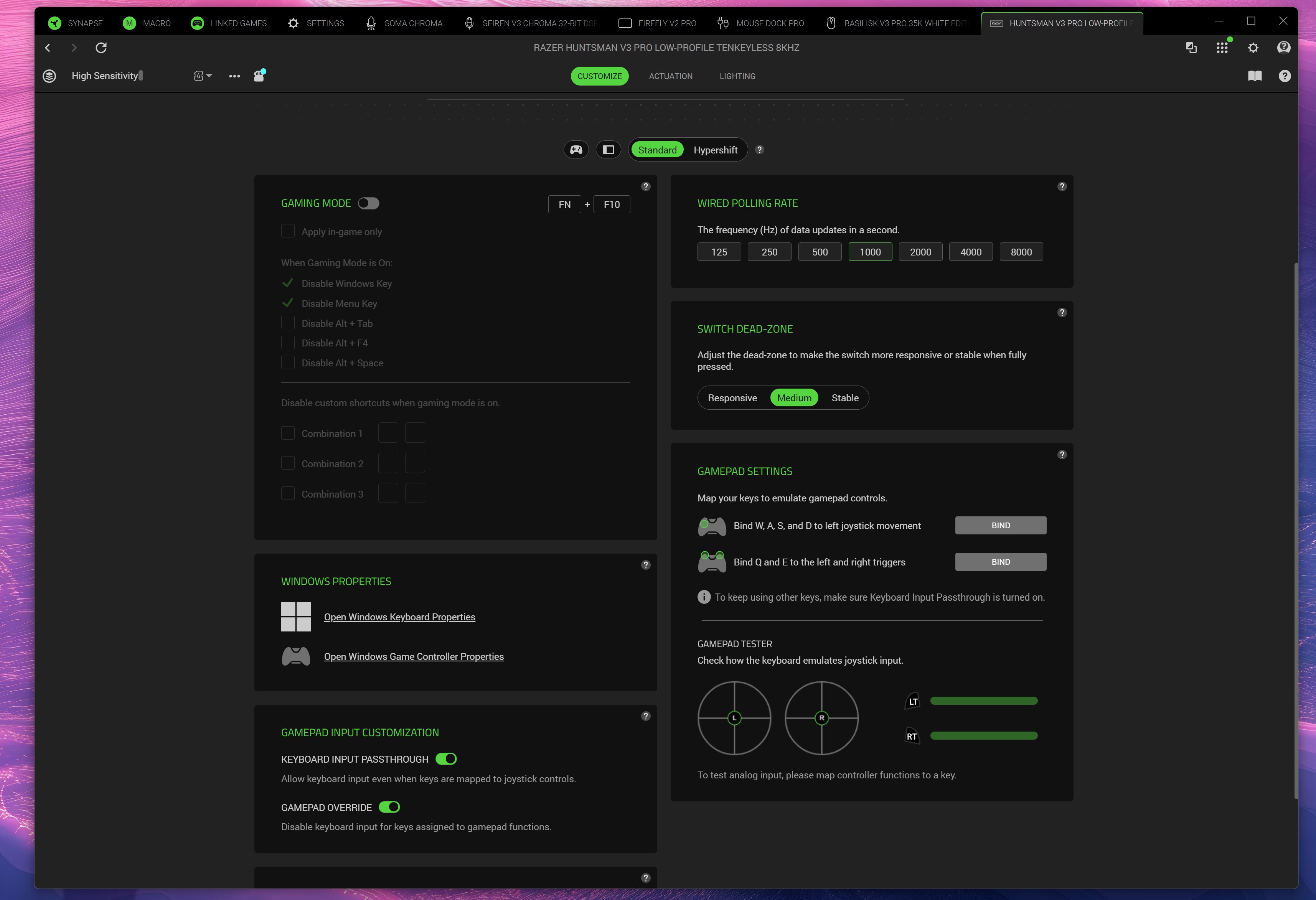
Razer Synapse customizes the menu for the Razer Huntsman V3 Pro Low-Profile keyboard, showing the polling rate and gamepad keybind settings. (Image credit: Daniel Rubino)
True 8,000Hz HyperPolling: Delivering a 0.39ms latency, inputs register nearly instantaneously—52% faster than key low-profile competitors.
Rapid Trigger Mode: Adjust actuation between 0.1 mm and 2.8 mm. Switches reset the moment your finger moves upward, allowing rapid-fire re-keying when strafing or dodging.
Razer Snap Tap: Prioritizes your latest directional input without releasing the opposite key. It supports up to four onboard pairs with custom behaviors like Last-Input, Neutral, or Compare Level.
Razer Snap Flex: Allows two distinct commands to be bound to a single keypress, making complex multi-key maneuvers execution-perfect.
Dynamic Keystroke & Dual-Keypress Priority: Bind up to four actions to a single key based on press depth and release, while Dual-Keypress Priority prevents conflicting movement keys from breaking fluid diagonal movement.
Synapse Web: No bloatware installation needed. Razer’s browser-based configurator lets you alter actuation points, key bindings, and Rapid Trigger settings directly on any host PC
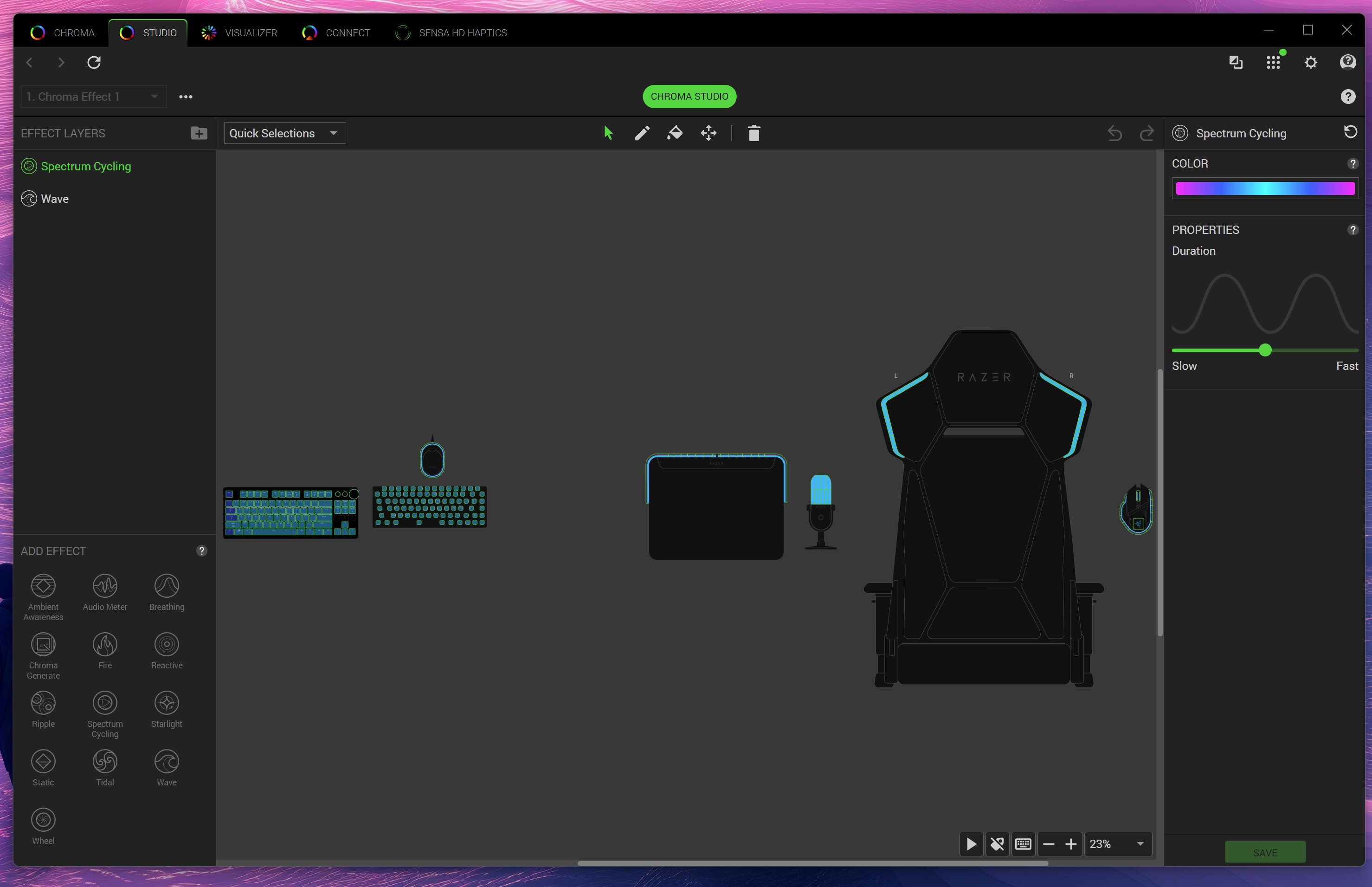
Razer Chroma Studio interface in Razer Synapse software displaying custom RGB lighting effects and layout for gaming gear. (Image credit: Daniel Rubino)
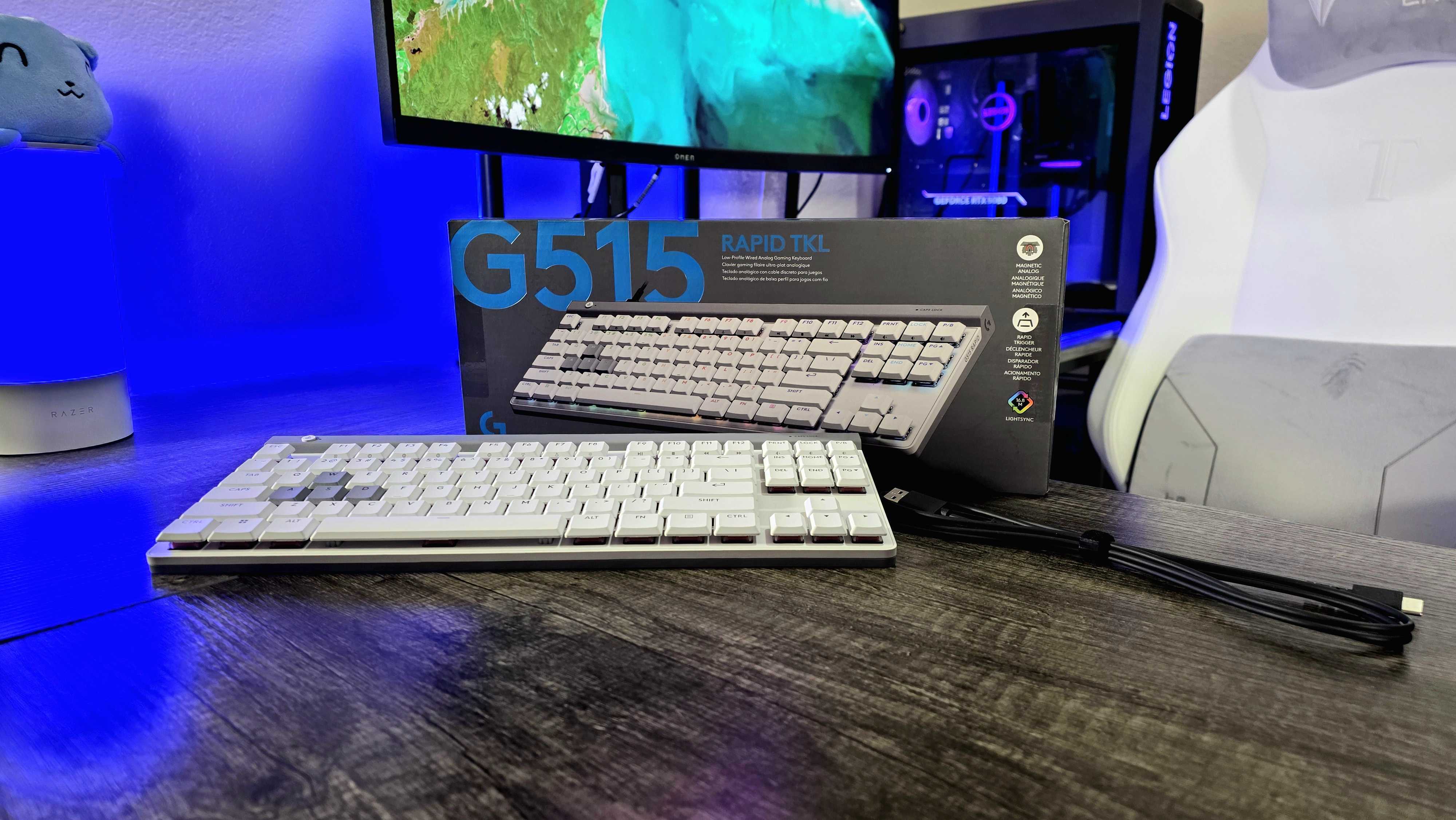
The Logitech G515 Rapid TKL low-profile gaming keyboard we reviewed in 2025. (Image credit: Windows Central | Zachary Boddy)
How does this board stack up against its nearest low-profile rivals?
Against Razer's own BlackWidow V4 Low-Profile HyperSpeed, the differences center on connectivity versus raw speed. The BlackWidow V4 LP offers wireless flexibility (2.4GHz/Bluetooth) with traditional mechanical switches at $199.99, but caps out at a 1,000Hz polling rate without analog support. The Huntsman V3 Pro LP TKL ($229.99) sacrifices wireless freedom for maximum esports performance—delivering 8,000Hz polling, analog precision, and advanced movement software like Snap Flex.
Compared to the Logitech G515 RAPID TKL, which uses magnetic Hall Effect switches, Razer takes the lead in typing acoustics and software versatility. While the G515 RAPID TKL performs well in games, its switches feel mushier for daily typing tasks. The Huntsman V3 Pro LP TKL provides a crisper bottom-out, higher polling rate, and the convenience of driverless configuration via Synapse Web.
Razer Huntsman V3 Pro LP TKL: Should you buy it?
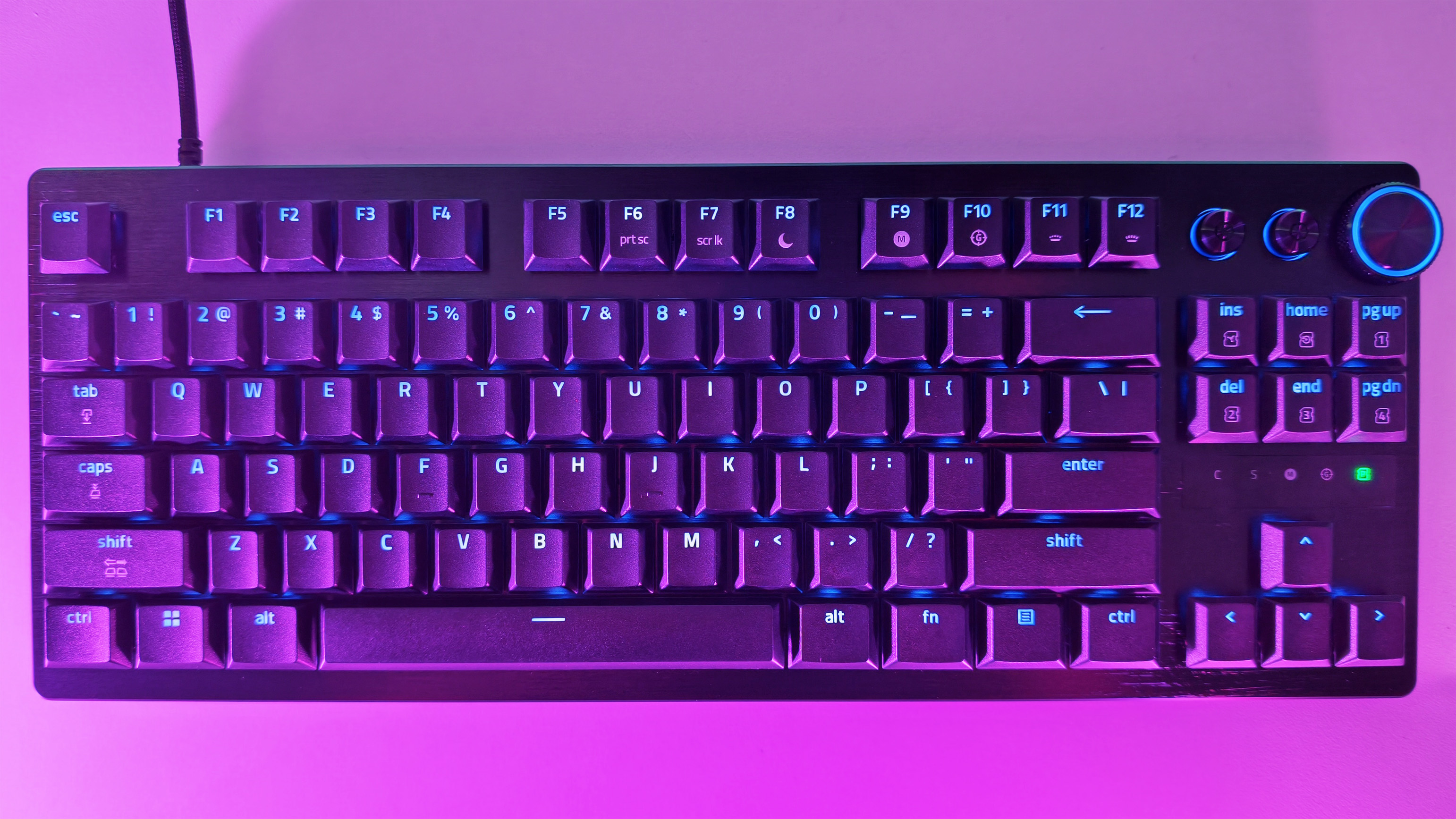
Overhead top-down view of the Razer Huntsman V3 Pro Low-Profile Tenkeyless gaming keyboard layout with backlit RGB keycaps. (Image credit: Daniel Rubino)
You should buy it if ...
✅ You want an ultra-fast low-profile keyboard powered by 8,000Hz analog optical technology.
✅ You split time between heavy typing and gaming and demand low finger fatigue.
✅ You want advanced movement software like Rapid Trigger, Snap Tap, and Snap Flex.
You should not buy this if ...
❌You insist on a wireless setup.
❌ You prefer deep, traditional mechanical key travel.
❌ You are on a strict budget and don't require optical analog features.
At $229.99, the Razer Huntsman V3 Pro Low-Profile Tenkeyless 8KHz is an investment.
However, if you already like what Razer is doing with its analog optical switches, this low‑profile version feels like the next logical step. It delivers the same competitive edge as the full‑height Huntsman V3 Pro TKL, just in a thinner, faster, more refined chassis that’s easier to live with day-to-day.
The typing feel is crisp, the travel is short, and the 8KHz polling gives you the same responsiveness you expect from Razer’s top‑tier boards. It’s still a premium keyboard aimed at people who care about speed, tuning, and precision, and it absolutely delivers on that promise.
The price is high, but the performance is undeniable. If you want a low‑profile keyboard that doesn’t compromise on competitive features, this is the one that sets the bar. It’s fast, it’s polished, and it’s built for players who want every advantage they can get. In a crowded field of “fast” keyboards, this one actually earns it.
Razer
Huntsman V3 Pro Low Profile Tenkeyless 8KHz
Dominate your matches with the world’s first low‑profile analog optical gaming keyboard made for pro players. Powered by 8000 Hz HyperPolling, Snap Flex, Snap Tap, Rapid Trigger Mode, and fully adjustable actuation, it delivers top‑tier speed in an ultra‑slim design.
Monitors generally last so long that I often forget how significant an upgrade can be, but seeing some of the 4K displays and OLED panels in our recent reviews always proves they're among the best investments you can make. After all, you're looking at your PC monitor most of the time, so it's worth it.
Sure enough, Dell is offering generous discounts on some of the best monitors we've tested, including a gaming variant in its Alienware subbrand. If you're thinking about a screen upgrade for your new semester, now's the right time to buy. Here's my curated collection of Dell monitors that are easy to recommend.
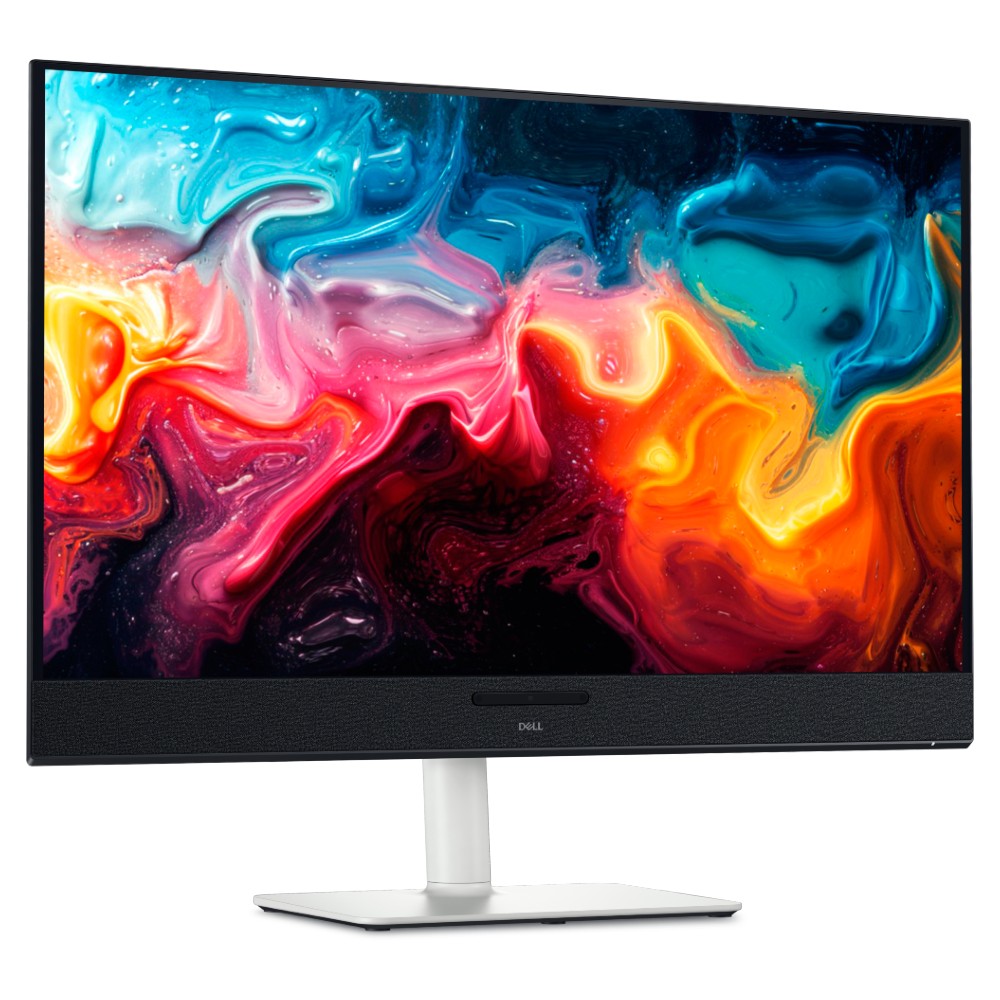
Dropping below $600 makes this an easy choice for anyone who has the space. You get built-in audio with 5 speakers and a gorgeous, color-accurate 4K QD-OLED panel.
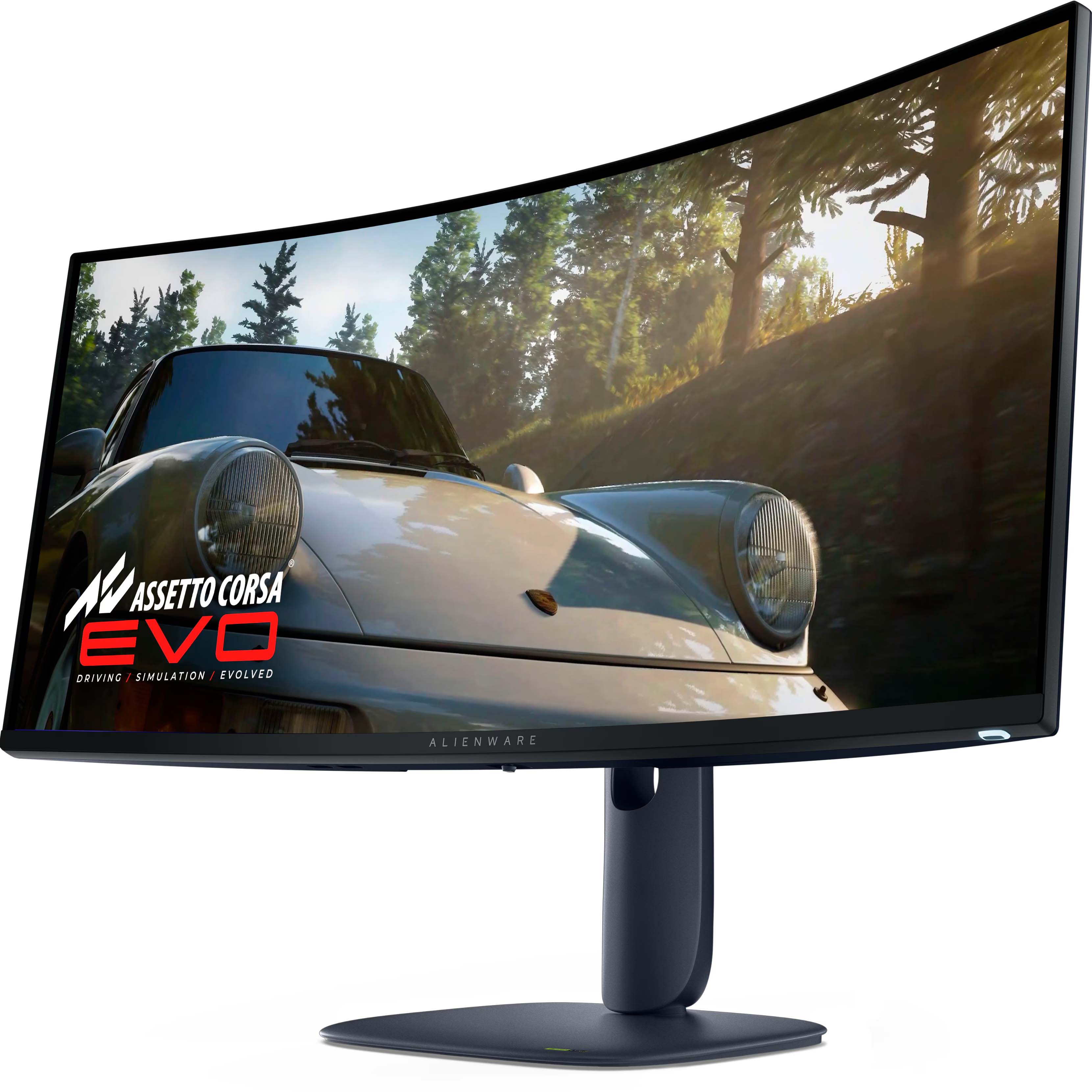
For the gamers — and it's a beast. A curved QD-OLED 1440p (not 4K) panel running at 240Hz, with a 0.03ms response time, alongside HDR and G-Sync support.
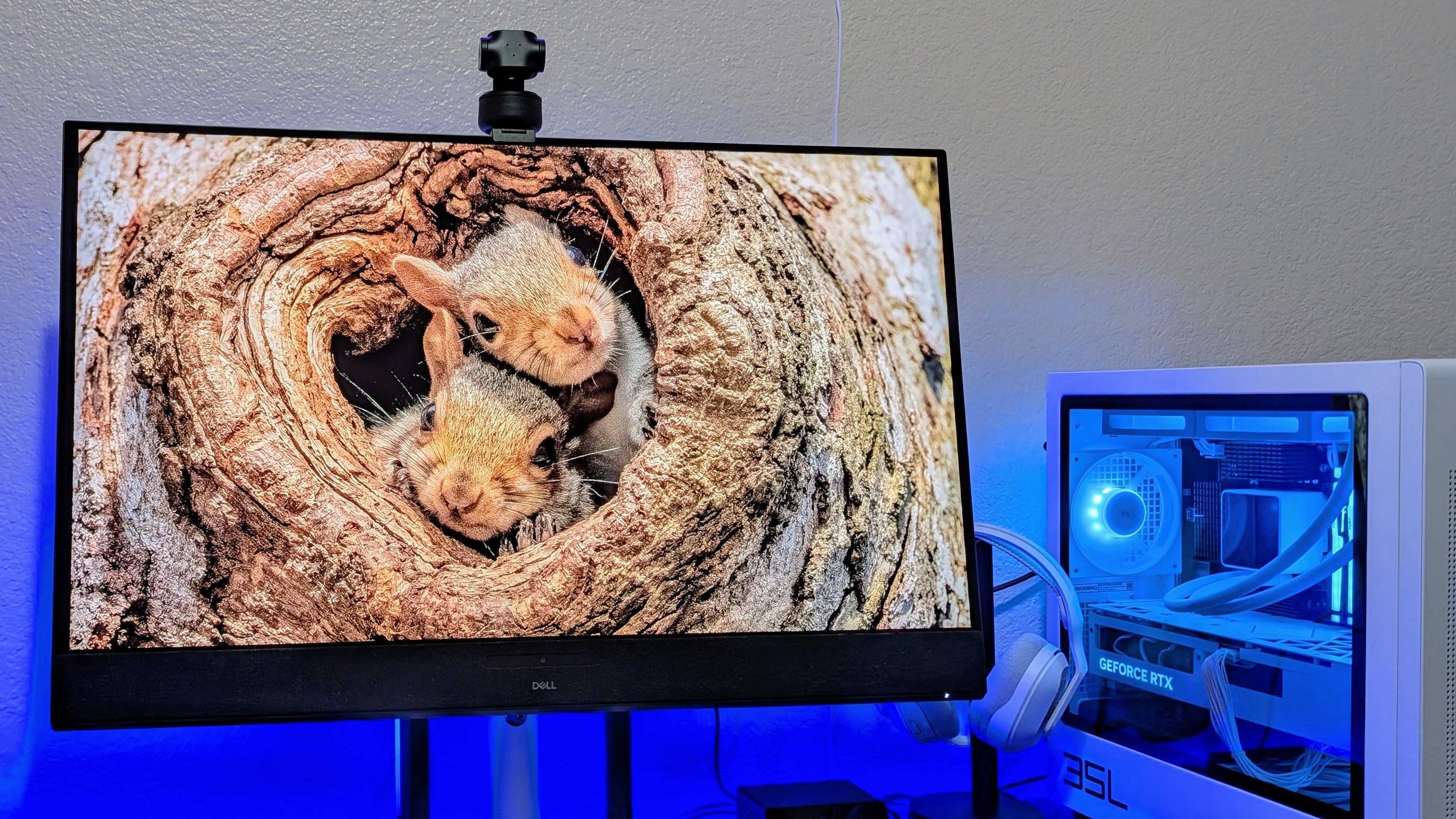
Dell 32 Plus 4K QD-OLED Monitor (S3225QC). (Image credit: Windows Central | Zachary Boddy)
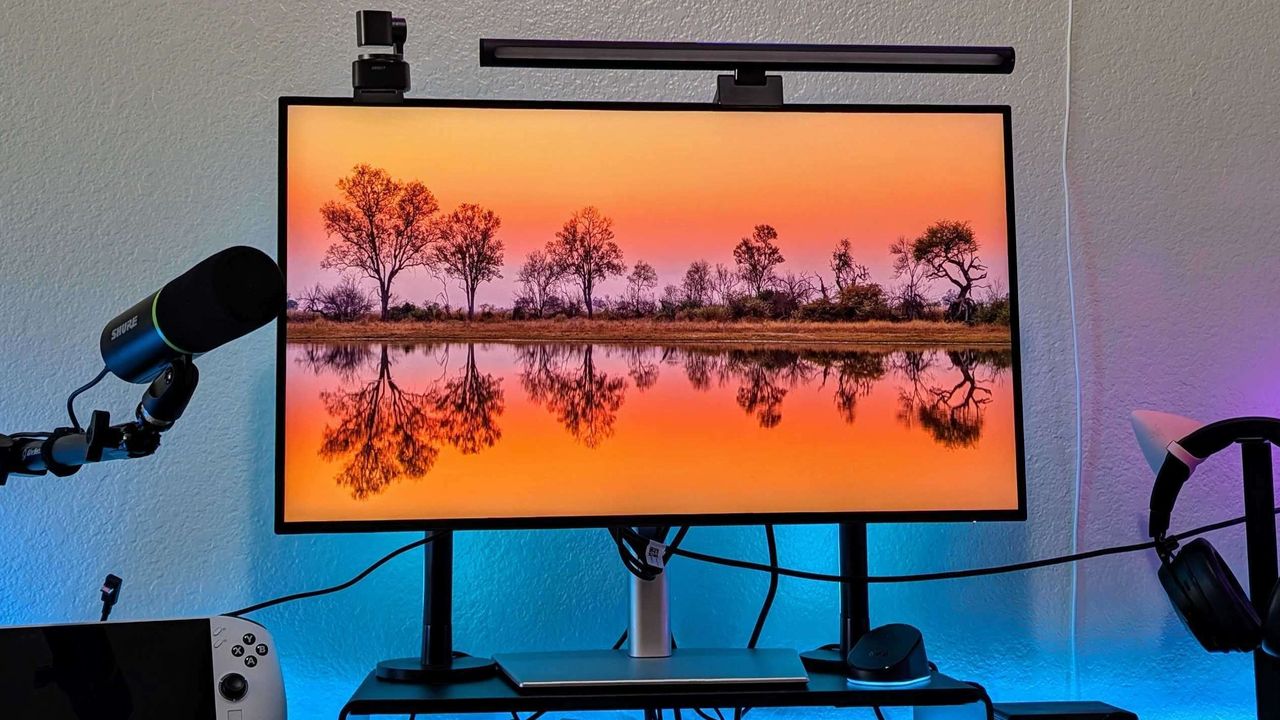
Dell has consistently impressed my team and me with each monitor that we've sampled — and in some cases permanently adopted — with accurate color representation on sharp panels with good contrast. Their construction is consistently above average, too, often with a toolless setup and included stands offering plenty of tilt and swivel adjustment options.
The Dell S3225QC's 5-speaker system easily sounds better than the majority of monitors with built-in audio.
Zachary Boddy, Former Staff Writer
With its $200 saving, the 32 Plus 4K QD-OLED (S3225QC) stands out as the best deal, and we particularly praised its five-speaker array for delivering "some of the best audio you'll hear in a monitor or TV". Indeed, it includes a two-piece toolless stand for a straightforward setup and affordable access to a Quantum Dot OLED (QD-OLED) panel with "perfect" contrast.
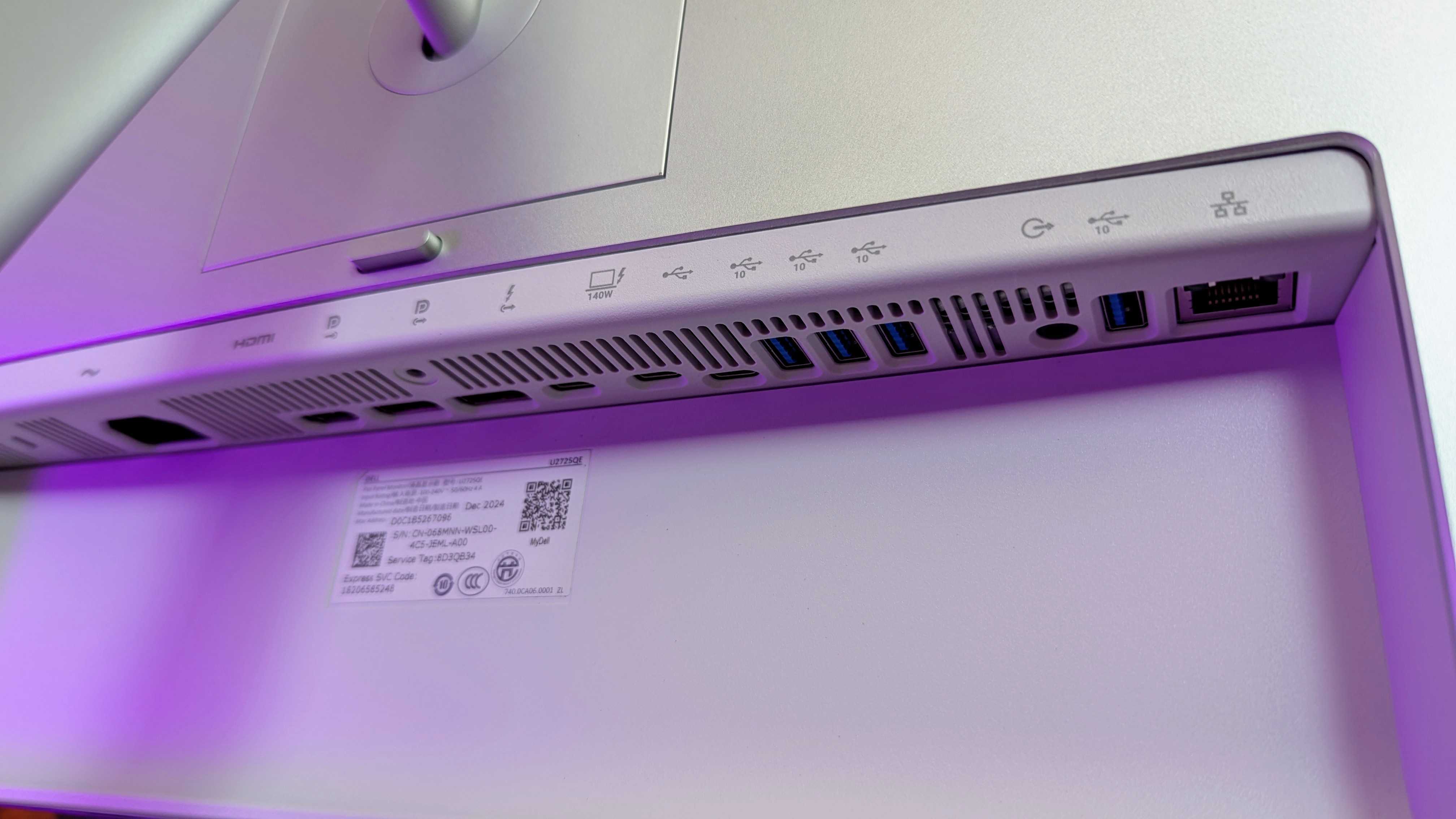
Connectivity is bountiful on the UltraSharp 27. (Image credit: Windows Central | Zachary Boddy)
One of the most important considerations is connectivity and whether your existing PCs and devices can connect to the monitor you buy. For example, the S3225QC offers a gorgeous panel, but it's limited to a single HDMI port and two USB-C ports — one of which supports DisplayPort 1.4 output — but there's nothing for a traditional full-sized DisplayPort cable.
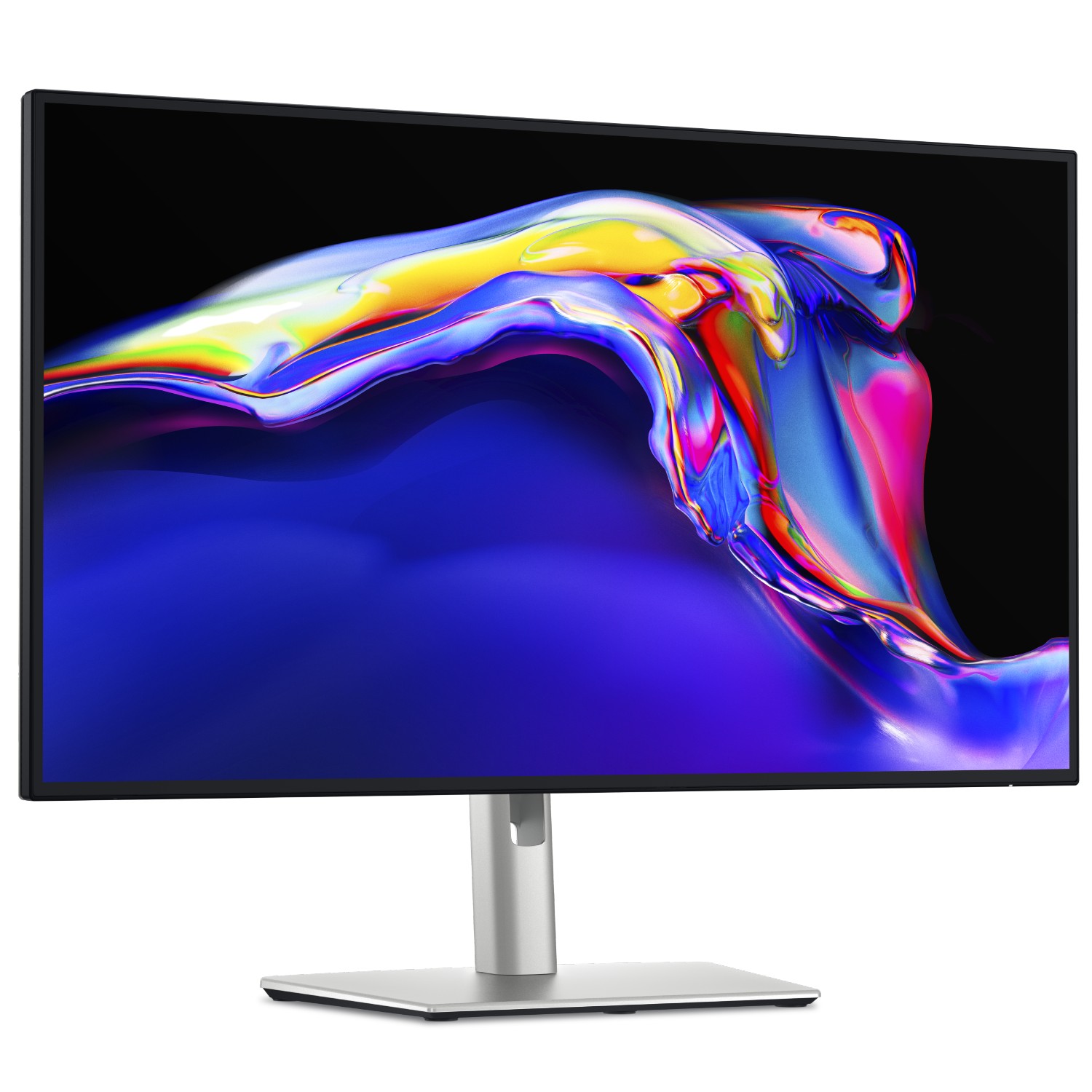
The opposite side of that coin is the UltraSharp 27 4K (U2725QE) with its Thunderbolt Hub and two DisplayPort options, HDMI, alongside a positively huge array of USB-A and USB-C ports. For gamers, responsiveness matters more, and the Alienware AW3425DW dominates with a 240Hz refresh rate and a 0.03ms response time built into a 21:9 (3440 x 1440) panel.
Overall, our own testing proved that Dell monitors are great picks for practically anyone. Nevertheless, you should always consider your needs, including which display size best fits your desk setup (or whether you'll use a mounting arm over the included stands). Right now, availability is healthy at Dell's US store, with fast delivery times.
Join us on Reddit at r/WindowsCentral to share your insights and discuss our latest news, reviews, and more.
Keyboard switches used to be a fairly niche topic. Enthusiasts knew what they wanted and sought it out, while more casual gamers and typists just went with what seemed best.
I'm talking about the feel, the sound, and the speed — not to forget pricing, durability, hot-swap support, and layout, especially when getting into gaming keyboards.
But the days of switches being an enthusiast's niche are over. Hall Effect and optical switches are enjoying a mainstream push, especially in gaming hardware, and the less flashy keyboards for office work are also seeing some major upgrades.
These advancements can make buying a new keyboard in 2026 a confusing endeavor. You step away for a few months, and it feels like there's a completely new set of literature to read up on.
I'm here to lay out the main types of different keyboard switches you may encounter, helping you get the perfect hardware for your needs.
What are mechanical keyboard switches?
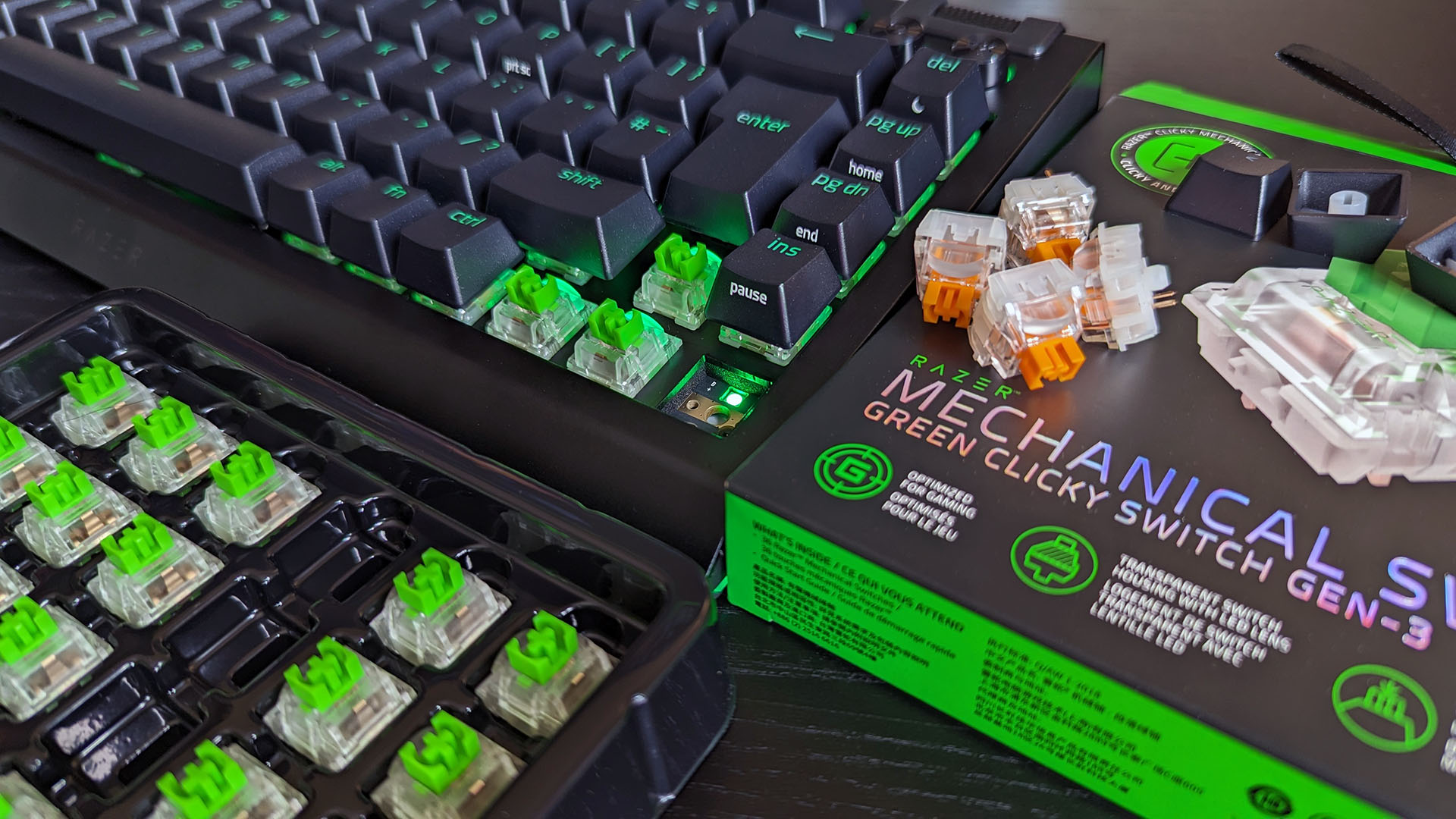
A Razer BlackWidow V4 with its keycaps removed to show off the mechanical switches. (Image credit: Ben Wilson | Windows Central)
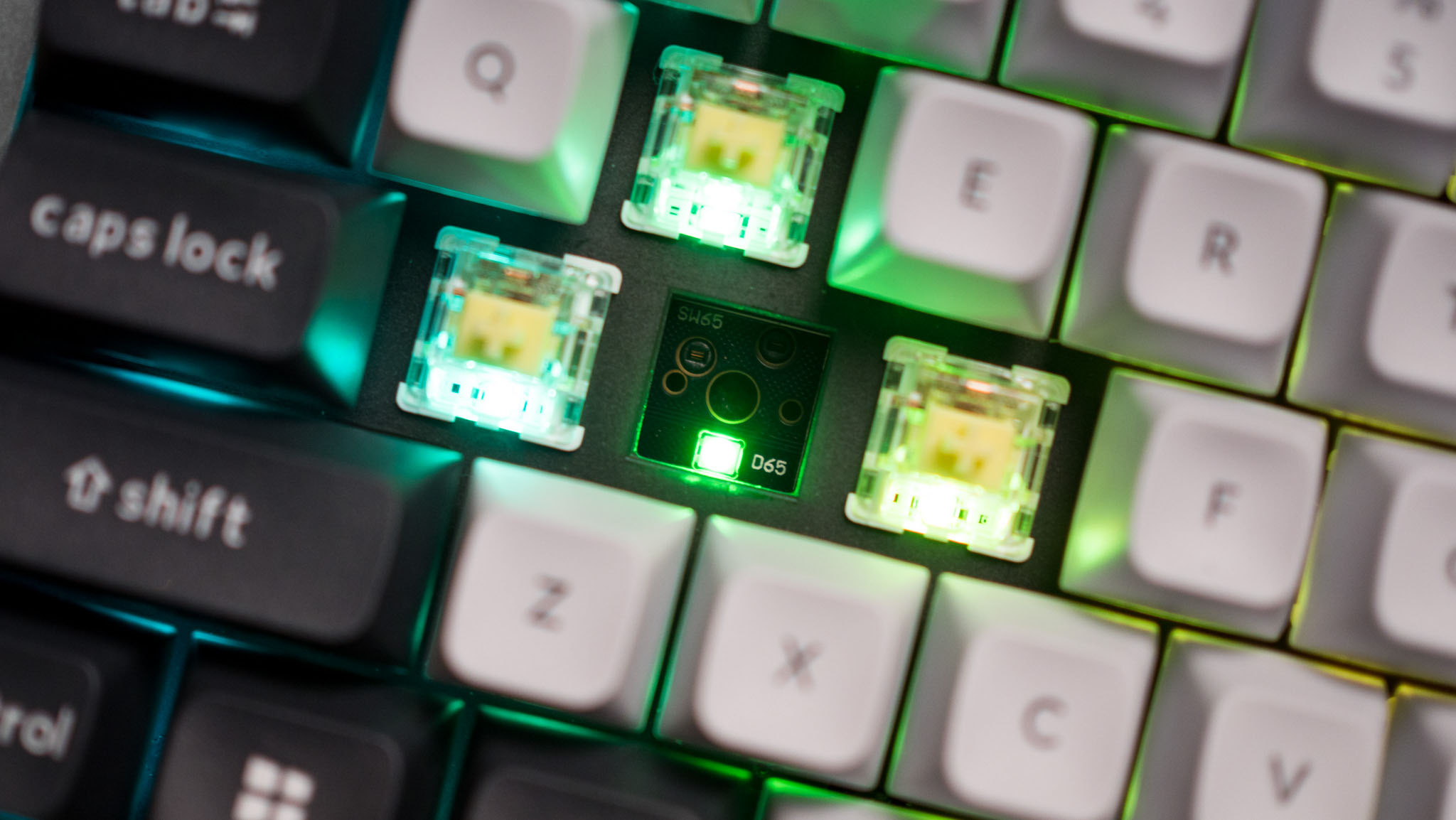
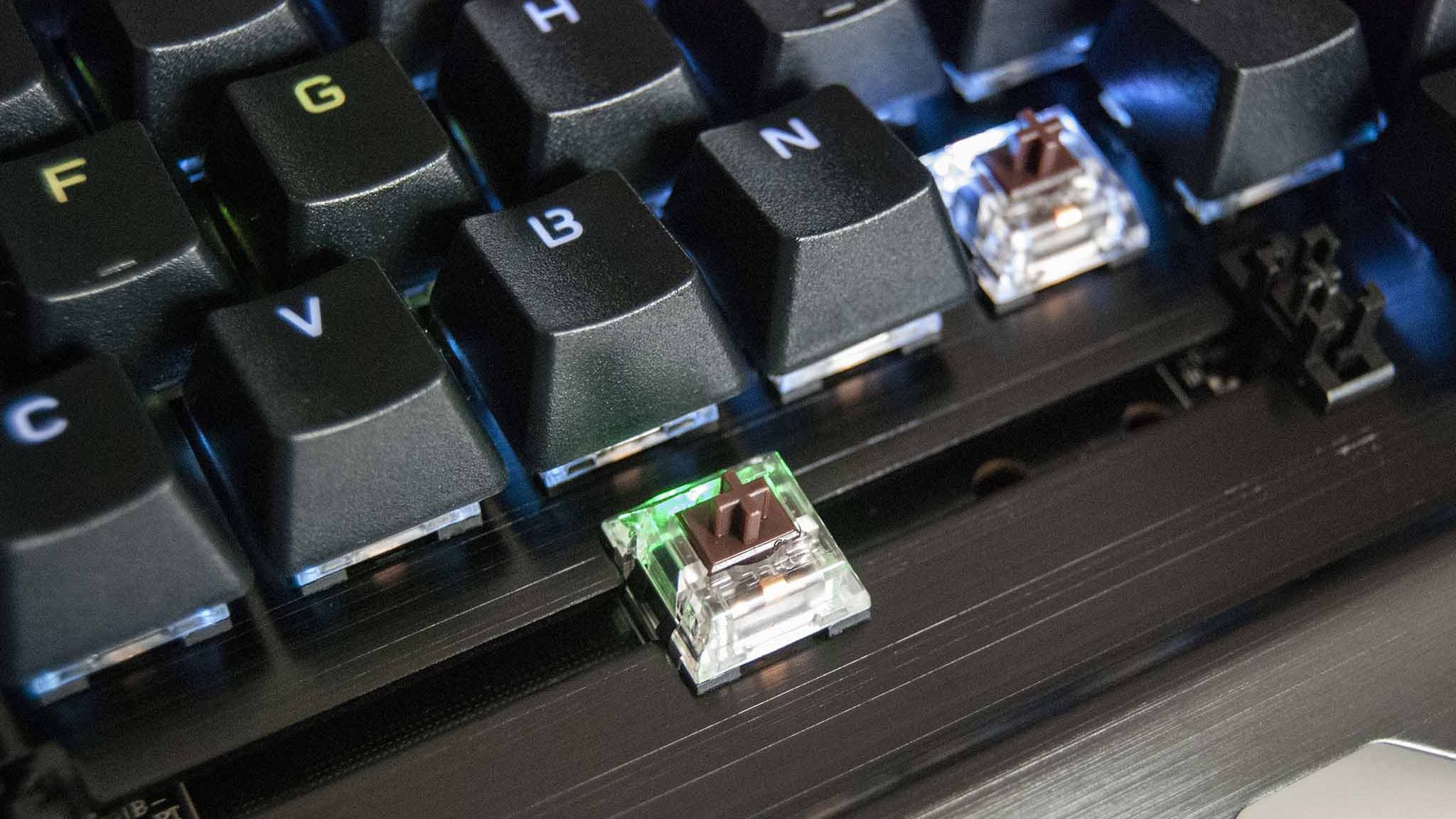
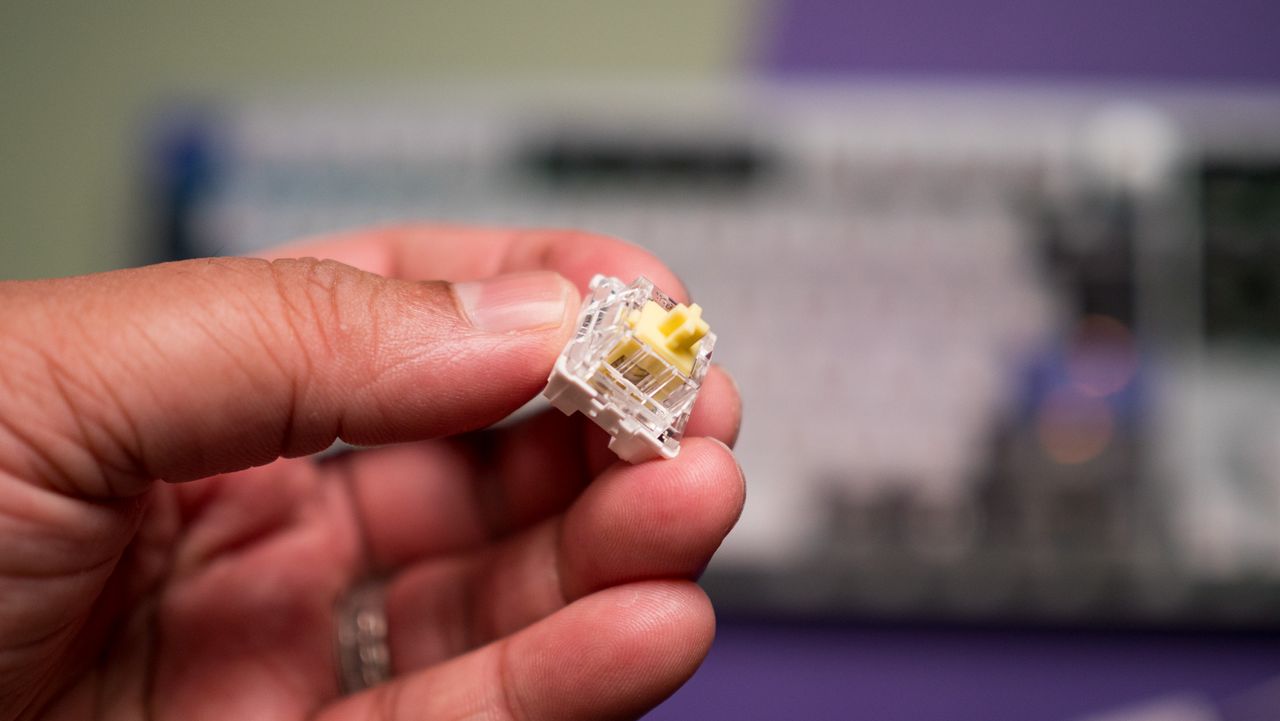
Mechanical switches are the baseline for keyboards. When the keycap is pressed, a stem compresses a spring, and two separate metal contacts touch to complete a circuit and let your PC know you've performed a keystroke.
Mechanical boards are popular because they allow for quick swapping of keycaps (and in many cases, the switches themselves) without needing any special tools. If you're just starting on your path down the keyboard rabbit hole, a mechanical option is likely your best bet.
You might have heard of Cherry MX before, and that's because it's the company that essentially created the mechanical keyboard in the 1980s. It's still the default switch today, with many competitors attempting to outdo its creations.
There are three basic versions of mechanical switches that you'll most often encounter when shopping: Linear, Tactile, and Clicky.
Linear switches
Linear switches offer a smooth feel from the top through to the bottom. There's no noticeable bump when you hit the actuation point (in this case, the two metal contacts coming together), and there's minimal noise while typing.
Cherry MX Red and Cherry MX Black switches are probably best known, but there are also Speed Silver, Silent Red, and Low Profile Speed options.
Linear switches are great for PC gaming because they're generally faster and more consistent when the action gets going. The fact that they don't make noise is also a boon, especially if you're gaming in a shared space.
Tactile switches
The Keychron Q6 Pro's tactile switches are an excellent option for gaming or for work. (Image credit: Harish Jonnalagadda / Windows Central)
Tactile switches are a common ground between linear and clicky. They offer a small, noticeable bump at the actuation point without adding a loud click.
Cherry MX Brown is the classic example of a tactile switch. They're sought after by gamers and typists alike who prefer having that little bit of pressure to let them know that a keystroke has been made.
Clicky switches
Clicky switches are what I consider the "extreme" version. They offer the same noticeable bump as tactile switches when the actuation point is hit, but a loud click follows.
Some typists and gamers prefer the heavier feel and the loud click (especially if you're going for a retro vibe), but that audible feedback can definitely get annoying over time.
Cherry MX Blue switches are the default example here, but there are also Green and Ultra Low Profile clicky switches to watch out for.
Pro Wireless Gaming: It's a result of a collaboration between Alienware and over 100 esports athletes, and it's a genuine step up over the company's previous products. Build quality is exceptional, typing feels great, and gaming performance is flawless.View Deal
Cherry MX's competition in the mechanical market
The Glorious GMMK 3 Pro is available will classic MX or Hall Effect switches. (Image credit: Harish Jonnalagadda / Windows Central)
Cherry MX remains the brand that's best known, and it has been upgrading its switches to better compete with new competitors. For example, its MX2A lineup with a redesigned stem helps make its switches feel a lot smoother.
This innovation to compete is driven by companies like Gateron, Kailh, and Glorious that have jumped on expiring patents to create their own mechanical switches. They generally fall into the same three basic mechanical switch categories, so it's not too difficult to figure out what's best for you.
What are optical keyboard switches?
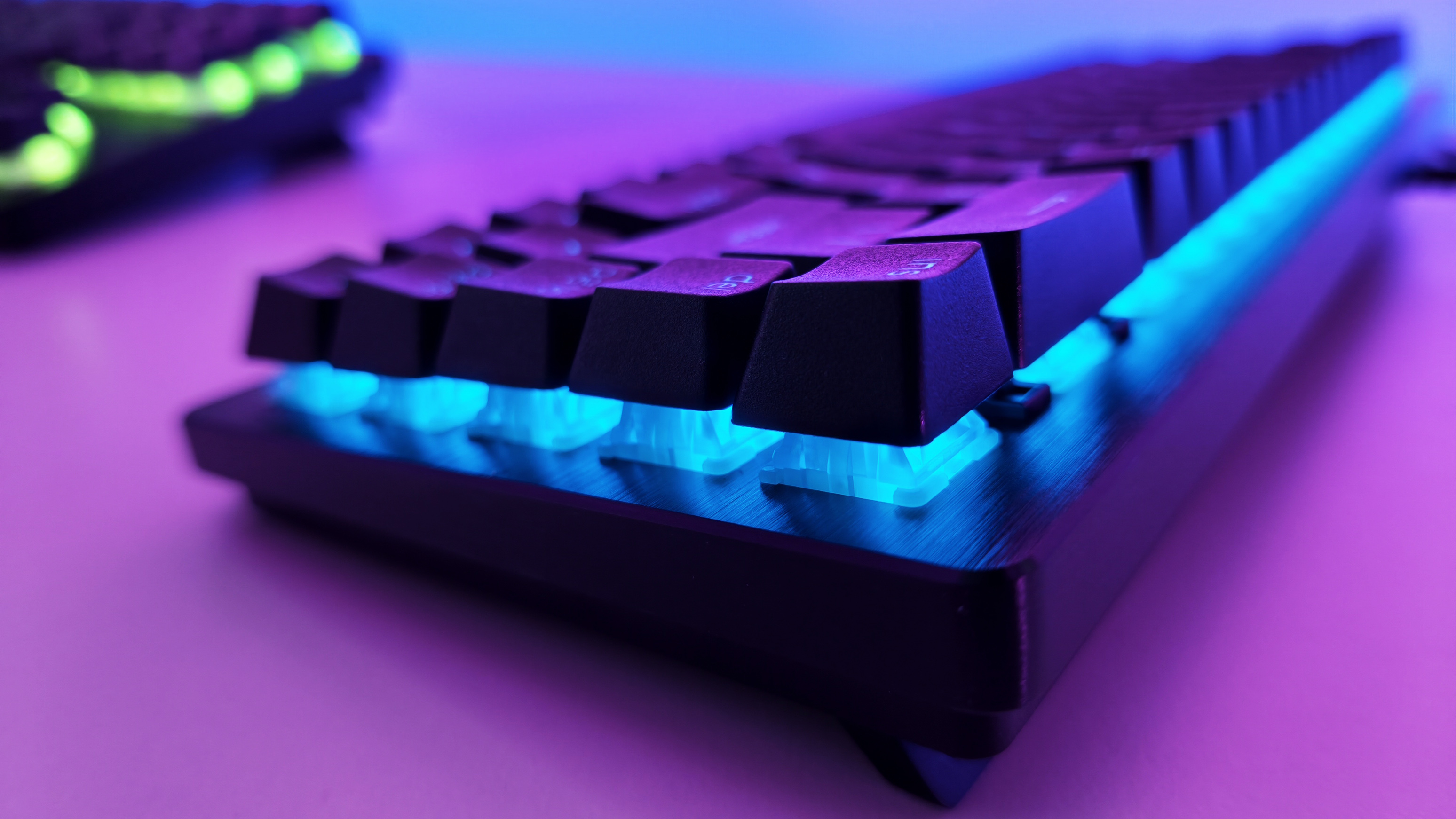
Optical switches on the IOGear HVER PRO X gaming keyboard. (Image credit: Windows Central)
Optical keyboard switches are a lot like their mechanical counterparts. They use the same stem-and-spring setup, but there are no metal contacts to form a circuit when pressed.
Instead, optical switches place a beam of infrared light below each key. When you press a keycap, that beam is interrupted, and your PC recognizes a keystroke.
The main benefits of an optical switch are durability and response. There are no metal contacts to wear out, and keypresses are usually registered just a bit faster.
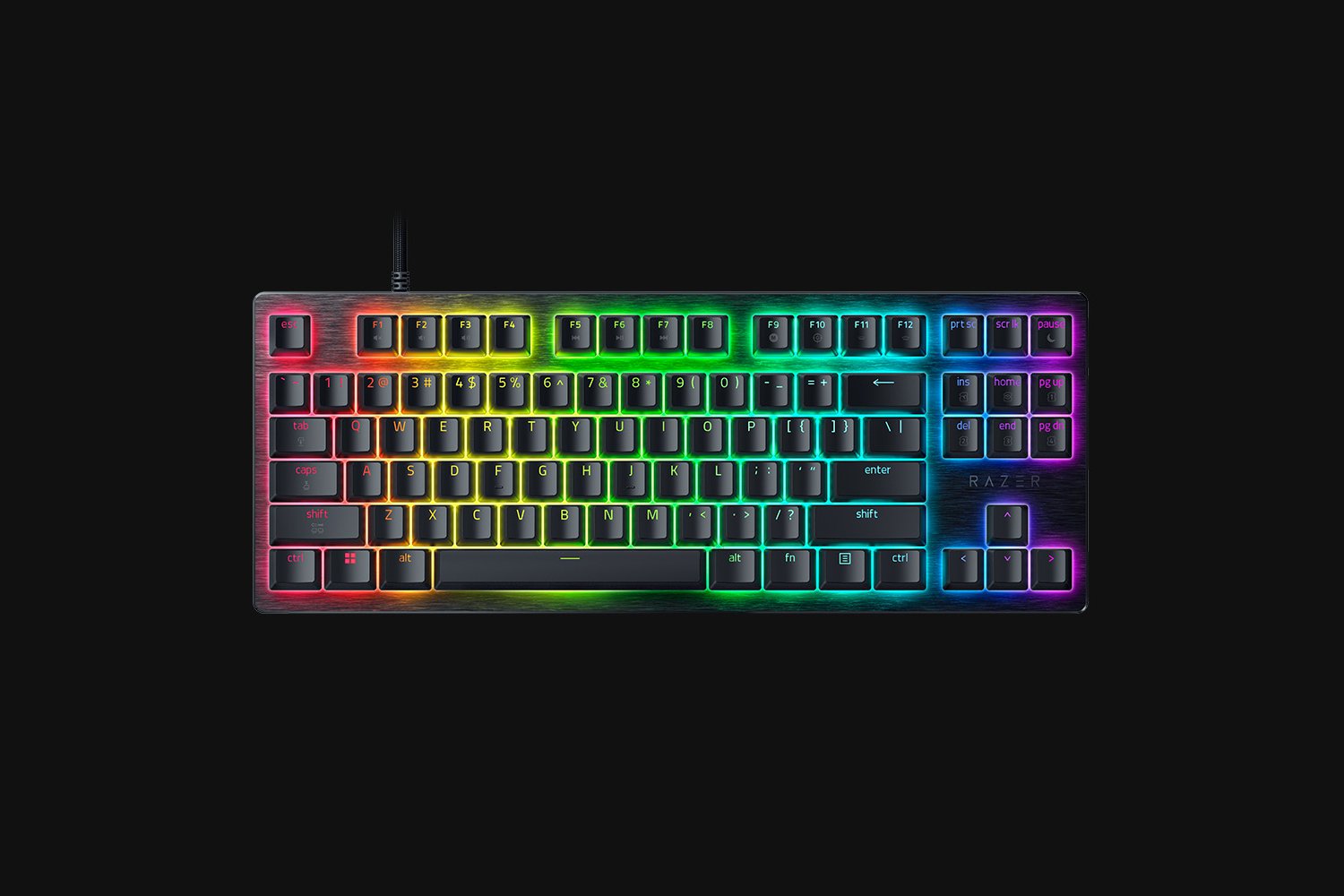
The Razer Huntsman V3 Pro features optical keyboard switches. (Image credit: Michael Hoglund)
When I think of optical switches, I usually think of Razer. It's the brand spearheading this tech most of the time; its Analog Optical Gen-2 switches in the Razer Huntsman V3 Pro are a perfect example. There are, however, competing brands.
Optical switches offer things like adjustable actuation (making keys easier or harder to register keystrokes) and rapid trigger mode (allowing for faster repeated presses).
Most optical switches are hot-swappable like their mechanical counterparts. However, the main catch is that optical switches can't be added to mechanical keyboards, and vice versa, due to different circuit technology underlying each option.
Razer's Huntsman V3 Pro uses optical switches for improved durability and performance, making it a particularly excellent option for gamers who don't want to spend extra on Hall Effect hardware.View Deal
What are Hall Effect keyboard switches?
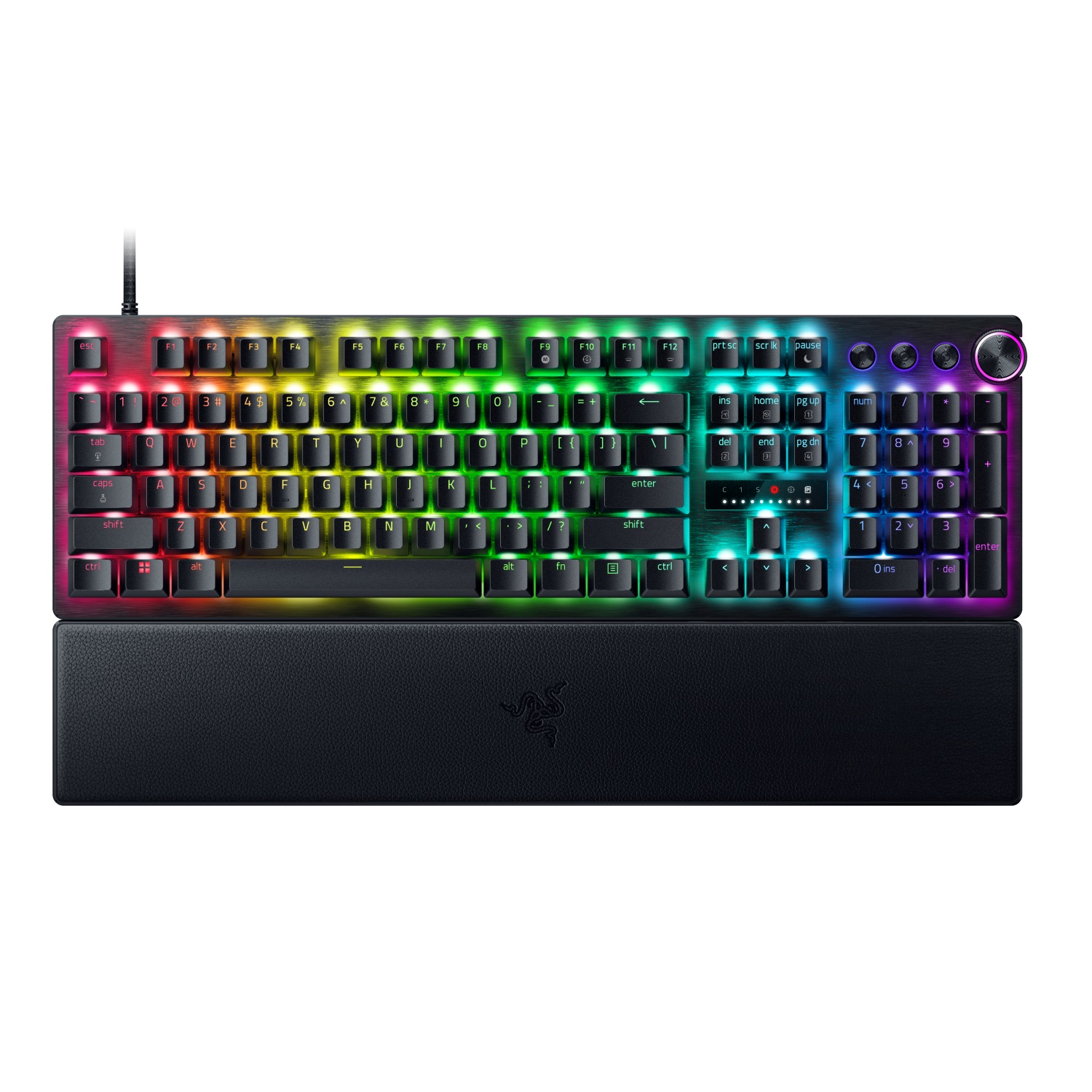
The Razer Huntsman V3 HE Magnetic Mini keyboard with Hall Effect switches. (Image credit: Daniel Rubino)
I first began hearing about "Hall Effect" to do with controller joysticks some years ago, but the tech actually originated with keyboards way back in the 1960s. Hall Effect seems to have now become the upgrade choice for many gamers in 2026.
Hall Effect works by placing a magnet in the switch's stem. A separate sensor measures how far the switch travels based on magnetic strength, meaning there's no actual physical or optical activation required.
This opens Hall Effect switches up to far more customization options than mechanical or optical hardware. Actuation distances can be fine-tuned, often as low as 0.1 mm, as in the Razer Huntsman V3 HE Magnetic we recently reviewed.
Because Hall Effect switches offer such tight customization and because there are fewer mechanical parts to wear out, they're becoming much more popular in PC gaming circles.
It was Wooting that really kicked this category off in the early 2020s, but since then, companies like SteelSeries, ASUS, Corsair, Keychron, Logitech, and the aforementioned Razer have jumped into the market.
Huntsman V3 HE Magnetic TKL 8KHz: With adjustable actuation from 0.1–4.0 mm, Rapid Trigger, Snap Tap, Snap Flex and Dynamic Keystroke, Razer’s HE Magnetic TKL give players granular control over inputs and movement — and back it with factory calibration, a 100‑million keystroke rating and on-demand recalibration via Synapse.View Deal
What are Topre switches?
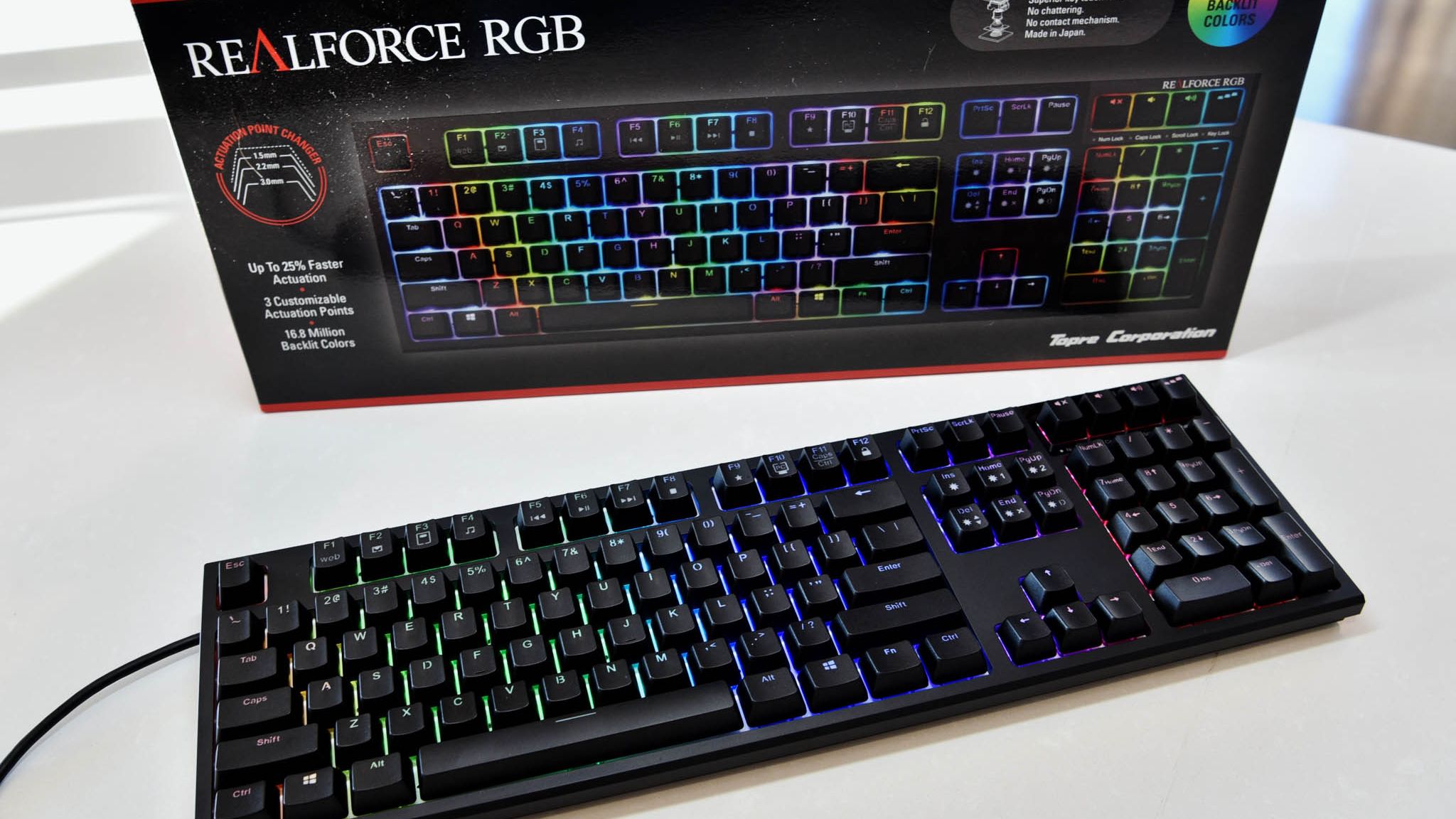
The RealForce RGB is a Topre keyboard we reviewed in 2020.
The final switch category I'm covering separately is Topre. These are capacitive switches designed by a Japanese company of the same name, and they're proving to be popular amongst people who type all day every day.
They work by combining a rubber dome on top of a spring. A sensor detects when the dome compresses (aka when you press down on the keycap) and registers a keystroke. It's a lot like Hall Effect, where there's no circuit to complete, but they have a softer feel that doesn't bottom out as hard.
Keyboards using Topre switches, like those from RealForce, are generally more expensive, but for some people, that extra money might save them from serious typing fatigue.
Other types of switches worth mentioning
The switches I mentioned above are the major options you'll find when shopping for a new keyboard. But there are a few others worth mentioning.
Mechanical, optical, and Hall Effect switches sometimes come in a low-profile option, which just means that the keycaps are not nearly as high. You'll sometimes find these keyboards installed in high-end gaming laptops, but there are plenty of standalone options available as well.
For budget keyboards, you're almost always going to find membrane or scissor switches in play. They're generally quiet, cheap, and relatively comfortable. The big problem? They don't usually last nearly as long, and they don't feel nearly as nice to type on.
Which type of keyboard switch should you buy?
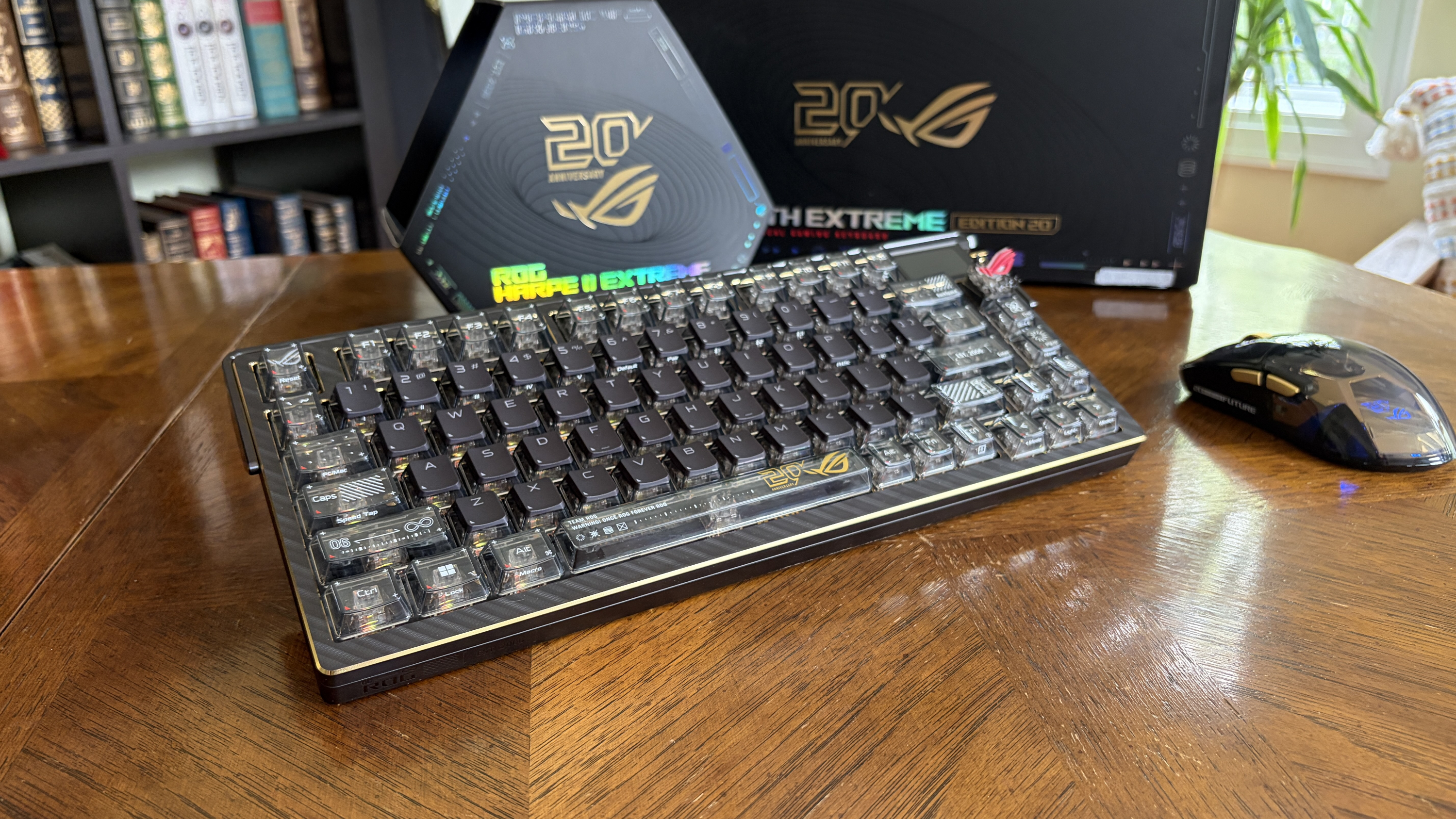
The ASUS ROG Azoth Extreme Edition 20 mechanical keyboard is one of the most expensive on the market today, but not because of its switches. (Image credit: Future)
So, with all the keyboard switch info in mind, which one should you buy? Our guides to the best keyboards and best gaming keyboards are great places to start, but let me break it down into the different categories of PC users who care most about their hardware.
Competitive PC gamers should seriously consider investing in a Hall Effect keyboard. They're more durable, they offer extreme precision, and they can be customized to your liking. Optical switches can also do a great job here if you'd rather skip the magnetic setup.
Casual PC gamers might want to splurge on Hall Effect or optical switches, and there's nothing wrong with that. But for the majority, classic mechanical switches, whether linear, clicky, or tactile, will do a great job of keeping up with repeated keypresses. You won't have to spend as much, and you can still have a lot of fun customizing your board.
For professional typists or programmers, I recommend a tactile mechanical switch. You still get a comfortable setup and extra durability, without all the extra noise that might annoy you or those around you over time. If you have the budget, this is where Topre switches can also be super appreciated.
And if you're on a budget, you can always check out a cheaper mechanical switch. There are plenty of options available at the low end of the market. And if you really don't care? Just get a cheapo membrane keyboard and forget everything you just read.
Join us on Reddit at r/WindowsCentral to share your insights and discuss our latest news, reviews, and more.
Huion, known for creating high-quality drawing tablets and pen displays, is launching a back-to-school sale on some of its best models. These discounted tablets are built for the aspiring student, whether they need extra help taking notes during class or creating beautiful digital works of art.
There are tons of discounts on offer, so I've picked out some of the best in both the budget and premium price ranges while showcasing a couple of drawing tablets we've reviewed and given high marks in the past. So, if you want to overcome a wave of AI-generated knock-off art by showing off real creativity with top-grade drawing tablets, these are for you.
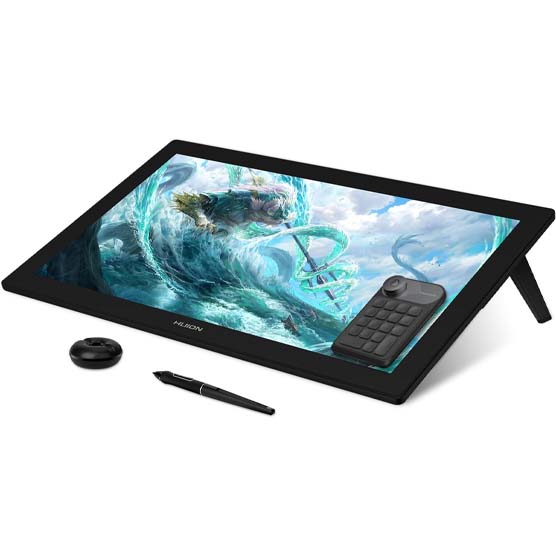
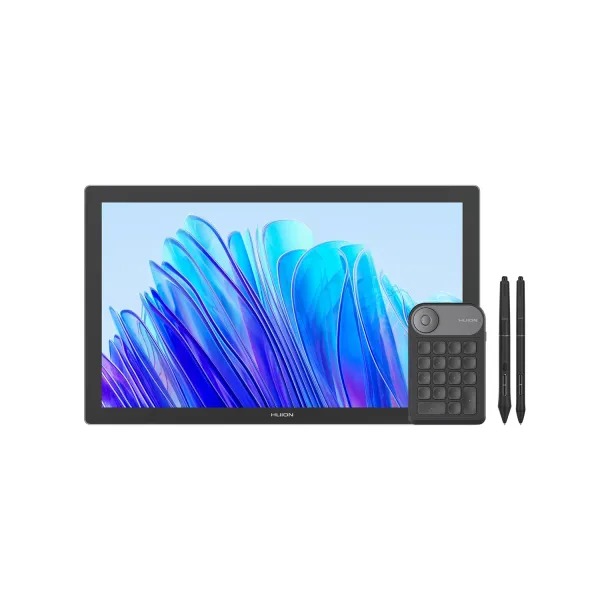
"This is a worthy competitor to Wacom with its 24-inch drawing surface that produces a great color gamut with 4K clarity. It offers 8,192 pressure levels to accurately depict strokes and there are a number of useful items included in the box such as an amazing Keydial Mini for better control while drawing, an artist glove, multiple pen nibs, a pen holder, and more." ~ Rebecca Spear, Former Gaming and News Editor
"This purchase nets you a drawing display, two pens, a pen holder, replacement nibs, a drawing globe, and a Keydial Mini. The display offers great color and works creates excellent brush stroke pressure to add depth to my pen strokes." ~ Rebecca Spear, Former Gaming and News Editor
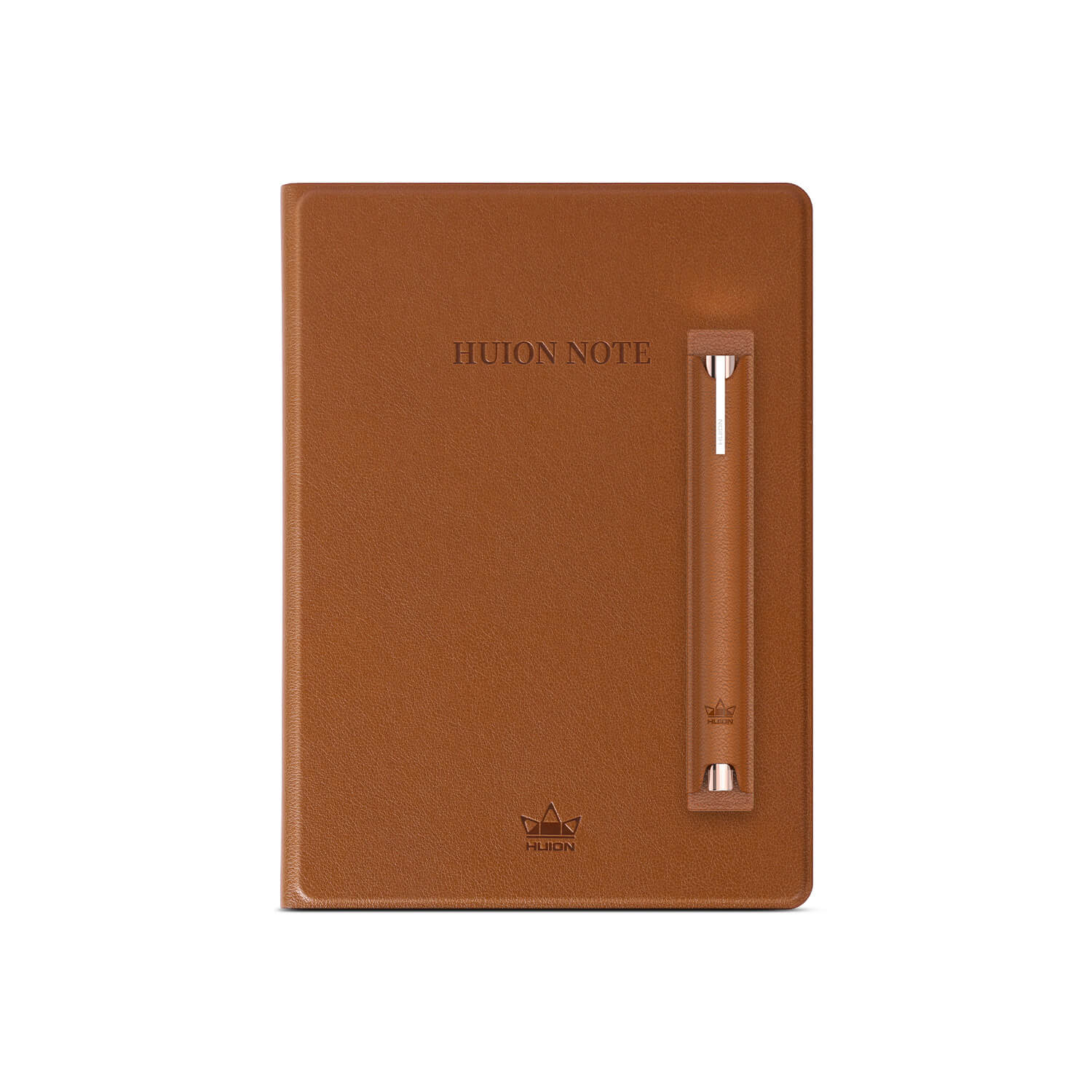
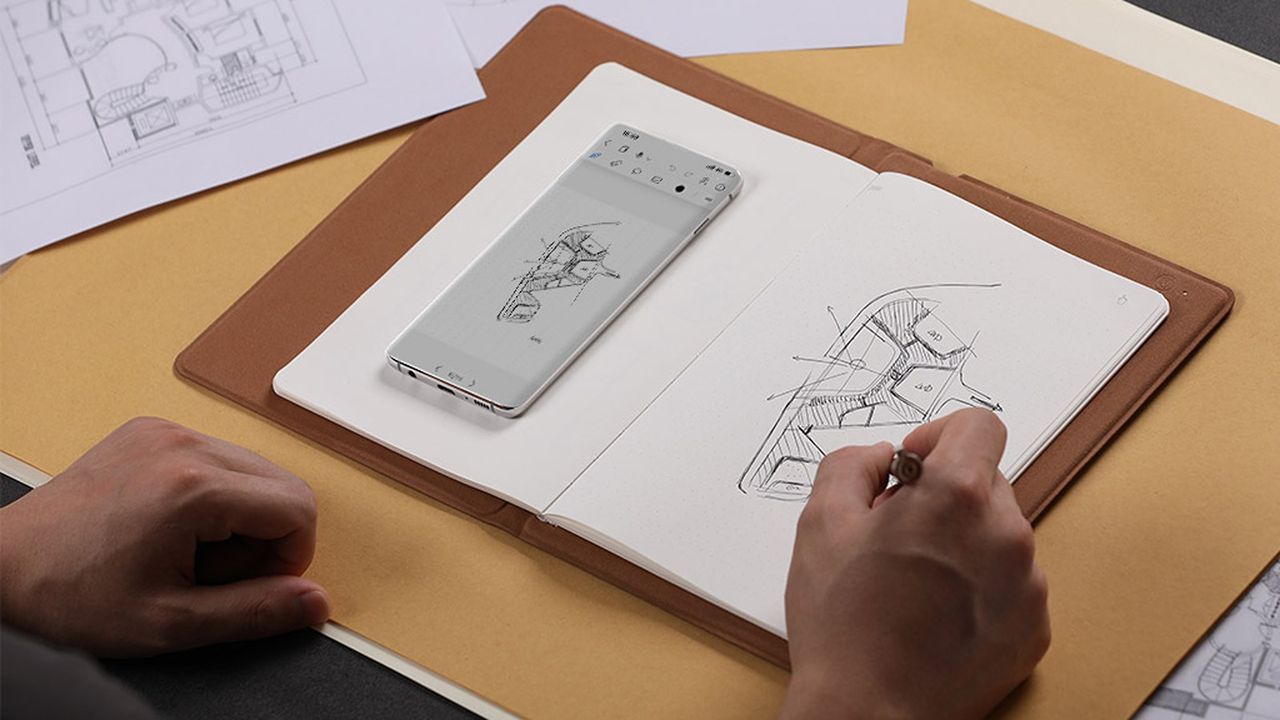
Transfer your handwritten research notes from paper onto your phone as PDF files with the press of a button or record and sync your art sketches with your phone through the power of the Huion Note.
This smart notebook features 50 A5-sized pages, a battery life of 18 hours, Bluetooth 5.0 connectivity, 4 ballpoint pen refills, and 2 plastic pen nibs.View Deal
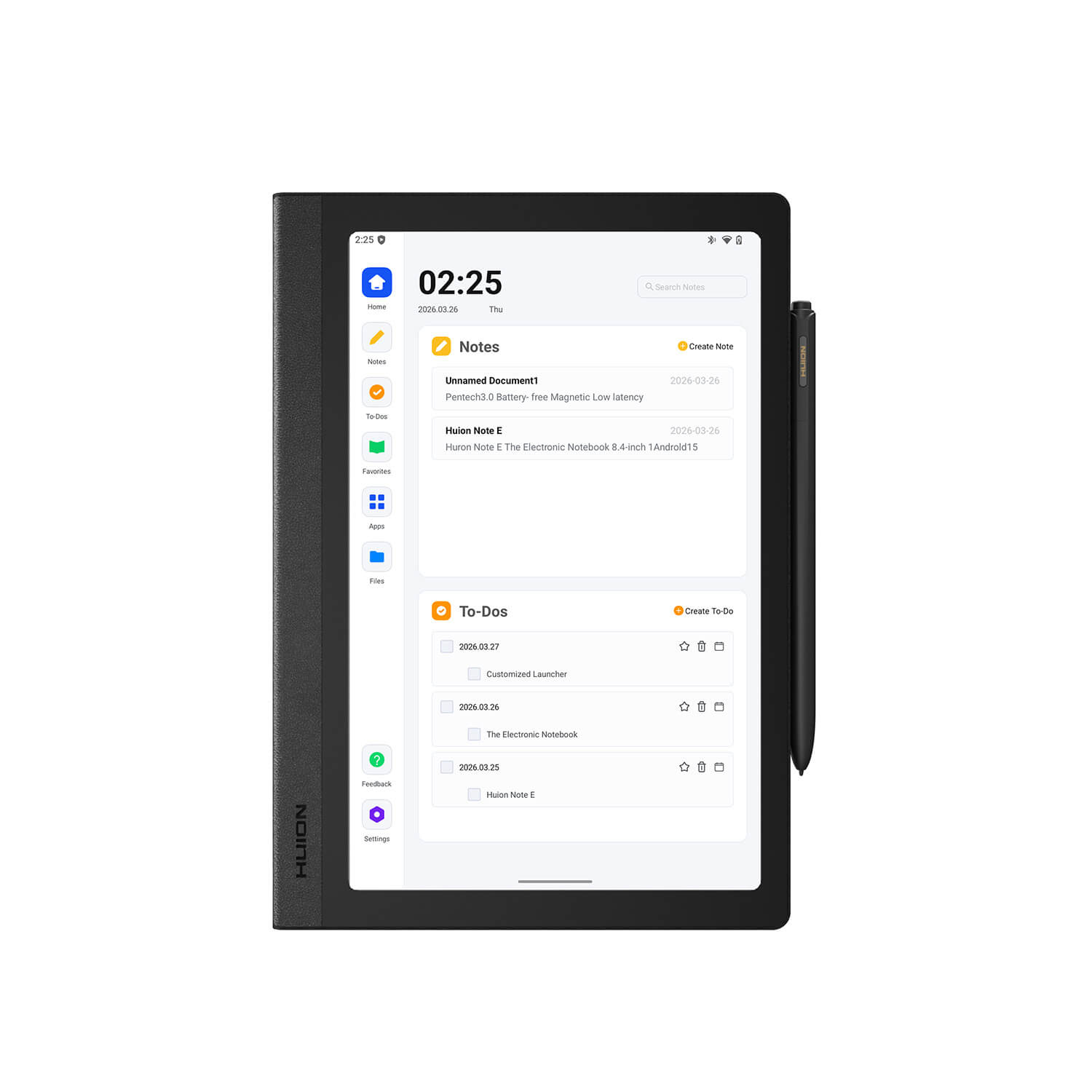
This is a Huion Note's beefier 'E' variant, with a display screen capable of 1920x1200 resolution with 60Hz refresh rates, a bundled stylus pen, a soft-light screen for protecting eyes, a customized launch interface with smart handwriting tools, and more features that will make note-taking a much less tedious chore.View Deal
With a 1920x1080 display that features 99% sRGB Gamut Coverage, a durable anti-glare glass casing, and a responsive tablet pen with tactile feedback that feels like a real pen, the Kamvas 13 (Gen 3) makes for a fine drawing tablet for beginner and veteran digital artists.View Deal
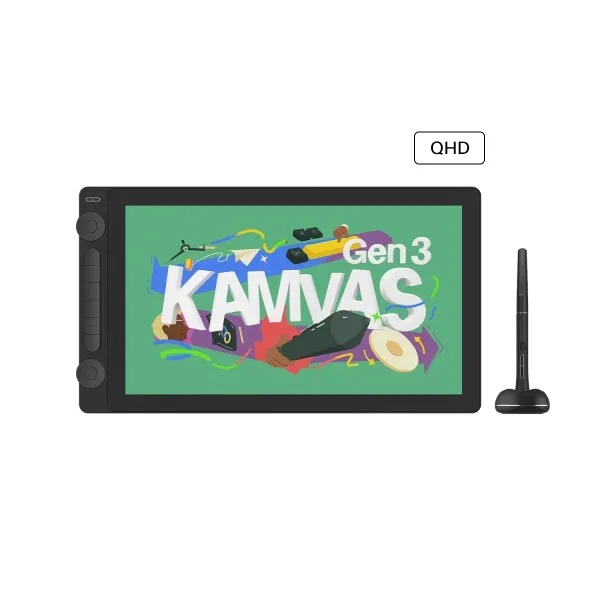
The Kamvas 16 (Gen 3) is the cream of the crop when it comes to drawing tablets by Huion, as it's built for drawing the cleanest, most digital art thanks to its 15.8-inch, 2.5K QHD display and PenTech 4.0 technology.View Deal
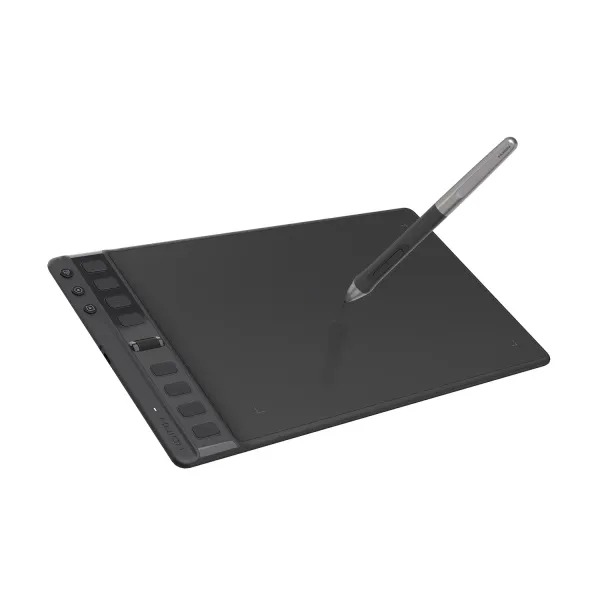
This is one of the most budget-friendly drawing tablets you can buy from Huion. It features respectable performance rates, a responsive stylus pen that uses PenTech 3.0 technology, and 8 programmable keys.View Deal
FAQ
Which of these tablets is best for note-taking?
The Huion Note E is the best standalone for taking notes as it doesn't rely on paper or internet connections to get the job done.
Which of these tablets is for digital art?
The Kamva Pro 19 and Pro 24 (Gen 3) are the best overall tablets for drawing digital art thanks to their rich features, responsive stylus pens, and high-quality displays that render images with crisp resolutions.
The Kamvas 16 (Gen 3) and Kamvas 13 (Gen 3) are good mid-range alternatives in case you don't have the budget for the Pro tablets that offer very good resolutions, display sizes, and portable-friendly designs.
How long with Huion's Back-to-School campaign sale last?
Huion's Back-to-School campaign sale will last from August 14, 2026, to September 15, 2026.
Join us on Reddit at r/WindowsCentral to share your insights and discuss our latest news, reviews, and more.
I made the switch to a full-time OLED monitor a few months ago, and it's been a welcome upgrade on my desk for gaming and for work.
Apparently, I'm far from the only one who decided to make this upgrade.
The latest market research fromTrendForce shows that the OLED monitor market picked up momentum as it moved through the second quarter of 2026.
In fact, TrendForce saw global OLED monitor shipments rise by a healthy 26.1% in Q2 2026 compared to Q2 2025. Year over year, shipments are up a whopping 98%. No, I don't think the OLED display market is in any jeopardy.
TrendForce posits that the OLED market's growth in Q2 2026 was largely driven by the launch of new models, especially those that measure 27 inches (the industry's most popular size).
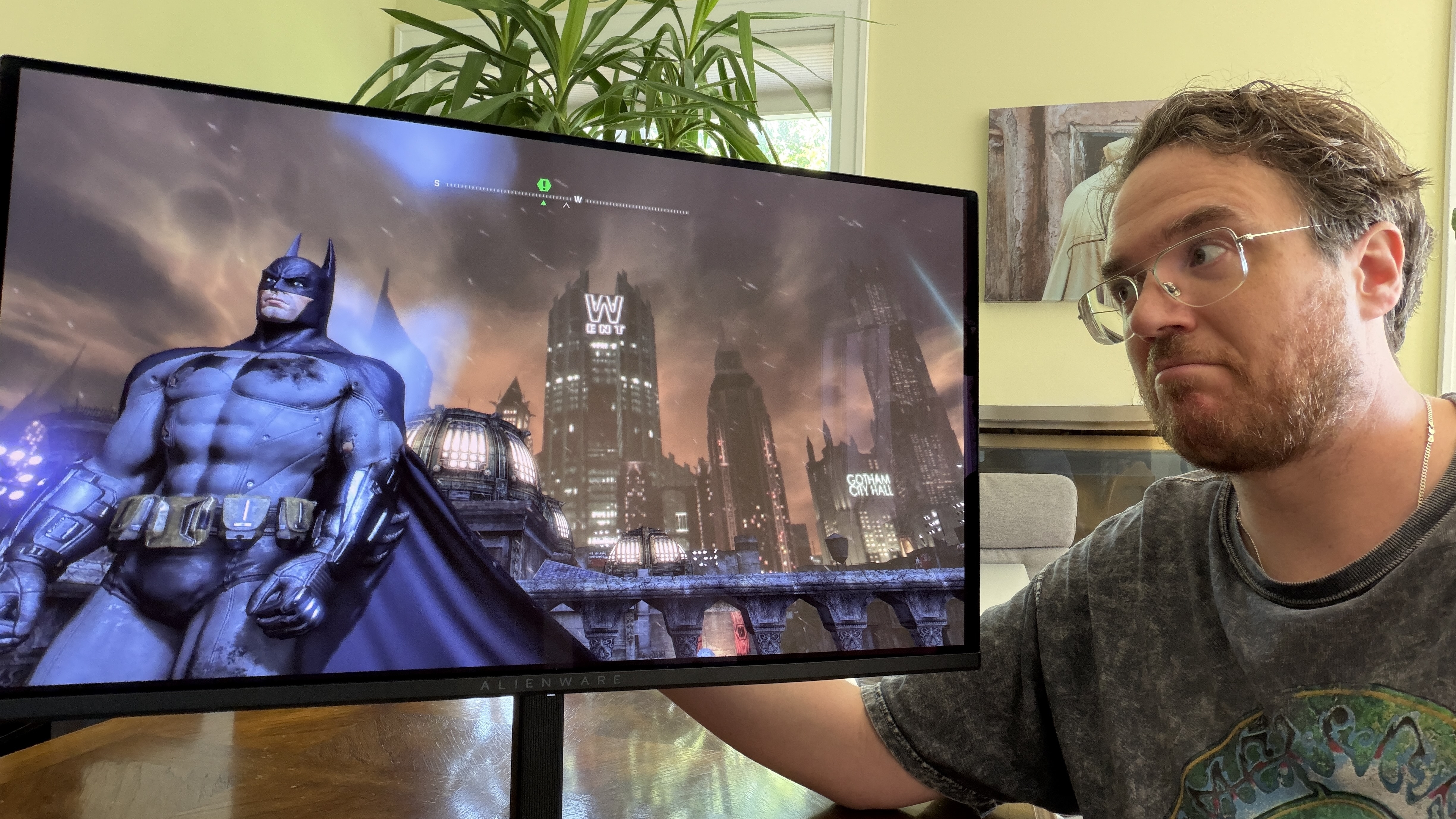
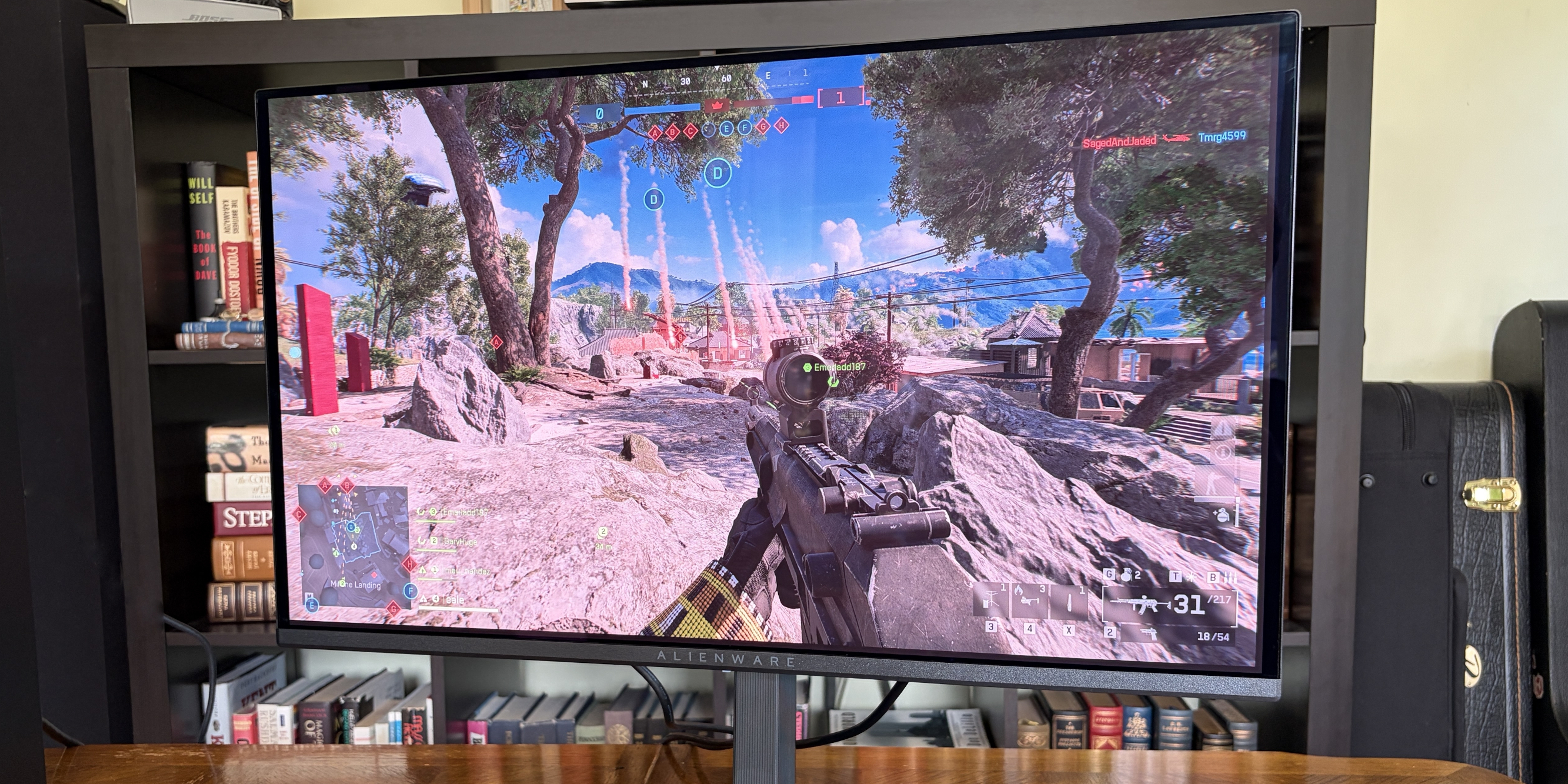
Alienware's AW2726DM is an outstanding OLED gaming monitor for those who want to spend $350. (Image credit: Future)
Another market growth factor TrendForce includes is China's 618 shopping day. It's akin to the Black Friday/Cyber Monday events on this side of the Pacific, when countless people make tech upgrades.
ASUS remains at the top of the OLED industry with a healthy 23.1% market share. It notably launched the 34-inch ultrawide ROG Strix XG34WCDMSrecently, which is currently being tested here in my office.
Samsung remains in second place with 13.1% market share, with MSI and AOC coming in at number three and four with 12.8% and 8.6% market share, respectively.
LG remains in last place out of the big brands with 8.4% market share, and I wouldn't be surprised to see that number drop next quarter as the company deals with fallout from its monitors installing unwanted adware on Windows 11 PCs.
The hidden driver behind the rise in OLED monitor sales
The price of many PC components, including NVIDIA GPUs, is on the rise due to AI-influenced hardware shortages. (Image credit: CFOTO/Future Publishing via Getty Images)
The TrendForce report suggests that improved OLED panel supply chains have helped smaller brands compete with the big names I mentioned above, but I suspect there's another reason driving monitor sales that TrendForce doesn't mention.
The ongoing RAM and storage crisis doesn't seem to have any end in sight. The rosiest of estimates puts a market correction towards the end of 2027, but more realistic estimates are pushing into the 2030s, barring some sort of AI bubble collapse.
The shortage of DRAM and NAND chips is affecting other hardware prices as well, including GPUs. When your next PC upgrade is looking, at best, like a motherboard and CPU swap, many enthusiasts are looking elsewhere for a meaningful (and not overpriced) upgrade path.
Dropping $350 on a new OLED gaming monitor doesn't seem so bad when standard RAM kits cost hundreds more. (Image credit: Future)
The recent drop in OLED prices, highlighted by the $350 Alienware AW2726DM monitor I reviewed, is making it a perfect time to swap monitors. And when other PC upgrades are off the table, OLED really starts to make sense.
Do you agree that sky-high PC component prices are forcing people to look at other upgrade avenues? Do you think OLED sales will level out in the next quarter as the market becomes more saturated? Let me know in the comments section below!
HexOS is not dead, but the question in mid-2026 is whether it is moving quickly enough to stay compelling. In our latest check-in, the core concern is not that HexOS has stopped developing. It has not. The concern is that many of the changes since early 2026 feel like polish, alignment work and useful quality-of-life […]
Shrge Disk Pro 2 Mobile Dock – Problems Solved? The SHARGE Disk Pro 2 combines an M.2 NVMe SSD enclosure with a compact USB-C docking station designed for use with phones, laptops, handheld consoles, cameras and other portable devices. It follows the original Disk Pro but takes a more flexible approach, allowing users to install […]
Sharge Go Back to the Drawing Board, with the Disk Pro 2 The Sharge Disk Pro 2 is an upcoming portable storage and connectivity device that combines the functionality of a USB hub with external SSD support in a compact, credit card-sized form factor. Developed by Sharge, the device is designed to address the increasing […]
Seagate Shows Off It’s 44TB Hard Drive at NAB 2026
At the 2026 NAB Show 2026, Seagate Technology formally introduced its latest generation of high-capacity enterprise hard drives built on the Mozaic 4+ platform. These drives, (model ID ST4400NM002M) reaching up to 44TB, represent the current peak of commercially deployed hard disk capacity and are already being shipped to select hyperscale cloud providers. The announcement reflects ongoing demand for higher-density storage as data generation continues to accelerate, particularly in artificial intelligence and large-scale cloud environments.
Rather than targeting general consumers, these drives are designed specifically for hyperscale data centres where efficiency, density, and cost per terabyte are critical considerations. The Mozaic 4+ platform is also notable for its reliance on heat-assisted magnetic recording (HAMR), a technology that has moved from experimental development into production-scale deployment. With broader qualification underway, the 44TB model serves as both a milestone in current storage capabilities and a step toward projected capacities approaching 100TB in future generations.
Everything we know about the Seagate 44TB Hard Drives
The 44TB drives are built on Seagate’s Mozaic 4+ platform, which represents the company’s production-ready implementation of heat-assisted magnetic recording (HAMR). Unlike earlier perpendicular magnetic recording approaches, HAMR uses localized heating via a nanophotonic laser to temporarily reduce the coercivity of the disk surface, allowing data to be written at much higher densities. This enables significantly greater areal density without requiring a complete redesign of the underlying hard drive architecture, allowing Seagate to scale capacity incrementally across generations.
At a physical level, the drives use a multi-platter design, widely understood to consist of 10 platters, each delivering over 4TB of capacity. This results in the total 44TB figure within a standard 3.5-inch enterprise form factor. The spindle speed is expected to remain at 7200 RPM, consistent with other enterprise-capacity drives, balancing throughput, reliability, and power consumption. Early estimates suggest sustained transfer rates in the region of 300 MB/s, though final performance characteristics depend on deployment conditions and firmware tuning. I think we are likely much more liekly to hit 280MB/s or so, such as you find in the 30TBs.
A key aspect of the Mozaic 4+ design is its vertically integrated photonics system. Seagate has developed its own laser components in-house, embedding them directly into the recording head. This allows precise, nanosecond-scale heating during write operations, which is critical for maintaining data integrity at such high densities. Vertical integration also gives Seagate tighter control over manufacturing consistency, yield, and long-term reliability, all of which are essential when deploying drives at hyperscale volumes.
The recording stack itself incorporates several advanced components. These include a Gen 2 superlattice platinum-alloy media designed for improved magnetic stability, a Gen 2 plasmonic writer responsible for delivering the heat-assisted write process, and a Gen 8 spintronic reader that improves read accuracy from increasingly smaller data bits. Together, these components enable higher density while maintaining error rates and durability within enterprise requirements.
Supporting these physical advancements is a 7nm integrated controller, which manages drive operations with improved precision. This controller enhances servo control, allowing the read/write heads to maintain accurate positioning over narrower tracks. It also contributes to improved power efficiency, reducing watts per terabyte and helping data centres optimize energy usage at scale. These gains are particularly relevant in large deployments where power and cooling costs scale with capacity.
From a manufacturing perspective, the Mozaic platform is designed to scale without requiring disruptive architectural changes between generations. Each iteration builds on existing processes, allowing Seagate to increase per-platter capacity over time. The company has indicated a roadmap toward 10TB per platter, which would enable drives approaching 100TB within a similar physical footprint. This approach prioritizes continuity in deployment while steadily increasing storage density.
Specification
Details
Platform
Mozaic 4+
Recording Technology
HAMR (Heat-Assisted Magnetic Recording)
Maximum Capacity
44TB
Form Factor
3.5-inch
Number of Platters
10
Capacity per Platter
4TB+
Spindle Speed
7200 RPM (expected)
Recording Method
CMR
Estimated Throughput
~300 MB/s (speculative)
Target Market
Hyperscale data centres
Controller
7nm integrated SoC
Seagate 44TB HDDs – SMR or CMR?
Despite the push toward higher capacities, the 44TB drives based on the Mozaic 4+ platform use conventional magnetic recording (CMR) rather than shingled magnetic recording (SMR). This distinction is relevant because SMR typically achieves higher capacities by overlapping data tracks, which can negatively impact rewrite performance and latency in certain workloads. By retaining CMR, Seagate is prioritising predictable performance characteristics, particularly for enterprise environments where consistent throughput and low latency are required.
This approach also differentiates Seagate’s offering from competing high-capacity drives, such as those being developed by Western Digital, which have explored SMR and related technologies like UltraSMR to reach similar capacity points. While SMR can be effective for archival or sequential workloads, CMR remains better suited to mixed or write-intensive applications commonly found in hyperscale deployments. In this context, the use of HAMR allows Seagate to increase density without relying on SMR trade-offs, maintaining compatibility with existing data centre workloads and software stacks.
The introduction of 44TB hard drives based on the Mozaic 4+ platform reflects a continued focus on increasing storage density within the constraints of existing data centre infrastructure. By combining HAMR with incremental architectural improvements, Seagate Technology has demonstrated that higher capacities can be achieved without fundamental changes to form factor or deployment models. The emphasis remains on scaling capacity per rack and per watt, which aligns with the operational priorities of hyperscale environments.
At the same time, these drives remain firmly positioned within enterprise and cloud use cases, with limited relevance to consumer or small-scale storage in the near term. Factors such as cost, workload requirements, and integration complexity restrict their adoption outside large data centres. However, as with previous generations, advancements at this level are likely to influence broader storage markets over time, particularly as manufacturing scales and newer technologies mature.
This description contains links to Amazon. These links will take you to some of the products mentioned in today's content. As an Amazon Associate, I earn from qualifying purchases. Visit the NASCompares Deal Finder to find the best place to buy this device in your region, based on Service, Support and Reputation - Just Search for your NAS Drive in the Box Below
Need Advice on Data Storage from an Expert?
Finally, for free advice about your setup, just leave a message in the comments below here at NASCompares.com and we will get back to you.Need Help?
Where possible (and where appropriate) please provide as much information about your requirements, as then I can arrange the best answer and solution to your needs. Do not worry about your e-mail address being required, it will NOT be used in a mailing list and will NOT be used in any way other than to respond to your enquiry.
[contact-form-7]
TRY CHAT Terms and Conditions
If you like this service, please consider supporting us.
We use affiliate links on the blog allowing NAScompares information and advice service to be free of charge to you.Anything you purchase on the day you click on our links will generate a small commission which isused to run the website. Here is a link for Amazon and B&H.You can also get me a Ko-fi or old school Paypal. Thanks!To find out more about how to support this advice service checkHEREIf you need to fix or configure a NAS, check FiverHave you thought about helping others with your knowledge? Find Instructions Here
Or support us by using our affiliate links on Amazon UK and Amazon US
Alternatively, why not ask me on the ASK NASCompares forum, by clicking the button below. This is a community hub that serves as a place that I can answer your question, chew the fat, share new release information and even get corrections posted. I will always get around to answering ALL queries, but as a one-man operation, I cannot promise speed! So by sharing your query in the ASK NASCompares section below, you can get a better range of solutions and suggestions, alongside my own.

 Connexion











 SUBSCRIBE TO OUR NEWSLETTER


 TRY CHAT