Connexion
Gl.iNet Beryl 7 WiFi 7 Travel Router Revealed
The Beryl 7 from Gl.iNet Finally Revealed
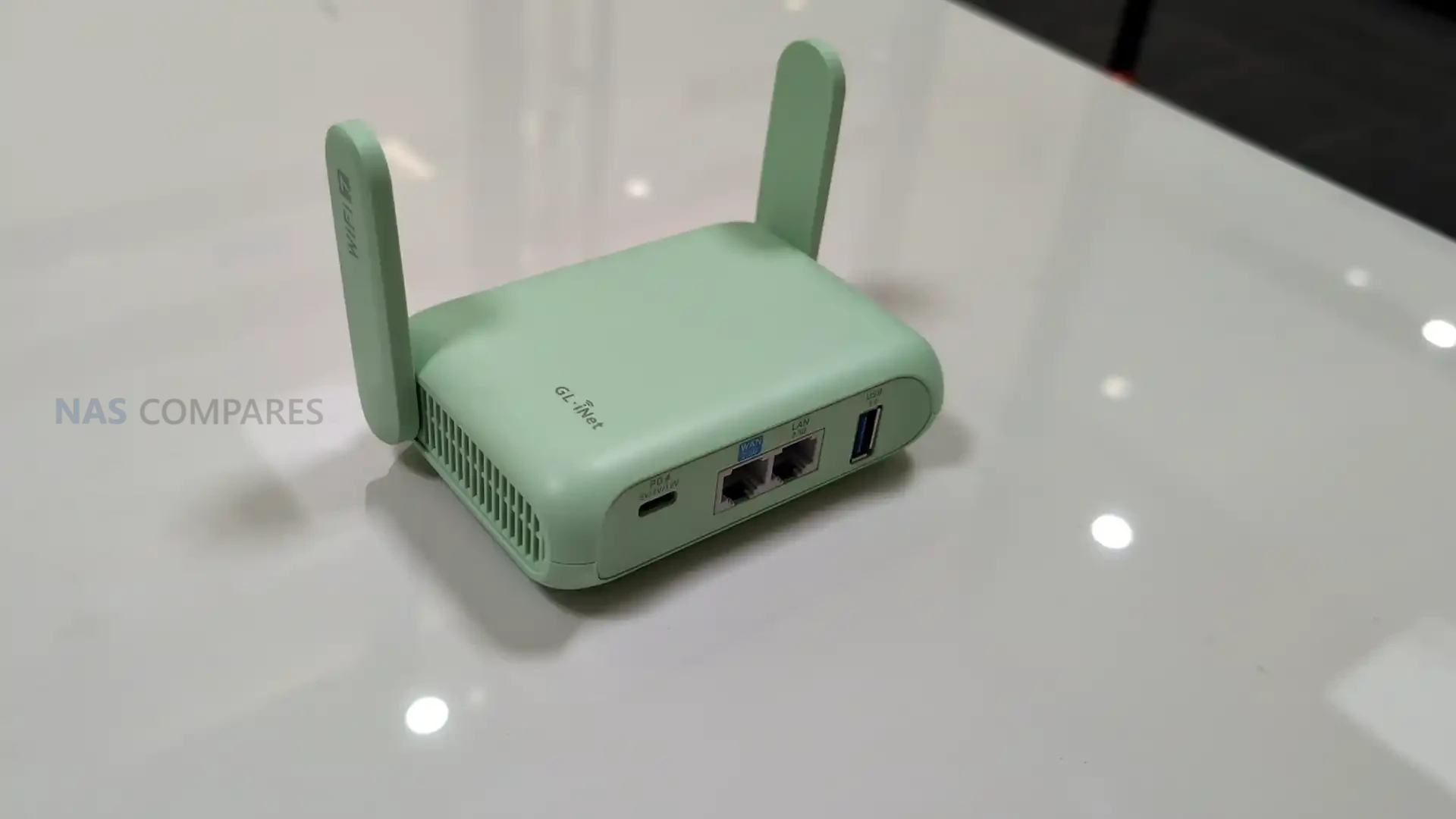
On January 6, 2026, day 1 of CES 2026, Gl.iNet is highlighting the Beryl 7 (GL-MT3600BE) as an upcoming travel router positioned below the company’s more premium Slate 7 in the same Wi-Fi 7 travel category. The device is being presented as a successor direction to the earlier Beryl AX generation, with Gl.iNet focusing its messaging on VPN throughput, portable use, and the practical ports and power features that matter when the router is used on the road. Pricing and a firm release date have not been included in the information shared so far.
In its CES materials, Gl.iNet describes Beryl 7 as a compact, dual-band Wi-Fi 7 model aimed at users who want higher encrypted throughput without stepping up to a larger, more feature-heavy travel router. Key claims include up to 1100Mbps on OpenVPN-DCO and WireGuard, dual 2.5G Ethernet capability, and support for 120+ connected devices, alongside USB Power Delivery compatibility and a 5V/2A power output intended to integrate cleanly with uFi and MiFi devices for primary or backup WAN use.
| Item | Detail |
|---|---|
| Product name | Gl.iNet Beryl 7 |
| Model | GL-MT3600BE |
| Wi-Fi | Dual-band Wi-Fi 7 |
| Frequency | 2.4GHz, 5GHz |
| Wi-Fi speeds | 688Mbps (2.4GHz), 2882Mbps (5GHz) |
| Wireless protocols | 802.11a/b/g/n/ac/ax/be |
| CPU | MediaTek, quad-core @ 2.0GHz |
| Memory | 512MB DDR4 |
| Flash | 512MB NAND |
| VPN performance claim | Up to 1100Mbps on OpenVPN-DCO and WireGuard |
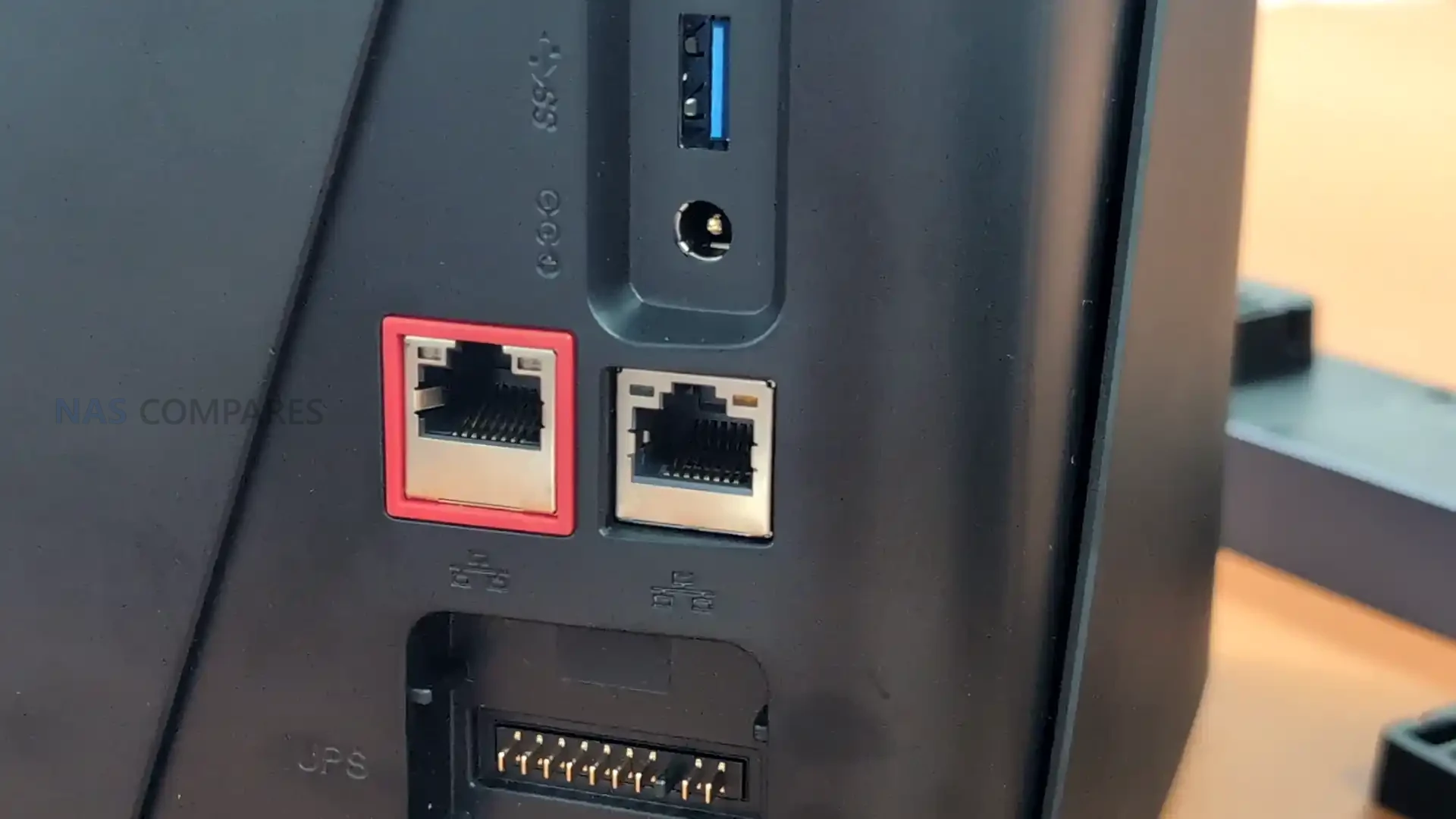
| Ethernet | 1x WAN, 1x LAN |
| Ethernet speed | 100/1000/2500Mbps |
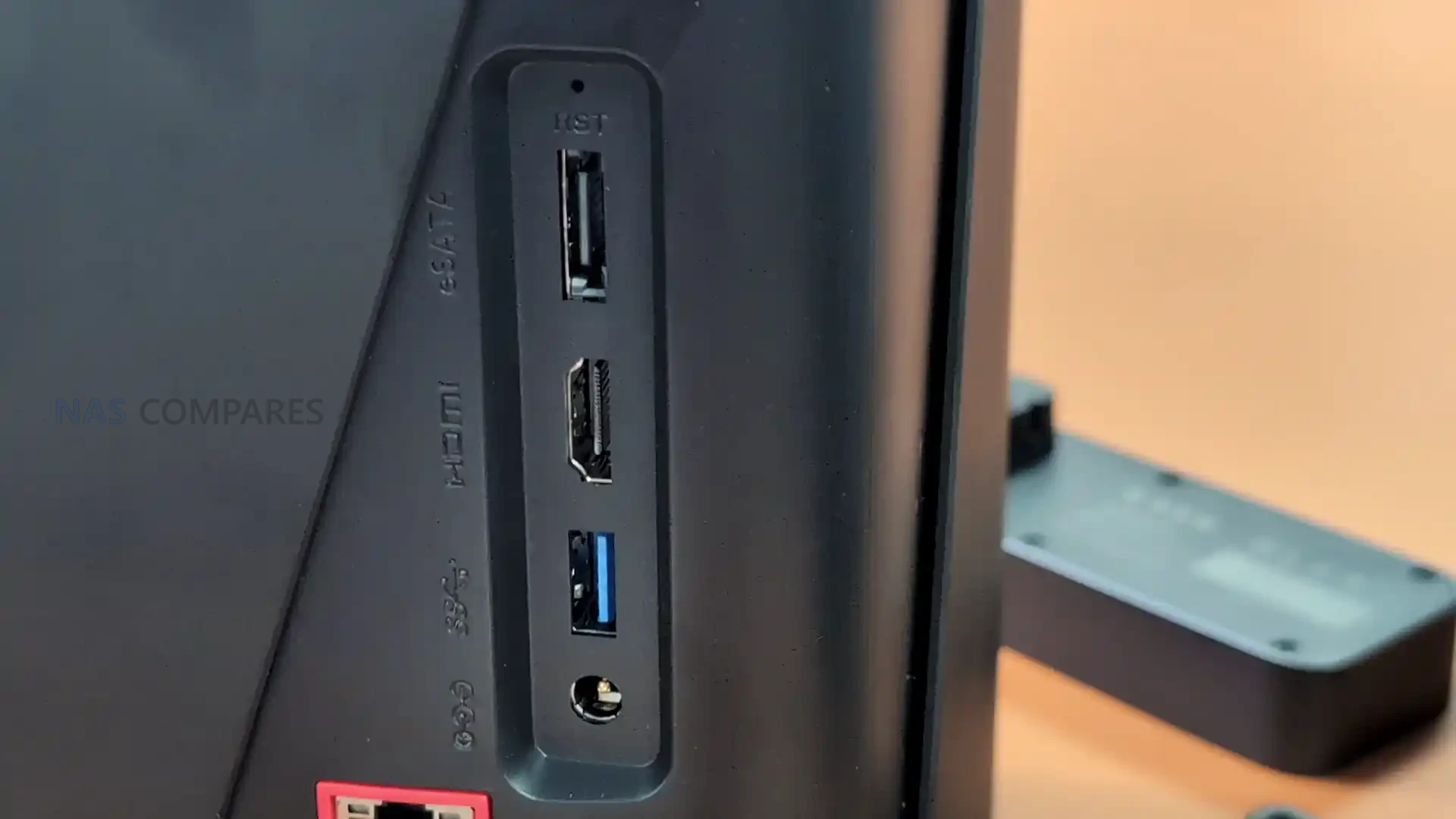
| USB | 1x USB 3.0 |
| Power input | USB PD 5V/3A, 9V/3A, 12V/2.5A |
| Power consumption | <12W |
| Power output | 5V/2A |
| Dimensions / weight | 120 x 83 x 34mm / 205g |
| Operating temperature | 0C to 40C |
| Built-in battery | None (USB-C powered) |
| SIM / eSIM | None (no SIM or eSIM Support) |
Gl.iNet Beryl 7 Travel Router – Design & Portability
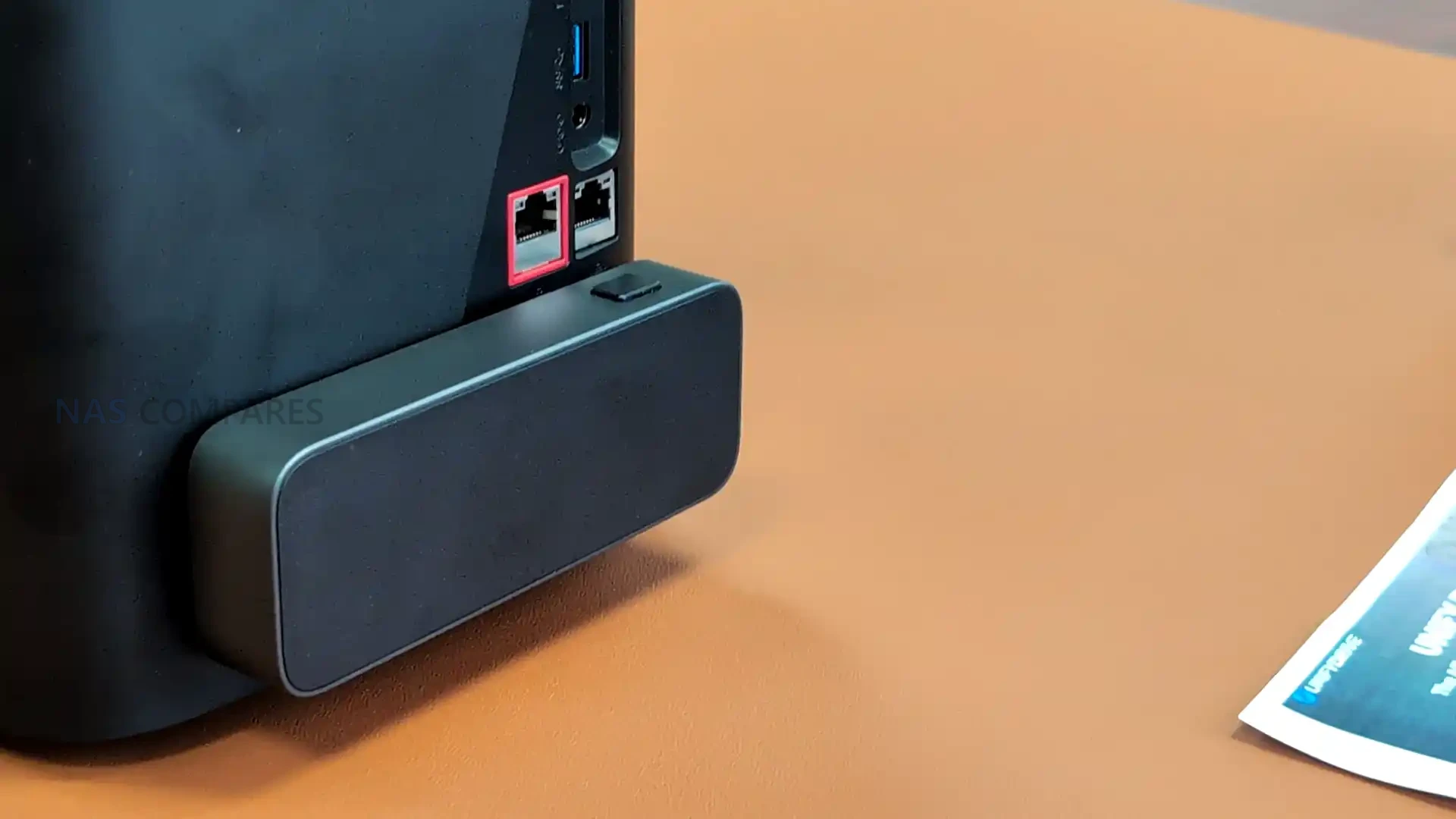
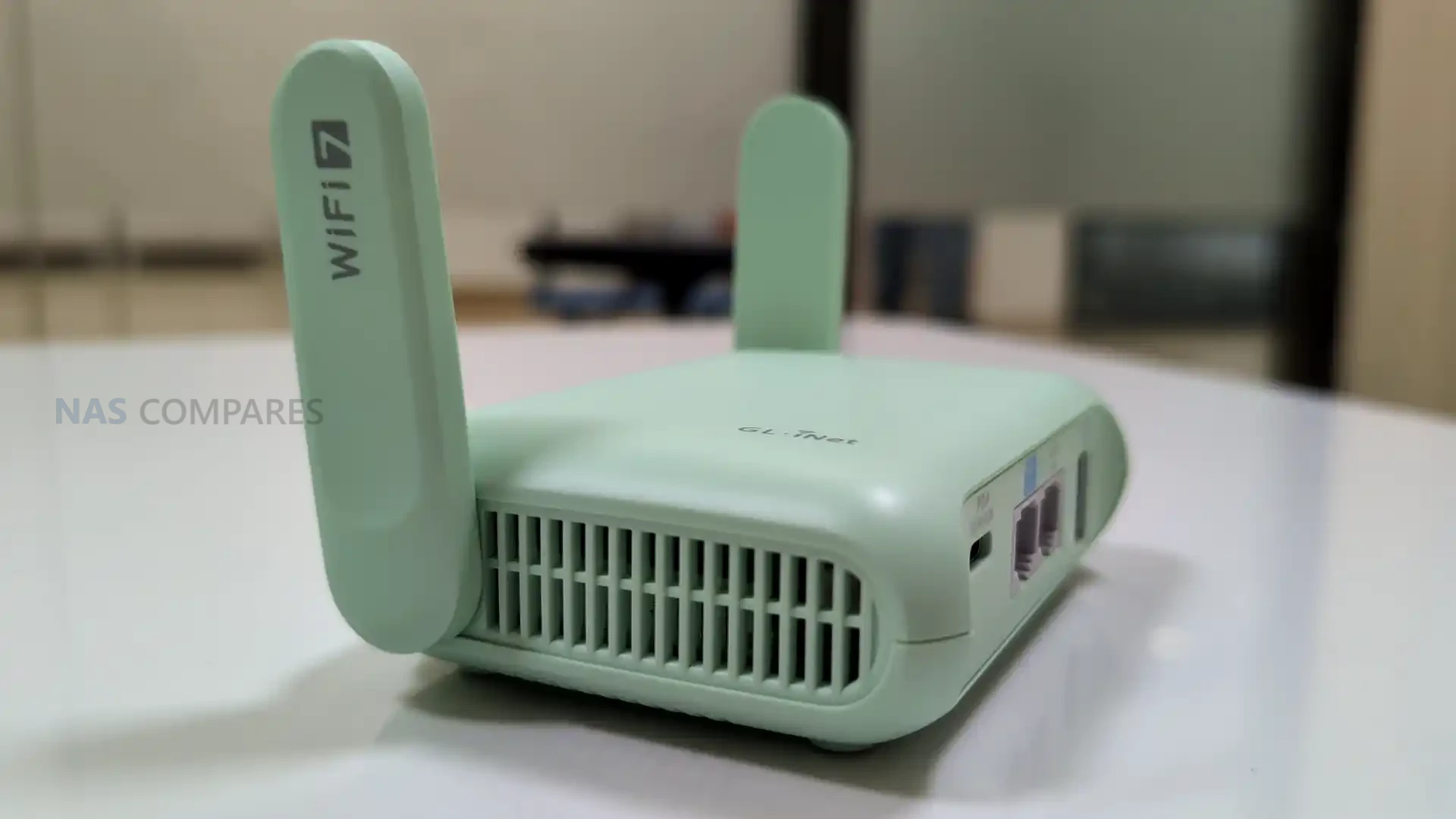
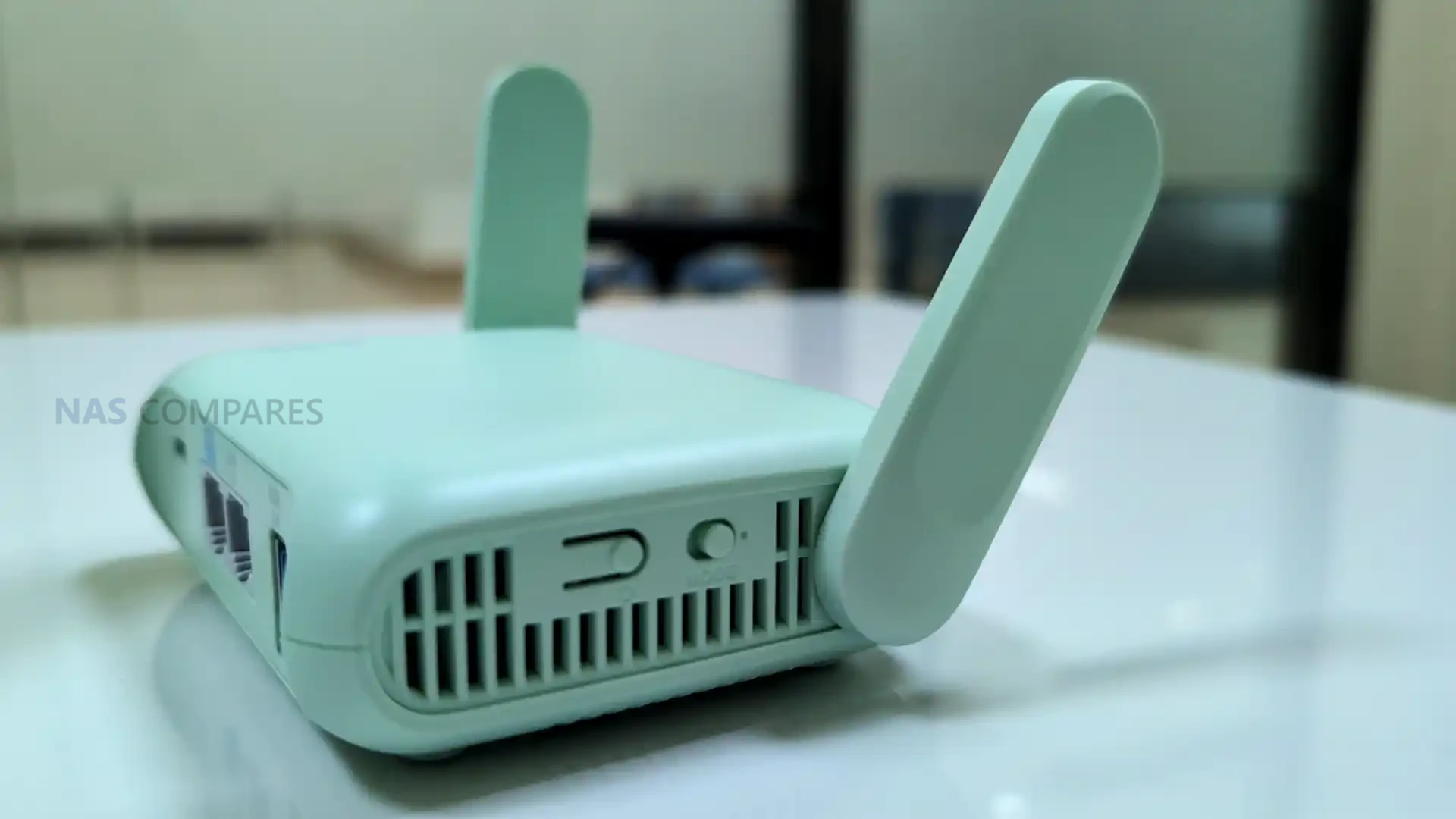
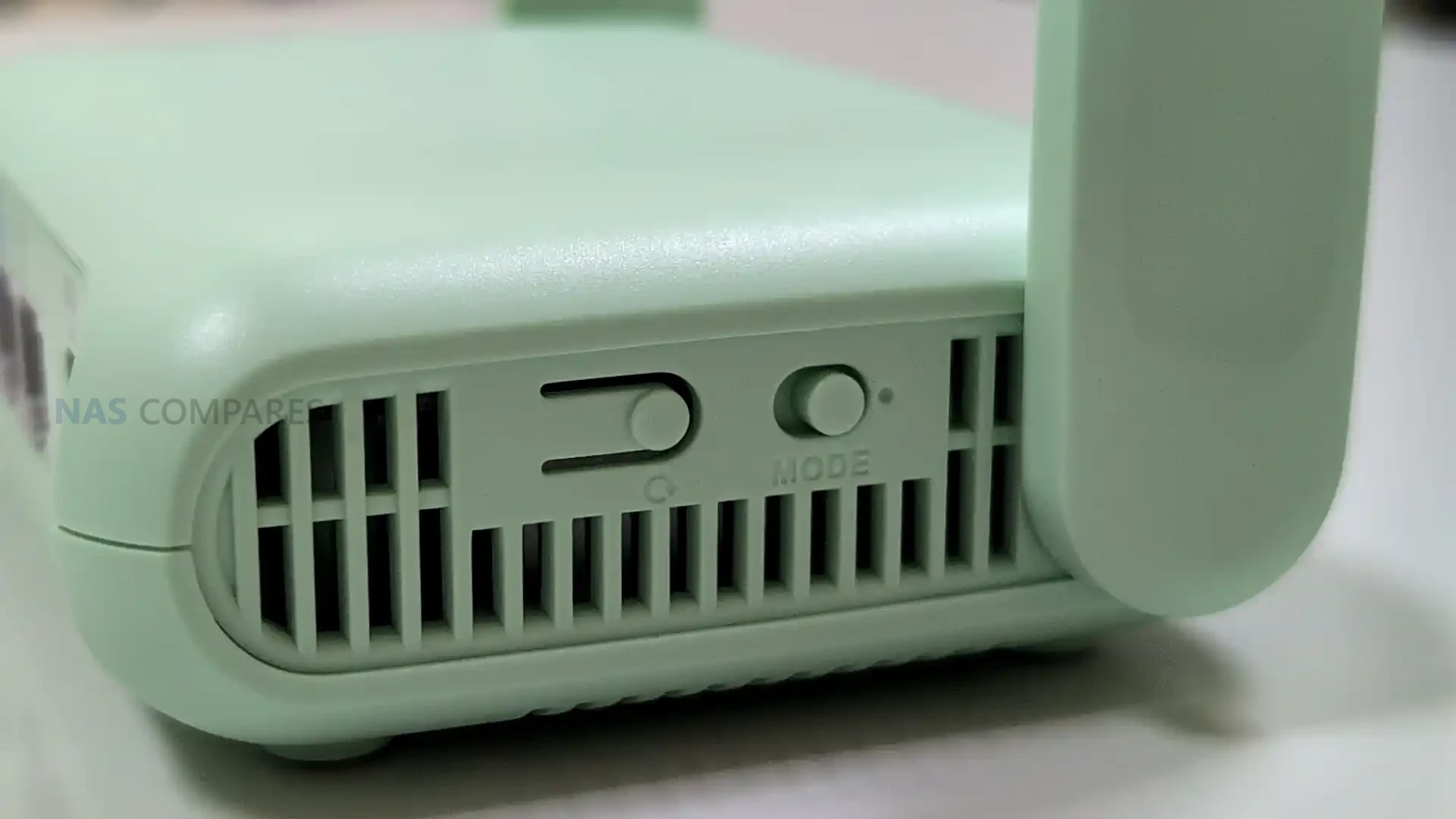
The Beryl 7 measures at 120 x 83 x 34mm and 205 grams, placing it in the small-router class rather than the pocket-hotspot style. Compared with battery-powered travel routers, the added thickness is consistent with a design that prioritizes full-size ports and airflow while still staying compact enough for a backpack or a small tech pouch. Gl.iNet also lists an operating temperature range of 0C to 40C, which sets basic expectations for typical indoor and travel use, even though performance under sustained load will still depend on ventilation and ambient conditions.
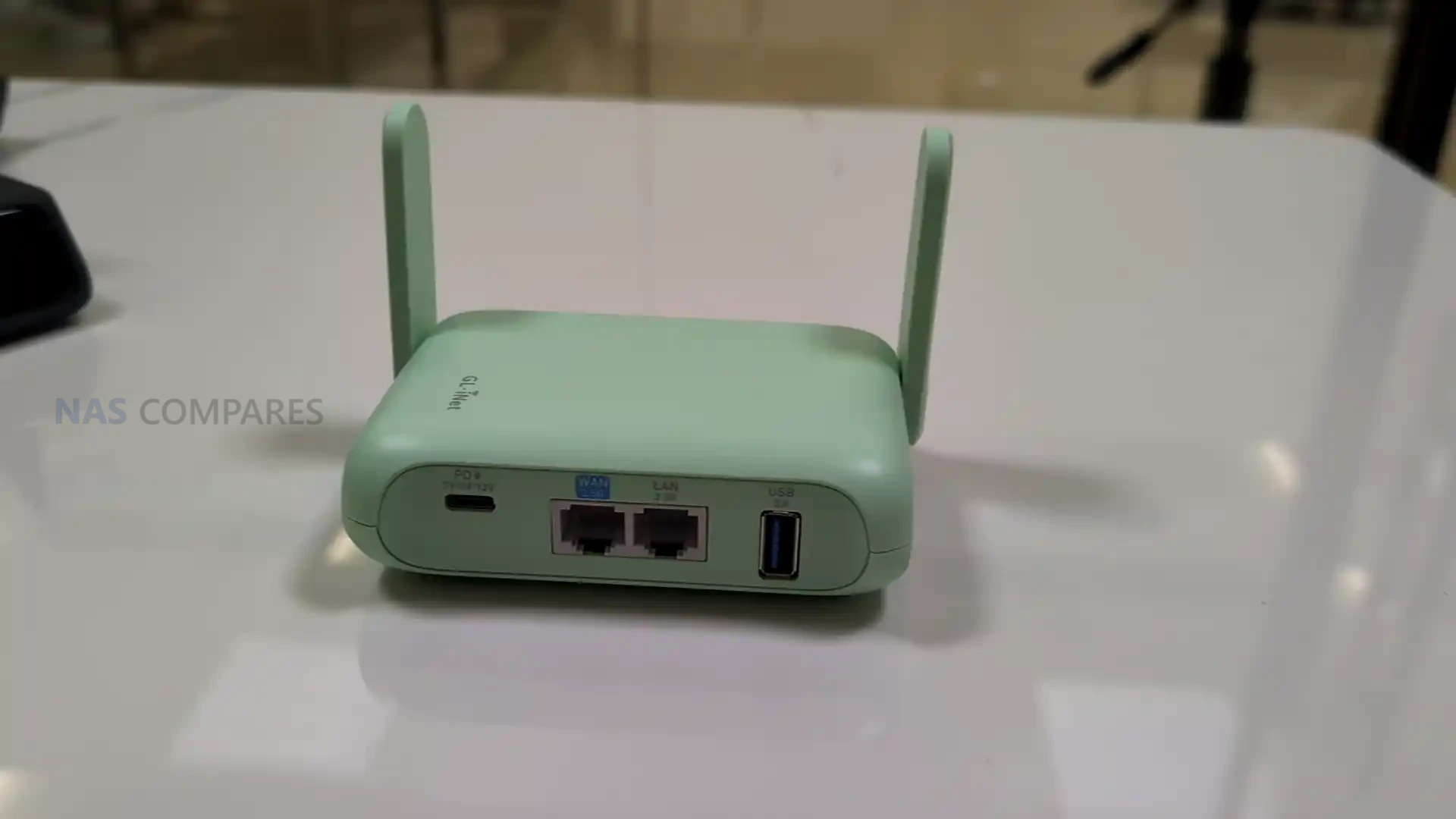
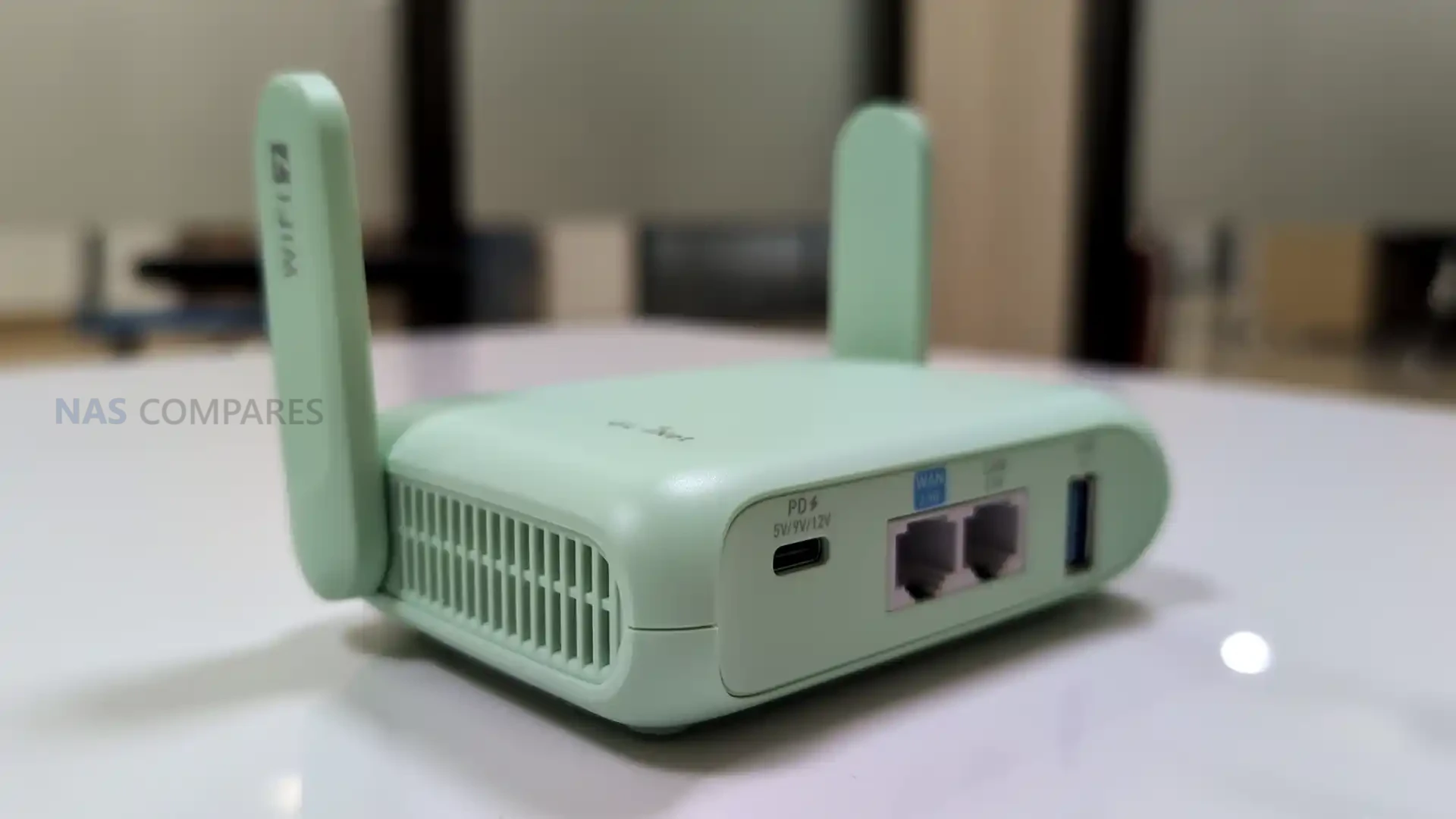
Unlike cellular travel routers, the Beryl 7 is designed to be powered externally rather than running from an internal battery, so it is closer in use to a small plug-in router than a self-contained hotspot. It takes USB-C power via USB Power Delivery and is specified for 5V/3A, 9V/3A, or 12V/2.5A input, which keeps powering simple with common phone and laptop adapters and most power banks that support PD. Gl.iNet also lists a 5V/2A power output, intended to pair with uFi and MiFi devices when you want the router to sit in front of a separate upstream connection and keep that upstream device powered from the same setup.
Gl.iNet Beryl 7 Travel Router – Connectivity
The Beryl 7 is a dual-band Wi-Fi travel router rather than a cellular router. It does not include a SIM slot or eSIM support, which means it is not designed to connect directly to a carrier network on its own. In practice, internet access is expected to come from an upstream source such as a wired connection, USB tethering, or an external hotspot or modem that provides the WAN link. This approach matches travel setups where the router’s job is to manage your local network and security policies, while a separate device handles mobile connectivity when needed.
On the wireless side, the Beryl 7 supports 802.11a/b/g/n/ac/ax/be and operates on 2.4GHz and 5GHz. The published maximum rates are 688Mbps on 2.4GHz and 2882Mbps on 5GHz, which sets its theoretical peak figures for those bands. Because there is no 6GHz band listed, it will not have access to the cleaner spectrum that some tri-band Wi-Fi 7 routers use to reduce congestion in dense environments. Real-world performance will still depend heavily on client device capability, channel conditions, and how crowded the local RF environment is, especially in hotels, apartments, or event venues.
For wired networking, the Beryl 7 includes 1x WAN and 1x LAN, with both ports rated at 100/1000/2500Mbps. Having 2.5Gbps capability on both sides can matter if you are connecting to faster-than-gigabit service, or if you want to avoid bottlenecking a wired client such as a laptop dock, mini PC, or NAS while the router is also handling wireless clients. The dedicated WAN and LAN labeling also suggests a straightforward topology for travel use, where the router can sit between a wired uplink and your personal devices without requiring additional switches. Specific options like port re-assignment or multi-WAN behavior are still dependent on the final firmware feature set.
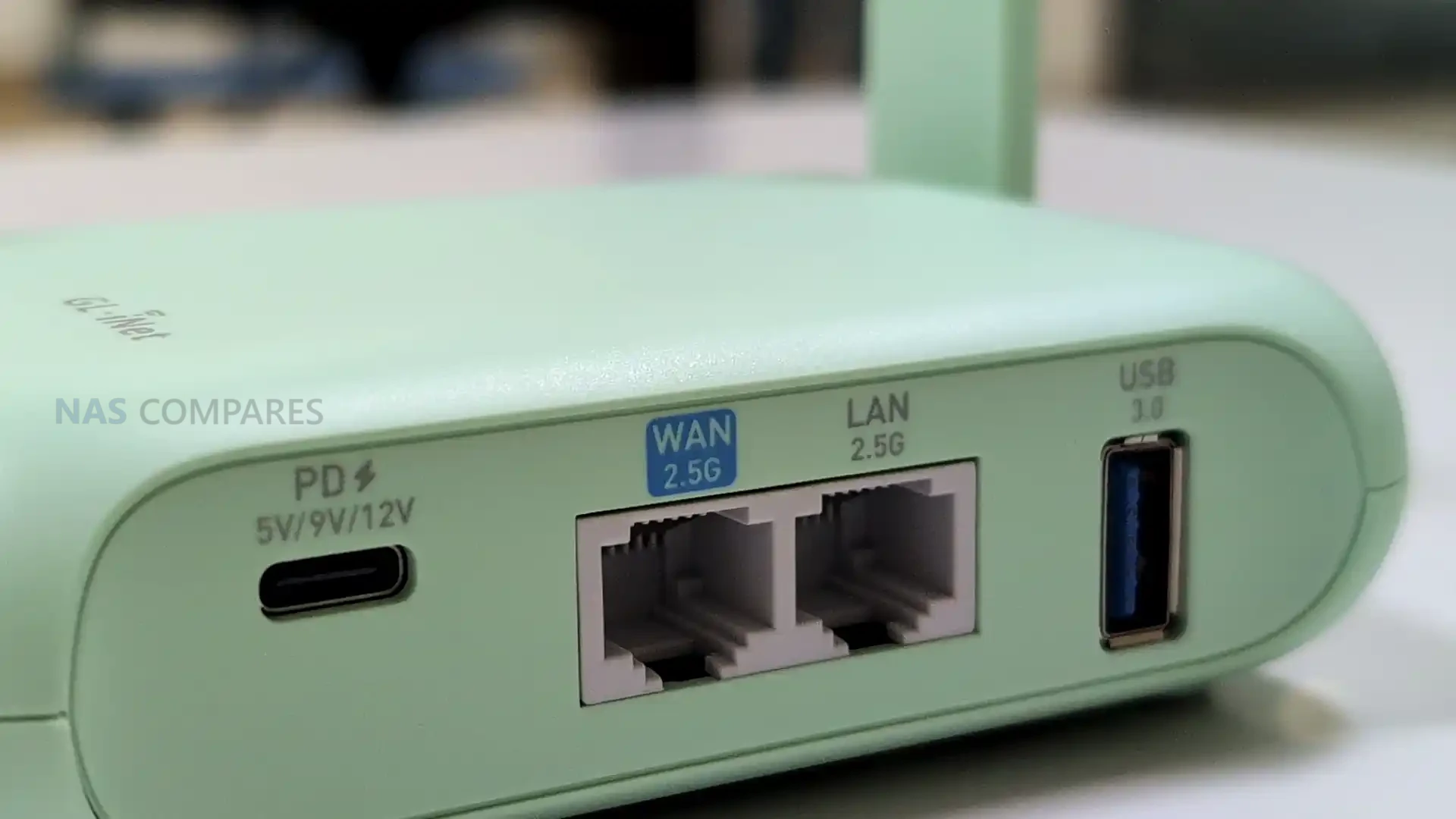
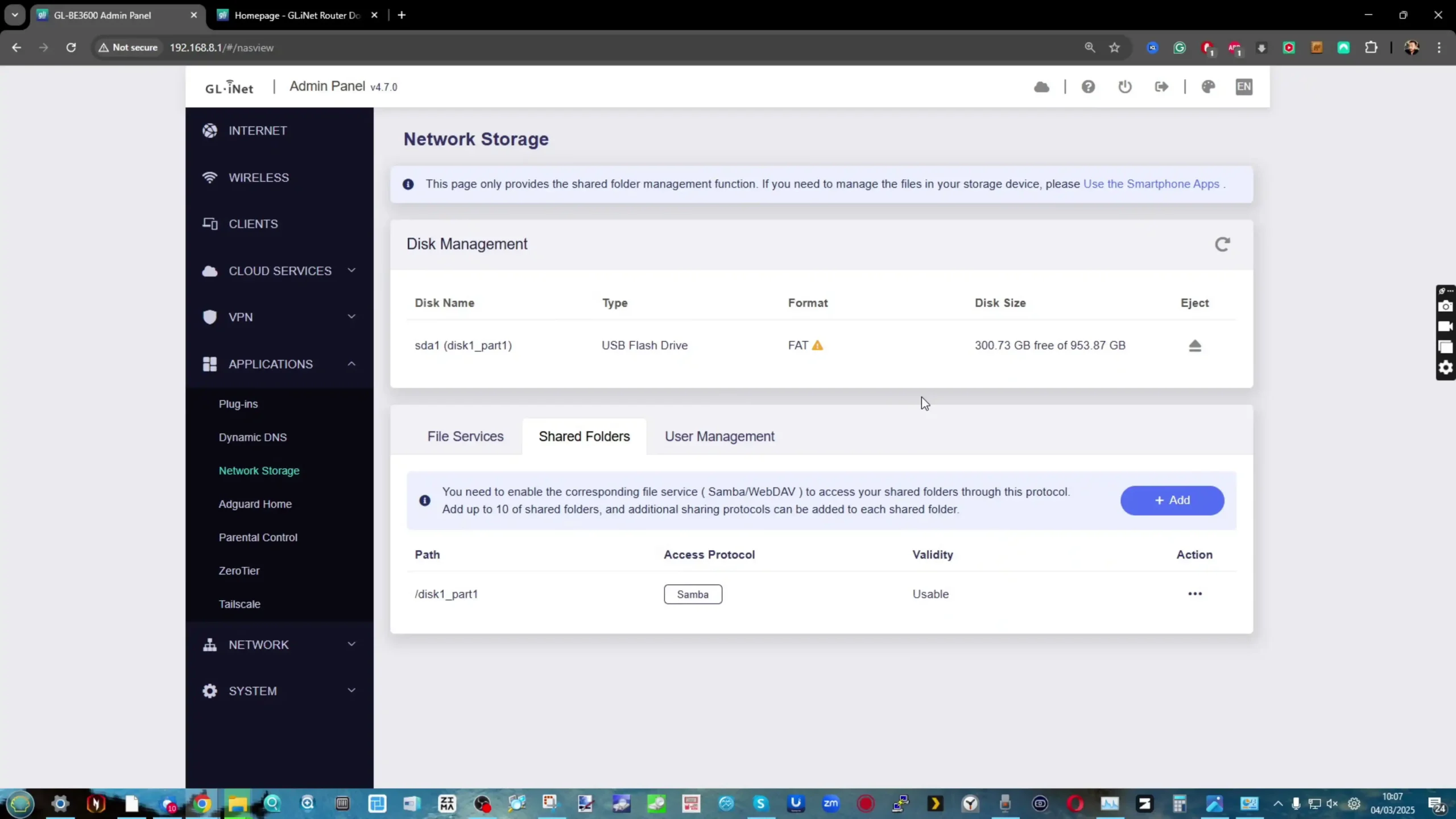
For tethering and peripherals, the router includes 1 USB 3.0 port. Gl.iNet’s positioning also references pairing it with uFi and MiFi devices for primary or backup WAN use, which aligns with common travel workflows where a hotspot provides the upstream connection and the router distributes it to multiple devices. Depending on software support, USB can also be relevant for other functions such as attaching storage for basic file sharing, but those capabilities are not confirmed solely by the presence of the port. The practical takeaway is that the Beryl 7’s connectivity design focuses on managing and distributing an external internet source rather than replacing that source with built-in cellular hardware.
Gl.iNet Beryl 7 Travel Router – Internal Hardware
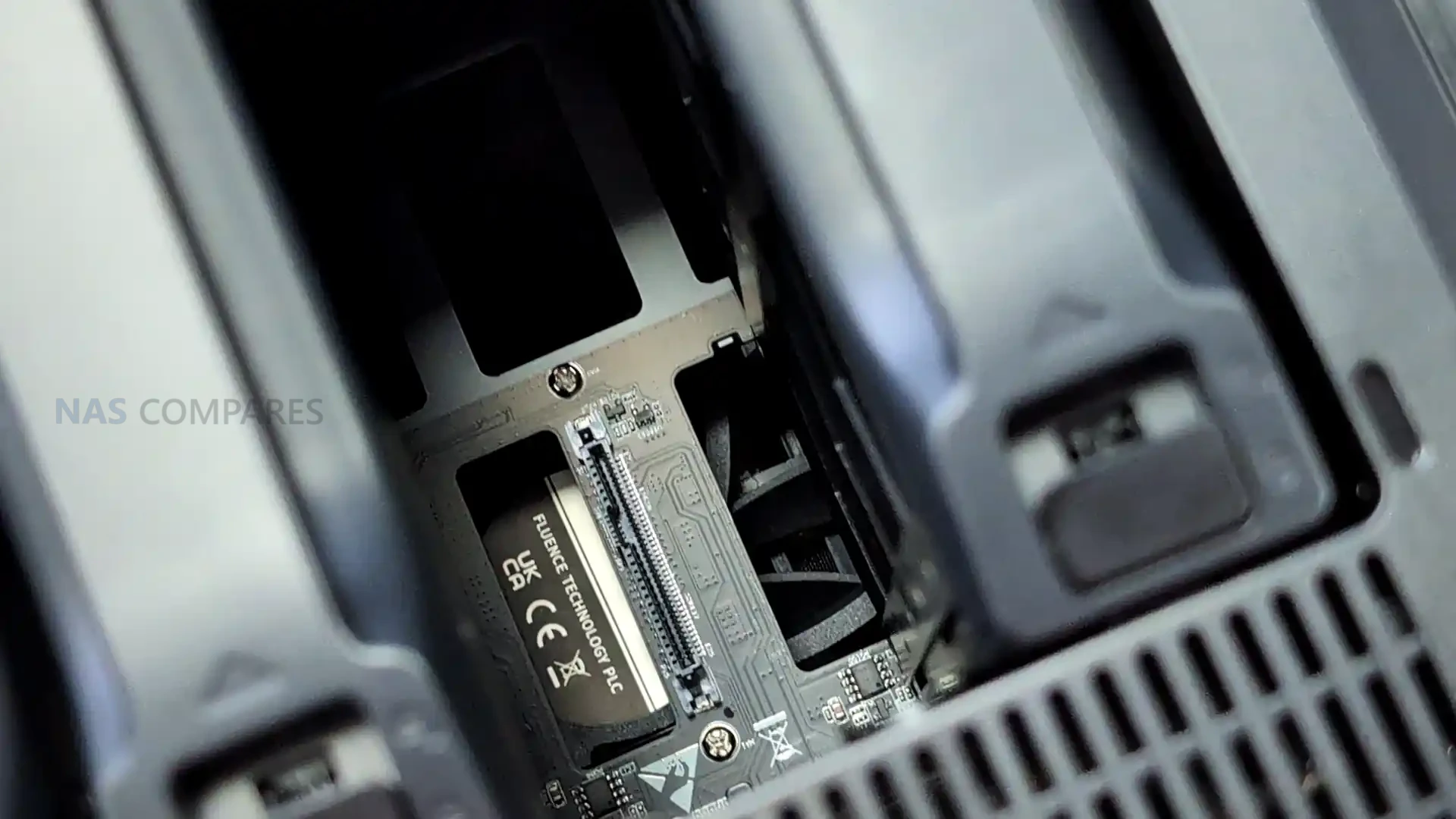
The Beryl 7 is specified with a MediaTek quad-core CPU clocked at 2.0GHz. Gl.iNet has not stated the exact chipset model in the material provided, so it is difficult to compare directly against specific MediaTek families used in other routers, but the listed clock speed and core count indicate it is intended to handle routing and VPN workloads beyond basic hotspot sharing. How that translates in practice will depend on the final firmware feature mix and how much processing overhead is added by enabled services. Memory is listed as 512MB of DDR4. That capacity is typically sufficient for a travel router doing standard routing, firewalling, and VPN duties, but it can become a limiting factor if heavy logging, multiple concurrent services, or more advanced packages are enabled. In practical use, headroom will depend on how Gl.iNet tunes the stock firmware and whether the router is expected to run additional features beyond its default configuration. Storage is specified as 512MB of NAND flash. This is a smaller onboard footprint than some higher-end travel routers that use multi-gigabyte eMMC, and it generally implies a tighter space budget for the base firmware image, installed packages, and retained logs. It also means features that rely on persistent local storage may be more constrained unless Gl.iNet provides options to offload data to external storage via USB.
Gl.iNet Beryl 7 Travel Router – Software & Services
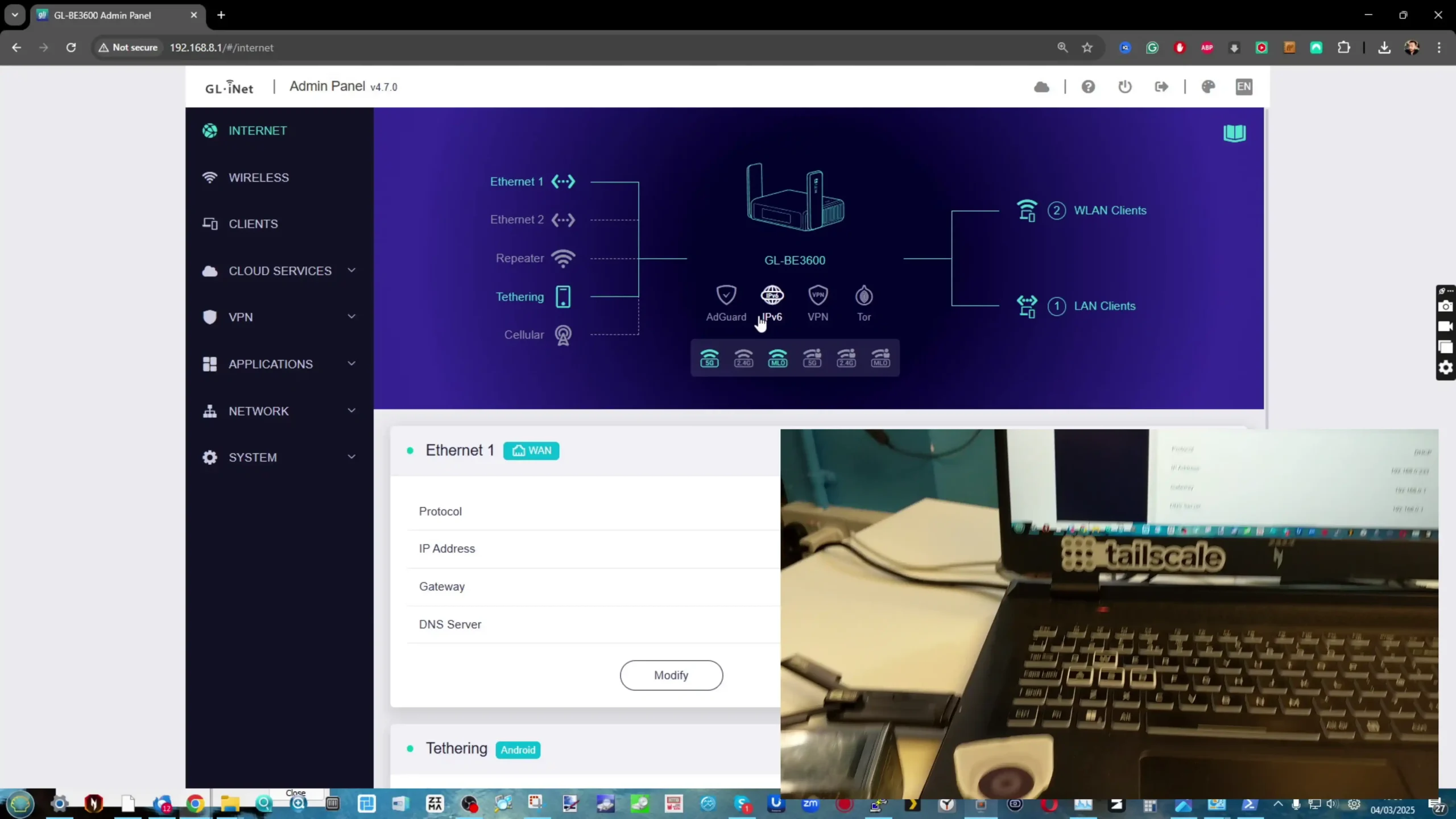
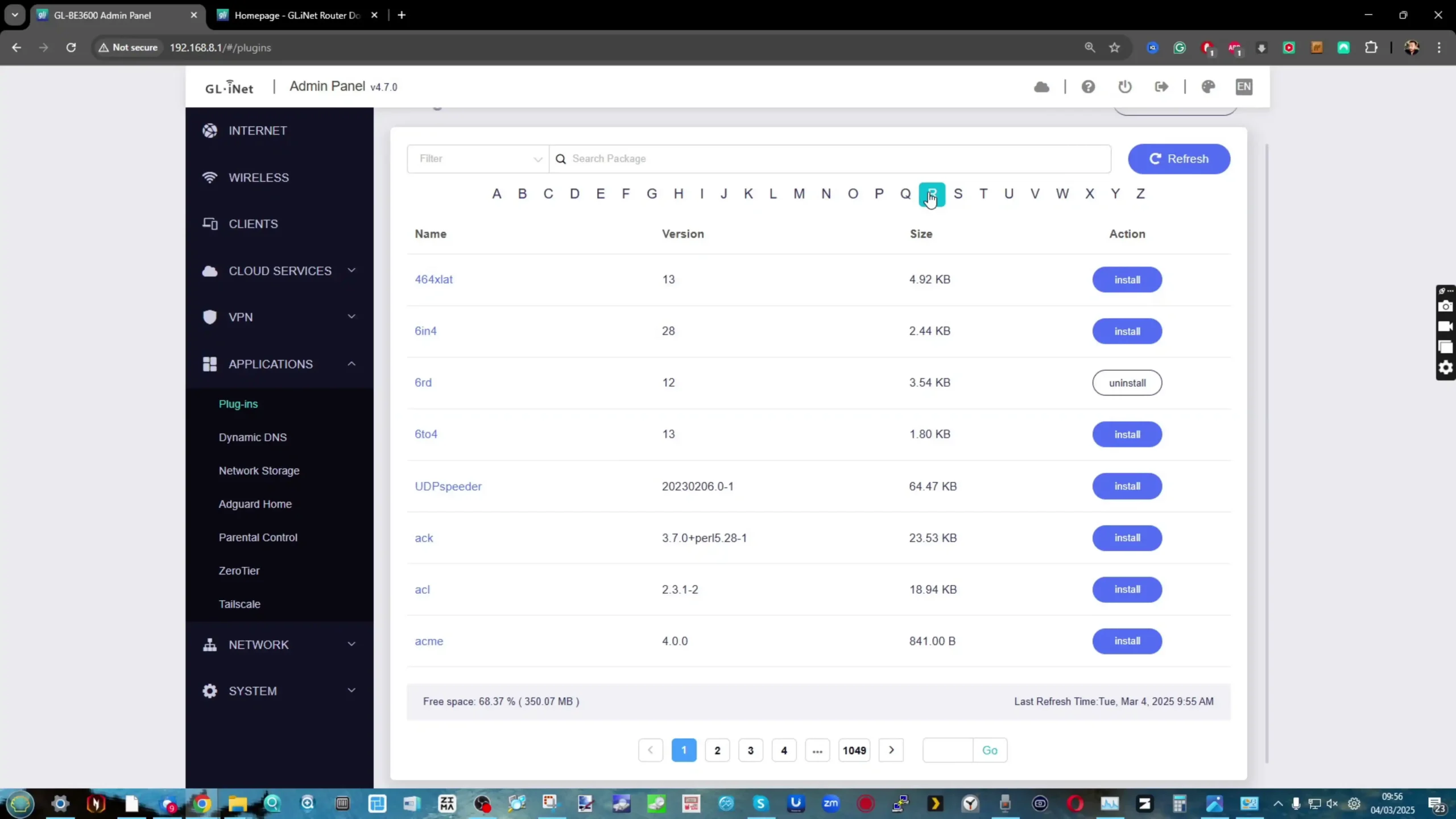
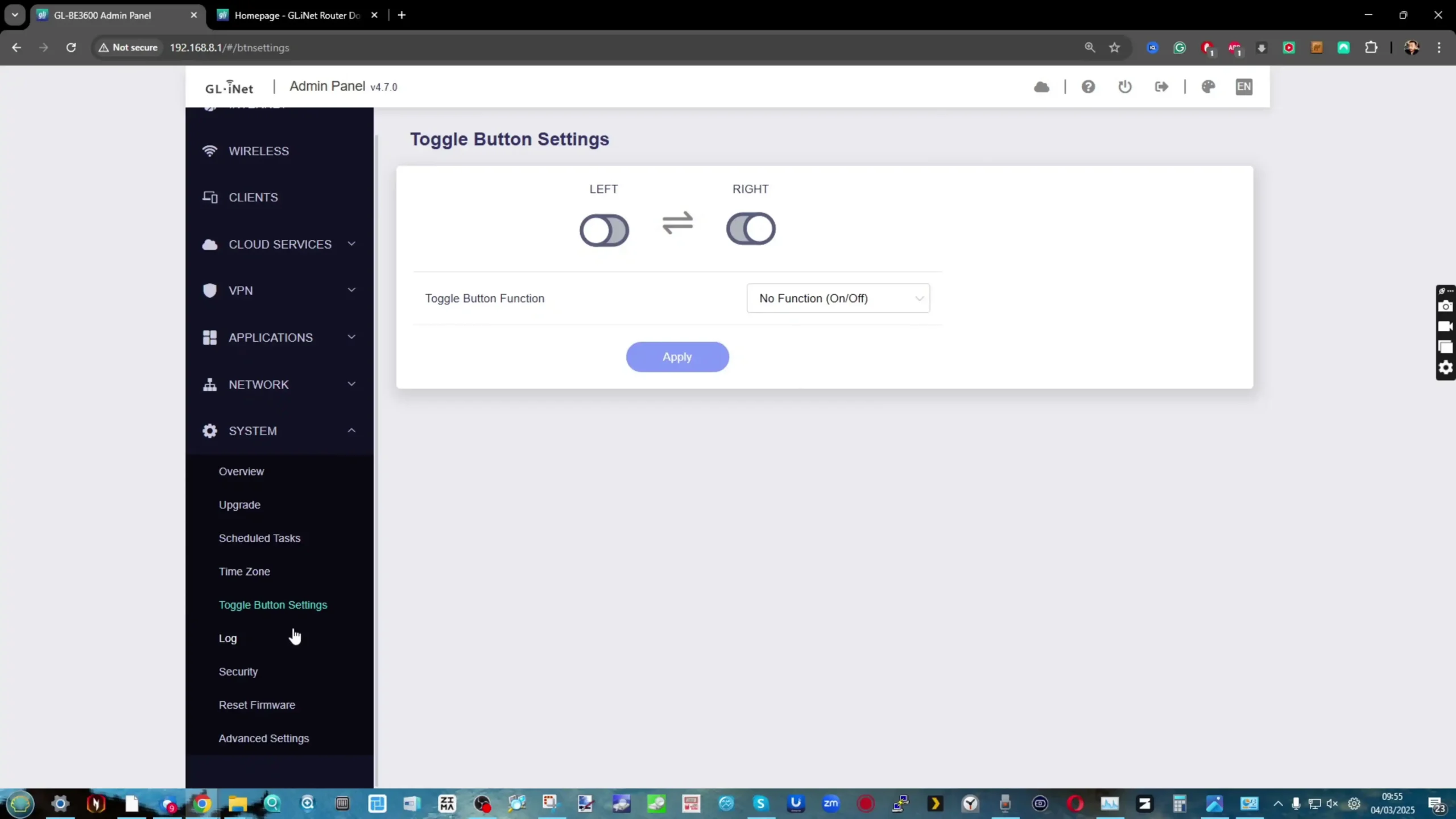
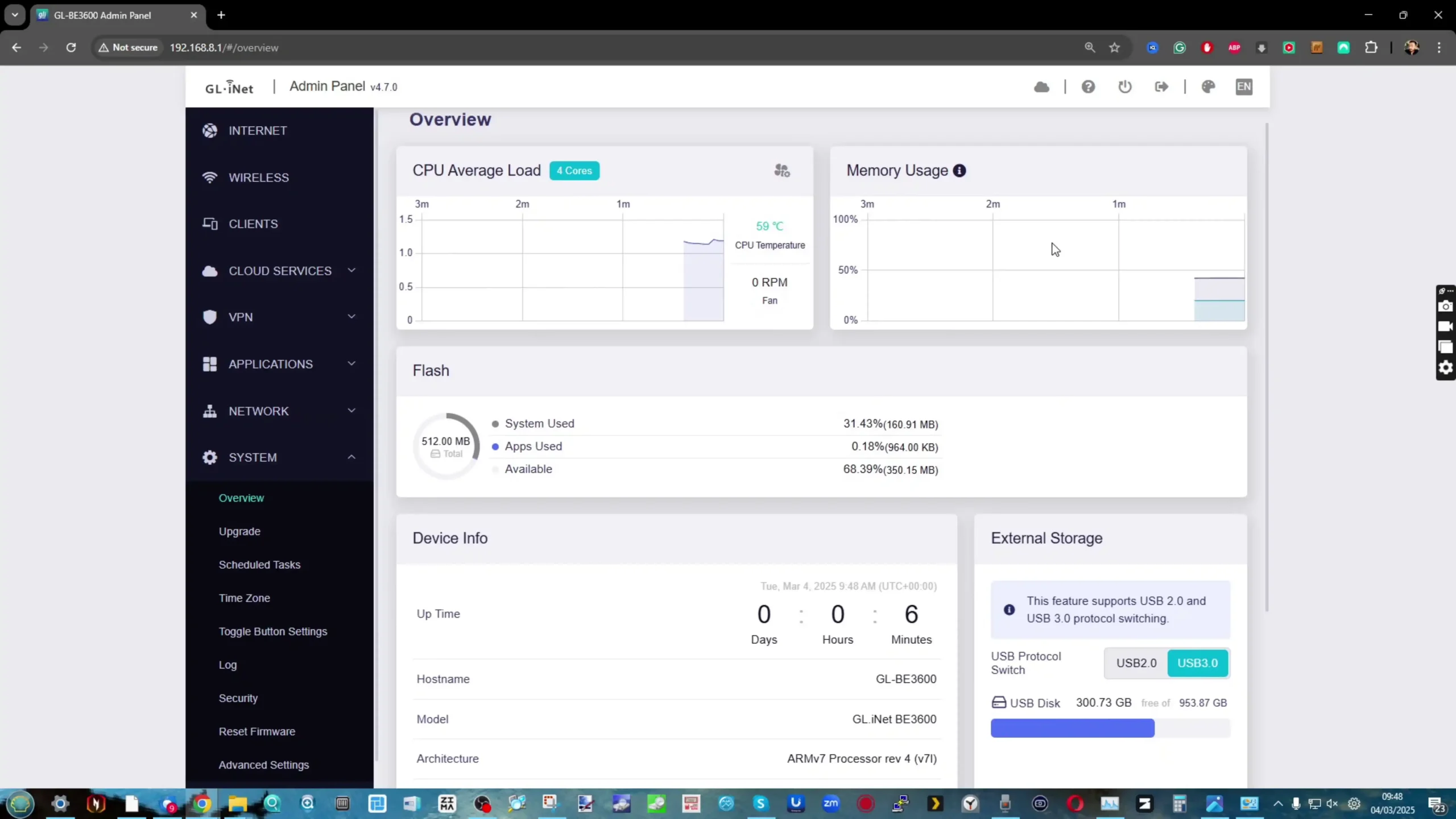
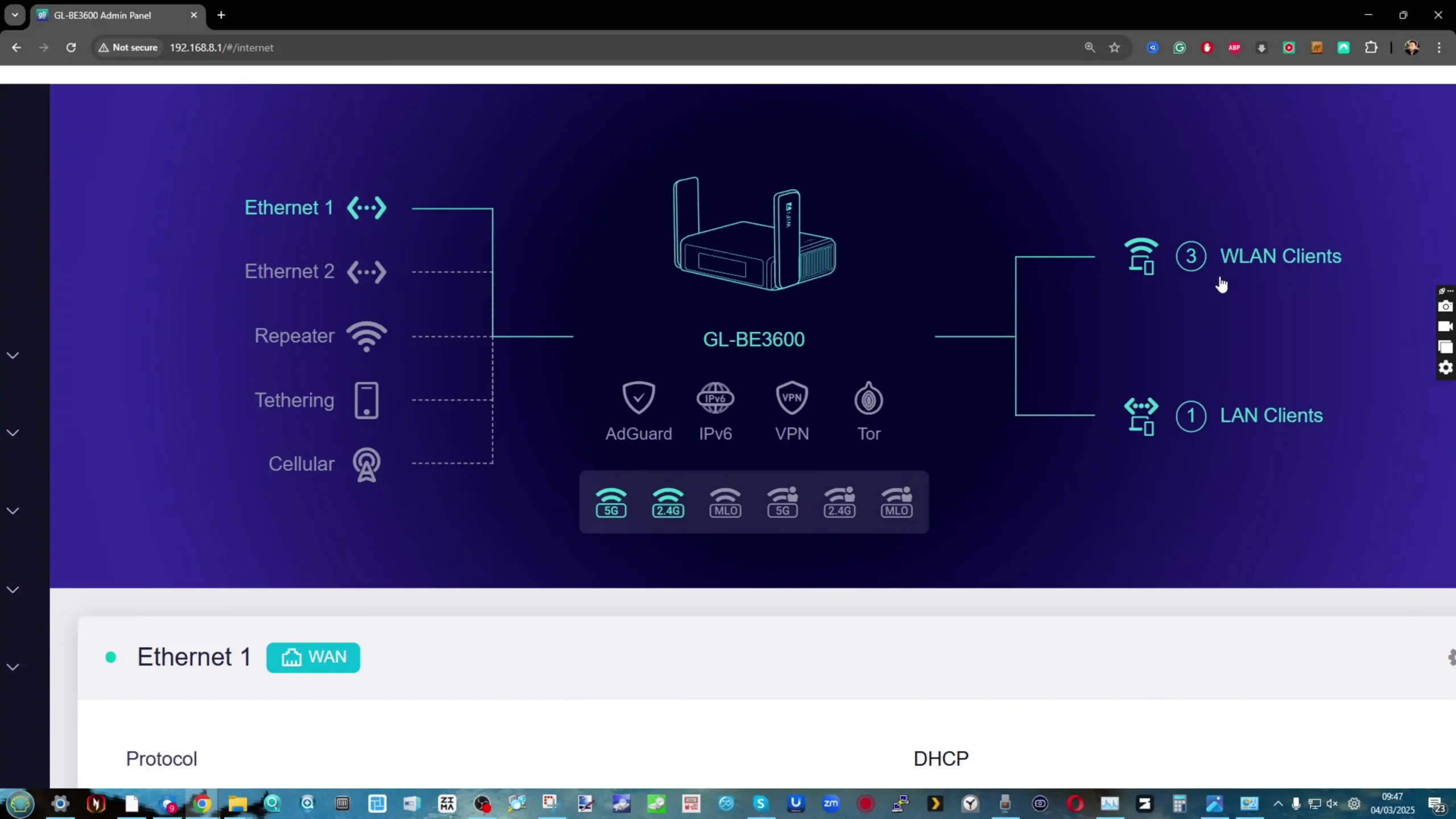
Gl.iNet is presenting the Beryl 7 as part of its travel router lineup, which typically uses the company’s GL.iNet firmware with a web-based management interface. That software approach tends to balance simplified setup for common tasks with access to more detailed configuration when needed, which is relevant for travel scenarios where you may want quick changes without digging through advanced menus.
 |
 |
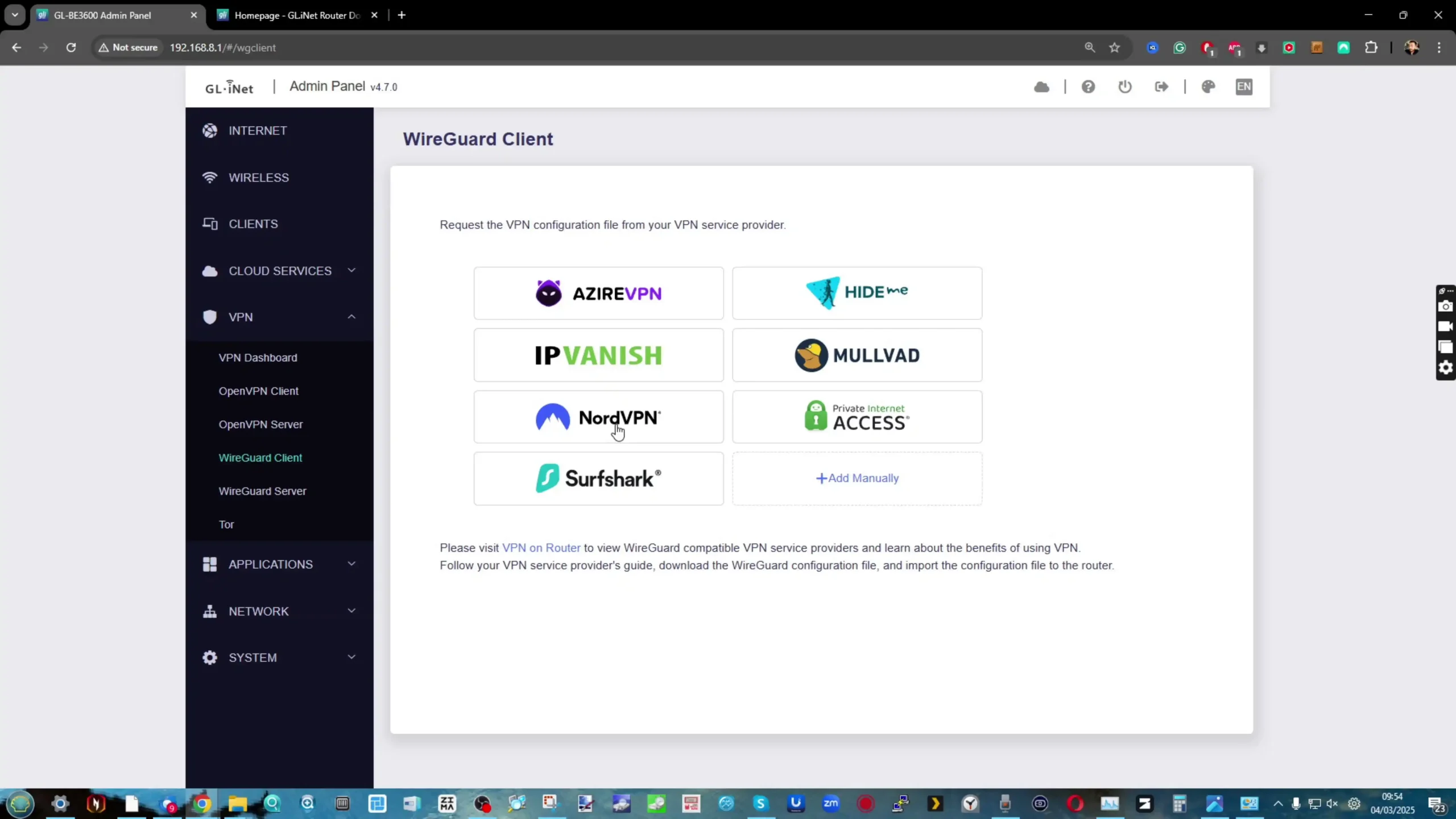
For this model in particular, VPN is the main emphasis in Gl.iNet’s CES messaging. The company is making a specific performance claim of up to 1100Mbps on OpenVPN-DCO and WireGuard, positioning encrypted throughput as a headline reason to choose the Beryl 7 over older Beryl models or lower-end travel routers. Actual results will still depend on factors such as upstream bandwidth, server performance, encryption settings, and network conditions.
 |
 |
Gl.iNet also highlights Amnezia VPN support as part of the Beryl 7’s privacy and censorship-bypass positioning. That places the router within the company’s broader direction of expanding VPN tooling and privacy-related options across its travel lineup, though the exact implementation details for the Beryl 7 will come down to the shipping firmware and how features are exposed in the final interface.
 |
 |
Beyond VPN-related claims, Gl.iNet has not published a complete, model-specific list of software functions for the Beryl 7. Features that appear across other Gl.iNet travel routers, such as traffic controls, DNS and filtering options, remote access services, and package-style add-ons, may be present, but they are not confirmed by the hardware spec sheet alone. For ownership considerations, the missing pieces remain the update cadence, support window, and any limitations imposed by the device’s relatively small flash storage.
 |
 |
Gl.iNet Beryl 7 Travel Router – Conclusion
As presented on day 1 of CES 2026, the Beryl 7 (GL-MT3600BE) is positioned as a more affordable Wi-Fi 7 travel router option that sits below the Slate 7 in capability and likely in price, while serving as the next step after the Beryl AX generation. Its core proposition is a compact, USB-C powered router that focuses on high VPN throughput, dual-band Wi-Fi, and practical wired networking for travel setups. The specification sheet outlines a MediaTek quad-core 2.0GHz platform with 512MB DDR4 and 512MB NAND, paired with 2.5Gbps-capable WAN and LAN ports, plus a USB 3.0 port. It does not include an internal battery and it has no SIM or eSIM support, which means it is designed to sit behind an external internet source such as hotel Ethernet, phone tethering, or a dedicated hotspot. Power is handled through USB Power Delivery, and Gl.iNet also lists a 5V/2A output intended to keep an upstream mobile device powered in a single-cable travel arrangement.
The remaining unknowns are mostly around launch details and how the final firmware is packaged for a device with limited flash storage. Gl.iNet has not published pricing or a release date, and it has not provided a full, model-specific breakdown of software features beyond its VPN and privacy positioning. Those details will likely matter most to buyers deciding between the Beryl 7 and higher-end travel routers, especially if they plan to rely on add-on services, extensive logging, or other features that place more demand on storage and memory.
 SUBSCRIBE TO OUR NEWSLETTER
[contact-form-7]
 Join Inner Circle
Get an alert every time something gets added to this specific article!
Subscribe
This description contains links to Amazon. These links will take you to some of the products mentioned in today's content. As an Amazon Associate, I earn from qualifying purchases. Visit the NASCompares Deal Finder to find the best place to buy this device in your region, based on Service, Support and Reputation - Just Search for your NAS Drive in the Box Below
Need Advice on Data Storage from an Expert?
Finally, for free advice about your setup, just leave a message in the comments below here at NASCompares.com and we will get back to you. Need Help?
Where possible (and where appropriate) please provide as much information about your requirements, as then I can arrange the best answer and solution to your needs. Do not worry about your e-mail address being required, it will NOT be used in a mailing list and will NOT be used in any way other than to respond to your enquiry.
[contact-form-7]
Need Help?
Where possible (and where appropriate) please provide as much information about your requirements, as then I can arrange the best answer and solution to your needs. Do not worry about your e-mail address being required, it will NOT be used in a mailing list and will NOT be used in any way other than to respond to your enquiry.
[contact-form-7]
 TRY CHAT
Terms and Conditions
TRY CHAT
Terms and Conditions
 Ko-fi or old school Paypal. Thanks!To find out more about how to support this advice service check HEREIf you need to fix or configure a NAS, check Fiver
Have you thought about helping others with your knowledge? Find Instructions Here
Ko-fi or old school Paypal. Thanks!To find out more about how to support this advice service check HEREIf you need to fix or configure a NAS, check Fiver
Have you thought about helping others with your knowledge? Find Instructions Here





|
 |
| Where to Buy a Product | |||
 |
    
|
  
|
VISIT RETAILER ➤ |
 |
|
|
VISIT RETAILER ➤ |
We use affiliate links on the blog allowing NAScompares information and advice service to be free of charge to you. Anything you purchase on the day you click on our links will generate a small commission which is used to run the website. Here is a link for Amazon and B&H. You can also get me a
Ko-fi or old school Paypal. Thanks!
To find out more about how to support this advice service check HERE