Cela fait maintenant plusieurs jours que nous utilisons le dernier NAS Beelink ME Pro. Un produit hybride, à mi-chemin entre un NAS traditionnel et un mini-PC. Comme vous allez le constater dans ce test, le tableau est globalement très positif, malgré quelques points perfectibles. Disponible à moins de 400€, que vaut vraiment ce nouveau produit…
Test Beelink ME Pro
Beelink est un acteur bien connu du marché des mini-PC. La marque s’est forgé une solide réputation grâce à des produits fiables, performants et proposés à des tarifs compétitifs. En 2025, le constructeur a franchi une nouvelle étape en se lançant sur le marché des NAS avec le ME mini, un modèle équipé de 6 emplacements NVMe. En toute fin d’année 2025, Beelink a dévoilé un concept encore plus original : un NAS doté d’un bloc matériel interchangeable intégrant carte mère, processeur et mémoire. C’est précisément ce modèle(le ME Pro) que nous testons aujourd’hui.
Contenu de la boîte
La boite est vraiment très petite, mais on trouve à l’intérieur :
Le NAS Beelink ME Pro ;
1 câble réseau RJ45 Cat.6 ;
1 câble HDMI ;
Des vis de fixation pour les SSD et HDD ;
Une alimentation externe ;
Un guide de démarrage rapide.
Beelink a eu la bonne idée d’optimiser l’espace en rangeant les câbles et les vis directement dans les chariots des disques (voir photo ci-dessous).
Une solution simple et efficace.
Construction du NAS et design
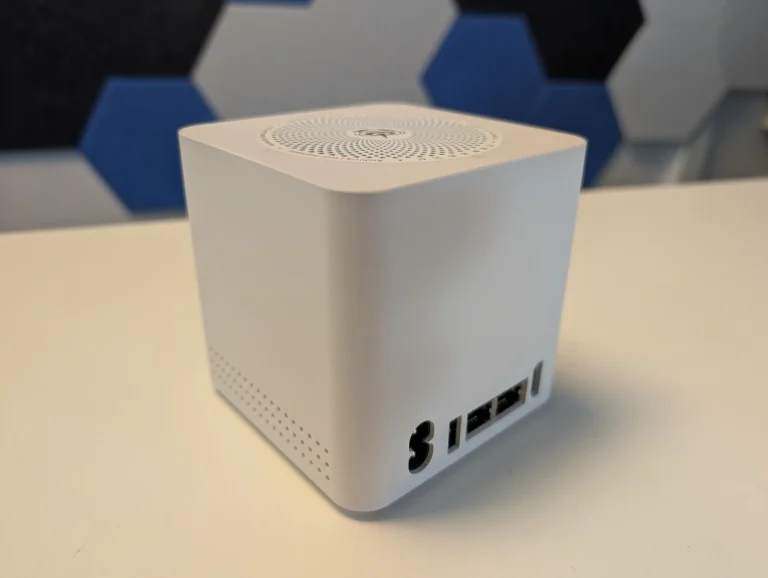
Le ME Pro affiche un design sobre et élégant. Le boîtier, entièrement en métal gris, mesure 166 × 121 × 112 mm pour un poids de 2,1 kg. La façade avant est recouverte d’un tissu gris, apportant une touche discrète et moderne. L’ensemble inspire confiance et s’intègre facilement dans un environnement domestique ou professionnel.
Connectique
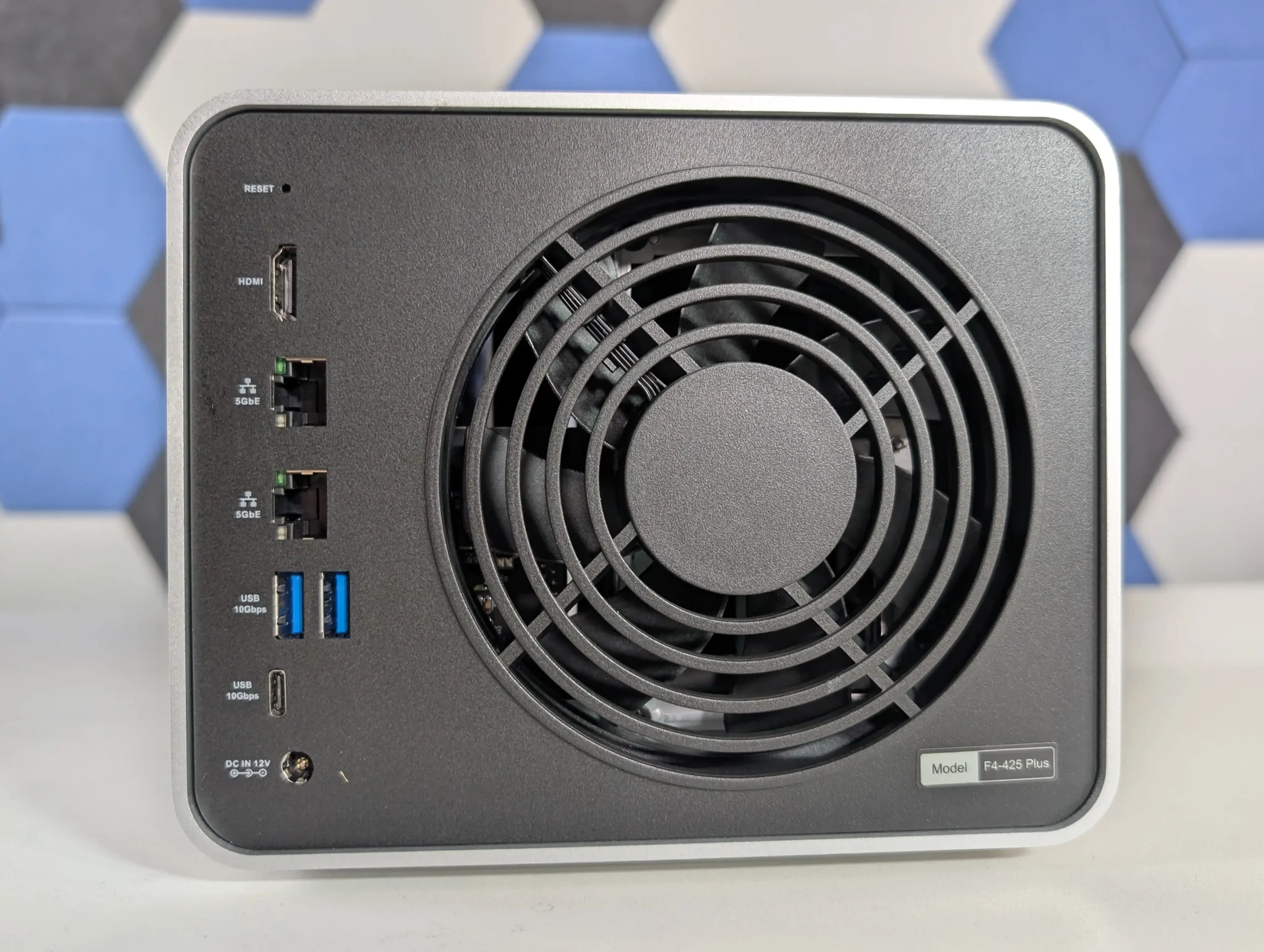
Côté connectique, le Beelink ME Pro est plutôt bien doté :
2 ports USB 3.2 Gen 2 (10 Gb/s), dont un port USB-C à l’arrière;
2 port USB 2.0 ;
1 sortie audio-video HDMI Ultra HD/4K ;
1 sortie audio jack 3,5mm ;
1 port réseau 2,5 Gb/s ;
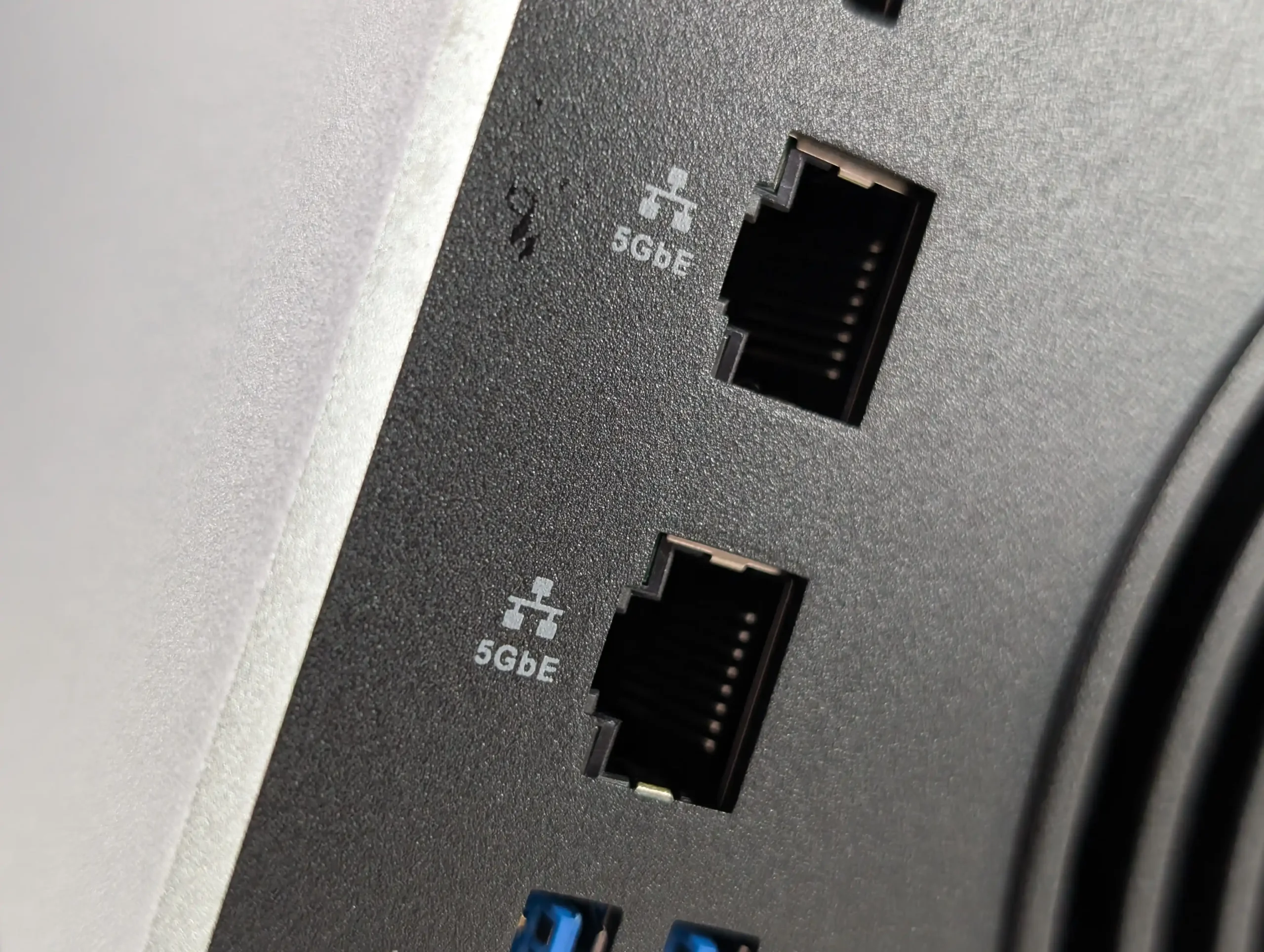
1 port réseau 5 Gb/s.
Beelink n’a clairement pas lésiné sur le nombre de ports. Un point mérite d’être signalé, le port USB-C est compatible avec la sortie vidéo (« Supports video output »).
À noter également la présence du Wi-Fi 6 et du Bluetooth 5.4, ce qui reste assez rare sur un NAS.
Intérieur du Me Pro
Le Beelink ME Pro repose sur un processeur Quad-Core Intel N95 cadencé à 2 GHz (jusqu’à 3,4 GHz en mode turbo). Un CPU bien connu, parfaitement adapté à un usage NAS polyvalent. Selon PassMark, il obtient un score d’environ 5 299 points, ce qui le place dans la moyenne des NAS commercialisés en 2026.
La mémoire vive est fixée à 12 Go de RAM, un choix plutôt généreux. En revanche, elle n’est pas évolutive, ce qui pourra en freiner certains. Notre modèle de test était livré avec un SSD NVMe WD SN540 de 512 Go, sur lequel Windows 11 Home est préinstallé.
Bloc interchangeable
L’une des particularités intéressantes du ME Pro réside dans son bloc interchangeable (carte mère, processeur et mémoire). En théorie, cela permet de faire évoluer la machine sans changer tout le châssis. Dans la pratique, l’intérêt reste à confirmer pour un usage domestique. Cela reste néanmoins une option appréciable, que peu de fabricants proposent aujourd’hui.
Disque dur et SSD
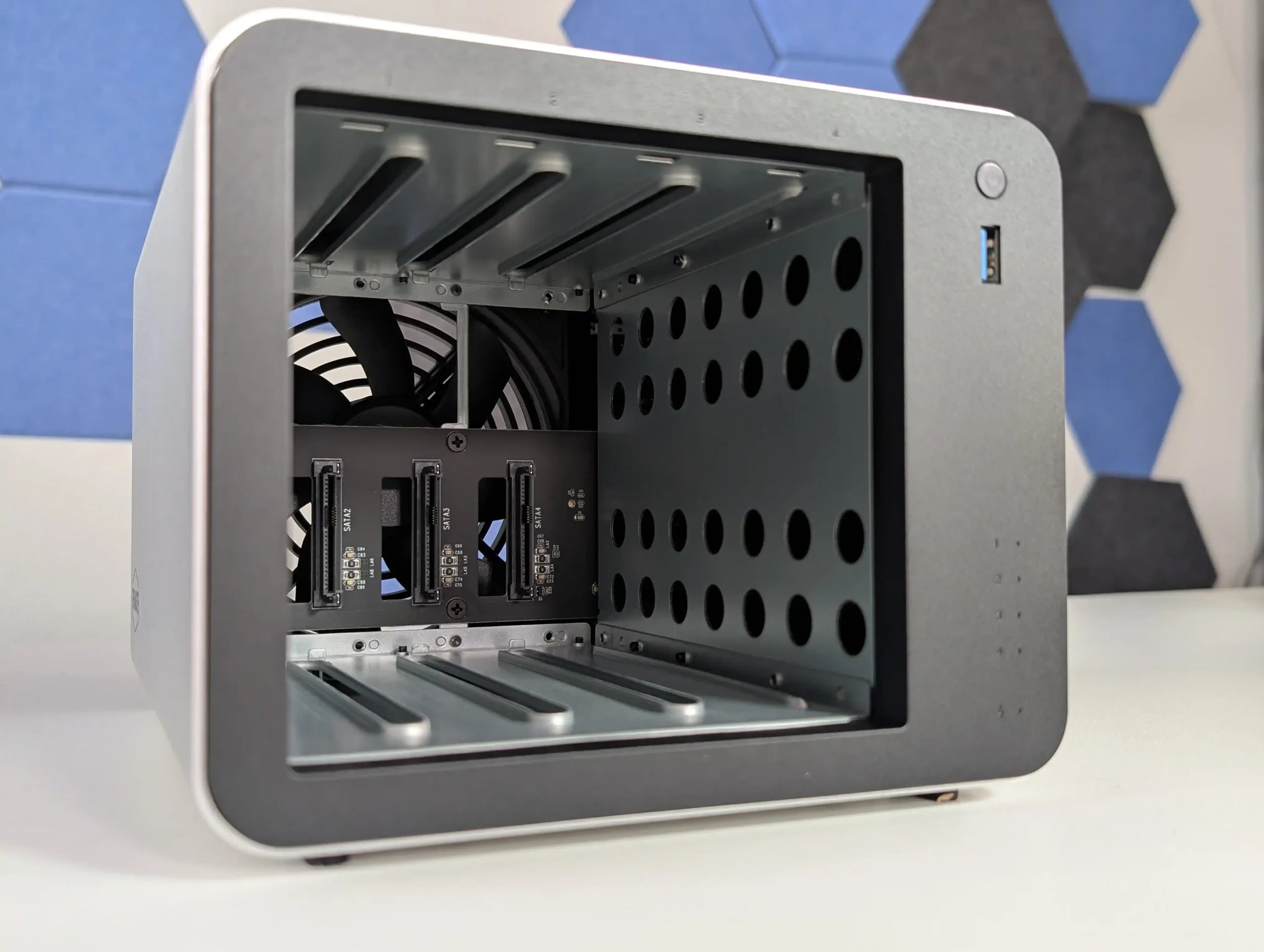
Le NAS dispose de 2 emplacements pouvant recevoir des disques dur (3,5 ou 2,5 pouces) ou des SSD SATA (débit théorique : 768 Mo/s). L’installation nécessite l’utilisation d’un tournevis pour installer les disques. J’avoue que je n’ai compris l’utilité de la pâte thermique sur les chariots.
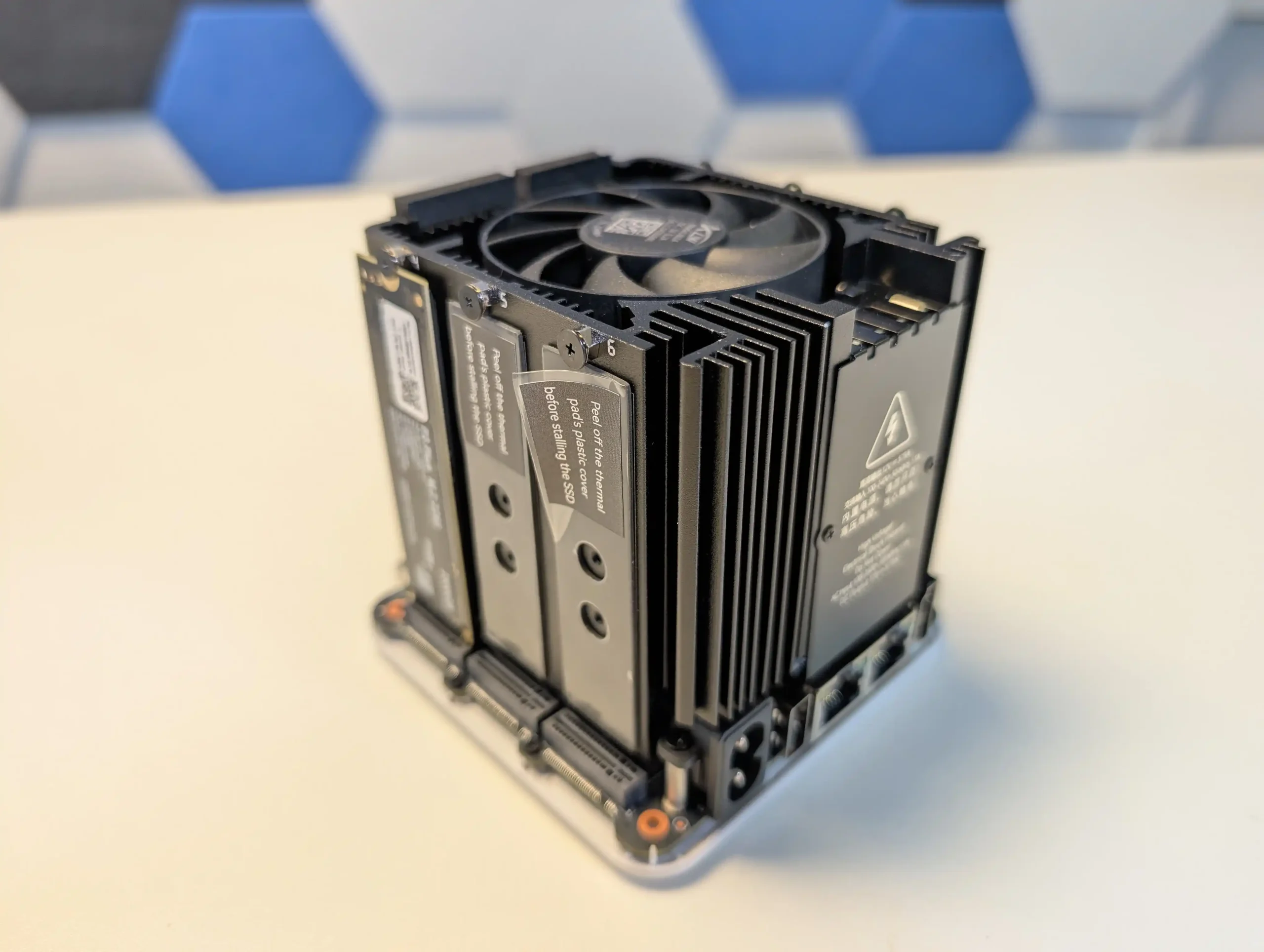
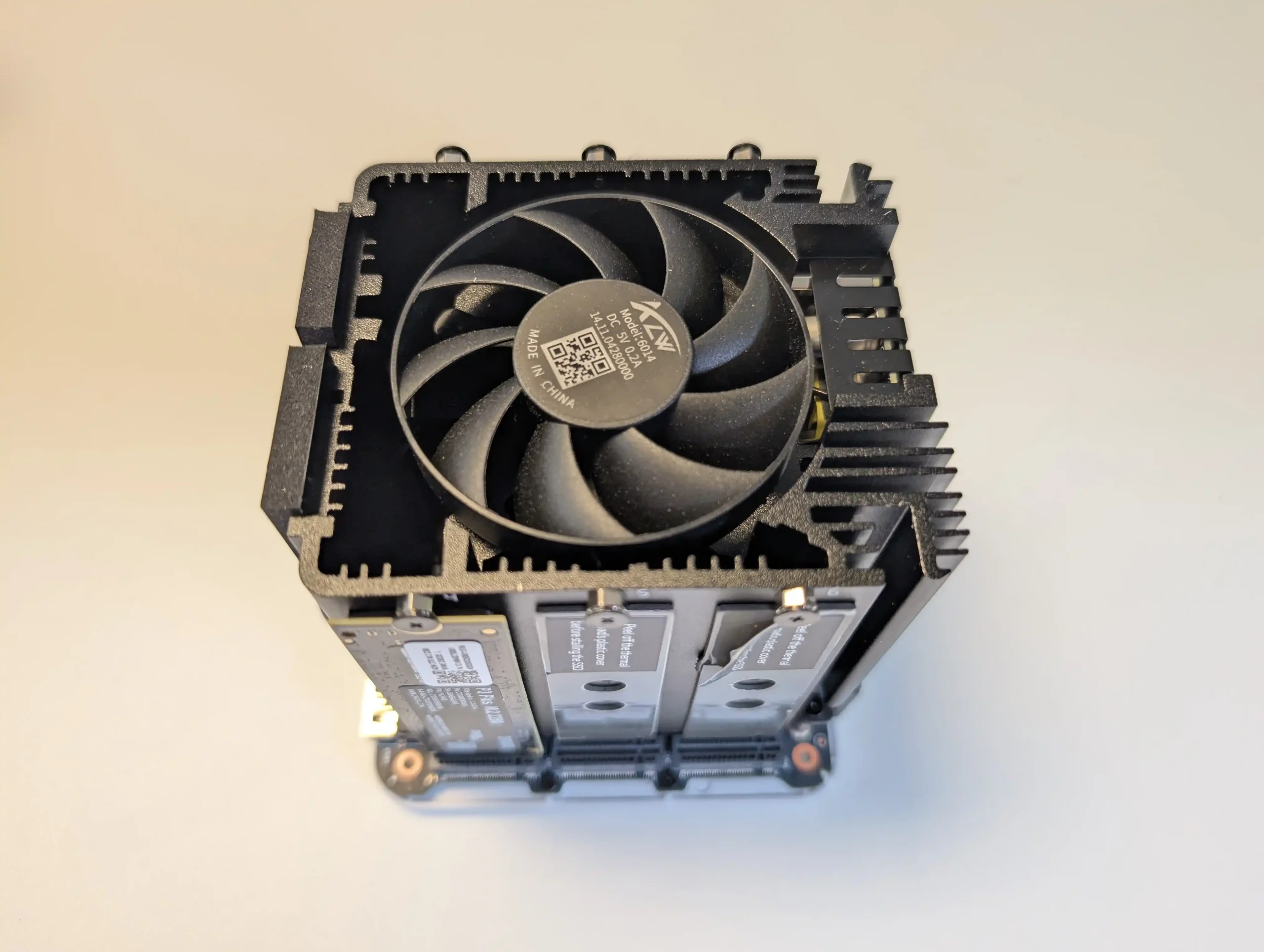
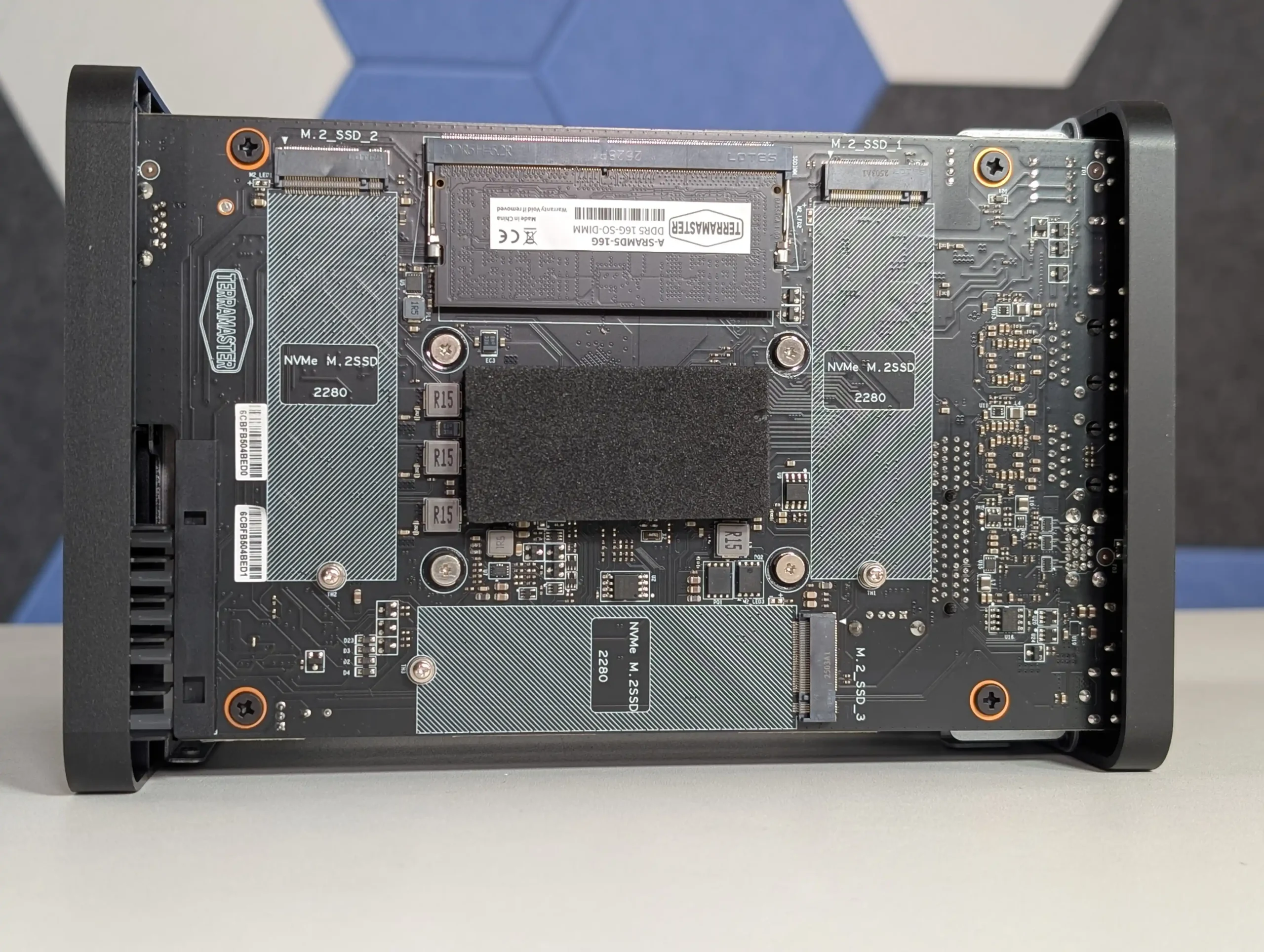
Sous le boîtier, on retrouve le SSD NVMe (PCIe 3.0 x2 : 1 969 Go/s théorique) système, ainsi que 2 emplacements NVMe (PCIe 3.0 x1 : 985 Mo/s théorique) supplémentaires. Une configuration flexible, offrant de nombreuses possibilités de stockage dans un format aussi compact.
Système et applications
Beelink fait le choix d’intégrer Windows 11 Home par défaut. Une décision que nous avons du mal à justifier dans le cadre d’un NAS. Il s’agit d’une version standard, sans outils dédiés au stockage réseau. Aucun assistant, aucun logiciel spécifique ne guide l’utilisateur dans la création de partages, la gestion des utilisateurs ou la configuration du système. Après avoir consulté le site officiel, nous n’avons trouvé aucune documentation réellement utile à ce sujet. C’est clairement le principal point faible du ME Pro. Cela pourra intéresser ceux qui veulent en faire un Mini PC avec un gros stockage et non pas un NAS.
Heureusement, Beelink annonce une compatibilité complète avec des systèmes alternatifs tels que TrueNAS, Unraid ou Proxmox. Pour nos tests, nous avons opté pour TrueNAS, bien adapté à ce type de matériel.
Dans la première partie de nos tests, nous allons évaluer les performances des transferts à travers un réseau 5 Gb/s (entre le NAS et des ordinateurs). Ensuite, nous regarderons les capacités du processeur, en analysant ses performances dans la virtualisation et le transcodage vidéo.
Vitesses dans les transferts
Depuis plusieurs années, nous avons mis en place un protocole de tests rigoureux fournissant des données fiables et comparables avec les performances des autres NAS. Pour cela, nous utilisons 4 applications de mesure différentes (2 sous macOS et 2 sous Windows) et réalisons en plus des transferts de fichiers de tailles variées dans les deux sens (NAS -> Ordinateur puis Ordinateur -> NAS) :
Petites tailles : 100 fichiers de 500 Ko à 12 Mo (MP3, photos, documents Office)
Tailles moyennes : 30 fichiers de 12 à 350 Mo (DivX, images RAW, archives ZIP)
Fichiers volumineux : 10 fichiers avec une taille comprise entre 4 et 10 Go (MKV, ISO)
À partir de ces tests, nous calculons une moyenne des transferts que nous représentons sous forme de graphiques, exprimée en mégaoctets par seconde. Plus le nombre est élevé, plus le NAS est rapide. Pour notre évaluation du ME Pro, nous avons configuré un premier volume avec 2 SSD NVMe en RAID 0 (mode STRIPE), puis avec le chiffrement des données et enfin avec 2 SSD en RAID 1 (MIROIR).
RAID 0
Nous avons pu profiter pleinement de la connexion 5 Gb/s… même si on aurait aimer aller au-delà. Le maximum que nous avons pu atteindre : 564 Mo/s en lecture séquentielle.
RAID 0 avec chiffrement des données
Le N95 a montré toute son efficacité, le chiffrement des données a réduit très légèrement la vitesse d’écriture.
RAID 1
En RAID 1, si la lecture est peu impactée. Cependant, l’écriture qui a montré quelques signes de ralentissement. Cela reste bien entendu une moyenne, dans une configuration ZFS.
Performances générales
Avec TrueNAS, le Beelink ME Pro s’est montré particulièrement convaincant. Le système est fluide, riche en options et parfaitement stable. La virtualisation ne pose aucun problème, tout comme l’utilisation de conteneurs Docker avec plusieurs services actifs simultanément. Grâce à son iGPU intégré, le NAS gère sans difficulté le transcodage matériel vidéo, notamment avec Jellyfin. Plusieurs flux simultanés peuvent être lus sans ralentissement…
En résumé, les performances sont au rendez-vous.
Consommation électrique et nuisance sonore
Le ventilateur interne est très discret, au point d’être quasiment inaudible. Côté consommation électrique, le ME Pro affiche environ 20 W en usage normal (avec cinq SSD installés) et jusqu’à 32 W en charge plus soutenue. Des chiffres tout à fait normal pour un NAS de cette catégorie.
CONCLUSION
Le Beelink ME Pro s’impose comme une solution NAS atypique, pensée pour les utilisateurs avancés à la recherche de performances, de flexibilité et d’un format compact. Son processeur Intel N95, sa connectique réseau 5 Gb/s, sa compatibilité avec TrueNAS, Unraid ou Proxmox, ainsi que ses multiples emplacements pour le stockage en font une base très solide pour un serveur domestique ou un petit environnement professionnel.
En revanche, l’intégration de Windows 11 Home n’apporte aucune réelle valeur ajoutée dans un usage NAS et nécessitera presque systématiquement une réinstallation vers un système plus adapté. Le concept de bloc matériel interchangeable reste intéressant sur le papier, mais son intérêt réel dépendra de l’évolution future de la gamme.
Au final, le Beelink ME Pro est un excellent NAS pour utilisateurs avertis, capable d’assurer du stockage réseau rapide, de la virtualisation et du transcodage vidéo, à condition d’accepter une phase de configuration plus technique.
The Beelink ME Pro is a 2-bay NAS-style mini PC that aims to deliver a full home or small office storage setup in a much smaller chassis than most traditional 2-bay systems. It is sold in 2 main versions, based on the Intel N95 or Intel N150, and both ship with pre-attached LPDDR5 memory and a bundled NVMe SSD as the system drive. Storage expansion is a mix of 2 SATA bays for 2.5-inch or 3.5-inch drives, plus 3 internal M.2 NVMe slots (1 running at PCIe 3.0 x2 and 2 running at PCIe 3.0 x1), and networking includes 5GbE plus 2.5GbE alongside WiFi 6 and Bluetooth 5.4. This review is based on several weeks of use and a set of structured tests covering temperatures over extended uptime, noise in idle and active states, power draw across different drive and workload combinations, and storage and network performance over both HDD and NVMe, with additional notes on the system’s internal layout and the practical limitations that come from its compact design.
Beelink ME Pro NAS Review – Quick Conclusion
The Beelink ME Pro is a very compact 2-bay NAS-style mini PC that combines 2 SATA bays with 3 M.2 NVMe slots and multi-gig connectivity, aiming to deliver a small footprint system without dropping features that are often reserved for larger enclosures. It is sold in N95 and N150 versions, both with pre-attached LPDDR5 memory (12GB or 16GB) and a bundled system SSD, and its internal layout uses 1 PCIe 3.0 x2 NVMe slot plus 2 PCIe 3.0 x1 slots, with 5GbE plus 2.5GbE Ethernet, WiFi 6, USB-C 10Gbps (with video output), HDMI 4K60, and a barrel-powered 120W PSU. In testing over extended uptime, external chassis temperatures stayed broadly in the mid-30C range with the rear around 38C, HDDs sat around 34C to 36C with modest 4TB drives installed, and NVMe temperatures rose sharply if the base thermal panel was removed, indicating the thermal pads and chassis contact are part of the cooling design and leaving no practical clearance for NVMe heatsinks. Noise in the tested setup remained in the mid-30 dBA range both at idle and under mixed access, power draw ranged from around 15W to 16W with no drives installed, 18W to 19W with only NVMe, about 22W to 23W with HDDs and NVMe idle, and peaked around 41W to 42W under a combined heavy workload. Performance was consistent with the hardware layout: HDD RAID1 throughput landed around 250MB/s to 267MB/s and will not saturate 5GbE, while NVMe could saturate the 5GbE link and internal testing showed about 1.5GB/s to 1.6GB/s reads and 1.1GB/s to 1.2GB/s writes on the PCIe 3.0 x2 slot, with the PCIe 3.0 x1 slots closer to roughly 830MB/s reads and 640MB/s to 670MB/s writes; media server use handled 4 simultaneous high bitrate 4K playback streams with CPU usage in the teens using Jellyfin. The main drawbacks are tied to the compact design choices: the RAM is not upgradeable, the chassis and storage fitting are very tight during installation, fan control outside BIOS was not straightforward in early testing, the NVMe slots are mixed speed by design, and the CPU options are closely spaced, meaning the upgrade decision is often about the bundled memory and SSD tier as much as the processor. Official messaging also says hot swapping is not supported, yet it worked during testing in a RAID1 scenario, suggesting a support-position limitation rather than a strict hardware block.
DESIGN - 9/10
HARDWARE - 8/10
PERFORMANCE - 8/10
PRICE - 8/10
VALUE - 8/10
8.2
PROS
Very compact footprint for a 2-bay NAS class system (166 x 121 x 112mm, metal chassis) 2x SATA bays (2.5-inch or 3.5-inch) plus 3x M.2 NVMe slots in the same enclosure Multi-gig wired networking: 5GbE + 2.5GbE, plus WiFi 6 and Bluetooth 5.4 Strong idle efficiency in testing with drives installed and idle (about 22W to 23W) Noise stayed in the mid-30 dBA range in the tested HDD and NVMe configuration NVMe performance is sufficient to saturate the 5GbE link, with the PCIe 3.0 x2 slot clearly faster than the x1 slots Chassis thermal design appears effective under typical always-on use, with external temps broadly in the mid-30C range Practical service access features: magnetic rear cover, base access for M.2, stored tool in the base, reset and CLR CMOS available
CONS
RAM is fixed (no SO-DIMM), so memory cannot be upgraded after purchase Very tight internal tolerances make drive and bracket insertion less forgiving during installation and changes Mixed NVMe slot speeds (1x PCIe 3.0 x2 and 2x PCIe 3.0 x1) and no 10GbE option
The ME Pro is built around an all-metal unibody chassis that prioritizes footprint over easy internal spacing. In physical terms it sits noticeably smaller than many mainstream 2-bay enclosures, and in my comparisons it looked roughly 20% to 25% smaller next to typical 2-bay units from brands like Synology and TerraMaster. The front panel styling leans into a speaker-like look, and it has been compared to a Marshall speaker design, which is likely intentional given the mesh and badge layout. Functionally, that front area is not a speaker, and the design choice is mostly about appearance and airflow rather than adding any front-facing audio hardware.
From a storage perspective, the ME Pro is a hybrid layout rather than a traditional “2-bay only” NAS. It supports 2 SATA bays for 2.5-inch or 3.5-inch drives, and Beelink positions it as supporting up to 30TB per SATA bay, giving a stated 60TB HDD ceiling. Alongside that, it has 3 internal M.2 NVMe slots with a stated 4TB per slot limit, which Beelink frames as up to 12TB of SSD capacity. Taken together, that is the basis for the commonly quoted 72TB maximum figure, although most buyers will treat that as an upper boundary rather than a typical real-world configuration due to drive cost and heat considerations.
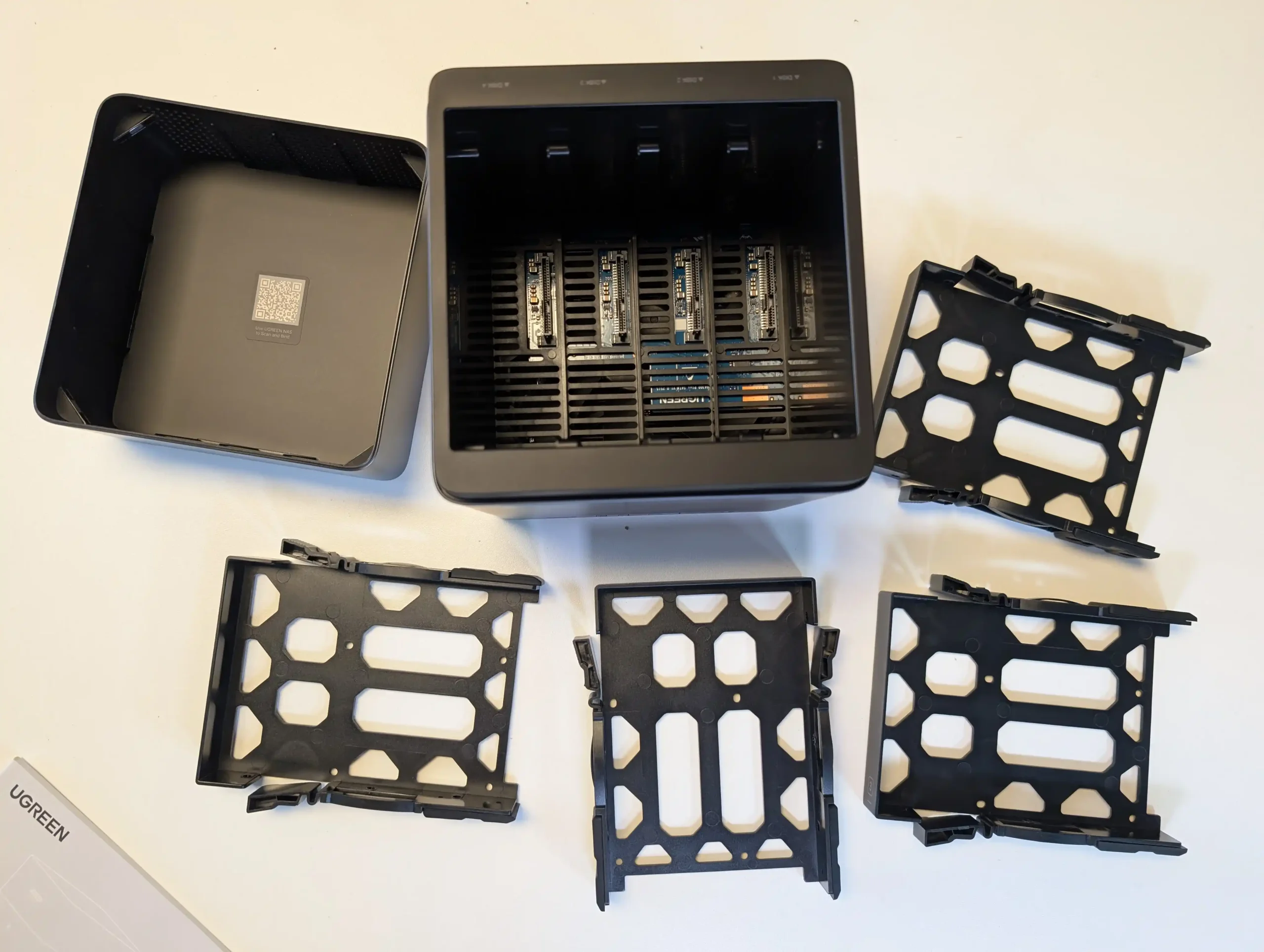
The SATA bays are accessed from the rear by removing a magnetic cooling mesh cover, then sliding out the drive bracket assembly. The trays are screw-mounted rather than tool-less, and the manual specifies different screw types depending on whether you are installing 2.5-inch or 3.5-inch drives. In practice, it is possible to physically place a drive in a tray without fully fastening it, but the design clearly expects proper screw mounting for stability and vibration control. The device also includes silicone plugs intended to reduce vibration and protect the drives, and the overall bay system is designed to sit very flush once reassembled.
One unusual design detail is that each HDD tray includes a thermal pad intended to draw heat away from the drive’s underside. That is not common on many 2-bay systems, and it suggests Beelink is trying to compensate for the compact enclosure by using direct contact points for heat transfer. The tradeoff is that this design pushes the product toward precision fitting, and it aligns with the wider theme of the ME Pro being tightly engineered rather than roomy.
If you typically choose NAS hardware where drive swaps are quick and frequent, this approach will feel more like a compact appliance that expects occasional changes, not a platform designed around constant drive rotation.
The compact chassis also affects how storage installation feels in the hands. Because clearances are tight, inserting the drive bracket and getting everything seated can feel less smooth than on larger 2-bay boxes, even though it looks clean once it is in place. This tightness is likely part of how Beelink is managing airflow paths and vibration control in such a small enclosure, but it still means you have less margin for error during installation. Overall, the storage design is best described as space-efficient and deliberate, but it asks for patience during assembly and it rewards users who install drives once and leave the configuration largely unchanged.
Beelink ME Pro NAS Review – Internal Hardware
The ME Pro is sold in 2 CPU variants, based on Intel’s N95 or N150, both 4-core and 4-thread chips with integrated graphics. In practical NAS terms, these CPUs sit in the low power mini PC category rather than the heavier desktop class, so the platform is designed around efficiency and compact integration rather than raw compute headroom. In your testing and general use, that design target showed up as stable day-to-day responsiveness for typical NAS tasks, plus enough iGPU capability for common media server workloads when paired with the right software stack.
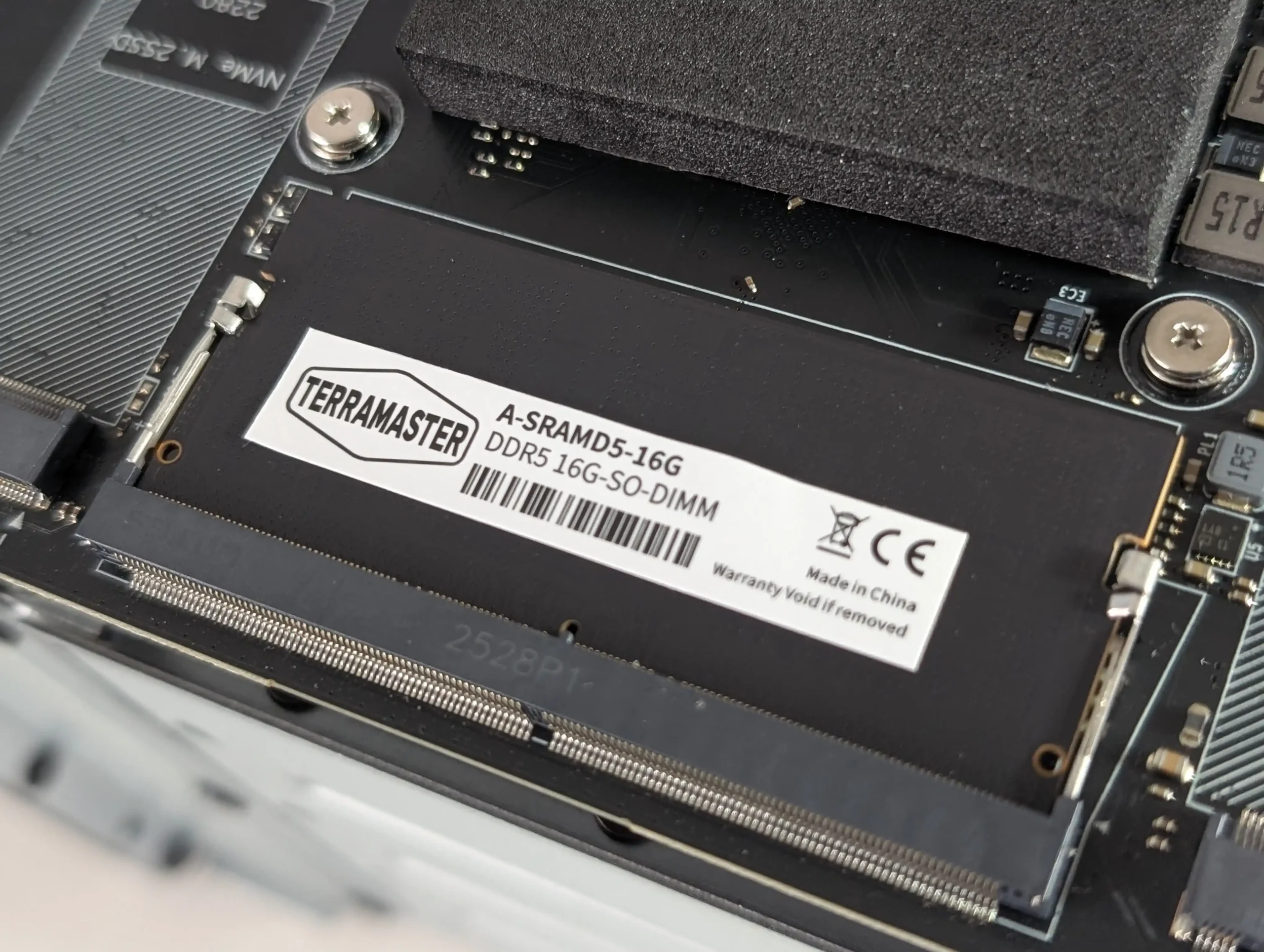
Memory is integrated rather than socketed. The configurations pair the N95 with 12GB LPDDR5 4800MHz and the N150 with 16GB LPDDR5 4800MHz, and there is no user-accessible SO-DIMM slot to expand it later. In the context of a small NAS, this matters less for basic file serving and backups, but it becomes more relevant if the device is expected to run multiple containers, heavier indexing, or virtual machines. Because the memory is fixed at purchase, the CPU choice is also effectively tied to your long-term memory ceiling.
Internally, the platform is constrained by limited PCIe resources, which affects how the storage and networking are wired. In the review you noted the CPU platform has 9 lanes available, and the device uses a split approach across its internal components rather than giving every subsystem the same bandwidth. The NVMe area reflects this most clearly, with 1 slot operating at PCIe 3.0 x2 while the other slots operate at PCIe 3.0 x1, which makes slot choice part of performance planning for any workload that leans heavily on NVMe. This lane budgeting also helps explain why the system lands at 5GbE plus 2.5GbE rather than a single 10GbE port, since 10GbE would typically add pressure to an already tight allocation.
Controller choices are mixed rather than uniform, and you called that out as unusual. The 5GbE port uses a Realtek RTL8126 controller and the 2.5GbE port uses an Intel i226-V controller, which is not a common pairing in the same chassis. On the storage side, the SATA side is handled by an ASMedia ASM2116 controller, and in your notes you referenced it operating on a PCIe 3.0 x1 link, which is still sufficient for 2 SATA bays in most real-world use. These choices are relevant for OS compatibility and driver maturity, particularly if the unit is being used with NAS focused platforms rather than the included Windows 11 installation.
Cooling is one of the main internal design decisions that enables the smaller enclosure. Instead of a traditional rear fan placed at the drive backplane, the system uses a CPU fan working with a vapor chamber arrangement, and airflow is routed so that it also passes over other internal heat sources rather than treating the CPU as a separate cooling zone. In your thermal testing, you observed that the front panel area ran warmer than the rest of the chassis due to the WiFi hardware placement, and you also saw a noticeable rise in NVMe temperatures when the base thermal panel was removed, which supports the idea that the chassis panels and pads are intended to be part of the heat management system. Power is delivered via a barrel connector using a 120W external PSU, which provides headroom for spin-up and load, but it also means this is not a USB-C powered design.
Beelink ME Pro NAS Review – Ports and Connections
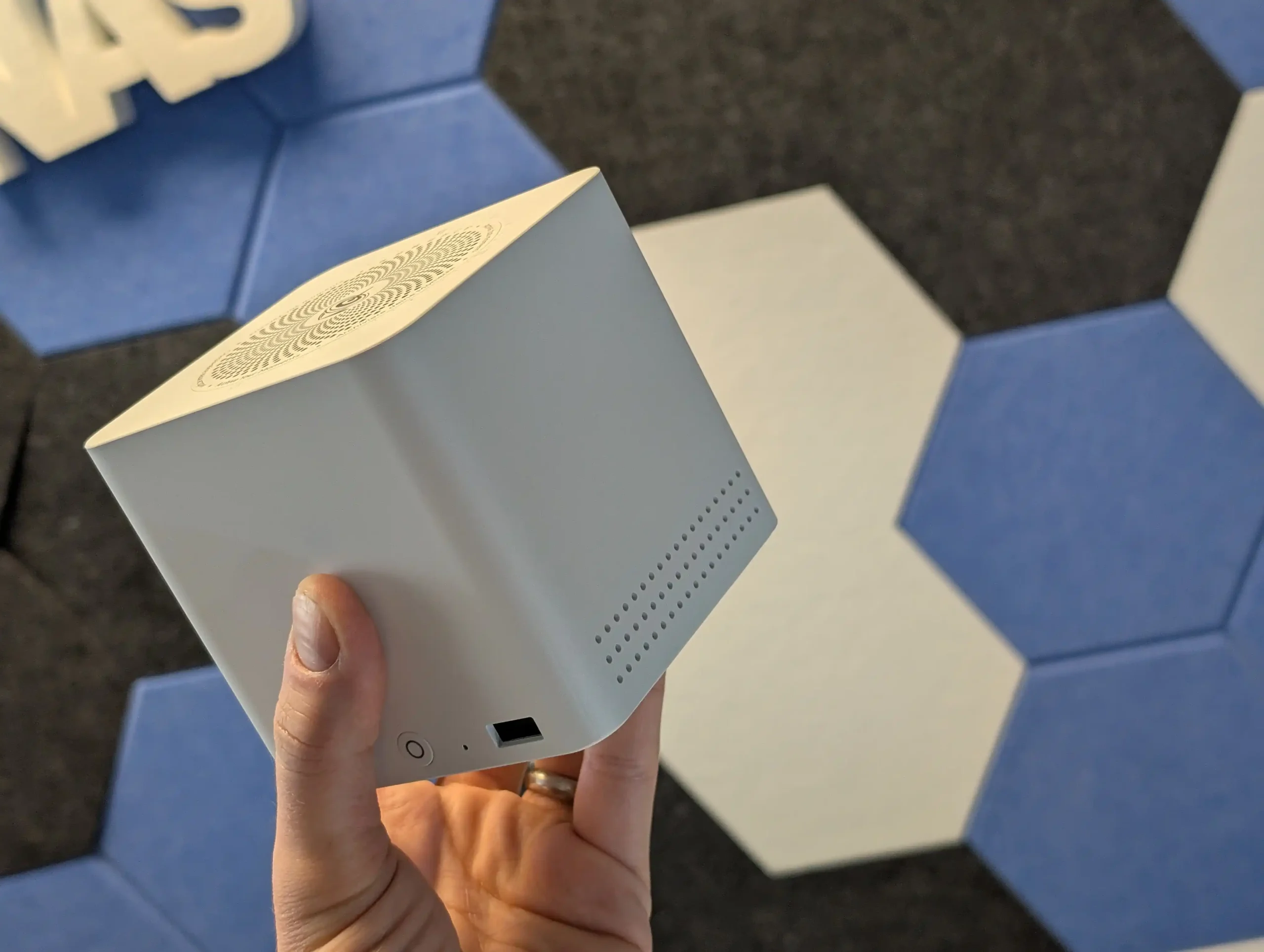
Up front, the ME Pro keeps things simple: a power button and a single front-mounted USB port for quick access. This suits the NAS-first intent, where most interaction is remote, but it also sets expectations for local use. If you plan to attach multiple peripherals directly to the unit, you are quickly pushed toward using a hub or relying on network-based management rather than treating it like a conventional mini PC with generous front I/O.
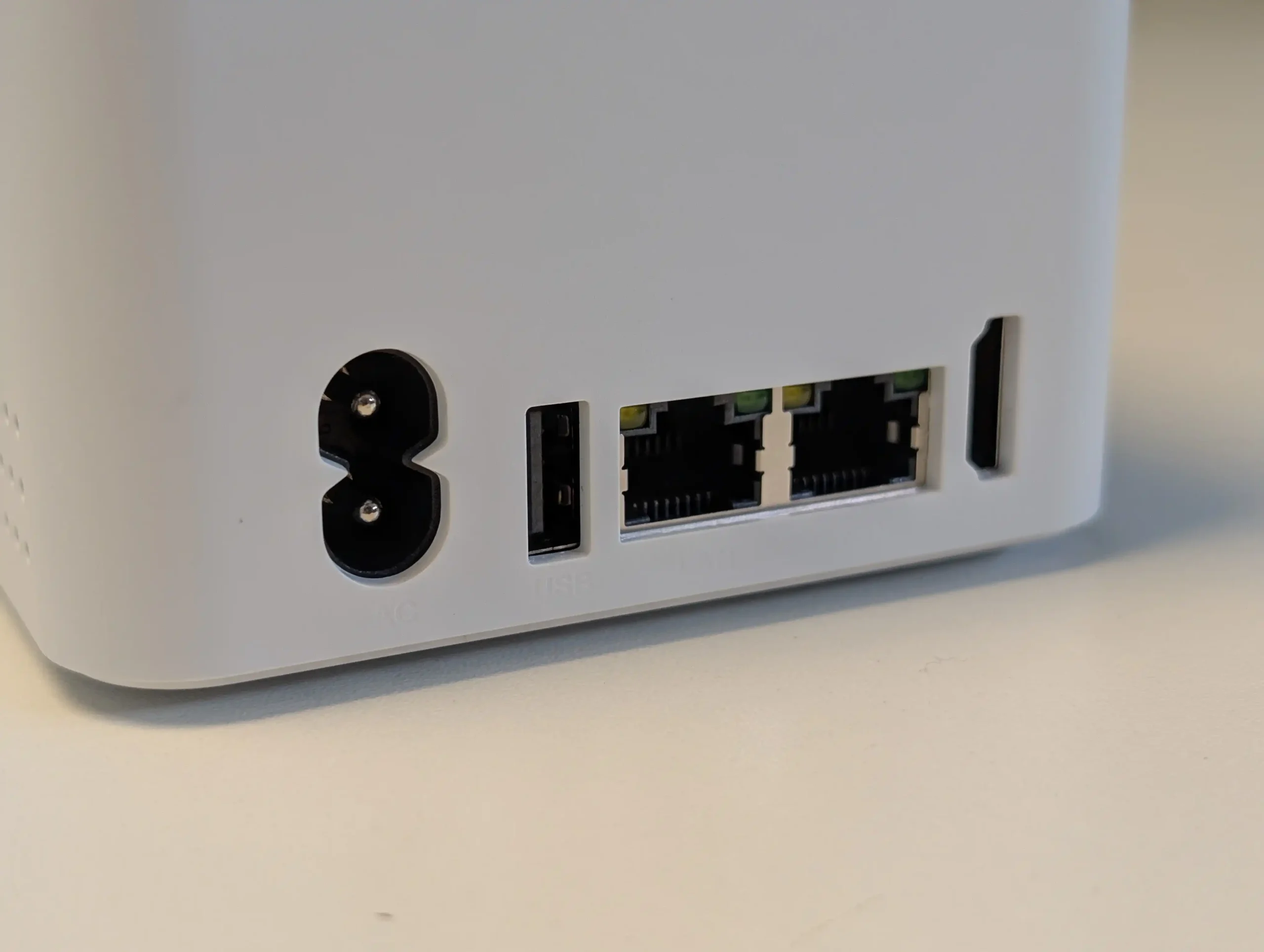
Most connectivity is placed at the rear and along the base section of the chassis, which also helps keep cables routed in one direction when the unit is placed on a desk or shelf. Wired networking is split across 2 Ethernet ports, a 5GbE port and a 2.5GbE port, and the unit also includes WiFi 6 plus Bluetooth 5.4. That mix allows both a standard single-cable setup and more flexible layouts such as separating traffic across the 2 wired links, or keeping WiFi available for temporary placement, troubleshooting, or scenarios where pulling Ethernet is not straightforward.
For general external connectivity, the ME Pro includes a USB-C port rated at 10Gbps for data and it supports video output, but it is not used for power input. Power is delivered through a barrel connector and the unit ships with a 120W external PSU, which provides comfortable headroom and removes any questions around USB-C PD negotiation. Alongside USB-C, it includes 1 USB 3.2 port rated at 10Gbps and 2 USB 2.0 ports at 480Mbps, which covers basic keyboard, mouse, UPS signalling, or low bandwidth accessories, but it is still a small selection compared with many mini PCs.
For local display and basic audio, there is 1 HDMI output rated up to 4K 60Hz and a 3.5mm audio jack. The manual also calls out a reset hole and a CLR CMOS function, which is useful context for users who intend to experiment with different operating systems, boot media, or BIOS settings, since recovery options are clearly exposed rather than being hidden inside the chassis. Overall, the port selection feels intentionally weighted toward networking and core connectivity, with enough display and USB support for setup and troubleshooting, but not a layout aimed at heavy local peripheral use.
Beelink ME Pro NAS Review – Noise, Heat, Power and Speed Tests
Testing was done over several weeks of general use and targeted measurements, with a focus on temperatures, noise, power draw, and storage and network throughput. The typical configuration used for the core measurements included 2 SATA HDDs and 3 installed NVMe drives, with the system left running for extended periods and accessed regularly throughout the day. In addition to network file transfers, I also checked internal storage performance directly over SSH to separate storage limits from network limits.
On thermals, external chassis temperatures after a 24-hour period of operation with regular hourly access sat around 34C to 35C across most sides. The base area was a little warmer at roughly 34C to 38C, and the rear section around the motherboard and vapor chamber area was around 38C. The installed HDDs sat around 34C to 36C in that same period, using 4TB IronWolf drives, so not high power enterprise class media. The front panel area peaked higher than the rest of the enclosure, which aligned with the internal placement of the WiFi hardware near the front of the chassis.
The NVMe area showed the clearest example of how much the chassis panels and pads matter. With the base thermal panel in place, the panel itself sat around 36C over the same extended uptime. When that panel was removed, temperatures on the NVMe drives rose noticeably, with the PCIe 3.0 x2 slot drive reaching around 45C to 46C and the PCIe 3.0 x1 slot drives sitting around 38C to 41C. The difference suggested that the base panel and thermal pad contact are doing meaningful work as part of the heat path, and it also reinforces that there is no practical clearance for NVMe heatsinks in this chassis.
Noise levels were measured in a modest drive configuration, and they stayed in the mid-30 dBA range in the test environment. With the HDDs idle and the system otherwise sitting in standby, noise came in around 36 dBA to 37 dBA. With both HDDs being accessed simultaneously and NVMe activity occurring, it sat around 35 dBA to 38 dBA. The system uses a compact fan approach tied to the CPU cooling path, and one limitation I ran into is that I did not find a straightforward way to control the fan outside the BIOS during early testing, including attempts via SSH, which reduces fine tuning options for users who want tighter acoustics control.
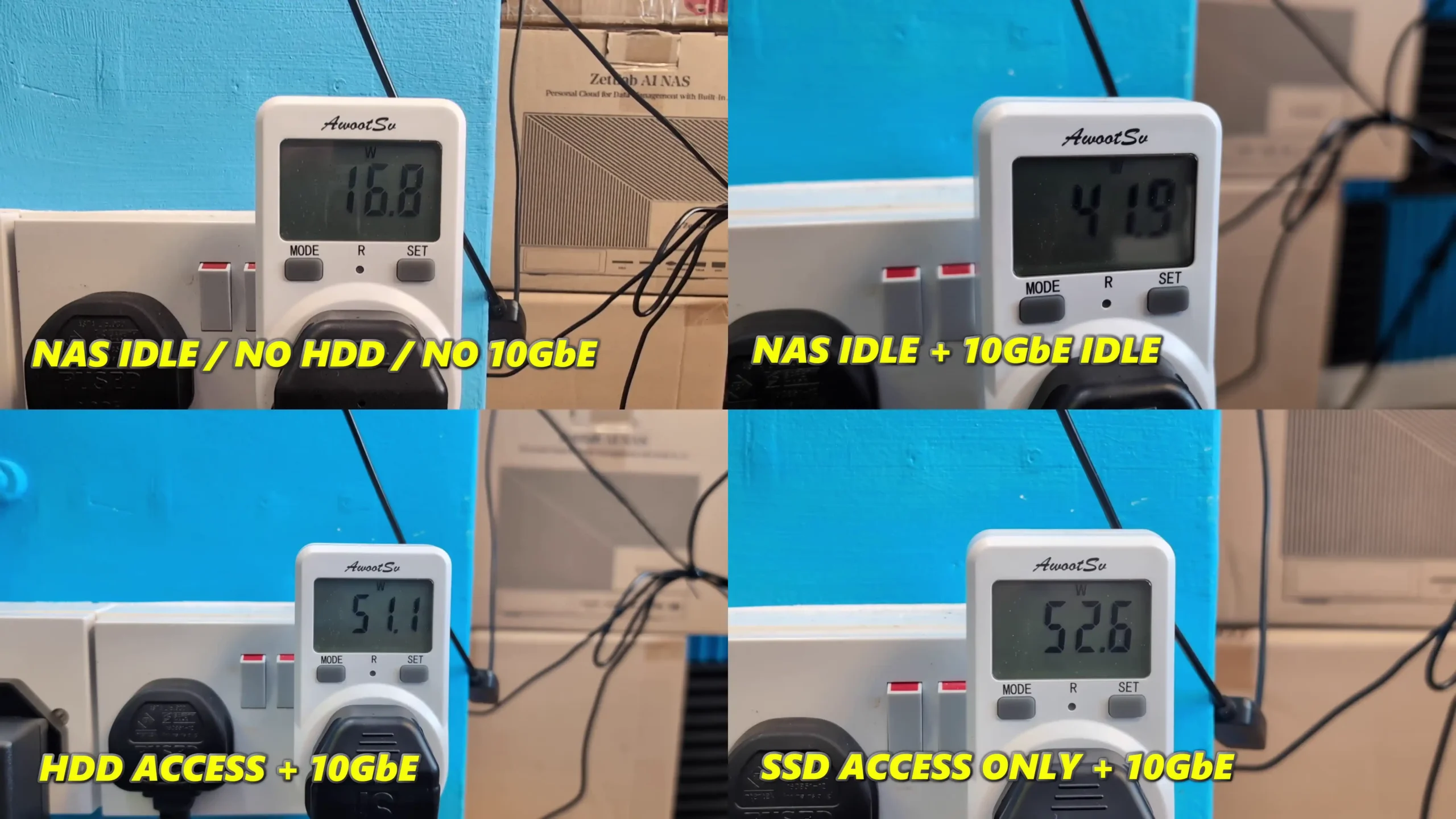
Power consumption was tested in several stages to isolate the impact of installed storage. With no HDDs or NVMe installed and the system powered on, it drew around 15W to 16W. With 3 NVMe installed and no HDDs, it rose to around 18W to 19W. With 2 HDDs and 3 NVMe installed but all media idle, it sat around 22W to 23W.
Under a heavy combined workload with HDD and NVMe activity plus the CPU at full utilization, power draw reached around 41W to 42W, which reflects a worst case state rather than typical idle or light service operation.
For throughput, 2 HDDs in a RAID1 style setup were able to deliver around 250 MB/s to 267 MB/s, which is consistent with what you would expect from 2-bay HDD performance and means the HDD side will not saturate a 5GbE link.
NVMe storage over the 5GbE connection was able to reach full saturation of the network link in testing, so the network became the limiting factor rather than the SSD. Internal NVMe testing over SSH showed the expected split between slots, with the PCIe 3.0 x2 slot delivering roughly 1.5 GB/s to 1.6 GB/s reads and 1.1 GB/s to 1.2 GB/s writes, while the PCIe 3.0 x1 slots delivered around 830 MB/s to 835 MB/s reads and roughly 640 MB/s to 670 MB/s writes with more variability.
On media server use, 4 simultaneous high bitrate 4K playback streams ran with CPU usage in the teens, using Jellyfin. One extra operational note from testing is that while official messaging indicates hot swapping is not supported, I was able to remove and replace a drive in a RAID1 environment without powering down and continue the rebuild process, which suggests the limitation may be a support stance rather than an absolute hardware block.
Beelink ME Pro NAS Review – Conclusion & Verdict
The ME Pro’s main practical strengths are the space-efficient chassis, the combination of 2 SATA bays with 3 internal NVMe slots, and a connectivity set that includes 5GbE plus 2.5GbE and WiFi 6. In measured testing it delivered controlled external temperatures under typical always-on use, mid-30 dBA noise levels in the tested configuration, and power draw that stayed in the low-20W range at idle with drives installed, rising into the low-40W range under a full combined workload. Storage performance matched the internal design limits: HDD throughput was solid but not enough to saturate 5GbE, while NVMe performance split clearly between the PCIe 3.0 x2 slot and the PCIe 3.0 x1 slots, with the faster NVMe slot capable of saturating the 5GbE link in network transfers.
The main limitations are tied to the same compact, integrated approach that makes it unusual. Memory is fixed at purchase with no SO-DIMM upgrade path, NVMe cooling relies on chassis contact and leaves no clearance for heatsinks, and the lane allocation results in mixed NVMe slot speeds rather than uniform bandwidth across all 3 slots. The launch CPU options also remain close enough that the decision is often as much about bundled memory and SSD tier as it is about a clear performance tier shift. For buyers who want a small, always-on NAS with mixed SATA and NVMe storage, multi-gig networking, and reasonable thermals, noise, and power characteristics, the ME Pro aligns with that goal, but it is less suitable for users who expect frequent hardware changes, want expandability in RAM, or prefer a more conventional 10GbE-first network design.
PROs of the Beelink ME Pro NAS
CONs of the Beelink ME Pro NAS
Very compact footprint for a 2-bay NAS class system (166 x 121 x 112mm, metal chassis)
2x SATA bays (2.5-inch or 3.5-inch) plus 3x M.2 NVMe slots in the same enclosure
Multi-gig wired networking: 5GbE + 2.5GbE, plus WiFi 6 and Bluetooth 5.4
Strong idle efficiency in testing with drives installed and idle (about 22W to 23W)
Noise stayed in the mid-30 dBA range in the tested HDD and NVMe configuration
NVMe performance is sufficient to saturate the 5GbE link, with the PCIe 3.0 x2 slot clearly faster than the x1 slots
Chassis thermal design appears effective under typical always-on use, with external temps broadly in the mid-30C range
Practical service access features: magnetic rear cover, base access for M.2, stored tool in the base, reset and CLR CMOS available
RAM is fixed (no SO-DIMM), so memory cannot be upgraded after purchase
Very tight internal tolerances make drive and bracket insertion less forgiving during installation and changes
Mixed NVMe slot speeds (1x PCIe 3.0 x2 and 2x PCIe 3.0 x1) and no 10GbE option
This description contains links to Amazon. These links will take you to some of the products mentioned in today's content. As an Amazon Associate, I earn from qualifying purchases. Visit the NASCompares Deal Finder to find the best place to buy this device in your region, based on Service, Support and Reputation - Just Search for your NAS Drive in the Box Below
Need Advice on Data Storage from an Expert?
Finally, for free advice about your setup, just leave a message in the comments below here at NASCompares.com and we will get back to you.Need Help?
Where possible (and where appropriate) please provide as much information about your requirements, as then I can arrange the best answer and solution to your needs. Do not worry about your e-mail address being required, it will NOT be used in a mailing list and will NOT be used in any way other than to respond to your enquiry.
[contact-form-7]
TRY CHAT Terms and Conditions
If you like this service, please consider supporting us.
We use affiliate links on the blog allowing NAScompares information and advice service to be free of charge to you.Anything you purchase on the day you click on our links will generate a small commission which isused to run the website. Here is a link for Amazon and B&H.You can also get me a Ko-fi or old school Paypal. Thanks!To find out more about how to support this advice service checkHEREIf you need to fix or configure a NAS, check FiverHave you thought about helping others with your knowledge? Find Instructions Here
Or support us by using our affiliate links on Amazon UK and Amazon US
Alternatively, why not ask me on the ASK NASCompares forum, by clicking the button below. This is a community hub that serves as a place that I can answer your question, chew the fat, share new release information and even get corrections posted. I will always get around to answering ALL queries, but as a one-man operation, I cannot promise speed! So by sharing your query in the ASK NASCompares section below, you can get a better range of solutions and suggestions, alongside my own.
Best NAS You Can Buy Right Now for Under $499 at the end of 2025
By late 2025, the under 499 dollar NAS segment has become far more crowded, with multiple vendors offering systems that combine capable hardware, established operating systems, and multi bay storage at a relatively accessible price. Home users, prosumers, and small workgroups now have access to devices that can centralise files, manage routine backups, and handle local media streaming at performance levels that were previously limited to higher priced units. The range of available designs has also grown, with everything from compact solid state based units to entry level rackmount models appearing in this category. This guide looks at five (technically 6!) turnkey NAS platforms that can be purchased for 499 dollars or less. Each one focuses on a different balance of features, whether that is throughput, virtualisation, containers, or ease of use, yet all provide a practical path toward reliable self hosted storage without pushing the budget too far.
Important Disclaimer and Notes Before You Buy
Every NAS in this bracket is sold without drives, so users must provide their own storage, whether that is 3.5 inch HDDs, 2.5 inch SSDs, or M.2 NVMe modules for all flash builds. This directly influences total cost, particularly for NVMe based systems. Some models include small flash or eMMC for the operating system, but these are not suitable for general data storage. Buyers should account for drive costs, planned RAID layouts, and any needed accessories such as cables, heatsinks, or extra cooling. Software support also varies, with many devices using vendor platforms like DSM, TOS, or UGOS, while others permit alternatives such as TrueNAS or Unraid without affecting hardware support. Systems with less mature software may require more setup work for Plex, Docker, or SMB services, making these NAS units better suited to users who are comfortable handling basic network configuration or are willing to learn more advanced features over time.
UniFi UNAS Pro 7-Bay NAS
$499 – ARM Cortex-A57 – 8GB – 7x 3.5″ SATA – 1x 10GbE SFP+, 1x 1GbE – UniFi OS – BUY HERE
The UniFi UNAS Pro is a two unit rackmount NAS that focuses on high throughput storage rather than general purpose application hosting. It includes seven hot swappable SATA bays for either 2.5 inch or 3.5 inch drives and is built on a quad core ARM Cortex A57 processor at 1.7GHz with 8GB of DDR4 memory. The platform is intended for straightforward file storage and does not provide container services, multimedia features, or virtualisation. Network connectivity consists of one 10GbE SFP plus port and one 1GbE RJ45 port, which makes the system well suited to central backups, shared project storage, and high volume file transfers inside a UniFi managed network.
Management is handled through the Drive application within UniFi OS, with support for RAID zero, one, five, and six. Power redundancy is enabled through an internal 200 watt AC and DC power supply and optional USP RPS failover. A 1.3 inch front panel touchscreen provides system information and basic diagnostics. Although the feature set is narrower than that of a typical multimedia or container focused NAS, the system integrates cleanly with UniFi infrastructure or can operate on its own as a dedicated storage target.
Here are all the current UniFi NAS Solutions & Prices:
Since launching the original UNAS models in 2024, UniFi has expanded the range with new desktop units, including the UNAS two bay at 199 dollars and the UNAS four bay at 349 dollars, along with Pro series models in four bay and eight bay configurations at 499 dollars and 799 dollars. The UNAS Pro sits at the entry point of the Pro line and offers a hardware driven approach suited to users who want reliable multi bay storage with 10GbE connectivity and do not require wider software extensibility.
Component
Specification
CPU
Quad-Core ARM Cortex-A57 @ 1.7GHz
Memory
8GB DDR4
Drive Bays
7x 2.5″/3.5″ SATA HDD/SSD
Networking
1x 10GbE SFP+, 1x 1GbE
Power
200W internal PSU + USP-RPS redundancy
OS
UniFi OS / Drive App
Display
1.3″ touchscreen
Form Factor
2U Rackmount
Dimensions
442 x 325 x 87 mm
Weight
9.5 kg with brackets
UGREEN NASync DXP4800 NAS
$499– Intel N100 – 8GB – 4x 3.5″ SATA + 2x M.2 NVMe – 2x 2.5GbE – UGOS Pro – BUY HERE
The UGREEN NASync DXP4800 is a four bay desktop NAS that combines hybrid storage options with a growing set of software features. It uses an Intel N100 quad core processor from the twelfth generation Alder Lake N series and includes 8GB of DDR5 memory along with 32GB of onboard eMMC for the operating system. The system provides four SATA bays for hard drives or SSDs and two M.2 NVMe slots that can be used for caching or for creating faster all flash volumes. Network connectivity consists of two 2.5GbE ports with support for link aggregation to improve throughput or provide failover. Front and rear USB 3.2 ports, a USB C connector, and an SD 3.0 card reader add convenience for users who work with external media.
UGOS Pro serves as the software platform and offers RAID zero, one, five, six, and ten, along with Docker, Plex support, cloud sync tools, snapshots, and standard file sharing services. Although UGOS Pro is not as established as DSM or TrueNAS, it has gained stability and functionality over repeated updates and provides a straightforward browser based interface for managing storage and services. For users who want hybrid storage flexibility and a graphical setup process, the DXP4800 fits comfortably in the under 499 dollar category, particularly during sales.
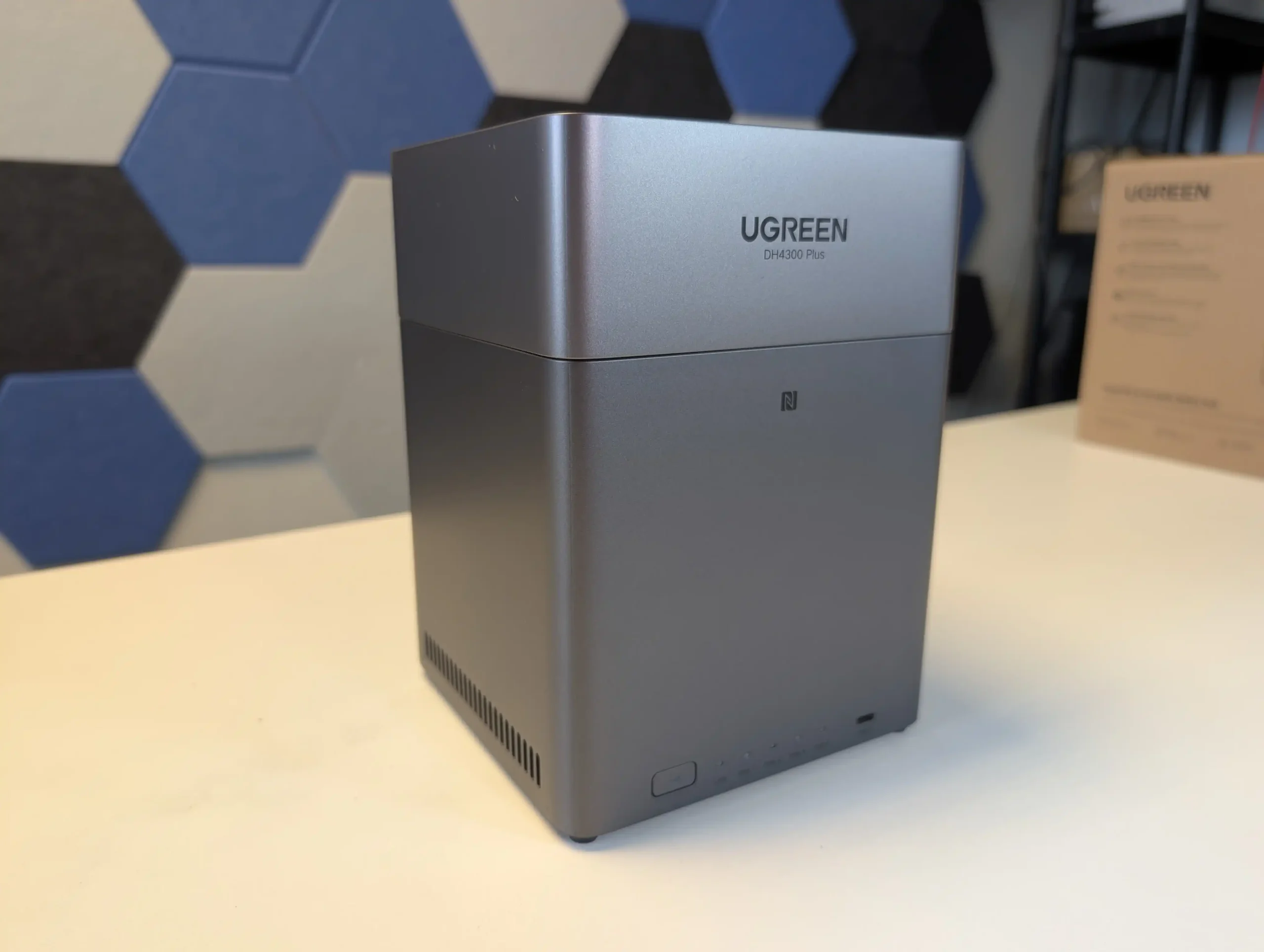
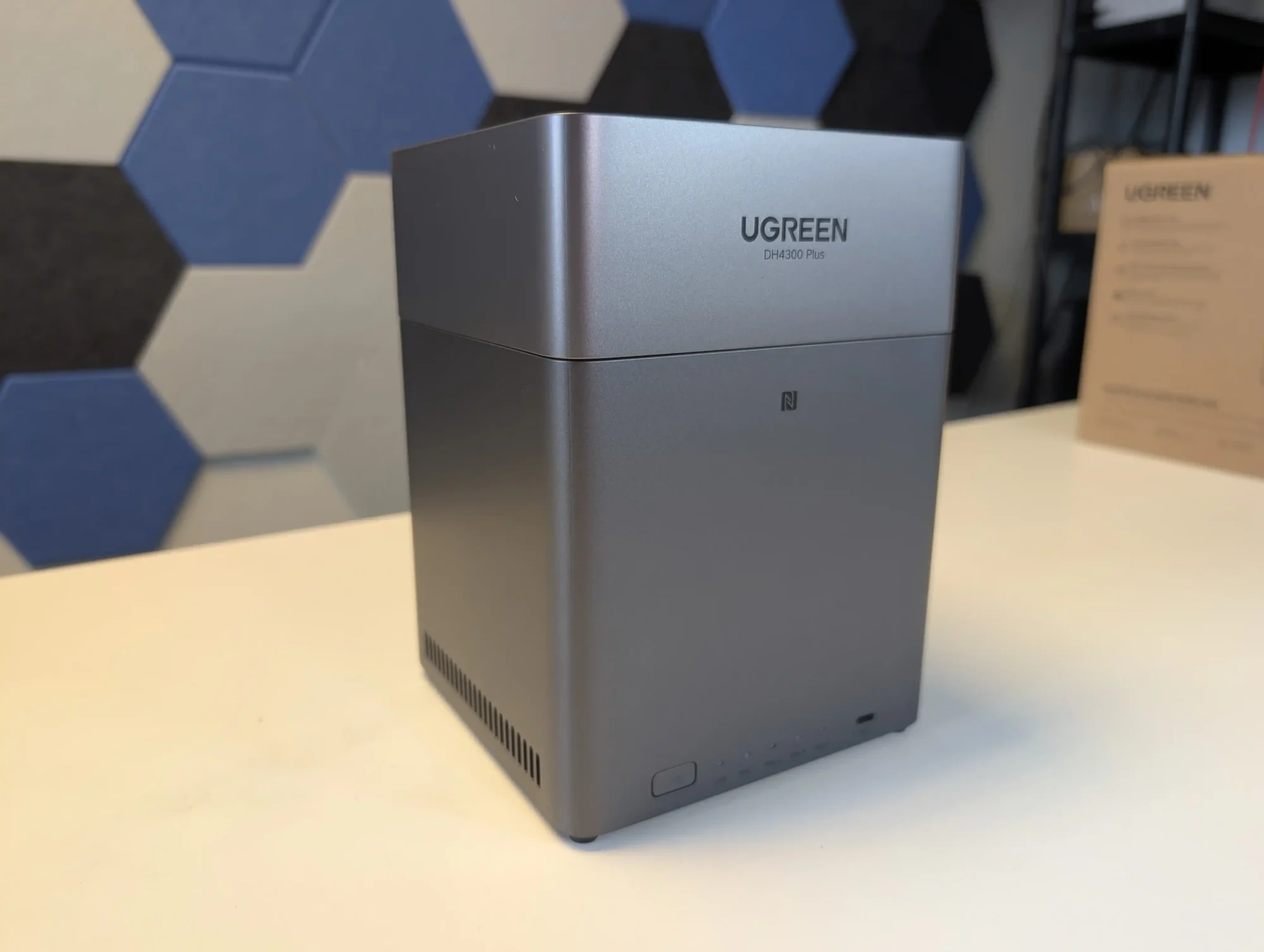
UGREEN also sells a more cost effective alternative called the DH4300 Plus. That model uses an ARM processor with fixed memory and provides only a single 2.5GbE connection. It is suitable for simpler workloads, but users who want stronger performance and broader feature support will likely prefer the DXP4800.
Component
Specification
CPU
Intel N100 (4 cores, up to 3.4GHz)
Memory
8GB DDR5 (upgradable to 16GB)
Drive Bays
4x SATA (3.5″/2.5″) + 2x M.2 NVMe
Networking
2x 2.5GbE LAN
Ports
1x USB-C (10Gbps), 2x USB-A, SD Card Reader
Video Output
1x HDMI (4K)
OS
UGOS Pro
Power Consumption
35.18W (access), 15.43W (hibernation)
Dimensions
257 x 178 x 178 mm (approx.)
LincStation N2 NAS
$399 – Intel N100 – 16GB – 2x 2.5″ SATA + 4x M.2 NVMe – 1x 10GbE – Unraid OS – BUY HERE
The LincStation N2 is a compact solid state NAS that offers higher performance than most systems in this price tier. It uses an Intel N100 processor with 16GB of LPDDR5 memory and supports two 2.5 inch SATA SSDs alongside four M.2 2280 NVMe drives. This six bay layout is aimed at users who want higher IOPS, quieter operation, and lower power consumption than a hard drive based configuration. Network connectivity is provided through a single 10GbE RJ45 port, which is uncommon at this price level and useful for workstation links or scenarios involving multiple simultaneous clients.
The unit includes an Unraid Starter license, giving users access to Docker containers, virtual machines, hardware passthrough, and flexible storage management. Unraid requires some familiarity to use effectively, but it offers greater adaptability than fixed vendor operating systems. The N2 also includes HDMI output, USB C, USB 3.2, and several USB 2.0 ports, which allows it to function as a lightweight home server or media oriented workstation in addition to its NAS role. For users who place priority on SSD storage, 10GbE connectivity, and virtualisation features, the LincStation N2 provides a level of capability that is not common in the sub 499 dollar category.
Component
Specification
CPU
Intel N100 (4 cores, up to 3.4GHz)
Memory
16GB LPDDR5 (non-upgradable)
Drive Bays
2x 2.5″ SATA + 4x M.2 NVMe
Networking
1x 10GbE LAN
Ports
1x USB-C (10Gbps), 1x USB 3.2, 2x USB 2.0
Video/Audio
HDMI 2.0, 3.5mm audio out
OS
Unraid (Starter license included)
Dimensions
210 x 152 x 39.8 mm
Weight
800g
TerraMaster F4 SSD NAS
$399 – Intel N95 – 8GB – 4x M.2 NVMe – 1x 5GbE – TOS (TerraMaster OS) – BUY HERE
The TerraMaster F4 SSD is a four bay solid state NAS designed for users who want faster access speeds and quieter operation than traditional hard drive systems. It uses an Intel N95 processor from the Alder Lake N family together with 8GB of DDR5 memory in a single SODIMM slot. Storage is provided through four M.2 NVMe positions, with two operating at PCIe 3.0 x2 and two at PCIe 3.0 x1. The system is intended for SSDs only and does not support SATA based drives. Network connectivity is handled through one 5GbE port, which allows higher single link performance than dual 2.5GbE designs and can attach to 10GbE networks at reduced speed.
The device runs the TOS platform, which offers multimedia tools, photo management with local AI tagging, cloud sync, user account controls, and a range of backup options. The system supports Btrfs, TRAID for flexible capacity planning, remote access, and mobile applications for file sync and photo uploads. HDMI output, two USB A ports, one USB C port, and quiet fan operation make the F4 SSD suited to home environments that need a compact all flash NAS with minimal configuration.
Users who want more performance can step up to the F8 SSD Plus for roughly 200 to 250 dollars more. That model offers eight M.2 NVMe slots, an eight core N305 i3 class processor, 16GB of memory, and 10GbE networking. The F4 SSD remains the more cost conscious option, while the F8 SSD Plus targets workloads that need considerably more CPU and network headroom.
The Synology DS425 Plus is a four bay NAS positioned as an accessible way to enter the DSM ecosystem while still offering capable hardware for home and small office use. It is built on the Intel Celeron J4125, a quad core processor with a 2.0GHz base frequency and up to 2.7GHz under load. The system includes 2GB of DDR4 memory that can be expanded to 6GB and supports both 3.5 inch and 2.5 inch SATA drives. Two M.2 NVMe slots are available for cache use or for creating faster solid state storage volumes. Network connectivity consists of one 2.5GbE port and one 1GbE port, which gives users some flexibility depending on the switches in their setup.
DSM remains one of the more complete NAS operating systems, with integrated tools for file management, media serving, backup and sync, surveillance, and virtualisation. Synology Hybrid RAID is supported for flexible capacity planning, and the use of Btrfs provides access to snapshots and integrity checks. A notable change in late 2025 is Synology’s updated stance on drive compatibility. The Plus series no longer restricts or warns against the use of third party hard drives or SSDs, meaning users can now deploy Seagate, WD, and other manufacturers without any prompts or reduced functionality. This removes a previous concern for buyers who wanted to reuse existing disks or avoid Synology branded media. For users who want long term software support, a stable operating system, and a straightforward four bay design within the 499 dollar range, the DS425 Plus remains a practical option, now with fewer limitations on drive choice.
Component
Specification
CPU
Intel Celeron J4125 (4 cores, up to 2.7GHz)
Memory
2GB DDR4 (expandable to 6GB)
Drive Bays
4x 3.5″/2.5″ SATA + 2x M.2 NVMe
Networking
1x 2.5GbE LAN, 1x 1GbE LAN
Ports
2x USB 3.2 Gen 1
OS
Synology DSM 7.x
File System
Btrfs, EXT4
Dimensions
166 x 199 x 223 mm
Weight
2.18 kg
UnifyDrive UT2 Mobile NAS Drive
$399 –RK3588 8GB, LPDDR4X 1, 2.5GbE, 6TOPS NPU, 4K HDMI 2.1, WiFi 6 + AP Mode, DAS Mode, 2 Hour Mobile Battery – BUY HERE ( Get a further 5% OFF with this code: NASCOMPARES )
The UnifyDrive UT2 Portable NAS is now a fully released product rather than a crowdfunding prototype, and its design reflects a complete, ready to ship package. The system is compact, roughly the size of a thick smartphone, and weighs around 350g with its protective rubber sleeve. It includes a 32GB eMMC module for the operating system, two M.2 NVMe SSD slots for storage, active cooling, WiFi 6, Bluetooth, a 2.5GbE port, HDMI output, and an internal battery that provides around 30 to 60 minutes of runtime and basic UPS functionality. The retail kit includes multiple USB cables, a power adapter, a remote control for HDMI use, SD and CFe card backup support, and printed quick start materials. Although the fan is audible under load, overall noise levels remain low for a compact ARM based system, and the design allows users to run the NAS handheld, placed on a desk, or carried in a bag without difficulty.
Connectivity is one of the UT2’s strongest aspects. Alongside its dual 5Gb USB ports, users can switch the device between network attached storage mode and direct attached storage mode. The two SD card slots support automated or one touch backups, and the 2.5GbE port gives the unit higher wired throughput than many portable or entry level NAS devices. HDMI output supports up to 4K60 and 8K playback, and media can be controlled either through the mobile application or the included remote. Internally, the UT2 uses a Rockchip RK3588C CPU with ARM Mali G610 graphics and 8GB of LPDDR4X memory. The two NVMe slots appear to operate at PCIe Gen 3 x1 speeds, which is adequate for saturating the wired and wireless interfaces. The memory is soldered and non upgradable, so users who intend to run more demanding workloads will need to account for that limit. Wireless access works through both client mode and the device’s own WiFi access point, enabling file sharing or backup without a pre existing network.
Software management centres on the UnifyDrive mobile application, which has expanded since the product first appeared and now includes RAID pool creation, the selective UDR RAID mode, SMB and FTP services, DLNA media streaming, direct HDMI output control, cloud sync, real time sharing, and device monitoring. Setup can be completed over LAN, WiFi, or Bluetooth, and firmware is updated over the air. The app provides tools for backups, encrypted folders, AI driven photo recognition, scheduled power controls, and general file management. Some advanced features such as additional downloader tools and container support remain under development, but the current software offers more control than most mobile focused NAS interfaces. Remote access is available through an integrated relay service, though support for third party VPN solutions is not yet included. With its combination of portability, NVMe storage, multi mode connectivity, and a growing software stack, the UT2 occupies a niche for users who want a personal cloud device that can be carried between locations while still supporting standard NAS workflows at its 399 to 599 dollar price point.
Use the LINK below + Get a further 5% OFF with this code: NASCOMPARES
The sub 499 dollar NAS segment in late 2025 offers a wide range of systems aimed at different performance levels and storage priorities. Buyers can choose between high capacity RAID focused platforms, SSD oriented designs, or systems built around established software ecosystems. The UniFi UNAS Pro remains a hardware driven storage appliance with 10GbE connectivity and seven bays, making it suitable for backup or archival workloads that require consistent throughput. The UGREEN DXP4800 and the LincStation N2 provide hybrid and all flash configurations, and both include support for containers, virtualisation, and the option to run alternative operating systems if required. Users who prefer a mature software stack with long term updates may gravitate toward the Synology DS425 Plus, which now supports third party drives without warnings or restrictions following Synology’s policy change in October 2025. The TerraMaster F4 SSD serves those who want a compact solid state platform with 5GbE networking and access to the expanding feature set of TOS, including local AI photo tools and multimedia functions. All of these NAS units require user supplied storage and may involve some degree of configuration depending on the software environment. The most suitable choice depends on whether you prioritise performance, software refinement, expansion options, or direct control over how the system is deployed within this price conscious category.
This description contains links to Amazon. These links will take you to some of the products mentioned in today's content. As an Amazon Associate, I earn from qualifying purchases. Visit the NASCompares Deal Finder to find the best place to buy this device in your region, based on Service, Support and Reputation - Just Search for your NAS Drive in the Box Below
Need Advice on Data Storage from an Expert?
Finally, for free advice about your setup, just leave a message in the comments below here at NASCompares.com and we will get back to you.Need Help?
Where possible (and where appropriate) please provide as much information about your requirements, as then I can arrange the best answer and solution to your needs. Do not worry about your e-mail address being required, it will NOT be used in a mailing list and will NOT be used in any way other than to respond to your enquiry.
[contact-form-7]
TRY CHAT Terms and Conditions
If you like this service, please consider supporting us.
We use affiliate links on the blog allowing NAScompares information and advice service to be free of charge to you.Anything you purchase on the day you click on our links will generate a small commission which isused to run the website. Here is a link for Amazon and B&H.You can also get me a Ko-fi or old school Paypal. Thanks!To find out more about how to support this advice service checkHEREIf you need to fix or configure a NAS, check FiverHave you thought about helping others with your knowledge? Find Instructions Here
Or support us by using our affiliate links on Amazon UK and Amazon US
Alternatively, why not ask me on the ASK NASCompares forum, by clicking the button below. This is a community hub that serves as a place that I can answer your question, chew the fat, share new release information and even get corrections posted. I will always get around to answering ALL queries, but as a one-man operation, I cannot promise speed! So by sharing your query in the ASK NASCompares section below, you can get a better range of solutions and suggestions, alongside my own.
After the surprising hit that was the Beelink ME Mini NAS in 2025, a lot of users were looking forward to seeing what the brand would do next in the NAS space. In January 2026, the brand responded with the launch of the Beelink ME Pro: an Intel N95/N150 powered system with DDR5 memory, 5GbE plus 2.5GbE connectivity, 2 SATA HDD bays, 3 M.2 NVMe bays, and one of the smallest physical footprints in this device class that I have seen. I have a full detailed review in progress on the ME Pro, but even after several days of use, several pros and cons have already emerged that may influence whether this is the right purchase for a homelab. While the review comes together, this article will outline the good, the bad, and the weird aspects of the Beelink ME Pro NAS.
This is a minor point, but it is worth noting how the ME Pro arrives. The chassis box is unusually small for a 2-bay NAS, and at first glance it can look like the packaging contains little more than the unit itself. In practice, the accessory items are stored inside the drive bracket area in small internal boxes, which helps avoid loose parts moving around in transit and reduces wasted packaging volume.
The device also arrives with the M.2 thermal pads already positioned in place, so the initial storage installation process is more direct. It is not a major buying factor, but it is a practical packaging decision that avoids the excessive empty space and material waste that is common in this product category.
Reasons you Should Buy the Beelink ME Pro NAS
The ME Pro is positioned as a compact, high-connectivity 2-bay NAS that also provides NVMe expansion and local display capability, with hardware aimed at users who want more than basic file serving in a small footprint. It combines dual-port networking, integrated wireless connectivity, and multiple internal storage options in a chassis designed for straightforward access and cleaning, while also introducing a motherboard drawer concept that Beelink claims will support future platform upgrades. If those priorities match your setup goals, the ME Pro has several practical advantages that can justify its price and design choices.
#1 Man alive – this 2 Bay NAS is TINY!
The ME Pro’s most immediate differentiator is its physical footprint. The chassis measures 166 x 121 x 112mm and uses an all metal unibody design, which is notably smaller than most 2-bay NAS boxes that also include NVMe storage and dual network ports. In person it reads closer to a compact mini PC enclosure than a traditional NAS, and that difference matters if you are placing it on a crowded desk, a media shelf, or anywhere you are trying to keep cabling and hardware out of the way.
That compactness is not just cosmetic, it directly shapes how the hardware is arranged and how it feels to work with. Storage bays, the NVMe area, networking, and the cooling hardware are densely packed, so clearances are tight and the device is designed around precision fit rather than roomy access. The upside is that it is easy to place in small spaces without needing the usual NAS sized footprint. The tradeoff is that installations and maintenance are likely to feel more constrained than they would on a larger, more conventional 2-bay enclosure.
#2 Arrives with 5GbE and WiFi6, when everyone else is still on 2.5GbE
On networking, the ME Pro ships with 2 wired Ethernet ports and integrated wireless. The wired setup is a 5GbE Realtek RTL8126 port alongside a 2.5GbE Intel i226-V port, and the unit also includes WiFi 6 plus Bluetooth 5.4. For a compact 2-bay NAS, that is a broader mix of connectivity than the many systems that still top out at dual 2.5GbE, and it gives you more options for how the device fits into an existing home or small office network.
In practical terms, this provides flexibility rather than guaranteeing a specific performance outcome. A 5GbE port can be useful for faster transfers if you already have compatible switching or direct attach options, while the 2.5GbE port can serve as a secondary link for a different subnet, failover, or a separate device path depending on the OS and network configuration you choose. WiFi 6 is not a replacement for wired networking in a NAS role, but it can be relevant for temporary placement, initial setup, or use cases where running a cable is not straightforward, and the manual indicates the antenna is integrated into the front panel design rather than using an external antenna.
#3 Maintenance and Internal Access is a work of art!
The ME Pro is built around user access rather than treating the internals as a sealed appliance. The manual’s process is simple: remove the magnetic cooling mesh cover, unscrew and pull out the hard drive bracket, and use the bottom access panel to reach the M.2 slots. A screwdriver is stored in the base under a silicone pad, so the tool required for basic access is physically included with the device. The ports and recovery related features also acknowledge user servicing, with items like a reset hole and a CLR CMOS function shown in the manual.
In day to day handling, the layout is designed to slide out and reassemble in a specific order, and it generally supports the idea of quick cleaning and drive installation without full disassembly. At the same time, access relies on small screws and tight tolerances, so it is not a tool-less experience. In your first impressions, the mechanism for sliding the internal assembly out felt solid and precisely aligned, but you also noted that the included tool is very small and can be fiddly to use. The result is a design that prioritizes compact service access, but still expects careful handling during installation and maintenance.
#4 Great Base Memory Quantity at a time when RAM costs are BONKERS
From the start, the ME Pro is configured with either 12GB LPDDR5 4800MHz on the N95 models or 16GB LPDDR5 4800MHz on the N150 models, rather than shipping with a minimal memory pool that immediately pushes users toward an upgrade. In practical NAS use, that baseline capacity is relevant because it can influence how comfortably the system handles common add-ons such as containers, light virtualization, background indexing, and multiple concurrent services, depending on the operating system and workload. It also reduces the likelihood that memory becomes the first immediate bottleneck for typical home and small office setups.
The tradeoff is that this approach is linked to the way the memory is implemented. In your inspection of the unit, you noted there is no SO-DIMM slot and the RAM appears soldered to the board, which means users are effectively choosing their memory tier at purchase rather than treating it as a later upgrade (more on that in a bit). This makes the initial configuration choice more important, especially for buyers who already know they will run heavier applications or multiple VMs over time.
#5 Genuinely unique modularisation and upgradability in a pre-built solution, which I have ever seen
The ME Pro’s most unusual design claim is the swappable modular motherboard. Beelink markets the system as supporting interchangeable boards across Intel, AMD, and ARM options, using a drawer style layout intended to let the main compute board slide out rather than being permanently fixed inside the chassis. The product page frames this as a way to avoid replacing the entire enclosure when you want a different CPU platform, and instead treat the chassis, drive housing, and general structure as the long-term part of the purchase.
In practical terms, this concept will only matter if Beelink actually sells the alternative boards at sensible pricing and maintains availability over time, but the physical architecture appears to be built around the idea. Your first look showed a clear internal separation between the board assembly and the rest of the enclosure, and you also observed hints of planned scale-up hardware, such as layout markings that suggest different future storage or platform variants. For buyers who like the idea of extending a system’s usable life without a full rebuild, the ME Pro is one of the few pre-built NAS style devices currently trying to formalize that upgrade path rather than leaving it to a full case swap.
Reasons You Might Want to Skip the Beelink ME Pro NAS
The ME Pro’s compact design and connectivity focused feature set come with tradeoffs that will matter to some buyers more than others. Several of the core choices are linked together, meaning you get the small chassis, the storage density, and the modular drawer approach, but you also accept limits around upgrades, physical handling, and how the platform is configured from the factory. This is not a device where every part is meant to be user replaceable or easily swapped in the way a DIY small form factor build would be.
It is also worth treating the launch configuration and roadmap as part of the buying decision. The product is being introduced with very similar Intel CPU options and fixed memory tiers, while the company is already pointing toward future AMD and ARM variants and possible expanded layouts. For some buyers, that is a reason to wait until the wider range exists and the upgrade parts are actually available. For others, the current design constraints are enough to prefer a more conventional 2-bay NAS that is larger, simpler to work on, and has clearer long-term upgrade paths.
The RAM is FIXED (i.e cannot be upgraded or changed)!!!
The ME Pro uses LPDDR5 memory (12GB on the N95 models, 16GB on the N150 models), and based on the internal layout you inspected, there is no SO-DIMM slot for user upgrades. In other words, the memory appears to be soldered to the motherboard rather than installed as a replaceable module. That makes the initial purchase configuration more important than on many small NAS builds where memory can be upgraded later as needs change.
The practical impact shows up when your usage grows beyond basic file storage. If you plan to run multiple containers, heavier indexing tasks, or virtual machines, memory headroom can become a limiting factor long before CPU or network does, depending on the OS and services you deploy. With this platform, there is no simple path to increase RAM after purchase, so anyone unsure about future requirements may prefer a system with upgradeable memory, or may want to treat the 16GB model as the safer long-term option by default.
The design is so, so very tight!
The ME Pro’s small enclosure is achieved through very tight internal tolerances. That is visible in how the drive bracket, motherboard drawer area, and storage zones are packed together, and it influences the overall experience during installation and servicing. The system relies on screw mounting for drives rather than a click-in tray approach, and while the manual provides clear steps, the process assumes careful alignment rather than quick, tool-less handling. This level of precision fit is likely part of how Beelink is trying to control airflow and improve thermal transfer in a compact space, and it also aligns with their noise and vibration messaging around tightened mounting and silicone dampening.
In the first impressions, that tightness showed up most clearly when inserting and removing components. Slotting the hard drive bracket and drives could feel rough at times, with very little clearance to work with, and the internal assembly can require a firmer push to seat correctly. Even if the compact fit is helping with heat dissipation and vibration control, it remains a very tight build, and it is less forgiving if you are frequently swapping drives, testing different storage combinations, or repeatedly opening the chassis. The end result is a device that looks clean and flush when assembled, but can feel constrained during hands-on work compared with a larger enclosure with more physical margin.
Launching the N95 version and N150 version was an odd choice (i.e very similar processors)
At launch, the ME Pro is offered in N95 and N150 variants, and on paper these CPUs sit very close to each other. Both are 4-core, 4-thread Intel N-series parts with 6MB cache, and the headline frequency difference is modest: up to 3.4GHz on the N95 and up to 3.6GHz on the N150. For many NAS workloads that are constrained by storage or network throughput rather than CPU, this kind of gap may not translate into a clearly different experience, especially once real world thermal and power limits are applied.
This tight spacing makes the product stack less clear than it could be, because the pricing difference between the entry and higher tier configurations is not simply paying for a meaningfully different platform. In practice, buyers are also paying for the memory and SSD tier attached to each CPU option, and in your case the non-upgradeable memory makes that choice more permanent. If the goal is to segment the lineup, the N95 and N150 pairing may feel like a small step that leaves some users waiting for a more distinct higher performance option rather than choosing between two closely related CPUs. Given the noise that Beelink has made about this expanding range, that only further encourages some users who think these CPUs a little timid, to remain on the fence a bit longer….
There are other CPU/Architecture versions coming
As mentioned, Beelink is already signalling that the ME Pro chassis is intended to outlive the initial Intel configurations. The official product messaging highlights a swappable modular motherboard concept and explicitly references future boards beyond the current Intel N-series options, including AMD and ARM. In your first look, you also noted visible hints inside the unit that suggest the internal layout has been planned with other variants in mind, rather than being a one-off design limited to the launch hardware.
For buyers, this creates a timing question. If those alternative boards and models arrive soon, they may offer clearer performance separation, different feature priorities, or a better match for specific workloads. At the same time, the current purchase decision depends on what is available today, not what is promised, and the value of the modular approach only becomes real once the upgrade boards can actually be bought at reasonable pricing. Until the roadmap becomes a shipping product line, some users may prefer to wait, while others will simply evaluate the current N95 and N150 models on their own merits.
Mixed M.2 Speeds at PCIe 3.0 x2 and PCIe 3.0 x1? Was 10GbE and uniform lanes discussed instead?
The ME Pro’s 3 M.2 NVMe slots are not equal. Slot 1 is PCIe 3.0 x2, while slots 2 and 3 are PCIe 3.0 x1, and the manual specifically recommends using slot 1 for the system drive because it is the fastest slot. In practical terms, this creates a tiered NVMe layout where one drive has higher potential bandwidth than the other 2, which can influence how you plan cache, containers, VM storage, or scratch workloads. It also means peak NVMe performance depends heavily on which slot you choose, not just the SSD you buy.
That design choice raises an obvious tradeoff question: whether the platform would have been better served by a different allocation, such as keeping all 3 M.2 slots at PCIe 3.0 x1 in exchange for other connectivity, or prioritizing a different network tier such as 10GbE (though arguably, it might well have to sit at 3×1 and potentially be bottlenecked to 800-900MB/s, unless that lowered the m.2 to x2 bays). The ME Pro already includes 5GbE plus 2.5GbE, so the networking is not low end, but the mixed NVMe lane widths still make the storage side feel uneven by design. For a NAS focused build, the practical impact will depend on real testing: whether the internal topology causes contention under mixed loads, and whether the faster slot meaningfully benefits common tasks once network and SATA throughput are considered.
Conclusion & Verdict – Should You Buy the Beelink ME Pro NAS?
The Beelink ME Pro is a compact 2-bay NAS platform that combines SATA storage with 3 M.2 NVMe slots, dual wired networking, and integrated wireless in an enclosure that prioritizes density and internal access. It also introduces a modular motherboard drawer concept that, if supported with real upgrade boards over time, could change how long the chassis remains useful compared with typical pre-built NAS systems. As a hardware package, it is aimed at users who want high connectivity and mixed storage options without moving to a larger box.
At the same time, several of its main limitations are set at purchase and cannot be easily changed later. The memory appears fixed, the internal fit is very tight during drive and bracket handling, and the launch CPU options are closely spaced rather than clearly separated performance tiers. The NVMe layout is also mixed speed by design, which affects how you should plan drive placement and workloads. Whether these tradeoffs are acceptable depends largely on how much you value the enclosure size, the network ports, and the promised modular roadmap versus the more conventional upgrade flexibility of larger or more established NAS designs.
This description contains links to Amazon. These links will take you to some of the products mentioned in today's content. As an Amazon Associate, I earn from qualifying purchases. Visit the NASCompares Deal Finder to find the best place to buy this device in your region, based on Service, Support and Reputation - Just Search for your NAS Drive in the Box Below
Need Advice on Data Storage from an Expert?
Finally, for free advice about your setup, just leave a message in the comments below here at NASCompares.com and we will get back to you.Need Help?
Where possible (and where appropriate) please provide as much information about your requirements, as then I can arrange the best answer and solution to your needs. Do not worry about your e-mail address being required, it will NOT be used in a mailing list and will NOT be used in any way other than to respond to your enquiry.
[contact-form-7]
TRY CHAT Terms and Conditions
If you like this service, please consider supporting us.
We use affiliate links on the blog allowing NAScompares information and advice service to be free of charge to you.Anything you purchase on the day you click on our links will generate a small commission which isused to run the website. Here is a link for Amazon and B&H.You can also get me a Ko-fi or old school Paypal. Thanks!To find out more about how to support this advice service checkHEREIf you need to fix or configure a NAS, check FiverHave you thought about helping others with your knowledge? Find Instructions Here
Or support us by using our affiliate links on Amazon UK and Amazon US
Alternatively, why not ask me on the ASK NASCompares forum, by clicking the button below. This is a community hub that serves as a place that I can answer your question, chew the fat, share new release information and even get corrections posted. I will always get around to answering ALL queries, but as a one-man operation, I cannot promise speed! So by sharing your query in the ASK NASCompares section below, you can get a better range of solutions and suggestions, alongside my own.
The Best RAID 5 Ready 4/5/6-Bay NAS Servers of 2025
Multi bay NAS units in the 4,5 and 6 bay bracket have become the default choice for users who want a single chassis that can handle RAID 5 or larger arrays, mix HDD and NVMe storage and still fit under a desk or on a shelf. This roundup looks at systems released in 2025 that sit in that space, from compact ARM based 4 bay boxes up to more expandable x86 platforms with additional M.2 slots and higher network bandwidth. The focus is on how each unit balances raw storage capacity across SATA and NVMe, the type of RAID and pool layouts it can realistically support, and the power, noise and feature overhead that comes with those choices, so readers can match a chassis to their plans for backup, media, virtualisation or general home lab use without stepping up to larger, more complex rack or 8 bay solutions.
SPECS: AMD Ryzen 7 255 8 core 16 thread up to 4.9 GHz – up to 96 GB DDR5 via 2 SODIMM slots – 5 x 3.5″/2.5″ SATA bays – 1 x 10 GbE RJ45 / 1 x 5 GbE RJ45 – 3 x M.2 NVMe or U.2 SSD slots (PCIe 4.0, mixed x1 and x2 lanes) plus 128 GB OS storage.
With 5 SATA bays rated for up to 22 TB per disk and 3 PCIe 4.0 NVMe or U.2 positions, the N5 can be configured as a hybrid array where high capacity RAID 5 or RAID 6 sits on HDDs while SSDs are used for fast pools or tiered storage. MinisCloud OS exposes ZFS style RAID options including RAID 0, 1, 5 and 6, snapshots and compression, so the storage layout can be tuned for sequential workloads, mixed containers or heavier virtualisation without replacing the base system. The Ryzen 7 255 and Radeon 780M iGPU give it enough compute and PCIe bandwidth for multi gig throughput over the combined 10 GbE and 5 GbE interfaces, but they also raise power use and thermal output compared with simpler ARM or low end x86 models. In a 4 or 5 bay context it therefore suits users who expect to keep expanding with higher density drives and multiple NVMe pools over several years, rather than those who just need a small RAID 5 and basic apps.
The Minisforum N5 Pro is an impressive and highly versatile NAS platform that successfully combines the core strengths of a storage appliance with the capabilities of a compact, workstation-class server, making it suitable for demanding and varied use cases. Its defining features include a 12-core Ryzen AI 9 HX PRO 370 CPU with 24 threads and onboard AI acceleration up to 50 TOPS, support for up to 96GB of ECC-capable DDR5 memory for data integrity, and a hybrid storage architecture offering up to 144TB total capacity through a mix of five SATA bays and three NVMe/U.2 slots. Additional highlights such as ZFS file system support with snapshots, inline compression, and self-healing, along with high-speed networking via dual 10GbE and 5GbE ports, and expansion through PCIe Gen 4 ×16 and OCuLink interfaces, position it well beyond the capabilities of typical consumer NAS systems. The compact, fully metal chassis is easy to service and efficiently cooled, enabling continuous operation even under sustained virtual machine, AI, or media workloads.
At the same time, the bundled MinisCloud OS, while feature-rich with AI photo indexing, Docker support, and mobile integration, remains a work in progress, lacking some enterprise-grade polish, robust localization, and more advanced tools expected in mature NAS ecosystems. Minor drawbacks such as the external PSU, the thermally challenged pre-installed OS SSD, and the higher cost of the Pro variant relative to the standard N5 are important to weigh, particularly for users who may not fully utilize the Pro’s ECC and AI-specific advantages. For advanced users, homelab builders, and technical teams who require high compute density, flexible storage, and full control over their software stack, the N5 Pro delivers workstation-level performance and configurability in NAS form—offering one of the most forward-thinking and adaptable solutions available today in this segment.
High-performance AMD Ryzen AI 9 HX PRO 370 CPU with 12 cores, 24 threads, and AI acceleration (50 TOPS NPU) is INCREDIBLE for a compact desktop purchase Support for up to 96GB DDR5 memory with ECC, ensuring data integrity and stability in critical environments ZFS-ready storage with numerous ZFS and TRADITIONAL RAID configurations, snapshots, and inline compression Hybrid storage support: five 3.5\\\"/2.5\\\" SATA bays plus three NVMe/U.2 SSD slots, with up to 144TB total capacity Versatile expansion options including PCIe Gen 4 ×16 slot (×4 electrical) and OCuLink port for GPUs or NVMe cages Dual high-speed networking: 10GbE and 5GbE RJ45 ports with link aggregation support + (using the inclusive MinisCloud OS) the use of the USB4 ports for direct PC/Mac connection! Fully metal, compact, and serviceable chassis with thoughtful cooling and accessible internal layout - makes maintenance, upgrades and troubleshooting a complete breeze! Compatibility with third-party OSes (TrueNAS, Unraid, Linux) without voiding warranty, offering flexibility for advanced users
CONS
MinisCloud OS is functional but immature, with unfinished localisation and limited advanced enterprise features - lacks MFA, iSCSI, Security Scanner and More. Nails several key fundamentals, but still feels unfinished at this time. Despite External PSU design (will already annoy some users), it generates a lot of additional heat and may not appeal to all users overall Preinstalled 64GB OS SSD runs hot under sustained use and lacks dedicated cooling. Plus, losing one of the 3 m.2 slots to it will not please everyone (most brands manage to find a way to apply an eMMC into the board more directly, or use a USB bootloader option as a gateway for their OS Premium $1000+ pricing may be hard to justify for users who don’t need ECC memory or AI capabilities compared to the standard N5 at $500+
SPECS: Rockchip RK3588 8 core ARM up to 2.0 GHz – 8 GB LPDDR4X – 4 x 3.5″/2.5″ SATA bays – 1 x 2.5 GbE RJ45 – no internal M.2 SSD slots.
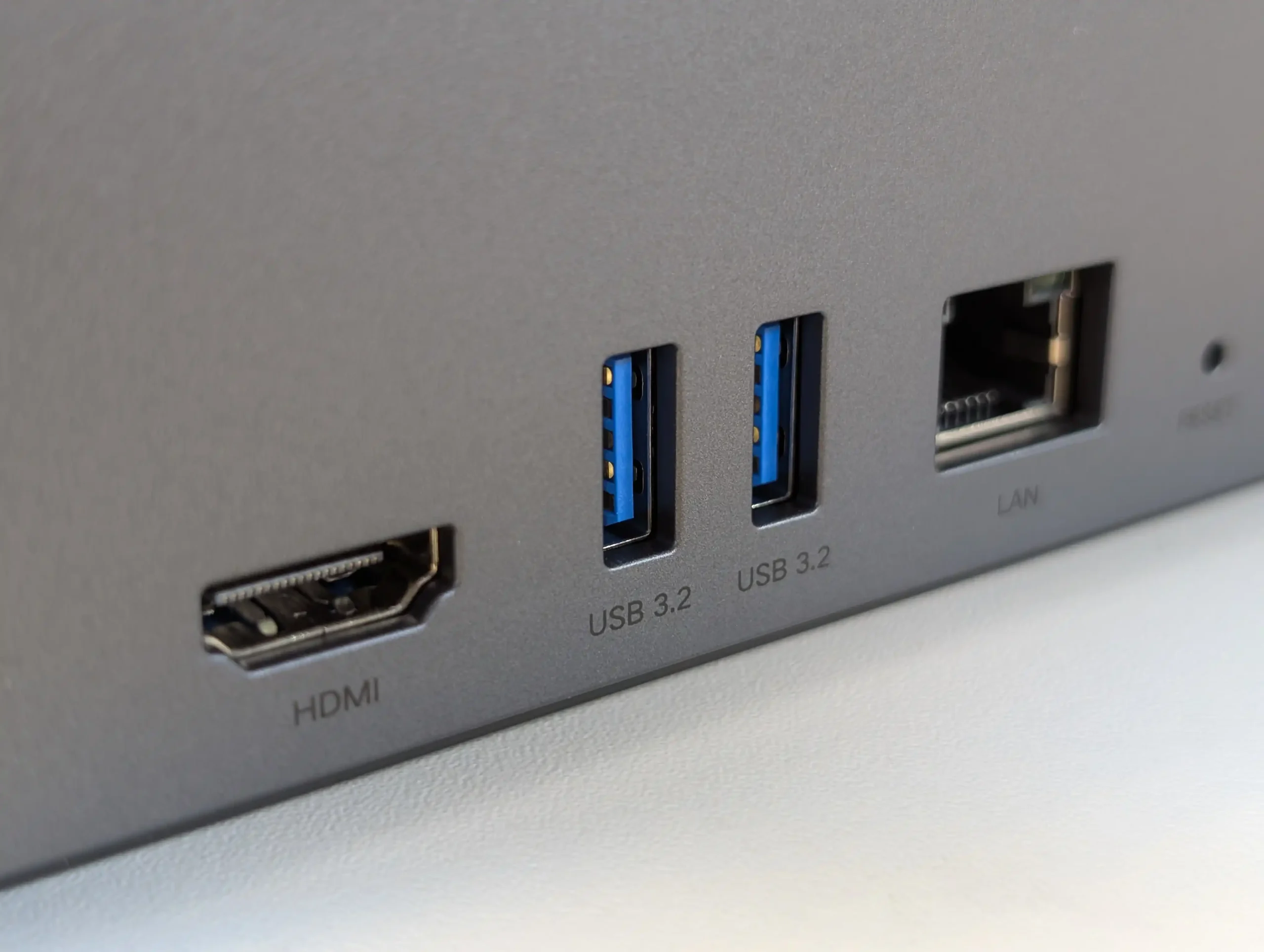
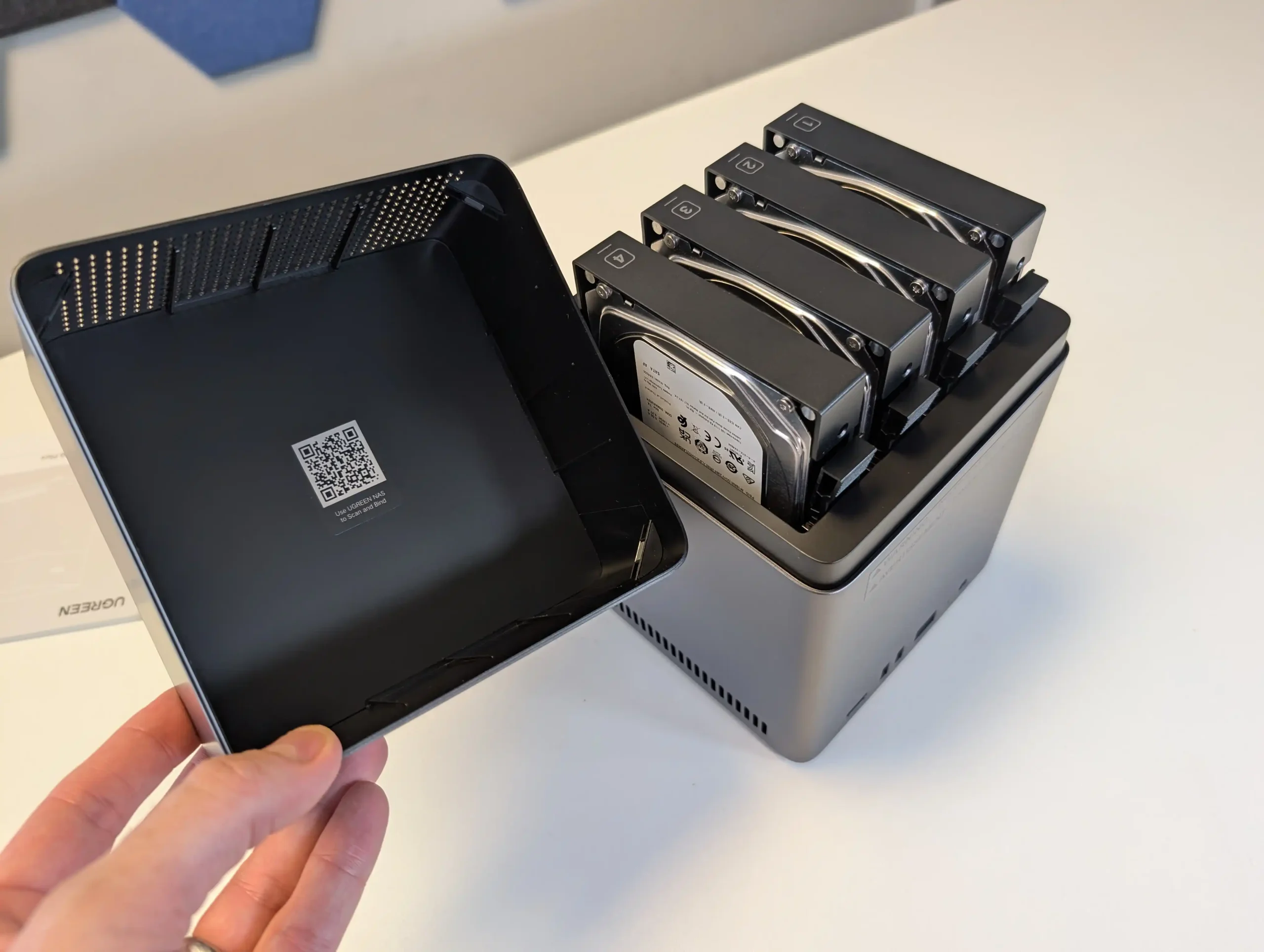
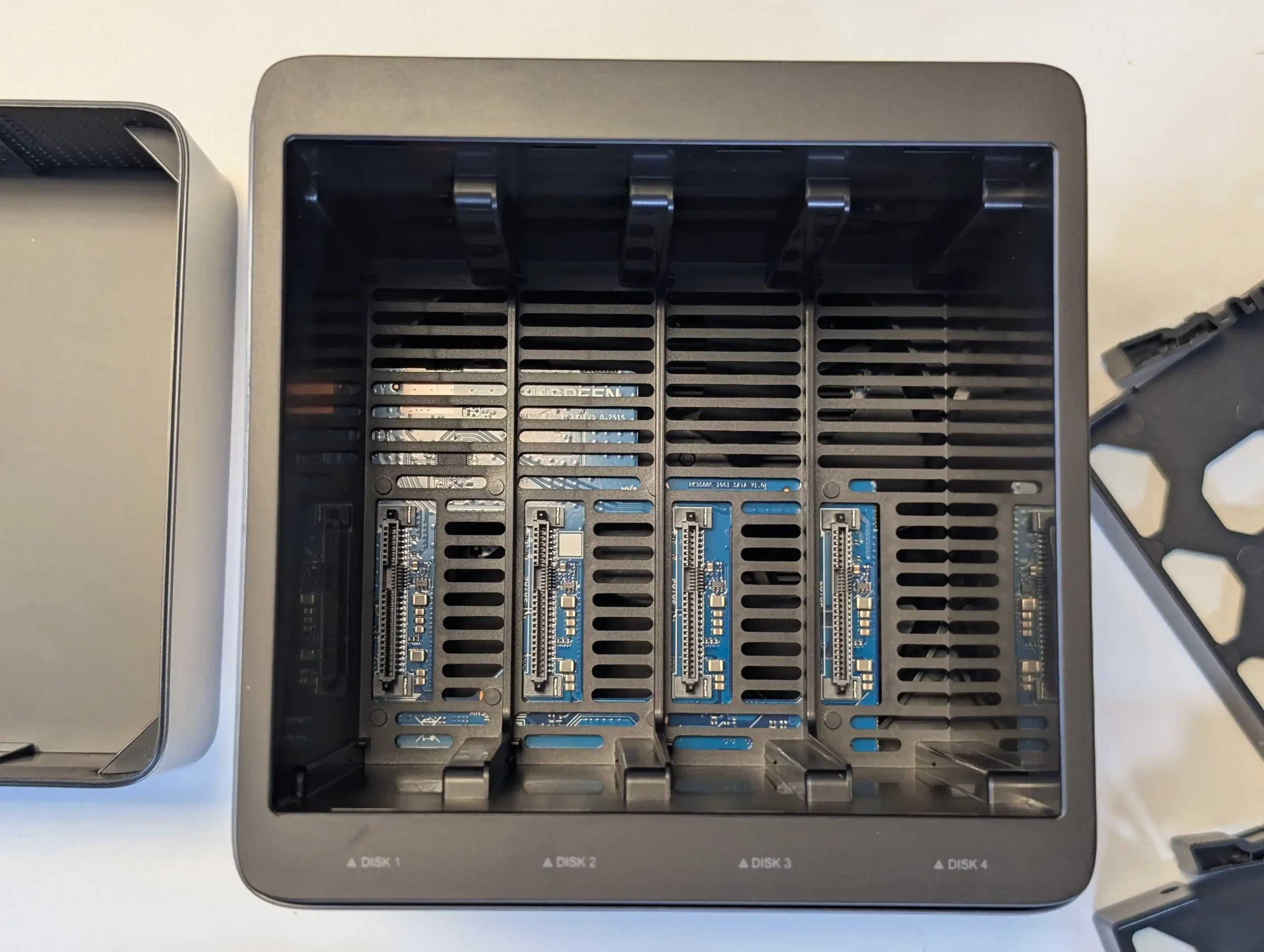
The DH4300 Plus concentrates all of its storage on 4 SATA bays with support for RAID 0, 1, 5, 6 and 10, up to a stated 120 TB raw using 30 TB disks, which makes it a straightforward choice for traditional RAID 5 capacity rather than mixed media architectures. The absence of M.2 slots means there is no internal SSD cache tier, although SSDs can still be used in the main bays if lower latency is required, at the cost of capacity per bay. In return, the RK3588 SoC and LPDDR4X memory keep power consumption relatively low, with quoted figures under 25 W under load, and the 2.5 GbE interface is enough to saturate what 4 mechanical drives in RAID 5 or RAID 6 can usually deliver. UGreen’s UGOS Pro platform adds a container system, snapshot capable file services and consumer facing features such as AI photo indexing, so for a 4 bay RAID 5 appliance the trade off is clear: a fixed, HDD focused storage layout with no internal NVMe, in exchange for low complexity, modest power draw and a simple upgrade path based mainly on higher capacity disks.
The UGREEN DH4300 Plus carves out a unique niche in the budget NAS landscape by delivering hardware typically reserved for higher-tier systems at a much lower price point. Its RK3588 processor, 8GB of RAM, and support for 2.5GbE networking place it well ahead of most similarly priced competitors in terms of raw specifications. Additionally, features such as HDMI output, 10Gbps USB ports, and local AI-powered photo indexing are rare to find in entry-level NAS systems. Despite its plastic-heavy internal design and lack of expansion options like PCIe or M.2, the device delivers stable performance for file sharing, media access, and low-intensity AI workloads. It is not suited for power users demanding virtual machines or advanced snapshot automation, but within its class, the DH4300 Plus presents an appealing balance between cost and capability.
That said, the software experience is still a work in progress. UGOS Pro covers the essentials and offers a visually accessible UI, but lacks the advanced features and ecosystem integration found in more mature platforms like Synology DSM or QNAP QTS. Docker and snapshot support add welcome flexibility, but the absence of native Jellyfin, iSCSI, and VM functionality limits its use in more complex environments. Still, for home users, media collectors, or small office setups looking for reliable backup, modest AI-enhanced photo sorting, and smooth 4K playback, the DH4300 Plus delivers value well beyond its price tag. While it won’t replace high-end NAS appliances, it serves as a capable, efficient, and quietly innovative option in a saturated entry-level NAS market.
Powerful ARM CPU: Equipped with the RK3588 SoC, offering 8 cores, integrated GPU, and NPU for AI workloads. Generous (but fixed!) Memory: 8GB LPDDR4X RAM, rare in budget NAS systems, supports multitasking and Docker use. 2.5GbE Network Port: Provides faster-than-Gigabit throughput for backups, media streaming, and multi-user access. HDMI 2.1 Output: Rare on ARM powered turnkey NAS, and enables direct media playback or NAS control at up to 4K 60Hz, uncommon in value-tier NAS units. USB 10Gbps Ports: Dual USB-A 10Gbps and one USB-C 5Gbps allow for high-speed backups or external storage expansion. AI Photo Management: Built-in NPU supports facial recognition and scene detection for local, private media organization. Low Power Consumption: Efficient under load (~30W) and idle (~5W without drives), suitable for 24/7 operation.
CONS
No PCIe or M.2 Expansion: Lacks future scalability for NVMe caching, 10GbE, or other upgrades. Single LAN Port: Only one 2.5GbE port, with no failover or link aggregation support. Limited Software Ecosystem: UGOS Pro lacks iSCSI, VM support, and native Jellyfin, trailing behind DSM/QTS in maturity.
SPECS: Intel N150 quad core up to 3.6 GHz – 12 GB LPDDR5 (16 GB variants available) – 6 x M.2 SSD slots (1 preinstalled 2 TB PCIe 3.0 x2, 5 user accessible PCIe 3.0 x1) plus 64 GB eMMC – dual 2.5 GbE RJ45.
The ME Mini replaces conventional 3.5″ or 2.5″ bays with 6 M.2 sockets, one wired as a PCIe 3.0 x2 system drive and 5 as PCIe 3.0 x1, giving up to 24 TB of all flash capacity in a 99 mm cube chassis when populated with current 4 TB modules. Because there is no SATA backplane, any RAID is provided by the chosen OS or software layer, whether that is a Linux distribution, ZFS based platform or a dedicated NAS operating system installed in place of the default Windows image. From a power and thermal standpoint, the combination of an 8 to 10 W class Intel N150 and low voltage NVMe SSDs keeps system draw relatively low compared with multi bay HDD units, while still allowing the dual 2.5 GbE ports to be used effectively for small sequential workloads and many concurrent small reads. In practical terms this makes the ME Mini a compact all flash alternative to 4 or 5 bay HDD chassis for users willing to handle their own OS choice, trading spinning disk capacity and native RAID controls for high IOPS, small physical footprint and lower acoustic impact.
The Beelink ME Mini NAS delivers an uncommon blend of size, functionality, and efficiency in a market segment often dominated by larger, louder, and less integrated alternatives. It is not designed to compete with traditional enterprise-grade NAS devices or modular, scalable solutions for prosumers. Instead, its strengths lie in targeting the needs of home users who want a quiet, energy-efficient storage solution that is easy to deploy, aesthetically unobtrusive, and capable of handling daily tasks such as media streaming, file backup, or soft routing. The inclusion of six M.2 NVMe SSD slots—paired with a Gen 3 x2 system slot—offers a rare level of expansion in such a small enclosure. The integration of an internal PSU, silent fan-assisted cooling, and a surprisingly effective thermal design are thoughtful touches that differentiate it from the majority of DIY NAS mini PCs.
That said, it is not without limitations. The memory is non-upgradable, thermal accumulation at the base suggests room for improvement, and bandwidth ceilings imposed by Gen 3 x1 lanes will constrain users who demand high parallel throughput. Still, for its price point—particularly when pre-order discounts are applied—the ME Mini offers significant value, especially when compared to ARM-based NAS solutions with similar or lower specifications. With bundled Crucial SSD options and support for a wide range of NAS operating systems, it positions itself as a ready-to-go platform for tech-savvy users wanting to avoid the assembly of a fully DIY system. Overall, while not a product for every use case, the Beelink ME Mini succeeds in its aim to be a compact, stylish, and capable home NAS.
BUILD QUALITY - 9/10
HARDWARE - 8/10
PERFORMANCE - 8/10
PRICE - 9/10
VALUE - 10/10
8.8
PROS
Compact cube design (99x99x99mm) ideal for discreet home deployment Supports up to 6x M.2 NVMe SSDs with total capacity up to 24TB Integrated PSU eliminates bulky external power adapters Dual 2.5GbE LAN ports with link aggregation support Wi-Fi 6 and UnRAID7 Support means not limited to 2x2.5G Low power consumption (as low as 6.9W idle, ~30W peak with full load) Silent fan and effective internal thermal management via large heatsink Includes Crucial-branded SSDs in pre-configured options for reliability
CONS
Five of the six SSD slots are limited to PCIe Gen 3 x1 bandwidth Memory is soldered and non-upgradable Not 10GbE Upgradable (maybe m.2 adapter - messy) Bottom panel retains heat due to lack of active ventilation
Check Amazon in Your Region for the Beelink ME Mini NAS ($329 4/6)
Check AliExpress for the Beelink ME Mini NAS ($344 4/6)
Check the Official Beelink Site for the ME Mini NAS ($209 4/6)
SPECS: Intel N150 quad core up to 3.6 GHz – 16 GB DDR5 (1 slot, up to 32 GB) – 4 x 3.5″/2.5″ SATA bays – 2 x 5 GbE RJ45 – 3 x M.2 2280 NVMe PCIe 3.0 x1 slots.
The F4-425 Plus is built as a hybrid 4 bay chassis with 3 additional M.2 NVMe slots, allowing a mixed layout where HDDs hold bulk data in conventional RAID while SSDs are used for cache or as separate RAID 5 or RAID 1 pools. TerraMaster quotes support for up to 120 TB on the 4 SATA bays plus up to 24 TB across the 3 M.2 sockets, and TOS 6 can treat the SSDs as either acceleration for HDD arrays or discrete volumes for latency sensitive workloads. The dual 5 GbE ports give a potential aggregated 10 Gb link that better aligns with SSD capable throughput than 1 GbE or single 2.5 GbE designs, while the N150 CPU and 16 GB DDR5 memory are sized for small office backup, virtualisation light use and multi user file serving rather than heavy compute tasks. From a RAID planning perspective the device suits scenarios where a 4 disk RAID 5 or RAID 6 on large SATA drives is combined with SSD based scratch or application volumes, without moving to a physically larger 6 or 8 bay enclosure.
The TerraMaster F4-425 Plus demonstrates how far the company’s mid-range NAS lineup has progressed in terms of hardware refinement and real-world usability. By combining Intel’s efficient N150 processor with 16GB of DDR5 memory, dual 5GbE connectivity, and triple M.2 NVMe slots, it provides a specification normally reserved for higher-priced units. The build quality, centered around a full-metal chassis and quiet cooling design, contributes to consistent thermals and low power usage even under multi-day workloads. While the design omits premium touches like drive locks or redundant fans, the emphasis on practicality and efficient cooling makes it a dependable solution for continuous operation. From a user experience perspective, the integration of TOS 6 represents TerraMaster’s most stable and capable operating system to date, offering improved security features, cloud synchronization tools, snapshot management, and flexible storage configurations that appeal to both home and small office users.
From a value standpoint, the F4-425 Plus stands out as one of the most competitively priced NAS units in its category. At $569.99, or $484.99 during the initial discount period, it delivers strong network and storage performance that aligns closely with rivals from Synology and QNAP while retaining open installation flexibility for third-party platforms such as Unraid or TrueNAS. Its combination of high-speed connectivity, compact design, and mature software environment makes it an appealing option for anyone seeking a 4-bay system capable of multitasking across media streaming, data backup, and light virtualization. Although it cannot fully match the polish of Synology DSM or the plugin ecosystem of QNAP QTS, TerraMaster has successfully positioned this device as a bridge between affordability and professional performance, solidifying its place as one of the more balanced NAS releases of 2025.
• Dual 5GbE network ports with full independent bandwidth for high-speed transfers + lots of USB-to-5GbE $30 upgrades in the market now • Three PCIe 3.0 x1 M.2 NVMe slots supporting cache or storage pool configurations • Intel N150 processor with integrated graphics enabling 4K hardware decoding and AES-NI encryption • 16GB DDR5 memory (expandable to 32GB) offering improved bandwidth and multitasking performance • Full-metal chassis with efficient thermals, low noise levels, and minimal vibration • Comprehensive RAID and storage management through TOS 6 with snapshot and HyperLock-WORM protection • Supports Docker, virtual machines, Plex, Emby, and Jellyfin natively within TOS 6 • Competitive pricing with strong value relative to Synology and QNAP alternatives
CONS
• Cheaper N150 NAS Systems have arrived earlier in 2025 • 5GbE adoption is low, so only larger 10GbE ready groups (via auto-negotiation) will enjoy the benefits of 5GbE • TOS 6 interface and app ecosystem remain less polished than top-tier NAS platforms
SPECS: AMD Ryzen V1500B quad core 2.2 GHz – 8 GB DDR4 ECC (2 slots, up to 32 GB) – 5 x 3.5″/2.5″ SATA bays – 2 x 2.5 GbE RJ45 – 2 x M.2 2280 NVMe slots plus 1 x PCIe 3.0 x2 expansion slot.
The DS1525+ follows Synology’s typical pattern of putting all primary capacity on 5 hot swap SATA bays while reserving 2 internal M.2 slots for NVMe SSDs used as cache or, in some scenarios, as separate pools under DSM. Raw capacity on the main bays is specified around 100 TB, and with 2 supported DX525 expansion units the platform can scale to 15 drives and roughly 300 TB, giving it more growth headroom than most standalone 4 or 5 bay devices. DSM prefers Synology certified NVMe modules for cache, and the typical deployment is therefore a RAID 5 or RAID 6 array on the 5 SATA disks with SSD cache accelerating small random access workloads such as virtual machines, databases or heavy Synology Drive usage. The Ryzen V1500B and ECC memory are adequate for that role and integrate with DSM features like Btrfs snapshots, Active Backup Suite and Virtual Machine Manager, but they do not drive NVMe storage as a primary all flash tier in the way more other NAS brands do (i.e you can only use them for caching, or limited ‘synology only SSD’ use for pools to comparatively lower performance than most). The result is a system where the storage design is conservative but predictable, emphasising SATA RAID resilience and cache-assisted responsiveness rather than radical hybrid layouts, backed by a mature software stack.
The Synology DS1525+ is a capable and well built NAS that continues the company’s focus on dependable performance, solid build quality and very tight integration with DSM, which is the main justification for choosing this platform over more open hardware from other vendors. Its compact 5 bay design, quiet operation and scalable storage make it suitable for small offices, creative studios and prosumers who want a single system to handle file serving, backup and light virtualisation. The inclusion of a server grade Ryzen V1500B CPU and ECC memory support provides predictable performance for DSM services such as Synology Drive, Synology Office, Virtual Machine Manager and Surveillance Station, while the dual M.2 slots and PCIe expansion give enough headroom for cache and 10 GbE upgrades. DSM itself remains the central strength: Btrfs based volumes with snapshots, Active Backup Suite for Windows, Linux and SaaS workloads, integrated directory and access control, and relatively polished mobile and web clients mean that much of the day to day administration, recovery and user management can be handled inside a single, consistent interface rather than across multiple third party tools.
More importantly for many buyers, Synology’s 2025 Plus series, including the DS1525+, now fully supports third party hard drives without on screen warnings or functional restrictions, which removes a major concern from earlier policies and restores flexibility for users reusing existing disks or mixing capacities and brands under DSM’s storage manager. By contrast, M.2 SSD support remains locked to Synology’s own validated modules, so NVMe upgrades for DSM cache or SSD pools still carry a vendor premium and limit hardware choice. The switch from four 1 GbE ports to two 2.5 GbE ports trades some port level redundancy for higher per port bandwidth and may require compatible switches to realise the benefit, but DSM can aggregate links, shape traffic and expose detailed monitoring from within its own interface.
In practice the DS1525+ suits users who prioritise DSM’s software maturity, integrated backup and collaboration stack and the relative simplicity of a managed ecosystem over maximum hardware openness; for those who want unrestricted NVMe choices or the highest raw performance per dollar, more generic x86 systems with looser SSD validation may be a better fit.
Compact and quiet 5-bay design with support for 15 drives total Dual 2.5GbE ports with aggregation and optional 10GbE upgrade ECC memory support with upgradable capacity up to 32 GB Hot-swappable drive bays and tool-free tray design Integrated M.2 NVMe slots for caching or storage pools are easy to access, tooless and uncomplicated to deploy Excellent DSM software suite with extensive features Stable performance under multi-user and virtualized workloads Efficient cooling with low noise levels in office environments
CONS
Huge limitations on the choice of HDD and SSD Media you can use on this system USB ports limited to basic storage/UPS functionality M.2 NVMe performance has limited scope in current configuration and support
Taken together, the Minisforum N5, UGREEN DH4300 Plus, Beelink ME Mini, TerraMaster F4-425 Plus and Synology DS1525+ outline the main paths available in the 4,5 and 6 bay segment in 2025: high core count x86 with mixed SATA and NVMe for heavier workloads, low power ARM with straightforward 4 bay RAID for cost sensitive deployments, compact all flash designs where capacity scales through M.2 rather than 3.5 inch bays, hybrid chassis that combine 4 bay RAID with several SSD slots, and software led platforms where DSM’s feature set is the primary reason to buy. None of them is universally better than the others; the practical choice depends on whether the priority is raw HDD capacity in RAID 5 or RAID 6, a larger number of NVMe slots, lower power use, or tighter integration of backup, collaboration and virtualisation tools. For buyers who understand how they intend to balance SATA and NVMe storage over the next few years, these units set a useful reference point for what can realistically be expected from a modern 4,5 or 6 bay NAS without moving to larger rackmount or 8 bay hardware.
This description contains links to Amazon. These links will take you to some of the products mentioned in today's content. As an Amazon Associate, I earn from qualifying purchases. Visit the NASCompares Deal Finder to find the best place to buy this device in your region, based on Service, Support and Reputation - Just Search for your NAS Drive in the Box Below
Need Advice on Data Storage from an Expert?
Finally, for free advice about your setup, just leave a message in the comments below here at NASCompares.com and we will get back to you.Need Help?
Where possible (and where appropriate) please provide as much information about your requirements, as then I can arrange the best answer and solution to your needs. Do not worry about your e-mail address being required, it will NOT be used in a mailing list and will NOT be used in any way other than to respond to your enquiry.
[contact-form-7]
TRY CHAT Terms and Conditions
If you like this service, please consider supporting us.
We use affiliate links on the blog allowing NAScompares information and advice service to be free of charge to you.Anything you purchase on the day you click on our links will generate a small commission which isused to run the website. Here is a link for Amazon and B&H.You can also get me a Ko-fi or old school Paypal. Thanks!To find out more about how to support this advice service checkHEREIf you need to fix or configure a NAS, check FiverHave you thought about helping others with your knowledge? Find Instructions Here
Or support us by using our affiliate links on Amazon UK and Amazon US
Alternatively, why not ask me on the ASK NASCompares forum, by clicking the button below. This is a community hub that serves as a place that I can answer your question, chew the fat, share new release information and even get corrections posted. I will always get around to answering ALL queries, but as a one-man operation, I cannot promise speed! So by sharing your query in the ASK NASCompares section below, you can get a better range of solutions and suggestions, alongside my own.
Beelink est bien connu de l’univers des mini-PC. Récemment, le constructeur s’est également positionné sur le marché des NAS avec le ME Mini, un boîtier compact avec 6 emplacements NVMe. Aujourd’hui, il revient avec un produit pour le moins atypique : le Beelink ME Pro. À première vue, il s’agit d’un NAS au format relativement classique, doté de 2 baies… avec une carte mère amovible et interchangeable.
Beelink ME Pro
Le principal argument mis en avant par Beelink (voir vidéo ci-dessous) est clairement la modularité. Contrairement aux NAS traditionnels, dont la carte mère est unique et fixée dans le boîtier, le ME Pro adopte une approche différente. Il intègre un tiroir dans lequel vient se loger un module complet comprenant la carte mère, le processeur, la mémoire vive ainsi que les emplacements pour SSD M.2 (en nombre variable selon la configuration).
Beelink prévoit 3 architectures distinctes pour ces modules : Intel, AMD et ARM.
Pour le moment, peu d’informations techniques ont été communiquées. Le ME Pro se présente comme un NAS à 2 baies, compatibles disques durs et SSD. Ses mensurations seraient : 166 x 121 x 112 mm (L x P x H). Oui, vous avez bien lu 112 mm de haut. Concernant le module Intel, Beelink annonce la présence d’un processeur Quad Core Intel N150 cadencé jusqu’à 3,6 GHz (ou un N95 cadencé à 3,4 GHz au choix). La quantité de mémoire vive devrait varier selon le modèle choisi, idem pour le nombre d’emplacements pour SSD NVMe.
Par défaut, un SSD serait fourni : 128 Go, 512 Go ou 1 To suivant la configuration choisit.
Connectique
La connectique réseau est plutôt intéressante. Le ME Pro dispose de 2 ports RJ45, l’un en 5 Gb/s (Realtek RTL8126) et l’autre en 2,5 Gb/s (Intel i226-v), ce qui plutôt pas mal pour ce type de produit.
On retrouve également :
3 ports USB 3.2 Gen 2 (10 Gb/s), dont un port USB-C ;
1 port USB 2.0 ;
1 sortie audio-video HDMI Ultra HD/4K ;
1 sortie audio jack 3,5mm.
Un des ports USB (2 ou 3.2) serait présent en façade… D’après les premières images, le reste de la connectique serait positionné à l’arrière du boîtier.
Autre information importante, le Wi-Fi 6 et le Bluetooth 5.4 seraient de la partie également.
OS
Pour le moment, Beelink n’a rien précisé concernant le système d’exploitation. Le ME Pro semble se situer à mi-chemin entre un NAS clé en main et une solution DIY. On ne sait pas si un OS sera préinstallé (Windows 11 Home).
L’utilisateur pourra aussi faire le choix parmi les solutions habituelles : OpernMediaVault, Unraid, TrueNAS, ZimaOS, etc. À noter qu’OMV ne prend plus en charge les processeurs ARM. TrueNAS, en revanche, est compatible à la fois avec les architectures ARM et x86 (Intel et AMD).
En synthèse
Sur le papier, le concept est séduisant. Beelink propose un NAS 2 baies relativement standard, mais laisse à l’utilisateur le choix de l’architecture matérielle via des modules interchangeables, en fonction de ses besoins et de son budget.
On peut facilement imaginer débuter avec un module ARM, plus abordable, puis évoluer vers une solution Intel ou AMD ultérieurement. La migration serait alors aussi simple qu’un remplacement de module. Reste toutefois une question en suspens : que faire de l’ancien module ? Revente, reprise par le constructeur, marché de l’occasion… autant de points qui mériteront des précisions.
Nous devrions recevoir un modèle en prêt dans les prochains jours…

 Connexion


 NAS DIY en 2026 : quel système choisir ?


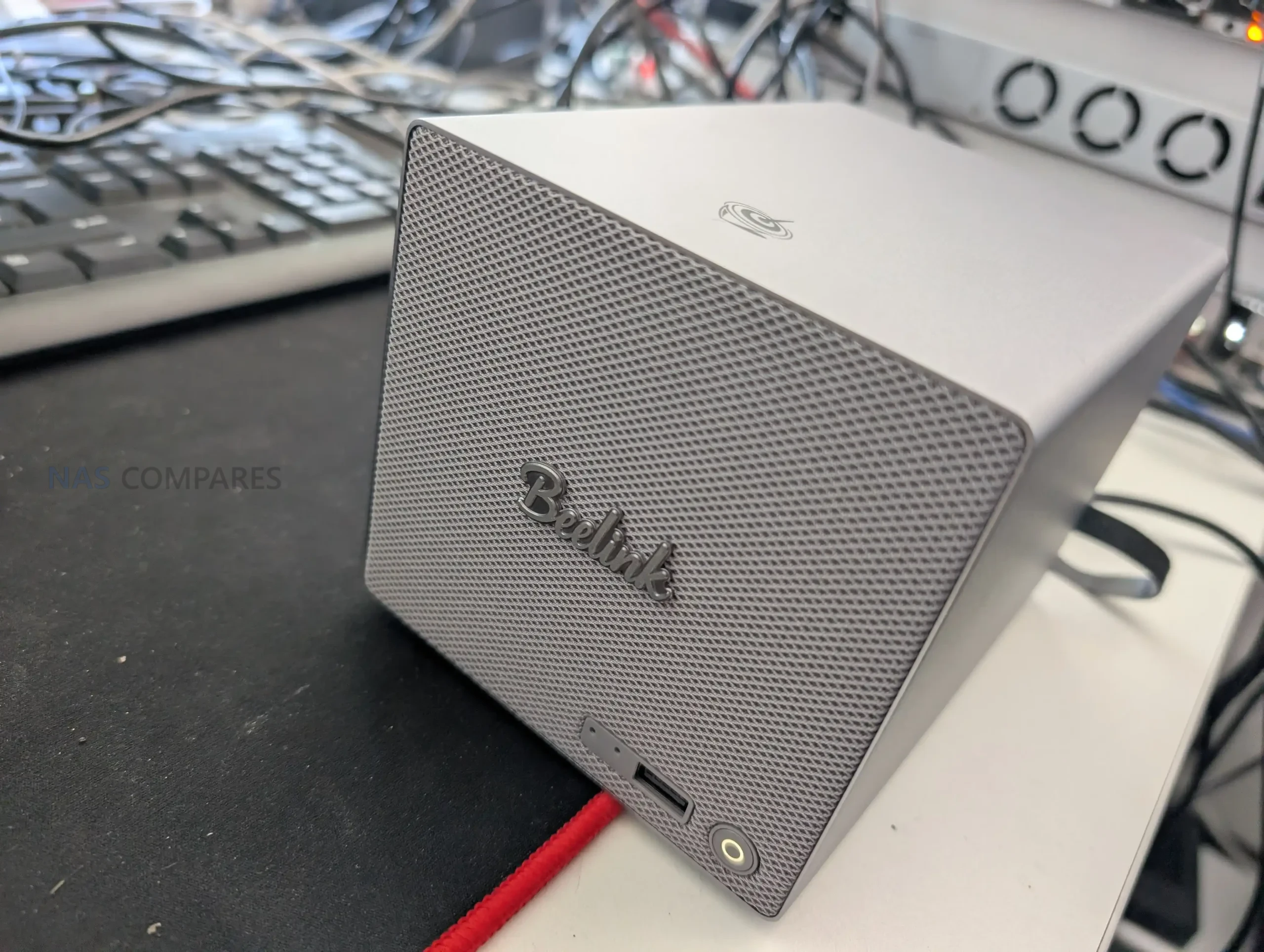
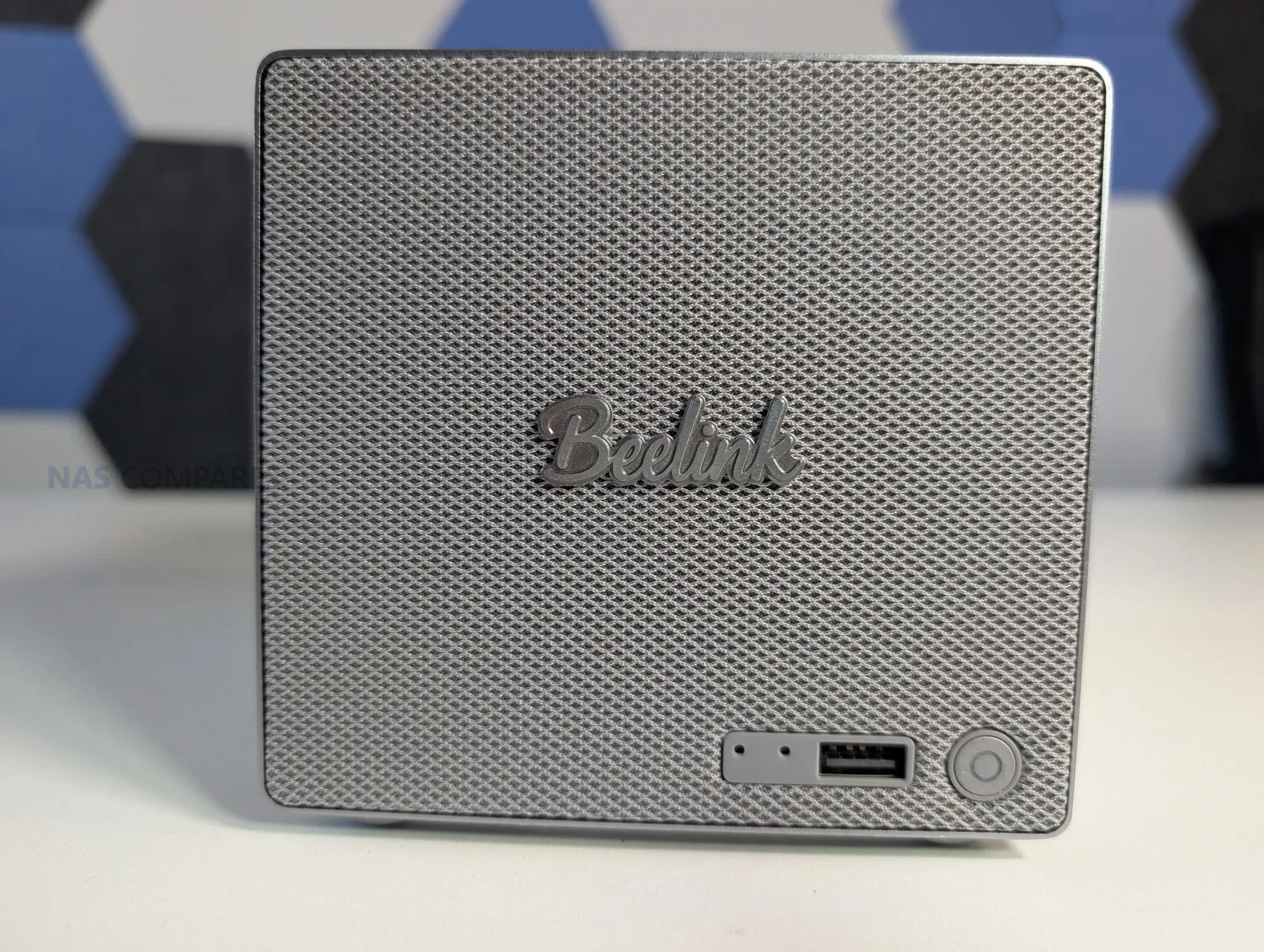

 Very compact footprint for a 2-bay NAS class system (166 x 121 x 112mm, metal chassis)
 RAM is fixed (no SO-DIMM), so memory cannot be upgraded after purchase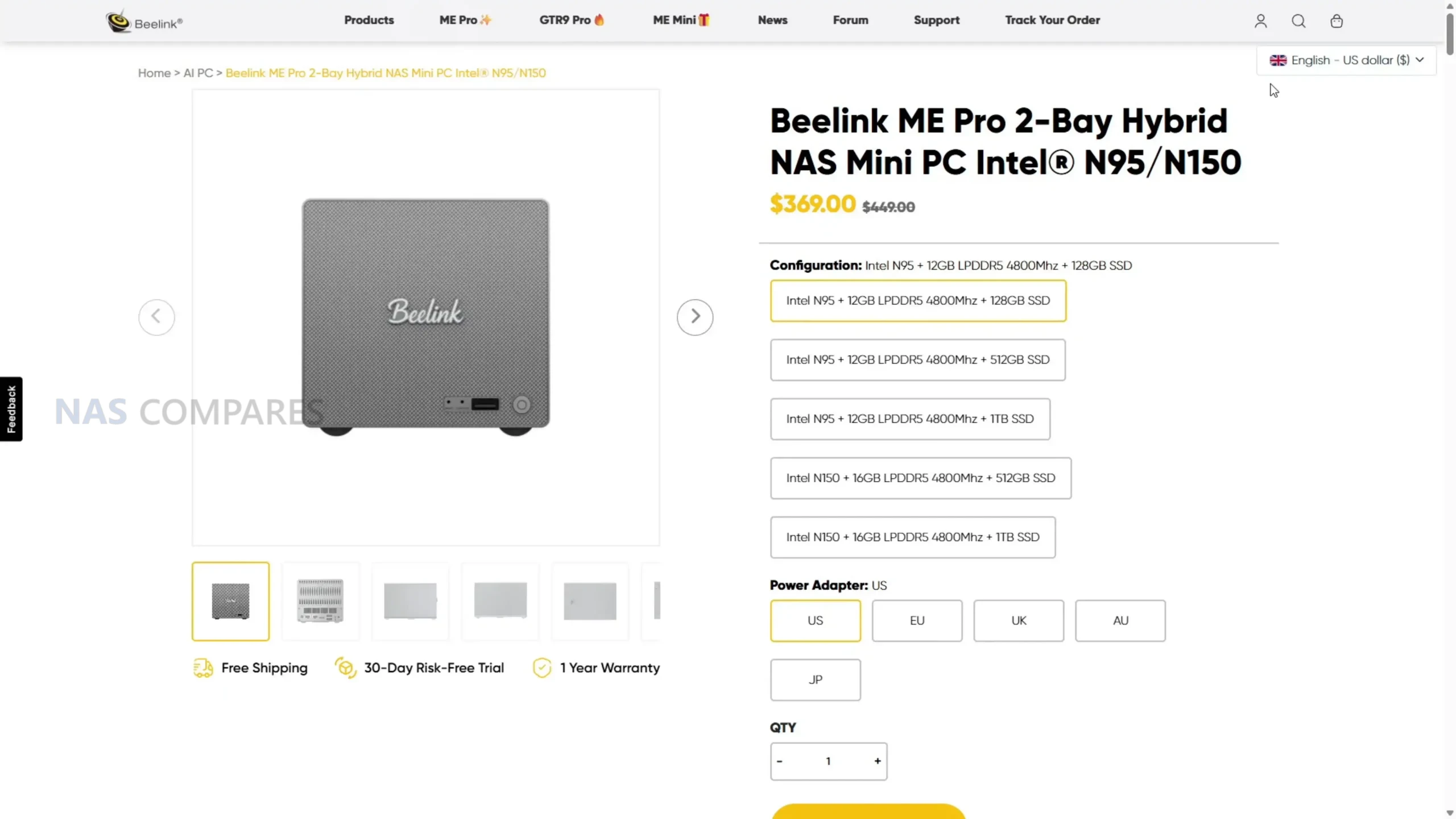
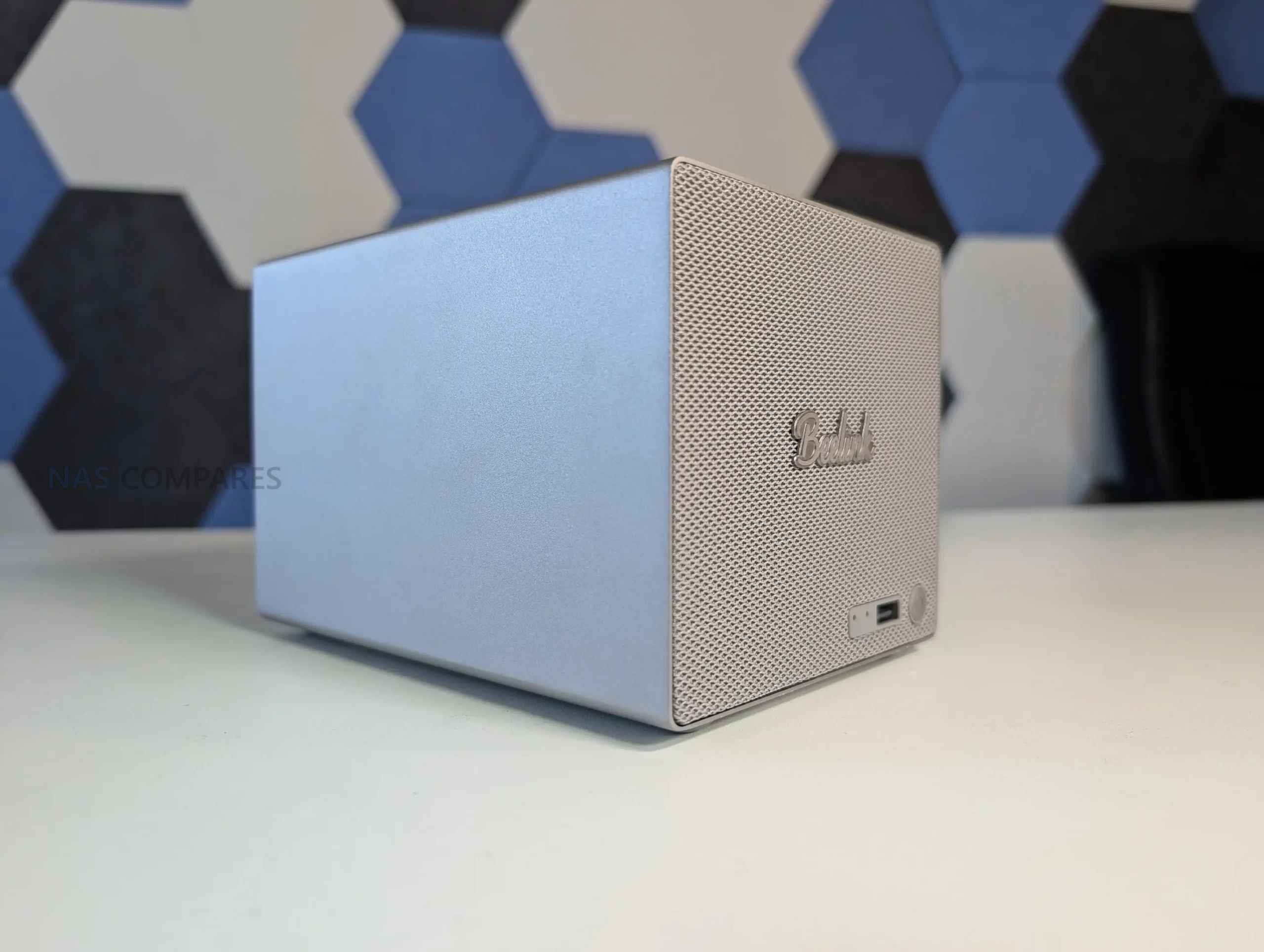
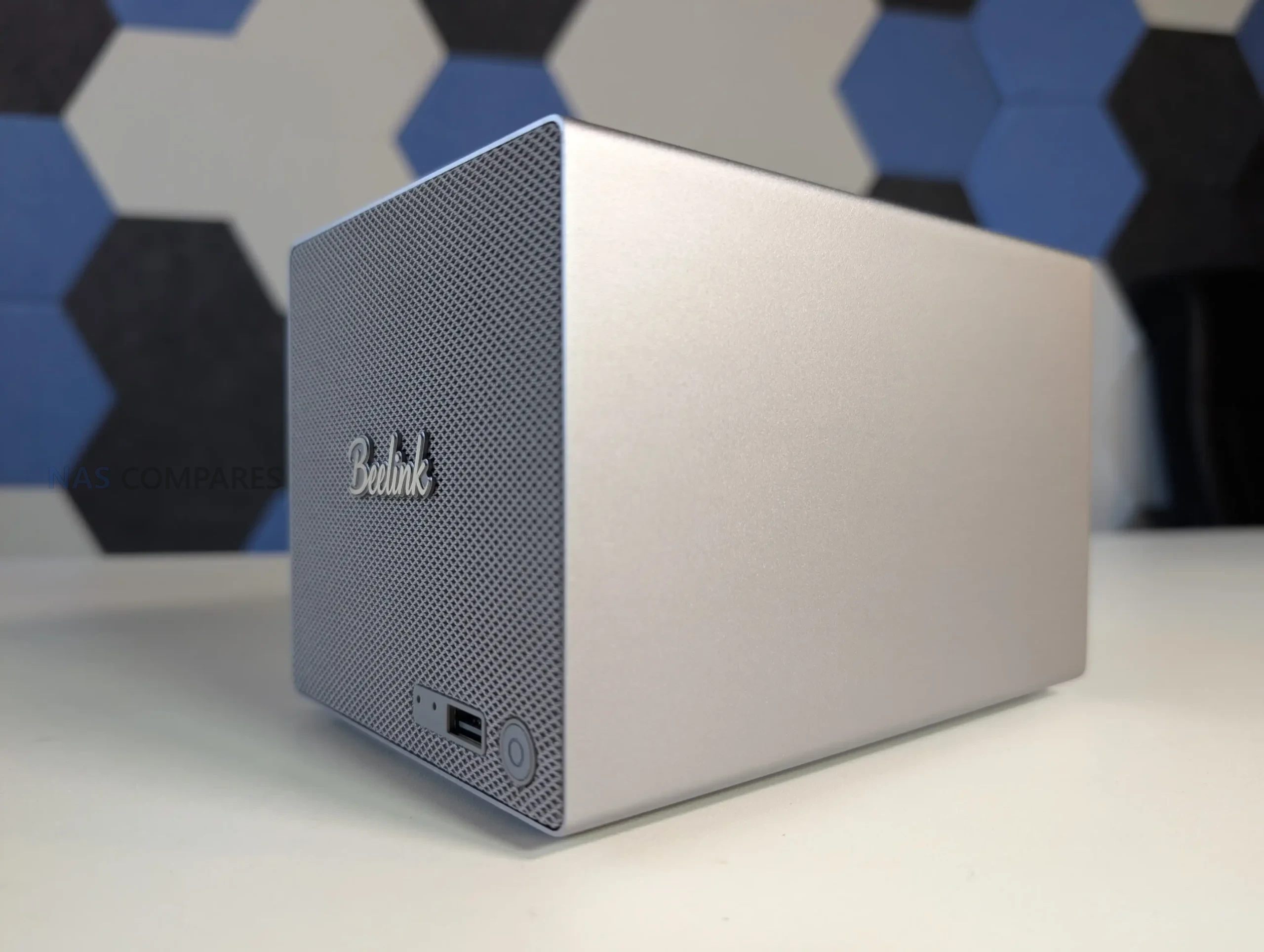
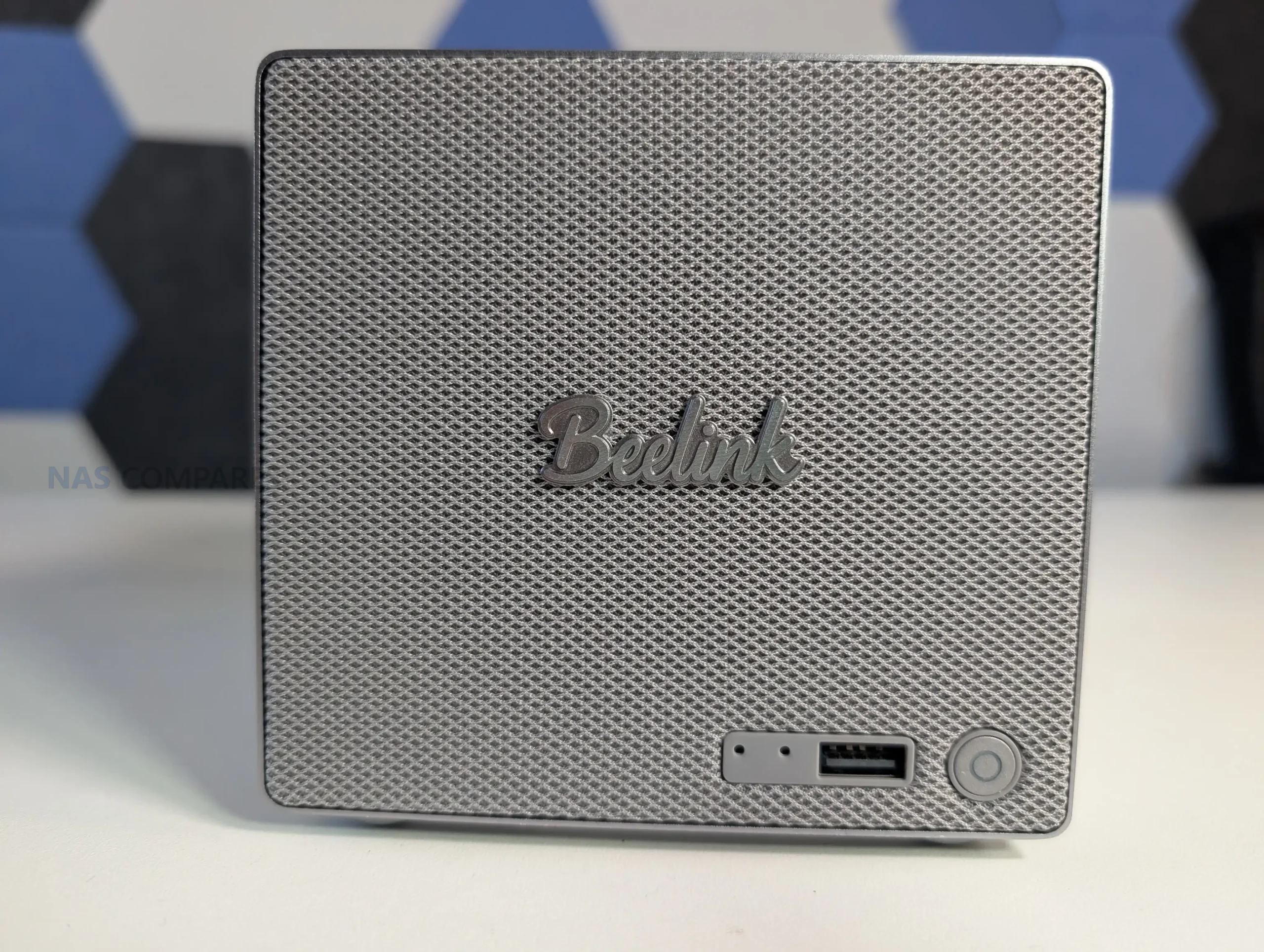
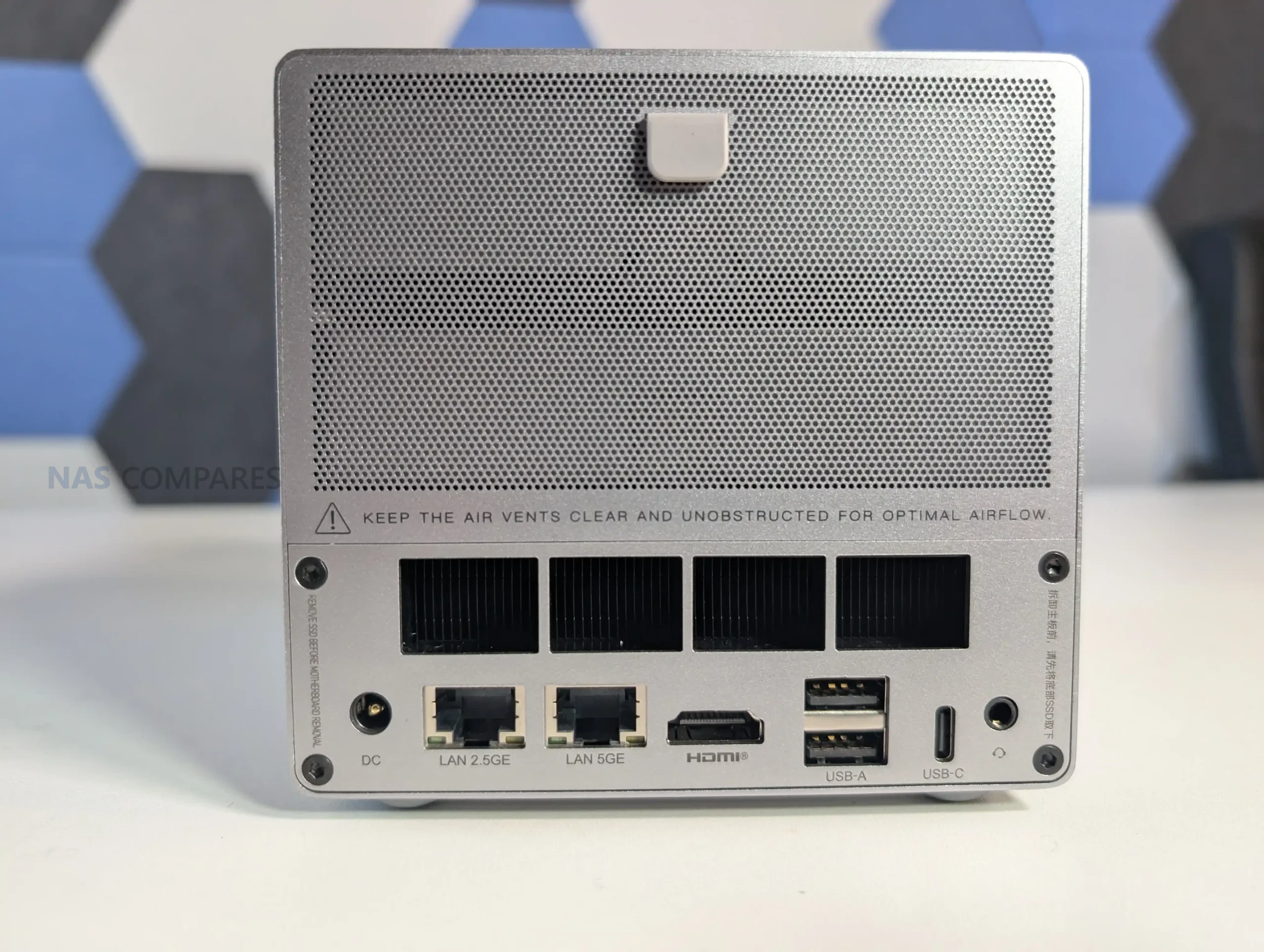
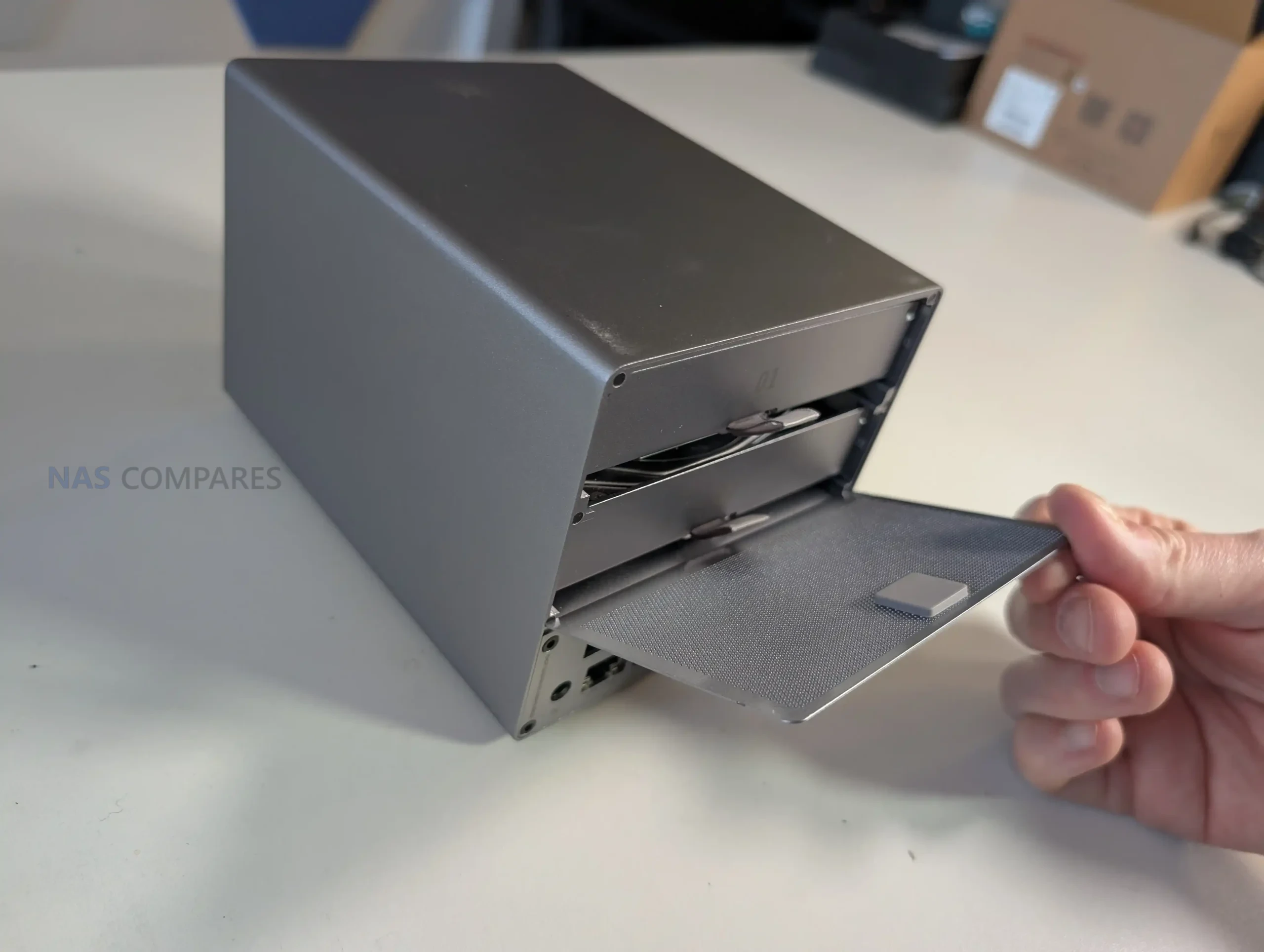
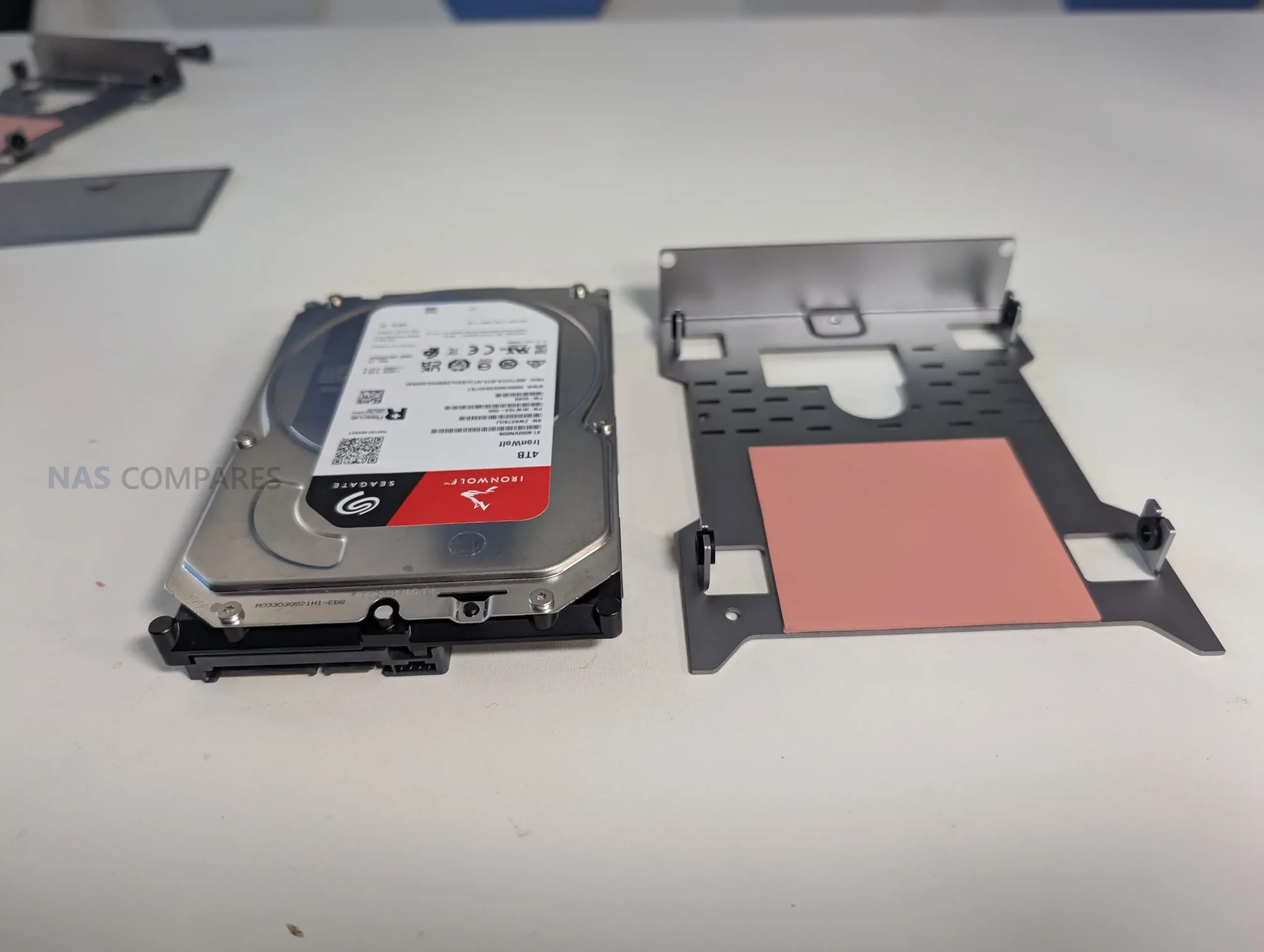
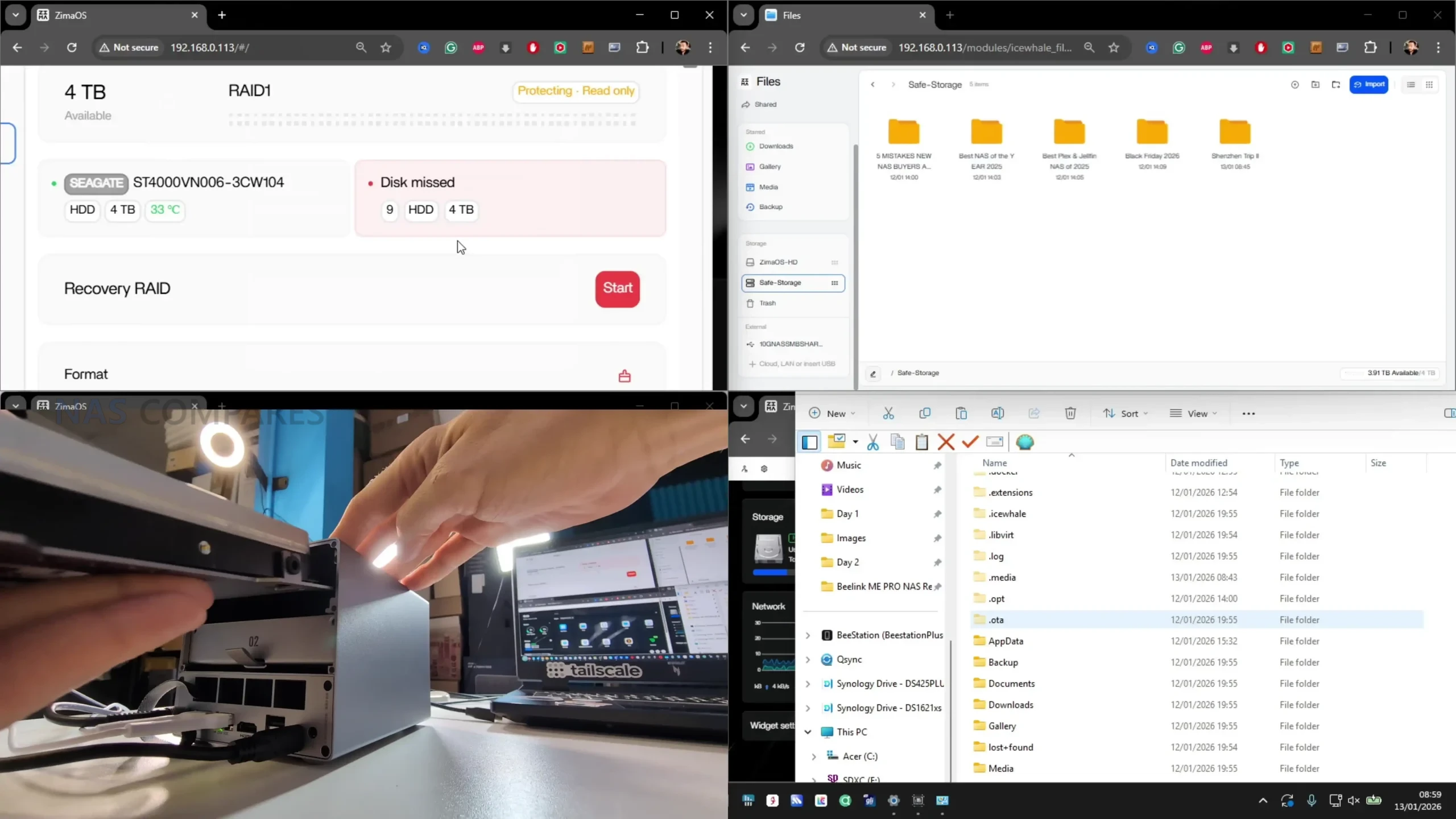
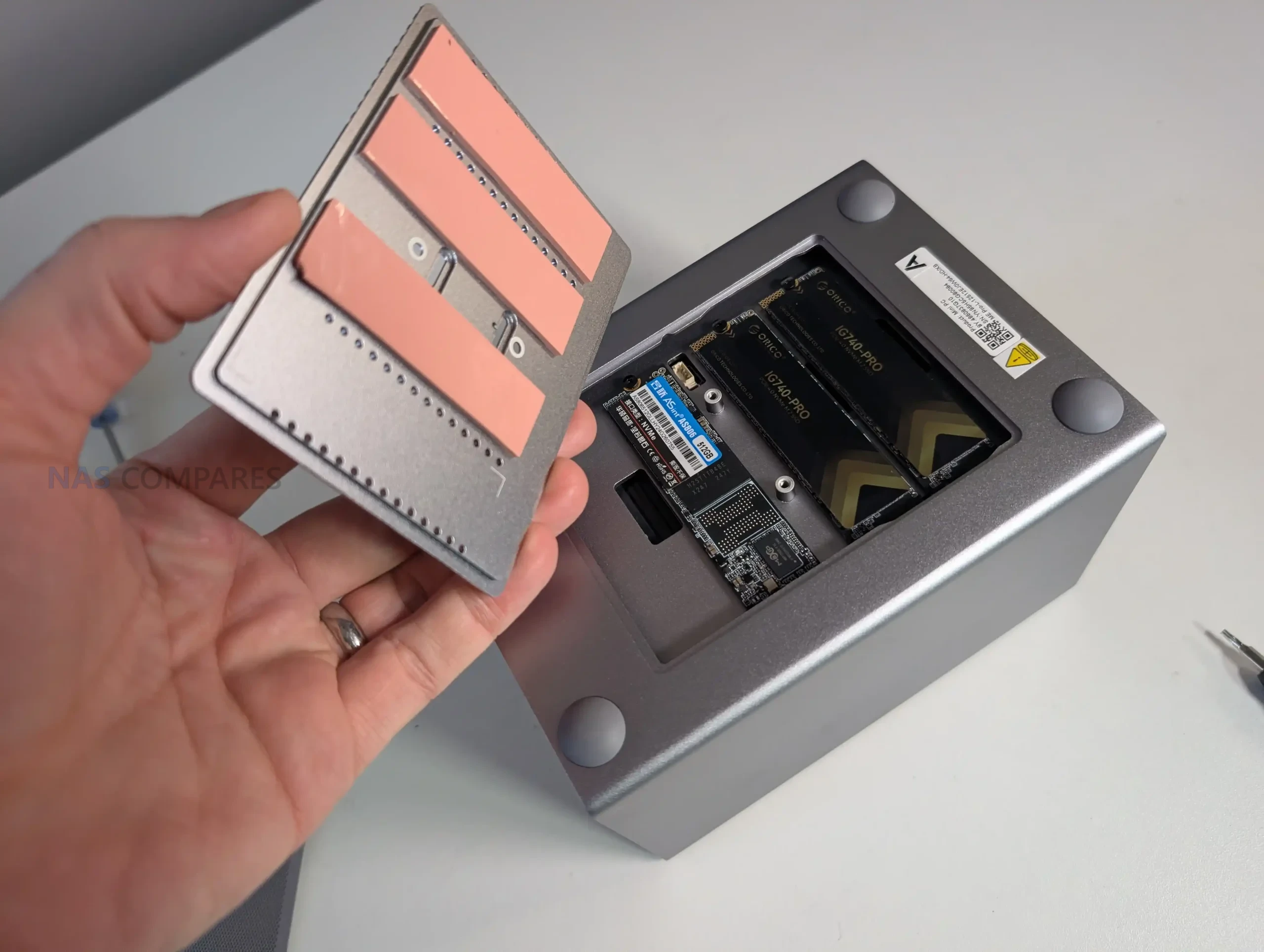
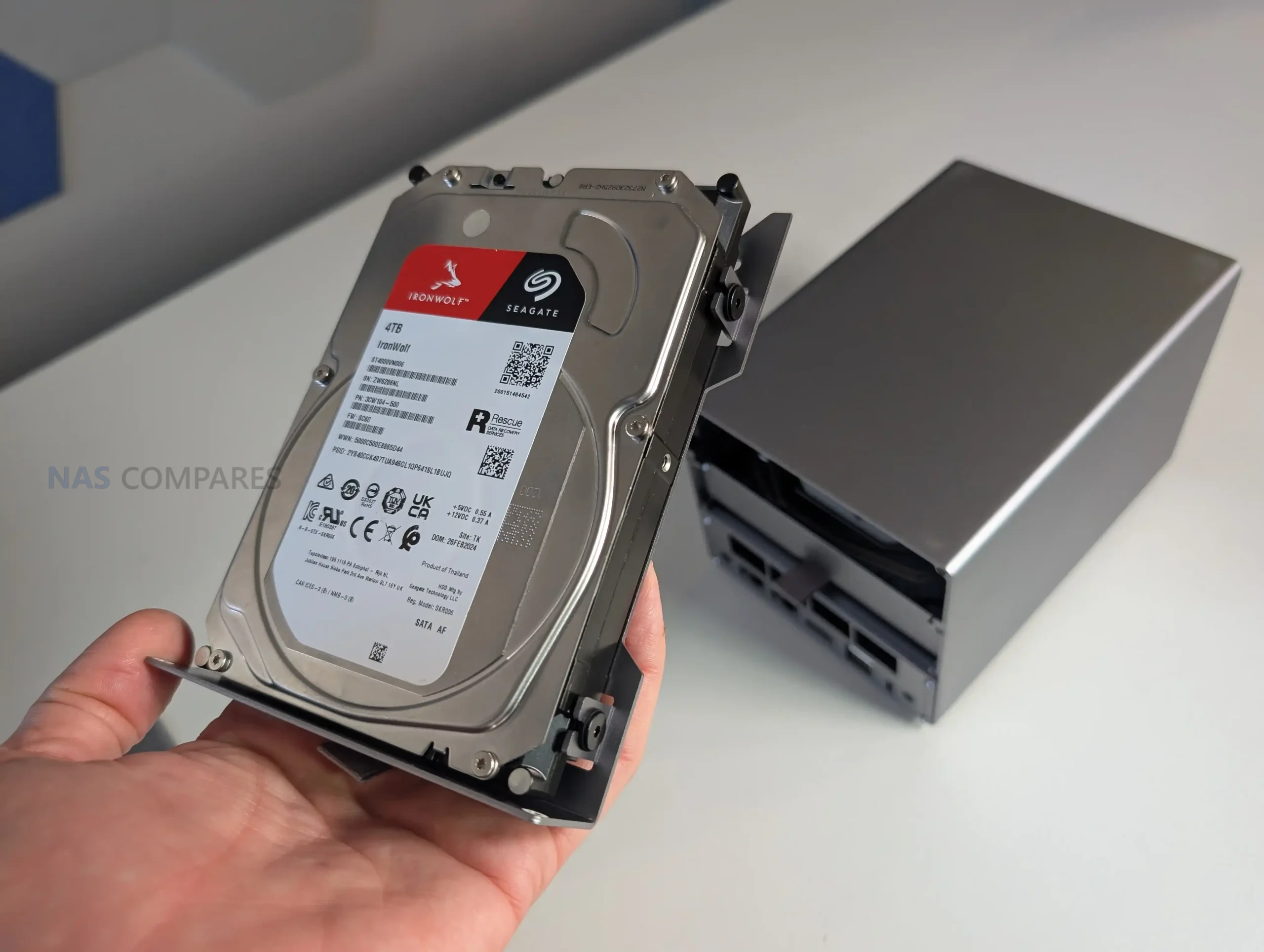
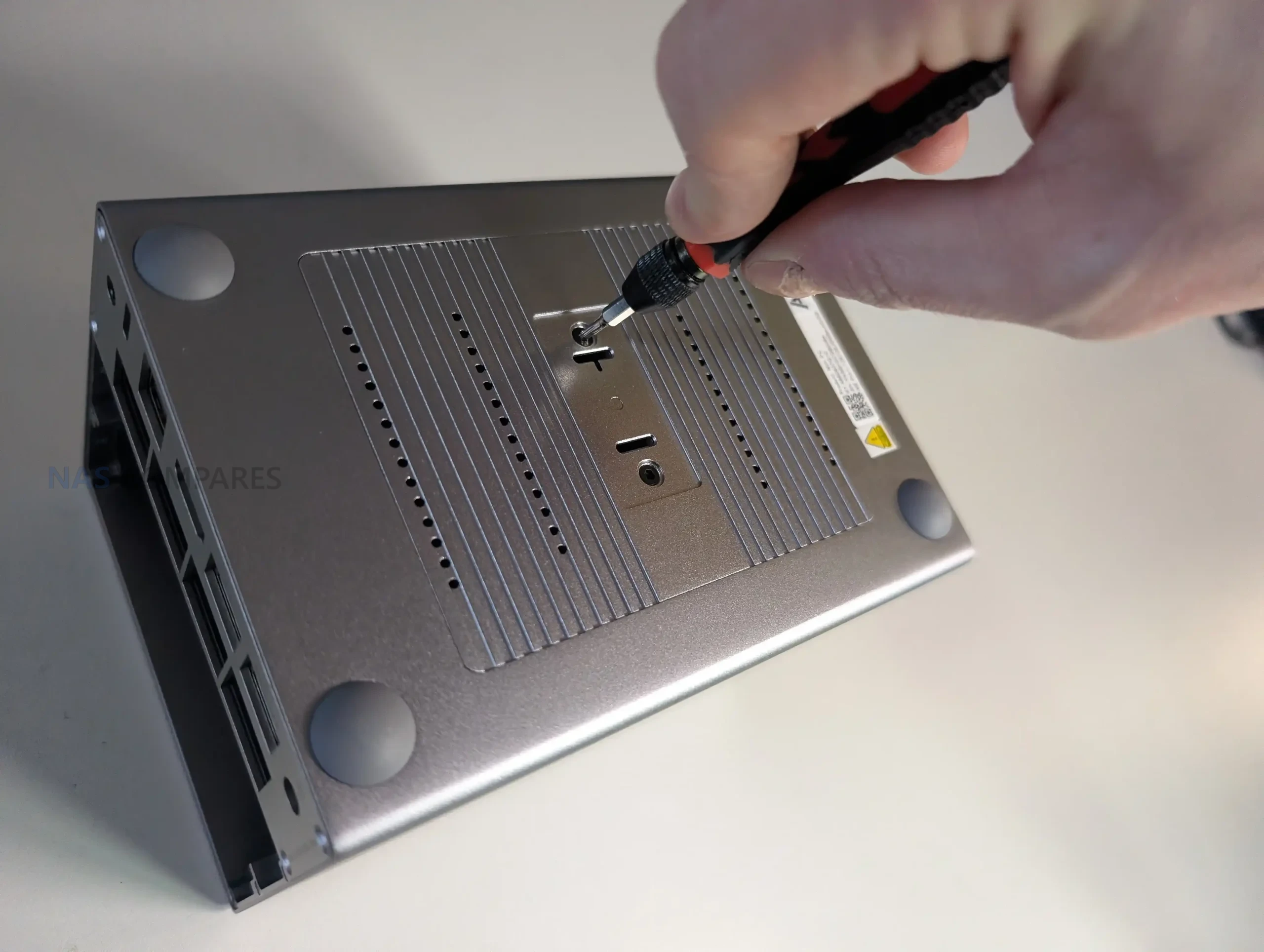
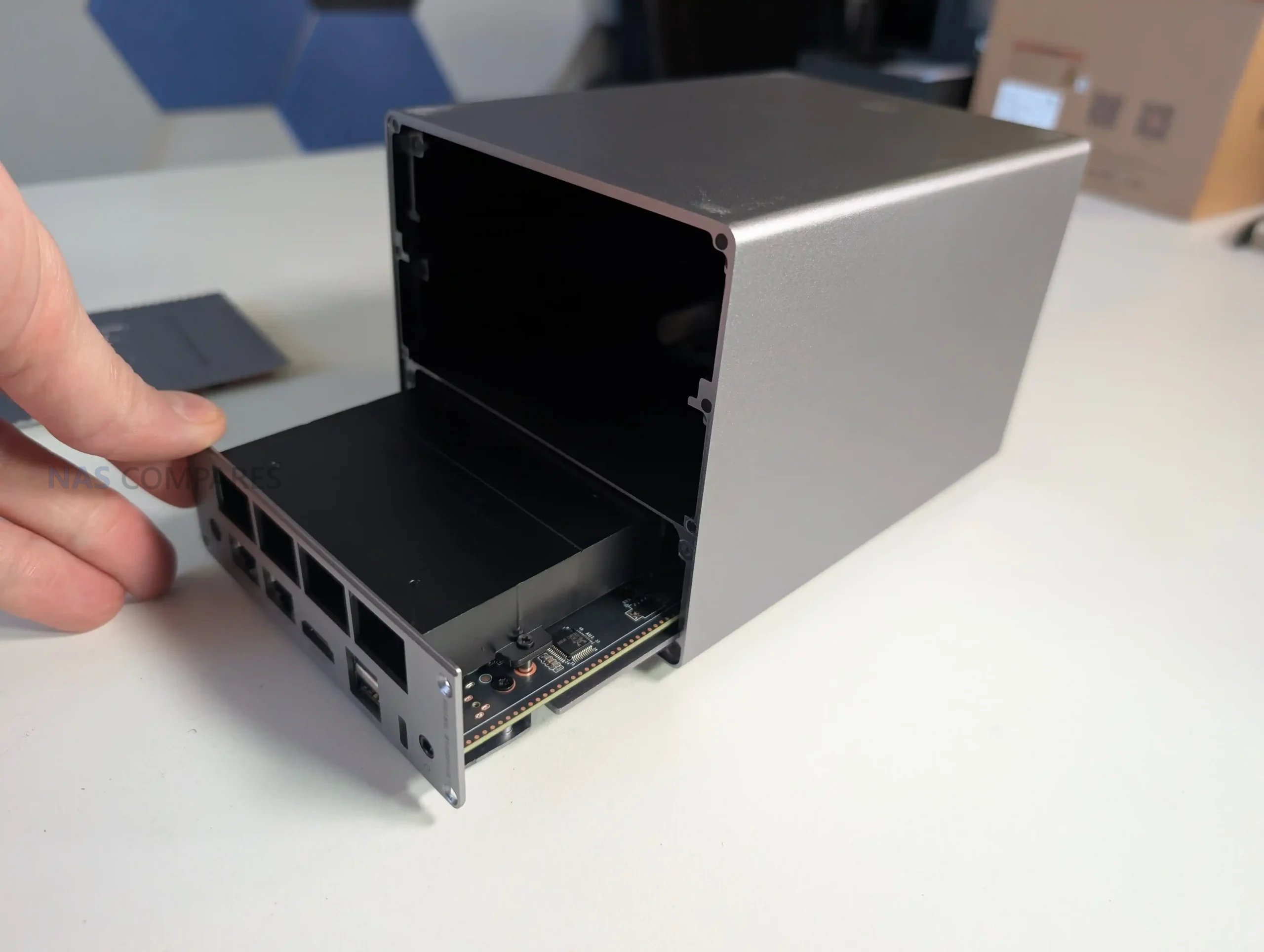
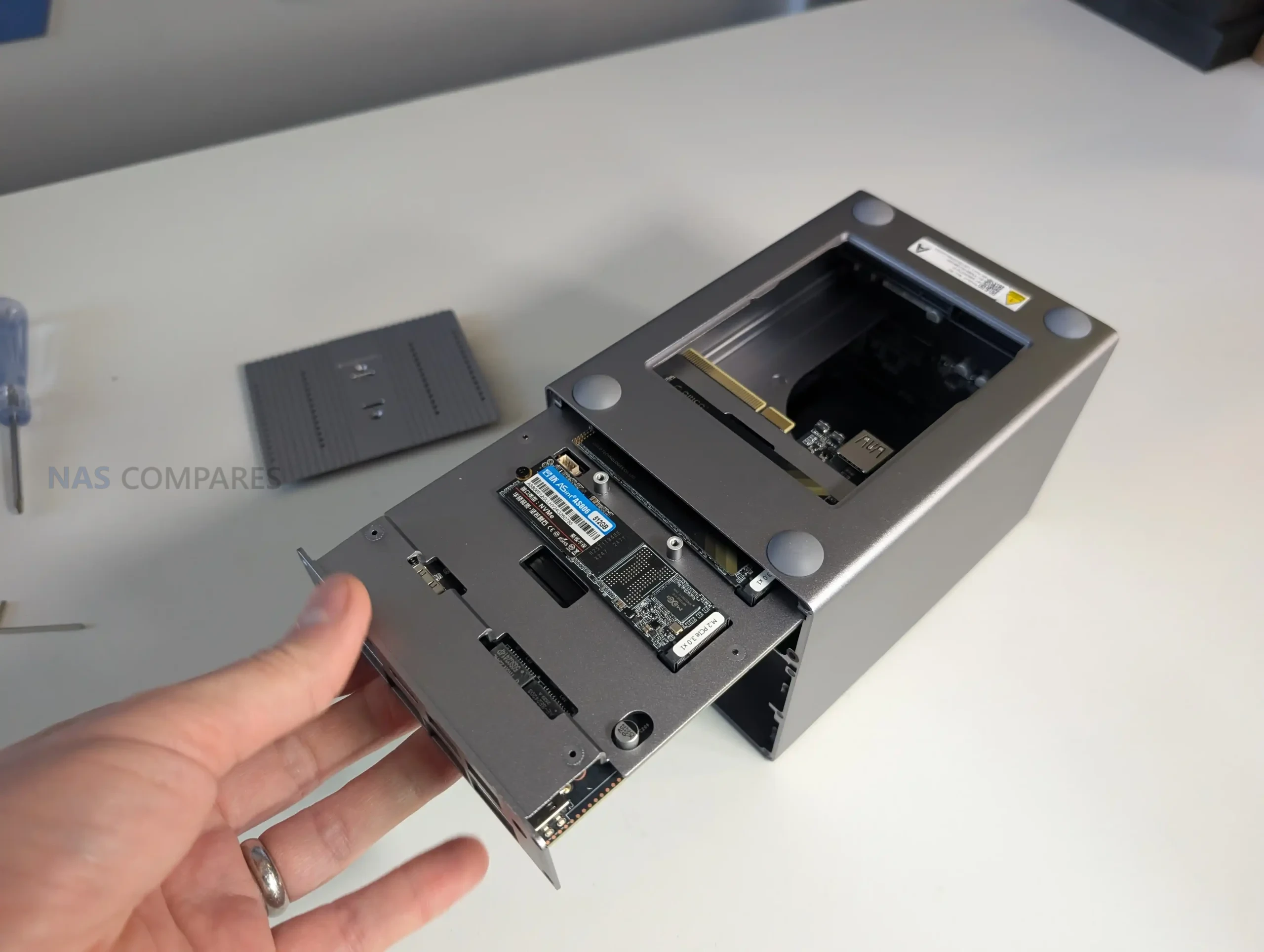
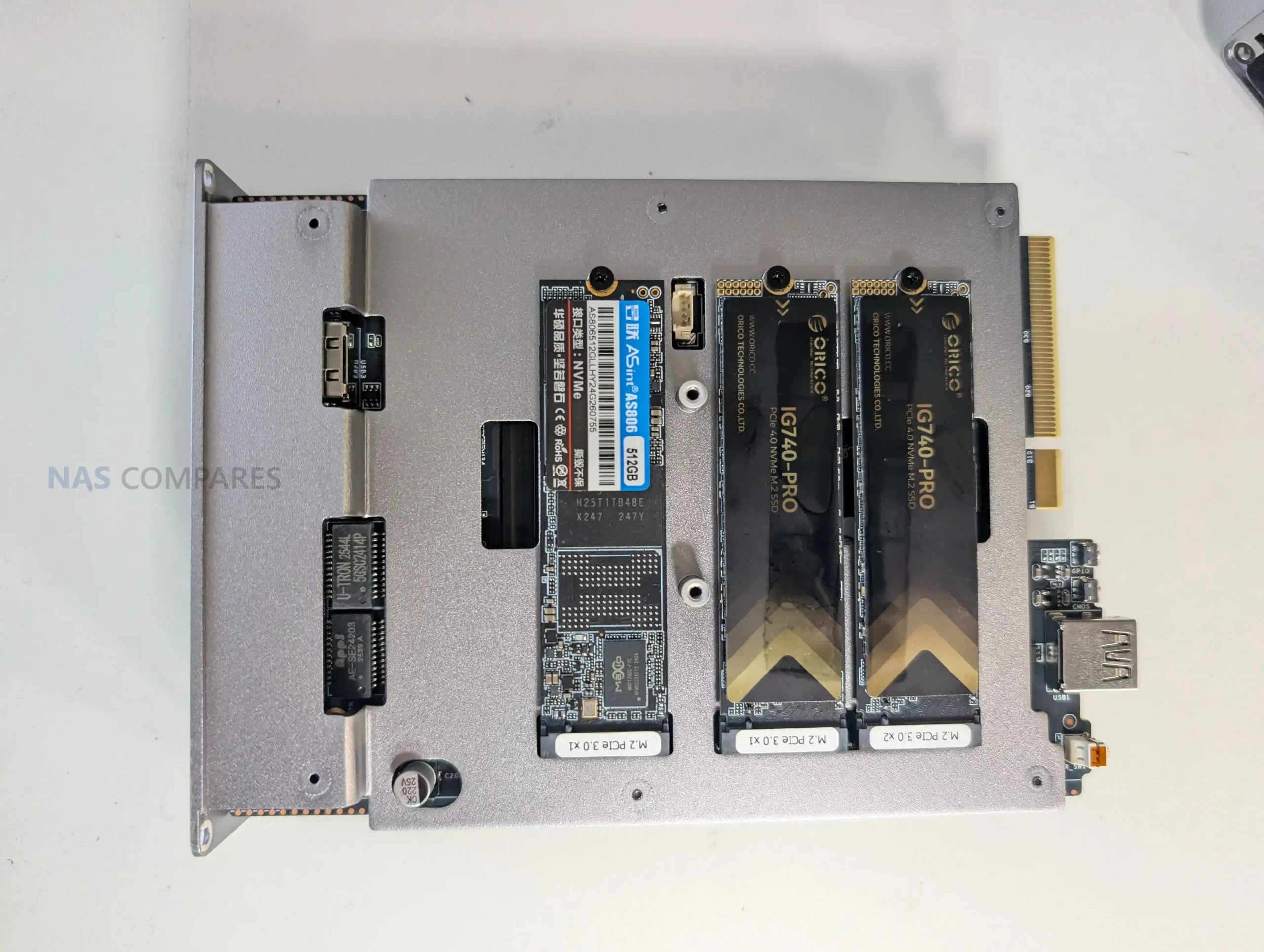
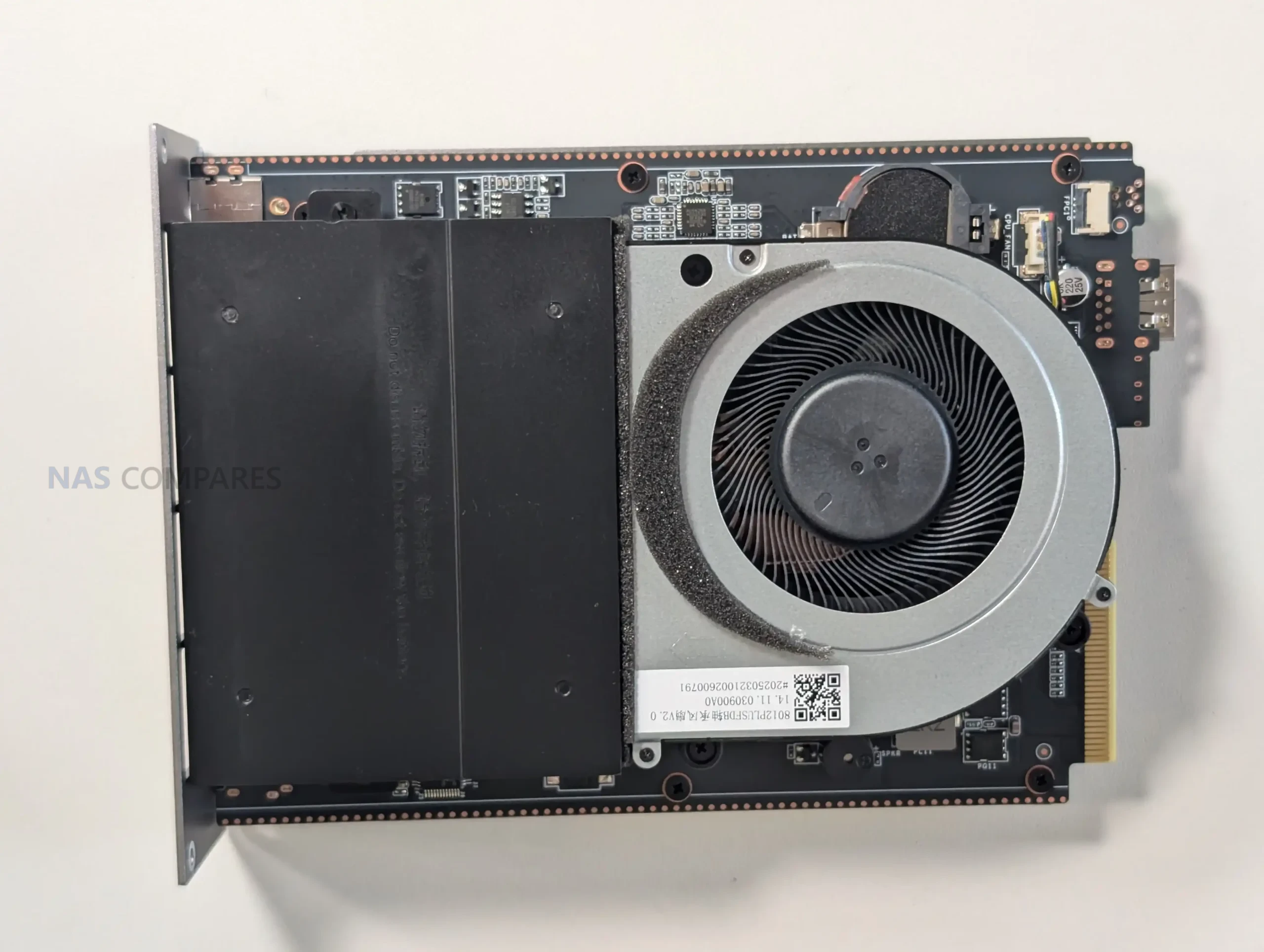
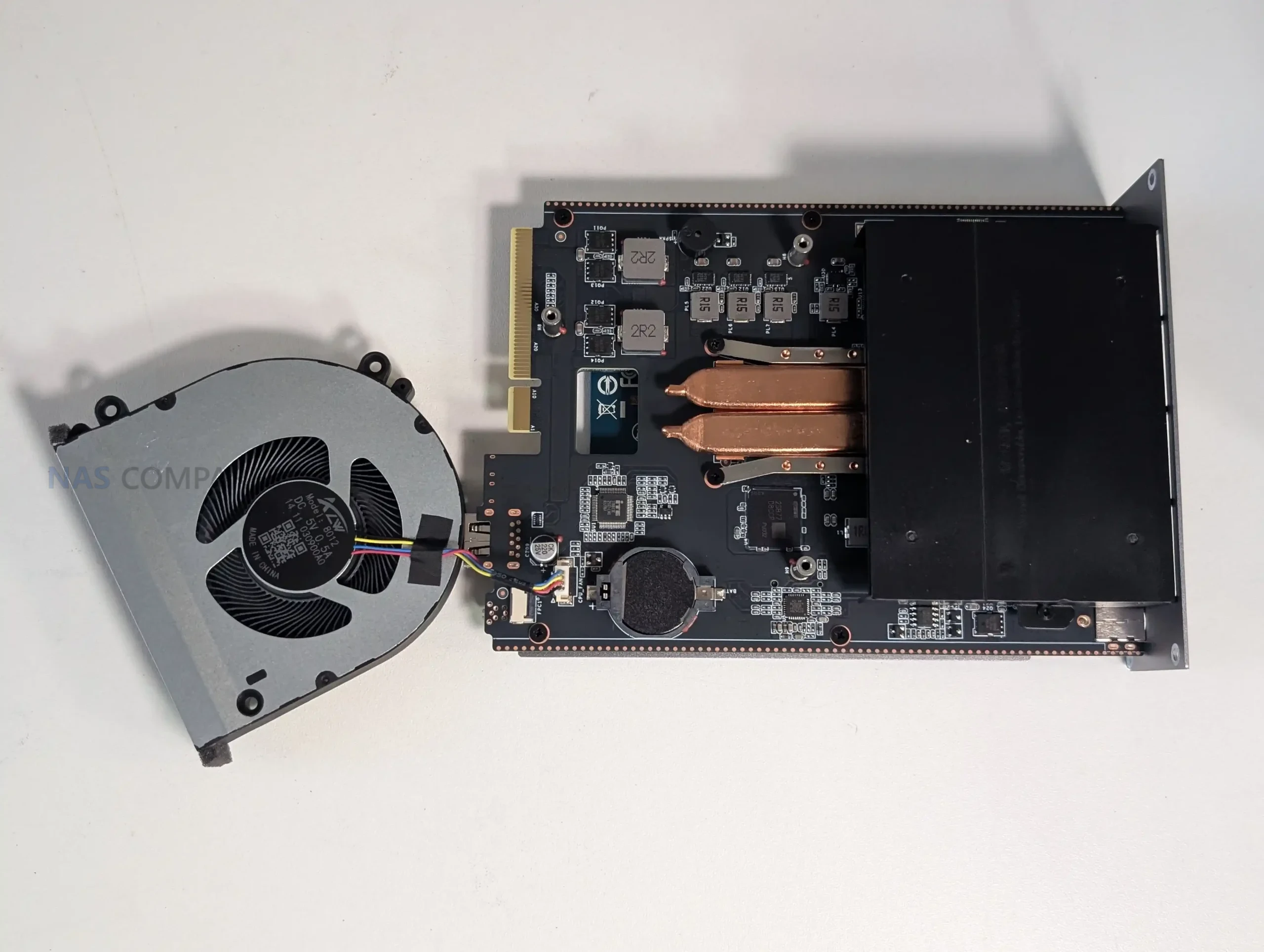
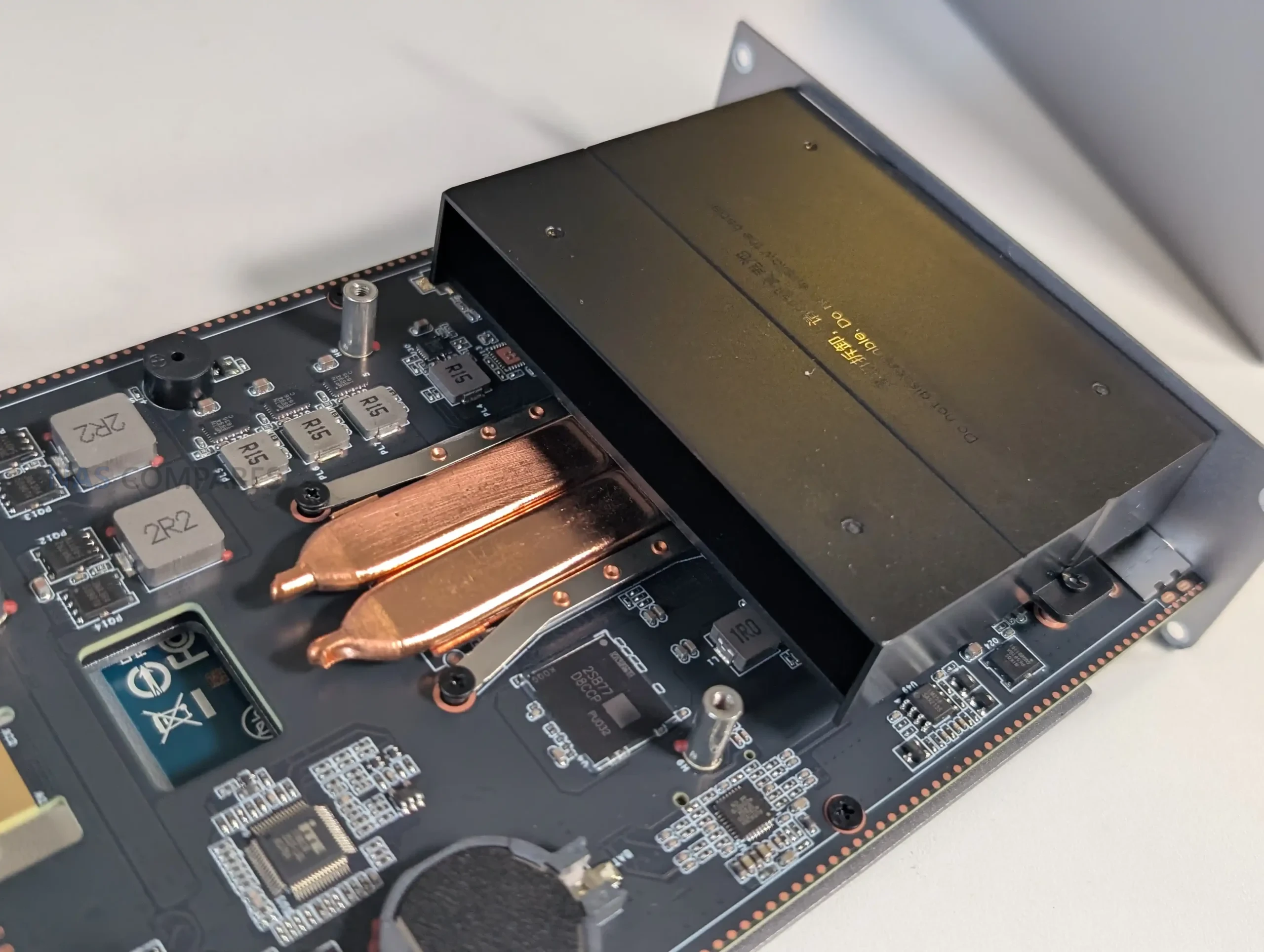
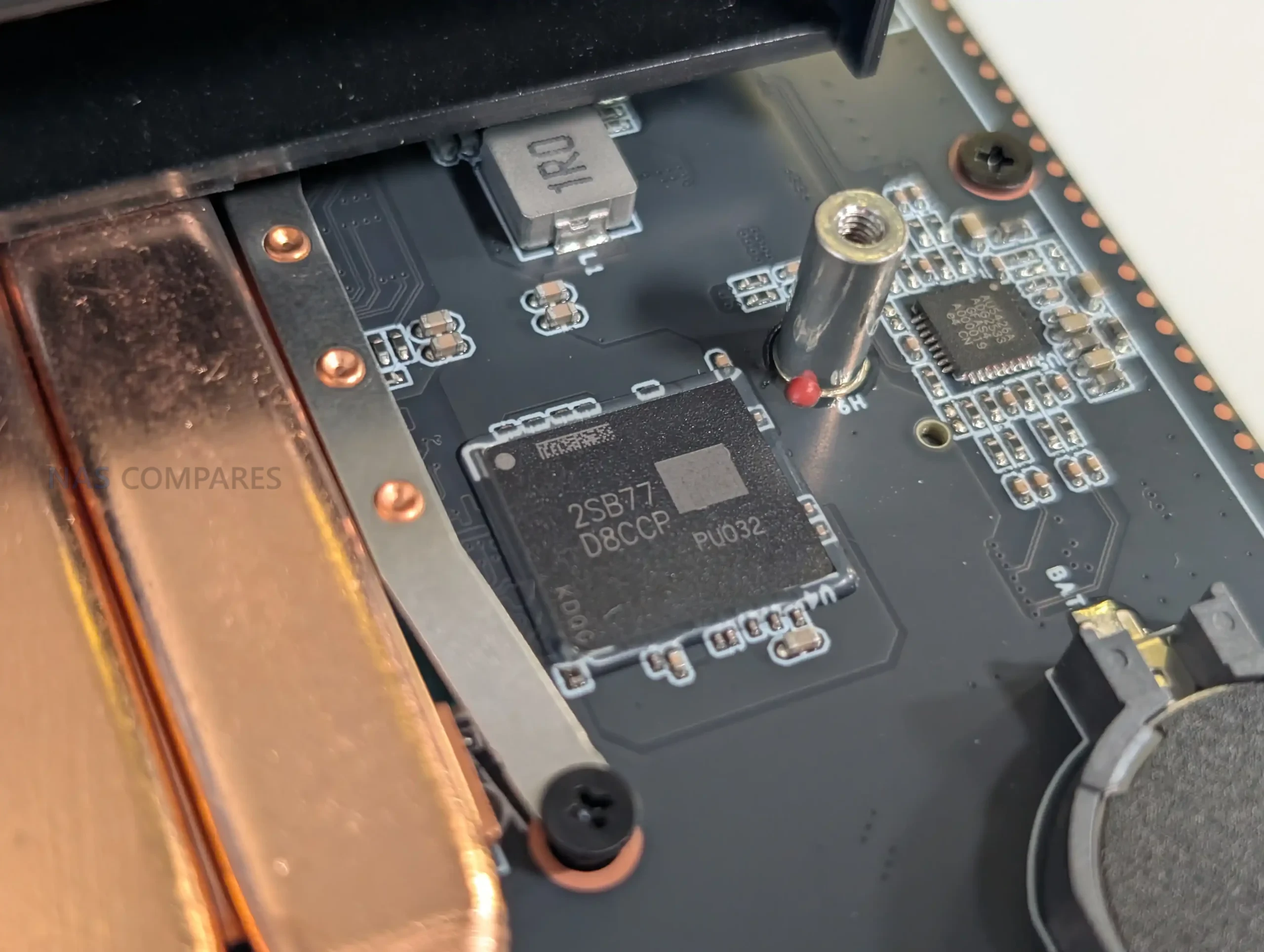
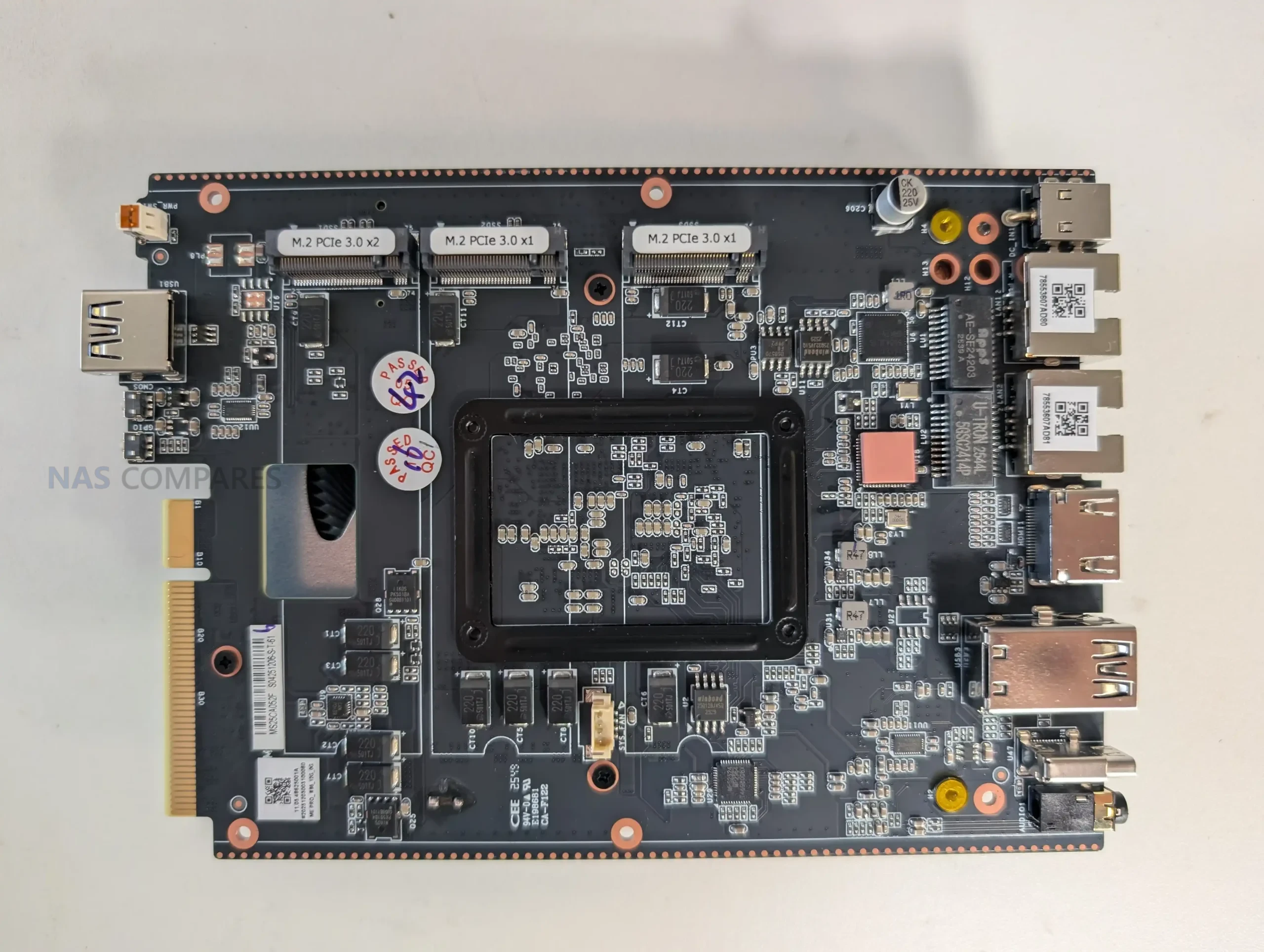
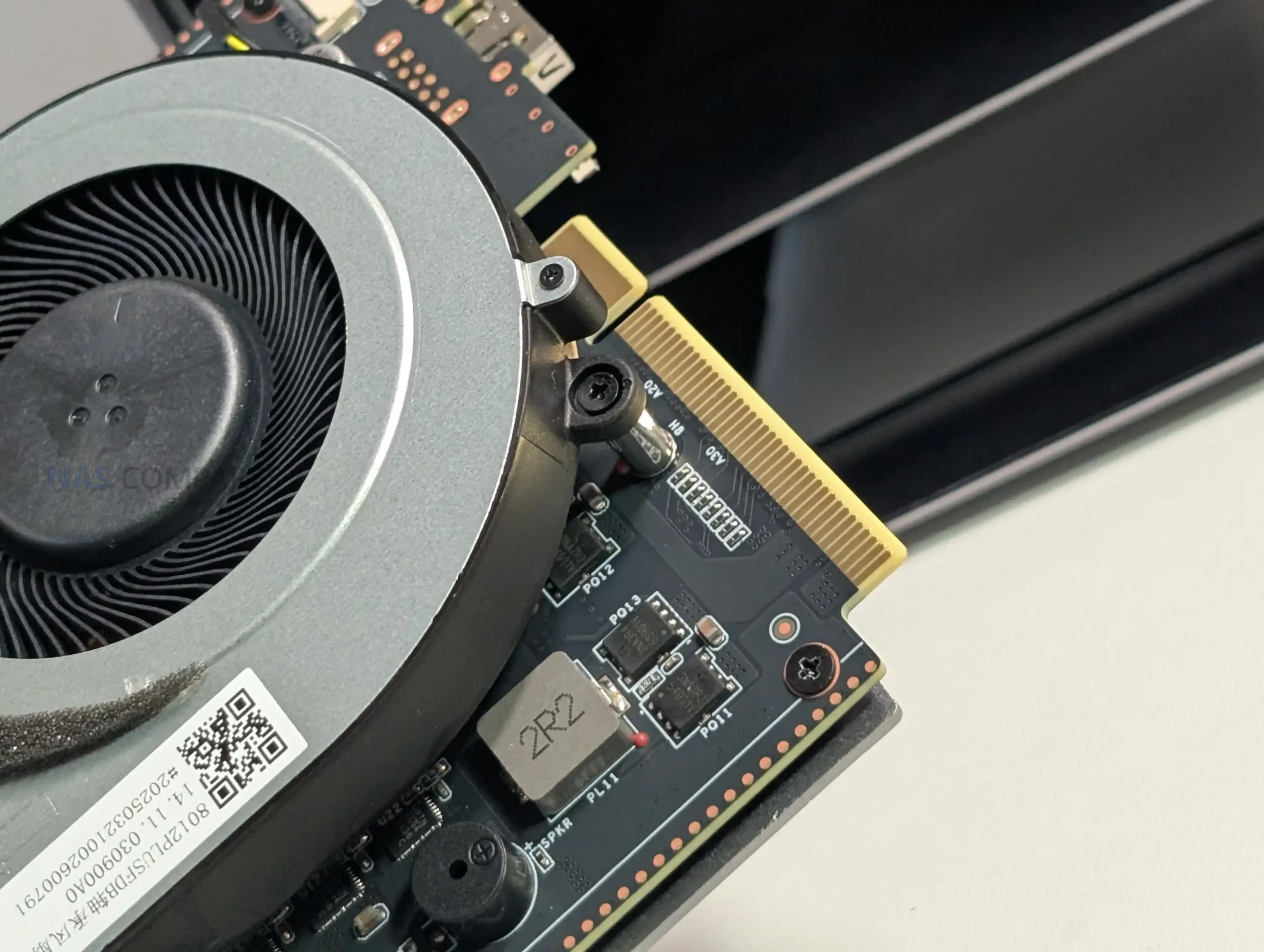
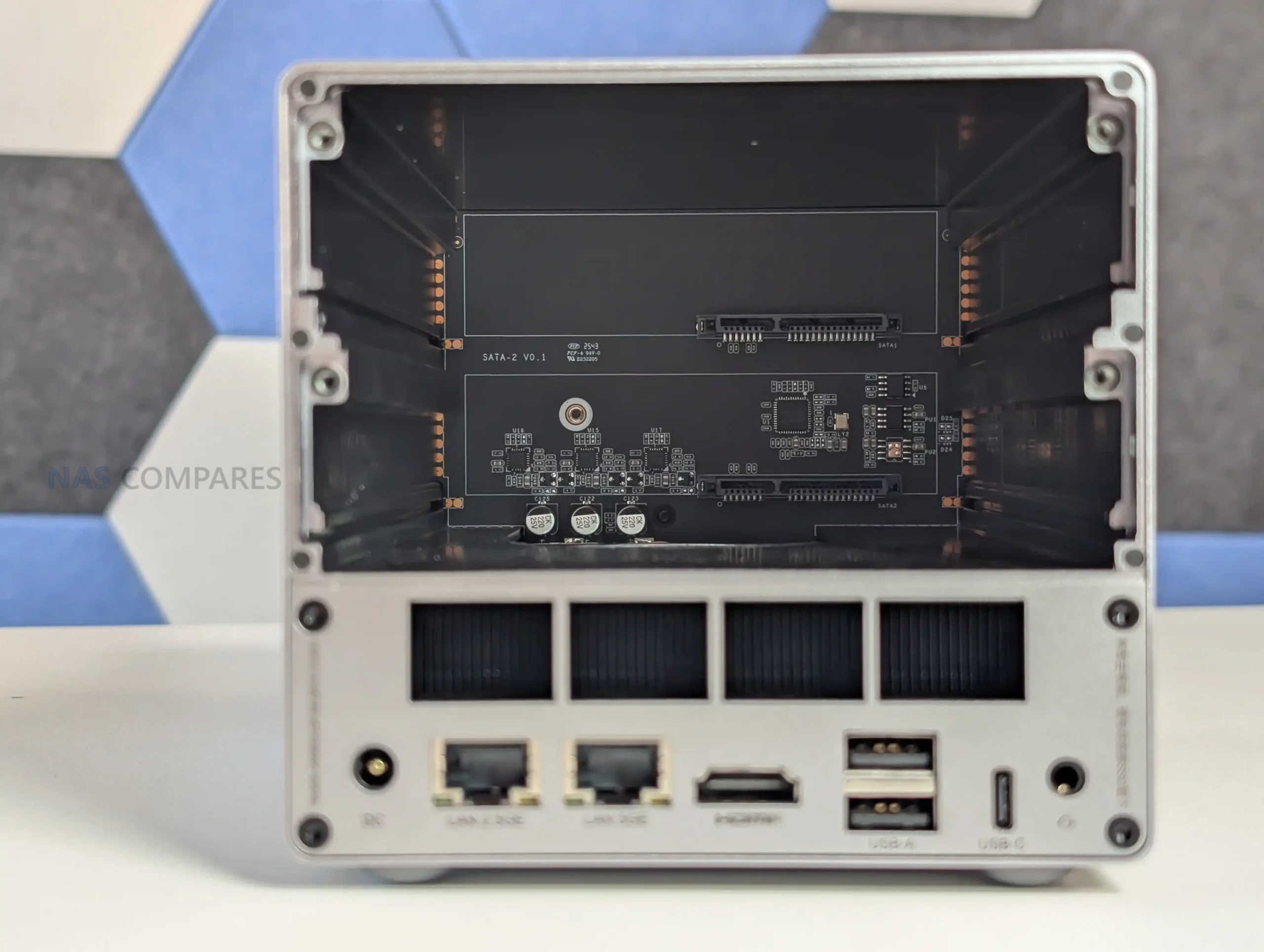
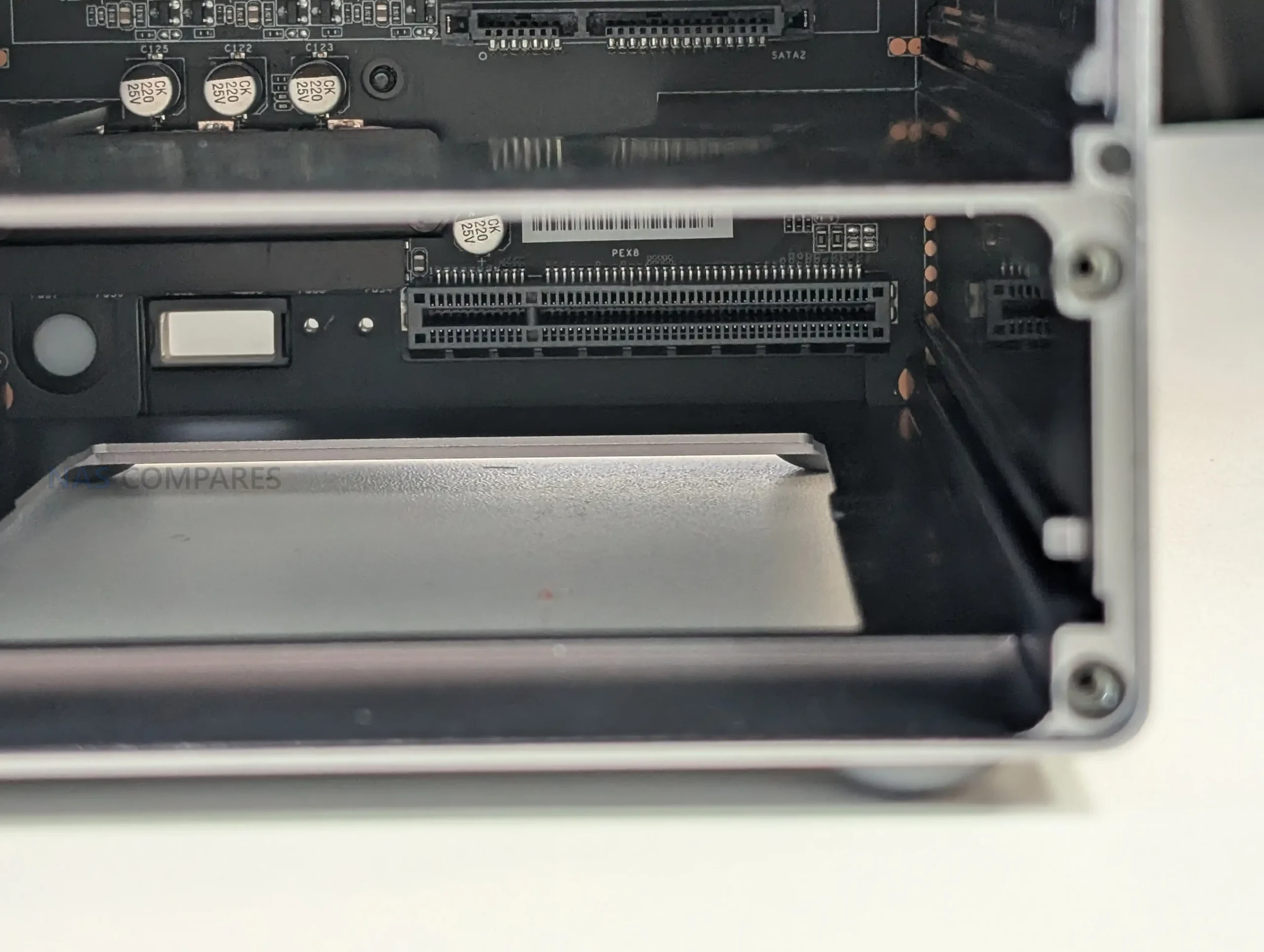
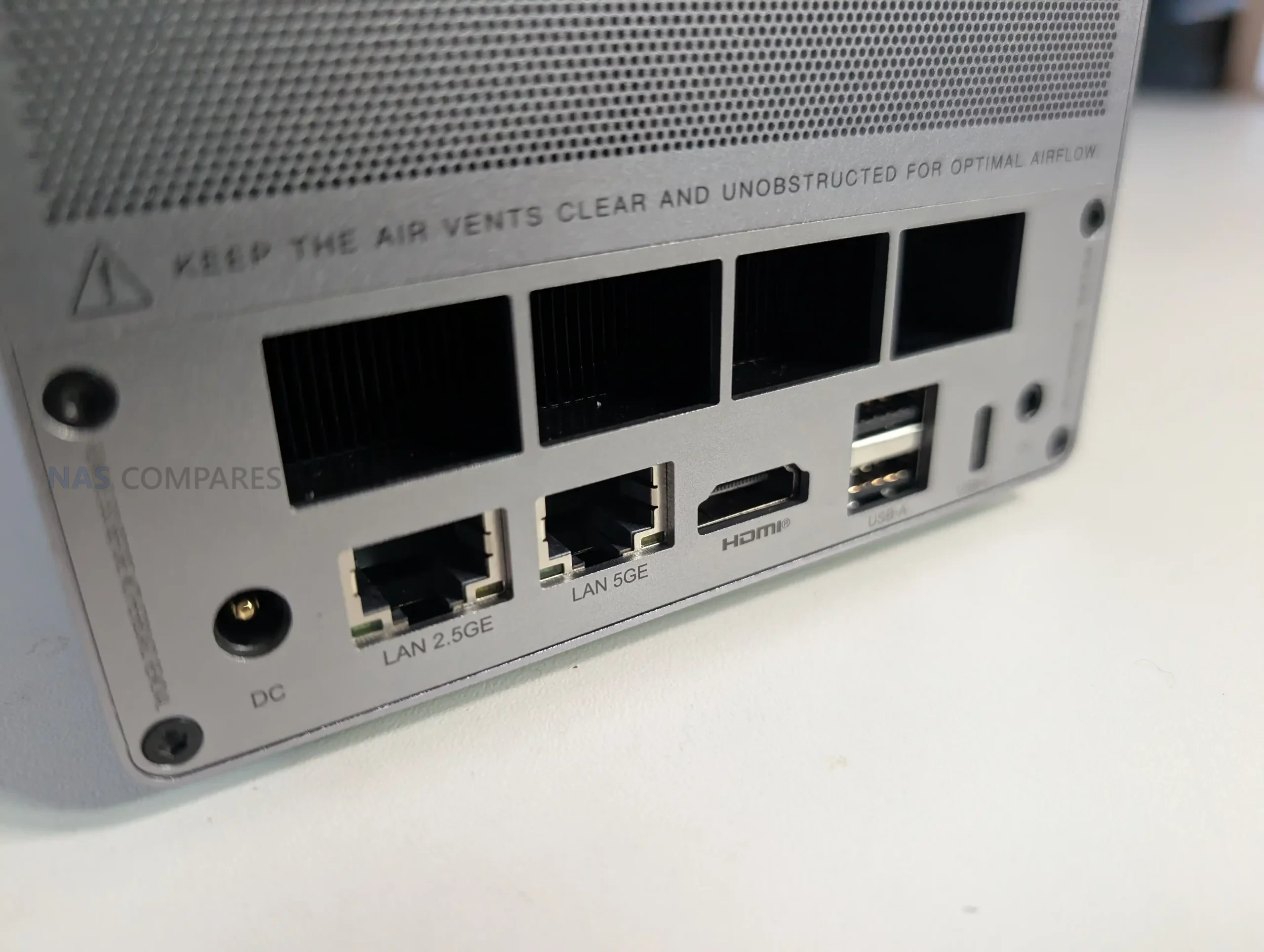
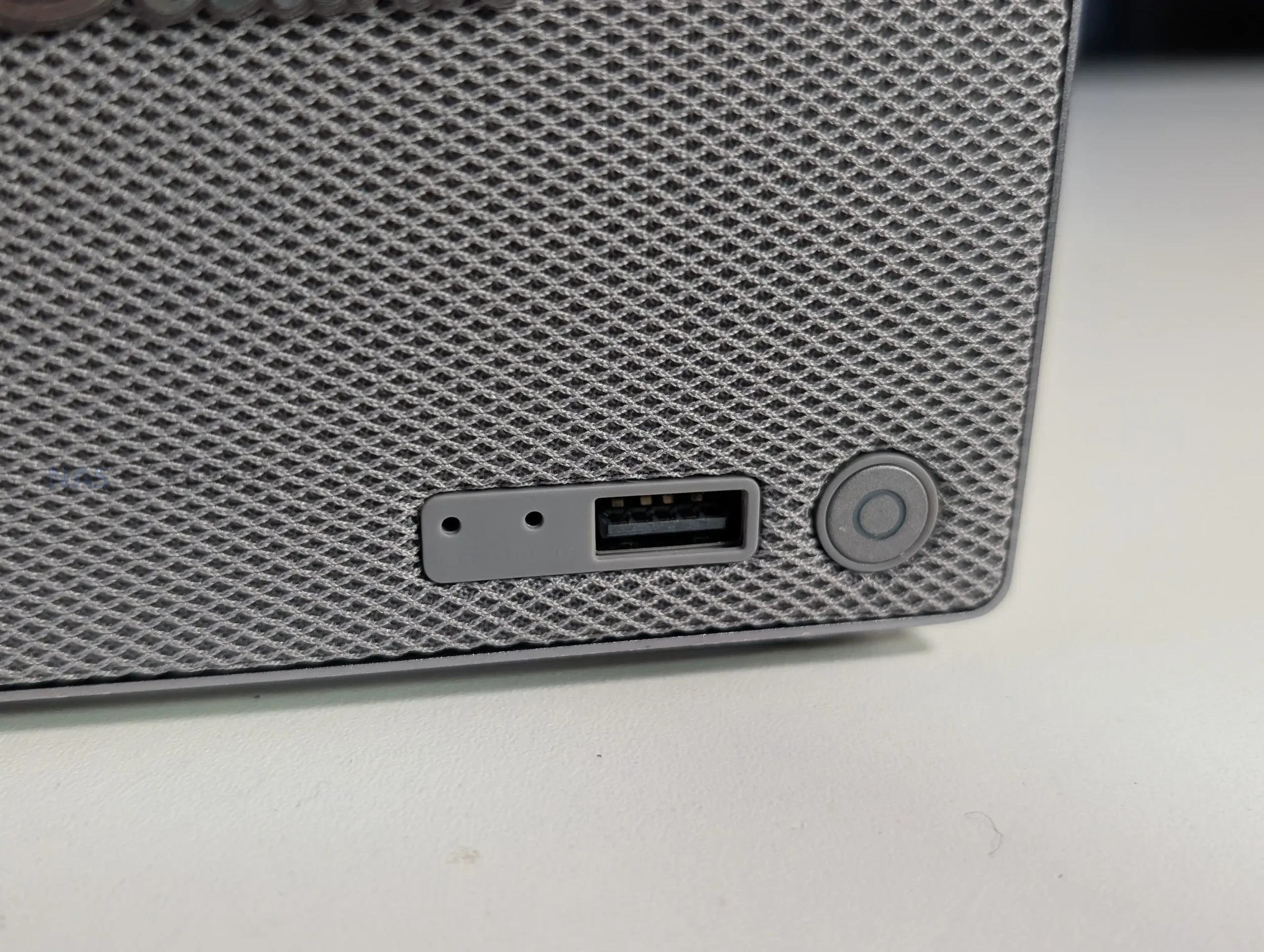
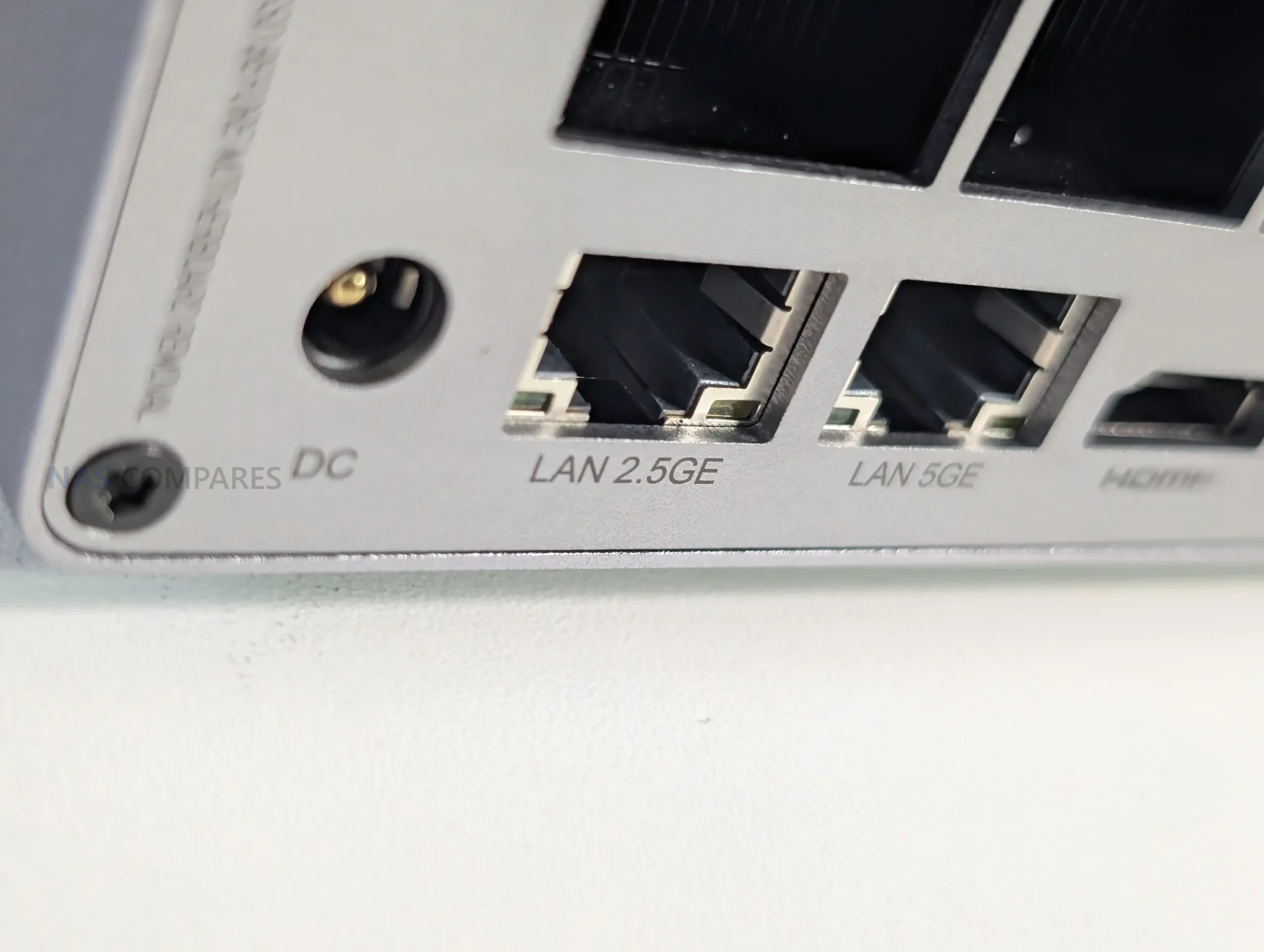
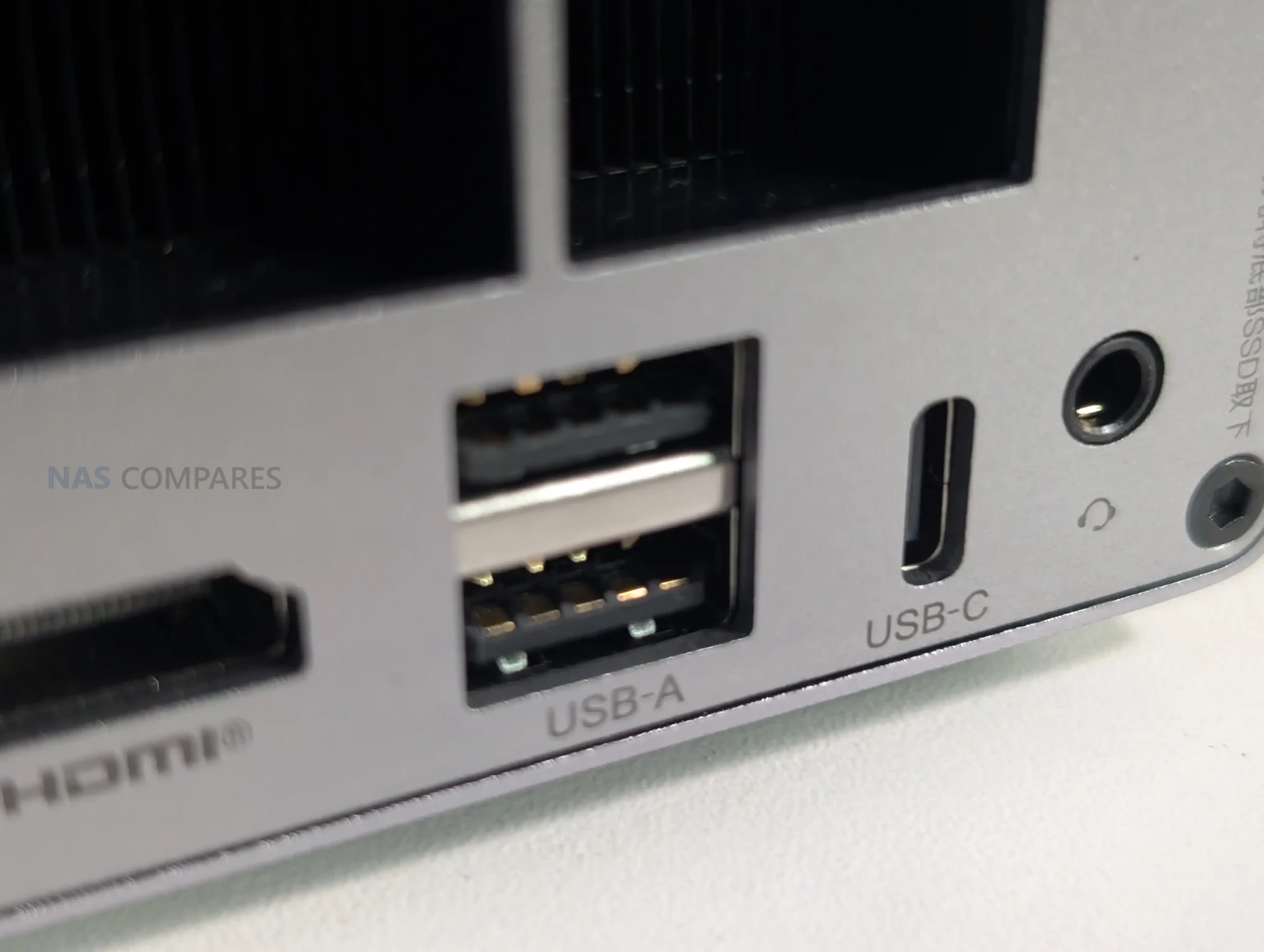
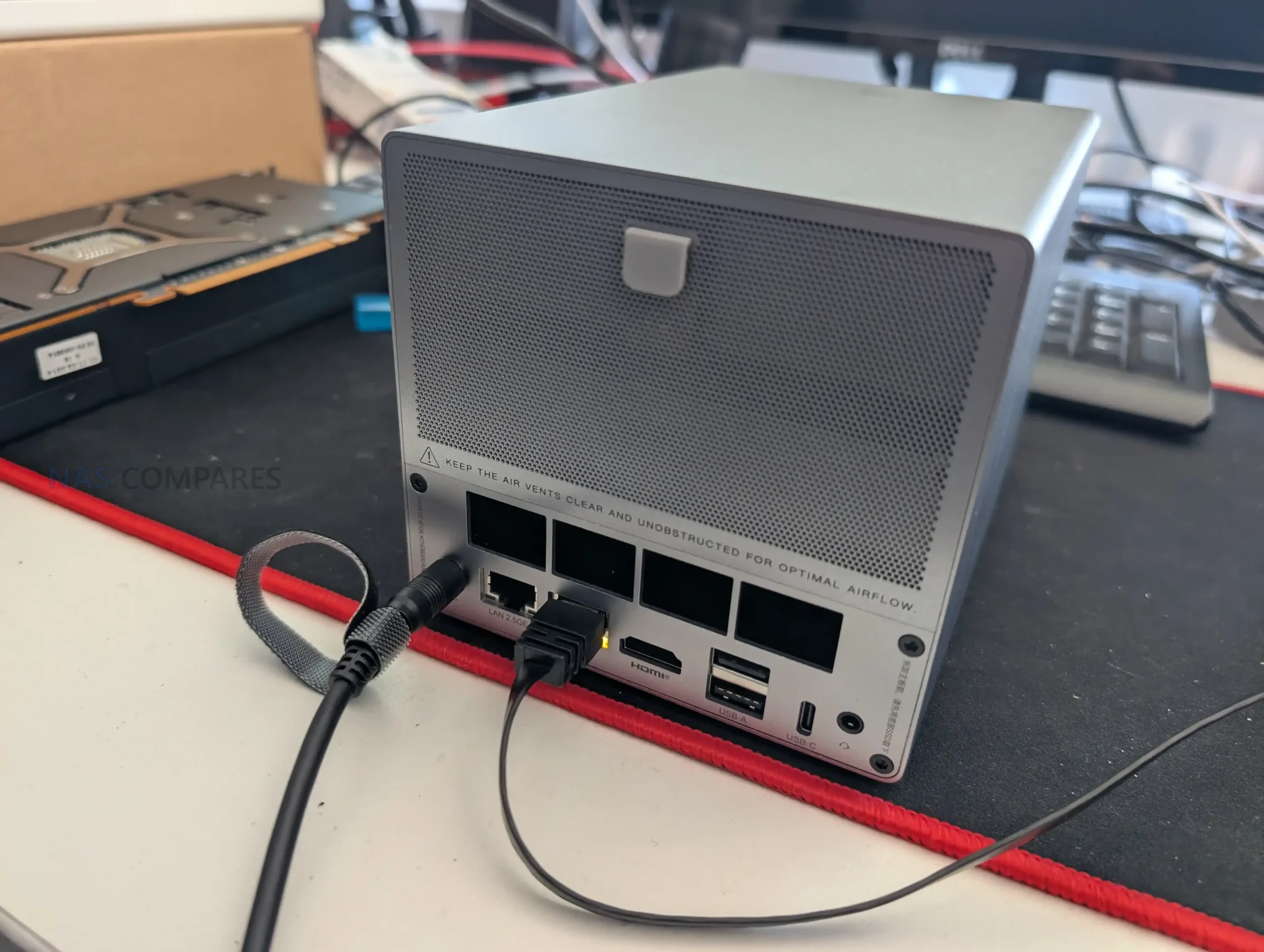
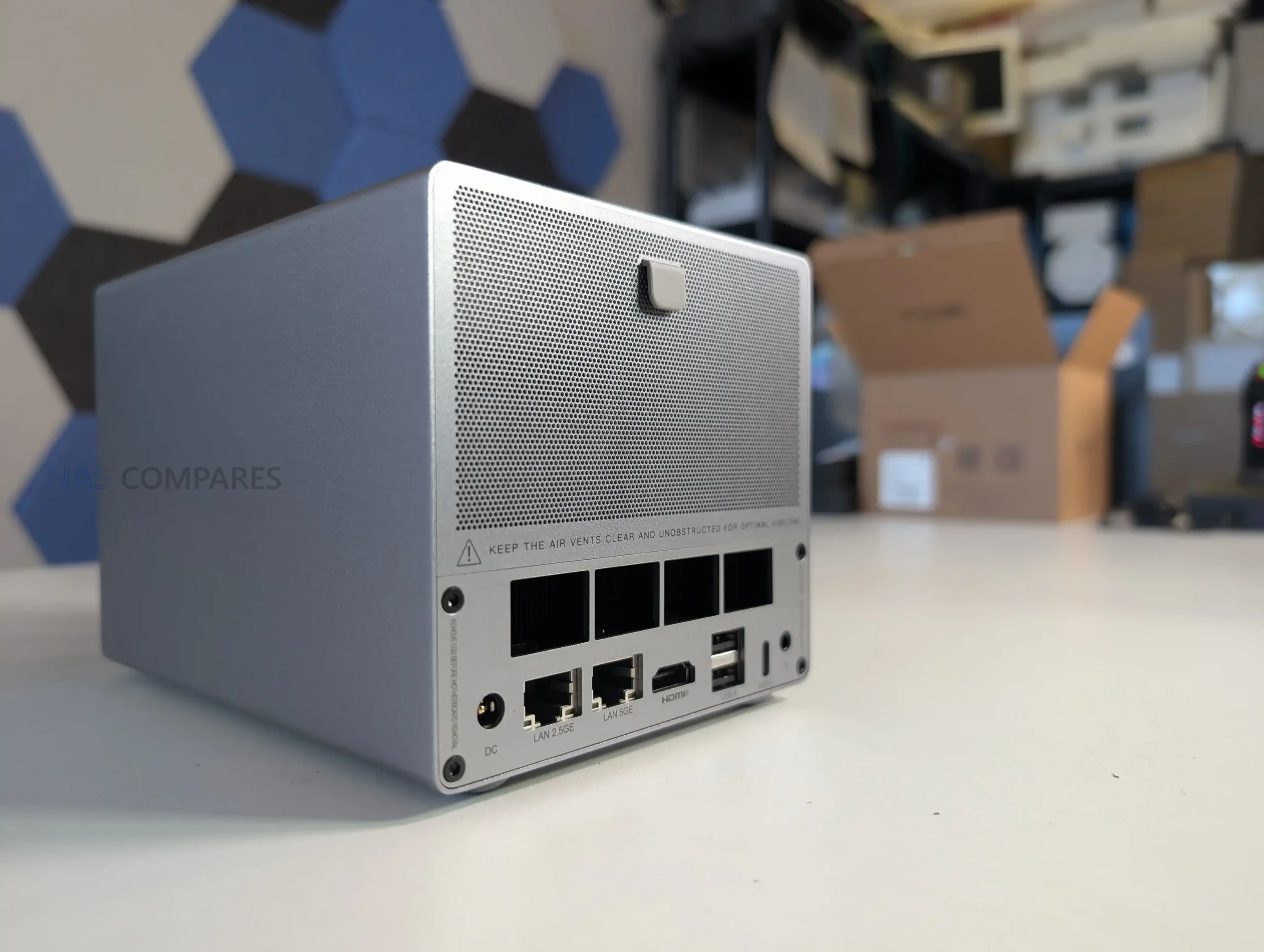
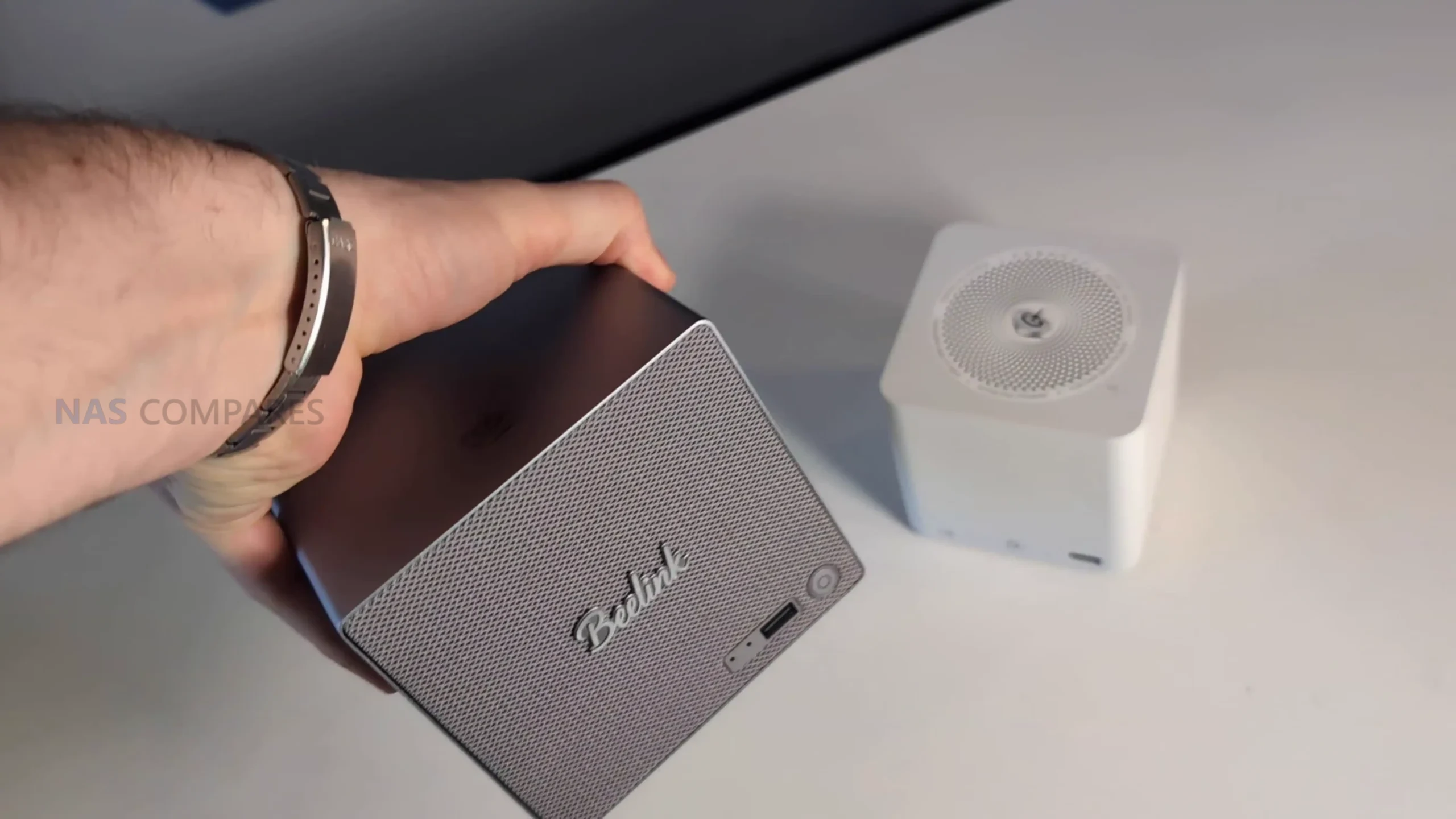
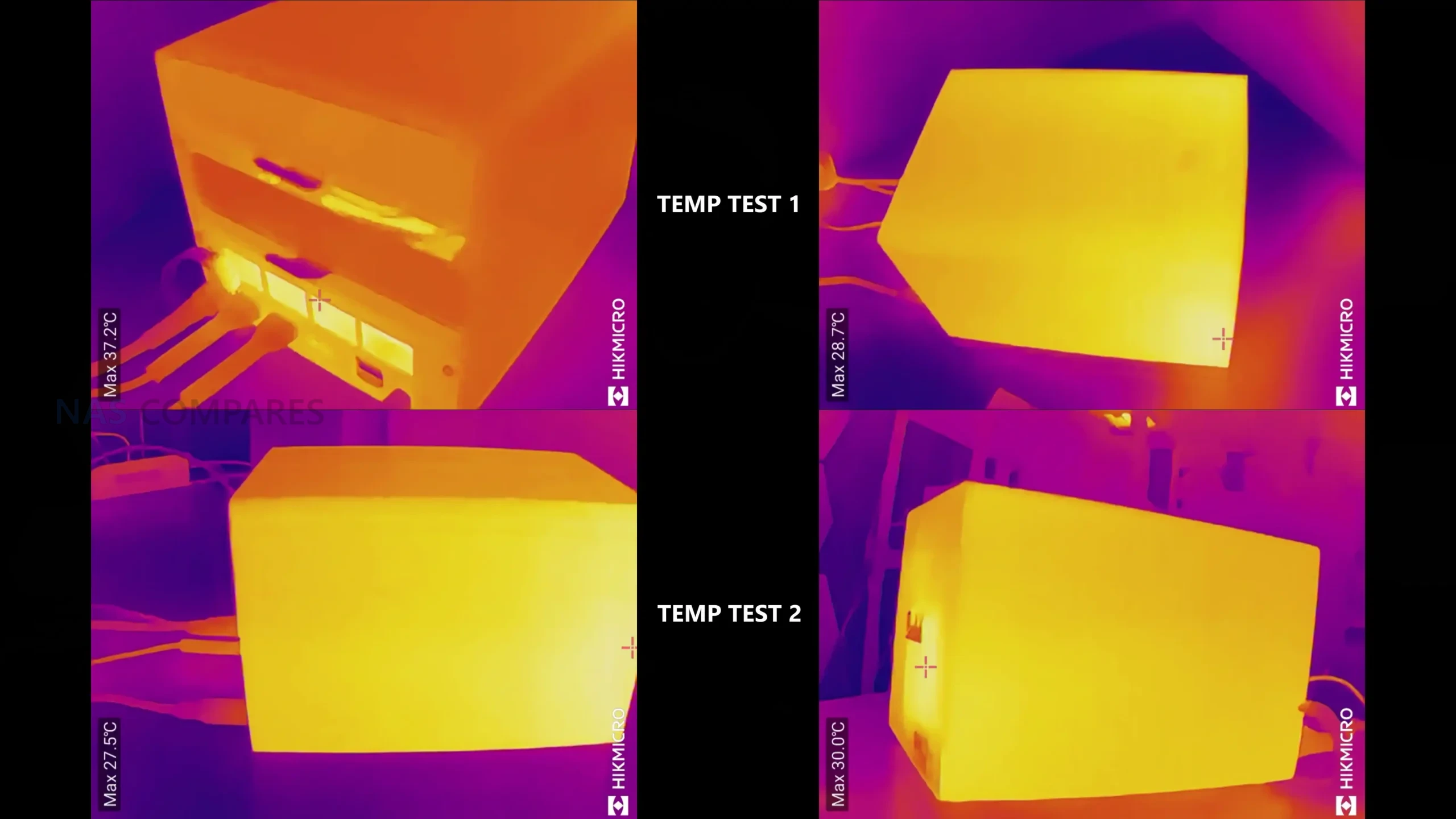
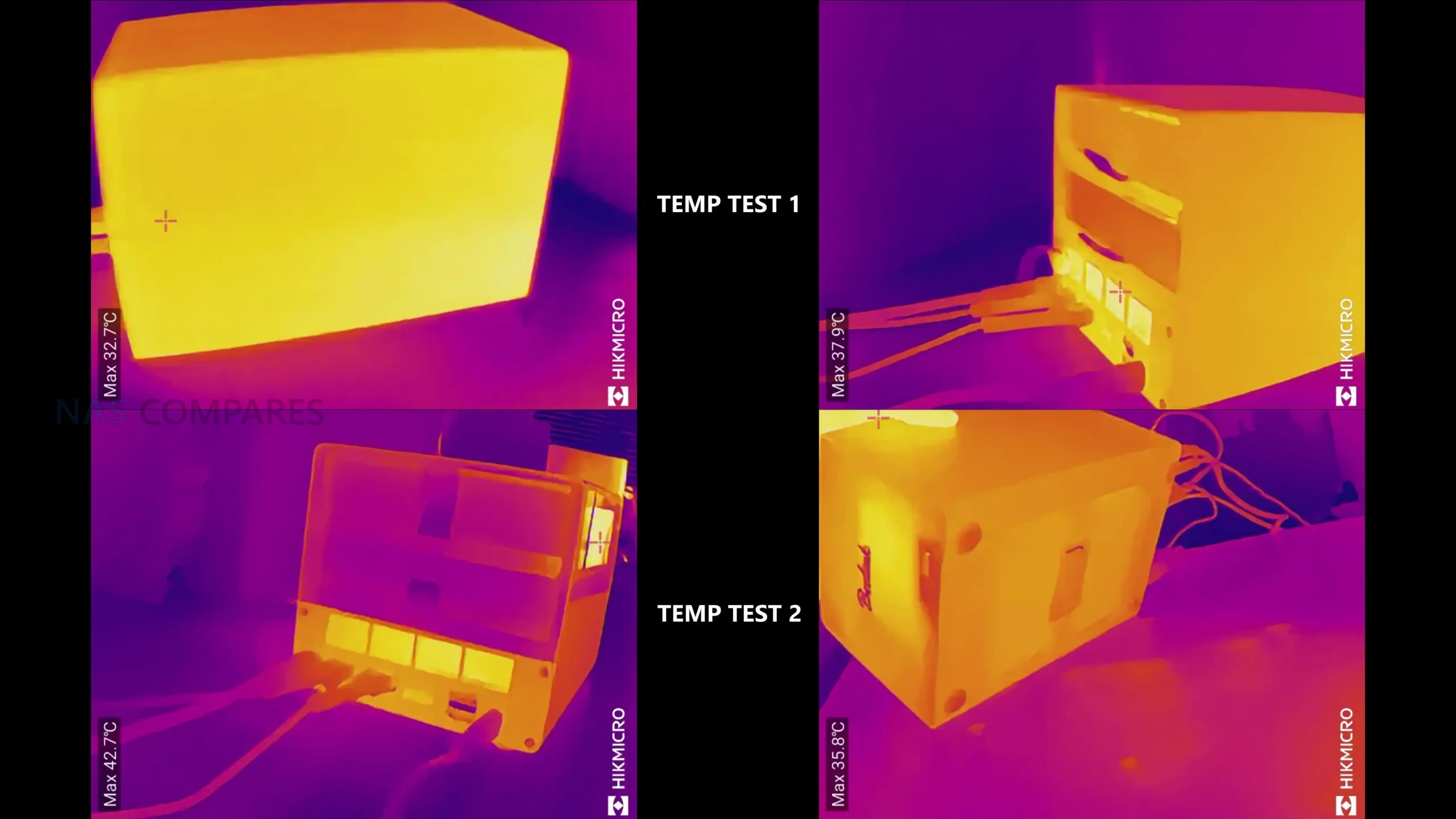
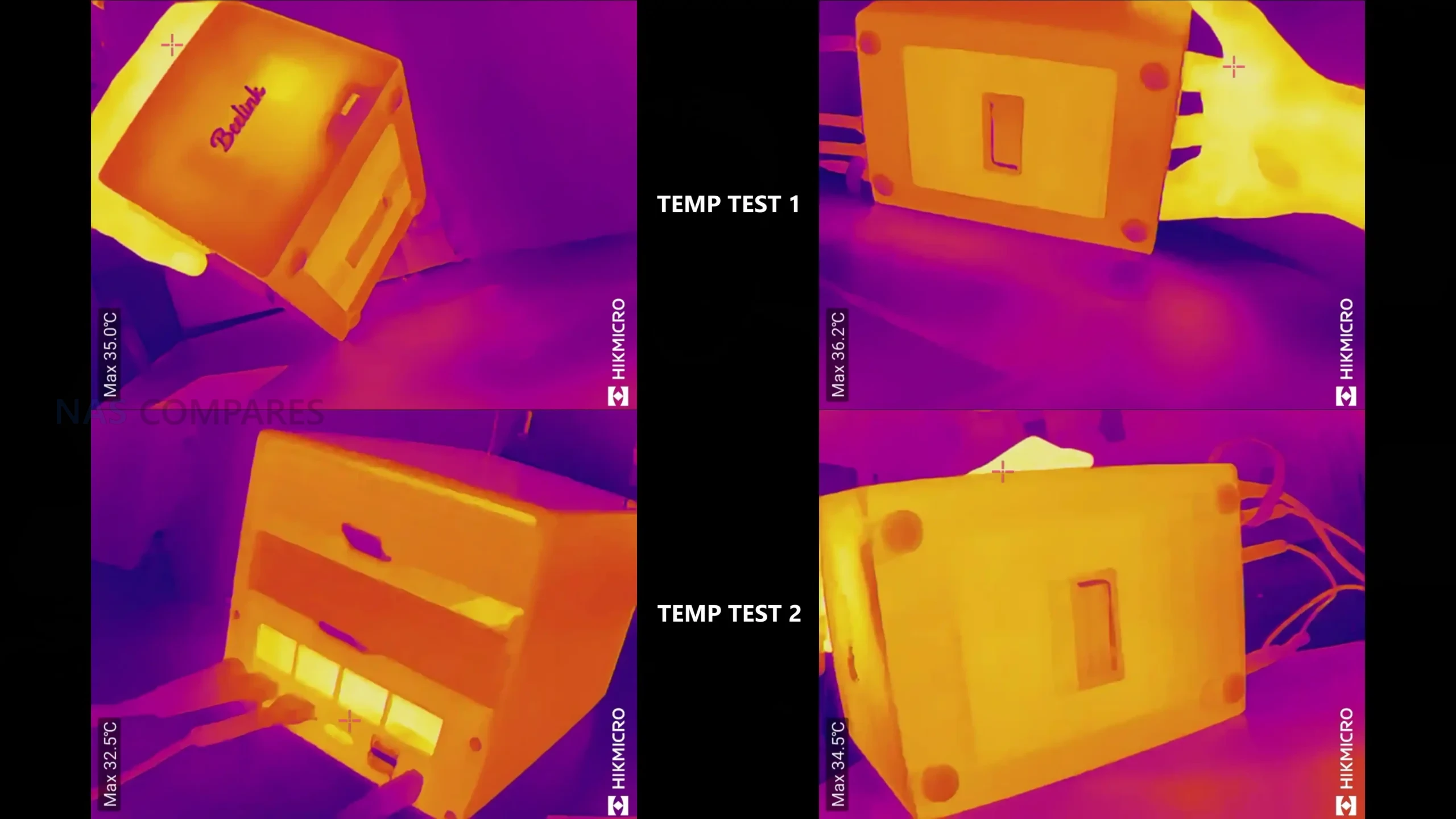
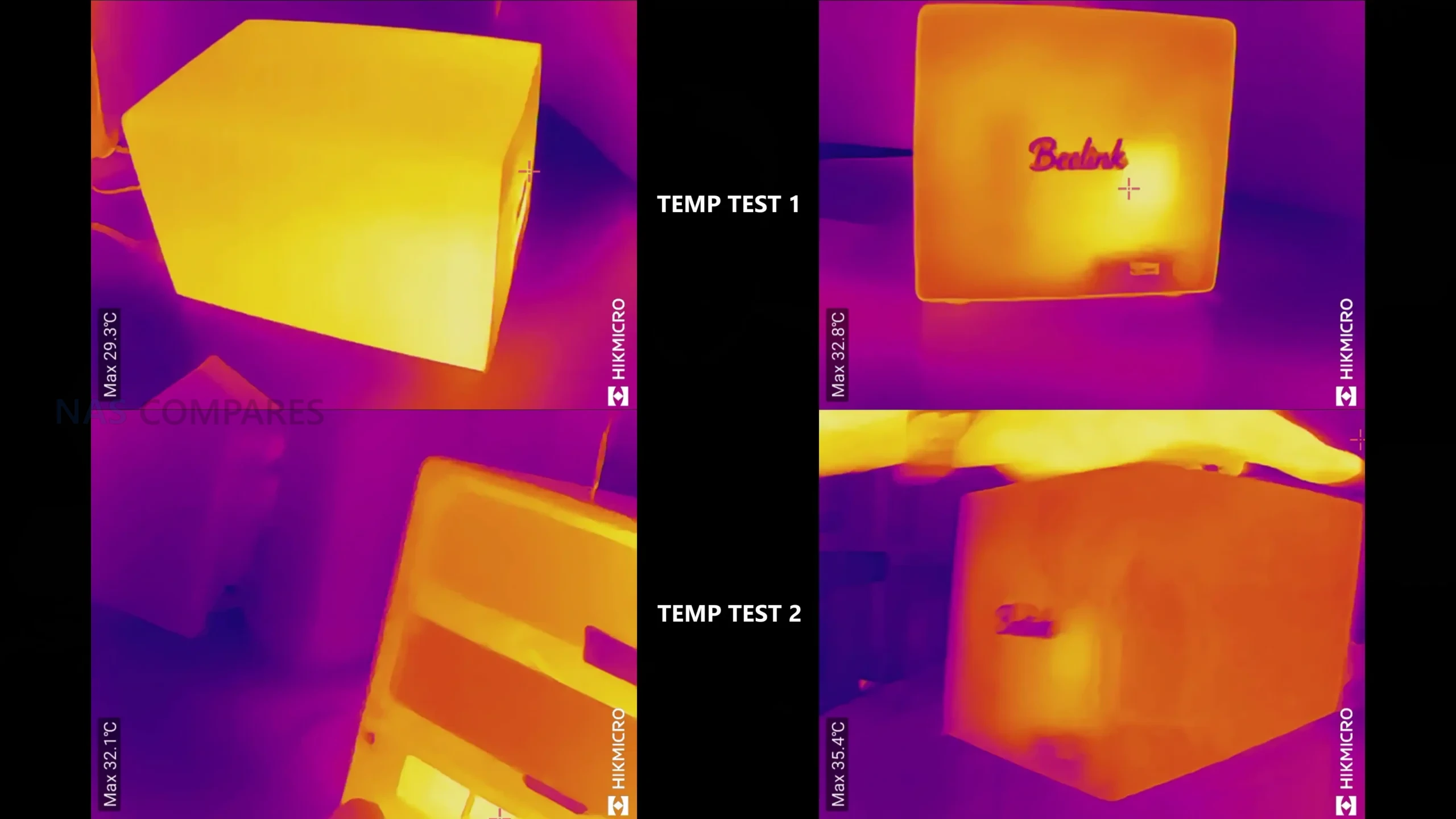
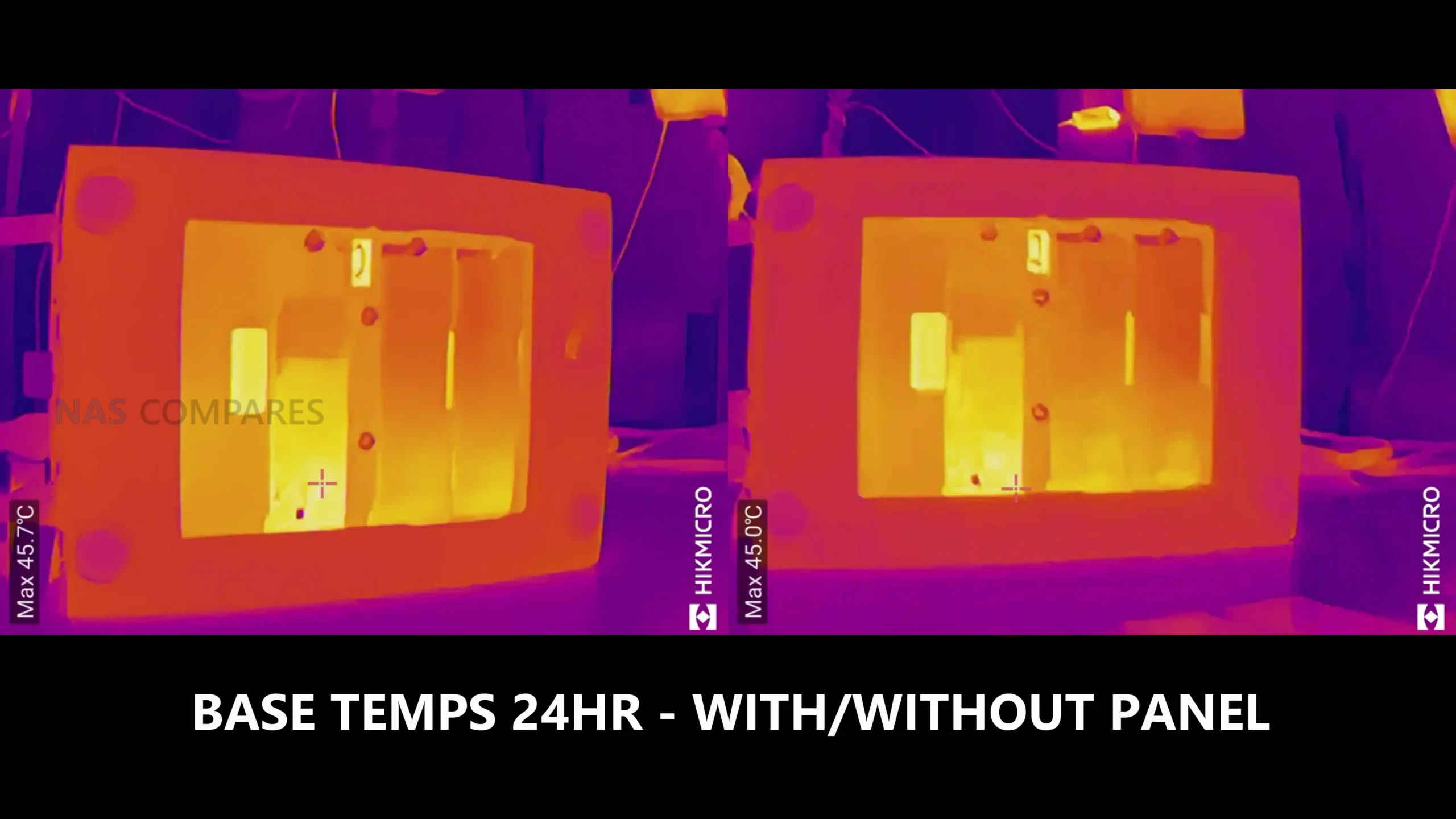
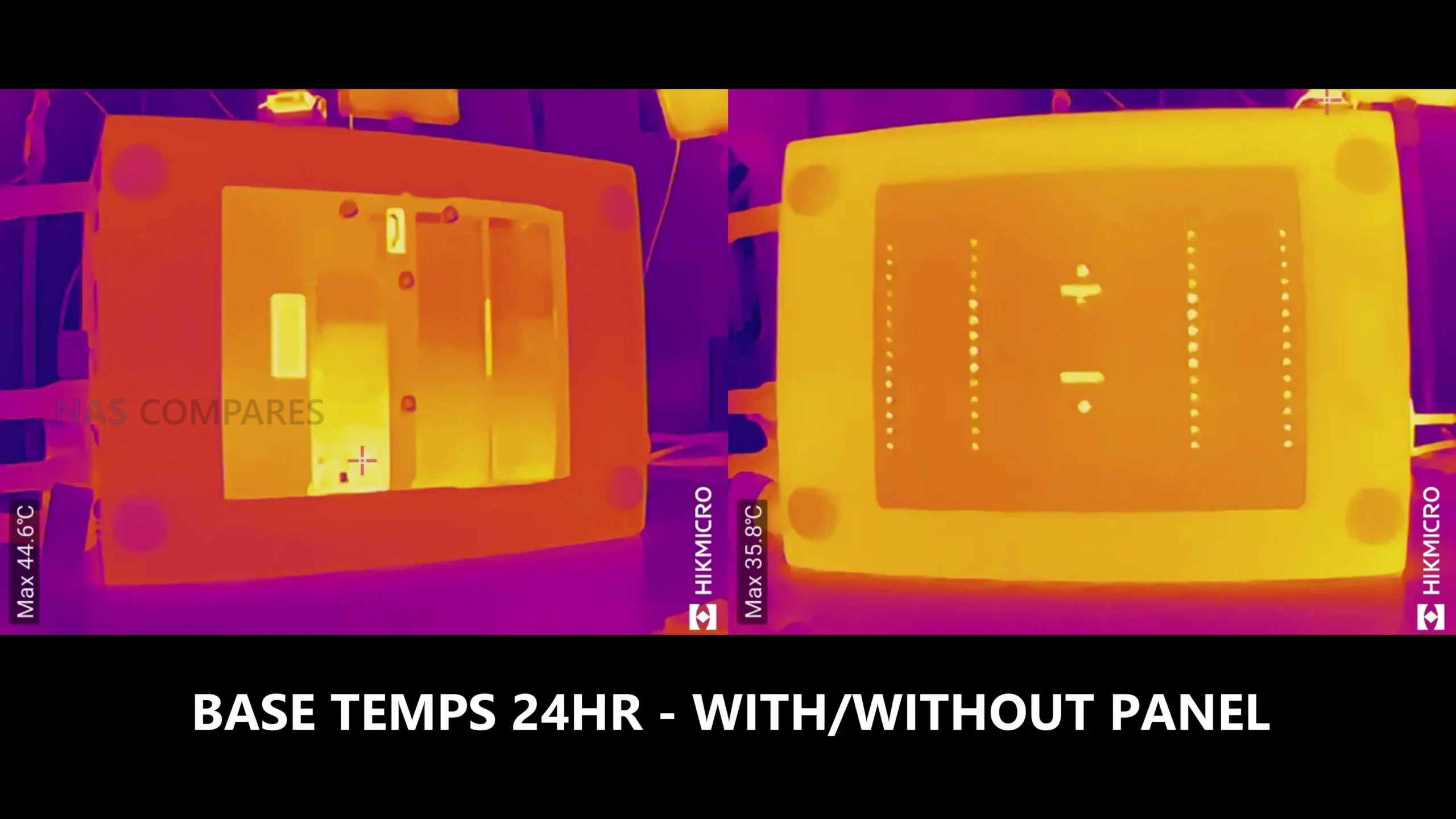
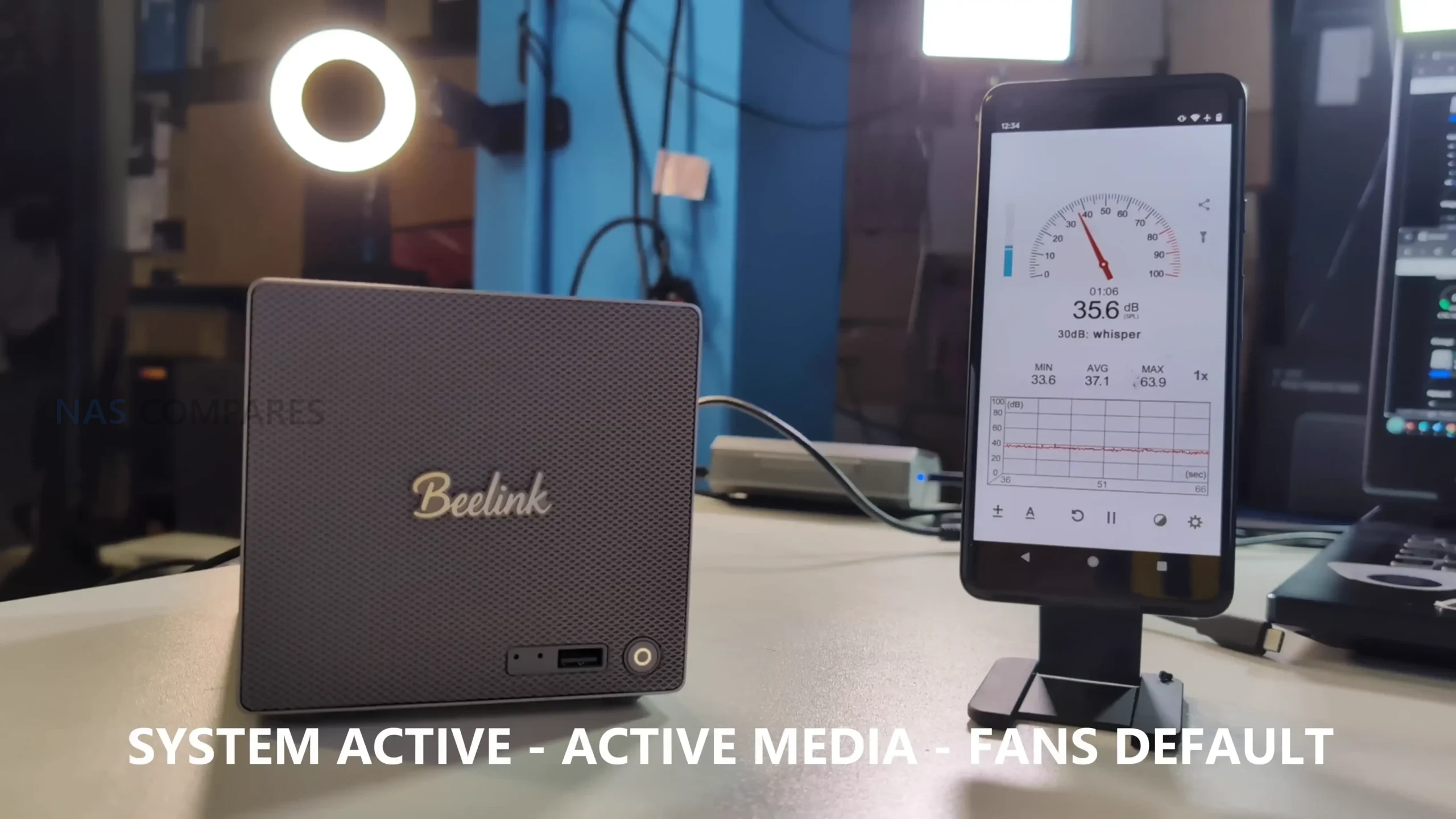
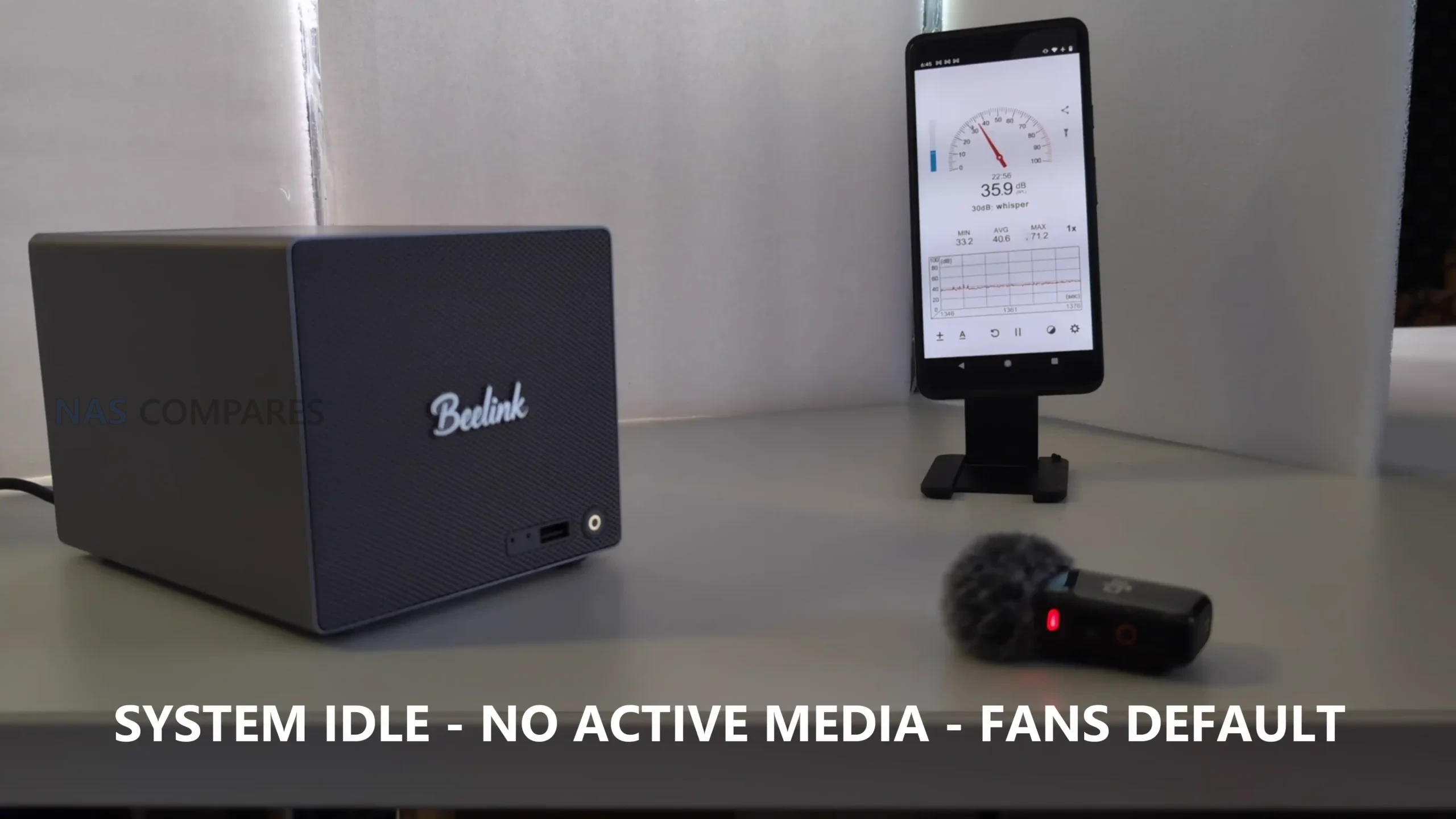
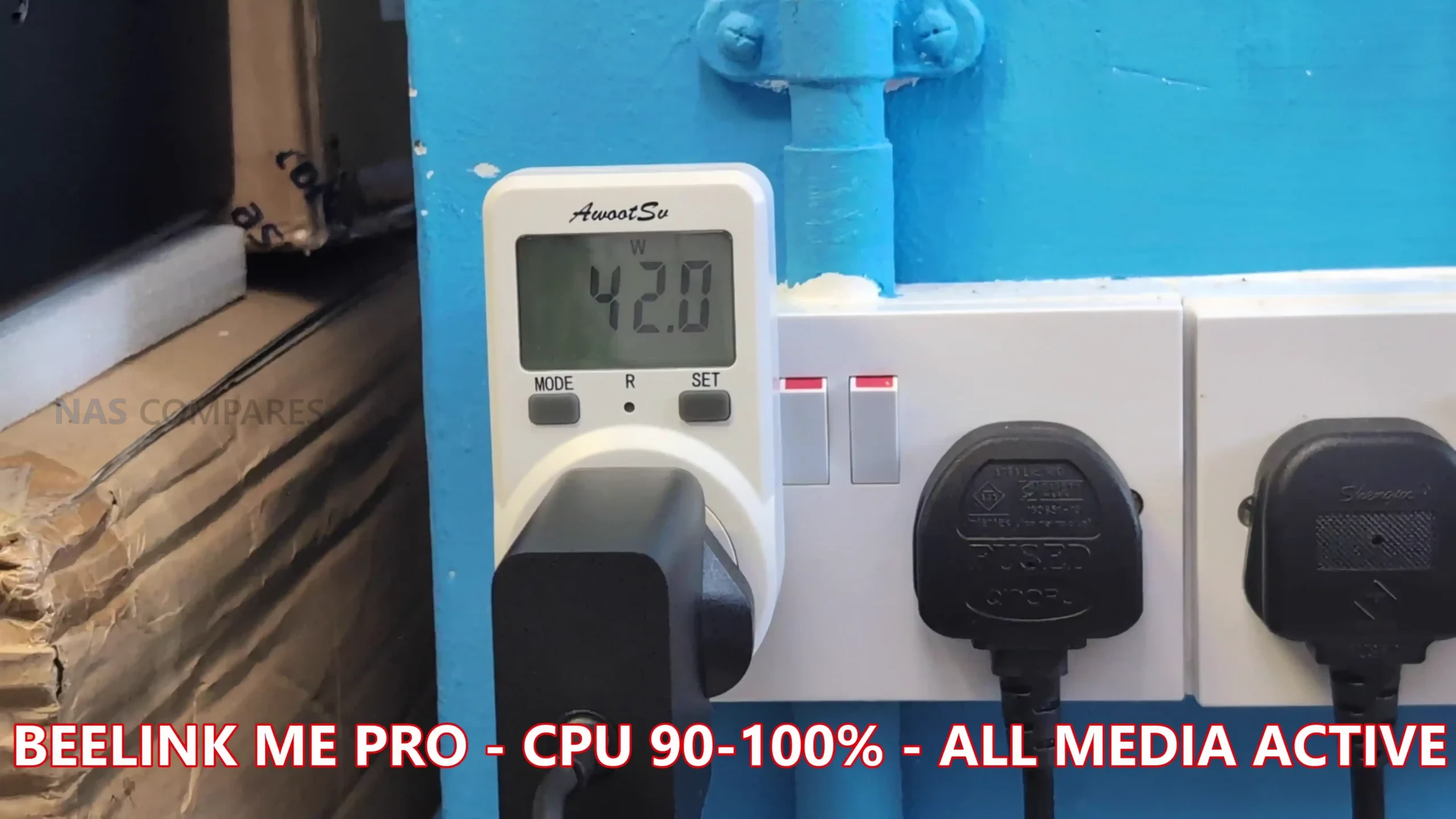
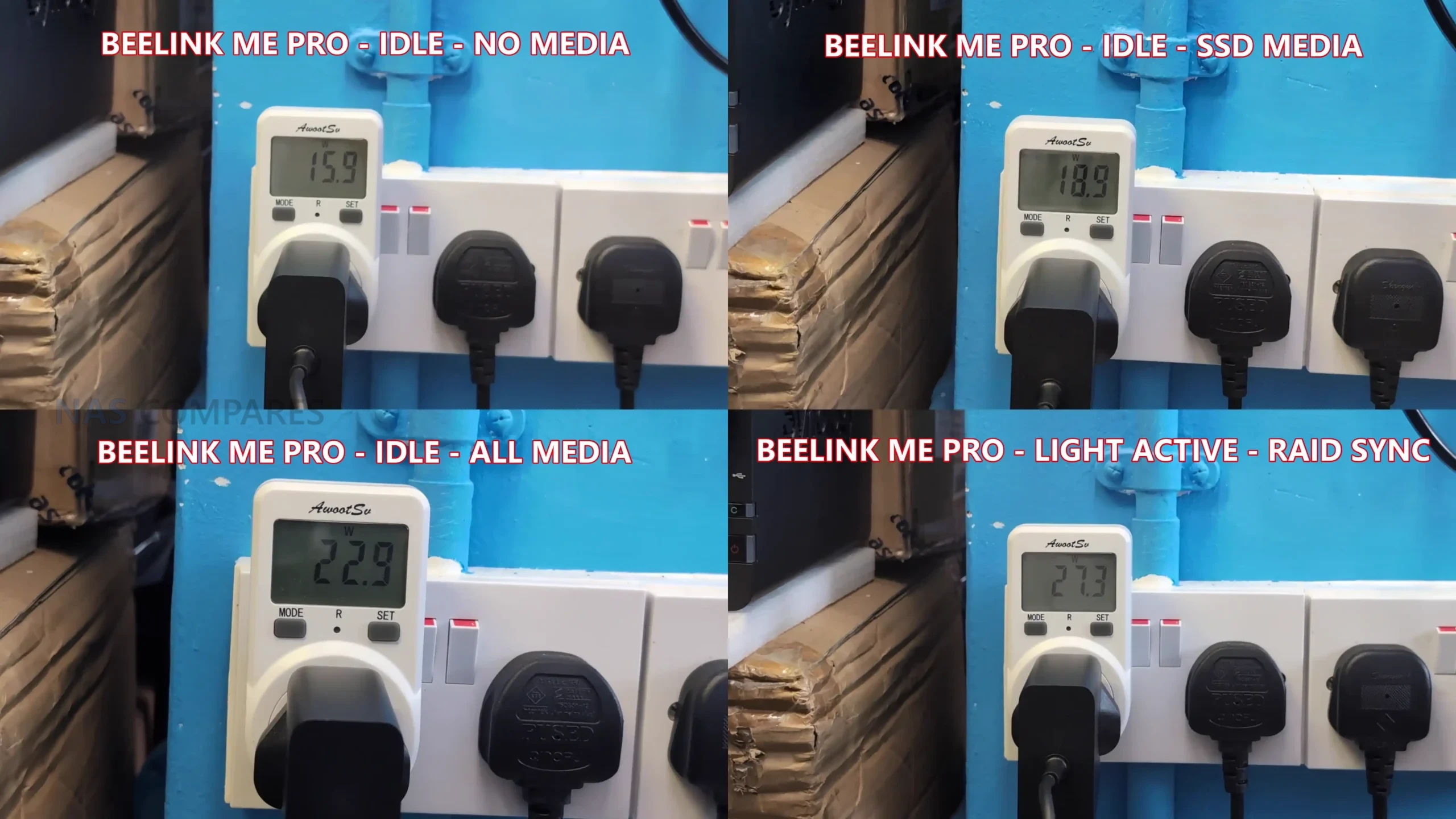
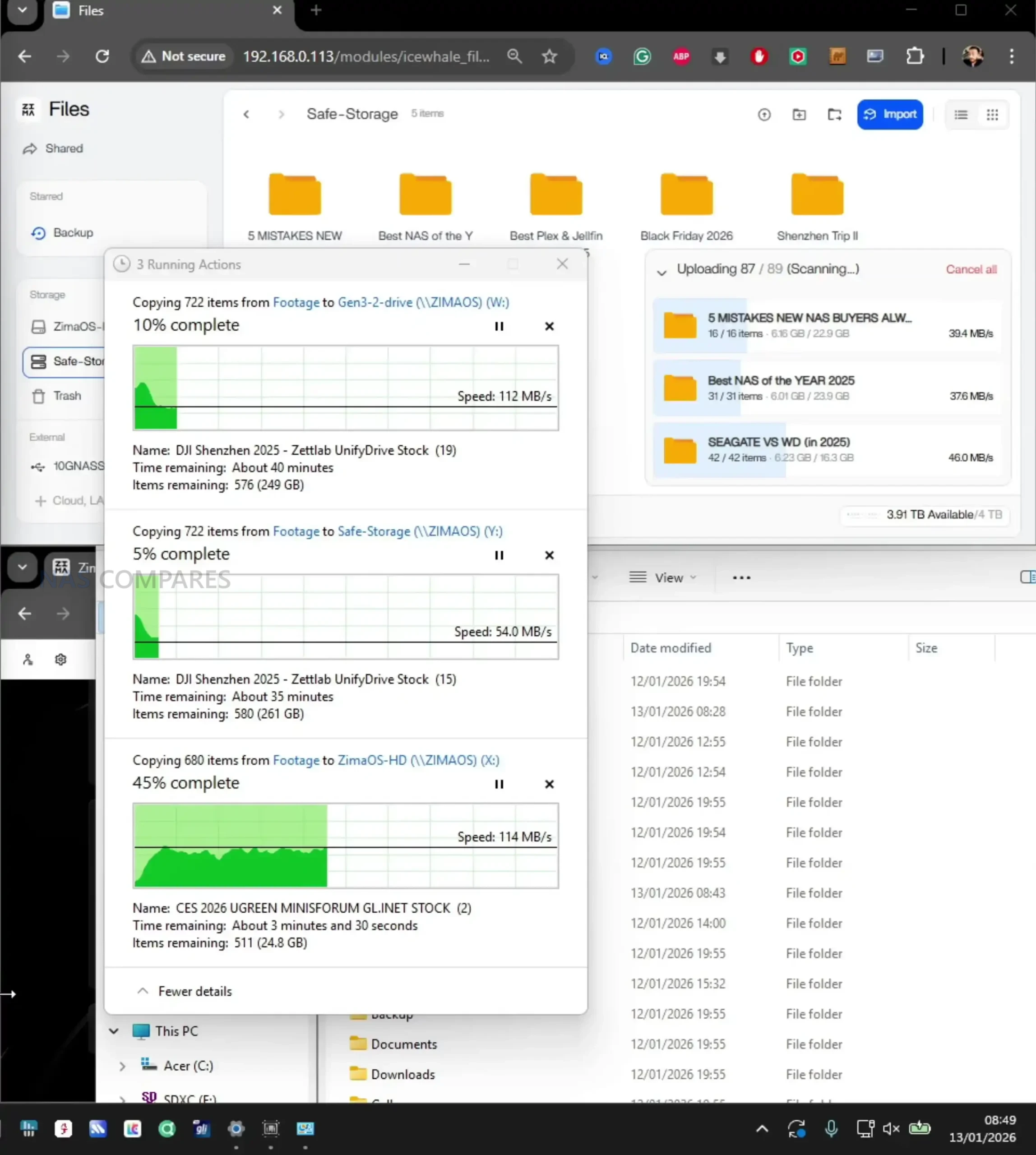
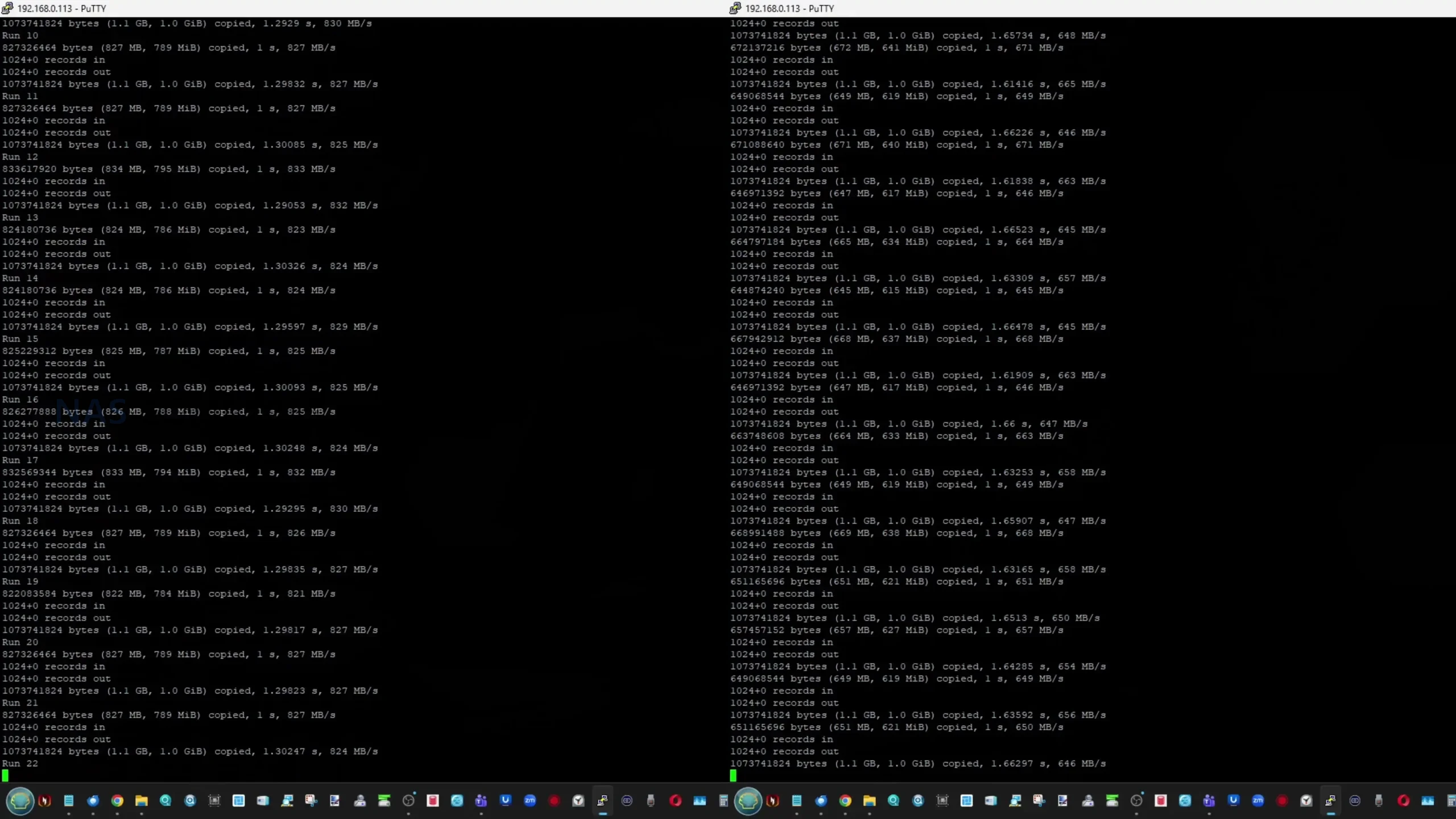
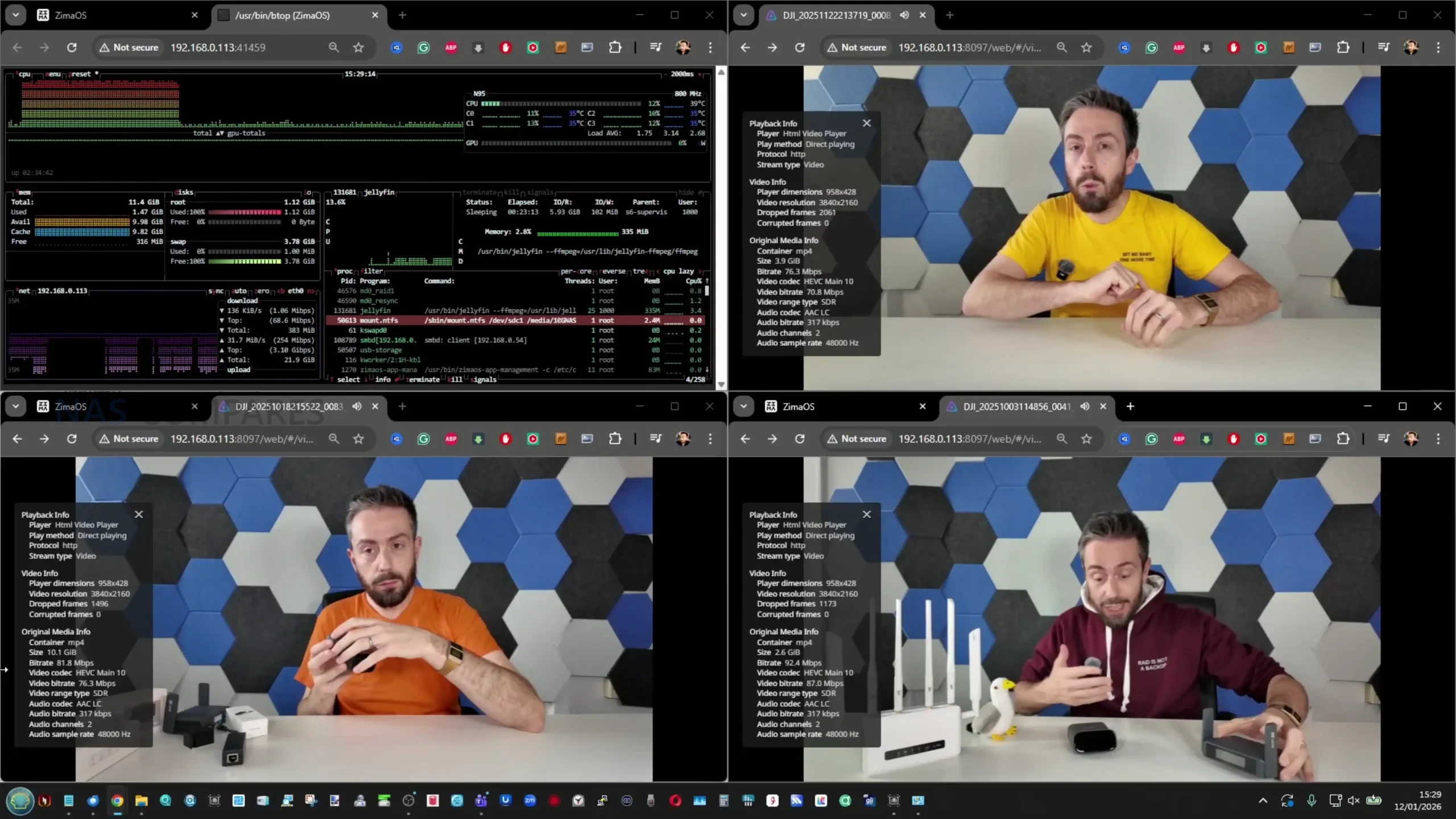
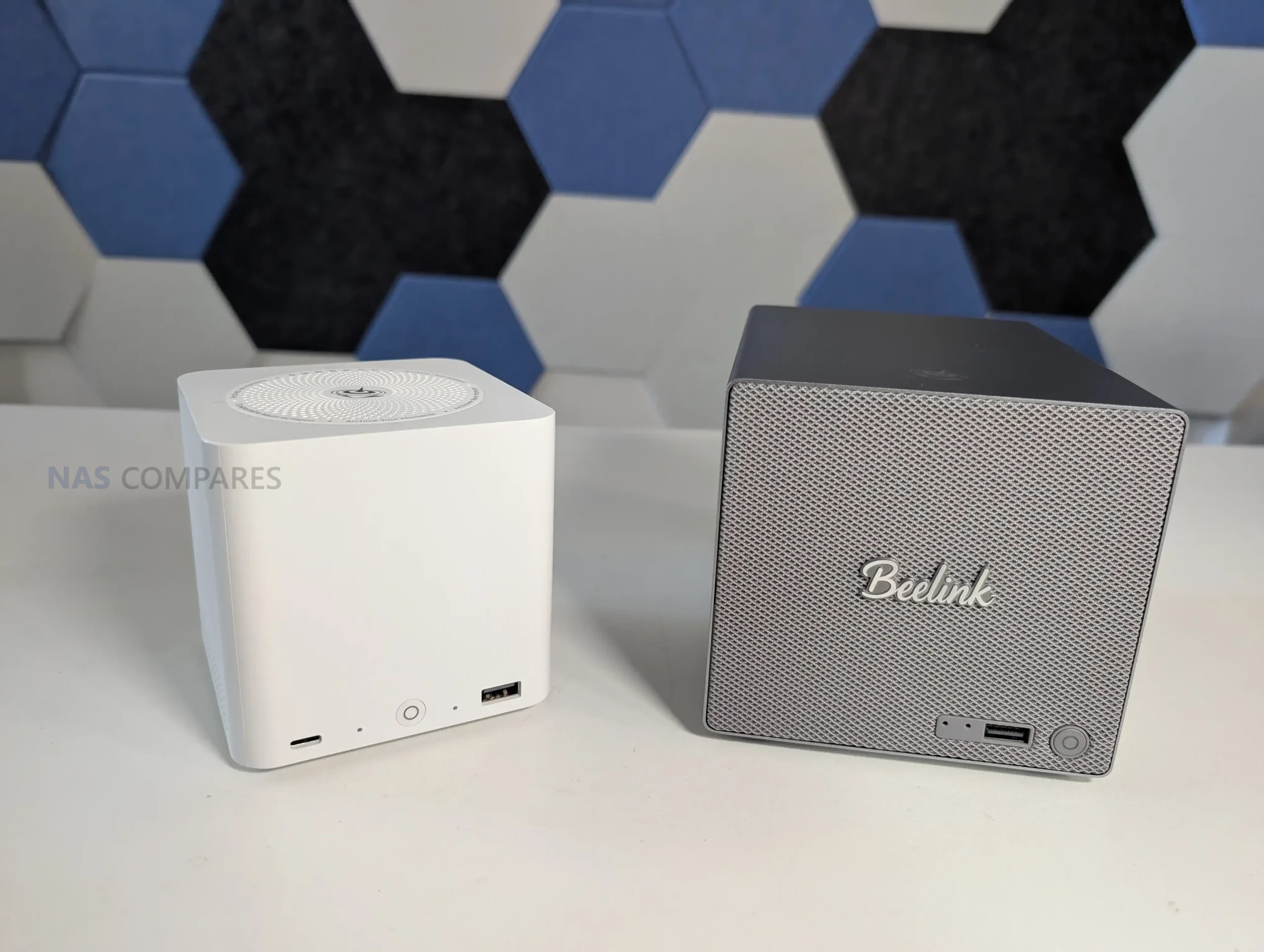
 SUBSCRIBE TO OUR NEWSLETTER


 TRY CHAT






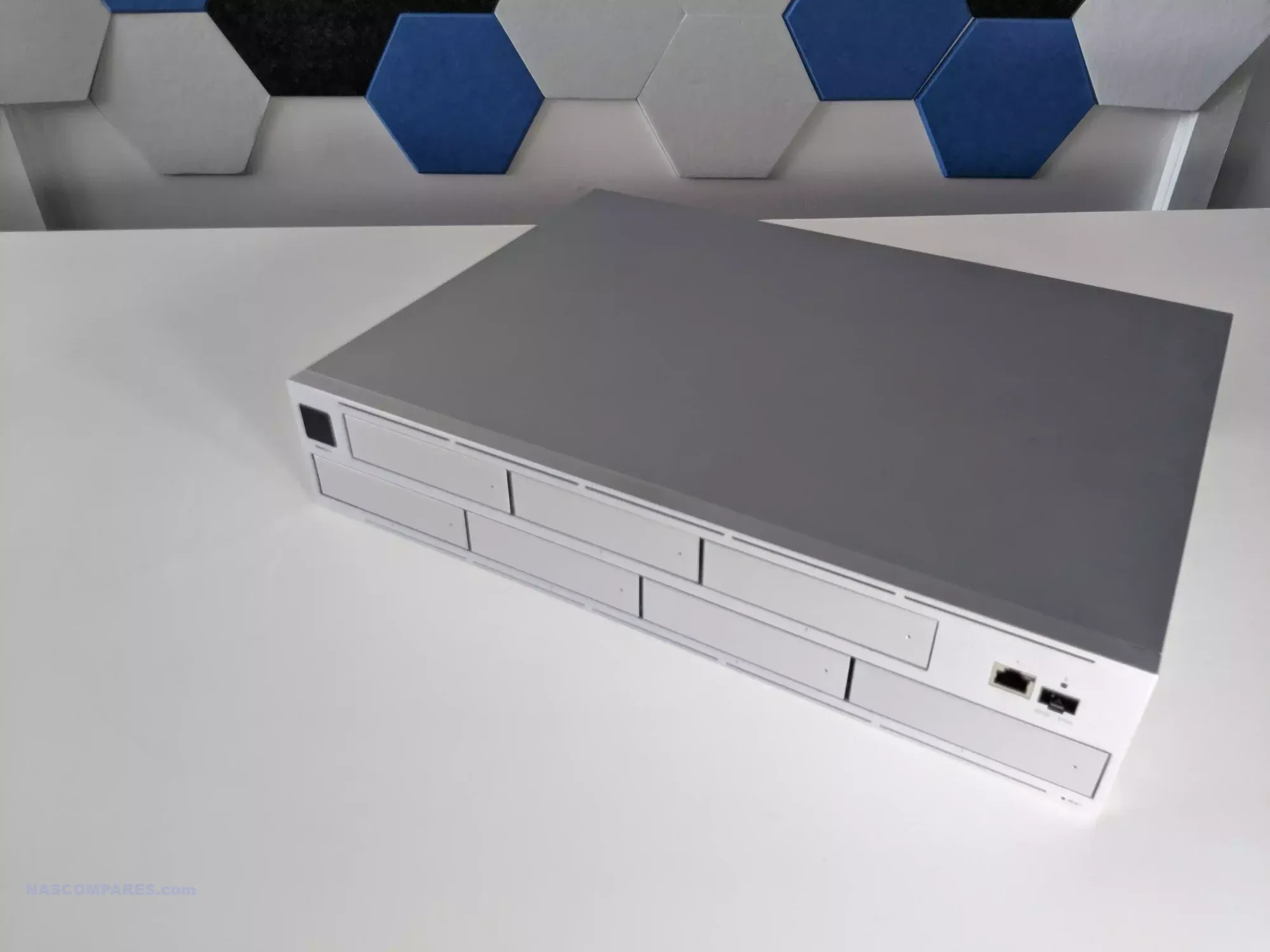
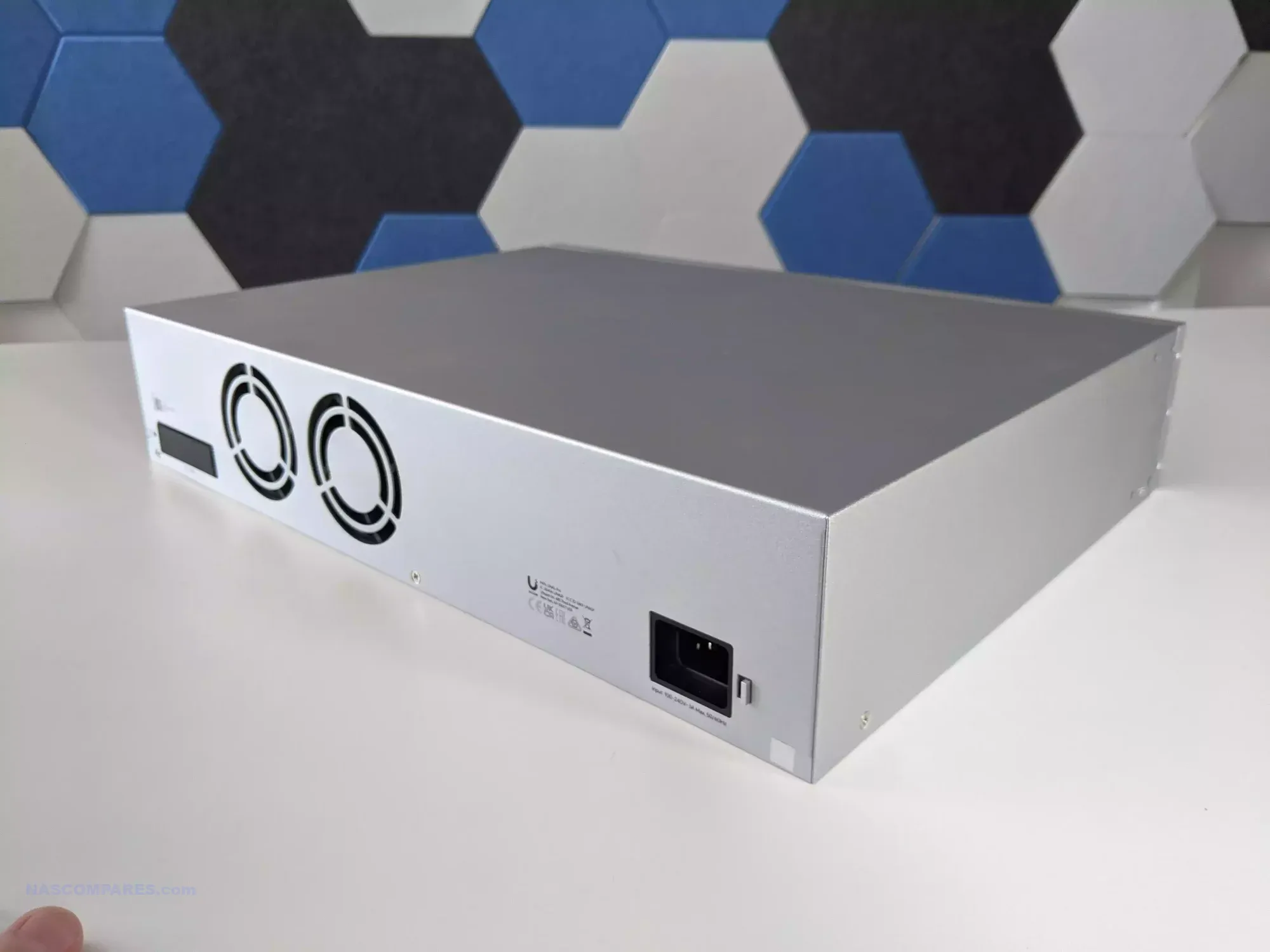
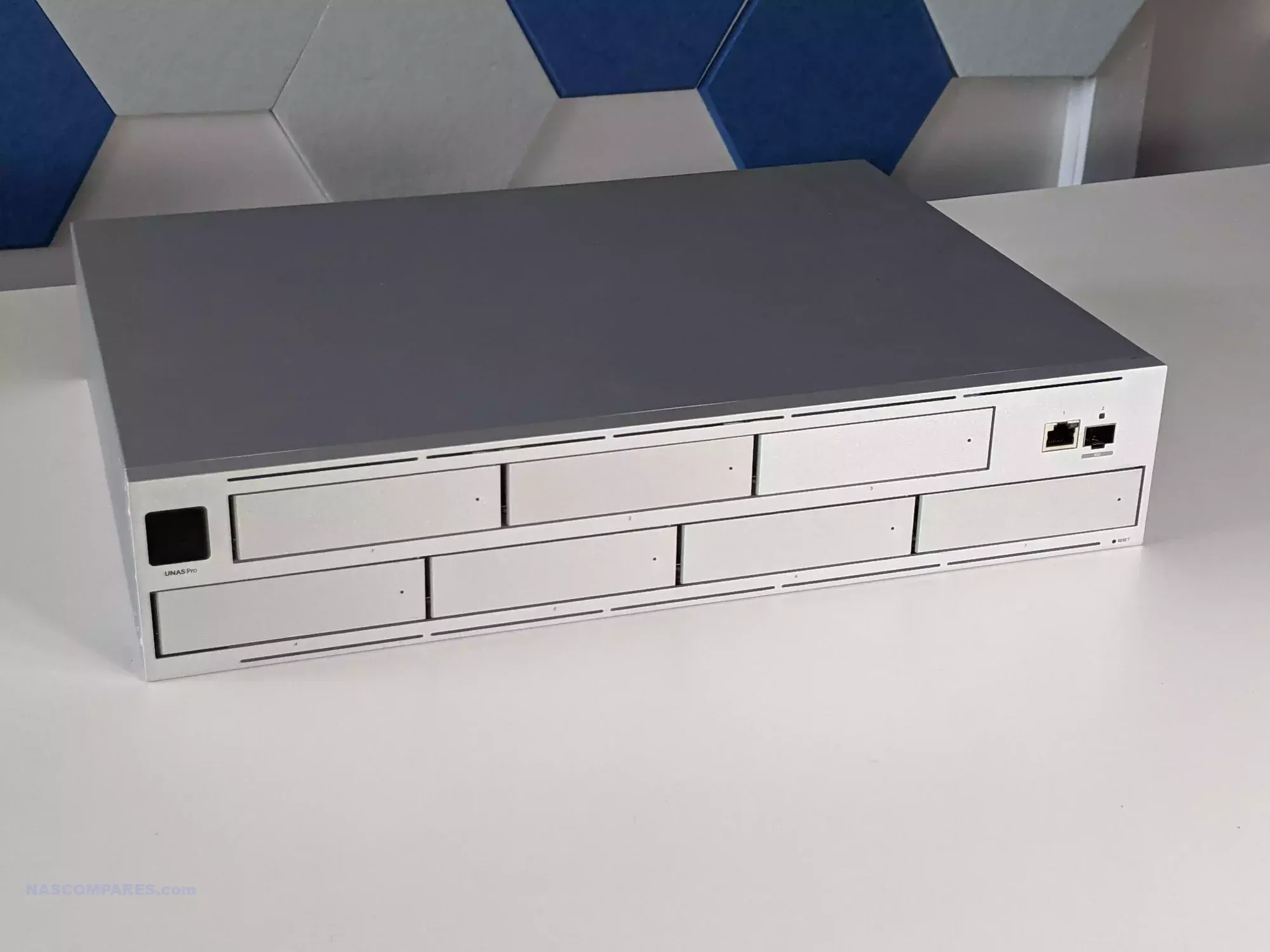
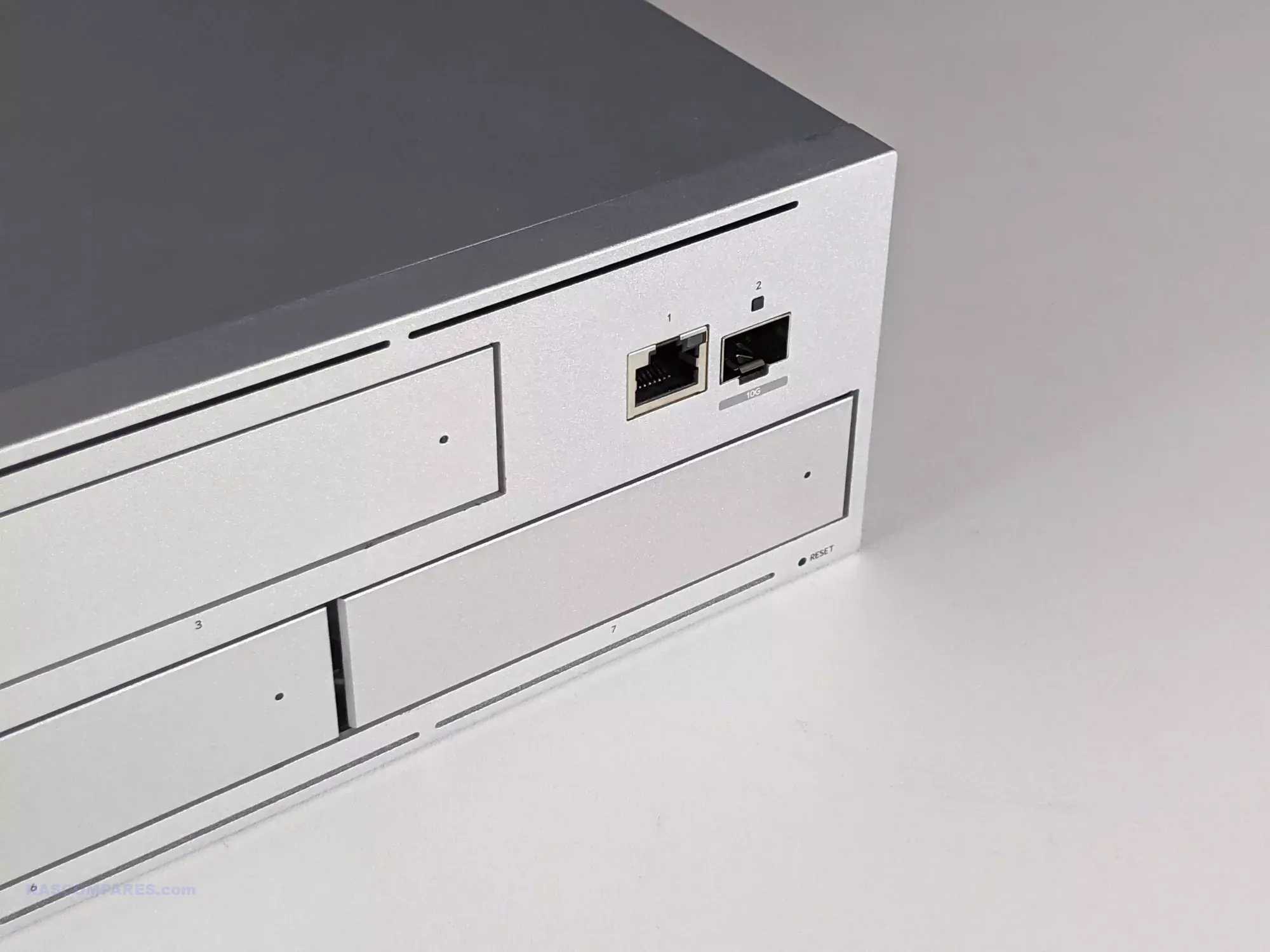
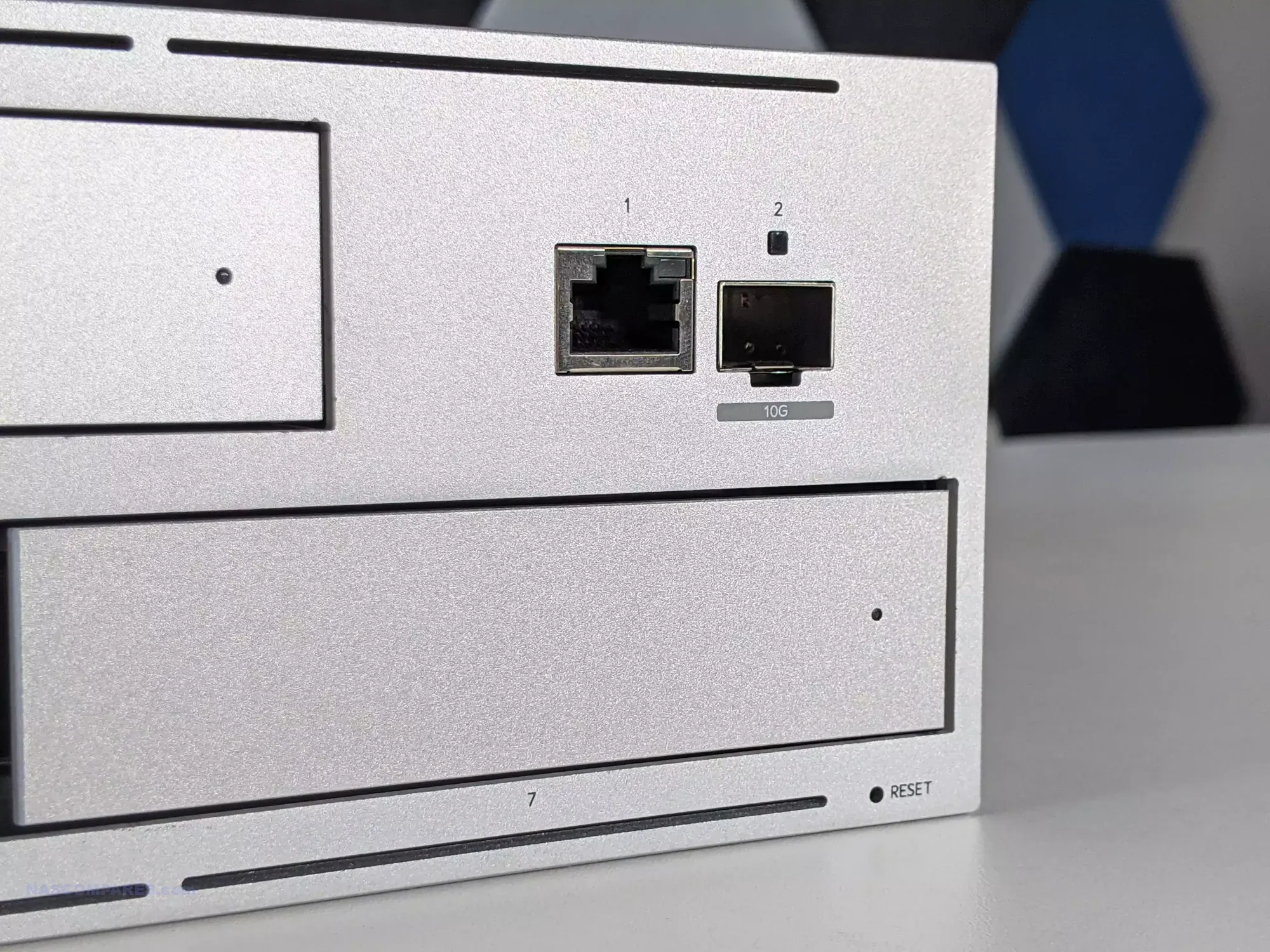
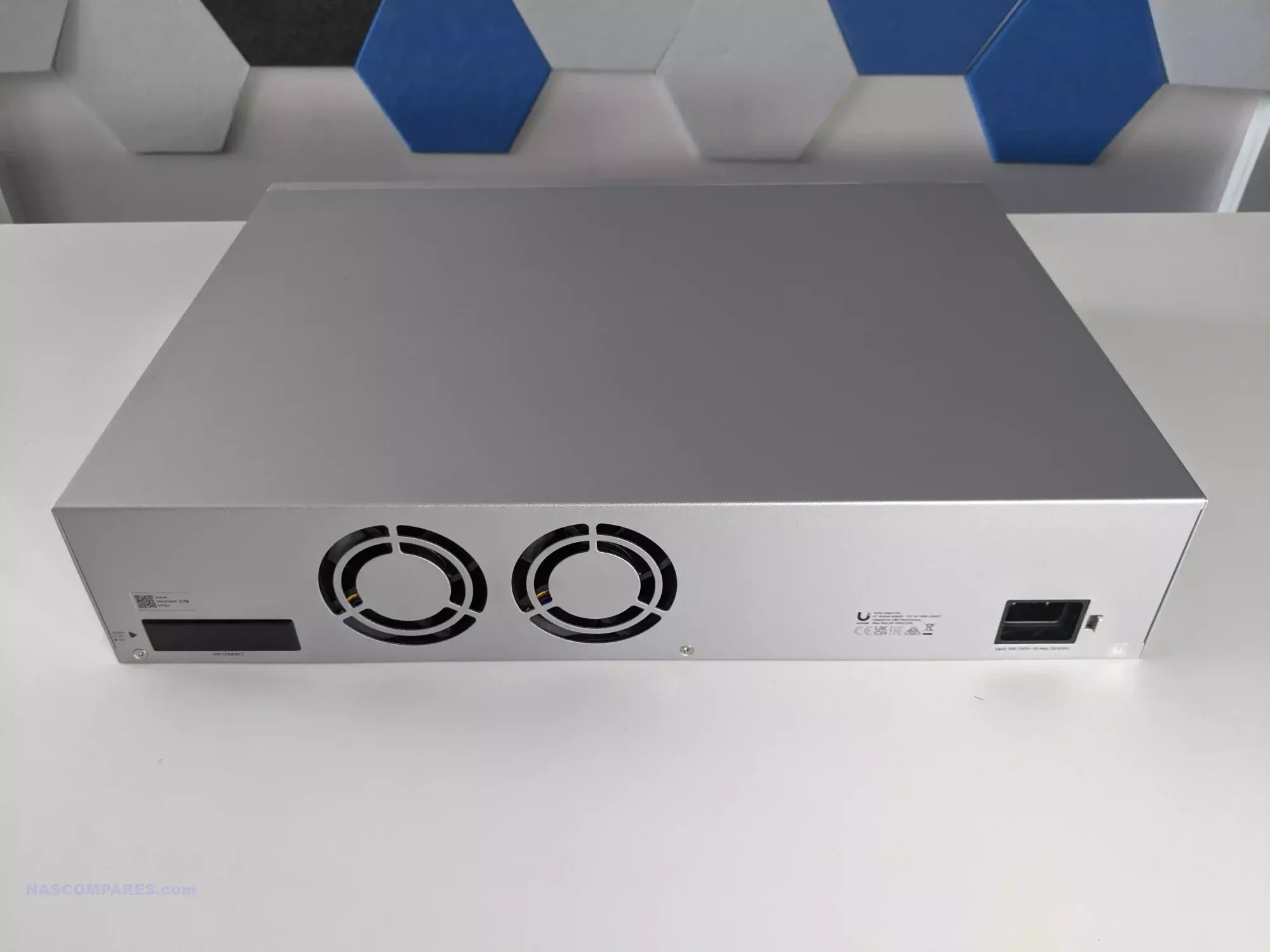
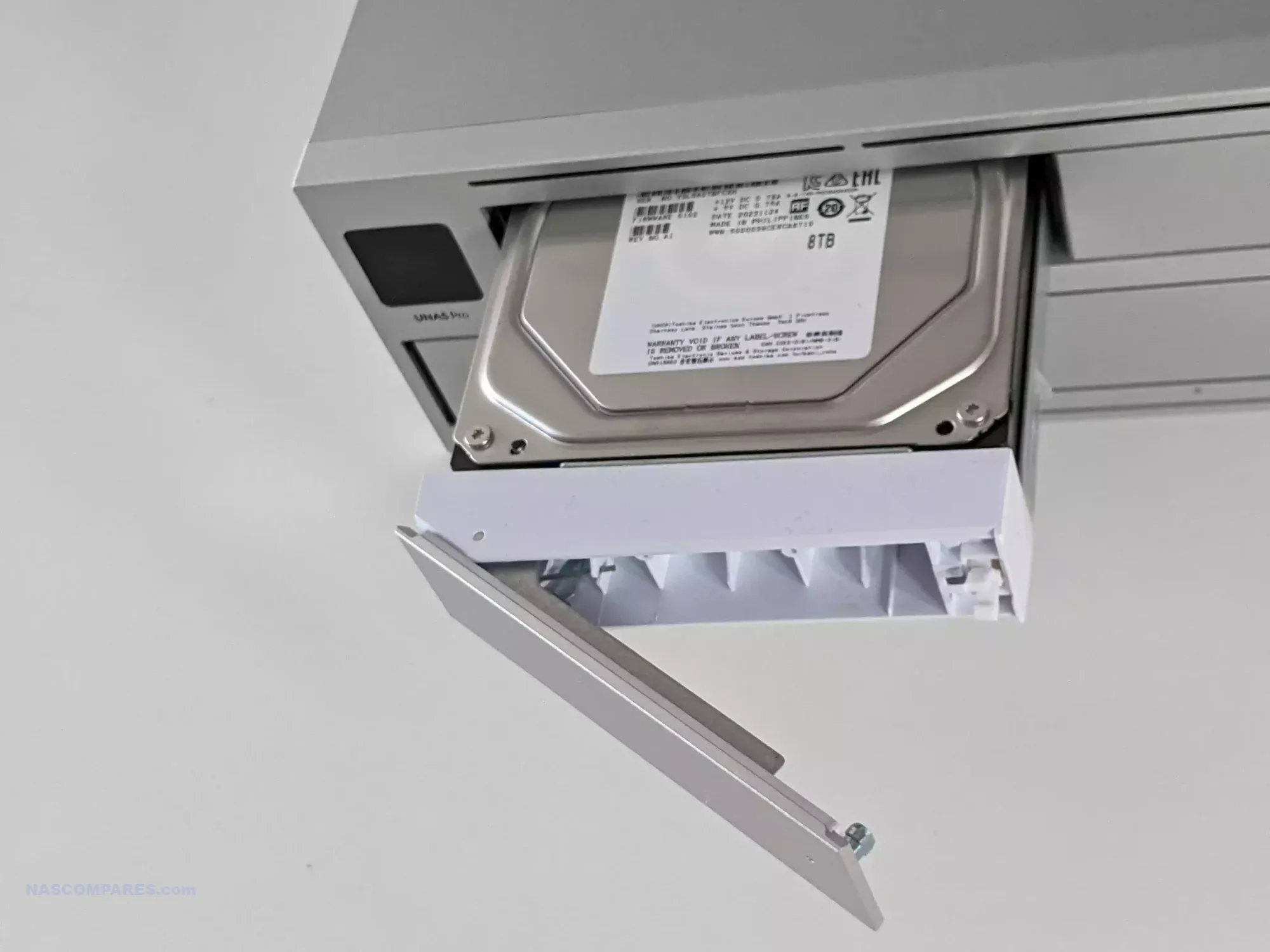
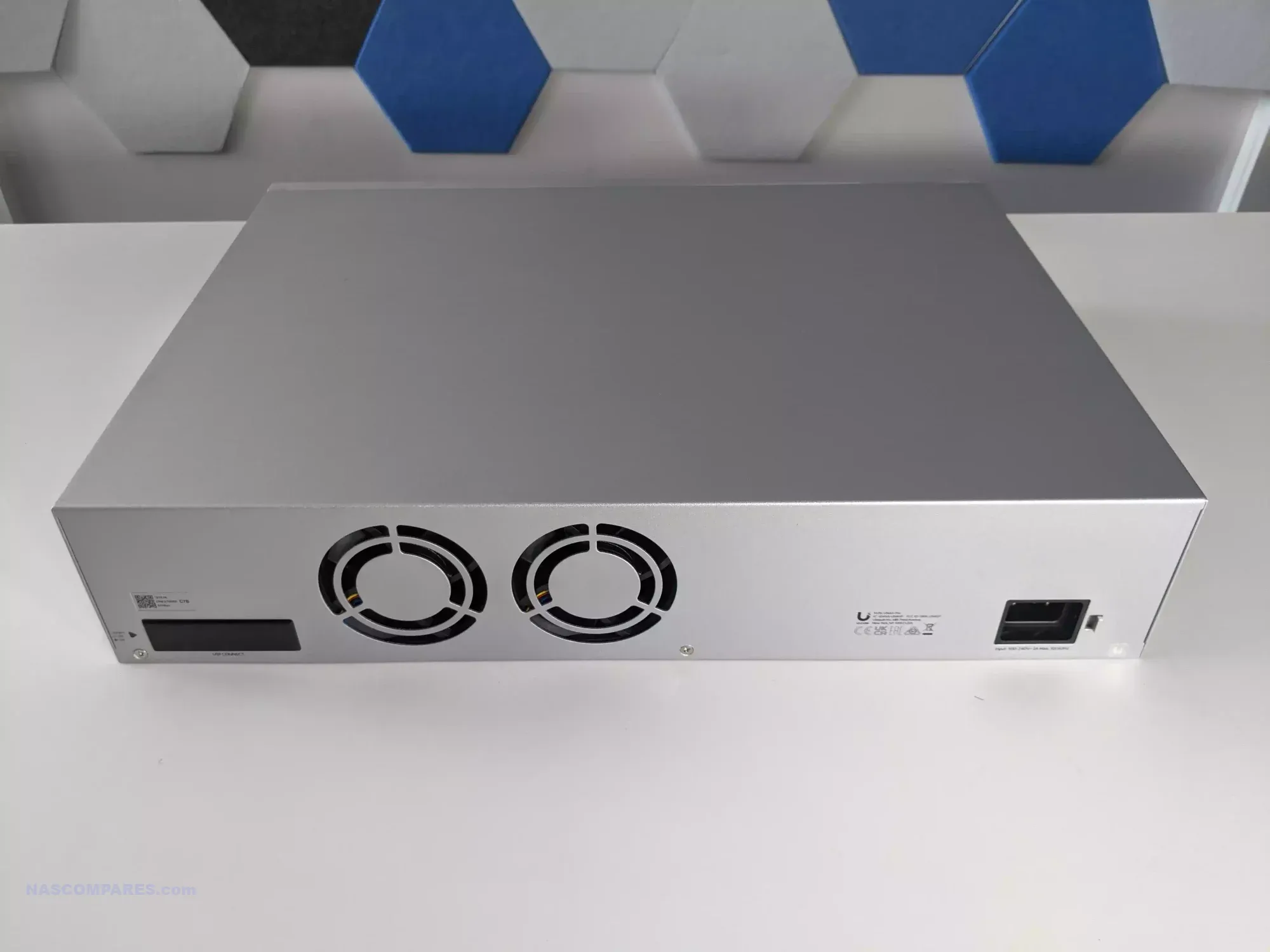

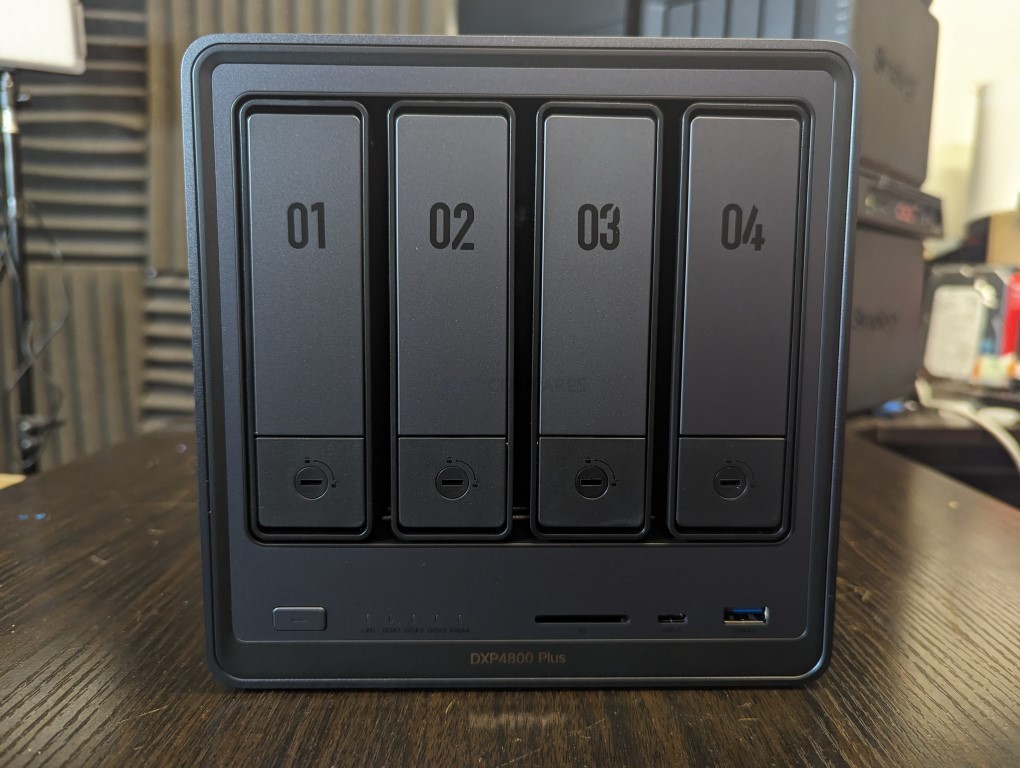
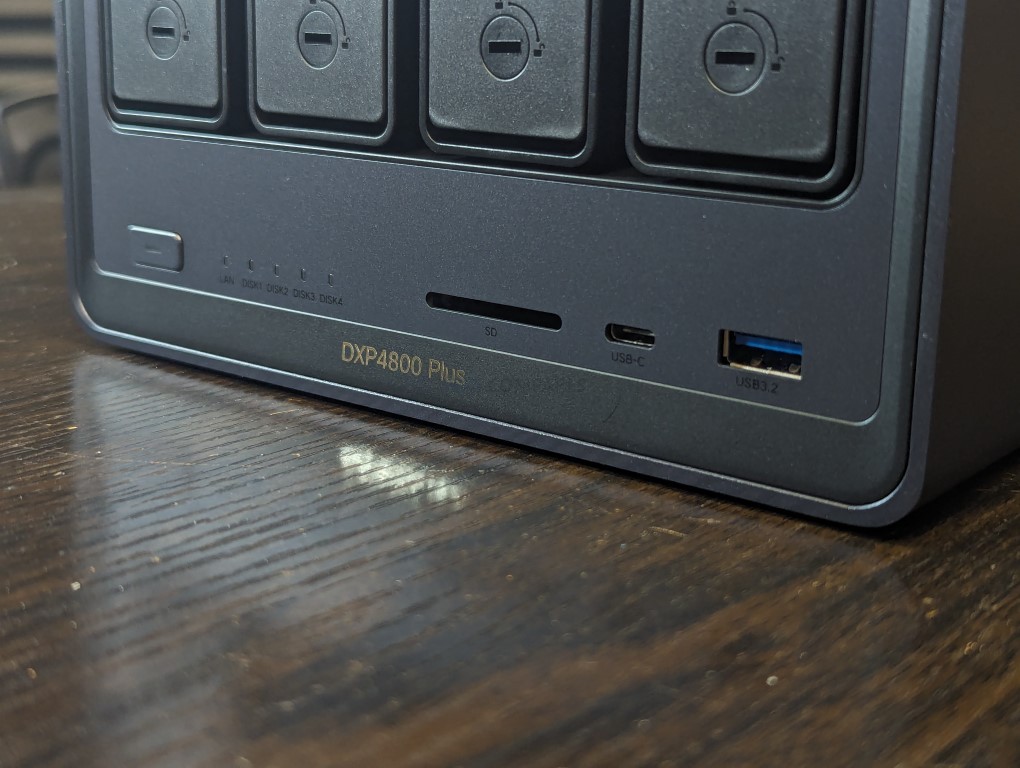
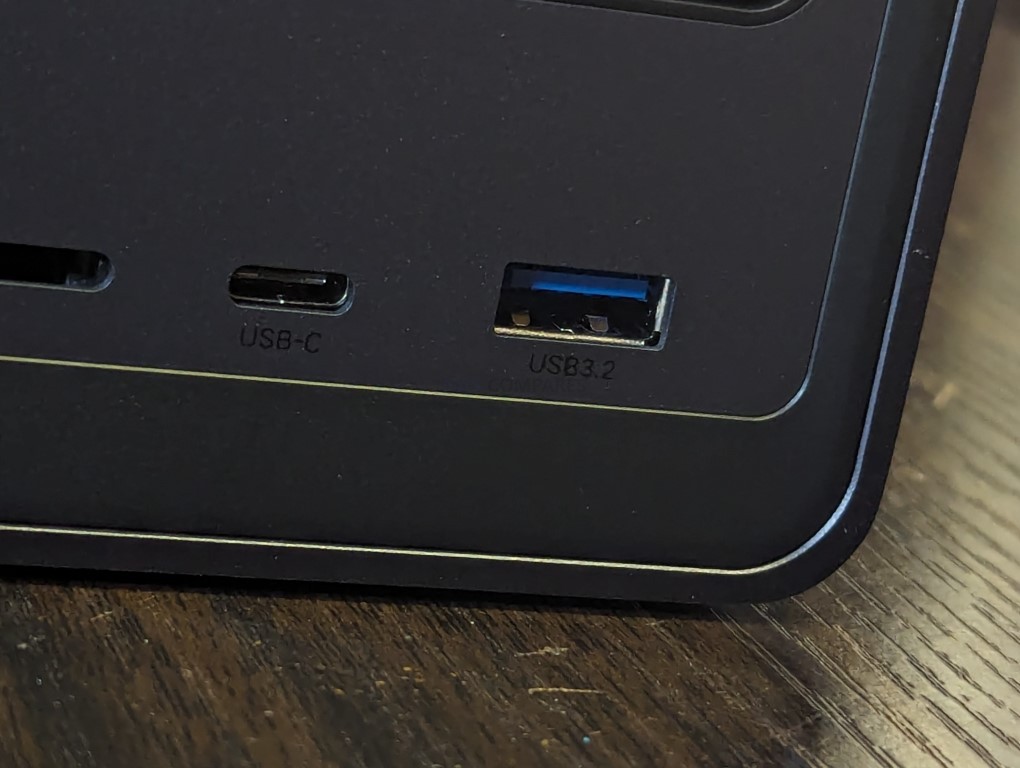
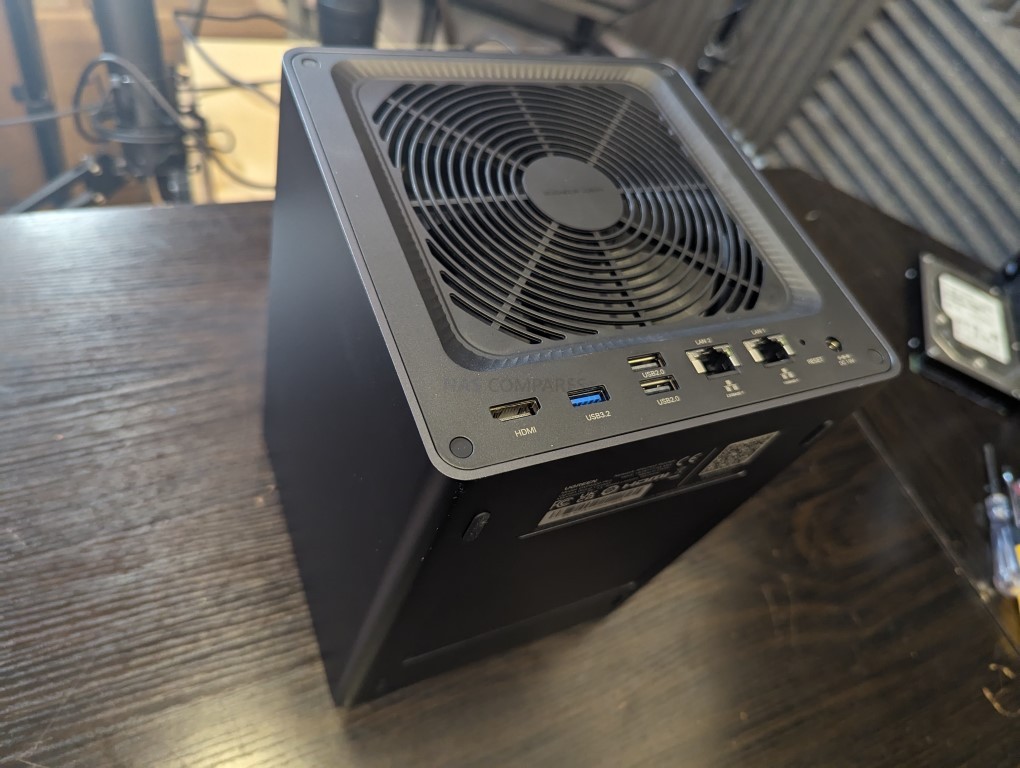
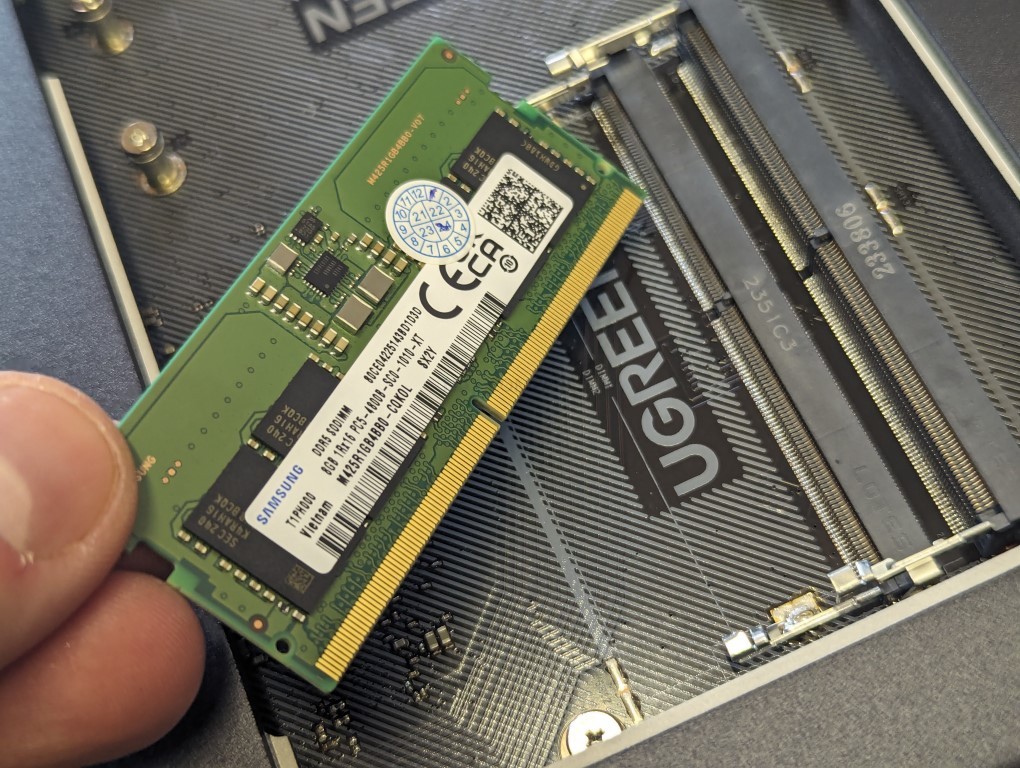
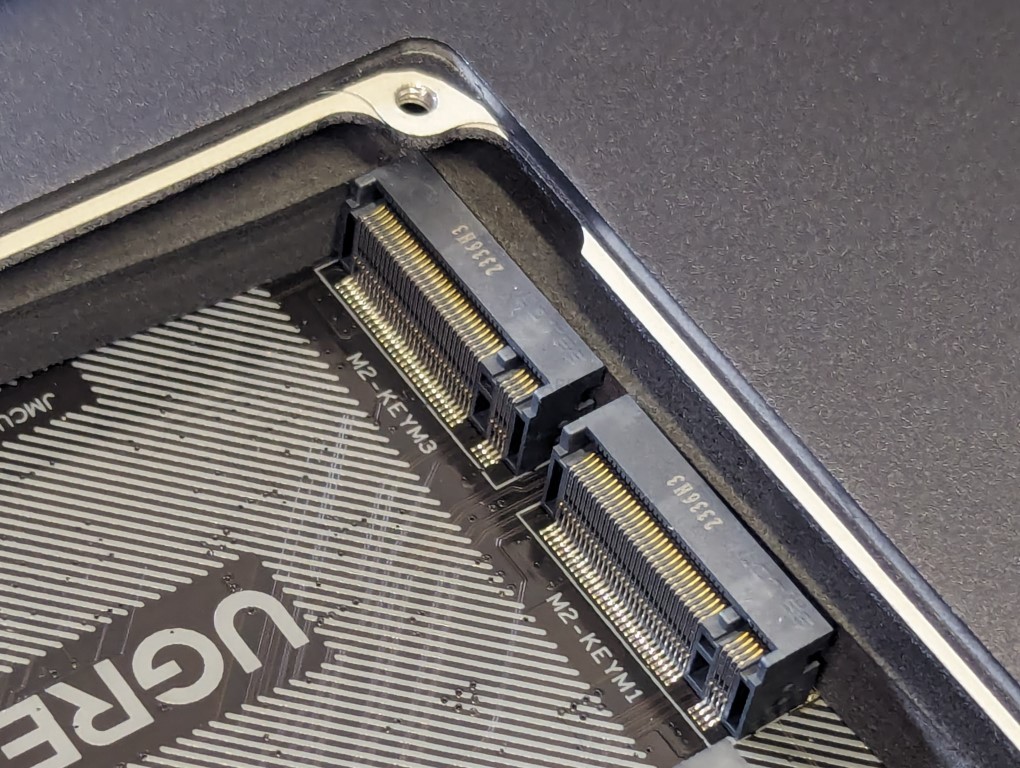
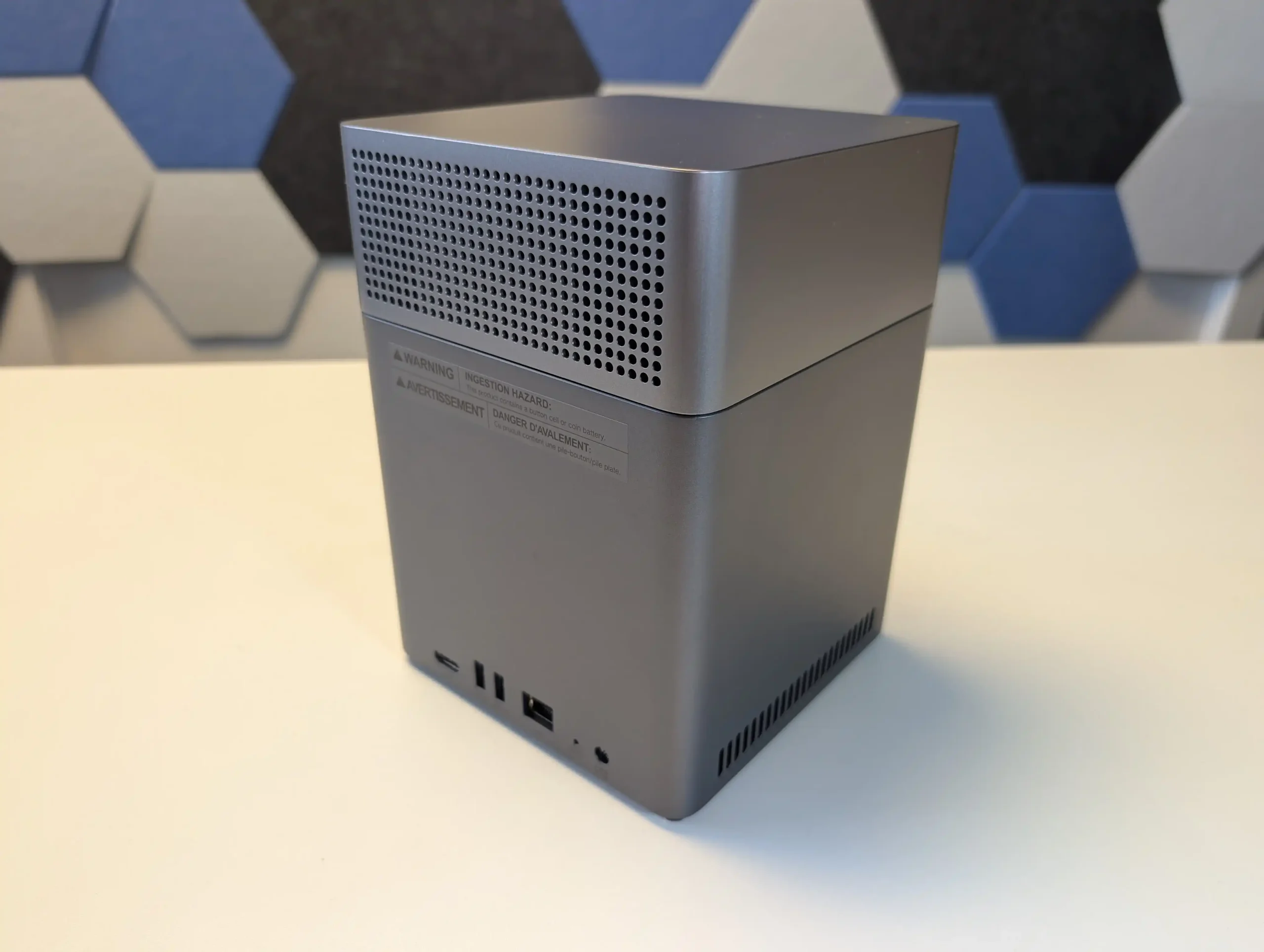



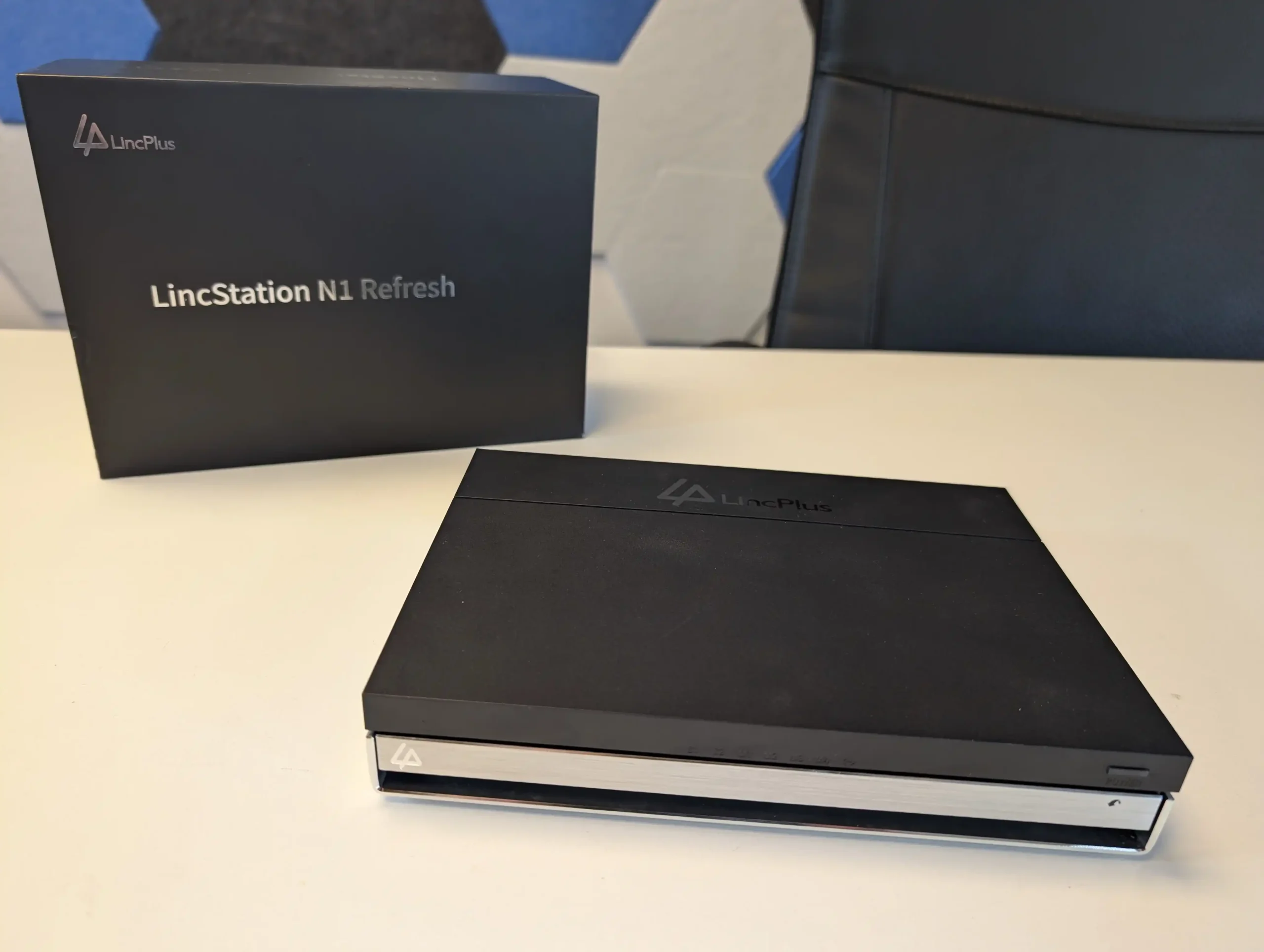
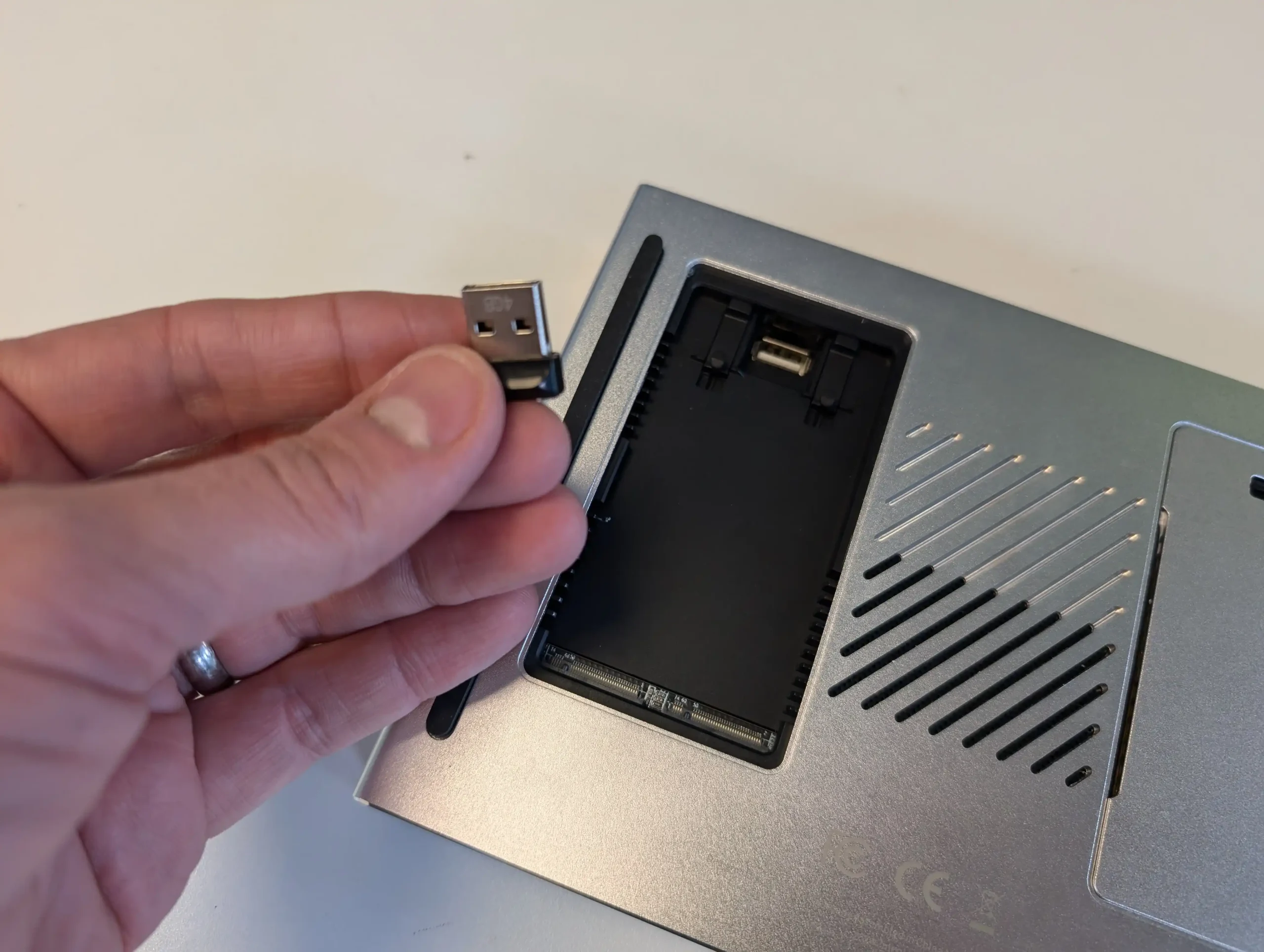
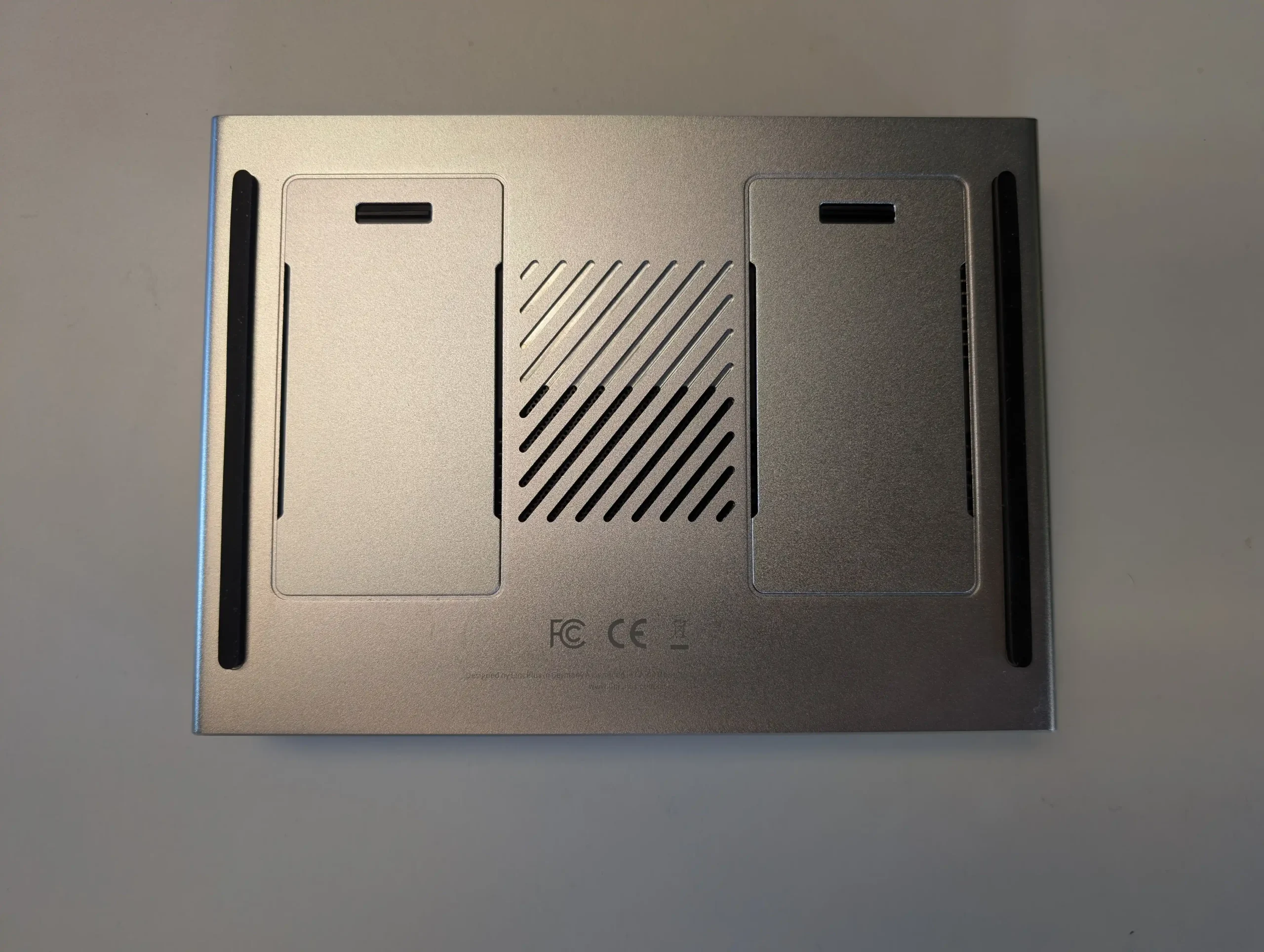
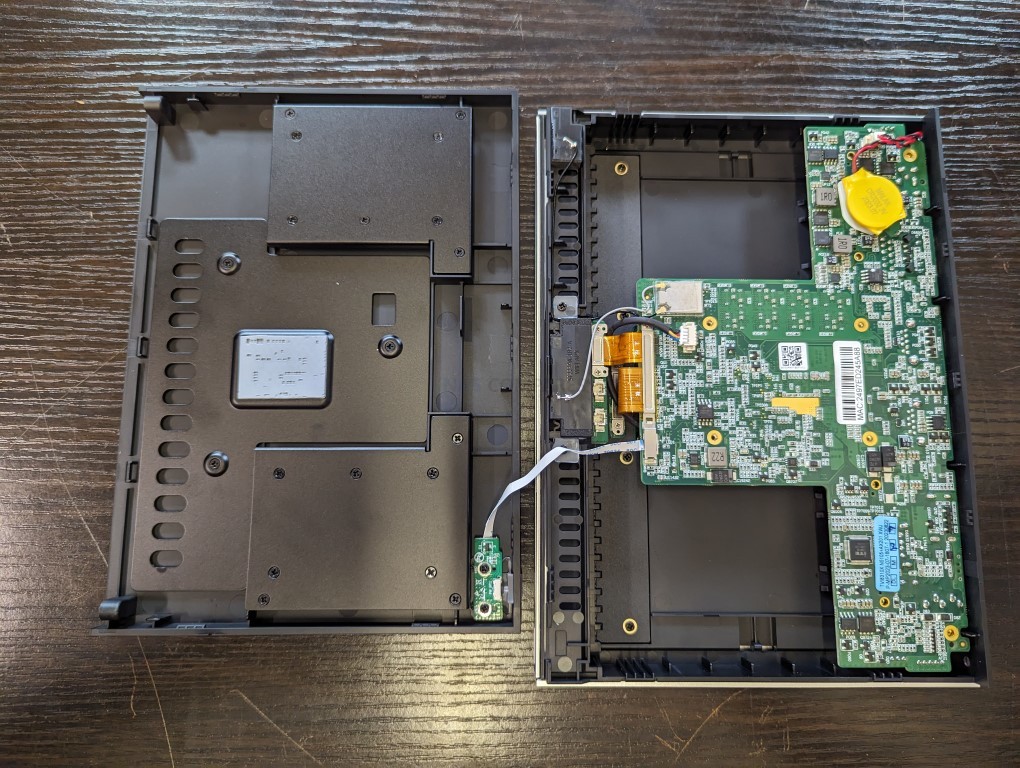
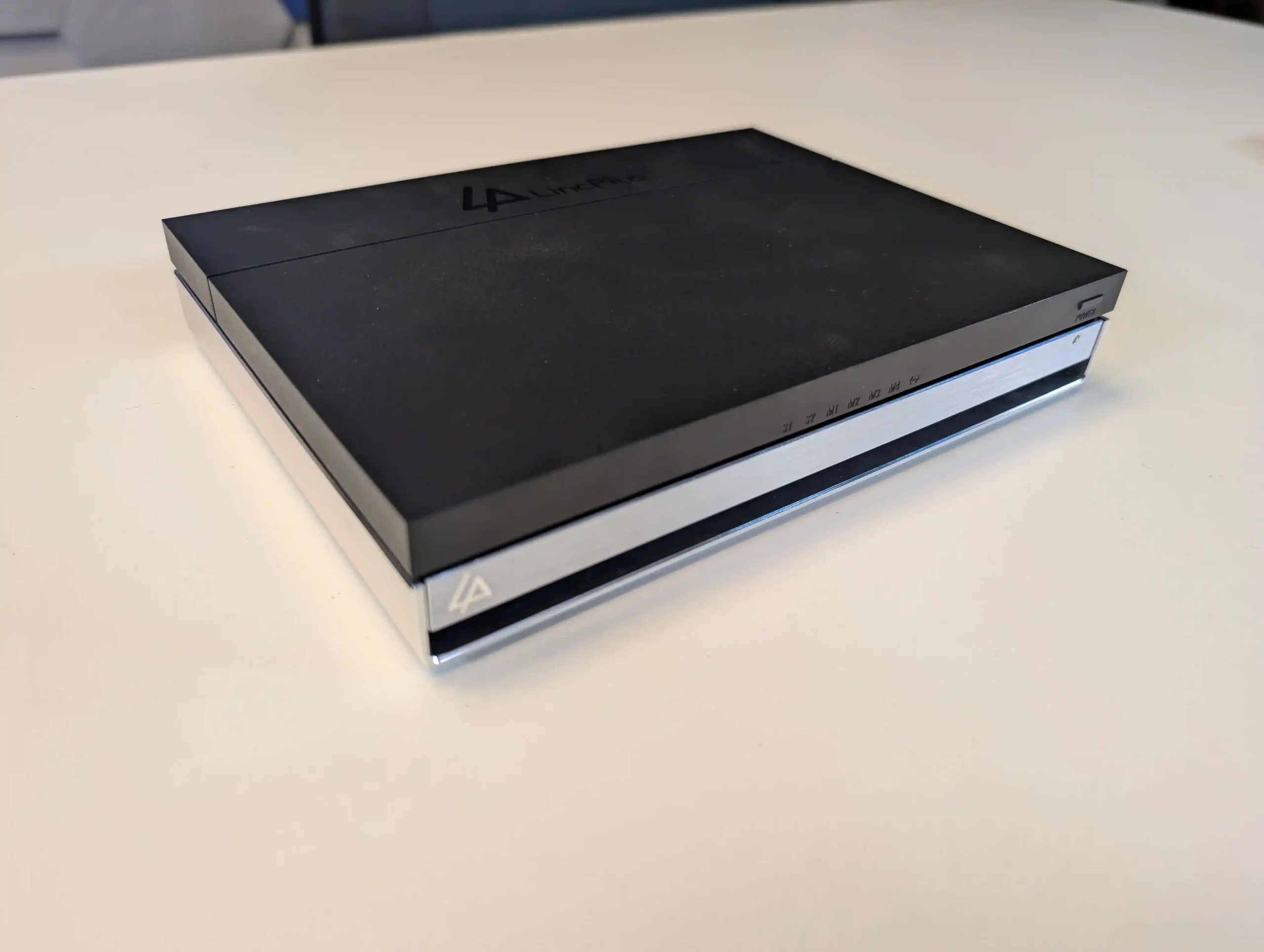
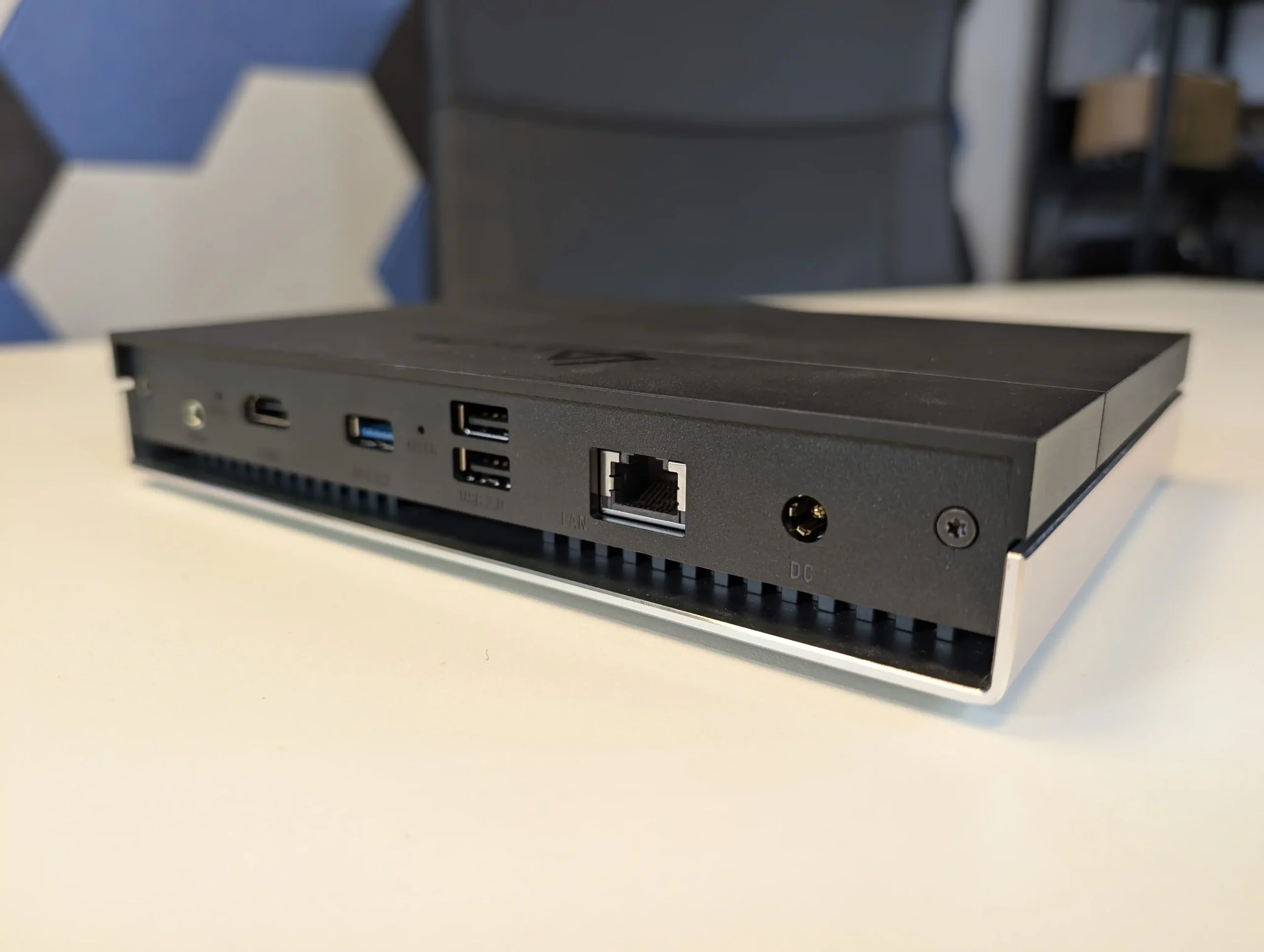
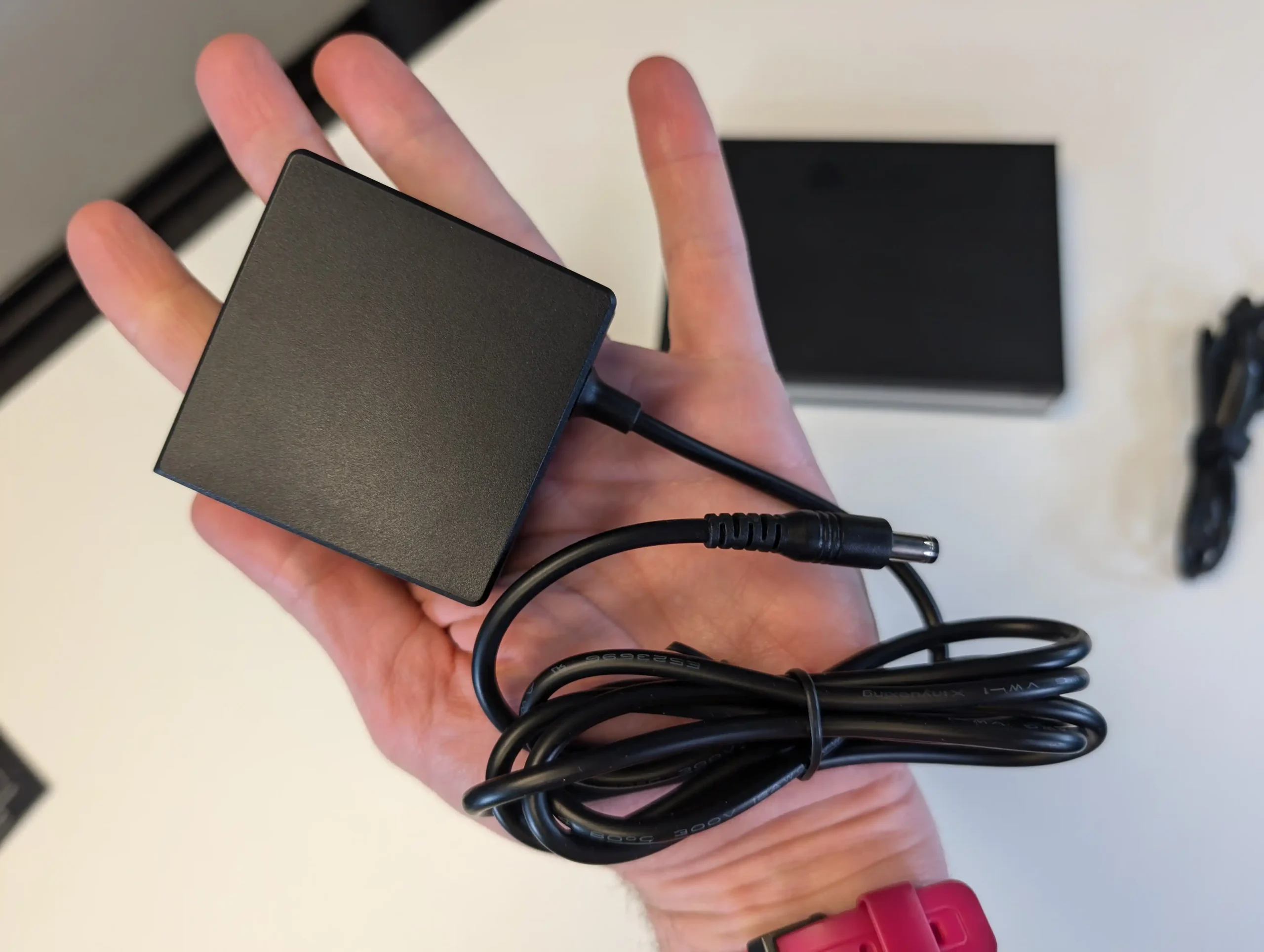
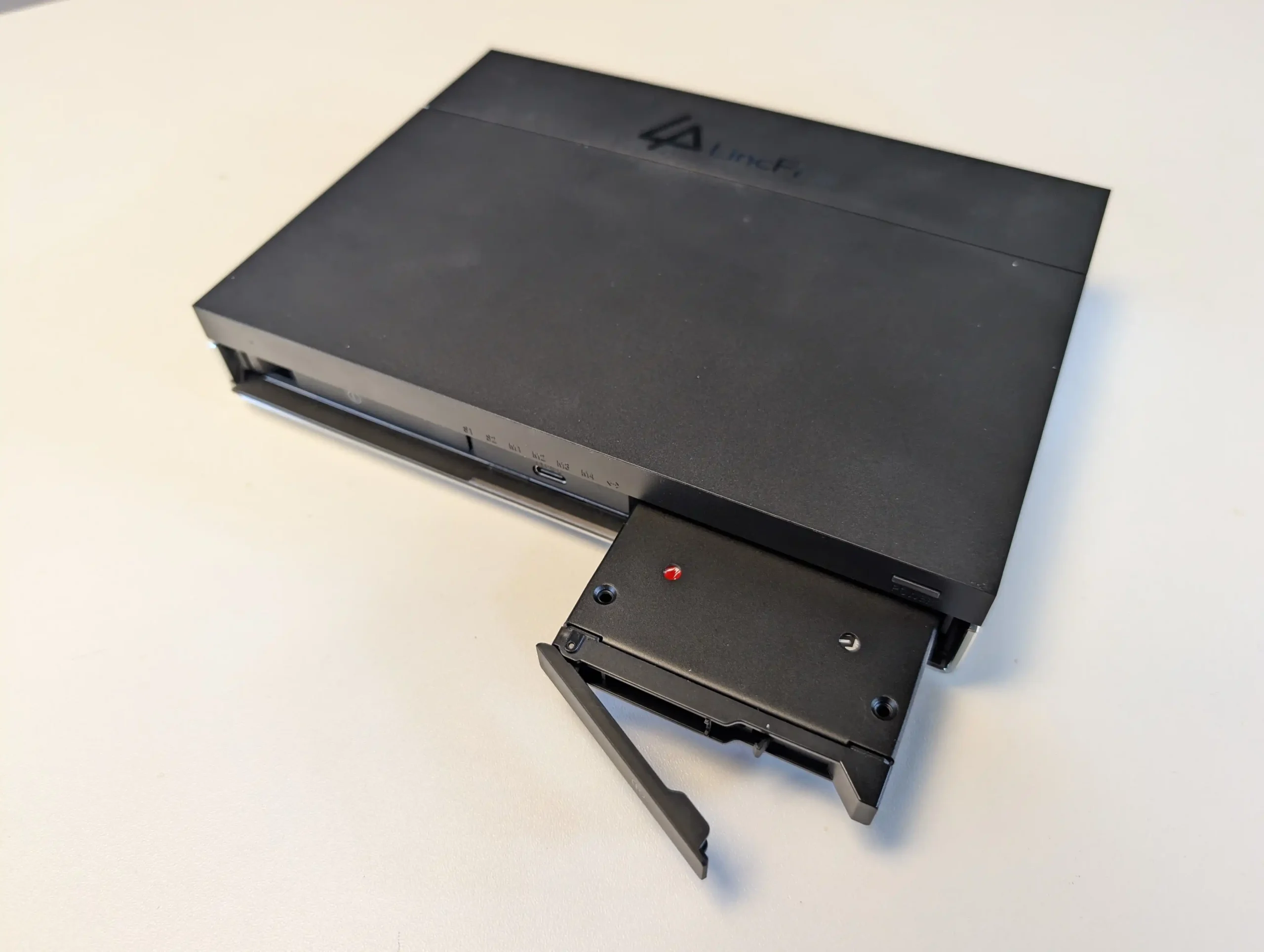
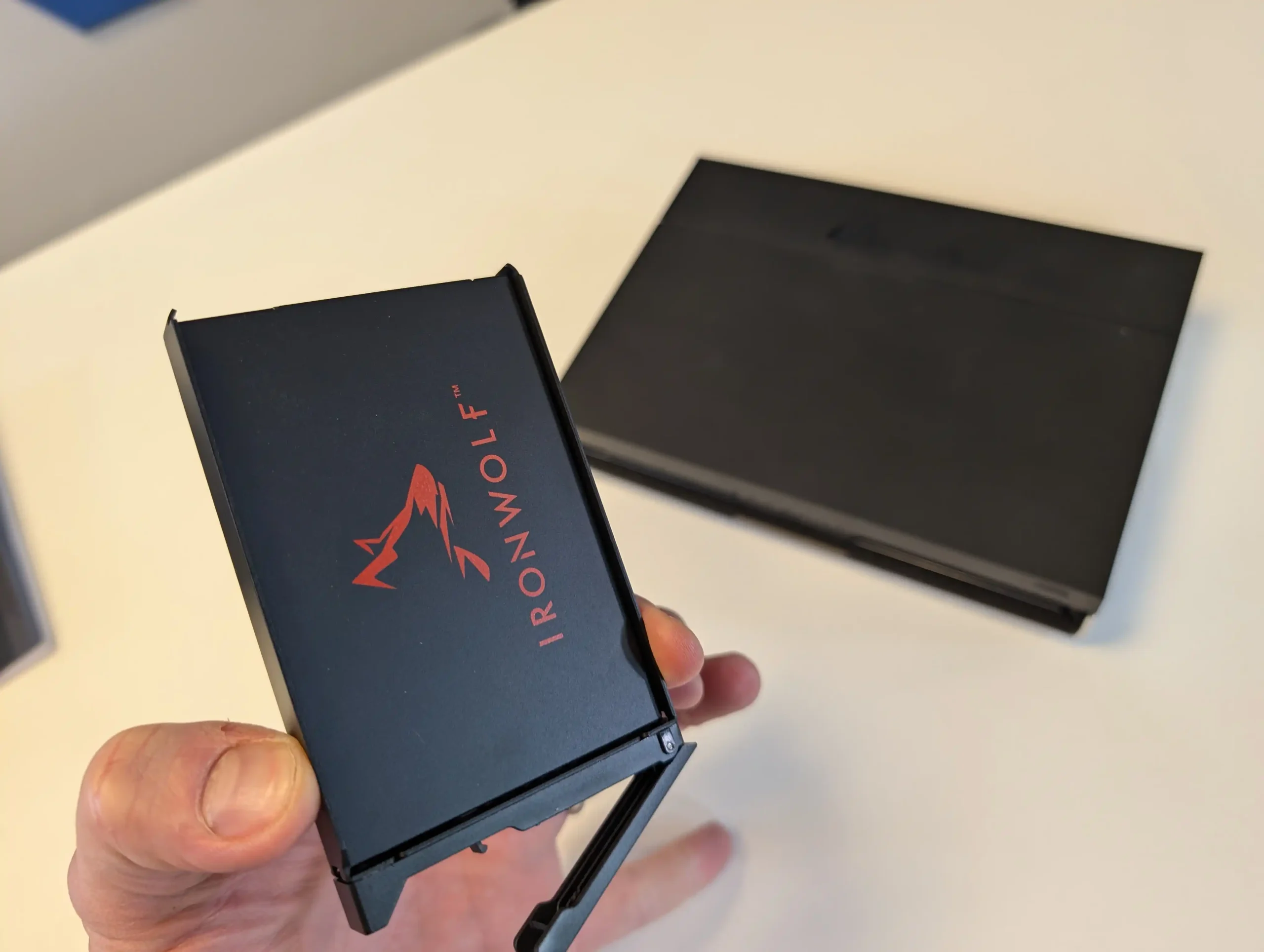
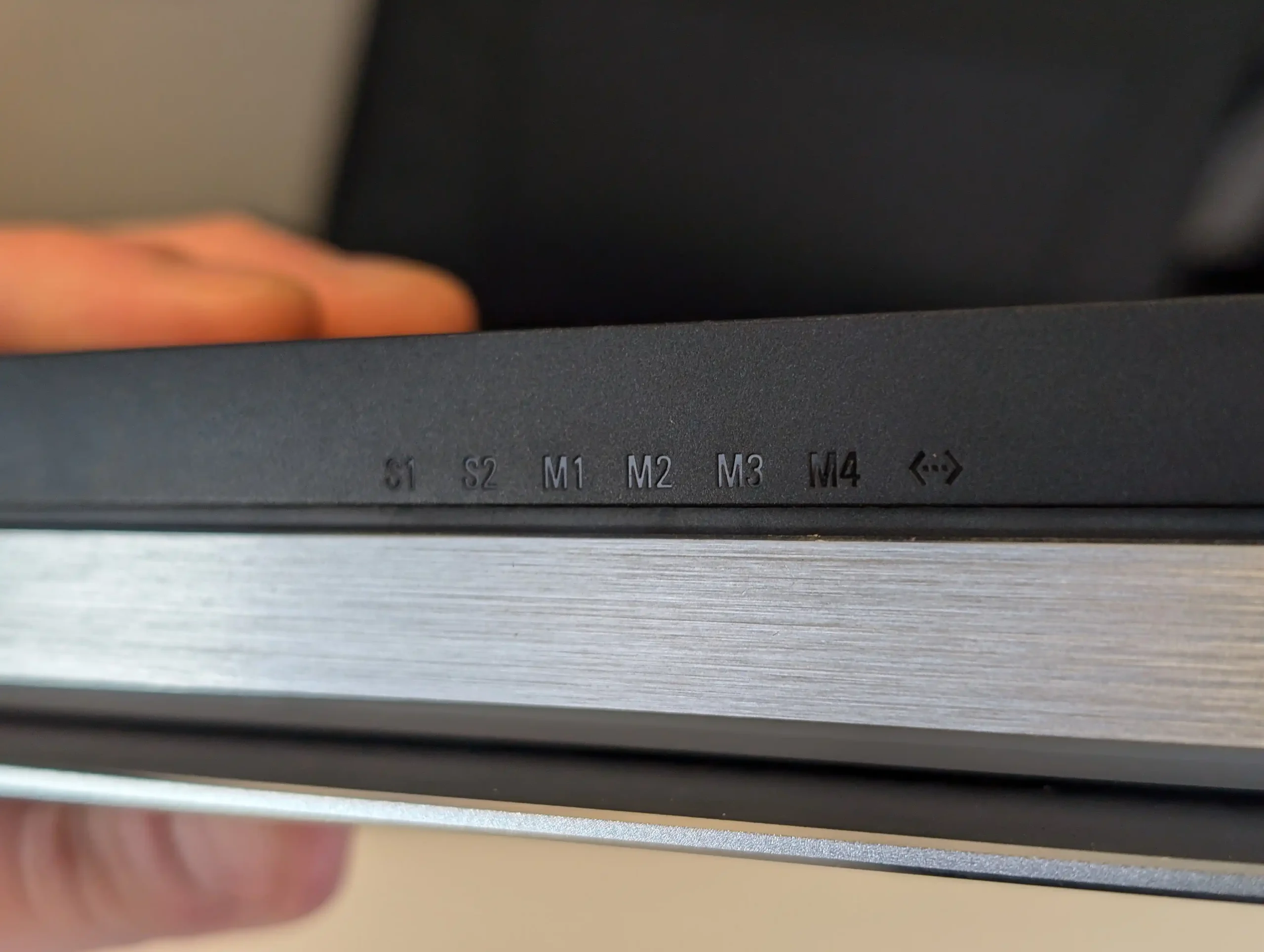
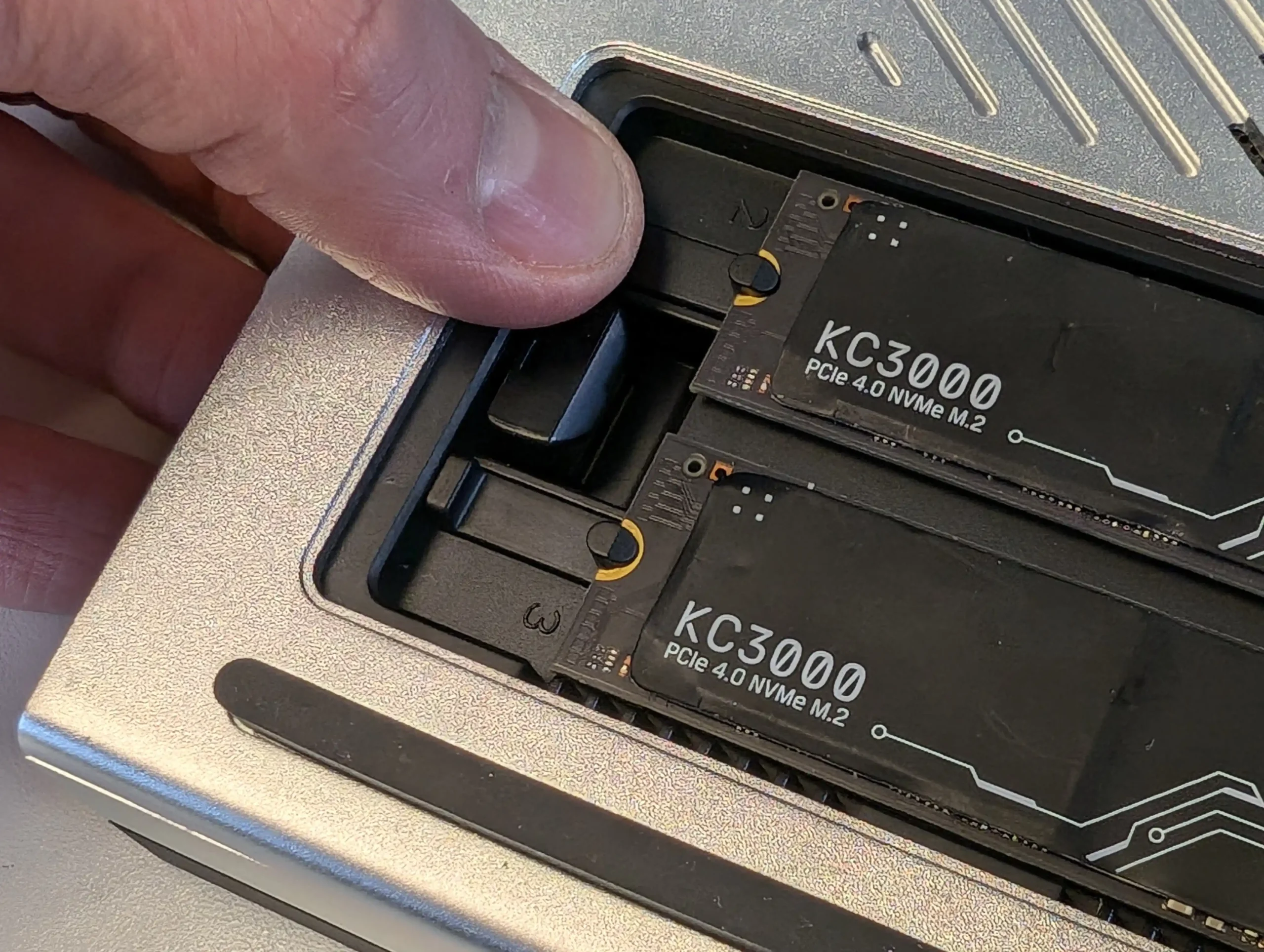
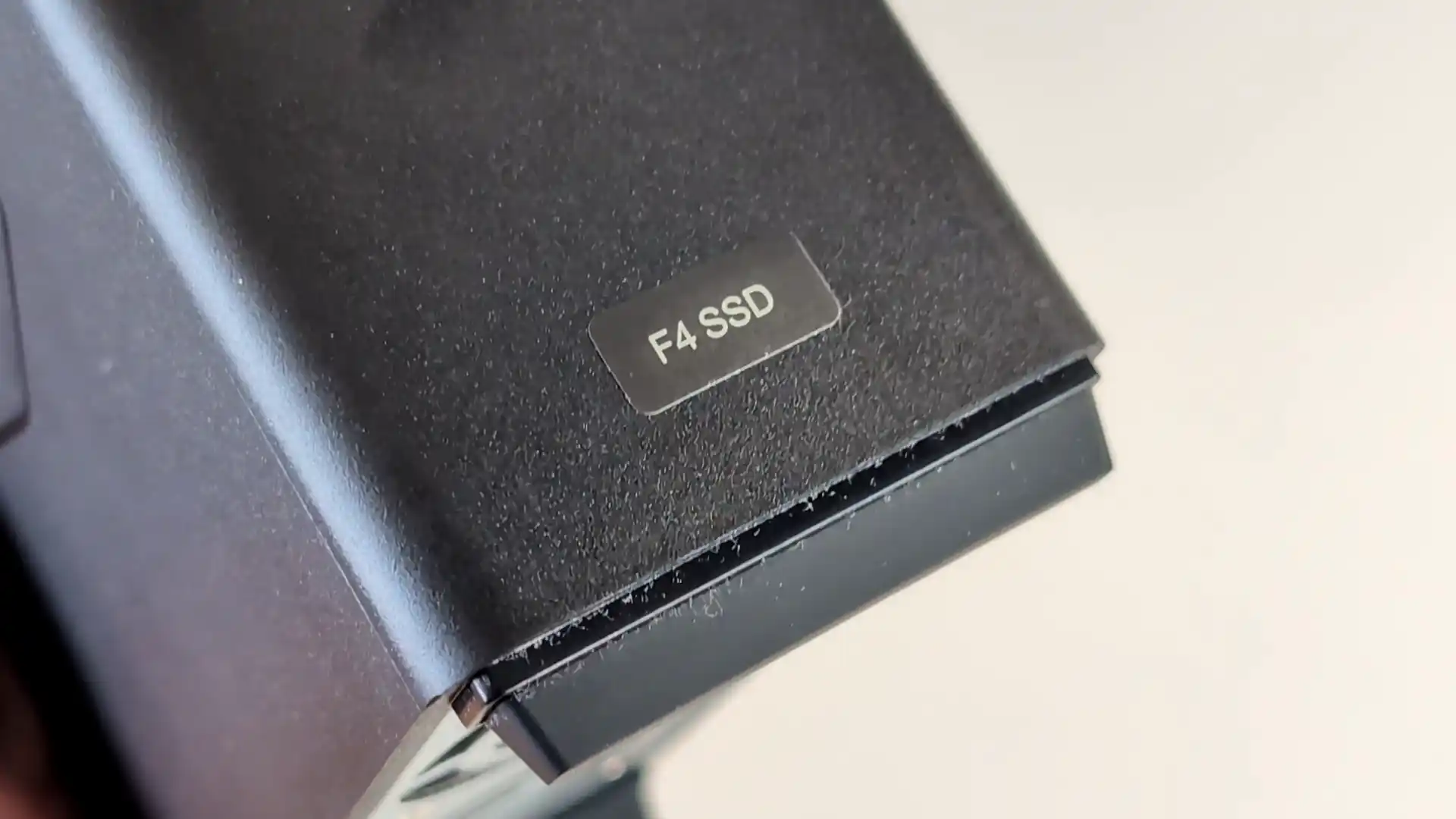
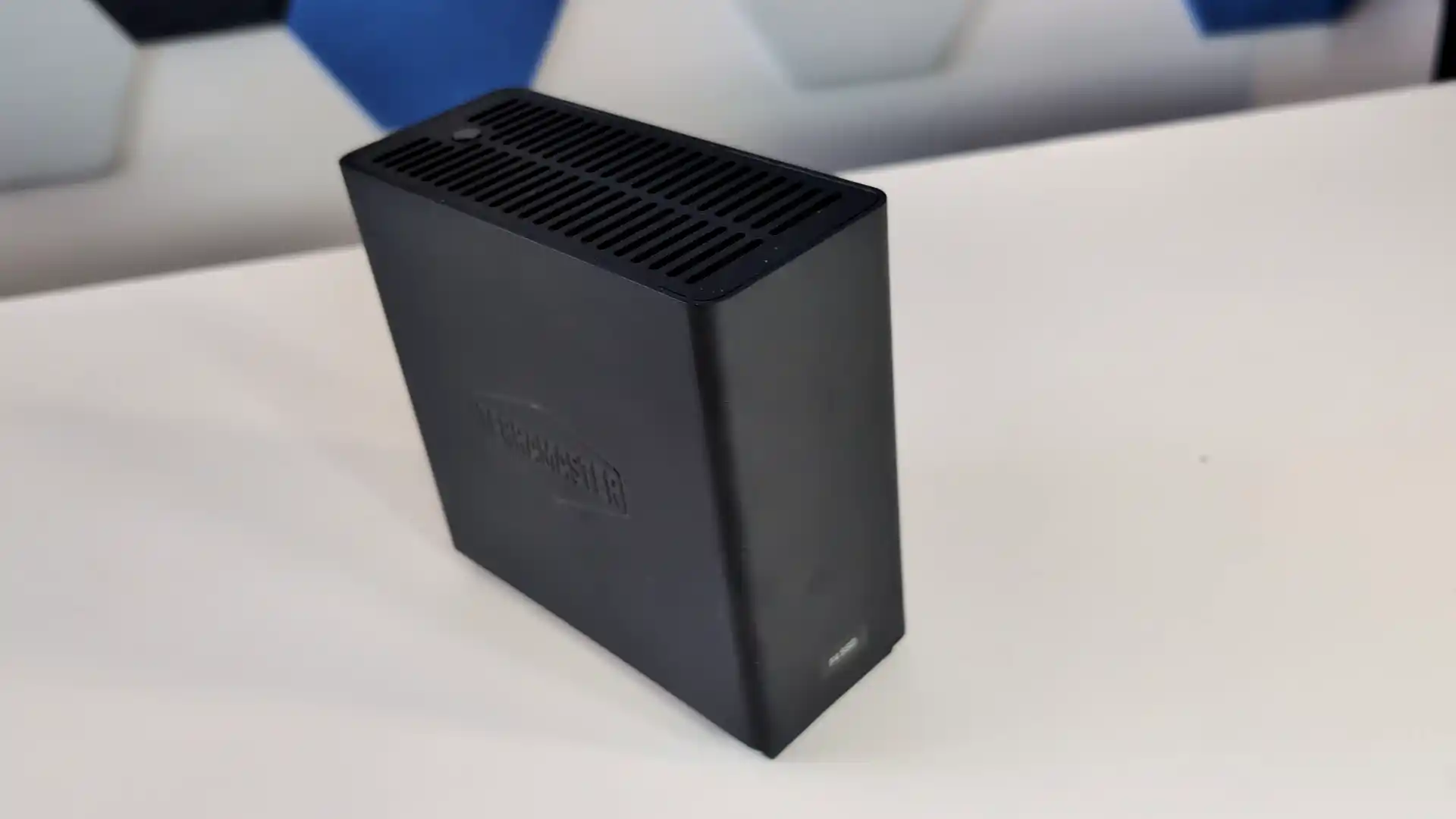
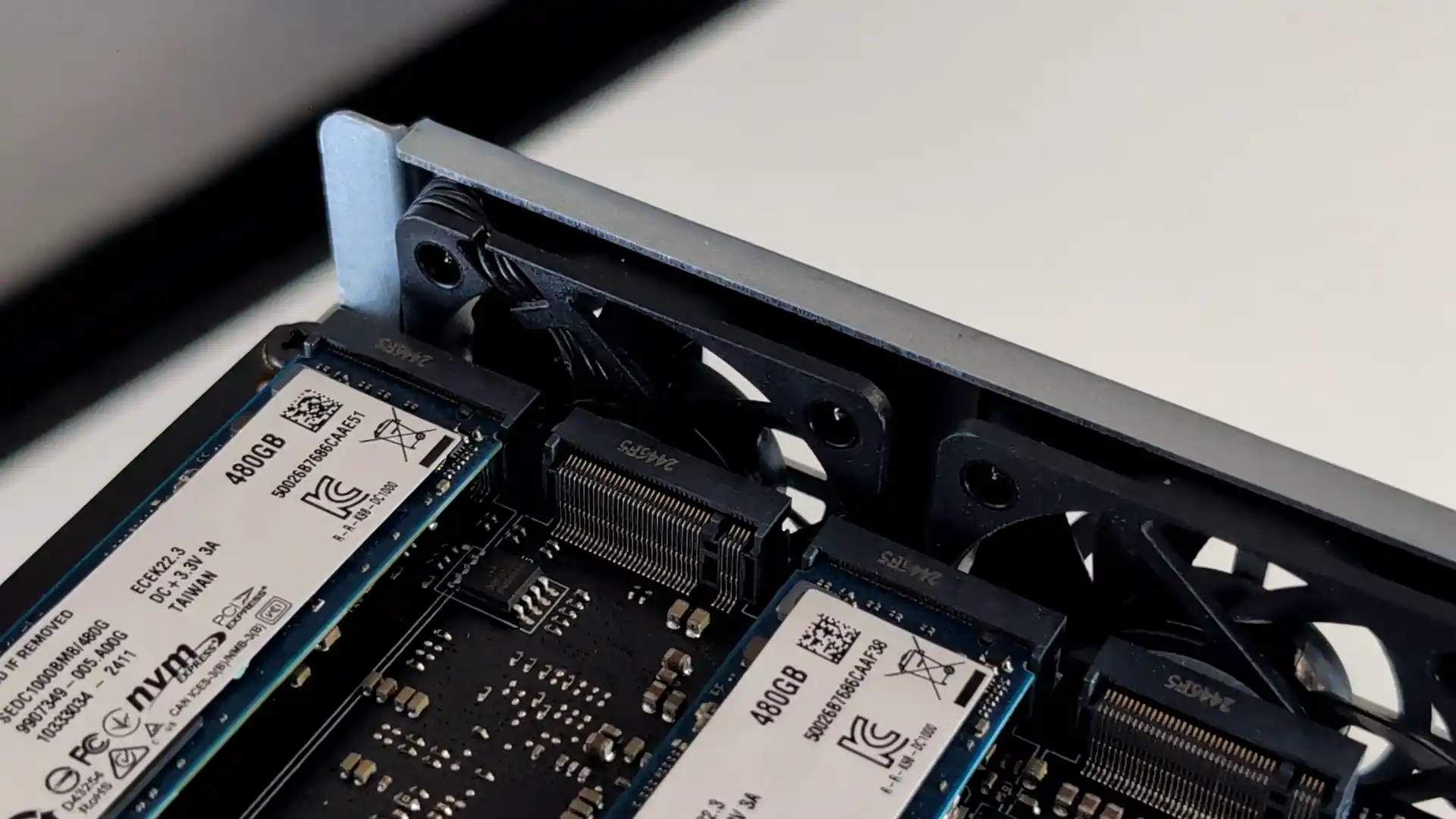
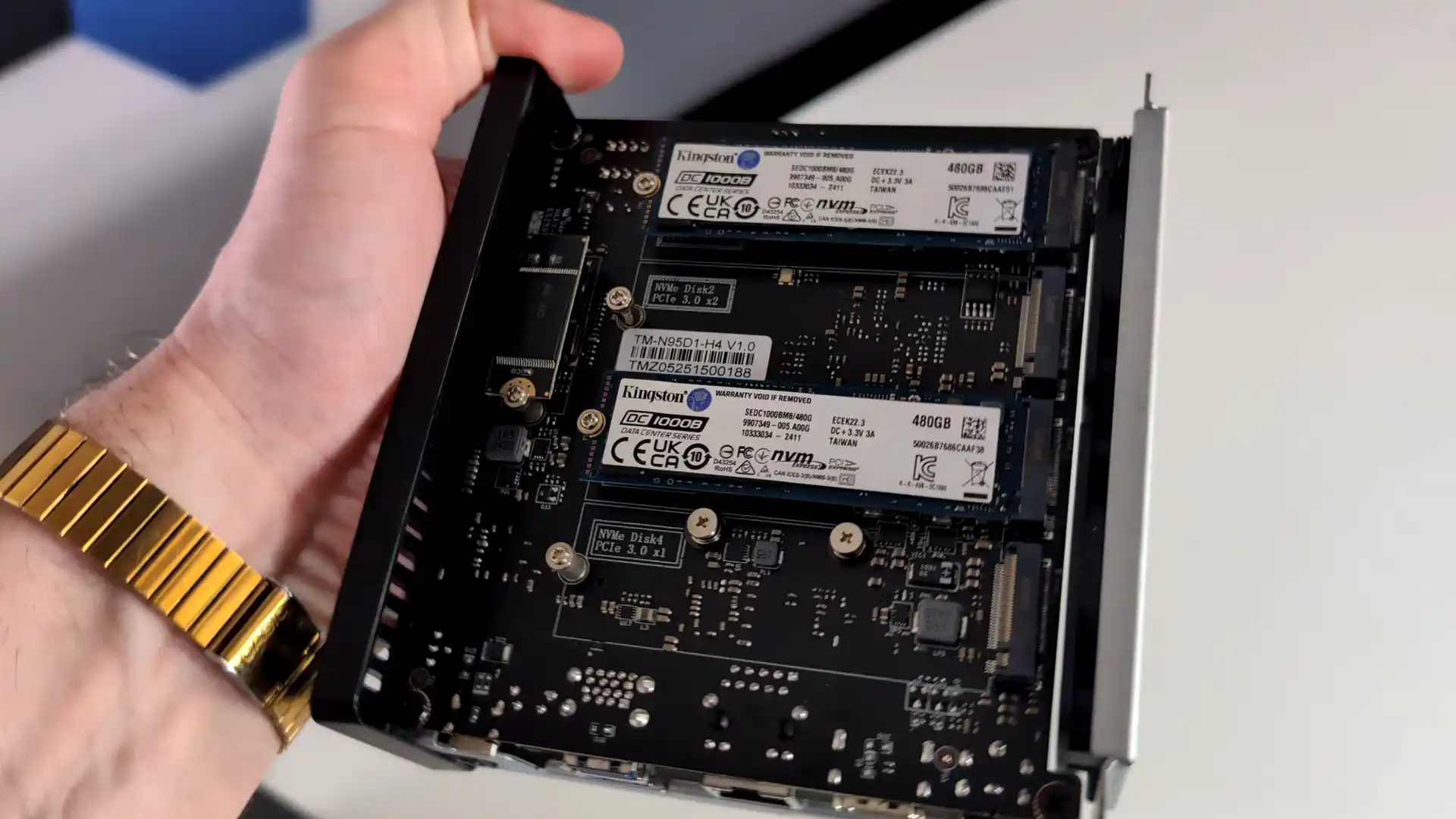
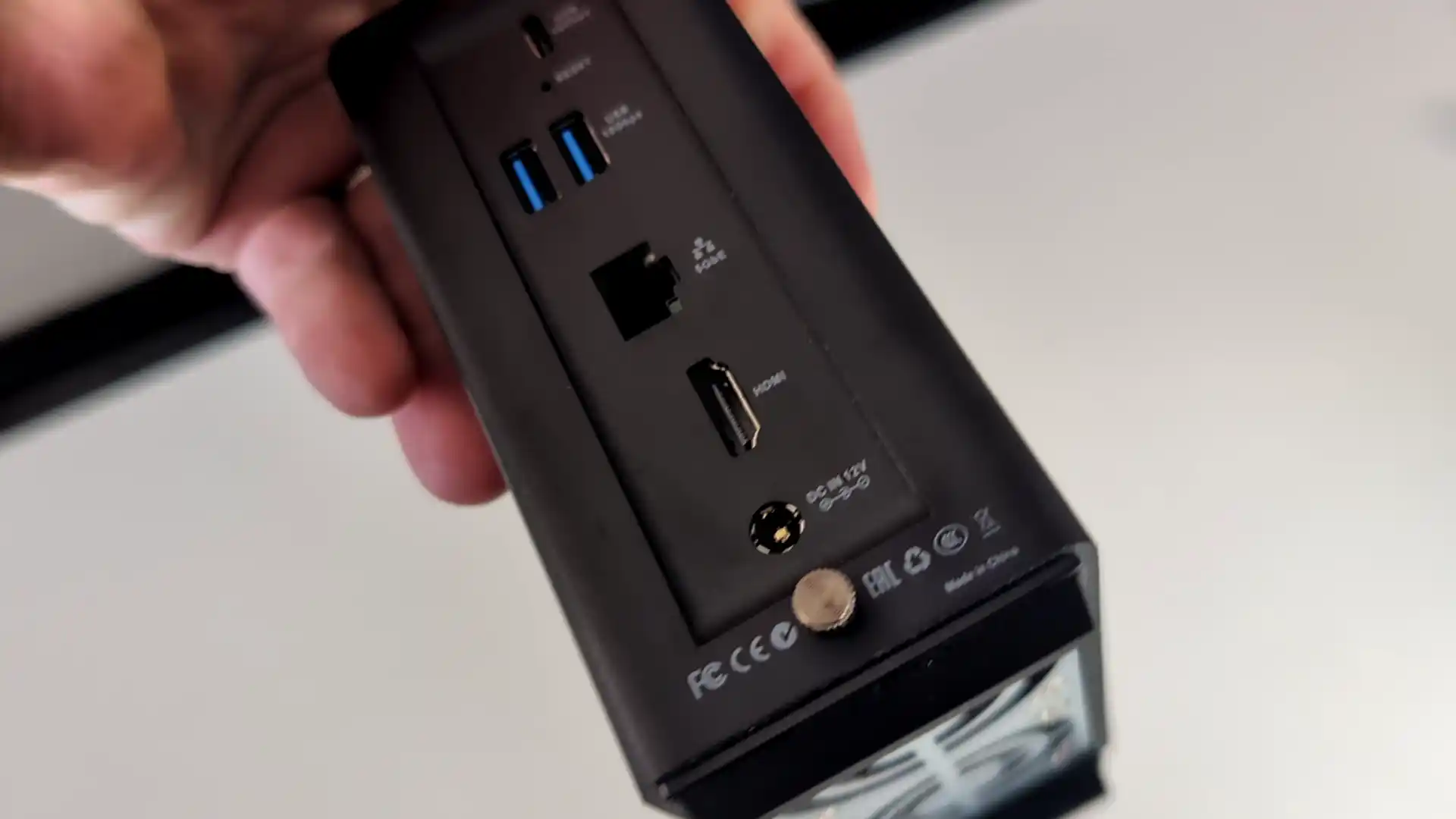
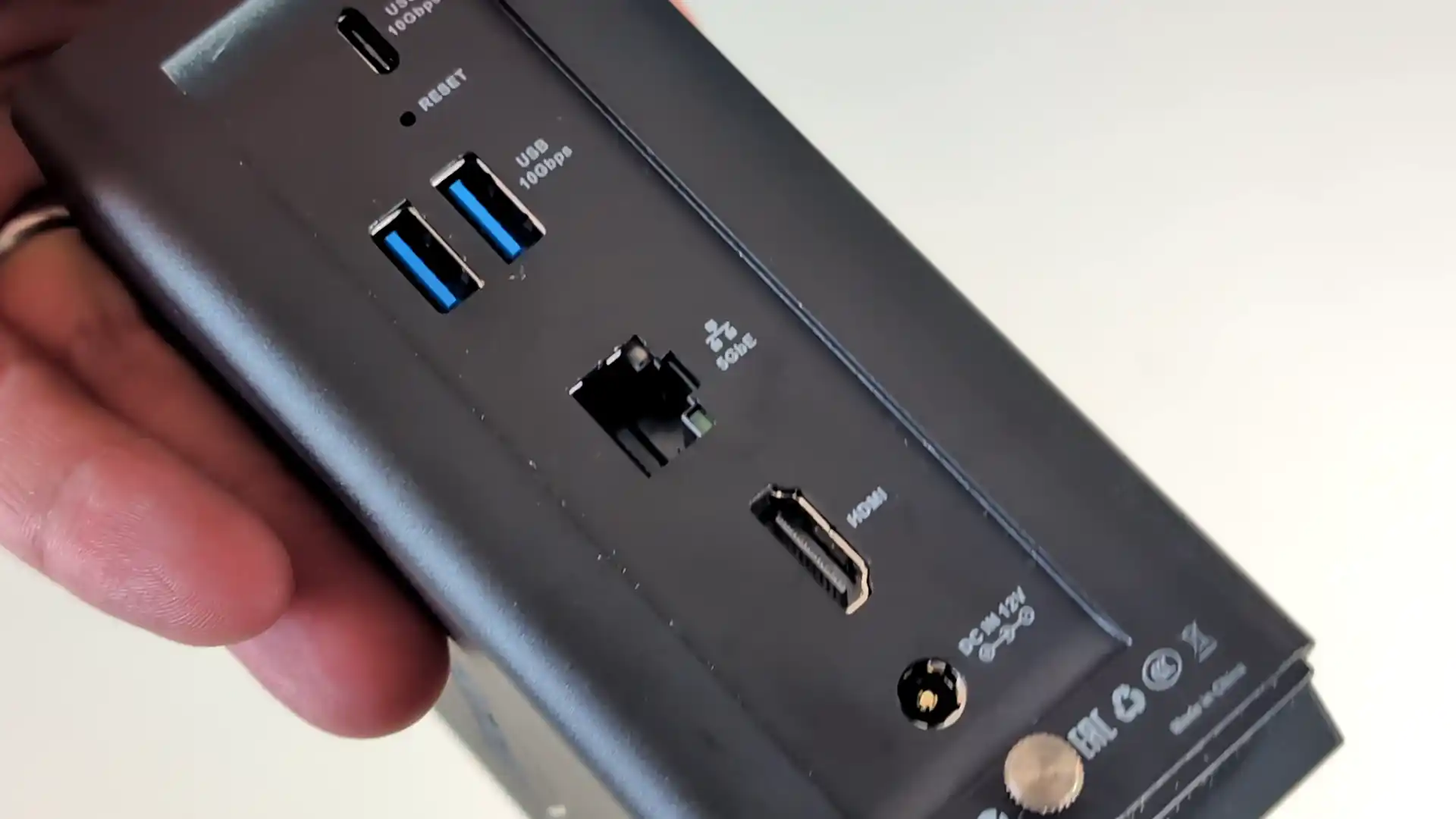
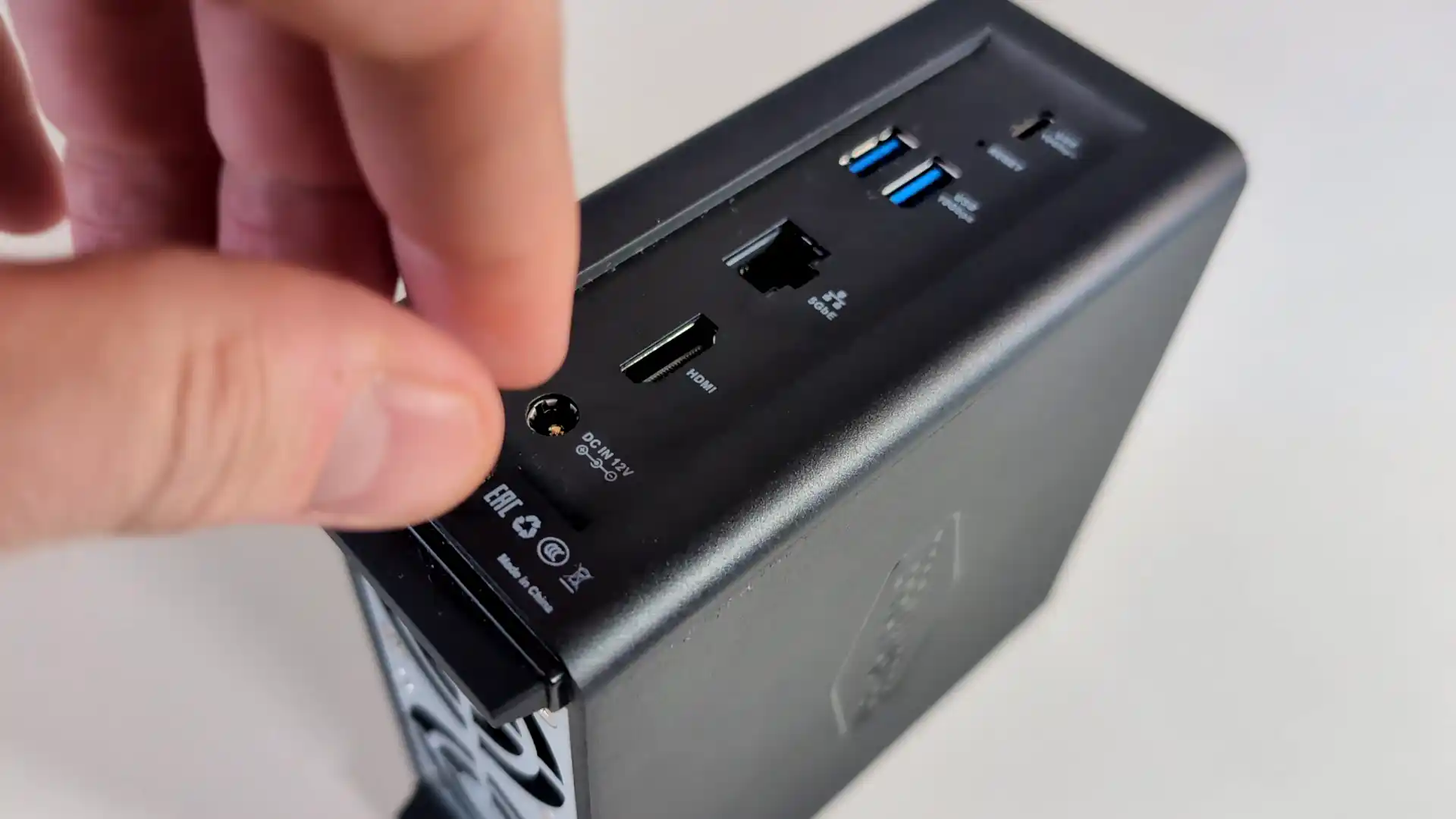
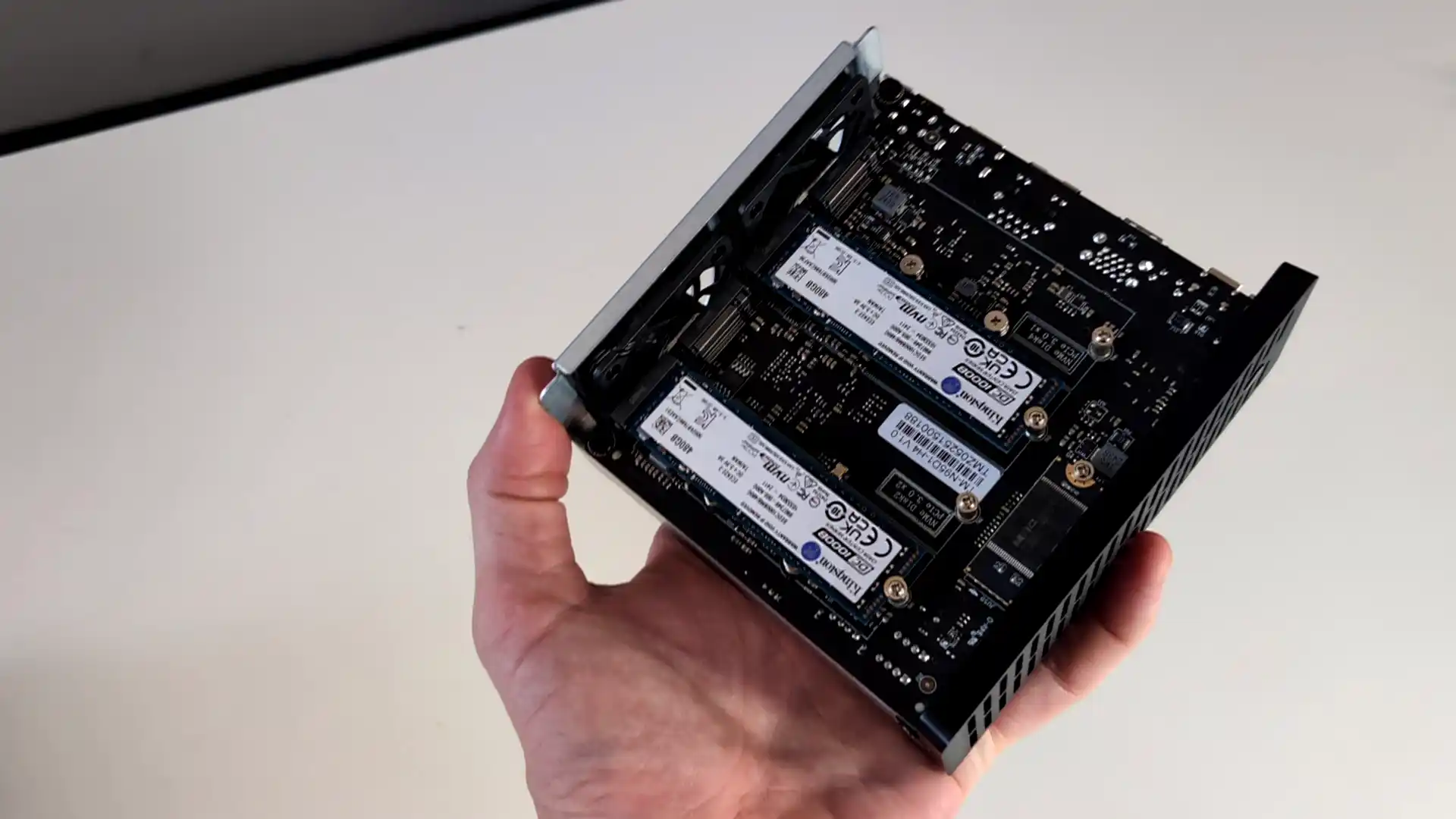
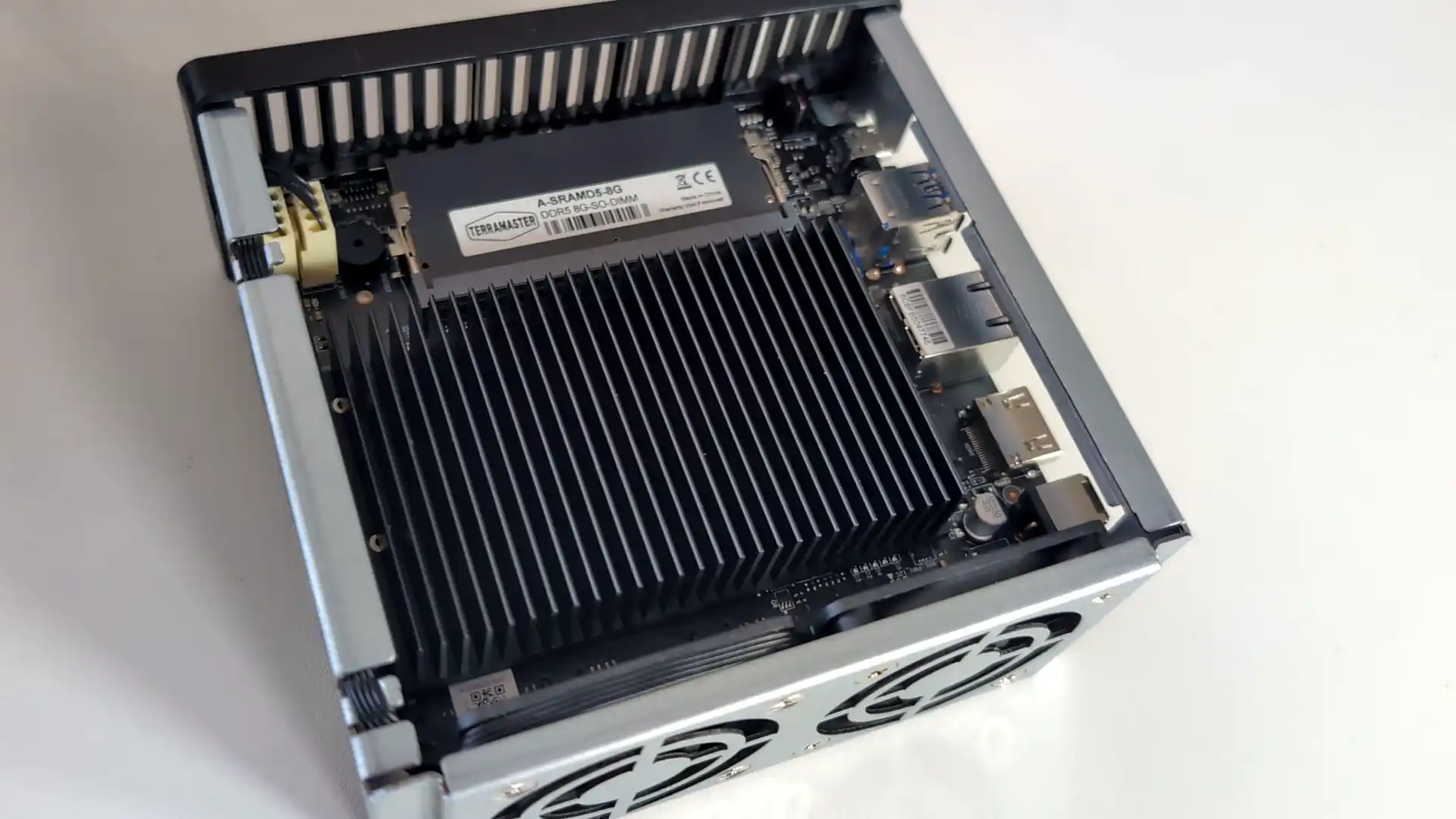
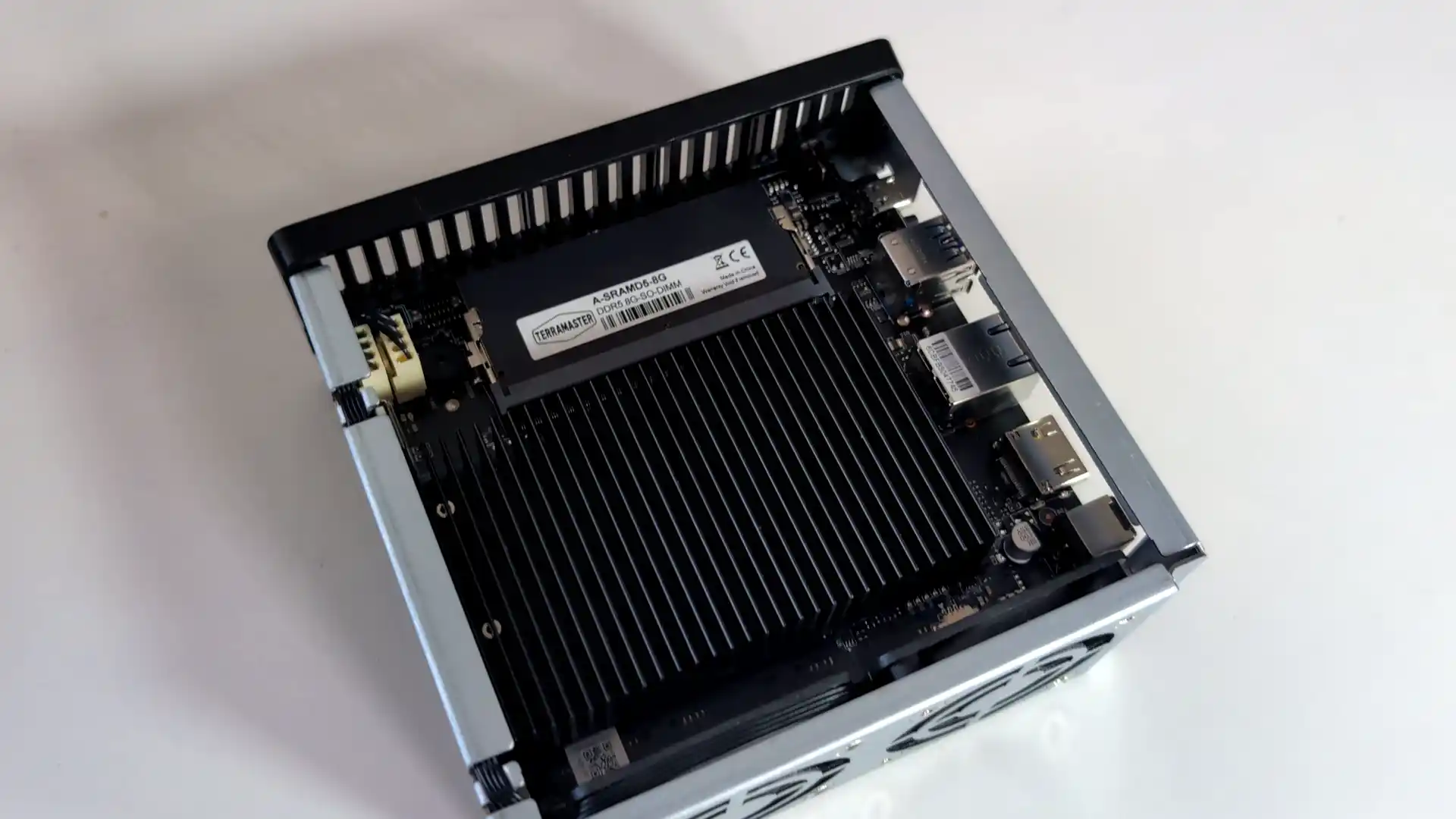
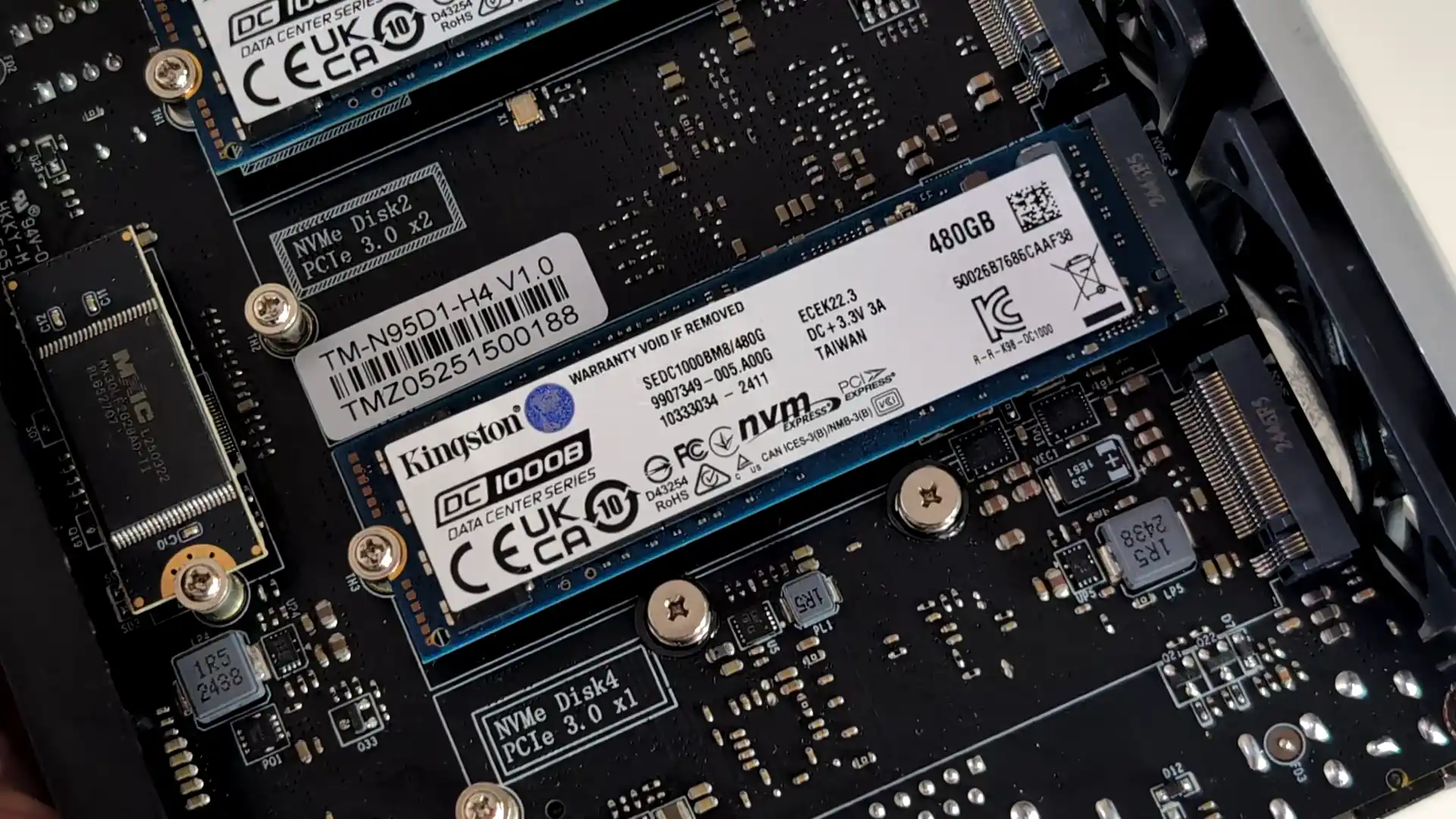
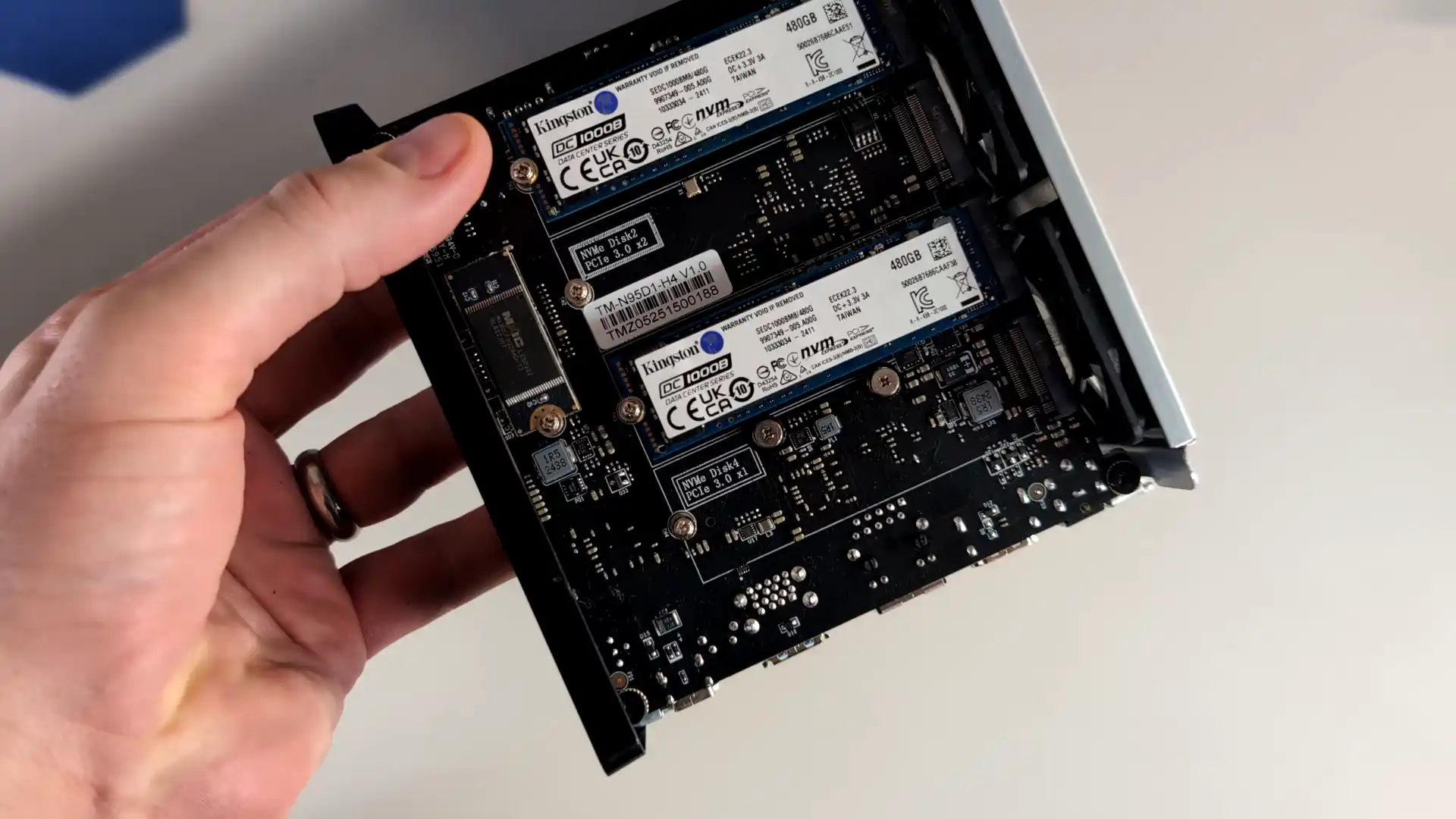
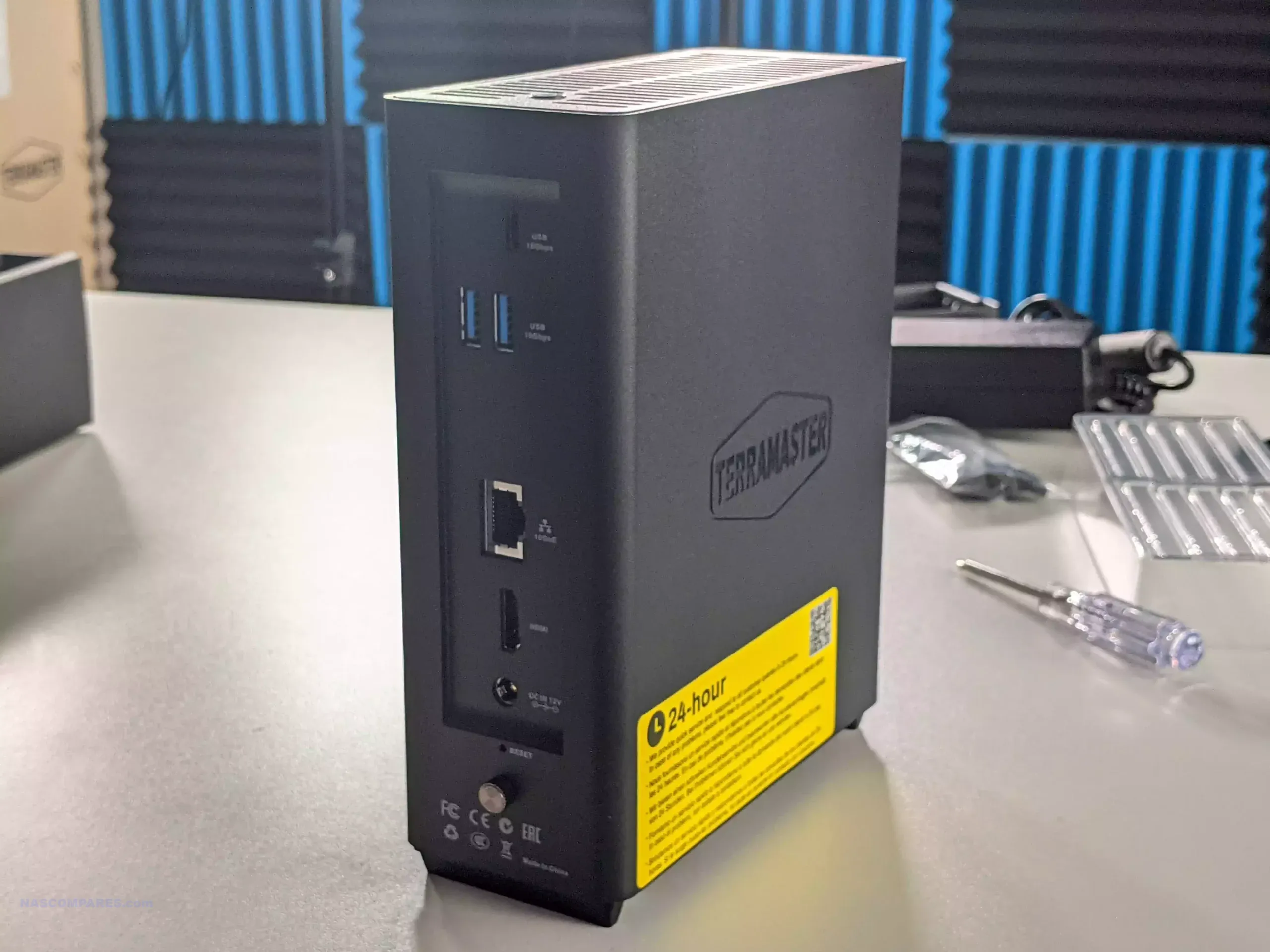
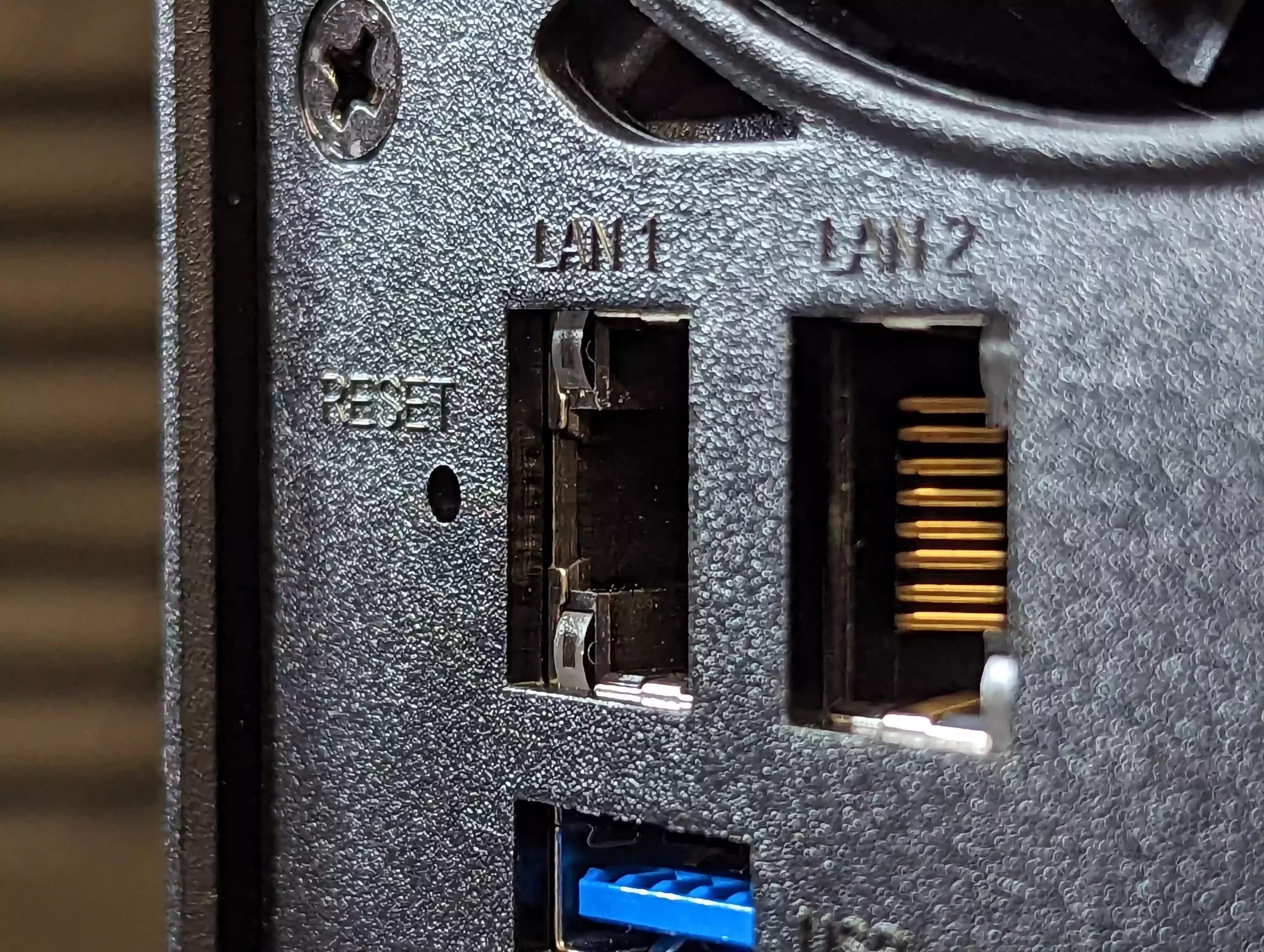
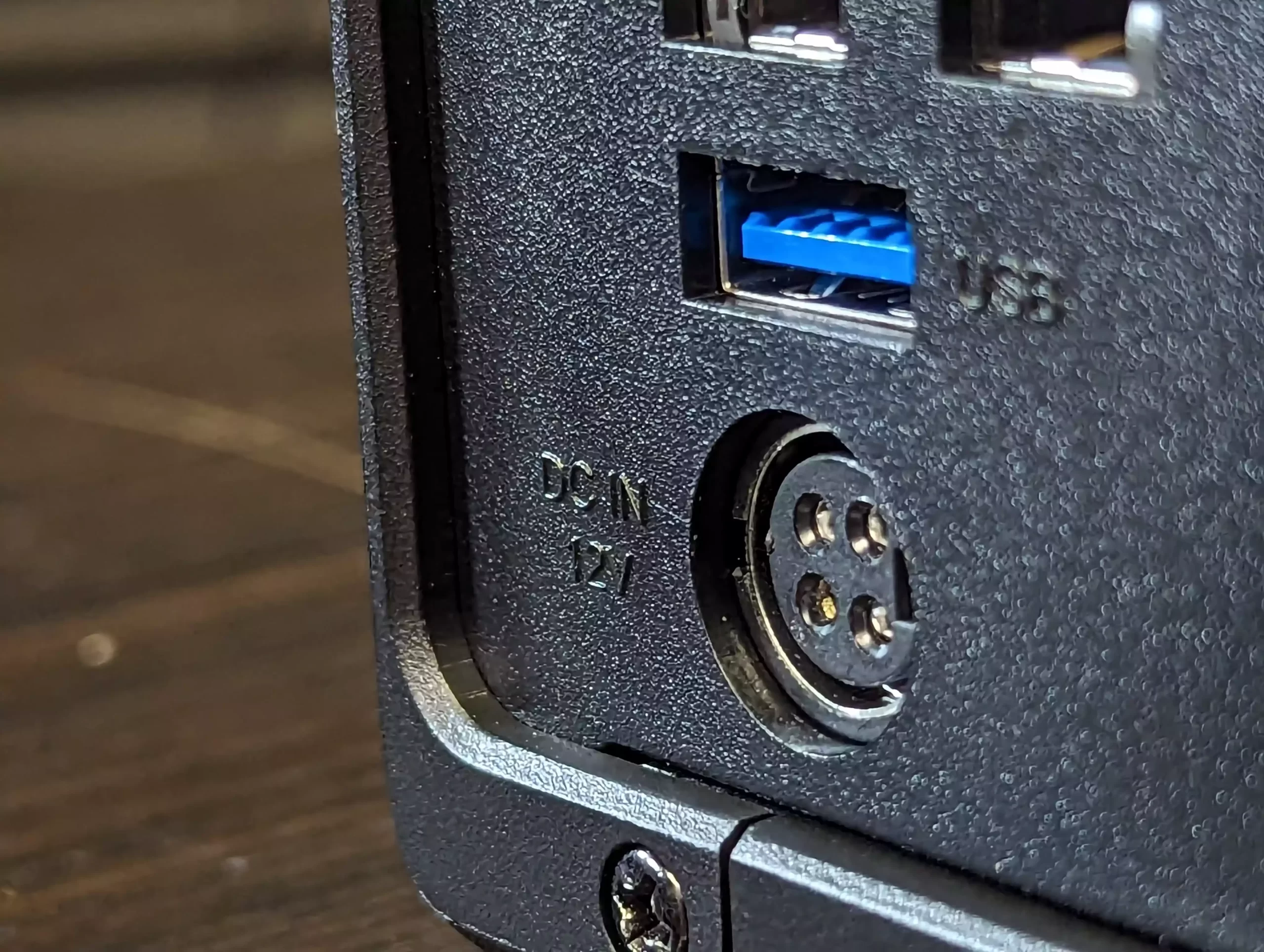
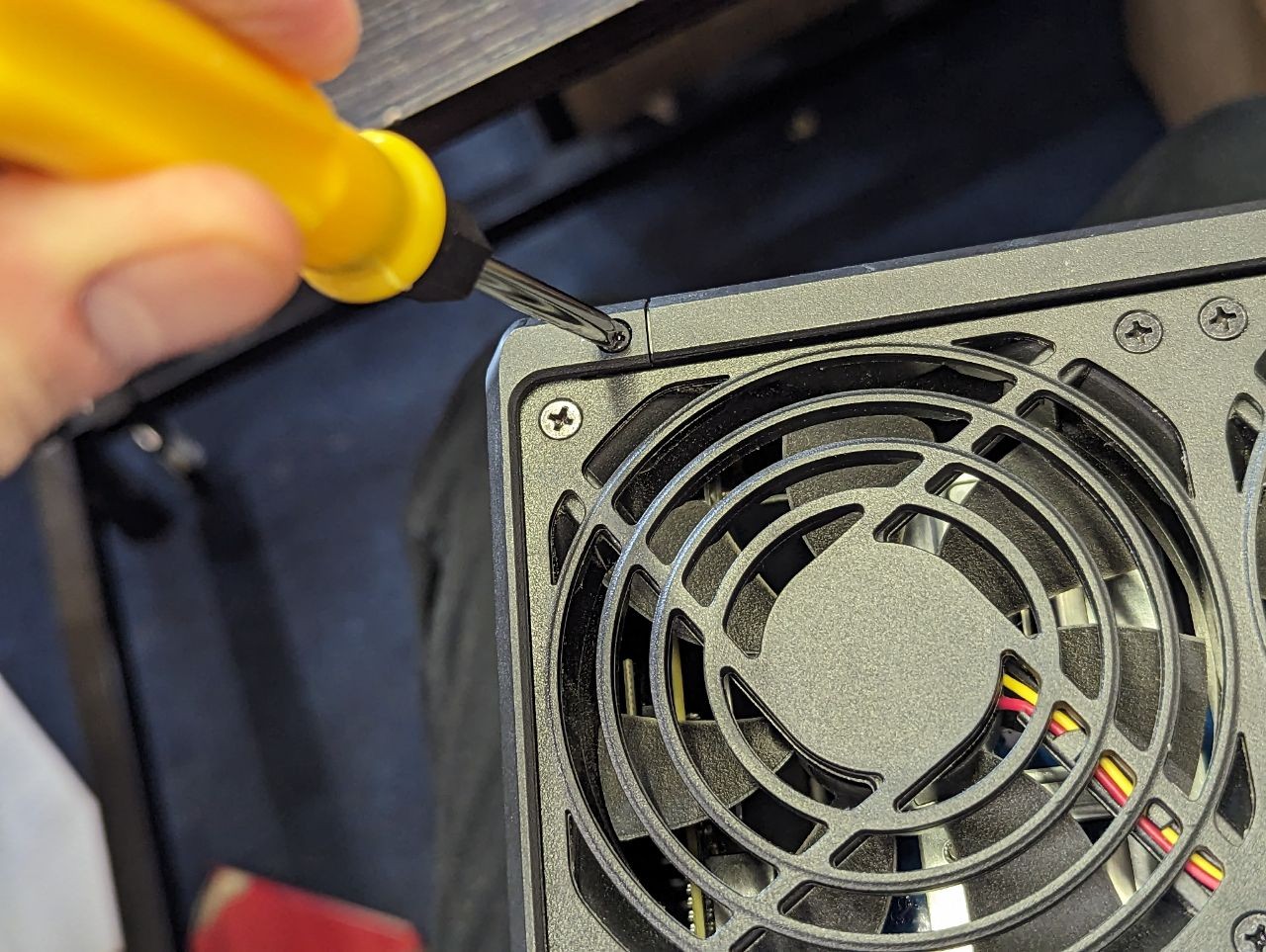
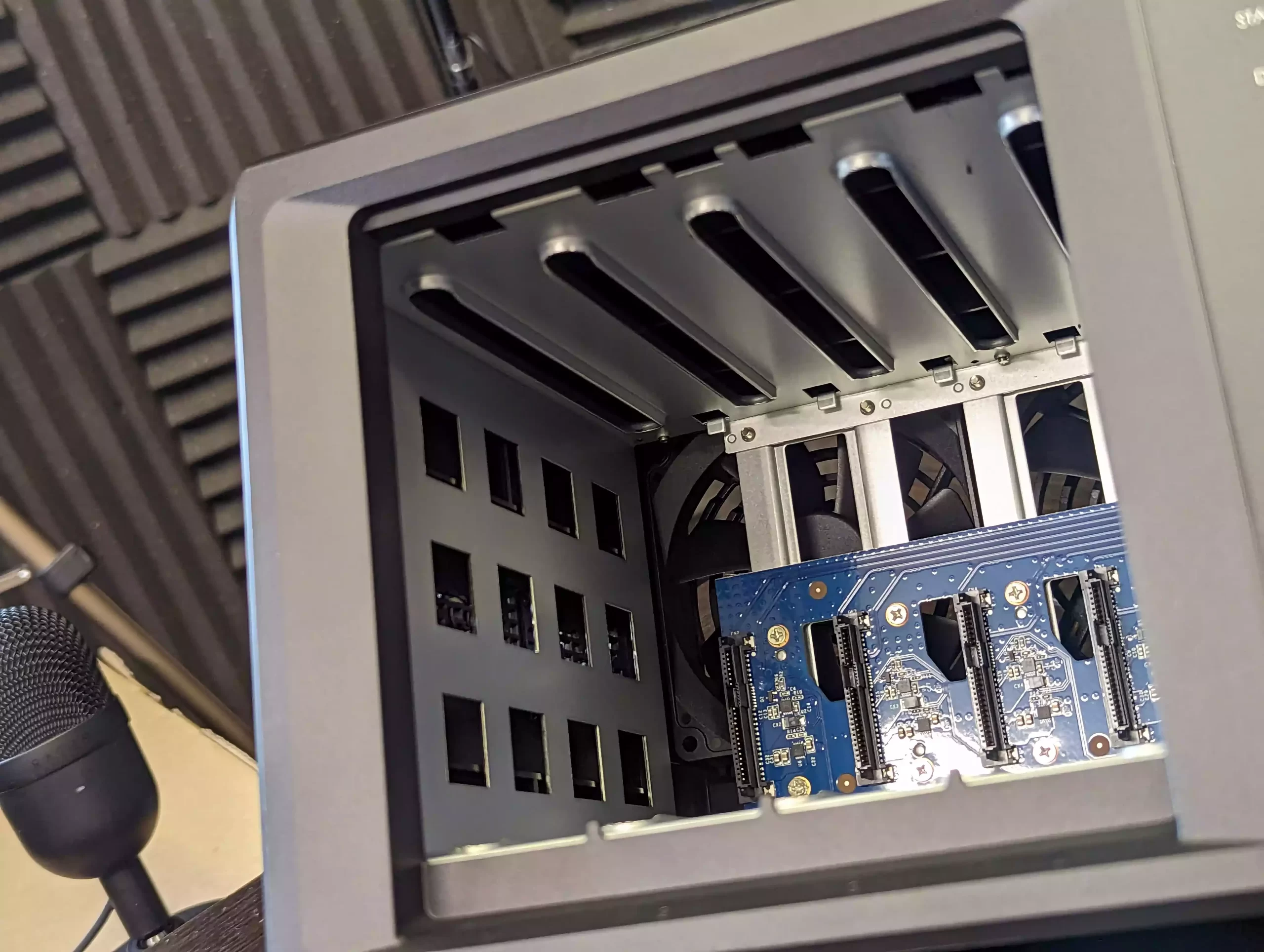
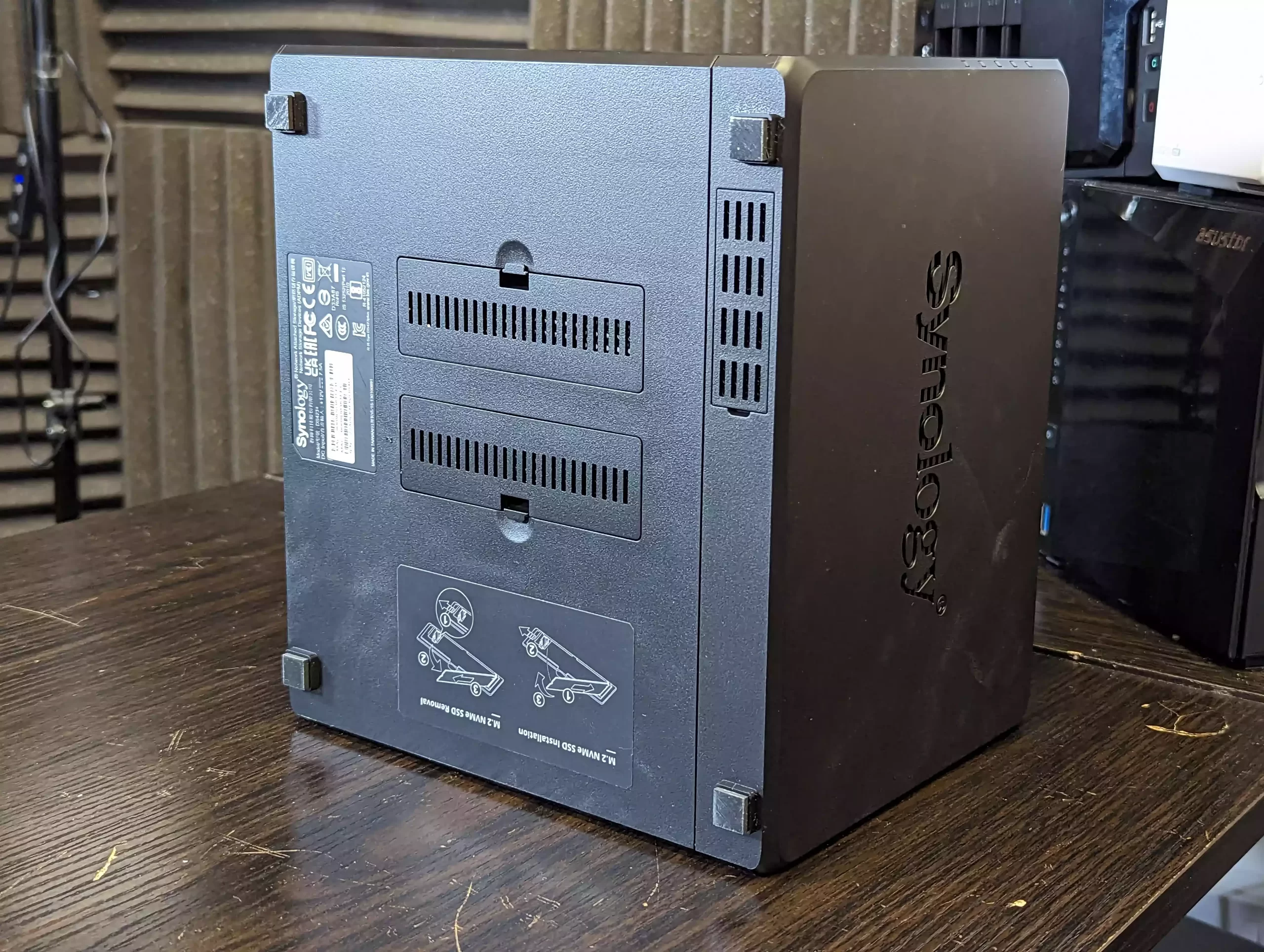
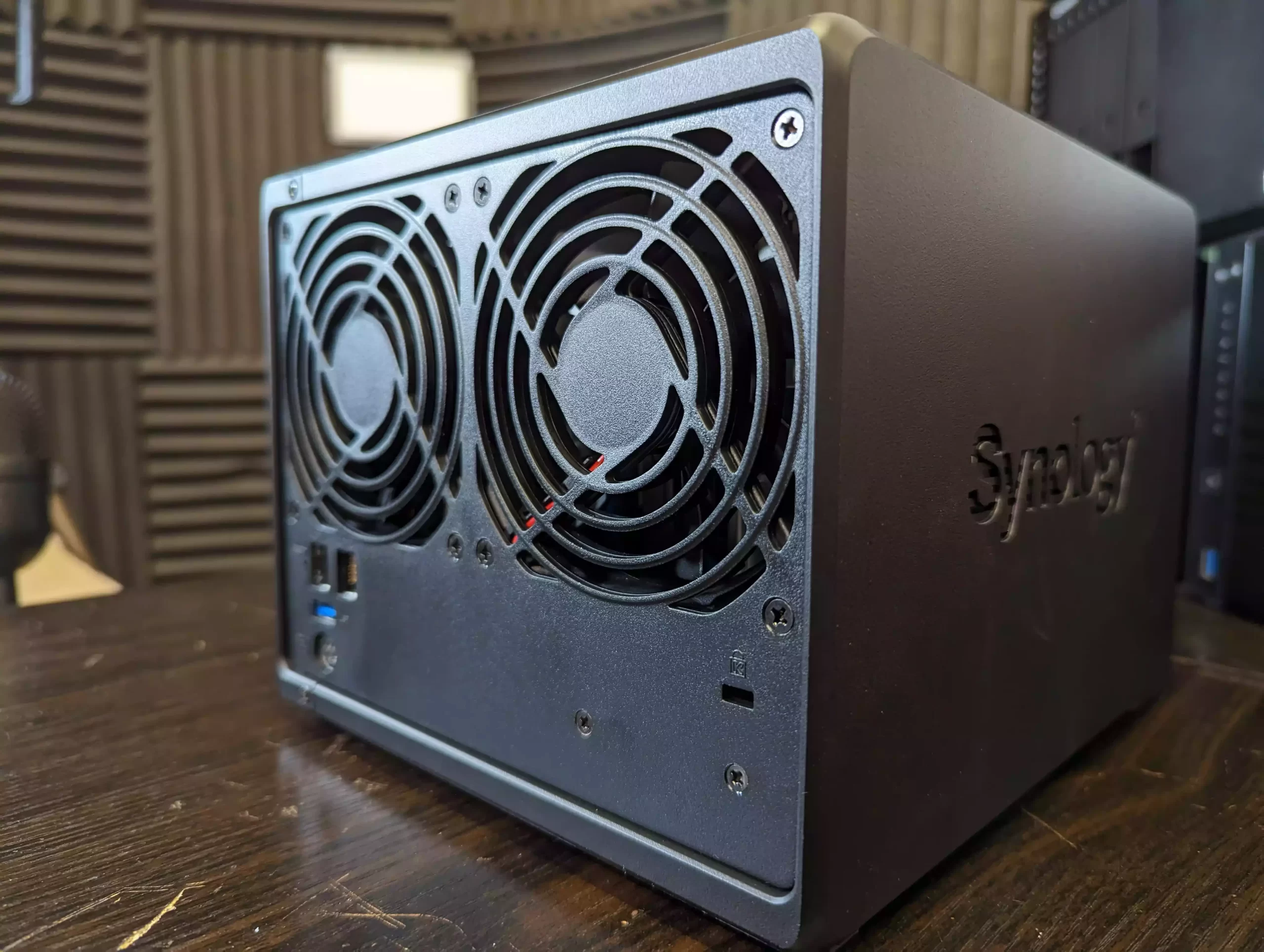

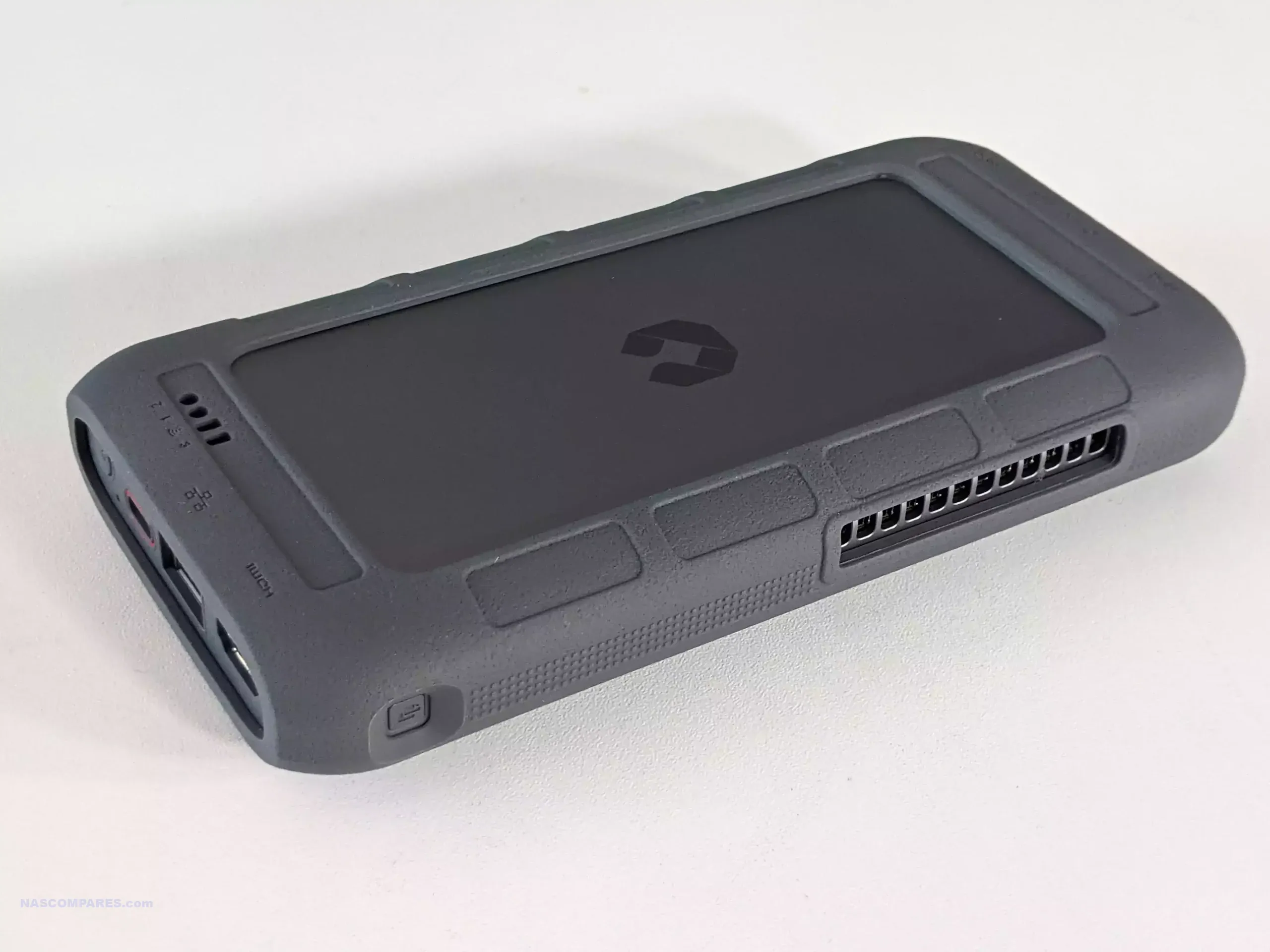

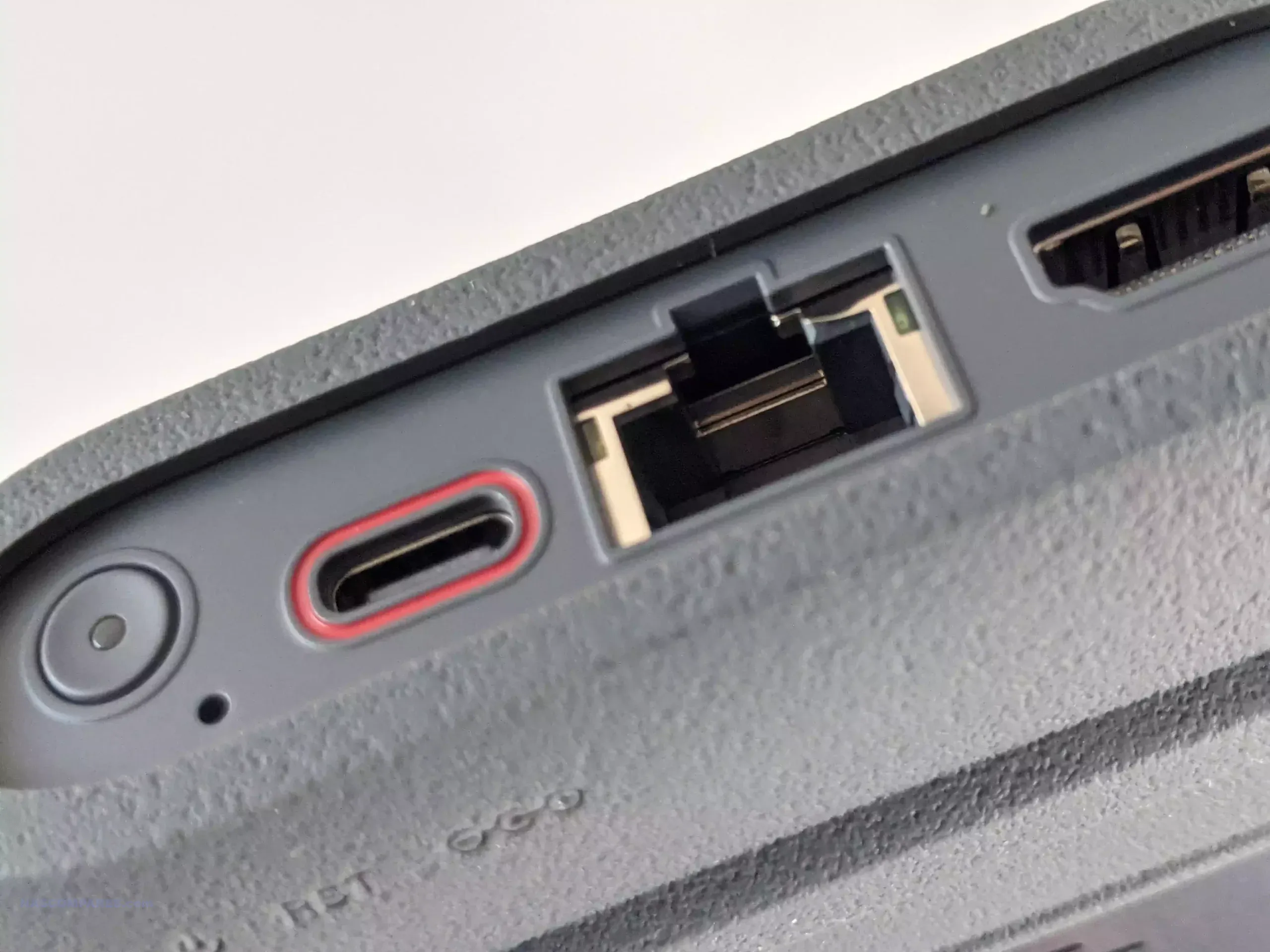
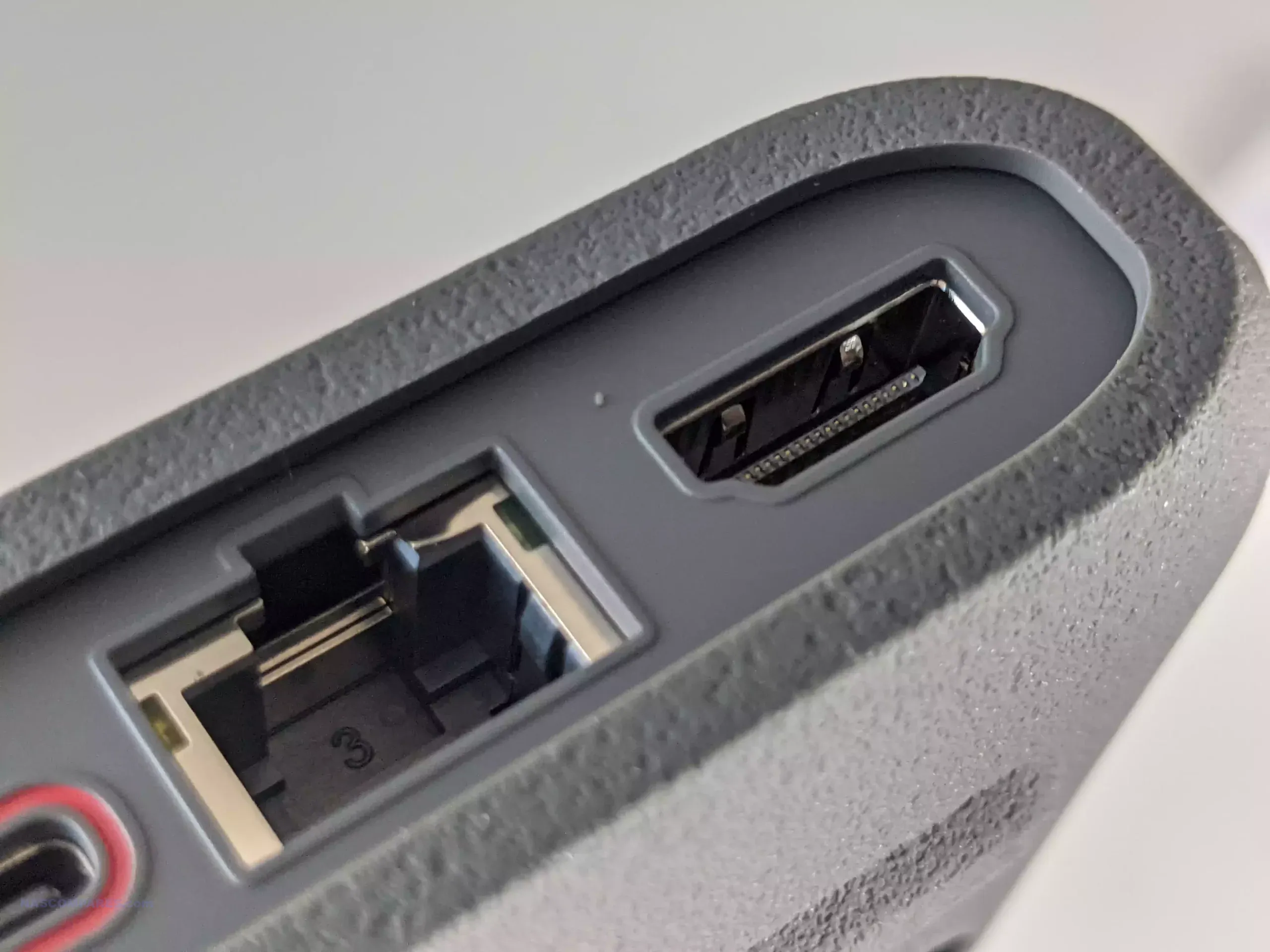
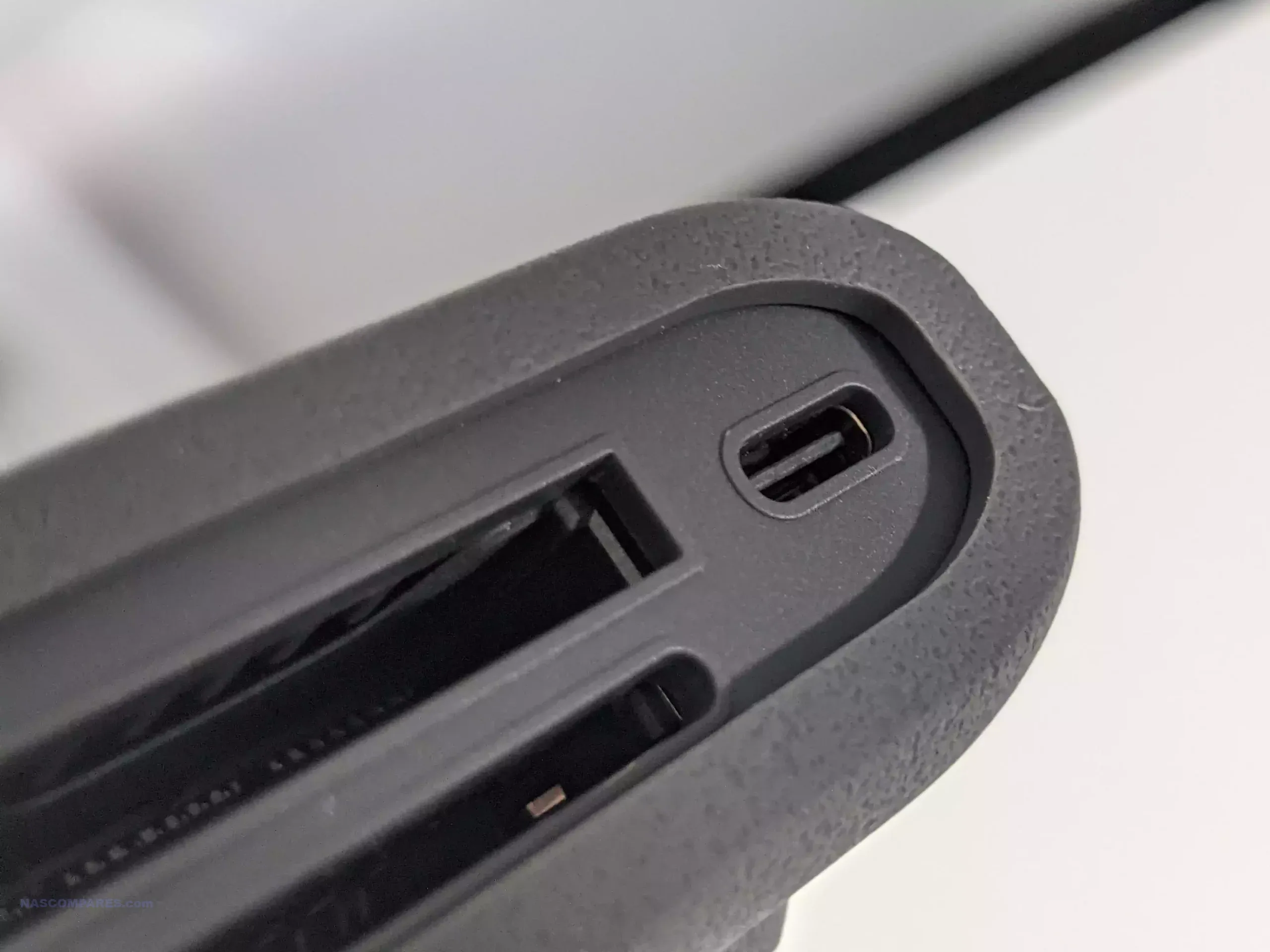
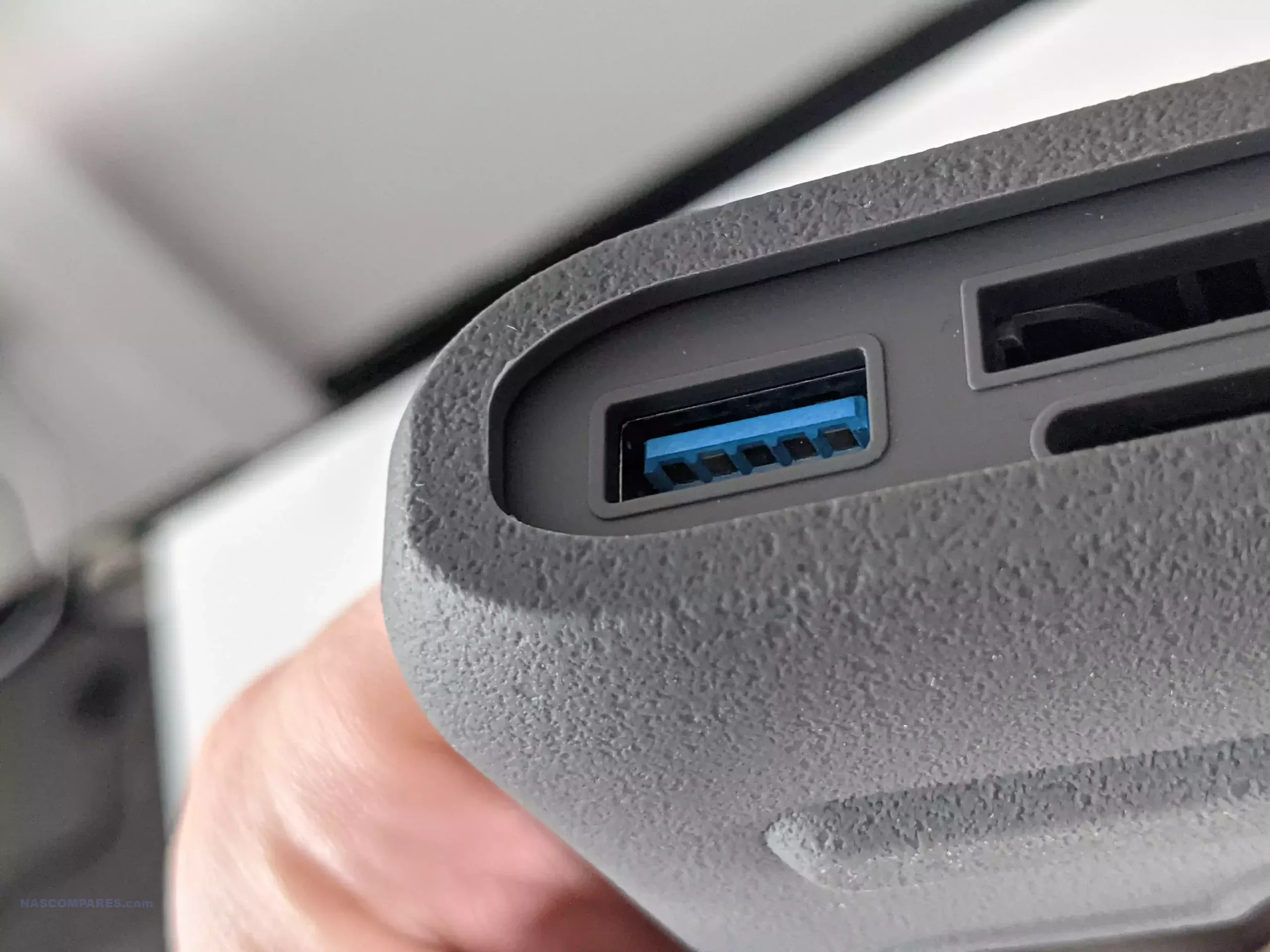
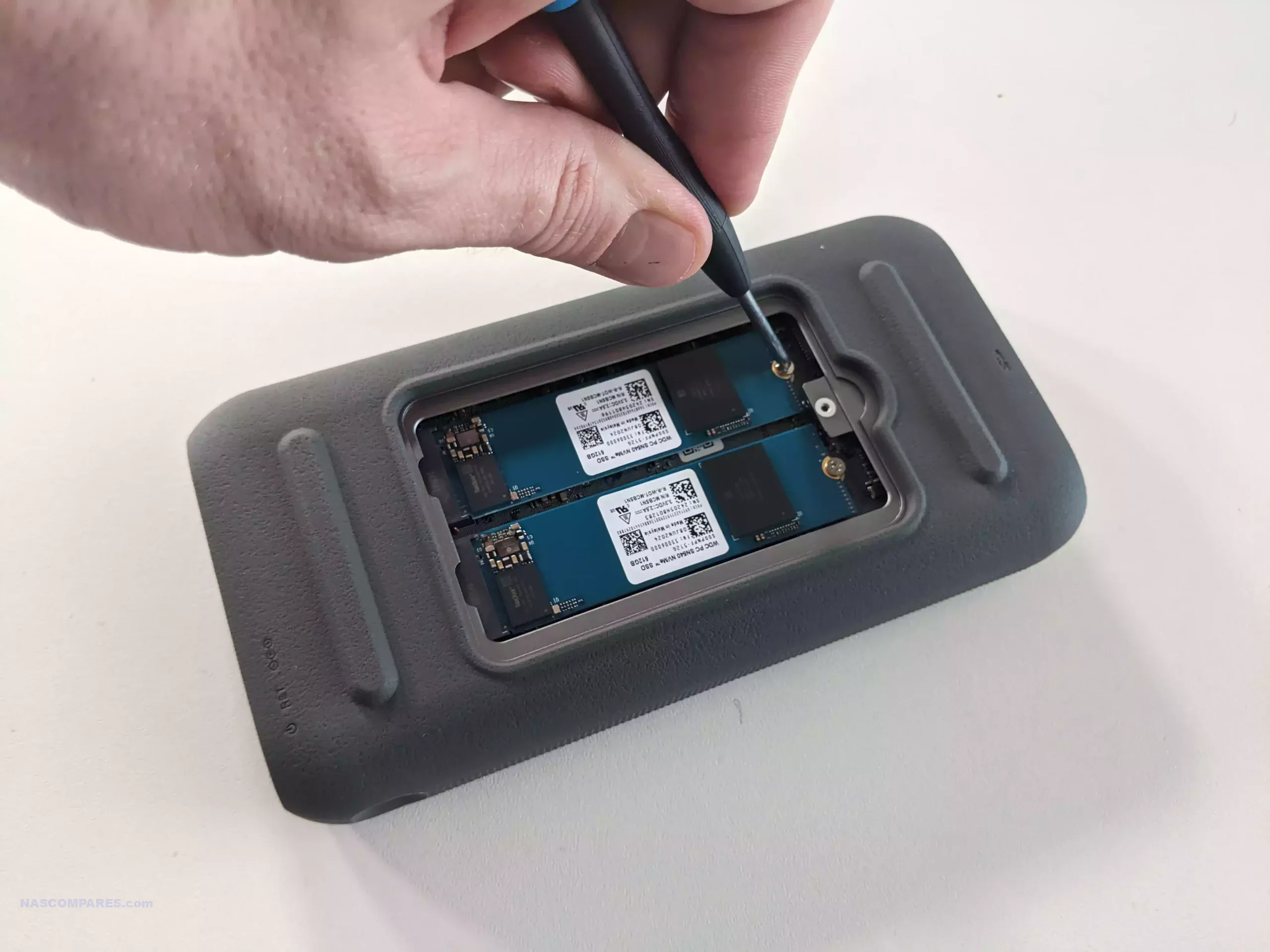
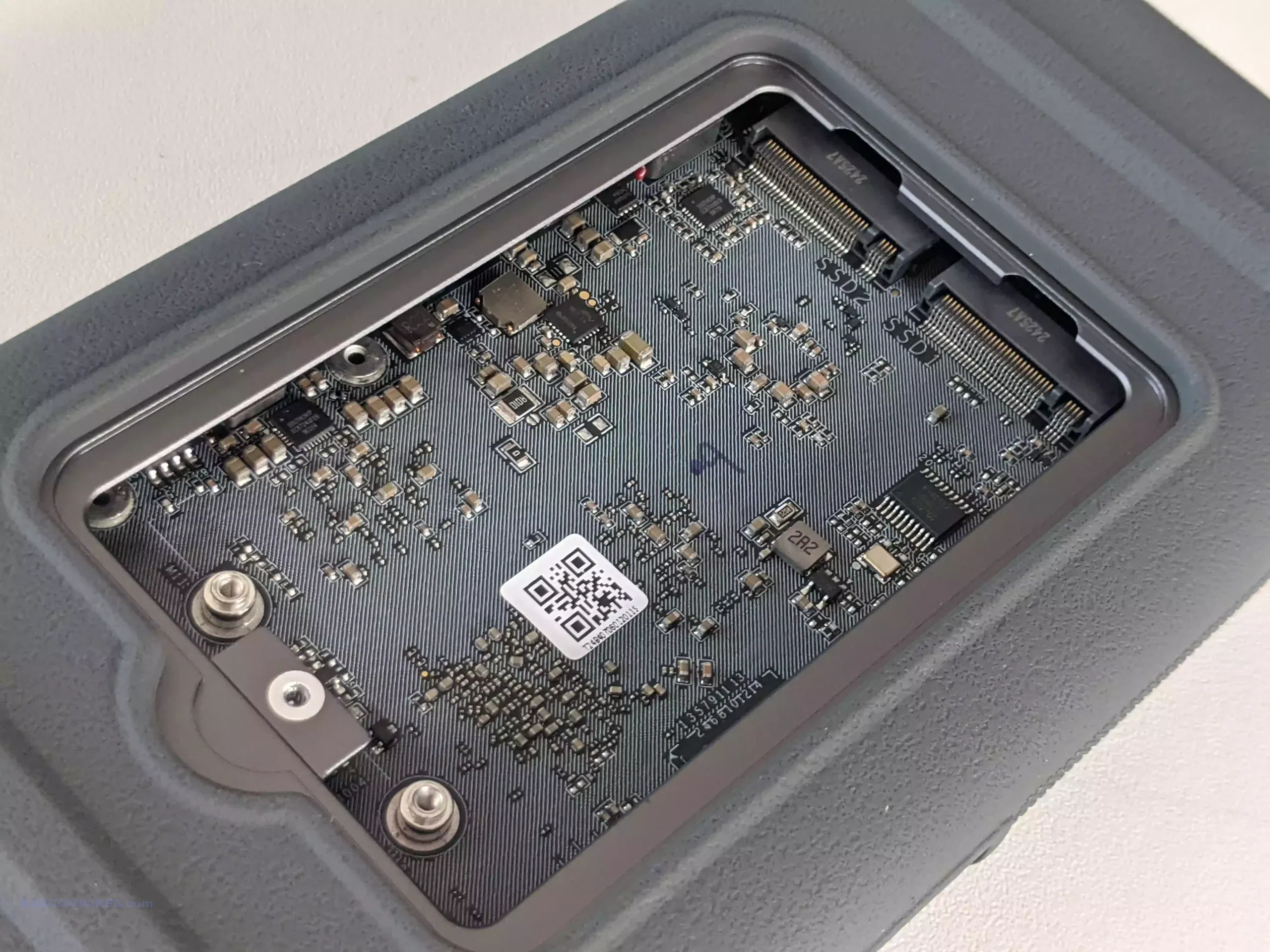
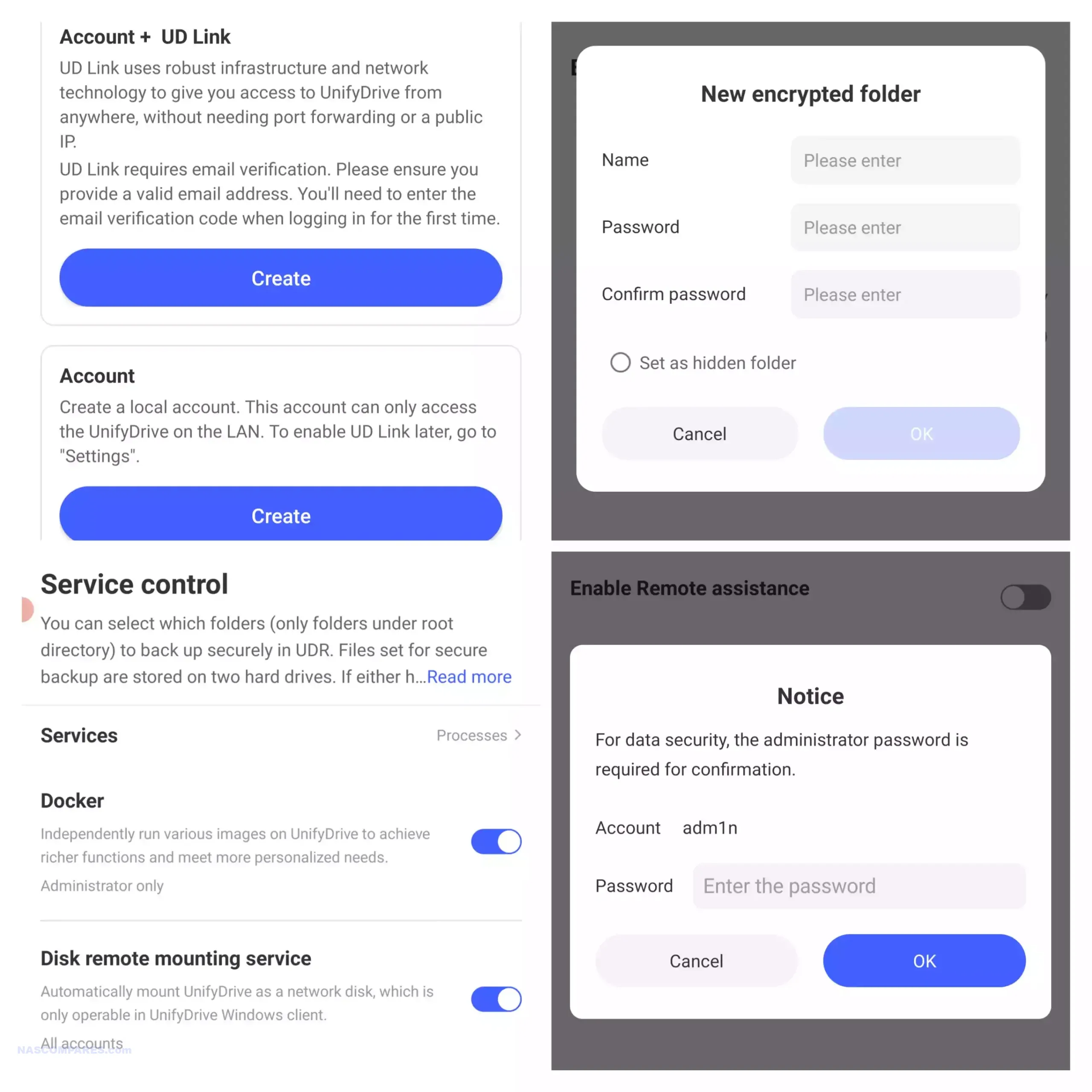
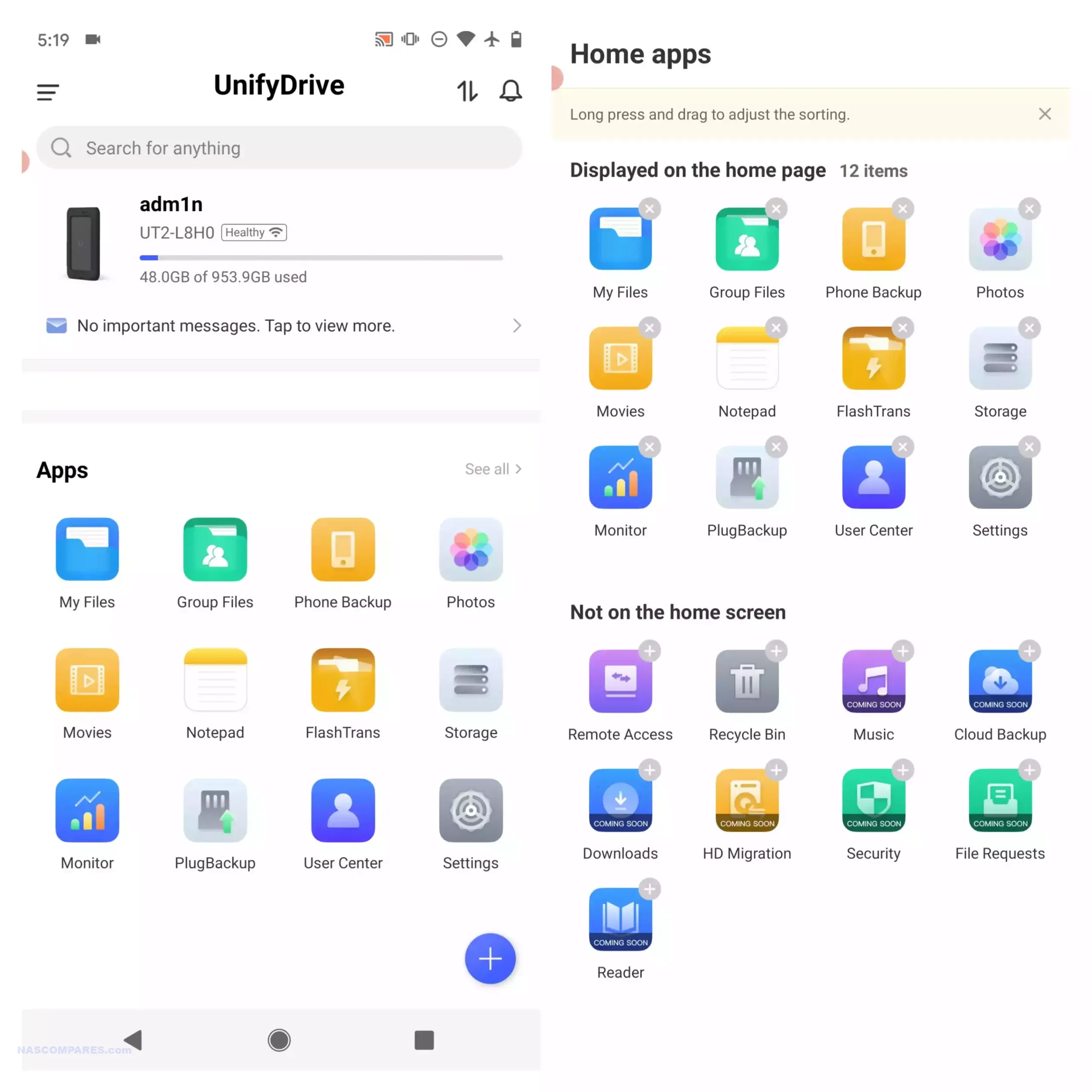
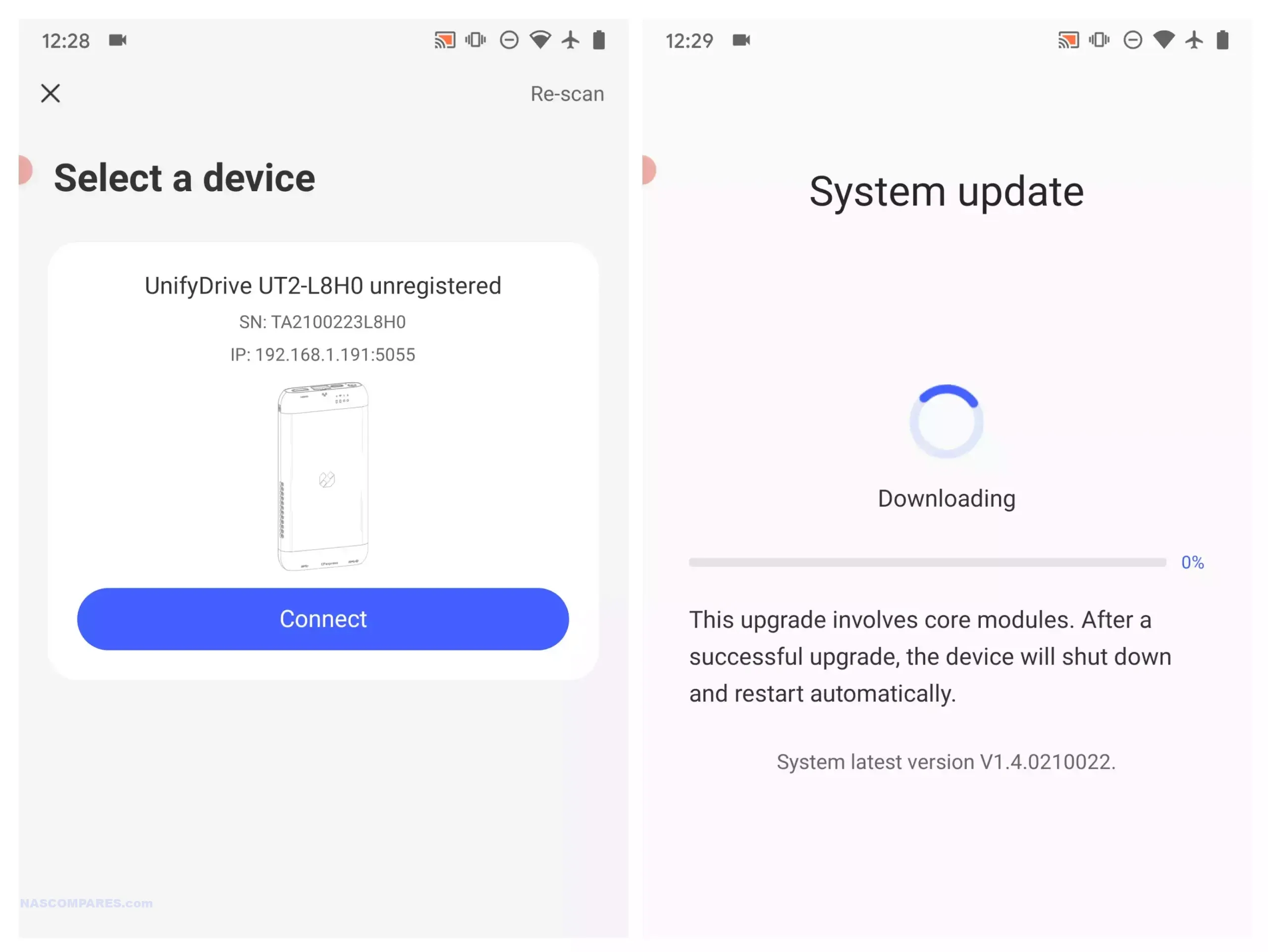
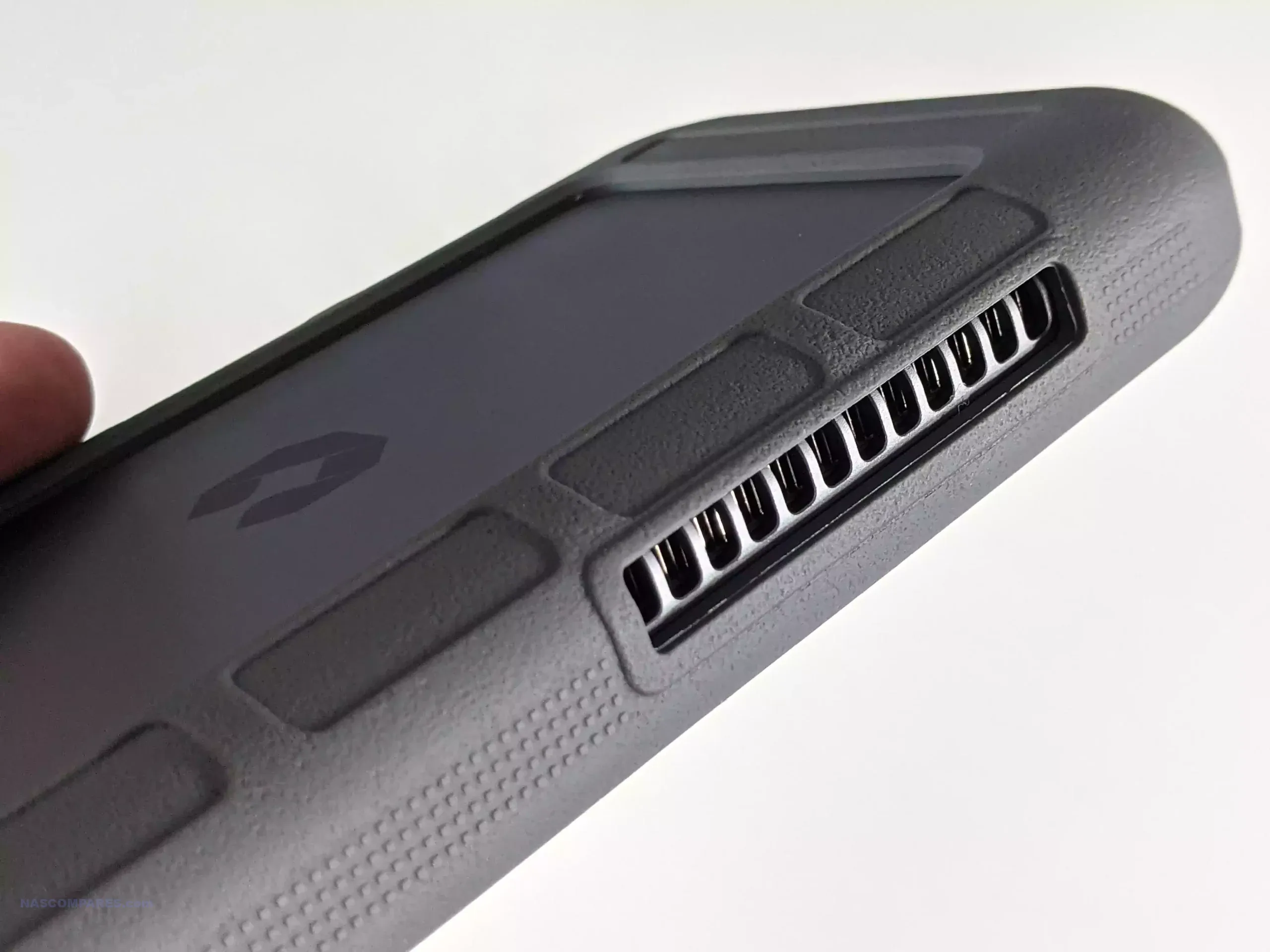
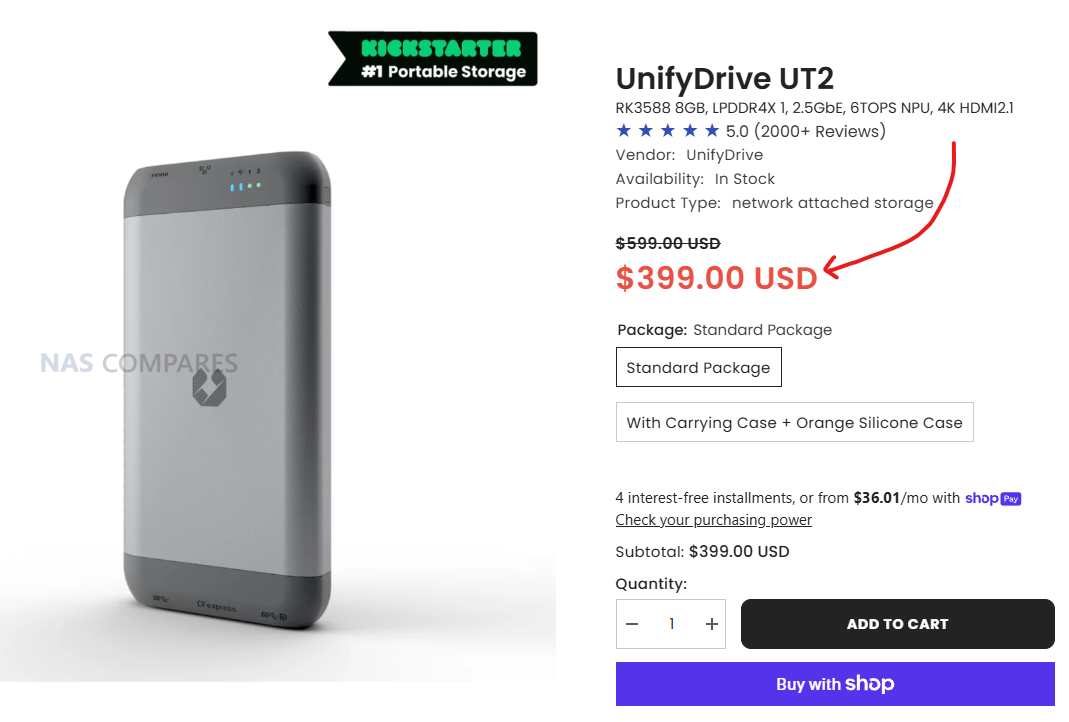
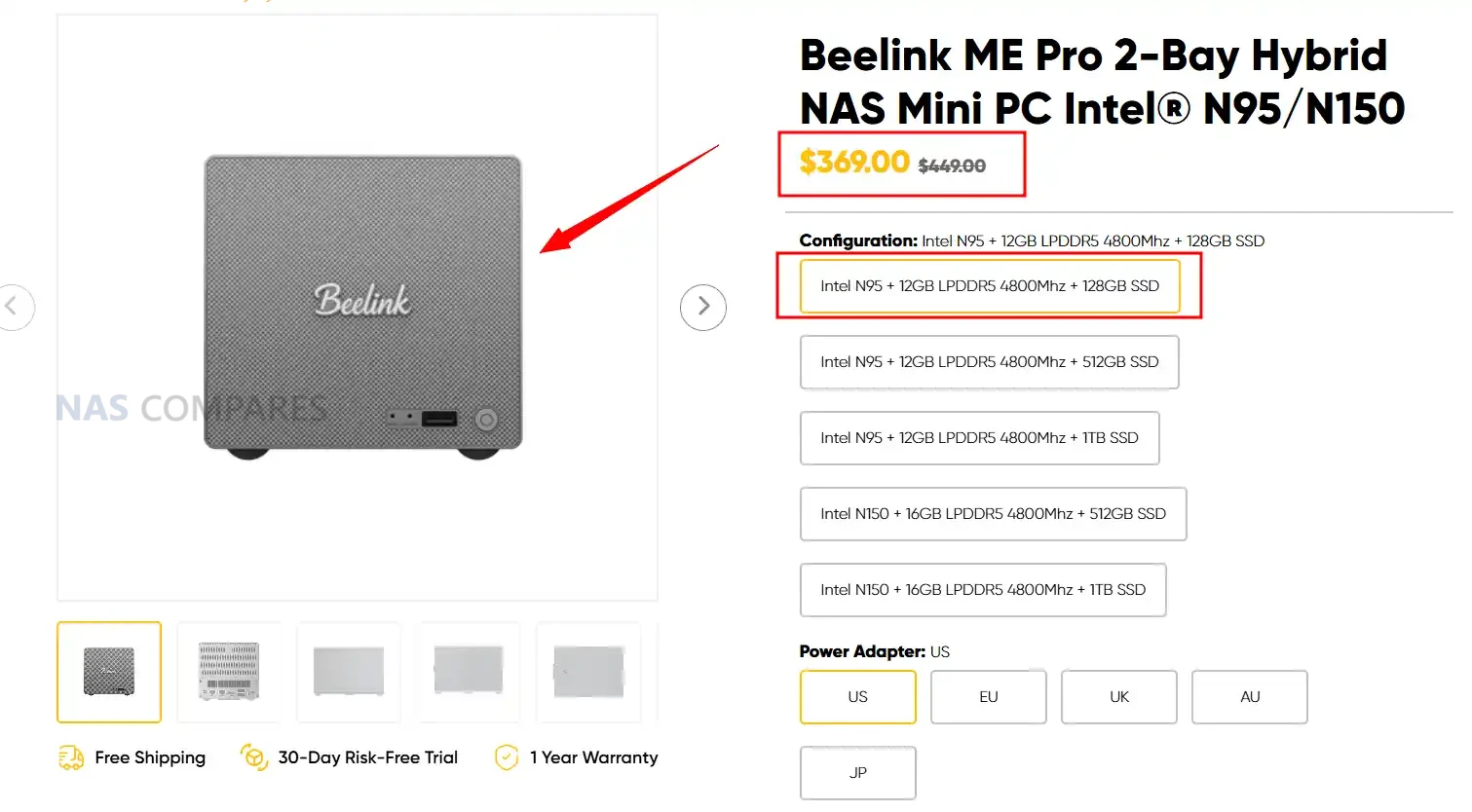
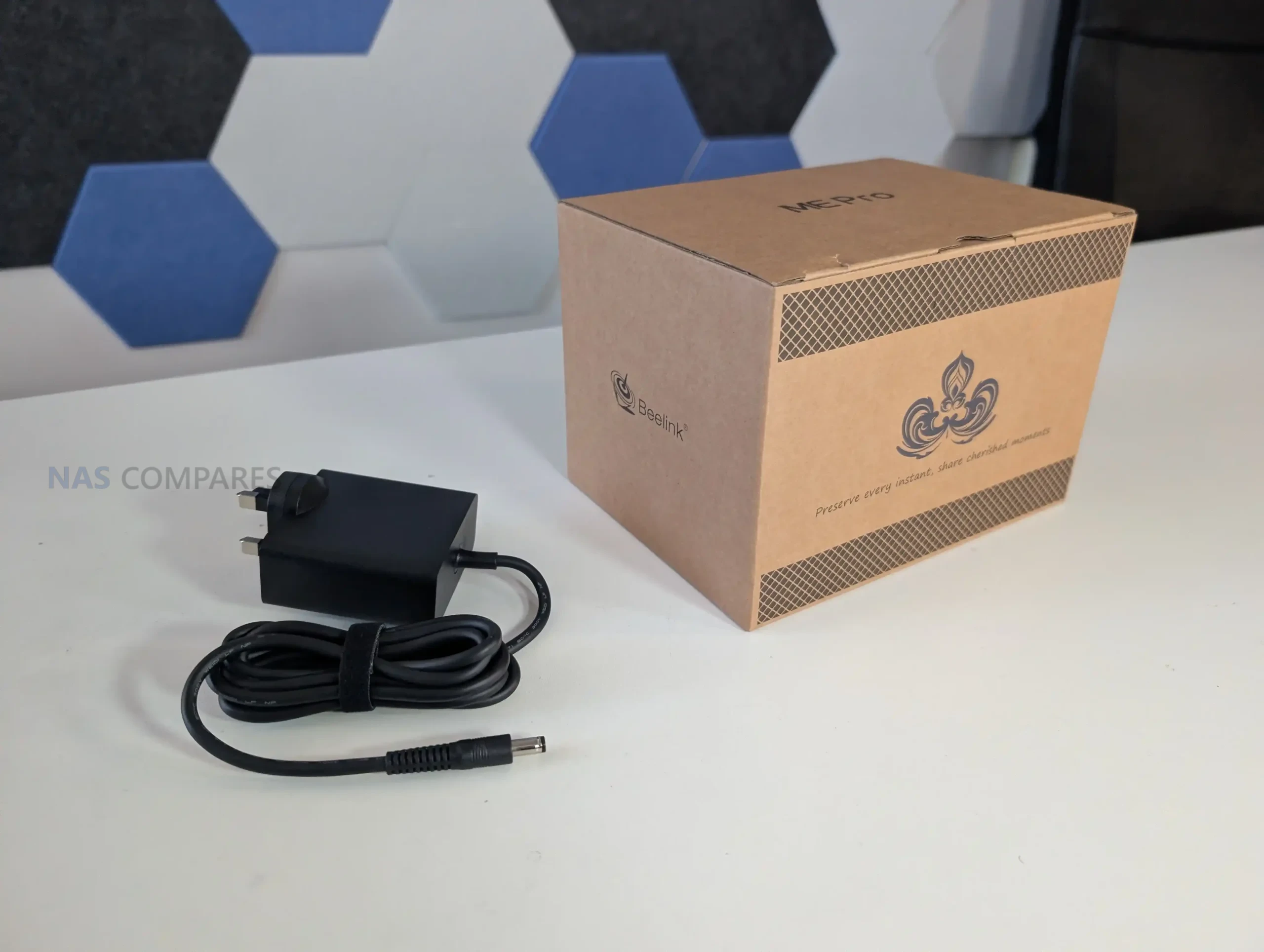
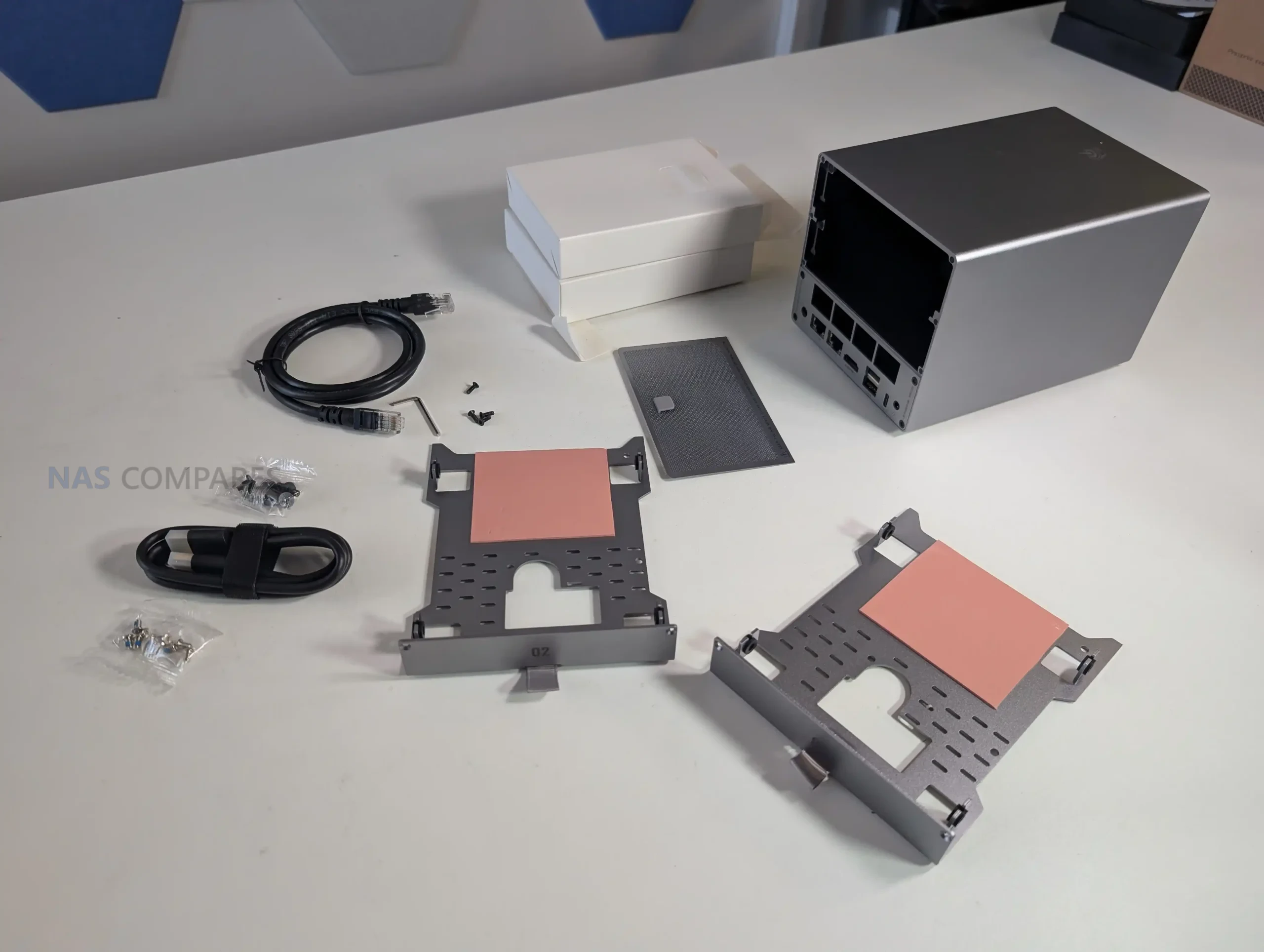
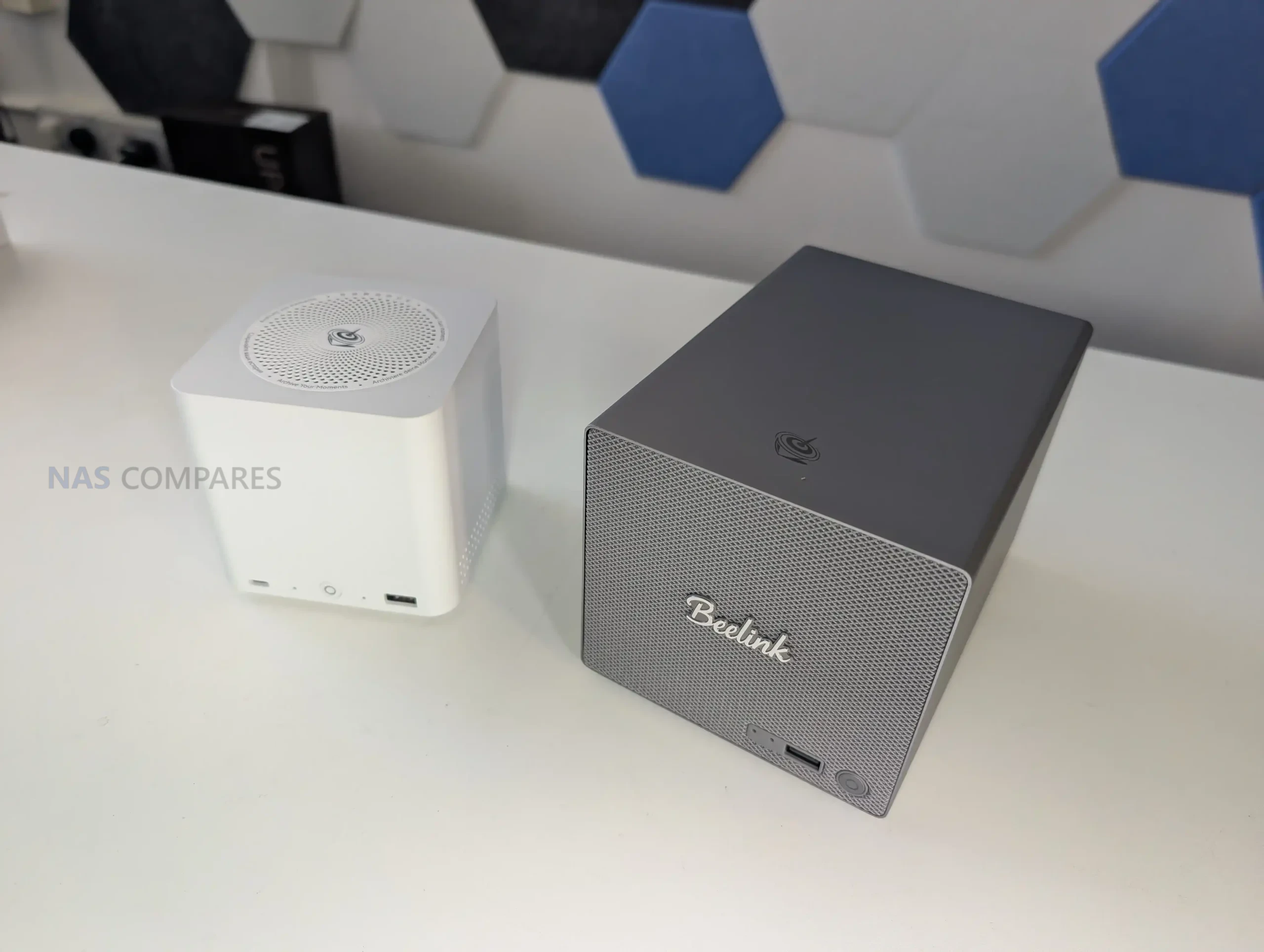
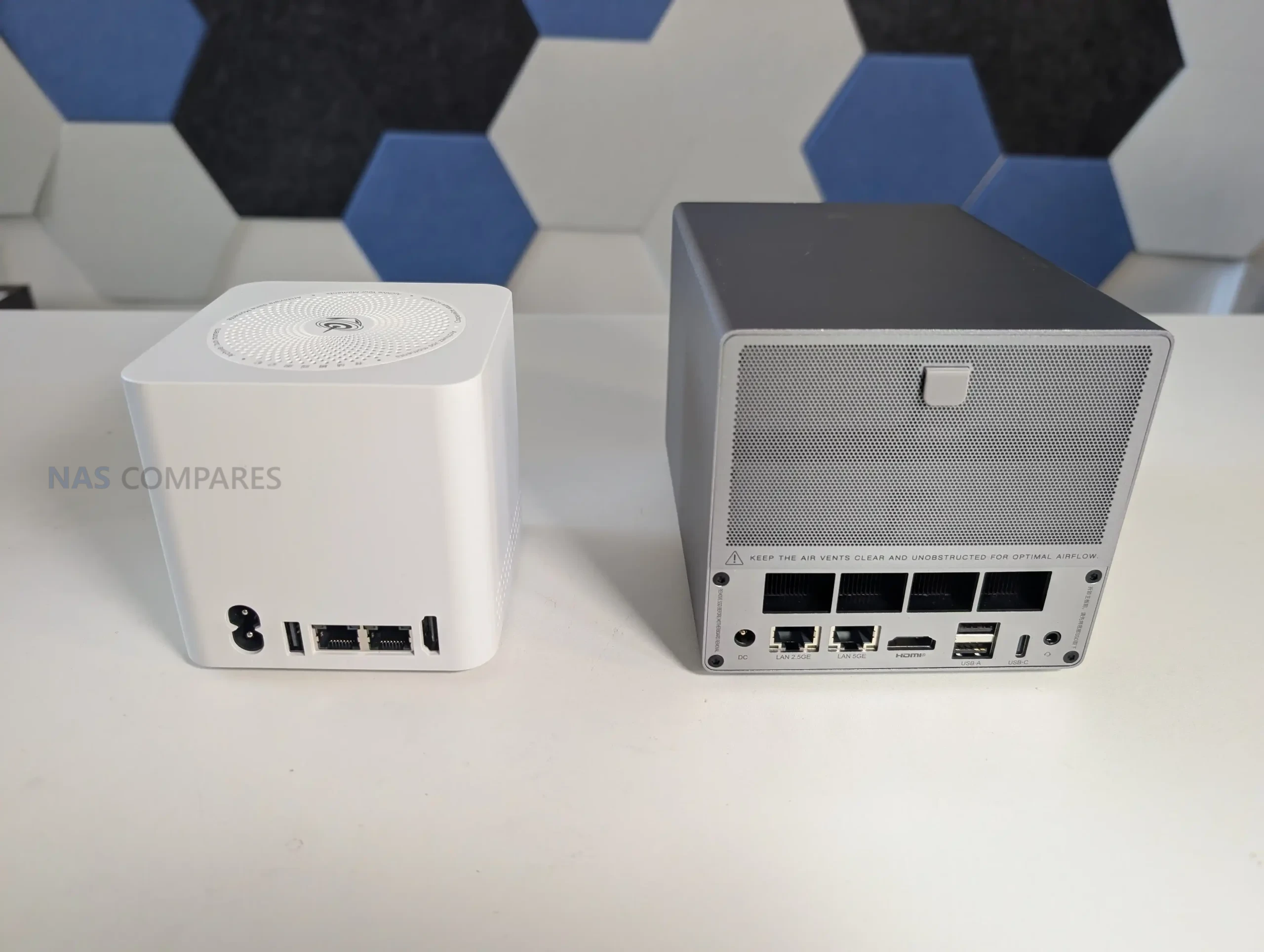
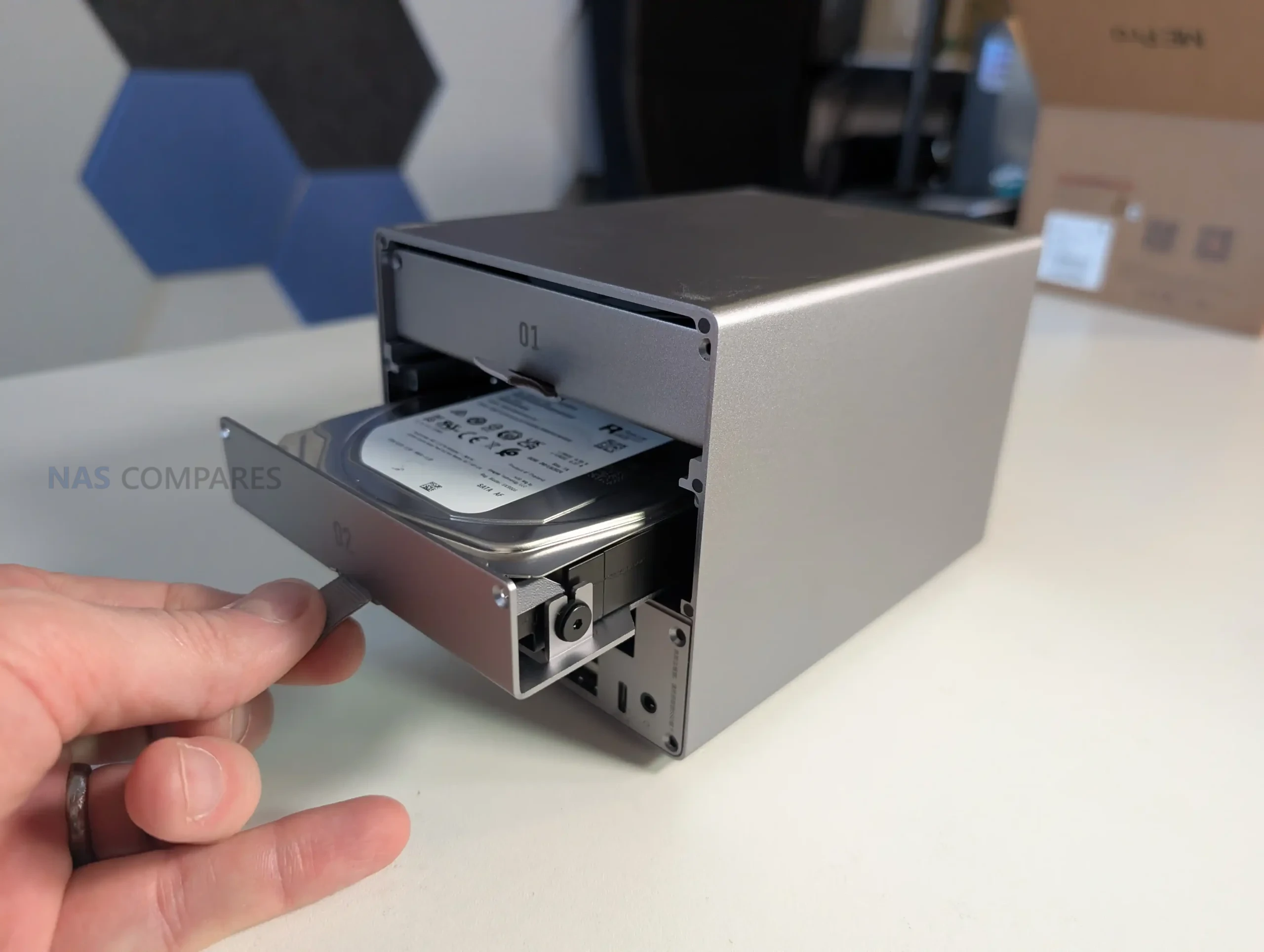
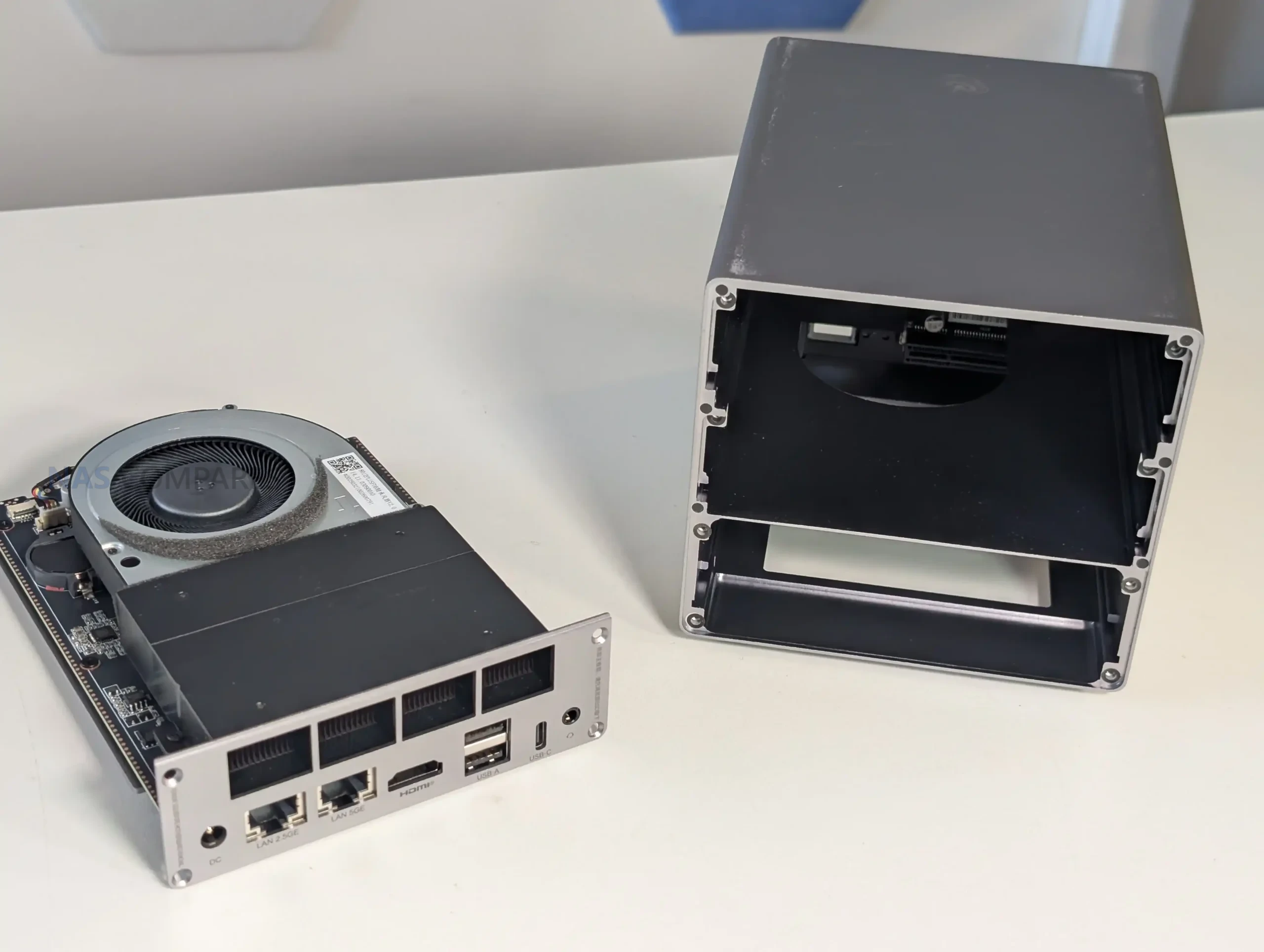
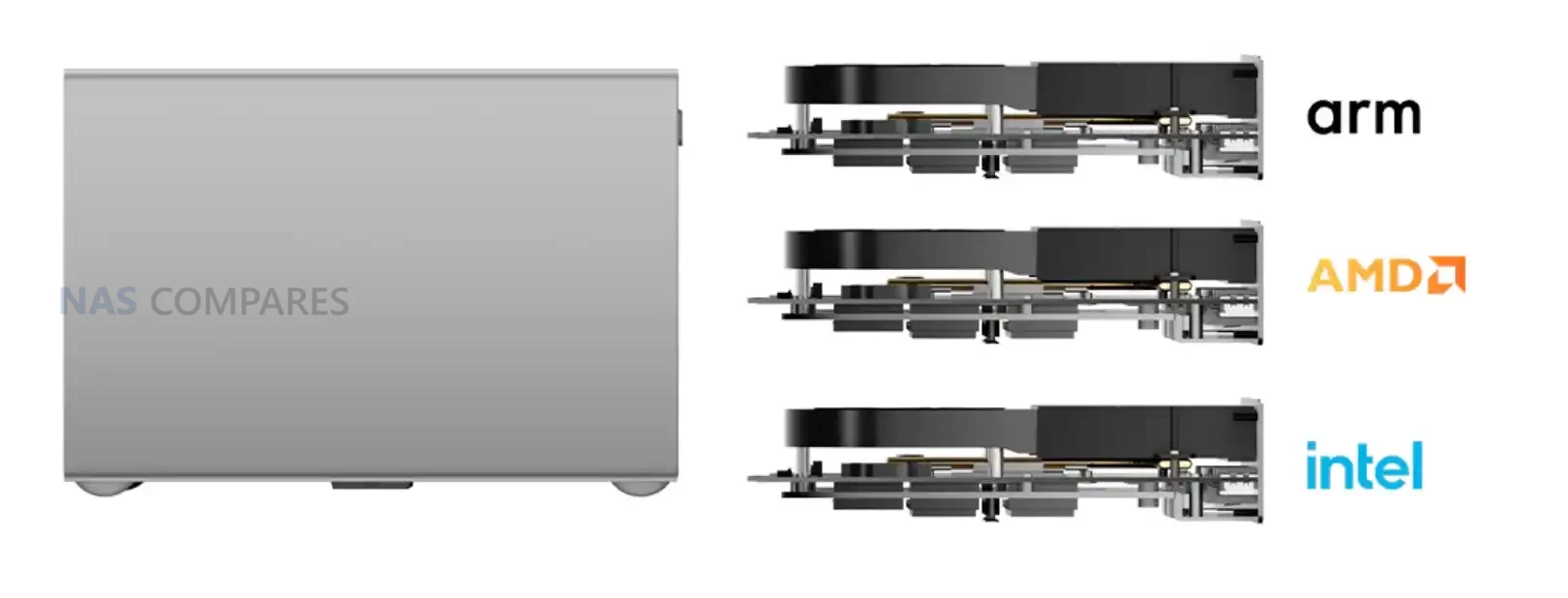
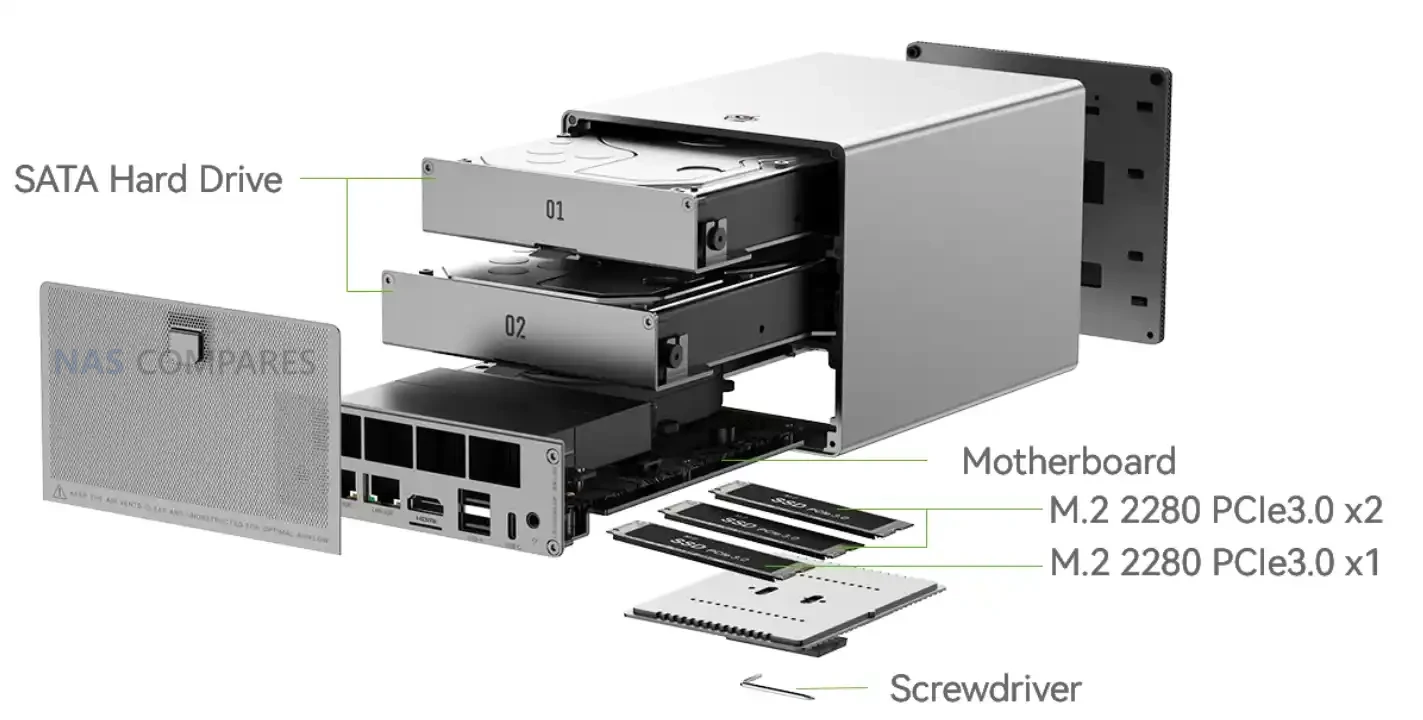
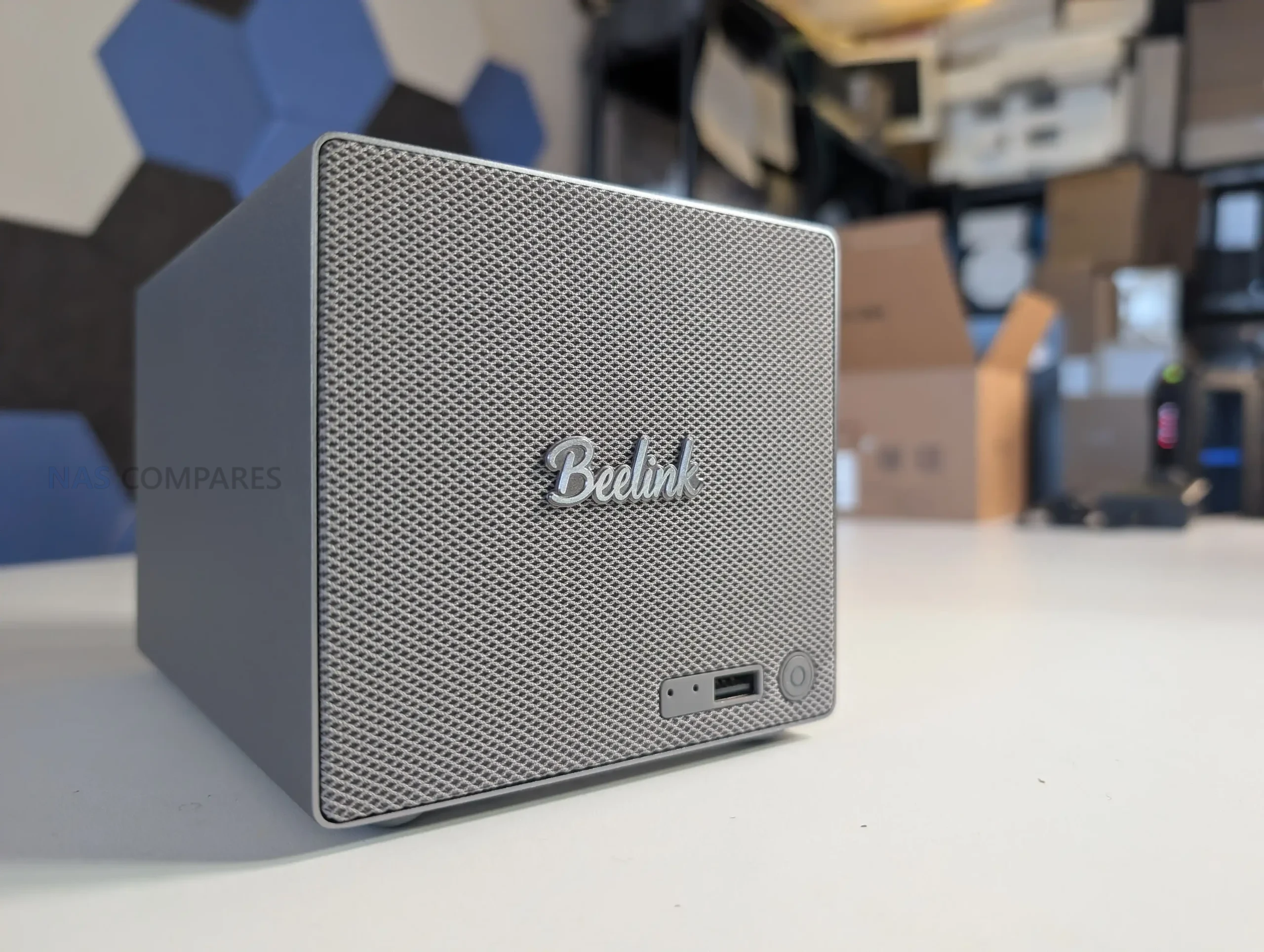
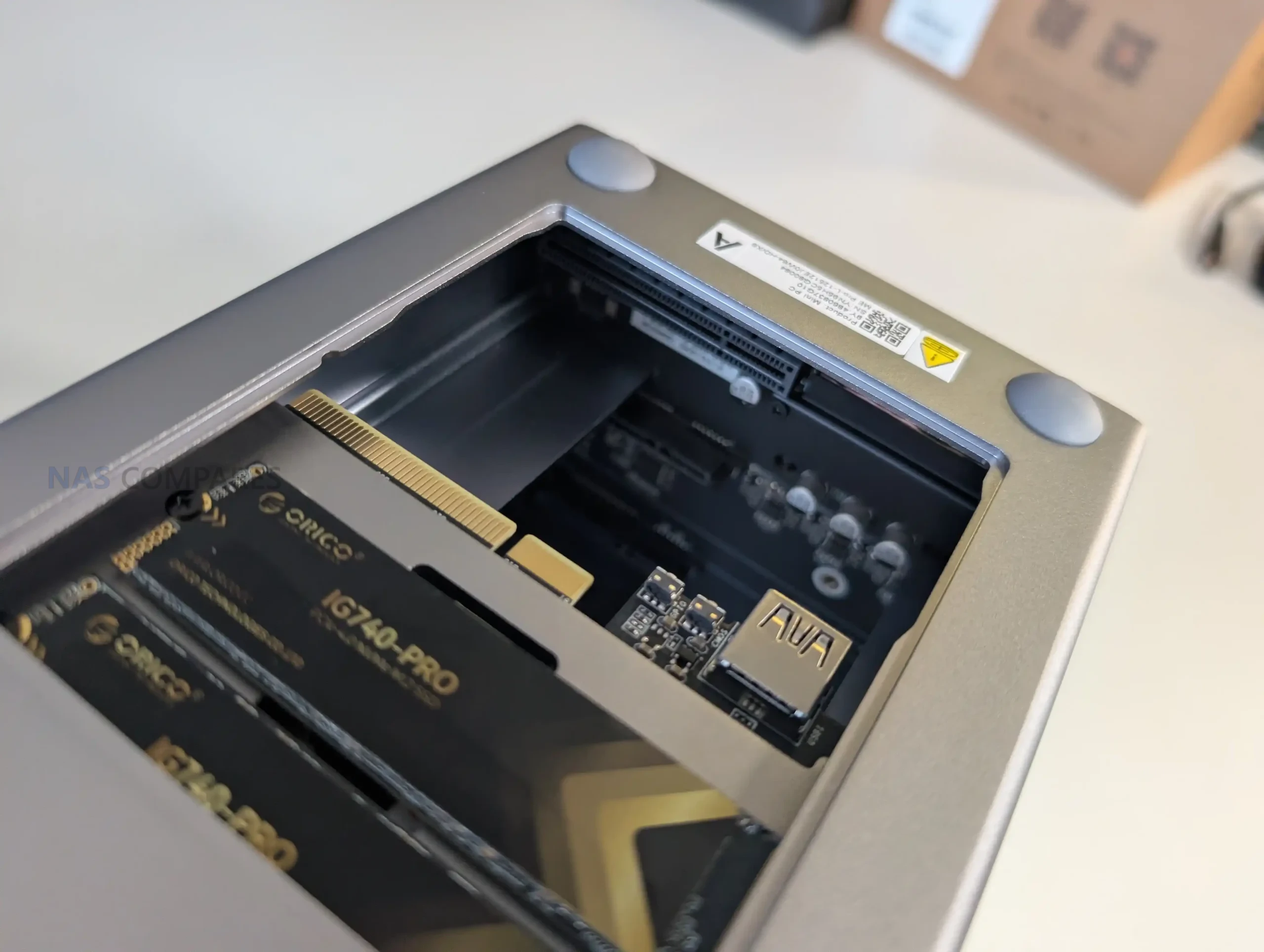
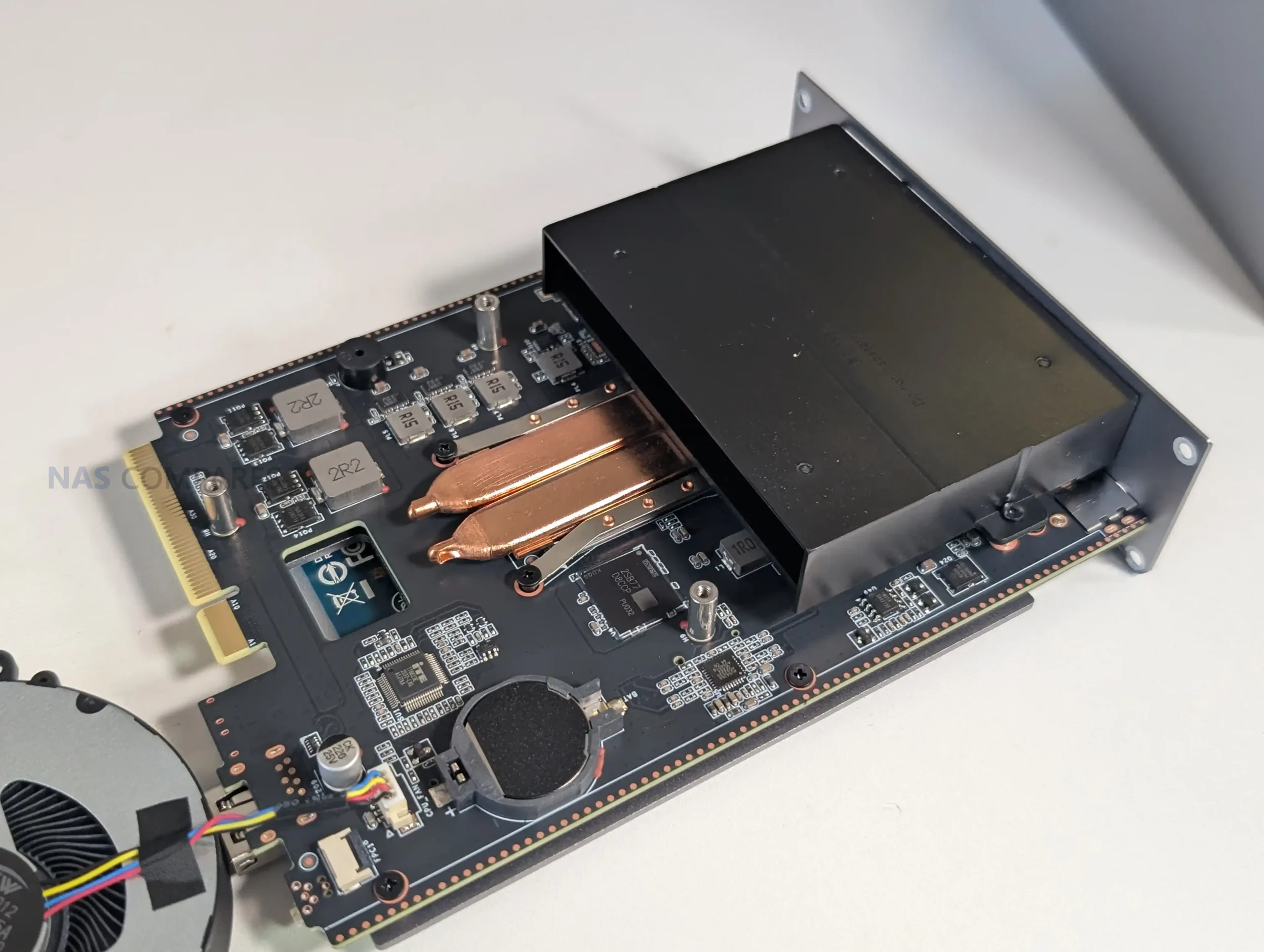
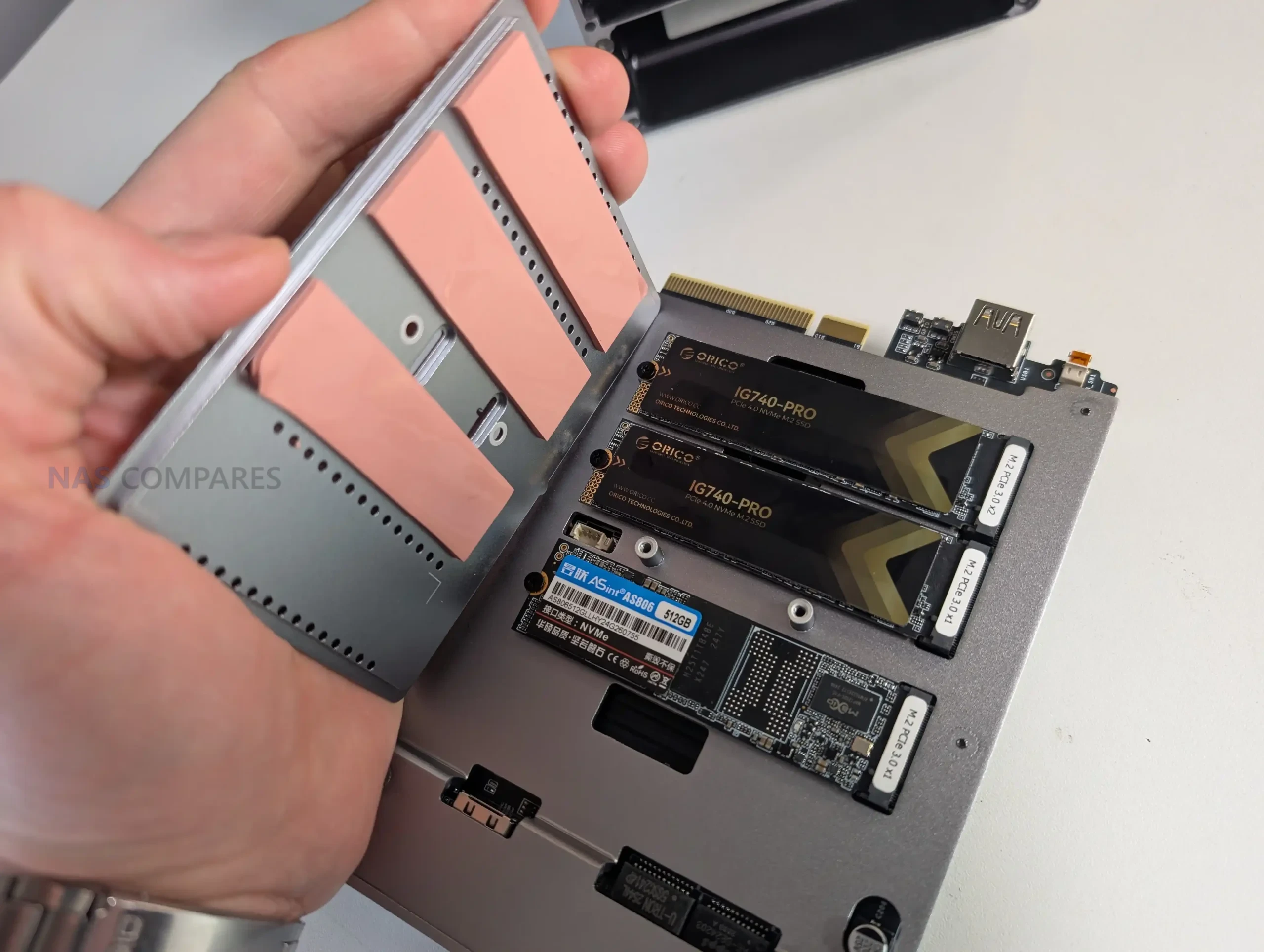
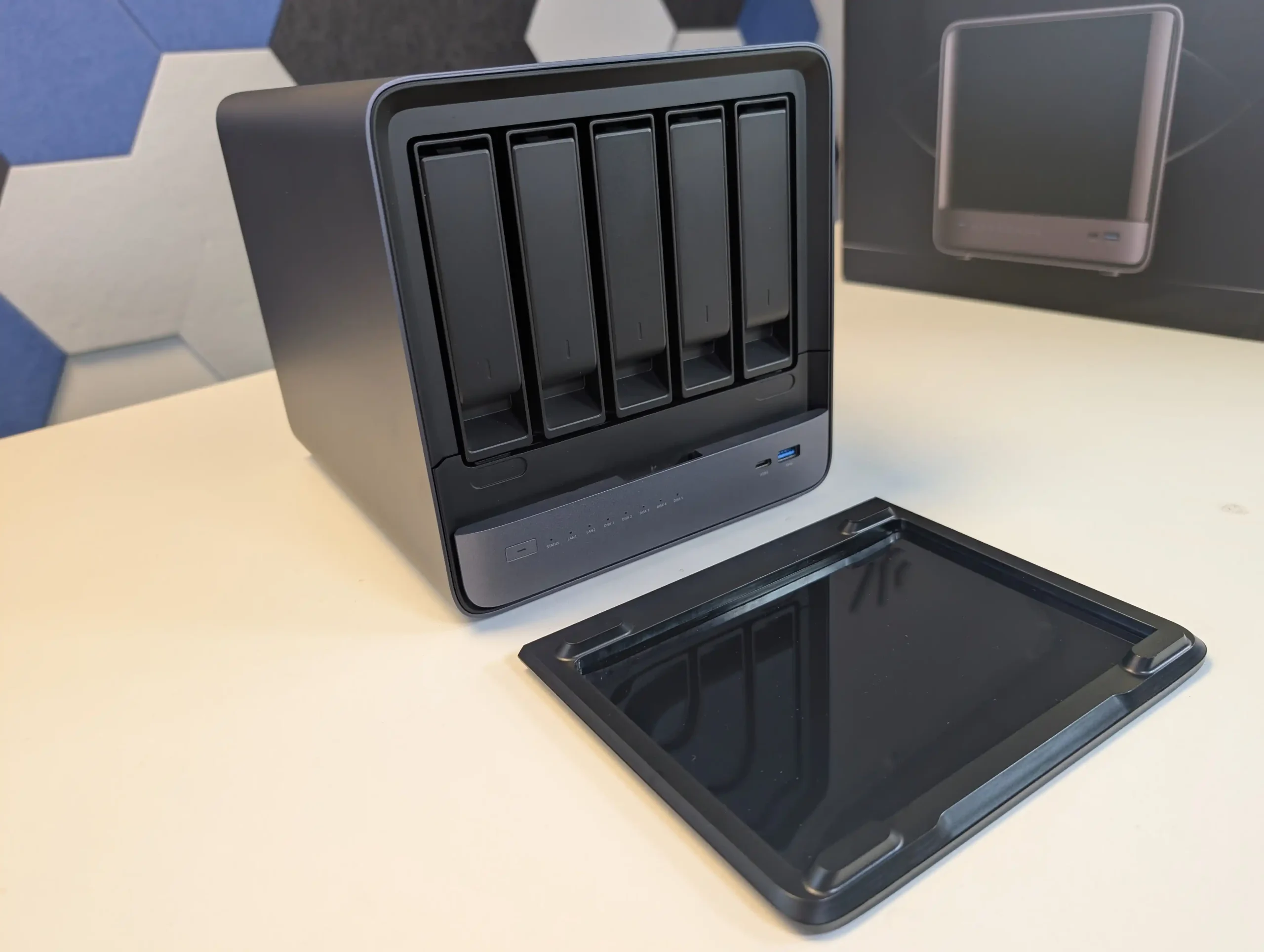
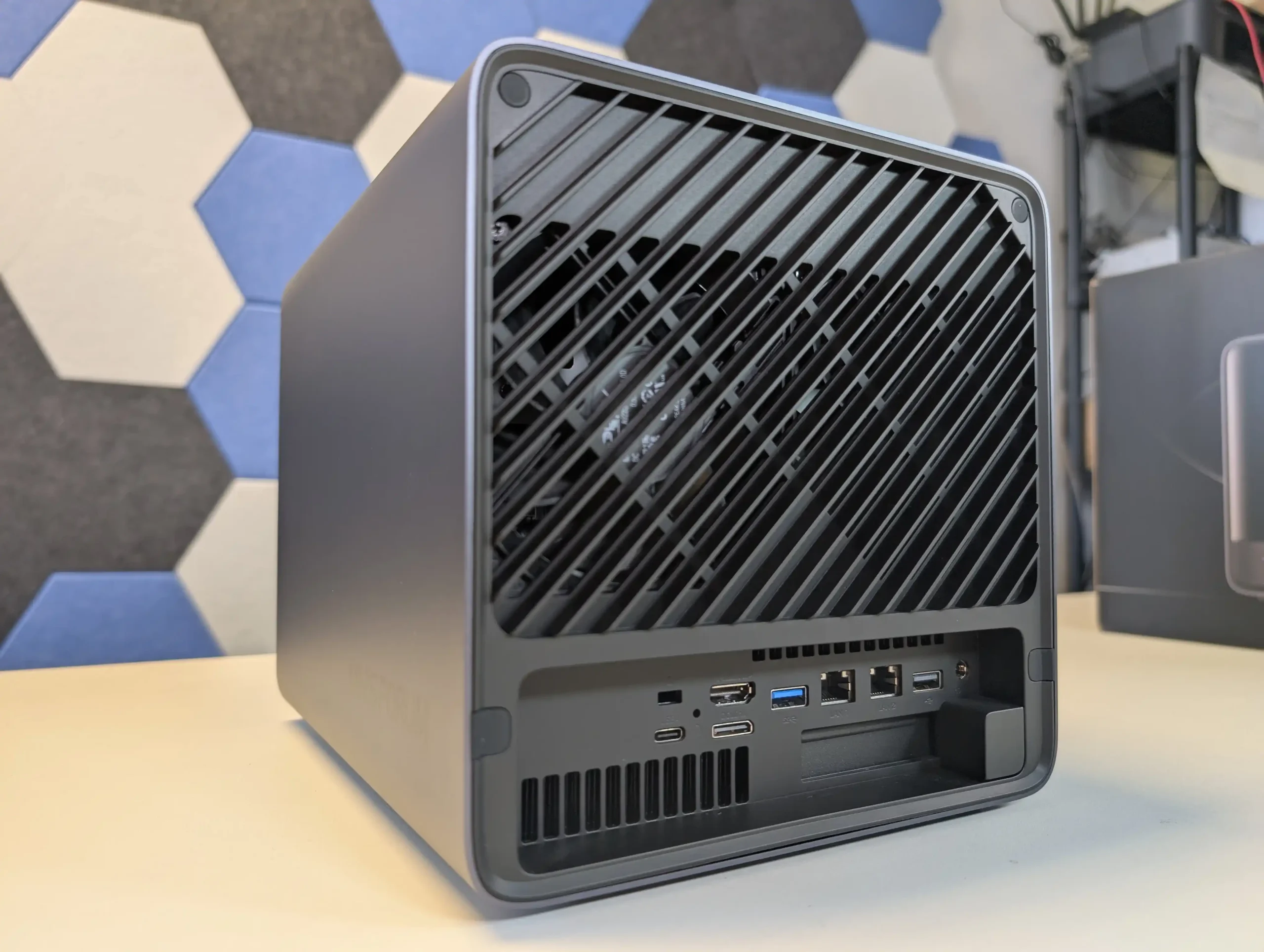
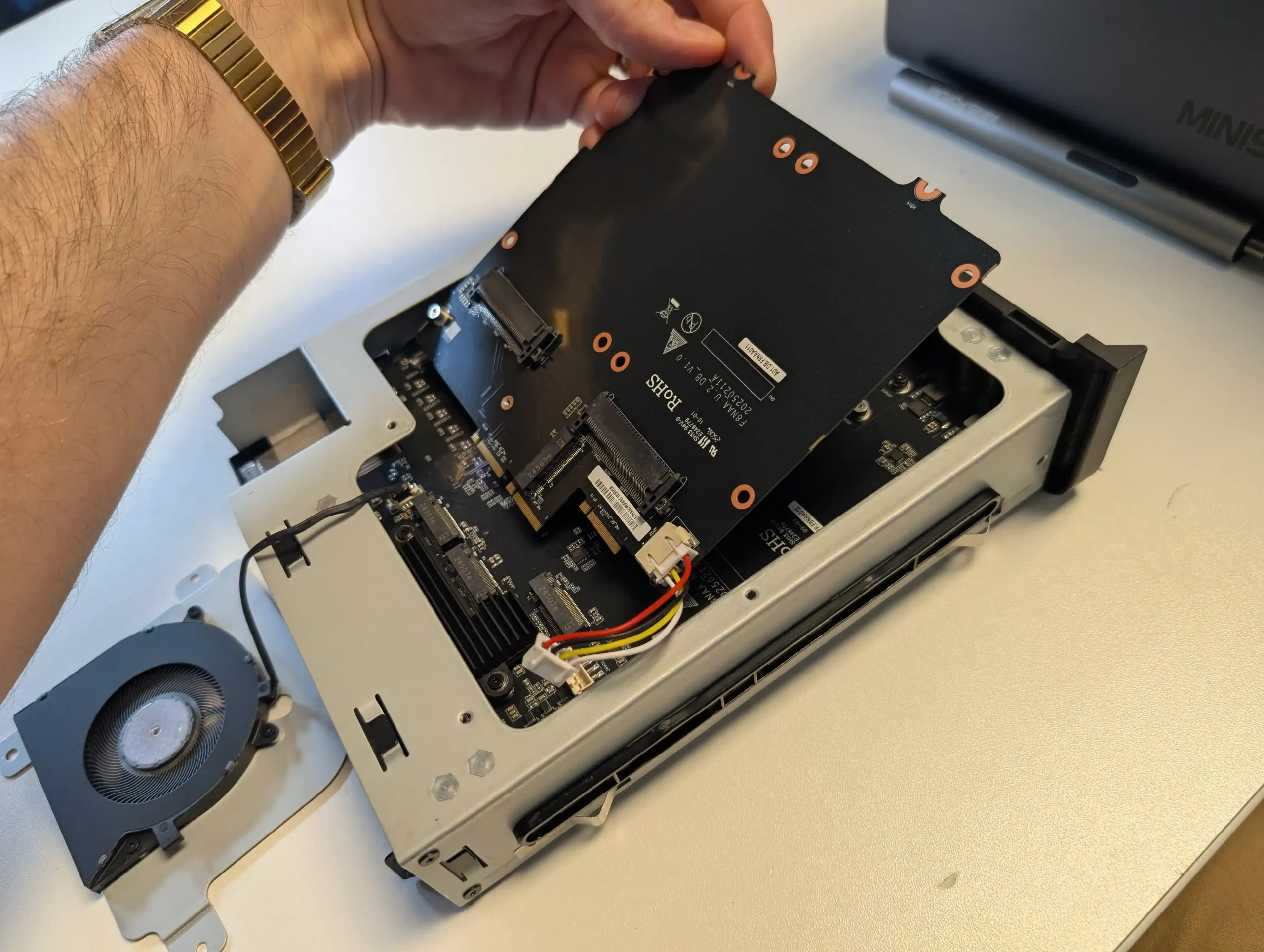
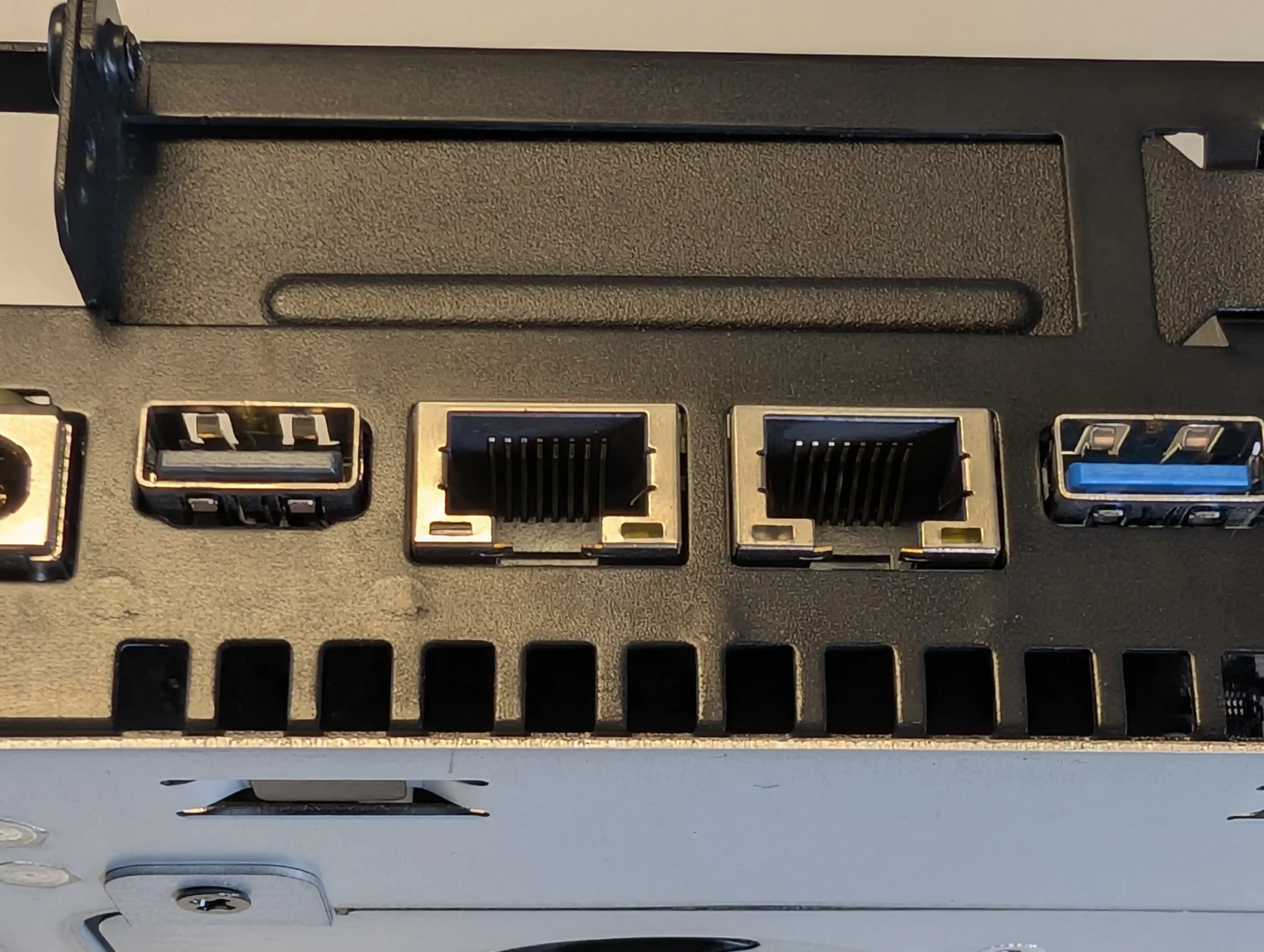
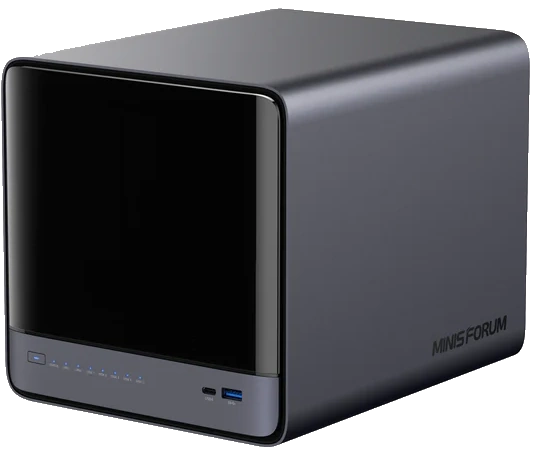
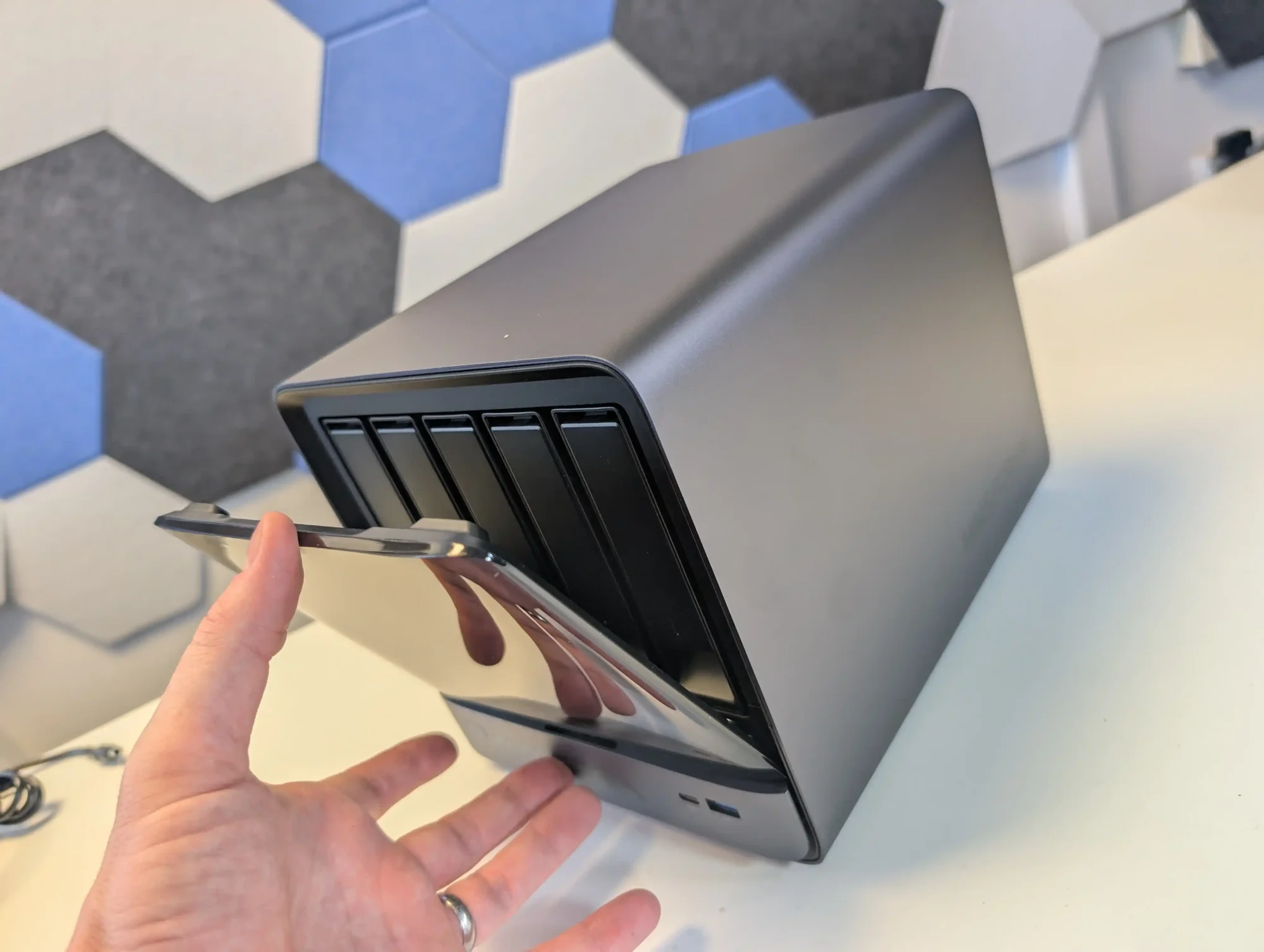

 AI 9 HX PRO 370 CPU with 12 cores, 24 threads, and AI acceleration (50 TOPS NPU) is INCREDIBLE for a compact desktop purchase