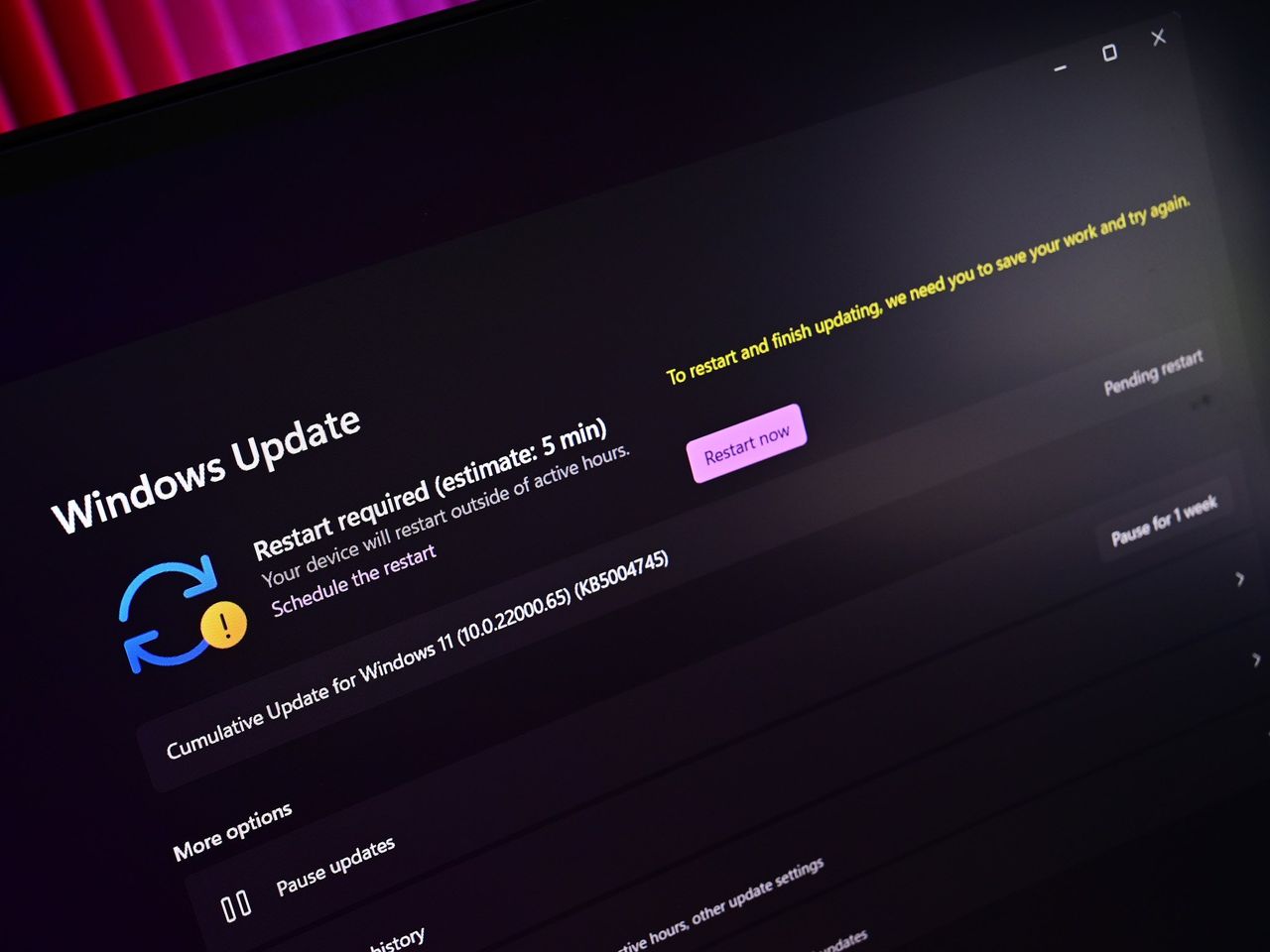
Microsoft s’attaque enfin à l’un des points les plus critiqués de Windows : Windows Update. L’éditeur prépare plusieurs changements importants pour améliorer l’expérience utilisateur, notamment en donnant plus de contrôle sur l’installation des mises à jour et en réduisant leur impact sur l’utilisation du PC.
Ces évolutions marquent un changement de stratégie pour Microsoft, qui reconnaît implicitement que le système de mise à jour actuel reste une source majeure de frustration pour les utilisateurs.
Un problème historique de Windows
Depuis Windows 10, Windows Update est souvent critiqué pour plusieurs raisons :
installation forcée des mises à jour
redémarrages imprévus
manque de contrôle pour l’utilisateur
bugs introduits par certaines mises à jour
Ces critiques se sont poursuivies avec Windows 11, malgré plusieurs améliorations apportées au fil des versions.
Microsoft veut redonner du contrôle aux utilisateurs
Avec les changements à venir, Microsoft cherche à rendre Windows Update moins intrusif et plus prévisible.
Parmi les évolutions évoquées :
une meilleure gestion du moment où les mises à jour sont installées
une réduction des interruptions liées aux redémarrages
une approche plus flexible pour l’utilisateur
L’objectif est clair : éviter que Windows Update ne perturbe l’utilisation du PC, notamment pendant le travail ou les sessions de jeu.
Une tentative de restaurer la confiance
Ces changements s’inscrivent dans une volonté plus globale de Microsoft de réduire les points de friction dans Windows 11 et d’améliorer l’image du système auprès des utilisateurs.
L’éditeur semble vouloir faire un “retour en arrière partiel” sur certaines décisions impopulaires prises ces dernières années, en rééquilibrant le contrôle entre le système et l’utilisateur.
Cela inclut également d’autres ajustements dans Windows 11, comme des améliorations de l’interface ou la simplification de certaines fonctionnalités.
Une évolution nécessaire après de nombreuses critiques
Ce changement intervient après plusieurs années de critiques autour de Windows Update, régulièrement pointé du doigt pour :
des mises à jour problématiques
des bugs introduits après Patch Tuesday
des comportements imprévisibles
Microsoft semble désormais reconnaître que ces problèmes ont un impact réel sur l’expérience utilisateur et tente de corriger le tir.
À terme, Microsoft souhaite rendre Windows Update :
plus discret
plus intelligent
et mieux adapté aux usages réels des utilisateurs
Si ces changements tiennent leurs promesses, ils pourraient améliorer significativement l’image de Windows Update, souvent perçu comme l’un des points faibles du système.
As part of Microsoft's big plan to address quality issues on Windows 11, the company has confirmed that it's working on fixing performance of menus, folders, and search in File Explorer.
A big change coming soon to Windows 11 will allow users to say no to installing updates for as long as they want, a level of freedom that hasn't been seen since Windows 8.
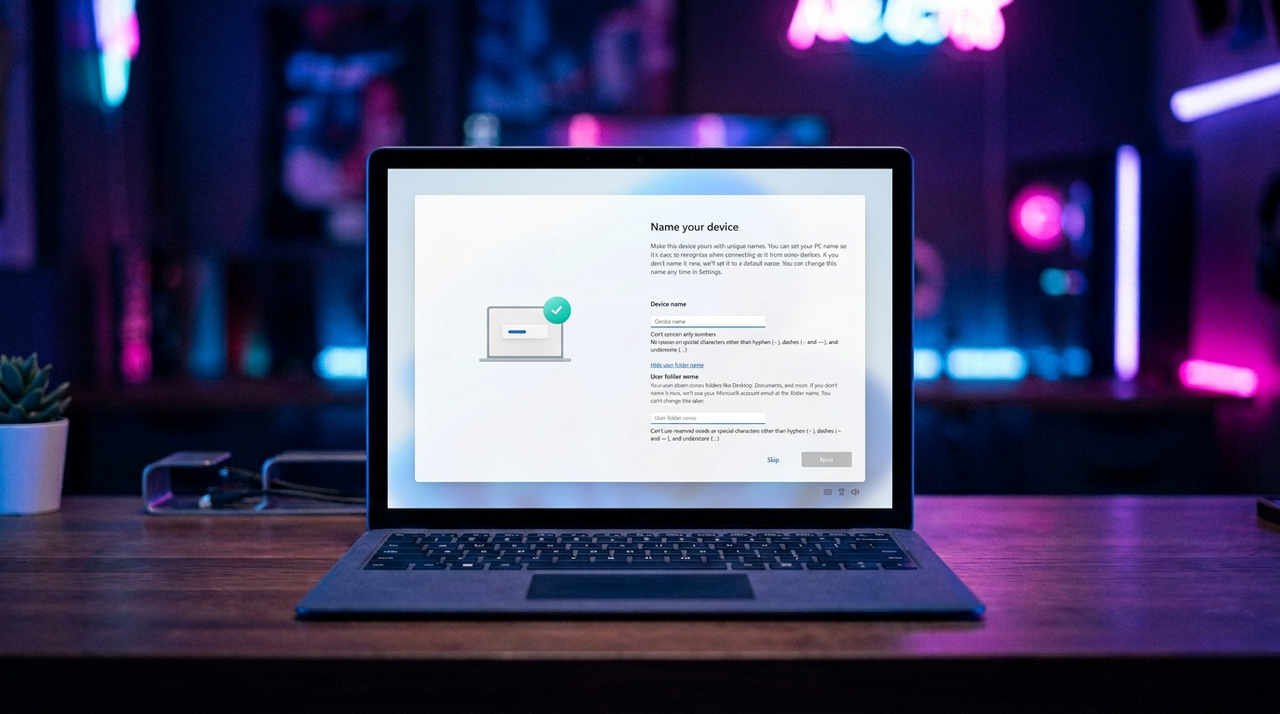
Microsoft's big sweeping set of improvements coming soon to Windows 11 don't address its controversial Microsoft account requirements, but that might soon change.
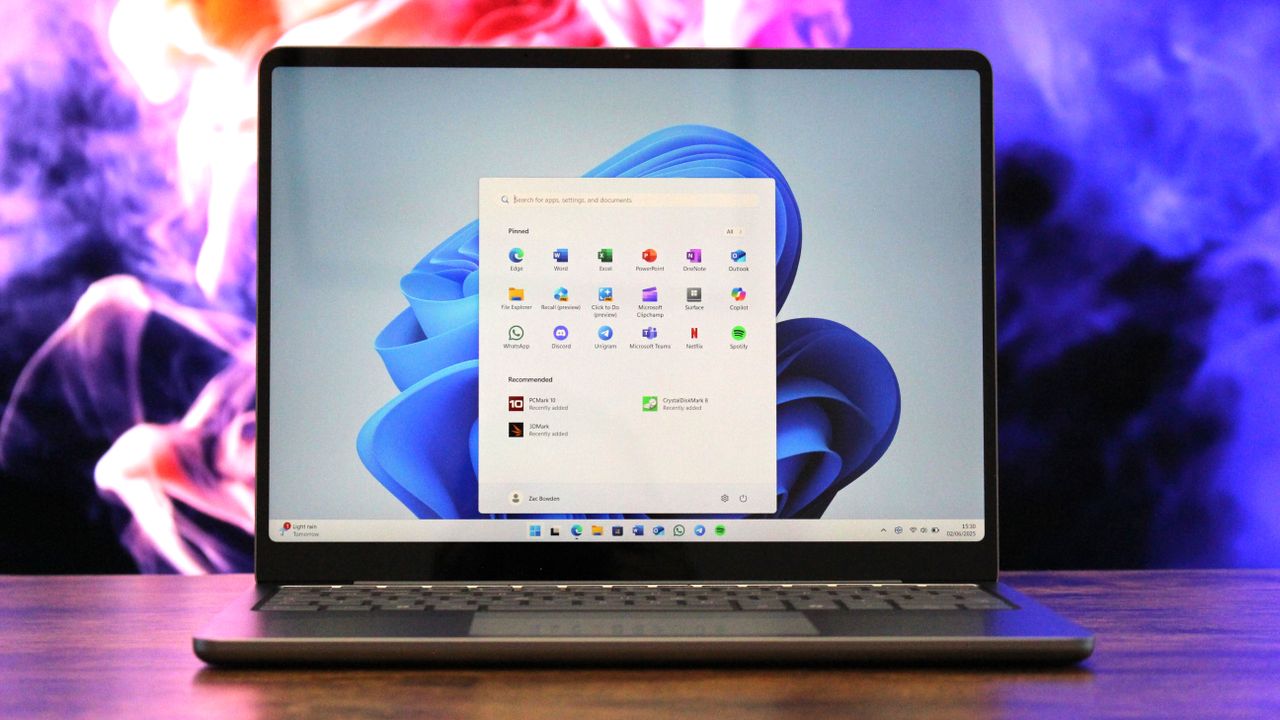
After feeling the heat from macOS and Linux, Microsoft is getting its act together and making significant changes to Windows 11 that will bring it up to par with the competition.
Microsoft is launching the "largest update ever" to the Feedback Hub, featuring a unified submission flow and modernized navigation to prove it’s finally listening to Windows 11 critics.
Microsoft a publié plusieurs mises à jour d’urgence (hotpatch) pour Windows 11, notamment KB5084897 et KB5084597, afin de corriger des problèmes récents affectant certains appareils et une vulnérabilité critique de sécurité.
Ces mises à jour concernent principalement Windows 11 versions 24H2 et 25H2 en environnement Enterprise, avec un déploiement spécifique via le système de hotpatch, qui permet d’appliquer certains correctifs sans redémarrage complet du système.
Un hotpatch pour corriger une faille critique RCE (KB5084597)
La mise à jour KB5084597 corrige une vulnérabilité critique dans le service Routing and Remote Access Service (RRAS), qui pouvait permettre une exécution de code à distance (RCE).
Cette faille affecte les composants réseau de Windows et pourrait être exploitée pour exécuter du code sur une machine ciblée sans interaction importante de l’utilisateur. Microsoft a donc publié ce correctif en out-of-band (hors Patch Tuesday) afin de corriger rapidement le problème.
Ce type de mise à jour est généralement réservé aux vulnérabilités critiques nécessitant une correction rapide, sans attendre le cycle mensuel des mises à jour.
Correction d’un bug Bluetooth (KB5084897)
En parallèle, Microsoft a déployé la mise à jour KB5084897, qui corrige un problème affectant la visibilité des périphériques Bluetooth sur certains systèmes Windows 11 utilisant le hotpatch.
Le bug empêchait certains appareils Bluetooth d’apparaître correctement dans l’interface, rendant leur connexion ou leur utilisation difficile. Cette mise à jour corrige spécifiquement ce comportement pour les appareils concernés.
Le fonctionnement des hotpatch Windows
Ces mises à jour s’appuient sur la technologie hotpatch, introduite récemment par Microsoft pour Windows 11 Enterprise.
Contrairement aux mises à jour classiques :
elles peuvent être appliquées sans redémarrage dans certains cas
elles ciblent des composants spécifiques du système
elles sont déployées de manière plus rapide sur les environnements professionnels
Cependant, ce système reste limité à certaines éditions de Windows (Enterprise / managed devices) et ne concerne pas la majorité des PC grand public.
Des correctifs en réponse à une série de problèmes récents
Ces hotpatchs interviennent dans un contexte où les dernières mises à jour Windows 11 ont déjà provoqué plusieurs problèmes :
bugs d’installation
problèmes de connexion aux comptes Microsoft
dysfonctionnements matériels ou logiciels
Microsoft adopte ici une stratégie de correctifs rapides hors cycle pour corriger les problèmes critiques dès leur apparition.
Une tendance vers des correctifs plus rapides
Le déploiement de hotpatchs comme KB5084597 et KB5084897 montre une évolution de la stratégie de Microsoft :
correction plus rapide des failles critiques
réduction du besoin de redémarrage
réponse plus agile aux incidents
Cette approche vise à améliorer la réactivité face aux vulnérabilités et aux bugs, notamment dans les environnements professionnels où les interruptions doivent être limitées.
La mise à jour cumulative KB5079473 de Windows 11, déployée lors du Patch Tuesday de mars 2026, provoque un nouveau problème majeur : certains utilisateurs ne peuvent plus se connecter à leur compte Microsoft dans plusieurs applications.
Microsoft a officiellement reconnu ce bug et l’a ajouté à la liste des problèmes connus de la mise à jour.
Impossible de se connecter aux applications Microsoft
Après l’installation de KB5079473, plusieurs applications peuvent refuser la connexion au compte Microsoft, notamment :
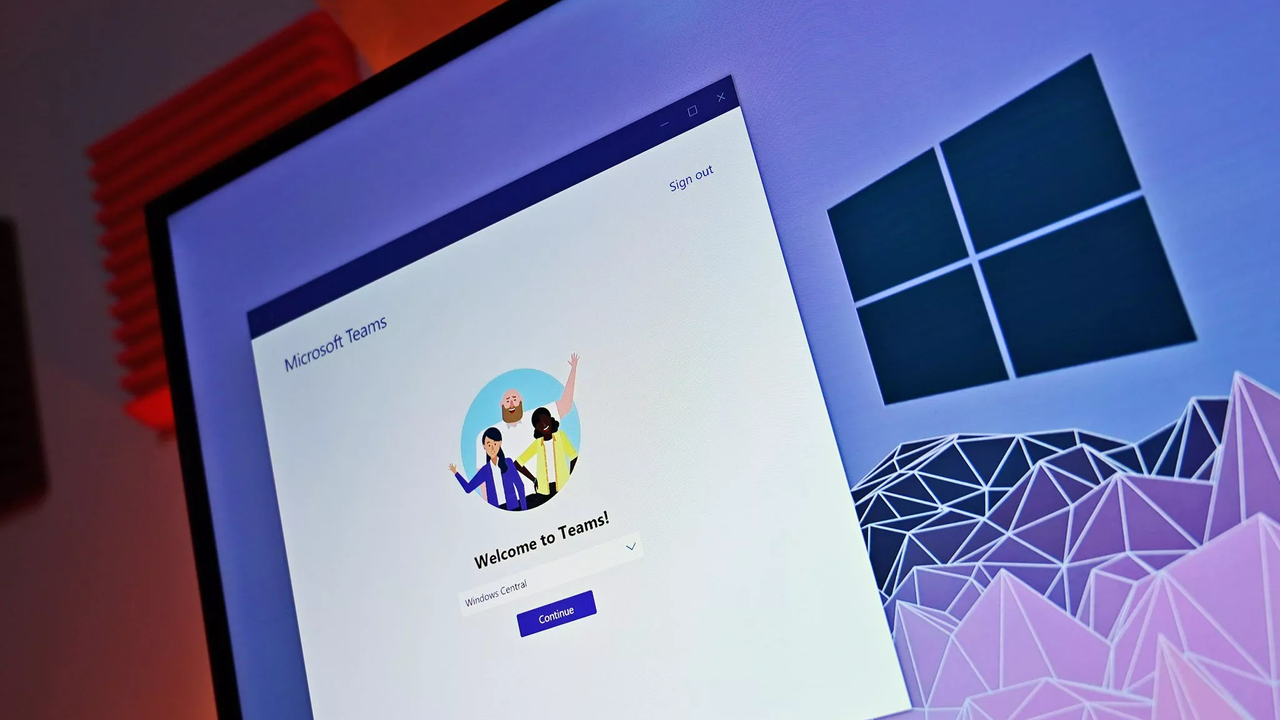
Microsoft Teams (version gratuite)
OneDrive
Microsoft Edge
Word et Excel
Microsoft 365 Copilot
Dans ces cas, les utilisateurs voient apparaître un message d’erreur trompeur : “Vous avez besoin d’Internet pour cela… vous n’êtes pas connecté”
Ce message s’affiche même lorsque la connexion Internet fonctionne parfaitement.
Un bug lié à l’état réseau du système
Selon Microsoft, le problème serait lié à un état spécifique de connectivité réseau déclenché après l’installation de la mise à jour.
Concrètement, le système pense être hors ligne alors qu’il est bien connecté, ce qui empêche les applications de valider l’authentification du compte Microsoft. Ce bug ne touche que : les connexions avec compte Microsoft personnel
Les environnements professionnels utilisant Microsoft Entra ID (ex Azure AD) ne sont pas concernés.
Un correctif en attente, un contournement temporaire
Pour le moment, Microsoft n’a pas encore publié de correctif définitif.
En attendant, l’éditeur propose une solution temporaire : redémarrer le PC en restant connecté à Internet
Cette manipulation permet dans certains cas de réinitialiser l’état réseau et de restaurer la connexion aux applications.
Attention toutefois : si le PC est redémarré sans connexion active, le problème peut réapparaître.
Un nouveau bug dans une série déjà problématique
Ce problème s’ajoute à une série de bugs déjà signalés avec KB5079473, notamment :
erreurs d’installation
boucles de redémarrage
gels du système
problèmes graphiques
Plus largement, ce Patch Tuesday de mars 2026 semble particulièrement instable, avec plusieurs incidents confirmés sur différentes configurations.
Une situation qui se répète
Ce nouvel incident illustre une fois de plus les difficultés rencontrées par Microsoft pour stabiliser ses mises à jour.
Ces derniers mois, plusieurs Patch Tuesday ont déjà provoqué des problèmes importants, notamment celui de janvier 2026, qui avait affecté Windows 11 et plusieurs applications.
Microsoft wants everyone on a Microsoft Account, but the latest Windows 11 update is breaking sign-ins with a fake "no internet" error for Teams, Office, and other Microsoft apps.
UniFi and the Airwire – Did Ubiquiti just SOLVE Everyone’s WiFi MLO Issue?
Ubiquiti has introduced the UniFi AirWire, a WiFi 7 client adapter designed to address one of the more limited areas of current WiFi 7 deployment: the client side. While WiFi 7 access points and routers have been marketed heavily around Multilink Operation, many currently available client devices still rely on single-radio implementations that switch between bands rather than maintaining simultaneous links. The AirWire is positioned as a dedicated external client that aims to deliver true STR MLO operation across 5 GHz and 6 GHz, with Ubiquiti claiming improved throughput, lower latency, and better resilience than conventional integrated client hardware.
At a hardware level, the AirWire is a USB-C connected WiFi 7 adapter with a 4-stream design, support for 5 GHz and 6 GHz 2 x 2 MU-MIMO operation, and a quoted uplink capability of up to 5.8 Gbps on 6 GHz and 4.3 Gbps on 5 GHz. It also adds a high-gain antenna design and a dedicated scanning radio for real-time spectrum analysis. At $199, this places it well above the cost of generic USB wireless adapters, but it is also targeting a more specific role: enabling multi-gigabit wireless client connectivity in environments that already have the access point infrastructure to support it.
You can buy the Airwire via the link below – doing so will result in a small commission coming to me and Eddie at NASCompares, and allows us to keep doing what we do!
UniFi Airwire – Design
The UniFi AirWire has a noticeably different physical design to the compact USB WiFi adapters that are typically associated with desktop or laptop client upgrades. At 117 x 117 x 42.5 mm and 537 g, it is much closer in appearance to a standalone wireless bridge or directional client than a conventional dongle. That larger enclosure is directly tied to its intended function, as Ubiquiti is clearly building around higher power operation, larger antenna structures, and the thermal requirements that come with sustained WiFi 7 activity across multiple radios.
The housing is made of polycarbonate and includes a fold-out top section that appears to be part of the antenna assembly and directional positioning of the unit. This gives the AirWire a more deliberate deployment profile, where placement and orientation are likely to matter more than they would with an internal laptop radio or a low-profile USB adapter. On the front, there is also a 0.96-inch status display, which provides at-a-glance information during setup and operation without needing to rely entirely on software feedback from the host system.
From a practical standpoint, the design reflects that this is not intended to be an invisible add-on for casual wireless use. It is an external client device built to sit on a desk or near a workstation, with a form factor that prioritizes radio performance and signal handling over portability. That makes it less discreet than mainstream client adapters, but it also aligns with the product’s stated purpose as a high-performance WiFi 7 endpoint for users trying to push beyond the limitations of standard integrated wireless hardware.
UniFi Airwire – Internal Hardware
Internally, the UniFi AirWire is built around a dual-band WiFi 7 architecture that focuses entirely on 5 GHz and 6 GHz operation, without any 2.4 GHz support. Ubiquiti rates the device as a 4-stream client, split across 2 x 2 MU-MIMO on 5 GHz and 2 x 2 MU-MIMO on 6 GHz.
This layout is central to its stated role as an STR MLO client, allowing both bands to be active simultaneously rather than relying on the more common single-radio behaviour seen in many current WiFi 7 client devices.
Ubiquiti also specifies a high-gain antenna design, with 11 dBi quoted on both 5 GHz and 6 GHz, which is significantly more aggressive than the antenna arrangements found in most integrated laptop or mobile WiFi hardware. Alongside this, the AirWire includes a dedicated scanning radio for real-time spectral analysis. That separate scanning capability is notable because it suggests the unit is not just focused on link speed, but also on monitoring local RF conditions and interference in parallel with normal client operation.
The trade-off for that hardware approach is power and thermals. Ubiquiti lists maximum power consumption at 18 W, with USB PD 5/9/12V support and separate normal and performance power profiles. In practical terms, that places the AirWire closer to a compact external network appliance than a typical USB wireless adapter. It also helps explain the larger chassis, the need for external power flexibility, and the expectation that sustained performance operation will demand more cooling headroom than a smaller bus-powered client device could realistically provide.
UniFi Airwire – Connectivity
The UniFi AirWire connects to the host system over USB-C, but from a networking perspective it is presented as a 5 GbE interface over USB 3.2 Gen 2. That distinction matters, because although the wireless side of the device is rated far higher in combined theoretical bandwidth, the host connection places an upper practical ceiling on what can be delivered to the attached PC, laptop, or workstation. In effect, the AirWire is designed to behave more like an external multi-gig network adapter than a conventional USB WiFi dongle.
On the wireless side, the AirWire operates on 5 GHz and 6 GHz only, with support for WiFi 7, WiFi 6, WiFi 5, and 802.11n data rates across a wide range of channel widths. Ubiquiti lists support for EHT 20/40/80/160/240/320 MHz, alongside HE, VHT, and HT modes on earlier standards. The maximum quoted link rates are 5.8 Gbps on 6 GHz using 320 MHz bandwidth and 4.3 Gbps on 5 GHz using 240 MHz bandwidth, though actual results will depend heavily on access point capability, spectrum availability, regional channel restrictions, and signal conditions.
Power delivery is also part of the connection design. Ubiquiti specifies USB PD 5/9/12V support, with 15 W in normal mode and 20 W in performance mode, while maximum device power consumption is listed at 18 W. This means that, depending on how the host system is connected and powered, full performance operation may require more than a single low-power USB port can reliably provide. That makes cable quality, port specification, and available USB power budget more relevant here than they would be for standard client adapters.
The AirWire also includes support for wireless meshing and real-time spectral analysis, which extends its connection role beyond basic client access. In a UniFi environment, setup is intended to be handled through UniFi AutoLink for rapid onboarding, reducing the need for separate client-side software installation. Even so, the broader connection experience will still depend on the surrounding infrastructure, particularly whether the connected UniFi access point supports the required WiFi 7 and 6 GHz features needed for the AirWire to operate in the way it is being marketed.
Specification
Details
Product Name
UniFi AirWire
Model
U-AirWire
Price
$199.00
Dimensions
117 x 117 x 42.5 mm
Dimensions (Imperial)
4.6 x 4.6 x 1.7 in
Weight
537 g
Weight (Imperial)
1.2 lb
WiFi Standard
WiFi 7
Spatial Streams
4
Uplink
WiFi
MIMO 6 GHz
2 x 2 (DL/UL MU-MIMO)
MIMO 5 GHz
2 x 2 (DL/UL MU-MIMO)
Max Data Rate 6 GHz
5.8 Gbps (BW320)
Max Data Rate 5 GHz
4.3 Gbps (BW240)
Antenna Gain 6 GHz
11 dBi
Antenna Gain 5 GHz
11 dBi
Max TX Power 6 GHz
20 dBm
Max TX Power 5 GHz
25 dBm
Supported Standards
802.11be, 802.11ax, 802.11ac, 802.11n
802.11be Data Rates
7.3 Mbps to 5.8 Gbps
802.11ax Data Rates
7.3 Mbps to 2.4 Gbps
802.11ac Data Rates
6.5 Mbps to 1.7 Gbps
802.11n Data Rates
6.5 Mbps to 300 Mbps
Wireless Meshing
Yes
Real-Time Spectral Analysis
Yes
Max Power Consumption
18 W
Power Supply
USB PD 5/9/12V, 15 W normal mode, 20 W performance mode
Networking Interface
1 x 5 GbE port (USB 3.2 Gen 2)
Management
USB-C
Enclosure Material
Polycarbonate
Display
0.96 in status display
Channel Bandwidth
HT 20/40, VHT 20/40/80/160, HE 20/40/80/160, EHT 20/40/80/160/240/320 MHz
NDAA Compliant
Yes
Certifications
CE, FCC, IC
Operating Temperature
-10 to 40 °C
Operating Humidity
5 to 95% non-condensing
UniFi Airwire – Verdict?
The UniFi AirWire is a more specialised product than its USB-C connection initially suggests. Rather than serving as a low-cost way to add basic WiFi 7 support to a system, it is designed to address a specific gap in the current client ecosystem: the lack of widely available true multi-radio MLO hardware on the device side. Its value therefore depends less on headline wireless specifications alone and more on whether the surrounding network environment is already capable of taking advantage of simultaneous 5 GHz and 6 GHz operation, wider channel support, and multi-gigabit client throughput.
On that basis, the AirWire appears to be an interesting but clearly targeted piece of hardware. The larger chassis, higher power requirements, directional design, and likely dependency on a strong WiFi 7 6 GHz deployment mean it is not a universal client upgrade for every user. However, for users already invested in UniFi WiFi 7 infrastructure and looking for a higher performance external client than the current mainstream market provides, it introduces a form factor and feature set that are still relatively uncommon. Whether that translates into a meaningful real-world advantage will depend on testing, particularly around sustained throughput, latency behaviour, thermal limits, and the practical impact of STR MLO outside of ideal conditions.
You can buy the Airwire via the link below – doing so will result in a small commission coming to me and Eddie at NASCompares, and allows us to keep doing what we do!
This description contains links to Amazon. These links will take you to some of the products mentioned in today's content. As an Amazon Associate, I earn from qualifying purchases. Visit the NASCompares Deal Finder to find the best place to buy this device in your region, based on Service, Support and Reputation - Just Search for your NAS Drive in the Box Below
Need Advice on Data Storage from an Expert?
Finally, for free advice about your setup, just leave a message in the comments below here at NASCompares.com and we will get back to you.Need Help?
Where possible (and where appropriate) please provide as much information about your requirements, as then I can arrange the best answer and solution to your needs. Do not worry about your e-mail address being required, it will NOT be used in a mailing list and will NOT be used in any way other than to respond to your enquiry.
[contact-form-7]
TRY CHAT Terms and Conditions
If you like this service, please consider supporting us.
We use affiliate links on the blog allowing NAScompares information and advice service to be free of charge to you.Anything you purchase on the day you click on our links will generate a small commission which isused to run the website. Here is a link for Amazon and B&H.You can also get me a Ko-fi or old school Paypal. Thanks!To find out more about how to support this advice service checkHEREIf you need to fix or configure a NAS, check FiverHave you thought about helping others with your knowledge? Find Instructions Here
Or support us by using our affiliate links on Amazon UK and Amazon US
Alternatively, why not ask me on the ASK NASCompares forum, by clicking the button below. This is a community hub that serves as a place that I can answer your question, chew the fat, share new release information and even get corrections posted. I will always get around to answering ALL queries, but as a one-man operation, I cannot promise speed! So by sharing your query in the ASK NASCompares section below, you can get a better range of solutions and suggestions, alongside my own.
Vous avez décidé de vous offrir Windows 11 pour 19€ seulement grâce à VIP-URcdkey. Une fois installé il sera prêt à l’emploi mais pas forcément optimisé. Certains réglages peuvent améliorer la confidentialité, les performances et l’expérience utilisateur.
Microsoft's original Secure Boot certificates from 2011 begin expiring in June 2026. Windows devices that still rely on these certificates will no longer receive security updates for boot components, leaving them out of compliance. To address this, Microsoft is rolling out new 2023 certificates for the UEFI Secure Boot Signature Database (DB). Administrators can deploy these certificates to domain-joined machines using Group Policy, PowerShell, or the Windows Configuration System (WinCS). This article covers the technical background, the registry-based deployment mechanism, and Microsoft's sample automation framework for enterprise rollouts.
2 chercheurs en sécurité, Yaron Dinkin et Eyal Kraft, viennent de publier les résultats d'une expérience qui devrait donner des sueurs froides à pas mal de monde... Ils ont découvert 521 vulnérabilités dans les pilotes du noyau Windows, dont une bonne centaine exploitables pour de l'escalade de privilèges. Et tout ça ne leur a coûté que 600 dollars !
Mais comment ont-ils fait ? Eh bien ils se sont construit un pipeline en 5 étapes. D'abord, il a fallu récupérer 1654 pilotes uniques depuis le catalogue Microsoft Update ainsi que depuis les sites des constructeurs.
Ensuite, ils ont lancé un prétraitement automatique pour classer les cibles par surface d'attaque. Pour faire simple, dans Windows, quand un logiciel veut causer à un pilote du noyau, il lui envoie des commandes appelées IOCTL (Input/Output Control)... c'est un peu la sonnette d'entrée entre le monde utilisateur et le monde noyau. Leur pipeline analysait donc la complexité des fonctions qui répondent à ces commandes (les "handlers IOCTL"). Plus un handler est complexe, plus il y a de chances qu'une erreur s'y planque.
Et ils cherchaient en priorité les pilotes qui utilisent un mode de transfert de données appelé METHOD_NEITHER, c'est-à-dire le mode "démerde-toi". Car contrairement aux autres modes où Windows joue les intermédiaires et vérifie un minimum ce qui transite, ici le pilote reçoit directement les pointeurs bruts depuis l'espace utilisateur, sans aucun filet de sécurité du noyau. C'est ensuite au développeur du pilote de tout vérifier lui-même… et spoiler : beaucoup ne le font pas correctement ! Bref, c'est le genre de truc qui sent la vuln à plein nez.
Ensuite pour la recherche de vulnérabilité, c'est-à-dire vraiment le cœur de leur système, ils ont mis en place un conseil de 3 agents LLM avec chacun un rôle bien défini. Un agent décompile d'abord le binaire et renomme les fonctions, ensuite un autre identifie la surface d'attaque, et enfin le troisième audite chaque fonction pour trouver des corruptions mémoire. Le tout via
OpenRouter
, en mixant les modèles pour optimiser le ratio vulnérabilités par token. Coût moyen par cible : 3 dollars.
Et les résultats obtenus sont assez crazy loco car sur 202 binaires analysés, ils ont trouvé 521 vulns au total dont 45% de bugs de lecture/écriture mémoire arbitraire. Et 70% de ces vulnérabilités sont classées High ou Critical.
Mais évidemment y'a du faux positif (environ 60%), donc ils ont dû faire une review manuelle de chacun de ces bugs. Mais même après le tri ça laisse plus de 100 bugs réellement exploitables pour de l'escalade de privilèges sur Windows 11 ! Et les vendeurs concernés, c'est pas des petits joueurs : AMD, Intel, NVIDIA, Dell, Lenovo, IBM, Fujitsu...
D'ailleurs, le cas du driver AMD Crash Defender (amdfendr.sys) est parlant. Le device est accessible en écriture par n'importe quel utilisateur, expose des IOCTLs sans validation de taille correcte et permet de la corruption heap. Avec un peu de pool grooming, on arrive donc à de l'exécution de code kernel. Et quand on sait que ce driver tourne sur les instances AWS EC2 Windows avec processeurs AMD, on comprend vite que la surface d'attaque s'étend largement jusqu'au cloud.
(En parlant de reverse engineering assisté par IA, perso en ce moment, je suis en train de faire joujou avec
Claude Code et Ghidra
pour un projet dont je vous parlerai peut-être plus tard si j'y arrive, et franchement ça marche troooop bien c'est fou ! Les chercheurs de l'étude notent d'ailleurs qu'aujourd'hui, ils utiliseraient probablement "juste Claude Code avec des skills custom" plutôt que leur pipeline maison. C'est dire si l'outil d'Anthropic est fou !
Après le plus flippant dans cette histoire, comme d'habitude c'est pas les bugs. Non, ce sont les réactions des constructeurs car sur 15 vulnérabilités confirmées et rapportées à 8 vendeurs, toutes avec un score CVSS (gravité de la faille, sur 10) supérieur à 7, un seul a patché ! Il s'agit de Fujitsu, avec la
CVE-2025-65001
. Les autres ont rejeté les rapports ou baissé les priorités malgré des vidéos de proof-of-concept montrant par exemple un BSOD depuis un compte utilisateur standard !
Le problème c'est que certains de ces produits hardware sont en fin de vie. Donc y'a plus de support. Mais ils ne révoquent pas les certificats de signature du driver. Du coup, ces pilotes restent utilisables pour des attaques BYOVD (Bring Your Own Vulnerable Driver), où un attaquant chargerait volontairement un driver signé mais vérolé pour compromettre le noyau.
Si vous bossez en sécurité, les chercheurs ont publié
une liste de 234 hashes
en double-SHA256 pour vérifier si vos machines contiennent des drivers affectés. Pour checker vos drivers, c'est simple :
Ce qui est clair en tout cas, c'est que
l'IA en cybersécurité
n'est plus un concept de labo. Microsoft avait déjà son Security Copilot qui trouvait des failles dans GRUB2, et maintenant ces chercheurs indépendants qui scannent l'intégralité de l'écosystème drivers Windows pour le prix d'un Macbook Neo... La course entre attaquants et défenseurs vient clairement de changer de vitesse.
Windows 11 version 26H1 will debut next month exclusively on Snapdragon X2 devices. Here's how long this special offshoot version of Windows 11 will be supported for.
Microsoft released a new dedicated upgrade tool called Windows 11 Installation Assistant 25H2 that lets you perform an in-place upgrade from Windows 10 or older Windows 11 versions directly to Windows 11 25H2 (the 2025 Update). The assistant automates the hardware compatibility check, download, and installation, preserving your files, applications, and most settings. It is available from the Microsoft Download Center and works only on x64-based PCs. Understanding the requirements and process before you start helps you avoid common pitfalls.

 Connexion
 Les dernières actualités Windows en témoignent :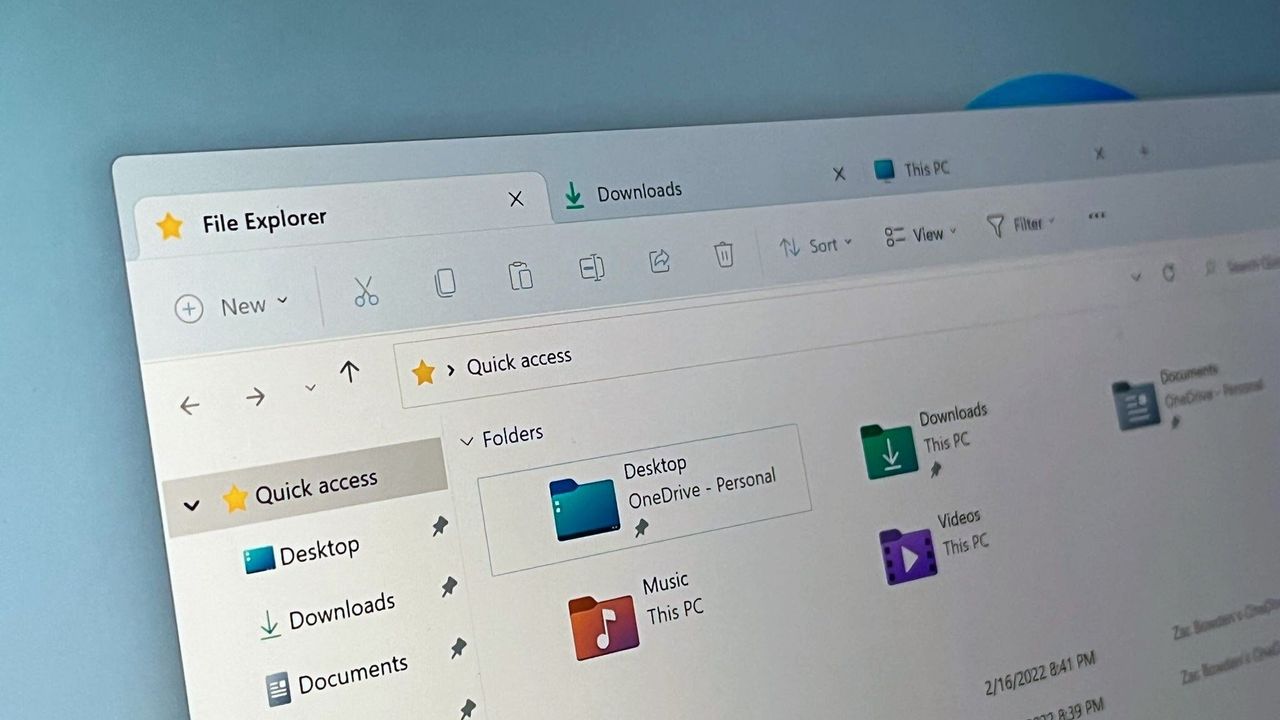




 SUBSCRIBE TO OUR NEWSLETTER


 TRY CHAT