Vue lecture

Il y a de nouveaux articles disponibles, cliquez pour rafraîchir la page.

Windows Autopatch enables hotpatch updates by default in May 2026

Windows Autopatch Groups (image Microsoft)
Microsoft announced that Windows Autopatch will enable hotpatch security updates by default for all eligible devices starting with the May 2026 Windows security update. The change affects devices managed through Microsoft Intune and the Windows updates API in Microsoft Graph. Hotpatch updates install security fixes without requiring a device restart, accelerating compliance across organizations. Previously, this feature required manual activation by administrators.

Source

Windows Autopatch update readiness: management status report, quality update journey, alerts, and update readiness checker

Autopatch management status report (image Microsoft)
Windows Autopatch update readiness reached general availability, adding four capabilities to the Windows Autopatch blade in the Microsoft Intune admin center. The new features—management status report, quality update journey, alerts and remediations, and Update Readiness Checker—give IT teams proactive visibility into device readiness, update blockers, and remediation guidance across Intune-managed Windows fleets. All capabilities are included in the existing Windows Autopatch license at no additional cost. Windows Autopatch is available for customers with Windows Enterprise, Frontline, US Government, Education, and Business Premium SKUs.

Source

Windows 10 Enterprise LTSB 2016 end of support: activate Extended Security Updates (ESU)

Windows 10 Enterprise LTSB 2016 end of support
Windows 10 Enterprise LTSB 2016 reaches end of support (EOS) on October 13, 2026, after which Microsoft will stop delivering security updates, bug fixes, and technical support. Organizations that cannot migrate to a newer release by that date can purchase Extended Security Updates (ESU), a paid program that provides critical security patches for up to three years. ESU licenses for LTSB 2016 will be sold through Volume Licensing or a Cloud Solution Provider (CSP) starting in Q2 2026. Activation is performed using a Multiple Activation Key (MAK) and the slmgr.vbs command-line tool.

Source

KB5077868 fixes TrustedInstaller deadlock, causing Windows 11 OOBE boot hang after update

OOBE hang again
Microsoft released KB5077868 on February 16, 2026, to resolve a TrustedInstaller deadlock bug that causes Windows 11, version 26H1, to hang during the out-of-box experience (OOBE). The fix is delivered automatically as an OOBE update when the device has an active internet connection at first boot. No restart is required after applying the update, and Microsoft reports no known issues with KB5077868.

Source

Windows 11 KB5074110 and KB5074111 updates enhance setup and recovery

Windows Recovery Environment (WinRE)
Microsoft released two dynamic updates for Windows 11 on January 29, 2026, targeting the setup and recovery infrastructure. KB5074110 is particularly important because older Secure Boot certificates will begin expiring in June 2026. KB5074110 and KB5074111 also bring improvements to feature update installations and recovery tools for Windows 11 versions 24H2 and 25H2. These updates ensure smoother upgrades and more reliable system recovery without introducing new user-facing features.

Source

Action1: Patch Management for Windows, macOS, and Linux

From the Dashboard page, you can double-click any widget to drill down to more specific dashboards, run actions, or discover more details
Action1 is a cloud-based autonomous endpoint management platform focused on patch management, vulnerability assessment, and software deployment. The December release significantly expanded the platform by introducing native Linux agent support and an enterprise-wide management view, thereby strengthening Action1’s suitability for organizations managing heterogeneous, distributed environments.

Source

Download and install Windows 11 26H1

Windows 11 26h1 running in a parallels virtual machine
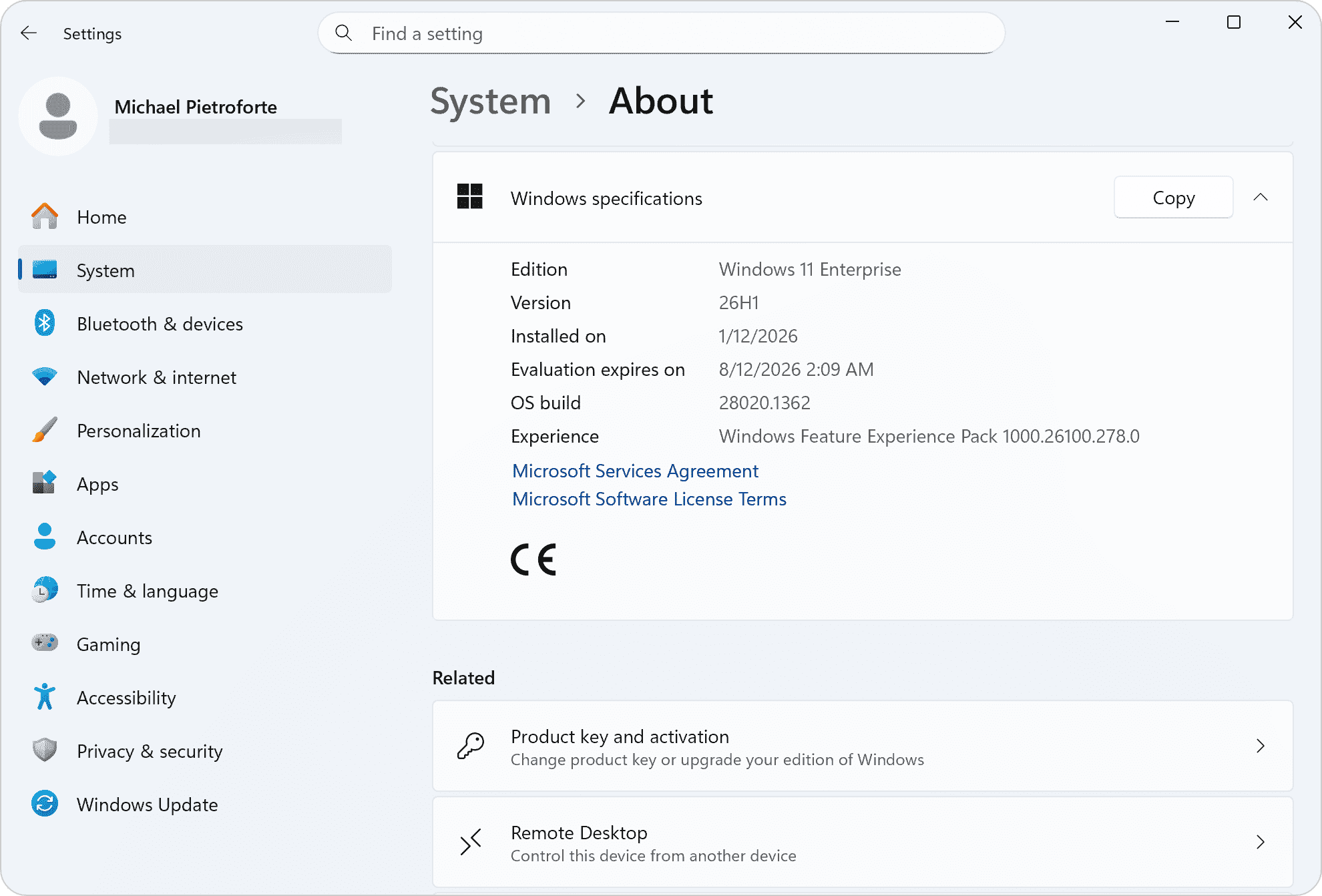
Windows 11 26H1 is a platform update designed primarily for next-generation ARM processors rather than a traditional feature-rich release. This guide briefly outlines what version 26H1 offers, how to download it, and who should install it.

Source

Windows 11 26H1: release date, no new features, Bromine platform changes, only for Snapdragon X2 and NVIDIA N1X

Windows 11 26H2 with Bromine platform update
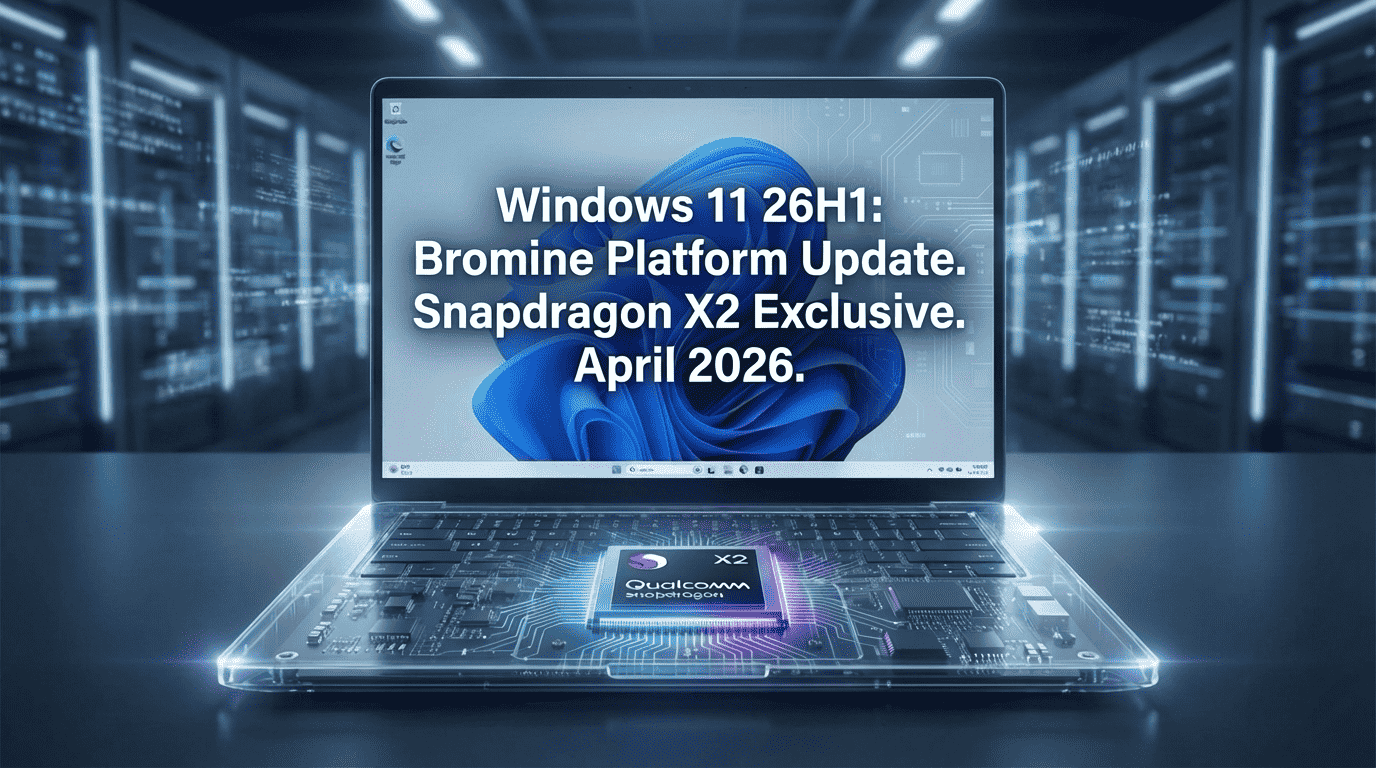
The final version of Windows 11 26H1 will be a platform release tailored for next-generation ARM silicon, including Qualcomm Snapdragon X2 and, probably, NVIDIA N1X processors. Windows 11 26H1 is expected to launch around April 2026 with new ARM64 devices. Windows 11 26H1 is expected to launch around April 2026 with new ARM64 devices. This is not a feature update but rather a silicon support release focused on under-the-hood platform improvements while maintaining complete feature parity with version 25H2.

Source

Microsoft Message Queuing (MSMQ) bug breaks Windows and IIS: Insufficient resources to perform operation (0x80004005)

Message Queuing (MSMQ) is a Microsoft technology that lets applications communicate asynchronously by sending messages to queues, enabling them to run at different times and even when systems or networks are temporarily offline. Microsoft's December 2025 security update disrupted Message Queuing functionality on Windows 10 and Windows Server systems, causing enterprise applications and IIS sites to fail. Users may receive the error message: Insufficient resources to perform operation (0x80004005).

Source

Why and how to uninstall End of Life .NET Framework runtimes

Installing a new .NET version does not automatically uninstall older versions, meaning outdated End of Life runtimes can remain on systems indefinitely. These unsupported versions pose serious security risks as they no longer receive patches for newly discovered vulnerabilities. Microsoft ceased support for .NET Framework 4.5.2, 4.6, and 4.6.1 on April 26, 2022, leaving systems running these versions exposed to exploitation and compliance violations. Administrators must actively identify applications using End-of-Life runtimes and coordinate with development teams to migrate them to supported versions. This article explains how to inventory, assess dependencies, and safely remove outdated .NET Framework installations from Windows systems.

Source

❌