Vue lecture

Il y a de nouveaux articles disponibles, cliquez pour rafraîchir la page.

Best NAS for Under $499

Best NAS You Can Buy Right Now for Under $499 at the end of 2025

By late 2025, the under 499 dollar NAS segment has become far more crowded, with multiple vendors offering systems that combine capable hardware, established operating systems, and multi bay storage at a relatively accessible price. Home users, prosumers, and small workgroups now have access to devices that can centralise files, manage routine backups, and handle local media streaming at performance levels that were previously limited to higher priced units. The range of available designs has also grown, with everything from compact solid state based units to entry level rackmount models appearing in this category. This guide looks at five (technically 6!) turnkey NAS platforms that can be purchased for 499 dollars or less. Each one focuses on a different balance of features, whether that is throughput, virtualisation, containers, or ease of use, yet all provide a practical path toward reliable self hosted storage without pushing the budget too far.

Important Disclaimer and Notes Before You Buy

Every NAS in this bracket is sold without drives, so users must provide their own storage, whether that is 3.5 inch HDDs, 2.5 inch SSDs, or M.2 NVMe modules for all flash builds. This directly influences total cost, particularly for NVMe based systems. Some models include small flash or eMMC for the operating system, but these are not suitable for general data storage. Buyers should account for drive costs, planned RAID layouts, and any needed accessories such as cables, heatsinks, or extra cooling. Software support also varies, with many devices using vendor platforms like DSM, TOS, or UGOS, while others permit alternatives such as TrueNAS or Unraid without affecting hardware support. Systems with less mature software may require more setup work for Plex, Docker, or SMB services, making these NAS units better suited to users who are comfortable handling basic network configuration or are willing to learn more advanced features over time.


UniFi UNAS Pro 7-Bay NAS

$499 – ARM Cortex-A57 – 8GB – 7x 3.5″ SATA – 1x 10GbE SFP+, 1x 1GbE – UniFi OS – BUY HERE

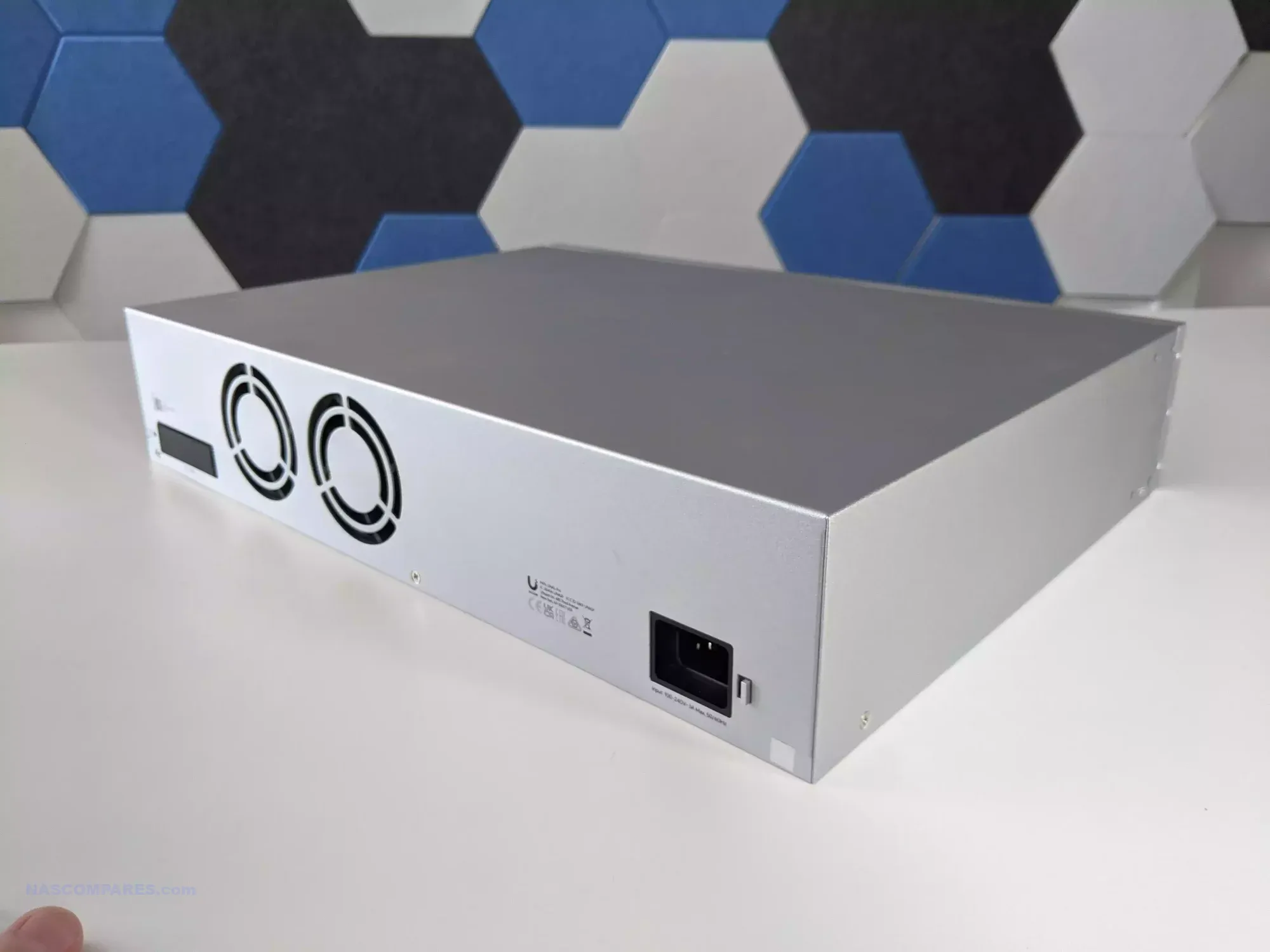
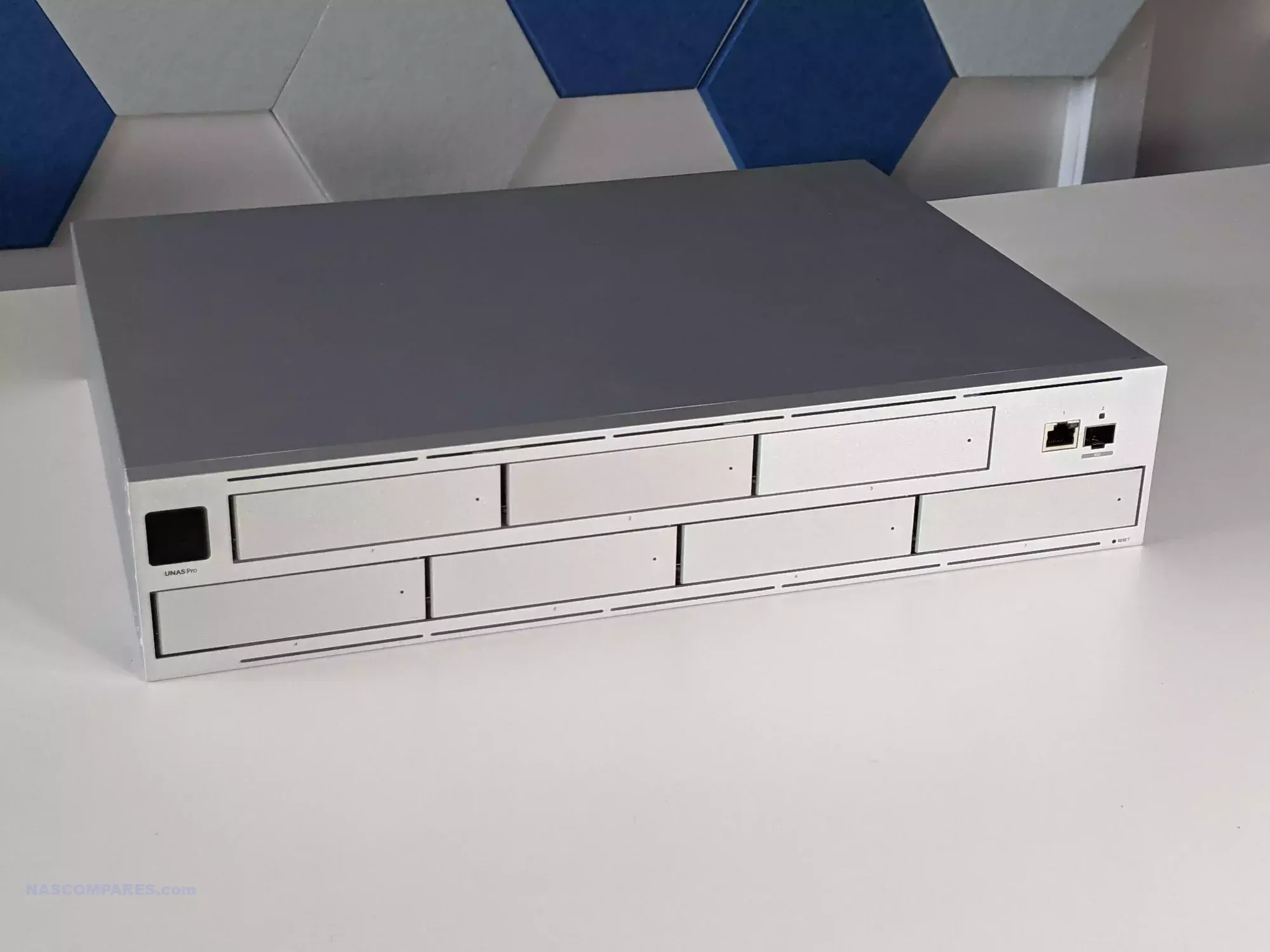
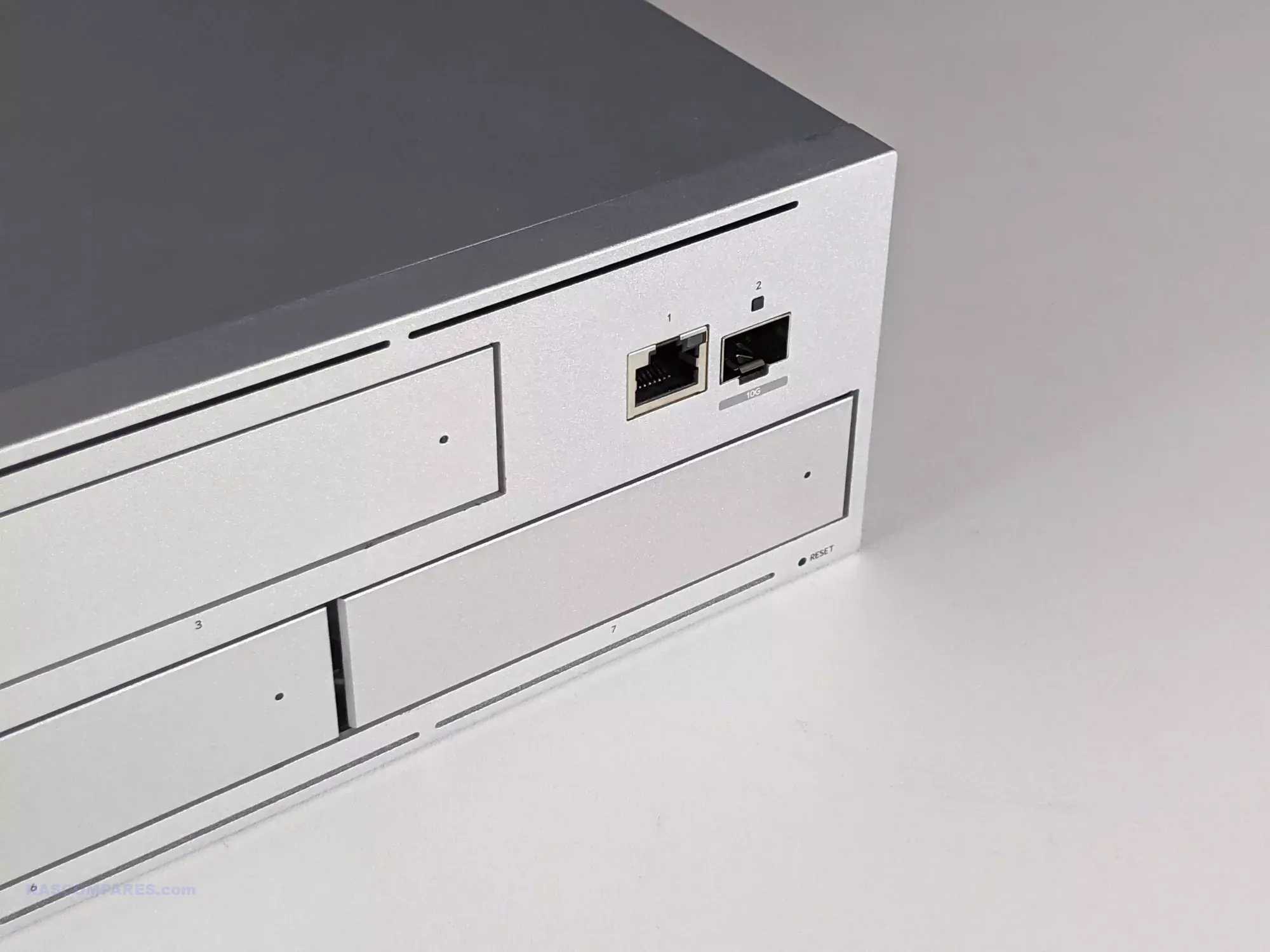
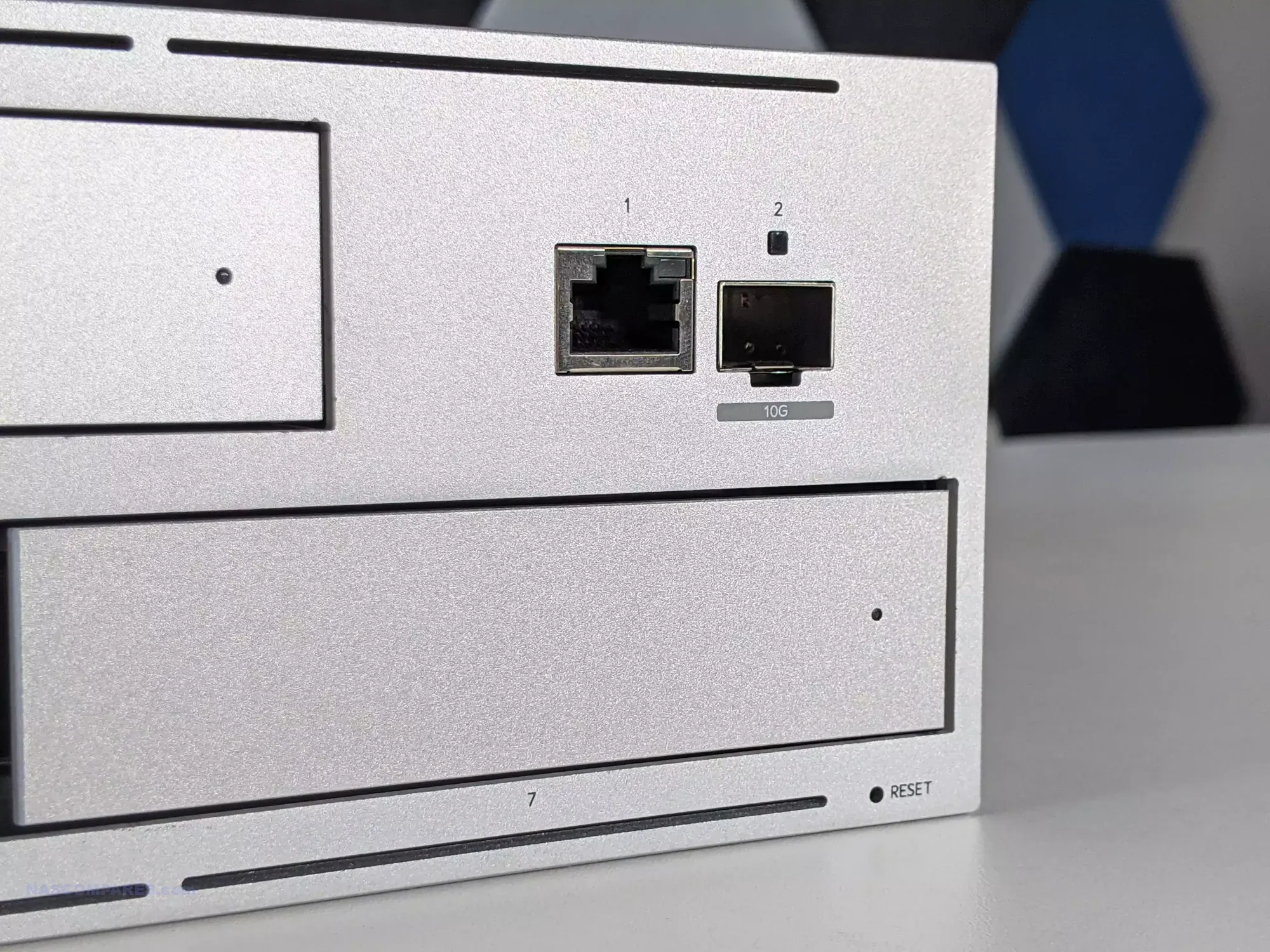
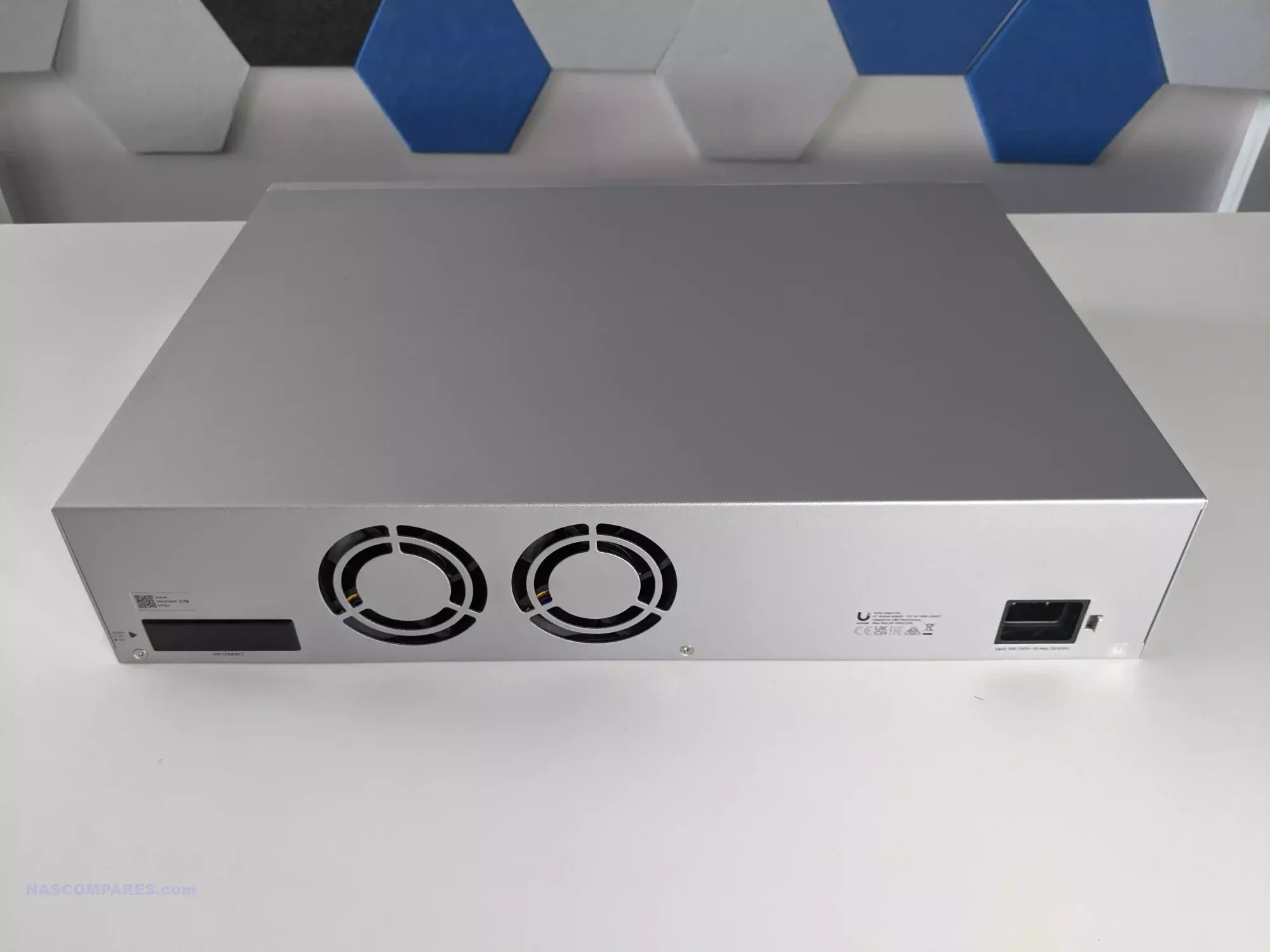
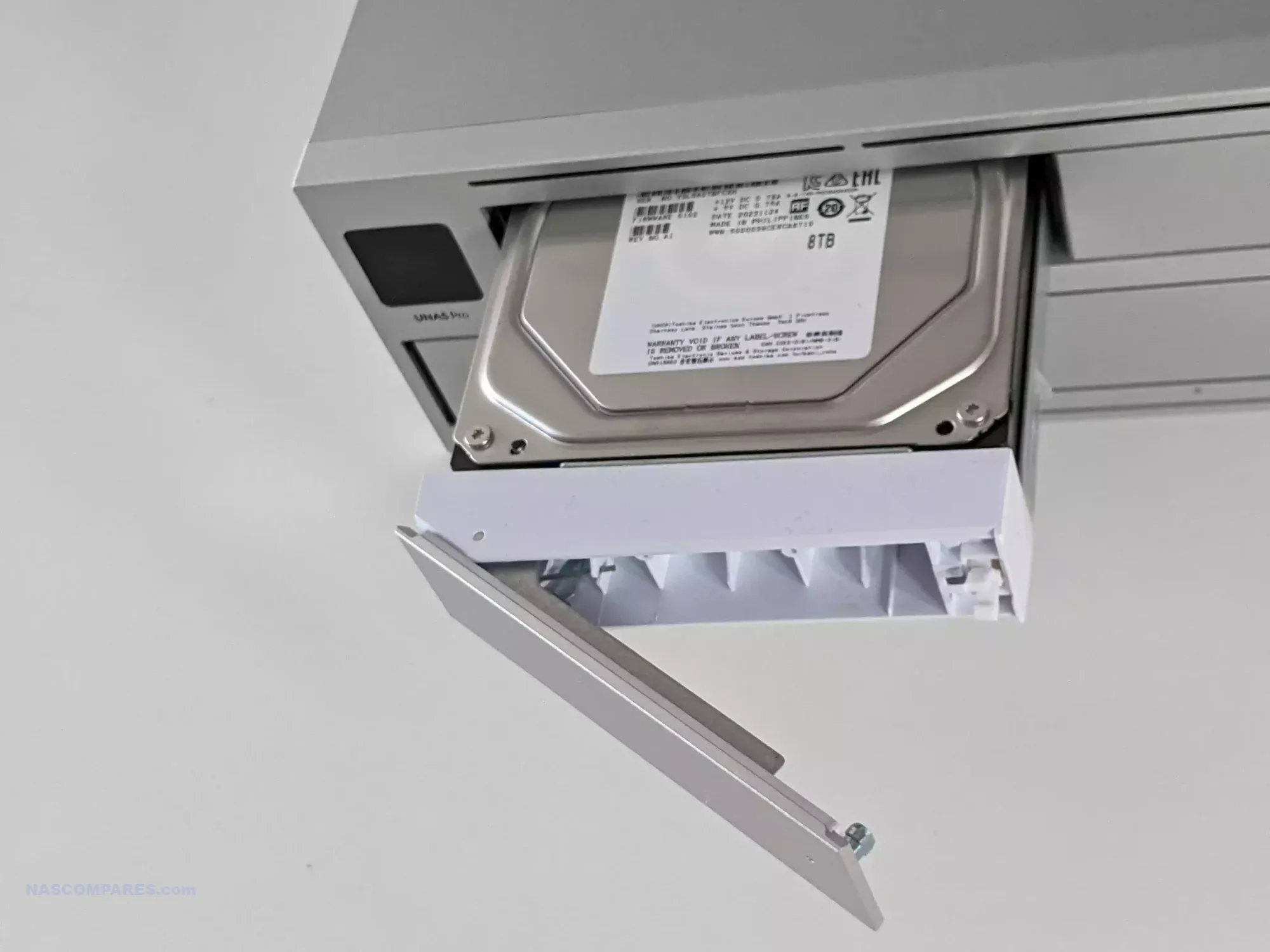
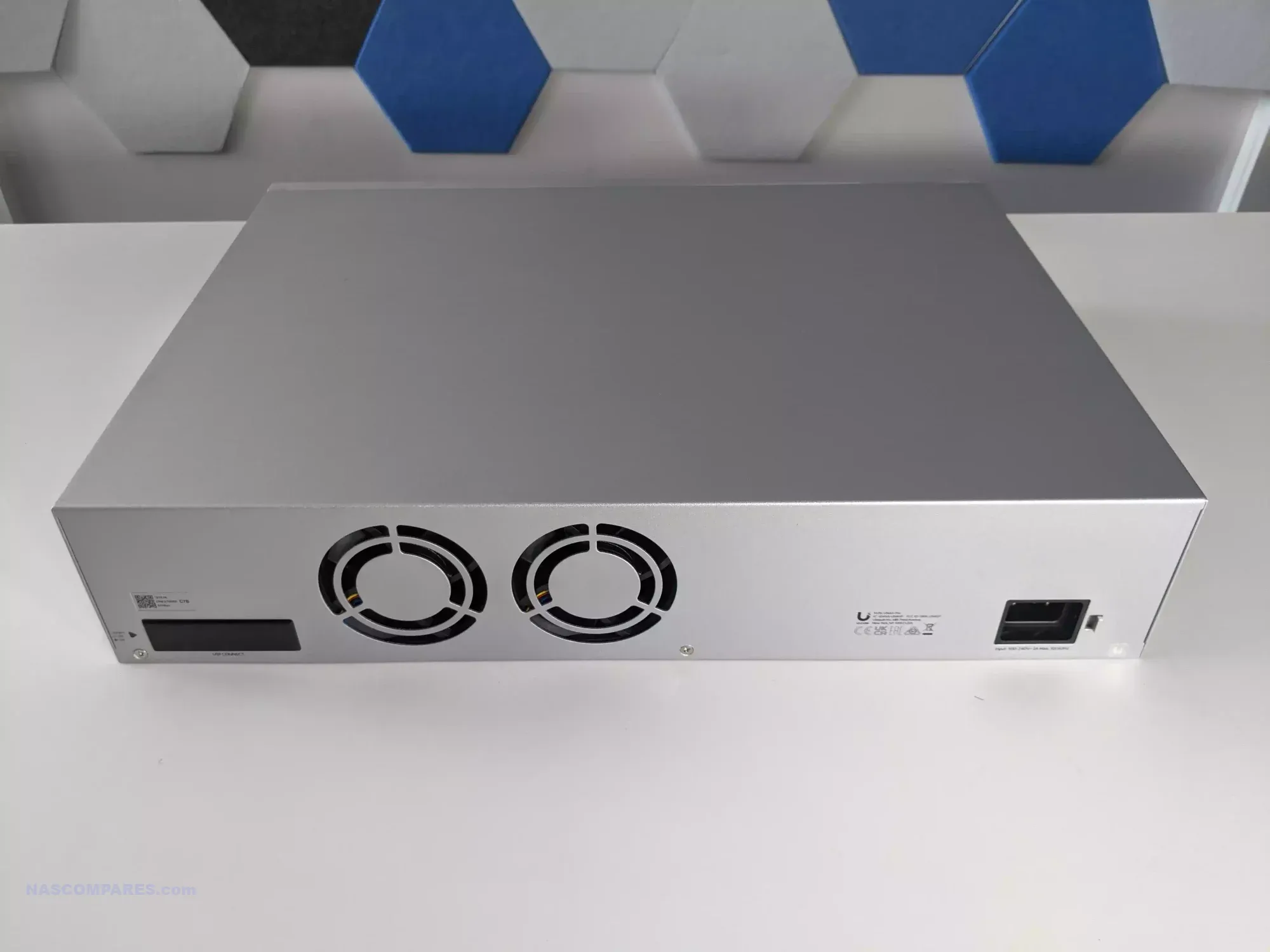
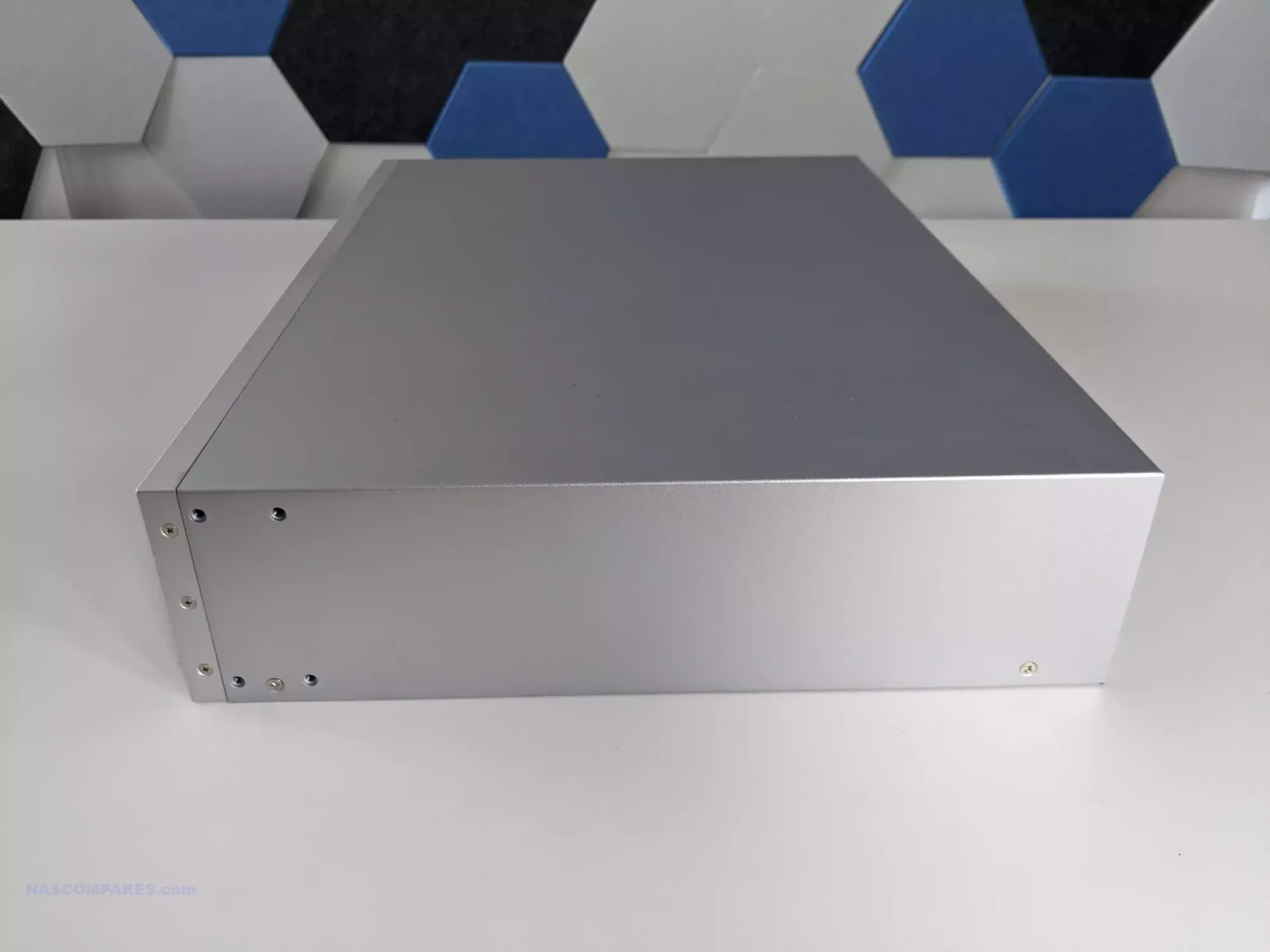
The UniFi UNAS Pro is a two unit rackmount NAS that focuses on high throughput storage rather than general purpose application hosting. It includes seven hot swappable SATA bays for either 2.5 inch or 3.5 inch drives and is built on a quad core ARM Cortex A57 processor at 1.7GHz with 8GB of DDR4 memory. The platform is intended for straightforward file storage and does not provide container services, multimedia features, or virtualisation. Network connectivity consists of one 10GbE SFP plus port and one 1GbE RJ45 port, which makes the system well suited to central backups, shared project storage, and high volume file transfers inside a UniFi managed network.
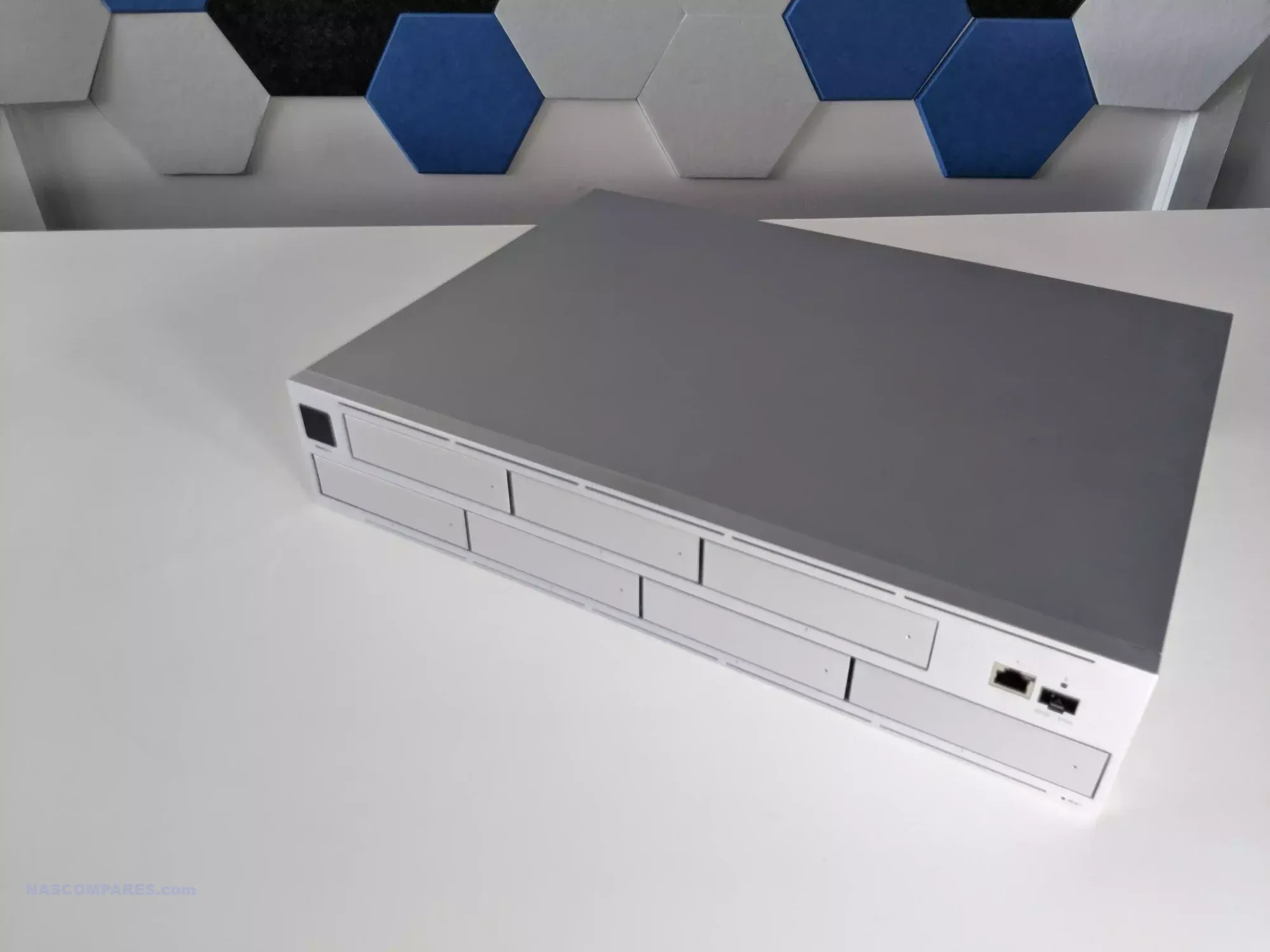
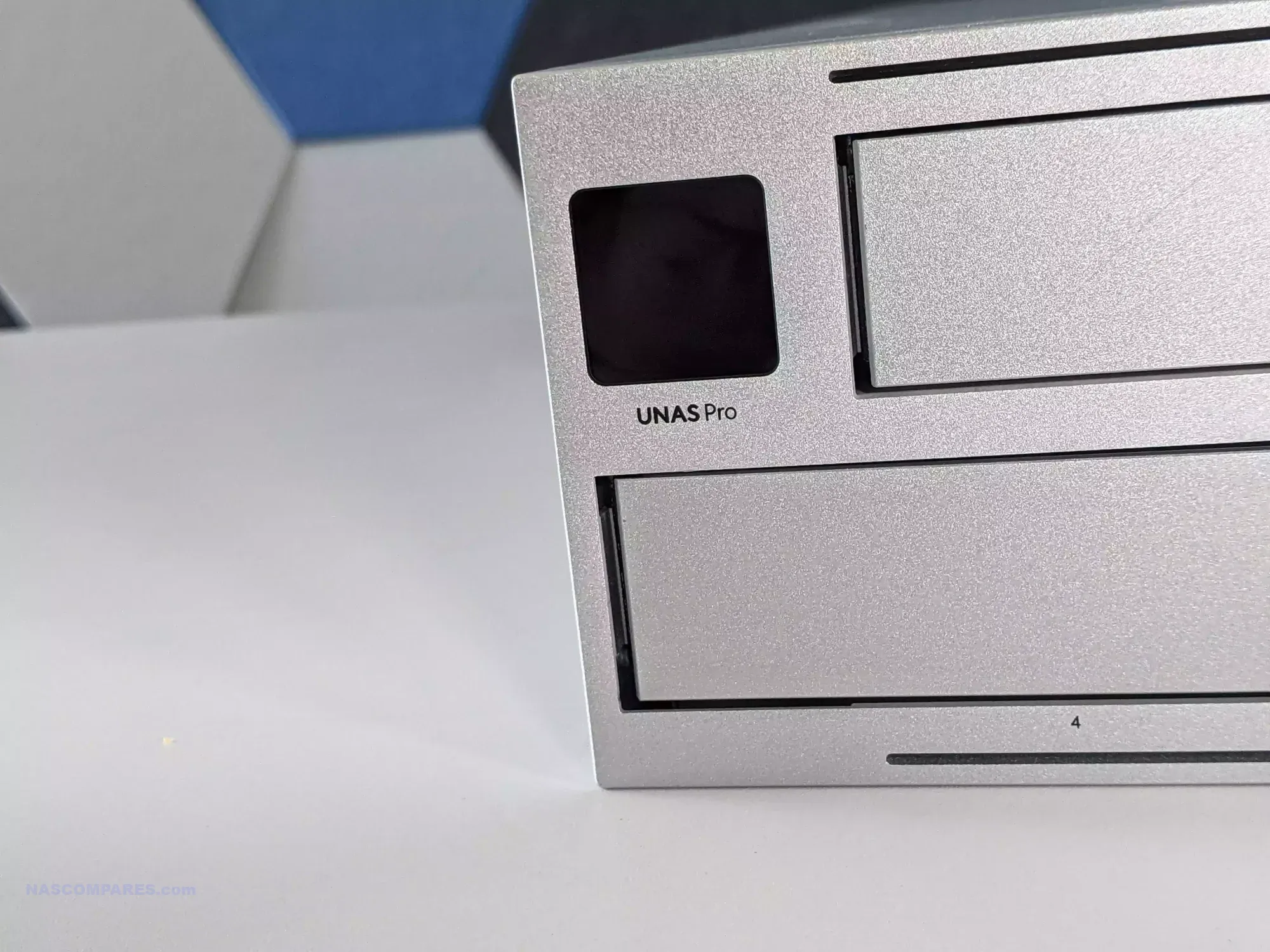
Management is handled through the Drive application within UniFi OS, with support for RAID zero, one, five, and six. Power redundancy is enabled through an internal 200 watt AC and DC power supply and optional USP RPS failover. A 1.3 inch front panel touchscreen provides system information and basic diagnostics. Although the feature set is narrower than that of a typical multimedia or container focused NAS, the system integrates cleanly with UniFi infrastructure or can operate on its own as a dedicated storage target.

Here are all the current UniFi NAS Solutions & Prices:
  • UniFi UNAS 2 (2 Bay, $199) – HERE
  • UniFi UNAS 4  (4 Bay + 2x M2, $379) – HERE
  • UniFi UNAS Pro 4 (4 Bay + 2x M.2, $499) – HERE
  • UniFi UNAS Pro (7 Bay, $499) – HERE
  • UniFi UNAS Pro 8 (8-Bay + 2x M.2, $799) HERE

Since launching the original UNAS models in 2024, UniFi has expanded the range with new desktop units, including the UNAS two bay at 199 dollars and the UNAS four bay at 349 dollars, along with Pro series models in four bay and eight bay configurations at 499 dollars and 799 dollars. The UNAS Pro sits at the entry point of the Pro line and offers a hardware driven approach suited to users who want reliable multi bay storage with 10GbE connectivity and do not require wider software extensibility.

Component Specification
CPU Quad-Core ARM Cortex-A57 @ 1.7GHz
Memory 8GB DDR4
Drive Bays 7x 2.5″/3.5″ SATA HDD/SSD
Networking 1x 10GbE SFP+, 1x 1GbE
Power 200W internal PSU + USP-RPS redundancy
OS UniFi OS / Drive App
Display 1.3″ touchscreen
Form Factor 2U Rackmount
Dimensions 442 x 325 x 87 mm
Weight 9.5 kg with brackets

UGREEN NASync DXP4800 NAS

$499– Intel N100 – 8GB – 4x 3.5″ SATA + 2x M.2 NVMe – 2x 2.5GbE – UGOS Pro – BUY HERE

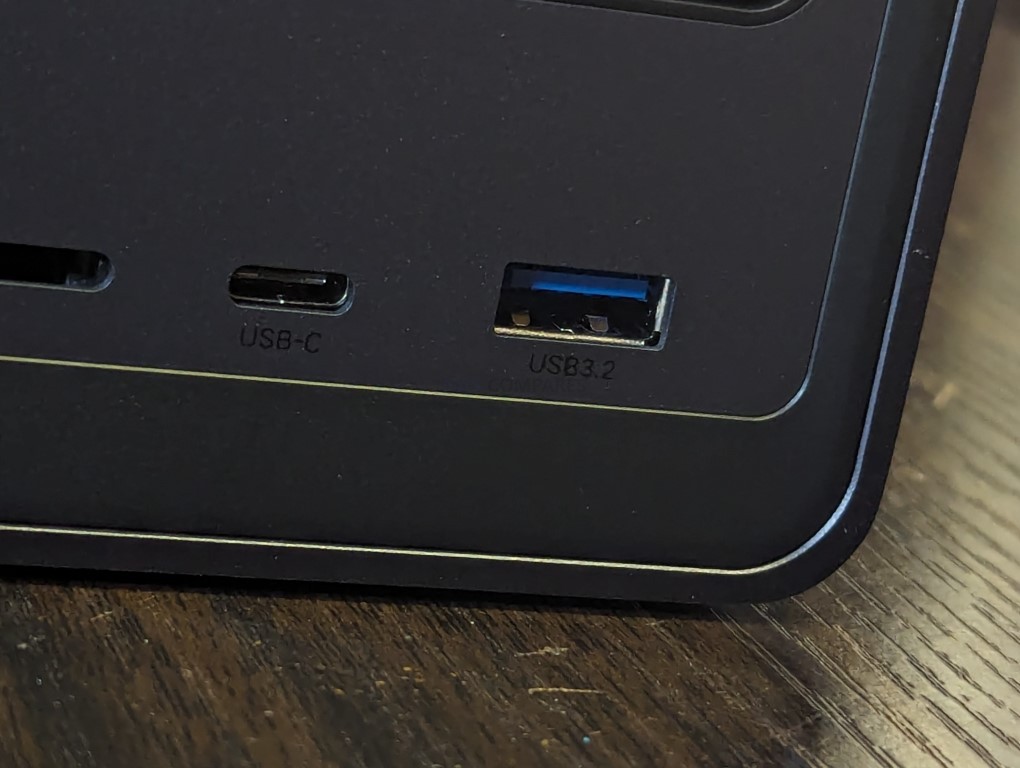
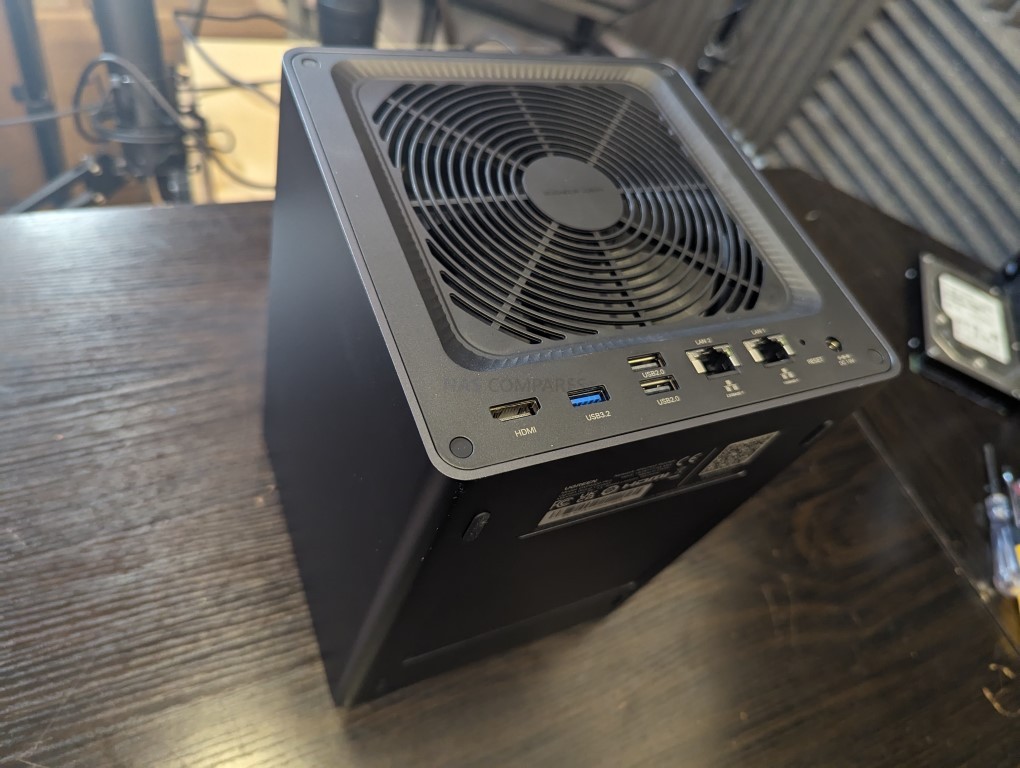
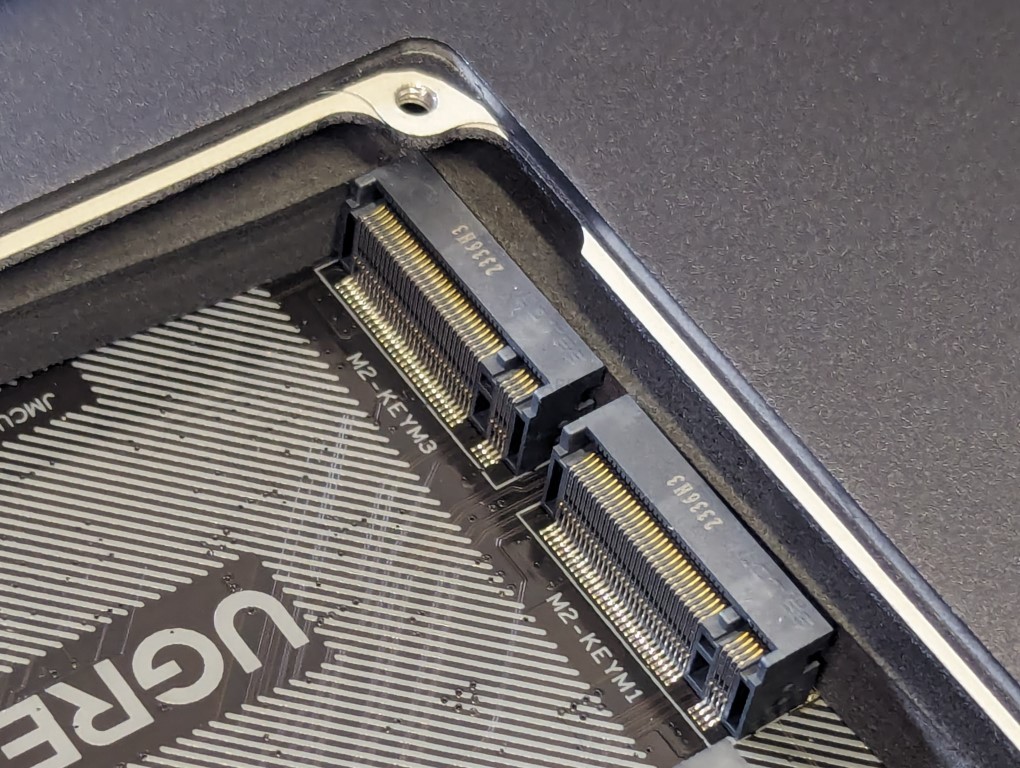
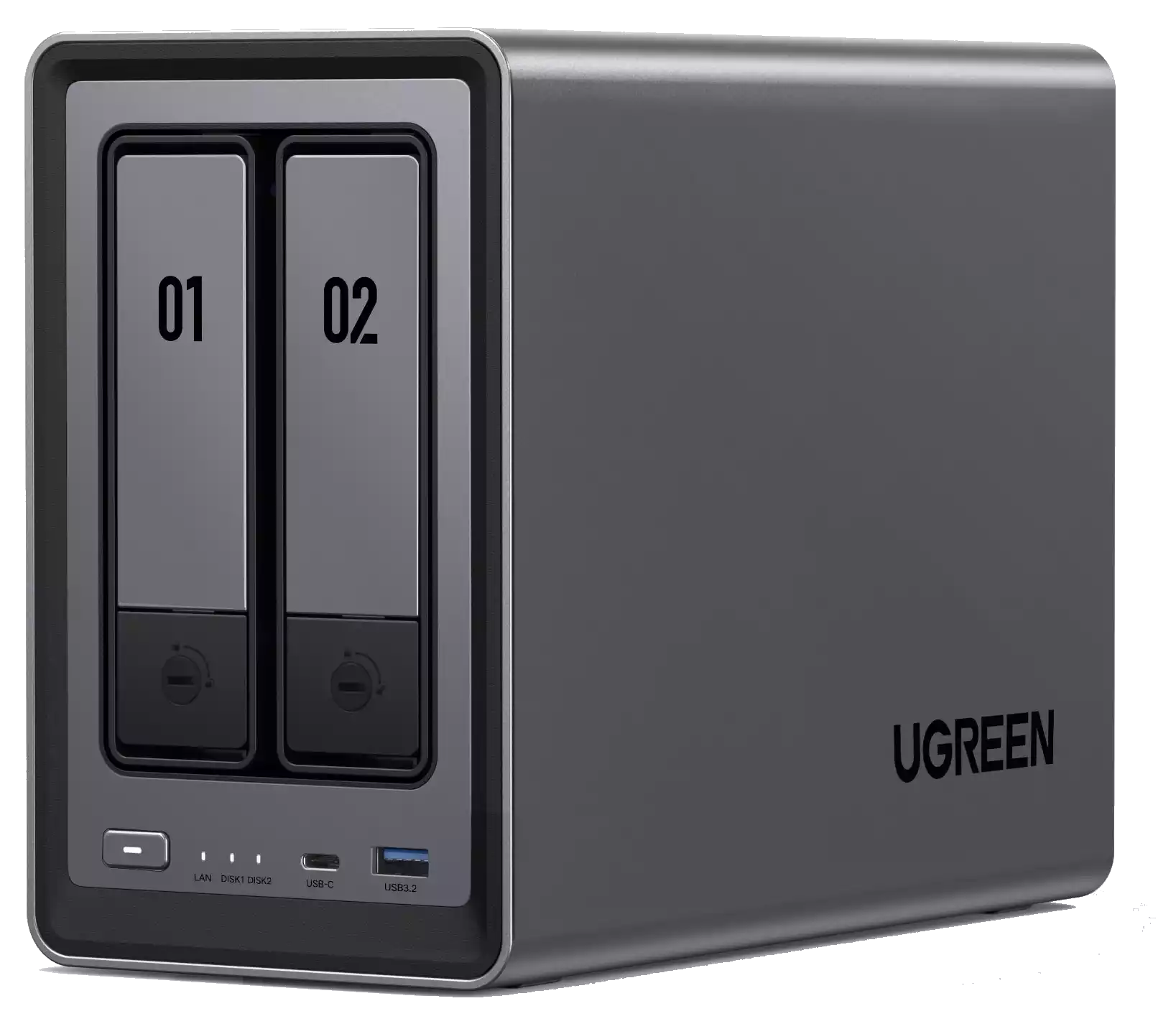
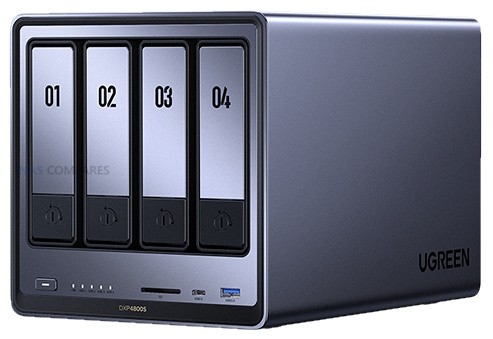
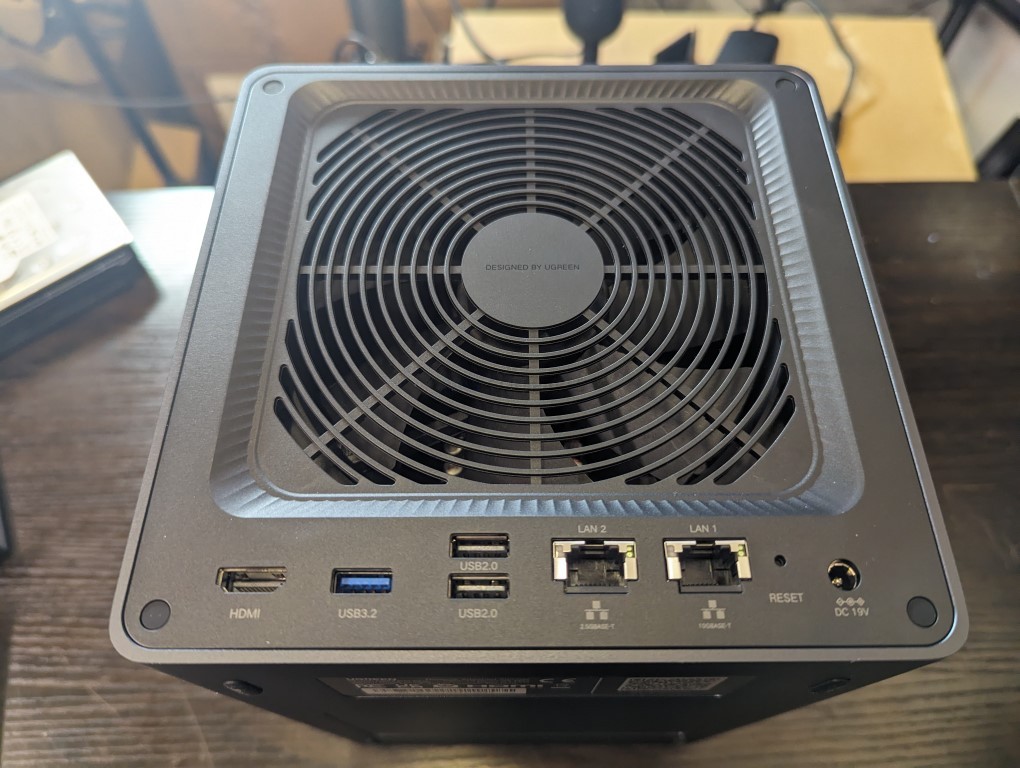
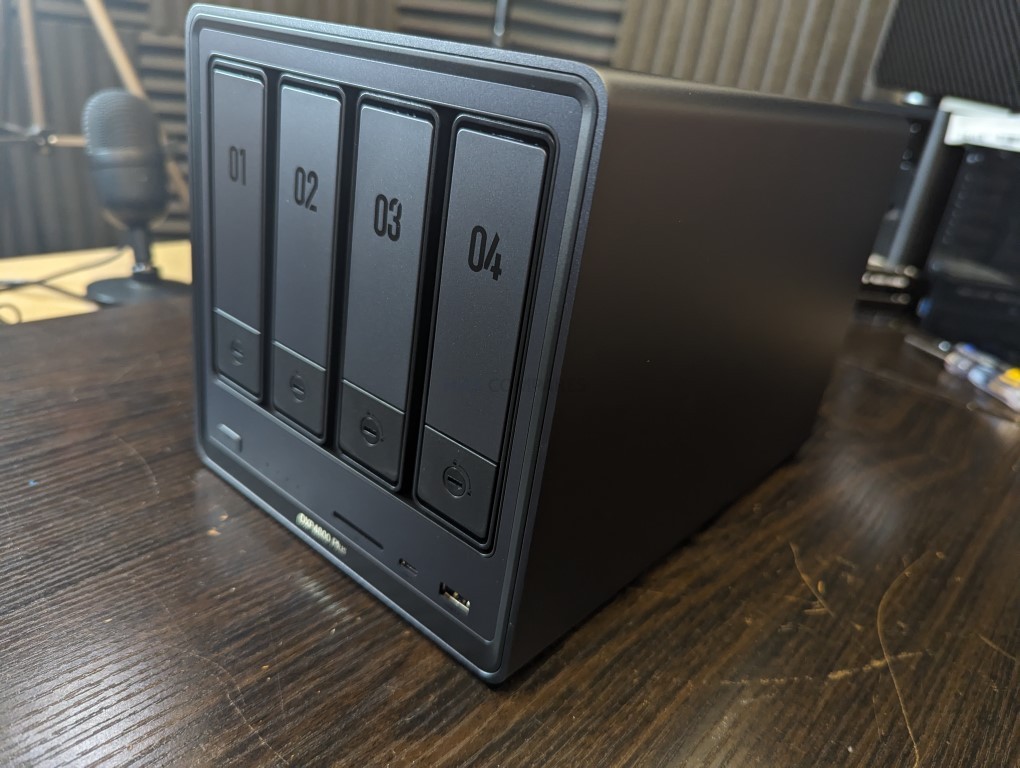
The UGREEN NASync DXP4800 is a four bay desktop NAS that combines hybrid storage options with a growing set of software features. It uses an Intel N100 quad core processor from the twelfth generation Alder Lake N series and includes 8GB of DDR5 memory along with 32GB of onboard eMMC for the operating system. The system provides four SATA bays for hard drives or SSDs and two M.2 NVMe slots that can be used for caching or for creating faster all flash volumes. Network connectivity consists of two 2.5GbE ports with support for link aggregation to improve throughput or provide failover. Front and rear USB 3.2 ports, a USB C connector, and an SD 3.0 card reader add convenience for users who work with external media.
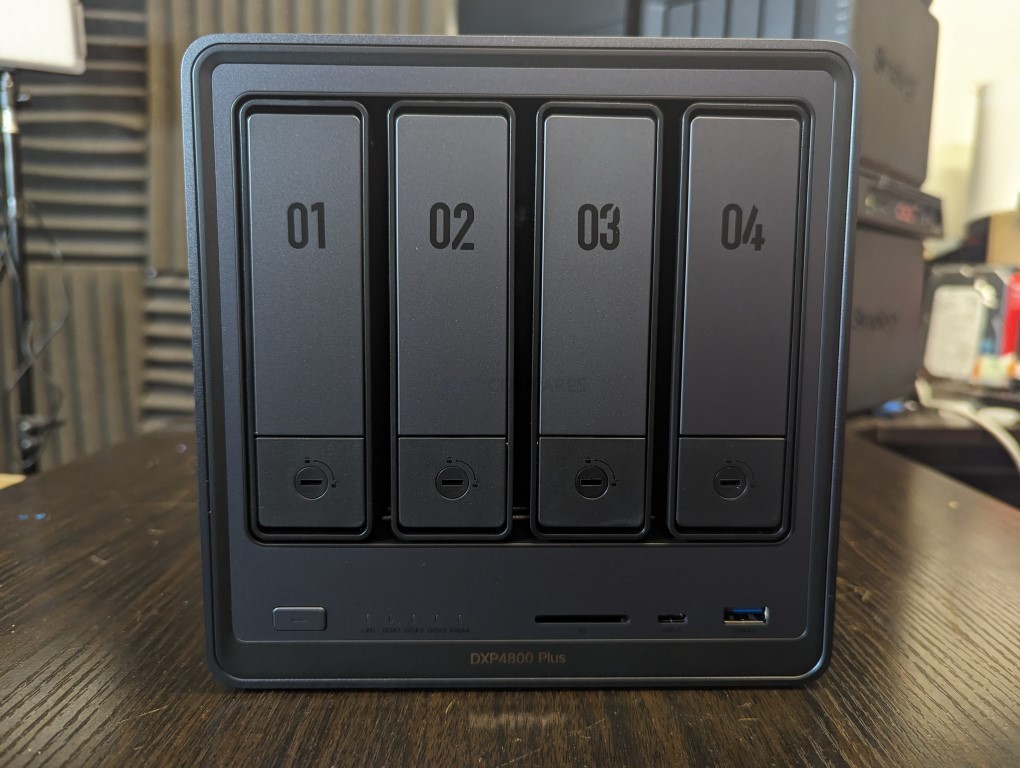
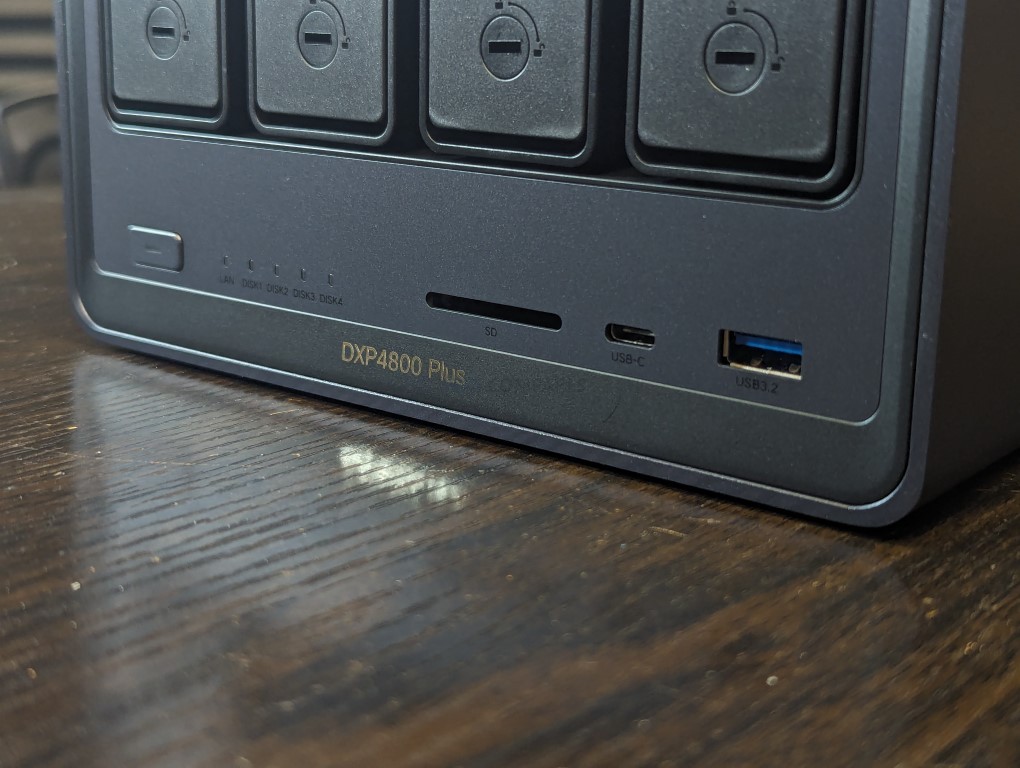
UGOS Pro serves as the software platform and offers RAID zero, one, five, six, and ten, along with Docker, Plex support, cloud sync tools, snapshots, and standard file sharing services. Although UGOS Pro is not as established as DSM or TrueNAS, it has gained stability and functionality over repeated updates and provides a straightforward browser based interface for managing storage and services. For users who want hybrid storage flexibility and a graphical setup process, the DXP4800 fits comfortably in the under 499 dollar category, particularly during sales.
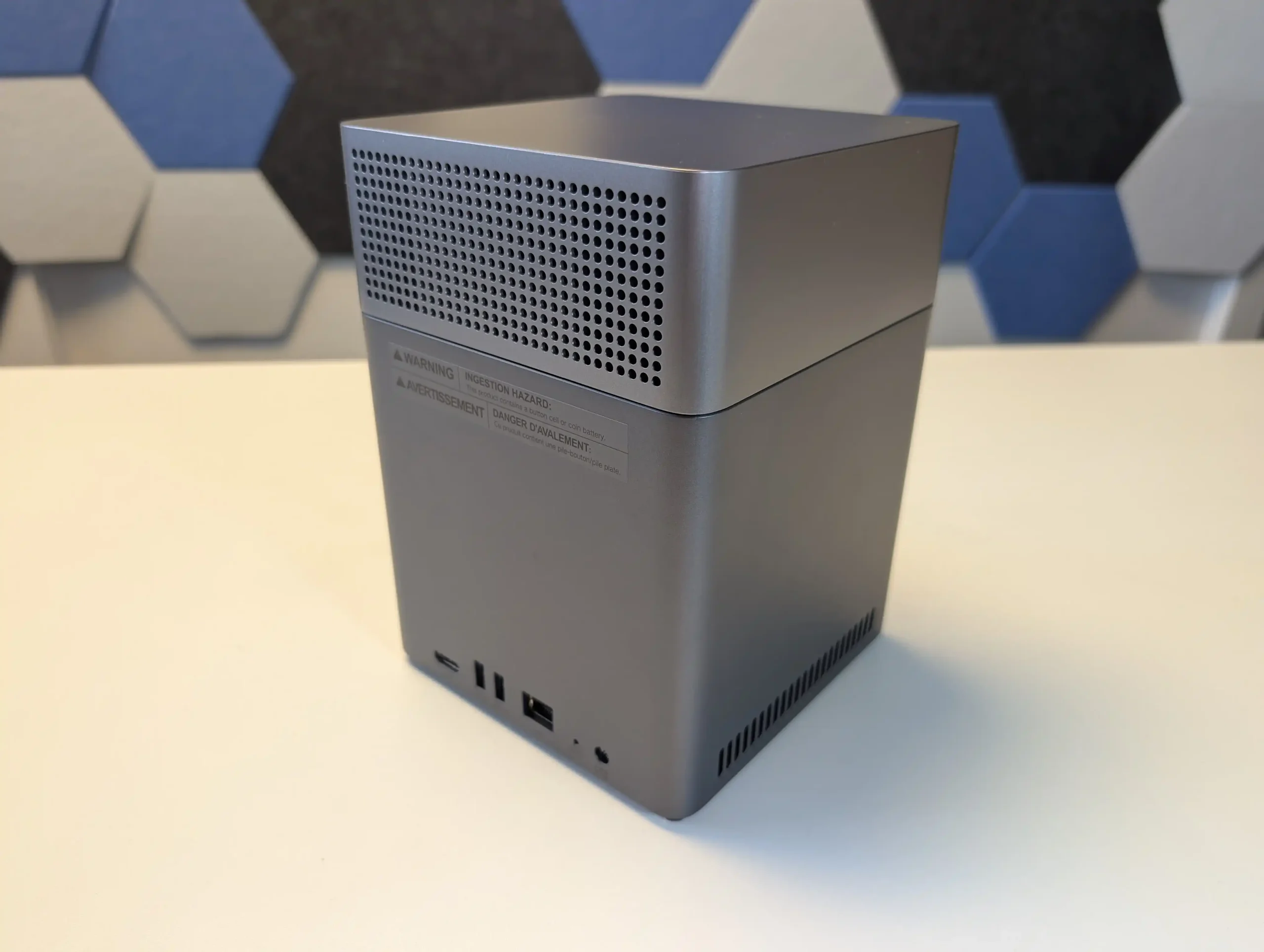
UGREEN also sells a more cost effective alternative called the DH4300 Plus. That model uses an ARM processor with fixed memory and provides only a single 2.5GbE connection. It is suitable for simpler workloads, but users who want stronger performance and broader feature support will likely prefer the DXP4800.


Component Specification
CPU Intel N100 (4 cores, up to 3.4GHz)
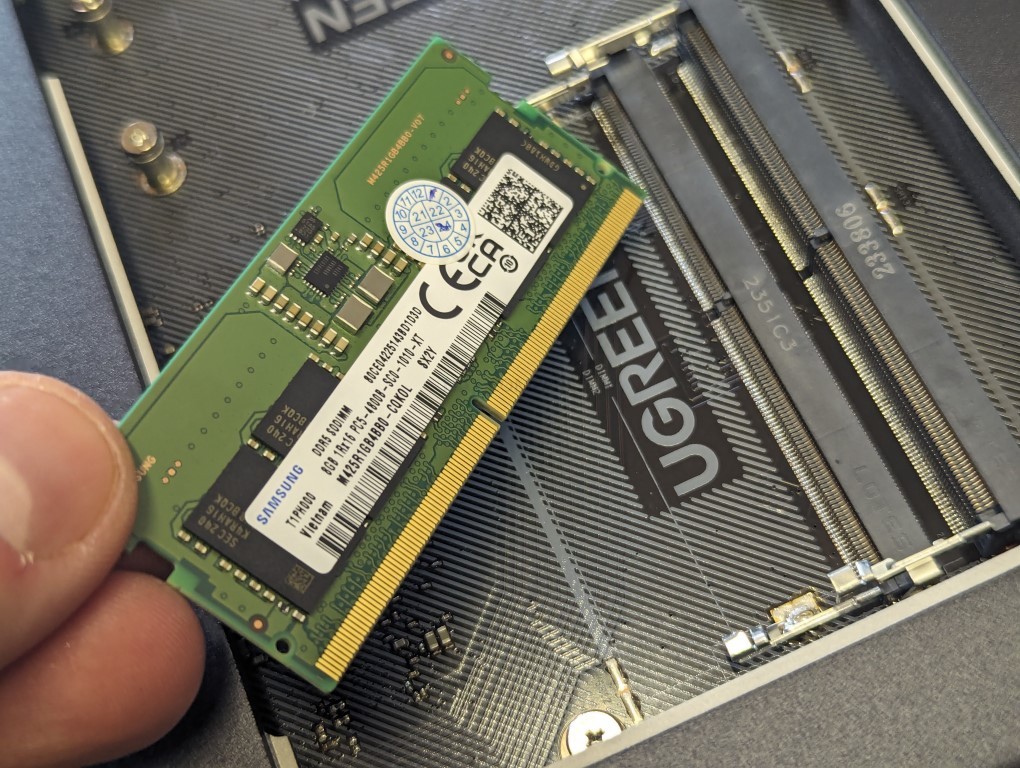
Memory 8GB DDR5 (upgradable to 16GB)
Drive Bays 4x SATA (3.5″/2.5″) + 2x M.2 NVMe
Networking 2x 2.5GbE LAN
Ports 1x USB-C (10Gbps), 2x USB-A, SD Card Reader
Video Output 1x HDMI (4K)
OS UGOS Pro
Power Consumption 35.18W (access), 15.43W (hibernation)
Dimensions 257 x 178 x 178 mm (approx.)


LincStation N2 NAS

$399 – Intel N100 – 16GB – 2x 2.5″ SATA + 4x M.2 NVMe – 1x 10GbE – Unraid OS – BUY HERE

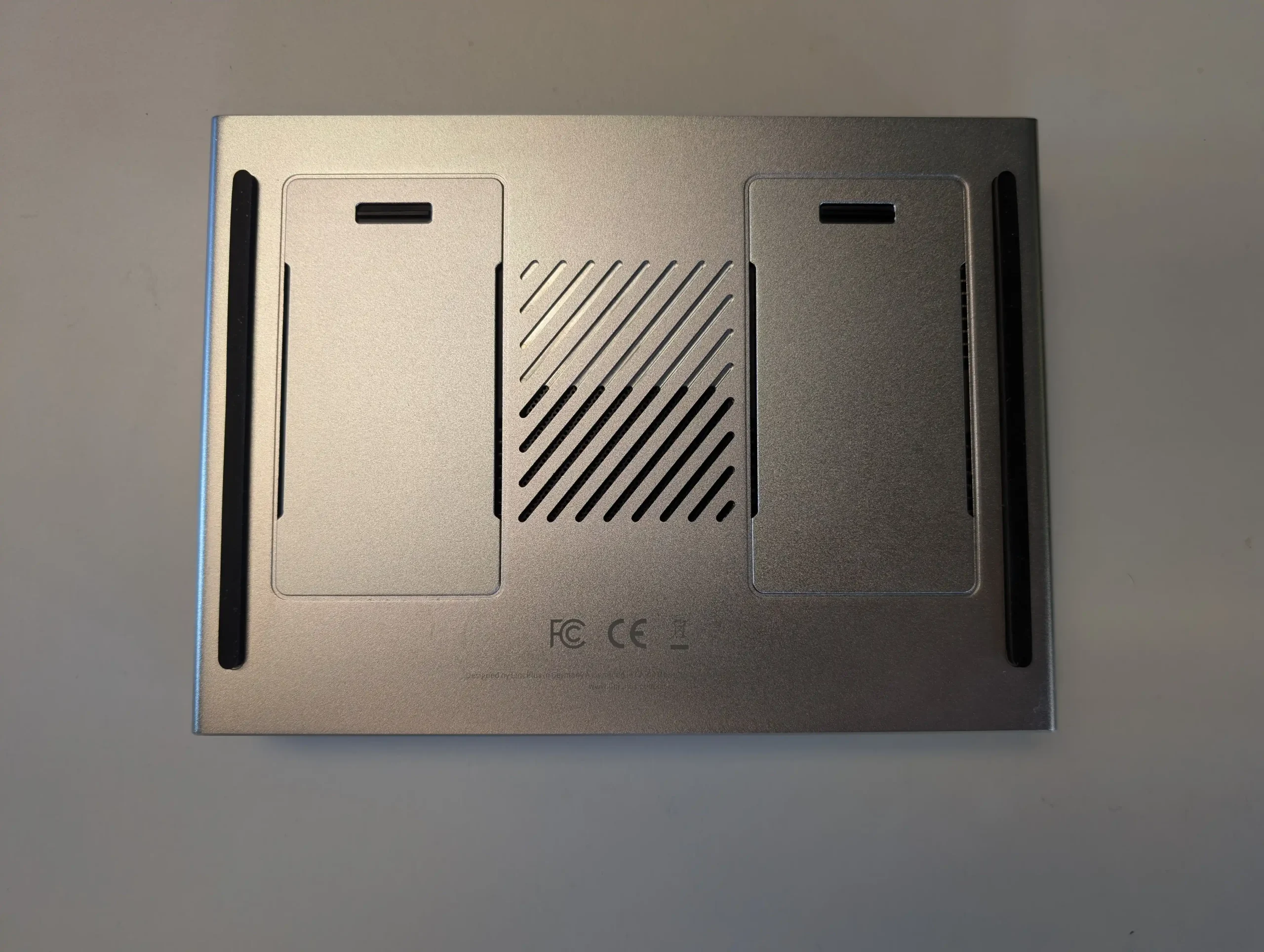
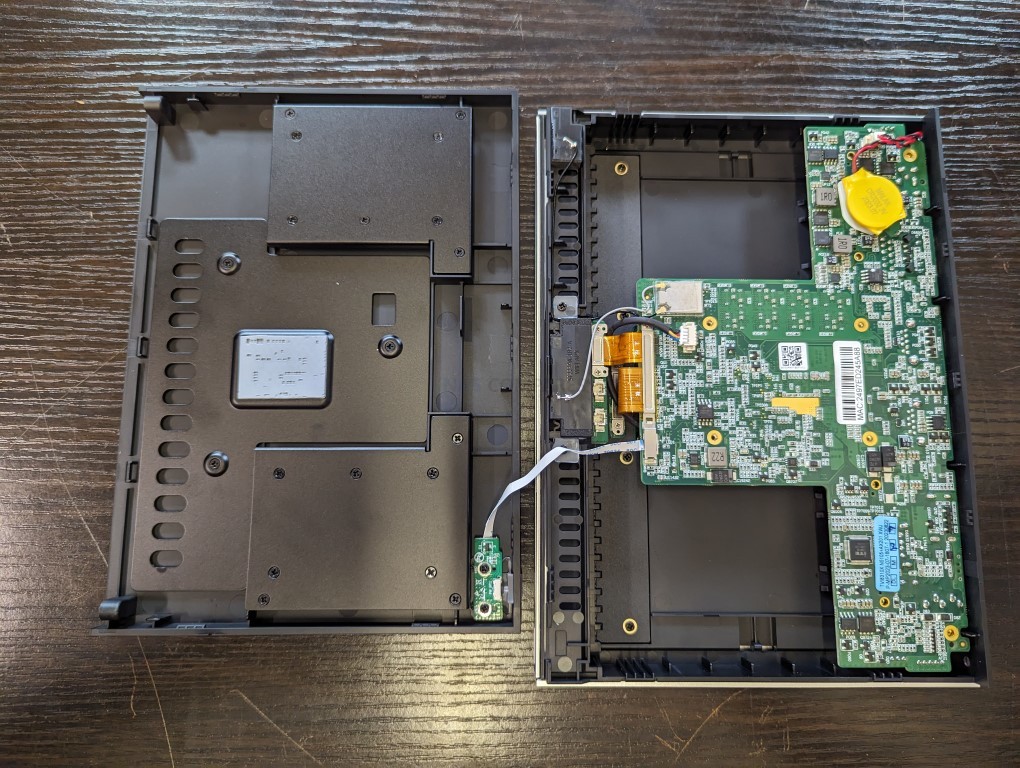
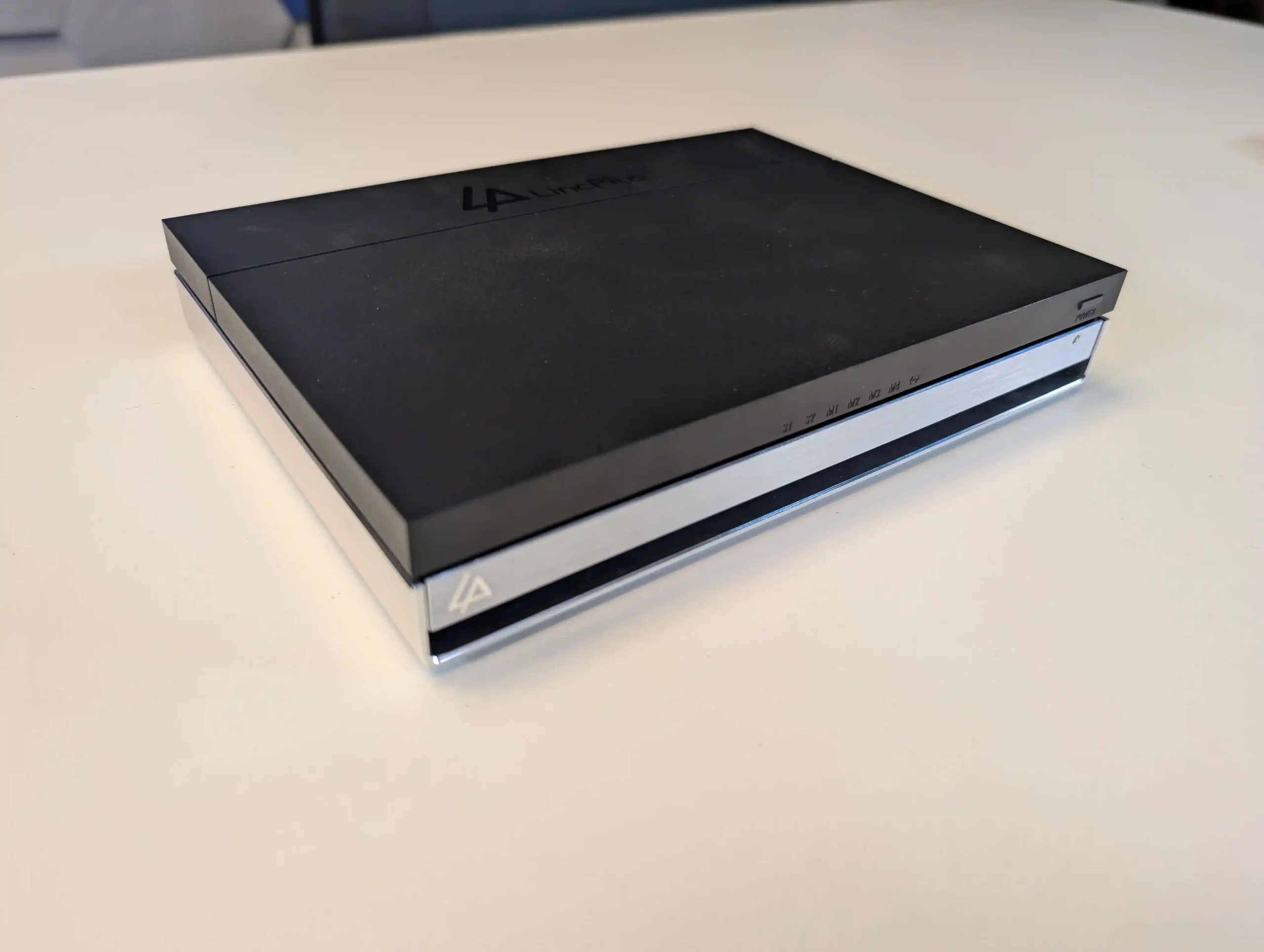
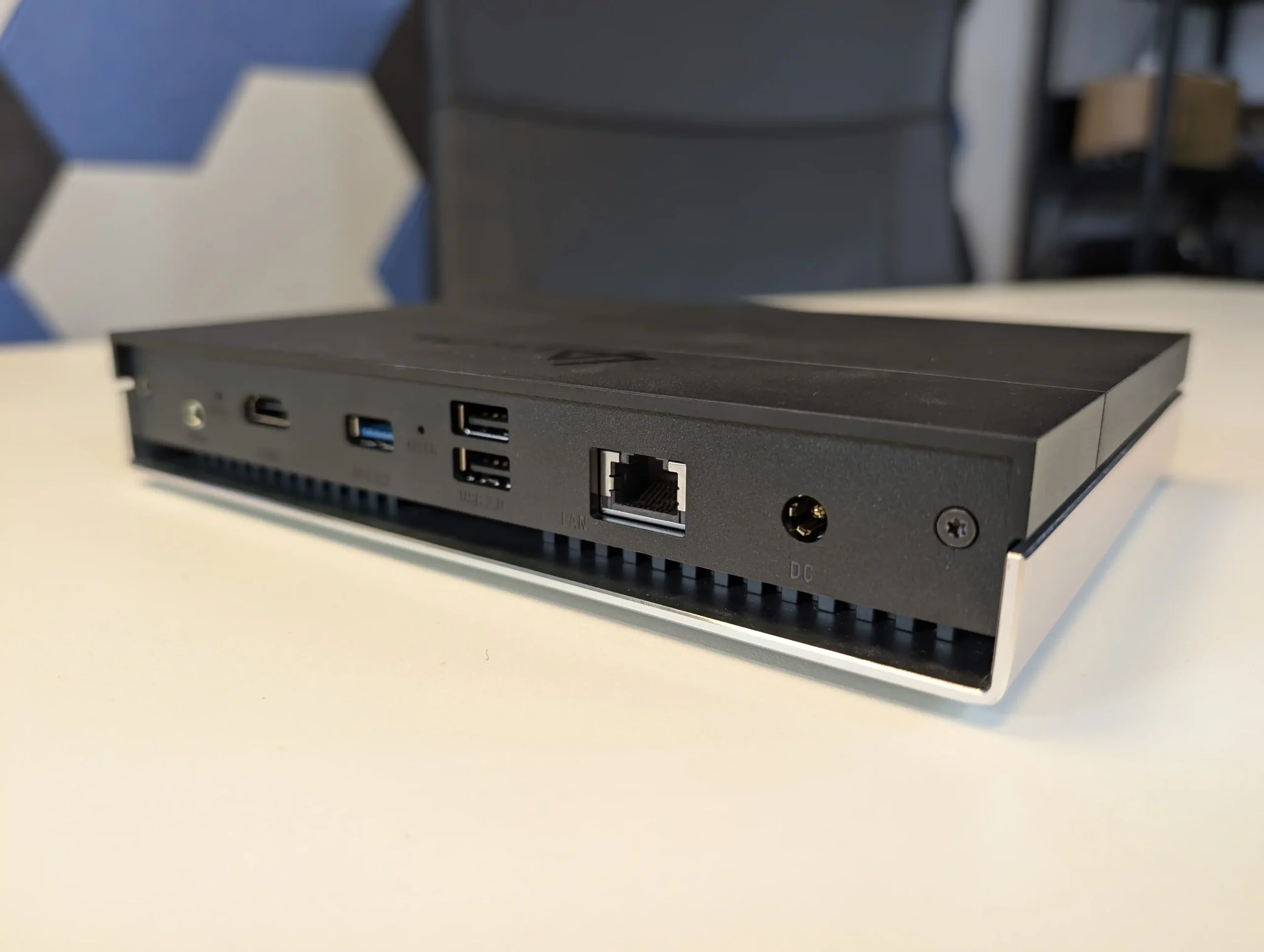
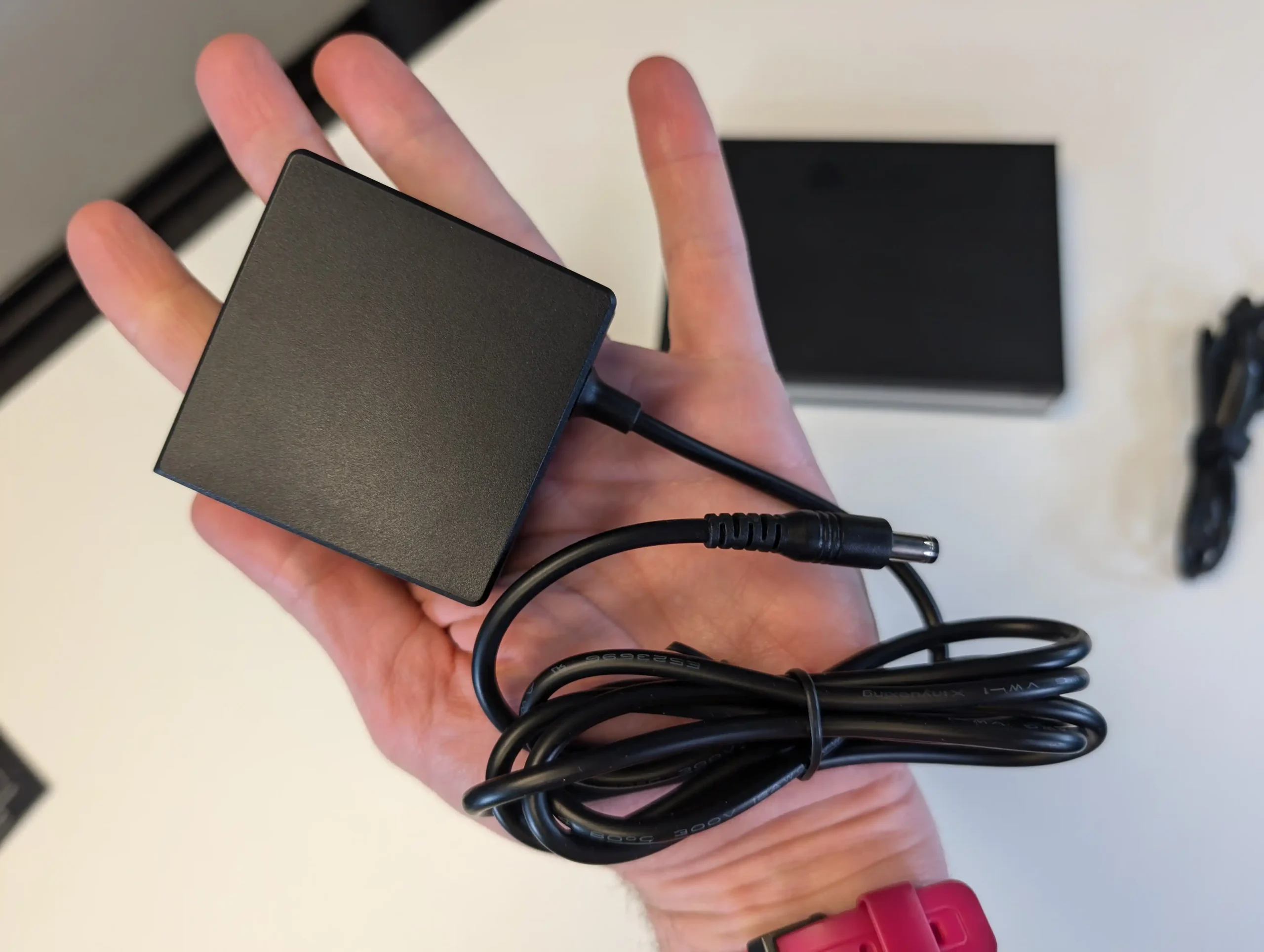
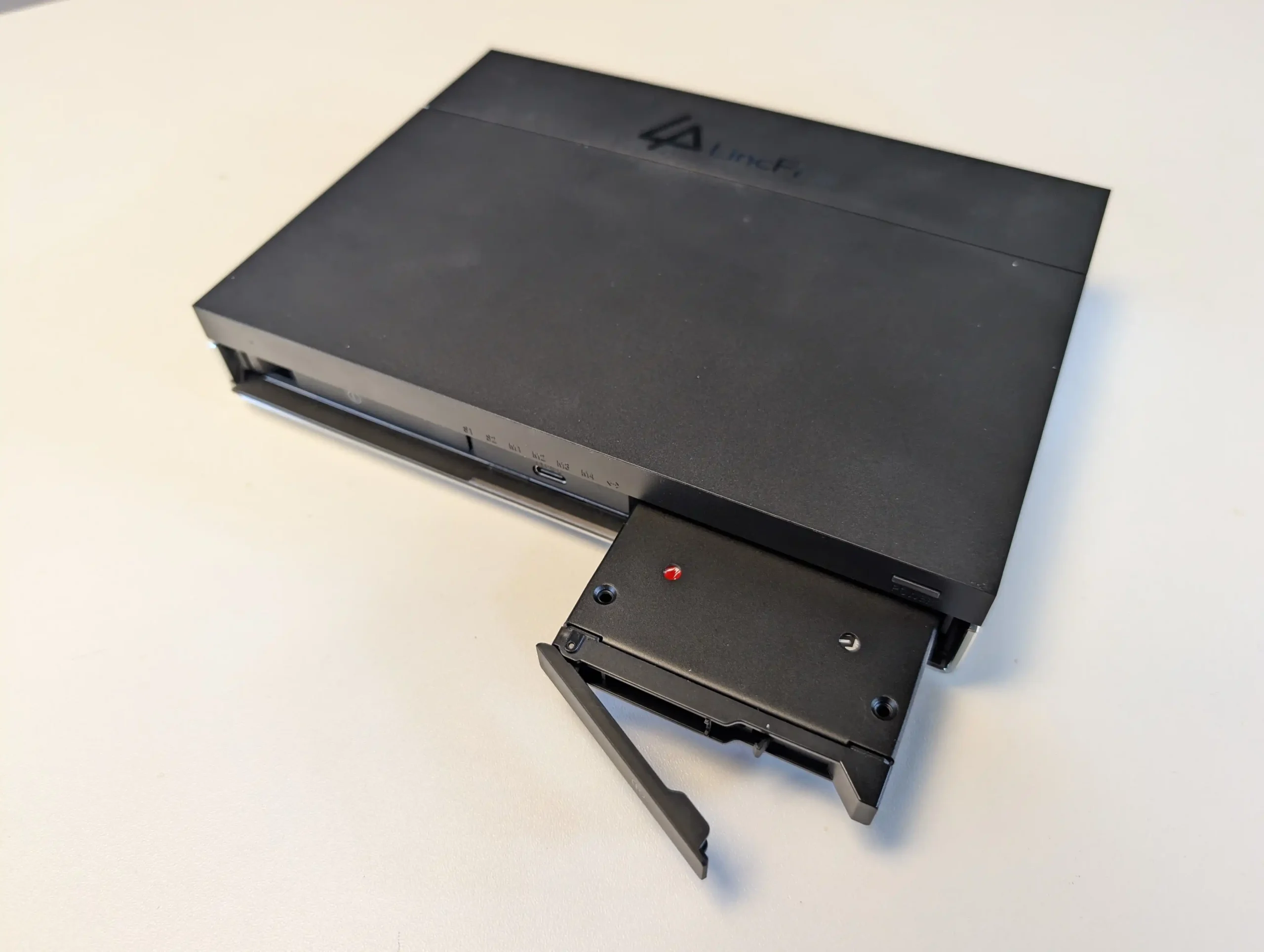
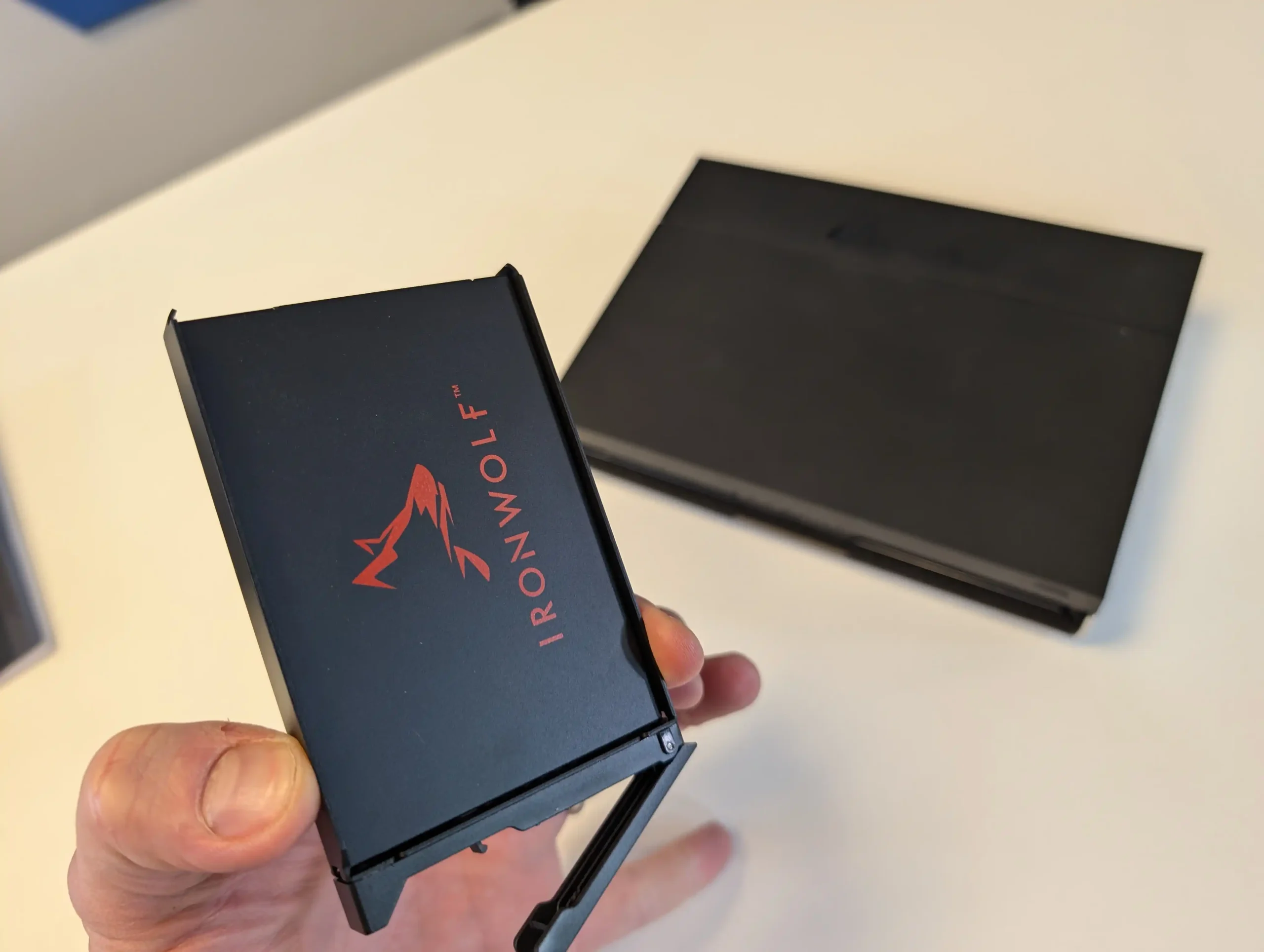
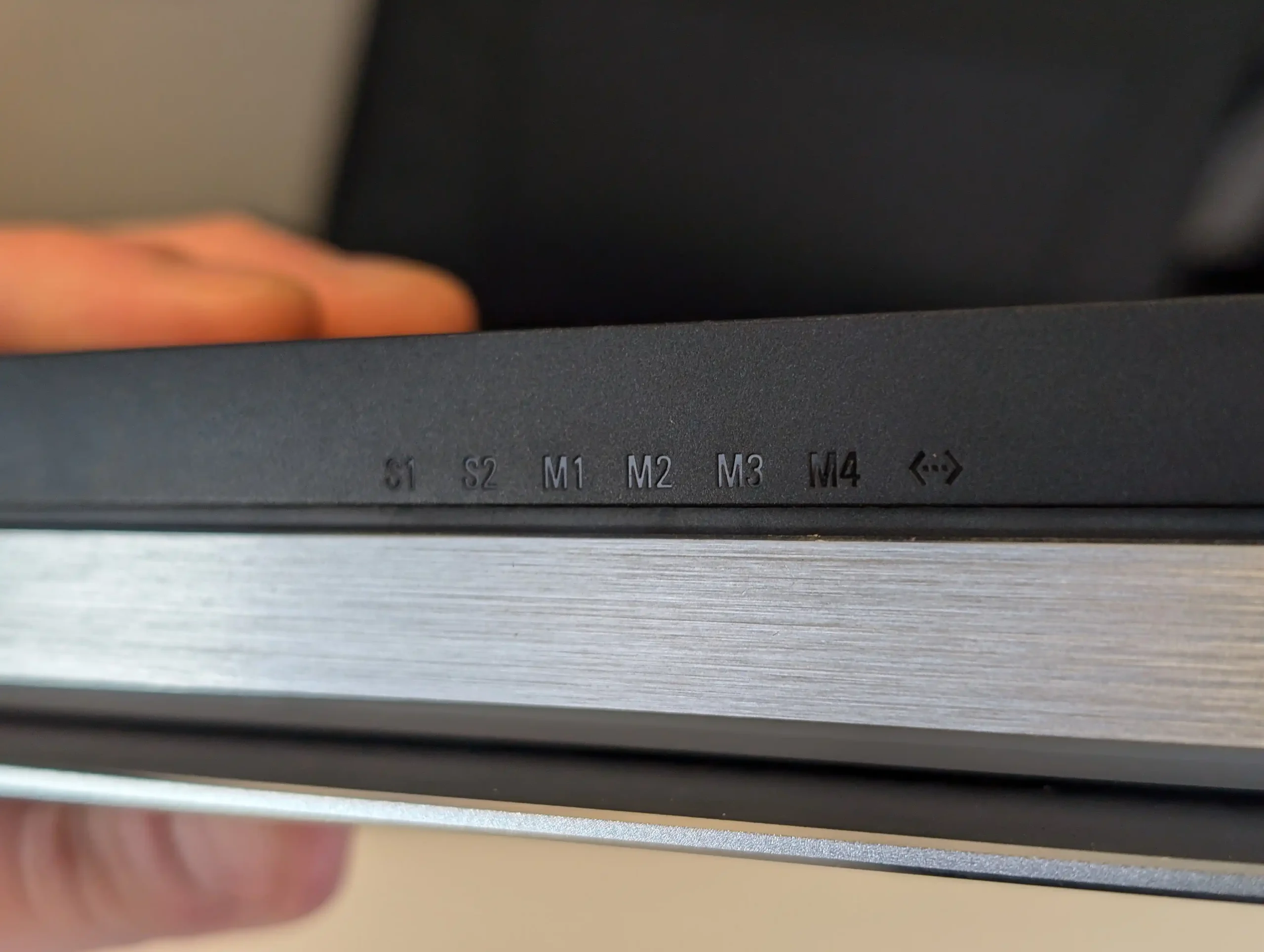
The LincStation N2 is a compact solid state NAS that offers higher performance than most systems in this price tier. It uses an Intel N100 processor with 16GB of LPDDR5 memory and supports two 2.5 inch SATA SSDs alongside four M.2 2280 NVMe drives. This six bay layout is aimed at users who want higher IOPS, quieter operation, and lower power consumption than a hard drive based configuration. Network connectivity is provided through a single 10GbE RJ45 port, which is uncommon at this price level and useful for workstation links or scenarios involving multiple simultaneous clients.
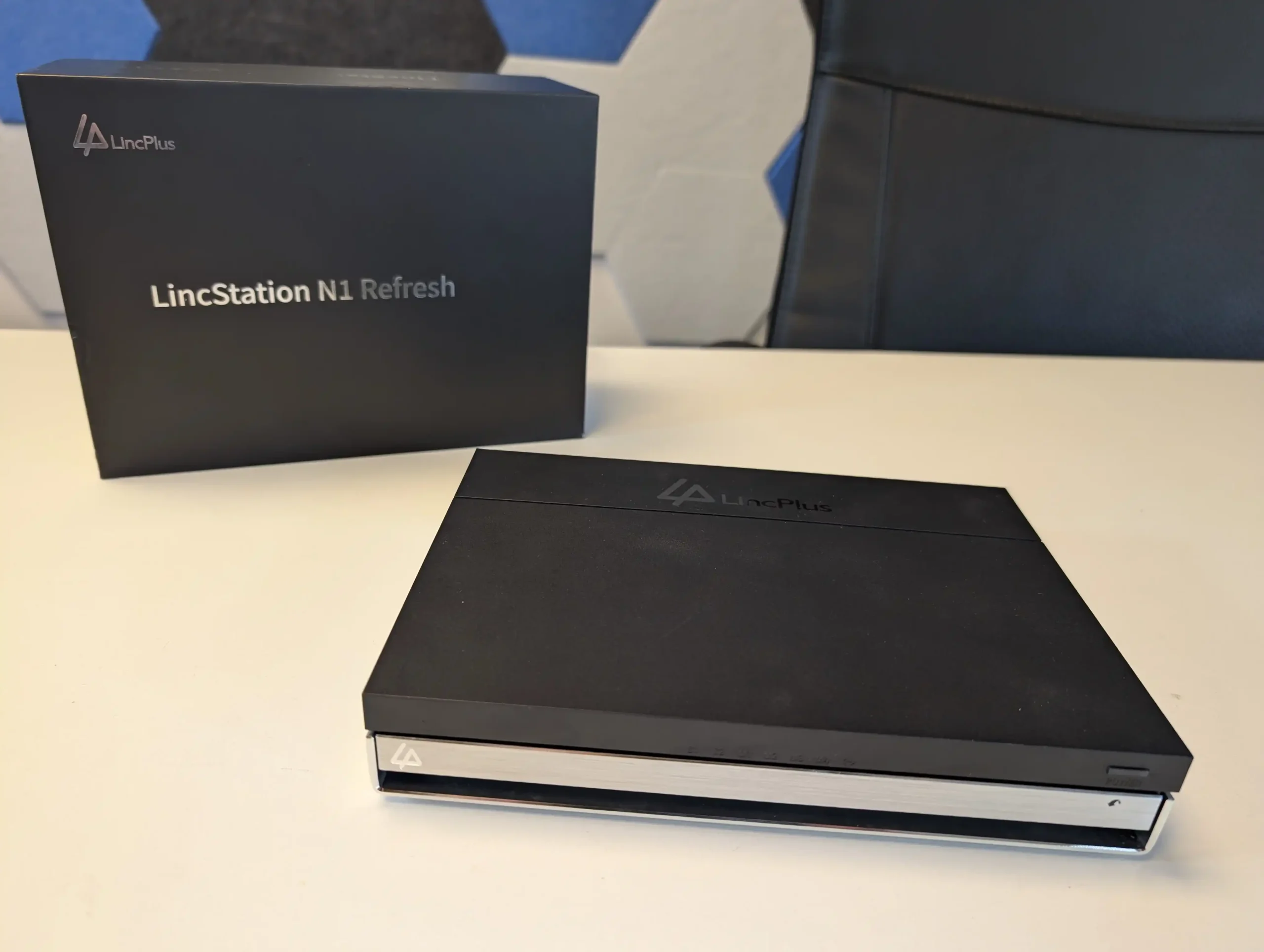
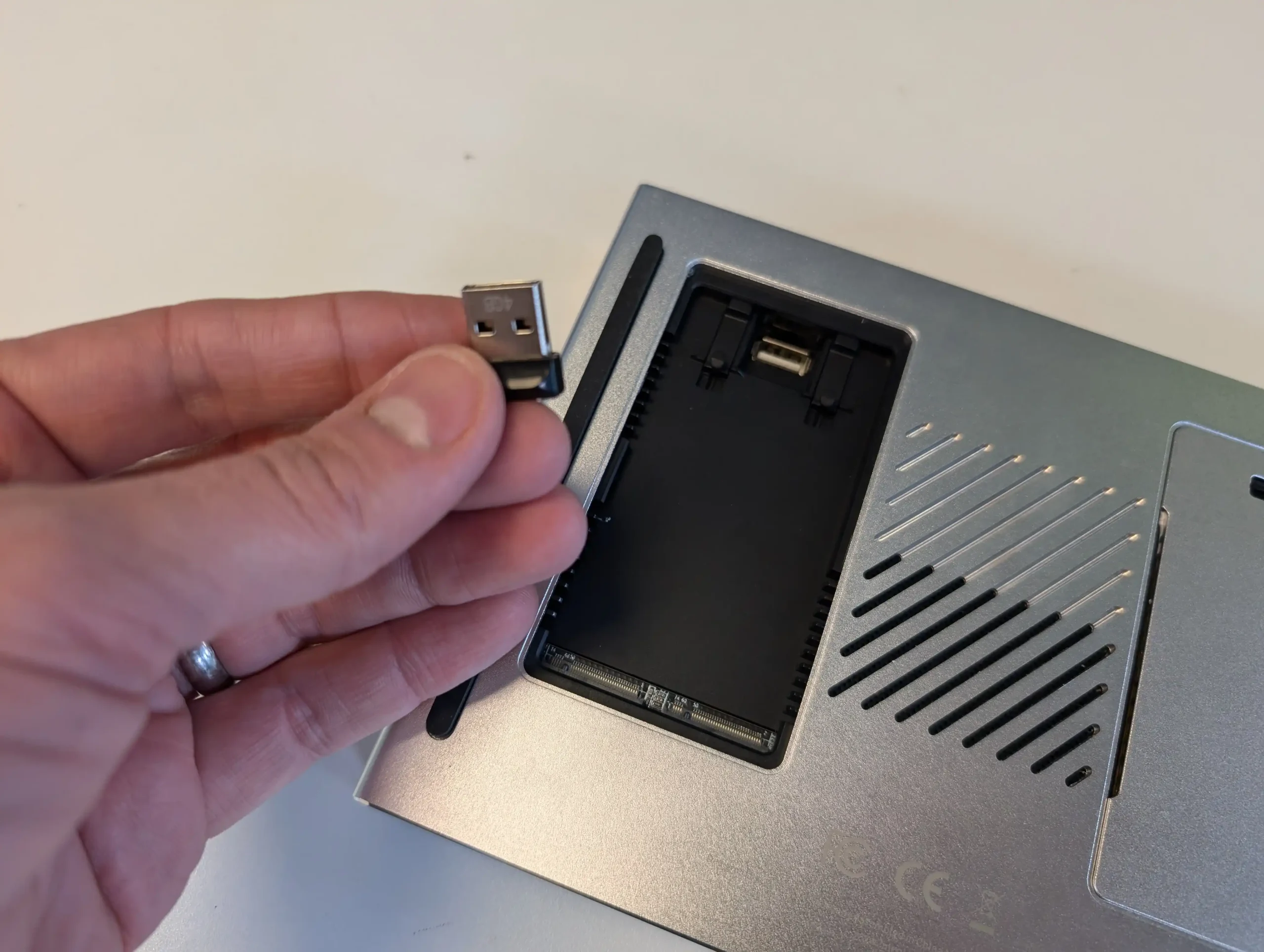
The unit includes an Unraid Starter license, giving users access to Docker containers, virtual machines, hardware passthrough, and flexible storage management. Unraid requires some familiarity to use effectively, but it offers greater adaptability than fixed vendor operating systems. The N2 also includes HDMI output, USB C, USB 3.2, and several USB 2.0 ports, which allows it to function as a lightweight home server or media oriented workstation in addition to its NAS role. For users who place priority on SSD storage, 10GbE connectivity, and virtualisation features, the LincStation N2 provides a level of capability that is not common in the sub 499 dollar category.

Component Specification
CPU Intel N100 (4 cores, up to 3.4GHz)
Memory 16GB LPDDR5 (non-upgradable)
Drive Bays 2x 2.5″ SATA + 4x M.2 NVMe
Networking 1x 10GbE LAN
Ports 1x USB-C (10Gbps), 1x USB 3.2, 2x USB 2.0
Video/Audio HDMI 2.0, 3.5mm audio out
OS Unraid (Starter license included)
Dimensions 210 x 152 x 39.8 mm
Weight 800g


TerraMaster F4 SSD NAS

$399 – Intel N95 – 8GB – 4x M.2 NVMe – 1x 5GbE – TOS (TerraMaster OS) – BUY HERE

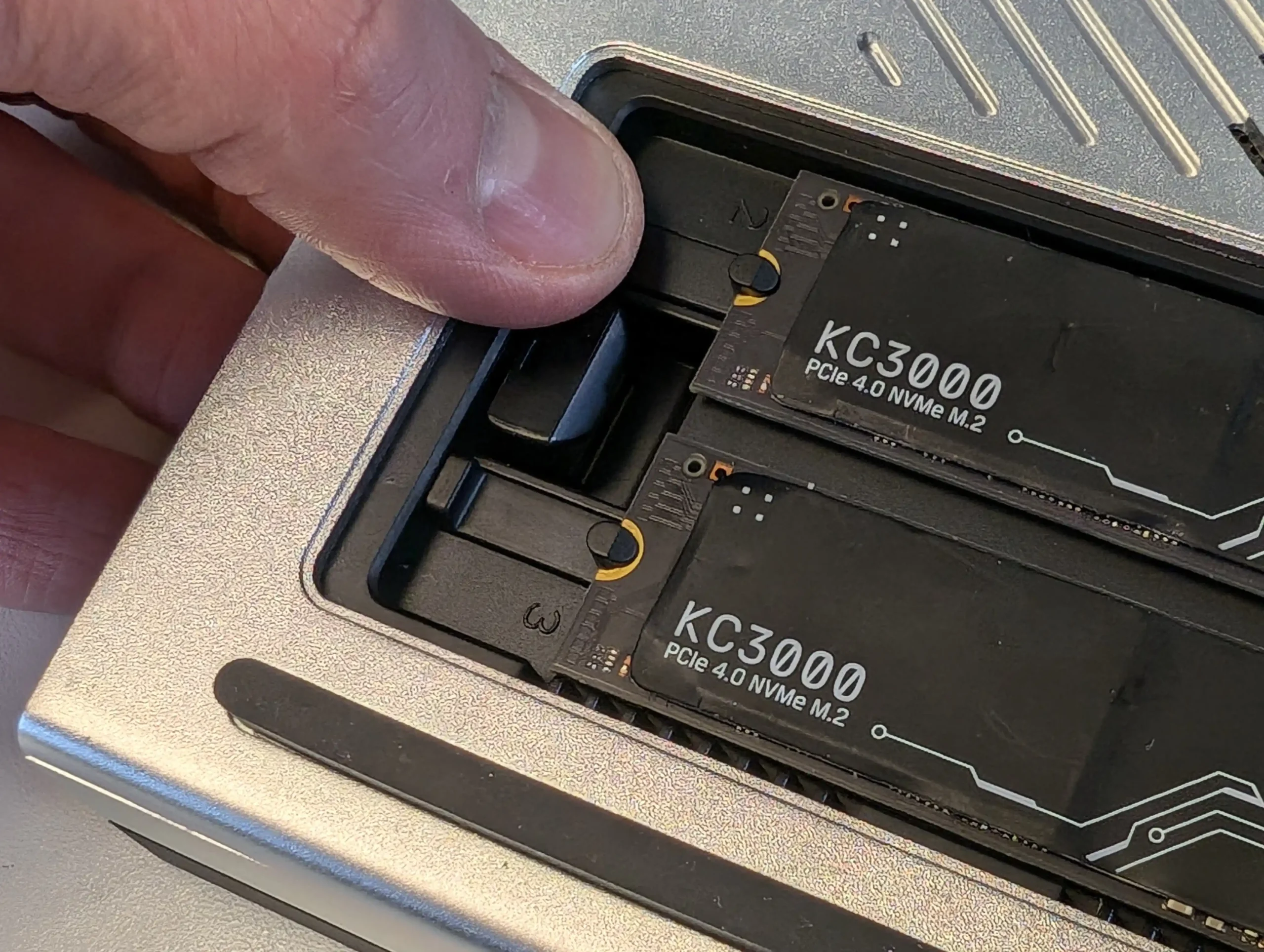
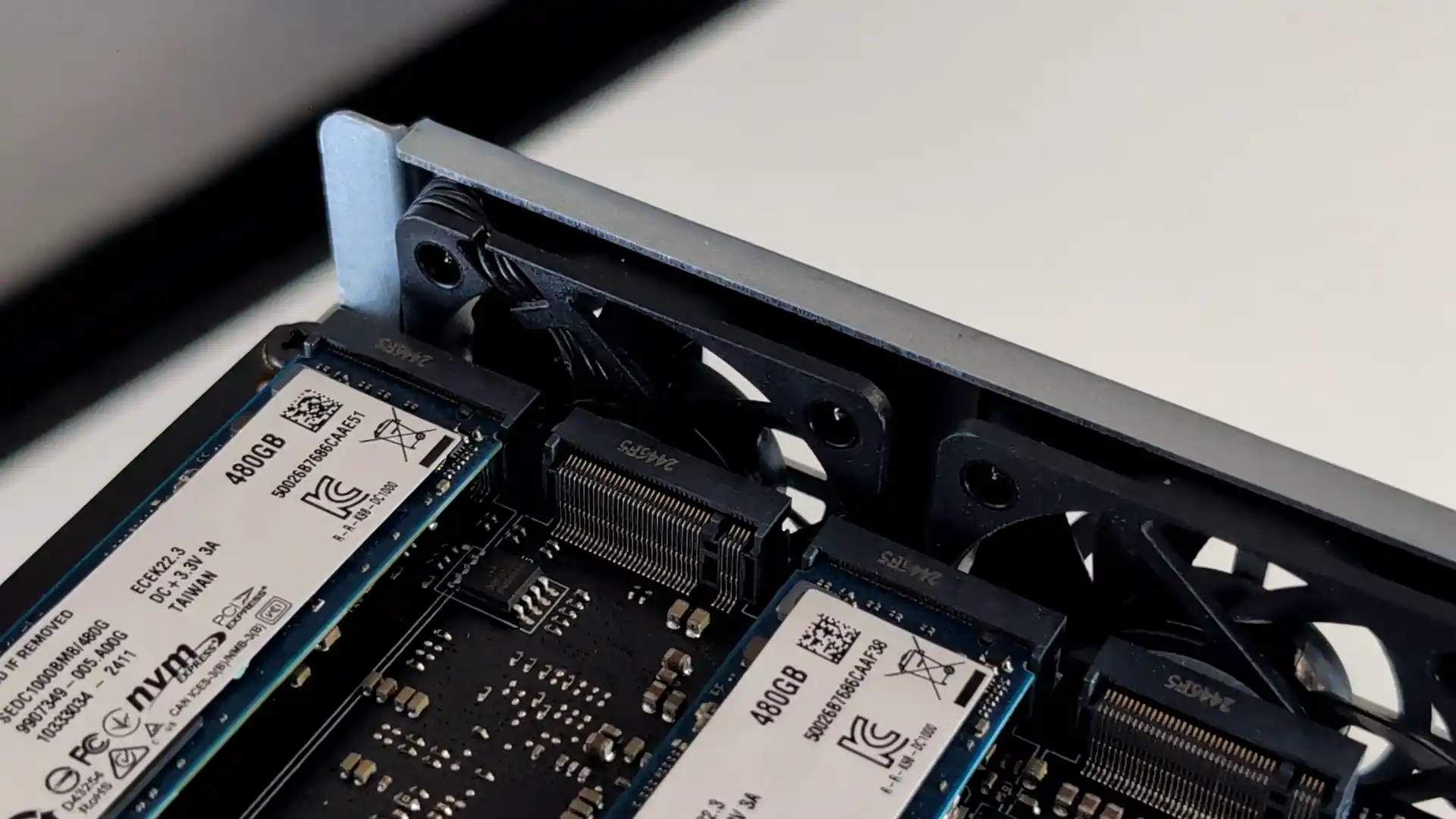
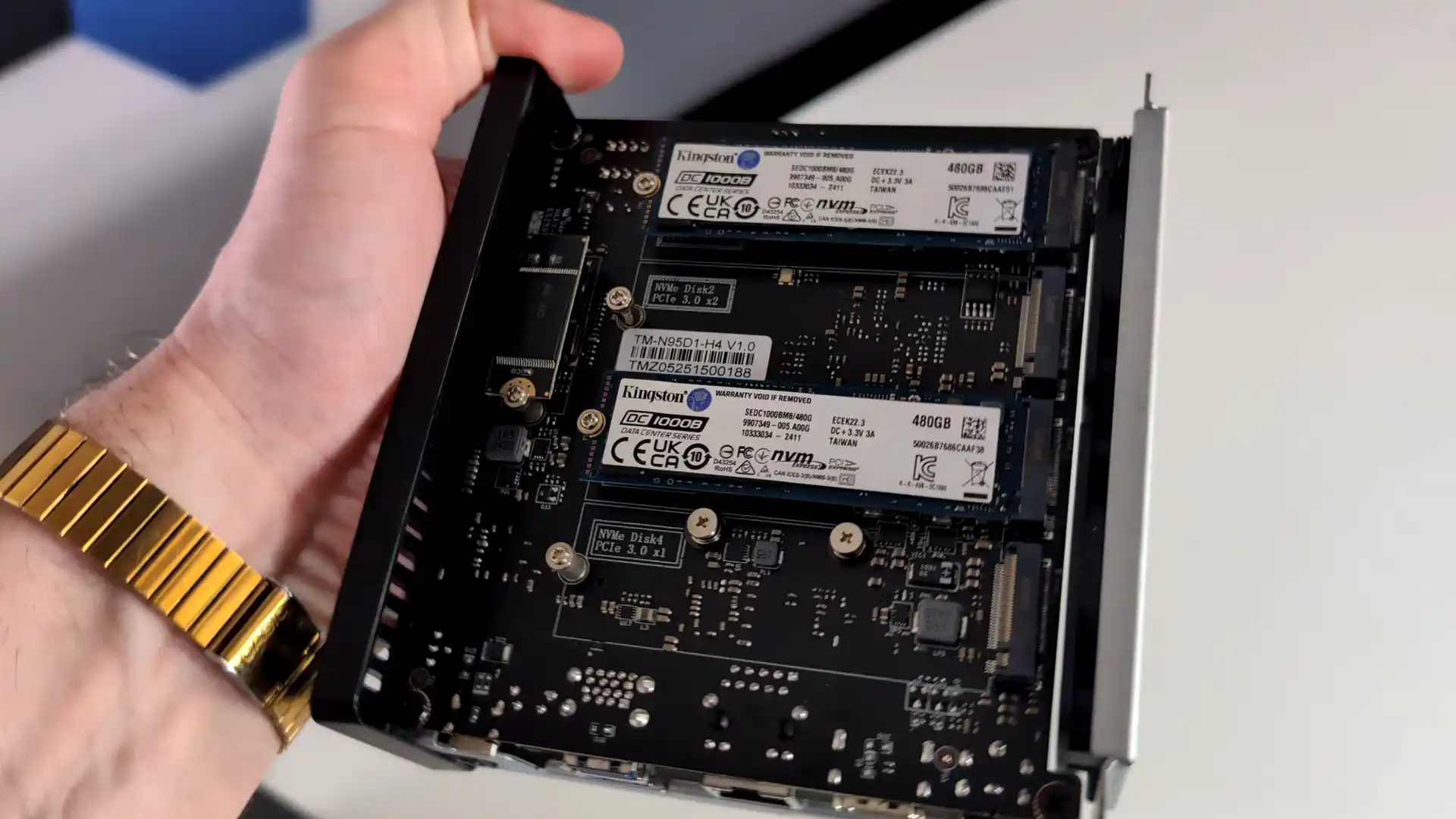
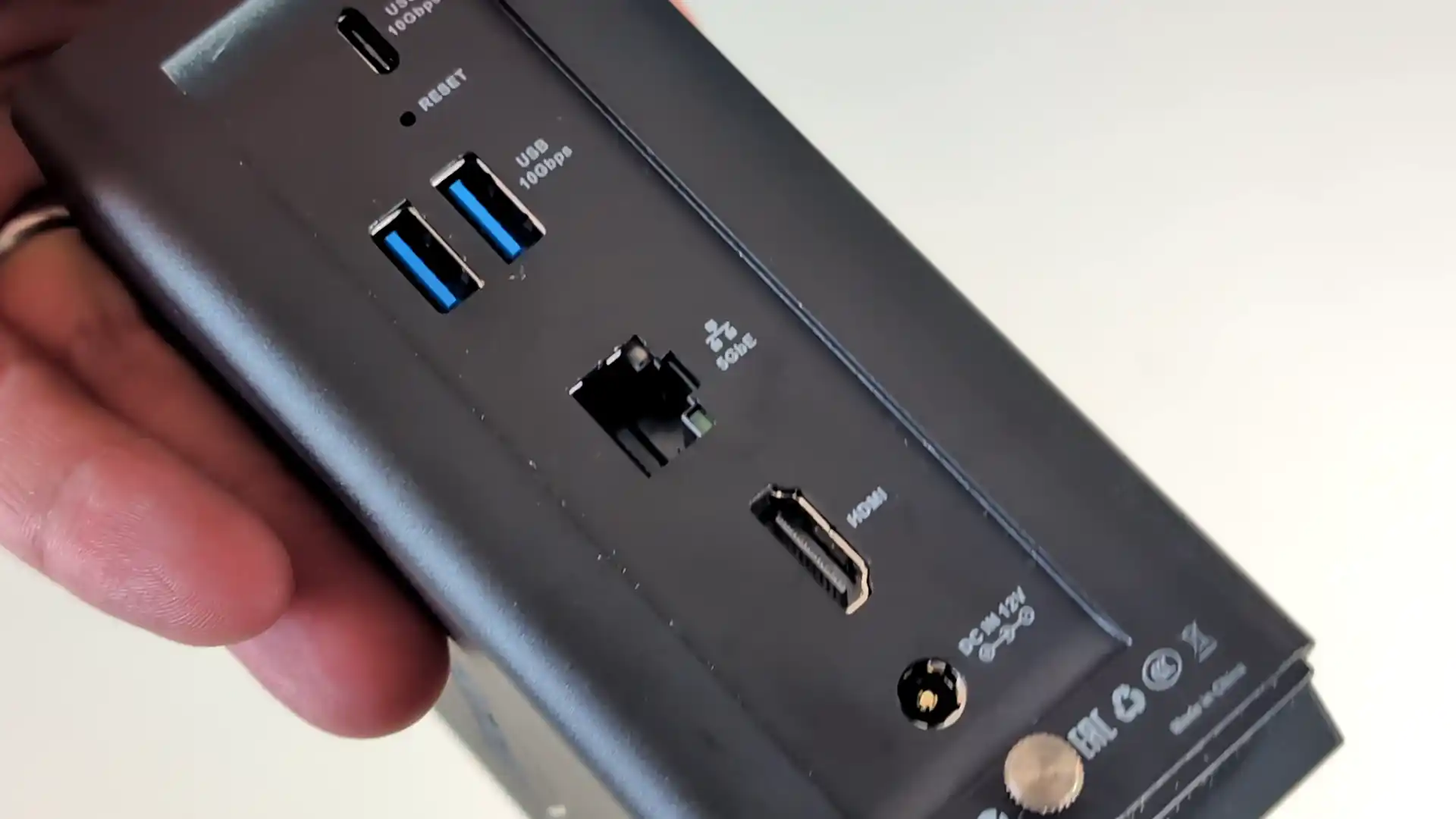
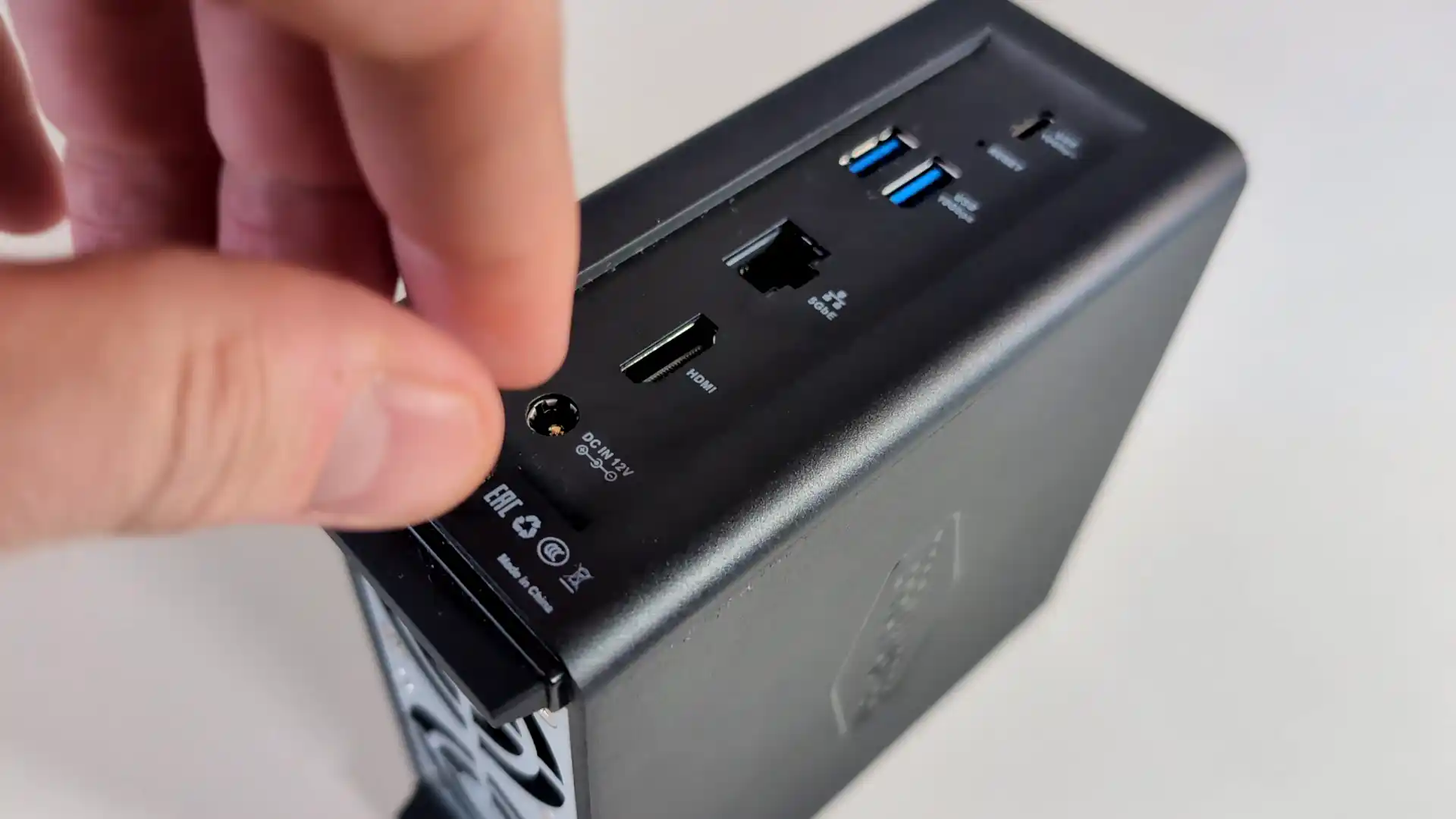
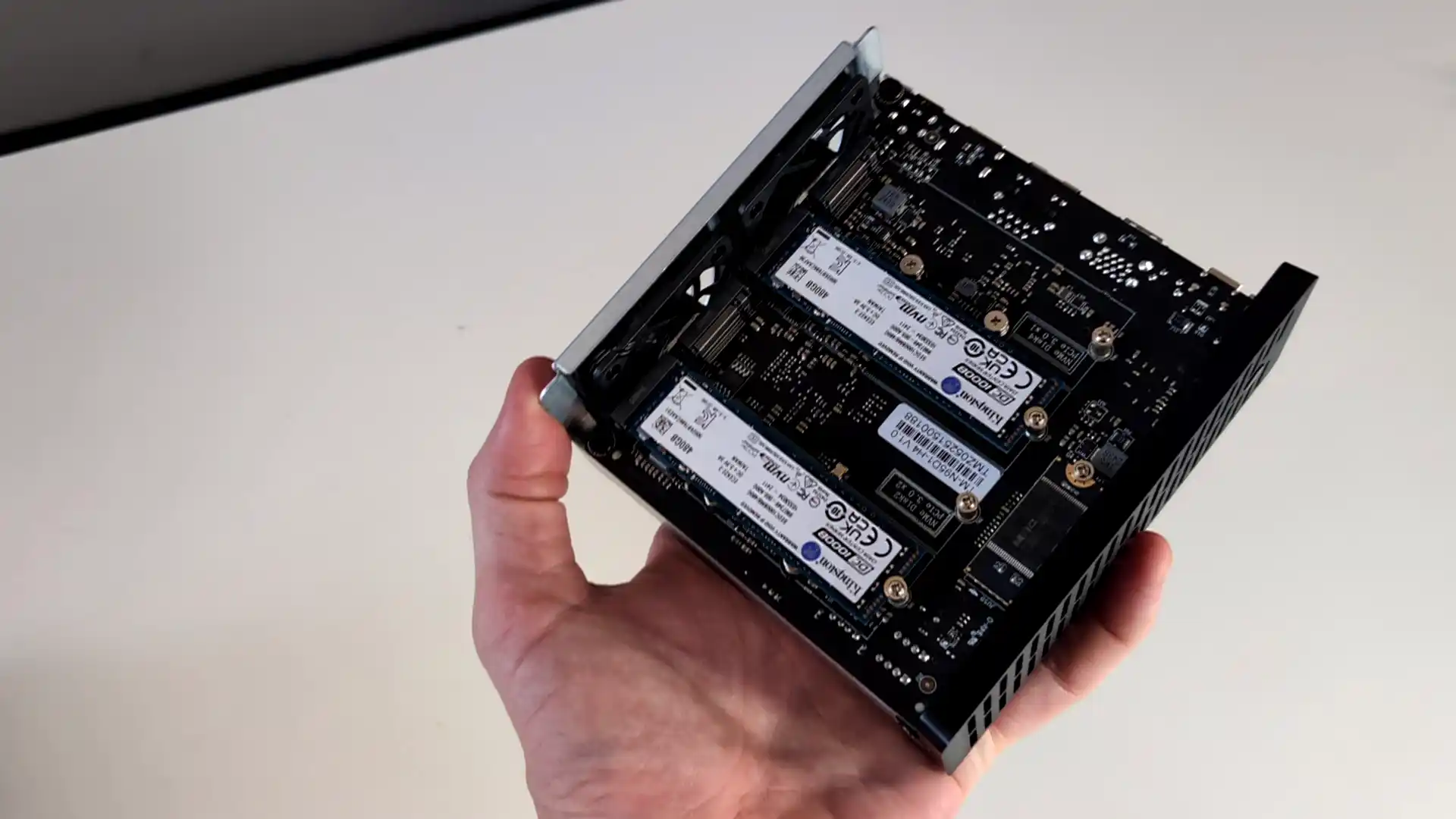
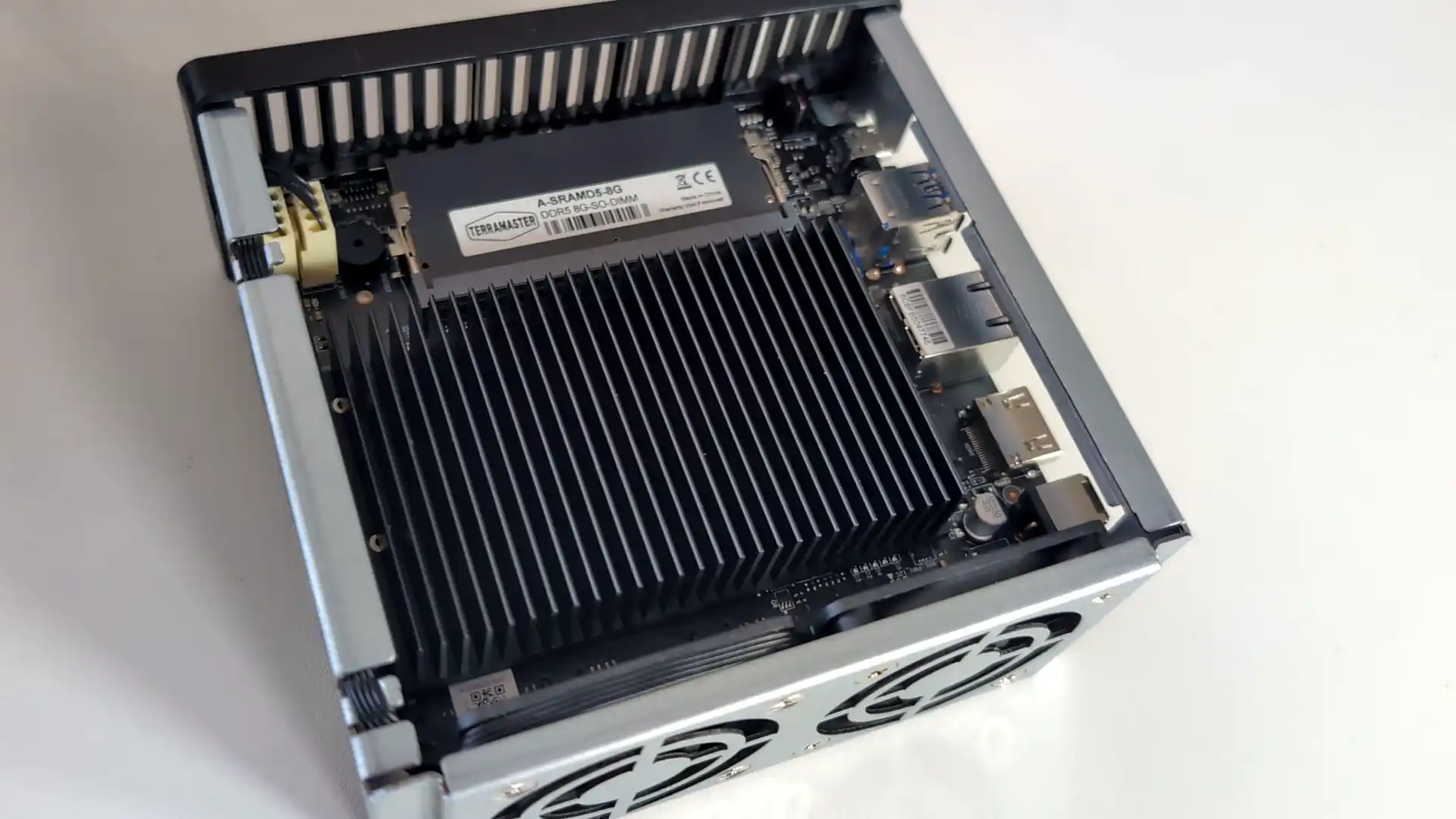
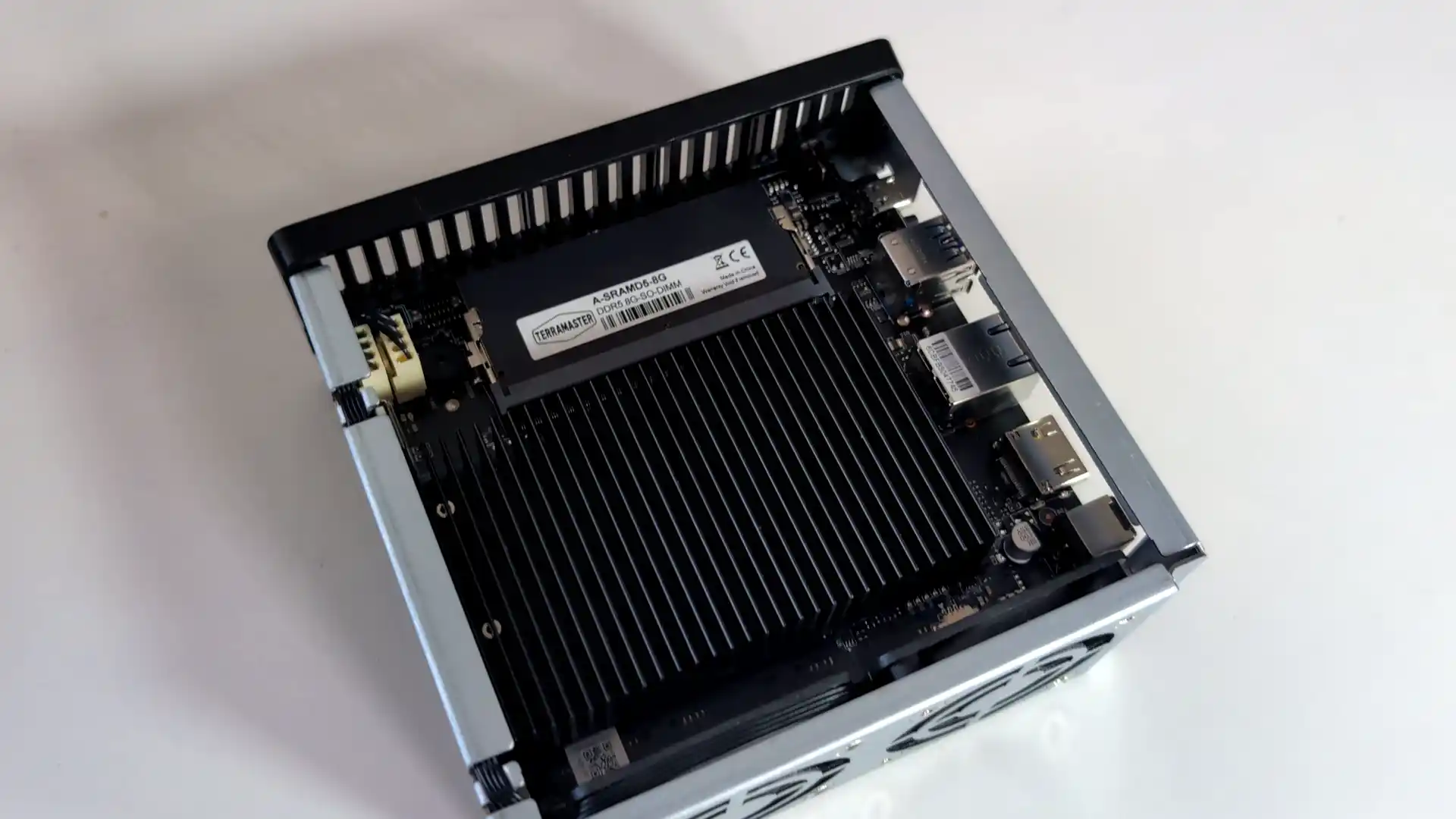
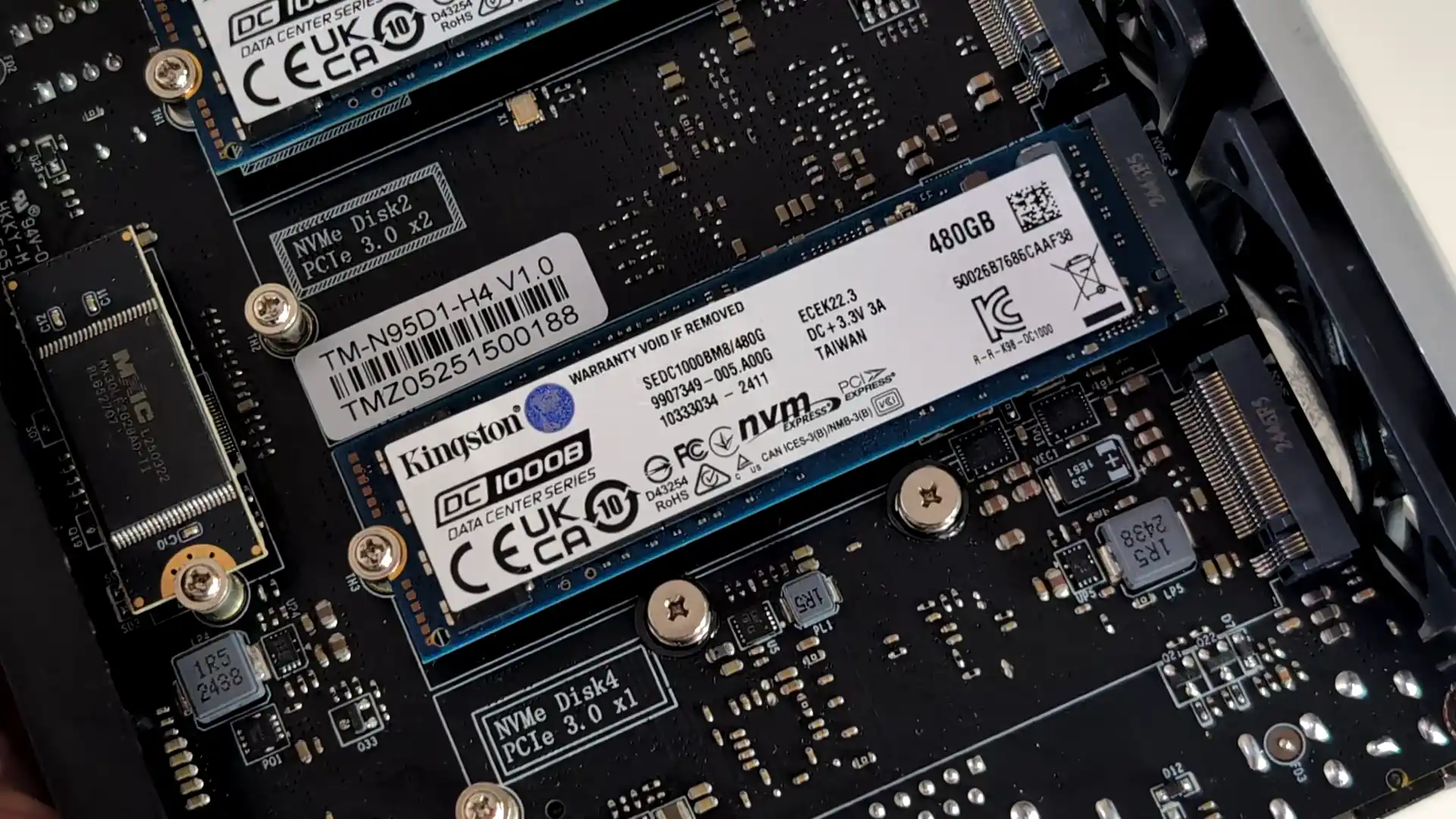
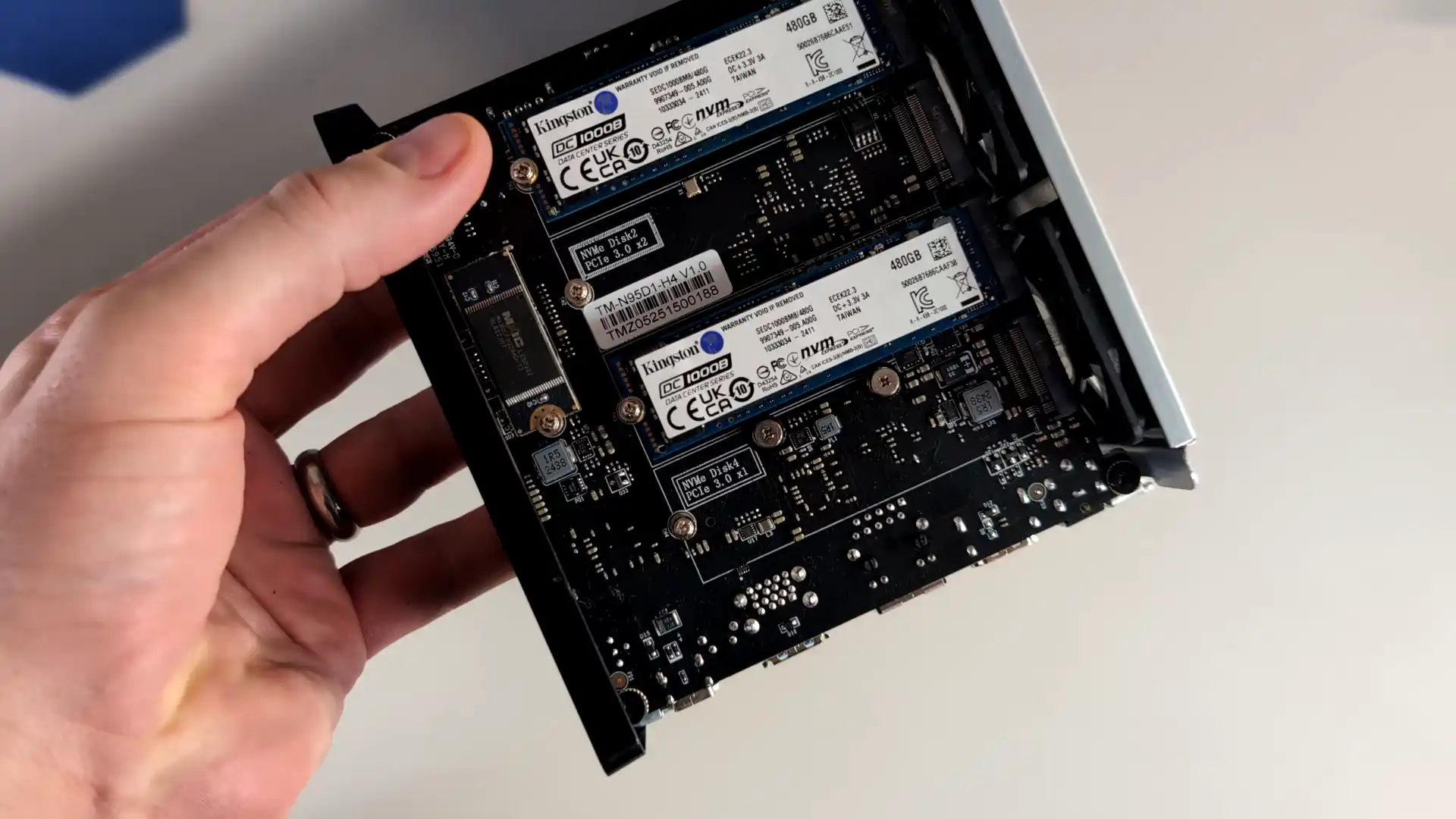
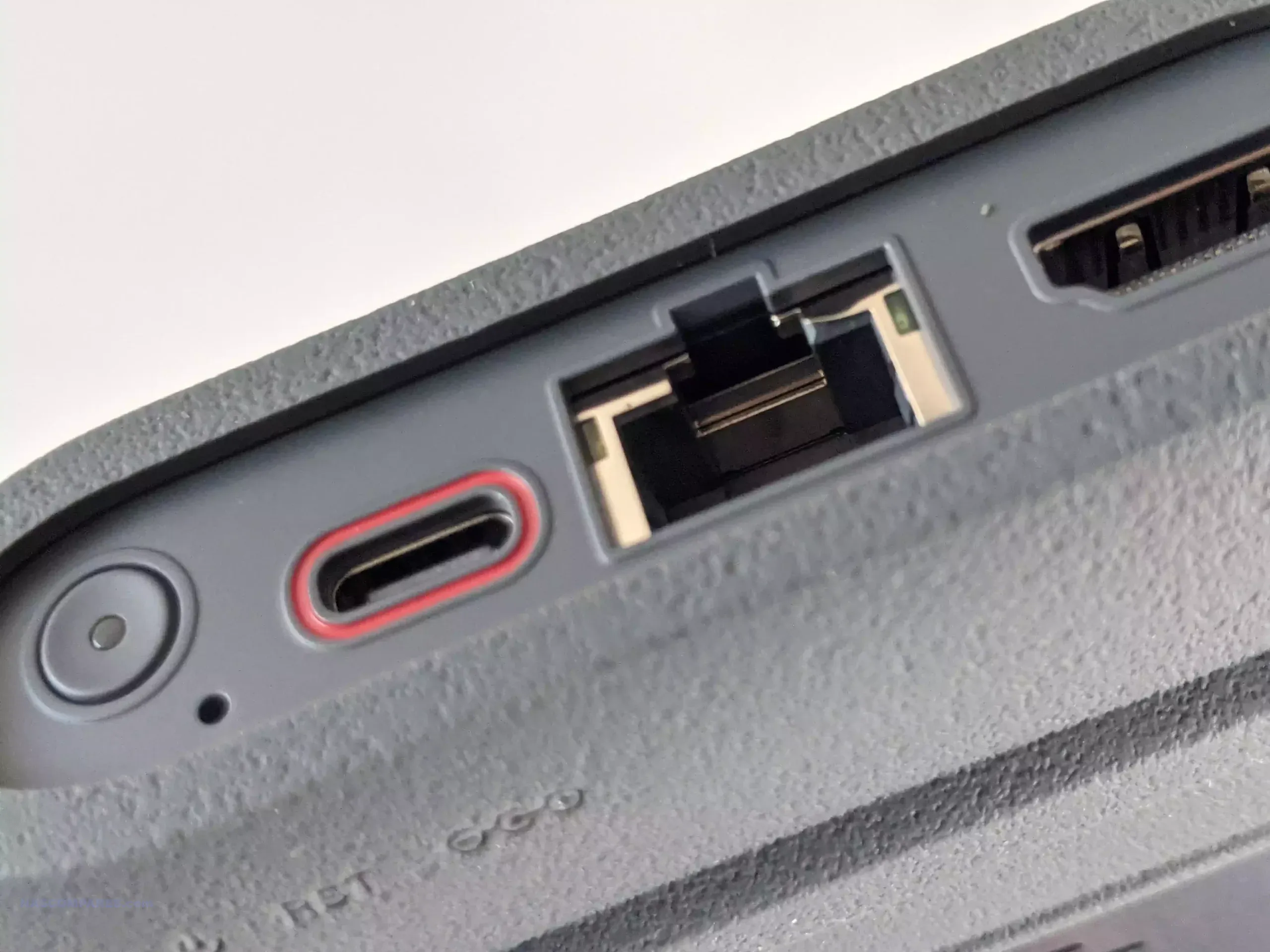
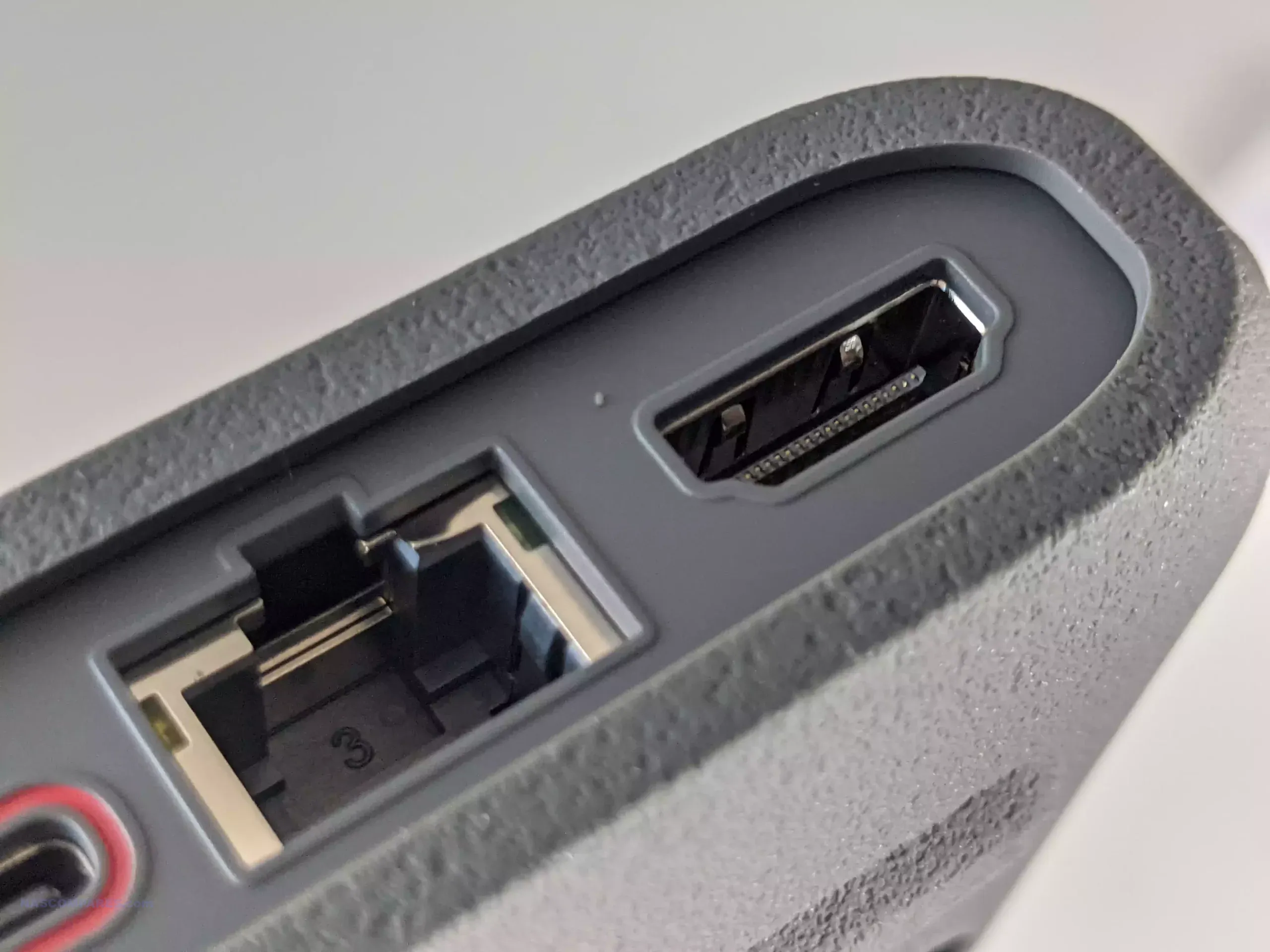
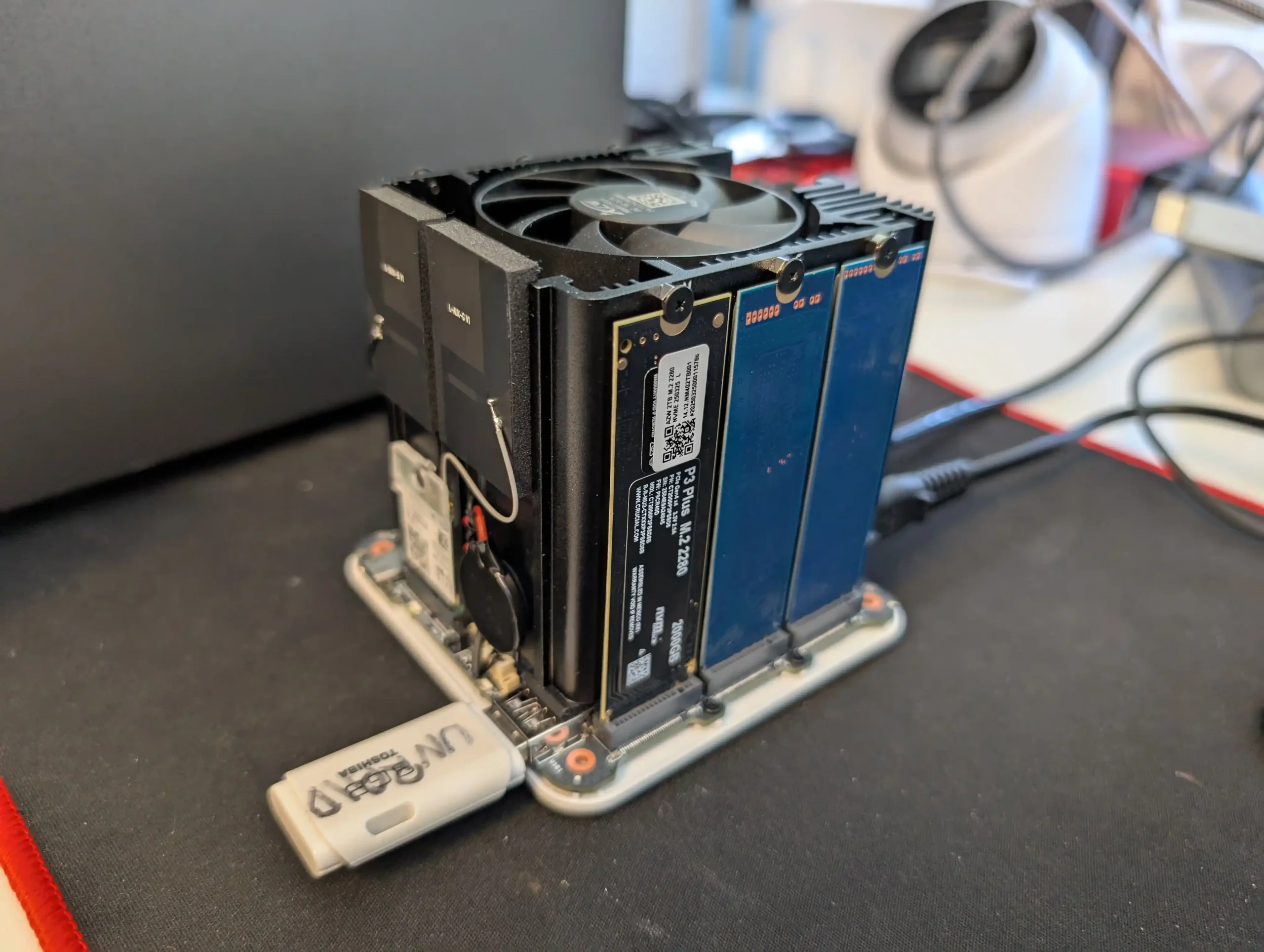
The TerraMaster F4 SSD is a four bay solid state NAS designed for users who want faster access speeds and quieter operation than traditional hard drive systems. It uses an Intel N95 processor from the Alder Lake N family together with 8GB of DDR5 memory in a single SODIMM slot. Storage is provided through four M.2 NVMe positions, with two operating at PCIe 3.0 x2 and two at PCIe 3.0 x1. The system is intended for SSDs only and does not support SATA based drives. Network connectivity is handled through one 5GbE port, which allows higher single link performance than dual 2.5GbE designs and can attach to 10GbE networks at reduced speed.
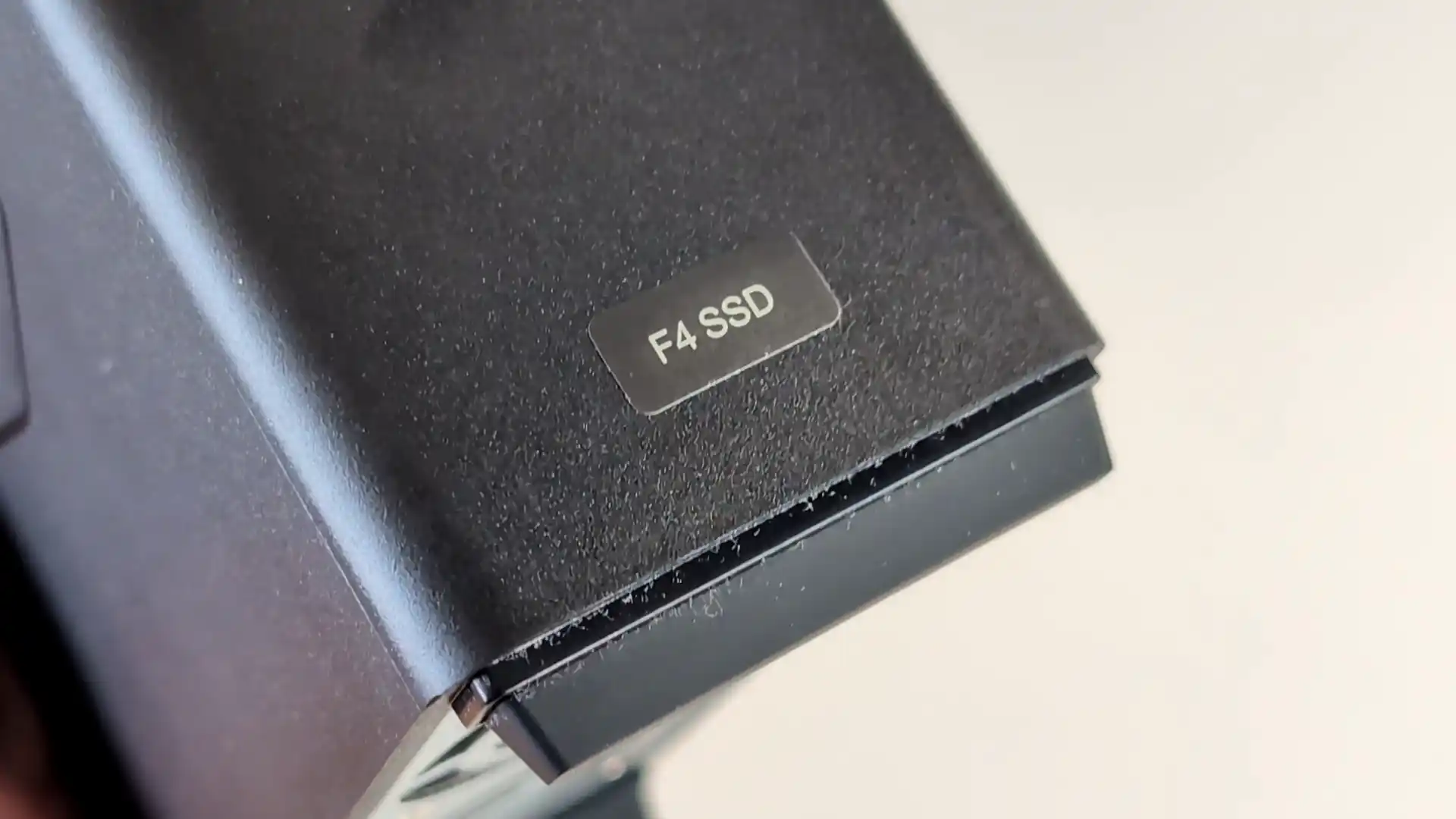
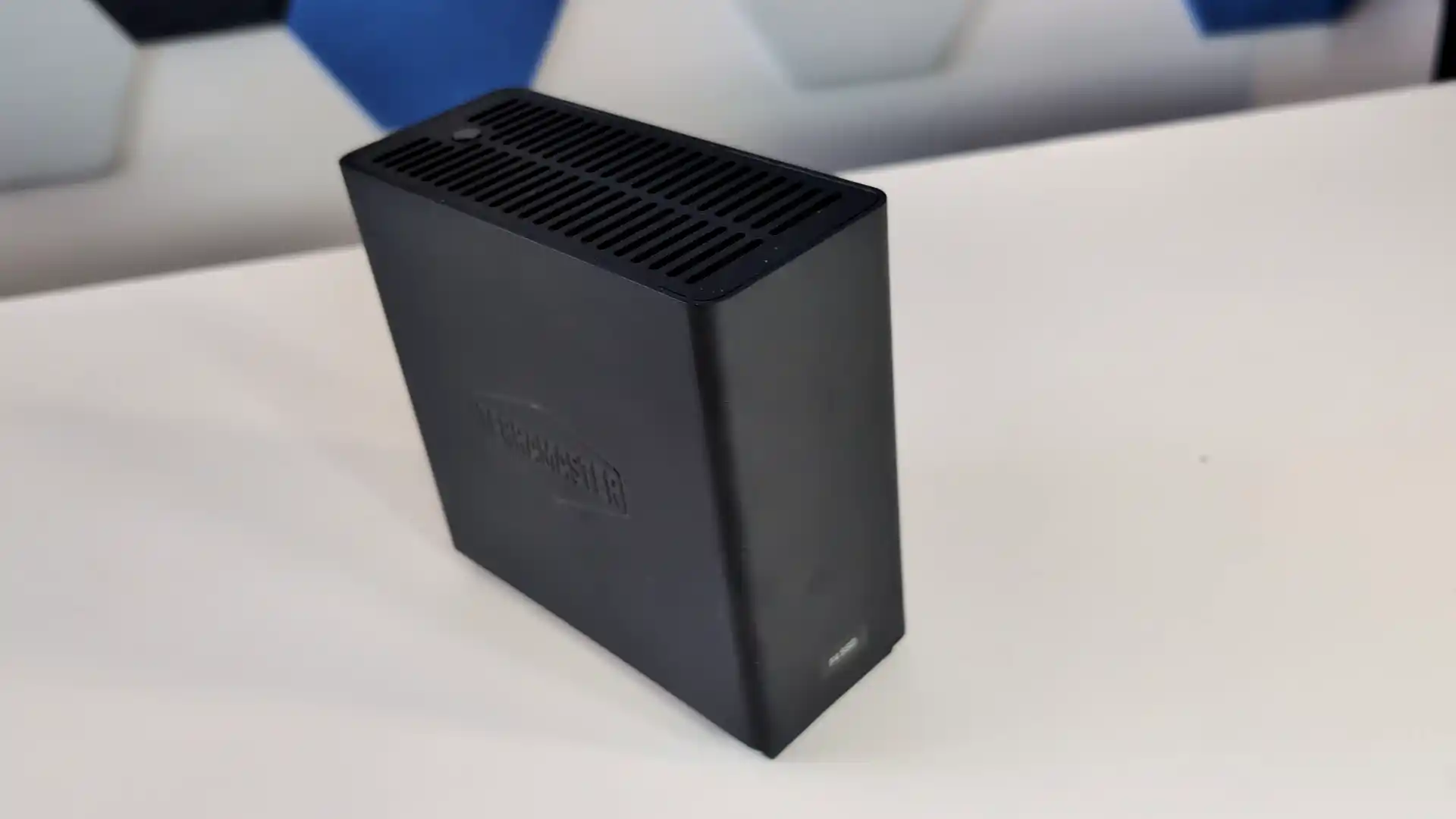
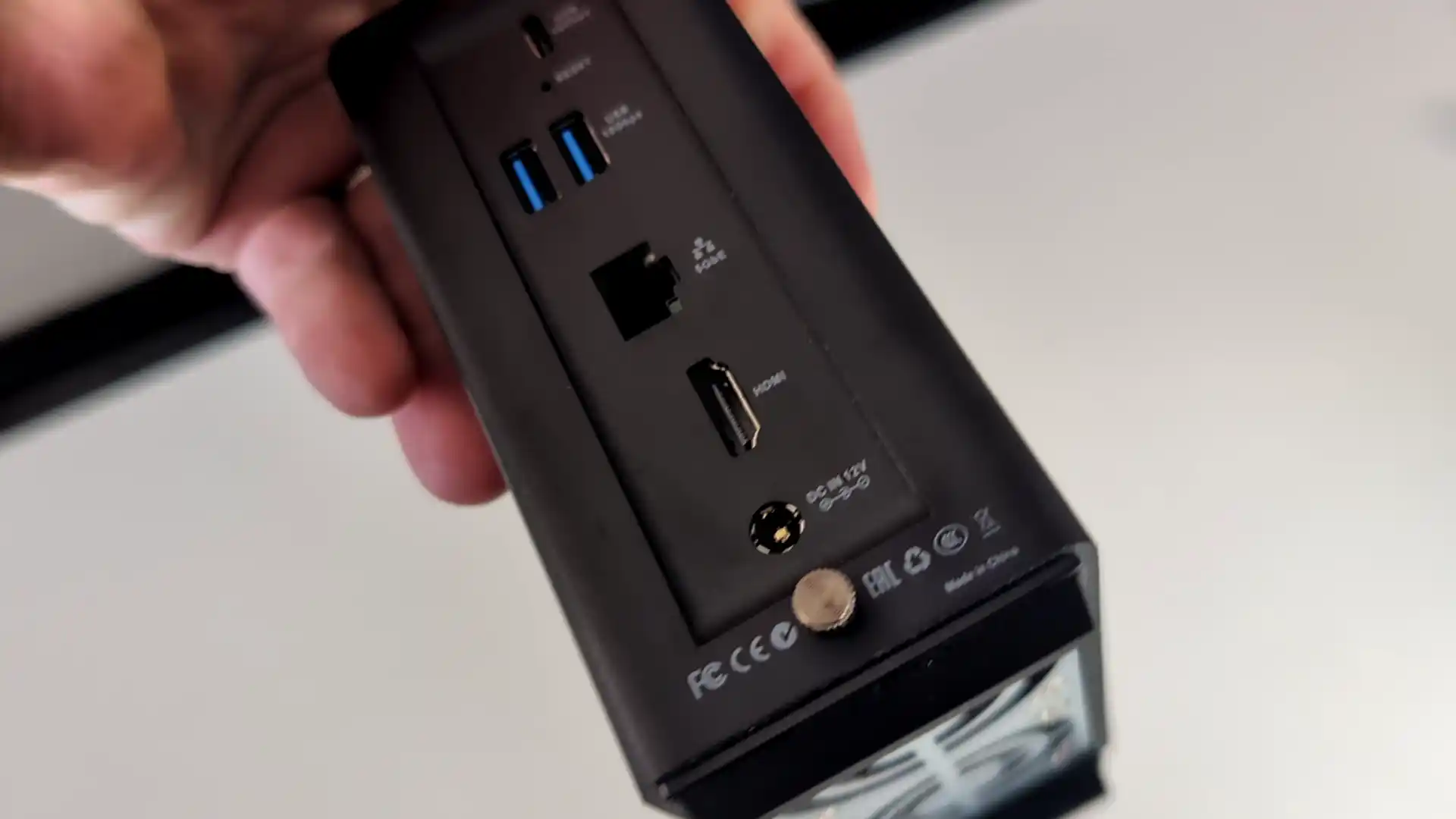
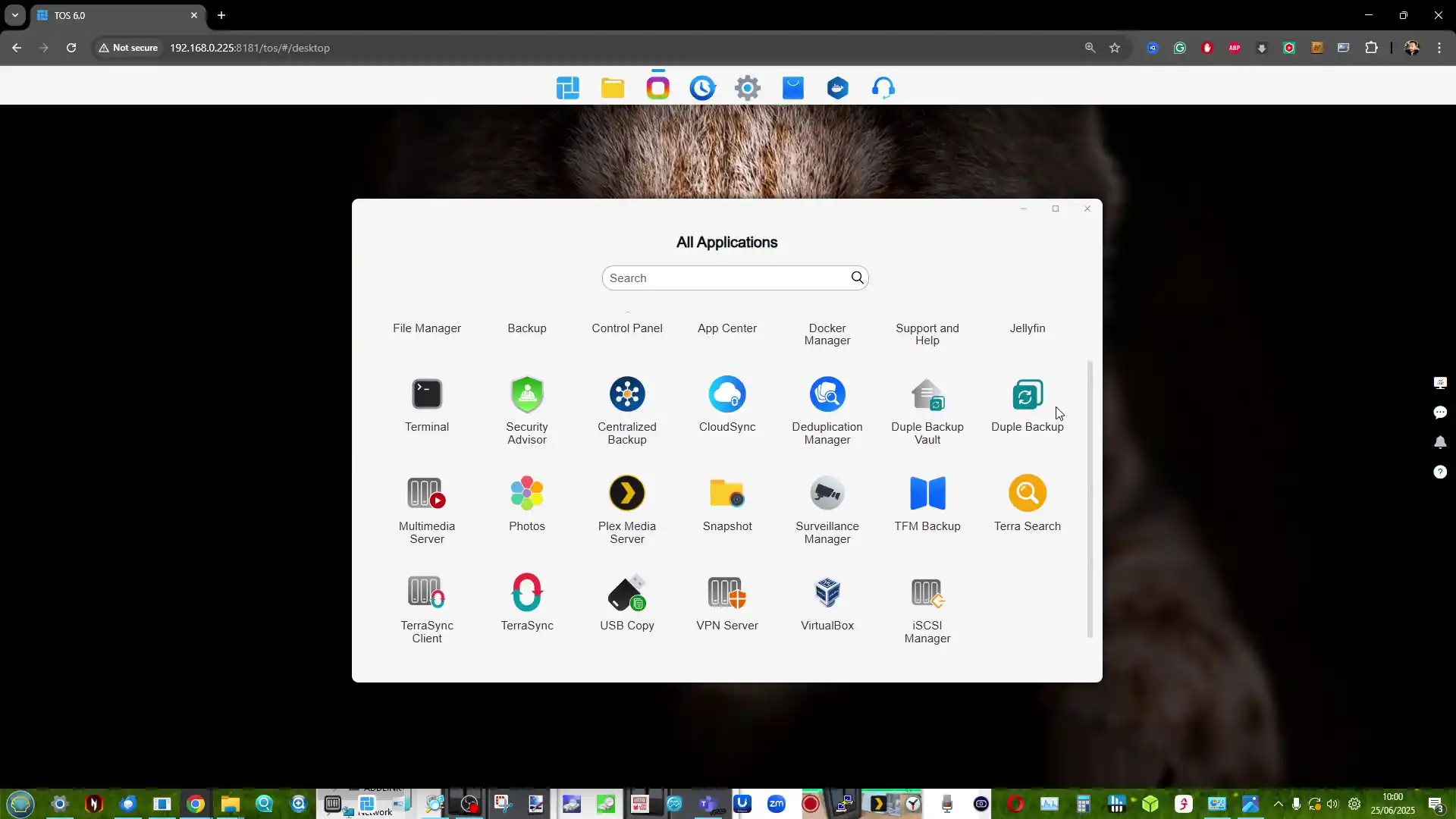
The device runs the TOS platform, which offers multimedia tools, photo management with local AI tagging, cloud sync, user account controls, and a range of backup options. The system supports Btrfs, TRAID for flexible capacity planning, remote access, and mobile applications for file sync and photo uploads. HDMI output, two USB A ports, one USB C port, and quiet fan operation make the F4 SSD suited to home environments that need a compact all flash NAS with minimal configuration.
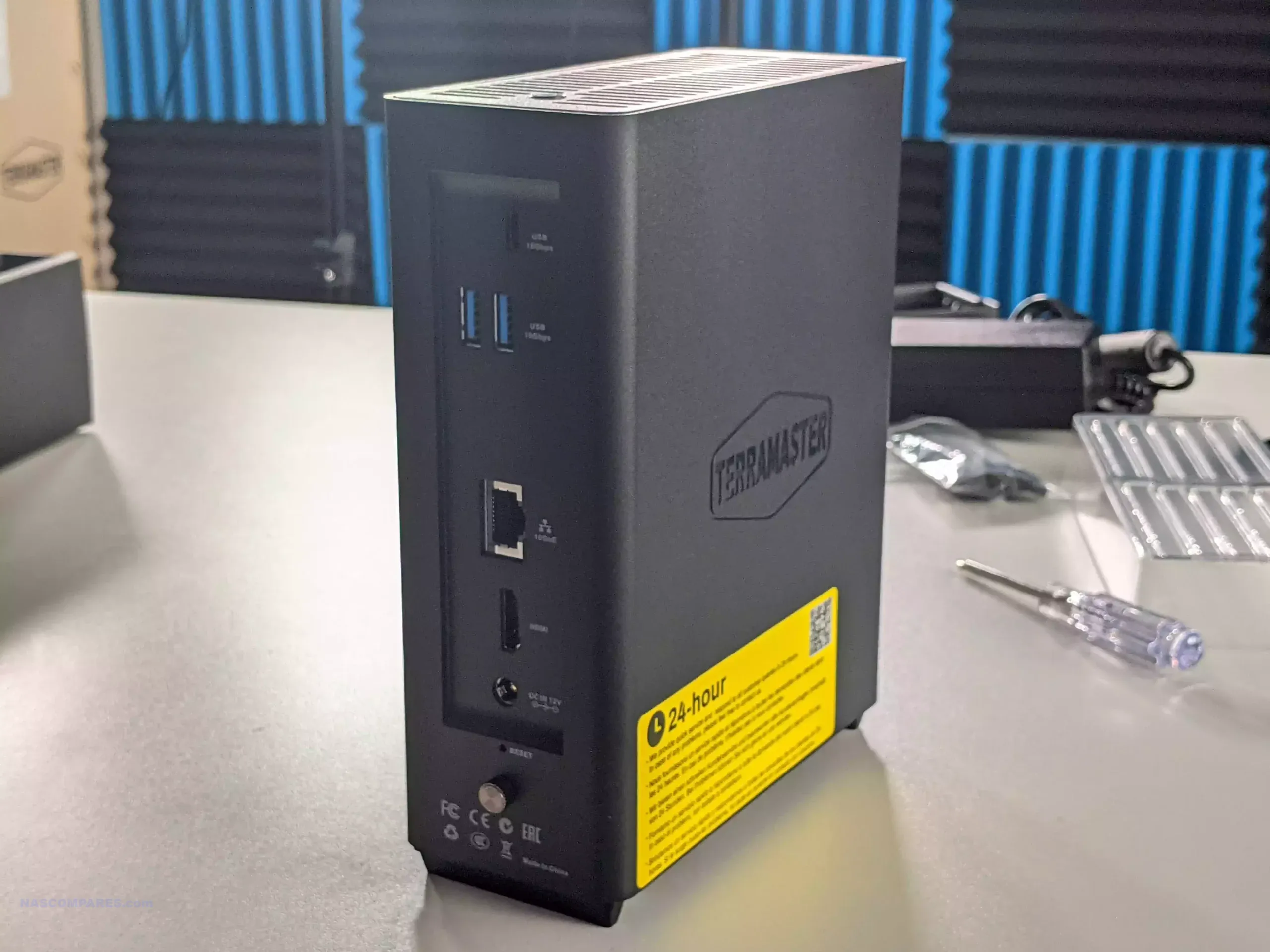
Users who want more performance can step up to the F8 SSD Plus for roughly 200 to 250 dollars more. That model offers eight M.2 NVMe slots, an eight core N305 i3 class processor, 16GB of memory, and 10GbE networking. The F4 SSD remains the more cost conscious option, while the F8 SSD Plus targets workloads that need considerably more CPU and network headroom.

Component Specification
CPU Intel N95 (4 cores, up to 3.4GHz)
Memory 8GB DDR5 SODIMM (upgradable to 32GB)
Drive Bays 4x M.2 NVMe (2x PCIe 3.0 x2, 2x PCIe 3.0 x1)
Networking 1x 5GbE LAN
Ports 2x USB-A (10Gbps), 1x USB-C (10Gbps), HDMI 2.0
OS TOS (TerraMaster OS)
Noise Level 19 dB(A)
Dimensions 138 x 60 x 140 mm
Weight 0.6 kg (net), 1.2 kg (gross)


Synology DiskStation DS425+ NAS

$499 – Intel Celeron J4125 – 2GB – 4x 3.5″ SATA + 2x M.2 NVMe – 1x 2.5GbE, 1x 1GbE – DSM 7.x – BUY HERE

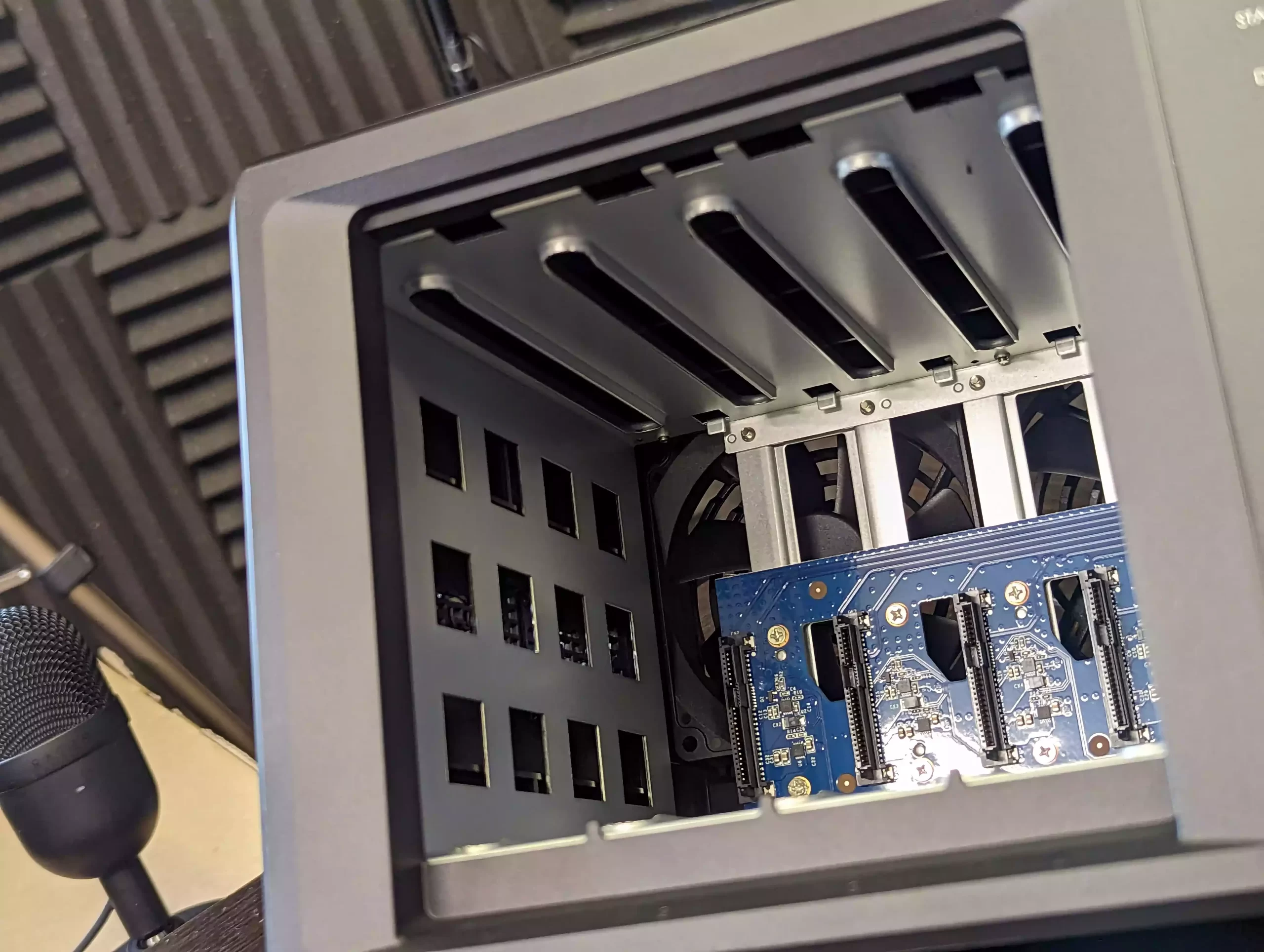
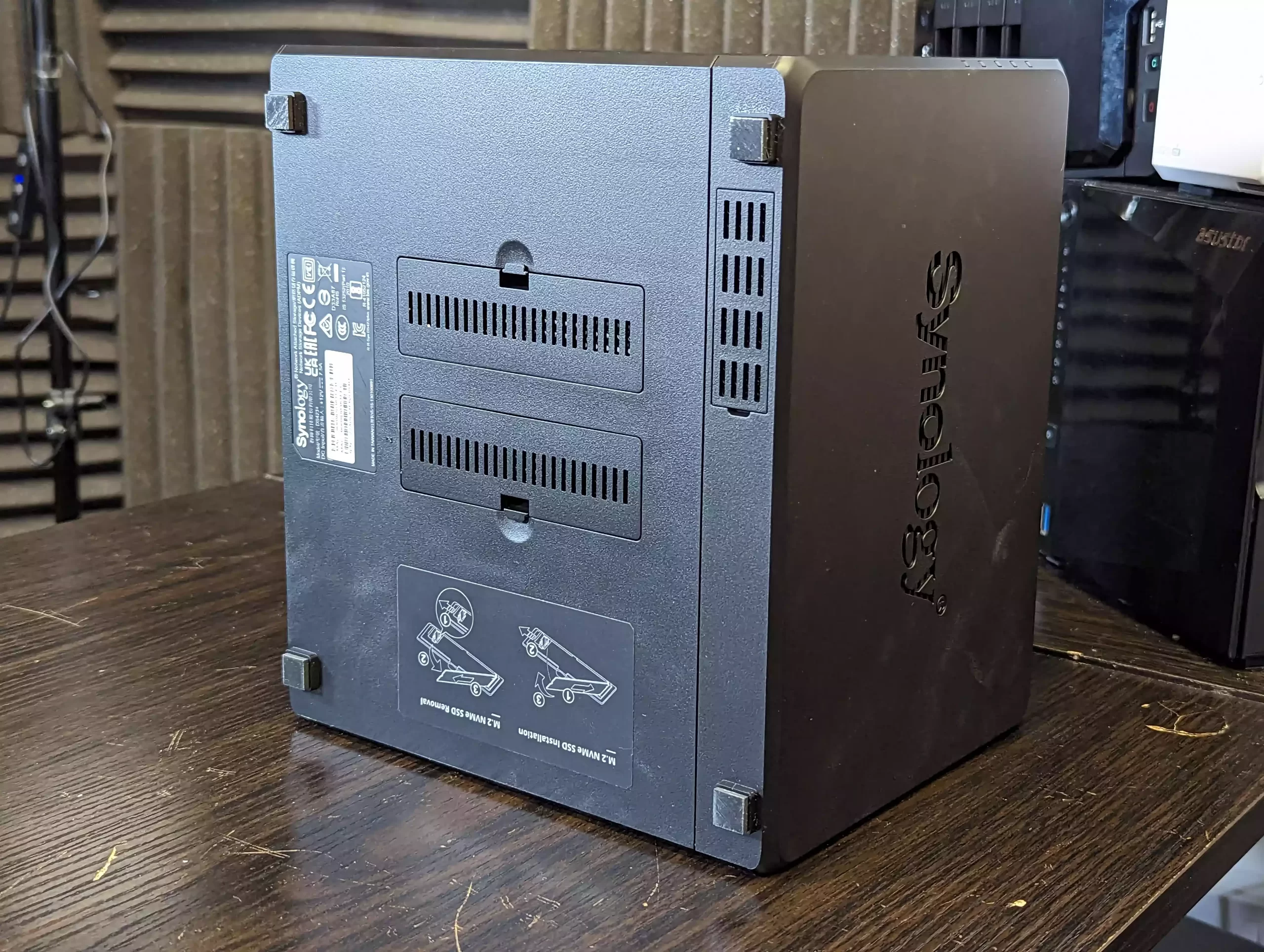
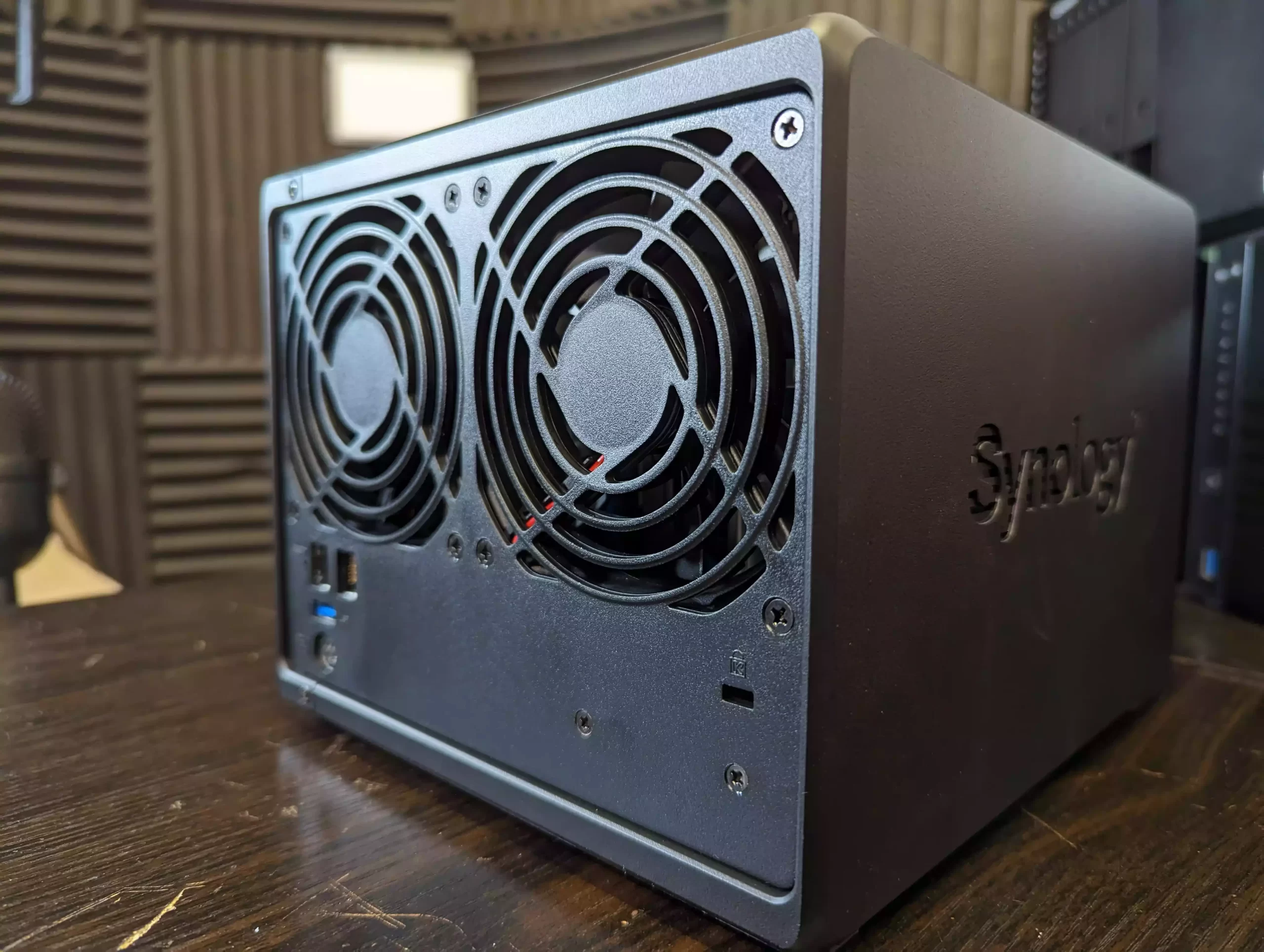
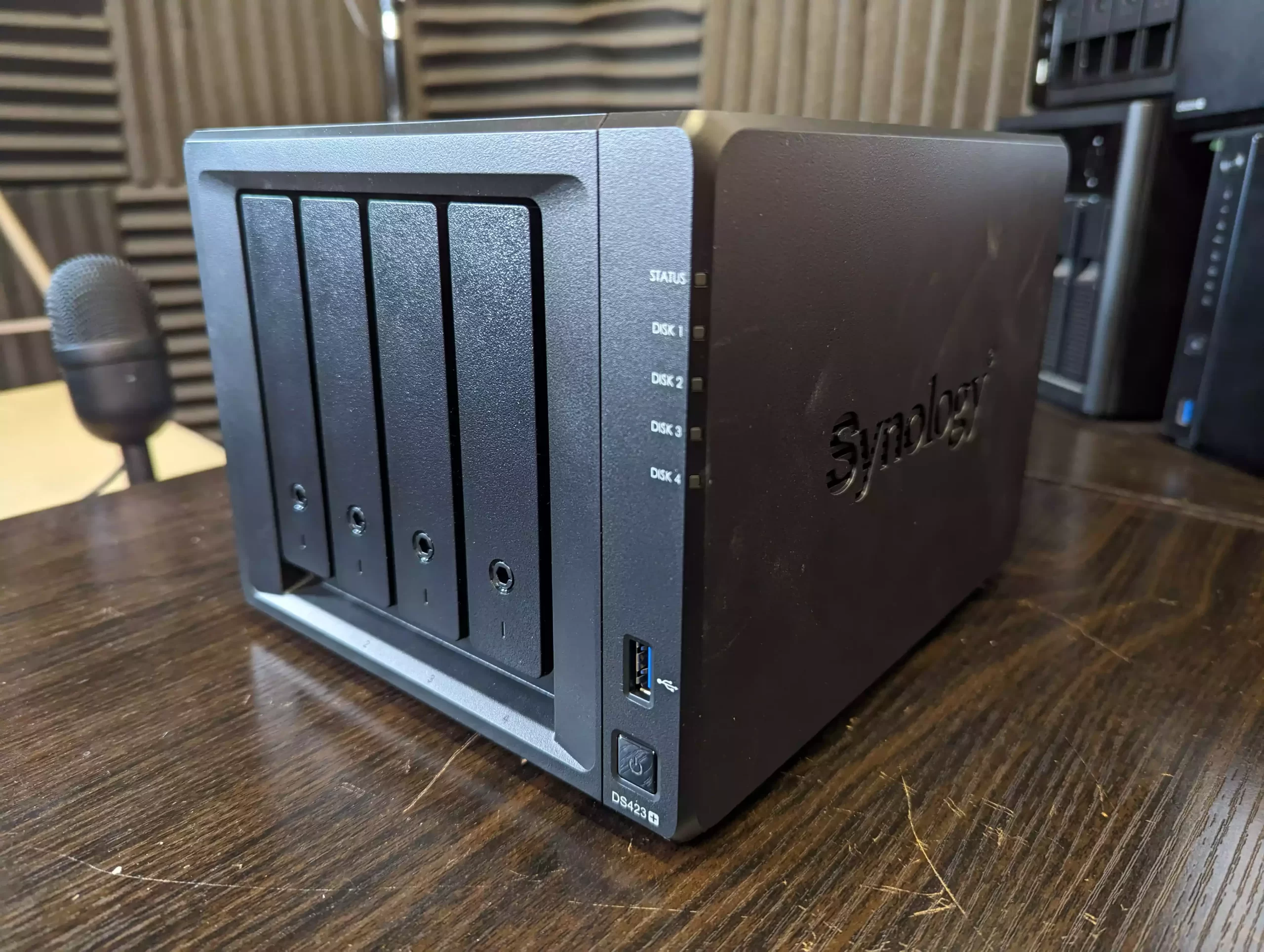
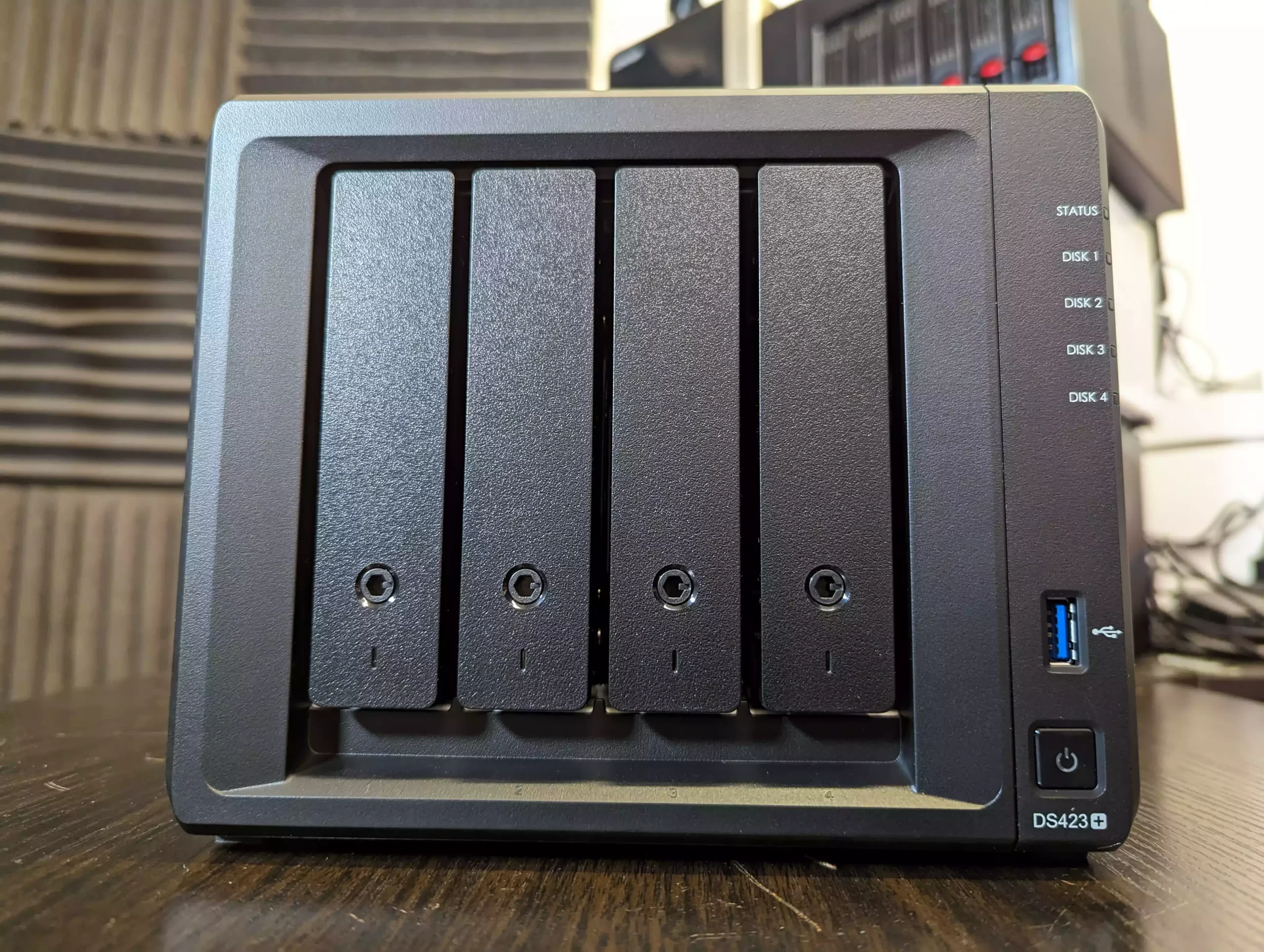
The Synology DS425 Plus is a four bay NAS positioned as an accessible way to enter the DSM ecosystem while still offering capable hardware for home and small office use. It is built on the Intel Celeron J4125, a quad core processor with a 2.0GHz base frequency and up to 2.7GHz under load. The system includes 2GB of DDR4 memory that can be expanded to 6GB and supports both 3.5 inch and 2.5 inch SATA drives. Two M.2 NVMe slots are available for cache use or for creating faster solid state storage volumes. Network connectivity consists of one 2.5GbE port and one 1GbE port, which gives users some flexibility depending on the switches in their setup.
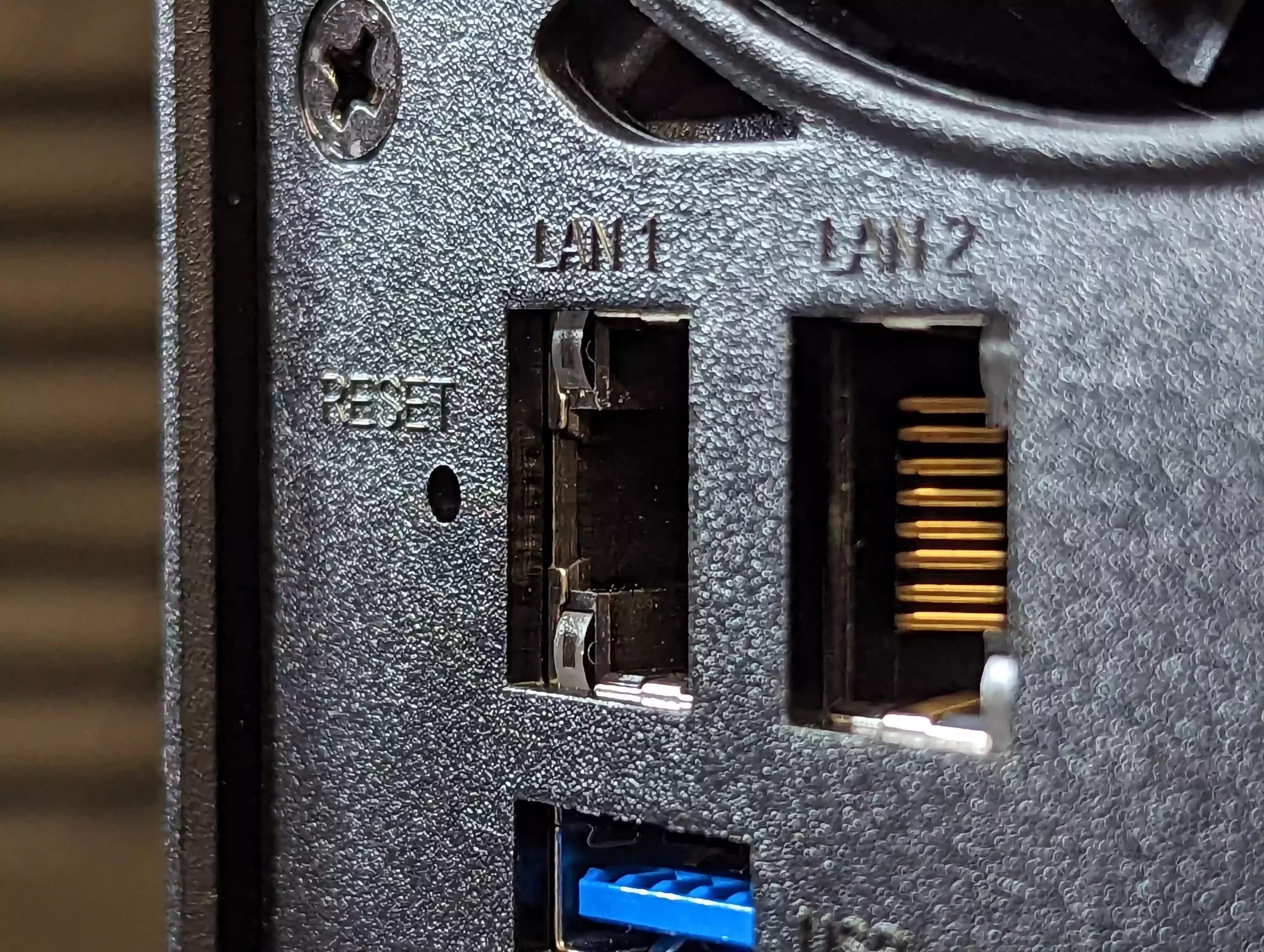
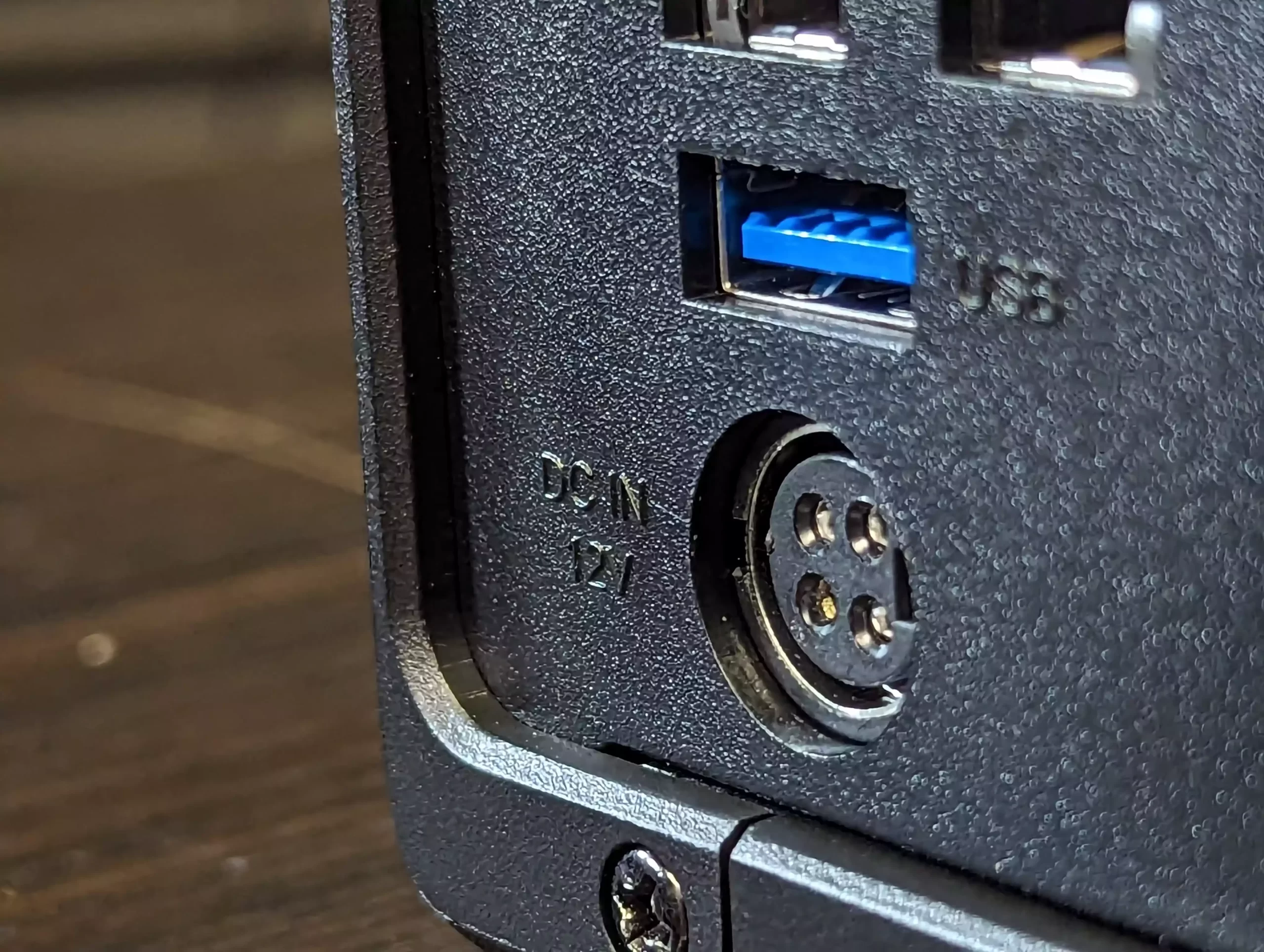
DSM remains one of the more complete NAS operating systems, with integrated tools for file management, media serving, backup and sync, surveillance, and virtualisation. Synology Hybrid RAID is supported for flexible capacity planning, and the use of Btrfs provides access to snapshots and integrity checks. A notable change in late 2025 is Synology’s updated stance on drive compatibility. The Plus series no longer restricts or warns against the use of third party hard drives or SSDs, meaning users can now deploy Seagate, WD, and other manufacturers without any prompts or reduced functionality. This removes a previous concern for buyers who wanted to reuse existing disks or avoid Synology branded media. For users who want long term software support, a stable operating system, and a straightforward four bay design within the 499 dollar range, the DS425 Plus remains a practical option, now with fewer limitations on drive choice.

Component Specification
CPU Intel Celeron J4125 (4 cores, up to 2.7GHz)
Memory 2GB DDR4 (expandable to 6GB)
Drive Bays 4x 3.5″/2.5″ SATA + 2x M.2 NVMe
Networking 1x 2.5GbE LAN, 1x 1GbE LAN
Ports 2x USB 3.2 Gen 1
OS Synology DSM 7.x
File System Btrfs, EXT4
Dimensions 166 x 199 x 223 mm
Weight 2.18 kg


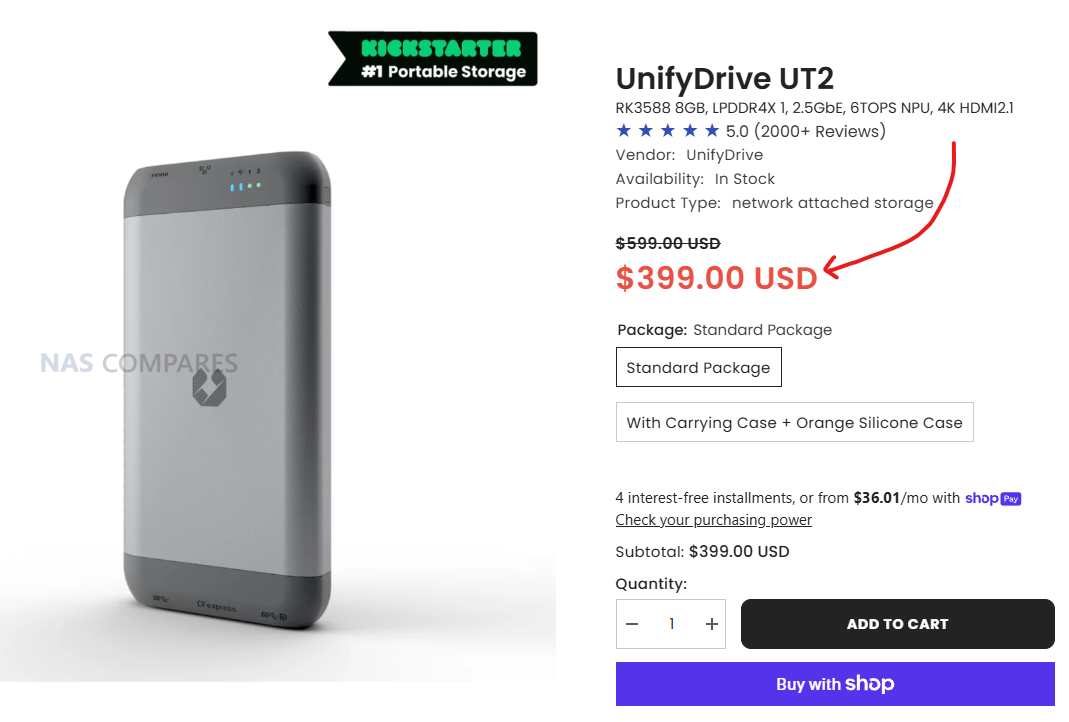
UnifyDrive UT2 Mobile NAS Drive

$399 –RK3588 8GB, LPDDR4X 1, 2.5GbE, 6TOPS NPU, 4K HDMI 2.1, WiFi 6 + AP Mode, DAS Mode, 2 Hour Mobile Battery – BUY HERE ( Get a further 5% OFF with this code: NASCOMPARES )

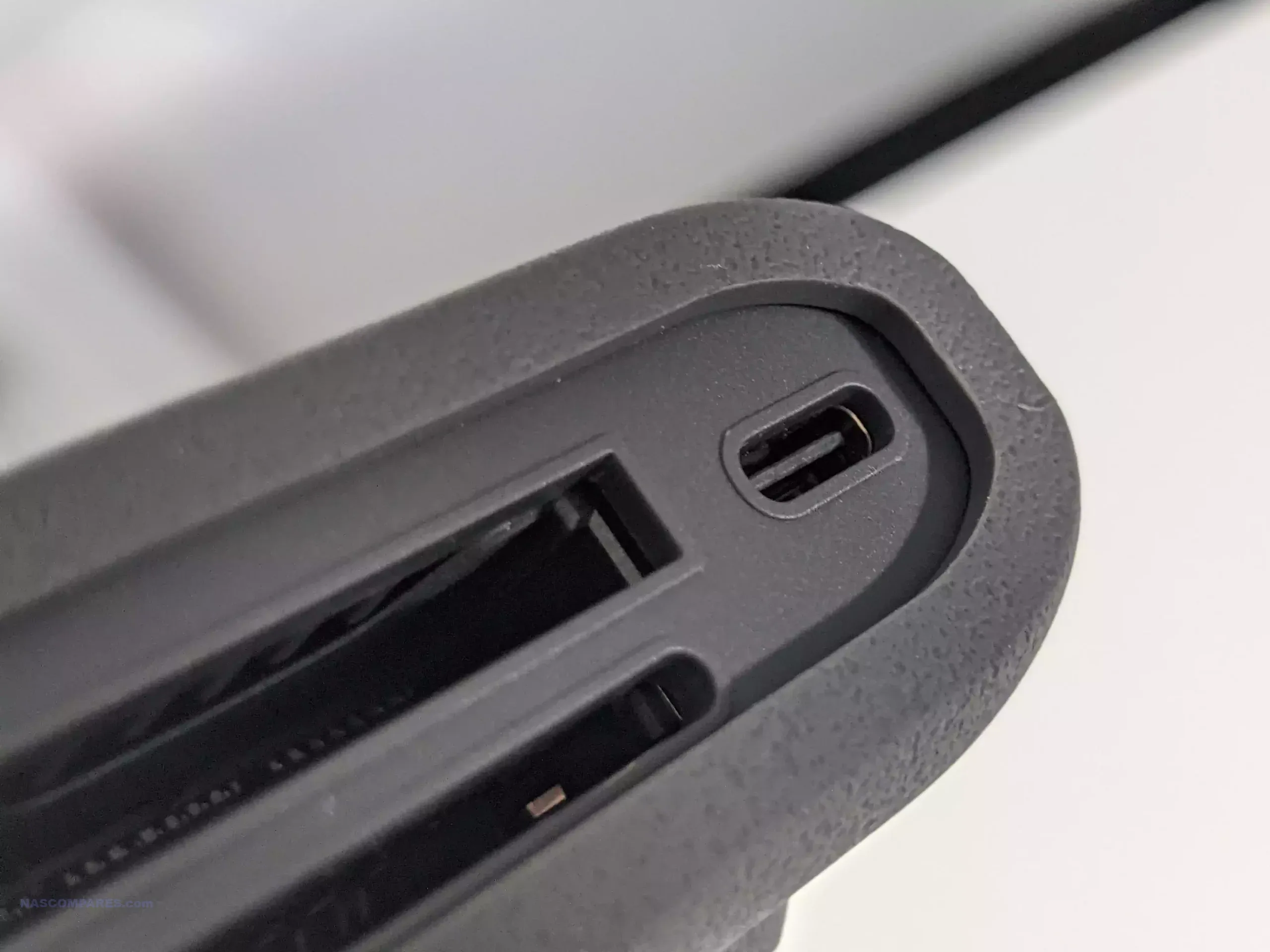
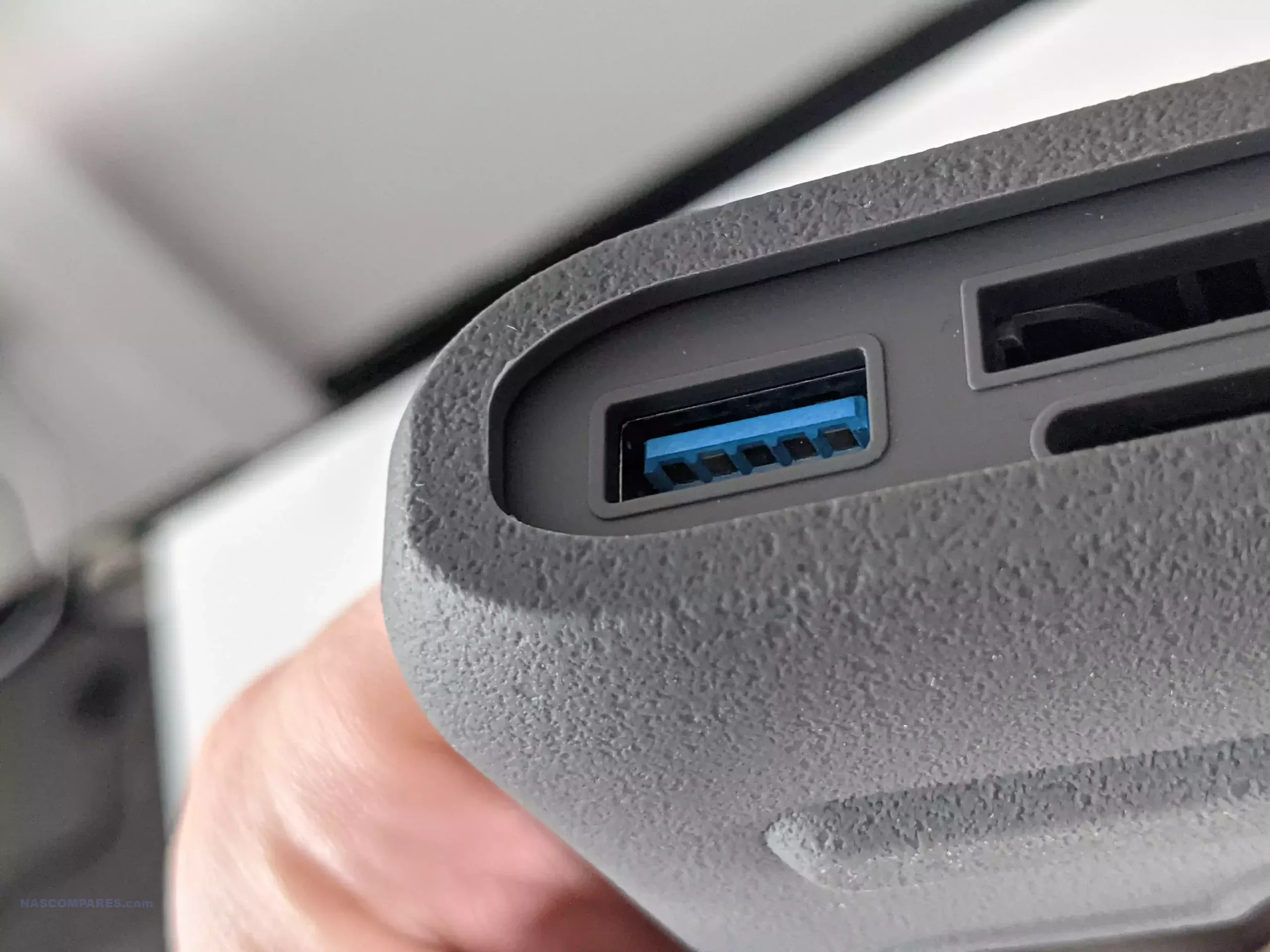
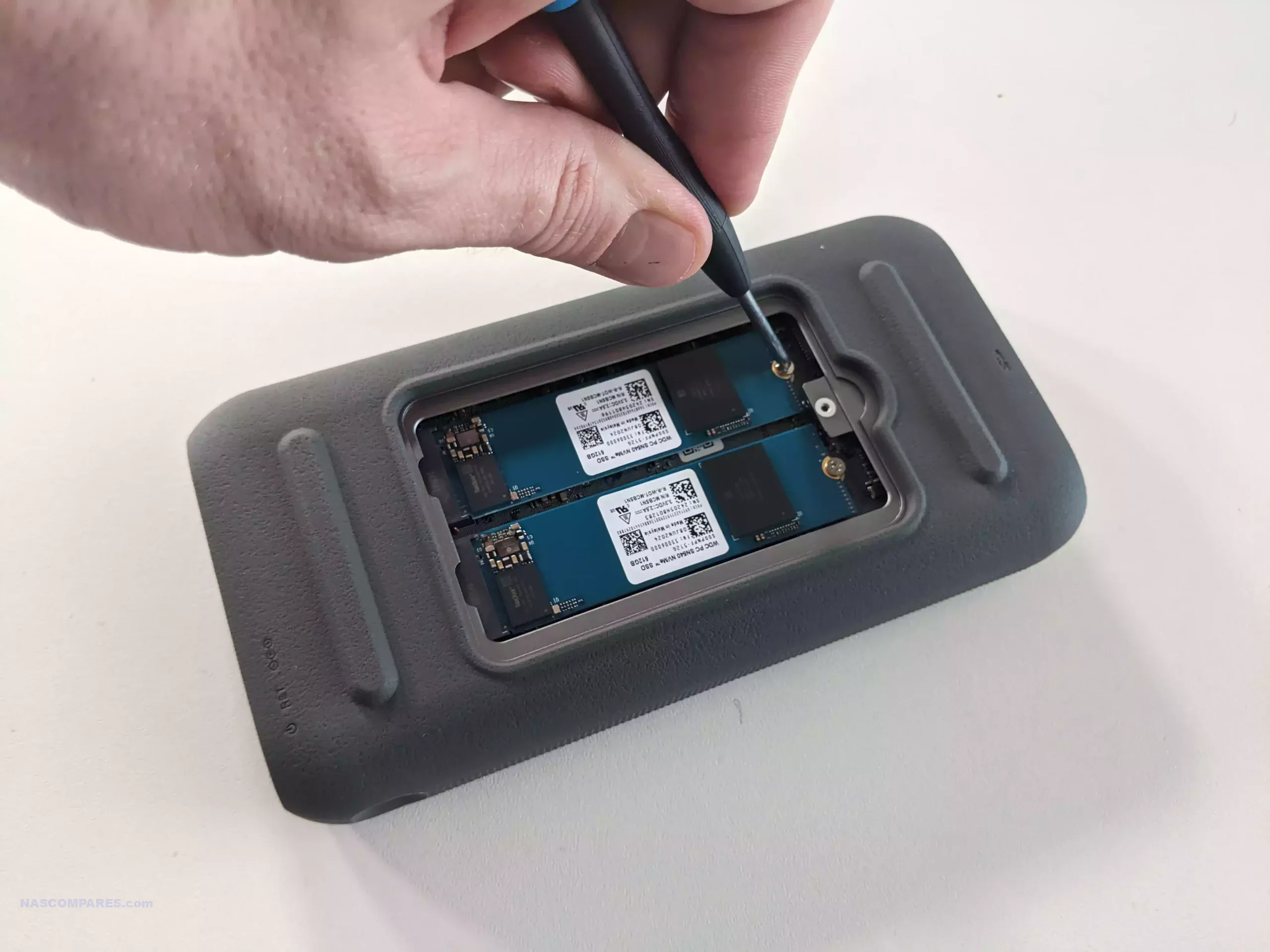
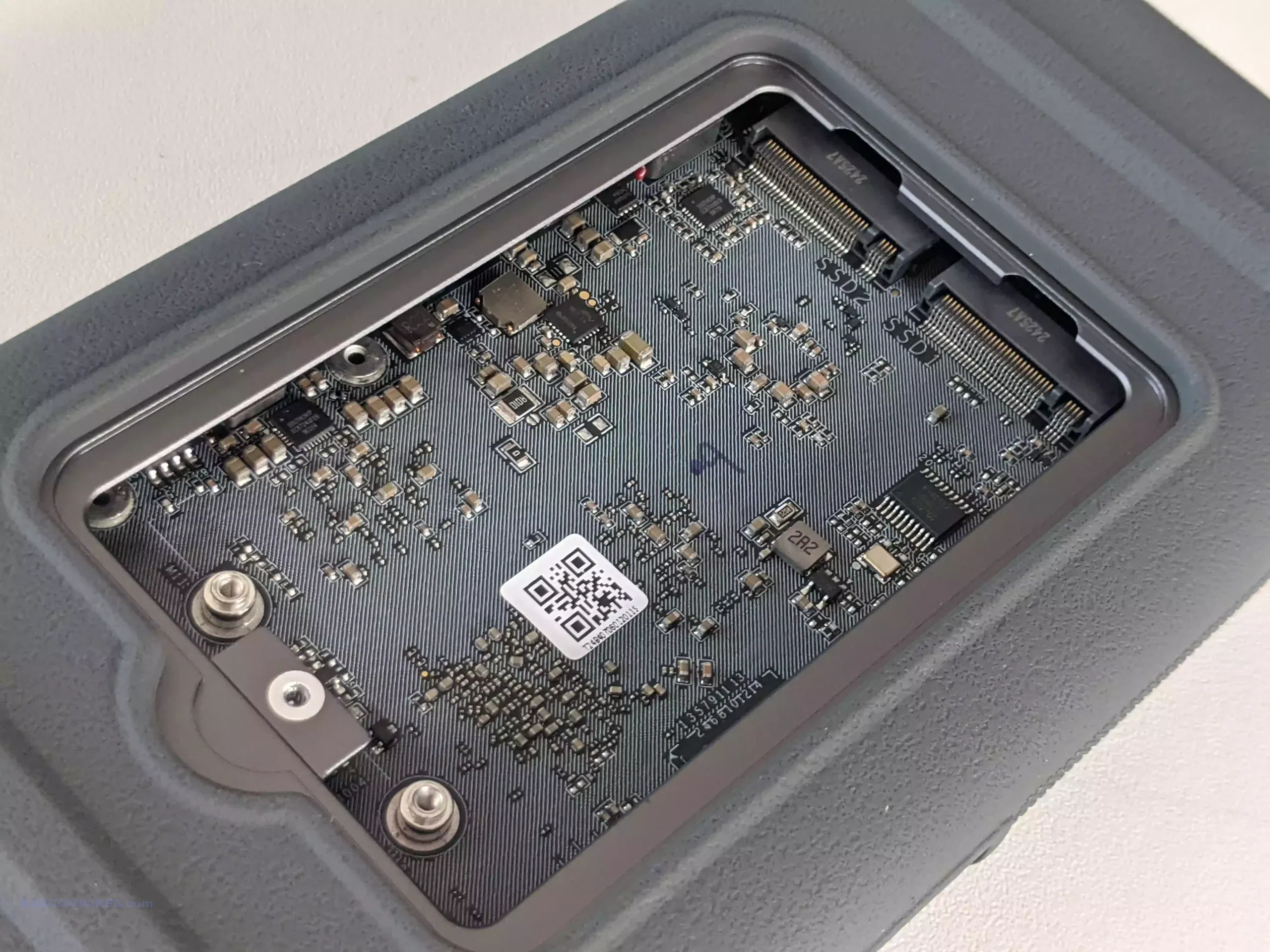
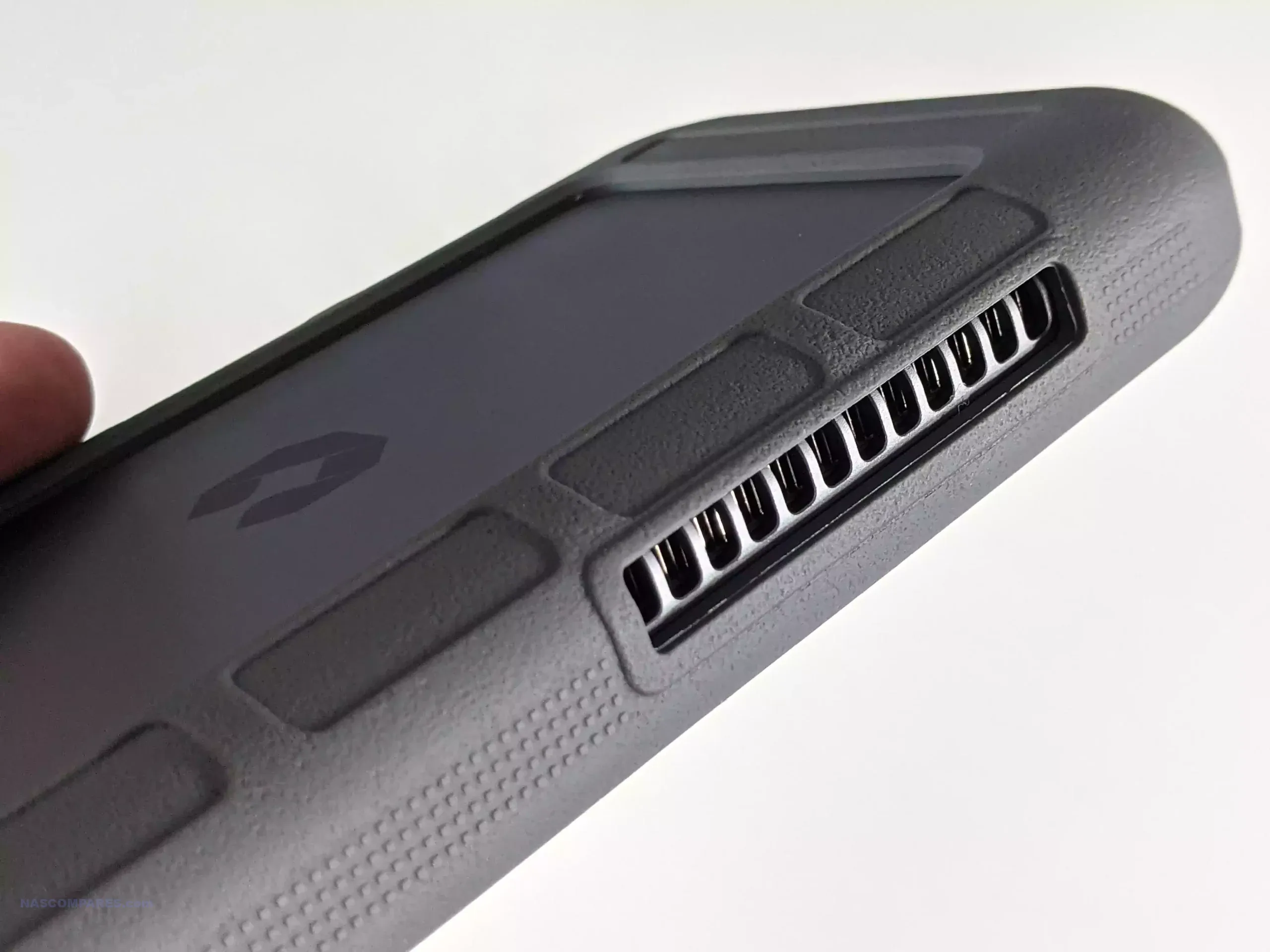
The UnifyDrive UT2 Portable NAS is now a fully released product rather than a crowdfunding prototype, and its design reflects a complete, ready to ship package. The system is compact, roughly the size of a thick smartphone, and weighs around 350g with its protective rubber sleeve. It includes a 32GB eMMC module for the operating system, two M.2 NVMe SSD slots for storage, active cooling, WiFi 6, Bluetooth, a 2.5GbE port, HDMI output, and an internal battery that provides around 30 to 60 minutes of runtime and basic UPS functionality. The retail kit includes multiple USB cables, a power adapter, a remote control for HDMI use, SD and CFe card backup support, and printed quick start materials. Although the fan is audible under load, overall noise levels remain low for a compact ARM based system, and the design allows users to run the NAS handheld, placed on a desk, or carried in a bag without difficulty.

Connectivity is one of the UT2’s strongest aspects. Alongside its dual 5Gb USB ports, users can switch the device between network attached storage mode and direct attached storage mode. The two SD card slots support automated or one touch backups, and the 2.5GbE port gives the unit higher wired throughput than many portable or entry level NAS devices. HDMI output supports up to 4K60 and 8K playback, and media can be controlled either through the mobile application or the included remote. Internally, the UT2 uses a Rockchip RK3588C CPU with ARM Mali G610 graphics and 8GB of LPDDR4X memory. The two NVMe slots appear to operate at PCIe Gen 3 x1 speeds, which is adequate for saturating the wired and wireless interfaces. The memory is soldered and non upgradable, so users who intend to run more demanding workloads will need to account for that limit. Wireless access works through both client mode and the device’s own WiFi access point, enabling file sharing or backup without a pre existing network.
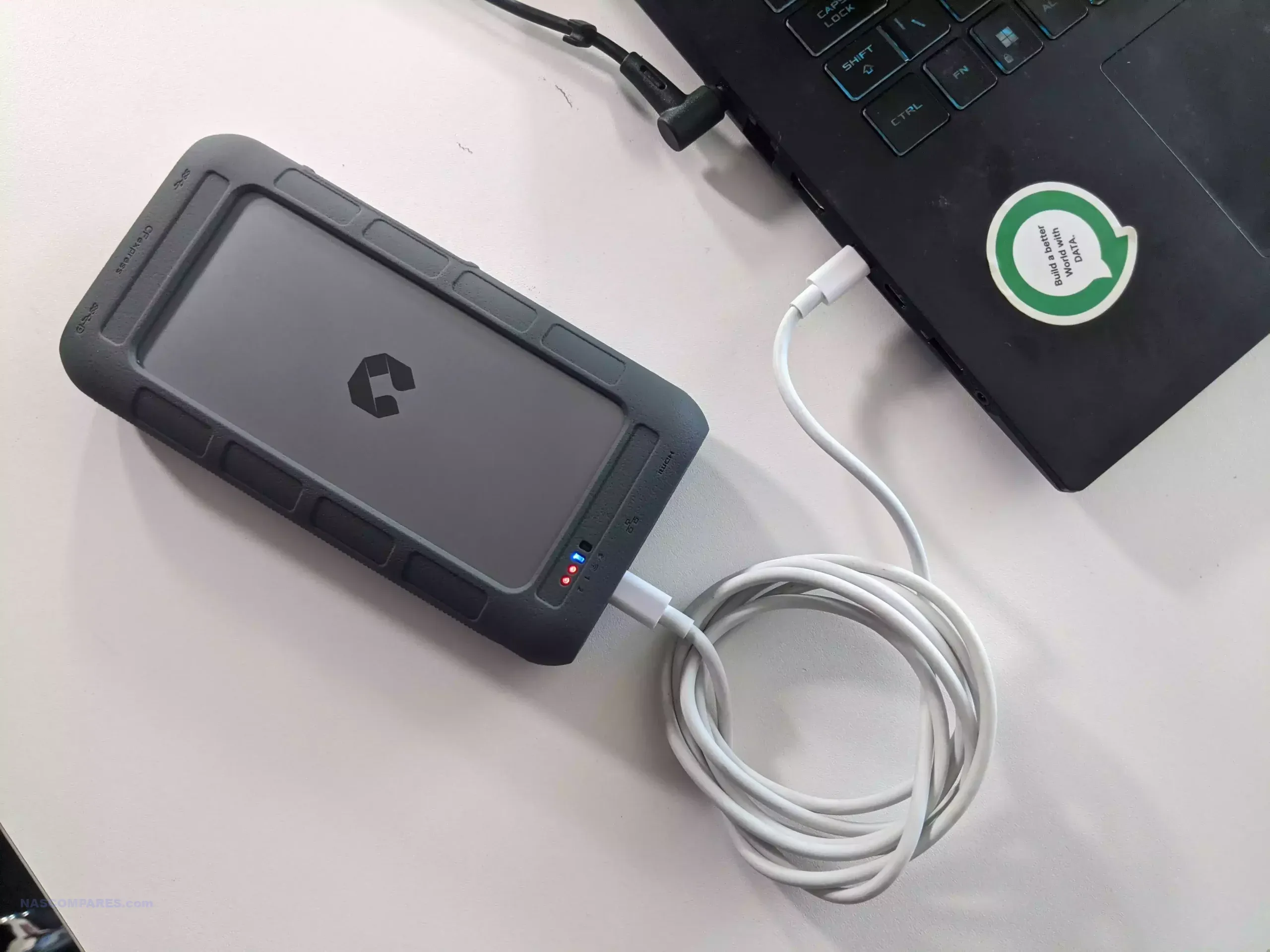

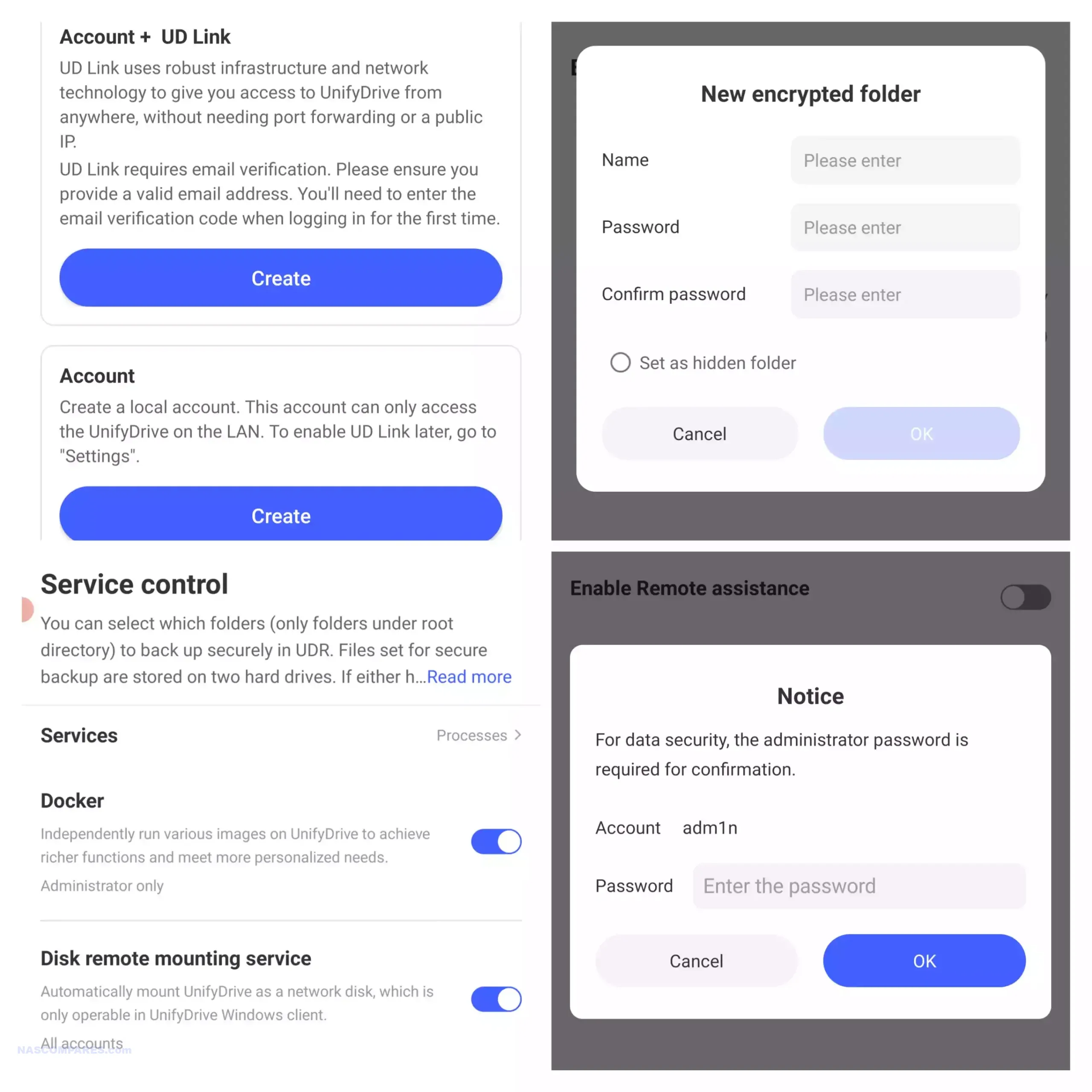
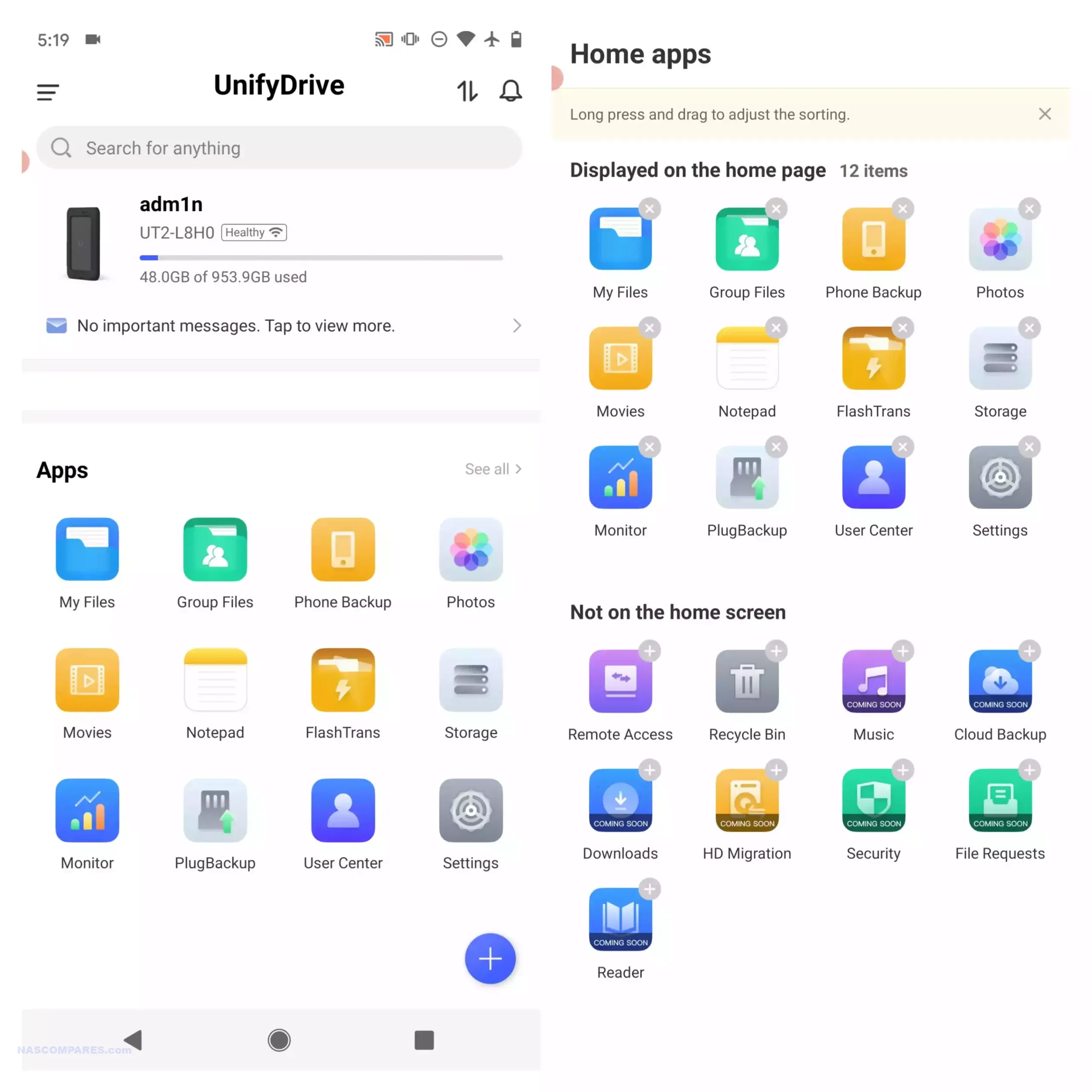
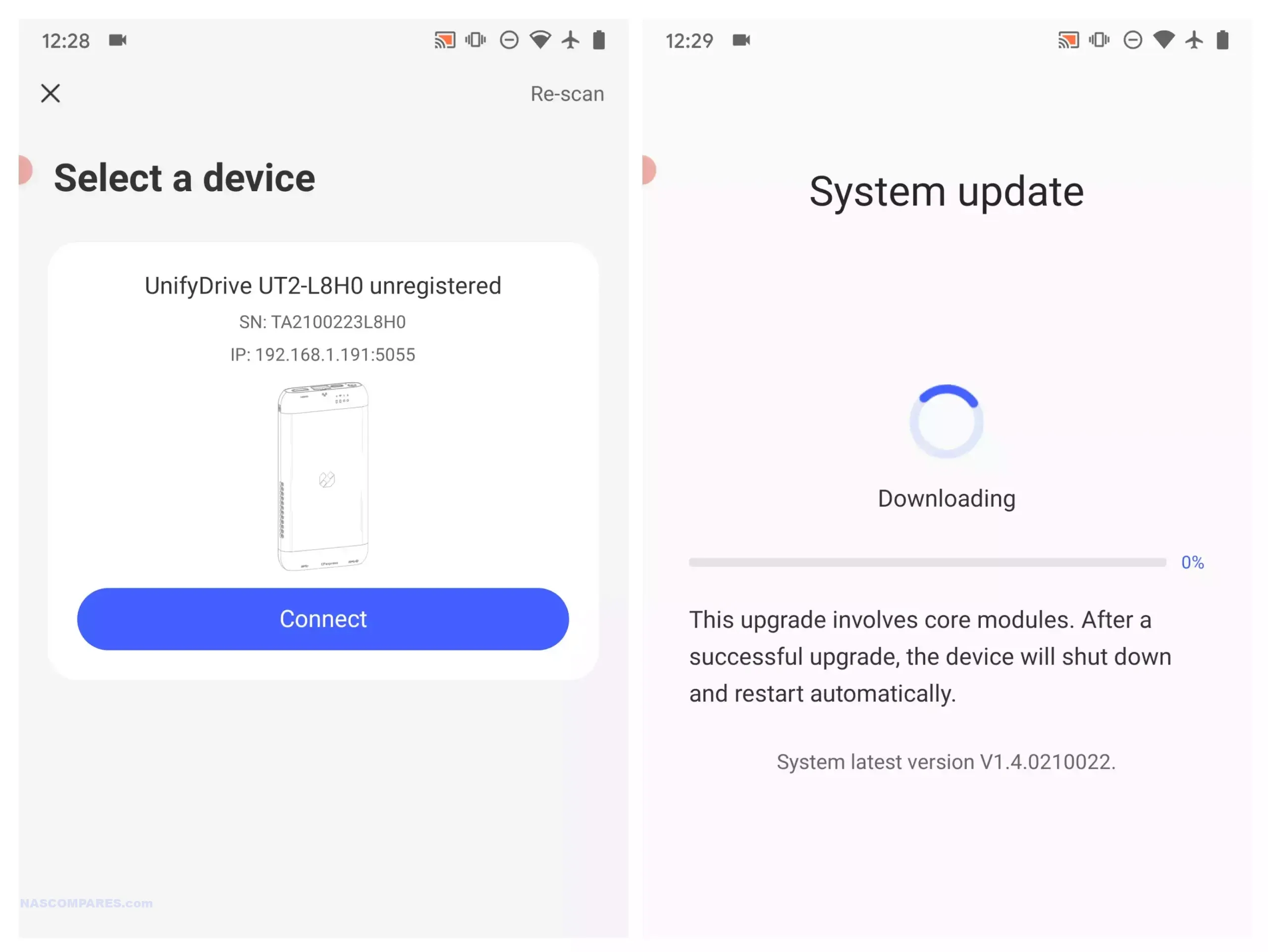
Software management centres on the UnifyDrive mobile application, which has expanded since the product first appeared and now includes RAID pool creation, the selective UDR RAID mode, SMB and FTP services, DLNA media streaming, direct HDMI output control, cloud sync, real time sharing, and device monitoring. Setup can be completed over LAN, WiFi, or Bluetooth, and firmware is updated over the air. The app provides tools for backups, encrypted folders, AI driven photo recognition, scheduled power controls, and general file management. Some advanced features such as additional downloader tools and container support remain under development, but the current software offers more control than most mobile focused NAS interfaces. Remote access is available through an integrated relay service, though support for third party VPN solutions is not yet included. With its combination of portability, NVMe storage, multi mode connectivity, and a growing software stack, the UT2 occupies a niche for users who want a personal cloud device that can be carried between locations while still supporting standard NAS workflows at its 399 to 599 dollar price point.

Use the LINK below + Get a further 5% OFF with this code: NASCOMPARES

The sub 499 dollar NAS segment in late 2025 offers a wide range of systems aimed at different performance levels and storage priorities. Buyers can choose between high capacity RAID focused platforms, SSD oriented designs, or systems built around established software ecosystems. The UniFi UNAS Pro remains a hardware driven storage appliance with 10GbE connectivity and seven bays, making it suitable for backup or archival workloads that require consistent throughput. The UGREEN DXP4800 and the LincStation N2 provide hybrid and all flash configurations, and both include support for containers, virtualisation, and the option to run alternative operating systems if required. Users who prefer a mature software stack with long term updates may gravitate toward the Synology DS425 Plus, which now supports third party drives without warnings or restrictions following Synology’s policy change in October 2025. The TerraMaster F4 SSD serves those who want a compact solid state platform with 5GbE networking and access to the expanding feature set of TOS, including local AI photo tools and multimedia functions. All of these NAS units require user supplied storage and may involve some degree of configuration depending on the software environment. The most suitable choice depends on whether you prioritise performance, software refinement, expansion options, or direct control over how the system is deployed within this price conscious category.


📧 SUBSCRIBE TO OUR NEWSLETTER 🔔
[contact-form-7]
🔒 Join Inner Circle


Get an alert every time something gets added to this specific article!


Want to follow specific category? 📧 Subscribe

This description contains links to Amazon. These links will take you to some of the products mentioned in today's content. As an Amazon Associate, I earn from qualifying purchases. Visit the NASCompares Deal Finder to find the best place to buy this device in your region, based on Service, Support and Reputation - Just Search for your NAS Drive in the Box Below

Need Advice on Data Storage from an Expert?

Finally, for free advice about your setup, just leave a message in the comments below here at NASCompares.com and we will get back to you. Need Help? Where possible (and where appropriate) please provide as much information about your requirements, as then I can arrange the best answer and solution to your needs. Do not worry about your e-mail address being required, it will NOT be used in a mailing list and will NOT be used in any way other than to respond to your enquiry. [contact-form-7] TRY CHAT Terms and Conditions

If you like this service, please consider supporting us. We use affiliate links on the blog allowing NAScompares information and advice service to be free of charge to you.Anything you purchase on the day you click on our links will generate a small commission which isused to run the website. Here is a link for Amazon and B&H.You can also get me a ☕ Ko-fi or old school Paypal. Thanks!To find out more about how to support this advice service check HEREIf you need to fix or configure a NAS, check Fiver Have you thought about helping others with your knowledge? Find Instructions Here  

 
Or support us by using our affiliate links on Amazon UK and Amazon US
    
 
Alternatively, why not ask me on the ASK NASCompares forum, by clicking the button below. This is a community hub that serves as a place that I can answer your question, chew the fat, share new release information and even get corrections posted. I will always get around to answering ALL queries, but as a one-man operation, I cannot promise speed! So by sharing your query in the ASK NASCompares section below, you can get a better range of solutions and suggestions, alongside my own.

☕ WE LOVE COFFEE ☕


Best NAS for Under $250

Best NAS You Can Buy Right Now for Under $249 at the end of 2025

As personal data storage requirements continue to rise in 2025, many users are moving away from cloud platforms and monthly subscription services in search of something more private and cost effective. A dedicated NAS, or network attached storage system, allows you to back up photo collections, host a home media library, or manage small business files while keeping full control of your data and avoiding ongoing fees. The good news is that the market now includes several capable options priced at or under 249 dollars. Improvements in low power processors, wider use of DDR5 memory, and leaner operating systems have made entry level systems far more powerful than they were even a year ago. They can comfortably handle tasks such as Plex playback, simple virtualization, and lightweight container apps. This article looks at five NAS units currently available within this price bracket, each offering a practical mix of performance, connectivity, and storage flexibility for anyone building a reliable setup on a limited budget.

Important Disclaimer and Notes Before You Buy!

Before looking at specific NAS models, it helps to understand the common limits of systems in this price tier. Most units under 249 dollars arrive without drives, and rely on NVMe or SATA bays that must be filled separately. Some include small onboard storage such as 32GB to 64GB eMMC that only covers the operating system. This means the total cost of a usable setup will usually be higher than the base price. These devices are aimed at home users and personal cloud tasks rather than heavier business workloads. Several models also lack a full NAS operating system and instead use lightweight platforms such as CasaOS or ZimaOS, or provide only a simple interface for local file access and containers. These options are improving, yet they may not offer advanced RAID tools, snapshot automation, or detailed permission control found on systems like Synology DSM or TrueNAS. Overall, these NAS units suit users with some technical confidence or anyone who wants a simple setup with limited depth.


Beelink ME Mini NAS – 6 Bay SSD NAS

$209 – Intel N150 – 12GB – No SSD (64GB eMMC Only) – 2x 2.5GbE + WiFi 6 – No OS / User Install – BUY HERE

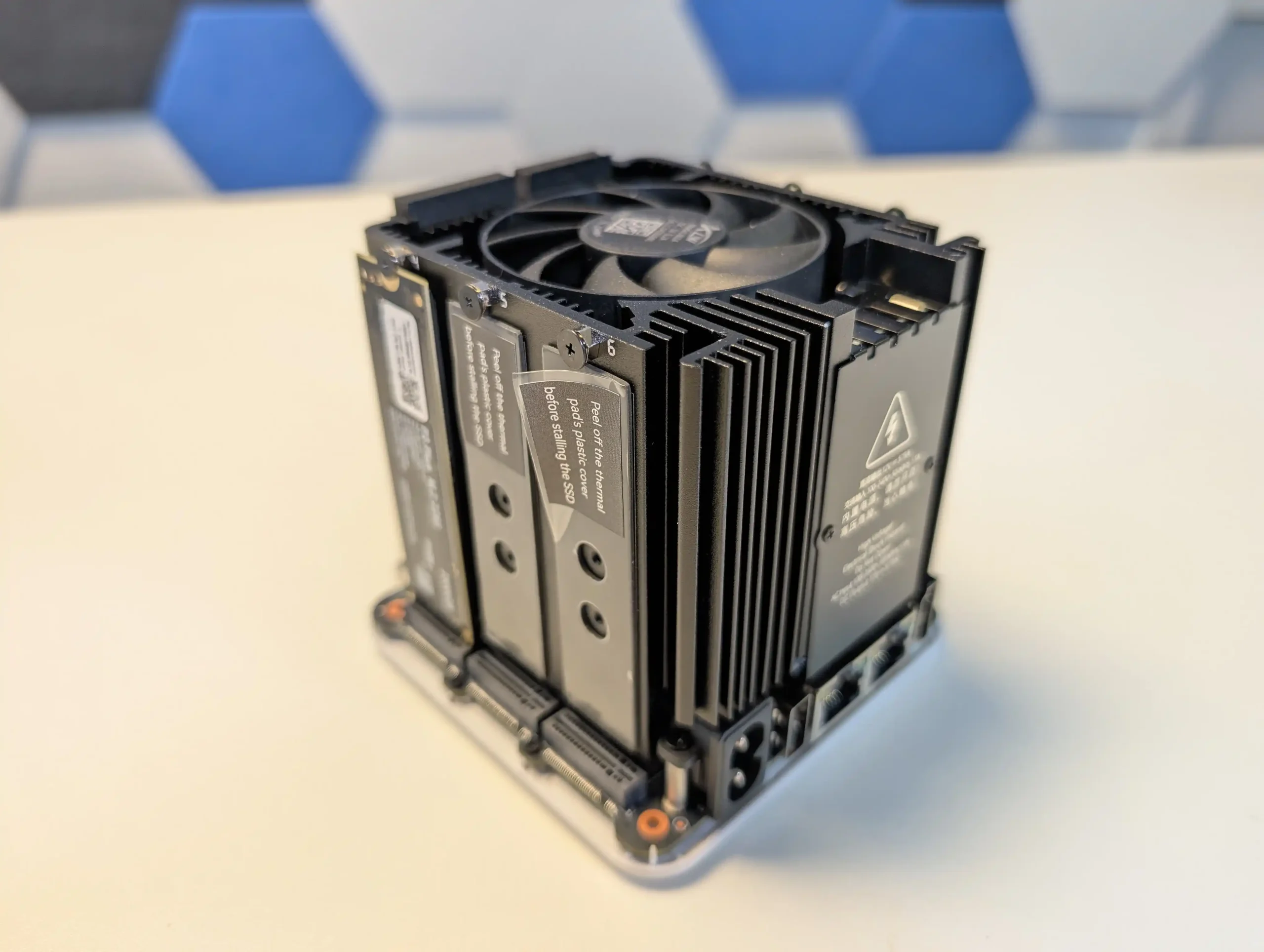
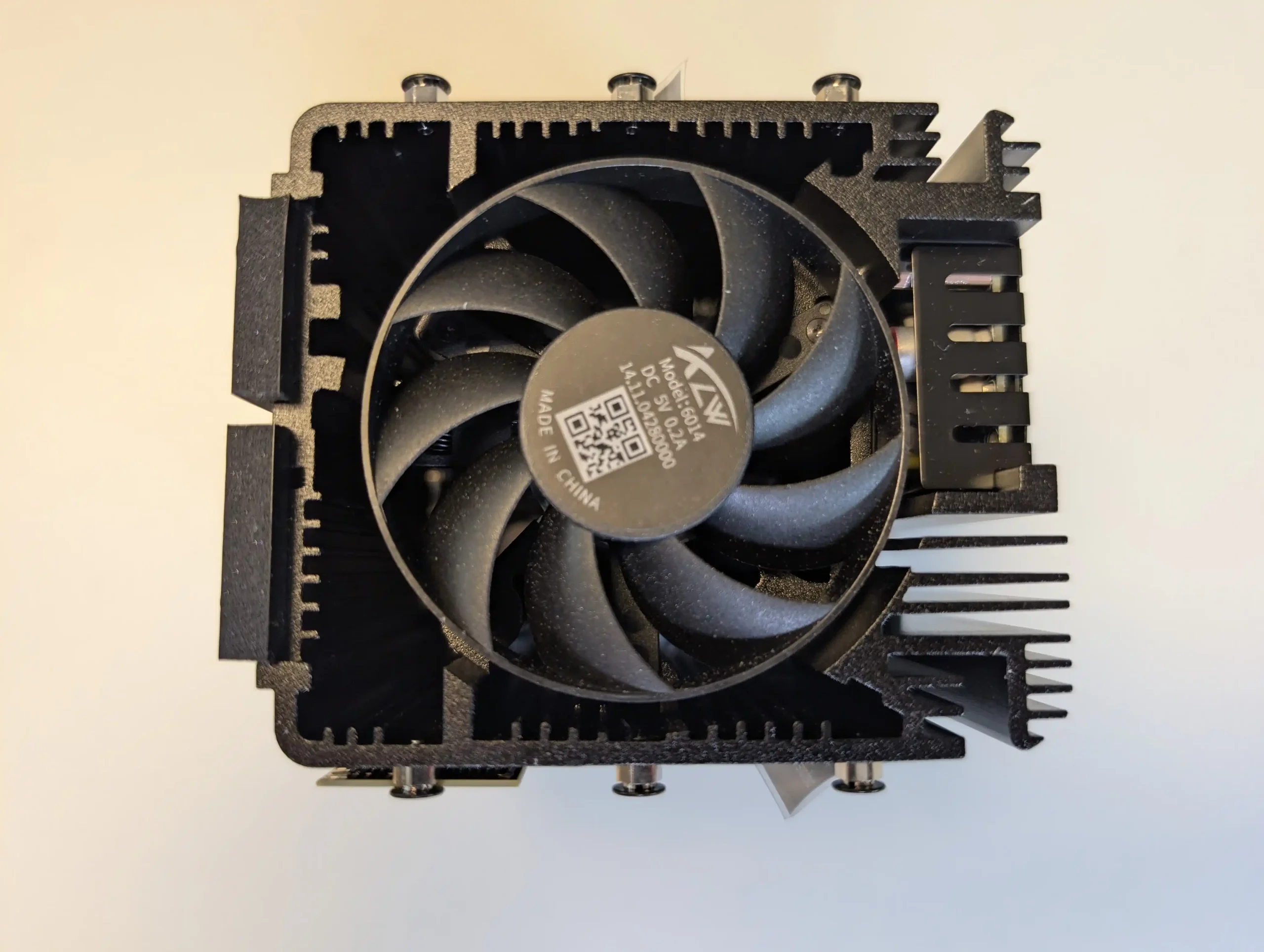
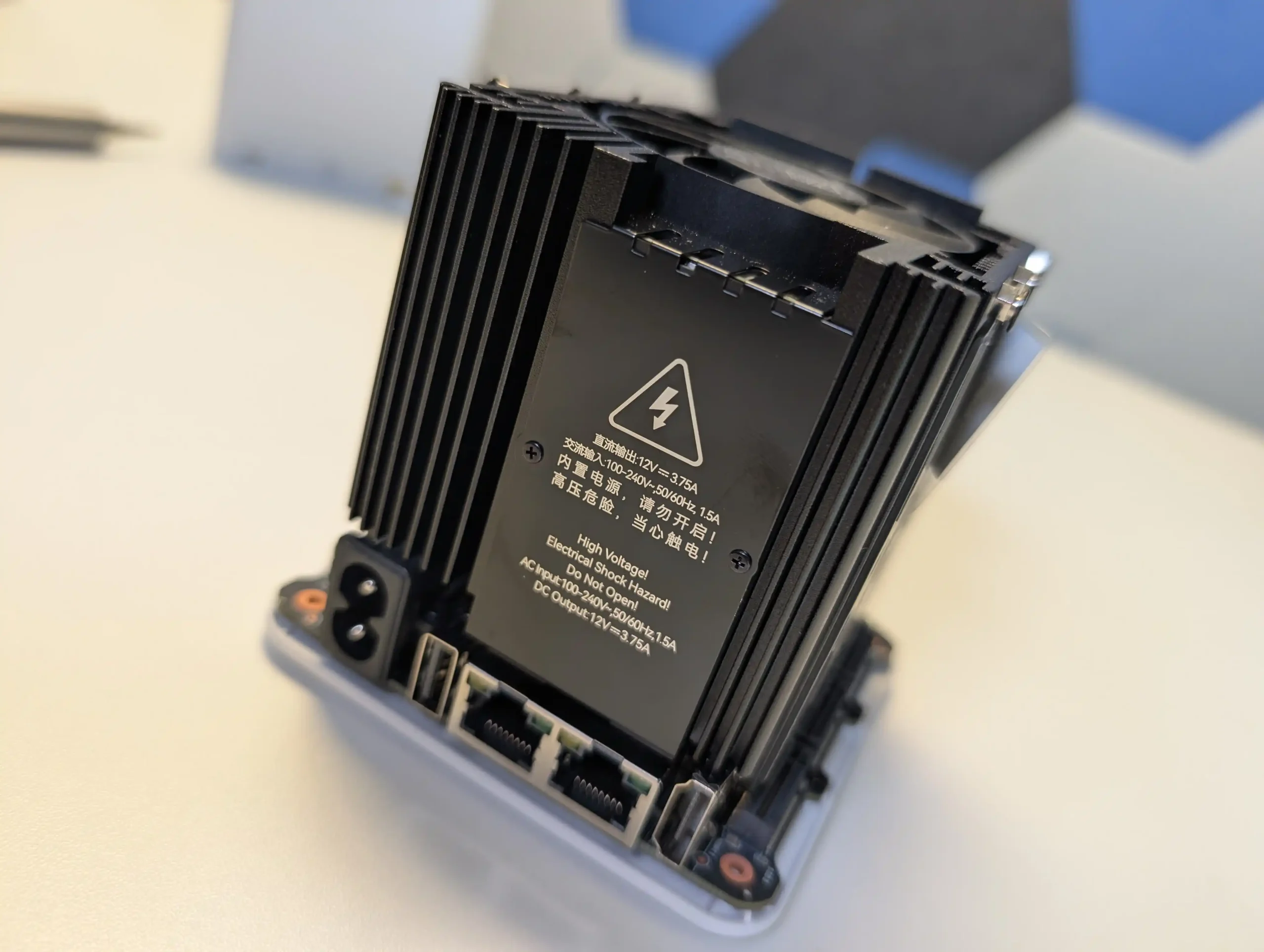
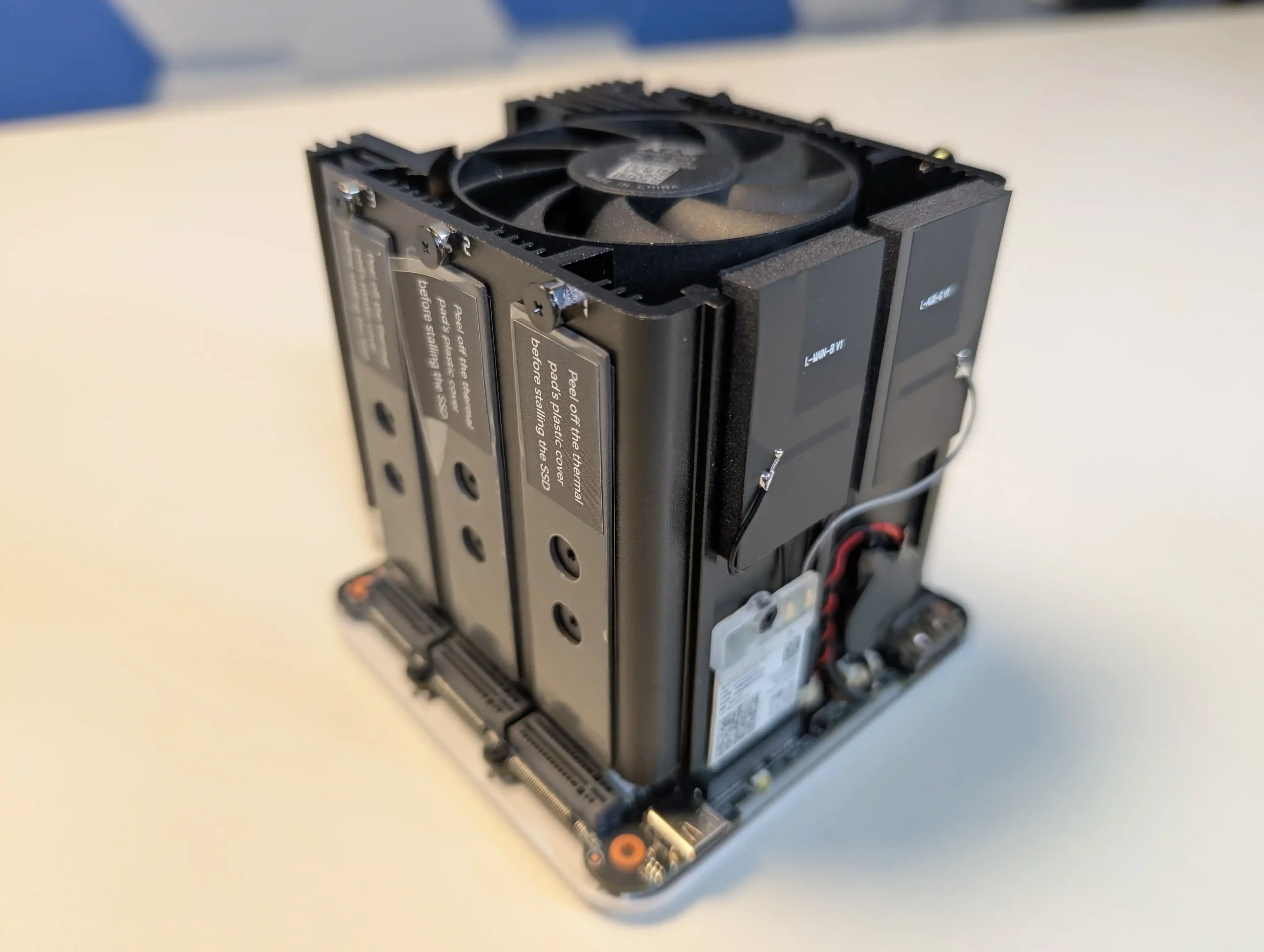
The Beelink ME Mini is a compact NAS designed for anyone who wants fast SSD storage in a very small enclosure. It measures 99mm on each side and includes six M.2 2280 NVMe slots that can deliver as much as 24TB when fully populated. The system uses an Intel N150 processor with 12GB of LPDDR5 memory, which provides a solid mix of performance and low power draw. Connectivity includes two 2.5GbE ports, WiFi 6, and Bluetooth 5.2, giving it flexibility for both wired and wireless use. Cooling is handled passively and the unit contains its own power supply, which keeps noise and cable clutter to a minimum and makes it a good fit for living rooms or compact office spaces.

Component Specification
CPU Intel N150 (4 cores, up to 3.6 GHz)
Memory 12GB LPDDR5
Internal Storage 64GB eMMC + 6x M.2 2280 NVMe slots
Networking 2x 2.5GbE LAN, WiFi 6, Bluetooth 5.2
Ports USB 2.0, USB 3.2, USB-C, HDMI
OS User-defined (Linux-based preferred)
Dimensions 99 x 99 x 99 mm


Terramaster F2-425 2- Bay Intel Value Turnkey NAS

$249 – Intel N5105 – 4GB – TOS 6 Software – 1x 2.5GbE – 2x SATA – BUY HERE

The Terramaster F2-424 is a two bay NAS that sits near the upper edge of the 249 dollar bracket and focuses on providing a more traditional turnkey experience. It uses an Intel Celeron class x86 quad core processor with 4GB of memory that can be upgraded, which allows it to handle general home NAS tasks and hardware assisted 4K decoding for applications such as Plex, Emby, and Jellyfin.

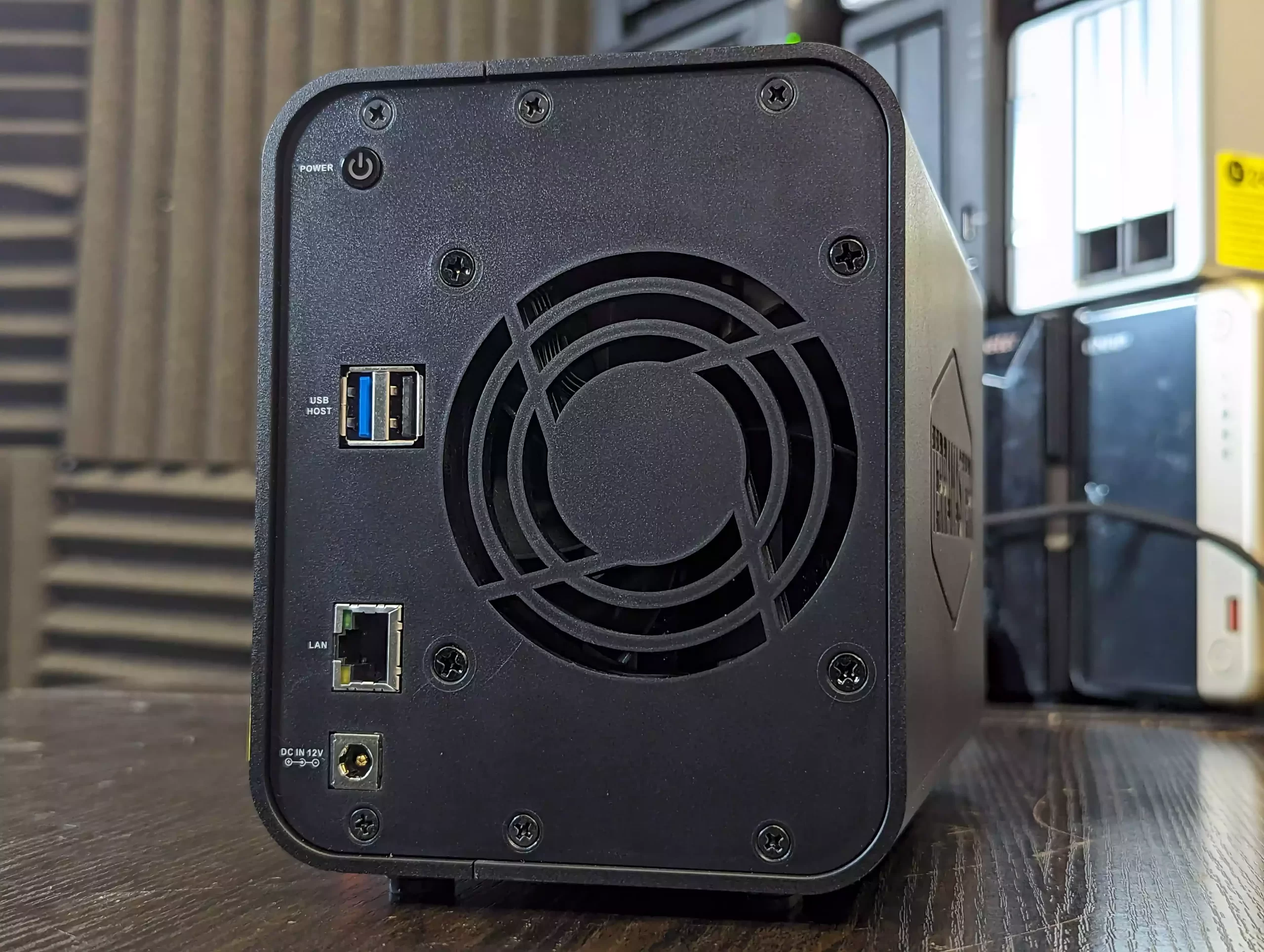
The system supports two SATA drives for a total capacity of up to 60TB and includes TRAID for flexible expansion and space management. Connectivity is limited to a single 2.5GbE port, which is sufficient for most home use but less flexible than some other systems in this list that offer two LAN ports. The unit runs TOS 6, which provides RAID options, snapshots, cloud sync, and a broad selection of built in apps for backup, media, and light productivity needs.

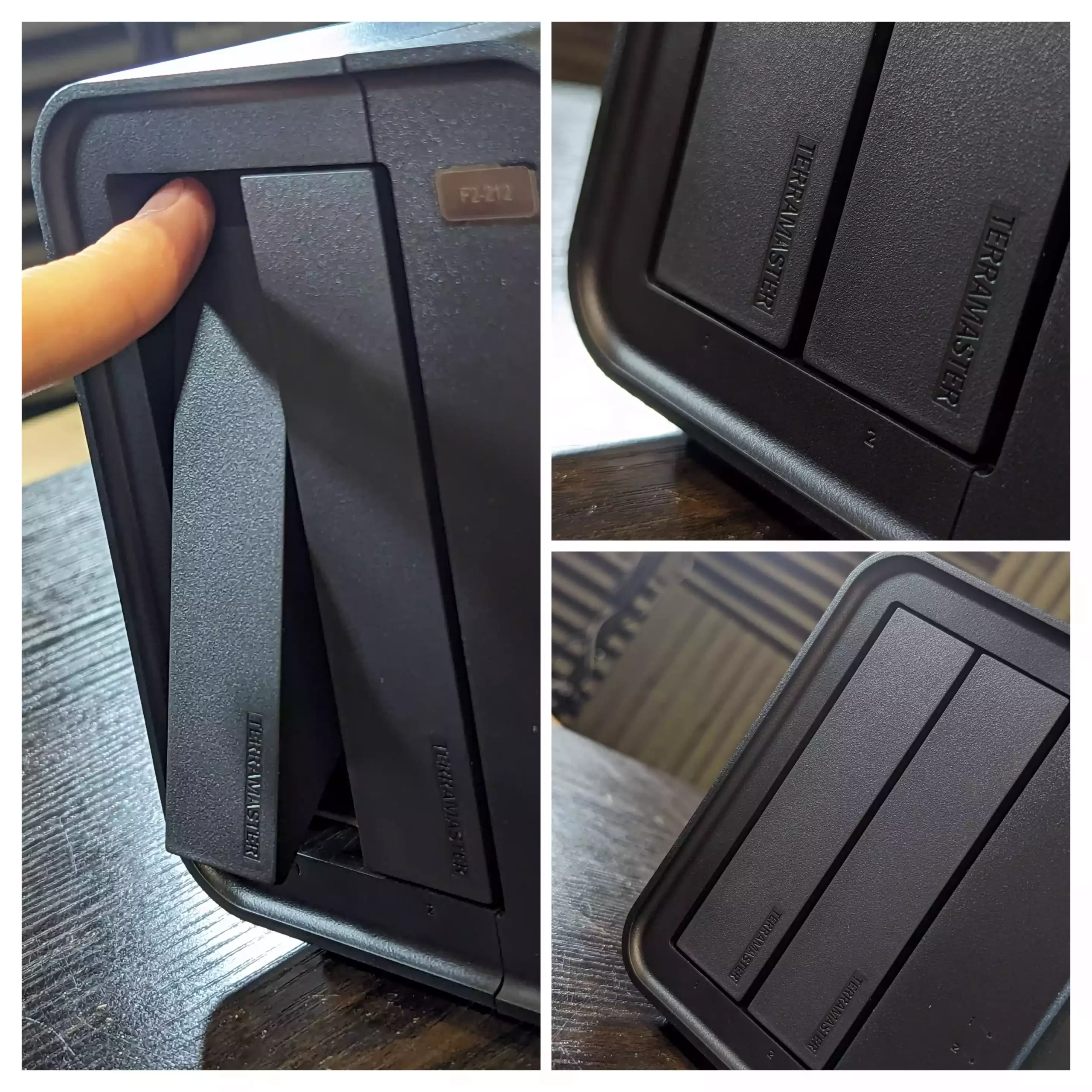
Setup can be completed through the TNAS Mobile app, which also supports automatic photo and video backups from mobile devices. Local AI driven sorting for photos is included, and cross platform access is available through the TNAS client or standard network mapping. TerraSync enables PC backups with version history, and security features include OTP authentication, firewall controls, DoS protections, snapshots, and HyperLock WORM for ransomware resistance. The chassis is quiet in operation and uses tool free push lock trays that allow quick installation or replacement of drives.

Terramaster also offers the F2-425 Plus at roughly 130 dollars more. That model increases CPU and memory resources and is aimed at users who want stronger performance and scalability. For those who want to remain within the 249 dollar limit, the F2-424 provides a straightforward Intel based platform with a familiar OS, upgradable memory, and native HDD support, as long as the single network port meets the user’s needs.


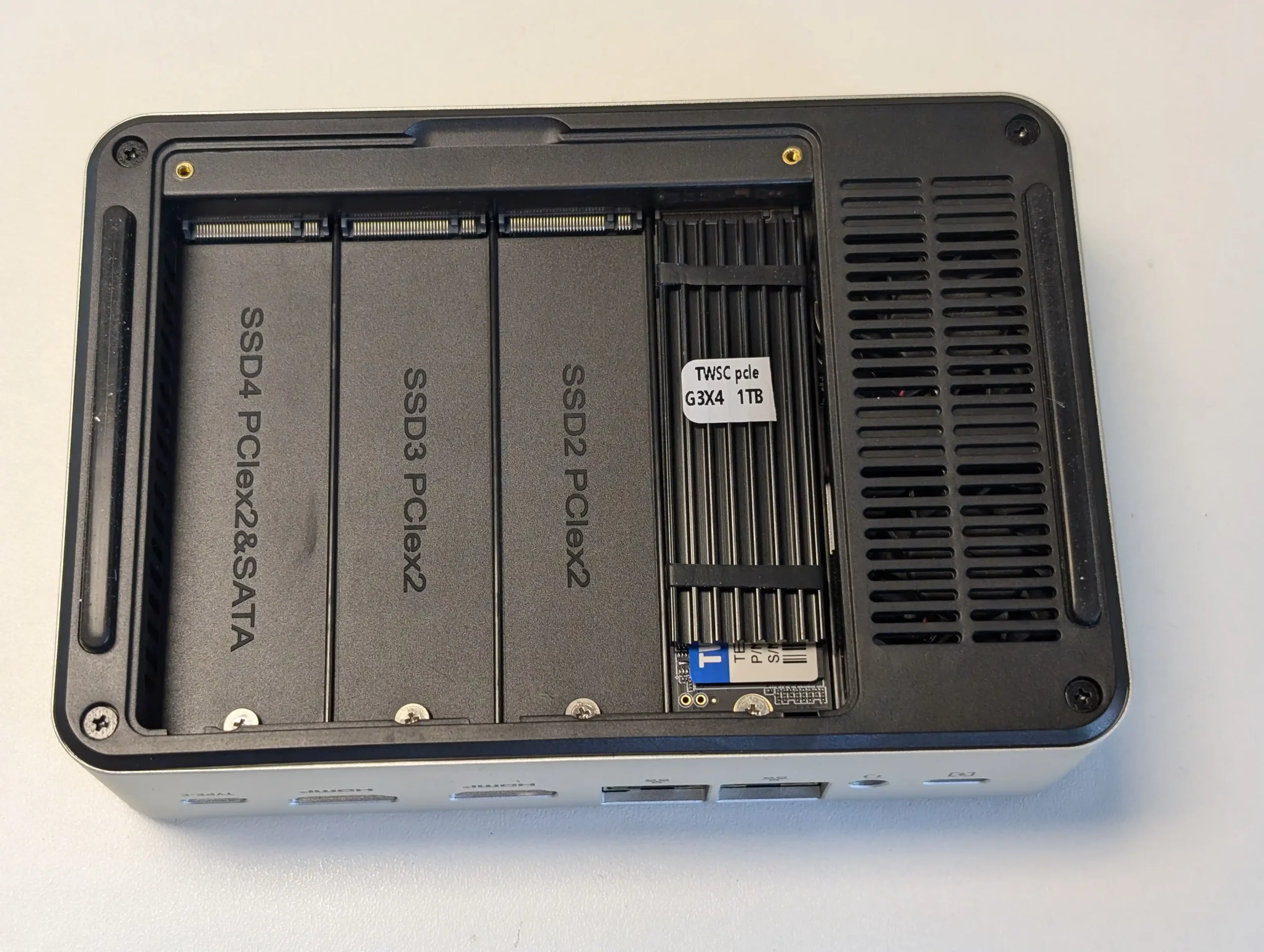
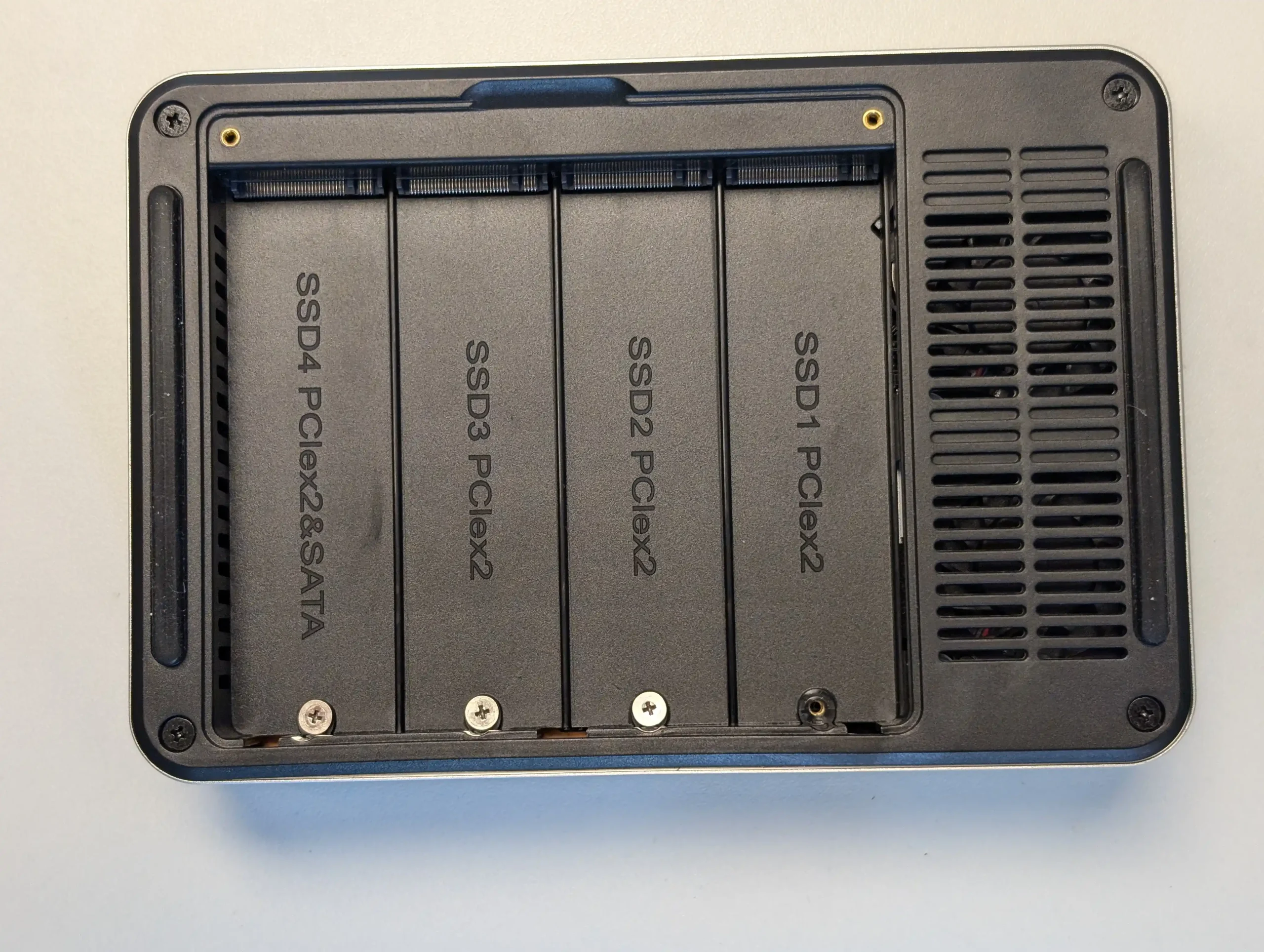
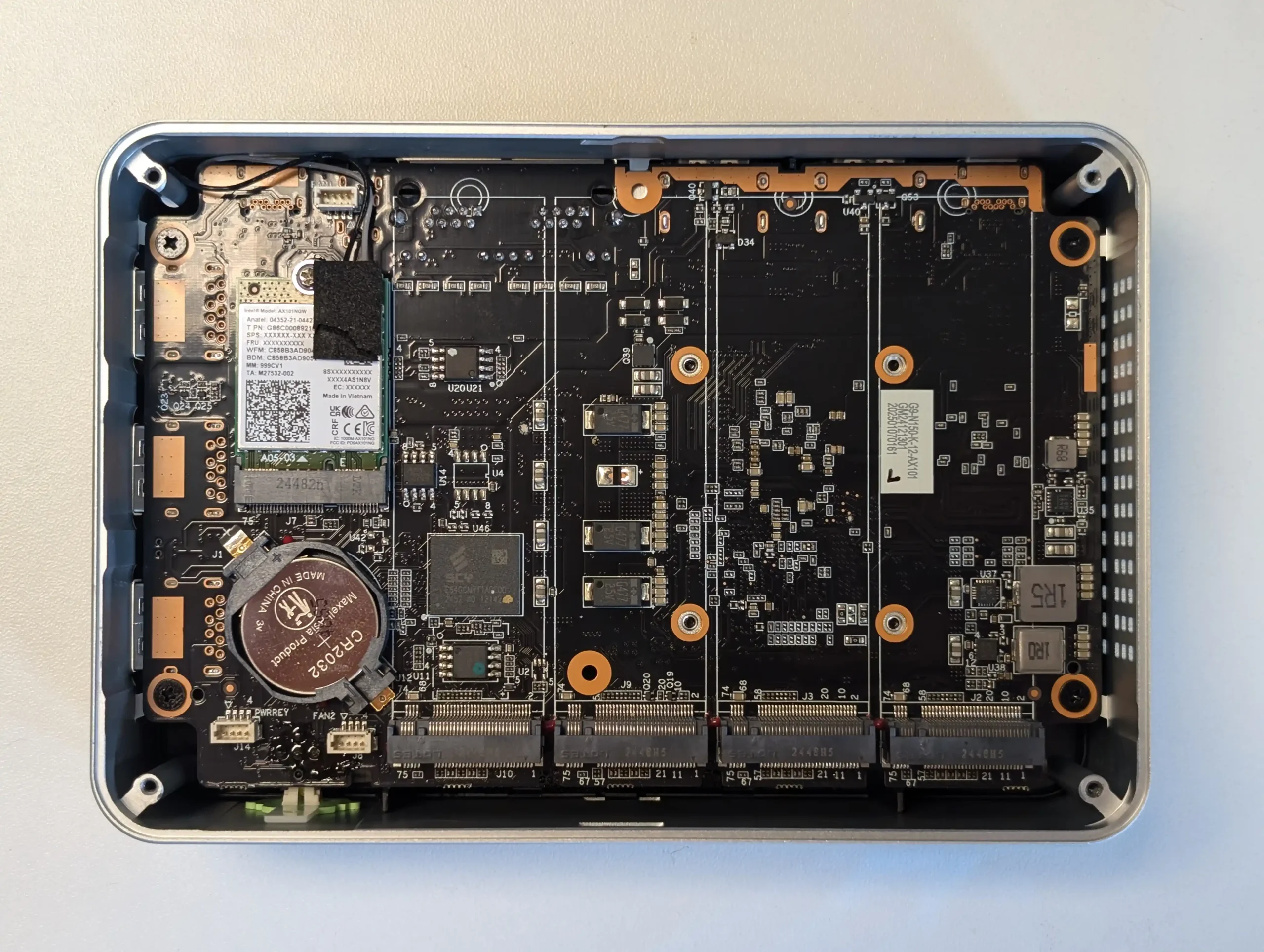
GMKTec G9 NAS – 4 Bay M.2 NAS @ The lowest Price

$185.99 – Intel N150 – 12GB – No SSD (64GB eMMC Only) – 2x 2.5GbE + WiFi 6 – Ubuntu 24.10 (Preloaded, Switchable) – BUY HERE

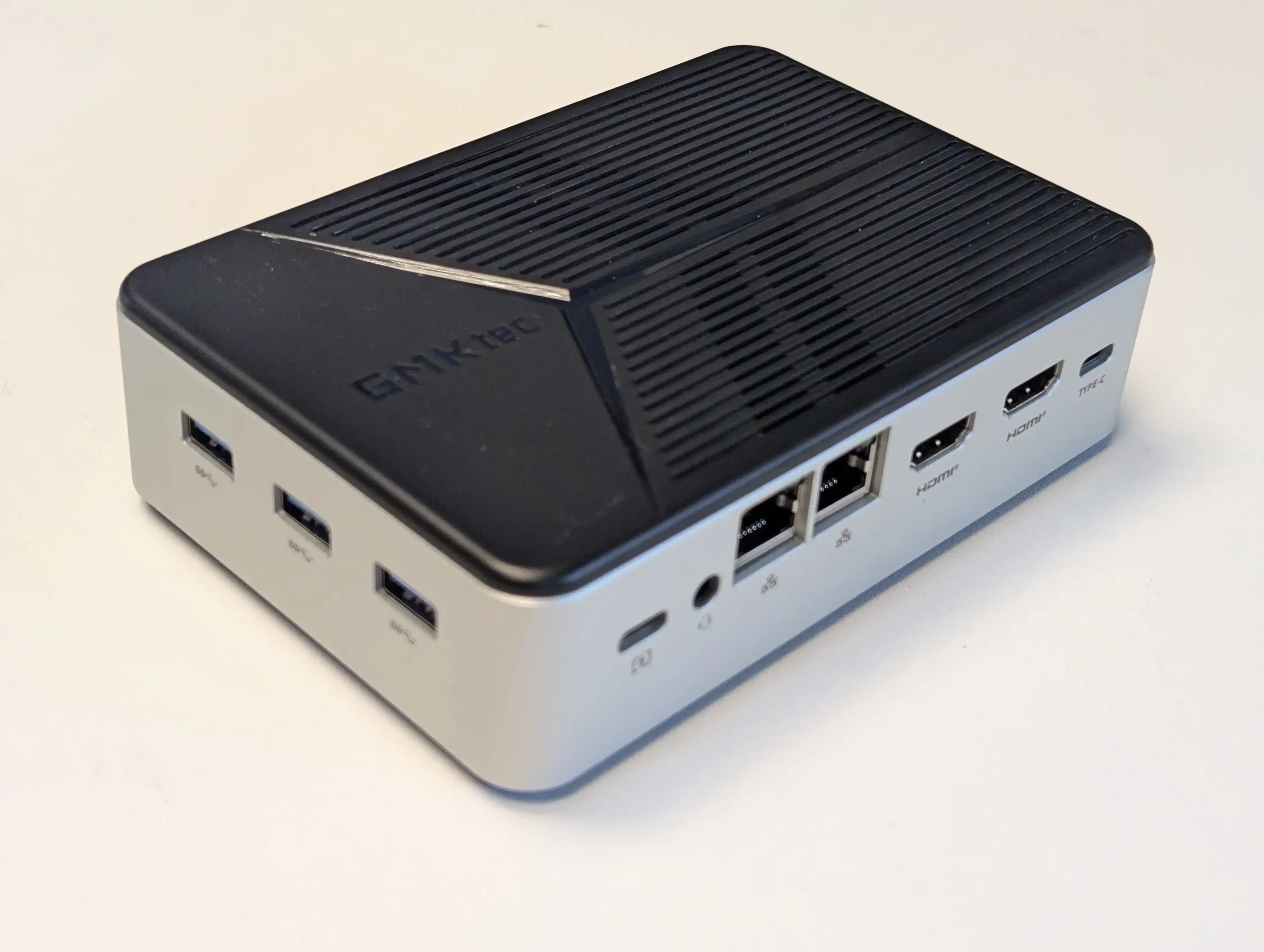
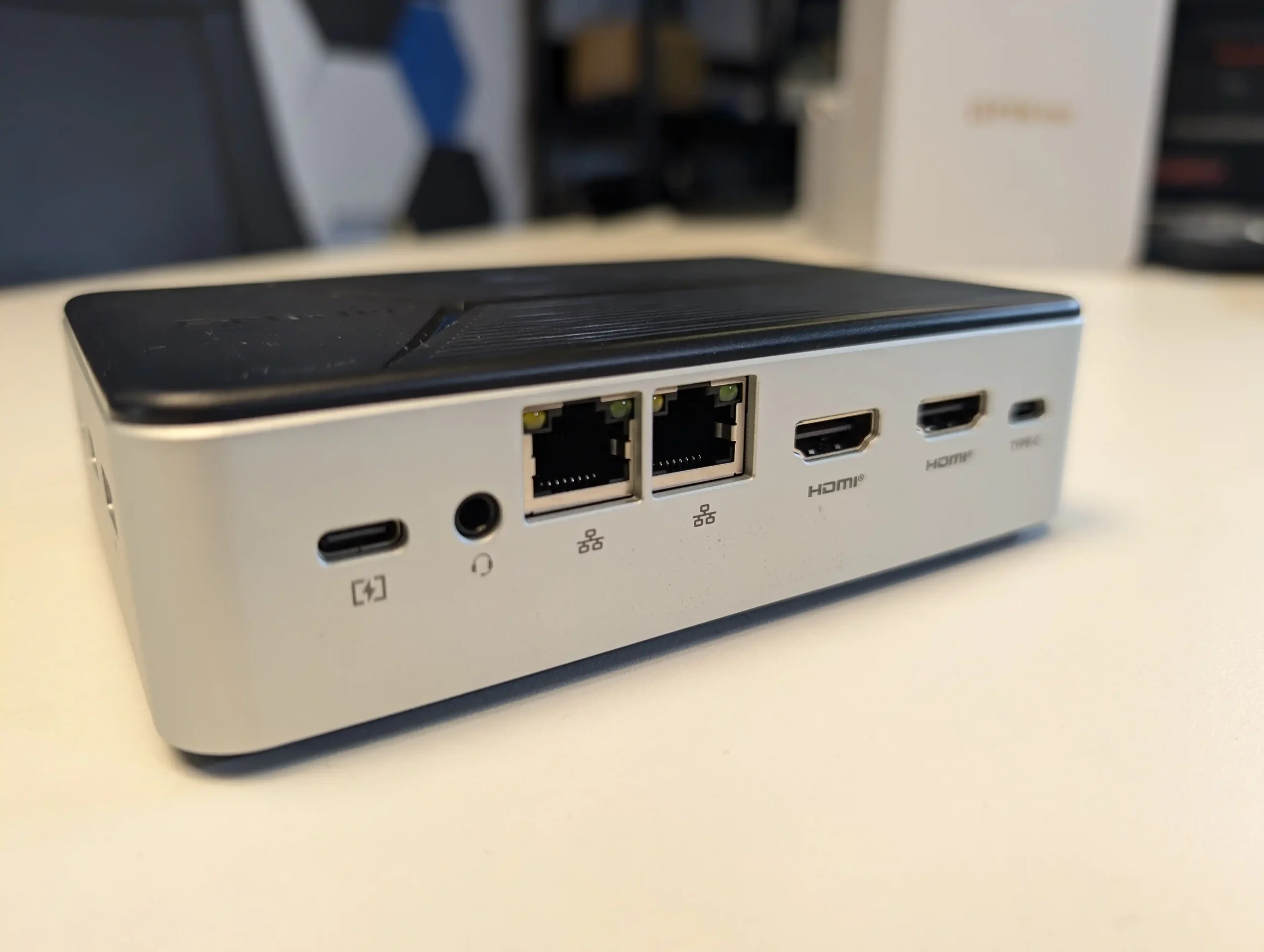
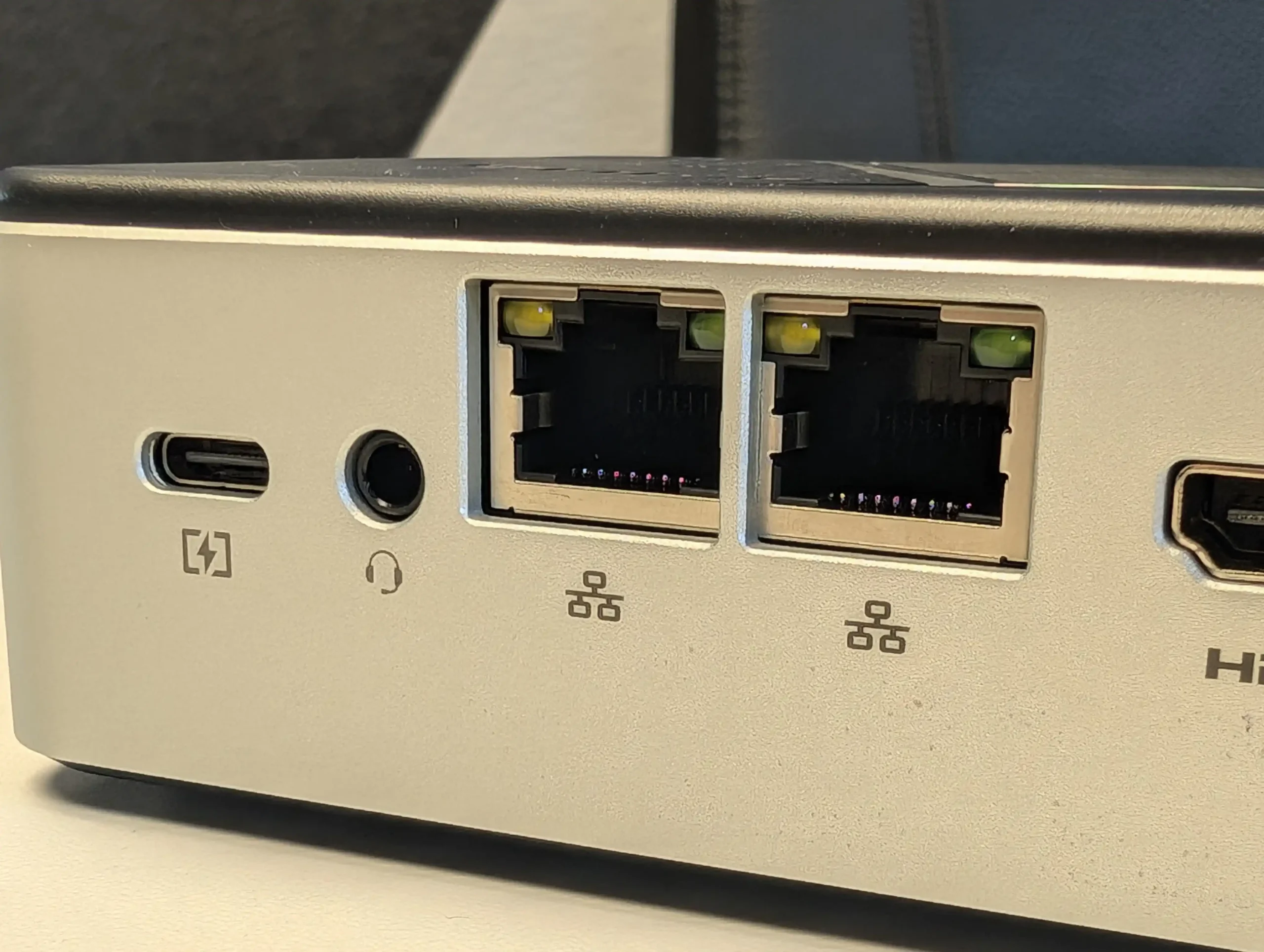
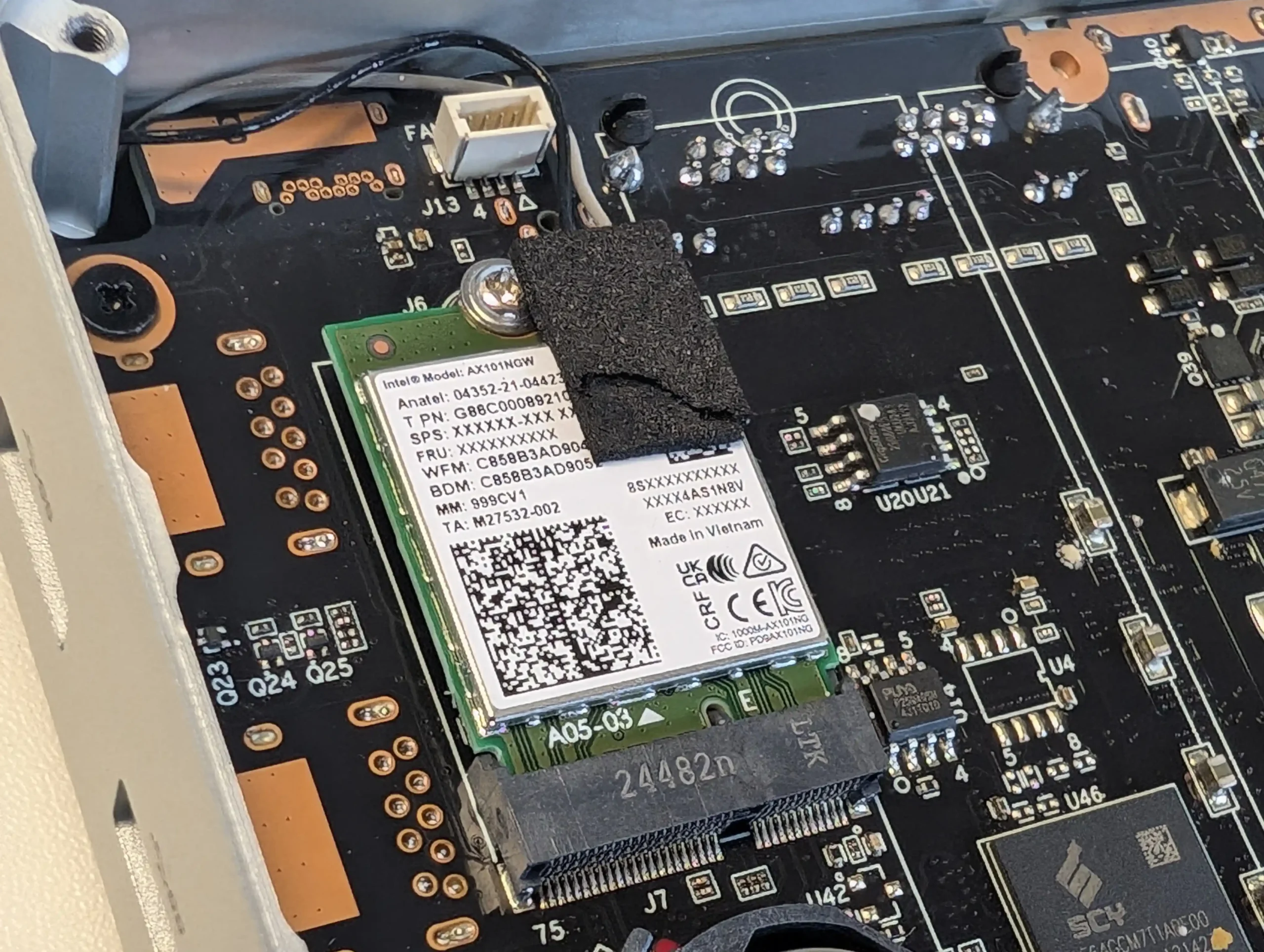
The GMKTec G9 provides hardware that closely matches the Beelink ME Mini, since it also uses the Intel N150 processor and 12GB of LPDDR5 memory. It arrives in a more traditional rectangular enclosure and includes four M.2 2280 NVMe slots instead of six. The system contains 64GB of onboard eMMC storage that is mainly used to boot Ubuntu 24.10, and it can dual boot into Windows 11 when an additional SSD is installed. As with the Beelink, there is no SATA support, so all storage relies on NVMe drives up to 4TB each. Cooling is handled by an active fan and the device includes two HDMI outputs, which makes it a stronger option for anyone who wants a small desktop system or direct media output as part of their NAS setup. The manufacturer issued a refresh in summer 2025 that improved the cooling layout with better vent placement and more efficient airflow.

Component Specification
CPU Intel N150 (4 cores, up to 3.6 GHz)
Memory 12GB LPDDR5
Internal Storage 64GB eMMC + 4x M.2 2280 NVMe slots
Networking 2x 2.5GbE LAN, WiFi 6, Bluetooth 5.2
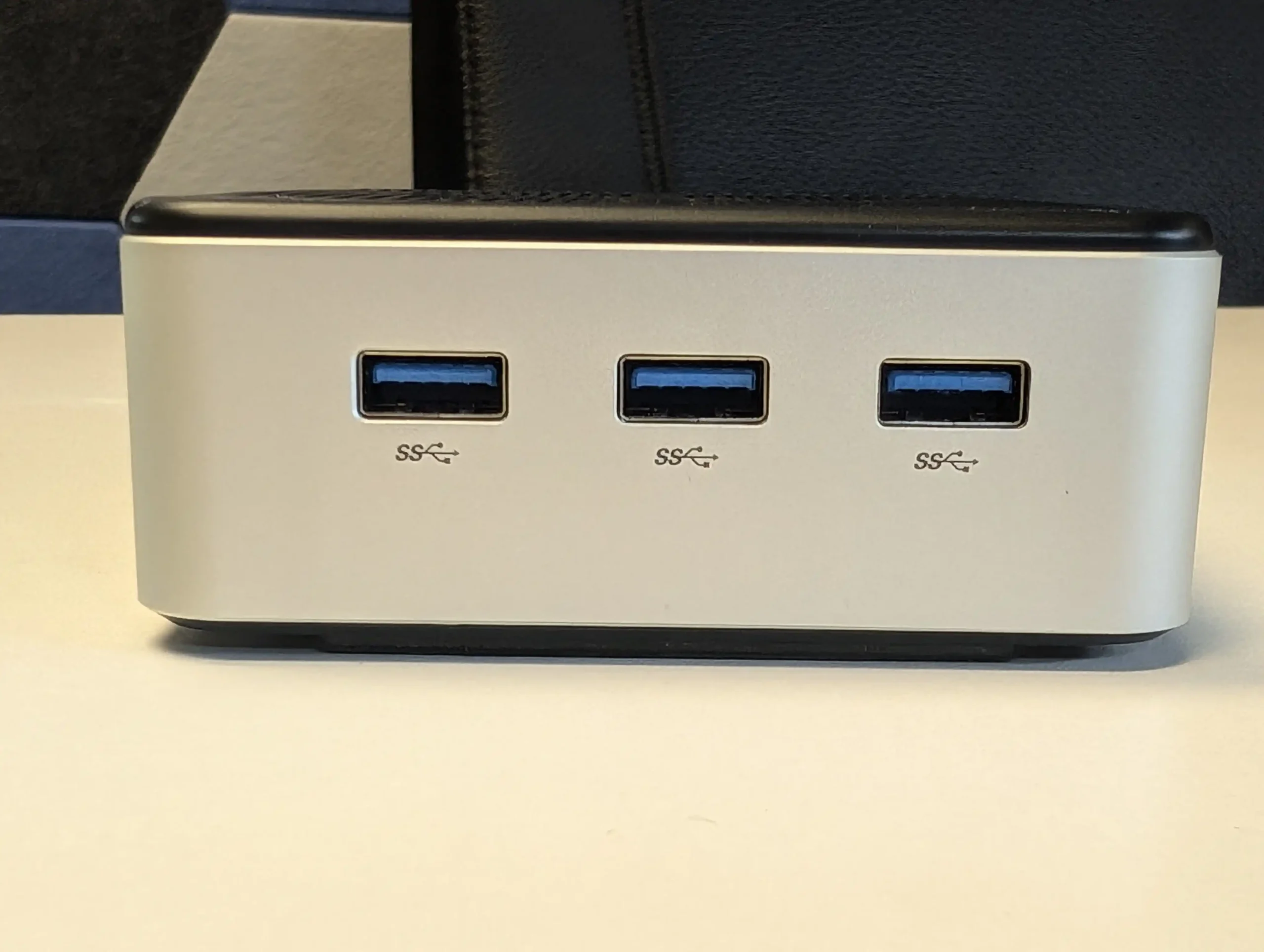
Ports 3x USB 3.2, 1x Type-C (DP), 2x HDMI, Audio
OS Ubuntu 24.10 by default, dual-boot capable
Dimensions 146.6 x 100.25 x 38.75 mm


Synology BeeStation 4TB NAS – ALL IN ONE!

$199 – Realtek RTD1619B – 1GB – 4TB SINGLE BAY – 1x 1GbE – BeeStation Manager (BSM) – BUY HERE

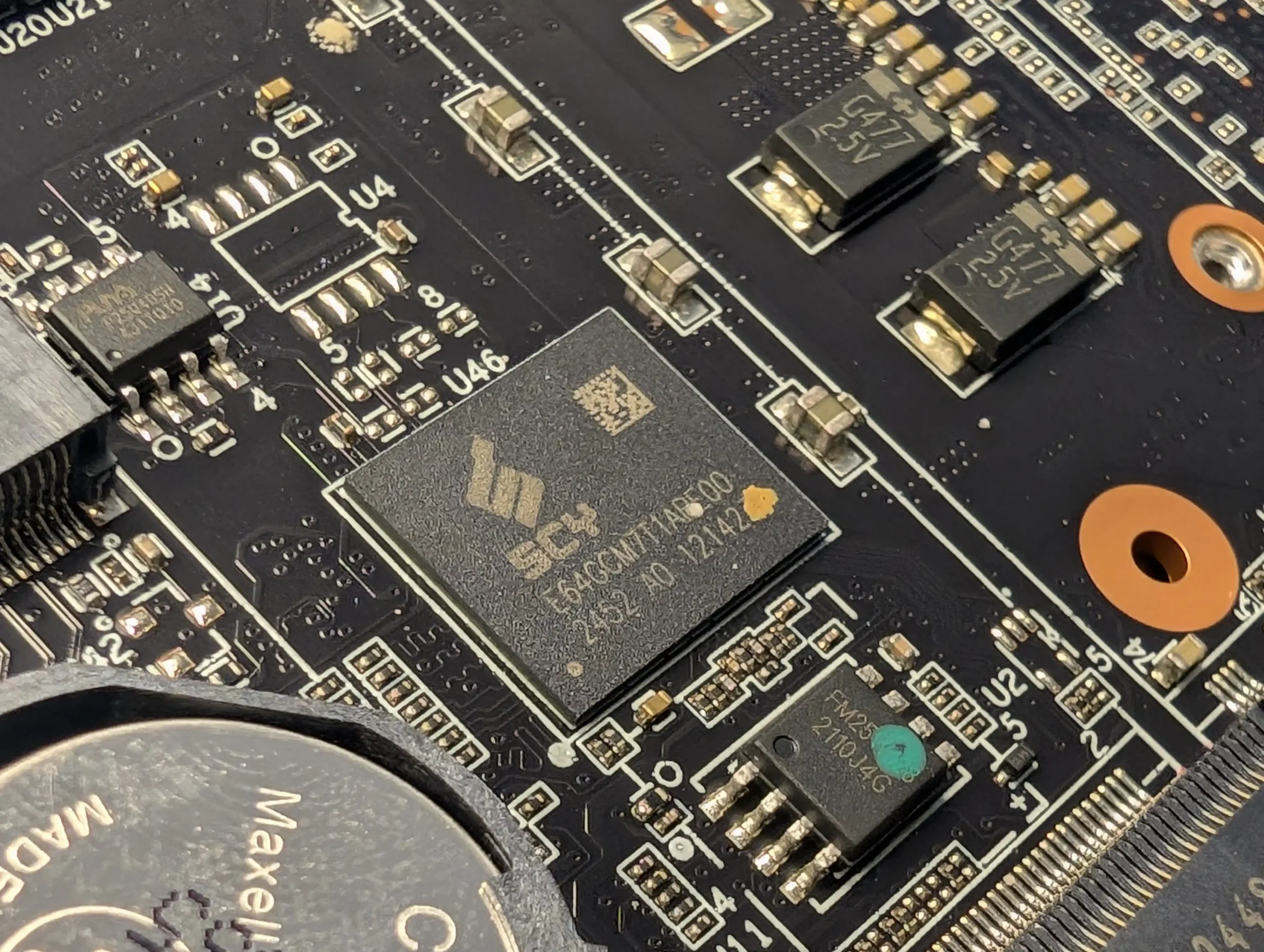
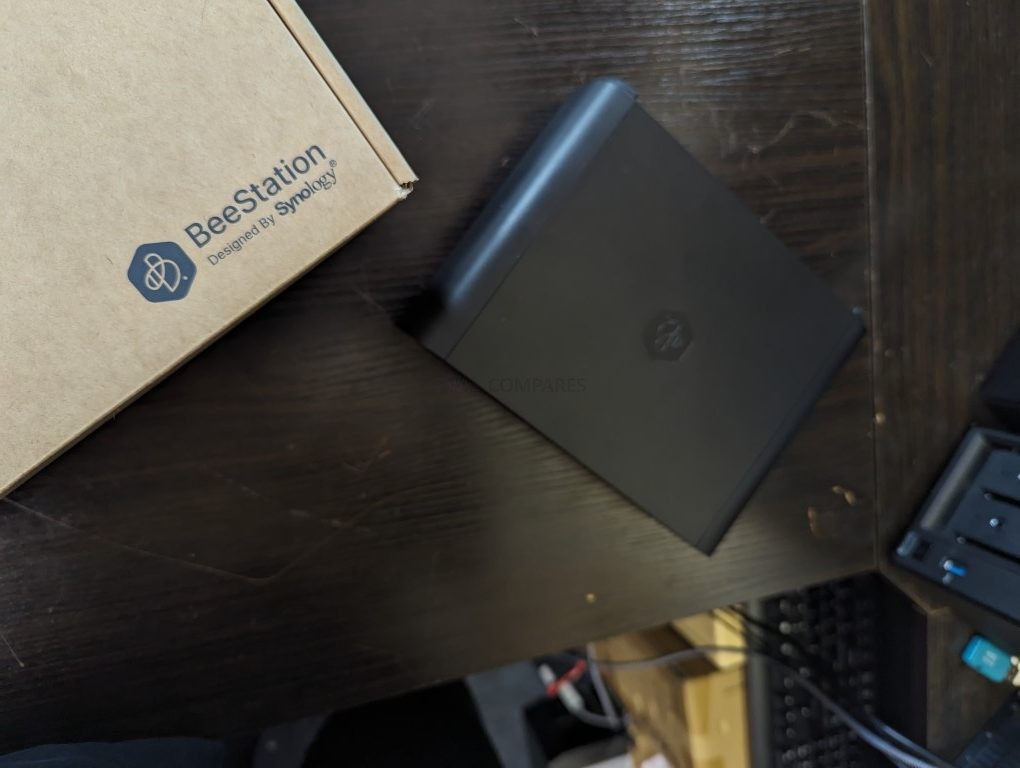
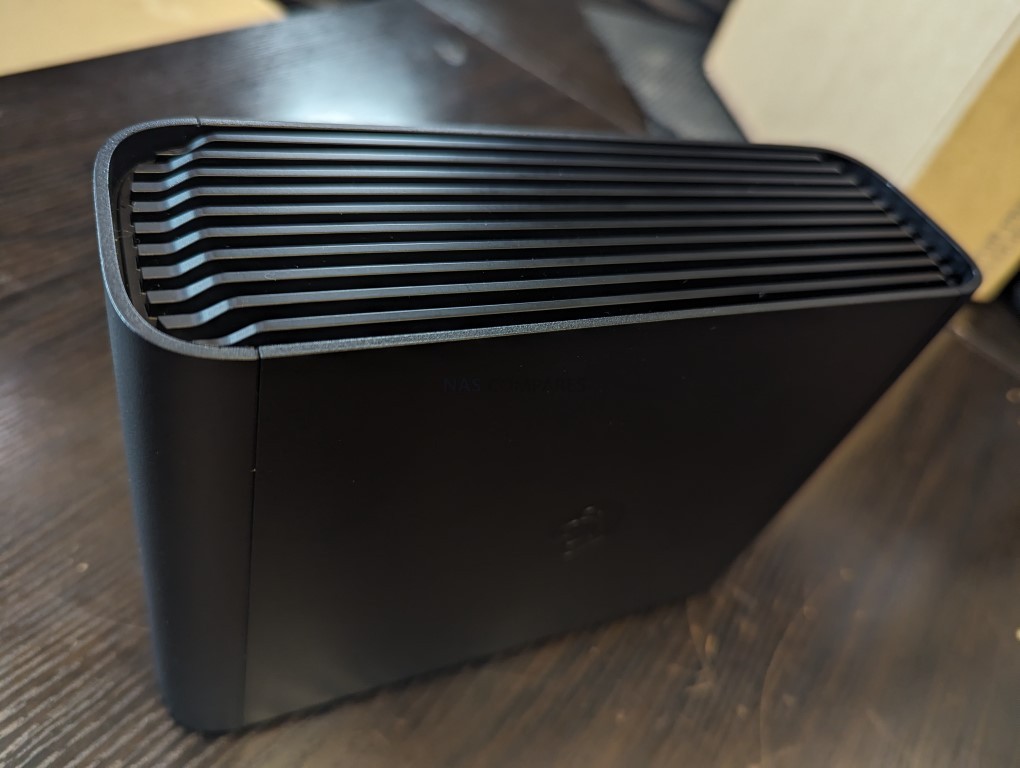
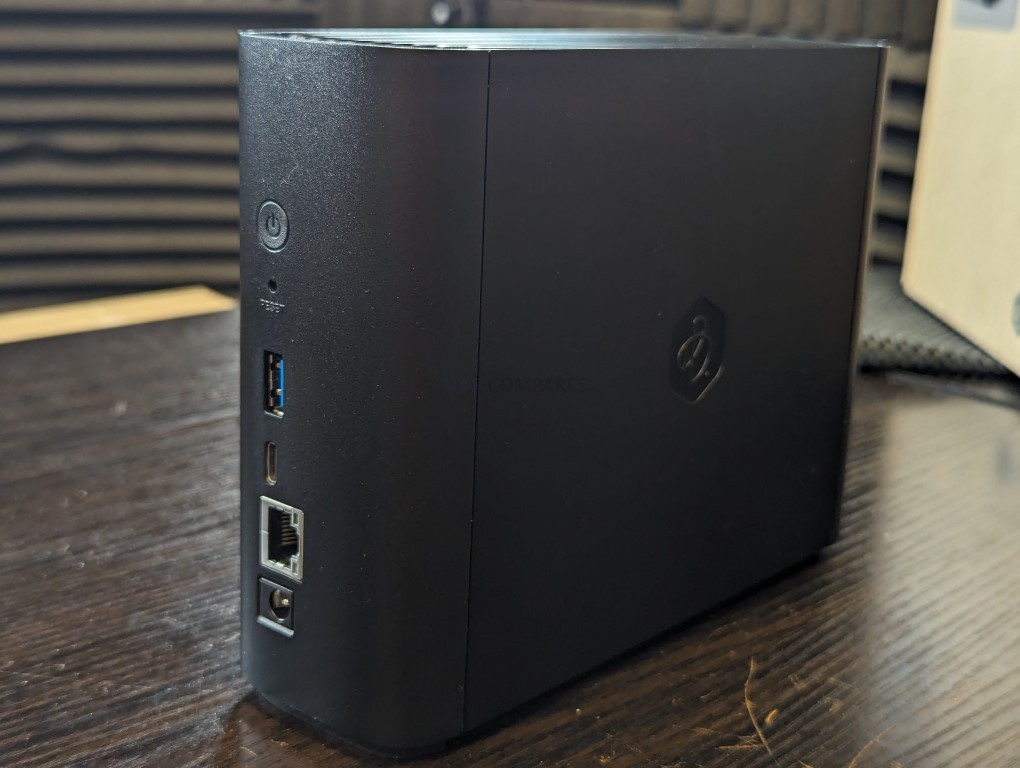
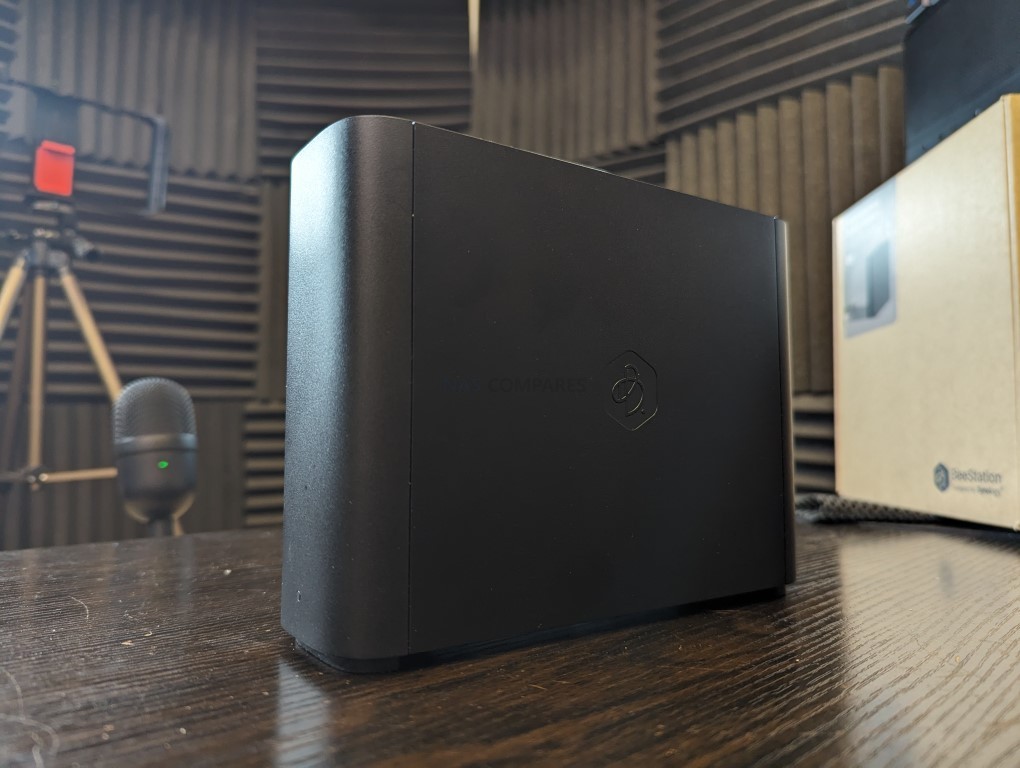
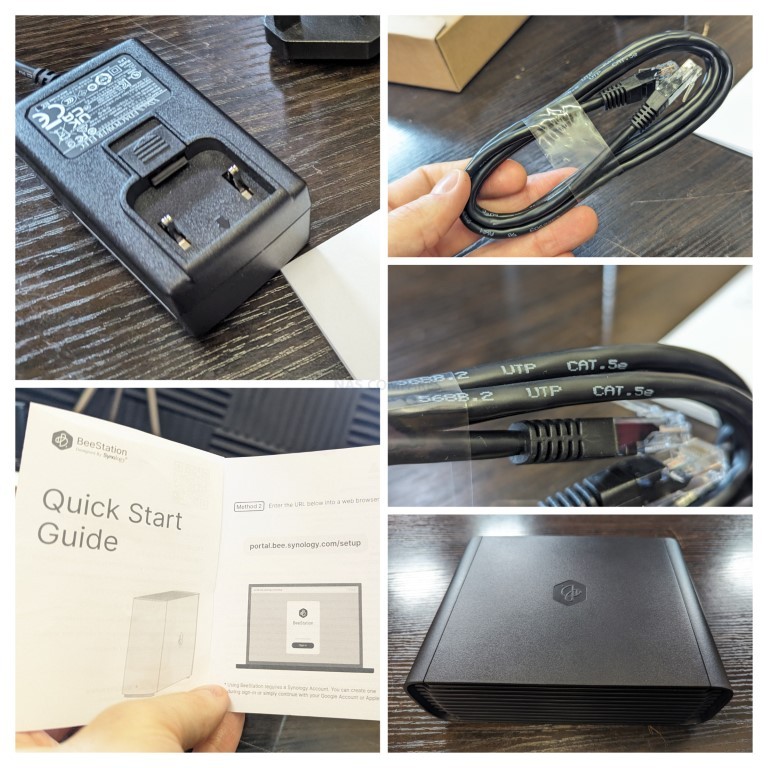
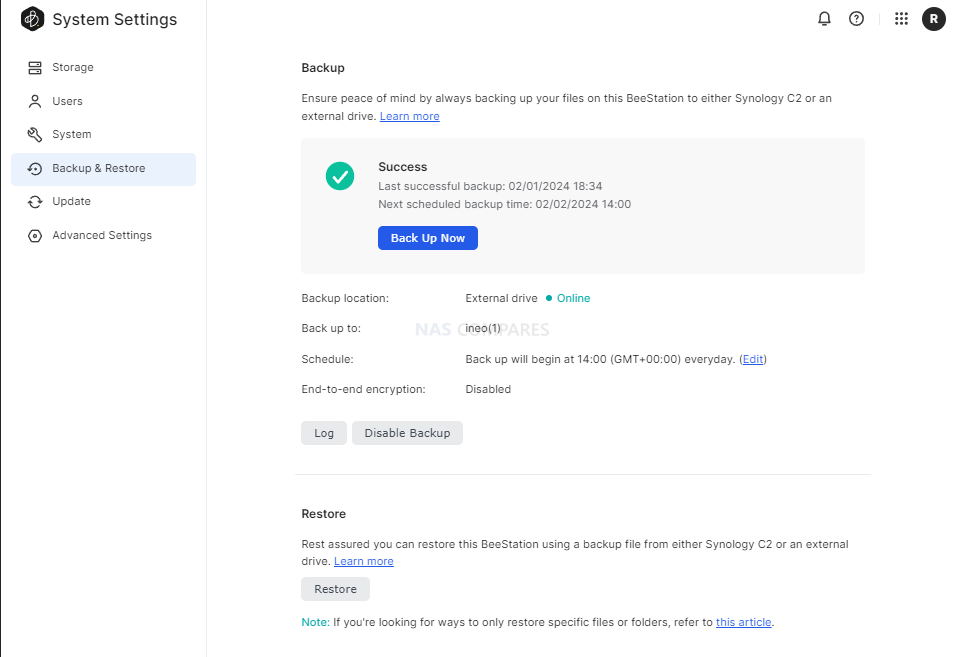
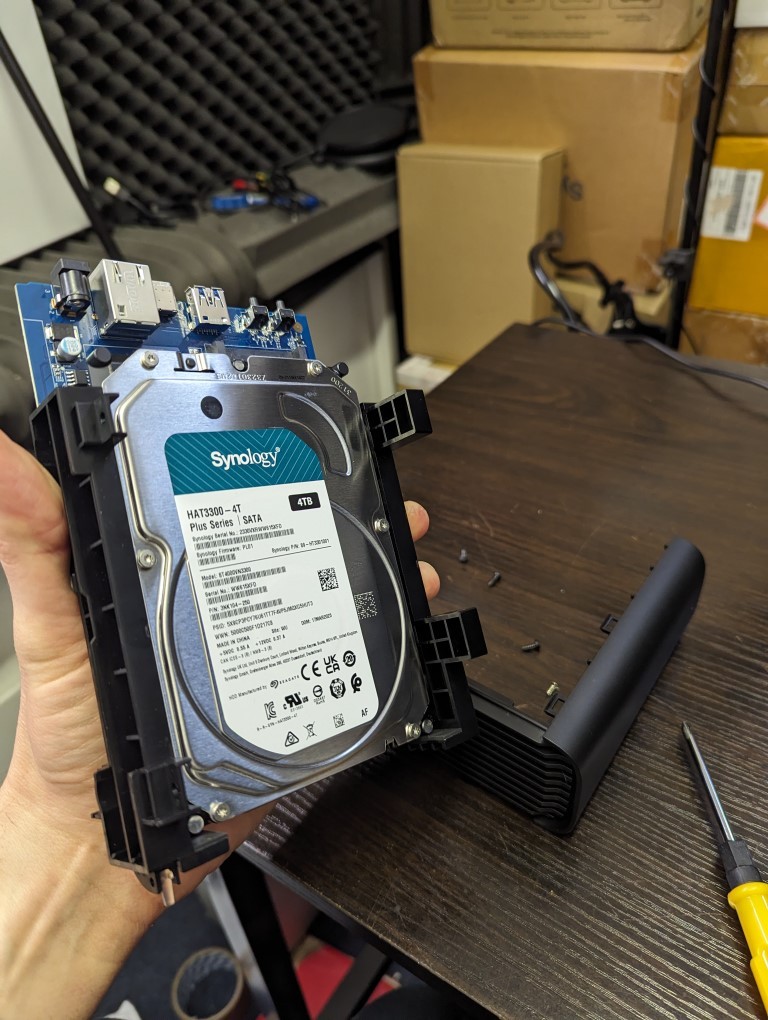
The Synology BeeStation 4TB is a single bay NAS designed for users who want a ready to use system with no installation work. It arrives with a pre installed 4TB hard drive and a sealed enclosure, so there is no need to source or fit storage. The system uses a Realtek RTD1619B ARM processor with 1GB of DDR4 memory and connects through a single 1GbE port. It runs BeeStation Manager, which focuses on beginner friendly features such as cloud style file access, simple photo management, and smooth integration with Synology mobile apps. Synology also released the BeeStation Plus model in 2025 with an Intel processor, more memory, and 8TB of storage, but it sits at roughly double the price. If you are willing to spend more, that model gives you greater performance and capacity.

Component Specification
CPU Realtek RTD1619B (Quad-core ARM)
Memory 1GB DDR4
Internal Storage 4TB HDD (included, sealed)
Networking 1x 1GbE LAN
Ports 1x USB-A 3.2 Gen 1, 1x USB-C 3.2 Gen 1
OS Synology BeeStation Manager (BSM)
Dimensions 148 x 62.6 x 196.3 mm


UGREEN NASync DXP2800 NAS – The New Challenger!

$249 – Intel N100 – 8GB – No Storage (32GB eMMC) – 1x 2.5GbE – UGOS Pro – BUY HERE

The UGREEN DXP2800 sits in the NASync series and targets users who want a mix of expandability and value. It supports both hard drives and SSDs through two 3.5 inch SATA bays and two M.2 NVMe slots that can be used for caching or fast active data work. The system uses an Intel N100 processor from the twelfth generation energy efficient N series and pairs it with 8GB of DDR5 memory that can be upgraded. A 32GB eMMC module holds the UGOS Pro operating system. Connectivity is built around a single 2.5GbE port with several USB ports on the front and rear including USB C and 10Gbps USB A. UGOS Pro offers a clean web interface with containers, RAID options such as zero, one, and JBOD, simple multimedia features, and remote file access.

UGREEN recently released the DH2300 two bay NAS at a noticeably lower price of roughly 100 to 120 dollars below the DXP2800. That model uses a lower power ARM processor, far less memory, and only one 1GbE port. It is acceptable for very light duties, but most users will benefit from spending a little more on the DXP2800 due to its stronger CPU, memory capacity, and networking.

Although UGOS Pro does not match the ecosystem depth of Synology DSM or QNAP QTS, the DXP2800 remains one of the few turnkey systems in this bracket that supports SSD and HDD storage in a flexible layout without proprietary limits. Users will still need to supply their own drives and configure storage pools, yet the combination of hardware capability and manageable software makes it a strong choice for anyone comfortable handling a modest amount of setup work.

Component Specification
CPU Intel N100 (4 cores, up to 3.4GHz)
Memory 8GB DDR5 (non-ECC, upgradeable to 16GB)
Internal Storage 32GB eMMC + 2x SATA + 2x M.2 NVMe
Networking 1x 2.5GbE LAN
Ports Front: 1x USB-C (10Gbps), 1x USB-A (10Gbps) \nRear: 1x USB-A (5Gbps), 2x USB 2.0, HDMI 4K Output
OS UGOS Pro
Dimensions 231 x 109 x 178 mm (approx.)


ZimaBoard 2 (832 Version) – DIY Enthusiast’s DREAM!

$199 – Intel N150 – 8GB – No Storage (32GB eMMC) – 2x 2.5GbE – ZimaOS – BUY HERE

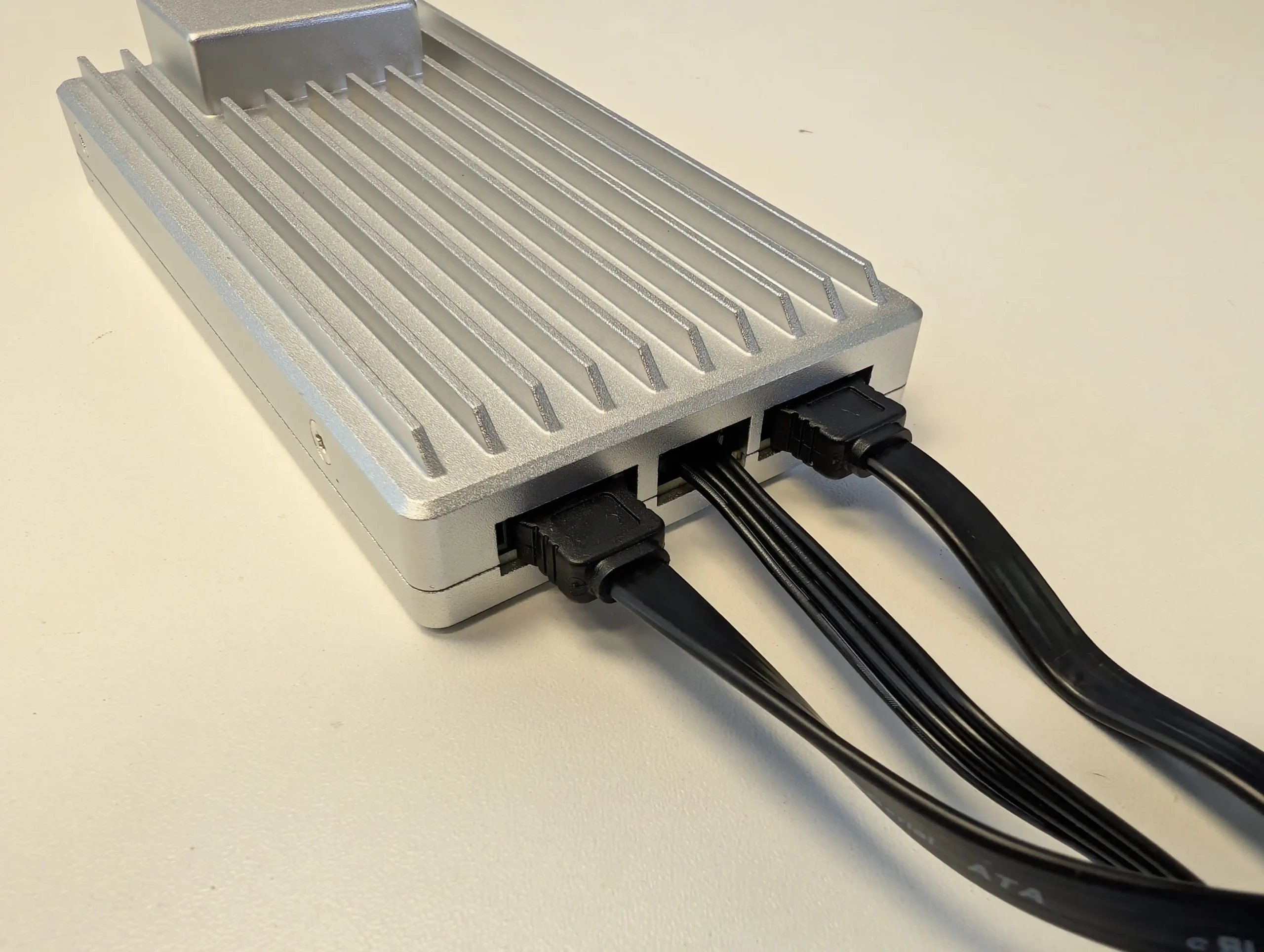
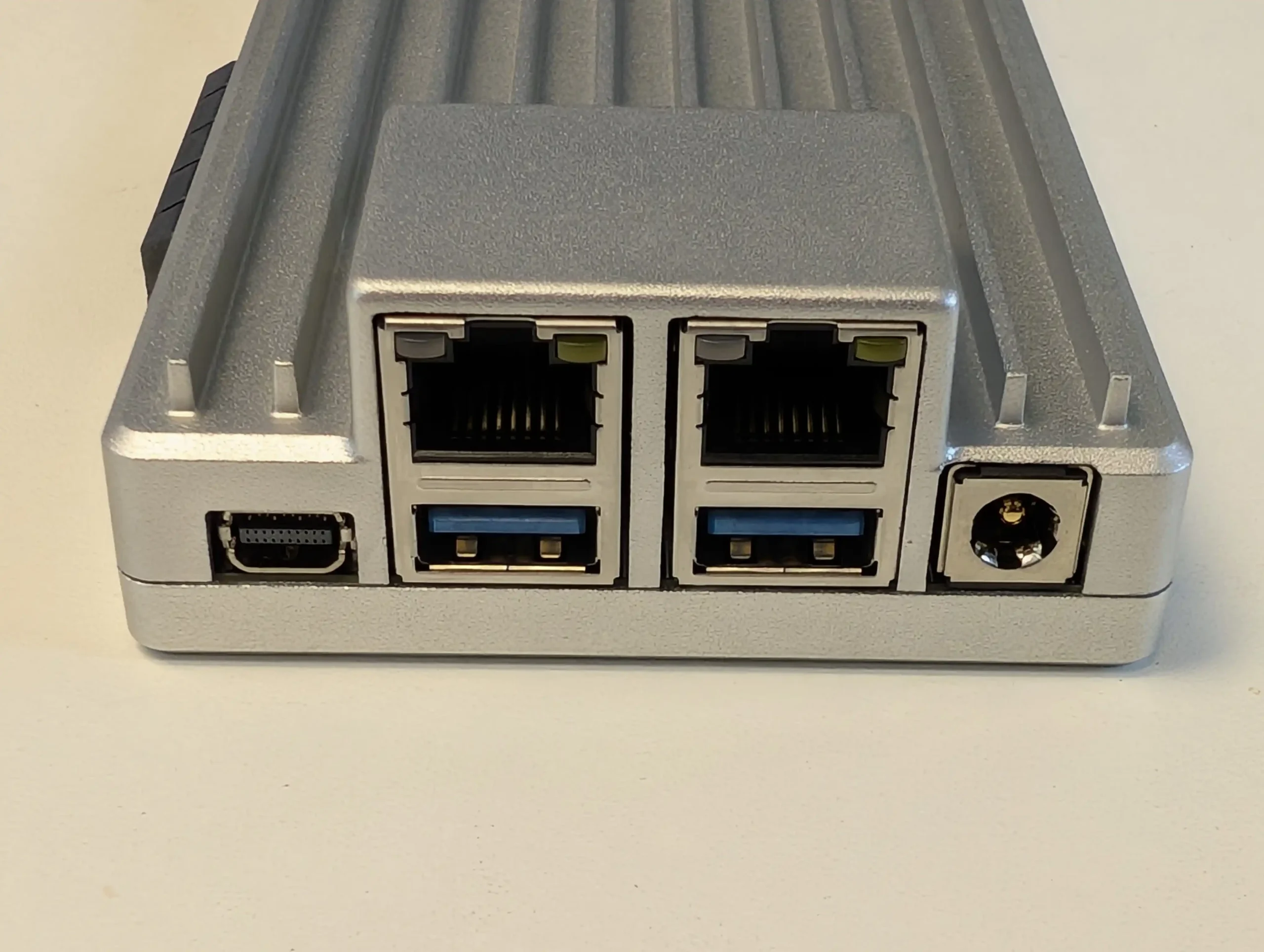
The ZimaBoard 2 (832) is a compact single board NAS platform built for users who want flexibility and modular control rather than a traditional enclosure based system. It arrives as a bare embedded board with all interfaces exposed, which makes it ideal for custom builds. The system uses the Intel N150 quad core processor with 8GB of LPDDR5x memory and includes 32GB of onboard eMMC storage for ZimaOS. The device ships with a lifetime ZimaOS license, which is notable at this price level. It also stands out by providing two powered SATA 3.0 ports, giving it native support for hard drives without any need for USB to SATA adapters. The product is now sold on Amazon, although the price can move between 249 and 349 dollars depending on current stock and promotions, so it is worth watching for discounts.

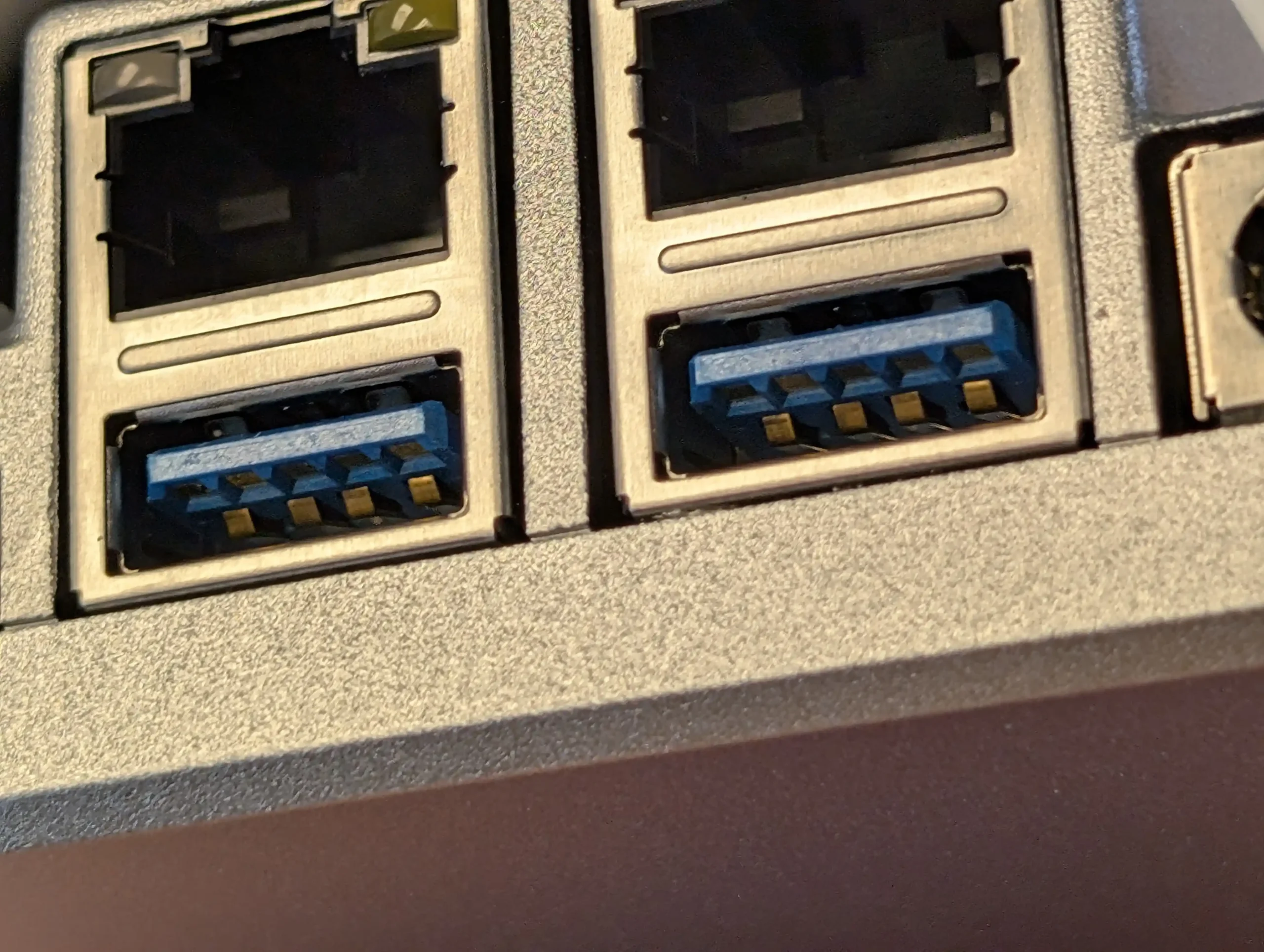
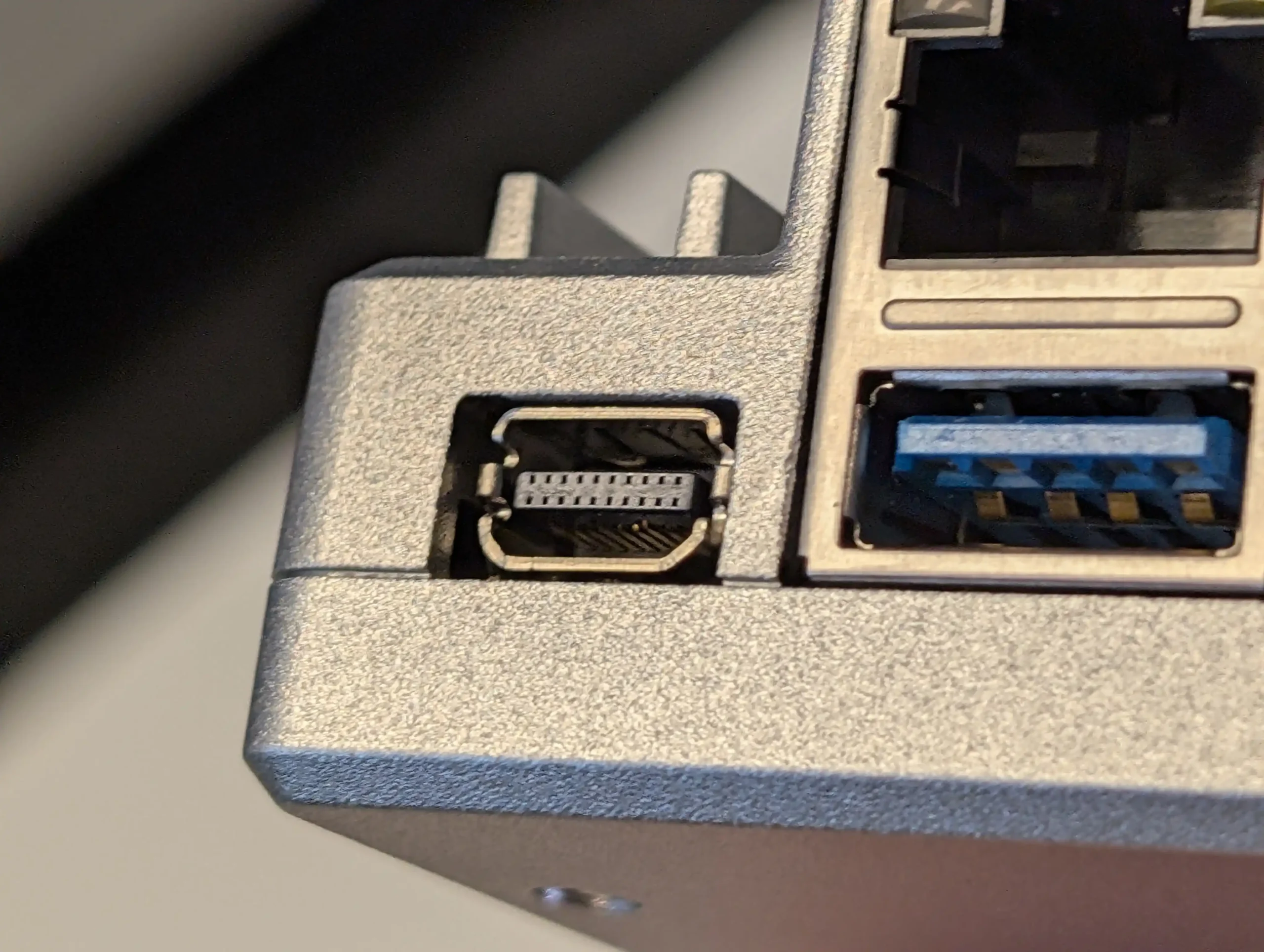
Connectivity is strong for a low profile platform. It offers two 2.5GbE ports, USB 3.1, a PCIe 3.0 x4 slot, and a Mini DisplayPort output that can deliver 4K60 video. The PCIe slot opens the door for add on networking, storage controllers, or accelerators, although most users will start by using the SATA ports for core NAS storage. The large passive heatsink keeps the board silent, although thermal results will depend on the case you choose and the surrounding environment.

This system suits DIY builders who want to create their own NAS, firewall appliance, lightweight media server, or container host. ZimaOS provides a simple web interface and allows the user to switch to CasaOS or other Linux based platforms if preferred. It is aimed at users who want maximum control and are comfortable managing their own setup rather than those seeking a plug and play NAS.

Component Specification
CPU Intel N150 (4 cores, up to 3.6GHz)
Memory 8GB LPDDR5x
Internal Storage 32GB eMMC + 2x SATA 3.0 (powered)
Networking 2x 2.5GbE LAN
Ports 2x USB 3.1, Mini DisplayPort, PCIe 3.0 x4
OS ZimaOS (also supports CasaOS, Linux distros)
Dimensions 140 x 83 x 31 mm


Each NAS covered in this guide delivers its own mix of hardware capability, expansion potential, and overall usability while staying within the 249 dollar limit. Users who want a fully prepared option with minimal setup will likely prefer the Synology BeeStation, and anyone who wants a small SSD focused system with stronger customisation features may find the Beelink ME Mini or GMKTec G9 more suitable. The UGREEN DXP2800 stands out for its combination of HDD and SSD support and a more developed software platform, while the ZimaBoard 2 is aimed at technical users who want full control over every layer of the build. None of these devices is a perfect all rounder, yet each one provides a practical entry into local storage, self hosted media, and personal backup without exceeding a modest budget

📧 SUBSCRIBE TO OUR NEWSLETTER 🔔
[contact-form-7]
🔒 Join Inner Circle


Get an alert every time something gets added to this specific article!


Want to follow specific category? 📧 Subscribe

This description contains links to Amazon. These links will take you to some of the products mentioned in today's content. As an Amazon Associate, I earn from qualifying purchases. Visit the NASCompares Deal Finder to find the best place to buy this device in your region, based on Service, Support and Reputation - Just Search for your NAS Drive in the Box Below

Need Advice on Data Storage from an Expert?

Finally, for free advice about your setup, just leave a message in the comments below here at NASCompares.com and we will get back to you. Need Help? Where possible (and where appropriate) please provide as much information about your requirements, as then I can arrange the best answer and solution to your needs. Do not worry about your e-mail address being required, it will NOT be used in a mailing list and will NOT be used in any way other than to respond to your enquiry. [contact-form-7] TRY CHAT Terms and Conditions
If you like this service, please consider supporting us. We use affiliate links on the blog allowing NAScompares information and advice service to be free of charge to you.Anything you purchase on the day you click on our links will generate a small commission which isused to run the website. Here is a link for Amazon and B&H.You can also get me a ☕ Ko-fi or old school Paypal. Thanks!To find out more about how to support this advice service check HEREIf you need to fix or configure a NAS, check Fiver Have you thought about helping others with your knowledge? Find Instructions Here  

 
Or support us by using our affiliate links on Amazon UK and Amazon US
    
 
Alternatively, why not ask me on the ASK NASCompares forum, by clicking the button below. This is a community hub that serves as a place that I can answer your question, chew the fat, share new release information and even get corrections posted. I will always get around to answering ALL queries, but as a one-man operation, I cannot promise speed! So by sharing your query in the ASK NASCompares section below, you can get a better range of solutions and suggestions, alongside my own.

☕ WE LOVE COFFEE ☕


NEW UGREEN DXP4800 PRO and DXP4800S NAS REVEALED

UGREEN Reveal Two New 4-Bay NAS – The DXP4800 Pro and DXP4800S

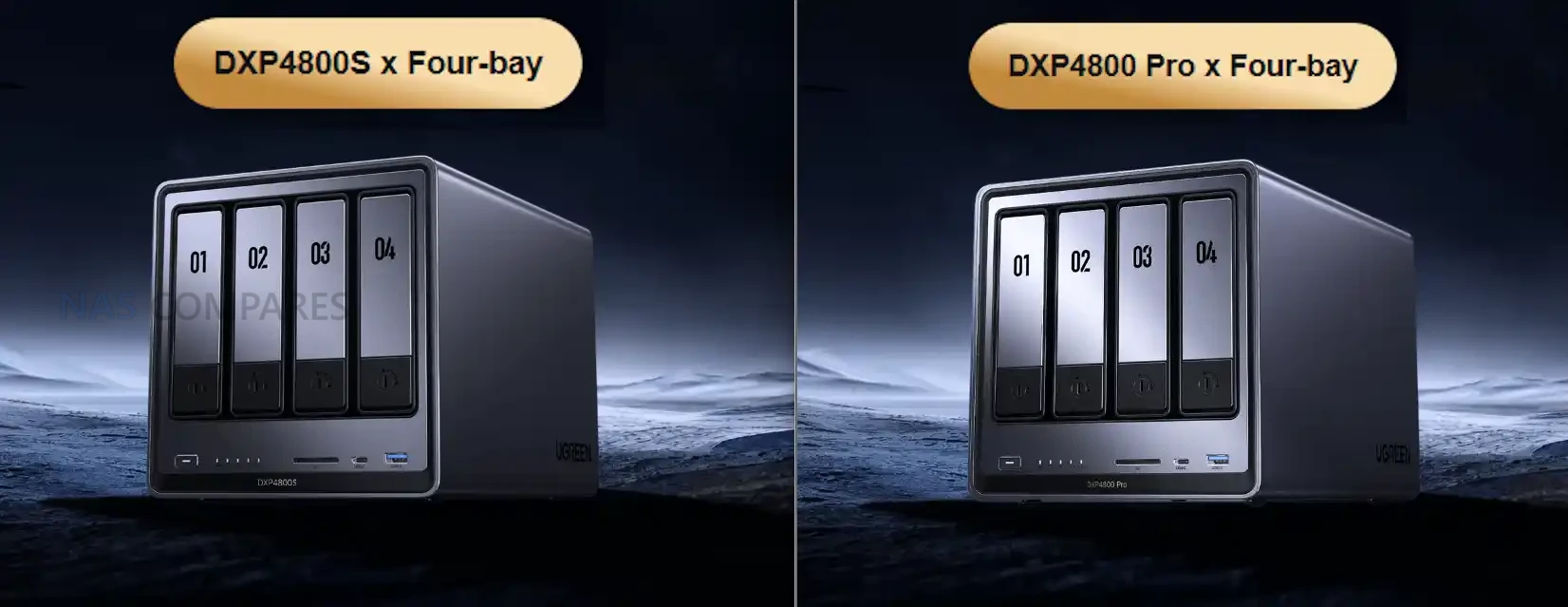
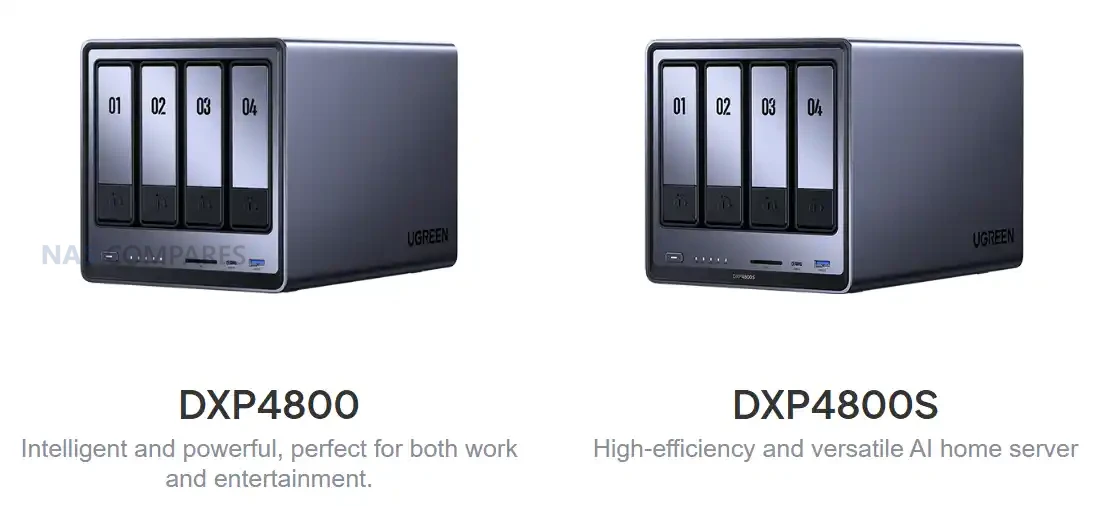
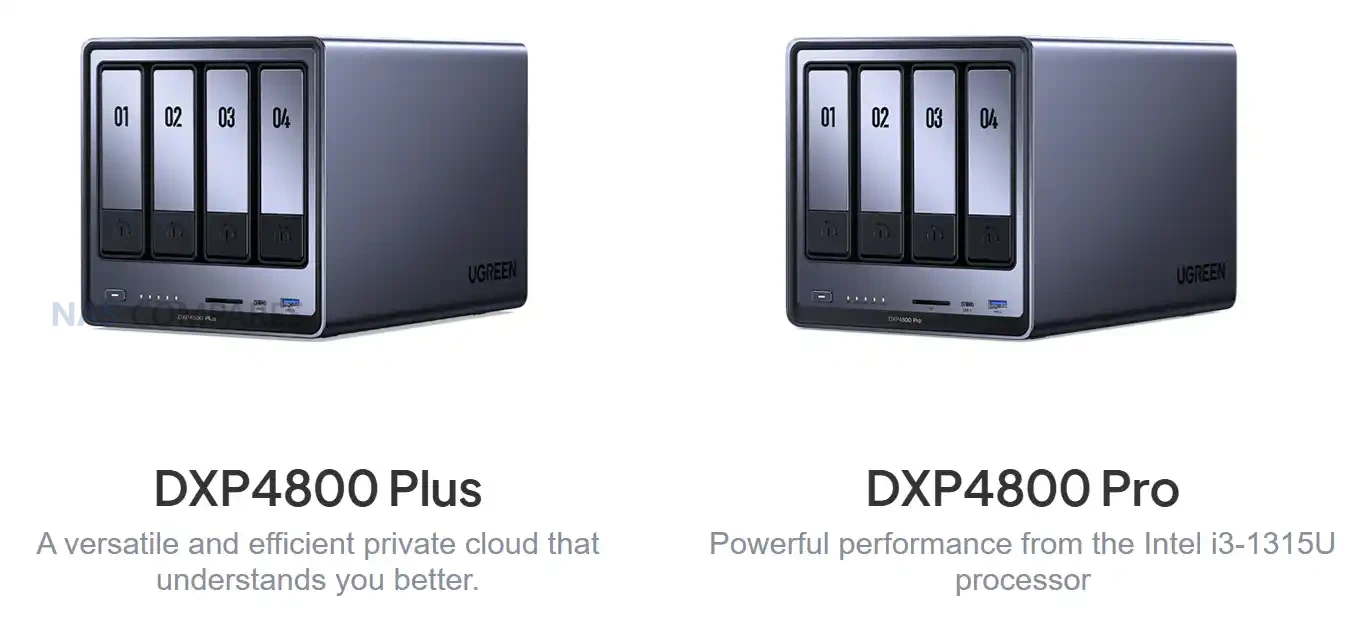
UGREEN has expanded its desktop NAS lineup with two additional models, the DXP4800S and the DXP4800 Pro. Both systems appear in regional listings alongside the existing DXP4800 and DXP4800 Plus rather than replacing them, which suggests a parallel product structure rather than a conventional generational refresh. These releases focus on incremental CPU and memory changes while retaining almost identical hardware layouts, storage options and connectivity. The result is a broader range of mid-tier NAS configurations targeted at users who want x86 processors with varying performance levels and memory support, while UGREEN continues to position its DH4300 series toward entry level users and larger capacity deployments. Let’s discuss these two new NAS devices, if/when they will be available, where they sit compared with the existing UGREEN NAS range, and where either of them deserve your money and your data?

UGREEN DXP4800S NAS Specifications

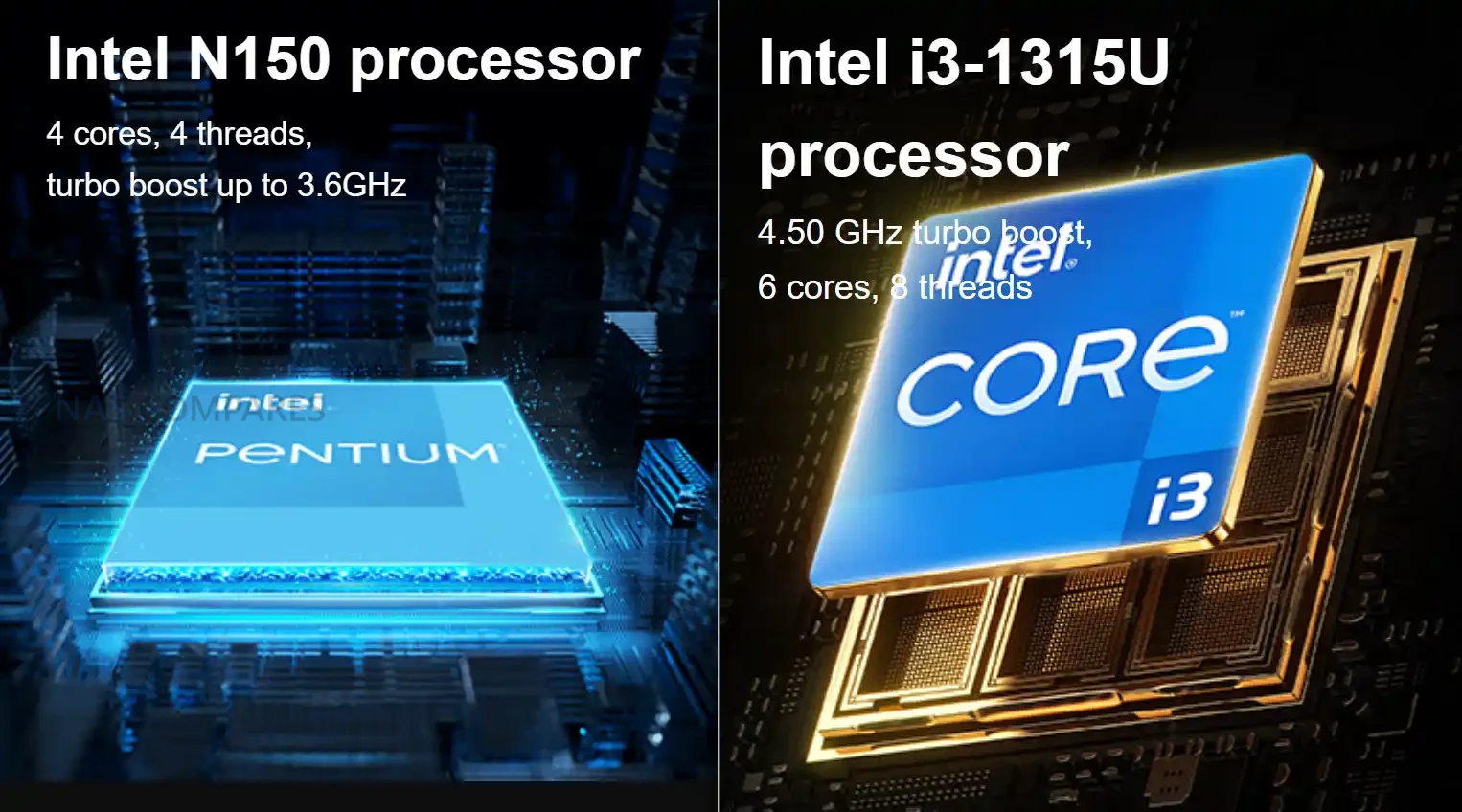
The DXP4800S is seemingly positioned as an updated variant of the original DXP4800, retaining the same core hardware layout while adopting Intel’s newer N150 processor and faster DDR5 memory. The shift to the N150 provides a modest frequency increase over the N100 but maintains identical core count, thread count and power behaviour. Memory remains user accessible through a single slot, with support for up to 16GB. The rest of the internal structure is unchanged, including four SATA bays, two NVMe slots and the same Gen three by one PCIe wiring. The system is intended as a compact x86 home server with improved AI-assisted photo indexing and modest efficiency gains over the standard model.

Externally, the device keeps the original USB layout, HDMI output and 2.5GbE gigabit LAN. The SD card reader remains SD 3.0 and the flash storage stays at 32GB. The overall focus of this model is small refinements rather than a re-engineered platform. Users familiar with the DXP4800 will find the same physical design and the same expandability, but with slightly higher supported memory frequency and a newer entry class processor that aligns with Intel’s Twin Lake manufacturing cycle.

Component DXP4800S
Processor Intel N150, four cores and four threads, up to 3.6Ghz
Architecture x86, Intel seven process
Memory 8GB DDR5 preinstalled, one slot, up to sixteen gigabytes, up to five thousand six hundred megahertz, ECC capable
SATA Bays Four, compatible with 2.5 inch and 3.5 inch drives
SATA Capacity Up to 30TB per bay
NVMe Slots Two M key NVMe 2280 slots, up to eight terabytes each
Flash Storage 32GB
Network 2x 2.5GbE
USB Front one USB three point two Gen two Type A and one USB three point two Gen two Type C. Rear one USB three point two Gen one
USB Two Two rear ports
SD Reader SD 3
HDMI Up to 4K at sixty hertz

UGREEN DXP4800 Pro NAS Specifications

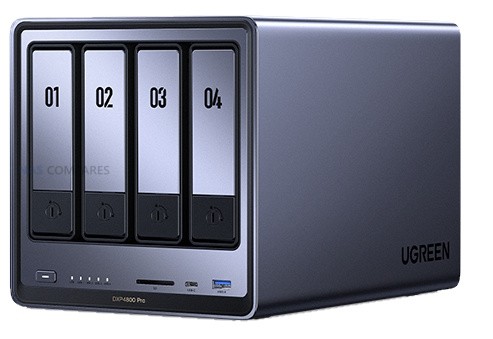
The DXP4800 Pro introduces more substantial hardware changes than the S variant. It replaces the Pentium Gold processor found in the DXP4800 Plus with the Intel Core i3-1315U, which provides additional cores, higher thread count and improved frequency. This positions the Pro as the most capable four bay x86 model in UGREEN’s lineup. The system also upgrades its SD card reader to SD 4.0 and increases maximum supported memory to 96GB through two DDR5 slots. Internal storage layout remains unchanged, with four SATA drive bays and two NVMe slots, both fully accessible without modifying the chassis. Connectivity mirrors the Plus model by retaining 1x 10GbE and 1x 2.5GbE USB connectivity remains a mix of Gen two front ports and a Gen one rear port. HDMI output continues to support 4K at 60Hz. These choices maintain consistency with the previous model and allow the CPU upgrade to be the primary differentiator rather than a broader redesign of the platform.

Component DXP4800 Pro
Processor Intel Core i3 1315U, six cores and eight threads, up to 4.5Ghz
Architecture x86, Intel seven process
Memory E8GB DDR5 preinstalled, two slots, up to ninety six gigabytes, up to five thousand six hundred megahertz, ECC capable
SATA Bays Four, compatible with 2.5 inch and 3.5 inch drives
SATA Capacity Up to 30tb per bay
NVMe Slots Two M key NVMe 2280 slots, up to eight terabytes each
Flash Storage 128GB
Network 1x 10GbE + 2.5GbE
USB Front one USB three point two Gen two Type A and one USB three point two Gen two Type C. Rear one USB three point two Gen one
USB Two Two rear ports
SD Reader SD 4
HDMI Up to 4K at sixty hertz

UGREEN DXP4800S vs DXP4800 NAS Specifications

The DXP4800S is a small technical update to the original DXP4800. Both systems use the same chassis, the same storage layout and the same port arrangement, including four SATA bays, two NVMe slots, a single 2.5GbE network port and the same USB configuration. The primary distinction is the CPU. The older DXP4800 uses the Intel N100, while the DXP4800S switches to the Intel N150, which increases maximum frequency but retains the same four core and four thread structure. Memory configuration also remains largely the same but the S model supports up to 5600MHz DDR5 rather than 4800MHz. All other hardware behaviour is unchanged. Both systems include 32GB of onboard flash, HDMI with 4K60 output and an SD 3.0 card reader. Drive support continues to allow up to 30TB per SATA bay and up to 8TB per NVMe slot. Because of these similarities, the DXP4800S functions as a direct incremental revision of the DXP4800 rather than a new performance tier, and the difference in everyday workloads will be minimal outside of small frequency gains.

Component DXP4800 DXP4800S
Processor Intel N100, 4 cores and 4 threads, up to 3.4GHz Intel N150, 4 cores and 4 threads, up to 3.6GHz
Architecture x86, Intel 7 x86, Intel 7
Memory 8GB DDR5, 1 slot, up to 16GB, 4800MHz 8GB DDR5, 1 slot, up to 16GB, 5600MHz
SATA Bays 4, supports 2.5 inch and 3.5 inch drives 4, supports 2.5 inch and 3.5 inch drives
NVMe Slots 2 x M.2 NVMe 2280, up to 8TB each 2 x M.2 NVMe 2280, up to 8TB each
Flash Storage 32GB 32GB
Network 1 x 2.5GbE 1 x 2.5GbE
USB Front USB 3.2 Gen2 Type A and Type C, rear USB 3.2 Gen1 Same ports and speeds
USB2 2 rear ports 2 rear ports
SD Reader SD 3.0 SD 3.0
HDMI 4K60 4K60

UGREEN DXP4800 Pro vs DXP4800 Plus NAS Specifications

The DXP4800 Pro introduces a more significant hardware step forward compared with the DXP4800 Plus. The Plus model uses the Intel Pentium Gold 8505, while the Pro replaces it with the Intel Core i3 1315U which increases the number of cores, improves thread count and provides higher boost frequencies. Memory capacity also expands from a maximum of 64GB on the Plus to 96GB on the Pro, and the Pro continues to use DDR5 at 5600MHz as its upper supported speed. Flash storage capacity increases from 128GB on the Plus to the same 128GB on the Pro, and internal drive support remains unchanged with four SATA bays and two NVMe slots. Both units maintain the same network arrangement with one 10GbE port and one 2.5GbE port. USB connectivity also remains the same with front USB 3.2 Gen2 Type A and Type C ports and a rear USB 3.2 Gen1 port supplemented by two USB2 ports. The one external difference is the SD card reader which moves from SD 3.0 on the Plus to SD 4.0 on the Pro. The rest of the platform remains identical which makes the CPU, memory ceiling and SD reader the factors that separate the two models.

Component DXP4800 Plus DXP4800 Pro
Processor Intel Pentium Gold 8505, 5 cores and 6 threads, up to 4.4GHz Intel Core i3 1315U, 6 cores and 8 threads, up to 4.5GHz
Architecture x86, Intel 7 x86, Intel 7
Memory 8GB DDR5, 2 slots, up to 64GB, 4800MHz 8GB DDR5, 2 slots, up to 96GB, 5600MHz
SATA Bays 4, supports 2.5 inch and 3.5 inch drives 4, supports 2.5 inch and 3.5 inch drives
NVMe Slots 2 x M.2 NVMe 2280, up to 8TB each 2 x M.2 NVMe 2280, up to 8TB each
Flash Storage 128GB 128GB
Network 1 x 10GbE and 1 x 2.5GbE 1 x 10GbE and 1 x 2.5GbE
USB Front USB 3.2 Gen2 Type A and Type C, rear USB 3.2 Gen1 Same ports and speeds
USB2 2 rear ports 2 rear ports
SD Reader SD 3.0 SD 4.0
HDMI 4K60 4K60

UGREEN DXP4800 Pro and DXP4800S NAS Release and Price

Both the DXP4800 Pro and DXP4800S are currently listed only in selected Asian regions, with no confirmed schedules for North America, Europe or Australia. Early pricing shows the DXP4800S positioned above the original DXP4800 and the DXP4800 Pro positioned above the DXP4800 Plus, reflecting the newer processors and higher memory ceilings. Regional pricing is based on local currency and tax structures, and the values shown in early listings cannot be treated as indicators of final western pricing. Availability outside these regions is expected to depend on component inventory and on UGREEN’s wider rollout plans, and any potential release is unlikely before early 2026.

Interested in buying a UGREEN NAS, and want to support what me and Ed do at NASCompares easily? Use the links below and we get a small commission (and costs you nothing extra) and helps us  keep doing what we do!

UGREEN DH4300 NAS UGREEN DH4300 NAS UGREEN DH4300 NAS


📧 SUBSCRIBE TO OUR NEWSLETTER 🔔
[contact-form-7]
🔒 Join Inner Circle

Get an alert every time something gets added to this specific article!


Want to follow specific category? 📧 Subscribe

This description contains links to Amazon. These links will take you to some of the products mentioned in today's content. As an Amazon Associate, I earn from qualifying purchases. Visit the NASCompares Deal Finder to find the best place to buy this device in your region, based on Service, Support and Reputation - Just Search for your NAS Drive in the Box Below

Need Advice on Data Storage from an Expert?

Finally, for free advice about your setup, just leave a message in the comments below here at NASCompares.com and we will get back to you. Need Help? Where possible (and where appropriate) please provide as much information about your requirements, as then I can arrange the best answer and solution to your needs. Do not worry about your e-mail address being required, it will NOT be used in a mailing list and will NOT be used in any way other than to respond to your enquiry. [contact-form-7] TRY CHAT Terms and Conditions
If you like this service, please consider supporting us. We use affiliate links on the blog allowing NAScompares information and advice service to be free of charge to you.Anything you purchase on the day you click on our links will generate a small commission which isused to run the website. Here is a link for Amazon and B&H.You can also get me a ☕ Ko-fi or old school Paypal. Thanks!To find out more about how to support this advice service check HEREIf you need to fix or configure a NAS, check Fiver Have you thought about helping others with your knowledge? Find Instructions Here  
 
Or support us by using our affiliate links on Amazon UK and Amazon US
    
 
Alternatively, why not ask me on the ASK NASCompares forum, by clicking the button below. This is a community hub that serves as a place that I can answer your question, chew the fat, share new release information and even get corrections posted. I will always get around to answering ALL queries, but as a one-man operation, I cannot promise speed! So by sharing your query in the ASK NASCompares section below, you can get a better range of solutions and suggestions, alongside my own.

☕ WE LOVE COFFEE ☕

 
❌