Vue lecture

Il y a de nouveaux articles disponibles, cliquez pour rafraîchir la page.

Gli.Net Comet 5G Review – The ‘ALL-IN’ KVM?

Gl.iNet Comet 5G Review – The ULTIMATE ALL-ACCESS KVM?

The GL.iNet Comet 5G is a remote KVM built to provide keyboard, video, and mouse control of a connected computer from power on through BIOS, rather than relying on a working operating system like traditional remote desktop tools. It accepts HDMI input from the host and offers HDMI passthrough so a local display can remain connected, with support up to 4K at 30 fps or 1080p at 60 fps, plus 2 way audio. Connectivity is where the Comet 5G differentiates itself most clearly in this product line: it can be managed over Gigabit Ethernet and Wi-Fi 6, but it also includes a nano SIM slot for 5G RedCap with 4G LTE fallback, intended for out of band access when the site network is down, segmented, or simply not trusted. It also supports a local AP mode that broadcasts its own wireless network for nearby management sessions without joining the surrounding LAN. In day to day use, the device is mainly aimed at remote maintenance tasks such as OS installs, recovery and imaging, BIOS changes, and support work on machines that lack built in management like iDRAC or iLO. Compared with the Comet Pro, it keeps the same general platform and interface approach, but adds the cellular path, the AP mode, a larger 3.69 in touchscreen, and 64 GB of eMMC storage for ISO and file staging. The key questions for a review are less about raw compute, since the core platform is similar to the Comet Pro, and more about whether the extra connectivity options, storage capacity, and on device usability justify its higher price for the way it will actually be deployed.

Gli.Net Comet 5G KVM Review – Quick Conclusion

The GL.iNet Comet 5G is essentially the Comet Pro style KVM experience with a stronger connectivity toolkit rather than a major jump in raw performance: you still get reliable BIOS level access, HDMI passthrough so a local screen can stay connected, and flexible access from a browser across different operating systems, but the main reason to choose it is the extra ways it can be reached when the local network is unavailable or not trusted. The nano SIM support (5G RedCap with 4G LTE fallback) gives an out of band route that can keep access available even when Ethernet or Wi-Fi are misconfigured, and the AP mode adds a direct nearby connection for quick point to point management without joining the site LAN, which can be genuinely useful in field work, segmented networks, or recovery situations. It also doubles the internal storage to 64 GB, which makes it easier to keep several ISO images and tools ready to mount remotely, and the larger 3.69 in touchscreen makes local setup and status checks less cramped. The trade offs are mostly about expectations: storage speeds remain modest, so uploading and copying large files is not fast; USB based storage expansion exists but is limited by USB 2.0, can require reboots, and drive compatibility is not always consistent; and while the device supports multiple paths and is marketed around failover, the current interface does not expose deep, router style controls for tuning how those paths behave. If you mostly run KVM over a stable wired or Wi-Fi network, the Comet Pro will usually cover the same core tasks for less money, but if you want a small KVM that gives you more options to regain access when networks are awkward or failing, the Comet 5G is the more complete tool as long as you accept the storage and configuration limitations.


SOFTWARE - 9/10
HARDWARE - 9/10
PERFORMANCE - 8/10
PRICE - 8/10
VALUE - 8/10


8.4
PROS
👍🏻Cellular out of band access via nano SIM (5G RedCap with 4G LTE fallback) adds a separate path when the site LAN is down or misconfigured
👍🏻Nearby Control via AP mode enables direct point to point access without joining the surrounding network, useful for local BIOS work and isolated environments
👍🏻HDMI passthrough plus capture keeps a local monitor active while still providing remote KVM access (up to 4K 30 fps, 1080p 60 fps)
👍🏻Browser based management and access works across Windows, macOS, and Linux without requiring a dedicated client
👍🏻64 GB eMMC provides more room for ISO images and utility files than the 32 GB model, reducing how often media needs to be rotated
👍🏻3.69 in touchscreen makes on device setup and status checks less cramped than smaller panel implementations
👍🏻Multiple remote access approaches are available (LAN, relay, and VPN style options like Tailscale and ZeroTier), allowing different trust and routing models
👍🏻Low complexity deployment with passive cooling and a small footprint makes it viable as a 24/7 appliance when powered independently
CONS
👎🏻Storage performance is modest, and remains closer to mid range eMMC speeds than fast removable storage
👎🏻External storage expansion has caveats, including USB 2.0 limits, possible reboots, and inconsistent compatibility depending on the USB drive and power draw
👎🏻Failover and cellular controls are not deeply tunable in the current UI, so users expecting router grade policy controls may find configuration limited

Buy the Gl.iNet KVM 5G from Amazon Below: Buy the Gl.iNet Comet KVM ($219) from the Official Store Below:

Gli.Net Comet 5G KVM Review – Design & Storage

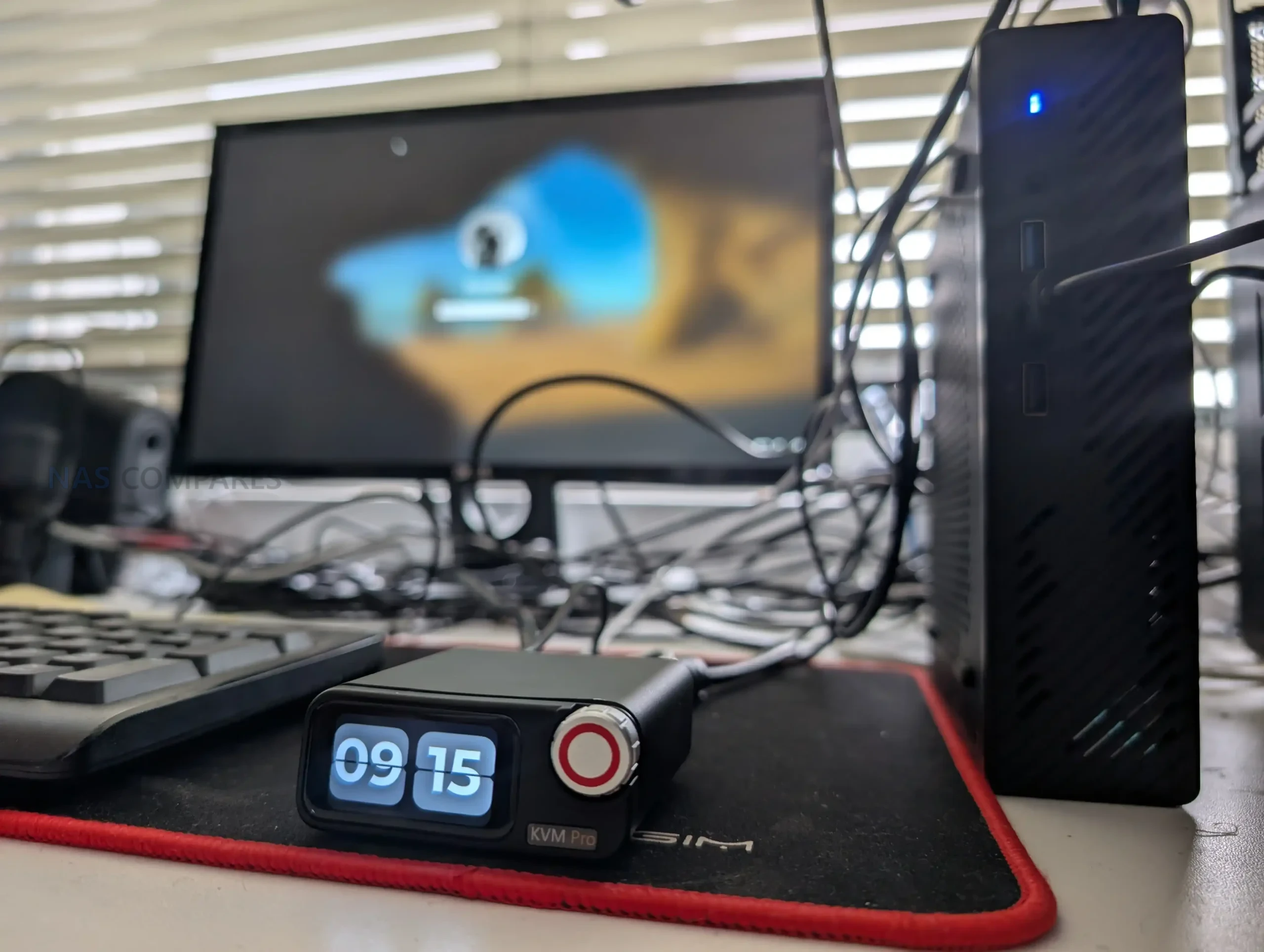
The Comet 5G follows the same general design language as the Comet Pro, but it is physically larger and more deployment focused. It measures 128 × 93 × 33 mm and weighs 285 g, which makes it more of a bag sized tool than something that disappears behind a monitor without planning. The casing relies on passive ventilation rather than active cooling, and in normal use it is intended to be left running continuously, provided it is powered independently rather than from the host machine.

A practical difference in the Comet 5G design is the addition of external antennas to support its wireless roles.

This includes cellular and Wi-Fi antennas, and the unit is clearly built around the expectation that it may be used away from a stable wired network, whether that is via the SIM slot or via a direct nearby wireless connection. In a fixed desk setup the antennas can feel like overkill, but for temporary installs and field support they suit the intended use case.

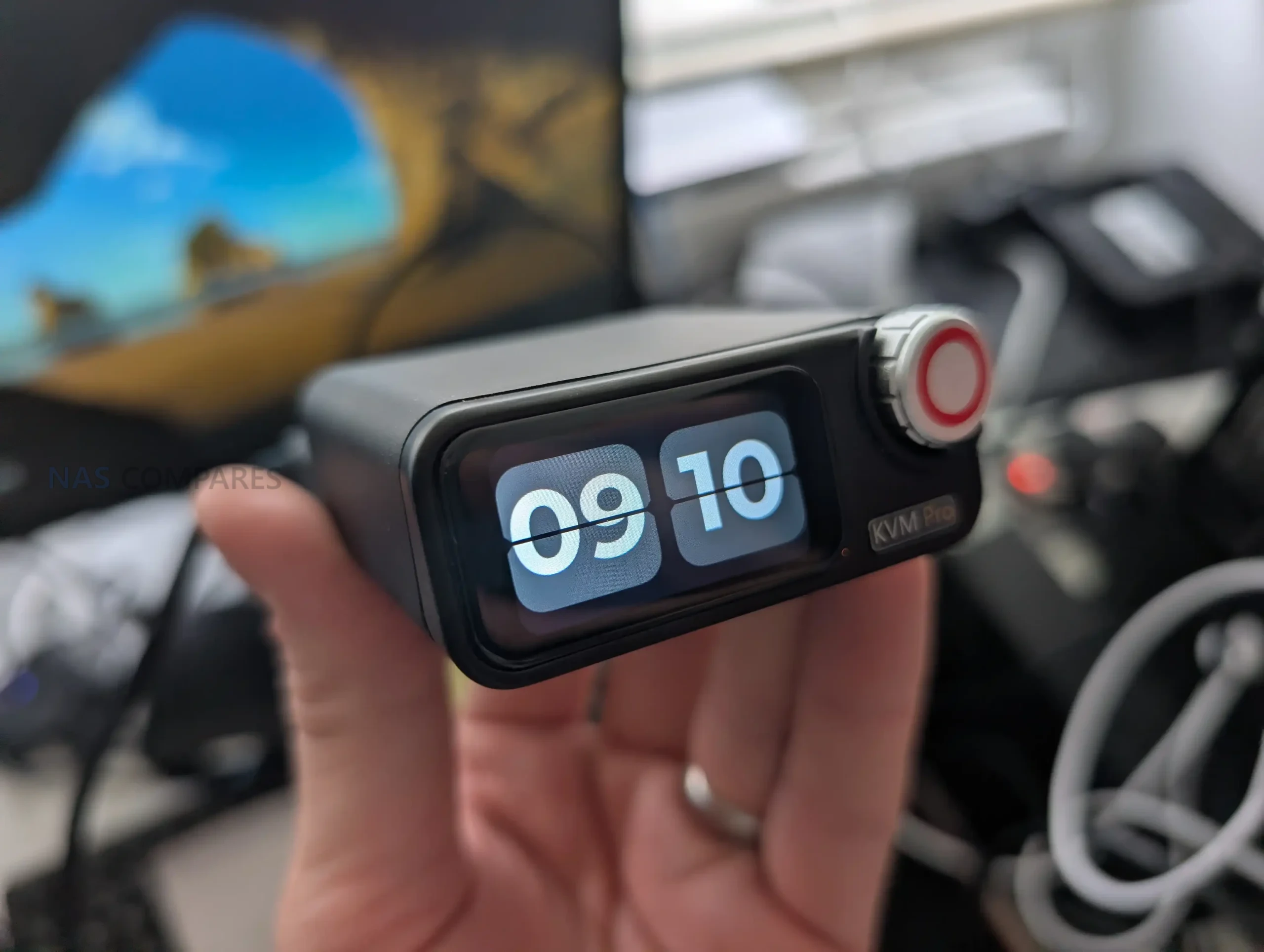
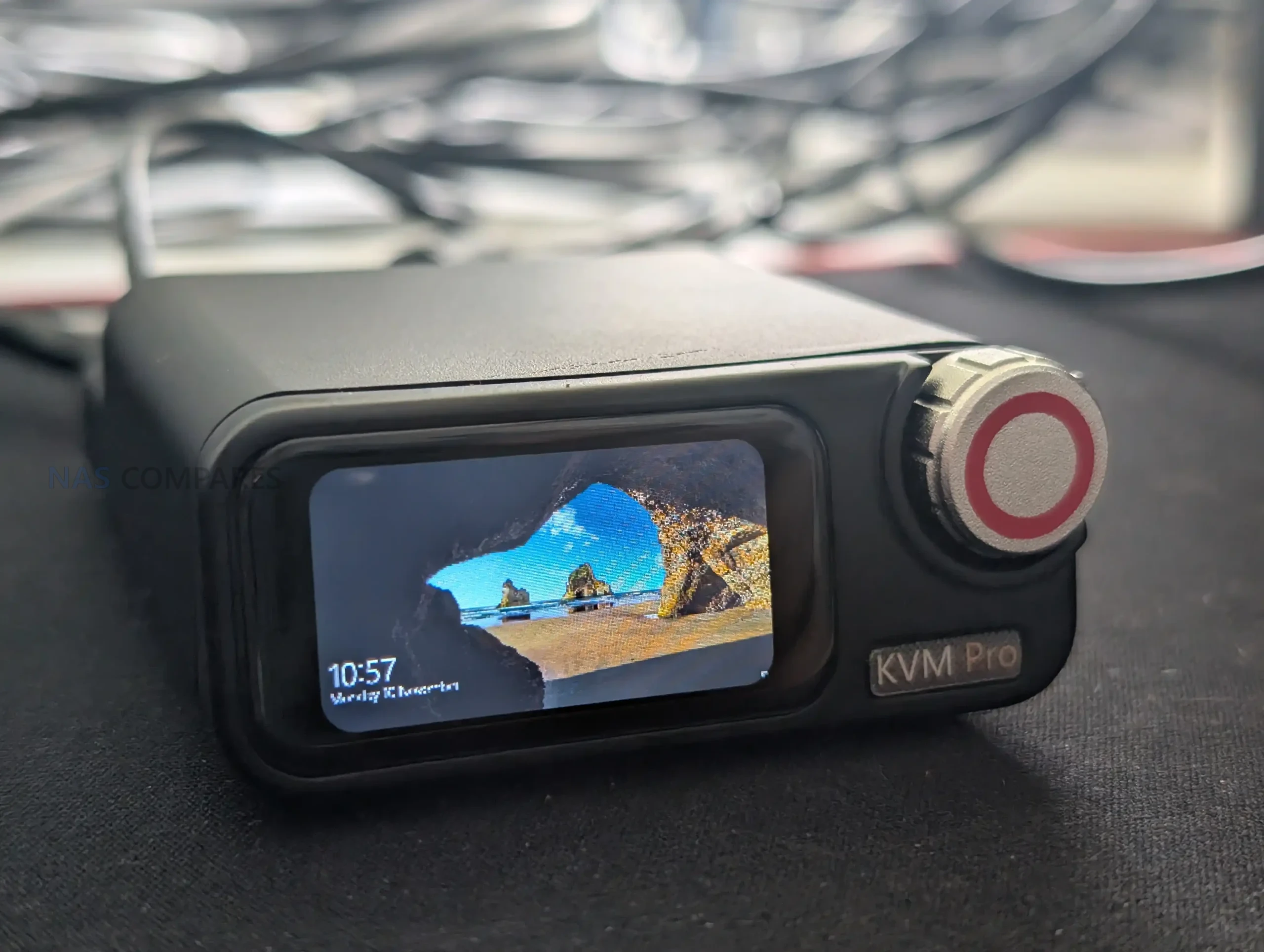
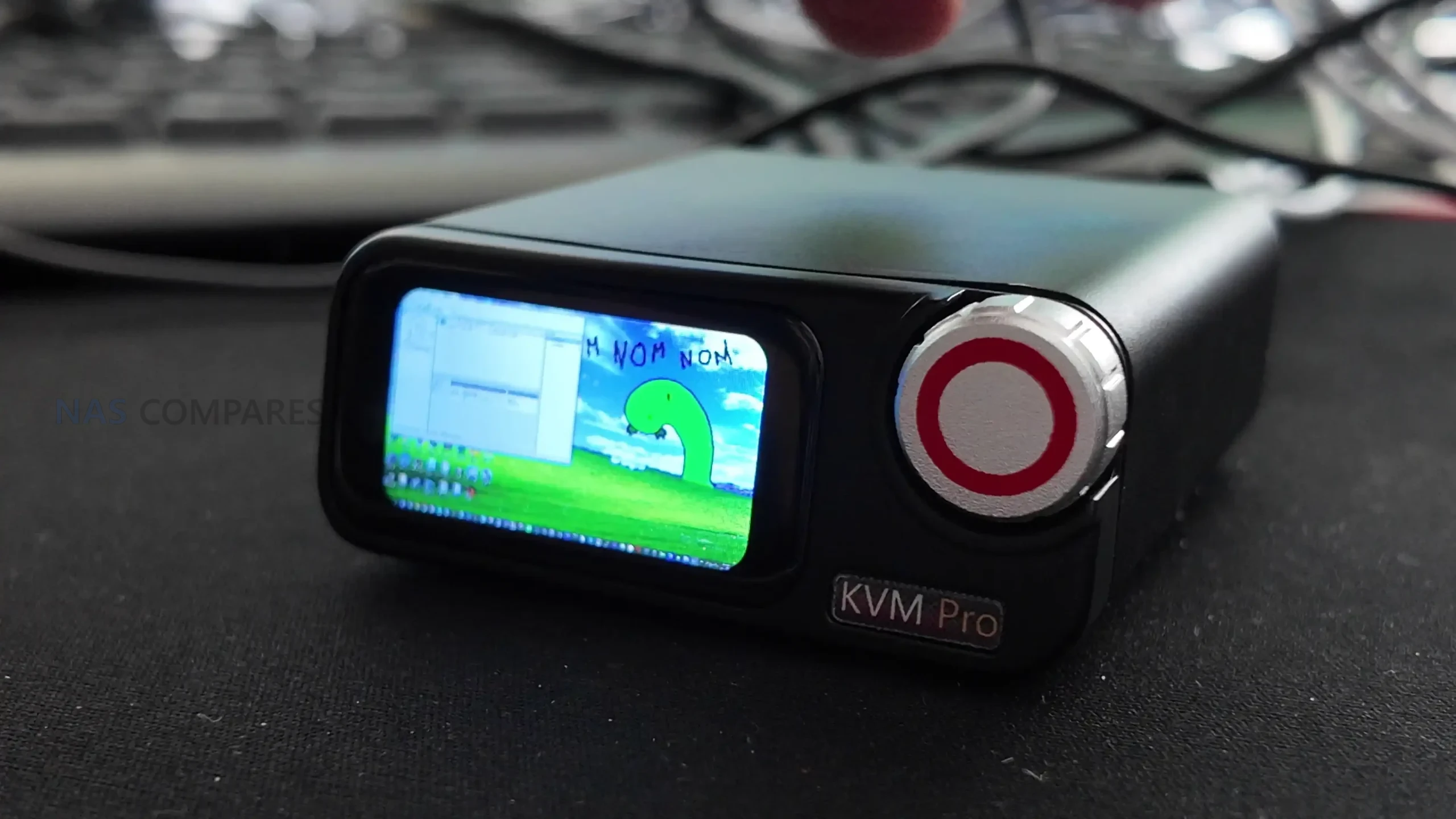
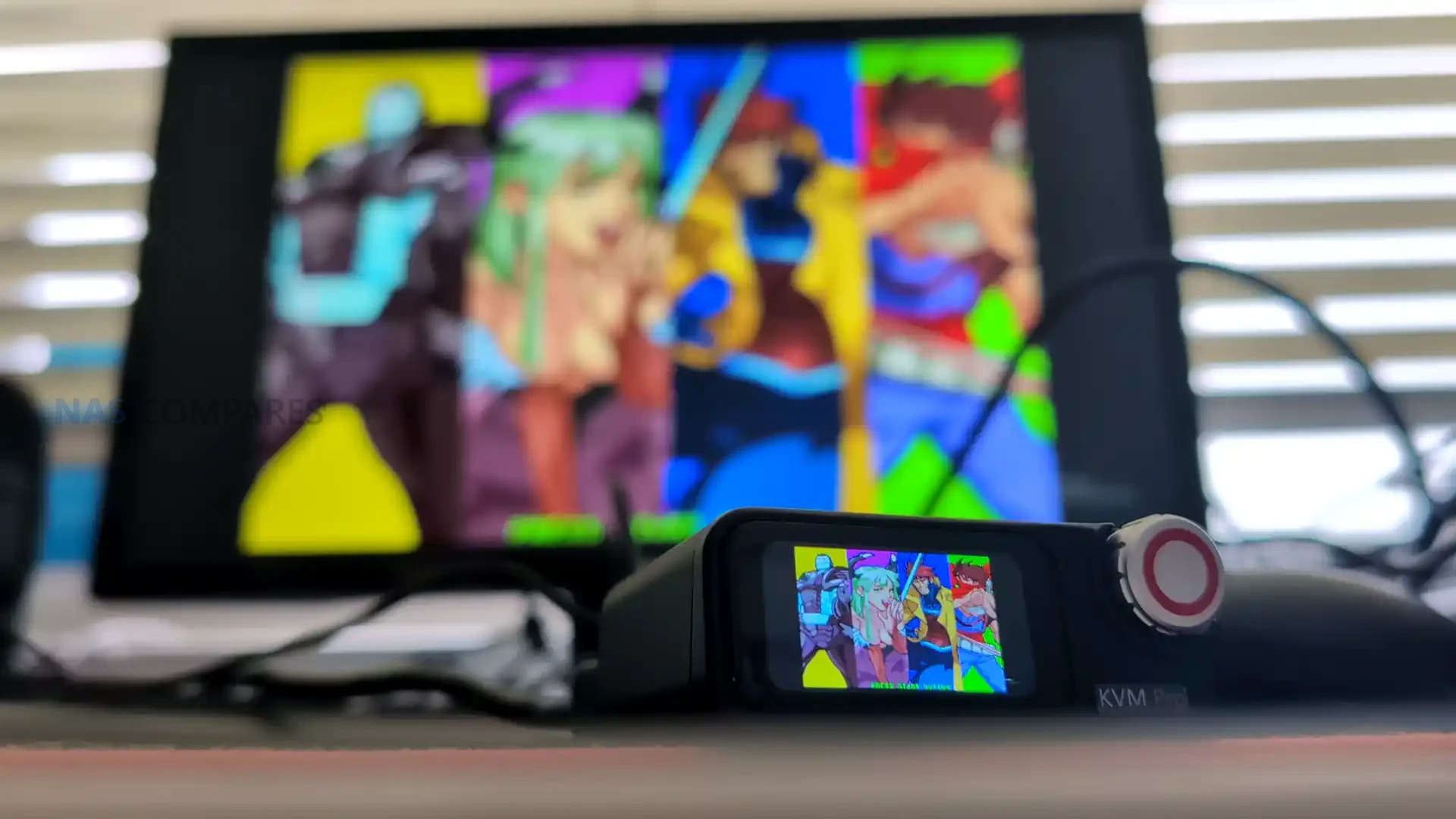
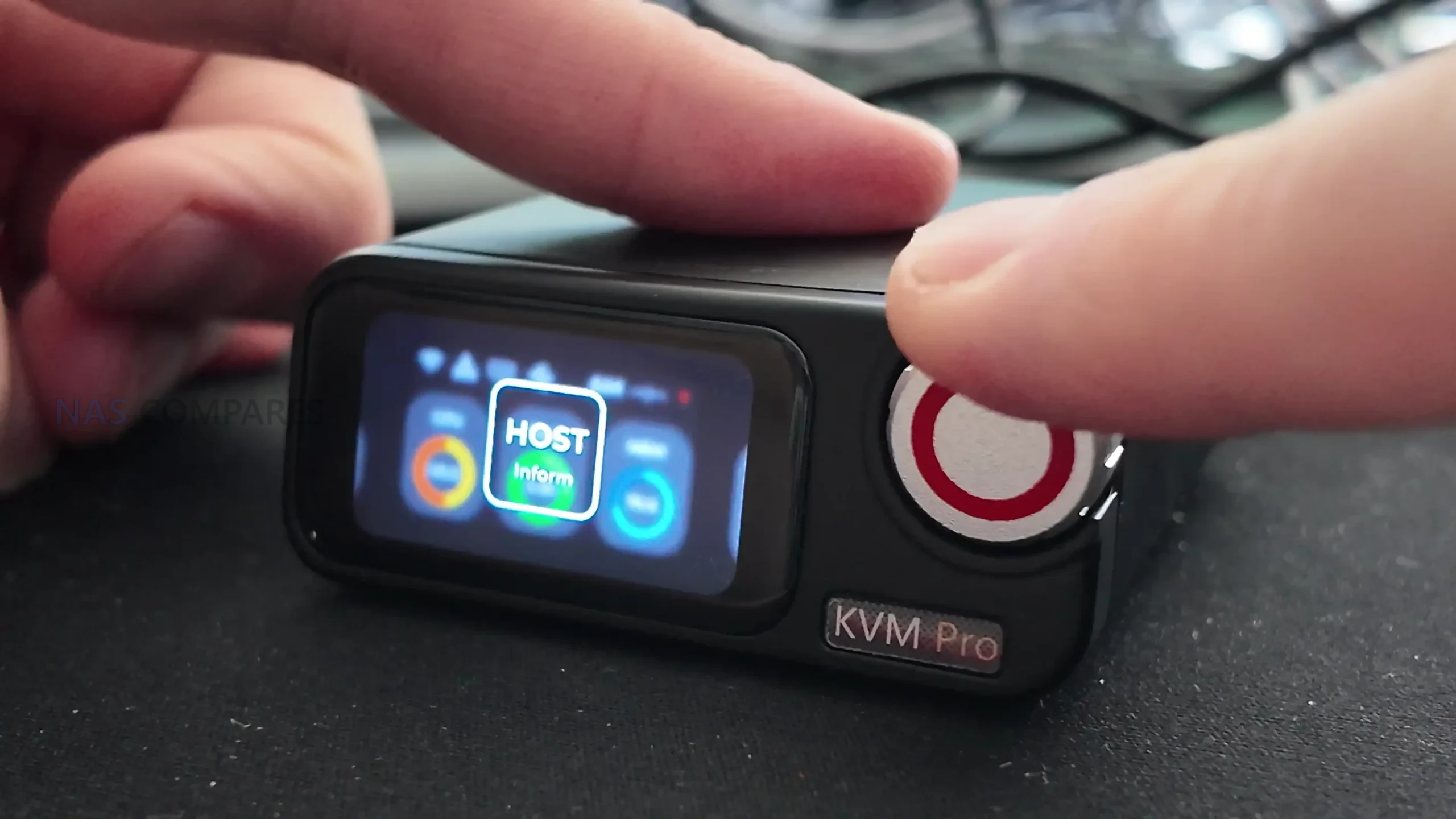
On the front, the Comet 5G uses a 3.69 in touchscreen, which is notably larger than the Comet Pro’s 2.22 in panel. In practice, that extra size does not materially change the experience of mirroring the host display on the device itself, since you remain limited by the source resolution and scaling.

Where it does help is in the local management interface, where menus and status screens have more room and are less cramped, particularly during setup or when checking network state and service toggles directly on the unit.

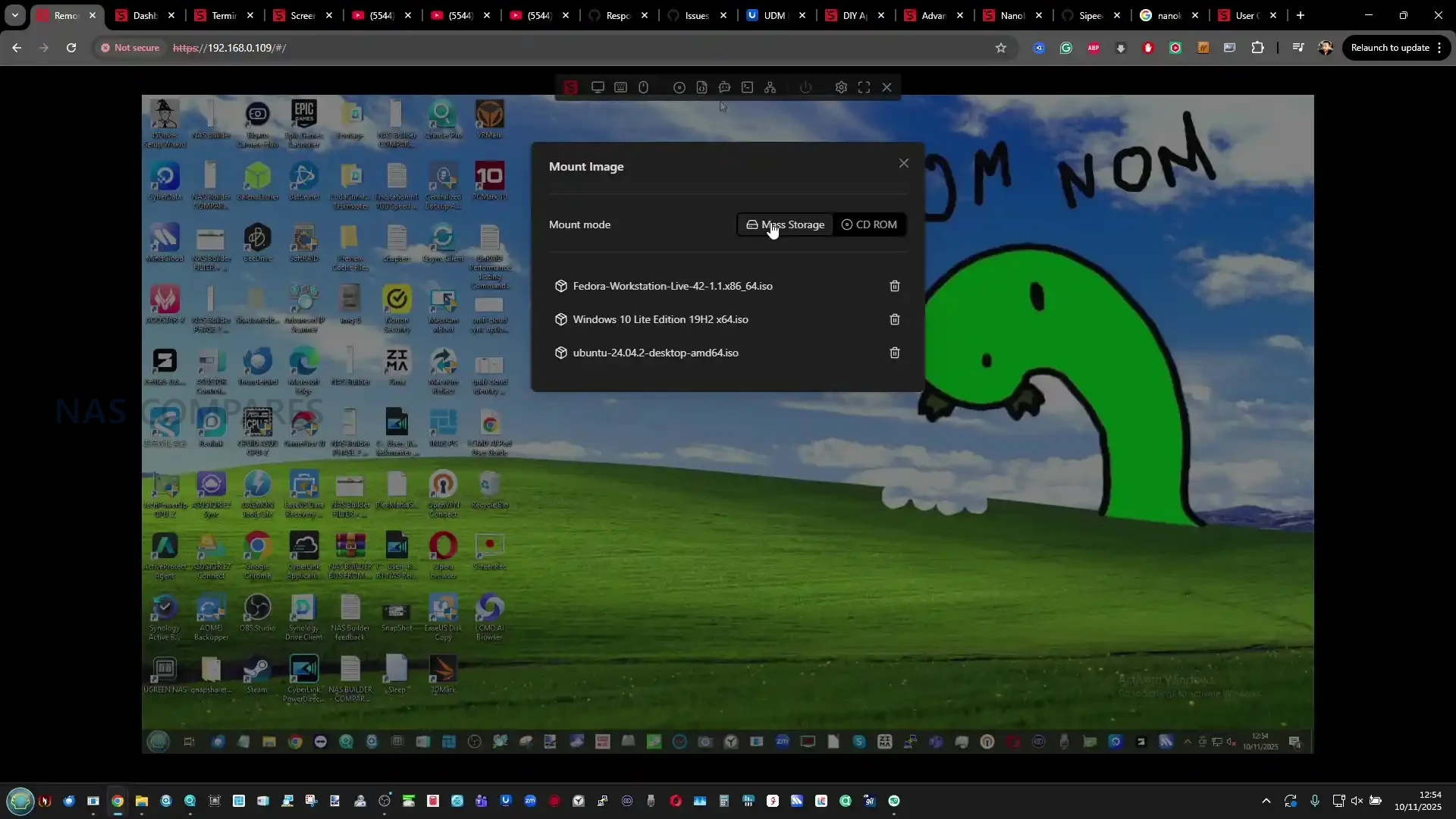
Storage is expanded to 64 GB eMMC, and the main advantage is capacity rather than speed. In use, the internal storage is primarily for keeping ISO images, recovery media, and utility files that can be mounted remotely as virtual media or exposed to the host as a remote drive.

File transfers to and from the internal storage typically sit in the same general performance range as the Comet Pro, which means it is functional for staging installers and smaller toolsets, but slow for moving large data sets.

A newer software feature available across the platform also allows external storage via a USB drive, but it comes with constraints that affect how usable it is in practice. Adding a drive can require a reboot, compatibility varies between drives, and the management interface tends to treat partitions individually rather than offering straightforward full disk handling.

Because the port involved is USB 2.0, external storage is more about adding space for additional ISOs than achieving a meaningful improvement in transfer speeds.

Gli.Net Comet 5G KVM Review – Connectivity

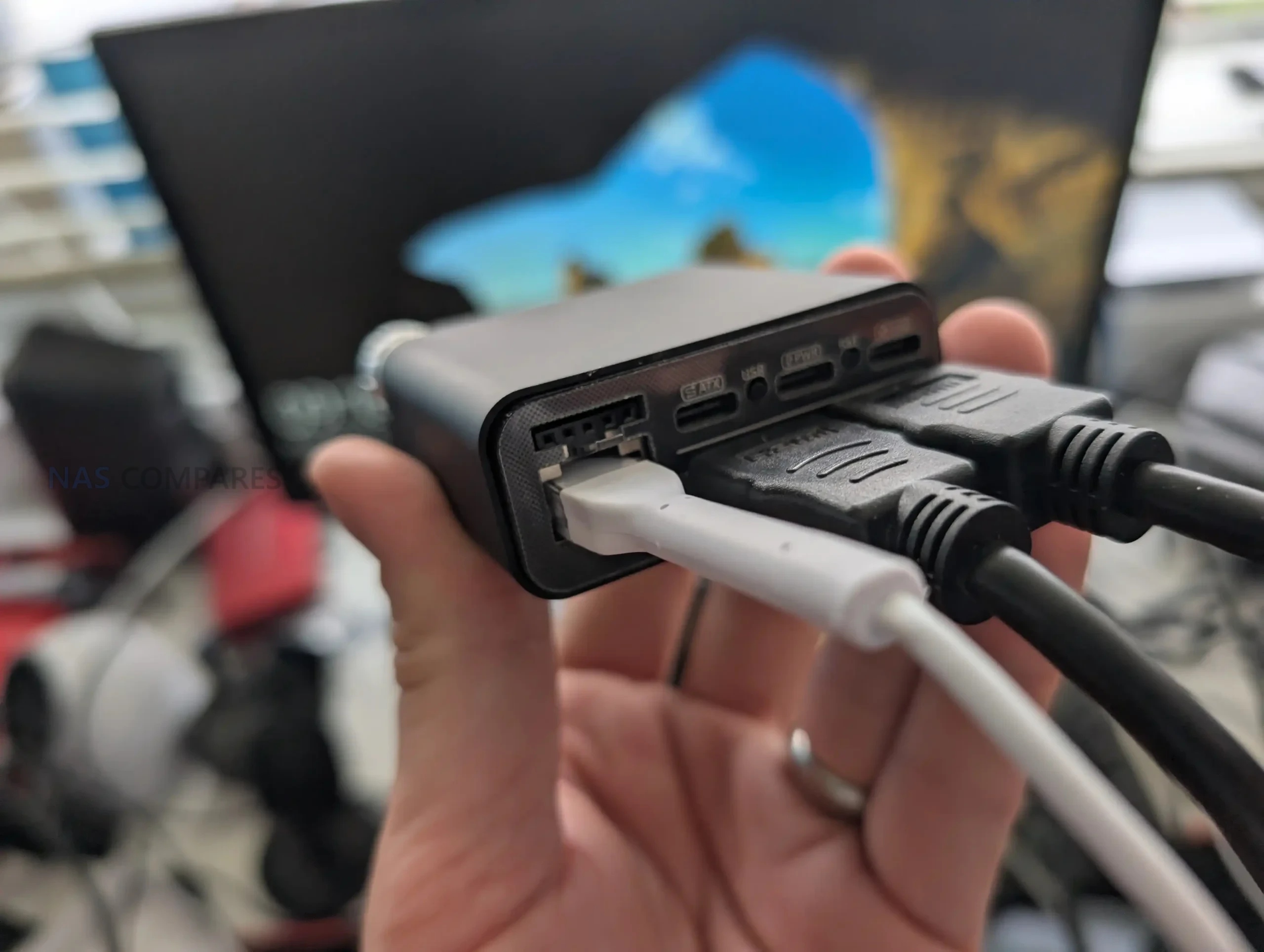
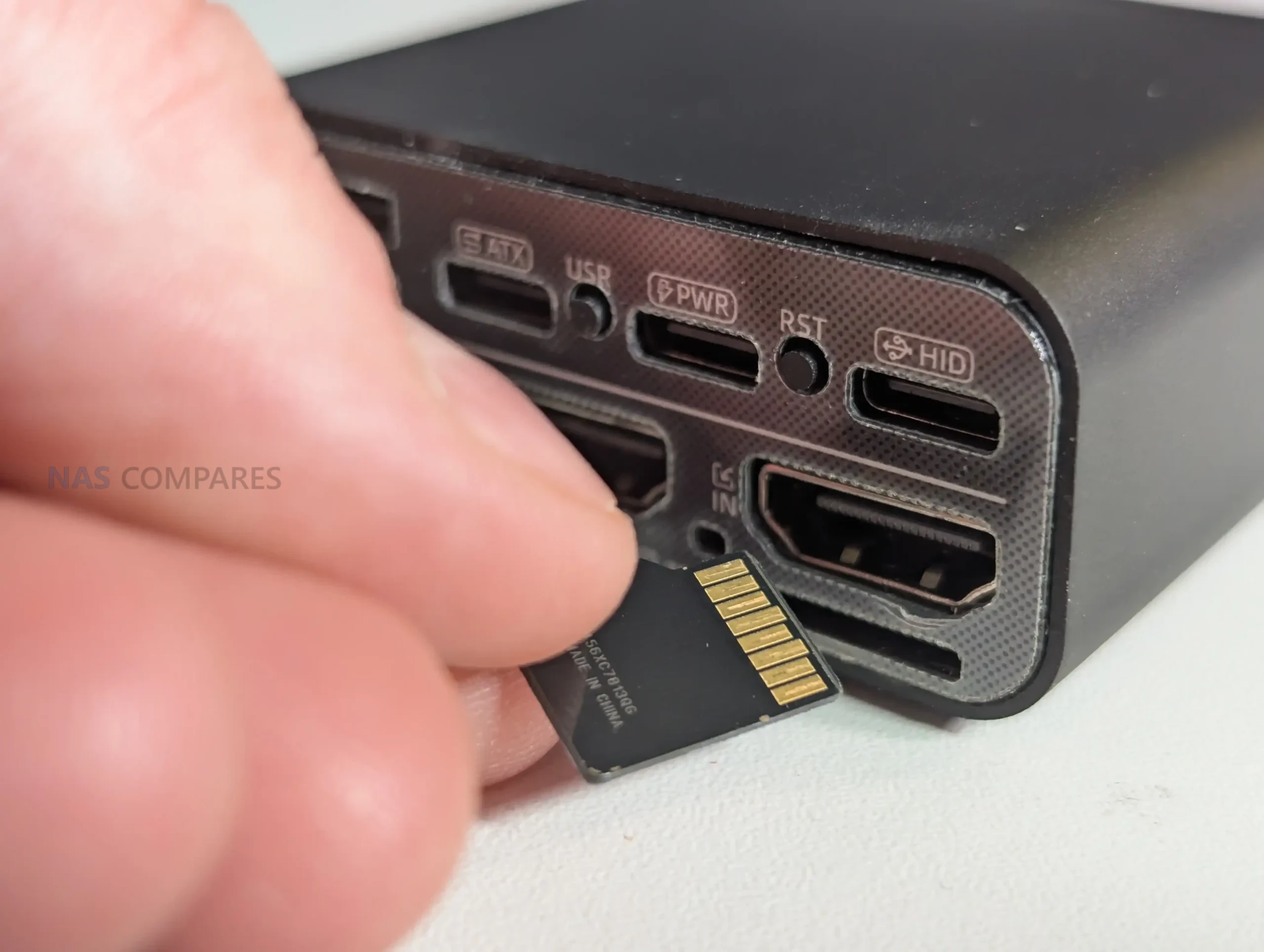
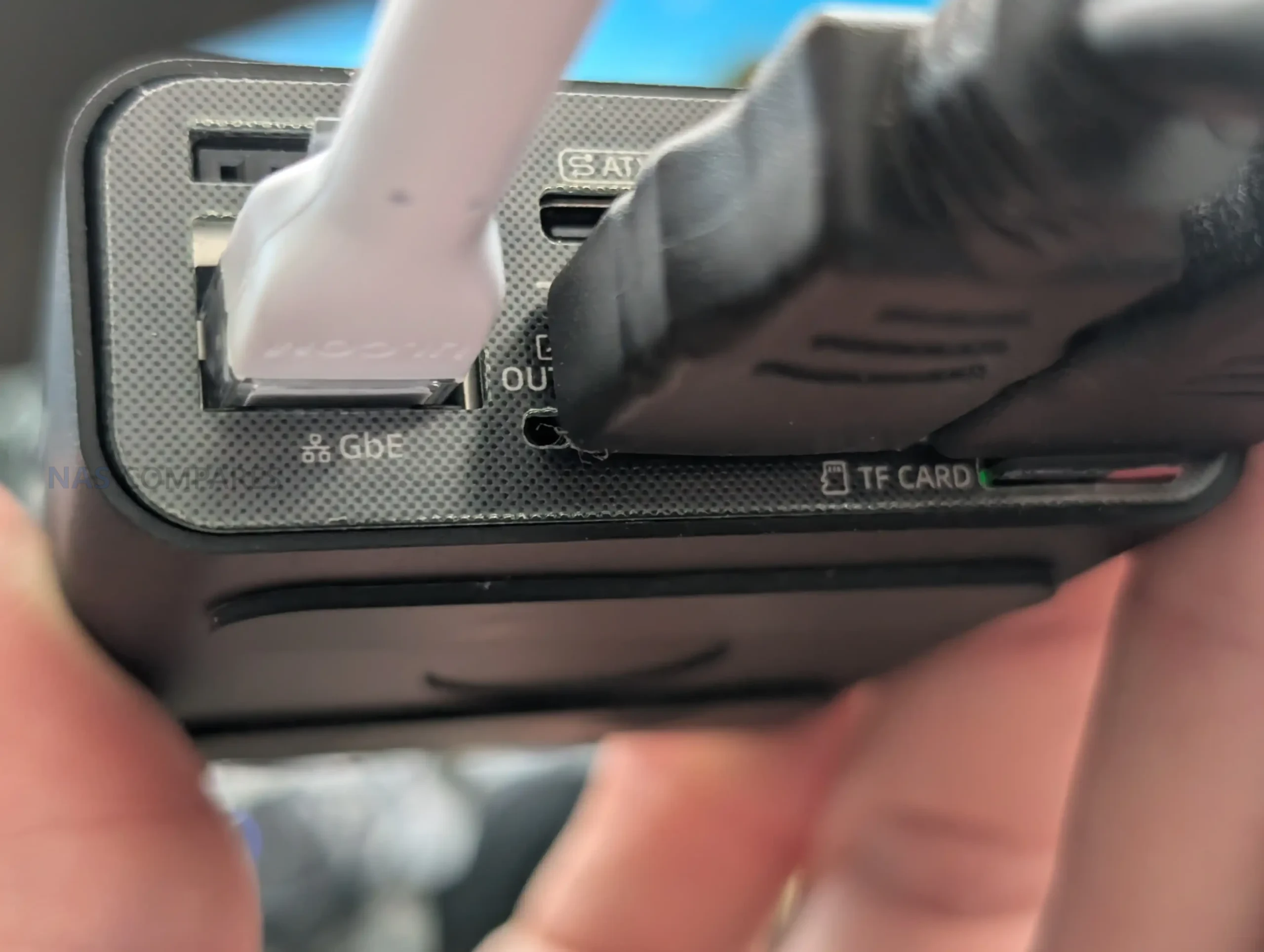
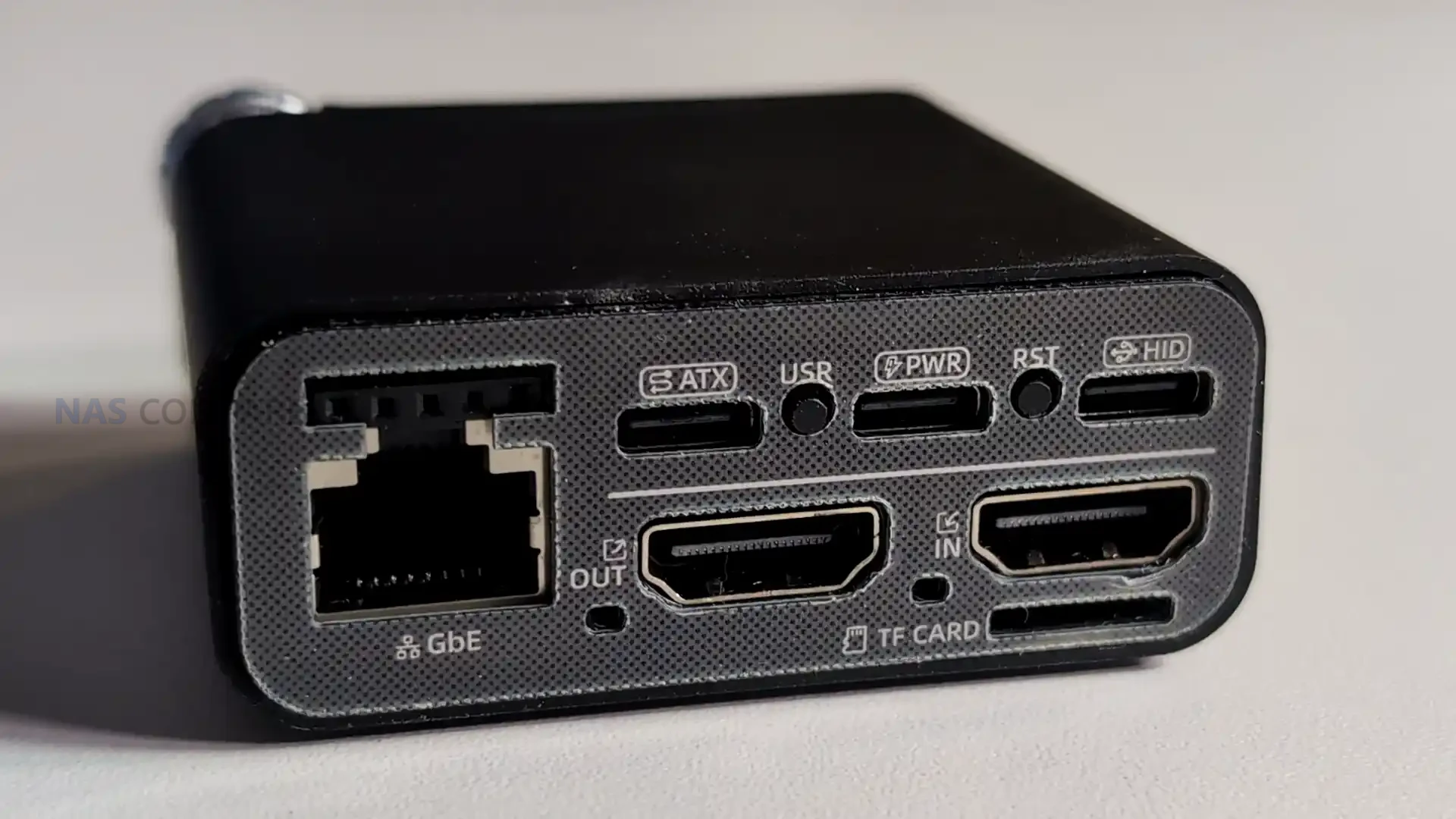
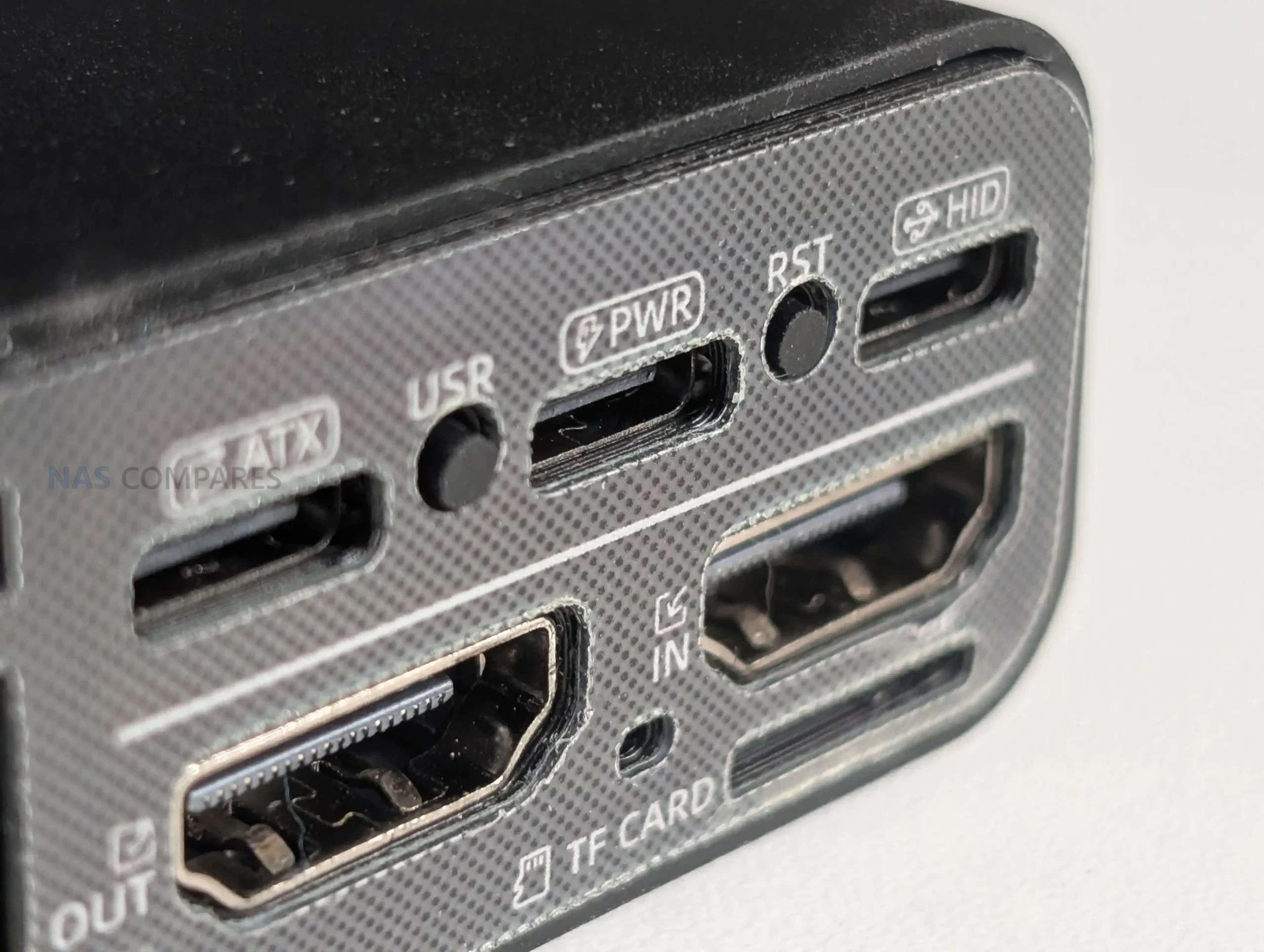
The Comet 5G keeps its I/O layout simple, with the core KVM connections built around full sized HDMI input and HDMI output for passthrough. This avoids adapter reliance and makes it easier to drop into existing setups where monitors and capture paths already use standard HDMI cabling. In a permanent install, passthrough is the more important part of that arrangement, since it allows a local user to keep working on the attached screen while remote access remains available in the background.

For host control, the unit presents USB based keyboard and mouse emulation over its USB-C connection, while power is also supplied via USB-C at 5V/3A with PD compatibility.

In practical terms, powering it from an independent adapter is the safer approach, because drawing power from the host machine can remove KVM access when the host is powered off, rebooting, or in a state where USB power is unstable.

Wired networking is provided by a 1 GbE RJ45 port, which is the most consistent option for image quality and responsiveness when the site network is stable. Alongside this, the Comet 5G supports Wi-Fi 6 on both 2.4 GHz and 5 GHz, and it also includes an AP mode that allows a direct nearby wireless connection without joining the surrounding LAN.

That AP mode is best understood as a local management path rather than a general purpose hotspot, and it is primarily useful when you want a quick point to point session for BIOS work or initial configuration.

The main connectivity addition over the Comet Pro is the nano SIM slot for cellular access, supporting 5G RedCap with 4G LTE fallback. This is positioned as an out of band route that can keep the management channel available when Ethernet and Wi-Fi are unavailable or misconfigured, and it also reduces dependence on VLAN routing rules and other site side constraints.

In the current software experience, the cellular side is exposed through its own configuration section, but it does not offer the same depth of policy and failover tuning found on GL.iNet’s router products.

Gli.Net Comet 5G KVM Review – Internal Hardware

Internally, the Comet 5G is built around a quad core ARM Cortex-A53 SoC paired with 1 GB of DDR3L memory, which is broadly the same class of platform used by the Comet Pro. In review terms, this means the Comet 5G is not trying to win on raw compute, but on connectivity and deployment options, because the core processing headroom is similar. The A53 class CPU is adequate for running the management services, handling multiple control sessions, and keeping the on device UI responsive, but it is not aimed at heavier workloads outside the core KVM functions. The OS is Linux 6.1, and the device behaves like a small embedded appliance rather than a general purpose system you would extend with additional packages and services.

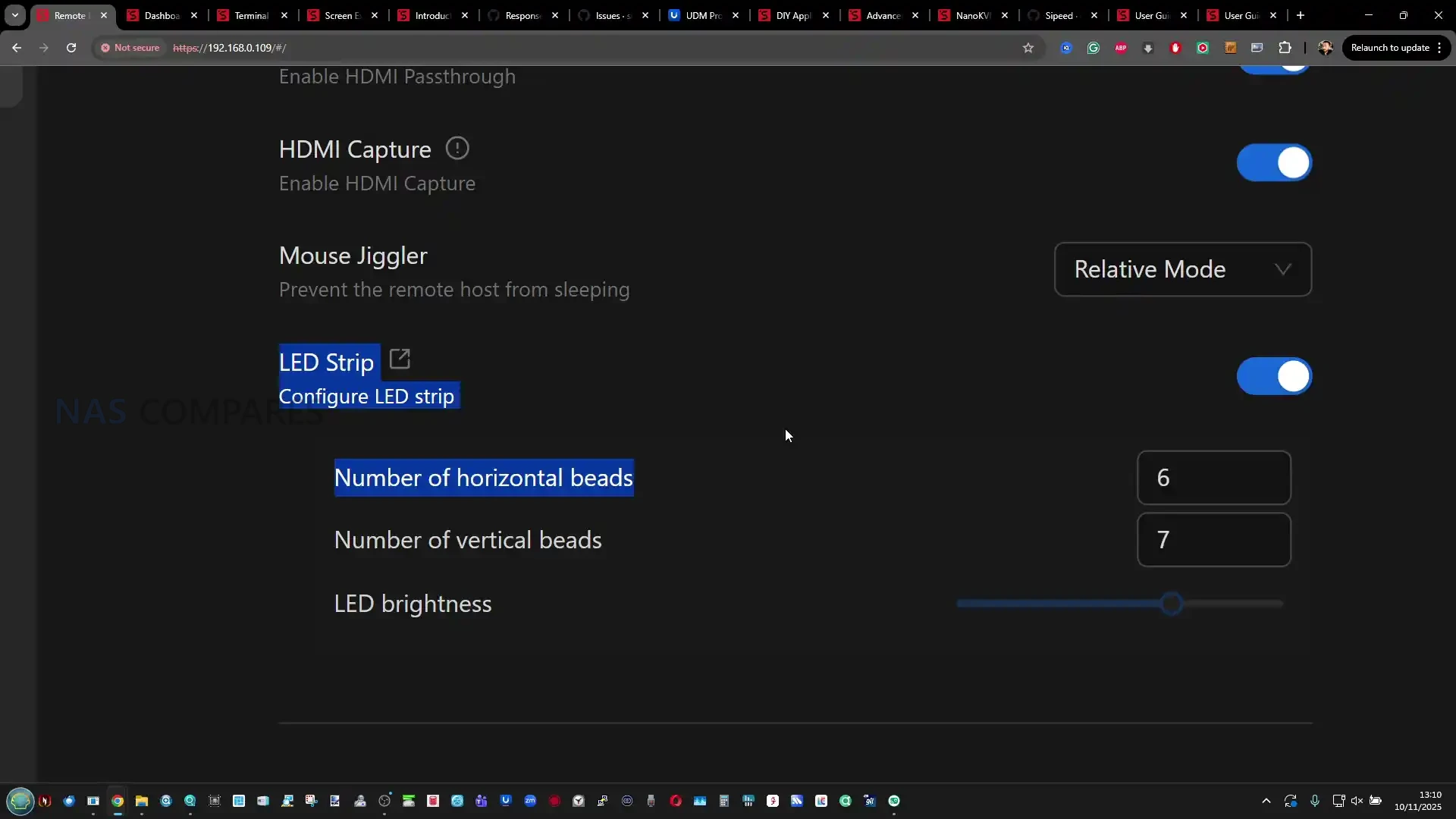
The video path is designed around HDMI ingest and H.264 hardware encoding, with the remote stream adapting to available bandwidth and quality settings in the client interface. Support is listed up to 4K at 30 fps and 1080p at 60 fps, with HDMI passthrough keeping a local monitor active while the unit captures the same signal for remote viewing.

Audio is supported in 2 directions, but the device itself is not treated as a standalone audio endpoint, so the practical experience depends on how the host exposes audio over HDMI or USB and how the client session is configured. Input is handled via USB based HID emulation, which is why copy and paste and keystroke injection can sometimes behave differently between applications depending on how they interpret simulated typing versus clipboard shortcuts.

The storage subsystem uses 64 GB eMMC soldered to the board, and in practice it is tuned for predictable, mid range throughput rather than high performance. Real world transfer rates observed during ISO uploads and mounted storage tests typically sit around the mid 20s to mid 30s MB/s range, which aligns with the Comet Pro experience and reflects the limits of the flash and controller rather than a network bottleneck.

That makes it usable for staging installers, recovery media, and driver packs, but not ideal for repeated large image transfers or heavy file shuttling. Expansion is possible via a USB drive using the USB 2.0 Type-A port, but that is primarily a capacity extension, because USB 2.0 limits both bandwidth and available bus power, and drive compatibility can vary depending on the enclosure controller and power draw.

Gli.Net Comet 5G KVM Review – Software, Services & Performance

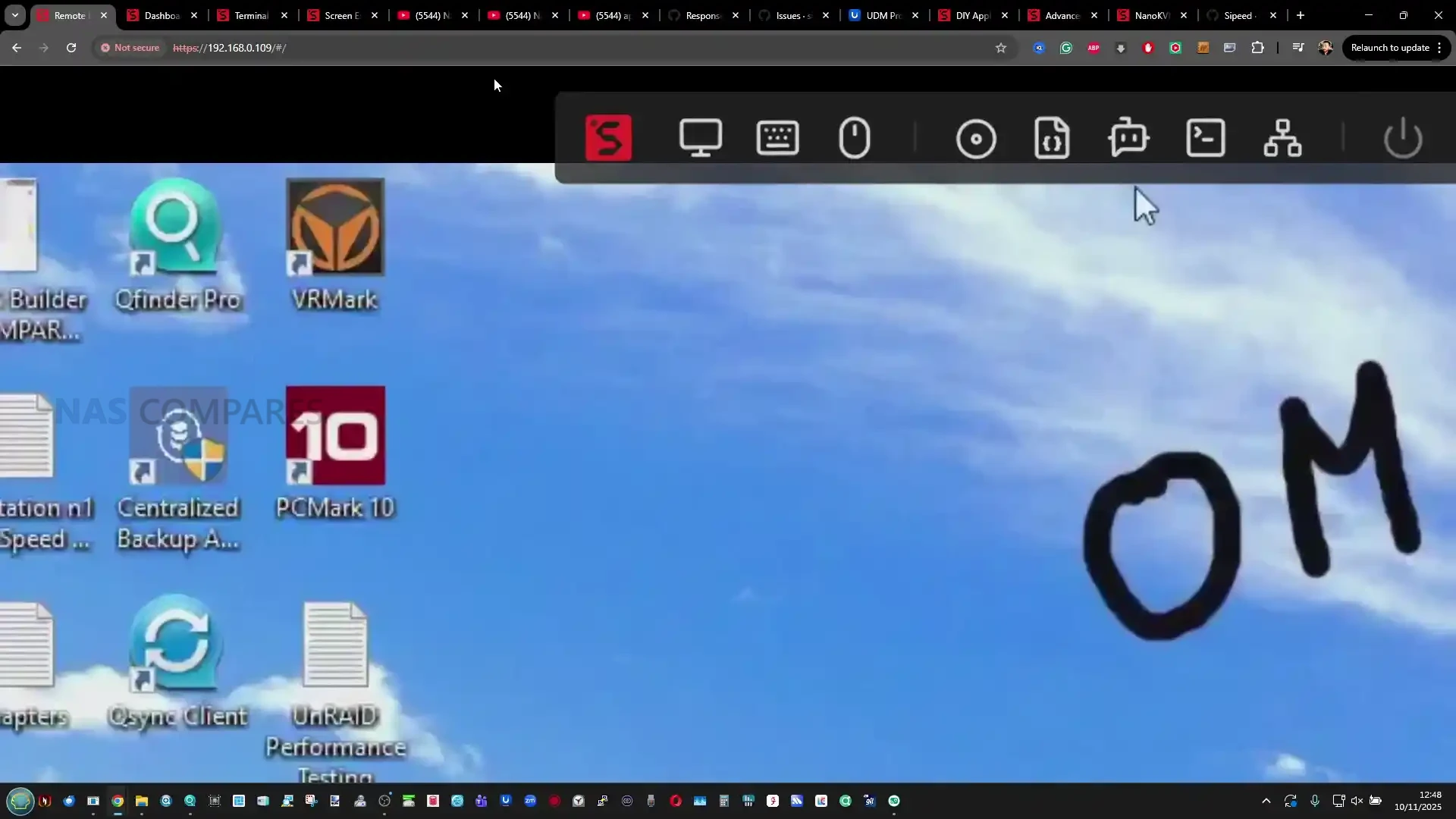
The Comet 5G uses the same GLKVM software family as the earlier Comet devices, with access provided through a browser interface, a desktop client, and a mobile app. In testing, the browser UI is the most straightforward for configuration and for working across different operating systems, and it also exposes most of the device settings without needing to install anything locally.

Firmware maturity differed slightly between units during side by side use, with the Comet Pro running a stable 1.8 release build while the Comet 5G was still presented as beta, though the overall layout and feature set were close enough that the differences felt tied to hardware options rather than a separate software branch.

#

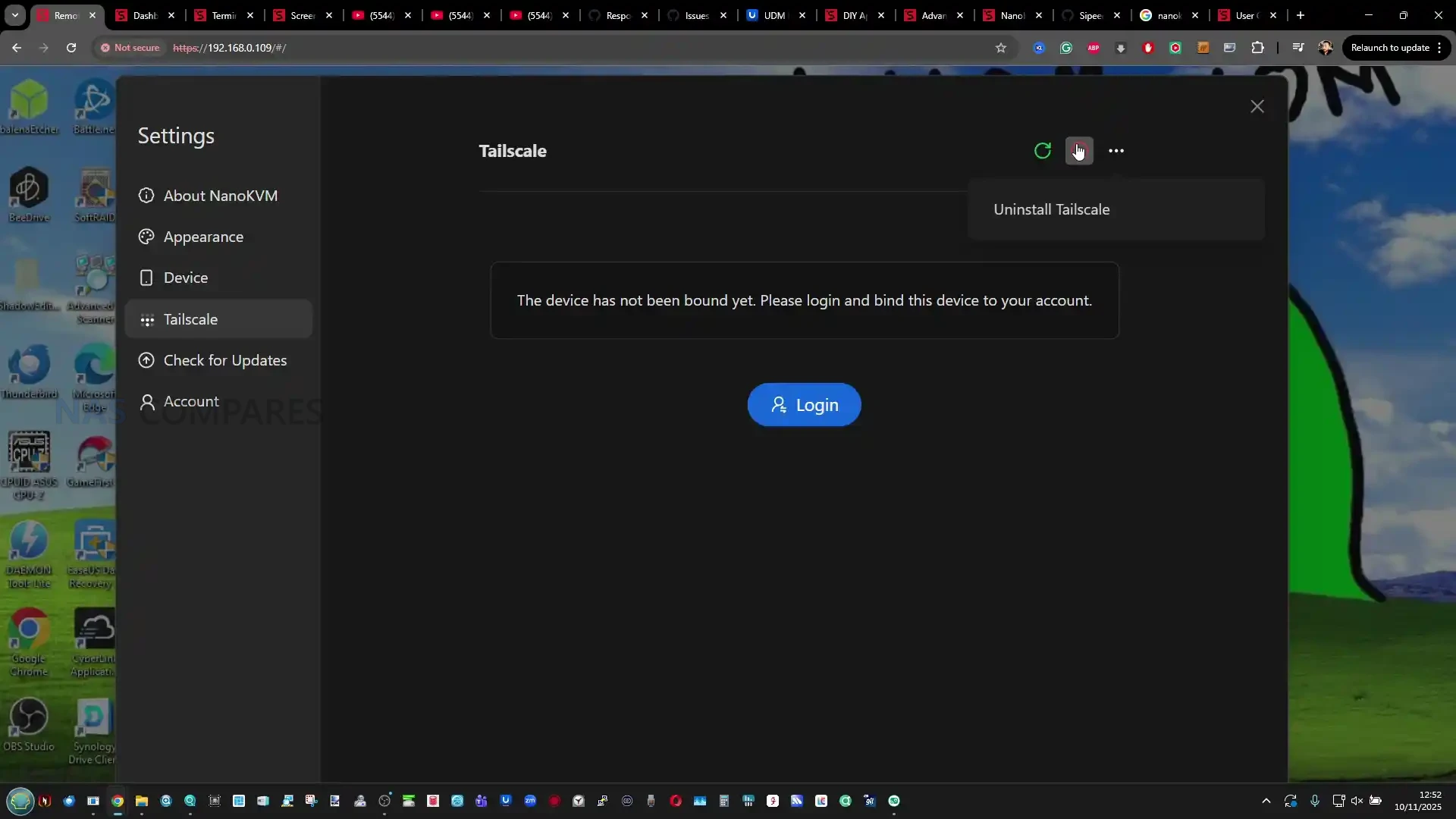
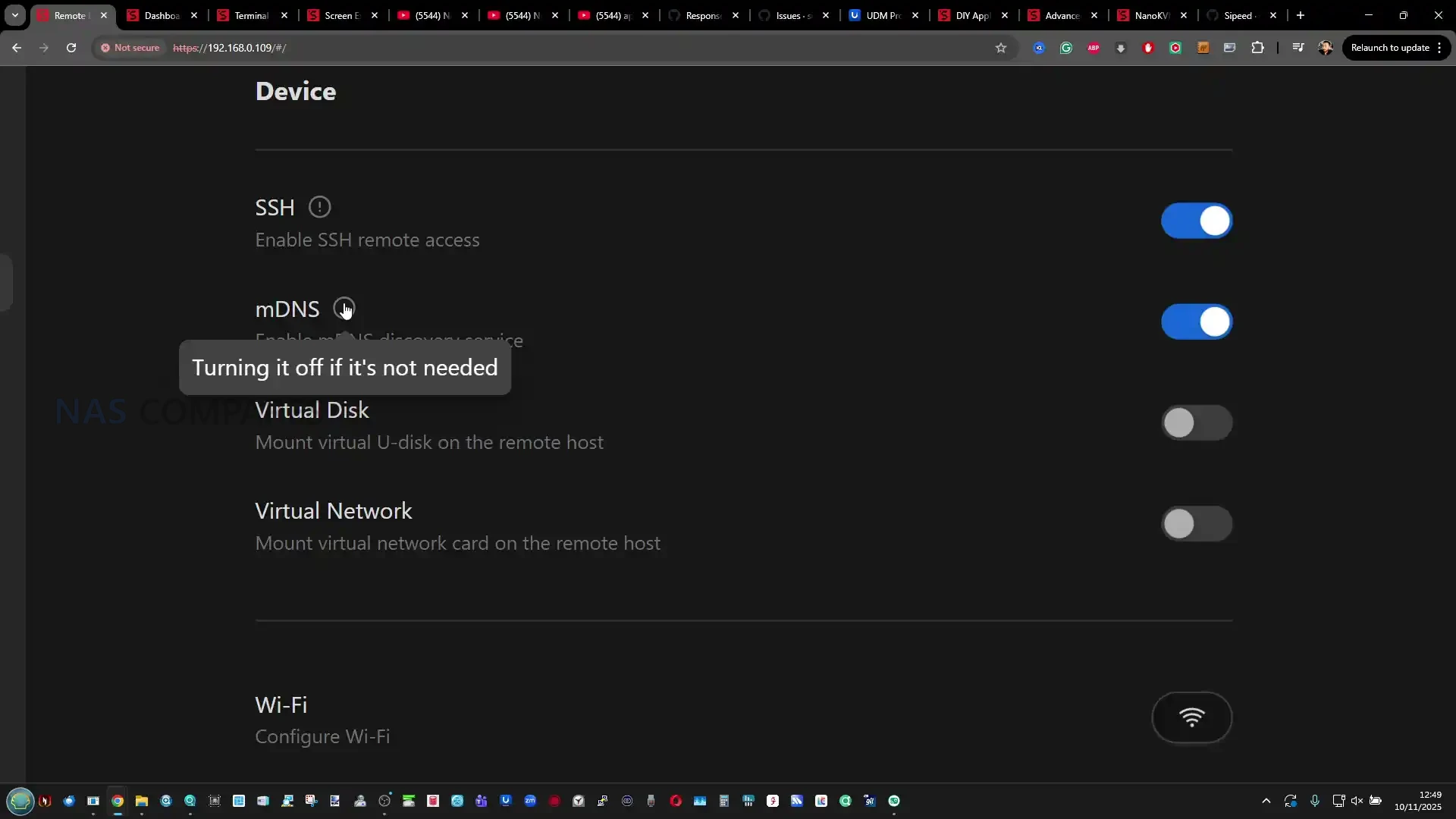
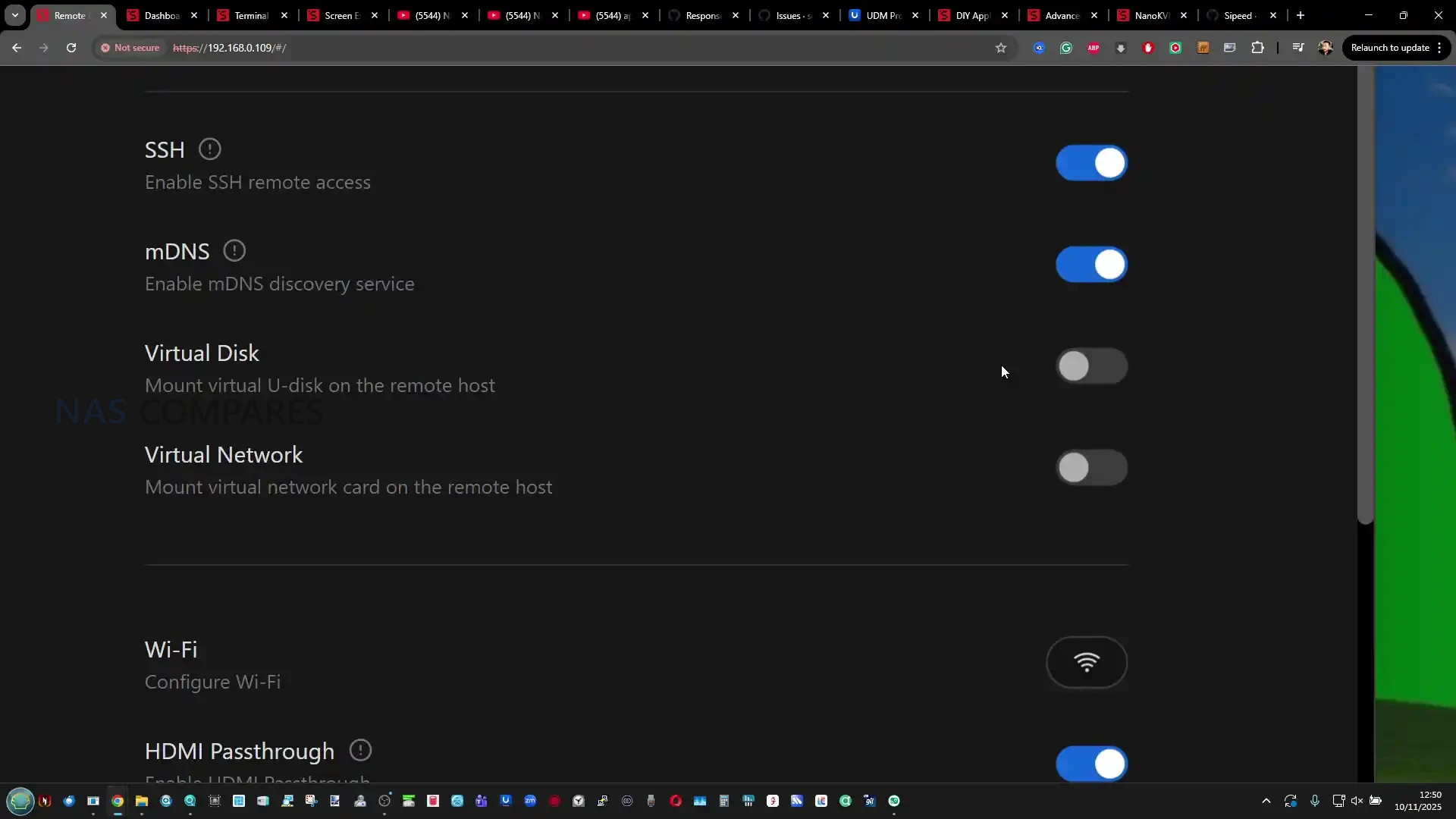
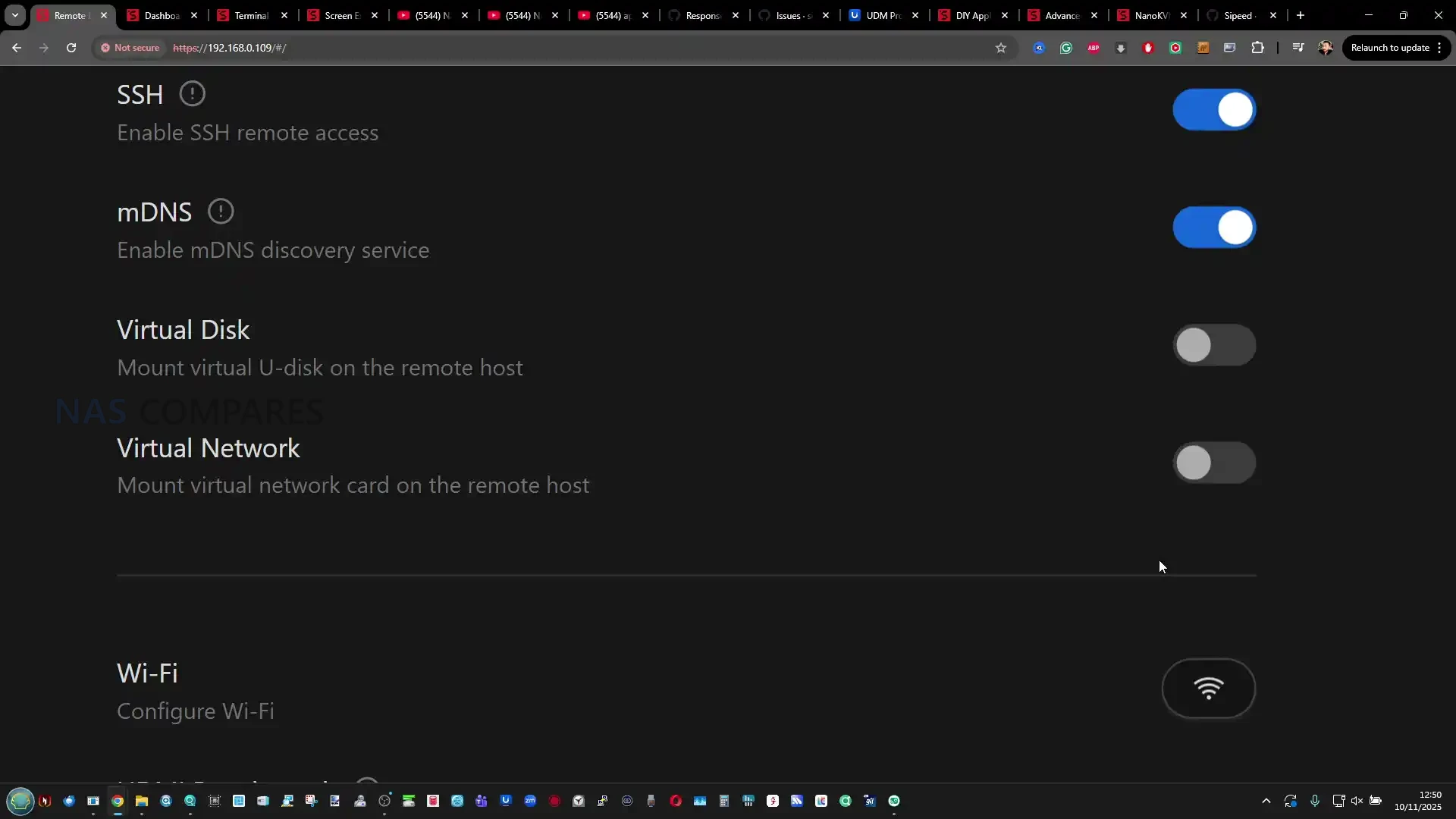
Account and session security options are built into the platform, including 2 factor authentication and passkey support at the account level, plus the ability to apply an additional password gate per device before entering a remote session. Remote access can be handled locally over LAN, through GL.iNet’s relay service, or through peer to peer options. Tailscale support is part of the platform, and newer software revisions have also introduced ZeroTier support, which addresses earlier feedback around relying on a single remote access option.

For users who prefer not to use relay services, these VPN style paths can provide remote reachability without opening ports or depending on the vendor’s cloud beyond account management.

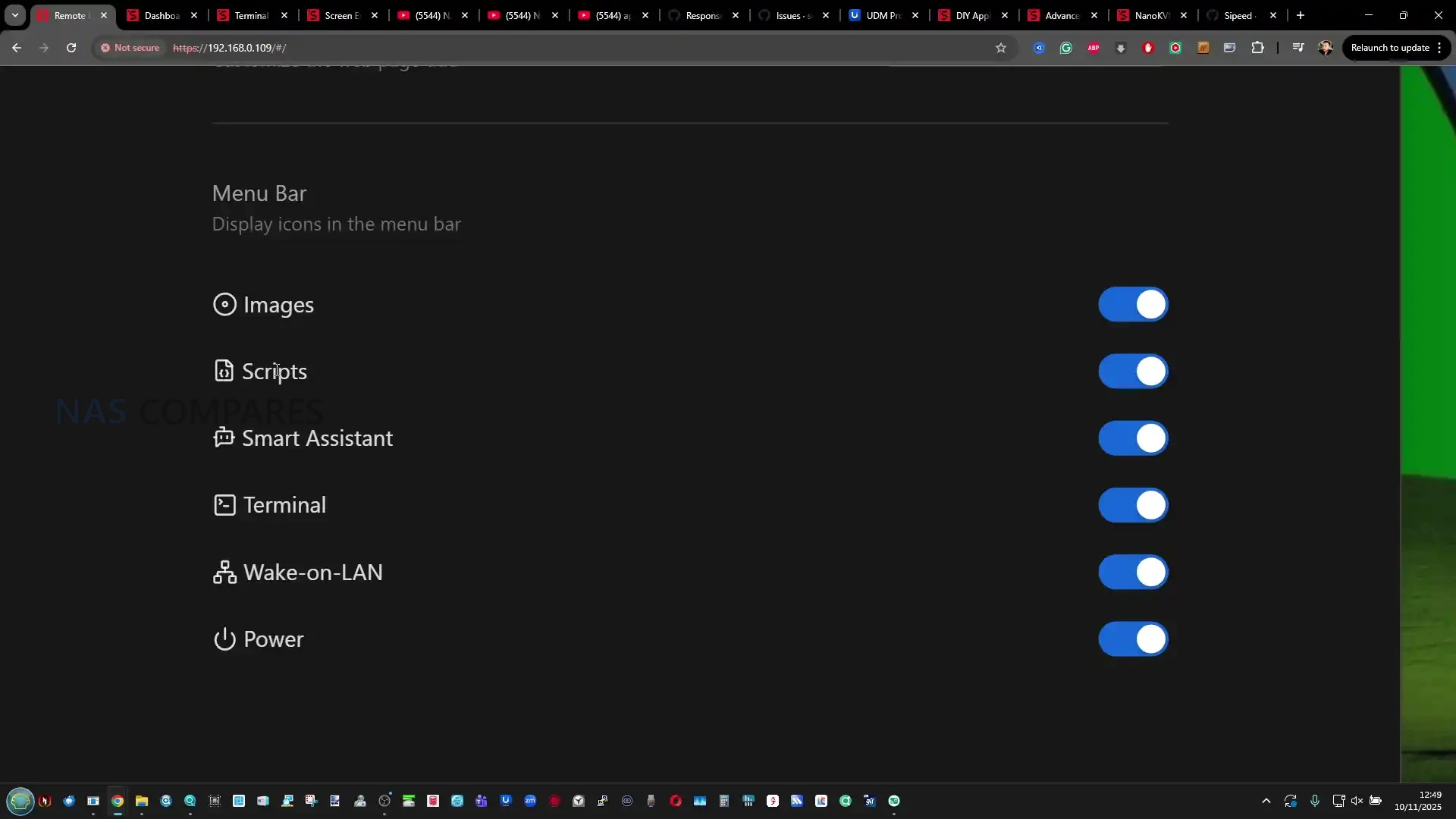
Where the Comet 5G differs in day to day software behavior is how cellular and nearby access are exposed. Cellular configuration appears as a dedicated section for SIM based connectivity, while the Wi-Fi settings include an AP mode that allows direct nearby connections without joining the site WLAN. In practice, these features improve the chances of reaching the device when the surrounding network is misconfigured or inaccessible, but the management interface does not currently provide the same depth of routing, policy control, or visible failover logic that GL.iNet includes in its router products. Multi path behavior is present at a feature level, but there is limited opportunity to tune it beyond selecting the available connection modes.

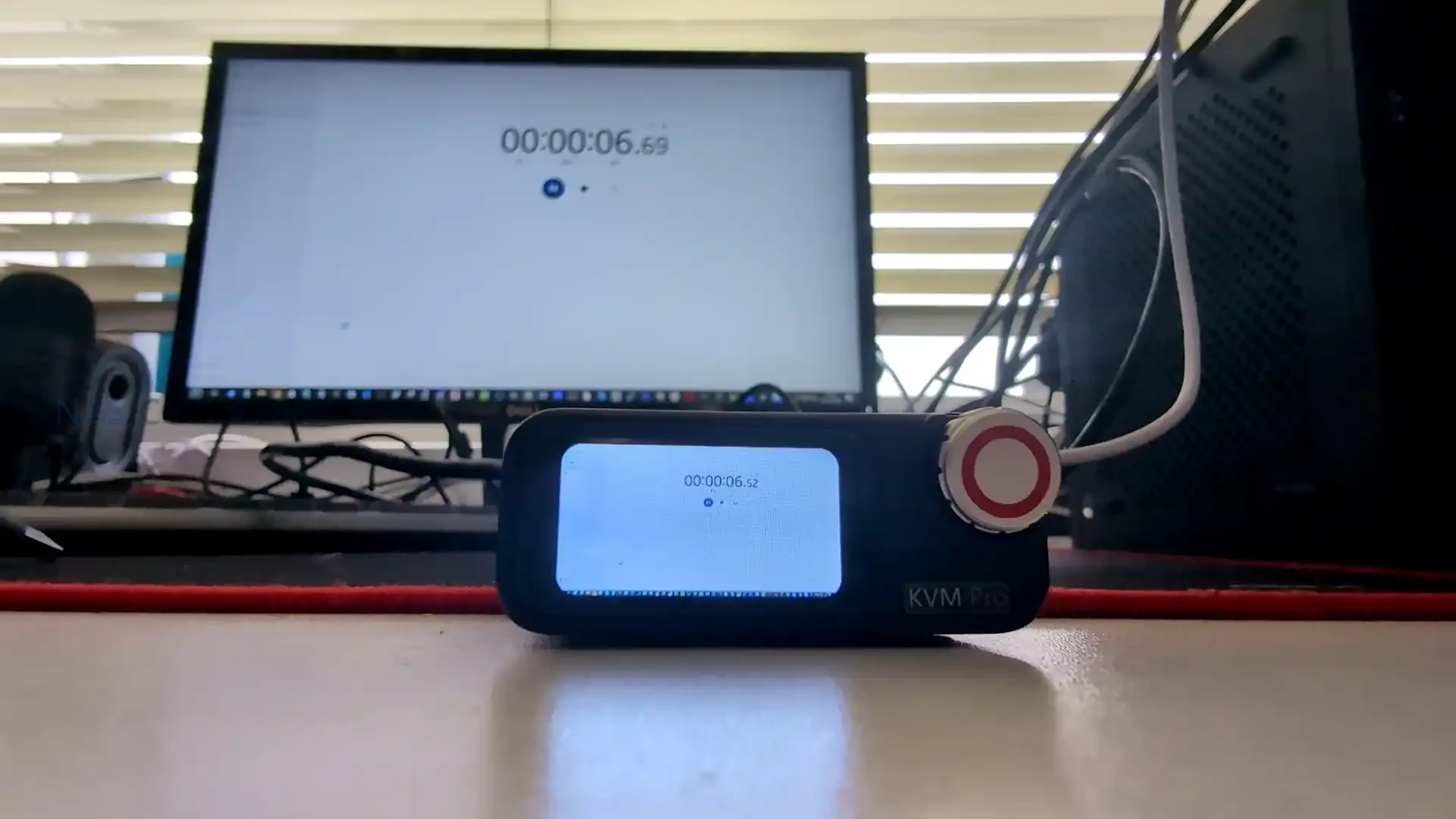
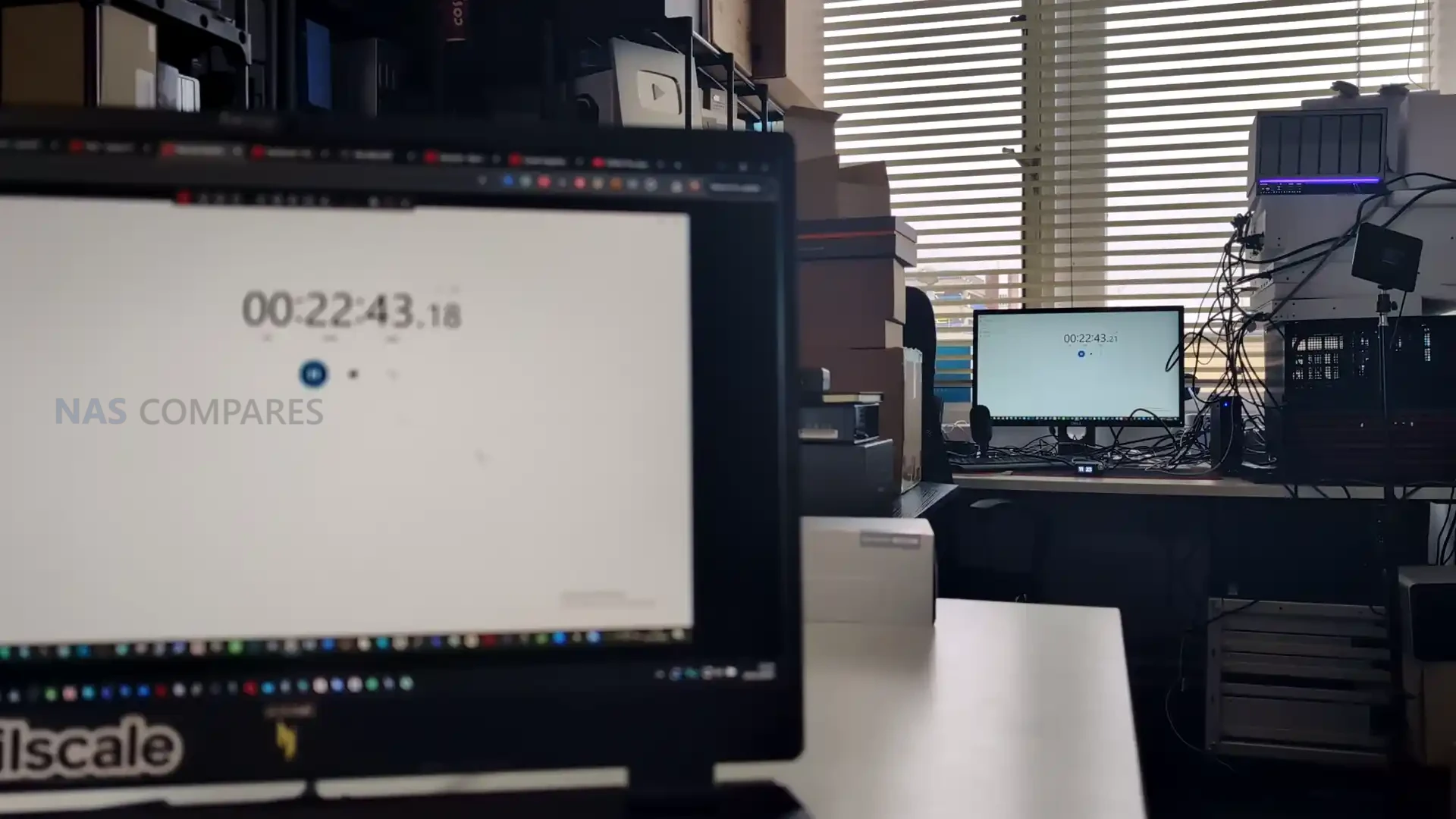
Performance during remote control sessions depends mainly on the network path and the host workload rather than differences between the Comet 5G and Comet Pro hardware. Video quality controls and stream settings allow the session to be made more stable on weaker links, and the general desktop experience remains usable for BIOS work, OS installs, and troubleshooting.

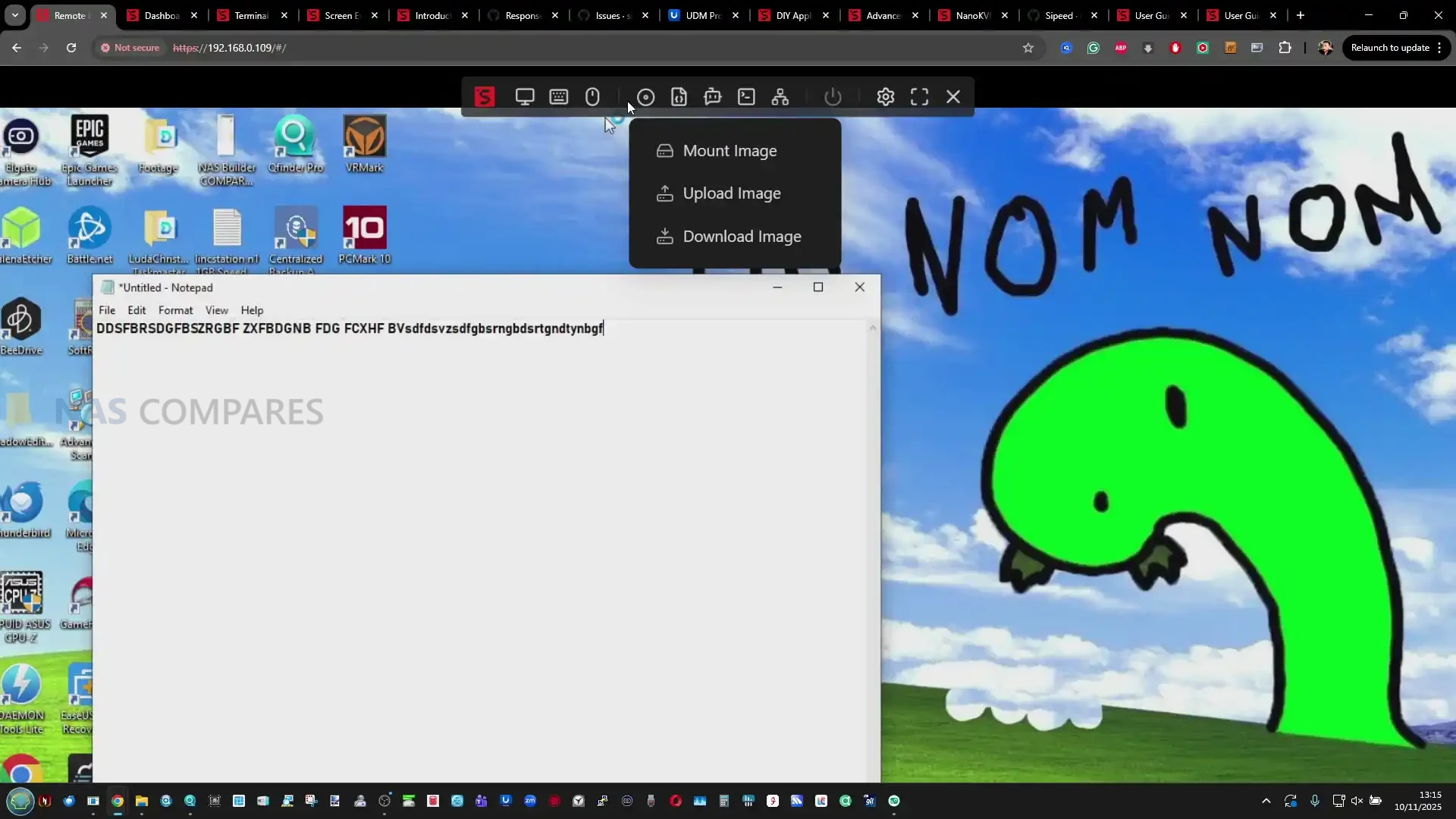
A copy and paste stress test with a large block of text showed both devices could transfer long input sequences, but the Comet 5G produced fewer odd spacing issues in the final pasted document during that run. On mobile, both devices provide touch mode and cursor mode plus access to a software keyboard, and external Bluetooth keyboards and mice can be used, but fluidity and compression artifacts were more noticeable when the phone was on cellular data compared with a local Wi-Fi or wired path.

Gli.Net Comet 5G KVM Review – Verdict & Conclusion

The Comet 5G works as a continuation of the Comet Pro platform rather than a clean break. The remote session experience, general interface layout, and core feature set remain familiar, because the underlying compute and encoding approach is broadly the same, and both devices are aimed at the same type of work: BIOS access, OS installs, recovery tasks, and remote troubleshooting where standard remote desktop tools are not enough. The areas that do change the day to day ownership experience are mostly around how you can reach the device when things go wrong. The SIM based 5G RedCap and 4G LTE fallback adds a separate management path, and the AP mode provides a direct nearby connection that avoids relying on the site LAN. The larger 3.69 in screen also makes the on device menus easier to use, even if it does not transform the usefulness of live video mirroring on the panel itself.

On the positive side, the Comet 5G is more adaptable in awkward environments, such as networks with strict VLAN boundaries, unreliable Wi-Fi, or unknown cabling, and it gives you more ways to regain access without a site visit. The 64 GB eMMC storage is also easier to live with if you keep multiple ISO images or toolkits available, although transfer speed remains limited and does not materially improve over the 32 GB model. On the less positive side, the cellular and multi path story is currently presented more as a capability than as a deeply configurable system, so users expecting router style failover policies and detailed controls may find the options relatively basic. The external storage expansion feature helps with capacity, but it is constrained by USB 2.0, requires reboots in some situations, and drive compatibility can be inconsistent, which limits how predictable it is as a long term workflow.

Overall, the Comet 5G is easier to justify when you expect to use the cellular connection or the nearby AP mode regularly, because those are the main reasons it exists and the main differences you will notice. If the device will live on a stable wired network most of the time and you only need a straightforward remote KVM for routine maintenance, the Comet Pro will usually cover the same core tasks for less money. If your priority is having multiple ways to reach the box when the local network is down or not trusted, the Comet 5G is the more complete tool, but its value depends on those deployment realities rather than any large jump in raw performance.

Buy the Gl.iNet KVM 5G from Amazon Below: Buy the Gl.iNet Comet KVM ($219) from the Official Store Below:

Gl.iNet Comet 5G KVM Pros Gl.iNet Comet 5G KVM CONs
  • Cellular out of band access via nano SIM (5G RedCap with 4G LTE fallback) adds a separate path when the site LAN is down or misconfigured

  • Nearby Control via AP mode enables direct point to point access without joining the surrounding network, useful for local BIOS work and isolated environments

  • HDMI passthrough plus capture keeps a local monitor active while still providing remote KVM access (up to 4K 30 fps, 1080p 60 fps)

  • Browser based management and access works across Windows, macOS, and Linux without requiring a dedicated client

  • 64 GB eMMC provides more room for ISO images and utility files than the 32 GB model, reducing how often media needs to be rotated

  • 3.69 in touchscreen makes on device setup and status checks less cramped than smaller panel implementations

  • Multiple remote access approaches are available (LAN, relay, and VPN style options like Tailscale and ZeroTier), allowing different trust and routing models

  • Low complexity deployment with passive cooling and a small footprint makes it viable as a 24/7 appliance when powered independently

  • Storage performance is modest, and remains closer to mid range eMMC speeds than fast removable storage

  • External storage expansion has caveats, including USB 2.0 limits, possible reboots, and inconsistent compatibility depending on the USB drive and power draw

  • Failover and cellular controls are not deeply tunable in the current UI, so users expecting router grade policy controls may find configuration limited


📧 SUBSCRIBE TO OUR NEWSLETTER 🔔
[contact-form-7]
🔒 Join Inner Circle

Get an alert every time something gets added to this specific article!


Want to follow specific category? 📧 Subscribe

This description contains links to Amazon. These links will take you to some of the products mentioned in today's content. As an Amazon Associate, I earn from qualifying purchases. Visit the NASCompares Deal Finder to find the best place to buy this device in your region, based on Service, Support and Reputation - Just Search for your NAS Drive in the Box Below

Need Advice on Data Storage from an Expert?

Finally, for free advice about your setup, just leave a message in the comments below here at NASCompares.com and we will get back to you. Need Help? Where possible (and where appropriate) please provide as much information about your requirements, as then I can arrange the best answer and solution to your needs. Do not worry about your e-mail address being required, it will NOT be used in a mailing list and will NOT be used in any way other than to respond to your enquiry. [contact-form-7] TRY CHAT Terms and Conditions

If you like this service, please consider supporting us. We use affiliate links on the blog allowing NAScompares information and advice service to be free of charge to you.Anything you purchase on the day you click on our links will generate a small commission which isused to run the website. Here is a link for Amazon and B&H.You can also get me a ☕ Ko-fi or old school Paypal. Thanks!To find out more about how to support this advice service check HEREIf you need to fix or configure a NAS, check Fiver Have you thought about helping others with your knowledge? Find Instructions Here  

 
Or support us by using our affiliate links on Amazon UK and Amazon US
    
 
Alternatively, why not ask me on the ASK NASCompares forum, by clicking the button below. This is a community hub that serves as a place that I can answer your question, chew the fat, share new release information and even get corrections posted. I will always get around to answering ALL queries, but as a one-man operation, I cannot promise speed! So by sharing your query in the ASK NASCompares section below, you can get a better range of solutions and suggestions, alongside my own.

☕ WE LOVE COFFEE ☕


NanoKVM (Original) and it’s ‘Secret’ Microphone – Should You Be Worried?

Is the Sipeed NanoKVM Safe? On-board Microphone Identified

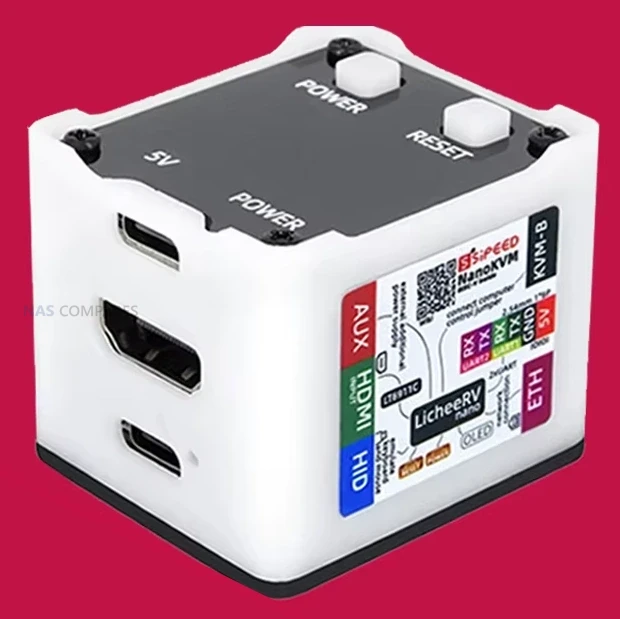
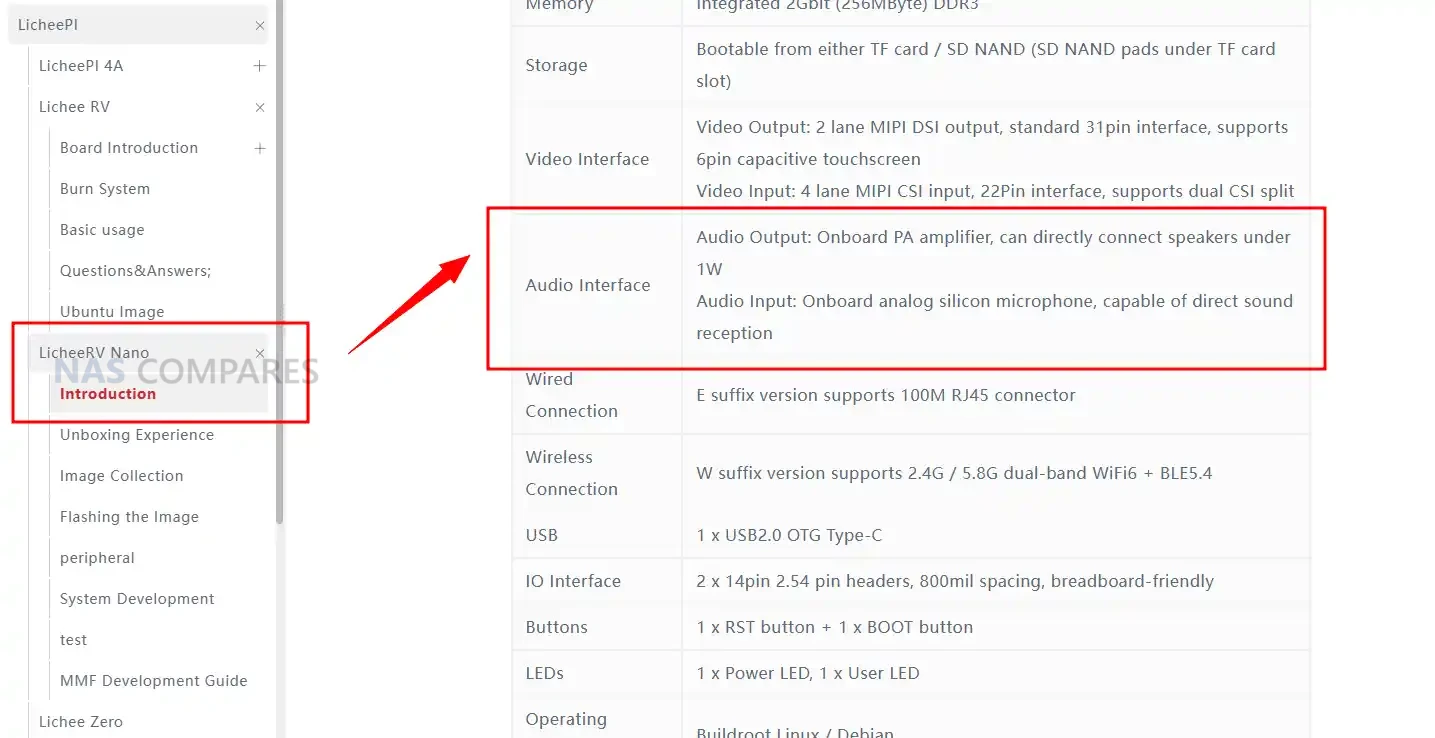
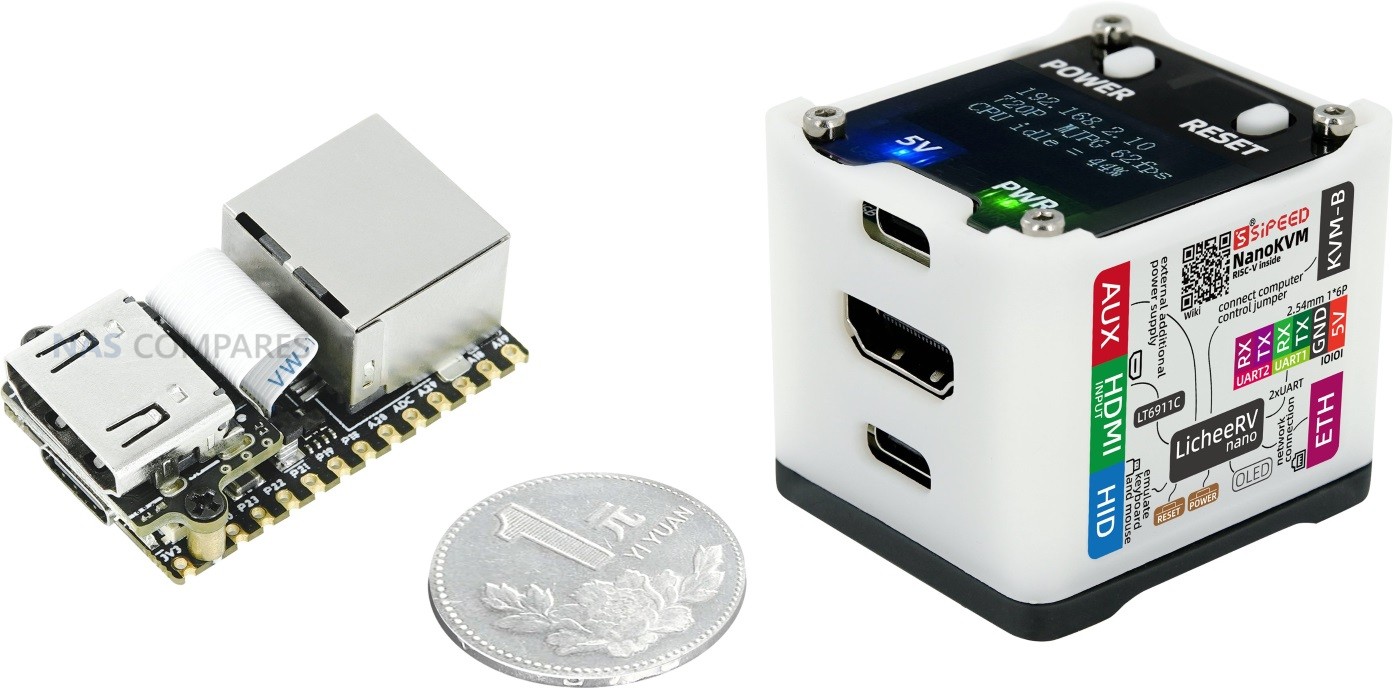
The Sipeed NanoKVM Cube is a low cost, network connected KVM built around the LicheeRV Nano RISC-V module, and recent reporting has drawn attention to the fact that this first generation hardware quietly inherited an onboard analog microphone from that core board. While the LicheeRV Nano documentation clearly lists audio input and output capabilities, the NanoKVM product materials initially focused on its KVM role and did not prominently call out the presence of a microphone on the internal PCB. That gap in presentation, combined with the device’s origin in China and its role as an always-on, remotely accessible appliance, has led to questions about transparency and potential privacy impact. This article reviews what is actually on the hardware, how Sipeed has responded, which issues have been addressed in software, and what residual risk remains for users who already have the NanoKVM Cube deployed.

Source – https://telefoncek.si/2025/02/2025-02-10-hidden-microphone-on-nanokvm/

The NanoKVM Cube and That Microphone – What We Learned?

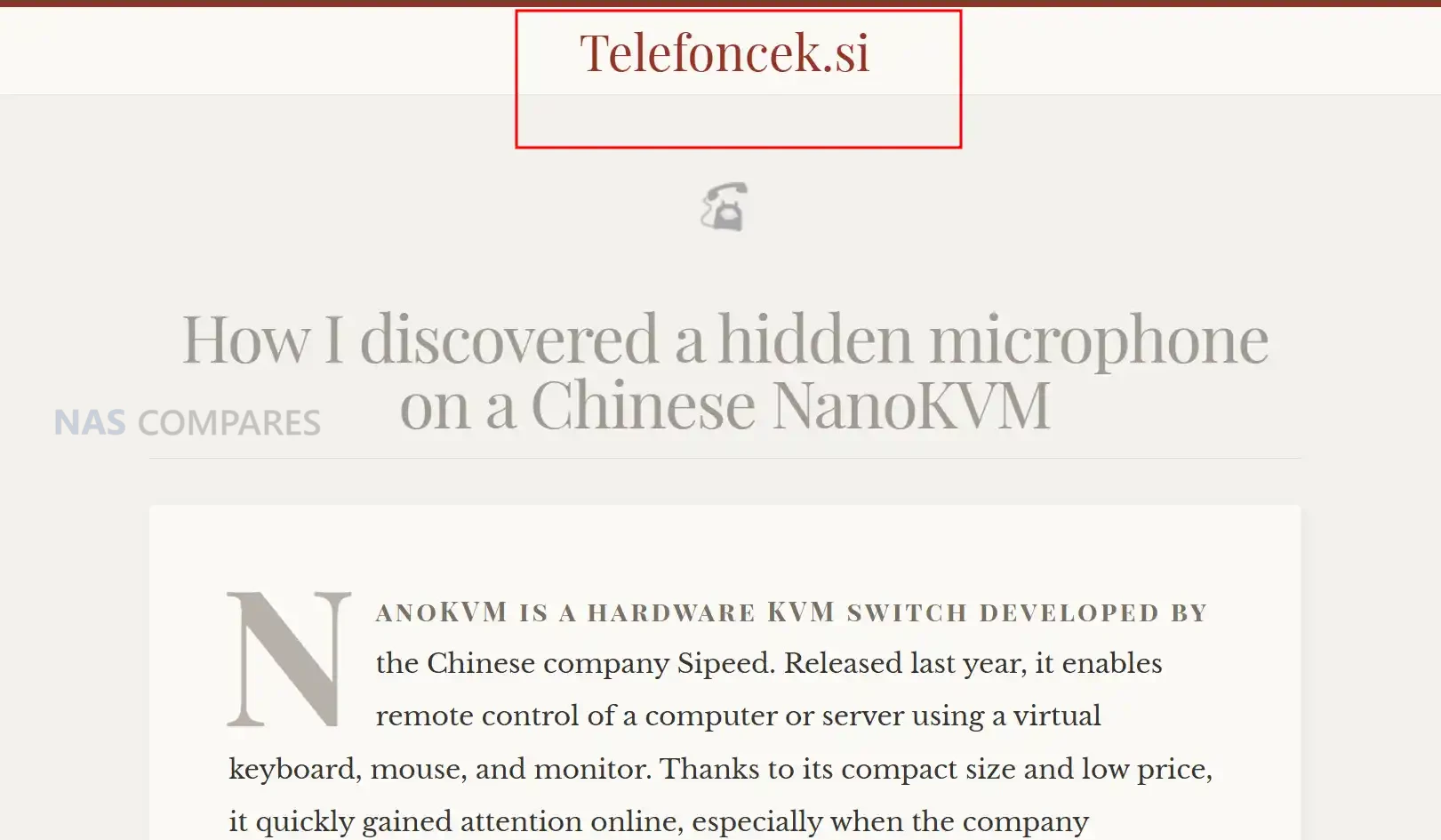
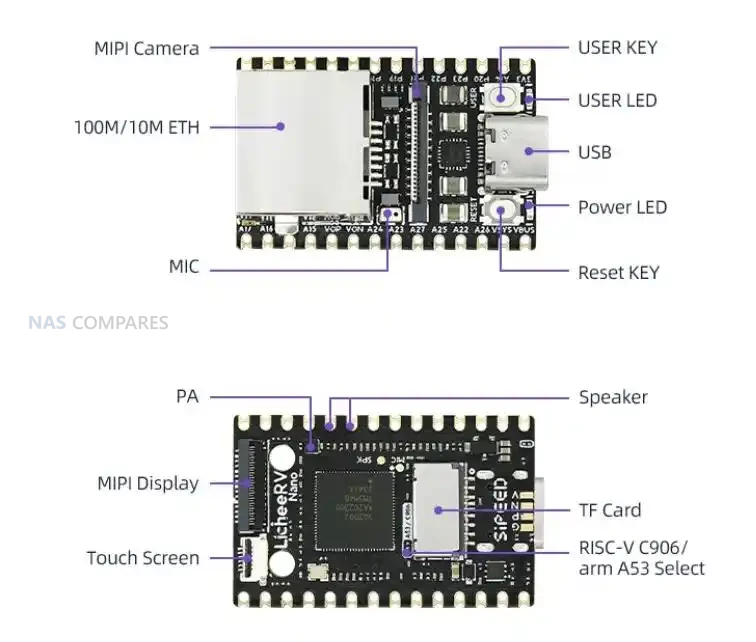
The initial detailed public discussion of the NanoKVM Cube microphone came from a Telefoncek.si research article, which documented security testing of early units and highlighted the presence of a small, operational microphone on the device’s PCB. The NanoKVM Cube is built on the LicheeRV Nano platform, and that design decision is the origin of the audio hardware. The LicheeRV Nano specification explicitly lists an onboard analog silicon microphone for audio input and a PA amplifier for driving a small speaker, because the module is intended as a general purpose SBC for a range of embedded applications. When Sipeed used this module as the core of a consumer facing KVM, the Cube inherited that audio circuitry intact, including the tiny surface mount MEMS microphone, even though typical KVM usage does not require audio capture capabilities.

Source – https://telefoncek.si/2025/02/2025-02-10-hidden-microphone-on-nanokvm/

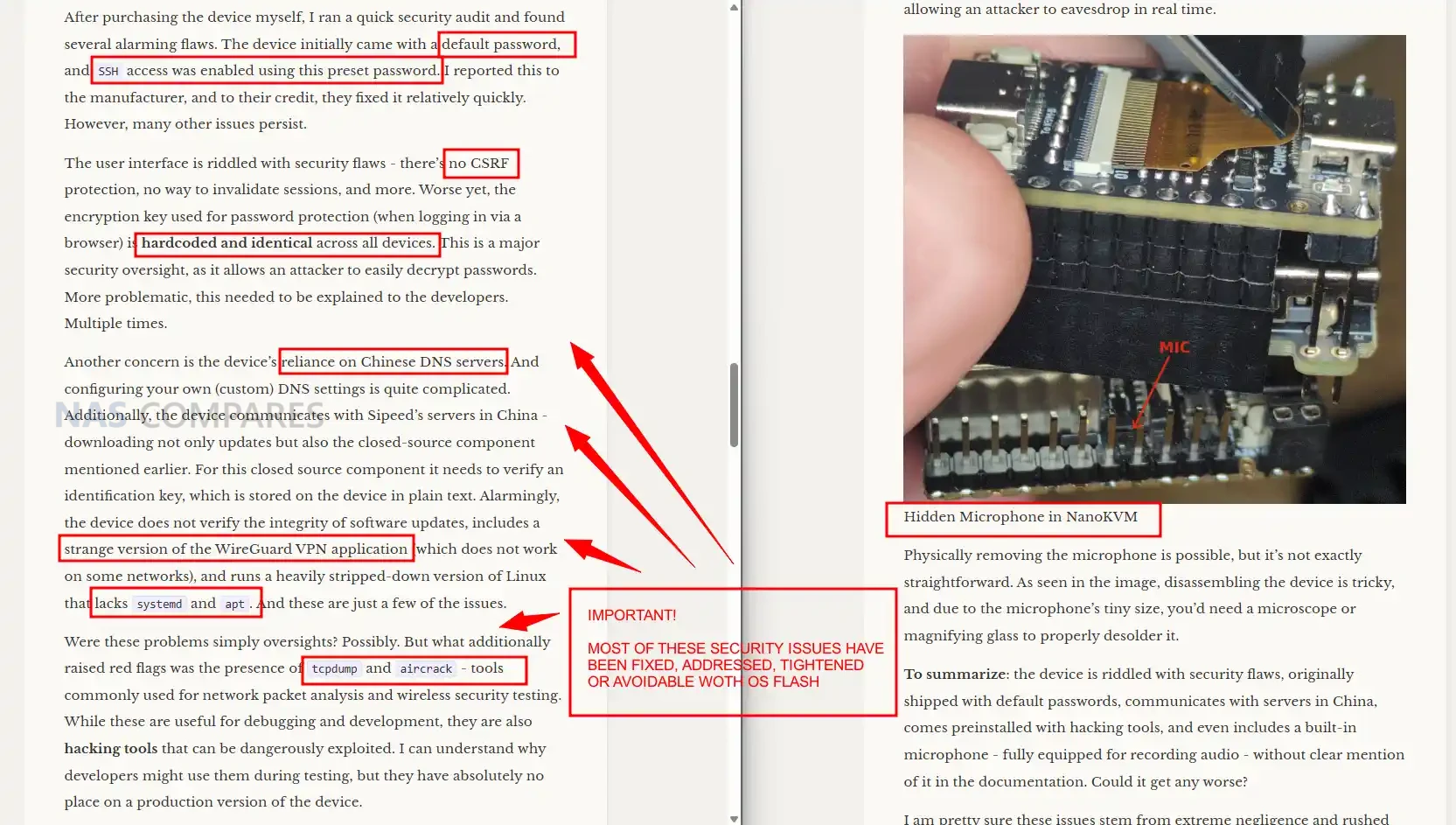
What Telefoncek.si article from Feb ’25  drew attention to was the combination of this hardware and a software stack that already contained working audio tooling. Researchers who obtained early NanoKVM units found that, with SSH access, standard ALSA tools such as amixer and arecord could be used to adjust gain and record ambient sound through the built in microphone, and that the resulting audio files could be copied or potentially streamed off the device. At that time, the NanoKVM product page described its relationship to the LicheeRV Nano SDK and resources in general terms, but did not highlight that a functioning microphone remained present on the KVM board. For many users, that gap between what the SBC documentation said and what the KVM product page emphasized was perceived as a lack of clear disclosure rather than a predictable consequence of module reuse.

The NanoKVM Security Concern and Presentation Issues

The initial concern around NanoKVM security was not limited to the microphone. Early firmware builds shipped with default credentials, SSH enabled, weak web security controls, and hardcoded encryption keys that were identical across devices. Researchers also found diagnostic and security utilities present on the system image that were more appropriate for development or lab use than for a small appliance likely to be exposed on home or small business networks. These findings created a picture of a product that had been moved from prototype to retail relatively quickly, with baseline functionality in place but limited attention paid to hardening or least privilege.

Source – https://telefoncek.si/2025/02/2025-02-10-hidden-microphone-on-nanokvm/

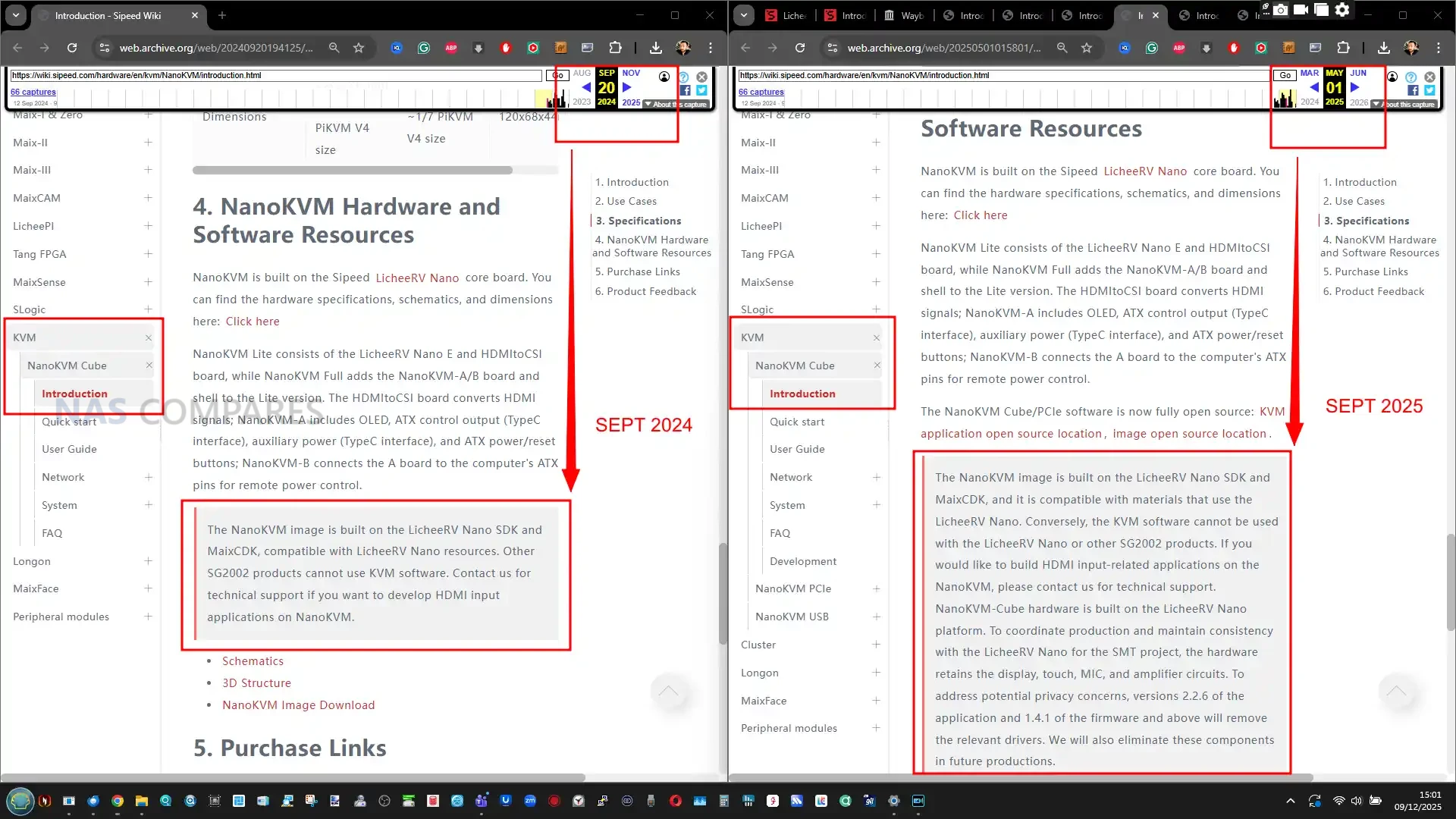
Presentation played a significant role in how the microphone issue was perceived. For the LicheeRV Nano SBC, the presence of audio input and output is clearly listed as part of the hardware specification, and that makes sense for a general purpose module. For NanoKVM Cube, the public facing documentation initially focused on KVM features, HDMI input, and compatibility with the LicheeRV Nano SDK, while leaving the inherited audio hardware implicit. Only later did the NanoKVM wiki entry gain explicit wording that the Cube retains display, touch, microphone, and amplifier circuits from the base module, and that newer firmware versions would remove the relevant drivers and future production runs would omit these components entirely.

Sipeed’s public responses combine these two aspects. On the one hand they point to the LicheeRV Nano documentation and the updated NanoKVM wiki as evidence that the microphone is not intended to be secret. On the other hand they argue that, from a threat model perspective, the presence of a board level microphone does not materially change risk once an attacker has obtained full control of the device, since they could already perform sensitive actions through the host system. For critics, the issue is less about the technical possibility of audio capture in a fully compromised scenario and more about expectation and trust: a network attached KVM marketed primarily on its remote control capabilities but not clearly calling out built in audio capture hardware is likely to be treated with more suspicion, especially when it comes from a vendor that has already needed several rounds of security fixes.

Reality Check – How Much of a Concern is this?

From a strict security engineering viewpoint, the onboard microphone in the NanoKVM Cube does not create a new, independent way into the device. An attacker still needs a working exploit, exposed service, or misconfiguration to gain sufficient access before any audio capture is possible. In that sense, the primary risk is still the usual set of issues that apply to any IP KVM: exposed management interfaces, weak credentials, unpatched firmware, or poor network segmentation. If those fundamentals are handled correctly, the probability that a remote attacker can turn the Cube into a listening device is significantly reduced, and using alternative firmware or a locked down software stack can further narrow the options.

The impact side of the equation is different. Once a NanoKVM Cube is compromised at a system level, the presence of a functional microphone increases the potential harm compared with a KVM that only relays keyboard, video, and mouse. A device that sits in a home office, lab, or equipment room and can capture ambient sound can turn a general compromise into a privacy incident that extends beyond the connected host system. For some users that incremental risk will be acceptable if the device is strictly isolated, regularly updated, and treated as an untrusted appliance at the edge of the network. For others, the residual possibility of room audio capture from a small, unattended box may be enough to justify either physical removal of the mic, replacement with a later hardware revision, or avoiding this particular model altogether.

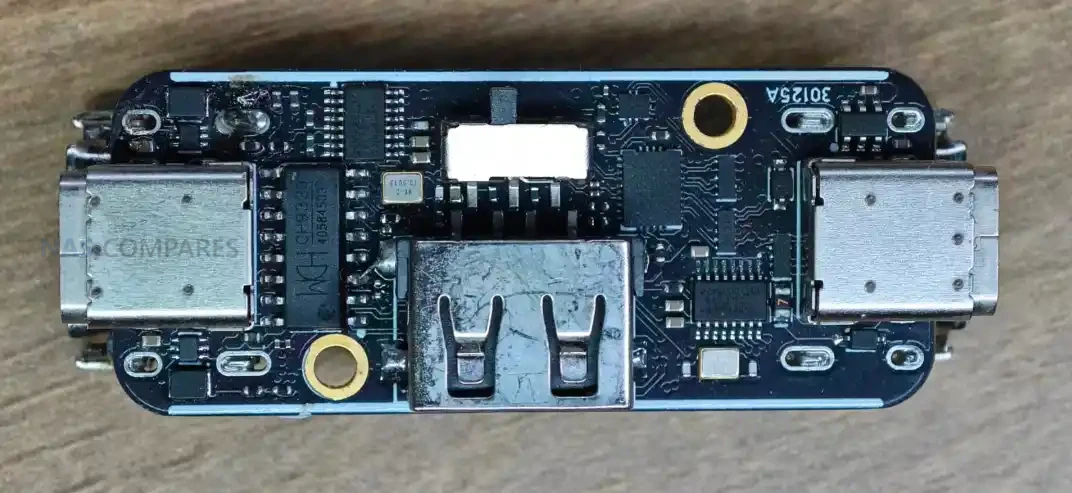
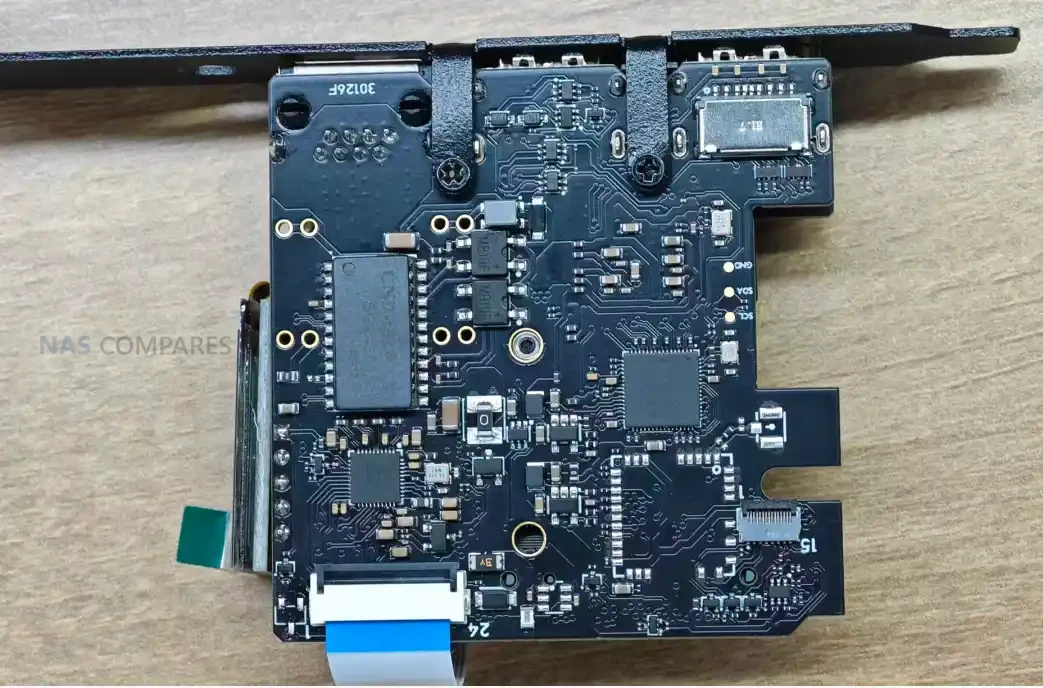
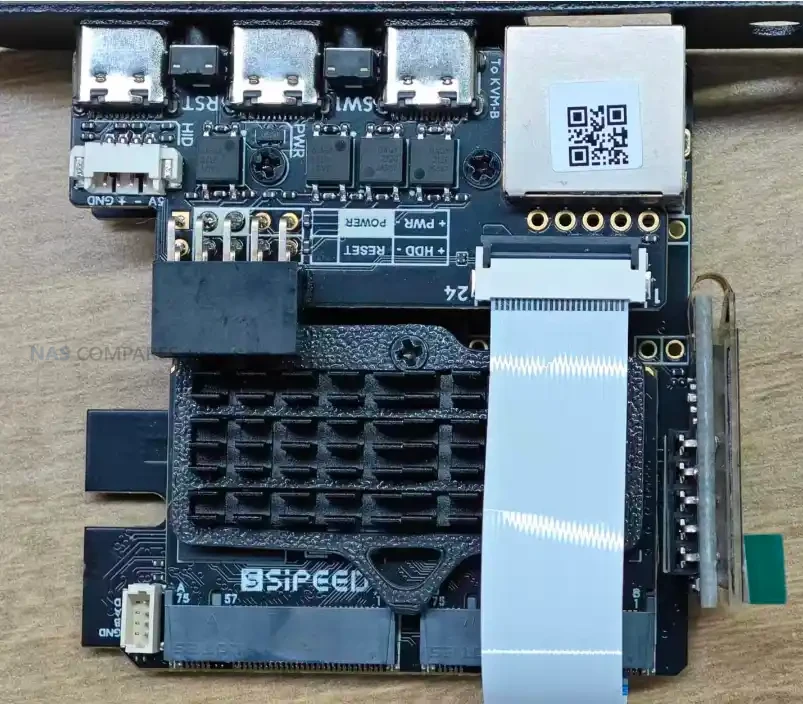
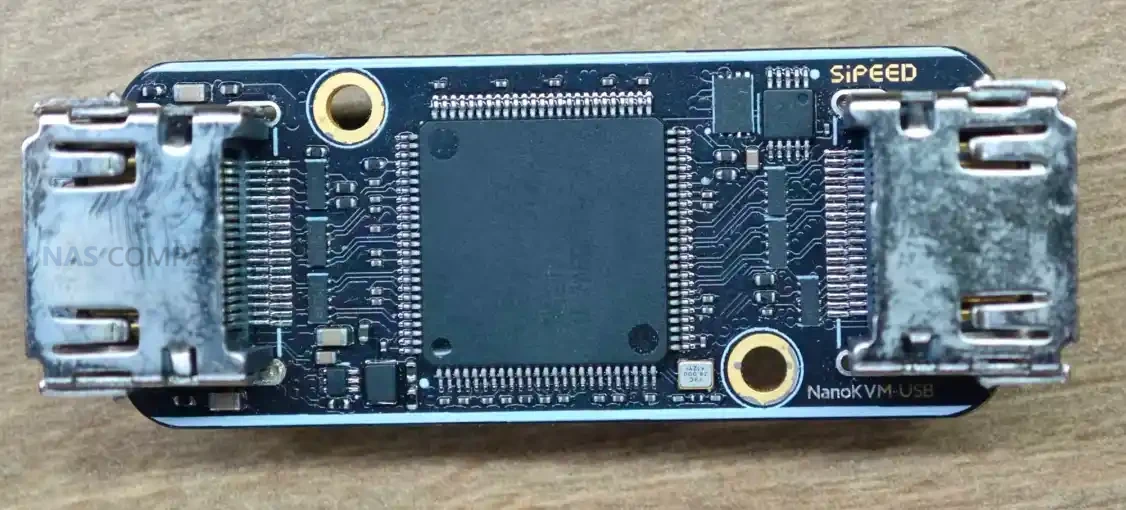
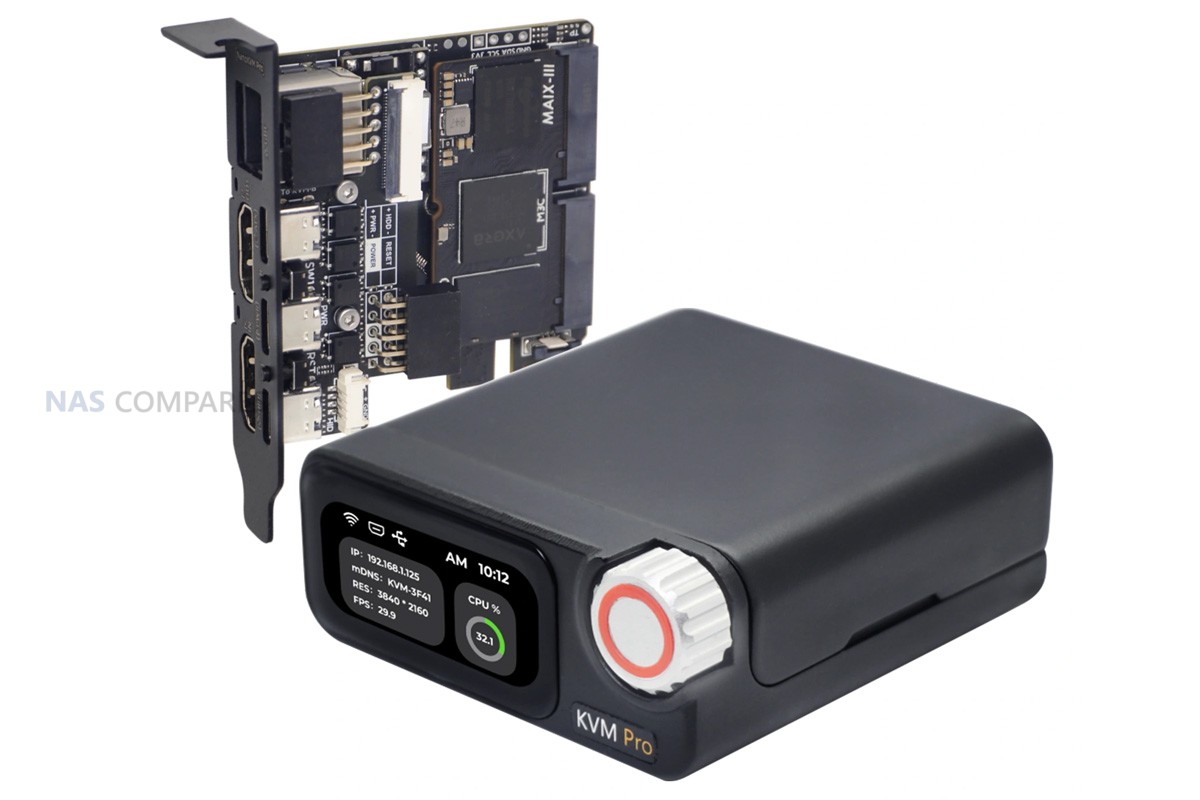
Note. Here is the board view of the NanoKVM USB and NanaKVM Pro PCIe, with no microphone visible:

Asking Sipeed Questions about the NanoKVM Microphone Issue – How and Why This Occurred?

To clarify how the microphone ended up in a shipping KVM product and what Sipeed intends to do about it, I put a series of written questions to the company. The goal was not to reassess the technical findings already covered by independent research, but to obtain clear statements from the vendor on 4 points: how they view the documentation and disclosure around the microphone, which specific NanoKVM variants and hardware revisions include it, what mitigations they believe limit its security and privacy impact for existing deployments, and what concrete changes they are planning for future production runs. The questions and Sipeed’s responses are reproduced in full below. Thanks again to Caesar Wu for his time in answering my questions.

Why was there a microphone on the device, and how/why it’s absent from the documentation?

This premise contains a serious factual error made by the original article. The presence and rationale for the microphone are not undocumented; they are explicitly mentioned on the product’s main Wiki page: https://wiki.sipeed.com/hardware/en/kvm/NanoKVM/introduction.html#NanoKVM

Which Version/Batch/Revisions of NanoKVM feature this Microphone?

The microphone is featured on the NanoKVM Lite and NanoKVM Cube versions. These are derivative products based on the LicheeRV-Nano (RISC-V SBC core module) and consequently inherited its Single Board Computer (SBC) peripherals, including the microphone, speaker, and MIPI touchscreen support.

Is this present on other versions of NanoKVM (i.e PCIe, Pro, USB, etc)?

No. Other products use custom-designed boards dedicated solely to the KVM scenario. They do not reuse the SBC module and therefore do not include non-KVM-essential components.

Why was this microphone not eliminated at the point of production?

The core part of NanoKVM-Cube/Lite is LicheeRV Nano. We reuse LicheeRV Nano as a standard “SOM” in many different products, like AI Camera MaixCAM:    https://www.aliexpress.com/item/1005006912917562.html . And our toB customer also use it as a standard linux core board(Just like RPi CM4, CM5), they are very satisfied with the onboard microphone, speaker, and touch screen.  As stated in my previous email, we maintain that logically, the retention of the microphone on the board does not introduce any negative impact on security. While the onboard components (microphone, speaker power amplifier (PA), and touchscreen connector) introduce a slight increase in Bill of Materials (BoM) cost, this decision significantly simplifies inventory management.

In fact, the base LicheeRV Nano product already comes in 4 configuration variants (Basic, Eth, WiFi, and Ethe+WiFi).  If we were to further segment the inventory by adding options for the presence or absence of the microphone and touchscreen connector, the total number of SKUs  would increase exponentially(the number of SKUs multiplies by two for every added configuration options). Therefore, based on a comprehensive consideration of security, cost efficiency, and inventory management complexity, we maintain the microphone, speaker PA, and touchscreen connector as the default base configuration.

What steps are being taken to ensure that this does not pose a Security/Privacy threat to user who have the nanoKVM in active deployment?

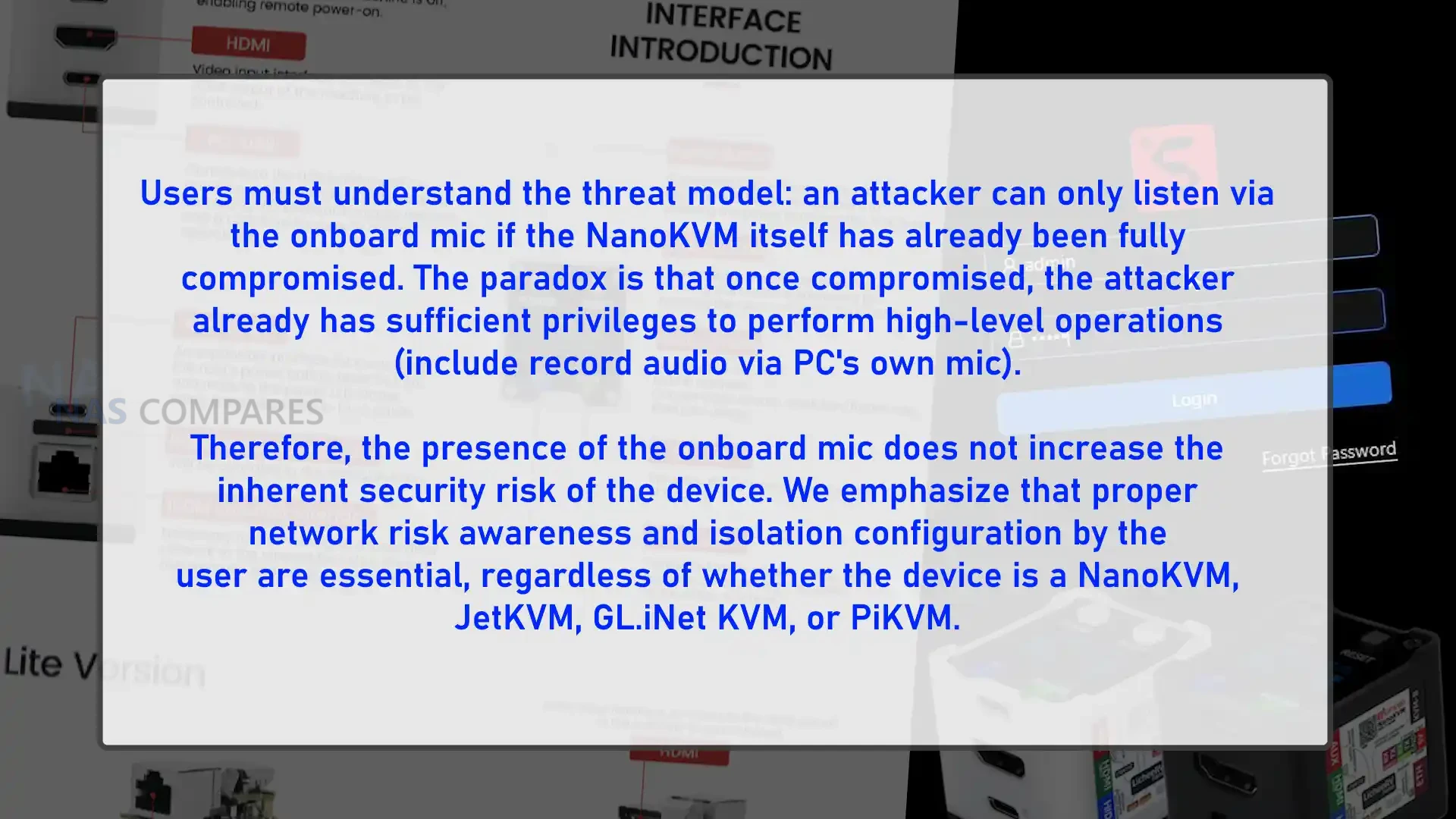
Users must understand the threat model: an attacker can only listen via the onboard mic if the NanoKVM itself has already been fully compromised. The paradox is that once compromised, the attacker already has sufficient privileges to perform high-level operations (include record audio via PC’s own mic). Therefore, the presence of the onboard mic does not increase the inherent security risk of the device. We emphasize that proper network risk awareness and isolation configuration by the user are essential, regardless of whether the device is a NanoKVM, JetKVM, GL.iNet KVM, or PiKVM.

What further steps have been made/planned at Production to avoid this occurring again in future hardware releases?

As stated in Question 4, we plan to remove the microphone in the next batch of the Lite/Cube models purely for psychological comfort and ease of mind for our users. We acknowledge this step will inevitably increase our inventory management complexity due to the need for separate SKUs and production processes. We are also implementing more rigorous hardware audits to ensure compliance with the Principle of Least Privilege in future designs.

Conclusion – Should NanoKVM Owners Be Worried?

For current NanoKVM Cube owners, the level of concern depends largely on how and where the device is deployed. In a well segmented environment where the KVM sits on an isolated management network, with updated firmware and strong access controls, the presence of a dormant microphone on the board is a secondary issue behind the more general risk of any remote management appliance. In small or less structured setups where the NanoKVM has direct exposure to the internet or shares a LAN with everyday client devices, both the historical software weaknesses and the possibility of audio capture in a successful compromise are more relevant factors in deciding whether to keep using the unit unchanged.

Looking ahead, Sipeed has stated that newer firmware removes the audio drivers and that future Lite and Cube batches will omit the microphone and related circuitry entirely, which addresses the concern for new buyers over time. For existing devices, users who are uncomfortable with any residual audio capability have practical options: physically removing or disabling the mic at board level, reflashing with a minimal or community maintained software stack, or replacing the hardware with a later revision or a different KVM platform. The key is to treat the NanoKVM Cube as a high impact management tool rather than a neutral accessory, and to decide whether its cost and feature set justify the additional precautions it requires in a given environment.


📧 SUBSCRIBE TO OUR NEWSLETTER 🔔
[contact-form-7]
🔒 Join Inner Circle

Get an alert every time something gets added to this specific article!


Want to follow specific category? 📧 Subscribe

This description contains links to Amazon. These links will take you to some of the products mentioned in today's content. As an Amazon Associate, I earn from qualifying purchases. Visit the NASCompares Deal Finder to find the best place to buy this device in your region, based on Service, Support and Reputation - Just Search for your NAS Drive in the Box Below

Need Advice on Data Storage from an Expert?

Finally, for free advice about your setup, just leave a message in the comments below here at NASCompares.com and we will get back to you. Need Help? Where possible (and where appropriate) please provide as much information about your requirements, as then I can arrange the best answer and solution to your needs. Do not worry about your e-mail address being required, it will NOT be used in a mailing list and will NOT be used in any way other than to respond to your enquiry. [contact-form-7] TRY CHAT Terms and Conditions
If you like this service, please consider supporting us. We use affiliate links on the blog allowing NAScompares information and advice service to be free of charge to you.Anything you purchase on the day you click on our links will generate a small commission which isused to run the website. Here is a link for Amazon and B&H.You can also get me a ☕ Ko-fi or old school Paypal. Thanks!To find out more about how to support this advice service check HEREIf you need to fix or configure a NAS, check Fiver Have you thought about helping others with your knowledge? Find Instructions Here  

 
Or support us by using our affiliate links on Amazon UK and Amazon US
    
 
Alternatively, why not ask me on the ASK NASCompares forum, by clicking the button below. This is a community hub that serves as a place that I can answer your question, chew the fat, share new release information and even get corrections posted. I will always get around to answering ALL queries, but as a one-man operation, I cannot promise speed! So by sharing your query in the ASK NASCompares section below, you can get a better range of solutions and suggestions, alongside my own.

☕ WE LOVE COFFEE ☕


Sipeed NanoKVM Pro KVM Review

Sipeed NanoKVM Pro KVM Review

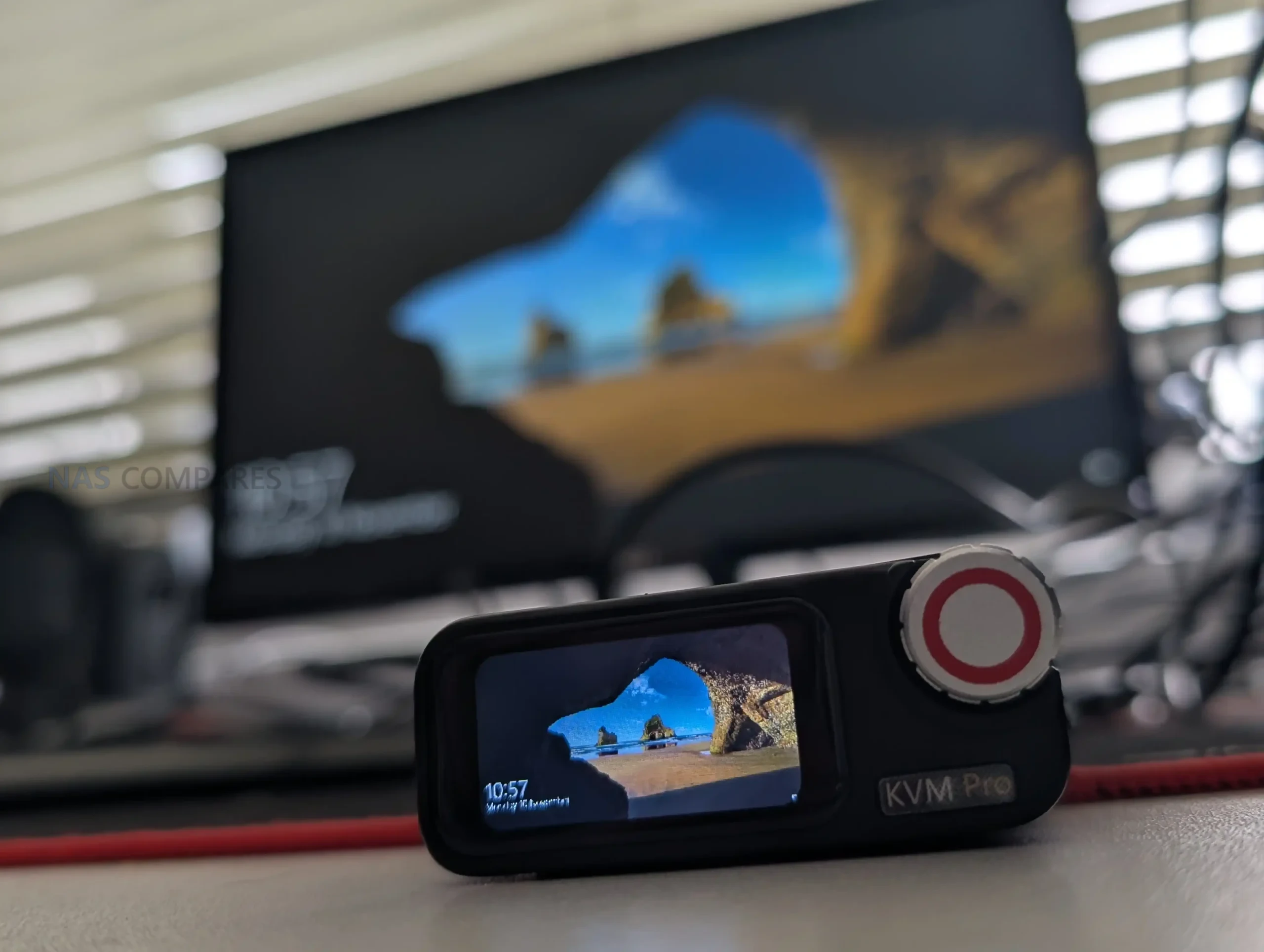
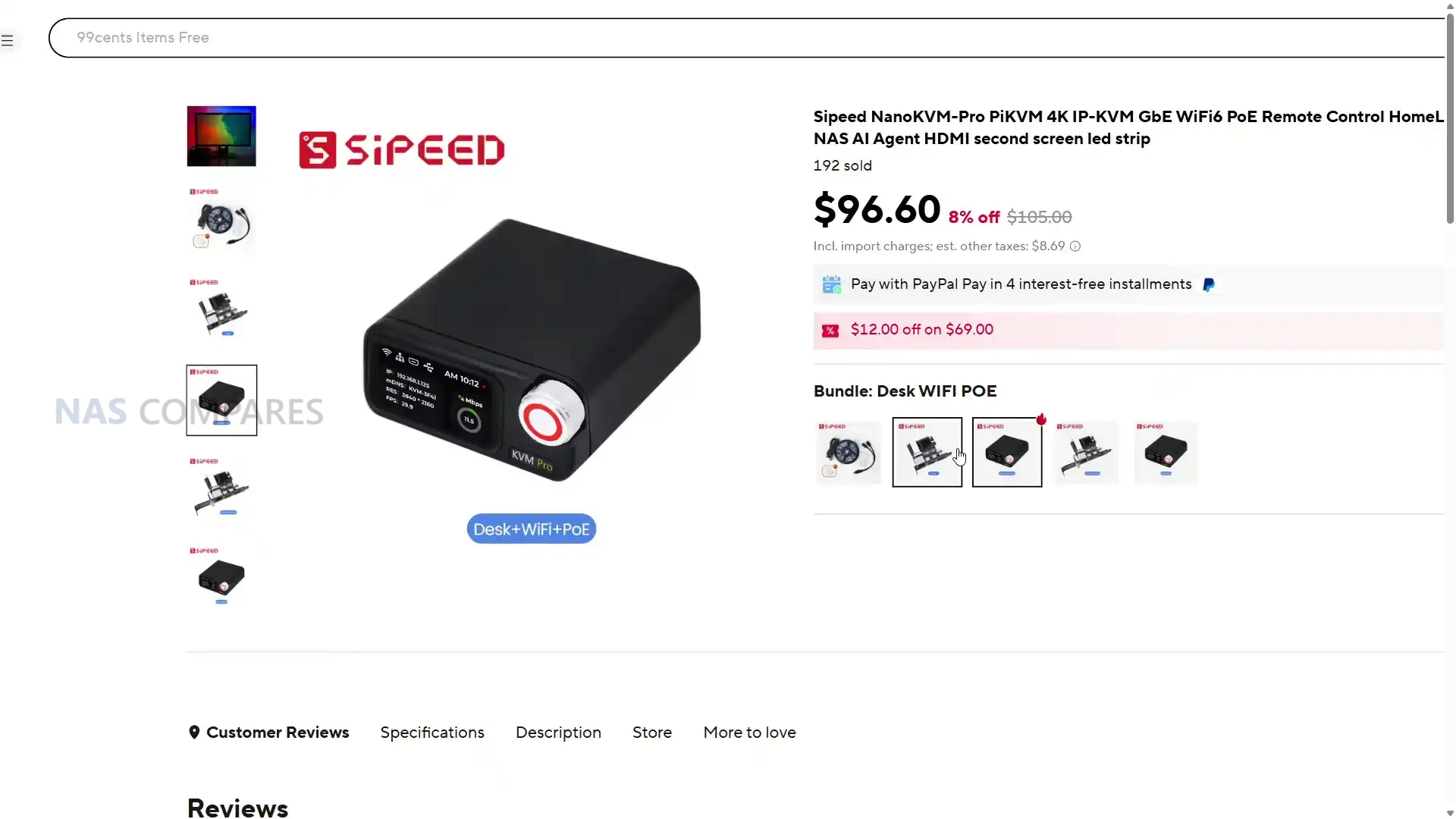
The NanoKVM Pro from Sipeed represents the latest iteration in the company’s growing range of remote management devices, developed as a more capable successor to the original NanoKVM. Building on the lessons learned from its earlier RISC-V model, this version introduces a dual-core ARM architecture and significantly enhanced system resources. The design focus shifts toward higher-resolution capture, faster data handling, and improved remote-access functionality, all within a self-contained form factor that can sit on a desk or integrate into rack systems. Supported by an open-source PiKVM-based software environment, it provides the same level of control normally associated with enterprise IPMI solutions, including BIOS access, remote mounting of ISOs, and full keyboard-video-mouse interaction through a browser interface. Unlike many entry-level devices in its category, it supports 4K capture up to 30 fps, 1080p up to 60 fps, and HDMI loop-out for simultaneous local display. Optional features such as Wi-Fi 6, PoE input, and ATX power control expand its deployment flexibility across both professional and hobbyist environments. With 1 GB of LPDDR4X memory, 32 GB of onboard eMMC storage, and the ability to run either NanoKVM OS or full PiKVM firmware, the Pro model aims to balance affordability with advanced functionality suited to modern remote administration setups. But is it any good? Let’s find out if the NanoKVM Pro deserves your money and your data.

*UPDATE 9/12/25* The original NanoKVM (so, not the device in this video/article, but the first development version) features a small on board microphone that can be activated over SSH. This *looks* like it was a case of the brand reusing an existing board and it having the mic onboard (the LicheeRV Nano – which DID mention the microphone in it’s hardware specifications, but it is not detailed on the NanoKVM spec sheets at the time of discovery). I am currently going over the NanoKVM Pro device in this video for any further issues of hardware irregularities or issues discovered since this video was published (the device has been in action for 3 weeks more now), but even early checking has shown up negative/nothing. Bottom line, that device was not released finished, and early reviews of that device absolutely SLAMMED it for security issues (again, see Aparld’s vid linked in the description!) largely related to poor practices (plain text passwords, chinese DNS, etc), so no one should be deploying it on mission-critical clients anyway. Nevertheless, this sounds like (at best) a stupid mistake by the brand, and (at worst) poorly developed and badly baked hardware. I have reached out to the brand for more on this and will add here as/when it arrives. In the meantime, check out Jeff’s Level 2 channel for his video on this, which does a solid job of nailing the salient points! You can find the original investigation of the device HERE .

NanoKVM Pro KVM Review – Quick Conclusion

The NanoKVM Pro from Sipeed is a compact, Linux-based IP-KVM device that brings enterprise-grade remote management features into an affordable, open-source package designed for homelab enthusiasts, technicians, and small-scale administrators. Built around a dual-core ARM Cortex-A53 processor with 1 GB of LPDDR4X memory and 32 GB of onboard eMMC storage, it supports 4K capture at 30 fps, 1080p at 60 fps, and HDMI loop-through for simultaneous local display, while maintaining low latency and stable frame delivery over gigabit Ethernet or Wi-Fi 6. The device integrates ATX control for power and reset functionality, allowing full BIOS-level access and system reboots without physical interaction, and can be powered via USB-C, PoE, or motherboard header connection. A 1.47-inch touchscreen with rotary encoder provides local control and monitoring, supported by an intuitive browser-based interface that enables ISO mounting, firmware updates, and encrypted remote access through built-in Tailscale VPN integration. It runs either Sipeed’s NanoKVM firmware or a full PiKVM stack, both of which are open-source and compatible with community-developed extensions, including AI-assisted features that perform local OCR and screen automation. The aluminum body ensures passive cooling and silent operation, with power draw averaging 3 to 7 watts depending on load. While early firmware builds lacked full 4K45 and H.265 support, continued updates have addressed most of these gaps, and the open nature of the platform allows for further improvement. Its minor drawbacks—such as inconsistent cable bundles, a lightweight dial, and limited CPU overhead during heavy 4K sessions—are outweighed by its flexibility, performance, and independence from proprietary cloud control. Overall, the NanoKVM Pro stands out as one of the most capable and customizable IP-KVM solutions in its price range, offering real out-of-band management power in a device smaller than a deck of cards.

Sipeed NanoKVM Pro on AliExpress Sipeed NanoKVM Pro on Amazon

NanoKVM Pro KVM Review – Design & Storage

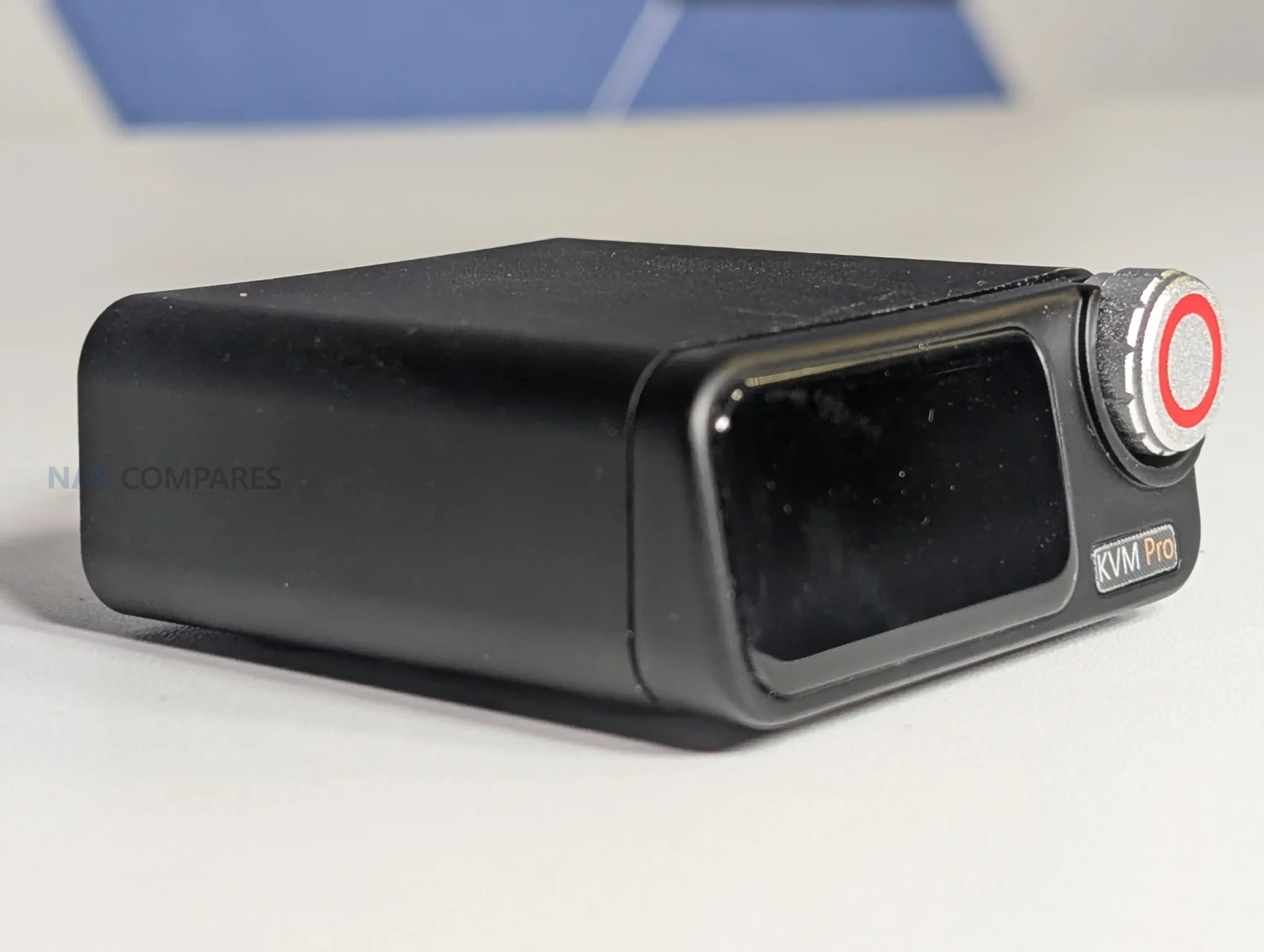
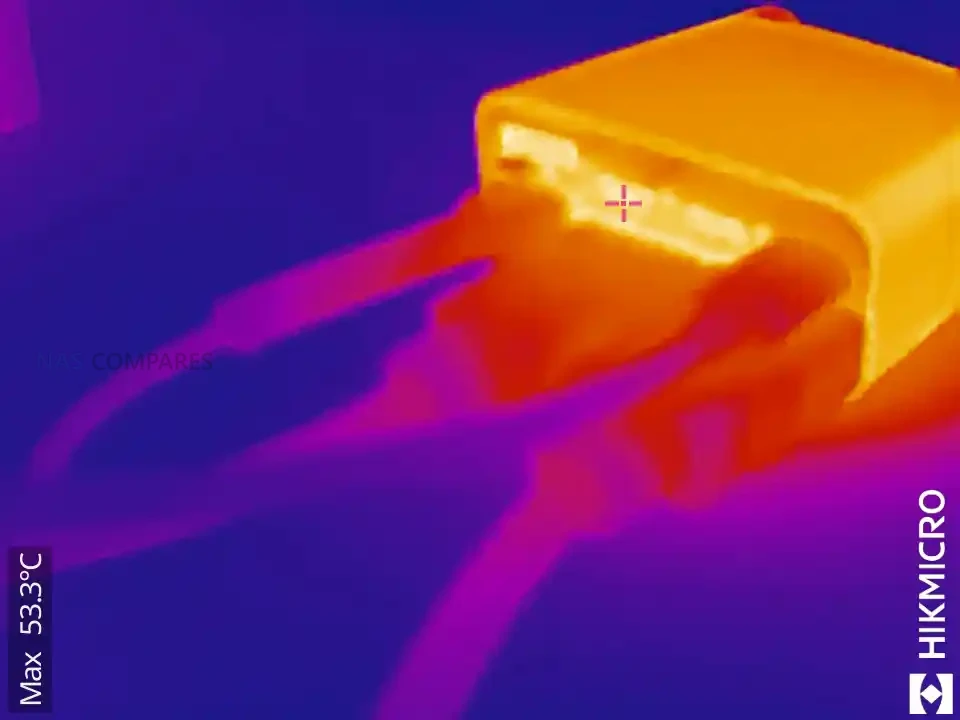
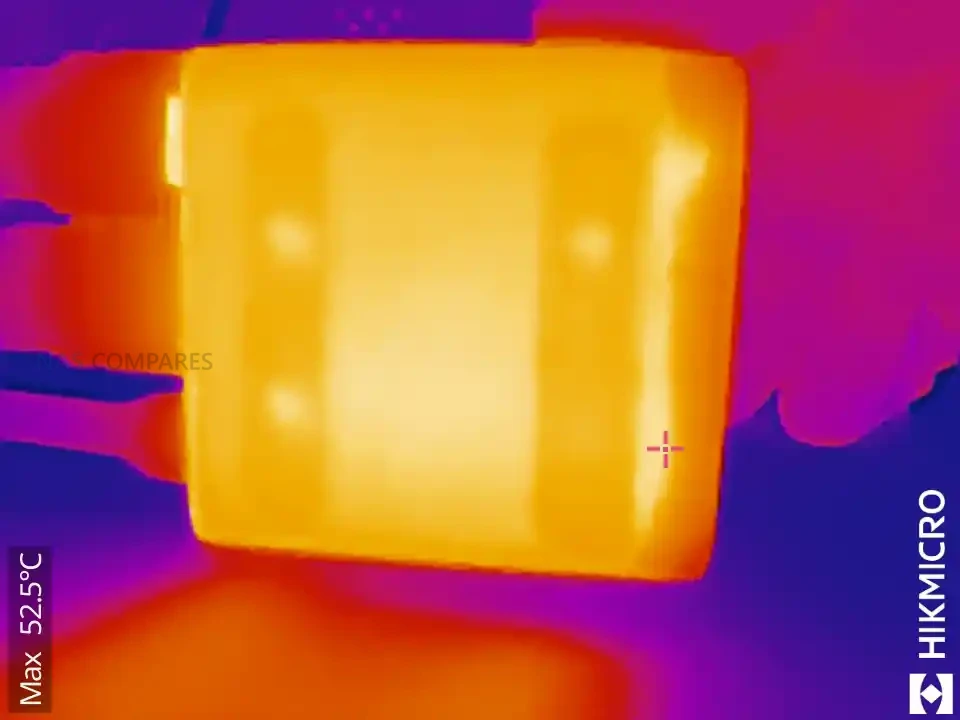
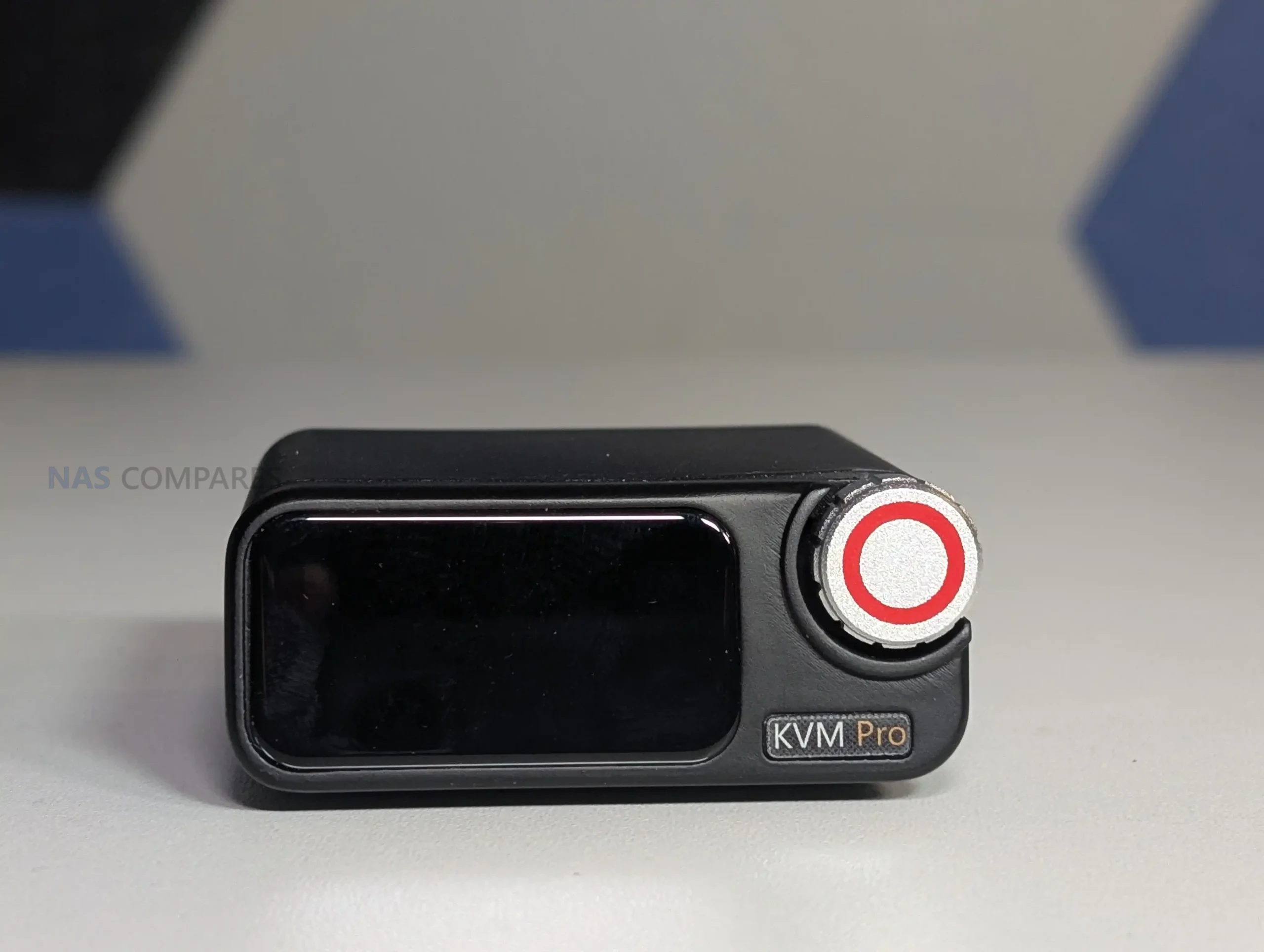
The NanoKVM Pro adopts a compact aluminum enclosure that measures 65 by 65 by 28 millimeters, emphasizing passive cooling and durability over aesthetic design. The casing doubles as a heat spreader, transferring thermal load from the PCB through its metal base and dissipating it through the chassis surface. This construction allows it to maintain stable temperatures around 50–55°C during typical use, even with extended operation or PoE power input. The metal build makes it suitable for permanent desktop placement or rack integration, and Sipeed provides 3D printable mounting templates for both single and triple-unit configurations. Despite its small footprint, the front panel includes a 1.47-inch 320×172 capacitive touch display and a rotary encoder that enables system navigation and control without needing to connect a keyboard or mouse. The LCD serves both as a configuration interface and as a secondary monitoring screen, capable of displaying live HDMI capture, resource utilization, or user-defined Python applications.

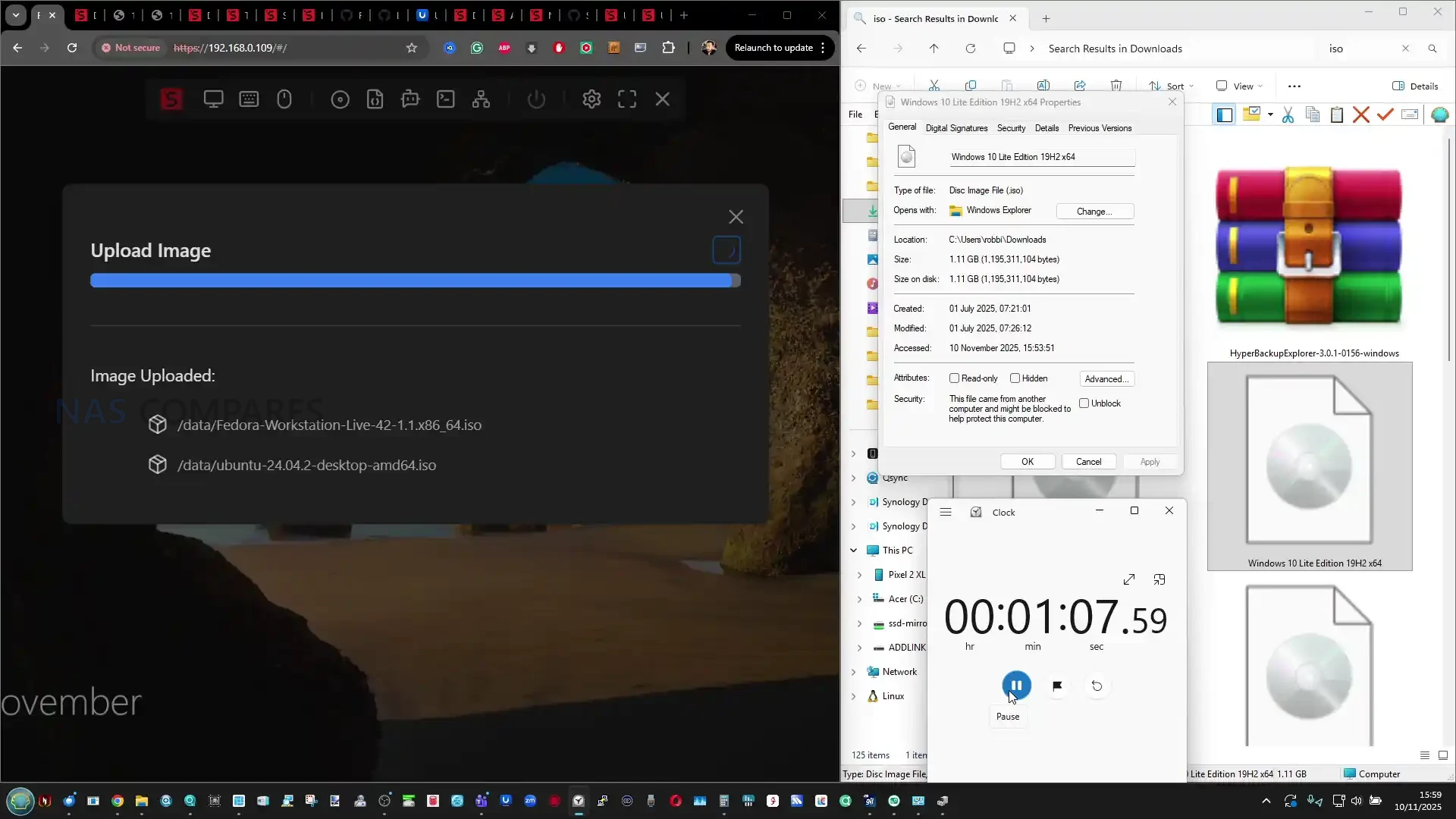
Storage performance represents a notable improvement over the earlier NanoKVM, which relied on a microSD card for its operating system. The Pro integrates 32 GB of eMMC storage rated at approximately 300 MB/s read speeds, providing faster ISO mounting and firmware updates, as well as the ability to host lightweight scripts or utilities locally. The onboard storage can be expanded through a microSD slot positioned beside the HDMI input, supporting additional media up to 512 GB. This expansion capability allows users to keep multiple boot images or installation media accessible directly through the web interface, making it useful for managing test systems or recovery environments. In practice, transferring a 1 GB ISO via a gigabit network takes about a minute, which is considerably faster than previous microSD-based units.

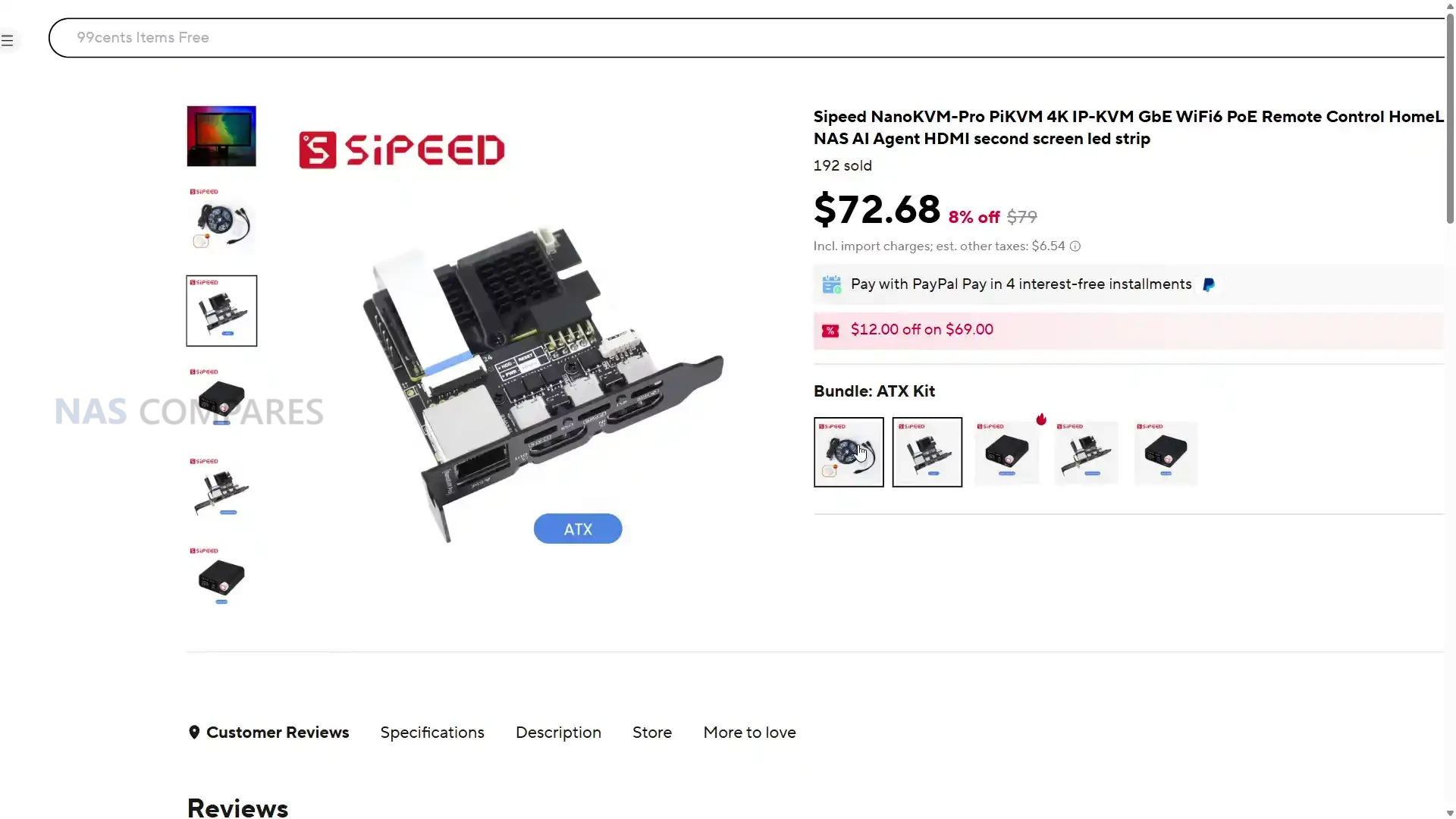
Externally, the NanoKVM Pro’s layout balances density and accessibility. All primary I/O connections, including HDMI input and output, dual USB-C ports for power and HID control, and a gigabit Ethernet port, are aligned along the rear edge to simplify cable routing in both rack and desktop configurations. The USB-C design allows for flexible power sourcing, supporting either direct 5V input, PoE via Ethernet, or ATX line integration through the bundled adapter board. This modularity is complemented by a detachable ATX control board that connects through a flat ribbon cable, enabling power, reset, and LED signal passthrough from a host motherboard. When connected correctly, this board allows remote hard resets and complete power cycling through the web interface, replicating the hardware-level management seen in dedicated IPMI modules.

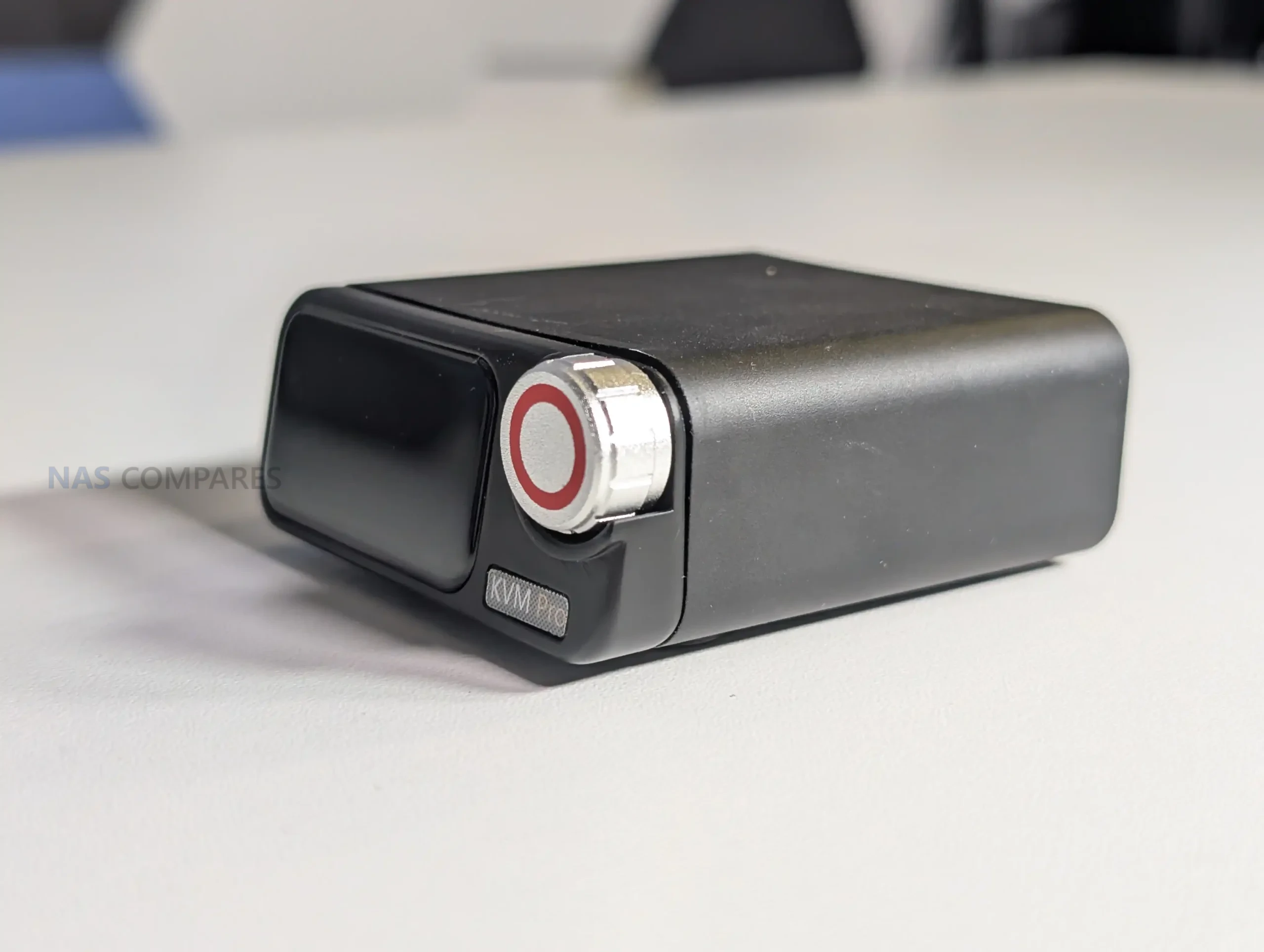
On the front of the device, the rotary dial and touchscreen offer combined tactile and touch control options. Short presses, rotations, and swipes allow for full system interaction, while long presses bring up system menus and app selections. The screen can also operate as a secondary display via USB connection on Windows systems, acting as a miniature monitor that mirrors or supplements the primary display output. Through custom scripts, users can configure the display to show diagnostic data, resource graphs, or network metrics, further extending the device’s use beyond remote management.

Sipeed’s packaging reflects the device’s development-oriented nature. The kit typically includes two USB-C to USB-A cables, a short HDMI cable, and an ATX interface adapter with DIP cables, although early Kickstarter units reportedly shipped with incomplete cable sets. Documentation is provided through QR-linked web guides rather than printed manuals, directing users to detailed online setup instructions and firmware repositories. This approach aligns with Sipeed’s community-driven model, where updates, firmware images, and user scripts are hosted on GitHub for open access.

Finally, the overall footprint and passive cooling design allow the NanoKVM Pro to run silently, drawing between 3 to 5 watts depending on load, or up to 7 watts when AI functions or ambient lighting are enabled. While compact enough for portable or field use, it performs best when placed on conductive or ventilated surfaces, such as a metal case or rack shelf. The Pro model’s focus on internal storage, heat management, and flexible installation makes it notably more practical than most low-cost USB KVMs and positions it closer to a self-contained remote administration terminal.

NanoKVM Pro KVM Review – Ports and Connectivity

The NanoKVM Pro provides several configuration options for both local and remote access, reflecting its design for flexible integration across various network types. Wired connectivity is managed through a full gigabit Ethernet interface, which supports both data transfer and Power over Ethernet (PoE) in certain configurations. This upgrade from the previous model’s 100 Mbps port reduces latency and ensures smoother 4K capture and ISO mounting operations across a local area network.

For environments where wired access is unavailable, Sipeed also offers Wi-Fi 6 variants that include built-in wireless support, allowing users to connect through a temporary access point and configure the device from a phone or laptop. Initial setup is handled through DHCP, displaying the assigned IP address directly on the front LCD screen. From there, users can access the web interface by entering the device’s IP address in a browser such as Chrome, with HTTPS enabled by default through a self-signed certificate.

For secure remote administration, the NanoKVM Pro includes native support for Tailscale, enabling encrypted VPN-style access across different networks without manual port forwarding. Once linked to a Tailscale account, the unit automatically joins the same virtual LAN as other connected devices, simplifying access to systems behind firewalls or NAT routers. This makes it suitable for home users who need unattended access to remote PCs or small business administrators managing distributed systems.

The device also supports USB-NCM network connections for direct link setups, as well as traditional SSH sessions for users who prefer command-line management. Because the underlying operating system is based on Ubuntu, it can also host additional networking utilities such as ZeroTier or Cloudflare Tunnels, giving users a range of choices for secure remote links depending on their existing infrastructure.

The NanoKVM Pro also supports HDMI loop-through, allowing users to connect both the target computer and a local display simultaneously. The input captures up to 4K at 30 frames per second, while the output can pass through up to 4K at 60 frames per second, depending on the connected monitor and signal mode. This dual-mode setup enables simultaneous viewing and control without interrupting the host system’s display, which is particularly useful for remote diagnostics or shared monitoring environments. In practice, the captured video stream can be viewed in near real time, with local testing showing roughly three frames of latency difference on a gigabit network connection. Combined with audio capture and bidirectional USB-HID control, the NanoKVM Pro provides a complete interface for headless or offsite system management.

Feature Specification
Ethernet 1 Gbps (with optional PoE power input)
Wi-Fi (optional) Wi-Fi 6 (AP and client mode supported)
USB Ports 2 × USB-C (Power and HID control)
HDMI Input Up to 4K at 30 fps, 2K at 95 fps
HDMI Output (Loop-Out) Up to 4K at 60 fps
ATX Power Control Interface 9-pin header via KVM-B board (power/reset/LED)
Audio Integrated digital audio capture
Additional Interfaces 2-channel serial terminal, MicroSD expansion
Network Protocols DHCP, HTTPS, SSH, Tailscale, optional ZeroTier
Power Input Options USB-C 5V/1A minimum, PoE, or ATX connector

NanoKVM Pro KVM Review – Internal Hardware

Internally, the NanoKVM Pro is based on the AX630C processor, a dual-core ARM Cortex-A53 SoC operating at 1.2 GHz. This represents a significant step up from the previous NanoKVM’s single-core RISC-V SG2002 processor, which struggled with multitasking and heavier video capture workloads. The new chip enables both 4K video input and real-time encoding in H.264 or H.265, as well as MJPEG for lower-latency streaming. It is paired with 1 GB of LPDDR4X memory and 32 GB of onboard eMMC storage, providing a notable improvement in performance and responsiveness when handling ISO uploads, live video feeds, or concurrent network sessions. In operation, CPU utilization typically sits around 25 to 35 percent during local access, rising to 50 to 60 percent when performing 4K capture or running AI-assisted functions.

Thermal management relies entirely on the metal enclosure acting as a passive heatsink. The system consumes roughly 3 to 4 watts at idle and up to 7 watts when AI processing or 4K capture is active. During extended use, surface temperatures can reach the mid-50 °C range, while internal readings may approach 70 °C under continuous workloads. Despite this, thermal throttling has not been observed in regular use, provided the device is placed on a conductive or ventilated surface. Users operating in warmer environments can improve dissipation by resting it on a metallic case or rack shelf, as the aluminum body is designed to transfer heat evenly across its underside. The device remains silent throughout, as no active fan is used.

Internally accessible interfaces add to its adaptability. Two USB-C ports handle power and human interface device connections, while a microSD slot offers external storage expansion or alternate firmware booting. A small 0.1 mm header provides access to two RS-232 serial ports, allowing direct console communication with servers, switches, or other serial-based equipment. This makes the NanoKVM Pro suitable not only for managing desktop systems but also for integrating with embedded or industrial hardware that lacks graphical interfaces.

Combined with the ATX breakout board for power management and the option to use the unit’s LCD as a miniature USB secondary display, these features extend its application well beyond that of a standard KVM switch.

Component Specification
Main Processor AX630C Dual-Core ARM Cortex-A53, 1.2 GHz
Memory 1 GB LPDDR4X
Internal Storage 32 GB eMMC (approx. 300 MB/s)
Expandable Storage MicroSD slot (up to 512 GB)
Video Encoding MJPEG, H.264, H.265
Audio Integrated digital capture
Serial Interface Dual RS-232 channels via header
ATX Control External board with 9-pin header
Power Draw 3 W typical, up to 7 W under load
Cooling Passive aluminum enclosure
Operating Temperature Surface 45–55 °C, CPU up to ~70 °C

NanoKVM Pro KVM Review – Software and Services

The NanoKVM Pro runs on a customized Linux environment built around the open-source PiKVM framework, allowing users to operate within Sipeed’s own NanoKVM interface or switch to a full PiKVM installation through the system menu. The preinstalled NanoKVM environment provides a more streamlined interface tailored to less experienced users, offering web-based management with HTTPS, user authentication, and direct BIOS-level control of connected systems. It supports remote mounting of ISO images, firmware updates, and automated scripts, all handled through an integrated file manager accessible via browser. The software operates entirely locally by default, without mandatory cloud connections, which is a notable distinction compared with many modern remote-access appliances that rely on vendor relay servers.

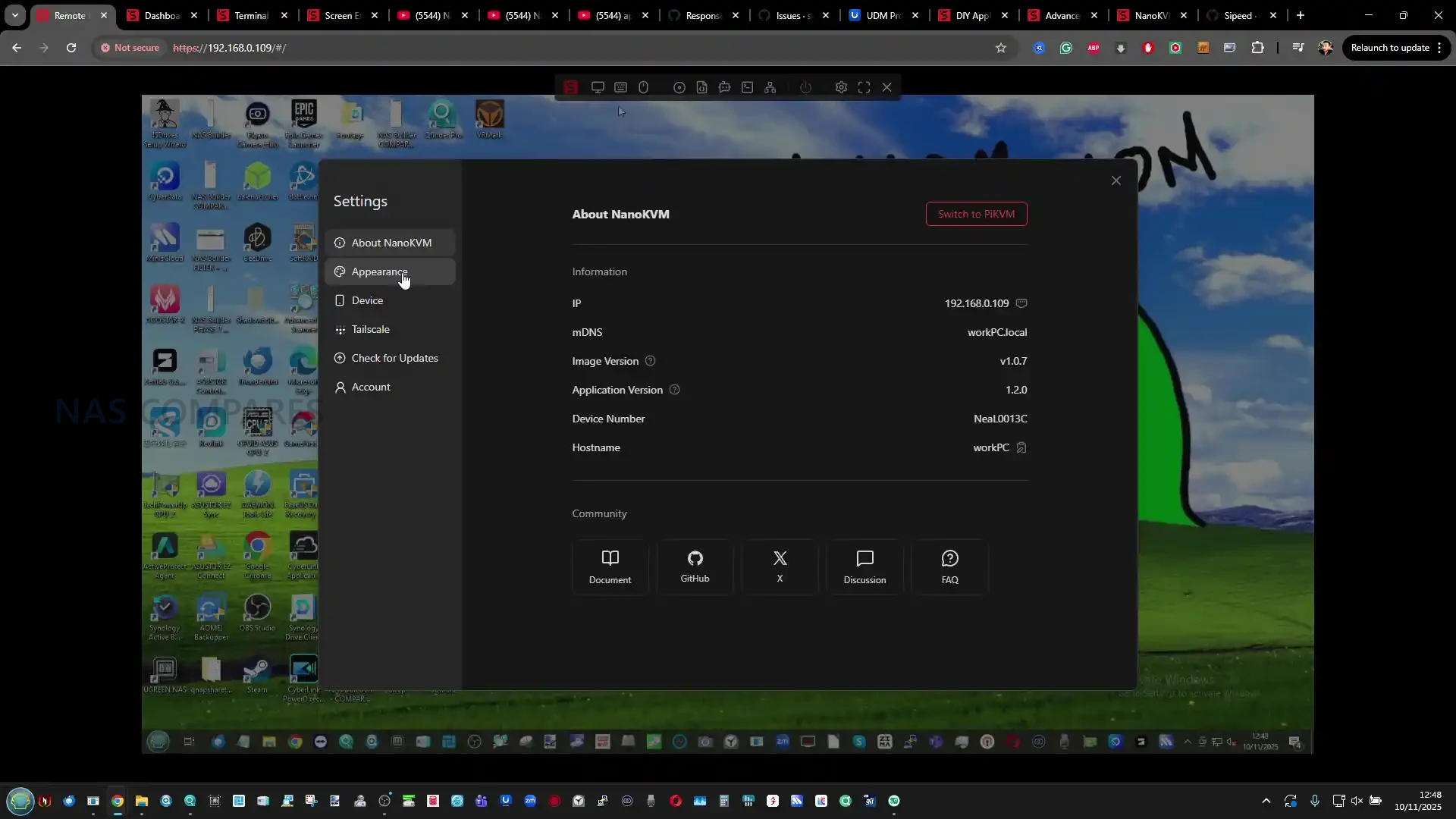
Once configured, users can log in through a web browser using the device’s IP address, with the default credentials set to “admin” for both username and password. The interface prompts password change on first login and provides granular control over network settings, storage, user accounts, and ATX power functions. Most settings can be modified directly through the web GUI without command-line access, although advanced users can enable SSH for deeper configuration or script automation. Firmware updates are managed via the same interface, with an option to enable preview builds for early access to experimental features such as H.265 encoding or AI integrations. The NanoKVM Pro also includes support for WebSSH, allowing browser-based terminal access to the device itself or to the connected host.

One of the most distinctive aspects of the NanoKVM Pro is its front-panel software ecosystem. The 1.47-inch touchscreen runs its own UI layer with interactive menus, swipes, and rotary input for navigation. It displays real-time system metrics such as CPU load, IP address, and network status, and can also serve as a live HDMI preview display. Beyond these default utilities, users can install small Python-based applications that render custom data on the screen. Three example apps—“coin,” “conway,” and “hello”—are included to demonstrate this feature, and advanced users can upload their own code to the /userapp directory to display statistics, weather, or system messages. Through this approach, the NanoKVM Pro acts not just as a control interface but as a miniature programmable display for local or rack-mounted setups.

Remote management services are another major focus. Tailscale is preinstalled, providing quick setup for secure, encrypted remote sessions without the need for static IP addresses or manual port forwarding. For users preferring other approaches, the device’s Ubuntu base supports additional VPN tools such as ZeroTier, WireGuard, or Cloudflare Tunnels, which can be manually installed through apt. This flexibility ensures compatibility with existing enterprise or homelab networks. The system also includes Wake-on-LAN, remote reboot, and full ATX control options, allowing users to perform power cycling or forced shutdowns directly through the web interface. The integration of these features means the NanoKVM Pro functions as an accessible alternative to server-grade remote management tools, at a fraction of their cost and complexity.

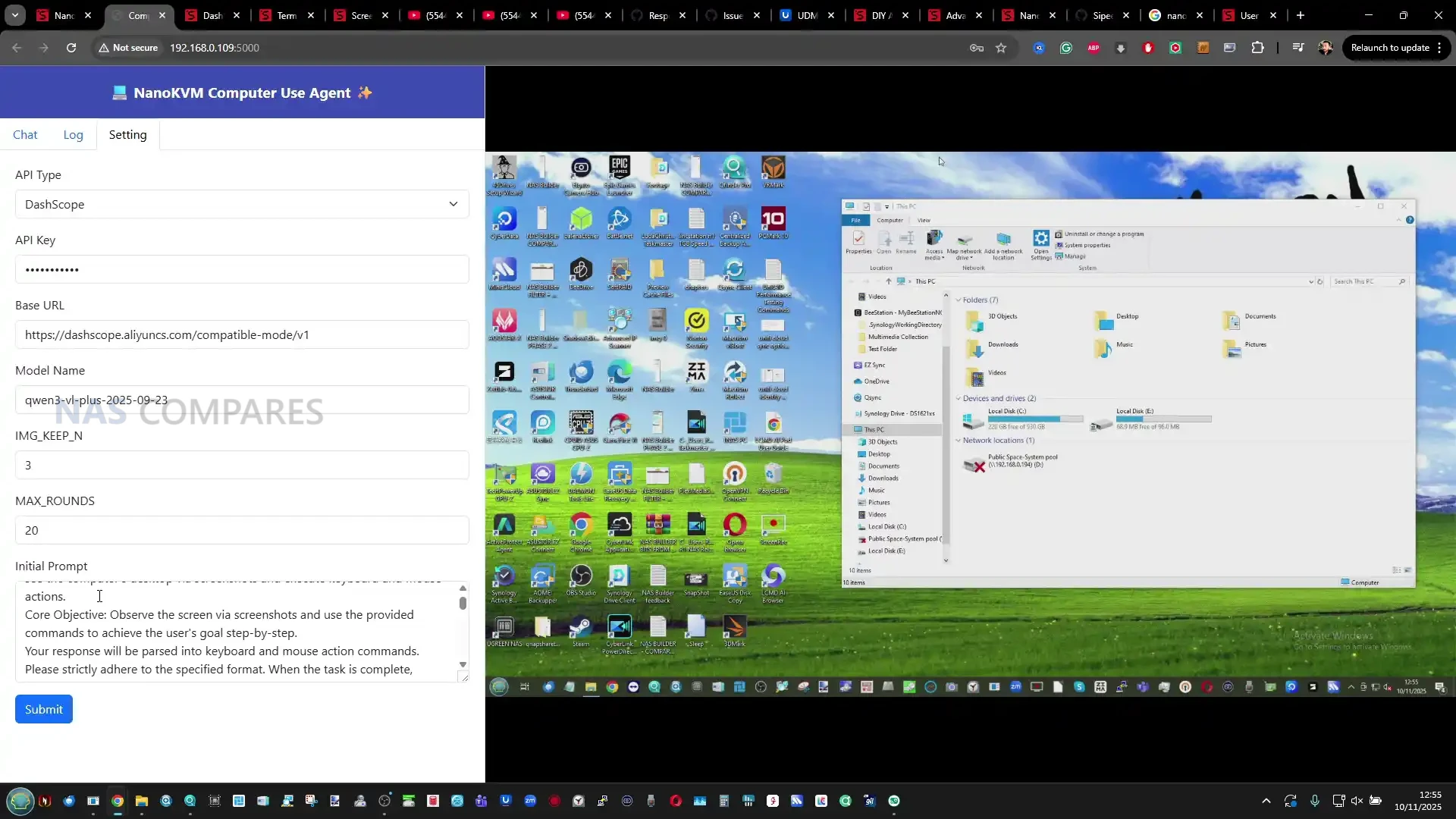
Finally, Sipeed has begun introducing experimental AI-driven functions in its firmware. These include smart assistant options that use basic optical character recognition (OCR) and contextual automation to simplify KVM operations such as copying text from the remote screen or assisting with troubleshooting prompts. Although early and limited in scope, the AI feature demonstrates the company’s effort to integrate local intelligence without relying on external cloud processing. This is complemented by the open-source nature of the platform, where both NanoKVM and PiKVM firmware images are publicly available for inspection and customization. Users can adapt the system to their own needs, extending its functionality through community scripts or integrating it into larger automation frameworks for testing, monitoring, or remote maintenance tasks.

NanoKVM Pro KVM Review – Verdict and Conclusion

The NanoKVM Pro marks a substantial improvement over its predecessor, combining more capable ARM hardware with higher capture quality, local storage, and multiple remote-access options. It bridges the gap between budget IP-KVMs and more professional management tools, delivering features like ATX control, HDMI loop-out, Tailscale connectivity, and a programmable touchscreen interface within a single, compact unit. The open-source base allows users to adapt it for highly specific workflows, whether for homelab management, small business system maintenance, or integration into test benches and automation setups. In day-to-day operation, latency and video performance remain strong over gigabit connections, with the interface proving responsive and stable. While early firmware versions lacked some advertised features such as full 4K45 capture and H.265 encoding, updates have continued to expand the system’s capabilities over time.

As a whole, the NanoKVM Pro is best understood as an evolving platform rather than a fixed appliance. Its combination of hardware versatility and accessible software design positions it as one of the more flexible low-cost KVM options available, even if certain elements, such as the dial build quality and early AI features, feel unfinished. For users seeking an independent, locally managed solution for BIOS-level control and remote diagnostics without vendor lock-in, it represents one of the strongest value offerings in its class.


Sipeed NanoKVM Pro on AliExpress Sipeed NanoKVM Pro on Amazon
Sipeed NanoKVM Pro PROs Sipeed NanoKVM Pro CONs
  • Dual-core ARM processor provides smooth 4K capture and significantly faster response than the original NanoKVM

  • Integrated 32 GB eMMC storage allows quick ISO mounting and firmware management without reliance on microSD cards

  • Full 1 Gbps Ethernet with optional PoE and Wi-Fi 6 ensures versatile network deployment

  • HDMI loop-through supports local display alongside remote viewing up to 4K at 30 fps

  • Built-in ATX power control enables full remote power-on, reset, and shutdown of connected systems

  • 1.47-inch touchscreen and rotary encoder provide direct local control and real-time status display

  • Open-source Linux base (NanoKVM and PiKVM compatible) allows community firmware and user-script customization

  • Preinstalled Tailscale client offers secure remote access without port forwarding or cloud dependency

  • Passive metal enclosure ensures silent operation and effective heat dissipation in 24/7 use

  • The front control dial feels fragile and lacks precision during use

  • AI assistant and H.265 video support remain experimental or incomplete in current firmware

  • Some units ship with missing or inconsistent cable sets depending on the retail batch

  • Limited performance headroom during sustained 4K capture or concurrent remote sessions


📧 SUBSCRIBE TO OUR NEWSLETTER 🔔
[contact-form-7]
🔒 Join Inner Circle

Get an alert every time something gets added to this specific article!


Want to follow specific category? 📧 Subscribe

This description contains links to Amazon. These links will take you to some of the products mentioned in today's content. As an Amazon Associate, I earn from qualifying purchases. Visit the NASCompares Deal Finder to find the best place to buy this device in your region, based on Service, Support and Reputation - Just Search for your NAS Drive in the Box Below

Need Advice on Data Storage from an Expert?

Finally, for free advice about your setup, just leave a message in the comments below here at NASCompares.com and we will get back to you. Need Help? Where possible (and where appropriate) please provide as much information about your requirements, as then I can arrange the best answer and solution to your needs. Do not worry about your e-mail address being required, it will NOT be used in a mailing list and will NOT be used in any way other than to respond to your enquiry. [contact-form-7] TRY CHAT Terms and Conditions
If you like this service, please consider supporting us. We use affiliate links on the blog allowing NAScompares information and advice service to be free of charge to you.Anything you purchase on the day you click on our links will generate a small commission which isused to run the website. Here is a link for Amazon and B&H.You can also get me a ☕ Ko-fi or old school Paypal. Thanks!To find out more about how to support this advice service check HEREIf you need to fix or configure a NAS, check Fiver Have you thought about helping others with your knowledge? Find Instructions Here  
 
Or support us by using our affiliate links on Amazon UK and Amazon US
    
 
Alternatively, why not ask me on the ASK NASCompares forum, by clicking the button below. This is a community hub that serves as a place that I can answer your question, chew the fat, share new release information and even get corrections posted. I will always get around to answering ALL queries, but as a one-man operation, I cannot promise speed! So by sharing your query in the ASK NASCompares section below, you can get a better range of solutions and suggestions, alongside my own.

☕ WE LOVE COFFEE ☕

 
❌