Connexion
UniFi Cloud Gateway Industrial – Should You Buy One?
UniFi Cloud Gateway Industrial – Did Ubiquiti Go Too Hard Here?
The UniFi Cloud Gateway Industrial and UniFi Cloud Gateway Fiber are positioned as high throughput UniFi gateways that also act as the controller for UniFi Network and other UniFi applications, so the buying decision is less about basic compatibility and more about which hardware package better fits the environment and the deployment style. The Fiber model is typically the lower cost entry point and focuses on compact desktop placement, multiple high speed WAN options, and optional local storage via an NVMe SSD for UniFi Protect. The Industrial model costs more and its appeal is tied to practical deployment factors rather than raw routing numbers: a heavier, ruggedized, fanless chassis intended to tolerate harsher placement, integrated WiFi 7 for situations where local wireless is useful at the gateway, built in microSD storage for NVR use out of the box, and a much higher PoE output budget that can power downstream devices directly. Both are rated for similar IDS/IPS throughput and similar scale on paper, so the price gap tends to come down to whether you actually need the Industrial model’s power delivery, integrated wireless, and physical design features, or whether you would get more value by choosing the Fiber model and putting the savings into switches, access points, cameras, storage, or redundancy elsewhere in the network.

UniFi Cloud Gateway Industrial – Quick Conclusion

The UniFi Cloud Gateway Industrial only makes sense at $579 if you will actually use what drives that price. That primarily means the 270W PoE budget with multiple PoE+++ 90W ports, the integrated WiFi 7 radio, the included 128 GB microSD for immediate Protect recording, and the tougher deployment profile. That deployment profile includes a fanless design, heavier build, higher operating temperature rating, and more mounting options. Those features can replace a separate PoE switch, a basic access point, and some setup time. They are most relevant in locations that are not ideal for a small desktop gateway. If your network already has a PoE switch and dedicated access points, the value shifts quickly. The same is true if you mainly want a fast UniFi controller and gateway with flexible uplinks, or if you would rather put $300 into more switching, an AP, cameras, or more storage capacity.

In that case, the UniFi Cloud Gateway Fiber is generally the more rational buy. Both units share the same core platform traits that matter for routing and security workloads, including the 5 Gbps IDS/IPS rating. The Fiber’s higher WAN port count and 2x 10G SFP+ layout also fits conventional designs where WiFi and PoE are handled elsewhere. Put simply, the Industrial is a justified premium when it simplifies the overall bill of materials or solves placement constraints. It is hard to justify as an upgrade on performance alone. For typical indoor deployments, it usually makes more sense to buy the Fiber and allocate the difference to parts that materially expand the network.
| Here are all the latest UniFi Gateway, Routing and PoE+++ Solutions & Prices: |
You can buy the UniFi UNAS Pro 4 NAS via the link below – doing so will result in a small commission coming to me and Eddie at NASCompares, and allows us to keep doing what we do!

UniFi Cloud Gateway Industrial (vs Fiber) – Design & Storage
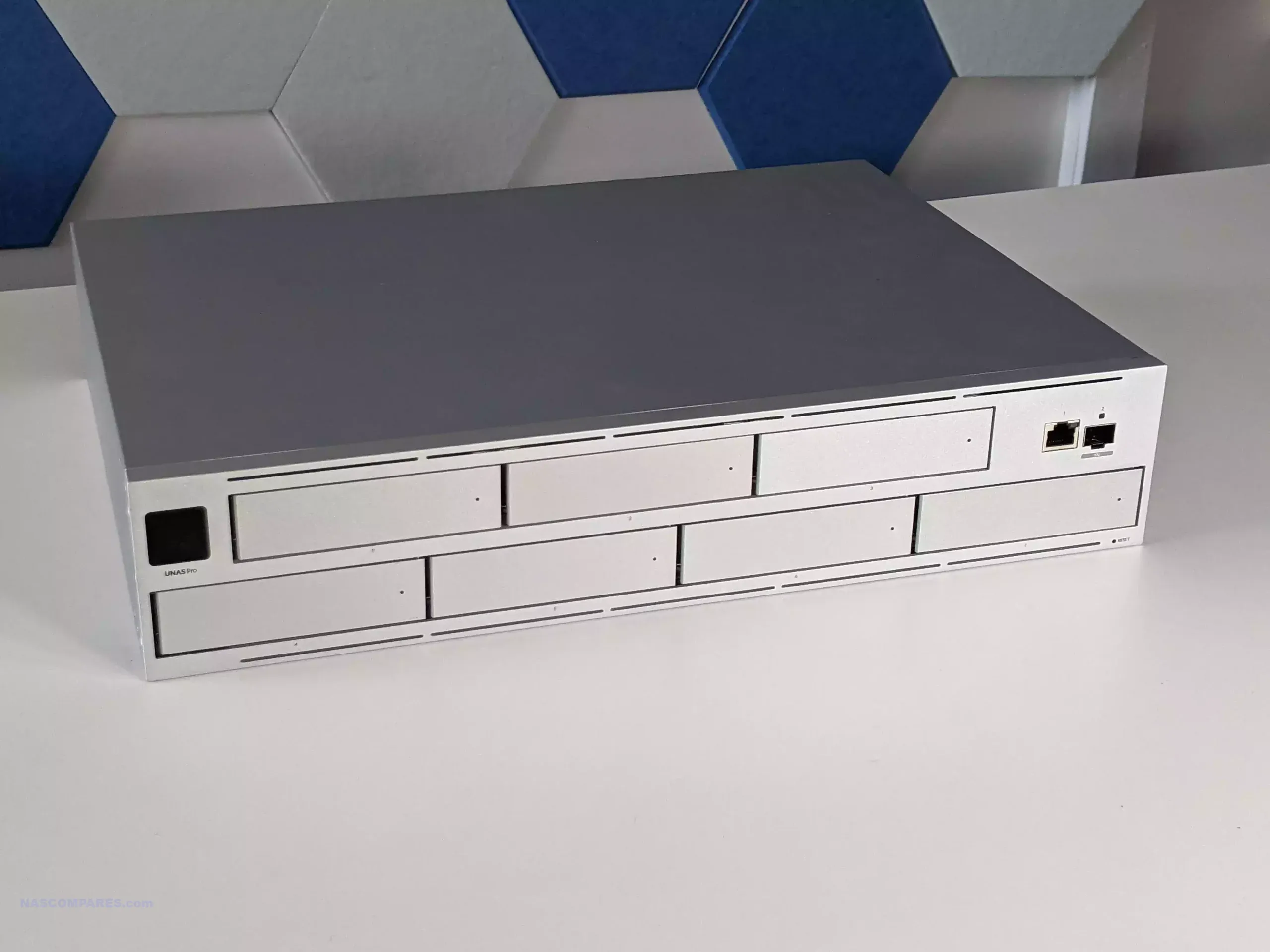
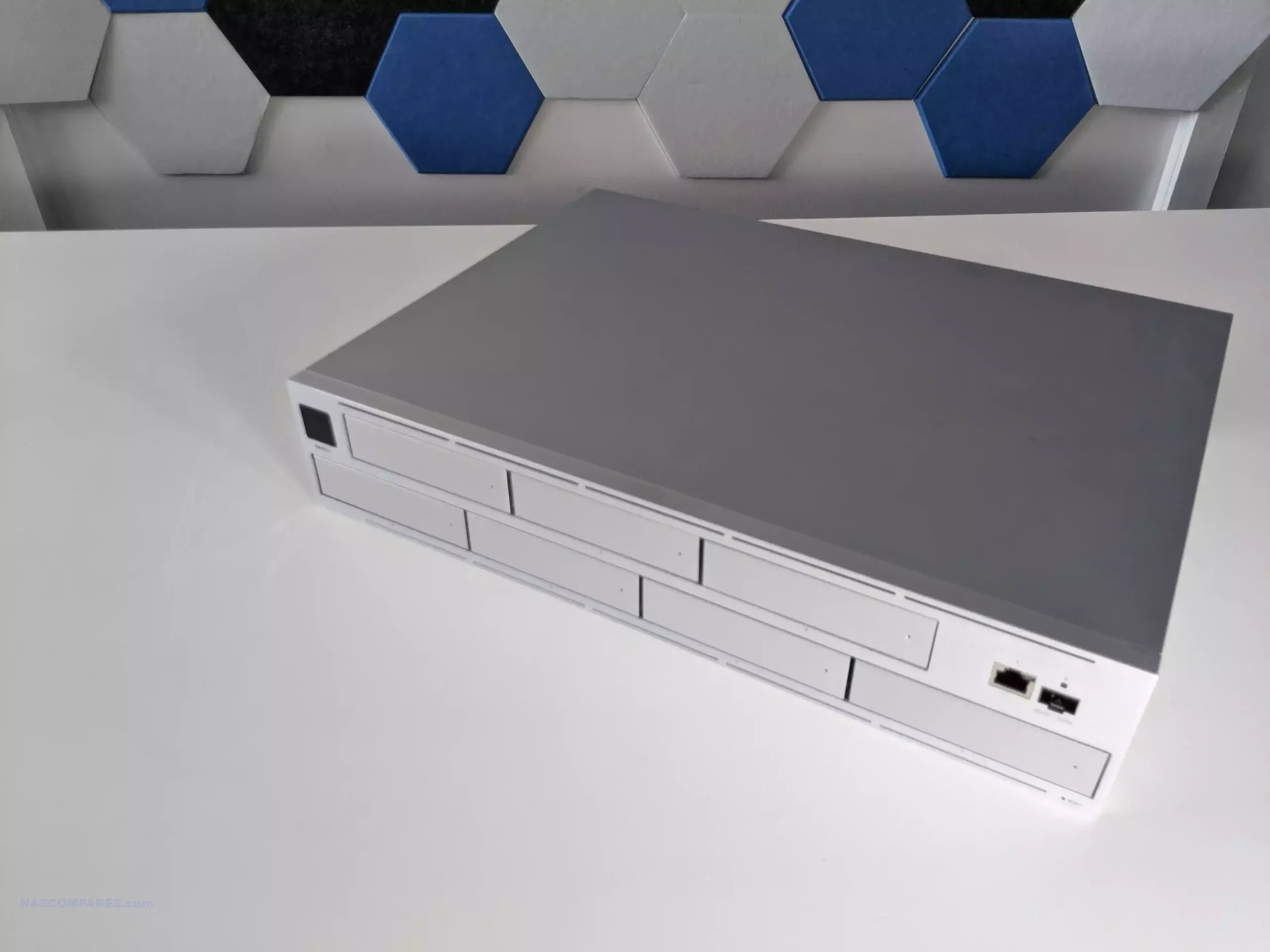
Physically, the UniFi Cloud Gateway Industrial is built around a larger, heavier enclosure that is meant to stay in place rather than sit lightly on a shelf. In informal handling, it feels closer to a small piece of infrastructure gear than a typical compact gateway, which is consistent with its stated intent for rugged or semi permanent installs. By contrast, the Cloud Gateway Fiber is a low profile compact desktop unit, and its design reads more like a traditional small office gateway that can be placed near an ISP handoff or a small network stack.
 |
 |
The materials reflect that difference in intent. The Industrial uses a polycarbonate and aluminium alloy enclosure, while the Fiber uses polycarbonate. In practical terms, the Industrial’s metal content is more aligned with durability and heat management expectations in a fanless box that may be mounted in less forgiving places, whereas the Fiber’s lighter build aligns with a device expected to live in normal indoor environments.

Mounting flexibility is also not equal. The Industrial is listed as supporting wall mounting, compact desktop placement, and rack mounting via an accessory sold separately. The hardware design includes elements intended to support reconfiguration and installation style changes without changing the device itself.

The Fiber is primarily framed as a compact desktop form factor, which is typically fine for small racks or structured cabling areas only if you are comfortable improvising placement, rather than using a purpose built mounting approach.
 |
 |
Environmental tolerances are one of the clearest design separators. The Industrial is rated for an ambient operating range of -30 to 50 C, with 5 to 95 percent noncondensing humidity. The Fiber is rated for 0 to 40 C, also with 5 to 95 percent noncondensing humidity. If the gateway will be placed in a garage, loft, workshop, cabinet with poor airflow, or any space that regularly drifts outside typical indoor office temperatures, the Industrial’s ratings are the more relevant detail than most headline performance numbers.
 |
 |
 |
 |
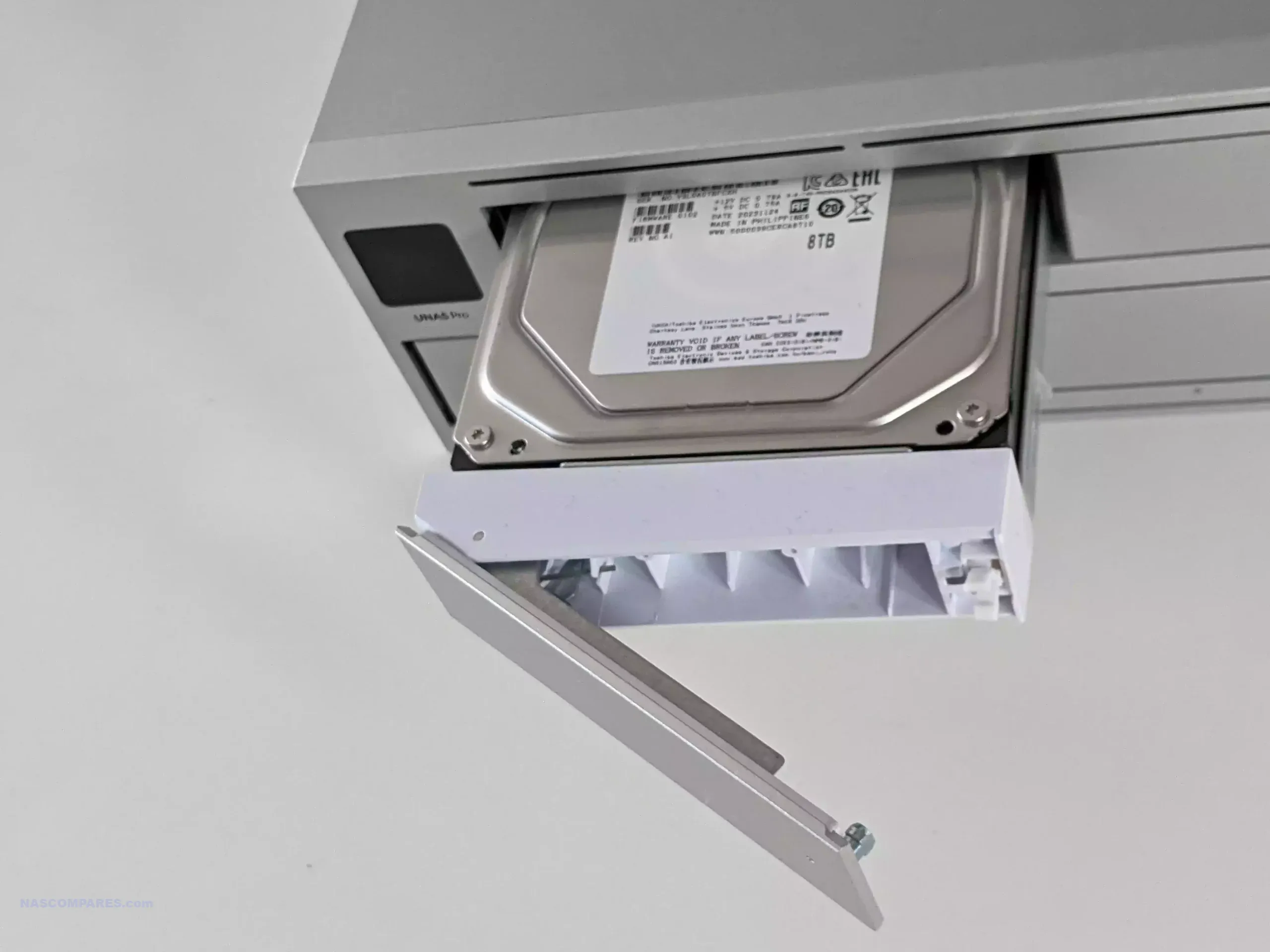
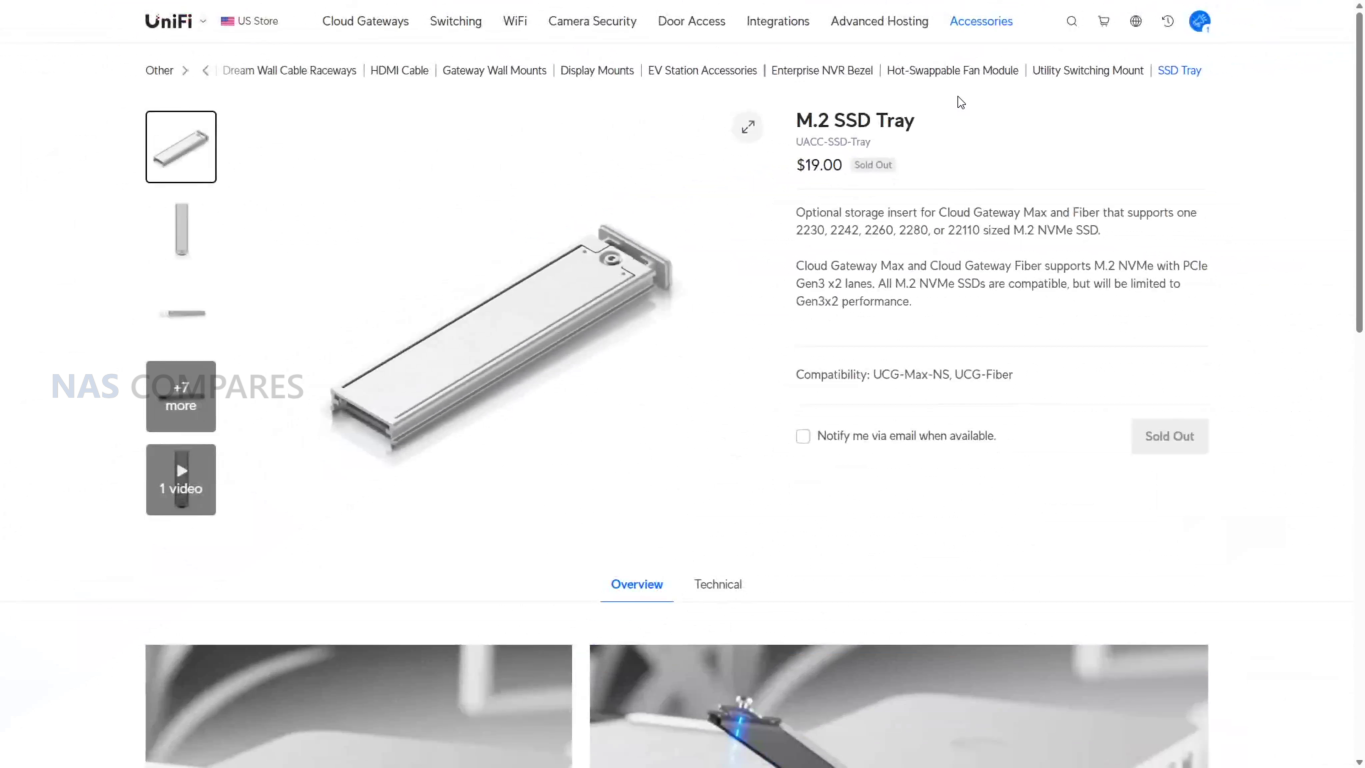
Storage is where the devices take opposite approaches. The Industrial includes pre installed storage for NVR use, listed as a 128 GB microSD, and also supports microSD expansion. The Fiber does not ship with built in NVR storage, but supports selectable NVMe SSD storage up to 2 TB. In practice, the Industrial’s included microSD makes Protect usable immediately for light camera retention without additional parts, while the Fiber’s NVMe approach is better aligned with longer retention targets and scaling camera storage without relying on removable flash media
 |
 |
UniFi Cloud Gateway Industrial (vs Fiber) – Internal Hardware
At the core, both gateways sit on a very similar compute platform: a quad core ARM Cortex A73 CPU clocked at 2.2 GHz with 3 GB of system memory. In practical terms, that means neither device has an inherent advantage in baseline controller duties like running UniFi Network alongside other UniFi applications, or handling typical gateway services such as stateful firewalling, VPN termination, and traffic analysis.
 |
 |
The key performance headline for security enabled routing is also aligned. The Cloud Gateway Fiber is rated at 5 Gbps IDS/IPS throughput, and the Industrial model is positioned at the same 5 Gbps figure in the specifications you provided. That sets a realistic expectation that the price difference is not being driven by faster IDS/IPS, and that either unit can be the bottleneck if the goal is to inspect traffic at speeds above that rating.
 |
 |
Where the internal design diverges is less about raw compute and more about what each device integrates around that shared platform. The Industrial model bundles additional subsystems into the chassis, including a built in WiFi 7 radio, PoE switching hardware with much higher total PoE delivery, and cellular related features such as SIM slots intended for use with UniFi cellular hardware. Those additions change the role of the device from a gateway plus controller into something closer to a gateway, small switch, and basic wireless node combined, which can simplify certain installations where power and connectivity need to be consolidated.
 |
 |
The Fiber model stays more focused on being a high speed gateway with multiple WAN options and scalable local storage via NVMe for Protect, rather than integrating WiFi and high power PoE into the same chassis. In a typical structured network design, that aligns with the approach of keeping wireless and switching as separate components. In a more compact or power constrained install, the Industrial’s integrated approach can reduce the number of separate devices, but it also means you are paying for features you might not use if you already have dedicated switches and access points.
 |
 |
UniFi Cloud Gateway Industrial (vs Fiber) – Ports and Connections
Both gateways are built around multi WAN capability and a mix of 10 GbE and 2.5 GbE connectivity, but they prioritize different things. The Fiber model pushes WAN flexibility and high speed uplinks, listing a max WAN port count of 6. The Industrial model lists a max WAN port count of 5 and instead leans into powering downstream equipment directly through multiple high wattage PoE ports.

On the Cloud Gateway Fiber, the physical layout is centered on high speed copper and fiber. It includes (2) 10G SFP+ ports, (1) 10 GbE RJ45 port, and (4) 2.5 GbE RJ45 ports. Its default WAN configuration is shown as (1) 10G SFP+ and (1) 10 GbE RJ45, which makes it straightforward to mix fiber and copper upstream, or to reserve additional ports for LAN and internal switching depending on how you assign roles inside UniFi.

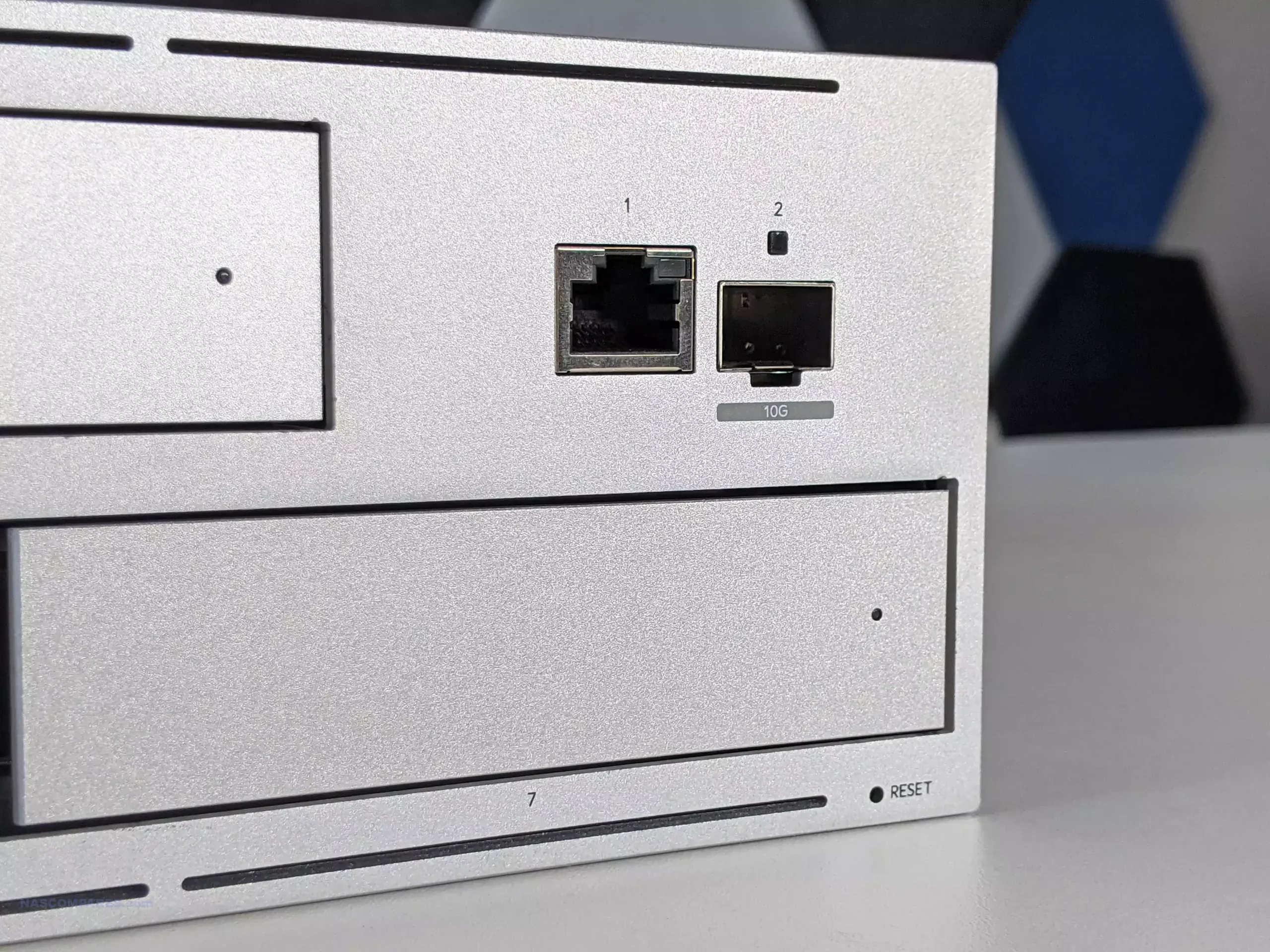
On the Cloud Gateway Industrial, the port layout is more explicit about power delivery. It has (4) 2.5 GbE RJ45 ports split as (2) PoE+++ and (2) PoE+, plus (1) 10 GbE RJ45 port that is PoE+++, and (1) 10G SFP+ port. The default WAN ports are listed as (1) 10 GbE RJ45 and (1) 2.5 GbE RJ45. In other words, it gives up some of the Fiber model’s extra high speed uplink optionality in exchange for multiple powered Ethernet outputs, including 90W class ports intended for higher draw devices.

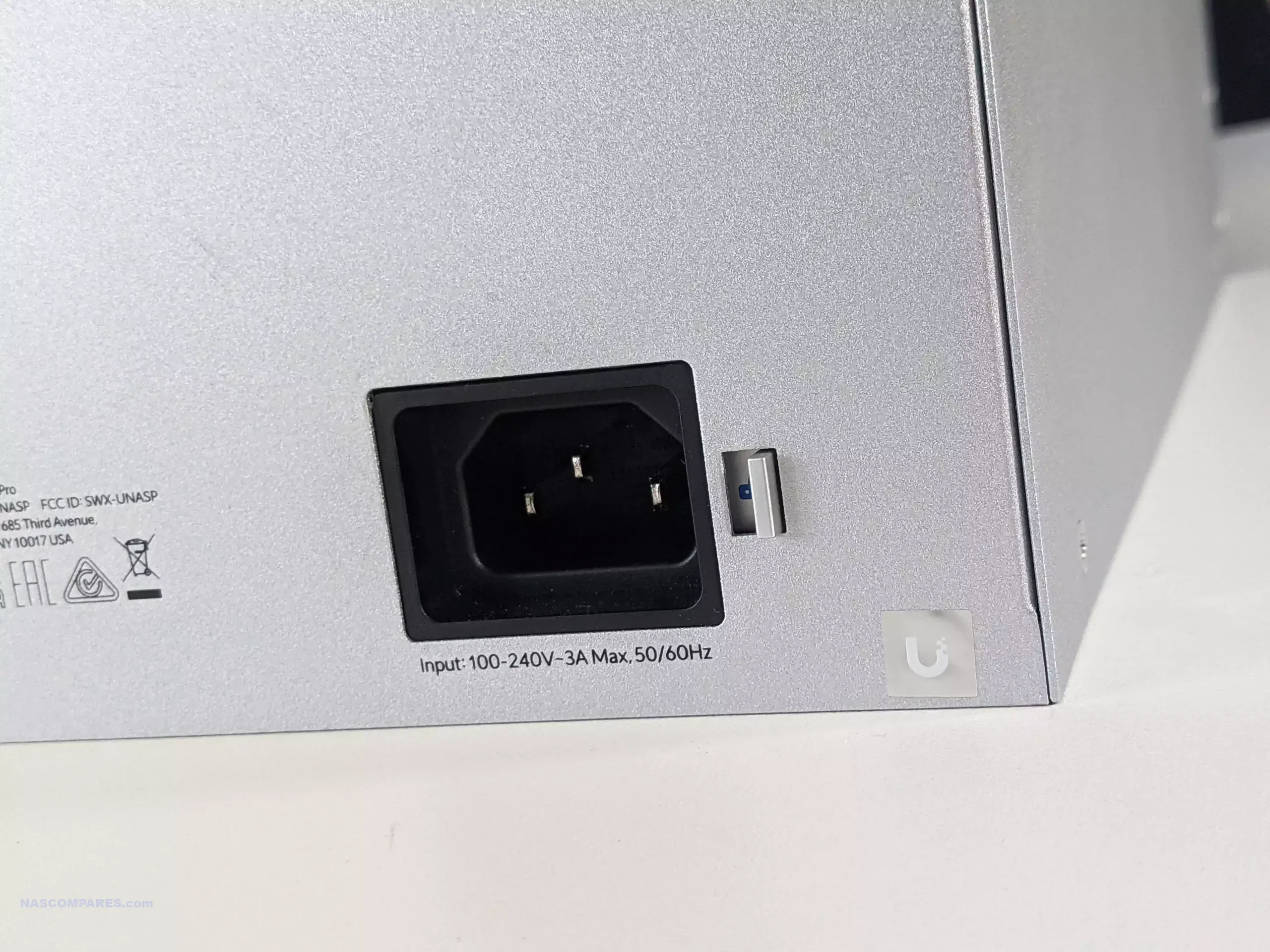
Power input design also differs because it sets limits on what the PoE side can realistically do. The Industrial lists a PoE budget of up to 270W on DC input, with a 54V 350W adapter included, and it also supports an ATX power input (48V) with a lower PoE budget listed at 75W. The Fiber lists a much smaller PoE budget of 30W and is powered via a 54V DC jack with a 1.1A adapter. Excluding PoE output, both are in the same general range for the gateway itself, listed at 28W max for the Industrial and 29.4W max for the Fiber, but the Industrial’s power system is sized for PoE heavy deployments.

The Industrial also adds non Ethernet connectivity that the Fiber does not include. It has integrated WiFi 7 on 2.4 GHz and 5 GHz with external antenna support, and it includes 2 SIM slots intended for use with UniFi cellular hardware. The Fiber does not integrate WiFi or SIM slots, so wireless and cellular failover are typically handled by separate UniFi devices rather than being built into the gateway.

UniFi Cloud Gateway Industrial vs Cloud Gateway Fiber – Where Has $300 Been Spent?
At $579 versus $279, the Industrial is asking you to pay about $300 extra for a different kind of gateway bundle rather than a higher routing ceiling. Both platforms align on the core controller and gateway capability, including the same general IDS/IPS rating, so the decision largely comes down to whether you will use the Industrial model’s integrated features and physical design enough to offset the price difference. The biggest measurable value add is PoE output. The Fiber’s PoE budget is 30W total, which covers a single low to moderate power device, but it does not change how you design a network. The Industrial can deliver up to 270W of PoE output on DC input, with multiple ports supporting PoE+++ up to 90W per port. If your plan includes powering higher draw devices directly from the gateway, or you want to avoid adding a separate PoE switch in a small installation, that difference can replace other hardware and simplify cabling.

The next set of value drivers are convenience and deployment constraints. The Industrial includes integrated WiFi 7 (2.4 GHz and 5 GHz) with external antennas, plus dual SIM slots intended for cellular related UniFi use, and it is built for harsher placement with a higher listed operating temperature range. Those are specific benefits when the gateway needs to live in less controlled spaces, when a basic local wireless link at the gateway is useful, or when you want those functions inside a single enclosure. If you already plan to deploy dedicated access points, dedicated switching, and a separate failover device, these integrated features are less likely to change the design. Storage is a smaller part of the $300, but it affects out of box readiness. The Industrial includes 128 GB microSD intended for NVR use, so Protect storage exists immediately with no additional parts. The Fiber can scale higher with an NVMe SSD up to 2 TB, but that storage is optional and adds cost. If Protect is a core requirement and you want higher retention, the Fiber can still end up costing more once storage is added, while the Industrial starts with basic capacity included.

UniFi Cloud Gateway Industrial – Verdict & Conclusion
The UniFi Cloud Gateway Industrial is primarily justified by what it combines into a single chassis, and by where it is intended to live. The unit pairs a fanless, ruggedized enclosure and higher temperature tolerance with integrated WiFi 7 (2.4 GHz and 5 GHz) using external antennas, multi port PoE output that includes PoE+++ at up to 90W per port, and a high total PoE budget when powered from its included 54V adapter. It also includes pre installed microSD storage aimed at NVR duties, plus SIM slots that are designed around supported UniFi cellular integrations. None of these features change the stated IDS/IPS ceiling compared with other similar gateways, but they do change what additional equipment is required in smaller or more constrained deployments.

The value case depends on whether those integrated functions replace other purchases. If you would otherwise buy a separate network gateway, a WiFi access point or router, and a PoE+++ capable switch to power downstream devices, the combined cost and installation complexity can narrow the apparent price gap and in some cases make the Industrial model the simpler, potentially cheaper route overall. If your design already assumes dedicated switching, dedicated wireless, and storage sized beyond what a microSD setup can reasonably provide, the Industrial model’s premium is more likely to be paying for capabilities you do not use. In that situation, the practical advantage of the Industrial is mainly its physical build and power delivery, not a different performance class for routing and security inspection.
| Here are all the latest UniFi Gateway Network PoE Solutions & Prices: |
You can buy the UniFi UNAS Pro 4 NAS via the link below – doing so will result in a small commission coming to me and Eddie at NASCompares, and allows us to keep doing what we do!
| PROs of the UniFi Cloud Gateway Industrial | PROs of the UniFi Cloud Gateway Industrial |
|
|
 SUBSCRIBE TO OUR NEWSLETTER
[contact-form-7]
 Join Inner Circle
 Get an alert every time something gets added to this specific article!
Subscribe
This description contains links to Amazon. These links will take you to some of the products mentioned in today's content. As an Amazon Associate, I earn from qualifying purchases. Visit the NASCompares Deal Finder to find the best place to buy this device in your region, based on Service, Support and Reputation - Just Search for your NAS Drive in the Box Below
Need Advice on Data Storage from an Expert?
Finally, for free advice about your setup, just leave a message in the comments below here at NASCompares.com and we will get back to you. Need Help?
Where possible (and where appropriate) please provide as much information about your requirements, as then I can arrange the best answer and solution to your needs. Do not worry about your e-mail address being required, it will NOT be used in a mailing list and will NOT be used in any way other than to respond to your enquiry.
[contact-form-7]
Need Help?
Where possible (and where appropriate) please provide as much information about your requirements, as then I can arrange the best answer and solution to your needs. Do not worry about your e-mail address being required, it will NOT be used in a mailing list and will NOT be used in any way other than to respond to your enquiry.
[contact-form-7]
 TRY CHAT
Terms and Conditions
TRY CHAT
Terms and Conditions
 Ko-fi or old school Paypal. Thanks!To find out more about how to support this advice service check HEREIf you need to fix or configure a NAS, check Fiver
Have you thought about helping others with your knowledge? Find Instructions Here
Ko-fi or old school Paypal. Thanks!To find out more about how to support this advice service check HEREIf you need to fix or configure a NAS, check Fiver
Have you thought about helping others with your knowledge? Find Instructions Here





|
 |