Connexion
The Best NAS of the Year – 2025
Best NAS of the Year 2025
Network attached storage in 2025 has shifted from being a niche utility to a central part of how many homes, studios and small businesses manage data. Rising storage needs, more capable low power CPUs and a renewed interest in self hosted services have produced a wave of compact, power efficient systems alongside more traditional multi bay enclosures. This article identifies a small group of NAS devices that stood out during 2025 for their hardware design, price-to-performance balance or the specific problems they address, rather than for brand familiarity alone. To qualify for inclusion, a NAS had to be commercially available for general sale during 2025, not an older carry over model or a crowdfunded prototype. No Kickstarter, Indiegogo or pre production units were considered, and devices that only existed as region locked or short lived batches were excluded where availability could not be reasonably confirmed. Both turnkey systems with bundled NAS operating systems and OS agnostic, barebones style hardware are included, provided they offer a clear proposition for real world use in home lab, small business or mobile workflows.
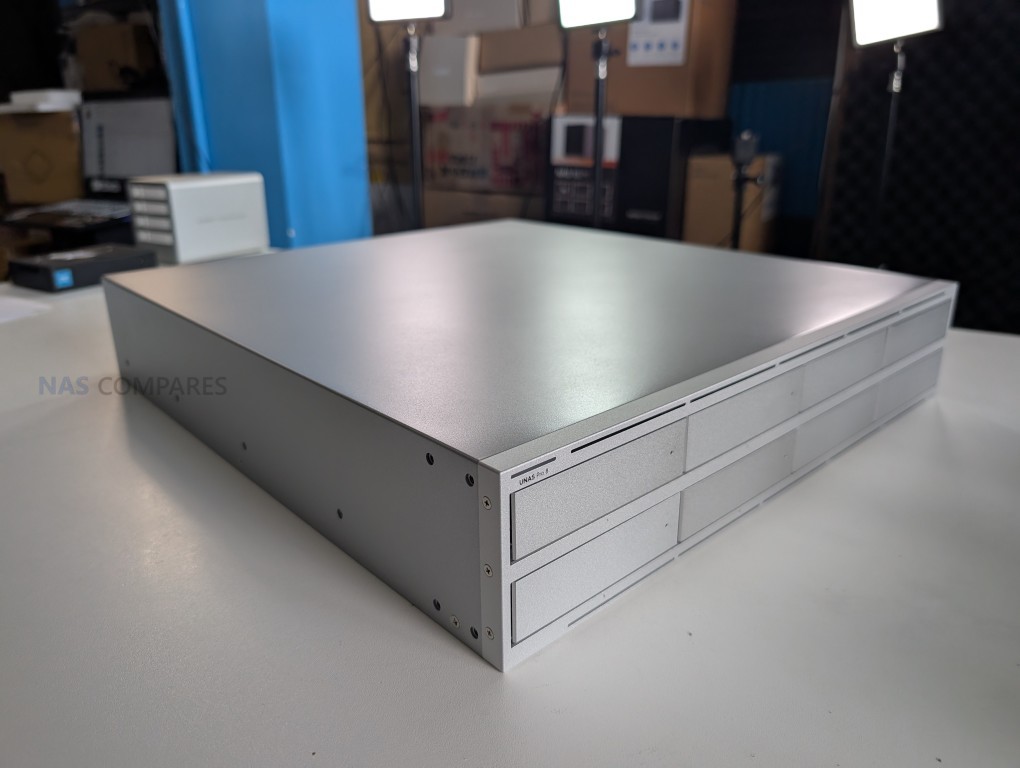
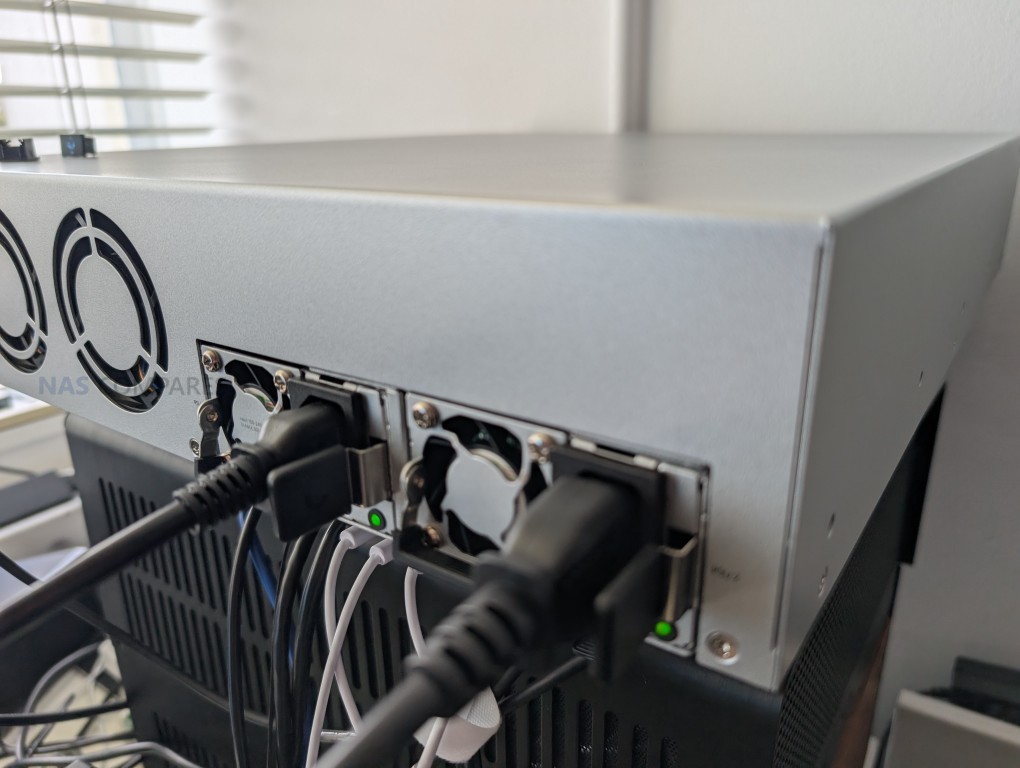
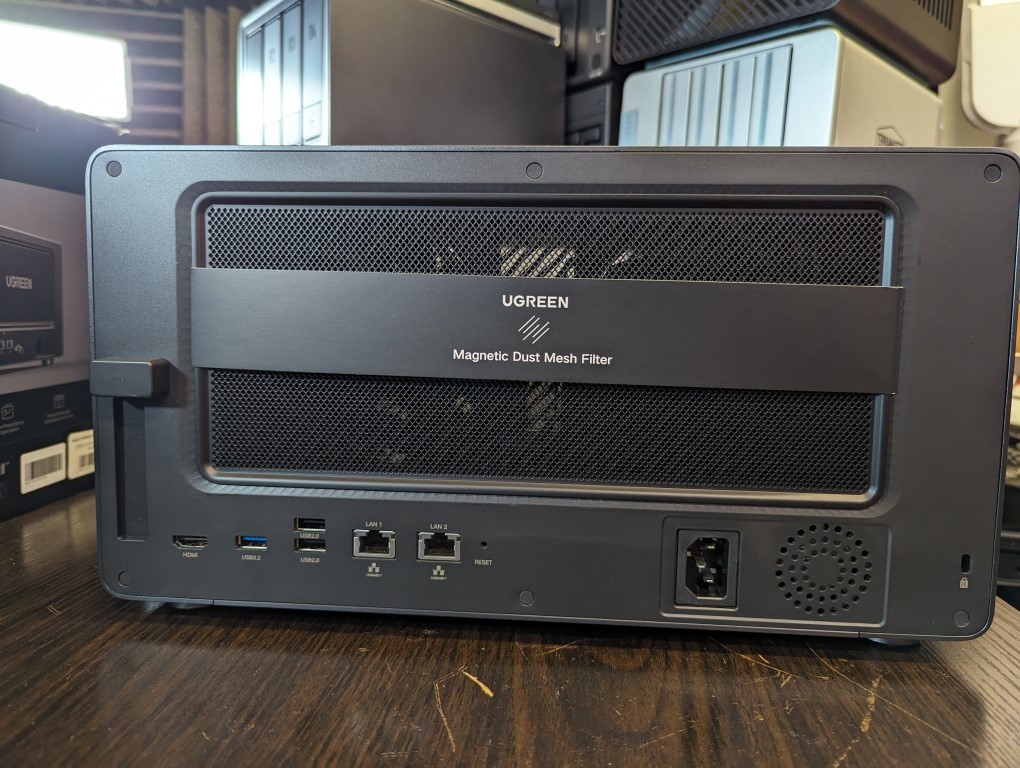
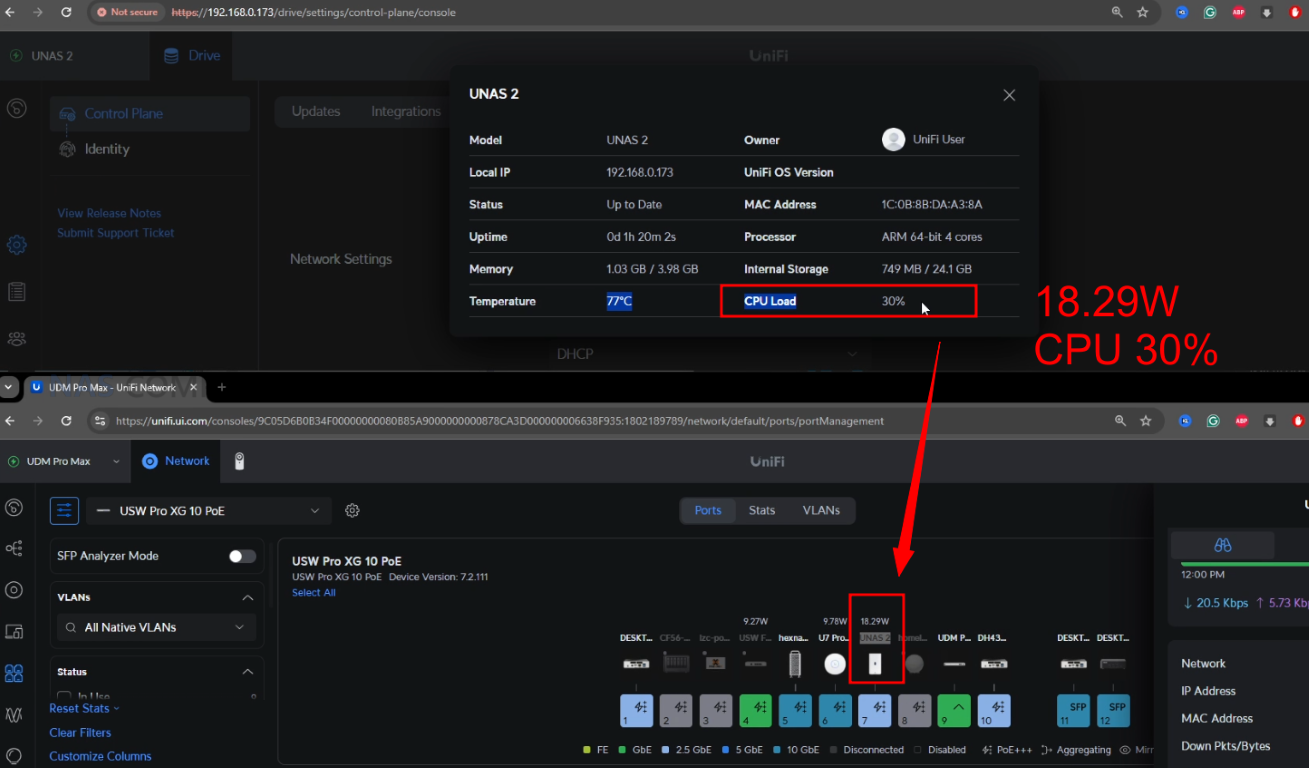
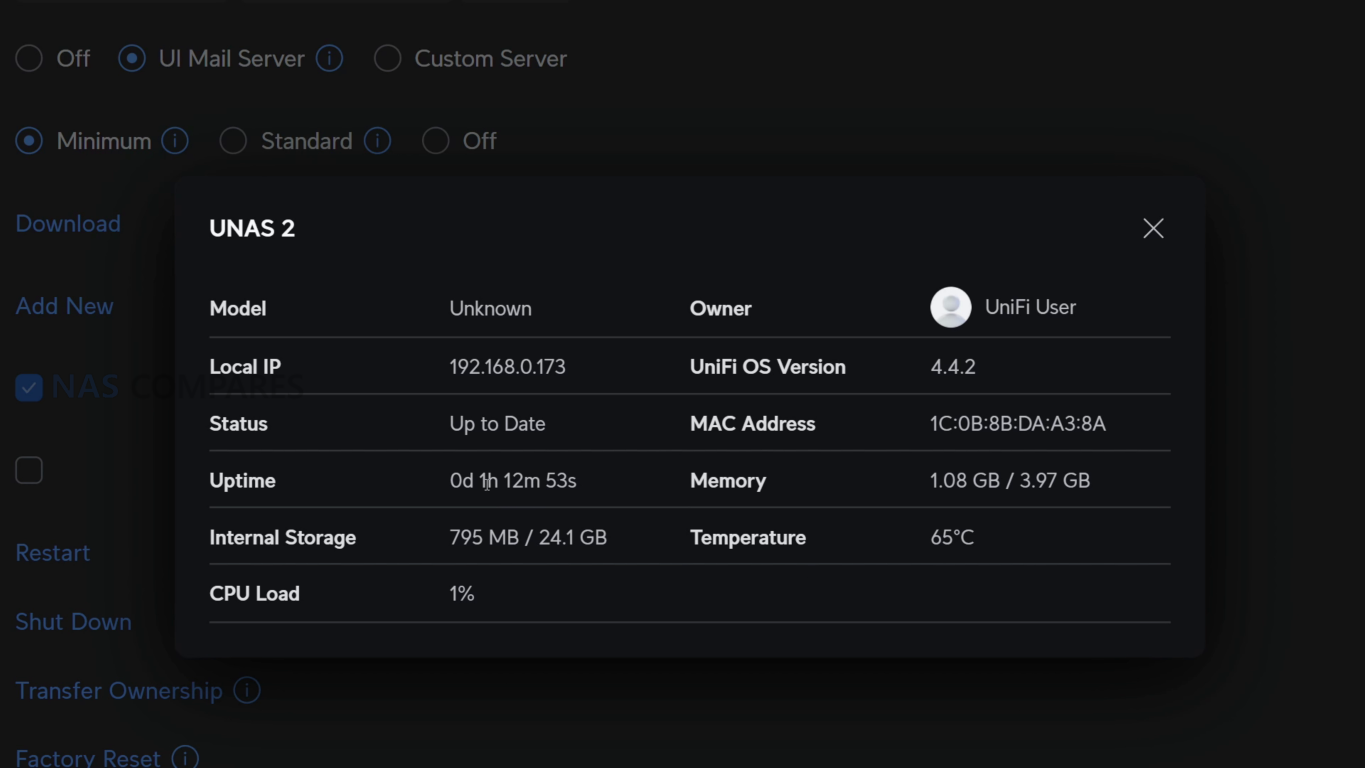
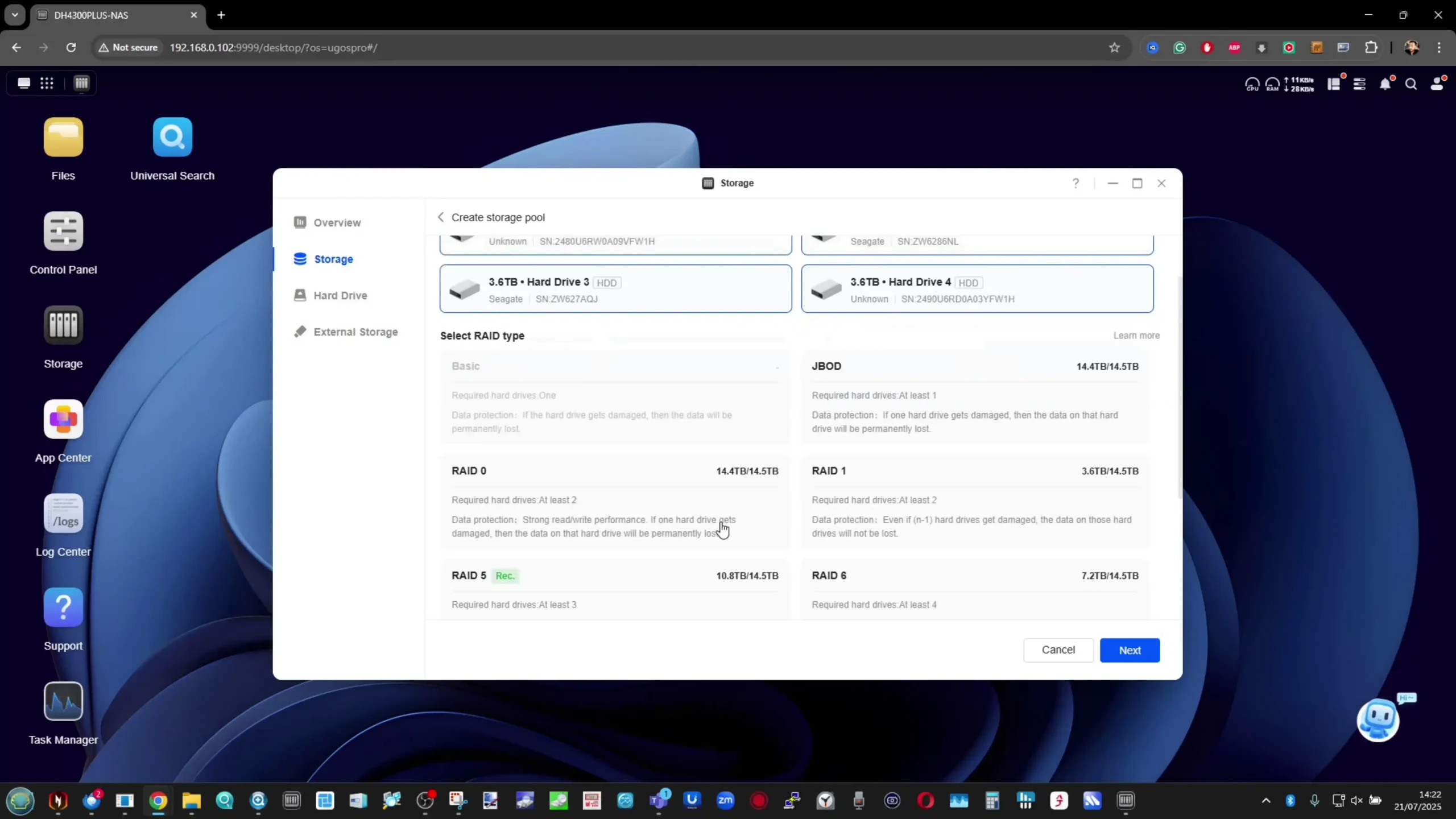
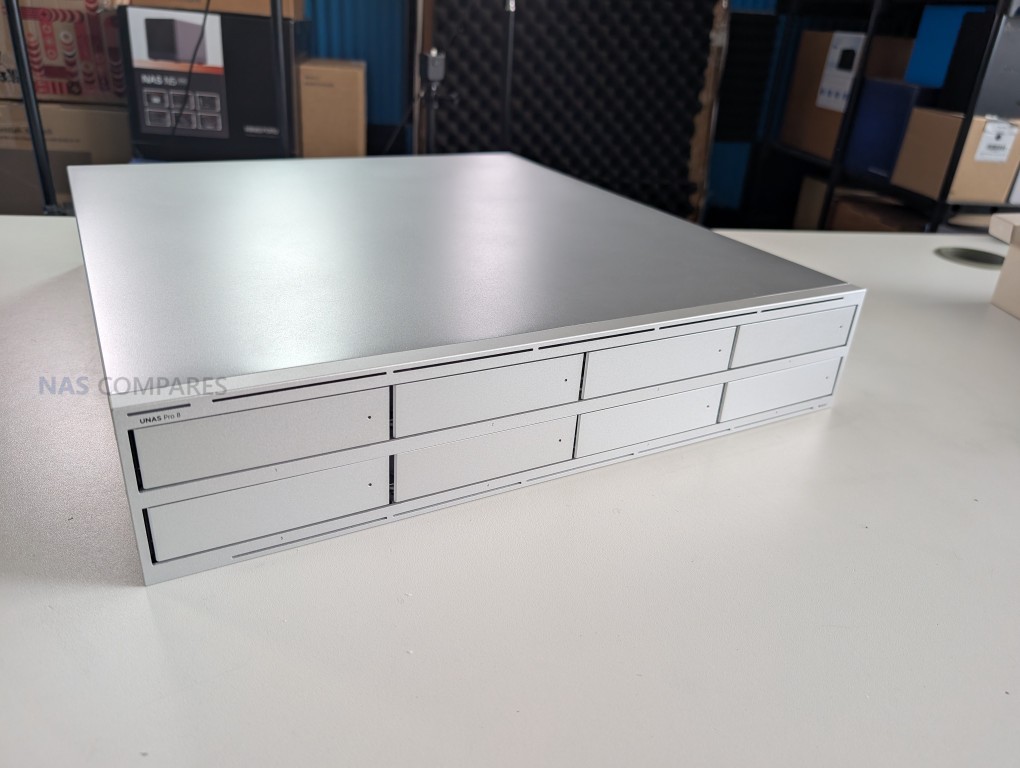
Honourary Mention – The UniFi UNAS Series – $199 to $799
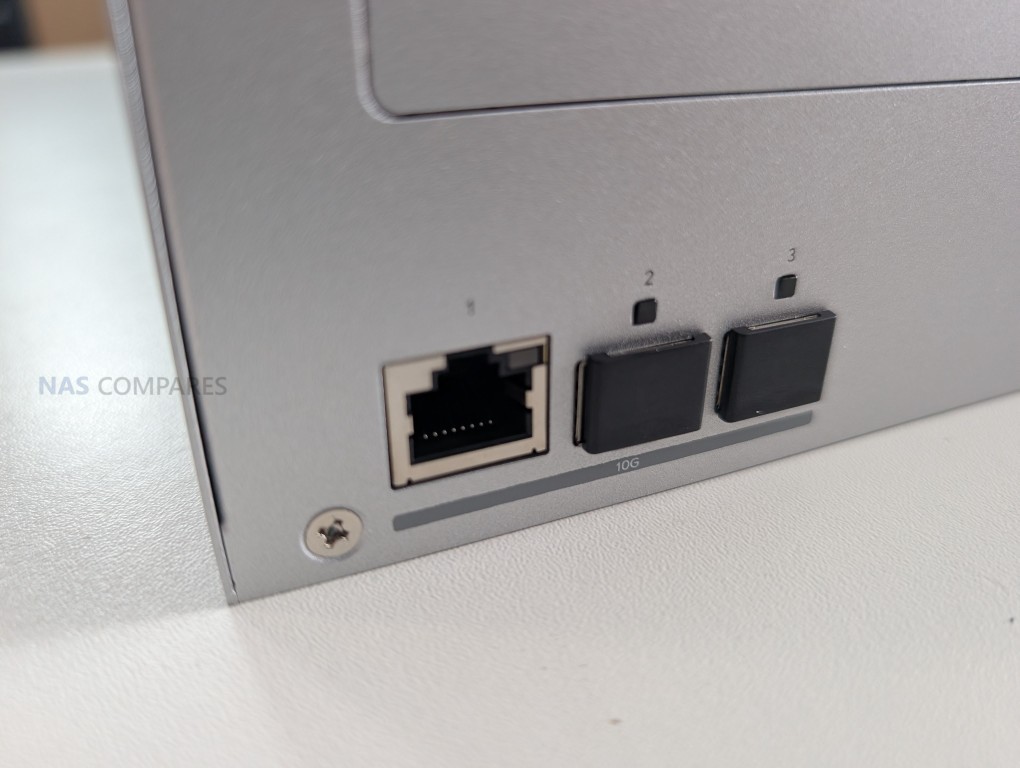
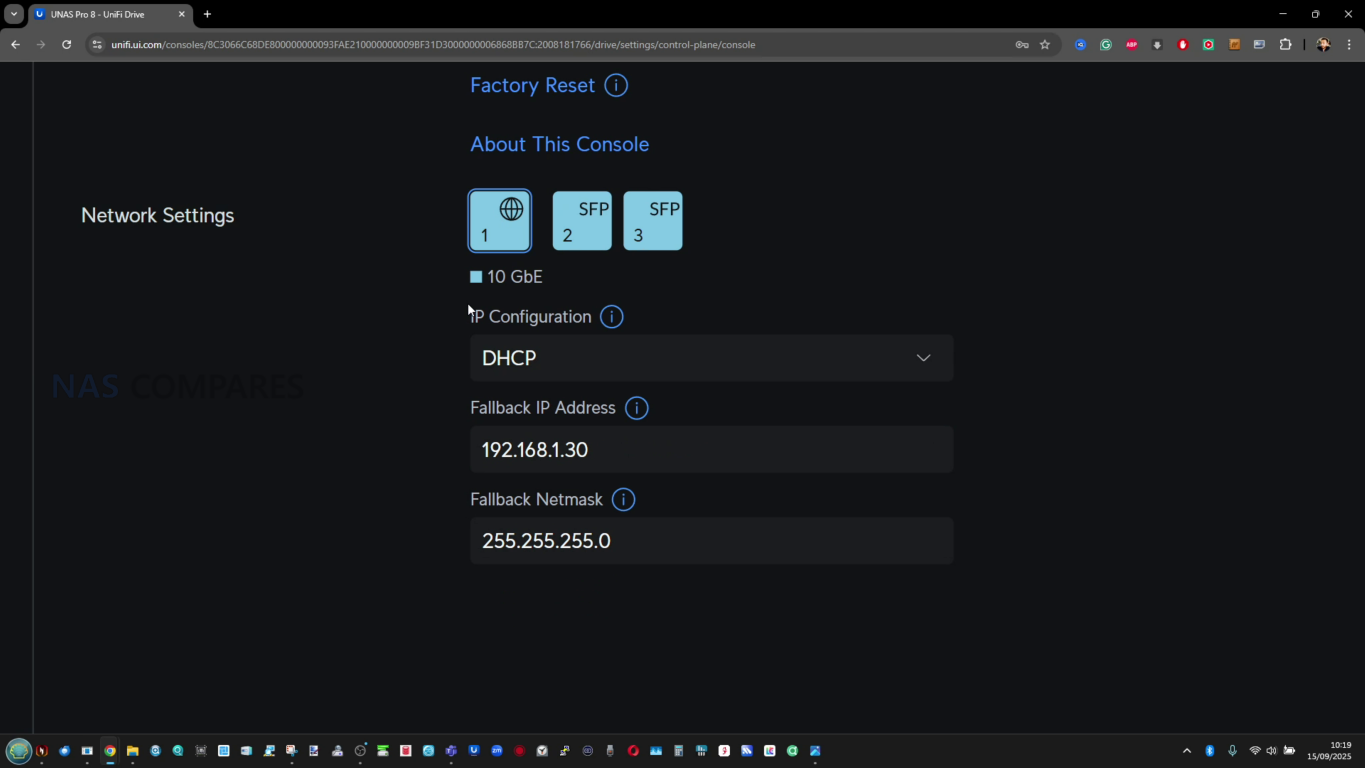
SPECS: Quad core ARM Cortex A55 or A57 at 1.7 to 2.0 GHz – 4 to 16 GB LPDDR4 – 2 to 8 x 3.5″ SATA bays – 1 x 2.5 GbE RJ45 / 1 x 1 GbE RJ45 / up to 3 x 10 GbE (RJ45 and SFP+) – 0 or 2 x M.2 NVMe SSD slots for cache (depending on model).
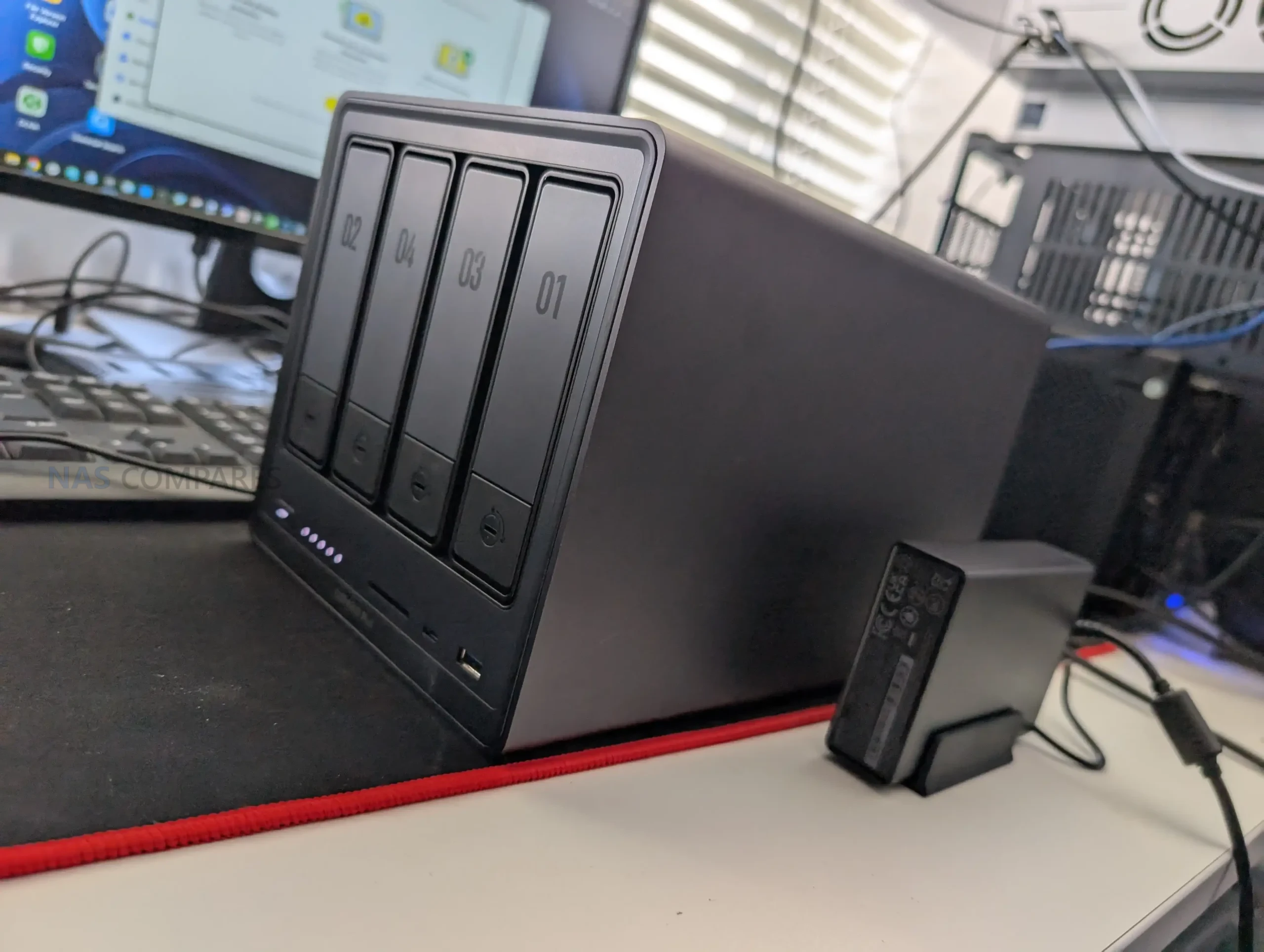
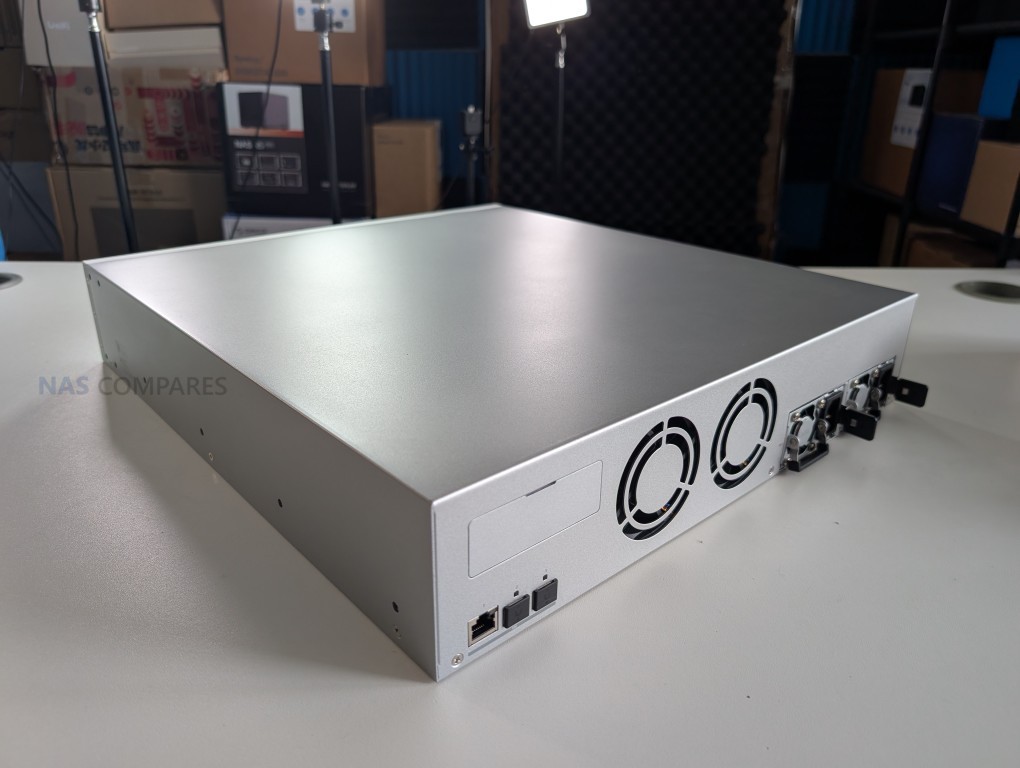
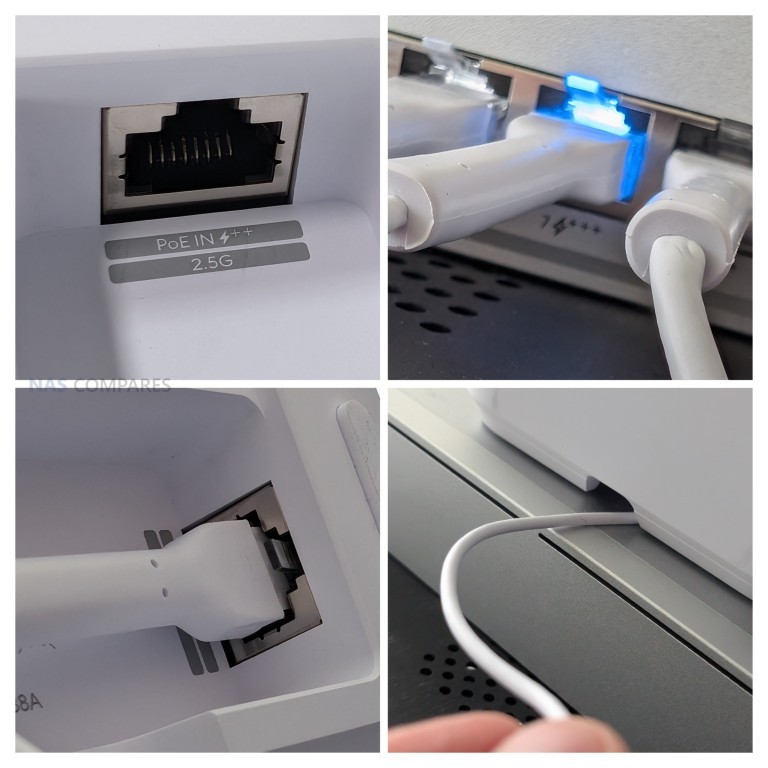
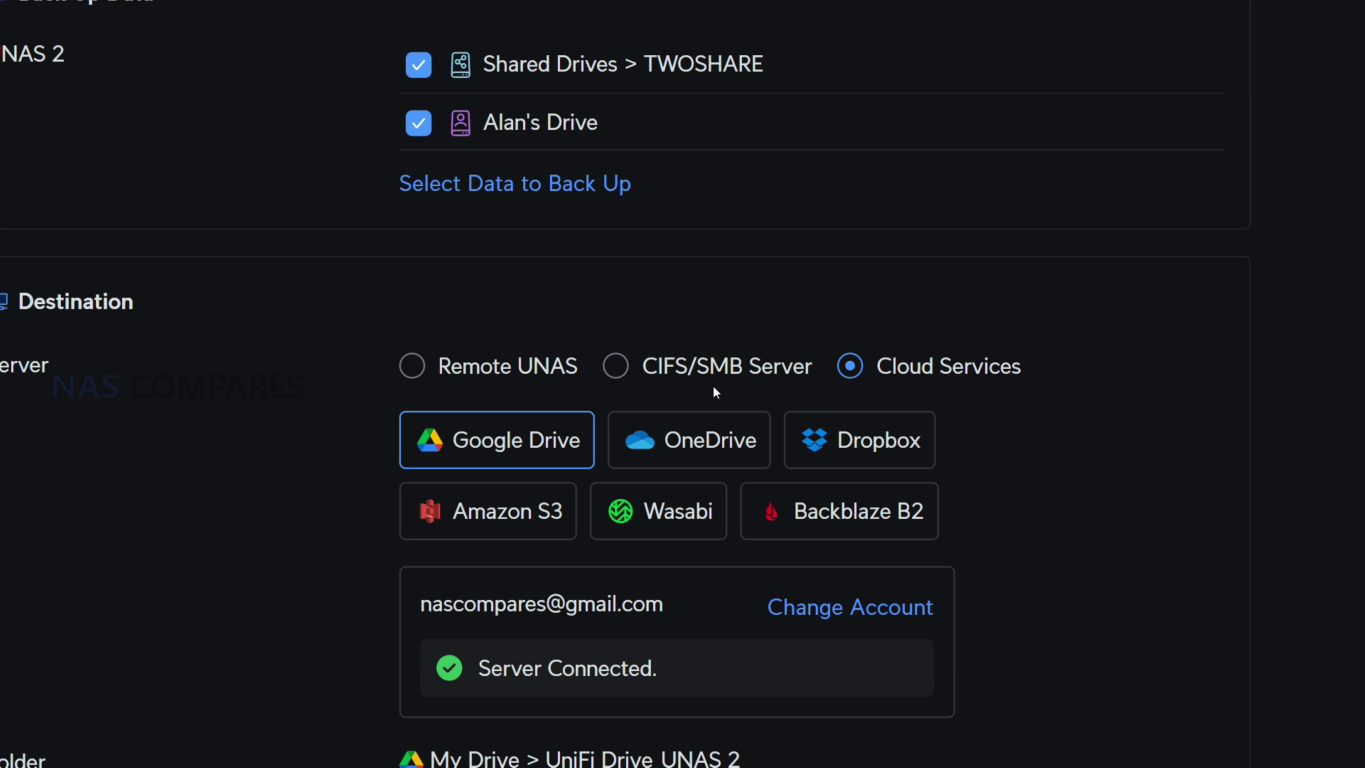
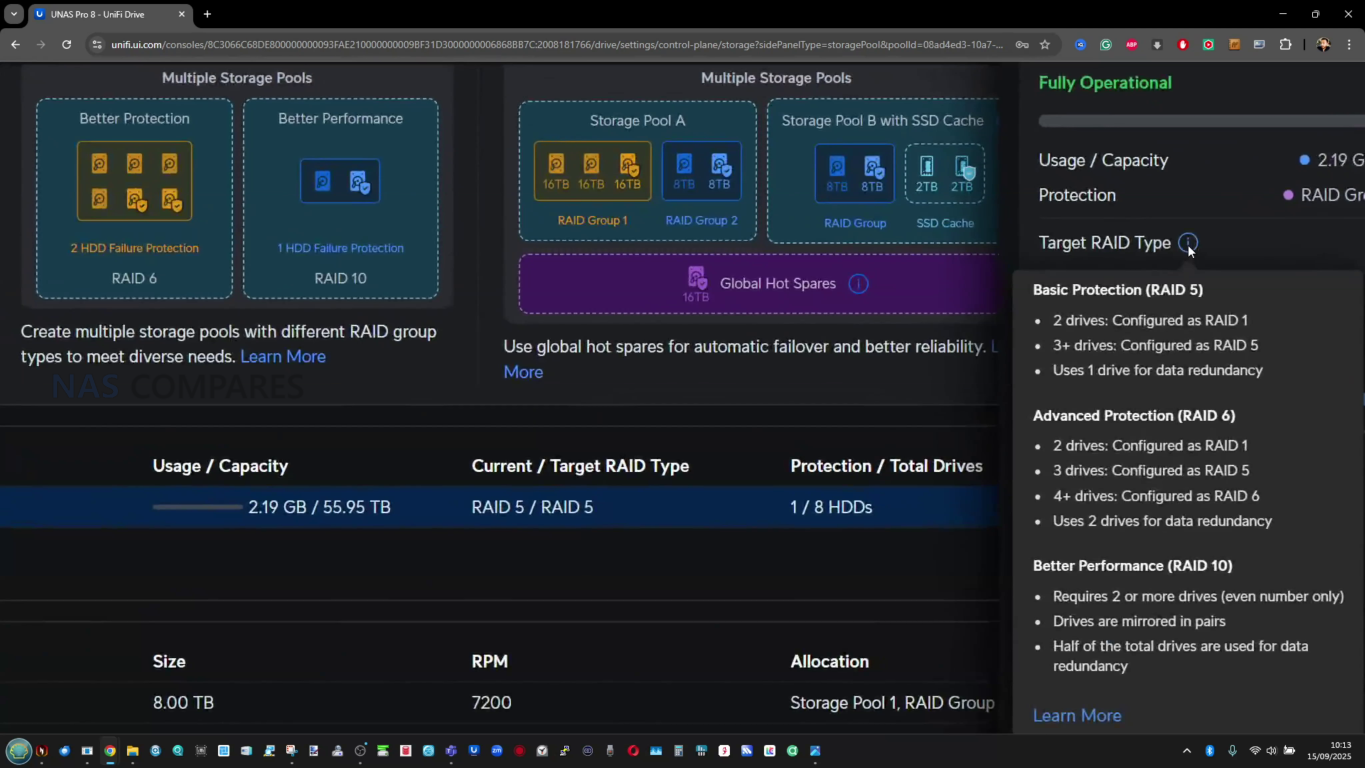
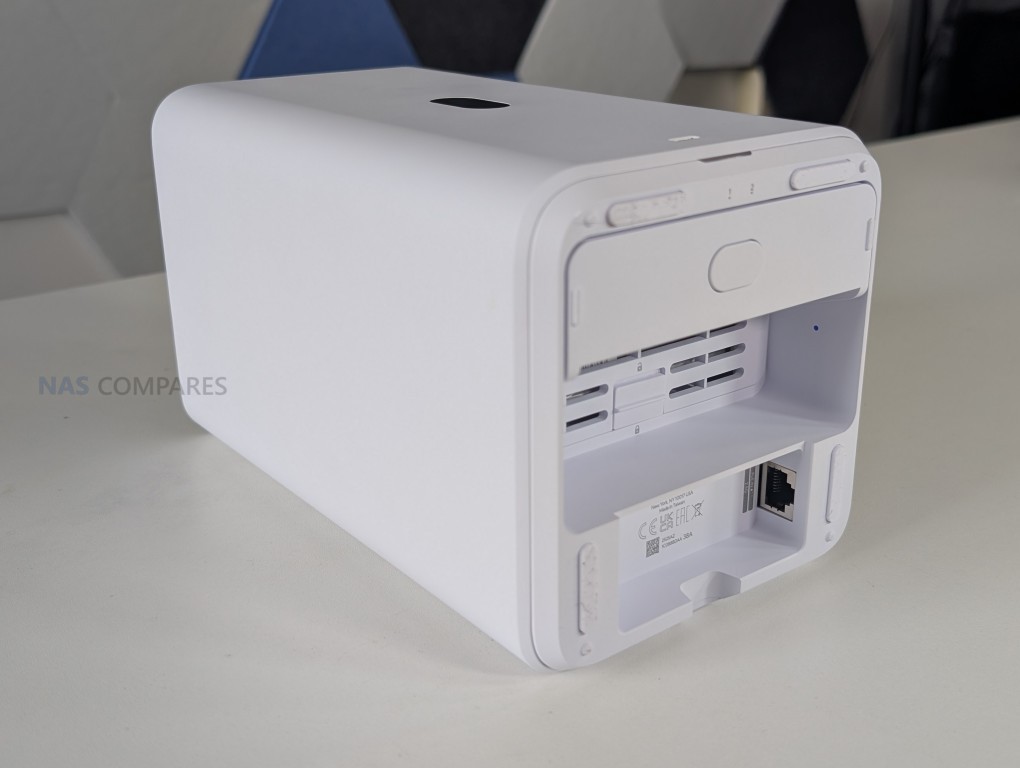
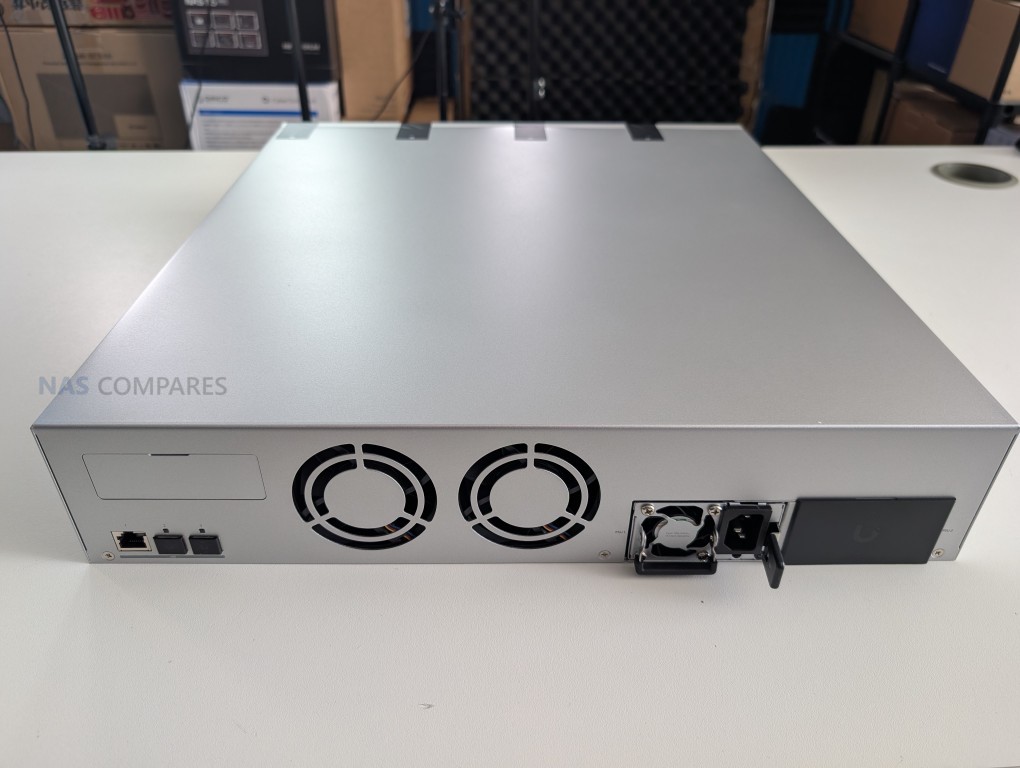
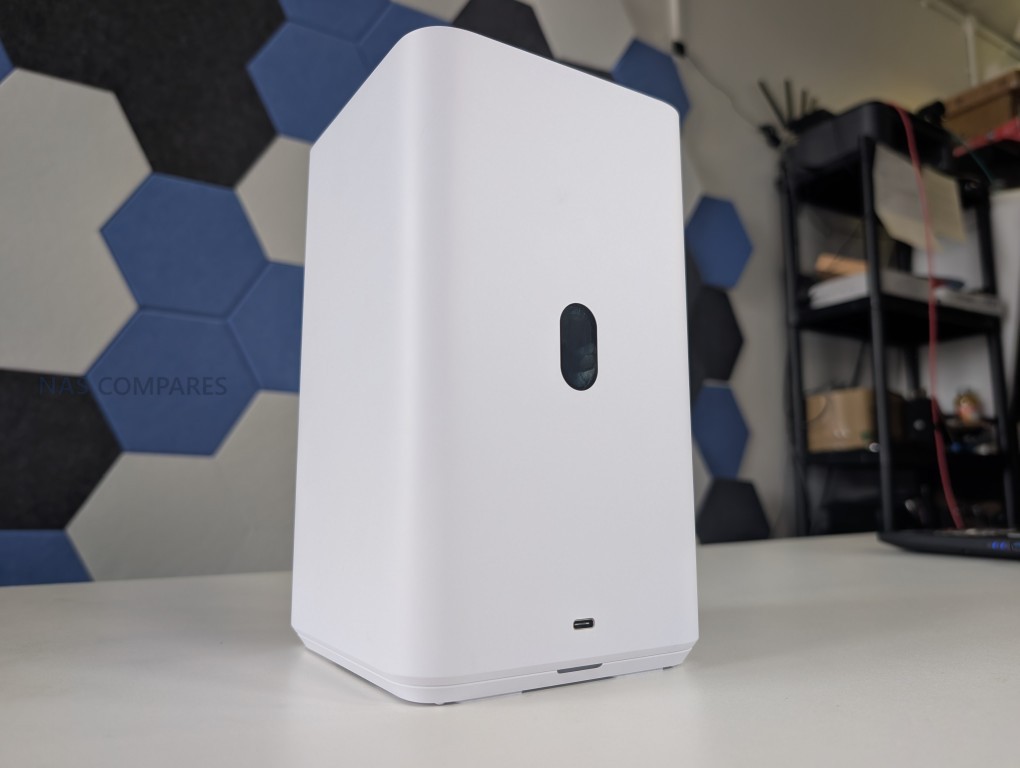
While not a single flagship unit, UniFi’s expanded UNAS NAS range in 2025 merits an honorary mention as a platform level development. Moving from a single NAS offering in 2024 to multiple UNAS models in 2025, UniFi shifted from dabbling in storage to positioning itself as a serious option for small business, UniFi centric home labs and integrators that want storage tightly aligned with existing UniFi networking and management.
 |
 |
The significance here is not an isolated specification or feature, but the fact that a major networking vendor is rapidly building out a NAS portfolio at a time when private data ownership, self hosted services and integrated stacks are becoming more important, adding competitive pressure on more established, slower moving NAS brands.

| UNAS UNAS 2 – 2-Bay NAS – $199 | UNAS UNAS Pro 8 – 8-Bay NAS – $799 |
 |
 |
 |
|
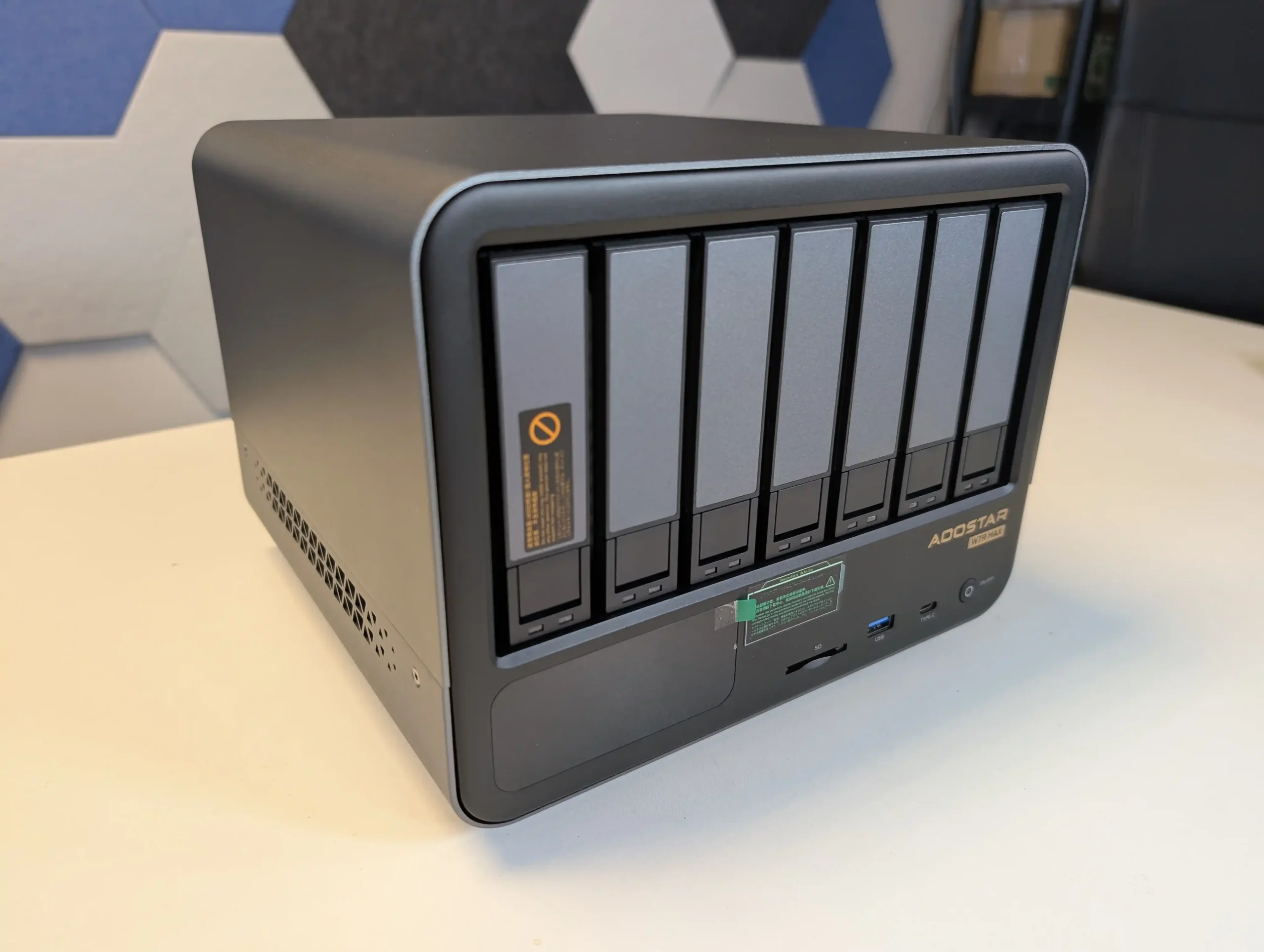
#1 Aoostar WTR Max – $599-699
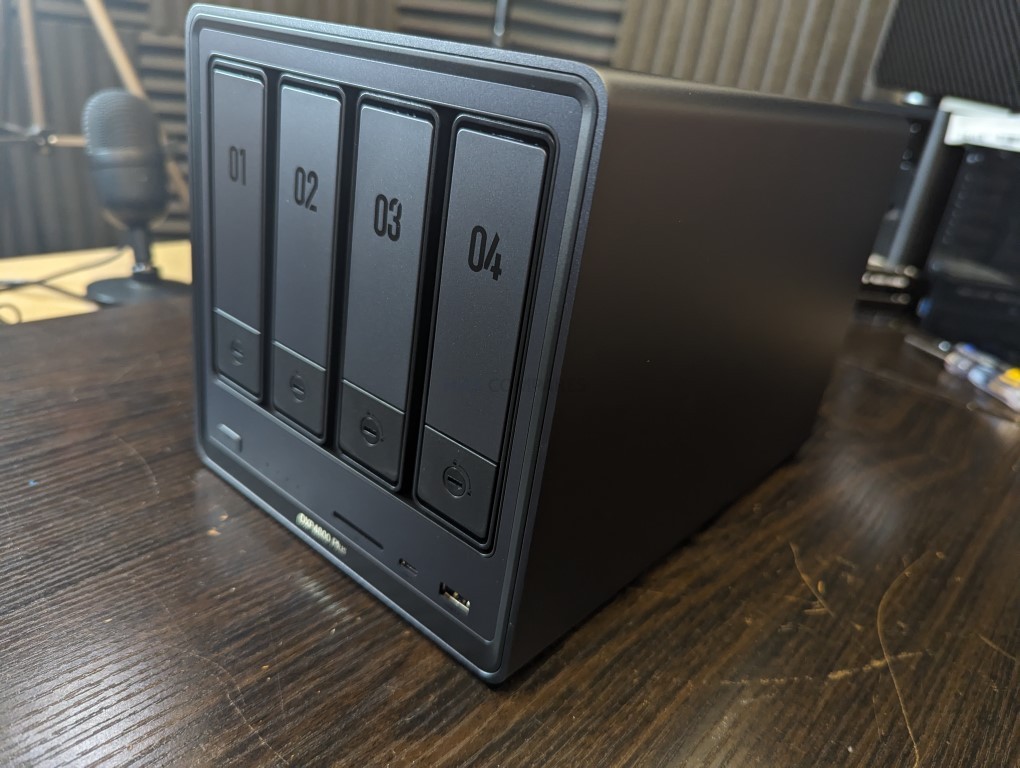
SPECS: AMD Ryzen 7 Pro 8845HS – up to 128 GB DDR5 ECC via 2 SODIMM slots – 6 x 3.5″/2.5″ SATA bays – 2 x 2.5 GbE RJ45 / 2 x 10 GbE SFP+ – 5 x M.2 2280 NVMe PCIe 4.0 slots.
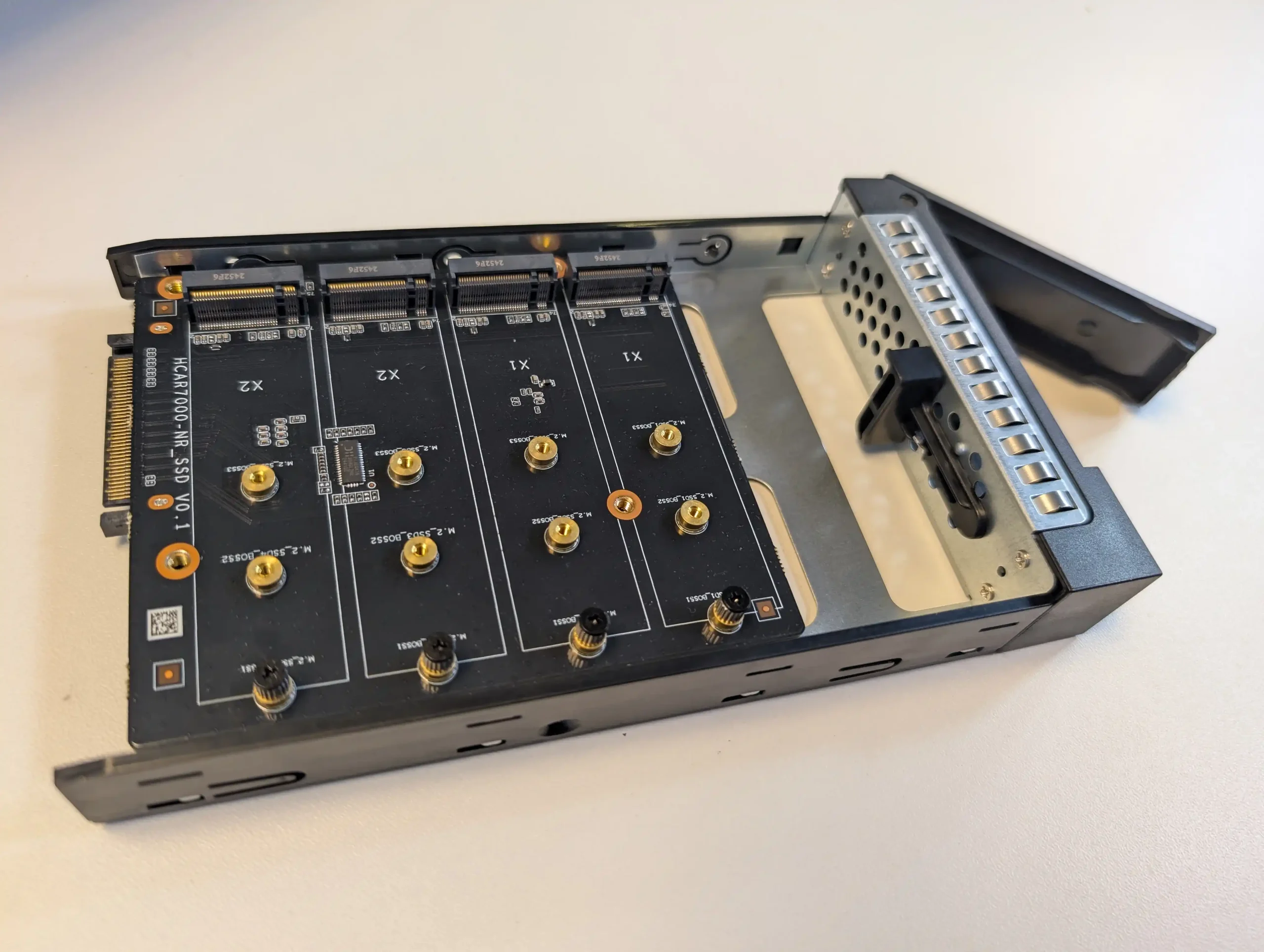
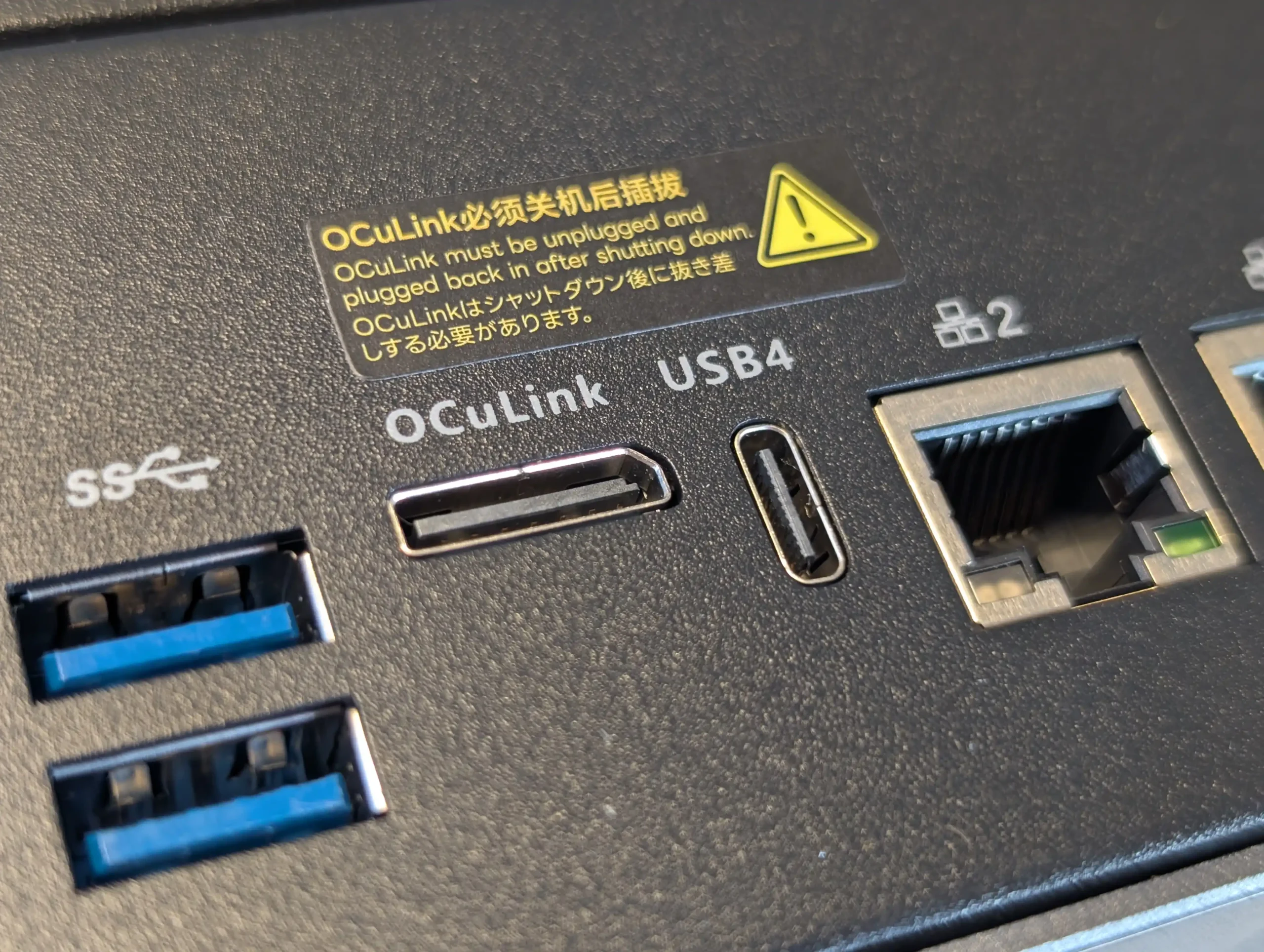
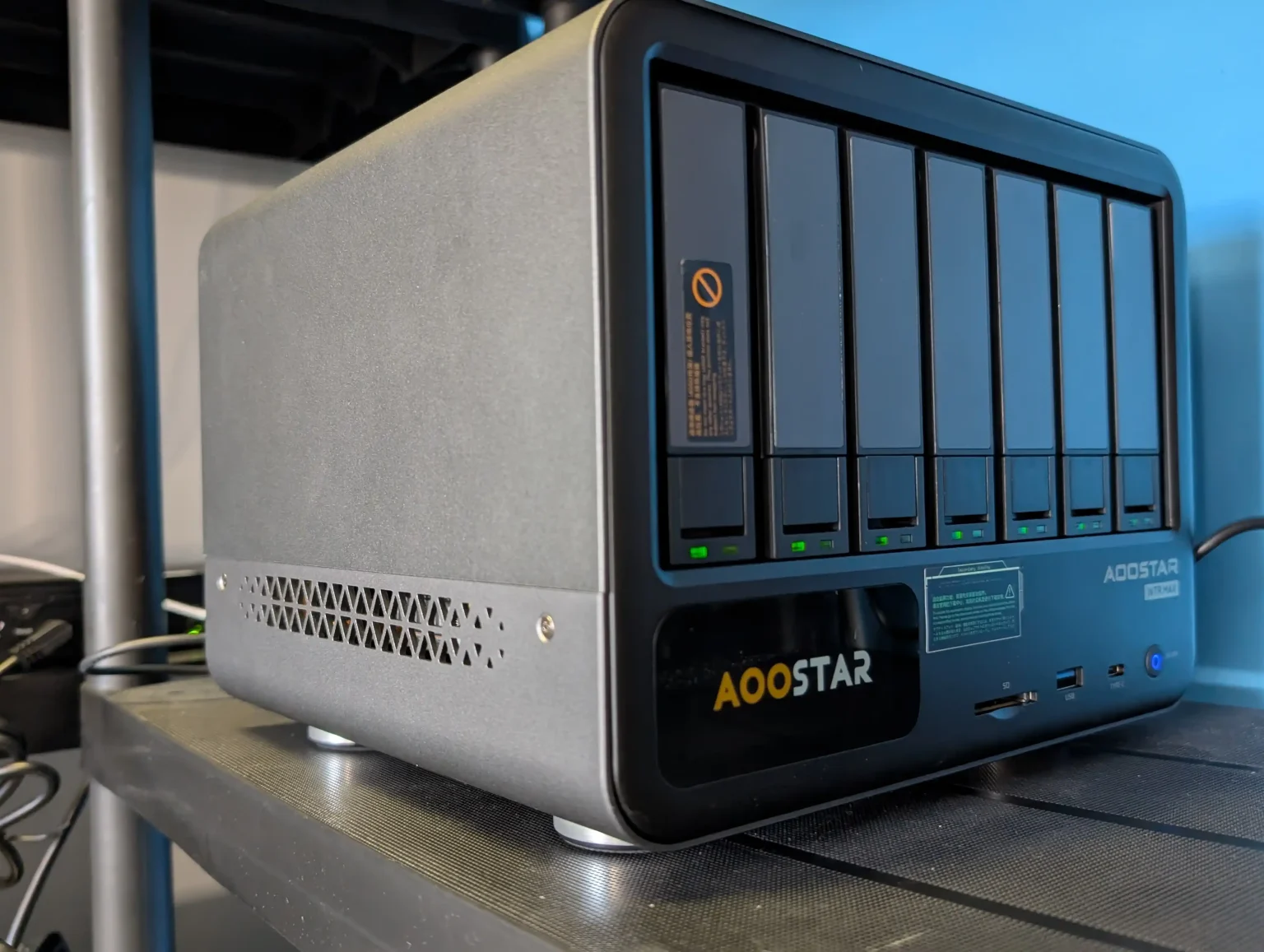
The Aoostar WTR Max is a prebuilt, OS agnostic NAS chassis that stands out for its hardware density at its price point. It combines 6x hard drive bays with 4x M.2 NVMe slots, dual 10 GbE networking and an AMD server grade platform with ECC memory support in a compact enclosure that has been noted for effective cooling relative to its size. Rather than tying buyers to a proprietary operating system, it is intended to run third party NAS or server platforms, which gives it flexibility but also means any software integration and management experience depends on the OS the user chooses to deploy. Throughout 2025 it has frequently been in short supply, indicating sustained demand from home lab users and small operators who want near turnkey hardware with specifications that would be expensive to replicate via a fully DIY build.
 |
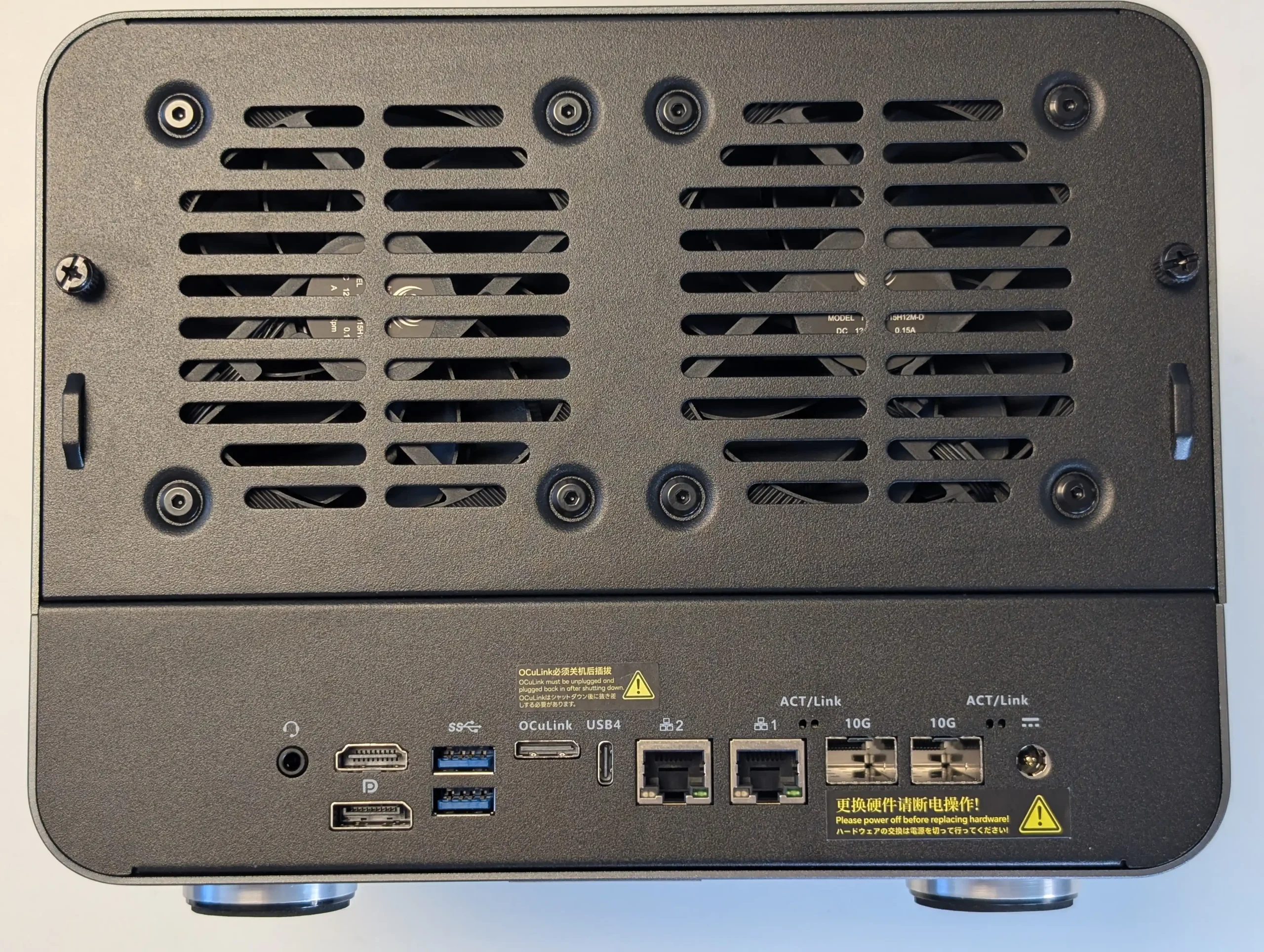 |
What We Said in our June ’25 review HERE: The Aoostar WTR Max stands out as a rare blend of high storage density, advanced connectivity, and raw compute performance in a compact NAS form factor, making it well-suited for experienced users seeking a versatile, self-managed platform. With support for up to 11 drives—six SATA and five NVMe Gen 4—paired with an enterprise-grade Ryzen 7 PRO 8845HS CPU and ECC memory compatibility, the system offers workstation-class capabilities for storage-heavy workflows, including virtualization, multimedia processing, and hybrid file serving. Dual 10GbE SFP+ and dual 2.5GbE ports provide ample bandwidth for multi-user access or isolated subnet roles, while the OCuLink interface enables high-speed external expansion, compensating for the absence of a traditional PCIe slot. Additional benefits like a fully customizable LCD status display, low fan noise, and consistently low thermals under load reinforce the system’s value in 24/7 deployments.
 |
 |
However, the WTR Max does present some caveats—namely, internal NVMe cross-performance appears constrained by shared bandwidth, and the lack of an internal PCIe slot could be limiting for users requiring more conventional upgrade paths. The LCD panel’s configuration software also proved cumbersome, raising security flags and requiring manual IP client setup, which may deter less technically inclined users. Lastly, the use of an external 280W PSU—while effective—won’t appeal to those expecting internal power integration in a workstation-style chassis. Nonetheless, for users who value full control over their NAS stack and want to avoid restrictive ecosystems, the WTR Max delivers a rare combination of hardware freedom and scalability that few turnkey systems offer in this price and size category.
|
Check Amazon in Your Region for the Aoostar WTR Max
|
Check AliExpress for the Aoostar WTR Max
|



9.2
 High Storage Density in Compact FormSupports up to 11 drives (6x SATA + 5x NVMe) in a desktop-sized chassis, ideal for users with large-scale storage needs but limited physical space.Enterprise-Class CPU with ECC SupportAMD Ryzen 7 PRO 8845HS offers 8C/16T performance, ECC memory support, and integrated RDNA 3 graphics—rare at this price and size.Dual 10GbE SFP+ and Dual 2.5GbE NetworkingProvides flexible, high-throughput networking for content creators, virtual environments, or advanced home labs.Strong Virtualization and Transcoding PerformanceSmooth Proxmox VM hosting and real-time Plex 4K/8K transcoding using Radeon 780M hardware acceleration.OCuLink PCIe Expansion PortEnables high-speed external storage or GPU support without sacrificing internal NVMe bandwidth.Customizable LCD Monitoring PanelReal-time display of system metrics (CPU, RAM, network, storage) with theme options, useful for headless setups.Robust Cooling System with Vapor ChamberGlacier Pro 1.0 design keeps thermals in check across four fans and distinct airflow zones; low fan noise even under load.Open Software EcosystemNo proprietary OS or restrictions; supports TrueNAS, Unraid, Proxmox, or Linux-based setups for full admin control.
 Limited Internal NVMe Cross-ThroughputInter-M.2 transfer speeds are capped (~500–600 MB/s), possibly due to shared chipset lanes or controller design.No Internal PCIe SlotExpansion is limited to OCuLink; users needing traditional PCIe cards (e.g., GPUs or HBAs) may find this restrictive.LCD Panel Software Can Be ProblematicConfiguration software raised browser security flags and requires static IP client setup, making it less accessible.External Power Brick Only280W external PSU is functional but not ideal for rackmount or integrated enclosures; some users may prefer internal ATX power.
#2 Minisforum N5 NAS – $549-599
SPECS: AMD Ryzen 7 255 or AMD Ryzen AI 9 HX Pro 370 – up to 96 GB DDR5 (ECC on N5 Pro) – 5 x 3.5″/2.5″ SATA bays – 1 x 5 GbE RJ45 / 1 x 10 GbE RJ45 – 3 x M.2 NVMe slots (2 convertible to U.2, PCIe 4.0).
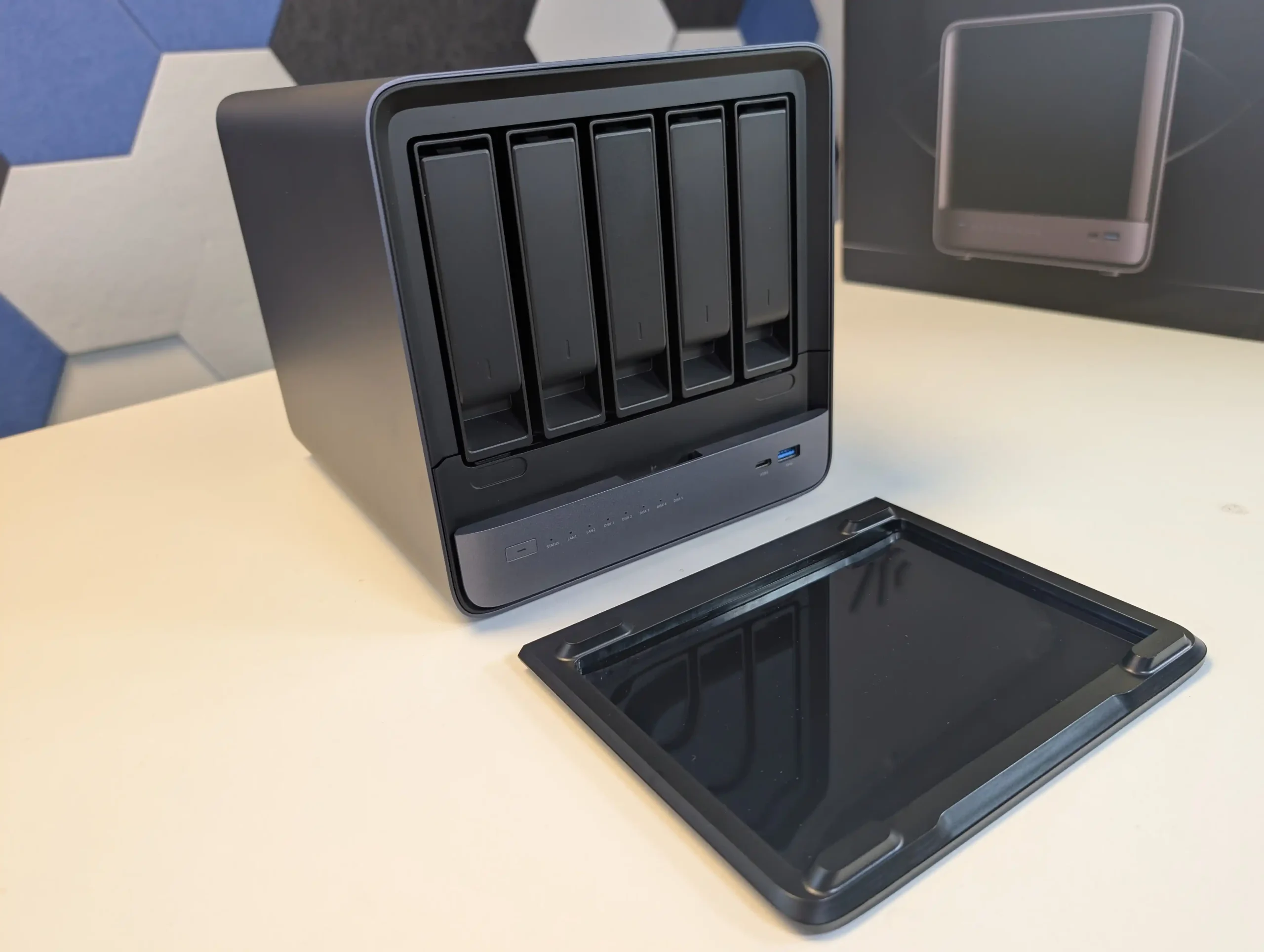
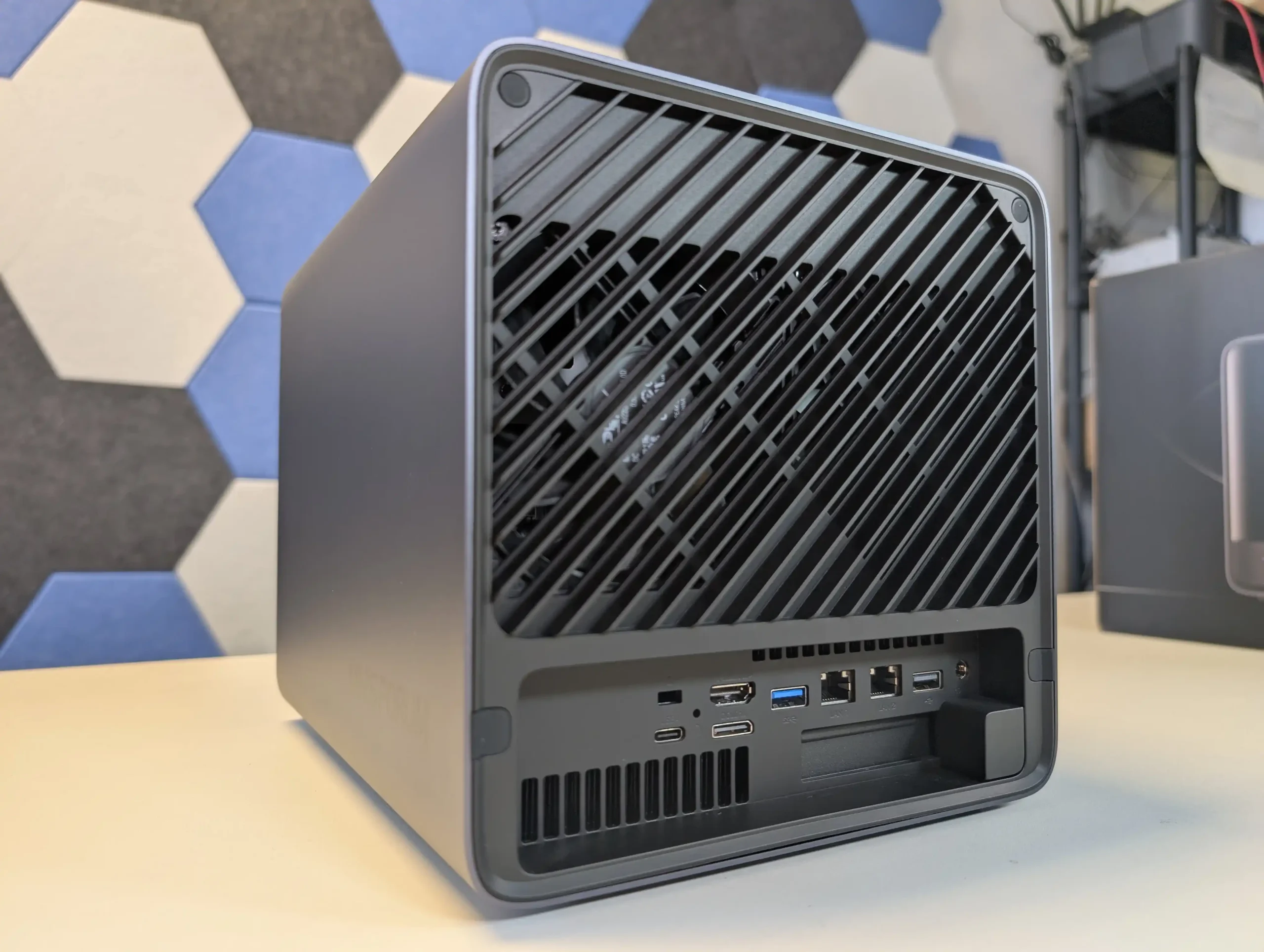
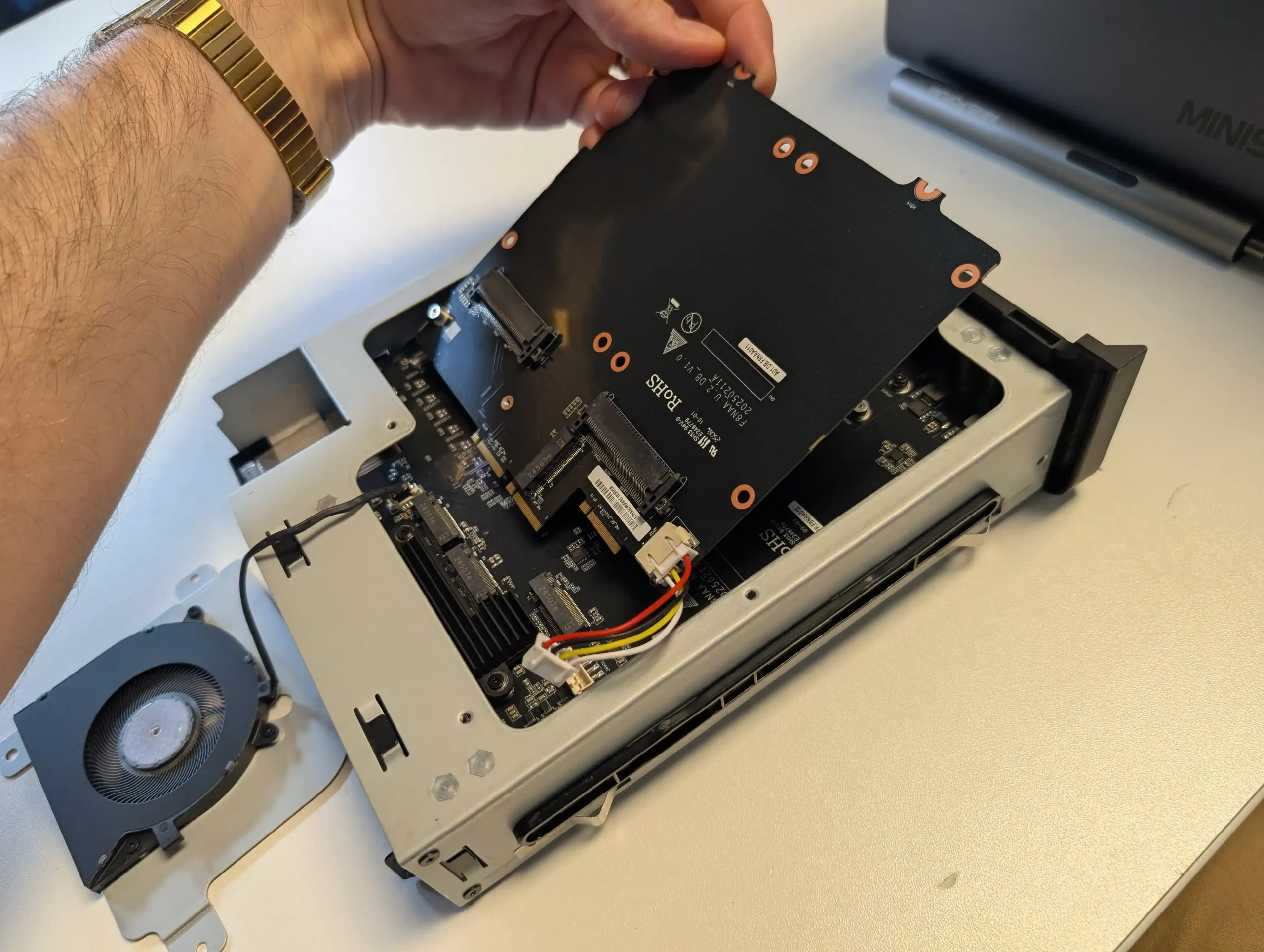
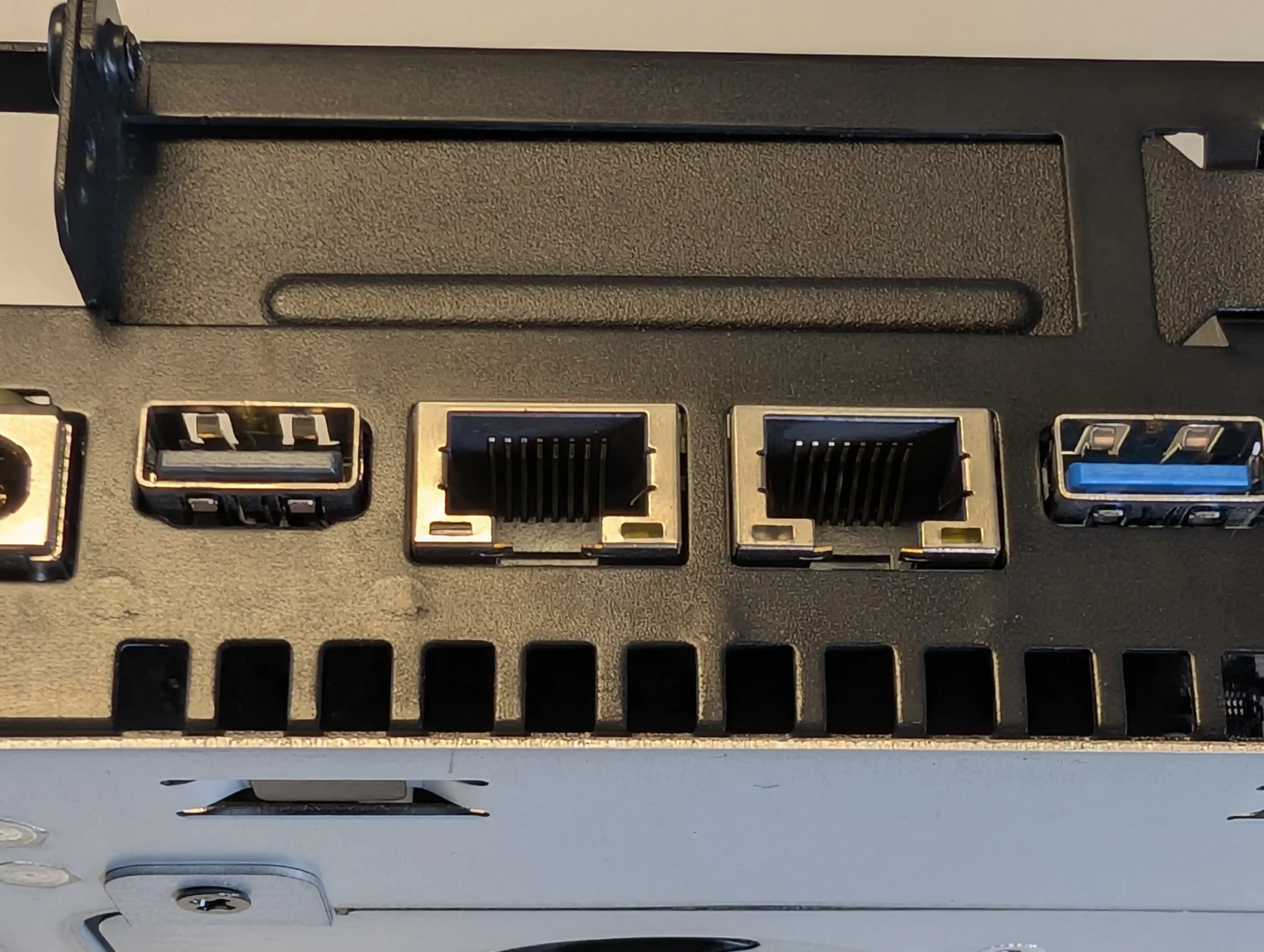
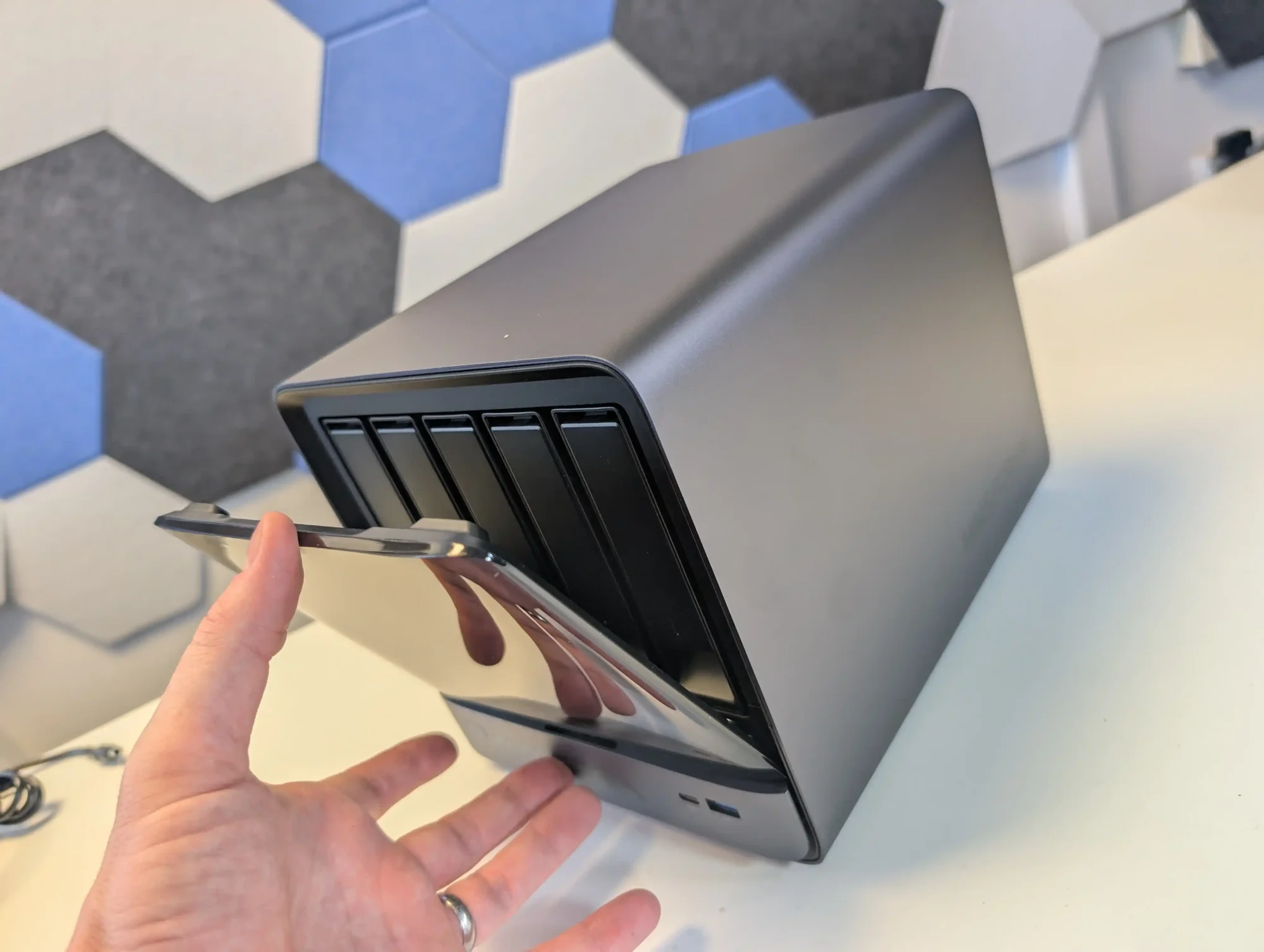
The Minisforum N5 is a compact 5-bay NAS that targets users who want preconfigured hardware with some workstation derived design features. It uses an x86 CPU in the same general class as the Aoostar WTR Max, paired with an internal storage module of 64 GB for the system volume, and is typically sold in the 599 to 699 USD range, with the separate Pro variant occupying a higher bracket. The chassis integrates a removable drive base section for easier maintenance, and the platform includes multi-gig networking up to 10 GbE and 5 GbE, a PCIe expansion slot and USB4 connectivity for additional bandwidth or external devices. Minisforum ships the N5 with its own NAS operating system to provide an immediate out of box experience, but the software is still relatively young and many buyers elect to overwrite the included module with a more established NAS or server OS. Throughout 2025, availability has been intermittent, reflecting a level of demand from home lab users who want higher specification NAS hardware without building entirely from individual components.
 |
 |
What we said in our July ’25 Review HERE:
The Minisforum N5 Pro is an impressive and highly versatile NAS platform that successfully combines the core strengths of a storage appliance with the capabilities of a compact, workstation-class server, making it suitable for demanding and varied use cases. Its defining features include a 12-core Ryzen AI 9 HX PRO 370 CPU with 24 threads and onboard AI acceleration up to 50 TOPS, support for up to 96GB of ECC-capable DDR5 memory for data integrity, and a hybrid storage architecture offering up to 144TB total capacity through a mix of five SATA bays and three NVMe/U.2 slots. Additional highlights such as ZFS file system support with snapshots, inline compression, and self-healing, along with high-speed networking via dual 10GbE and 5GbE ports, and expansion through PCIe Gen 4 ×16 and OCuLink interfaces, position it well beyond the capabilities of typical consumer NAS systems. The compact, fully metal chassis is easy to service and efficiently cooled, enabling continuous operation even under sustained virtual machine, AI, or media workloads.
 |
 |
At the same time, the bundled MinisCloud OS, while feature-rich with AI photo indexing, Docker support, and mobile integration, remains a work in progress, lacking some enterprise-grade polish, robust localization, and more advanced tools expected in mature NAS ecosystems. Minor drawbacks such as the external PSU, the thermally challenged pre-installed OS SSD, and the higher cost of the Pro variant relative to the standard N5 are important to weigh, particularly for users who may not fully utilize the Pro’s ECC and AI-specific advantages. For advanced users, homelab builders, and technical teams who require high compute density, flexible storage, and full control over their software stack, the N5 Pro delivers workstation-level performance and configurability in NAS form—offering one of the most forward-thinking and adaptable solutions available today in this segment.
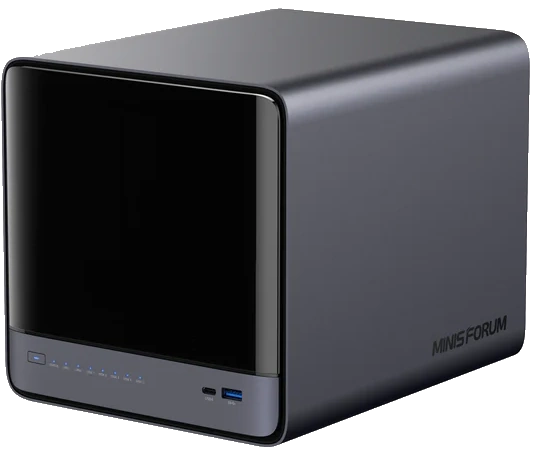
The is now available to buy: |
8.6
High-performance AMD Ryzen AI 9 HX PRO 370 CPU with 12 cores, 24 threads, and AI acceleration (50 TOPS NPU) is INCREDIBLE for a compact desktop purchaseSupport for up to 96GB DDR5 memory with ECC, ensuring data integrity and stability in critical environmentsZFS-ready storage with numerous ZFS and TRADITIONAL RAID configurations, snapshots, and inline compressionHybrid storage support: five 3.5\\\"/2.5\\\" SATA bays plus three NVMe/U.2 SSD slots, with up to 144TB total capacityVersatile expansion options including PCIe Gen 4 ×16 slot (×4 electrical) and OCuLink port for GPUs or NVMe cagesDual high-speed networking: 10GbE and 5GbE RJ45 ports with link aggregation support + (using the inclusive MinisCloud OS) the use of the USB4 ports for direct PC/Mac connection!Fully metal, compact, and serviceable chassis with thoughtful cooling and accessible internal layout - makes maintenance, upgrades and troubleshooting a complete breeze!Compatibility with third-party OSes (TrueNAS, Unraid, Linux) without voiding warranty, offering flexibility for advanced users
MinisCloud OS is functional but immature, with unfinished localisation and limited advanced enterprise features - lacks MFA, iSCSI, Security Scanner and More. Nails several key fundamentals, but still feels unfinished at this time.Despite External PSU design (will already annoy some users), it generates a lot of additional heat and may not appeal to all users overallPreinstalled 64GB OS SSD runs hot under sustained use and lacks dedicated cooling. Plus, losing one of the 3 m.2 slots to it will not please everyone (most brands manage to find a way to apply an eMMC into the board more directly, or use a USB bootloader option as a gateway for their OSPremium $1000+ pricing may be hard to justify for users who don’t need ECC memory or AI capabilities compared to the standard N5 at $500+
AI 9 HX PRO 370 CPU with 12 cores, 24 threads, and AI acceleration (50 TOPS NPU) is INCREDIBLE for a compact desktop purchaseSupport for up to 96GB DDR5 memory with ECC, ensuring data integrity and stability in critical environmentsZFS-ready storage with numerous ZFS and TRADITIONAL RAID configurations, snapshots, and inline compressionHybrid storage support: five 3.5\\\"/2.5\\\" SATA bays plus three NVMe/U.2 SSD slots, with up to 144TB total capacityVersatile expansion options including PCIe Gen 4 ×16 slot (×4 electrical) and OCuLink port for GPUs or NVMe cagesDual high-speed networking: 10GbE and 5GbE RJ45 ports with link aggregation support + (using the inclusive MinisCloud OS) the use of the USB4 ports for direct PC/Mac connection!Fully metal, compact, and serviceable chassis with thoughtful cooling and accessible internal layout - makes maintenance, upgrades and troubleshooting a complete breeze!Compatibility with third-party OSes (TrueNAS, Unraid, Linux) without voiding warranty, offering flexibility for advanced users
MinisCloud OS is functional but immature, with unfinished localisation and limited advanced enterprise features - lacks MFA, iSCSI, Security Scanner and More. Nails several key fundamentals, but still feels unfinished at this time.Despite External PSU design (will already annoy some users), it generates a lot of additional heat and may not appeal to all users overallPreinstalled 64GB OS SSD runs hot under sustained use and lacks dedicated cooling. Plus, losing one of the 3 m.2 slots to it will not please everyone (most brands manage to find a way to apply an eMMC into the board more directly, or use a USB bootloader option as a gateway for their OSPremium $1000+ pricing may be hard to justify for users who don’t need ECC memory or AI capabilities compared to the standard N5 at $500+
#3 Beelink ME Mini N150 NAS – $209-299
SPECS: Intel N150 quad core Twin Lake SoC up to 3.6 GHz – 12 GB LPDDR5 (with 16 GB LPDDR5 variant announced) – 6 x M.2 2280 SSD bays – dual 2.5 GbE RJ45 / WiFi 6 – 6 x M.2 NVMe PCIe 3.0 slots (5 x1 / 1 x2, one slot also supporting SATA SSD).
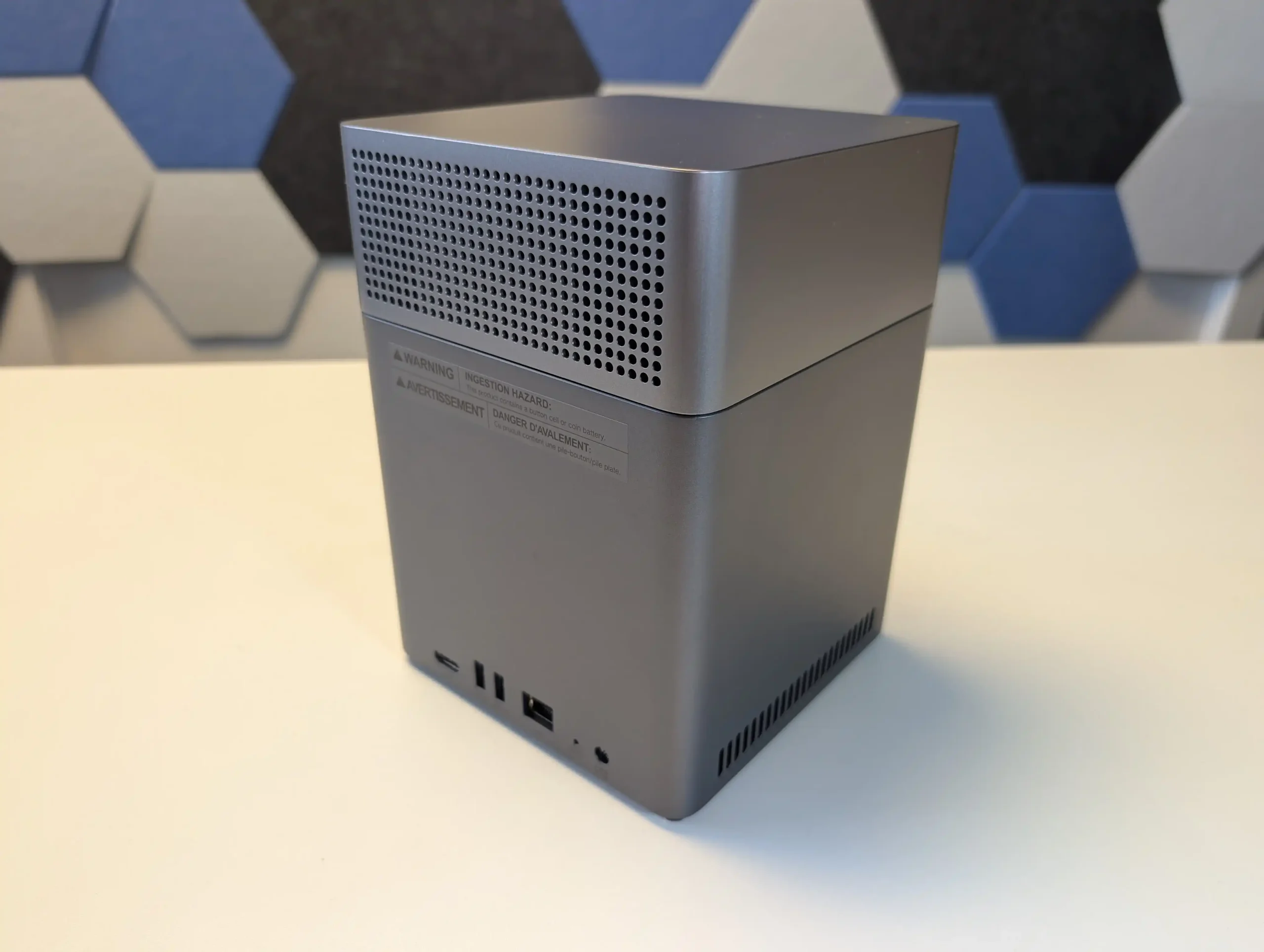
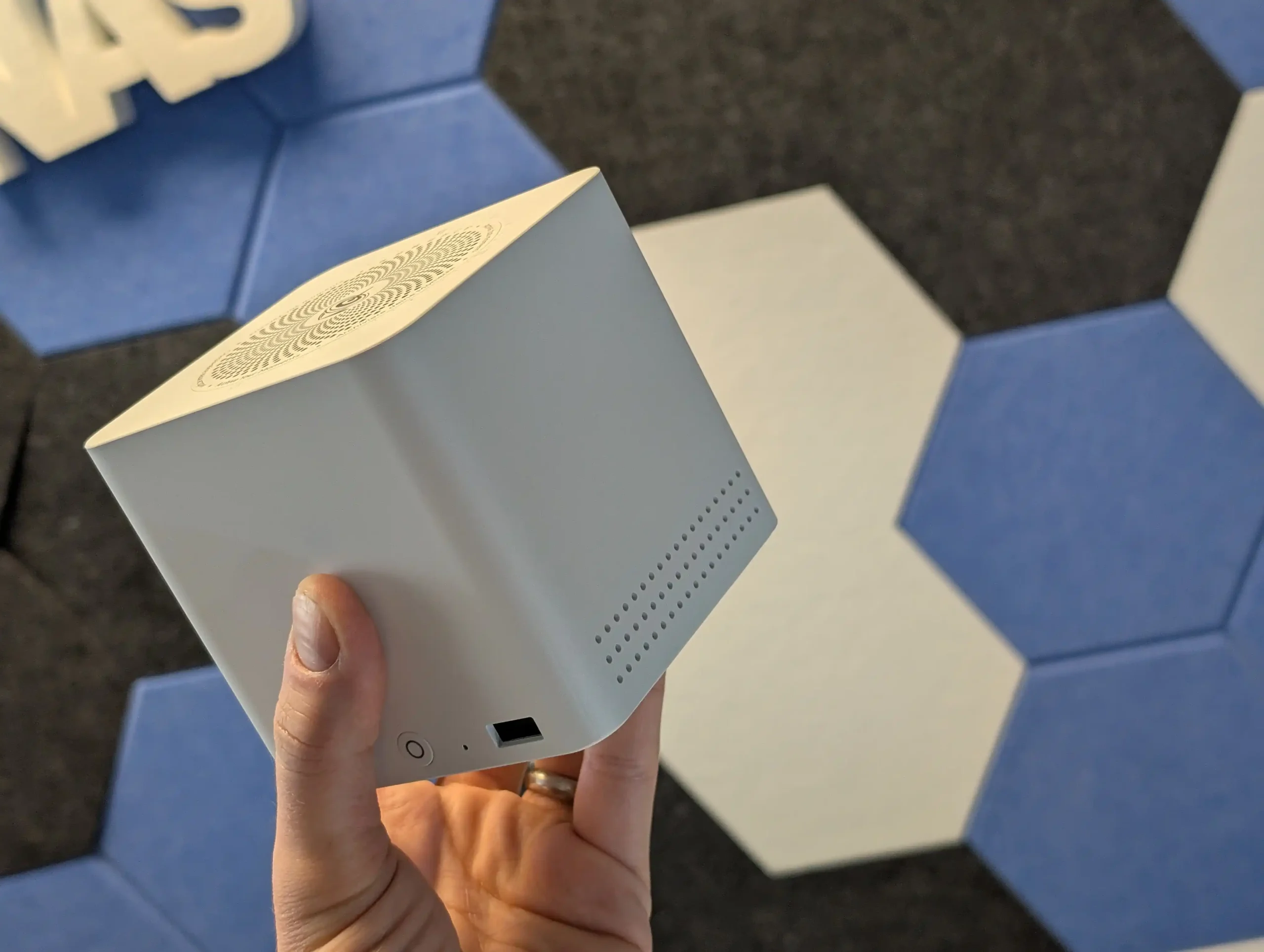
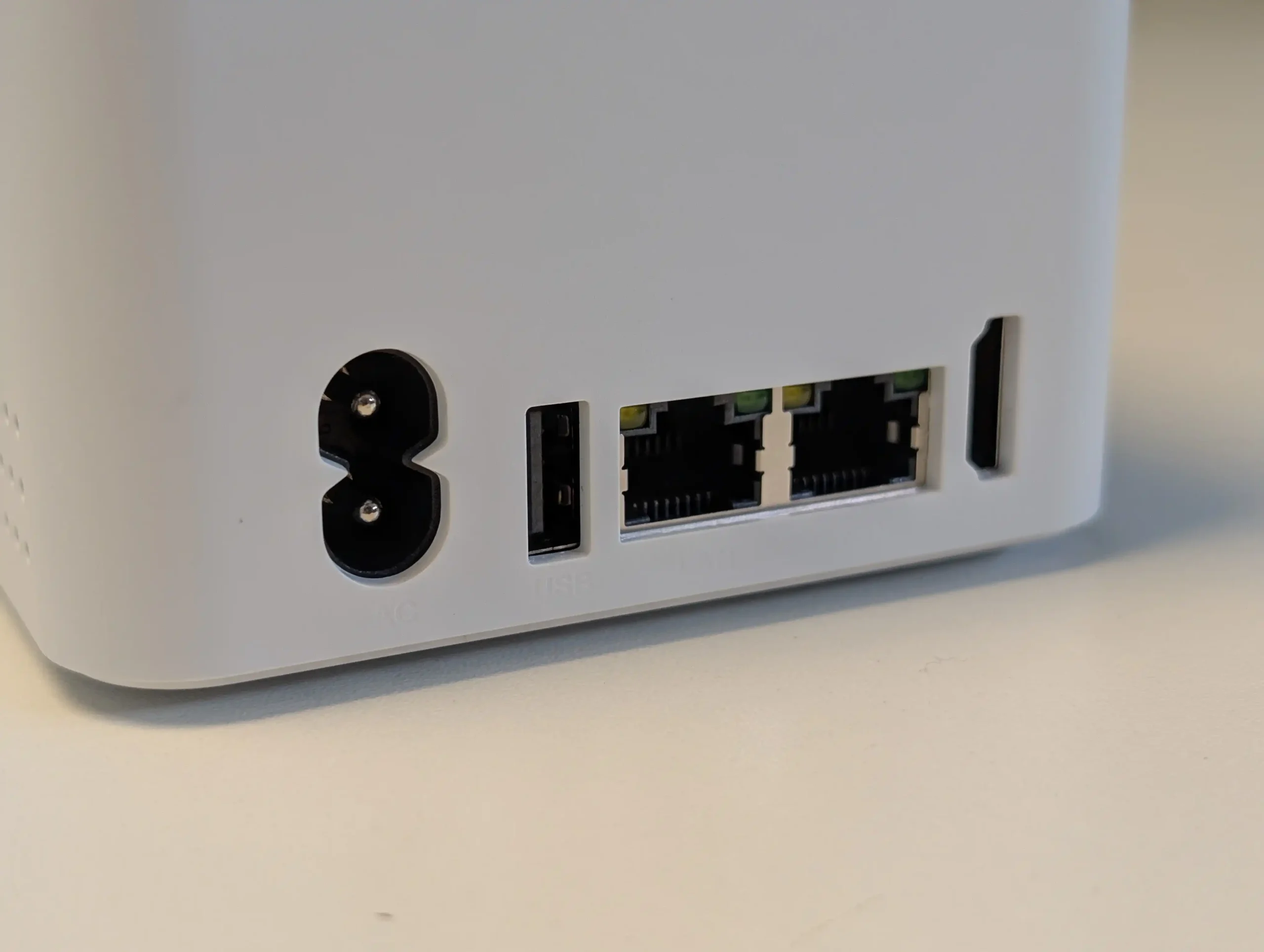
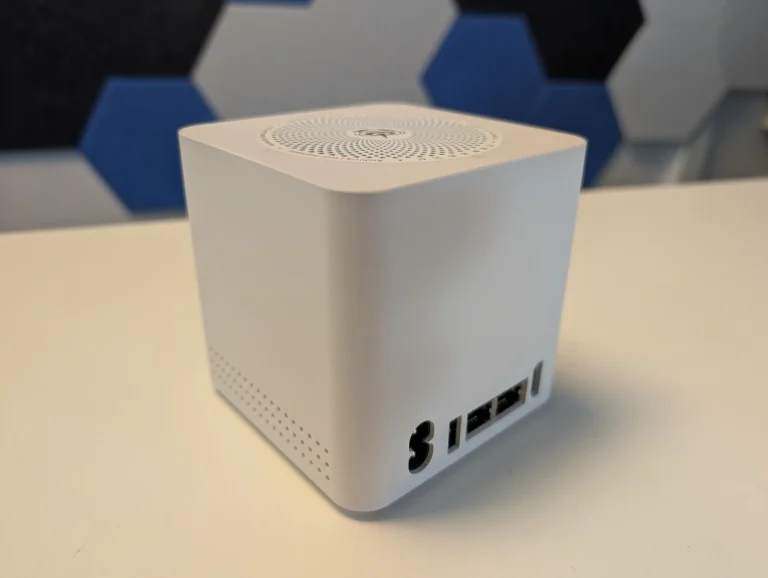
The Beelink ME Mini N150 is an all flash, ultra compact NAS style platform built around 6x M.2 NVMe bays, an Intel N150 CPU and 12 to 16 GB of memory, aimed at low power home lab and edge storage roles. It typically ships in the 200 to 250 USD bracket depending on retailer and configuration, and includes a small amount of onboard eMMC storage intended for the operating system, with users commonly installing Linux distributions such as Ubuntu or other lightweight NAS platforms. Connectivity includes dual 2.5 GbE ports, making it suitable for multi gig networks despite its size, and its idle power draw with all slots populated has been measured in the sub 10 to 12 W range, which positions it as an efficient always on node. While comparable N150 based systems from GMKTEC and turnkey brands like TerraMaster arrived in the same period, the ME Mini gained wider attention in 2025 because its combination of price, power envelope and density is difficult to match via a conventional DIY build using standard motherboards and cases.
 |
 |
What we said in our June ’25 Review HERE:
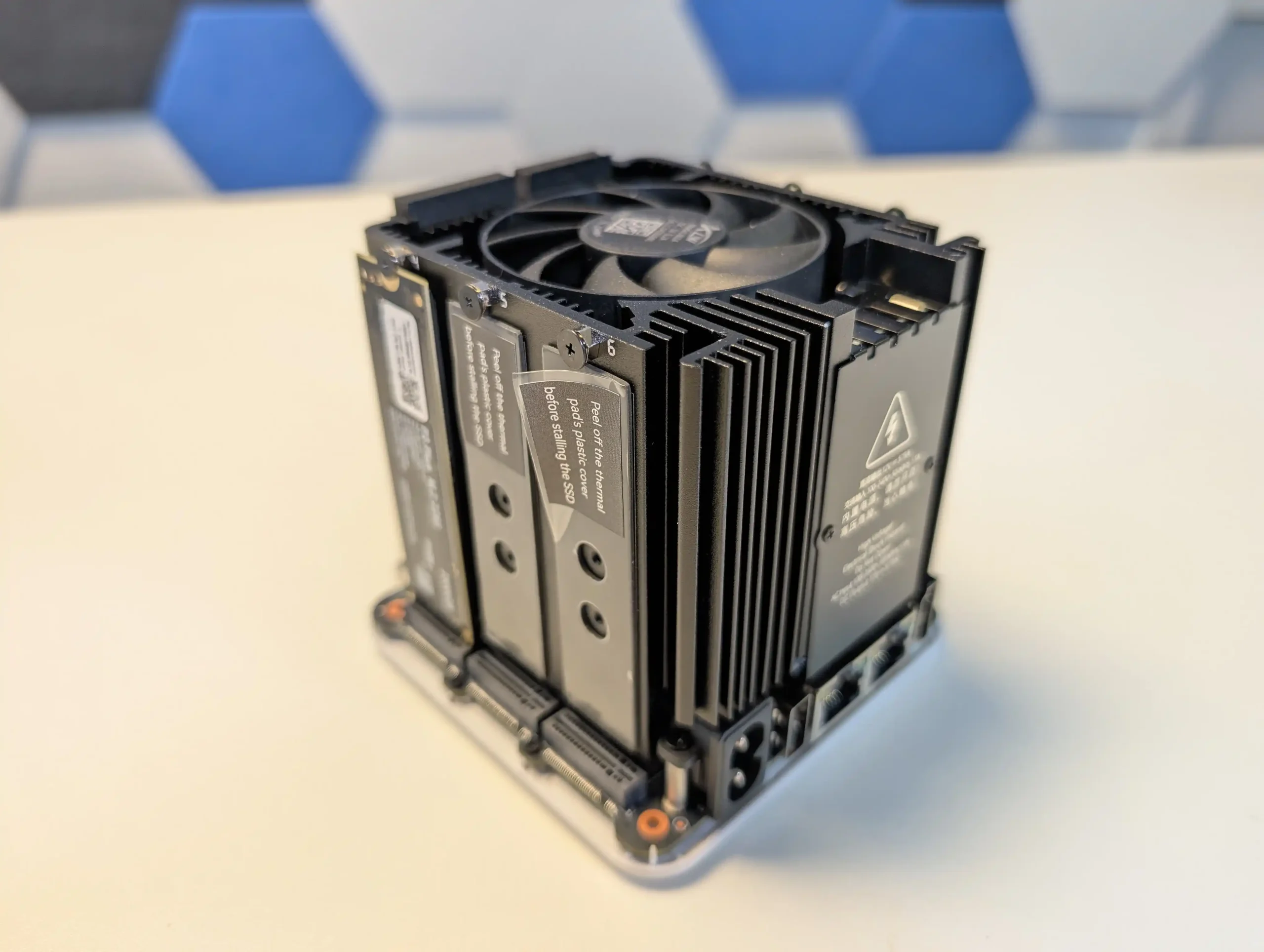
The Beelink ME Mini NAS delivers an uncommon blend of size, functionality, and efficiency in a market segment often dominated by larger, louder, and less integrated alternatives. It is not designed to compete with traditional enterprise-grade NAS devices or modular, scalable solutions for prosumers. Instead, its strengths lie in targeting the needs of home users who want a quiet, energy-efficient storage solution that is easy to deploy, aesthetically unobtrusive, and capable of handling daily tasks such as media streaming, file backup, or soft routing. The inclusion of six M.2 NVMe SSD slots—paired with a Gen 3 x2 system slot—offers a rare level of expansion in such a small enclosure. The integration of an internal PSU, silent fan-assisted cooling, and a surprisingly effective thermal design are thoughtful touches that differentiate it from the majority of DIY NAS mini PCs.
 |
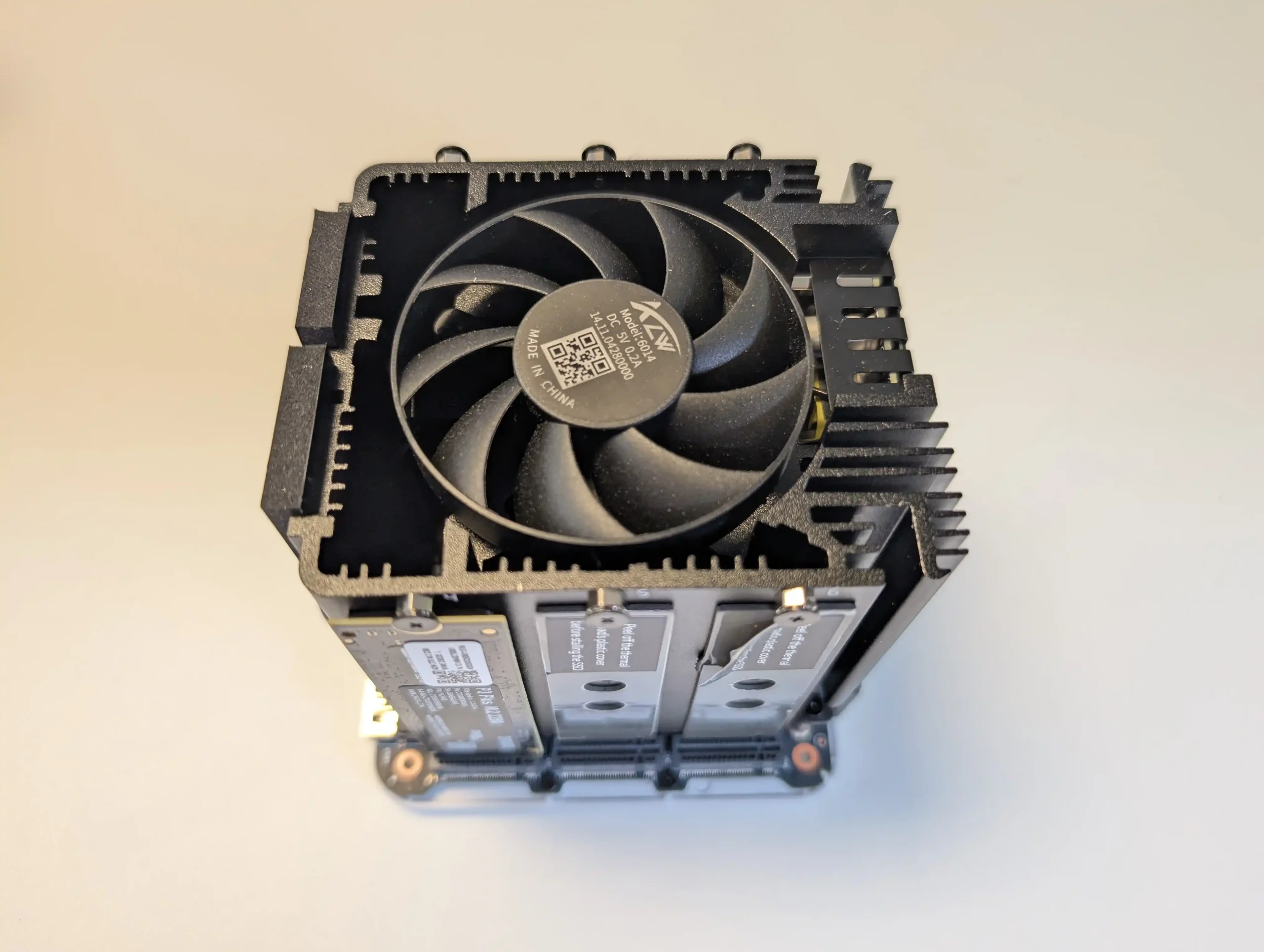 |
That said, it is not without limitations. The memory is non-upgradable, thermal accumulation at the base suggests room for improvement, and bandwidth ceilings imposed by Gen 3 x1 lanes will constrain users who demand high parallel throughput. Still, for its price point—particularly when pre-order discounts are applied—the ME Mini offers significant value, especially when compared to ARM-based NAS solutions with similar or lower specifications. With bundled Crucial SSD options and support for a wide range of NAS operating systems, it positions itself as a ready-to-go platform for tech-savvy users wanting to avoid the assembly of a fully DIY system. Overall, while not a product for every use case, the Beelink ME Mini succeeds in its aim to be a compact, stylish, and capable home NAS.
8.8
Compact cube design (99x99x99mm) ideal for discreet home deploymentSupports up to 6x M.2 NVMe SSDs with total capacity up to 24TBIntegrated PSU eliminates bulky external power adaptersDual 2.5GbE LAN ports with link aggregation supportWi-Fi 6 and UnRAID7 Support means not limited to 2x2.5GLow power consumption (as low as 6.9W idle, ~30W peak with full load)Silent fan and effective internal thermal management via large heatsinkIncludes Crucial-branded SSDs in pre-configured options for reliability
Five of the six SSD slots are limited to PCIe Gen 3 x1 bandwidthMemory is soldered and non-upgradableNot 10GbE Upgradable (maybe m.2 adapter - messy)Bottom panel retains heat due to lack of active ventilation
|
Check Amazon in Your Region for the Beelink ME Mini NAS ($329 4/6)
|
Check AliExpress for the Beelink ME Mini NAS ($344 4/6)
|
Check the Official Beelink Site for the ME Mini NAS ($209 4/6)
|

#4 Lincplus Lincstation N2 – $399-449
SPECS: Intel N100 quad core up to 3.4 GHz – 16 GB LPDDR5 – 2 x 2.5″ SATA bays / 4 x M.2 NVMe bays (total 6 bays) – 1 x 10 GbE RJ45 – 4 x M.2 2280 NVMe SSD slots.
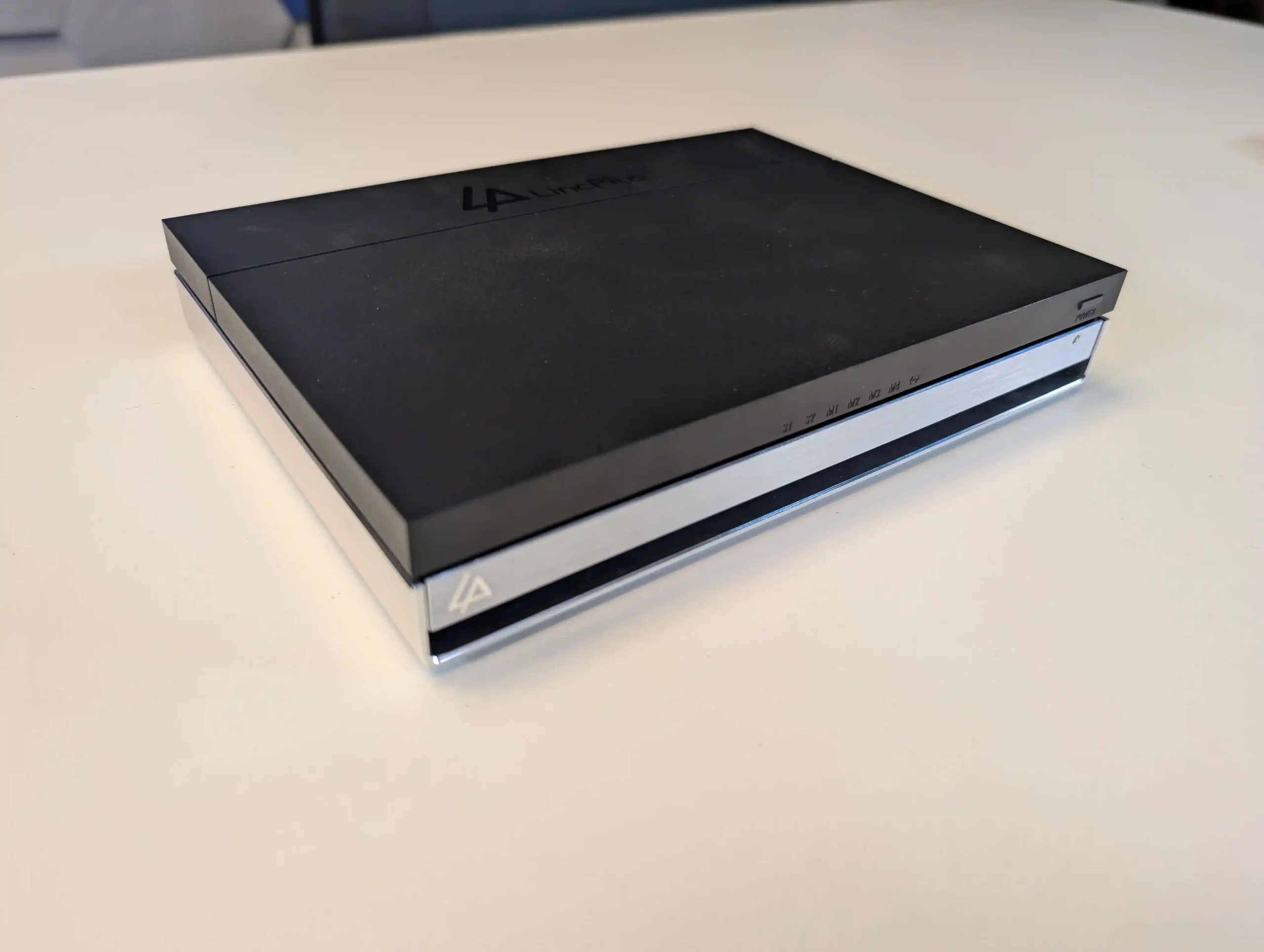
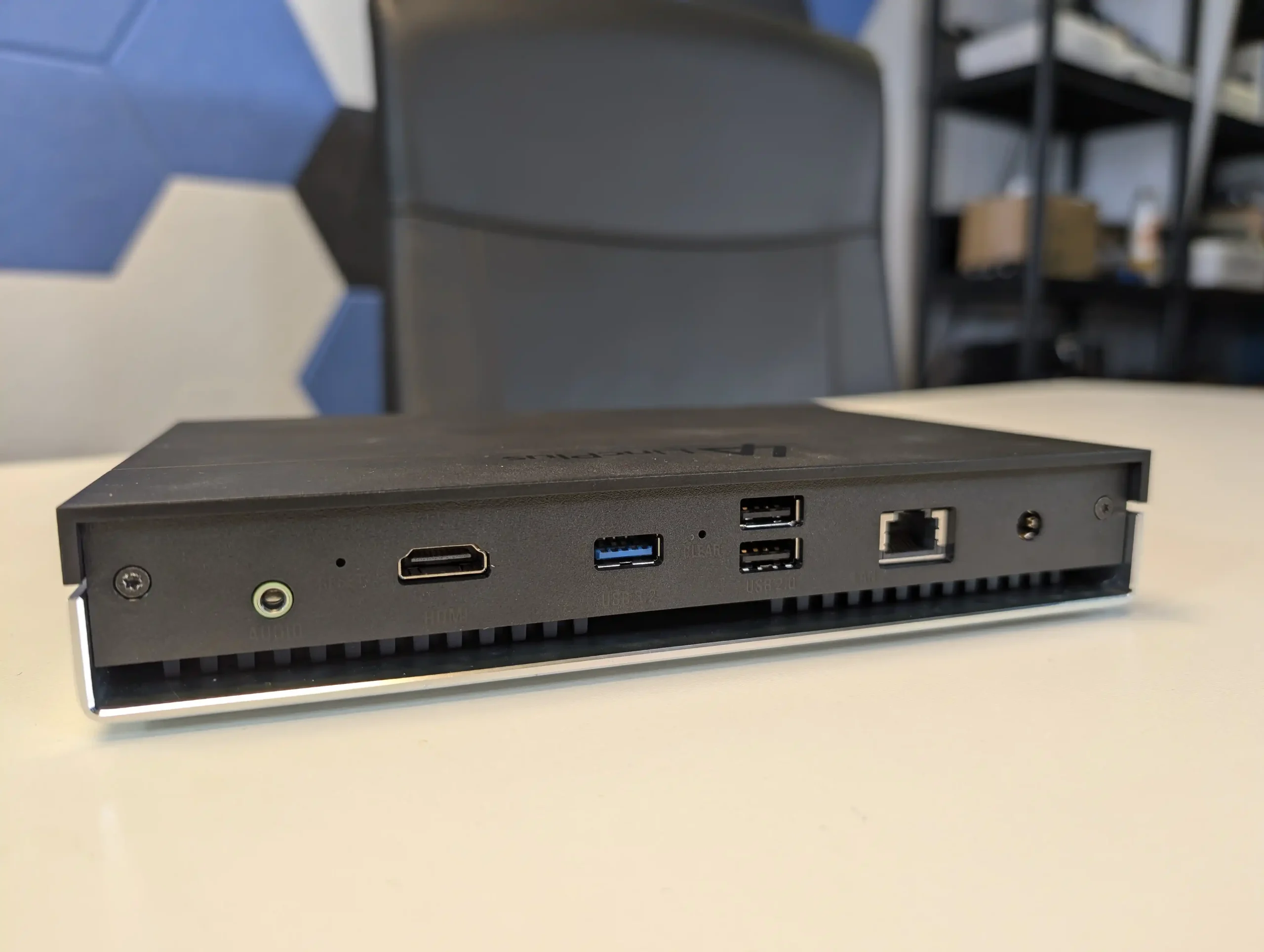
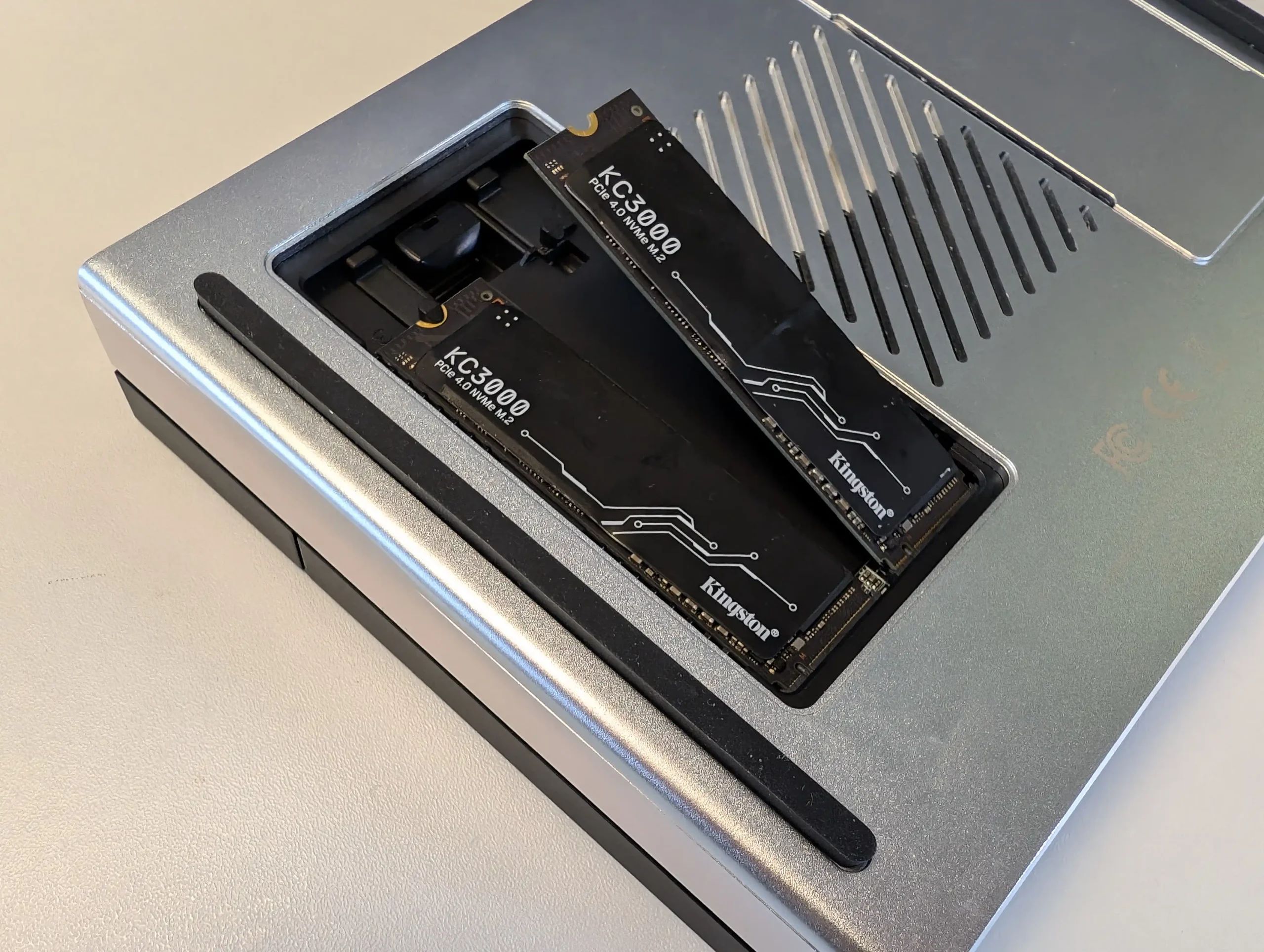
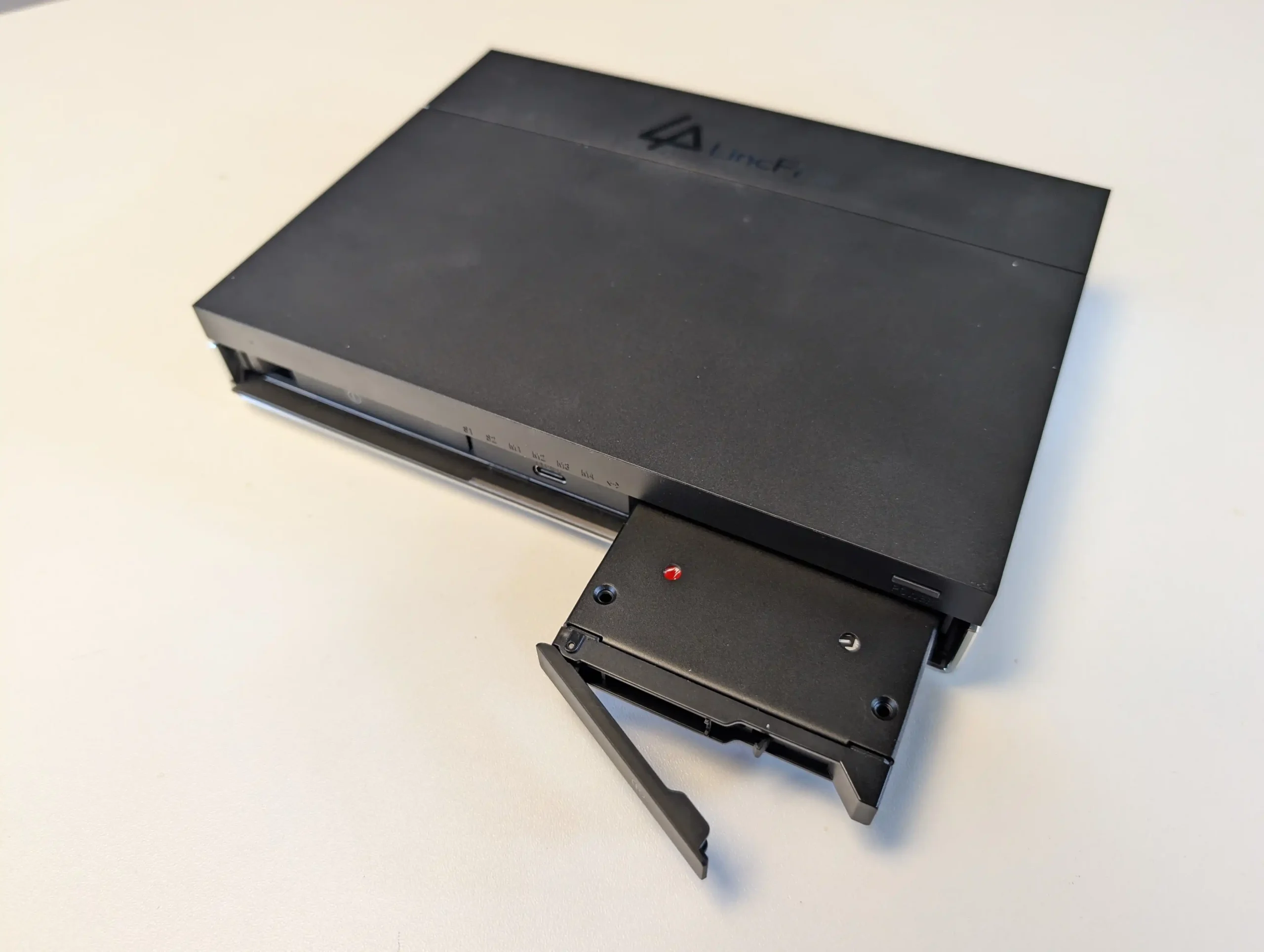
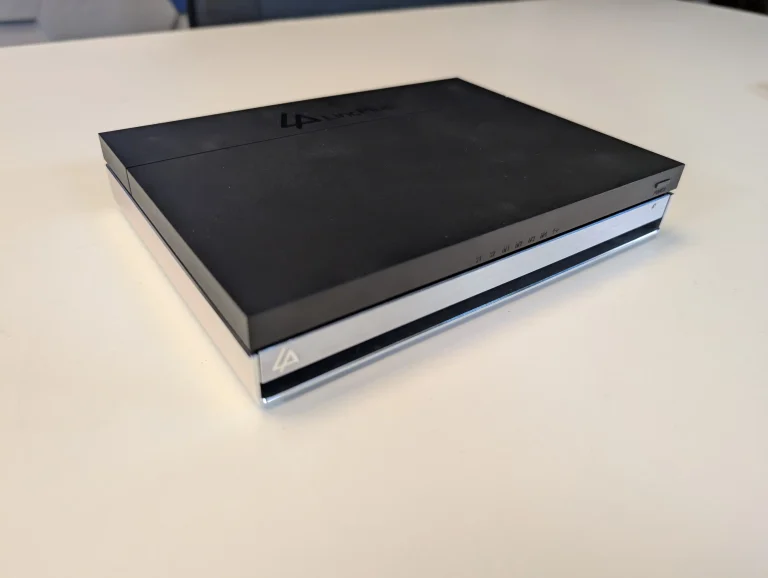
The Lincstation N2 is a compact prebuilt NAS positioned primarily on value, combining an Intel N100 quad core CPU, 16 GB of non upgradable memory and 10 GbE networking in a small chassis. Storage is split between 4x M.2 NVMe bays and 2x 2.5 inch SATA bays, giving a mix of high speed solid state and more conventional, higher capacity drives, with visible status LEDs on the exterior. Typical street pricing in 2025 has been around 400 to 450 USD depending on tax and discounts, but its effective cost is reduced further by the inclusion of an Unraid license, which separately represents a non trivial software expense and is pre supported via a USB loader for straightforward deployment. While the N100 CPU and PCIe lane distribution place it below some competing platforms in raw performance, the combination of 10 GbE, mixed media bays, bundled software and small footprint makes it a distinct option for users who prioritise overall throughput and licensing value rather than maximum compute power.
 |
 |
What we said in our Jan ’25 Review HERE:
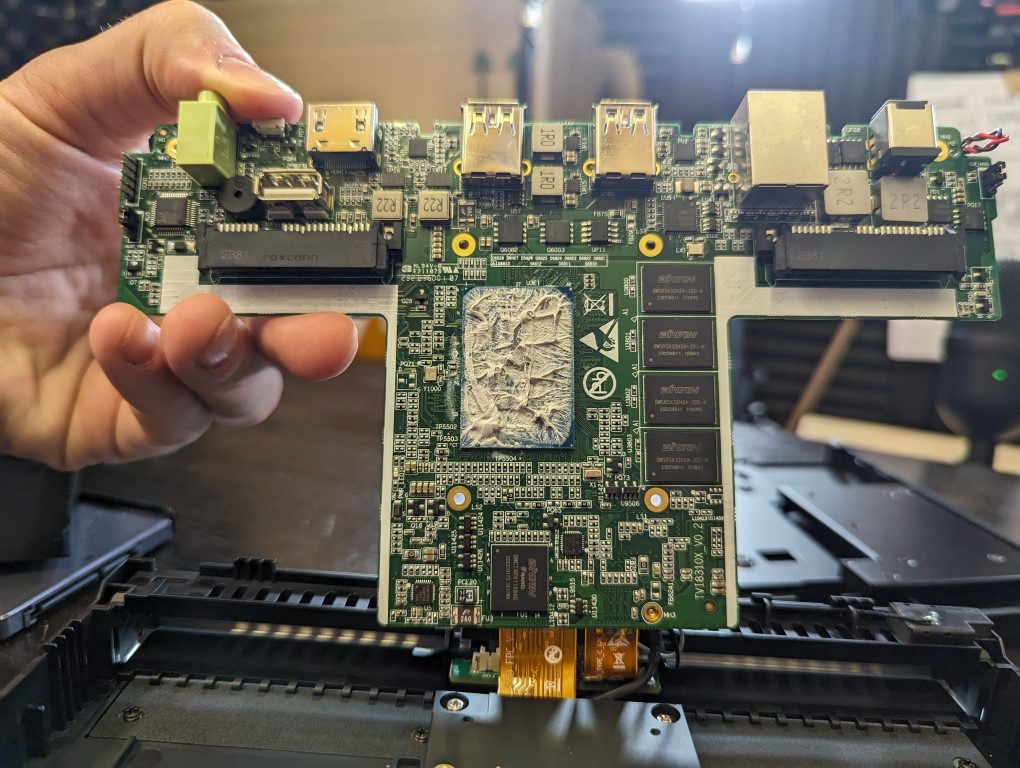
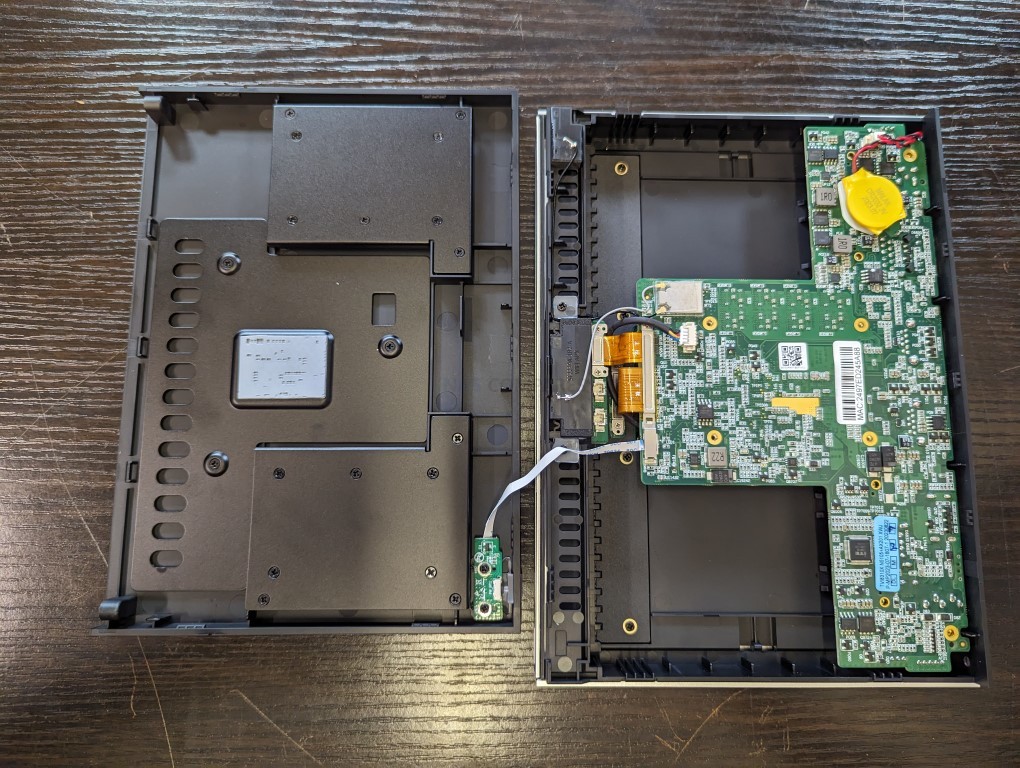
The Lincstation N2 NAS is a solid upgrade over its predecessor, the N1, offering better connectivity, improved cooling, and more efficient hardware. The inclusion of 10GbE networking makes it a more appealing option for users who require higher data transfer speeds, and the passive and active cooling improvements ensure better thermal regulation under sustained workloads. With support for four M.2 NVMe SSDs and two SATA SSDs, the N2 provides flexible storage options, allowing users to build a high-speed, all-flash NAS setup. The Intel N100 processor and 16GB LPDDR5 memory deliver decent performance for most home and small business NAS applications, but the non-upgradeable memory may be a limiting factor for more demanding users. The compact, efficient design makes it an ideal NAS for those looking for a balance between power efficiency and performance.
 |
 |
That being said, the N2 does have a few drawbacks that may impact users looking for greater expandability. The lack of PCIe expansion slots means users cannot add additional NICs or storage controllers, making it less versatile compared to some competing NAS solutions. Additionally, while the 10GbE port is a significant upgrade, it is limited by PCIe bandwidth constraints, meaning users may not be able to fully utilize its maximum throughput in all scenarios. The USB connectivity options are decent, but having only one high-speed USB-C 10Gbps port may feel restrictive for those wanting multiple fast external connections. Furthermore, the reliance on a barrel-type power connector instead of USB-C is another missed opportunity for modernization.
 |
 |
Overall, the Lincstation N2 NAS remains a good choice for UnRAID users looking for an affordable, high-speed, all-flash NAS solution. It provides great energy efficiency, a streamlined setup process, and a solid mix of connectivity options. While it lacks some scalability features, for most home and small business users, it offers a compelling blend of performance, efficiency, and ease of use. If Lincplus continues refining their NAS lineup, future iterations with more robust networking, storage expandability, and minor refinements to cooling and connectivity could make it a standout competitor in the small NAS market.
|
Check Amazon in Your Region for the Lincstation N2
|
Check AliExpress for the Lincstation N2
|

8.2
10GbE networking for high-speed transfersCompact, silent, and power-efficientIncludes 1 Year UnRAID license for easy setupSupports four M.2 NVMe SSDs and two SATA SSDsLow power consumption and passive+active coolingImproved design over the N1 with better airflow
Limited PCIe lanes affecting 10GbE throughputNon-upgradeable RAM (fixed 16GB LPDDR5)N100 CPU has very recently seen a refresh towards the N150Uses a barrel-type power adapter instead of USB-C
#5 UnifyDrive UT2 Mobile NAS – $399-599
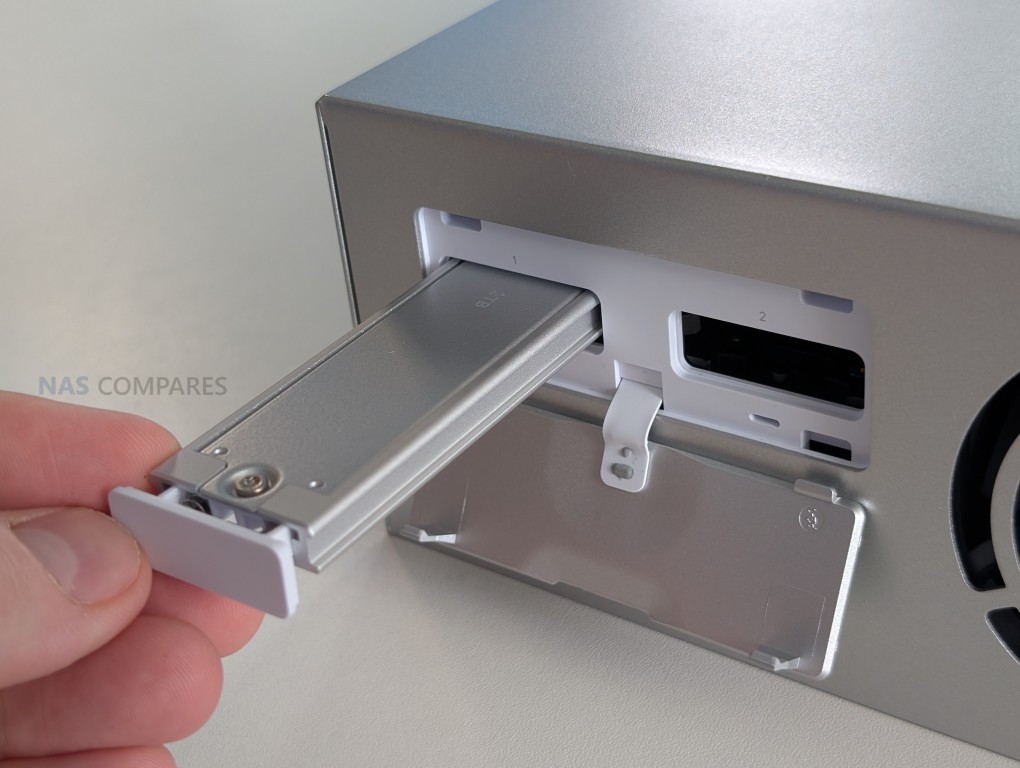
SPECS: ARM 8 core processor (2 x quad core SoCs) up to 2.0 GHz – 8 GB LPDDR4X – 2 x M.2 NVMe bays – 1 x 2.5 GbE RJ45 / WiFi 6 – 2 x M.2 2280 NVMe SSD slots.
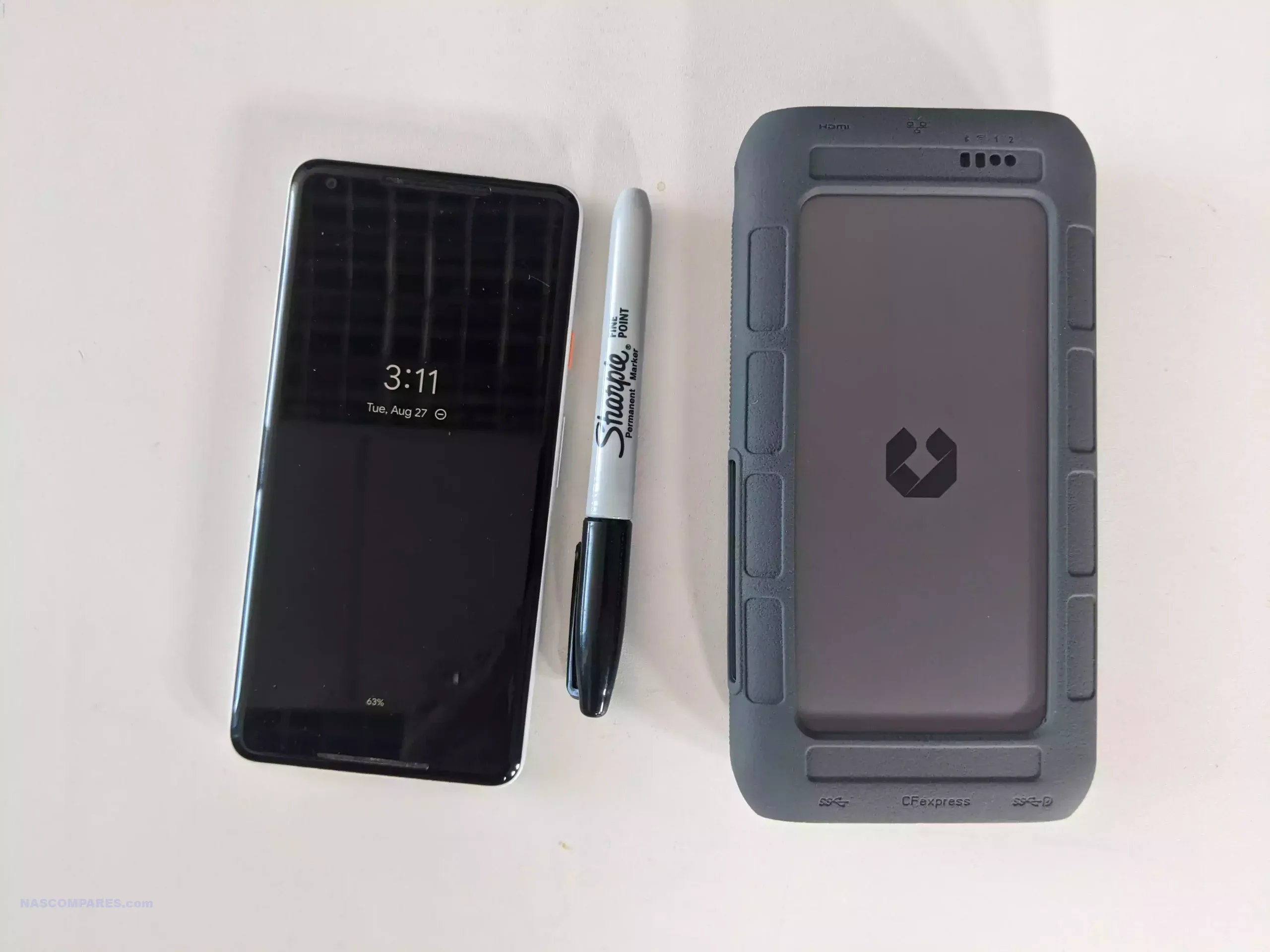
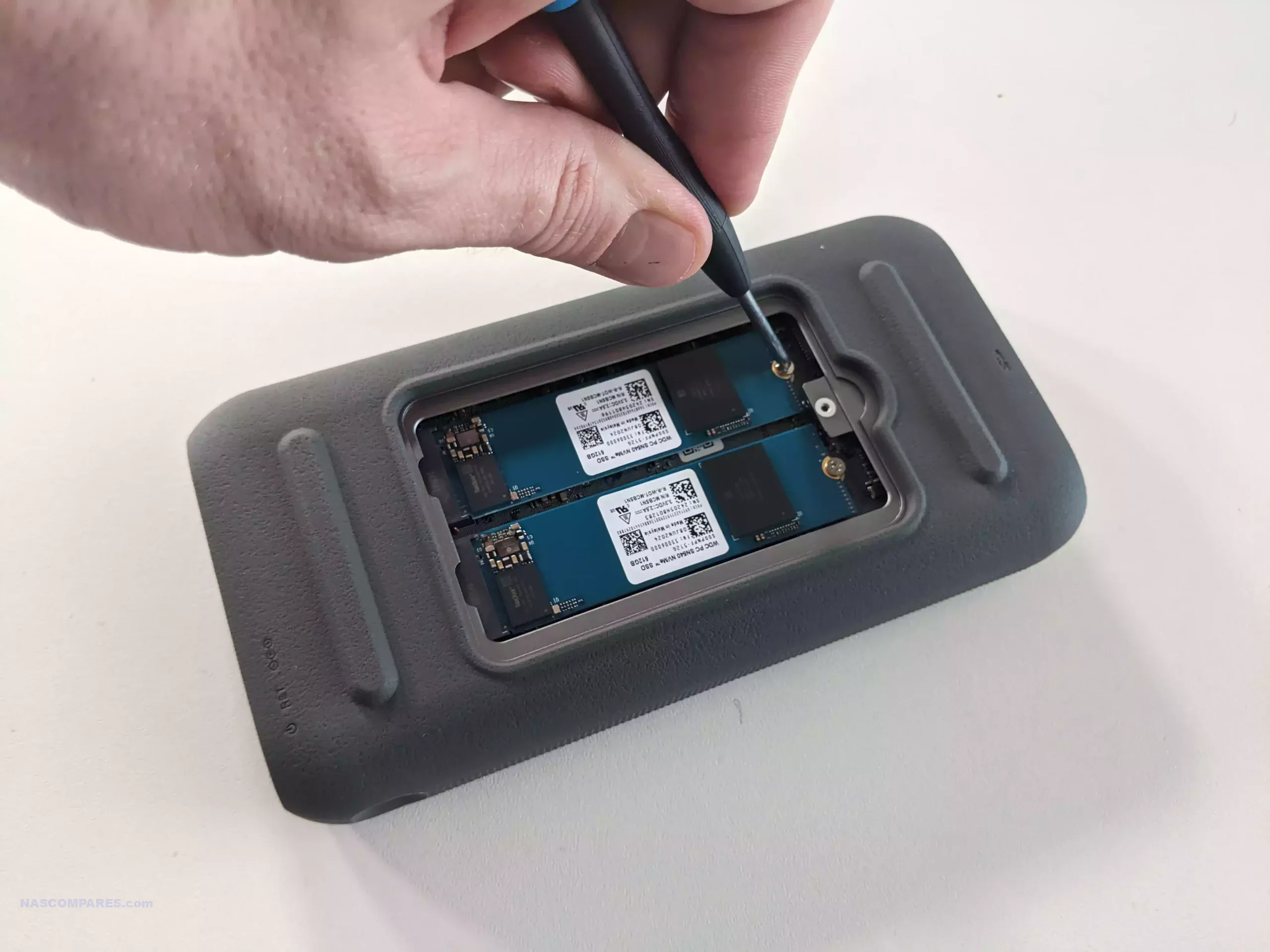
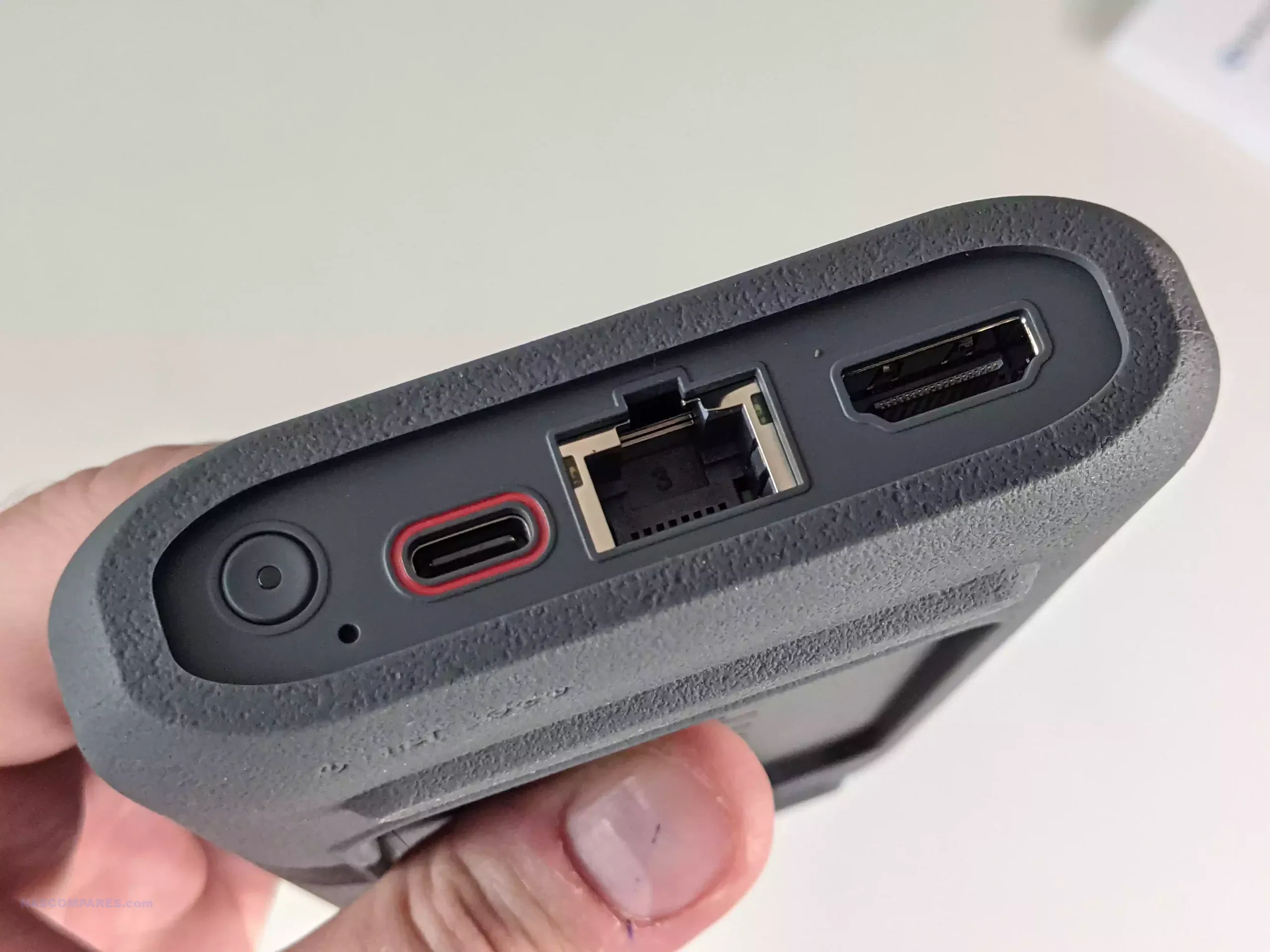
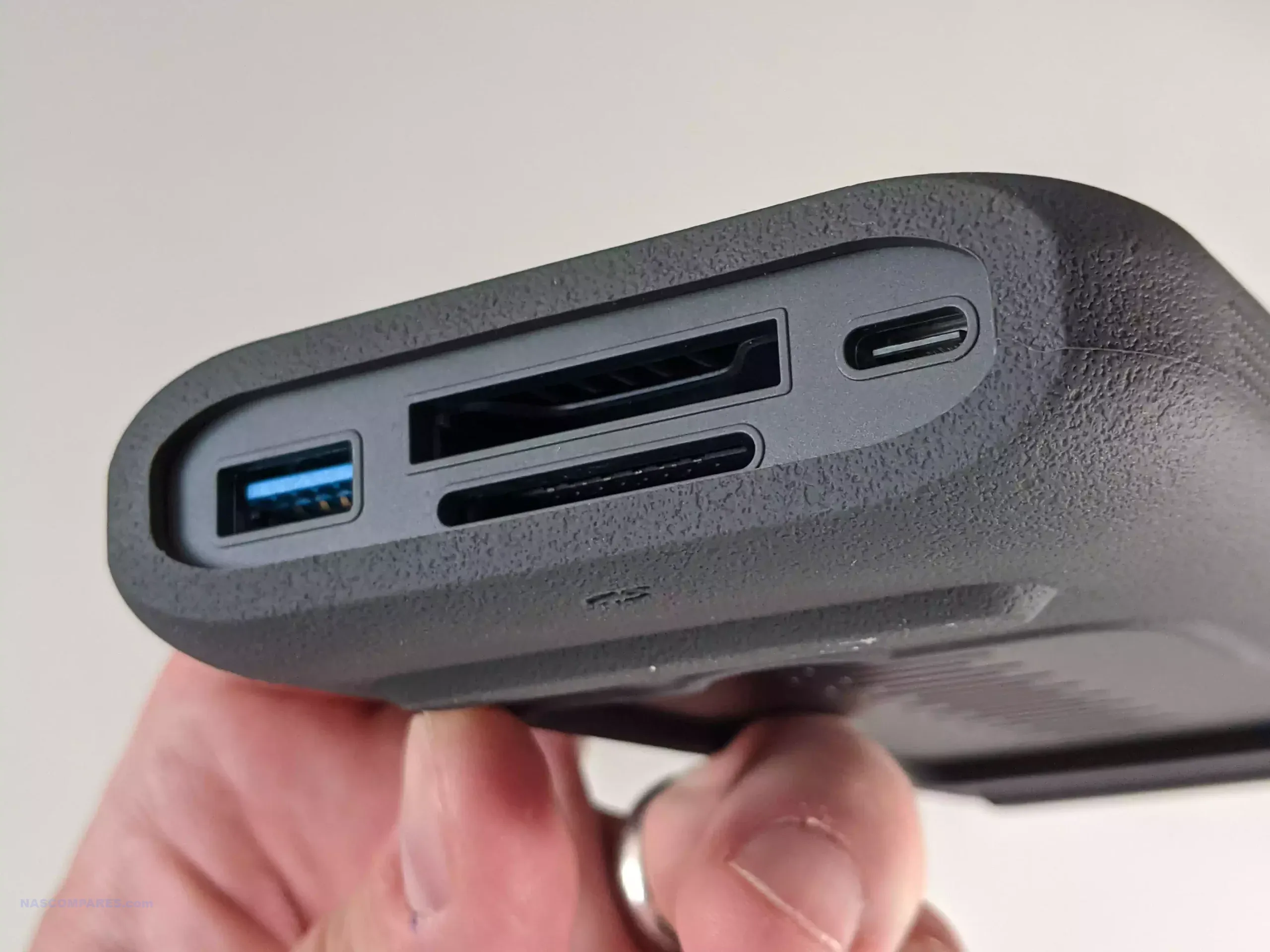
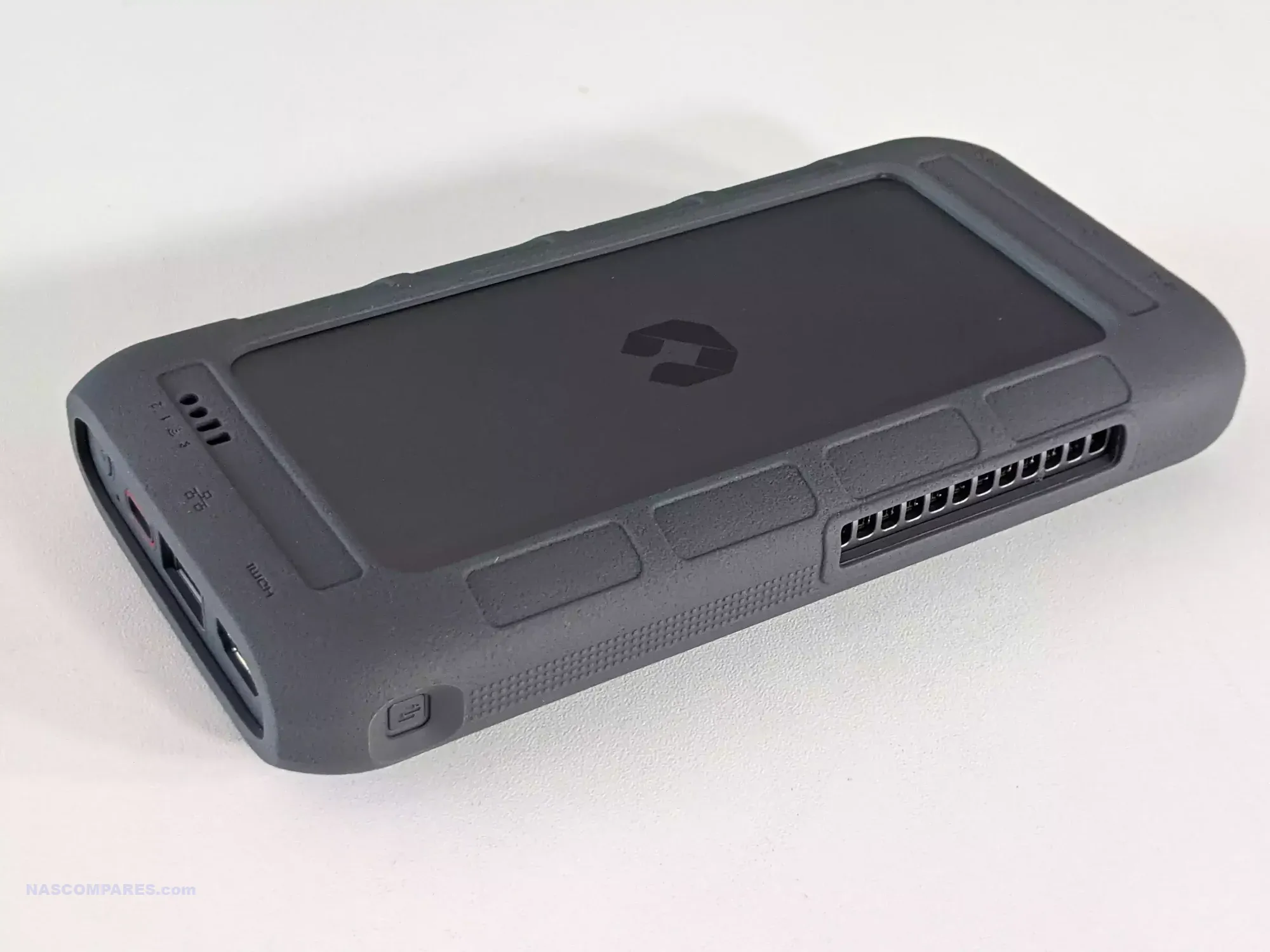
The UnifyDrive UT2 is a dual M.2 NVMe mobile NAS that targets content creators and field teams who need portable, battery backed storage rather than a static rack or desktop system. It is built around an 8 core ARM platform (implemented as 2 quad core chips) with 8 GB of memory, 2.5 GbE networking, WiFi 6 support and can act as an access point, with additional connectivity via USB type C, USB type A and dual SD card slots. UniFi supplies its own NAS operating system, which covers file sharing, backup, containers and an app center but does not provide full virtual machine hosting, and the unit can also operate as a direct attached storage device over USB. An internal 2200 mAh battery provides roughly 2 hours of standalone use and the device can also be powered from an external USB power bank, allowing workflows where camera media is ingested on location, duplicated to other storage or cloud targets and then transported while tasks continue in the background. Pricing during 2025 has generally ranged between 399 and 599 USD depending on promotions, positioning the UT2 as a niche but distinct option for mobile data capture and collaboration rather than a traditional always on NAS.
 |
 |
What we said in our April ’25 Review HERE:
The UnifyDrive UT2 Portable NAS offers a compact, portable storage solution designed for users who need on-the-go data management. Its features include a built-in battery, Wi-Fi 6, 2.5Gb Ethernet, HDMI output, and dual M.2 NVMe SSD slots, which together make it capable of handling media playback, file storage, and real-time collaboration. The UT2 also includes UDR selective RAID, one-touch SD card backups, and an AI-powered photo recognition system, all controlled through a user-friendly mobile app. These features position the UT2 as a versatile device for professionals such as photographers and content creators, who need portable, high-speed data storage and secure file management.
 |
 |
As a crowdfunded product, the UT2 is set to launch on Kickstarter, meaning there are some inherent risks associated with its development. While the hardware and software shown in the review appear polished and near completion, the final product may vary from the reviewed unit, and there is no guarantee of timely delivery or final quality. The early-bird price of $399 may appeal to those looking for a portable NAS, though the full retail price of $599 could place it in competition with larger, full-featured NAS systems. Potential backers should consider these factors when deciding whether to support the project.
+ Get a further 5% OFF with this code: NASCOMPARES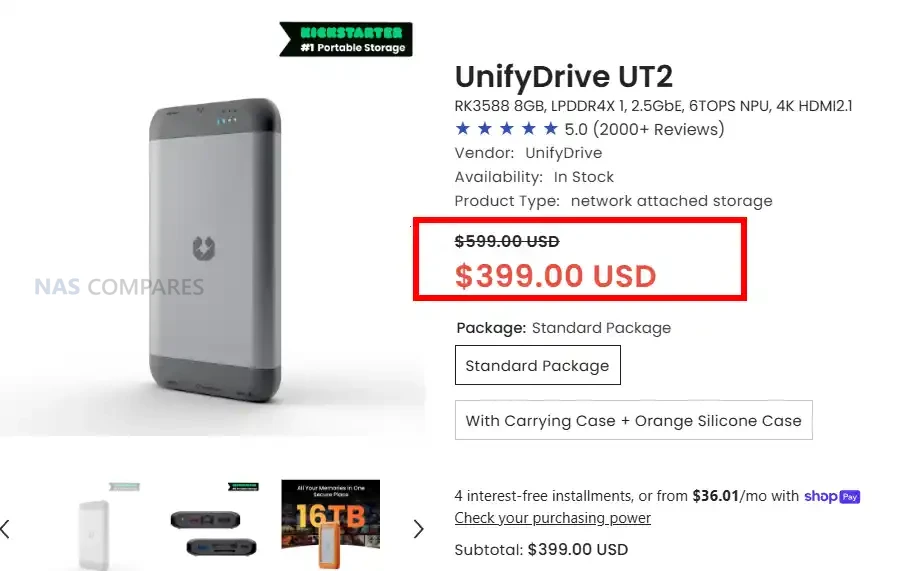
8.6
Compact and Portable: Small, lightweight design makes it easy to carry, ideal for on-the-go professionals.Built-in Battery: The 2200mAh battery provides up to an hour of runtime without external power, offering flexibility in mobile environments.Wi-Fi 6 and 2.5Gb Ethernet: High-speed network options ensure fast file transfers and smooth data access.Dual M.2 NVMe SSD Slots: Supports up to two NVMe SSDs, offering high-speed storage options.HDMI Output: Enables media playback and control via remote, supporting up to 8K video for a versatile media experience.One-Touch Backup: Simple SD and CFe card backup with a single button, ideal for photographers and videographers.User-Friendly Mobile App: Intuitive control via iOS and Android, with detailed system monitoring and management features.UDR Selective RAID: Offers flexible RAID-like redundancy on a folder level, allowing selective data protection without using the full capacity.AI-Powered Photo Recognition: Includes facial and object recognition, enhancing media organization.Multiple Connectivity Options: USB, Ethernet, and wireless options provide flexibility for different use cases.
Heavily Dependent on Software Support: Long-term functionality and feature enhancements will rely on continuous software updates, which are not guaranteed.Crowdfunding Risks: As a crowdfunded product, there\\\'s uncertainty about delivery timelines and the final product quality.Non-Upgradable RAM: The 8GB of RAM is soldered, limiting future scalability as storage or performance needs grow.Price at Full Retail: At $599, it approaches the cost of larger, more powerful NAS systems, making it less competitive for budget-conscious buyers.
This description contains links to Amazon. These links will take you to some of the products mentioned in today's content. As an Amazon Associate, I earn from qualifying purchases. Visit the NASCompares Deal Finder to find the best place to buy this device in your region, based on Service, Support and Reputation - Just Search for your NAS Drive in the Box Below SUBSCRIBE TO OUR NEWSLETTER
[contact-form-7]
 Join Inner Circle
Get an alert every time something gets added to this specific article!
Subscribe
Need Advice on Data Storage from an Expert?
Finally, for free advice about your setup, just leave a message in the comments below here at NASCompares.com and we will get back to you.
 Need Help?
Where possible (and where appropriate) please provide as much information about your requirements, as then I can arrange the best answer and solution to your needs. Do not worry about your e-mail address being required, it will NOT be used in a mailing list and will NOT be used in any way other than to respond to your enquiry.
[contact-form-7]
Need Help?
Where possible (and where appropriate) please provide as much information about your requirements, as then I can arrange the best answer and solution to your needs. Do not worry about your e-mail address being required, it will NOT be used in a mailing list and will NOT be used in any way other than to respond to your enquiry.
[contact-form-7]
 TRY CHAT
Terms and Conditions
TRY CHAT
Terms and Conditions
 Ko-fi or old school Paypal. Thanks!To find out more about how to support this advice service check HEREIf you need to fix or configure a NAS, check Fiver
Have you thought about helping others with your knowledge? Find Instructions Here
Ko-fi or old school Paypal. Thanks!To find out more about how to support this advice service check HEREIf you need to fix or configure a NAS, check Fiver
Have you thought about helping others with your knowledge? Find Instructions Here