Black Friday 2025 UniFi Networking and Surveillance Deals
Black Friday 2025 has arrived and UniFi has rolled out some of its biggest price reductions in years across gateways, switches, access points, and cameras. Several flagship products have dropped far below their usual pricing, including the Dream Wall falling to $599, the Enterprise 48 PoE now $999, and the U6 Enterprise In Wall reduced to $199. Even the more affordable tiers see dramatic cuts, with models such as the FlexHD and nanoHD dropping to $69 and the G5 Pro camera slashed to $199. This year’s lineup mixes current generation hardware with discounted legacy units, giving buyers at every scale a clear upgrade path whether they are refreshing a home network or expanding a full UniFi deployment. The sections that follow break down each device category and highlight what you gain from the reduced pricing so you can decide which upgrades offer the strongest value during this short Black Friday window.
Best UniFi Black Friday Deals – The UniFi Dream Router 7 & Gateway Fiber
The Dream Router 7 and the Gateway Fiber stand out as UniFi’s strongest Black Friday 2025 offers, especially given their large price cuts. The Dream Router 7 drops to $229 from $279 and brings a full UniFi controller, WiFi 7, a 10G SFP+ WAN port, a 2.5GbE WAN port, four LAN ports with one PoE output, and integrated NVR storage via microSD. It supports the full UniFi application suite and can manage 30+ devices while handling 300+ clients on its 2.4GHz, 5GHz, and 6GHz radios. Security and routing features include a stateful firewall, L7 filtering, IDS and IPS with 20,000+ signatures through CyberSecure, advanced NAT, SD-WAN, and VPN support for WireGuard, Teleport, IPsec, and OpenVPN. With coverage up to 160 square metres and a compact desktop design, it offers a complete all in one gateway and controller at a much lower cost, making it an easy upgrade for homes or small offices moving to WiFi 7 or multigig internet.
UniFi WiFi 7 2.5G+10G Dream Router
UniFi Gateway Fiber 10G/2.5G Gateway
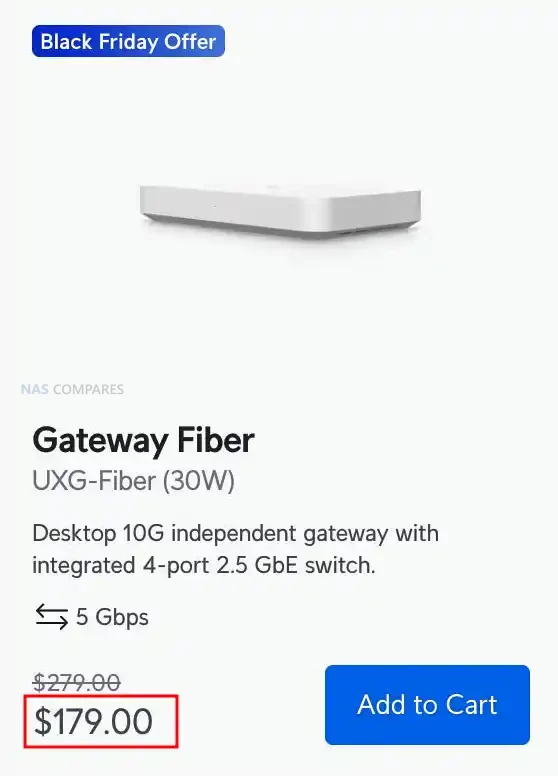
Buyers who want a pure routing device with maximum throughput will find the Gateway Fiber especially strong at its reduced Black Friday price of $179, down from $279. It is an independent 10G gateway designed to be managed through a CloudKey, UniFi Hosting, or a self hosted UniFi Network Server and offers 5Gbps IDS and IPS performance through a quad core Cortex A73 CPU and 2GB of memory. The port layout includes a 10G SFP+ WAN, a 10GbE RJ45 WAN, a 10G SFP+ LAN, and a 4 port 2.5GbE switch with one PoE+ output, which suits multigig fiber setups and high speed switching. Its feature set includes SD-WAN, dynamic routing with OSPF, advanced QoS, mDNS, content filtering, ad blocking, and more than 55,000 CyberSecure signatures. With LTE failover support and a compact footprint, the Gateway Fiber delivers flagship routing at one of the most aggressive price reductions UniFi has offered, making it a strong fit for users who prefer to keep WiFi, switching, and routing as separate modules.
UniFi Cloud Gateway Black Friday Deals
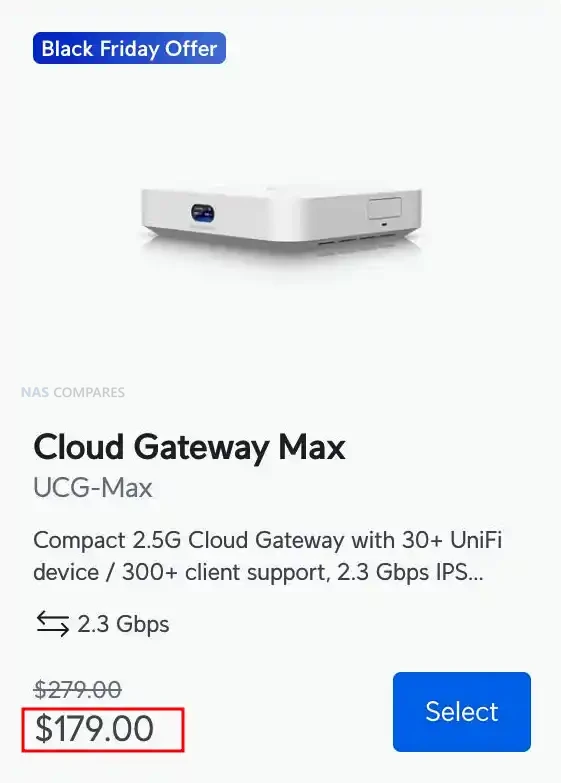
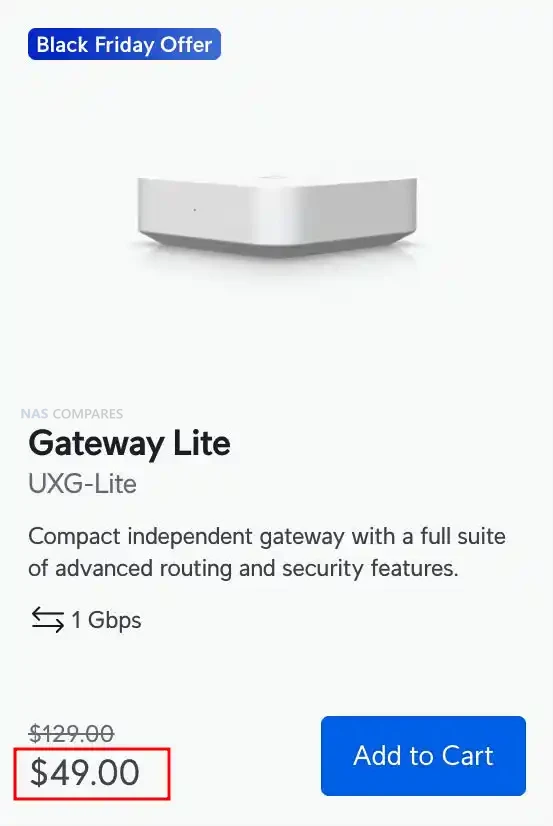
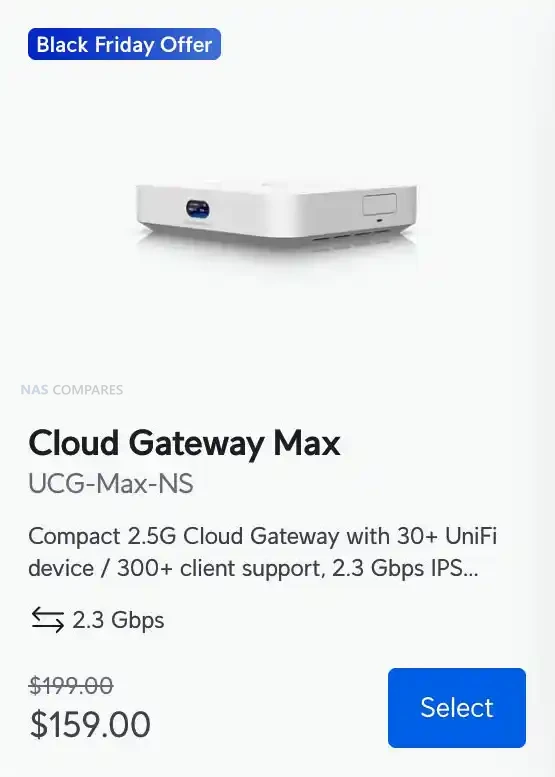
The Cloud Gateway Max, Cloud Gateway Max NS, and Gateway Lite form the most affordable cluster of UniFi Black Friday gateway offers this year. The Cloud Gateway Max drops from $279 to $179 and delivers full UniFi application support with 2.3Gbps IDS and IPS, 2.5GbE WAN, five 2.5GbE LAN ports, and selectable NVMe NVR storage up to 2TB. The NS model follows the same hardware blueprint but arrives at a lower $159 price while retaining 2.3Gbps inspection performance and 30 plus device management. The Gateway Lite stands out as the entry level option at an aggressive $49, down from $129. It offers 1Gbps IDS and IPS, a compact footprint, full UniFi security features, USB C power, and a simple 1GbE WAN plus 1GbE LAN layout, making it ideal for small networks or for replacing an ageing USG.
Moving up the stack, the Gateway Fiber and Dream Router 7 provide the strongest mid tier performance jumps in this Black Friday cycle. The Gateway Fiber drops from $279 to $179 and offers 5Gbps IDS and IPS, 10G SFP+ and 10GbE WAN ports, a 10G SFP+ LAN, and a built in 4 port 2.5GbE switch with one PoE+ output. It supports SD WAN, WireGuard, Site Magic, Teleport VPN, OSPF, advanced QoS, and more than 55,000 CyberSecure signatures. The Dream Router 7 falls to $229 from $279 and combines a full UniFi controller with integrated WiFi 7, 10G SFP+ WAN, 2.5GbE WAN, four LAN ports with PoE, and microSD NVR storage. It can manage 30 plus UniFi devices, runs Protect, Access, Talk, and Connect, and handles more than 300 clients with high throughput across 2.4GHz, 5GHz, and 6GHz bands.
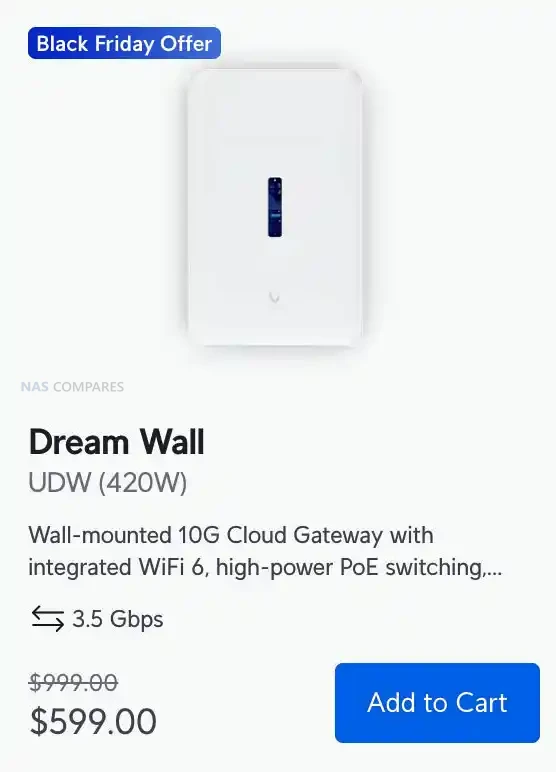
At the premium end, the Dream Wall delivers the largest discount with a drop from $999 to $599 and brings full UniFi application support, integrated WiFi 6, high power PoE switching, and 10G routing in a wall mounted design. It includes 17 1GbE ports, two 10G SFP+ ports, redundant hot swap PSUs, 420W PoE budget, and multiple layers of storage including a 128GB SSD and a 512GB microSD card for NVR use. With 3.5Gbps IDS and IPS, SD WAN, BGP, OSPF, WireGuard, Teleport VPN, and support for more than 100 UniFi devices, the Dream Wall is designed for larger deployments that want a single appliance to run switching, routing, WiFi, security, storage, and all UniFi apps. These six discounted models collectively cover every level of UniFi deployment and represent the strongest lineup of gateway price cuts UniFi has offered for Black Friday 2025.
UniFi WiFI APs for Mesh Black Friday Deals
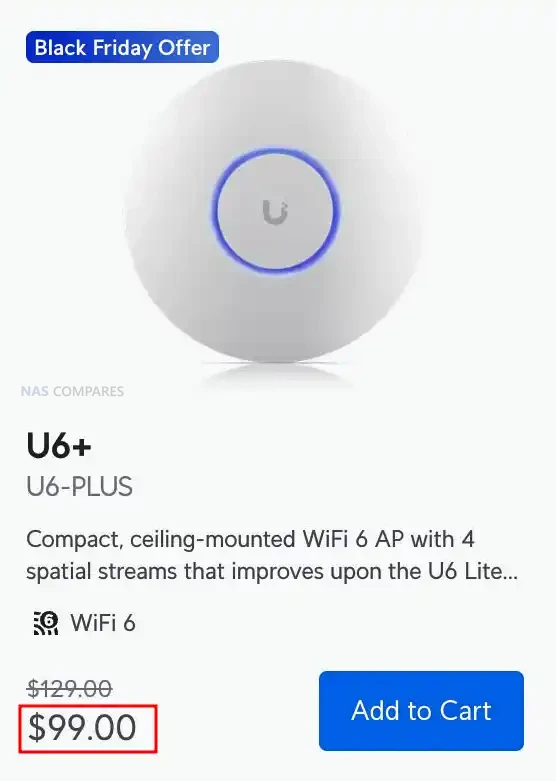
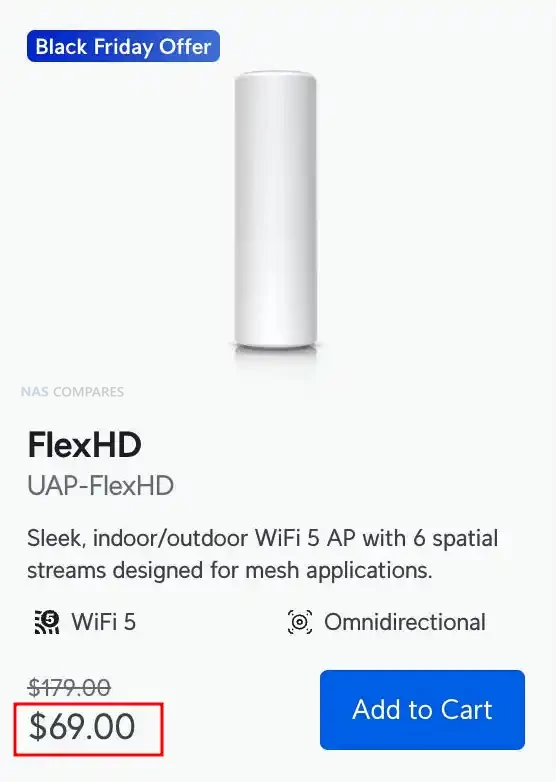
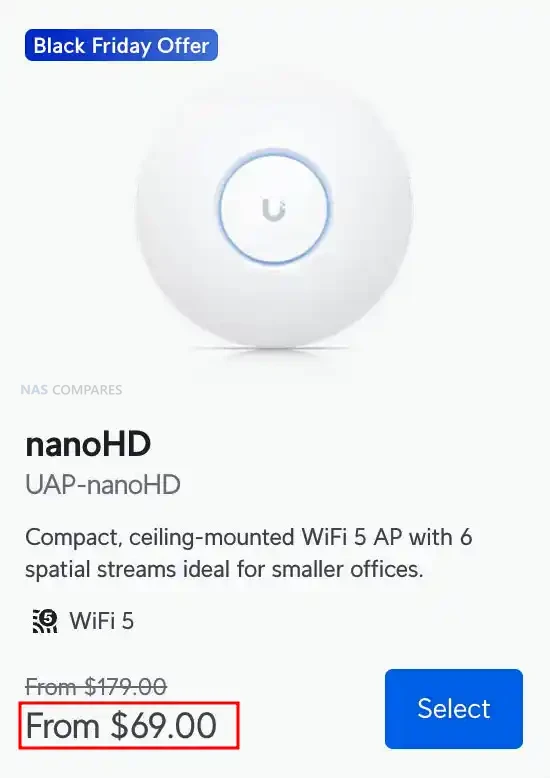
The U6 Plus, FlexHD, and nanoHD form the most affordable set of UniFi access point offers this Black Friday and each one targets a different type of upgrade. The U6 Plus drops to $99 and brings dual band WiFi 6, 4 spatial streams, 2.4Gbps 5GHz throughput, and a 300 plus client capacity in a compact ceiling or wall mounted design. It suits homes and small businesses looking for a modern AP with strong roaming support, PPSK, captive portal options, and full UniFi WiFi management features. The FlexHD falls to $69 and remains one of the most versatile indoor or outdoor mesh units, offering WiFi 5 with 6 spatial streams, 1.7Gbps 5GHz performance, and multiple mounting options that make it easy to extend coverage. The nanoHD also lands at $69 and provides a compact ceiling mounted WiFi 5 solution with 4×4 MU MIMO on 5GHz, up to 1.7Gbps throughput, and a design that blends into most environments, making it ideal for small offices and meeting rooms.
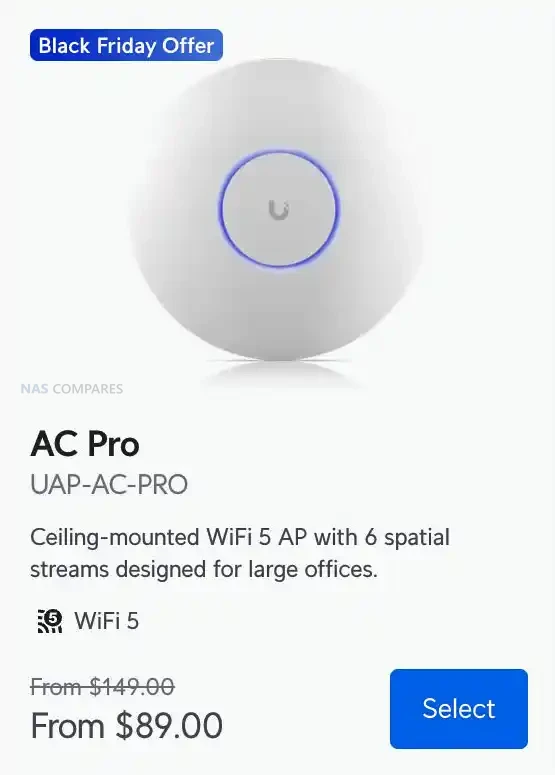
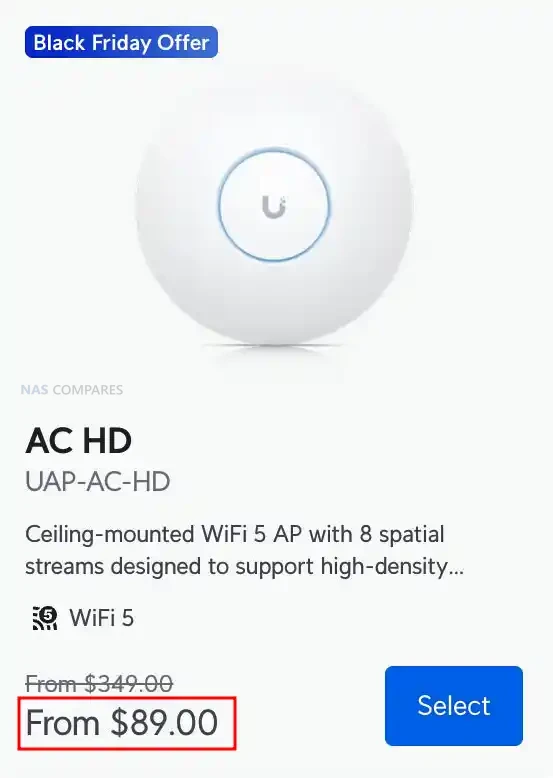
For mid tier deployments, the AC Pro and AC HD both receive strong discounts and remain popular for larger offices or mixed environments. The AC Pro is reduced to $89 and offers dual band WiFi 5, 3×3 MIMO on both radios, 1.3Gbps 5GHz performance, and a proven design that handles 250 plus clients. It includes PoE power, two GbE ports, and full UniFi WiFi features such as fast roaming, band steering, PPSK, and captive portal support. The AC HD now sits at $89 and delivers higher density handling with 8 spatial streams, 4×4 MU MIMO on both bands, 1.7Gbps 5GHz throughput, and support for 500 plus clients. It suits high traffic office floors, learning environments, and large public areas where stable throughput under load matters more than peak bandwidth.
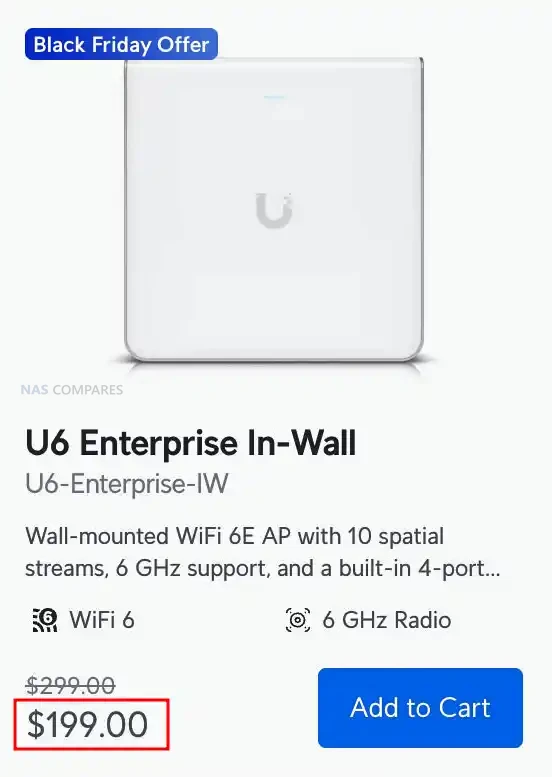
At the top of the lineup, the U6 Enterprise In Wall receives one of the most meaningful reductions with a new price of $199. This model offers WiFi 6E across the 6GHz, 5GHz, and 2.4GHz bands with 10 spatial streams, up to 4.8Gbps on both 6GHz and 5GHz, and support for more than 600 clients. Its built in 4 port GbE switch with PoE output makes it ideal for structured office installs where wall mounted APs double as room level network hubs for desks, phones, or small devices. Fast roaming, RRM, PPSK, RadSec, and advanced portal features place it firmly in the high density business category. Together, these six discounted APs span entry level to enterprise grade coverage and represent UniFi’s strongest Black Friday wireless lineup in several years.
UniFi Network Switch Black Friday Deals
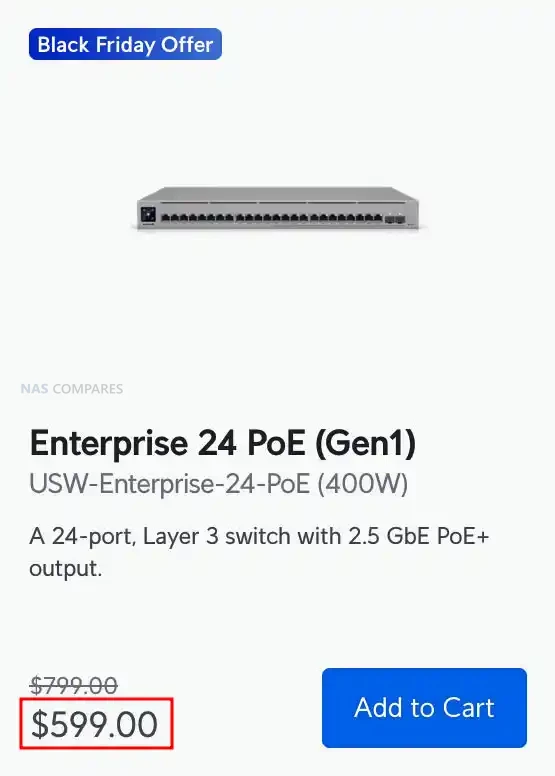
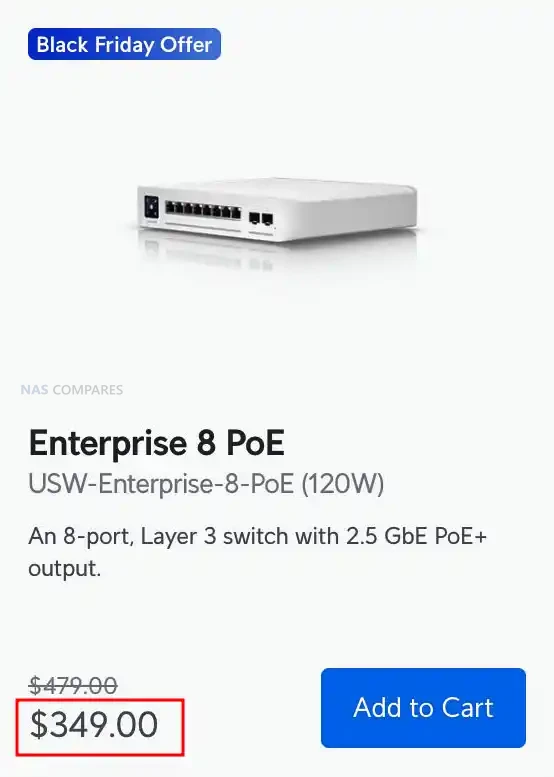
The Enterprise 24 PoE, Enterprise 8 PoE, and Enterprise 48 PoE make up UniFi’s discounted Layer 3 switching lineup for Black Friday 2025 and each model targets a different level of deployment. The Enterprise 24 PoE drops from $799 to $599 and delivers twelve 1GbE PoE+ ports, twelve 2.5GbE PoE+ ports, two 10G SFP+ uplinks, 400W of PoE power, and a 124Gbps switching fabric in a 1U rack chassis. It includes DHCP server and relay, inter VLAN routing, advanced IGMP controls, MAC based ACLs, QoS, and a touchscreen panel with USP RPS backup support. The Enterprise 8 PoE falls to $329 from $479 and provides eight 2.5GbE PoE+ ports with two 10G SFP+ uplinks, 120W of PoE power, and 80Gbps switching performance in a compact desktop form factor. It retains the full Layer 3 feature set including LACP, RSTP, DHCP snooping, port isolation, jumbo frames, and MAC or IP based ACLs, making it suitable for small offices, edge rooms, or multigig AP clusters.
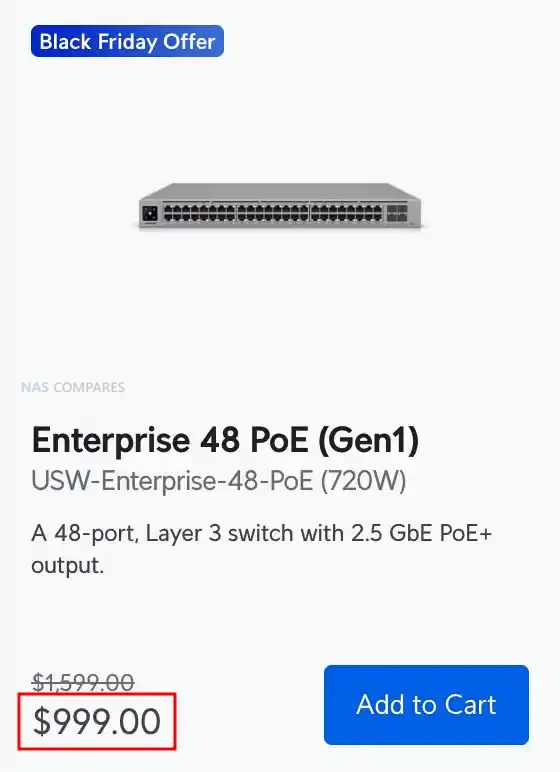
The largest reduction is on the Enterprise 48 PoE which now sits at $999 instead of $1,599 and offers forty eight 2.5GbE PoE+ ports, four 10G SFP+ uplinks, and a substantial 720W PoE budget built for dense AP and camera deployments. It supports a 160Gbps switching fabric, 238Mpps forwarding, LLDP MED, Pro AV profiles, advanced multicast handling, and large routing or MAC tables suitable for campus and high traffic networks. All three switches deliver strong value for Black Friday buyers upgrading to multigig infrastructure, although the two legacy models, the 24 port and 48 port versions, do not meet PoE++ requirements for the new U7 and E7 access points.
UniFi Cameras for Protect Black Friday Deals
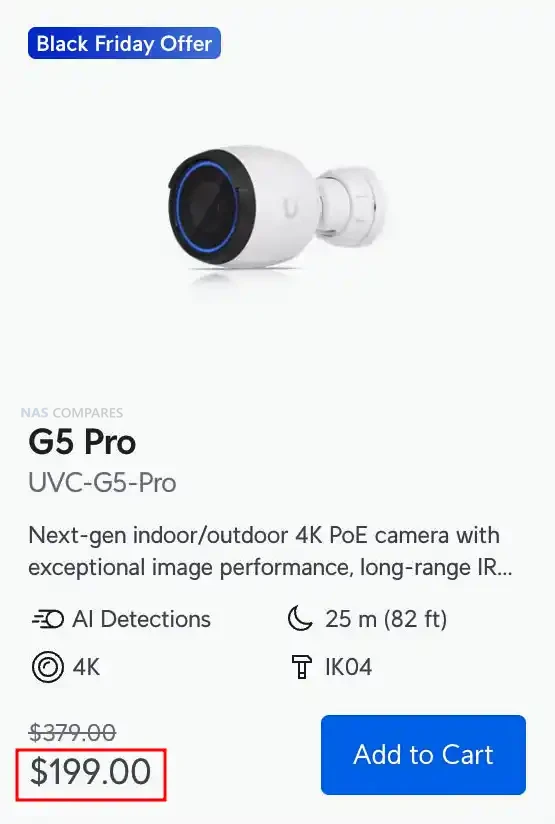
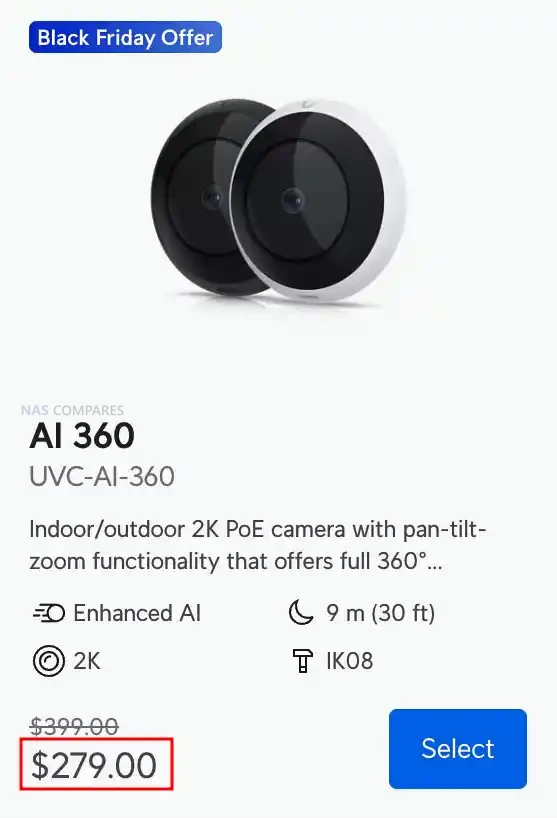
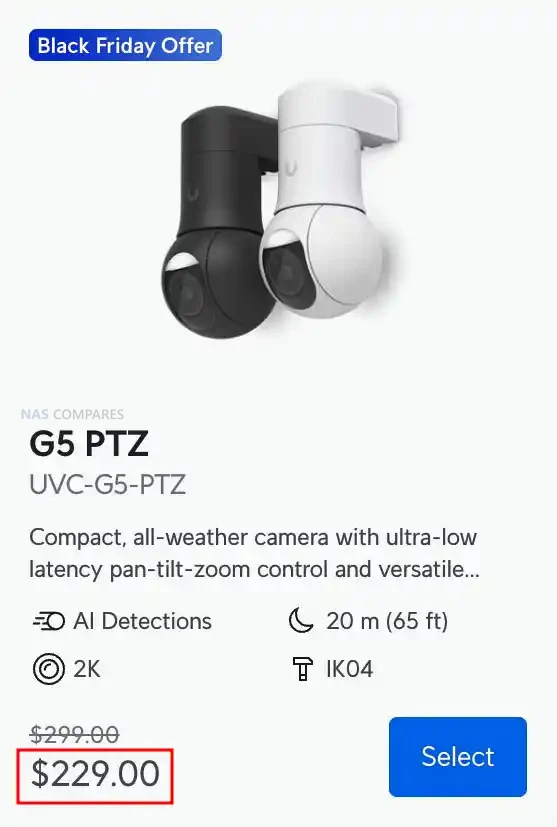
The G5 Pro, AI 360, and G5 PTZ form the front end of UniFi’s discounted camera lineup for Black Friday 2025 and each model targets a different style of coverage. The G5 Pro drops from $379 to $199 and delivers 4K recording with a 3x optical zoom lens, strong daytime clarity, and IR night vision that reaches 25 m or up to 40 m with the Vision Enhancer. It offers people, vehicle, and animal detection, IP65 weather resistance, IK04 impact resistance, and flexible mounting for walls, ceilings, and poles. The AI 360 is reduced from $399 to $249 and provides full 360 degree coverage through a 2K fisheye sensor with pan tilt zoom control handled digitally inside UniFi Protect. It includes two way audio, smart detections, IPX4 weather resistance when covered, and IK08 tamper protection, making it suitable for wide indoor areas, retail spaces, or open office floors. The G5 PTZ falls to $229 from $299 and adds low latency mechanical pan tilt with a 2x optical zoom lens, 20 m IR night vision, and IP66 weather protection, which makes it an option for entry points, driveways, or perimeter paths.
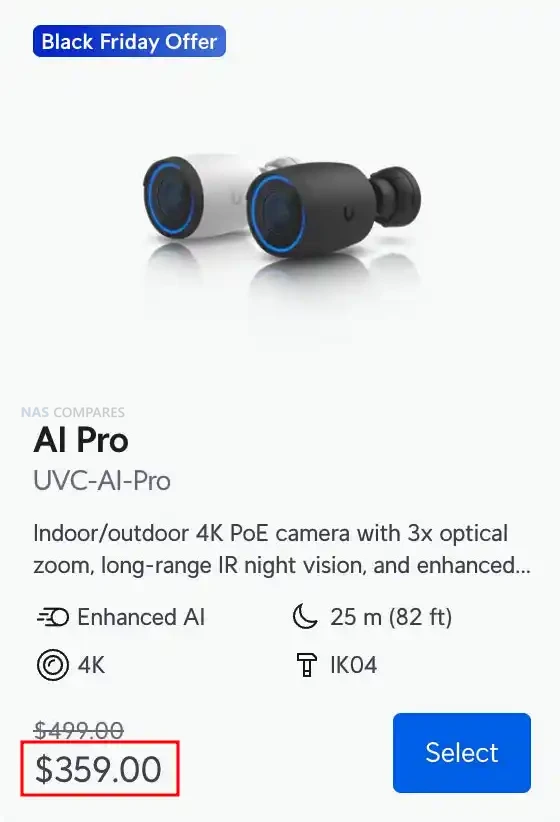
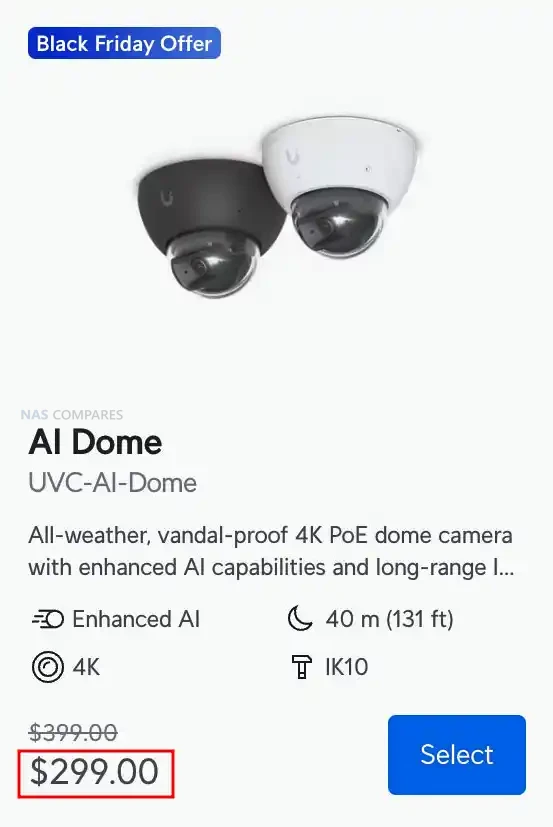
The AI Pro and AI Dome represent the next tier with stronger AI capability and extended detection performance. The AI Pro is discounted from $499 to $359 and delivers 4K resolution, 3x optical zoom, face recognition, license plate recognition, advanced object detection, and up to 40 m IR performance with the Vision Enhancer. It includes two way audio, HDR processing, IP65 weather resistance, and a flexible mounting system for ceilings, walls, and poles. Its 1/1.8 inch 8MP sensor provides higher accuracy in mixed lighting, which makes it suitable for entrances, car parks, or areas requiring reliable plate and face capture. The AI Dome is now $299 instead of $399 and features a vandal resistant IK10 enclosure paired with 4K recording, long range IR up to 40 m, and the same AI recognition capabilities found in the AI Pro. Its dome design suits indoor or sheltered outdoor locations where tamper protection and a clean profile matter.
Across the lineup, every model supports PoE power, onboard image adjustment controls, UniFi smart detections, and full Protect integration with consistent 30 FPS recording. The G5 series offers strong value for users upgrading older 1080p or 2K cameras, while the AI series adds more precise analytics and improved low light performance. The combination of significant price cuts and a wide range of coverage types means this group forms one of the strongest Black Friday camera selections UniFi has presented, covering everything from broad area surveillance to focused zoom capture and high security environments.
This description contains links to Amazon. These links will take you to some of the products mentioned in today's content. As an Amazon Associate, I earn from qualifying purchases. Visit the NASCompares Deal Finder to find the best place to buy this device in your region, based on Service, Support and Reputation - Just Search for your NAS Drive in the Box Below
Need Advice on Data Storage from an Expert?
Finally, for free advice about your setup, just leave a message in the comments below here at NASCompares.com and we will get back to you.Need Help?
Where possible (and where appropriate) please provide as much information about your requirements, as then I can arrange the best answer and solution to your needs. Do not worry about your e-mail address being required, it will NOT be used in a mailing list and will NOT be used in any way other than to respond to your enquiry.
[contact-form-7]
TRY CHAT Terms and Conditions
If you like this service, please consider supporting us.
We use affiliate links on the blog allowing NAScompares information and advice service to be free of charge to you.Anything you purchase on the day you click on our links will generate a small commission which isused to run the website. Here is a link for Amazon and B&H.You can also get me a Ko-fi or old school Paypal. Thanks!To find out more about how to support this advice service checkHEREIf you need to fix or configure a NAS, check FiverHave you thought about helping others with your knowledge? Find Instructions Here
Or support us by using our affiliate links on Amazon UK and Amazon US
Alternatively, why not ask me on the ASK NASCompares forum, by clicking the button below. This is a community hub that serves as a place that I can answer your question, chew the fat, share new release information and even get corrections posted. I will always get around to answering ALL queries, but as a one-man operation, I cannot promise speed! So by sharing your query in the ASK NASCompares section below, you can get a better range of solutions and suggestions, alongside my own.
UGREEN NASync vs UniFi UNAS – Which Should You Buy?
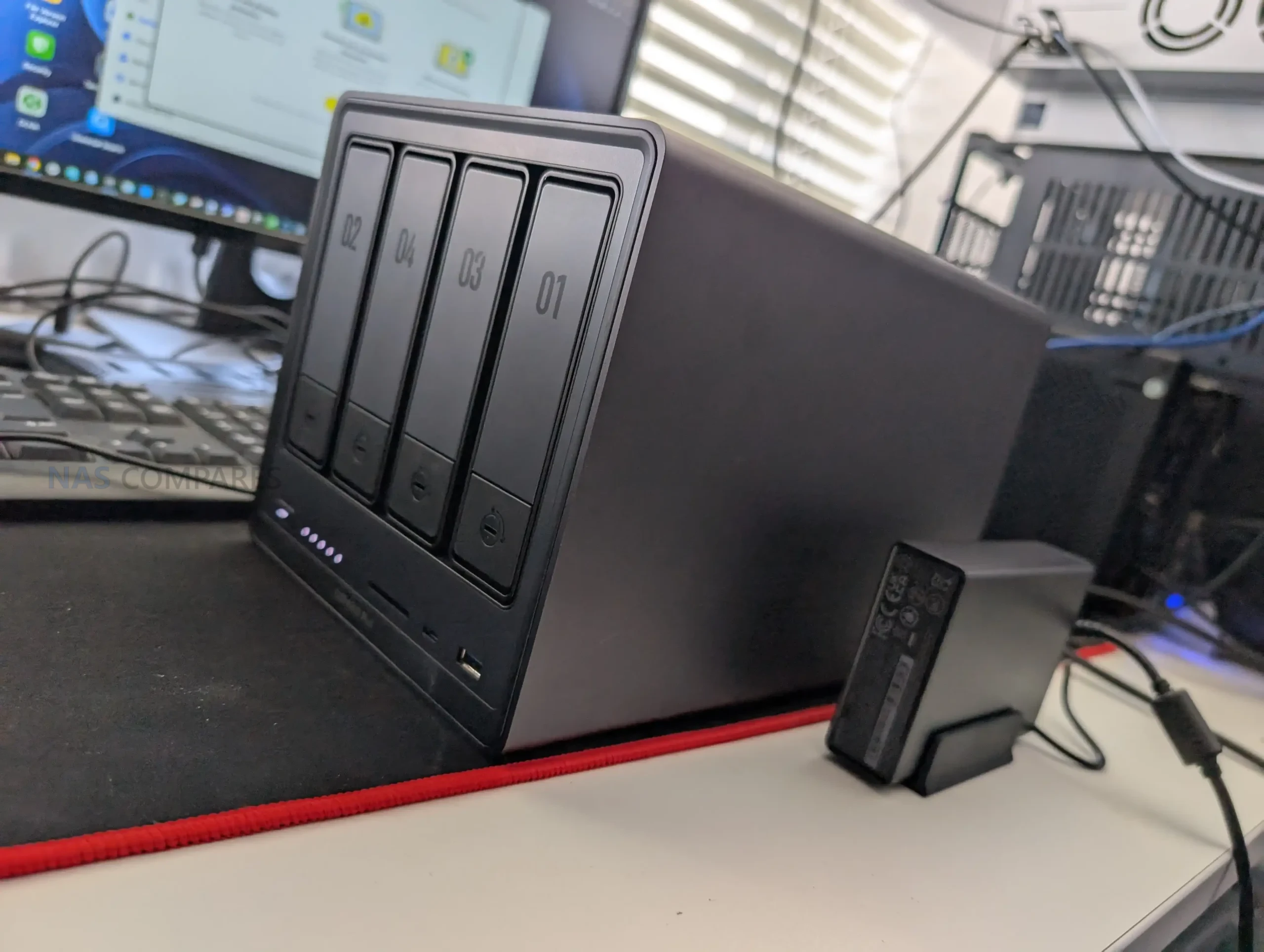
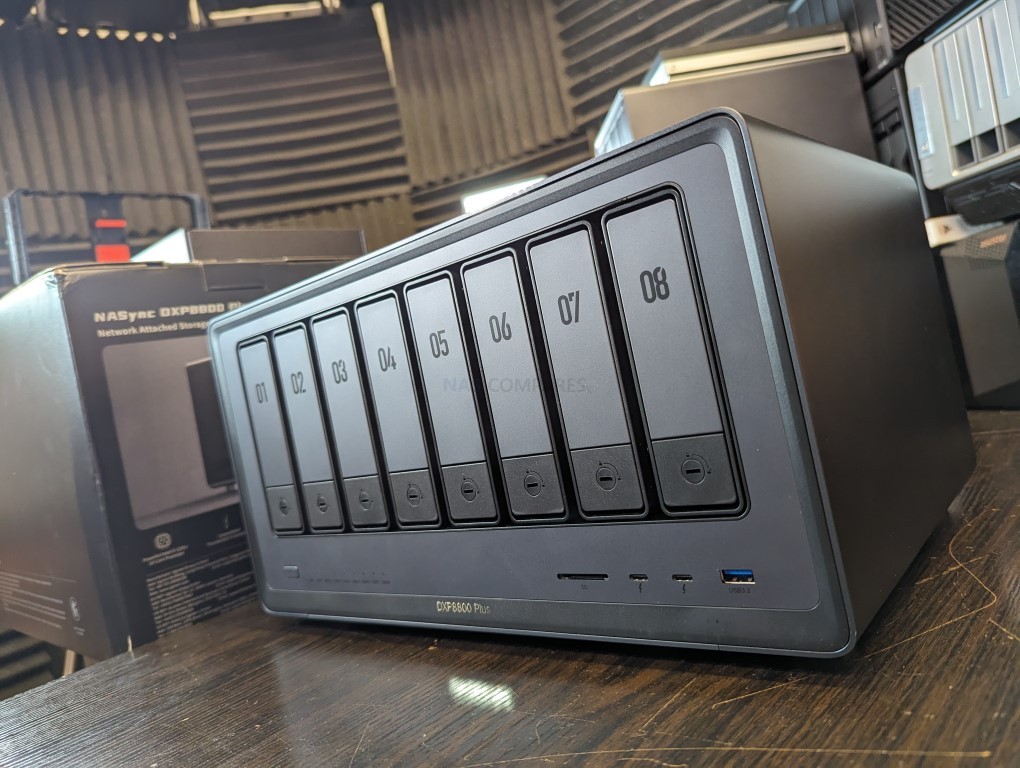
In the evolving landscape of network-attached storage, the arrival of UGREEN and UniFi (Ubiquiti) marks one of the more interesting shifts in consumer and prosumer data management over the last two years. Both brands, previously recognised for their strength in peripheral hardware and networking respectively, officially entered the NAS sector around late 2023 to early 2024, each taking distinct approaches to design, functionality, and ecosystem integration. UGREEN, following a successful crowdfunding launch in early 2024, built its NASync series around desktop and SSD-based solutions for home, creative, and prosumer users seeking all-in-one local storage, virtualization, and multimedia platforms. Its portfolio now includes systems ranging from the ARM-based DXP2800 to the Intel-powered DXP8800 Plus, offering performance tiers from modest home use to compact workstation-class environments.
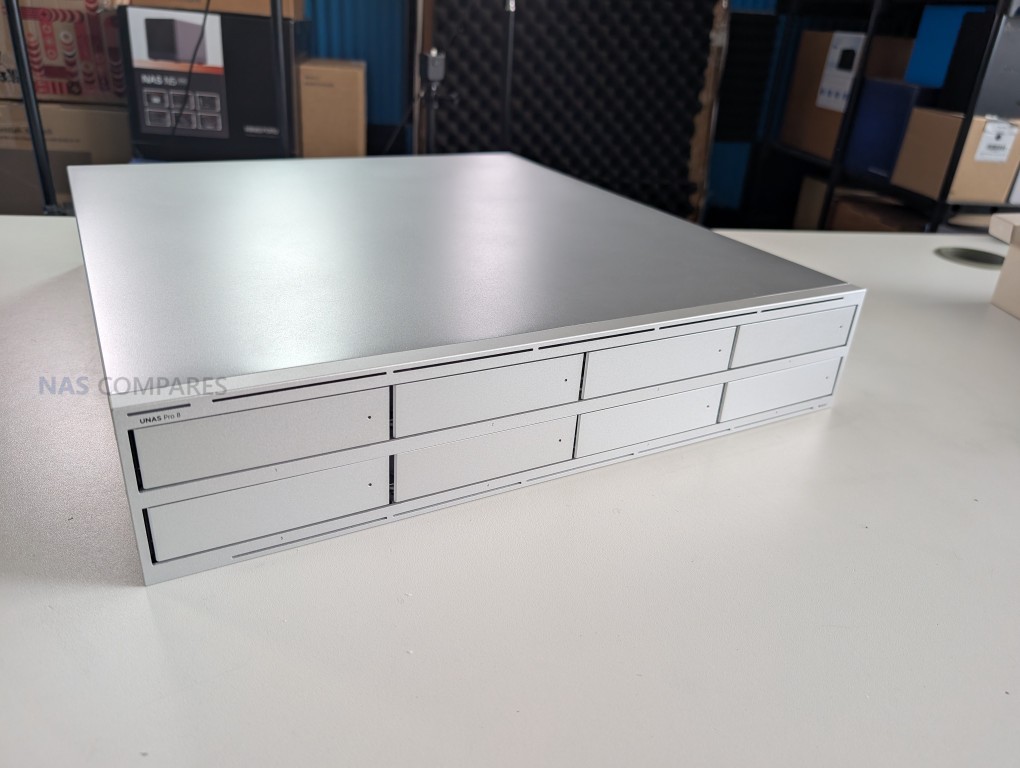
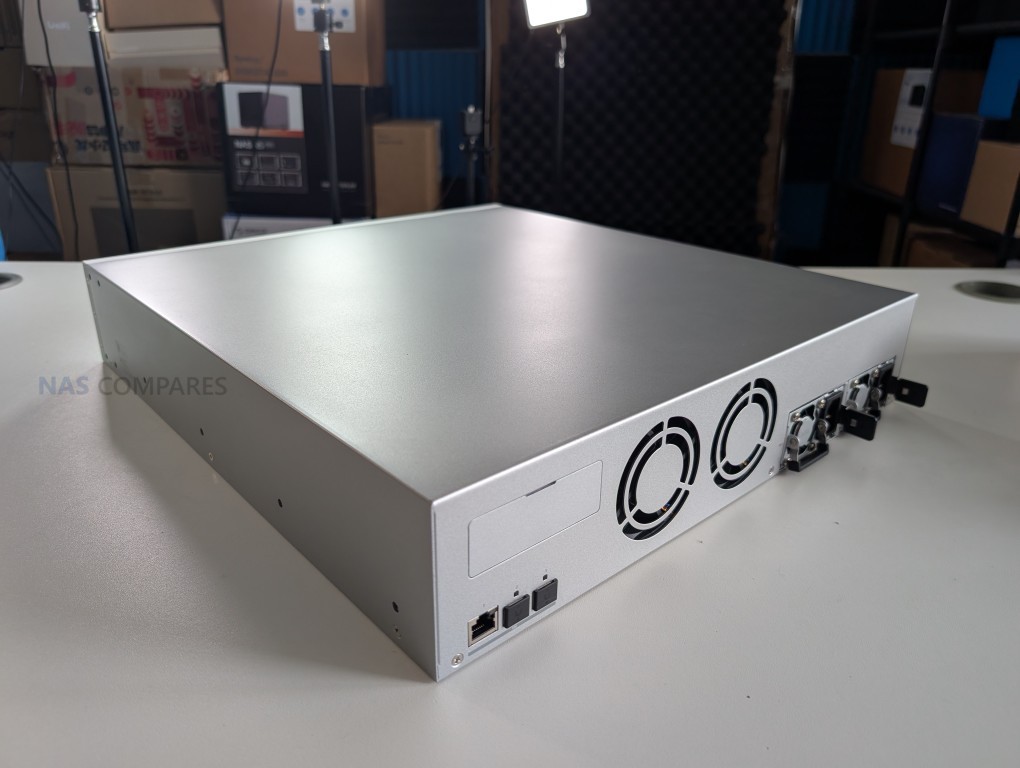
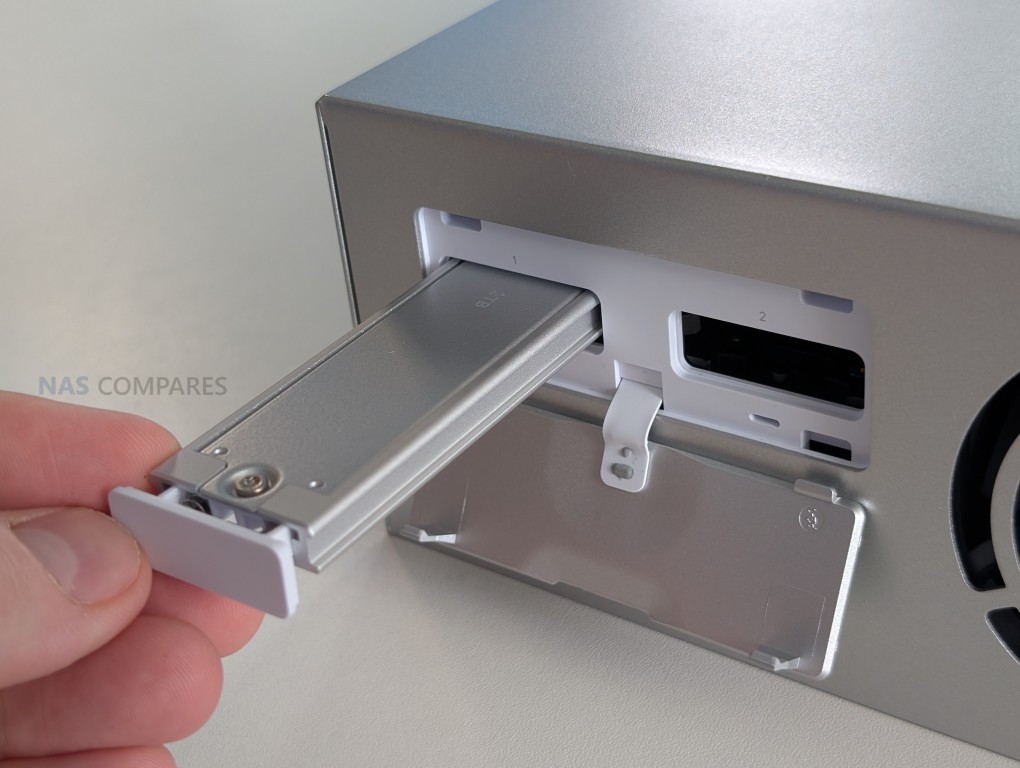
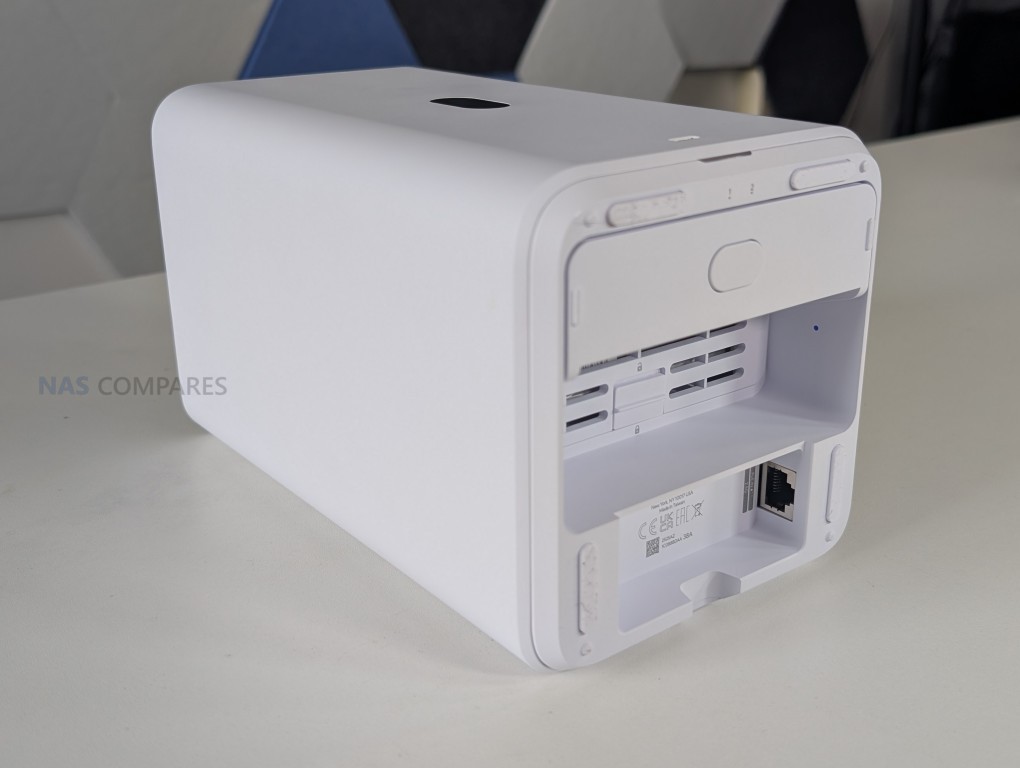
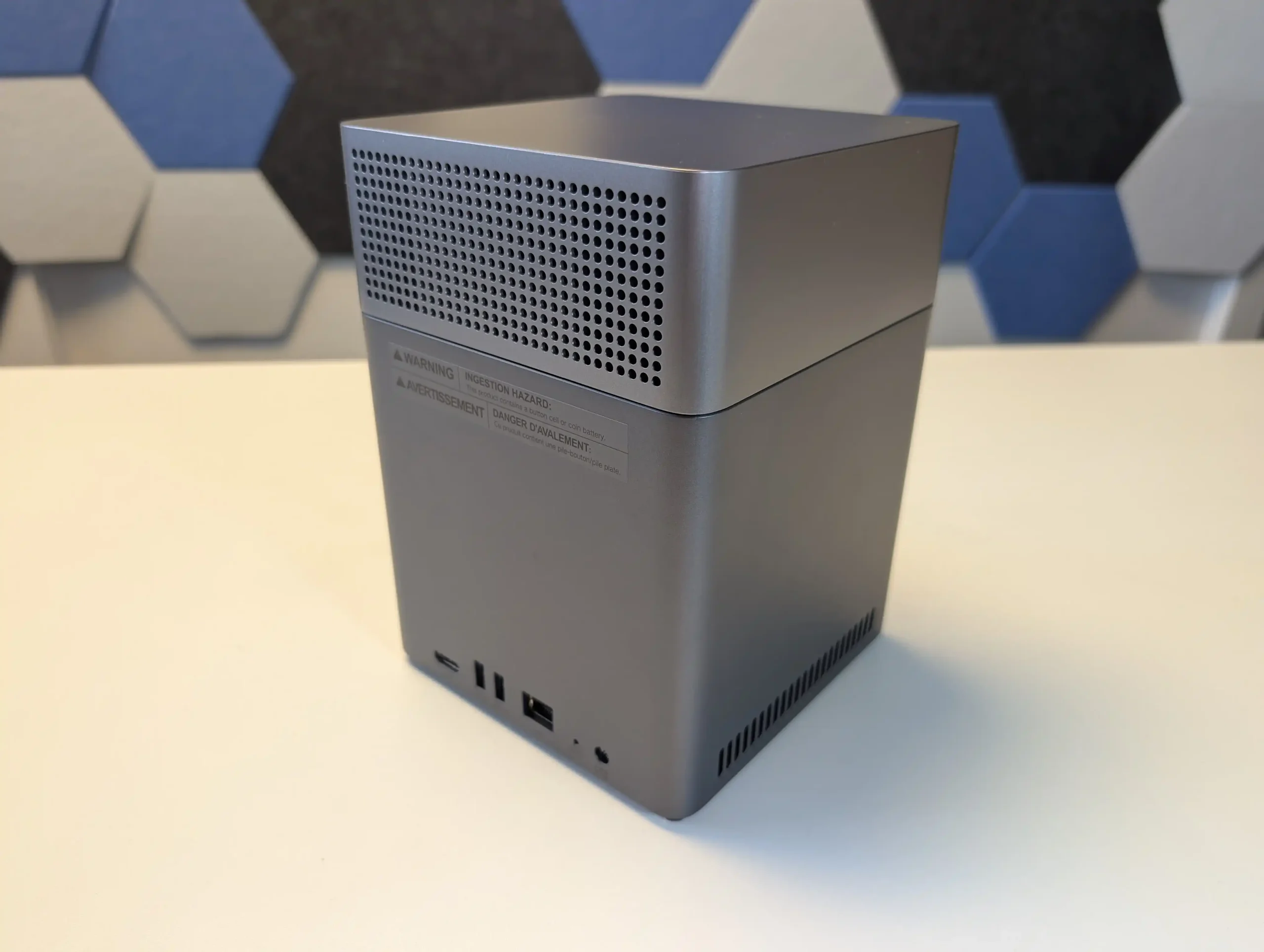
Meanwhile, UniFi, a brand with a long history in professional networking and surveillance infrastructure, released its UNAS family within the same timeframe, targeting users already invested in its ecosystem of routers, cameras, and switches. The UNAS lineup now spans from the compact UNAS 2 and UNAS 4 desktop units to the rackmount UNAS Pro 4 and Pro 8 systems, with each designed for straightforward deployment and remote integration within the UniFi Network and Protect platforms. Despite arriving from very different sectors, both companies have effectively lowered the cost of entry to reliable NAS storage while redefining how integrated ecosystems can extend storage functionality. This comparison explores their respective design choices, hardware capabilities, software environments, and operational scope to assess which platform is best suited to different user scenarios in 2025 and 2026.
UniFi vs UGREEN NAS – The TL;DR
In comparing the UniFi and UGREEN NAS platforms, it becomes clear that each brand represents a different vision of what modern network storage should be. UniFi’s UNAS series builds on the company’s heritage in networking and surveillance, delivering a range of efficient, ARM-powered NAS systems that integrate tightly within the UniFi ecosystem. Models such as the UNAS 2, UNAS 4, UNAS Pro 4, and UNAS Pro 8 prioritize reliability, centralized management, and long-term stability rather than raw compute power or expandability. Their hardware is deliberately fixed—non-upgradable memory, ARM Cortex-A55 or A57 CPUs, and limited caching support for NVMe drives—but balanced by advanced network connectivity, including dual 10G SFP+ ports, PoE+++ power options, and redundant power supplies. UniFi’s storage OS focuses on core NAS fundamentals: multiple RAID levels, snapshots, encryption, and secure remote access via the UniFi controller. It is intentionally simple, relying on integration with other UniFi products for extended functionality such as surveillance and automation. In contrast, UGREEN’s NASync line follows an open, performance-driven approach designed for flexibility and standalone capability.
Ranging from the DXP2800 with its 8-core ARM processor to the flagship DXP8800 Plus powered by Intel’s i5-1240P, these systems cover every segment from entry-level home use to prosumer and light enterprise workloads. UGREEN’s hardware offers user-upgradable DDR4/DDR5 memory, PCIe expansion, NVMe storage pooling, and multi-gig connectivity, with higher-end models adding dual 10GbE, Thunderbolt 4, and even GPU compatibility. Its UGOS Pro operating system transforms the NAS into a hybrid server capable of running Docker containers, virtual machines, and AI-based indexing, alongside comprehensive backup and synchronization tools across cloud and local environments. While UniFi emphasizes simplicity, low maintenance, and enterprise-grade network reliability, UGREEN delivers a richer feature set and greater hardware freedom at the expense of long-term enterprise validation. In essence, UniFi NAS suits users already invested in UniFi’s ecosystem who value cohesion, predictable performance, and integrated security, whereas UGREEN NAS appeals to those seeking raw performance, versatility, and independent control without ecosystem constraints.
Why Buy UniFi NAS?
Why Buy UGREEN NAS?
Want to support us NASCompares? Use the links/buttons below, and anything you purchase results in a small commission coming to me and Eddie @NASCompares. It really is just the two of us doing everything, and purchasing things via these links will allow you to passively support creators like us (as well as allow us to keep making videos, providing support, running the forum, making tutorials and more) at no extra cost to yourself!
Ecosystem Integration: Seamlessly integrates with UniFi Network, Protect, and Access systems, allowing unified management through a single controller interface.
Centralized Management: Designed for administrators managing multiple UniFi sites or devices, providing consistent firmware, remote access, and monitoring from one dashboard.
Reliable, Efficient Design: ARM-based architecture ensures low power draw, cool operation, and stable long-term performance with minimal maintenance.
Enterprise-Grade Networking: Equipped with up to dual 10G SFP+ and 10GBase-T ports, plus USP-RPS redundancy for professional deployments.
Proven Security Framework: Benefits from Ubiquiti’s mature network security infrastructure, signed firmware updates, and NDAA-compliant hardware.
Superior Hardware Performance: Offers a full range from ARM to Intel Core i5 CPUs, with upgradable RAM, NVMe storage pools, and optional PCIe expansion.
Versatile Software (UGOS Pro): Supports Docker, virtual machines, AI photo indexing, and multi-platform backups out of the box.
All-in-One Standalone System: Functions independently without relying on an external ecosystem, ideal for users wanting a complete server in one unit.
Advanced Connectivity: Includes 2.5 GbE and 10 GbE networking, USB 4/Thunderbolt 4, and support for direct-attached workflows like video editing or large-file transfer.
Rapid Development and Updates: Frequent firmware releases continually add new features, broader hardware support, and improved backup and security options.
UniFi vs UGREEN NAS – Design, Storage and Range
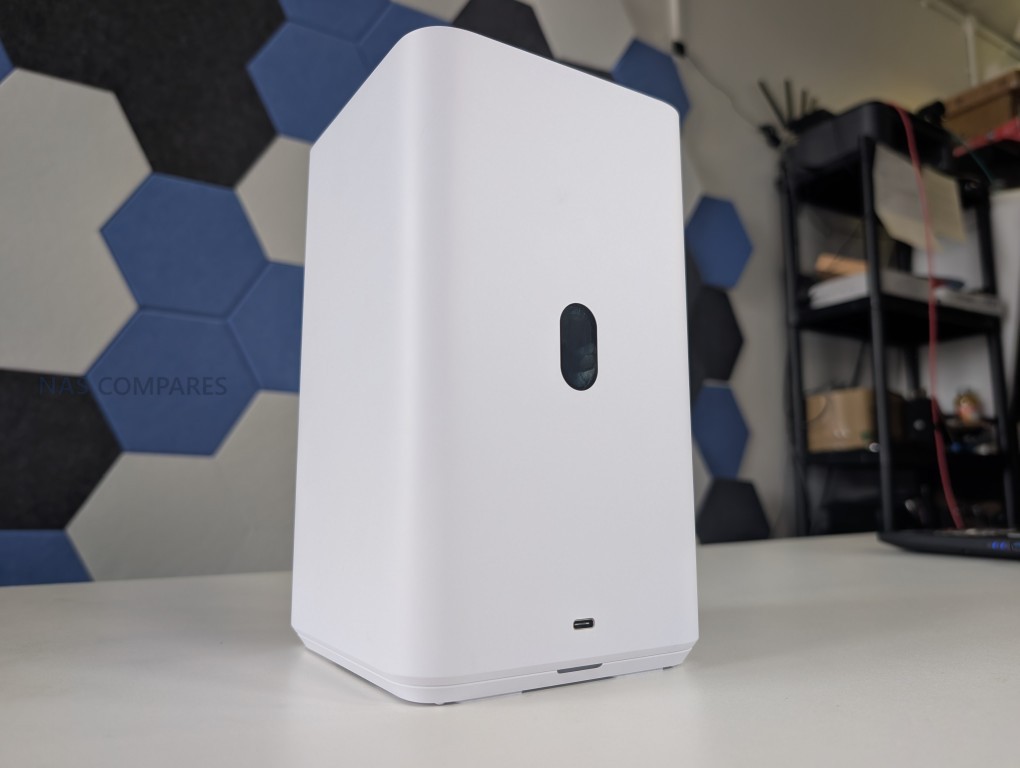
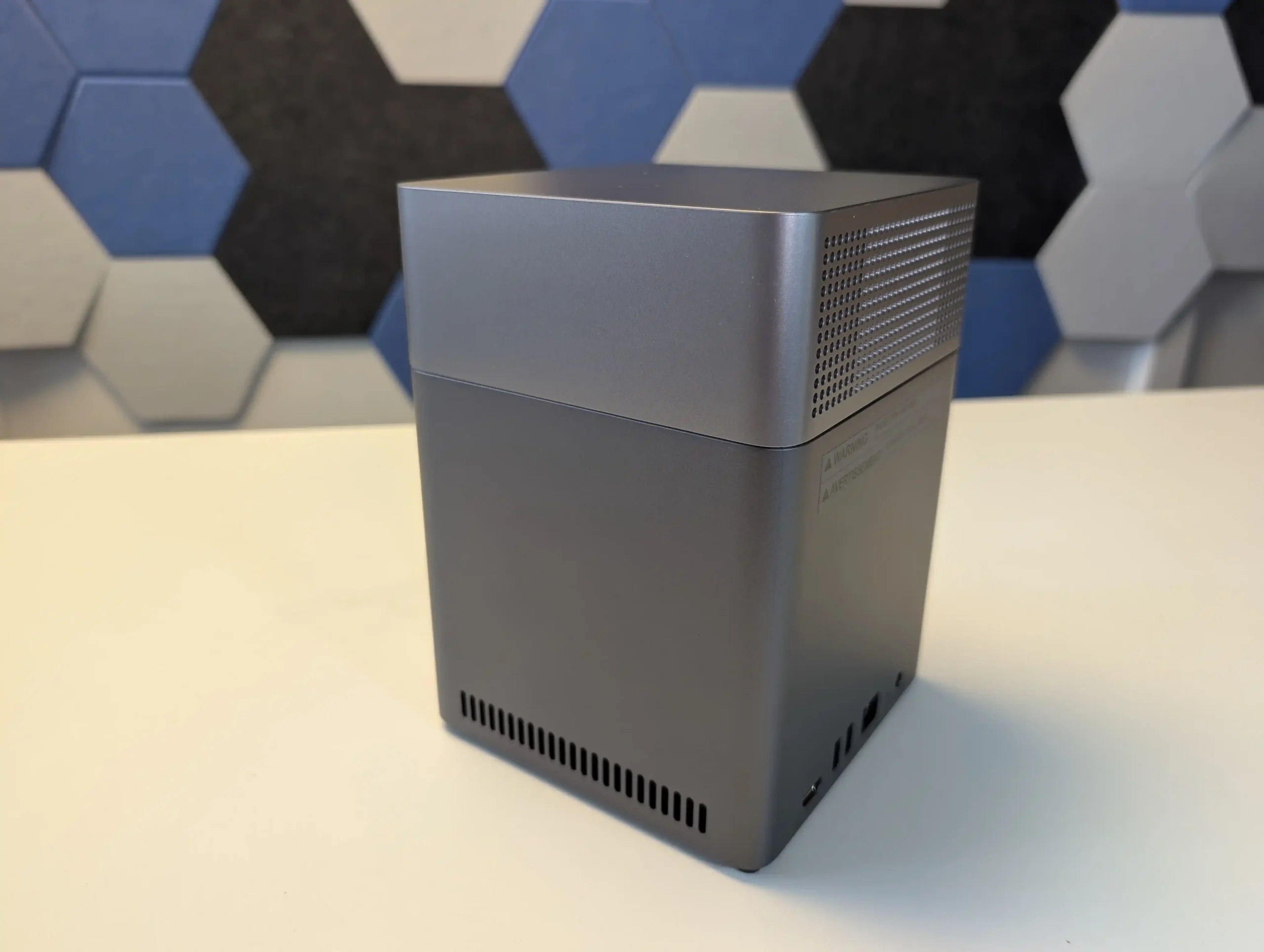
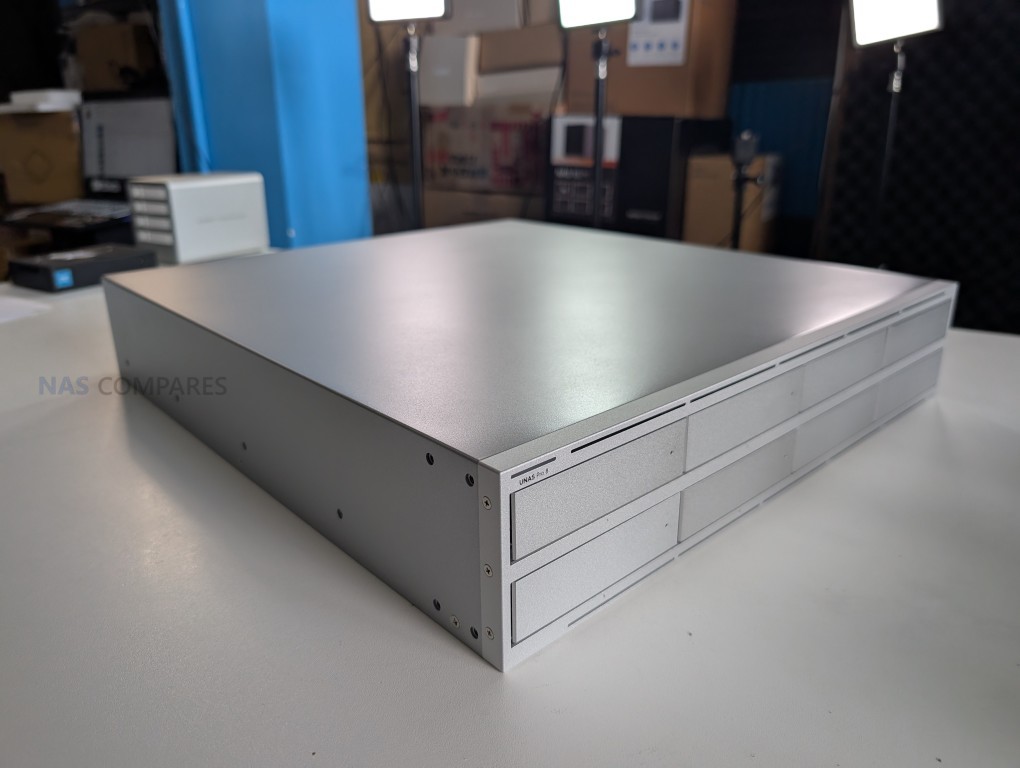
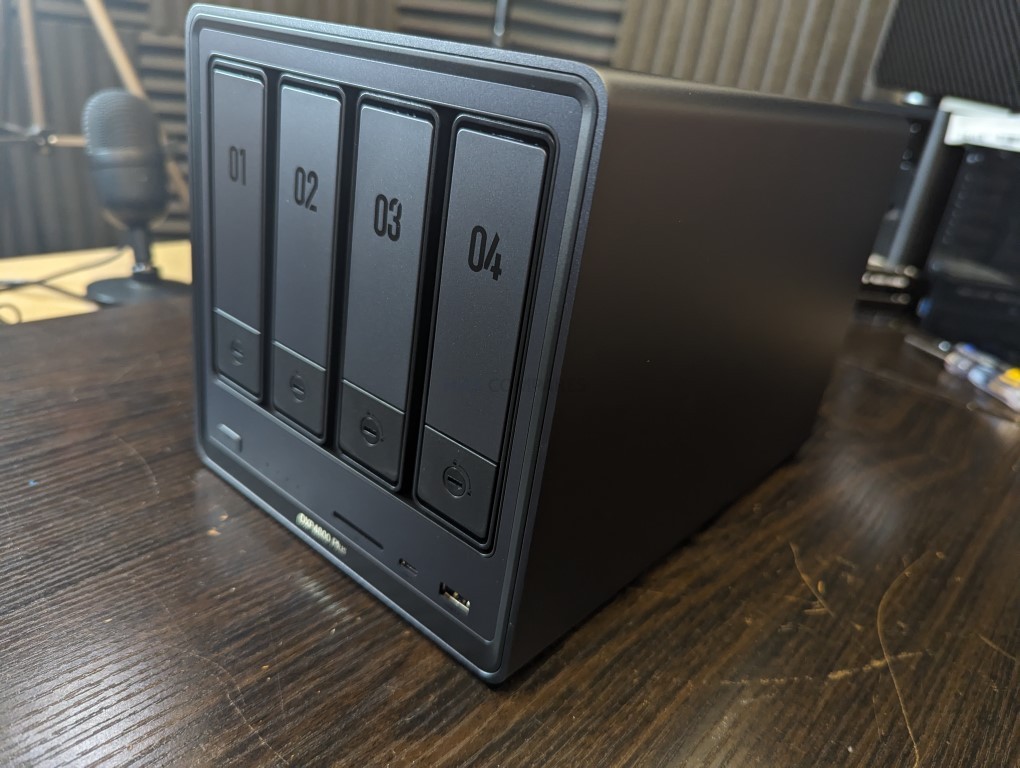
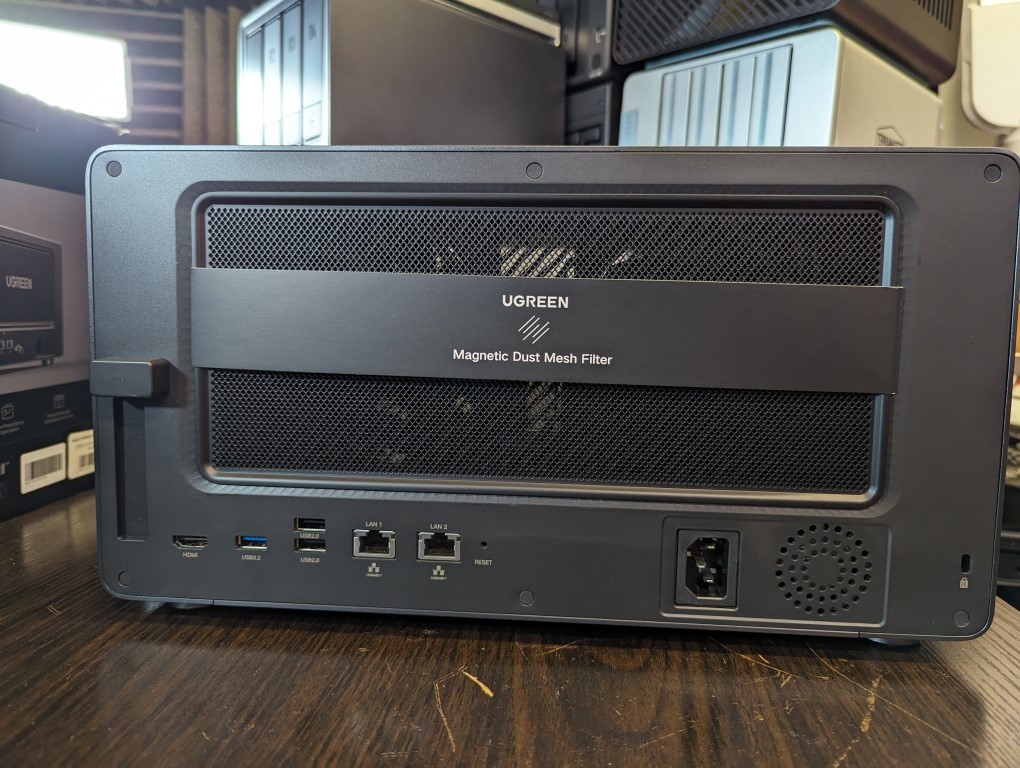
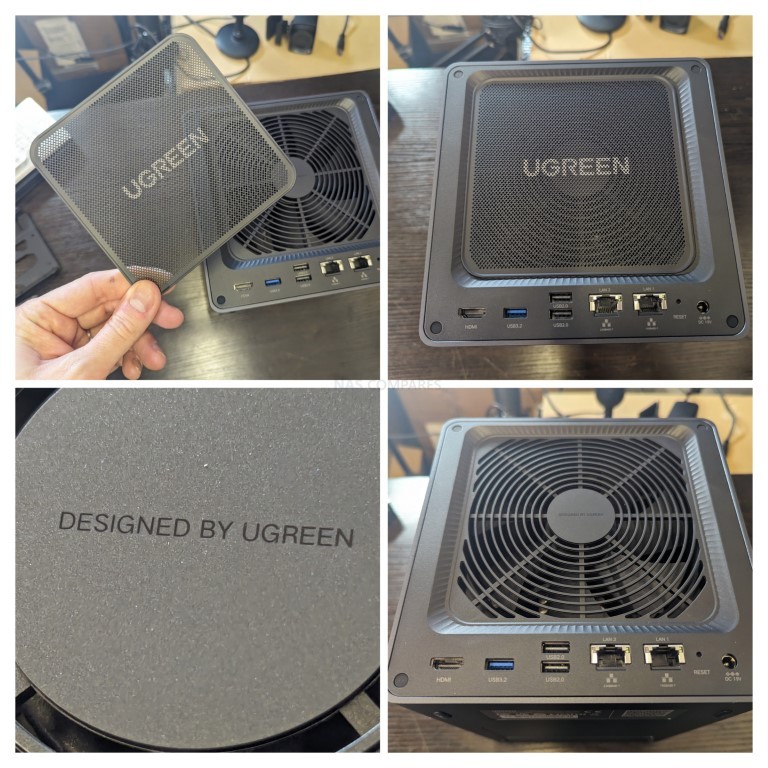
When comparing UGREEN and UniFi’s NAS portfolios, the first and most visible difference lies in how each brand approaches system design and deployment environment. UGREEN’s NASync series is focused entirely on desktop enclosures, reflecting the brand’s consumer electronics background and intent to cater primarily to home users, prosumers, and creative professionals. Each model, such as the DXP2800, DXP4800 Plus, and DXP8800 Plus, follows a compact, upright chassis layout with attention to quiet cooling and minimal footprint. The aesthetic is consistent across the range—metallic finishes, clear drive bay accessibility, and understated branding—intended to fit easily on a desk or in a studio environment. By contrast, UniFi’s UNAS range adopts both desktop and rackmount designs, depending on model class. The UNAS 2 and UNAS 4 are designed for smaller workspaces and integrate PoE+++ power options to simplify installation, while the UNAS Pro 4 (1U) and UNAS Pro 8 (2U) are full rackmount systems made from SGCC steel, reflecting their professional and data-center-friendly construction standards.
UGREEN’s systems emphasize flexibility and user-level expandability within their desktop footprint. Most models in the NASync line support 2.5-inch or 3.5-inch SATA drives, dual NVMe SSD slots, and optional PCIe or Thunderbolt expansion, allowing them to function as both storage servers and active editing platforms. The DXP480T Plus, for example, is an all-SSD NAS with four M.2 NVMe bays that appeals to users seeking maximum I/O performance for tasks such as 4K video editing or database caching. The DXP8800 Plus, the flagship, extends this design language with eight SATA bays, dual Gen 4 M.2 SSD slots, dual 10 GbE networking, and Thunderbolt 4 connectivity, making it one of the most powerful turnkey NAS options in the consumer space. In comparison, UniFi’s UNAS systems prioritize structural consistency and network integration over expandability. Even though all models provide dual or single NVMe slots, these are limited to caching duties. Drive capacity across the lineup scales more linearly, from two to eight 3.5-inch bays, maintaining a clear size-to-performance progression while focusing on rack density and cooling efficiency.
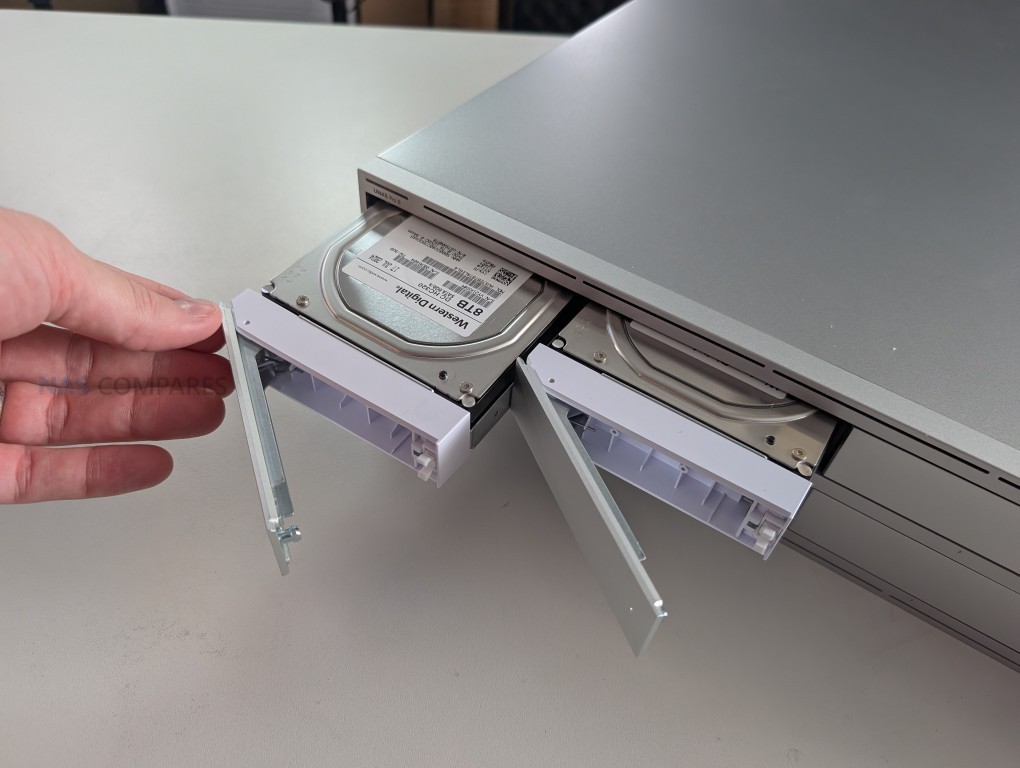
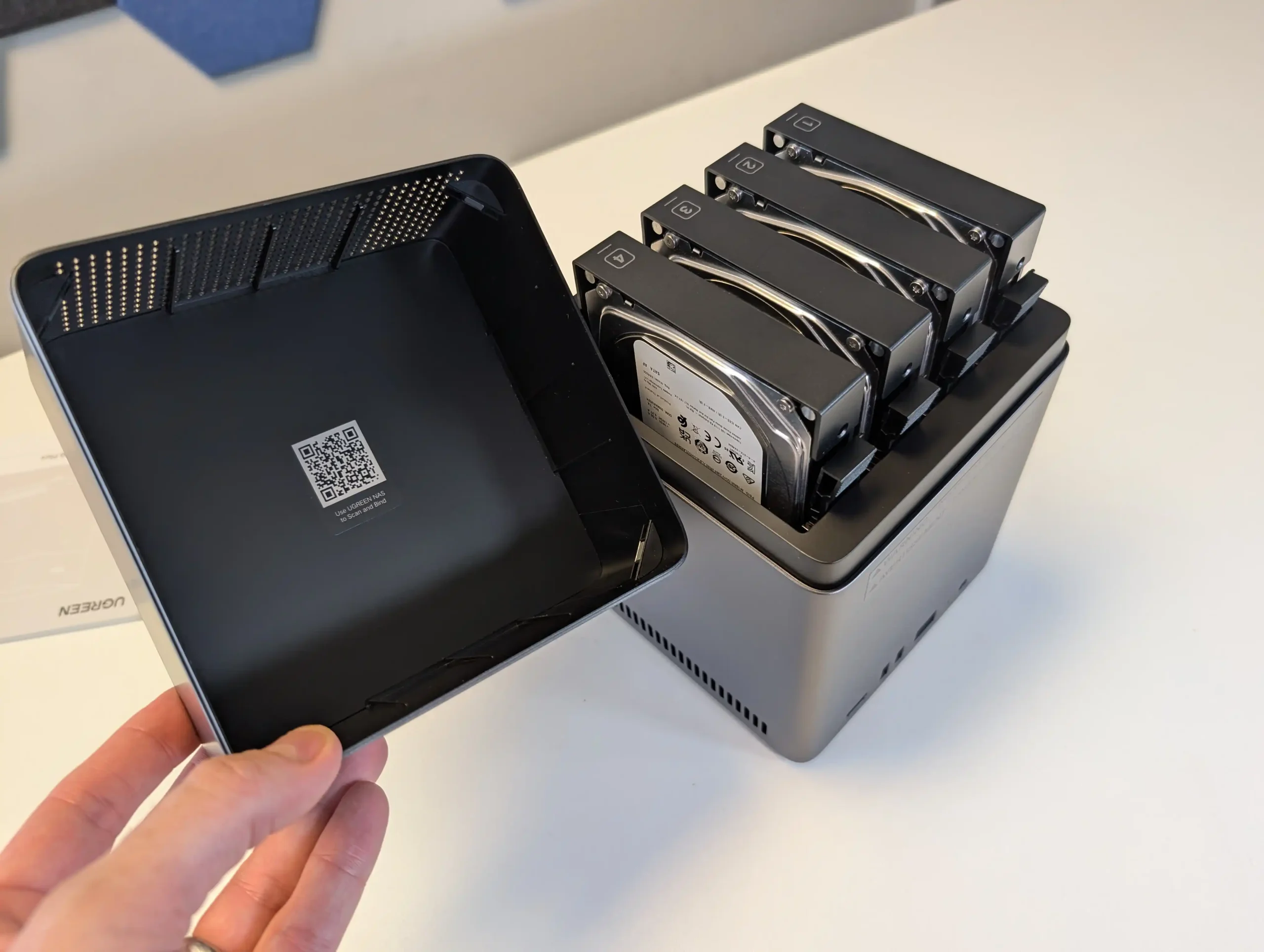
From a usability perspective, UGREEN’s design philosophy focuses on standalone versatility. Each NASync model is built to function independently as a complete storage and application host, with optional integration through standard network protocols. Physical accessibility is a clear design consideration, with quick-release trays, front USB ports, and in some models, SD card readers for direct media offload. The visual and acoustic design is optimized for open environments, with whisper-quiet fan systems and smart temperature management, making them suitable for use beside workstations or in living spaces. UniFi’s design philosophy, however, centers on infrastructure harmony rather than isolation. The rackmount models are designed to slide directly into existing UniFi network installations, using standard 1U or 2U spacing and consistent power integration with UniFi’s USP-RPS redundant supply network. Even the desktop UNAS 4 maintains visual continuity with UniFi routers and switches, using similar matte finishes, front-facing status LEDs, and clean ventilation lines.
In terms of product range, UGREEN currently offers at least seven NASync models, each targeting a specific performance segment. These include the DXP2800 (2-bay ARM), DXP4800 (4-bay N100), DXP4800 Plus (4-bay N305), DXP6800 Pro (6-bay N305), DXP480T Plus (SSD-only, N305), DH4300 Plus (4-bay ARM), and DXP8800 Plus (8-bay i5-1240P). Each generation introduces more advanced CPUs, faster interfaces, and expanded media capabilities. UniFi’s current UNAS range, while smaller, has diversified rapidly since its launch. The confirmed models include the UNAS 2, UNAS 4, UNAS Pro 4, UNAS Pro 8, and the earlier UNAS Pro 7-Bay, all of which use ARM-based processors and fixed memory configurations. A larger ENAS 16-Bay ZFS system is already in development, targeting enterprise and datacenter deployments in 2026. Compared with UGREEN’s more gradual tiered approach, UniFi’s product scaling is defined by form factor and network bandwidth rather than by CPU class or user workload.
Price segmentation further highlights their opposing strategies. UniFi’s UNAS line is priced aggressively to attract users into its broader ecosystem, starting at $199 for the UNAS 2, rising to $799 for the Pro 8, and including mid-tier models like the UNAS 4 ($379) and Pro 4 ($499). The pricing aligns with UniFi’s established model of offering capable hardware at low margins to encourage ecosystem investment across switches, cameras, and controllers. UGREEN, by contrast, positions its NASync devices as feature-rich all-rounders, with prices reflecting performance class: from $279 for the DXP2800 to around $1,299 for the DXP8800 Plus. The difference in pricing structure is significant but reflects how each company defines value—UniFi through integrated ecosystem scaling, and UGREEN through standalone hardware strength and included functionality.
Brand
Model Range
Form Factor
Drive Bays
NVMe Slots
Networking
Power Design
Typical Price Range
UniFi (Ubiquiti)
UNAS 2, UNAS 4, UNAS Pro 4, UNAS Pro 8, UNAS Pro 7-Bay
Desktop / Rackmount (1U–2U)
2 – 8 × 3.5″/2.5″
2 × M.2 (cache only)
Up to 3 × 10 GbE (SFP+ + RJ45)
Internal + RPS / Dual hot-swap PSU
$199 – $799
UGREEN NASync
DXP2800, DXP4800(+), DXP6800 Pro, DXP480T Plus, DH4300 Plus, DXP8800 Plus
Desktop only
2 – 8 × 3.5″/2.5″ + SSD variants
2 × M.2 (cache + storage)
2.5 GbE / 10 GbE / TB4 / USB 4
External or internal PSU
UniFi vs UGREEN NAS – Hardware Range
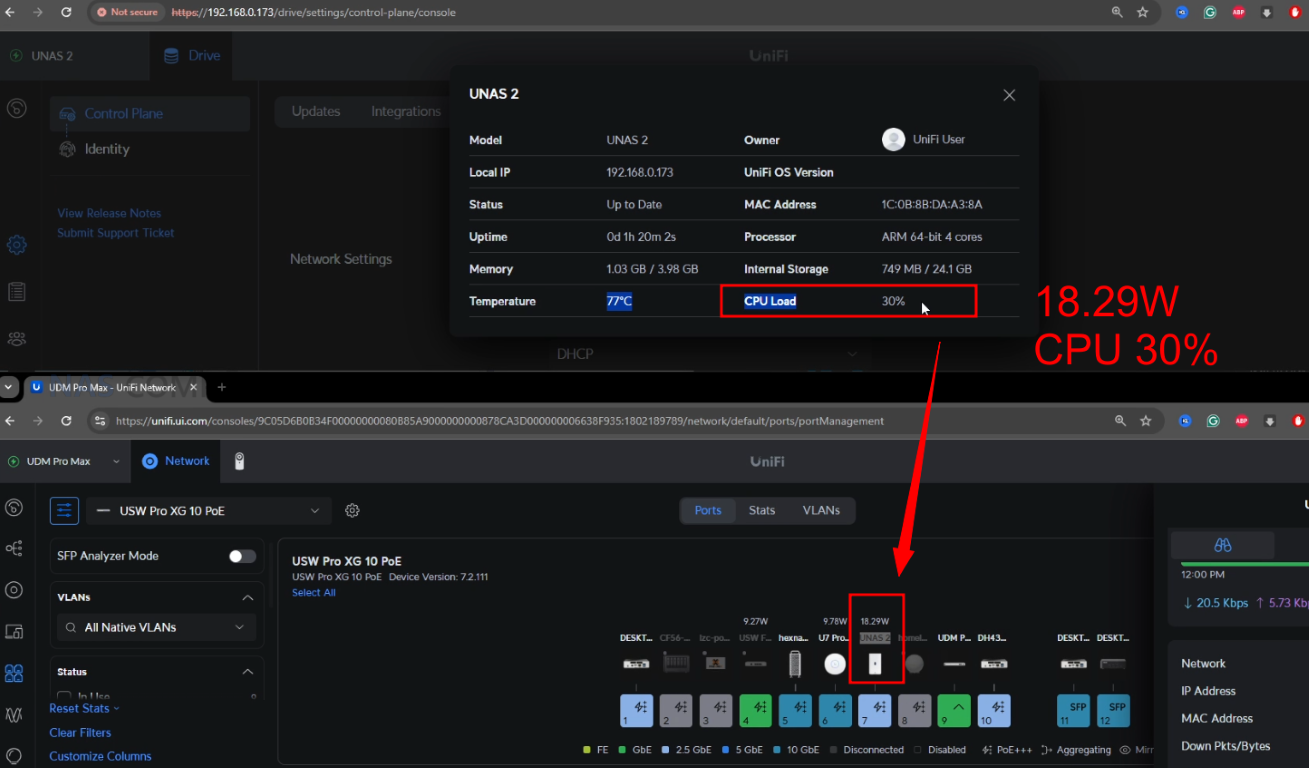
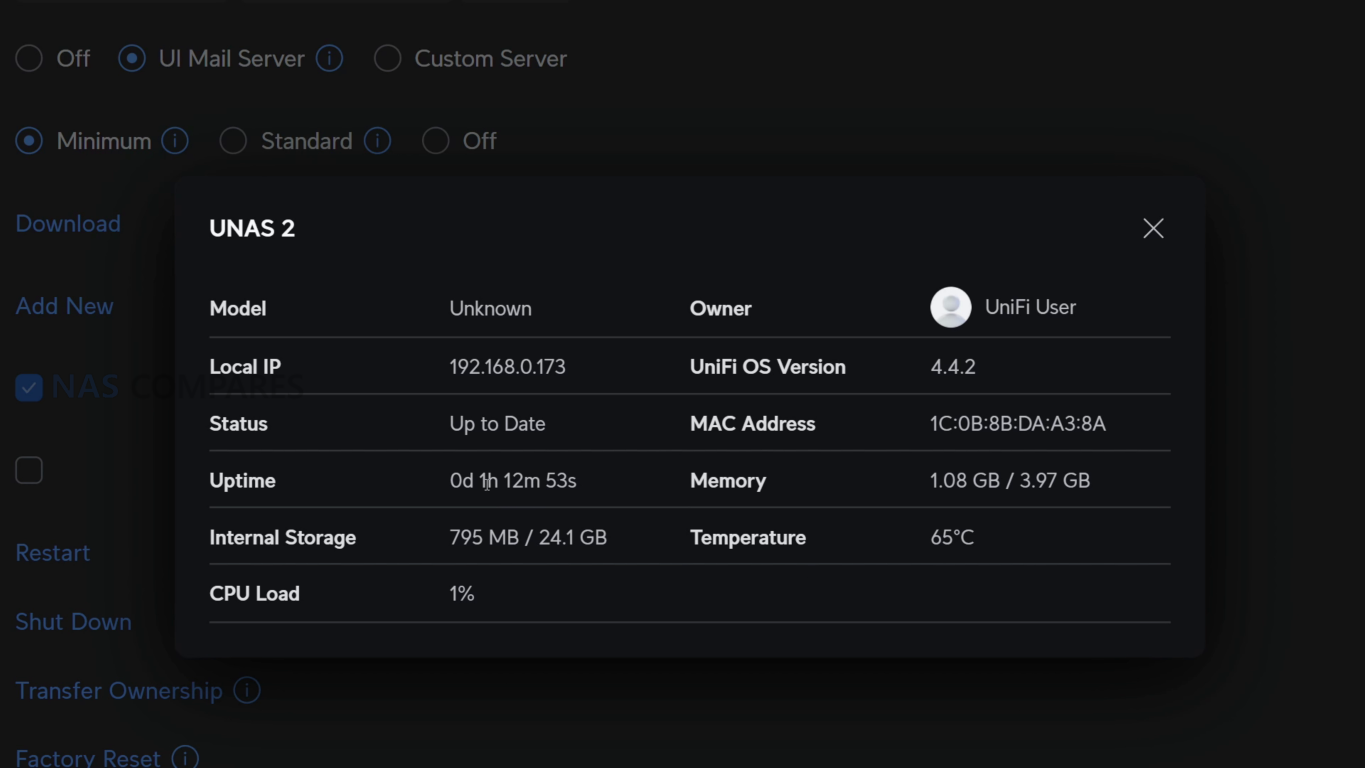
The internal hardware philosophy of UniFi and UGREEN reflects two distinct interpretations of what a modern NAS should prioritize: efficiency and integration versus performance and versatility. UniFi’s UNAS series relies entirely on ARM-based architecture, a deliberate decision aligned with the company’s emphasis on low power consumption, predictable thermal characteristics, and embedded system reliability. Every model in the current UNAS lineup, including the UNAS 2, UNAS 4, UNAS Pro 4, and UNAS Pro 8, is built around a quad-core ARM processor—the A55 at 1.7 GHz for the smaller systems and the A57 at 2.0 GHz for the rackmount models. These CPUs deliver modest compute performance but strong stability and power efficiency, allowing for sustained 24/7 operation without requiring active thermal management beyond standard fan arrays. This design philosophy mirrors UniFi’s broader network device ecosystem, where embedded ARM SoCs dominate routers, gateways, and cameras, ensuring unified firmware management and hardware compatibility across all product categories.
UGREEN’s NASync architecture takes the opposite route, aiming to deliver workstation-grade power in compact form factors. The entry-level DXP2800 features an octa-core ARM CPU, already outpacing UniFi’s top models in raw processing capability, while the remainder of the series transitions to x86 platforms from Intel’s latest low-power and mid-tier lines. The DXP4800 uses Intel’s N100 processor, the DXP4800 Plus and DXP6800 Pro adopt the more capable N305 with improved iGPU performance, and the flagship DXP8800 Plus integrates the 12th Gen Intel Core i5-1240P, offering hybrid performance and support for hardware transcoding, virtualization, and PCIe Gen 4 NVMe. This variation in processor choice underlines UGREEN’s strategy of providing scalable compute resources for different workloads, from basic backup operations to multi-user virtualization and AI-assisted indexing. Unlike UniFi, UGREEN’s systems can operate as full Linux servers, running multiple containers or virtual machines without external dependencies.
Memory and expansion options further highlight the divergence in hardware scope. UniFi’s systems employ fixed memory configurations—ranging from 4 GB on the UNAS 2 and 4 to 16 GB on the Pro 8—with no user-accessible upgrade paths. This aligns with their embedded design approach, where firmware optimization and unified memory management are prioritized over modularity. In contrast, UGREEN’s NASync devices all support user-upgradable SO-DIMM DDR4 or DDR5 modules, typically allowing capacities between 8 GB and 64 GB, depending on the model. This flexibility benefits users running memory-intensive services such as Docker containers, Plex transcoding, or AI indexing. Moreover, many of UGREEN’s x86 systems support PCIe expansion cards, offering pathways to add 10 GbE NICs, NVMe storage adapters, or GPU accelerators, while UniFi’s systems are intentionally non-upgradable to maintain uniform hardware control and firmware consistency across the UNAS ecosystem.
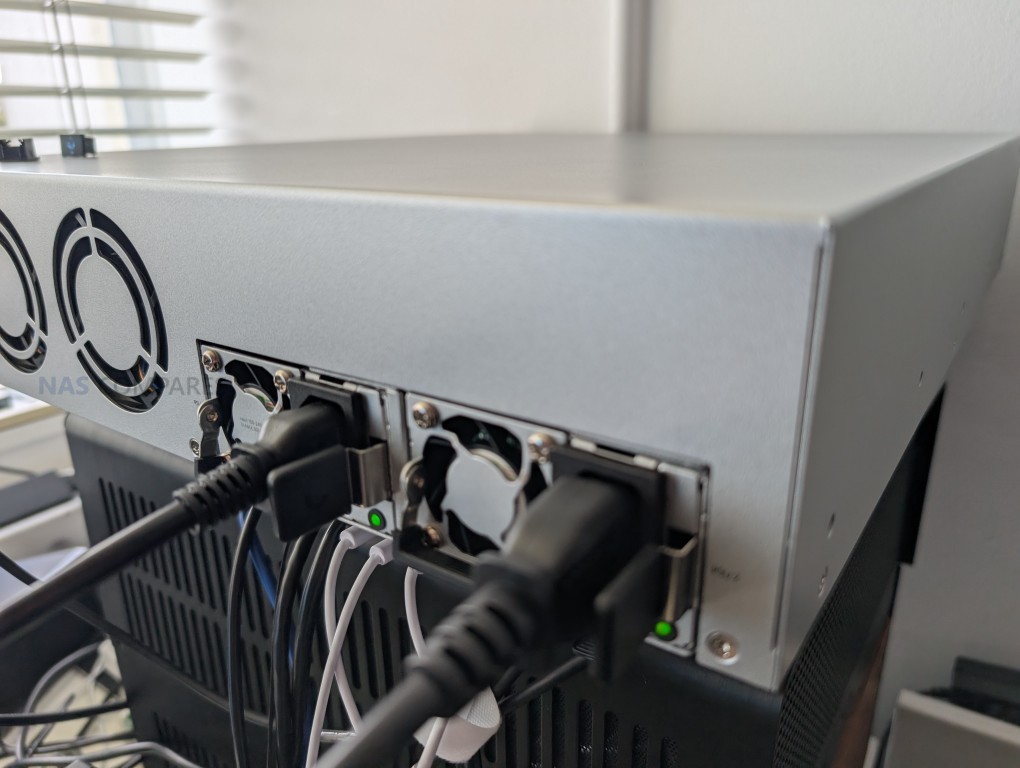
Networking and connectivity options serve as another key point of differentiation. UniFi has leaned on its networking pedigree, offering up to three 10 GbE connections (two SFP+ and one RJ45) on the UNAS Pro 8, with lower-tier models still providing 2.5 GbE or Gigabit connectivity. Power integration is also a hallmark of their design. The UNAS 2 and UNAS 4 use PoE+++, allowing single-cable deployment through UniFi switches, while the Pro series employs redundant power via USP-RPS or hot-swappable PSUs, reducing downtime in managed networks. UGREEN, on the other hand, focuses on local performance flexibility, providing multi-interface options like 10 GbE, 2.5 GbE, USB 4, and Thunderbolt 4, depending on model class. This allows their systems to double as direct-attached storage (DAS) for editors or content creators, particularly when used via Thunderbolt, an option not present in any UniFi NAS. Power designs in UGREEN systems are conventional but efficient, ranging from compact external adapters on smaller models to integrated supplies on higher-end devices.
The overall hardware comparison reveals two clear user archetypes. UniFi’s hardware suits IT administrators and network professionals seeking dependable, uniform, low-maintenance appliances that integrate natively with UniFi controllers and services. UGREEN’s NASync hardware, meanwhile, targets prosumers, creative professionals, and small business users requiring computational headroom and direct system control. Where UniFi builds closed but predictable infrastructure devices, UGREEN delivers open and adaptable machines capable of serving as both NAS and lightweight servers. The contrast is not one of quality but of philosophy—UniFi favoring consistency and system management efficiency, UGREEN focusing on flexibility and computational breadth.
Brand
Model
CPU Architecture
Memory
Upgrade Options
Networking
Expansion
Power Design
UniFi (Ubiquiti)
UNAS 2 / UNAS 4
ARM Cortex-A55, 1.7 GHz (Quad-Core)
4 GB
Non-upgradable
1 × 2.5 GbE, PoE+++
USB-C (5 Gbps)
PoE+++ or external PSU
UNAS Pro 4
ARM Cortex-A57, 2.0 GHz (Quad-Core)
8 GB
Non-upgradable
2 × 10G SFP+, 1 × 1G RJ45
None
Internal PSU + RPS support
UNAS Pro 8
ARM Cortex-A57, 2.0 GHz (Quad-Core)
16 GB
Non-upgradable
2 × 10G SFP+, 1 × 10G RJ45
None
Dual hot-swap 550 W PSU
UGREEN NASync
DXP2800
ARM Octa-Core
8 GB
Limited
2.5 GbE
USB 3.2
External PSU
DXP4800 / 4800 Plus
Intel N100 / N305
8–16 GB (up to 64 GB)
Yes
2.5 GbE / 10 GbE
PCIe Gen 3
Internal PSU
DXP6800 Pro
Intel N305
16 GB (expandable)
Yes
Dual 10 GbE
PCIe Gen 3
Internal PSU
DXP8800 Plus
Intel Core i5-1240P
16–64 GB
Yes
Dual 10 GbE + Thunderbolt 4
PCIe Gen 4
Internal PSU
UniFi vs UGREEN NAS – Software, Services and Apps
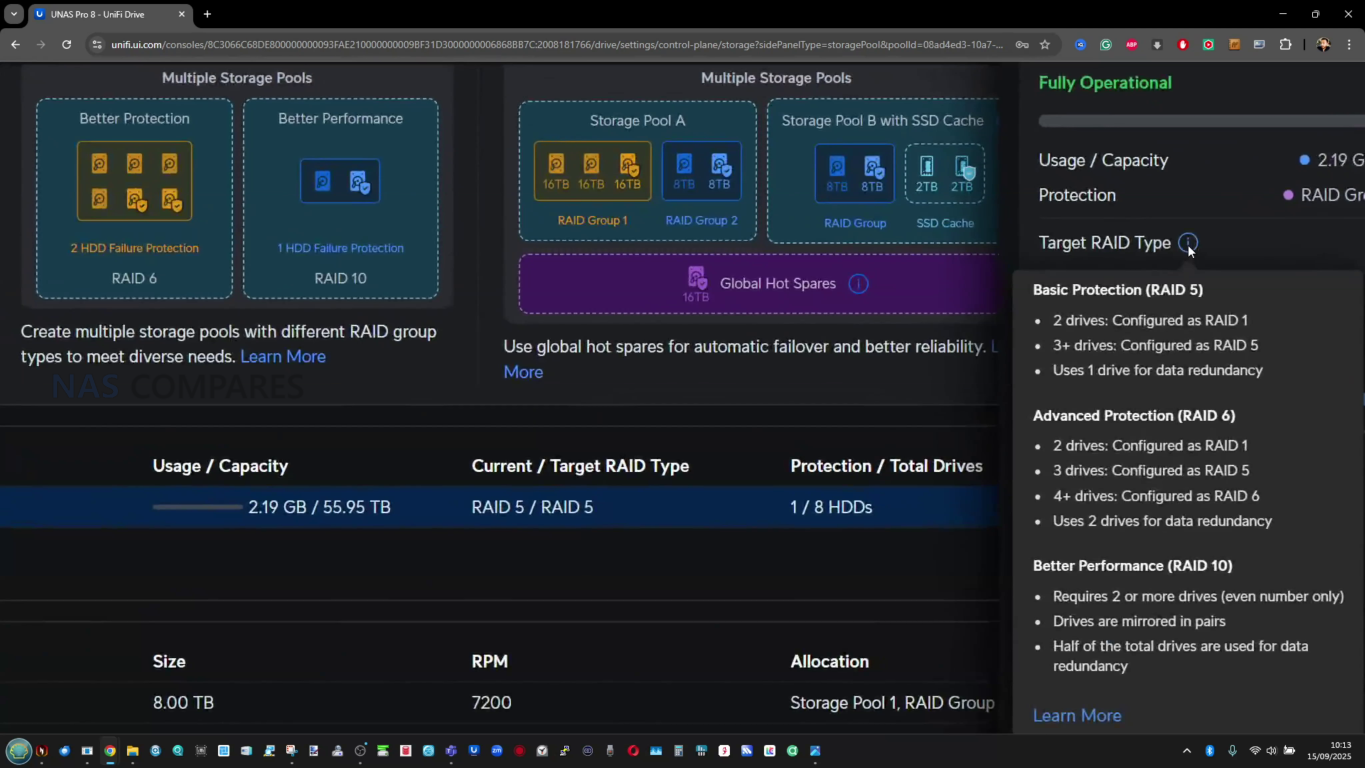
The most significant distinction between UGREEN and UniFi’s NAS platforms lies in their software ecosystems and the broader intent behind their development. UniFi’s UNAS software mirrors the brand’s overarching approach to product design: lightweight, efficient, and designed to integrate seamlessly into the UniFi Network and Protect ecosystems. The UNAS interface focuses almost exclusively on storage management and file security. It provides the fundamental NAS feature set, including multiple RAID configurations, volume encryption, snapshot management, and user-based permission control. Files can be accessed through SMB, NFS, with remote management possible via the UniFi portal or mobile app. However, beyond core storage functionality, UniFi’s NAS software remains deliberately minimal. It lacks support for virtual machines, Docker containers, or app installation frameworks, relying instead on integration with other UniFi devices for broader capabilities such as video surveillance, network management, or cloud relay services.
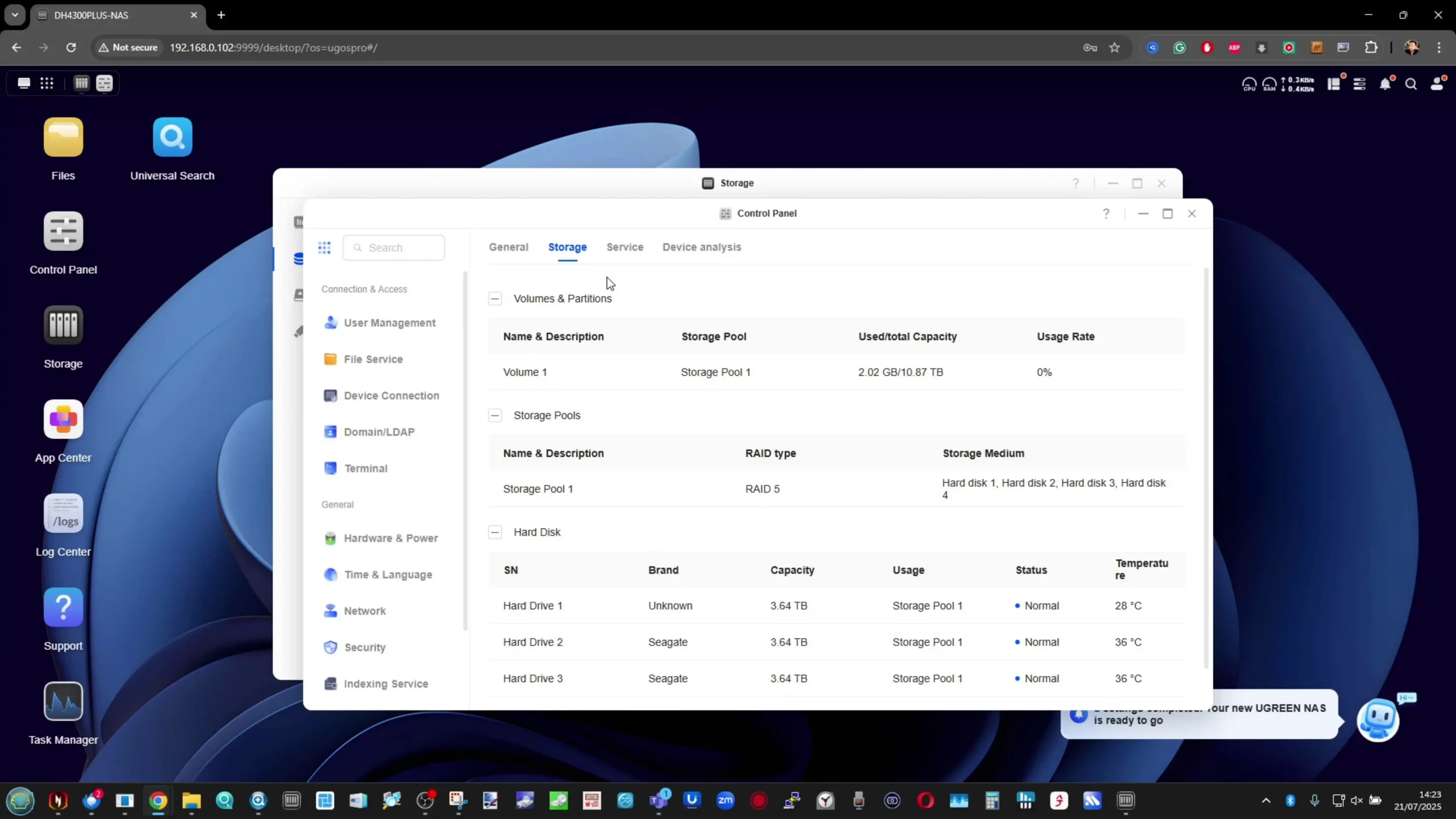
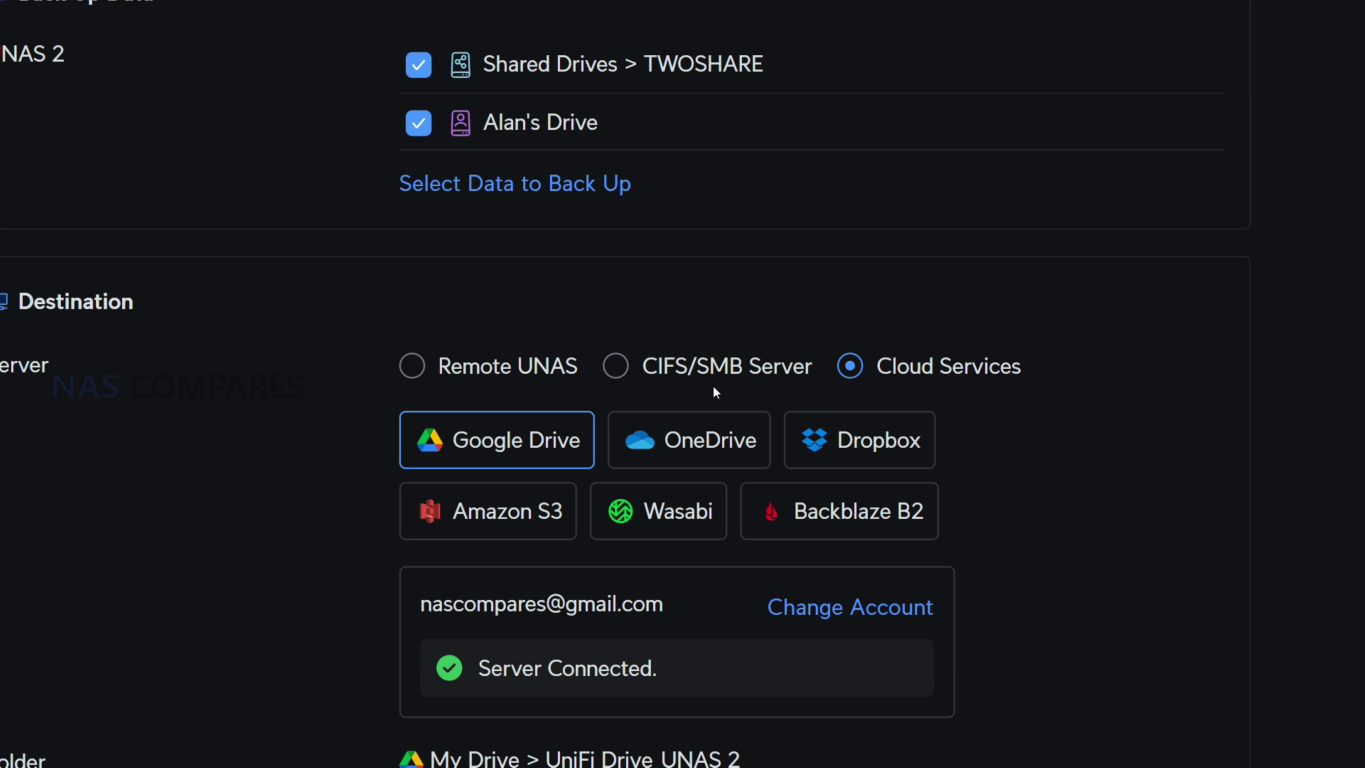
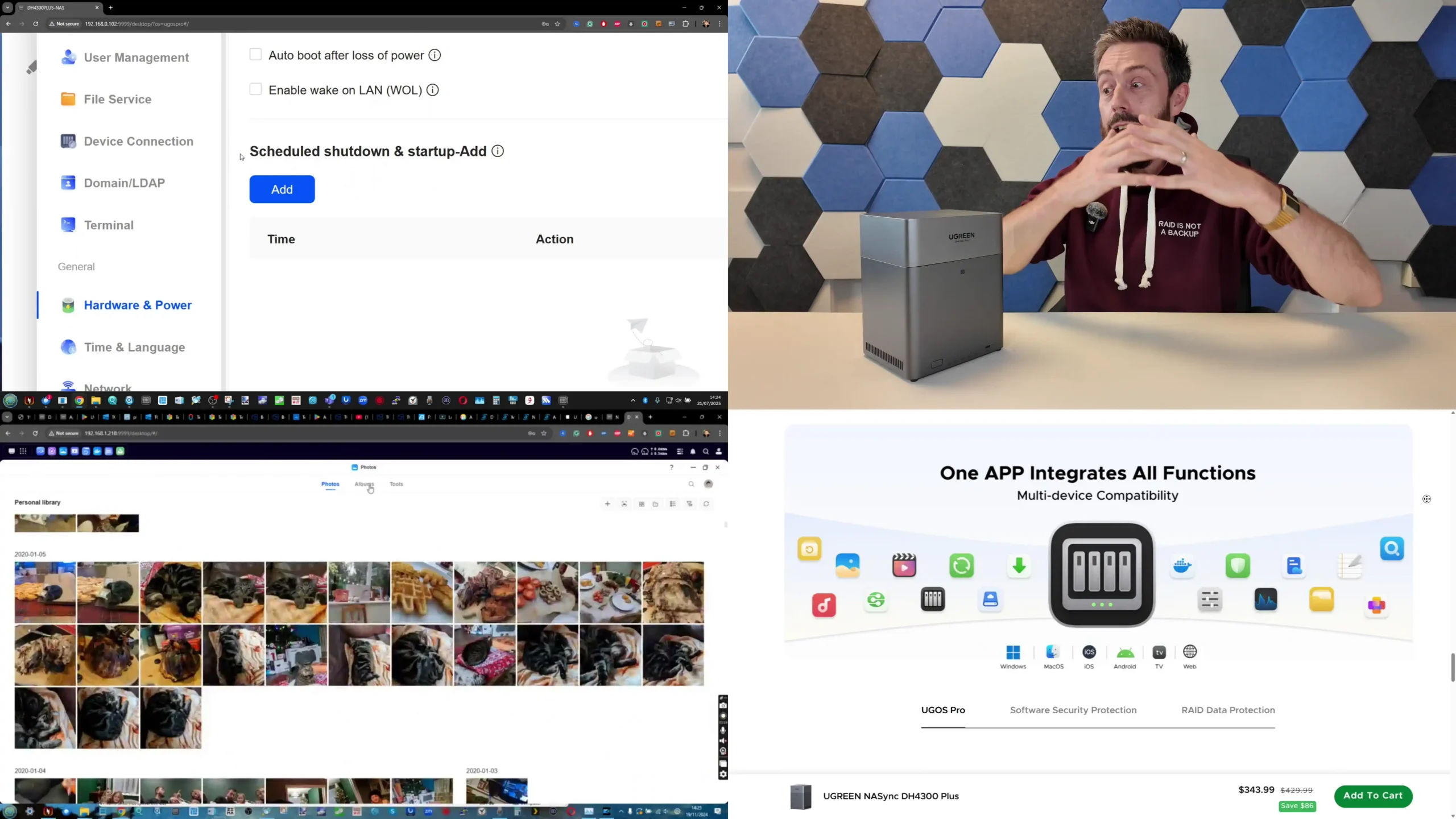
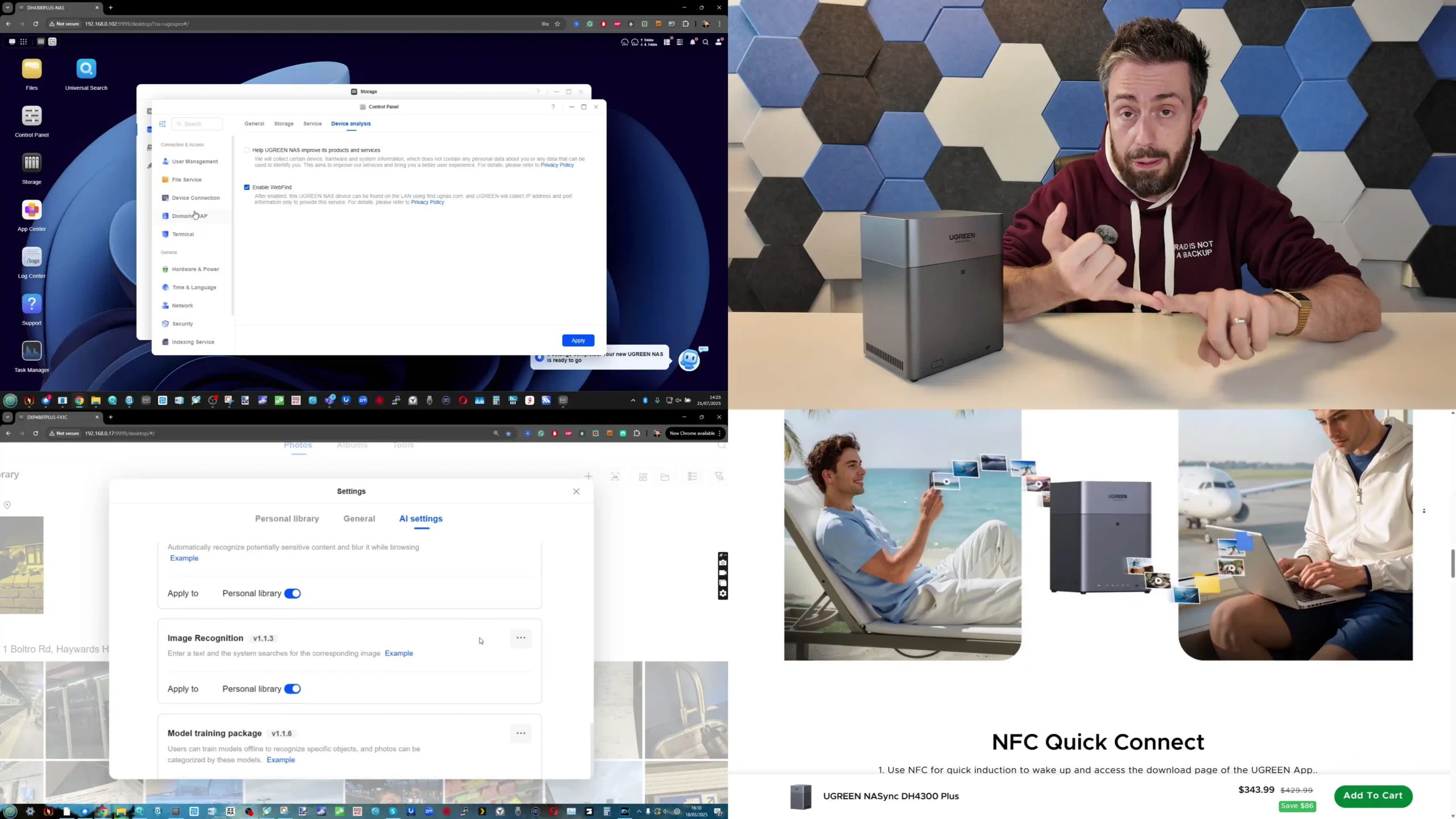
UGREEN’s UGOS Pro platform adopts a far more expansive, multifunctional design. The software is built on a modern Linux kernel and supports both ARM and x86 architectures, allowing for a full-featured environment with native support for containers, virtual machines, and AI-enhanced media indexing. Out of the box, users can deploy Docker, Portainer, Kubernetes-compatible containers, and KVM-based virtual machines, enabling workloads that go far beyond traditional NAS operations. Backup and synchronization options are also more diverse, with support for rsync, S3, WebDAV, iSCSI, OneDrive, Google Drive, Dropbox, and two-way synchronization across multiple NAS units. The interface emphasizes transparency and customization, giving users direct access to system-level configuration that UniFi’s more streamlined interface omits. Features such as storage tiering (using both HDD and NVMe), application sandboxing, and external GPU detection on select models position UGREEN’s UGOS Pro as one of the most open and flexible NAS operating systems currently available outside of enterprise-class environments.
In client and access support, the contrast continues. UniFi’s ecosystem is designed for centralized control and consistent performance across its product range. The UNAS systems can be monitored via the same UniFi Controller interface used for switches, gateways, and access points, creating a single-pane-of-glass environment that appeals to IT administrators managing multiple UniFi sites. Remote access and firmware updates are handled automatically through UniFi Cloud, and security is strengthened by integration with two-factor authentication, device certificates, and network isolation policies inherited from the company’s professional networking hardware. UGREEN, conversely, provides a more conventional NAS interface that supports multiple access clients and cross-platform tools. In addition to browser access and mobile apps for Android and iOS, users can mount shared drives directly within macOS, Windows, and Linux, while also leveraging a dedicated UGREEN Drive application for photo management and AI-based face/object recognition. Where UniFi’s UNAS feels like an extension of a larger network ecosystem, UGREEN’s software operates as a complete standalone server environment.
Security and maintenance are handled very differently between the two brands. UniFi benefits from a mature background in network device hardening, employing signed firmware, rolling updates, and extensive beta testing through its large enterprise user base. Features such as encrypted storage volumes, HTTPS enforcement, and VLAN isolation come preconfigured with minimal user intervention. However, the trade-off for this controlled environment is reduced user autonomy, as firmware customization and software-side experimentation are discouraged. UGREEN, while newer to the enterprise security space, implements encryption standards such as AES-256, offers built-in 2FA, and continues to expand its ransomware prevention and snapshot recovery tools. Updates arrive frequently and often include feature additions alongside security patches, though the brand still lacks a formal bug bounty or transparency reporting system comparable to UniFi’s. Overall, UGREEN’s software offers greater flexibility and control, while UniFi’s remains more mature and hardened within its controlled network framework.
Brand
OS Name
Core Focus
App/Container Support
Virtualization
Backup & Sync
Remote Access
Security & Maintenance
UniFi (Ubiquiti)
UniFi OS (Storage Module)
File storage, snapshots, ecosystem integration
No app store or containers
None
Local, NFS, SMB, UniFi Cloud
Via UniFi Network / Protect
Encrypted volumes, 2FA, managed firmware updates
UGREEN NASync
UGOS Pro
Multi-purpose NAS, hybrid storage & compute
Docker, Portainer, Linux apps
KVM VM support
Rsync, S3, WebDAV, iSCSI, cloud sync
Browser, mobile app, direct share
AES-256 encryption, 2FA, frequent OTA updates
UniFi vs UGREEN NAS – Verdict and Conclusion
Both UGREEN and UniFi have entered the NAS sector from distinct starting points and continue to move in different directions, each targeting a particular type of user. UniFi’s UNAS series delivers consistency, predictable performance, and dependable integration with the broader UniFi ecosystem. Its software is stable, lightweight, and well-suited to users who prioritize straightforward storage management, reliable data handling, and unified control across routers, switches, and surveillance systems. While the hardware is limited to fixed ARM configurations and non-expandable memory, it is efficient, quiet, and designed for continuous operation with minimal maintenance. For organizations already invested in UniFi infrastructure, the UNAS systems provide a logical expansion that keeps management centralized and operational risk low. However, their value depends heavily on ecosystem synergy; outside of that environment, the systems remain competent but relatively inflexible standalone NAS options.
UGREEN’s NASync platform, on the other hand, appeals to users seeking broader performance capability and independence. Its x86-based models, upgradable memory, and open software environment allow it to serve as a hybrid between NAS and compact server, capable of running applications, containers, and virtual machines alongside storage tasks. The design language is more suited to individual or small business use than datacenter deployment, but the hardware range—from ARM to Core i5—covers a far wider performance spectrum than UniFi’s. Software maturity continues to evolve quickly, with new features added frequently, and the systems provide extensive compatibility with third-party clients and backup services. The trade-off is that long-term reliability and enterprise-level security validation are still developing.
Ultimately, UniFi NAS suits users who already rely on UniFi’s networking ecosystem and value simplicity, predictability, and centralized management, while UGREEN NAS caters to those prioritizing flexibility, compute power, and open software capability. Both brands have lowered the entry barrier into reliable NAS ownership, but they embody opposing philosophies: UniFi focuses on integration and control, whereas UGREEN emphasizes capability and independence.
Why Buy UniFi NAS?
Why Buy UGREEN NAS?
Ecosystem Integration: Seamlessly integrates with UniFi Network, Protect, and Access systems, allowing unified management through a single controller interface.
Centralized Management: Designed for administrators managing multiple UniFi sites or devices, providing consistent firmware, remote access, and monitoring from one dashboard.
Reliable, Efficient Design: ARM-based architecture ensures low power draw, cool operation, and stable long-term performance with minimal maintenance.
Enterprise-Grade Networking: Equipped with up to dual 10G SFP+ and 10GBase-T ports, plus USP-RPS redundancy for professional deployments.
Proven Security Framework: Benefits from Ubiquiti’s mature network security infrastructure, signed firmware updates, and NDAA-compliant hardware.
Superior Hardware Performance: Offers a full range from ARM to Intel Core i5 CPUs, with upgradable RAM, NVMe storage pools, and optional PCIe expansion.
Versatile Software (UGOS Pro): Supports Docker, virtual machines, AI photo indexing, and multi-platform backups out of the box.
All-in-One Standalone System: Functions independently without relying on an external ecosystem, ideal for users wanting a complete server in one unit.
Advanced Connectivity: Includes 2.5 GbE and 10 GbE networking, USB 4/Thunderbolt 4, and support for direct-attached workflows like video editing or large-file transfer.
Rapid Development and Updates: Frequent firmware releases continually add new features, broader hardware support, and improved backup and security options.
Want to support us NASCompares? Use the links/buttons below, and anything you purchase results in a small commission coming to me and Eddie @NASCompares. It really is just the two of us doing everything, and purchasing things via these links will allow you to passively support creators like us (as well as allow us to keep making videos, providing support, running the forum, making tutorials and more) at no extra cost to yourself!
This description contains links to Amazon. These links will take you to some of the products mentioned in today's content. As an Amazon Associate, I earn from qualifying purchases. Visit the NASCompares Deal Finder to find the best place to buy this device in your region, based on Service, Support and Reputation - Just Search for your NAS Drive in the Box Below
Need Advice on Data Storage from an Expert?
Finally, for free advice about your setup, just leave a message in the comments below here at NASCompares.com and we will get back to you.Need Help?
Where possible (and where appropriate) please provide as much information about your requirements, as then I can arrange the best answer and solution to your needs. Do not worry about your e-mail address being required, it will NOT be used in a mailing list and will NOT be used in any way other than to respond to your enquiry.
[contact-form-7]
TRY CHAT Terms and Conditions
If you like this service, please consider supporting us.
We use affiliate links on the blog allowing NAScompares information and advice service to be free of charge to you.Anything you purchase on the day you click on our links will generate a small commission which isused to run the website. Here is a link for Amazon and B&H.You can also get me a Ko-fi or old school Paypal. Thanks!To find out more about how to support this advice service checkHEREIf you need to fix or configure a NAS, check FiverHave you thought about helping others with your knowledge? Find Instructions Here
Or support us by using our affiliate links on Amazon UK and Amazon US
Alternatively, why not ask me on the ASK NASCompares forum, by clicking the button below. This is a community hub that serves as a place that I can answer your question, chew the fat, share new release information and even get corrections posted. I will always get around to answering ALL queries, but as a one-man operation, I cannot promise speed! So by sharing your query in the ASK NASCompares section below, you can get a better range of solutions and suggestions, alongside my own.

 Connexion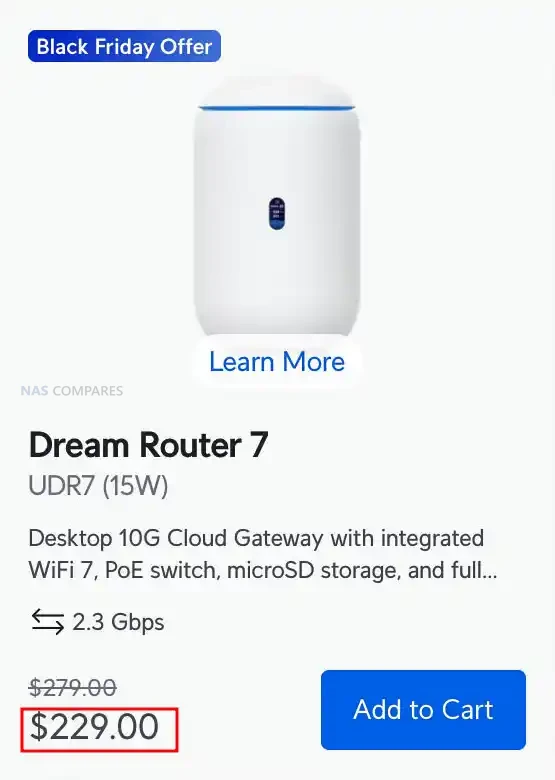
 SUBSCRIBE TO OUR NEWSLETTER
 Join Inner Circle
  Need Help?
Where possible (and where appropriate) please provide as much information about your requirements, as then I can arrange the best answer and solution to your needs. Do not worry about your e-mail address being required, it will NOT be used in a mailing list and will NOT be used in any way other than to respond to your enquiry.
[contact-form-7]
Need Help?
Where possible (and where appropriate) please provide as much information about your requirements, as then I can arrange the best answer and solution to your needs. Do not worry about your e-mail address being required, it will NOT be used in a mailing list and will NOT be used in any way other than to respond to your enquiry.
[contact-form-7]
 TRY CHAT
Terms and Conditions
TRY CHAT
Terms and Conditions
 Ko-fi or old school Paypal. Thanks!To find out more about how to support this advice service check HEREIf you need to fix or configure a NAS, check Fiver
Have you thought about helping others with your knowledge? Find Instructions Here
Ko-fi or old school Paypal. Thanks!To find out more about how to support this advice service check HEREIf you need to fix or configure a NAS, check Fiver
Have you thought about helping others with your knowledge? Find Instructions Here