Après avoir brutalement supprimé les subventions pour les véhicules électriques fin 2023, le gouvernement allemand relance un dispositif d’aides ciblées pour 2026.
Le 15 janvier 2026, sur X, Brett Adcock, fondateur de l’entreprise américaine de robotique Figure, a dévoilé une vidéo dans laquelle son robot humanoïde s’essaie à la course à pied.
Best NAS You Can Buy Right Now for Under $499 at the end of 2025
By late 2025, the under 499 dollar NAS segment has become far more crowded, with multiple vendors offering systems that combine capable hardware, established operating systems, and multi bay storage at a relatively accessible price. Home users, prosumers, and small workgroups now have access to devices that can centralise files, manage routine backups, and handle local media streaming at performance levels that were previously limited to higher priced units. The range of available designs has also grown, with everything from compact solid state based units to entry level rackmount models appearing in this category. This guide looks at five (technically 6!) turnkey NAS platforms that can be purchased for 499 dollars or less. Each one focuses on a different balance of features, whether that is throughput, virtualisation, containers, or ease of use, yet all provide a practical path toward reliable self hosted storage without pushing the budget too far.
Important Disclaimer and Notes Before You Buy
Every NAS in this bracket is sold without drives, so users must provide their own storage, whether that is 3.5 inch HDDs, 2.5 inch SSDs, or M.2 NVMe modules for all flash builds. This directly influences total cost, particularly for NVMe based systems. Some models include small flash or eMMC for the operating system, but these are not suitable for general data storage. Buyers should account for drive costs, planned RAID layouts, and any needed accessories such as cables, heatsinks, or extra cooling. Software support also varies, with many devices using vendor platforms like DSM, TOS, or UGOS, while others permit alternatives such as TrueNAS or Unraid without affecting hardware support. Systems with less mature software may require more setup work for Plex, Docker, or SMB services, making these NAS units better suited to users who are comfortable handling basic network configuration or are willing to learn more advanced features over time.
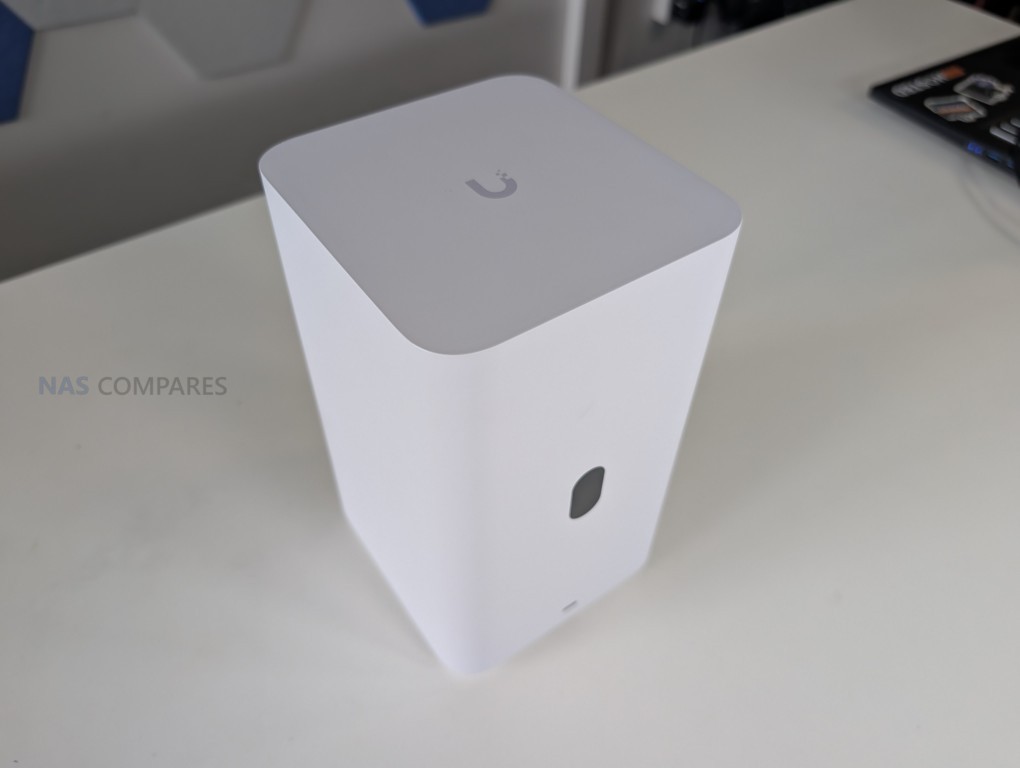
UniFi UNAS Pro 7-Bay NAS
$499 – ARM Cortex-A57 – 8GB – 7x 3.5″ SATA – 1x 10GbE SFP+, 1x 1GbE – UniFi OS – BUY HERE
The UniFi UNAS Pro is a two unit rackmount NAS that focuses on high throughput storage rather than general purpose application hosting. It includes seven hot swappable SATA bays for either 2.5 inch or 3.5 inch drives and is built on a quad core ARM Cortex A57 processor at 1.7GHz with 8GB of DDR4 memory. The platform is intended for straightforward file storage and does not provide container services, multimedia features, or virtualisation. Network connectivity consists of one 10GbE SFP plus port and one 1GbE RJ45 port, which makes the system well suited to central backups, shared project storage, and high volume file transfers inside a UniFi managed network.
Management is handled through the Drive application within UniFi OS, with support for RAID zero, one, five, and six. Power redundancy is enabled through an internal 200 watt AC and DC power supply and optional USP RPS failover. A 1.3 inch front panel touchscreen provides system information and basic diagnostics. Although the feature set is narrower than that of a typical multimedia or container focused NAS, the system integrates cleanly with UniFi infrastructure or can operate on its own as a dedicated storage target.
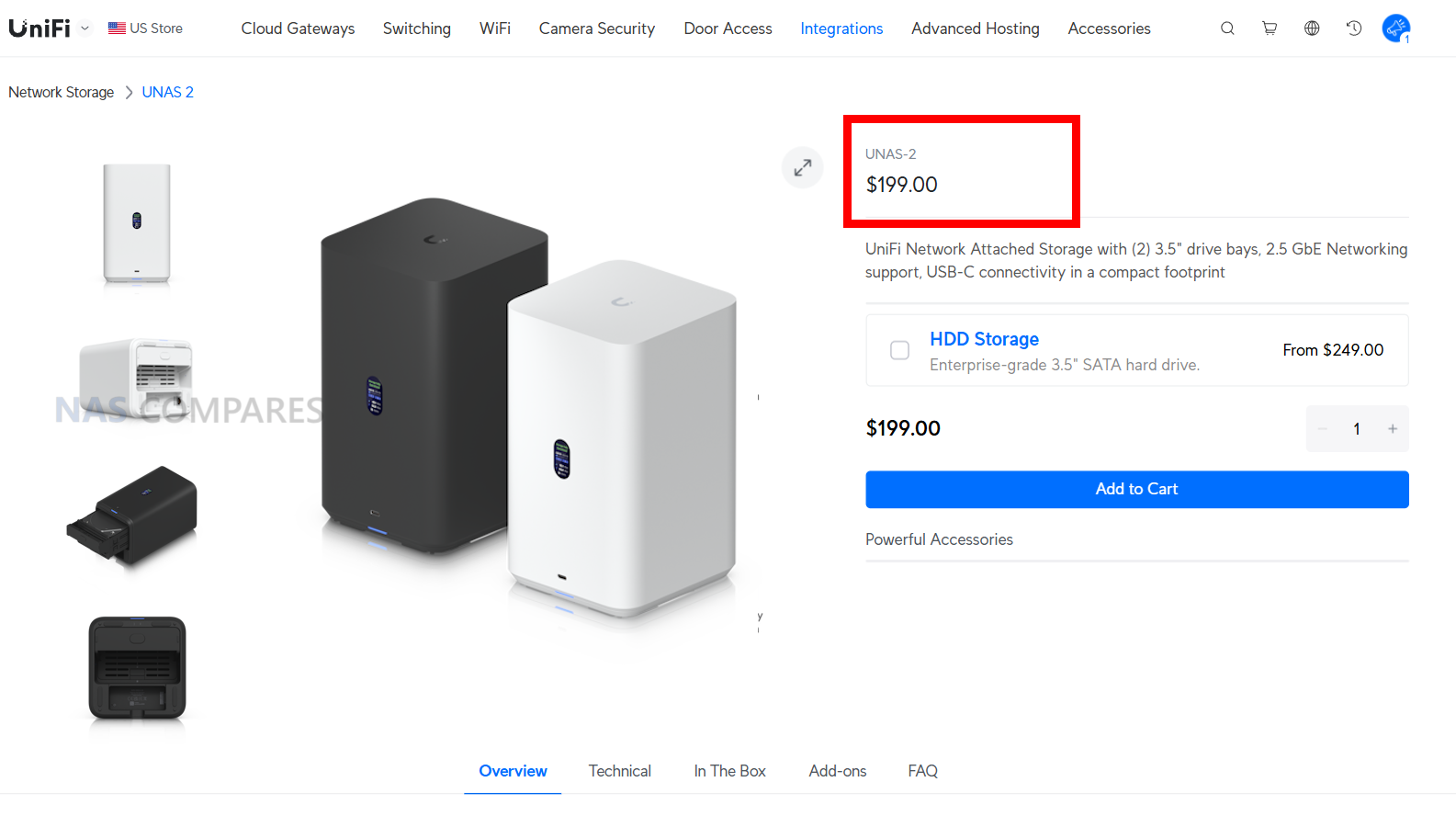
Here are all the current UniFi NAS Solutions & Prices:
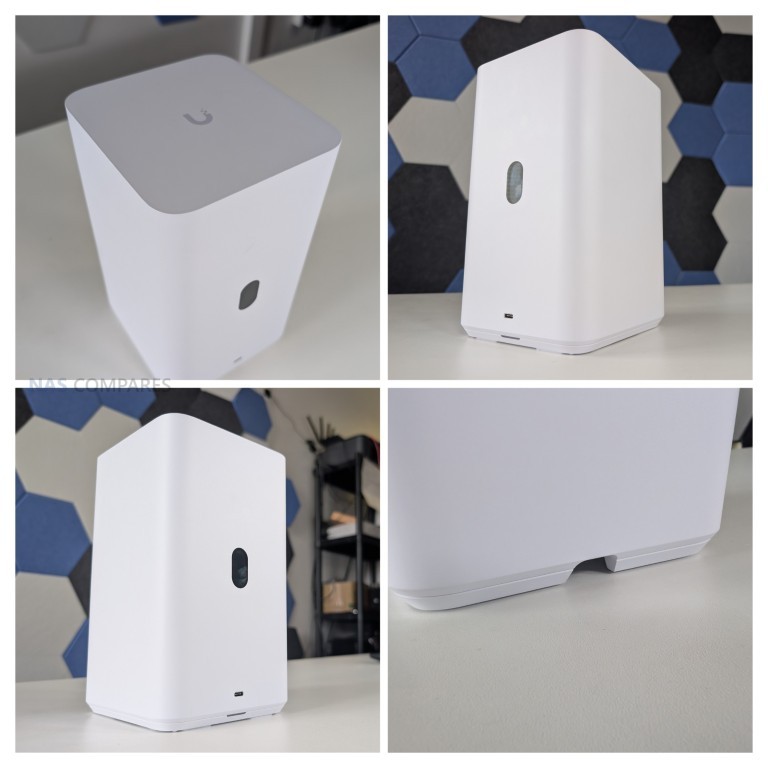
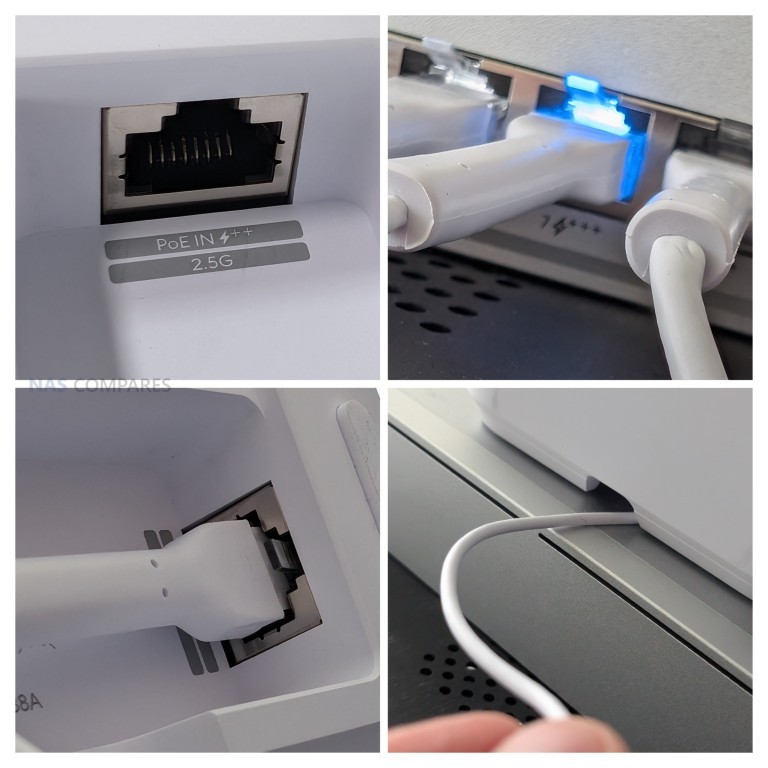
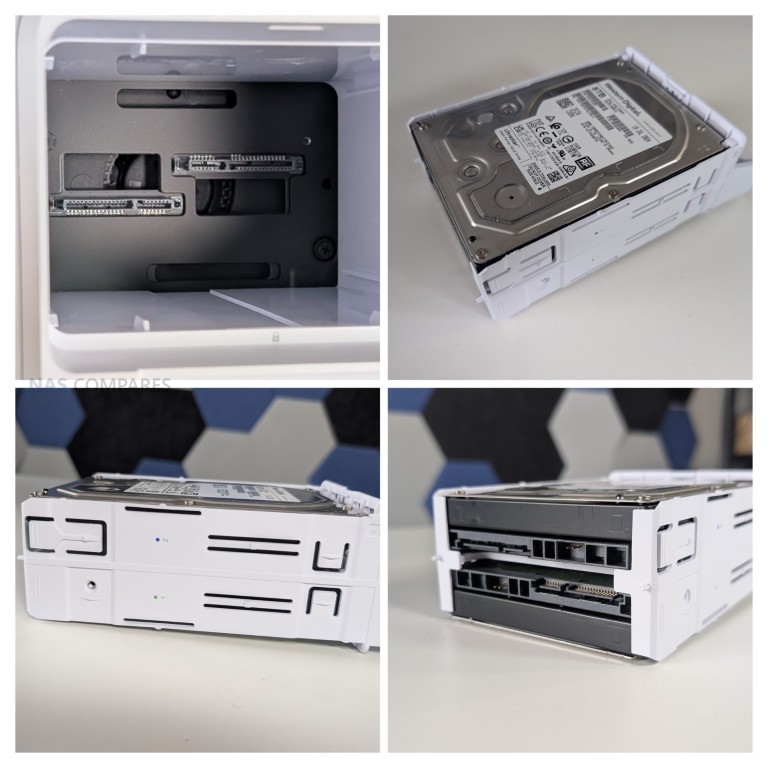
Since launching the original UNAS models in 2024, UniFi has expanded the range with new desktop units, including the UNAS two bay at 199 dollars and the UNAS four bay at 349 dollars, along with Pro series models in four bay and eight bay configurations at 499 dollars and 799 dollars. The UNAS Pro sits at the entry point of the Pro line and offers a hardware driven approach suited to users who want reliable multi bay storage with 10GbE connectivity and do not require wider software extensibility.
Component
Specification
CPU
Quad-Core ARM Cortex-A57 @ 1.7GHz
Memory
8GB DDR4
Drive Bays
7x 2.5″/3.5″ SATA HDD/SSD
Networking
1x 10GbE SFP+, 1x 1GbE
Power
200W internal PSU + USP-RPS redundancy
OS
UniFi OS / Drive App
Display
1.3″ touchscreen
Form Factor
2U Rackmount
Dimensions
442 x 325 x 87 mm
Weight
9.5 kg with brackets
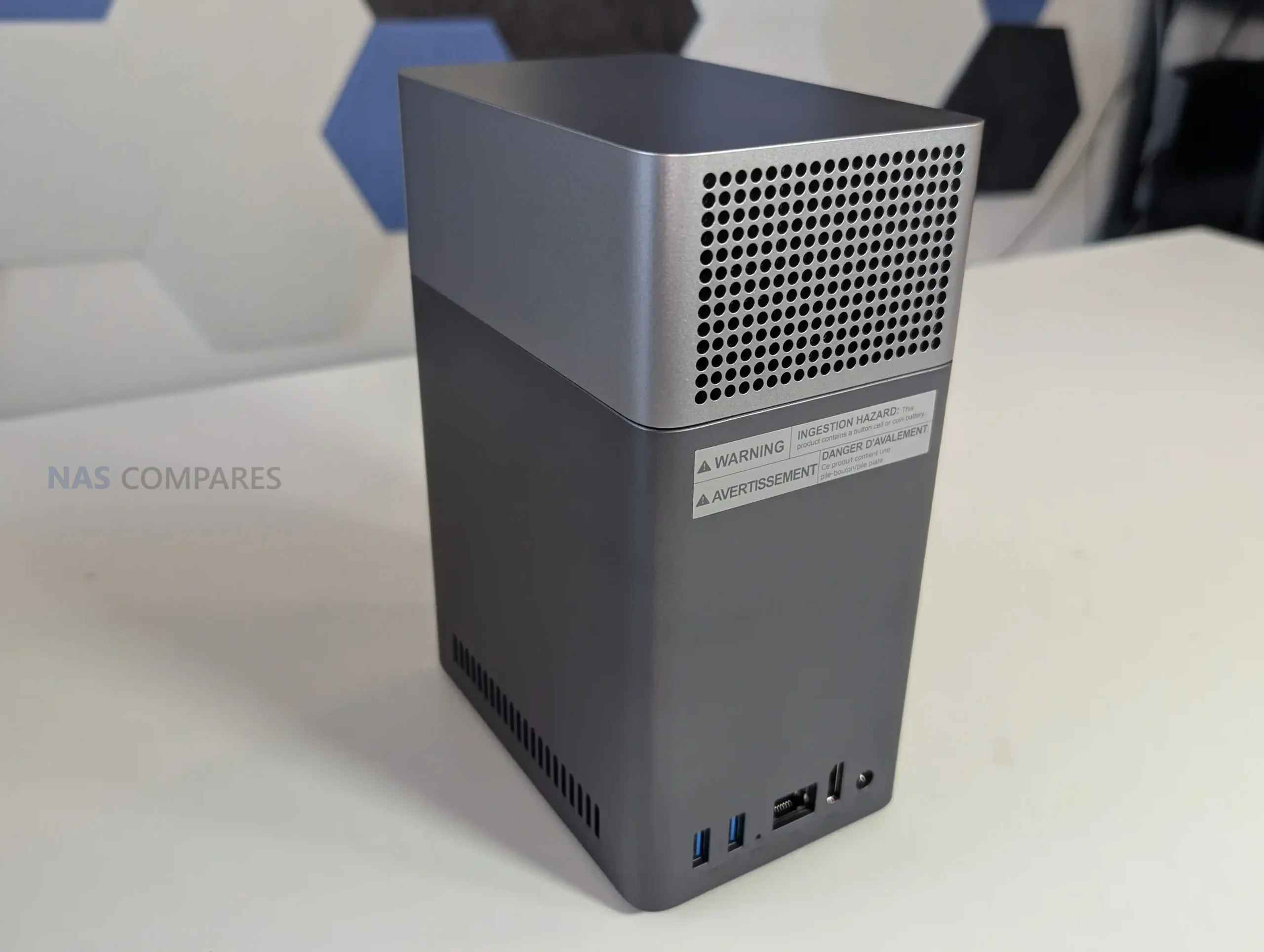
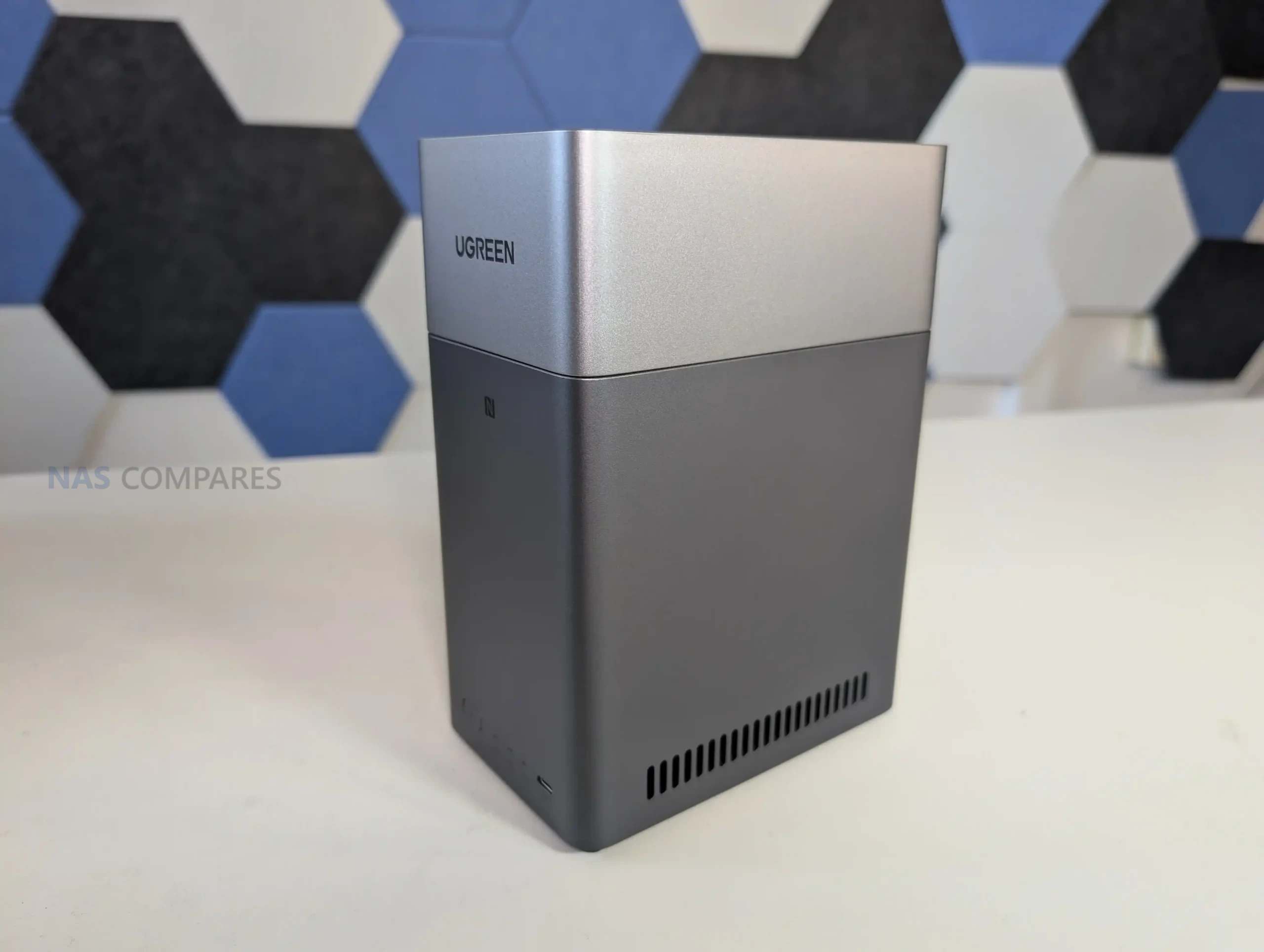
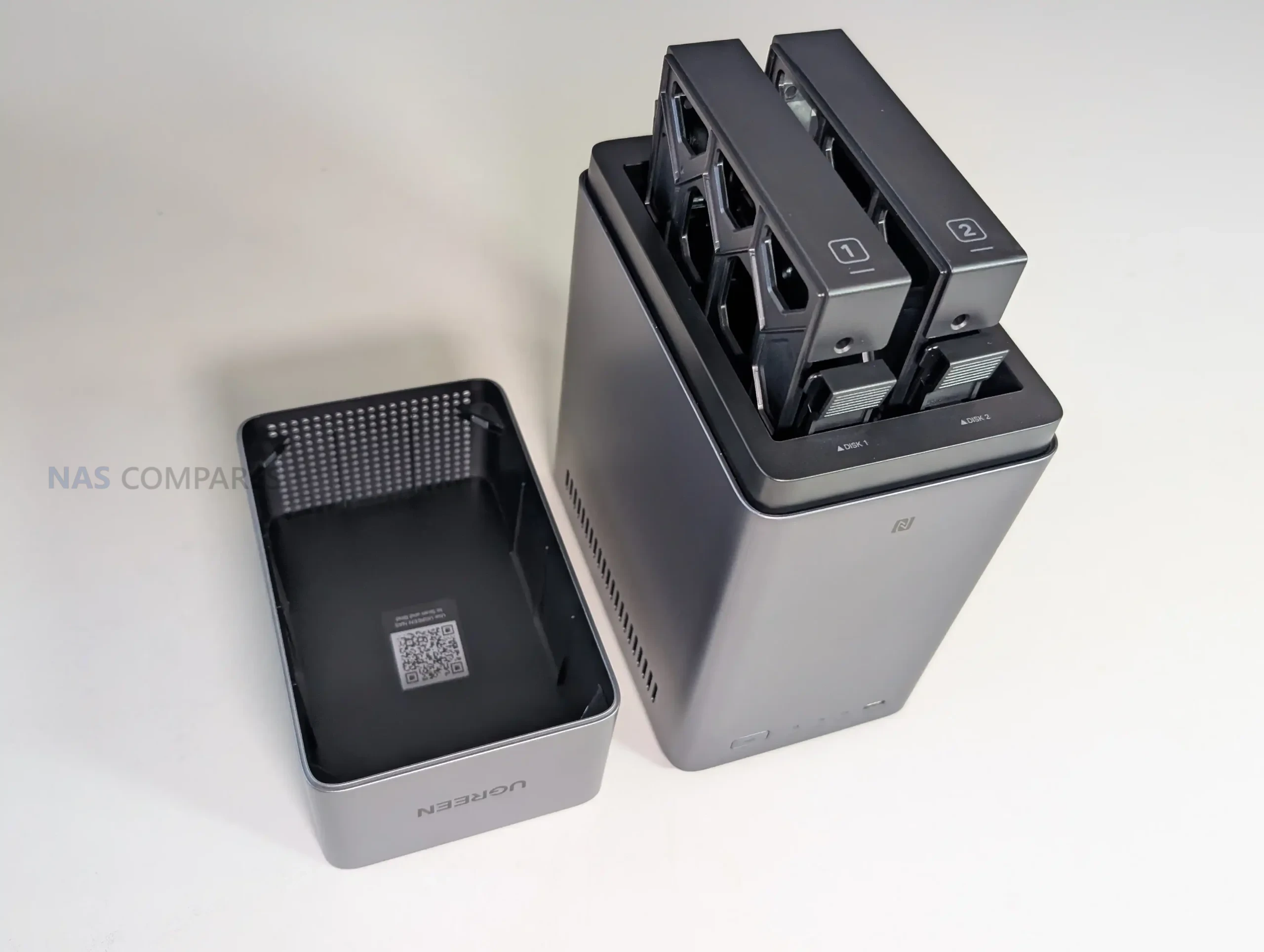
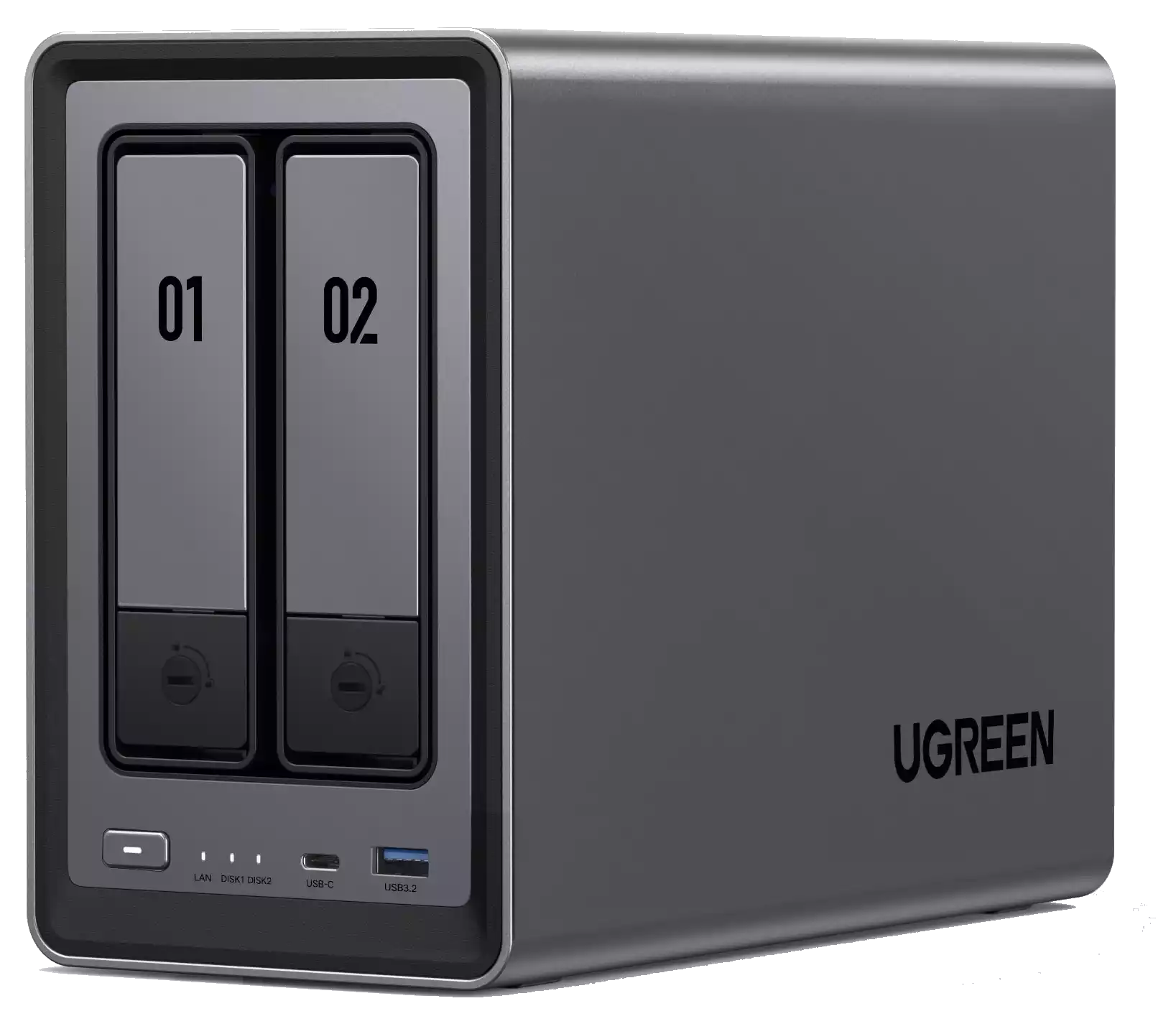
UGREEN NASync DXP4800 NAS
$499– Intel N100 – 8GB – 4x 3.5″ SATA + 2x M.2 NVMe – 2x 2.5GbE – UGOS Pro – BUY HERE
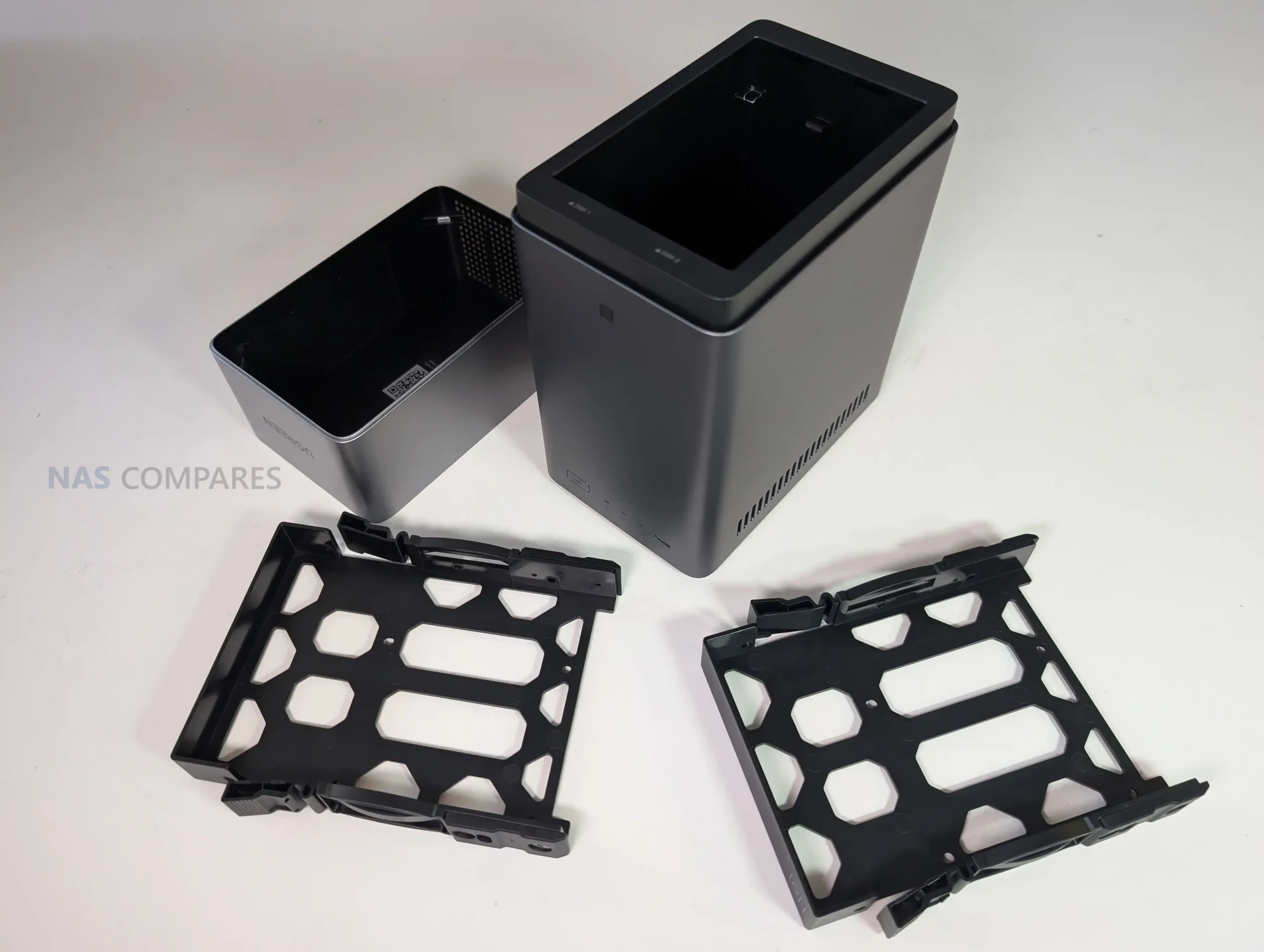
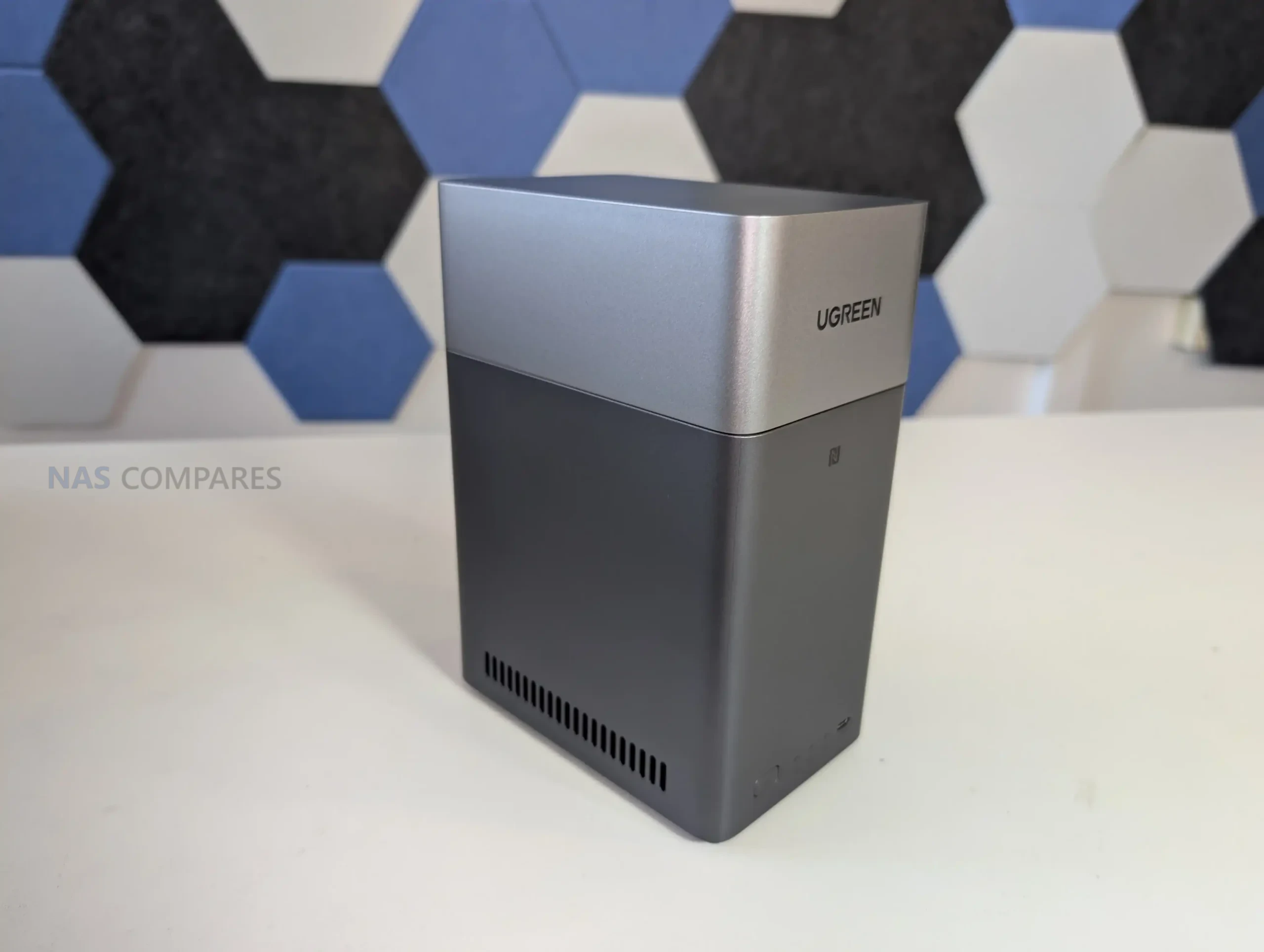
The UGREEN NASync DXP4800 is a four bay desktop NAS that combines hybrid storage options with a growing set of software features. It uses an Intel N100 quad core processor from the twelfth generation Alder Lake N series and includes 8GB of DDR5 memory along with 32GB of onboard eMMC for the operating system. The system provides four SATA bays for hard drives or SSDs and two M.2 NVMe slots that can be used for caching or for creating faster all flash volumes. Network connectivity consists of two 2.5GbE ports with support for link aggregation to improve throughput or provide failover. Front and rear USB 3.2 ports, a USB C connector, and an SD 3.0 card reader add convenience for users who work with external media.
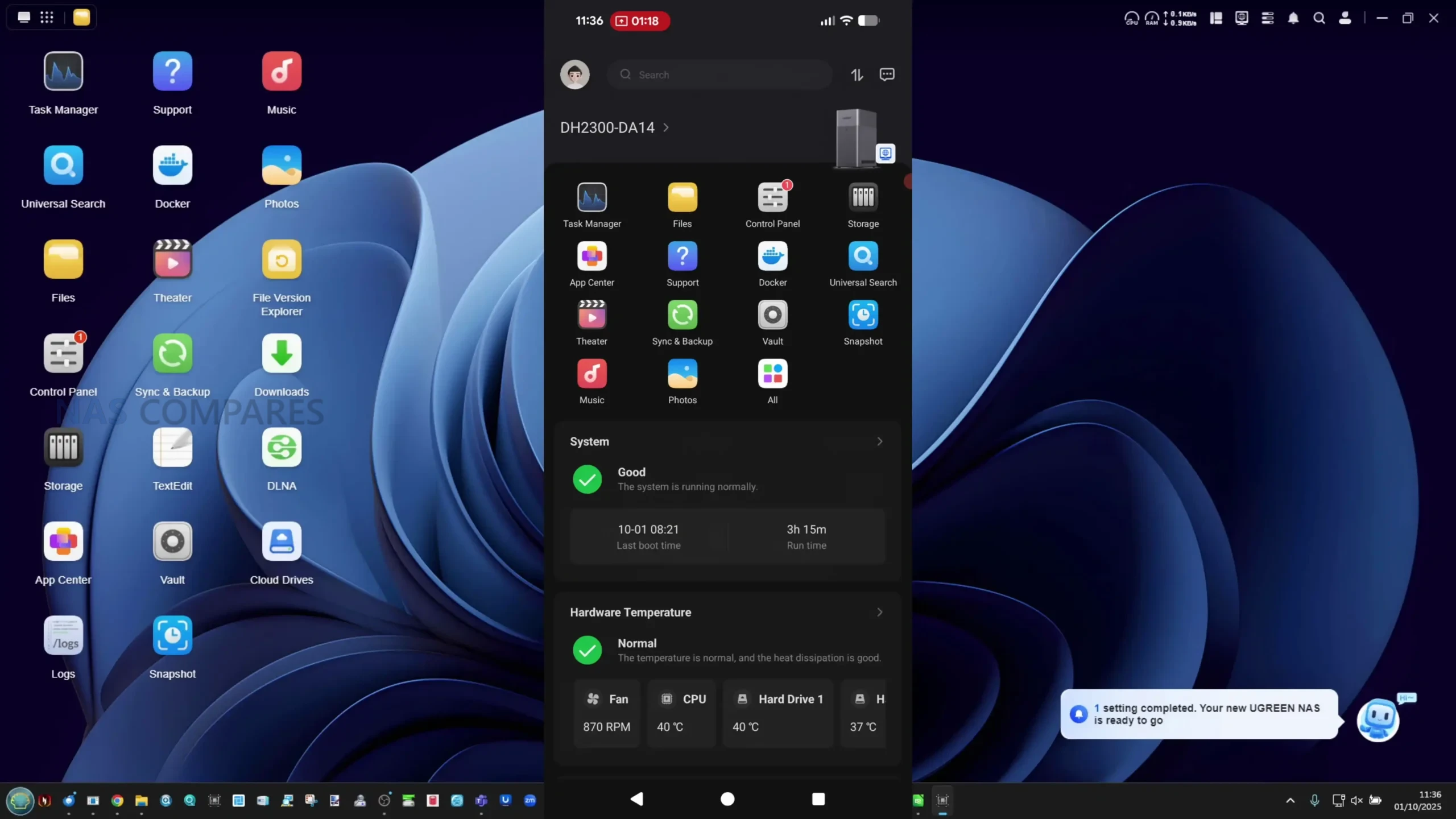
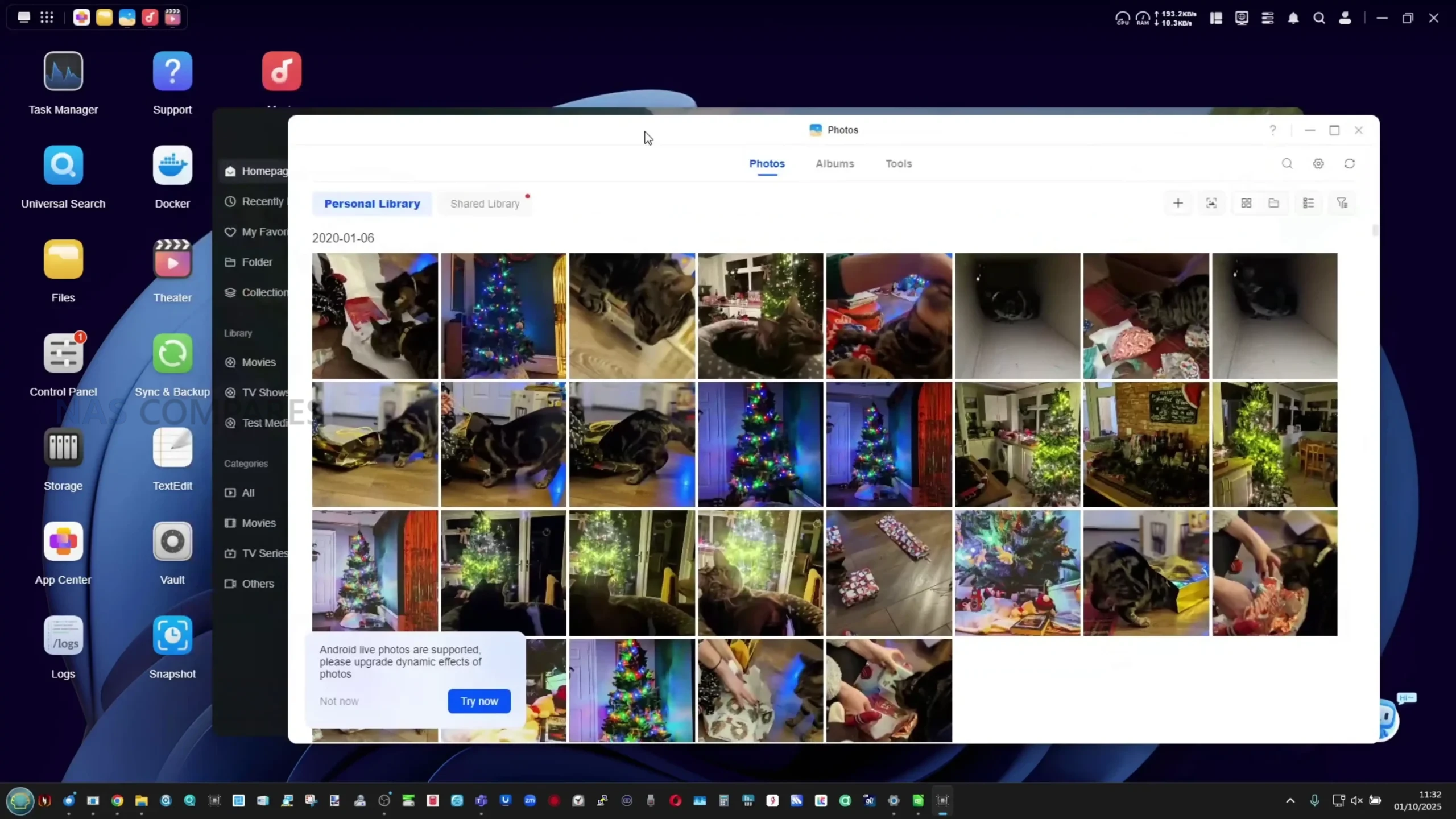
UGOS Pro serves as the software platform and offers RAID zero, one, five, six, and ten, along with Docker, Plex support, cloud sync tools, snapshots, and standard file sharing services. Although UGOS Pro is not as established as DSM or TrueNAS, it has gained stability and functionality over repeated updates and provides a straightforward browser based interface for managing storage and services. For users who want hybrid storage flexibility and a graphical setup process, the DXP4800 fits comfortably in the under 499 dollar category, particularly during sales.
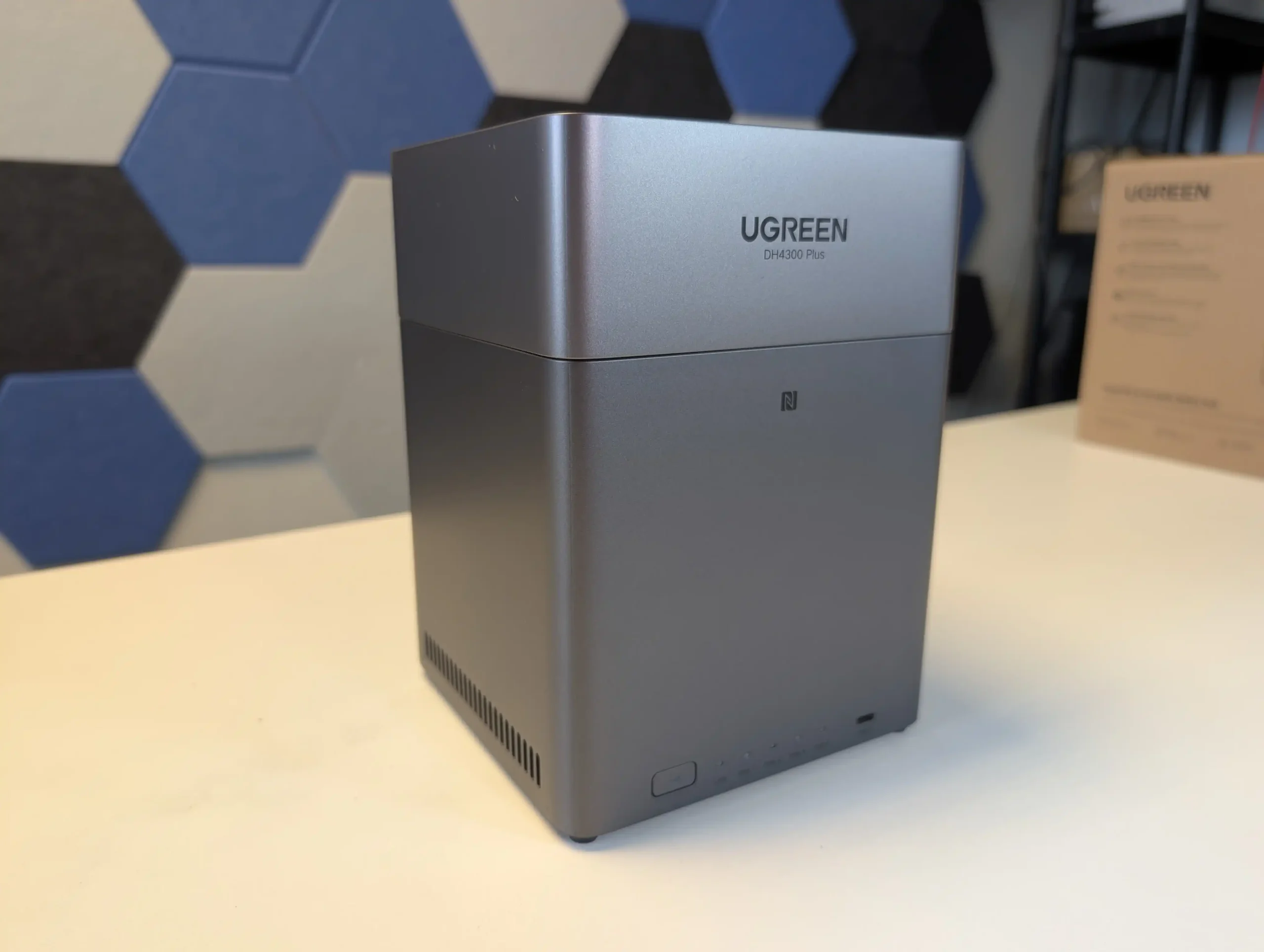
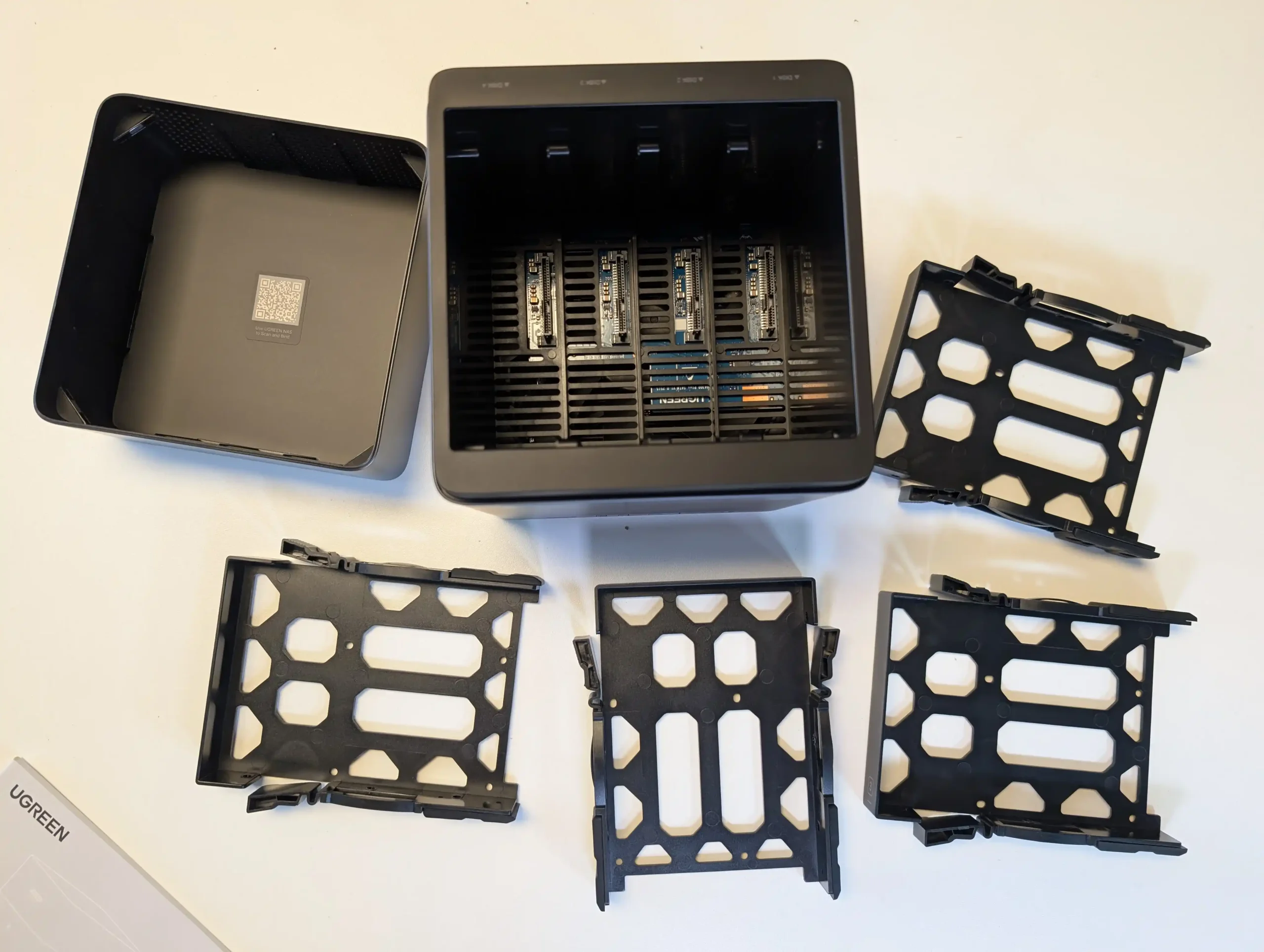
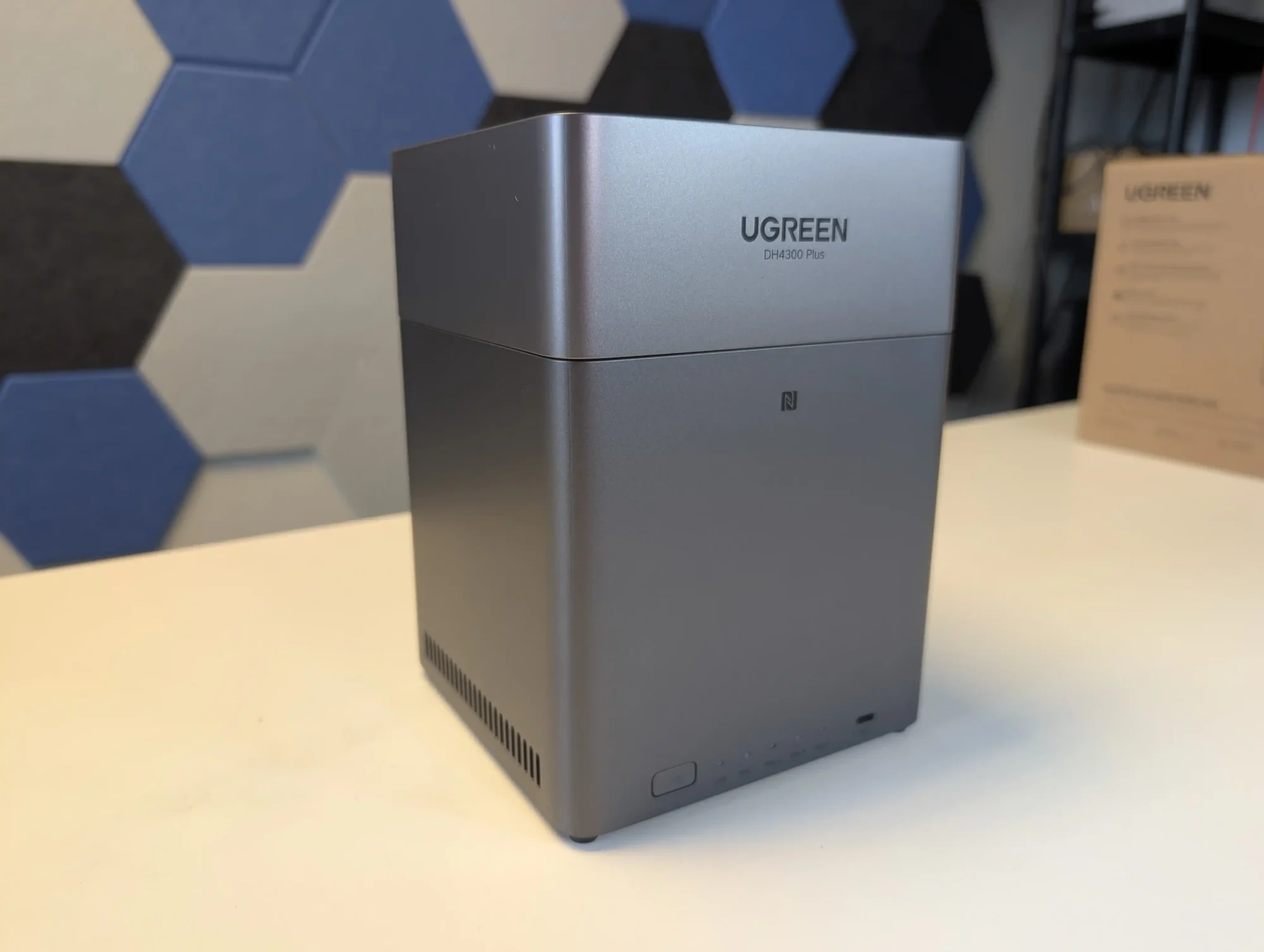
UGREEN also sells a more cost effective alternative called the DH4300 Plus. That model uses an ARM processor with fixed memory and provides only a single 2.5GbE connection. It is suitable for simpler workloads, but users who want stronger performance and broader feature support will likely prefer the DXP4800.
Component
Specification
CPU
Intel N100 (4 cores, up to 3.4GHz)
Memory
8GB DDR5 (upgradable to 16GB)
Drive Bays
4x SATA (3.5″/2.5″) + 2x M.2 NVMe
Networking
2x 2.5GbE LAN
Ports
1x USB-C (10Gbps), 2x USB-A, SD Card Reader
Video Output
1x HDMI (4K)
OS
UGOS Pro
Power Consumption
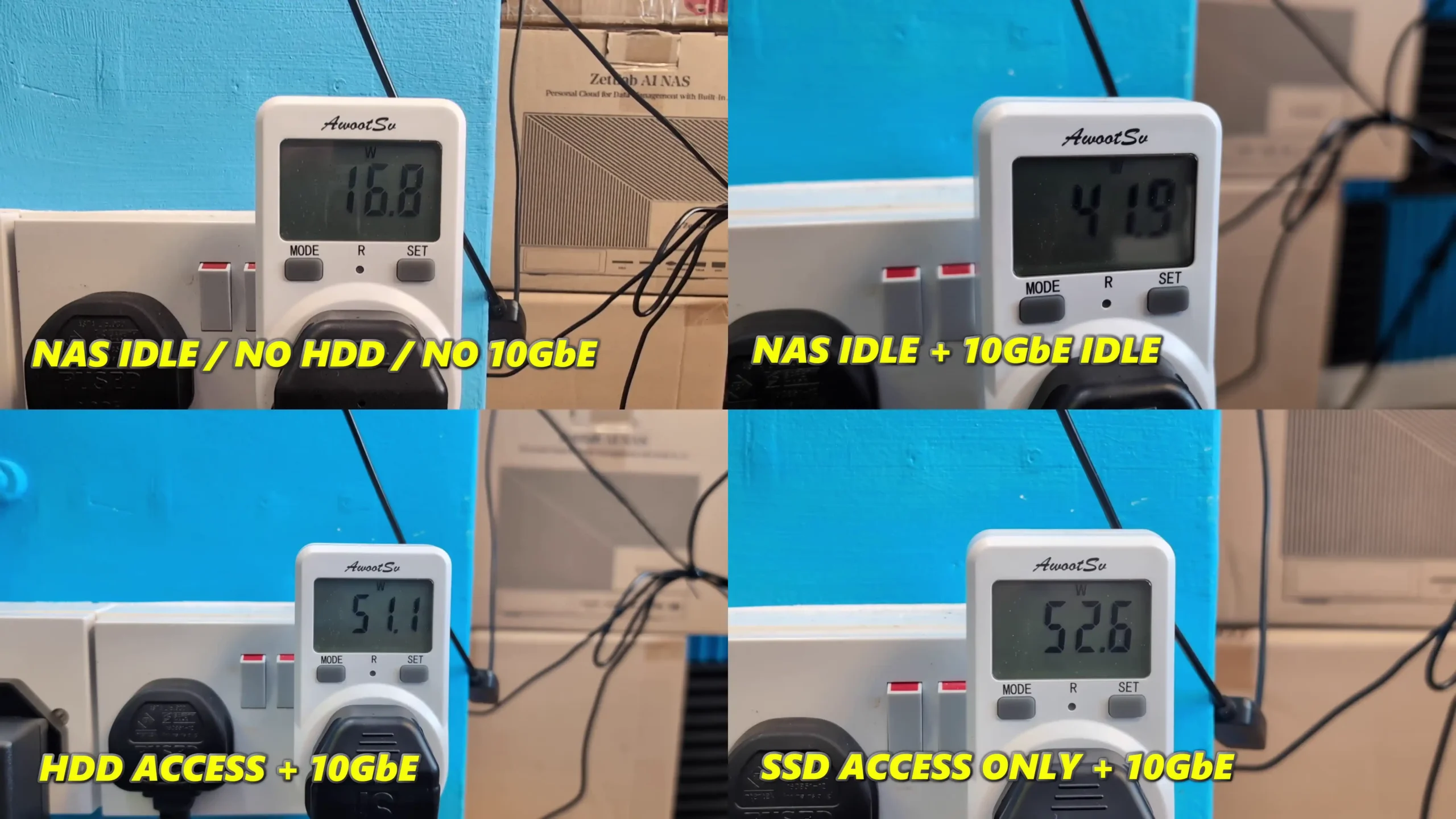
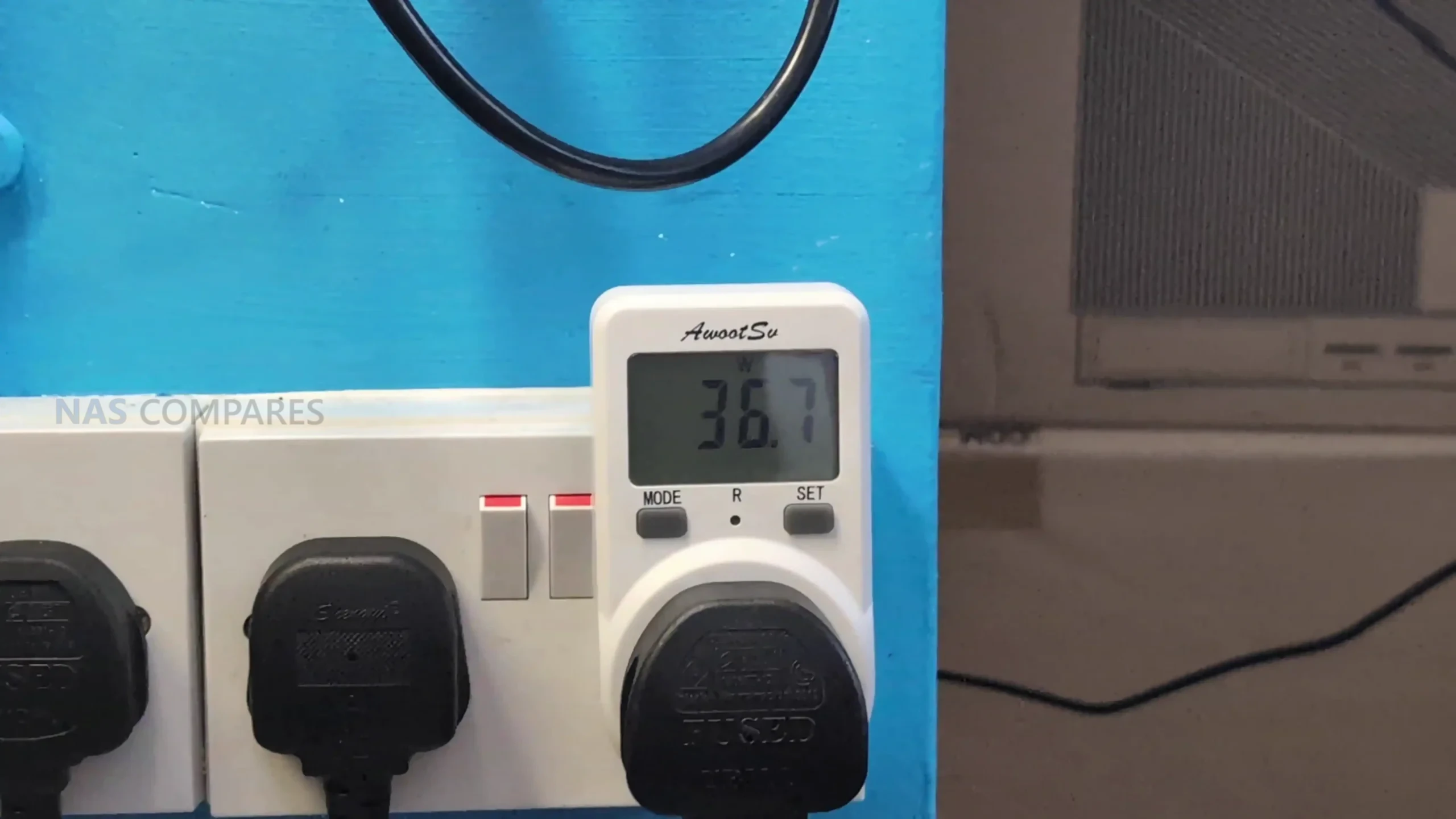
35.18W (access), 15.43W (hibernation)
Dimensions
257 x 178 x 178 mm (approx.)
LincStation N2 NAS
$399 – Intel N100 – 16GB – 2x 2.5″ SATA + 4x M.2 NVMe – 1x 10GbE – Unraid OS – BUY HERE
The LincStation N2 is a compact solid state NAS that offers higher performance than most systems in this price tier. It uses an Intel N100 processor with 16GB of LPDDR5 memory and supports two 2.5 inch SATA SSDs alongside four M.2 2280 NVMe drives. This six bay layout is aimed at users who want higher IOPS, quieter operation, and lower power consumption than a hard drive based configuration. Network connectivity is provided through a single 10GbE RJ45 port, which is uncommon at this price level and useful for workstation links or scenarios involving multiple simultaneous clients.
The unit includes an Unraid Starter license, giving users access to Docker containers, virtual machines, hardware passthrough, and flexible storage management. Unraid requires some familiarity to use effectively, but it offers greater adaptability than fixed vendor operating systems. The N2 also includes HDMI output, USB C, USB 3.2, and several USB 2.0 ports, which allows it to function as a lightweight home server or media oriented workstation in addition to its NAS role. For users who place priority on SSD storage, 10GbE connectivity, and virtualisation features, the LincStation N2 provides a level of capability that is not common in the sub 499 dollar category.
Component
Specification
CPU
Intel N100 (4 cores, up to 3.4GHz)
Memory
16GB LPDDR5 (non-upgradable)
Drive Bays
2x 2.5″ SATA + 4x M.2 NVMe
Networking
1x 10GbE LAN
Ports
1x USB-C (10Gbps), 1x USB 3.2, 2x USB 2.0
Video/Audio
HDMI 2.0, 3.5mm audio out
OS
Unraid (Starter license included)
Dimensions
210 x 152 x 39.8 mm
Weight
800g
TerraMaster F4 SSD NAS
$399 – Intel N95 – 8GB – 4x M.2 NVMe – 1x 5GbE – TOS (TerraMaster OS) – BUY HERE
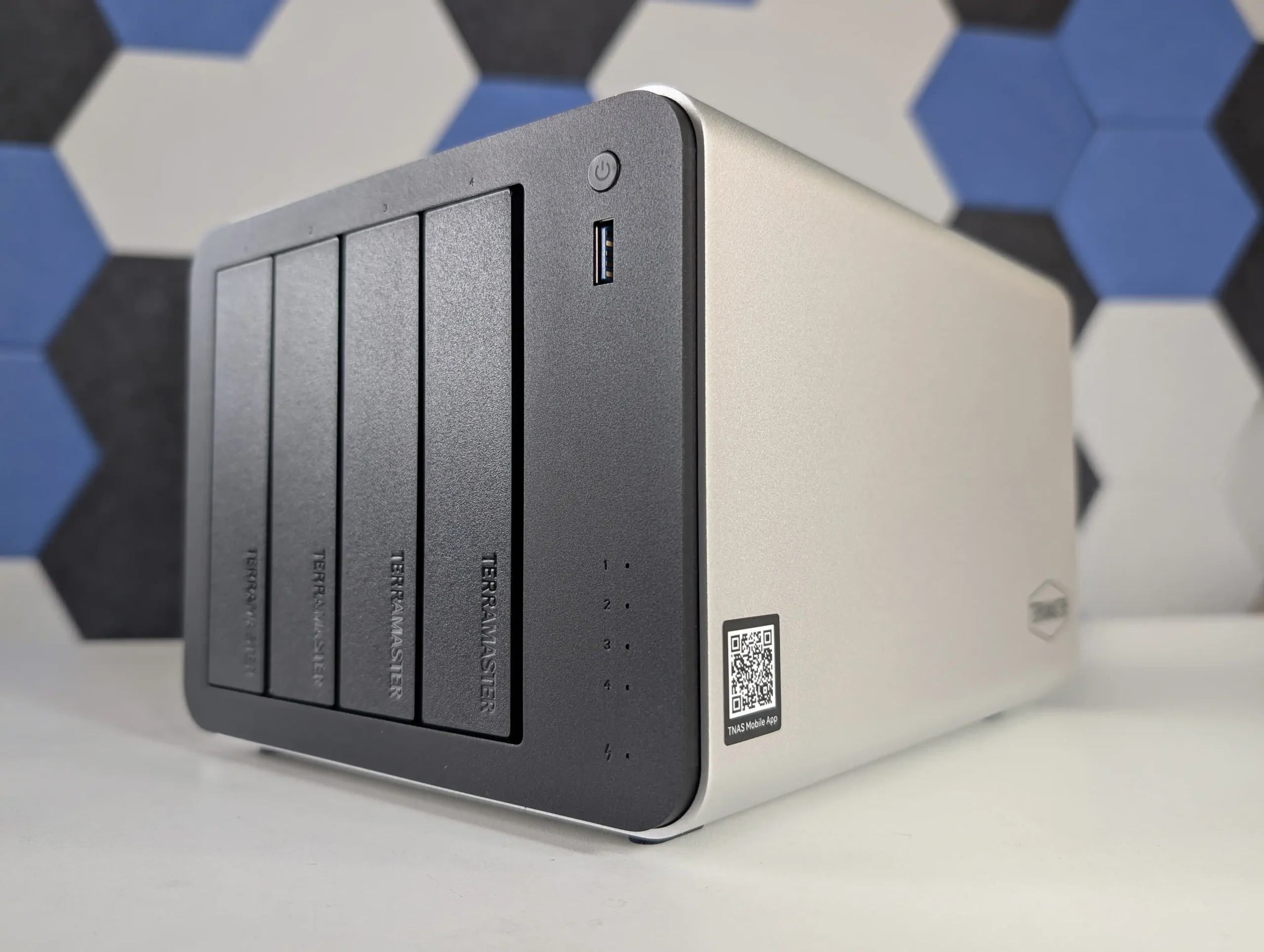
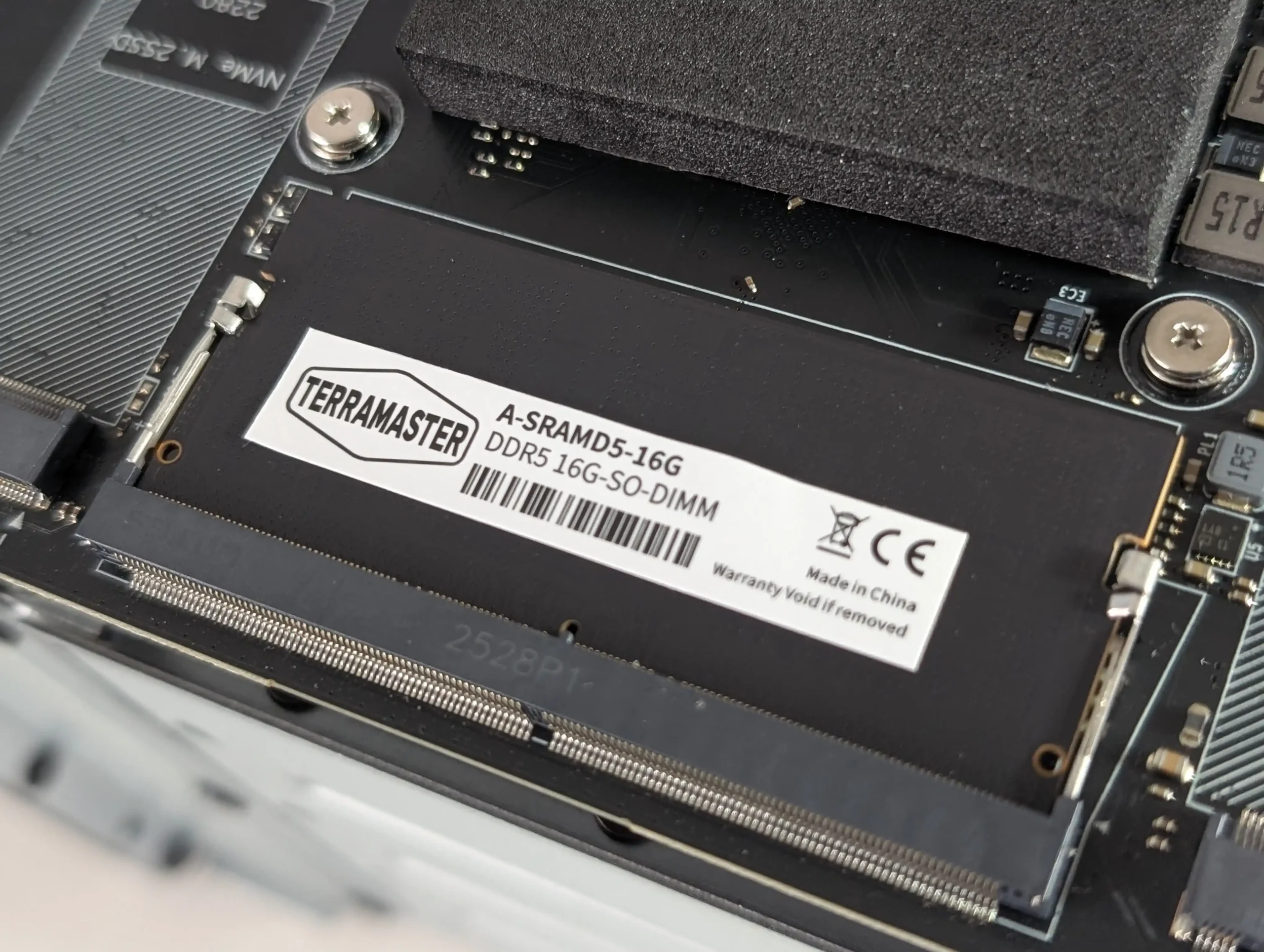
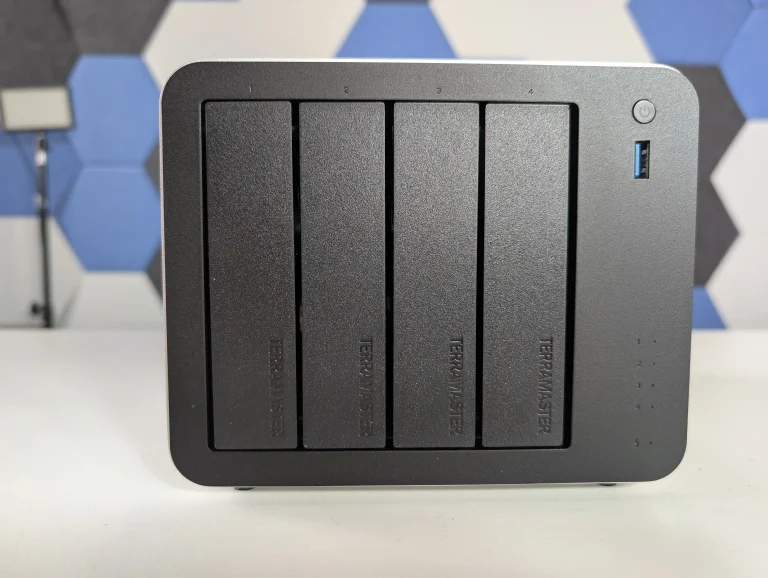
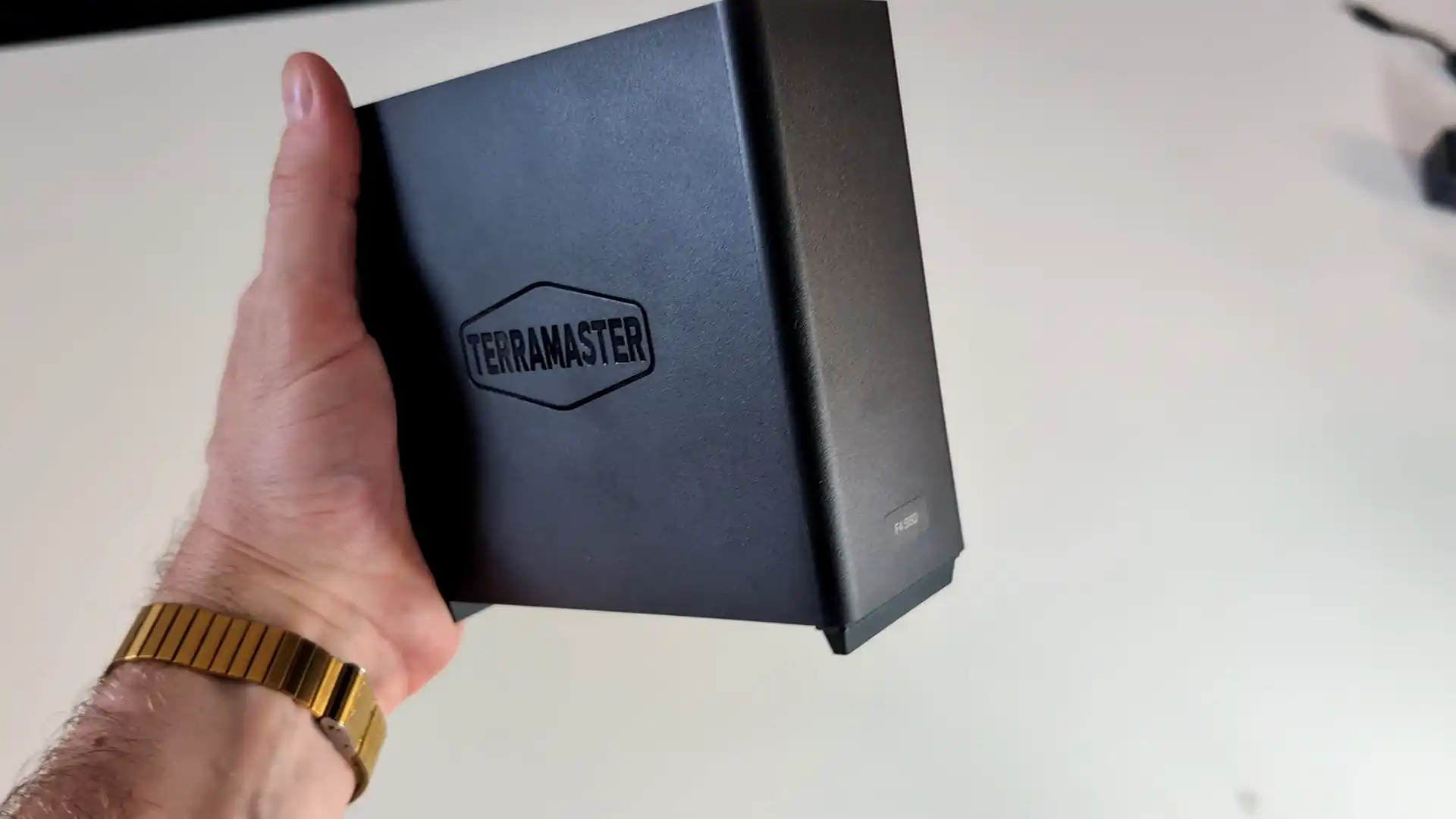
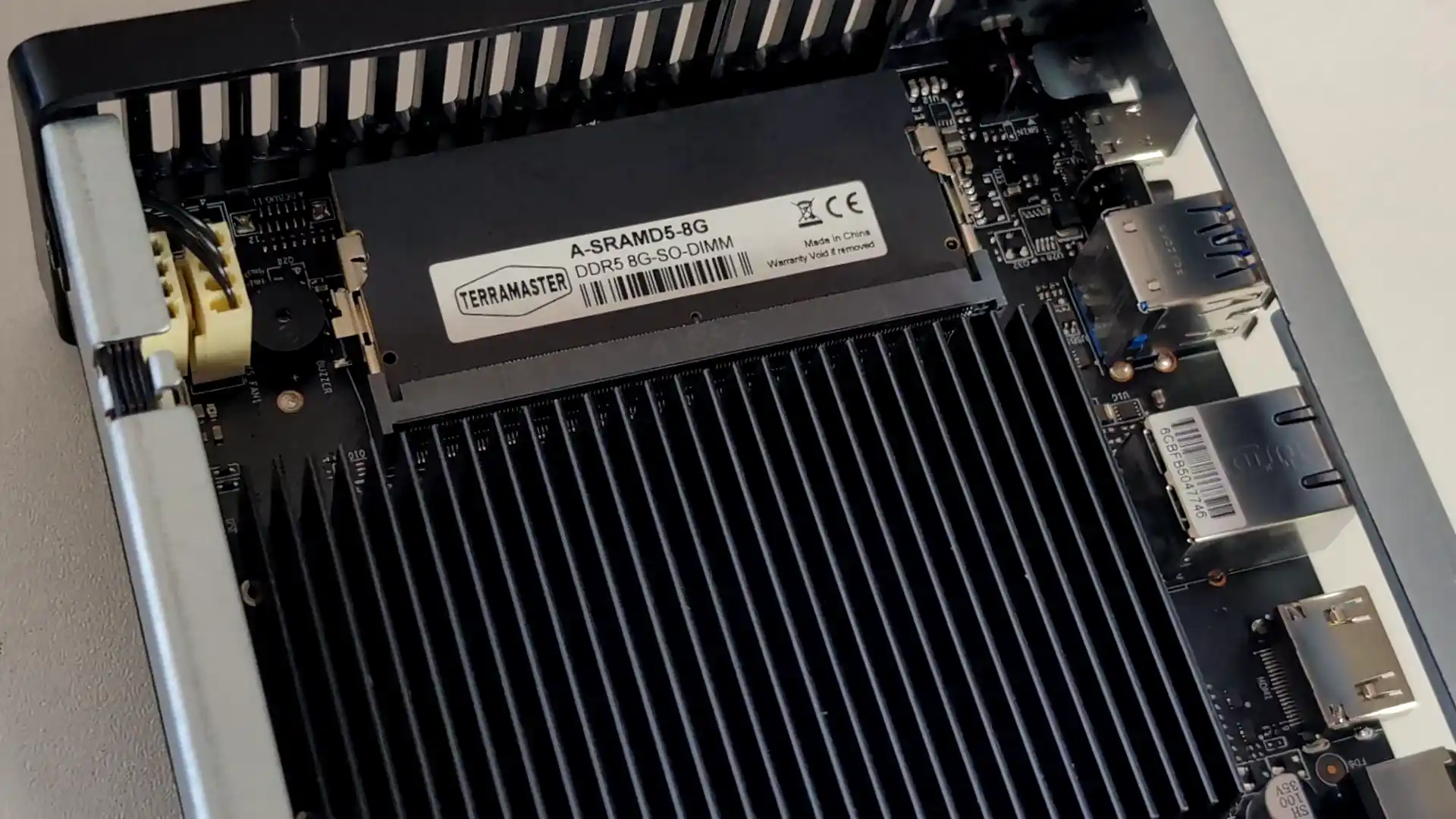
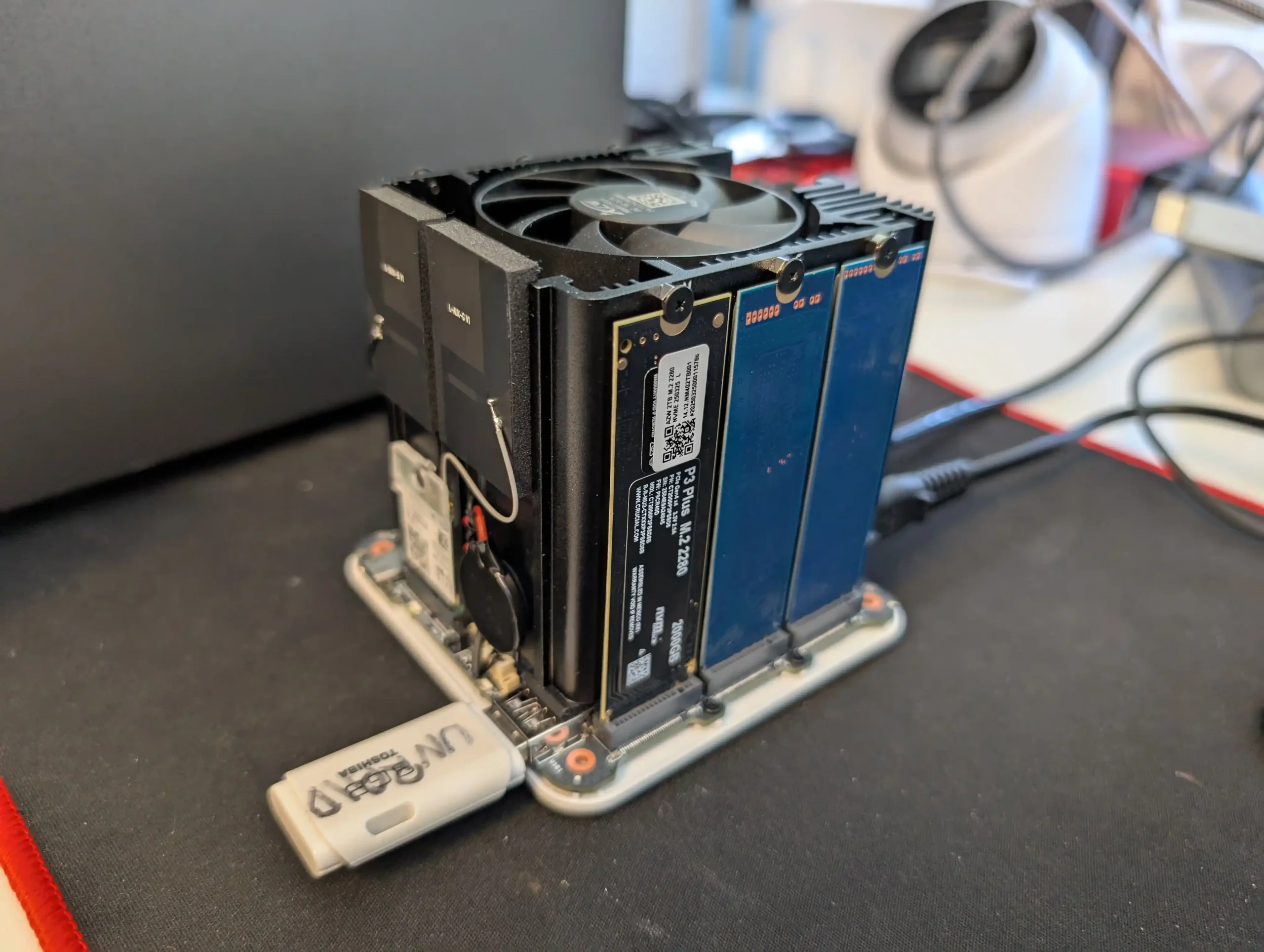
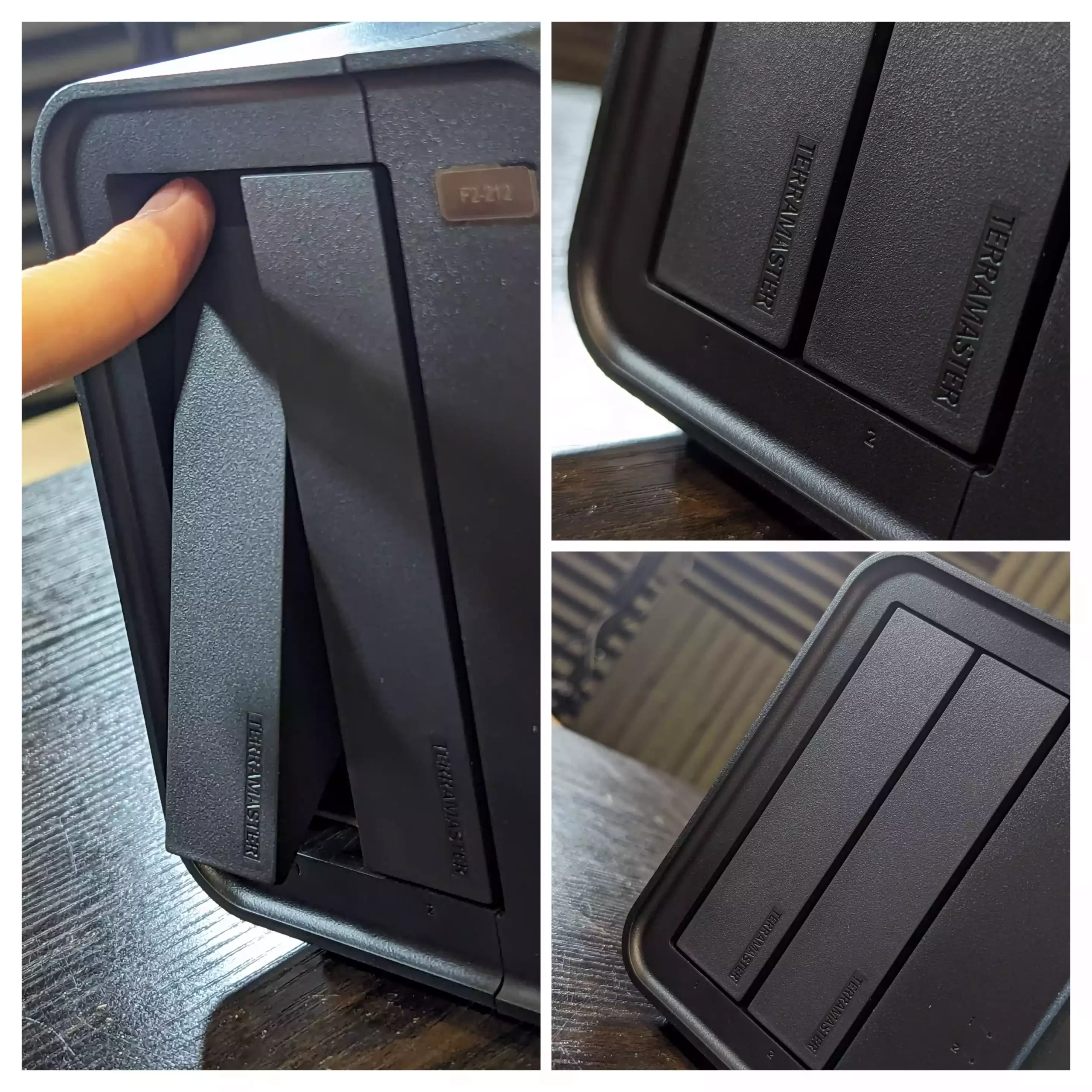
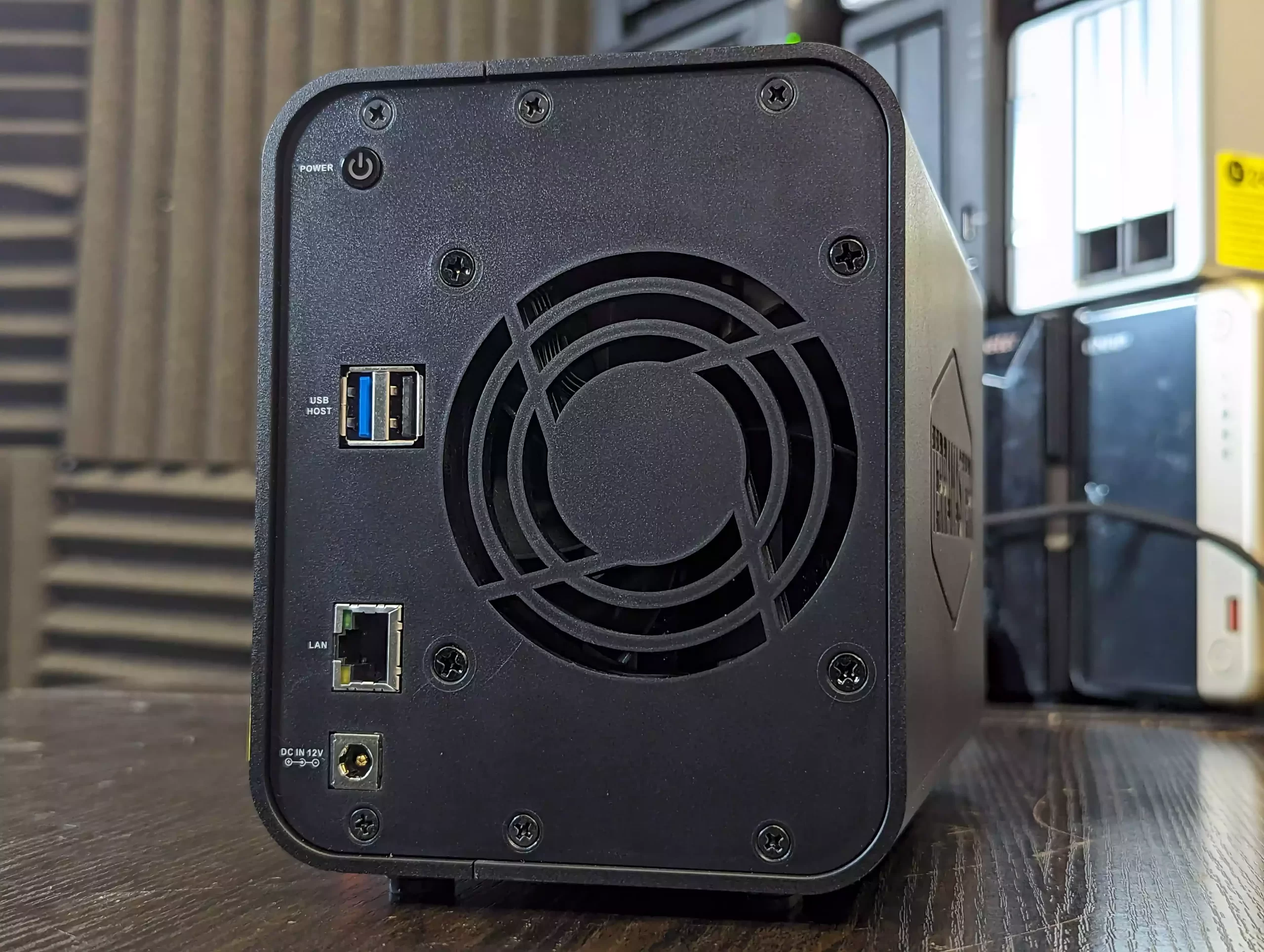
The TerraMaster F4 SSD is a four bay solid state NAS designed for users who want faster access speeds and quieter operation than traditional hard drive systems. It uses an Intel N95 processor from the Alder Lake N family together with 8GB of DDR5 memory in a single SODIMM slot. Storage is provided through four M.2 NVMe positions, with two operating at PCIe 3.0 x2 and two at PCIe 3.0 x1. The system is intended for SSDs only and does not support SATA based drives. Network connectivity is handled through one 5GbE port, which allows higher single link performance than dual 2.5GbE designs and can attach to 10GbE networks at reduced speed.
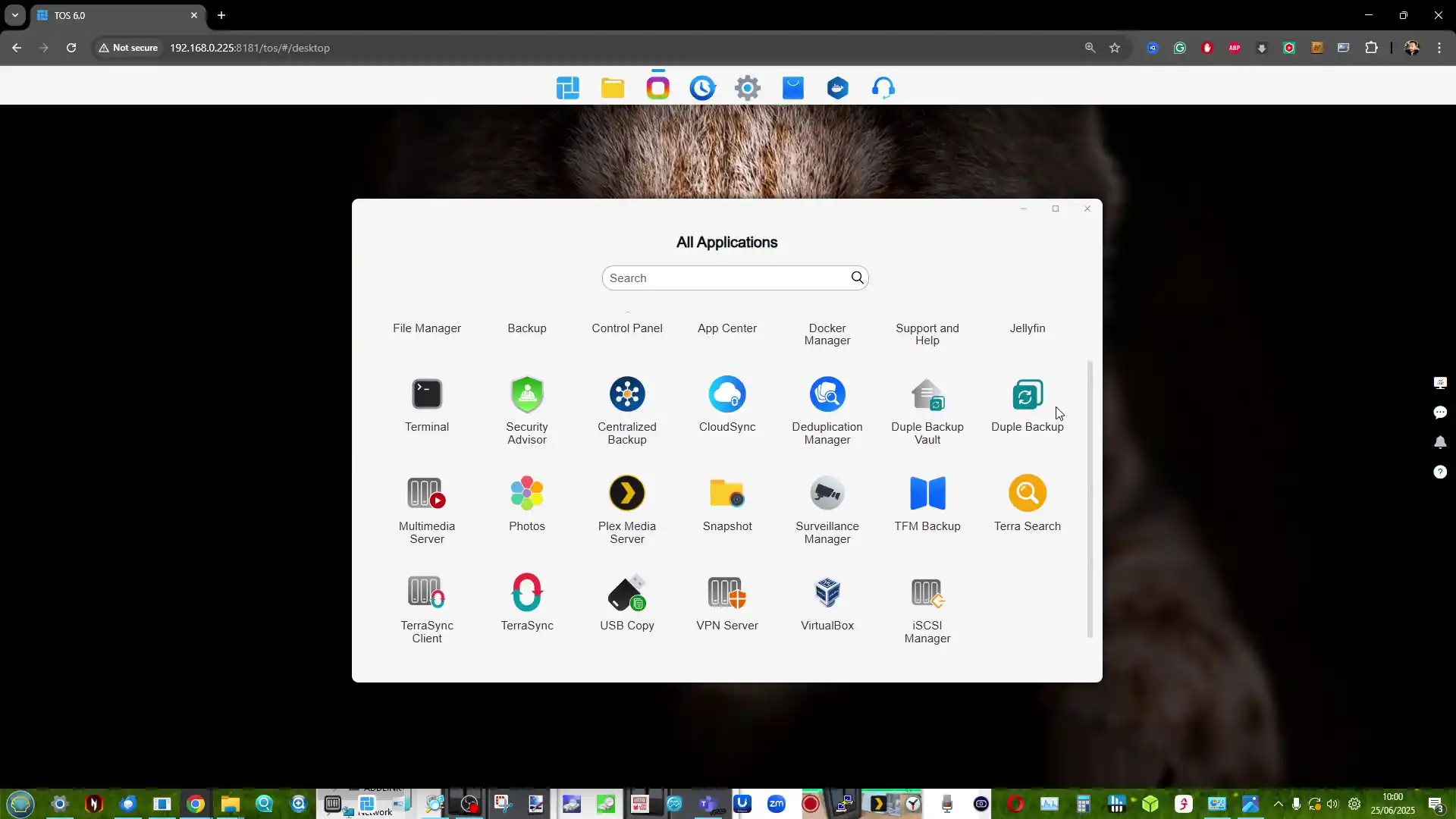
The device runs the TOS platform, which offers multimedia tools, photo management with local AI tagging, cloud sync, user account controls, and a range of backup options. The system supports Btrfs, TRAID for flexible capacity planning, remote access, and mobile applications for file sync and photo uploads. HDMI output, two USB A ports, one USB C port, and quiet fan operation make the F4 SSD suited to home environments that need a compact all flash NAS with minimal configuration.
Users who want more performance can step up to the F8 SSD Plus for roughly 200 to 250 dollars more. That model offers eight M.2 NVMe slots, an eight core N305 i3 class processor, 16GB of memory, and 10GbE networking. The F4 SSD remains the more cost conscious option, while the F8 SSD Plus targets workloads that need considerably more CPU and network headroom.
The Synology DS425 Plus is a four bay NAS positioned as an accessible way to enter the DSM ecosystem while still offering capable hardware for home and small office use. It is built on the Intel Celeron J4125, a quad core processor with a 2.0GHz base frequency and up to 2.7GHz under load. The system includes 2GB of DDR4 memory that can be expanded to 6GB and supports both 3.5 inch and 2.5 inch SATA drives. Two M.2 NVMe slots are available for cache use or for creating faster solid state storage volumes. Network connectivity consists of one 2.5GbE port and one 1GbE port, which gives users some flexibility depending on the switches in their setup.
DSM remains one of the more complete NAS operating systems, with integrated tools for file management, media serving, backup and sync, surveillance, and virtualisation. Synology Hybrid RAID is supported for flexible capacity planning, and the use of Btrfs provides access to snapshots and integrity checks. A notable change in late 2025 is Synology’s updated stance on drive compatibility. The Plus series no longer restricts or warns against the use of third party hard drives or SSDs, meaning users can now deploy Seagate, WD, and other manufacturers without any prompts or reduced functionality. This removes a previous concern for buyers who wanted to reuse existing disks or avoid Synology branded media. For users who want long term software support, a stable operating system, and a straightforward four bay design within the 499 dollar range, the DS425 Plus remains a practical option, now with fewer limitations on drive choice.
Component
Specification
CPU
Intel Celeron J4125 (4 cores, up to 2.7GHz)
Memory
2GB DDR4 (expandable to 6GB)
Drive Bays
4x 3.5″/2.5″ SATA + 2x M.2 NVMe
Networking
1x 2.5GbE LAN, 1x 1GbE LAN
Ports
2x USB 3.2 Gen 1
OS
Synology DSM 7.x
File System
Btrfs, EXT4
Dimensions
166 x 199 x 223 mm
Weight
2.18 kg
UnifyDrive UT2 Mobile NAS Drive
$399 –RK3588 8GB, LPDDR4X 1, 2.5GbE, 6TOPS NPU, 4K HDMI 2.1, WiFi 6 + AP Mode, DAS Mode, 2 Hour Mobile Battery – BUY HERE ( Get a further 5% OFF with this code: NASCOMPARES )
The UnifyDrive UT2 Portable NAS is now a fully released product rather than a crowdfunding prototype, and its design reflects a complete, ready to ship package. The system is compact, roughly the size of a thick smartphone, and weighs around 350g with its protective rubber sleeve. It includes a 32GB eMMC module for the operating system, two M.2 NVMe SSD slots for storage, active cooling, WiFi 6, Bluetooth, a 2.5GbE port, HDMI output, and an internal battery that provides around 30 to 60 minutes of runtime and basic UPS functionality. The retail kit includes multiple USB cables, a power adapter, a remote control for HDMI use, SD and CFe card backup support, and printed quick start materials. Although the fan is audible under load, overall noise levels remain low for a compact ARM based system, and the design allows users to run the NAS handheld, placed on a desk, or carried in a bag without difficulty.
Connectivity is one of the UT2’s strongest aspects. Alongside its dual 5Gb USB ports, users can switch the device between network attached storage mode and direct attached storage mode. The two SD card slots support automated or one touch backups, and the 2.5GbE port gives the unit higher wired throughput than many portable or entry level NAS devices. HDMI output supports up to 4K60 and 8K playback, and media can be controlled either through the mobile application or the included remote. Internally, the UT2 uses a Rockchip RK3588C CPU with ARM Mali G610 graphics and 8GB of LPDDR4X memory. The two NVMe slots appear to operate at PCIe Gen 3 x1 speeds, which is adequate for saturating the wired and wireless interfaces. The memory is soldered and non upgradable, so users who intend to run more demanding workloads will need to account for that limit. Wireless access works through both client mode and the device’s own WiFi access point, enabling file sharing or backup without a pre existing network.
Software management centres on the UnifyDrive mobile application, which has expanded since the product first appeared and now includes RAID pool creation, the selective UDR RAID mode, SMB and FTP services, DLNA media streaming, direct HDMI output control, cloud sync, real time sharing, and device monitoring. Setup can be completed over LAN, WiFi, or Bluetooth, and firmware is updated over the air. The app provides tools for backups, encrypted folders, AI driven photo recognition, scheduled power controls, and general file management. Some advanced features such as additional downloader tools and container support remain under development, but the current software offers more control than most mobile focused NAS interfaces. Remote access is available through an integrated relay service, though support for third party VPN solutions is not yet included. With its combination of portability, NVMe storage, multi mode connectivity, and a growing software stack, the UT2 occupies a niche for users who want a personal cloud device that can be carried between locations while still supporting standard NAS workflows at its 399 to 599 dollar price point.
Use the LINK below + Get a further 5% OFF with this code: NASCOMPARES
The sub 499 dollar NAS segment in late 2025 offers a wide range of systems aimed at different performance levels and storage priorities. Buyers can choose between high capacity RAID focused platforms, SSD oriented designs, or systems built around established software ecosystems. The UniFi UNAS Pro remains a hardware driven storage appliance with 10GbE connectivity and seven bays, making it suitable for backup or archival workloads that require consistent throughput. The UGREEN DXP4800 and the LincStation N2 provide hybrid and all flash configurations, and both include support for containers, virtualisation, and the option to run alternative operating systems if required. Users who prefer a mature software stack with long term updates may gravitate toward the Synology DS425 Plus, which now supports third party drives without warnings or restrictions following Synology’s policy change in October 2025. The TerraMaster F4 SSD serves those who want a compact solid state platform with 5GbE networking and access to the expanding feature set of TOS, including local AI photo tools and multimedia functions. All of these NAS units require user supplied storage and may involve some degree of configuration depending on the software environment. The most suitable choice depends on whether you prioritise performance, software refinement, expansion options, or direct control over how the system is deployed within this price conscious category.
This description contains links to Amazon. These links will take you to some of the products mentioned in today's content. As an Amazon Associate, I earn from qualifying purchases. Visit the NASCompares Deal Finder to find the best place to buy this device in your region, based on Service, Support and Reputation - Just Search for your NAS Drive in the Box Below
Need Advice on Data Storage from an Expert?
Finally, for free advice about your setup, just leave a message in the comments below here at NASCompares.com and we will get back to you.Need Help?
Where possible (and where appropriate) please provide as much information about your requirements, as then I can arrange the best answer and solution to your needs. Do not worry about your e-mail address being required, it will NOT be used in a mailing list and will NOT be used in any way other than to respond to your enquiry.
[contact-form-7]
TRY CHAT Terms and Conditions
If you like this service, please consider supporting us.
We use affiliate links on the blog allowing NAScompares information and advice service to be free of charge to you.Anything you purchase on the day you click on our links will generate a small commission which isused to run the website. Here is a link for Amazon and B&H.You can also get me a Ko-fi or old school Paypal. Thanks!To find out more about how to support this advice service checkHEREIf you need to fix or configure a NAS, check FiverHave you thought about helping others with your knowledge? Find Instructions Here
Or support us by using our affiliate links on Amazon UK and Amazon US
Alternatively, why not ask me on the ASK NASCompares forum, by clicking the button below. This is a community hub that serves as a place that I can answer your question, chew the fat, share new release information and even get corrections posted. I will always get around to answering ALL queries, but as a one-man operation, I cannot promise speed! So by sharing your query in the ASK NASCompares section below, you can get a better range of solutions and suggestions, alongside my own.
Au CES 2026, Lovense a présenté Emily, une poupée humanoïde connectée dotée d’un moteur d’intelligence artificielle. Un produit qui ambitionne de transformer la poupée sexuelle en compagne interactive, tout en soulevant des questions éthiques.
Annoncé au CES 2026 à Las Vegas lors de la présentation Hyundai, le fabricant de robots s'allie avec Google DeepMind pour intégrer les modèles fondationnels Gemini Robotics directement dans leurs humanoïdes. Du coup, Atlas va pouvoir percevoir son environnement, raisonner, utiliser des outils et même interagir avec des humains. Bref, passer du robot acrobate impressionnant au robot vraiment utile.
Atlas en pied, prêt à conquérir les usines (
Source
)
L'idée, c'est de combiner le meilleur des deux mondes. D'un côté, vous avez l'intelligence athlétique de chez Boston Dynamics, ces années d'expertise à créer des machines capables de faire des saltos et de se relever après une gamelle. De l'autre, les modèles multimodaux de DeepMind qui comprennent le langage, la vision et peuvent générer des actions. Le mariage parfait entre le corps et l'esprit, en quelque sorte.
Alberto Rodriguez, le directeur du comportement robot chez Boston Dynamics (un ancien prof du MIT qui a lâché sa chaire pour rejoindre l'aventure), explique qu'ils avaient besoin d'un partenaire capable de développer des modèles fiables et scalables. Et Carolina Parada de DeepMind confirme que leurs modèles Gemini Robotics ont justement été conçus pour apporter l'IA dans le monde physique. Hop, le puzzle s'assemble.
Le regard d'Atlas, bientôt alimenté par Gemini
Mais ne vous attendez pas à voir un Atlas débarquer chez vous pour faire le ménage demain matin. Sniiiif... La cible, c'est l'industrie manufacturière, et plus précisément les usines du groupe Hyundai (qui possède Boston Dynamics, rappelons-le). Parce que même dans les chaînes de production les plus automatisées, il reste des dizaines de milliers de tâches manuelles impossibles à robotiser avec les méthodes traditionnelles. Le coût et le temps de développement sont juste délirants.
Avec un humanoïde doté d'un cerveau généraliste, on peut théoriquement lui apprendre une nouvelle tâche en une journée au lieu d'un an. C'est le même principe que ChatGPT, mais appliqué au monde physique et ça, c'est un vrai changement de paradigme.
La recherche conjointe démarre dans les prochains mois. Alors est-ce que ça va révolutionner les usines ? Peut-être. Est-ce que c'est le début d'une nouvelle ère pour la robotique humanoïde ? Moi j'y crois.
En tout cas, dans tout ce bordel ambiant autour des robots et de l'IA, cette alliance entre le hardware le plus avancé et le software le plus puissant a du sens. Et si vous voulez en savoir plus sur
l'évolution d'Atlas ces dernières années
, je vous avais déjà fait un petit récap.
Non mais vous avez vu ça ? On dirait un extrait de iRobot, sauf que c'est pas du cinéma.
Unitree, les mêmes tarés qui nous avaient sorti le G1 à 16 000$ (celui qui peut se plier comme un contorsionniste), viennent de lâcher une vidéo de leur nouveau bébé, le H2, en train de faire du kickboxing. Et quand je dis kickboxing, c'est pas une métaphore. Le bestiau balance des coups de pied latéraux, des pirouettes, des frappes au genou... Bref, tout l'arsenal du parfait combattant de MMA, mais en version 1m82 et 70 kilos de métal.
Le H2 qui fait le beau - enfin, le flippant (
Source
)
Et le truc qui fait vraiment flipper, c'est la démo de combat car Unitree a fait aussi affronter son H2 contre le G1, le petit frère moins costaud. Résultat, un coup de genou du H2 a littéralement soulevé le G1 du sol. 360 N·m de couple dans les articulations des jambes, c'est énorme. Pour vous donner une idée, c'est le genre de force qui peut soulever un autre robot du sol, comme on l'a vu dans leur démo.
Et je vous raconte pas les specs de malade : 31 degrés de liberté, 7 articulations par bras, 6 par jambe, et une capacité de charge de 15 kilos. L'engin peut porter des trucs lourds tout en gardant l'équilibre sur une jambe. Et côté cerveau, la version EDU peut embarquer un processeur NVIDIA Jetson AGX Thor qui développe 2070 TOPS. Pour les non-initiés, c'est la puissance de calcul qu'il faut pour faire tourner des modèles d'IA en temps réel.
Les articulations qui font mal - 360 N·m de couple, ça rigole pas (
Source
)
Comme je vous le disais pour le G1
, Unitree joue dans une autre cour niveau tarif. Le H2 est affiché à 29 900$, soit presque deux fois le prix du G1, mais on est loin des centaines de milliers de dollars que coûte un Atlas de Boston Dynamics. Et là où
Boston Dynamics cible l'industrie
, Unitree semble vouloir créer une armée de robots polyvalents. Pour quoi faire ? Bonne question.
Quand je vois ce robot capable de me mettre un high kick dans la tronche avec la précision d'un champion de taekwondo, je me dis qu'on est peut-être en train de fabriquer nos propres cauchemars. Les ingénieurs d'Unitree ont clairement des compétences de fou, mais parfois je me demande s'ils ont regardé Terminator. Ou Black Mirror. Ou n'importe quel film de SF des 40 dernières années.
Bon, après je me rassure comme je peux en me disant que l'autonomie est d'environ 3 heures donc ils n'iront pas très loin... Et puis après tout, c'est juste une démo impressionnante pour vendre du matos. Pas vrai ? Pas vrai ??
Bon, je sais pas si vous avez déjà rêvé de contrôler un robot humanoïde avec votre corps, genre comme dans Pacific Rim mais en moins épique. Hé bien un opérateur chinois a voulu tenter l'expérience avec un Unitree G1... et ça s'est moyennement bien passé pour ses roubibis.
La vidéo a été postée sur
Bilibili
le jour de Noël et c'est devenu viral pour une raison évidente. Le gars porte une combinaison de motion capture, il fait des mouvements de kickboxing, shadow boxing, des coups de pied... Le G1 reproduit tout ça en temps réel grâce à un réseau neuronal. Sauf qu'il y a un délai d'environ une seconde entre ce que fait l'opérateur et ce que fait la machine. Du coup, quand le robot s'est retrouvé devant lui au mauvais moment... boum, coup direct dans l'entrejambe.
Pour rappel, le G1 c'est
ce fameux bipède d'Unitree
à environ 16 000 dollars qui fait saliver les passionnés de robotique depuis l'an dernier. Le bouzin pèse dans les 35 kilos selon la version, possède entre 23 et 43 articulations, et peut développer jusqu'à 120 Nm de couple au niveau des genoux. Autant vous dire que quand ça vous arrive dans les parties, ça fait pas semblant.
Sur les réseaux sociaux, évidemment, ça a trollé sévère. Certains ont ressorti les trois lois d'Asimov en mode « Un robot ne peut pas porter atteinte à un être humain », d'autres ont lâché des trucs du genre « Continuons à entraîner nos futurs maîtres de l'IA à nous botter le cul ». Bon, techniquement c'est pas vraiment de l'IA malveillante, juste un humain qui s'est mis lui-même un coup de pied dans les couilles parce qu'il était au mauvais endroit au mauvais moment... mais avouez que ça fé kan même réchéflir !
Le G1 et ses articulations de combattant (
Source
)
Ce qui est cool dans cette histoire, au-delà du LOL facile, c'est de voir où en est la technologie de contrôle par motion capture. Le délai de synchronisation devrait diminuer avec le temps, l'opérateur original dit qu'on pourrait passer à 0,1 seconde dans les prochaines versions. Ça reste quand même impressionnant de voir un robot reproduire des mouvements humains complexes comme ça, même si c'est pas encore parfait.
Perso, ça me rappelle un peu
les démonstrations de Boston Dynamics
où on voyait des ingénieurs pousser leurs robots pour tester leur stabilité. Sauf que là, c'est le robot qui a « poussé » l'humain... à réviser ses priorités anatomiques.
Bref, si vous comptez jouer à devenir un pilote de mecha dans votre salon, pensez à porter une coquille. On sait jamais.
Et si je vous disais qu'un robot humanoïde, un vrai, avec contrôle de force sur tout le corps et des articulations dignes des gros modèles, ça tient maintenant dans un sac à dos ? Vous ne me croiriez pas et pourtant, je viens de découvrir sur
Reddit
cette vidéo où AGIBOT présente le QUESTER1 (ou Q1 pour les intimes), un petit bonhomme de 80 centimètres qui a de quoi faire réfléchir pas mal de monde dans l'industrie...
Bon, je vous vois venir... "Encore un robot jouet chinois". Sauf que non. Le truc qui change tout ici, c'est la technologie QDD (Quasi Direct Drive) qu'ils ont réussi à miniaturiser jusqu'à obtenir des articulations plus petites qu'un œuf. Et pas des articulations au rabais, hein mais d'un contrôle de force complet et de réactivité haute performance, c'est à dire le même niveau que les grands humanoïdes qui font 1m70.
En septembre dernier on découvrait que
certains robots Unitree présentaient des failles Bluetooth
. Avec du code fermé c'est pas surprenant alors qu'ici AGIBOT fait le choix inverse en ouvrant volontairement son SDK et son HDK. Le code, les interfaces, les modules d'extension... tout est accessible. Même les composants structurels externes sont open source, ce qui veut dire que vous pouvez imprimer en 3D vos propres coques et donner à votre Q1 l'apparence que vous voulez. Tête interchangeable incluse ! Le délire !
Mais pourquoi faire si petit ?
Bah justement, c'est là que ça devient fort car en théorie, réduire les dimensions de moitié divise le poids par 8 (les joies de la physique en 3D). Du coup, le robot encaisse mieux les chutes, les erreurs coûtent moins cher, et l'itération est beaucoup plus rapide pour les développeurs. Pour la recherche et l'éducation, c'est donc le format idéal puisqu'il tient dans un grand sac à dos.
Côté fonctionnalités, le Q1 n'est pas qu'une plateforme de dev puisqu'il intègre une IA personnalisée qui lui permet de répondre à des questions, d'enseigner l'anglais avec une prononciation correcte (et une patience infinie, contrairement à votre ancien prof de lycée), ou même de danser avec plus de précision que vous.
C'est le futur qui débarque et le plus cool c'est qu'à l'avenir, ils vont proposer une plateforme no-code qui permettra de créer des comportements facilement. Pour les makers, les chercheurs et les étudiants en robotique, c'est donc potentiellement une belle porte d'entrée vers l'humanoïde à taille humaine... enfin presque.
The Best RAID 5 Ready 4/5/6-Bay NAS Servers of 2025
Multi bay NAS units in the 4,5 and 6 bay bracket have become the default choice for users who want a single chassis that can handle RAID 5 or larger arrays, mix HDD and NVMe storage and still fit under a desk or on a shelf. This roundup looks at systems released in 2025 that sit in that space, from compact ARM based 4 bay boxes up to more expandable x86 platforms with additional M.2 slots and higher network bandwidth. The focus is on how each unit balances raw storage capacity across SATA and NVMe, the type of RAID and pool layouts it can realistically support, and the power, noise and feature overhead that comes with those choices, so readers can match a chassis to their plans for backup, media, virtualisation or general home lab use without stepping up to larger, more complex rack or 8 bay solutions.
SPECS: AMD Ryzen 7 255 8 core 16 thread up to 4.9 GHz – up to 96 GB DDR5 via 2 SODIMM slots – 5 x 3.5″/2.5″ SATA bays – 1 x 10 GbE RJ45 / 1 x 5 GbE RJ45 – 3 x M.2 NVMe or U.2 SSD slots (PCIe 4.0, mixed x1 and x2 lanes) plus 128 GB OS storage.
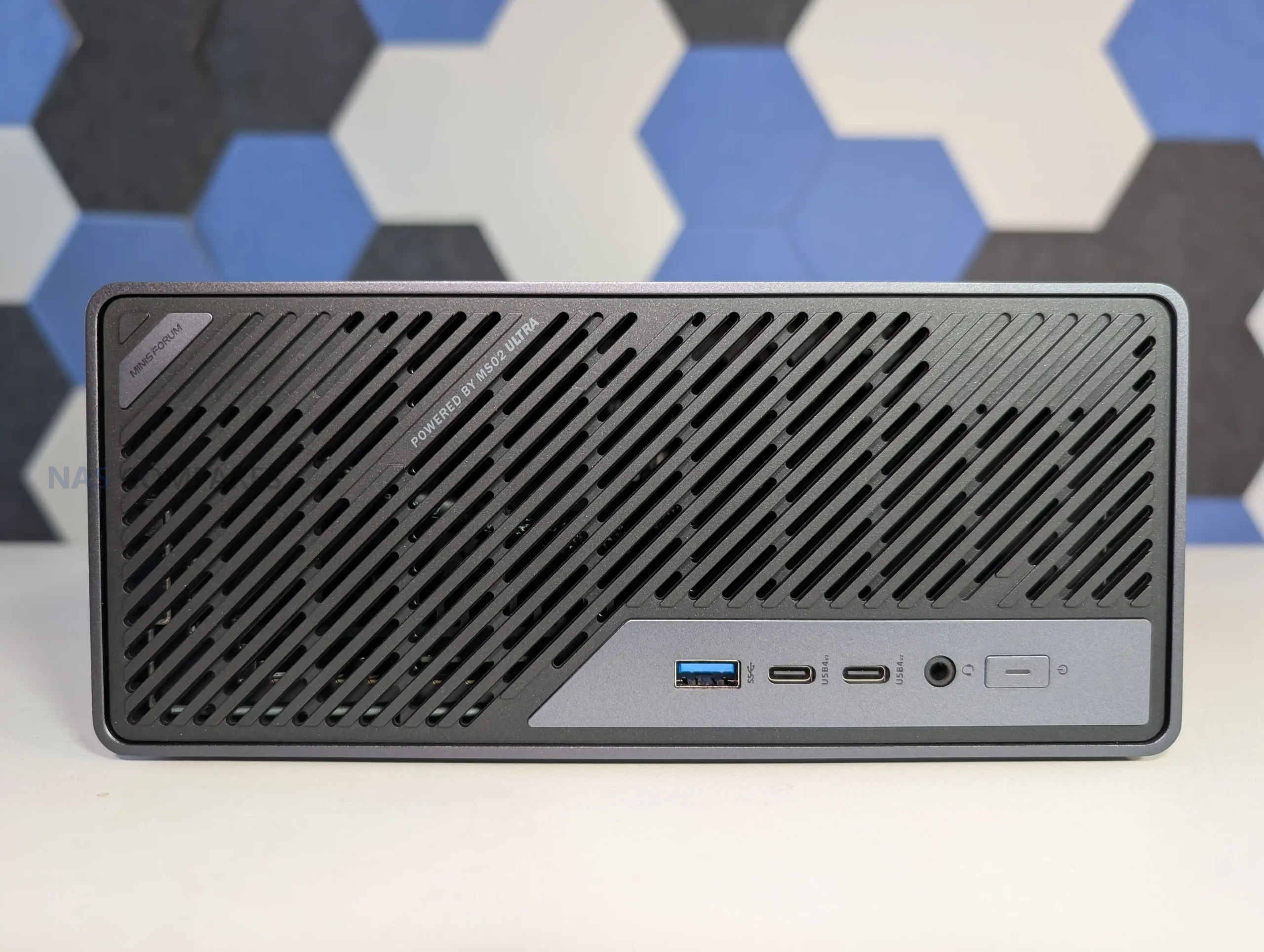
With 5 SATA bays rated for up to 22 TB per disk and 3 PCIe 4.0 NVMe or U.2 positions, the N5 can be configured as a hybrid array where high capacity RAID 5 or RAID 6 sits on HDDs while SSDs are used for fast pools or tiered storage. MinisCloud OS exposes ZFS style RAID options including RAID 0, 1, 5 and 6, snapshots and compression, so the storage layout can be tuned for sequential workloads, mixed containers or heavier virtualisation without replacing the base system. The Ryzen 7 255 and Radeon 780M iGPU give it enough compute and PCIe bandwidth for multi gig throughput over the combined 10 GbE and 5 GbE interfaces, but they also raise power use and thermal output compared with simpler ARM or low end x86 models. In a 4 or 5 bay context it therefore suits users who expect to keep expanding with higher density drives and multiple NVMe pools over several years, rather than those who just need a small RAID 5 and basic apps.
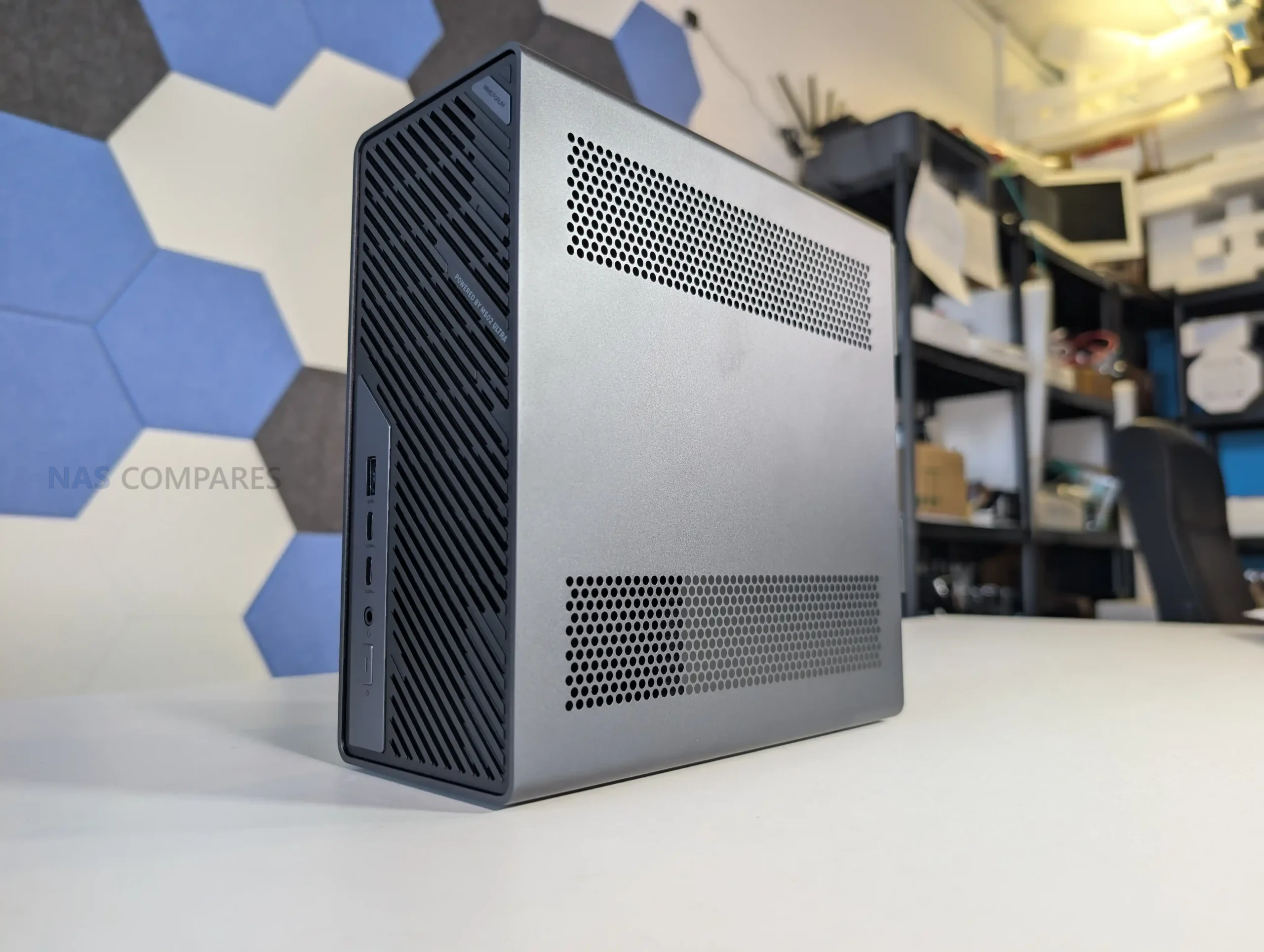
The Minisforum N5 Pro is an impressive and highly versatile NAS platform that successfully combines the core strengths of a storage appliance with the capabilities of a compact, workstation-class server, making it suitable for demanding and varied use cases. Its defining features include a 12-core Ryzen AI 9 HX PRO 370 CPU with 24 threads and onboard AI acceleration up to 50 TOPS, support for up to 96GB of ECC-capable DDR5 memory for data integrity, and a hybrid storage architecture offering up to 144TB total capacity through a mix of five SATA bays and three NVMe/U.2 slots. Additional highlights such as ZFS file system support with snapshots, inline compression, and self-healing, along with high-speed networking via dual 10GbE and 5GbE ports, and expansion through PCIe Gen 4 ×16 and OCuLink interfaces, position it well beyond the capabilities of typical consumer NAS systems. The compact, fully metal chassis is easy to service and efficiently cooled, enabling continuous operation even under sustained virtual machine, AI, or media workloads.
At the same time, the bundled MinisCloud OS, while feature-rich with AI photo indexing, Docker support, and mobile integration, remains a work in progress, lacking some enterprise-grade polish, robust localization, and more advanced tools expected in mature NAS ecosystems. Minor drawbacks such as the external PSU, the thermally challenged pre-installed OS SSD, and the higher cost of the Pro variant relative to the standard N5 are important to weigh, particularly for users who may not fully utilize the Pro’s ECC and AI-specific advantages. For advanced users, homelab builders, and technical teams who require high compute density, flexible storage, and full control over their software stack, the N5 Pro delivers workstation-level performance and configurability in NAS form—offering one of the most forward-thinking and adaptable solutions available today in this segment.
High-performance AMD Ryzen AI 9 HX PRO 370 CPU with 12 cores, 24 threads, and AI acceleration (50 TOPS NPU) is INCREDIBLE for a compact desktop purchase Support for up to 96GB DDR5 memory with ECC, ensuring data integrity and stability in critical environments ZFS-ready storage with numerous ZFS and TRADITIONAL RAID configurations, snapshots, and inline compression Hybrid storage support: five 3.5\\\"/2.5\\\" SATA bays plus three NVMe/U.2 SSD slots, with up to 144TB total capacity Versatile expansion options including PCIe Gen 4 ×16 slot (×4 electrical) and OCuLink port for GPUs or NVMe cages Dual high-speed networking: 10GbE and 5GbE RJ45 ports with link aggregation support + (using the inclusive MinisCloud OS) the use of the USB4 ports for direct PC/Mac connection! Fully metal, compact, and serviceable chassis with thoughtful cooling and accessible internal layout - makes maintenance, upgrades and troubleshooting a complete breeze! Compatibility with third-party OSes (TrueNAS, Unraid, Linux) without voiding warranty, offering flexibility for advanced users
CONS
MinisCloud OS is functional but immature, with unfinished localisation and limited advanced enterprise features - lacks MFA, iSCSI, Security Scanner and More. Nails several key fundamentals, but still feels unfinished at this time. Despite External PSU design (will already annoy some users), it generates a lot of additional heat and may not appeal to all users overall Preinstalled 64GB OS SSD runs hot under sustained use and lacks dedicated cooling. Plus, losing one of the 3 m.2 slots to it will not please everyone (most brands manage to find a way to apply an eMMC into the board more directly, or use a USB bootloader option as a gateway for their OS Premium $1000+ pricing may be hard to justify for users who don’t need ECC memory or AI capabilities compared to the standard N5 at $500+
SPECS: Rockchip RK3588 8 core ARM up to 2.0 GHz – 8 GB LPDDR4X – 4 x 3.5″/2.5″ SATA bays – 1 x 2.5 GbE RJ45 – no internal M.2 SSD slots.
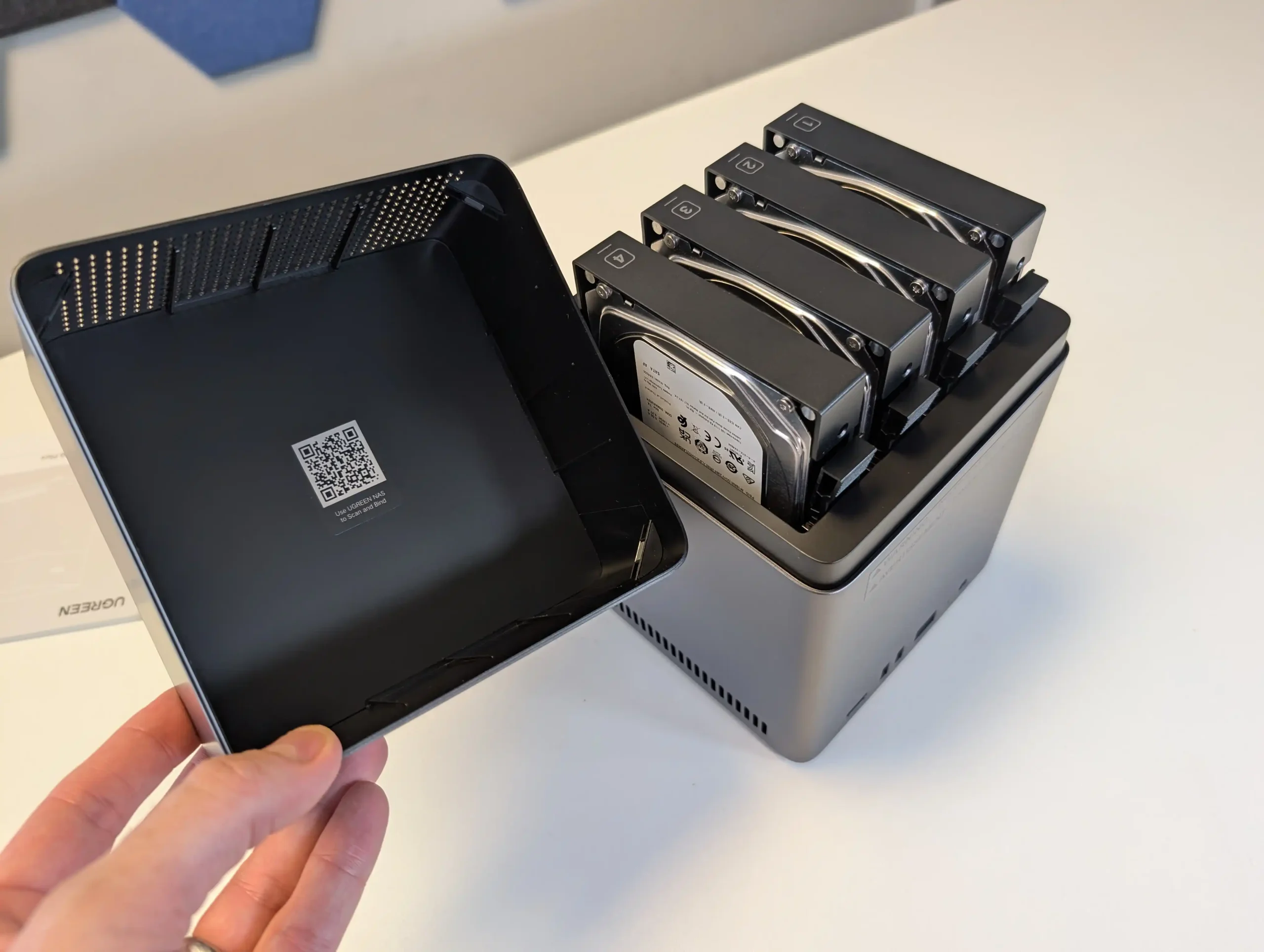
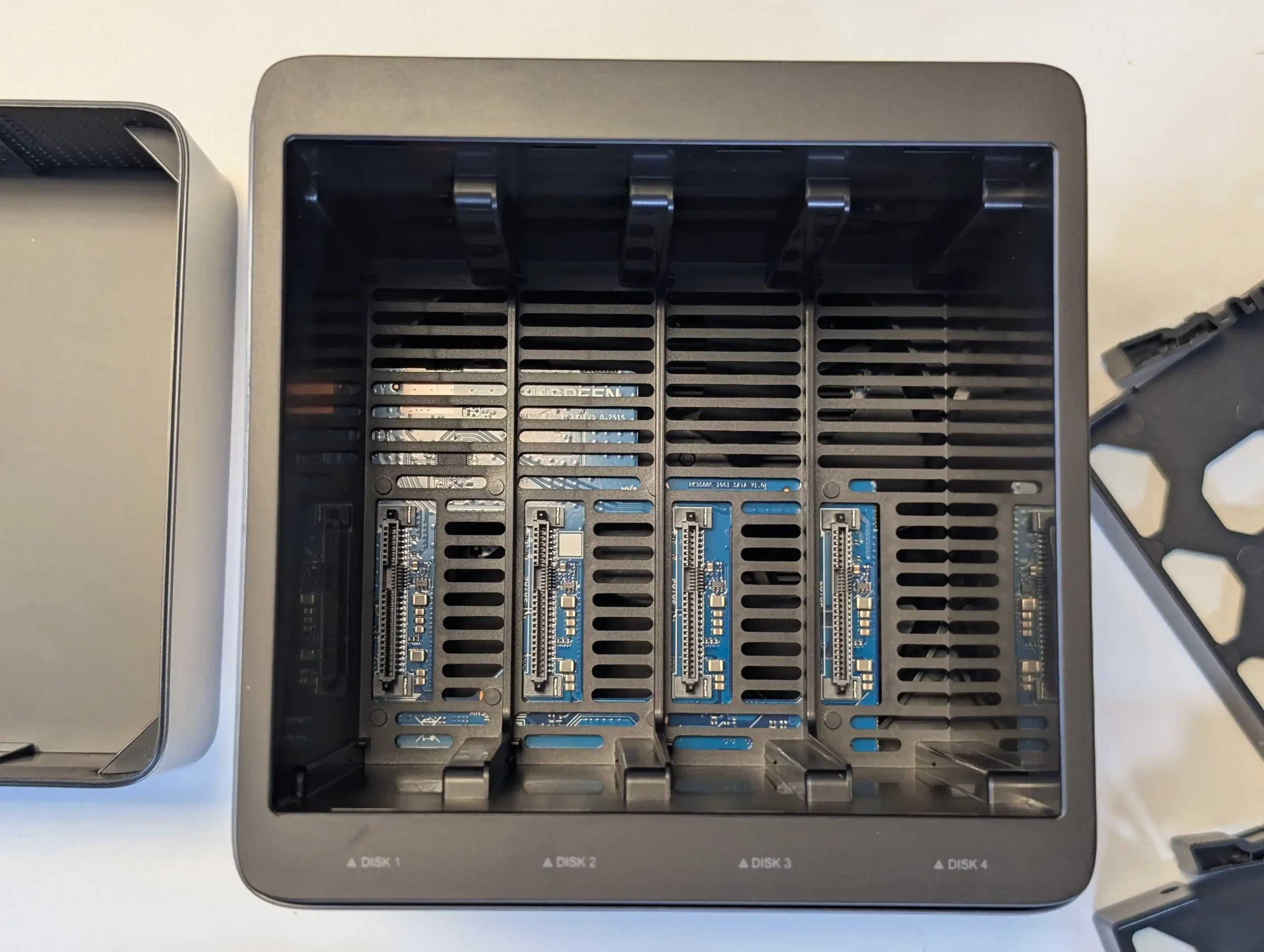
The DH4300 Plus concentrates all of its storage on 4 SATA bays with support for RAID 0, 1, 5, 6 and 10, up to a stated 120 TB raw using 30 TB disks, which makes it a straightforward choice for traditional RAID 5 capacity rather than mixed media architectures. The absence of M.2 slots means there is no internal SSD cache tier, although SSDs can still be used in the main bays if lower latency is required, at the cost of capacity per bay. In return, the RK3588 SoC and LPDDR4X memory keep power consumption relatively low, with quoted figures under 25 W under load, and the 2.5 GbE interface is enough to saturate what 4 mechanical drives in RAID 5 or RAID 6 can usually deliver. UGreen’s UGOS Pro platform adds a container system, snapshot capable file services and consumer facing features such as AI photo indexing, so for a 4 bay RAID 5 appliance the trade off is clear: a fixed, HDD focused storage layout with no internal NVMe, in exchange for low complexity, modest power draw and a simple upgrade path based mainly on higher capacity disks.
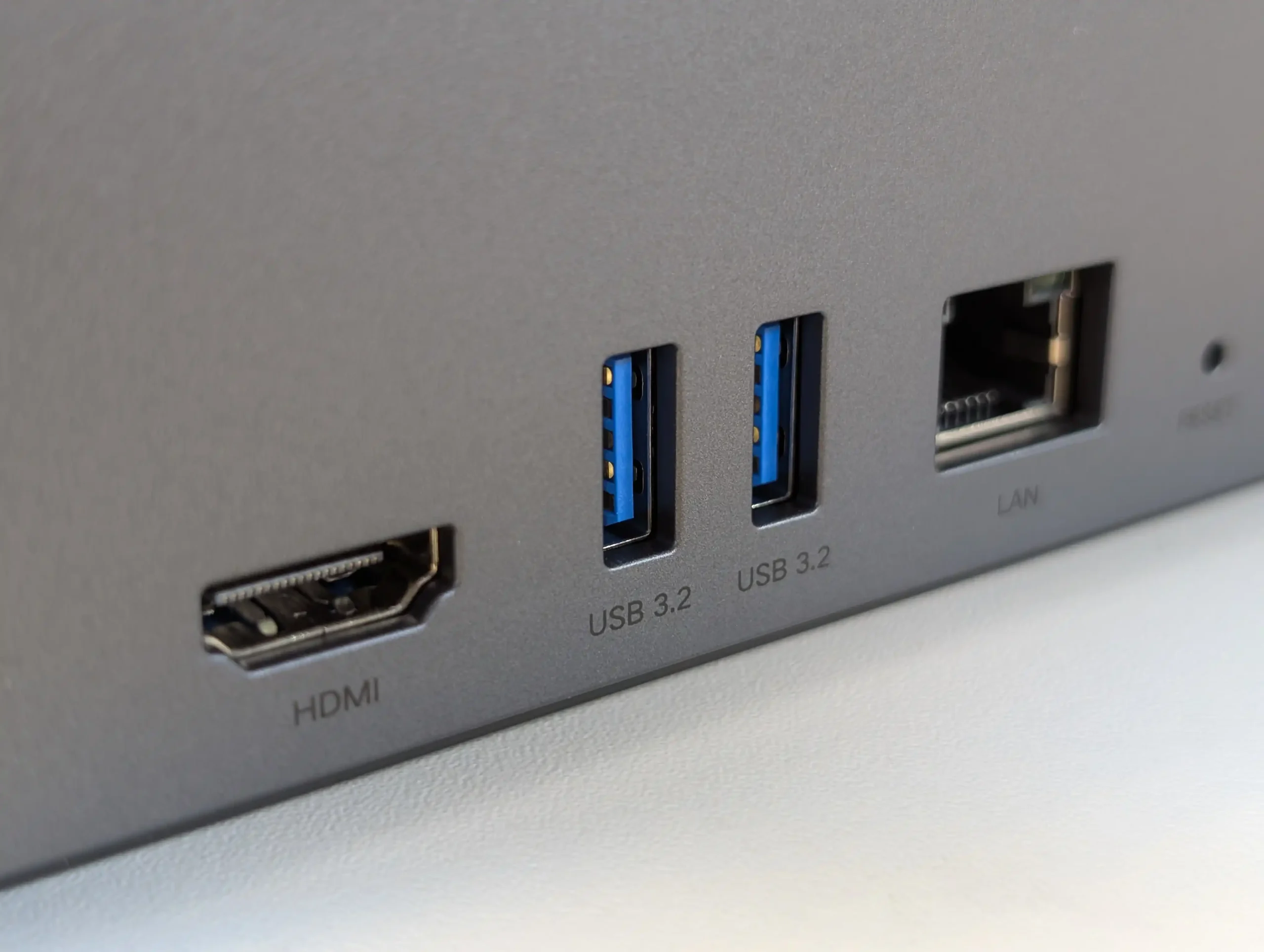
The UGREEN DH4300 Plus carves out a unique niche in the budget NAS landscape by delivering hardware typically reserved for higher-tier systems at a much lower price point. Its RK3588 processor, 8GB of RAM, and support for 2.5GbE networking place it well ahead of most similarly priced competitors in terms of raw specifications. Additionally, features such as HDMI output, 10Gbps USB ports, and local AI-powered photo indexing are rare to find in entry-level NAS systems. Despite its plastic-heavy internal design and lack of expansion options like PCIe or M.2, the device delivers stable performance for file sharing, media access, and low-intensity AI workloads. It is not suited for power users demanding virtual machines or advanced snapshot automation, but within its class, the DH4300 Plus presents an appealing balance between cost and capability.
That said, the software experience is still a work in progress. UGOS Pro covers the essentials and offers a visually accessible UI, but lacks the advanced features and ecosystem integration found in more mature platforms like Synology DSM or QNAP QTS. Docker and snapshot support add welcome flexibility, but the absence of native Jellyfin, iSCSI, and VM functionality limits its use in more complex environments. Still, for home users, media collectors, or small office setups looking for reliable backup, modest AI-enhanced photo sorting, and smooth 4K playback, the DH4300 Plus delivers value well beyond its price tag. While it won’t replace high-end NAS appliances, it serves as a capable, efficient, and quietly innovative option in a saturated entry-level NAS market.
Powerful ARM CPU: Equipped with the RK3588 SoC, offering 8 cores, integrated GPU, and NPU for AI workloads. Generous (but fixed!) Memory: 8GB LPDDR4X RAM, rare in budget NAS systems, supports multitasking and Docker use. 2.5GbE Network Port: Provides faster-than-Gigabit throughput for backups, media streaming, and multi-user access. HDMI 2.1 Output: Rare on ARM powered turnkey NAS, and enables direct media playback or NAS control at up to 4K 60Hz, uncommon in value-tier NAS units. USB 10Gbps Ports: Dual USB-A 10Gbps and one USB-C 5Gbps allow for high-speed backups or external storage expansion. AI Photo Management: Built-in NPU supports facial recognition and scene detection for local, private media organization. Low Power Consumption: Efficient under load (~30W) and idle (~5W without drives), suitable for 24/7 operation.
CONS
No PCIe or M.2 Expansion: Lacks future scalability for NVMe caching, 10GbE, or other upgrades. Single LAN Port: Only one 2.5GbE port, with no failover or link aggregation support. Limited Software Ecosystem: UGOS Pro lacks iSCSI, VM support, and native Jellyfin, trailing behind DSM/QTS in maturity.
SPECS: Intel N150 quad core up to 3.6 GHz – 12 GB LPDDR5 (16 GB variants available) – 6 x M.2 SSD slots (1 preinstalled 2 TB PCIe 3.0 x2, 5 user accessible PCIe 3.0 x1) plus 64 GB eMMC – dual 2.5 GbE RJ45.
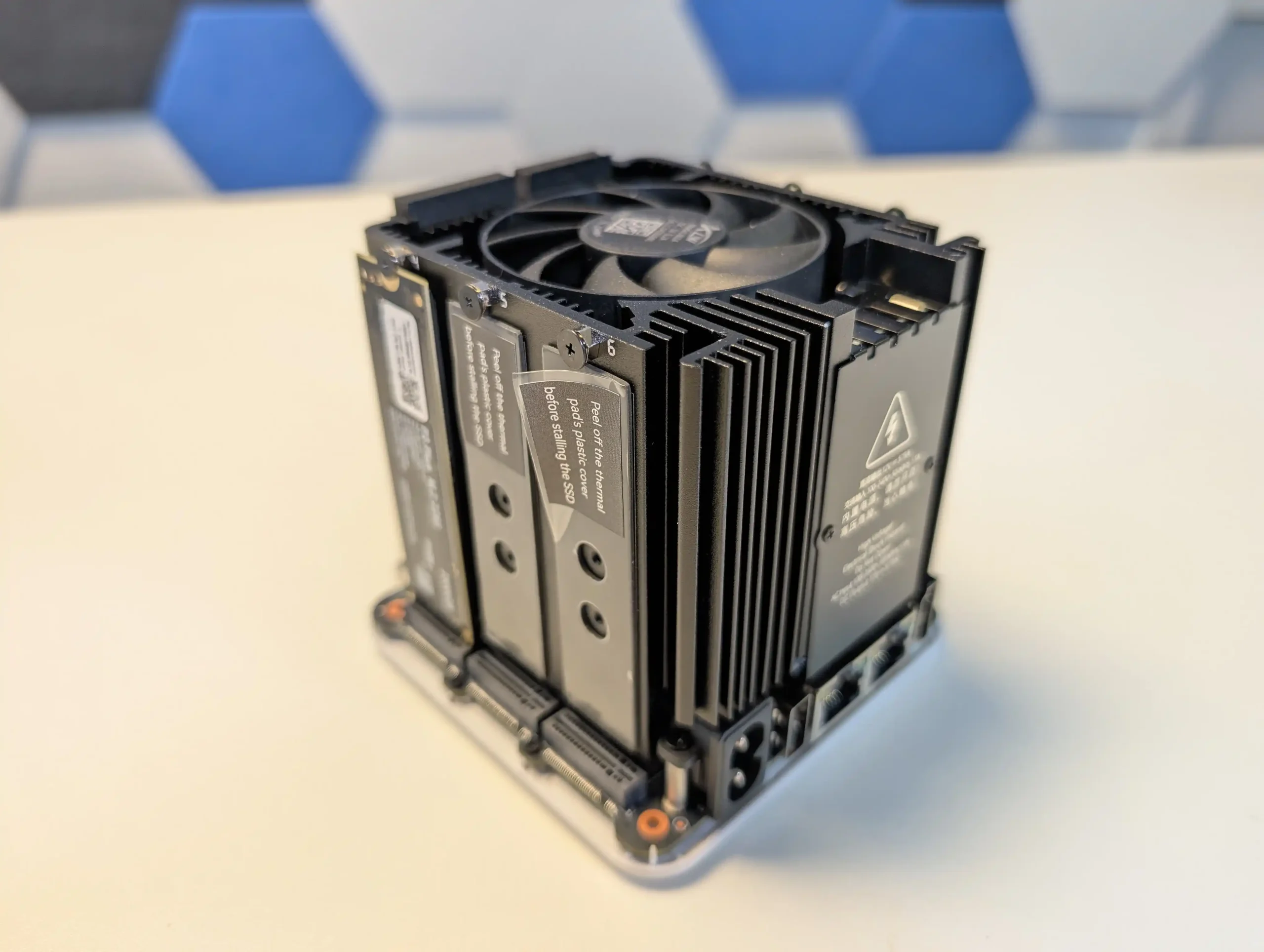
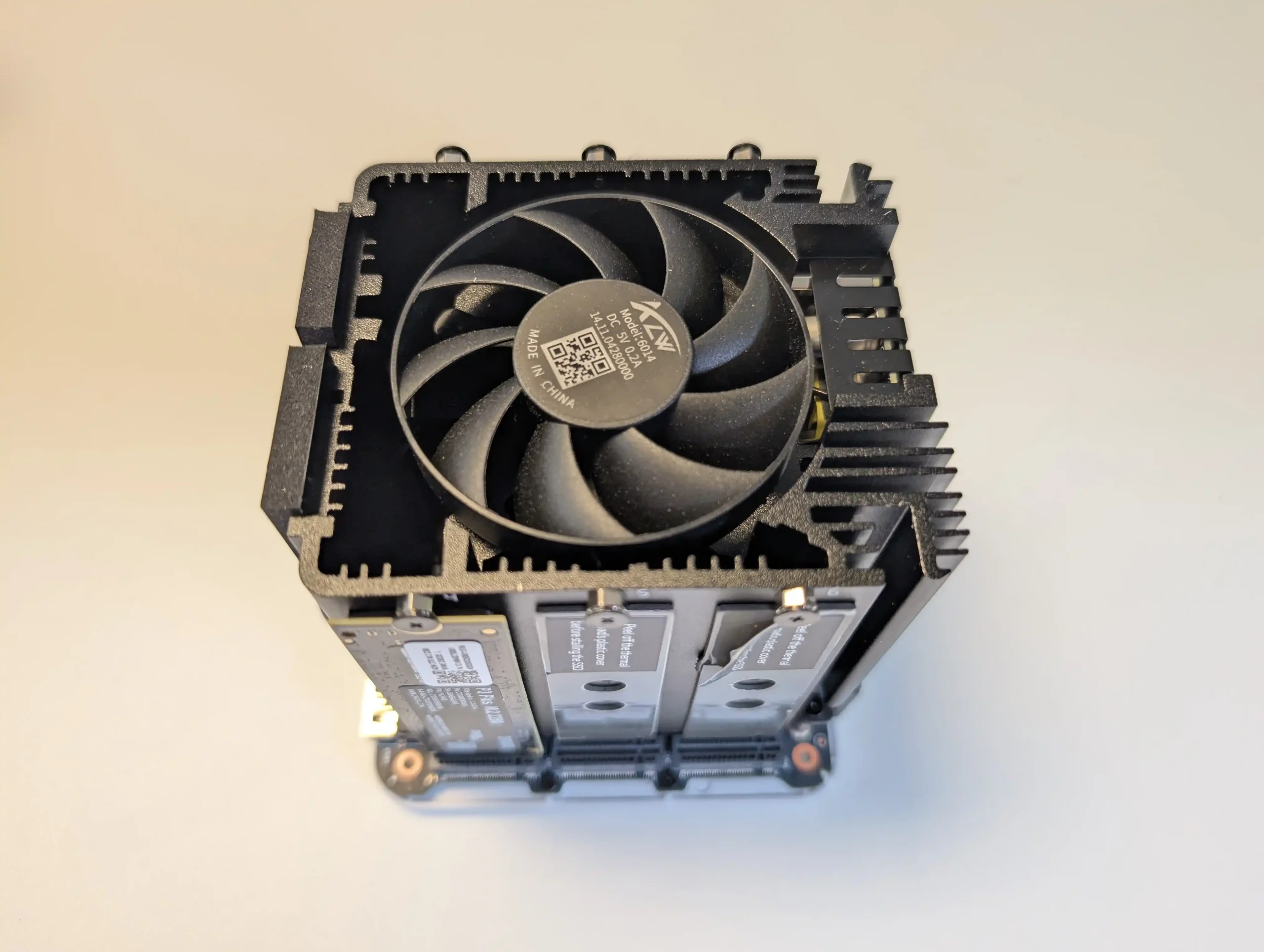
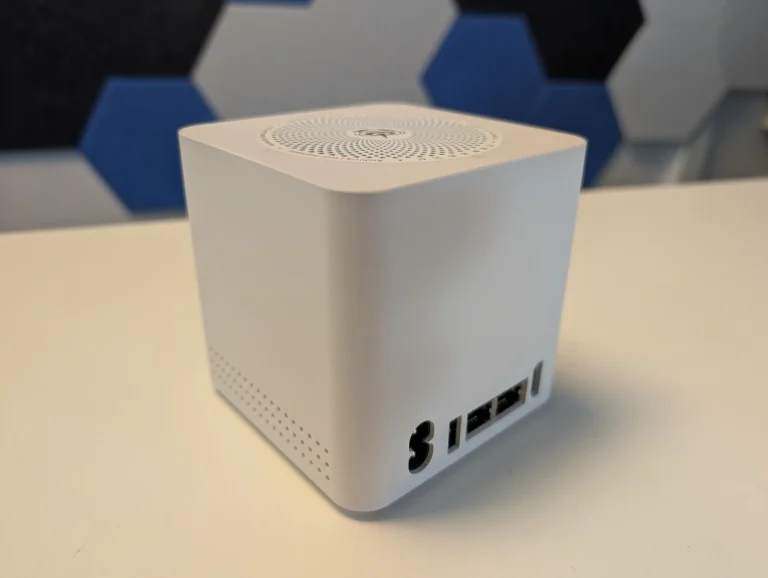
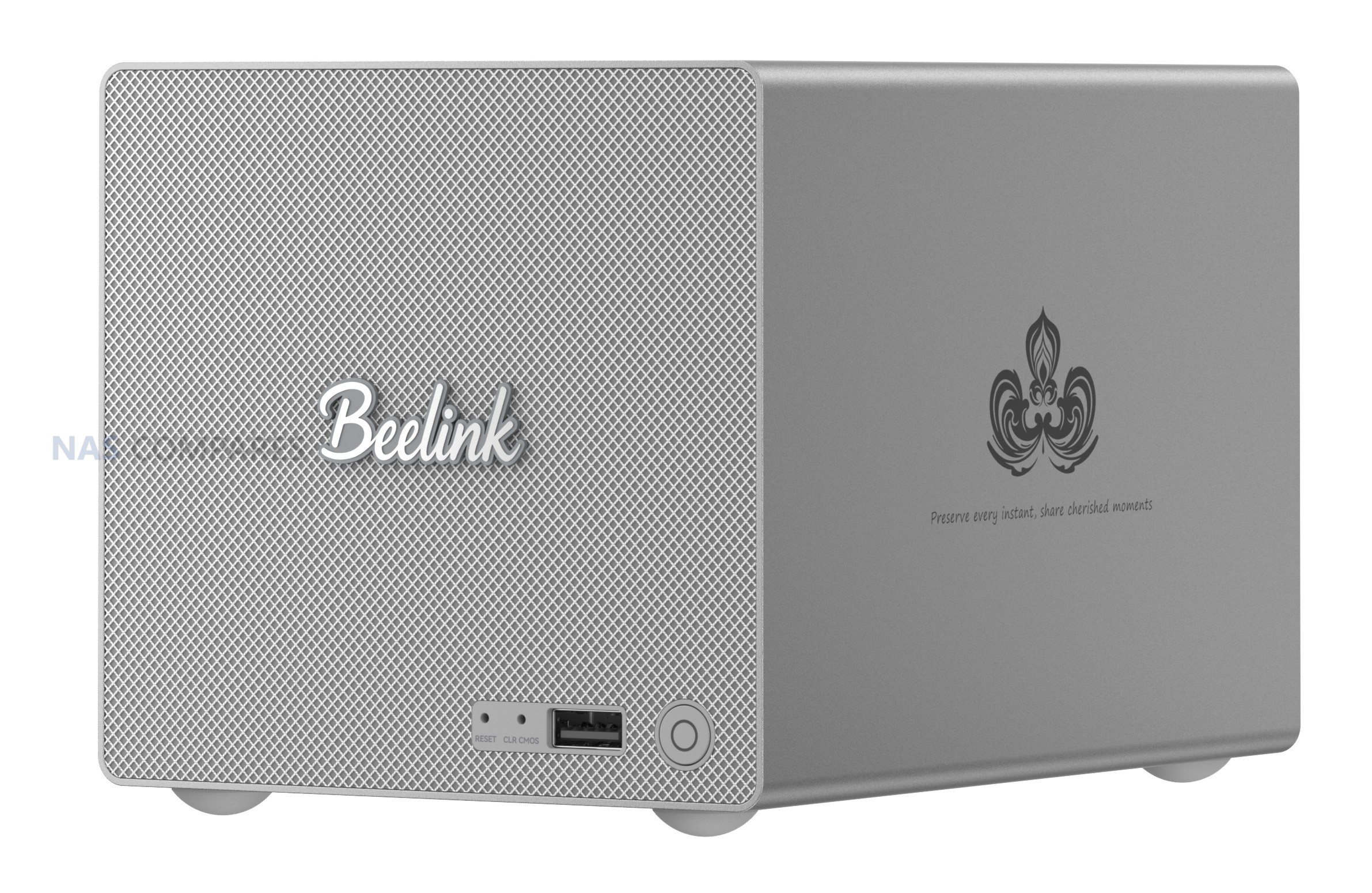
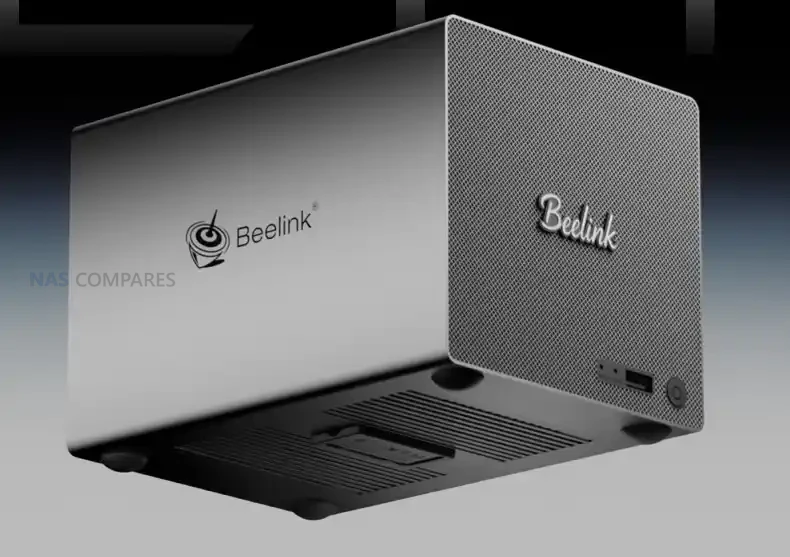
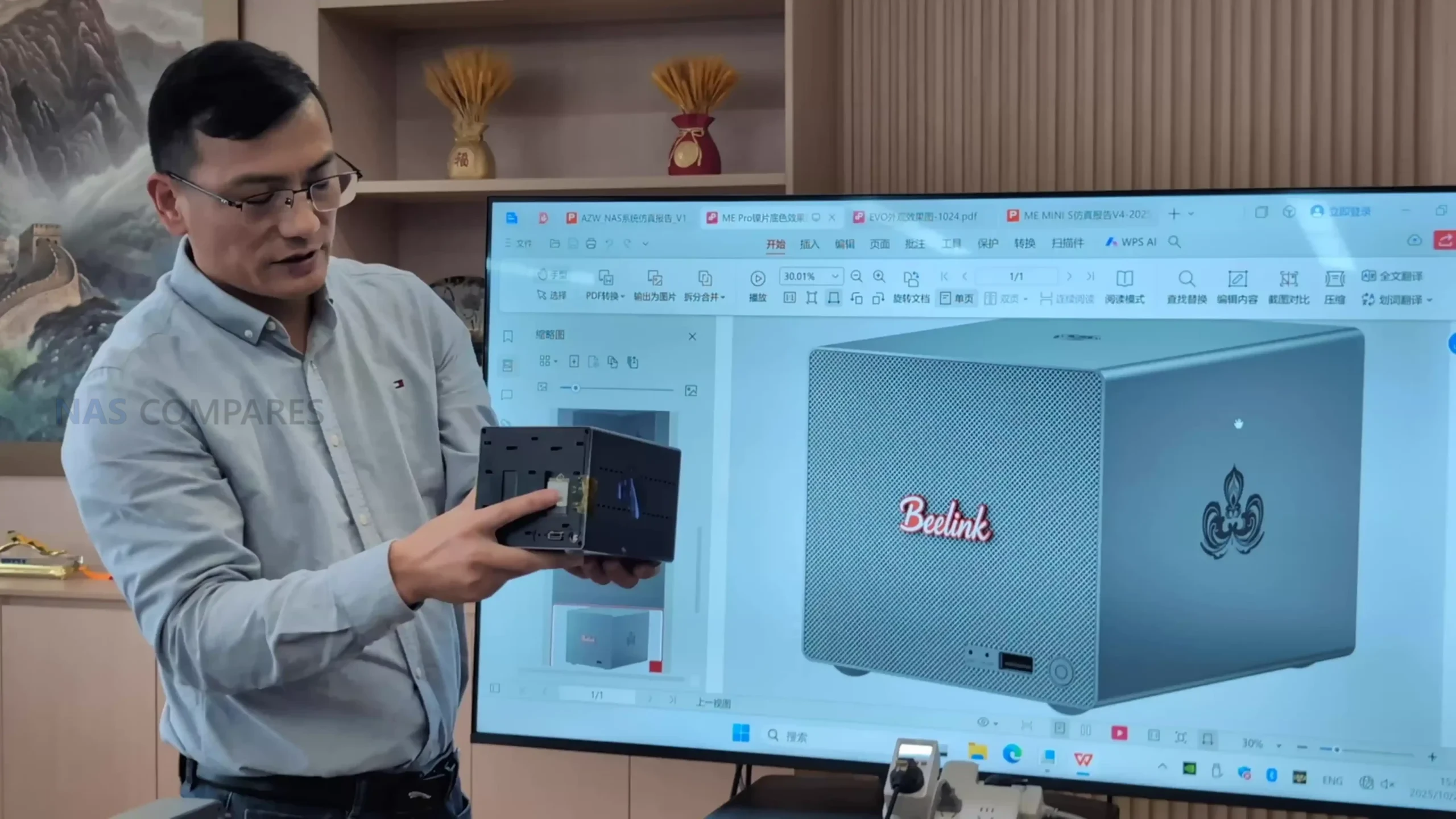
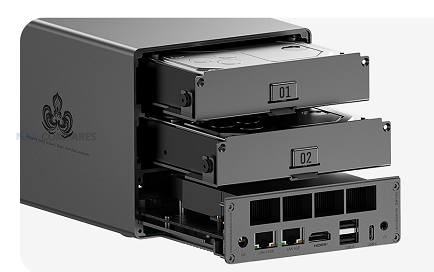
The ME Mini replaces conventional 3.5″ or 2.5″ bays with 6 M.2 sockets, one wired as a PCIe 3.0 x2 system drive and 5 as PCIe 3.0 x1, giving up to 24 TB of all flash capacity in a 99 mm cube chassis when populated with current 4 TB modules. Because there is no SATA backplane, any RAID is provided by the chosen OS or software layer, whether that is a Linux distribution, ZFS based platform or a dedicated NAS operating system installed in place of the default Windows image. From a power and thermal standpoint, the combination of an 8 to 10 W class Intel N150 and low voltage NVMe SSDs keeps system draw relatively low compared with multi bay HDD units, while still allowing the dual 2.5 GbE ports to be used effectively for small sequential workloads and many concurrent small reads. In practical terms this makes the ME Mini a compact all flash alternative to 4 or 5 bay HDD chassis for users willing to handle their own OS choice, trading spinning disk capacity and native RAID controls for high IOPS, small physical footprint and lower acoustic impact.
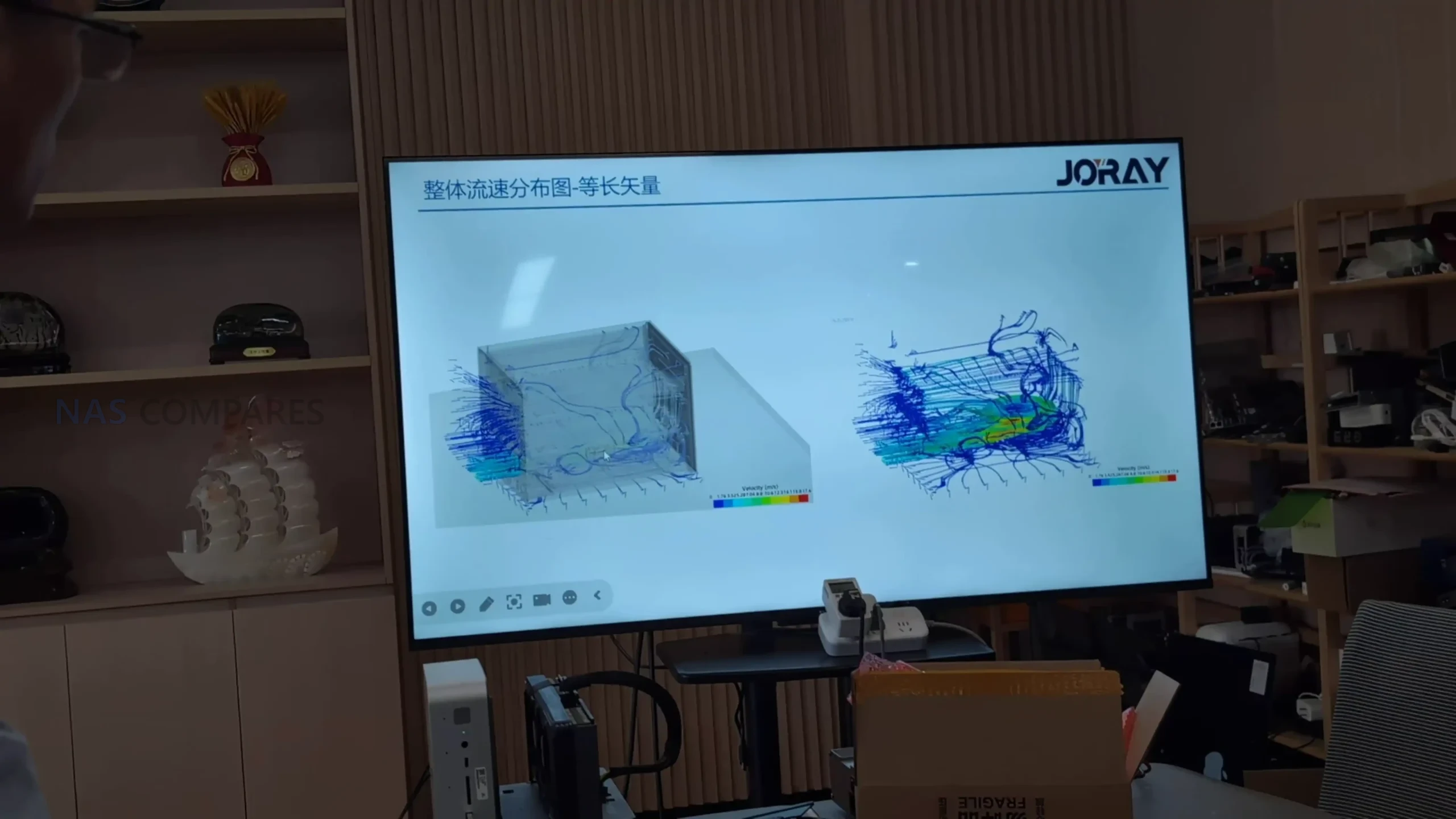
The Beelink ME Mini NAS delivers an uncommon blend of size, functionality, and efficiency in a market segment often dominated by larger, louder, and less integrated alternatives. It is not designed to compete with traditional enterprise-grade NAS devices or modular, scalable solutions for prosumers. Instead, its strengths lie in targeting the needs of home users who want a quiet, energy-efficient storage solution that is easy to deploy, aesthetically unobtrusive, and capable of handling daily tasks such as media streaming, file backup, or soft routing. The inclusion of six M.2 NVMe SSD slots—paired with a Gen 3 x2 system slot—offers a rare level of expansion in such a small enclosure. The integration of an internal PSU, silent fan-assisted cooling, and a surprisingly effective thermal design are thoughtful touches that differentiate it from the majority of DIY NAS mini PCs.
That said, it is not without limitations. The memory is non-upgradable, thermal accumulation at the base suggests room for improvement, and bandwidth ceilings imposed by Gen 3 x1 lanes will constrain users who demand high parallel throughput. Still, for its price point—particularly when pre-order discounts are applied—the ME Mini offers significant value, especially when compared to ARM-based NAS solutions with similar or lower specifications. With bundled Crucial SSD options and support for a wide range of NAS operating systems, it positions itself as a ready-to-go platform for tech-savvy users wanting to avoid the assembly of a fully DIY system. Overall, while not a product for every use case, the Beelink ME Mini succeeds in its aim to be a compact, stylish, and capable home NAS.
BUILD QUALITY - 9/10
HARDWARE - 8/10
PERFORMANCE - 8/10
PRICE - 9/10
VALUE - 10/10
8.8
PROS
Compact cube design (99x99x99mm) ideal for discreet home deployment Supports up to 6x M.2 NVMe SSDs with total capacity up to 24TB Integrated PSU eliminates bulky external power adapters Dual 2.5GbE LAN ports with link aggregation support Wi-Fi 6 and UnRAID7 Support means not limited to 2x2.5G Low power consumption (as low as 6.9W idle, ~30W peak with full load) Silent fan and effective internal thermal management via large heatsink Includes Crucial-branded SSDs in pre-configured options for reliability
CONS
Five of the six SSD slots are limited to PCIe Gen 3 x1 bandwidth Memory is soldered and non-upgradable Not 10GbE Upgradable (maybe m.2 adapter - messy) Bottom panel retains heat due to lack of active ventilation
Check Amazon in Your Region for the Beelink ME Mini NAS ($329 4/6)
Check AliExpress for the Beelink ME Mini NAS ($344 4/6)
Check the Official Beelink Site for the ME Mini NAS ($209 4/6)
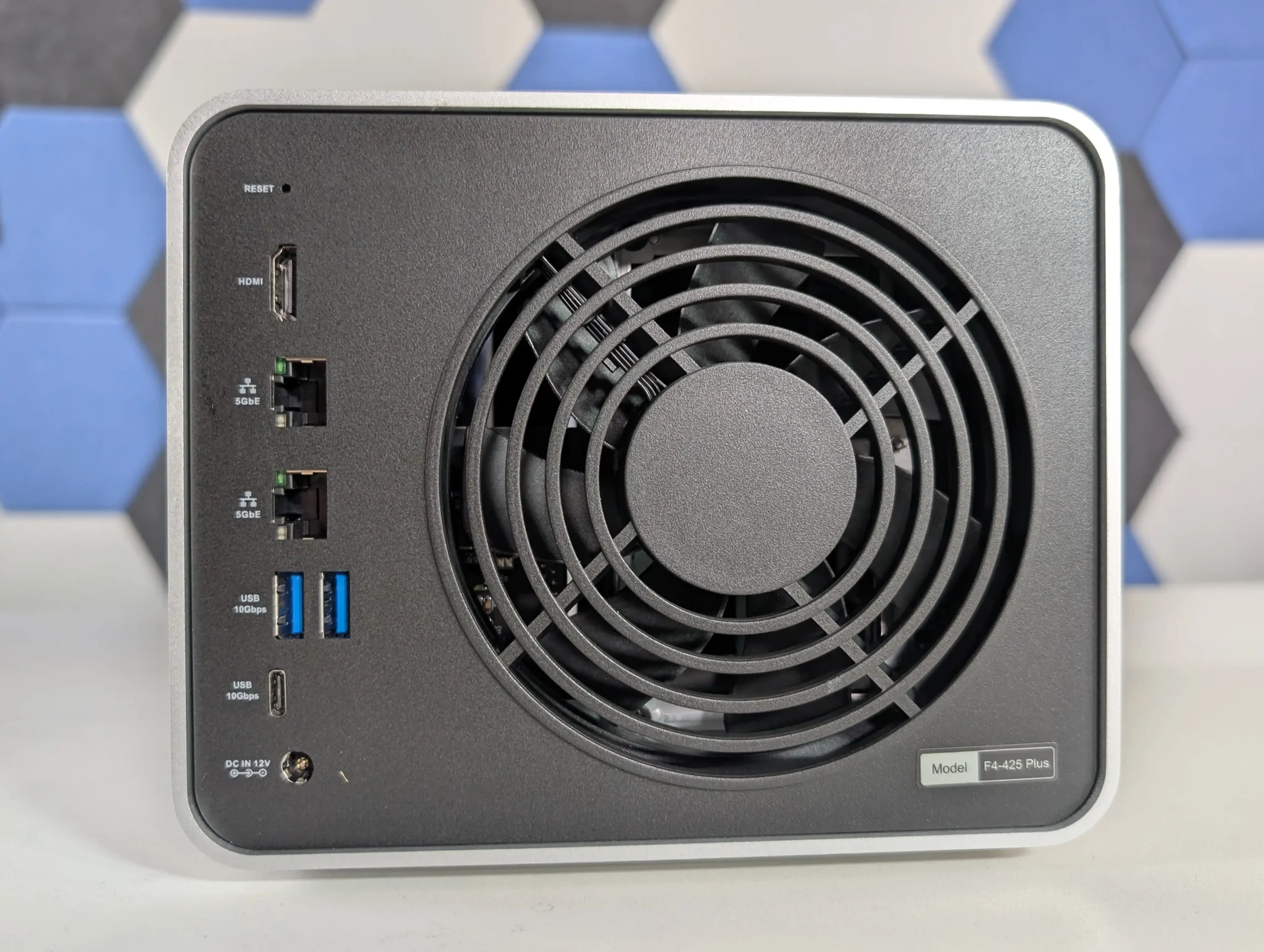
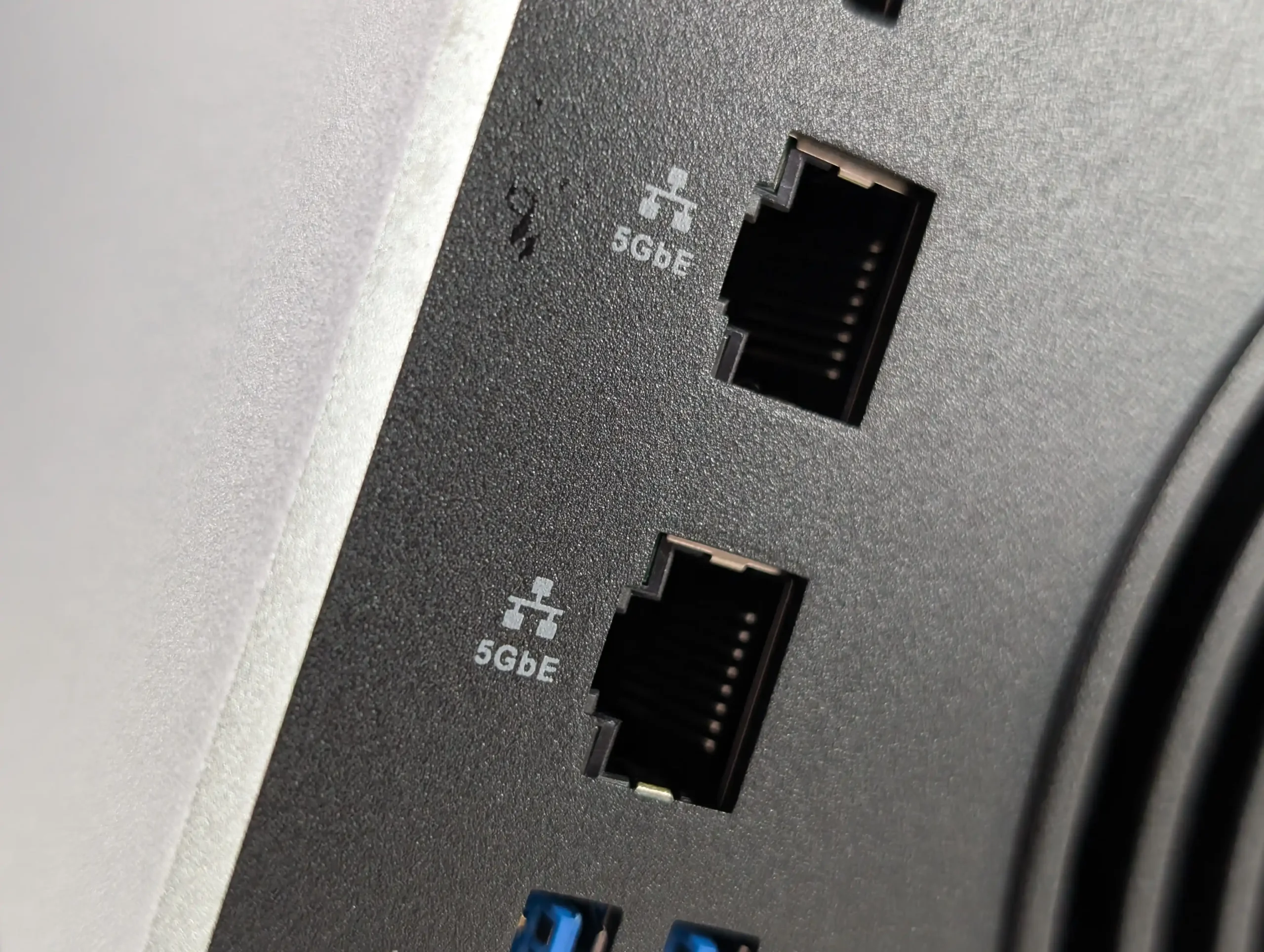
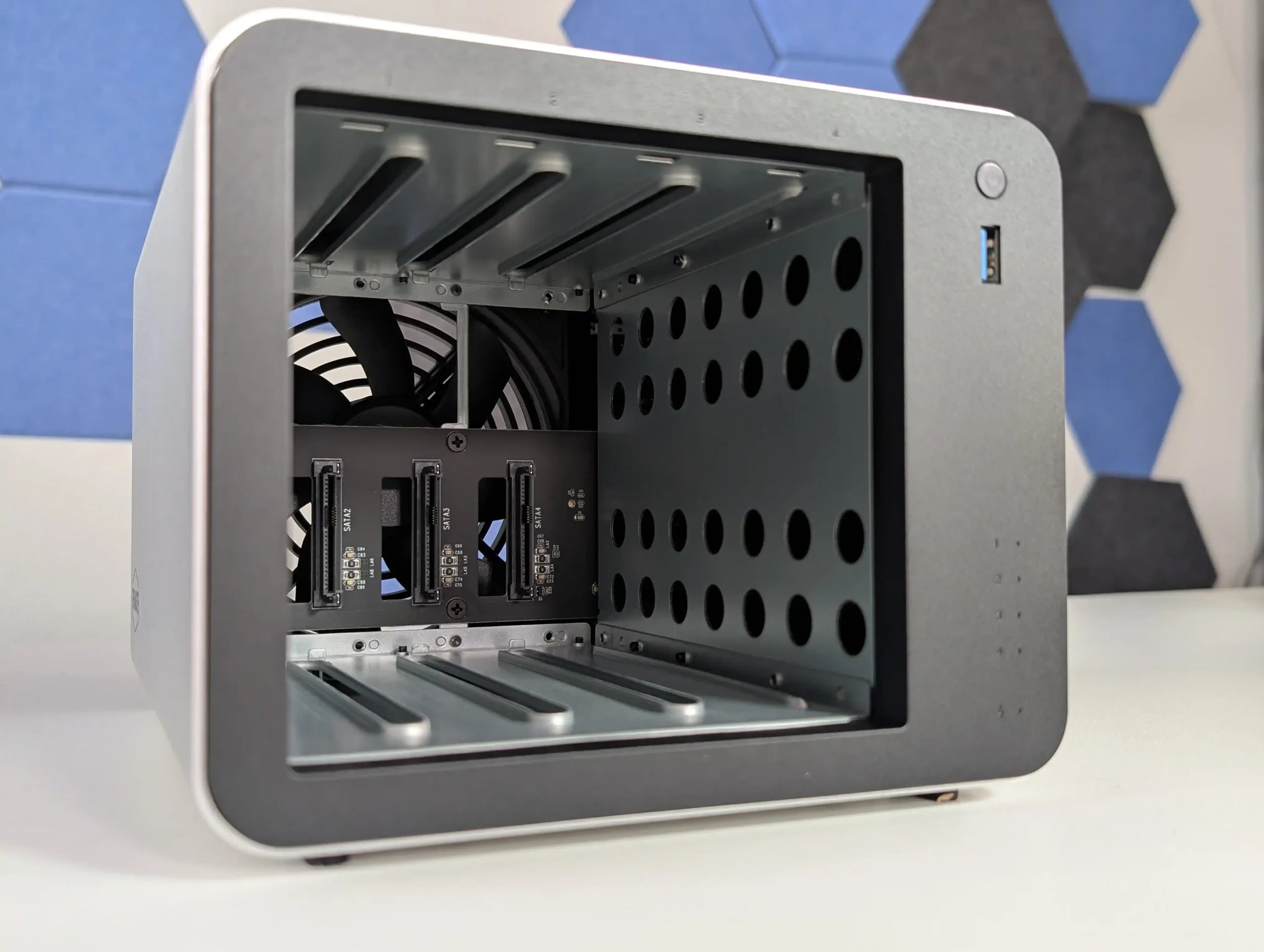
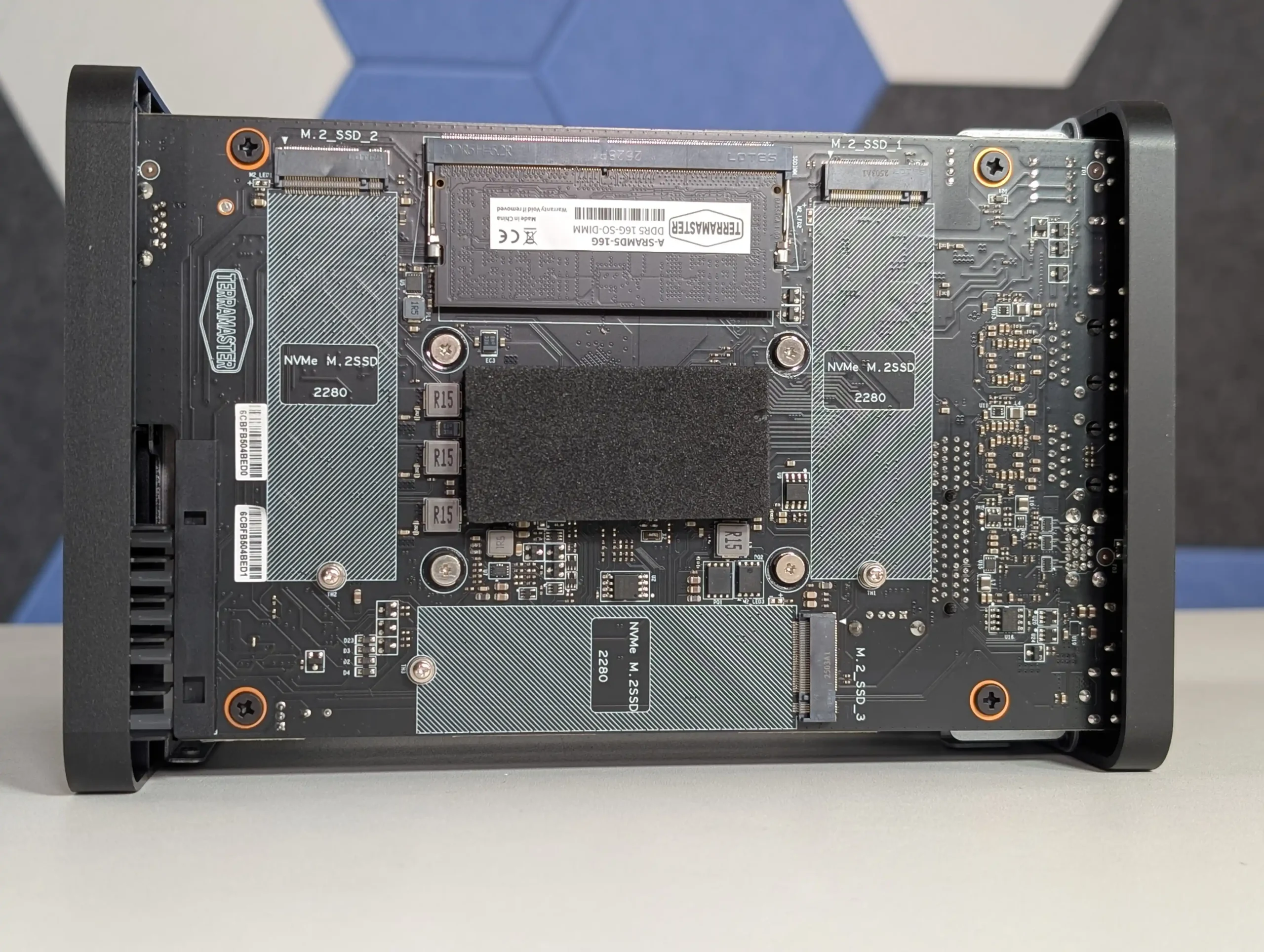
SPECS: Intel N150 quad core up to 3.6 GHz – 16 GB DDR5 (1 slot, up to 32 GB) – 4 x 3.5″/2.5″ SATA bays – 2 x 5 GbE RJ45 – 3 x M.2 2280 NVMe PCIe 3.0 x1 slots.
The F4-425 Plus is built as a hybrid 4 bay chassis with 3 additional M.2 NVMe slots, allowing a mixed layout where HDDs hold bulk data in conventional RAID while SSDs are used for cache or as separate RAID 5 or RAID 1 pools. TerraMaster quotes support for up to 120 TB on the 4 SATA bays plus up to 24 TB across the 3 M.2 sockets, and TOS 6 can treat the SSDs as either acceleration for HDD arrays or discrete volumes for latency sensitive workloads. The dual 5 GbE ports give a potential aggregated 10 Gb link that better aligns with SSD capable throughput than 1 GbE or single 2.5 GbE designs, while the N150 CPU and 16 GB DDR5 memory are sized for small office backup, virtualisation light use and multi user file serving rather than heavy compute tasks. From a RAID planning perspective the device suits scenarios where a 4 disk RAID 5 or RAID 6 on large SATA drives is combined with SSD based scratch or application volumes, without moving to a physically larger 6 or 8 bay enclosure.
The TerraMaster F4-425 Plus demonstrates how far the company’s mid-range NAS lineup has progressed in terms of hardware refinement and real-world usability. By combining Intel’s efficient N150 processor with 16GB of DDR5 memory, dual 5GbE connectivity, and triple M.2 NVMe slots, it provides a specification normally reserved for higher-priced units. The build quality, centered around a full-metal chassis and quiet cooling design, contributes to consistent thermals and low power usage even under multi-day workloads. While the design omits premium touches like drive locks or redundant fans, the emphasis on practicality and efficient cooling makes it a dependable solution for continuous operation. From a user experience perspective, the integration of TOS 6 represents TerraMaster’s most stable and capable operating system to date, offering improved security features, cloud synchronization tools, snapshot management, and flexible storage configurations that appeal to both home and small office users.
From a value standpoint, the F4-425 Plus stands out as one of the most competitively priced NAS units in its category. At $569.99, or $484.99 during the initial discount period, it delivers strong network and storage performance that aligns closely with rivals from Synology and QNAP while retaining open installation flexibility for third-party platforms such as Unraid or TrueNAS. Its combination of high-speed connectivity, compact design, and mature software environment makes it an appealing option for anyone seeking a 4-bay system capable of multitasking across media streaming, data backup, and light virtualization. Although it cannot fully match the polish of Synology DSM or the plugin ecosystem of QNAP QTS, TerraMaster has successfully positioned this device as a bridge between affordability and professional performance, solidifying its place as one of the more balanced NAS releases of 2025.
• Dual 5GbE network ports with full independent bandwidth for high-speed transfers + lots of USB-to-5GbE $30 upgrades in the market now • Three PCIe 3.0 x1 M.2 NVMe slots supporting cache or storage pool configurations • Intel N150 processor with integrated graphics enabling 4K hardware decoding and AES-NI encryption • 16GB DDR5 memory (expandable to 32GB) offering improved bandwidth and multitasking performance • Full-metal chassis with efficient thermals, low noise levels, and minimal vibration • Comprehensive RAID and storage management through TOS 6 with snapshot and HyperLock-WORM protection • Supports Docker, virtual machines, Plex, Emby, and Jellyfin natively within TOS 6 • Competitive pricing with strong value relative to Synology and QNAP alternatives
CONS
• Cheaper N150 NAS Systems have arrived earlier in 2025 • 5GbE adoption is low, so only larger 10GbE ready groups (via auto-negotiation) will enjoy the benefits of 5GbE • TOS 6 interface and app ecosystem remain less polished than top-tier NAS platforms
SPECS: AMD Ryzen V1500B quad core 2.2 GHz – 8 GB DDR4 ECC (2 slots, up to 32 GB) – 5 x 3.5″/2.5″ SATA bays – 2 x 2.5 GbE RJ45 – 2 x M.2 2280 NVMe slots plus 1 x PCIe 3.0 x2 expansion slot.
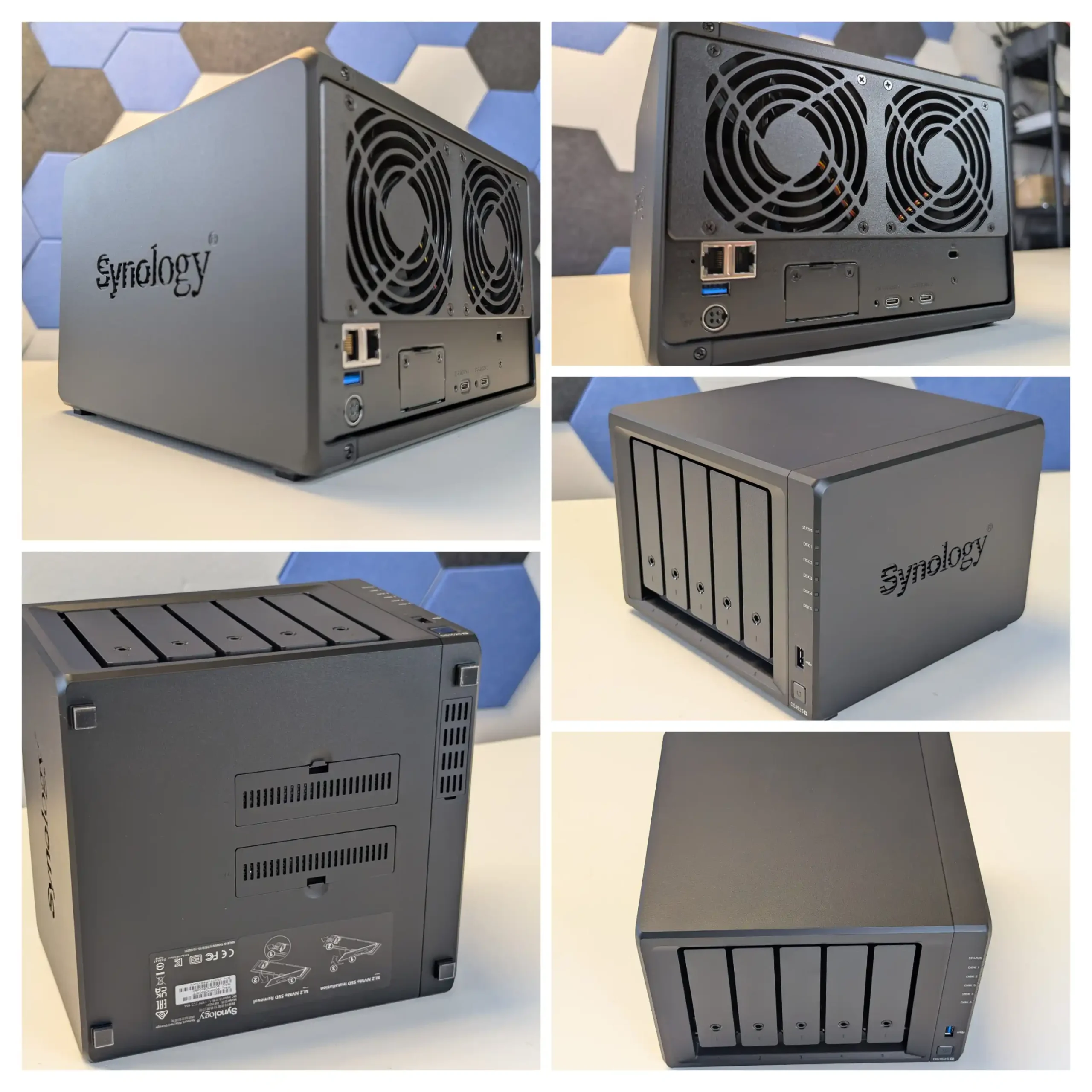
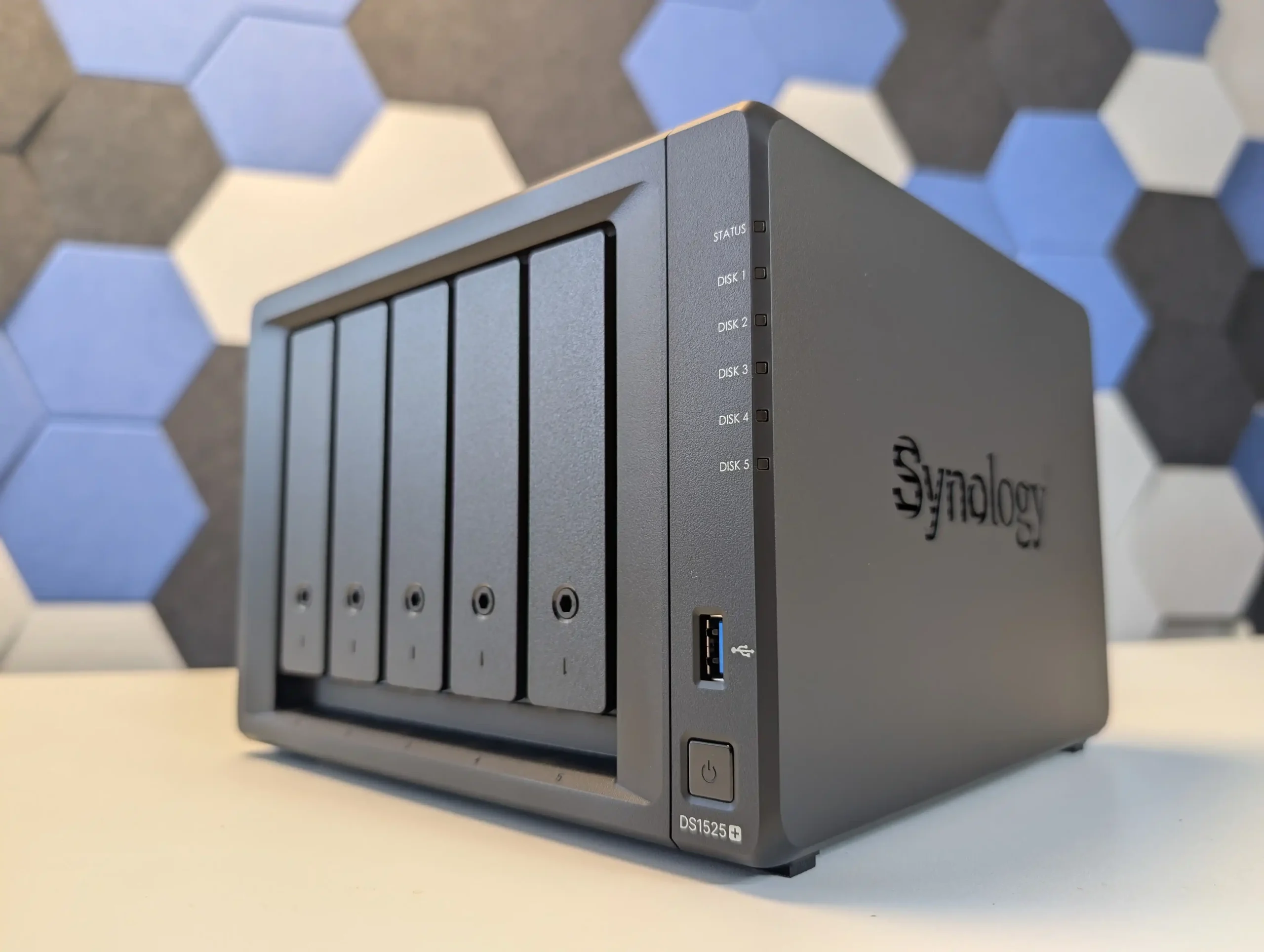
The DS1525+ follows Synology’s typical pattern of putting all primary capacity on 5 hot swap SATA bays while reserving 2 internal M.2 slots for NVMe SSDs used as cache or, in some scenarios, as separate pools under DSM. Raw capacity on the main bays is specified around 100 TB, and with 2 supported DX525 expansion units the platform can scale to 15 drives and roughly 300 TB, giving it more growth headroom than most standalone 4 or 5 bay devices. DSM prefers Synology certified NVMe modules for cache, and the typical deployment is therefore a RAID 5 or RAID 6 array on the 5 SATA disks with SSD cache accelerating small random access workloads such as virtual machines, databases or heavy Synology Drive usage. The Ryzen V1500B and ECC memory are adequate for that role and integrate with DSM features like Btrfs snapshots, Active Backup Suite and Virtual Machine Manager, but they do not drive NVMe storage as a primary all flash tier in the way more other NAS brands do (i.e you can only use them for caching, or limited ‘synology only SSD’ use for pools to comparatively lower performance than most). The result is a system where the storage design is conservative but predictable, emphasising SATA RAID resilience and cache-assisted responsiveness rather than radical hybrid layouts, backed by a mature software stack.
The Synology DS1525+ is a capable and well built NAS that continues the company’s focus on dependable performance, solid build quality and very tight integration with DSM, which is the main justification for choosing this platform over more open hardware from other vendors. Its compact 5 bay design, quiet operation and scalable storage make it suitable for small offices, creative studios and prosumers who want a single system to handle file serving, backup and light virtualisation. The inclusion of a server grade Ryzen V1500B CPU and ECC memory support provides predictable performance for DSM services such as Synology Drive, Synology Office, Virtual Machine Manager and Surveillance Station, while the dual M.2 slots and PCIe expansion give enough headroom for cache and 10 GbE upgrades. DSM itself remains the central strength: Btrfs based volumes with snapshots, Active Backup Suite for Windows, Linux and SaaS workloads, integrated directory and access control, and relatively polished mobile and web clients mean that much of the day to day administration, recovery and user management can be handled inside a single, consistent interface rather than across multiple third party tools.
More importantly for many buyers, Synology’s 2025 Plus series, including the DS1525+, now fully supports third party hard drives without on screen warnings or functional restrictions, which removes a major concern from earlier policies and restores flexibility for users reusing existing disks or mixing capacities and brands under DSM’s storage manager. By contrast, M.2 SSD support remains locked to Synology’s own validated modules, so NVMe upgrades for DSM cache or SSD pools still carry a vendor premium and limit hardware choice. The switch from four 1 GbE ports to two 2.5 GbE ports trades some port level redundancy for higher per port bandwidth and may require compatible switches to realise the benefit, but DSM can aggregate links, shape traffic and expose detailed monitoring from within its own interface.
In practice the DS1525+ suits users who prioritise DSM’s software maturity, integrated backup and collaboration stack and the relative simplicity of a managed ecosystem over maximum hardware openness; for those who want unrestricted NVMe choices or the highest raw performance per dollar, more generic x86 systems with looser SSD validation may be a better fit.
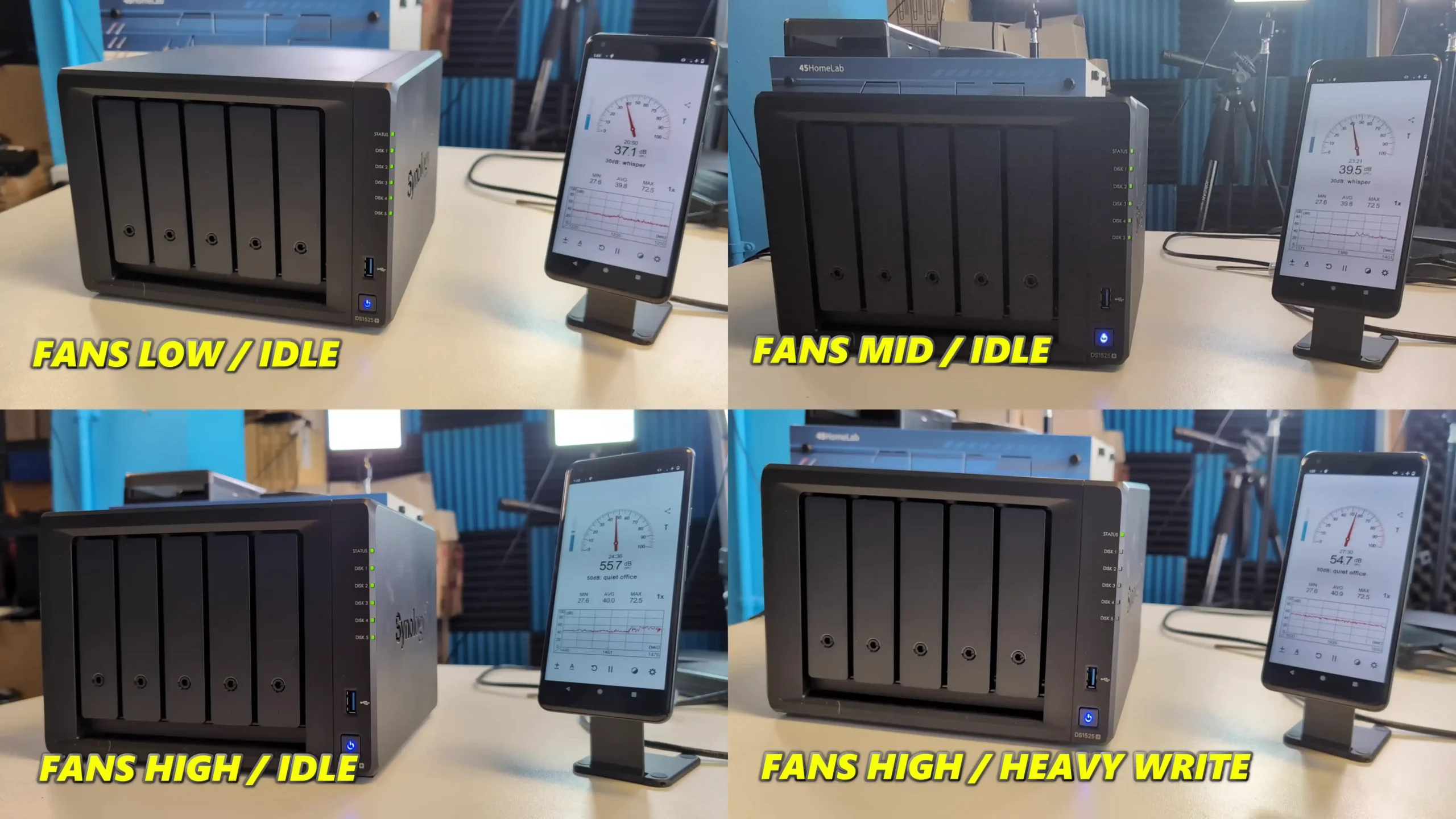
Compact and quiet 5-bay design with support for 15 drives total Dual 2.5GbE ports with aggregation and optional 10GbE upgrade ECC memory support with upgradable capacity up to 32 GB Hot-swappable drive bays and tool-free tray design Integrated M.2 NVMe slots for caching or storage pools are easy to access, tooless and uncomplicated to deploy Excellent DSM software suite with extensive features Stable performance under multi-user and virtualized workloads Efficient cooling with low noise levels in office environments
CONS
Huge limitations on the choice of HDD and SSD Media you can use on this system USB ports limited to basic storage/UPS functionality M.2 NVMe performance has limited scope in current configuration and support
Taken together, the Minisforum N5, UGREEN DH4300 Plus, Beelink ME Mini, TerraMaster F4-425 Plus and Synology DS1525+ outline the main paths available in the 4,5 and 6 bay segment in 2025: high core count x86 with mixed SATA and NVMe for heavier workloads, low power ARM with straightforward 4 bay RAID for cost sensitive deployments, compact all flash designs where capacity scales through M.2 rather than 3.5 inch bays, hybrid chassis that combine 4 bay RAID with several SSD slots, and software led platforms where DSM’s feature set is the primary reason to buy. None of them is universally better than the others; the practical choice depends on whether the priority is raw HDD capacity in RAID 5 or RAID 6, a larger number of NVMe slots, lower power use, or tighter integration of backup, collaboration and virtualisation tools. For buyers who understand how they intend to balance SATA and NVMe storage over the next few years, these units set a useful reference point for what can realistically be expected from a modern 4,5 or 6 bay NAS without moving to larger rackmount or 8 bay hardware.
This description contains links to Amazon. These links will take you to some of the products mentioned in today's content. As an Amazon Associate, I earn from qualifying purchases. Visit the NASCompares Deal Finder to find the best place to buy this device in your region, based on Service, Support and Reputation - Just Search for your NAS Drive in the Box Below
Need Advice on Data Storage from an Expert?
Finally, for free advice about your setup, just leave a message in the comments below here at NASCompares.com and we will get back to you.Need Help?
Where possible (and where appropriate) please provide as much information about your requirements, as then I can arrange the best answer and solution to your needs. Do not worry about your e-mail address being required, it will NOT be used in a mailing list and will NOT be used in any way other than to respond to your enquiry.
[contact-form-7]
TRY CHAT Terms and Conditions
If you like this service, please consider supporting us.
We use affiliate links on the blog allowing NAScompares information and advice service to be free of charge to you.Anything you purchase on the day you click on our links will generate a small commission which isused to run the website. Here is a link for Amazon and B&H.You can also get me a Ko-fi or old school Paypal. Thanks!To find out more about how to support this advice service checkHEREIf you need to fix or configure a NAS, check FiverHave you thought about helping others with your knowledge? Find Instructions Here
Or support us by using our affiliate links on Amazon UK and Amazon US
Alternatively, why not ask me on the ASK NASCompares forum, by clicking the button below. This is a community hub that serves as a place that I can answer your question, chew the fat, share new release information and even get corrections posted. I will always get around to answering ALL queries, but as a one-man operation, I cannot promise speed! So by sharing your query in the ASK NASCompares section below, you can get a better range of solutions and suggestions, alongside my own.
Si vous avez toujours voulu essayer Emacs mais que la courbe d'apprentissage vous fait peur,
IDEmacs
est fait pour vous ! Ce projet transforme Emacs en clone de VSCode avec les mêmes raccourcis clavier, la même interface graphique et les mêmes fonctionnalités out-of-the-box, comme ça vous n'avez plus besoin de vous taper une configuration durant trois jours avant de pouvoir écrire une ligne de code !
Cool, hein ?
L'idée c'est donc de permettre aux développeurs habitués à des IDE modernes de passer à Emacs sans devoir réapprendre tous leurs réflexes. Les raccourcis clavier reprennent ceux de VSCode comme Ctrl+C pour copier, Ctrl+V pour coller, Ctrl+F pour chercher. C'est basique mais indispensable quand vous venez d'un autre éditeur.
Côté interface, IDEmacs intègre Treemacs pour avoir un explorateur de fichiers dans la sidebar comme sur VSCode. Y'a aussi Centaur Tabs pour les onglets, un thème Dark Plus qui ressemble à celui de Microsoft, et le support des curseurs multiples. Bref, visuellement vous êtes en terrain connu.
Du coup, c'est pour qui exactement ?
Hé bien le projet cible trois types d'utilisateurs : les développeurs qui veulent migrer vers Emacs depuis un autre IDE, les débutants en Lisp ou Scheme qui ont besoin d'Emacs pour bosser, et les non-programmeurs qui cherchent juste un éditeur de texte puissant sans se prendre la tête avec la config.
D'ailleurs, contrairement à la plupart des starter kits Emacs, IDEmacs ne cache pas les éléments graphiques par défaut. Les menus, barres d'outils et scrollbars sont visibles donc vous pouvez configurer le tout via l'interface graphique plutôt qu'en écrivant du Elisp à la main.
La config proposée inclut une vingtaine de packages tels que Vertico, Consult et Marginalia pour l'autocomplétion, Magit pour le contrôle de version, Sly et Geiser pour le développement Lisp et Scheme, plus des outils comme expand-region, multiple-cursors et smartparens pour l'édition avancée.
Pour installer IDEmacs, il vous faudra donc Emacs 29 ou plus récent, git, et optionnellement grep et locate. Clonez le repo puis lancez Emacs avec
emacs --init-directory=/path/to/IDEmacs/vscode .
Et hop, c'est prêt !
IDEmacs reste une porte d'entrée vers Emacs, et pas un remplacement définitif de VSCode mais l'idée avec ce truc, c'est de vous permettre de commencer à utiliser Emacs sans friction, puis de personnaliser au fur et à mesure que vous comprenez comment ça marche. Je vous assure que vous allez probablement vouloir modifier des trucs une fois que vous serez à l'aise.
Voilà, si vous avez toujours été curieux d'Emacs mais que vous n'avez jamais osé franchir le pas, c'est l'occaz !
The Best PLEX, Emby and/or Jellyfin NAS Devices Released in 2025
Network media servers in 2025 range from tiny single drive boxes to fairly serious multi bay systems that can sit at the center of a home network. This article looks specifically at NAS hardware released in 2025 that can sensibly replace or supplement streaming services by running Plex, Jellyfin or Emby. The focus is on devices that arrive as complete appliances, with both hardware and a NAS style operating system included, so you can put a box on the network, install a media server app and start watching without building a PC or learning a full server stack.
To be included here, a NAS has to have gone on general sale in 2025, ship with its own OS rather than as a bareboard, and be able to run Plex Media Server, with Jellyfin and Emby support noted where it exists. In practical terms, that means hardware that can handle 4K and 1080p playback for multiple users and is realistically capable of at least 2 simultaneous 4K transcodes and 5 simultaneous 1080p transcodes, with a single exception where the overall package still makes sense for more limited workloads. RAID options, expansion, power use and noise are all taken into account, but the main filter is whether the device can function reliably as a modern media server on a typical home or small office network.
SPECS: Intel Celeron J4125 quad core 2.0 to 2.7 GHz – 4 GB DDR4 – 1 x 3.5″ 8 TB SATA bay (pre installed) – 1 x 1 GbE RJ45 / 1 x USB A 3.2 Gen 1 / 1 x USB C 3.2 Gen 1 – no M.2 SSD support.
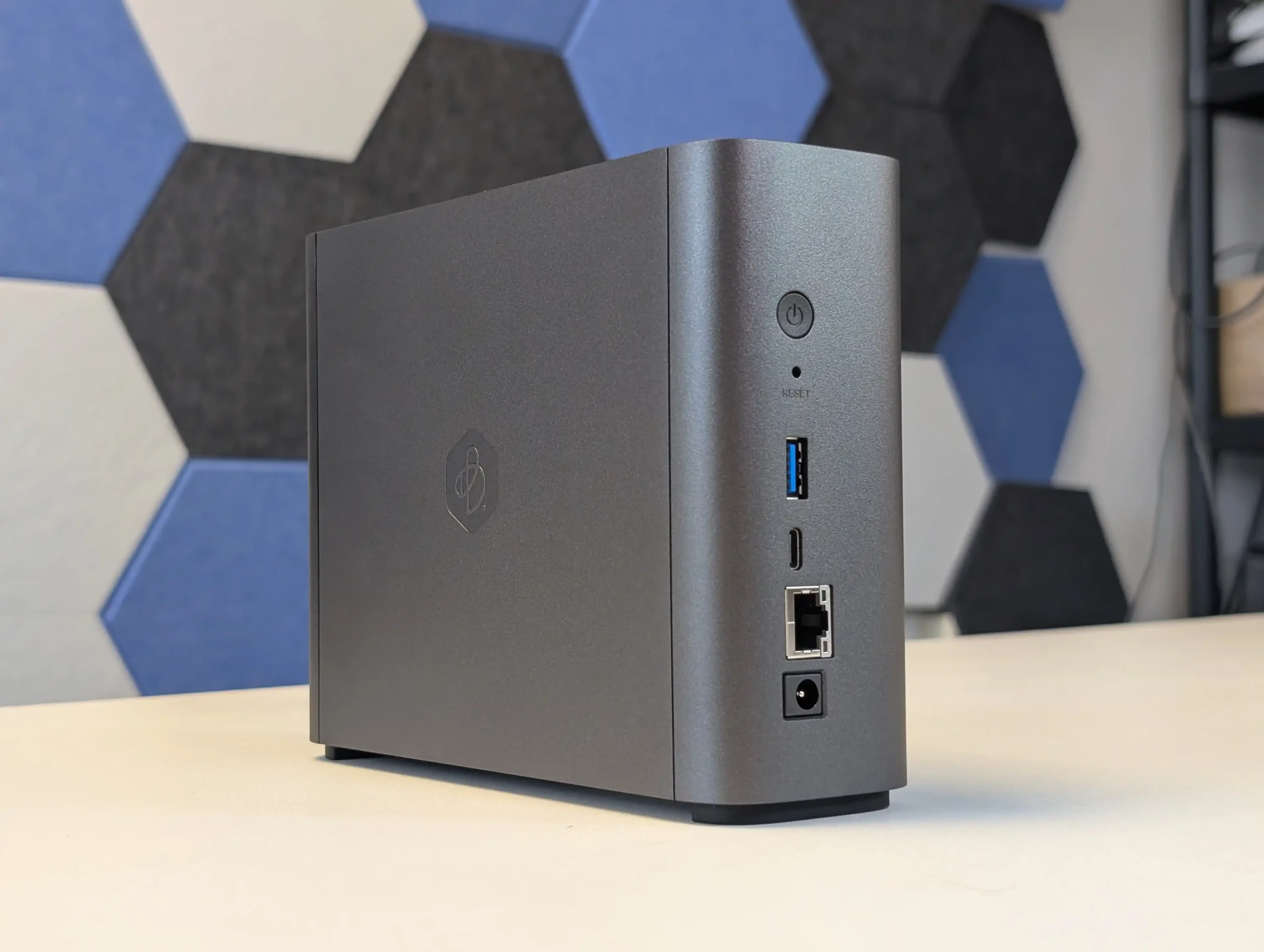
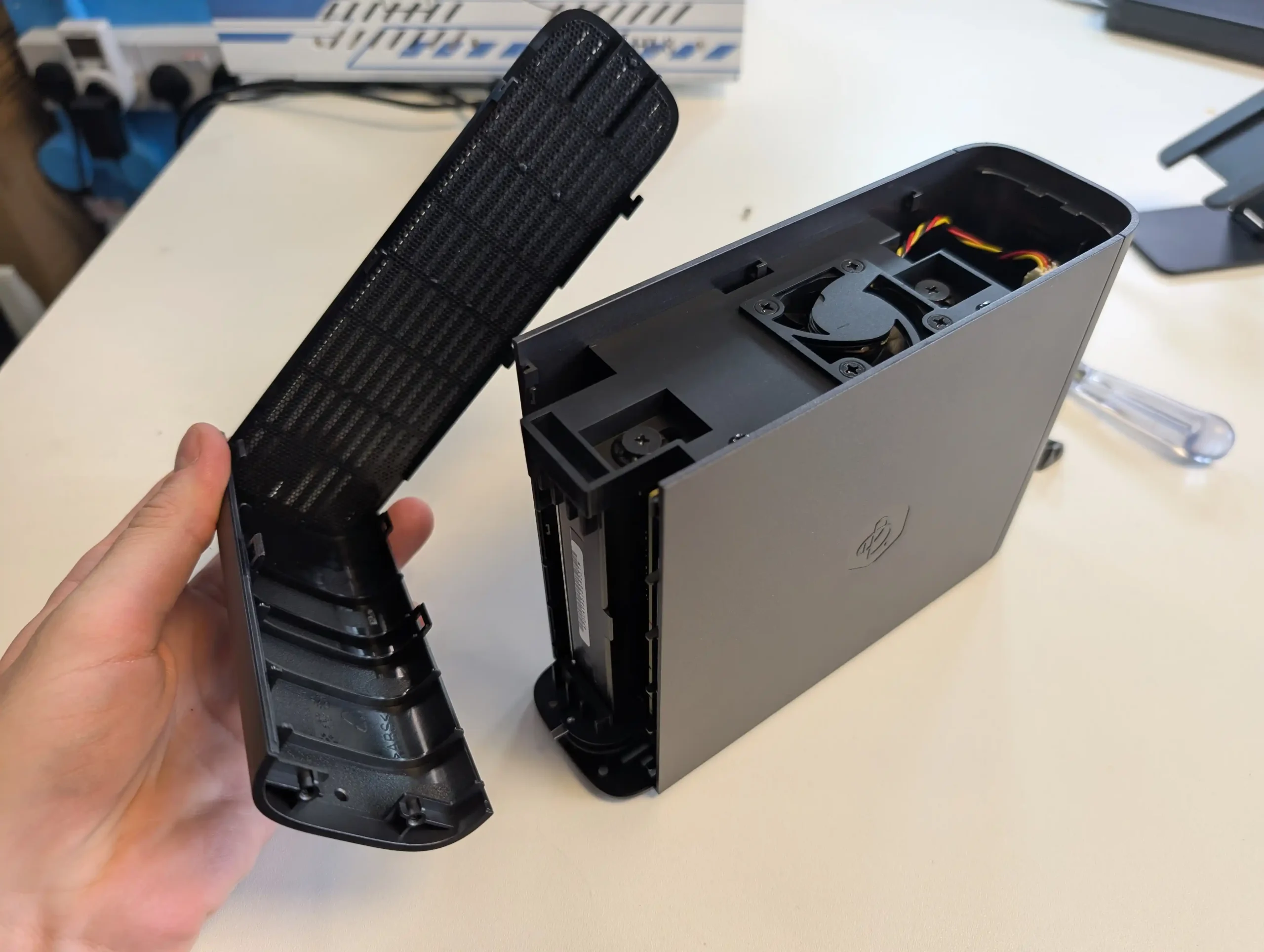
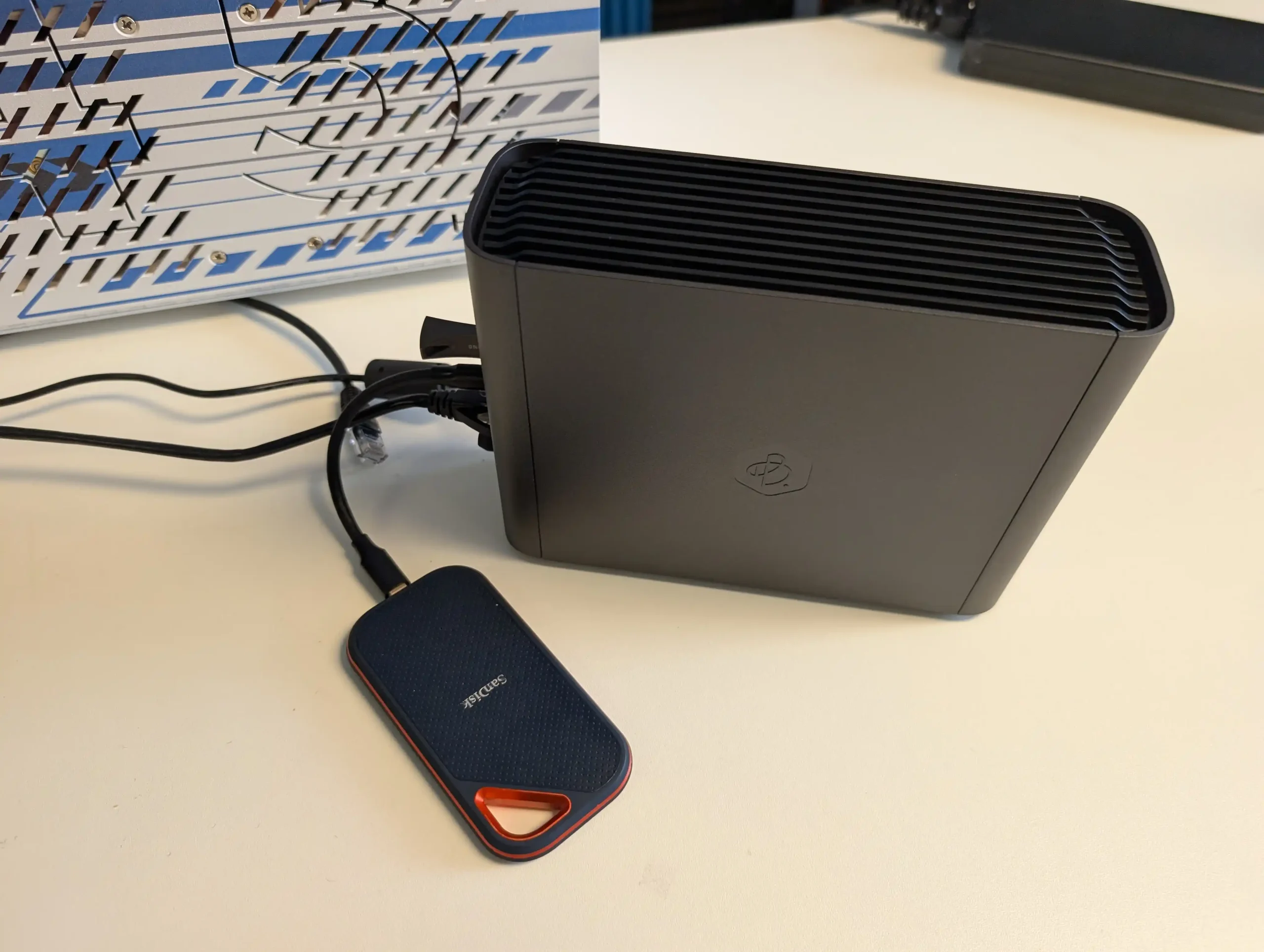
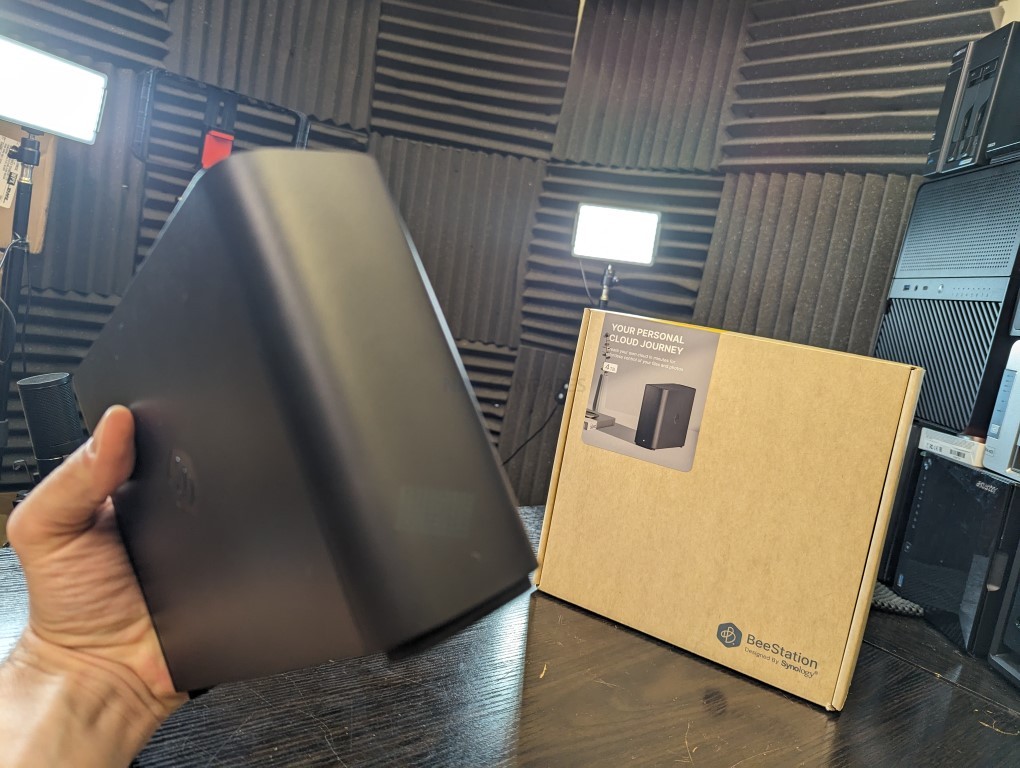
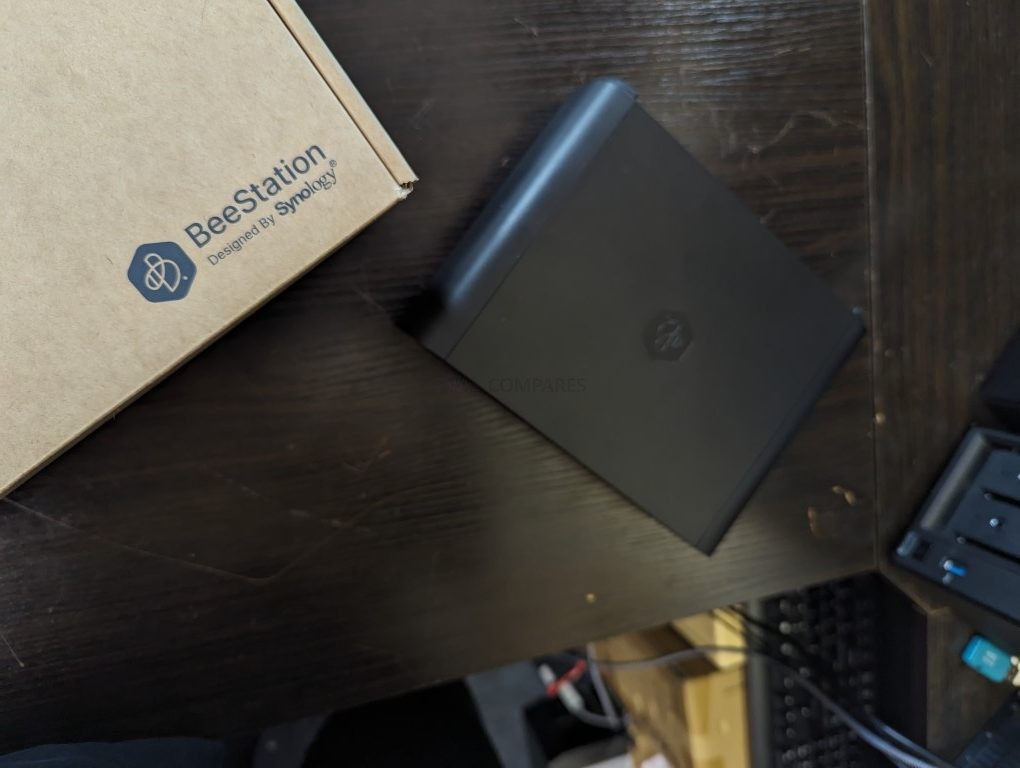
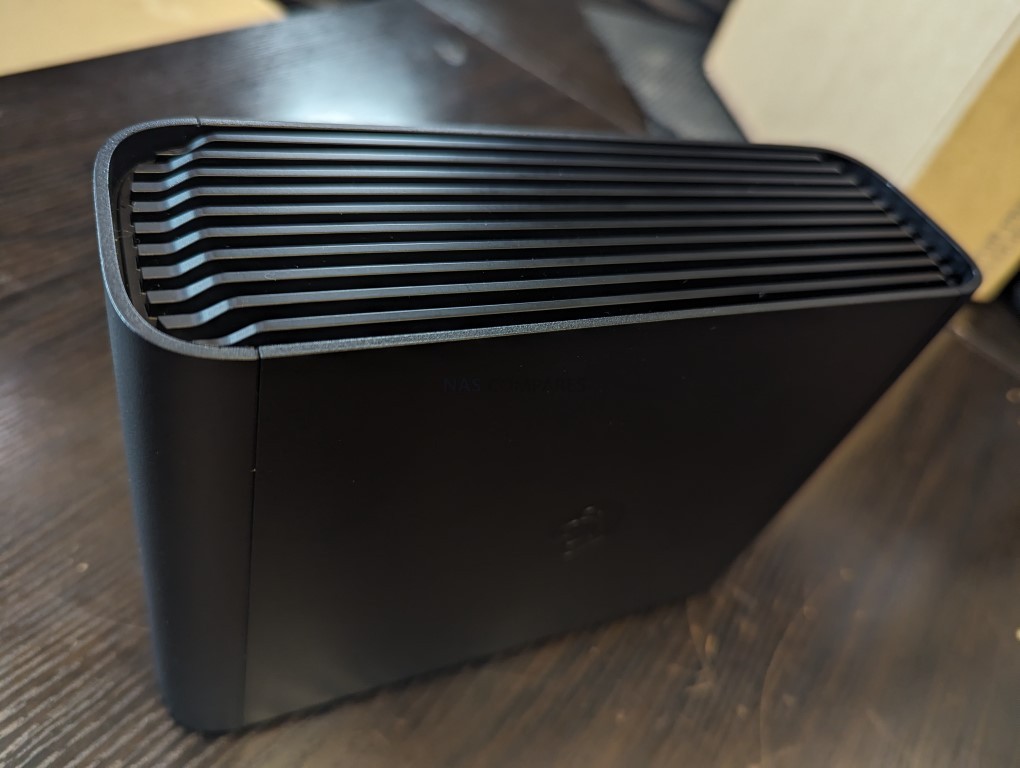
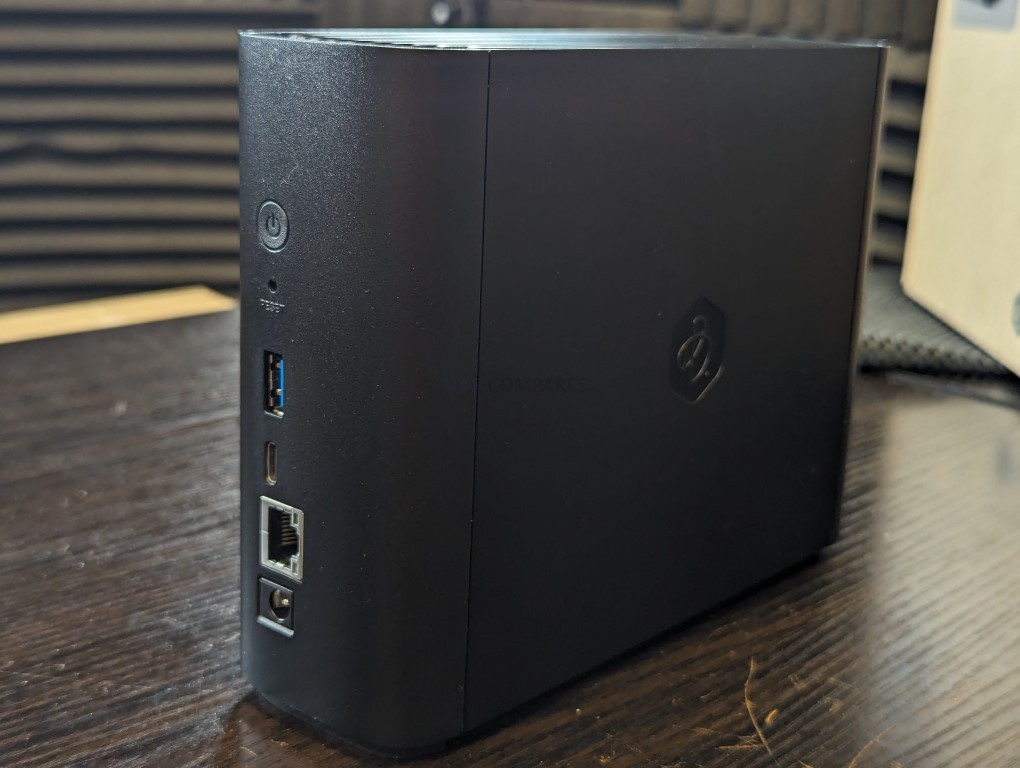
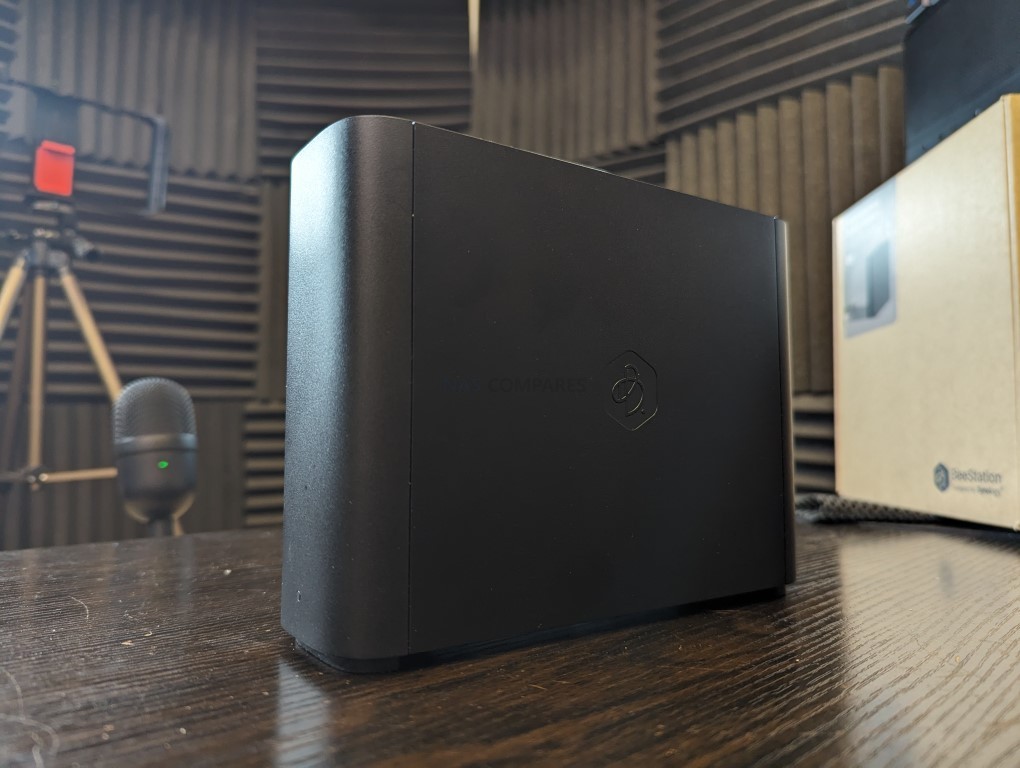
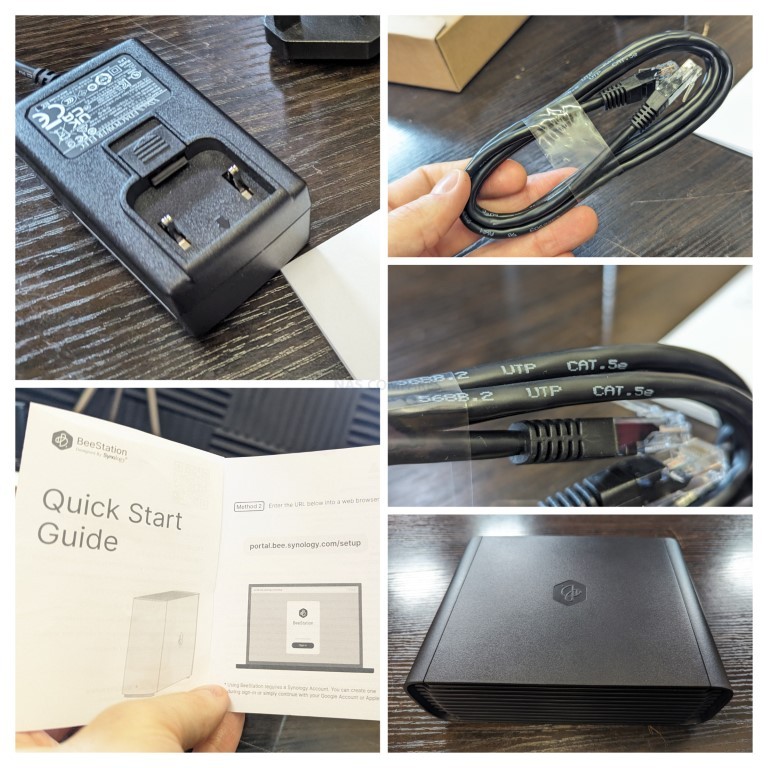
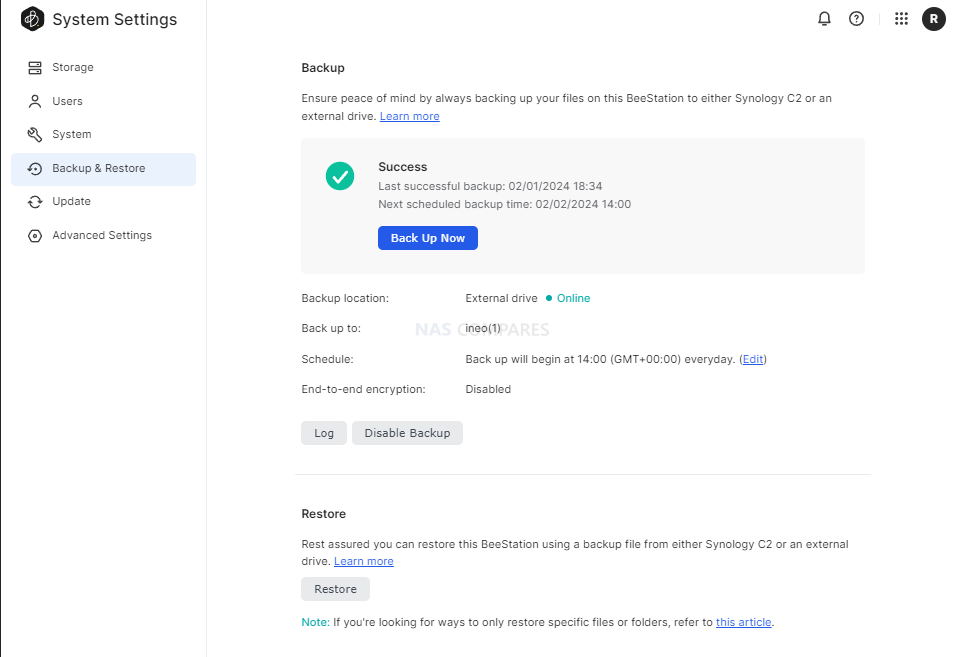
BeeStation Plus is aimed at users who want a simple, appliance like Plex box rather than a configurable NAS. It runs Synology’s cut down BeeStation OS, has Plex Media Server support built in, and is set up entirely through a guided app and browser flow, so there is minimal configuration overhead. The hardware is sufficient for basic 4K and 1080p Plex use for a small number of clients, but the single non replaceable drive bay and lack of expansion, RAID options or M.2 slots mean it is best treated as a starter Plex unit for light libraries rather than a long term, scalable media server, and there is no official Jellyfin or Emby integration at this time.
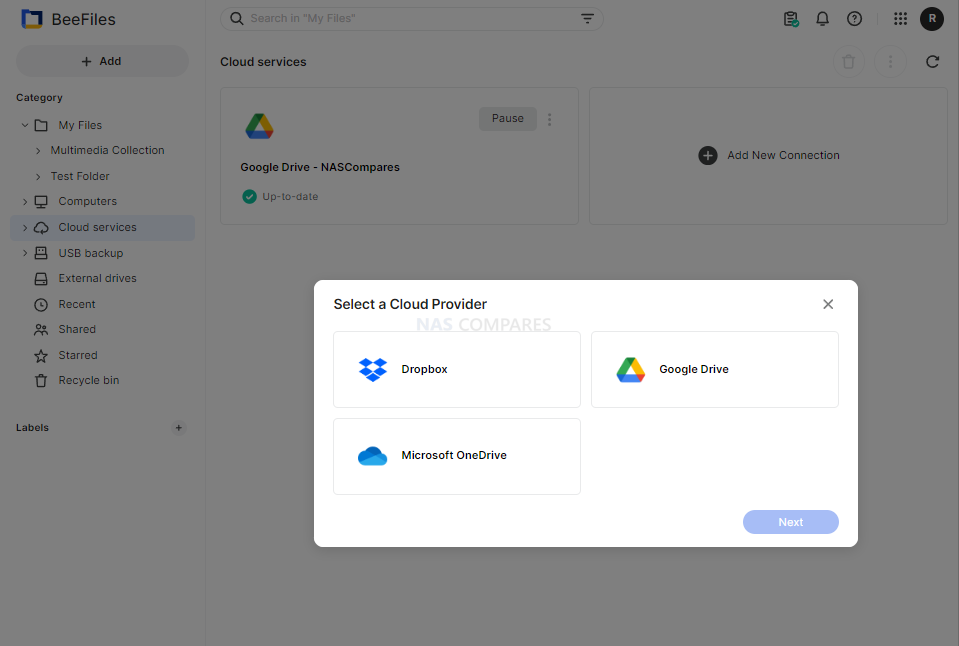
The Synology BeeStation marks a significant shift in Synology’s product line, targeting a new segment of users with its simplified yet functional design. This device stands out as an excellent middle ground between ease of use and a comprehensive private cloud system, providing secure and seamless access to stored data. While it is incredibly user-friendly and easy to set up, the lack of LAN access by default and its single-bay, 4TB-only configuration at launch might limit its appeal to more tech-savvy users or those seeking greater flexibility and expandability. The BeeStation’s unique selling point is its simplicity, making it a compelling choice for those new to NAS systems or for users who prioritize ease of use over extensive customization options. However, its simplicity also means that it lacks the extensive app support found in Synology’s DSM platform, potentially disappointing users accustomed to the richer application ecosystem offered by Synology’s more advanced models.
For users concerned about security, the BeeStation still upholds Synology’s reputation for secure data handling, with encrypted data transmission as a standard feature. However, experienced users who prefer a more hands-on approach to their NAS setup might find the BeeStation’s lack of advanced configuration options and its reliance on internet access for setup somewhat restrictive. In terms of market positioning, the BeeStation fills a gap left by other brands like WD and Seagate in offering ‘Easy NAS’ systems. Its competitive pricing, particularly considering the included 4TB of storage, makes it an attractive option for users seeking a private cloud solution without the recurring costs associated with third-party cloud services. Despite these potential drawbacks, the BeeStation is a solid entry-level NAS solution, especially for those seeking a personal cloud with minimal setup and maintenance. It may not be as feature-rich as Synology’s DSM-based NAS devices, but for its intended audience, the BeeStation provides a well-balanced combination of functionality, ease of use, and affordability. Synology’s move to cater to a broader, less technically inclined audience with the BeeStation demonstrates their understanding of market trends and user needs, offering a solution that balances simplicity with the reliability and quality Synology is known for.
In the end, the Synology BeeStation is an ideal choice for users seeking a straightforward, reliable, and cost-effective personal cloud solution. It represents Synology’s commitment to diversifying their product range, catering to the evolving needs of different user segments. While it may not suit everyone, especially those looking for advanced features and customization, it excels in its role as a user-friendly, secure, and affordable entry-level NAS device.
SOFTWARE - 7/10
HARDWARE - 8/10
PERFORMANCE - 7/10
PRICE - 10/10
VALUE - 10/10
8.4
PROS
User-friendly setup, ideal for beginners or those seeking a simple cloud solution. Secure data handling with encrypted data transmission. Comes with 4TB of storage included, offering good value. Compact and lightweight design, enhancing portability. Quiet operation, suitable for home or office environments. Integrates seamlessly with popular cloud services like Google Drive and OneDrive. Affordable pricing at $199, a cost-effective alternative to third-party cloud services. Supports remote access, allowing data management from anywhere and across client devices/OS Synologys reputation for quality and reliability is still clear on this smaller scale. Several client tools (BeeFiles, BeePhotos and Desktop sync tool) for Windows, Mac, iOS and Android available for tailored access System configuration backup option to USB/C2 (Often absent in budget cloud solutions) AI Photo Recognition in BeePhotos for faces, Objects and geo data scraping + Advanced filter/search
CONS
Lacks the extensive app support and customization found in Synology\'s DSM platform. Only available in a single-bay, 4TB configuration at launch, limiting expandability. Single 5400RPM HDD running everything leads to slowdown more than you think! LAN access is disabled by default, which may not suit all users. Designed for a specific user base, may not meet the needs of more advanced users.
SPECS: AMD Ryzen 7 255 8 core 16 thread up to 4.9 GHz – up to 96 GB DDR5 via 2 SODIMM slots – 5 x 3.5″/2.5″ SATA bays – 1 x 10 GbE RJ45 / 1 x 5 GbE RJ45 / 2 x USB4 – 3 x M.2 2280 NVMe or U.2 SSD slots (PCIe 4.0).
The Minisforum N5 is a compact 5-bay NAS that targets users who want preconfigured hardware with some workstation derived design features. It uses an x86 CPU in the same general class as the Aoostar WTR Max, paired with an internal storage module of 64 GB for the system volume, and is typically sold in the 599 to 699 USD range, with the separate Pro variant occupying a higher bracket. The chassis integrates a removable drive base section for easier maintenance, and the platform includes multi-gig networking up to 10 GbE and 5 GbE, a PCIe expansion slot and USB4 connectivity for additional bandwidth or external devices. Minisforum ships the N5 with its own NAS operating system to provide an immediate out of box experience, but the software is still relatively young and many buyers elect to overwrite the included module with a more established NAS or server OS. Throughout 2025, availability has been intermittent, reflecting a level of demand from home lab users who want higher specification NAS hardware without building entirely from individual components.
The Minisforum N5 Pro is an impressive and highly versatile NAS platform that successfully combines the core strengths of a storage appliance with the capabilities of a compact, workstation-class server, making it suitable for demanding and varied use cases. Its defining features include a 12-core Ryzen AI 9 HX PRO 370 CPU with 24 threads and onboard AI acceleration up to 50 TOPS, support for up to 96GB of ECC-capable DDR5 memory for data integrity, and a hybrid storage architecture offering up to 144TB total capacity through a mix of five SATA bays and three NVMe/U.2 slots. Additional highlights such as ZFS file system support with snapshots, inline compression, and self-healing, along with high-speed networking via dual 10GbE and 5GbE ports, and expansion through PCIe Gen 4 ×16 and OCuLink interfaces, position it well beyond the capabilities of typical consumer NAS systems. The compact, fully metal chassis is easy to service and efficiently cooled, enabling continuous operation even under sustained virtual machine, AI, or media workloads.
At the same time, the bundled MinisCloud OS, while feature-rich with AI photo indexing, Docker support, and mobile integration, remains a work in progress, lacking some enterprise-grade polish, robust localization, and more advanced tools expected in mature NAS ecosystems. Minor drawbacks such as the external PSU, the thermally challenged pre-installed OS SSD, and the higher cost of the Pro variant relative to the standard N5 are important to weigh, particularly for users who may not fully utilize the Pro’s ECC and AI-specific advantages. For advanced users, homelab builders, and technical teams who require high compute density, flexible storage, and full control over their software stack, the N5 Pro delivers workstation-level performance and configurability in NAS form—offering one of the most forward-thinking and adaptable solutions available today in this segment.
High-performance AMD Ryzen AI 9 HX PRO 370 CPU with 12 cores, 24 threads, and AI acceleration (50 TOPS NPU) is INCREDIBLE for a compact desktop purchase Support for up to 96GB DDR5 memory with ECC, ensuring data integrity and stability in critical environments ZFS-ready storage with numerous ZFS and TRADITIONAL RAID configurations, snapshots, and inline compression Hybrid storage support: five 3.5\\\"/2.5\\\" SATA bays plus three NVMe/U.2 SSD slots, with up to 144TB total capacity Versatile expansion options including PCIe Gen 4 ×16 slot (×4 electrical) and OCuLink port for GPUs or NVMe cages Dual high-speed networking: 10GbE and 5GbE RJ45 ports with link aggregation support + (using the inclusive MinisCloud OS) the use of the USB4 ports for direct PC/Mac connection! Fully metal, compact, and serviceable chassis with thoughtful cooling and accessible internal layout - makes maintenance, upgrades and troubleshooting a complete breeze! Compatibility with third-party OSes (TrueNAS, Unraid, Linux) without voiding warranty, offering flexibility for advanced users
CONS
MinisCloud OS is functional but immature, with unfinished localisation and limited advanced enterprise features - lacks MFA, iSCSI, Security Scanner and More. Nails several key fundamentals, but still feels unfinished at this time. Despite External PSU design (will already annoy some users), it generates a lot of additional heat and may not appeal to all users overall Preinstalled 64GB OS SSD runs hot under sustained use and lacks dedicated cooling. Plus, losing one of the 3 m.2 slots to it will not please everyone (most brands manage to find a way to apply an eMMC into the board more directly, or use a USB bootloader option as a gateway for their OS Premium $1000+ pricing may be hard to justify for users who don’t need ECC memory or AI capabilities compared to the standard N5 at $500+
SPECS: Intel N95 quad core up to 3.4 GHz – 8 GB DDR5 (expandable to 32 GB) – 4 x M.2 2280 NVMe SSD bays – 1 x 5 GbE RJ45 / 2 x USB A 3.2 Gen 2 / 1 x USB C 3.2 Gen 2 / HDMI 2.0b – 4 x M.2 NVMe PCIe 3.0 slots (2 x2 / 2 x1).
The F4 SSD is an all flash NAS designed for users who want a compact, relatively low power Plex or Jellyfin server without mechanical drives. Its Intel N95 CPU and integrated graphics are sufficient for multiple 1080p and a modest number of 4K transcodes, and the 5 GbE interface allows the box to make use of higher network throughput than 1 GbE units. TerraMaster’s TOS 6 system offers a one click Plex package and container support for Jellyfin and Emby, but the interface and ecosystem are less refined than those from the largest NAS brands, and performance is ultimately limited by the entry level CPU and PCIe layout when many concurrent streams or heavier background tasks are involved.
The TerraMaster F4 SSD presents itself as a well-considered entry into the compact, all-flash NAS segment, balancing low noise, energy efficiency, and competitive performance at a sub-$400 price point. With its fanless NVMe-based design, Intel N95 quad-core processor, and DDR5 memory, it meets the essential needs of home and small office users looking for a reliable and responsive storage solution. The inclusion of TerraMaster’s increasingly capable TOS 6 operating system, featuring AI-driven photo management, centralized backup, and Docker/VM support, makes it more than just a network storage device—it becomes a lightweight but versatile data center for the home. Its TRAID support allows for mixed SSD deployments with easy expansion, which is particularly attractive to users upgrading gradually or working within budget constraints. The thoughtful internal layout and cooling also ensure performance remains consistent even under sustained load, without sacrificing the near-silent operation.
However, the F4 SSD is not without caveats. The use of a single 5GbE port, without redundancy or aggregation, may deter users requiring network failover or higher throughput for simultaneous operations. Additionally, although the PCIe lane allocation strategy maximizes the N95’s limited bandwidth, the asymmetry between Gen3 x2 and x1 slots could bottleneck RAID performance depending on how volumes are configured. When compared to the larger F8 SSD or DIY options with dual 10GbE or ECC support, the F4 SSD may feel limiting to power users or business environments with stricter reliability requirements. That said, for the vast majority of home users, content creators, and prosumers looking for an all-in-one, high-speed NAS that blends well into living spaces, the F4 SSD delivers a solid and accessible solution. Its price-to-performance ratio, combined with the simplicity of deployment and maturing software ecosystem, makes it a compelling option in the growing market of SSD NAS devices.
Compact, toolless chassis with easy-access thumb screw and SSD installation All-flash NVMe architecture with support for four M.2 2280 SSDs 5GbE network port enables high-speed local and remote transfers TRAID and TRAID+ allow mixed-capacity SSDs and seamless storage expansion TOS 6 OS includes Plex, Jellyfin, Docker, VM support, and AI photo indexing Quiet operation (19 dB) and low power usage (32W under load) Priced competitively at $399 for a turnkey SSD NAS
CONS
Single 5GbE port with no failover or link aggregation Two of the four SSD slots are limited to PCIe Gen3 x1, creating potential RAID bottlenecks Non-ECC DDR5 memory may not meet strict data integrity requirements
SPECS: Intel N150 quad core up to 3.6 GHz – 8 or 16 GB LPDDR5x – 2 x SATA 3.0 6 Gb/s ports for 3.5″/2.5″ drives (external bays or enclosures required) – 2 x 2.5 GbE RJ45 / 2 x USB 3.1 Type A / 1 x Mini DisplayPort 1.4 – M.2 SSD support via PCIe 3.0 x4 add in card only.
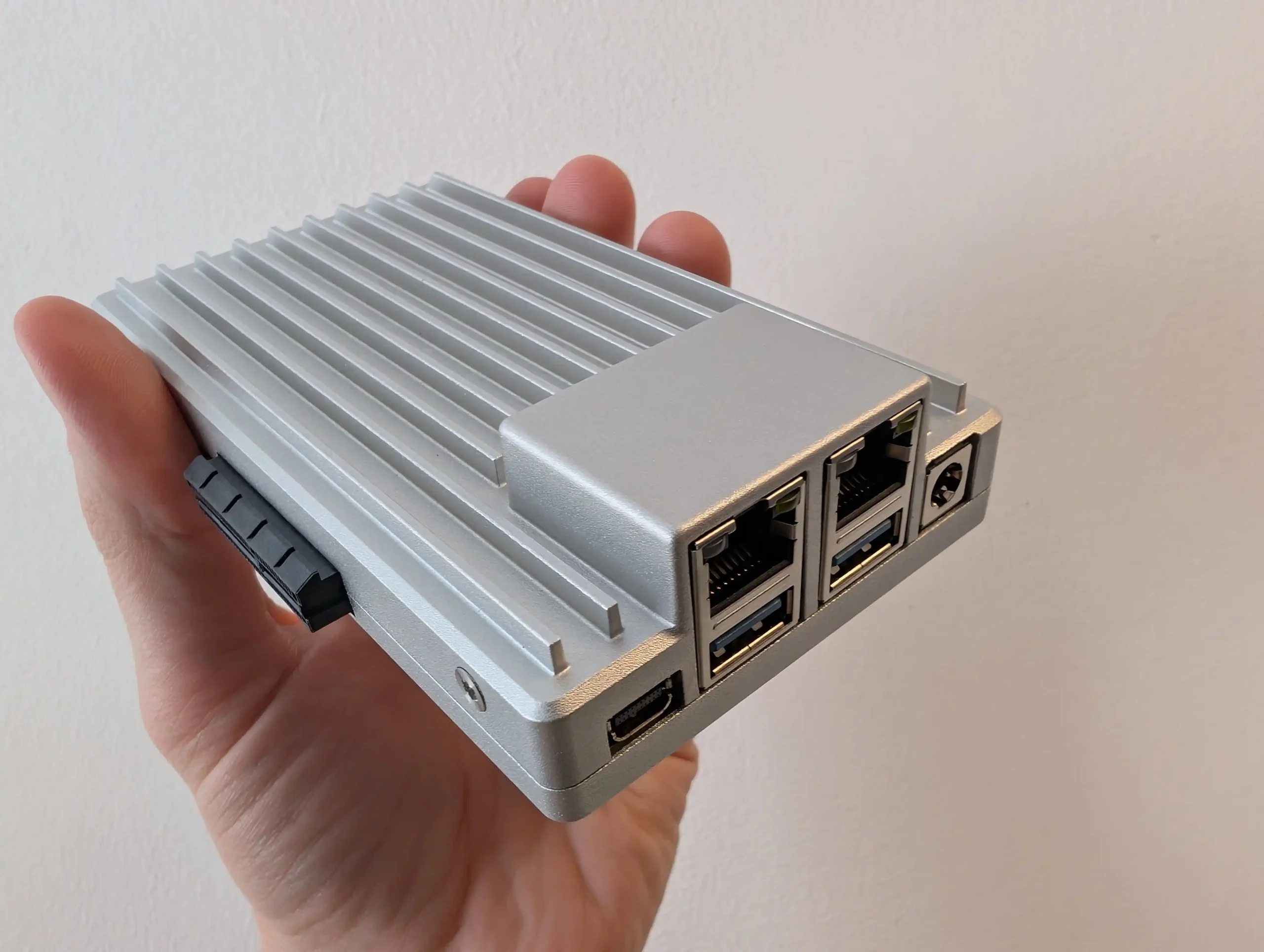
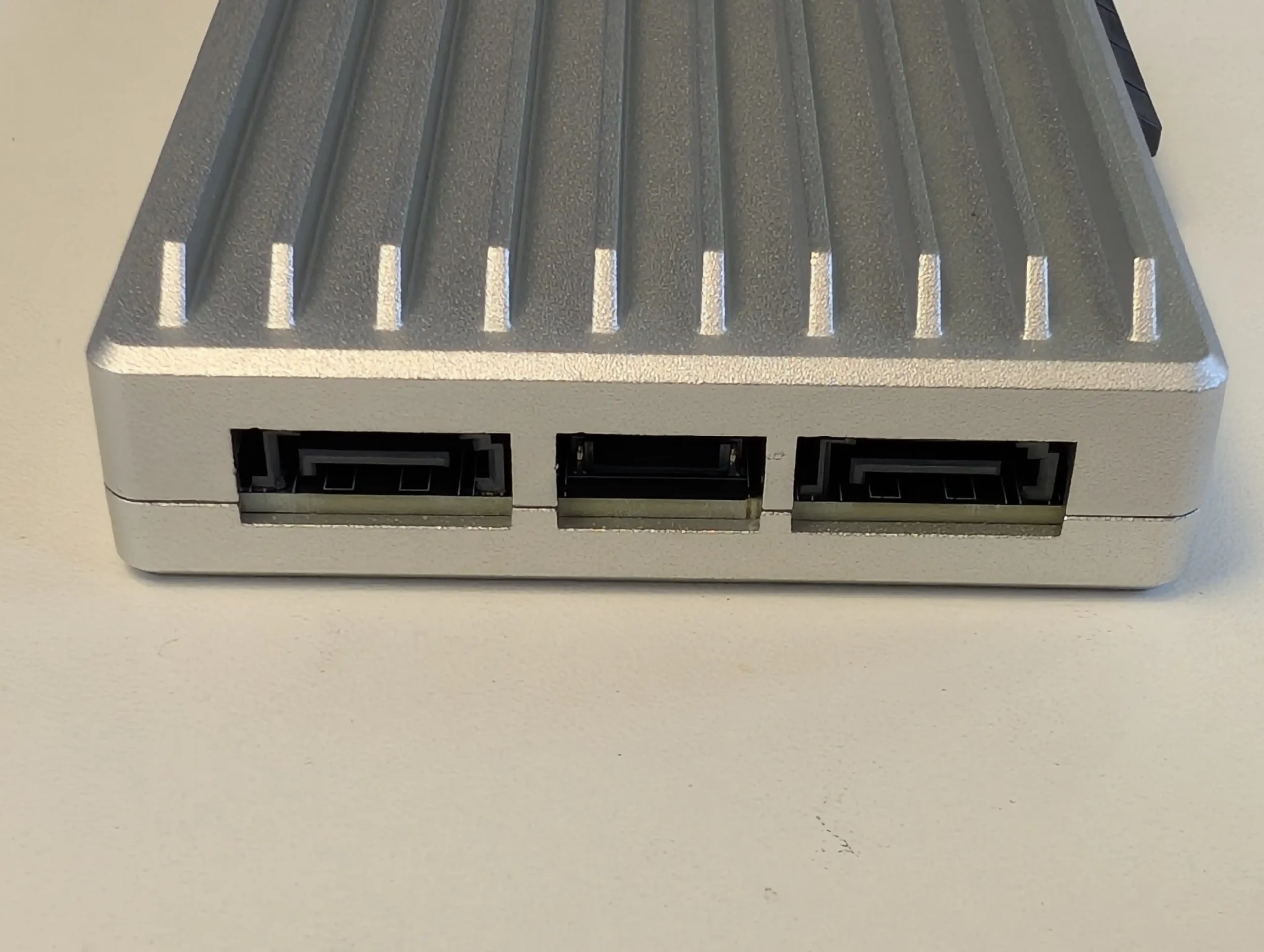
ZimaBoard 2 functions as a small, fanless compute module that can be combined with any suitable SATA enclosure or loose drives to create a highly customised Plex or Jellyfin server. It ships with ZimaOS, which exposes a NAS style interface, app catalogue and container options, so the system is usable out of the box without manually installing a general purpose Linux distribution. Dual 2.5 GbE ports and Intel Quick Sync support give it enough capability for several 1080p and selected 4K transcodes, but the absence of internal bays or native M.2 slots means storage design is entirely external, and the device is better suited to users who do not mind assembling their own chassis or reusing existing cases and drive cages.
The ZimaBoard 2 is a competent and thoughtfully assembled single-board server that builds meaningfully on IceWhale’s earlier efforts, especially the original ZimaBoard and the ZimaBlade. Its design clearly targets users who want more flexibility and performance than traditional ARM-based boards can offer, but who also value power efficiency, silence, and a small footprint. The use of an Intel N150 CPU, 8GB of LPDDR5x memory, dual 2.5GbE ports, and a PCIe 3.0 x4 slot makes it viable for a variety of home server roles—from basic NAS and smart home coordination to lightweight container hosting and local media streaming. Features like onboard SATA, USB 3.1, and a DisplayPort connection further add to its utility. However, there are hardware limitations that may affect long-term suitability for advanced deployments. The soldered RAM cannot be upgraded, and the internal eMMC storage, while useful for initial setup, is too slow for OS-level responsiveness in more demanding use cases. Passive cooling, while appreciated for silence, also imposes some thermal limitations depending on the deployment environment.
On the software side, ZimaOS offers a decent out-of-the-box experience that caters to users with minimal technical background. It handles core tasks like application deployment, file sharing, and system monitoring without requiring advanced configuration, and its Docker-based App Store simplifies access to popular tools. For more experienced users, the system supports third-party OS installation, which is likely how many will ultimately use the ZimaBoard 2. Still, as a bundled solution, ZimaOS has matured significantly and now presents itself as a lightweight, capable, and non-intrusive platform for those who prefer to get started immediately. In the broader context of DIY server hardware, ZimaBoard 2 occupies a middle ground: more powerful and modular than Raspberry Pi-class systems, yet more constrained than full x86 mini PCs or enthusiast-grade NAS hardware. For those who understand and accept these trade-offs, and are willing to plan around its limitations, the ZimaBoard 2 offers a reliable and flexible foundation for compact, energy-efficient computing at the edge.
Check Amazon in Your Region for the Zimaboard 2
Check AliExpress for the Zimaboard 2
BUILD QUALITY - 10/10
HARDWARE - 8/10
PERFORMANCE - 8/10
PRICE - 9/10
VALUE - 10/10
9.0
PROS
x86 Architecture – Compatible with a wide range of operating systems including ZimaOS, Unraid, TrueNAS SCALE, and Proxmox. Dual 2.5GbE LAN Ports – Offers strong networking capabilities for multi-service workloads and gateway setups. PCIe 3.0 x4 Slot – Enables high-speed expansion for 10GbE NICs, NVMe storage, or combo cards. Fanless, Silent Operation – Completely passively cooled, ideal for home or quiet office environments. Compact and Durable Build – Small footprint with an all-metal chassis that doubles as a heatsink. ZimaOS Included – User-friendly OS with a Docker-based App Store and basic VM tools, ready out of the box. Flexible Storage Options – Dual SATA ports plus USB 3.1 support for connecting SSDs, HDDs, or external drives. Low Power Consumption – Efficient 6W CPU with ~10W idle and ~40W max under heavy load scenarios.
CONS
Non-Upgradable RAM – 8GB of soldered LPDDR5x limits long-term scalability for memory-intensive tasks. Slow/Small Default Internal Storage – 32GB eMMC is convenient but underperforms for OS-level responsiveness or high I/O workloads. Thermal Headroom is Limited – Passive cooling alone may not be sufficient in closed environments or under sustained load without added airflow. Not Launching on Traditional Retail, but instead on Crowdfunding.
SPECS: Rockchip RK3588 8 core ARM (4 x Cortex A76 + 4 x Cortex A55) up to around 2.4 GHz – 8 GB DDR5 – 4 x 3.5″/2.5″ SATA bays – 1 x 2.5 GbE RJ45 / HDMI 2.0b / 1 x front USB C 3.2 Gen 1 / 2 x USB A 3.2 Gen 1 – no internal M.2 SSD slots.
The NASync DH4300 Plus is a 4 bay ARM based NAS that targets users who want RAID 5 capable storage for Plex or Jellyfin along with general backup duties at a moderate price. UGREEN’s UGOS Pro operating system includes its own media apps, an app store and containerisation features, and community testing has confirmed that Plex can achieve multiple 1080p and several 4K streams, benefiting from the RK3588’s hardware video engines. There is only a single 2.5 GbE port and no M.2 cache or expansion options, so scaling is limited to the 4 SATA bays and external USB storage, but for users who prioritise RAID 5 resilience, low to mid range transcoding capacity and comparatively low power use, it fits the role of a budget multi user media and file server.
The UGREEN DH4300 Plus carves out a unique niche in the budget NAS landscape by delivering hardware typically reserved for higher-tier systems at a much lower price point. Its RK3588 processor, 8GB of RAM, and support for 2.5GbE networking place it well ahead of most similarly priced competitors in terms of raw specifications. Additionally, features such as HDMI output, 10Gbps USB ports, and local AI-powered photo indexing are rare to find in entry-level NAS systems. Despite its plastic-heavy internal design and lack of expansion options like PCIe or M.2, the device delivers stable performance for file sharing, media access, and low-intensity AI workloads. It is not suited for power users demanding virtual machines or advanced snapshot automation, but within its class, the DH4300 Plus presents an appealing balance between cost and capability.
That said, the software experience is still a work in progress. UGOS Pro covers the essentials and offers a visually accessible UI, but lacks the advanced features and ecosystem integration found in more mature platforms like Synology DSM or QNAP QTS. Docker and snapshot support add welcome flexibility, but the absence of native Jellyfin, iSCSI, and VM functionality limits its use in more complex environments. Still, for home users, media collectors, or small office setups looking for reliable backup, modest AI-enhanced photo sorting, and smooth 4K playback, the DH4300 Plus delivers value well beyond its price tag. While it won’t replace high-end NAS appliances, it serves as a capable, efficient, and quietly innovative option in a saturated entry-level NAS market.
mazon in Your Region for $349 the UGREEN DH4300 PLUS
Powerful ARM CPU: Equipped with the RK3588 SoC, offering 8 cores, integrated GPU, and NPU for AI workloads. Generous (but fixed!) Memory: 8GB LPDDR4X RAM, rare in budget NAS systems, supports multitasking and Docker use. 2.5GbE Network Port: Provides faster-than-Gigabit throughput for backups, media streaming, and multi-user access. HDMI 2.1 Output: Rare on ARM powered turnkey NAS, and enables direct media playback or NAS control at up to 4K 60Hz, uncommon in value-tier NAS units. USB 10Gbps Ports: Dual USB-A 10Gbps and one USB-C 5Gbps allow for high-speed backups or external storage expansion. AI Photo Management: Built-in NPU supports facial recognition and scene detection for local, private media organization. Low Power Consumption: Efficient under load (~30W) and idle (~5W without drives), suitable for 24/7 operation.
CONS
No PCIe or M.2 Expansion: Lacks future scalability for NVMe caching, 10GbE, or other upgrades. Single LAN Port: Only one 2.5GbE port, with no failover or link aggregation support. Limited Software Ecosystem: UGOS Pro lacks iSCSI, VM support, and native Jellyfin, trailing behind DSM/QTS in maturity.
This description contains links to Amazon. These links will take you to some of the products mentioned in today's content. As an Amazon Associate, I earn from qualifying purchases. Visit the NASCompares Deal Finder to find the best place to buy this device in your region, based on Service, Support and Reputation - Just Search for your NAS Drive in the Box Below
Need Advice on Data Storage from an Expert?
Finally, for free advice about your setup, just leave a message in the comments below here at NASCompares.com and we will get back to you.Need Help?
Where possible (and where appropriate) please provide as much information about your requirements, as then I can arrange the best answer and solution to your needs. Do not worry about your e-mail address being required, it will NOT be used in a mailing list and will NOT be used in any way other than to respond to your enquiry.
[contact-form-7]
TRY CHAT Terms and Conditions
If you like this service, please consider supporting us.
We use affiliate links on the blog allowing NAScompares information and advice service to be free of charge to you.Anything you purchase on the day you click on our links will generate a small commission which isused to run the website. Here is a link for Amazon and B&H.You can also get me a Ko-fi or old school Paypal. Thanks!To find out more about how to support this advice service checkHEREIf you need to fix or configure a NAS, check FiverHave you thought about helping others with your knowledge? Find Instructions Here
Or support us by using our affiliate links on Amazon UK and Amazon US
Alternatively, why not ask me on the ASK NASCompares forum, by clicking the button below. This is a community hub that serves as a place that I can answer your question, chew the fat, share new release information and even get corrections posted. I will always get around to answering ALL queries, but as a one-man operation, I cannot promise speed! So by sharing your query in the ASK NASCompares section below, you can get a better range of solutions and suggestions, alongside my own.
Cheap NAS hardware in 2025 sits in an awkward middle ground between full DIY servers and polished, premium turnkey appliances, but it is also where many first time buyers start when they want to get away from cloud storage and subscriptions without spending a large amount of money. This article focuses on systems that have been available for under $249, arrive pre built with CPU and memory, and come either with their own NAS style operating system or with enough onboard storage to install one easily. The aim is to show what you realistically get at this price in terms of bays, network speed, scale and software, and where each device draws the line on features, expansion and flexibility so you can decide whether a low cost 2 bay box, an all M.2 cube or a bare board server is the better fit for your first step into local storage.
SPECS: Rockchip RK3576 8 core ARM up to 2.2 GHz – 4 GB LPDDR4X – 2 x 3.5″/2.5″ SATA bays (up to 60 TB total) – 1 x 1 GbE RJ45 – no internal M.2 SSD slots, 32 GB eMMC OS storage.
The UGREEN NASync DH2300 is aimed at users who want the cheapest possible entry to a proper NAS without losing basic RAID and a guided setup experience. Two SATA bays and support for up to 60 TB in RAID 0, RAID 1, JBOD or Basic give enough room for a modest media library, photo archive and PC backups, while UGOS Pro adds mobile apps, 4K HDMI playback, simple remote access and basic snapshot and multi user features in a consumer friendly interface. Power draw is low, thanks to the 8 core ARM SoC and 1 GbE networking, which also keeps noise and heat down compared with larger multi bay units. The key limitation at this price is that you are locked to 2 drive bays, a single 1 GbE port and no internal SSD caching or containers on this model, so long term scale and heavy app use are constrained. Overall it suits buyers who want a cheap, mostly turnkey alternative to cloud storage and USB drives, rather than a platform for heavier virtualization or high speed workloads.
The UGREEN DH2300 represents a carefully positioned step in the company’s ongoing effort to make private storage approachable for non-technical users. Its hardware configuration, led by the Rockchip RK3576 processor and 4GB of fixed memory, provides solid baseline performance for a two-bay ARM-powered NAS at this price point. Although its single 1GbE network port may limit throughput for larger file transfers, the system compensates with a highly efficient power profile, quiet operation, and full support for common RAID configurations. The inclusion of a dedicated 32GB eMMC system drive, HDMI 4K60 output, and an NPU capable of AI-based photo indexing places it above most similarly priced entry-level alternatives from QNAP and Synology. However, certain aspects of UGREEN’s marketing—particularly the way the dual quad-core CPU clusters are presented as a single 8-core design—could be clearer. Likewise, the absence of upgradeable memory or faster networking options limits its long-term scalability for users seeking to expand their NAS environment beyond basic media and backup tasks.
From a broader standpoint, the DH2300’s strongest appeal lies in its simplicity and low operational overhead. UGOS Pro, though still developing in maturity, has evolved into a competent, user-friendly platform offering the key features needed for home data management, multimedia access, and scheduled backups. The OS’s stability, combined with efficient hardware and lightweight design, makes this NAS a practical alternative to annual cloud subscriptions for users who simply want local control over their data. It is not a system aimed at enthusiasts or professionals demanding virtual machines, multi-gig networking, or broad third-party OS support, but rather those seeking a self-contained, reliable, and low-maintenance device. Within that niche, the DH2300 delivers strong value and performs consistently well for the intended demographic—serving as an accessible first step into local storage ownership.
Efficient Rockchip RK3576 processor (dual quad-core ARM design) provides strong performance for a low-power NAS. Integrated 6 TOPS NPU enables local AI functions such as face, text, and object recognition without cloud reliance. UGOS Pro offers an intuitive, user-friendly interface with features like RAID management, snapshots, Docker, and backups. Low noise output (31–45 dBA) and excellent power efficiency (9–13W typical use) suit 24/7 home operation. Dedicated 32GB eMMC system drive keeps the OS separate from data volumes for better reliability. HDMI 2.0 4K60 output allows direct media playback and display management. Competitive pricing around $200 makes it a strong entry-level NAS alternative to subscription cloud storage.
CONS
Single 1GbE LAN port limits transfer speeds and network scalability. Fixed 4GB memory restricts heavy multitasking or Docker use. Spending just $100-150 more gets you much, much more capable x86 powered systems
SPECS: Quad core ARM Cortex A55 1.7 GHz – 4 GB RAM – 2 x 3.5″/2.5″ SATA bays – 1 x 2.5 GbE RJ45 with PoE++ – no internal M.2 SSD slots, 1 x USB C 5 Gb/s expansion.
UniFi UNAS 2 targets users already invested in the UniFi ecosystem who want basic network storage and UniFi Drive integration at a low buy in price. Two SATA bays are enough for a mirrored pair of HDDs or SSDs for small site backups, UniFi Protect recordings or general file storage, and the 2.5 GbE plus PoE++ design keeps cabling simple by combining power and data on a single link to an existing UniFi switch. UniFi OS and UniFi Drive provide a simplified management layer for object storage, simple file shares and cloud synced folders, with a small color LCM display giving at a glance system status without needing to log in. The main limitation at this price is that UniFi’s NAS software is still relatively immature, with no native support for third party media servers or advanced NAS apps and no SSD cache tier, so it is best treated as a small, integrated storage node rather than a full featured general purpose NAS. For users who want a cheap box that drops straight into a UniFi rack and handles basic storage quietly and efficiently, it fits that role.
The UniFi UNAS 2 is presented as a compact and affordable two-bay NAS designed for straightforward storage and backup tasks, particularly within environments already using UniFi networking hardware. Its PoE++ design is distinctive, allowing both power and connectivity to be delivered over a single cable, simplifying installation where compatible PoE switches are available. This approach aligns with UniFi’s strategy of reducing external hardware requirements, though it also means that a failed port or damaged cable will disable both power and network access simultaneously. For non-UniFi users, the reliance on PoE++ creates an additional barrier, as adoption requires either compatible infrastructure or the included 60W injector. The shared dual-drive tray, lack of hot-swap support, and absence of expansion options further reinforce the system’s role as a fixed-capacity solution, best suited to smaller or secondary deployments. With a maximum drive budget of 52W and overall consumption limited to 60W, the device is power-efficient, but its architecture prioritises simplicity over flexibility.
On the software side, the UNAS 2 provides a user-friendly interface with access to snapshots, RAID configuration, system backups, and integration into the UniFi identity ecosystem. However, the limited hardware constrains the range of features available, and certain tools seen in UniFi’s larger NAS models are absent, such as encrypted volumes or extended network protocol support. Performance testing showed sequential read speeds up to 260 MB/s and write speeds around 160–180 MB/s, which make full use of the 2.5 GbE interface but leave little headroom for more demanding tasks. Thermals during extended use regularly pushed the CPU into the high 70s Celsius, and although fan management can be adjusted, sustained workloads highlight the limits of the system’s cooling design. The software’s omission of iSCSI and advanced backup filters also narrows its role, making it less competitive against established vendors in professional or virtualisation scenarios.
Ultimately, the UNAS 2 is most appropriately positioned as an edge or secondary NAS, providing basic networked storage for existing UniFi users who value plug-and-play deployment and ecosystem consistency, but it is not equipped to serve as a primary system in larger or more demanding environments (VMs, Containers, etc). A great and unique NAS that will nbe at it’s most appealing if you are already invested in the UniFi ecosystem, or have a NAS already that needs a network backup.
Here are all the current UniFi NAS Solutions & Prices:
Benefits from almost a year of development of the UNAS Pro by UniFi, resulting in a much more complete solution in both hardware and software Exceptionally appealing price point Extremely low impact (power use, noise level, physical scale all great) Introduction of USB C 5Gb/s Connectivity is very welcome Supports complete network/local access if preferred, as well as full remote connectivity with the UI.com account and site manager services Wide Hard Drives and SATA SSD Support (UniFi branded drives and those from 3rd parties such as Seagate Ironwolf, WD Red and Toshiba N300) Comprehensive network storage software in UniFi NAS OS and Drive. Latest OS updates have included fan control, flexible RAID configurations, encrypted drive creation, customizable snapshots, more backup client choices/targets \'Single Pane of Glass\' management and monitoring screen is very well presented! One of the fastest to deploy turnkey NAS solutions I have ever personally used!
CONS
Single network port, though not a dealbreaker (as this is still just 2x SATA throughput), is not great in terms of a network failover or in deployment of SATA SSDs Choice of PoE deployment unusual and limits some deployments USB C connectivity does not support network adapters, NAS expansions or 3rd party UPS devices Very modest base hardware, but understandable relative to the price HDD injection is very unique, but it prevents hot swapping Still a lack of client applications native to the NAS services for Windows, Mac, Android and Linux
SPECS: Intel Processor N150 quad core up to 3.6 GHz – 12 GB or 16 GB LPDDR5 – 0 x SATA bays / 6 x M.2 2280 NVMe slots (5 x PCIe 3.0 x1, 1 x PCIe 3.0 x2, up to 24 TB) – 2 x 2.5 GbE RJ45 – 64 GB eMMC plus up to 2 TB NVMe preinstalled.
The Beelink ME Mini trades spinning disks for six M.2 slots in a 99 mm cube, making it one of the most storage dense budget options for users who already have or plan to buy multiple NVMe SSDs. At this price bracket it offers far more raw flash capacity potential than traditional 2 bay HDD NAS units, and the dual 2.5 GbE ports allow the box to push enough throughput for small media servers, backup targets and home lab services once an appropriate OS such as TrueNAS, Proxmox, Linux or a lightweight NAS distribution is installed. The integrated PSU, WiFi 6 and compact chimney style cooling keep the physical footprint small while still supporting continuous operation as a low to moderate power SSD based server. The main limitation is that PCIe lane allocation and the N150 CPU cap per drive performance and the unit can run hot under sustained load, so you do not get high end NVMe speeds from each slot and there is no turnkey NAS OS included. It is therefore best suited to buyers who value maximum flash capacity per dollar in a very small chassis and are comfortable treating it as a DIY NAS platform rather than a plug-and-play appliance.
The Beelink ME Mini NAS delivers an uncommon blend of size, functionality, and efficiency in a market segment often dominated by larger, louder, and less integrated alternatives. It is not designed to compete with traditional enterprise-grade NAS devices or modular, scalable solutions for prosumers. Instead, its strengths lie in targeting the needs of home users who want a quiet, energy-efficient storage solution that is easy to deploy, aesthetically unobtrusive, and capable of handling daily tasks such as media streaming, file backup, or soft routing. The inclusion of six M.2 NVMe SSD slots—paired with a Gen 3 x2 system slot—offers a rare level of expansion in such a small enclosure. The integration of an internal PSU, silent fan-assisted cooling, and a surprisingly effective thermal design are thoughtful touches that differentiate it from the majority of DIY NAS mini PCs.
That said, it is not without limitations. The memory is non-upgradable, thermal accumulation at the base suggests room for improvement, and bandwidth ceilings imposed by Gen 3 x1 lanes will constrain users who demand high parallel throughput. Still, for its price point—particularly when pre-order discounts are applied—the ME Mini offers significant value, especially when compared to ARM-based NAS solutions with similar or lower specifications. With bundled Crucial SSD options and support for a wide range of NAS operating systems, it positions itself as a ready-to-go platform for tech-savvy users wanting to avoid the assembly of a fully DIY system. Overall, while not a product for every use case, the Beelink ME Mini succeeds in its aim to be a compact, stylish, and capable home NAS.
BUILD QUALITY - 9/10
HARDWARE - 8/10
PERFORMANCE - 8/10
PRICE - 9/10
VALUE - 10/10
8.8
PROS
Compact cube design (99x99x99mm) ideal for discreet home deployment Supports up to 6x M.2 NVMe SSDs with total capacity up to 24TB Integrated PSU eliminates bulky external power adapters Dual 2.5GbE LAN ports with link aggregation support Wi-Fi 6 and UnRAID7 Support means not limited to 2x2.5G Low power consumption (as low as 6.9W idle, ~30W peak with full load) Silent fan and effective internal thermal management via large heatsink Includes Crucial-branded SSDs in pre-configured options for reliability
CONS
Five of the six SSD slots are limited to PCIe Gen 3 x1 bandwidth Memory is soldered and non-upgradable Not 10GbE Upgradable (maybe m.2 adapter - messy) Bottom panel retains heat due to lack of active ventilation
Check Amazon in Your Region for the Beelink ME Mini NAS ($329)
Check AliExpress for the Beelink ME Mini NAS ($344 4/6)
Check the Official Beelink Site for the ME Mini NAS ($209 4/6)
#4 Xyber Hydra N150 – around $208 to $249
SPECS: Intel Processor N150 quad core up to 3.6 GHz – 16 GB LPDDR5 – 0 x SATA bays / 4 x M.2 2280 NVMe PCIe 3.0 x2 slots – 2 x 2.5 GbE RJ45 plus WiFi 6 – 64 GB eMMC with Ubuntu preinstalled and 512 GB NVMe SSD included on many models.
The Xyber Hydra N150 aims at budget buyers who want an NVMe based NAS that is closer to ready out of the box, combining 4 PCIe 3.0 x2 M.2 bays with 16 GB of memory, preloaded Ubuntu and often a preinstalled 512 GB NVMe system drive. That combination makes it straightforward to stand up containers, Docker stacks or lightweight NAS services immediately, then expand capacity by populating the remaining M.2 slots with SSDs as budget allows. Dual 2.5 GbE ports with link aggregation give enough network bandwidth to take advantage of parallel NVMe arrays for home lab or small office workloads, and the revised metal baseplate plus dual fan cooling run cooler than earlier G9 derived designs while still keeping power use modest. The main limitation at this price is that RAM is soldered and each M.2 slot is only x2, so neither memory capacity nor per drive bandwidth can be increased later, and some tuning of fan curves is needed to keep thermals in check under heavy use. For users who want an inexpensive, compact NVMe appliance with more polish than bare boards but are comfortable managing their own OS and RAID layout, it offers a pragmatic middle ground.
The Xyber Hydra N150 NAS represents a deliberate and measured evolution of the budget-friendly compact NAS formula, clearly designed to resolve key weaknesses of similar products like the GMKTec G9 without altering the fundamental architecture. Its use of a thicker, thermally conductive metal base plate provides demonstrable improvement in heat dissipation compared to the plastic underside of the G9, a difference borne out in extended load testing where temperatures stabilized more quickly and stayed lower when fan profiles were adjusted. The pre-installed 64GB eMMC module running Ubuntu out of the box eliminates the initial configuration barrier often faced by novice users, while still allowing more experienced users to easily replace it with their OS of choice, such as ZimaOS or TrueNAS. The inclusion of a 512GB NVMe SSD in the primary M.2 bay adds immediate storage capacity without requiring an upfront investment in additional drives, an uncommon but practical feature at this price point.
Internally, the decision to provide 16GB of fixed LPDDR5 memory — 4GB more than its nearest comparable competitor — gives the Hydra slightly more headroom for memory-intensive tasks, such as running lightweight container workloads or maintaining a larger metadata cache for media streaming applications. While the memory remains non-upgradable, the choice of capacity is a reasonable compromise given the constraints of the Intel N150 platform and the system’s focus on cost efficiency. The integrated Wi-Fi 6 module, with dual antennas and full UnRAID compatibility, is another meaningful addition, enabling wireless deployments where cabling is impractical and expanding the deployment scenarios for home and small office users. These subtle but important upgrades make the Hydra feel more complete out of the box, catering to a broader range of use cases with fewer compromises.
That said, the Hydra still shares many of the inherent trade-offs of its class. The N150 processor is adequate for modest workloads, but becomes saturated under sustained high parallel usage, especially when all four M.2 slots are simultaneously active and the CPU nears 100% utilization. The PCIe lane limitations of the platform, with each M.2 slot limited to Gen3 x2 speeds, restrict the aggregate performance potential of RAID arrays or concurrent high-bandwidth operations. Similarly, the continued reliance on dual 2.5GbE ports limits maximum external throughput despite the internal SSD bandwidth being capable of more, and although M.2-to-10GbE adapters remain an option, they come at the cost of sacrificing one storage slot. BIOS-level adjustments are also required to extract the best thermal and fan performance under heavy use, something that more advanced users will appreciate but could frustrate beginners.
Overall, at its introductory price of $218.99, the Xyber Hydra N150 achieves a strong balance of value, practicality, and refinement in the entry-level NAS segment. The thoughtful inclusion of extras — the 64GB bootable eMMC, 512GB SSD, improved cooling, and additional memory — make it feel more turnkey than competing models, while still leaving room for advanced customization. It’s a sensible option for users seeking a compact and efficient NAS for personal cloud storage, light virtualization, or as a dedicated media server, provided expectations around CPU and networking throughput are kept realistic. For its target audience, the Hydra is a compelling and notably improved choice that addresses many of the criticisms of earlier designs without abandoning the affordability that defines this class of devices.
Improved thermal design with a thicker metal base plate for better heat dissipation compared to similar models. Includes 64GB eMMC storage preloaded with Ubuntu OS for out-of-the-box usability. Ships with a 512GB M.2 NVMe SSD in Bay 1, providing immediate usable storage. Fixed 16GB LPDDR5 memory — higher than comparable devices — supports more concurrent tasks. Wi-Fi 6 module with dual antennas, compatible with UnRAID, enabling flexible wireless deployment. Four M.2 NVMe bays, each supporting PCIe Gen3 x2, allowing up to 4 SSDs for flash storage arrays. Dual 2.5GbE ports with link aggregation support for improved network throughput. Compact, quiet, and energy-efficient form factor suitable for home and small office environments.
CONS
Memory is soldered and non-upgradable, limiting future scalability. PCIe Gen3 x2 and CPU bandwidth constraints limit maximum aggregate performance under full load. Fans require BIOS adjustments for optimal thermal control during heavy sustained workloads.
SPECS: Intel Processor N150 quad core up to 3.6 GHz – 16 GB LPDDR5X – 2 x SATA 3.0 ports (via cables to external drives) – 2 x 2.5 GbE RJ45 – 1 x PCIe 3.0 x4 slot, 64 GB eMMC OS storage.
ZimaBoard 2 1664 is a single board x86 server positioned for budget home lab builders who want more flexibility than a fixed enclosure can offer while staying under typical entry level NAS pricing. The board exposes 2 SATA ports with power for attaching HDDs or SSDs in whatever chassis or external mounting the user prefers, alongside dual 2.5 GbE, USB 3, Mini DisplayPort and a full PCIe 3.0 x4 slot that can host extra NICs, HBAs or NVMe adaptors to scale storage and connectivity over time. ZimaOS comes preinstalled and supports alternative systems such as CasaOS, Linux and Windows, so it can act as a low cost base for self hosted services, small virtualisation labs or custom NAS builds using external drive cages or repurposed cases. The main limitation is that there is no built in drive bay system or enclosure, so buyers must factor in the cost and effort of adding their own storage chassis, cabling and cooling if they want something as neat as a traditional NAS. For those willing to do that, it offers one of the most flexible and expandable x86 platforms in the budget bracket, with enough CPU and RAM headroom to grow beyond simple file serving as needs evolve.
The ZimaBoard 2 is a competent and thoughtfully assembled single-board server that builds meaningfully on IceWhale’s earlier efforts, especially the original ZimaBoard and the ZimaBlade. Its design clearly targets users who want more flexibility and performance than traditional ARM-based boards can offer, but who also value power efficiency, silence, and a small footprint. The use of an Intel N150 CPU, 8GB of LPDDR5x memory, dual 2.5GbE ports, and a PCIe 3.0 x4 slot makes it viable for a variety of home server roles—from basic NAS and smart home coordination to lightweight container hosting and local media streaming. Features like onboard SATA, USB 3.1, and a DisplayPort connection further add to its utility. However, there are hardware limitations that may affect long-term suitability for advanced deployments. The soldered RAM cannot be upgraded, and the internal eMMC storage, while useful for initial setup, is too slow for OS-level responsiveness in more demanding use cases. Passive cooling, while appreciated for silence, also imposes some thermal limitations depending on the deployment environment.
On the software side, ZimaOS offers a decent out-of-the-box experience that caters to users with minimal technical background. It handles core tasks like application deployment, file sharing, and system monitoring without requiring advanced configuration, and its Docker-based App Store simplifies access to popular tools. For more experienced users, the system supports third-party OS installation, which is likely how many will ultimately use the ZimaBoard 2. Still, as a bundled solution, ZimaOS has matured significantly and now presents itself as a lightweight, capable, and non-intrusive platform for those who prefer to get started immediately. In the broader context of DIY server hardware, ZimaBoard 2 occupies a middle ground: more powerful and modular than Raspberry Pi-class systems, yet more constrained than full x86 mini PCs or enthusiast-grade NAS hardware. For those who understand and accept these trade-offs, and are willing to plan around its limitations, the ZimaBoard 2 offers a reliable and flexible foundation for compact, energy-efficient computing at the edge.
Check Amazon in Your Region for the Zimaboard 2
Check AliExpress for the Zimaboard 2
BUILD QUALITY - 10/10
HARDWARE - 8/10
PERFORMANCE - 8/10
PRICE - 9/10
VALUE - 10/10
9.0
PROS
x86 Architecture – Compatible with a wide range of operating systems including ZimaOS, Unraid, TrueNAS SCALE, and Proxmox. Dual 2.5GbE LAN Ports – Offers strong networking capabilities for multi-service workloads and gateway setups. PCIe 3.0 x4 Slot – Enables high-speed expansion for 10GbE NICs, NVMe storage, or combo cards. Fanless, Silent Operation – Completely passively cooled, ideal for home or quiet office environments. Compact and Durable Build – Small footprint with an all-metal chassis that doubles as a heatsink. ZimaOS Included – User-friendly OS with a Docker-based App Store and basic VM tools, ready out of the box. Flexible Storage Options – Dual SATA ports plus USB 3.1 support for connecting SSDs, HDDs, or external drives. Low Power Consumption – Efficient 6W CPU with ~10W idle and ~40W max under heavy load scenarios.
CONS
Non-Upgradable RAM – 8GB of soldered LPDDR5x limits long-term scalability for memory-intensive tasks. Slow/Small Default Internal Storage – 32GB eMMC is convenient but underperforms for OS-level responsiveness or high I/O workloads. Thermal Headroom is Limited – Passive cooling alone may not be sufficient in closed environments or under sustained load without added airflow. Not Launching on Traditional Retail, but instead on Crowdfunding.
Taken together, the UGREEN DH2300, UniFi UNAS 2, Beelink ME Mini, Xyber Hydra N150 and ZimaBoard 2 show the different ways vendors are trying to hit the sub 250 dollar bracket without stripping out the core value of a NAS. Some focus on simplicity and bundled software with limited scale, others trade turnkey polish for dense NVMe storage or flexible bare board layouts that assume you are willing to do more of the setup yourself. None of these devices removes the usual compromises around bays, performance, noise or software maturity at this price level, but each offers a clear path away from pure cloud dependence and USB drives. The practical decision is less about which is objectively “best” and more about whether you want a small 2 bay appliance, a compact all flash cube or a configurable single board system that can grow with your skills and requirements over time.
This description contains links to Amazon. These links will take you to some of the products mentioned in today's content. As an Amazon Associate, I earn from qualifying purchases. Visit the NASCompares Deal Finder to find the best place to buy this device in your region, based on Service, Support and Reputation - Just Search for your NAS Drive in the Box Below
Need Advice on Data Storage from an Expert?
Finally, for free advice about your setup, just leave a message in the comments below here at NASCompares.com and we will get back to you.Need Help?
Where possible (and where appropriate) please provide as much information about your requirements, as then I can arrange the best answer and solution to your needs. Do not worry about your e-mail address being required, it will NOT be used in a mailing list and will NOT be used in any way other than to respond to your enquiry.
[contact-form-7]
TRY CHAT Terms and Conditions
If you like this service, please consider supporting us.
We use affiliate links on the blog allowing NAScompares information and advice service to be free of charge to you.Anything you purchase on the day you click on our links will generate a small commission which isused to run the website. Here is a link for Amazon and B&H.You can also get me a Ko-fi or old school Paypal. Thanks!To find out more about how to support this advice service checkHEREIf you need to fix or configure a NAS, check FiverHave you thought about helping others with your knowledge? Find Instructions Here
Or support us by using our affiliate links on Amazon UK and Amazon US
Alternatively, why not ask me on the ASK NASCompares forum, by clicking the button below. This is a community hub that serves as a place that I can answer your question, chew the fat, share new release information and even get corrections posted. I will always get around to answering ALL queries, but as a one-man operation, I cannot promise speed! So by sharing your query in the ASK NASCompares section below, you can get a better range of solutions and suggestions, alongside my own.
Boston Dynamics que vous connaissez tous pour ses chiens robots tueurs de la mort, vient de sortir une vidéo de 40 minutes. Pas de saltos arrière ou de robots qui dansent mais plutôt une loooongue session où ça parle stratégie IA et vision à long terme. Et comme j'ai trouvé que c'était intéressant, je partage ça avec vous !
Zach Jacowski, le responsable d'Atlas (15 ans de boîte, il dirigeait Spot avant), discute donc avec Alberto Rodriguez, un ancien prof du MIT qui a lâché sa chaire pour rejoindre l'aventure et ce qu'ils racontent, c'est ni plus ni moins comment ils comptent construire un "cerveau robot" capable d'apprendre à faire n'importe quelle tâche. Je m'imagine déjà avec
un robot korben
, clone de ma modeste personne capable de faire tout le boulot domestique à ma place aussi bien que moi... Ce serait fou.
Leur objectif à Boston Dynamics, c'est donc de créer le premier robot humanoïde commercialement viable au monde et pour ça, ils ont choisi de commencer par l'industrie, notamment les usines du groupe Hyundai (qui possède Boston Dynamics).
Alors pourquoi ? Hé bien parce que même dans les usines les plus modernes et automatisées, y'a encore des dizaines de milliers de tâches qui sont faites à la main. C'est fou hein ? Automatiser ça c'est un cauchemar, car pour automatiser UNE seule tâche (genre visser une roue sur une voiture), il faudrait environ un an de développement et plus d'un million de dollars.
Ça demande des ingénieurs qui conçoivent une machine spécialisée, un embout sur mesure, un système d'alimentation des vis... Bref, multiplié par les dizaines de milliers de tâches différentes dans une usine, on serait encore en train de bosser sur cette automatisation dans 100 ans...
L'idée de Boston Dynamics, c'est donc de construire un robot polyvalent avec un cerveau généraliste. Comme ça au lieu de programmer chaque tâche à la main, on apprend au robot comment faire. Et tout comme le font les grands modèles de langage type ChatGPT, ils utilisent une approche en deux phases : le pre-training (où le robot accumule du "bon sens" physique) et le post-training (où on l'affine pour une tâche spécifique en une journée au lieu d'un an).
Mais le gros défi, c'est clairement les données. ChatGPT a été entraîné sur à peu près toute la connaissance humaine disponible sur Internet mais pour un robot qui doit apprendre à manipuler des objets physiques, y'a pas d'équivalent qui traîne quelque part.
Du coup, ils utilisent trois sources de data.
La première, c'est la téléopération. Des opérateurs portent un casque VR, voient à travers les yeux du robot et le contrôlent avec leur corps. Après quelques semaines d'entraînement, ils deviennent alors capables de faire faire à peu près n'importe quoi au robot. C'est la donnée la plus précieuse, car il n'y a aucun écart entre ce qui est démontré et ce que le robot peut reproduire. Par contre, ça ne se scale pas des masses.
La deuxième source, c'est l'apprentissage par renforcement en simulation. On laisse le robot explorer par lui-même, essayer, échouer, optimiser ses comportements. L'avantage c'est qu'on peut le faire tourner sur des milliers de GPU en parallèle et générer des données à une échelle impossible en conditions réelles. Et contrairement à la téléopération, le robot peut apprendre des mouvements ultra-rapides et précis qu'un humain aurait du mal à démontrer, du genre faire une roue ou insérer une pièce avec une précision millimétrique.
La troisième source, c'est le pari le plus ambitieux, je trouve. Il s'agit d'apprendre directement en observant des humains.
Alors est-ce qu'on peut entraîner un robot à réparer un vélo en lui montrant des vidéos YouTube de gens qui réparent des vélos ? Pas encore... pour l'instant c'est plus de la recherche que de la production, mais l'idée c'est d'équiper des humains de capteurs (caméras sur la tête, gants tactiles) et de leur faire faire leur boulot normalement pendant que le système apprend.
Et ils ne cherchent pas à tout faire avec un seul réseau neuronal de bout en bout. Ils gardent une séparation entre le "système 1" (les réflexes rapides, l'équilibre, la coordination motrice, un peu comme notre cervelet) et le "système 2" (la réflexion, la compréhension de la scène, la prise de décision). Le modèle de comportement génère des commandes pour les mains, les pieds et le torse, et un contrôleur bas niveau s'occupe de réaliser tout ça physiquement sur le robot.
C'est bien pensé je trouve. Et dans tout ce bordel ambiant autour de la robotique actuelle, eux semblent avoir trouver leur voie. Ils veulent transformer l'industrie, les usines...etc. Leur plan est clair et ils savent exactement ce qu'ils doivent réussir avant de passer à la suite (livraison à domicile, robots domestiques...).
Voilà, je pense que ça peut vous intéresser, même si c'est full english...
Seagate Ironwolf vs WD Red (Which is Best in 2025/2026)?
In late 2025, choosing between Seagate IronWolf and WD Red for a NAS is less about raw performance and more about secondary factors such as noise, power consumption, pricing, and ecosystem. Both brands now offer broadly similar SATA performance in their mainstream and Pro lines once you reach 7200 RPM, 256 MB cache, and CMR recording, and both quote comparable workload ratings and multi bay support for NAS use. Durability claims in MTBF, workload per year, and 24 by 7 operation are also effectively at parity on paper, and the underlying engineering around vibration control, error recovery, and NAS specific firmware has converged to a large extent. Where meaningful technical differences still exist is in the maximum capacities on offer and how they are positioned. Seagate currently leads on headline capacity in the NAS tier with IronWolf Pro drives up to 30 TB, while WD Red Pro tops out slightly lower but overlaps most of the mainstream size points that home and small business users are likely to deploy. As a result, the decision for many buyers is less about which brand is objectively better and more about how each behaves in real deployments in terms of acoustics, energy use, long term running costs, warranty extras such as bundled recovery services, and regional pricing patterns at specific capacities.
Seagate vs WD (and Toshiba!) Market Share in 2025/2026?
Across the HDD industry in 2024 and early 2025, Western Digital and Seagate remain closely matched, with Western Digital holding a slight lead by several common measures. Public breakdowns of exabytes shipped in 2024 put Western Digital at roughly 38.6 percent of HDD capacity shipped worldwide, Seagate at about 37 percent, and Toshiba at around 24.4 percent, confirming that the market is effectively a 2 vendor race with a smaller but still significant third player. Although the exact percentages vary depending on whether you look at units, capacity, or revenue, the pattern is consistent, with Western Digital marginally ahead and Seagate following closely behind.
Recent industry and financial reporting also shows Western Digital gaining momentum in high capacity nearline drives, particularly in data center and cloud deployments, with disk based revenue and shipped capacity outpacing Seagate in at least some recent quarters. At the same time, Seagate retains a leadership position in very large capacity models, including 30 TB HAMR based NAS and nearline drives that are already commercially available and aimed at the same high density markets.
Taken together, these data points indicate a tightly contested landscape where Western Digital currently leads in overall shipped capacity and revenue, while Seagate pushes the capacity envelope and remains highly competitive in large scale deployments.
Seagate Ironwolf vs WD Red NAS Hard Drives – Price
In late 2025 there is a clear pattern in how Seagate and WD position their HDDs on price, even if individual deals move around constantly. In general Seagate tends to be slightly cheaper per terabyte across many mainstream retailers and regions, particularly for larger 16 TB to 24 TB IronWolf and Exos capacities. WD pricing is often a little higher at like for like capacity in third party channels, especially for newer Red Plus and Red Pro models, although temporary sales can narrow or reverse this gap. Both brands are heavily discounted during seasonal events, so headline price screenshots are only ever a snapshot rather than a permanent rule.
Where WD changes the picture is through its own direct store. WD sells Red, Red Plus and Red Pro drives through its retail site and often undercuts third party resellers by a noticeable margin, especially during promotions. That means in some regions the cheapest way to buy WD is directly from WD, while Seagate relies entirely on partner channels and keeps relatively steady discounting through Amazon and similar outlets. As a result it is common to see Seagate come out cheaper in most general marketplaces while WD can be the lowest price only on its own store, which is not available in every country.
Once you move up into Pro and nearline class drives, such as IronWolf Pro versus WD Red Pro or WD Gold, pricing becomes more fragmented. Seagate keeps a fairly consistent capacity step pricing model where higher capacities scale in a relatively predictable way. WD on the other hand often runs multiple Red Pro and enterprise SKUs at the same capacity with different cache sizes or internal designs, which leads to overlapping prices and large swings between models that appear similar on paper. In practice this means that at the Pro tier Seagate is usually easier to price compare, while WD may offer good value on specific model IDs or capacities but requires more careful checking of part numbers and current discounts before purchase.
Seagate Ironwolf vs WD Red – Noise Level Comparison
In terms of acoustic behaviour, Seagate IronWolf and IronWolf Pro drives are consistently a little louder than their WD Red Plus and Red Pro counterparts at like for like capacities. Manufacturer data sheets show most recent IronWolf and IronWolf Pro models idling in the mid to high 20 dBA range, with seek noise commonly around 30 to 32 dBA. WD Red Plus drives in the same capacities often idle in the low to mid 20 dBA range with typical seek levels in the mid to high 20 dBA band, while Red Pro models generally sit around 20 to 25 dBA idle and 31 to 36 dBA under seek depending on capacity and generation. In practical terms this means that in a quiet room or a small office, Seagate NAS drives tend to be more noticeable both at spin up and during sustained random activity.
Capacity
Idle Seagate Ironwolf
Idle WD Red Plus
Idle Winner
Seek Seagate Ironwolf Pro
Seek WD Red Pro
Seek Winner
30TB
28 dBA (ST30000NT011)
no WD equivalent
Seagate
32 dBA (ST30000NT011)
no WD equivalent
Seagate
28TB
28 dBA (ST28000NT000)
25 dBA (WD281KFGX)
WD
32 dBA (ST28000NT000)
32 dBA (WD281KFGX)
Tie
26TB
no Seagate model
25 dBA (WD260KFGX)
WD
no Seagate model
32 dBA (WD260KFGX)
WD
24TB
28 dBA (ST24000NT002)
25 dBA (WD241KFGX), 20 dBA (WD240KFGX)
WD
26 dBA (ST24000NT002)
32 dBA (WD241KFGX), 32 dBA (WD240KFGX)
Seagate
22TB
28 dBA (ST22000NT001)
32 dBA (WD221KFGX)
WD
26 dBA (ST22000NT001)
32 dBA (WD221KFGX)
Seagate
20TB
28 dBA (ST20000NT001)
20 dBA (WD202KFGX, WD201KFGX)
WD
26 dBA (ST20000NT001)
32 dBA (WD202KFGX, WD201KFGX)
Seagate
18TB
28 dBA (ST18000NT001)
20 dBA (WD181KFGX)
WD
26 dBA (ST18000NT001)
36 dBA (WD181KFGX)
Seagate
16TB
28 dBA (ST16000NT001)
20 dBA (WD161KFGX)
WD
26 dBA (ST16000NT001)
36 dBA (WD161KFGX)
Seagate
14TB
20 dBA (ST14000NT001)
20 dBA (WD142KFGX), 20 dBA (WD141KFGX)
Tie
26 dBA (ST14000NT001)
36 dBA (WD142KFGX), 36 dBA (WD141KFGX)
Seagate
12TB
28 dBA (ST12000NT001)
20 dBA (WD121KFBX), 34 dBA (WD122KFBX)
WD
26 dBA (ST12000NT001)
36 dBA (WD121KFBX), 39 dBA (WD122KFBX)
Seagate
10TB
28 dBA (ST10000NT001)
20 dBA (WD102KFBX), 34 dBA (WD103KFBX)
WD
30 dBA (ST10000NT001)
36 dBA (WD102KFBX), 39 dBA (WD103KFBX)
Seagate
8TB
28 dBA (ST8000NT001)
20 dBA (WD8003FFBX, WD8005FFBX)
WD
30 dBA (ST8000NT001)
36 dBA (WD8003FFBX, WD8005FFBX)
Seagate
6TB
28 dBA (ST6000NT001)
21 dBA (WD6003FFBX, WD6005FFBX)
WD
30 dBA (ST6000NT001)
36 dBA (WD6003FFBX, WD6005FFBX)
Seagate
4TB
28 dBA (ST4000NT001)
20 dBA (WD4003FFBX), 29 dBA (WD4005FFBX)
WD
30 dBA (ST4000NT001)
36 dBA (WD4003FFBX, WD4005FFBX)
Seagate
2TB
28 dBA (ST2000NT001)
21 dBA (WD2002FFSX)
WD
30 dBA (ST2000NT001)
31 dBA (WD2002FFSX)
Seagate
The difference becomes more apparent once you move beyond a simple 1 or 2 bay NAS and start populating 4, 6 or 8 bay chassis. Multiple Seagate drives running together produce a slightly harsher mechanical sound profile, with more pronounced click and clunk patterns during head movements, as well as higher cumulative vibration. WD drives, particularly Red Plus and most of the more recent Red Pro helium models, lean toward a smoother background hum with less sharp seek noise and lower ambient vibration. For users placing a NAS in a living room, bedroom or under a desk, this cumulative effect can be significant, even if each individual drive only differs by a couple of dBA on paper.
It is worth noting that not every capacity behaves identically. Lower capacities and some air filled WD Red Plus models idle very quietly and can be comparable with the quietest Seagate SKUs, while some high capacity Red Pro variants with 7200 RPM motors and larger caches approach IronWolf Pro levels of seek noise. However, when you average across the current CMR product stacks in late 2025, WD holds a small but consistent advantage in both idle and seek acoustics, especially in multi bay deployments where background noise and vibration build up over time.
Seagate Ironwolf vs WD Red – Power Consumption (Idle / Active)
Looking purely at spec sheets, both Seagate and WD publish idle and seek values that cluster in similar bands, typically around the low 20 dBA range at idle and high 20 to mid 30 dBA under seek as capacities and spindle speeds rise. In practice though, the character of the noise differs between the brands. IronWolf and IronWolf Pro models tend to produce a sharper mechanical click pattern during head seeks and a more noticeable spin up profile, while WD Red Plus and Red Pro lines usually present as a smoother hum with less abrupt transitions between idle and active states. In a quiet room this difference in tone can matter as much as the numeric dBA rating itself.
Capacity
Idle Seagate Ironwolf
Idle WD Red Plus
Idle Winner
Active Seagate Ironwolf Pro
Active WD Red Pro
Active Winner
30TB
6.8W (ST30000NT011)
no WD equivalent
Seagate
8.3W (ST30000NT011)
no WD equivalent
Seagate
28TB
6.8W (ST28000NT000)
3.6W (WD281KFGX)
WD
8.3W (ST28000NT000)
6.0W (WD281KFGX)
WD
26TB
no Seagate model
3.6W (WD260KFGX)
WD
no Seagate model
6.0W (WD260KFGX)
WD
24TB
6.3W (ST24000NT002)
3.6W (WD241KFGX), 3.9W (WD240KFGX)
WD
7.8W (ST24000NT002)
6.0W (WD241KFGX), 6.4W (WD240KFGX)
WD
22TB
6.0W (ST22000NT001)
3.4W (WD221KFGX)
WD
7.9W (ST22000NT001)
6.8W (WD221KFGX)
WD
20TB
5.7W (ST20000NT001)
2.8W (WD202KFGX), 3.6W (WD201KFGX)
WD
7.7W (ST20000NT001)
6.1W (WD202KFGX), 6.9W (WD201KFGX)
WD
18TB
5.0W (ST18000NT001)
3.0W (WD181KFGX)
WD
7.5W (ST18000NT001)
3.6W (WD181KFGX)
WD
16TB
5.0W (ST16000NT001)
3.6W (WD161KFGX)
WD
7.6W (ST16000NT001)
6.1W (WD161KFGX)
WD
14TB
5.0W (ST14000NT001)
3.0W (WD141KFGX), 3.6W (WD142KFGX)
WD
7.6W (ST14000NT001)
3.0W (WD141KFGX), 6.4W (WD142KFGX)
WD
12TB
5.0W (ST12000NT001)
2.8W (WD121KFBX), 6.1W (WD122KFBX)
WD
7.6W (ST12000NT001)
2.8W (WD121KFBX), 8.8W (WD122KFBX)
WD
10TB
7.8W (ST10000NT001)
2.9W (WD102KFBX), 3.0W (WD103KFBX)
WD
10.1W (ST10000NT001)
4.6W (WD101KFBX), 6.1W (WD103KFBX)
WD
8TB
7.8W (ST8000NT001)
4.0W (WD8003FFBX), 4.9W (WD8005FFBX)
WD
10.1W (ST8000NT001)
4.6W (WD8003FFBX), 6.9W (WD8005FFBX)
WD
6TB
7.1W (ST6000NT001)
3.7W (WD6003FFBX), 4.0W (WD6005FFBX)
WD
9.3W (ST6000NT001)
3.7W (WD6003FFBX), 6.9W (WD6005FFBX)
WD
4TB
7.8W (ST4000NT001)
3.7W (WD4003FFBX), 4.0W (WD4005FFBX)
WD
8.7W (ST4000NT001)
3.7W (WD4003FFBX), 5.8W (WD4005FFBX)
WD
2TB
6.7W (ST2000NT001)
6.0W (WD2002FFSX)
WD
6.7W (ST2000NT001)
7.8W (WD2002FFSX)
Seagate
At lower capacities, especially in the 2 TB to 6 TB range where air filled designs and lower spindle speeds are common, WD Red Plus models are often among the quietest options, with idle noise figures that sit at the lower end of the published spectrum and relatively soft seek sounds. Seagate standard IronWolf drives in these capacities are not especially loud by absolute numbers, but they generally sit slightly higher at idle and under random activity. Once you move into high capacity Pro class drives, WD Red Pro and IronWolf Pro become more comparable, although WD still often maintains a small advantage in idle noise on the newest helium filled models, while seek noise can be quite close on some capacities.
Noise differences increase as you add more bays and drives. A 2 bay or 4 bay NAS with mixed workloads may only expose a modest gap in acoustic behaviour between the brands, but 8 bay and larger systems can amplify any small variations. Multiple Seagate drives seeking at once will create more noticeable cumulative chatter and vibration inside a metal chassis, which can transfer into desks or shelving if the NAS is not well isolated. WD units with otherwise similar specifications and workload ratings usually generate less overall vibration, so the aggregate sound from a populated chassis can be easier to live with in shared spaces.
For users planning deployments in noise sensitive environments, such as a living room media setup or a small office where the NAS will sit in the same room as desks, these differences can be a factor in the buying decision once capacity and performance requirements are defined. Seagate remains attractive where price per terabyte and maximum capacity are the main priorities, and users are able to position the NAS in a cupboard, loft or separate room. WD drives typically suit scenarios where the system will remain close to people for long periods, sacrificing a small amount of price advantage in favour of lower background noise and a slightly less intrusive acoustic profile at both idle and under sustained activity.
Seagate Ironwolf vs WD Red – Verdict & Conclusion
From a technical perspective Seagate and WD now sit very close to one another in most core HDD metrics, particularly in the NAS focused IronWolf, IronWolf Pro, Red Plus and Red Pro ranges. Both brands use CMR recording on their NAS lines, have comparable workload ratings in each class, and converge around similar sustained transfer rates once you reach 7200 RPM and larger cache sizes. The main structural differences are that Seagate currently pushes higher maximum capacities into the consumer and prosumer space and includes bundled rescue data recovery on many NAS models, while WD tends to retain a small advantage in power consumption and acoustic behaviour at equivalent capacities, especially in multi bay systems. Historical issues such as WD Red SMR drives and Seagate high failure rate models at specific points in time are still relevant for older stock, but the current generation NAS ranges for both vendors are broadly aligned in specification and intended workload.
In practical terms the choice between Seagate IronWolf and WD Red often comes down to priority order rather than any single clear winner. Users aiming for the lowest cost per terabyte and the highest capacities available in the near term will usually find Seagate more attractive, particularly in larger IronWolf Pro and Exos class drives, accepting higher power draw and a more noticeable acoustic profile. Users who are sensitive to noise, want marginally lower long term energy usage or prefer WD’s clearer product segmentation may gravitate toward Red Plus or Red Pro, taking care to select the correct CMR models and capacities. In all cases the decision should be made at model level using current datasheets and pricing, not just brand reputation, and should be paired with a sensible RAID plan and an independent backup strategy, since neither vendor can remove the fundamental risk that any individual hard drive can fail.
This description contains links to Amazon. These links will take you to some of the products mentioned in today's content. As an Amazon Associate, I earn from qualifying purchases. Visit the NASCompares Deal Finder to find the best place to buy this device in your region, based on Service, Support and Reputation - Just Search for your NAS Drive in the Box Below
Need Advice on Data Storage from an Expert?
Finally, for free advice about your setup, just leave a message in the comments below here at NASCompares.com and we will get back to you.Need Help?
Where possible (and where appropriate) please provide as much information about your requirements, as then I can arrange the best answer and solution to your needs. Do not worry about your e-mail address being required, it will NOT be used in a mailing list and will NOT be used in any way other than to respond to your enquiry.
[contact-form-7]
TRY CHAT Terms and Conditions
If you like this service, please consider supporting us.
We use affiliate links on the blog allowing NAScompares information and advice service to be free of charge to you.Anything you purchase on the day you click on our links will generate a small commission which isused to run the website. Here is a link for Amazon and B&H.You can also get me a Ko-fi or old school Paypal. Thanks!To find out more about how to support this advice service checkHEREIf you need to fix or configure a NAS, check FiverHave you thought about helping others with your knowledge? Find Instructions Here
Or support us by using our affiliate links on Amazon UK and Amazon US
Alternatively, why not ask me on the ASK NASCompares forum, by clicking the button below. This is a community hub that serves as a place that I can answer your question, chew the fat, share new release information and even get corrections posted. I will always get around to answering ALL queries, but as a one-man operation, I cannot promise speed! So by sharing your query in the ASK NASCompares section below, you can get a better range of solutions and suggestions, alongside my own.
The Beelink ME Pro NAS is a compact, OS agnostic network storage enclosure that follows the earlier ME Mini, which became one of the most popular small NAS releases of 2025 and marked the brand’s first move into this category. I first heard about the ME Pro during a visit to the company headquarters in Shenzhen in November 2025, where staff outlined a broader NAS roadmap for 2026, with the ME Pro positioned as the first hybrid 3.5/2.5 inch plus M.2 unit in that series. As with the ME Mini, the focus is on a small footprint chassis for users who want to install their own NAS operating system, with an emphasis on power efficiency, flexible storage options and network performance that sits above traditional entry level enclosures.
Item
Detail
Model
Beelink ME Pro NAS
Form factor
Compact desktop NAS, 2x 3.5/2.5 inch SATA bays + 3x M.2 NVMe slots
1x USB 3.2 (10 Gbps), 2x USB 2.0, 1x USB Type C (10 Gbps, data/video)
Display output
1x HDMI, up to 4K 60 Hz
M.2 layout
1x PCIe 3.0 x2, 2x PCIe 3.0 x1
Wireless
WiFi (MediaTek MT7920, M.2 2230), Bluetooth 5.4
OS
No bundled NAS OS, user installs preferred platform
Planned availability
Aimed for December 2025
Beelink ME Pro Design and Storage
The ME Pro uses a small vertical chassis with a footprint closer to a mini PC than a traditional 2 or 4 bay NAS, measuring 165.905 x 121 x 115.95 mm. The enclosure is built around a compact internal frame with a slide out lower section that exposes the mainboard side of the system for upgrades and troubleshooting. A separate removable metal base plate covers the M.2 area and doubles as a heatsink, allowing heat from the NVMe drives to be drawn out through the underside of the chassis rather than relying entirely on airflow over the motherboard.
At the front, the system provides 2 SATA bays that accept either 3.5 inch or 2.5 inch drives on individual caddies. These are described as hot swappable, with trays secured by thumb screws on the sides rather than a completely tool free click in mechanism. The intention is clearly that these front bays act as the primary mass storage area for larger and more cost effective HDD or SSD media, while keeping them accessible for maintenance, drive replacement and RAID rebuilds without needing to dismantle the rest of the unit.
Internally, storage is expanded further by 3 M.2 NVMe slots arranged on the mainboard, giving the chassis an effective total of 5 populated drive positions once the front bays are included. One of the M.2 slots is wired as PCIe 3.0 x2 and is expected to carry the bundled OS SSD, with the remaining 2 slots at PCIe 3.0 x1 for additional fast storage, cache, VM volumes or higher performance pools, depending on the operating system chosen by the user. This layout reflects the limits of the available PCIe lanes on the chosen Intel processor platform while still separating bulk SATA capacity from higher speed solid state media.
Beelink ME Pro – Internal Hardware
For processing, the Beelink ME Pro is built around Intel N series silicon, with configurations based on the N95 or N150. Both are 4 core, 4 thread CPUs aimed at low power desktop and embedded roles, and are already familiar from compact mini PCs and small DIY NAS builds in 2024 and 2025. The N150 sits slightly higher in the stack and is likely to be the more capable option for users planning heavier multi user file access, container workloads or light virtualisation, while the N95 variant is positioned as the more affordable entry tier. Integrated Intel graphics are used rather than a discrete GPU, which is typical in this class and sufficient for display output and hardware assisted media handling via the HDMI port.
Memory is specified as LPDDR5 at 4800 MHz, with Beelink listing 12 GB and 16 GB options, and the N150 configuration earmarked for the higher capacity tier. This aligns with the broader positioning of the two SKUs, with the N150 build intended for users expecting to run more demanding NAS operating systems, services or virtual machines in parallel. At the time of writing, Beelink has not confirmed whether this memory is socketed or permanently attached, and therefore whether end users will be able to upgrade it beyond the factory configuration.
The underlying platform also integrates several system level features that are relevant to 24/7 network appliance use. A hardware TPM 2.0 implementation is supported for operating systems that can make use of secure boot and encryption features, and the BIOS exposes options for real time clock scheduling, automatic power on after power loss and Wake On LAN, all of which are useful in a NAS role. Wireless connectivity is handled by a MediaTek MT7920 module in M.2 2230 format, providing WiFi and Bluetooth 5.4, while dedicated front panel buttons offer CMOS reset and system recovery, reflecting the design intent of a user-managed, OS agnostic appliance rather than a locked down turnkey NAS.
Beelink ME Pro – Ports and Connections
Physical connectivity on the Beelink ME Pro is split between data, display and management focused ports. For wired networking, the chassis provides 1x 5 GbE port based on the Realtek RTL8126 controller and 1x 2.5 GbE port using the Intel i226 V, giving users a choice between higher throughput on a single link or separate interfaces for LAN and dedicated services. HDMI output is available via a single port rated up to 4K at 60 Hz, covering roles such as local console access, lightweight media playback or direct system management without relying solely on network tools.
USB connectivity consists of 1x USB 3.2 port rated at 10 Gbps and 2x USB 2.0 ports at 480 Mbps on standard type A connectors, alongside 1x USB Type C port that is also specified for data and video at up to 10 Gbps. This mix allows for external backup media, peripheral input devices and additional adapters, with the faster ports suitable for high speed external drives or expansion units, and the slower USB 2.0 ports reserved for keyboard, mouse or low bandwidth accessories. The front facing power button is complemented by a white power LED that indicates system status during operation and startup.
Wireless networking is enabled by a MediaTek MT7920 module in an internal M.2 2230 slot, and the chassis provides 2 antenna connections labeled MAIN and AUX via FPC plus coaxial leads to external antenna points. This arrangement allows the unit to operate in environments where wired LAN is not available or convenient, while still prioritising Ethernet as the primary interface for sustained NAS traffic.
Beelink ME Pro – Worth Waiting For?
The Beelink ME Pro positions itself as a compact, OS agnostic NAS platform aimed at users who want more flexibility than a typical turnkey 2 bay appliance without moving to a full custom build. Its combination of mixed 3.5/2.5 inch SATA bays, 3 internal M.2 slots, paired 5 GbE and 2.5 GbE networking and low power Intel N series CPUs gives it a distinct profile within the current wave of small DIY NAS enclosures that usually stop at 2.5 GbE and either all SATA or all M.2 storage. The chassis layout, serviceable base and inclusion of RTC, recovery and CMOS controls further underline that it is designed to be opened, adjusted and reconfigured by the end user rather than treated as a sealed consumer appliance.
At the same time, there are still several unknowns that will decide how viable it is in practice. Final pricing, memory upgradability, PSU design, fan profile and sustained thermals will determine whether the ME Pro is a practical choice for 24/7 mixed workloads or better suited to lighter duties, and will influence how it compares against both the earlier ME Mini and established NAS brands once it reaches general availability. As part of a wider Beelink NAS roadmap for 2026, the ME Pro functions as an initial hybrid storage step in that series rather than a complete answer for every deployment scenario, and prospective buyers will need to weigh its compact footprint and flexible storage layout against the absence of a bundled NAS OS and the still evolving details of its final hardware implementation.
Check Amazon in Your Region for the Beelink ME Pro NAS
Check AliExpress for the Beelink ME PRO NAS
Check the Official Beelink Site for the ME Pro NAS
This description contains links to Amazon. These links will take you to some of the products mentioned in today's content. As an Amazon Associate, I earn from qualifying purchases. Visit the NASCompares Deal Finder to find the best place to buy this device in your region, based on Service, Support and Reputation - Just Search for your NAS Drive in the Box Below
Need Advice on Data Storage from an Expert?
Finally, for free advice about your setup, just leave a message in the comments below here at NASCompares.com and we will get back to you.Need Help?
Where possible (and where appropriate) please provide as much information about your requirements, as then I can arrange the best answer and solution to your needs. Do not worry about your e-mail address being required, it will NOT be used in a mailing list and will NOT be used in any way other than to respond to your enquiry.
[contact-form-7]
TRY CHAT Terms and Conditions
If you like this service, please consider supporting us.
We use affiliate links on the blog allowing NAScompares information and advice service to be free of charge to you.Anything you purchase on the day you click on our links will generate a small commission which isused to run the website. Here is a link for Amazon and B&H.You can also get me a Ko-fi or old school Paypal. Thanks!To find out more about how to support this advice service checkHEREIf you need to fix or configure a NAS, check FiverHave you thought about helping others with your knowledge? Find Instructions Here
Or support us by using our affiliate links on Amazon UK and Amazon US
Alternatively, why not ask me on the ASK NASCompares forum, by clicking the button below. This is a community hub that serves as a place that I can answer your question, chew the fat, share new release information and even get corrections posted. I will always get around to answering ALL queries, but as a one-man operation, I cannot promise speed! So by sharing your query in the ASK NASCompares section below, you can get a better range of solutions and suggestions, alongside my own.
If you like this service, please consider supporting us. We use affiliate links on the blog allowing NAScompares information and advice service to be free of charge to you.Anything you purchase on the day you click on our links will generate a small commission which isused to run the website. Here is a link for Amazon and B&H.You can also get me a Ko-fi or old school Paypal. Thanks!To find out more about how to support this advice service checkHERE
Is the Sipeed NanoKVM Safe? On-board Microphone Identified
The Sipeed NanoKVM Cube is a low cost, network connected KVM built around the LicheeRV Nano RISC-V module, and recent reporting has drawn attention to the fact that this first generation hardware quietly inherited an onboard analog microphone from that core board. While the LicheeRV Nano documentation clearly lists audio input and output capabilities, the NanoKVM product materials initially focused on its KVM role and did not prominently call out the presence of a microphone on the internal PCB. That gap in presentation, combined with the device’s origin in China and its role as an always-on, remotely accessible appliance, has led to questions about transparency and potential privacy impact. This article reviews what is actually on the hardware, how Sipeed has responded, which issues have been addressed in software, and what residual risk remains for users who already have the NanoKVM Cube deployed.
The NanoKVM Cube and That Microphone – What We Learned?
The initial detailed public discussion of the NanoKVM Cube microphone came from a Telefoncek.si research article, which documented security testing of early units and highlighted the presence of a small, operational microphone on the device’s PCB. The NanoKVM Cube is built on the LicheeRV Nano platform, and that design decision is the origin of the audio hardware. The LicheeRV Nano specification explicitly lists an onboard analog silicon microphone for audio input and a PA amplifier for driving a small speaker, because the module is intended as a general purpose SBC for a range of embedded applications. When Sipeed used this module as the core of a consumer facing KVM, the Cube inherited that audio circuitry intact, including the tiny surface mount MEMS microphone, even though typical KVM usage does not require audio capture capabilities.
What Telefoncek.si article from Feb ’25 drew attention to was the combination of this hardware and a software stack that already contained working audio tooling. Researchers who obtained early NanoKVM units found that, with SSH access, standard ALSA tools such as amixer and arecord could be used to adjust gain and record ambient sound through the built in microphone, and that the resulting audio files could be copied or potentially streamed off the device. At that time, the NanoKVM product page described its relationship to the LicheeRV Nano SDK and resources in general terms, but did not highlight that a functioning microphone remained present on the KVM board. For many users, that gap between what the SBC documentation said and what the KVM product page emphasized was perceived as a lack of clear disclosure rather than a predictable consequence of module reuse.
The NanoKVM Security Concern and Presentation Issues
The initial concern around NanoKVM security was not limited to the microphone. Early firmware builds shipped with default credentials, SSH enabled, weak web security controls, and hardcoded encryption keys that were identical across devices. Researchers also found diagnostic and security utilities present on the system image that were more appropriate for development or lab use than for a small appliance likely to be exposed on home or small business networks. These findings created a picture of a product that had been moved from prototype to retail relatively quickly, with baseline functionality in place but limited attention paid to hardening or least privilege.
Presentation played a significant role in how the microphone issue was perceived. For the LicheeRV Nano SBC, the presence of audio input and output is clearly listed as part of the hardware specification, and that makes sense for a general purpose module. For NanoKVM Cube, the public facing documentation initially focused on KVM features, HDMI input, and compatibility with the LicheeRV Nano SDK, while leaving the inherited audio hardware implicit. Only later did the NanoKVM wiki entry gain explicit wording that the Cube retains display, touch, microphone, and amplifier circuits from the base module, and that newer firmware versions would remove the relevant drivers and future production runs would omit these components entirely.
Sipeed’s public responses combine these two aspects. On the one hand they point to the LicheeRV Nano documentation and the updated NanoKVM wiki as evidence that the microphone is not intended to be secret. On the other hand they argue that, from a threat model perspective, the presence of a board level microphone does not materially change risk once an attacker has obtained full control of the device, since they could already perform sensitive actions through the host system. For critics, the issue is less about the technical possibility of audio capture in a fully compromised scenario and more about expectation and trust: a network attached KVM marketed primarily on its remote control capabilities but not clearly calling out built in audio capture hardware is likely to be treated with more suspicion, especially when it comes from a vendor that has already needed several rounds of security fixes.
Reality Check – How Much of a Concern is this?
From a strict security engineering viewpoint, the onboard microphone in the NanoKVM Cube does not create a new, independent way into the device. An attacker still needs a working exploit, exposed service, or misconfiguration to gain sufficient access before any audio capture is possible. In that sense, the primary risk is still the usual set of issues that apply to any IP KVM: exposed management interfaces, weak credentials, unpatched firmware, or poor network segmentation. If those fundamentals are handled correctly, the probability that a remote attacker can turn the Cube into a listening device is significantly reduced, and using alternative firmware or a locked down software stack can further narrow the options.
The impact side of the equation is different. Once a NanoKVM Cube is compromised at a system level, the presence of a functional microphone increases the potential harm compared with a KVM that only relays keyboard, video, and mouse. A device that sits in a home office, lab, or equipment room and can capture ambient sound can turn a general compromise into a privacy incident that extends beyond the connected host system. For some users that incremental risk will be acceptable if the device is strictly isolated, regularly updated, and treated as an untrusted appliance at the edge of the network. For others, the residual possibility of room audio capture from a small, unattended box may be enough to justify either physical removal of the mic, replacement with a later hardware revision, or avoiding this particular model altogether.
Note. Here is the board view of the NanoKVM USB and NanaKVM Pro PCIe, with no microphone visible:
Asking Sipeed Questions about the NanoKVM Microphone Issue – How and Why This Occurred?
To clarify how the microphone ended up in a shipping KVM product and what Sipeed intends to do about it, I put a series of written questions to the company. The goal was not to reassess the technical findings already covered by independent research, but to obtain clear statements from the vendor on 4 points: how they view the documentation and disclosure around the microphone, which specific NanoKVM variants and hardware revisions include it, what mitigations they believe limit its security and privacy impact for existing deployments, and what concrete changes they are planning for future production runs. The questions and Sipeed’s responses are reproduced in full below. Thanks again to Caesar Wu for his time in answering my questions.
Why was there a microphone on the device, and how/why it’s absent from the documentation?
Which Version/Batch/Revisions of NanoKVM feature this Microphone?
The microphone is featured on the NanoKVM Lite and NanoKVM Cube versions. These are derivative products based on the LicheeRV-Nano (RISC-V SBC core module) and consequently inherited its Single Board Computer (SBC) peripherals, including the microphone, speaker, and MIPI touchscreen support.
Is this present on other versions of NanoKVM (i.e PCIe, Pro, USB, etc)?
No. Other products use custom-designed boards dedicated solely to the KVM scenario. They do not reuse the SBC module and therefore do not include non-KVM-essential components.
Why was this microphone not eliminated at the point of production?
The core part of NanoKVM-Cube/Lite is LicheeRV Nano. We reuse LicheeRV Nano as a standard “SOM” in many different products, like AI Camera MaixCAM: https://www.aliexpress.com/item/1005006912917562.html . And our toB customer also use it as a standard linux core board(Just like RPi CM4, CM5), they are very satisfied with the onboard microphone, speaker, and touch screen. As stated in my previous email, we maintain that logically, the retention of the microphone on the board does not introduce any negative impact on security. While the onboard components (microphone, speaker power amplifier (PA), and touchscreen connector) introduce a slight increase in Bill of Materials (BoM) cost, this decision significantly simplifies inventory management.
In fact, the base LicheeRV Nano product already comes in 4 configuration variants (Basic, Eth, WiFi, and Ethe+WiFi). If we were to further segment the inventory by adding options for the presence or absence of the microphone and touchscreen connector, the total number of SKUs would increase exponentially(the number of SKUs multiplies by two for every added configuration options). Therefore, based on a comprehensive consideration of security, cost efficiency, and inventory management complexity, we maintain the microphone, speaker PA, and touchscreen connector as the default base configuration.
What steps are being taken to ensure that this does not pose a Security/Privacy threat to user who have the nanoKVM in active deployment?
Users must understand the threat model: an attacker can only listen via the onboard mic if the NanoKVM itself has already been fully compromised. The paradox is that once compromised, the attacker already has sufficient privileges to perform high-level operations (include record audio via PC’s own mic). Therefore, the presence of the onboard mic does not increase the inherent security risk of the device. We emphasize that proper network risk awareness and isolation configuration by the user are essential, regardless of whether the device is a NanoKVM, JetKVM, GL.iNet KVM, or PiKVM.
What further steps have been made/planned at Production to avoid this occurring again in future hardware releases?
As stated in Question 4, we plan to remove the microphone in the next batch of the Lite/Cube models purely for psychological comfort and ease of mind for our users. We acknowledge this step will inevitably increase our inventory management complexity due to the need for separate SKUs and production processes. We are also implementing more rigorous hardware audits to ensure compliance with the Principle of Least Privilege in future designs.
Conclusion – Should NanoKVM Owners Be Worried?
For current NanoKVM Cube owners, the level of concern depends largely on how and where the device is deployed. In a well segmented environment where the KVM sits on an isolated management network, with updated firmware and strong access controls, the presence of a dormant microphone on the board is a secondary issue behind the more general risk of any remote management appliance. In small or less structured setups where the NanoKVM has direct exposure to the internet or shares a LAN with everyday client devices, both the historical software weaknesses and the possibility of audio capture in a successful compromise are more relevant factors in deciding whether to keep using the unit unchanged.
Looking ahead, Sipeed has stated that newer firmware removes the audio drivers and that future Lite and Cube batches will omit the microphone and related circuitry entirely, which addresses the concern for new buyers over time. For existing devices, users who are uncomfortable with any residual audio capability have practical options: physically removing or disabling the mic at board level, reflashing with a minimal or community maintained software stack, or replacing the hardware with a later revision or a different KVM platform. The key is to treat the NanoKVM Cube as a high impact management tool rather than a neutral accessory, and to decide whether its cost and feature set justify the additional precautions it requires in a given environment.
This description contains links to Amazon. These links will take you to some of the products mentioned in today's content. As an Amazon Associate, I earn from qualifying purchases. Visit the NASCompares Deal Finder to find the best place to buy this device in your region, based on Service, Support and Reputation - Just Search for your NAS Drive in the Box Below
Need Advice on Data Storage from an Expert?
Finally, for free advice about your setup, just leave a message in the comments below here at NASCompares.com and we will get back to you.Need Help?
Where possible (and where appropriate) please provide as much information about your requirements, as then I can arrange the best answer and solution to your needs. Do not worry about your e-mail address being required, it will NOT be used in a mailing list and will NOT be used in any way other than to respond to your enquiry.
[contact-form-7]
TRY CHAT Terms and Conditions
If you like this service, please consider supporting us.
We use affiliate links on the blog allowing NAScompares information and advice service to be free of charge to you.Anything you purchase on the day you click on our links will generate a small commission which isused to run the website. Here is a link for Amazon and B&H.You can also get me a Ko-fi or old school Paypal. Thanks!To find out more about how to support this advice service checkHEREIf you need to fix or configure a NAS, check FiverHave you thought about helping others with your knowledge? Find Instructions Here
Or support us by using our affiliate links on Amazon UK and Amazon US
Alternatively, why not ask me on the ASK NASCompares forum, by clicking the button below. This is a community hub that serves as a place that I can answer your question, chew the fat, share new release information and even get corrections posted. I will always get around to answering ALL queries, but as a one-man operation, I cannot promise speed! So by sharing your query in the ASK NASCompares section below, you can get a better range of solutions and suggestions, alongside my own.
New KVMs, Travel Routers and WiFi 7 Tech on the way from Gl.iNet Soon
Gl.iNet is preparing several new devices for late 2025 and early 2026 that expand its presence in mobile networking, remote access management, and high speed home routing. These include the Beryl 7 travel router, the Comet 5G RedCap KVM with an integrated WiFi access point, and the Flint 3e dual band WiFi 7 desktop router. Each system is positioned to address a specific operational requirement, ranging from portable VPN-enabled wireless access to remotely deployable KVM control and multi gigabit home connectivity. The updated lineup also includes the Brume 3 high speed VPN security gateway, which builds on the Brume 2 by adding faster encrypted throughput and broader support for open VPN standards such as AmneziaVPN. Collectively, these releases indicate that Gl.iNet is prioritising more capable processors, improved wireless performance, and tighter integration between VPN features and local network tools.
Beryl 7 Travel Router (GL-MT3600BE)
The Beryl 7 is positioned as an updated travel router that builds on the feature set of the original Beryl while shifting to a more capable Qualcomm quad core processor running at 1.1GHz and 256MB of DDR4 memory. It uses IEEE 802.11a, b, g, n, ac, ax and be wireless standards and supports dual band WiFi 7 operation on the 2.4GHz and 5GHz bands. Although it does not include 6GHz support, it delivers higher throughput than its predecessor, reaching 688Mbps on 2.4GHz and 2882Mbps on 5GHz. The unit also integrates two foldable external antennas and two 2.5GbE ports that can be configured as WAN plus LAN or as dual LAN for specific on-the-go deployment requirements.
The system maintains the travel-focused design of the original model by keeping compact dimensions, low power requirements and USB-C power delivery suitable for laptops, power banks and small chargers. The physical toggle switch remains, allowing quick selection between standard routing and VPN operation without navigating menus. VPN capability is supported by OpenVPN DCO, WireGuard and AmneziaVPN, enabling users to run a VPN server at home and connect to it through the Beryl 7 when travelling. As noted during the demonstration, the WiFi 7 implementation prioritises improved packet handling and multi-link operation rather than wide-band 6GHz performance, which keeps the device compatible in regions where 6GHz availability is limited or restricted.
The Beryl 7 aims to retain pricing similar to the original Beryl while scaling both its internal hardware and wireless capabilities. It uses a gigabit-class Ethernet configuration, supports sub-18W peak power draw and retains a form factor suited for hotel WiFi, temporary offices and public hotspot environments. The inclusion of 2.5GbE, higher throughput on both bands and broader VPN support allows it to operate as a compact edge router for users needing reliable encrypted access across multiple devices. Despite carrying a WiFi 7 label, it does not support the 6GHz band, mirroring the Slate 7, and instead focuses on maximising performance within the 2.4GHz and 5GHz ranges. Nevertheless, this is going to be a disappointment to users who were hoping to see ‘full fat’ WiFi 7 with that 3rd frequency in play, and really maximize MLO use.
Comet 5G KVM with Redcap 5G SIM/LTE Support (GL-RM10RC)
The Comet 5G is a RedCap-based KVM device that integrates remote management, HDMI capture and mobile connectivity into a single compact unit. It uses a quad core ARM Cortex-A53 processor, 1GB of DDR3 memory and 64GB of eMMC storage, matching the hardware profile of the existing Comet Pro. The device includes both HDMI in and HDMI out, allowing it to be used for remote console access, system monitoring and basic pass-through scenarios. A 2.22-inch touchscreen provides local visual feedback including IP address, active WiFi status and connection indicators. Wireless capability is delivered through 802.11a/n/ac/ax at 150Mbps on 2.4GHz and 286Mbps on 5GHz, supported by an external dual band WiFi 6 antenna rather than a WiFi 7 module.
A key addition to this model is the integrated 5G RedCap SIM slot. This allows the device to operate independently of the local network when deployed on-site, which is relevant for administrators or engineers who need to access remote systems without relying on customer-provided WiFi or Ethernet. The mobile connection also supports failover for situations where the primary network becomes unavailable, ensuring that remote KVM access remains possible. During the demonstration, it was highlighted that this improves usability for workloads such as multi-day monitoring or configuration tasks performed in locations where network restrictions or firewall rules prevent direct access.
The Comet 5G retains a familiar selection of ports including USB-C for power, USB-A for peripherals, a gigabit Ethernet port for direct LAN connection and a SIM slot for mobile data. The device is not PoE-powered, although an injector or adapter is expected to be offered as an accessory. This approach keeps the unit closer in design to a travel-friendly tool rather than a fixed enterprise appliance. It remains suited to users who already deploy compact KVM units as part of their field equipment and who require a method of accessing remote devices through either wired, wireless or cellular links.
The combination of 5G failover and HDMI-based remote access positions it as a small-scale management device for distributed environments, temporary field sites or systems that require out-of-band connectivity. Many users will make comparisons between this and the recently crowdfunded ‘Comet Pro’ device (very similar, but alongside a few small changes internally and adjustable antennae, also does not support a 5G SIM CARD/LTE), as well as the Comet PoE device recently released. This is largely the same, but tailored towards a different, decidedly more mobile deployment.
Flint 3e Dual Band WiFi 7 Router (GL-BE5600)
The Flint 3e is a dual band WiFi 7 router aimed at users who want higher wireless throughput and multi gigabit Ethernet connectivity without moving to a full tri band system. It is built around a Qualcomm quad core processor running at 1.5GHz with 1GB of DDR4 memory and 512MB of NAND storage. Wireless support covers IEEE 802.11a, b, g, n, ac, ax and be, delivering 688Mbps on 2.4GHz and 5764Mbps on 5GHz. The unit includes four external foldable antennas, a dual colour LED indicator and a housing designed for stable operation in home or small office environments. Connectivity is centred around five 2.5GbE ports, with one operating as a dedicated WAN input and the remainder configurable as LAN. This gives the router a faster wired backbone than earlier consumer models from the brand.
The router maintains a focus on local performance and low latency operation rather than offering the widest possible spectrum support. It does not include 6GHz capability, placing it closer to the Beryl 7 and Slate 7 in terms of band allocation. However, the higher 5GHz ceiling and improved channel management provide an upgrade path for users moving from WiFi 6 or earlier models who still want to take advantage of WiFi 7 features such as improved modulation and multi link operation. USB 3.0 support is included for storage or tethering tasks, and the system integrates the company’s familiar software stack with options for AdGuard Home, parental controls and fast VPN throughput, including WireGuard and OpenVPN DCO at speeds up to 680Mbps.
The Flint 3e is presented as a more accessible alternative to the full tri band Flint 3, offering similar processing power and Ethernet flexibility while reducing overall wireless complexity. Its design suits users who require multi gigabit wired networking for NAS systems, workstations or mesh uplinks, while maintaining predictable WiFi coverage within standard two band environments. Power consumption remains below 25W without USB load and below 37.2W with active USB devices. This allows the router to operate efficiently in homes with multiple connected devices, including smart home hubs, streaming systems and personal storage servers.
When comparing the Flint 3e with the currently available Flint 3, the key distinction lies in wireless scope and deployment scale. The Flint 3 includes an additional 6GHz band with a 5765Mbps ceiling, a larger 8GB eMMC module and the same five port 2.5GbE layout. This gives the Flint 3 wider spectrum availability, higher aggregate throughput and more headroom for larger properties or higher density environments. The Flint 3e, by contrast, focuses on delivering similar processor performance and identical wired networking while intentionally omitting the 6GHz band to reduce cost and complexity. The result is a model suited for medium sized homes or users who rely primarily on 5GHz and wired backhaul, while the Flint 3 is positioned for broader coverage, multi floor layouts and deployments with more simultaneous wireless clients.
When will the Comet 5G, Beryl 7 and Flint 3e Be Released and What Price?
Gl.iNet’s forthcoming device trio is designed to cover distinct deployment needs across travel, remote management and wired-performance routing. The Beryl 7 travel router brings dual-band WiFi 7, USB-C power, 2.5GbE wired ports and VPN switch functionality; it is estimated to launch at a price similar to the original Beryl AX model. The Comet 5G KVM device increases flexibility by adding 5G RedCap connectivity, HDMI I/O, gigabit Ethernet and WiFi 6, positioning it in terms of design and feature set somewhere between the Comet Pro and the Slate 7; pricing is yet to be confirmed. The Flint 3e desktop router offers dual-band WiFi 7 and five 2.5GbE ports while foregoing the 6GHz band, making it more affordable than the tri-band Flint 3; this pricing strategy targets users seeking strong wired and wireless performance without full spectrum coverage. All models are expected to be formally announced at CES 2026 and become available in Q1 2026.
This description contains links to Amazon. These links will take you to some of the products mentioned in today's content. As an Amazon Associate, I earn from qualifying purchases. Visit the NASCompares Deal Finder to find the best place to buy this device in your region, based on Service, Support and Reputation - Just Search for your NAS Drive in the Box Below
Need Advice on Data Storage from an Expert?
Finally, for free advice about your setup, just leave a message in the comments below here at NASCompares.com and we will get back to you.Need Help?
Where possible (and where appropriate) please provide as much information about your requirements, as then I can arrange the best answer and solution to your needs. Do not worry about your e-mail address being required, it will NOT be used in a mailing list and will NOT be used in any way other than to respond to your enquiry.
[contact-form-7]
TRY CHAT Terms and Conditions
If you like this service, please consider supporting us.
We use affiliate links on the blog allowing NAScompares information and advice service to be free of charge to you.Anything you purchase on the day you click on our links will generate a small commission which isused to run the website. Here is a link for Amazon and B&H.You can also get me a Ko-fi or old school Paypal. Thanks!To find out more about how to support this advice service checkHEREIf you need to fix or configure a NAS, check FiverHave you thought about helping others with your knowledge? Find Instructions Here
Or support us by using our affiliate links on Amazon UK and Amazon US
Alternatively, why not ask me on the ASK NASCompares forum, by clicking the button below. This is a community hub that serves as a place that I can answer your question, chew the fat, share new release information and even get corrections posted. I will always get around to answering ALL queries, but as a one-man operation, I cannot promise speed! So by sharing your query in the ASK NASCompares section below, you can get a better range of solutions and suggestions, alongside my own.
If you like this service, please consider supporting us. We use affiliate links on the blog allowing NAScompares information and advice service to be free of charge to you.Anything you purchase on the day you click on our links will generate a small commission which isused to run the website. Here is a link for Amazon and B&H.You can also get me a Ko-fi or old school Paypal. Thanks!To find out more about how to support this advice service checkHERE
The MS-02 Ultra is the latest workstation from Minisforum, and is currently undergoing testing and review here at NASCompares. However, even after just 48 hours, a whole bunch of interesting design choices and unique qwerks to the arcitecture have emerged that I wanted to cover in the meantime before the full review is complete. The MS-02 Ultra essentially trying to recapture the magic and impact of the incredibly popular MS-01 – and it is attempting this by doubling, trippling and (in some cases) quadrupling the base specifications! The Minisforum MS-02 Ultra arrives as a compact workstation that incorporates a 24-core Intel Core Ultra 9 285HX processor, up to 256 GB of ECC DDR5 memory, internal 350 W power delivery, multiple PCIe expansion options, and a network configuration that includes dual 25GbE, 10GbE, and 2.5GbE. After 48 hours of initial testing, several hardware behaviors have emerged regarding thermals, acoustics, lane distribution, storage configuration, and chassis layout. The following sections outline these early observations, supported by confirmed specifications and hands-on inspection. Stay tuned for the full review, but at least for now, let’s discuss the early highlights and low lights!
Category
Specification
CPU
Intel Core Ultra 9 285HX, 24C/24T, up to 5.5 GHz
TDP
100 W PL1 and 140 W PL2 (without dGPU)
Memory
4x DDR5 SODIMM, up to 256 GB, ECC supported on 285HX
Storage
2x M.2 PCIe 4.0 x4 on board, 2x M.2 PCIe 3.0 x4 or 4.0 x4 on NIC combo card
Six heatpipe radiator with PCM and dual-fan chamber
Power
Internal 350 W PSU
Dimensions
221.5 x 225 x 97 mm
Weight
3.45 kg
Design of the MS-02 Ultra
The internal design of the MS-02 Ultra differs considerably from earlier Minisforum workstation models and moves away from the layout used in the MS-S1 Max. Although the system retains a slide-out internal frame, the mechanism is less streamlined than the earlier S-series implementation because of how densely the components are arranged.
The interior resembles a compressed micro-tower layout, with the CPU cooling assembly, PSU, PCIe risers, and storage positions layered closely together. A dual-fan ventilation chamber spans the frontal section of the chassis, pulling air through a vented intake and directing it across the primary cooling hardware before forcing it out the rear. This arrangement appears to be a necessary response to the higher thermal output of the Ultra 9 285HX and the inclusion of multiple expansion slots, both of which require more directed airflow than Minisforum’s previous compact workstation designs.
The placement of internal components reflects the limited spatial tolerance of the 4.8-liter enclosure. The internal 350 W PSU occupies a significant section of the lower frame and includes additional power leads intended for low-profile GPU or accelerator cards, something rarely present in machines of this size. The motherboard runs across most of the horizontal section and positions the CPU vapor-chamber cooler toward the middle, while memory slots, NVMe connectors, and the PCIe riser for the combo NIC occupy the remaining pockets of available space.
Because cooling pipes and the ventilation housing sit directly above the CPU-side memory slots, Minisforum added a custom angled heatsink to ensure airflow reaches these modules. This results in a serviceable layout but one that requires more deliberate disassembly, as the compact structure prioritizes component density and thermal guidance over ease of access or open internal spacing.
Early Heat, Noise and Power Use of the MS-02 Ultra
Initial thermal behavior suggests the MS-02 Ultra is managing its compact layout with a cooling strategy built around a dual-fan chamber and a six-heatpipe radiator assisted by phase-change material. During the first setup period, surface temperatures around the chassis varied, with readings near the side ventilation panels and case edges settling around the low-to-mid 40s, while the front intake area measured lower due to the direct airflow path.
Early internal temperature checks, taken before any sustained workloads were applied, showed values consistent with a system that is heavily packed but actively cooled across multiple zones. These readings align with Minisforum’s stated 5000 RPM maximum fan speed and the intention to maintain a 100 W to 140 W CPU power envelope depending on configuration. However, because these measurements were taken during routine preparation rather than stress testing, they provide only a preliminary indication of how the system will manage long-duration loads.
Noise levels during this early period ranged from the low 30s dBA while performing software installations and background operations, with no significant fluctuations unless brief bursts of activity occurred. This behavior suggests fan control may be tied primarily to BIOS-level thermal triggers rather than granular OS-side control, something that will require further testing.
Power consumption during light activity remained in the 50 to 60 W range, which is consistent with a workstation-class system running the Ultra 9 285HX while idle or handling moderate foreground tasks. Removing the dual-25GbE combo card or disabling its slot reduced power draw by roughly 10 to 11 W, highlighting the overhead associated with multi-lane NICs and onboard controllers. These early figures provide a baseline for comparison against heavier benchmarks that will be performed in the full review.
The 25GbE, 10GbE and WiFi 7 Network Card in the MS-02 Ultra
The MS-02 Ultra’s networking implementation is centered around a PCIe-based combo card that integrates dual 25GbE SFP+ ports with two additional M.2 NVMe slots. This card is installed in the PCIe 4.0 x16 position rather than the PCIe 5.0 slot, and it includes a dedicated controller with active cooling and heatsinks that cover both the networking and storage components.
Early inspection shows the card draws a notable amount of power, which corresponds with the increased thermal and electrical requirements of Intel’s E810-class 25GbE controllers. Because of this, Minisforum’s inclusion of dedicated airflow and structural reinforcement around the card is necessary within the constrained 4.8-liter chassis. The presence of this dual-purpose add-in card also means the MS-02 Ultra’s total NVMe count depends on whether the system is configured with the 285HX version, as the lower-tier CPUs remove the combo module entirely.
Beyond the 25GbE configuration, the system includes onboard 10GbE and 2.5GbE RJ45 ports, the latter supported by Intel’s i226-LM with vPro capabilities, allowing BIOS-level remote management. The combination of high-speed SFP+, copper-based multi-gigabit ports, and embedded management options positions the system for lab, server, or virtualization roles rather than conventional desktop use.
Wireless capability is supplied via a WiFi 7 and Bluetooth 5.4 module connected through an M.2 E-Key slot, providing high-throughput wireless performance alongside its wired interfaces. Together, these connectivity features expand the system’s potential use cases, particularly for users planning to deploy virtualized environments or bandwidth-intensive tasks such as shared storage testing or multi-system clustering.
How m.2 Storage on the MS-02 Ultra is Done
The MS-02 Ultra distributes its four NVMe slots across two different locations, with two mounted on the mainboard and two integrated into the dual-25GbE combo card. The pair located on the system board are positioned on the underside, near the memory and CPU assembly, and both are listed as PCIe 4.0 x4 according to Minisforum’s documentation.
Early inspection suggests that one of these may have a PCIe 5.0 lane path available at the hardware level, though software restrictions or lane bifurcation rules may currently limit it to Gen 4 behavior. This is an area that requires further validation using a Gen 5 SSD, as the lane layout on the 285HX platform allows various allocation possibilities depending on how Minisforum assigned bandwidth between CPU, chipset, and expansion slots. These internal slots have modest vertical clearance, meaning SSDs with tall heatsinks cannot be used without removing or replacing the pre-fitted cooling structures.
The remaining two NVMe slots reside on the network combo card alongside the 25GbE controllers. These operate under different bandwidth rules depending on SSD capacity: drives up to 4 TB operate at PCIe 4.0 x4, while larger 8 TB models shift down to PCIe 3.0 x4. This behavior appears to be related to the card’s onboard controller and how its internal bifurcation splits resources between the NIC and storage lanes.
Physical space is also restricted on the card, requiring low-profile SSDs in certain positions to avoid obstruction of the cooling shroud and airflow channel. Minisforum includes an additional heatsink in the package for users installing their own drives, but using SSDs with taller factory heatsinks may be impractical. Altogether, storage layout on the MS-02 Ultra is functional and high-capacity, but with lane behaviors and physical constraints that require attention during configuration.
Memory on the MS-02 Ultra
The MS-02 Ultra provides four DDR5 SODIMM slots, but their distribution within the chassis is unconventional due to the system’s compact thermal layout. Two slots sit on the mainboard near the CPU-side M.2 positions, placed directly in the airflow path of the vapor-chamber cooler and its dual-fan assembly. Because of this, Minisforum has added a custom angled heatsink that draws air from the primary cooling channel across the modules and nearby components.
This arrangement is intended to compensate for the thermal density around the CPU area, where heat buildup would otherwise be more likely. These two slots support both ECC and non-ECC memory, though ECC functionality is active only on the 285HX model. Their placement suggests Minisforum prioritized consistent airflow over ease of access, making upgrades possible but less straightforward than on more open workstation layouts.
The remaining pair of SODIMM slots is located on the opposite side of the board, positioned away from the CPU cooling assembly and closer to the chassis frame. These modules have more breathing room but rely on passive airflow from the system’s general ventilation rather than a focused cooling path. All four slots support speeds up to 4800 MHz, with XMP profiles unavailable due to Minisforum’s implementation and Intel’s platform limitations.
During early testing, memory installation worked as expected, though the arrangement of these slots means users planning maximum 256 GB configurations will need to work within the physical constraints of the layout. Overall, the memory design reflects a tradeoff between supporting high-capacity ECC configurations and fitting the necessary cooling infrastructure into a small volume.
PCIe Card Support on the MS-02 Ultra
The MS-02 Ultra incorporates three PCIe slots arranged to maximize flexibility within its compact chassis: a PCIe 5.0 x16 slot, a PCIe 4.0 x16 slot, and a PCIe 4.0 x4 slot. The PCIe 5.0 slot is left unoccupied by default, allowing users to install a low-profile GPU or accelerator card that fits within the airflow and power constraints of the 350 W internal PSU.
Minisforum includes auxiliary power cables within the system, which is uncommon for small-form-factor workstations and indicates that the chassis is intended to support cards that require supplemental power. Because of the chassis height and width, only dual-slot, low-profile cards with modest cooling requirements are viable, but this still introduces options for compute or media workloads that benefit from hardware acceleration.
The PCIe 4.0 x16 slot is occupied in the 285HX configuration by the dual-25GbE plus dual-M.2 combo card, which introduces additional thermal and power considerations. This leaves the PCIe 4.0 x4 slot available for further expansion, provided the card used meets the system’s spatial limitations. The layout demonstrates Minisforum’s approach to balancing lane allocation between CPU, storage, and networking, especially given the 24 available PCIe lanes on the Ultra 9 platform.
Although the physical presence of three slots in such a compact volume is unusual, the arrangement is functional, and power delivery from the internal PSU supports moderate add-in card configurations. Users will need to consider airflow direction, card length, and slot occupation carefully to avoid restricting internal ventilation.
Conclusion and Verdict on the Minisforum MS-02 Ultra (So Far…)
The MS-02 Ultra presents a compact workstation design that integrates a high-core-count CPU, multiple NVMe storage options, high-speed networking, and an internal PSU within a tightly arranged chassis. Early testing indicates that the system’s thermal behavior, noise profile, and power draw are consistent with its component density, though the long-term performance of its cooling strategy requires extended benchmarking before reaching definitive conclusions. The design choices, such as the split placement of memory slots, the use of a large dual-fan cooling chamber, and the reliance on a densely packed internal layout, all reflect Minisforum’s effort to fit workstation-grade hardware into a constrained volume.
In terms of features, the dual-25GbE plus dual-M.2 combo card remains the most distinctive element, expanding the system’s potential for virtualized environments, NAS roles, and bandwidth-heavy workflows. PCIe allocation, memory configuration, and storage behavior introduce several considerations for users planning upgrades or specialized deployments. While these early observations indicate a capable and flexible platform, further testing is necessary to determine sustained thermal performance, PCIe stability under load, and real-world throughput of the networking and storage subsystems. The forthcoming full review will provide those extended results, but for now, the system presents a feature-rich design with several areas that merit deeper evaluation.
Where to Buy the Minisforum MS-02 Ultra?
Check Amazon in Your Region for the Minisforum MS-02 Ultra
Check AliExpress for the Minisforum MS-02 Ultra
Check the Official Site for the Minisforum MS-02 Ultra
This description contains links to Amazon. These links will take you to some of the products mentioned in today's content. As an Amazon Associate, I earn from qualifying purchases. Visit the NASCompares Deal Finder to find the best place to buy this device in your region, based on Service, Support and Reputation - Just Search for your NAS Drive in the Box Below
Need Advice on Data Storage from an Expert?
Finally, for free advice about your setup, just leave a message in the comments below here at NASCompares.com and we will get back to you.Need Help?
Where possible (and where appropriate) please provide as much information about your requirements, as then I can arrange the best answer and solution to your needs. Do not worry about your e-mail address being required, it will NOT be used in a mailing list and will NOT be used in any way other than to respond to your enquiry.
[contact-form-7]
TRY CHAT Terms and Conditions
If you like this service, please consider supporting us.
We use affiliate links on the blog allowing NAScompares information and advice service to be free of charge to you.Anything you purchase on the day you click on our links will generate a small commission which isused to run the website. Here is a link for Amazon and B&H.You can also get me a Ko-fi or old school Paypal. Thanks!To find out more about how to support this advice service checkHEREIf you need to fix or configure a NAS, check FiverHave you thought about helping others with your knowledge? Find Instructions Here
Or support us by using our affiliate links on Amazon UK and Amazon US
Alternatively, why not ask me on the ASK NASCompares forum, by clicking the button below. This is a community hub that serves as a place that I can answer your question, chew the fat, share new release information and even get corrections posted. I will always get around to answering ALL queries, but as a one-man operation, I cannot promise speed! So by sharing your query in the ASK NASCompares section below, you can get a better range of solutions and suggestions, alongside my own.
Best NAS You Can Buy Right Now for Under $249 at the end of 2025
As personal data storage requirements continue to rise in 2025, many users are moving away from cloud platforms and monthly subscription services in search of something more private and cost effective. A dedicated NAS, or network attached storage system, allows you to back up photo collections, host a home media library, or manage small business files while keeping full control of your data and avoiding ongoing fees. The good news is that the market now includes several capable options priced at or under 249 dollars. Improvements in low power processors, wider use of DDR5 memory, and leaner operating systems have made entry level systems far more powerful than they were even a year ago. They can comfortably handle tasks such as Plex playback, simple virtualization, and lightweight container apps. This article looks at five NAS units currently available within this price bracket, each offering a practical mix of performance, connectivity, and storage flexibility for anyone building a reliable setup on a limited budget.
Important Disclaimer and Notes Before You Buy!
Before looking at specific NAS models, it helps to understand the common limits of systems in this price tier. Most units under 249 dollars arrive without drives, and rely on NVMe or SATA bays that must be filled separately. Some include small onboard storage such as 32GB to 64GB eMMC that only covers the operating system. This means the total cost of a usable setup will usually be higher than the base price. These devices are aimed at home users and personal cloud tasks rather than heavier business workloads. Several models also lack a full NAS operating system and instead use lightweight platforms such as CasaOS or ZimaOS, or provide only a simple interface for local file access and containers. These options are improving, yet they may not offer advanced RAID tools, snapshot automation, or detailed permission control found on systems like Synology DSM or TrueNAS. Overall, these NAS units suit users with some technical confidence or anyone who wants a simple setup with limited depth.
Beelink ME Mini NAS – 6 Bay SSD NAS
$209– Intel N150 – 12GB – No SSD (64GB eMMC Only) – 2x 2.5GbE + WiFi 6 – No OS / User Install – BUY HERE
The Beelink ME Mini is a compact NAS designed for anyone who wants fast SSD storage in a very small enclosure. It measures 99mm on each side and includes six M.2 2280 NVMe slots that can deliver as much as 24TB when fully populated. The system uses an Intel N150 processor with 12GB of LPDDR5 memory, which provides a solid mix of performance and low power draw. Connectivity includes two 2.5GbE ports, WiFi 6, and Bluetooth 5.2, giving it flexibility for both wired and wireless use. Cooling is handled passively and the unit contains its own power supply, which keeps noise and cable clutter to a minimum and makes it a good fit for living rooms or compact office spaces.
The device does not include a built in operating system and requires the user to install something like CasaOS, Ubuntu Server, or a container driven platform. It also ships without storage apart from a 64GB eMMC system partition, so the overall price will rise depending on the NVMe drives you select. Since it offers no 3.5 inch or 2.5 inch SATA support, this NAS is best suited to users who want a silent SSD focused setup with strong networking features and the freedom to install a custom OS.
Component
Specification
CPU
Intel N150 (4 cores, up to 3.6 GHz)
Memory
12GB LPDDR5
Internal Storage
64GB eMMC + 6x M.2 2280 NVMe slots
Networking
2x 2.5GbE LAN, WiFi 6, Bluetooth 5.2
Ports
USB 2.0, USB 3.2, USB-C, HDMI
OS
User-defined (Linux-based preferred)
Dimensions
99 x 99 x 99 mm
Terramaster F2-425 2- Bay Intel Value Turnkey NAS
$249– Intel N5105 – 4GB – TOS 6 Software – 1x 2.5GbE – 2x SATA – BUY HERE
The Terramaster F2-424 is a two bay NAS that sits near the upper edge of the 249 dollar bracket and focuses on providing a more traditional turnkey experience. It uses an Intel Celeron class x86 quad core processor with 4GB of memory that can be upgraded, which allows it to handle general home NAS tasks and hardware assisted 4K decoding for applications such as Plex, Emby, and Jellyfin.
The system supports two SATA drives for a total capacity of up to 60TB and includes TRAID for flexible expansion and space management. Connectivity is limited to a single 2.5GbE port, which is sufficient for most home use but less flexible than some other systems in this list that offer two LAN ports. The unit runs TOS 6, which provides RAID options, snapshots, cloud sync, and a broad selection of built in apps for backup, media, and light productivity needs.
Setup can be completed through the TNAS Mobile app, which also supports automatic photo and video backups from mobile devices. Local AI driven sorting for photos is included, and cross platform access is available through the TNAS client or standard network mapping. TerraSync enables PC backups with version history, and security features include OTP authentication, firewall controls, DoS protections, snapshots, and HyperLock WORM for ransomware resistance. The chassis is quiet in operation and uses tool free push lock trays that allow quick installation or replacement of drives.
Terramaster also offers the F2-425 Plus at roughly 130 dollars more. That model increases CPU and memory resources and is aimed at users who want stronger performance and scalability. For those who want to remain within the 249 dollar limit, the F2-424 provides a straightforward Intel based platform with a familiar OS, upgradable memory, and native HDD support, as long as the single network port meets the user’s needs.
The GMKTec G9 provides hardware that closely matches the Beelink ME Mini, since it also uses the Intel N150 processor and 12GB of LPDDR5 memory. It arrives in a more traditional rectangular enclosure and includes four M.2 2280 NVMe slots instead of six. The system contains 64GB of onboard eMMC storage that is mainly used to boot Ubuntu 24.10, and it can dual boot into Windows 11 when an additional SSD is installed. As with the Beelink, there is no SATA support, so all storage relies on NVMe drives up to 4TB each. Cooling is handled by an active fan and the device includes two HDMI outputs, which makes it a stronger option for anyone who wants a small desktop system or direct media output as part of their NAS setup. The manufacturer issued a refresh in summer 2025 that improved the cooling layout with better vent placement and more efficient airflow.
The system stands out for its wider OS compatibility and expanded connectivity, including three USB 3.2 ports and a USB C connector with DisplayPort support. This makes it a more adaptable choice for users who want a multi role device with stronger visual output options. It still requires the user to provide their own NVMe storage and complete the OS installation process. It also runs warm, so SSD heatsinks and a well ventilated deployment location are strongly recommended.
Component
Specification
CPU
Intel N150 (4 cores, up to 3.6 GHz)
Memory
12GB LPDDR5
Internal Storage
64GB eMMC + 4x M.2 2280 NVMe slots
Networking
2x 2.5GbE LAN, WiFi 6, Bluetooth 5.2
Ports
3x USB 3.2, 1x Type-C (DP), 2x HDMI, Audio
OS
Ubuntu 24.10 by default, dual-boot capable
Dimensions
146.6 x 100.25 x 38.75 mm
Synology BeeStation 4TB NAS – ALL IN ONE!
$199 – Realtek RTD1619B – 1GB – 4TB SINGLE BAY – 1x 1GbE – BeeStation Manager (BSM) – BUY HERE
The Synology BeeStation 4TB is a single bay NAS designed for users who want a ready to use system with no installation work. It arrives with a pre installed 4TB hard drive and a sealed enclosure, so there is no need to source or fit storage. The system uses a Realtek RTD1619B ARM processor with 1GB of DDR4 memory and connects through a single 1GbE port. It runs BeeStation Manager, which focuses on beginner friendly features such as cloud style file access, simple photo management, and smooth integration with Synology mobile apps. Synology also released the BeeStation Plus model in 2025 with an Intel processor, more memory, and 8TB of storage, but it sits at roughly double the price. If you are willing to spend more, that model gives you greater performance and capacity.
The BeeStation 4TB suits households or individuals who want basic local backup and file sharing that behaves more like a smart external drive than a configurable NAS. It supports remote access, simple multimedia use, and manual backups through USB A and USB C ports, but it does not offer expansion, internal upgrades, or RAID. Since it is a sealed single drive system, users should maintain a second backup either in the cloud or on another external device. With its all in one design, three year warranty, and a learning curve aimed at beginners, it remains one of the few fully plug and play NAS options available under 250 dollars.
Component
Specification
CPU
Realtek RTD1619B (Quad-core ARM)
Memory
1GB DDR4
Internal Storage
4TB HDD (included, sealed)
Networking
1x 1GbE LAN
Ports
1x USB-A 3.2 Gen 1, 1x USB-C 3.2 Gen 1
OS
Synology BeeStation Manager (BSM)
Dimensions
148 x 62.6 x 196.3 mm
UGREEN NASync DXP2800 NAS – The New Challenger!
$249 – Intel N100 – 8GB – No Storage (32GB eMMC) – 1x 2.5GbE – UGOS Pro – BUY HERE
The UGREEN DXP2800 sits in the NASync series and targets users who want a mix of expandability and value. It supports both hard drives and SSDs through two 3.5 inch SATA bays and two M.2 NVMe slots that can be used for caching or fast active data work. The system uses an Intel N100 processor from the twelfth generation energy efficient N series and pairs it with 8GB of DDR5 memory that can be upgraded. A 32GB eMMC module holds the UGOS Pro operating system. Connectivity is built around a single 2.5GbE port with several USB ports on the front and rear including USB C and 10Gbps USB A. UGOS Pro offers a clean web interface with containers, RAID options such as zero, one, and JBOD, simple multimedia features, and remote file access.
UGREEN recently released the DH2300 two bay NAS at a noticeably lower price of roughly 100 to 120 dollars below the DXP2800. That model uses a lower power ARM processor, far less memory, and only one 1GbE port. It is acceptable for very light duties, but most users will benefit from spending a little more on the DXP2800 due to its stronger CPU, memory capacity, and networking.
Although UGOS Pro does not match the ecosystem depth of Synology DSM or QNAP QTS, the DXP2800 remains one of the few turnkey systems in this bracket that supports SSD and HDD storage in a flexible layout without proprietary limits. Users will still need to supply their own drives and configure storage pools, yet the combination of hardware capability and manageable software makes it a strong choice for anyone comfortable handling a modest amount of setup work.
$199 – Intel N150 – 8GB – No Storage (32GB eMMC) – 2x 2.5GbE – ZimaOS – BUY HERE
The ZimaBoard 2 (832) is a compact single board NAS platform built for users who want flexibility and modular control rather than a traditional enclosure based system. It arrives as a bare embedded board with all interfaces exposed, which makes it ideal for custom builds. The system uses the Intel N150 quad core processor with 8GB of LPDDR5x memory and includes 32GB of onboard eMMC storage for ZimaOS. The device ships with a lifetime ZimaOS license, which is notable at this price level. It also stands out by providing two powered SATA 3.0 ports, giving it native support for hard drives without any need for USB to SATA adapters. The product is now sold on Amazon, although the price can move between 249 and 349 dollars depending on current stock and promotions, so it is worth watching for discounts.
Connectivity is strong for a low profile platform. It offers two 2.5GbE ports, USB 3.1, a PCIe 3.0 x4 slot, and a Mini DisplayPort output that can deliver 4K60 video. The PCIe slot opens the door for add on networking, storage controllers, or accelerators, although most users will start by using the SATA ports for core NAS storage. The large passive heatsink keeps the board silent, although thermal results will depend on the case you choose and the surrounding environment.
This system suits DIY builders who want to create their own NAS, firewall appliance, lightweight media server, or container host. ZimaOS provides a simple web interface and allows the user to switch to CasaOS or other Linux based platforms if preferred. It is aimed at users who want maximum control and are comfortable managing their own setup rather than those seeking a plug and play NAS.
Component
Specification
CPU
Intel N150 (4 cores, up to 3.6GHz)
Memory
8GB LPDDR5x
Internal Storage
32GB eMMC + 2x SATA 3.0 (powered)
Networking
2x 2.5GbE LAN
Ports
2x USB 3.1, Mini DisplayPort, PCIe 3.0 x4
OS
ZimaOS (also supports CasaOS, Linux distros)
Dimensions
140 x 83 x 31 mm
Each NAS covered in this guide delivers its own mix of hardware capability, expansion potential, and overall usability while staying within the 249 dollar limit. Users who want a fully prepared option with minimal setup will likely prefer the Synology BeeStation, and anyone who wants a small SSD focused system with stronger customisation features may find the Beelink ME Mini or GMKTec G9 more suitable. The UGREEN DXP2800 stands out for its combination of HDD and SSD support and a more developed software platform, while the ZimaBoard 2 is aimed at technical users who want full control over every layer of the build. None of these devices is a perfect all rounder, yet each one provides a practical entry into local storage, self hosted media, and personal backup without exceeding a modest budget
This description contains links to Amazon. These links will take you to some of the products mentioned in today's content. As an Amazon Associate, I earn from qualifying purchases. Visit the NASCompares Deal Finder to find the best place to buy this device in your region, based on Service, Support and Reputation - Just Search for your NAS Drive in the Box Below
Need Advice on Data Storage from an Expert?
Finally, for free advice about your setup, just leave a message in the comments below here at NASCompares.com and we will get back to you.Need Help?
Where possible (and where appropriate) please provide as much information about your requirements, as then I can arrange the best answer and solution to your needs. Do not worry about your e-mail address being required, it will NOT be used in a mailing list and will NOT be used in any way other than to respond to your enquiry.
[contact-form-7]
TRY CHAT Terms and Conditions
If you like this service, please consider supporting us.
We use affiliate links on the blog allowing NAScompares information and advice service to be free of charge to you.Anything you purchase on the day you click on our links will generate a small commission which isused to run the website. Here is a link for Amazon and B&H.You can also get me a Ko-fi or old school Paypal. Thanks!To find out more about how to support this advice service checkHEREIf you need to fix or configure a NAS, check FiverHave you thought about helping others with your knowledge? Find Instructions Here
Or support us by using our affiliate links on Amazon UK and Amazon US
Alternatively, why not ask me on the ASK NASCompares forum, by clicking the button below. This is a community hub that serves as a place that I can answer your question, chew the fat, share new release information and even get corrections posted. I will always get around to answering ALL queries, but as a one-man operation, I cannot promise speed! So by sharing your query in the ASK NASCompares section below, you can get a better range of solutions and suggestions, alongside my own.

 Connexion

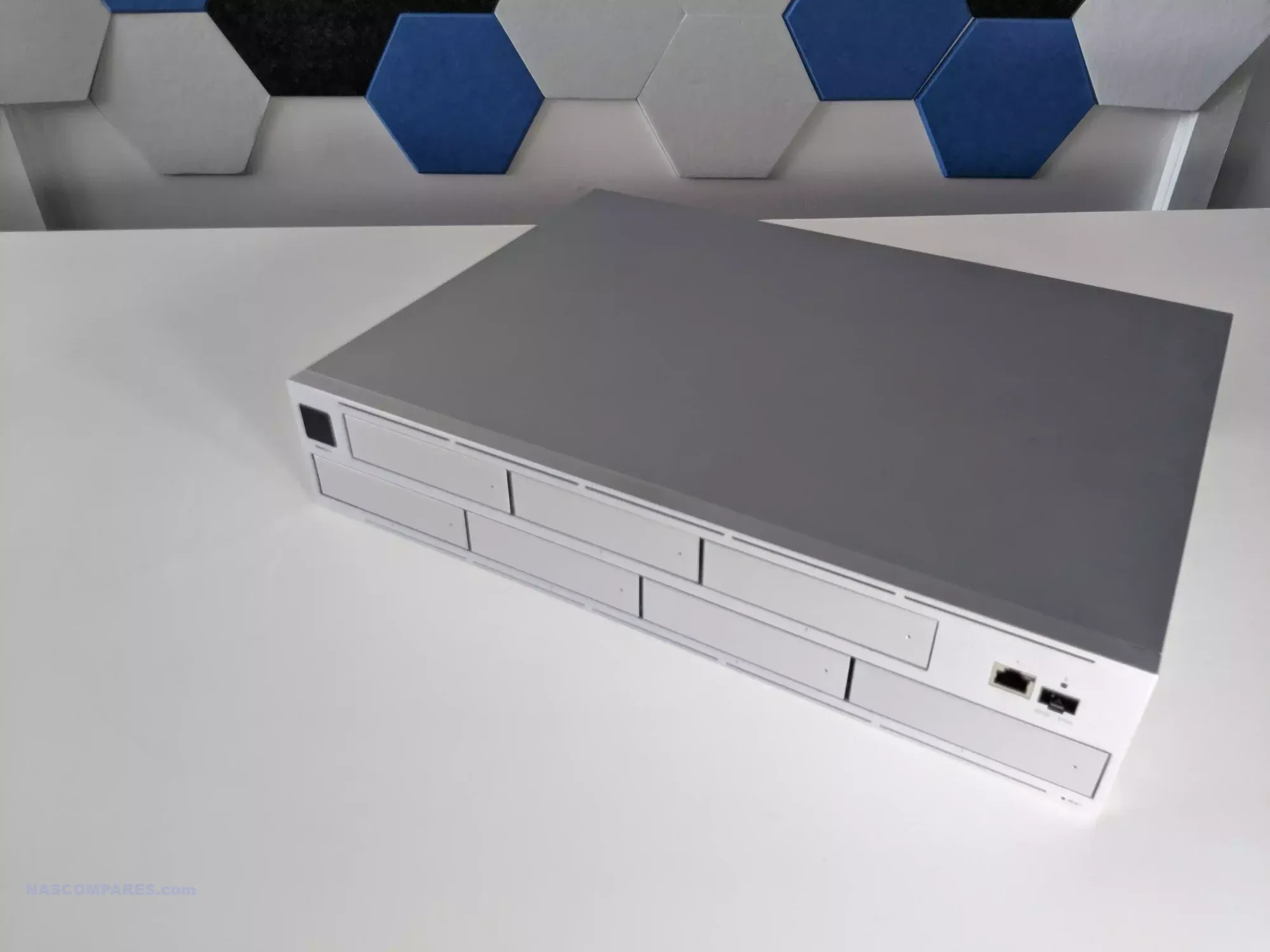
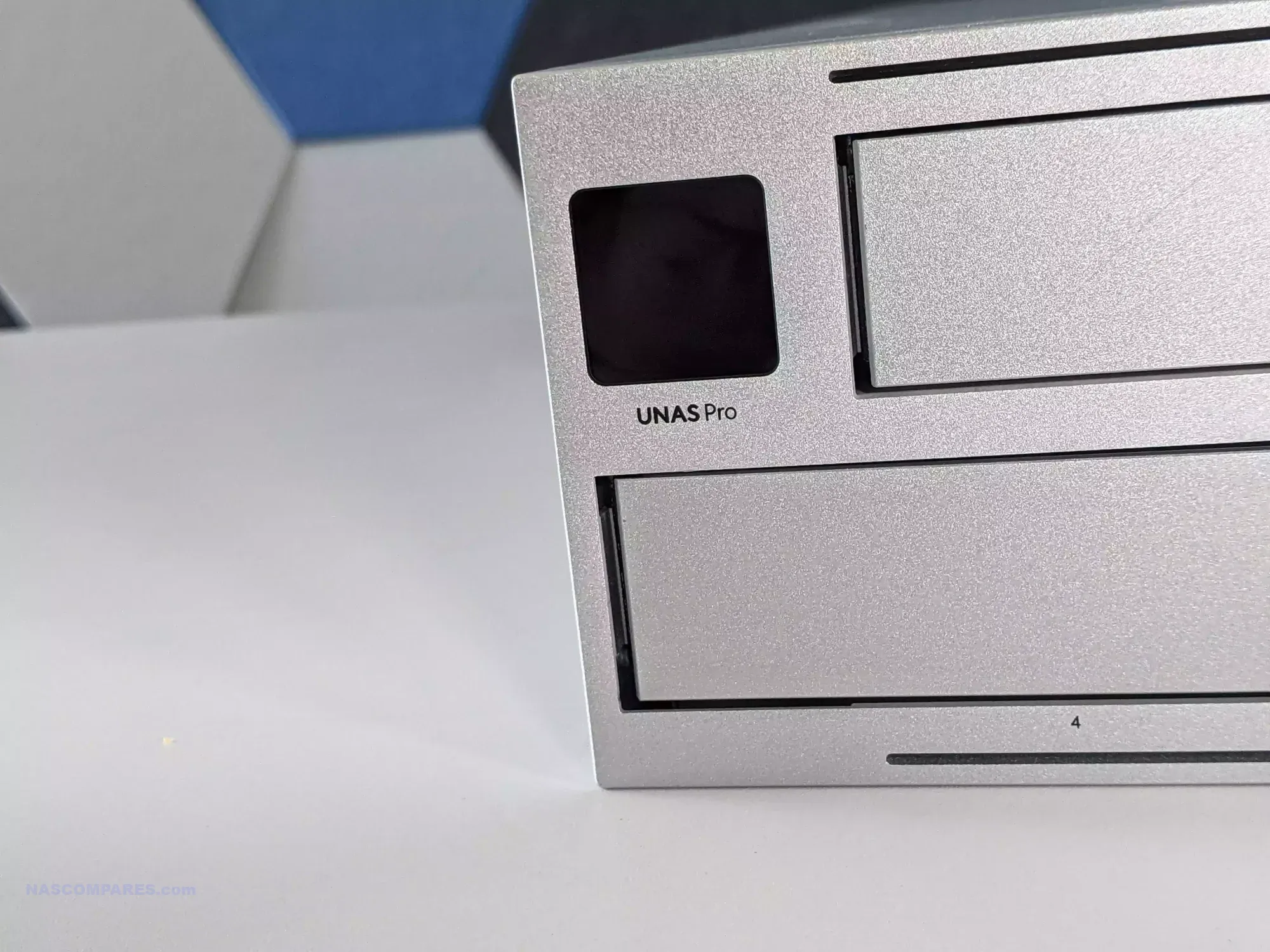
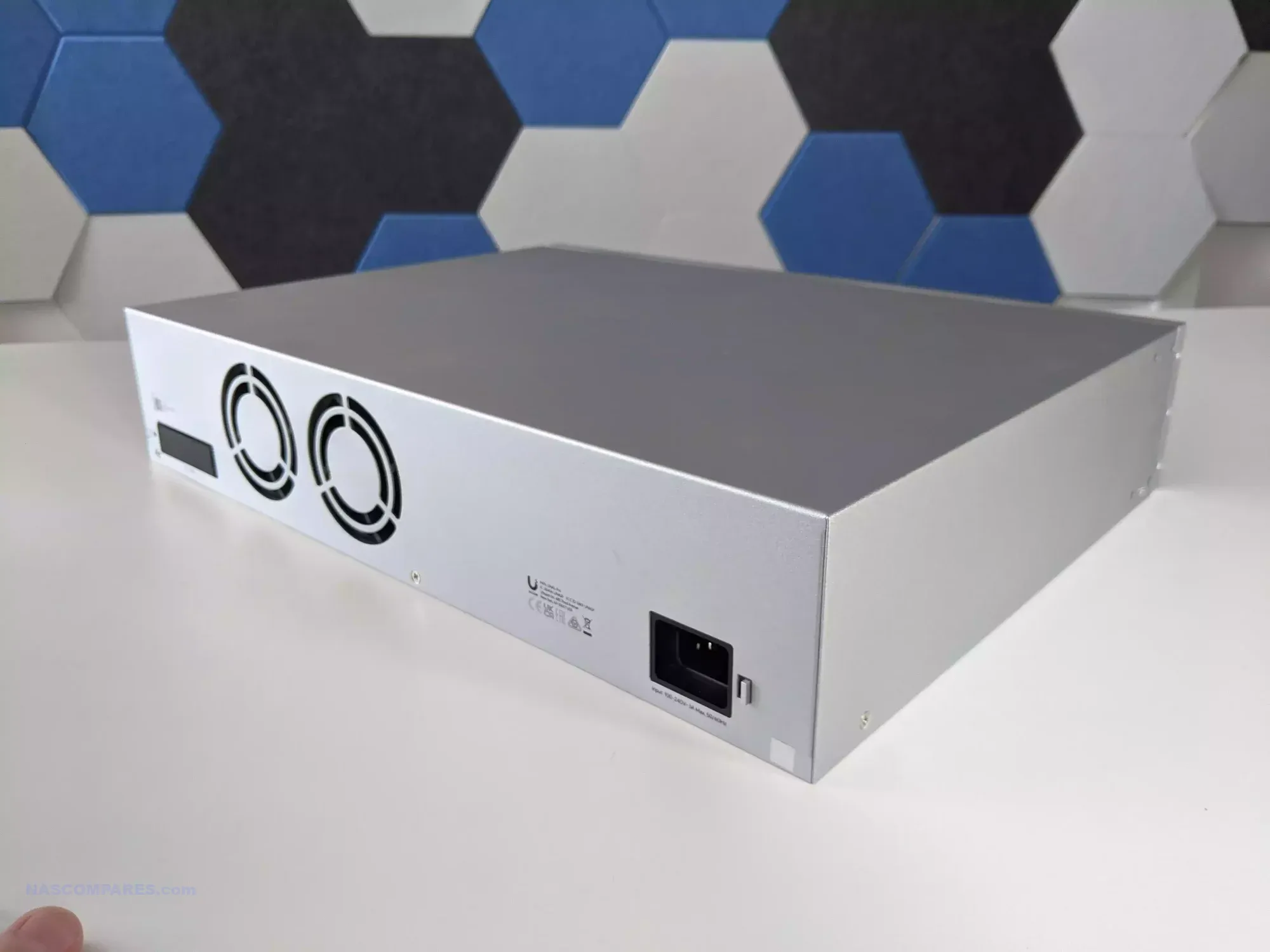
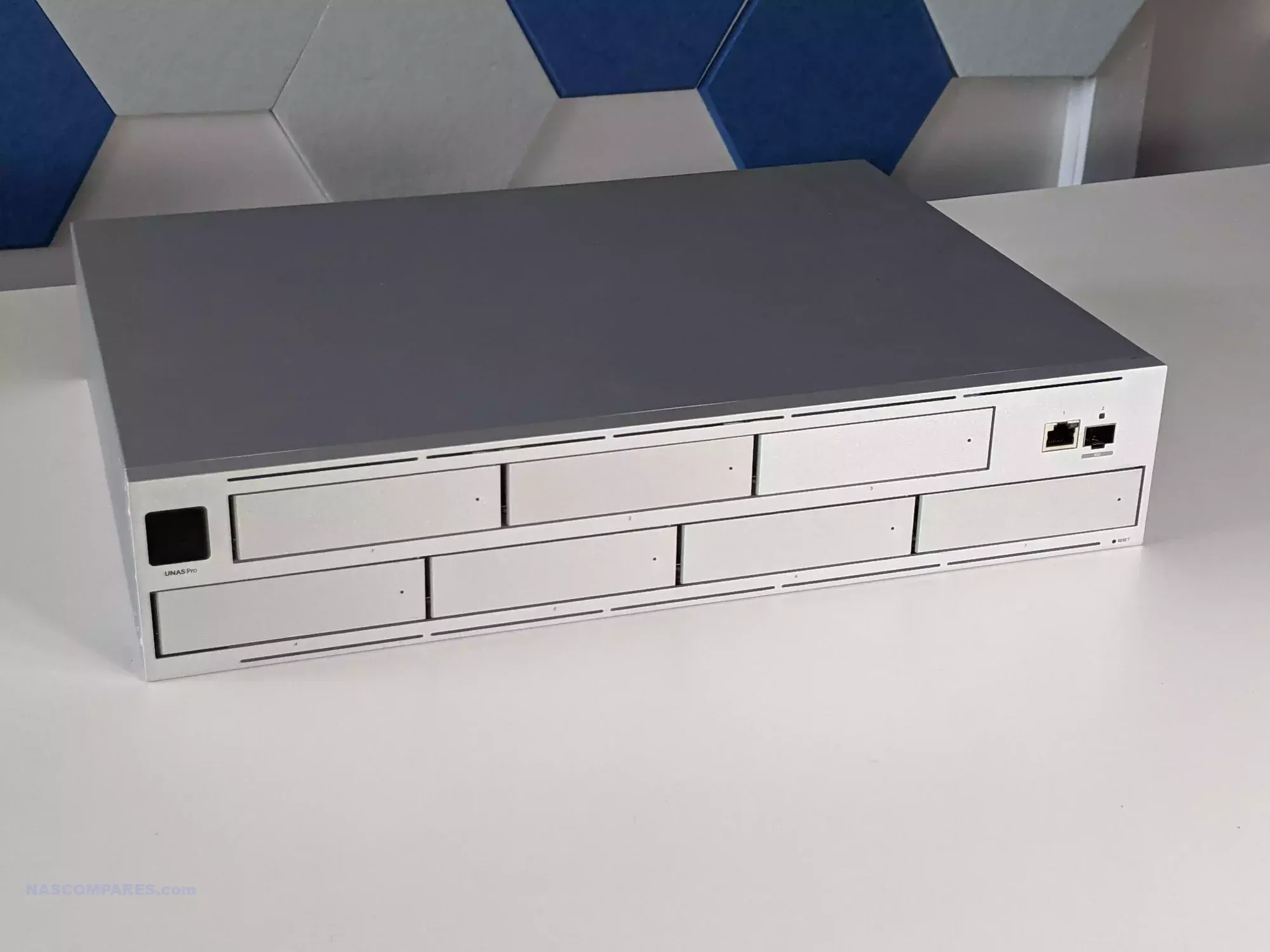
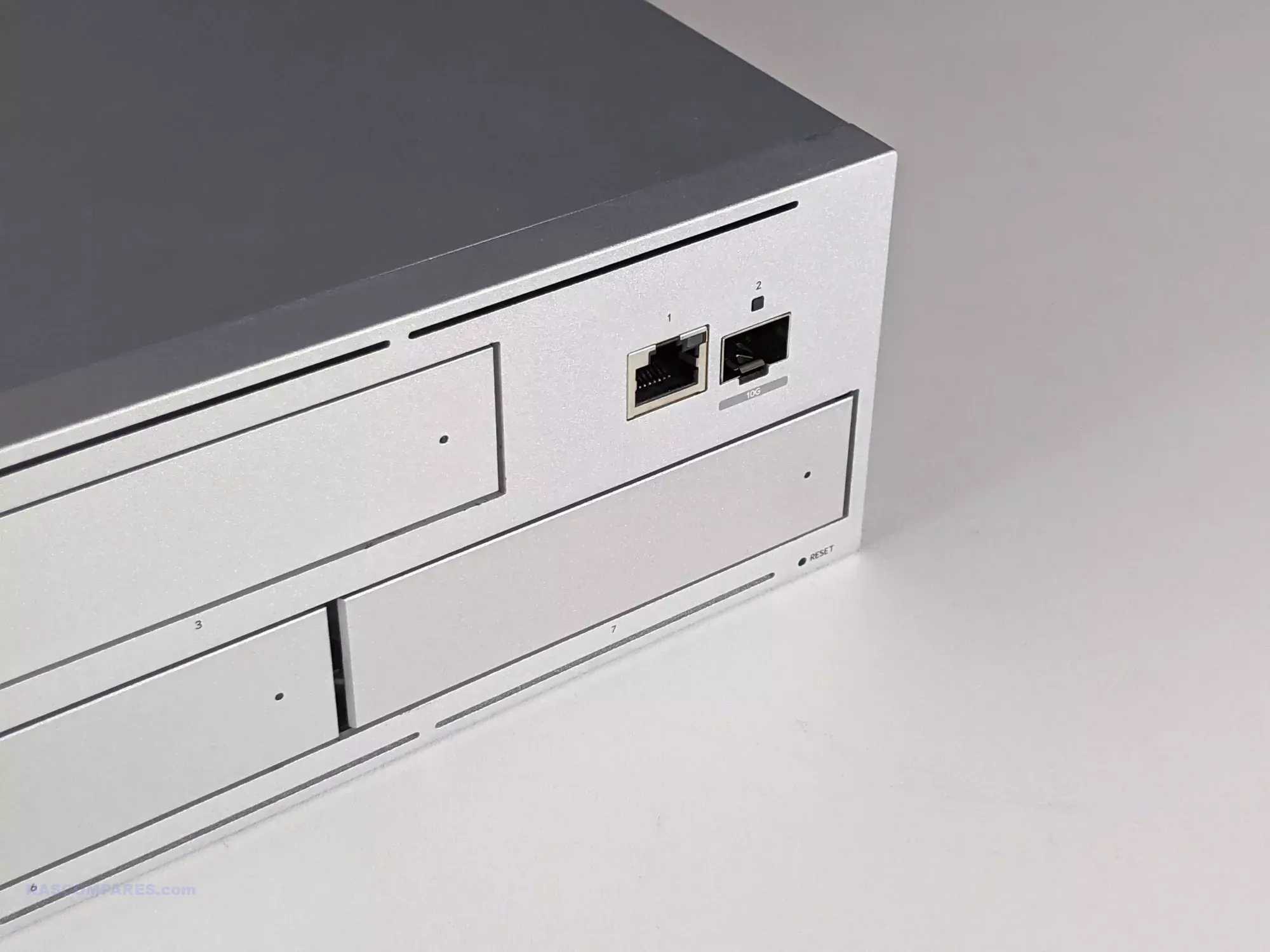
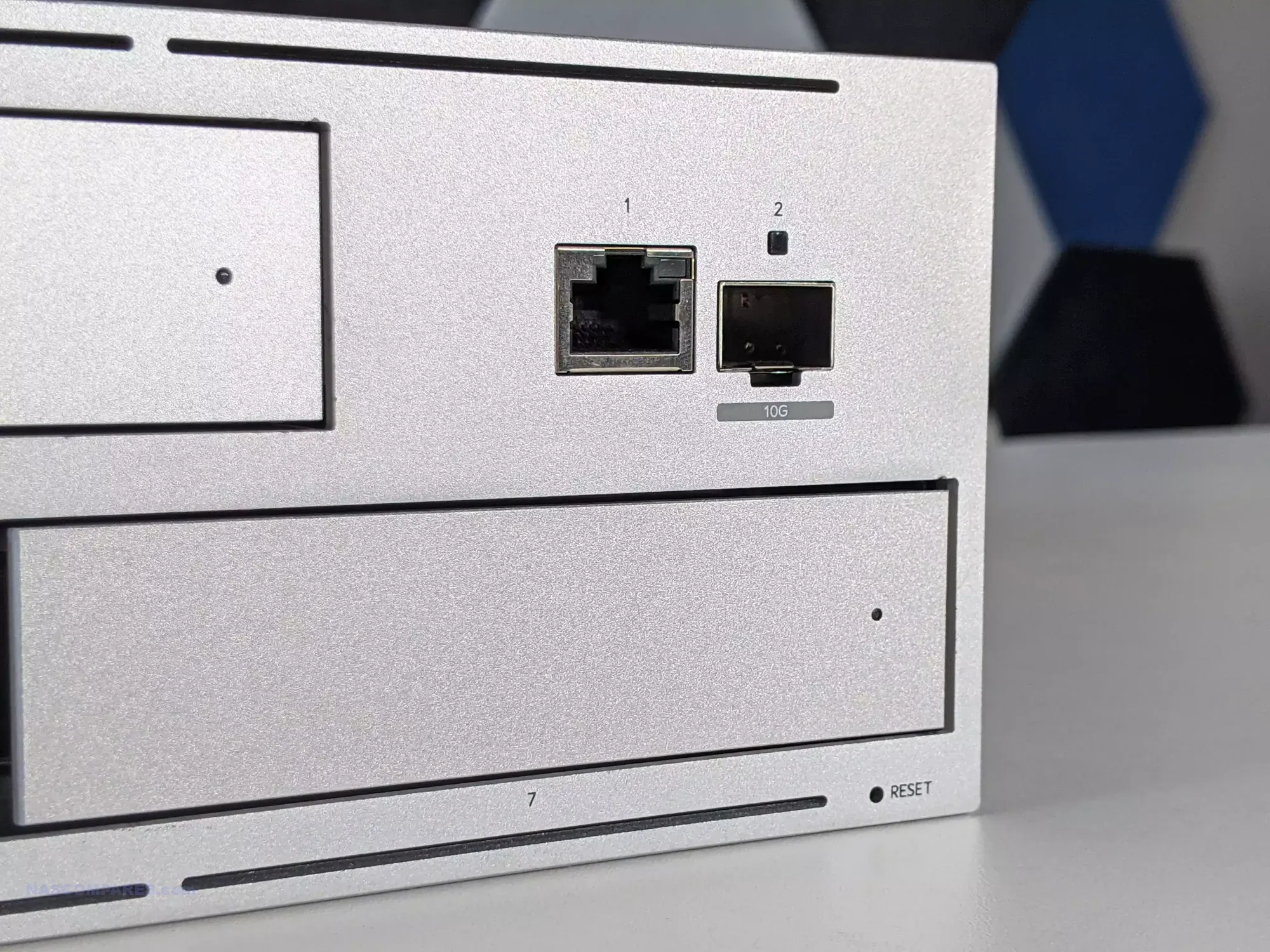
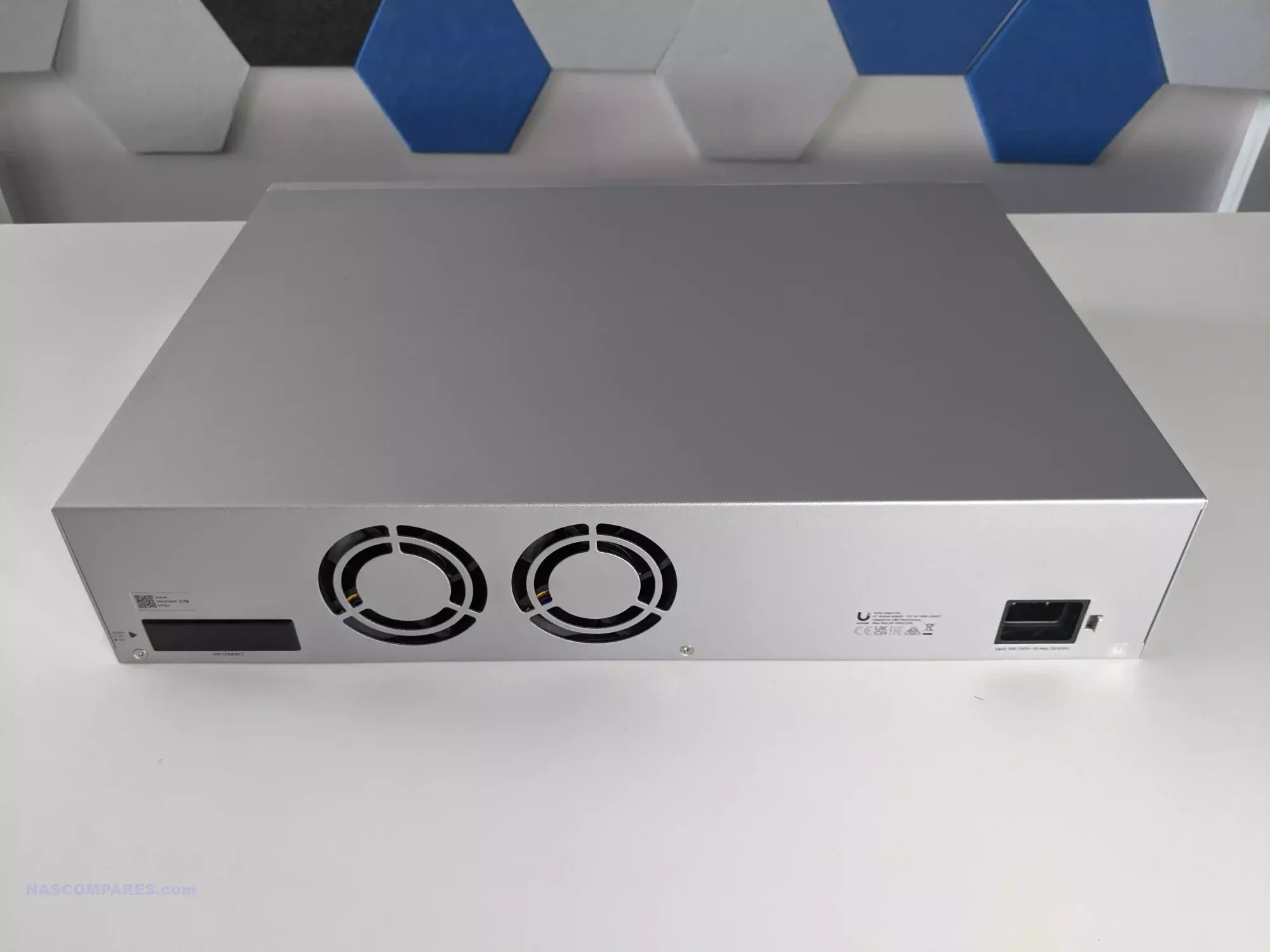
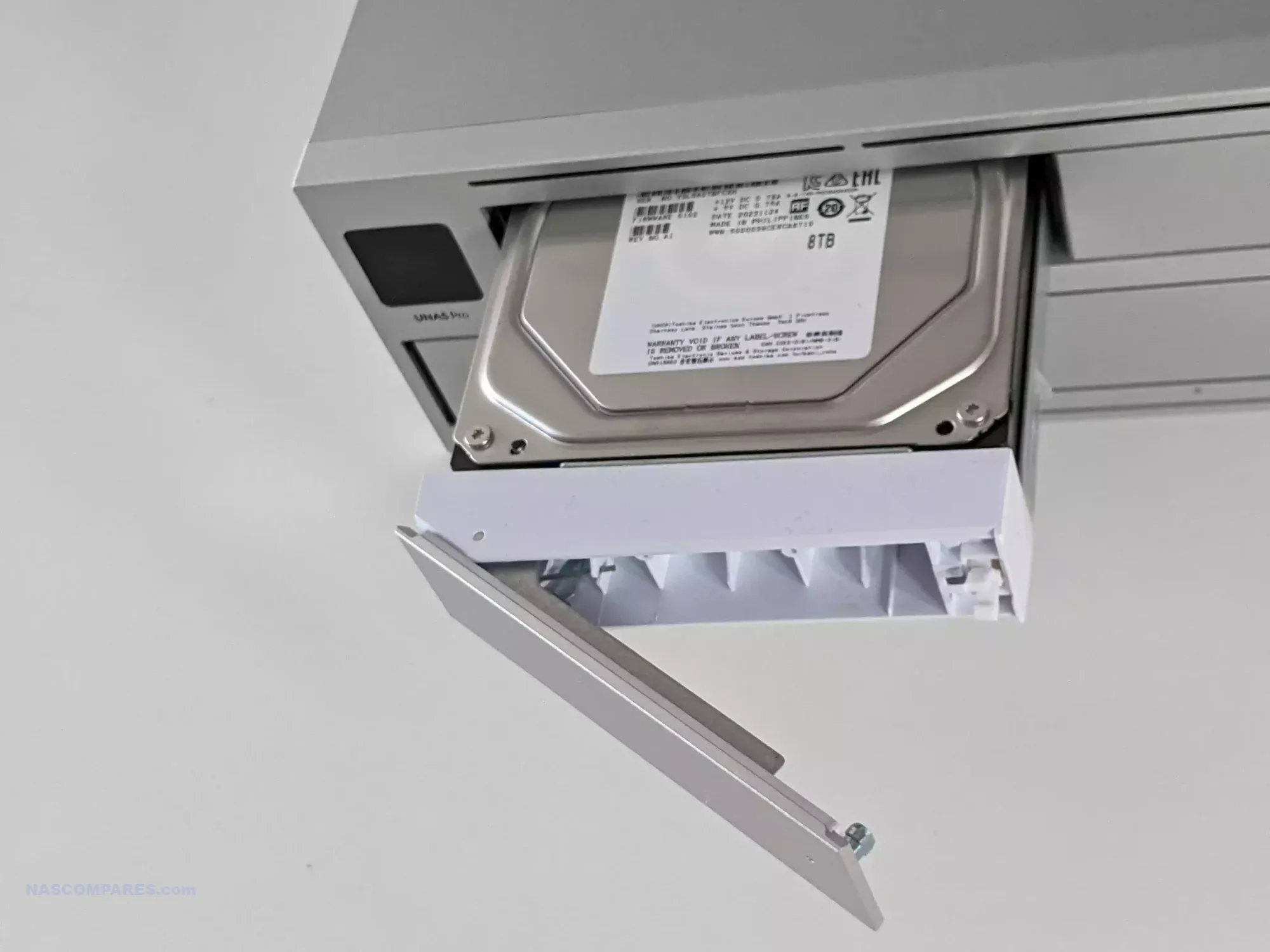
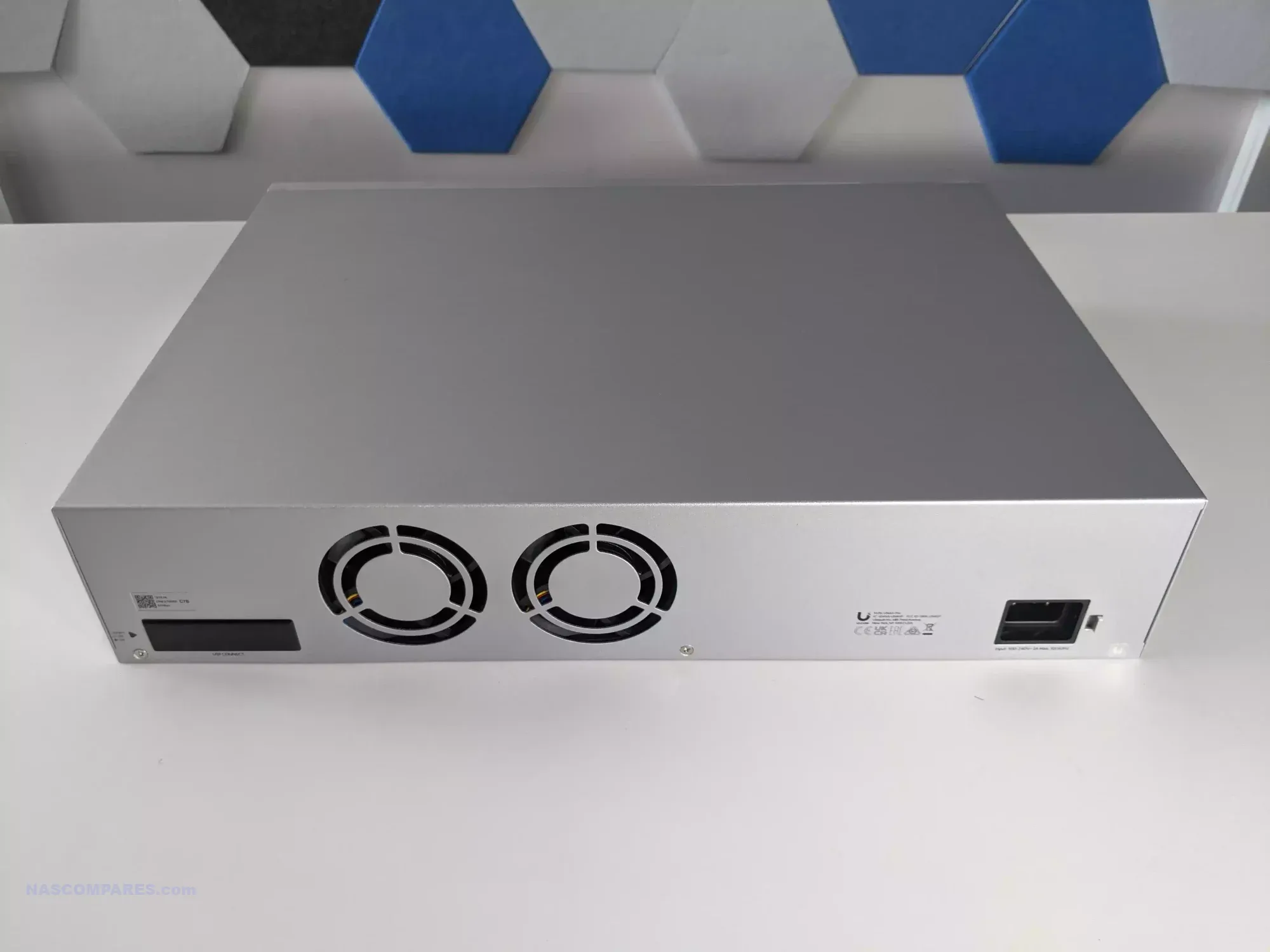

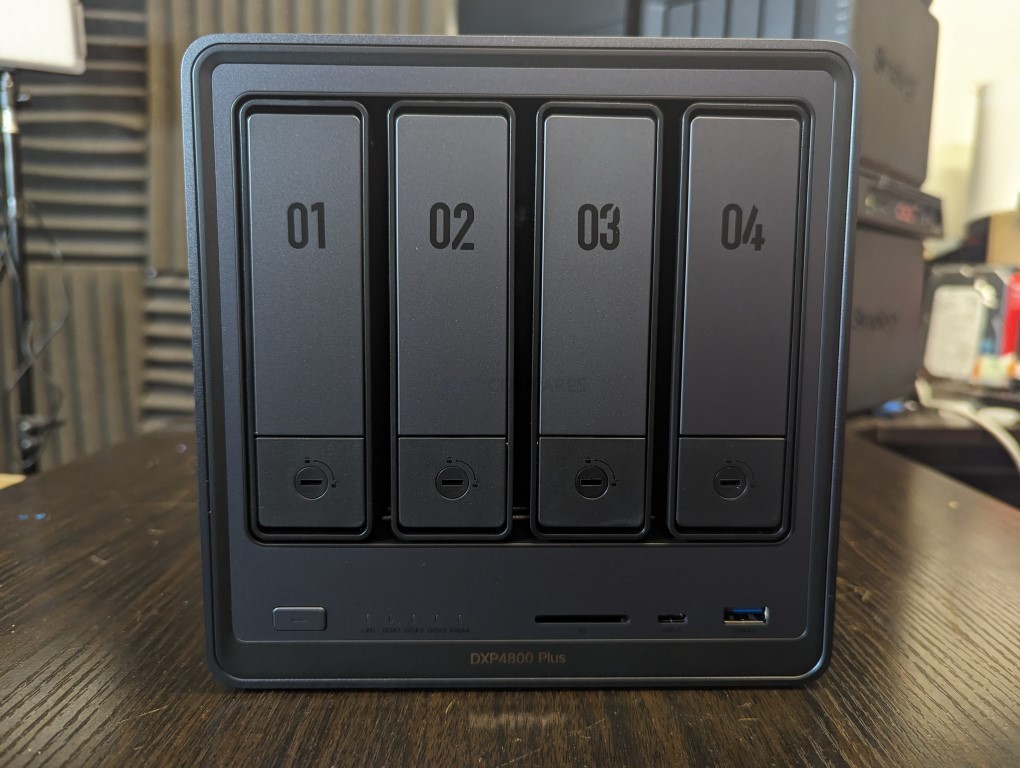
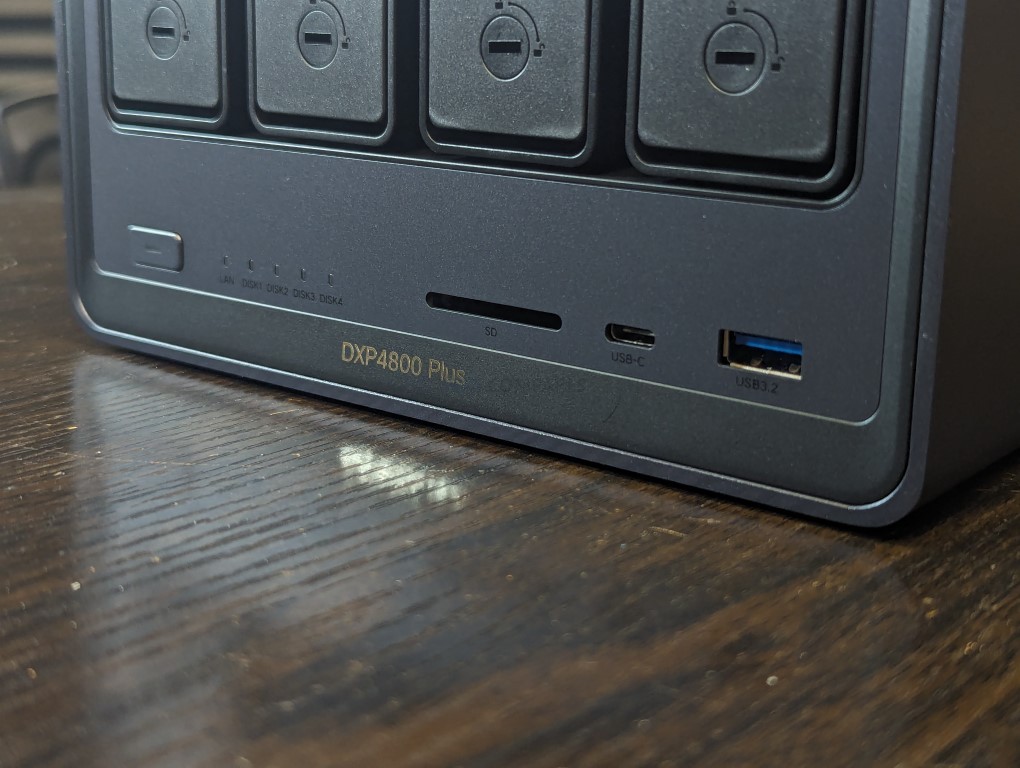
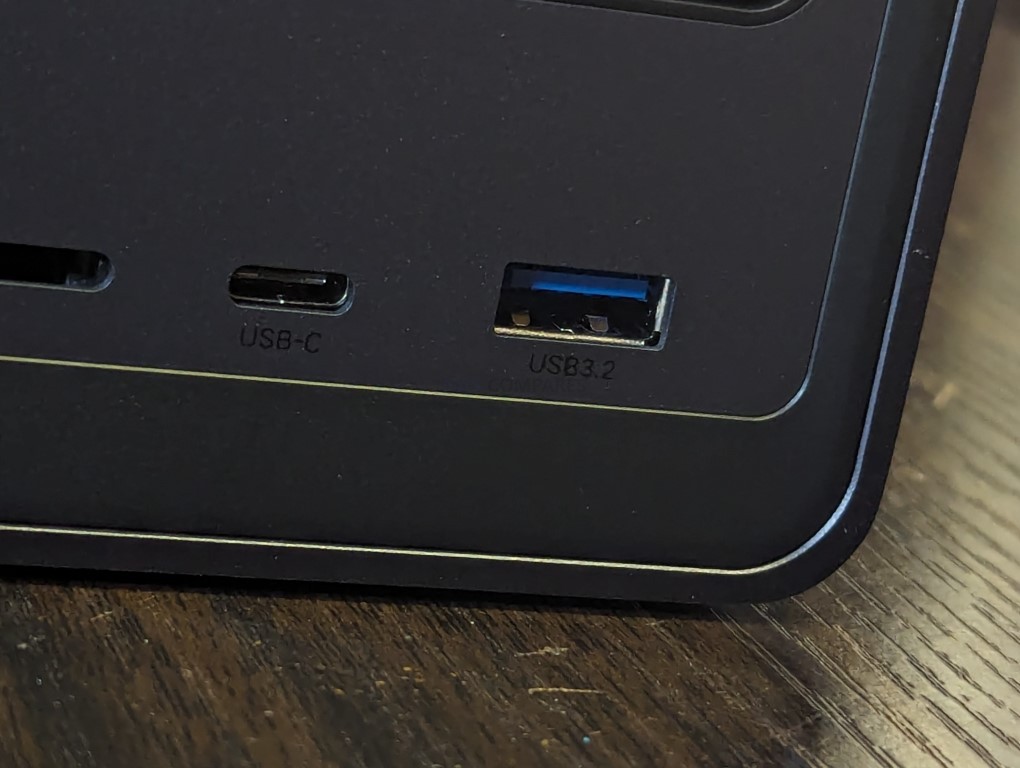
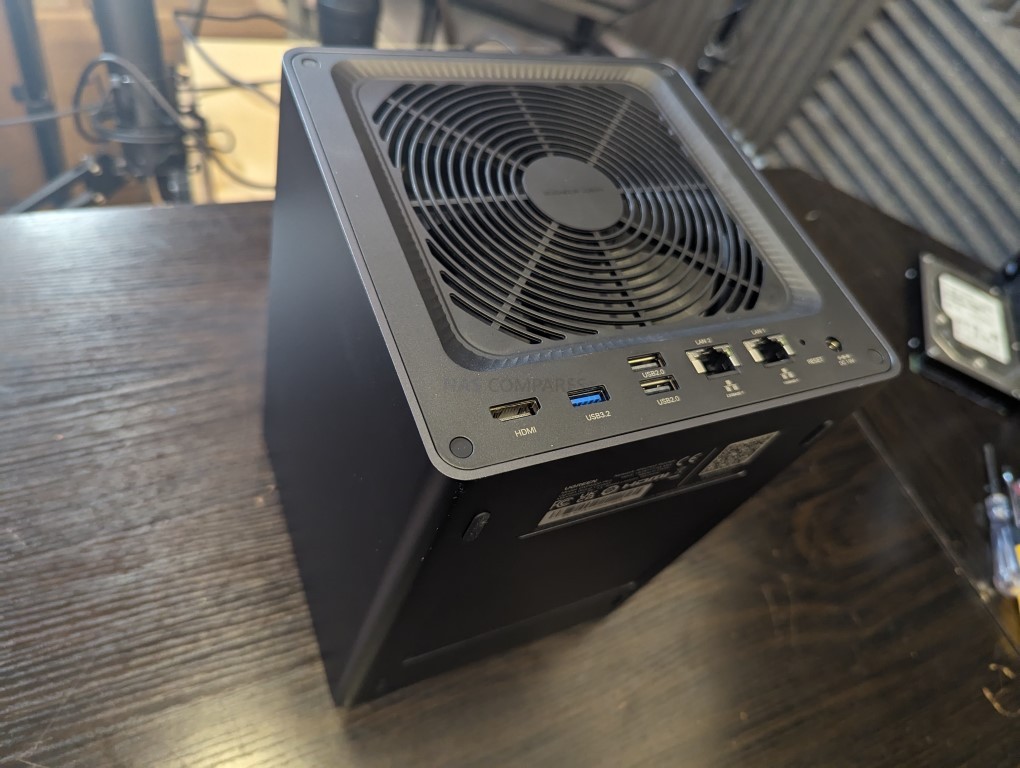
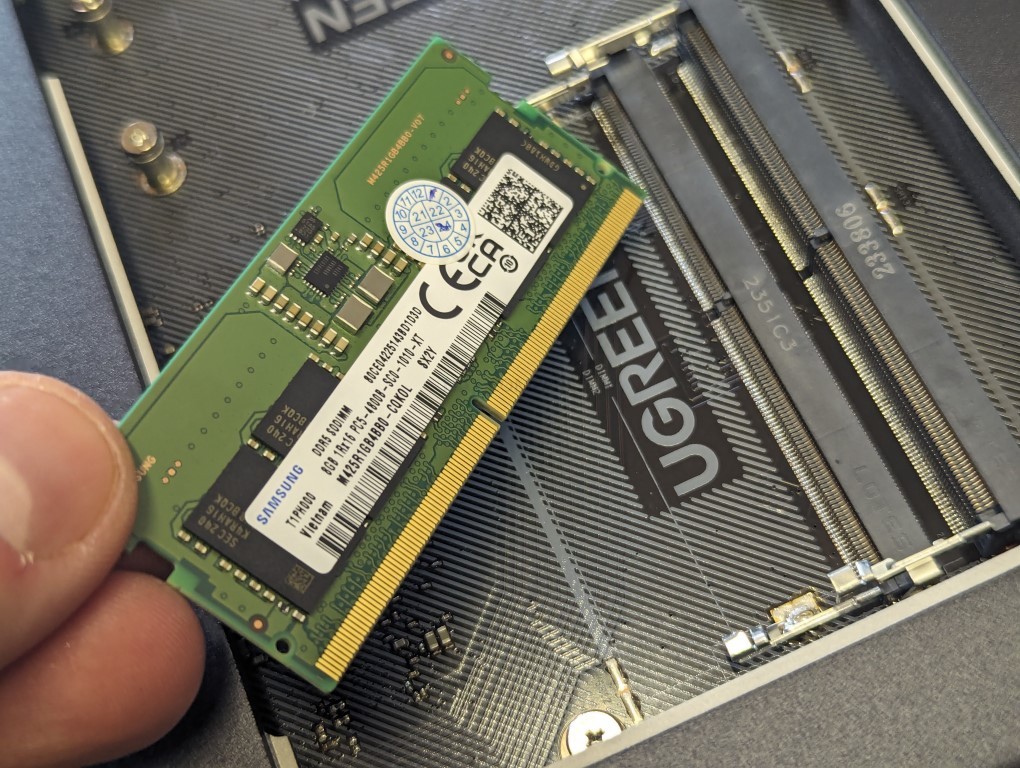
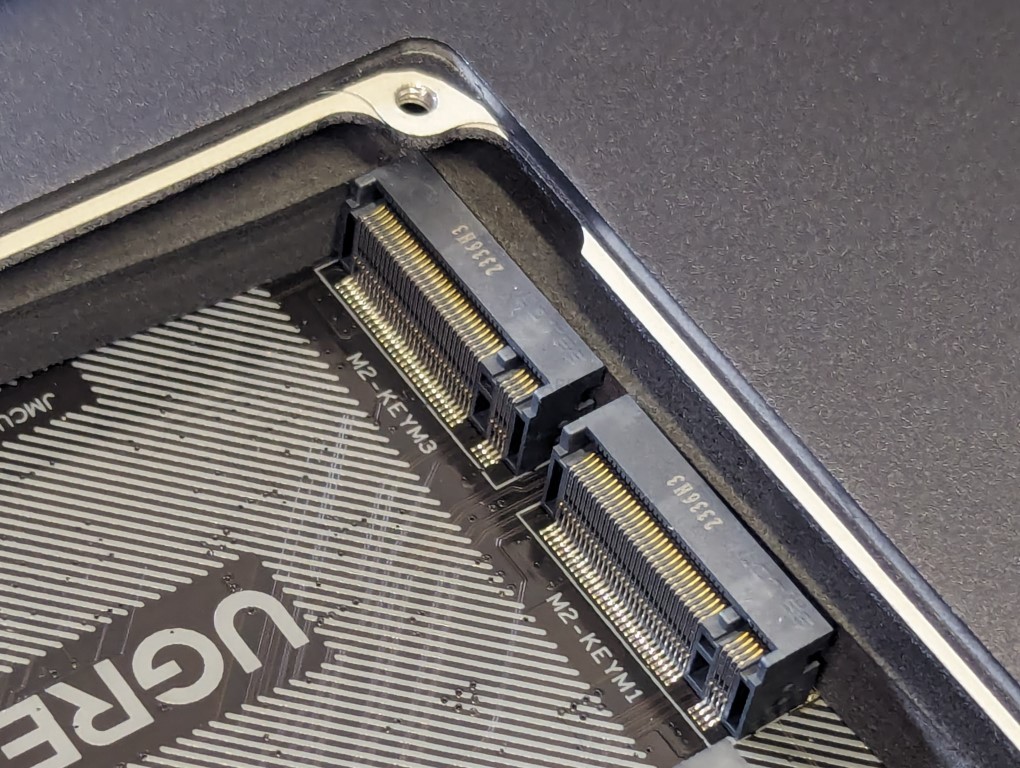
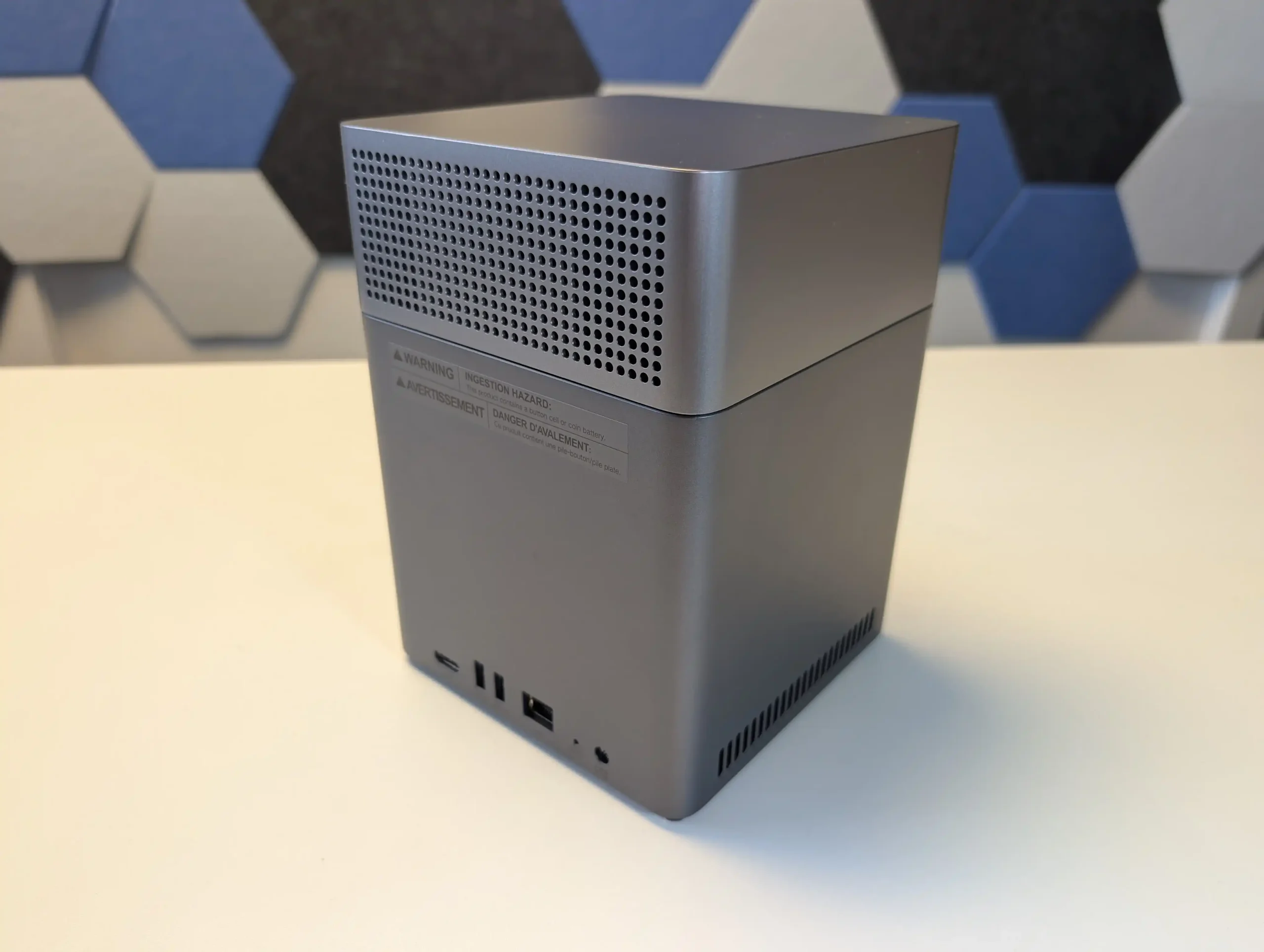



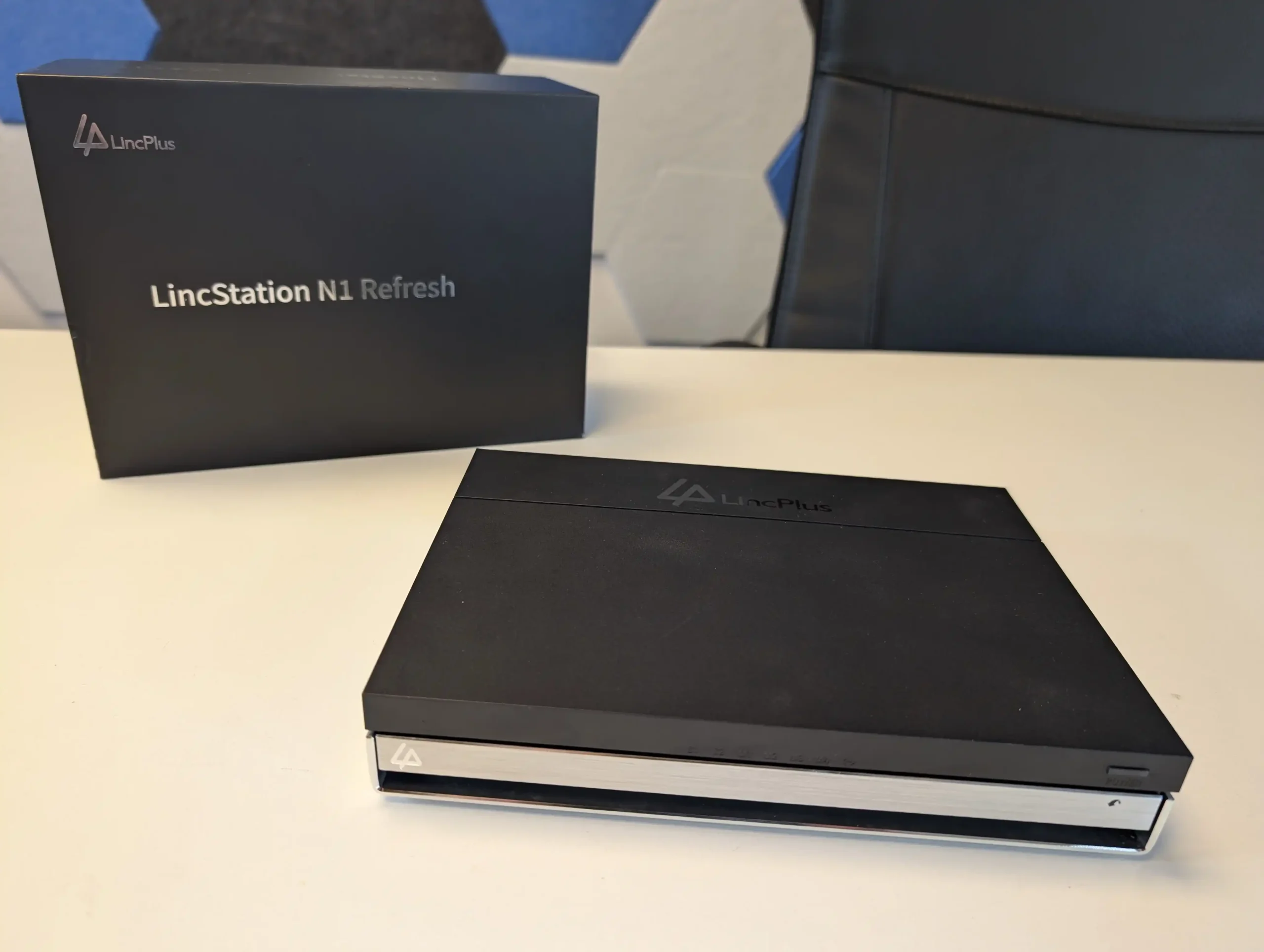
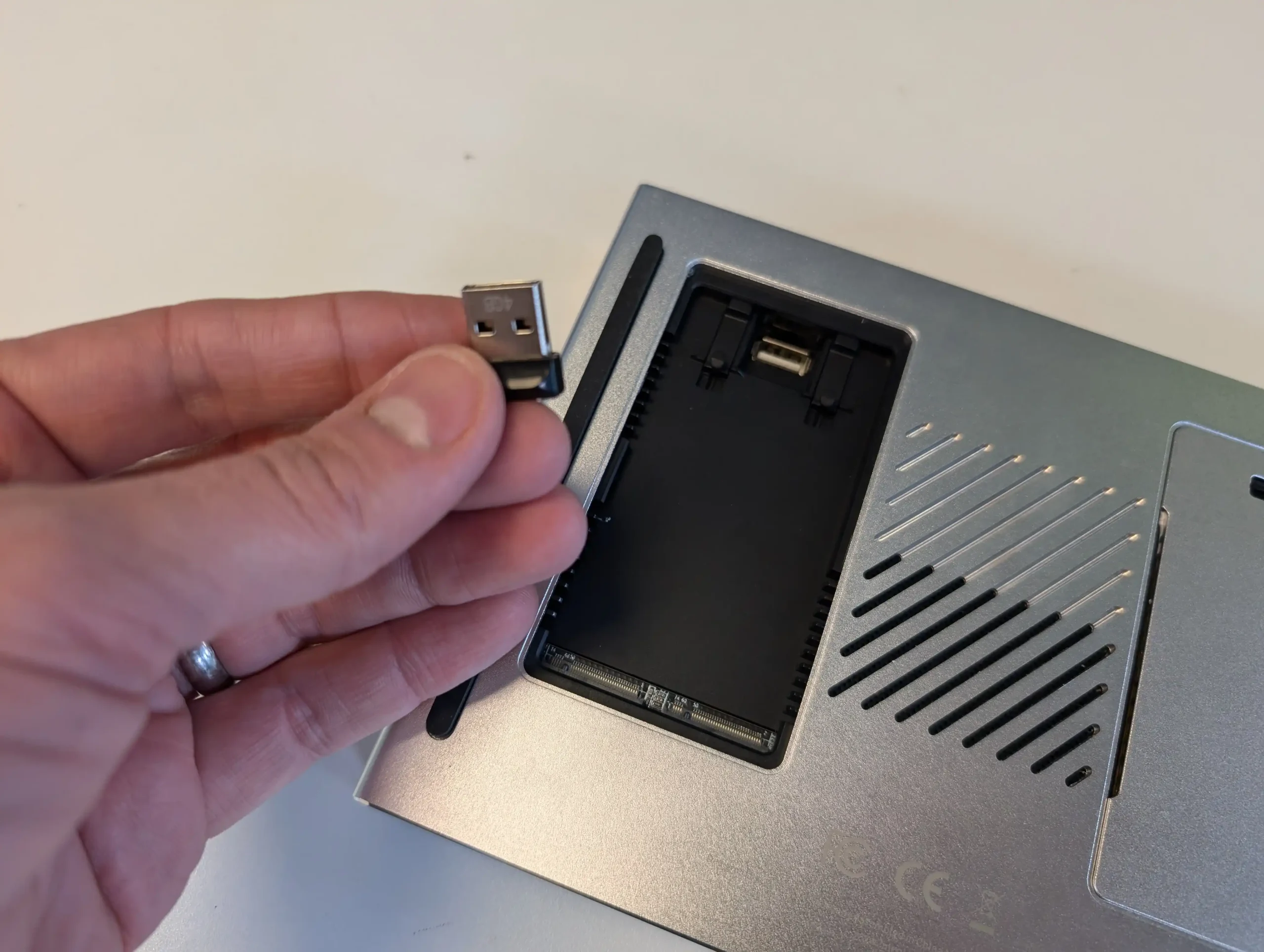
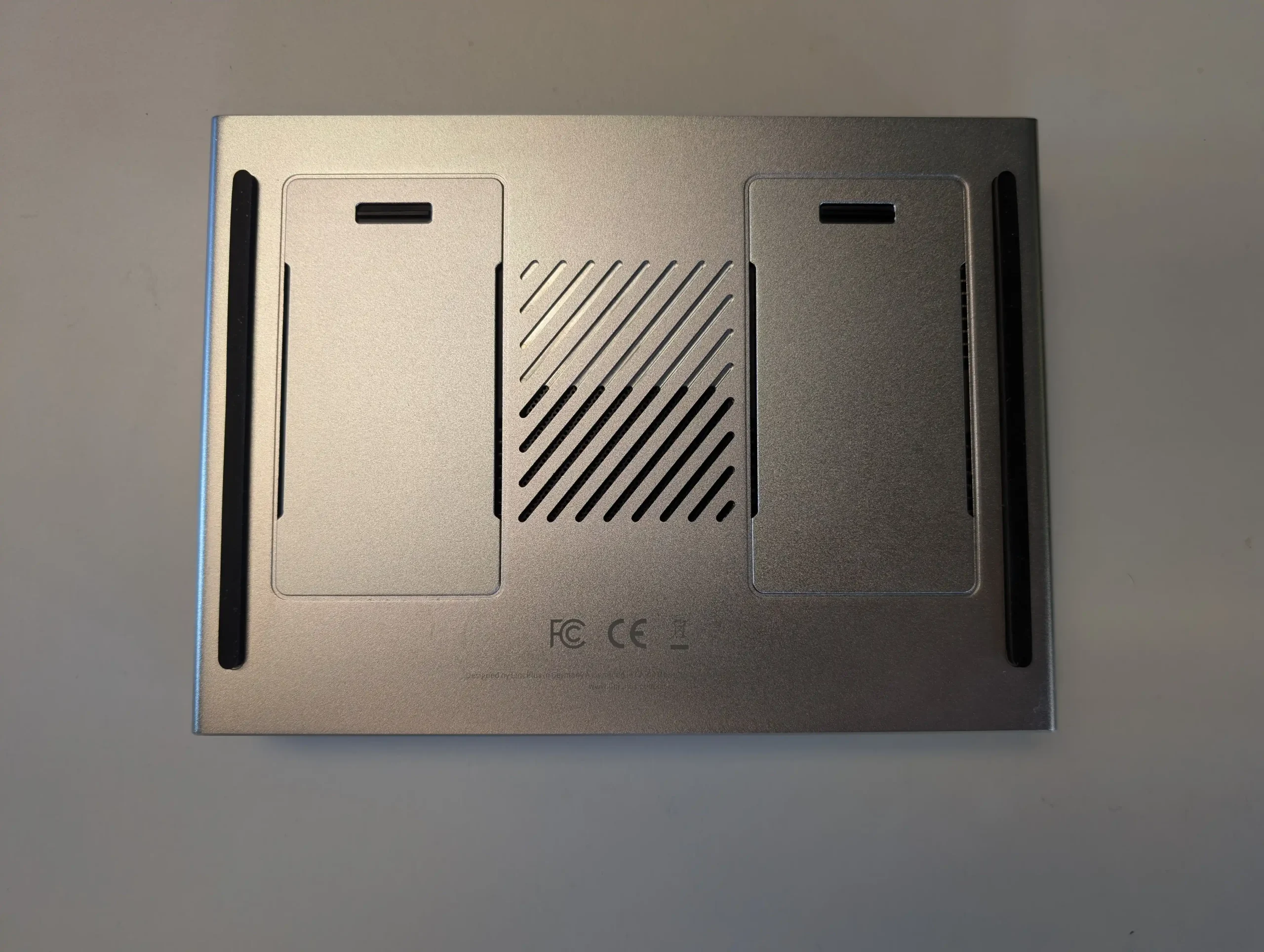
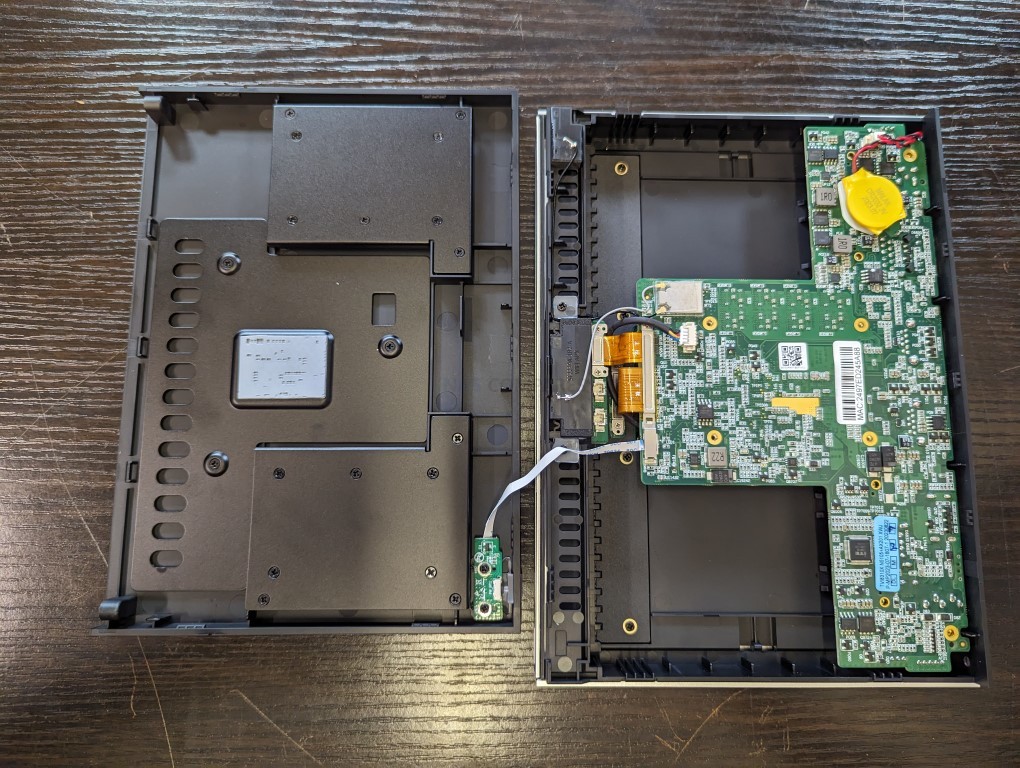
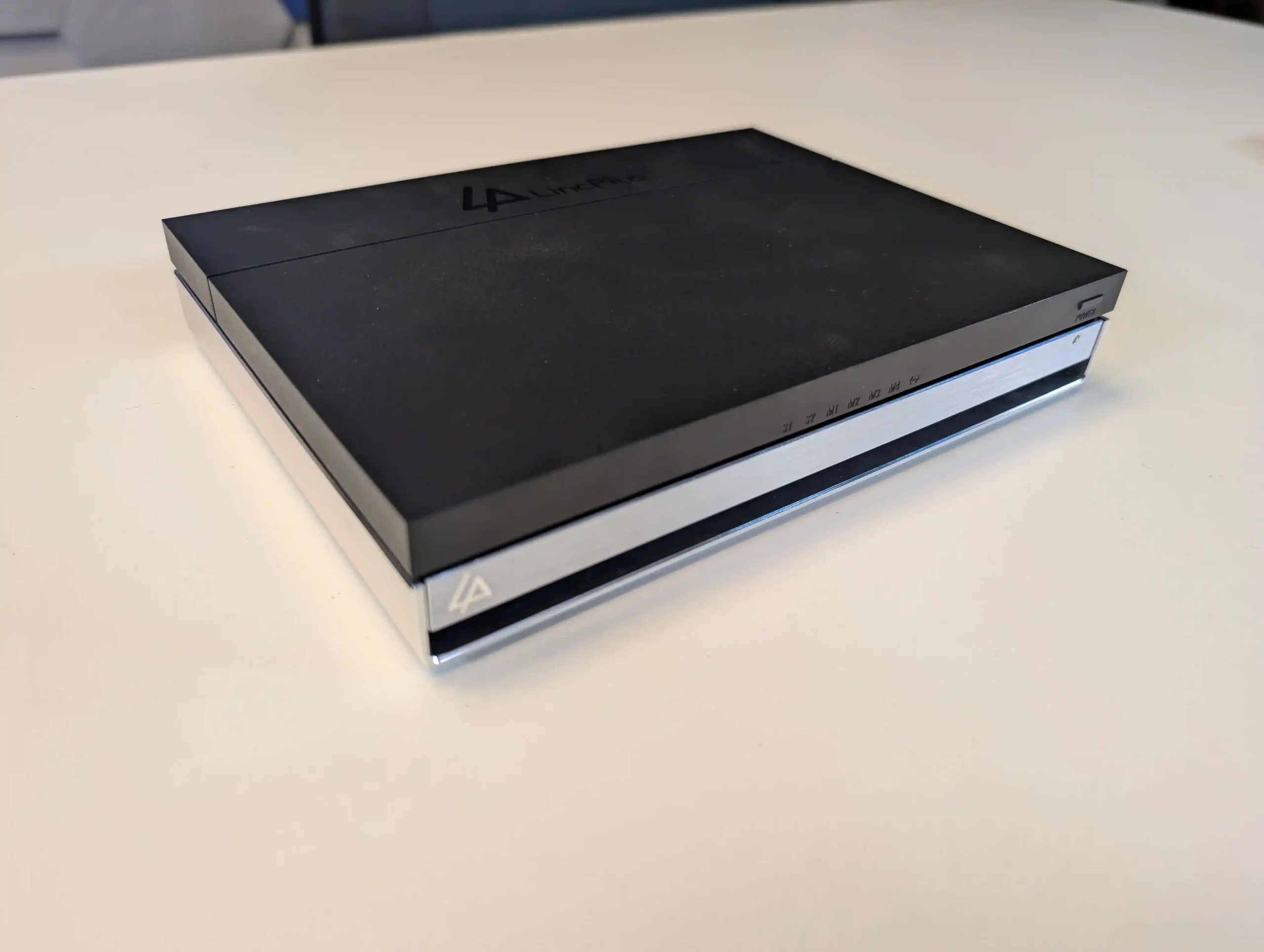
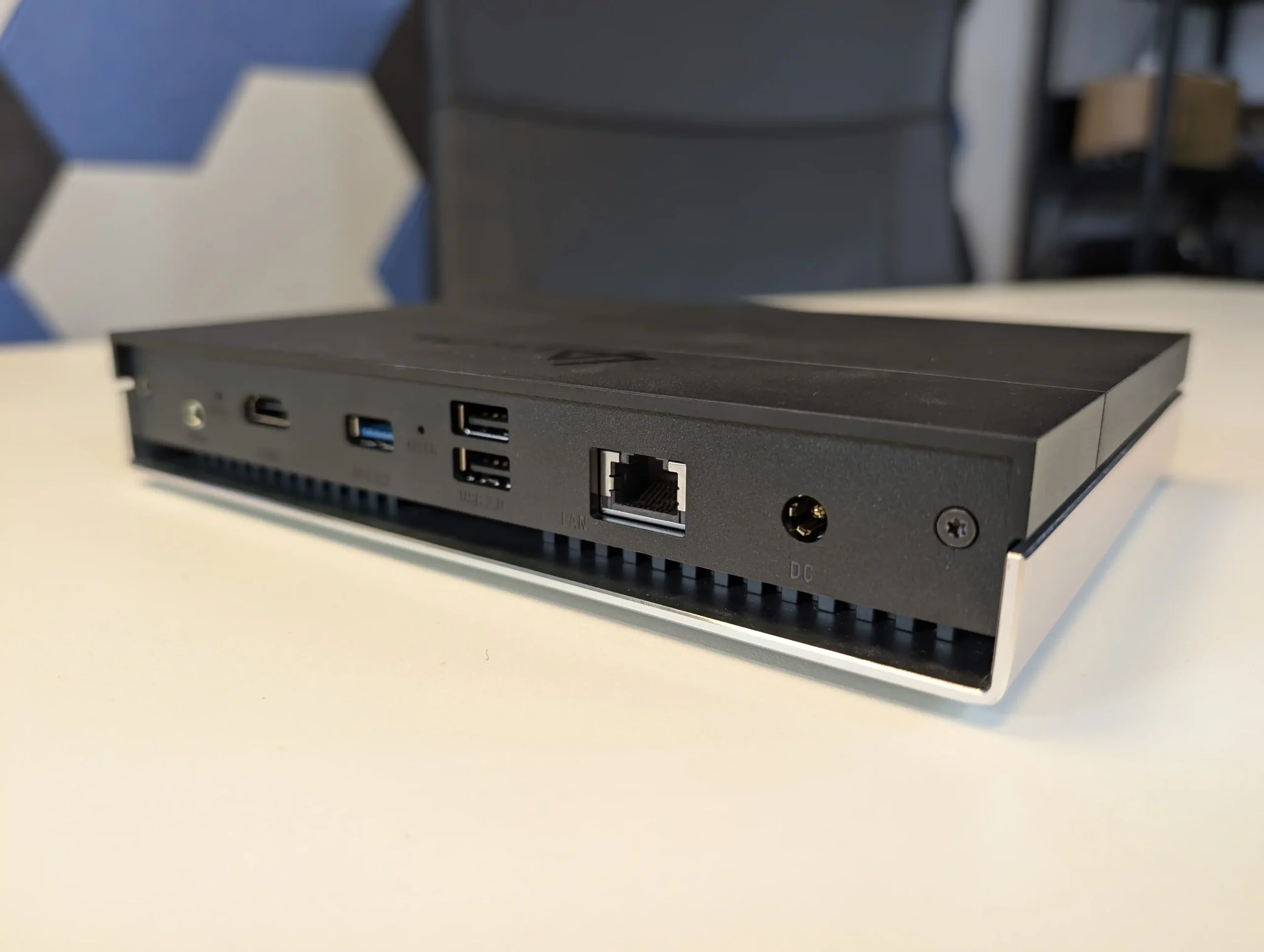
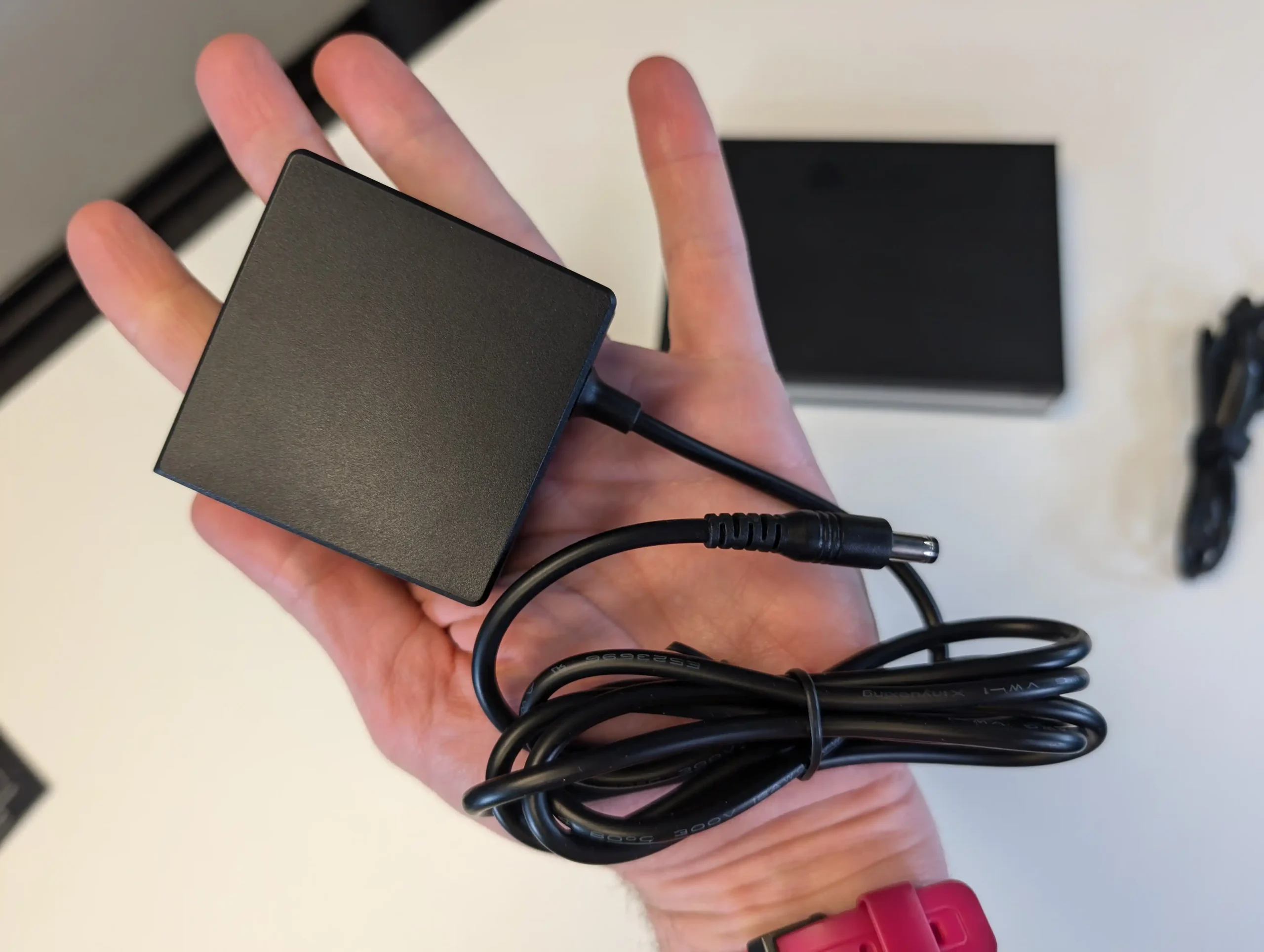
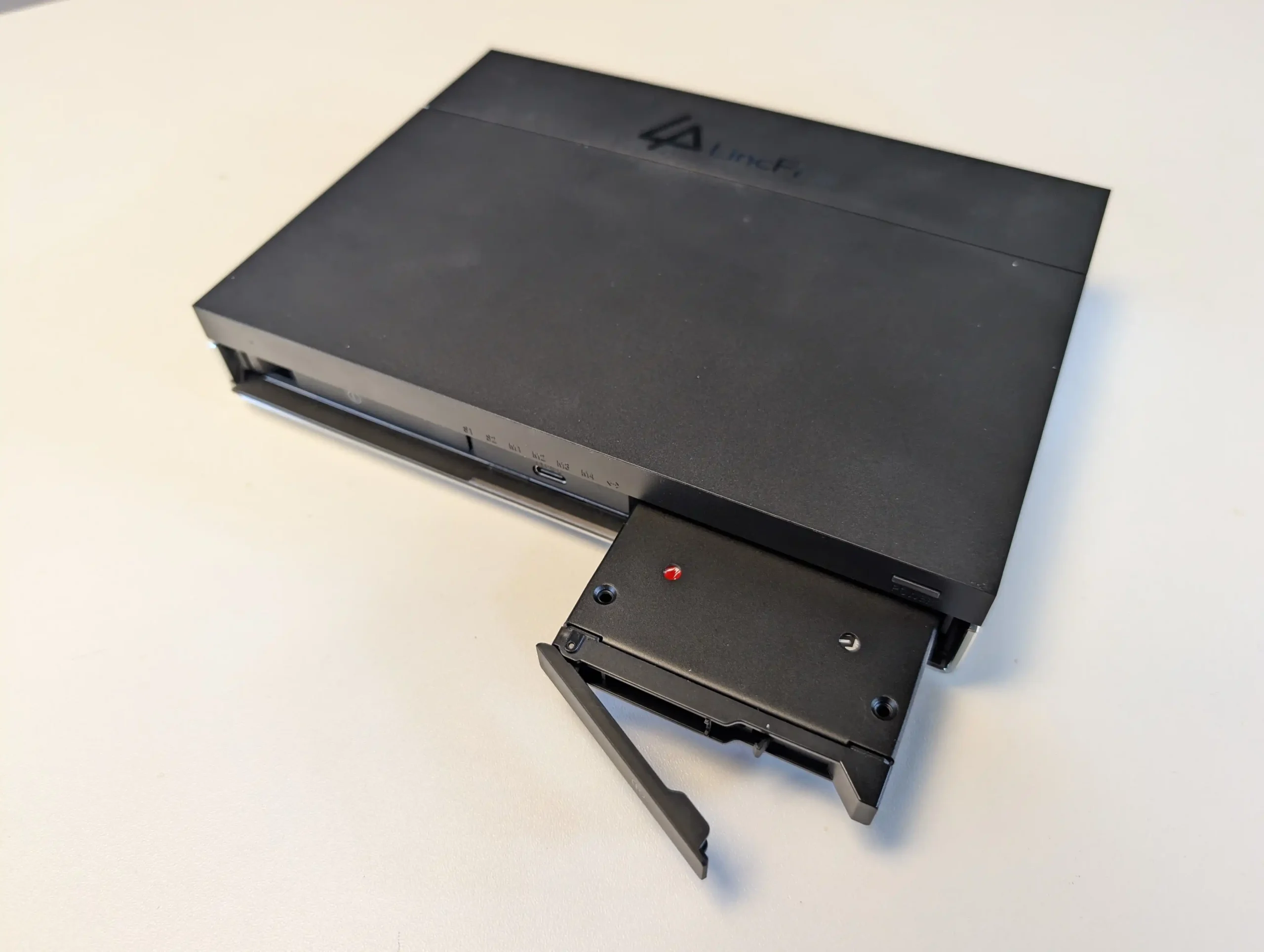
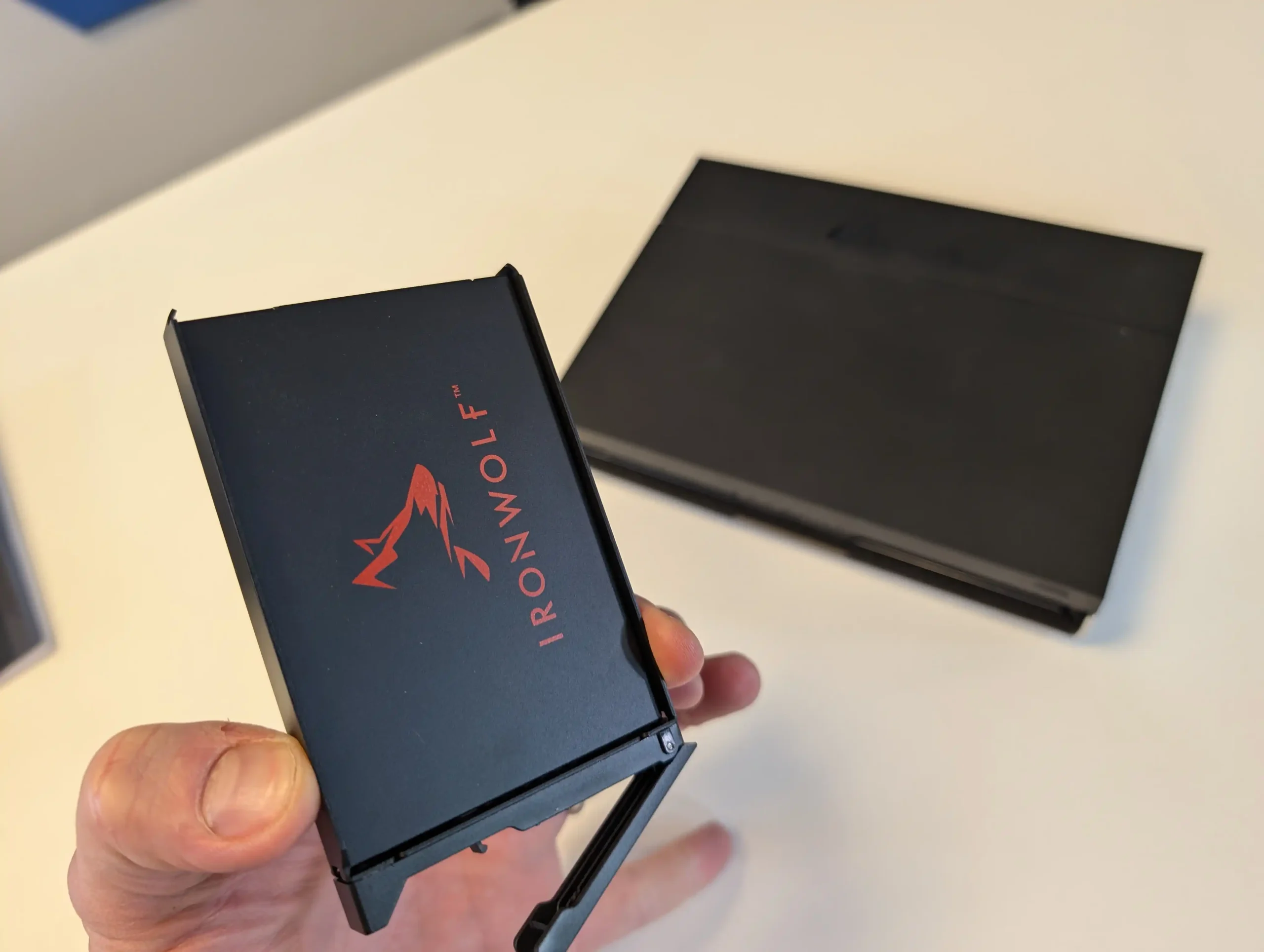
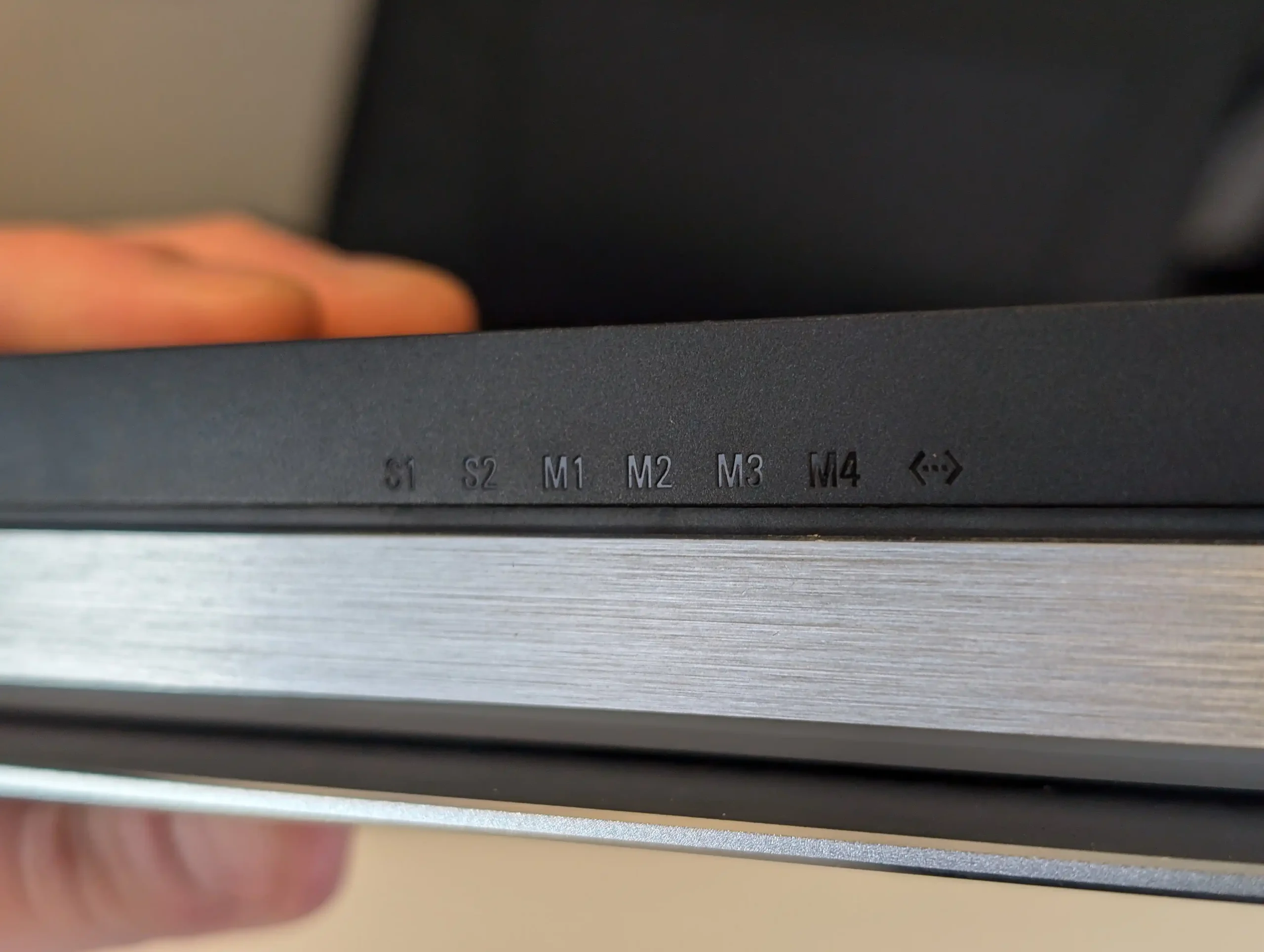
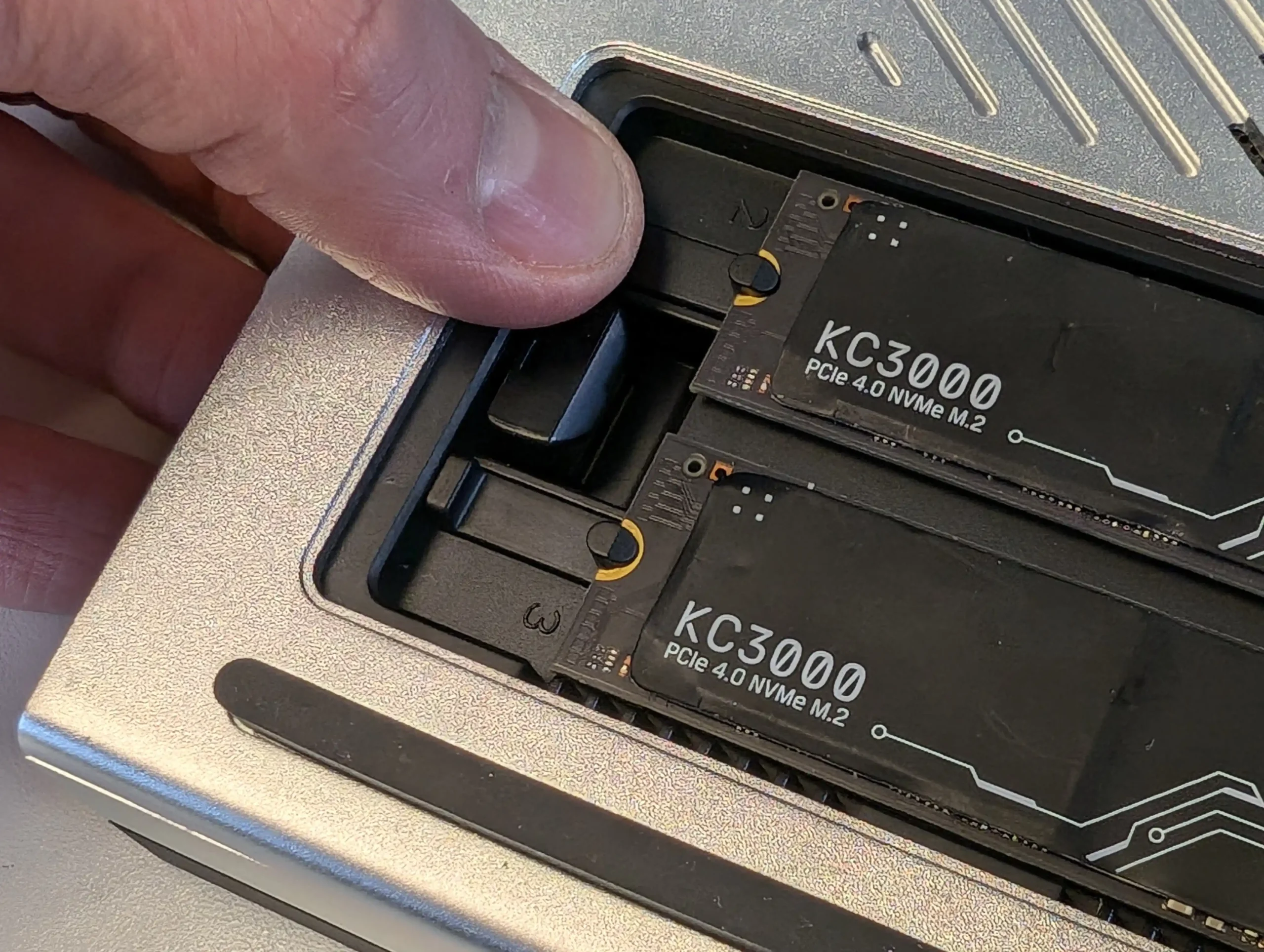
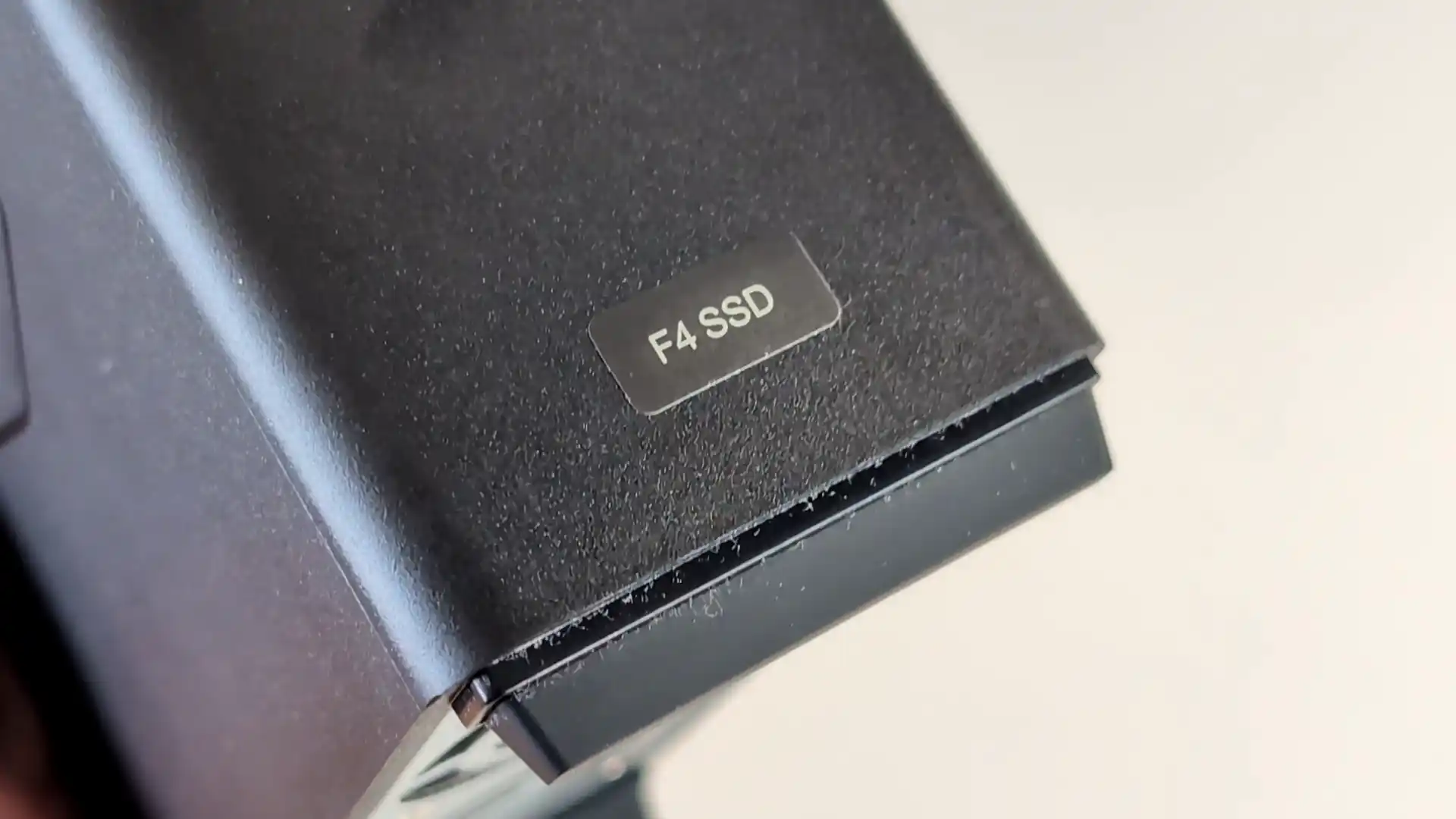
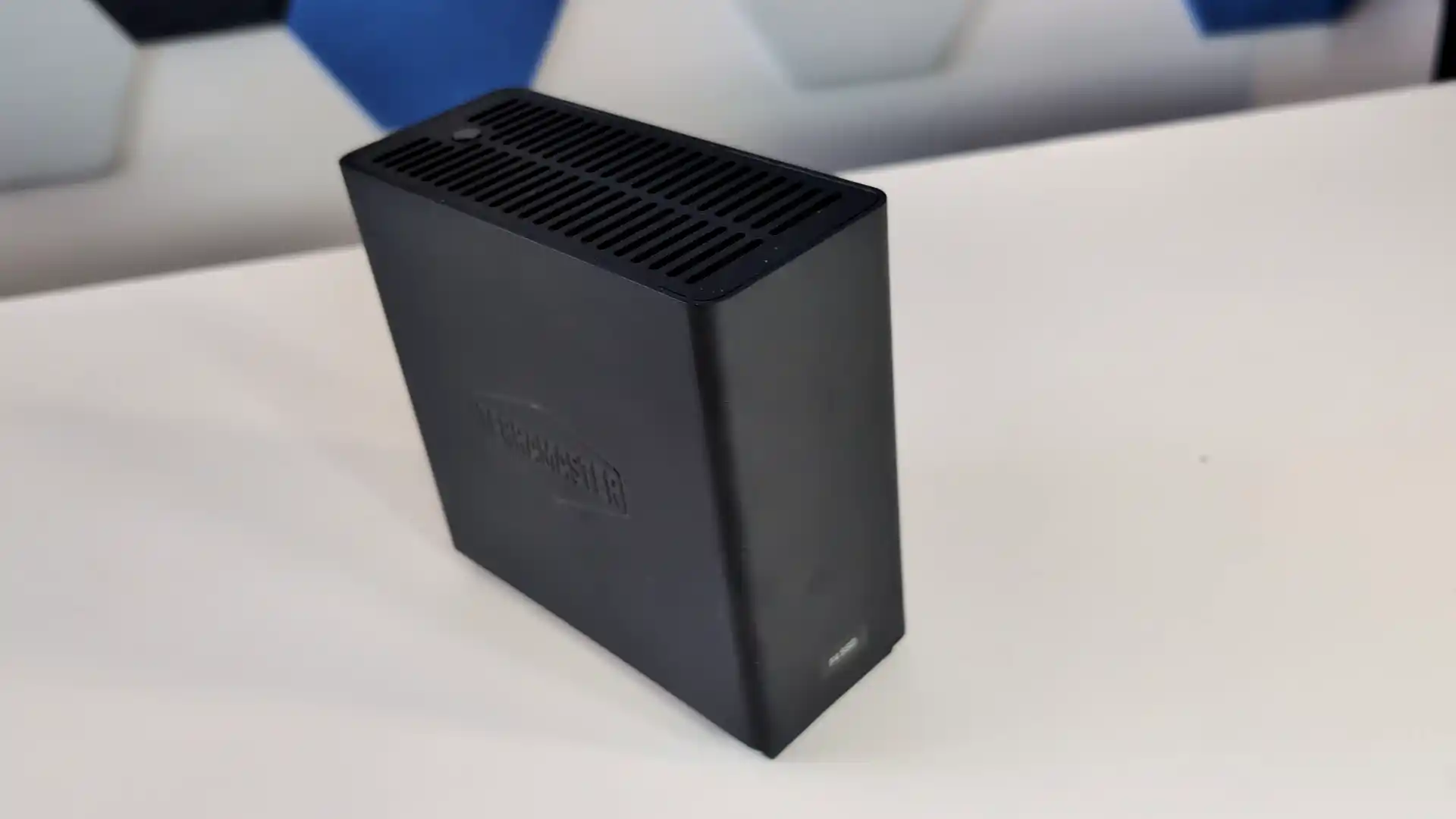
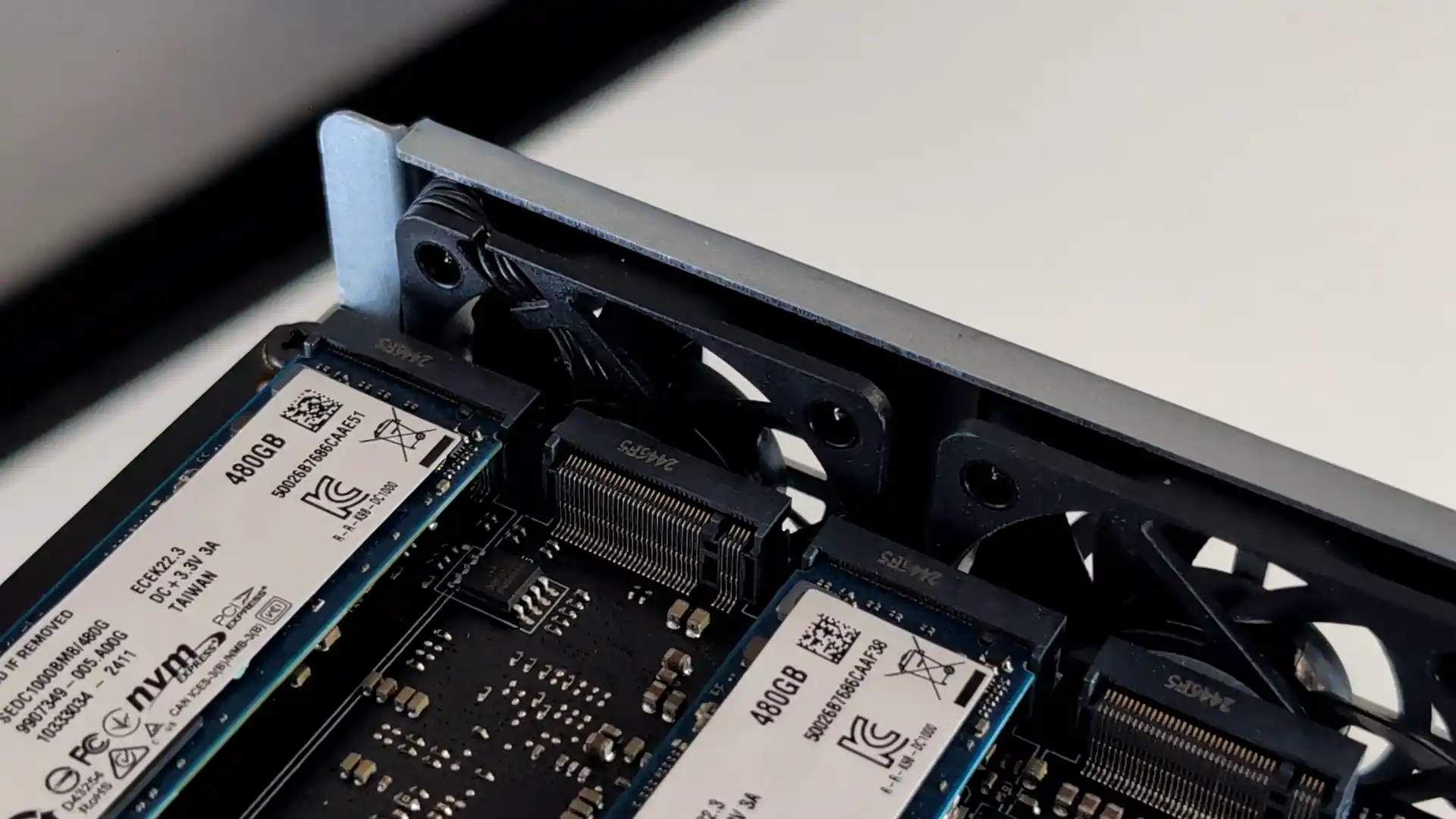
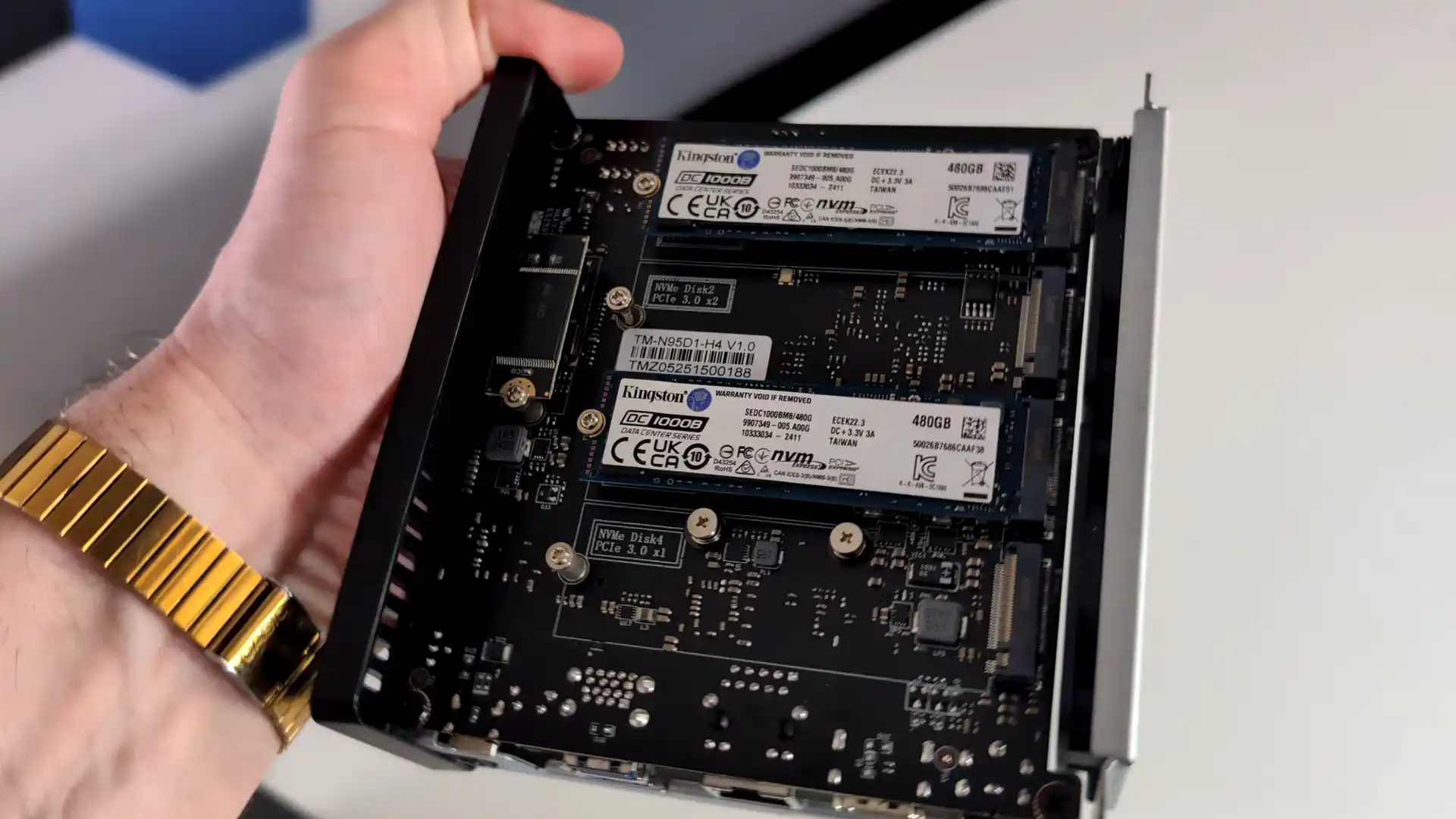
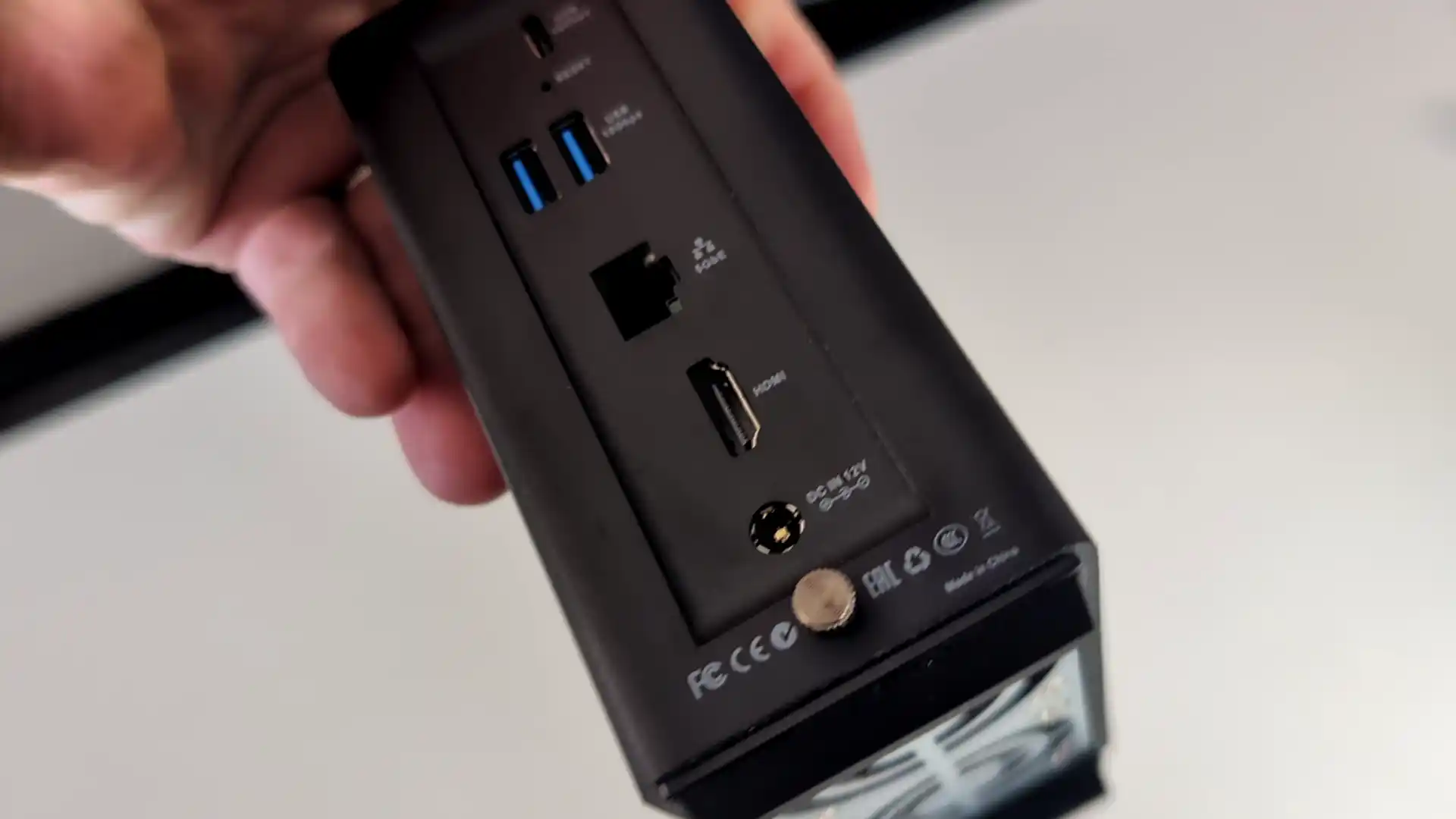
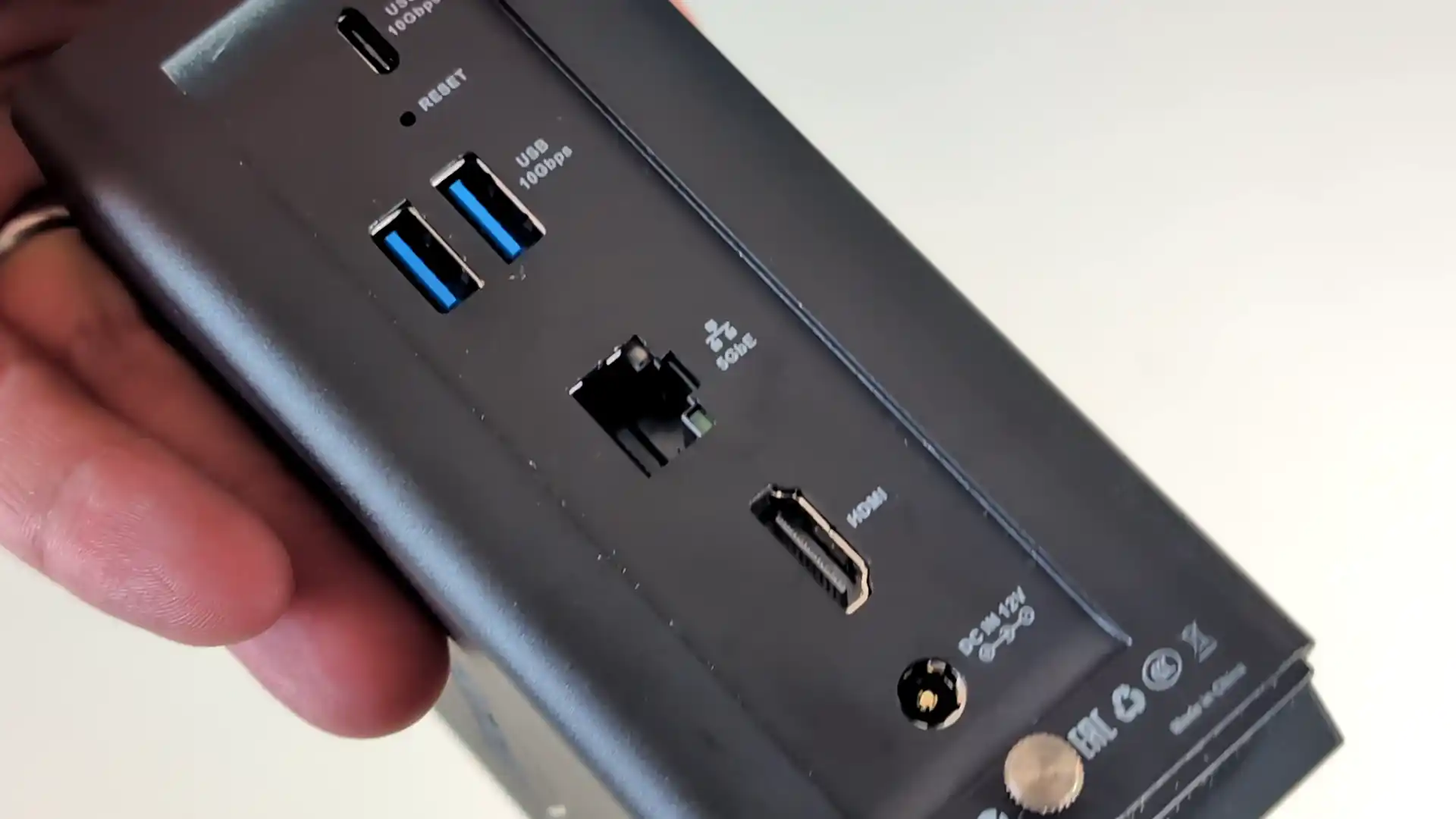
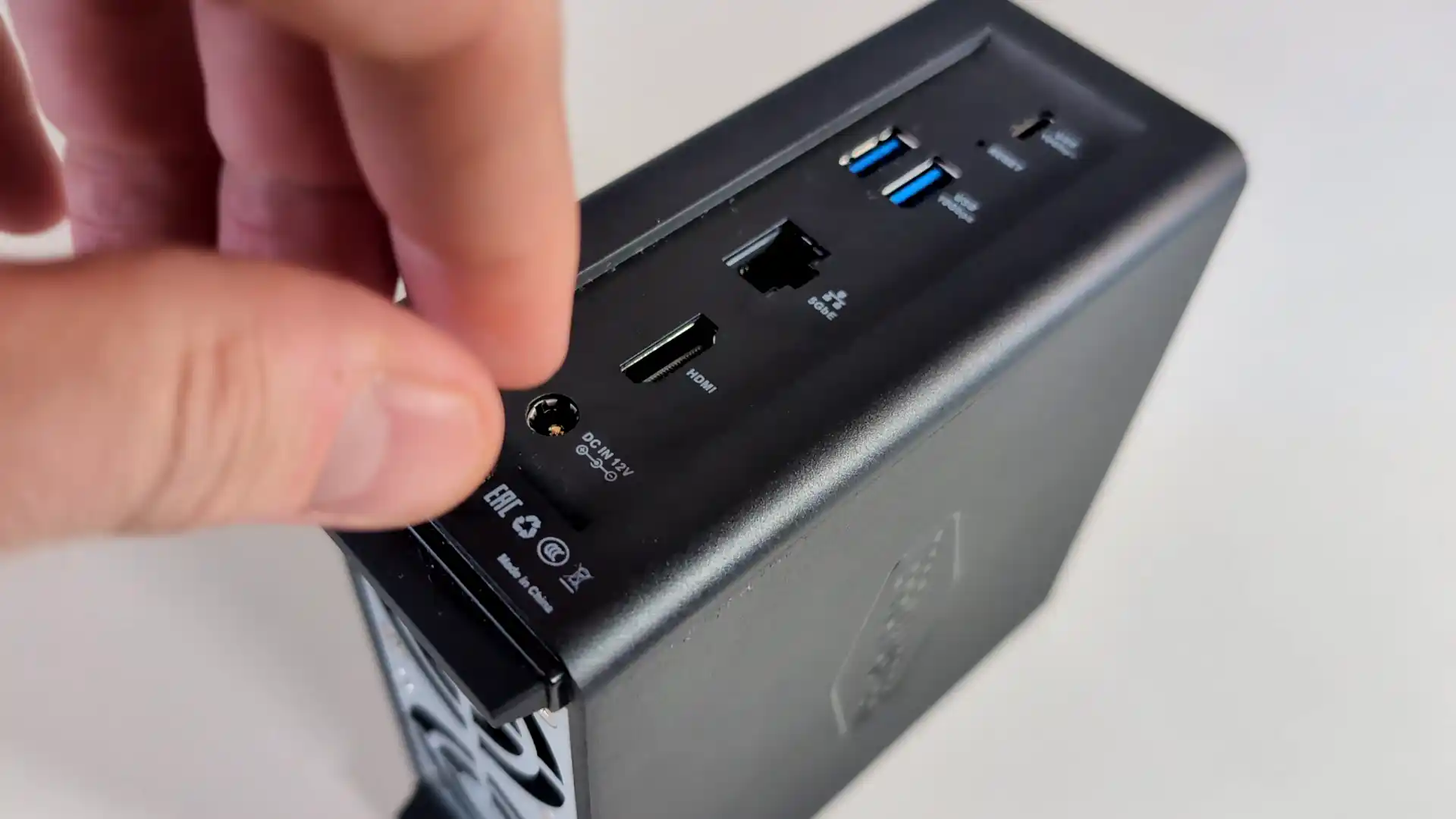
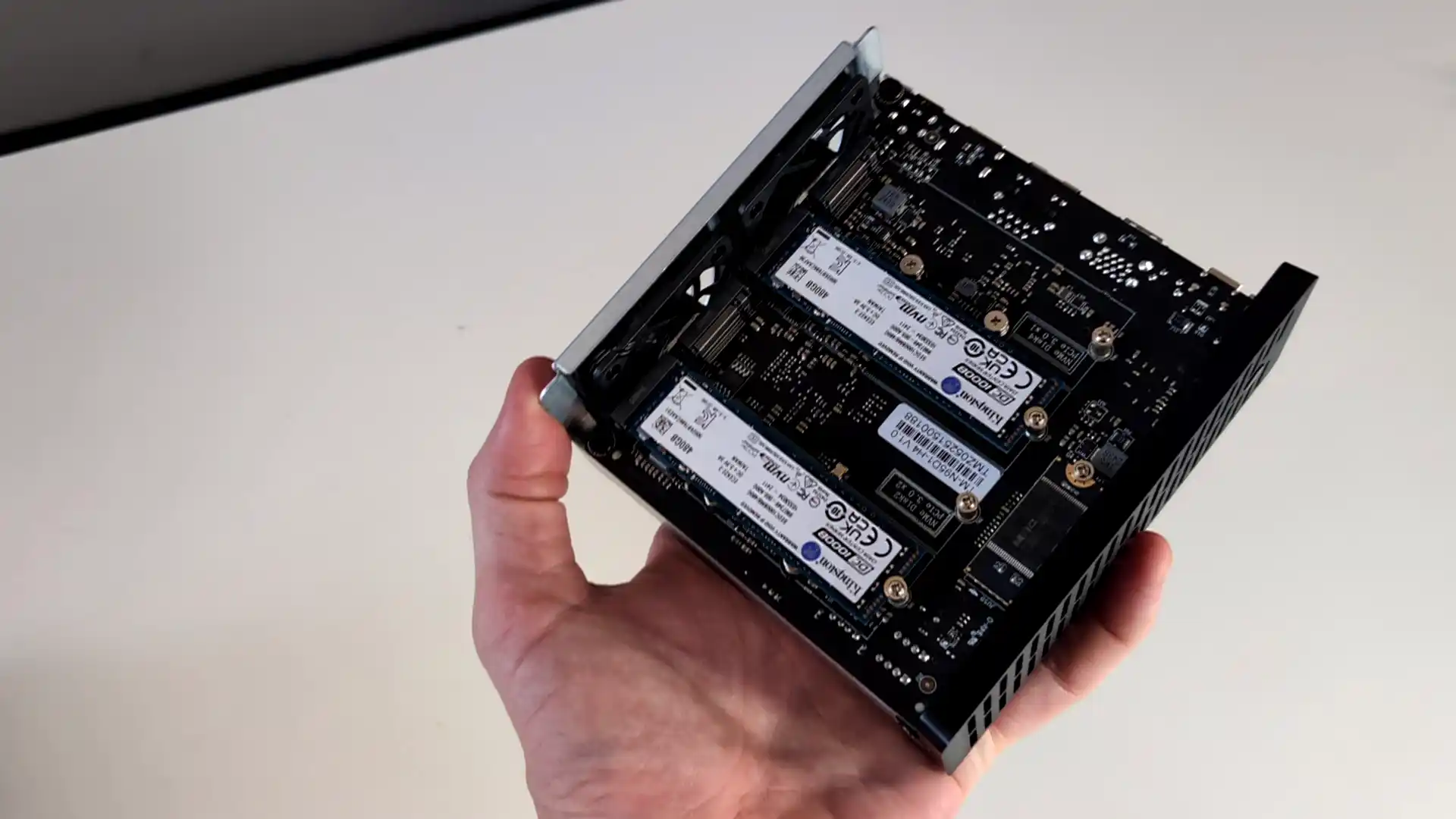
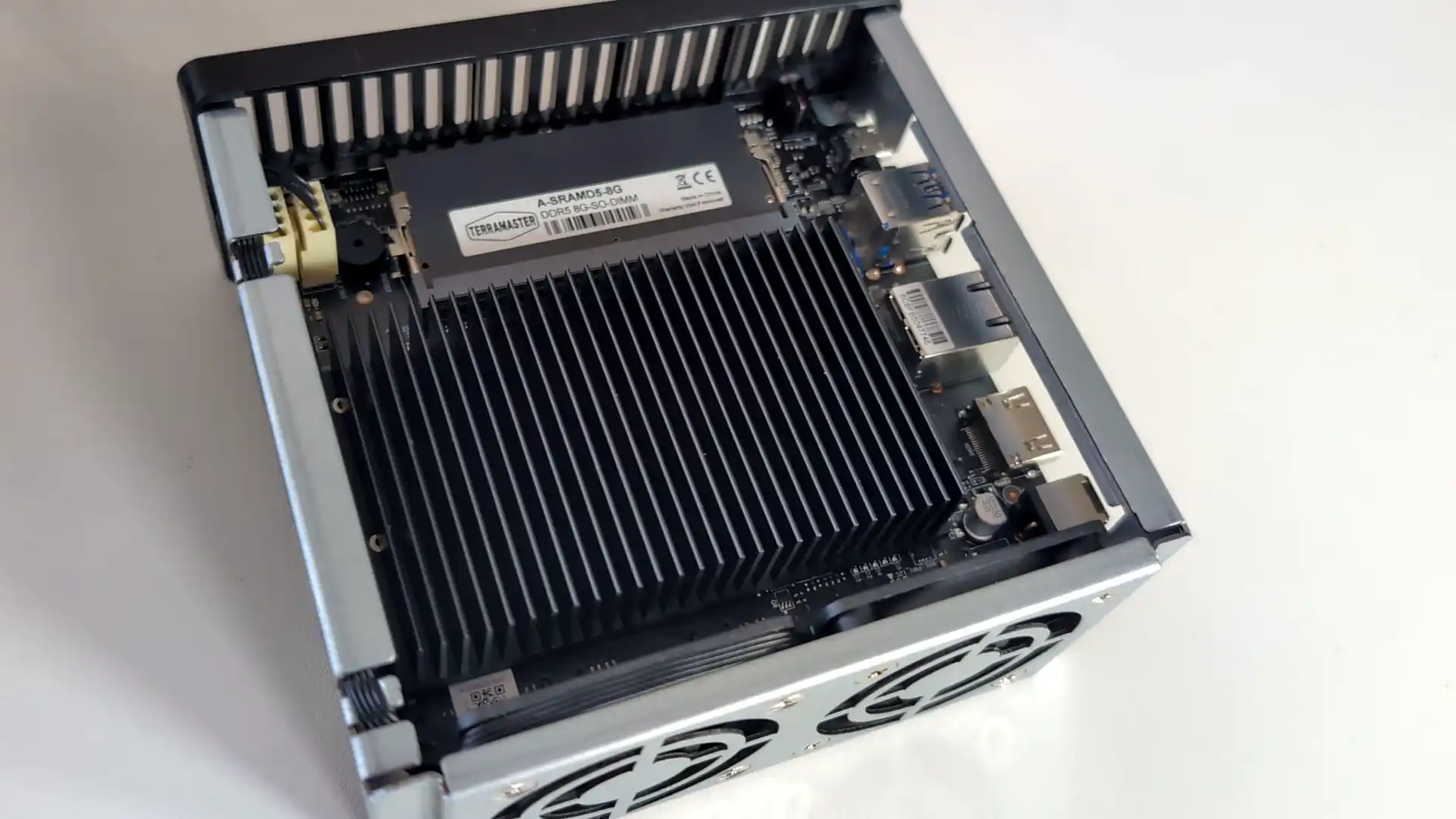
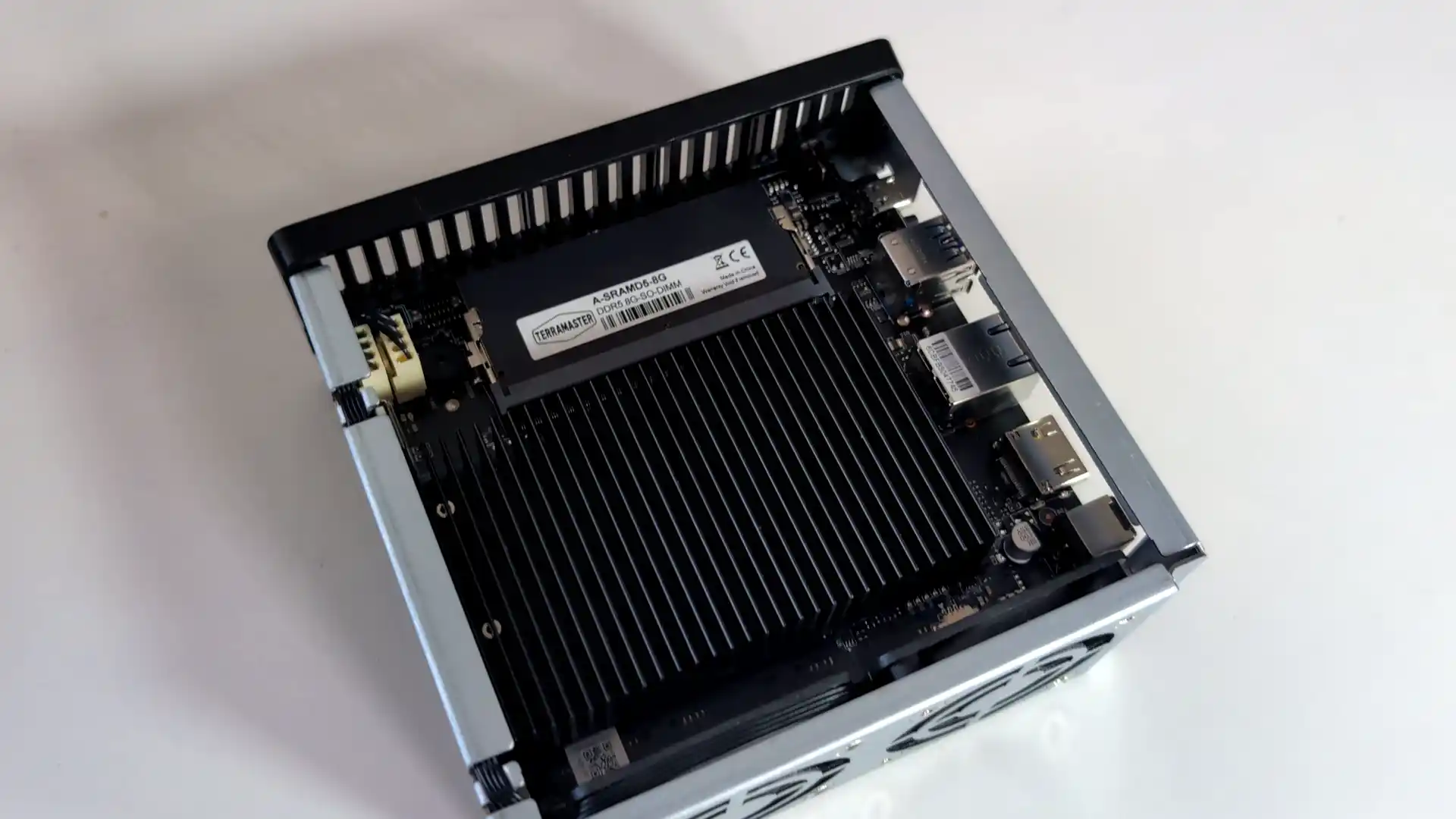
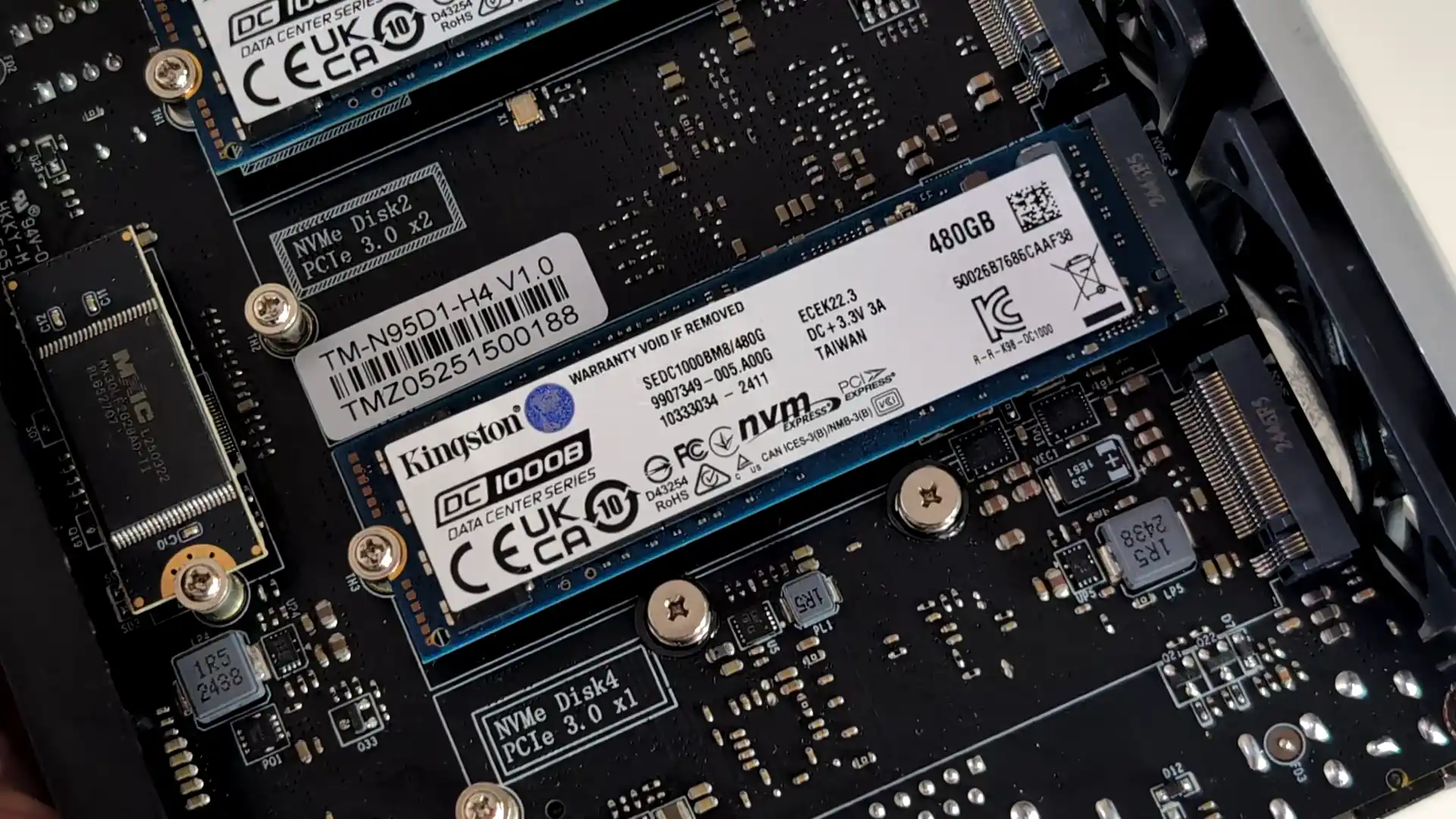
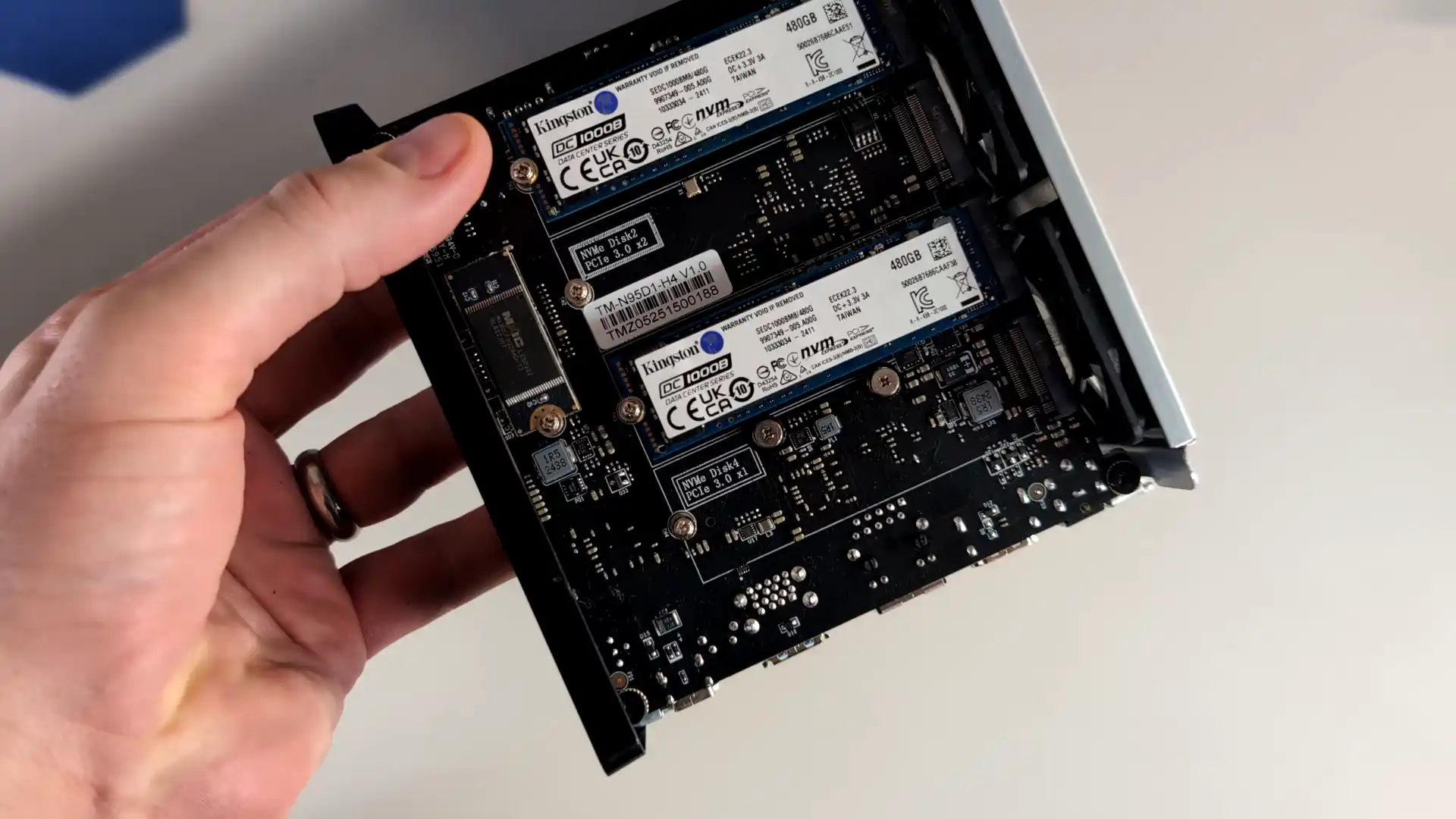
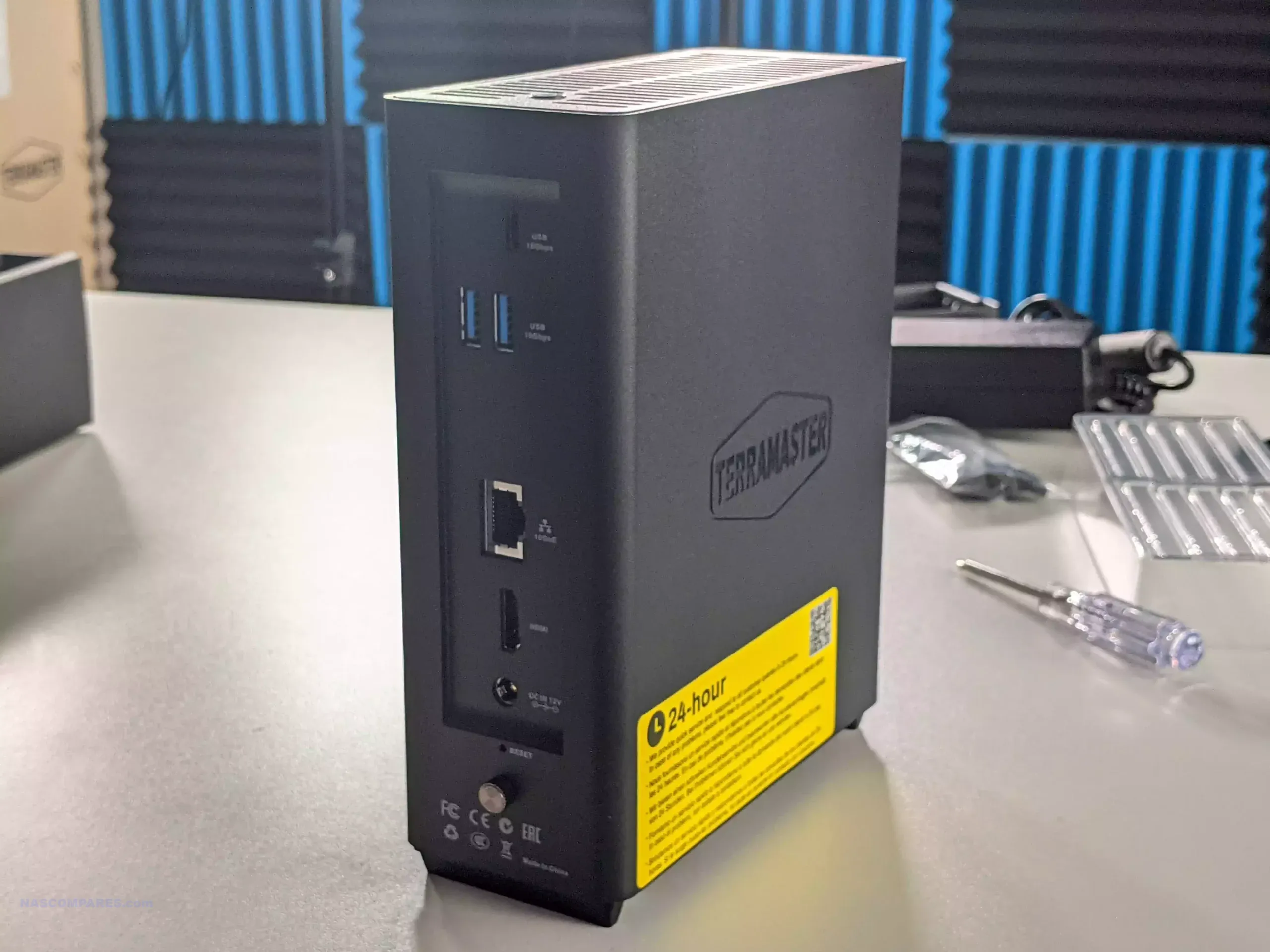
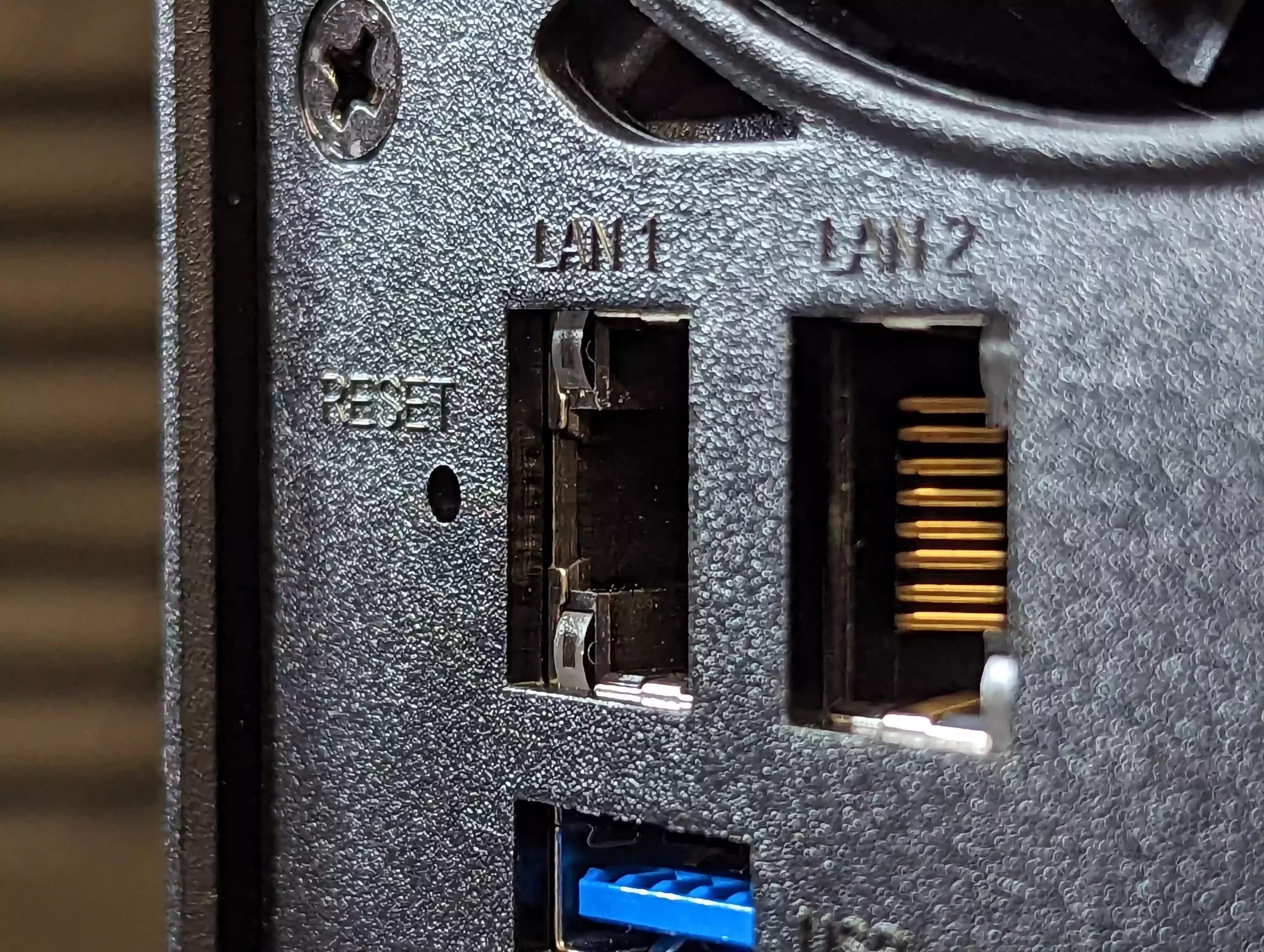
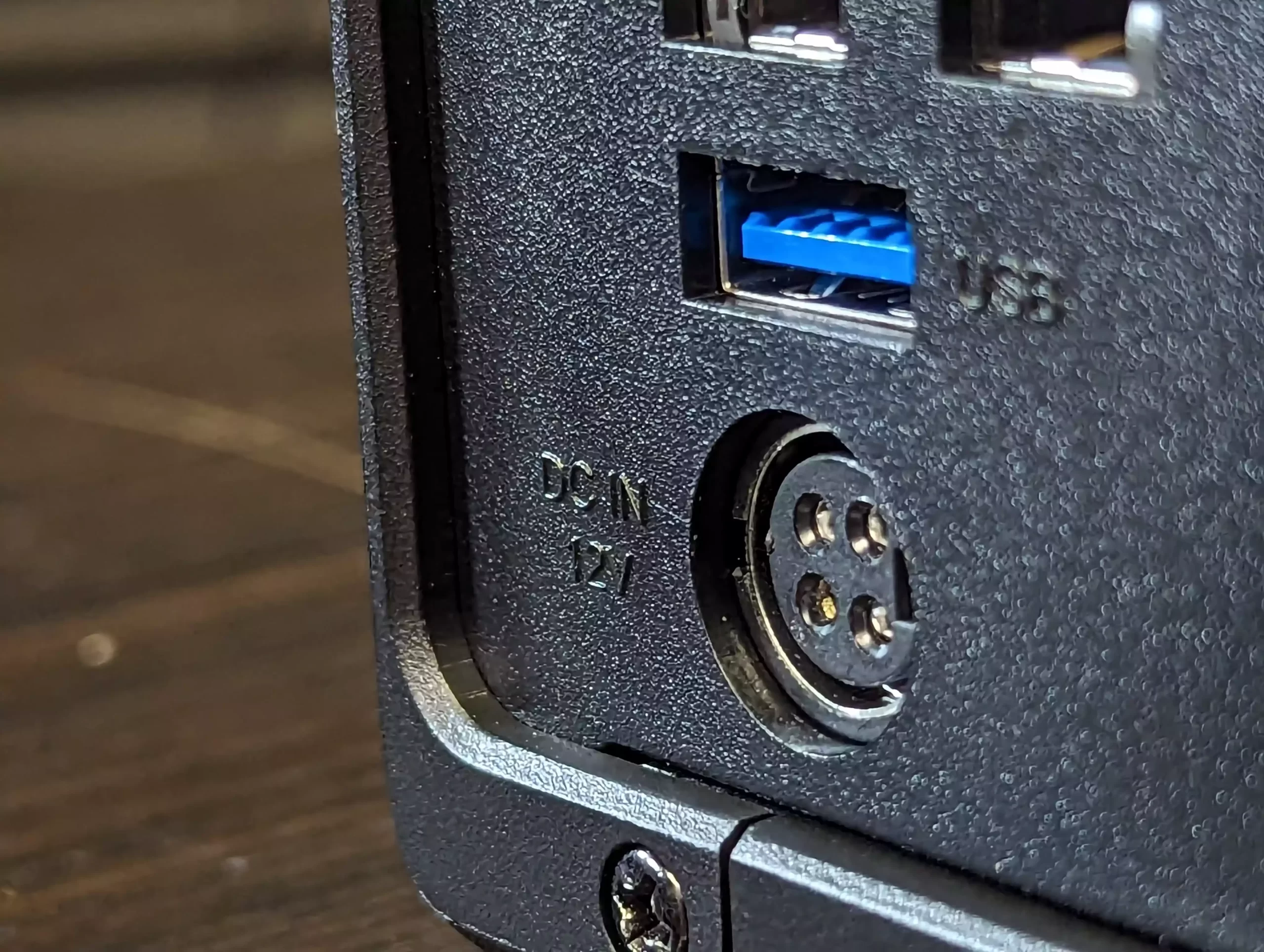
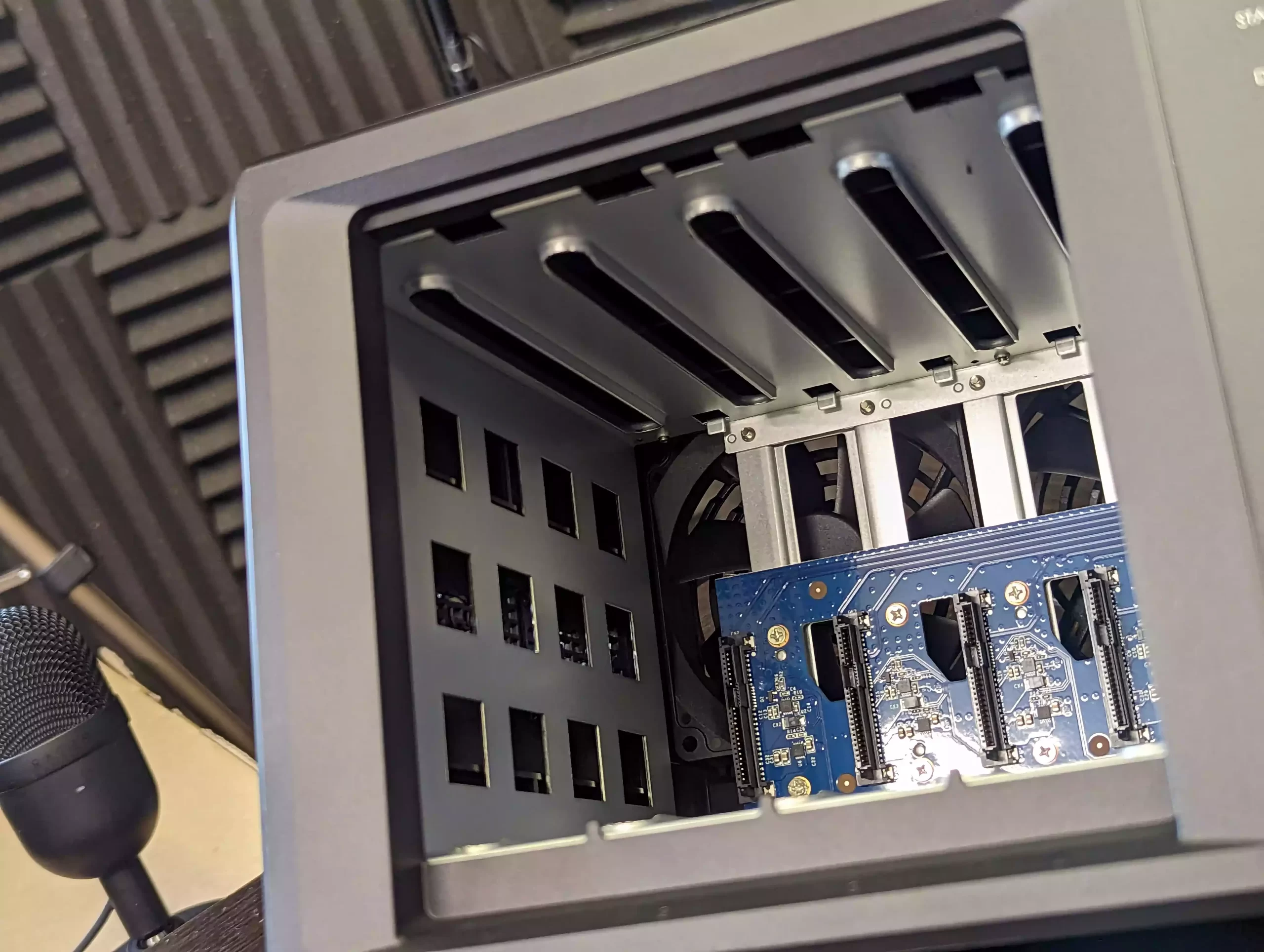
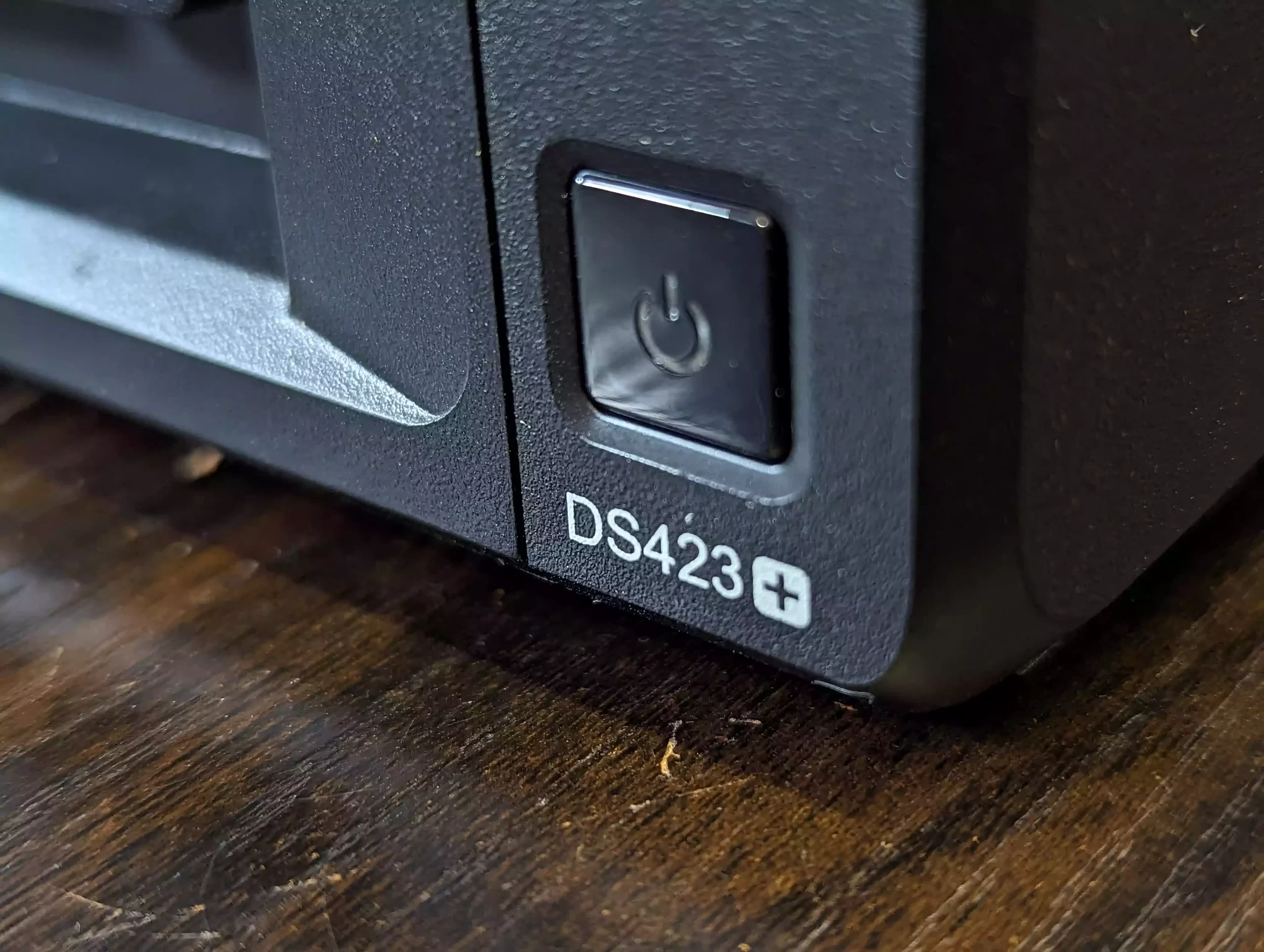
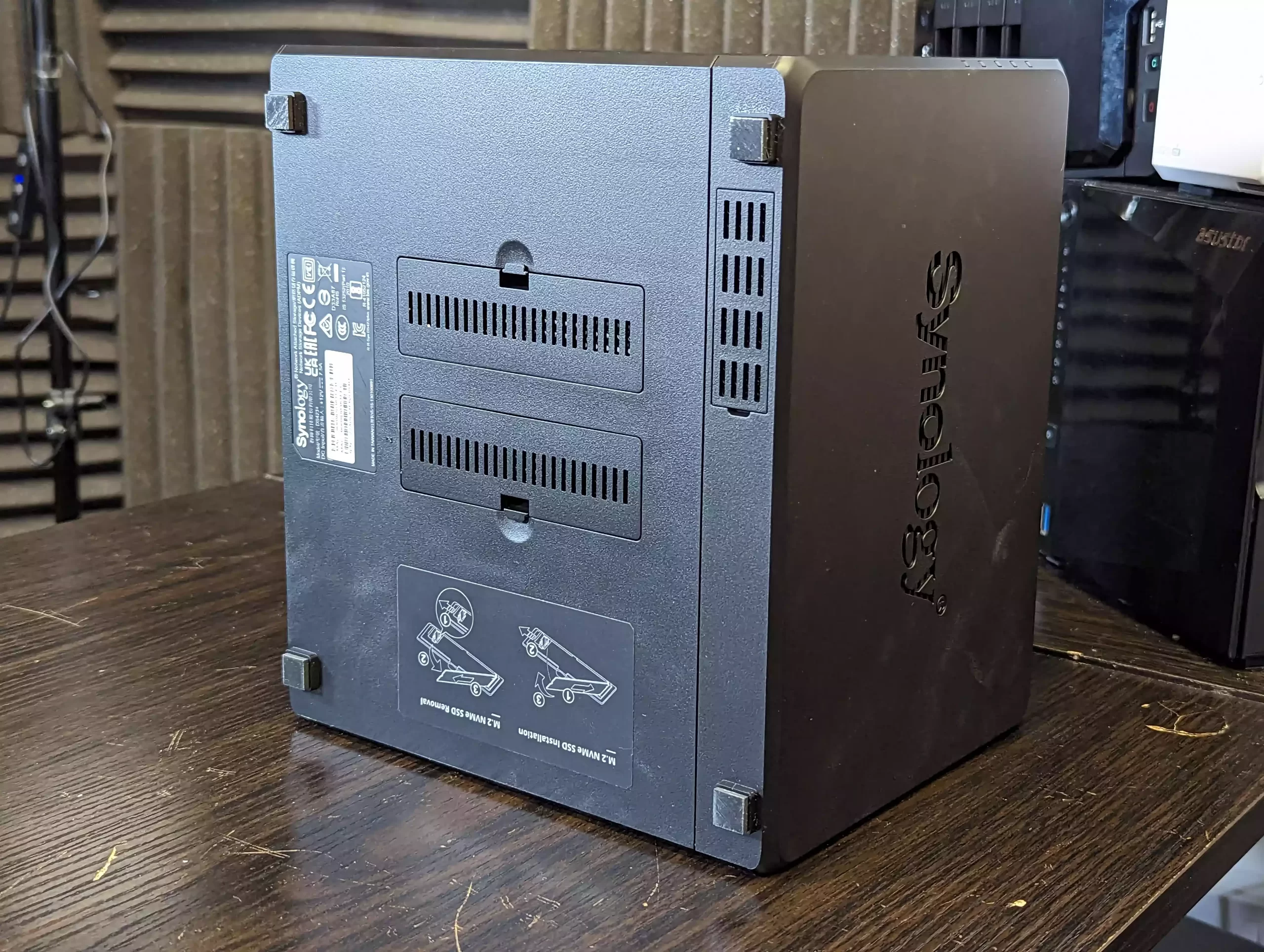
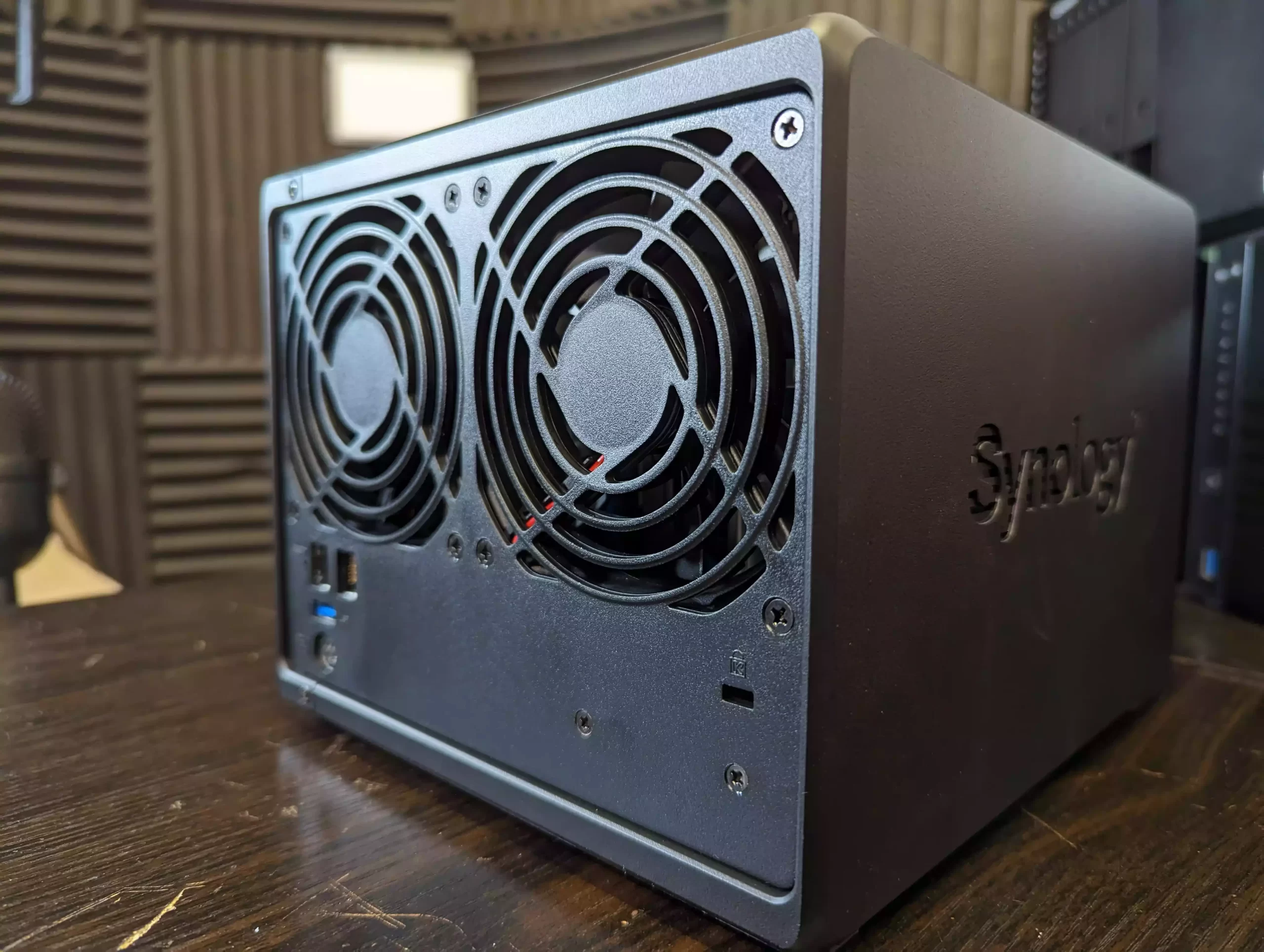
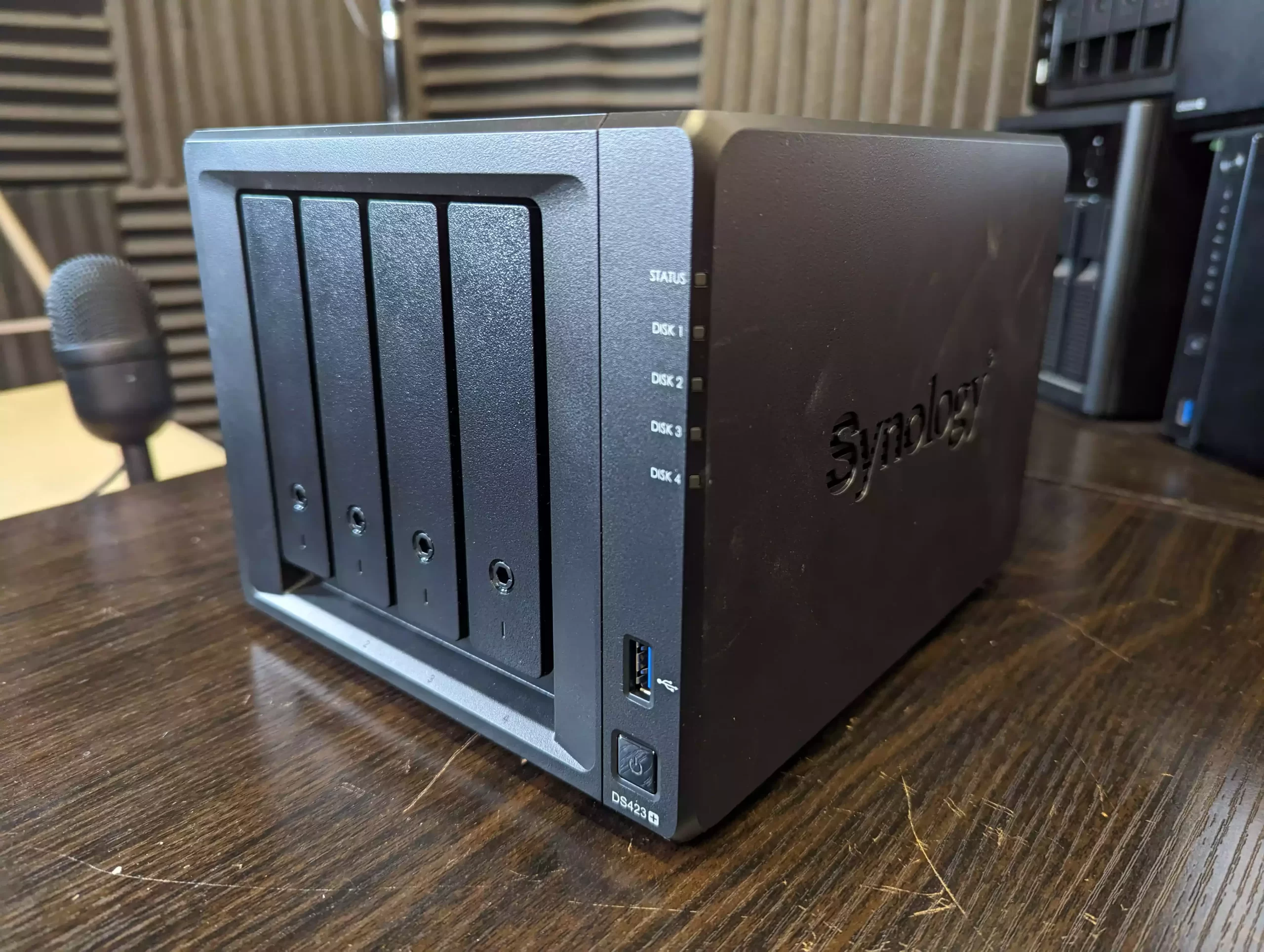
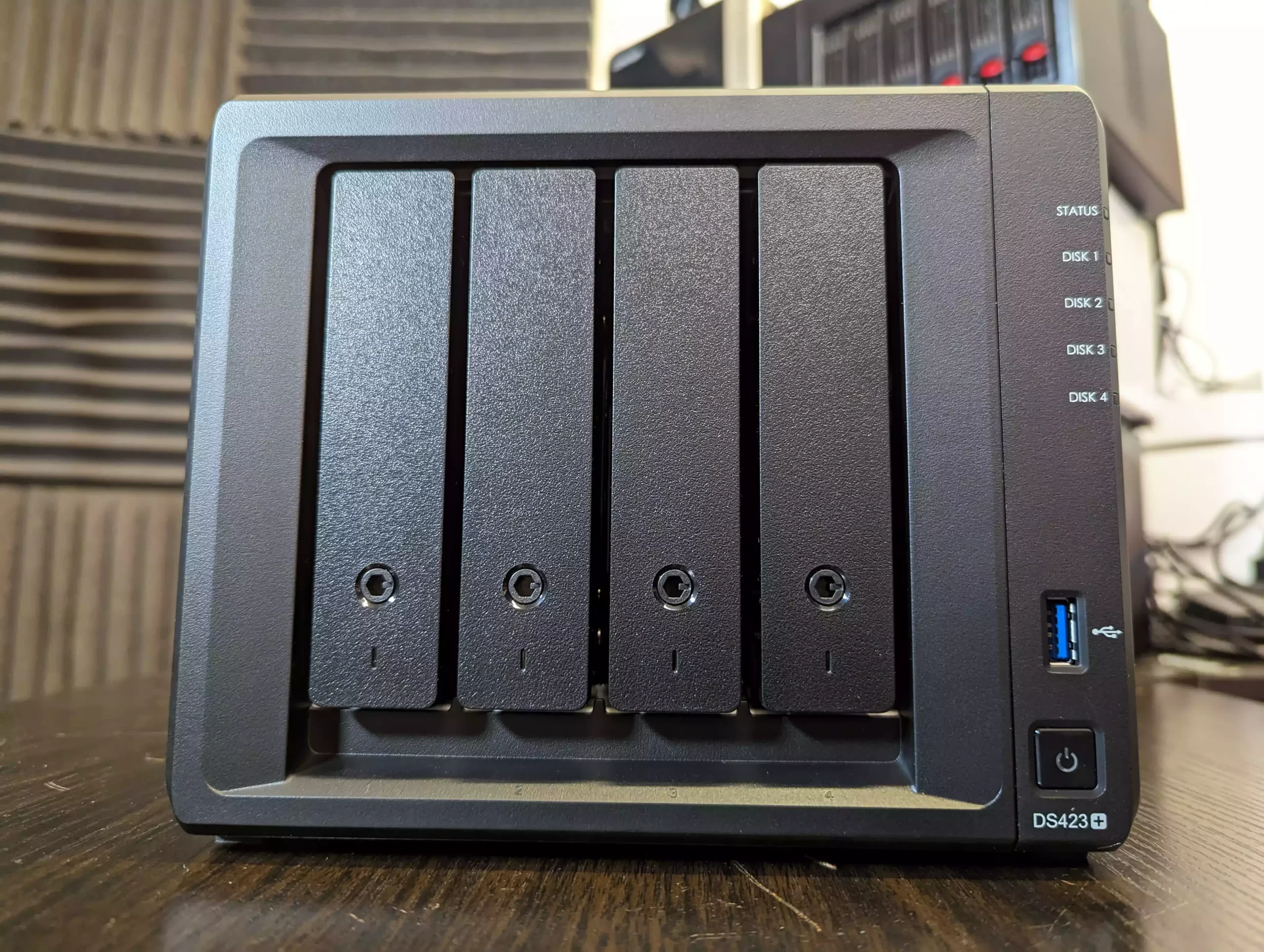

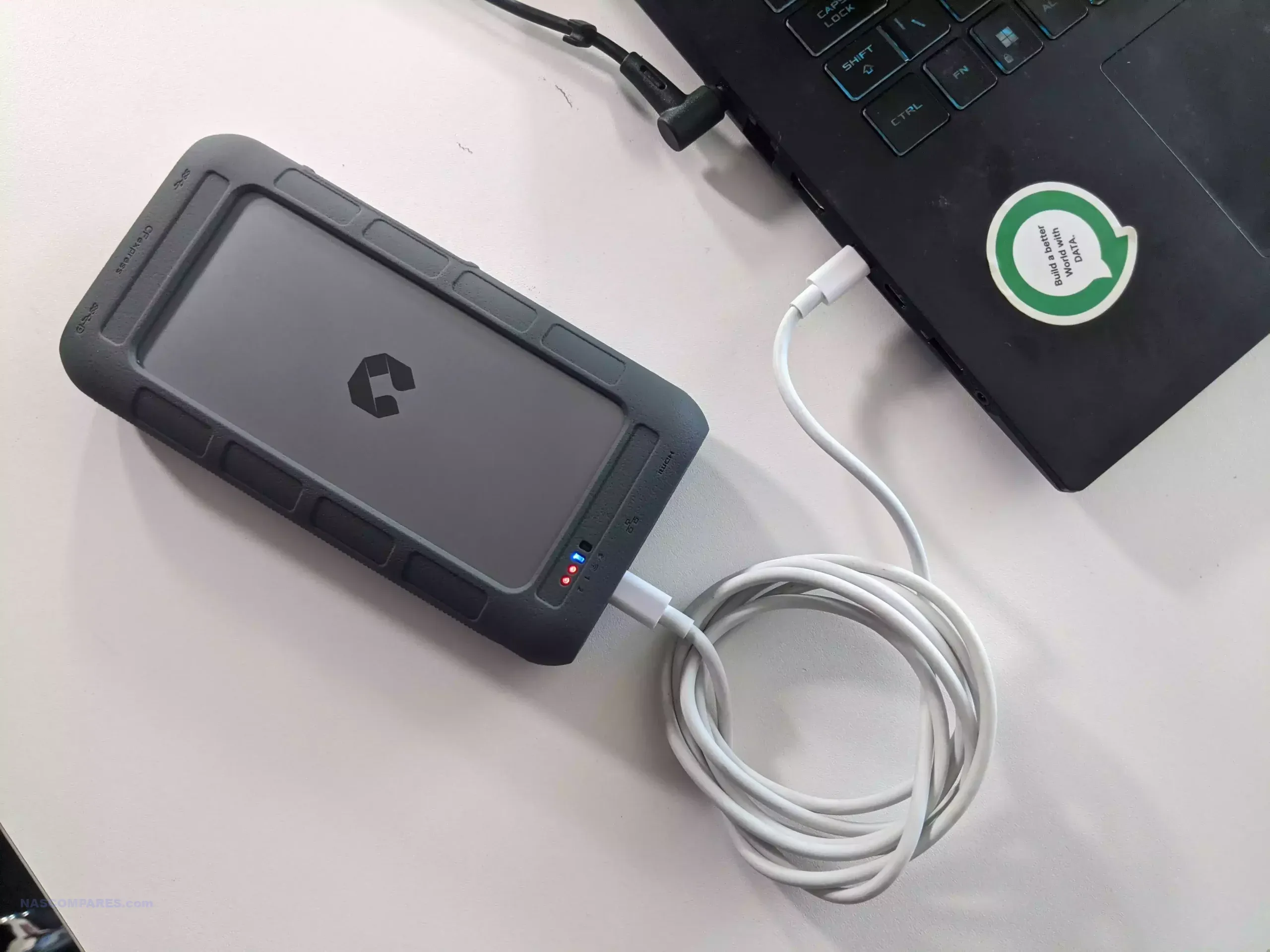
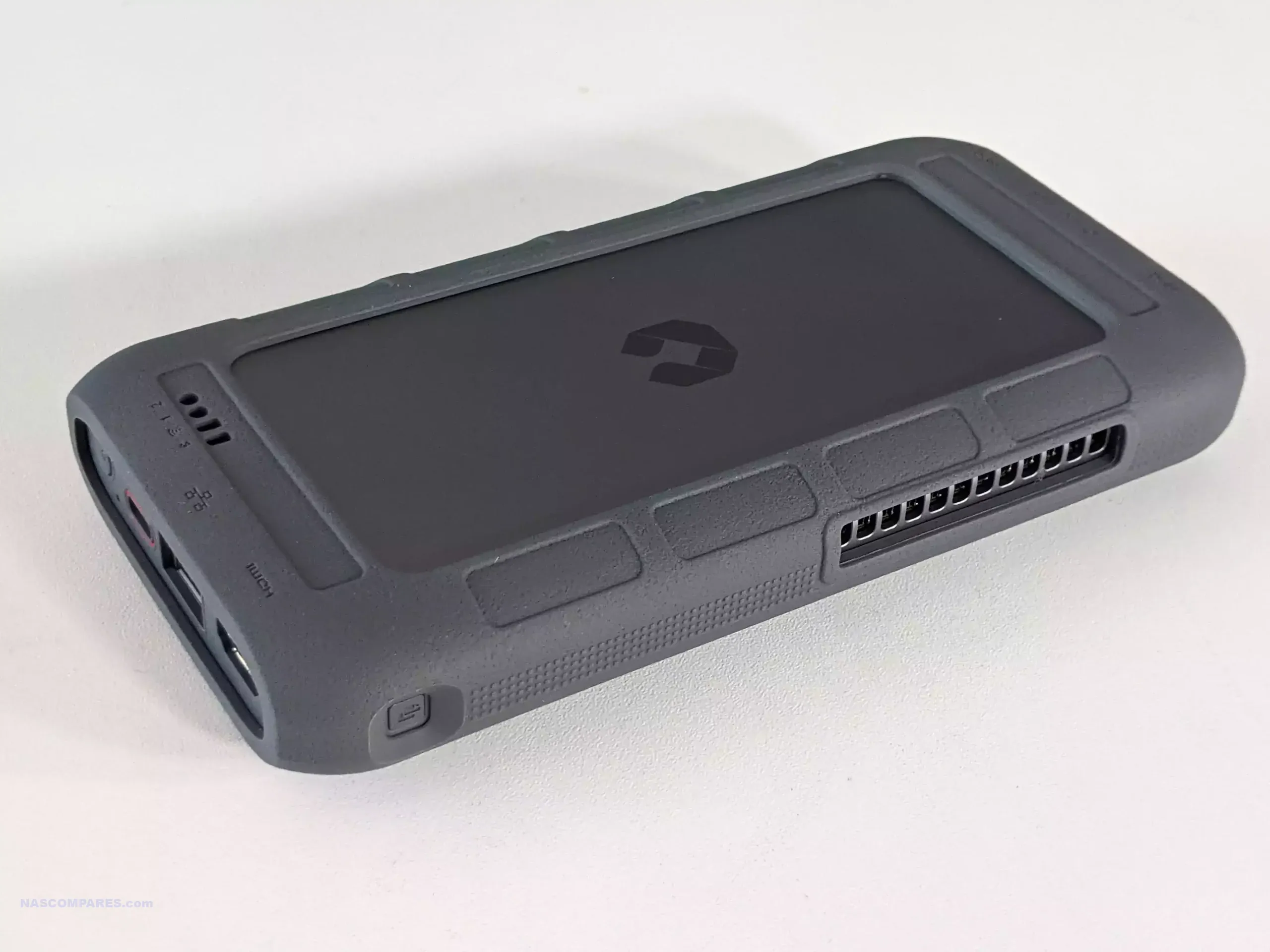
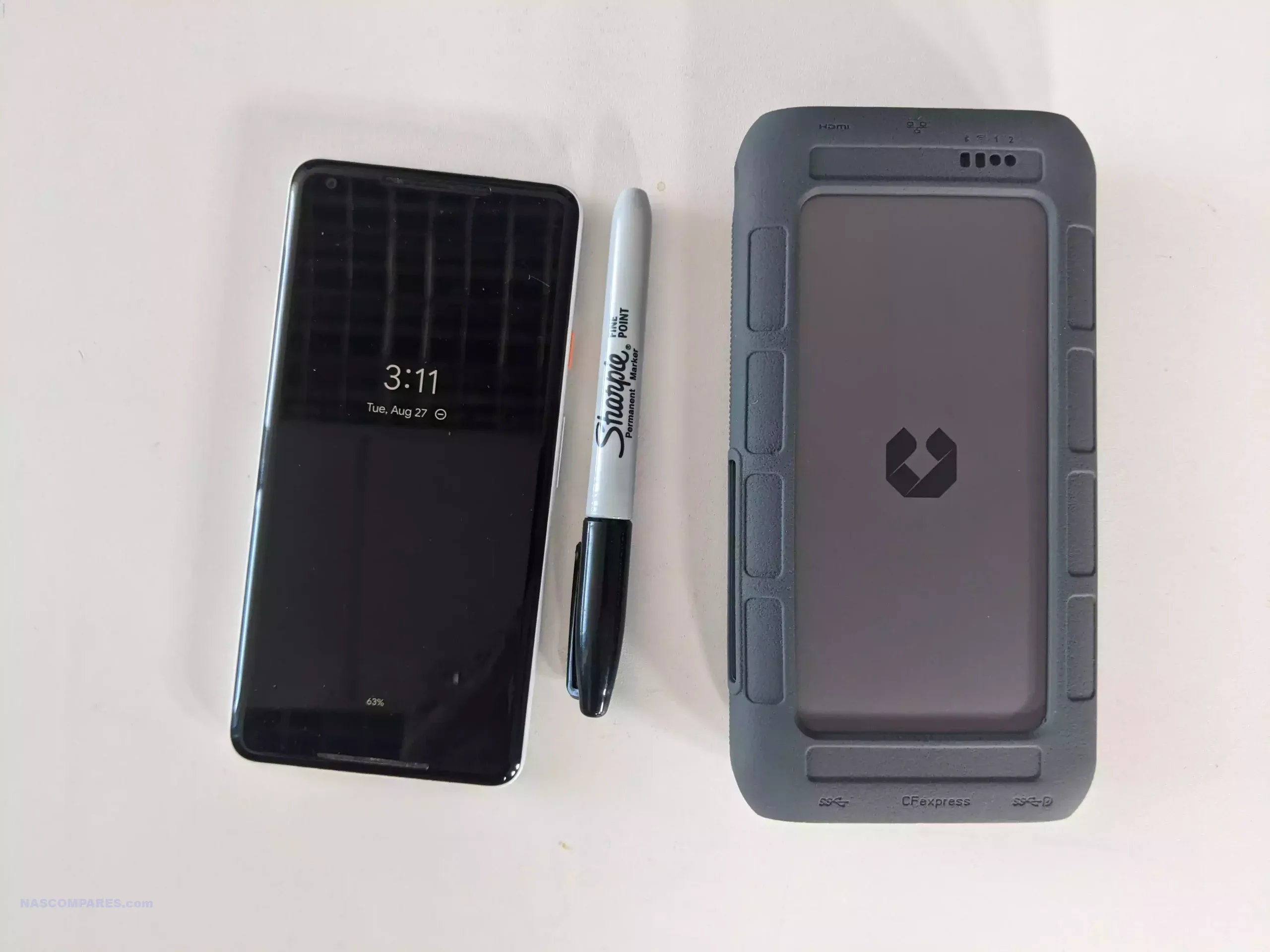
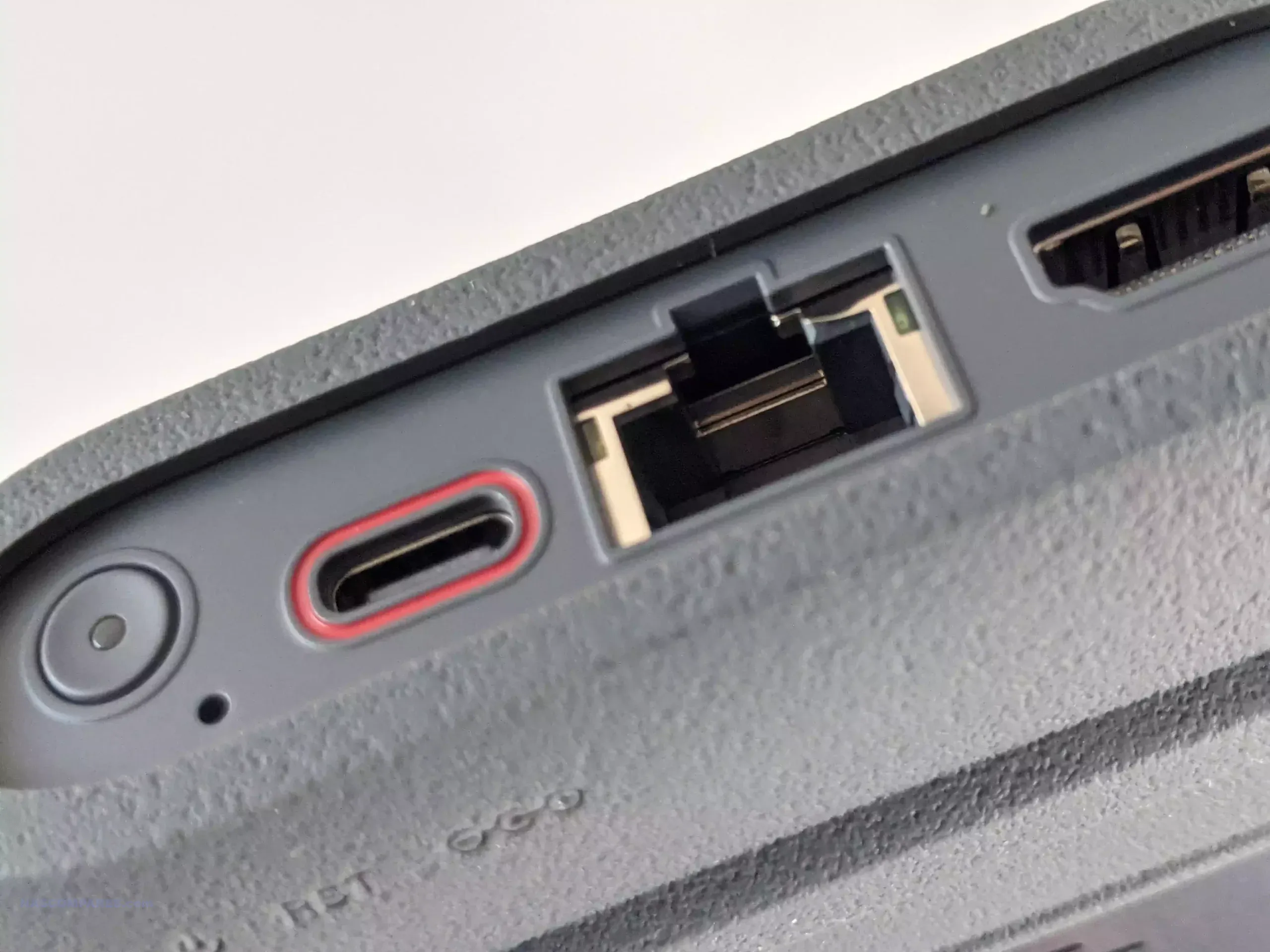
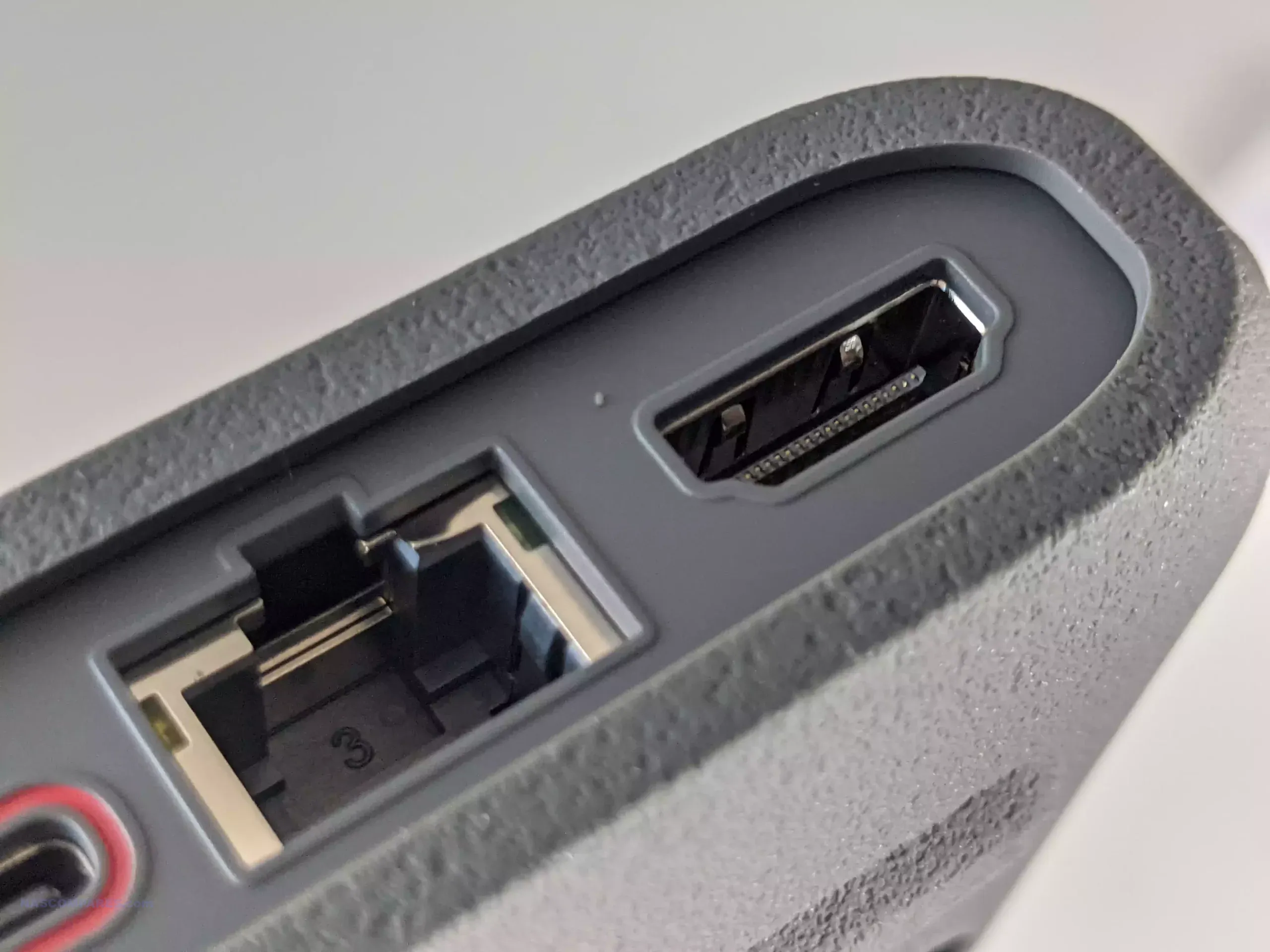
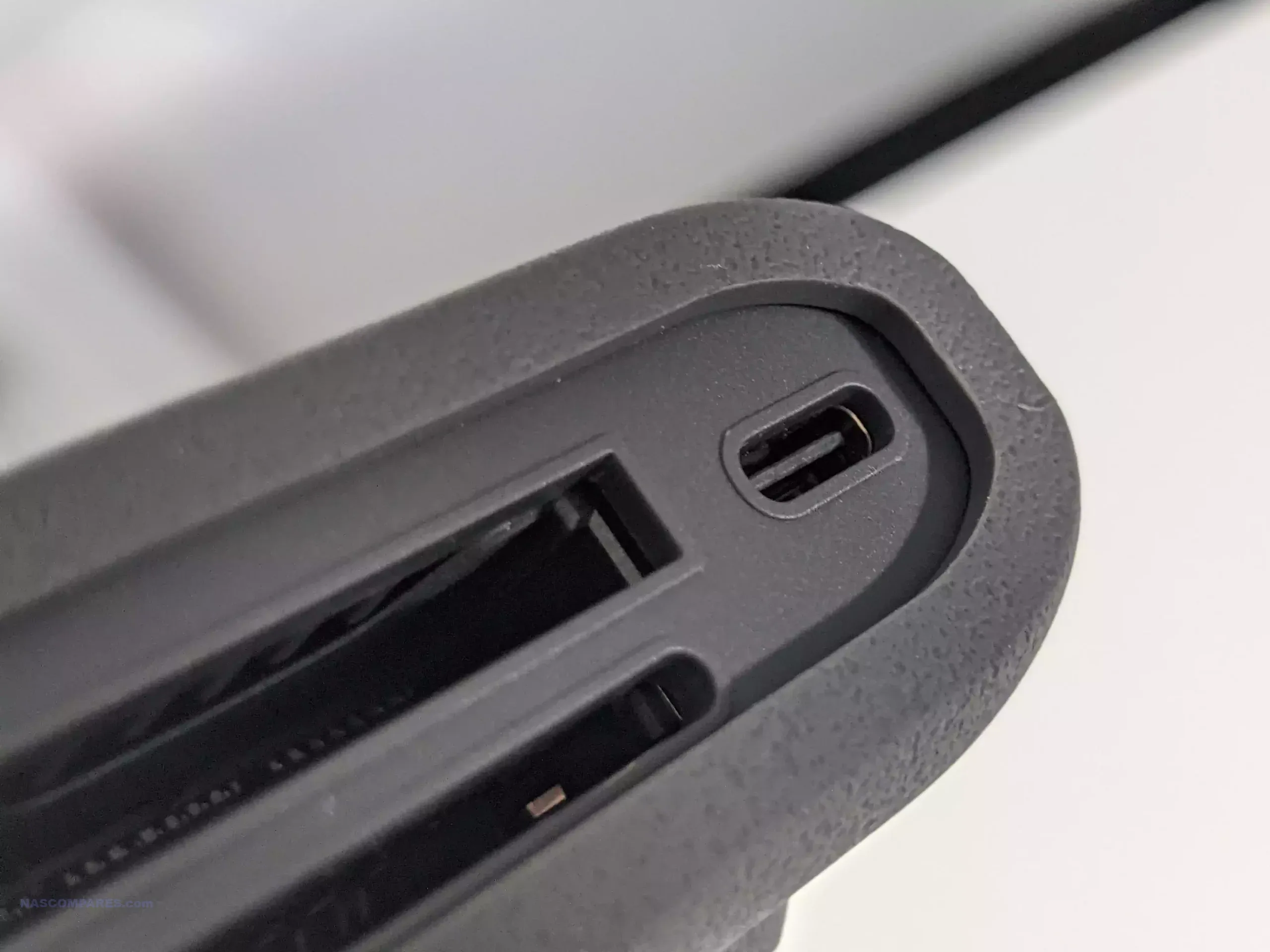
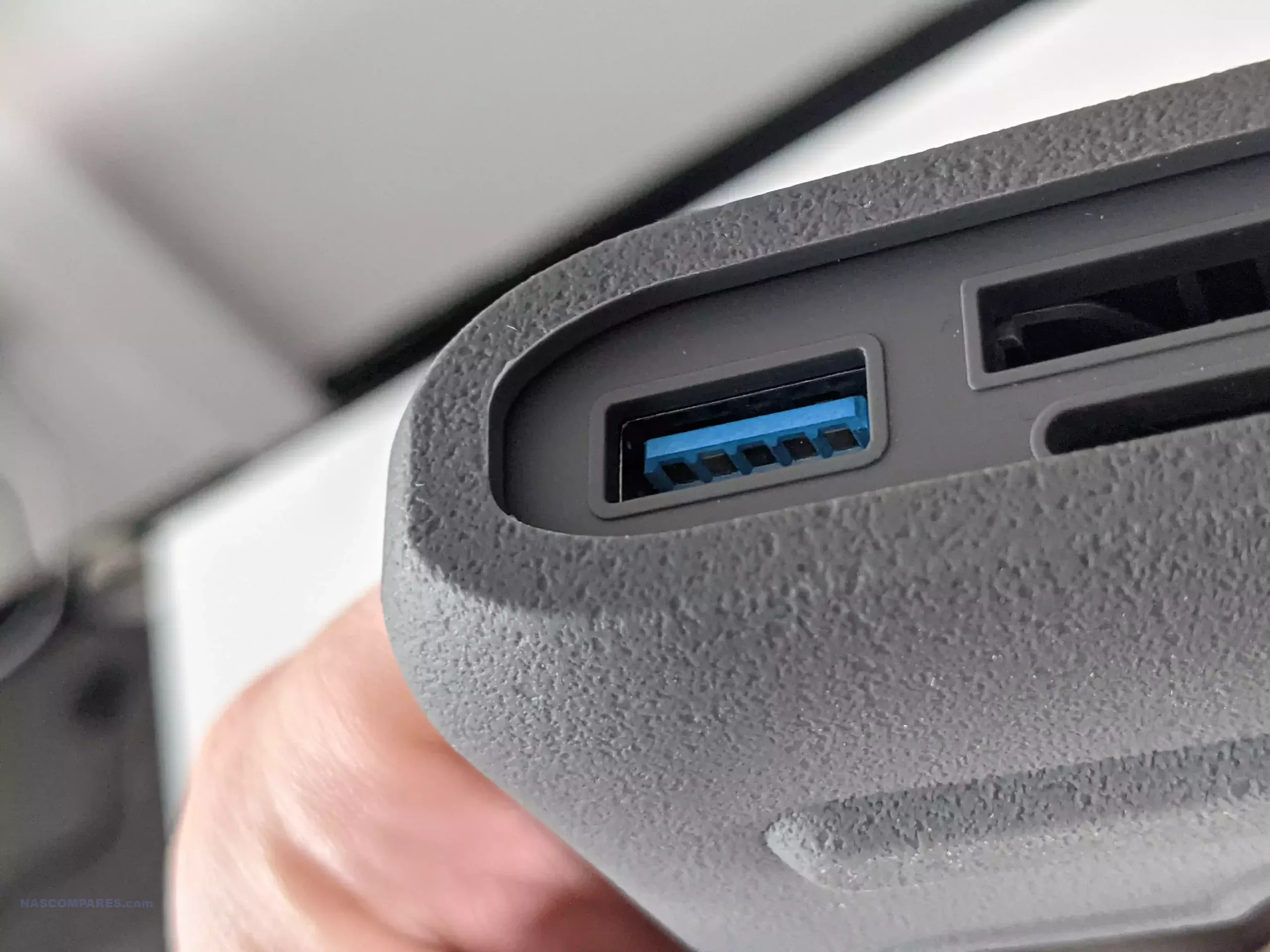
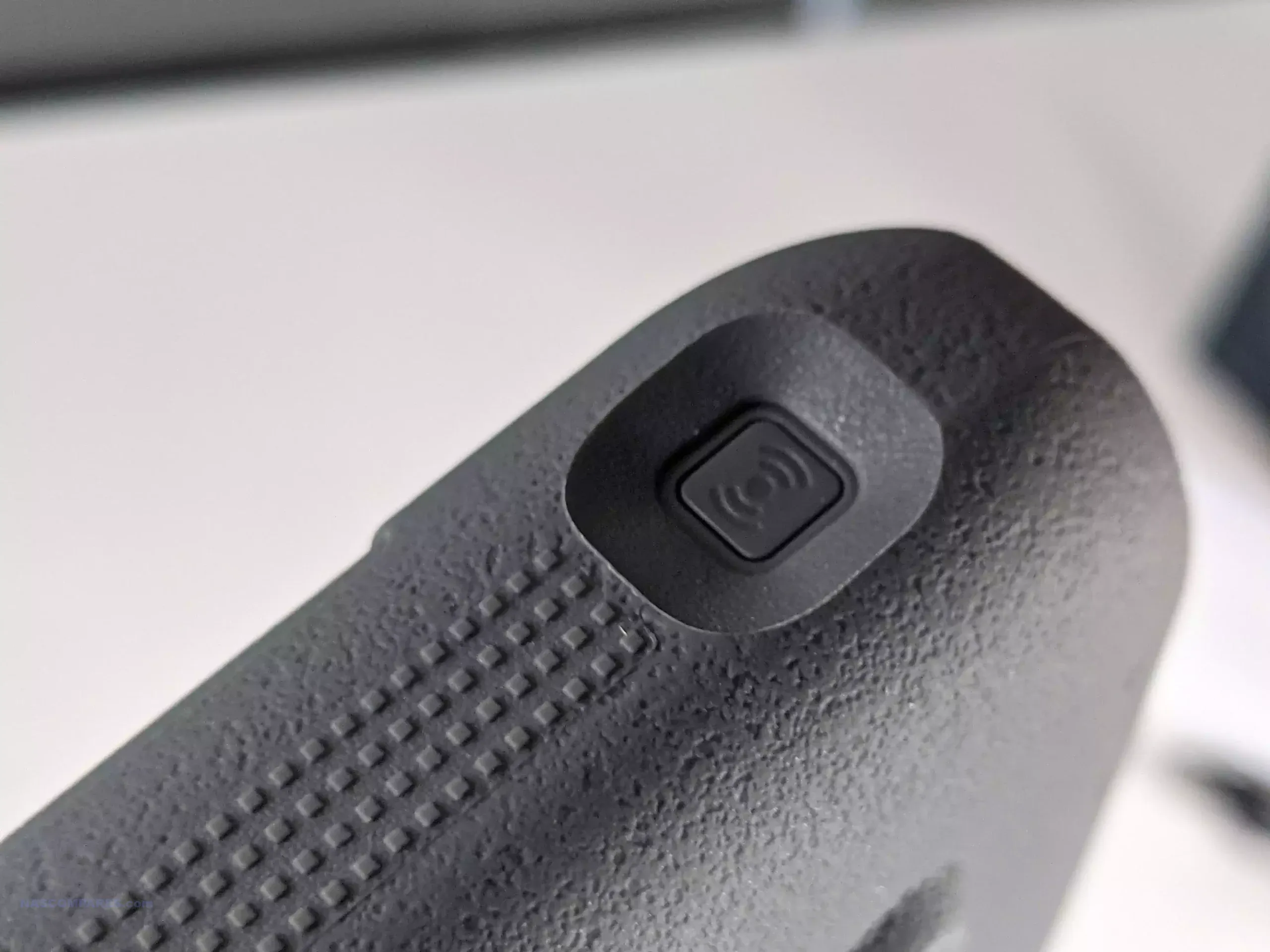
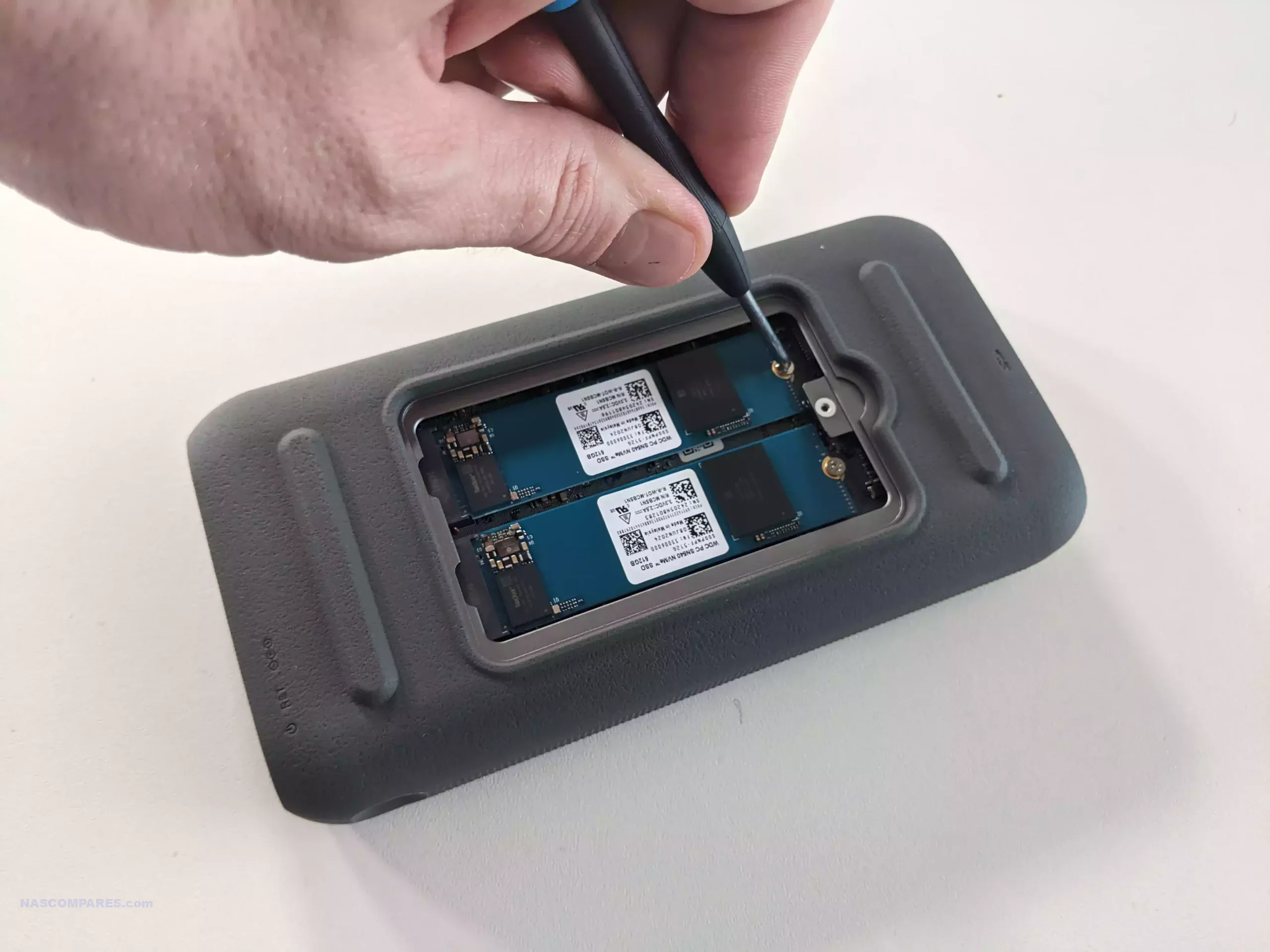
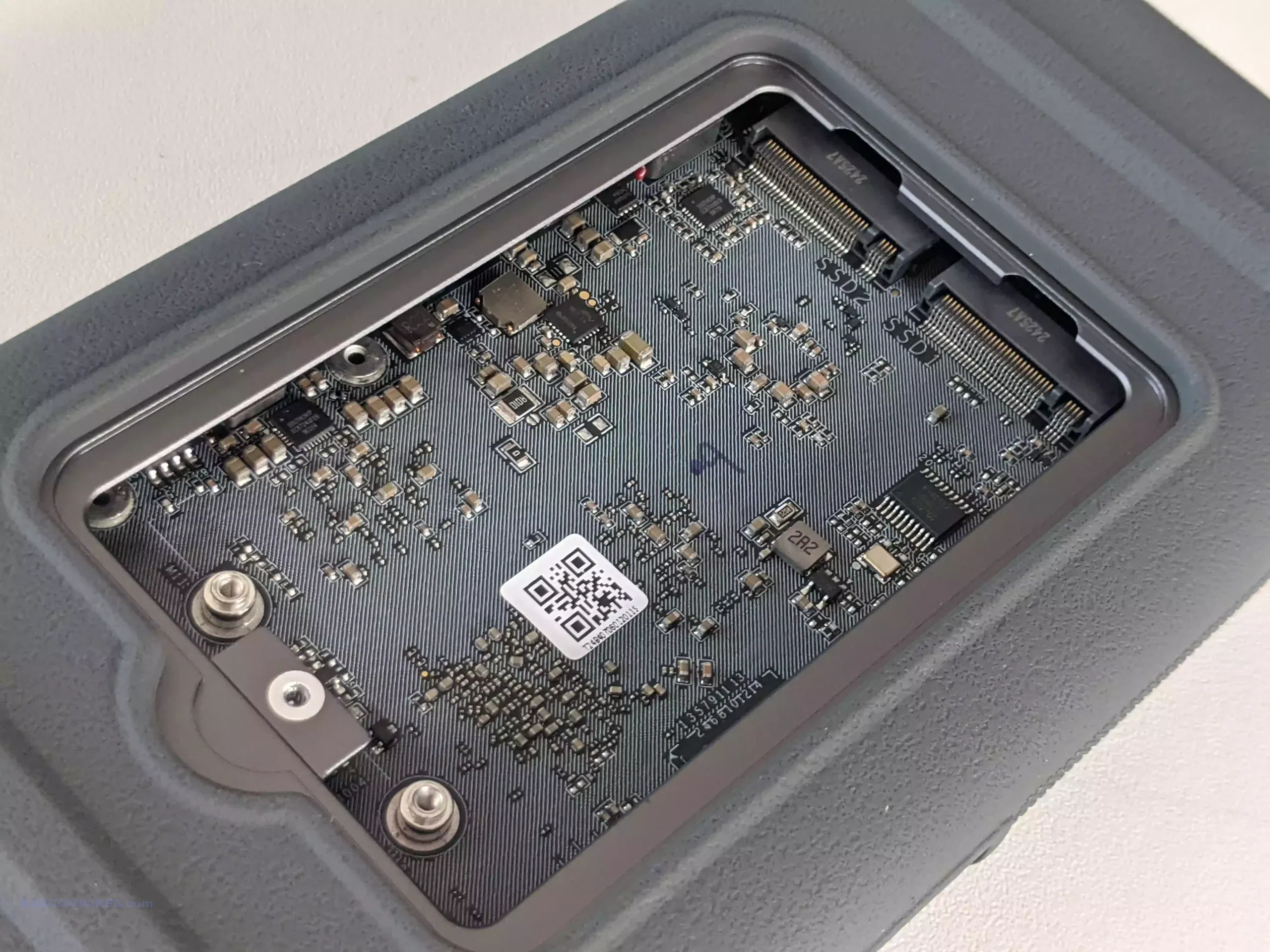
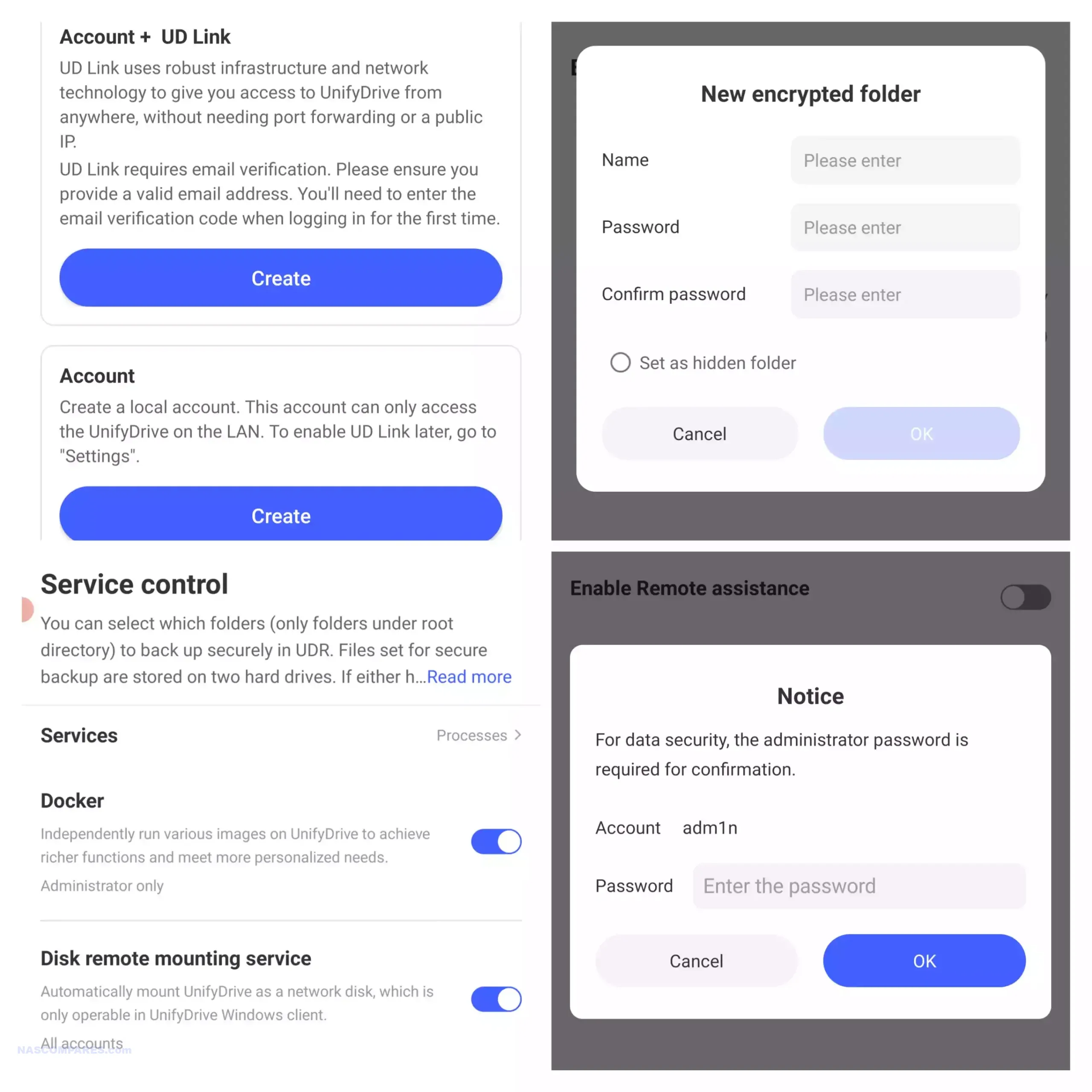
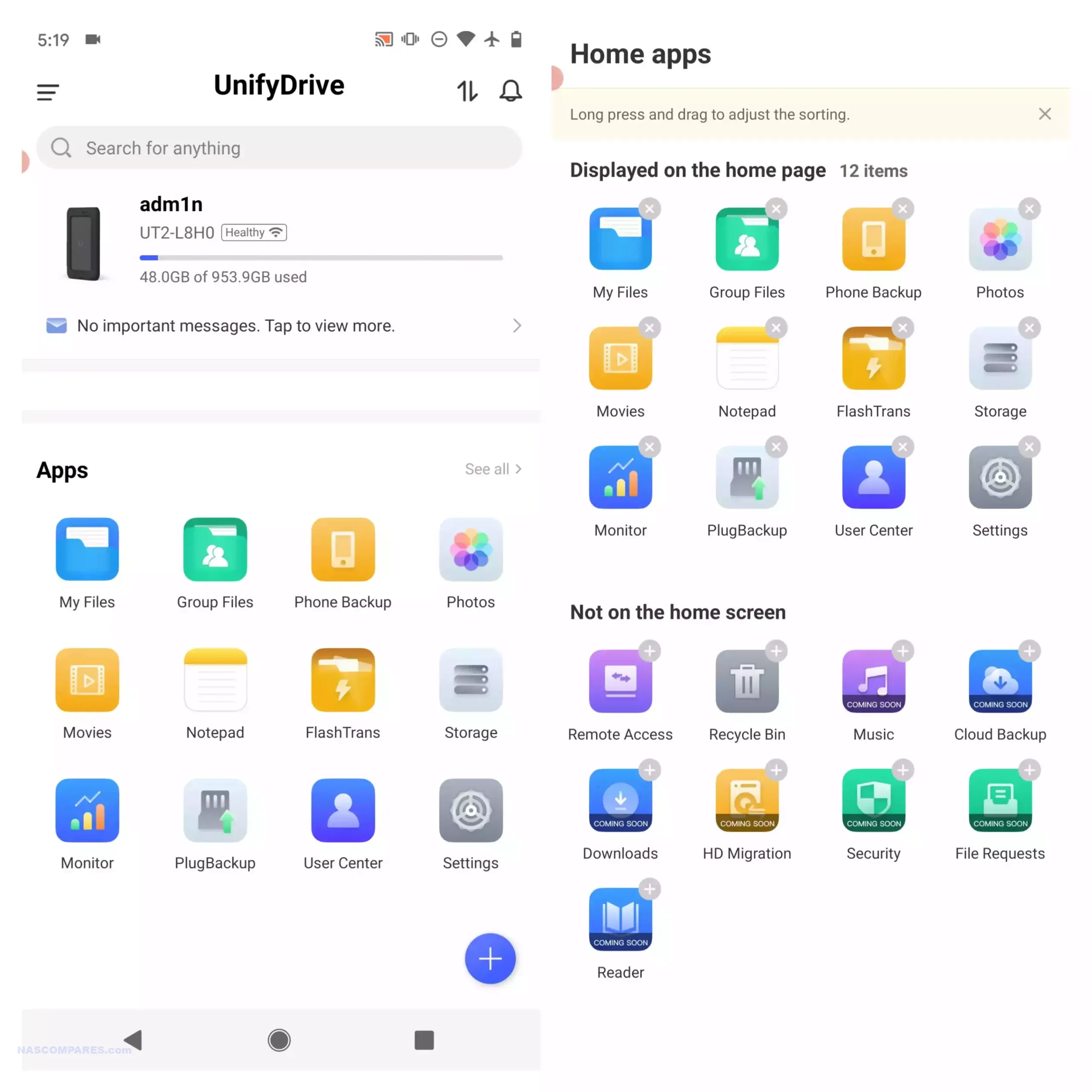
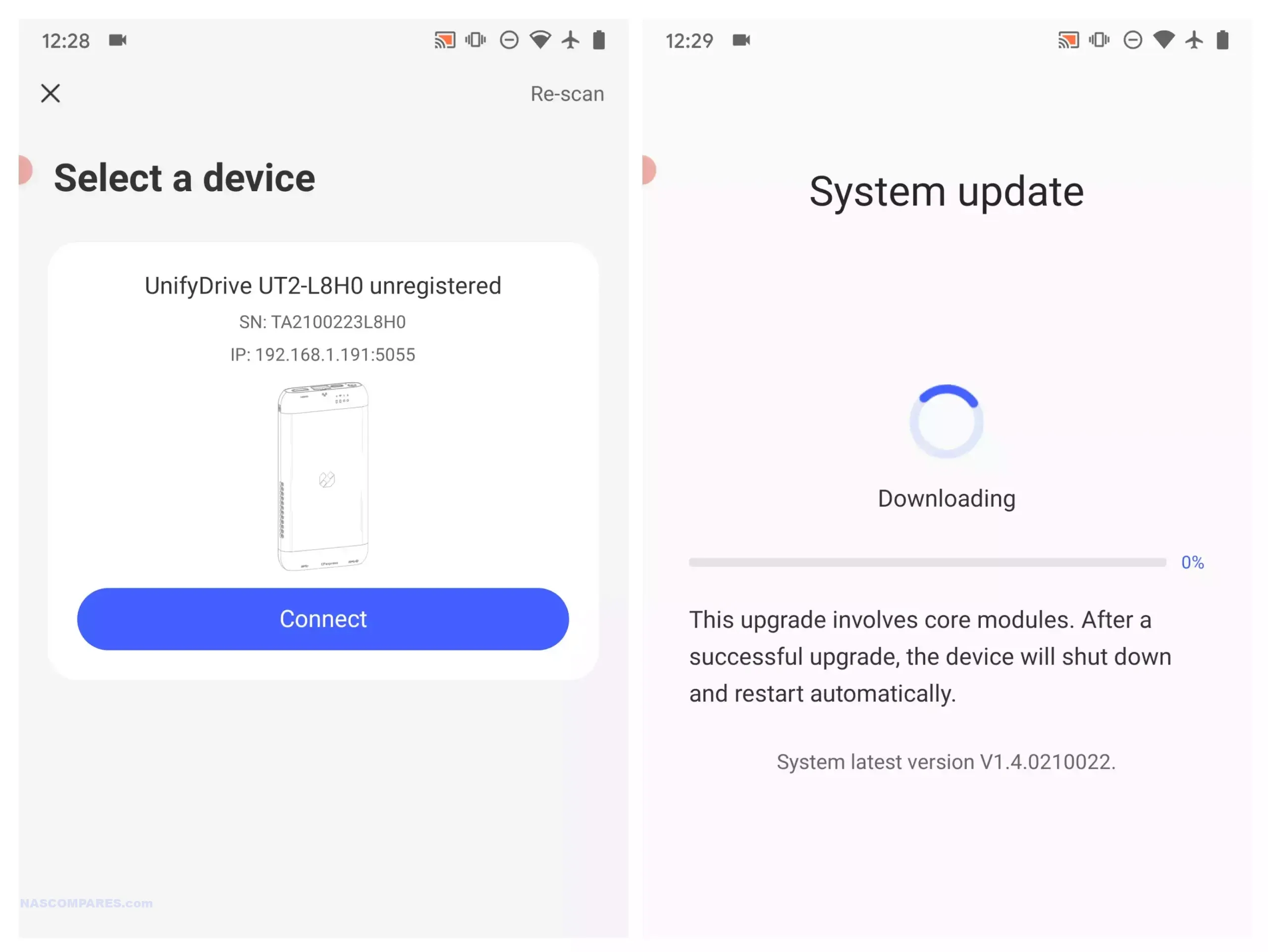
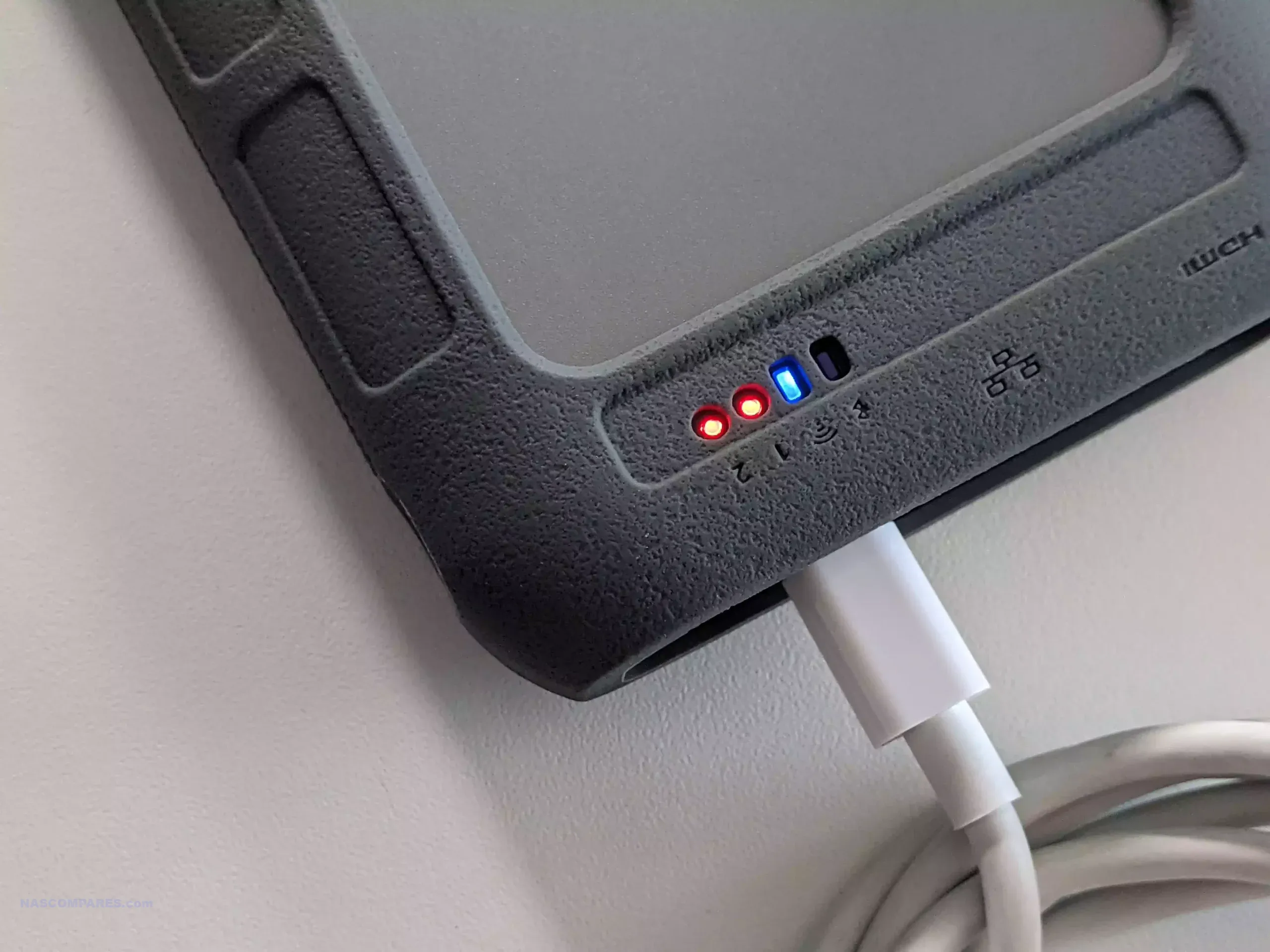
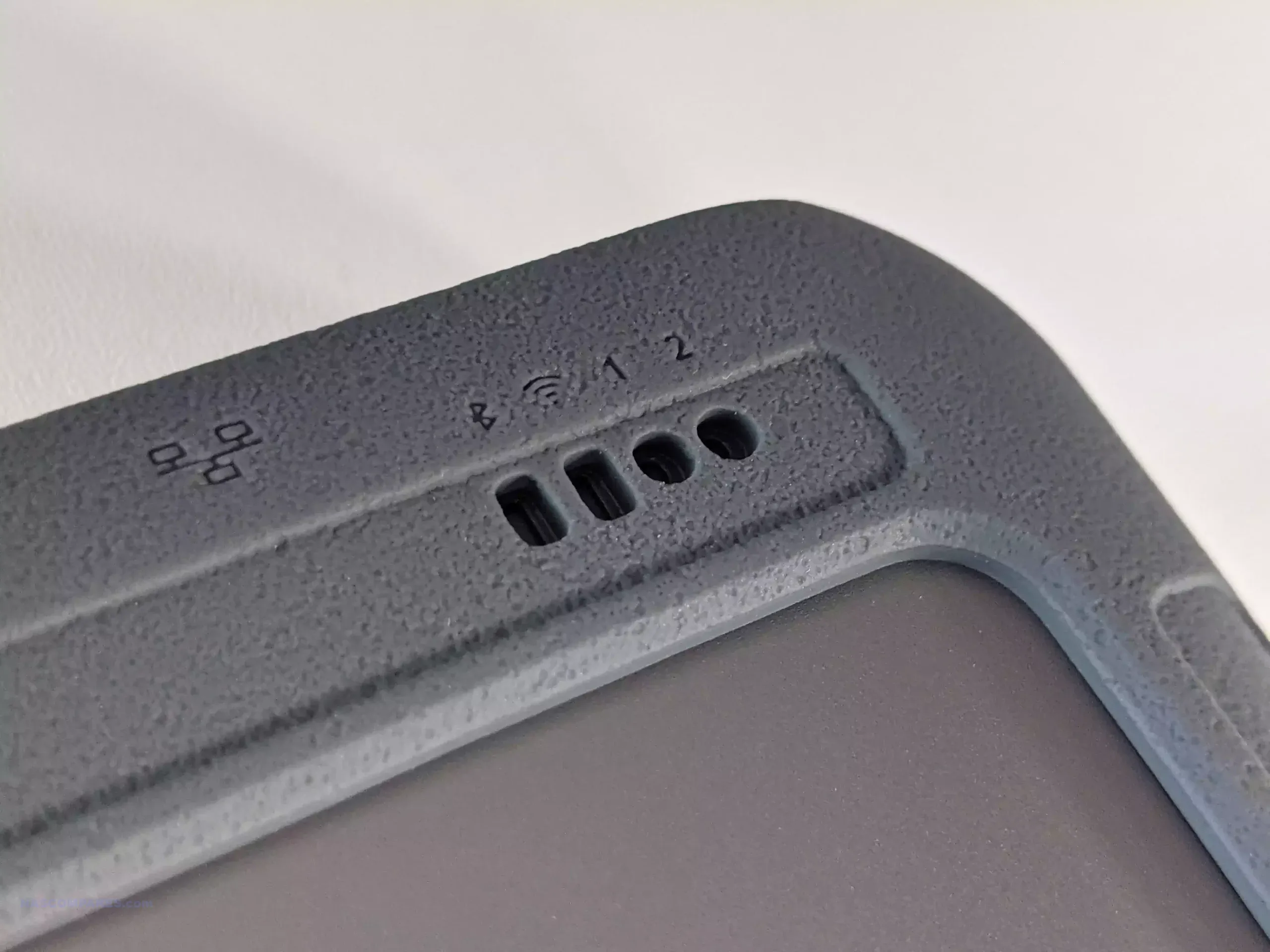
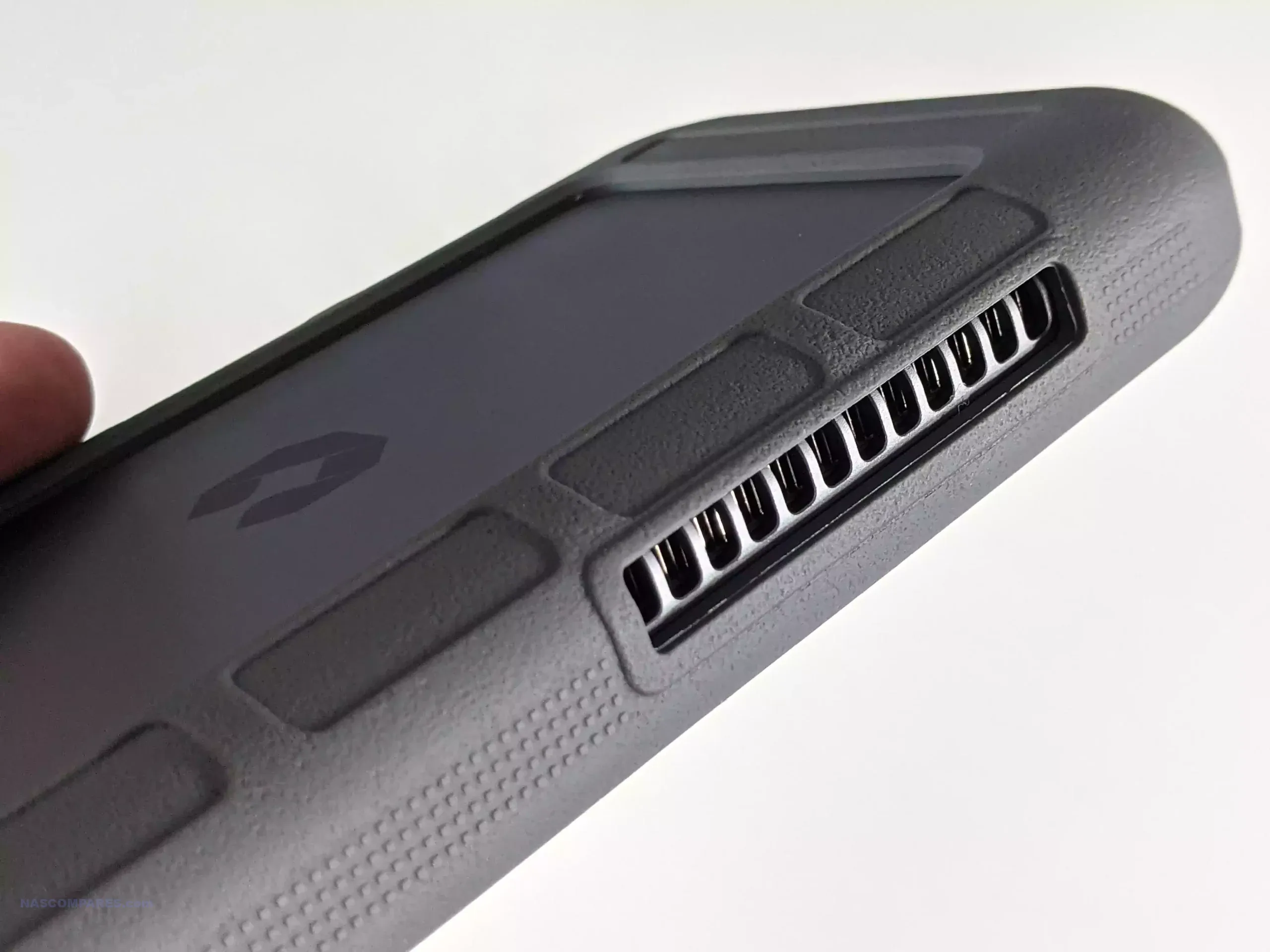
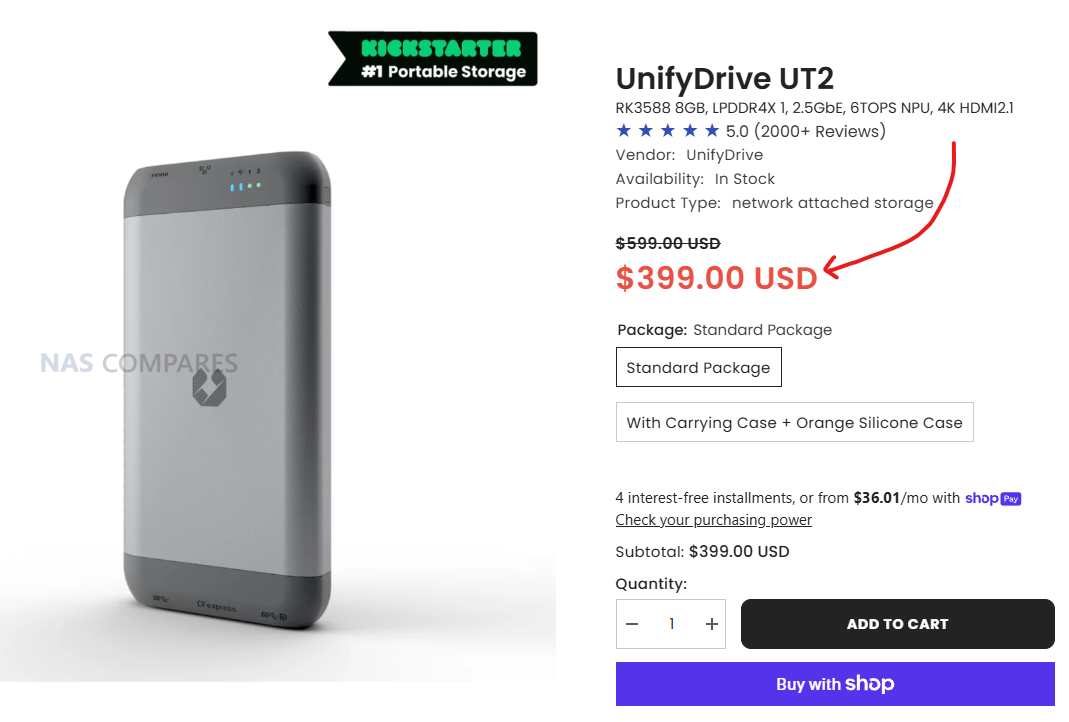
 SUBSCRIBE TO OUR NEWSLETTER


 TRY CHAT









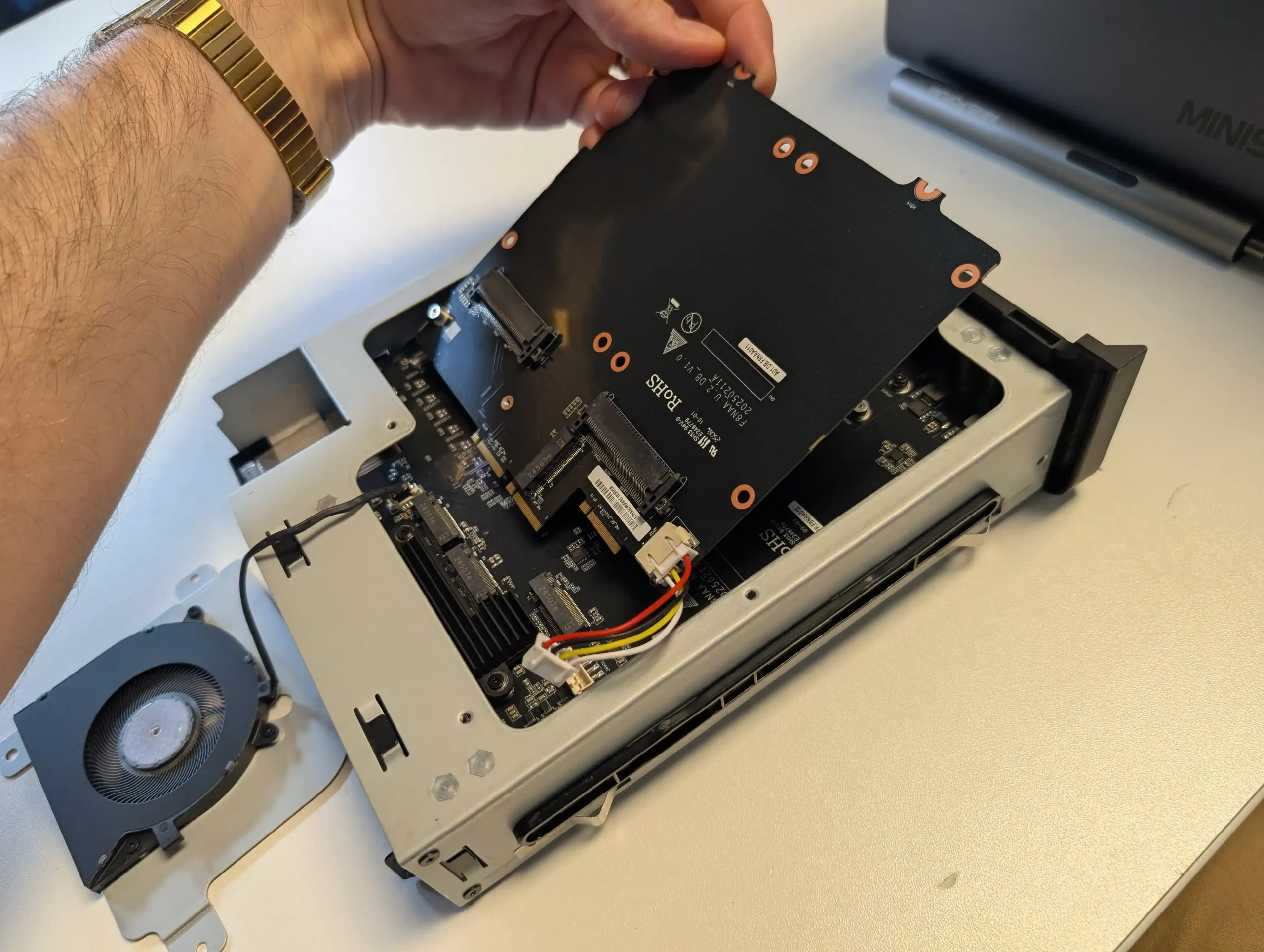
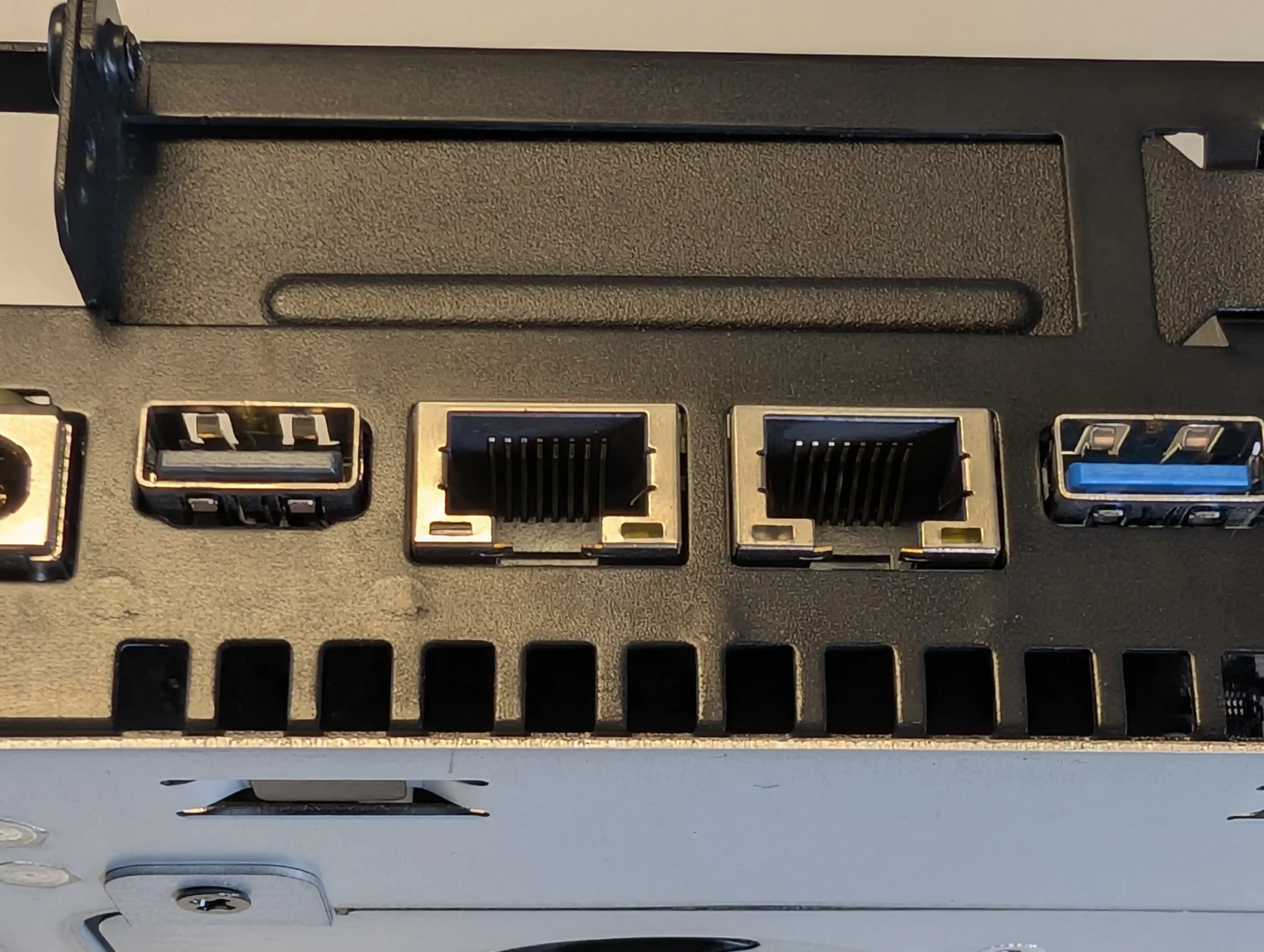
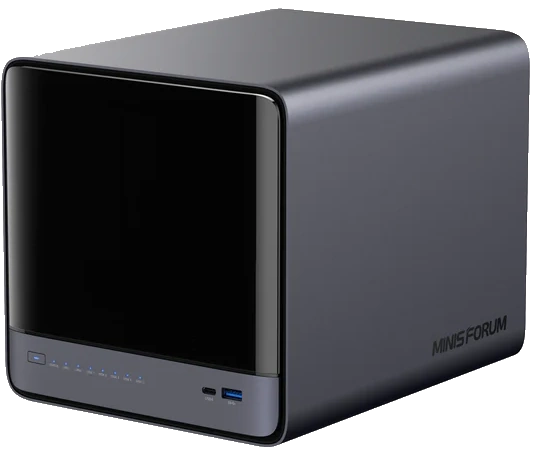
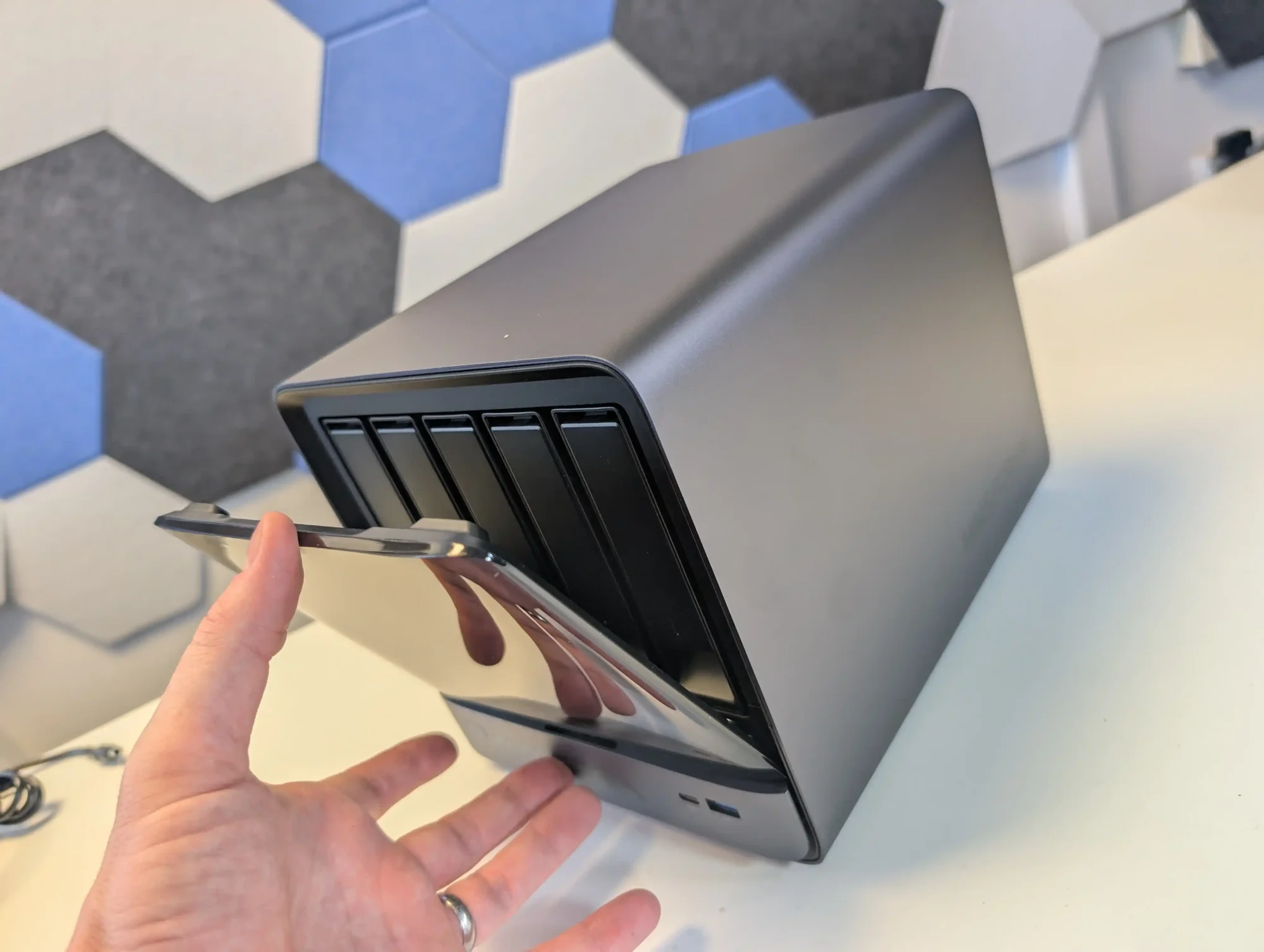

 High-performance AMD Ryzen
 AI 9 HX PRO 370 CPU with 12 cores, 24 threads, and AI acceleration (50 TOPS NPU) is INCREDIBLE for a compact desktop purchase
 MinisCloud OS is functional but immature, with unfinished localisation and limited advanced enterprise features - lacks MFA, iSCSI, Security Scanner and More. Nails several key fundamentals, but still feels unfinished at this time.