Vue lecture

Il y a de nouveaux articles disponibles, cliquez pour rafraîchir la page.

Best PLEX, Jellyfin or Emby NAS of 2025

The Best PLEX, Emby and/or Jellyfin NAS Devices Released in 2025

Network media servers in 2025 range from tiny single drive boxes to fairly serious multi bay systems that can sit at the center of a home network. This article looks specifically at NAS hardware released in 2025 that can sensibly replace or supplement streaming services by running Plex, Jellyfin or Emby. The focus is on devices that arrive as complete appliances, with both hardware and a NAS style operating system included, so you can put a box on the network, install a media server app and start watching without building a PC or learning a full server stack.

To be included here, a NAS has to have gone on general sale in 2025, ship with its own OS rather than as a bareboard, and be able to run Plex Media Server, with Jellyfin and Emby support noted where it exists. In practical terms, that means hardware that can handle 4K and 1080p playback for multiple users and is realistically capable of at least 2 simultaneous 4K transcodes and 5 simultaneous 1080p transcodes, with a single exception where the overall package still makes sense for more limited workloads. RAID options, expansion, power use and noise are all taken into account, but the main filter is whether the device can function reliably as a modern media server on a typical home or small office network.

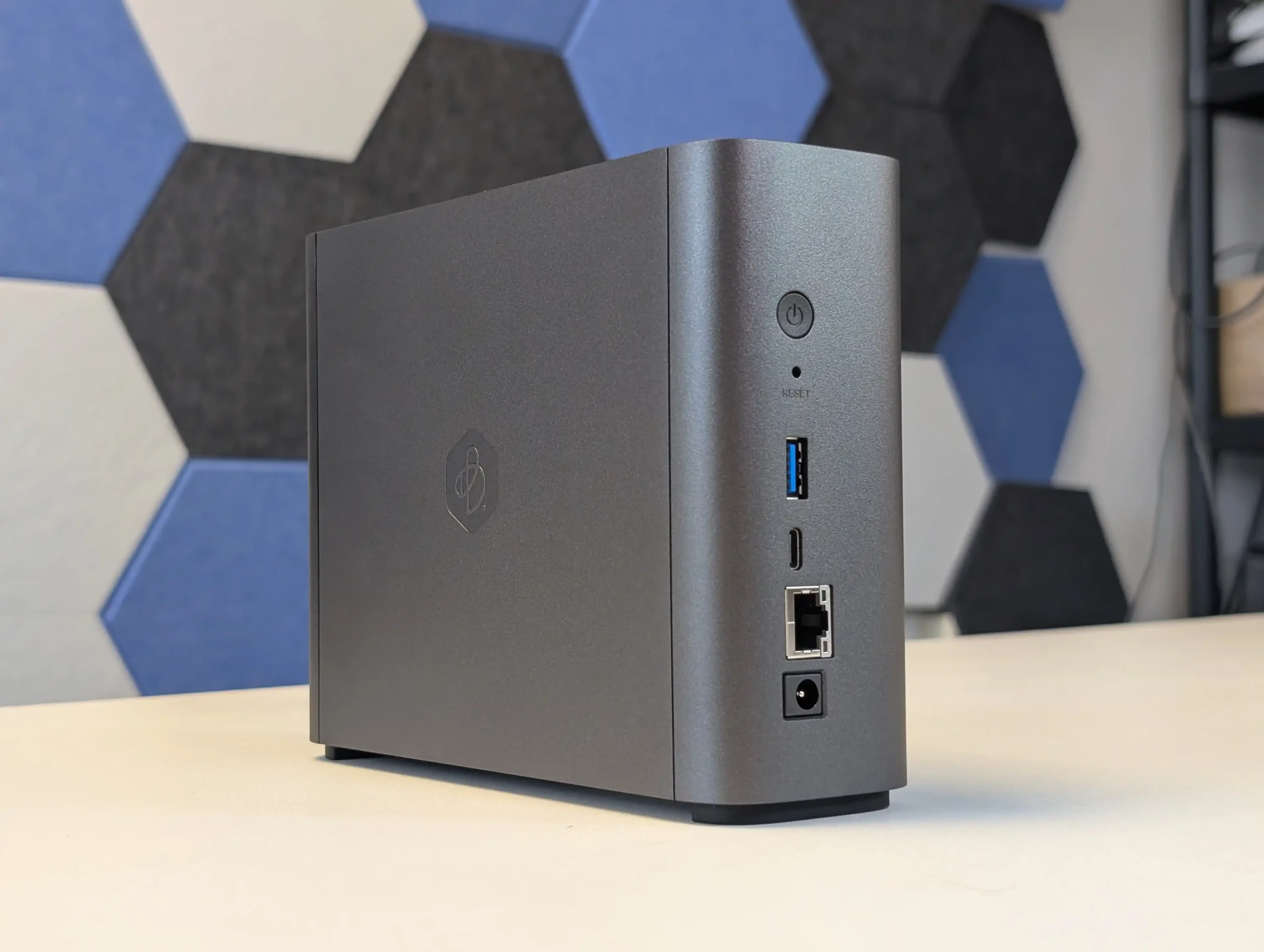
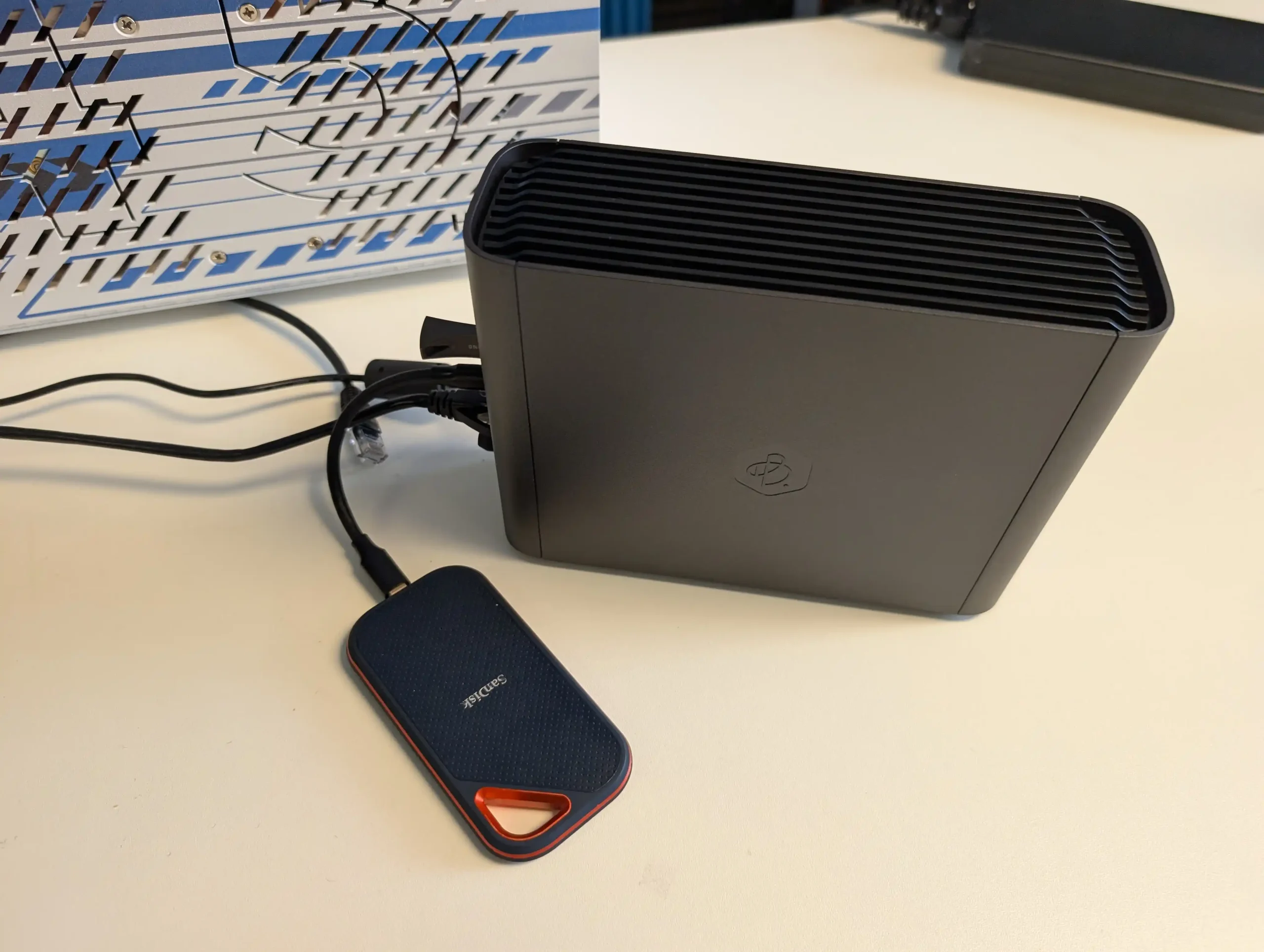
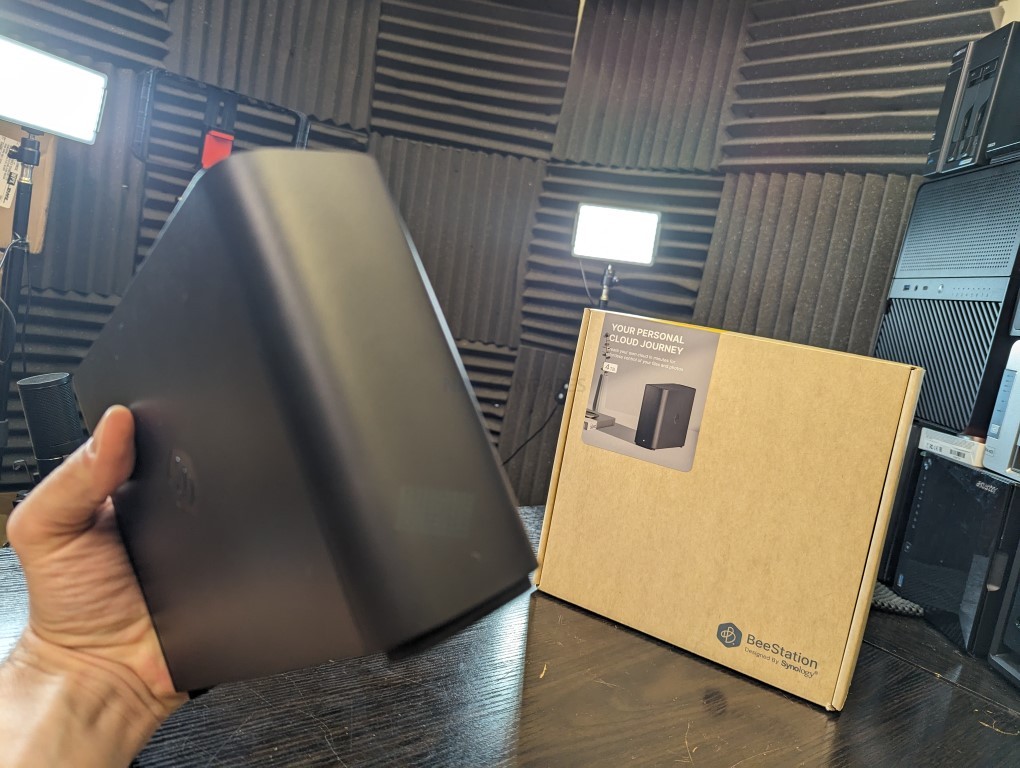
#1 Synology BeeStation Plus 8TB – $399 to $419

SPECS: Intel Celeron J4125 quad core 2.0 to 2.7 GHz – 4 GB DDR4 – 1 x 3.5″ 8 TB SATA bay (pre installed) – 1 x 1 GbE RJ45 / 1 x USB A 3.2 Gen 1 / 1 x USB C 3.2 Gen 1 – no M.2 SSD support.

BeeStation Plus is aimed at users who want a simple, appliance like Plex box rather than a configurable NAS. It runs Synology’s cut down BeeStation OS, has Plex Media Server support built in, and is set up entirely through a guided app and browser flow, so there is minimal configuration overhead. The hardware is sufficient for basic 4K and 1080p Plex use for a small number of clients, but the single non replaceable drive bay and lack of expansion, RAID options or M.2 slots mean it is best treated as a starter Plex unit for light libraries rather than a long term, scalable media server, and there is no official Jellyfin or Emby integration at this time.

What we said in our March ’25 Review HERE:

The Synology BeeStation marks a significant shift in Synology’s product line, targeting a new segment of users with its simplified yet functional design. This device stands out as an excellent middle ground between ease of use and a comprehensive private cloud system, providing secure and seamless access to stored data. While it is incredibly user-friendly and easy to set up, the lack of LAN access by default and its single-bay, 4TB-only configuration at launch might limit its appeal to more tech-savvy users or those seeking greater flexibility and expandability. The BeeStation’s unique selling point is its simplicity, making it a compelling choice for those new to NAS systems or for users who prioritize ease of use over extensive customization options. However, its simplicity also means that it lacks the extensive app support found in Synology’s DSM platform, potentially disappointing users accustomed to the richer application ecosystem offered by Synology’s more advanced models.
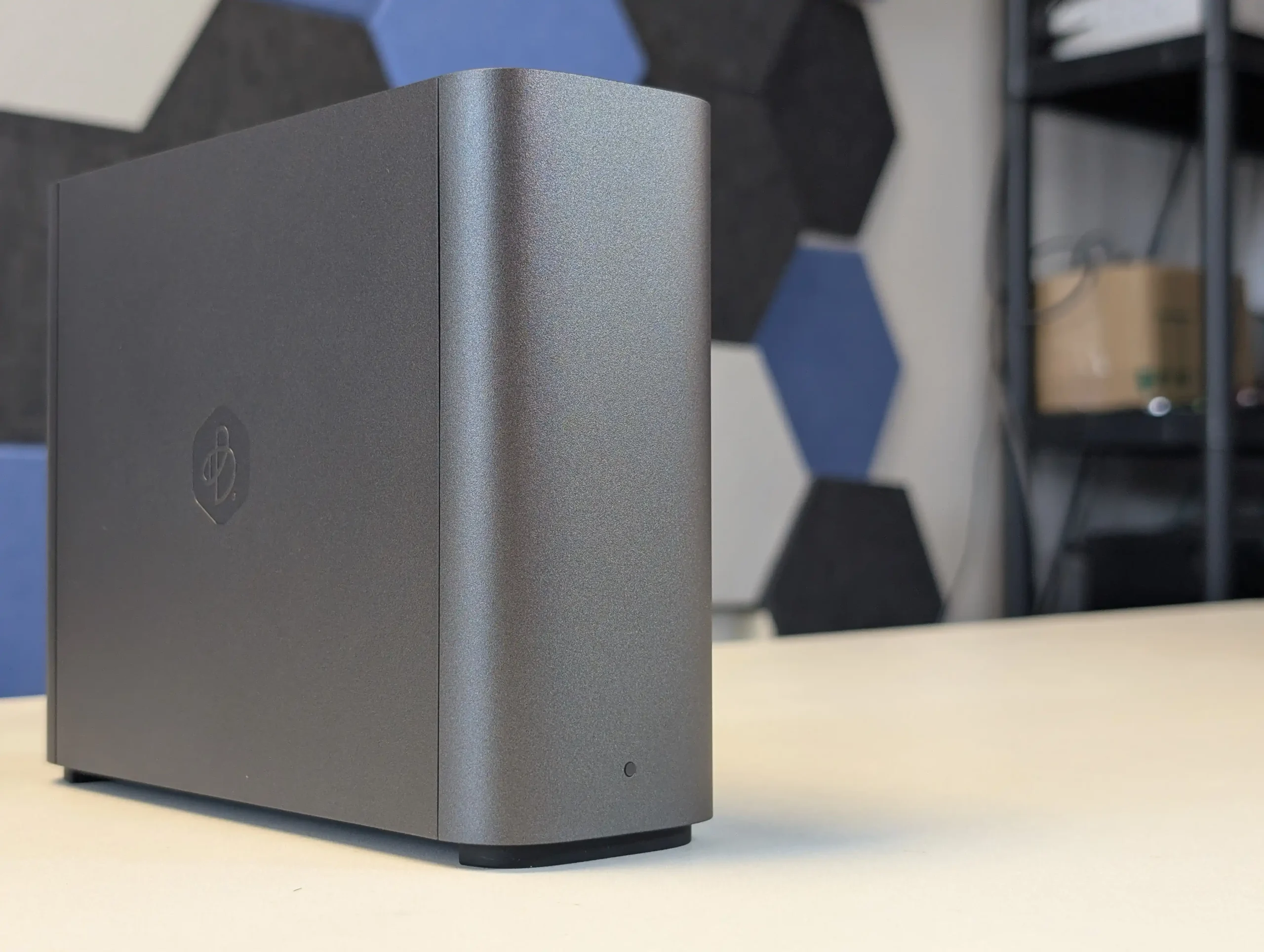
For users concerned about security, the BeeStation still upholds Synology’s reputation for secure data handling, with encrypted data transmission as a standard feature. However, experienced users who prefer a more hands-on approach to their NAS setup might find the BeeStation’s lack of advanced configuration options and its reliance on internet access for setup somewhat restrictive. In terms of market positioning, the BeeStation fills a gap left by other brands like WD and Seagate in offering ‘Easy NAS’ systems. Its competitive pricing, particularly considering the included 4TB of storage, makes it an attractive option for users seeking a private cloud solution without the recurring costs associated with third-party cloud services. Despite these potential drawbacks, the BeeStation is a solid entry-level NAS solution, especially for those seeking a personal cloud with minimal setup and maintenance. It may not be as feature-rich as Synology’s DSM-based NAS devices, but for its intended audience, the BeeStation provides a well-balanced combination of functionality, ease of use, and affordability. Synology’s move to cater to a broader, less technically inclined audience with the BeeStation demonstrates their understanding of market trends and user needs, offering a solution that balances simplicity with the reliability and quality Synology is known for.
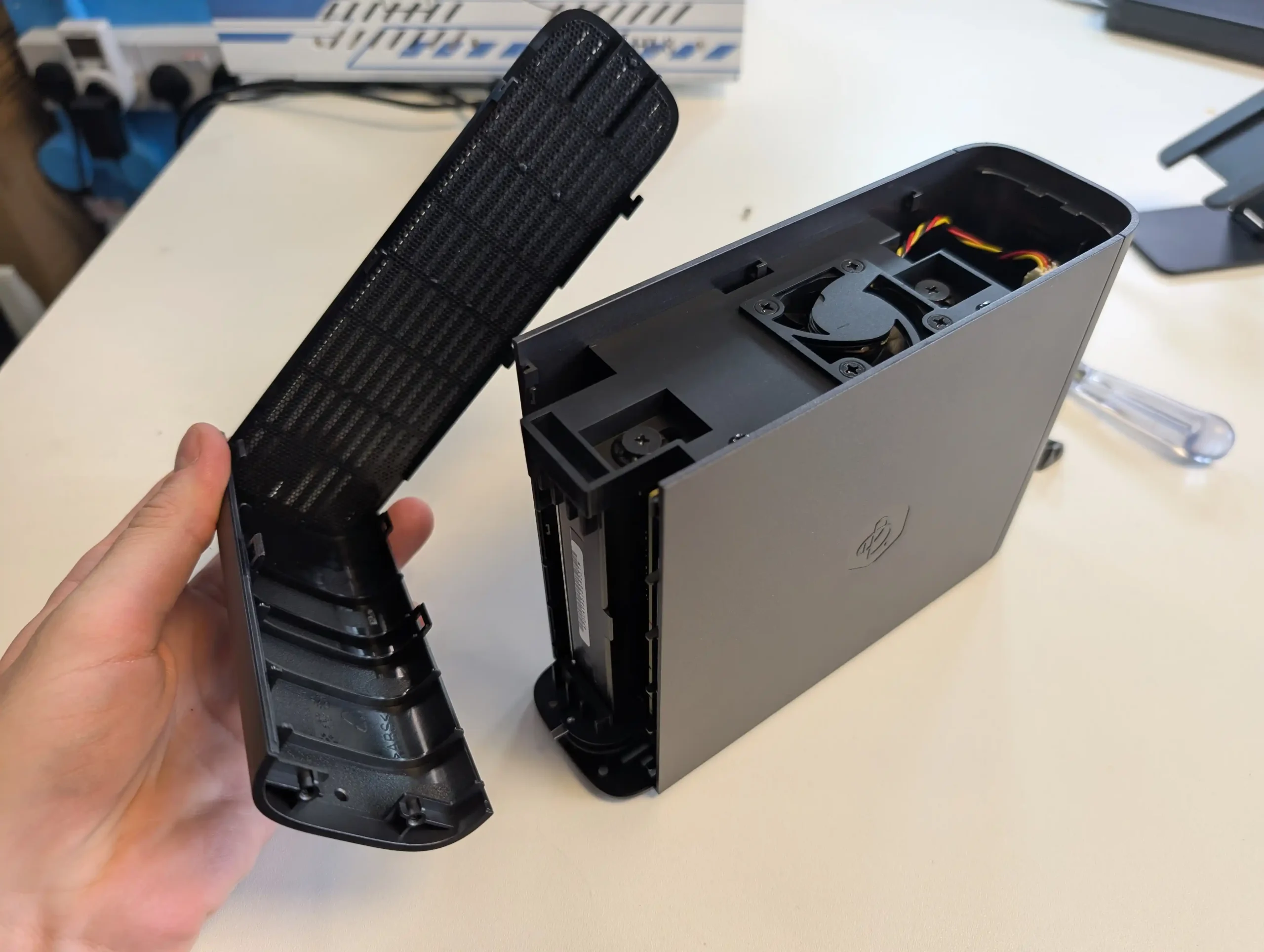
In the end, the Synology BeeStation is an ideal choice for users seeking a straightforward, reliable, and cost-effective personal cloud solution. It represents Synology’s commitment to diversifying their product range, catering to the evolving needs of different user segments. While it may not suit everyone, especially those looking for advanced features and customization, it excels in its role as a user-friendly, secure, and affordable entry-level NAS device.


SOFTWARE - 7/10
HARDWARE - 8/10
PERFORMANCE - 7/10
PRICE - 10/10
VALUE - 10/10


8.4
PROS
👍🏻User-friendly setup, ideal for beginners or those seeking a simple cloud solution.
👍🏻Secure data handling with encrypted data transmission.
👍🏻Comes with 4TB of storage included, offering good value.
👍🏻Compact and lightweight design, enhancing portability.
👍🏻Quiet operation, suitable for home or office environments.
👍🏻Integrates seamlessly with popular cloud services like Google Drive and OneDrive.
👍🏻Affordable pricing at $199, a cost-effective alternative to third-party cloud services.
👍🏻Supports remote access, allowing data management from anywhere and across client devices/OS
👍🏻Synologys reputation for quality and reliability is still clear on this smaller scale.
👍🏻Several client tools (BeeFiles, BeePhotos and Desktop sync tool) for Windows, Mac, iOS and Android available for tailored access
👍🏻System configuration backup option to USB/C2 (Often absent in budget cloud solutions)
👍🏻AI Photo Recognition in BeePhotos for faces, Objects and geo data scraping + Advanced filter/search
CONS
👎🏻Lacks the extensive app support and customization found in Synology\'s DSM platform.
👎🏻Only available in a single-bay, 4TB configuration at launch, limiting expandability.
👎🏻Single 5400RPM HDD running everything leads to slowdown more than you think!
👎🏻LAN access is disabled by default, which may not suit all users.
👎🏻Designed for a specific user base, may not meet the needs of more advanced users.


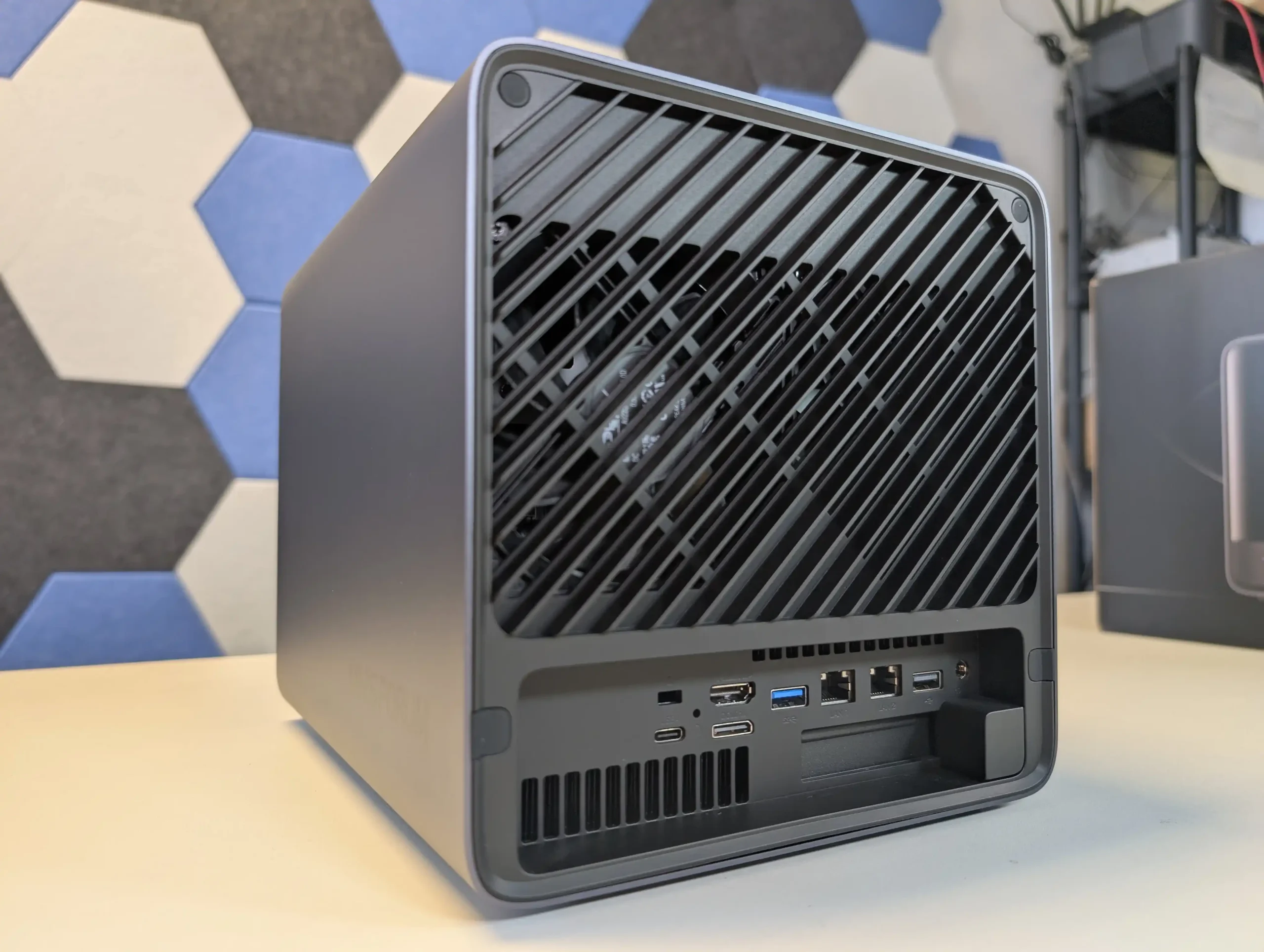
#2 Minisforum N5 NAS – $599 to $749

SPECS: AMD Ryzen 7 255 8 core 16 thread up to 4.9 GHz – up to 96 GB DDR5 via 2 SODIMM slots – 5 x 3.5″/2.5″ SATA bays – 1 x 10 GbE RJ45 / 1 x 5 GbE RJ45 / 2 x USB4 – 3 x M.2 2280 NVMe or U.2 SSD slots (PCIe 4.0).

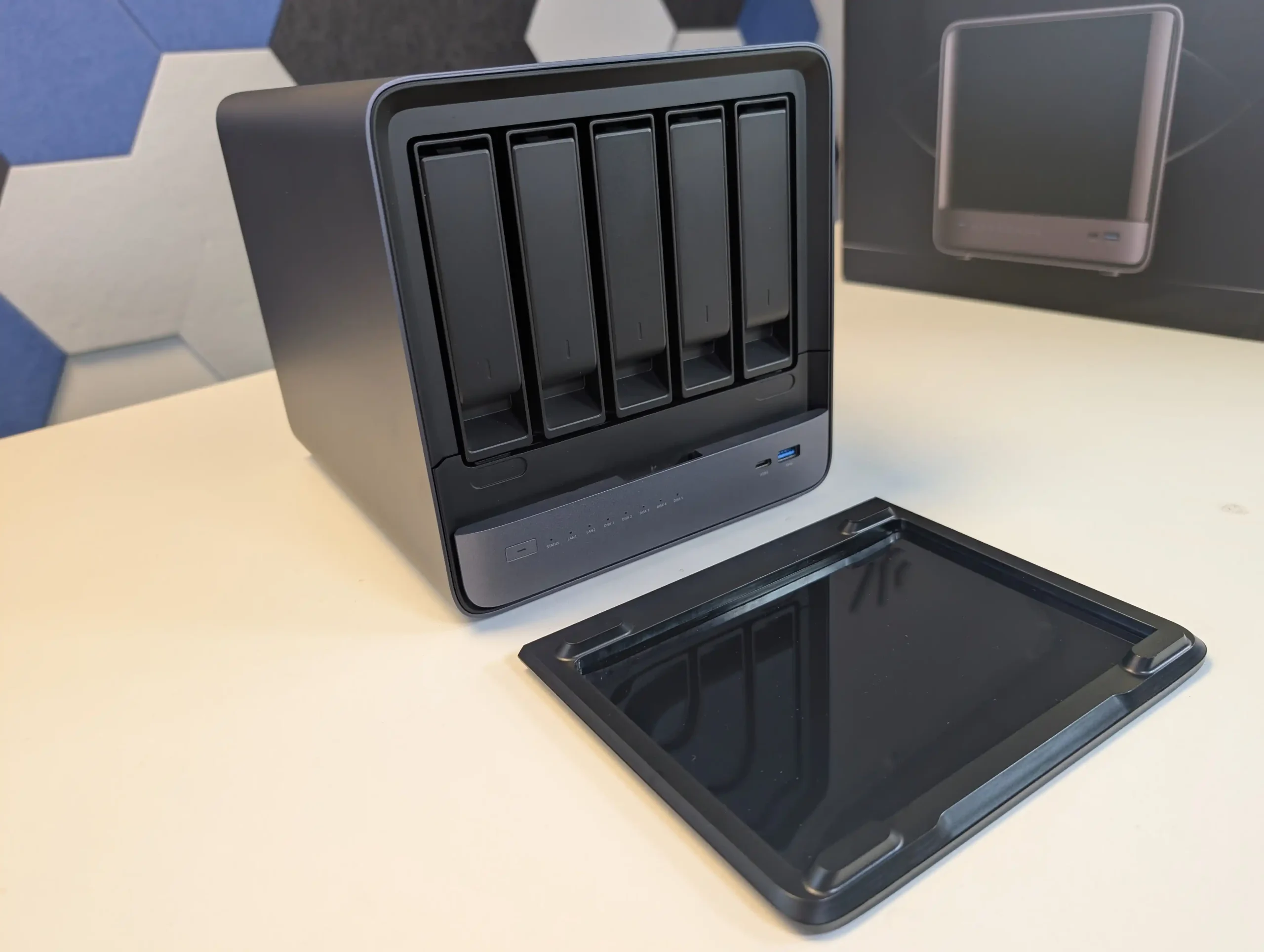
The Minisforum N5 is a compact 5-bay NAS that targets users who want preconfigured hardware with some workstation derived design features. It uses an x86 CPU in the same general class as the Aoostar WTR Max, paired with an internal storage module of 64 GB for the system volume, and is typically sold in the 599 to 699 USD range, with the separate Pro variant occupying a higher bracket. The chassis integrates a removable drive base section for easier maintenance, and the platform includes multi-gig networking up to 10 GbE and 5 GbE, a PCIe expansion slot and USB4 connectivity for additional bandwidth or external devices. Minisforum ships the N5 with its own NAS operating system to provide an immediate out of box experience, but the software is still relatively young and many buyers elect to overwrite the included module with a more established NAS or server OS. Throughout 2025, availability has been intermittent, reflecting a level of demand from home lab users who want higher specification NAS hardware without building entirely from individual components.
What we said in our July ’25 Review HERE:

The Minisforum N5 Pro is an impressive and highly versatile NAS platform that successfully combines the core strengths of a storage appliance with the capabilities of a compact, workstation-class server, making it suitable for demanding and varied use cases. Its defining features include a 12-core Ryzen AI 9 HX PRO 370 CPU with 24 threads and onboard AI acceleration up to 50 TOPS, support for up to 96GB of ECC-capable DDR5 memory for data integrity, and a hybrid storage architecture offering up to 144TB total capacity through a mix of five SATA bays and three NVMe/U.2 slots. Additional highlights such as ZFS file system support with snapshots, inline compression, and self-healing, along with high-speed networking via dual 10GbE and 5GbE ports, and expansion through PCIe Gen 4 ×16 and OCuLink interfaces, position it well beyond the capabilities of typical consumer NAS systems. The compact, fully metal chassis is easy to service and efficiently cooled, enabling continuous operation even under sustained virtual machine, AI, or media workloads.
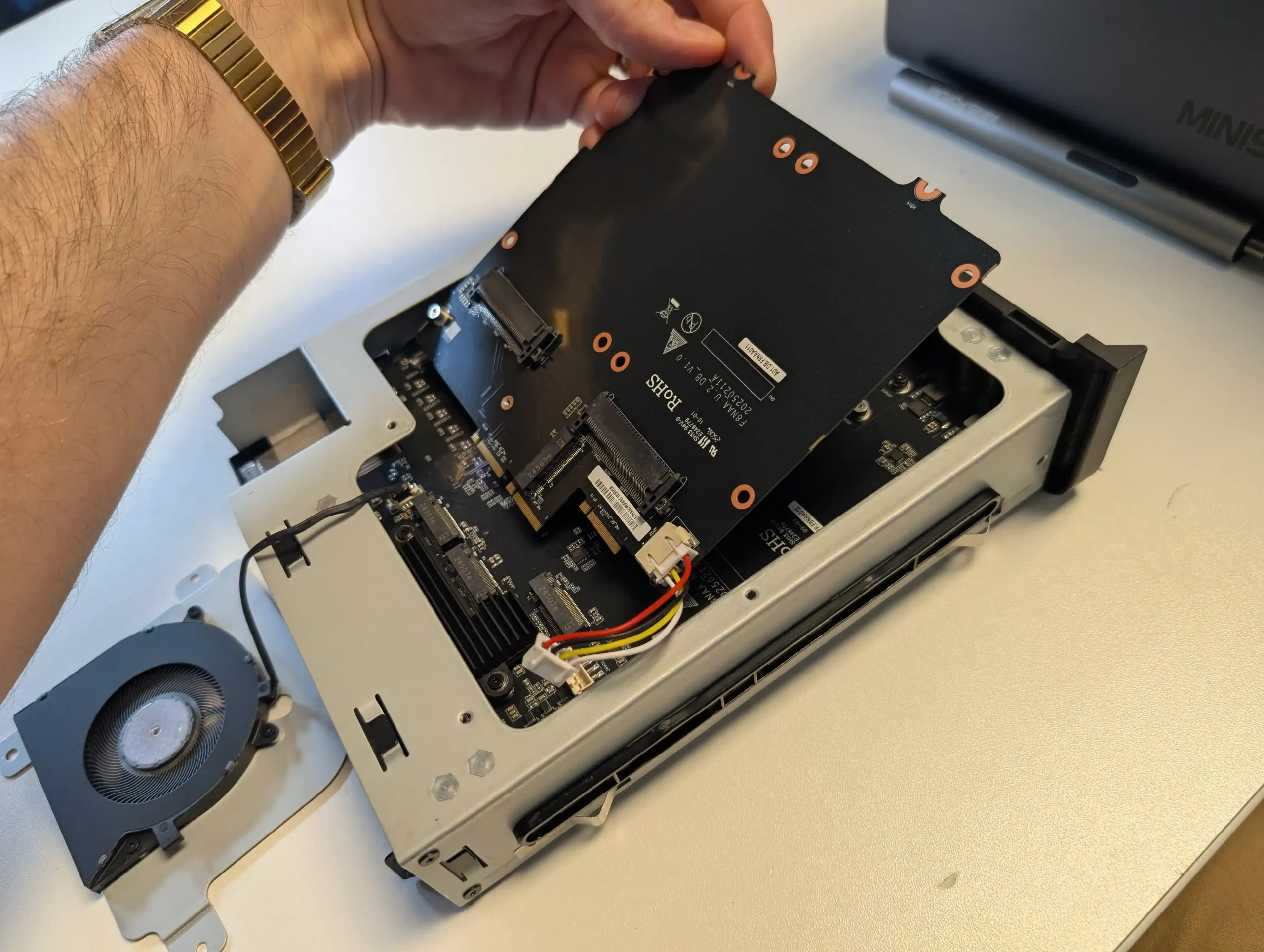
At the same time, the bundled MinisCloud OS, while feature-rich with AI photo indexing, Docker support, and mobile integration, remains a work in progress, lacking some enterprise-grade polish, robust localization, and more advanced tools expected in mature NAS ecosystems. Minor drawbacks such as the external PSU, the thermally challenged pre-installed OS SSD, and the higher cost of the Pro variant relative to the standard N5 are important to weigh, particularly for users who may not fully utilize the Pro’s ECC and AI-specific advantages. For advanced users, homelab builders, and technical teams who require high compute density, flexible storage, and full control over their software stack, the N5 Pro delivers workstation-level performance and configurability in NAS form—offering one of the most forward-thinking and adaptable solutions available today in this segment.
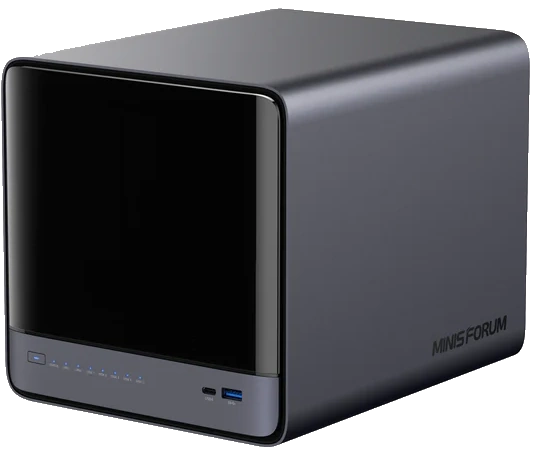
The is now available to buy:

  • Minisforum N5 Pro (Check Amazon) – HERE
  • Minisforum N5 Pro (Check AliExpress) – HERE
  • Shop for NAS Hard Drives on Amazon – HERE
  • Shop for SSDs for your N5 Pro on Amazon – HERE

BUILD QUALITY - 10/10
HARDWARE - 9/10
PERFORMANCE - 9/10
PRICE - 7/10
VALUE - 8/10


8.6
PROS
👍🏻High-performance AMD Ryzen™ AI 9 HX PRO 370 CPU with 12 cores, 24 threads, and AI acceleration (50 TOPS NPU) is INCREDIBLE for a compact desktop purchase
👍🏻Support for up to 96GB DDR5 memory with ECC, ensuring data integrity and stability in critical environments
👍🏻ZFS-ready storage with numerous ZFS and TRADITIONAL RAID configurations, snapshots, and inline compression
👍🏻Hybrid storage support: five 3.5\\\"/2.5\\\" SATA bays plus three NVMe/U.2 SSD slots, with up to 144TB total capacity
👍🏻Versatile expansion options including PCIe Gen 4 ×16 slot (×4 electrical) and OCuLink port for GPUs or NVMe cages
👍🏻Dual high-speed networking: 10GbE and 5GbE RJ45 ports with link aggregation support + (using the inclusive MinisCloud OS) the use of the USB4 ports for direct PC/Mac connection!
👍🏻Fully metal, compact, and serviceable chassis with thoughtful cooling and accessible internal layout - makes maintenance, upgrades and troubleshooting a complete breeze!
👍🏻Compatibility with third-party OSes (TrueNAS, Unraid, Linux) without voiding warranty, offering flexibility for advanced users
CONS
👎🏻MinisCloud OS is functional but immature, with unfinished localisation and limited advanced enterprise features - lacks MFA, iSCSI, Security Scanner and More. Nails several key fundamentals, but still feels unfinished at this time.
👎🏻Despite External PSU design (will already annoy some users), it generates a lot of additional heat and may not appeal to all users overall
👎🏻Preinstalled 64GB OS SSD runs hot under sustained use and lacks dedicated cooling. Plus, losing one of the 3 m.2 slots to it will not please everyone (most brands manage to find a way to apply an eMMC into the board more directly, or use a USB bootloader option as a gateway for their OS
👎🏻Premium $1000+ pricing may be hard to justify for users who don’t need ECC memory or AI capabilities compared to the standard N5 at $500+


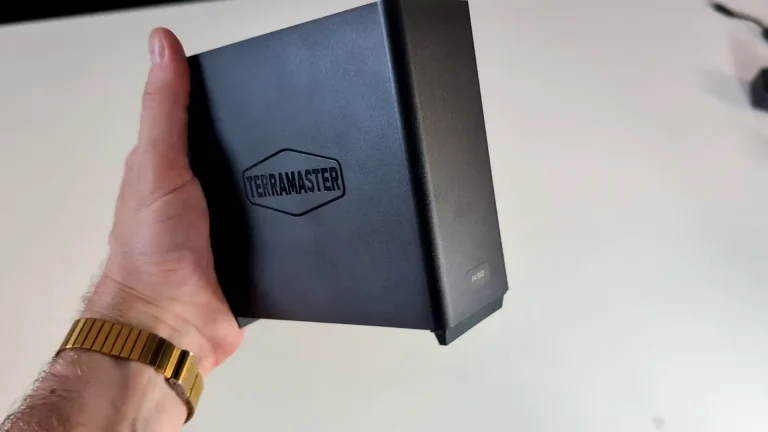
#3 TerraMaster F4 SSD NAS – $320 to $399

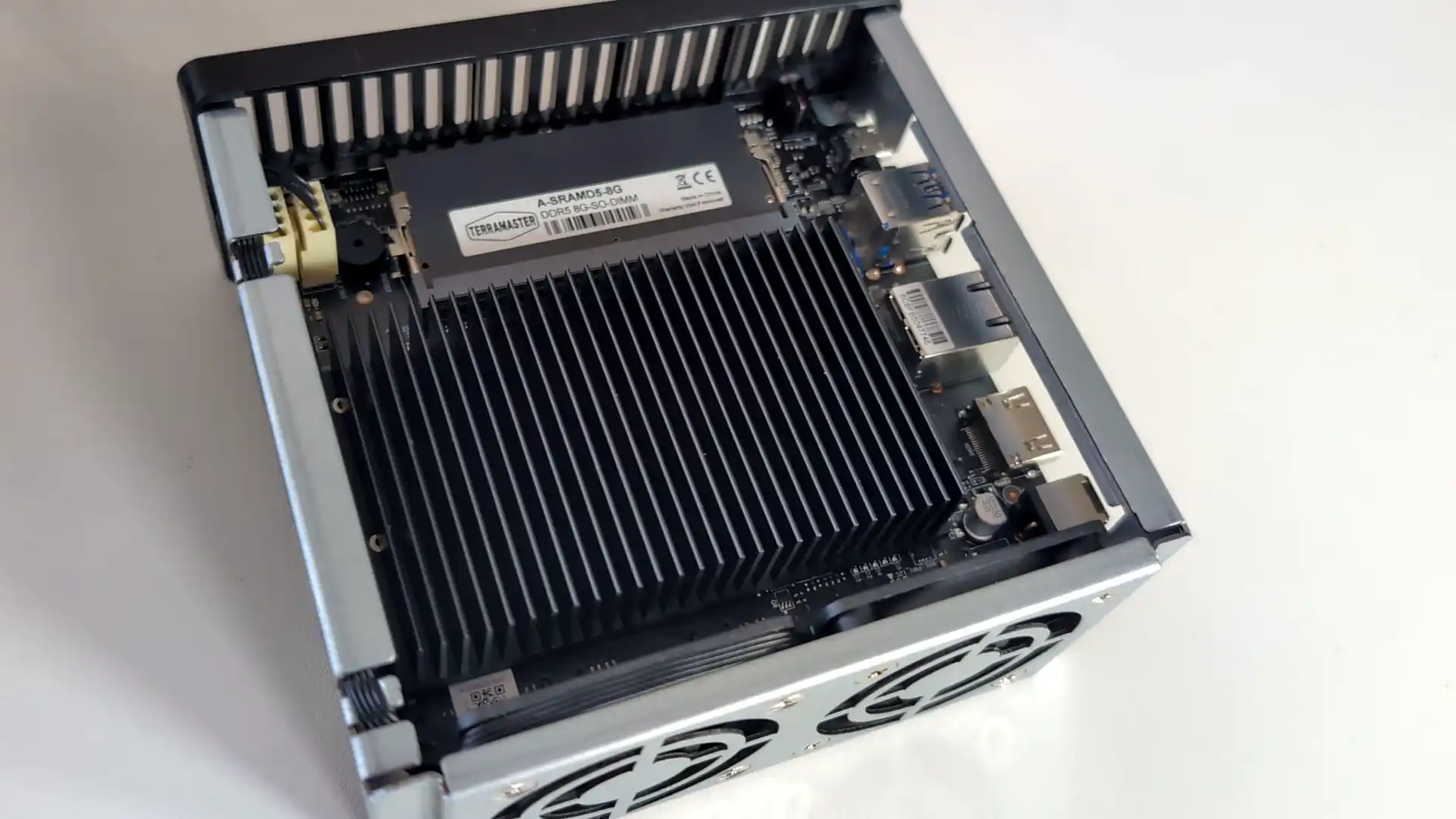
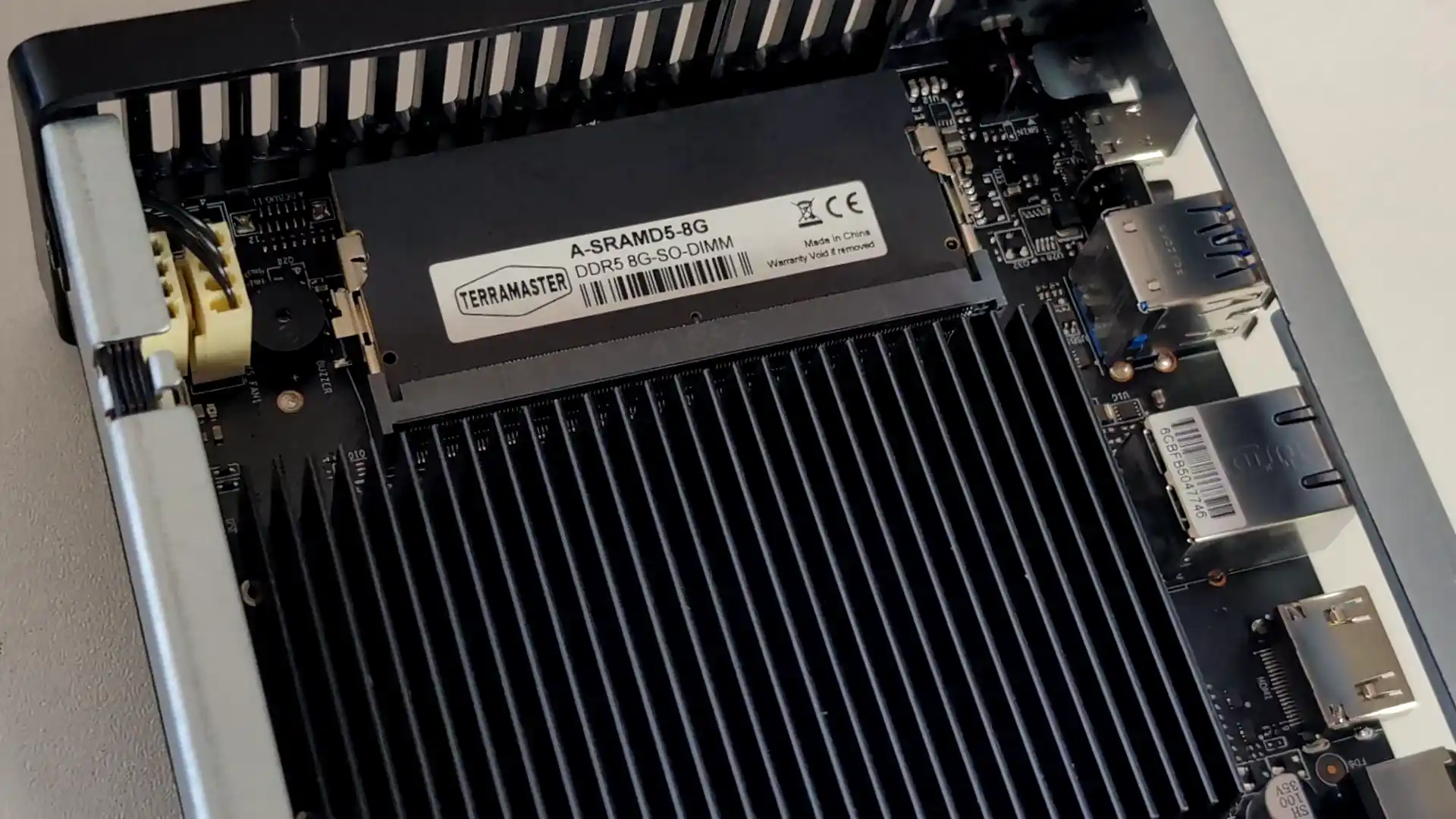
SPECS: Intel N95 quad core up to 3.4 GHz – 8 GB DDR5 (expandable to 32 GB) – 4 x M.2 2280 NVMe SSD bays – 1 x 5 GbE RJ45 / 2 x USB A 3.2 Gen 2 / 1 x USB C 3.2 Gen 2 / HDMI 2.0b – 4 x M.2 NVMe PCIe 3.0 slots (2 x2 / 2 x1).

The F4 SSD is an all flash NAS designed for users who want a compact, relatively low power Plex or Jellyfin server without mechanical drives. Its Intel N95 CPU and integrated graphics are sufficient for multiple 1080p and a modest number of 4K transcodes, and the 5 GbE interface allows the box to make use of higher network throughput than 1 GbE units. TerraMaster’s TOS 6 system offers a one click Plex package and container support for Jellyfin and Emby, but the interface and ecosystem are less refined than those from the largest NAS brands, and performance is ultimately limited by the entry level CPU and PCIe layout when many concurrent streams or heavier background tasks are involved.
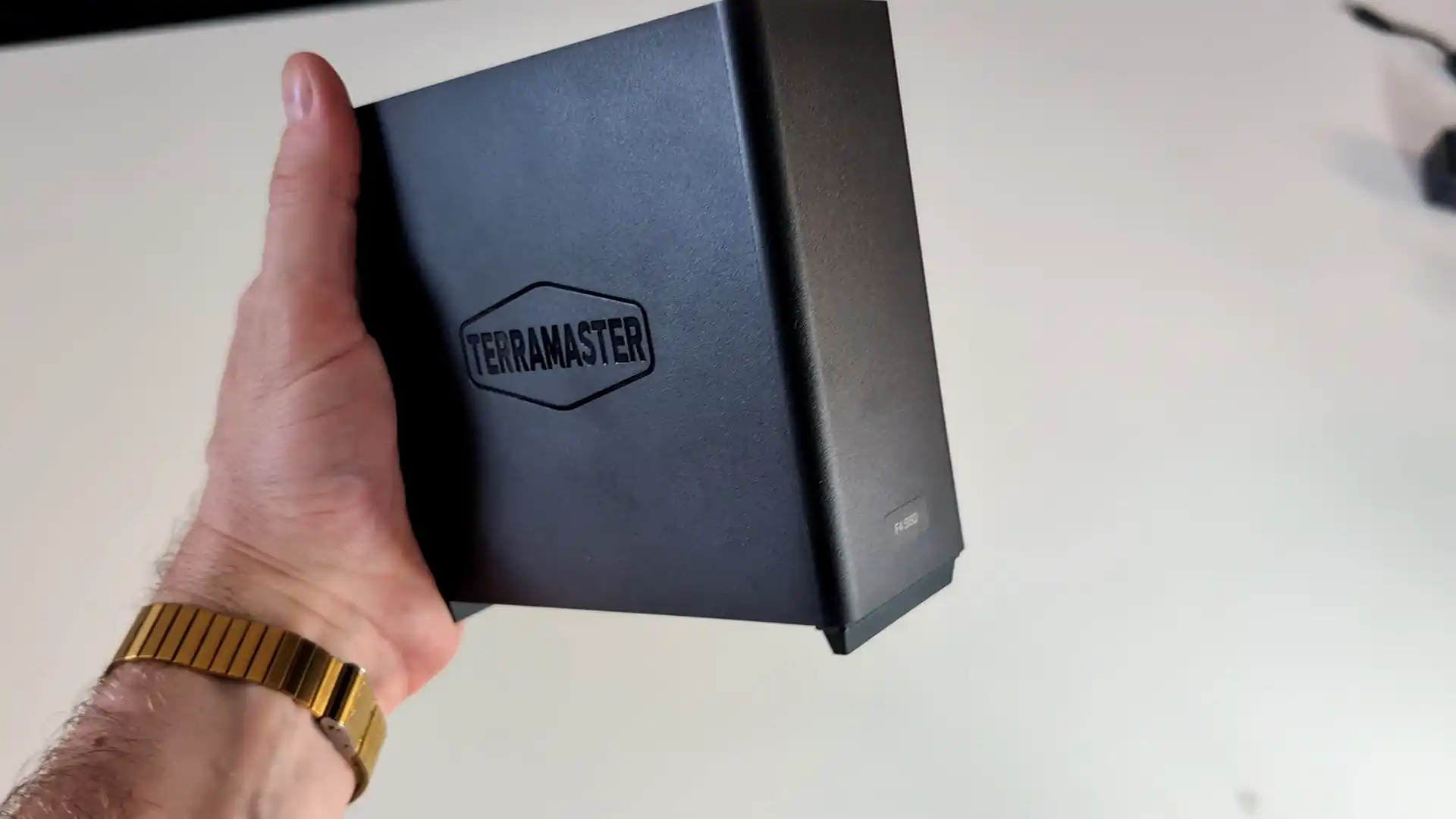
What we said in our Aug ’25 Review HERE:

The TerraMaster F4 SSD presents itself as a well-considered entry into the compact, all-flash NAS segment, balancing low noise, energy efficiency, and competitive performance at a sub-$400 price point. With its fanless NVMe-based design, Intel N95 quad-core processor, and DDR5 memory, it meets the essential needs of home and small office users looking for a reliable and responsive storage solution. The inclusion of TerraMaster’s increasingly capable TOS 6 operating system, featuring AI-driven photo management, centralized backup, and Docker/VM support, makes it more than just a network storage device—it becomes a lightweight but versatile data center for the home. Its TRAID support allows for mixed SSD deployments with easy expansion, which is particularly attractive to users upgrading gradually or working within budget constraints. The thoughtful internal layout and cooling also ensure performance remains consistent even under sustained load, without sacrificing the near-silent operation.
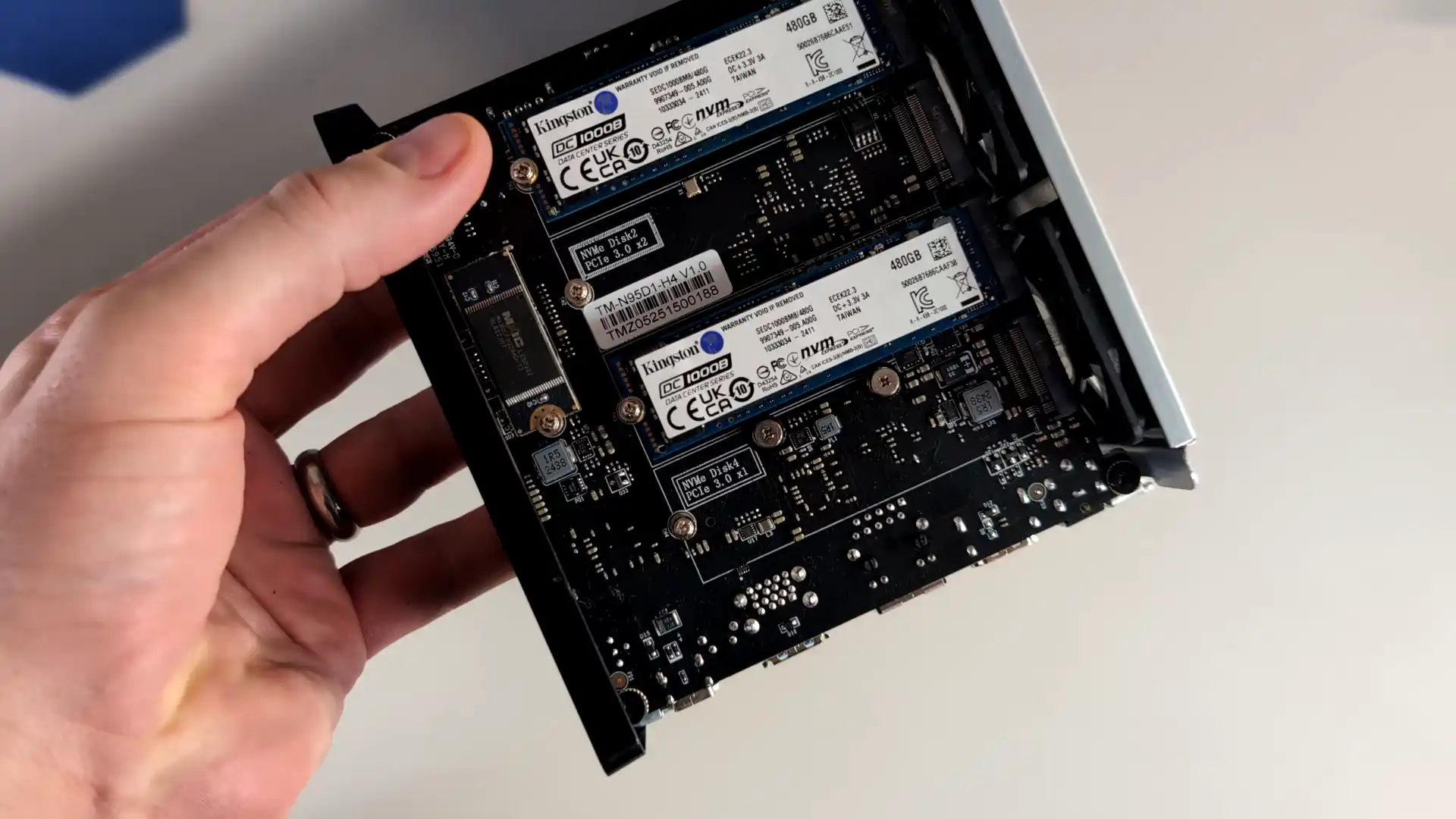
However, the F4 SSD is not without caveats. The use of a single 5GbE port, without redundancy or aggregation, may deter users requiring network failover or higher throughput for simultaneous operations. Additionally, although the PCIe lane allocation strategy maximizes the N95’s limited bandwidth, the asymmetry between Gen3 x2 and x1 slots could bottleneck RAID performance depending on how volumes are configured. When compared to the larger F8 SSD or DIY options with dual 10GbE or ECC support, the F4 SSD may feel limiting to power users or business environments with stricter reliability requirements. That said, for the vast majority of home users, content creators, and prosumers looking for an all-in-one, high-speed NAS that blends well into living spaces, the F4 SSD delivers a solid and accessible solution. Its price-to-performance ratio, combined with the simplicity of deployment and maturing software ecosystem, makes it a compelling option in the growing market of SSD NAS devices.
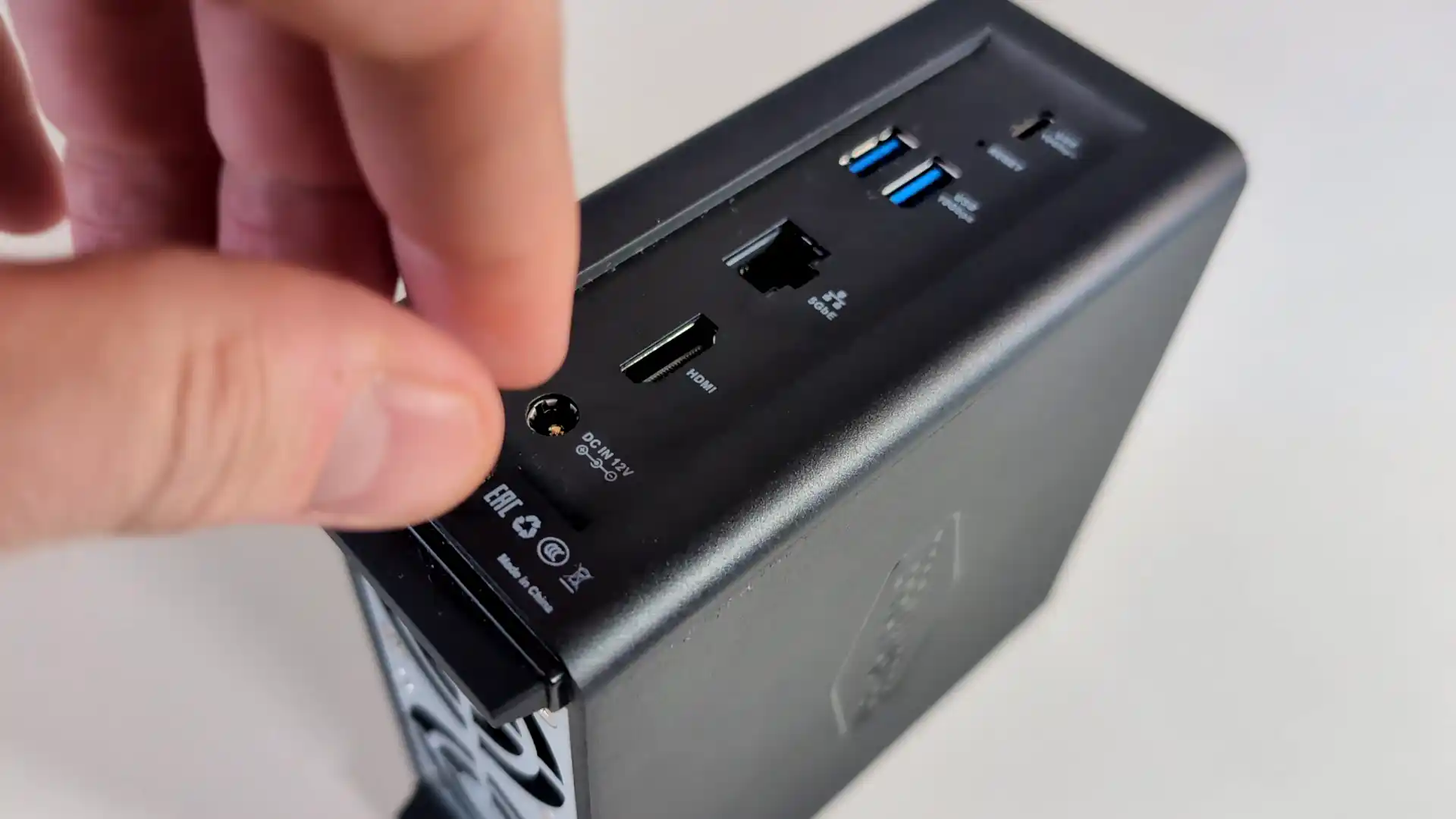
Terramaster F4 SSD NAS

Amazon in Your Region for the Terramaster F4 SSD NAS @ $399

B&H for the Terramaster F4 SSD NAS @ $399.99

SOFTWARE - 7/10
HARDWARE - 8/10
PERFORMANCE - 7/10
PRICE - 9/10
VALUE - 9/10


8.0
PROS
👍🏻Compact, toolless chassis with easy-access thumb screw and SSD installation
👍🏻All-flash NVMe architecture with support for four M.2 2280 SSDs
👍🏻5GbE network port enables high-speed local and remote transfers
👍🏻TRAID and TRAID+ allow mixed-capacity SSDs and seamless storage expansion
👍🏻TOS 6 OS includes Plex, Jellyfin, Docker, VM support, and AI photo indexing
👍🏻Quiet operation (19 dB) and low power usage (32W under load)
👍🏻Priced competitively at $399 for a turnkey SSD NAS
CONS
👎🏻Single 5GbE port with no failover or link aggregation
👎🏻Two of the four SSD slots are limited to PCIe Gen3 x1, creating potential RAID bottlenecks
👎🏻Non-ECC DDR5 memory may not meet strict data integrity requirements


#4 ZimaBoard 2 Single Board Server – $239 to $349

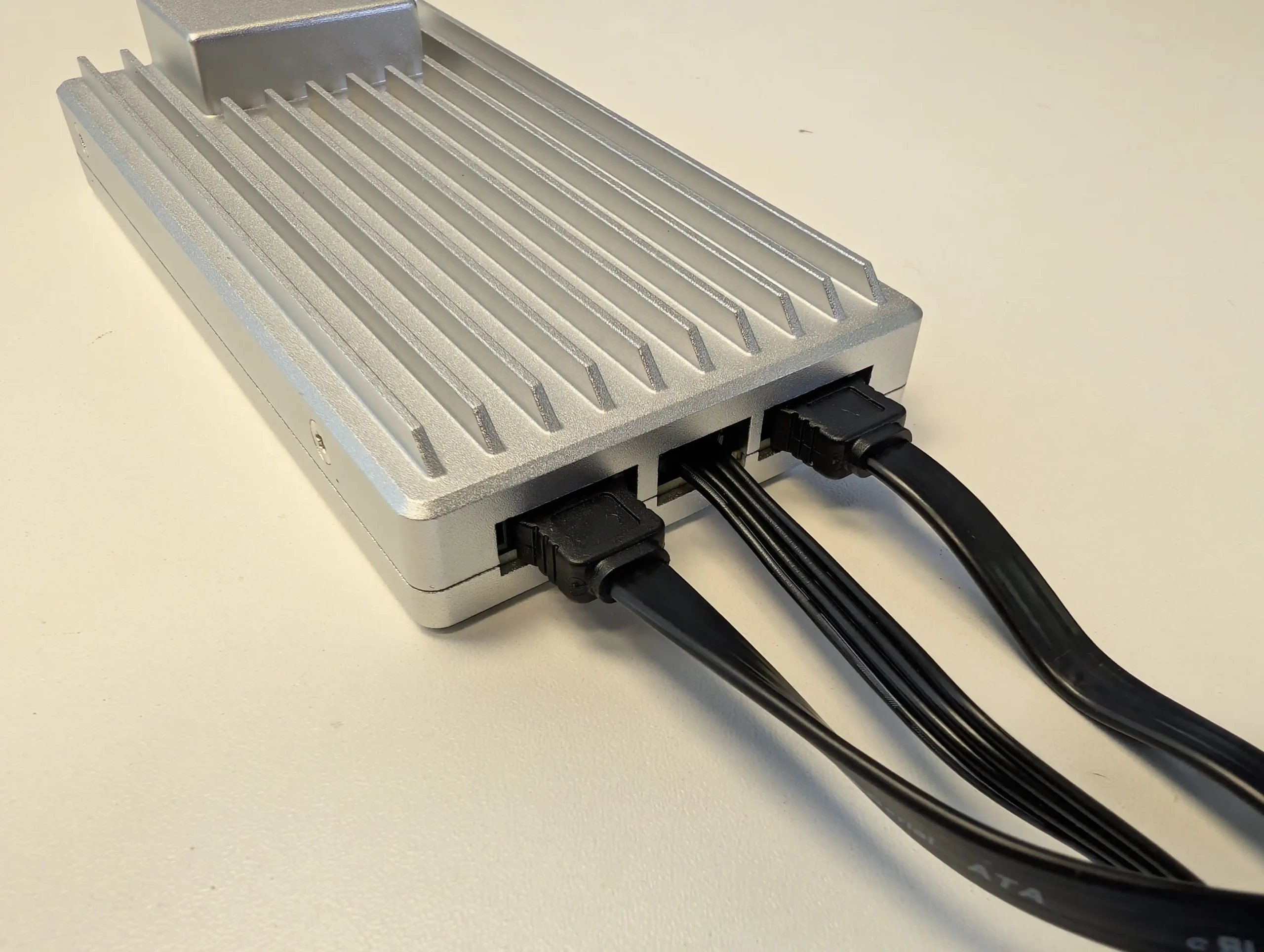
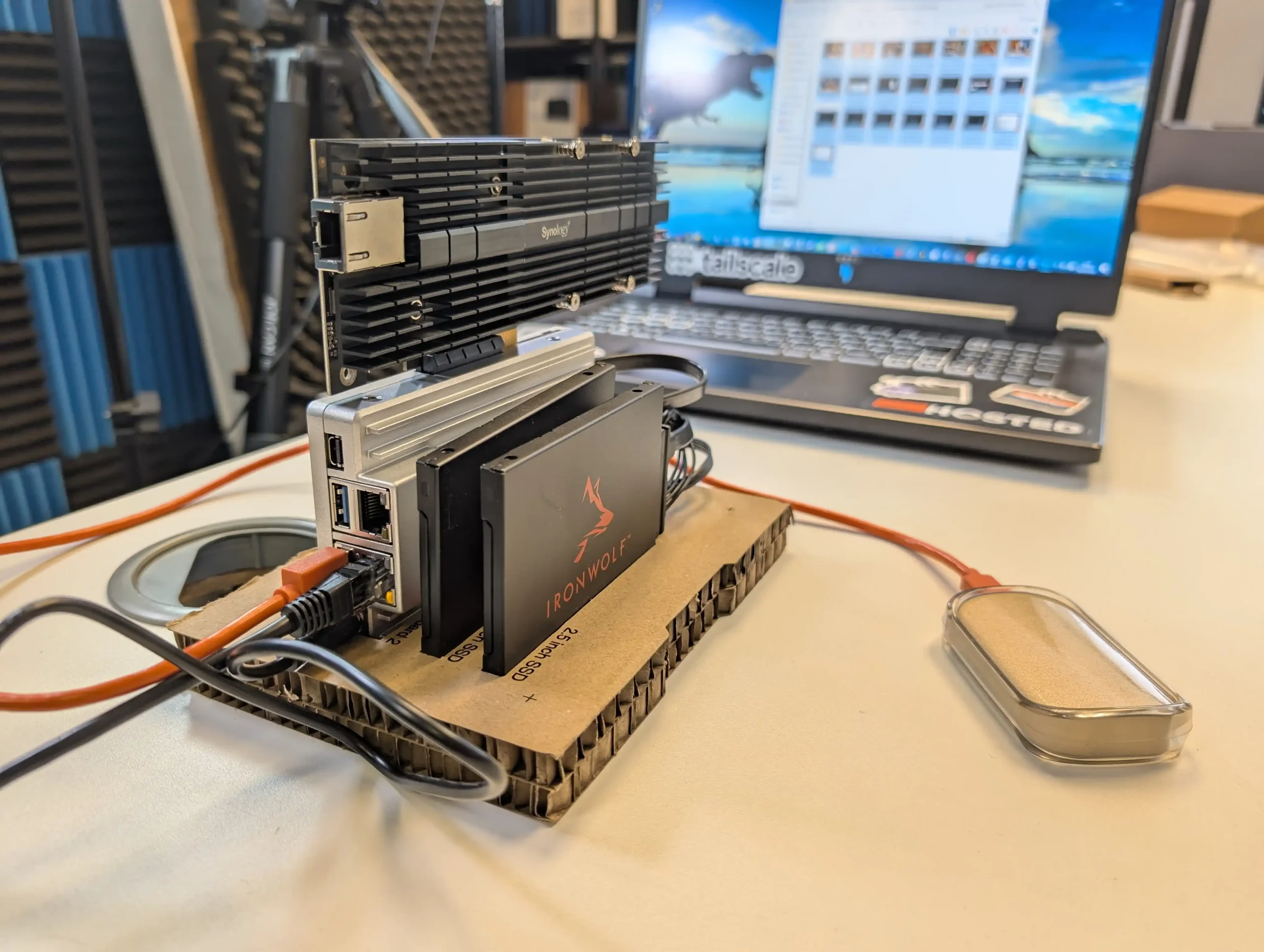
SPECS: Intel N150 quad core up to 3.6 GHz – 8 or 16 GB LPDDR5x – 2 x SATA 3.0 6 Gb/s ports for 3.5″/2.5″ drives (external bays or enclosures required) – 2 x 2.5 GbE RJ45 / 2 x USB 3.1 Type A / 1 x Mini DisplayPort 1.4 – M.2 SSD support via PCIe 3.0 x4 add in card only.

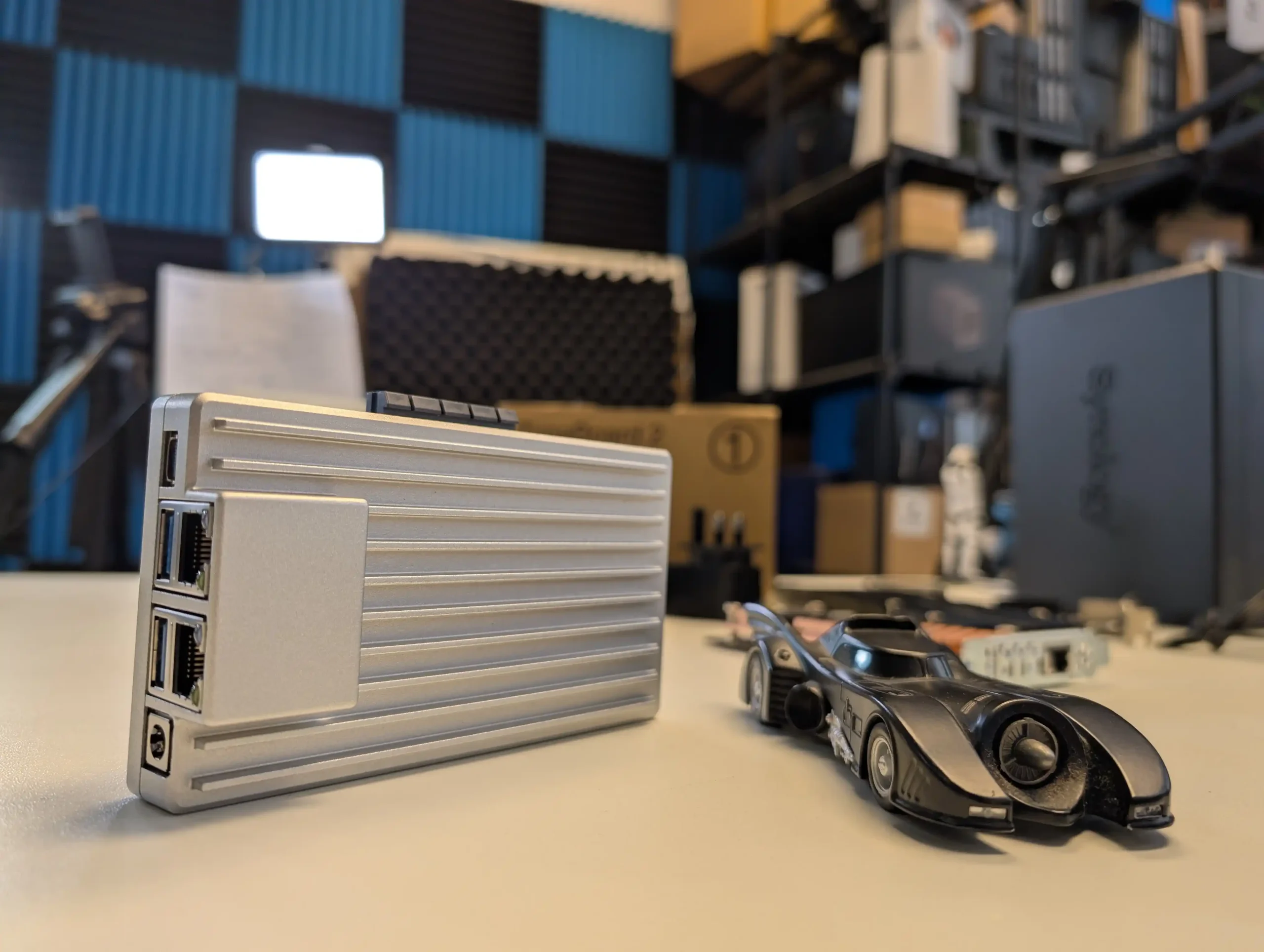
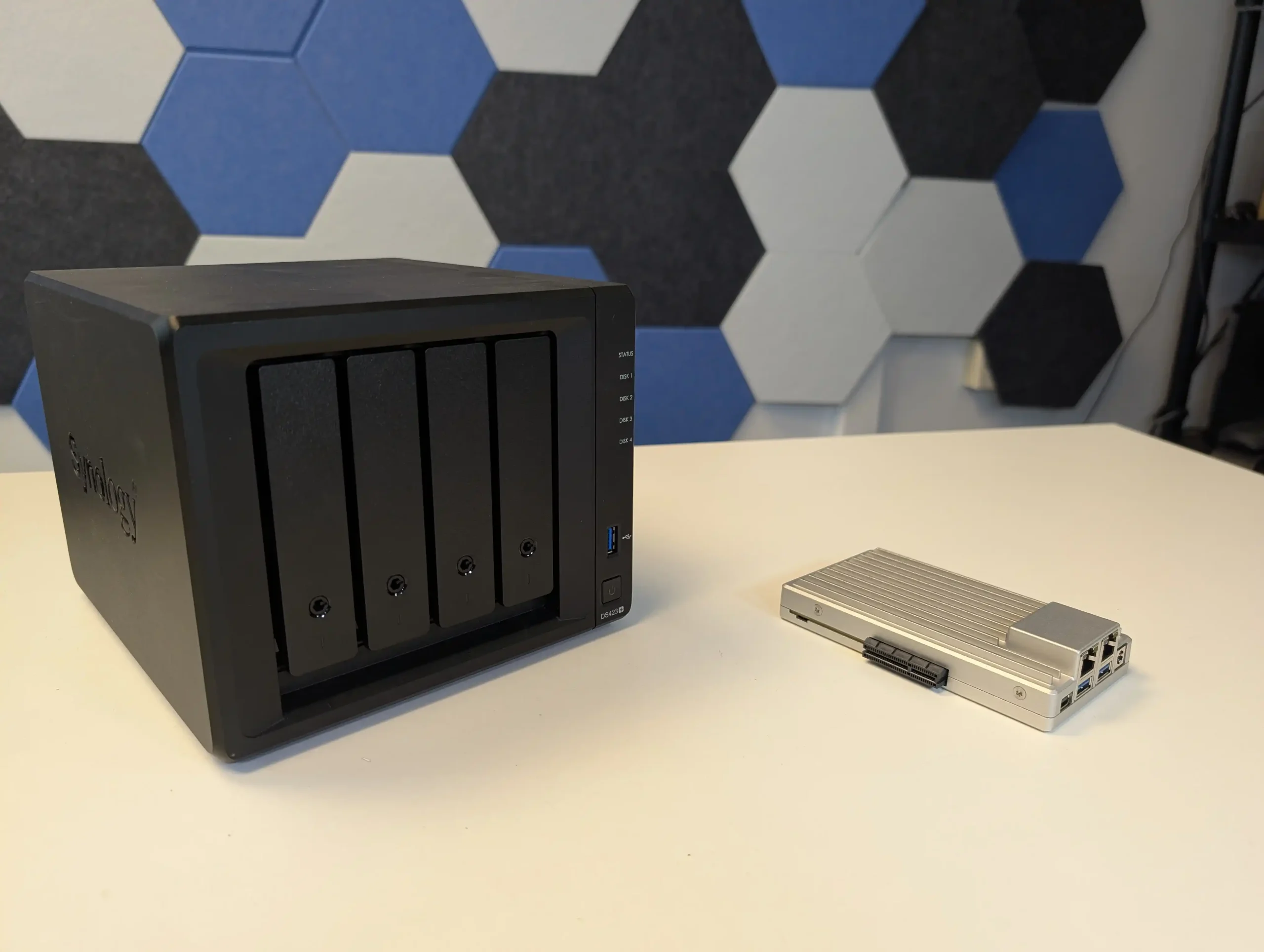
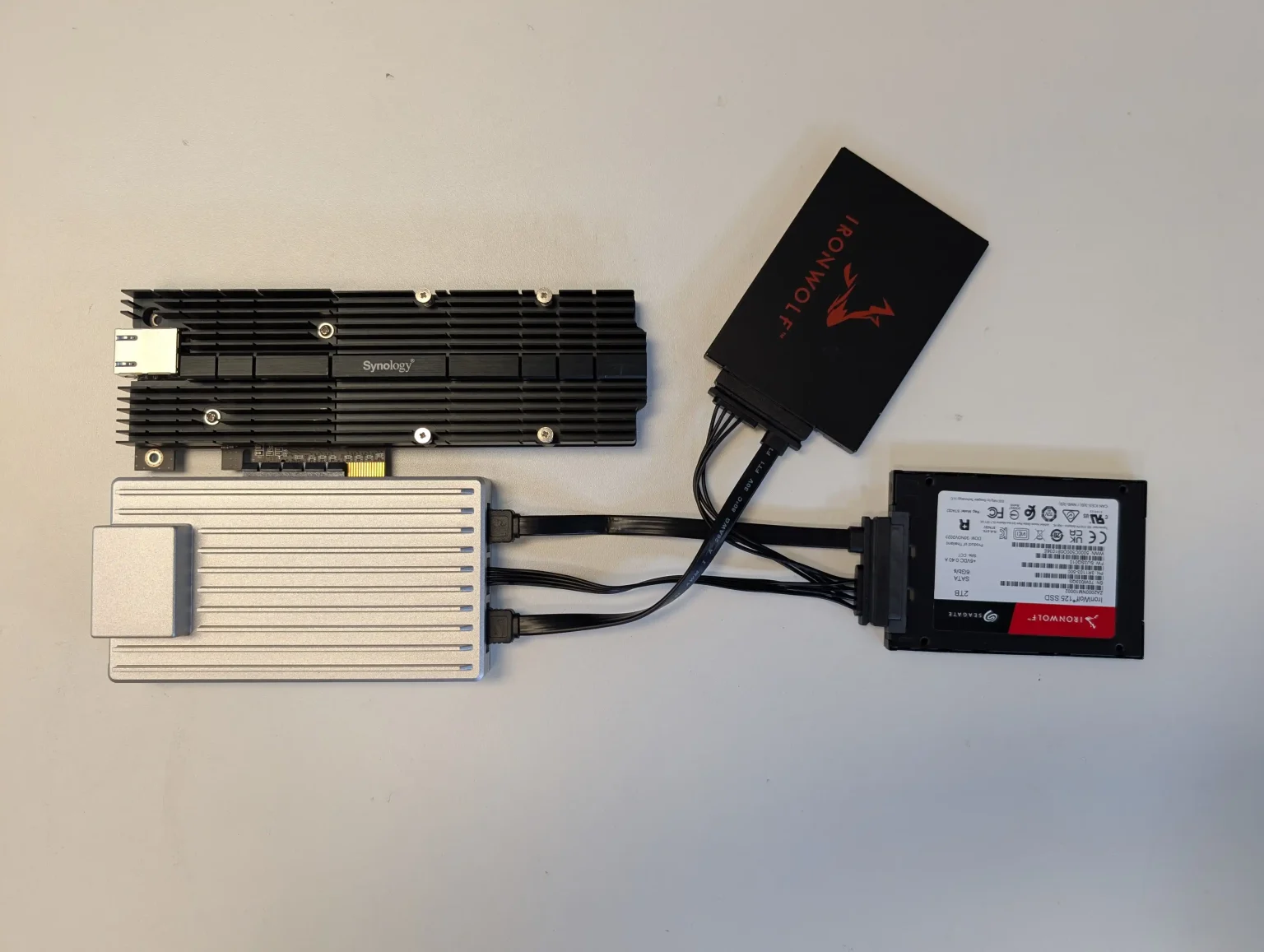
ZimaBoard 2 functions as a small, fanless compute module that can be combined with any suitable SATA enclosure or loose drives to create a highly customised Plex or Jellyfin server. It ships with ZimaOS, which exposes a NAS style interface, app catalogue and container options, so the system is usable out of the box without manually installing a general purpose Linux distribution. Dual 2.5 GbE ports and Intel Quick Sync support give it enough capability for several 1080p and selected 4K transcodes, but the absence of internal bays or native M.2 slots means storage design is entirely external, and the device is better suited to users who do not mind assembling their own chassis or reusing existing cases and drive cages.
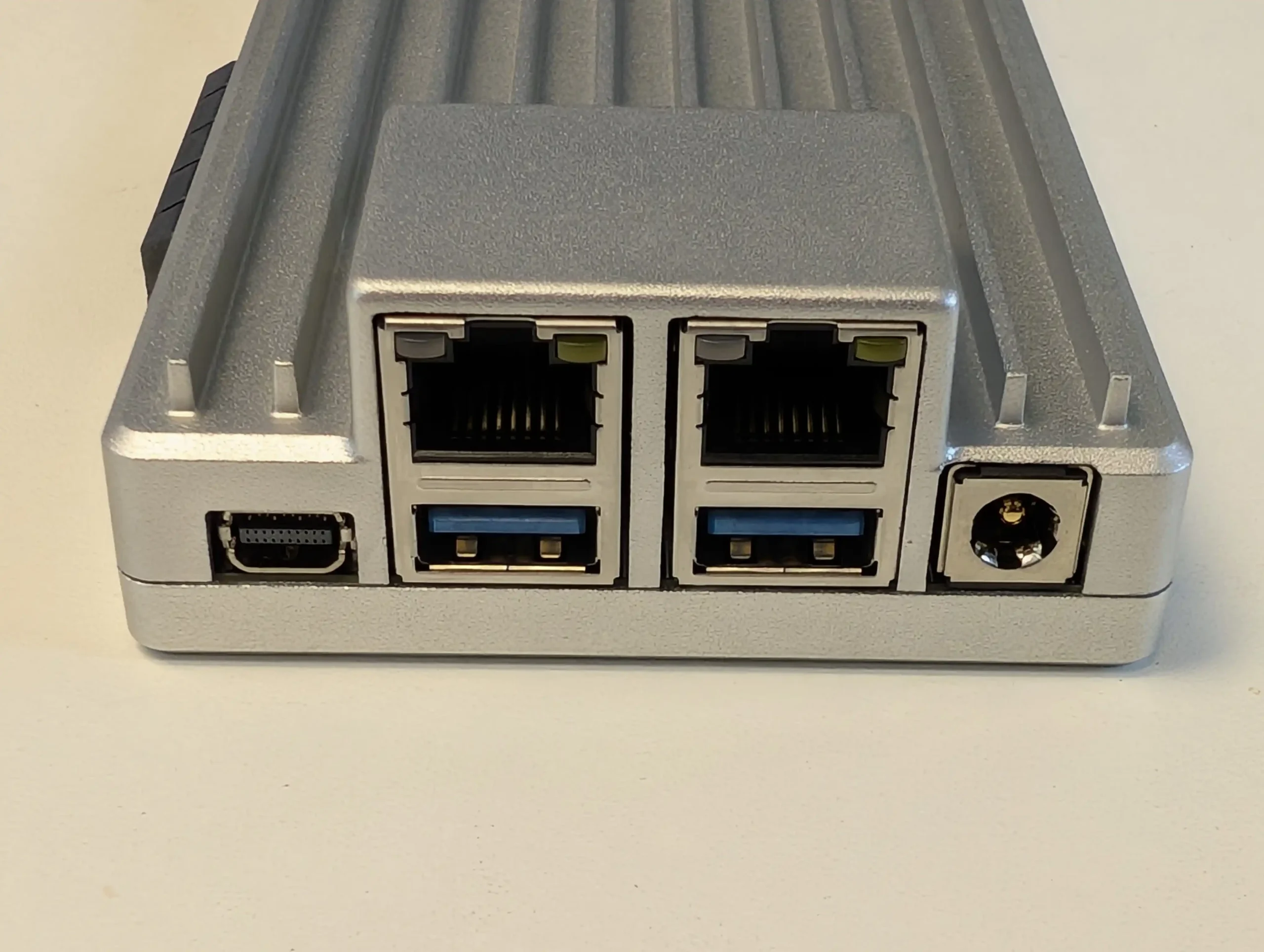
What we said in our April ’25 Review HERE:

The ZimaBoard 2 is a competent and thoughtfully assembled single-board server that builds meaningfully on IceWhale’s earlier efforts, especially the original ZimaBoard and the ZimaBlade. Its design clearly targets users who want more flexibility and performance than traditional ARM-based boards can offer, but who also value power efficiency, silence, and a small footprint. The use of an Intel N150 CPU, 8GB of LPDDR5x memory, dual 2.5GbE ports, and a PCIe 3.0 x4 slot makes it viable for a variety of home server roles—from basic NAS and smart home coordination to lightweight container hosting and local media streaming. Features like onboard SATA, USB 3.1, and a DisplayPort connection further add to its utility. However, there are hardware limitations that may affect long-term suitability for advanced deployments. The soldered RAM cannot be upgraded, and the internal eMMC storage, while useful for initial setup, is too slow for OS-level responsiveness in more demanding use cases. Passive cooling, while appreciated for silence, also imposes some thermal limitations depending on the deployment environment.
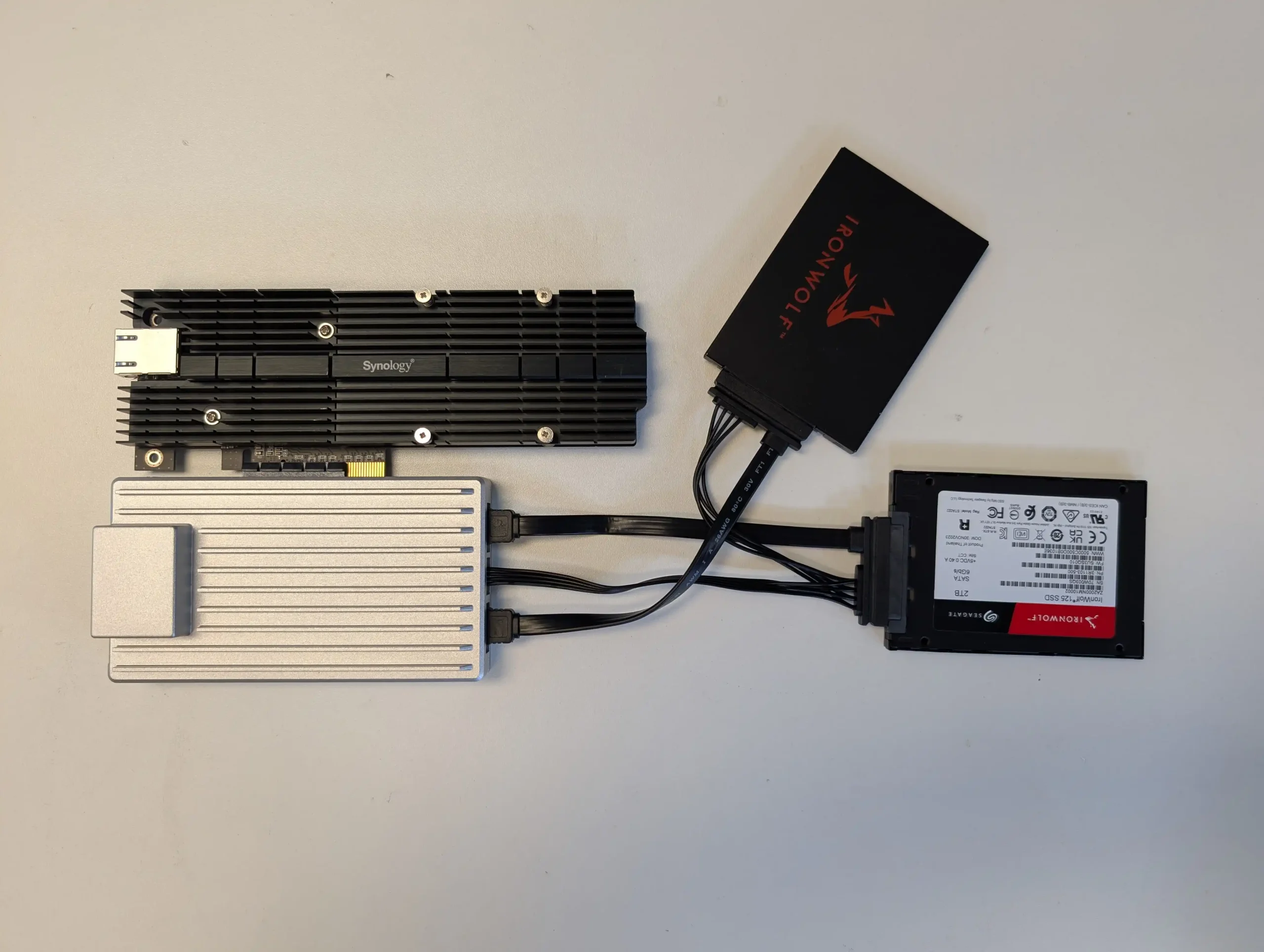
On the software side, ZimaOS offers a decent out-of-the-box experience that caters to users with minimal technical background. It handles core tasks like application deployment, file sharing, and system monitoring without requiring advanced configuration, and its Docker-based App Store simplifies access to popular tools. For more experienced users, the system supports third-party OS installation, which is likely how many will ultimately use the ZimaBoard 2. Still, as a bundled solution, ZimaOS has matured significantly and now presents itself as a lightweight, capable, and non-intrusive platform for those who prefer to get started immediately. In the broader context of DIY server hardware, ZimaBoard 2 occupies a middle ground: more powerful and modular than Raspberry Pi-class systems, yet more constrained than full x86 mini PCs or enthusiast-grade NAS hardware. For those who understand and accept these trade-offs, and are willing to plan around its limitations, the ZimaBoard 2 offers a reliable and flexible foundation for compact, energy-efficient computing at the edge.

Check Amazon in Your Region for the Zimaboard 2

Check AliExpress for the Zimaboard 2

BUILD QUALITY - 10/10
HARDWARE - 8/10
PERFORMANCE - 8/10
PRICE - 9/10
VALUE - 10/10


9.0
PROS
👍🏻x86 Architecture – Compatible with a wide range of operating systems including ZimaOS, Unraid, TrueNAS SCALE, and Proxmox.
👍🏻Dual 2.5GbE LAN Ports – Offers strong networking capabilities for multi-service workloads and gateway setups.
👍🏻PCIe 3.0 x4 Slot – Enables high-speed expansion for 10GbE NICs, NVMe storage, or combo cards.
👍🏻Fanless, Silent Operation – Completely passively cooled, ideal for home or quiet office environments.
👍🏻Compact and Durable Build – Small footprint with an all-metal chassis that doubles as a heatsink.
👍🏻ZimaOS Included – User-friendly OS with a Docker-based App Store and basic VM tools, ready out of the box.
👍🏻Flexible Storage Options – Dual SATA ports plus USB 3.1 support for connecting SSDs, HDDs, or external drives.
👍🏻Low Power Consumption – Efficient 6W CPU with ~10W idle and ~40W max under heavy load scenarios.
CONS
👎🏻Non-Upgradable RAM – 8GB of soldered LPDDR5x limits long-term scalability for memory-intensive tasks.
👎🏻Slow/Small Default Internal Storage – 32GB eMMC is convenient but underperforms for OS-level responsiveness or high I/O workloads.
👎🏻Thermal Headroom is Limited – Passive cooling alone may not be sufficient in closed environments or under sustained load without added airflow.
👎🏻Not Launching on Traditional Retail, but instead on Crowdfunding.


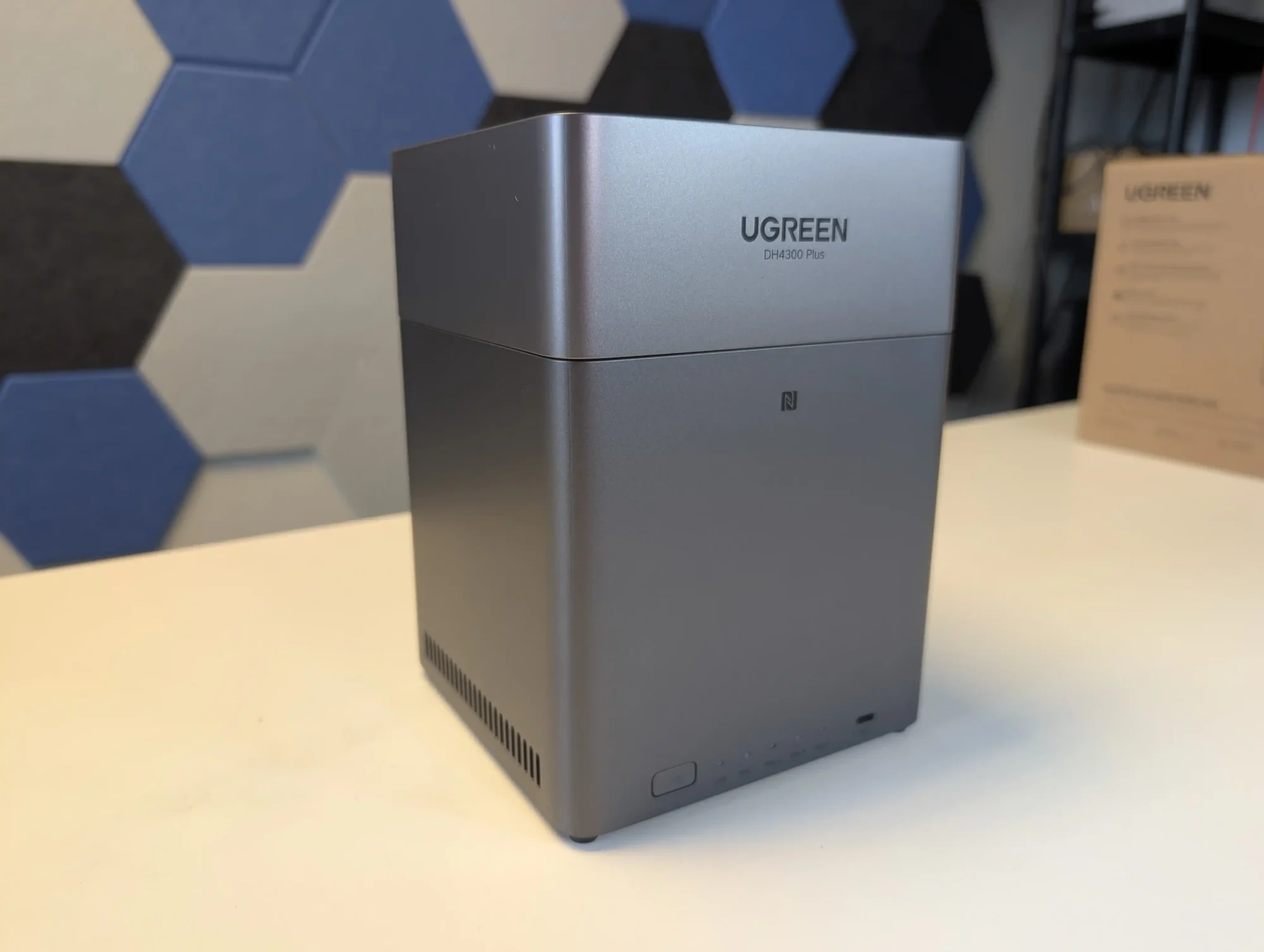
#5 UGREEN NASync DH4300 Plus – $365 to $390

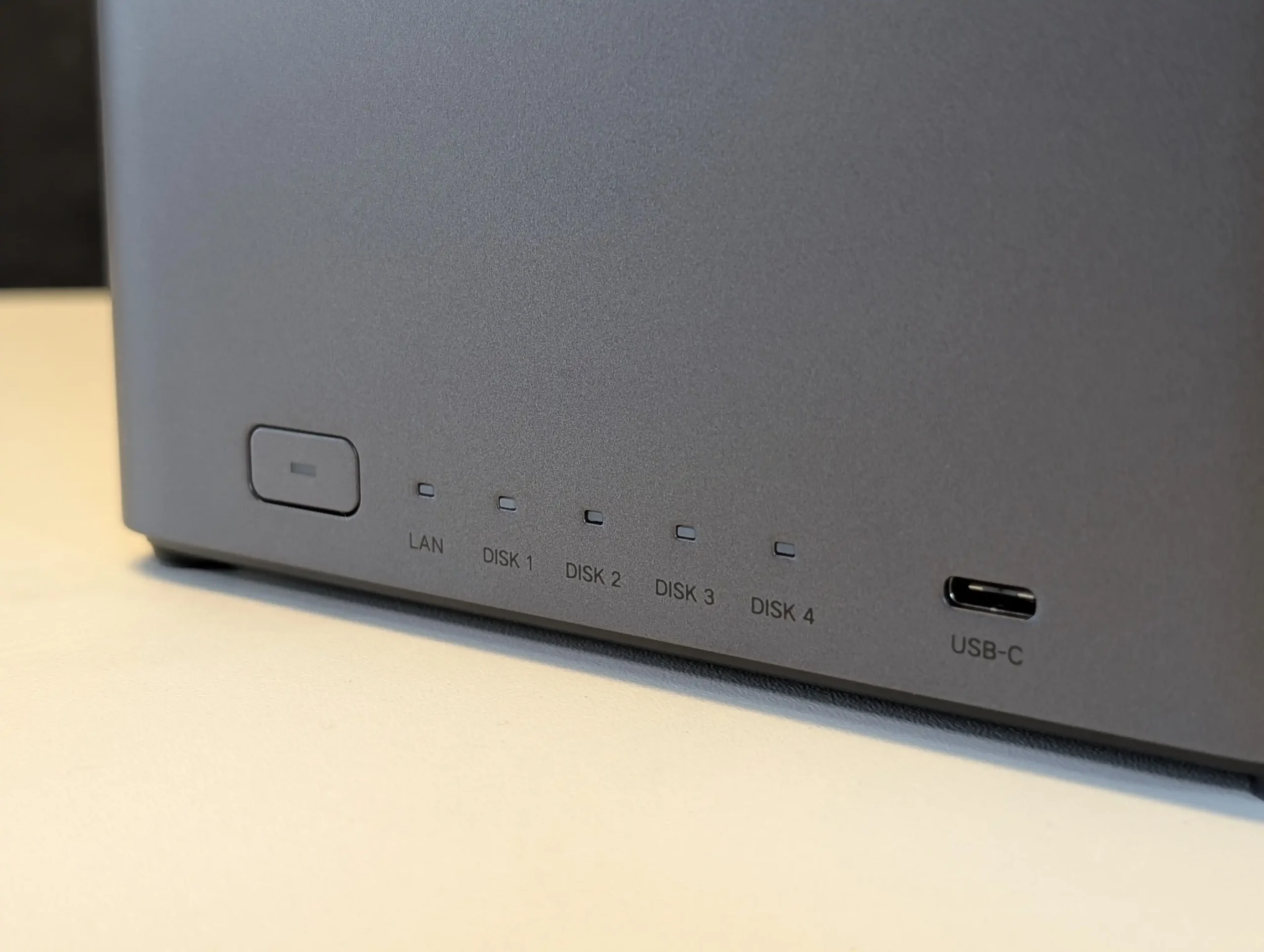
SPECS: Rockchip RK3588 8 core ARM (4 x Cortex A76 + 4 x Cortex A55) up to around 2.4 GHz – 8 GB DDR5 – 4 x 3.5″/2.5″ SATA bays – 1 x 2.5 GbE RJ45 / HDMI 2.0b / 1 x front USB C 3.2 Gen 1 / 2 x USB A 3.2 Gen 1 – no internal M.2 SSD slots.

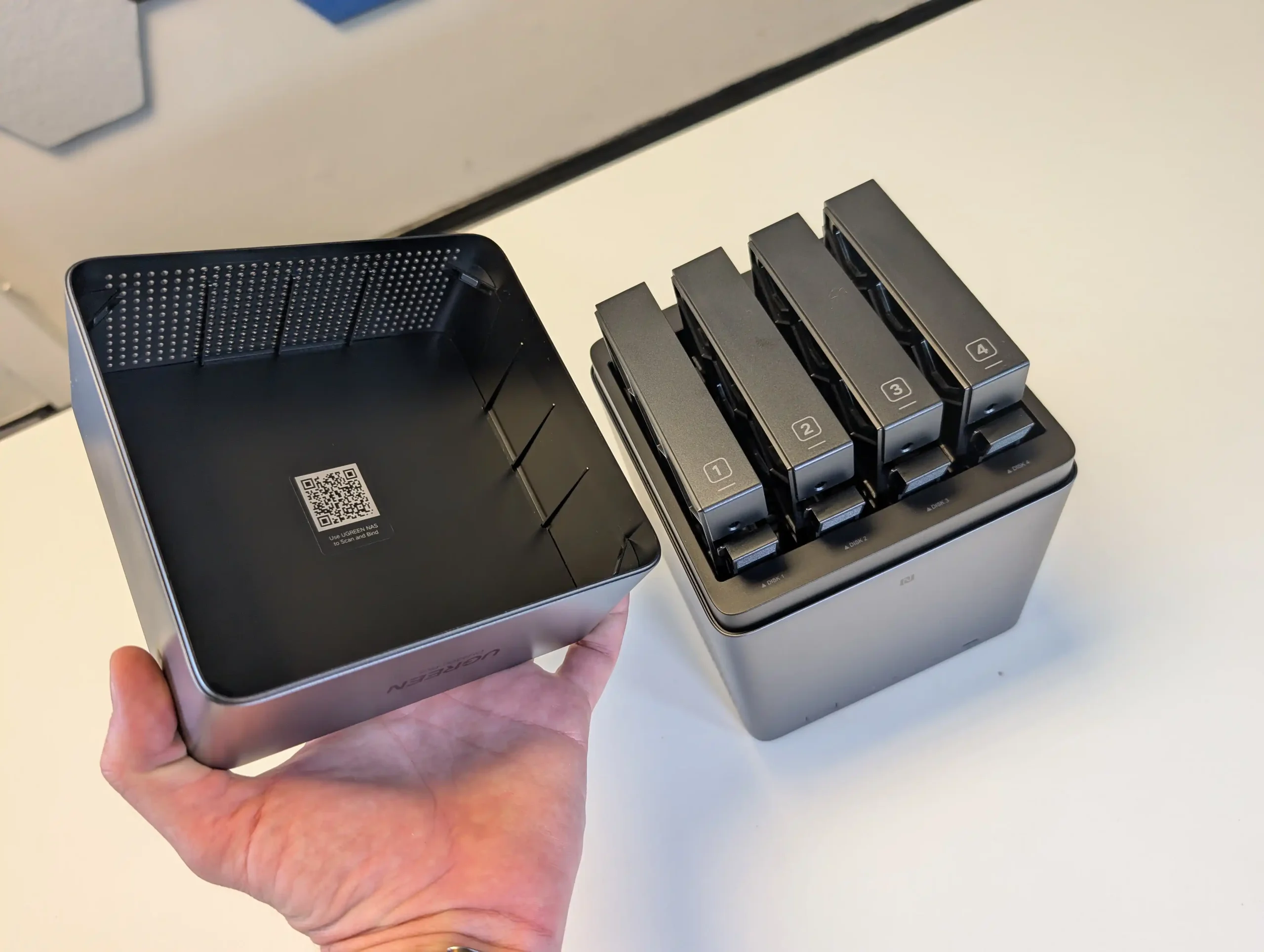
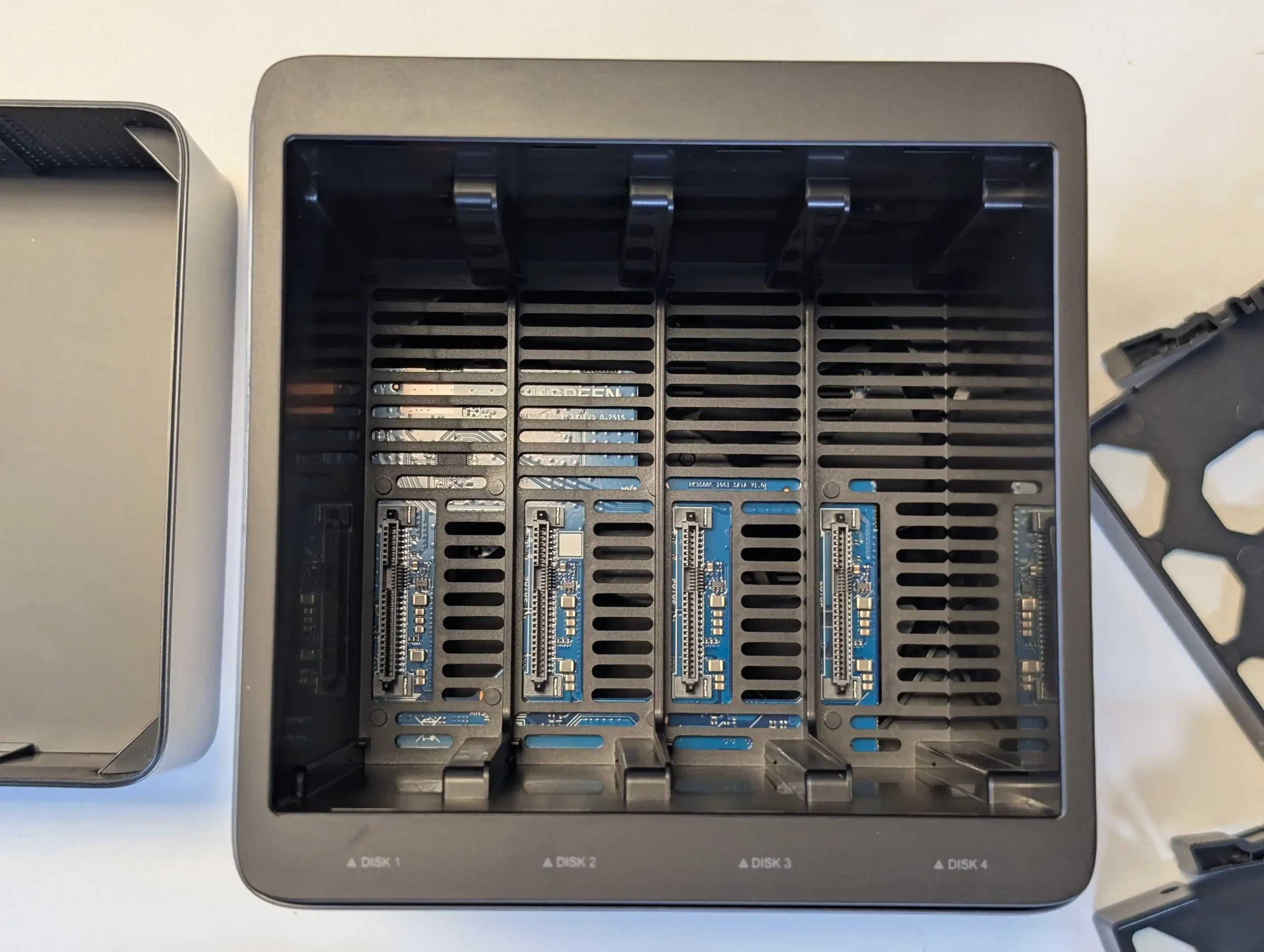
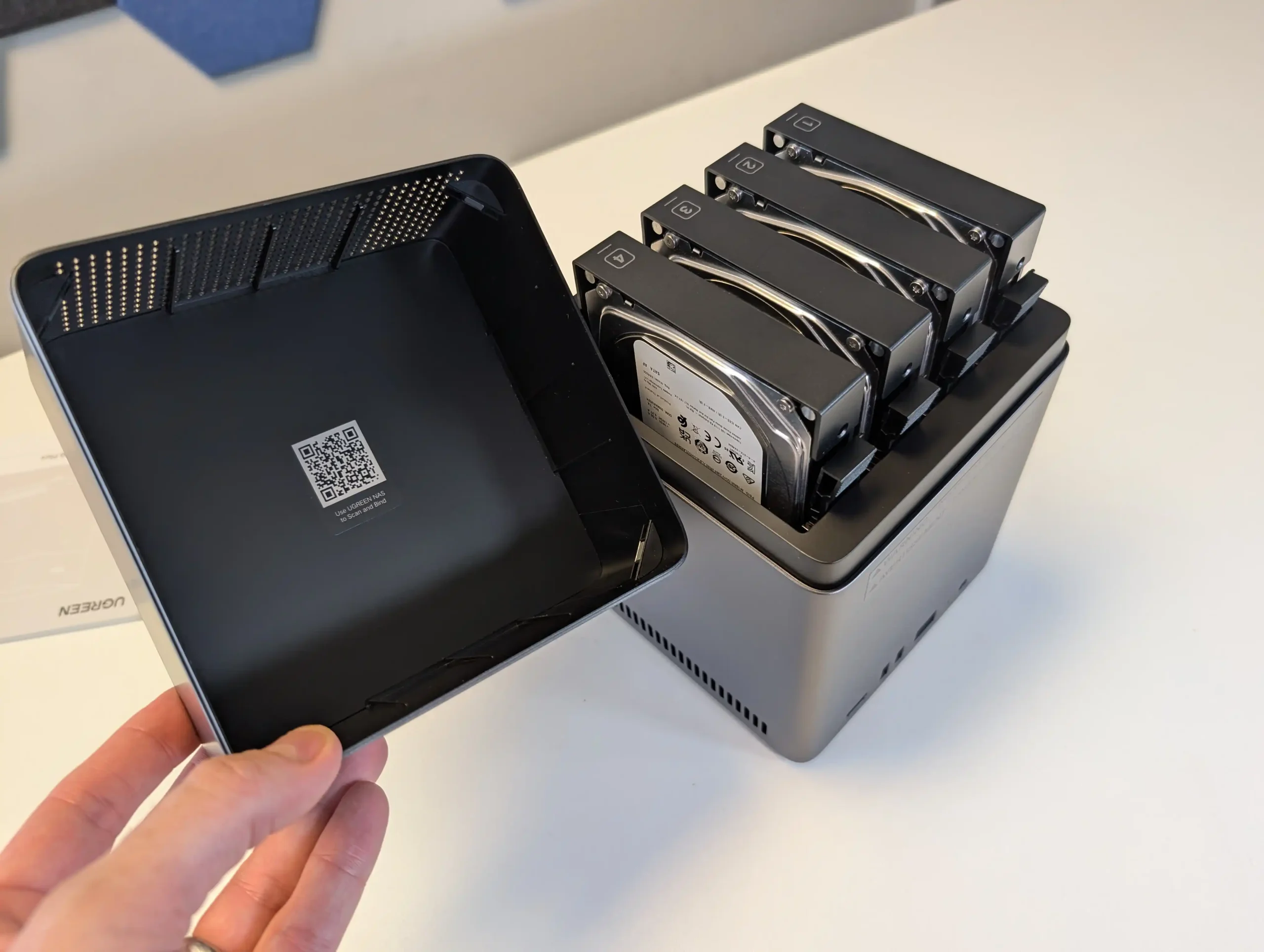
The NASync DH4300 Plus is a 4 bay ARM based NAS that targets users who want RAID 5 capable storage for Plex or Jellyfin along with general backup duties at a moderate price. UGREEN’s UGOS Pro operating system includes its own media apps, an app store and containerisation features, and community testing has confirmed that Plex can achieve multiple 1080p and several 4K streams, benefiting from the RK3588’s hardware video engines. There is only a single 2.5 GbE port and no M.2 cache or expansion options, so scaling is limited to the 4 SATA bays and external USB storage, but for users who prioritise RAID 5 resilience, low to mid range transcoding capacity and comparatively low power use, it fits the role of a budget multi user media and file server.
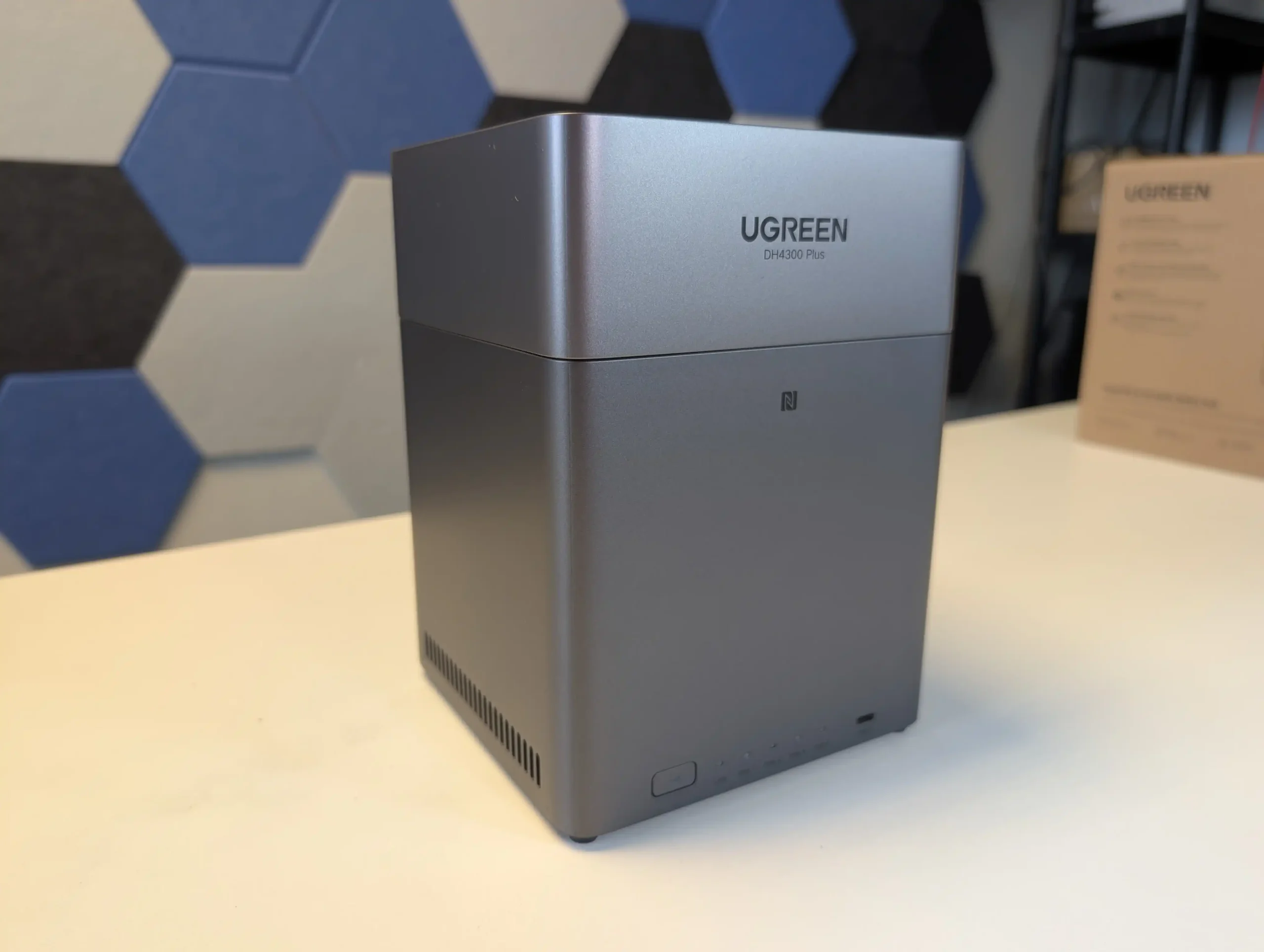
What we said in our August ’25 Review Here:

The UGREEN DH4300 Plus carves out a unique niche in the budget NAS landscape by delivering hardware typically reserved for higher-tier systems at a much lower price point. Its RK3588 processor, 8GB of RAM, and support for 2.5GbE networking place it well ahead of most similarly priced competitors in terms of raw specifications. Additionally, features such as HDMI output, 10Gbps USB ports, and local AI-powered photo indexing are rare to find in entry-level NAS systems. Despite its plastic-heavy internal design and lack of expansion options like PCIe or M.2, the device delivers stable performance for file sharing, media access, and low-intensity AI workloads. It is not suited for power users demanding virtual machines or advanced snapshot automation, but within its class, the DH4300 Plus presents an appealing balance between cost and capability.
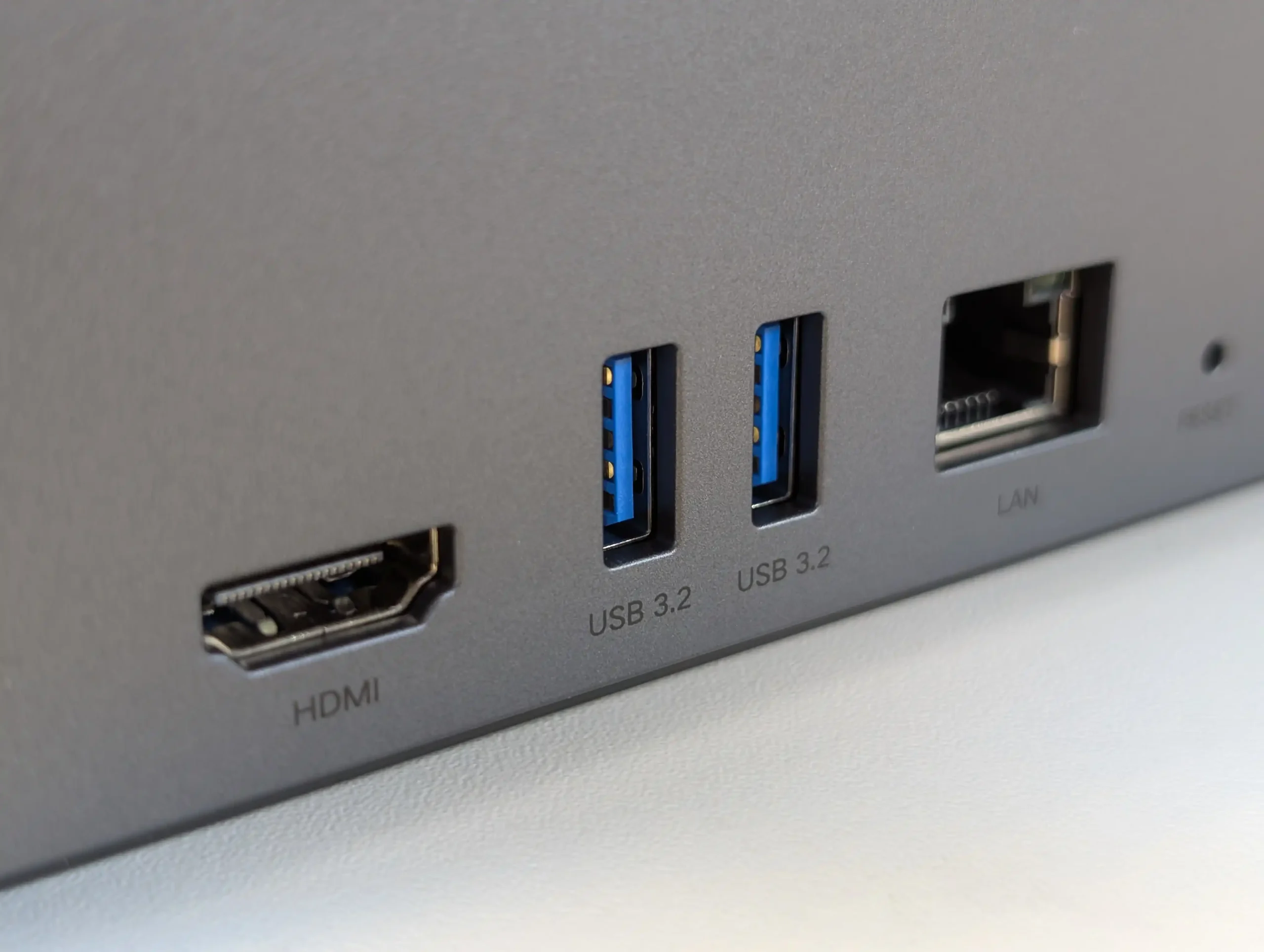
That said, the software experience is still a work in progress. UGOS Pro covers the essentials and offers a visually accessible UI, but lacks the advanced features and ecosystem integration found in more mature platforms like Synology DSM or QNAP QTS. Docker and snapshot support add welcome flexibility, but the absence of native Jellyfin, iSCSI, and VM functionality limits its use in more complex environments. Still, for home users, media collectors, or small office setups looking for reliable backup, modest AI-enhanced photo sorting, and smooth 4K playback, the DH4300 Plus delivers value well beyond its price tag. While it won’t replace high-end NAS appliances, it serves as a capable, efficient, and quietly innovative option in a saturated entry-level NAS market.
mazon in Your Region for $349 the UGREEN DH4300 PLUS

Buy the UGREEN DH4300 on UGREEN.COM

STORE

B&H for the UGREEN DH4300 PLUS

SOFTWARE - 6/10
HARDWARE - 7/10
PERFORMANCE - 6/10
PRICE - 9/10
VALUE - 10/10


7.6
PROS
👍🏻Powerful ARM CPU: Equipped with the RK3588 SoC, offering 8 cores, integrated GPU, and NPU for AI workloads.
👍🏻Generous (but fixed!) Memory: 8GB LPDDR4X RAM, rare in budget NAS systems, supports multitasking and Docker use.
👍🏻2.5GbE Network Port: Provides faster-than-Gigabit throughput for backups, media streaming, and multi-user access.
👍🏻HDMI 2.1 Output: Rare on ARM powered turnkey NAS, and enables direct media playback or NAS control at up to 4K 60Hz, uncommon in value-tier NAS units.
👍🏻USB 10Gbps Ports: Dual USB-A 10Gbps and one USB-C 5Gbps allow for high-speed backups or external storage expansion.
👍🏻AI Photo Management: Built-in NPU supports facial recognition and scene detection for local, private media organization.
👍🏻Low Power Consumption: Efficient under load (~30W) and idle (~5W without drives), suitable for 24/7 operation.
CONS
👎🏻No PCIe or M.2 Expansion: Lacks future scalability for NVMe caching, 10GbE, or other upgrades.
👎🏻Single LAN Port: Only one 2.5GbE port, with no failover or link aggregation support.
👎🏻Limited Software Ecosystem: UGOS Pro lacks iSCSI, VM support, and native Jellyfin, trailing behind DSM/QTS in maturity.


📧 SUBSCRIBE TO OUR NEWSLETTER 🔔
[contact-form-7]
🔒 Join Inner Circle


Get an alert every time something gets added to this specific article!


Want to follow specific category? 📧 Subscribe

This description contains links to Amazon. These links will take you to some of the products mentioned in today's content. As an Amazon Associate, I earn from qualifying purchases. Visit the NASCompares Deal Finder to find the best place to buy this device in your region, based on Service, Support and Reputation - Just Search for your NAS Drive in the Box Below

Need Advice on Data Storage from an Expert?

Finally, for free advice about your setup, just leave a message in the comments below here at NASCompares.com and we will get back to you. Need Help? Where possible (and where appropriate) please provide as much information about your requirements, as then I can arrange the best answer and solution to your needs. Do not worry about your e-mail address being required, it will NOT be used in a mailing list and will NOT be used in any way other than to respond to your enquiry. [contact-form-7] TRY CHAT Terms and Conditions

If you like this service, please consider supporting us. We use affiliate links on the blog allowing NAScompares information and advice service to be free of charge to you.Anything you purchase on the day you click on our links will generate a small commission which isused to run the website. Here is a link for Amazon and B&H.You can also get me a ☕ Ko-fi or old school Paypal. Thanks!To find out more about how to support this advice service check HEREIf you need to fix or configure a NAS, check Fiver Have you thought about helping others with your knowledge? Find Instructions Here  

 
Or support us by using our affiliate links on Amazon UK and Amazon US
    
 
Alternatively, why not ask me on the ASK NASCompares forum, by clicking the button below. This is a community hub that serves as a place that I can answer your question, chew the fat, share new release information and even get corrections posted. I will always get around to answering ALL queries, but as a one-man operation, I cannot promise speed! So by sharing your query in the ASK NASCompares section below, you can get a better range of solutions and suggestions, alongside my own.

☕ WE LOVE COFFEE ☕


Choosing Between WD Red and Seagate Ironwolf HDDs in Your NAS

Seagate Ironwolf vs WD Red (Which is Best in 2025/2026)?

In late 2025, choosing between Seagate IronWolf and WD Red for a NAS is less about raw performance and more about secondary factors such as noise, power consumption, pricing, and ecosystem. Both brands now offer broadly similar SATA performance in their mainstream and Pro lines once you reach 7200 RPM, 256 MB cache, and CMR recording, and both quote comparable workload ratings and multi bay support for NAS use. Durability claims in MTBF, workload per year, and 24 by 7 operation are also effectively at parity on paper, and the underlying engineering around vibration control, error recovery, and NAS specific firmware has converged to a large extent. Where meaningful technical differences still exist is in the maximum capacities on offer and how they are positioned. Seagate currently leads on headline capacity in the NAS tier with IronWolf Pro drives up to 30 TB, while WD Red Pro tops out slightly lower but overlaps most of the mainstream size points that home and small business users are likely to deploy. As a result, the decision for many buyers is less about which brand is objectively better and more about how each behaves in real deployments in terms of acoustics, energy use, long term running costs, warranty extras such as bundled recovery services, and regional pricing patterns at specific capacities.

Seagate vs WD (and Toshiba!) Market Share in 2025/2026?

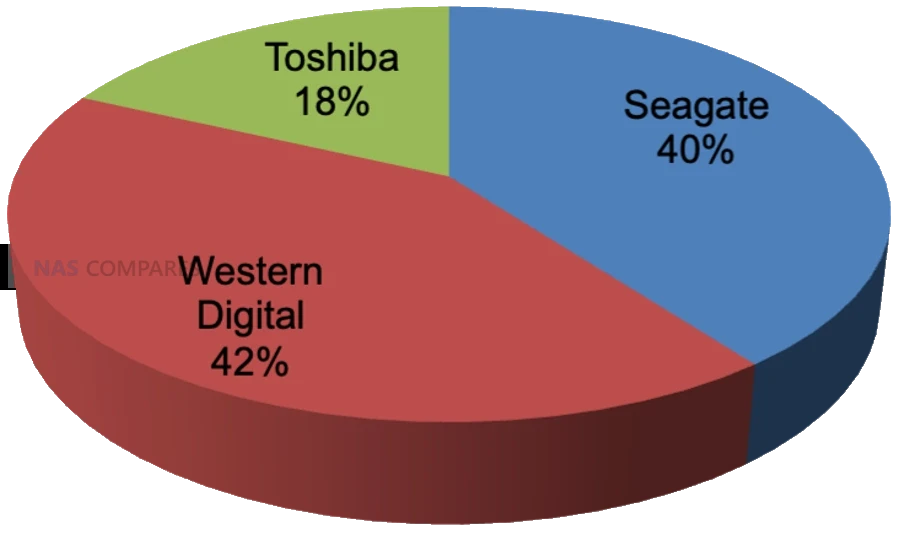
Across the HDD industry in 2024 and early 2025, Western Digital and Seagate remain closely matched, with Western Digital holding a slight lead by several common measures. Public breakdowns of exabytes shipped in 2024 put Western Digital at roughly 38.6 percent of HDD capacity shipped worldwide, Seagate at about 37 percent, and Toshiba at around 24.4 percent, confirming that the market is effectively a 2 vendor race with a smaller but still significant third player. Although the exact percentages vary depending on whether you look at units, capacity, or revenue, the pattern is consistent, with Western Digital marginally ahead and Seagate following closely behind.

Source – https://www.forbes.com/sites/tomcoughlin/2025/05/03/c1q-2025-hdd-industry-update/?utm_source=chatgpt.com

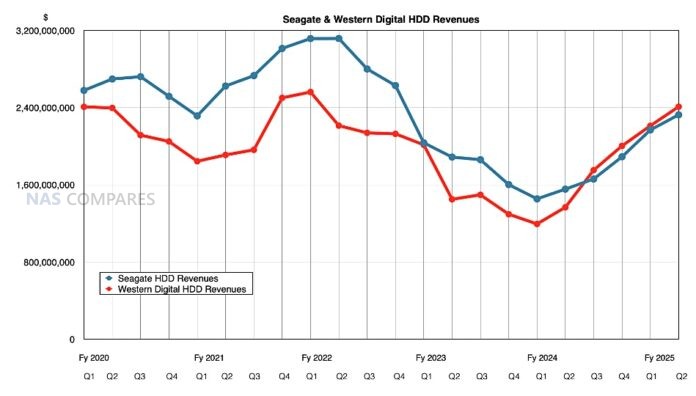
Recent industry and financial reporting also shows Western Digital gaining momentum in high capacity nearline drives, particularly in data center and cloud deployments, with disk based revenue and shipped capacity outpacing Seagate in at least some recent quarters. At the same time, Seagate retains a leadership position in very large capacity models, including 30 TB HAMR based NAS and nearline drives that are already commercially available and aimed at the same high density markets.

Source – https://blocksandfiles.com/2025/01/30/western-digitals-great-disk-driven-quarter/

Taken together, these data points indicate a tightly contested landscape where Western Digital currently leads in overall shipped capacity and revenue, while Seagate pushes the capacity envelope and remains highly competitive in large scale deployments.

Seagate Ironwolf vs WD Red NAS Hard Drives – Price

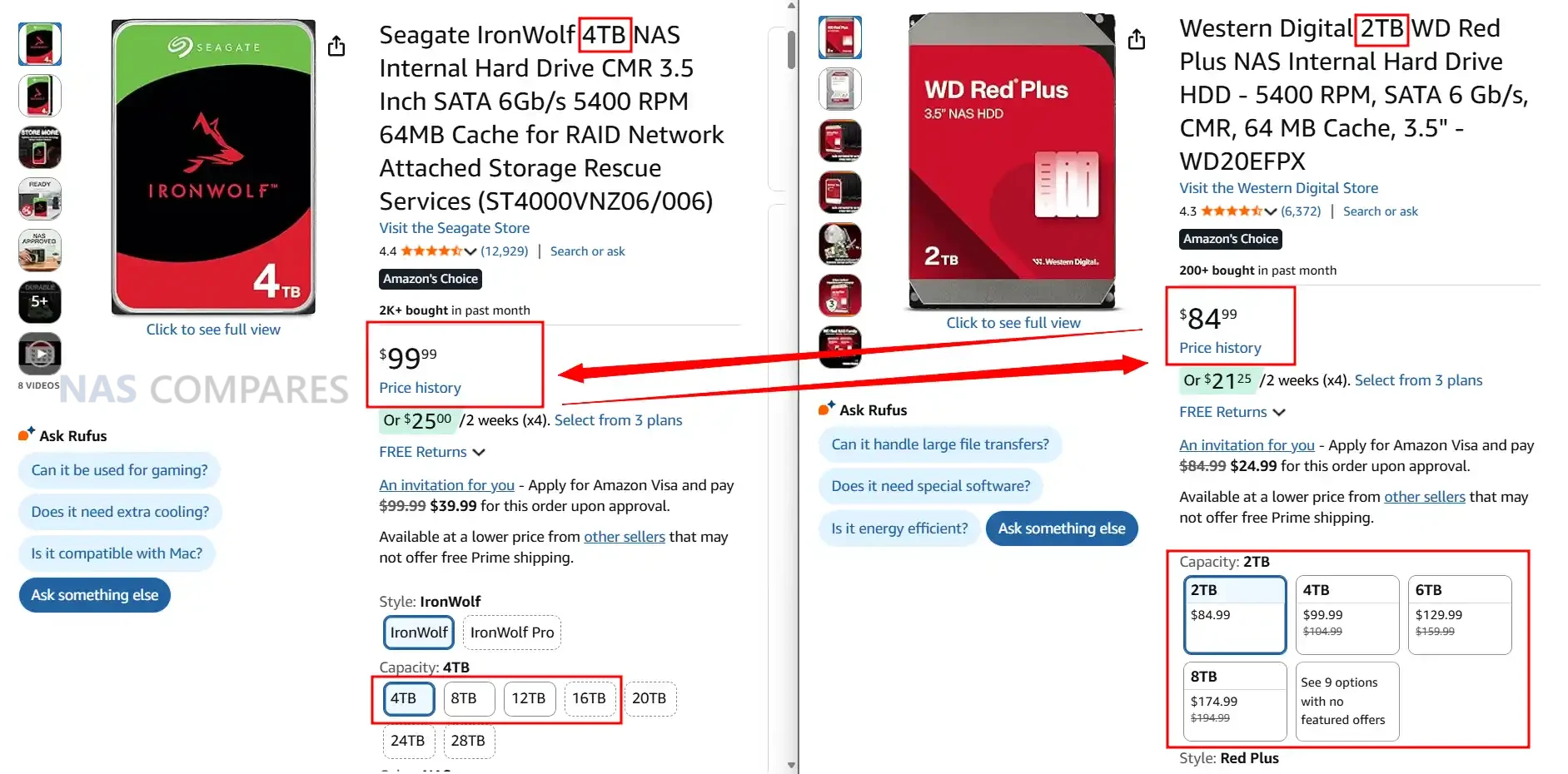
In late 2025 there is a clear pattern in how Seagate and WD position their HDDs on price, even if individual deals move around constantly. In general Seagate tends to be slightly cheaper per terabyte across many mainstream retailers and regions, particularly for larger 16 TB to 24 TB IronWolf and Exos capacities. WD pricing is often a little higher at like for like capacity in third party channels, especially for newer Red Plus and Red Pro models, although temporary sales can narrow or reverse this gap. Both brands are heavily discounted during seasonal events, so headline price screenshots are only ever a snapshot rather than a permanent rule.

Where WD changes the picture is through its own direct store. WD sells Red, Red Plus and Red Pro drives through its retail site and often undercuts third party resellers by a noticeable margin, especially during promotions. That means in some regions the cheapest way to buy WD is directly from WD, while Seagate relies entirely on partner channels and keeps relatively steady discounting through Amazon and similar outlets. As a result it is common to see Seagate come out cheaper in most general marketplaces while WD can be the lowest price only on its own store, which is not available in every country.

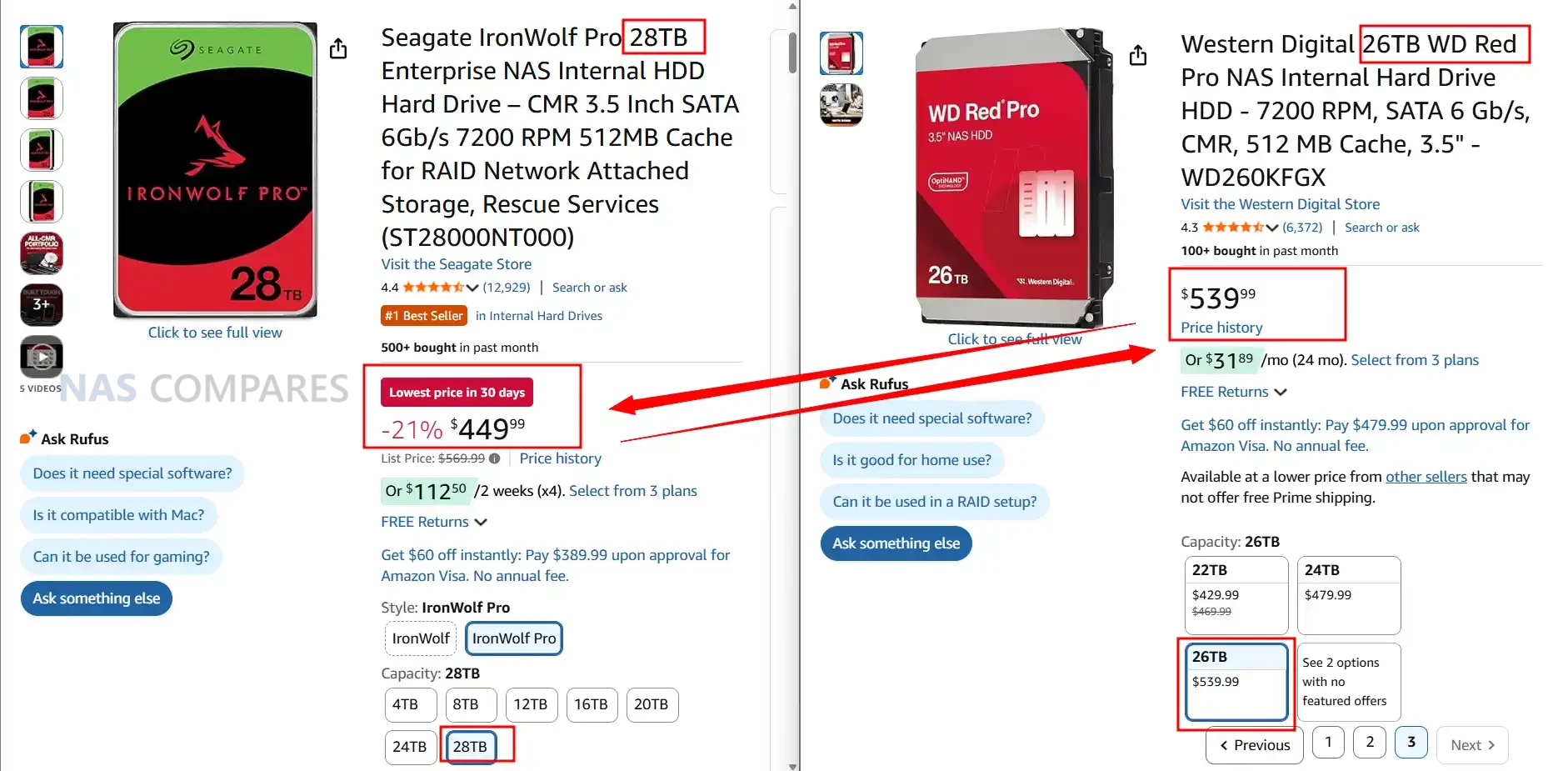
Once you move up into Pro and nearline class drives, such as IronWolf Pro versus WD Red Pro or WD Gold, pricing becomes more fragmented. Seagate keeps a fairly consistent capacity step pricing model where higher capacities scale in a relatively predictable way. WD on the other hand often runs multiple Red Pro and enterprise SKUs at the same capacity with different cache sizes or internal designs, which leads to overlapping prices and large swings between models that appear similar on paper. In practice this means that at the Pro tier Seagate is usually easier to price compare, while WD may offer good value on specific model IDs or capacities but requires more careful checking of part numbers and current discounts before purchase.

Seagate Ironwolf vs WD Red – Noise Level Comparison

In terms of acoustic behaviour, Seagate IronWolf and IronWolf Pro drives are consistently a little louder than their WD Red Plus and Red Pro counterparts at like for like capacities. Manufacturer data sheets show most recent IronWolf and IronWolf Pro models idling in the mid to high 20 dBA range, with seek noise commonly around 30 to 32 dBA. WD Red Plus drives in the same capacities often idle in the low to mid 20 dBA range with typical seek levels in the mid to high 20 dBA band, while Red Pro models generally sit around 20 to 25 dBA idle and 31 to 36 dBA under seek depending on capacity and generation. In practical terms this means that in a quiet room or a small office, Seagate NAS drives tend to be more noticeable both at spin up and during sustained random activity.

Capacity Idle Seagate Ironwolf Idle WD Red Plus Idle Winner Seek Seagate Ironwolf Pro Seek WD Red Pro Seek Winner
 
   
30TB 28 dBA (ST30000NT011) no WD equivalent Seagate 32 dBA (ST30000NT011) no WD equivalent Seagate
28TB 28 dBA (ST28000NT000) 25 dBA (WD281KFGX) WD 32 dBA (ST28000NT000) 32 dBA (WD281KFGX) Tie
26TB no Seagate model 25 dBA (WD260KFGX) WD no Seagate model 32 dBA (WD260KFGX) WD
24TB 28 dBA (ST24000NT002) 25 dBA (WD241KFGX), 20 dBA (WD240KFGX) WD 26 dBA (ST24000NT002) 32 dBA (WD241KFGX), 32 dBA (WD240KFGX) Seagate
22TB 28 dBA (ST22000NT001) 32 dBA (WD221KFGX) WD 26 dBA (ST22000NT001) 32 dBA (WD221KFGX) Seagate
20TB 28 dBA (ST20000NT001) 20 dBA (WD202KFGX, WD201KFGX) WD 26 dBA (ST20000NT001) 32 dBA (WD202KFGX, WD201KFGX) Seagate
18TB 28 dBA (ST18000NT001) 20 dBA (WD181KFGX) WD 26 dBA (ST18000NT001) 36 dBA (WD181KFGX) Seagate
16TB 28 dBA (ST16000NT001) 20 dBA (WD161KFGX) WD 26 dBA (ST16000NT001) 36 dBA (WD161KFGX) Seagate
14TB 20 dBA (ST14000NT001) 20 dBA (WD142KFGX), 20 dBA (WD141KFGX) Tie 26 dBA (ST14000NT001) 36 dBA (WD142KFGX), 36 dBA (WD141KFGX) Seagate
12TB 28 dBA (ST12000NT001) 20 dBA (WD121KFBX), 34 dBA (WD122KFBX) WD 26 dBA (ST12000NT001) 36 dBA (WD121KFBX), 39 dBA (WD122KFBX) Seagate
10TB 28 dBA (ST10000NT001) 20 dBA (WD102KFBX), 34 dBA (WD103KFBX) WD 30 dBA (ST10000NT001) 36 dBA (WD102KFBX), 39 dBA (WD103KFBX) Seagate
8TB 28 dBA (ST8000NT001) 20 dBA (WD8003FFBX, WD8005FFBX) WD 30 dBA (ST8000NT001) 36 dBA (WD8003FFBX, WD8005FFBX) Seagate
6TB 28 dBA (ST6000NT001) 21 dBA (WD6003FFBX, WD6005FFBX) WD 30 dBA (ST6000NT001) 36 dBA (WD6003FFBX, WD6005FFBX) Seagate
4TB 28 dBA (ST4000NT001) 20 dBA (WD4003FFBX), 29 dBA (WD4005FFBX) WD 30 dBA (ST4000NT001) 36 dBA (WD4003FFBX, WD4005FFBX) Seagate
2TB 28 dBA (ST2000NT001) 21 dBA (WD2002FFSX) WD 30 dBA (ST2000NT001) 31 dBA (WD2002FFSX) Seagate

The difference becomes more apparent once you move beyond a simple 1 or 2 bay NAS and start populating 4, 6 or 8 bay chassis. Multiple Seagate drives running together produce a slightly harsher mechanical sound profile, with more pronounced click and clunk patterns during head movements, as well as higher cumulative vibration. WD drives, particularly Red Plus and most of the more recent Red Pro helium models, lean toward a smoother background hum with less sharp seek noise and lower ambient vibration. For users placing a NAS in a living room, bedroom or under a desk, this cumulative effect can be significant, even if each individual drive only differs by a couple of dBA on paper.

It is worth noting that not every capacity behaves identically. Lower capacities and some air filled WD Red Plus models idle very quietly and can be comparable with the quietest Seagate SKUs, while some high capacity Red Pro variants with 7200 RPM motors and larger caches approach IronWolf Pro levels of seek noise. However, when you average across the current CMR product stacks in late 2025, WD holds a small but consistent advantage in both idle and seek acoustics, especially in multi bay deployments where background noise and vibration build up over time.


Seagate Ironwolf vs WD Red – Power Consumption (Idle / Active)

Looking purely at spec sheets, both Seagate and WD publish idle and seek values that cluster in similar bands, typically around the low 20 dBA range at idle and high 20 to mid 30 dBA under seek as capacities and spindle speeds rise. In practice though, the character of the noise differs between the brands. IronWolf and IronWolf Pro models tend to produce a sharper mechanical click pattern during head seeks and a more noticeable spin up profile, while WD Red Plus and Red Pro lines usually present as a smoother hum with less abrupt transitions between idle and active states. In a quiet room this difference in tone can matter as much as the numeric dBA rating itself.

Capacity Idle Seagate Ironwolf Idle WD Red Plus Idle Winner Active Seagate Ironwolf Pro Active WD Red Pro Active Winner
             
30TB 6.8W (ST30000NT011) no WD equivalent Seagate 8.3W (ST30000NT011) no WD equivalent Seagate
28TB 6.8W (ST28000NT000) 3.6W (WD281KFGX) WD 8.3W (ST28000NT000) 6.0W (WD281KFGX) WD
26TB no Seagate model 3.6W (WD260KFGX) WD no Seagate model 6.0W (WD260KFGX) WD
24TB 6.3W (ST24000NT002) 3.6W (WD241KFGX), 3.9W (WD240KFGX) WD 7.8W (ST24000NT002) 6.0W (WD241KFGX), 6.4W (WD240KFGX) WD
22TB 6.0W (ST22000NT001) 3.4W (WD221KFGX) WD 7.9W (ST22000NT001) 6.8W (WD221KFGX) WD
20TB 5.7W (ST20000NT001) 2.8W (WD202KFGX), 3.6W (WD201KFGX) WD 7.7W (ST20000NT001) 6.1W (WD202KFGX), 6.9W (WD201KFGX) WD
18TB 5.0W (ST18000NT001) 3.0W (WD181KFGX) WD 7.5W (ST18000NT001) 3.6W (WD181KFGX) WD
16TB 5.0W (ST16000NT001) 3.6W (WD161KFGX) WD 7.6W (ST16000NT001) 6.1W (WD161KFGX) WD
14TB 5.0W (ST14000NT001) 3.0W (WD141KFGX), 3.6W (WD142KFGX) WD 7.6W (ST14000NT001) 3.0W (WD141KFGX), 6.4W (WD142KFGX) WD
12TB 5.0W (ST12000NT001) 2.8W (WD121KFBX), 6.1W (WD122KFBX) WD 7.6W (ST12000NT001) 2.8W (WD121KFBX), 8.8W (WD122KFBX) WD
10TB 7.8W (ST10000NT001) 2.9W (WD102KFBX), 3.0W (WD103KFBX) WD 10.1W (ST10000NT001) 4.6W (WD101KFBX), 6.1W (WD103KFBX) WD
8TB 7.8W (ST8000NT001) 4.0W (WD8003FFBX), 4.9W (WD8005FFBX) WD 10.1W (ST8000NT001) 4.6W (WD8003FFBX), 6.9W (WD8005FFBX) WD
6TB 7.1W (ST6000NT001) 3.7W (WD6003FFBX), 4.0W (WD6005FFBX) WD 9.3W (ST6000NT001) 3.7W (WD6003FFBX), 6.9W (WD6005FFBX) WD
4TB 7.8W (ST4000NT001) 3.7W (WD4003FFBX), 4.0W (WD4005FFBX) WD 8.7W (ST4000NT001) 3.7W (WD4003FFBX), 5.8W (WD4005FFBX) WD
2TB 6.7W (ST2000NT001) 6.0W (WD2002FFSX) WD 6.7W (ST2000NT001) 7.8W (WD2002FFSX) Seagate

At lower capacities, especially in the 2 TB to 6 TB range where air filled designs and lower spindle speeds are common, WD Red Plus models are often among the quietest options, with idle noise figures that sit at the lower end of the published spectrum and relatively soft seek sounds. Seagate standard IronWolf drives in these capacities are not especially loud by absolute numbers, but they generally sit slightly higher at idle and under random activity. Once you move into high capacity Pro class drives, WD Red Pro and IronWolf Pro become more comparable, although WD still often maintains a small advantage in idle noise on the newest helium filled models, while seek noise can be quite close on some capacities.

Noise differences increase as you add more bays and drives. A 2 bay or 4 bay NAS with mixed workloads may only expose a modest gap in acoustic behaviour between the brands, but 8 bay and larger systems can amplify any small variations. Multiple Seagate drives seeking at once will create more noticeable cumulative chatter and vibration inside a metal chassis, which can transfer into desks or shelving if the NAS is not well isolated. WD units with otherwise similar specifications and workload ratings usually generate less overall vibration, so the aggregate sound from a populated chassis can be easier to live with in shared spaces.

For users planning deployments in noise sensitive environments, such as a living room media setup or a small office where the NAS will sit in the same room as desks, these differences can be a factor in the buying decision once capacity and performance requirements are defined. Seagate remains attractive where price per terabyte and maximum capacity are the main priorities, and users are able to position the NAS in a cupboard, loft or separate room. WD drives typically suit scenarios where the system will remain close to people for long periods, sacrificing a small amount of price advantage in favour of lower background noise and a slightly less intrusive acoustic profile at both idle and under sustained activity.

Seagate Ironwolf vs WD Red – Verdict & Conclusion

From a technical perspective Seagate and WD now sit very close to one another in most core HDD metrics, particularly in the NAS focused IronWolf, IronWolf Pro, Red Plus and Red Pro ranges. Both brands use CMR recording on their NAS lines, have comparable workload ratings in each class, and converge around similar sustained transfer rates once you reach 7200 RPM and larger cache sizes. The main structural differences are that Seagate currently pushes higher maximum capacities into the consumer and prosumer space and includes bundled rescue data recovery on many NAS models, while WD tends to retain a small advantage in power consumption and acoustic behaviour at equivalent capacities, especially in multi bay systems. Historical issues such as WD Red SMR drives and Seagate high failure rate models at specific points in time are still relevant for older stock, but the current generation NAS ranges for both vendors are broadly aligned in specification and intended workload.

In practical terms the choice between Seagate IronWolf and WD Red often comes down to priority order rather than any single clear winner. Users aiming for the lowest cost per terabyte and the highest capacities available in the near term will usually find Seagate more attractive, particularly in larger IronWolf Pro and Exos class drives, accepting higher power draw and a more noticeable acoustic profile. Users who are sensitive to noise, want marginally lower long term energy usage or prefer WD’s clearer product segmentation may gravitate toward Red Plus or Red Pro, taking care to select the correct CMR models and capacities. In all cases the decision should be made at model level using current datasheets and pricing, not just brand reputation, and should be paired with a sensible RAID plan and an independent backup strategy, since neither vendor can remove the fundamental risk that any individual hard drive can fail.

Idle Seagate Ironwolf Idle WD Red Plus Active Seagate Ironwolf Pro Active WD Red Pro


📧 SUBSCRIBE TO OUR NEWSLETTER 🔔
[contact-form-7]
🔒 Join Inner Circle


Get an alert every time something gets added to this specific article!


Want to follow specific category? 📧 Subscribe

This description contains links to Amazon. These links will take you to some of the products mentioned in today's content. As an Amazon Associate, I earn from qualifying purchases. Visit the NASCompares Deal Finder to find the best place to buy this device in your region, based on Service, Support and Reputation - Just Search for your NAS Drive in the Box Below

Need Advice on Data Storage from an Expert?

Finally, for free advice about your setup, just leave a message in the comments below here at NASCompares.com and we will get back to you. Need Help? Where possible (and where appropriate) please provide as much information about your requirements, as then I can arrange the best answer and solution to your needs. Do not worry about your e-mail address being required, it will NOT be used in a mailing list and will NOT be used in any way other than to respond to your enquiry. [contact-form-7] TRY CHAT Terms and Conditions
If you like this service, please consider supporting us. We use affiliate links on the blog allowing NAScompares information and advice service to be free of charge to you.Anything you purchase on the day you click on our links will generate a small commission which isused to run the website. Here is a link for Amazon and B&H.You can also get me a ☕ Ko-fi or old school Paypal. Thanks!To find out more about how to support this advice service check HEREIf you need to fix or configure a NAS, check Fiver Have you thought about helping others with your knowledge? Find Instructions Here  

 
Or support us by using our affiliate links on Amazon UK and Amazon US
    
 
Alternatively, why not ask me on the ASK NASCompares forum, by clicking the button below. This is a community hub that serves as a place that I can answer your question, chew the fat, share new release information and even get corrections posted. I will always get around to answering ALL queries, but as a one-man operation, I cannot promise speed! So by sharing your query in the ASK NASCompares section below, you can get a better range of solutions and suggestions, alongside my own.

☕ WE LOVE COFFEE ☕


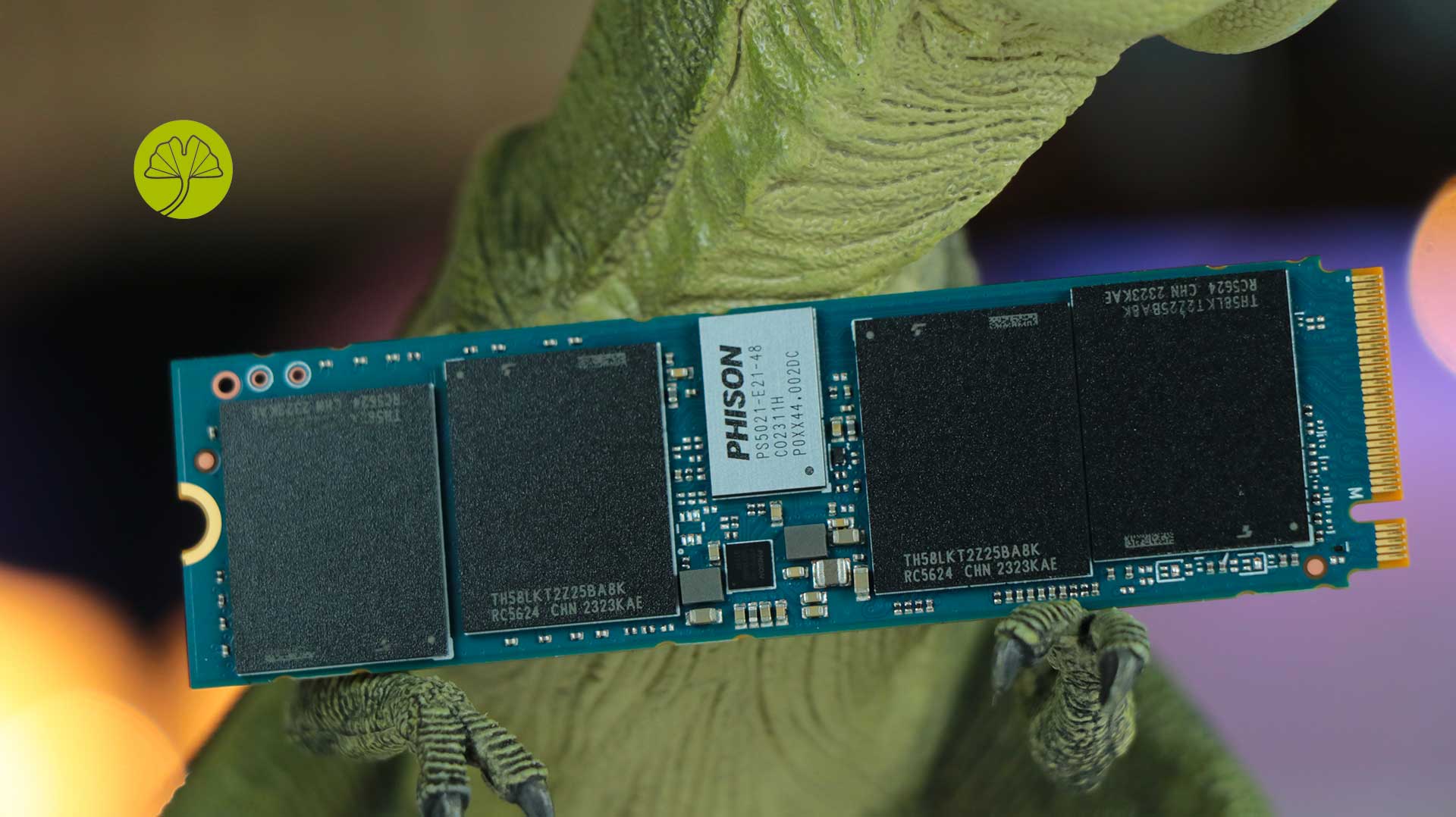
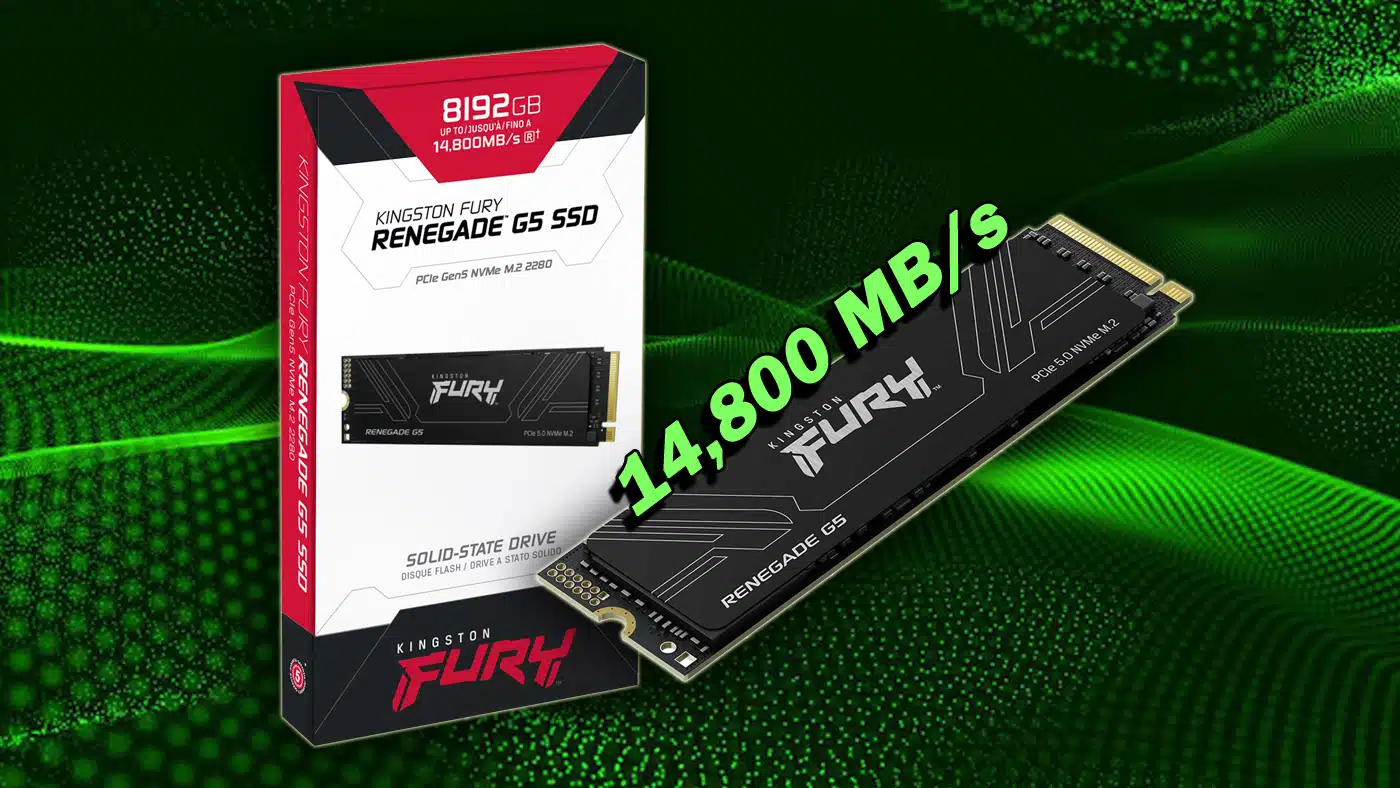
Windows va enfin arrêter de brider nos SSD NVMe !

En bon geek accro au shopping, vous avez claqué des centaines d'euros dans un SSD NVMe PCIe 5.0 qui promet d'atteindre des vitesses de ouf, mais malheureusement, vous avez l'impression que votre Windows n'en tire pas tout le potentiel... snif... Et ce n'est pas qu'une impression, vous avez raison, et youpi, Microsoft vient enfin de faire quelque chose pour corriger ça.

Le problème, c'est que depuis des années, Windows traite tous les périphériques de stockage comme s'ils étaient de vieux disques SCSI des années 80. En effet, Windows convertit toutes les commandes à destination de votre SSD NVMe ultrarapide, en langage SCSI avant de les exécuter. Un peu comme si vous deviez traduire du français vers le latin puis vers l'anglais à chaque fois que vous voulez dire bonjour. C'est inutilement compliqué et forcément plus lent.

Du coup, Microsoft a décidé de moderniser tout ça avec Windows Server 2025 qui supporte enfin le NVMe natif. Concrètement, plus de traduction SCSI, le système communique maintenant directement avec votre SSD dans sa langue maternelle et les résultats sont plutôt impressionnants !

Car si on en croit Microsoft, en termes de performances, ça représente une augmentation de 80% des IOPS (opérations d'entrée/sortie par seconde) par rapport à Windows Server 2022. Pour vous donner un ordre de grandeur, on passe d'environ 1,8 million d'IOPS à 3,3 millions sur un SSD PCIe 5.0. Et en bonus, le CPU consomme environ 45% de cycles en moins pour chaque opération I/O. Bref, c'est plus rapide ET plus efficace.

Et il y a bien sûr, une raison technique à ces gains massifs. Les SSD NVMe modernes supportent jusqu'à 64 000 files d'attente avec 64 000 commandes chacune. Sauf que l'ancien système SCSI était conçu pour des disques rotatifs avec une seule file et 32 commandes max. Ouch...

Pour l'instant, cette amélioration est disponible uniquement sous Windows Server 2025 et elle est désactivée par défaut. Donc faut l'activer manuellement via le registre avec une commande PowerShell mais Microsoft précise que Windows 11 devrait aussi en bénéficier dans une future mise à jour, une fois que la techno aura fait ses preuves côté serveur.

Voici la fameuse commande :

reg add HKEY_LOCAL_MACHINE\SYSTEM\CurrentControlSet\Policies\Microsoft\FeatureManagement\Overrides /v 1176759950 /t REG_DWORD /d 1 /f

Bref, si vous êtes admin système ou que vous avez un serveur qui fait tourner SQL Server, de la virtualisation Hyper-V ou des workloads IA/ML, ça vaut le coup de jeter un petit œil (pensez à le récupérer après, c'est dégueu un oeil qui traine par terre).

Source

SMART Report Viewer - Vérifiez la santé de vos disques en ligne

Vous voulez savoir si votre SSD est sur le point de rendre l’âme mais vous avez la flemme d’installer un énième logiciel ? SMART Report Viewer règle le problème puisqu’il permet d’analyser vos rapports SMART directement dans votre navigateur.

En gros, vous exportez les données SMART de votre disque avec un outil comme smartctl ou CrystalDiskInfo, vous glissez le fichier dans l’interface web, et hop… l’analyse se fait entièrement côté client.

Pour rappel, les données SMART (Self-Monitoring, Analysis and Reporting Technology), c’est ce que votre disque collecte sur lui-même en permanence : Nombre de secteurs réalloués, heures de fonctionnement, cycles d’allumage, erreurs de lecture… Tous ces indicateurs qui permettent de voir venir une panne avant de perdre vos photos de vacances ou votre collection de photos de… enfin bref.

SMART Report Viewer supporte les disques NVMe et SATA, ce qui couvre à peu près tout ce qu’on trouve dans nos machines aujourd’hui, donc que vous ayez un vieux HDD mécanique qui grince depuis 2015 ou un SSD NVMe tout neuf, ça devrait passer.

L’avantage d’un outil web par rapport aux logiciels classiques comme CrystalDiskInfo ou GSmartControl, c’est surtout sa portabilité puisque vous pouvez analyser un rapport depuis n’importe quel PC, y compris celui d’un pote qui vous demande de jeter un œil à son disque qui fait des trucs suspect.

Pour récupérer vos données SMART, le plus simple reste smartmontools. Sous Linux ou macOS, un petit sudo smartctl -a /dev/disk0 > rapport.txt et c’est réglé. Sous Windows, CrystalDiskInfo permet d’exporter les infos et ensuite vous balancez le fichier sur SMART Report Viewer et vous avez votre diagnostic.

Pas de repo GitHub visible donc difficile de savoir comment l’analyse est faite côté code mais vous pouvez vérifier que tout se passe dans le navigateur puisqu’en coupant votre connexion après avoir chargé la page, ça marche toujours.

Bref, encore un petit outil pratique qui ne fait qu’une chose et la fait bien !

Black Friday 2025 NAS Deals – UPDATED

NEW NAS & Storage Bargains and Deals this Black Friday 2025

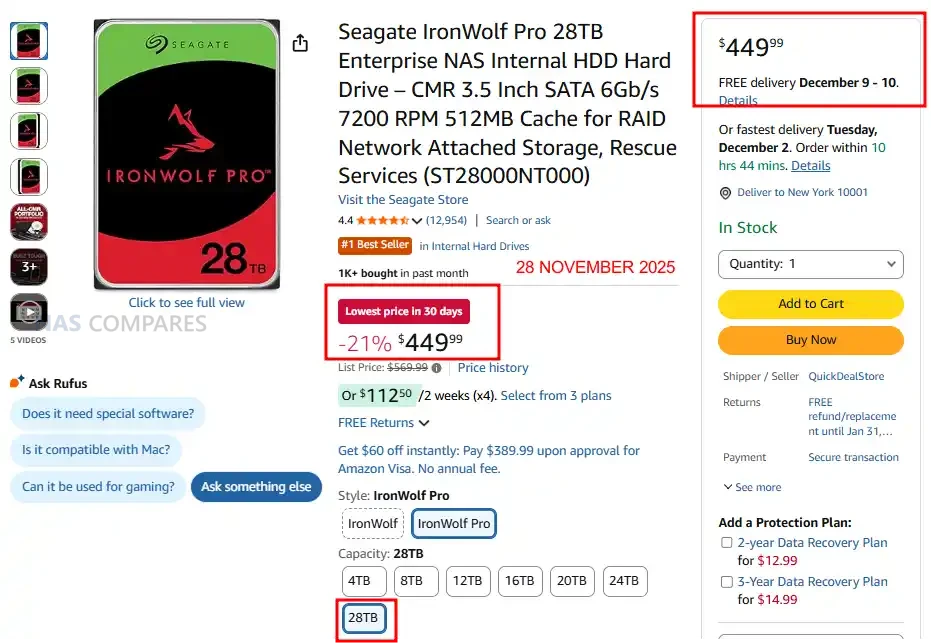
Black Friday 2025 has arrived and this year the reductions cover every corner of the NAS and homelab market. The entire Synology 2025 line including the DS925+, DS1525+, DS1522+, DS225+, and DS1825+ has taken unusually large price cuts, and the QNAP TS x64 series is also sharply reduced. UGREEN and Terramaster have applied broad 15% to 25% discounts across their 2024 and 2025 ranges. Seagate’s 28TB IronWolf Pro is down to $449 at multiple stores, and the Beelink ME Mini N150 bundle has dropped to $279 which makes it one of the strongest compact server offers this year. UnRAID licences are 25% off with an added $15 voucher, and Plex Pass is 40% off across monthly, yearly, and lifetime tiers. UniFi has also rolled out large network hardware reductions including cuts on its gateways, routers, and WiFi 7 devices. Below you will find updated recommendations for NAS systems for backups, Plex, business, and surveillance, along with live links to the best deals as they continue to appear through the day.

Recommended Deals (so far)

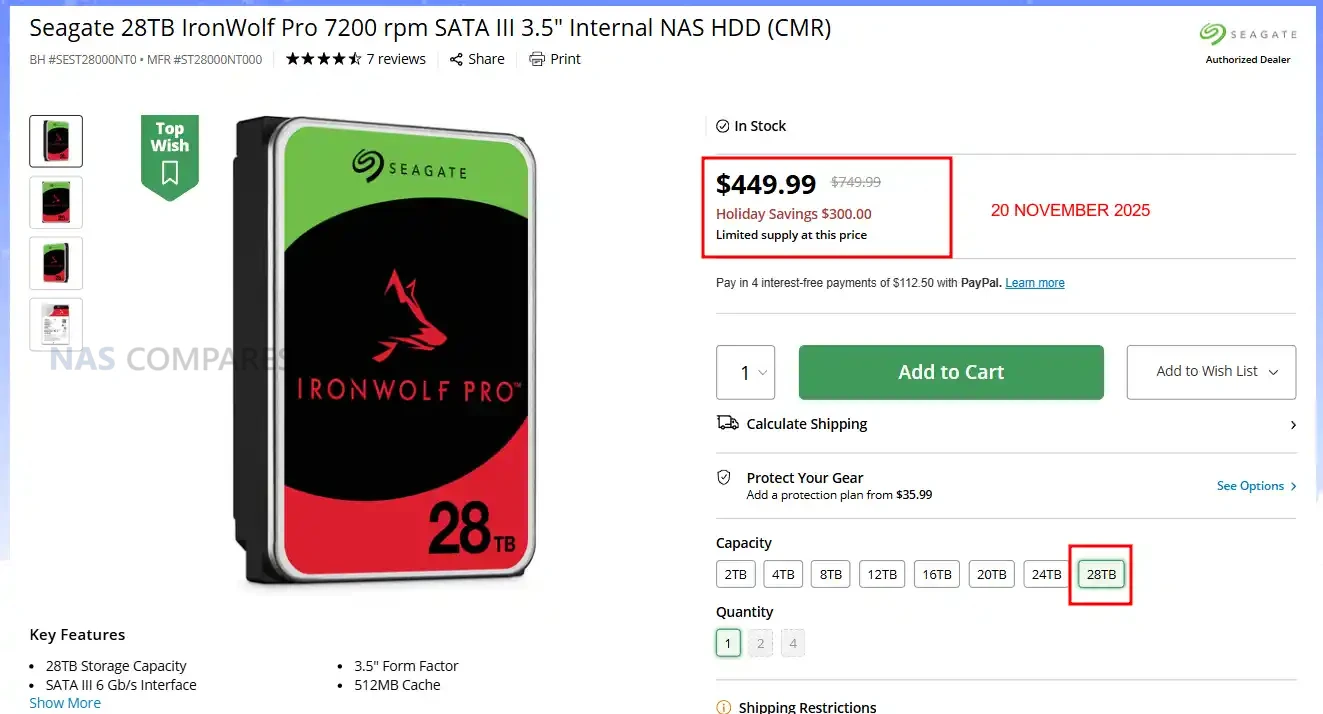
SEAGATE 28TB IRONWOLF PRO HDD – $449.99 (was $569.99)


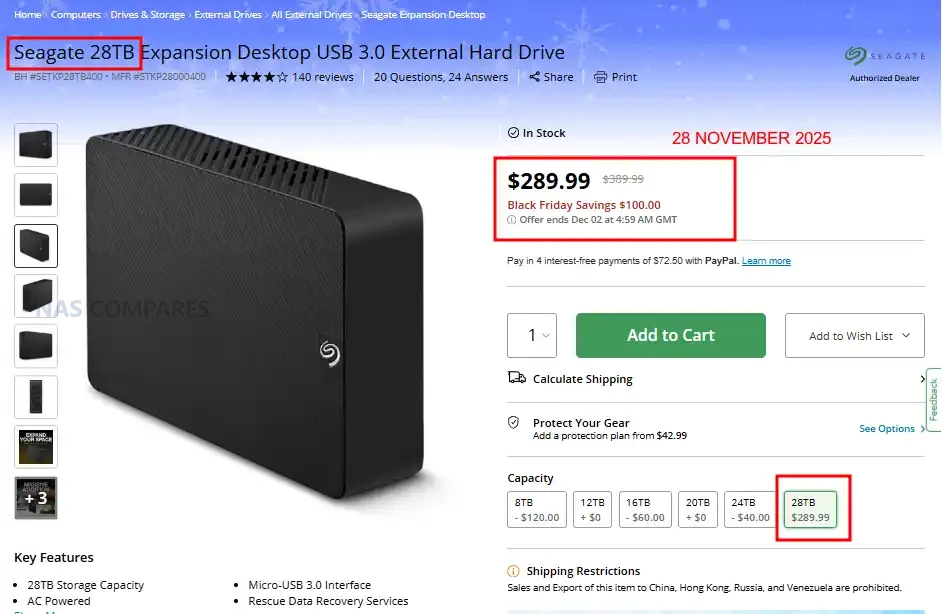
SEAGATE 28TB EXTERNAL USB HDD – $289.99 ($100 OFF)


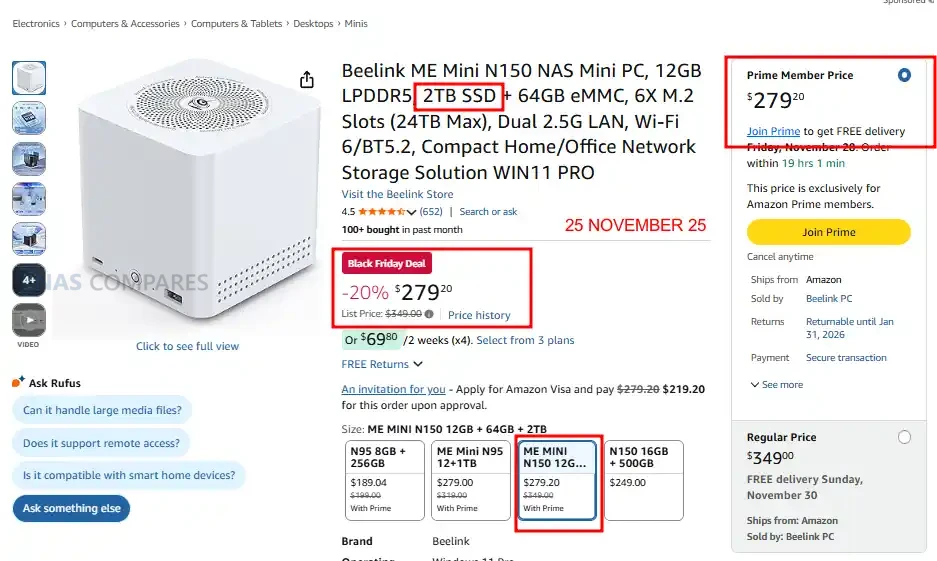
Beelink ME Mini N150 NAS Mini PC, 12GB RAM + 2TB SSD + 64GB eMMC – $279 (was $349) HERE


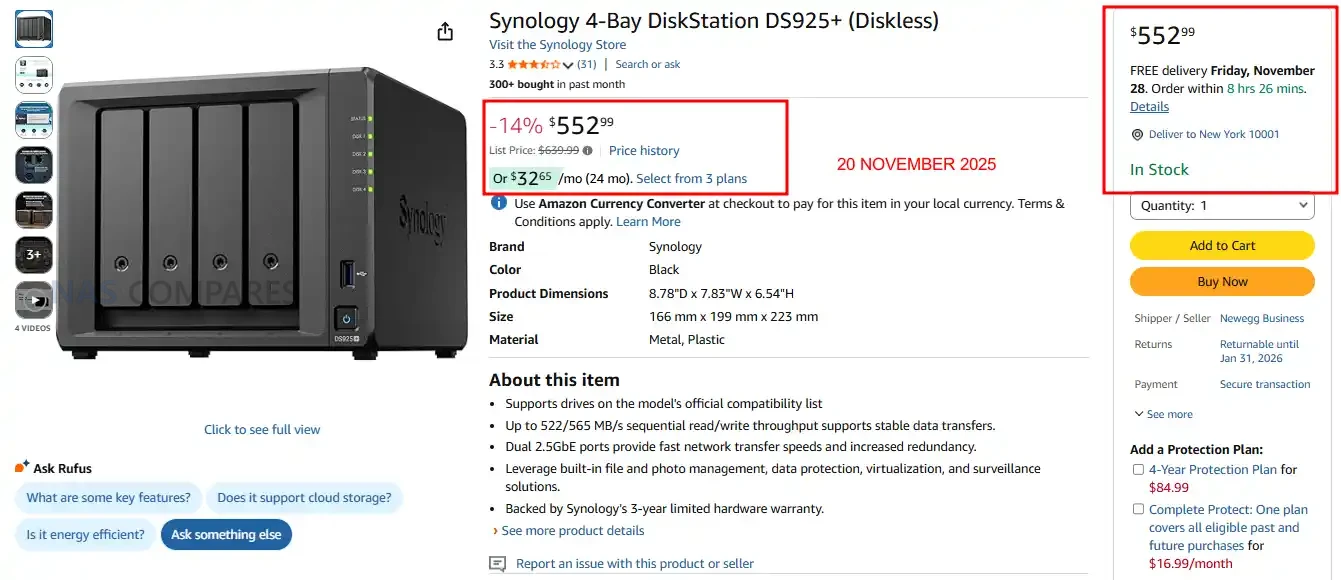
Synology DS925+ NAS – 14% OFF, NOW $552.99


SEAGATE 28TB IRONWOLF PRO HDD – $449.99 ($300 OFF)


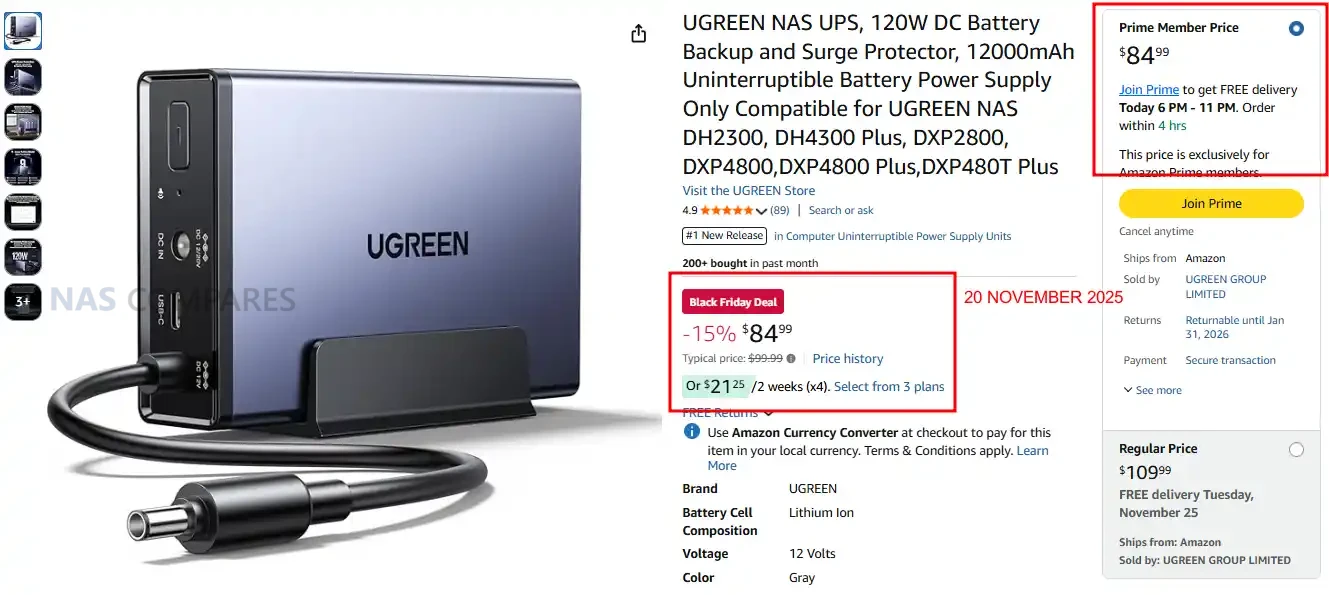
UGREEN 120W NAS UPS – 15% OFF, NOW $84.99


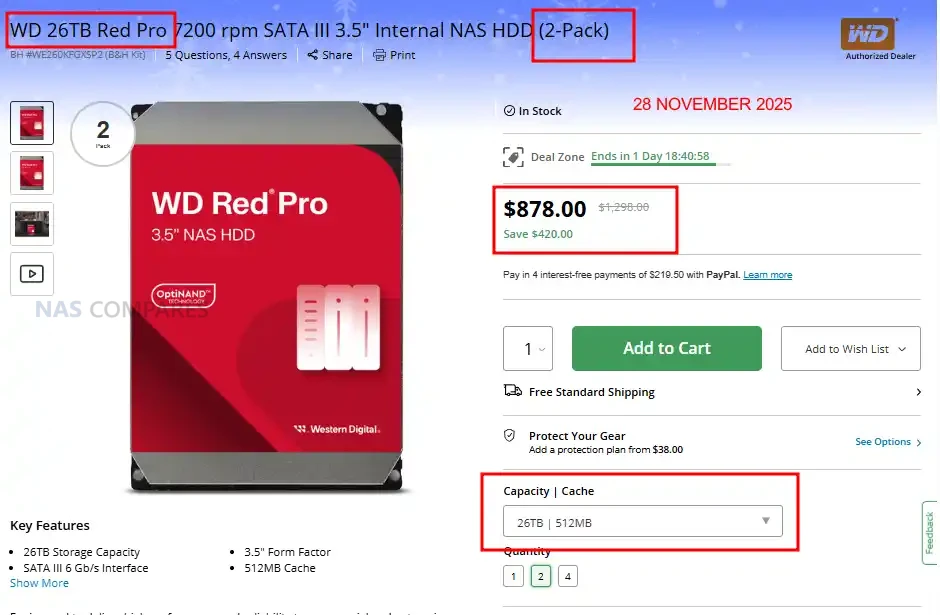
2x WD Red Pro 26TB Hard Drives (52TB Max) – $878 ($420 OFF)


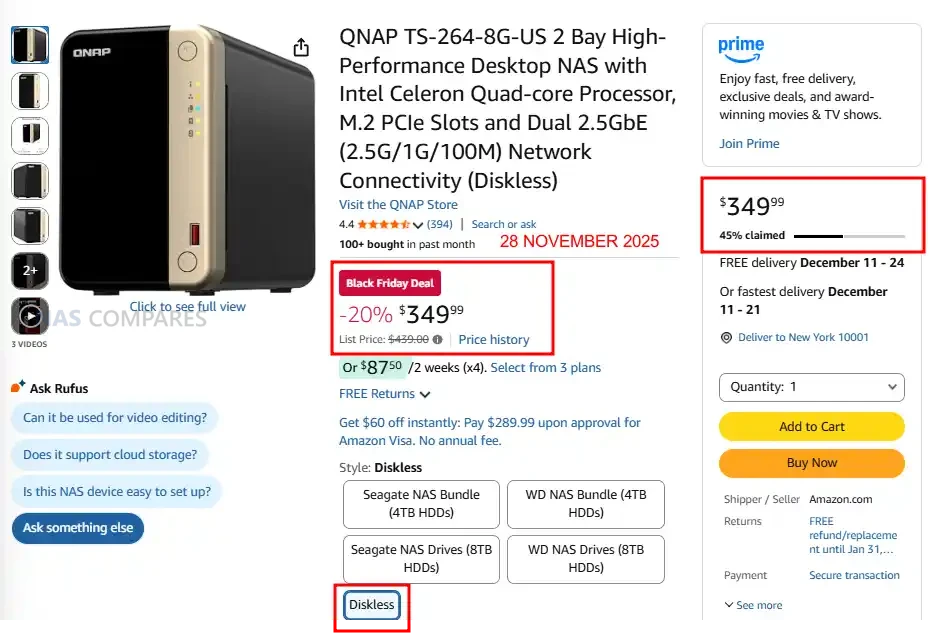
QNAP TS-264 2-Bay Featured NAS – $349.99 (20% OFF)


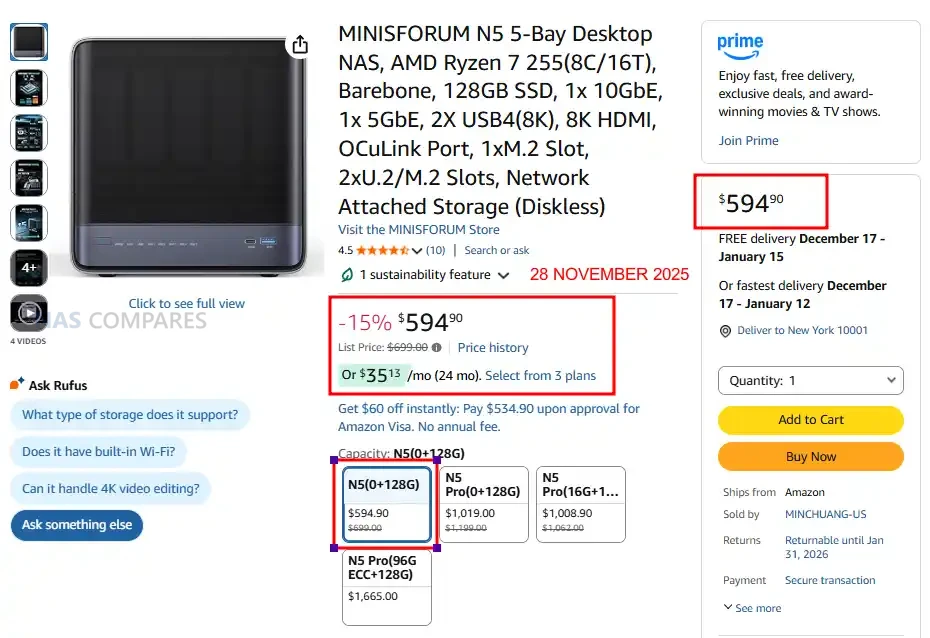
Minisforum N5  NAS – NOW $594.90 (15% OFF)


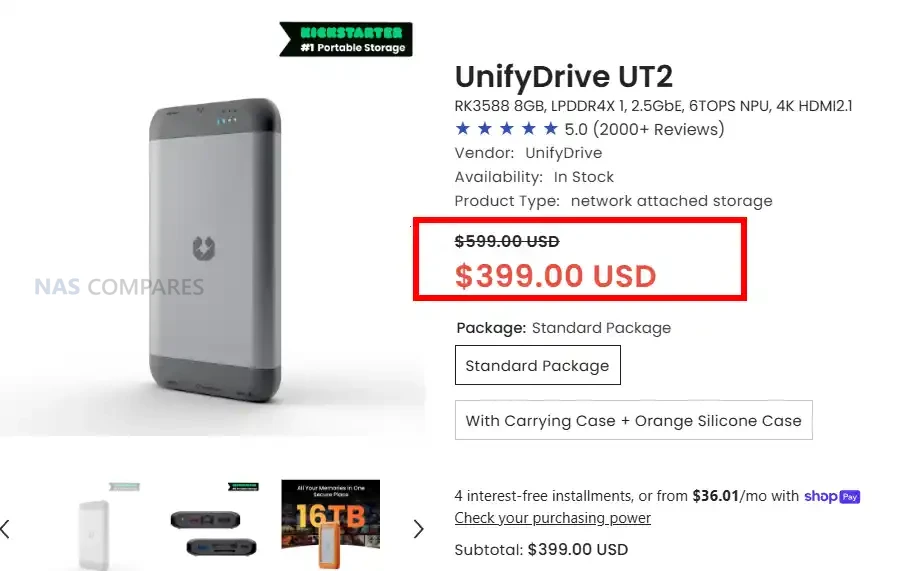
UnifyDrive UT2 2x M.2 NVMe+2.5GbE+8 Core ARM Mobile NAS – $200 OFF, Now $399

Get a further 5% OFF with this code: NASCOMPARES


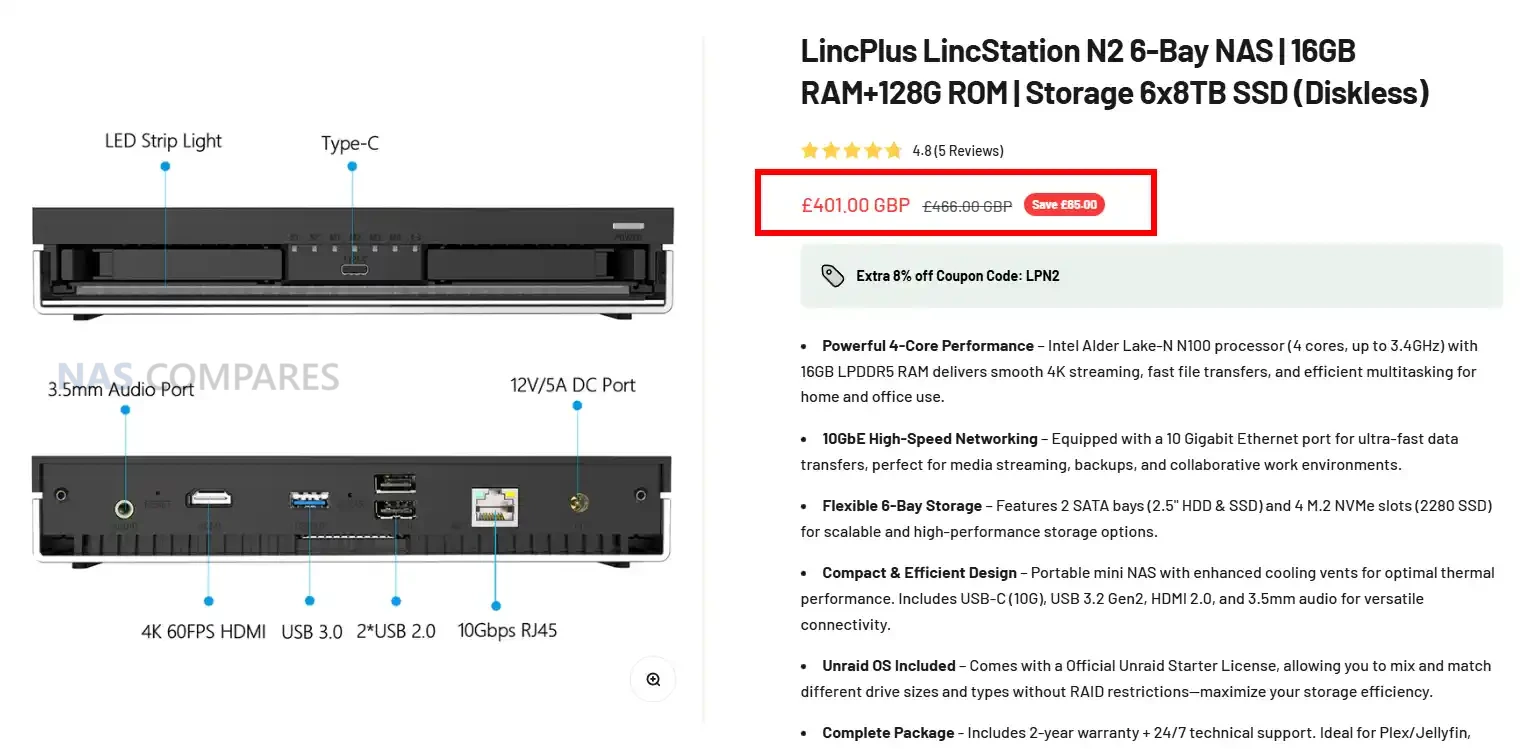
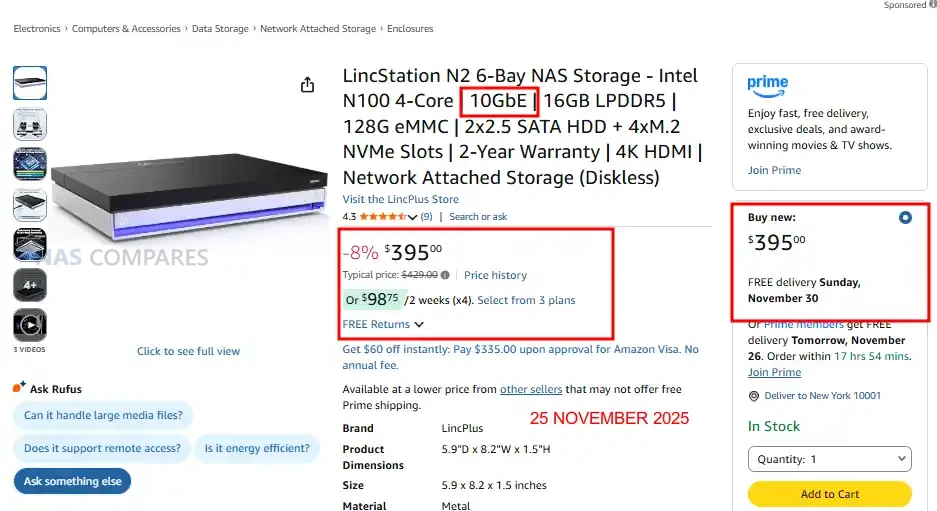
LincStation N2 – 4xm.2 + 2x SATA SSD + 10GbE + UnRAID Licence – NOW $429 / £401


BLACK FRIDAY WEEK DEALS (so far) – (WILL REDIRECT TO YOUR AMAZON REGION AUTOMATICALLY)

Useful Articles:

  • NAS Hard Drive Black Friday Deals Article – HERE
  • Synology NAS Black Friday Deals – HERE
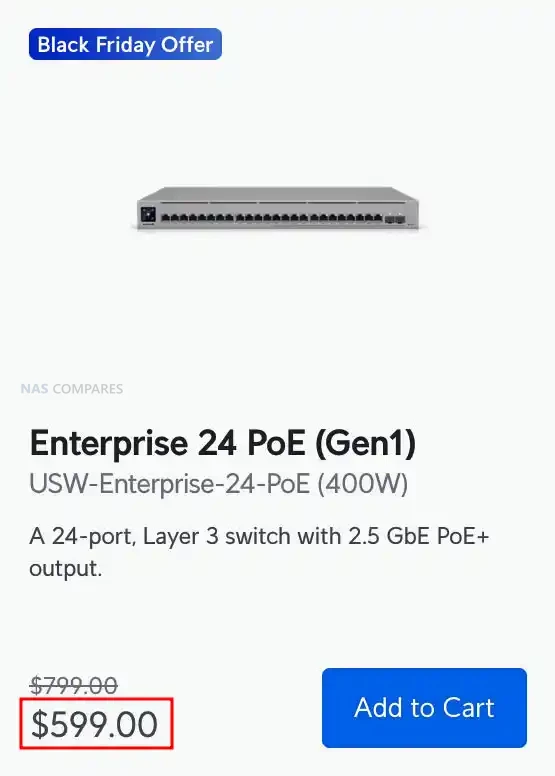
  • UniFi Network Hardware Black Friday Deals – HERE
  • UGREEN NAS Black Friday Deals – HERE
  • Terramaster Black Friday Deals – HERE

UnRAID 25% Price Drop + $15 Voucher Included with ALL Orders – HERE

The Unraid Cyber Weekend Sale started on Wednesday November 26th, and will run through Cyber Monday, December 1st, 2025. They are discounting Starter and Unleashed licenses, plus all Unleashed upgrades (so, if you have a monthly or annual license, and want to upgrade to lifetime, you will get a discount of the partial upgrade cost too). Also, every license purchased will come with a $15 voucher good for the Unraid Merch Store included. Click below (or HERE) to get your UnRAID license at 25% off.


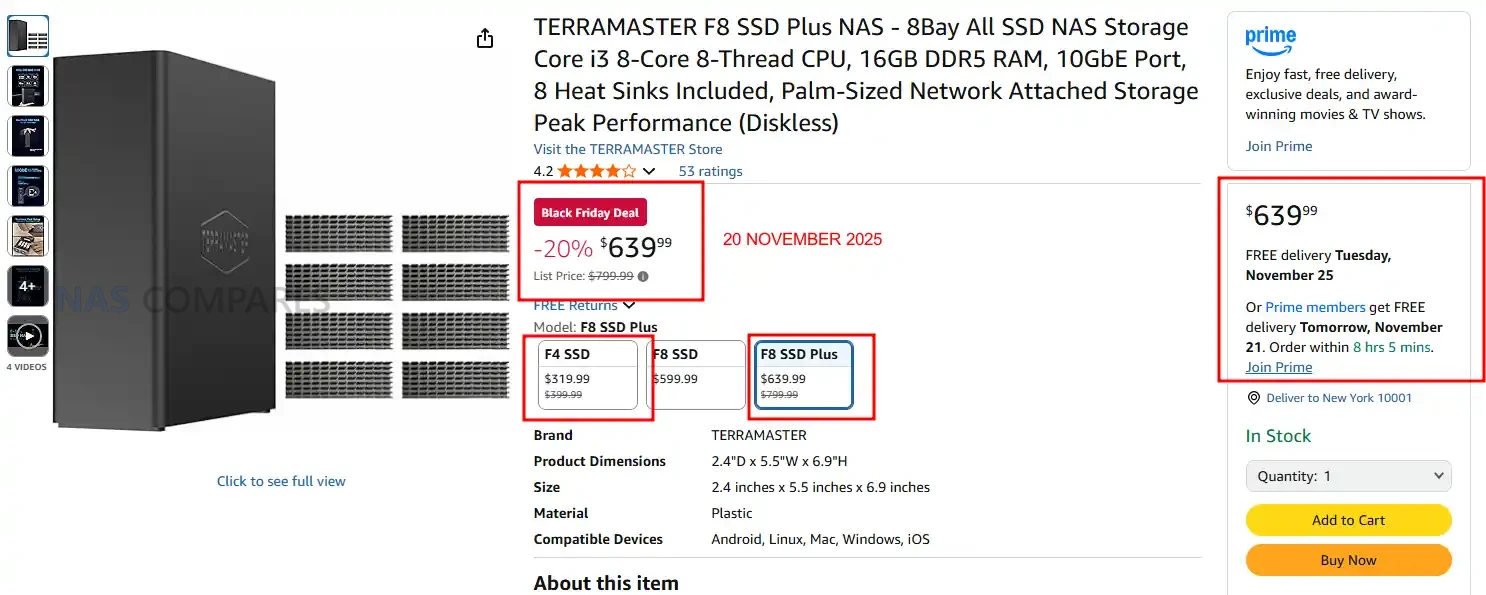
Terramaster F8 SSD PLUS Flash NAS – 20% OFF, NOW $639.99


UniFi Black Friday Deals – HERE


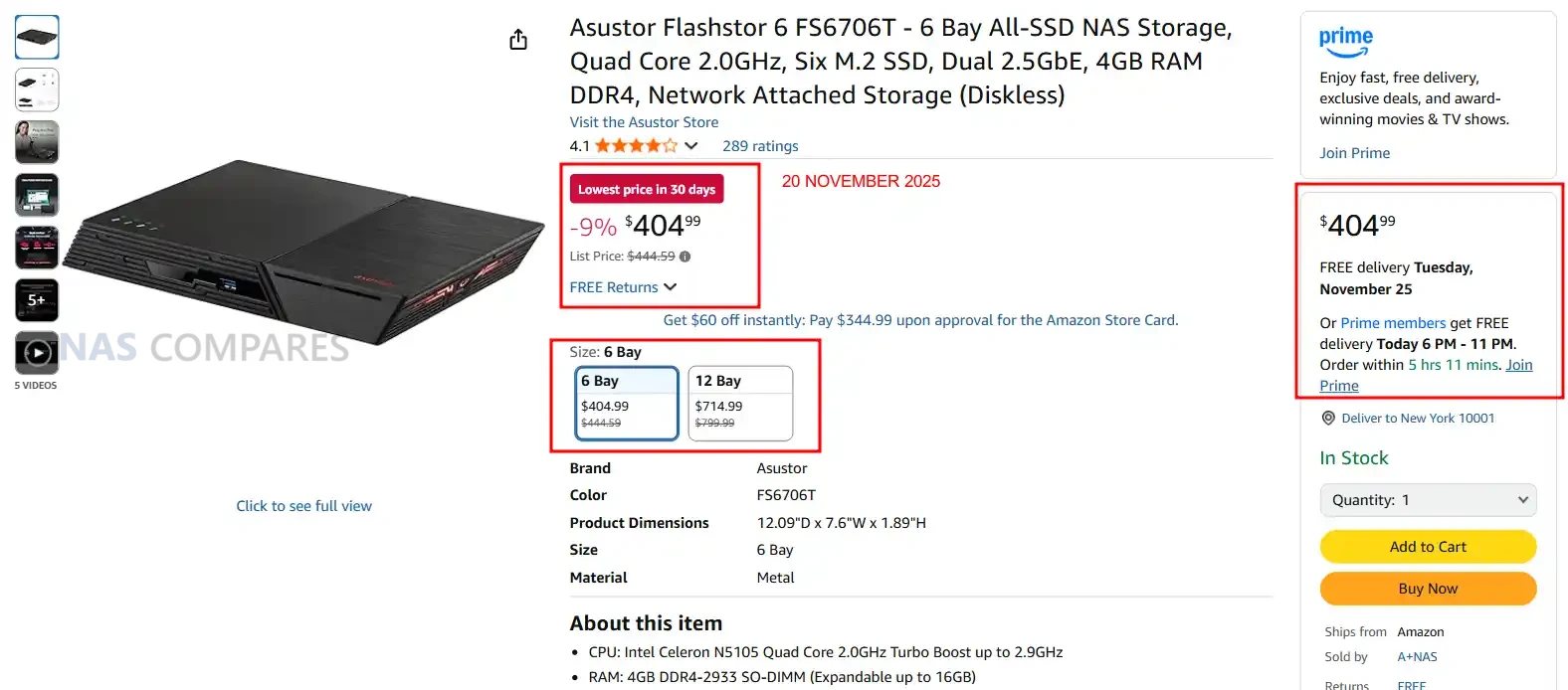
Asustor 6x M.2 NVMe Flashstor 6 – Down to $404.99 (9% OFF)


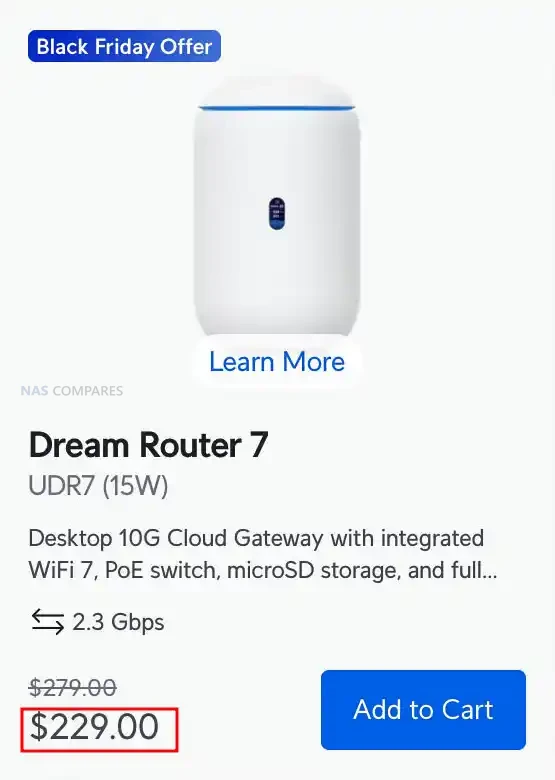
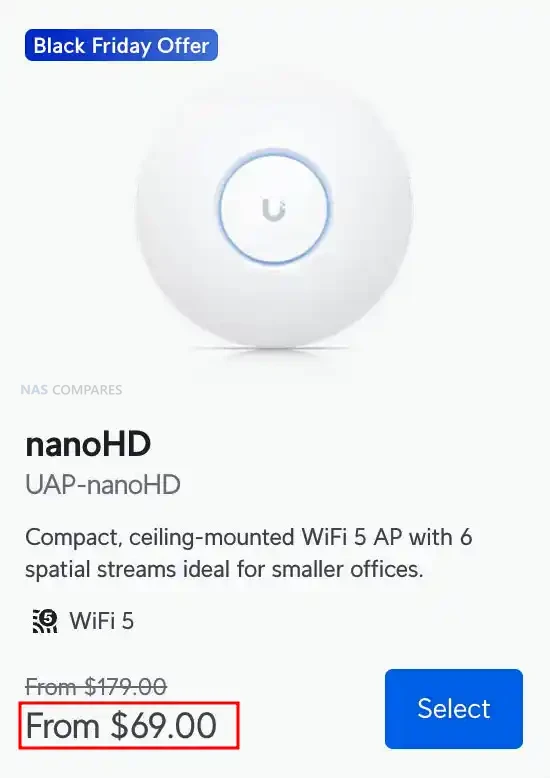
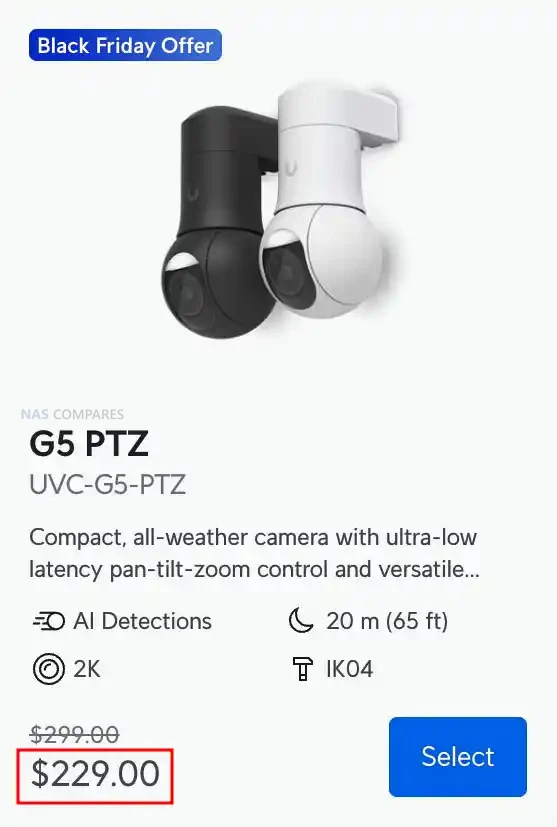
Best UniFi Black Friday Deals – The UniFi Dream Router 7 REDUCED TO $229

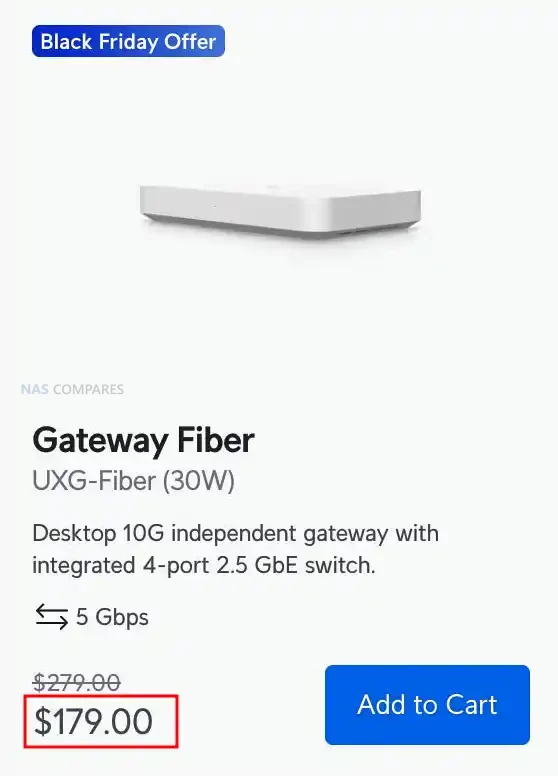
UniFi WiFi 7 2.5G+10G Dream Router UniFi Gateway Fiber 10G/2.5G Gateway

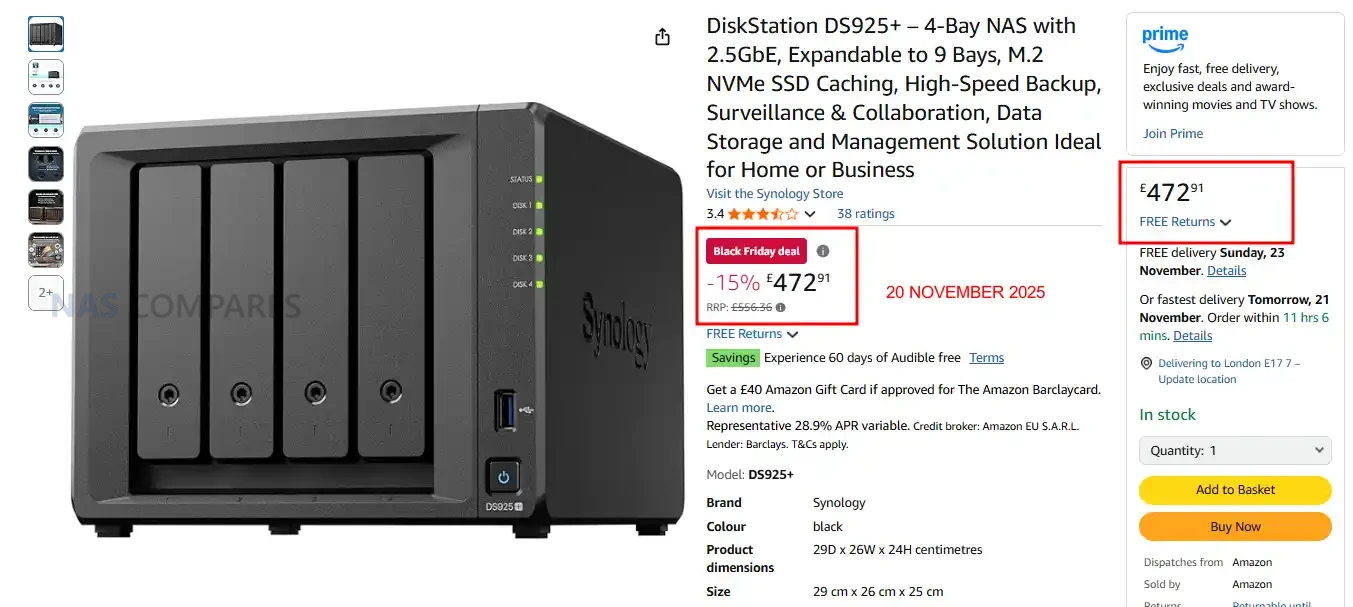
Synology DS925+ NAS – 15% OFF, NOW £472 inc.TAX


40% OFF PLEX PASS Licenses – Month/Year/Lifetime HERE

  • Lifetime, now $149.99 (was $249.99) – HERE
  • Annual, now $41.99 (was $69.99) – HERE
  • Month, now $4.19 (was $6.99) – HERE


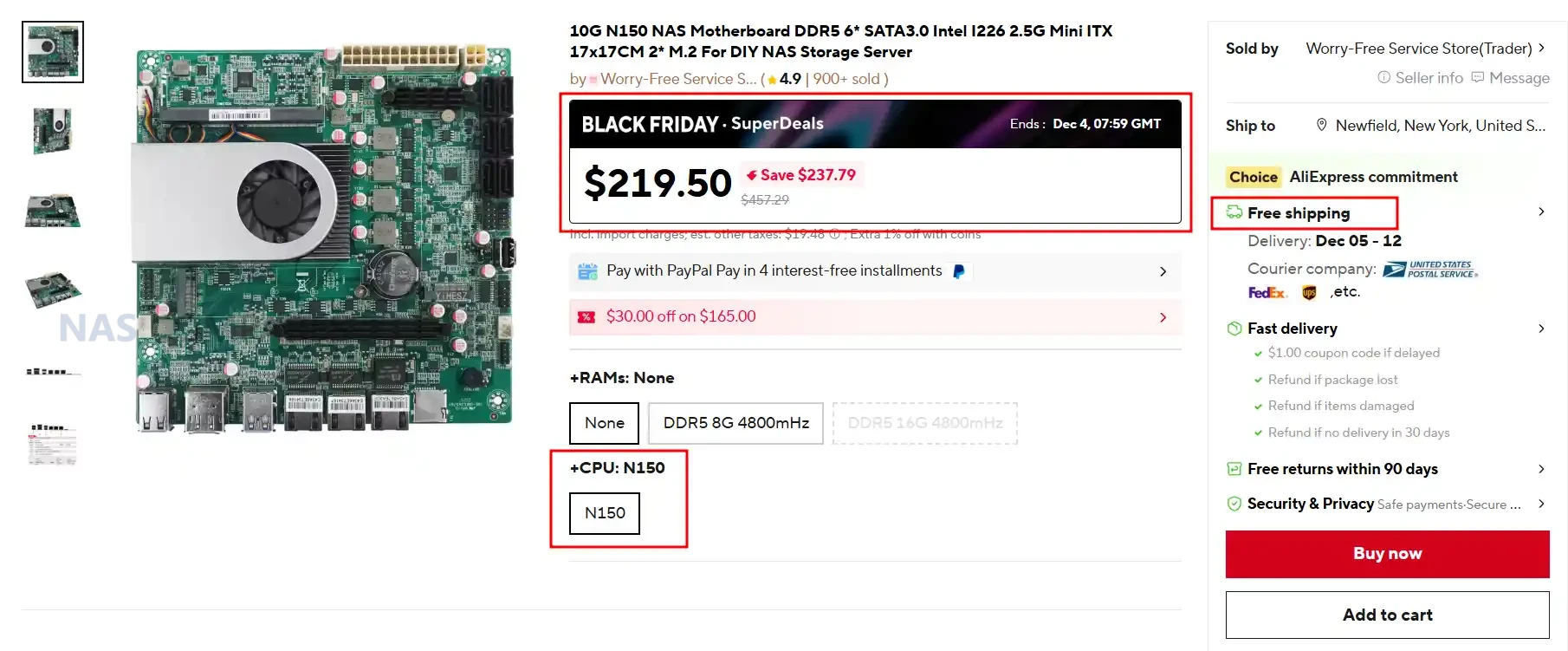
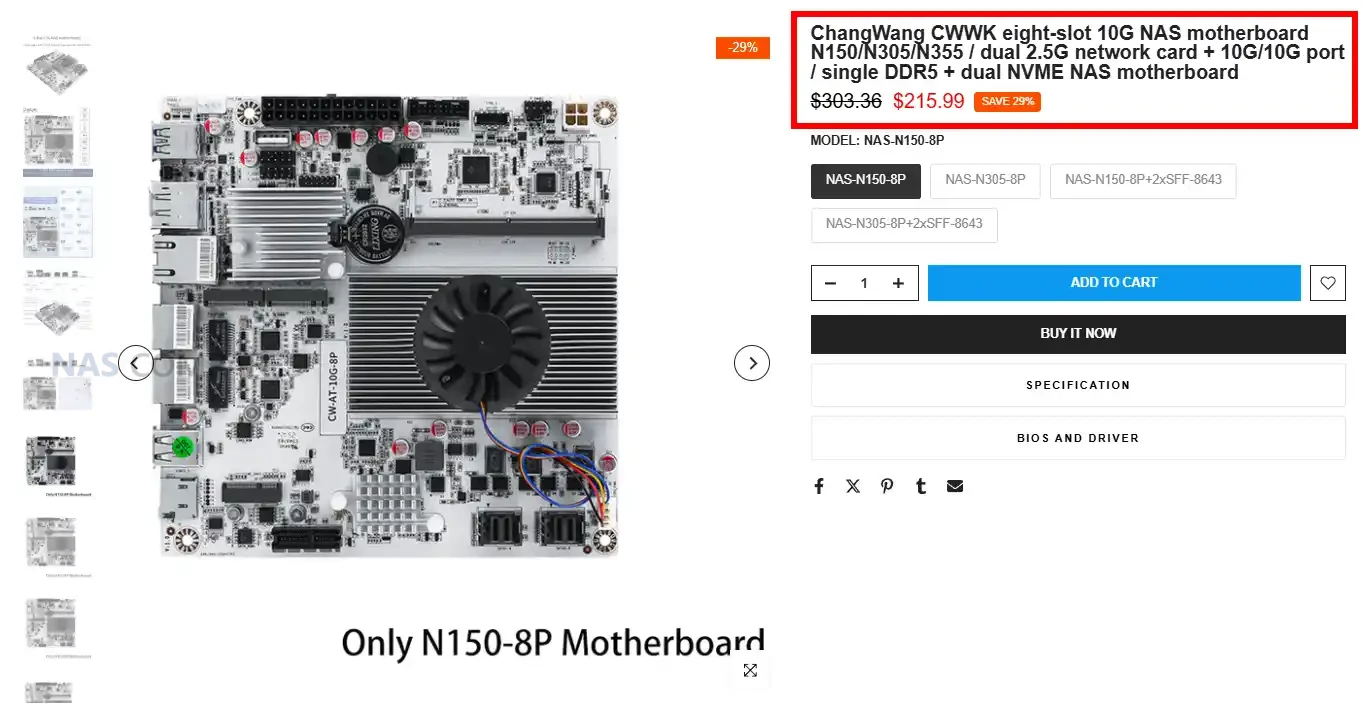
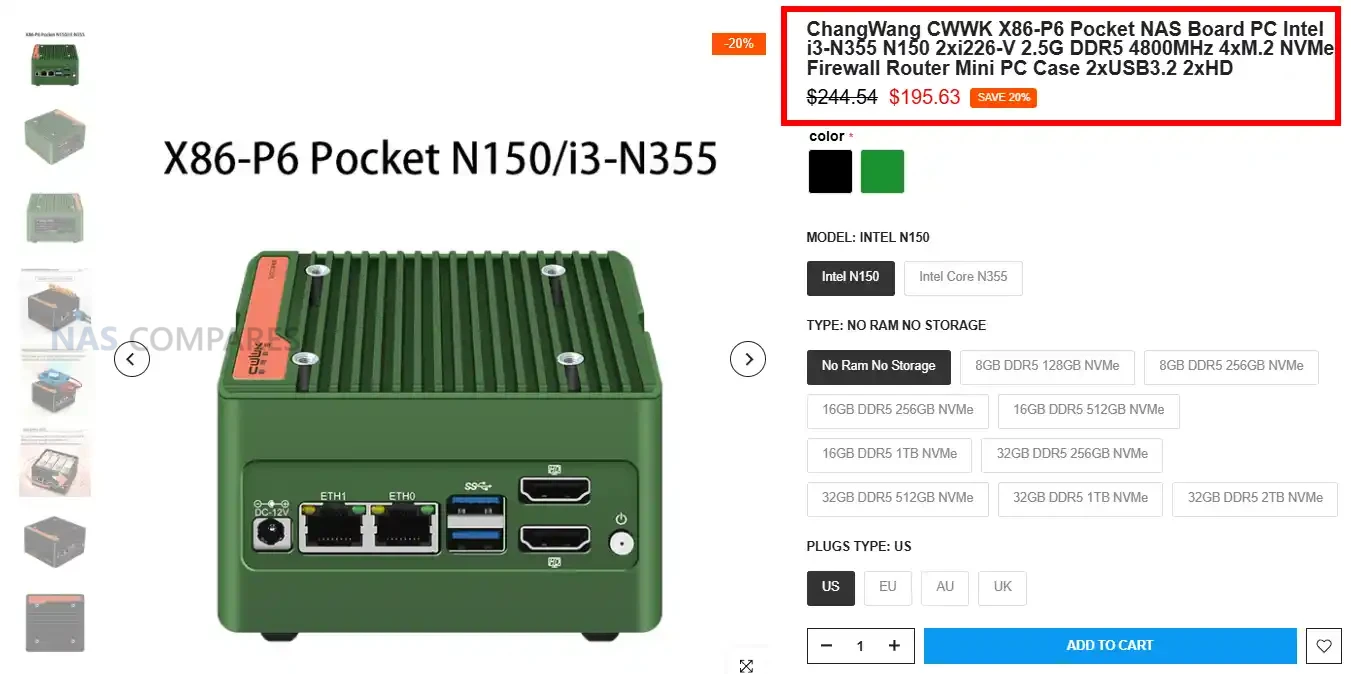
10G N150 NAS Motherboard / DDR5 6* SATA /  Intel I226 / 2.5G Mini ITX /  2* M.2 – $219.50 HERE

Category Details
CPU Intel N150 onboard (Twin Lake SoC)
Motherboard Type Mini-ITX 170 x 170 mm
RAM Type / Maximum DDR5 SO-DIMM, 1 slot, up to 16GB
SATA Drive Support 6 x SATA 3.0
M.2 SSD Support 2 x M.2 M-Key (PCIe)
Network Connections 2 x Intel I226-V 2.5GbE, 1 x AQC113 10GbE
PSU Type 24-pin ATX + 4-pin CPU power
PCIe Slot Support 1 x PCIe 3.0 x4 slot

UniFi Cloud Gateway Black Friday Deals

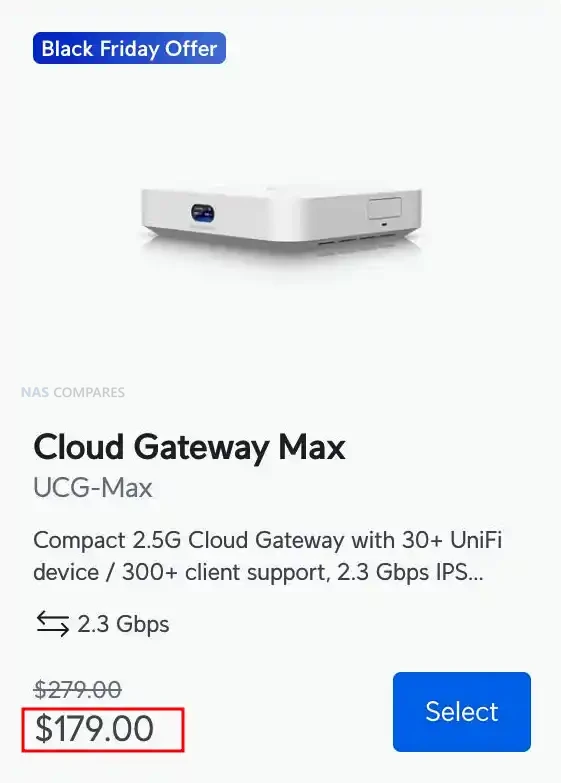
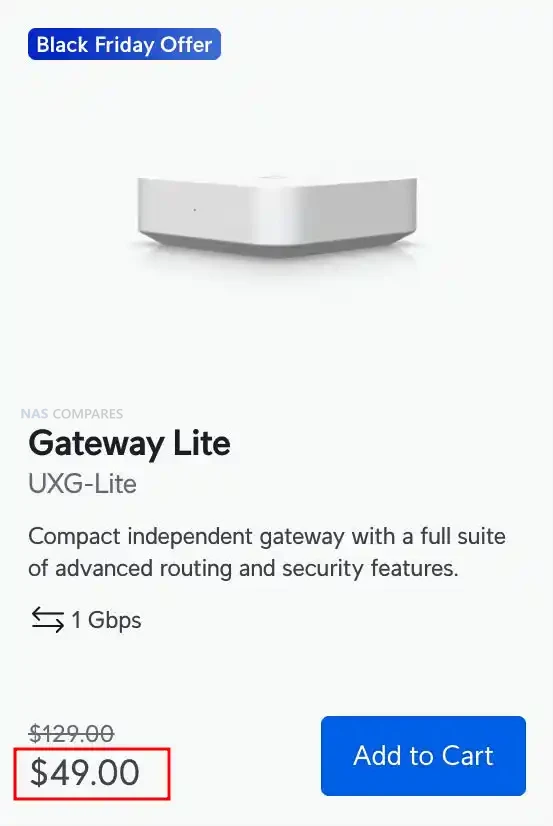
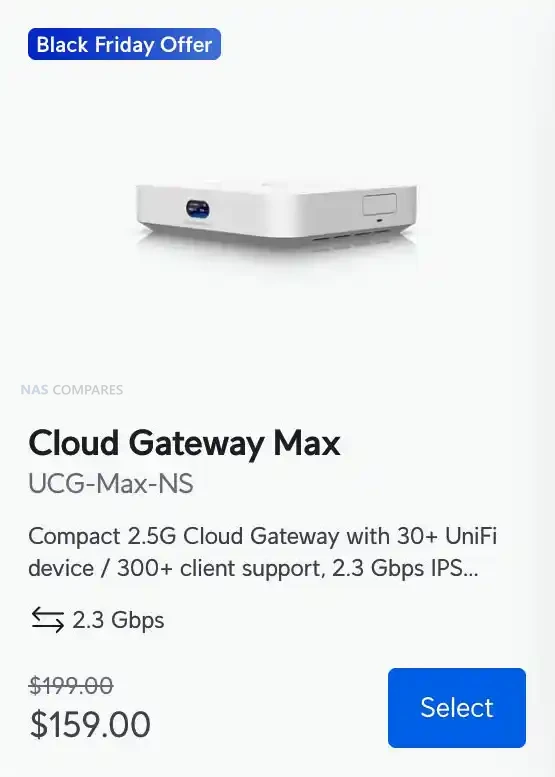
The Cloud Gateway Max, Cloud Gateway Max NS, and Gateway Lite form the most affordable cluster of UniFi Black Friday gateway offers this year. The Cloud Gateway Max drops from $279 to $179 and delivers full UniFi application support with 2.3Gbps IDS and IPS, 2.5GbE WAN, five 2.5GbE LAN ports, and selectable NVMe NVR storage up to 2TB. The NS model follows the same hardware blueprint but arrives at a lower $159 price while retaining 2.3Gbps inspection performance and 30 plus device management. The Gateway Lite stands out as the entry level option at an aggressive $49, down from $129. It offers 1Gbps IDS and IPS, a compact footprint, full UniFi security features, USB C power, and a simple 1GbE WAN plus 1GbE LAN layout, making it ideal for small networks or for replacing an ageing USG.


Synology DS1525+ NAS – $160 OFF, NOW $639.99


Recommended Deals (so far)


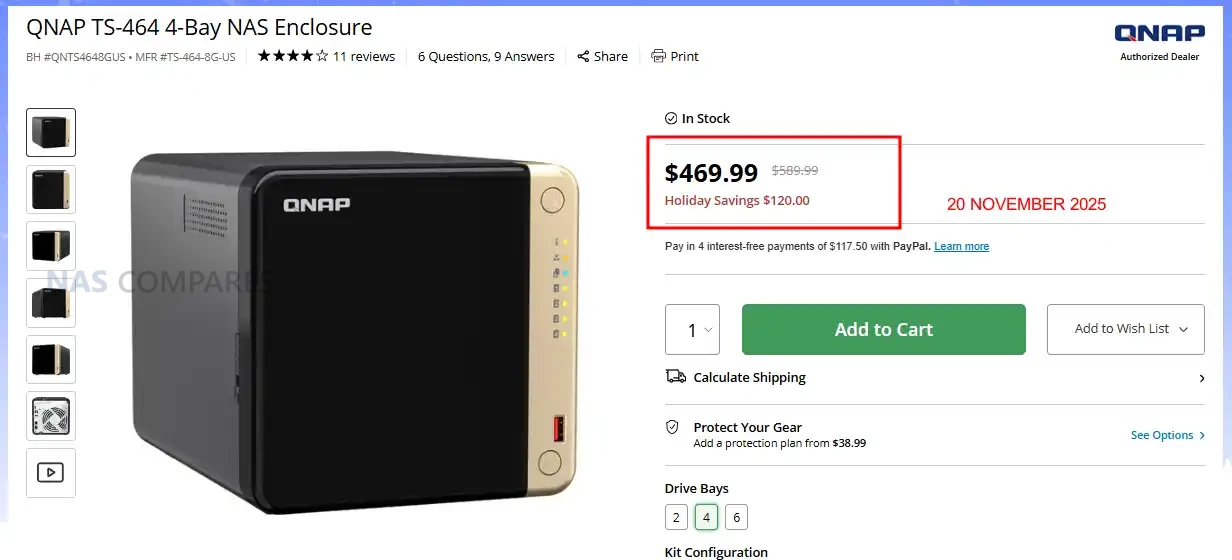
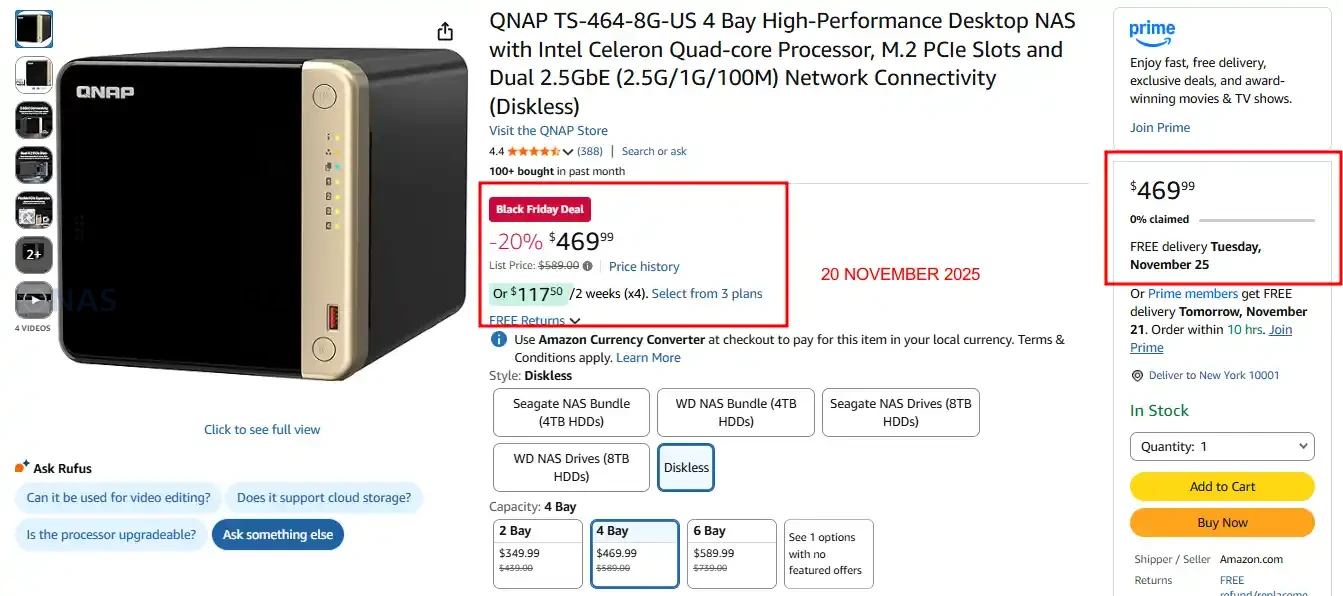
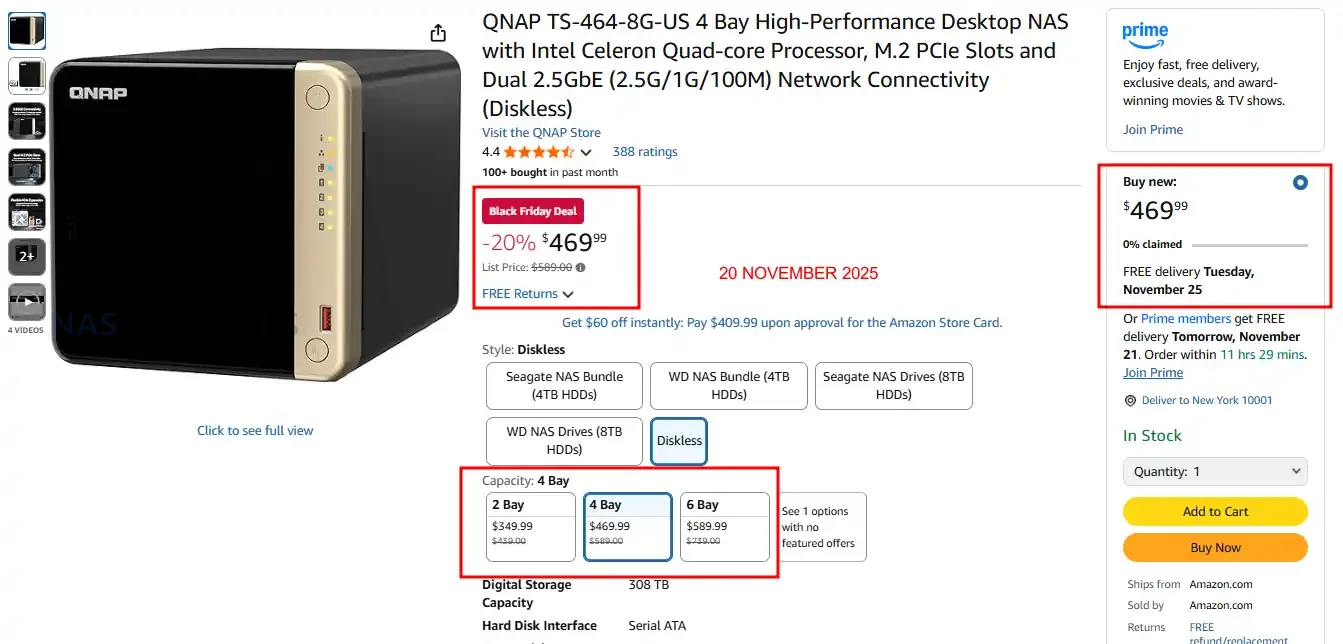
QNAP TS-464 NAS – $469.99 ($120 OFF)


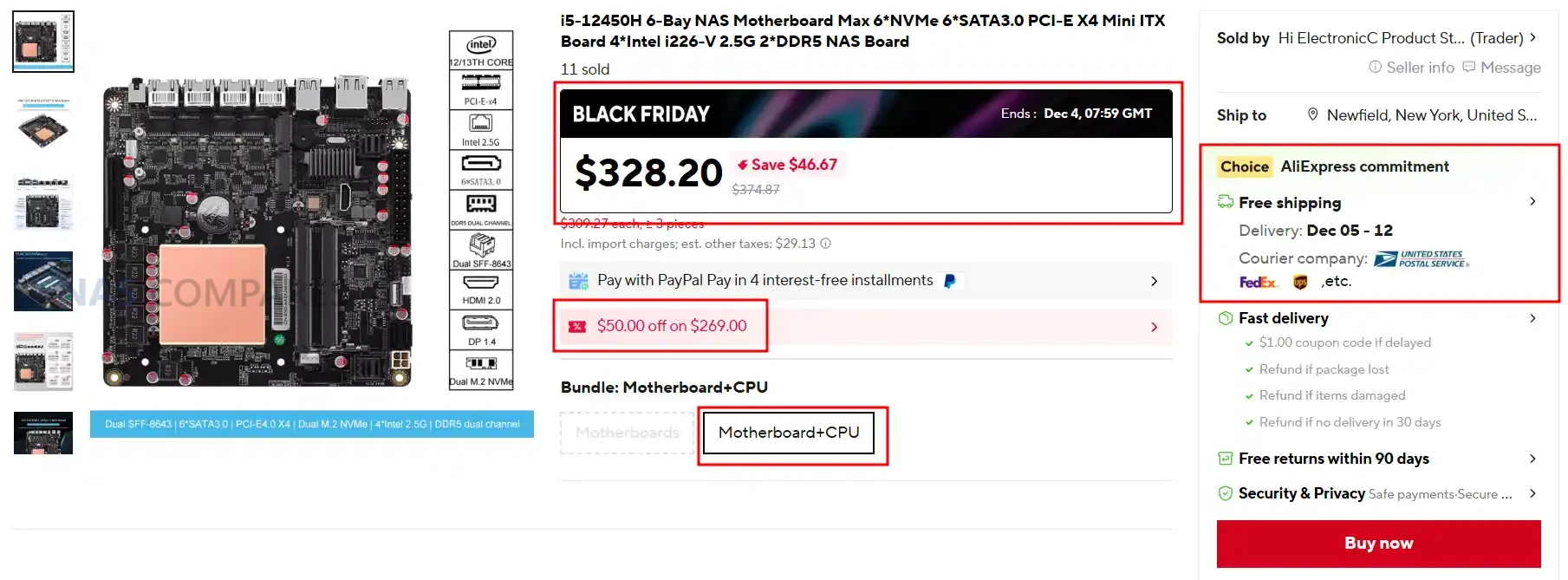
i5-12450H / 6xNVMe / 6xSATA / PCI-E X4 / 4x Intel i226-V 2.5G / 2xDDR5 NAS Board – $328.20 HERE

Category Details
CPU Intel Core i5 12450H onboard
Motherboard Type Mini ITX size one hundred seventy mm by one hundred seventy mm
RAM Type and Maximum DDR5 dual channel up to sixty four GB, two slots
SATA Drive Support Two direct SATA ports plus five SATA via SFF eight six four three JMB585 controller
M2 SSD Support Two M two slots, one PCIe four point zero x four and one PCIe three point zero x one, plus four NVMe via SFF adaptor
Network Connections Four Intel I226 V two point five gig ports
PSU Type Twenty four pin ATX plus eight pin CPU power (standard ITX layout)
PCIe Slot Support One PCIe four point zero x four slot (compatible with x eight or x sixteen cards)

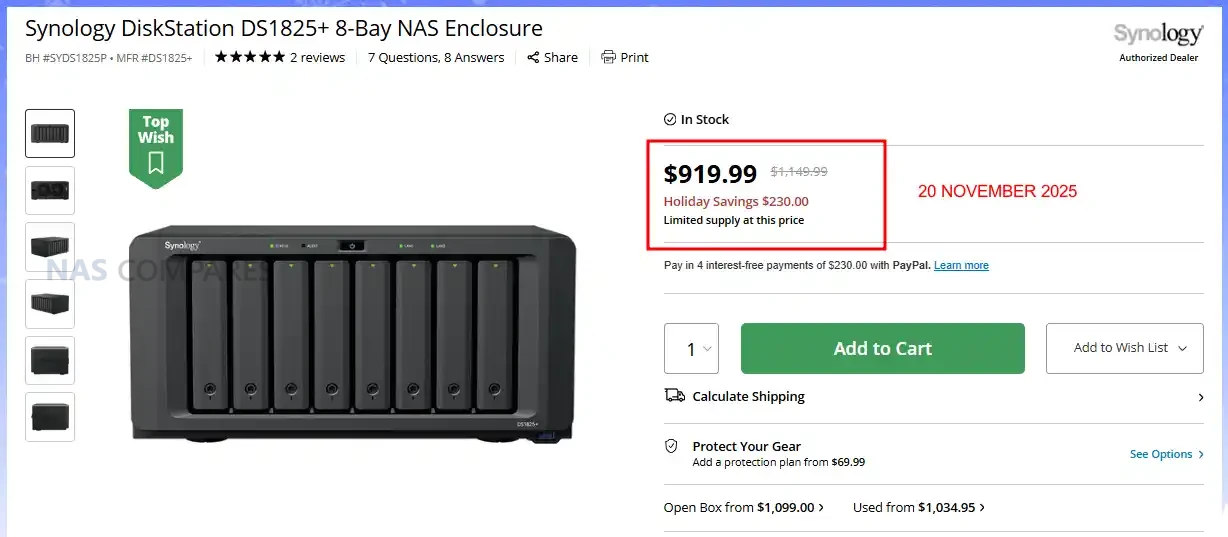
Synology DS1825+ NAS – NOW $919 ($230 OFF)


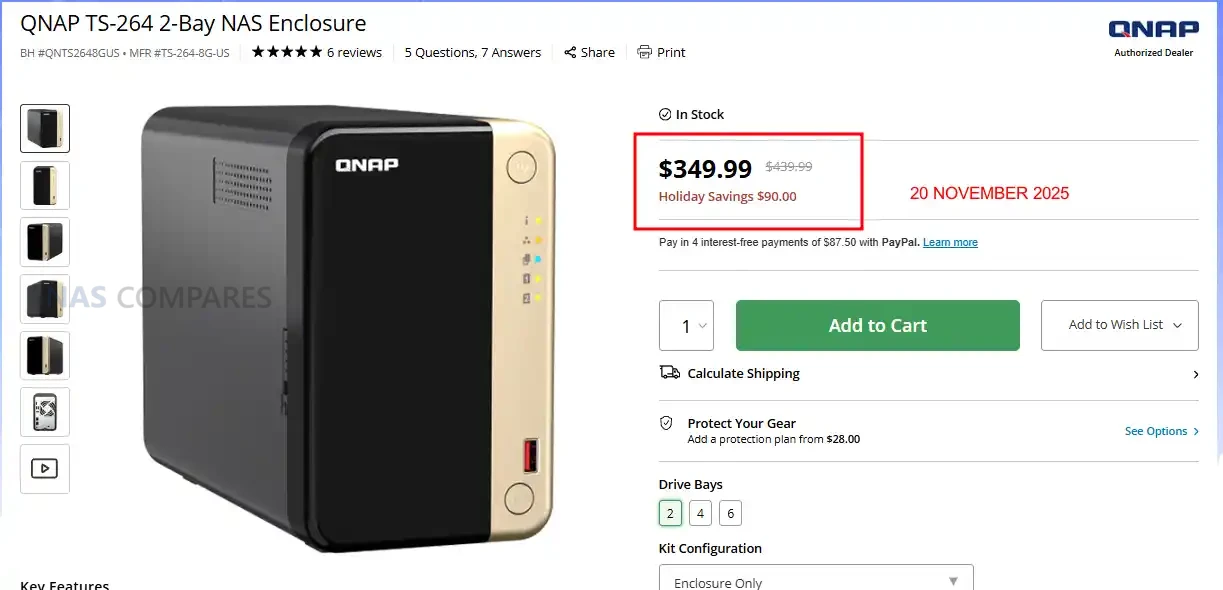
QNAP TS-264 2-Bay ALL-Rounder NAS – $349.99 ($90 OFF)


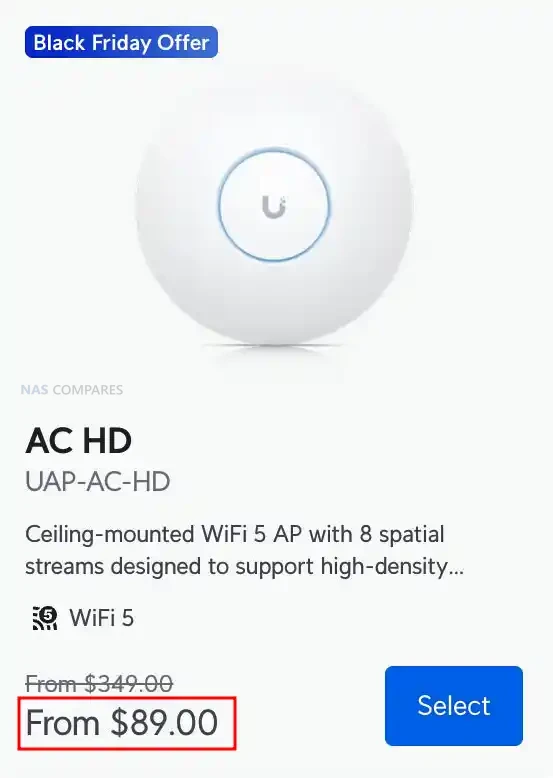
UniFi WiFI APs for Mesh Black Friday Deals


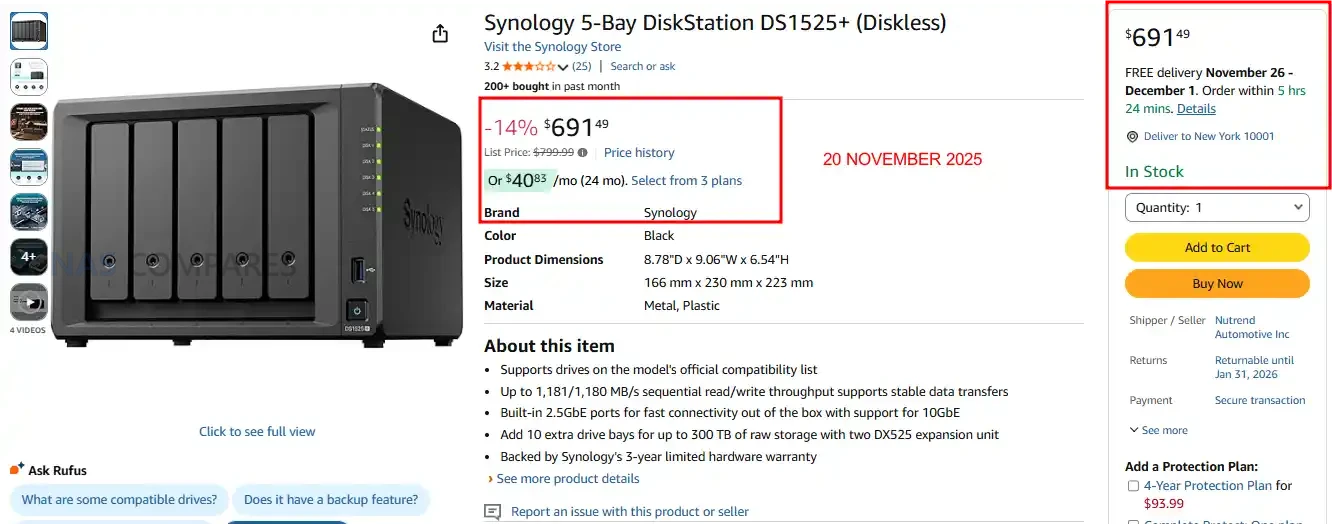
Synology DS1525+ NAS – REDUCED TO $691.49 (15% OFF)


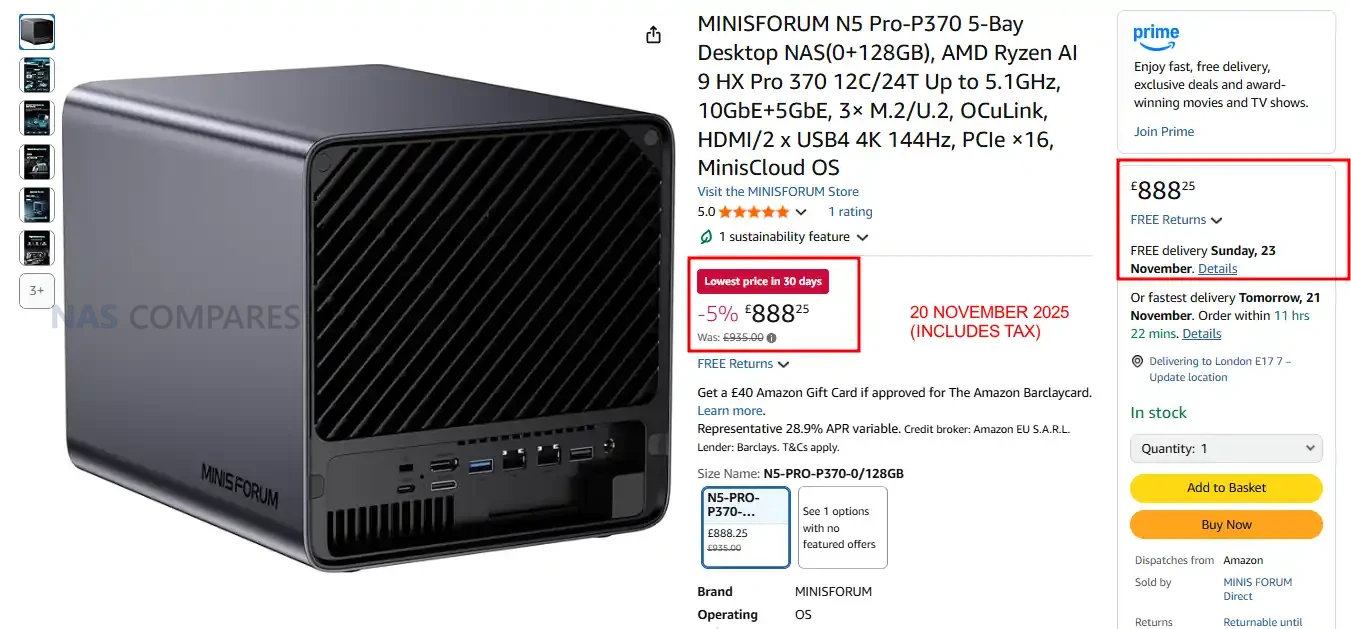
Minisforum N5 PRO NAS – NOW £888 including TAX


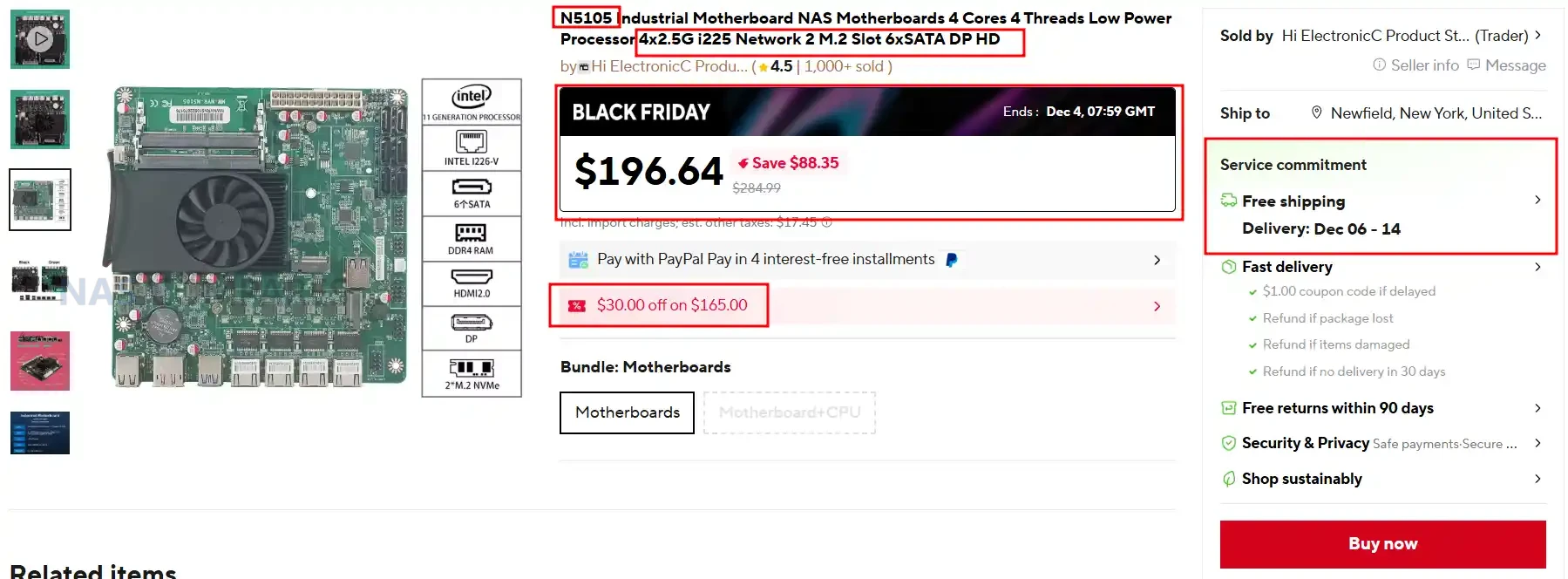
SUPER BUDGET N5105 NAS Mobo Combo / 4 Cores 4 Threads Low Power Use / 4×2.5G i225 / 2x M.2 Slot 6xSATA – $196.94 HERE

Category Details
CPU Intel N5105 (4 cores, 4 threads, onboard)
Motherboard Type Mini ITX (Industrial style)
RAM Type / Maximum DDR4, up to 64GB, 2 slots
SATA Drive Support 6 x SATA 3.0
M.2 SSD Support 2 x M.2 NVMe (2280)
Network Connections 4 x 2.5GbE (Intel i225 or i226-V depending on board revision)
PSU Type 24-pin ATX
PCIe Slot Support None

QNAP TS-464 NAS – REDUCED TO £469 (20% OFF)


QNAP TS-233 VALUE 2-Bay NAS – 15% OFF, £152.15 (inc.TAX)


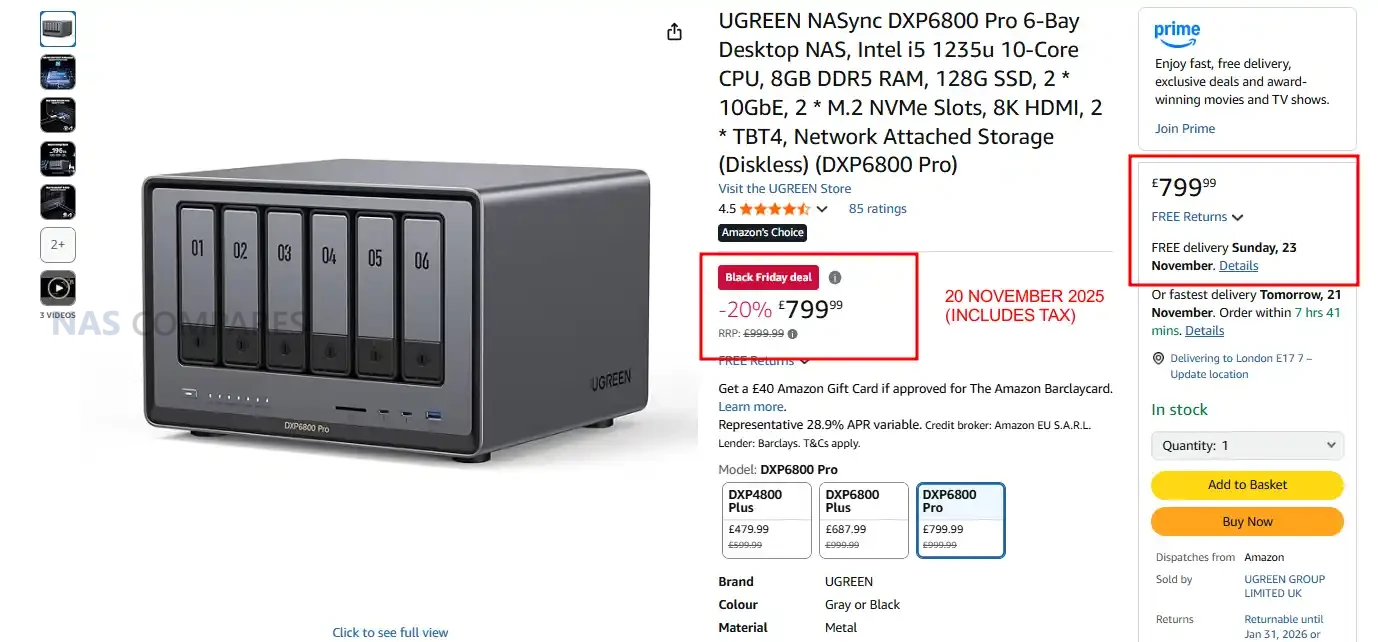
UGREEN DXP6800 PRO – 20% OFF, Now £799


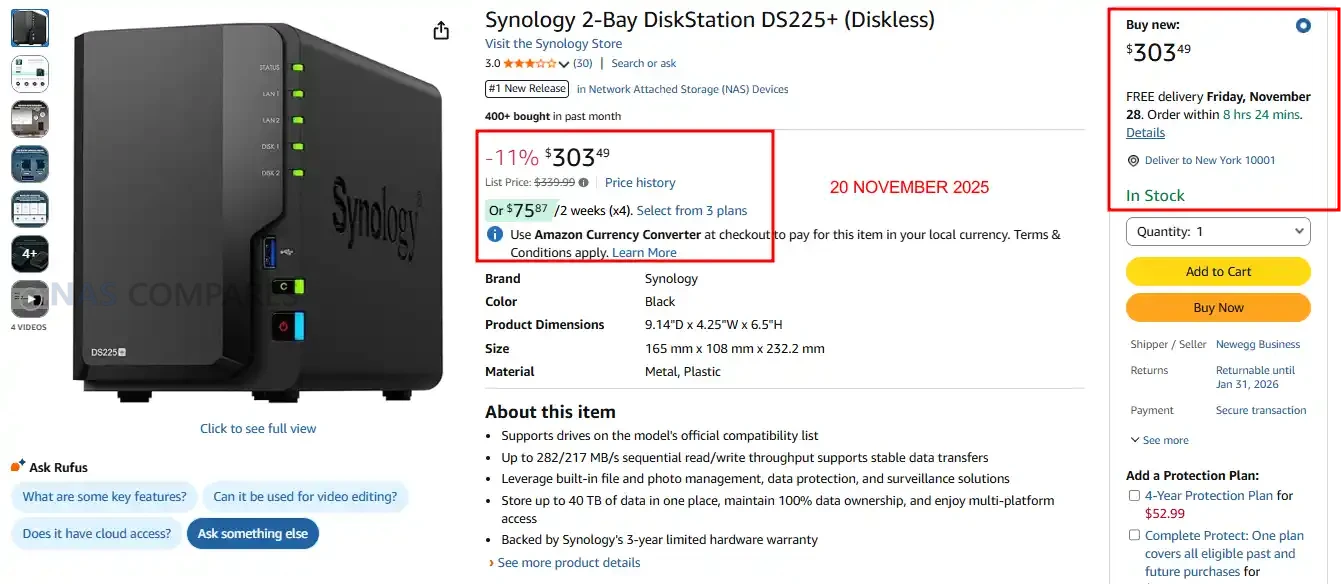
Synology DS225+ NAS – $303.49 (11% REDUCTION)


QNAP TS-464 NAS – 8GB VERSION, 20% OFF, $469.99


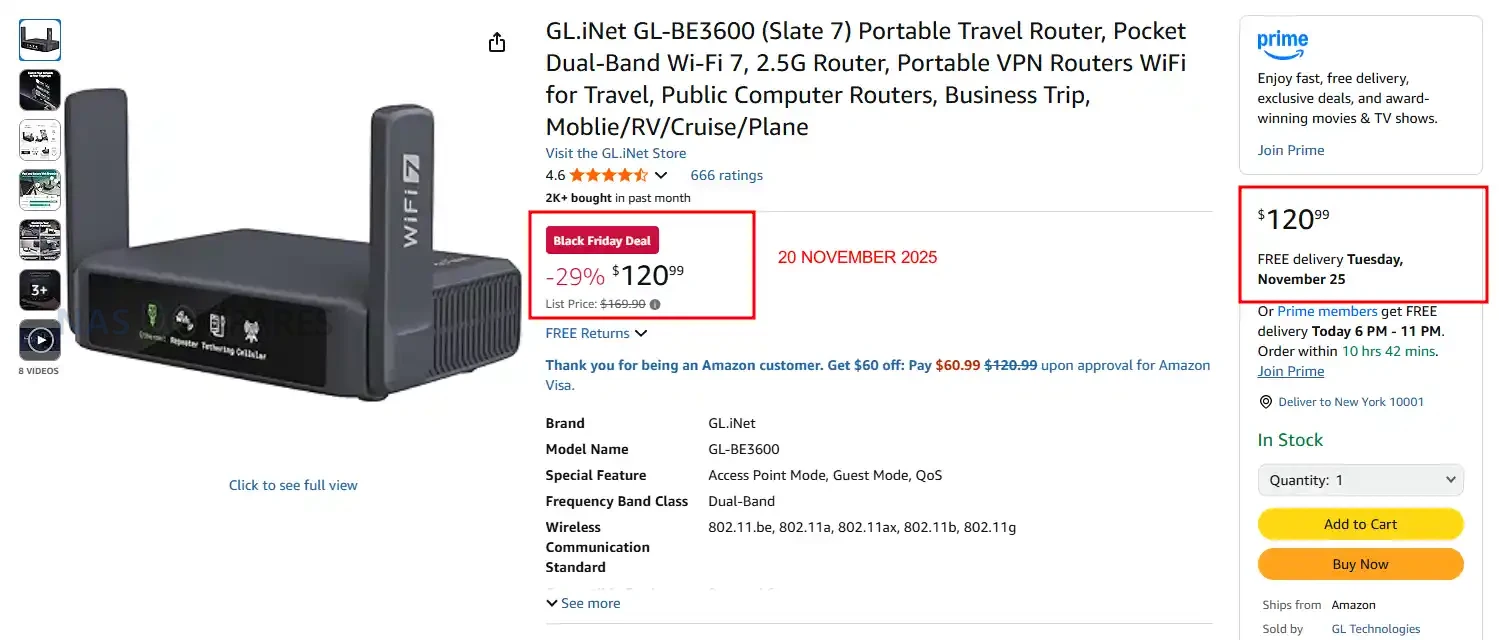
Gl.iNet Slate 7 WiFi7 Mobile Router, NOW $120 (29% OFF)


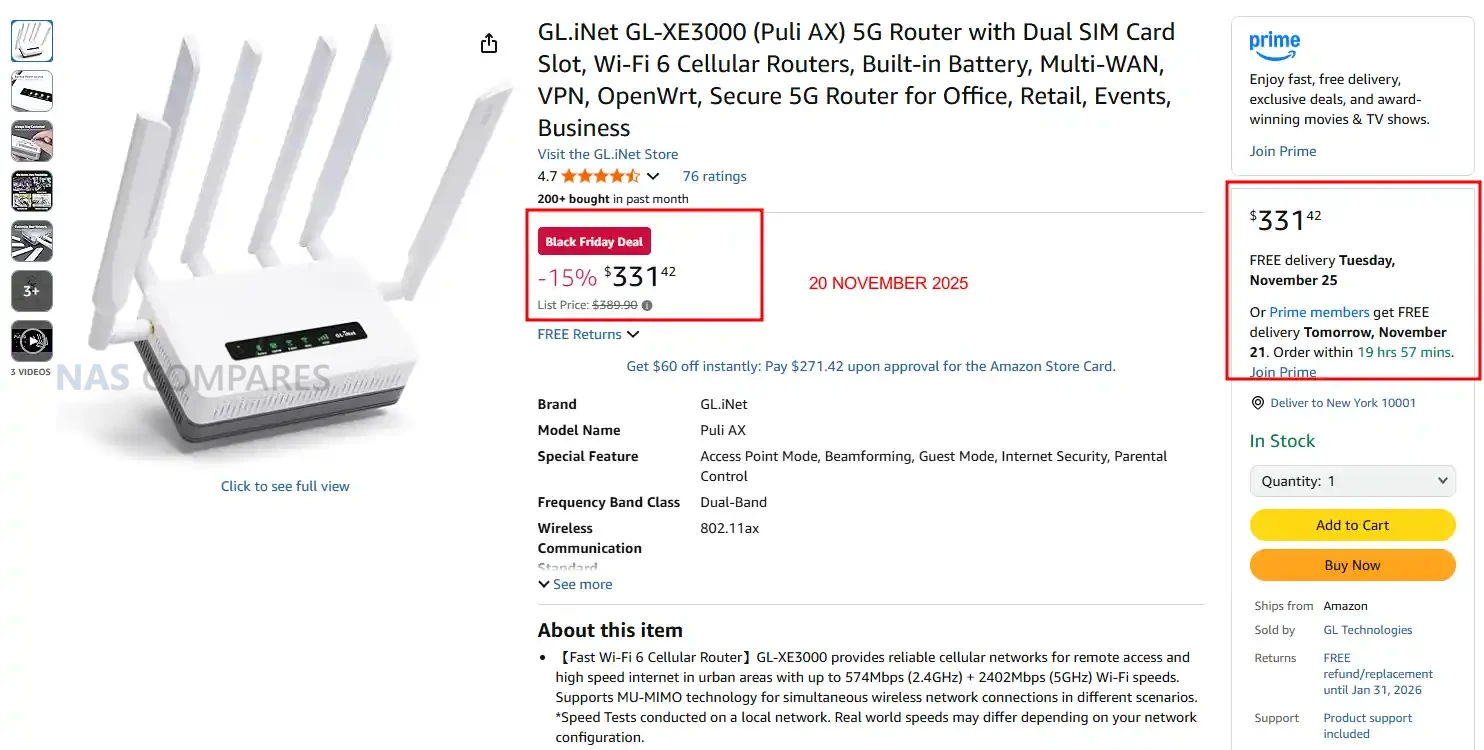
Gl.iNet Puli AX SIM/LTE Router, NOW $331 (15% OFF)


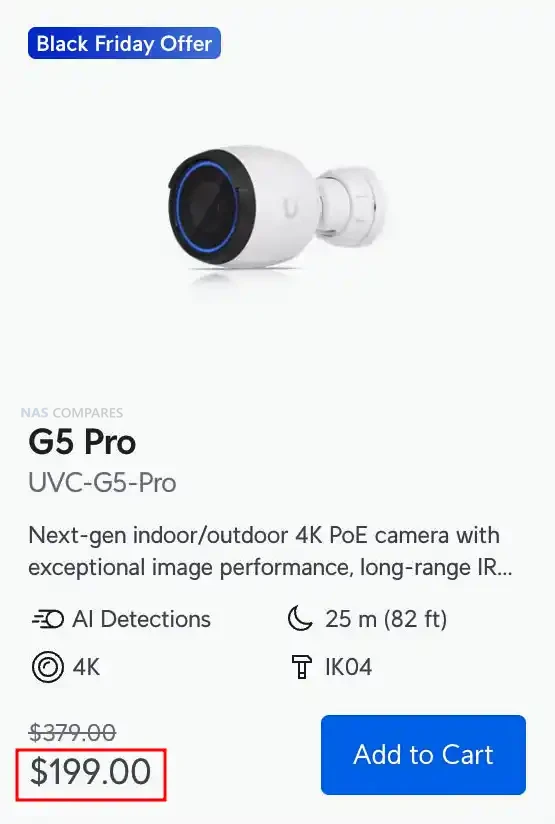
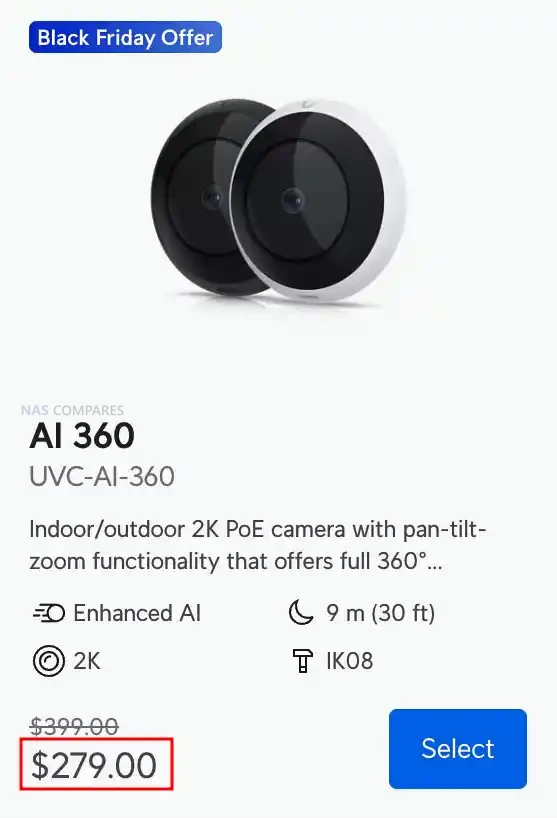
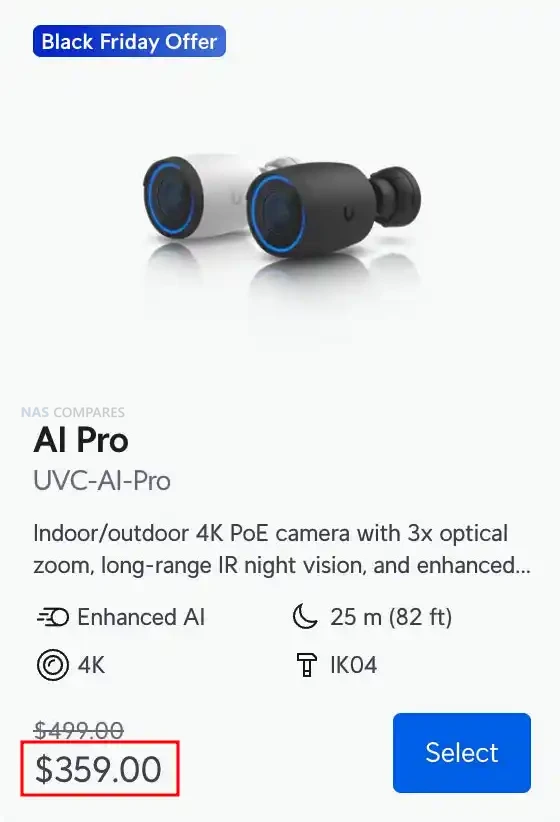
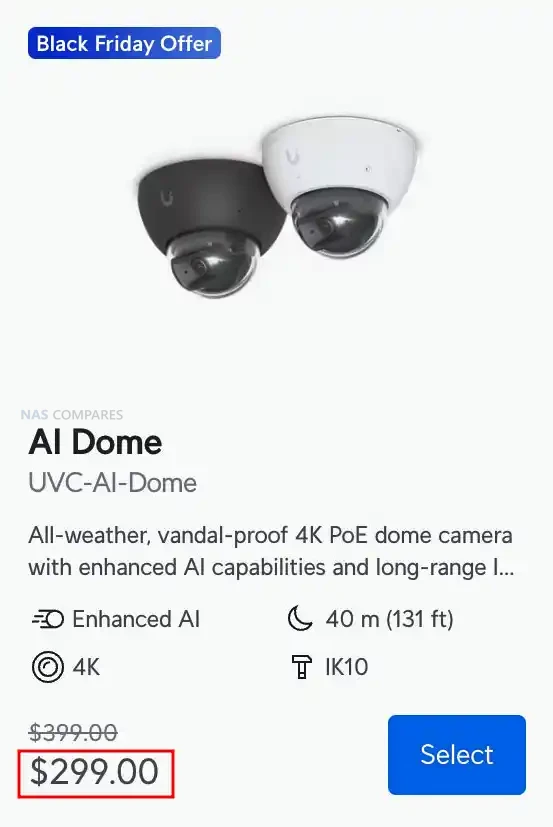
UniFi Cameras for Protect Black Friday Deals


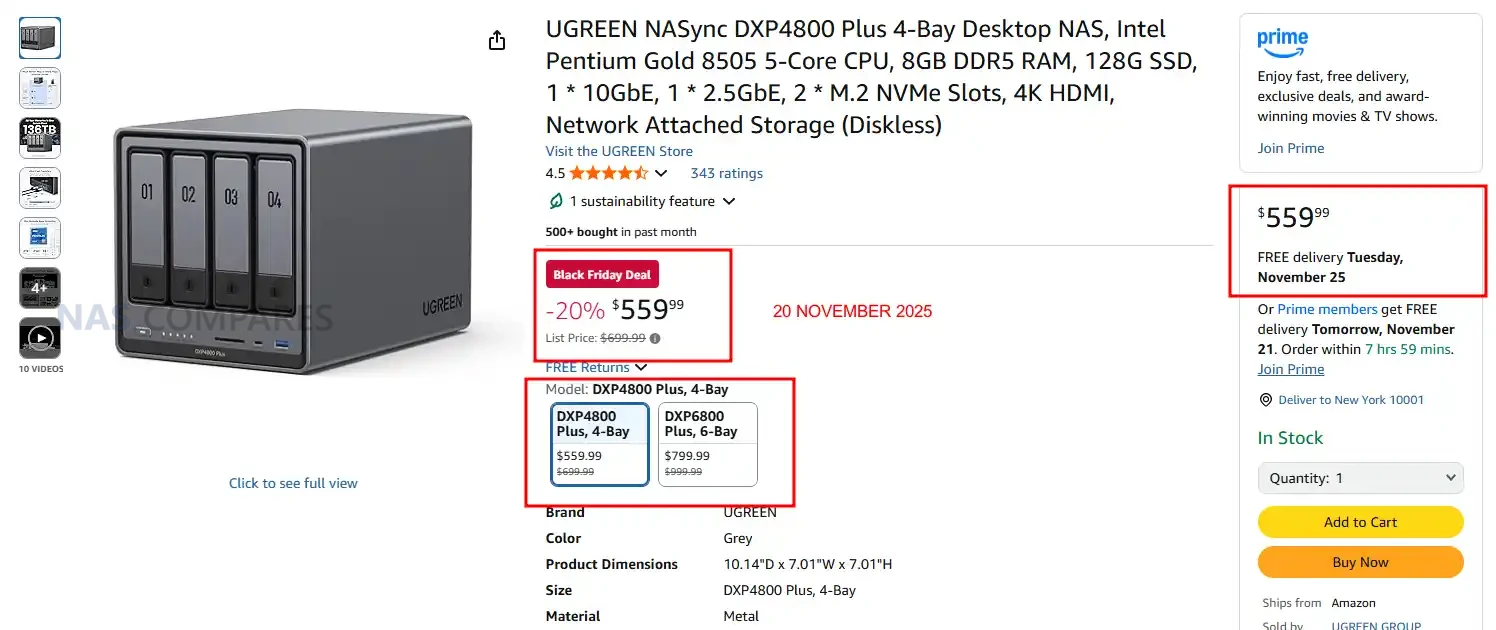
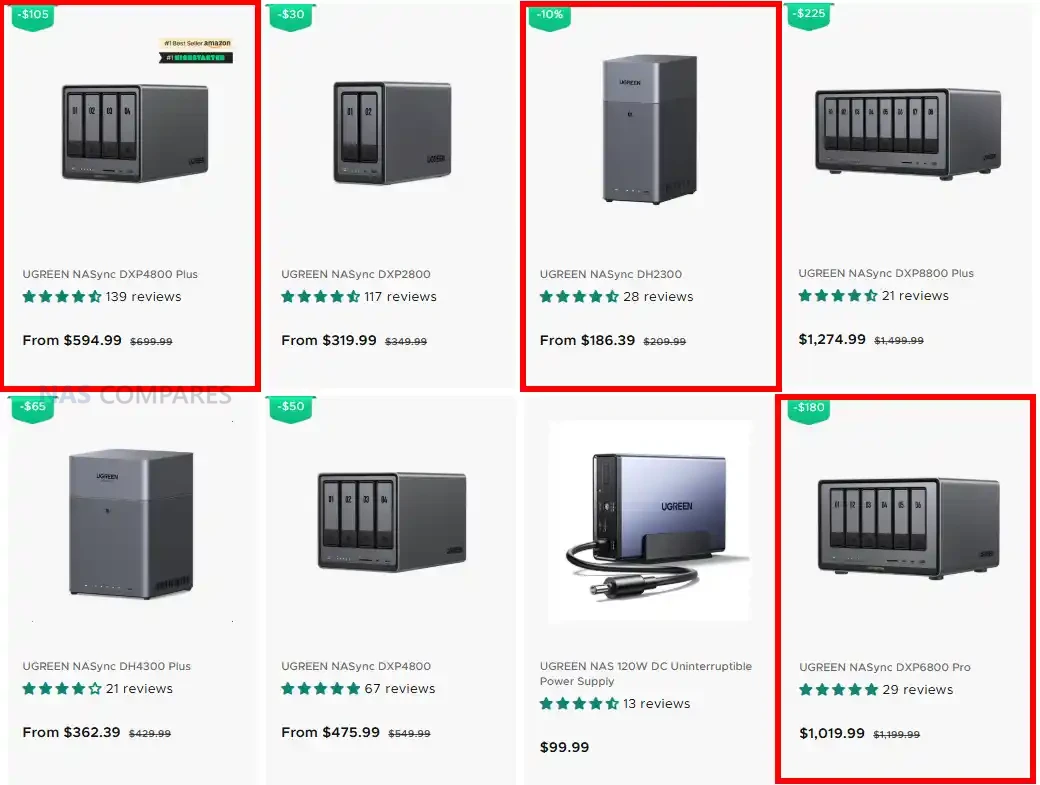
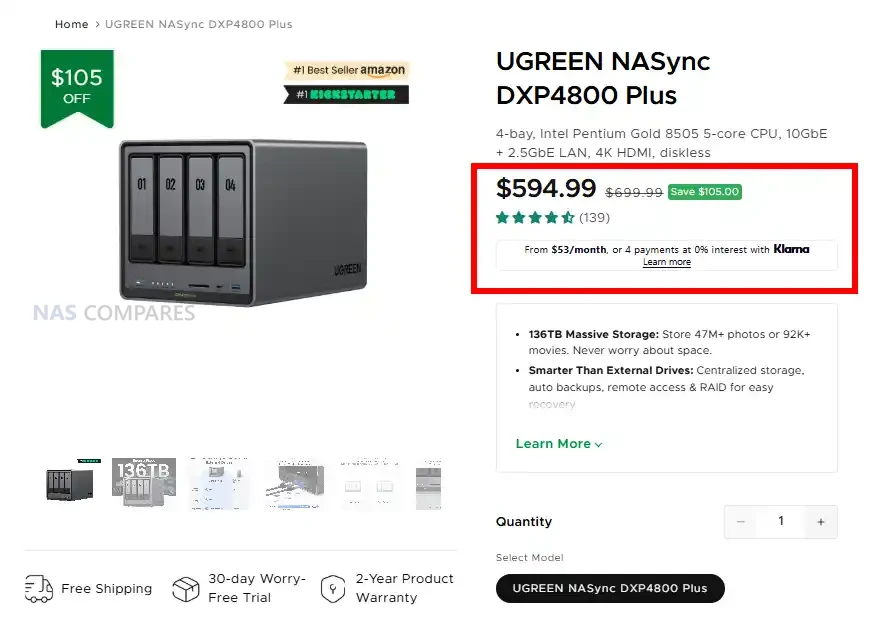
UGREEN DXP4800 PLUS – 20% OFF, NOW $559.99


UGREEN NAS Black Friday Deals – NOW LIVE


The Best UGREEN NAS System Offers:


(Best UGREEN NAS Deal) UGREEN DXP4800 PLUS NAS 4-Bay – $594.99


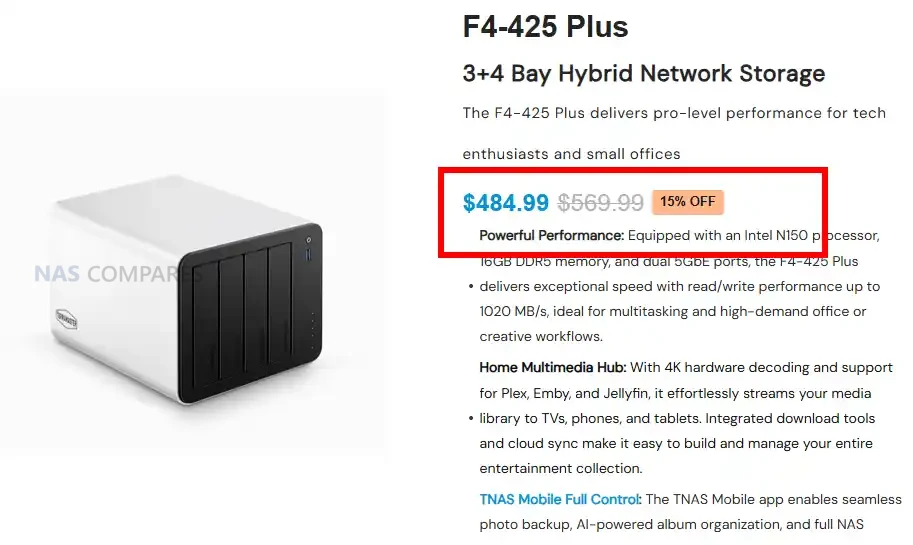
Terramaster F4-425 PLUS (New 2025 Series Release) NAS – $484.99


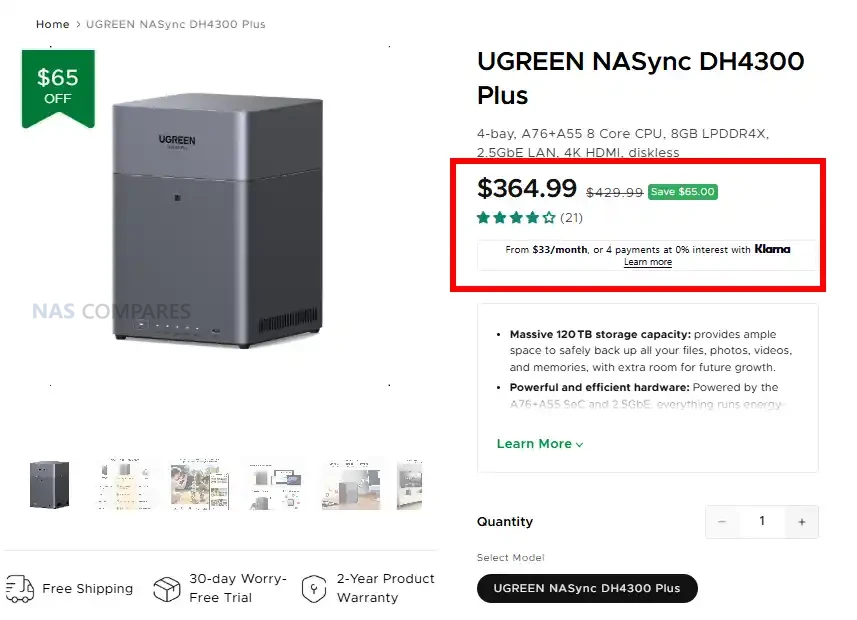
UGREEN DH4300 PLUS Value 4-Bay NAS – $65 OFF, Now $364.99


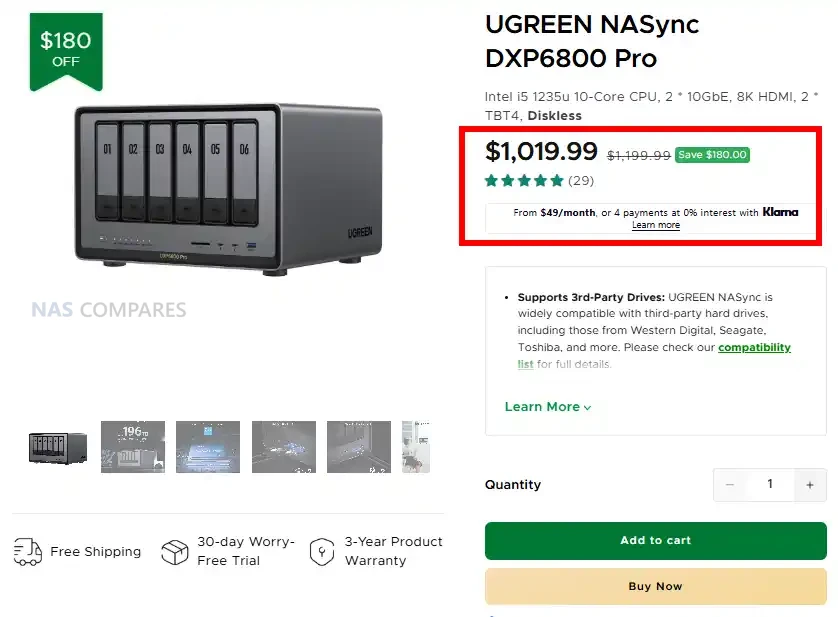
UGREEN 6-Bay Power NAS System (DXP6800 Pro) – $180 OFF, NOW $1019.99


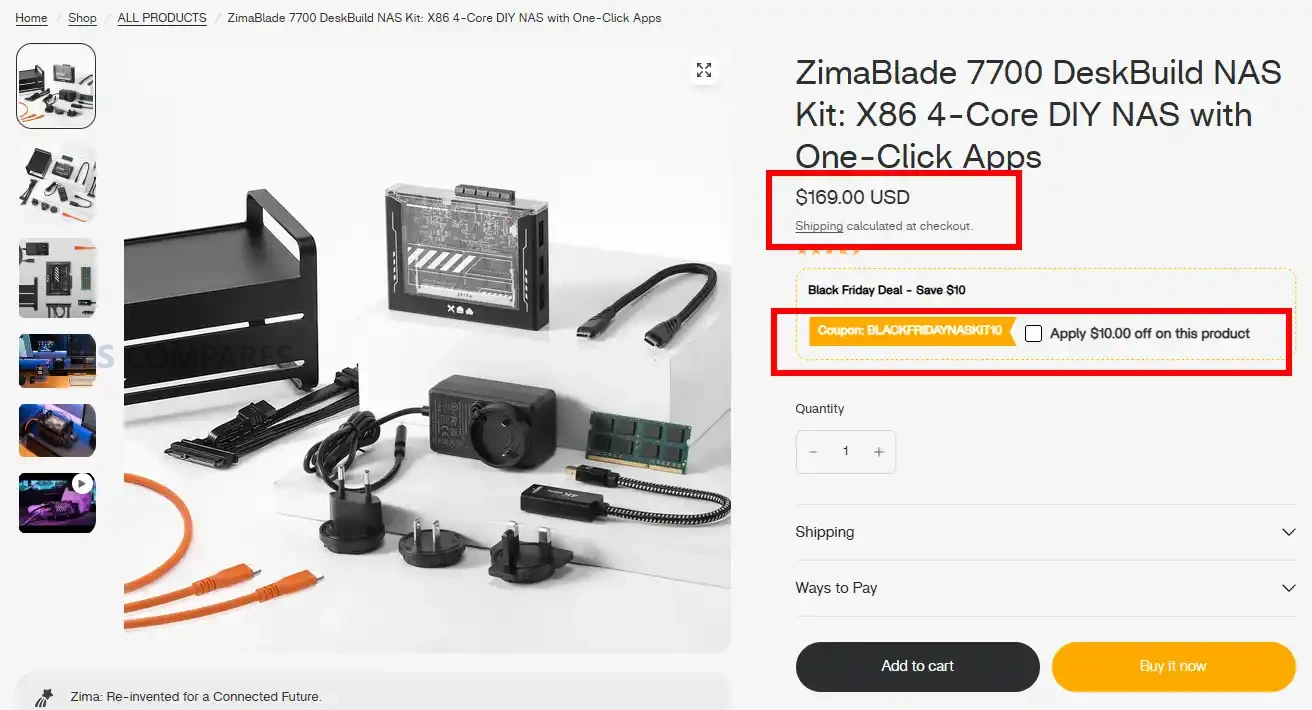
ZimaBlade 7700, DOWN TO $159 WITH Promo Code ‘BLACKFRIDAYNASKIT10’


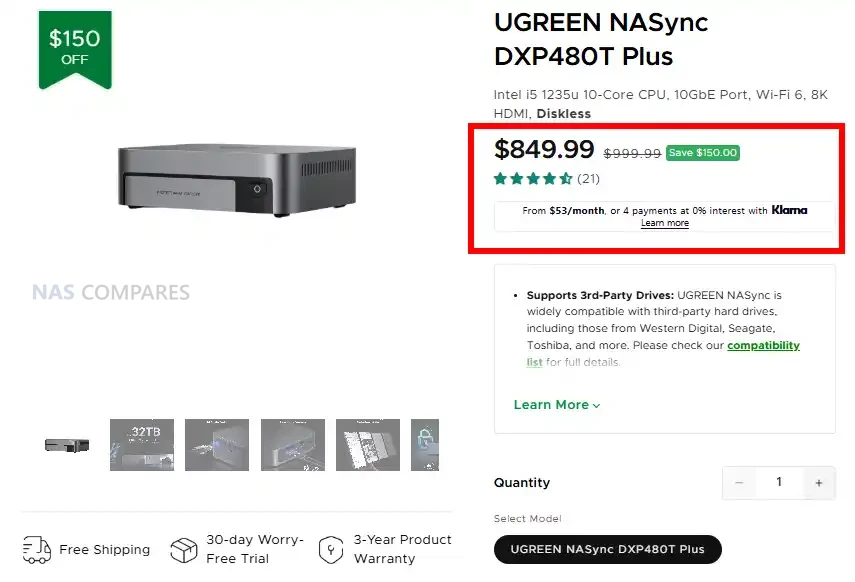
UGREEN All-Flash DXP480T 10 Core i5 10GbE NAS – $150 OFF, NOW $849.99


CWWK NAS DIY Motherboards and CPU+MoBo Combos:


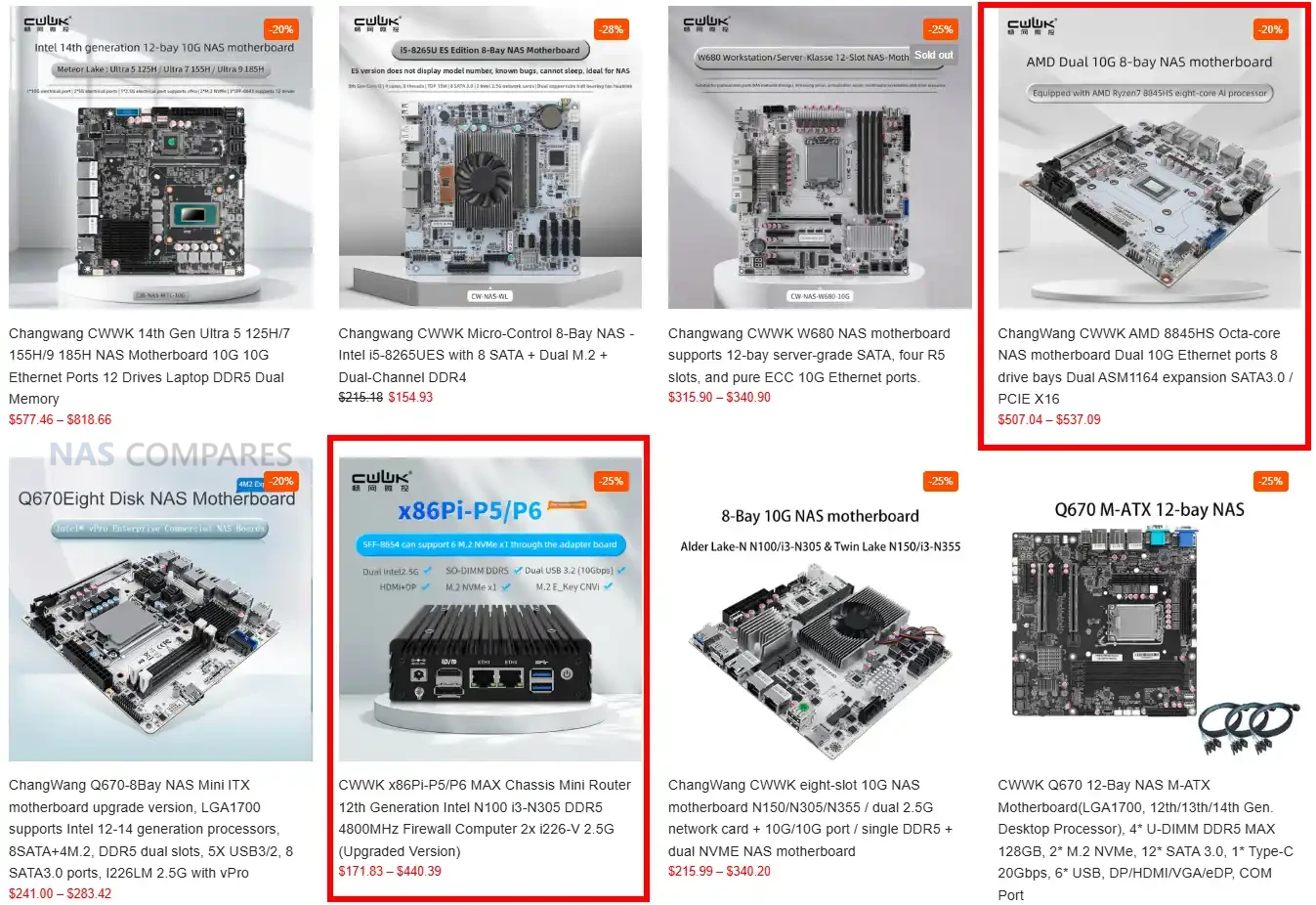
CWWK N150 / N355 10GbE 8x SATA NAS Motherboard Combo – Now $215


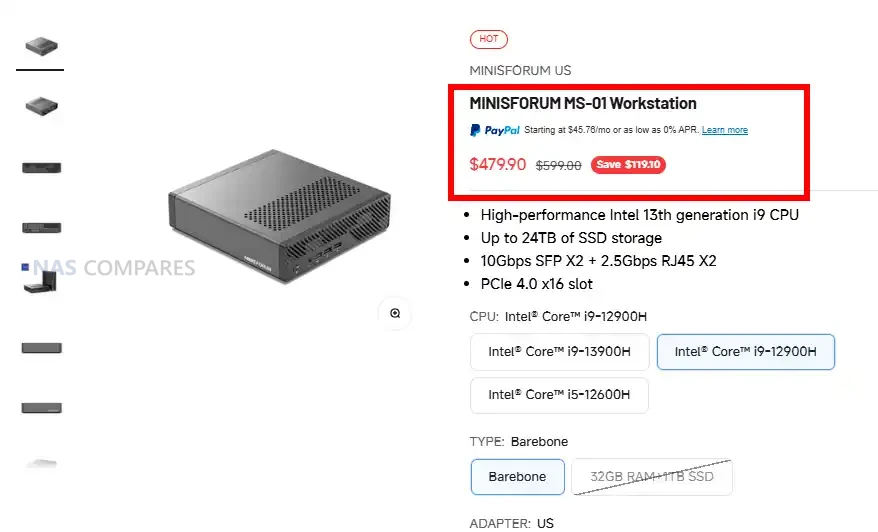
Minisforum MS-01 Intel Core, 2x 10GbE, USB4, PCIe 4X16 and 3x M.2 Workstation – Down to just $479.90


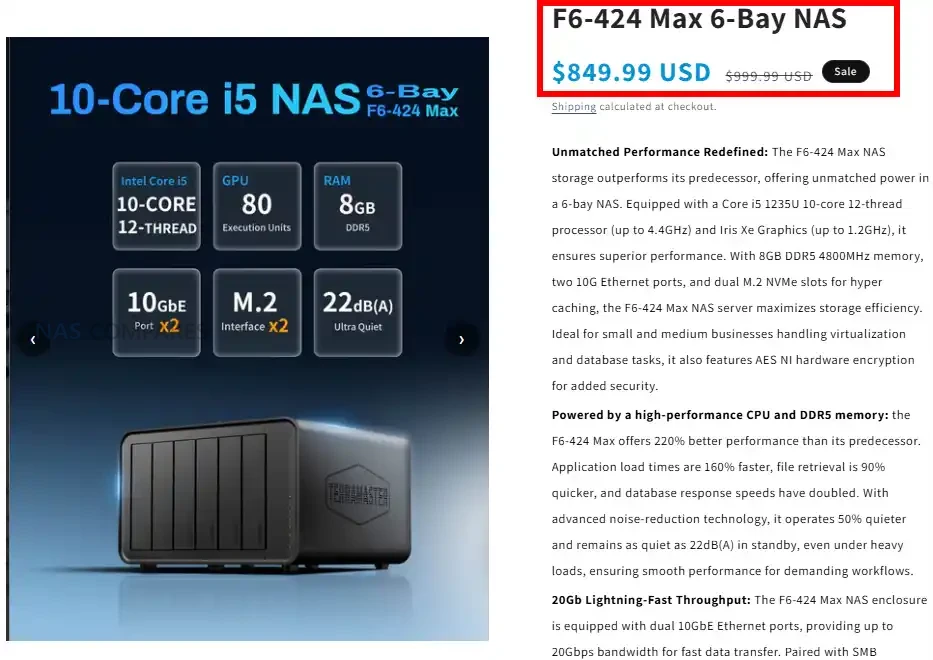
Terramaster F6-424 Max – Powerhouse 6-Bay NAS – $150 OFF, Now $849.99


If you want to skip ahead to the Deal List, just click below:


📧 SUBSCRIBE TO OUR NEWSLETTER 🔔
[contact-form-7]
🔒 Join Inner Circle

Get an alert every time something gets added to this specific article!


Want to follow specific category? 📧 Subscribe

This description contains links to Amazon. These links will take you to some of the products mentioned in today's content. As an Amazon Associate, I earn from qualifying purchases. Visit the NASCompares Deal Finder to find the best place to buy this device in your region, based on Service, Support and Reputation - Just Search for your NAS Drive in the Box Below

Need Advice on Data Storage from an Expert?

Finally, for free advice about your setup, just leave a message in the comments below here at NASCompares.com and we will get back to you. Need Help? Where possible (and where appropriate) please provide as much information about your requirements, as then I can arrange the best answer and solution to your needs. Do not worry about your e-mail address being required, it will NOT be used in a mailing list and will NOT be used in any way other than to respond to your enquiry. [contact-form-7] TRY CHAT Terms and Conditions
If you like this service, please consider supporting us. We use affiliate links on the blog allowing NAScompares information and advice service to be free of charge to you.Anything you purchase on the day you click on our links will generate a small commission which isused to run the website. Here is a link for Amazon and B&H.You can also get me a ☕ Ko-fi or old school Paypal. Thanks!To find out more about how to support this advice service check HEREIf you need to fix or configure a NAS, check Fiver Have you thought about helping others with your knowledge? Find Instructions Here  
 
Or support us by using our affiliate links on Amazon UK and Amazon US
    
 
Alternatively, why not ask me on the ASK NASCompares forum, by clicking the button below. This is a community hub that serves as a place that I can answer your question, chew the fat, share new release information and even get corrections posted. I will always get around to answering ALL queries, but as a one-man operation, I cannot promise speed! So by sharing your query in the ASK NASCompares section below, you can get a better range of solutions and suggestions, alongside my own.

☕ WE LOVE COFFEE ☕


This description contains links to Amazon. These links will take you to some of the products mentioned in today’s video. As an Amazon Associate, I earn from qualifying purchases

SSD et perte de données, pourquoi ce support est dangereux pour vos données ?

Exceria Plus G3 2 ToDevenus abordables et omniprésents, les SSD sont le premier choix pour accélérer un ordinateur. Mais malgré leurs performances, ils ne constituent pas une solution fiable pour l’archivage de données sur le long terme. Il faut ainsi étre prudent sur le long terme. En effet sans alimentation pendant une période prolongée, un SSD peut perdre une …

Cet article SSD et perte de données, pourquoi ce support est dangereux pour vos données ? a été publié en premier par GinjFo.

Terramaster Black Friday 2025 Deals

Black Friday Terramaster NAS Deals Now Live

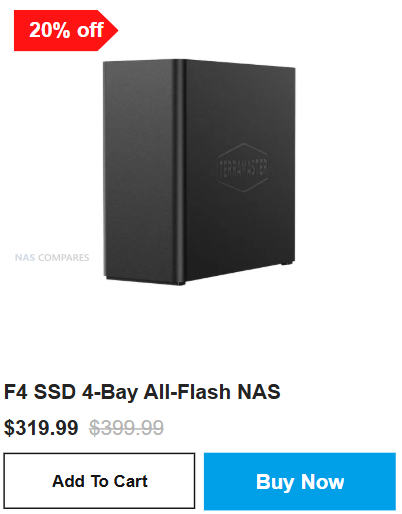
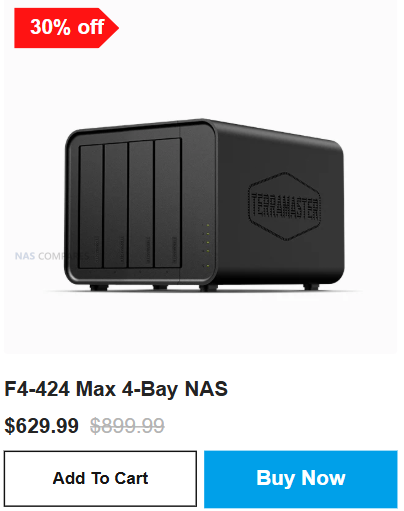
Black Friday 2025 brings some of the strongest price cuts Terramaster has offered to date, with major reductions across the entire lineup of NAS and DAS systems. Flagship units like the F4-424 Max drop from $899.99 to $629.99, the F6-424 Max sees deep reductions on high-capacity six-bay storage, and the all-flash F4 SSD now sits at $319.99 instead of $399.99. Even the entry models receive meaningful cuts, such as the F2-425 Plus falling to $319.99 and the D1 SSD Plus dropping to $76.99. This mix of discounts spans home users, creative workflows, SMB deployment, and high-speed all-flash storage, setting the stage for one of the most competitive Terramaster Black Friday lineups yet.

Terramaster 2025 Generation NAS Black Friday Deals

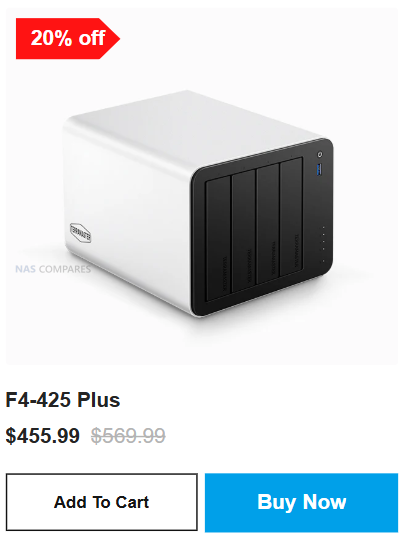
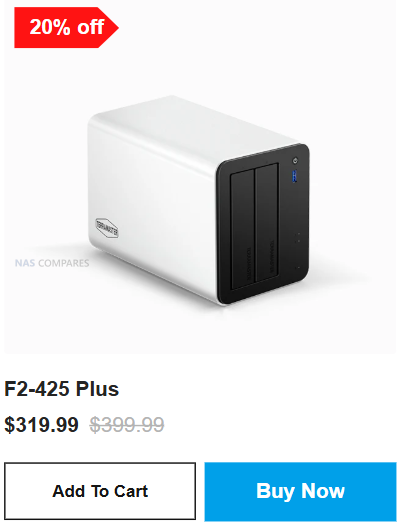
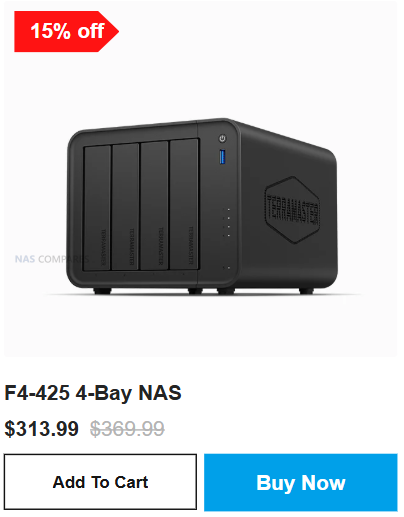
The Terramaster F4-425 Plus, F2-425 Plus, and F4-425 form the core of the brand’s 2025 generation Black Friday lineup, each delivering a significant jump in performance over older Terramaster models while receiving sizeable price cuts for the sale period. The F4-425 Plus is reduced to $455.99 from $569.99 and features an Intel N150 processor, 16GB DDR5 memory, dual 5GbE ports, and three M.2 NVMe slots, making it suitable for large Plex libraries, virtual machines, 8K transcoding, and high speed RAID arrays using TRAID or RAID 5 or RAID 6. The smaller F2-425 Plus drops to $319.99 from $399.99 and keeps the same N150 CPU and dual 5GbE networking but in a two bay format with 8GB DDR5 memory and three M.2 slots for SSD caching or high speed all flash pools, which suits creators or compact home labs. The F4-425 sits at a lower price of $313.99 from $369.99 and uses the Intel N5095 processor with 4GB DDR4 memory and a single 2.5GbE port, making it a more affordable entry point for home backups, light Plex streaming, and RAID 5 or TRAID setups while retaining the same push lock drive bays and aluminum chassis design found across the range.


Terramaster Best SSD System Black Friday Deals

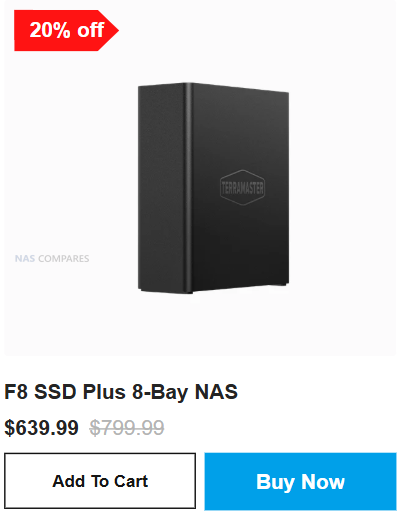
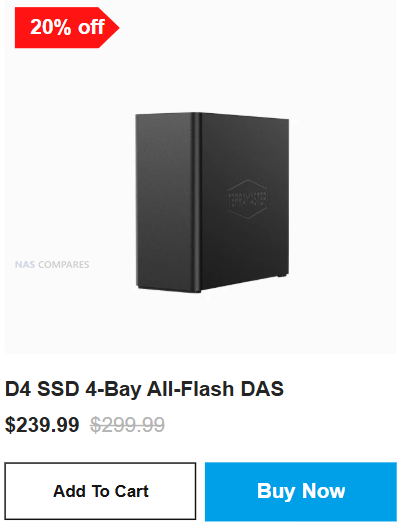
The spotlight turns to high‐performance SSD-based storage in Terramaster’s Black Friday 2025 lineup with the F4 SSD, the F8 SSD Plus NAS, and the D4 SSD 4-Bay USB DAS—all receiving deep discounts. The F4 SSD 4-Bay All-Flash NAS is offered for $319.99 (down from $399.99) and gives creators and small workgroups fast NVMe caching support, all-flash RAID (0/1/5/6/10) readiness and a desktop form factor suited to demanding media workflows. The F8 SSD Plus 8-Bay NAS, now $639.99 instead of $799.99, scales up that performance into a larger chassis: excellent for high throughput workloads, database hosting, content creation pipelines or consolidation of multiple flash volumes with plenty of headroom and robust NAS services. Rounding out the trio, the D4 SSD 4-Bay All-Flash DAS is discounted to $239.99 (from $299.99) and provides USB-C or Thunderbolt 3/4 (depending on region) direct access to four SSDs, making it a great companion for video editors, mobile creators or anyone who needs ultra-low latency local storage with the ability to archive later to a full NAS. Together, these three systems cover fast all-flash storage needs—from editing bays to fast-access workstations to high-capacity large NAS units—at some of Terramaster’s most aggressive Black Friday pricing.


Terramaster Power Desktop NAS Black Friday Deals

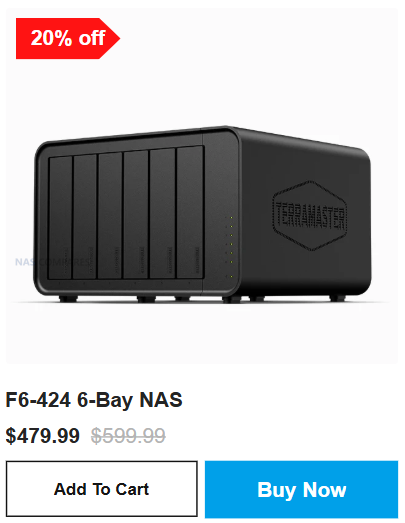
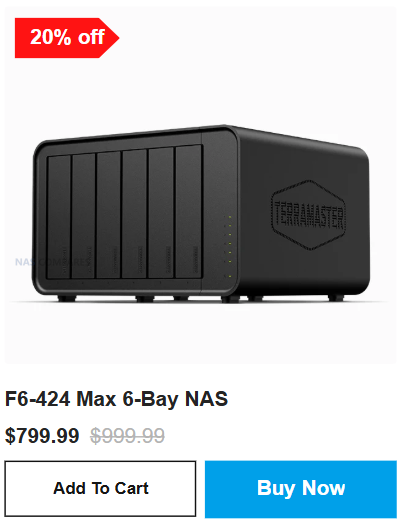
Terramaster’s Power Desktop NAS lineup sees serious Black Friday cuts in 2025 for users who need multi-bay capacity and high performance in a compact desktop form factor. The F4-424 Max 4-Bay NAS is offered at $629.99 (down from $899.99) and delivers a strong balance of features: Intel N5095 or equivalent quad-core processor, multiple high speed LAN options, M.2 SSD caching or expansion, and support for large 30 TB+ drives in RAID 5 or TRAID+. The F6-424 (non-Max) drops to $479.99 (from $599.99) and bumps capacity up to six bays while maintaining the compact footprint, offering creators and small offices a six-drive pool with ample headroom for large media libraries or datasets. The F6-424 Max takes it further, combining six-bay mechanics with the “Max” class enhancements—higher memory, faster networking, and premium chassis build—making it a powerhouse for homelab users or prosumers at the reduced Black Friday price (specific price not listed, but expect similar ~20% discount). Together, these three units represent Terramaster’s desktop NAS workhorses—ideal for high capacity, multi-drive setups during Black Friday 2025.


Other Terramaster NAS Deals to check out:

Here are a few of the other Amazon Black Friday Deals available during this Black Friday event:

Terramaster F8 SSD PLUS Flash NAS – 20% OFF, NOW $639.99


Terramaster F4-425 PLUS (New 2025 Series Release) NAS – $484.99


Terramaster F6-424 Max – Powerhouse 6-Bay NAS – $150 OFF, Now $849.99


📧 SUBSCRIBE TO OUR NEWSLETTER 🔔
[contact-form-7]
🔒 Join Inner Circle

Get an alert every time something gets added to this specific article!


Want to follow specific category? 📧 Subscribe

This description contains links to Amazon. These links will take you to some of the products mentioned in today's content. As an Amazon Associate, I earn from qualifying purchases. Visit the NASCompares Deal Finder to find the best place to buy this device in your region, based on Service, Support and Reputation - Just Search for your NAS Drive in the Box Below

Need Advice on Data Storage from an Expert?

Finally, for free advice about your setup, just leave a message in the comments below here at NASCompares.com and we will get back to you. Need Help? Where possible (and where appropriate) please provide as much information about your requirements, as then I can arrange the best answer and solution to your needs. Do not worry about your e-mail address being required, it will NOT be used in a mailing list and will NOT be used in any way other than to respond to your enquiry. [contact-form-7] TRY CHAT Terms and Conditions
If you like this service, please consider supporting us. We use affiliate links on the blog allowing NAScompares information and advice service to be free of charge to you.Anything you purchase on the day you click on our links will generate a small commission which isused to run the website. Here is a link for Amazon and B&H.You can also get me a ☕ Ko-fi or old school Paypal. Thanks!To find out more about how to support this advice service check HEREIf you need to fix or configure a NAS, check Fiver Have you thought about helping others with your knowledge? Find Instructions Here  
 
Or support us by using our affiliate links on Amazon UK and Amazon US
    
 
Alternatively, why not ask me on the ASK NASCompares forum, by clicking the button below. This is a community hub that serves as a place that I can answer your question, chew the fat, share new release information and even get corrections posted. I will always get around to answering ALL queries, but as a one-man operation, I cannot promise speed! So by sharing your query in the ASK NASCompares section below, you can get a better range of solutions and suggestions, alongside my own.

☕ WE LOVE COFFEE ☕


Synology Black Friday Deals (2025)

Synology NAS Deals this Black Friday 2025

Black Friday 2025 has brought a round of uncommon discounts to Synology’s latest DiskStation models, with Amazon and B&H offering some of the strongest reductions across the current lineup. Synology hardware rarely receives notable price cuts, particularly on recently launched systems, so this is a useful opportunity for anyone planning an upgrade or expanding their storage. Whether you need a reliable home backup platform, a media server, or a compact office solution, several 2025 generation units are now available at lower prices. This guide outlines the best deals currently live and helps identify which DiskStation models offer the most value during this year’s Black Friday period.

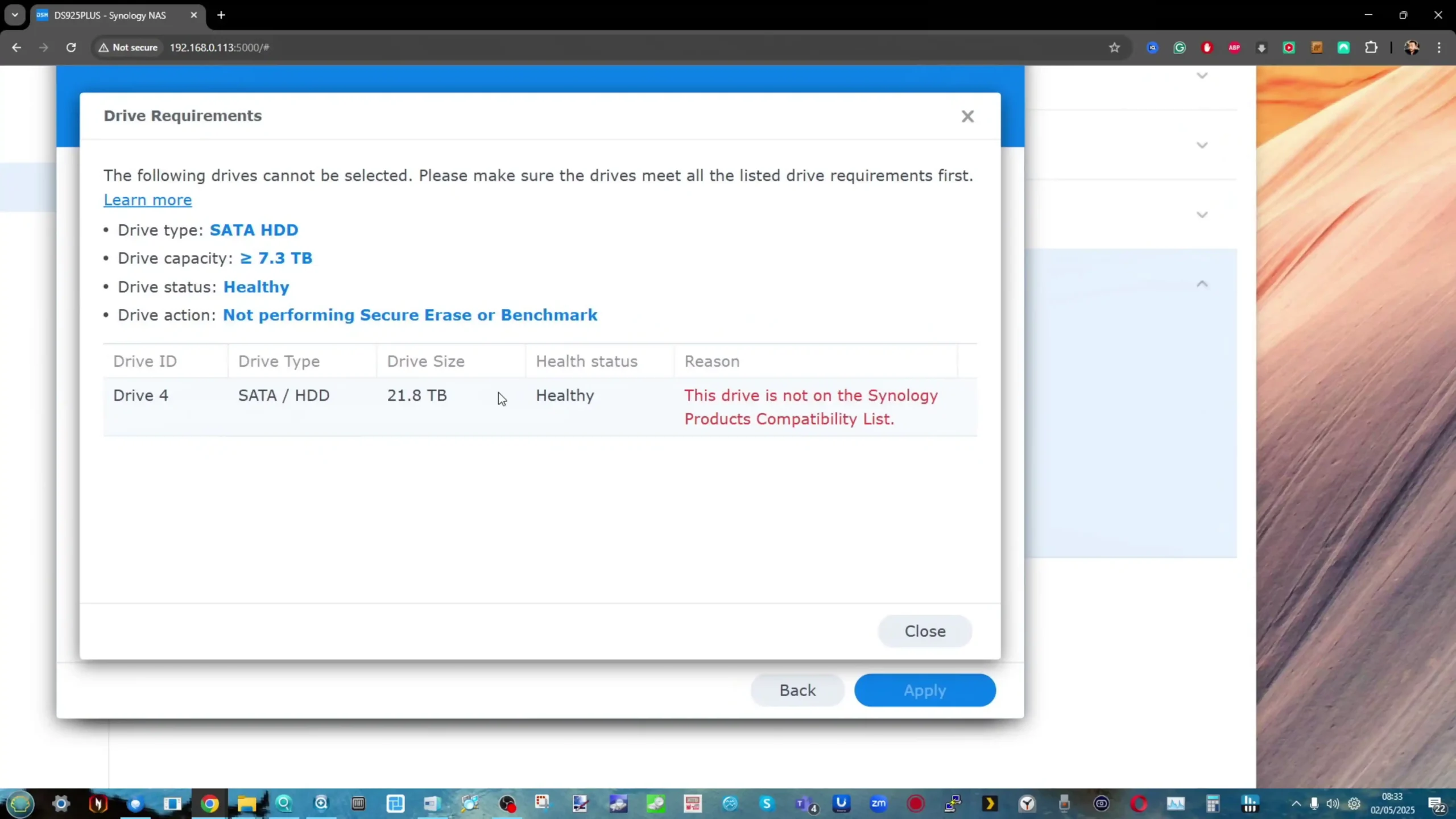
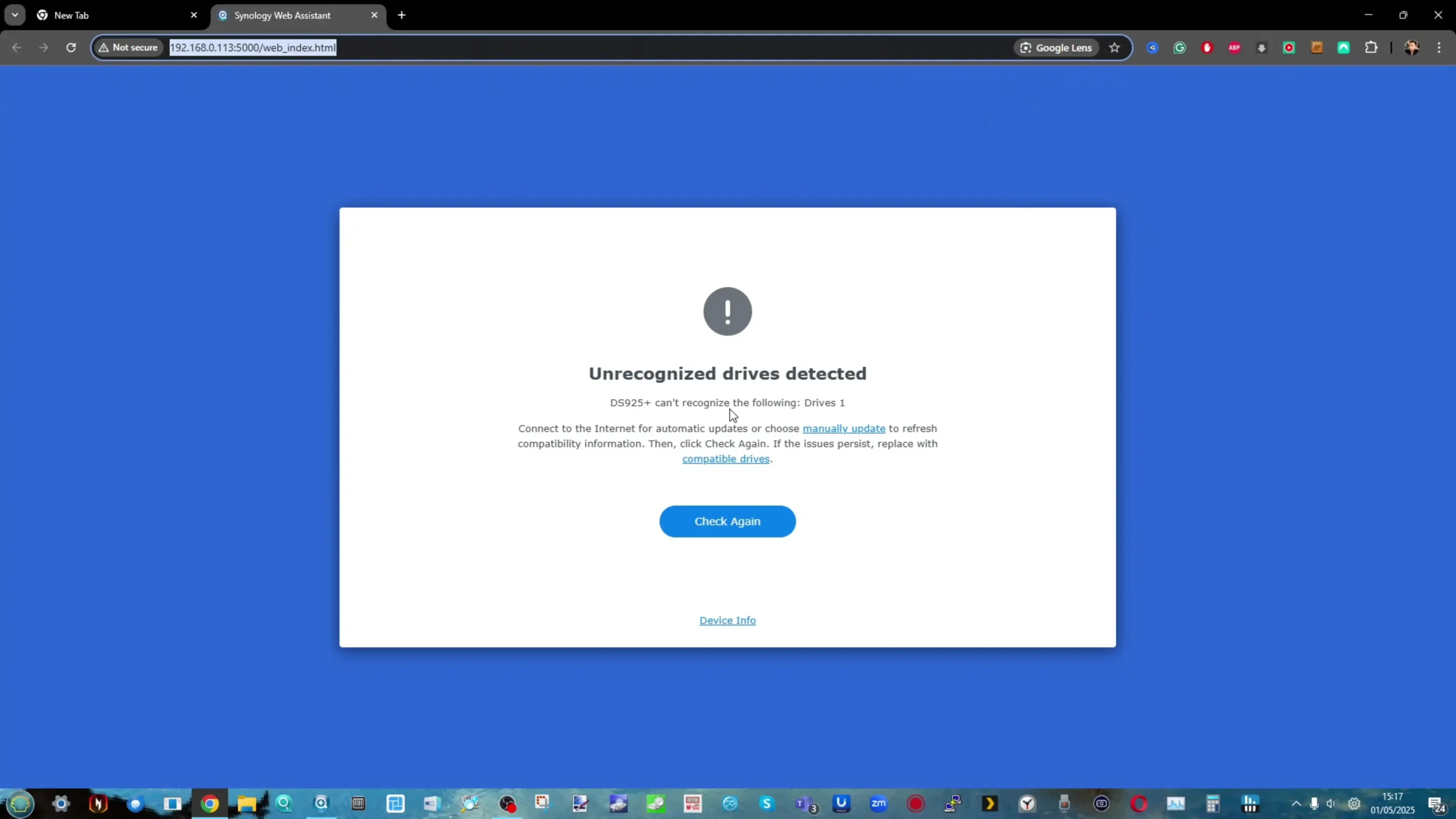
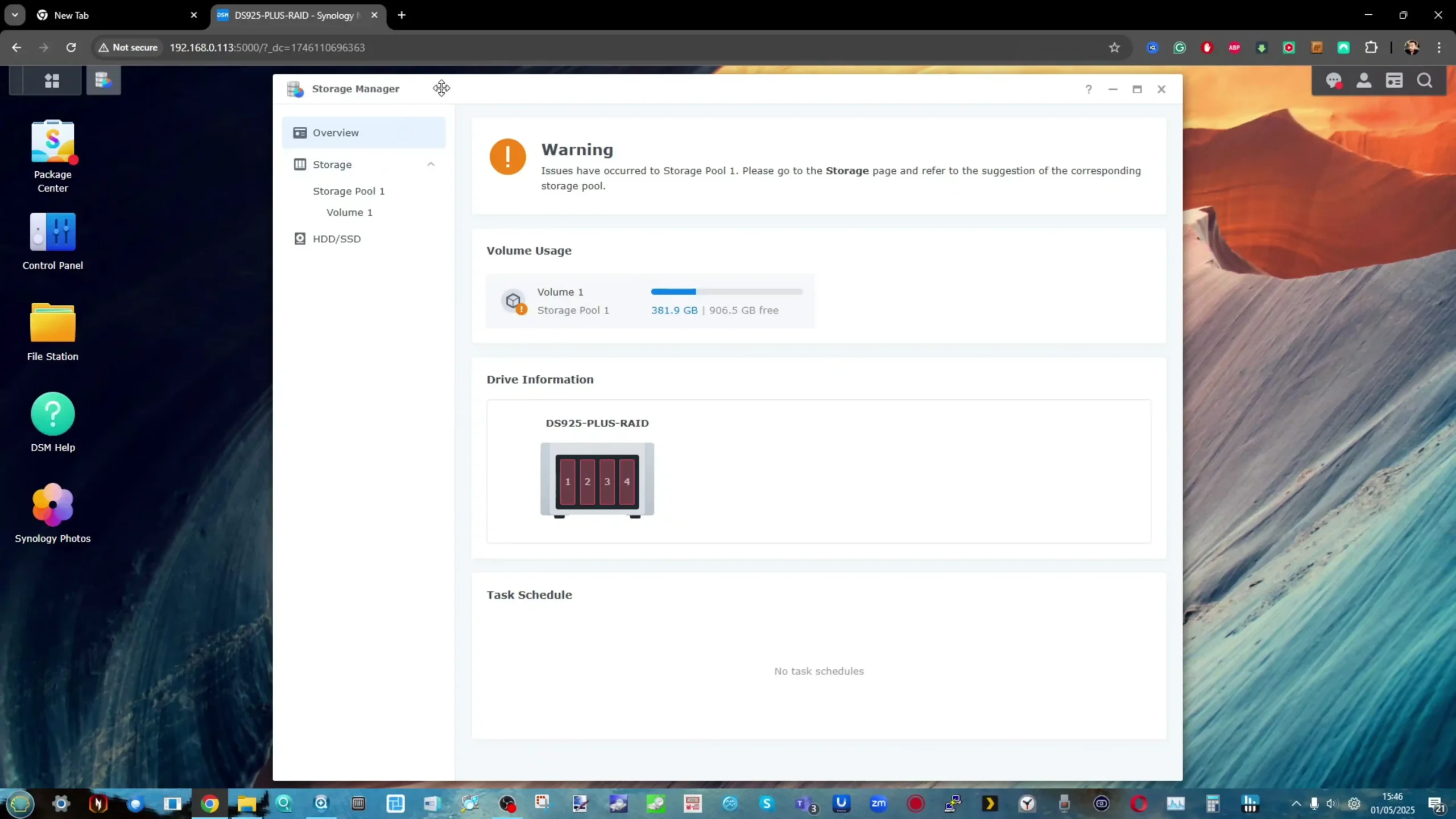
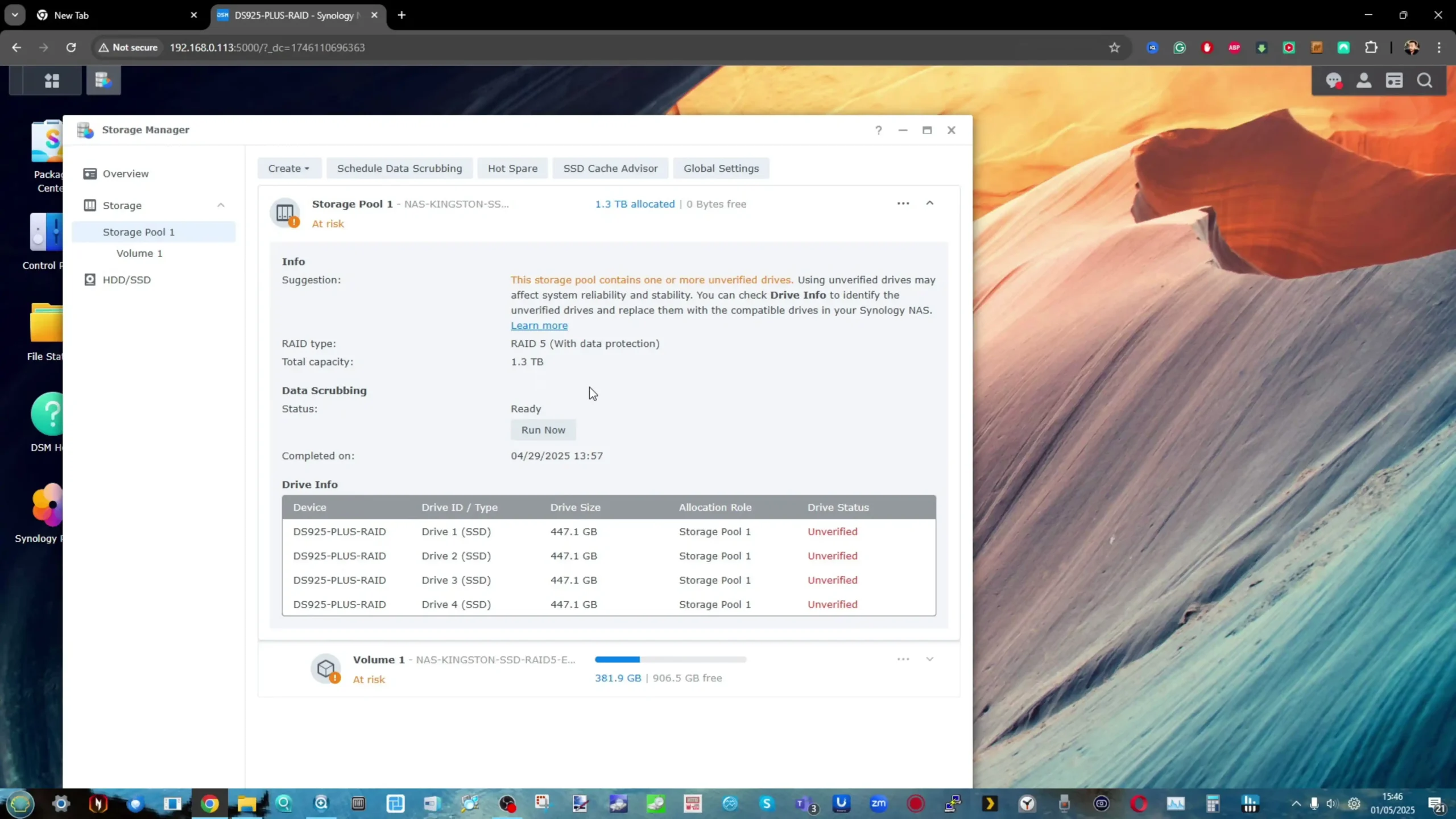
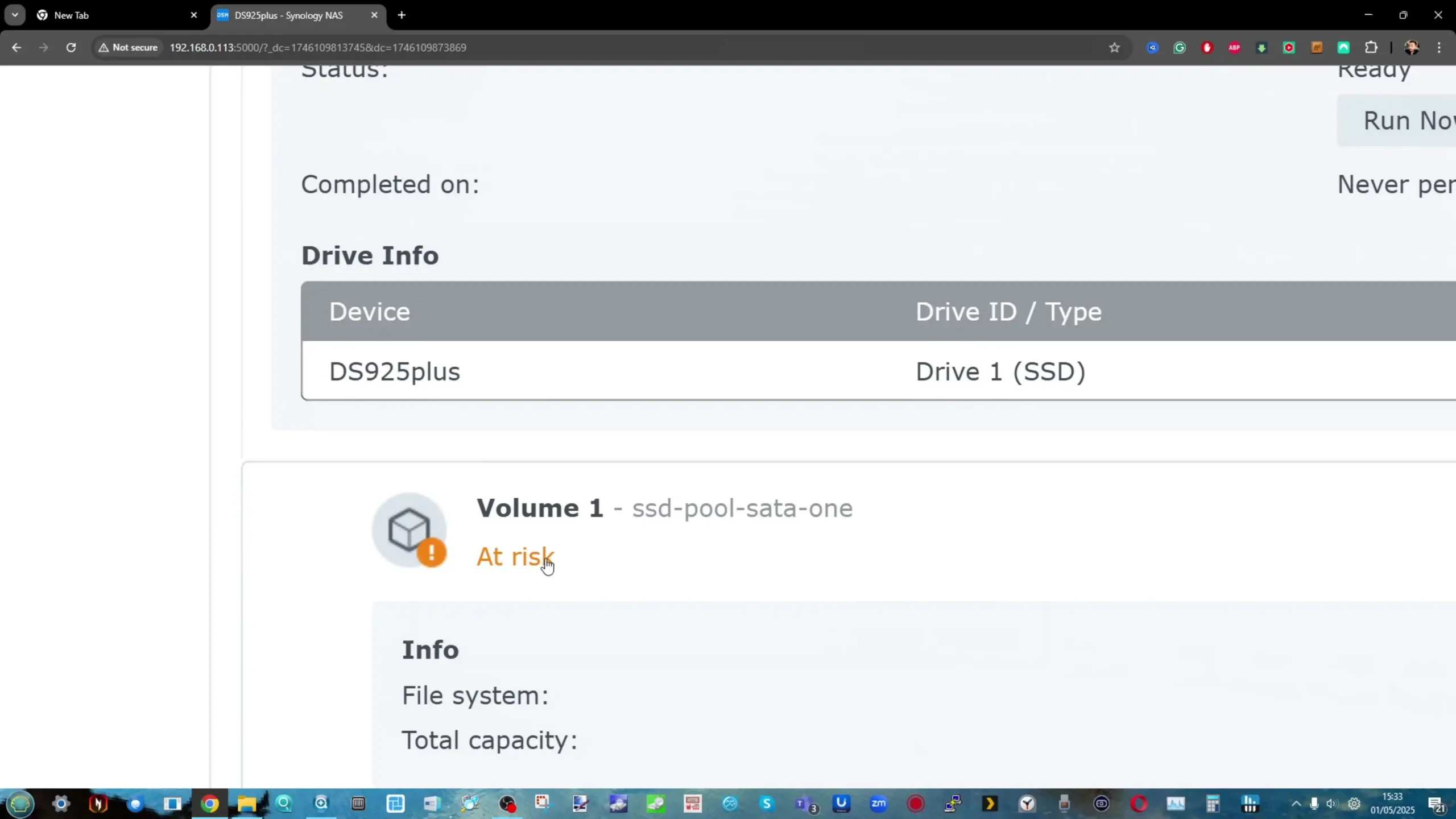
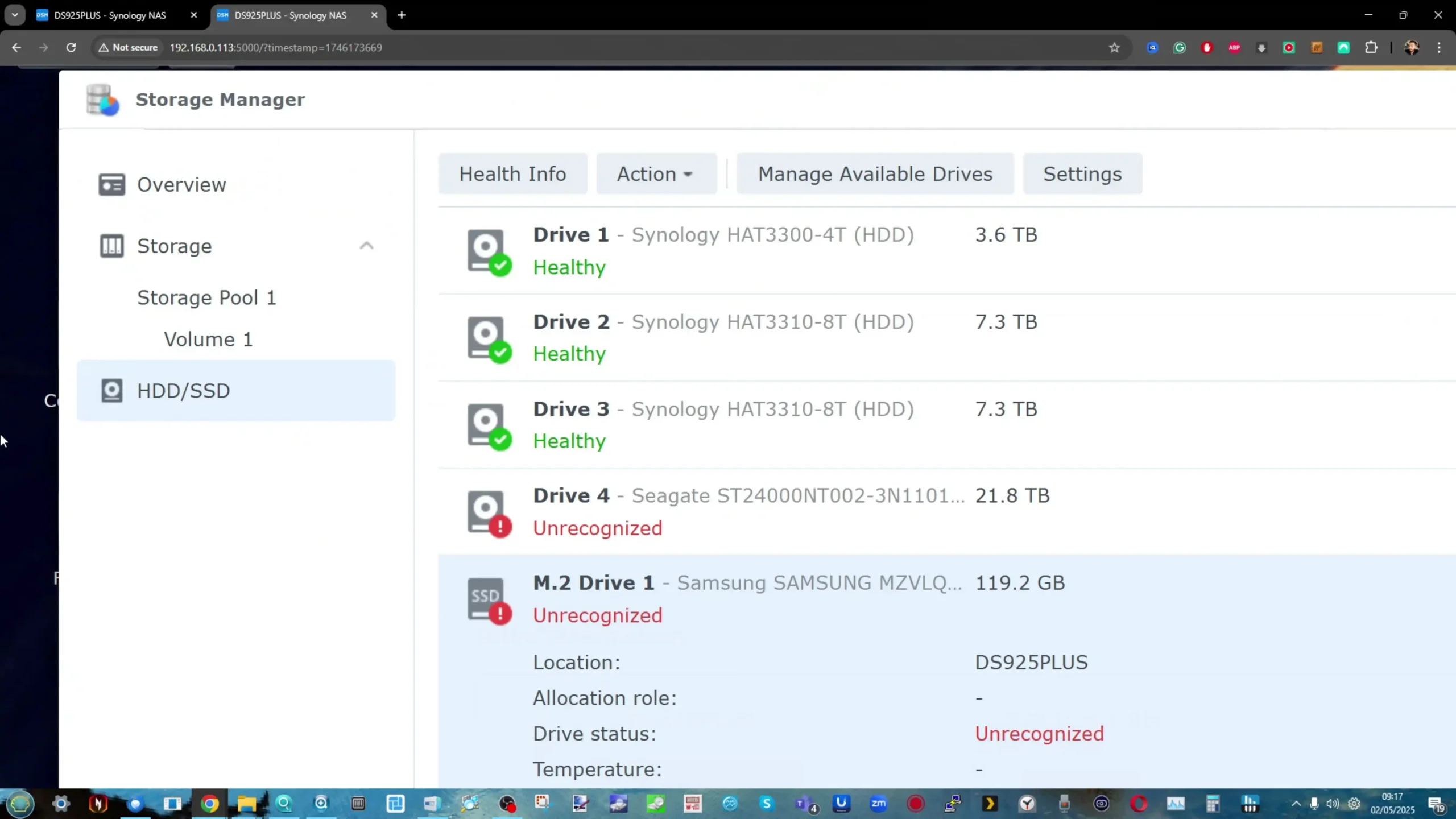
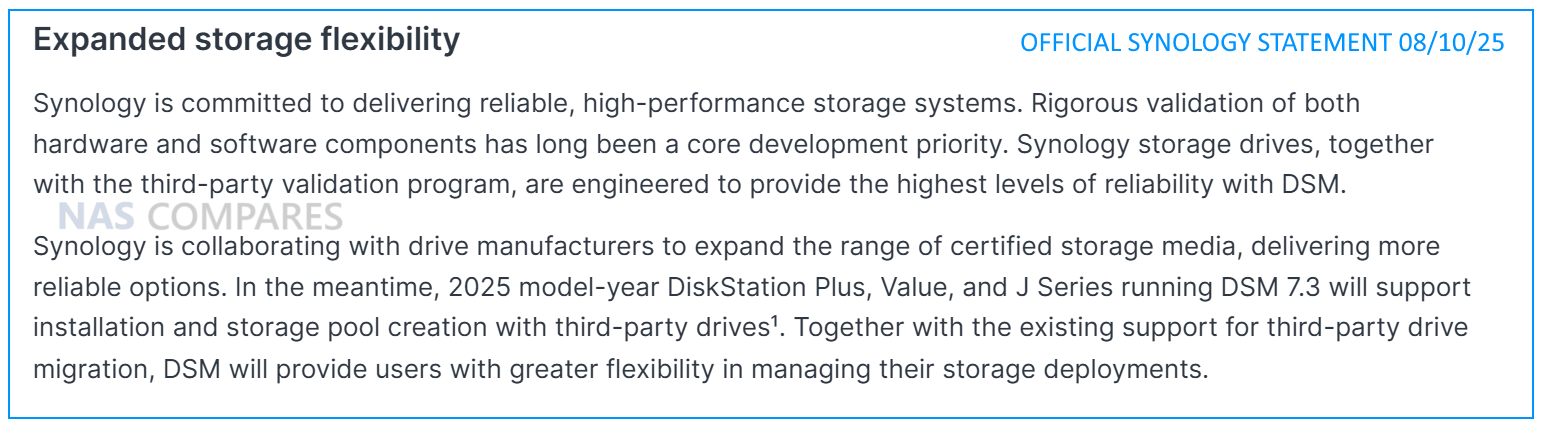
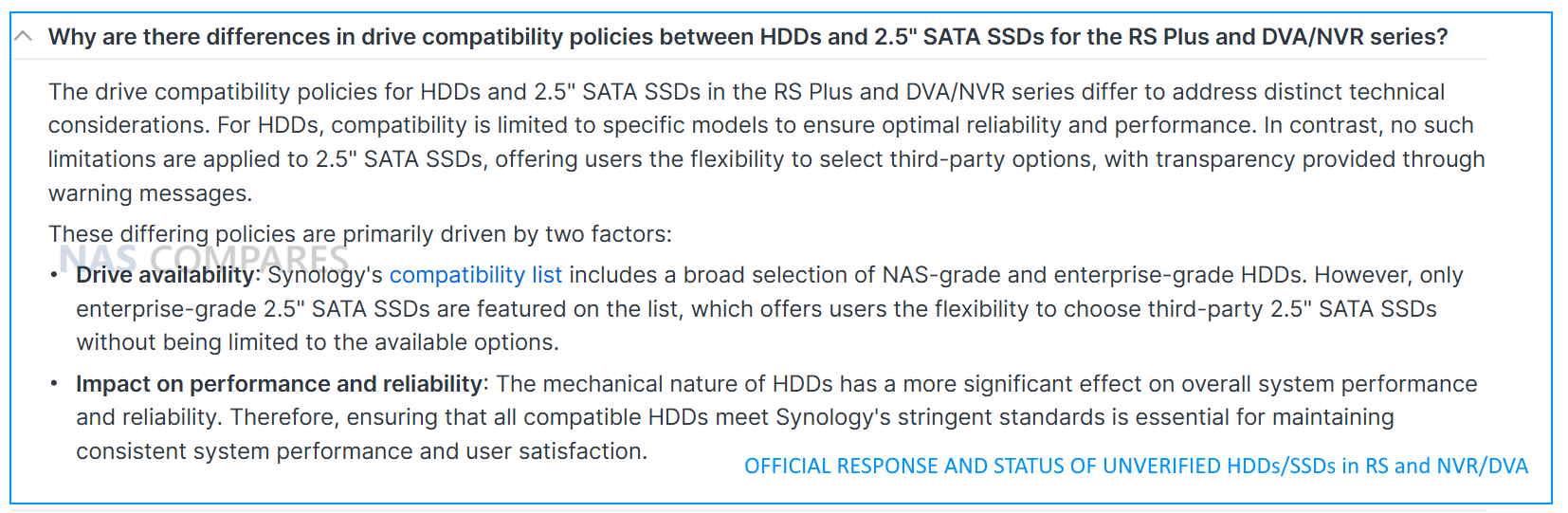
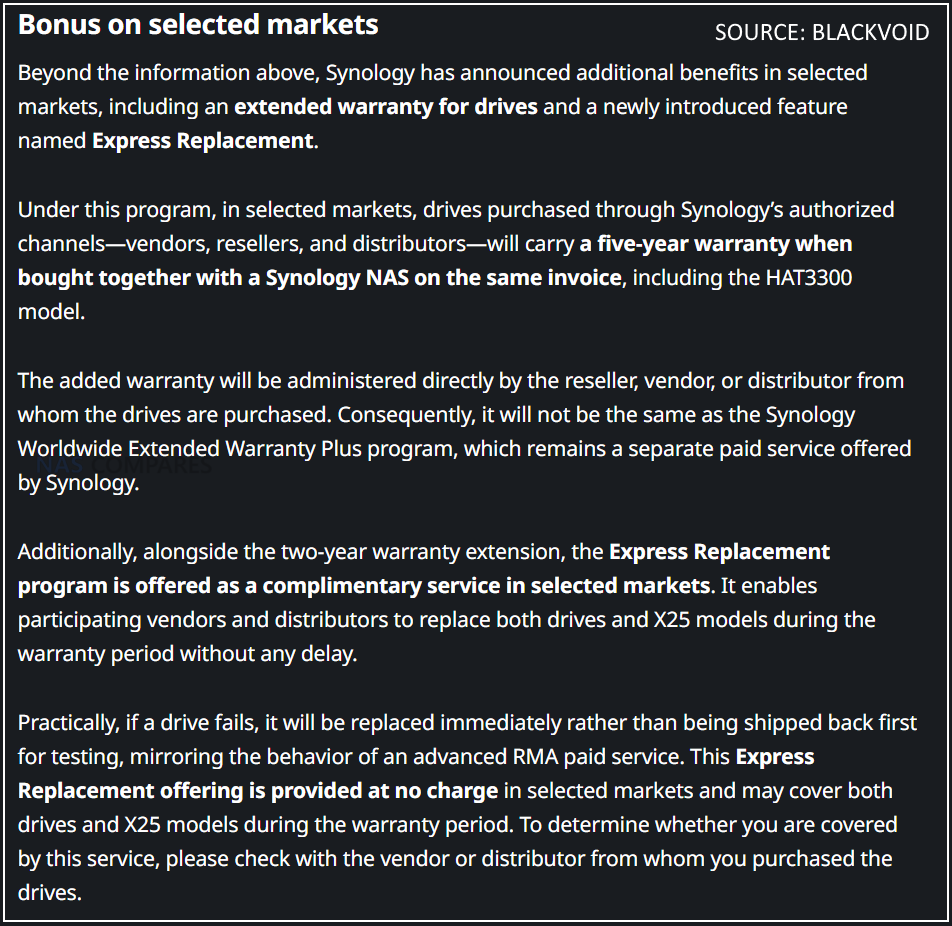
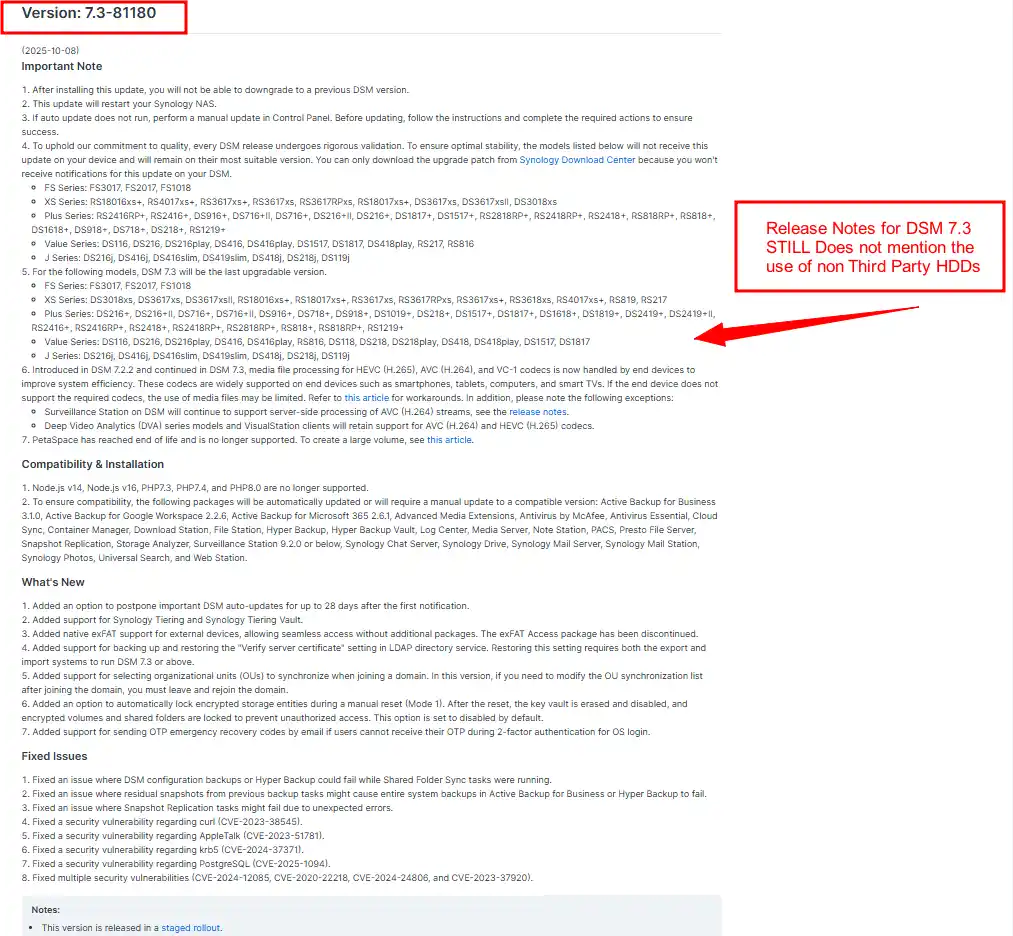
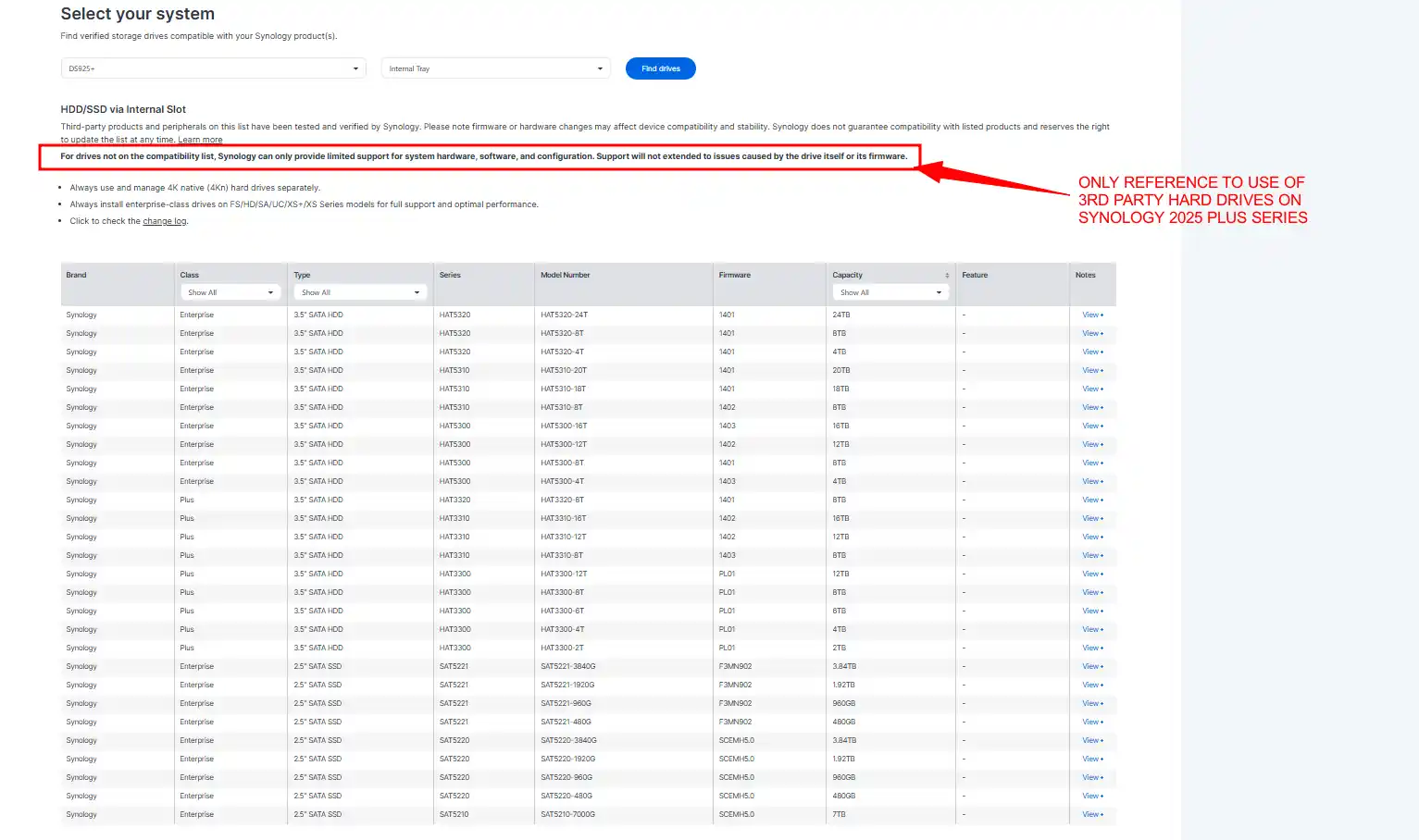
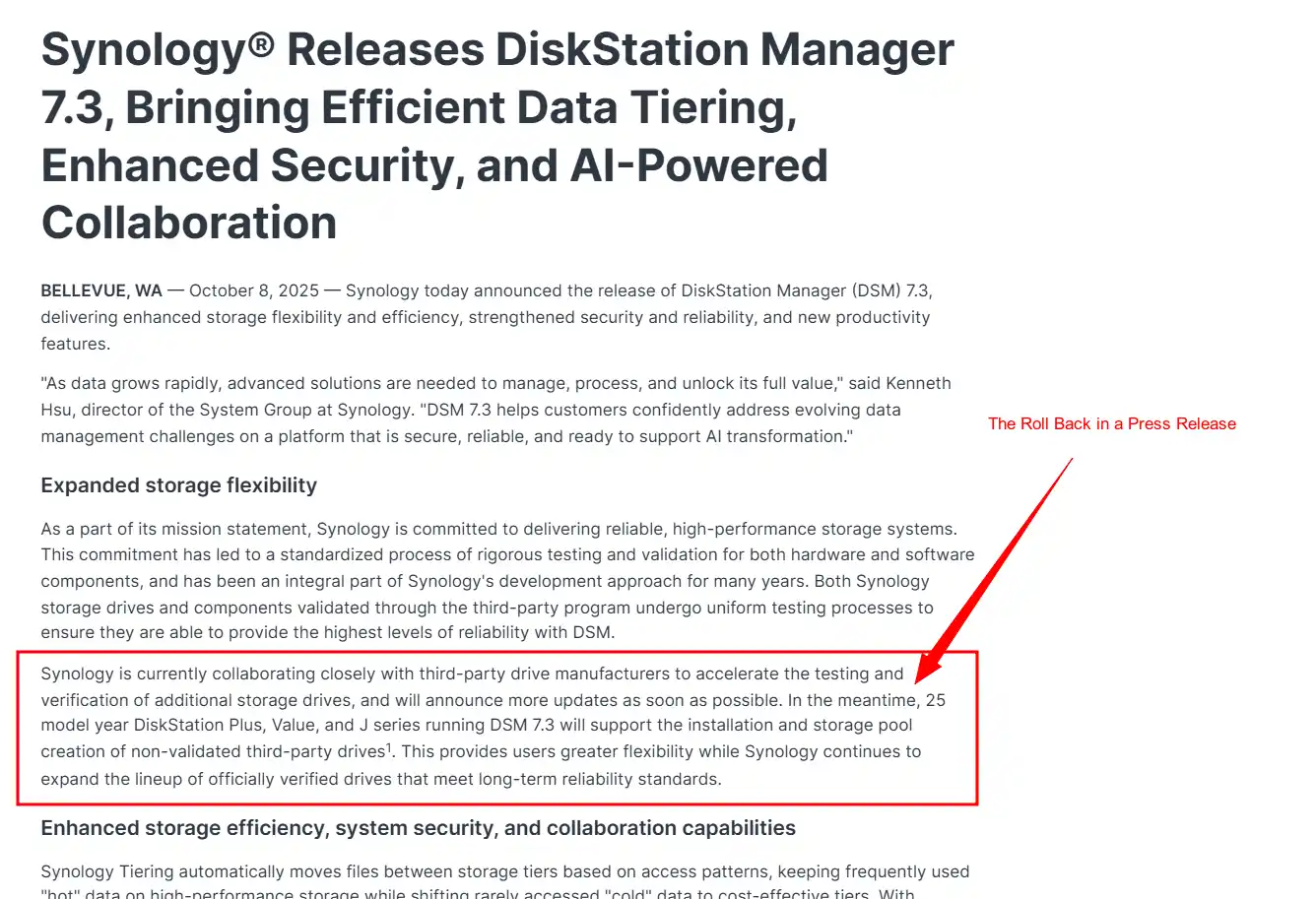
Important note: Some users may have heard that Synology’s 2025 generation DiskStation models restrict the use of non-Synology hard drives. This was true earlier in the year, but Synology reversed the policy in October 2025. Current DiskStation units in this lineup now accept third-party HDDs from any manufacturer with no warnings or reduced functionality. However, M.2 NVMe SSD support remains limited to approved models, and the HDD restrictions still apply to RackStation systems and higher tier products in the broader Synology portfolio. Learn More about this HERE


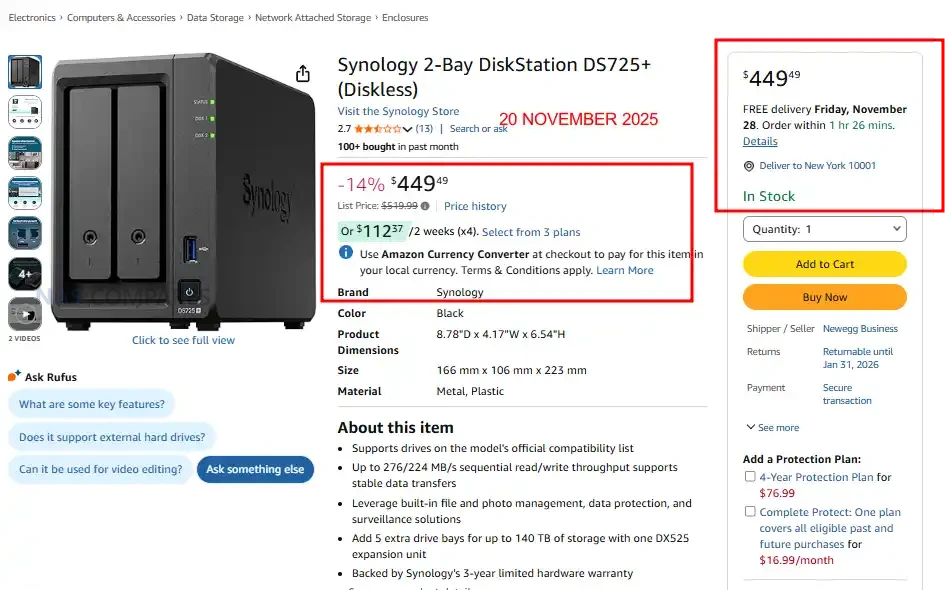
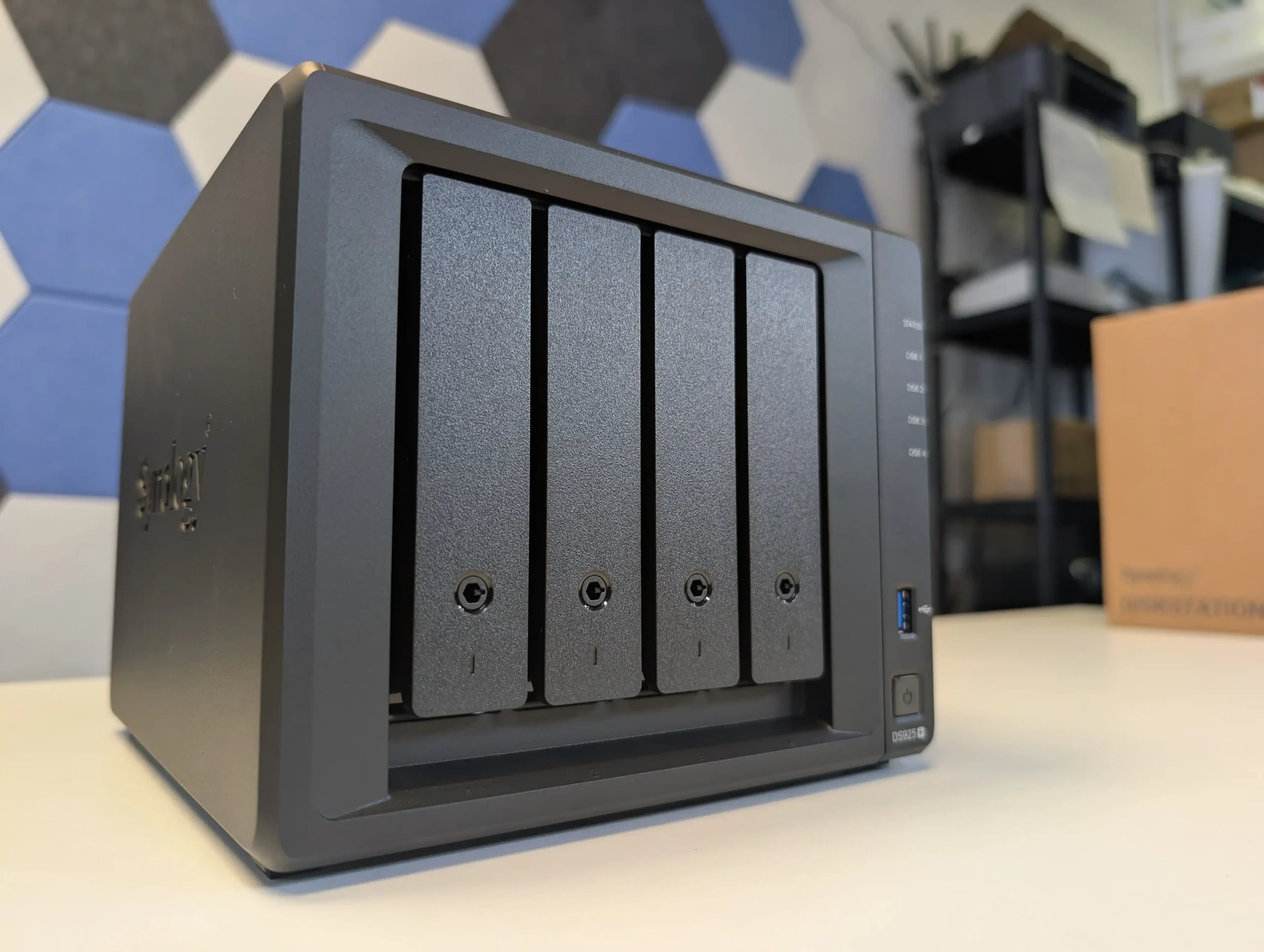
Synology DS925+ NAS – 14% OFF, NOW $552.99 @ Amazon USA

4-bay SATA/SSD NAS with dual 2.5 GbE ports, 2 × M.2 NVMe slots, AMD Ryzen V1500B quad-core 2.2 GHz processor, 4 GB DDR4 ECC memory (expandable to 32 GB).

The DS925+ is a compact four bay desktop NAS built for users who want a balance of performance, expansion, and long term DSM support in a small footprint. It runs on the AMD Ryzen V1500B processor with ECC memory, giving it a stronger hardware foundation than most entry tier systems and enough overhead for multi user workloads, backups, and light virtualisation. The unit supports both SATA hard drives and SSDs, while the two M.2 NVMe slots allow users to add cache or create faster SSD volumes without occupying the main bays. Dual 2.5GbE ports provide improved throughput over standard 1GbE models and support link aggregation for higher sustained speeds. With DSM offering SHR, Btrfs snapshots, file sync tools, media applications, and extensive package support, the DS925+ serves as a flexible storage platform for home offices and small teams that need dependable performance without moving to a larger enclosure. BUY HERE


Synology DS225+ NAS – $303.49 (11% REDUCTION) @ Amazon US

2-bay SATA NAS with Intel Celeron J4125 quad-core 2.0/2.7GHz CPU, 2.5GbE + 1GbE LAN ports, dual USB 3.2 Gen 1 ports, 2GB DDR4 memory expandable to 6GB

The DS225+ is Synology’s 2025 two-bay desktop NAS designed for home users, creatives, and small teams seeking a straightforward yet capable storage solution. It supports both 3.5″ and 2.5″ SATA drives, and offers dual network ports—including a 2.5GbE link—for improved throughput in compact deployments. Running DSM, Synology’s mature NAS operating system, it delivers file sharing, backup, photo management, and surveillance features in an easy-to-use package. Its quad-core Intel processor provides capable performance for standard NAS tasks, though the soldered memory and modest expandability may limit its usefulness for heavier workloads or large scale expansion. With its balance of refined software and network capability, the DS225+ is a solid entry point for users focused on dependable, integrated NAS functionality.  BUY HERE


Synology DS925+ NAS @ Amazon UK – 15% OFF, NOW £472 inc.TAX @ Amazon UK

4-bay SATA/SSD NAS with dual 2.5 GbE ports, 2 × M.2 NVMe slots, AMD Ryzen V1500B quad-core 2.2 GHz processor, 4 GB DDR4 ECC memory (expandable to 32 GB).

The DS925+ is Synology’s 2025 four-bay desktop NAS targeted at home offices, prosumers, and small teams who want a mature software ecosystem and future-proof networking. It supports both 3.5″ and 2.5″ SATA drives in its four bays, plus two M.2 NVMe slots for caching or fast SSD volumes, and can be expanded up to nine bays using an external unit. Dual 2.5 GbE ports provide better than standard network speed, while the AMD Ryzen V1500B processor (quad-core) and 4 GB of onboard ECC memory (expandable) deliver a solid foundation for multi-user access, backups, file sharing, and lightweight virtualization. It runs Synology’s DSM operating system, offering rich features such as SHR, Btrfs snapshots, file sync, collaboration tools and media streaming. With its blend of hardware and software, the DS925+ delivers a flexible platform for centralised storage and data management in a compact desktop form. BUY HERE


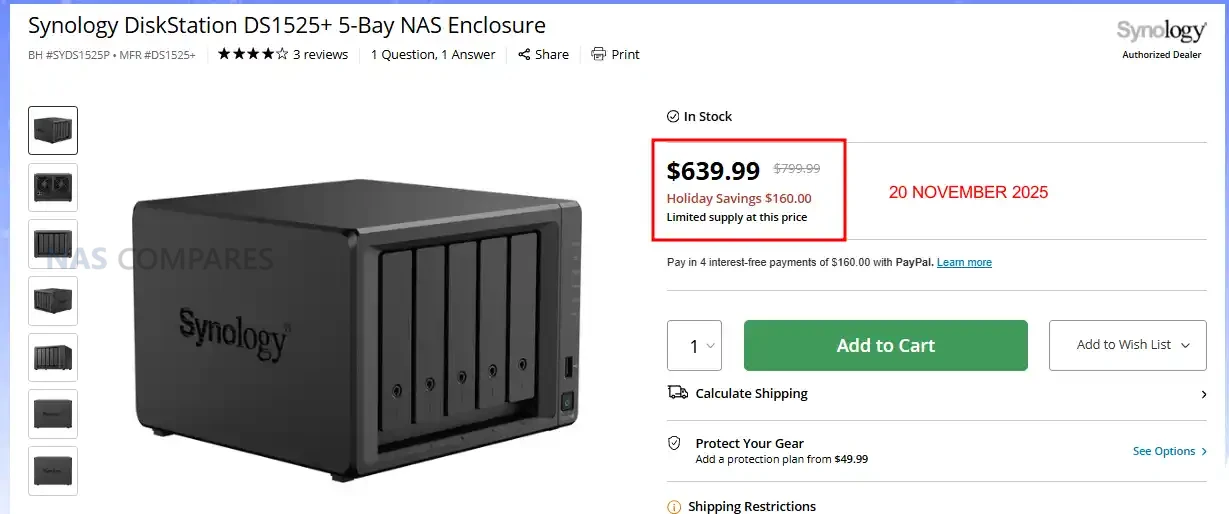
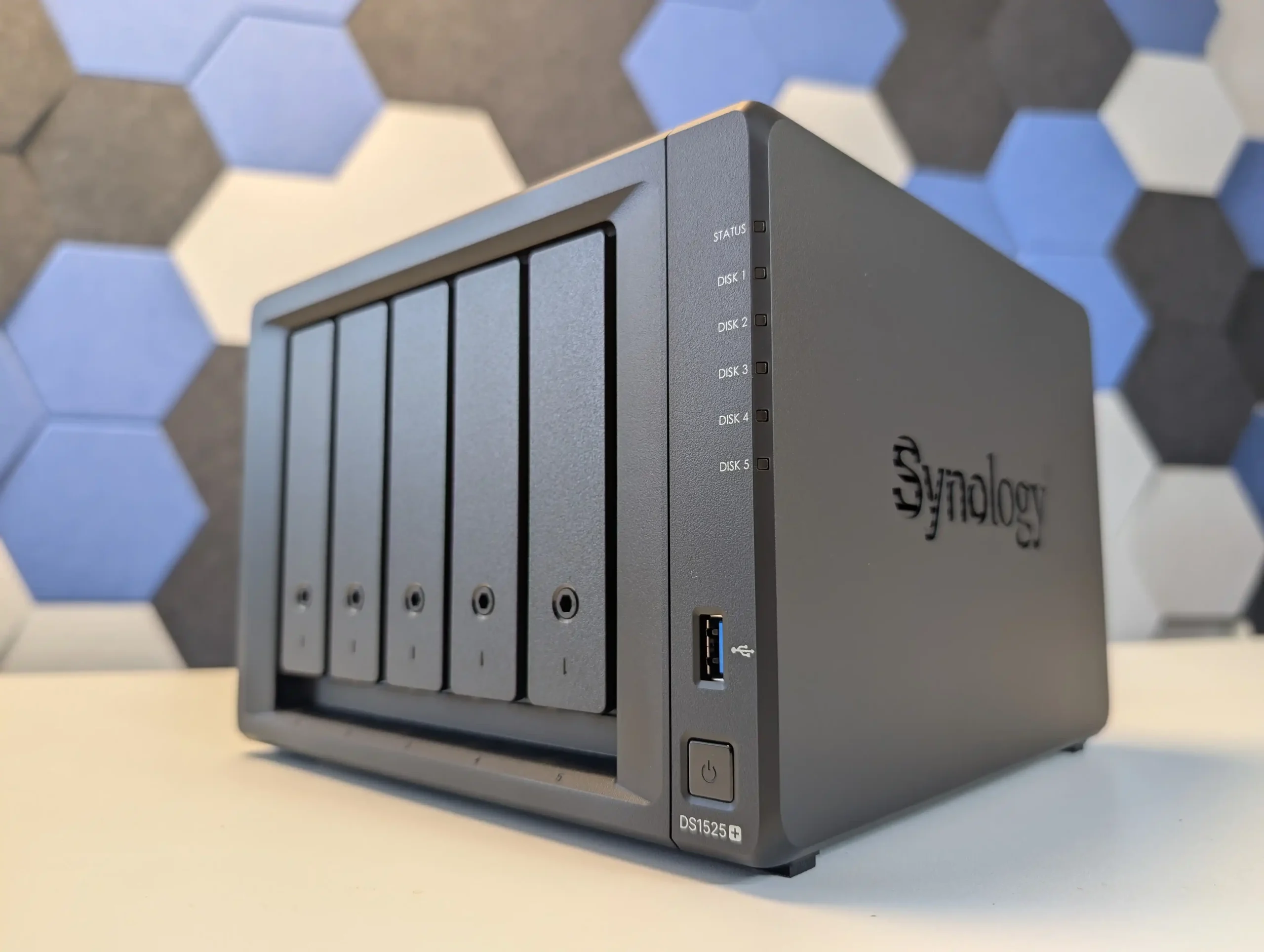
Synology DS1525+ NAS – $160 OFF, NOW $639.99 @ B&H

5-bay SATA/SSD NAS with 2 × M.2 NVMe cache slots, quad-core AMD Ryzen R1600 processor, 8 GB DDR4 ECC memory (expandable to 32 GB), four 1 GbE LAN ports plus optional 10 GbE upgrade slot.

The DS1522+ is a five-bay entry in Synology’s Plus series designed for home offices, prosumers, and small businesses that want advanced storage features in a desktop form. It supports both 3.5″ and 2.5″ SATA drives, plus two M.2 NVMe slots for caching or SSD-based volumes, and can expand up to 15 bays using official expansion units. With the AMD Ryzen R1600 quad-core processor, 8 GB of ECC RAM (upgradeable), and four built-in LAN ports, the unit delivers solid performance and reliability for file sharing, backups, and multi-user environments. The optional 10 GbE upgrade slot adds headroom for higher bandwidth workflows, and the included DSM operating system provides mature features such as SHR, snapshots, virtualization support, surveillance, and rich app integration. With its balance of expansion, performance and software depth, the DS1522+ offers a capable all-round platform for centralised data storage and management. BUY HERE


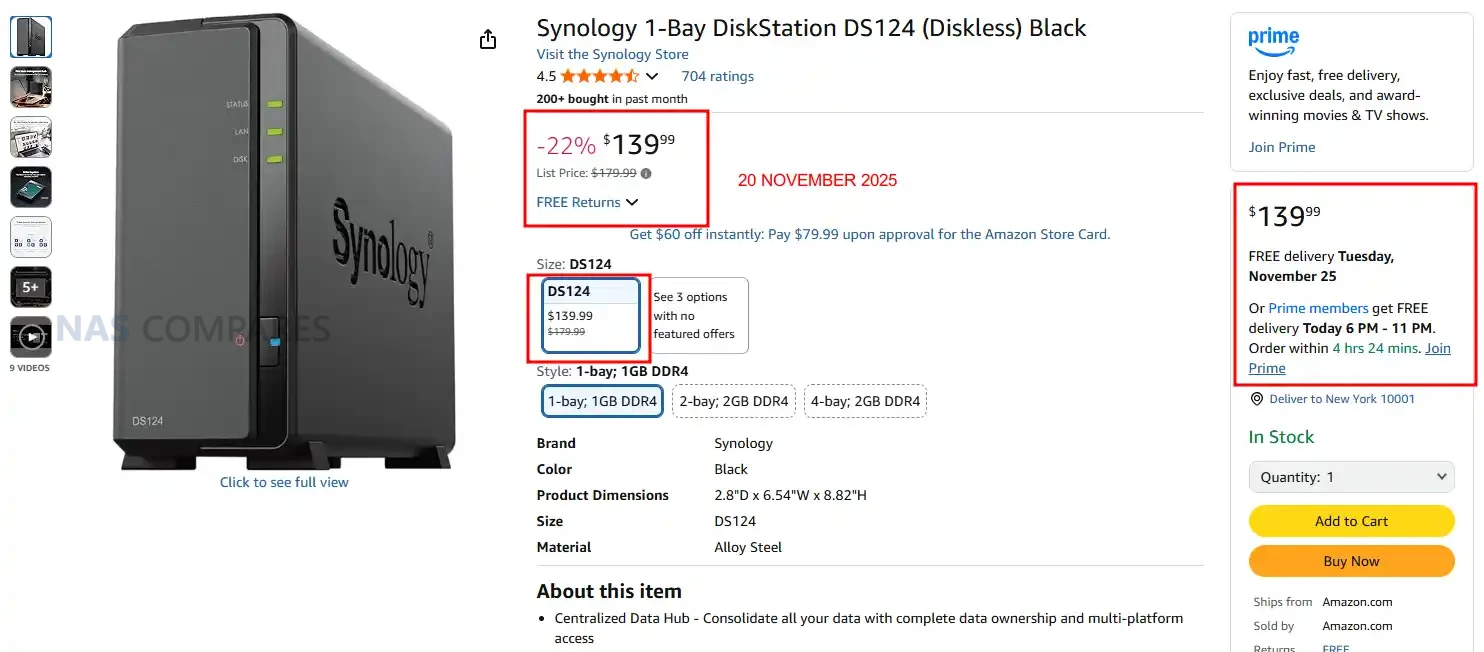
Synology DS124 NAS – NOW $139.99 (22% PRICE DROP) @ Amazon

2-bay SATA/SSD NAS with dual 2.5 GbE ports, Realtek RTD1619B quad-core 1.7GHz CPU, 2 GB DDR4 memory (expandable), and dual M.2 NVMe slots for caching.

The DS124+ is a compact desktop two bay NAS aimed at home users and small offices who want reliable storage with Synology’s DSM platform. It supports both 3.5″ and 2.5″ SATA drives in the two bays, and adds dual M.2 NVMe slots for caching or faster storage tiers. Dual 2.5 GbE network ports give it strong connectivity when paired with a capable switch. Running the RTD1619B quad-core processor and with upgradable memory, the unit delivers better performance than many entry level NAS boxes. DSM provides features such as file sync, snapshot protection, collaboration tools, and mobile access. While it lacks some of the more advanced expandability of larger models, the DS124+ offers a balanced mix of hardware and software for users who need a modest sized, efficient centralized storage box under the Synology ecosystem. BUY HERE


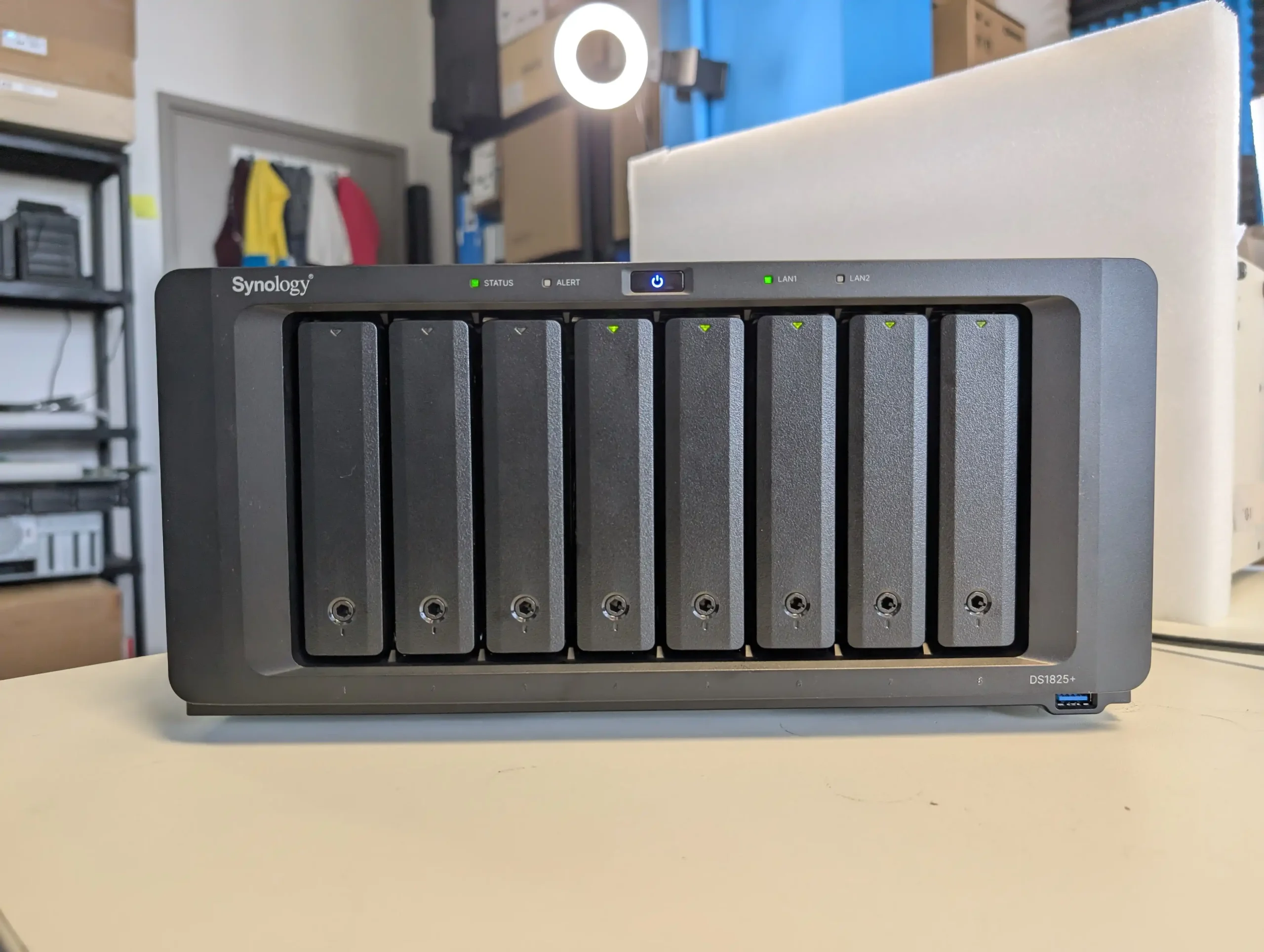
Synology DS1825+ NAS – NOW $919 ($230 OFF) @B&H

8-bay SATA/SSD NAS with dual 2.5GbE ports, 2 × M.2 NVMe slots, AMD Ryzen V1500B quad-core 2.2GHz CPU, 8GB DDR4 ECC memory (expandable to 32 GB), and up to 360TB raw capacity with expansion units.

The DS1825+ sits at the upper end of Synology’s Plus desktop NAS lineup, delivering high capacity and flexibility for serious home users, creatives, and small business teams. With eight hot-swappable drive bays supporting both 3.5″ HDDs and 2.5″ SSDs, and two M.2 NVMe slots for caching or SSD pools, it handles large data sets without needing a rack enclosure. Dual native 2.5GbE ports support modern network speeds out of the box, while the PCIe slot allows optional 10GbE or 25GbE upgrades for future proofing. Its AMD Ryzen quad-core CPU paired with 8GB ECC memory provides a stable foundation for file services, snapshots, VM or container usage, and media streaming. The unit also supports up to 18 drive bays and 360TB raw storage with two DX525 expansion units, offering growth potential as storage needs increase. While it may not push the highest processing power, the DS1825+ blends Synology’s mature DSM software, robust hardware build quality, and flexible storage architecture into a capable all-rounder for users who require capacity, data protection, and software depth in a compact form. BUY HERE


Synology DS1525+ NAS – REDUCED TO $691.49 (15% OFF) @ Amazon

5-bay SATA/SSD NAS with 2 × M.2 NVMe cache slots, quad-core AMD Ryzen R1600 processor, 8 GB DDR4 ECC memory (expandable to 32 GB), four 1 GbE LAN ports plus optional 10 GbE upgrade slot.

The DS1825+ sits at the upper end of Synology’s Plus desktop NAS lineup, delivering high capacity and flexibility for serious home users, creatives, and small business teams. With eight hot-swappable drive bays supporting both 3.5″ HDDs and 2.5″ SSDs, and two M.2 NVMe slots for caching or SSD pools, it handles large data sets without needing a rack enclosure. Dual native 2.5GbE ports support modern network speeds out of the box, while the PCIe slot allows optional 10GbE or 25GbE upgrades for future proofing. Its AMD Ryzen quad-core CPU paired with 8GB ECC memory provides a stable foundation for file services, snapshots, VM or container usage, and media streaming. The unit also supports up to 18 drive bays and 360TB raw storage with two DX525 expansion units, offering growth potential as storage needs increase. While it may not push the highest processing power, the DS1825+ blends Synology’s mature DSM software, robust hardware build quality, and flexible storage architecture into a capable all-rounder for users who require capacity, data protection, and software depth in a compact form. BUY HERE


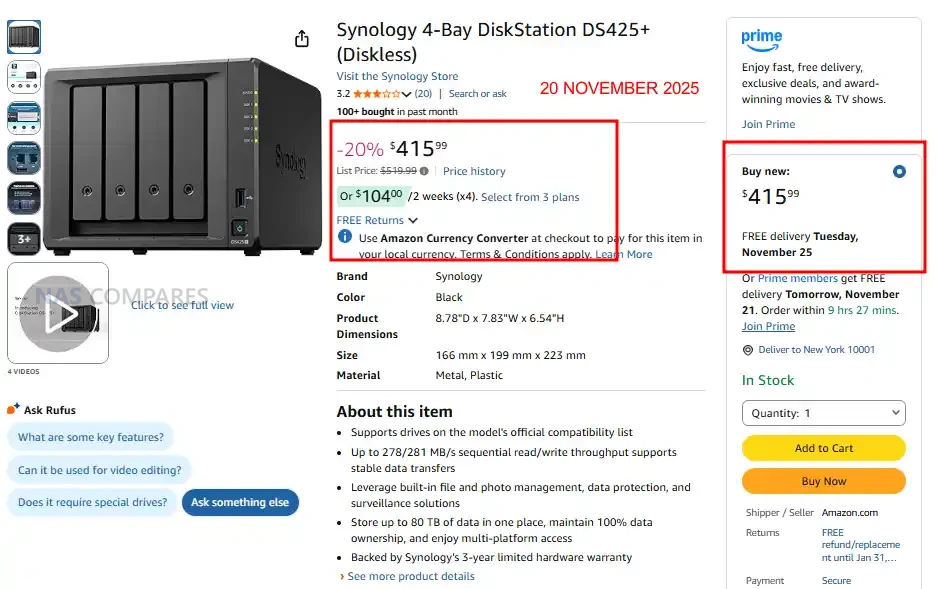
Synology DS425+ NAS – Price Reduction, Now $415.99 (20% OFF) @ Amazon

4-bay SATA NAS with 2.5GbE + 1GbE, 2 × M.2 NVMe slots, Intel Celeron J4125 quad-core 2.0/2.7GHz CPU, and 2GB DDR4 memory expandable to 6GB

The DS425+ is a four bay desktop NAS positioned as an accessible entry into Synology’s 2025 Plus series, offering a familiar balance of performance, storage flexibility, and DSM software capability. It supports both 3.5″ and 2.5″ SATA drives in its main bays, with two M.2 NVMe slots available for caching or faster SSD-based volumes. The system runs on an Intel Celeron J4125 processor and includes 2GB of expandable DDR4 memory, making it suitable for everyday multi user file storage, backups, and light media serving. Connectivity consists of one 2.5GbE port and one 1GbE port, giving users bandwidth options depending on their network. DSM provides features such as SHR, Btrfs snapshots, cloud sync, surveillance tools, and a broad library of first-party applications. With Synology’s updated 2025 stance on third-party drive support, the DS425+ now accepts any standard HDD or SSD without warnings, making it a more flexible option for buyers who want a compact, straightforward, and software-rich NAS at this capacity point. BUY HERE


Synology DS725+ NAS – Price Drop, Now $449.49 (14% OFF) @ Amazon US

2-bay SATA NAS with dual 2.5GbE ports, 2 × M.2 NVMe slots for caching, AMD Ryzen R1600 dual-core 2.6/3.1GHz CPU, and 4GB DDR4 ECC memory expandable to 32GB.

The DS725+ is Synology’s compact two-bay Plus series NAS from the 2025 generation, designed for home offices and small businesses seeking high performance and flexibility in a small footprint. It supports both 3.5″ and 2.5″ SATA drives in its bays, and includes two M.2 NVMe slots for cache or fast solid state volumes. Networking is enhanced with dual 2.5GbE ports—an upgrade over earlier two-bay models—delivering better throughput for multi user access or file sharing. Powered by the AMD Ryzen R1600 dual-core processor with default 4GB of ECC memory (expandable), it handles standard NAS workloads, backups and light virtualisation with ease. The inclusion of DSM features such as shared folder snapshots, cloud sync, hybrid backup and mobile client integration makes it a strong choice for users who want Synology’s mature software ecosystem in a compact form. With the company’s updated 2025 policy, users can now install third-party HDDs without compatibility warnings, improving the DS725+’s flexibility when sourcing storage media. BUY HERE


📧 SUBSCRIBE TO OUR NEWSLETTER 🔔
[contact-form-7]
🔒 Join Inner Circle

Get an alert every time something gets added to this specific article!


Want to follow specific category? 📧 Subscribe

This description contains links to Amazon. These links will take you to some of the products mentioned in today's content. As an Amazon Associate, I earn from qualifying purchases. Visit the NASCompares Deal Finder to find the best place to buy this device in your region, based on Service, Support and Reputation - Just Search for your NAS Drive in the Box Below

Need Advice on Data Storage from an Expert?

Finally, for free advice about your setup, just leave a message in the comments below here at NASCompares.com and we will get back to you. Need Help? Where possible (and where appropriate) please provide as much information about your requirements, as then I can arrange the best answer and solution to your needs. Do not worry about your e-mail address being required, it will NOT be used in a mailing list and will NOT be used in any way other than to respond to your enquiry. [contact-form-7] TRY CHAT Terms and Conditions
If you like this service, please consider supporting us. We use affiliate links on the blog allowing NAScompares information and advice service to be free of charge to you.Anything you purchase on the day you click on our links will generate a small commission which isused to run the website. Here is a link for Amazon and B&H.You can also get me a ☕ Ko-fi or old school Paypal. Thanks!To find out more about how to support this advice service check HEREIf you need to fix or configure a NAS, check Fiver Have you thought about helping others with your knowledge? Find Instructions Here  
 
Or support us by using our affiliate links on Amazon UK and Amazon US
    
 
Alternatively, why not ask me on the ASK NASCompares forum, by clicking the button below. This is a community hub that serves as a place that I can answer your question, chew the fat, share new release information and even get corrections posted. I will always get around to answering ALL queries, but as a one-man operation, I cannot promise speed! So by sharing your query in the ASK NASCompares section below, you can get a better range of solutions and suggestions, alongside my own.

☕ WE LOVE COFFEE ☕


Black Friday 2025 Deals – Data Storage from Synology, UGREEN, QNAP, WD, Seagate, UniFi, Terramaster and More

NAS & Storage Bargains and Deals this Black Friday 2025

Black Friday 2025 has arrived and this year the spotlight is not only on traditional Synology/QNAP upgrades but also on the fast-growing world of alternative NAS platforms (after the PR nightmare that was 2025 for Synology re:HDDs!), DIY server builds, and software licence promos. Synology’s desktop lineup has seen a bunch of refreshes recently in the x25, which means popular models such as the DS423+ and DS923+ may finally see meaningful reductions, while entry-level units like the DS223 and BeeStation series are expected to feature the most aggressive pricing. At the same time, UGREEN is pushing hard with its NASync range and making ALOT of noise in the world of home/prosumer NAS, and several of these systems are already appearing with early Black Friday discounts. DIY NAS enthusiasts also have more choice than ever, with multi-bay chassis and compact servers from CWWK, AOOSTAR, Jonsbo cases, and Minisforum’s N5 receiving notable reductions. UnRAID has confirmed incoming licence promos for Black Friday soon, making it an ideal time for new users to adopt flexible array management and VM workloads. Then you have Terramaster making 10-20% off promos on their 2025 series AND the m.2 focused F4 and F8 Devices! Even newer entrants such as UnifyDrive are participating, with the UT2 receiving one of its biggest discounts to date and now sitting in an extremely competitive price bracket. Below you will find updated recommendations for the best NAS models for backups, Plex, business, and surveillance, along with live offer links for all major NAS ecosystems as Black Friday deals continue to roll out.

IMPORTANT – This page will be updated regularly each day for the next 2 weeks!

Recommended Deals (so far)

BLACK FRIDAY WEEK DEALS (so far) – (WILL REDIRECT TO YOUR AMAZON REGION AUTOMATICALLY)

Useful Articles:

  • NAS Hard Drive Black Friday Deals Article – HERE
  • Synology NAS Black Friday Deals – HERE
  • UniFi Network Hardware Black Friday Deals – HERE
  • UGREEN NAS Black Friday Deals – HERE
  • Terramaster Black Friday Deals – HERE

SEAGATE 28TB IRONWOLF PRO HDD – $449.99 (was $569.99)


SEAGATE 28TB EXTERNAL USB HDD – $289.99 ($100 OFF)


Beelink ME Mini N150 NAS Mini PC, 12GB RAM + 2TB SSD + 64GB eMMC – $279 (was $349) HERE


Synology DS925+ NAS – 14% OFF, NOW $552.99


SEAGATE 28TB IRONWOLF PRO HDD – $449.99 ($300 OFF)


UGREEN 120W NAS UPS – 15% OFF, NOW $84.99


2x WD Red Pro 26TB Hard Drives (52TB Max) – $878 ($420 OFF)


QNAP TS-264 2-Bay Featured NAS – $349.99 (20% OFF)


Minisforum N5  NAS – NOW $594.90 (15% OFF)


UnRAID 25% Price Drop + $15 Voucher Included with ALL Orders – HERE

The Unraid Cyber Weekend Sale started on Wednesday November 26th, and will run through Cyber Monday, December 1st, 2025. They are discounting Starter and Unleashed licenses, plus all Unleashed upgrades (so, if you have a monthly or annual license, and want to upgrade to lifetime, you will get a discount of the partial upgrade cost too). Also, every license purchased will come with a $15 voucher good for the Unraid Merch Store included. Click below (or HERE) to get your UnRAID license at 25% off.


Terramaster F8 SSD PLUS Flash NAS – 20% OFF, NOW $639.99


UniFi Black Friday Deals – HERE


Asustor 6x M.2 NVMe Flashstor 6 – Down to $404.99 (9% OFF)


Best UniFi Black Friday Deals – The UniFi Dream Router 7 & Gateway Fiber

The Dream Router 7 and the Gateway Fiber stand out as UniFi’s strongest Black Friday 2025 offers, especially given their large price cuts. The Dream Router 7 drops to $229 from $279 and brings a full UniFi controller, WiFi 7, a 10G SFP+ WAN port, a 2.5GbE WAN port, four LAN ports with one PoE output, and integrated NVR storage via microSD. It supports the full UniFi application suite and can manage 30+ devices while handling 300+ clients on its 2.4GHz, 5GHz, and 6GHz radios. Security and routing features include a stateful firewall, L7 filtering, IDS and IPS with 20,000+ signatures through CyberSecure, advanced NAT, SD-WAN, and VPN support for WireGuard, Teleport, IPsec, and OpenVPN. With coverage up to 160 square metres and a compact desktop design, it offers a complete all in one gateway and controller at a much lower cost, making it an easy upgrade for homes or small offices moving to WiFi 7 or multigig internet.

UniFi WiFi 7 2.5G+10G Dream Router UniFi Gateway Fiber 10G/2.5G Gateway

Synology DS925+ NAS – 15% OFF, NOW £472 inc.TAX


40% OFF PLEX PASS Licenses – Month/Year/Lifetime HERE

  • Lifetime, now $149.99 (was $249.99) – HERE
  • Annual, now $41.99 (was $69.99) – HERE
  • Month, now $4.19 (was $6.99) – HERE


10G N150 NAS Motherboard / DDR5 6* SATA /  Intel I226 / 2.5G Mini ITX /  2* M.2 – $219.50 HERE

This Mini-ITX NAS-oriented board features an onboard Intel N150 processor paired with DDR5 memory support and a strong storage layout including six SATA 3.0 ports and two PCIe-based M.2 slots. It includes triple-NIC networking with dual Intel I226-V 2.5GbE ports and a 10GbE AQC113 controller, making it suitable for DIY NAS builds that require high-bandwidth local access. With PCIe 3.0 expansion, ATX 24+4-pin power, and full support for Windows and Linux, it offers excellent value at its discounted Black Friday price of $219.50.

Category Details
CPU Intel N150 onboard (Twin Lake SoC)
Motherboard Type Mini-ITX 170 x 170 mm
RAM Type / Maximum DDR5 SO-DIMM, 1 slot, up to 16GB
SATA Drive Support 6 x SATA 3.0
M.2 SSD Support 2 x M.2 M-Key (PCIe)
Network Connections 2 x Intel I226-V 2.5GbE, 1 x AQC113 10GbE
PSU Type 24-pin ATX + 4-pin CPU power
PCIe Slot Support 1 x PCIe 3.0 x4 slot

UniFi Cloud Gateway Black Friday Deals

The Cloud Gateway Max, Cloud Gateway Max NS, and Gateway Lite form the most affordable cluster of UniFi Black Friday gateway offers this year. The Cloud Gateway Max drops from $279 to $179 and delivers full UniFi application support with 2.3Gbps IDS and IPS, 2.5GbE WAN, five 2.5GbE LAN ports, and selectable NVMe NVR storage up to 2TB. The NS model follows the same hardware blueprint but arrives at a lower $159 price while retaining 2.3Gbps inspection performance and 30 plus device management. The Gateway Lite stands out as the entry level option at an aggressive $49, down from $129. It offers 1Gbps IDS and IPS, a compact footprint, full UniFi security features, USB C power, and a simple 1GbE WAN plus 1GbE LAN layout, making it ideal for small networks or for replacing an ageing USG.


Synology DS1525+ NAS – $160 OFF, NOW $639.99


LincStation N2 6-Bay SSD 10GbE NAS – NOW $395 (was $429) HERE


QNAP TS-464 NAS – $469.99 ($120 OFF)


i5-12450H / 6xNVMe / 6xSATA / PCI-E X4 / 4x Intel i226-V 2.5G / 2xDDR5 NAS Board – $328.20 HERE

This Mini ITX NAS board features an onboard Intel Core i5-12450H processor and is built for high performance storage, virtualization, and workstation-grade workloads. It supports up to 64 GB of DDR5 across 2 slots, offers 6 NVMe capability through SFF-8643 expansion, includes 2 onboard M.2 NVMe slots, and provides flexible PCIe 4.0 expansion for NICs or GPUs. With 4 Intel I226-V 2.5 GbE ports, HDMI plus DP display support, RAID capability, and a PCIe 4.0 x4 slot, it delivers one of the most capable NAS motherboard platforms in the compact 170 x 170 mm form factor at its Black Friday price of $328.20.

Category Details
CPU Intel Core i5 12450H onboard
Motherboard Type Mini ITX size one hundred seventy mm by one hundred seventy mm
RAM Type and Maximum DDR5 dual channel up to sixty four GB, two slots
SATA Drive Support Two direct SATA ports plus five SATA via SFF eight six four three JMB585 controller
M2 SSD Support Two M two slots, one PCIe four point zero x four and one PCIe three point zero x one, plus four NVMe via SFF adaptor
Network Connections Four Intel I226 V two point five gig ports
PSU Type Twenty four pin ATX plus eight pin CPU power (standard ITX layout)
PCIe Slot Support One PCIe four point zero x four slot (compatible with x eight or x sixteen cards)

Synology DS1825+ NAS – NOW $919 ($230 OFF)


PocketCloud Portable NAS – 20% OFF, NOW $239.99


QNAP TS-264 2-Bay ALL-Rounder NAS – $349.99 ($90 OFF)


UniFi WiFI APs for Mesh Black Friday Deals

The U6 Plus, FlexHD, and nanoHD form the most affordable set of UniFi access point offers this Black Friday and each one targets a different type of upgrade. The U6 Plus drops to $99 and brings dual band WiFi 6, 4 spatial streams, 2.4Gbps 5GHz throughput, and a 300 plus client capacity in a compact ceiling or wall mounted design. It suits homes and small businesses looking for a modern AP with strong roaming support, PPSK, captive portal options, and full UniFi WiFi management features. The FlexHD falls to $69 and remains one of the most versatile indoor or outdoor mesh units, offering WiFi 5 with 6 spatial streams, 1.7Gbps 5GHz performance, and multiple mounting options that make it easy to extend coverage. The nanoHD also lands at $69 and provides a compact ceiling mounted WiFi 5 solution with 4×4 MU MIMO on 5GHz, up to 1.7Gbps throughput, and a design that blends into most environments, making it ideal for small offices and meeting rooms.


Synology DS1525+ NAS – REDUCED TO $691.49 (15% OFF)


Minisforum N5 PRO NAS – NOW £888 including TAX


SUPER BUDGET N5105 NAS Mobo Combo / 4 Cores 4 Threads Low Power Use / 4×2.5G i225 / 2x M.2 Slot 6xSATA – $196.94 HERE

This budget Mini ITX NAS board uses the Intel N5105 processor and offers enough performance for Plex, Jellyfin, Docker containers, and lightweight TrueNAS or UnRAID builds. It includes 4 x 2.5GbE ports for multi-NIC routing or link-aggregation and pairs 6 SATA ports with 2 M.2 NVMe slots, making it suitable for large media libraries or mixed SSD cache setups. With DDR4 support up to 64GB, dual display outputs, low power consumption, and fan headers for stable 24/7 operation, it delivers strong value at its reduced Black Friday price.

Category Details
CPU Intel N5105 (4 cores, 4 threads, onboard)
Motherboard Type Mini ITX (Industrial style)
RAM Type / Maximum DDR4, up to 64GB, 2 slots
SATA Drive Support 6 x SATA 3.0
M.2 SSD Support 2 x M.2 NVMe (2280)
Network Connections 4 x 2.5GbE (Intel i225 or i226-V depending on board revision)
PSU Type 24-pin ATX
PCIe Slot Support None

QNAP TS-464 NAS – REDUCED TO £469 (20% OFF)


QNAP TS-233 VALUE 2-Bay NAS – 15% OFF, £152.15 (inc.TAX)


UGREEN DXP6800 PRO – 20% OFF, Now £799


Synology DS225+ NAS – $303.49 (11% REDUCTION)


QNAP TS-464 NAS – 8GB VERSION, 20% OFF, $469.99


Gl.iNet Slate 7 WiFi7 Mobile Router, NOW $120 (29% OFF)


Gl.iNet Puli AX SIM/LTE Router, NOW $331 (15% OFF)


UniFi Cameras for Protect Black Friday Deals

The G5 Pro, AI 360, and G5 PTZ form the front end of UniFi’s discounted camera lineup for Black Friday 2025 and each model targets a different style of coverage. The G5 Pro drops from $379 to $199 and delivers 4K recording with a 3x optical zoom lens, strong daytime clarity, and IR night vision that reaches 25 m or up to 40 m with the Vision Enhancer. It offers people, vehicle, and animal detection, IP65 weather resistance, IK04 impact resistance, and flexible mounting for walls, ceilings, and poles. The AI 360 is reduced from $399 to $249 and provides full 360 degree coverage through a 2K fisheye sensor with pan tilt zoom control handled digitally inside UniFi Protect. It includes two way audio, smart detections, IPX4 weather resistance when covered, and IK08 tamper protection, making it suitable for wide indoor areas, retail spaces, or open office floors. The G5 PTZ falls to $229 from $299 and adds low latency mechanical pan tilt with a 2x optical zoom lens, 20 m IR night vision, and IP66 weather protection, which makes it an option for entry points, driveways, or perimeter paths.


UGREEN DXP4800 PLUS – 20% OFF, NOW $559.99

Synology DS124 NAS – NOW $139.99 (22% PRICE DROP)


UGREEN NAS Black Friday Deals – NOW LIVE


The Best UGREEN NAS System Offers:


(Best UGREEN NAS Deal) UGREEN DXP4800 PLUS NAS 4-Bay – $594.99


Terramaster F4-425 PLUS (New 2025 Series Release) NAS – $484.99


UGREEN DH4300 PLUS Value 4-Bay NAS – $65 OFF, Now $364.99


UnifyDrive UT2 2x M.2 NVMe+2.5GbE+8 Core ARM Mobile NAS – $200 OFF, Now $399

Get a further 5% OFF with this code: NASCOMPARES


UGREEN 6-Bay Power NAS System (DXP6800 Pro) – $180 OFF, NOW $1019.99


ZimaBlade 7700, DOWN TO $159 WITH Promo Code ‘BLACKFRIDAYNASKIT10’


LincStation N2 – 4xm.2 + 2x SATA SSD + 10GbE + UnRAID Licence – NOW $429 / £401


UGREEN All-Flash DXP480T 10 Core i5 10GbE NAS – $150 OFF, NOW $849.99


CWWK NAS DIY Motherboards and CPU+MoBo Combos:


CWWK N150 / N355 10GbE 8x SATA NAS Motherboard Combo – Now $215


CWWK 4x m.2 NVMe Pocket NAS Box (Intel N150 / N355) P6 – Just $195.63 NOW


QNAP Refurb Store – 30% OFF Pre-Populated Desktop NAS and Expansions


Minisforum MS-01 Intel Core, 2x 10GbE, USB4, PCIe 4X16 and 3x M.2 Workstation – Down to just $479.90


Terramaster F6-424 Max – Powerhouse 6-Bay NAS – $150 OFF, Now $849.99


If you want to skip ahead to the Deal List, just click below:


————–  Useful Links  —————

US Amazon Amazon USA Black Friday Official PageAmazon UK Black Friday Official Page

Amazon Warehouse (20% Off Everything on Black Friday)

USA – UK – Germany

Still unsure of what you need – use the Free Advice Section here on NASCompares.


Hot Tips when you Buy a NAS this Black Friday 2024

In order for you to get the very best NAS deals this Black Friday, here are some hot tips that I have personally used for the last few years to get the very best deals.

Amazon Warehouse Deals are 20% lower

For those that aren’t aware, Amazon has a whole section of their website that is dedicated to pre-owned and opened items. This includes both NAS, hard drives, SSD and more for your storage. During Amazon Black Friday 2024, the discount on these broken-seal items will be increased by an additional 20% and for those looking for an insane bargain, this will be irresistible.

Another tip when buying NAS or Hard Drives from Amazon Warehouse is that although (as they are broken seal/used/returned items) they have a shorter warranty from Amazon, you will almost certainly be able to claim the FULL warranty coverage from Synology, QNAP, WD or Seagate. They just want your serial number and a receipt of purchase – this will not state the amazon reduced warranty.

Amazon Warehouse for different countries can be found below:


Amazon Warehouse USA

Amazon Warehouse UK

Amazon Warehouse Germany

Latest Deals Update and Notifications

If you want to make sure you see the LATEST Black Friday deals for NAS (as new ones are added every hour) then I would recommend checking the official Amazon Prime page regularly. It will also include the very latest Lightning Deals too

US Amazon Amazon Deals Page

UK Amazon Amazon Deals Page

Amazon Prime for FREE

The prices listed on Amazon for NAS during the Black Friday event are only available to Prime members. If you are not a member, don’t worry, as you can use the 30-Day free trial to sign up for a Prime, or just pay for 1 month of Prime as a student and get it at 50% off. Then after you finish your purchase, you can cancel your subscription. The other bonus of this is that you will qualify for fast, next day delivery for free. I would recommend however that you do not cancel your subscription until you have received your order and tested your item.

As then you will still be able to take advantage of the fast and free return policy extended to Prime members. This is especially useful when buying NAS Hard Drives and you are worried about broken drives!

Improved Delivery on your NAS Black Friday Deal

It is a well-known fact that Amazon Prime membership includes free next day delivery and Amazon has even upped the stakes by stating that they will be providing the fastest-ever Black Friday delivery of just 14 minutes between the cart and the courier, last year we saw and heard numerous examples of delivery issues with Black Friday deals, adding 2-3 days on supposed next-day shipping.

If any of your Amazon Prime delivery dates are not the 24 hours turn around that they promise, then definitely complain to Amazon after you receive your goods (not before) as they will almost certainly have a deluge of customer enquiries after Black Friday 2024 and  in an effort to conclude the matter, you might get an additional discount, a gift vouchers or more. Currently, the trending ‘gesture of goodwill’ gift is a free month of Prime membership.

📧 SUBSCRIBE TO OUR NEWSLETTER 🔔
[contact-form-7]
🔒 Join Inner Circle

Get an alert every time something gets added to this specific article!


Want to follow specific category? 📧 Subscribe

This description contains links to Amazon. These links will take you to some of the products mentioned in today's content. As an Amazon Associate, I earn from qualifying purchases. Visit the NASCompares Deal Finder to find the best place to buy this device in your region, based on Service, Support and Reputation - Just Search for your NAS Drive in the Box Below

Need Advice on Data Storage from an Expert?

Finally, for free advice about your setup, just leave a message in the comments below here at NASCompares.com and we will get back to you. Need Help? Where possible (and where appropriate) please provide as much information about your requirements, as then I can arrange the best answer and solution to your needs. Do not worry about your e-mail address being required, it will NOT be used in a mailing list and will NOT be used in any way other than to respond to your enquiry. [contact-form-7] TRY CHAT Terms and Conditions
If you like this service, please consider supporting us. We use affiliate links on the blog allowing NAScompares information and advice service to be free of charge to you.Anything you purchase on the day you click on our links will generate a small commission which isused to run the website. Here is a link for Amazon and B&H.You can also get me a ☕ Ko-fi or old school Paypal. Thanks!To find out more about how to support this advice service check HEREIf you need to fix or configure a NAS, check Fiver Have you thought about helping others with your knowledge? Find Instructions Here  
 
Or support us by using our affiliate links on Amazon UK and Amazon US
    
 
Alternatively, why not ask me on the ASK NASCompares forum, by clicking the button below. This is a community hub that serves as a place that I can answer your question, chew the fat, share new release information and even get corrections posted. I will always get around to answering ALL queries, but as a one-man operation, I cannot promise speed! So by sharing your query in the ASK NASCompares section below, you can get a better range of solutions and suggestions, alongside my own.

☕ WE LOVE COFFEE ☕


This description contains links to Amazon. These links will take you to some of the products mentioned in today’s video. As an Amazon Associate, I earn from qualifying purchases


Kingston Fury lance un SSD de 8 To, avec des débits de 14 800 Mo/s

Kingston a lancé son SSD Fury Renegade G5 en version 8 To, un modèle PCIe 5.0 atteignant jusqu’à 14 800 Mo/s en lecture et 14 000 Mo/s en écriture, destiné aux utilisateurs recherchant haute capacité et performances extrêmes.

L’article Kingston Fury lance un SSD de 8 To, avec des débits de 14 800 Mo/s est apparu en premier sur Tom’s Hardware.

full

thumbnail

Is It OK Now to Buy Synology NAS?

Can We Forgive and Forget The Synology HDD Compatibility Flip Flop?

Synology’s recent reversal on hard drive compatibility has reopened a larger debate about whether its NAS systems remain a trustworthy and sensible choice for both new buyers and long-term users. Throughout most of 2025, the company faced sustained criticism after enforcing strict drive verification checks that prevented users from installing or operating third-party HDDs and SSDs from major brands like Seagate and Western Digital. This policy, applied to the new Plus-series NAS models such as the DS925+, DS1525+, and DS1825+, effectively forced customers to purchase Synology’s own branded media or risk an unusable system. For a company long regarded as the industry standard for dependable and user-friendly storage solutions, the move appeared both unexpected and self-defeating. Although Synology later justified the decision as a way to ensure system stability and reliability, the backlash was immediate and global, with declining sales and widespread frustration among users who saw the change as a form of corporate overreach. Now, with the brand having confirmed a full rollback through the DSM 7.3 update—restoring support for non-Synology drives and removing prior warning prompts—the discussion has shifted. While the reversal is seen as a victory for users, it also highlights how fragile consumer confidence has become, and how a single policy misstep can redefine a company’s relationship with its community.

Below, my original video after the change by Synology after 6 months of their strict HDD media stance:

What Did Synology Do Wrong?

Synology’s critical mistake was implementing a restrictive hardware policy that undermined one of its key historical strengths: flexibility. For years, the company had built its reputation on offering an intuitive software platform, DSM, that ran on a wide variety of hardware configurations. By deciding to enforce hard drive compatibility restrictions in the 2025 generation of Plus-series NAS systems, Synology effectively turned once-open devices into closed platforms. The systems refused to initialise DSM or create storage pools when non-Synology drives were detected, and even when users managed to proceed, the interface was flooded with persistent warnings labelling third-party media as “unverified” or “at risk.” This move frustrated not only home users who wanted affordable upgrade options, but also small businesses that relied on Synology NAS for their daily operations. It created unnecessary technical and financial barriers at a time when alternative NAS vendors were offering greater compatibility and value. The brand’s own messaging made the situation worse: early statements focused on “system integrity” and “firmware optimisation” but failed to acknowledge that the change mainly benefited Synology’s hardware sales rather than the end user.

The second major error lay in how the company managed the fallout. Synology’s communication strategy throughout the controversy was inconsistent, fragmented, and in some regions almost non-existent. Different regional branches released conflicting press materials, with some hinting that compatibility with Seagate and Western Digital drives would soon return, while others maintained silence. No clear timeline or explanation was given for the testing process or the reasoning behind such aggressive enforcement. As a result, long-standing partners and distributors were left unsure of how to address customer concerns. Meanwhile, the online community—particularly on Reddit, NAS forums, and YouTube—quickly filled the information vacuum, fuelling frustration and speculation. Instead of clarifying the company’s intentions, Synology appeared defensive and disengaged, disabling comments on some of its own videos and refusing to directly address mounting criticism. This combination of restrictive policy and poor communication not only hurt its reputation but also suggested a growing disconnect between the brand’s leadership and its user base.

Why Are Users Mad at Synology?

Many users felt betrayed by Synology’s actions because the company had long marketed itself as the reliable, user-first alternative to more complex or DIY storage solutions. For years, Synology’s systems were praised for their openness—allowing customers to build their NAS setups using widely available components from trusted brands like Seagate, WD, and Toshiba. The introduction of hard drive restrictions in 2025 fundamentally altered that relationship. Suddenly, the same users who had invested heavily in Synology’s ecosystem found themselves unable to upgrade, expand, or even install DSM without purchasing the brand’s own drives, which were often rebranded versions of existing enterprise models sold at a premium. The move was viewed as a breach of trust, and the lack of transparency surrounding it only made things worse. Many saw it as an attempt to create a closed ecosystem that prioritised recurring hardware profits over customer freedom. This frustration was compounded by the timing—during a period when users were already facing higher hardware costs and tighter IT budgets, making Synology’s restrictive approach feel especially tone-deaf.

The Alerts and ‘Warnings’ that users have gotten used to up tll now (i.e pre DSM 7.3 roll out):

Another major source of anger came from how the policy rollout created confusion and inconsistency across Synology’s product lineup. While the Plus-series desktop NAS models received the strictest restrictions, larger RackStation and XS-series devices remained unaffected, creating the impression that Synology viewed its home and small-business customers as expendable. Even after announcing the rollback with DSM 7.3, many users noted that the company’s official compatibility lists still failed to mention Seagate or WD drives, and that public communication about the change was minimal. For those outside tech circles, this meant that the situation looked unchanged—product pages still implied that only Synology drives were supported, and many older negative reviews remained visible online. As a result, even with the restrictions now lifted, the perception of Synology as a brand willing to prioritise profit over user loyalty persists. The long delay in addressing community backlash, combined with inconsistent messaging, has left many customers sceptical that this U-turn represents a genuine shift rather than damage control.

What Did Synology Do to Fix This?

Synology’s eventual fix came in the form of a full policy reversal integrated into DSM 7.3, the company’s next major software update. With this version, users of the 2025 generation of Plus-series NAS devices—including models such as the DS925+, DS1525+, and DS1825+—regained the ability to freely use third-party hard drives and SSDs. The update removed not only the installation barriers but also the persistent “unverified drive” and “at risk” warnings that had previously appeared in Storage Manager. For most users, this restored full functionality, allowing them to initialise DSM, create and expand RAID arrays, use hot spares, and assign SSDs for caching without restrictions. The change essentially returned Synology’s systems to the state they were in before the controversial policy was introduced earlier in the year. The reversal applied primarily to desktop-class NAS systems rather than rackmount or XS-series models, suggesting that Synology wanted to restore goodwill among its core consumer and small-business audience first.

However, the way Synology implemented this reversal has drawn mixed responses. Instead of releasing a simple compatibility database update, which could have resolved the issue quickly, the company bundled the fix into a full DSM version upgrade. That meant users had to install an entirely new operating system build to regain third-party drive support, even if they were otherwise satisfied with their existing DSM 7.2 installations. For those managing multiple NAS units or enterprise environments, this created complications, especially since DSM 7.3 initially lacked a public beta and required careful validation before deployment.

The company also issued few direct statements about the rollback, opting instead for limited press communications that focused on “listening to customer feedback.” Despite the importance of the change, Synology’s product pages still make little mention of renewed Seagate and WD compatibility, leaving potential buyers to rely on external coverage or word of mouth. While the technical fix was effective, the manner of its rollout showed that Synology’s communication strategy remains cautious, reactive, and focused on damage limitation rather than proactive transparency.

What were/are the benefits of Buying Synology-branded Hard Drives and SSDs?

In parallel with the policy adjustments introduced in DSM 7.3, Synology has also begun expanding a series of benefits and incentives aimed at customers who purchase Synology NAS systems together with Synology-branded storage media. These initiatives are part of the company’s ongoing effort to strengthen its vertically integrated ecosystem, ensuring optimal performance and reliability when all components come from the same source. In selected markets, buyers who purchase Synology HAT, HAS, or SAT series drives on the same invoice as their NAS hardware now receive extended warranty coverage of up to five years, administered directly through authorized distributors and resellers. In addition, Synology has introduced an Express Replacement program, allowing for immediate drive swaps during the warranty period without waiting for the defective unit to be shipped and inspected, effectively mirroring the convenience of a premium RMA service. These benefits are available at no extra cost when drives are purchased through approved channels. The initiative is designed to make Synology’s validated ecosystem more appealing to businesses seeking predictable lifecycle management and faster recovery in the event of hardware failure, while also providing an incentive for users to standardize on Synology-branded components rather than mixing third-party storage.

Head over to Blackvoid HERE to read Luka’s great write-up on DSM 7.3 below:

Drive Type Listed on Compatibility List Not Listed (Not on Incompatibility List) On Incompatibility List
HDD Fully supported for installation, storage pool creation, migration, and caching Fully supported for installation and storage pool creation; no warnings or limits Blocked from installation and storage pool creation
2.5″ SATA SSD Fully supported for installation, caching, and migration Fully supported for installation, caching, and migration; no warnings or limits Blocked from installation and storage pool creation
M.2 NVMe SSD Fully supported for cache and storage pool creation (on select models) Not supported for new cache or pool creation; supported only if migrated from an existing system Fully blocked from all operations
Warranty Coverage Full Synology NAS warranty applies Full NAS warranty applies, but Synology may not provide drive-specific technical support NAS warranty applies; installation blocked

Why Are Some Users Unconvinced?

Many long-time Synology owners remain sceptical because the company’s pattern of restrictive decision-making has not been limited to hard drives. Over the years, Synology has gradually tightened control over hardware support in other areas, such as M.2 NVMe SSD usage, network adapters, and GPU compatibility. Even though the recent rollback allows full use of third-party HDDs and SSDs in Plus-series models, the same freedom does not apply to NVMe storage. Users still cannot create storage pools or volumes on M.2 drives unless they are Synology-branded, which reinforces the perception that the company is only willing to compromise when it faces enough public pressure. Critics point out that while Synology deserves credit for reversing the hard drive restrictions, it has shown no similar flexibility in other parts of its ecosystem. This selective openness suggests a tactical move designed to repair short-term reputation damage rather than a genuine shift toward more open hardware policies. As a result, many users fear that future DSM updates could easily reintroduce similar restrictions under a different justification.

Another concern is that Synology has not done enough to communicate these changes clearly to new buyers. Even after the DSM 7.3 announcement, the company’s official compatibility lists for 2025 models still prioritise its own drives, with no explicit mention of Seagate or WD models being supported again. For first-time users who rely on these lists for purchasing decisions, there is no clear indication that the policy has changed.

This lack of transparency undermines confidence in Synology’s commitment to openness. Furthermore, the decision to tie the rollback to a major DSM update rather than a smaller patch raises worries that the company could use similar tactics in the future to control hardware functionality through software revisions. Many see the reversal as a necessary correction rather than an act of goodwill, and that distinction matters. Users may accept Synology’s reasoning for now, but the brand’s reputation for reliability has been replaced by a lingering doubt about whether it can be trusted to keep its platform open and user-focused.

NAS Series Drives on Compatibility List Drives Not Listed Drives on Incompatibility List
RS Plus (e.g., RS2423+, RS422+) Supported for new installation, storage pool creation, and migration Supported only for migration; cannot create new storage pools or caches Fully blocked from all operations
DVA/NVR Series (e.g., DVA1622, DVA3221, NVR1218) Supported for installation and migration Supported only for migration; cannot create new storage pools Fully blocked from all operations
Supported Drive Types HDD and 2.5″ SATA SSD HDD and 2.5″ SATA SSD (migration only) All drive types blocked
Drive Example Notes Synology HAT5300/HAT3300 verified; select enterprise drives Seagate IronWolf, SkyHawk, WD Purple not yet verified for use Drives failing thermal or firmware tests
Use Case Rackmount and surveillance workloads requiring consistent write throughput Data migration or backup restoration Unsupported entirely

Should You Trust Synology NAS Again?

Trusting Synology again depends largely on how much users value its software ecosystem compared to its corporate behaviour. The company’s DSM operating system remains one of the most advanced and stable NAS platforms available, offering a wide range of applications for backup, surveillance, multimedia, and virtualization that are unmatched by most competitors. For those who prioritise reliability, ease of use, and integration over raw hardware flexibility, Synology still provides a compelling product. The reintroduction of unrestricted hard drive support in DSM 7.3 restores much of the practical functionality that users lost earlier this year, and for many, that will be enough to justify purchasing a new NAS. From a technical standpoint, the Plus-series devices are still capable and efficient, with consistent performance, strong data protection features, and excellent long-term support. In short, the hardware remains solid, and the software continues to define Synology’s market dominance in turnkey storage solutions.

Below, references to the change in hard drive support policy are either absent in release notes or severely underplayed on the compatibility pages as of 3rd Nov 2025.

However, from a consumer trust perspective, caution is still warranted. The brand’s repeated pattern of restricting features, followed by later partial reversals, has left many wary that similar policies could return in future product generations. Even though DSM 7.3 represents a positive correction, Synology has not issued any long-term assurances that it will maintain this open stance. There is also concern about how much influence profit margins and proprietary hardware incentives continue to have over product decisions. For experienced users, the safest approach may be to treat Synology as a premium but increasingly closed ecosystem—one that delivers outstanding software at the cost of long-term flexibility. Whether it is “okay” to buy a Synology NAS now depends on priorities: if you value a polished interface and dependable system behaviour above everything else, Synology is still one of the best options available. But if transparency, open standards, and full hardware freedom matter more, then the company’s recent U-turn should be seen not as a full restoration of trust, but as a cautious and temporary concession to public pressure.

If/When you do wish to purchase a Synology NAS, please do use the links below in order to purchase your NAS. Doing so results in a small commission coming to me and Ed here at NASCompares, and it allows us to keep doing what we do here, and is the most frictionless and zero-cost way for you to support our articles, reviews, videos, guides, support systems and more.

Synology DS925+ NAS

Synology DS1525+ NAS

Synology DS1825+ NAS

Check Amazon in Your Region for the Synology DS925+ NAS

Amazon in Your Region for the Synology DS1525+ NAS @ $799

Amazon in Your Region for the Synology DS1825+ NAS @ $1149

heck B&H for the Synology DS925+ NAS

B&H for the Synology DS1525+ NAS @ $1149.99

B&H for the Synology DS1825+ NAS @ $1149.99


📧 SUBSCRIBE TO OUR NEWSLETTER 🔔
[contact-form-7]
🔒 Join Inner Circle

Get an alert every time something gets added to this specific article!


Want to follow specific category? 📧 Subscribe

This description contains links to Amazon. These links will take you to some of the products mentioned in today's content. As an Amazon Associate, I earn from qualifying purchases. Visit the NASCompares Deal Finder to find the best place to buy this device in your region, based on Service, Support and Reputation - Just Search for your NAS Drive in the Box Below

Need Advice on Data Storage from an Expert?

Finally, for free advice about your setup, just leave a message in the comments below here at NASCompares.com and we will get back to you. Need Help? Where possible (and where appropriate) please provide as much information about your requirements, as then I can arrange the best answer and solution to your needs. Do not worry about your e-mail address being required, it will NOT be used in a mailing list and will NOT be used in any way other than to respond to your enquiry. [contact-form-7] TRY CHAT Terms and Conditions
If you like this service, please consider supporting us. We use affiliate links on the blog allowing NAScompares information and advice service to be free of charge to you.Anything you purchase on the day you click on our links will generate a small commission which isused to run the website. Here is a link for Amazon and B&H.You can also get me a ☕ Ko-fi or old school Paypal. Thanks!To find out more about how to support this advice service check HEREIf you need to fix or configure a NAS, check Fiver Have you thought about helping others with your knowledge? Find Instructions Here  
 
Or support us by using our affiliate links on Amazon UK and Amazon US
    
 
Alternatively, why not ask me on the ASK NASCompares forum, by clicking the button below. This is a community hub that serves as a place that I can answer your question, chew the fat, share new release information and even get corrections posted. I will always get around to answering ALL queries, but as a one-man operation, I cannot promise speed! So by sharing your query in the ASK NASCompares section below, you can get a better range of solutions and suggestions, alongside my own.

☕ WE LOVE COFFEE ☕


Sharge Disk Pro Review

Review of the Sharge Disk Pro Mobile Hub and Docking Station

The Sharge Disk Pro is a compact external SSD and multifunction USB hub aimed at users who need additional high-speed storage and connectivity for their mobile or desktop devices. Measuring roughly the size of a credit card and just 11mm thick, it merges solid-state storage, data transfer, and video output within a single enclosure. The device is equipped with an integrated USB-C cable, a fan-assisted thermal system, and a magnetic mounting design that allows it to attach securely to compatible smartphones, handheld gaming consoles, or laptops. Available in 1TB, 2TB, and 4TB versions, it uses 162-layer 3D TLC NAND flash and supports sustained 10Gbps transfers via USB 3.2 Gen 2. The Disk Pro also includes active and automatic fan modes designed to regulate temperature during extended operation. Unlike a standard enclosure, it has no option for user-upgradeable storage, with Sharge citing the closed design as essential for cooling performance. The product is currently being crowdfunded through Kickstarter, with early pricing beginning at $189 for the 1TB model and scaling to $469 for the 4TB version, and retail availability expected after the campaign concludes.

Sharge Disk Pro Review – Quick Conclusion

The Sharge Disk Pro is a compact 10Gbps external SSD and USB hub that stands out for its active cooling system, magnetic mounting, and integrated cable design. It delivers sustained read and write speeds of around 800–900MB/s without thermal throttling, even under prolonged load, thanks to its effective fan-assisted cooling. Its multi-port layout, including HDMI 2.1, USB-C PD, and USB-A connectivity, makes it suitable for both laptops and mobile devices, functioning as a miniature docking station. However, it has several trade-offs: the internal SSD cannot be upgraded or replaced, there is no hardware encryption, and the fixed USB-C cable limits repairability. Noise from the fan is noticeable during heavy use, and while its 10Gbps limit caps peak performance, overall reliability and heat management make it a strong all-in-one solution for portable data and connectivity needs.

Note – The Sharge Disk Pro is NOW LIVE HERE

Sharge Disk Pro Review – Design and Storage

The Sharge Disk Pro adopts a slim, rectangular chassis with a transparent, cyberpunk-style exterior typical of the brand’s product line. At just 11mm thick and weighing approximately 150g, it remains small enough to slip into a pocket or attach directly to the rear of a device via its magnetic backplate. Sharge provides several self-adhesive magnetic rings that enable mounting on laptops, smartphones, and handheld consoles, including MagSafe or Qi2-compatible models. This mounting flexibility is particularly useful when connecting the device to mobile systems with limited space or single-port connectivity, allowing it to remain flush with the device body during use rather than dangling on a cable.

Internally, the Disk Pro integrates TLC NAND flash storage that is permanently sealed within the casing. It comes in 1TB, 2TB, and 4TB configurations, but does not support user replacement or expansion. Sharge has stated that opening the casing would compromise the structural integrity of the fan-assisted cooling system, which directs airflow directly across the SSD and controller. While this closed design limits user flexibility, it contributes to improved durability and controlled thermals during sustained data operations, addressing a common weakness in other compact SSDs that tend to throttle under heavy load.

Externally, the unit uses an aluminium frame combined with a transparent plastic shell that reveals parts of its internal structure. The materials provide both aesthetic appeal and heat dissipation, with the aluminium core helping to channel heat away from the NAND and controller components. The integrated USB-C cable is short and reinforced, designed for use with laptops, tablets, and mobile phones without introducing unnecessary slack. Although the compactness is one of the Disk Pro’s strongest traits, it does come at the cost of expandability and limited repair potential due to the permanently sealed housing.

From a storage standpoint, Sharge’s choice of 162-layer 3D TLC NAND provides a balance of endurance and sustained performance, suitable for large data transfers, video capture, or use as external storage for gaming devices. Each model is preformatted for exFAT to ensure cross-platform compatibility between Windows, macOS, Android, and Linux systems. The inclusion of integrated power management also means the SSD can draw adequate power even when connected to low-output ports, with the fan and SSD operating efficiently under mobile conditions.

The Disk Pro’s overall form factor and integrated features place it closer to a high-performance portable hub than a simple external SSD. Its sealed construction, integrated active cooling, and additional connectivity are intended to reduce heat buildup, protect data integrity, and simplify on-the-go workflows. For professionals working with large 4K or 8K media files, or gamers seeking extended storage without extra cables, this design approach represents a different balance of portability and utility compared with most standard SSD enclosures on the market.

Sharge Disk Pro Review – Ports and Connections

The Sharge Disk Pro is built around a compact yet functional hub layout that integrates five active ports alongside the internal SSD. These include one HDMI 2.1 output, one USB-C port, one USB-A 3.2 Gen 2 port, and one USB-A 2.0 port, all managed by independent controller chips to prevent bottlenecks when multiple peripherals are in use. The inclusion of an HDMI 2.1 output enables video output up to 8K at 30Hz or 4K at 144Hz, depending on the connected device’s bandwidth. This makes it suitable for use with laptops, tablets, and compatible gaming consoles where both data access and display output are needed simultaneously. The USB-C port provides up to 100W input for power delivery passthrough, while the SSD and downstream ports can output up to 80W, allowing users to charge connected devices while maintaining full data and display functionality.

The built-in USB-C cable is one of the device’s defining physical features. Permanently attached to the chassis, it eliminates the need for separate cabling, reducing potential signal degradation and clutter. The short length ensures a secure connection with minimal strain, making it well-suited for handhelds and mobile phones where portability is essential. However, because it is non-removable, users have no option to replace the cable if it wears out or becomes damaged. The Disk Pro operates entirely over USB 3.2 Gen 2 (10Gbps), meaning it cannot exceed around 1GB/s transfer speeds, but remains fast enough for sustained high-volume workloads and video file handling.

Sharge also includes a 100W USB Power Delivery pass-through system designed for multi-device setups. When connected to a charger, the Disk Pro can simultaneously power a laptop or smartphone and operate as an SSD hub. The system manages current allocation automatically between the SSD, active ports, and the connected host device, maintaining stability under load. Users can switch the SSD off using a built-in hardware toggle to conserve NAND lifespan or operate solely as a docking station. This is a useful inclusion for those who primarily use the Disk Pro as a connectivity bridge rather than as continuous storage.

Despite its small dimensions, the hub’s port spacing and layout are designed for accessibility. Each connection point is positioned to avoid cable overlap, which can be problematic in other compact hubs. The HDMI port sits at the rear next to the USB-C power input, while the USB-A ports are side-mounted to support accessories such as flash drives, keyboards, or game controllers. This arrangement allows the device to function as both a desktop companion and an attachable expansion unit for mobile platforms.

  • Interface Standard: USB 3.2 Gen 2 (10Gbps)

  • Integrated Cable: Built-in USB-C, fixed length

  • USB Ports: 1 x USB-C PD (100W input / 80W output), 1 x USB-A 3.2 Gen 2, 1 x USB-A 2.0

  • Video Output: HDMI 2.1 supporting 4K 144Hz / 8K 30Hz

  • Power Delivery: 100W input passthrough, 80W total output

  • Controller Architecture: Three independent controller chips for port load management

  • SSD Disable Switch: Hardware button to disable SSD for hub-only use

Sharge Disk Pro Review – Performance Tests

In practical testing, the Sharge Disk Pro delivered performance that closely aligned with its stated specifications. Using AJA System Test on a Windows 11 PC, sustained read speeds averaged between 800 and 900 MB/s, while write speeds remained consistent at around 700 to 800 MB/s across multiple test cycles. These results are in line with expectations for a USB 3.2 Gen 2 (10Gbps) interface, which typically caps out at 1,000 MB/s due to bus limitations. During repeated five-minute transfer tests using 256MB file blocks, there was no noticeable performance degradation or thermal throttling, confirming that the integrated fan and heatsink design effectively maintained stable throughput even under extended workloads. Sequential transfers performed best, while random 4K operations showed typical limitations of USB-based external drives, making it more suited for large media file transfers rather than small transactional data.

Thermal performance was a key focus of Sharge’s design, and testing showed the fan to be highly effective at maintaining low SSD temperatures. With the fan disabled, idle temperatures hovered around 35–37°C, rising only slightly during short file operations.

When the fan was activated in Auto mode, the device maintained temperatures around 34–35°C externally, and the SSD’s internal sensors never exceeded 40°C during prolonged testing. In Turbo mode, which spins the fan up to 10,000 RPM, the system achieved an additional reduction of around 5°C compared to passive cooling. For comparison, typical compact SSDs of similar capacity can reach over 60°C under similar workloads, confirming that active cooling provides tangible longevity and stability benefits for the NAND and controller components.

Noise measurements taken during operation showed moderate but noticeable levels. With the fan off, the Disk Pro was entirely silent, as expected for a solid-state design. When active cooling was engaged, noise levels ranged between 42 and 43 dBA at a one-meter distance, roughly equivalent to a quiet office environment. Although audible, it was far from intrusive and balanced against the benefit of consistent thermal performance. The fan’s automatic speed curve effectively adjusted to thermal demands, rarely ramping to maximum unless under sustained high-intensity transfers. Users who prioritize silence can manually disable the fan when operating in cooler environments or when using the device primarily for intermittent transfers.

The internal SSD uses 162-layer 3D TLC NAND with a proprietary controller tuned for consistent throughput rather than peak burst speeds. The design choice ensures reliable operation across mixed workloads such as 4K video capture, game installation, and system backups. The integrated power delivery circuitry also maintained stability under simultaneous port loads, allowing the SSD and connected peripherals to perform consistently without power drops. While the lack of hardware encryption may be a drawback for enterprise or security-focused users, the drive remains fully compatible with software encryption solutions available on Windows, macOS, and Android.

  • Interface Speed: USB 3.2 Gen 2 (10Gbps, ~1,000 MB/s theoretical)

  • Measured Read Speed: 800–900 MB/s sustained

  • Measured Write Speed: 700–800 MB/s sustained

  • NAND Type: 162-layer 3D TLC NAND (BiCS6)

  • Cooling System: Active fan with Auto (7,000 RPM) and Turbo (10,000 RPM) modes

  • Operating Temperatures: 34–40°C under sustained load

  • Noise Levels: 42–43 dBA under fan operation, 0 dBA passive

  • Power Draw: 60W power input for device and fan operation, 100W passthrough charging support

Sharge Disk Pro Review – Verdict and Conclusion

The Sharge Disk Pro represents a deliberate departure from conventional external SSDs, offering a hybrid approach that merges high-speed storage with full USB hub functionality in a portable form factor. Its sealed, magnetically mountable chassis and integrated fan system address the common issue of heat buildup in compact SSDs, maintaining reliable performance over long transfers. While its 10Gbps interface limits absolute throughput to around 1GB/s, the consistent sustained speeds and controlled thermals make it suitable for demanding use cases such as 4K editing, live data capture, or console game storage. The fixed internal SSD and integrated cable limit upgradeability and repair potential, but they also contribute to its streamlined design and compact efficiency.

For users seeking a versatile storage expansion that also replaces a traditional docking station, the Disk Pro’s multi-port setup and cooling design provide clear practical benefits. However, those wanting modular storage or hardware encryption will find its closed system less appealing. Ultimately, it’s a well-engineered portable hub that balances mobility, temperature management, and performance more effectively than most devices in its class. If the retail version maintains the same build and stability demonstrated in testing, it will fill a distinct niche for creators and professionals needing fast, thermally stable external storage in a highly compact form.

Sharge Disk Pro PROS Sharge Disk Pro CONS
  • Compact, magnetically attachable design ideal for mobile and laptop use.

  • Integrated active cooling system maintains SSD temperatures below 40°C during sustained transfers.

  • Delivers consistent 800–900MB/s read and 700–800MB/s write speeds over USB 3.2 Gen 2.

  • Includes HDMI 2.1 port supporting up to 8K 30Hz or 4K 144Hz video output.

  • Built-in USB-C cable and multiple ports (USB-C PD, USB-A 3.2, USB-A 2.0) provide hub-level versatility.

  • Hardware switch to disable SSD extends lifespan and allows hub-only operation.

  • Sturdy construction with efficient thermal design and magnetic mounting accessories included.

  • Non-upgradeable internal SSD limits long-term flexibility.

  • Noticeable fan noise (around 42–43 dBA) under heavy cooling load.

  • Lack of hardware encryption may deter professional or security-focused users.


📧 SUBSCRIBE TO OUR NEWSLETTER 🔔
[contact-form-7]
🔒 Join Inner Circle

Get an alert every time something gets added to this specific article!


Want to follow specific category? 📧 Subscribe

This description contains links to Amazon. These links will take you to some of the products mentioned in today's content. As an Amazon Associate, I earn from qualifying purchases. Visit the NASCompares Deal Finder to find the best place to buy this device in your region, based on Service, Support and Reputation - Just Search for your NAS Drive in the Box Below

Need Advice on Data Storage from an Expert?

Finally, for free advice about your setup, just leave a message in the comments below here at NASCompares.com and we will get back to you. Need Help? Where possible (and where appropriate) please provide as much information about your requirements, as then I can arrange the best answer and solution to your needs. Do not worry about your e-mail address being required, it will NOT be used in a mailing list and will NOT be used in any way other than to respond to your enquiry. [contact-form-7] TRY CHAT Terms and Conditions
If you like this service, please consider supporting us. We use affiliate links on the blog allowing NAScompares information and advice service to be free of charge to you.Anything you purchase on the day you click on our links will generate a small commission which isused to run the website. Here is a link for Amazon and B&H.You can also get me a ☕ Ko-fi or old school Paypal. Thanks!To find out more about how to support this advice service check HEREIf you need to fix or configure a NAS, check Fiver Have you thought about helping others with your knowledge? Find Instructions Here  
 
Or support us by using our affiliate links on Amazon UK and Amazon US
    
 
Alternatively, why not ask me on the ASK NASCompares forum, by clicking the button below. This is a community hub that serves as a place that I can answer your question, chew the fat, share new release information and even get corrections posted. I will always get around to answering ALL queries, but as a one-man operation, I cannot promise speed! So by sharing your query in the ASK NASCompares section below, you can get a better range of solutions and suggestions, alongside my own.
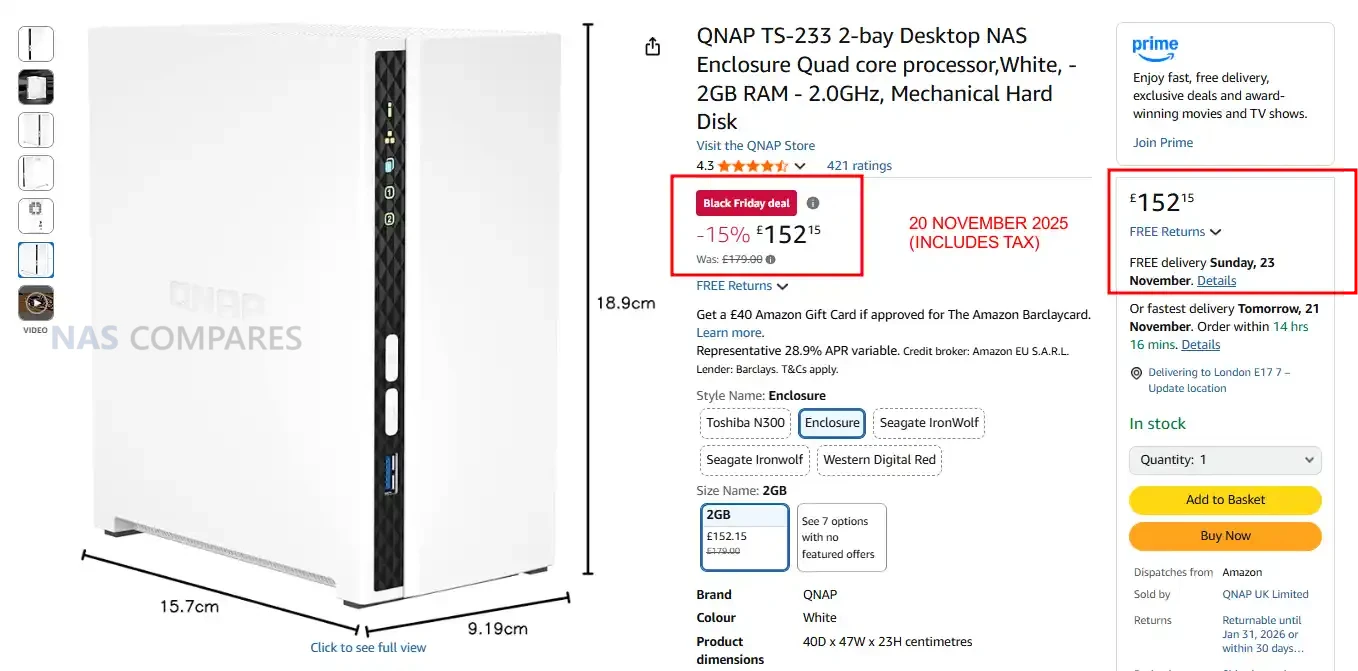
☕ WE LOVE COFFEE ☕

 
❌