Vue lecture

Il y a de nouveaux articles disponibles, cliquez pour rafraîchir la page.

Best PLEX, Jellyfin or Emby NAS of 2025

The Best PLEX, Emby and/or Jellyfin NAS Devices Released in 2025

Network media servers in 2025 range from tiny single drive boxes to fairly serious multi bay systems that can sit at the center of a home network. This article looks specifically at NAS hardware released in 2025 that can sensibly replace or supplement streaming services by running Plex, Jellyfin or Emby. The focus is on devices that arrive as complete appliances, with both hardware and a NAS style operating system included, so you can put a box on the network, install a media server app and start watching without building a PC or learning a full server stack.

To be included here, a NAS has to have gone on general sale in 2025, ship with its own OS rather than as a bareboard, and be able to run Plex Media Server, with Jellyfin and Emby support noted where it exists. In practical terms, that means hardware that can handle 4K and 1080p playback for multiple users and is realistically capable of at least 2 simultaneous 4K transcodes and 5 simultaneous 1080p transcodes, with a single exception where the overall package still makes sense for more limited workloads. RAID options, expansion, power use and noise are all taken into account, but the main filter is whether the device can function reliably as a modern media server on a typical home or small office network.

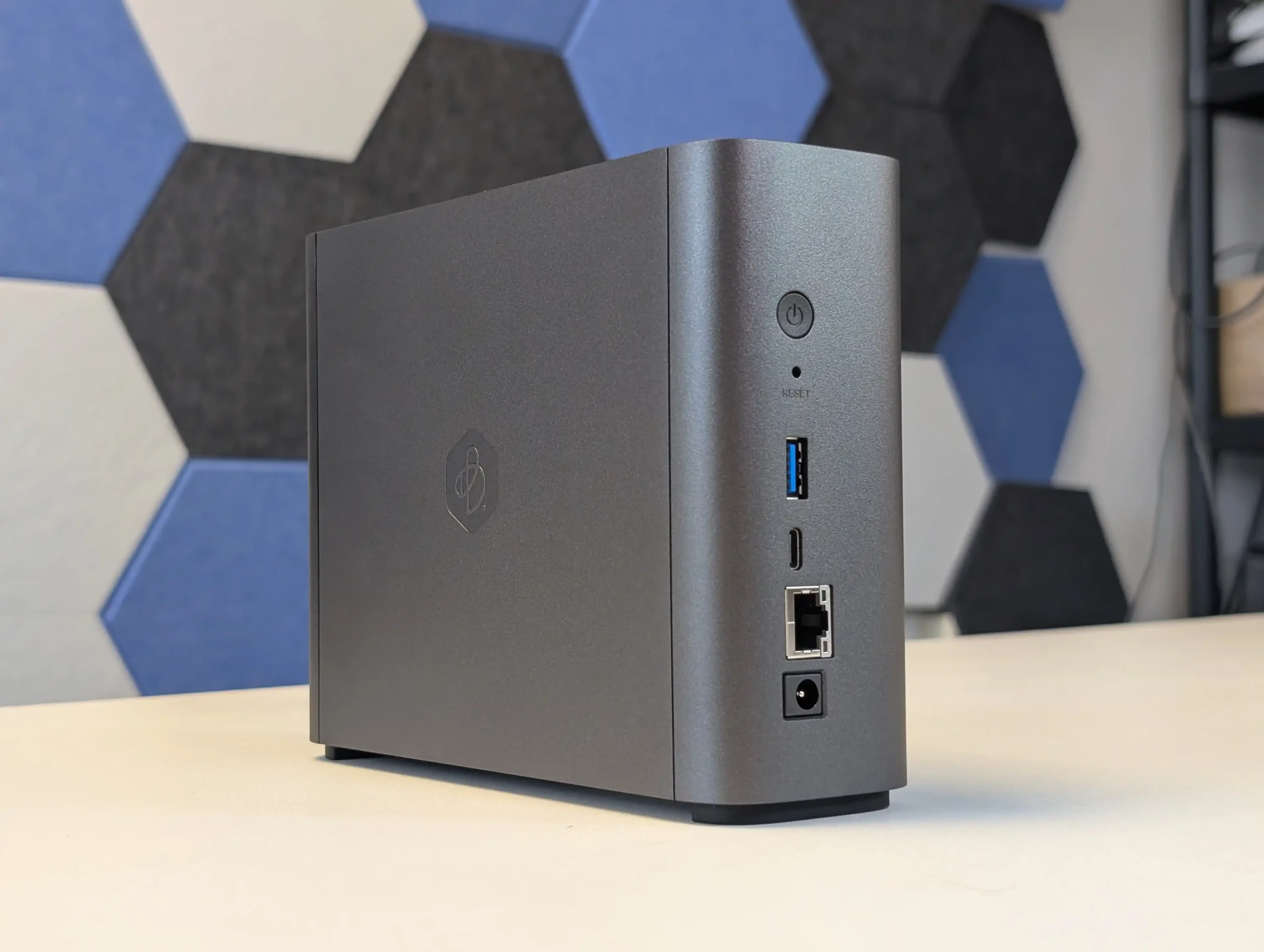
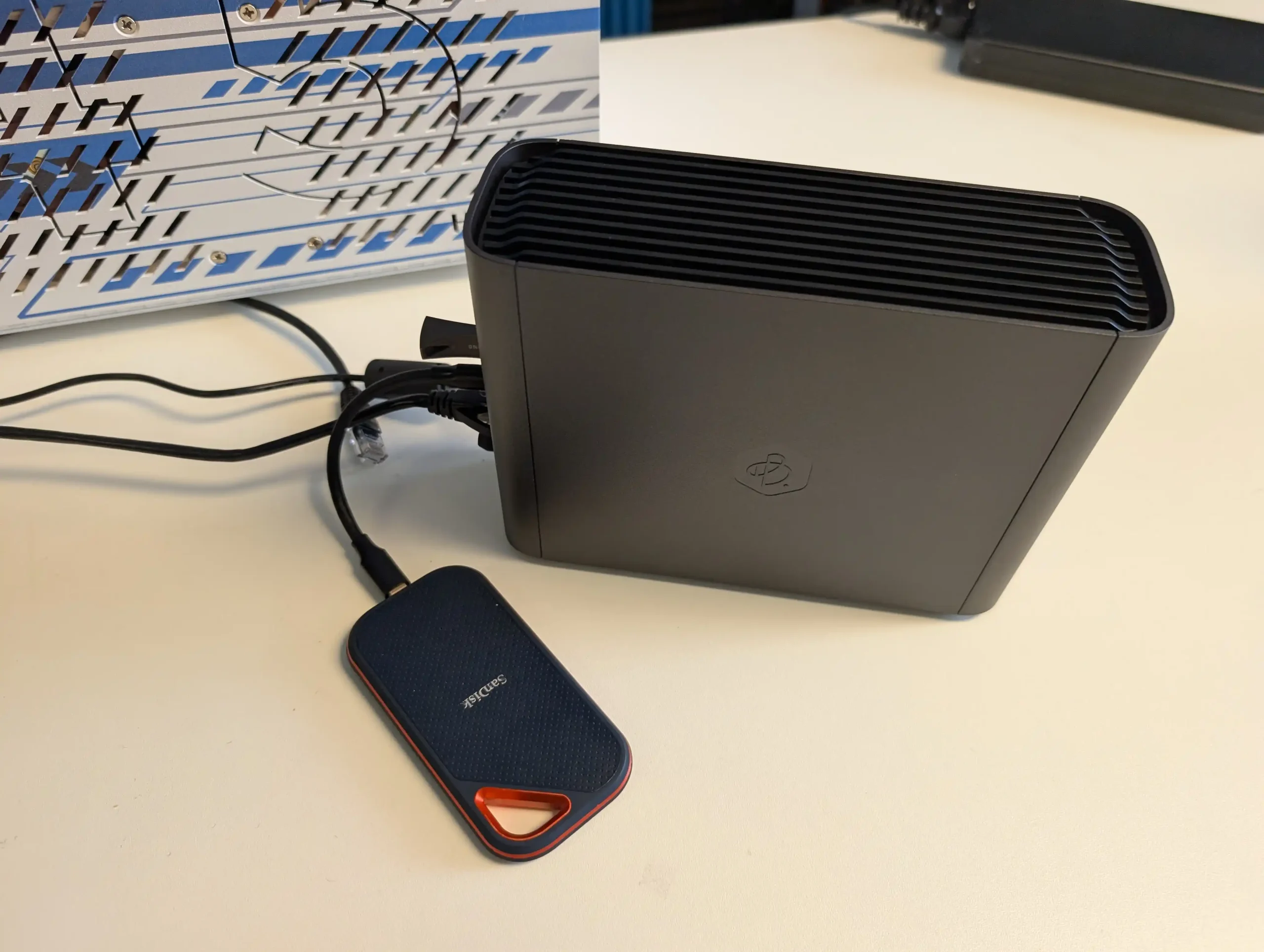
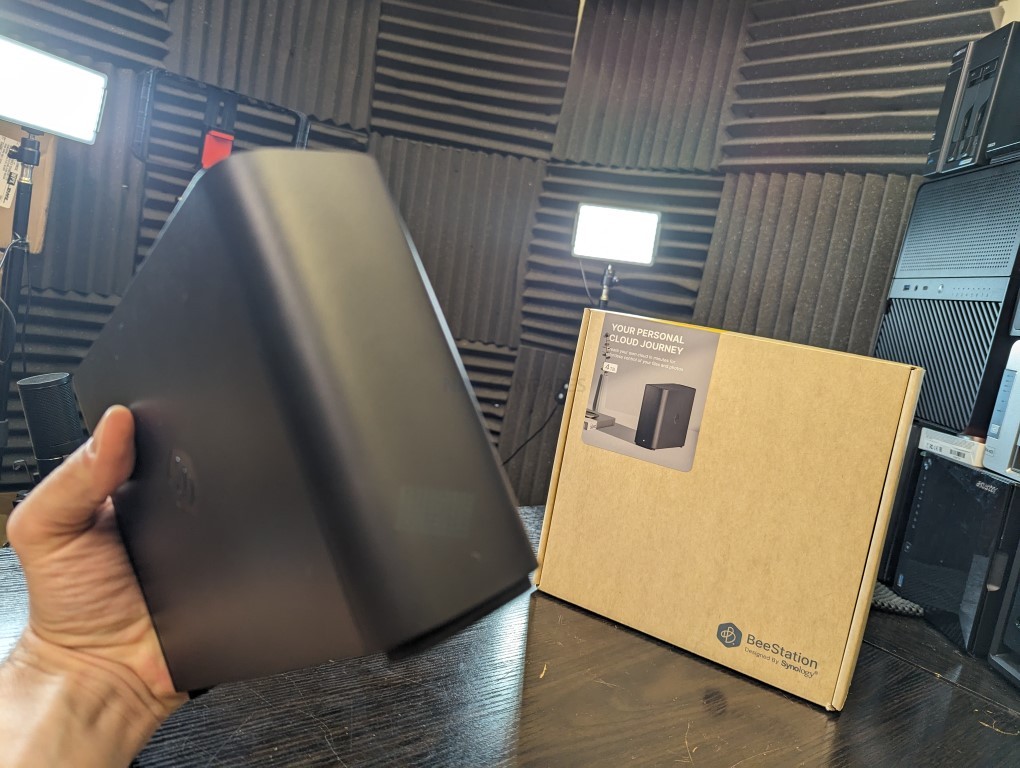
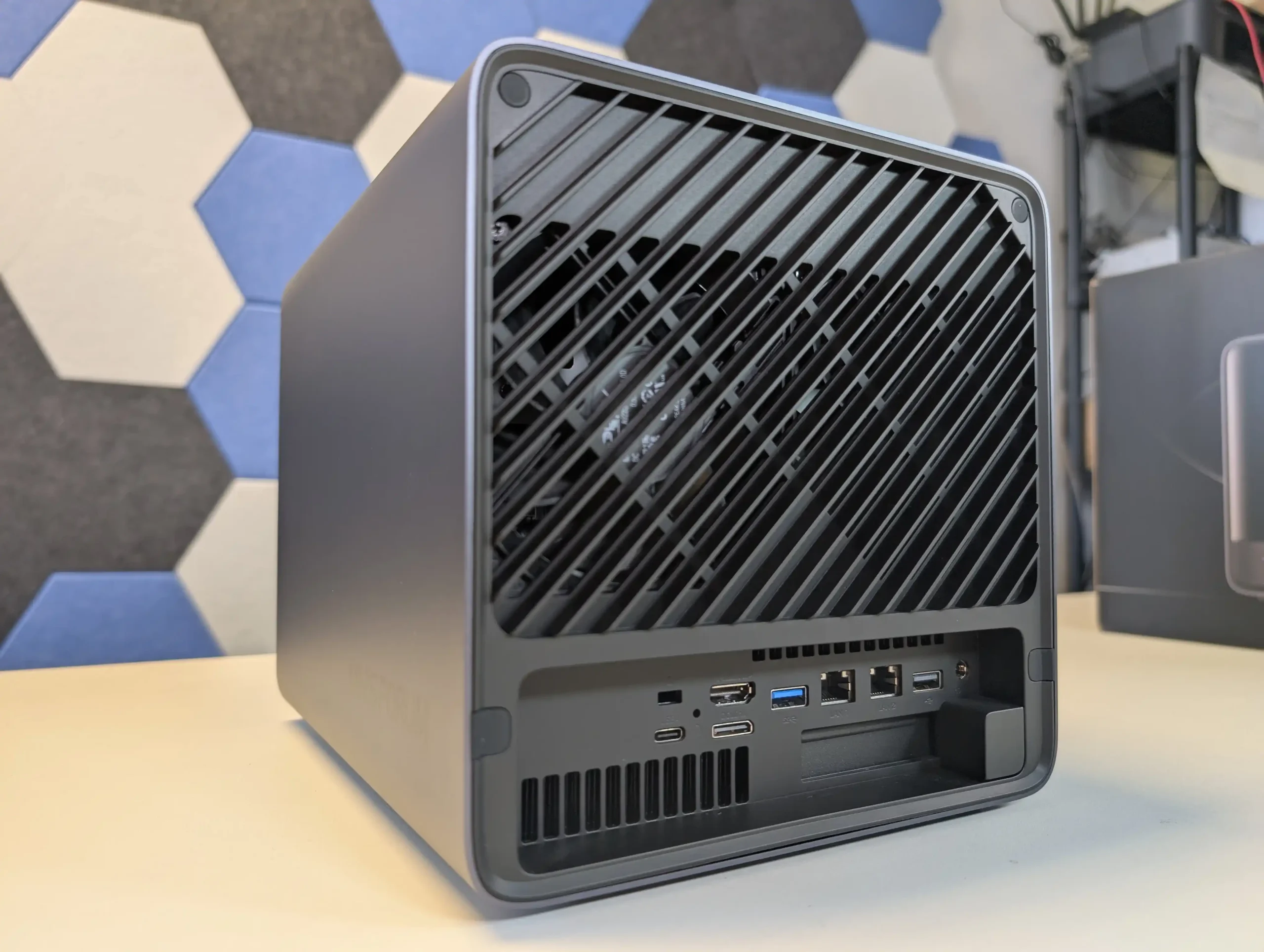
#1 Synology BeeStation Plus 8TB – $399 to $419

SPECS: Intel Celeron J4125 quad core 2.0 to 2.7 GHz – 4 GB DDR4 – 1 x 3.5″ 8 TB SATA bay (pre installed) – 1 x 1 GbE RJ45 / 1 x USB A 3.2 Gen 1 / 1 x USB C 3.2 Gen 1 – no M.2 SSD support.

BeeStation Plus is aimed at users who want a simple, appliance like Plex box rather than a configurable NAS. It runs Synology’s cut down BeeStation OS, has Plex Media Server support built in, and is set up entirely through a guided app and browser flow, so there is minimal configuration overhead. The hardware is sufficient for basic 4K and 1080p Plex use for a small number of clients, but the single non replaceable drive bay and lack of expansion, RAID options or M.2 slots mean it is best treated as a starter Plex unit for light libraries rather than a long term, scalable media server, and there is no official Jellyfin or Emby integration at this time.

What we said in our March ’25 Review HERE:

The Synology BeeStation marks a significant shift in Synology’s product line, targeting a new segment of users with its simplified yet functional design. This device stands out as an excellent middle ground between ease of use and a comprehensive private cloud system, providing secure and seamless access to stored data. While it is incredibly user-friendly and easy to set up, the lack of LAN access by default and its single-bay, 4TB-only configuration at launch might limit its appeal to more tech-savvy users or those seeking greater flexibility and expandability. The BeeStation’s unique selling point is its simplicity, making it a compelling choice for those new to NAS systems or for users who prioritize ease of use over extensive customization options. However, its simplicity also means that it lacks the extensive app support found in Synology’s DSM platform, potentially disappointing users accustomed to the richer application ecosystem offered by Synology’s more advanced models.
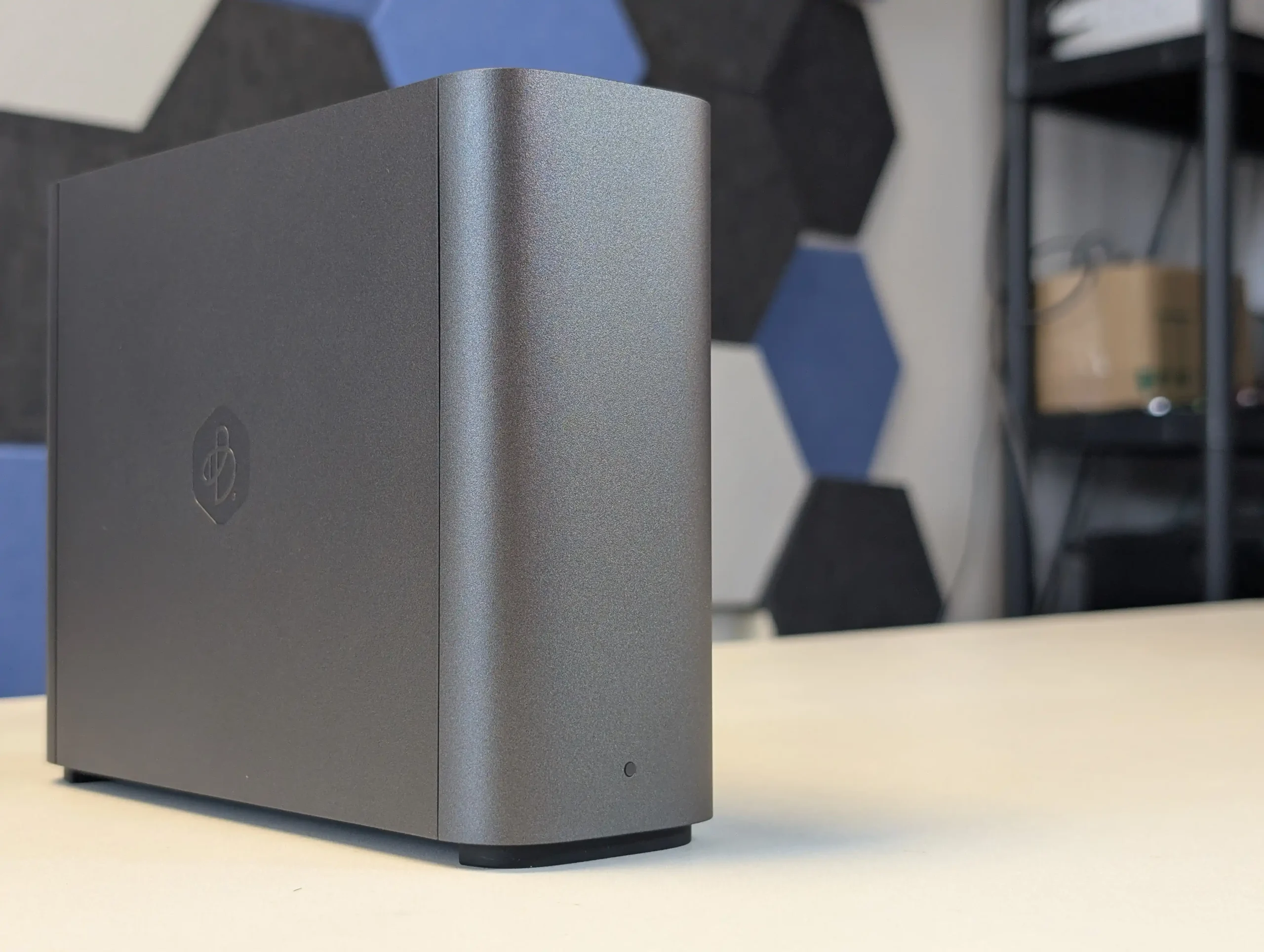
For users concerned about security, the BeeStation still upholds Synology’s reputation for secure data handling, with encrypted data transmission as a standard feature. However, experienced users who prefer a more hands-on approach to their NAS setup might find the BeeStation’s lack of advanced configuration options and its reliance on internet access for setup somewhat restrictive. In terms of market positioning, the BeeStation fills a gap left by other brands like WD and Seagate in offering ‘Easy NAS’ systems. Its competitive pricing, particularly considering the included 4TB of storage, makes it an attractive option for users seeking a private cloud solution without the recurring costs associated with third-party cloud services. Despite these potential drawbacks, the BeeStation is a solid entry-level NAS solution, especially for those seeking a personal cloud with minimal setup and maintenance. It may not be as feature-rich as Synology’s DSM-based NAS devices, but for its intended audience, the BeeStation provides a well-balanced combination of functionality, ease of use, and affordability. Synology’s move to cater to a broader, less technically inclined audience with the BeeStation demonstrates their understanding of market trends and user needs, offering a solution that balances simplicity with the reliability and quality Synology is known for.
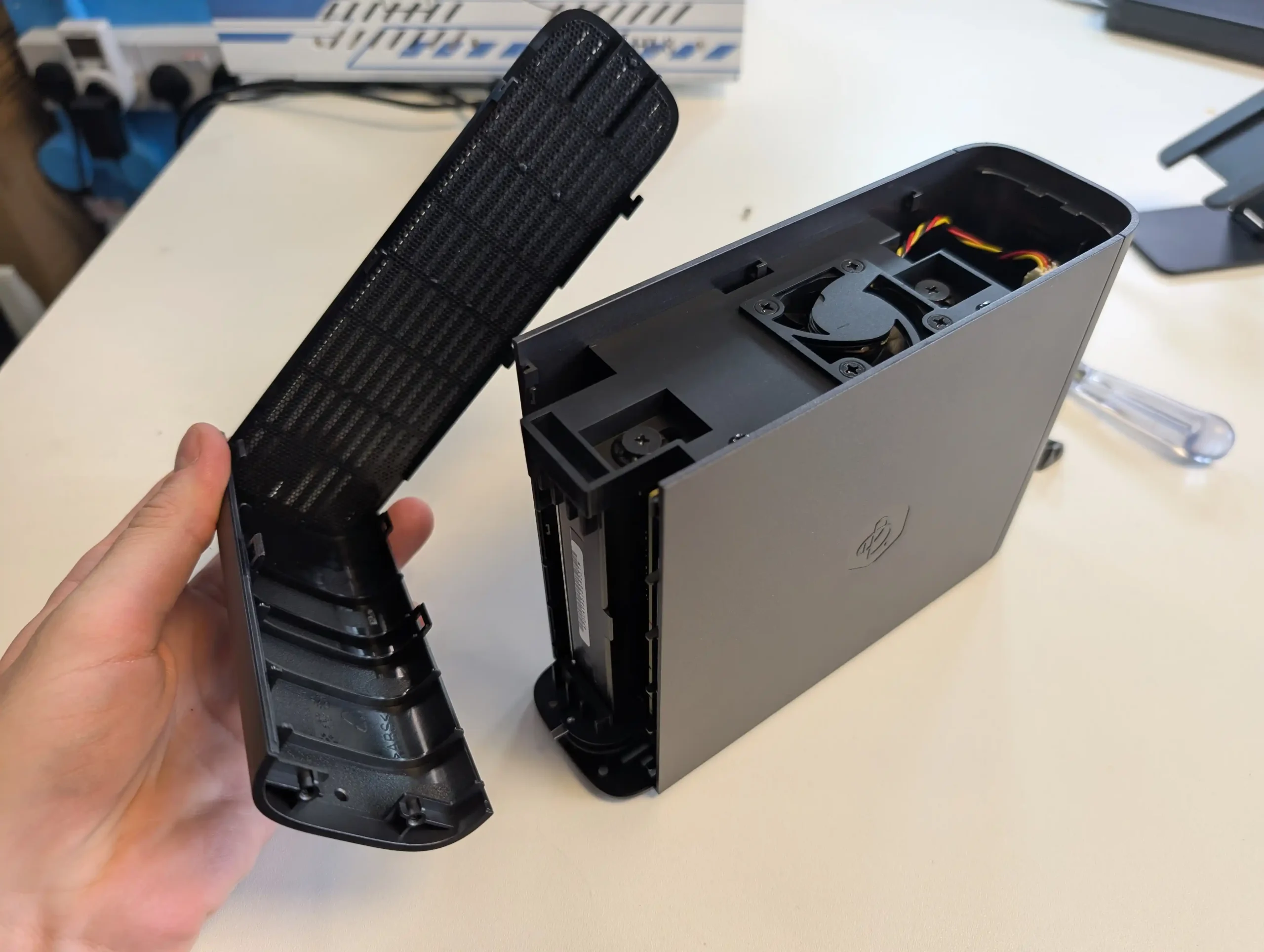
In the end, the Synology BeeStation is an ideal choice for users seeking a straightforward, reliable, and cost-effective personal cloud solution. It represents Synology’s commitment to diversifying their product range, catering to the evolving needs of different user segments. While it may not suit everyone, especially those looking for advanced features and customization, it excels in its role as a user-friendly, secure, and affordable entry-level NAS device.


SOFTWARE - 7/10
HARDWARE - 8/10
PERFORMANCE - 7/10
PRICE - 10/10
VALUE - 10/10


8.4
PROS
👍🏻User-friendly setup, ideal for beginners or those seeking a simple cloud solution.
👍🏻Secure data handling with encrypted data transmission.
👍🏻Comes with 4TB of storage included, offering good value.
👍🏻Compact and lightweight design, enhancing portability.
👍🏻Quiet operation, suitable for home or office environments.
👍🏻Integrates seamlessly with popular cloud services like Google Drive and OneDrive.
👍🏻Affordable pricing at $199, a cost-effective alternative to third-party cloud services.
👍🏻Supports remote access, allowing data management from anywhere and across client devices/OS
👍🏻Synologys reputation for quality and reliability is still clear on this smaller scale.
👍🏻Several client tools (BeeFiles, BeePhotos and Desktop sync tool) for Windows, Mac, iOS and Android available for tailored access
👍🏻System configuration backup option to USB/C2 (Often absent in budget cloud solutions)
👍🏻AI Photo Recognition in BeePhotos for faces, Objects and geo data scraping + Advanced filter/search
CONS
👎🏻Lacks the extensive app support and customization found in Synology\'s DSM platform.
👎🏻Only available in a single-bay, 4TB configuration at launch, limiting expandability.
👎🏻Single 5400RPM HDD running everything leads to slowdown more than you think!
👎🏻LAN access is disabled by default, which may not suit all users.
👎🏻Designed for a specific user base, may not meet the needs of more advanced users.


#2 Minisforum N5 NAS – $599 to $749

SPECS: AMD Ryzen 7 255 8 core 16 thread up to 4.9 GHz – up to 96 GB DDR5 via 2 SODIMM slots – 5 x 3.5″/2.5″ SATA bays – 1 x 10 GbE RJ45 / 1 x 5 GbE RJ45 / 2 x USB4 – 3 x M.2 2280 NVMe or U.2 SSD slots (PCIe 4.0).

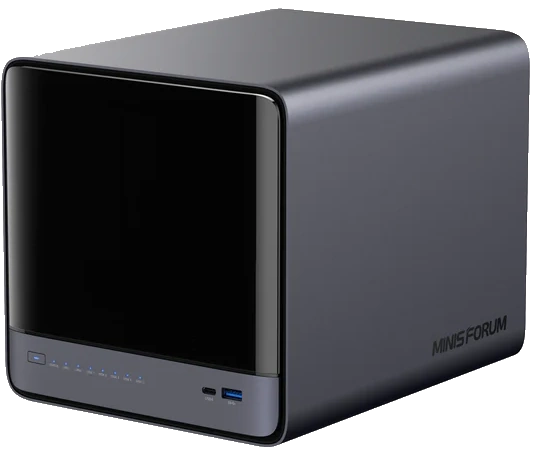
The Minisforum N5 is a compact 5-bay NAS that targets users who want preconfigured hardware with some workstation derived design features. It uses an x86 CPU in the same general class as the Aoostar WTR Max, paired with an internal storage module of 64 GB for the system volume, and is typically sold in the 599 to 699 USD range, with the separate Pro variant occupying a higher bracket. The chassis integrates a removable drive base section for easier maintenance, and the platform includes multi-gig networking up to 10 GbE and 5 GbE, a PCIe expansion slot and USB4 connectivity for additional bandwidth or external devices. Minisforum ships the N5 with its own NAS operating system to provide an immediate out of box experience, but the software is still relatively young and many buyers elect to overwrite the included module with a more established NAS or server OS. Throughout 2025, availability has been intermittent, reflecting a level of demand from home lab users who want higher specification NAS hardware without building entirely from individual components.
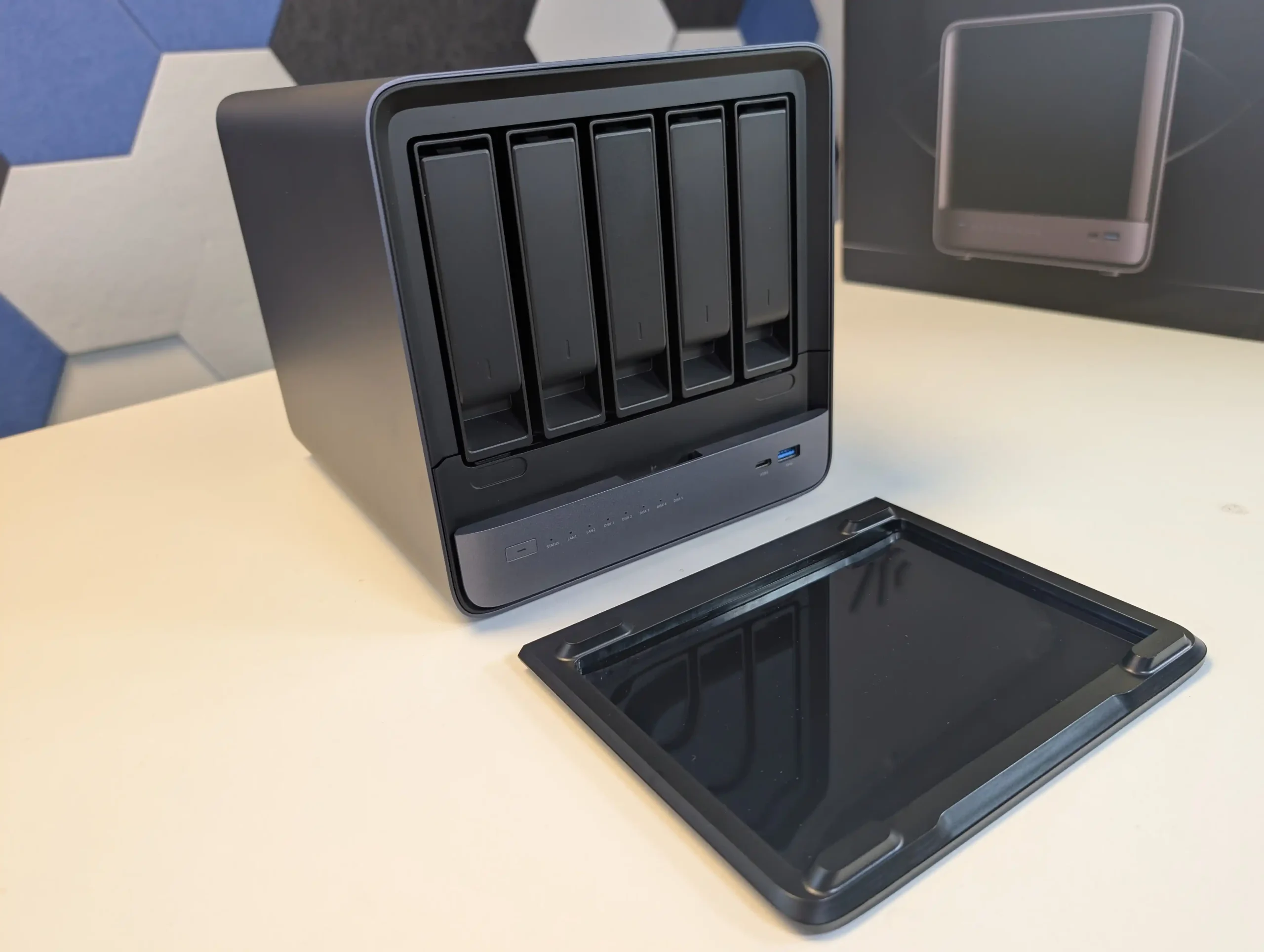
What we said in our July ’25 Review HERE:

The Minisforum N5 Pro is an impressive and highly versatile NAS platform that successfully combines the core strengths of a storage appliance with the capabilities of a compact, workstation-class server, making it suitable for demanding and varied use cases. Its defining features include a 12-core Ryzen AI 9 HX PRO 370 CPU with 24 threads and onboard AI acceleration up to 50 TOPS, support for up to 96GB of ECC-capable DDR5 memory for data integrity, and a hybrid storage architecture offering up to 144TB total capacity through a mix of five SATA bays and three NVMe/U.2 slots. Additional highlights such as ZFS file system support with snapshots, inline compression, and self-healing, along with high-speed networking via dual 10GbE and 5GbE ports, and expansion through PCIe Gen 4 ×16 and OCuLink interfaces, position it well beyond the capabilities of typical consumer NAS systems. The compact, fully metal chassis is easy to service and efficiently cooled, enabling continuous operation even under sustained virtual machine, AI, or media workloads.
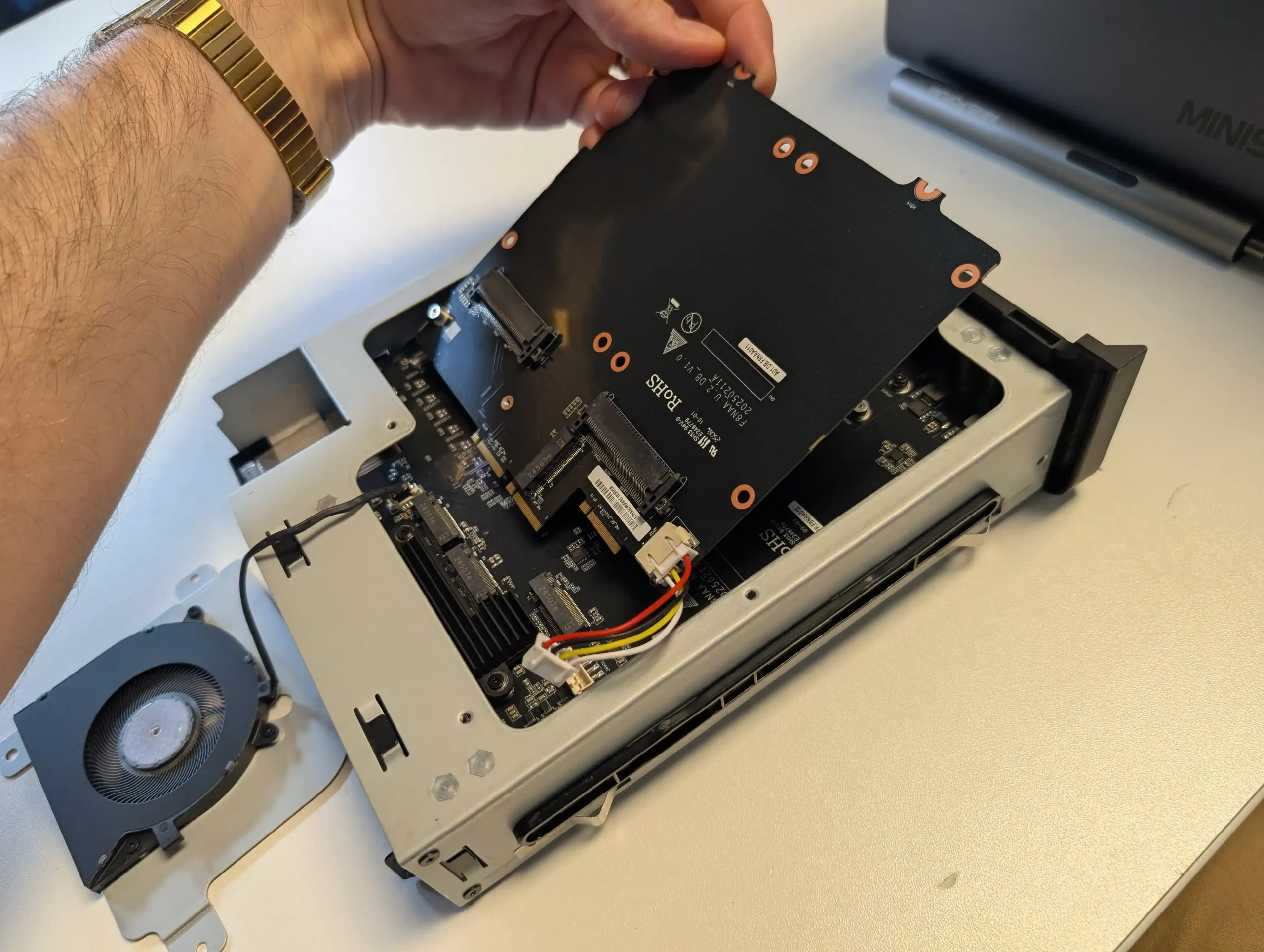
At the same time, the bundled MinisCloud OS, while feature-rich with AI photo indexing, Docker support, and mobile integration, remains a work in progress, lacking some enterprise-grade polish, robust localization, and more advanced tools expected in mature NAS ecosystems. Minor drawbacks such as the external PSU, the thermally challenged pre-installed OS SSD, and the higher cost of the Pro variant relative to the standard N5 are important to weigh, particularly for users who may not fully utilize the Pro’s ECC and AI-specific advantages. For advanced users, homelab builders, and technical teams who require high compute density, flexible storage, and full control over their software stack, the N5 Pro delivers workstation-level performance and configurability in NAS form—offering one of the most forward-thinking and adaptable solutions available today in this segment.
The is now available to buy:

  • Minisforum N5 Pro (Check Amazon) – HERE
  • Minisforum N5 Pro (Check AliExpress) – HERE
  • Shop for NAS Hard Drives on Amazon – HERE
  • Shop for SSDs for your N5 Pro on Amazon – HERE

BUILD QUALITY - 10/10
HARDWARE - 9/10
PERFORMANCE - 9/10
PRICE - 7/10
VALUE - 8/10


8.6
PROS
👍🏻High-performance AMD Ryzen™ AI 9 HX PRO 370 CPU with 12 cores, 24 threads, and AI acceleration (50 TOPS NPU) is INCREDIBLE for a compact desktop purchase
👍🏻Support for up to 96GB DDR5 memory with ECC, ensuring data integrity and stability in critical environments
👍🏻ZFS-ready storage with numerous ZFS and TRADITIONAL RAID configurations, snapshots, and inline compression
👍🏻Hybrid storage support: five 3.5\\\"/2.5\\\" SATA bays plus three NVMe/U.2 SSD slots, with up to 144TB total capacity
👍🏻Versatile expansion options including PCIe Gen 4 ×16 slot (×4 electrical) and OCuLink port for GPUs or NVMe cages
👍🏻Dual high-speed networking: 10GbE and 5GbE RJ45 ports with link aggregation support + (using the inclusive MinisCloud OS) the use of the USB4 ports for direct PC/Mac connection!
👍🏻Fully metal, compact, and serviceable chassis with thoughtful cooling and accessible internal layout - makes maintenance, upgrades and troubleshooting a complete breeze!
👍🏻Compatibility with third-party OSes (TrueNAS, Unraid, Linux) without voiding warranty, offering flexibility for advanced users
CONS
👎🏻MinisCloud OS is functional but immature, with unfinished localisation and limited advanced enterprise features - lacks MFA, iSCSI, Security Scanner and More. Nails several key fundamentals, but still feels unfinished at this time.
👎🏻Despite External PSU design (will already annoy some users), it generates a lot of additional heat and may not appeal to all users overall
👎🏻Preinstalled 64GB OS SSD runs hot under sustained use and lacks dedicated cooling. Plus, losing one of the 3 m.2 slots to it will not please everyone (most brands manage to find a way to apply an eMMC into the board more directly, or use a USB bootloader option as a gateway for their OS
👎🏻Premium $1000+ pricing may be hard to justify for users who don’t need ECC memory or AI capabilities compared to the standard N5 at $500+


#3 TerraMaster F4 SSD NAS – $320 to $399

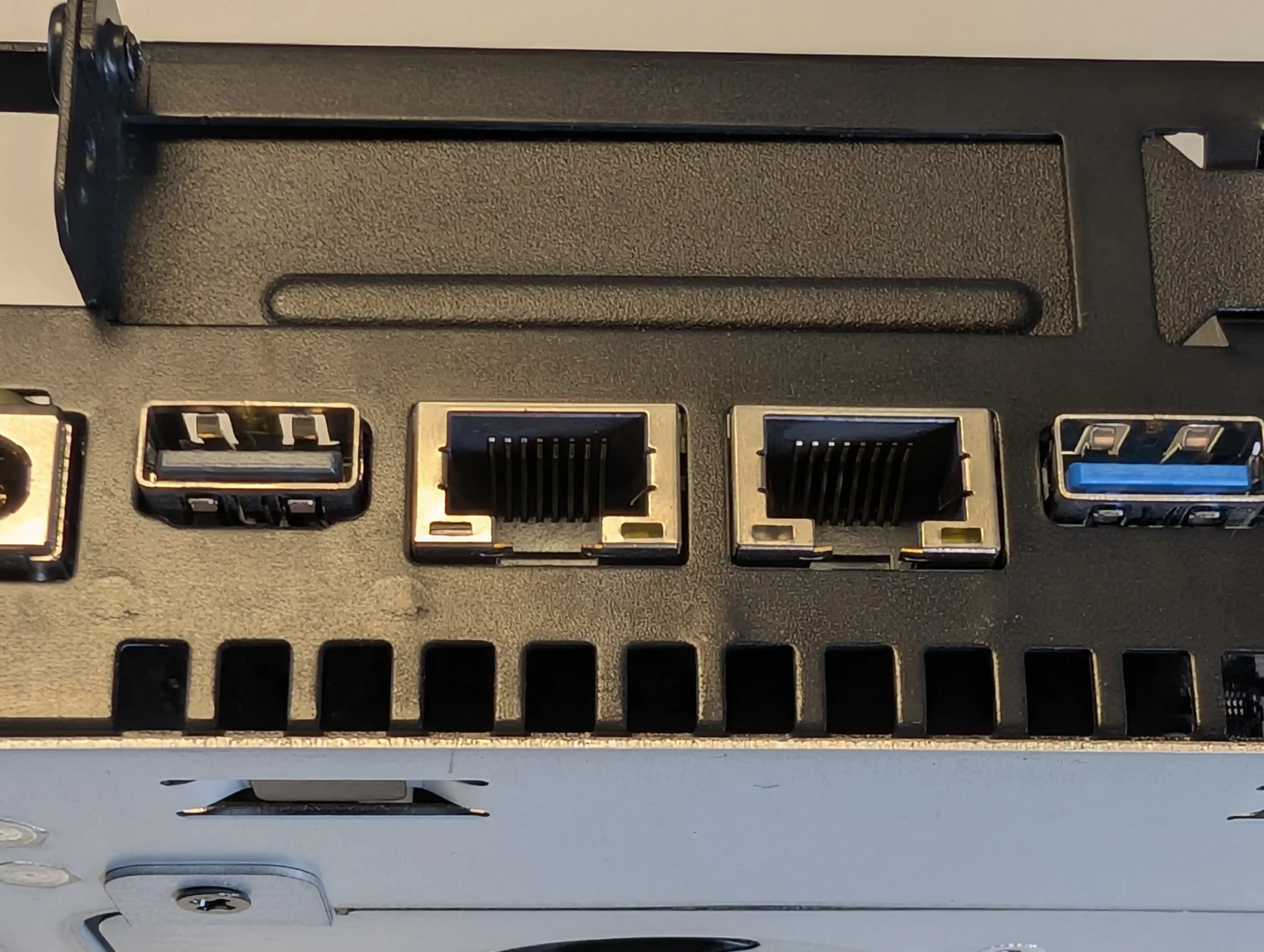
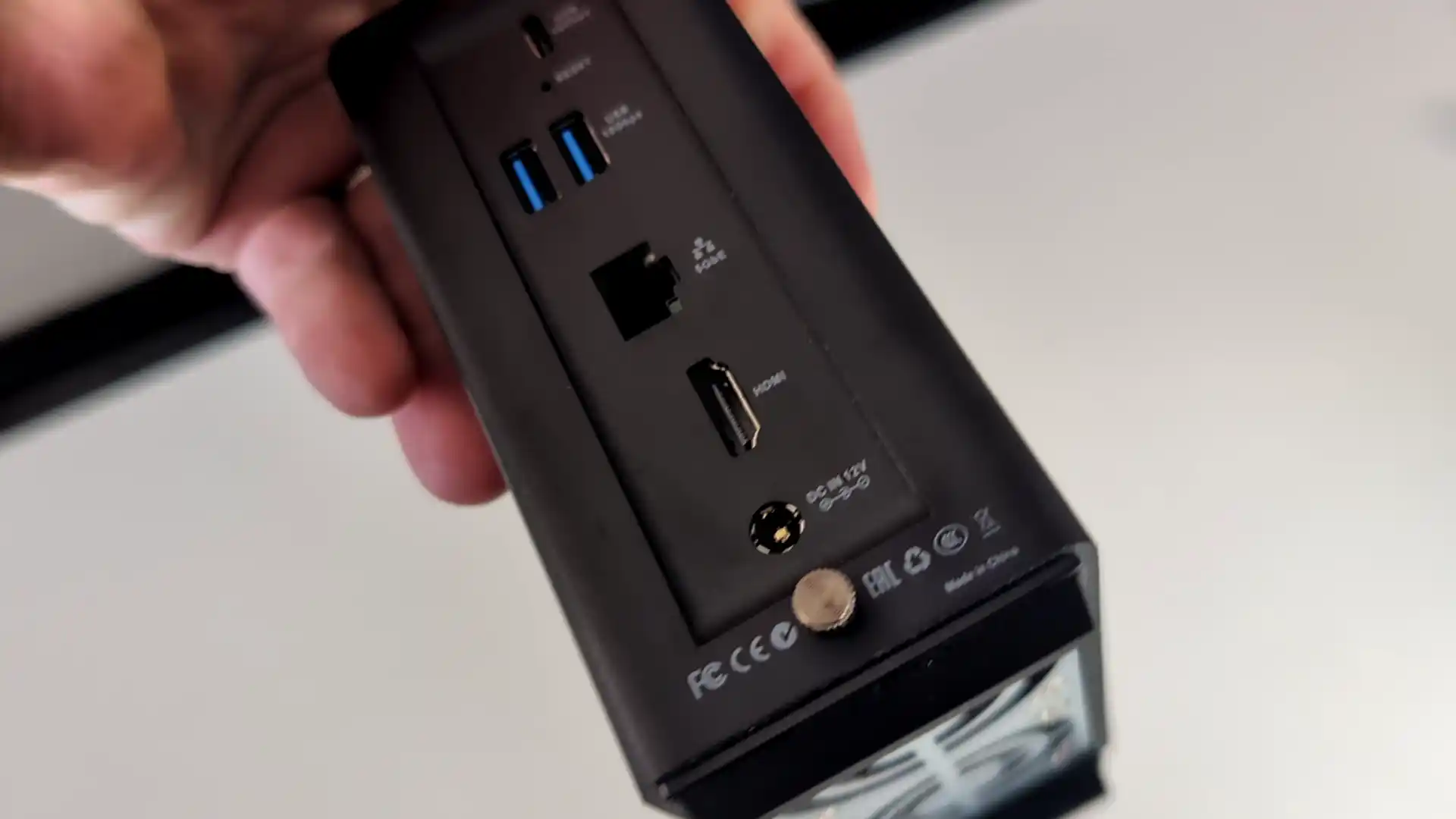
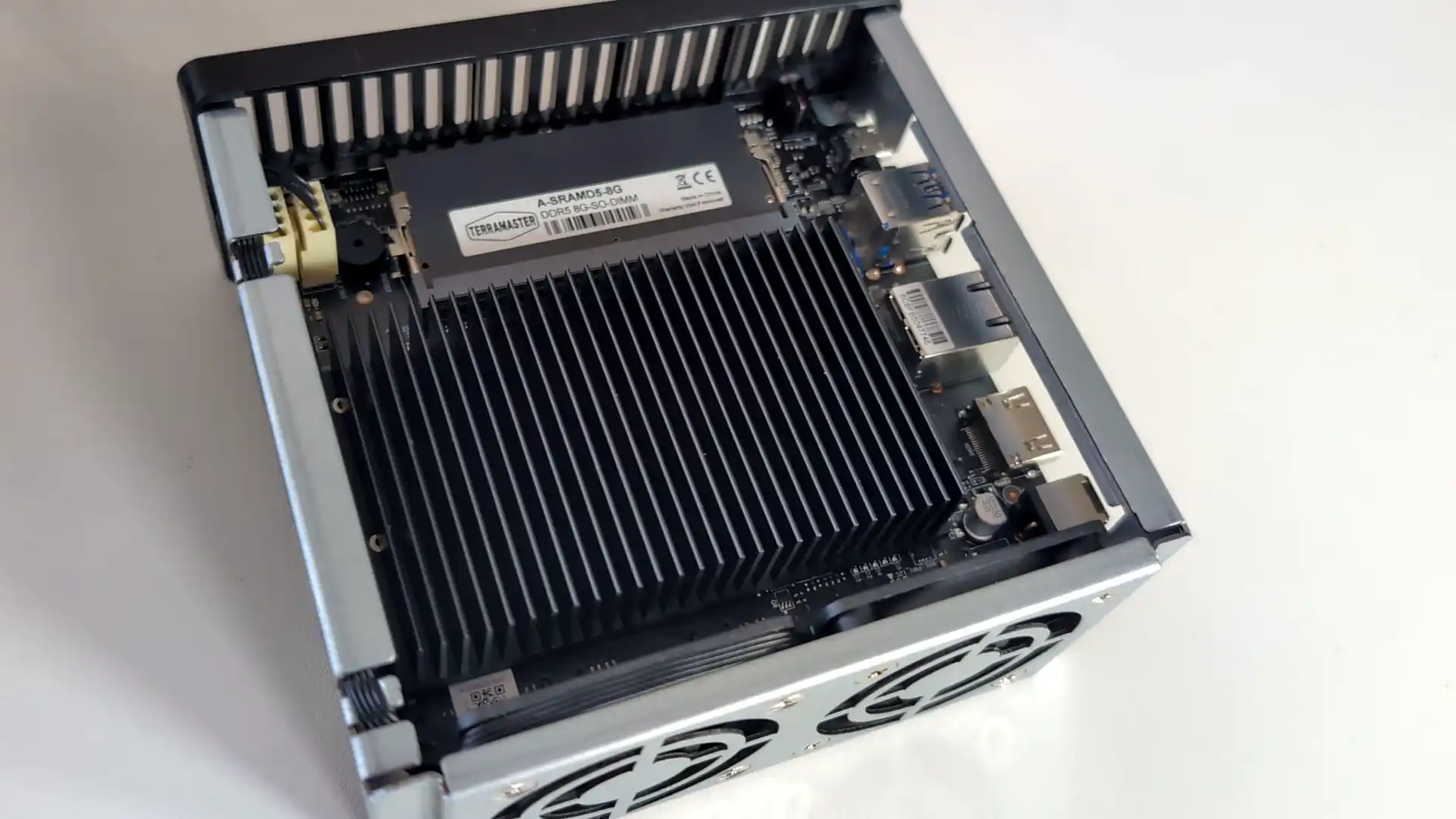
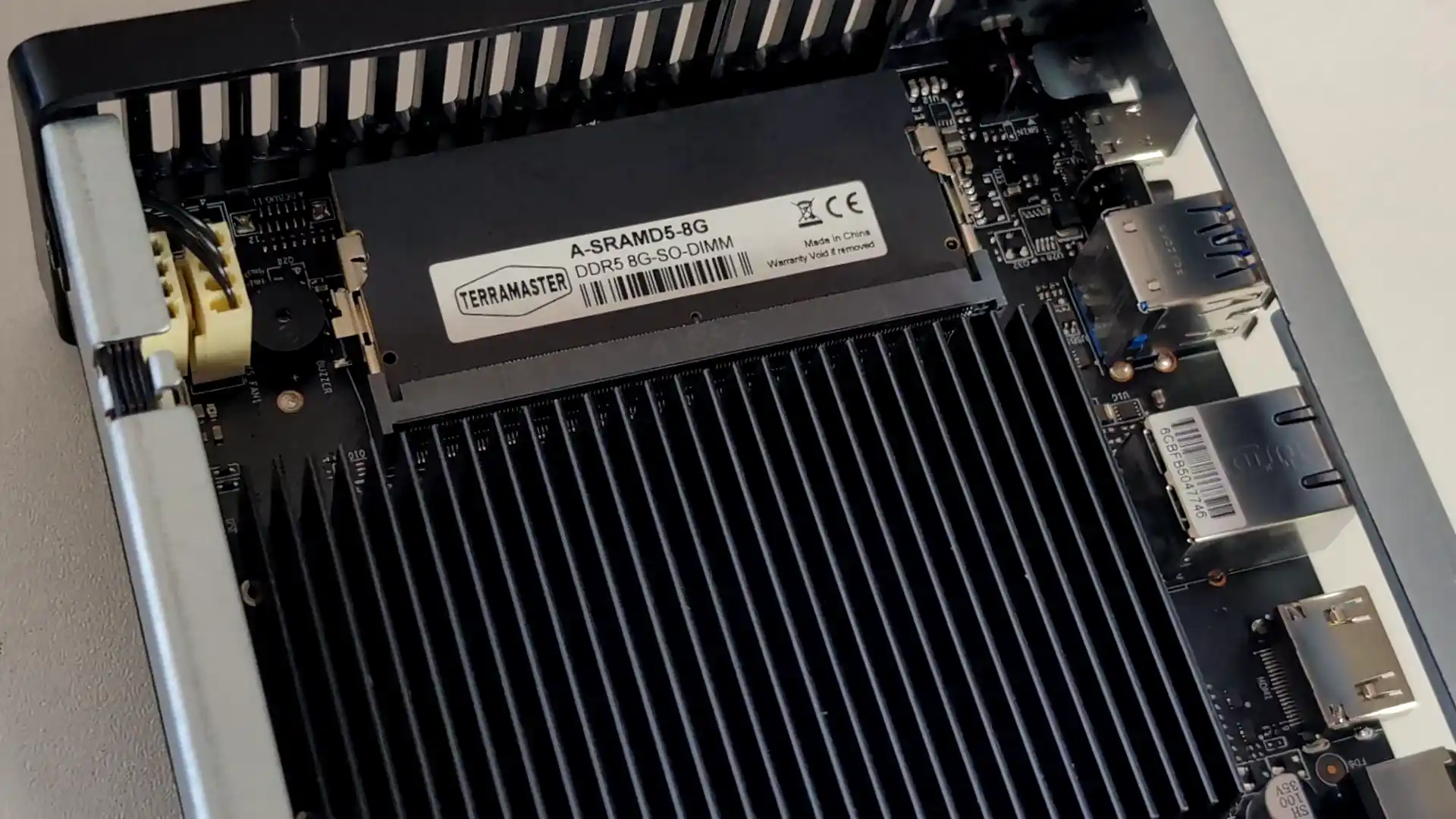
SPECS: Intel N95 quad core up to 3.4 GHz – 8 GB DDR5 (expandable to 32 GB) – 4 x M.2 2280 NVMe SSD bays – 1 x 5 GbE RJ45 / 2 x USB A 3.2 Gen 2 / 1 x USB C 3.2 Gen 2 / HDMI 2.0b – 4 x M.2 NVMe PCIe 3.0 slots (2 x2 / 2 x1).

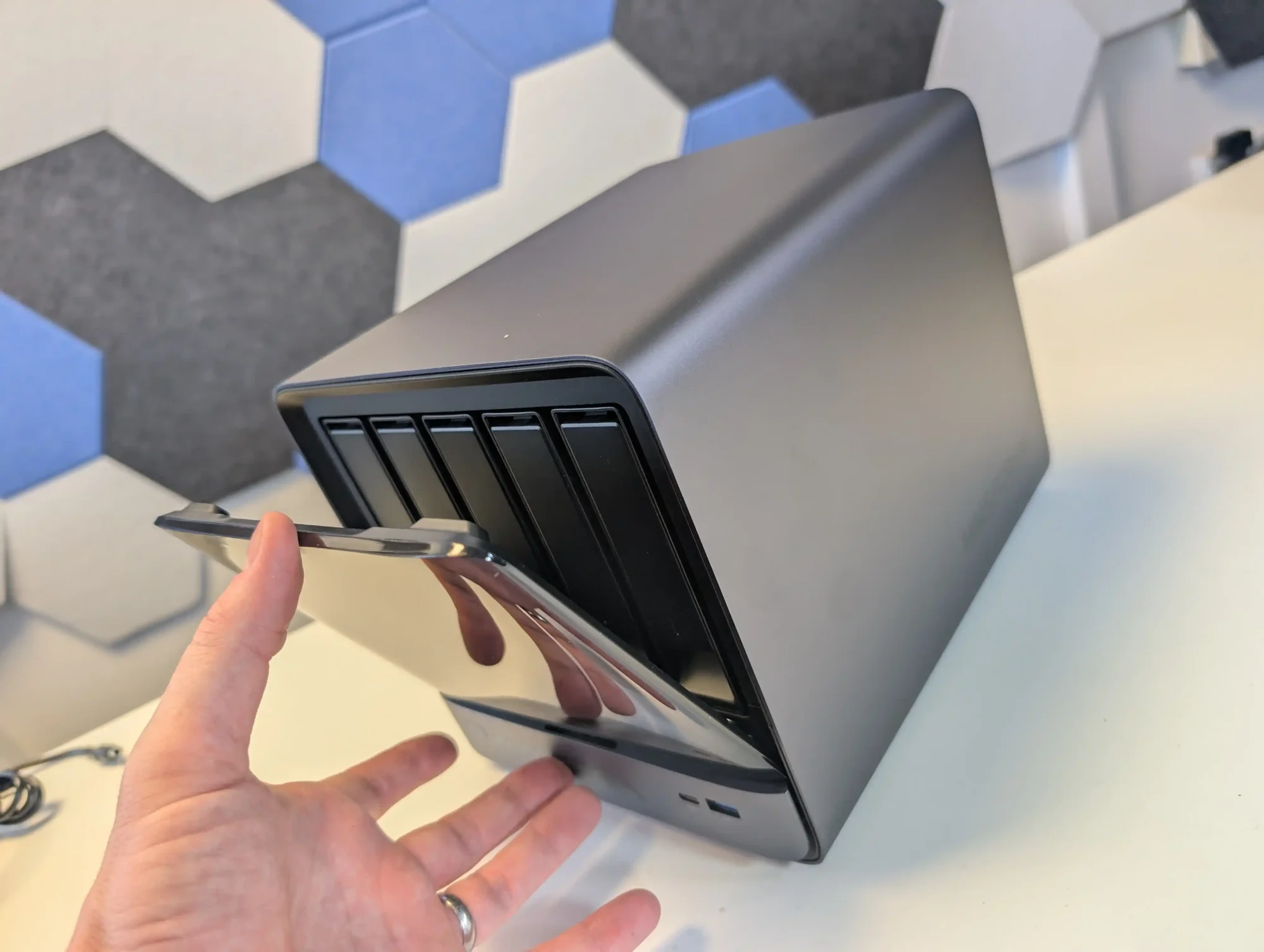
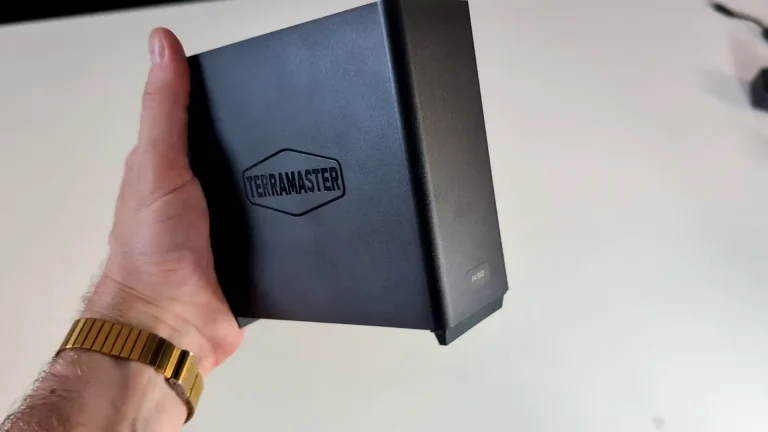
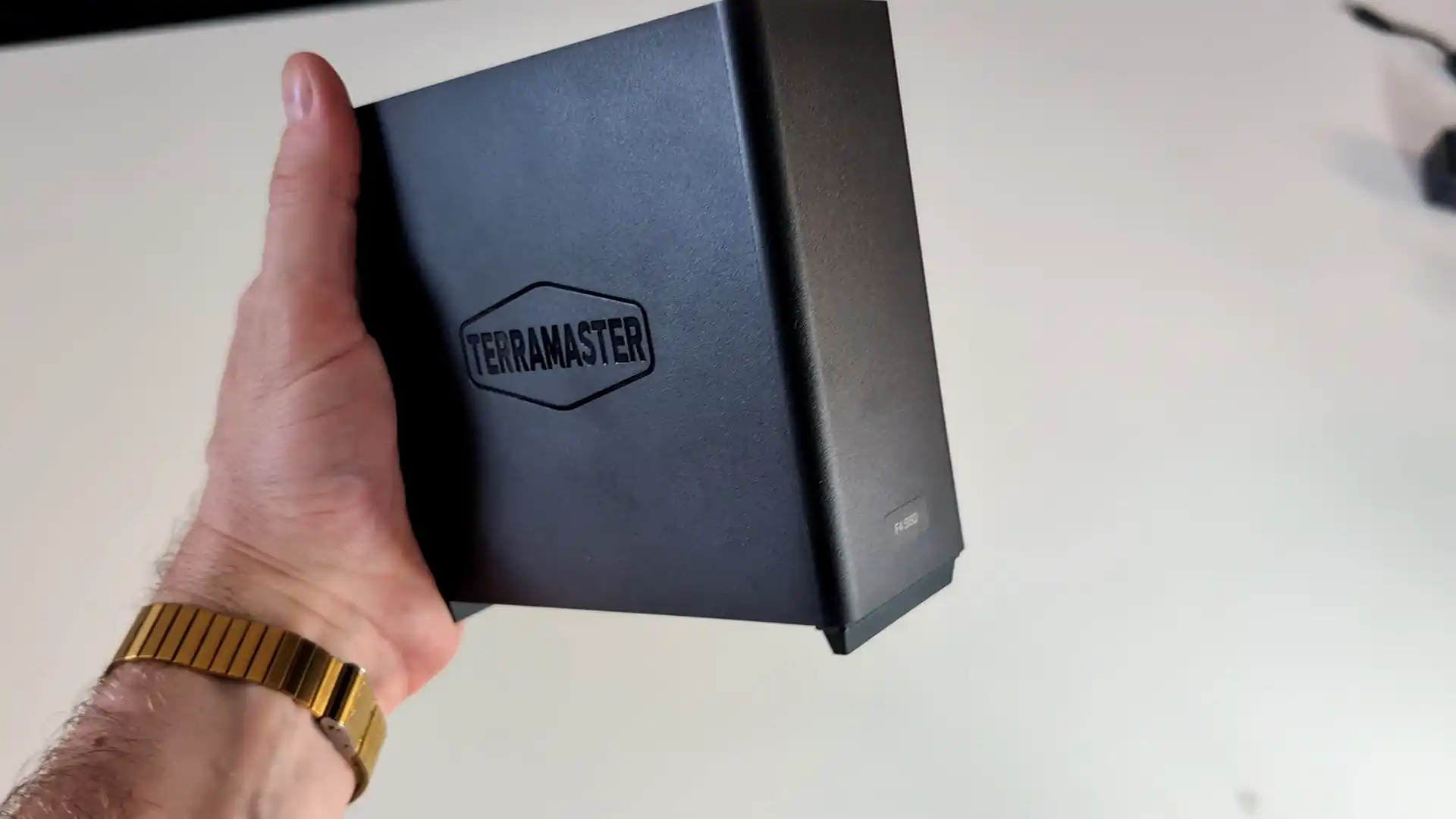
The F4 SSD is an all flash NAS designed for users who want a compact, relatively low power Plex or Jellyfin server without mechanical drives. Its Intel N95 CPU and integrated graphics are sufficient for multiple 1080p and a modest number of 4K transcodes, and the 5 GbE interface allows the box to make use of higher network throughput than 1 GbE units. TerraMaster’s TOS 6 system offers a one click Plex package and container support for Jellyfin and Emby, but the interface and ecosystem are less refined than those from the largest NAS brands, and performance is ultimately limited by the entry level CPU and PCIe layout when many concurrent streams or heavier background tasks are involved.
What we said in our Aug ’25 Review HERE:

The TerraMaster F4 SSD presents itself as a well-considered entry into the compact, all-flash NAS segment, balancing low noise, energy efficiency, and competitive performance at a sub-$400 price point. With its fanless NVMe-based design, Intel N95 quad-core processor, and DDR5 memory, it meets the essential needs of home and small office users looking for a reliable and responsive storage solution. The inclusion of TerraMaster’s increasingly capable TOS 6 operating system, featuring AI-driven photo management, centralized backup, and Docker/VM support, makes it more than just a network storage device—it becomes a lightweight but versatile data center for the home. Its TRAID support allows for mixed SSD deployments with easy expansion, which is particularly attractive to users upgrading gradually or working within budget constraints. The thoughtful internal layout and cooling also ensure performance remains consistent even under sustained load, without sacrificing the near-silent operation.
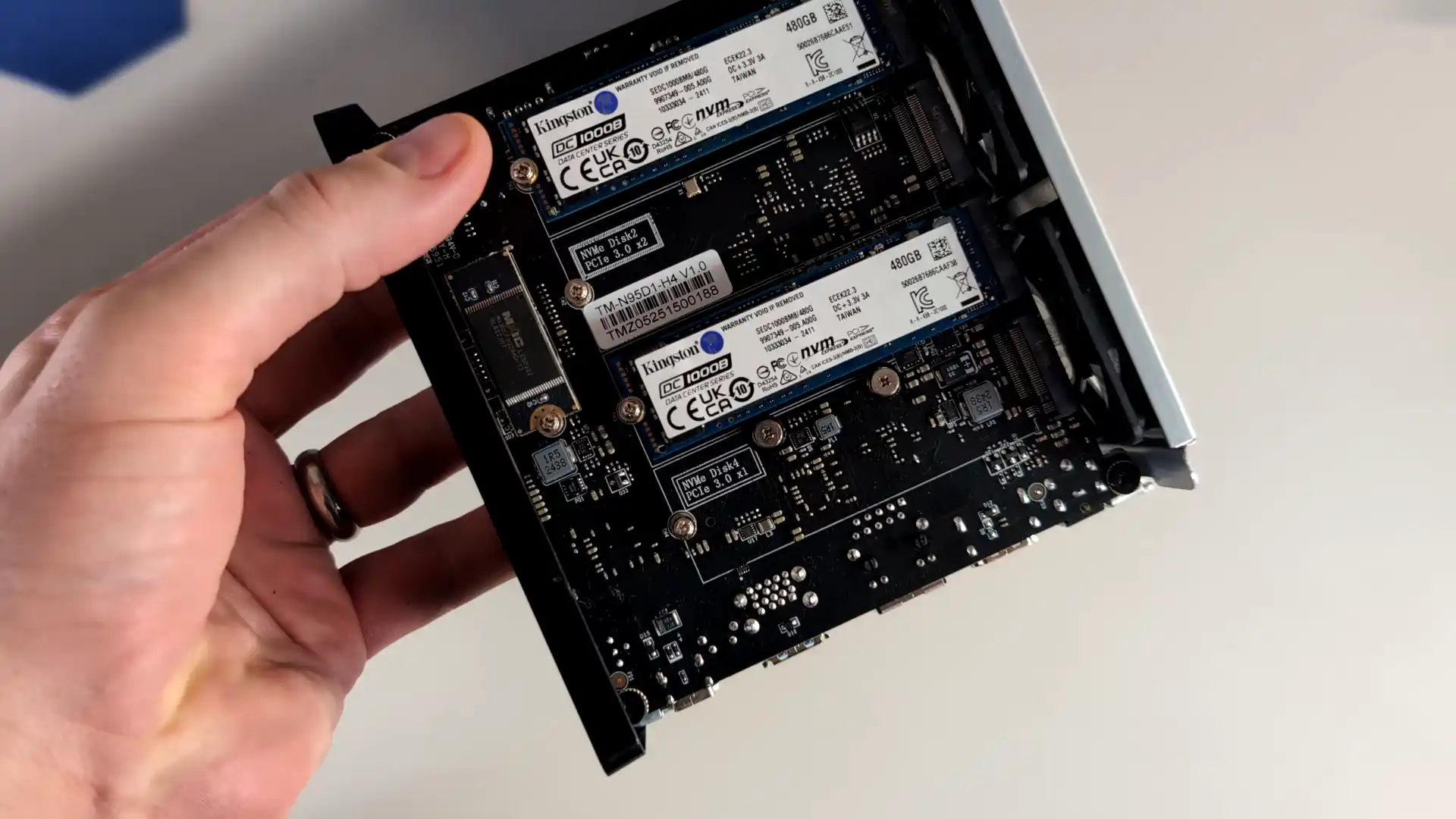
However, the F4 SSD is not without caveats. The use of a single 5GbE port, without redundancy or aggregation, may deter users requiring network failover or higher throughput for simultaneous operations. Additionally, although the PCIe lane allocation strategy maximizes the N95’s limited bandwidth, the asymmetry between Gen3 x2 and x1 slots could bottleneck RAID performance depending on how volumes are configured. When compared to the larger F8 SSD or DIY options with dual 10GbE or ECC support, the F4 SSD may feel limiting to power users or business environments with stricter reliability requirements. That said, for the vast majority of home users, content creators, and prosumers looking for an all-in-one, high-speed NAS that blends well into living spaces, the F4 SSD delivers a solid and accessible solution. Its price-to-performance ratio, combined with the simplicity of deployment and maturing software ecosystem, makes it a compelling option in the growing market of SSD NAS devices.
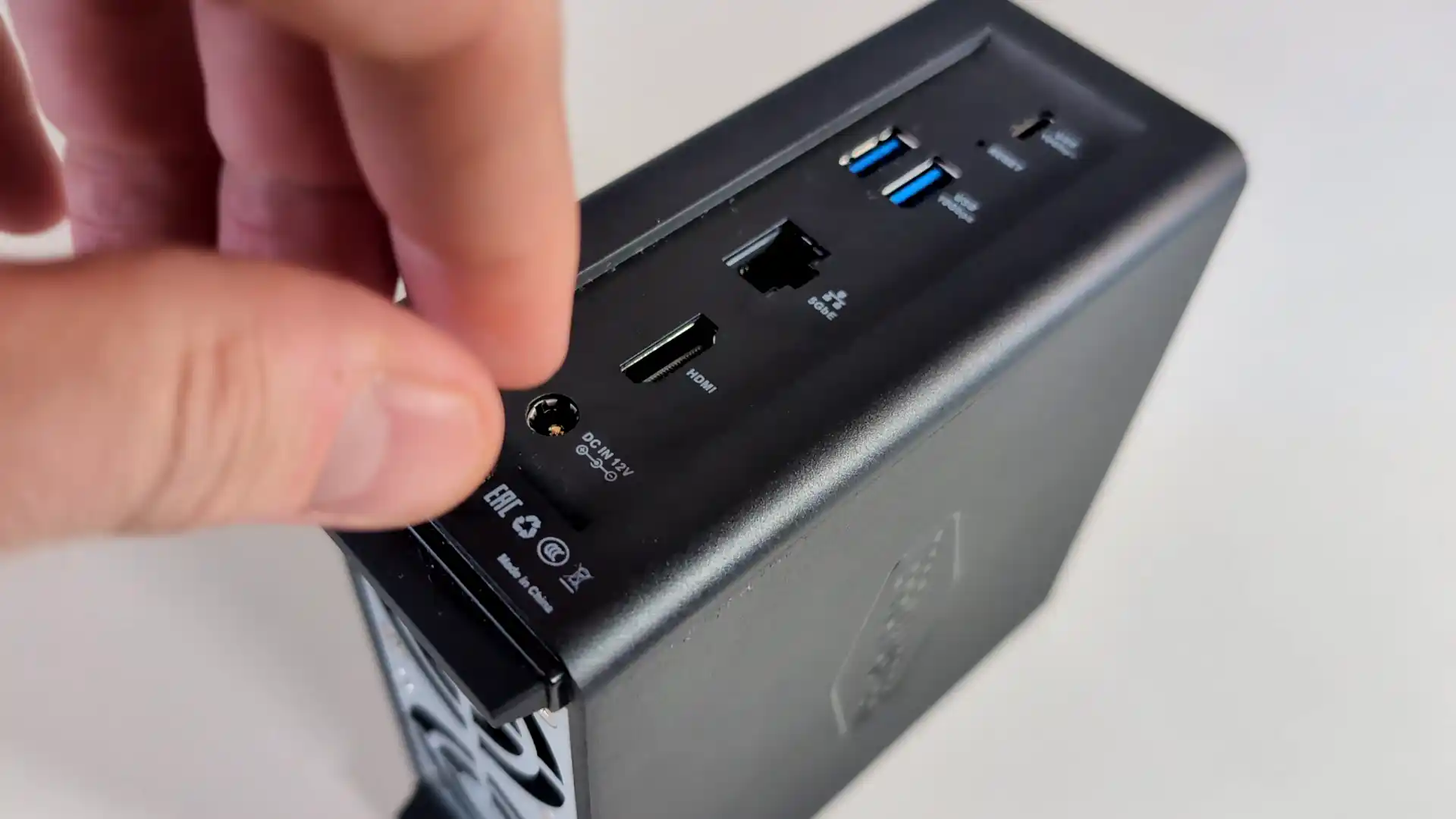
Terramaster F4 SSD NAS

Amazon in Your Region for the Terramaster F4 SSD NAS @ $399

B&H for the Terramaster F4 SSD NAS @ $399.99

SOFTWARE - 7/10
HARDWARE - 8/10
PERFORMANCE - 7/10
PRICE - 9/10
VALUE - 9/10


8.0
PROS
👍🏻Compact, toolless chassis with easy-access thumb screw and SSD installation
👍🏻All-flash NVMe architecture with support for four M.2 2280 SSDs
👍🏻5GbE network port enables high-speed local and remote transfers
👍🏻TRAID and TRAID+ allow mixed-capacity SSDs and seamless storage expansion
👍🏻TOS 6 OS includes Plex, Jellyfin, Docker, VM support, and AI photo indexing
👍🏻Quiet operation (19 dB) and low power usage (32W under load)
👍🏻Priced competitively at $399 for a turnkey SSD NAS
CONS
👎🏻Single 5GbE port with no failover or link aggregation
👎🏻Two of the four SSD slots are limited to PCIe Gen3 x1, creating potential RAID bottlenecks
👎🏻Non-ECC DDR5 memory may not meet strict data integrity requirements


#4 ZimaBoard 2 Single Board Server – $239 to $349

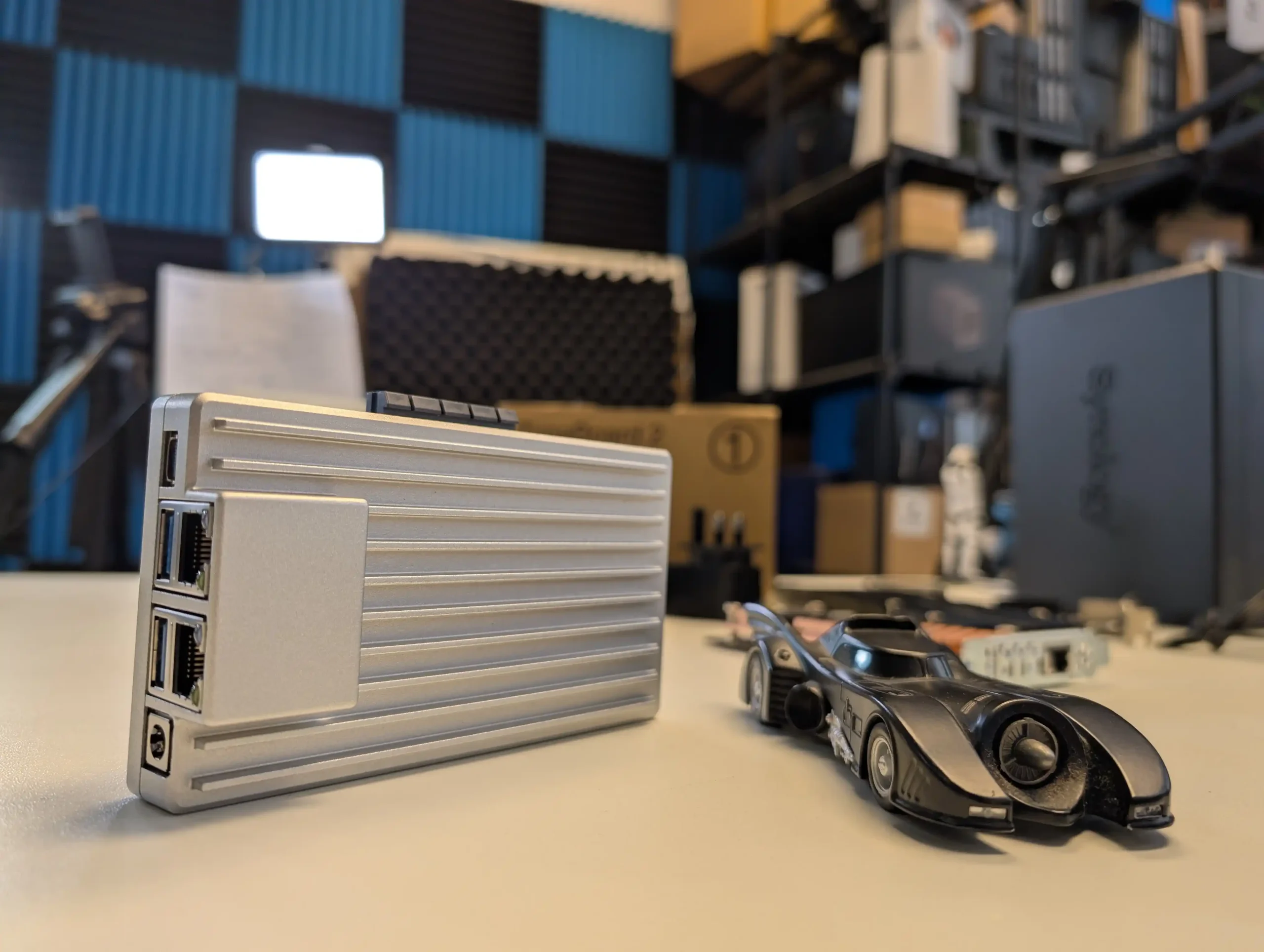
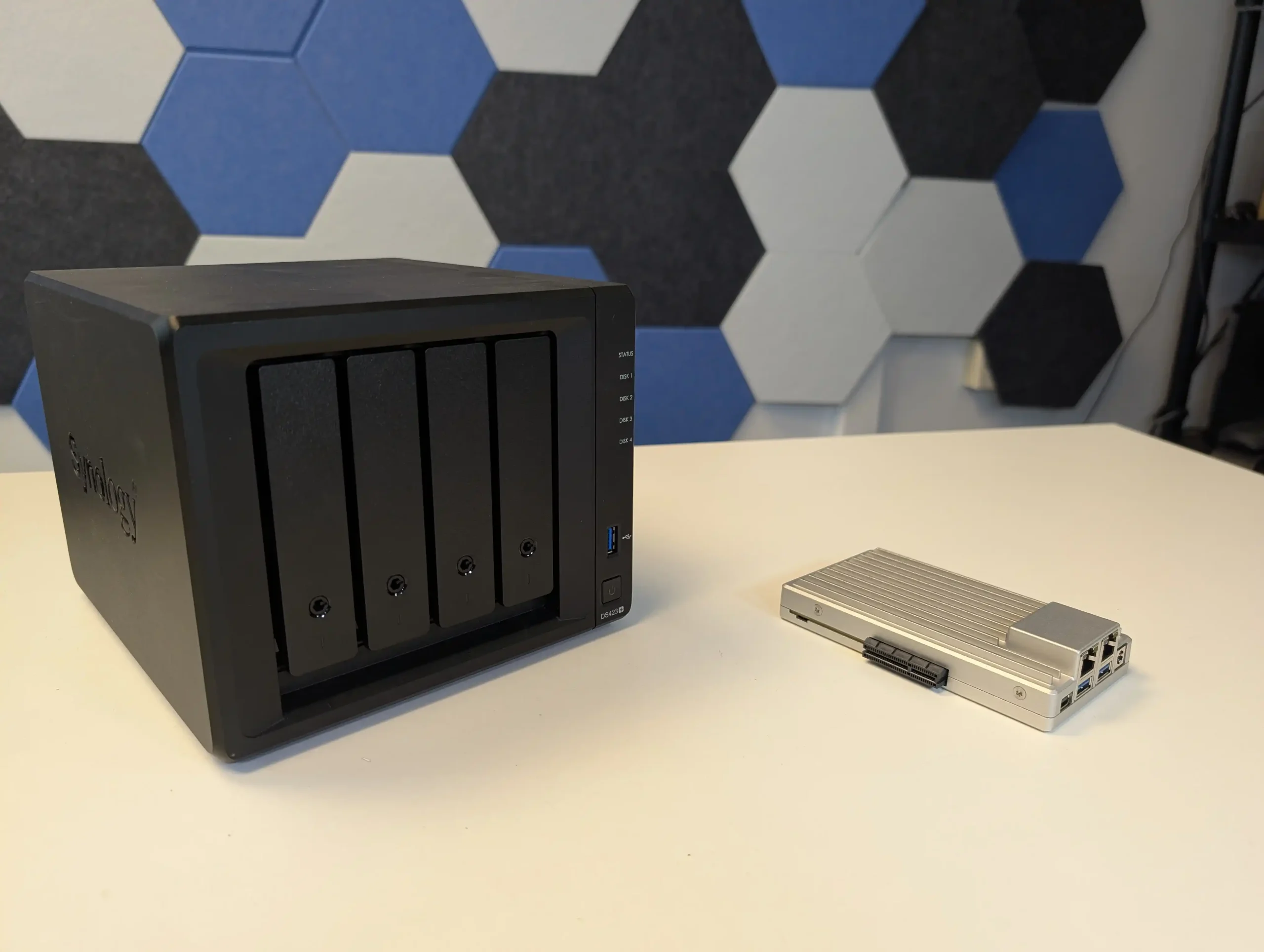
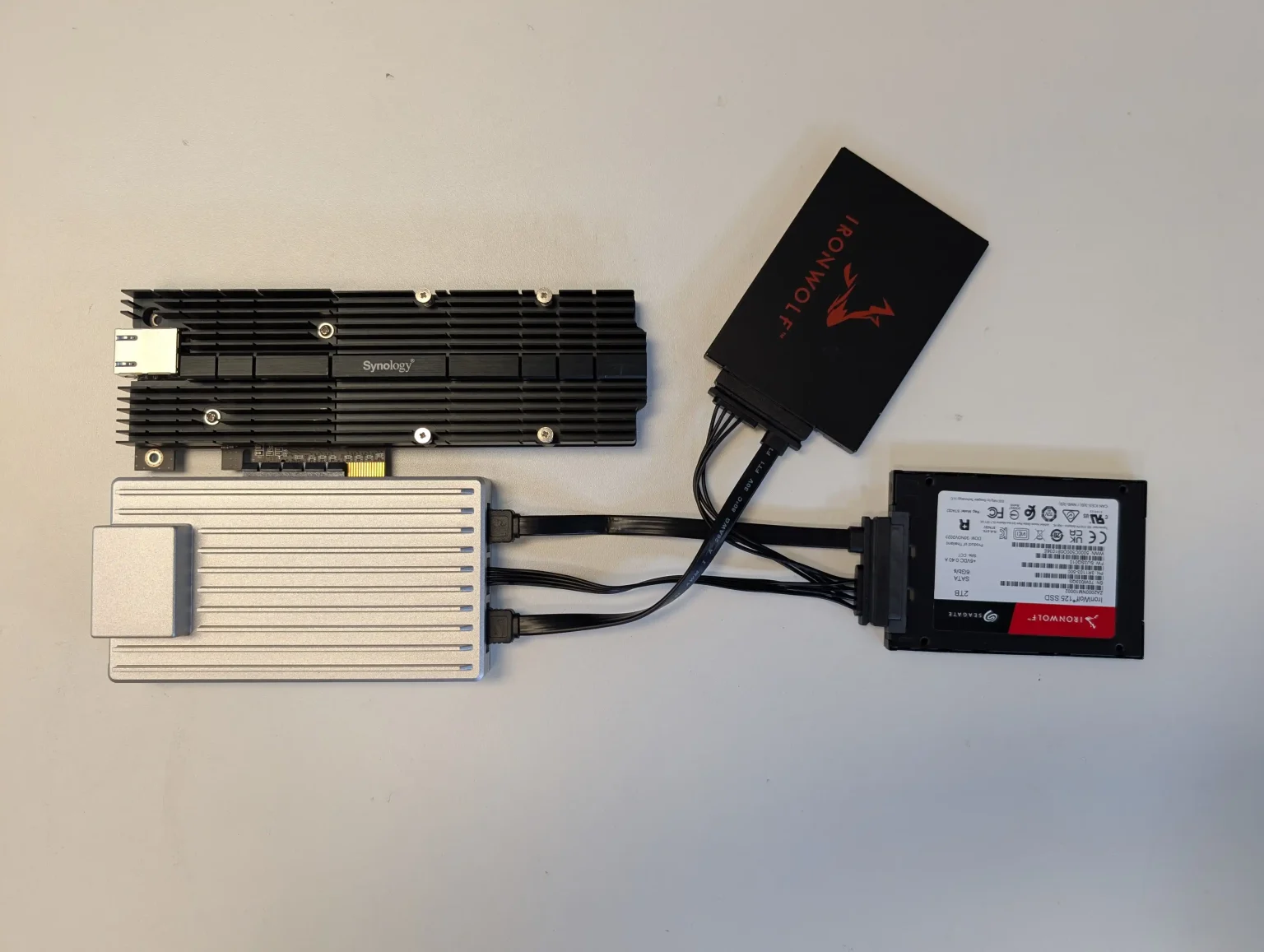
SPECS: Intel N150 quad core up to 3.6 GHz – 8 or 16 GB LPDDR5x – 2 x SATA 3.0 6 Gb/s ports for 3.5″/2.5″ drives (external bays or enclosures required) – 2 x 2.5 GbE RJ45 / 2 x USB 3.1 Type A / 1 x Mini DisplayPort 1.4 – M.2 SSD support via PCIe 3.0 x4 add in card only.

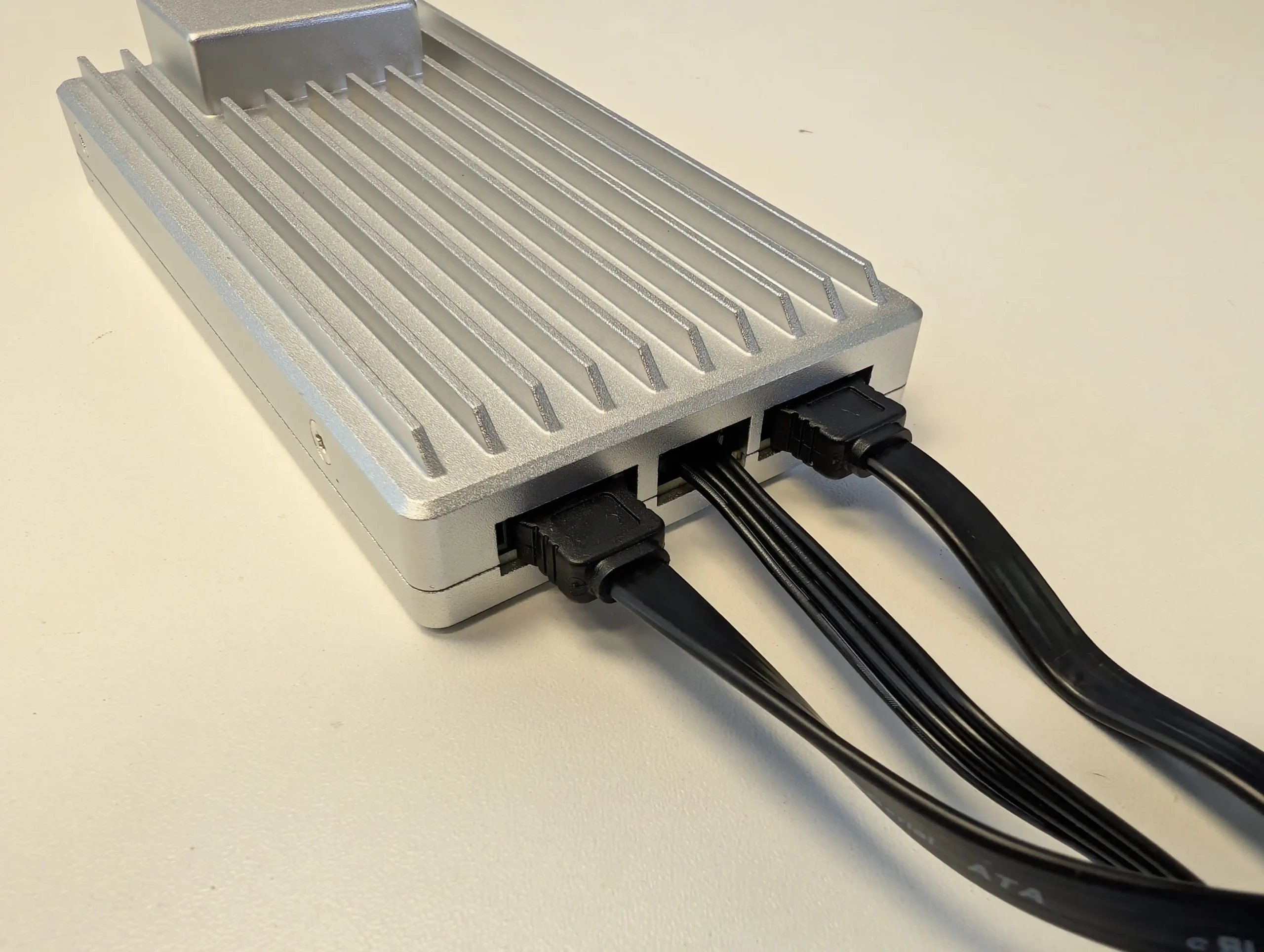
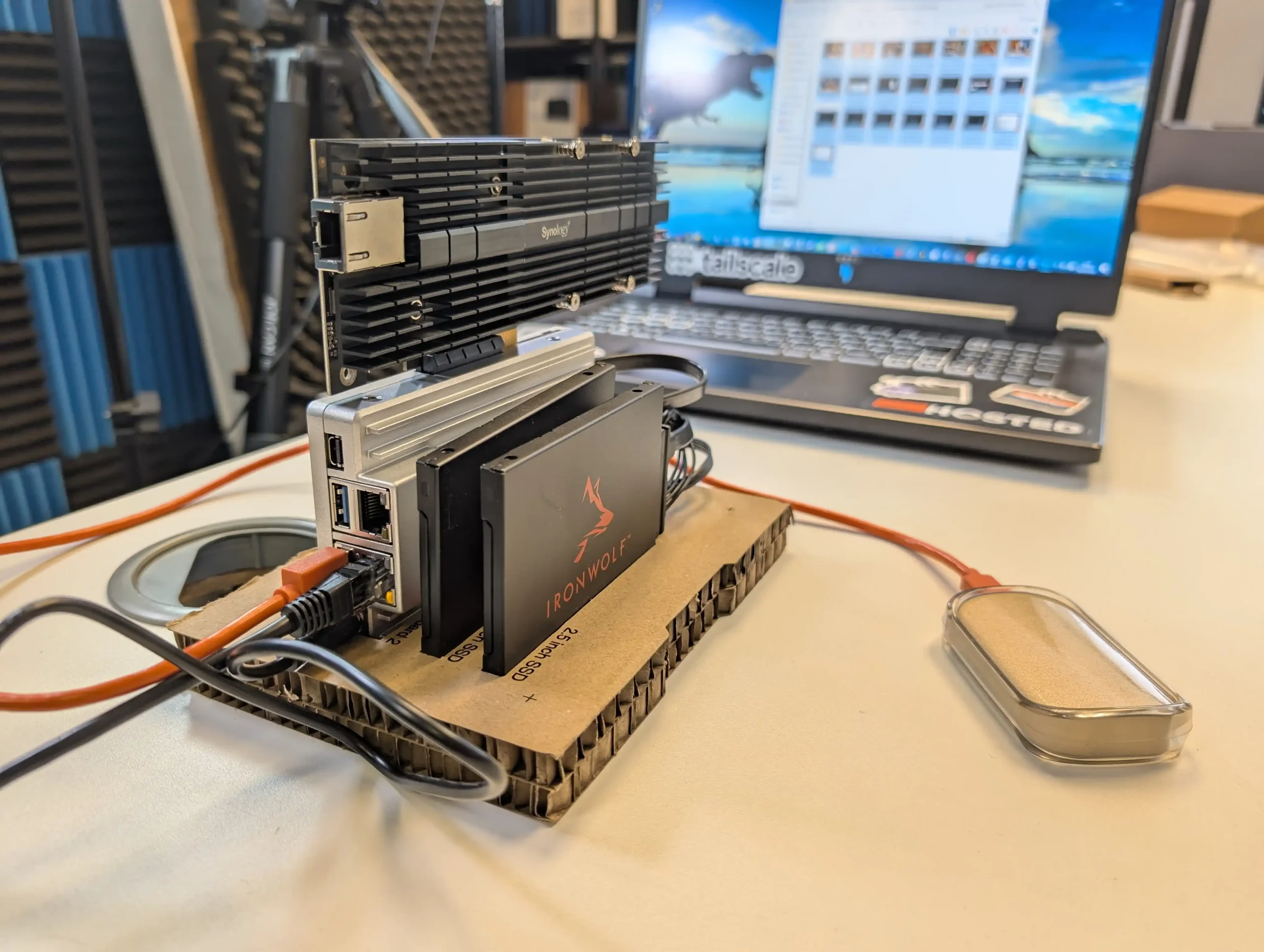
ZimaBoard 2 functions as a small, fanless compute module that can be combined with any suitable SATA enclosure or loose drives to create a highly customised Plex or Jellyfin server. It ships with ZimaOS, which exposes a NAS style interface, app catalogue and container options, so the system is usable out of the box without manually installing a general purpose Linux distribution. Dual 2.5 GbE ports and Intel Quick Sync support give it enough capability for several 1080p and selected 4K transcodes, but the absence of internal bays or native M.2 slots means storage design is entirely external, and the device is better suited to users who do not mind assembling their own chassis or reusing existing cases and drive cages.
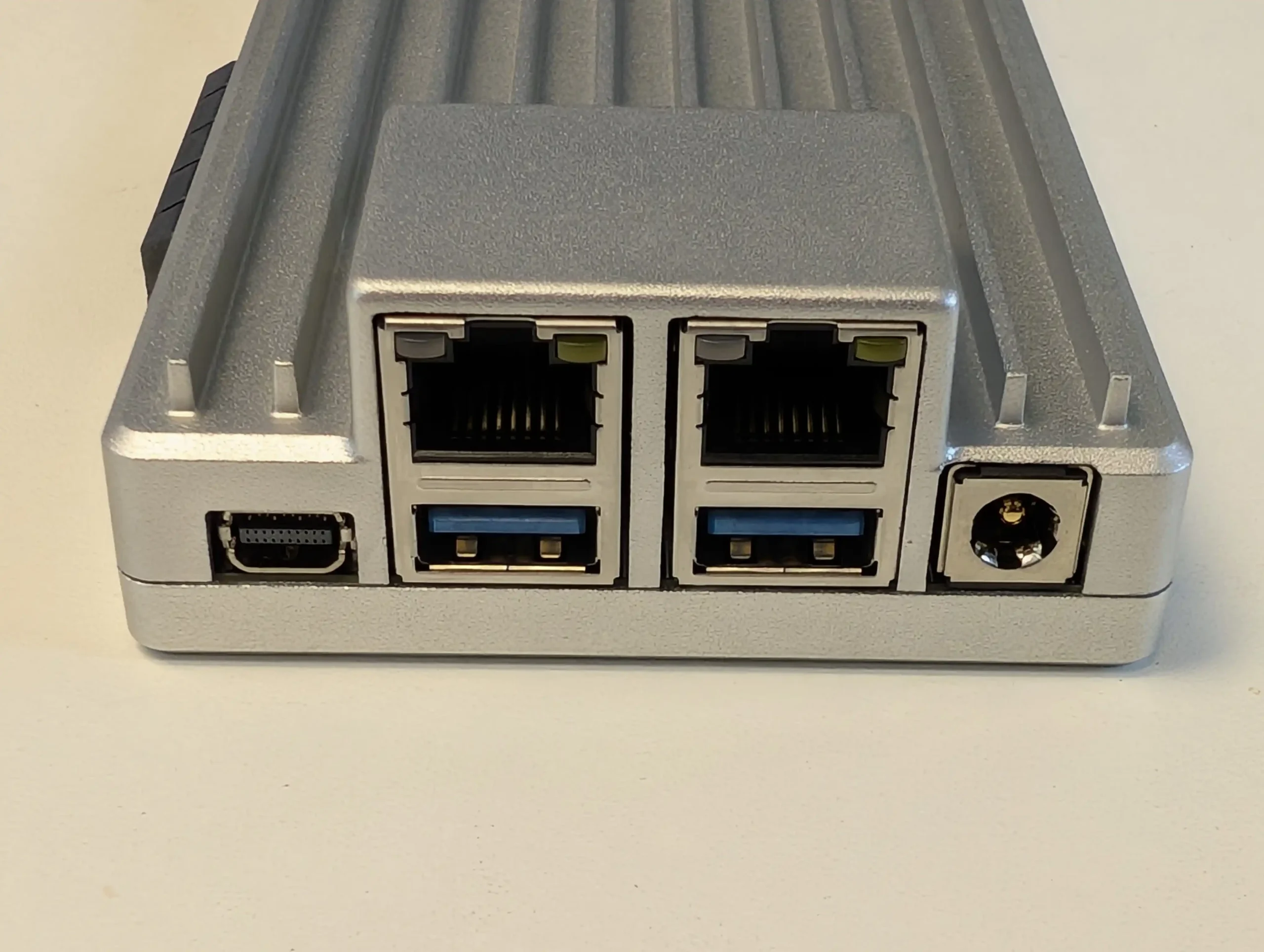
What we said in our April ’25 Review HERE:

The ZimaBoard 2 is a competent and thoughtfully assembled single-board server that builds meaningfully on IceWhale’s earlier efforts, especially the original ZimaBoard and the ZimaBlade. Its design clearly targets users who want more flexibility and performance than traditional ARM-based boards can offer, but who also value power efficiency, silence, and a small footprint. The use of an Intel N150 CPU, 8GB of LPDDR5x memory, dual 2.5GbE ports, and a PCIe 3.0 x4 slot makes it viable for a variety of home server roles—from basic NAS and smart home coordination to lightweight container hosting and local media streaming. Features like onboard SATA, USB 3.1, and a DisplayPort connection further add to its utility. However, there are hardware limitations that may affect long-term suitability for advanced deployments. The soldered RAM cannot be upgraded, and the internal eMMC storage, while useful for initial setup, is too slow for OS-level responsiveness in more demanding use cases. Passive cooling, while appreciated for silence, also imposes some thermal limitations depending on the deployment environment.
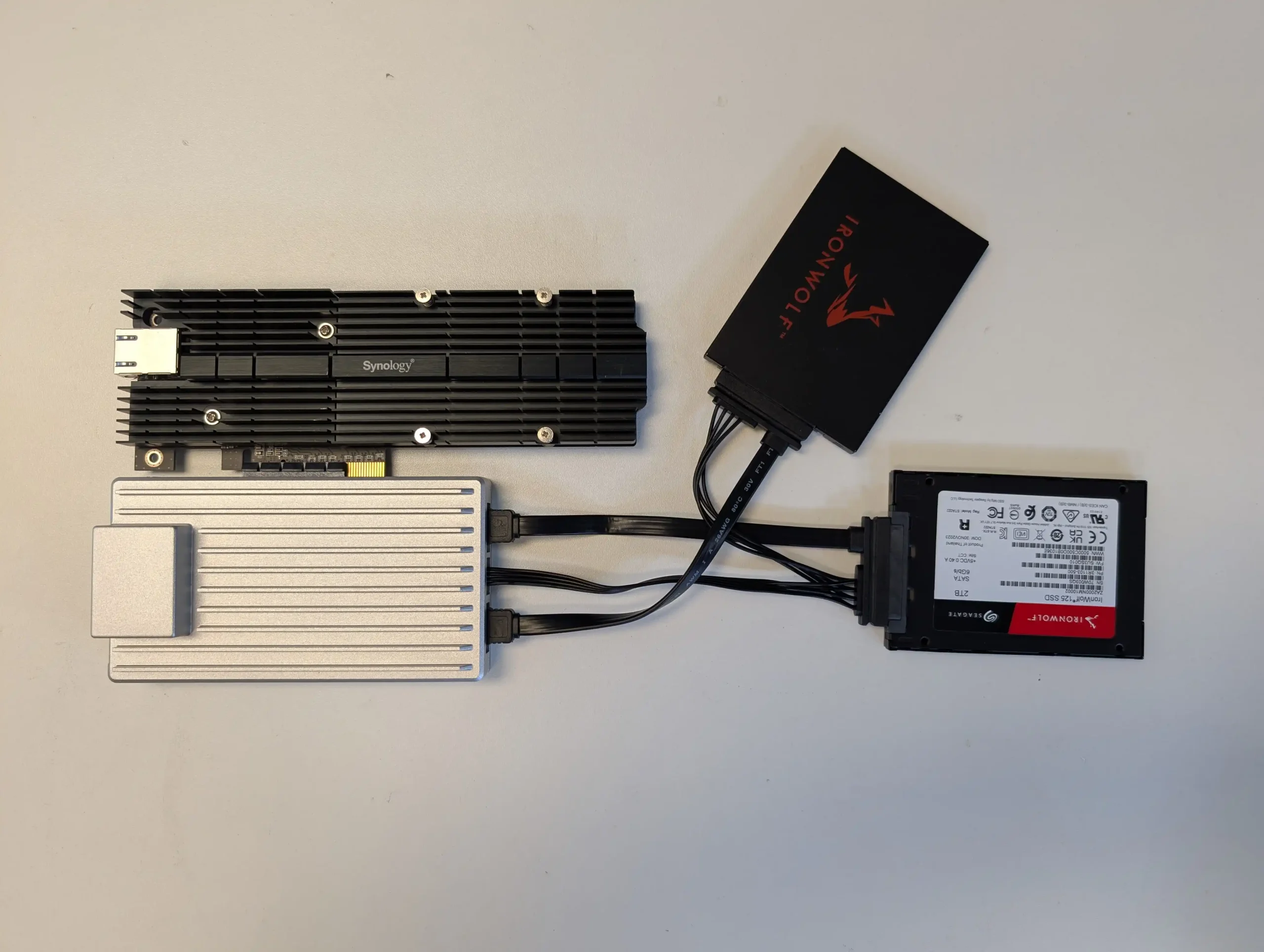
On the software side, ZimaOS offers a decent out-of-the-box experience that caters to users with minimal technical background. It handles core tasks like application deployment, file sharing, and system monitoring without requiring advanced configuration, and its Docker-based App Store simplifies access to popular tools. For more experienced users, the system supports third-party OS installation, which is likely how many will ultimately use the ZimaBoard 2. Still, as a bundled solution, ZimaOS has matured significantly and now presents itself as a lightweight, capable, and non-intrusive platform for those who prefer to get started immediately. In the broader context of DIY server hardware, ZimaBoard 2 occupies a middle ground: more powerful and modular than Raspberry Pi-class systems, yet more constrained than full x86 mini PCs or enthusiast-grade NAS hardware. For those who understand and accept these trade-offs, and are willing to plan around its limitations, the ZimaBoard 2 offers a reliable and flexible foundation for compact, energy-efficient computing at the edge.

Check Amazon in Your Region for the Zimaboard 2

Check AliExpress for the Zimaboard 2

BUILD QUALITY - 10/10
HARDWARE - 8/10
PERFORMANCE - 8/10
PRICE - 9/10
VALUE - 10/10


9.0
PROS
👍🏻x86 Architecture – Compatible with a wide range of operating systems including ZimaOS, Unraid, TrueNAS SCALE, and Proxmox.
👍🏻Dual 2.5GbE LAN Ports – Offers strong networking capabilities for multi-service workloads and gateway setups.
👍🏻PCIe 3.0 x4 Slot – Enables high-speed expansion for 10GbE NICs, NVMe storage, or combo cards.
👍🏻Fanless, Silent Operation – Completely passively cooled, ideal for home or quiet office environments.
👍🏻Compact and Durable Build – Small footprint with an all-metal chassis that doubles as a heatsink.
👍🏻ZimaOS Included – User-friendly OS with a Docker-based App Store and basic VM tools, ready out of the box.
👍🏻Flexible Storage Options – Dual SATA ports plus USB 3.1 support for connecting SSDs, HDDs, or external drives.
👍🏻Low Power Consumption – Efficient 6W CPU with ~10W idle and ~40W max under heavy load scenarios.
CONS
👎🏻Non-Upgradable RAM – 8GB of soldered LPDDR5x limits long-term scalability for memory-intensive tasks.
👎🏻Slow/Small Default Internal Storage – 32GB eMMC is convenient but underperforms for OS-level responsiveness or high I/O workloads.
👎🏻Thermal Headroom is Limited – Passive cooling alone may not be sufficient in closed environments or under sustained load without added airflow.
👎🏻Not Launching on Traditional Retail, but instead on Crowdfunding.


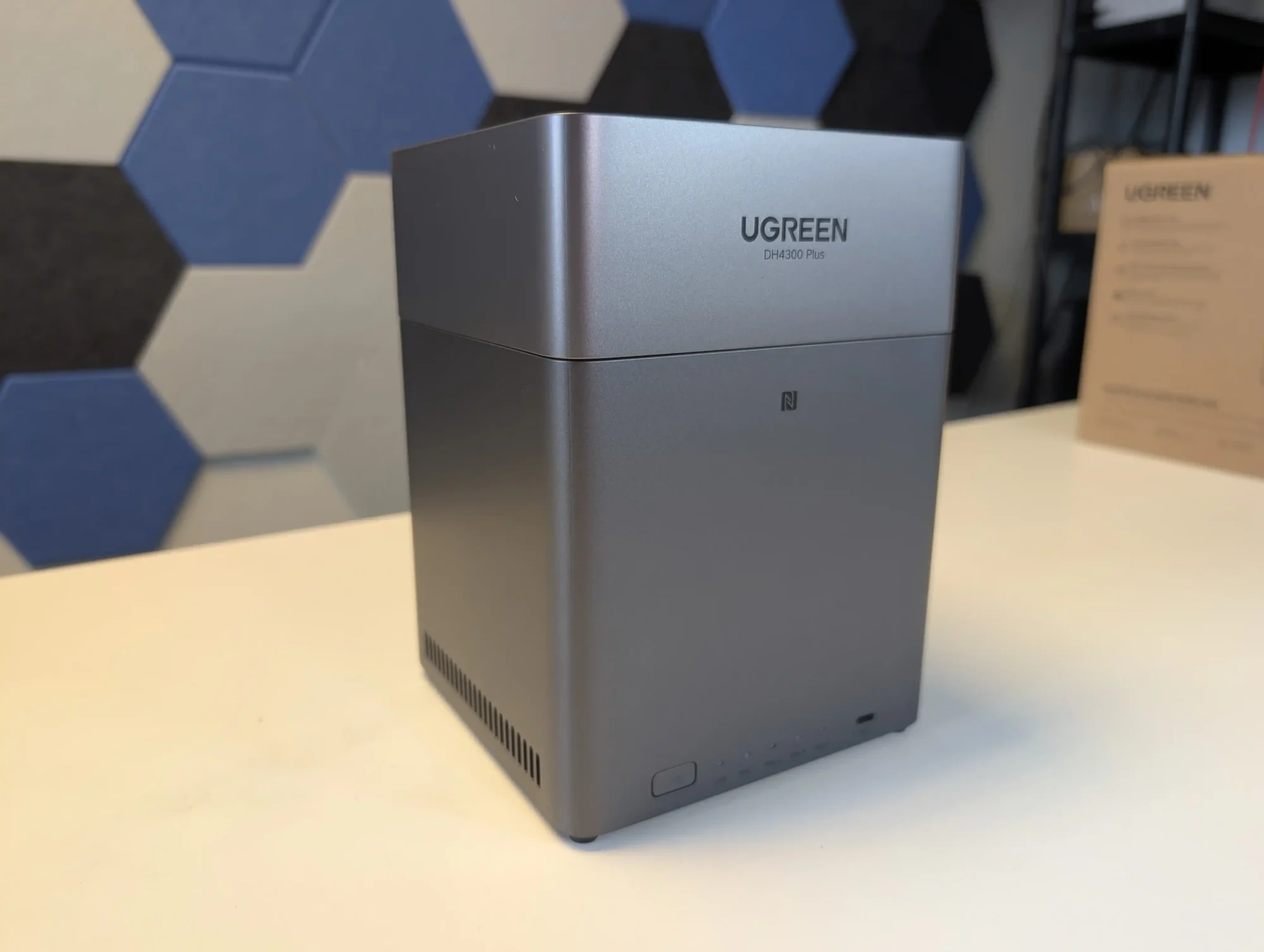
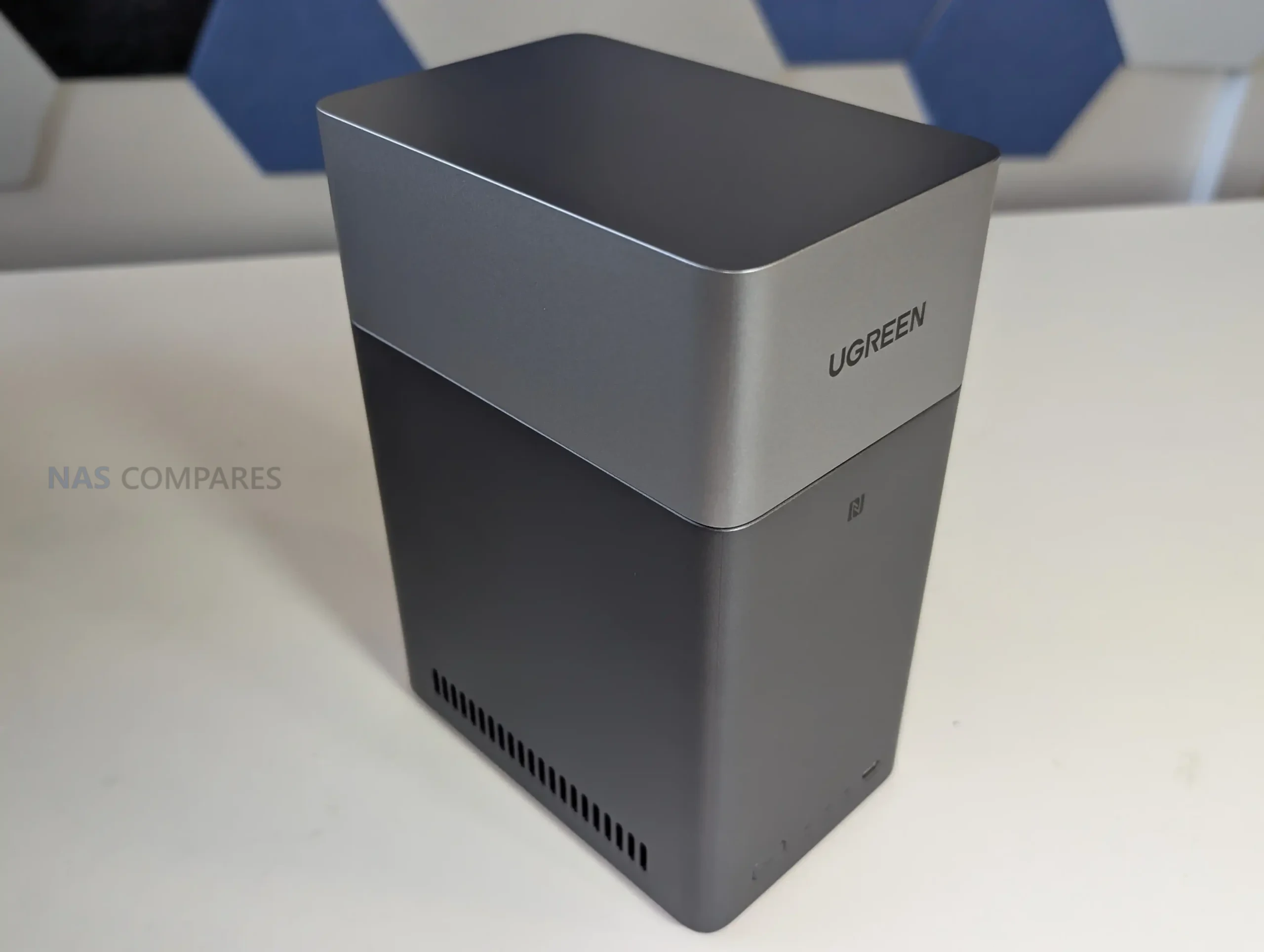
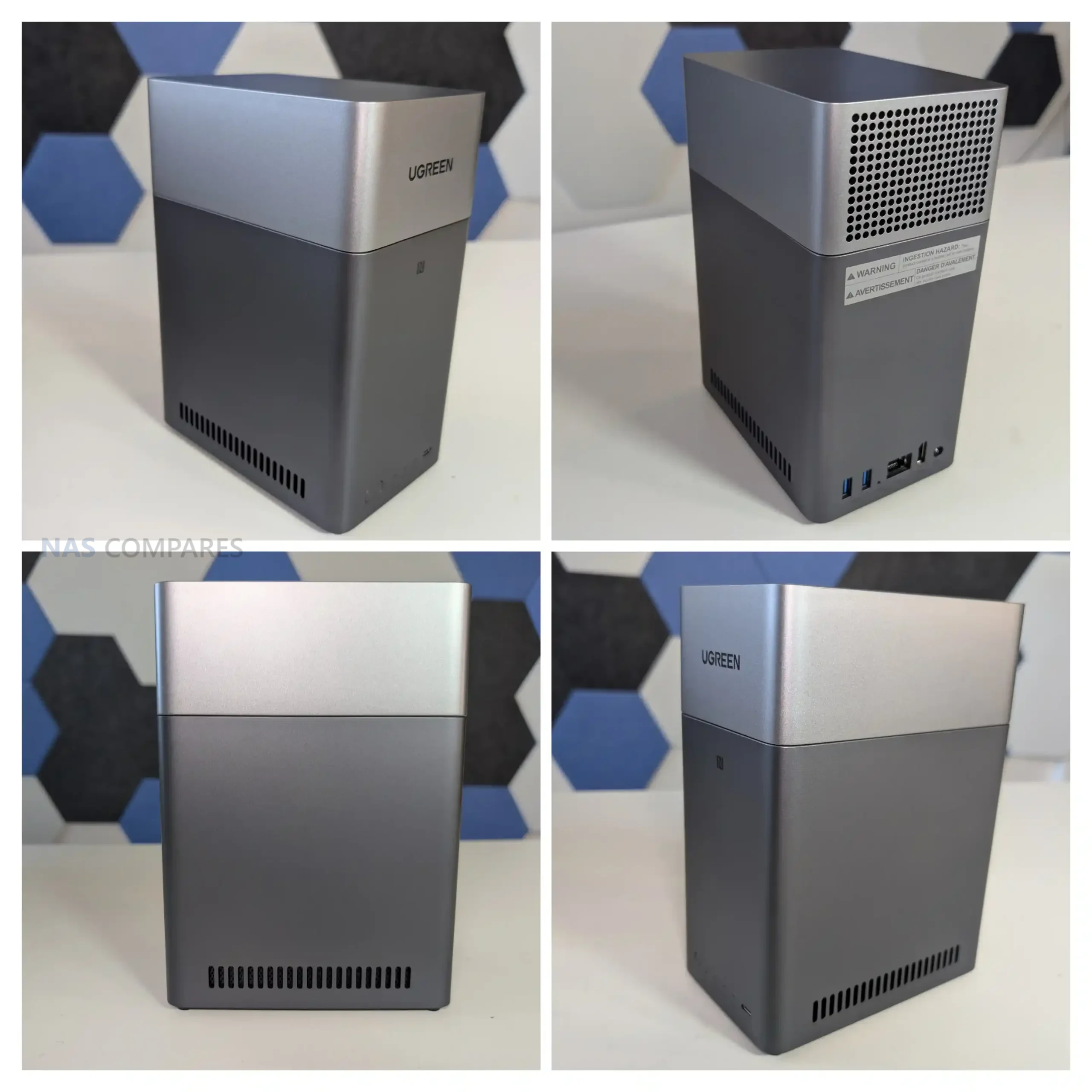
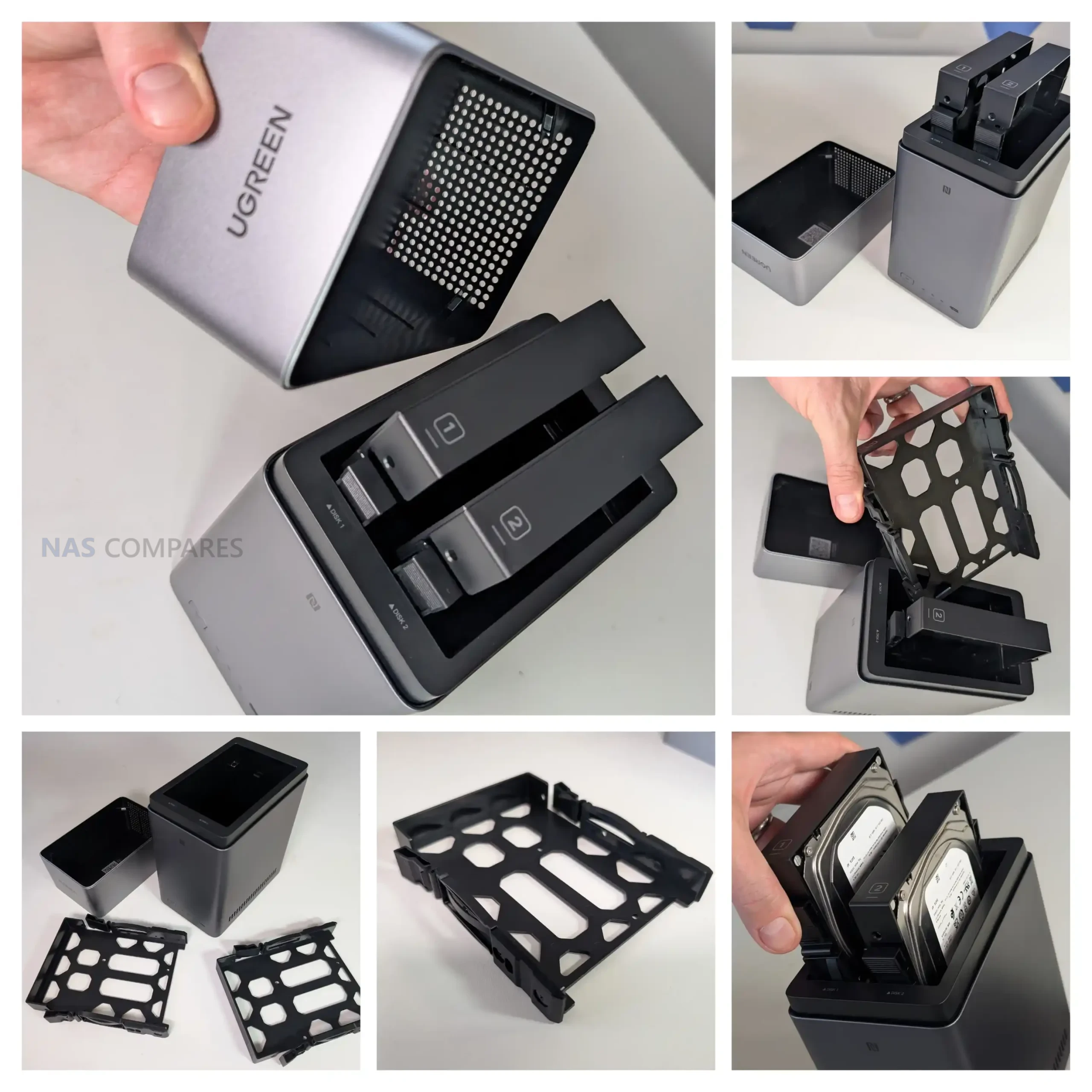
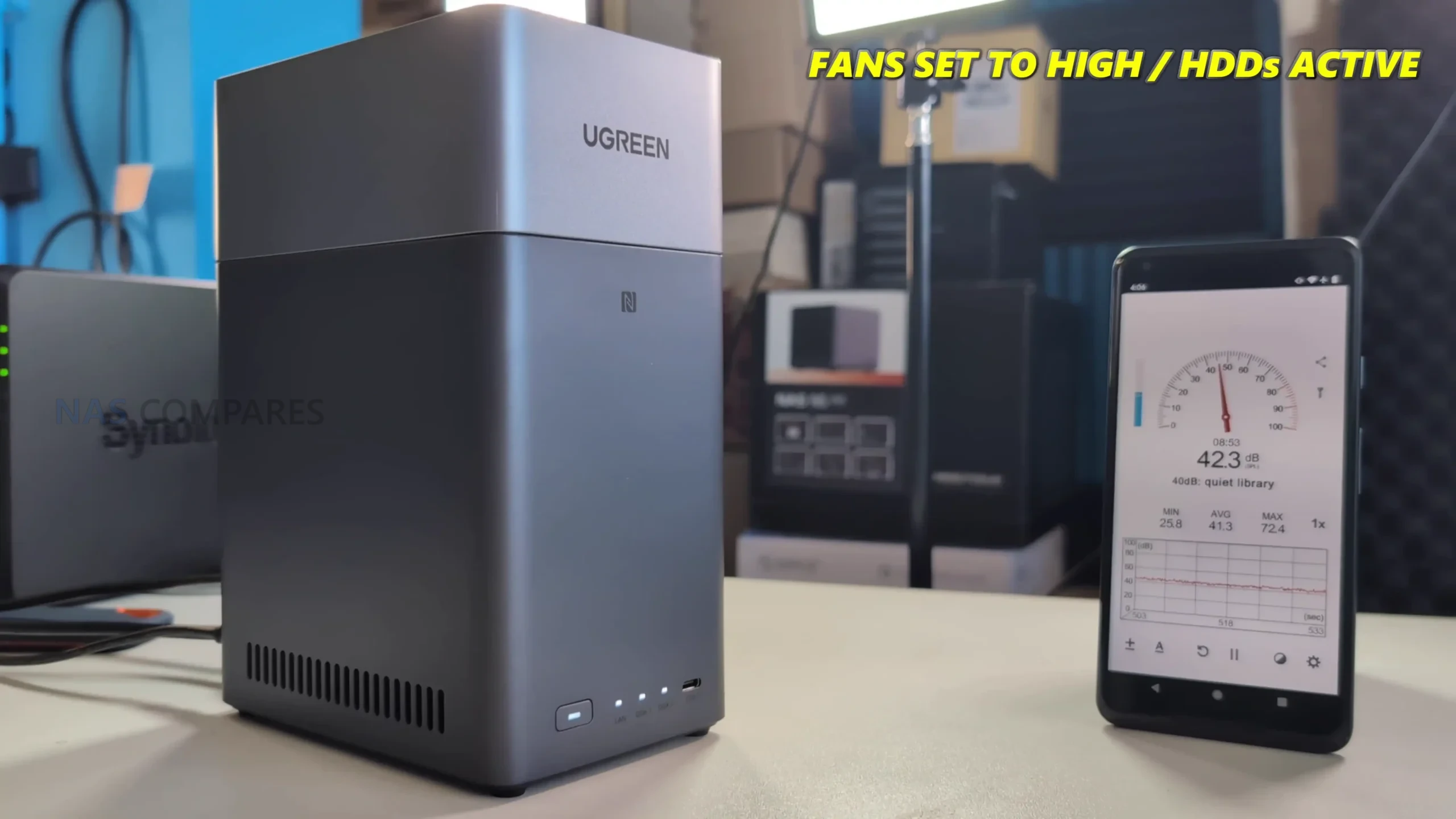
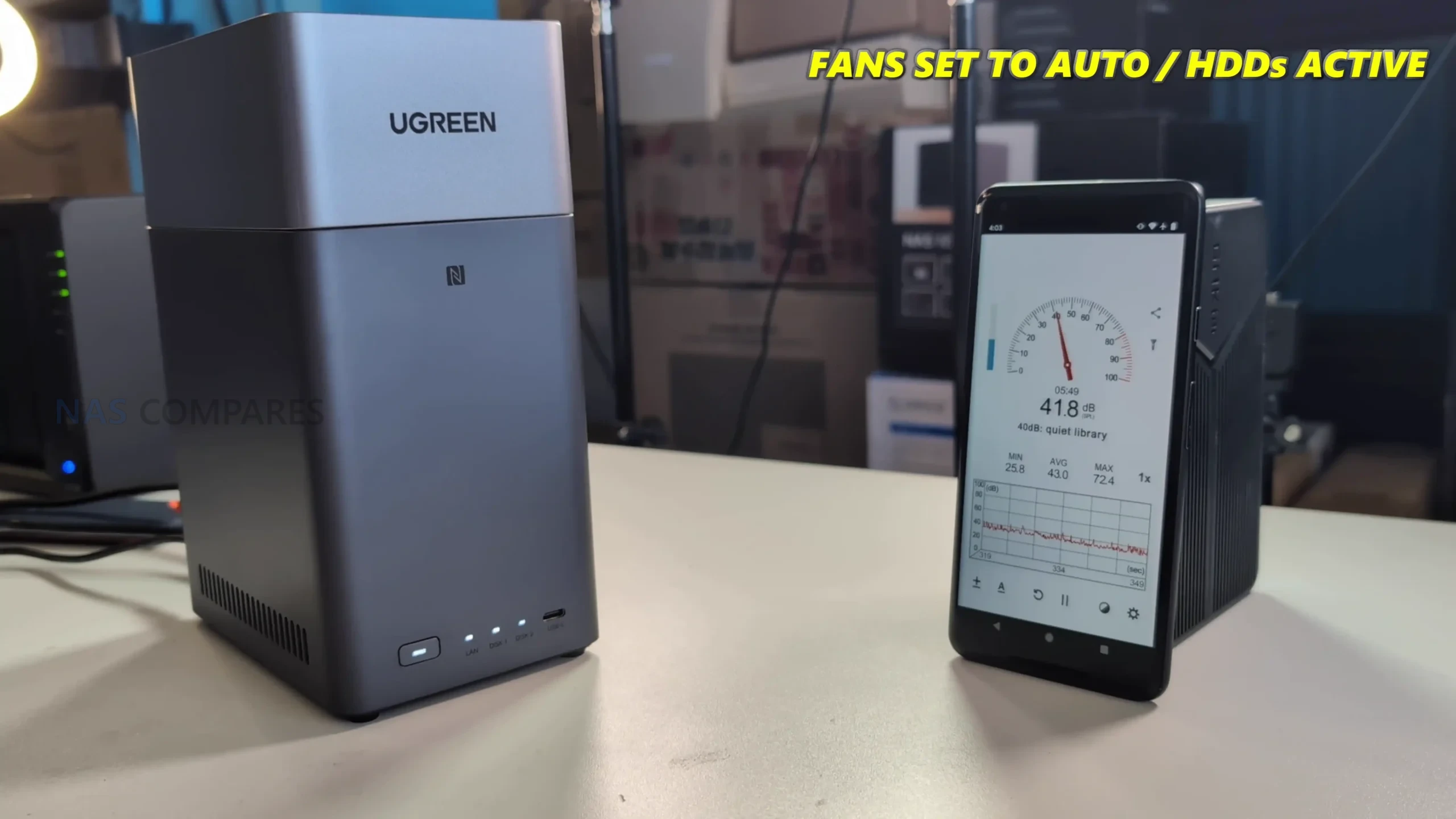
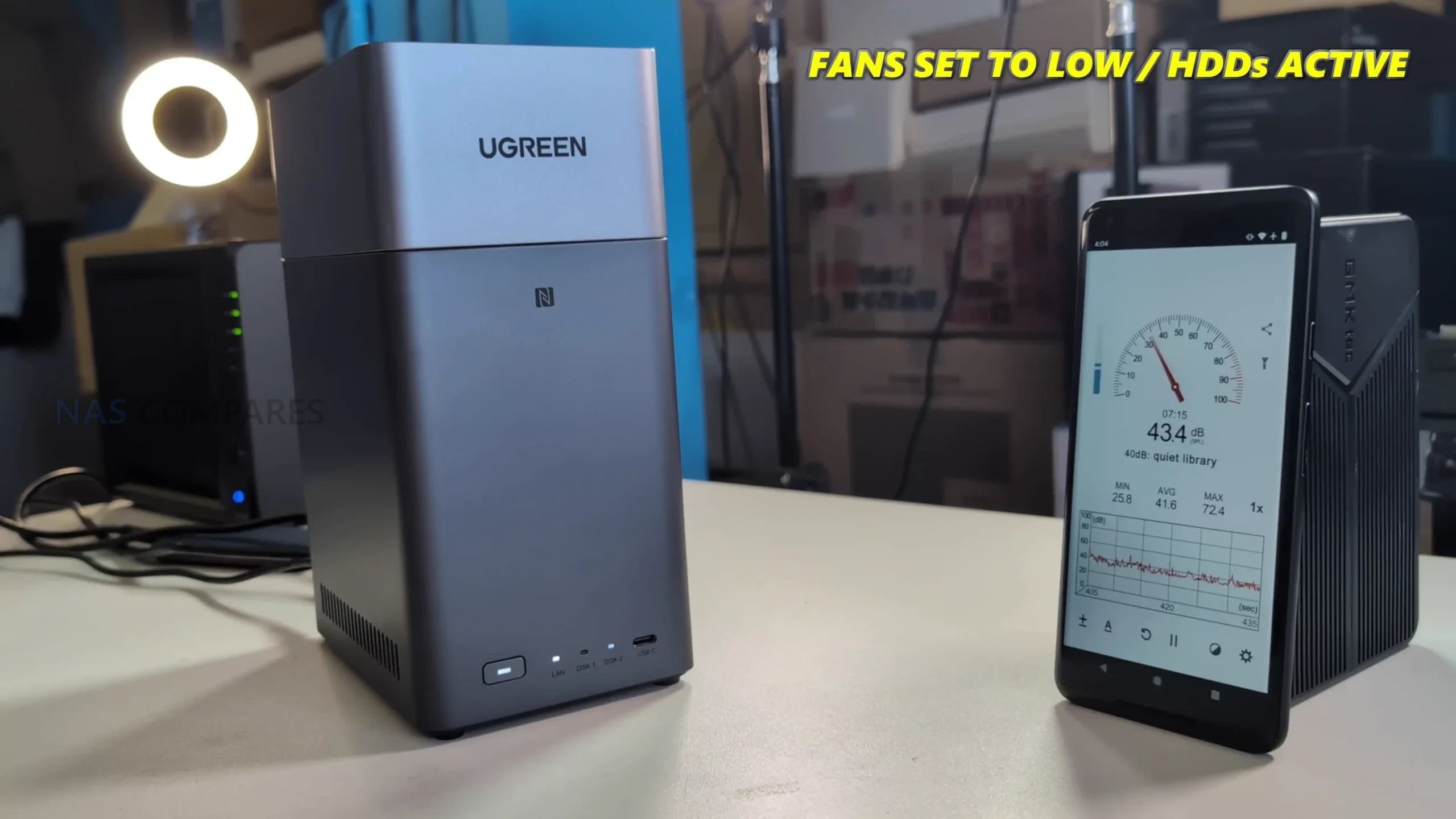
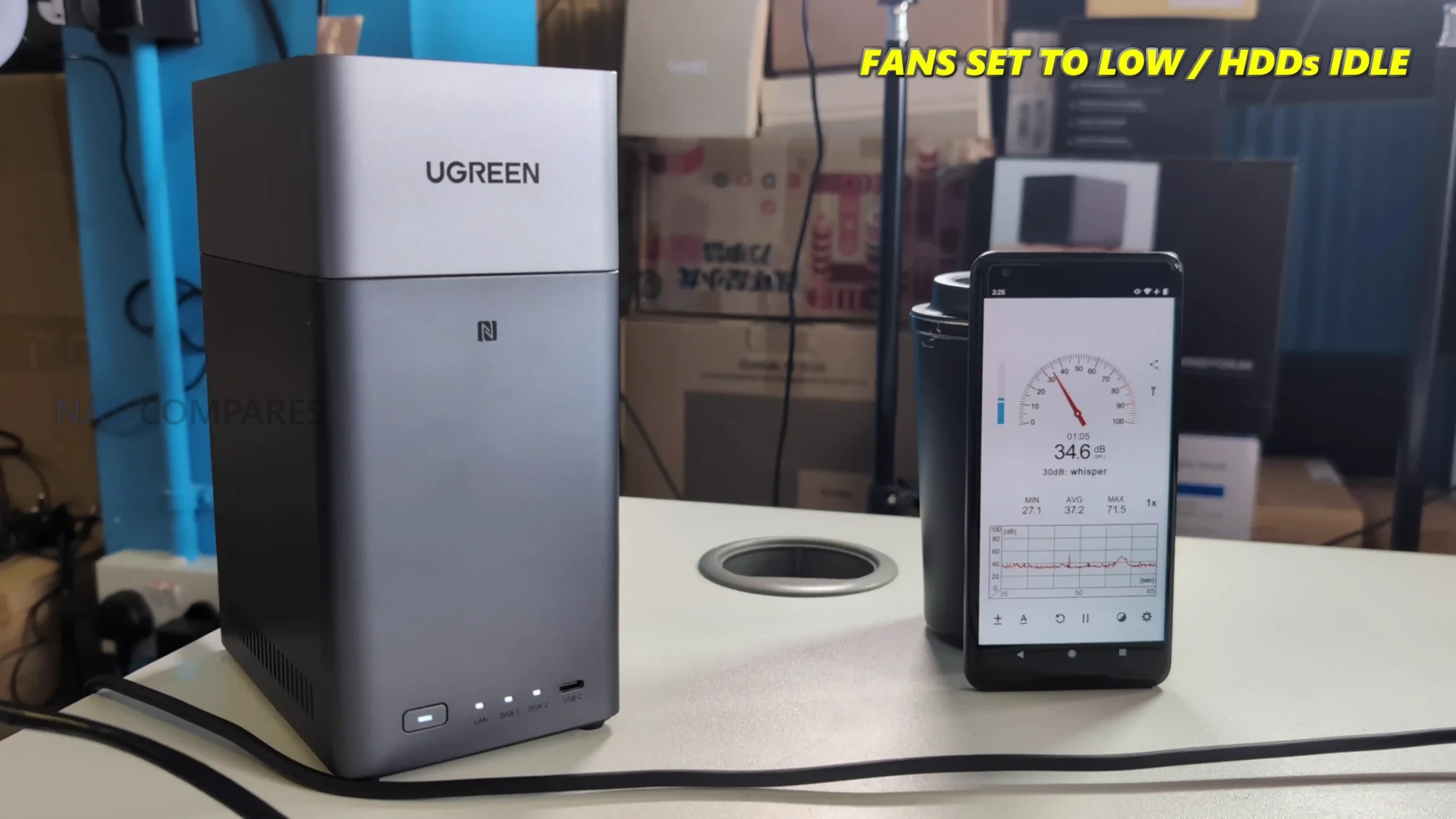
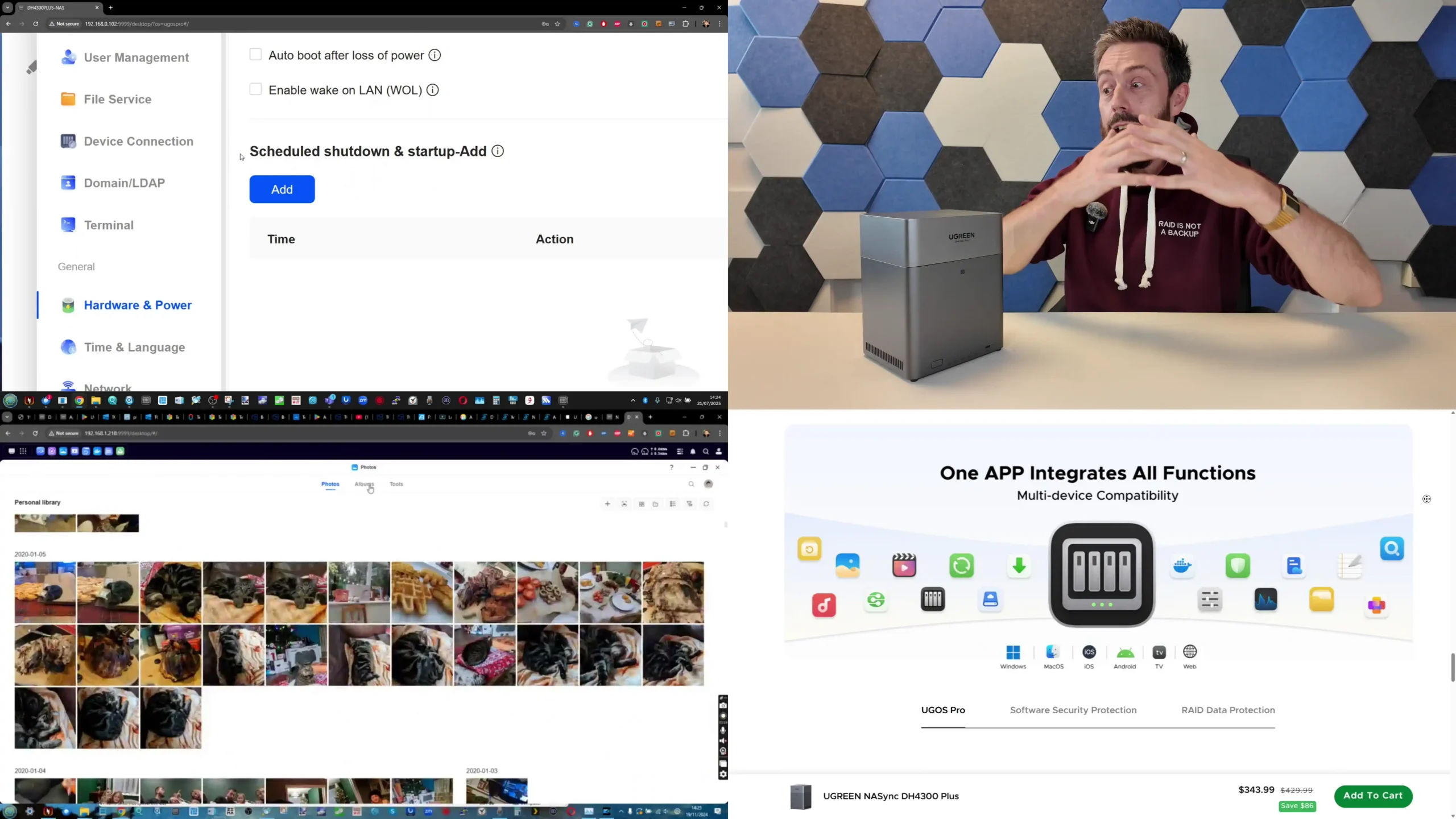
#5 UGREEN NASync DH4300 Plus – $365 to $390

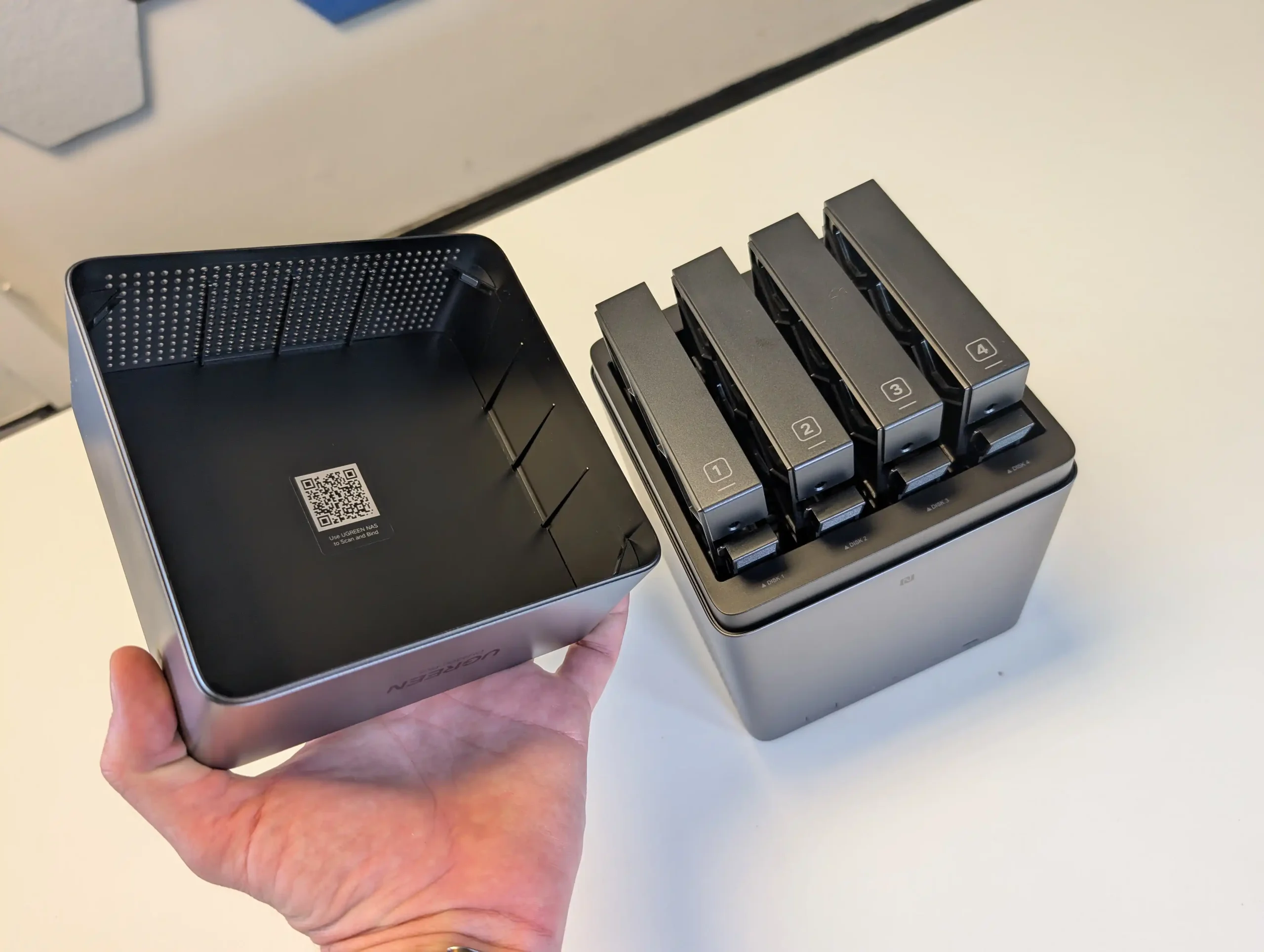
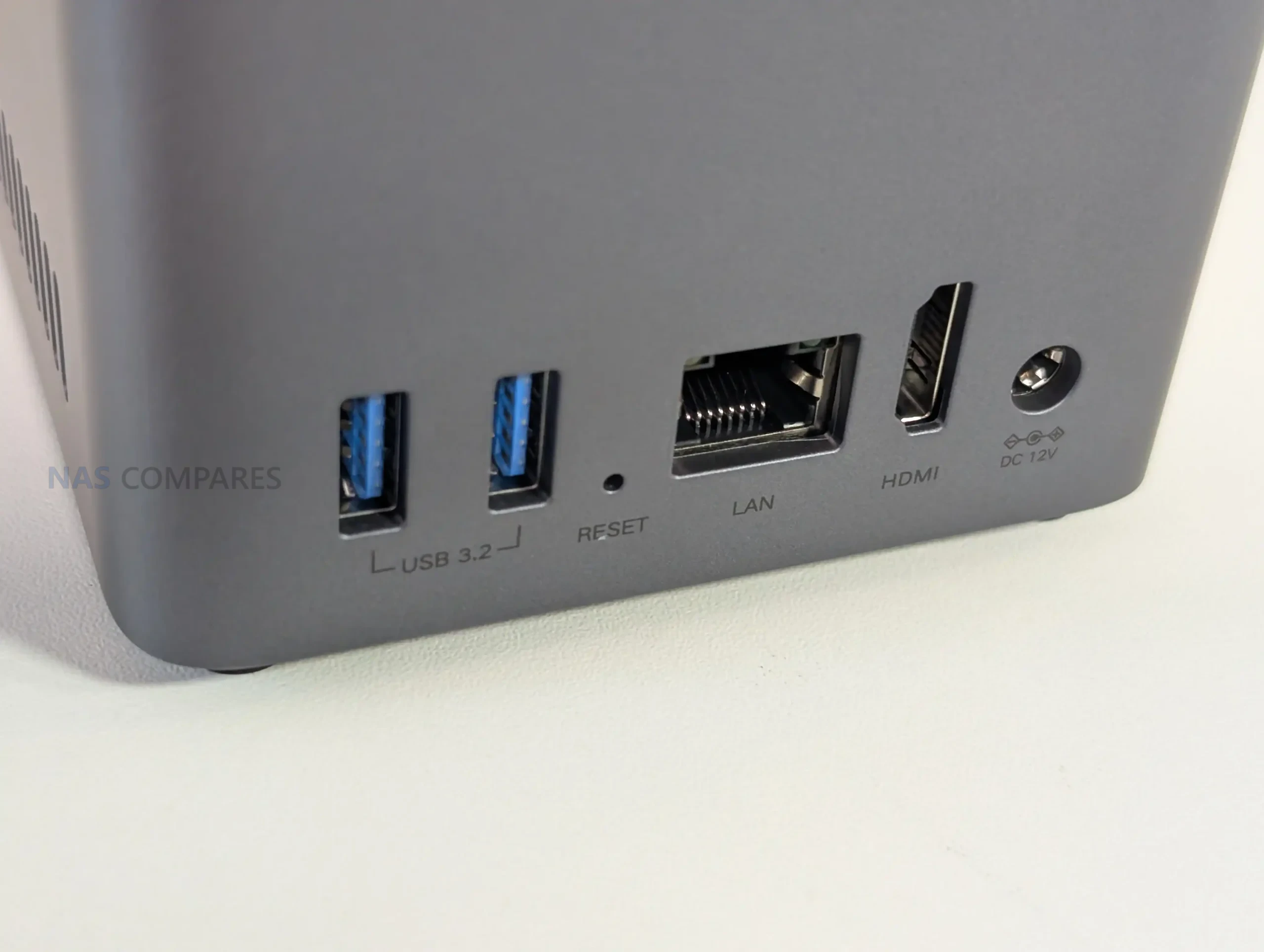
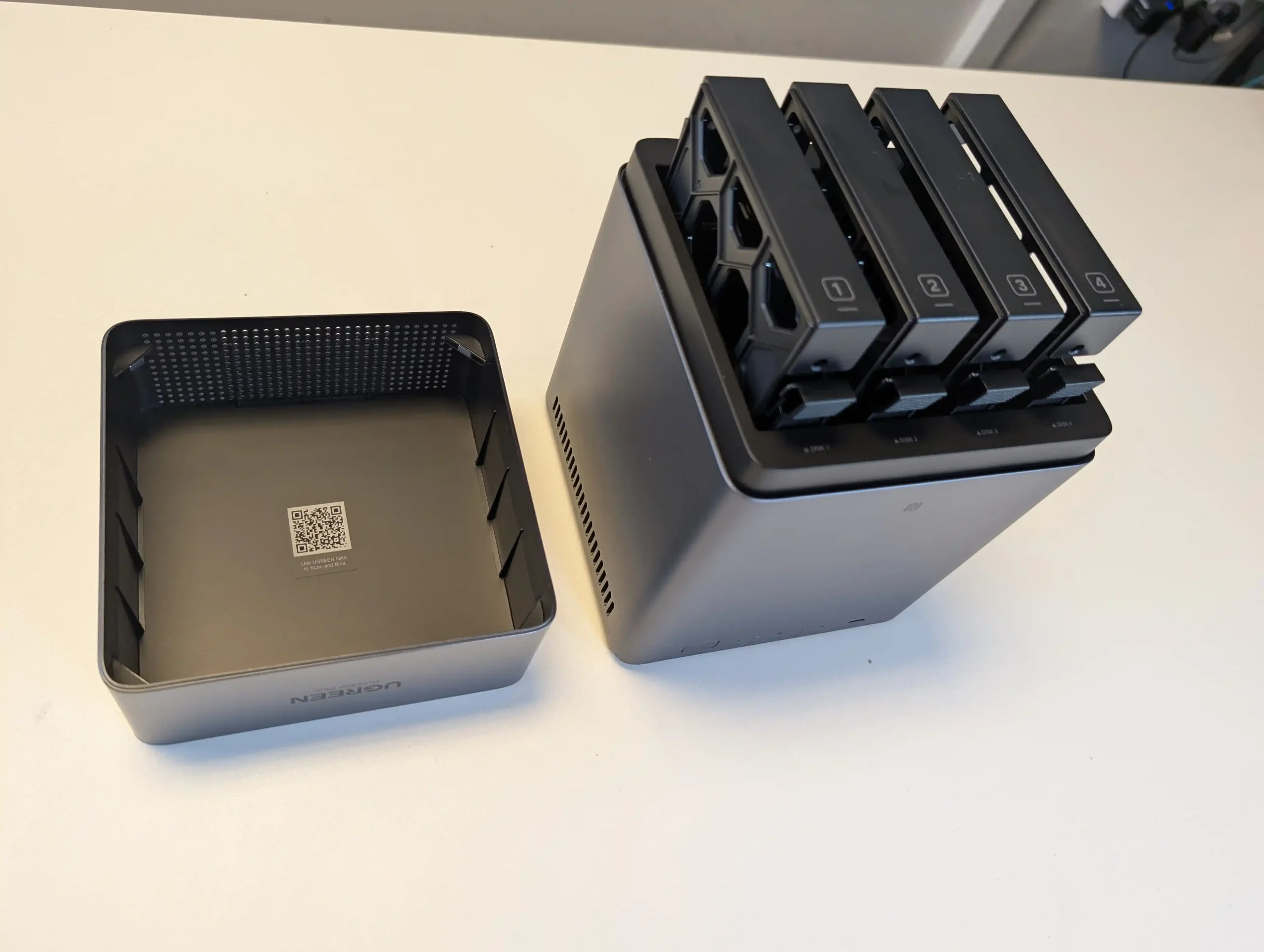
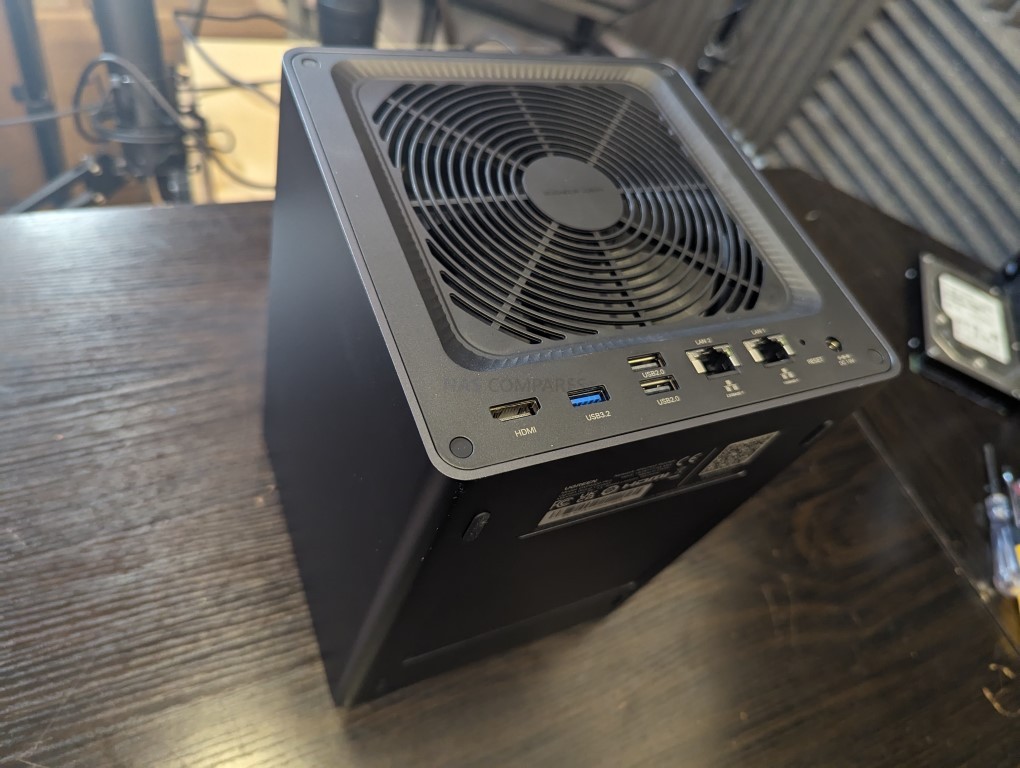
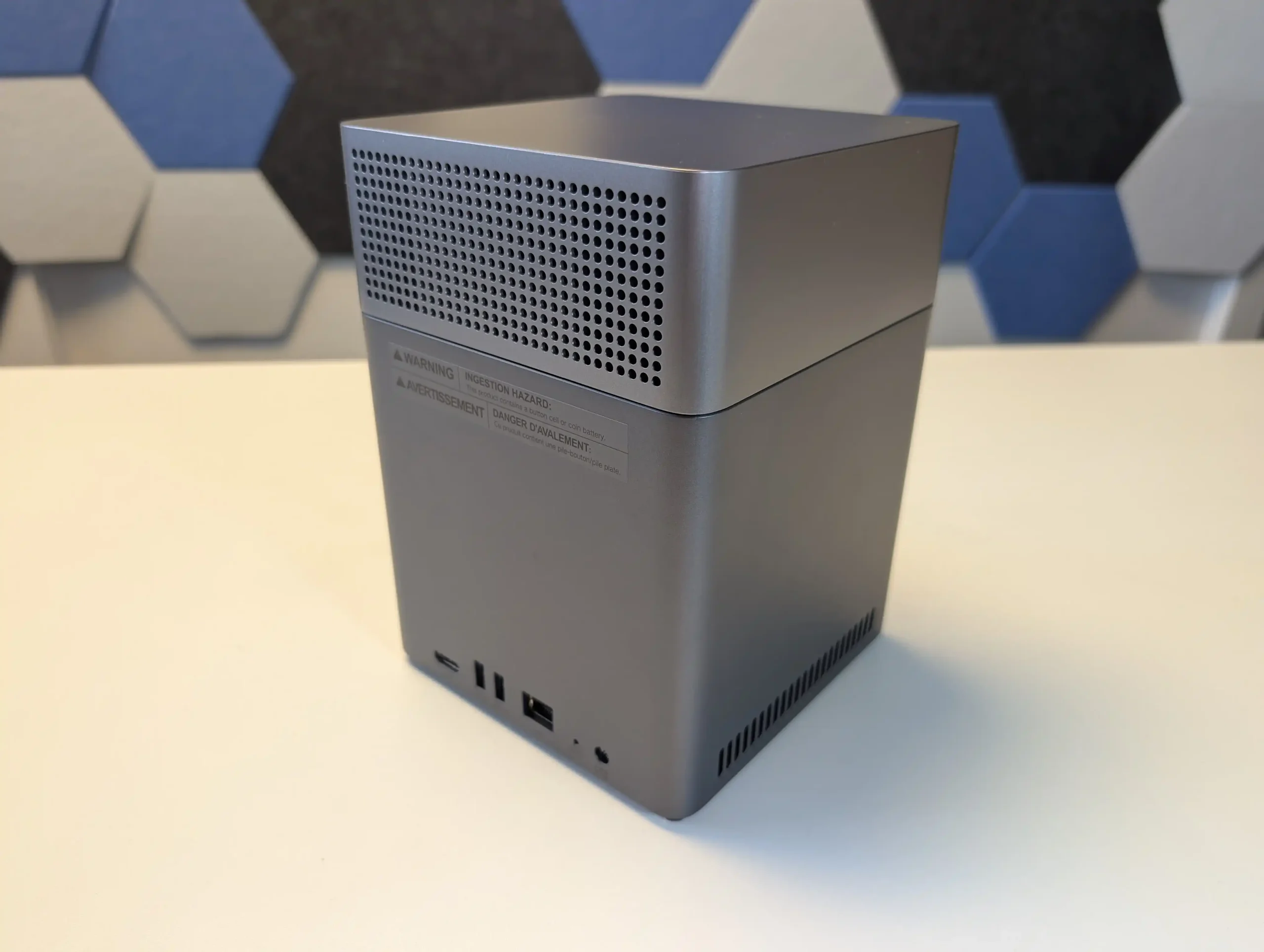
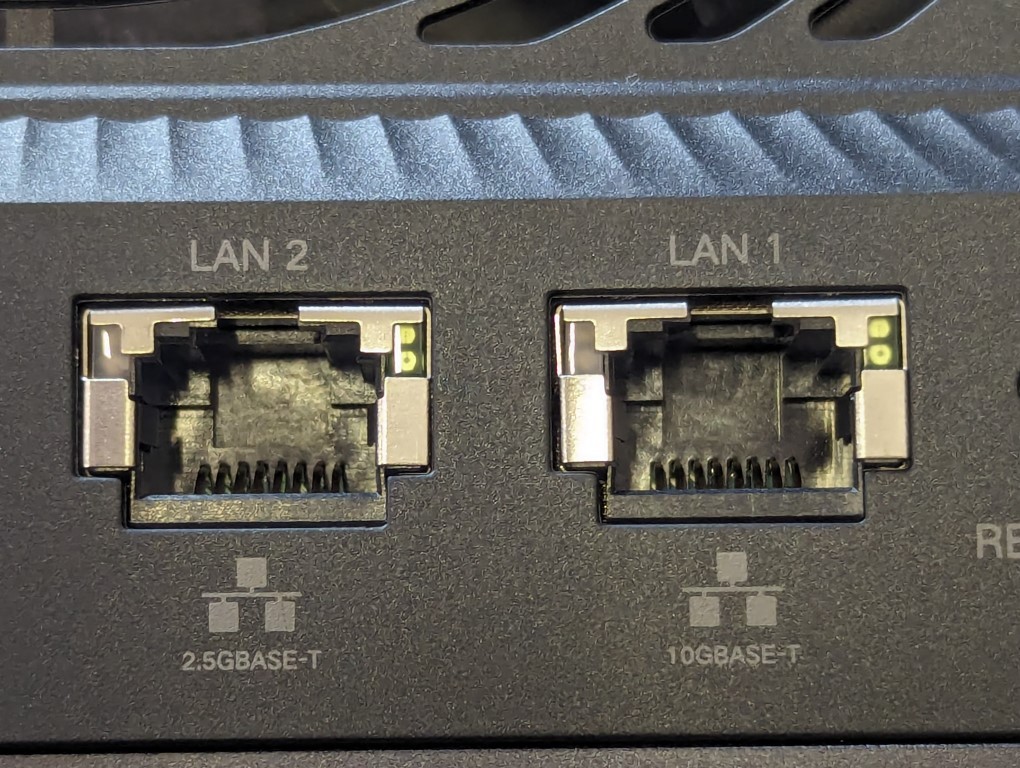
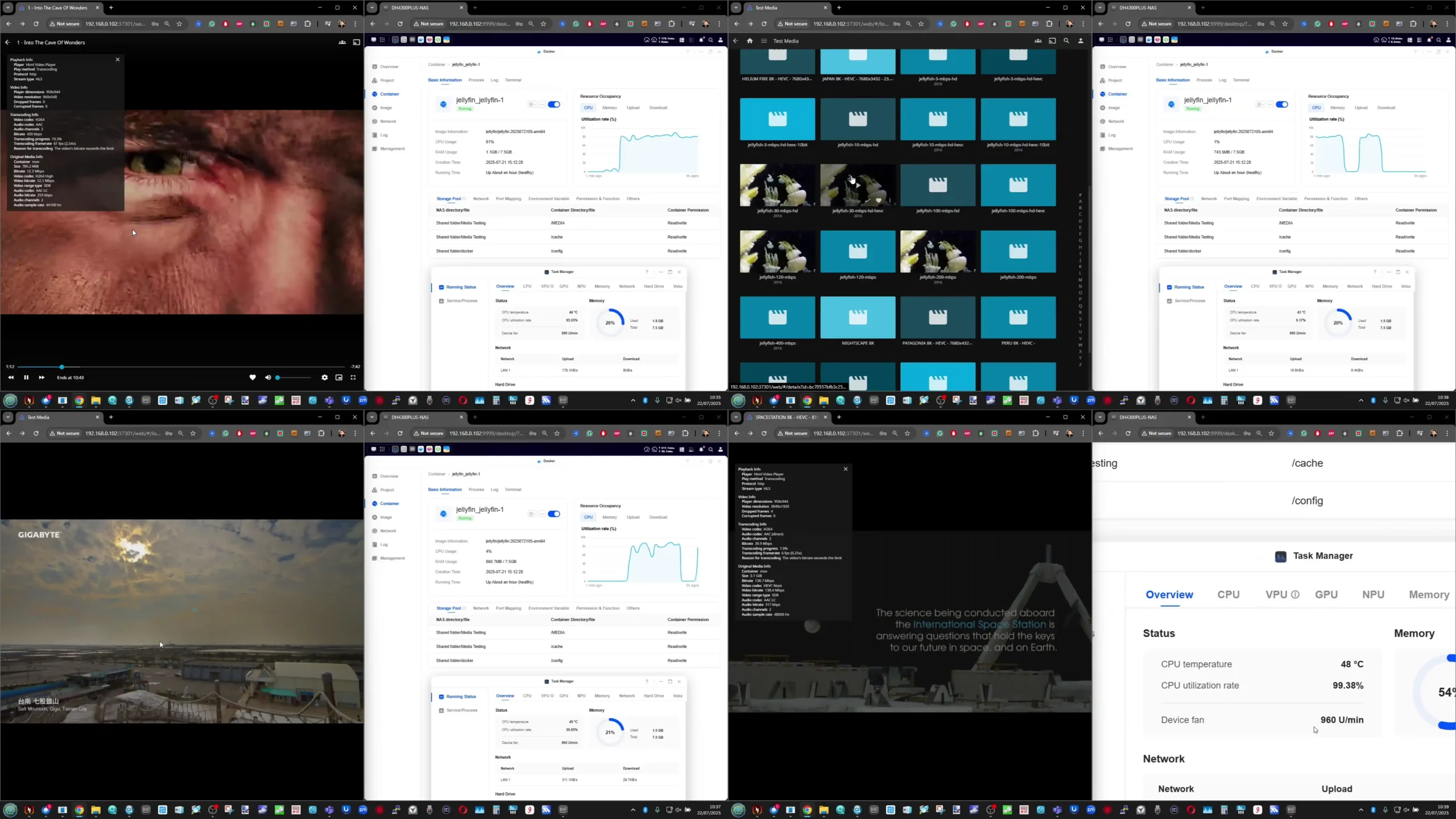
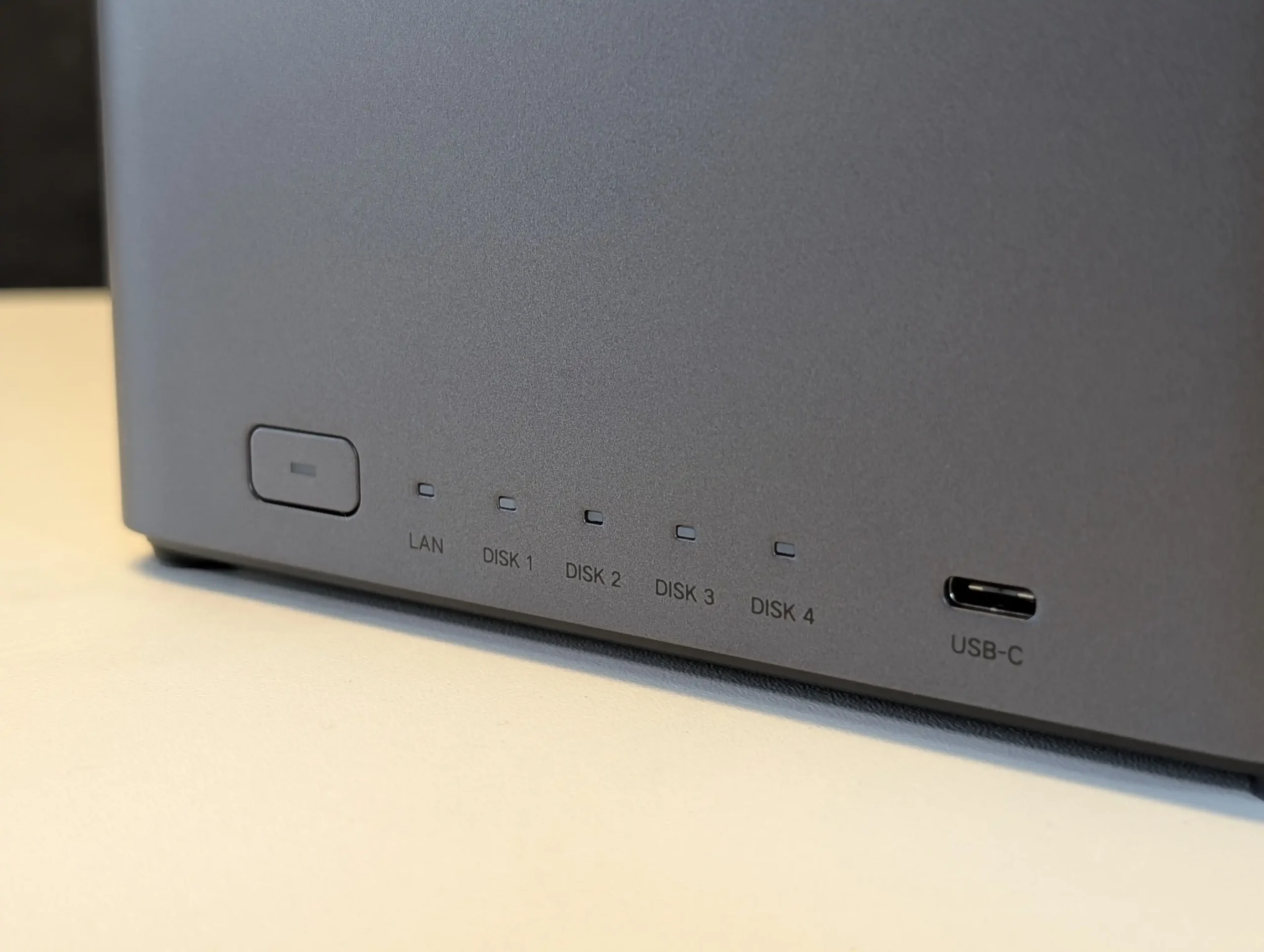
SPECS: Rockchip RK3588 8 core ARM (4 x Cortex A76 + 4 x Cortex A55) up to around 2.4 GHz – 8 GB DDR5 – 4 x 3.5″/2.5″ SATA bays – 1 x 2.5 GbE RJ45 / HDMI 2.0b / 1 x front USB C 3.2 Gen 1 / 2 x USB A 3.2 Gen 1 – no internal M.2 SSD slots.

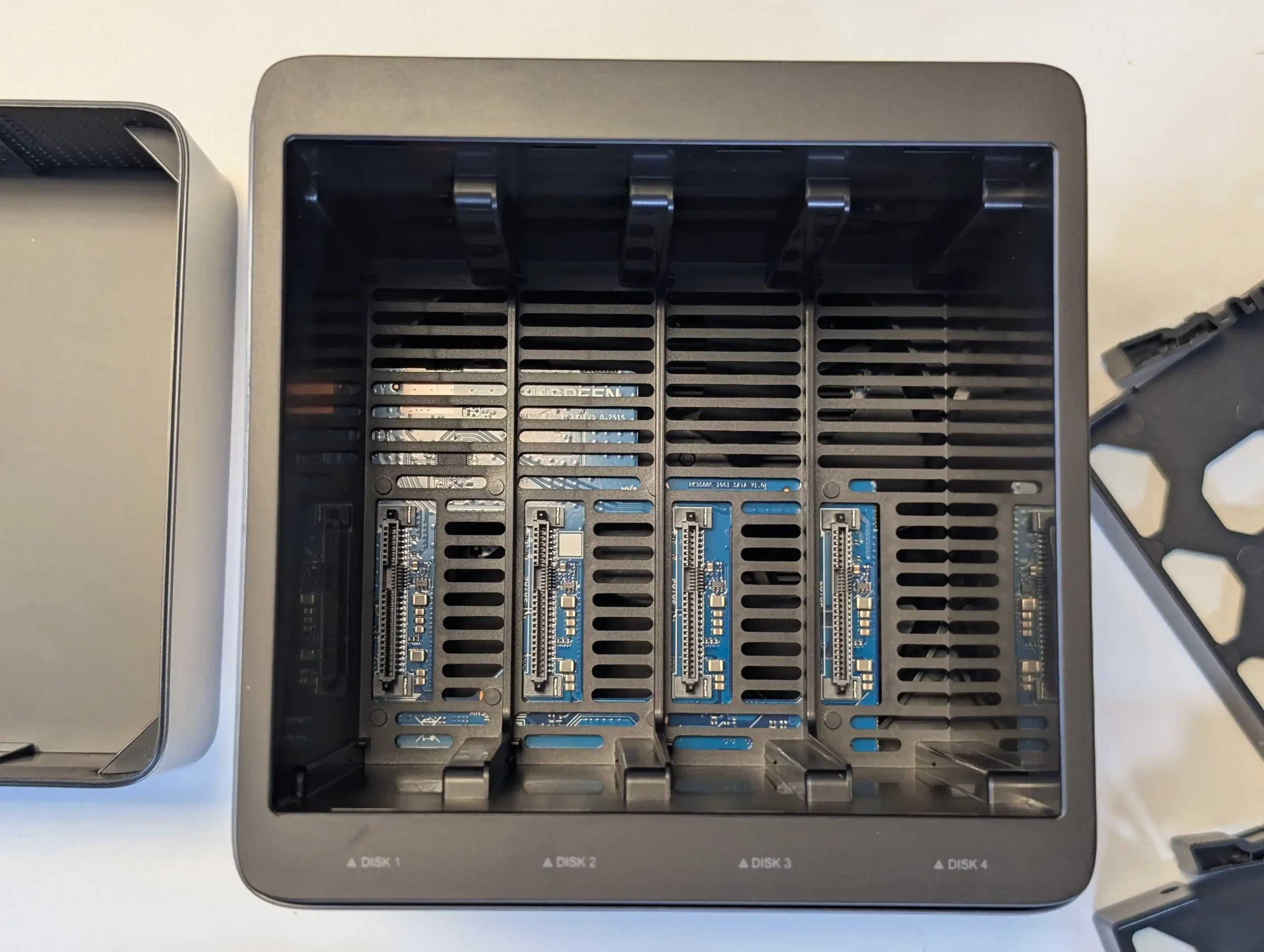
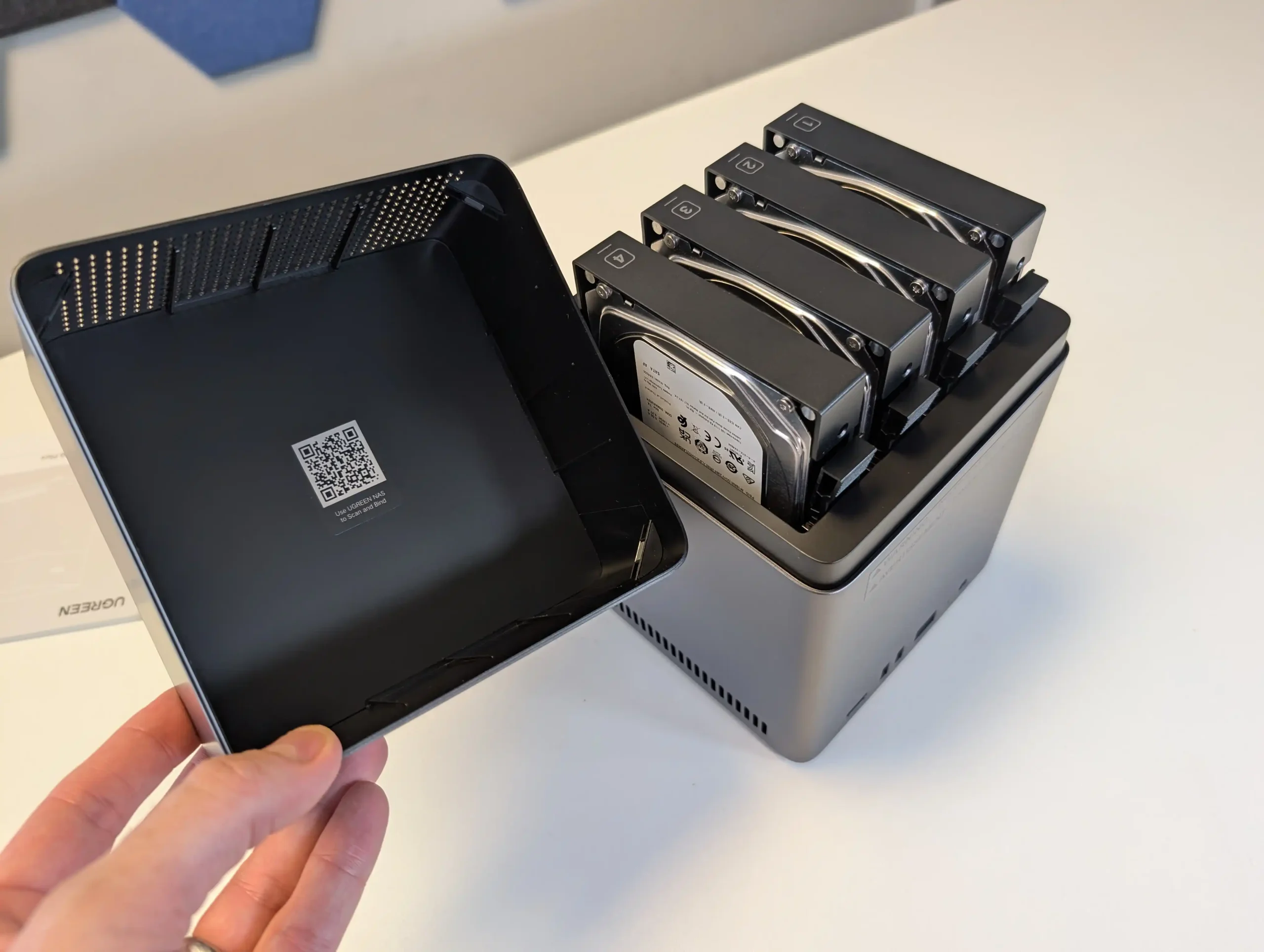
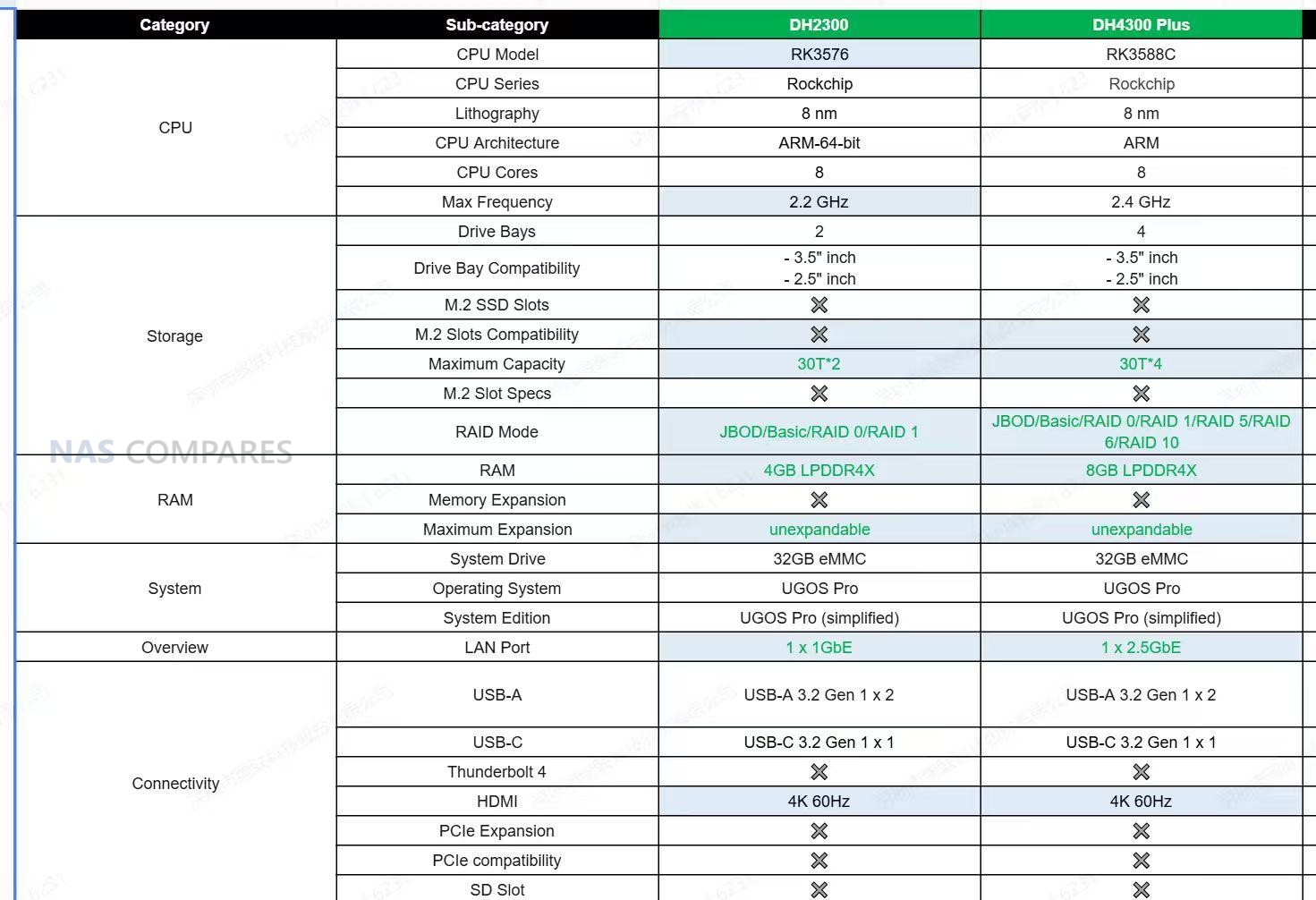
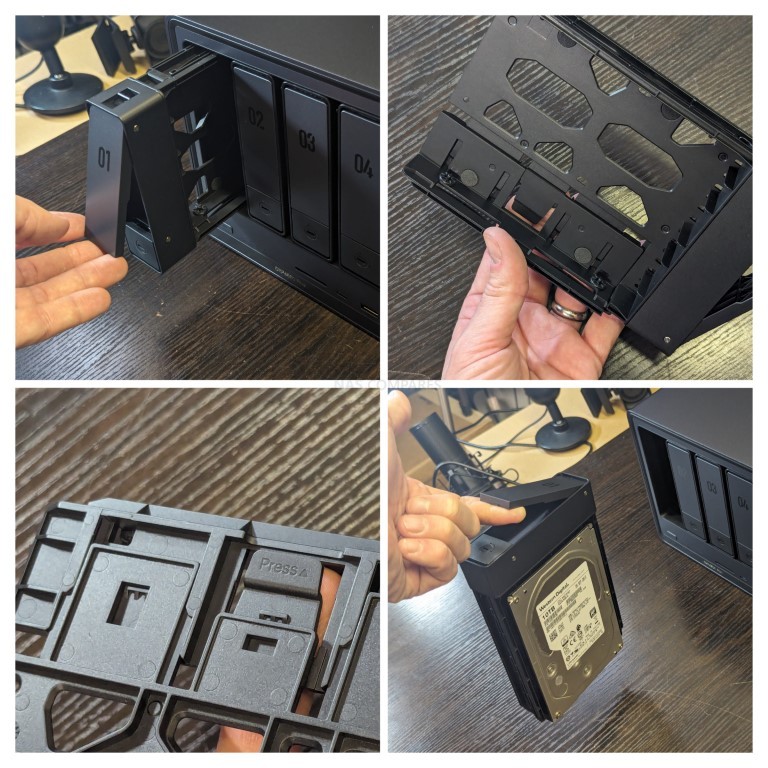
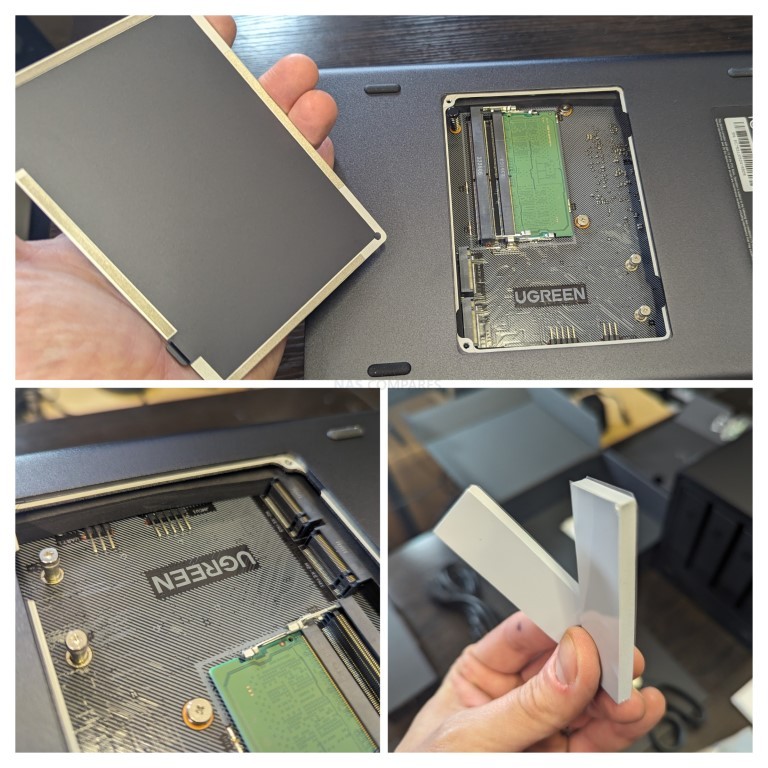
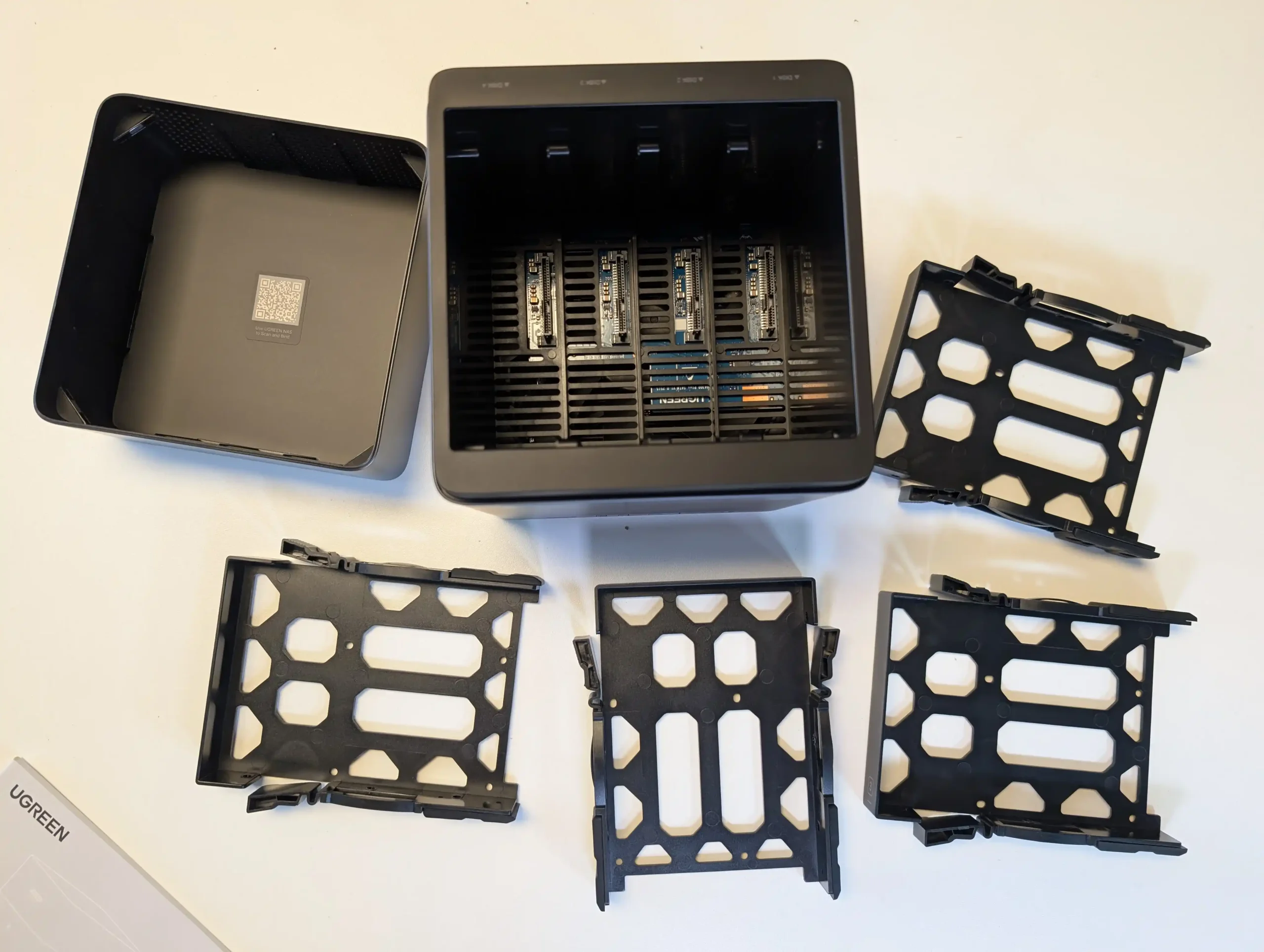
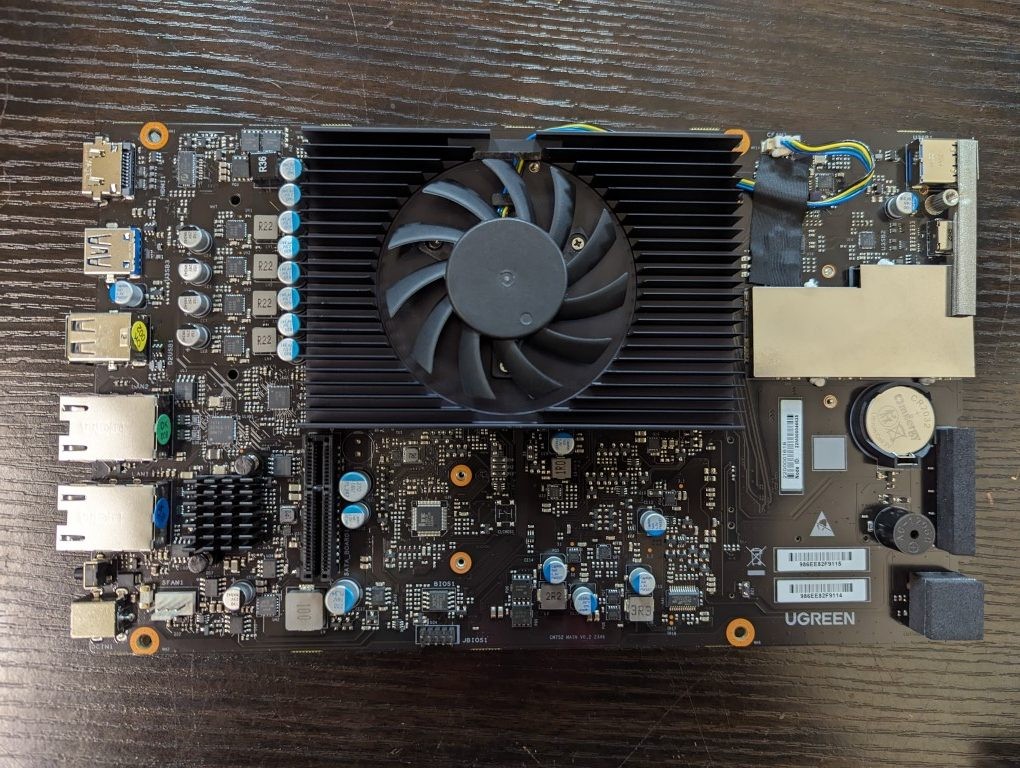
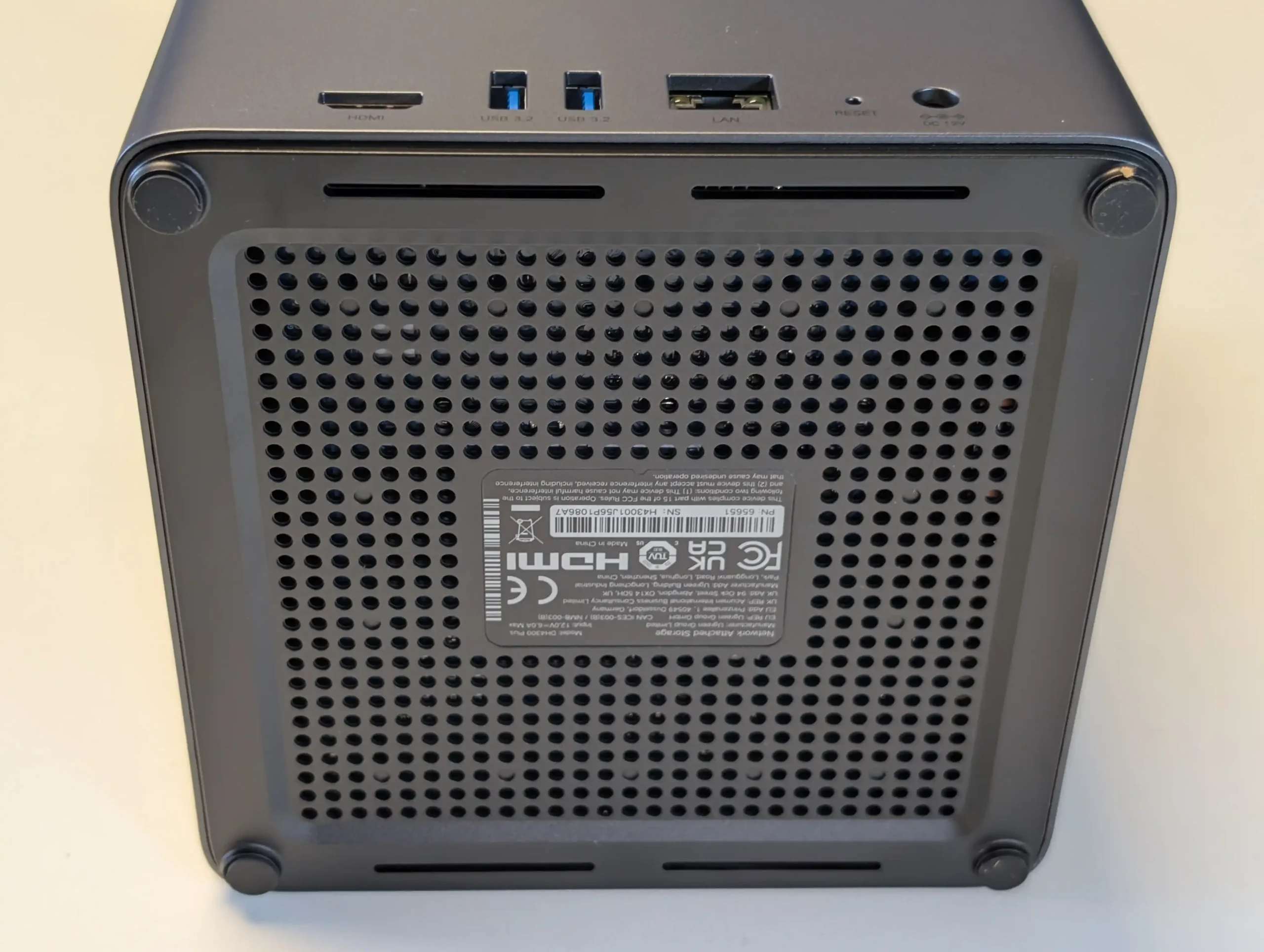
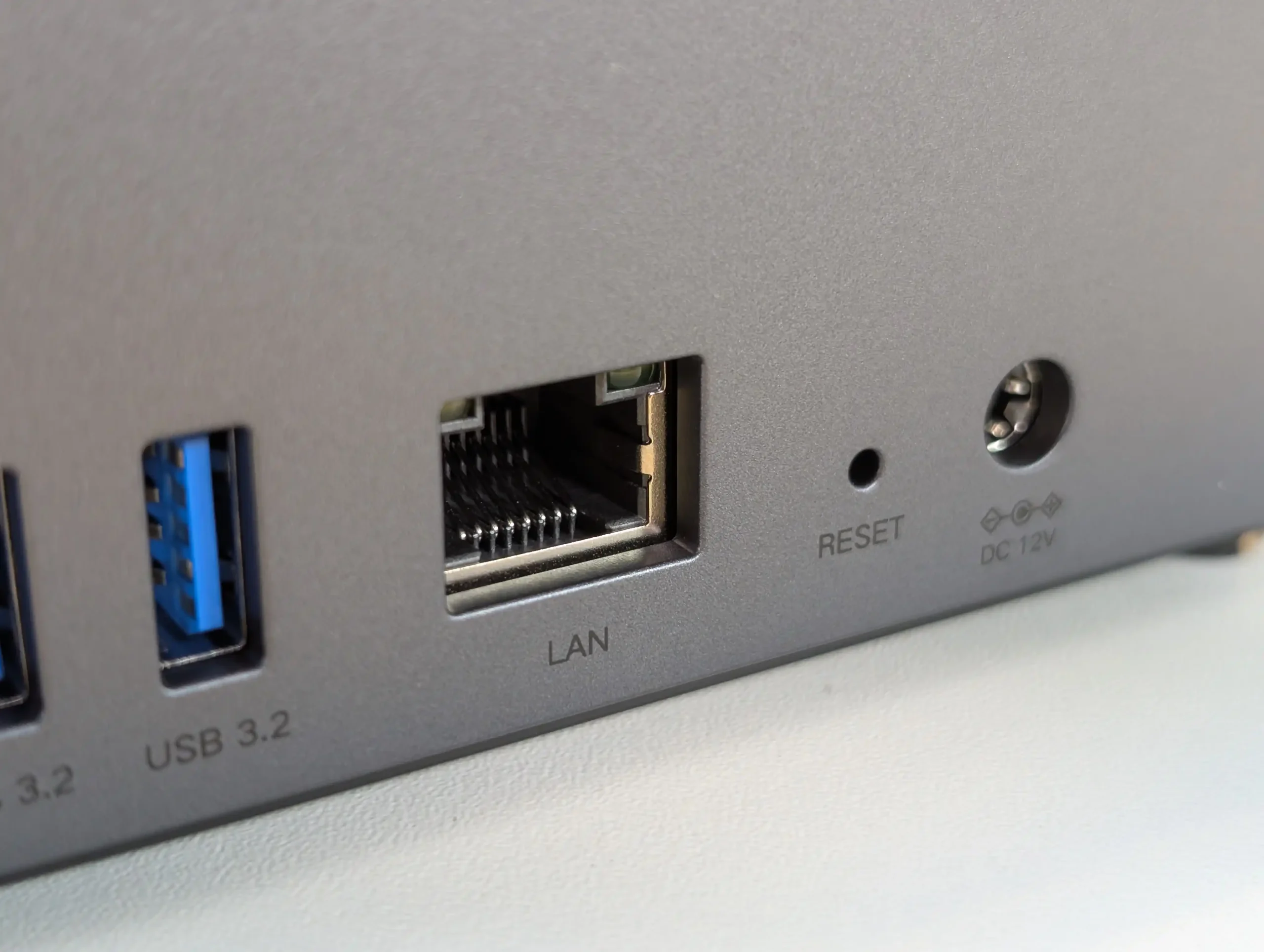
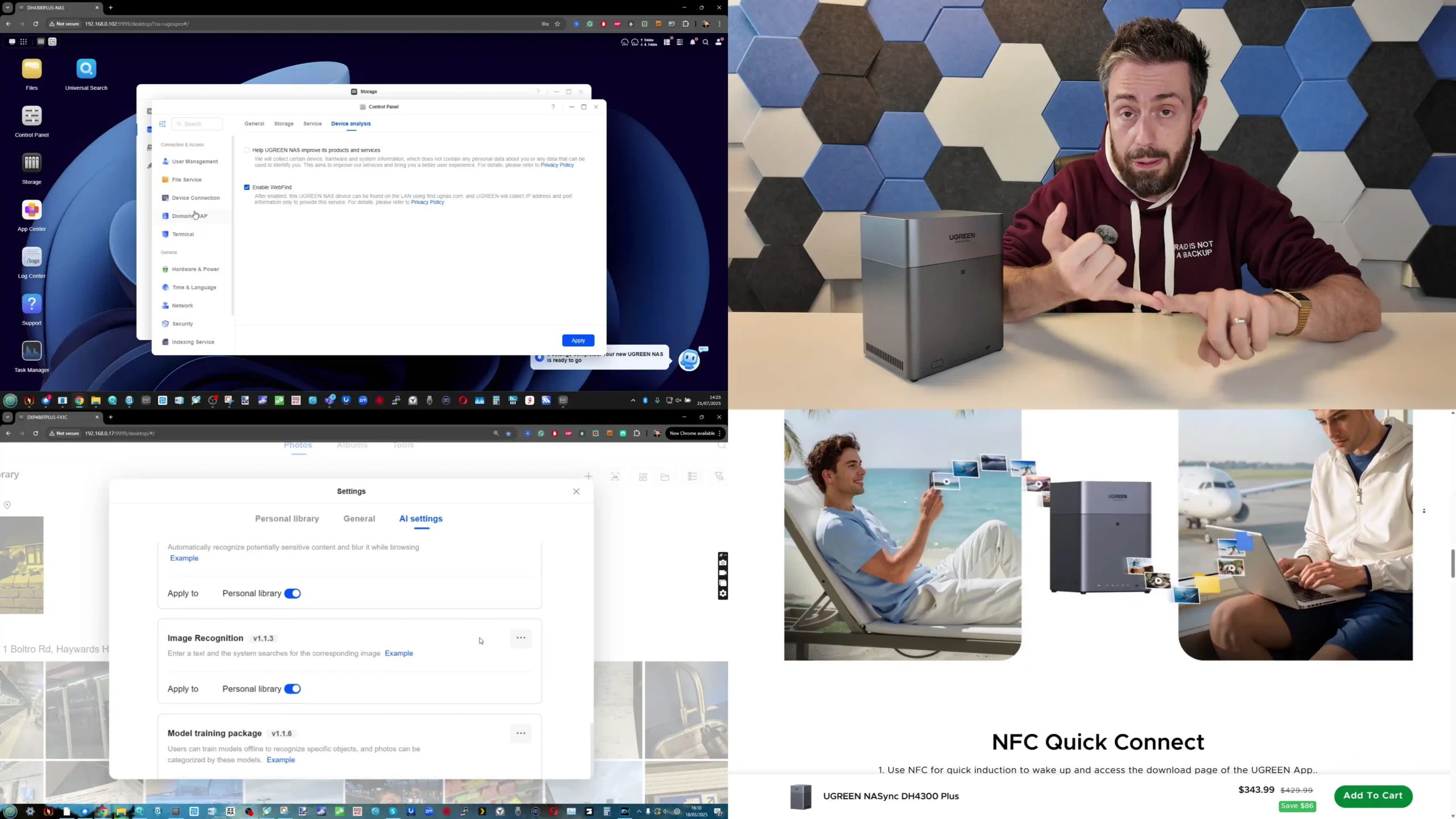
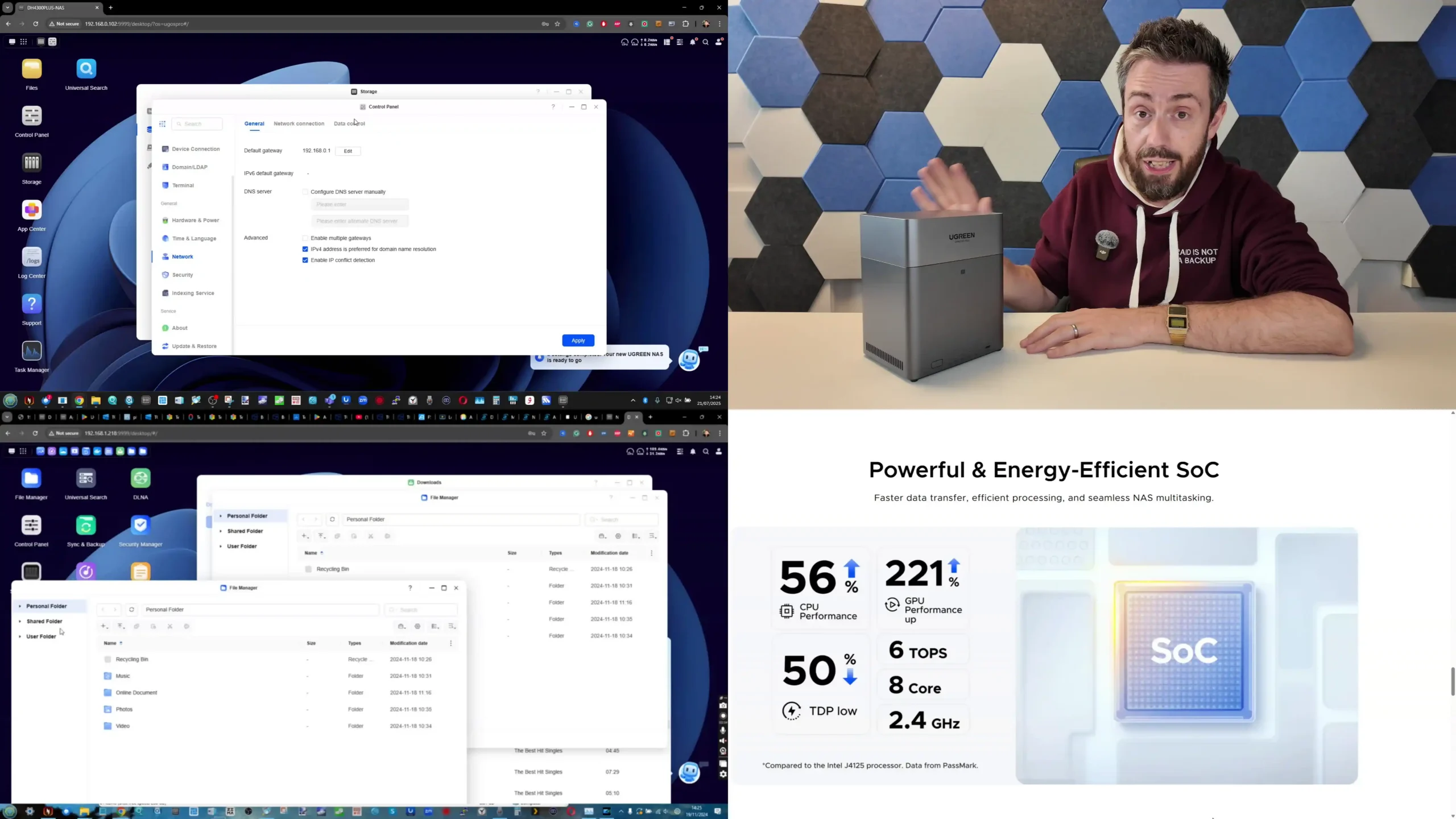
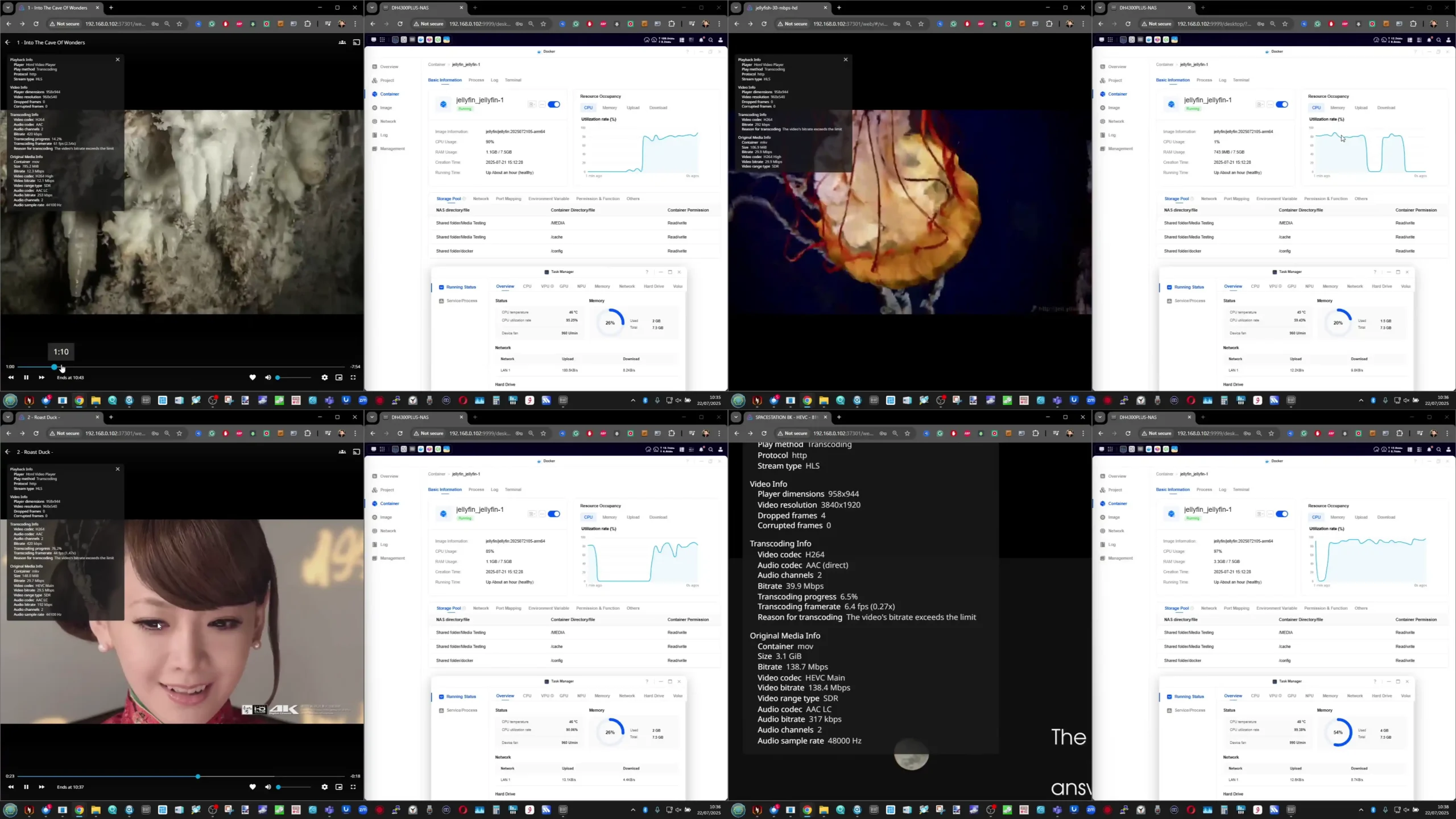
The NASync DH4300 Plus is a 4 bay ARM based NAS that targets users who want RAID 5 capable storage for Plex or Jellyfin along with general backup duties at a moderate price. UGREEN’s UGOS Pro operating system includes its own media apps, an app store and containerisation features, and community testing has confirmed that Plex can achieve multiple 1080p and several 4K streams, benefiting from the RK3588’s hardware video engines. There is only a single 2.5 GbE port and no M.2 cache or expansion options, so scaling is limited to the 4 SATA bays and external USB storage, but for users who prioritise RAID 5 resilience, low to mid range transcoding capacity and comparatively low power use, it fits the role of a budget multi user media and file server.
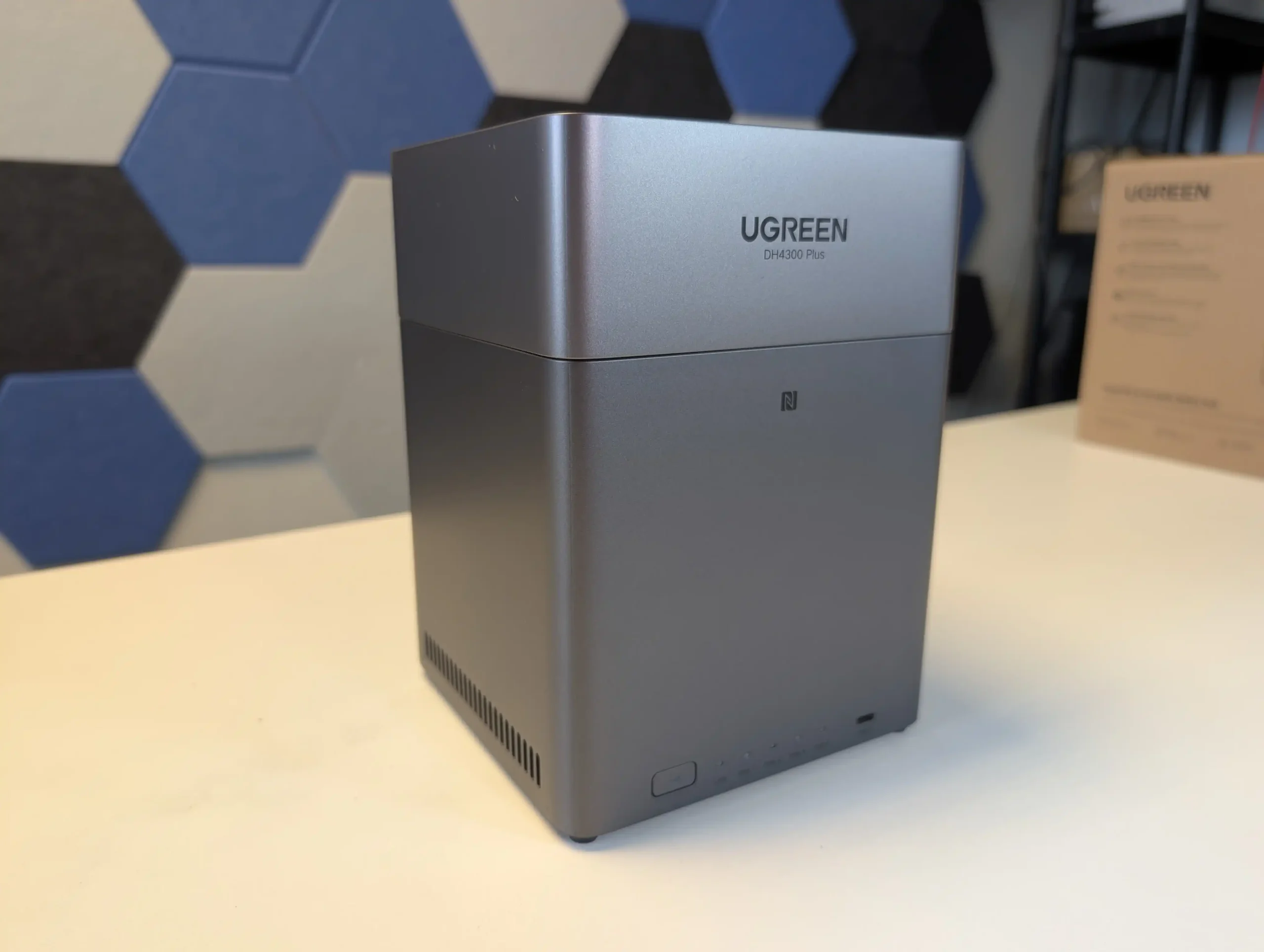
What we said in our August ’25 Review Here:

The UGREEN DH4300 Plus carves out a unique niche in the budget NAS landscape by delivering hardware typically reserved for higher-tier systems at a much lower price point. Its RK3588 processor, 8GB of RAM, and support for 2.5GbE networking place it well ahead of most similarly priced competitors in terms of raw specifications. Additionally, features such as HDMI output, 10Gbps USB ports, and local AI-powered photo indexing are rare to find in entry-level NAS systems. Despite its plastic-heavy internal design and lack of expansion options like PCIe or M.2, the device delivers stable performance for file sharing, media access, and low-intensity AI workloads. It is not suited for power users demanding virtual machines or advanced snapshot automation, but within its class, the DH4300 Plus presents an appealing balance between cost and capability.
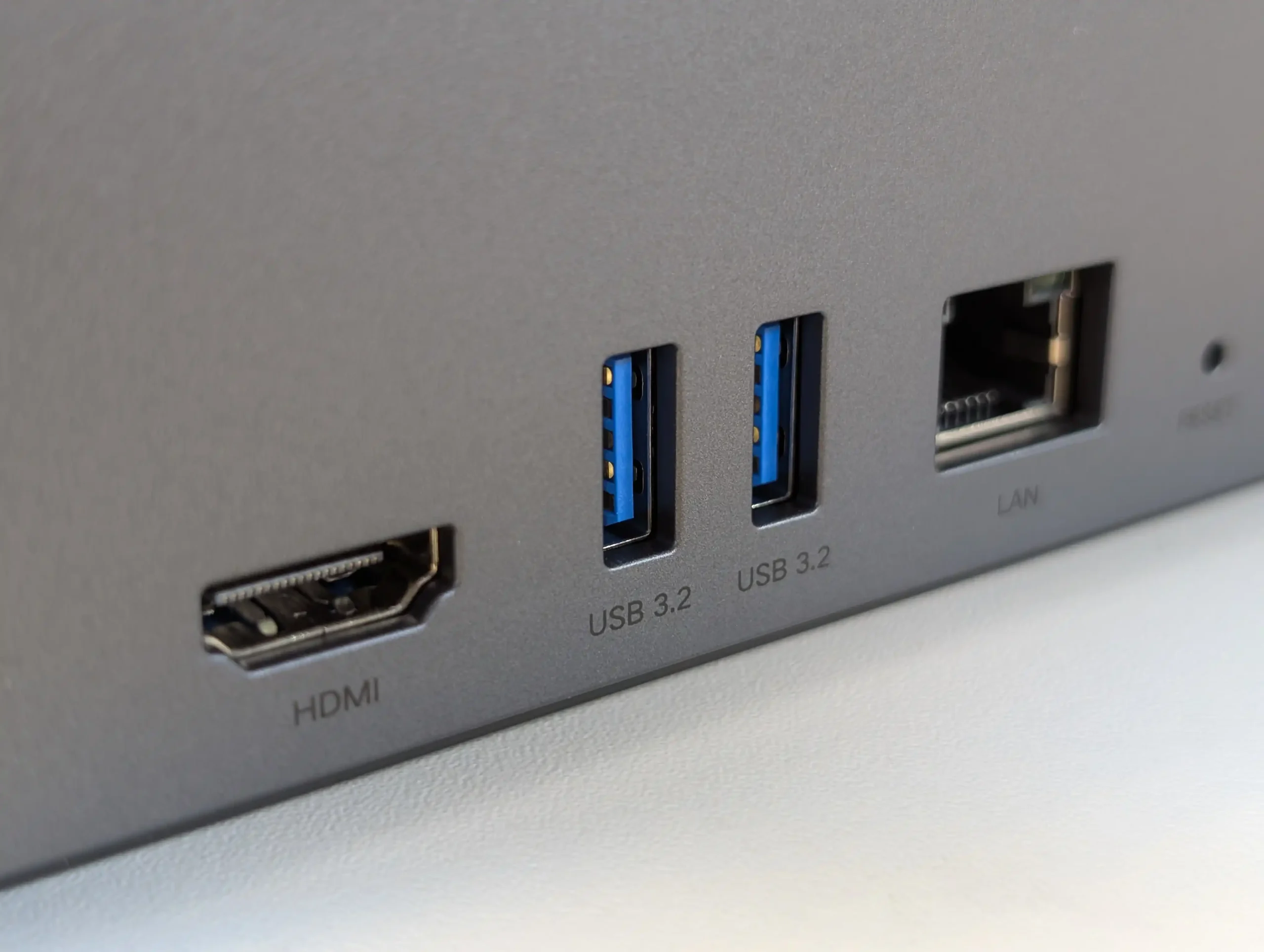
That said, the software experience is still a work in progress. UGOS Pro covers the essentials and offers a visually accessible UI, but lacks the advanced features and ecosystem integration found in more mature platforms like Synology DSM or QNAP QTS. Docker and snapshot support add welcome flexibility, but the absence of native Jellyfin, iSCSI, and VM functionality limits its use in more complex environments. Still, for home users, media collectors, or small office setups looking for reliable backup, modest AI-enhanced photo sorting, and smooth 4K playback, the DH4300 Plus delivers value well beyond its price tag. While it won’t replace high-end NAS appliances, it serves as a capable, efficient, and quietly innovative option in a saturated entry-level NAS market.
mazon in Your Region for $349 the UGREEN DH4300 PLUS

Buy the UGREEN DH4300 on UGREEN.COM

STORE

B&H for the UGREEN DH4300 PLUS

SOFTWARE - 6/10
HARDWARE - 7/10
PERFORMANCE - 6/10
PRICE - 9/10
VALUE - 10/10


7.6
PROS
👍🏻Powerful ARM CPU: Equipped with the RK3588 SoC, offering 8 cores, integrated GPU, and NPU for AI workloads.
👍🏻Generous (but fixed!) Memory: 8GB LPDDR4X RAM, rare in budget NAS systems, supports multitasking and Docker use.
👍🏻2.5GbE Network Port: Provides faster-than-Gigabit throughput for backups, media streaming, and multi-user access.
👍🏻HDMI 2.1 Output: Rare on ARM powered turnkey NAS, and enables direct media playback or NAS control at up to 4K 60Hz, uncommon in value-tier NAS units.
👍🏻USB 10Gbps Ports: Dual USB-A 10Gbps and one USB-C 5Gbps allow for high-speed backups or external storage expansion.
👍🏻AI Photo Management: Built-in NPU supports facial recognition and scene detection for local, private media organization.
👍🏻Low Power Consumption: Efficient under load (~30W) and idle (~5W without drives), suitable for 24/7 operation.
CONS
👎🏻No PCIe or M.2 Expansion: Lacks future scalability for NVMe caching, 10GbE, or other upgrades.
👎🏻Single LAN Port: Only one 2.5GbE port, with no failover or link aggregation support.
👎🏻Limited Software Ecosystem: UGOS Pro lacks iSCSI, VM support, and native Jellyfin, trailing behind DSM/QTS in maturity.


📧 SUBSCRIBE TO OUR NEWSLETTER 🔔
[contact-form-7]
🔒 Join Inner Circle


Get an alert every time something gets added to this specific article!


Want to follow specific category? 📧 Subscribe

This description contains links to Amazon. These links will take you to some of the products mentioned in today's content. As an Amazon Associate, I earn from qualifying purchases. Visit the NASCompares Deal Finder to find the best place to buy this device in your region, based on Service, Support and Reputation - Just Search for your NAS Drive in the Box Below

Need Advice on Data Storage from an Expert?

Finally, for free advice about your setup, just leave a message in the comments below here at NASCompares.com and we will get back to you. Need Help? Where possible (and where appropriate) please provide as much information about your requirements, as then I can arrange the best answer and solution to your needs. Do not worry about your e-mail address being required, it will NOT be used in a mailing list and will NOT be used in any way other than to respond to your enquiry. [contact-form-7] TRY CHAT Terms and Conditions

If you like this service, please consider supporting us. We use affiliate links on the blog allowing NAScompares information and advice service to be free of charge to you.Anything you purchase on the day you click on our links will generate a small commission which isused to run the website. Here is a link for Amazon and B&H.You can also get me a ☕ Ko-fi or old school Paypal. Thanks!To find out more about how to support this advice service check HEREIf you need to fix or configure a NAS, check Fiver Have you thought about helping others with your knowledge? Find Instructions Here  

 
Or support us by using our affiliate links on Amazon UK and Amazon US
    
 
Alternatively, why not ask me on the ASK NASCompares forum, by clicking the button below. This is a community hub that serves as a place that I can answer your question, chew the fat, share new release information and even get corrections posted. I will always get around to answering ALL queries, but as a one-man operation, I cannot promise speed! So by sharing your query in the ASK NASCompares section below, you can get a better range of solutions and suggestions, alongside my own.

☕ WE LOVE COFFEE ☕


Commander Keen - Le code source enfin libéré pour les 35 ans du jeu qui a lancé id Software

Commander Keen, je pense que pas grand monde ne s'en souvient car c'est tellement vieux !! Pour vous rafraichir la mémoire, c'est ce petit gamin au casque de football américain et sa pogo stick qui fait des bonds partout !

Si ça vous parle c'est que vous êtes assez vieux pour avoir connu les débuts d'id Software. Alors vous serez content d'apprendre qu'un passionné du nom de K1n9_Duk3 vient de libérer le code source "reconstruit" des épisodes 1 à 3, pile pour les 35 ans de la série.

Avec ce projet, si vous compilez le code source avec les bons outils d'époque, vous obtiendrez des exécutables 100% identiques aux originaux. Identiques au bit près une fois compressés avec LZEXE ou PKLITE et cela mes amis, ça veut dire que K1n9_Duk3 a réussi à reconstituer exactement ce que John Carmack et sa bande avaient codé en 1990, simplement en analysant les binaires.

J'vous passe les détails techniques que vous pouvez retrouver ici , mais sachez que si vous voulez compiler tout ça, vous aurez besoin de Turbo C++ 1.00 (et surtout pas la 1.01 qui génère du code légèrement différent !) ainsi que Turbo Assembler 2.0 ou supérieur.

Et ce qui est amusant dans l'histoire, c'est que le code de Keen 1-3 réutilise pas mal de bouts de Dangerous Dave, The Catacomb et Hovertank, des projets sur lesquels les futurs fondateurs d'id Software bossaient quand ils étaient encore employés chez Softdisk. Des droits qu'ils n'avaient probablement pas le droit d'exploiter... Mais bon, à l'époque, c'était un peu le far west du shareware.

D'ailleurs, en parlant de cette époque, faut quand même rappeler l'histoire complètement dingue de la naissance de Keen. En septembre 1990, John Carmack bosse de nuit chez Softdisk quand il réussit enfin à créer un scrolling horizontal fluide sur PC. À l'époque, c'était considéré comme impossible, et seules les consoles comme la NES savaient faire ça.

Pour rigoler, Tom Hall et lui recréent le premier niveau de Super Mario Bros. 3 avec les graphismes de Dangerous Dave. Ils appellent ça "Dangerous Dave in Copyright Infringement" et le montrent à John Romero le lendemain matin.

Et le résultat, on le connaît... Romero voit tout de suite le potentiel, Scott Miller d'Apogee Software leur file 2000 dollars pour développer un jeu original, et Commander Keen sort en décembre 1990. Les ventes d'Apogee passent alors de 7000 dollars par mois à 30 000 en deux semaines, puis 60 000 par mois six mois plus tard. La suite, c'est la création d'id Software en février 1991, puis Wolfenstein 3D, puis DOOM... Vous connaissez le refrain.

Du coup, 35 ans plus tard, avoir accès au code source original de ce jeu fondateur, et qu'en plus, ça se compile comme au premier jour, c'est assez incroyable ! Le package contient toutes les versions, depuis la beta de novembre 1990 jusqu'à la version 1.34 de Precision Software Applications donc voilà, si vous avez la nostalgie des années DOS et que vous voulez comprendre comment on codait des jeux quand la mémoire se comptait en kilooctets, vous savez ce qu'il vous reste à faire.

Source

Black Friday Deals on CPU+Motherboard NAS Combos

DIY NAS Mobo+CPU Combo Black Friday Deals

Black Friday 2025 has turned into an unexpectedly strong year for NAS-oriented CPU and motherboard combos, with some of the most capable low-power and mid-range processors finally dropping into impulse-buy pricing. Boards built around the Intel N150, N305, and even the Ryzen 7 8845HS are now appearing with deep discounts, and many of them pair surprisingly high-performance compute with dense SATA layouts, multiple NVMe slots, and 10GbE networking. These platforms slot neatly into the current wave of home lab operating systems, giving users a flexible foundation for TrueNAS, UnRAID, Proxmox, or ZimaOS, whether the goal is a compact all-flash array, a low-watt Plex server, or a fully virtualized workload host. This guide breaks down the best offers available today and highlights the combos that deliver the strongest performance per dollar.

Important – If you are considering purchasing from AliExpress via the links below, here is a list of promo codes thare are valid during Black Friday and Cyber Monday. Additionally, there are ‘red banner’ discounts on many of the pages that are located in red under the product price (I have highlighted the box in red):
    • $3 off orders over US 18 [USAFF03]
    • $4 off orders over US 26 [USAFF04]
    • $9 off orders over US 59 [9USAFF]
  • $15 off orders over US 89 [15USAFF]
  • $20 off orders over US 139 [USAFF20]
  • $30 off orders over US 209 [30USAFF]
  • $40 off orders over US 279 [40USAFF]
  • $50 off orders over US 329 [50USAFF]
  • $70 off orders over US 499 [70USAFF]

ALSO – Need UnRAID? UnRAID 25% Price Drop + $15 Voucher Included with ALL Orders – HERE


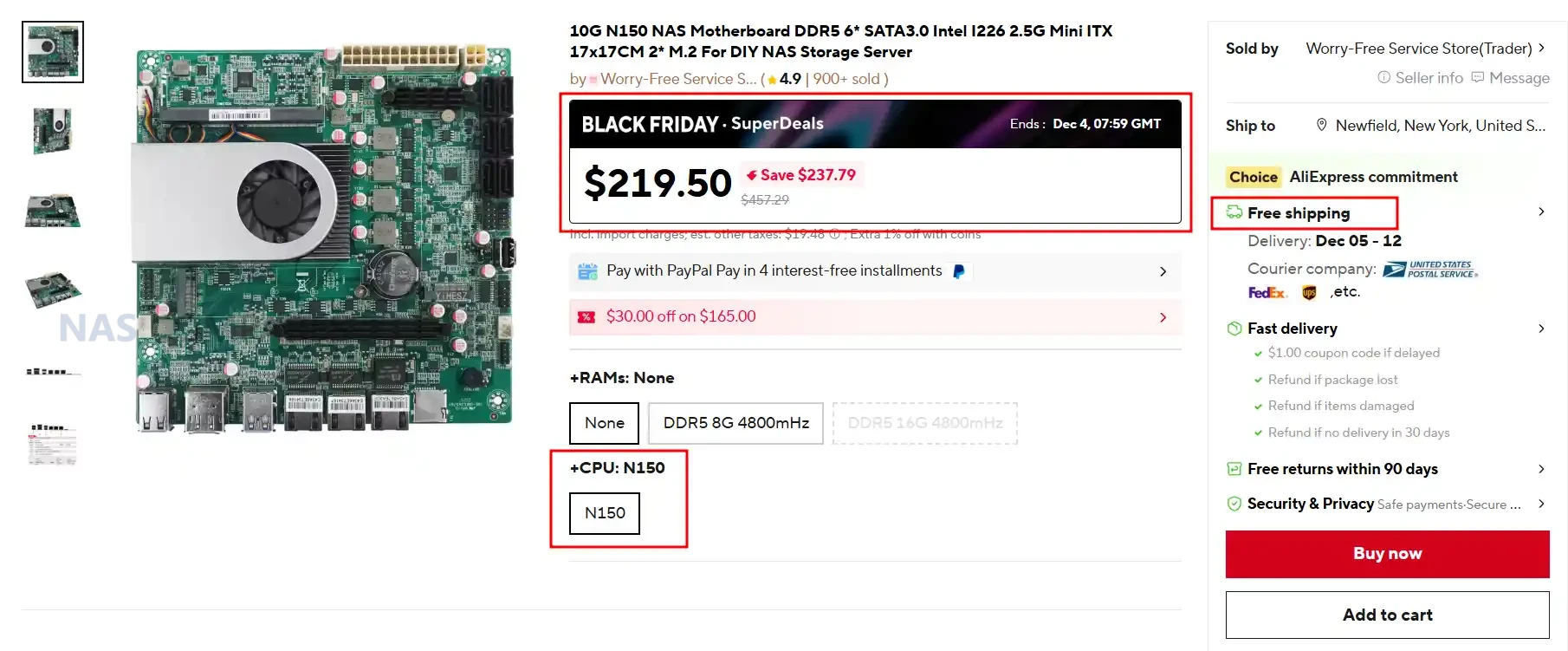
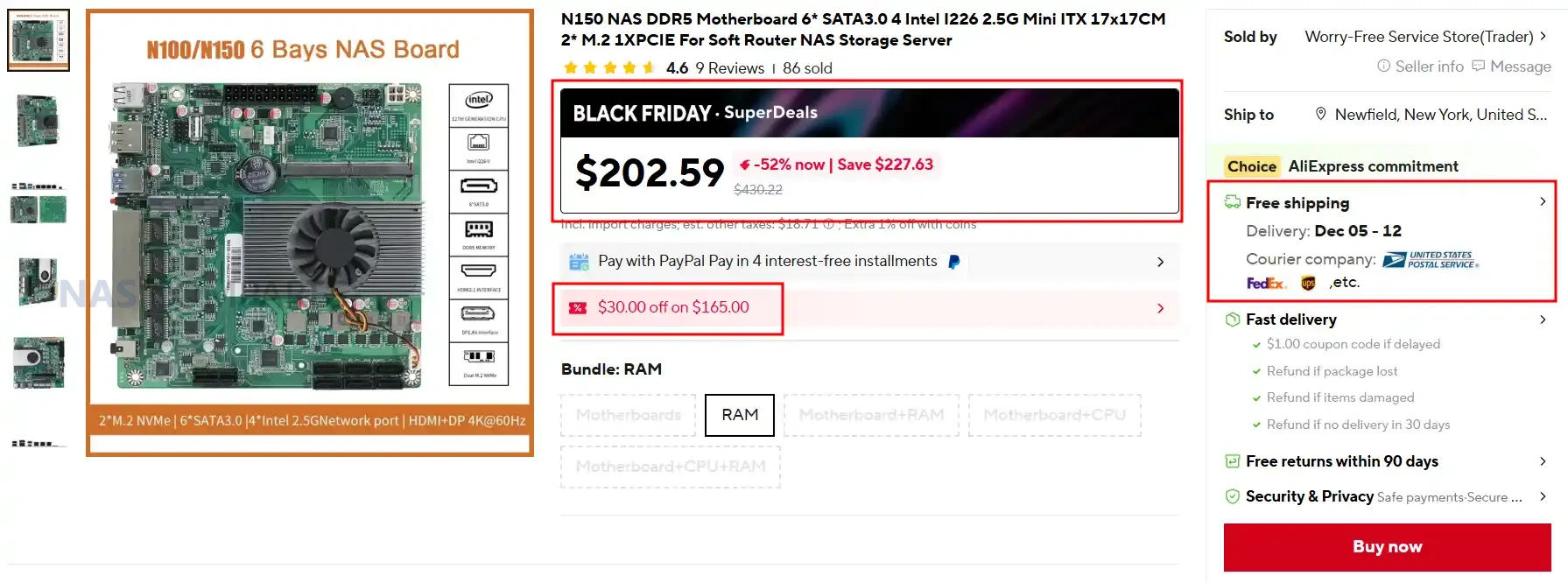
10G N150 NAS Motherboard / DDR5 6* SATA /  Intel I226 / 2.5G Mini ITX /  2* M.2 – $219.50 HERE

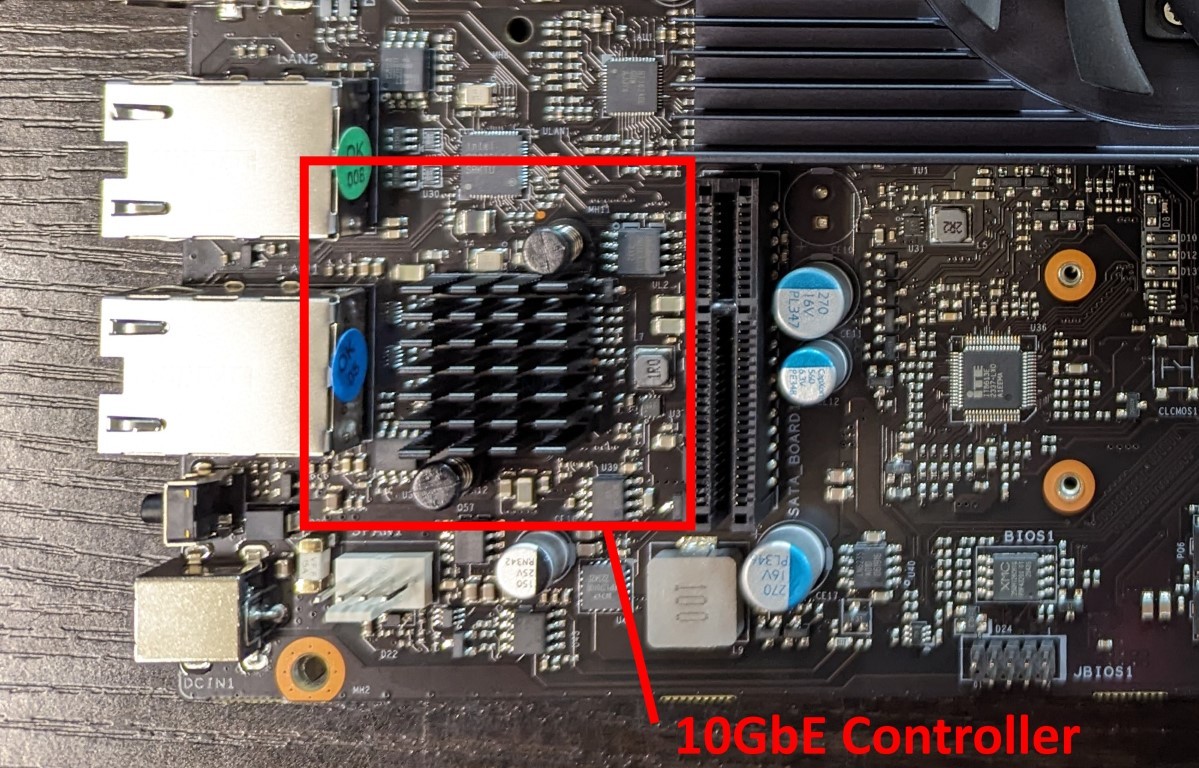
This Mini-ITX NAS-oriented board features an onboard Intel N150 processor paired with DDR5 memory support and a strong storage layout including six SATA 3.0 ports and two PCIe-based M.2 slots. It includes triple-NIC networking with dual Intel I226-V 2.5GbE ports and a 10GbE AQC113 controller, making it suitable for DIY NAS builds that require high-bandwidth local access. With PCIe 3.0 expansion, ATX 24+4-pin power, and full support for Windows and Linux, it offers excellent value at its discounted Black Friday price of $219.50.

Category Details
CPU Intel N150 onboard (Twin Lake SoC)
Motherboard Type Mini-ITX 170 x 170 mm
RAM Type / Maximum DDR5 SO-DIMM, 1 slot, up to 16GB
SATA Drive Support 6 x SATA 3.0
M.2 SSD Support 2 x M.2 M-Key (PCIe)
Network Connections 2 x Intel I226-V 2.5GbE, 1 x AQC113 10GbE
PSU Type 24-pin ATX + 4-pin CPU power
PCIe Slot Support 1 x PCIe 3.0 x4 slot

N150 NAS 2.5GbE x4 Motherboard / 6* SATA /  Mini ITX / 2x M.2 / 1x PCIE – $202.59 HERE

This Mini ITX NAS board uses an onboard Intel N150 or N100 processor and offers a flexible storage layout with 6 SATA ports and 2 M.2 NVMe slots, making it suitable for DIY NAS, Proxmox, and router builds. It provides strong networking options with either 4 Intel I226 2.5 GbE ports or a variant that includes a 10 GbE option, giving it more bandwidth than typical low power boards. With DDR5 memory support, PCIe expansion, ATX power input, and wide operating temperature tolerance, it delivers a balanced platform for homelab users at a competitive Black Friday price.

Category Details
CPU Intel N150 or Intel N100 onboard
Motherboard Type Mini ITX size one hundred seventy mm by one hundred seventy mm
RAM Type and Maximum DDR5 SO DIMM up to sixteen GB
SATA Drive Support Six SATA three ports
M2 SSD Support One M2 NVMe or NGFF and one M2 NVMe
Network Connections Four Intel I226 two point five gig ports or two two point five gig plus one ten gig (variant)
PSU Type Twenty four pin ATX plus four pin CPU
PCIe Slot Support One PCIe three point zero x one slot

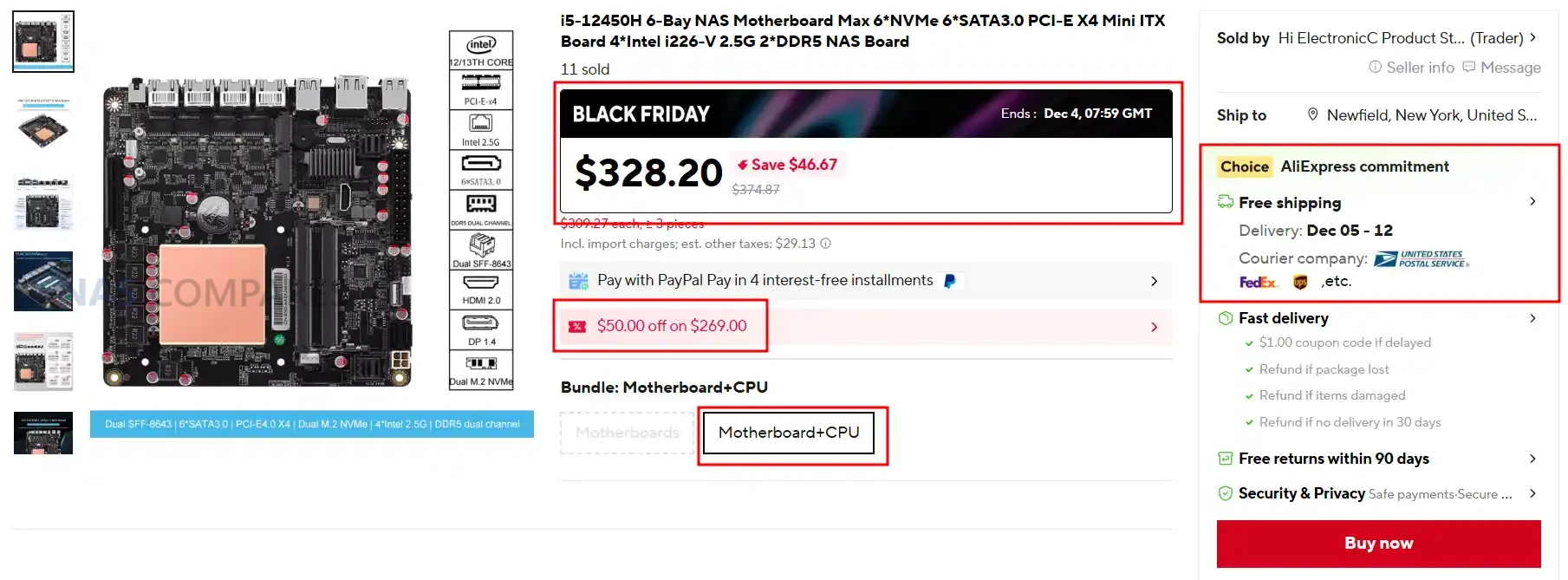
i5-12450H / 6xNVMe / 6xSATA / PCI-E X4 / 4x Intel i226-V 2.5G / 2xDDR5 NAS Board $328.20 HERE

This Mini ITX NAS board features an onboard Intel Core i5-12450H processor and is built for high performance storage, virtualization, and workstation-grade workloads. It supports up to 64 GB of DDR5 across 2 slots, offers 6 NVMe capability through SFF-8643 expansion, includes 2 onboard M.2 NVMe slots, and provides flexible PCIe 4.0 expansion for NICs or GPUs. With 4 Intel I226-V 2.5 GbE ports, HDMI plus DP display support, RAID capability, and a PCIe 4.0 x4 slot, it delivers one of the most capable NAS motherboard platforms in the compact 170 x 170 mm form factor at its Black Friday price of $328.20.

Category Details
CPU Intel Core i5 12450H onboard
Motherboard Type Mini ITX size one hundred seventy mm by one hundred seventy mm
RAM Type and Maximum DDR5 dual channel up to sixty four GB, two slots
SATA Drive Support Two direct SATA ports plus five SATA via SFF eight six four three JMB585 controller
M2 SSD Support Two M two slots, one PCIe four point zero x four and one PCIe three point zero x one, plus four NVMe via SFF adaptor
Network Connections Four Intel I226 V two point five gig ports
PSU Type Twenty four pin ATX plus eight pin CPU power (standard ITX layout)
PCIe Slot Support One PCIe four point zero x four slot (compatible with x eight or x sixteen cards)

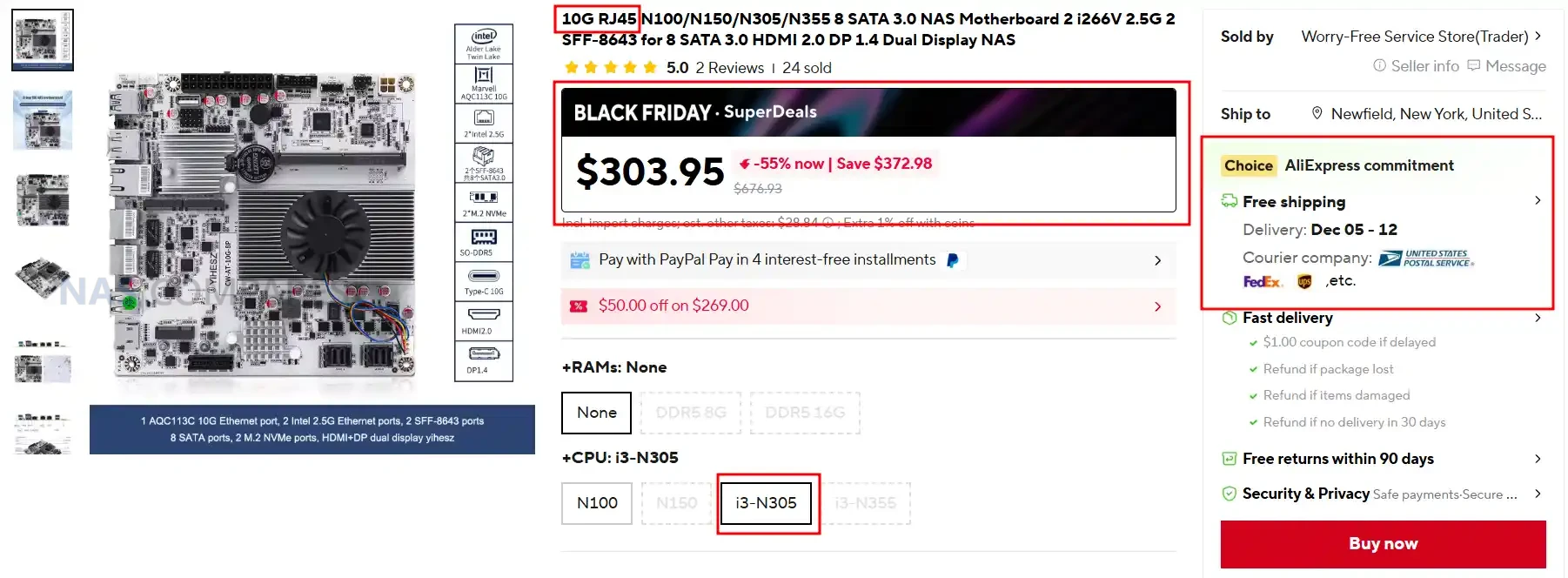
1x 10G / N100/N150/N305/N355 /  2x i266V 2.5G / 2x SFF-8643 for 8 SATA /  HDMI 2.0 / DP 1.4 NAS Mobo $303.95 HERE

This Mini ITX NAS motherboard uses Intel N100, N150, N305, or N355 processors and provides an unusually large storage layout with 8 SATA ports and 2 M.2 NVMe slots, making it well suited for heavy TrueNAS and UnRAID storage configurations. It includes a Marvell AQC113C 10GbE port alongside 2 Intel i226-V 2.5GbE ports, giving it strong multi-uplink support for advanced homelab networking or multi-subnet routing. With DDR5 up to 48GB, HDMI plus DP dual display, PCIe expansion, and extensive USB connectivity, it delivers a feature set normally found in higher priced platforms while sitting at a significant Black Friday discount.

Category Details
CPU Intel N100 or Intel N150 or Intel N305 or Intel N355 onboard
Motherboard Type Mini ITX size 170 x 170 mm
RAM Type and Maximum DDR5 SO DIMM up to 48 GB, 1 slot
SATA Drive Support 8 SATA three ports via two SFF 8643 connectors
M2 SSD Support 2 x M2 NVMe PCIe three point zero x1 slots, 2280 size
Network Connections 1 x ten gig AQC113C, 2 x Intel i226 V two point five gig
PSU Type 24 pin ATX plus 4 pin CPU
PCIe Slot Support 1 PCIe three point zero x1 breakout slot (compatible with x1 x4 x8 cards)

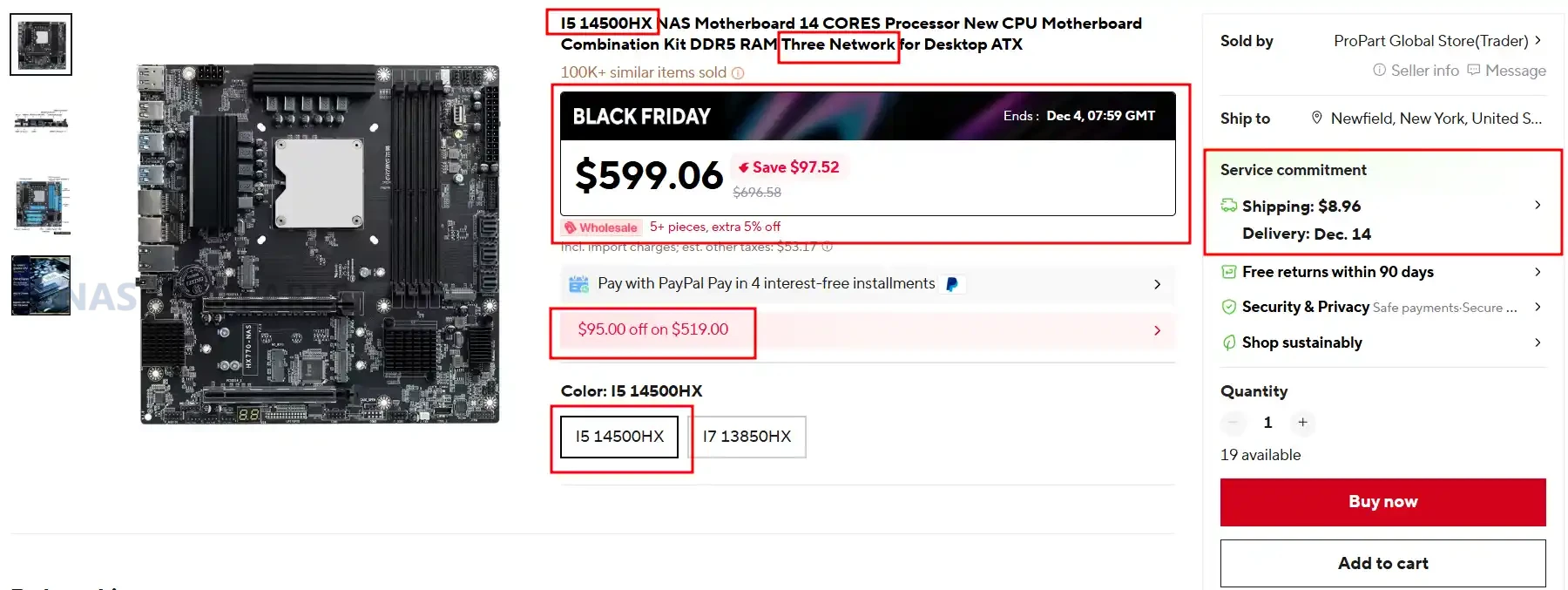
I5 14500HX NAS / 14th Gen & 14 CORE CPU / DDR5 RAM / 10G+2.5G Network / ATX MoBo – $599.06 HERE

This Micro ATX NAS motherboard features the Intel i5-14500HX processor and delivers strong multi-core performance for TrueNAS, UnRAID, Proxmox, and virtualised storage workloads. It includes dual 2.5GbE plus a 10GbE port, giving it significantly more throughput than most consumer ATX boards at this price point. With four DDR5 slots up to 128GB, four M.2 NVMe connectors, and PCIe 4.0 expansion, it provides a high-performance foundation for demanding NAS or homelab builds.

Category Details
CPU Intel i5-14500HX (onboard)
Motherboard Type Micro ATX (244 x 244 mm)
RAM Type / Maximum DDR5, up to 128GB, 4 slots
SATA Drive Support SATA ports supported (quantity not listed beyond “SATA” support)
M.2 SSD Support 4 x M.2 NVMe (1 x PCIe 3.0 x4, 3 x PCIe 4.0 x4)
Network Connections 2 x 2.5GbE, 1 x 10GbE
PSU Type ATX power supply
PCIe Slot Support 1 x PCIe 4.0 x16, 1 x PCIe 4.0 x4

UnRAID 25% Price Drop + $15 Voucher Included with ALL Orders – HERE

The Unraid Cyber Weekend Sale started on Wednesday November 26th, and will run through Cyber Monday, December 1st, 2025. They are discounting Starter and Unleashed licenses, plus all Unleashed upgrades (so, if you have a monthly or annual license, and want to upgrade to lifetime, you will get a discount of the partial upgrade cost too). Also, every license purchased will come with a $15 voucher good for the Unraid Merch Store included. Click below (or HERE) to get your UnRAID license at 25% off.


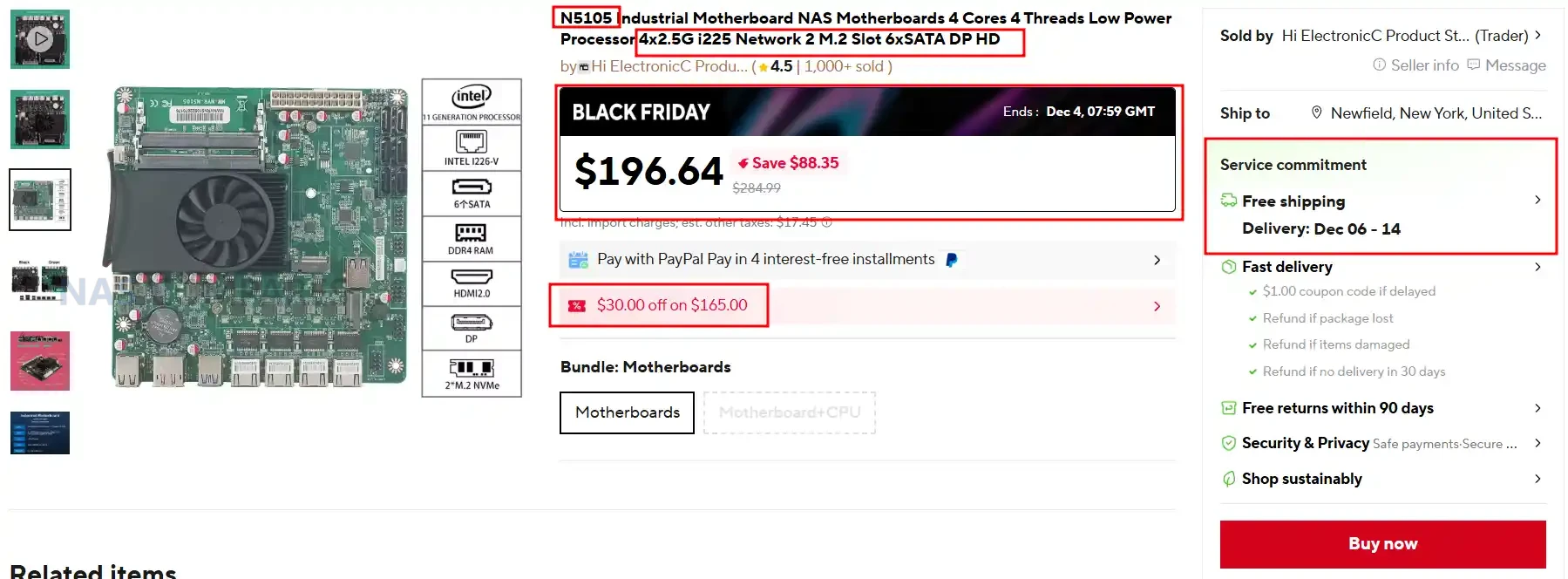
SUPER BUDGET N5105 NAS Mobo Combo / 4 Cores 4 Threads Low Power Use / 4×2.5G i225 / 2x M.2 Slot 6xSATA – $196.94 HERE

This budget Mini ITX NAS board uses the Intel N5105 processor and offers enough performance for Plex, Jellyfin, Docker containers, and lightweight TrueNAS or UnRAID builds. It includes 4 x 2.5GbE ports for multi-NIC routing or link-aggregation and pairs 6 SATA ports with 2 M.2 NVMe slots, making it suitable for large media libraries or mixed SSD cache setups. With DDR4 support up to 64GB, dual display outputs, low power consumption, and fan headers for stable 24/7 operation, it delivers strong value at its reduced Black Friday price.

Category Details
CPU Intel N5105 (4 cores, 4 threads, onboard)
Motherboard Type Mini ITX (Industrial style)
RAM Type / Maximum DDR4, up to 64GB, 2 slots
SATA Drive Support 6 x SATA 3.0
M.2 SSD Support 2 x M.2 NVMe (2280)
Network Connections 4 x 2.5GbE (Intel i225 or i226-V depending on board revision)
PSU Type 24-pin ATX
PCIe Slot Support None

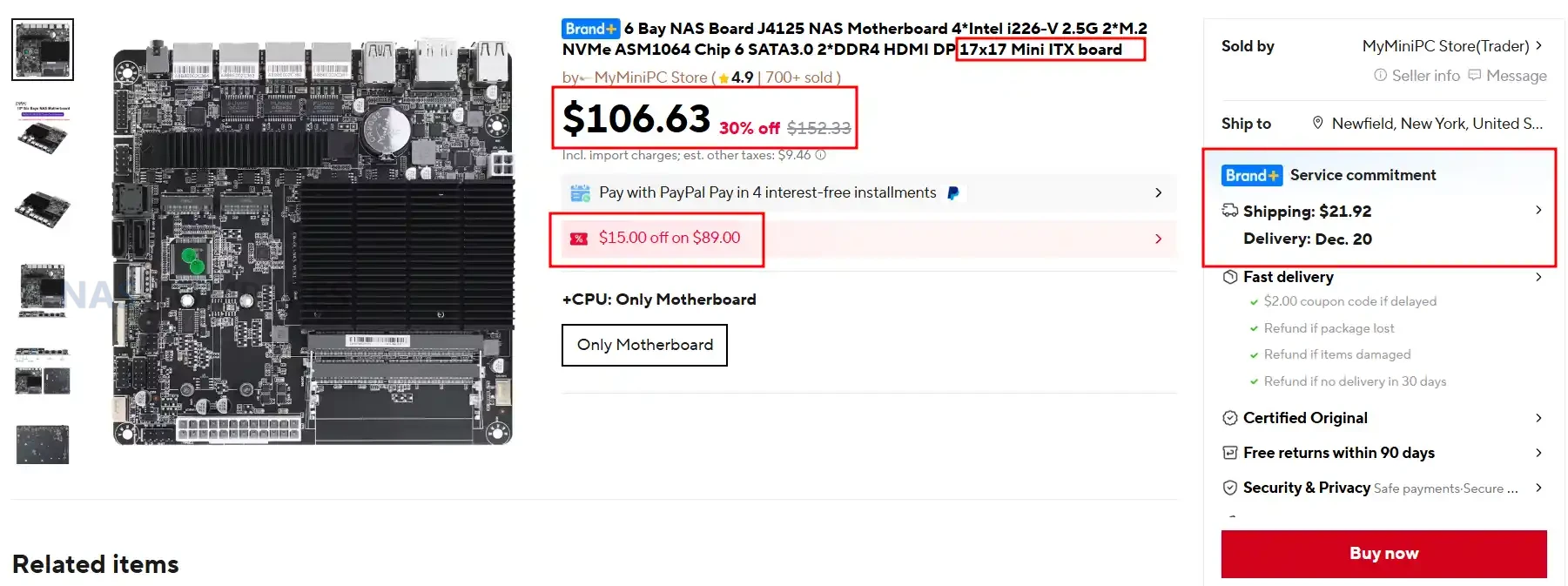
Mini ITX 6 Bay NAS / J4125 NAS MoBo / 4x Intel i226-V 2.5G / 2x M.2 NVMe / 6x SATA + ASM1064 Chip / 2X DDR4 HDMI+ DP – $106.63 HERE

This ultra-compact 17 cm Mini ITX NAS board uses the Intel J4125 processor and is aimed at users who want a silent, fanless, sub-10W micro-NAS or a smart pfSense or OpenWrt router with storage. It delivers an impressive storage layout for its size with 6 SATA ports and 2 M.2 NVMe slots, backed by 4 x Intel i226-V 2.5GbE ports for multi-WAN routing, VLAN networks, or isolated NAS traffic. With passive cooling, DDR4 up to 32GB, dual display output, and a very low price point, it is ideal for compact Proxmox, TrueNAS SCALE (light usage), OpenMediaVault, or edge-router deployments.

Category Details
CPU Intel J4125 (onboard, Gemini Lake Refresh)
Motherboard Type Mini ITX, 17 x 17 cm
RAM Type / Maximum DDR4, up to 32GB, 2 slots
SATA Drive Support 6 x SATA (2 native + 4 via ASM1064)
M.2 SSD Support 2 x M.2 NVMe (one shares lane with LAN4)
Network Connections 4 x 2.5GbE (Intel i226-V)
PSU Type ATX 24-pin + 4-pin
PCIe Slot Support None

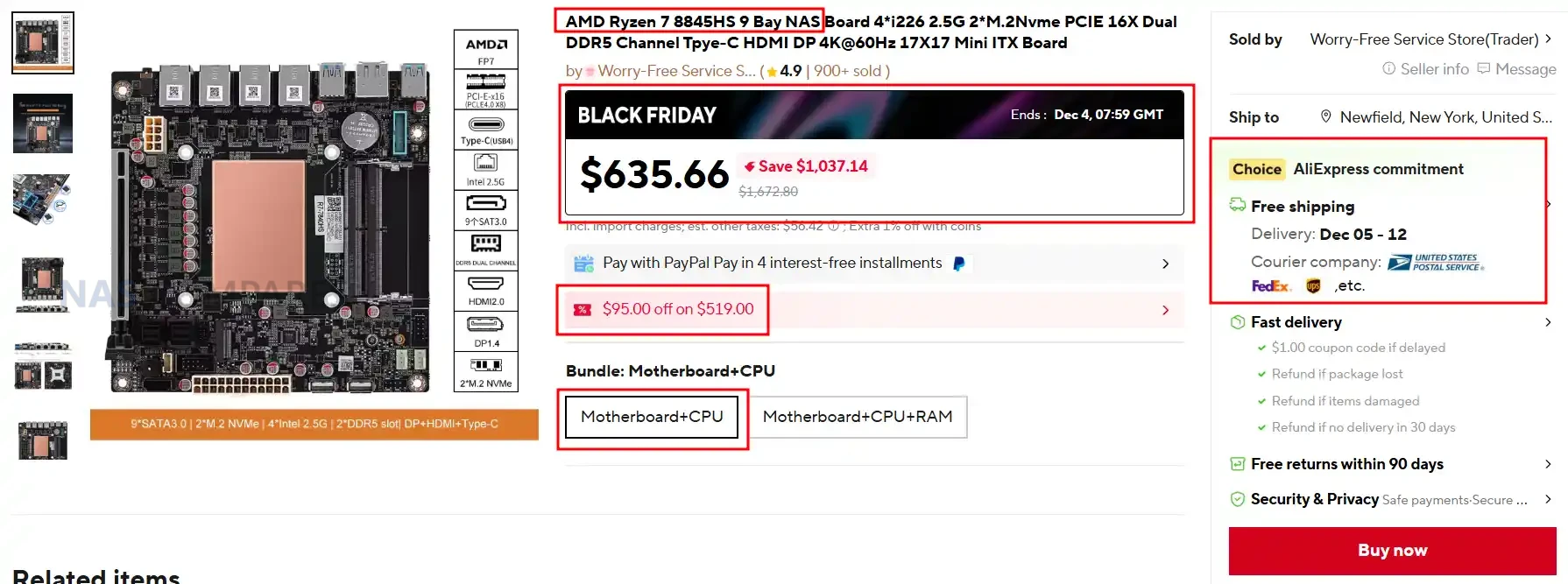
Mini ITX 17cm AMD Ryzen 7 8845HS NAS MoBo / 9 Bay SATA /  4X 2.5G / 2x M.2 / PCIE 16X / Dual DDR5 Channel Type-C HDMI DP 4K@60Hz – $635.66 HERE

This Mini ITX NAS platform uses the AMD Ryzen 7 8845HS processor and is aimed at high-performance NAS, Proxmox, and AI-assisted homelab builds, offering far more compute power than typical low-wattage NAS boards. It provides an extensive storage layout with 9 SATA ports and 2 M.2 NVMe connectors, combined with 4 x Intel i226-V 2.5GbE ports for multi-network routing and all-in-one server deployments. With PCIe 4.0 x16 expansion, DDR5 up to 64GB, triple-display output, and USB4 on the rear I/O, it delivers one of the most capable NAS+motherboard combos available at a steep Black Friday discount.

Category Details
CPU AMD Ryzen 7 8845HS (onboard, Zen 4)
Motherboard Type Mini ITX, 17 x 17 cm
RAM Type / Maximum DDR5, up to 64GB, 2 slots, ECC laptop RAM supported
SATA Drive Support 9 x SATA (via 2 x SFF-8643 breakout + native ports)
M.2 SSD Support 2 x M.2 NVMe (PCIe 4.0 x2, 2280)
Network Connections 4 x 2.5GbE (Intel i226-V)
PSU Type ATX 24-pin + 4-pin
PCIe Slot Support 1 x PCIe 4.0 x16 (wired x8)

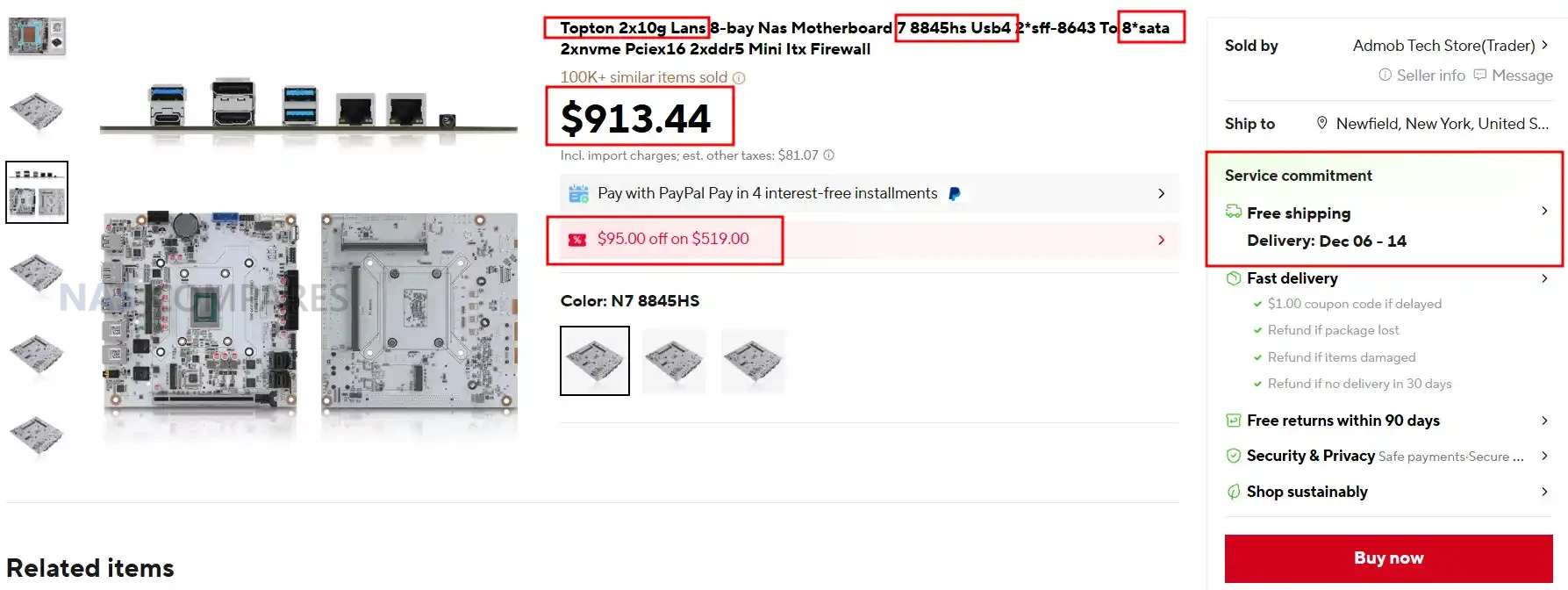
Topton 2x 10GbE AMD 8845HS NAS Mobo Combo / USB4 / 8 SATA / 2x M.2 NVMe / PCIe x16 / 2x DDR5 SODIMM – $635.66 HERE

This high-end Mini ITX NAS motherboard combines the AMD Ryzen 7 8845HS processor with dual 10GbE ports, making it one of the most capable compact NAS and homelab platforms available in 2025. It supports 8 SATA drives through dual SFF-8643 connectors, 2 M.2 PCIe 4.0 x4 NVMe slots, DDR5 up to 96GB, USB4 at 40Gbps, and a PCIe 4.0 x16 slot for GPU or high-speed NIC expansion. With powerful integrated Radeon 780M graphics, triple-display output, and extensive onboard connectivity, it delivers workstation-class performance for TrueNAS, UnRAID, Proxmox, and high-throughput storage or media server workloads.

Category Details
CPU AMD Ryzen 7 8845HS (8 cores, 16 threads, Zen 4, up to 5.1GHz)
Motherboard Type Mini ITX, 17 x 17 cm
RAM Type / Maximum DDR5 SO-DIMM, up to 96GB (2 slots, 48GB per slot)
SATA Drive Support 8 x SATA (via 2 x SFF-8643 breakout through ASM1164)
M.2 SSD Support 2 x M.2 NVMe (PCIe 4.0 x4, 2280)
Network Connections 2 x 10GbE (AQC113-B1-C)
PSU Type ATX 24-pin + 4/8-pin CPU power
PCIe Slot Support 1 x PCIe 4.0 x16 (wired x8)

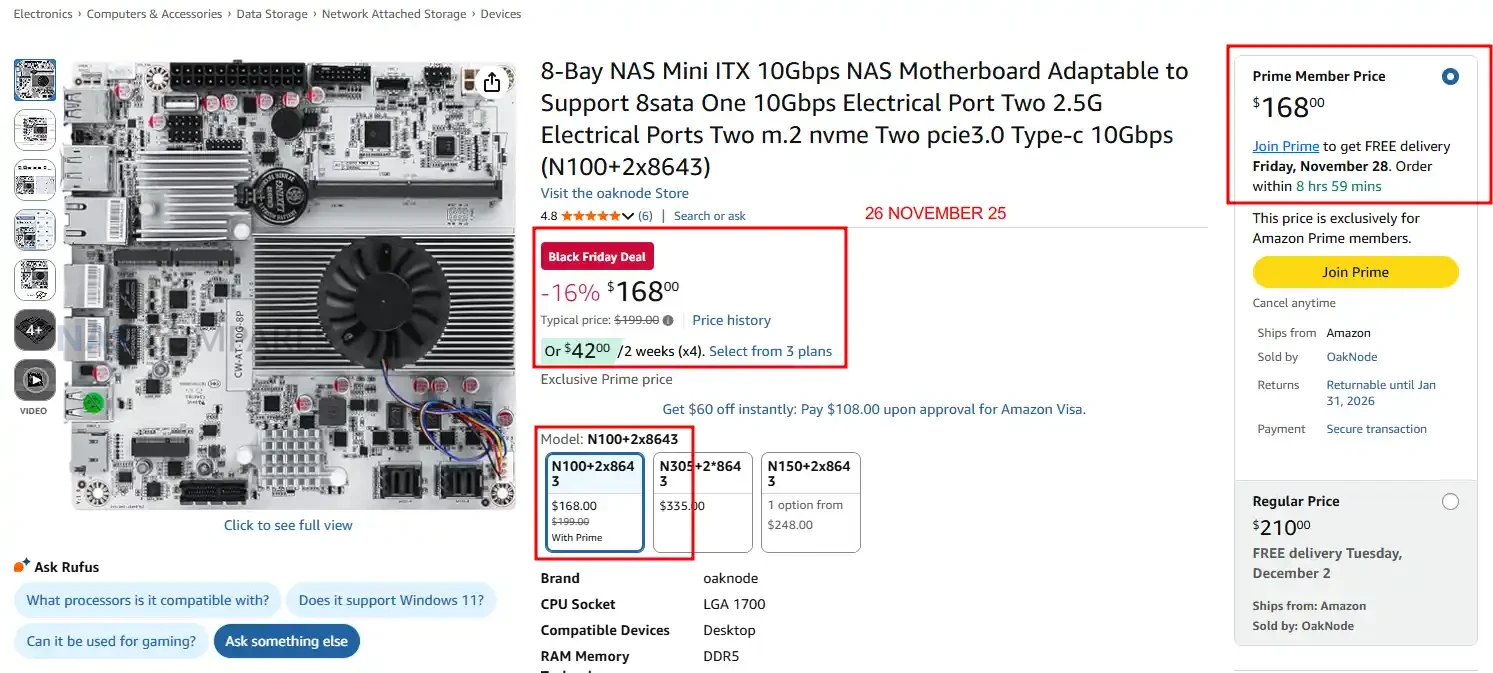
Intel N100 /  1x 10GbE / 2x i266V 2.5G / 8 SATA /  HDMI 2.0 / DP 1.4 NAS Mobo $168 (Down from $199) HERE

This Mini ITX NAS motherboard supports Intel N100, N150, N305, and N355 processors and offers an unusually large storage layout with 8 SATA ports fed from dual SFF-8643 connectors plus 2 M.2 NVMe slots, making it ideal for TrueNAS and UnRAID arrays that need high drive counts in a compact system. It features 1x 10GbE Marvell AQC113C port and 2x 2.5GbE Intel i226-V ports, which provides strong multi-uplink headroom for VLAN setups, multi-subnet routing, or bandwidth-heavy homelab services. With support for DDR5 up to 48GB, dual-display output over HDMI and DP, PCIe expansion, USB3, USB-C, and a full ATX power input, it delivers a premium feature set at a much lower Black Friday price than comparable NAS-class ITX boards.

Category Details
CPU Intel N100 or Intel N150 or Intel N305 or Intel N355 onboard
Motherboard Type Mini ITX size 170 x 170 mm
RAM Type and Maximum DDR5 SO DIMM up to 48 GB, 1 slot
SATA Drive Support 8 SATA three ports via two SFF 8643 connectors
M2 SSD Support 2 x M2 NVMe PCIe three point zero x1 slots, 2280 size
Network Connections 1 x ten gig AQC113C, 2 x Intel i226 V two point five gig
PSU Type 24 pin ATX plus 4 pin CPU
PCIe Slot Support 1 PCIe three point zero x1 breakout slot (compatible with x1 x4 x8 cards)

📧 SUBSCRIBE TO OUR NEWSLETTER 🔔
[contact-form-7]
🔒 Join Inner Circle


Get an alert every time something gets added to this specific article!


Want to follow specific category? 📧 Subscribe

This description contains links to Amazon. These links will take you to some of the products mentioned in today's content. As an Amazon Associate, I earn from qualifying purchases. Visit the NASCompares Deal Finder to find the best place to buy this device in your region, based on Service, Support and Reputation - Just Search for your NAS Drive in the Box Below

Need Advice on Data Storage from an Expert?

Finally, for free advice about your setup, just leave a message in the comments below here at NASCompares.com and we will get back to you. Need Help? Where possible (and where appropriate) please provide as much information about your requirements, as then I can arrange the best answer and solution to your needs. Do not worry about your e-mail address being required, it will NOT be used in a mailing list and will NOT be used in any way other than to respond to your enquiry. [contact-form-7] TRY CHAT Terms and Conditions
If you like this service, please consider supporting us. We use affiliate links on the blog allowing NAScompares information and advice service to be free of charge to you.Anything you purchase on the day you click on our links will generate a small commission which isused to run the website. Here is a link for Amazon and B&H.You can also get me a ☕ Ko-fi or old school Paypal. Thanks!To find out more about how to support this advice service check HEREIf you need to fix or configure a NAS, check Fiver Have you thought about helping others with your knowledge? Find Instructions Here  

 
Or support us by using our affiliate links on Amazon UK and Amazon US
    
 
Alternatively, why not ask me on the ASK NASCompares forum, by clicking the button below. This is a community hub that serves as a place that I can answer your question, chew the fat, share new release information and even get corrections posted. I will always get around to answering ALL queries, but as a one-man operation, I cannot promise speed! So by sharing your query in the ASK NASCompares section below, you can get a better range of solutions and suggestions, alongside my own.

☕ WE LOVE COFFEE ☕


UGREEN NAS Black Friday 2025 Deals

Black Friday 2025 NAS Deals – UGREEN NAS

Black Friday has brought some of the strongest discounts yet on UGREEN NASync systems, making it an ideal time for new users and homelab builders to step into the NAS ecosystem or upgrade to a more powerful and future proof setup. This year’s lineup ranges from compact and affordable 2-bay models for simple backups and family cloud storage to high performance all-flash and 10GbE systems aimed at media creators, home labs, and virtualisation workloads. Whether you need a quiet personal cloud, a fast Plex server, an NVMe-accelerated photo workflow, or a full 8-bay system capable of running containers, VMs, TrueNAS, or UnRAID, UGREEN’s NASync range covers every tier with significant holiday savings. Below is a detailed breakdown of each model on offer, including their best use cases and current Black Friday pricing.


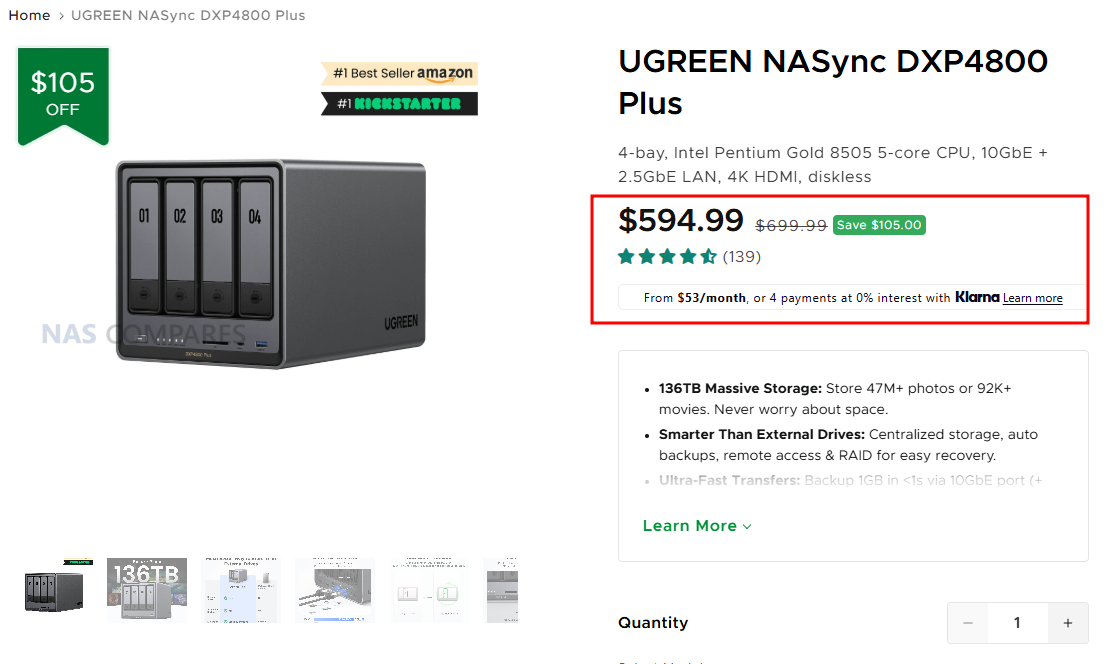
UGREEN NASync DXP4800 Plus – $594.99 

Regular price$699.99

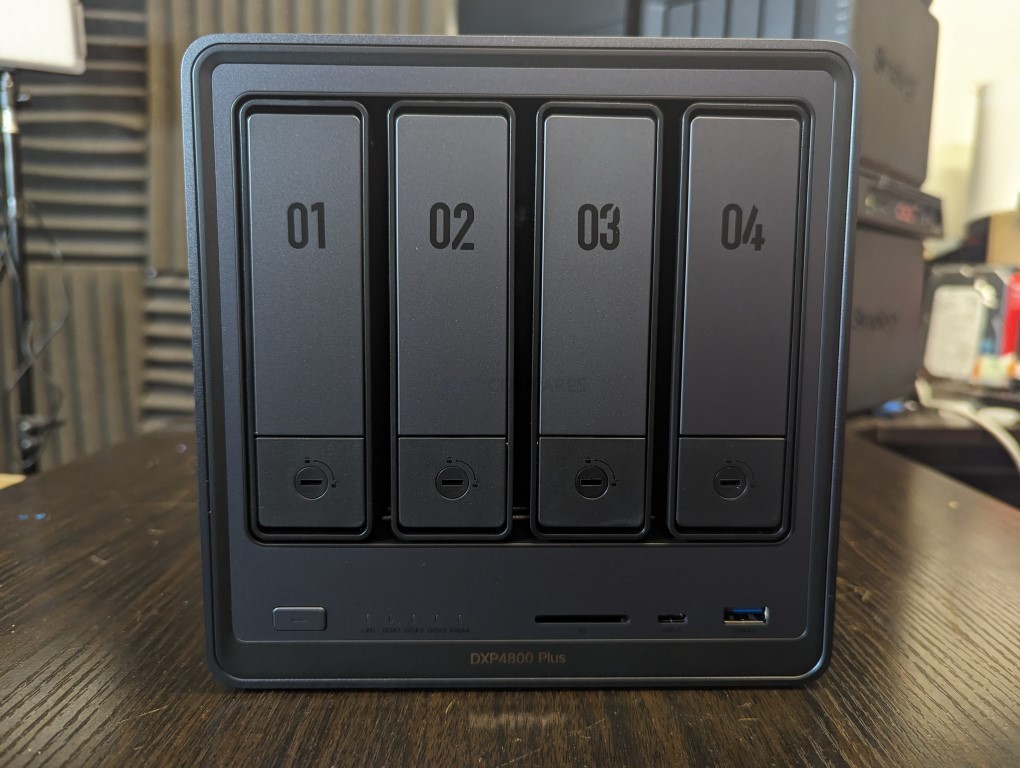
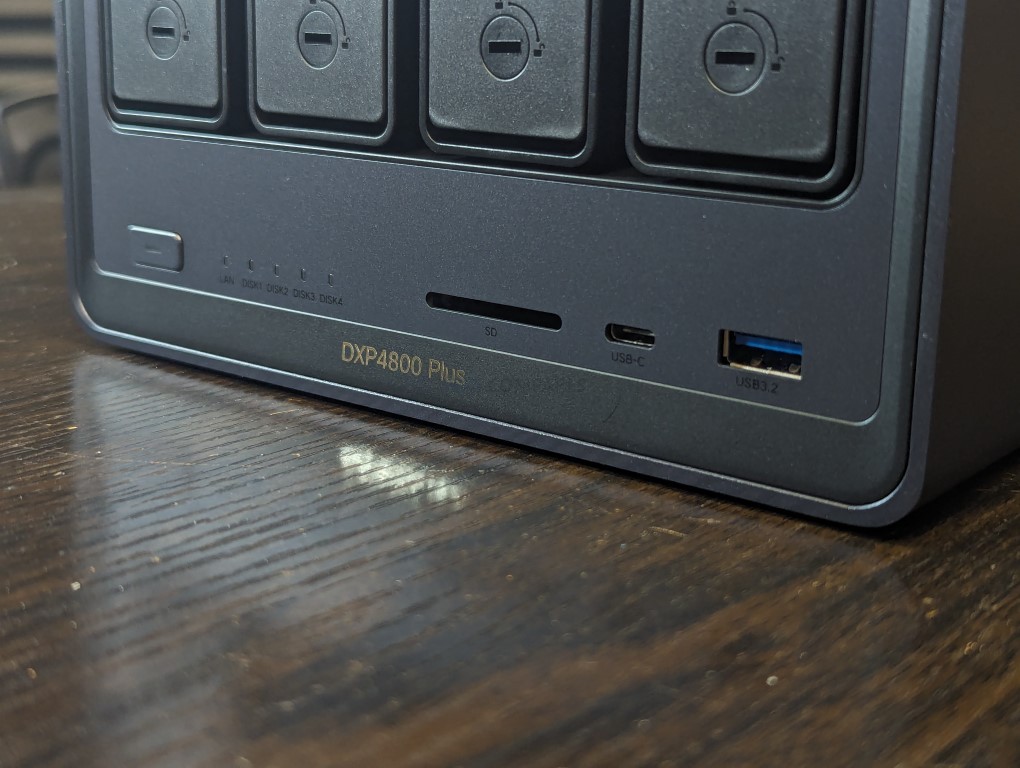
The UGREEN DXP4800 Plus is a 4 bay NAS running UGOS Pro and built around an Intel Pentium Gold 8505 processor with 5 cores and 6 threads, paired with 8GB DDR5 memory that can be expanded to 64GB. It includes a 128GB system SSD, 4 SATA bays, and 2 M.2 slots, allowing a maximum combined capacity of 136TB for mixed HDD and SSD storage. RAID options include JBOD, Basic, 0, 1, 5, 6, and 10, giving users flexible data protection choices. Connectivity is a strong point, with both 2.5GbE and 10GbE network ports, front USB C and USB A ports at 10Gb per second, additional rear USB ports, an SD 3.0 card reader, and 4K HDMI output for direct console access. With a compact footprint of 10.1 inches by 7.0 inches by 7.0 inches and power usage of 42.36W during disk access, the DXP4800 Plus is a high performance prosumer NAS that fits well into creative, home lab, and small business environments.


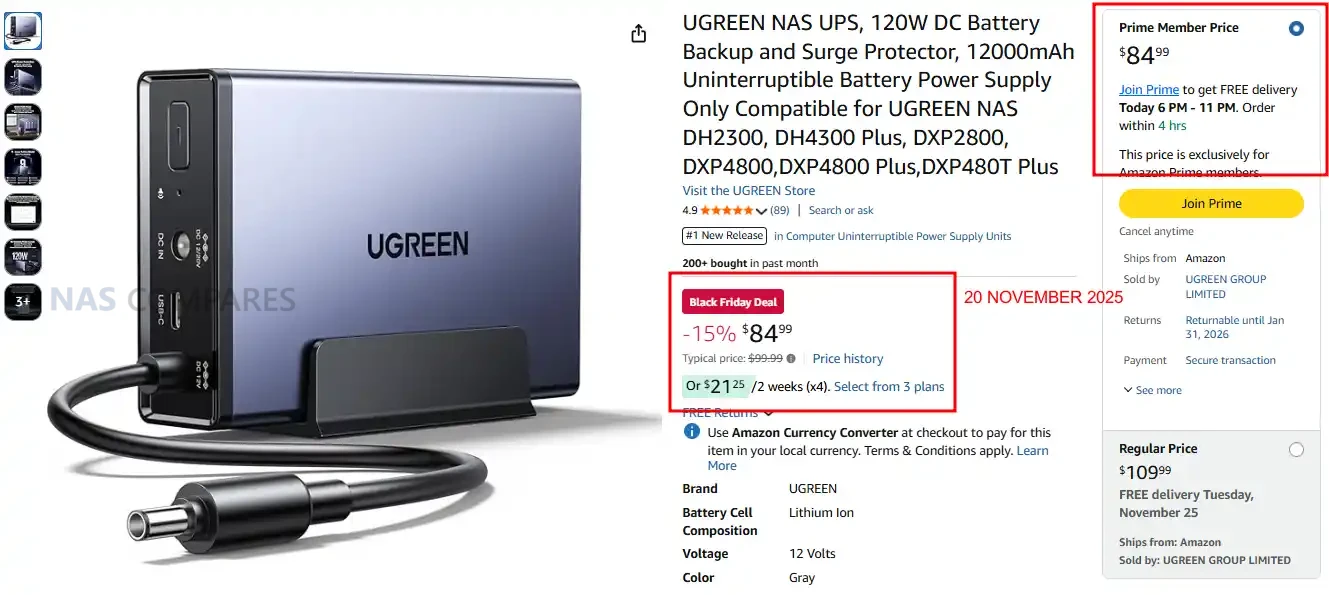
UGREEN 120W NAS UPS – 15% OFF, NOW $84.99


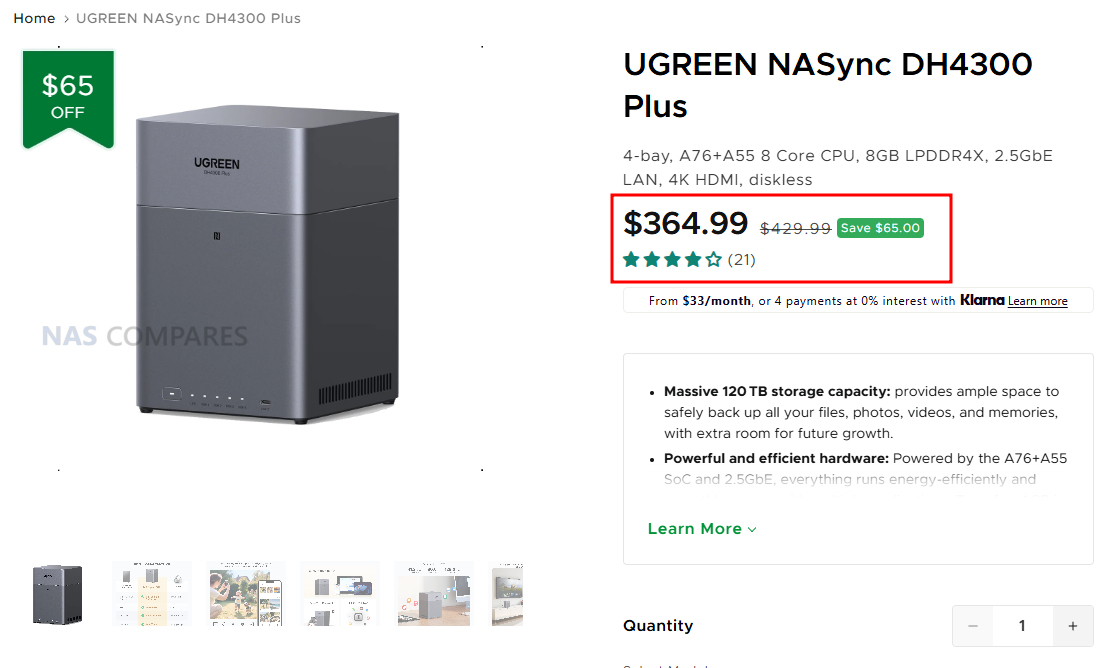
UGREEN NASync DH4300 Plus – $364.99 

Regular price$429.99

The UGREEN DH4300 Plus is a simple and affordable 4 bay NAS designed as a reliable backup hub and a private cloud alternative for homes and small offices. It uses an 8 core Rockchip ARM processor with 8GB LPDDR4X memory and a 32GB eMMC system disk, providing enough performance for file sync, photo and video backup, family cloud storage, and basic media streaming through UGOS Pro. The 4 SATA bays support up to 120TB with RAID options including JBOD, Basic, 0, 1, 5, 6, and 10, making it easy to choose between capacity and data protection. A single 2.5GbE port offers fast network transfers, while front USB 3.2 ports and 4K HDMI allow quick file import and local access when needed. With compact dimensions of 155 by 155 by 215.7 mm and low power draw of 22.89W during drive access, the DH4300 Plus is a cost effective way to move away from subscription cloud services and take full control of your own backup and storage system.


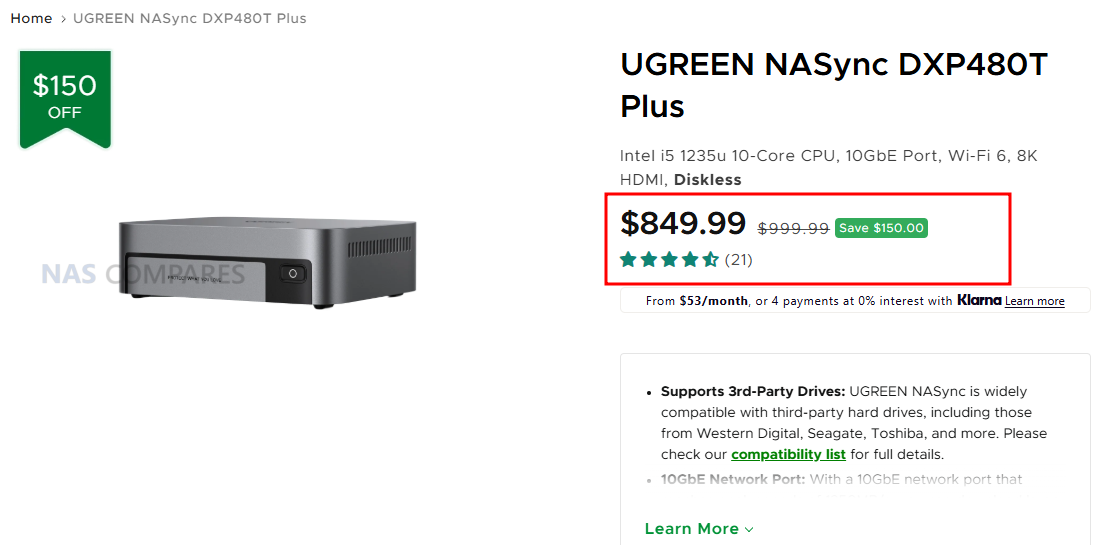
UGREEN NASync DXP480T Plus – $849.99 

Regular price$999.99

The UGREEN DXP480T Plus is a high speed 4 slot NVMe NAS built around the Intel Core i5 1235U processor, designed for users who want the performance benefits of full flash storage rather than traditional SATA drives. With 4 M.2 NVMe slots supporting up to 32TB, the system delivers extremely fast read and write speeds that are ideal for photo and video editing, virtual machines, database work, AI workloads, and low latency cloud sync tasks. UGOS Pro supports RAID modes including JBOD, Basic, 0, 1, 5, 6, and 10, allowing both performance and data protection on NVMe media. Connectivity is equally strong with a 10GbE port for high bandwidth transfers and dual Thunderbolt 4 ports that operate at 40Gb per second for fast external storage or workstation integration. The system includes 8GB DDR5 memory, expandable to 64GB, along with built in WiFi and 8K HDMI output for direct console use. With compact dimensions of 7.05 by 5.59 by 2.05 inches and efficient power consumption, the DXP480T Plus is a compelling option for anyone who wants the speed and responsiveness of an all flash NAS.


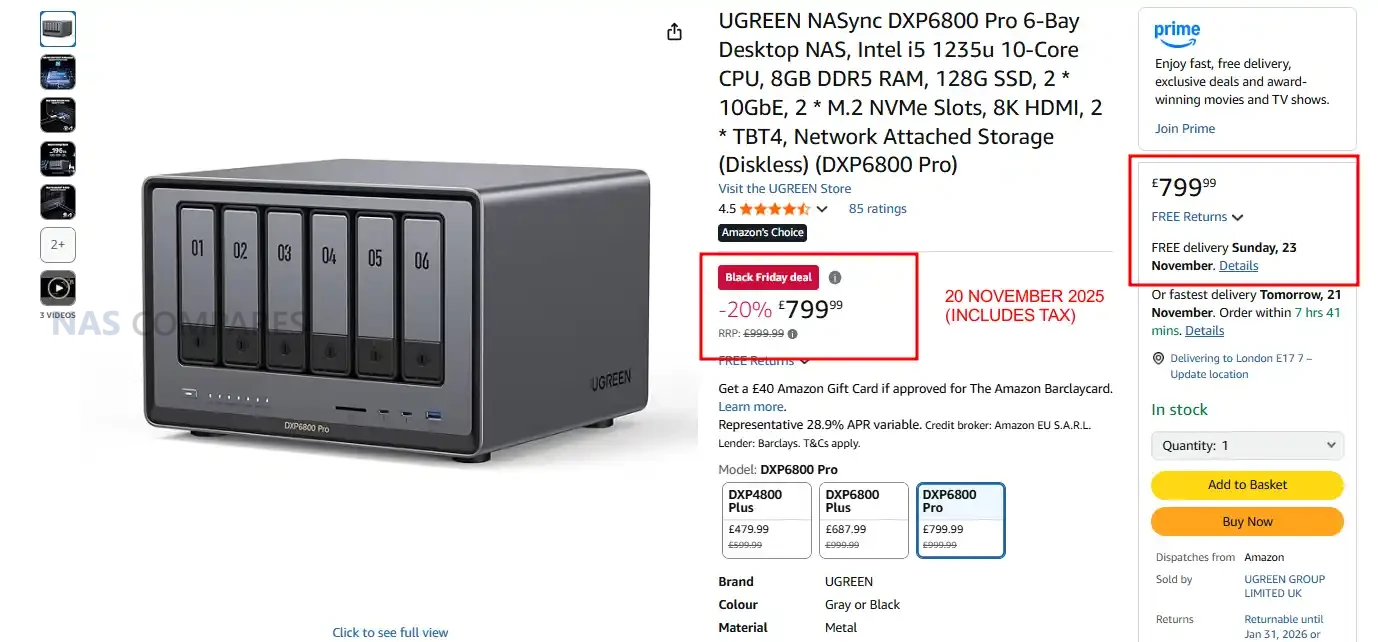
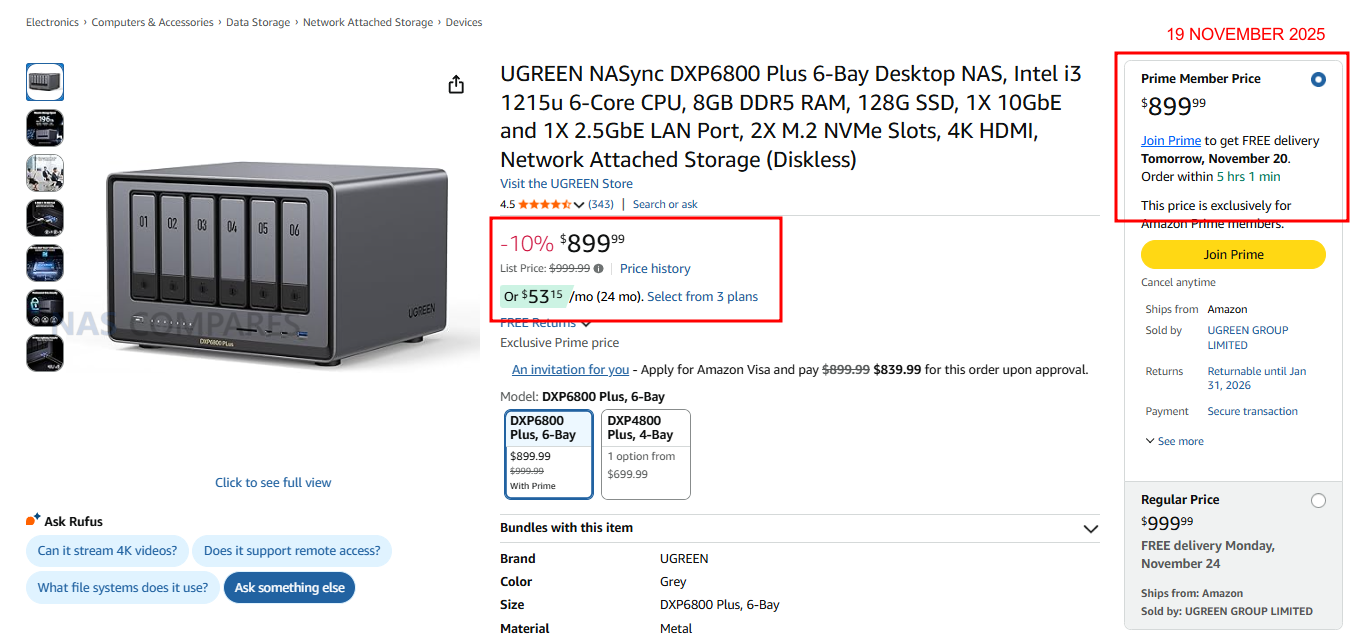
UGREEN DXP6800 PRO – 20% OFF, Now £799


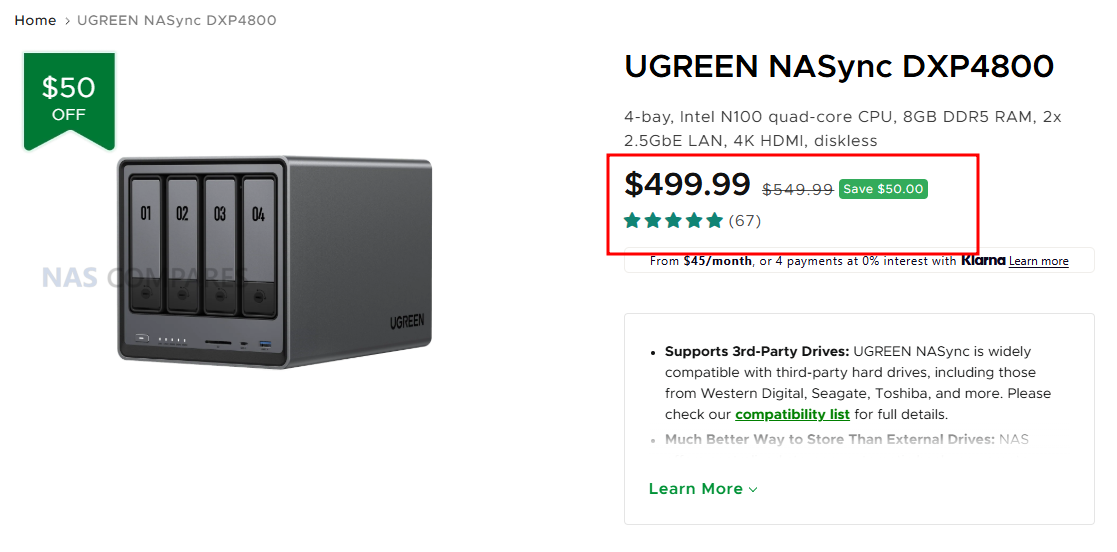
UGREEN NASync DXP4800 – $499.99 

Regular price$549.99

The UGREEN DXP4800 is a 4 bay SATA NAS designed for users who want an affordable and straightforward media server for Plex, Jellyfin, or Emby. It runs on an Intel N100 processor with 8GB DDR5 memory and includes 2 M.2 slots for SSD caching, which helps speed up library scanning and artwork retrieval across large media collections. With space for up to 136TB and RAID options covering JBOD, Basic, 0, 1, 5, 6, and 10, it offers plenty of room and flexibility for growing libraries of movies, TV shows, and music. Dual 2.5GbE ports provide more than enough throughput for multiple streams on the local network, and the HDMI 4K output allows direct playback or simple setup without a separate computer. Front and rear USB ports make it easy to import media from external drives, while UGOS Pro supports popular self hosted media applications through containers or native apps. Compact dimensions of 10.1 by 7.0 by 7.0 inches and low power use make the DXP4800 a practical, quiet, and efficient platform for home media streaming with Plex, Jellyfin, or Emby.


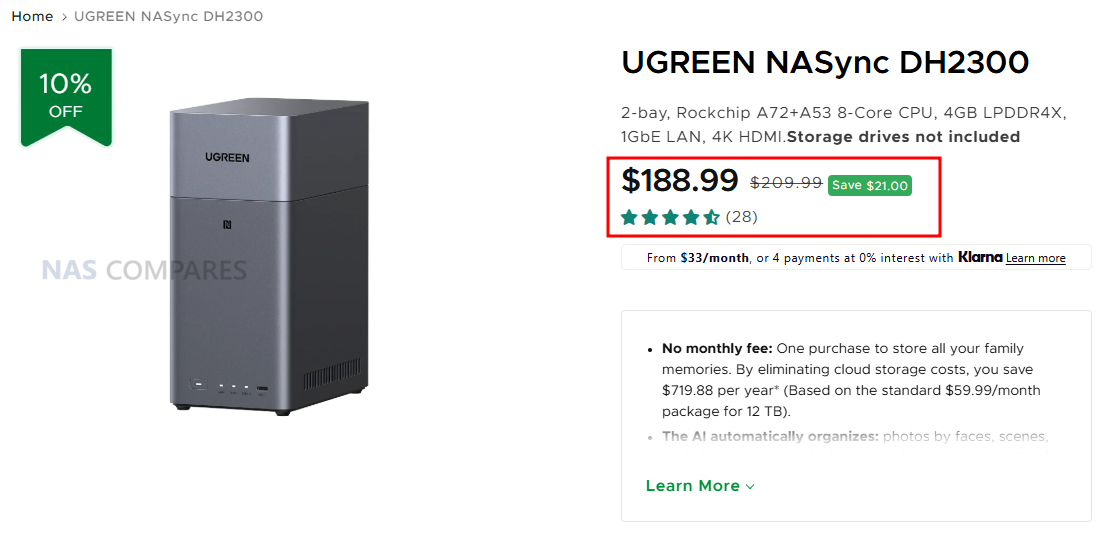
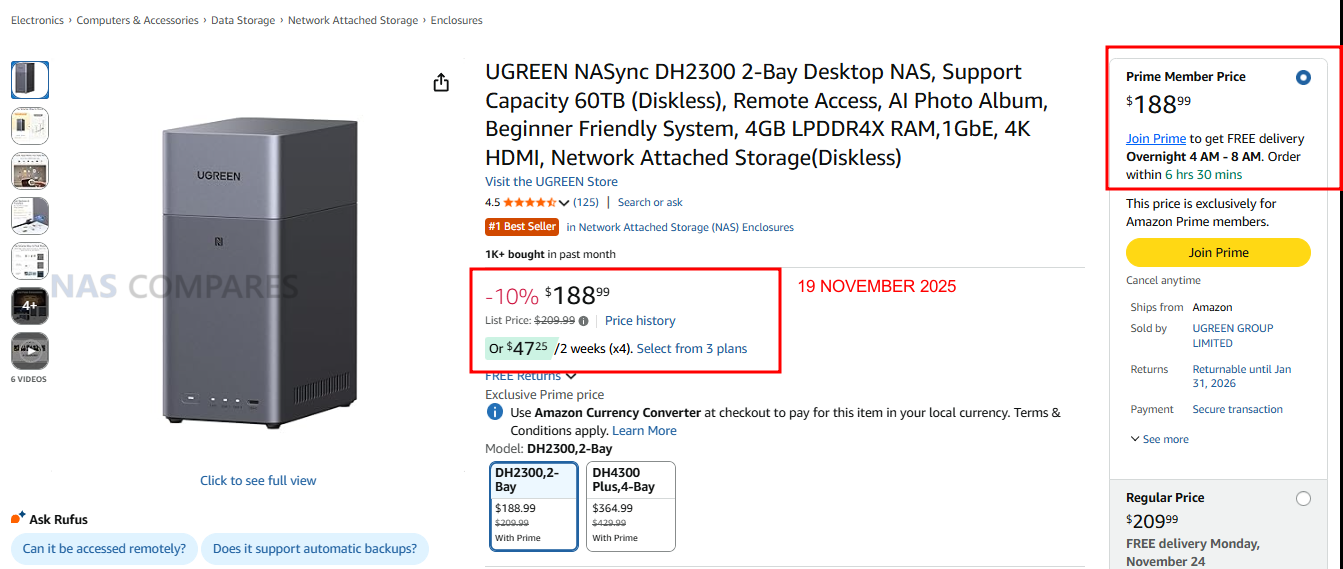
UGREEN NASync DH2300 – $188.99 

Regular price$209.99

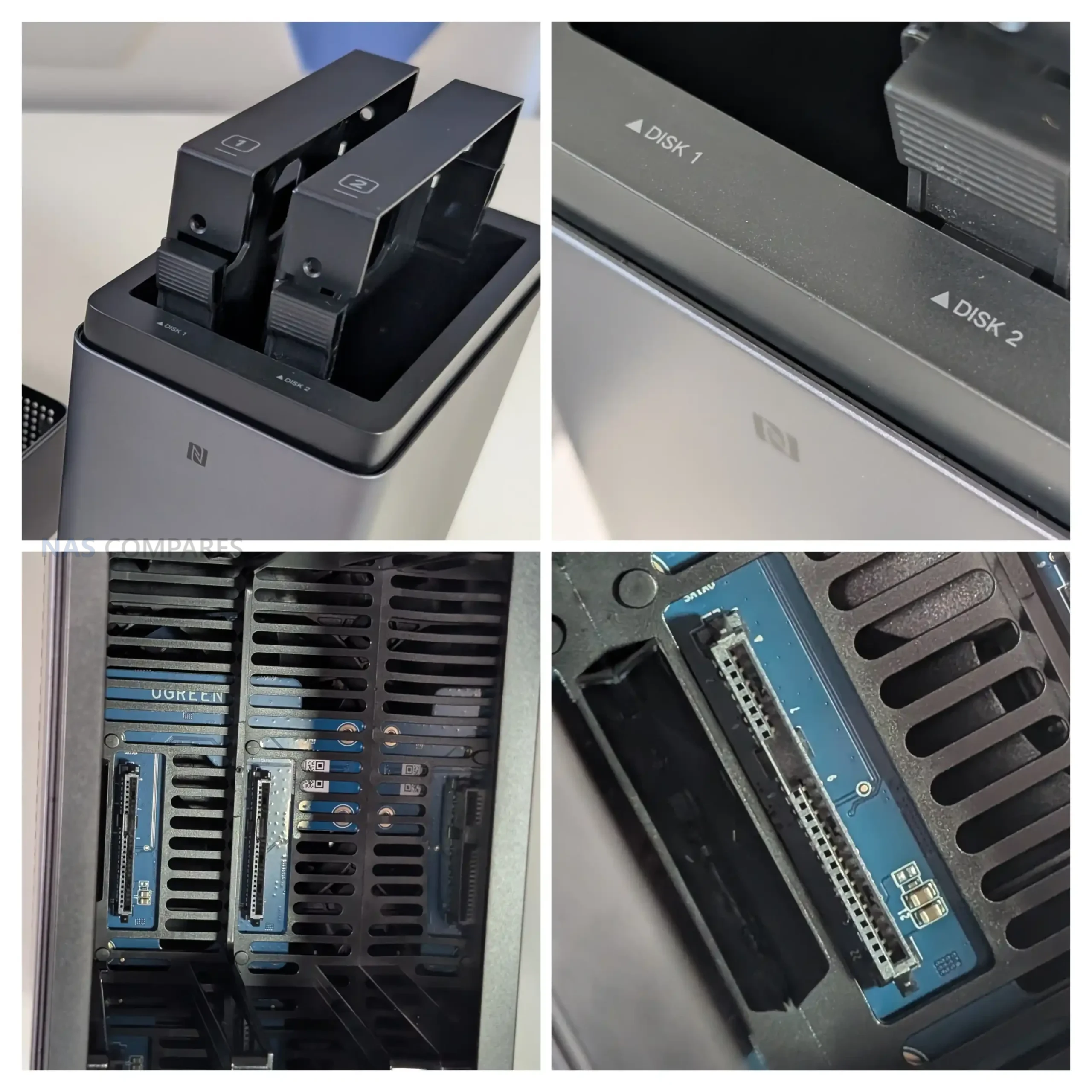
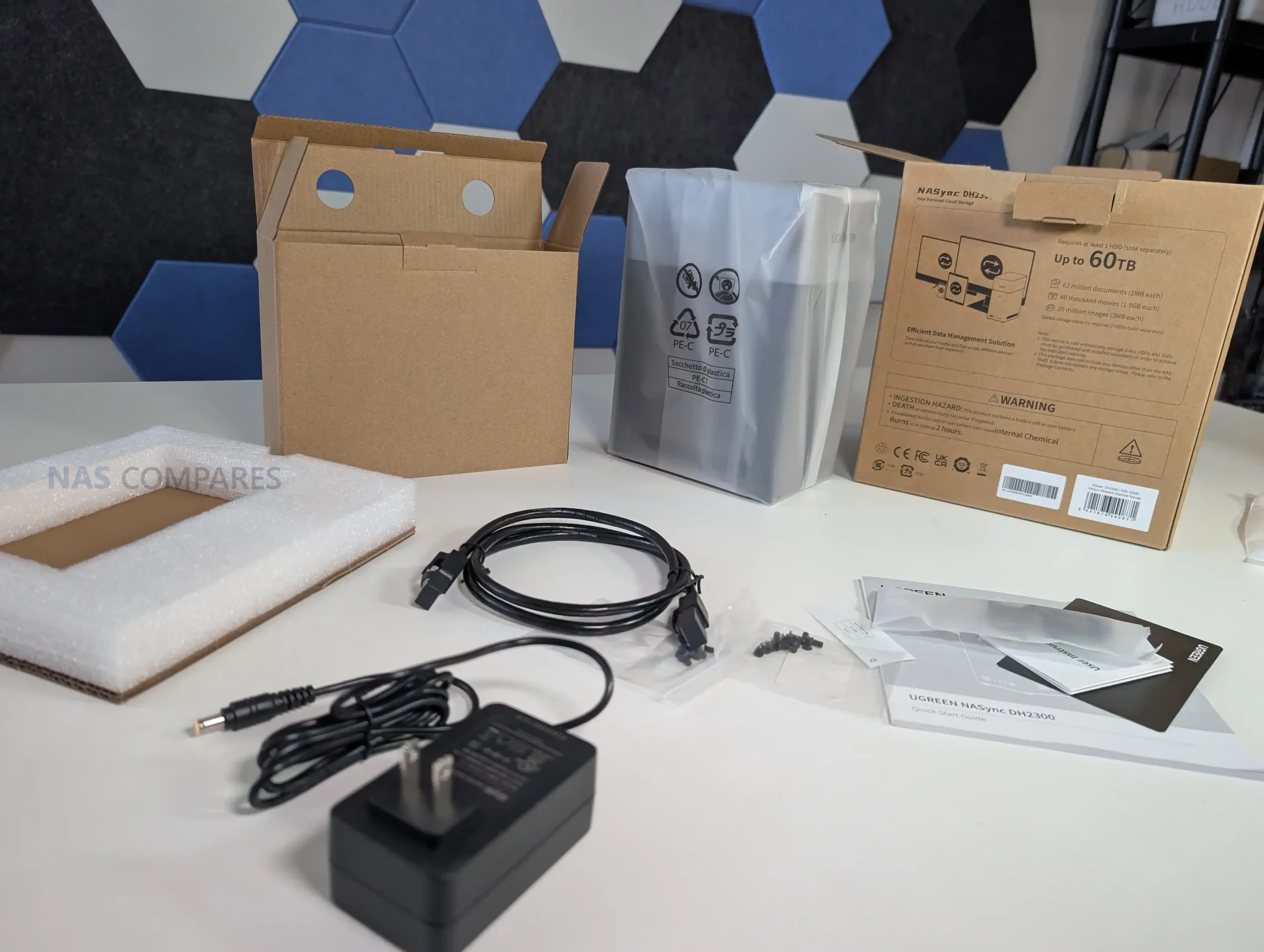
The UGREEN DH2300 is one of the most affordable and compact NAS options in the lineup, making it an ideal entry point for anyone who wants simple personal backups or a small private cloud without a large upfront cost. It runs on an efficient 8 core Rockchip A72 plus A53 processor with 4GB LPDDR4X memory and includes 2 SATA bays that support up to 60TB with JBOD, Basic, 0, or 1 for easy data protection. Despite its budget friendly price, it offers useful connectivity including 1GbE networking, front USB C and USB A ports for quick file import, and a 4K 60Hz HDMI output for local setup or direct playback. With a very small footprint at 151 by 98 by 213.7 mm and power use of only 13.72W during drive access, the DH2300 fits comfortably on a shelf or desk and provides a quiet, low cost alternative to cloud subscriptions for photos, documents, and home backups.


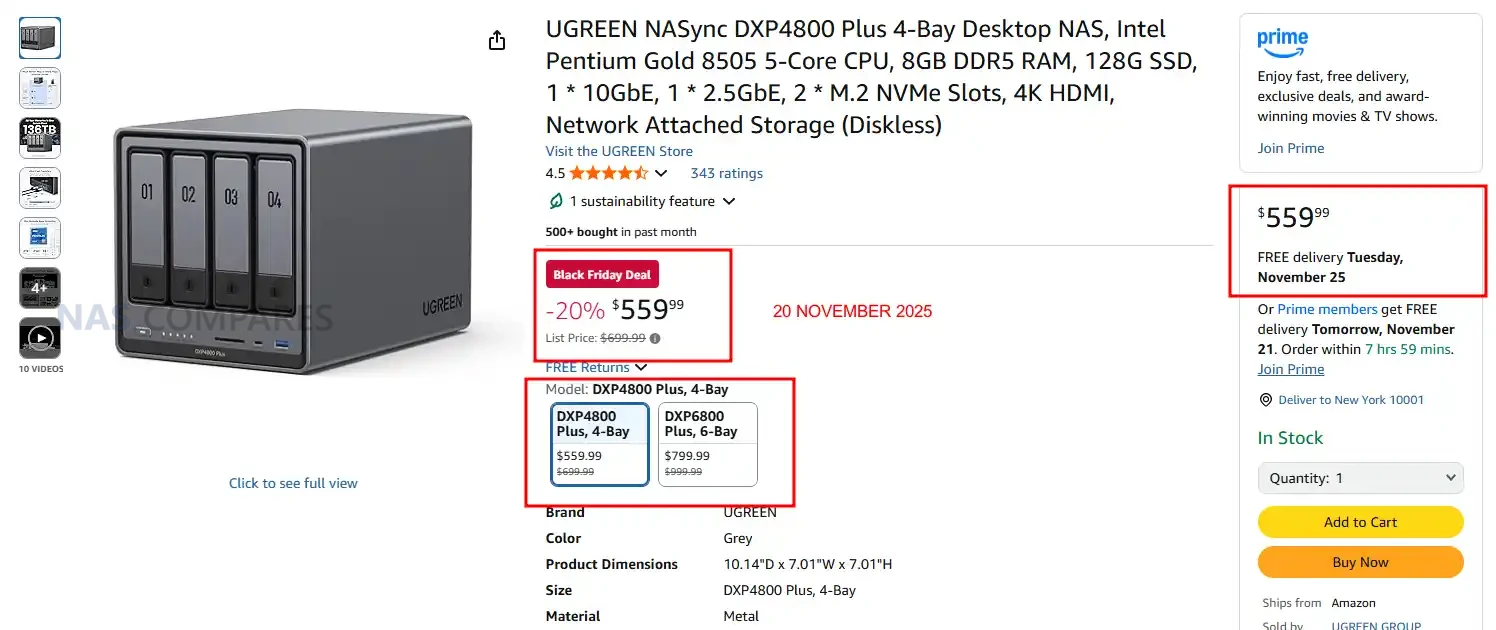
UGREEN DXP4800 PLUS – 20% OFF, NOW $559.99


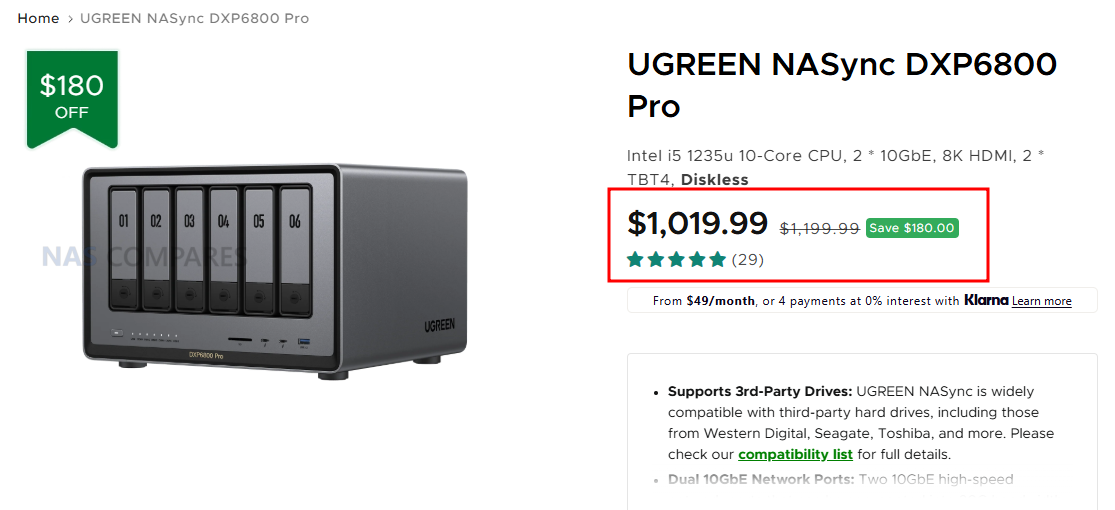
UGREEN NASync DXP6800 Pro – $1,019.99 

Regular price$1,199.99

The UGREEN DXP6800 Pro is a powerful 6 bay NAS designed for photographers and media professionals who need fast ingest, responsive editing, and reliable large scale storage. It uses an Intel Core i5 1235U processor with 10 cores and 12 threads and includes 8GB DDR5 memory, expandable to 64GB, giving it enough performance for handling RAW photo workflows, large Lightroom or Capture One catalogs, and multi-stream media projects. With 6 SATA bays and 2 M.2 slots, the system can reach up to 196TB of combined storage, allowing long term archives, active project folders, and SSD cache acceleration for quicker preview loading. Dual 10GbE ports provide the bandwidth needed for teams or for editing directly from the NAS over a fast network, while the dual Thunderbolt 4 ports at 40Gb per second allow very rapid transfers from workstations or external drives. A front SD 4.0 card reader simplifies importing photos and footage, and the 8K HDMI output allows direct console access for quick management. Compact at 11.54 by 10.16 by 7.87 inches, the DXP6800 Pro is a high performance, creator focused storage solution that comfortably supports demanding photo and video workflows.


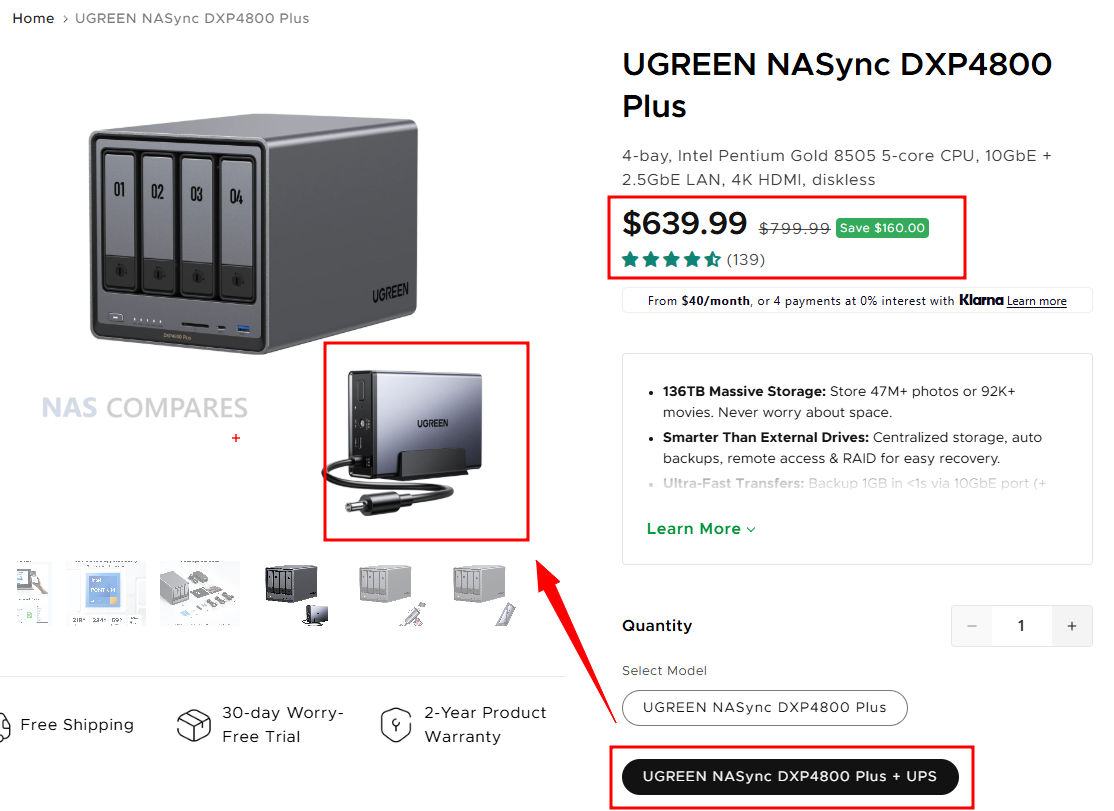
UGREEN NASync DXP4800 Plus + UPS Add On – $639.99 

Regular price$799.99

The UGREEN DXP4800 Plus is a powerful and flexible 4-bay NAS built on the Intel Pentium Gold 8505 with 5 cores and 6 threads, paired with 8GB DDR5 memory and support for up to 64GB. It includes a 128GB system SSD, 4 SATA bays, and 2 M.2 SSD slots, giving the system a maximum capacity of 136TB for mixed HDD and NVMe setups. Connectivity is strong with both 2.5GbE and 10GbE ports for high-speed file transfers, media streaming, and multi-user access on UGOS Pro. This Black Friday bundle also includes the UGREEN US3000 UPS, a compact 120W lithium-ion backup module with 0s transfer time, 43.2Wh rated energy, and 12,000mAh capacity. It protects the NAS from sudden power loss, prevents file system corruption, and enables safe shutdown during outages. With front 10Gbps USB-C and USB-A ports, an SD 3.0 card reader, 4K HDMI output, and a compact 10.1 × 7.0 × 7.0 inch chassis, the DXP4800 Plus and included UPS form a reliable, high-performance storage solution for home and professional users.


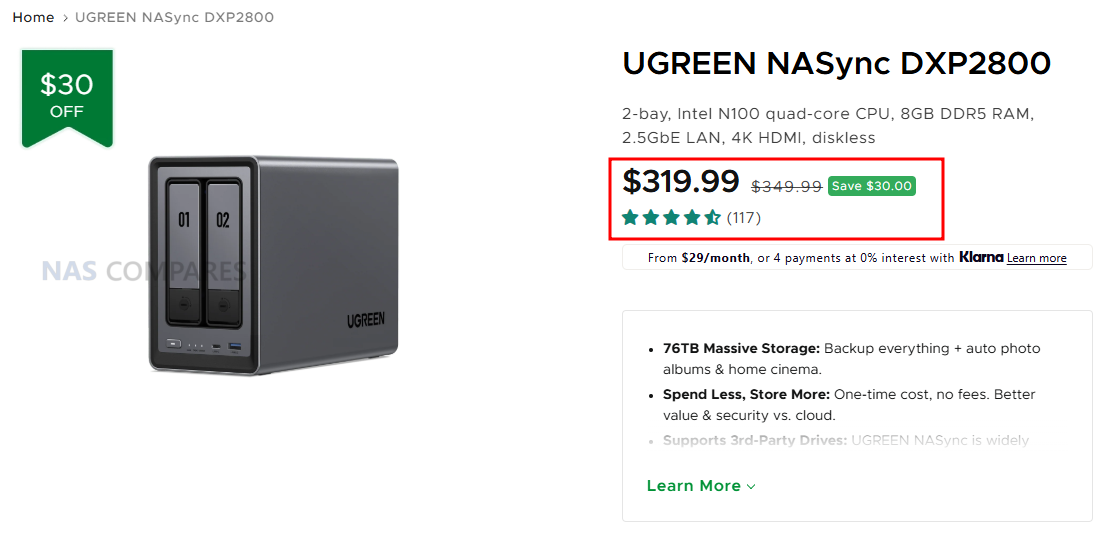
UGREEN NASync DXP2800 – $319.99 

Regular price$349.99

The UGREEN DXP2800 is one of the best value NAS options in the lineup, offering full access to all UGOS Pro software features while keeping hardware costs low. It runs on the Intel N100 processor with 4 cores and 4 threads, paired with 8GB DDR5 memory and support for up to 16GB, making it capable of running file sharing, photo backup, cloud sync, container apps, and media servers without difficulty. The system includes 2 SATA bays and 2 M.2 SSD slots, giving a maximum storage capacity of 76TB, which is more than enough for home backups or small office data. A 2.5GbE port provides fast transfers for laptops, desktops, and media players, while the front USB-C and USB-A ports at 10Gbps make external storage import easy. With 4K HDMI output for direct console access and a low power draw of only 16.38W during drive access, the DXP2800 delivers the full UGOS Pro experience, including AI photo sorting, mobile backup, cloud sync, and app store functionality, all within a compact 9.1 × 4.3 × 7.0 inch chassis. It is an affordable and highly capable entry point for anyone wanting full NAS functionality without the premium price.


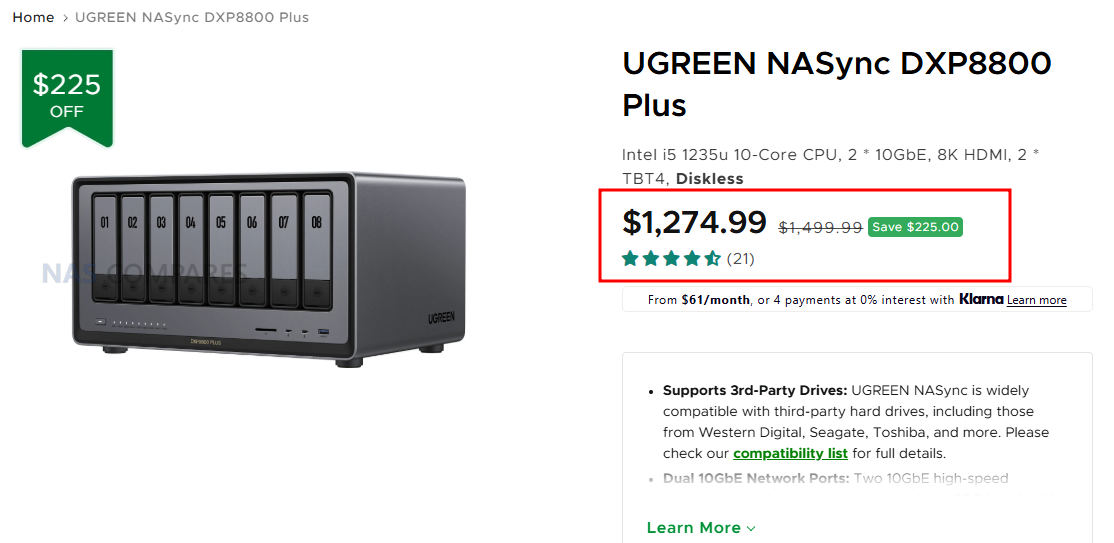
UGREEN NASync DXP8800 Plus – $1,274.99 

Regular price$1,499.99

The UGREEN DXP8800 Plus is the ultimate UGREEN NAS server for users who want maximum power, flexibility, and room to grow. It runs on the Intel Core i5 1235U with 10 cores and 12 threads, paired with 8GB DDR5 memory and support for up to 64GB, making it ideal for large scale virtual machines, Docker workloads, and advanced homelab setups including TrueNAS or UnRAID installations. With 8 SATA bays and 2 M.2 SSD slots, the system supports up to 256TB of total storage, which is enough for professional video archives, multi user environments, and massive Plex libraries. Dual 10GbE ports provide extremely fast network throughput for direct editing from the NAS in applications like DaVinci Resolve or Adobe Premiere, while the 2 Thunderbolt 4 ports at 40Gb per second allow rapid offload and workstation integration. A front SD 4.0 reader simplifies media ingest for photographers and editors, and the 8K HDMI output allows direct console access when needed. With a compact 7.05 by 5.59 by 2.05 inch design and strong performance under UGOS Pro, the DXP8800 Plus is the most capable and full featured UGREEN NAS platform for creators, homelab users, virtualisation workloads, Plex servers, and demanding professional storage environments.


Amazon Deals


UGREEN NASync DXP6800 Plus 6-Bay NAS –  

The UGREEN DXP6800 Pro is a high performance 6 bay NAS aimed at creators and production teams who need fast ingest, smooth editing, and dependable storage for large projects. It runs on an Intel Core i5 1235U with 10 cores and 12 threads and includes 8GB DDR5 memory with support for up to 64GB, giving it the power required for RAW photo sets, large catalog libraries, and demanding video work. The 6 SATA bays and 2 M.2 SSD slots allow a total capacity of 196TB, making it suitable for long term archives, active project folders, and fast SSD caching to speed up preview generation and media scrubbing. Dual 10GbE ports enable direct editing over the network, while the 2 Thunderbolt 4 ports operating at 40Gb per second support extremely fast transfers from workstations or external storage. A front SD 4.0 card reader streamlines importing footage from cameras, and the 8K HDMI output provides simple local access for setup and management. With a compact footprint of 11.54 by 10.16 by 7.87 inches, the DXP6800 Pro delivers a powerful and efficient workflow platform for photographers, videographers, and studio environments.


UGREEN NASync DH4300 Plus Value Class NAS – $364.99


UGREEN NASync DXP2800 2-Bay NAS – 


UGREEN NASync DH2300 2-Bay Tiny Impact NAS – $188..99


📧 SUBSCRIBE TO OUR NEWSLETTER 🔔
[contact-form-7]
🔒 Join Inner Circle

Get an alert every time something gets added to this specific article!


Want to follow specific category? 📧 Subscribe

This description contains links to Amazon. These links will take you to some of the products mentioned in today's content. As an Amazon Associate, I earn from qualifying purchases. Visit the NASCompares Deal Finder to find the best place to buy this device in your region, based on Service, Support and Reputation - Just Search for your NAS Drive in the Box Below

Need Advice on Data Storage from an Expert?

Finally, for free advice about your setup, just leave a message in the comments below here at NASCompares.com and we will get back to you. Need Help? Where possible (and where appropriate) please provide as much information about your requirements, as then I can arrange the best answer and solution to your needs. Do not worry about your e-mail address being required, it will NOT be used in a mailing list and will NOT be used in any way other than to respond to your enquiry. [contact-form-7] TRY CHAT Terms and Conditions
If you like this service, please consider supporting us. We use affiliate links on the blog allowing NAScompares information and advice service to be free of charge to you.Anything you purchase on the day you click on our links will generate a small commission which isused to run the website. Here is a link for Amazon and B&H.You can also get me a ☕ Ko-fi or old school Paypal. Thanks!To find out more about how to support this advice service check HEREIf you need to fix or configure a NAS, check Fiver Have you thought about helping others with your knowledge? Find Instructions Here  
 
Or support us by using our affiliate links on Amazon UK and Amazon US
    
 
Alternatively, why not ask me on the ASK NASCompares forum, by clicking the button below. This is a community hub that serves as a place that I can answer your question, chew the fat, share new release information and even get corrections posted. I will always get around to answering ALL queries, but as a one-man operation, I cannot promise speed! So by sharing your query in the ASK NASCompares section below, you can get a better range of solutions and suggestions, alongside my own.

☕ WE LOVE COFFEE ☕


NEW UGREEN DXP4800 PRO and DXP4800S NAS REVEALED

UGREEN Reveal Two New 4-Bay NAS – The DXP4800 Pro and DXP4800S

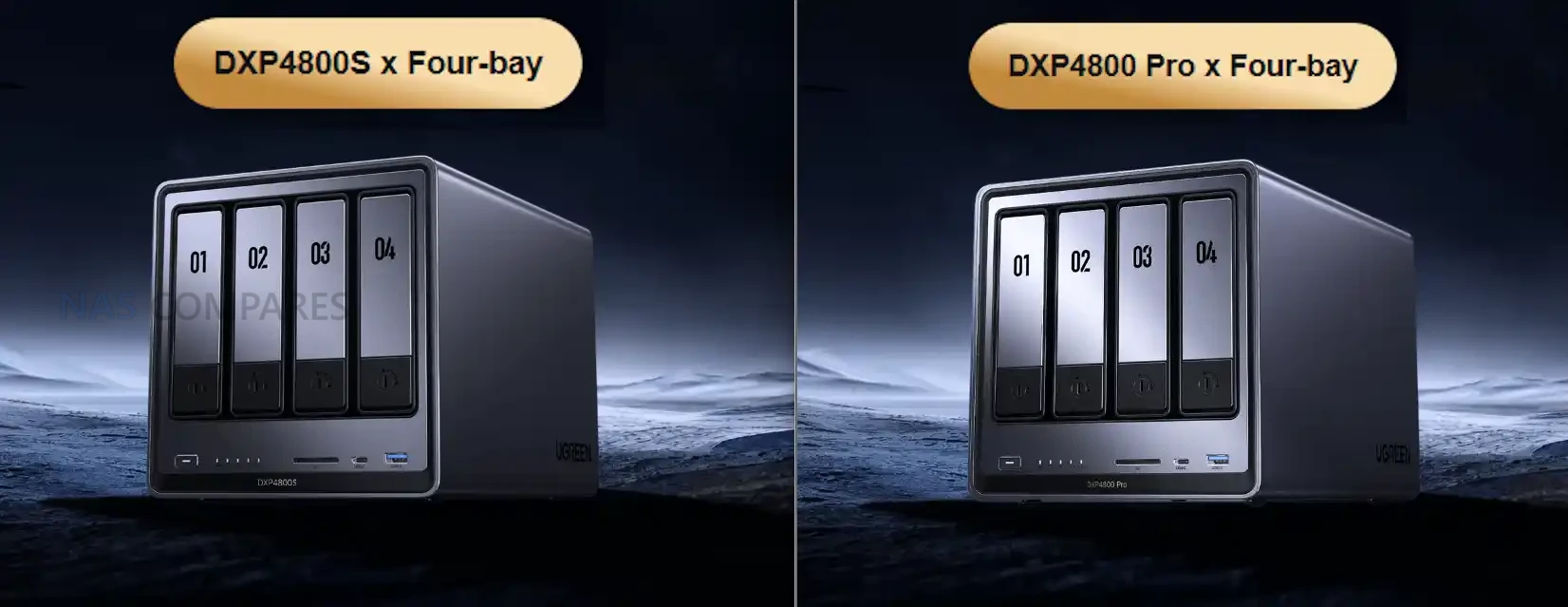
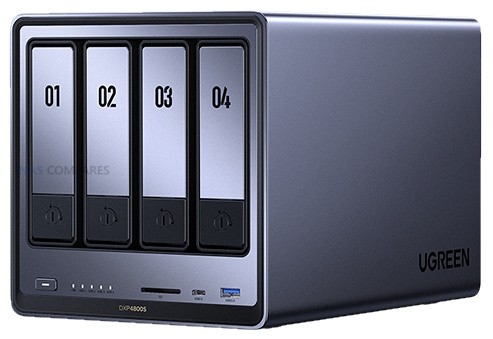
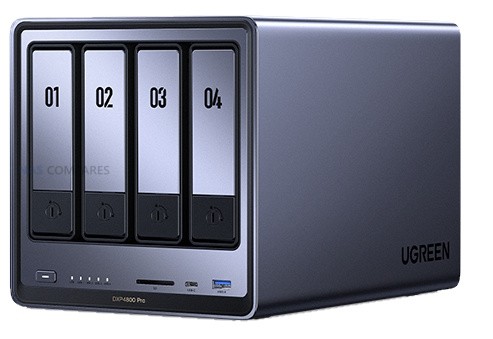
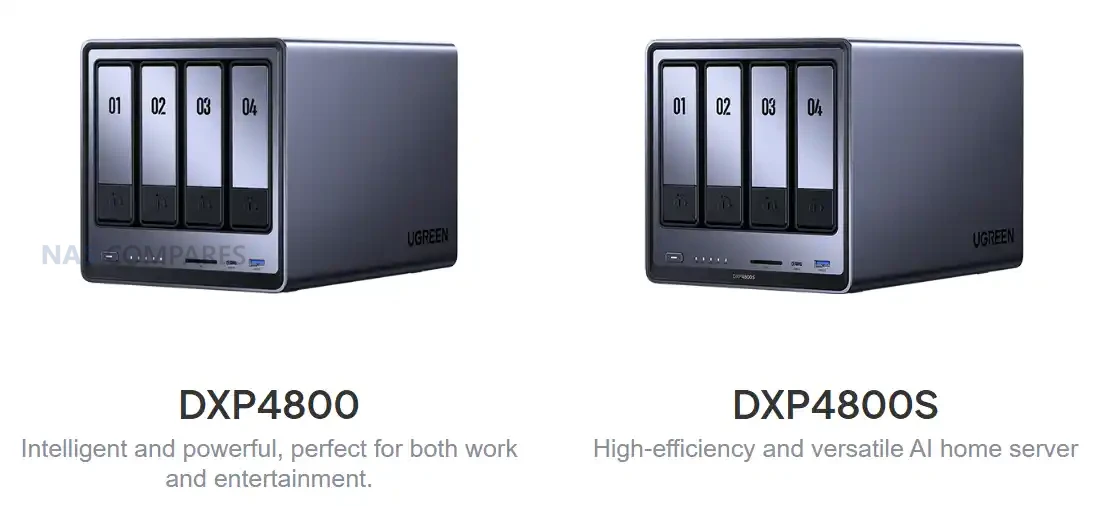
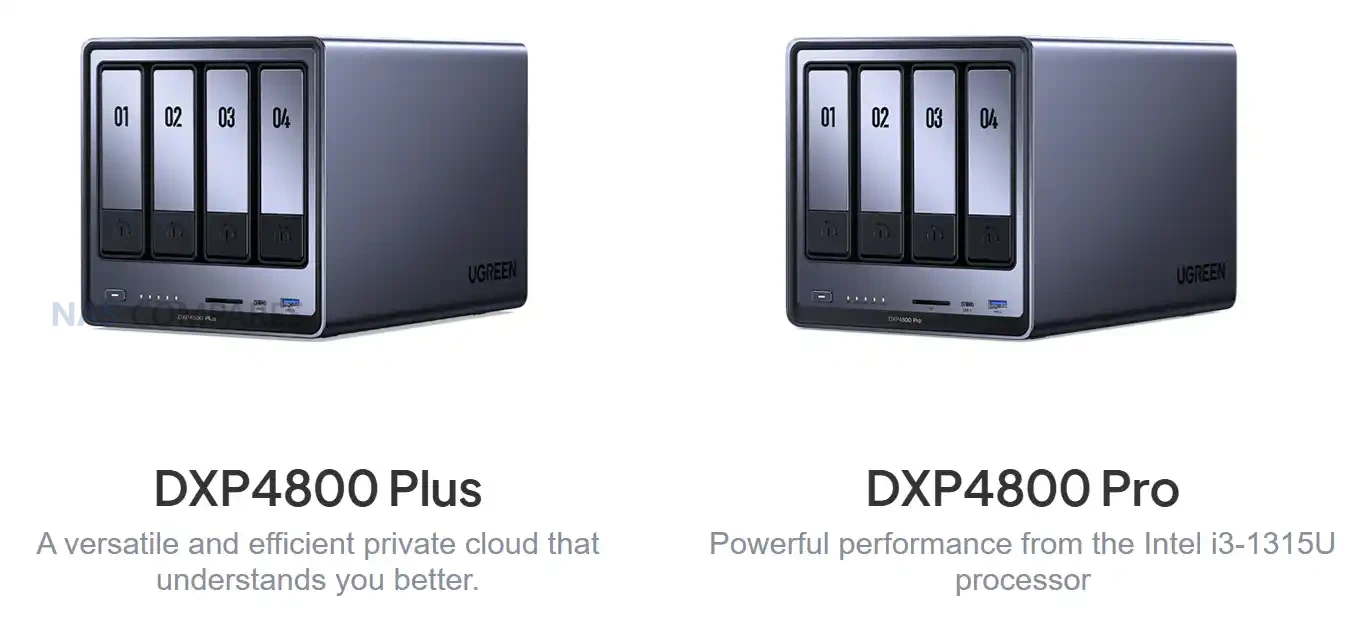
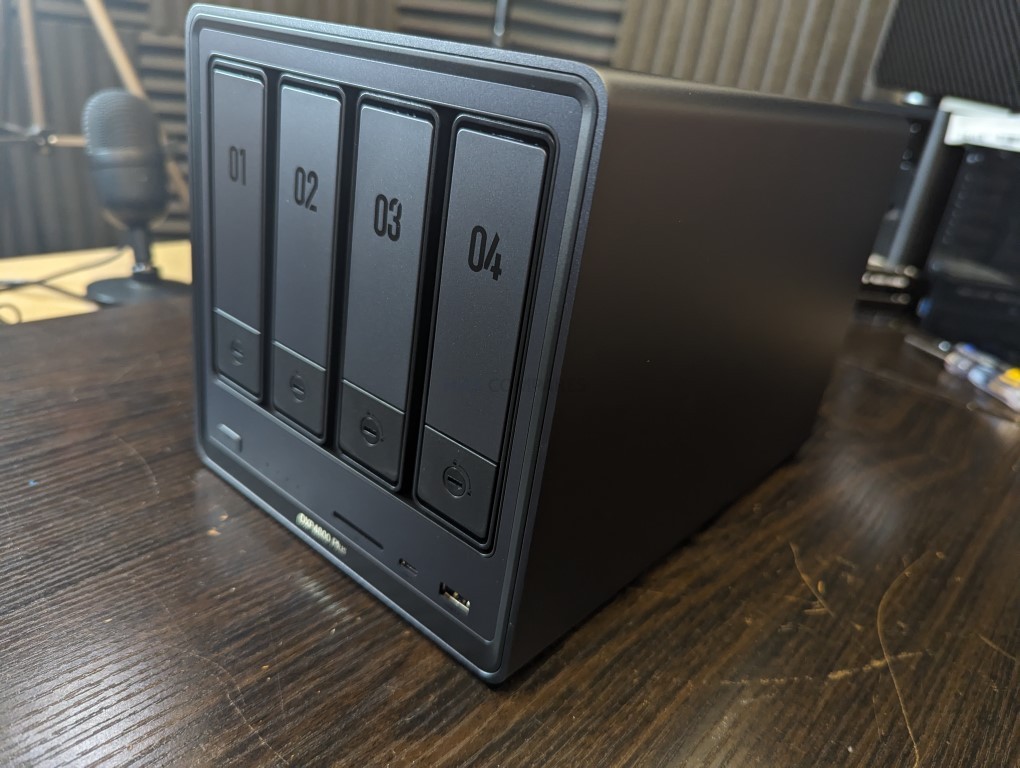
UGREEN has expanded its desktop NAS lineup with two additional models, the DXP4800S and the DXP4800 Pro. Both systems appear in regional listings alongside the existing DXP4800 and DXP4800 Plus rather than replacing them, which suggests a parallel product structure rather than a conventional generational refresh. These releases focus on incremental CPU and memory changes while retaining almost identical hardware layouts, storage options and connectivity. The result is a broader range of mid-tier NAS configurations targeted at users who want x86 processors with varying performance levels and memory support, while UGREEN continues to position its DH4300 series toward entry level users and larger capacity deployments. Let’s discuss these two new NAS devices, if/when they will be available, where they sit compared with the existing UGREEN NAS range, and where either of them deserve your money and your data?

UGREEN DXP4800S NAS Specifications

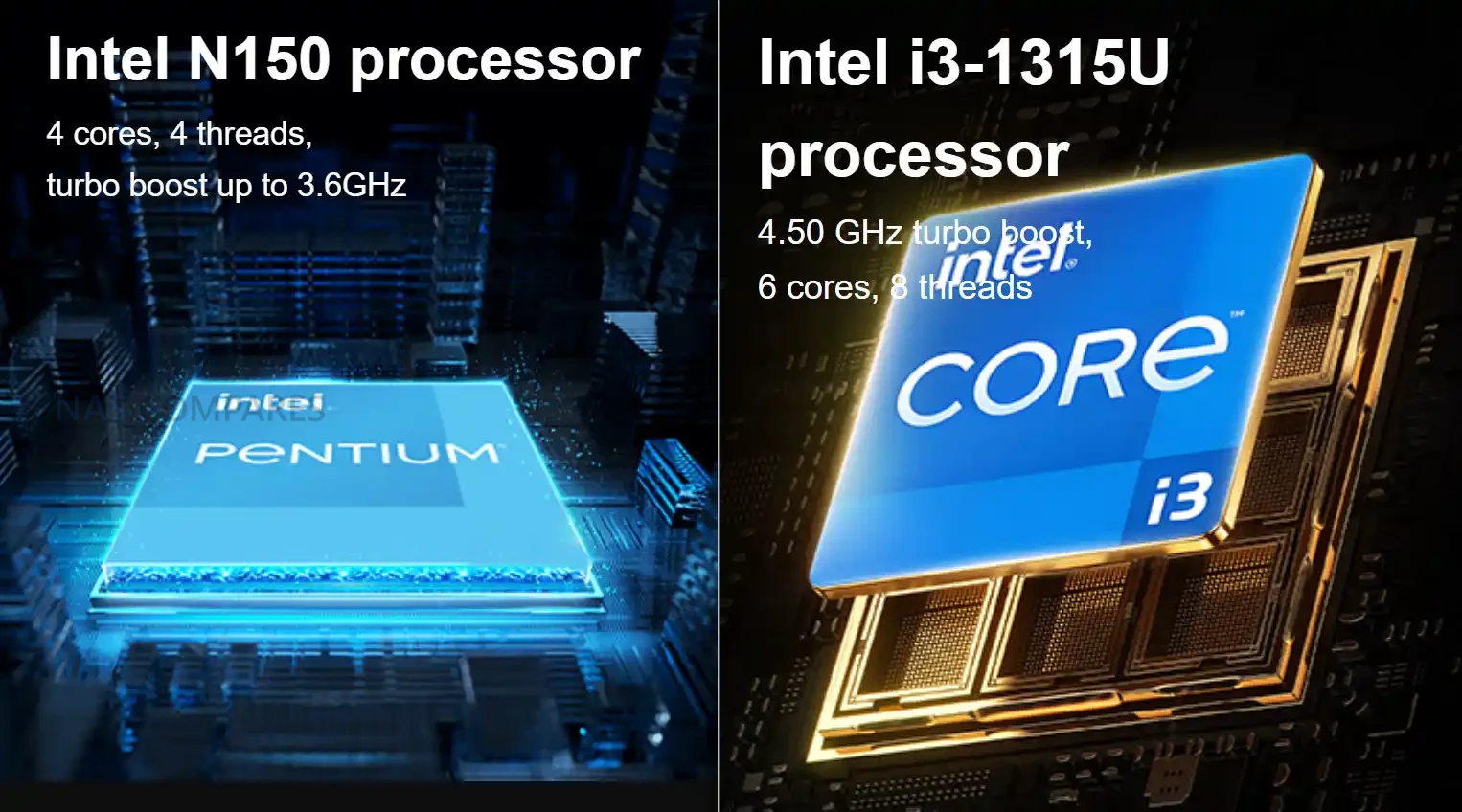
The DXP4800S is seemingly positioned as an updated variant of the original DXP4800, retaining the same core hardware layout while adopting Intel’s newer N150 processor and faster DDR5 memory. The shift to the N150 provides a modest frequency increase over the N100 but maintains identical core count, thread count and power behaviour. Memory remains user accessible through a single slot, with support for up to 16GB. The rest of the internal structure is unchanged, including four SATA bays, two NVMe slots and the same Gen three by one PCIe wiring. The system is intended as a compact x86 home server with improved AI-assisted photo indexing and modest efficiency gains over the standard model.

Externally, the device keeps the original USB layout, HDMI output and 2.5GbE gigabit LAN. The SD card reader remains SD 3.0 and the flash storage stays at 32GB. The overall focus of this model is small refinements rather than a re-engineered platform. Users familiar with the DXP4800 will find the same physical design and the same expandability, but with slightly higher supported memory frequency and a newer entry class processor that aligns with Intel’s Twin Lake manufacturing cycle.

Component DXP4800S
Processor Intel N150, four cores and four threads, up to 3.6Ghz
Architecture x86, Intel seven process
Memory 8GB DDR5 preinstalled, one slot, up to sixteen gigabytes, up to five thousand six hundred megahertz, ECC capable
SATA Bays Four, compatible with 2.5 inch and 3.5 inch drives
SATA Capacity Up to 30TB per bay
NVMe Slots Two M key NVMe 2280 slots, up to eight terabytes each
Flash Storage 32GB
Network 2x 2.5GbE
USB Front one USB three point two Gen two Type A and one USB three point two Gen two Type C. Rear one USB three point two Gen one
USB Two Two rear ports
SD Reader SD 3
HDMI Up to 4K at sixty hertz

UGREEN DXP4800 Pro NAS Specifications

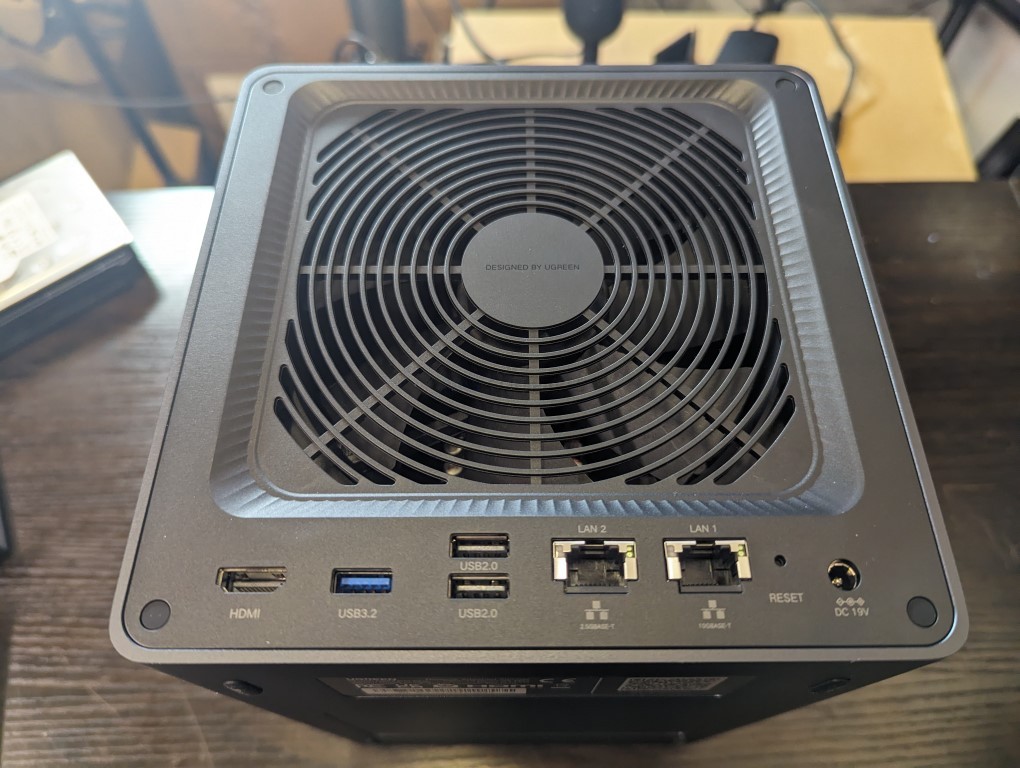
The DXP4800 Pro introduces more substantial hardware changes than the S variant. It replaces the Pentium Gold processor found in the DXP4800 Plus with the Intel Core i3-1315U, which provides additional cores, higher thread count and improved frequency. This positions the Pro as the most capable four bay x86 model in UGREEN’s lineup. The system also upgrades its SD card reader to SD 4.0 and increases maximum supported memory to 96GB through two DDR5 slots. Internal storage layout remains unchanged, with four SATA drive bays and two NVMe slots, both fully accessible without modifying the chassis. Connectivity mirrors the Plus model by retaining 1x 10GbE and 1x 2.5GbE USB connectivity remains a mix of Gen two front ports and a Gen one rear port. HDMI output continues to support 4K at 60Hz. These choices maintain consistency with the previous model and allow the CPU upgrade to be the primary differentiator rather than a broader redesign of the platform.

Component DXP4800 Pro
Processor Intel Core i3 1315U, six cores and eight threads, up to 4.5Ghz
Architecture x86, Intel seven process
Memory E8GB DDR5 preinstalled, two slots, up to ninety six gigabytes, up to five thousand six hundred megahertz, ECC capable
SATA Bays Four, compatible with 2.5 inch and 3.5 inch drives
SATA Capacity Up to 30tb per bay
NVMe Slots Two M key NVMe 2280 slots, up to eight terabytes each
Flash Storage 128GB
Network 1x 10GbE + 2.5GbE
USB Front one USB three point two Gen two Type A and one USB three point two Gen two Type C. Rear one USB three point two Gen one
USB Two Two rear ports
SD Reader SD 4
HDMI Up to 4K at sixty hertz

UGREEN DXP4800S vs DXP4800 NAS Specifications

The DXP4800S is a small technical update to the original DXP4800. Both systems use the same chassis, the same storage layout and the same port arrangement, including four SATA bays, two NVMe slots, a single 2.5GbE network port and the same USB configuration. The primary distinction is the CPU. The older DXP4800 uses the Intel N100, while the DXP4800S switches to the Intel N150, which increases maximum frequency but retains the same four core and four thread structure. Memory configuration also remains largely the same but the S model supports up to 5600MHz DDR5 rather than 4800MHz. All other hardware behaviour is unchanged. Both systems include 32GB of onboard flash, HDMI with 4K60 output and an SD 3.0 card reader. Drive support continues to allow up to 30TB per SATA bay and up to 8TB per NVMe slot. Because of these similarities, the DXP4800S functions as a direct incremental revision of the DXP4800 rather than a new performance tier, and the difference in everyday workloads will be minimal outside of small frequency gains.

Component DXP4800 DXP4800S
Processor Intel N100, 4 cores and 4 threads, up to 3.4GHz Intel N150, 4 cores and 4 threads, up to 3.6GHz
Architecture x86, Intel 7 x86, Intel 7
Memory 8GB DDR5, 1 slot, up to 16GB, 4800MHz 8GB DDR5, 1 slot, up to 16GB, 5600MHz
SATA Bays 4, supports 2.5 inch and 3.5 inch drives 4, supports 2.5 inch and 3.5 inch drives
NVMe Slots 2 x M.2 NVMe 2280, up to 8TB each 2 x M.2 NVMe 2280, up to 8TB each
Flash Storage 32GB 32GB
Network 1 x 2.5GbE 1 x 2.5GbE
USB Front USB 3.2 Gen2 Type A and Type C, rear USB 3.2 Gen1 Same ports and speeds
USB2 2 rear ports 2 rear ports
SD Reader SD 3.0 SD 3.0
HDMI 4K60 4K60

UGREEN DXP4800 Pro vs DXP4800 Plus NAS Specifications

The DXP4800 Pro introduces a more significant hardware step forward compared with the DXP4800 Plus. The Plus model uses the Intel Pentium Gold 8505, while the Pro replaces it with the Intel Core i3 1315U which increases the number of cores, improves thread count and provides higher boost frequencies. Memory capacity also expands from a maximum of 64GB on the Plus to 96GB on the Pro, and the Pro continues to use DDR5 at 5600MHz as its upper supported speed. Flash storage capacity increases from 128GB on the Plus to the same 128GB on the Pro, and internal drive support remains unchanged with four SATA bays and two NVMe slots. Both units maintain the same network arrangement with one 10GbE port and one 2.5GbE port. USB connectivity also remains the same with front USB 3.2 Gen2 Type A and Type C ports and a rear USB 3.2 Gen1 port supplemented by two USB2 ports. The one external difference is the SD card reader which moves from SD 3.0 on the Plus to SD 4.0 on the Pro. The rest of the platform remains identical which makes the CPU, memory ceiling and SD reader the factors that separate the two models.

Component DXP4800 Plus DXP4800 Pro
Processor Intel Pentium Gold 8505, 5 cores and 6 threads, up to 4.4GHz Intel Core i3 1315U, 6 cores and 8 threads, up to 4.5GHz
Architecture x86, Intel 7 x86, Intel 7
Memory 8GB DDR5, 2 slots, up to 64GB, 4800MHz 8GB DDR5, 2 slots, up to 96GB, 5600MHz
SATA Bays 4, supports 2.5 inch and 3.5 inch drives 4, supports 2.5 inch and 3.5 inch drives
NVMe Slots 2 x M.2 NVMe 2280, up to 8TB each 2 x M.2 NVMe 2280, up to 8TB each
Flash Storage 128GB 128GB
Network 1 x 10GbE and 1 x 2.5GbE 1 x 10GbE and 1 x 2.5GbE
USB Front USB 3.2 Gen2 Type A and Type C, rear USB 3.2 Gen1 Same ports and speeds
USB2 2 rear ports 2 rear ports
SD Reader SD 3.0 SD 4.0
HDMI 4K60 4K60

UGREEN DXP4800 Pro and DXP4800S NAS Release and Price

Both the DXP4800 Pro and DXP4800S are currently listed only in selected Asian regions, with no confirmed schedules for North America, Europe or Australia. Early pricing shows the DXP4800S positioned above the original DXP4800 and the DXP4800 Pro positioned above the DXP4800 Plus, reflecting the newer processors and higher memory ceilings. Regional pricing is based on local currency and tax structures, and the values shown in early listings cannot be treated as indicators of final western pricing. Availability outside these regions is expected to depend on component inventory and on UGREEN’s wider rollout plans, and any potential release is unlikely before early 2026.

Interested in buying a UGREEN NAS, and want to support what me and Ed do at NASCompares easily? Use the links below and we get a small commission (and costs you nothing extra) and helps us  keep doing what we do!

UGREEN DH4300 NAS UGREEN DH4300 NAS UGREEN DH4300 NAS


📧 SUBSCRIBE TO OUR NEWSLETTER 🔔
[contact-form-7]
🔒 Join Inner Circle

Get an alert every time something gets added to this specific article!


Want to follow specific category? 📧 Subscribe

This description contains links to Amazon. These links will take you to some of the products mentioned in today's content. As an Amazon Associate, I earn from qualifying purchases. Visit the NASCompares Deal Finder to find the best place to buy this device in your region, based on Service, Support and Reputation - Just Search for your NAS Drive in the Box Below

Need Advice on Data Storage from an Expert?

Finally, for free advice about your setup, just leave a message in the comments below here at NASCompares.com and we will get back to you. Need Help? Where possible (and where appropriate) please provide as much information about your requirements, as then I can arrange the best answer and solution to your needs. Do not worry about your e-mail address being required, it will NOT be used in a mailing list and will NOT be used in any way other than to respond to your enquiry. [contact-form-7] TRY CHAT Terms and Conditions
If you like this service, please consider supporting us. We use affiliate links on the blog allowing NAScompares information and advice service to be free of charge to you.Anything you purchase on the day you click on our links will generate a small commission which isused to run the website. Here is a link for Amazon and B&H.You can also get me a ☕ Ko-fi or old school Paypal. Thanks!To find out more about how to support this advice service check HEREIf you need to fix or configure a NAS, check Fiver Have you thought about helping others with your knowledge? Find Instructions Here  
 
Or support us by using our affiliate links on Amazon UK and Amazon US
    
 
Alternatively, why not ask me on the ASK NASCompares forum, by clicking the button below. This is a community hub that serves as a place that I can answer your question, chew the fat, share new release information and even get corrections posted. I will always get around to answering ALL queries, but as a one-man operation, I cannot promise speed! So by sharing your query in the ASK NASCompares section below, you can get a better range of solutions and suggestions, alongside my own.

☕ WE LOVE COFFEE ☕


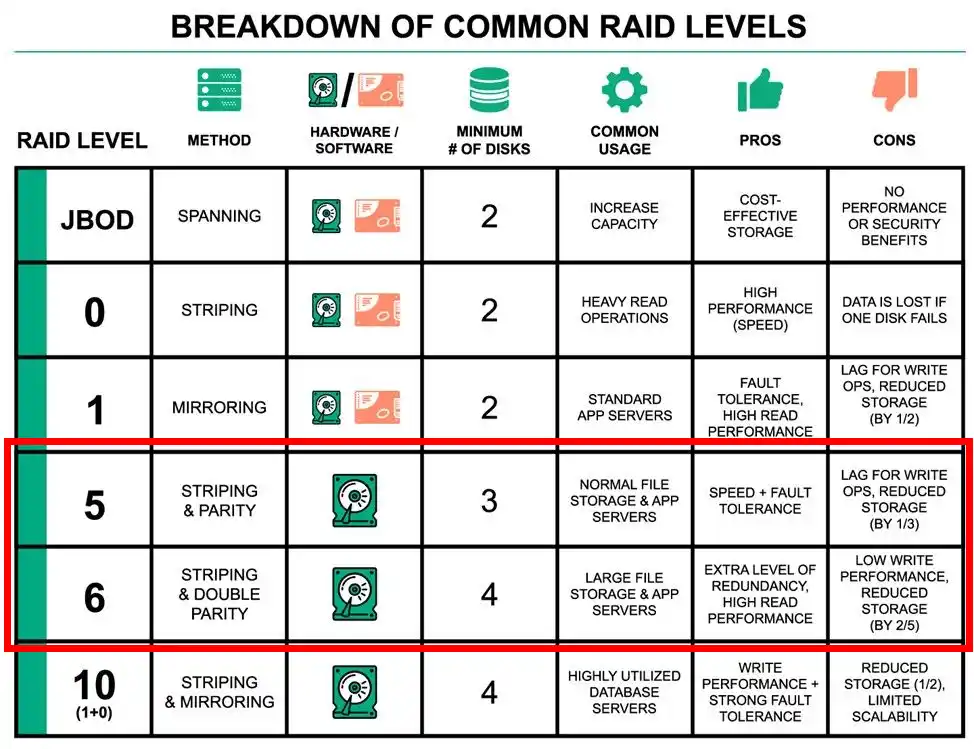
Should You Use RAID 5 or RAID 6 in Your NAS?

Is RAID 5 or RAID 6 Best For You and Your NAS?

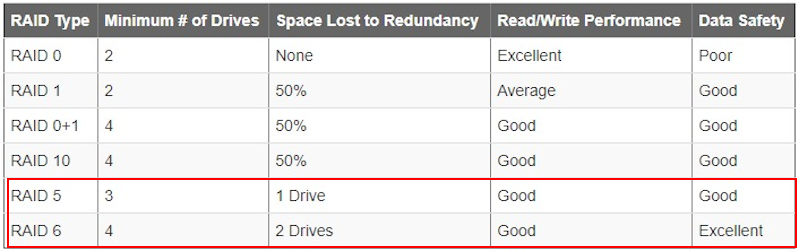
When setting up a NAS, one of the most important and long-lasting decisions you’ll make is choosing the right RAID level. This choice directly impacts how much protection you have against drive failures, how much usable storage space you retain, and how long rebuilds will take when things go wrong. Among the most debated options are RAID 5 and RAID 6, both of which use parity for data protection but differ in how much risk they can tolerate. RAID 5 offers single-drive failure protection with better capacity efficiency, while RAID 6 provides dual-drive fault tolerance at the cost of more storage overhead and longer rebuild times. It’s worth noting that although you can graduate a RAID 5 into a RAID 6 later if your needs change, this is a slow and resource-heavy process. On the other hand, RAID 6 cannot be reversed back into RAID 5, so it’s a decision that requires careful planning from the outset. The balance of speed, safety, capacity, and risk tolerance will determine which configuration is truly best for your setup.

IMPORTANT – It is essential to understand that RAID, whether RAID 5 or RAID 6, should never be considered a true backup solution. RAID protects against drive failures, but it cannot safeguard you from accidental deletion, malware, hardware faults beyond the disks, or disasters like fire and theft.

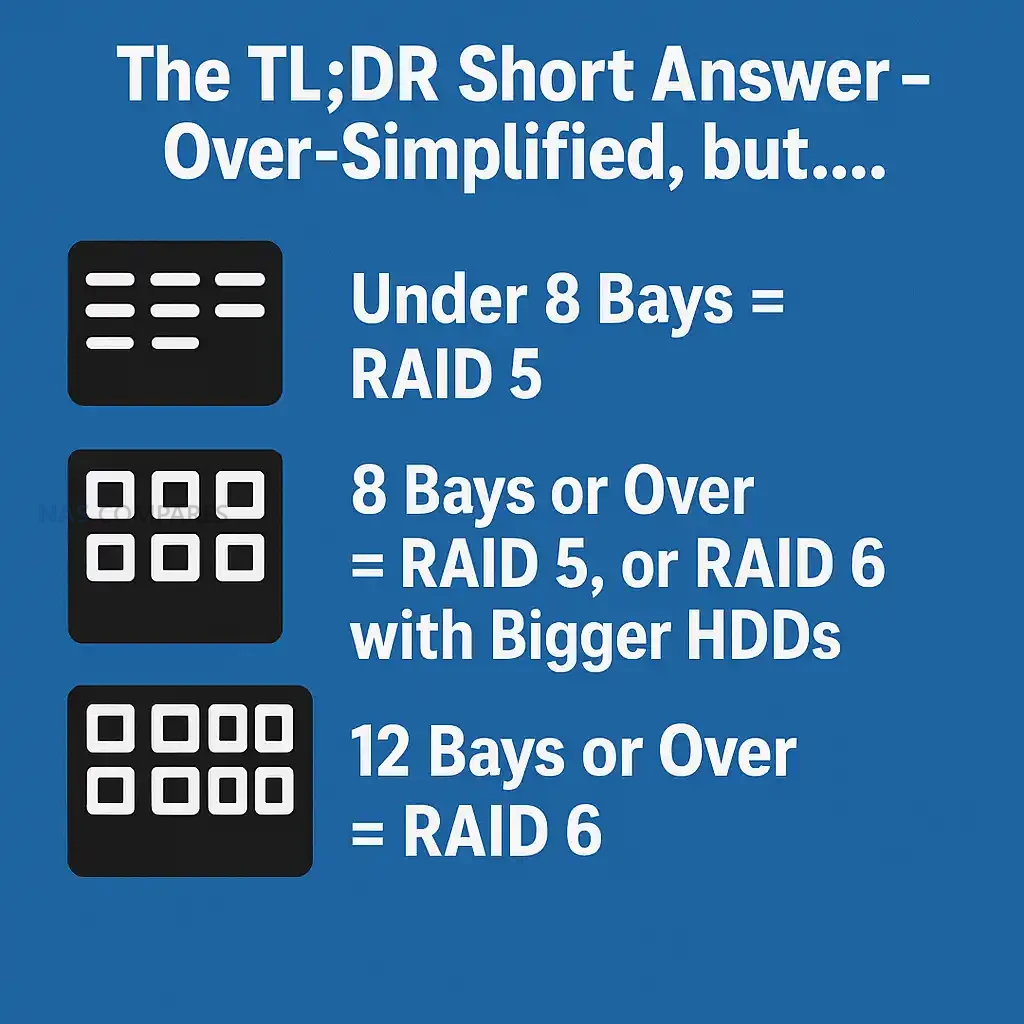
The TL;DR Short Answer – Over-Simplified, but….

  • Under 8 Bays = RAID 5
  • 8 Bays or Over = RAID 5, or RAID 6 with Bigger HDDs
  • 12 Bays or Over = RAID 6

If you are looking for simplicity, RAID 5 will usually give you the best balance of speed, storage efficiency, and cost, but it comes with higher risk. RAID 6 is slower to rebuild, consumes more usable capacity, and involves heavier parity calculations, but it provides a much stronger safety net against drive failures. For smaller arrays with modest drive sizes, RAID 5 can be entirely sufficient, especially when paired with reliable backups. However, as drive capacities continue to grow and rebuild times stretch into days, RAID 6 becomes more attractive because it can withstand the failure of two drives without losing the array. In essence, RAID 5 is about maximizing space and performance with a moderate level of safety, while RAID 6 is about maximizing resilience and peace of mind at the expense of capacity and speed. Choosing between them comes down to how valuable your data is, how large your drives are, and how much risk you are willing to tolerate during rebuild windows.

For systems with fewer than 8 bays, RAID 5 will usually be sufficient unless you are running especially large-capacity drives or operating at a business scale where data loss cannot be tolerated. Once you reach 8 bays or higher, RAID 6 should be seriously considered, as the chances of a second drive failing during a rebuild increase along with the overall storage pool size and the scale of potential loss. At 12 bays and beyond, RAID 6 is effectively mandatory, as relying on RAID 5 at that scale means gambling with too many points of failure and too much at stake if something goes wrong.

RAID 5 RAID 6
Pros Higher usable capacity (only 1 drive lost to parity) Dual-drive failure protection
Faster rebuild times Much lower risk of catastrophic rebuild failure
Lower cost per TB Strong choice for very large drives (10TB+)
Less parity overhead (better write speeds) Safer for arrays with 6+ disks
Widely supported and simple to manage More reliable for mission-critical or archival data
Cons Vulnerable if a second drive fails during rebuild Slower rebuild times
Higher risk of data loss with large drives Higher cost per TB (2 drives lost to parity)
Less safe for arrays over 6–8 disks More computational overhead, slightly slower writes

RAID 5 vs RAID 6 – Build Time and RAID Recovery Time

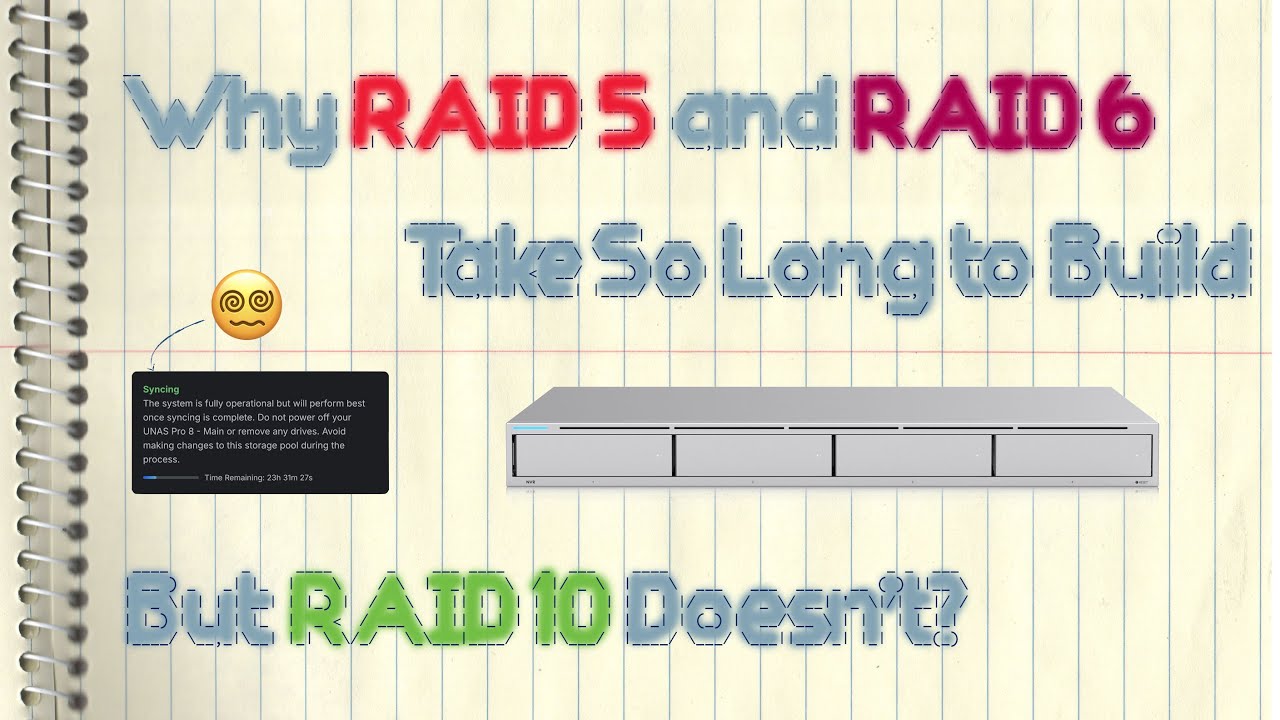
The initial creation of a RAID array, sometimes called synchronization or initialization, is one of the first differences you’ll notice between RAID 5 and RAID 6. A RAID 5 setup generally completes its initial build faster because it only has to calculate and assign a single parity block across the drives. RAID 6, by contrast, has to generate and distribute two independent parity values on every stripe, which increases the workload on the system. This means that on a fresh setup, RAID 6 will take longer to complete the synchronization process before the array is fully operational, though this is usually a one-time inconvenience at the beginning of deployment. For home and small office setups, this extra build time might not matter too much, but in larger systems with many terabytes of data, it can mean several hours or even days of extra initialization work compared with RAID 5.

The difference becomes more significant when a drive fails and a rebuild is needed. In RAID 5, the system only needs to reconstruct the missing data using the surviving disks and a single parity calculation, which usually makes recovery noticeably faster. RAID 6, however, must perform double parity calculations and restore both sets of parity information onto the replacement drive, extending the recovery window. On large modern HDDs where rebuilds can take dozens of hours, or sometimes multiple days, this extra time becomes a major factor. The trade-off is that RAID 6 offers much stronger resilience while this rebuild is in progress, because the system can continue to operate and survive even if another disk fails during the process. In other words, RAID 5 rebuilds faster but carries more risk, while RAID 6 rebuilds slower but provides a crucial safety margin during the vulnerable degraded state.

Here is a recent video (using the UniFi server platform) that talks about RAID 5/6 vs RAID 10 build times and parity from 777 or 404:

RAID 5 vs RAID 6 – Protection and Vulnerability

The most important factor when comparing RAID 5 and RAID 6 is how well they protect data when drives fail. RAID 5 uses single parity, meaning the system can survive one drive failure without losing data. However, if a second drive fails during the rebuild, the entire array is lost. RAID 6 adds dual parity, which allows the system to tolerate the loss of two drives simultaneously. This extra layer of protection is especially valuable during rebuild windows, which can take many hours or days on modern high-capacity HDDs. In practice, RAID 6 dramatically reduces the risk of catastrophic data loss, at the expense of slower rebuilds and less usable capacity. A subtle but often overlooked vulnerability is the issue of batch manufacturing. Many users buy multiple drives at once, often from the same supplier, meaning the disks may come from the same production batch. If there was a hidden flaw introduced during manufacturing, it is possible that more than one disk could develop problems around the same time. With RAID 5, this creates a dangerous scenario: a second disk failure during a rebuild results in complete data loss. RAID 6 provides a safety margin against these correlated failures by protecting the array even if two drives fail close together in time. Another major risk comes from unrecoverable read errors (UREs) that can occur during rebuilds. Because every sector of every remaining drive must be read to restore the lost disk, the chance of encountering a read error rises significantly with larger drives. In RAID 5, a single URE during rebuild can corrupt the recovery process, whereas RAID 6 has an additional layer of parity to compensate, making it much more reliable during rebuilds. This is especially important in arrays of 8 or more drives, where the probability of encountering at least one problematic sector grows. For users with large arrays or very high-capacity drives, RAID 6’s extra fault tolerance is the difference between a successful rebuild and complete data loss.

RAID 5 vs RAID 6 – Capacity and Price per TB

One of the clearest differences between RAID 5 and RAID 6 lies in how much usable capacity you end up with. RAID 5 only sacrifices the equivalent of a single drive’s worth of storage to parity, which makes it the more space-efficient option. In a six-bay system with 10TB drives, RAID 5 would deliver 50TB of usable storage, while RAID 6 would only provide 40TB. That 10TB difference can be substantial when you are working with large libraries of data such as media collections, surveillance archives, or backups. For users trying to maximize every terabyte of their investment, RAID 5 makes the most efficient use of available space. However, RAID 6’s higher storage overhead translates directly into a higher effective cost per terabyte. Since two drives are always reserved for parity, the total usable space is reduced, and the price you pay for storage per TB goes up. For small home users, this may feel like wasted potential, but the trade-off is the additional layer of fault tolerance. In environments where the cost of downtime or data loss far outweighs the cost of an extra disk, RAID 6 provides stronger long-term value despite the higher price per terabyte. Ultimately, the decision comes down to whether you are more concerned with minimizing cost and maximizing space, or ensuring redundancy and peace of mind.

RAID 6 vs RAID 5 + Hot Spare Drive?

Some users prefer to run RAID 5 with a dedicated hot spare drive rather than choosing RAID 6 outright. In this setup, a single extra disk sits idle until one of the active drives fails, at which point the spare is automatically used for the rebuild. This reduces the amount of time the array spends in a degraded and vulnerable state, since the rebuild begins immediately without waiting for a replacement disk to be manually installed. While this approach still leaves you with only single-drive fault tolerance, it can feel like a middle ground between RAID 5 and RAID 6. In terms of capacity, RAID 5 with a hot spare sacrifices the same amount of usable space as RAID 6, but it does not provide the same dual-drive protection. For arrays of six to eight drives, this compromise can make sense if you prioritize capacity efficiency and faster automated recovery, but once you move into larger-scale storage systems, RAID 6 remains the safer and more resilient option.

RAID 5 vs RAID 6 – Conclusion and Verdict

When choosing between RAID 5 and RAID 6, the decision comes down to weighing efficiency against resilience. RAID 5 is faster to rebuild, provides more usable storage, and costs less per terabyte, which makes it well suited to smaller NAS setups or users who prioritize capacity and speed. RAID 6, on the other hand, offers stronger protection against drive failures, making it far more reliable for larger arrays and higher-capacity drives where rebuild times are long and risks multiply. The general consensus is that RAID 5 can still be a smart choice for arrays under eight bays, but RAID 6 becomes the clear recommendation for systems of eight drives or more, and an essential requirement at twelve drives and beyond. Above all else, it is critical to remember that RAID is not a backup. Neither RAID 5 nor RAID 6 will protect you against accidental deletion, ransomware, hardware faults beyond the disks, or disasters such as fire or theft. RAID is a safety net that improves availability, but it must always be paired with a proper backup strategy if your data truly matters.


📧 SUBSCRIBE TO OUR NEWSLETTER 🔔
[contact-form-7]
🔒 Join Inner Circle

Get an alert every time something gets added to this specific article!


Want to follow specific category? 📧 Subscribe

This description contains links to Amazon. These links will take you to some of the products mentioned in today's content. As an Amazon Associate, I earn from qualifying purchases. Visit the NASCompares Deal Finder to find the best place to buy this device in your region, based on Service, Support and Reputation - Just Search for your NAS Drive in the Box Below

Need Advice on Data Storage from an Expert?

Finally, for free advice about your setup, just leave a message in the comments below here at NASCompares.com and we will get back to you. Need Help? Where possible (and where appropriate) please provide as much information about your requirements, as then I can arrange the best answer and solution to your needs. Do not worry about your e-mail address being required, it will NOT be used in a mailing list and will NOT be used in any way other than to respond to your enquiry. [contact-form-7] TRY CHAT Terms and Conditions
If you like this service, please consider supporting us. We use affiliate links on the blog allowing NAScompares information and advice service to be free of charge to you.Anything you purchase on the day you click on our links will generate a small commission which isused to run the website. Here is a link for Amazon and B&H.You can also get me a ☕ Ko-fi or old school Paypal. Thanks!To find out more about how to support this advice service check HEREIf you need to fix or configure a NAS, check Fiver Have you thought about helping others with your knowledge? Find Instructions Here  
 
Or support us by using our affiliate links on Amazon UK and Amazon US
    
 
Alternatively, why not ask me on the ASK NASCompares forum, by clicking the button below. This is a community hub that serves as a place that I can answer your question, chew the fat, share new release information and even get corrections posted. I will always get around to answering ALL queries, but as a one-man operation, I cannot promise speed! So by sharing your query in the ASK NASCompares section below, you can get a better range of solutions and suggestions, alongside my own.

☕ WE LOVE COFFEE ☕


UGREEN DH2300 NAS Review

UGREEN DH2300 NAS Review – Cloud Subscription Killer

The UGREEN DH2300 is a compact two-bay NAS system positioned within the company’s value-focused lineup, intended for users moving away from cloud-based storage platforms toward affordable private solutions. Priced around the $200 mark, it is aimed at those who prioritize simplicity and convenience over raw performance or enterprise-level control. Designed for users who typically rely on Google Drive, iCloud, or Dropbox subscriptions, the DH2300 seeks to provide a self-contained alternative with no recurring fees, offering scheduled backups, remote file synchronization, and integrated media access through UGREEN’s proprietary UGOS Pro operating system. Internally, the system is built around an ARM-based processor combining a quad-core Cortex-A72 and quad-core Cortex-A53 architecture, clocked at up to 2.2GHz, with 4GB of LPDDR4 memory and a built-in 32GB eMMC for the OS. This hardware places the DH2300 in direct competition with entry-level models such as the Synology DS223 and QNAP TS-233, though its Rockchip RK3576 processor, G52 MC3 GPU, and 6 TOPS NPU give it a modest edge in AI-assisted photo recognition, multimedia indexing, and energy efficiency. As a compact, preconfigured NAS designed for first-time adopters, the DH2300’s real focus is not to replace professional systems but to bridge the gap between mainstream cloud users and personal storage ownership, reflecting UGREEN’s broader strategy of simplifying NAS technology for general consumers.

UGREEN DH2300 NAS Review – Quick Conclusion

The UGREEN DH2300 is a compact, affordable two-bay NAS designed to bridge the gap between cloud storage and local data ownership for everyday users. Built around the Rockchip RK3576 processor—featuring two quad-core clusters of Cortex-A72 and A53 cores at up to 2.2GHz—and paired with 4GB of LPDDR4X memory, the system offers reliable ARM-level performance with efficient thermals and low noise output. Its design prioritizes simplicity, with vertical drive insertion, a single rear cooling fan, and a dedicated 32GB eMMC for UGOS Pro, which separates the OS from user data. Connectivity includes a 1GbE port, multiple USB 3.2 Gen 1 ports, and HDMI 4K60 output, while the software delivers key NAS essentials such as RAID management, snapshot recovery, cloud and USB backups, Docker support, and AI-powered photo indexing via its 6 TOPS NPU. Power consumption remains low at 9–13W depending on workload, and noise levels stay within 31–45 dBA under varying fan speeds. Although the fixed memory, single LAN port, and ambiguous CPU marketing reduce its appeal for enthusiasts, the DH2300 stands out as an efficient, straightforward, and well-priced solution for users seeking a dependable private cloud alternative without technical complexity.

SOFTWARE - 7/10
HARDWARE - 8/10
PERFORMANCE - 7/10
PRICE - 10/10
VALUE - 9/10


8.2
PROS
👍🏻Efficient Rockchip RK3576 processor (dual quad-core ARM design) provides strong performance for a low-power NAS.
👍🏻Integrated 6 TOPS NPU enables local AI functions such as face, text, and object recognition without cloud reliance.
👍🏻UGOS Pro offers an intuitive, user-friendly interface with features like RAID management, snapshots, Docker, and backups.
👍🏻Low noise output (31–45 dBA) and excellent power efficiency (9–13W typical use) suit 24/7 home operation.
👍🏻Dedicated 32GB eMMC system drive keeps the OS separate from data volumes for better reliability.
👍🏻HDMI 2.0 4K60 output allows direct media playback and display management.
👍🏻Competitive pricing around $200 makes it a strong entry-level NAS alternative to subscription cloud storage.
CONS
👎🏻Single 1GbE LAN port limits transfer speeds and network scalability.
👎🏻Fixed 4GB memory restricts heavy multitasking or Docker use.
👎🏻Spending just $100-150 more gets you much, much more capable x86 powered systems

Buy the UGREEN DH300 on Amazon @209 Buy the UGREEN DH2300 on UGREEN.COM Buy the UGREEN DH2300 on B&H

STORE

UGREEN DH2300 NAS Review – Design and Storage

The UGREEN DH2300 adopts a clean, vertical form factor made entirely of plastic, emphasizing practicality and low cost over premium materials. The enclosure is lightweight yet well-ventilated, featuring a magnetic plastic top panel with slotted air channels that promote consistent airflow across both drive bays. The overall construction favors simplicity, with drive access positioned vertically rather than through traditional caddies. This layout helps minimize the unit’s footprint, making it suitable for desktop environments where noise and vibration are key considerations. While the plastic frame lacks the rigidity of aluminum enclosures seen in higher-end NAS models, it contributes to lower noise resonance and reduced amplification of mechanical drive vibration. The minimalist aesthetic, consistent with UGREEN’s other recent NAS releases, reflects its target audience: users seeking a consumer-friendly device that blends into a home office or living space rather than a server rack.

Internally, the DH2300 supports two 3.5-inch or 2.5-inch SATA drives, each connecting directly to fixed SATA connectors mounted on the board. The drive trays are basic but functional, requiring manual screw installation rather than tool-less mechanisms. Although UGREEN has not explicitly advertised hot-swapping as an official feature, testing showed that it is technically possible to replace drives without powering down, though such actions are not recommended without confirmation from official documentation. The NAS supports standard RAID configurations, including JBOD, RAID 0, and RAID 1, as well as individual drive modes, providing adequate flexibility for redundancy or performance-based setups. Storage initialization is straightforward within UGOS, with pool creation and volume setup guided by a wizard interface that fits the product’s “set-and-forget” philosophy.

Cooling is handled by a single rear-mounted fan positioned behind the drive bays, ensuring that heat generated by mechanical disks is efficiently extracted from the enclosure. The system’s vertical drive layout assists in natural convection, drawing air from the lower portion and expelling it from the top and rear. Despite being a plastic chassis, thermal management remains effective due to the extensive side and rear ventilation grilles, which circulate air across both drives and the mainboard components. In long-term use, the design demonstrated stable internal temperatures under typical file access and synchronization loads, maintaining drive and board thermals within an expected operational range even during extended testing periods.

From a functional standpoint, the DH2300 includes an internal 32GB eMMC module reserved for UGOS, preventing users from needing to dedicate part of their main storage array to system files. This separation simplifies setup and improves reliability by isolating the operating system from data drives. However, there are no M.2 or NVMe expansion slots available, meaning caching or SSD-tiered storage cannot be implemented. This is consistent with UGREEN’s entry-level positioning for the model, and the omission helps reduce production cost while keeping the power footprint low. The 32GB internal storage performs adequately for OS updates, indexing data, and temporary system operations.

The device’s storage capacity can reach up to two 30TB drives, allowing a maximum theoretical total of 60TB raw capacity, though most users will likely configure it in RAID 1 for redundancy. This makes the DH2300 a practical fit for home backup, photo archiving, and small-scale media libraries, especially when paired with the system’s built-in applications for photos, video, and document management. Overall, the DH2300’s design and storage layout reflect its goal of balancing ease of use with functional flexibility, providing just enough configurability to support typical home NAS workloads without introducing complexity that would deter less technical users.

UGREEN DH2300 NAS Review – Internal and External Hardware

Internally, the UGREEN DH2300 is powered by the Rockchip RK3576 processor, a hybrid 8-core ARM SoC that combines four high-performance Cortex-A72 cores with four efficiency-focused Cortex-A53 cores, running at up to 2.2GHz. While UGREEN markets this configuration as an “8-core processor,” it is technically composed of two separate quad-core clusters, something the company’s documentation does not clearly explain. This lack of clarity can mislead users into expecting a single unified 8-core design, whereas in practice the chip functions as two 4-core groups optimized for different workloads. The RK3576, built on an 8nm process, delivers a solid balance between efficiency and multitasking, keeping thermals low while maintaining adequate throughput for home NAS tasks. Its integrated ARM G52 MC3 GPU supports up to 8K H.265/H.264 decoding and HDR rendering through Rockchip’s dedicated Picture Quality Engine, which also supports ACM and DCI color profiles. These capabilities allow the DH2300 to output 4K60 video via HDMI, offering lightweight media playback directly from the system interface—an uncommon inclusion in this price class. Additionally, the CPU’s built-in 6 TOPS NPU enables AI-assisted indexing and face recognition within UGOS Pro, processing such tasks locally instead of relying on cloud services.

Memory allocation on the DH2300 is fixed at 4GB of LPDDR4X, soldered to the mainboard with no expansion slot available. This restriction aligns with the model’s consumer-grade purpose, though it naturally caps Docker container and multitasking potential. The onboard memory is sufficient for file serving, indexing, and moderate background services, while the 32GB eMMC 5.1 storage is dedicated to UGOS Pro and ensures stable OS operations without user intervention. There are no NVMe or UFS storage options, which simplifies the hardware layout but limits potential caching or high-speed data tiers. Nevertheless, the RK3576’s low power draw and balanced architecture ensure consistent operation under typical workloads, even during prolonged use, with minimal heat output and silent operation under idle conditions.

Externally, the NAS presents a modest selection of connectivity options suitable for its market position. The rear hosts a single 1GbE LAN port—adequate for most home users but a notable downgrade from the 2.5GbE interface found on UGREEN’s larger models like the DH4300 PLUS. File transfers, backups, and streaming functions remain well within the limits of 1GbE for single-user environments, though network saturation can occur during multi-user access. Peripheral connectivity is handled by two USB-A 3.2 Gen 1 ports and one USB-C 3.2 Gen 1 port, all operating at 5Gbps, supporting external drives, UPS communication, or backup targets. An HDMI 2.0 port on the rear supports 4K60 output for local playback or display configuration, while system LEDs provide visual feedback for drive activity, system status, and network connection. Power is supplied by a 50W external adapter that connects via a barrel plug, keeping internal temperatures and noise low by externalizing the PSU.

The inclusion of HDMI output in such a budget-focused system underscores UGREEN’s attempt to merge NAS and home entertainment functions. Although the RK3576 chipset supports a wider range of display interfaces—including DisplayPort, MIPI, and eDP—these are not implemented in the DH2300’s design, reflecting deliberate simplification for cost and usability. The absence of multi-gigabit networking, PCIe expansion, or additional LAN redundancy limits its potential for advanced setups, yet for its intended audience the configuration remains practical. In short, the DH2300’s internal layout, despite its simplified design and some ambiguous marketing around the CPU, delivers an efficient and capable platform for mainstream home users seeking affordable private storage.

Component Specification
CPU Rockchip RK3576 – Quad-Core Cortex-A72 + Quad-Core Cortex-A53, up to 2.2GHz
GPU ARM Mali-G52 MC3
NPU 6 TOPS (RKNN)
Fabrication Process 8nm
Memory 4GB LPDDR4X (non-expandable)
System Storage 32GB eMMC 5.1
Drive Bays 2 x 3.5″/2.5″ SATA
Maximum Capacity Up to 30TB per drive (60TB total)
RAID Support JBOD, RAID 0, RAID 1
LAN 1 x 1GbE RJ-45
USB Ports 2 x USB-A 3.2 Gen 1, 1 x USB-C 3.2 Gen 1
HDMI Output 1 x HDMI 2.0 (4K60 supported)
Power Supply External 50W Barrel Adapter
Chassis Material Plastic (ventilated top and sides)

UGREEN DH2300 NAS Review – UGOS NAS Software and Services

UGREEN’s DH2300 runs the company’s proprietary UGOS Pro, a Linux-based operating system tailored for simplicity and everyday use. The interface mirrors the design language of mainstream consumer cloud platforms, featuring a desktop-style environment with drag-and-drop file management, live system monitoring, and user account controls. Although UGOS Pro shares much of its design and functionality with that found on UGREEN’s larger DH4300 PLUS model, a few service limitations appear due to the ARM-based architecture of the DH2300. These include the absence of virtual machine support and limited resource capacity for multiple Docker containers, stemming from the 4GB of fixed memory. Nonetheless, the software remains fully featured for file storage, synchronization, multimedia management, and light AI applications, and receives regular over-the-air updates that refine usability and security. The desktop and mobile clients also synchronize settings seamlessly, allowing users to manage their NAS both locally and remotely.

From a user management perspective, UGOS provides fine-grained control of accounts, permissions, and network access. Administrators can create user groups, apply password complexity policies, and define shared-folder privileges with ease. The system supports multiple file transfer protocols, including SMB, AFP, NFS, and Rsync, as well as optional WebDAV and FTP for broader compatibility. Remote access can be configured either through UGREEN’s own relay service or via LAN-only mode for tighter network security. The security dashboard consolidates features such as auto-block for repeated failed logins, two-factor authentication, firewall configuration, and selective port access rules. SSH and Telnet access are disabled by default, a responsible design choice for less experienced users, but can be enabled manually for advanced administration. These features bring the DH2300 close in functionality to entry-level NAS systems from Synology or QNAP, even though it remains less configurable overall.

Storage management is one of UGOS Pro’s more mature components. Users can create storage pools and volumes in JBOD, RAID 0, or RAID 1, with scheduled drive tests, SMART diagnostics, and Seagate IronWolf Health integration for supported drives. The storage manager also includes rebuild and repair settings that allow users to prioritise either RAID reconstruction speed or system performance during rebuilds. Snapshot protection is integrated at the folder level, with both versioned and scheduled snapshots available for data recovery. Although the system does not offer full OS-level backups, users can schedule NAS-to-NAS, NAS-to-USB, and NAS-to-Cloud synchronisation tasks using Rsync or proprietary tools. These backups can include filters for file type, size, and modification date, making them adaptable to both personal and small office usage. In practice, the storage controls are intuitive and well-implemented for a first-generation NAS platform, with sufficient safeguards for casual users who might otherwise rely on third-party cloud apps.

Application availability has steadily improved since UGREEN’s NAS debut in 2023 (at least, in the ‘west’, as they have been a NAS name in the east since 2020/2021). The App Center now includes a range of first-party utilities such as a file manager, photo station, video station, and music library, as well as third-party options like Plex, Jellyfin, and Docker containers. AI-based features such as face, text, and object recognition are supported thanks to the 6 TOPS NPU in the RK3576, though performance varies depending on workload size. The integrated Vault app provides encrypted storage areas secured by password or downloadable key, which can be auto-locked on reboot for privacy. Meanwhile, the mobile companion app mirrors almost every desktop function, from user and storage administration to Docker control and media playback. Having all management tasks accessible within a single unified mobile app, rather than separate applications for photos or video, demonstrates UGREEN’s streamlined approach to usability, positioning UGOS Pro as a consumer-friendly OS that hides most of the NAS complexity from first-time users. However, I cannot stress enough that this software is still a decent way behind long-established players such as Synology DSM and QNAP QTS in terms of features, maturity and client support. Additionally, as one of the newest names in the world of NAS, the brand has yet to be truly ‘tested’ when it comes to security strength and how they handle/respond to a larger scale security incident. So wheat we find here is good enough for hte price point, but is only a small step or two above what users have come to expect from privately owned NAS nonetheless in 2025/2026.

UGREEN DH2300 NAS Review – Heat, Noise and Power Consumption Tests

Thermal and acoustic performance on the UGREEN DH2300 is generally stable and consistent with expectations for a low-power ARM-based NAS. The system uses a single rear-mounted fan that automatically adjusts its RPM in response to internal temperature sensors, aided by the ventilated top and side panels. During extended operation, the fan demonstrated smooth, gradual speed transitions rather than abrupt cycling, which helped minimize background noise. With two 4TB Seagate IronWolf drives installed, the system recorded approximately 31–32 dBA in idle mode with the fan set to “Low” in UGOS. When switched to “Auto,” and under light file activity, readings rose to 33–35 dBA, while heavier read and write operations increased noise levels to 38–41 dBA. Under maximum fan speed, levels peaked at 44–45 dBA, making the fan audible but still within acceptable limits for a desktop environment. The use of plastic housing reduces the resonance that typically amplifies drive vibration in metal enclosures, although some low-frequency hum remains during heavy disk access.

Temperature readings taken over a 24-hour mixed-use test period show that the chassis maintains good internal thermal balance, aided by vertical airflow and efficient low-wattage components. The NAS was powered down overnight before the test, then reactivated for hourly upload and backup tasks, simulating intermittent real-world usage. During idle periods, the drives stabilized at 35–37°C, while moderate access cycles pushed them to 42°C. The motherboard and surrounding airflow remained at approximately 34–35°C, with rear exhaust temperatures registering slightly higher. Despite the passive nature of some cooling zones, heat accumulation around the CPU remained minimal, peaking around 50–60°C during sustained transfer activity. These figures suggest that UGREEN’s internal airflow design, while basic, is sufficient for continuous operation with standard HDDs. Users in warmer climates or those employing higher-RPM drives might consider increasing fan control sensitivity via UGOS to maintain consistent thermals.

Power consumption results were equally conservative. With two 4TB mechanical drives installed and the system idle at below 5% CPU utilization, the DH2300 drew roughly 9.5W, a competitive figure for a two-bay NAS. During typical data transfers and 50% CPU load, draw increased modestly to 12–13W, remaining far below that of comparable x86-based systems. The external 50W power adapter ensures the NAS operates efficiently while reducing internal heat buildup. Users employing SSDs instead of HDDs could expect overall consumption to drop by an additional 4–5W, further improving energy efficiency. These results confirm the DH2300’s suitability for continuous operation, including 24/7 use as a network backup target or low-impact media server.

Its minimal noise and low thermal footprint make it a non-intrusive addition to a home or small office environment, aligning with its purpose as a budget, always-on NAS solution.

Test Condition Fan Mode Noise Level CPU Temp Drive Temp Power Draw
Idle (Low Fan) Low 31–32 dBA 45°C 35–37°C 9.5W
File Activity (Auto Fan) Auto 33–35 dBA 50°C 39–41°C 12W
Sustained Read/Write High 38–41 dBA 55°C 42°C 13W
Max Load (Fan Max) Max 44–45 dBA 60°C 43°C 13W
SSD Configuration (Est.) Auto 30–32 dBA 48°C 33–35°C 8W

UGREEN DH2300 NAS Review – Verdict and Conclusion

The UGREEN DH2300 represents a carefully positioned step in the company’s ongoing effort to make private storage approachable for non-technical users. Its hardware configuration, led by the Rockchip RK3576 processor and 4GB of fixed memory, provides solid baseline performance for a two-bay ARM-powered NAS at this price point. Although its single 1GbE network port may limit throughput for larger file transfers, the system compensates with a highly efficient power profile, quiet operation, and full support for common RAID configurations. The inclusion of a dedicated 32GB eMMC system drive, HDMI 4K60 output, and an NPU capable of AI-based photo indexing places it above most similarly priced entry-level alternatives from QNAP and Synology. However, certain aspects of UGREEN’s marketing—particularly the way the dual quad-core CPU clusters are presented as a single 8-core design—could be clearer. Likewise, the absence of upgradeable memory or faster networking options limits its long-term scalability for users seeking to expand their NAS environment beyond basic media and backup tasks.

From a broader standpoint, the DH2300’s strongest appeal lies in its simplicity and low operational overhead. UGOS Pro, though still developing in maturity, has evolved into a competent, user-friendly platform offering the key features needed for home data management, multimedia access, and scheduled backups. The OS’s stability, combined with efficient hardware and lightweight design, makes this NAS a practical alternative to annual cloud subscriptions for users who simply want local control over their data. It is not a system aimed at enthusiasts or professionals demanding virtual machines, multi-gig networking, or broad third-party OS support, but rather those seeking a self-contained, reliable, and low-maintenance device. Within that niche, the DH2300 delivers strong value and performs consistently well for the intended demographic—serving as an accessible first step into local storage ownership.


Buy the UGREEN DH300 on Amazon @209 Buy the UGREEN DH2300 on UGREEN.COM Buy the UGREEN DH2300 on B&H

STORE

PROs of the UGREEN DH2300 NAS CONs of the UGREEN DH2300 NAS
  • Efficient Rockchip RK3576 processor (dual quad-core ARM design) provides strong performance for a low-power NAS.

  • Integrated 6 TOPS NPU enables local AI functions such as face, text, and object recognition without cloud reliance.

  • UGOS Pro offers an intuitive, user-friendly interface with features like RAID management, snapshots, Docker, and backups.

  • Low noise output (31–45 dBA) and excellent power efficiency (9–13W typical use) suit 24/7 home operation.

  • Dedicated 32GB eMMC system drive keeps the OS separate from data volumes for better reliability.

  • HDMI 2.0 4K60 output allows direct media playback and display management.

  • Competitive pricing around $200 makes it a strong entry-level NAS alternative to subscription cloud storage.

  • Single 1GbE LAN port limits transfer speeds and network scalability.

  • Fixed 4GB memory restricts heavy multitasking or Docker use.

  • Spending just $100-150 more gets you much, much more capable x86 powered systems

📧 SUBSCRIBE TO OUR NEWSLETTER 🔔
[contact-form-7]
🔒 Join Inner Circle

Get an alert every time something gets added to this specific article!


Want to follow specific category? 📧 Subscribe

This description contains links to Amazon. These links will take you to some of the products mentioned in today's content. As an Amazon Associate, I earn from qualifying purchases. Visit the NASCompares Deal Finder to find the best place to buy this device in your region, based on Service, Support and Reputation - Just Search for your NAS Drive in the Box Below

Need Advice on Data Storage from an Expert?

Finally, for free advice about your setup, just leave a message in the comments below here at NASCompares.com and we will get back to you. Need Help? Where possible (and where appropriate) please provide as much information about your requirements, as then I can arrange the best answer and solution to your needs. Do not worry about your e-mail address being required, it will NOT be used in a mailing list and will NOT be used in any way other than to respond to your enquiry. [contact-form-7] TRY CHAT Terms and Conditions
If you like this service, please consider supporting us. We use affiliate links on the blog allowing NAScompares information and advice service to be free of charge to you.Anything you purchase on the day you click on our links will generate a small commission which isused to run the website. Here is a link for Amazon and B&H.You can also get me a ☕ Ko-fi or old school Paypal. Thanks!To find out more about how to support this advice service check HEREIf you need to fix or configure a NAS, check Fiver Have you thought about helping others with your knowledge? Find Instructions Here  
 
Or support us by using our affiliate links on Amazon UK and Amazon US
    
 
Alternatively, why not ask me on the ASK NASCompares forum, by clicking the button below. This is a community hub that serves as a place that I can answer your question, chew the fat, share new release information and even get corrections posted. I will always get around to answering ALL queries, but as a one-man operation, I cannot promise speed! So by sharing your query in the ASK NASCompares section below, you can get a better range of solutions and suggestions, alongside my own.

☕ WE LOVE COFFEE ☕


Synology DSM 7.3 – Should You Upgrade?

Should You Upgrade Your Synology from DSM 7.2 to DSM 7.3?

DSM 7.3 represents Synology’s final major release under the DSM 7 platform before the expected transition to DSM 8, and it introduces a mix of refinements, policy reversals, and new enterprise tools that signal both the maturity and the approaching end of this software generation. The update arrives after an extended rollout period that began in mid-2025 and has been deployed gradually across supported NAS models to ensure stability. It brings several notable changes, most prominently the revision of the company’s restrictive hard drive policy under the new HCL 5.0 standard, allowing a broader range of third-party drives on 2025 Plus series systems. Other additions include the Synology Tiering package, designed to automate storage management between multiple NAS devices, and the introduction of the AI Console, a framework that integrates external AI and LLM providers into Synology’s productivity applications. Alongside these new components, DSM 7.3 also adds incremental updates such as native exFAT support, more flexible encryption handling, improved domain and directory management, and several kernel-level security patches.

However, for most existing users running DSM 7.2, the decision to upgrade should not be automatic. Many of the most visible features in DSM 7.3, including Synology Drive 4.0 and early versions of Synology Tiering, can already be accessed through separate beta packages on DSM 7.2 without performing a full system upgrade. Moreover, DSM 7.3 has arrived without a public beta phase, leading to mixed community feedback on compatibility issues and minor application regressions reported during early adoption. The release is stable for general use, but it represents an incremental refinement rather than a fundamental reinvention of Synology’s operating environment. For many users, DSM 7.3 serves as both a capstone for the current platform and a preparatory step toward the next-generation DSM 8 ecosystem expected to follow in 2026.

Should You Upgrade to Synology DSM 7.3? The TL;DR

For most existing Synology users, DSM 7.3 is a cautious, incremental update rather than a transformative one. It refines several areas—particularly in data security via vulnerability patches, encrypted storage handling, and drive compatibility—but few of these changes are critical for stable systems already running DSM 7.2. The improved drive policy on 2025 Plus models is a welcome reversal of the restrictive compatibility introduced earlier, yet older systems benefit little beyond quality-of-life improvements. Similarly, the new Synology Tiering and AI Console frameworks show potential but are limited in scope, requiring multi-system deployments or external AI integrations that do not suit typical home or small business users. In short, DSM 7.3 is reliable and functionally solid, but it introduces no must-have feature for those already content with DSM 7.2. Users with newer 2025 Plus series hardware, or those who need to take advantage of the new tiering, encryption, or administrative tools, can confidently upgrade once their model is supported. However, administrators running mission-critical workloads, media servers, or older legacy devices may prefer to wait until early 2026 for further stability updates or the initial DSM 8 previews. The release feels transitional—a final, polished step for the DSM 7 generation rather than a defining milestone—so unless your deployment directly benefits from one of its headline features, remaining on DSM 7.2 remains a perfectly reasonable choice.

Want to Support What We Do? Use the Links Below to Buy your NAS and/or HDD and SSD Media. Clicking these links will result in a small commission for anything you purchase, heading to me and Eddie @NASCompares and allows us to keep doing this! It’s just us two here and between this and ads, it’s the most passive way to keep us sailing! Thanks
  • Synology NAS and Media on Amazon – HERE
  • Synology Products on B&H – HERE
  • Seagate Ironwolf Media on Amazon – HERE
  • WD Red Media on Amazon – HERE
  • Seagate Products on B&H – HERE
  • WD Products on B&H – HERE

Will Upgrading to DSM 7.3 Remove My Ability to Hardware Transcode?

Upgrading to DSM 7.3 does not remove hardware transcoding support on systems that already possess compatible integrated graphics or dedicated GPU functionality. The removal of hardware transcoding drivers occurred earlier, during the rollout of DSM 7.2.2, and affected only specific 2025-generation NAS models where Synology chose to disable HEVC (H.265) hardware acceleration for licensing and driver maintenance reasons. For all older devices—such as the DS920+, DS423+, and DS224+—the upgrade to DSM 7.3 preserves existing transcoding capabilities, including both H.264 and H.265 conversions, assuming these were functional in DSM 7.2. Users can continue to use hardware-assisted video conversion in applications such as Synology Video Station (if you still have it!), Plex, and Jellyfin without additional configuration. No drivers are removed or replaced by the DSM 7.3 upgrade process, and GPU-accelerated workloads remain fully accessible. The only cautionary point applies to future NAS models that will ship with DSM 7.3 preinstalled, as these may already reflect Synology’s newer driver policy, but existing systems upgrading from DSM 7.2 retain their transcoding performance entirely unchanged. Just remember that Synology 2025 series devices that have an integrated graphics CPU do NOT have the graphics driver by default. Watch the video below to learn more:

Will Upgrading to DSM 7.3 Result in My M.2 SSDs Becoming Unsupported or Unusable?

For most users, upgrading to DSM 7.3 will not cause any change to M.2 SSD functionality. Systems that already have existing cache or storage configurations using M.2 NVMe drives in DSM 7.2 will continue to operate normally after the upgrade, with no data loss or drive disconnection. The update does not remove support for previously installed third-party NVMe SSDs, nor does it alter existing caching or volume structures.

However, DSM 7.3 maintains Synology’s restrictive stance on creating new NVMe-based storage pools (i.e only their own bradned drives currently) or caches using unverified drives. While the broader HCL 5.0 policy restores open drive usage for SATA HDDs and SSDs on the 2025 Plus series, it does not extend to M.2 NVMe media, which still require official validation to be initialised in new roles. Users upgrading from DSM 7.2 who already have third-party M.2 drives configured will see no functional difference, but those attempting to add or reassign new NVMe devices after the upgrade will remain subject to the same compatibility enforcement introduced in DSM 7.2.

Is Synology Drive 4.0 Worth Upgrading to DSM 7.3 For?

Synology Drive 4.0 introduces a collection of small but practical improvements that enhance team collaboration and file management, but none of these changes require DSM 7.3 to function. The new version adds improved file labelling and categorisation tools, making it easier for teams to assign colour-coded or custom tags to shared content.

It also refines file request functionality, allowing users to specify reasons for requesting access and to track these submissions more transparently. File locking has also been expanded, now supporting manual control in addition to automatic version locking, which prevents conflicts when multiple users are editing the same document.

Together, these updates improve workflow precision and traceability, particularly in shared office environments or remote teams using Drive as a private alternative to cloud collaboration platforms such as OneDrive or Google Drive.

Beyond these refinements, Synology Drive 4.0 also brings stronger integration with Synology Account authentication, a requirement for accessing its newest collaborative features. This includes cross-user label sharing, improved audit tracking, and the option to enforce identity binding for Drive users in larger deployments.

However, all of these capabilities remain accessible to DSM 7.2 users via Synology’s beta package program, meaning there is no requirement to upgrade to DSM 7.3 to test or use them. Unless you specifically need tighter Drive account linkage or plan to adopt other DSM 7.3-only features such as Tiering or AI Console integration, the Drive 4.0 update alone does not justify upgrading your NAS operating system.

Is Synology Tiering Worth Upgrading to DSM 7.3 For?

Synology Tiering is one of the most significant new features in DSM 7.3, introducing an automated data management system designed to move infrequently accessed files from fast “hot” storage to lower-cost “cold” storage across multiple NAS devices. The concept is similar to hierarchical storage management in enterprise systems, but unlike QNAP’s QTier, it does not operate within a single NAS.

Instead, it requires two or more Synology NAS units running DSM 7.3, with the hot tier hosting the primary, frequently used data, and the cold tier configured as a secondary vault where less active files are migrated. Administrators can create tiering plans that determine how long a file remains in the hot tier based on modification or access frequency, with policies ranging from one day to several years. Transfers occur automatically over encrypted HTTPS connections, and stub files are left behind in the hot tier to preserve accessibility, allowing users to recall files seamlessly when needed.

However, despite its potential, Synology Tiering remains a beta-stage feature with limited configuration depth and hardware support. Not all NAS systems qualify for hot-tier deployment, and the supported model lists are inconsistent. For example, the DS425+—a system without M.2 slots—supports hot-tier operation, whereas the DS923+, which features greater performance and expandability, does not. Likewise, several older Plus-series models and most rackmount units are limited to cold-tier functionality only.

The service currently lacks integration with Synology Drive, encrypted folders, or other key DSM services, meaning many shared folders cannot participate in tiering policies. While the feature offers promise for businesses managing distributed sites or large archives, it is still early in development and unsuitable as the sole reason to perform a DSM 7.3 upgrade. It can also be tested independently on DSM 7.2 via the beta package, allowing administrators to evaluate its practicality before committing to a full system migration.

It is worth noting that Synology’s allocation of which NAS systems qualify as hot-tier and cold-tier devices under DSM 7.3 results in some unusual distinctions between models. Several systems with similar or even higher technical specifications are listed only as cold-tier devices, while others with more modest hardware are fully approved for hot-tier functionality.

For example, the Intel Celeron-based DS225+, which supports only SATA HDDs and lacks M.2 NVMe or 10GbE connectivity, is officially designated as a hot-tier system. In contrast, the AMD Ryzen R1600-based DS923+, which includes dual M.2 NVMe slots and 10GbE upgradability, appears only on the cold-tier list.

This creates a noticeable mismatch between capability and feature assignment across both desktop and rackmount systems, suggesting that Synology’s tiering support matrix has been determined on a per-model basis rather than by hardware class.

Model Listings (as defined under DSM 7.3):

  • Hot-tier supported systems:
    FS6400, FS3600, FS3410, FS3400, FS2500, FS200T, HD6500, SA3400D, SA3200D, SA6400, SA3610, SA3600, SA3410, SA3400, RS4021xs+, RS3621xs+, RS3621RPxs, RS2825RP+, DS3622xs+, DS1823xs+, DS1621xs+, DS1825+, DS1525+, DS925+, DS725+, DS425+, DS225+.

  • Cold-tier supported systems:
    HD6500, FS6400, FS3600, FS3410, FS3400, FS2500, FS200T, SA3400D, SA3200D, SA6400, SA3610, SA3600, SA3410, SA3400, RS4021xs+, RS3621xs+, RS3621RPxs, RS2825RP+, RS2423RP+, RS2423+, RS2821RP+, RS2421RP+, RS2421+, RS1221RP+, RS1221+, RS822RP+, RS822+, RS820RP+, RS820+, RS422+, DS3622xs+, DS1823xs+, DS1621xs+, DS2422+, DS1825+, DS1821+, DS1621+, DS1525+, DS1522+, DS1520+, DS925+, DS923+, DS725+, DS723+, DS920+, DS720+, DS620slim, DS425+, DS423+, DS420+, DS225+, DS224+, DS220+, DVA1622, DVA3221.

The division between these two groups highlights some unexpected choices, where NAS models with more advanced configurations—such as integrated NVMe storage or faster network options—are limited to cold-tier participation, while smaller, SATA-only systems are permitted full hot-tier operation.

Are Synology AI Admin Console Services Worth Upgrading to DSM 7.3 For?

The Synology AI Console is a new administrative framework introduced in DSM 7.3 that allows NAS administrators to connect external artificial intelligence and large language model (LLM) services, such as OpenAI, Azure OpenAI, Google Gemini, and Amazon Bedrock, directly into select Synology productivity applications. Its purpose is to enhance tools like Synology MailPlus and Synology Office with text summarisation, translation, and content generation capabilities.

Rather than hosting AI workloads locally, the Console acts as a bridge between the NAS and third-party AI providers through user-supplied API keys. Administrators can control who can access these features, set daily or per-minute token limits to manage consumption, and monitor all requests via detailed transaction logs.

A privacy-focused de-identification mechanism can also be enabled to mask sensitive data—such as names, IP addresses, or account details—before it leaves the NAS for external processing, restoring it upon return.

While these controls demonstrate a well-considered security approach, the AI Console remains divisive. Because all AI requests are processed externally rather than on-device, the system sends portions of MailPlus and Office text content to third-party cloud providers for analysis and response generation.

Even with encryption and masking in place, this design conflicts with the expectations of users who adopt a NAS precisely to maintain full local control over data.

Moreover, the Console currently supports only text-based functions and does not provide local inference, on-device LLM hosting, or GPU-accelerated processing, which limits its appeal to professional or privacy-conscious users. For most home and small-business owners, the AI Console is an optional enhancement rather than a compelling reason to upgrade.

It may benefit organisations already running MailPlus or Office in a collaborative environment, but its dependence on external AI infrastructure means its inclusion in DSM 7.3 is unlikely to justify a system-wide update on its own.

A Pre-emptive Warning about DSM 7.3 and Synology RS / Rackstation and NVR / DVA Surveillance Systems

While DSM 7.3 restores third-party hard drive flexibility on the 2025 DiskStation Plus range, this policy change does not extend to RackStation (RS) or DVA/NVR systems. These models continue to enforce Synology’s restricted compatibility framework, requiring officially verified HAT, HAS, or SAT series drives for full SMART monitoring, health data reporting, and warranty-backed operation. Unverified drives may still function but typically appear with degraded status indicators, limited temperature or lifespan data, and persistent “incompatible” warnings within Storage Manager.

This limitation remains particularly relevant to surveillance deployments, as Synology has yet to certify common NVR-grade drives such as Seagate IronWolf, Seagate SkyHawk, or WD Purple series models. At the time of writing, only one 2025-generation RackStation has been released under this policy, but Synology is expected to expand the line-up significantly into Q1 2026, with new models such as the DVA7400, DVA3000, and additional 4- and 8-bay RS systems all expected to ship with DSM 7.3 pre-installed and to follow the same verified-drive enforcement. As such, administrators planning future rackmount or surveillance deployments should confirm drive support in advance, as Synology shows no signs of relaxing its enterprise compatibility standards for these product tiers.

Should You Upgrade to DSM 7.3? VERDICT

For most existing Synology users, DSM 7.3 stands as a careful, incremental evolution of the platform rather than a major overhaul. It introduces refinements in data protection, encryption handling, and administrative control while restoring a more open stance on third-party hard drive use under the new HCL 5.0 policy. These adjustments address several long-standing user concerns, particularly on the 2025 Plus series, where Synology has finally reintroduced full flexibility for HDD and SSD compatibility. However, outside of that reversal, DSM 7.3’s core updates—such as minor kernel improvements, user interface refinements, and system efficiency tweaks—represent evolutionary stability rather than innovation. The release also marks Synology’s first attempt to integrate AI-based administrative tools and multi-tier storage, but both features remain optional, niche in scope, and better suited to advanced users or multi-NAS deployments. For those running stable DSM 7.2 environments, the upgrade is beneficial but not essential, as few of the new capabilities materially alter day-to-day operations.

That said, DSM 7.3 remains a worthwhile step forward for users who want to align their systems with Synology’s next-generation framework before DSM 8’s eventual release. Owners of newer 2025 models such as the DS925+, DS1525+, or RS2825RP+ will likely find the update unavoidable, as it forms the baseline for upcoming package releases and extended security support. Administrators managing large data environments may also appreciate the improved directory integration, enhanced file versioning, and native exFAT support included in this release. Still, those relying on older Plus or XS-class devices for media, backup, or general storage tasks may prefer to wait for a few minor revisions before upgrading, allowing early adopters to expose any unforeseen issues. DSM 7.3 is polished and well-structured, but it feels transitional—a bridge between legacy DSM 7.2 deployments and the more modern, AI-aware infrastructure Synology is preparing for DSM 8. Unless you specifically require its new storage policies, tiering capabilities, or AI integration, remaining on DSM 7.2 remains a stable, low-risk option for the foreseeable future.

Which Systems Support the DSM 7.3 Upgrade? (Updated List)

The DSM 7.3 (version 7.3-81180) update is available as a manual download for an extensive range of Synology NAS systems, spanning the Plus, XS, SA, FS, HD, Value, and J series. Rollout continues in stages, meaning some users will not yet receive an automatic update notification. Once installed, DSM 7.3 cannot be downgraded to a previous version, and for many older models, it will be the final feature-bearing update, with future maintenance limited to security and stability patches.

The complete set of DSM 7.3 installation files, as listed in Synology’s October 2025 release, confirms support for virtually all NAS models released between 2016 and 2025. Key model families include:

DiskStation desktop systems:
DS1019+, DS116, DS118, DS119j, DS120j, DS124, DS1517+, DS1517, DS1520+, DS1522+, DS1525+, DS1618+, DS1621+, DS1621xs+, DS1817+, DS1817, DS1819+, DS1821+, DS1823xs+, DS1825+, DS216+, DS216, DS216+II, DS216j, DS216play, DS218+, DS218, DS218j, DS218play, DS220+, DS220j, DS223, DS223j, DS224+, DS225+, DS2419+, DS2419+II, DS2422+, DS3018xs, DS3617xs, DS3617xsII, DS3622xs+, DS416, DS416j, DS416play, DS416slim, DS418, DS418j, DS418play, DS419slim, DS420+, DS420j, DS423+, DS423, DS425+, DS620slim, DS716+, DS716+II, DS718+, DS720+, DS723+, DS725+, DS916+, DS918+, DS920+, DS923+, DS925+.

RackStation and enterprise systems:
RS1219+, RS1221+, RS1221RP+, RS1619xs+, RS18016xs+, RS18017xs+, RS217, RS2416+, RS2416RP+, RS2418+, RS2418RP+, RS2421+, RS2421RP+, RS2423+, RS2423RP+, RS2818RP+, RS2821RP+, RS2825RP+, RS3617RPxs, RS3617xs+, RS3617xs, RS3618xs, RS3621RPxs, RS3621xs+, RS4017xs+, RS4021xs+, RS422+, RS816, RS818+, RS818RP+, RS819, RS820+, RS820RP+.

Data-centre and performance platforms:
FS1018, FS2017, FS2500, FS3017, FS3400, FS3410, FS3600, FS6400, HD6500, SA3200D, SA3400, SA3400D, SA3410, SA3600, SA3610, SA6400.

Video analytics and surveillance models:
DVA1622, DVA3219, DVA3221.

Virtual DSM package:
VirtualDSM 7.3-81180.

This dataset confirms that DSM 7.3 has been compiled for almost every currently supported platform, with file sizes ranging from roughly 300 MB for entry-level systems (such as the DS120j and RS217) up to 430 MB for enterprise and FlashStation devices. Users operating 2025-generation systems such as the DS225+, DS425+, DS725+, DS925+, DS1525+, DS1825+, RS2825RP+, and SA3410 will receive DSM 7.3 pre-installed or as part of first-release firmware. For older devices dating back to 2016–2018, DSM 7.3 will act as the final major update before DSM 8 arrives in 2026.

Which Synology NAS will See DSM 7.3 as their LAST Major Synology Update?

The DSM 7.3 (version 7.3-81180) update is available for a wide range of Synology NAS models, though rollout is staged and certain older systems will remain on DSM 7.2 or earlier. It is important to note that DSM 7.3 will be the final major upgrade for many devices, after which they will continue to receive only security and maintenance patches. Users should also be aware that once installed, DSM 7.3 cannot be downgraded.

Models eligible for DSM 7.3 upgrade:
FS Series: FS3017, FS2017, FS1018
XS Series: RS18016xs+, RS4017xs+, RS3617xs+, RS3617xs, RS3617RPxs, RS18017xs+, DS3617xs, DS3617xsII, DS3018xs
Plus Series: RS2416RP+, RS2416+, DS916+, DS716+II, DS716+, DS216+II, DS216+, DS1817+, DS1517+, RS2818RP+, RS2418RP+, RS2418+, RS818RP+, RS818+, DS1618+, DS918+, DS718+, DS218+, RS1219+
Value Series: DS116, DS216, DS216play, DS416, DS416play, DS1517, DS1817, DS418play, RS217, RS816
J Series: DS216j, DS416j, DS416slim, DS419slim, DS418j, DS218j, DS119j

For these devices, DSM 7.3 represents the end of the feature update cycle, effectively marking the transition point toward DSM 8, which will accompany newer 2026 and later hardware. Users operating 2025-series NAS systems that are produced by Synology in 2026 (the DS225+, DS425+, DS725+, DS925+, DS1525+, DS1825+, and RS2825RP+) will receive DSM 7.3 by default and will likely be among the first to transition to DSM 8 once available.


Is the Synology DS925+, DS1825+, DS1525+, etc NAS OK to Buy Now?

As this change in unverified hard drive support policy by Synology seems to be rolled out in the DSM 7.3 update, that means that currently if you buy and deply a Synology x25 generation NAS, you will still be subject to the restricted HDD deployment status of DSM right now (i.e cannot initialize, cannot RAID build, Rebuild, hot spare, etc unless using a Synology labelled drive or one that eventually might arrive on the compatibility list). So, if you buy the new Synology DS925+, DS1825+ or DS1525+ – unless you were already going to buy Synology hard drive and SSD media, you won’t be able to do very much out the box! So, if you are only considering a Synology NAS right now IF it can be used with 3rd party and/or unverified storage media – DO NOT BUY until the DSM 7.3 update rolls out! You will just be wasting some of your 3 year included warranty whilst you wait!

HOWEVER –If/When you do wish to purchase a Synology NAS, please do use the links below in order to purchase your NAS. Doing so results in a small commission coming to me and Ed here at NASCompares, and it allows us to keep doing what we do here, and is the most frictionless and zero-cost way for you to support our articles, reviews, videos, guides, support systems and more.

Synology DS925+ NAS

Synology DS1525+ NAS

Synology DS1825+ NAS

Check Amazon in Your Region for the Synology DS925+ NAS

Amazon in Your Region for the Synology DS1525+ NAS @ $799

Amazon in Your Region for the Synology DS1825+ NAS @ $1149

heck B&H for the Synology DS925+ NAS

B&H for the Synology DS1525+ NAS @ $1149.99

B&H for the Synology DS1825+ NAS @ $1149.99


Below are further videos from over the course of the last 6+ months that cover the evolution of Synology and this controversial hard drive support policy.

📧 SUBSCRIBE TO OUR NEWSLETTER 🔔
[contact-form-7]
🔒 Join Inner Circle

Get an alert every time something gets added to this specific article!


Want to follow specific category? 📧 Subscribe

This description contains links to Amazon. These links will take you to some of the products mentioned in today's content. As an Amazon Associate, I earn from qualifying purchases. Visit the NASCompares Deal Finder to find the best place to buy this device in your region, based on Service, Support and Reputation - Just Search for your NAS Drive in the Box Below

Need Advice on Data Storage from an Expert?

Finally, for free advice about your setup, just leave a message in the comments below here at NASCompares.com and we will get back to you. Need Help? Where possible (and where appropriate) please provide as much information about your requirements, as then I can arrange the best answer and solution to your needs. Do not worry about your e-mail address being required, it will NOT be used in a mailing list and will NOT be used in any way other than to respond to your enquiry. [contact-form-7] TRY CHAT Terms and Conditions
If you like this service, please consider supporting us. We use affiliate links on the blog allowing NAScompares information and advice service to be free of charge to you.Anything you purchase on the day you click on our links will generate a small commission which isused to run the website. Here is a link for Amazon and B&H.You can also get me a ☕ Ko-fi or old school Paypal. Thanks!To find out more about how to support this advice service check HEREIf you need to fix or configure a NAS, check Fiver Have you thought about helping others with your knowledge? Find Instructions Here  
 
Or support us by using our affiliate links on Amazon UK and Amazon US
    
 
Alternatively, why not ask me on the ASK NASCompares forum, by clicking the button below. This is a community hub that serves as a place that I can answer your question, chew the fat, share new release information and even get corrections posted. I will always get around to answering ALL queries, but as a one-man operation, I cannot promise speed! So by sharing your query in the ASK NASCompares section below, you can get a better range of solutions and suggestions, alongside my own.

☕ WE LOVE COFFEE ☕

 
Where to Buy a Product
amzamexmaestrovisamaster 24Hfree delreturn VISIT RETAILER ➤ 
amzamexmaestrovisamaster 24Hfree delreturn VISIT RETAILER ➤

If you like this service, please consider supporting us.
We use affiliate links on the blog allowing NAScompares information and advice service to be free of charge to you. Anything you purchase on the day you click on our links will generate a small commission which is used to run the website. Here is a link for Amazon and B&H. You can also get me a ☕ Ko-fi or old school Paypal. Thanks! To find out more about how to support this advice service check HERE   If you need to fix or configure a NAS, check Fiver   Have you thought about helping others with your knowledge? Find Instructions Here  

☕ WE LOVE COFFEE ☕

Or support us by using our affiliate links on Amazon UK and Amazon US


📧 SUBSCRIBE TO OUR NEWSLETTER 🔔
[contact-form-7]
🔒 Join Inner Circle

Get an alert every time something gets added to this specific article!


Want to follow specific category? 📧 Subscribe

This description contains links to Amazon. These links will take you to some of the products mentioned in today's content. As an Amazon Associate, I earn from qualifying purchases. Visit the NASCompares Deal Finder to find the best place to buy this device in your region, based on Service, Support and Reputation - Just Search for your NAS Drive in the Box Below

Need Advice on Data Storage from an Expert?

Finally, for free advice about your setup, just leave a message in the comments below here at NASCompares.com and we will get back to you. Need Help? Where possible (and where appropriate) please provide as much information about your requirements, as then I can arrange the best answer and solution to your needs. Do not worry about your e-mail address being required, it will NOT be used in a mailing list and will NOT be used in any way other than to respond to your enquiry. [contact-form-7] TRY CHAT Terms and Conditions
If you like this service, please consider supporting us. We use affiliate links on the blog allowing NAScompares information and advice service to be free of charge to you.Anything you purchase on the day you click on our links will generate a small commission which isused to run the website. Here is a link for Amazon and B&H.You can also get me a ☕ Ko-fi or old school Paypal. Thanks!To find out more about how to support this advice service check HEREIf you need to fix or configure a NAS, check Fiver Have you thought about helping others with your knowledge? Find Instructions Here  
 
Or support us by using our affiliate links on Amazon UK and Amazon US
    
 
Alternatively, why not ask me on the ASK NASCompares forum, by clicking the button below. This is a community hub that serves as a place that I can answer your question, chew the fat, share new release information and even get corrections posted. I will always get around to answering ALL queries, but as a one-man operation, I cannot promise speed! So by sharing your query in the ASK NASCompares section below, you can get a better range of solutions and suggestions, alongside my own.

☕ WE LOVE COFFEE ☕


Synology DSM 7.3 NAS – HDD/SSD Compatibility in the PLUS, RS, XS, XS+, SA and More

The Synology Hard Drive and SSD Support Change in DSM 7.3 Explained – What You Can/Cannot Do

With the release of DSM 7.3, Synology has formally introduced its latest and most detailed round of storage compatibility policies to date, outlining exactly which hard drives and solid-state drives are supported across its growing NAS product ecosystem. These updates arrive after several years of gradual tightening in Synology’s hardware validation process, which began in 2021 with the introduction of the HAT5300 and HAT3300 drives and became fully enforced in the 2024–2025 generation of devices. Under DSM 7.2, many of these newer systems—in particular the Plus series—were restricted to using Synology-branded drives only, effectively preventing users from creating storage pools with unverified third-party disks. This limitation led to considerable backlash from the community and power users who had relied on flexible drive choices for mixed or repurposed storage builds.

DSM 7.3 introduces a new structure to this policy, known internally as the HCL 5.0 framework, which partially relaxes those restrictions for 2025 model-year DiskStation Plus and J series NAS systems. It reinstates the ability to use non-listed hard drives and SATA SSDs for pool creation, while maintaining a degree of verification for higher-end systems such as the XS, SA, FS, and HD series. The update is significant because it rebalances Synology’s approach to drive validation, aligning reliability goals with user flexibility. In addition, DSM 7.3’s drive-handling system now displays clearer notifications within Storage Manager, differentiating between listed, unlisted, and incompatible drives, helping users understand the operational impact of their hardware choices before deploying them into active volumes or caches.

For professionals managing larger deployments, DSM 7.3 also provides expanded transparency on what Synology considers “verified reliability,” listing the precise categories of tests that certified drives undergo—thermal stress, power cycle endurance, and abnormal shutdown simulation—before being added to the official compatibility list. These details are especially relevant for IT administrators planning storage upgrades or migrations, as the new compatibility tables make it clear which drive types can be used in different Synology product families. This article breaks down the logic behind these changes, explains how Synology’s updated system reacts to various drive types, and clarifies which NAS lines now support third-party drives under DSM 7.3.

Want to Support What We Do? Use the Links Below to Buy your NAS and/or HDD and SSD Media. Clicking these links will result in a small commission for anything you purchase, heading to me and Eddie @NASCompares and allows us to keep doing this! It’s just us two here and between this and ads, it’s the most passive way to keep us sailing! Thanks
  • Synology NAS and Media on Amazon – HERE
  • Synology Products on B&H – HERE
  • Seagate Ironwolf Media on Amazon – HERE
  • WD Red Media on Amazon – HERE
  • Seagate Products on B&H – HERE
  • WD Products on B&H – HERE

Why Synology Has Changed Hard Drive and SSD Support in DSM 7.3?

When the Synology 2025 PLUS series launched in spring 2025, Synology’s decision to restrict many newer NAS models to officially approved Synology-branded drives marked a major turning point in the company’s storage policy, triggering widespread criticism across its user base. Systems like the DS923+ and DS1522+ suddenly required drives from Synology’s HAT or SAT ranges for creating new storage pools, leaving long-time users frustrated that they could no longer use trusted third-party disks from vendors such as Seagate or Western Digital. Synology’s explanation at the time centered on reliability: they claimed a growing number of support incidents were linked to unverified drives with unstable firmware, inconsistent temperature readings, or poor power recovery behavior. The aim was to unify performance standards across the portfolio and ensure that every supported configuration met enterprise-grade validation tests already used in their FS and SA lines. However, as the backlash grew throughout 2024 and early 2025, it became clear that many customers—especially small businesses and home users—felt alienated by this rigid policy. Some migrated to alternative NAS ecosystems, while others publicly voiced concerns about the long-term openness of Synology’s platform. In response, Synology developed a new compatibility framework known as HCL 5.0, introduced in DSM 7.3, to strike a balance between reliability and flexibility. This new approach reinstates the ability to use unlisted hard drives and 2.5-inch SATA SSDs for storage pool creation on 2025 DiskStation Plus, Value, and J series models, provided the drives are not explicitly marked as incompatible. Meanwhile, enterprise systems such as the FS, SA, XS, and HD ranges continue to enforce strict compatibility for mission-critical stability. Synology described this as a pragmatic evolution of its policy, aligning with customer expectations while continuing to collaborate with major drive manufacturers to validate additional models under its new testing program. The result is a hybrid policy that protects Synology’s enterprise reliability standards but restores much of the flexibility and user confidence that defined the brand’s earlier systems.

What Happens When a User Installs a Hard Drive That Is Not on the Compatibility List but Is Not on the Incompatibility List Either?

Under DSM 7.3, Synology has overhauled how its NAS systems handle drives that are not officially listed in the compatibility database but are also not explicitly marked as incompatible. This new policy, part of the HCL 5.0 framework, restores the flexibility that was largely lost with DSM 7.2. For users of 2025 DiskStation Plus models, including systems such as the DS1525+, DS925+, and DS725+, these drives are now treated as fully functional and supported for installation, storage pool creation, and volume management. When a non-listed HDD or SATA SSD is installed in these units, DSM 7.3 accepts it without generating warnings, restrictions, or “unverified” messages. The drive behaves identically to a fully approved model, and users can create new RAID arrays, expand existing volumes, and use all standard DSM features such as snapshots, encryption, and Hyper Backup. This marks a significant shift from DSM 7.2, which blocked pool creation entirely if the installed drive was not verified by Synology.

The only distinction that remains is on the support side rather than the user interface. While DSM 7.3 operates normally with these drives, Synology’s technical support team may limit assistance for issues proven to be caused by non-listed hardware. This distinction allows experienced users to use mixed or legacy drives at their discretion while maintaining a clear boundary of responsibility. From a practical standpoint, performance, drive telemetry, and reliability monitoring remain fully available, including S.M.A.R.T. analysis, temperature reporting, and bad sector scanning. Storage pools built with these drives are indistinguishable from those using Synology-validated models, which means users can freely upgrade or migrate without worrying about feature loss.

The only exceptions to this open policy involve M.2 NVMe drives and systems outside the Plus, Value, or J series. NVMe SSDs used for caching or storage pools still require official validation because they endure heavier sustained write loads and generate more heat under continuous NAS workloads. As a result, only listed M.2 models can be used for new cache or pool creation, though previously configured drives can still be migrated. Meanwhile, enterprise-oriented NAS lines such as the RS, FS, SA, and XS series continue to operate under stricter compatibility rules, where only officially listed drives can be used for new storage pool creation. In these systems, non-listed drives can sometimes be recognized for migration, but cannot participate in new arrays or cache volumes.

For most users, this means that DSM 7.3 on the 2025 Plus series finally restores the traditional Synology experience: the ability to use virtually any NAS-grade hard drive or 2.5-inch SSD without restriction. It also removes the previous generation’s unnecessary barriers that alienated long-term customers. Synology has positioned this change as a response to community feedback, reaffirming that flexibility can coexist with reliability. The HCL 5.0 framework is now the baseline for all new consumer and prosumer systems, signaling Synology’s partial return to an open and more user-friendly storage policy.

Drive Type Listed on Compatibility List Not Listed (Not on Incompatibility List) On Incompatibility List
HDD Fully supported for installation, storage pool creation, migration, and caching Fully supported for installation and storage pool creation; no warnings or limits Blocked from installation and storage pool creation
2.5″ SATA SSD Fully supported for installation, caching, and migration Fully supported for installation, caching, and migration; no warnings or limits Blocked from installation and storage pool creation
M.2 NVMe SSD Fully supported for cache and storage pool creation (on select models) Not supported for new cache or pool creation; supported only if migrated from an existing system Fully blocked from all operations
Warranty Coverage Full Synology NAS warranty applies Full NAS warranty applies, but Synology may not provide drive-specific technical support NAS warranty applies; installation blocked

How Is Hard Drive Compatibility in DSM 7.3 on the Rackstation/RS and NVR/DVA Surveillance NAS Systems?

While the original restrictions are expected (though not wholy welcome) for enterprise-grade units, DSM 7.3 also applies similar limitations to rackmount Plus (RS+) and DVA/NVR models, which has generated frustration among users expecting parity with desktop Plus series devices. Systems such as the RS2423RP+, RS422+, and DVA1622 remain governed by a more conservative policy, where only drives on the compatibility list can be used for new pool creation, and unlisted HDDs are accepted only for migration. In contrast to the new, flexible policy introduced for 2025 DiskStation Plus models, these rackmount and surveillance systems do not yet benefit from the same relaxed rules. This distinction is particularly disappointing given that many surveillance-optimized HDDs—such as Seagate’s SkyHawk or IronWolf ranges—have not yet been verified by Synology for DVA or NVR units, leaving buyers with fewer officially supported choices despite these drives being purpose-built for similar workloads.

The DVA and NVR product lines further complicate matters because their operating environments rely heavily on consistent write performance and power management behavior. Synology’s internal reasoning is that drive validation for continuous surveillance recording requires more predictable I/O latency and lower error recovery times than typical NAS workloads. However, the practical impact is a reduced range of compatible disks, even when many third-party NAS or CCTV-specific drives are known to perform reliably under similar conditions. Until Synology expands its verification program to include these models, administrators deploying rackmount Plus or DVA systems must continue to rely exclusively on officially listed drives or accept limited migration-only functionality.

NAS Series Drives on Compatibility List Drives Not Listed Drives on Incompatibility List
RS Plus (e.g., RS2423+, RS422+) Supported for new installation, storage pool creation, and migration Supported only for migration; cannot create new storage pools or caches Fully blocked from all operations
DVA/NVR Series (e.g., DVA1622, DVA3221, NVR1218) Supported for installation and migration Supported only for migration; cannot create new storage pools Fully blocked from all operations
Supported Drive Types HDD and 2.5″ SATA SSD HDD and 2.5″ SATA SSD (migration only) All drive types blocked
Drive Example Notes Synology HAT5300/HAT3300 verified; select enterprise drives Seagate IronWolf, SkyHawk, WD Purple not yet verified for use Drives failing thermal or firmware tests
Use Case Rackmount and surveillance workloads requiring consistent write throughput Data migration or backup restoration Unsupported entirely

These restrictions highlight an ongoing inconsistency in Synology’s product ecosystem. DSM 7.3 offers broad flexibility and open drive use on desktop Plus series systems but maintains enterprise-grade rigidity across rackmount Plus and surveillance-focused models. For now, this gap means that users deploying DSM 7.3 on RS or DVA systems cannot benefit from the same simplified, user-friendly drive policy available to standard DiskStation Plus NAS units.

How Is Hard Drive Compatibility in DSM 7.3 on the FS, HD, SA, UC, XS+, XS, and DP Series?

In DSM 7.3, Synology continues to apply the most stringent validation rules across its enterprise and datacenter-class NAS platforms, which include the FS, HD, SA, UC, XS+, XS, RS, and DP series. These systems are built for environments where sustained uptime, predictable throughput, and long-term data integrity are non-negotiable. As a result, they rely entirely on Synology’s Enterprise Compatibility Framework, which only permits the use of drives that have been formally validated and listed on the official compatibility database. These listed drives undergo intensive reliability testing, including extended read/write stress cycles, multi-node redundancy simulations, and controlled recovery from power or network failures. DSM 7.3 enforces this framework to guarantee consistent behavior across RAID arrays and to ensure that firmware-level optimizations, such as error recovery timing and caching algorithms, work as designed with Synology’s proprietary storage stack.

For users of these enterprise models, drives fall into three possible states: listed, not listed, and incompatible. Listed drives are fully supported for installation, storage pool creation, caching, and migration. Drives that are not listed may still appear in Storage Manager but are limited to migration-only use, meaning they can be mounted if they come from an existing Synology system but cannot be initialized for new volumes or RAID groups. This allows data recovery or transition from legacy setups without granting full functionality. Meanwhile, drives on the incompatibility list are blocked entirely and cannot be used in any capacity. These restrictions are designed to prevent firmware mismatches or mechanical inconsistencies that could undermine array stability. In practice, this means that enterprise and rackmount models remain tied to the official drive ecosystem, often limited to Synology’s own HAT or HAS series drives or verified OEM equivalents.

In these product classes, DSM 7.3 also maintains a strict policy for cache and SSD usage. M.2 NVMe drives can only be used for caching or storage pools if they appear on the official compatibility list. Unlisted M.2 drives are detected by the system but cannot be assigned to any cache operation, even for testing purposes. Similarly, 2.5-inch SATA or SAS SSDs that are not verified cannot participate in new array creation, even though they may mount for migration. This conservative approach reflects Synology’s focus on maintaining data integrity over flexibility in its upper-tier systems, where downtime or data corruption can carry substantial business costs. DSM communicates these restrictions clearly during setup: any attempt to use an unsupported drive for new pool creation will trigger a warning explaining that the operation cannot proceed due to compatibility enforcement.

NAS Series Drives on Compatibility List Drives Not Listed Drives on Incompatibility List
FS, HD, SA, UC, XS+, XS, DP Fully supported for new installation, storage pool creation, cache creation, and migration Supported only for migration from existing Synology systems; cannot create new pools or caches Fully blocked from installation, pool creation, or migration
Supported Drive Types HDD, 2.5″ SATA/SAS SSD, M.2 NVMe SSD (depending on model) HDD and 2.5″ SATA SSD (migration only) All drive types blocked
Cache Creation Allowed only with listed drives Blocked Blocked
Use Case Enterprise-class virtualization, clustering, and 24/7 workloads Transitional migration only Unsupported entirely

What are the benefits of Buying Synology-branded Hard Drives and SSDs?

In parallel with the policy adjustments introduced in DSM 7.3, Synology has also begun expanding a series of benefits and incentives aimed at customers who purchase Synology NAS systems together with Synology-branded storage media. These initiatives are part of the company’s ongoing effort to strengthen its vertically integrated ecosystem, ensuring optimal performance and reliability when all components come from the same source. In selected markets, buyers who purchase Synology HAT, HAS, or SAT series drives on the same invoice as their NAS hardware now receive extended warranty coverage of up to five years, administered directly through authorized distributors and resellers. In addition, Synology has introduced an Express Replacement program, allowing for immediate drive swaps during the warranty period without waiting for the defective unit to be shipped and inspected, effectively mirroring the convenience of a premium RMA service. These benefits are available at no extra cost when drives are purchased through approved channels. The initiative is designed to make Synology’s validated ecosystem more appealing to businesses seeking predictable lifecycle management and faster recovery in the event of hardware failure, while also providing an incentive for users to standardize on Synology-branded components rather than mixing third-party storage.

Head over to Blackvoid HERE to read Luka’s great write-up on DSM 7.3 below:

DSM 7.3 and Hard Drive / SSD Support Conclusion

DSM 7.3 might well represent the most comprehensive and transparent storage compatibility framework Synology has released to date (after years of obviscation and unclear messaging), but it also reinforces a clear divide between its consumer and enterprise platforms. The introduction of the HCL 5.0 policy marks a pragmatic shift from the heavily restricted DSM 7.1/7.2 model, restoring the flexibility that long-time users had relied on for more than a decade. On the 2025 DiskStation Plus series, users can once again install and operate any third-party NAS-grade HDD or SATA SSD without limitation, bringing back the open and adaptable system design that helped define Synology’s reputation. This balance between openness and validation shows the company’s recognition of user feedback and its effort to rebuild trust after widespread criticism of its earlier drive-locking policy. By maintaining full functionality for unlisted drives while still reserving strict validation for high-end hardware, DSM 7.3 offers a compromise that keeps consumer-grade systems practical and professional-grade systems predictable. Not ideal, but better than what was already in place.

However, DSM 7.3 also underlines the growing separation between Synology’s desktop Plus models and its rackmount Plus, DVA, and enterprise systems. While home and small-business users benefit from restored flexibility, administrators working with rackmount or surveillance solutions remain tied to tightly controlled drive lists. The continued exclusion of common NAS and NVR-grade drives—such as Seagate IronWolf and SkyHawk or WD Purple series—from the verified list limits adoption and drives up deployment costs, particularly for surveillance users who require high-capacity, continuous-write storage. Until Synology expands its validation program or aligns its rackmount Plus systems with the same drive-handling rules as its desktop equivalents, this divide will remain a sticking point. DSM 7.3 is therefore both a meaningful correction and a reminder that Synology’s storage policy continues to evolve in response to user pressure. It moves the platform back toward flexibility without abandoning its enterprise reliability philosophy, but the differences between product tiers are now more visible than ever.

Want to Support What We Do? Use the Links Below to Buy your NAS and/or HDD and SSD Media. Clicking these links will result in a small commission for anything you purchase, heading to me and Eddie @NASCompares and allows us to keep doing this! It’s just us two here and between this and ads, it’s the most passive way to keep us sailing! Thanks
  • Synology NAS and Media on Amazon – HERE
  • Synology Products on B&H – HERE
  • Seagate Ironwolf Media on Amazon – HERE
  • WD Red Media on Amazon – HERE
  • Seagate Products on B&H – HERE
  • WD Products on B&H – HERE


📧 SUBSCRIBE TO OUR NEWSLETTER 🔔
[contact-form-7]
🔒 Join Inner Circle

Get an alert every time something gets added to this specific article!


Want to follow specific category? 📧 Subscribe

This description contains links to Amazon. These links will take you to some of the products mentioned in today's content. As an Amazon Associate, I earn from qualifying purchases. Visit the NASCompares Deal Finder to find the best place to buy this device in your region, based on Service, Support and Reputation - Just Search for your NAS Drive in the Box Below

Need Advice on Data Storage from an Expert?

Finally, for free advice about your setup, just leave a message in the comments below here at NASCompares.com and we will get back to you. Need Help? Where possible (and where appropriate) please provide as much information about your requirements, as then I can arrange the best answer and solution to your needs. Do not worry about your e-mail address being required, it will NOT be used in a mailing list and will NOT be used in any way other than to respond to your enquiry. [contact-form-7] TRY CHAT Terms and Conditions
If you like this service, please consider supporting us. We use affiliate links on the blog allowing NAScompares information and advice service to be free of charge to you.Anything you purchase on the day you click on our links will generate a small commission which isused to run the website. Here is a link for Amazon and B&H.You can also get me a ☕ Ko-fi or old school Paypal. Thanks!To find out more about how to support this advice service check HEREIf you need to fix or configure a NAS, check Fiver Have you thought about helping others with your knowledge? Find Instructions Here  
 
Or support us by using our affiliate links on Amazon UK and Amazon US
    
 
Alternatively, why not ask me on the ASK NASCompares forum, by clicking the button below. This is a community hub that serves as a place that I can answer your question, chew the fat, share new release information and even get corrections posted. I will always get around to answering ALL queries, but as a one-man operation, I cannot promise speed! So by sharing your query in the ASK NASCompares section below, you can get a better range of solutions and suggestions, alongside my own.

☕ WE LOVE COFFEE ☕


UGREEN DH4300 vs DXP4800 PLUS NAS Comparison

UGREEN DXP4800 PLUS vs DH4300 NAS – Which Should You Buy?

UGREEN’s emergence into the NAS market has been notably rapid, expanding from its early DXP series Kickstarter campaigns in 2024 to a full retail presence in 2025. Among its growing portfolio, two models now define the entry and mid-range segments of the company’s lineup: the DH4300 Plus and the DXP4800 Plus. Both are 4-bay NAS systems built around UGREEN’s in-house UGOS Pro operating system, offering cross-platform client access, RAID options, and remote synchronization. However, beneath their similar exteriors lie significant differences in design philosophy, hardware architecture, and expandability. The DH4300 represents the brand’s low-power ARM-based solution focused on simplicity and efficiency, while the DXP4800 Plus adopts an Intel x86 platform that aims to deliver higher throughput, broader software compatibility, and long-term scalability. This comparison examines each system in detail to identify where their strengths diverge and which one may better align with different user priorities.

UGREEN DXP4800 PLUS NAS UGREEN DH4300 NAS
Buy the UGREEN DXP4800 on Amazon @599 Buy the UGREEN DXP4800 on UGREEN.COM Buy the UGREEN DH4300 on Amazon @409 Buy the UGREEN DH4300 on UGREEN.COM

DH4300 vs DXP4800 PLUS – Design and Storage

Both the DH4300 Plus and DXP4800 Plus are 4-bay NAS systems, yet their physical execution and approach to storage differ substantially. The DH4300 Plus adopts a compact vertical cube form, measuring just 155mm per side, prioritizing low noise and minimal desk footprint. It uses plastic top-loading trays that can house either 2.5-inch SSDs or 3.5-inch HDDs. Drives are inserted vertically from the top, secured internally via SATA connectors. This layout helps keep the system small and easy to position in tighter setups but limits front-access servicing and restricts the unit’s suitability for hot-swap drive replacement. The DXP4800 Plus, by contrast, uses a more conventional front-loading 4-bay metal chassis that resembles traditional NAS systems from Synology or QNAP. Each tray includes a locking mechanism, supports hot-swapping, and accepts both 3.5-inch and 2.5-inch media. The metal body contributes to improved heat dissipation and rigidity, though it also results in higher weight and slightly higher fan noise. The chassis design clearly targets users expecting long-term durability and easier drive maintenance.

Beyond the drive trays themselves, the DXP4800 Plus expands the internal storage configuration by adding two M.2 NVMe slots. These can be assigned for SSD caching or as additional high-speed storage pools. This flexibility is absent in the DH4300 Plus, which is limited to its four SATA bays. The M.2 capability allows the DXP4800 Plus to create tiered storage setups that combine large-capacity HDDs with SSD acceleration, a feature relevant to media libraries or multi-user data environments requiring rapid retrieval. A key architectural distinction lies in their system drives. The DH4300 Plus relies on a 32GB eMMC flash module, while the DXP4800 Plus integrates a 128GB NVMe SSD dedicated to UGOS Pro. The SSD delivers faster system responsiveness, reduced latency, and provides enough capacity to install alternative operating systems if the user chooses. The eMMC module, while efficient, is considerably slower and less flexible for advanced tasks such as dual-boot environments or virtualized OS installations.

Both systems officially support up to 30TB drives per bay, giving the DH4300 Plus a theoretical ceiling of 120TB, while the DXP4800 Plus extends to 136TB when the NVMe bays are included. The practical implication is straightforward: the DXP4800 Plus provides more room to grow, both in capacity and performance scaling. For users seeking long-term expandability and tiered storage, the Intel-based unit presents the more adaptable platform. Meanwhile, those prioritizing compactness, lower power draw, and quiet operation may find the DH4300 Plus’ simplified vertical design sufficient for modest home or small-office workloads.

DXP4800 PLUS vs DH4300 – Internal Hardware

The UGREEN DH4300 Plus is powered by a Rockchip ARM processor built on a big.LITTLE configuration consisting of four Cortex-A76 and four Cortex-A55 cores, clocked at up to 2.0GHz. This eight-core design is efficient and well-suited for basic NAS tasks such as file sharing, backups, and light multimedia use. The processor is paired with 8GB of LPDDR4X memory that is soldered to the mainboard and non-upgradable. Power efficiency is a major strength of this configuration, typically consuming less than half the power of Intel-based systems when idle. However, its ARM architecture inherently restricts compatibility with x86 applications, virtual machines, and certain Docker containers, limiting its scope for heavier workloads.

By contrast, the DXP4800 Plus employs an Intel Pentium Gold 8505, a five-core, six-thread processor from Intel’s 12th Generation “Alder Lake” family. This hybrid x86 chip combines a single Performance core and four Efficient cores, supporting hardware virtualization, AVX2 instruction sets, and Intel UHD Graphics. Paired with 8GB of DDR5 memory, expandable up to 64GB, the DXP4800 Plus accommodates far more demanding tasks, including Docker deployments, Plex hardware transcoding, and multiple concurrent user operations. The use of DDR5 not only increases bandwidth but also introduces on-die error correction (ODECC) for improved data integrity, especially under sustained workloads.

Thermally, the two models are built with different cooling philosophies. The DH4300 Plus relies on its plastic housing and a single rear fan to quietly manage airflow, maintaining modest heat output even under continuous drive access. The DXP4800 Plus uses a metal chassis with enhanced thermal conduction and larger active cooling components to handle its higher power draw and CPU thermal output. As a result, it operates at a higher baseline wattage but sustains performance under extended heavy loads without throttling.

Feature UGREEN DH4300 Plus UGREEN DXP4800 Plus
CPU Rockchip RK3588 (4x A76 + 4x A55, 2.0GHz) Intel Pentium Gold 8505 (5 cores / 6 threads, 12th Gen)
Architecture ARMv8 x86 (Alder Lake)
Memory 8GB LPDDR4X (non-upgradable) 8GB DDR5 (expandable to 64GB)
System Storage 32GB eMMC 128GB NVMe SSD
Drive Bays 4x SATA 4x SATA + 2x M.2 NVMe
Max Capacity 120TB (4x 30TB) 136TB (4x 30TB + 2x 8TB)
RAID Support JBOD, 0, 1, 5, 6, 10 JBOD, 0, 1, 5, 6, 10
Power Consumption ~12V/6A (low overall draw) 42.36W (active), 18.12W (hibernation)
Chassis Material Plastic Metal
Cooling Single rear fan Enhanced multi-fan metal design

The difference between these platforms is clear: the DH4300 Plus targets efficiency and affordability, while the DXP4800 Plus prioritizes raw performance, expandability, and compatibility. The ARM-based model functions effectively as a quiet, low-cost personal cloud, whereas the Intel-powered alternative transitions closer to a professional or prosumer NAS capable of handling heavier workloads and future expansion.

DH4300 vs DXP4800 PLUS – Connectivity

The connectivity options on these two NAS systems reinforce their differing design priorities. The UGREEN DH4300 Plus offers a minimal, streamlined interface aimed at simplicity. It features a single 2.5GbE LAN port, sufficient for small network environments or home setups. This port provides adequate throughput for multi-user file access, media streaming, and backups, but limits scalability for link aggregation or 10GbE network integration. On the front, the DH4300 Plus includes one USB-C (5Gb/s) and two USB-A (5Gb/s) ports for connecting external storage or peripheral devices. Around the back, a 4K HDMI 2.0 output is provided, allowing direct media playback or access to the NAS desktop interface through a monitor and keyboard. Although compact and functional, the absence of additional network interfaces or expansion options means the DH4300 Plus is a closed system with limited upgrade flexibility.

The DXP4800 Plus presents a markedly broader I/O profile. Networking is handled by both a 2.5GbE and a 10GbE RJ45 port, enabling dual-network configurations, link aggregation, or high-speed connectivity to 10GbE switches and workstations. This combination provides a clear advantage for environments with large data transfers, such as video editing, virtualization, or backup synchronization across multiple systems. USB connectivity is also improved, with a front USB-C and USB-A port (each 10Gb/s), plus three additional rear USB-A ports—one at 5Gb/s and two at USB 2.0 speeds for legacy devices. The inclusion of an SD 3.0 card reader on the front panel enhances convenience for photographers or media professionals who regularly import content.

Both models offer HDMI output supporting 4K display, but only the DXP4800 Plus benefits from Intel’s integrated UHD Graphics, allowing smoother playback and better compatibility with third-party applications such as Plex, Jellyfin, or VLC in a connected display mode. The DH4300’s ARM GPU can output a graphical interface but struggles with higher bitrates and complex codec formats. Neither system includes PCIe or Thunderbolt expansion, although the DXP4800 Plus is more likely to support future USB-based expansion storage, given its higher USB bandwidth and processing headroom.

Feature UGREEN DH4300 Plus UGREEN DXP4800 Plus
LAN Ports 1x 2.5GbE 1x 2.5GbE, 1x 10GbE
USB-C (Front) 1x 5Gb/s 1x 10Gb/s
USB-A (Front) 2x 5Gb/s 1x 10Gb/s
USB-A (Rear) 1x 5Gb/s, 2x USB 2.0
SD Card Reader SD 3.0
HDMI Output 4K 60Hz 4K Output
PCIe / Thunderbolt
Wi-Fi

The result is a distinct separation in capability: the DH4300 Plus offers the essentials for simple network storage and direct access, while the DXP4800 Plus is engineered to serve as a central node in more advanced home or office networks, handling high-speed workflows and multi-interface operations with ease.

DH4300 vs DXP4800 PLUS – Software and Services

Both NAS systems operate on UGREEN’s UGOS Pro, the company’s in-house Linux-based operating system that has evolved considerably since its debut. UGOS Pro delivers a browser-accessible interface and companion apps for desktop and mobile devices, providing cross-platform file management, media streaming, and remote synchronization. Both the DH4300 Plus and DXP4800 Plus share the same core software experience, including snapshot protection, multi-tier backup utilities, RAID configuration tools, and cloud synchronization with popular platforms such as Google Drive, Dropbox, and OneDrive. Remote access can be achieved through relay services or secure connections such as Tailscale VPN, enabling users to maintain access without direct port forwarding.

Where the differences begin to emerge is in application scope and performance. The ARM-based DH4300 Plus supports a subset of the total UGOS Pro app library, running core services such as file sharing, photo management, and music/video playback, but it is limited when it comes to containerization and virtualization. Its CPU architecture prevents the use of virtual machines and restricts Docker to lightweight ARM-compatible containers. This makes it a suitable platform for personal data hosting or small-scale media libraries but less appropriate for professional or experimental use cases.

The DXP4800 Plus, leveraging its Intel x86 CPU and larger memory capacity, unlocks the full UGOS Pro ecosystem. It supports Docker for containerized applications and a dedicated Virtual Machine Manager, allowing users to run Windows, Ubuntu, or Android environments directly on the NAS. This hardware advantage extends to AI-based services integrated into UGOS Pro, including facial and object recognition within the Photo app. The DXP4800 Plus processes these functions locally at higher speed and with greater precision, while the DH4300 Plus delivers only basic recognition due to its lower AI compute capability.

Media handling is another clear differentiator. Both NAS units can run the native UGREEN Theater app for video playback, but the DXP4800 Plus benefits from hardware-accelerated 4K transcoding via Intel UHD Graphics. This enables smooth playback across Plex, Jellyfin, and Emby, even for HEVC or high-bitrate formats. The DH4300 Plus lacks equivalent hardware decoding support and therefore relies on software rendering, which can lead to stuttering or incompatibility when streaming demanding media.

Overall, UGOS Pro maintains functional parity across both systems at the surface level, yet the DXP4800 Plus unlocks a broader range of use cases—from virtualization to heavier AI and multimedia workloads. The DH4300 Plus remains best suited to users seeking a straightforward, reliable network storage environment without advanced compute or scalability expectations.

DXP4800 PLUS vs DH4300 – Verdict & Conclusion

The UGREEN DH4300 Plus and DXP4800 Plus ultimately cater to two very different categories of users, despite sharing the same UGOS Pro ecosystem and similar 4-bay configurations. The DH4300 Plus is built for simplicity, energy efficiency, and quiet continuous operation. Its ARM-based design consumes far less power and generates minimal heat, which is appealing for users who want a NAS that can run 24/7 in a home or office without significant energy cost or noise impact. It handles standard NAS duties—file storage, scheduled backups, photo management, and light multimedia playback—without issue. However, its hardware limitations restrict its suitability for more advanced workloads such as containerized apps, virtual machines, or high-resolution video transcoding. This makes the DH4300 Plus ideal for users seeking dependable, local network storage that functions as a personal cloud or central backup hub, not as an extensible compute platform.

The DXP4800 Plus, on the other hand, occupies a very different space in UGREEN’s product strategy. Its x86 Intel processor, DDR5 memory, dual-network connectivity (including 10GbE), and support for NVMe caching elevate it closer to what many would consider a professional-grade NAS system. It offers faster response times, wider compatibility with third-party applications, and a platform that supports future scalability through additional storage, memory, and software deployments. This system also opens the door to real virtualization, Docker-based workloads, and higher performance in media services thanks to Intel’s hardware-accelerated graphics. While it requires more power and a higher upfront investment, it delivers a measurable leap in flexibility, stability under heavier loads, and long-term performance headroom.

In practical terms, the DH4300 Plus will satisfy users who simply want to move away from cloud reliance, consolidate data locally, and maintain low running costs. The DXP4800 Plus suits those who expect their NAS to perform as both a data server and an active processing node for AI indexing, 4K media handling, or business-level file operations. Both systems are well-built, and UGOS Pro continues to mature into a stable operating environment, but the DXP4800 Plus clearly represents the more capable and future-ready choice. The DH4300 Plus fulfills its role as a compact, accessible entry into local network storage, while the DXP4800 Plus defines UGREEN’s current benchmark for serious, performance-oriented users.

UGREEN DXP4800 PLUS NAS UGREEN DH4300 NAS
Buy the UGREEN DXP4800 on Amazon @599 Buy the UGREEN DXP4800 on UGREEN.COM Buy the UGREEN DH4300 on Amazon @409 Buy the UGREEN DH4300 on UGREEN.COM

📧 SUBSCRIBE TO OUR NEWSLETTER 🔔
[contact-form-7]
🔒 Join Inner Circle

Get an alert every time something gets added to this specific article!


Want to follow specific category? 📧 Subscribe

This description contains links to Amazon. These links will take you to some of the products mentioned in today's content. As an Amazon Associate, I earn from qualifying purchases. Visit the NASCompares Deal Finder to find the best place to buy this device in your region, based on Service, Support and Reputation - Just Search for your NAS Drive in the Box Below

Need Advice on Data Storage from an Expert?

Finally, for free advice about your setup, just leave a message in the comments below here at NASCompares.com and we will get back to you. Need Help? Where possible (and where appropriate) please provide as much information about your requirements, as then I can arrange the best answer and solution to your needs. Do not worry about your e-mail address being required, it will NOT be used in a mailing list and will NOT be used in any way other than to respond to your enquiry. [contact-form-7] TRY CHAT Terms and Conditions
If you like this service, please consider supporting us. We use affiliate links on the blog allowing NAScompares information and advice service to be free of charge to you.Anything you purchase on the day you click on our links will generate a small commission which isused to run the website. Here is a link for Amazon and B&H.You can also get me a ☕ Ko-fi or old school Paypal. Thanks!To find out more about how to support this advice service check HEREIf you need to fix or configure a NAS, check Fiver Have you thought about helping others with your knowledge? Find Instructions Here  

 
Or support us by using our affiliate links on Amazon UK and Amazon US
    
 
Alternatively, why not ask me on the ASK NASCompares forum, by clicking the button below. This is a community hub that serves as a place that I can answer your question, chew the fat, share new release information and even get corrections posted. I will always get around to answering ALL queries, but as a one-man operation, I cannot promise speed! So by sharing your query in the ASK NASCompares section below, you can get a better range of solutions and suggestions, alongside my own.

☕ WE LOVE COFFEE ☕


fnOS Beta Review

fnOS Beta Review – Should You Keep an eye on Feiniu NAS OS?

Feiniu Private Cloud, better known by its system name fnOS, is a closed-source Chinese NAS operating system currently in public beta. Developed by a small team of self-described NAS enthusiasts, fnOS is marketed as a “genuinely free” NAS solution for domestic users in China and is designed to run on standard x86 PC and NAS hardware. It offers media management tools, AI-powered photo categorization, Docker container support, RAID configurations, and an app ecosystem — all within a graphical user interface that resembles several other recent Chinese NAS solutions. The system is rooted in a Debian-based Linux distribution and aims to provide plug-and-play functionality for users seeking an alternative to more established platforms like DSM, QTS, or TrueNAS.

However, fnOS arrives with notable caveats. As a closed-source system with minimal public documentation, there is currently no way to verify its internal processes, telemetry behaviour, or long-term data integrity protections. Moreover, its security architecture lacks advanced features like two-factor authentication, iSCSi, ZFS or hardened remote access protocols that have fast become an industry standard of many other NAS software options in the market.

Language support outside of Simplified Chinese is also not fully implemented, creating potential navigation barriers for international users. While the interface and features may seem appealing on the surface, fnOS is still in a formative stage — and with it come the usual risks of data loss, unpatched vulnerabilities, and limited user support. As this review will show, fnOS represents a curious blend of innovation, imitation, and potential. But its closed nature, beta status, and regionally restricted development raise several questions about its readiness for use beyond a testing environment.

Disclaimer for Users Considering fnOS Right Now

Anyone considering the use of Feiniu Private Cloud (fnOS) should do so with full awareness of the risks inherent in testing an early-stage, closed-source operating system. Although the software is being actively developed and presents a relatively complete GUI with numerous features, it remains in public beta. The system has not yet undergone broad public scrutiny, independent code audits, or transparent vulnerability testing, making its real-world reliability uncertain. The developers themselves have issued formal cautions, explicitly stating that the beta version may cause system crashes, compatibility problems, or data loss. Users should avoid deploying fnOS on primary NAS systems, in business environments, or on any hardware storing valuable or irreplaceable data. Thorough offline backups should be made prior to installation, and any testing should be performed in a non-critical sandbox environment. The system’s UI is currently presented almost entirely in Simplified Chinese, with no comprehensive English language support available at this stage. Translation tools such as Google Lens or Microsoft Edge’s built-in translation functions may offer partial usability, but navigation and configuration still present challenges for non-Chinese speakers.

Security considerations are especially important. fnOS lacks industry-standard safeguards such as two-factor authentication, secure portal client tools, and deeper role-based access controls. There is also no detailed public disclosure about how the system handles network traffic, cloud synchronization, or metadata collection, which is a point of concern given its integration with AI services and remote access features. At present, it is unclear whether any telemetry or user analytics are sent back to the developers, and the absence of source code prevents community verification. In summary, fnOS should be treated as experimental software. While it may offer a glimpse into emerging trends in the Chinese NAS market and present intriguing ideas around media organization and local AI integration, users must approach it with caution and a strong understanding of the security and stability limitations that accompany early-stage, proprietary platforms.

Design and UI

The user interface of fnOS is visually structured and attempts to emulate the layout seen in many modern NAS operating systems, with clear menu segmentation and app-like modularity. Upon installation, users are presented with a desktop-style environment that includes access to system configuration, storage management, multimedia tools, and containerized applications.

Navigation is conducted through a web browser, and the interface features icon-driven panels that mirror the design language of platforms like DSM (Synology) or QTS (QNAP), albeit with some localization quirks. Despite its early-stage development, the UI demonstrates a coherent structure that is functional, if not yet polished.

However, the current implementation suffers from language accessibility issues. The interface is only available in Simplified Chinese, and efforts to translate the interface using automated tools like Google Translate are mostly ineffective, as it relies on dynamic rendering elements that these tools cannot parse. Microsoft Edge’s translation feature performs better but still results in fragmented grammar and partially translated system prompts. This creates a substantial usability barrier for non-Chinese speakers, particularly when trying to configure advanced settings such as RAID arrays, user permissions, or application environments.

In terms of responsiveness and performance, the UI behaves relatively smoothly even on modest hardware. Common actions such as creating storage volumes, configuring shares, or launching apps execute without visible lag. While some buttons and system prompts may feel incomplete or imprecise due to beta status, core layout principles like logical menu placement and centralized settings are well applied. The overall experience suggests that while fnOS is clearly designed with user convenience in mind, it is not yet refined enough for a wide international audience.

Services and Features

fnOS provides a wide array of features targeting home media consumption, local data storage, and remote accessibility. One of its most promoted capabilities is its media handling, with built-in applications for organizing video, music, and photos. The system includes automatic metadata scraping for movies and TV shows, AI-driven facial and object recognition for photo libraries, and a basic music playback utility.

These media apps mimic the functionality of solutions like Plex or Jellyfin, offering poster walls, subtitle downloads, and transcoding options. However, it should be noted that many of the multimedia tools are proprietary adaptations or containers wrapping existing open-source tools rather than purpose-built innovations.

The system also integrates AI-driven services at the local level. The photo application includes features like character-based photo aggregation and image search via text input. Users can select from multiple AI models depending on resource availability and desired recognition accuracy, though it’s not entirely clear whether these models run exclusively offline or leverage external processing. While the integration appears functional, it is not yet well-documented, and the practical use cases are still limited by the interface’s language barriers and overall beta stability.

fnOS includes standard NAS features such as RAID configuration (supporting levels like RAID 0, 1, and 5), SSD caching, and storage expansion. It uses BTRFS or EXT4 as file system options, with support for snapshot creation on BTRFS volumes. Network protocols such as SMB3, NFS, FTP, and WebDAV are available, with multi-channel SMB enabled by default.

There is also a built-in file manager allowing basic copy, move, download, and sharing functions, including time-limited and password-protected links. While ZFS is not supported, the storage tools provided are sufficient for basic to intermediate users familiar with RAID and shared folder management.

The included App Center is container-based and supports various community and utility applications. Notable entries include Qbittorrent, Jellyfin, Transmission, Alist, Portainer, and Chromium, alongside more region-specific tools like 115 Network Disk and Baidu Cloud integration.

The application store largely reflects popular Dockerized solutions and offers minimal documentation on integration specifics. fnOS also includes a rudimentary virtual machine manager, which allows for Windows VM creation via ISO files, though functionality is basic.

Backup tools support both local folder sync and remote NAS replication, but third-party cloud sync is limited in scope and likely tied to domestic Chinese services.


Feature Category fnOS Beta Comment / Status
RAID Support RAID 0, 1, 5 No support for RAID 6 or ZFS
File Systems BTRFS, EXT4 BTRFS supports snapshots
Snapshot Support Yes (BTRFS only) Basic UI, no snapshot schedule interface
Media Metadata Scraping Yes Video and photo support; similar to Plex/Jellyfin
AI Photo Recognition Yes Face/object recognition, customizable AI models
File Sharing Protocols SMB3, NFS, FTP, WebDAV SMB multi-channel supported
Application Center Docker-based Mostly existing open-source tools (e.g., Jellyfin, Alist)
VM Support Yes Limited functionality; Windows ISO only
Backup & Sync Local and NAS-to-NAS Minimal third-party cloud support
Transcoding Yes (dependent on hardware) Native and container-based transcoding support
Two-Factor Authentication No Single-password access only
Language Support Chinese only (no multilingual UI yet) Machine translation unreliable

Pros and Cons of fnOS?

One of the most notable strengths of fnOS is its broad feature coverage for a beta-stage NAS operating system. Despite being early in its development, it includes many of the core functions expected from a modern NAS platform: multi-tiered RAID support, snapshot capabilities (via BTRFS), Docker-based application hosting, multimedia indexing, and even virtual machine support.

For home users interested in media storage, the built-in tools for automatic metadata scraping and subtitle acquisition, combined with basic transcoding support, make it a practical solution for centralized media access — particularly when paired with a TV interface or mobile app.

The inclusion of AI-powered image recognition and customizable AI models in the photo management application is another area where fnOS differentiates itself. Users can configure local facial and object recognition models to assist in organizing large photo libraries, and even perform text-based image searches. While this isn’t entirely unique in the NAS market, the ability to select from different AI models and the implementation of geolocation tagging and facial clustering demonstrates that the development team is thinking beyond basic storage functionality. It suggests potential for future expansion into smart content management if development continues at pace.

However, fnOS also presents several clear drawbacks. Security remains underdeveloped, with no support for two-factor authentication, no publicly available information on encryption practices, and limited visibility into how data is handled or transmitted over the network.

While SSL certificates and basic firewall tools are present, the absence of fine-grained user permission structures or auditing functionality makes it unsuitable for multi-user environments or deployments where data privacy is a primary concern. Additionally, remote access services built into fnOS are proprietary and undocumented, which raises further questions for users concerned about trust and control over their network.

Another key limitation is the lack of proper language support and international readiness. At the time of writing, the UI is only available in Simplified Chinese, and the developers have not confirmed a timeline for multilingual support, also highlighting that this will be phased into a paid/commercial use version. This, combined with limited documentation and forum discussion outside of Chinese-speaking communities, makes troubleshooting and adoption by non-Chinese users significantly more difficult. Moreover, as a closed-source system, fnOS cannot benefit from the auditing, forking, and community patching practices that open-source NAS platforms rely on to maintain user trust and long-term sustainability.

Conclusion and Verdict of fnOS NAS Software

fnOS represents an ambitious attempt to build a full-featured, home-friendly NAS operating system from the ground up, targeting a domestic Chinese audience first and foremost. Its functionality is surprisingly broad for a beta, covering storage management, AI-powered media organization, Docker app deployment, and local VM hosting. However, its closed-source nature, limited language support, and undeveloped security framework make it unsuitable for deployment outside controlled test environments. For users within China who are technically confident, aware of the risks, and seeking a free, self-managed solution, fnOS may have appeal. For international users, particularly those prioritizing transparency, privacy, or robust security, fnOS remains a curiosity—not yet a contender.


Summary: fnOS Beta – Pros and Cons

Pros Cons
Broad feature set for a beta (RAID, snapshots, media) No multilingual UI; Chinese only
Integrated AI photo tools and metadata scraping Lacks 2FA and granular user security controls
Docker container and VM support Closed-source; limited transparency on data handling
Fast, responsive UI with RAID and SSD caching options Not suitable for production or critical data environments
Free for domestic users with ongoing updates No official documentation or English-language user support

📧 SUBSCRIBE TO OUR NEWSLETTER 🔔
[contact-form-7]
🔒 Join Inner Circle

Get an alert every time something gets added to this specific article!


Want to follow specific category? 📧 Subscribe

This description contains links to Amazon. These links will take you to some of the products mentioned in today's content. As an Amazon Associate, I earn from qualifying purchases. Visit the NASCompares Deal Finder to find the best place to buy this device in your region, based on Service, Support and Reputation - Just Search for your NAS Drive in the Box Below

Need Advice on Data Storage from an Expert?

Finally, for free advice about your setup, just leave a message in the comments below here at NASCompares.com and we will get back to you. Need Help? Where possible (and where appropriate) please provide as much information about your requirements, as then I can arrange the best answer and solution to your needs. Do not worry about your e-mail address being required, it will NOT be used in a mailing list and will NOT be used in any way other than to respond to your enquiry. [contact-form-7] TRY CHAT Terms and Conditions
If you like this service, please consider supporting us. We use affiliate links on the blog allowing NAScompares information and advice service to be free of charge to you.Anything you purchase on the day you click on our links will generate a small commission which isused to run the website. Here is a link for Amazon and B&H.You can also get me a ☕ Ko-fi or old school Paypal. Thanks!To find out more about how to support this advice service check HEREIf you need to fix or configure a NAS, check Fiver Have you thought about helping others with your knowledge? Find Instructions Here  

 
Or support us by using our affiliate links on Amazon UK and Amazon US
    
 
Alternatively, why not ask me on the ASK NASCompares forum, by clicking the button below. This is a community hub that serves as a place that I can answer your question, chew the fat, share new release information and even get corrections posted. I will always get around to answering ALL queries, but as a one-man operation, I cannot promise speed! So by sharing your query in the ASK NASCompares section below, you can get a better range of solutions and suggestions, alongside my own.

☕ WE LOVE COFFEE ☕


WHY Synology Changed Support of 3rd Party Hard Drives in DSM?

Is there a good reason for Synology to change the support of “Unverified Drives” in DSM?

Synology has long been regarded as one of the most user-friendly and reliable NAS brands in the market, balancing intuitive software with a wide hardware range that appeals to both home and business users. However, in recent years the company has taken an increasingly controversial path by enforcing strict compatibility requirements for hard drives and SSDs. Beginning with DSM 7 and escalating into the 2025 generation of devices, Synology now only certifies and supports its own branded storage media, effectively locking out many widely used alternatives from Seagate, Western Digital, and Toshiba. While Synology positions this move as a way to ensure system stability and consistency, the decision has sparked significant backlash among users who feel restricted in their options and burdened by higher costs. As competitors expand their ecosystems with more openness and flexibility, this proprietary approach risks damaging Synology’s reputation, raising questions about whether the company has prioritized profit margins over user choice.

What is the MAIN PROBLEM(s) with this decision by Synology?

The most immediate problem with Synology’s hard drive policy is the loss of flexibility that once made their systems so appealing. For years, customers could select from a wide range of industry-standard drives from Seagate, Western Digital, or Toshiba, tailoring storage to their budget, performance requirements, or regional availability. This freedom not only allowed users to balance cost and capacity, but also gave small businesses and home enthusiasts the ability to reuse existing drives, upgrade incrementally, or take advantage of promotions from different vendors. By restricting DSM compatibility to Synology-labelled drives, that flexibility is gone. For many users outside major markets, Synology’s drives are harder to source, priced higher than the competition, or limited in available capacities. What once felt like an open platform now increasingly resembles a closed ecosystem, where users must accept the vendor’s terms even if it means compromising on affordability or performance.

Another dimension of the problem lies in how Synology has communicated these changes, which many see as evasive or disingenuous. Officially, the company justifies the restriction as a move toward greater reliability and predictable system performance. The argument is that by narrowing the range of drives tested and supported, Synology can optimize DSM to work seamlessly with drives that have firmware tailored for its environment. In practice, though, the same underlying hardware often originates from Seagate or Toshiba, with only minor firmware adjustments and new branding. This creates a perception that Synology is overstating the technical benefits while quietly using the policy to secure higher margins. For long-time users, the contrast is stark: older models happily ran third-party drives with few issues, which makes the sudden insistence on “certification” seem less like an engineering requirement and more like a business maneuver. The result has been a significant erosion of trust between the company and its community.

The wider impact of this strategy has also been felt across the storage industry. Resellers have reported declining sales of Synology’s Plus series devices as customers explore alternatives such as QNAP, TrueNAS, or newer entrants like UGREEN and UniFi. For Synology, this shift is particularly damaging because its reputation has historically rested on attracting less technical buyers who value simplicity and reliability over DIY solutions. Now, even these entry-level and mid-range users are questioning whether they should commit to an ecosystem that limits their choice of drives and increases their costs. At the same time, hard drive manufacturers like Seagate and Western Digital are also affected, as Synology’s decision reduces the number of channels through which their products reach end customers. The ripple effect is therefore twofold: Synology risks alienating its base of loyal customers, while storage vendors lose a once-reliable partner, creating tension that could ultimately push more buyers toward competing NAS brands.

How Can Synology Solve This (if they want to)?

One path forward for Synology would be to adopt a hybrid compatibility model, where its own branded drives remain the recommended or default choice but third-party alternatives are still officially supported. This compromise has been proven by other vendors such as UniFi and QNAP, who sell their own labelled drives while maintaining compatibility lists for major manufacturers like Seagate, Western Digital, and Toshiba. By following this model, Synology could continue promoting the reliability benefits of its branded hardware without alienating customers who prefer flexibility. In practice, this would preserve a sense of choice for users while ensuring Synology can still highlight its “optimized” solutions as the safer, supported route.


A second solution would be to introduce explicit user consent during setup in DSM. Instead of blocking unsupported drives outright, Synology could warn users with a clear message that their chosen media is not on the verified list and may not receive full technical support. The responsibility then shifts to the user, who can decide whether to prioritize cost savings, capacity, or specific models over guaranteed compatibility. This would align Synology’s policy more closely with customer expectations while protecting the company from liability. It would also help reduce reliance on unofficial modification scripts, which have become increasingly popular but operate outside of Synology’s oversight.


Finally, Synology could address the availability and pricing concerns around its own branded drives. In many regions, these drives are either difficult to source or significantly more expensive than equivalent Seagate or Western Digital models. Improving distribution channels, ensuring consistent stock, and narrowing the price gap would make the transition more palatable to users who are willing to adopt Synology’s ecosystem but feel penalized by limited access. By focusing on accessibility and fairness rather than exclusivity, Synology could rebuild goodwill while still driving revenue from its hardware strategy. Taken together, these steps would not fully reverse the controversy but would demonstrate responsiveness and provide a clearer path to balancing stability, customer choice, and profitability.

Is there a way to FORCE a Synology NAS to accept unverified Hard Drives and SSDs in DSM?

For users unwilling to accept Synology’s restrictive stance on storage media, the community has developed reliable workarounds that re-enable full functionality for third-party hard drives and SSDs. The most widely adopted method involves injecting a script into the NAS system that bypasses DSM’s compatibility database, allowing otherwise unsupported drives to be used for installation, storage pools, caching, and expansion. Synology’s 2025 Plus-series models, such as the DS925+, block DSM installation if only unverified drives are present and issue constant warnings in Storage Manager. To overcome this, users first employ a Telnet-based flag during initial setup that tricks DSM into accepting the installation, followed by a more permanent fix applied through SSH. At the heart of this solution is Dave Russell’s (007revad) GitHub project Synology_HDD_db, which modifies DSM’s internal drive compatibility files. Once downloaded and executed via SSH, the script detects the NAS model, DSM version, and connected drives, then patches the system to treat them as officially supported.

The process is reversible, non-destructive, and works across multiple DSM versions, including DSM 7.2 and later. Additional features allow removal of persistent warning banners, full use of NVMe drives as storage volumes, and optional disabling of intrusive monitoring services like WDDA. To ensure ongoing stability, users can also configure a scheduled task in DSM’s Task Scheduler that re-applies the script at every boot, guaranteeing compatibility survives updates, reboots, or new drive insertions. While the script is robust and actively maintained, there are clear disclaimers: using it involves modifying system files, may void official Synology support, and should only be attempted by users confident with SSH and terminal commands who have reliable data backups. Nonetheless, for advanced users, system integrators, and enthusiasts, this community-driven solution has become the de facto method of restoring the freedom to use affordable and widely available third-party drives in modern Synology NAS systems.

Example of a 30TB Seagate HDD visible and functioning inside a Synology DS925+

Note – You can follow my guide on how to use this script modification (as well as outlining the pros and cons) HERE on the blog, or watch the video below:

The Future of Synology in the eyes of new and old buyers?

Synology’s decision to enforce exclusive support for its own branded hard drives and SSDs marks one of the most controversial shifts in the company’s history, transforming how both long-time customers and potential buyers view the brand. For over a decade, Synology’s appeal rested on a combination of intuitive software, solid hardware, and flexibility in allowing users to choose their own storage media from trusted vendors like Seagate, Toshiba, and Western Digital. By removing that choice in the 2025 generation, Synology has fundamentally altered the value proposition of its systems, making them appear less like open storage platforms and more like tightly controlled appliances. While the company justifies the policy by citing stability, predictability, and reduced support overhead, many users interpret it as a profit-driven attempt to push proprietary drives into the market, especially since these are often rebranded versions of third-party disks with modified firmware and higher price tags.

The backlash has been considerable, with resellers and community forums reporting falling interest in Synology’s Plus-series devices, particularly among home and small business users who previously embraced them for affordability and ease of expansion. Competing NAS providers such as QNAP, TrueNAS, UGREEN, and UniFi have been quick to capitalize on the discontent, positioning themselves as more open alternatives that maintain compatibility with industry-standard drives. At the same time, the growth of unofficial solutions like Dave Russell’s compatibility script demonstrates how determined users are to regain control over their hardware, even at the risk of voiding warranty or stepping outside official support. This dynamic reflects a widening gap between Synology’s official direction and the needs of its customer base, many of whom would prefer to accept a disclaimer about using unverified drives rather than being forced into a closed ecosystem.

Ultimately, Synology now stands at a crossroads that will define its reputation in the storage industry for years to come. If it continues to double down on a closed, proprietary model, the company may secure short-term revenue through drive sales but risks long-term damage to its image and market share. On the other hand, reintroducing a more flexible, transparent approach—such as allowing user consent for unsupported drives or improving global pricing and availability of its own disks—could restore trust and preserve its standing as the NAS brand of choice for both novices and professionals. The availability of community workarounds ensures that frustrated users are not entirely locked out of their systems, but the very existence of these tools highlights how far Synology has drifted from its once customer-first ethos. The next few years will be crucial, as the company either adjusts course and strikes a balance between profitability and user freedom, or risks ceding ground to rivals who are eager to embrace the openness Synology has chosen to leave behind.

📧 SUBSCRIBE TO OUR NEWSLETTER 🔔
[contact-form-7]
🔒 Join Inner Circle

Get an alert every time something gets added to this specific article!


Want to follow specific category? 📧 Subscribe

This description contains links to Amazon. These links will take you to some of the products mentioned in today's content. As an Amazon Associate, I earn from qualifying purchases. Visit the NASCompares Deal Finder to find the best place to buy this device in your region, based on Service, Support and Reputation - Just Search for your NAS Drive in the Box Below

Need Advice on Data Storage from an Expert?

Finally, for free advice about your setup, just leave a message in the comments below here at NASCompares.com and we will get back to you. Need Help? Where possible (and where appropriate) please provide as much information about your requirements, as then I can arrange the best answer and solution to your needs. Do not worry about your e-mail address being required, it will NOT be used in a mailing list and will NOT be used in any way other than to respond to your enquiry. [contact-form-7] TRY CHAT Terms and Conditions
If you like this service, please consider supporting us. We use affiliate links on the blog allowing NAScompares information and advice service to be free of charge to you.Anything you purchase on the day you click on our links will generate a small commission which isused to run the website. Here is a link for Amazon and B&H.You can also get me a ☕ Ko-fi or old school Paypal. Thanks!To find out more about how to support this advice service check HEREIf you need to fix or configure a NAS, check Fiver Have you thought about helping others with your knowledge? Find Instructions Here  
 
Or support us by using our affiliate links on Amazon UK and Amazon US
    
 
Alternatively, why not ask me on the ASK NASCompares forum, by clicking the button below. This is a community hub that serves as a place that I can answer your question, chew the fat, share new release information and even get corrections posted. I will always get around to answering ALL queries, but as a one-man operation, I cannot promise speed! So by sharing your query in the ASK NASCompares section below, you can get a better range of solutions and suggestions, alongside my own.
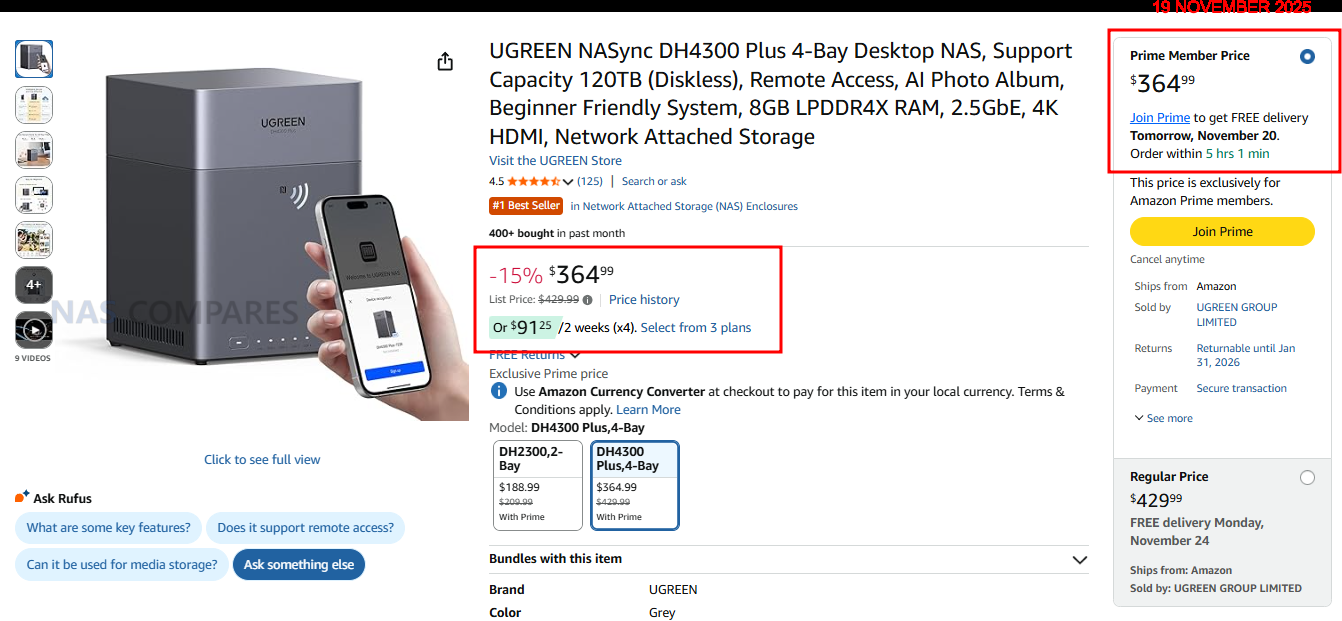
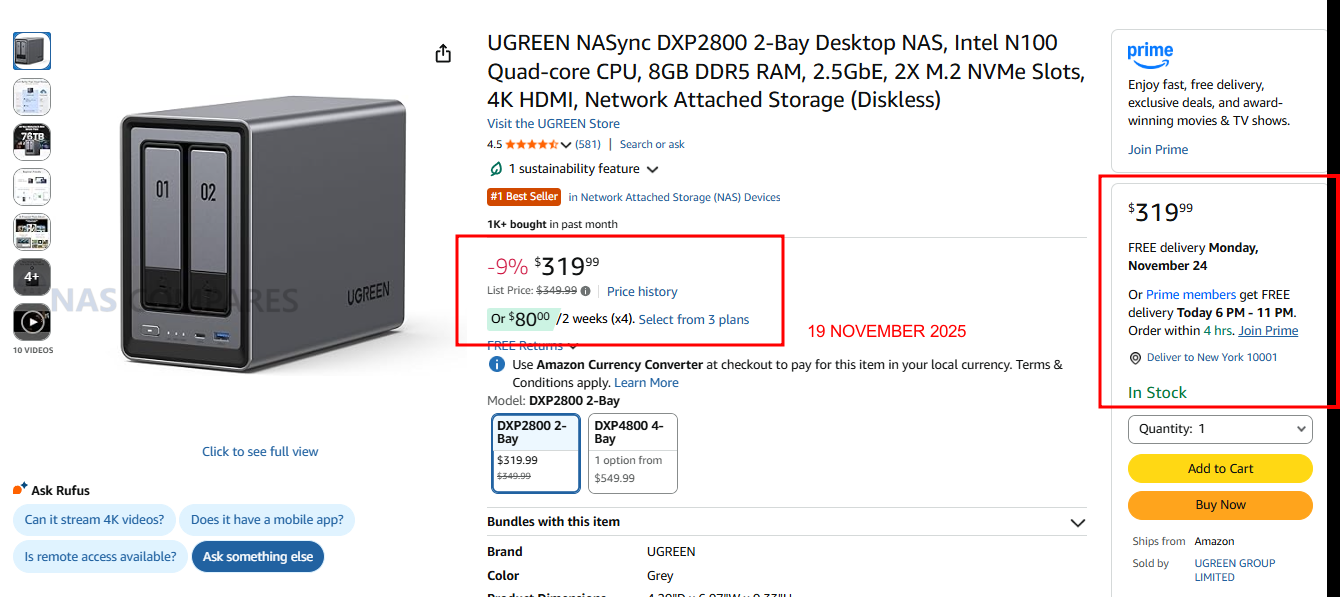
☕ WE LOVE COFFEE ☕

 
❌