Connexion
Best Low-Cost / Value NAS of the Year
Best Cheap NAS of the Year
Cheap NAS hardware in 2025 sits in an awkward middle ground between full DIY servers and polished, premium turnkey appliances, but it is also where many first time buyers start when they want to get away from cloud storage and subscriptions without spending a large amount of money. This article focuses on systems that have been available for under $249, arrive pre built with CPU and memory, and come either with their own NAS style operating system or with enough onboard storage to install one easily. The aim is to show what you realistically get at this price in terms of bays, network speed, scale and software, and where each device draws the line on features, expansion and flexibility so you can decide whether a low cost 2 bay box, an all M.2 cube or a bare board server is the better fit for your first step into local storage.
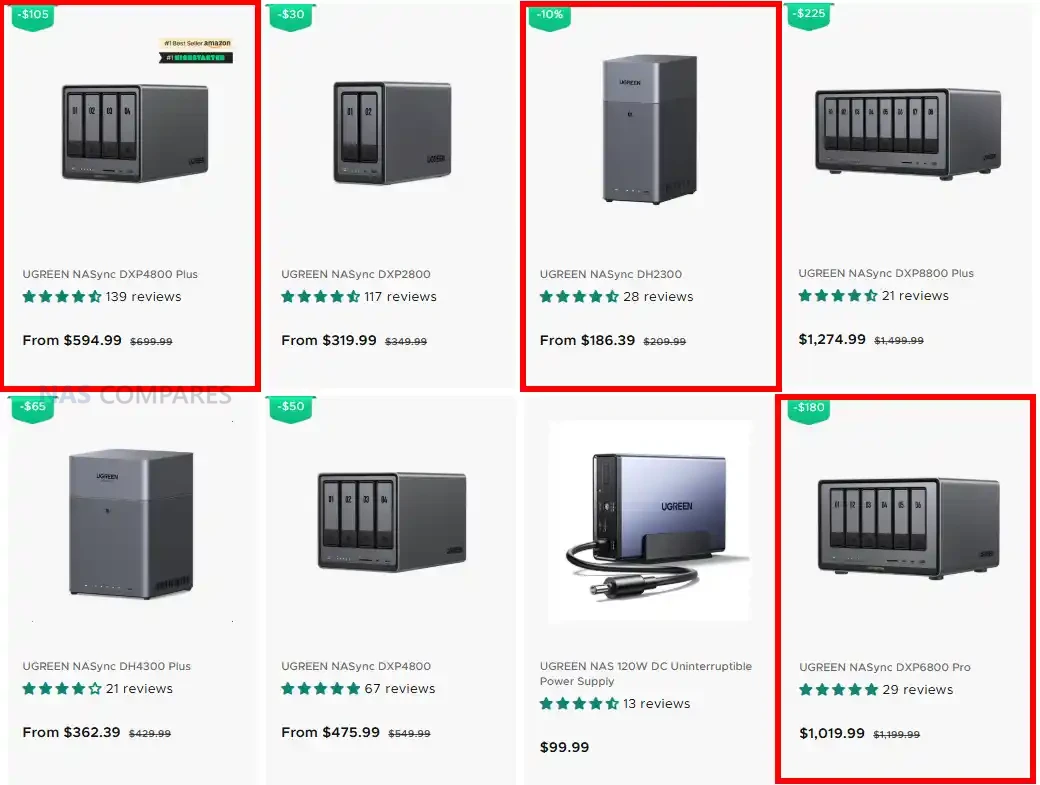
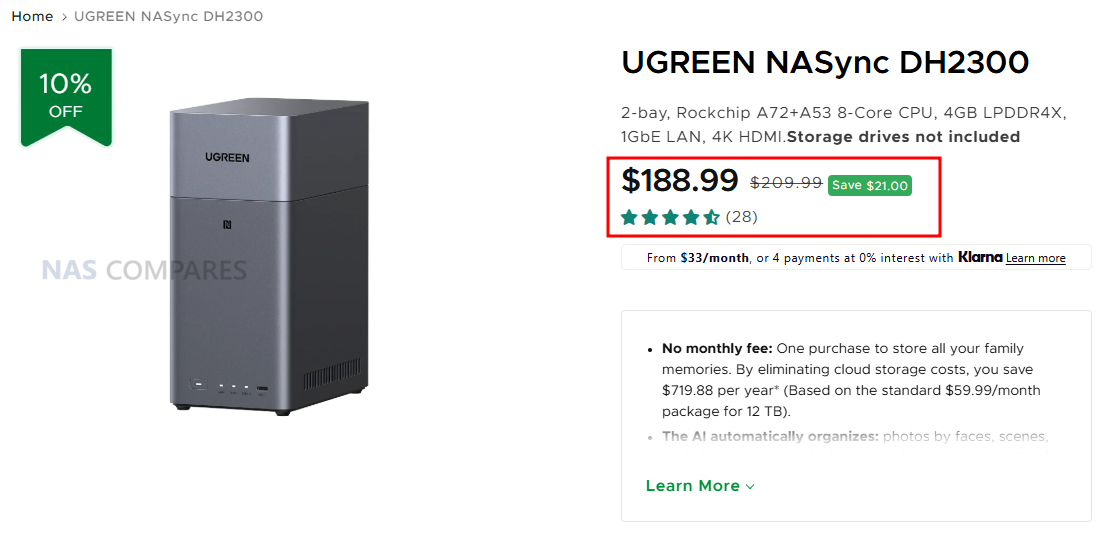
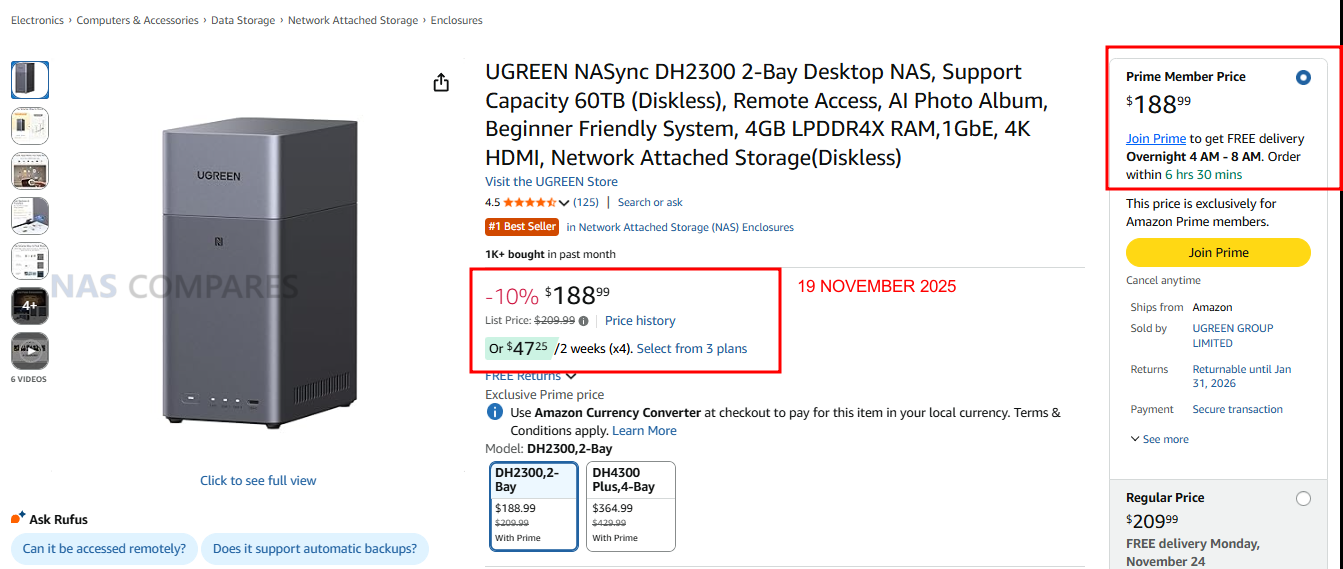
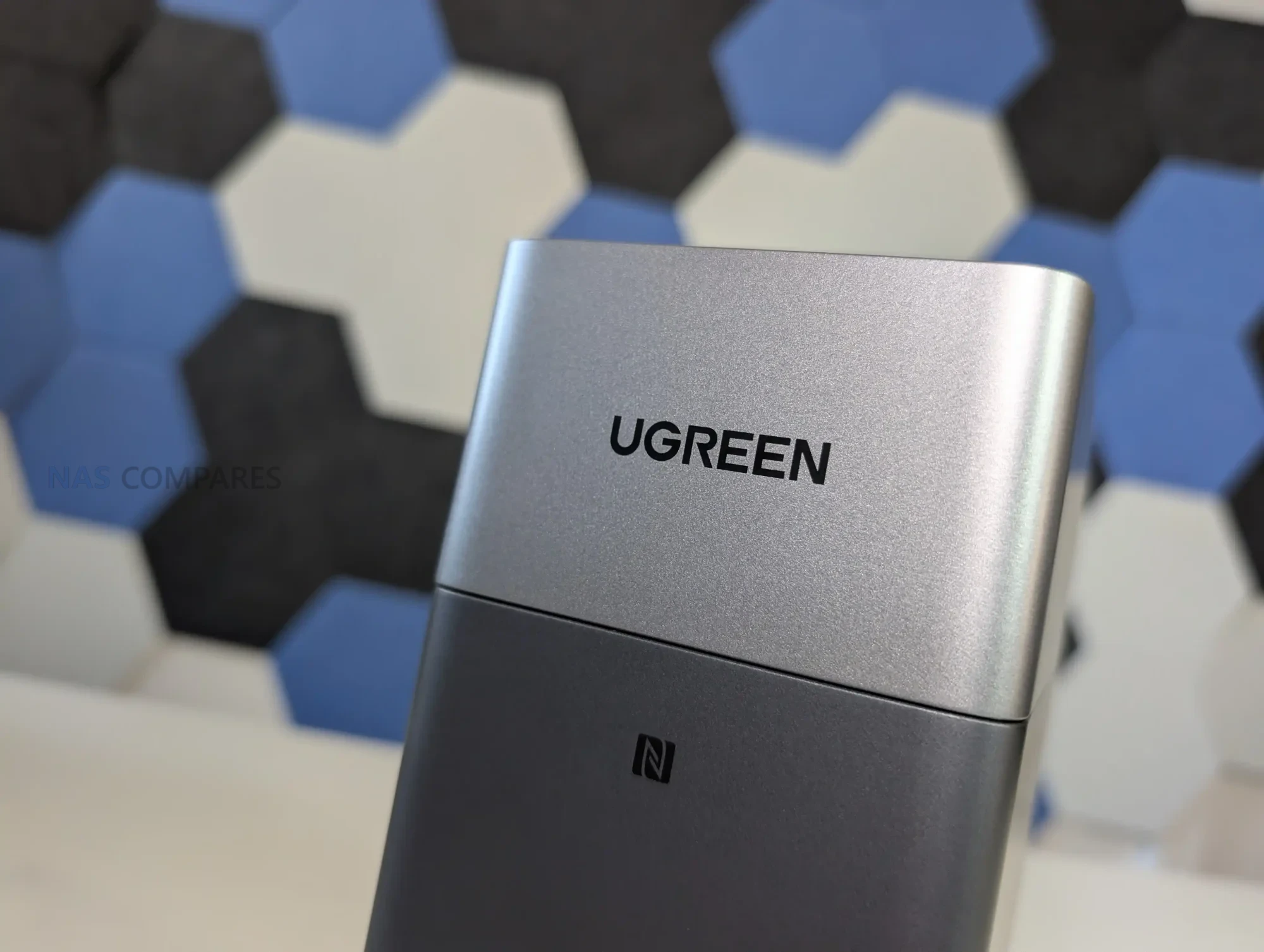
#1 UGREEN NASync DH2300 – $178 to $209
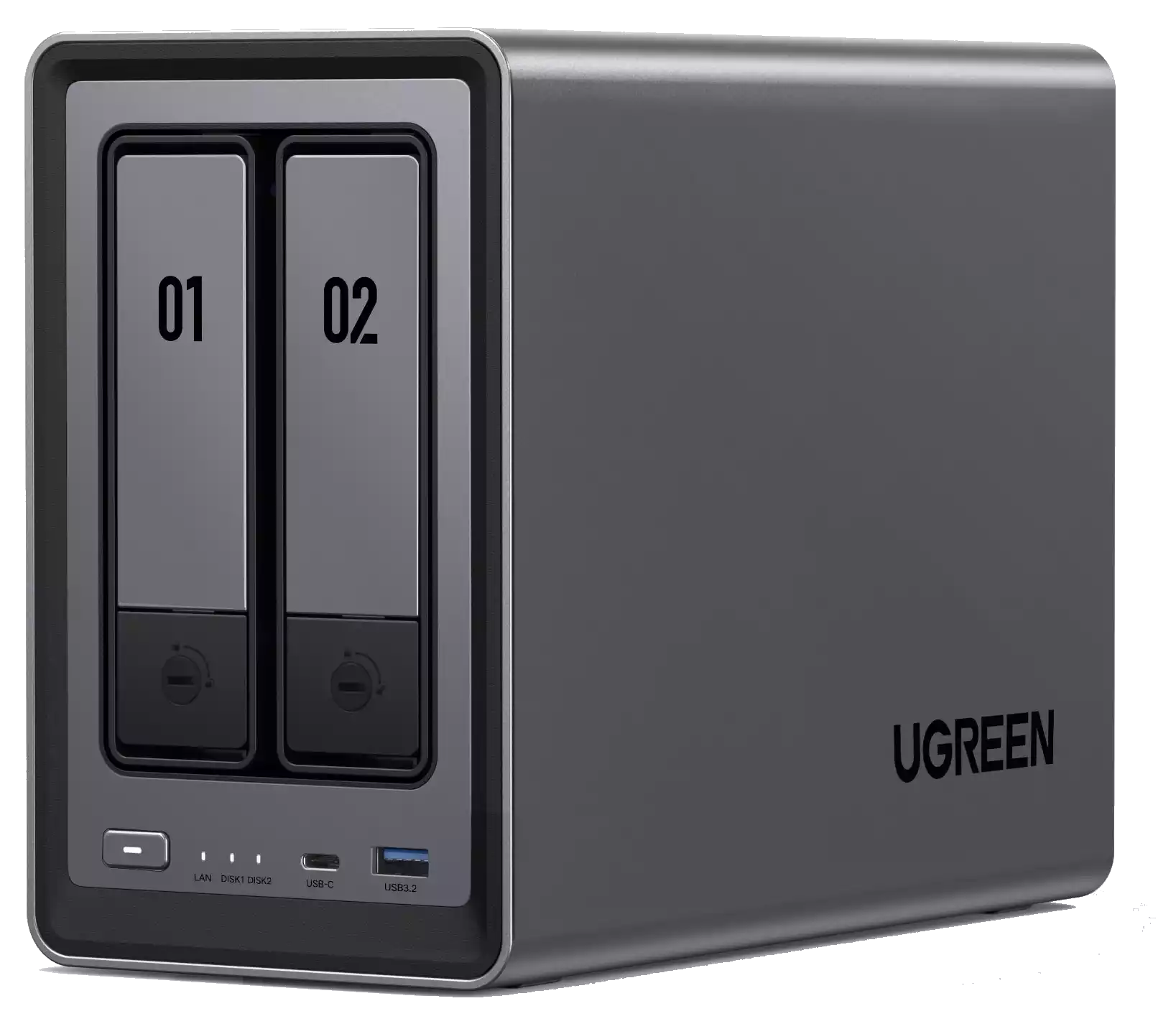
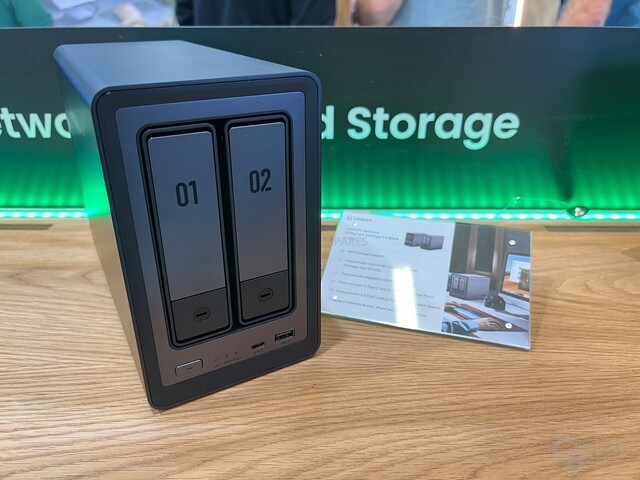
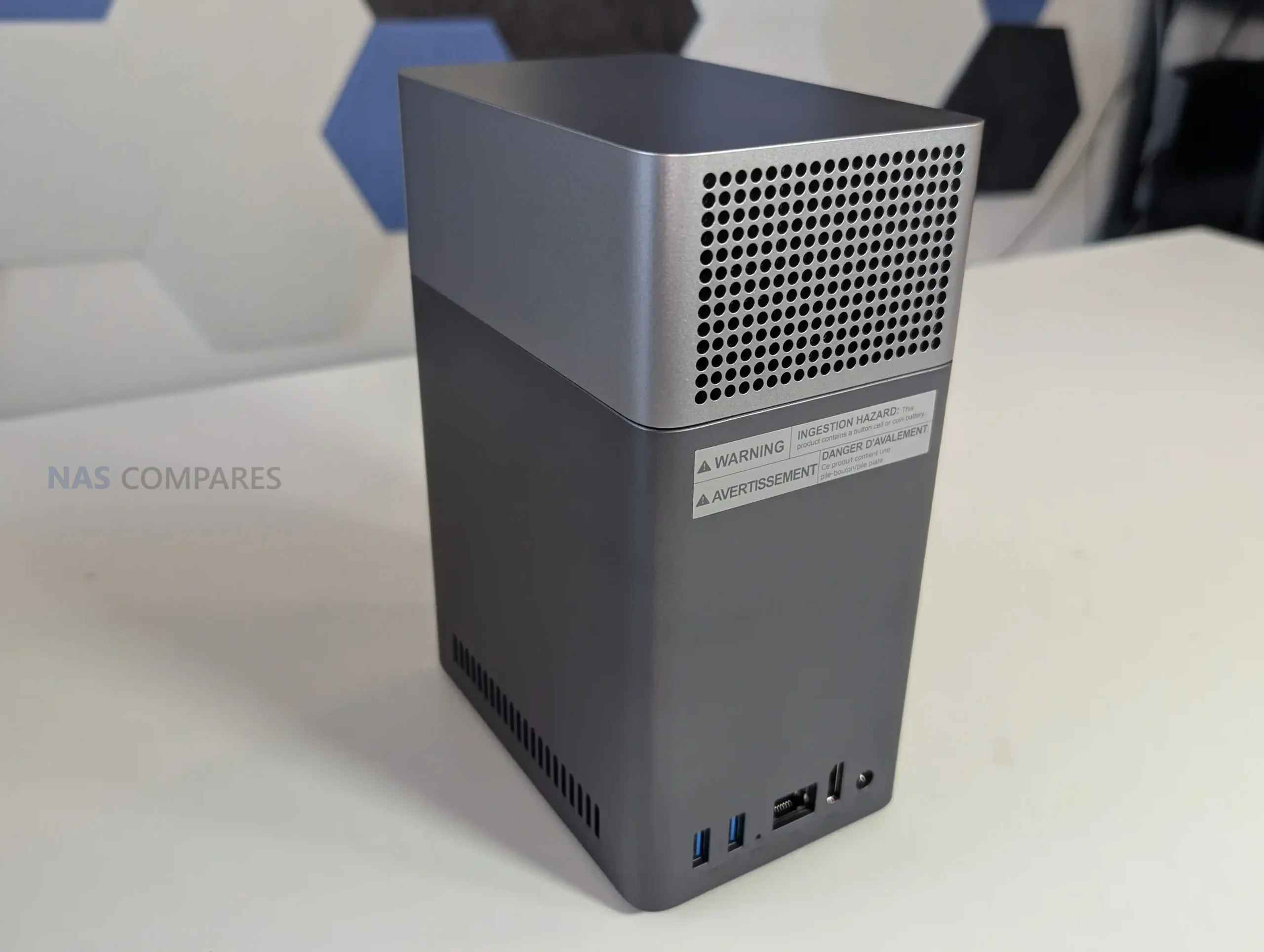
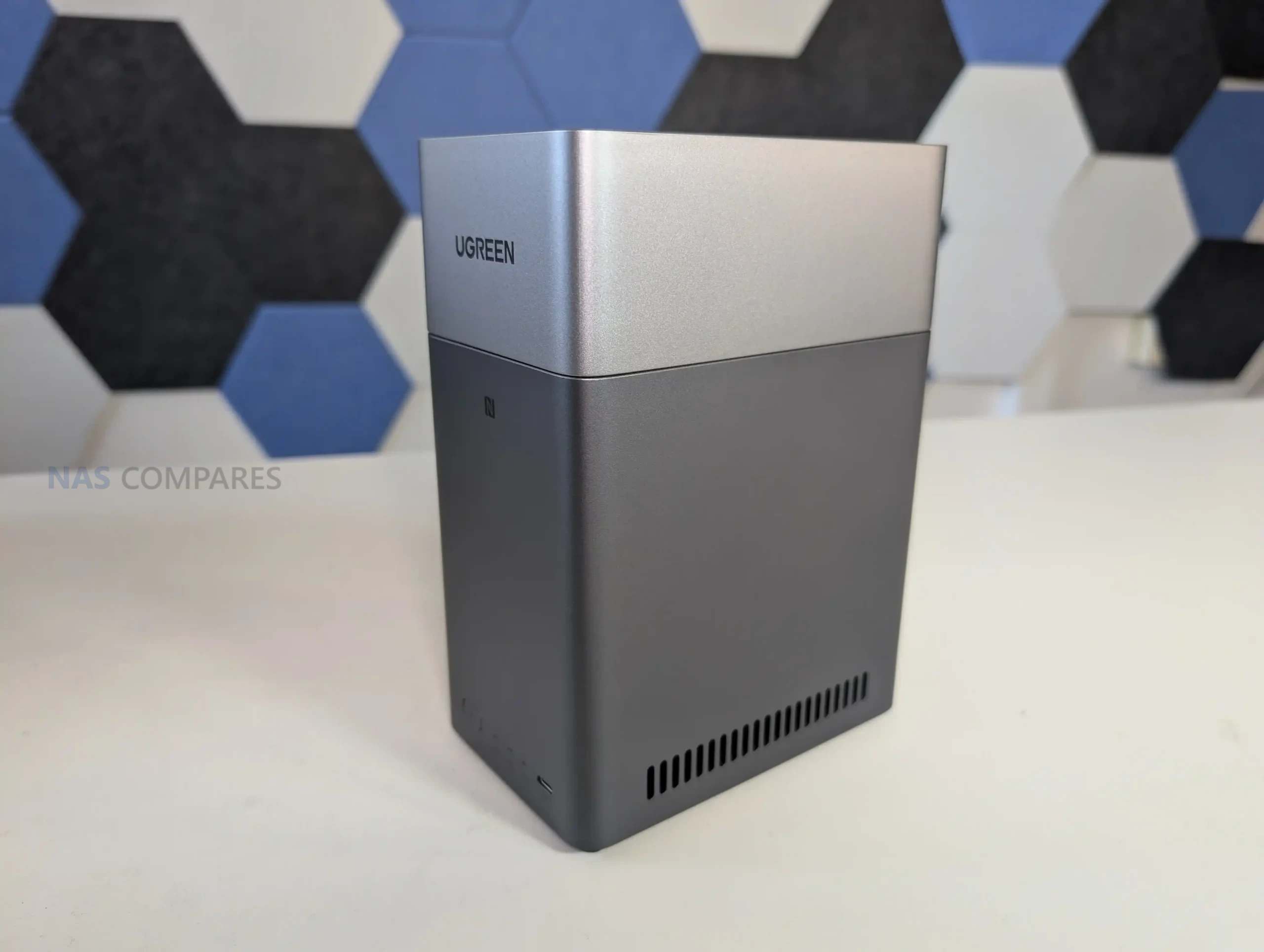
SPECS: Rockchip RK3576 8 core ARM up to 2.2 GHz – 4 GB LPDDR4X – 2 x 3.5″/2.5″ SATA bays (up to 60 TB total) – 1 x 1 GbE RJ45 – no internal M.2 SSD slots, 32 GB eMMC OS storage.
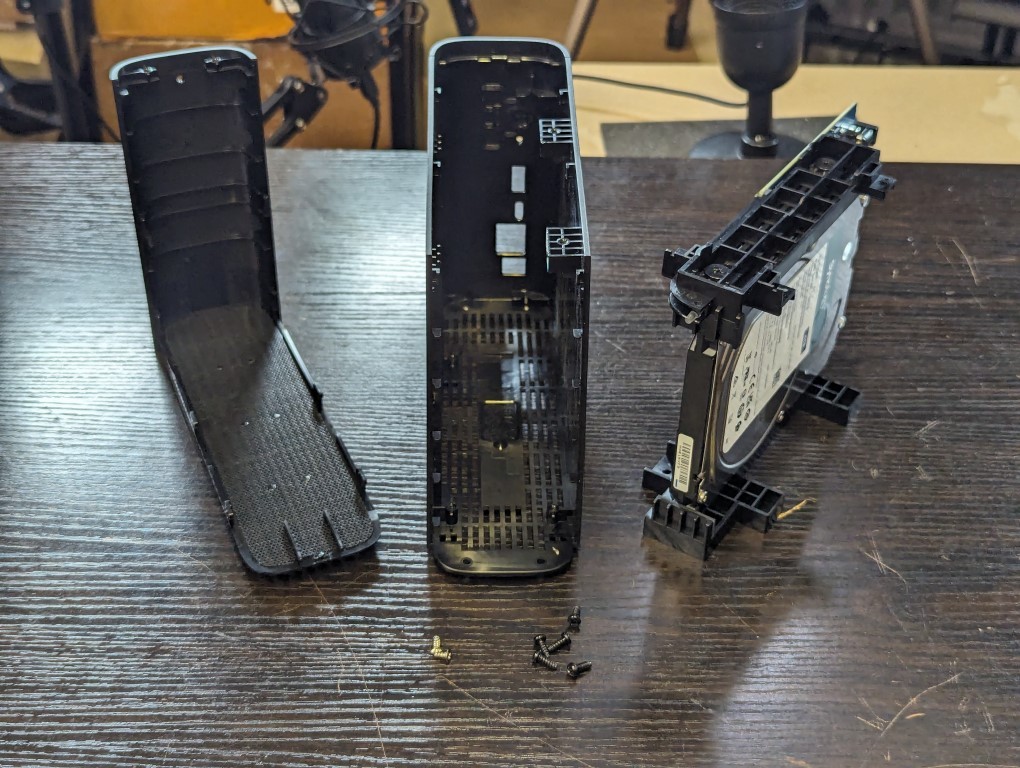
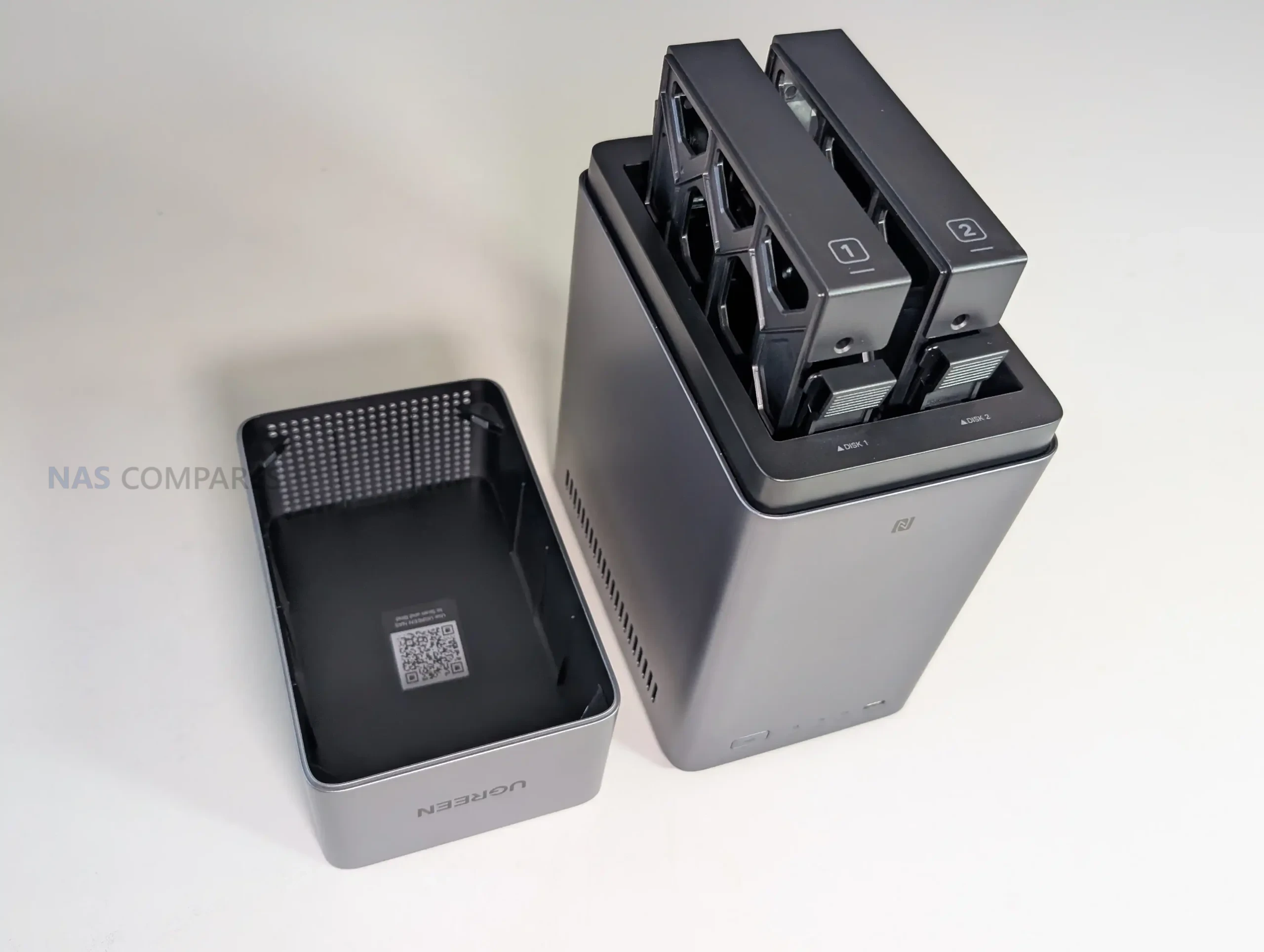
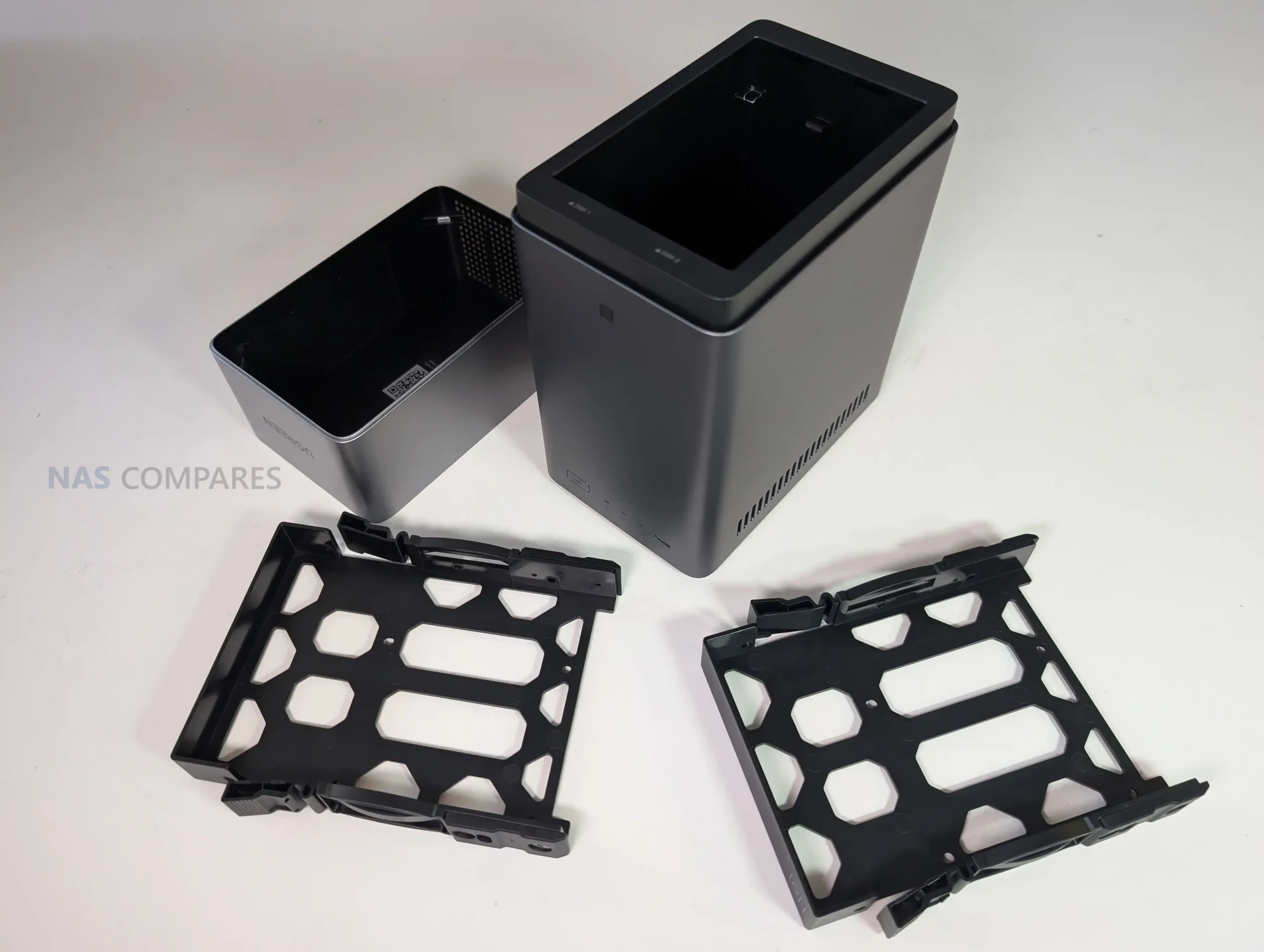
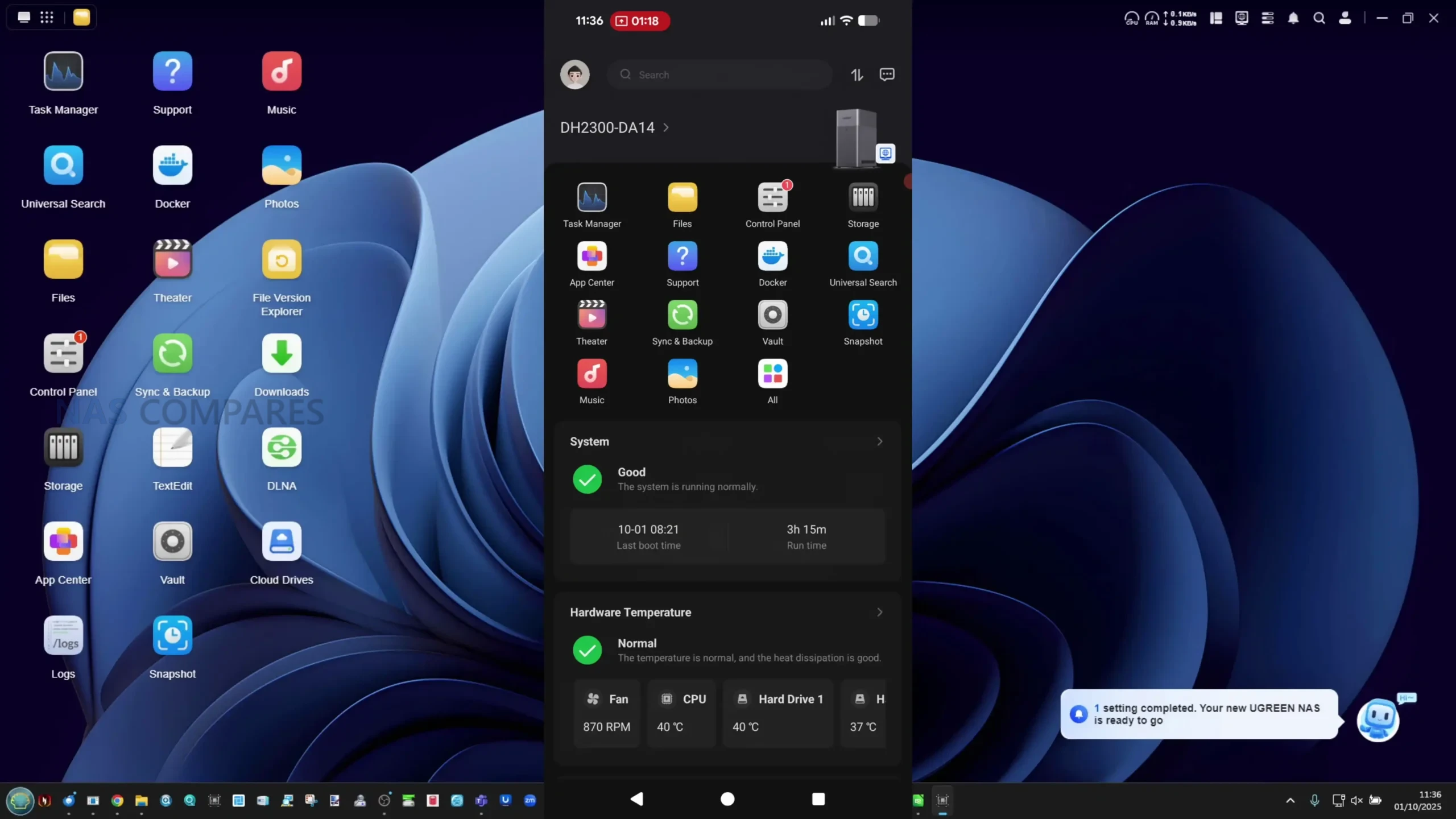
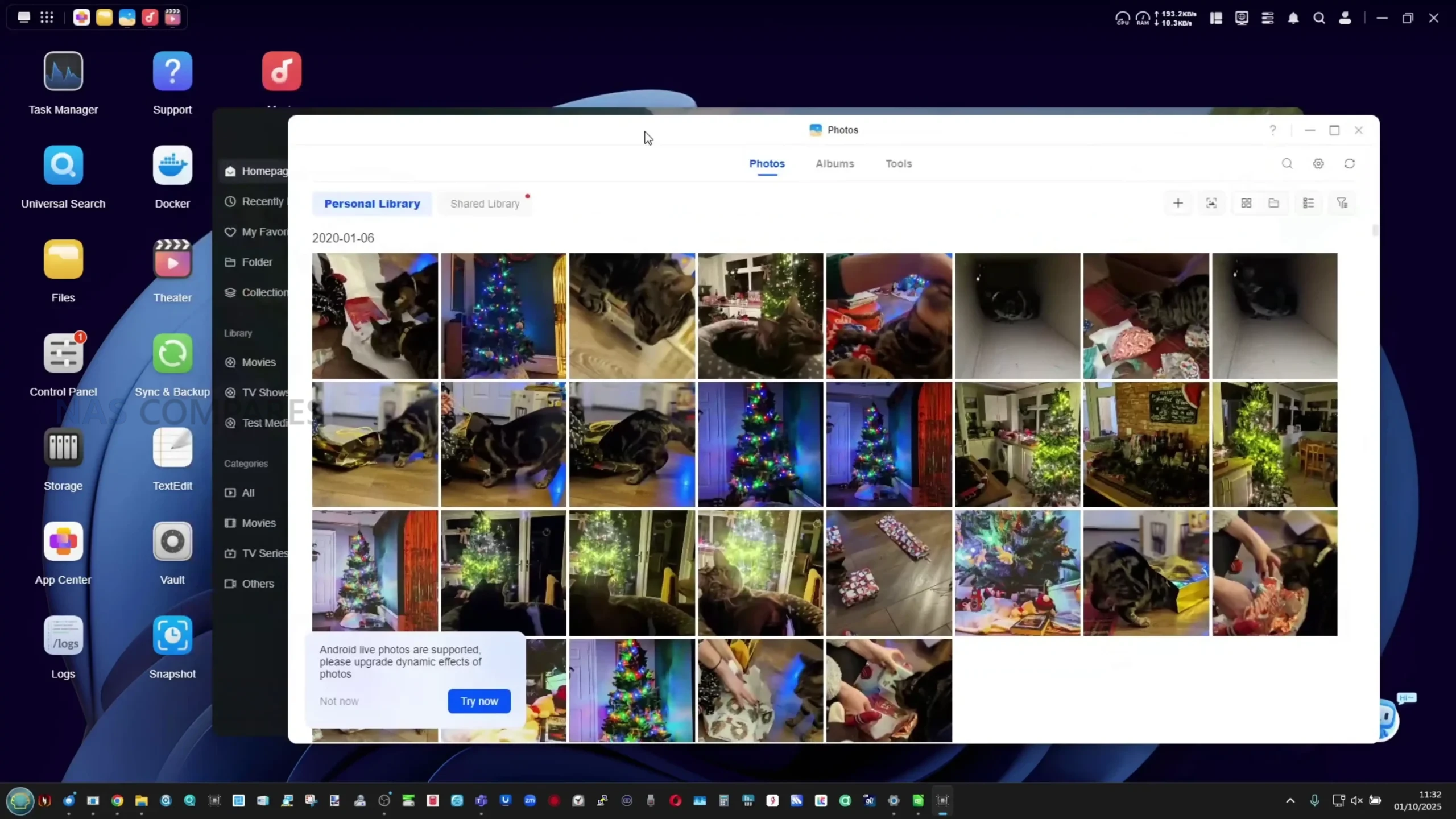
The UGREEN NASync DH2300 is aimed at users who want the cheapest possible entry to a proper NAS without losing basic RAID and a guided setup experience. Two SATA bays and support for up to 60 TB in RAID 0, RAID 1, JBOD or Basic give enough room for a modest media library, photo archive and PC backups, while UGOS Pro adds mobile apps, 4K HDMI playback, simple remote access and basic snapshot and multi user features in a consumer friendly interface. Power draw is low, thanks to the 8 core ARM SoC and 1 GbE networking, which also keeps noise and heat down compared with larger multi bay units. The key limitation at this price is that you are locked to 2 drive bays, a single 1 GbE port and no internal SSD caching or containers on this model, so long term scale and heavy app use are constrained. Overall it suits buyers who want a cheap, mostly turnkey alternative to cloud storage and USB drives, rather than a platform for heavier virtualization or high speed workloads.
 |
 |
What we said in our October 2025 Review HERE:
The UGREEN DH2300 represents a carefully positioned step in the company’s ongoing effort to make private storage approachable for non-technical users. Its hardware configuration, led by the Rockchip RK3576 processor and 4GB of fixed memory, provides solid baseline performance for a two-bay ARM-powered NAS at this price point. Although its single 1GbE network port may limit throughput for larger file transfers, the system compensates with a highly efficient power profile, quiet operation, and full support for common RAID configurations. The inclusion of a dedicated 32GB eMMC system drive, HDMI 4K60 output, and an NPU capable of AI-based photo indexing places it above most similarly priced entry-level alternatives from QNAP and Synology. However, certain aspects of UGREEN’s marketing—particularly the way the dual quad-core CPU clusters are presented as a single 8-core design—could be clearer. Likewise, the absence of upgradeable memory or faster networking options limits its long-term scalability for users seeking to expand their NAS environment beyond basic media and backup tasks.
 |
 |
From a broader standpoint, the DH2300’s strongest appeal lies in its simplicity and low operational overhead. UGOS Pro, though still developing in maturity, has evolved into a competent, user-friendly platform offering the key features needed for home data management, multimedia access, and scheduled backups. The OS’s stability, combined with efficient hardware and lightweight design, makes this NAS a practical alternative to annual cloud subscriptions for users who simply want local control over their data. It is not a system aimed at enthusiasts or professionals demanding virtual machines, multi-gig networking, or broad third-party OS support, but rather those seeking a self-contained, reliable, and low-maintenance device. Within that niche, the DH2300 delivers strong value and performs consistently well for the intended demographic—serving as an accessible first step into local storage ownership.
 |
 |
| Buy the UGREEN DH300 on Amazon @209 | Buy the UGREEN DH2300 on UGREEN.COM | Buy the UGREEN DH2300 on B&H |
 |

|
 |

8.2
 Efficient Rockchip RK3576 processor (dual quad-core ARM design) provides strong performance for a low-power NAS.Integrated 6 TOPS NPU enables local AI functions such as face, text, and object recognition without cloud reliance.UGOS Pro offers an intuitive, user-friendly interface with features like RAID management, snapshots, Docker, and backups.Low noise output (31–45 dBA) and excellent power efficiency (9–13W typical use) suit 24/7 home operation.Dedicated 32GB eMMC system drive keeps the OS separate from data volumes for better reliability.HDMI 2.0 4K60 output allows direct media playback and display management.Competitive pricing around $200 makes it a strong entry-level NAS alternative to subscription cloud storage.
 Single 1GbE LAN port limits transfer speeds and network scalability.Fixed 4GB memory restricts heavy multitasking or Docker use.Spending just $100-150 more gets you much, much more capable x86 powered systems
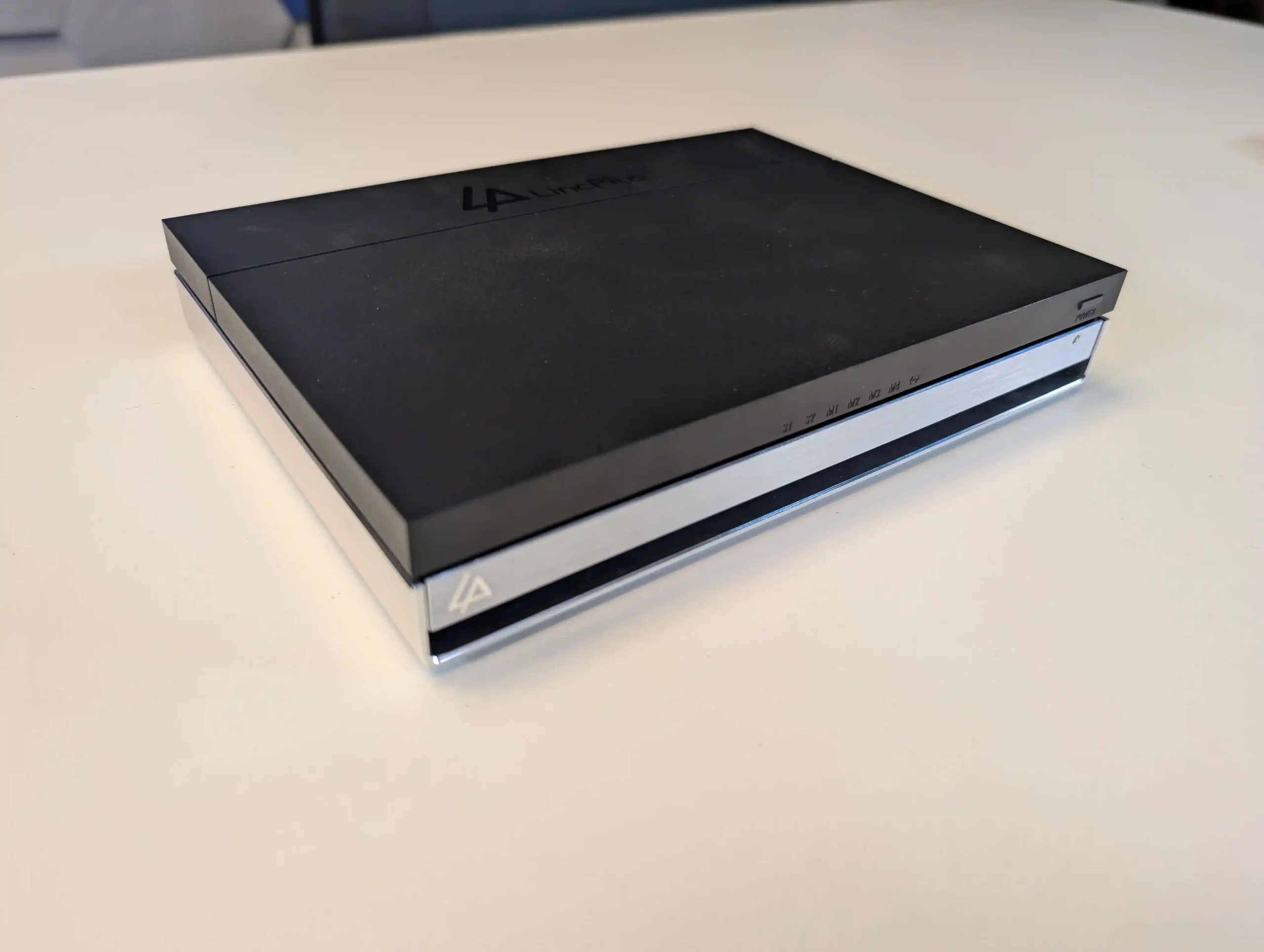
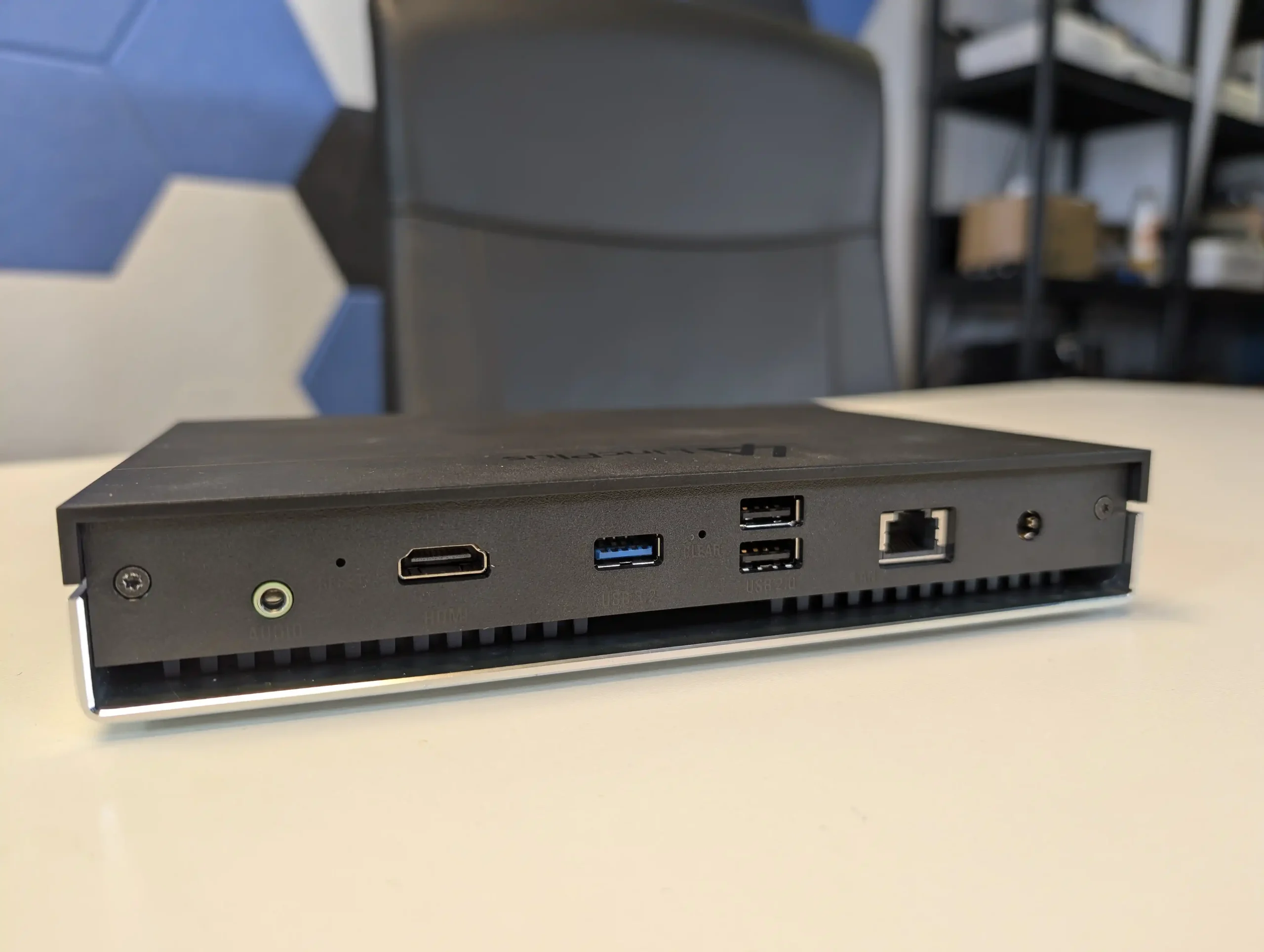
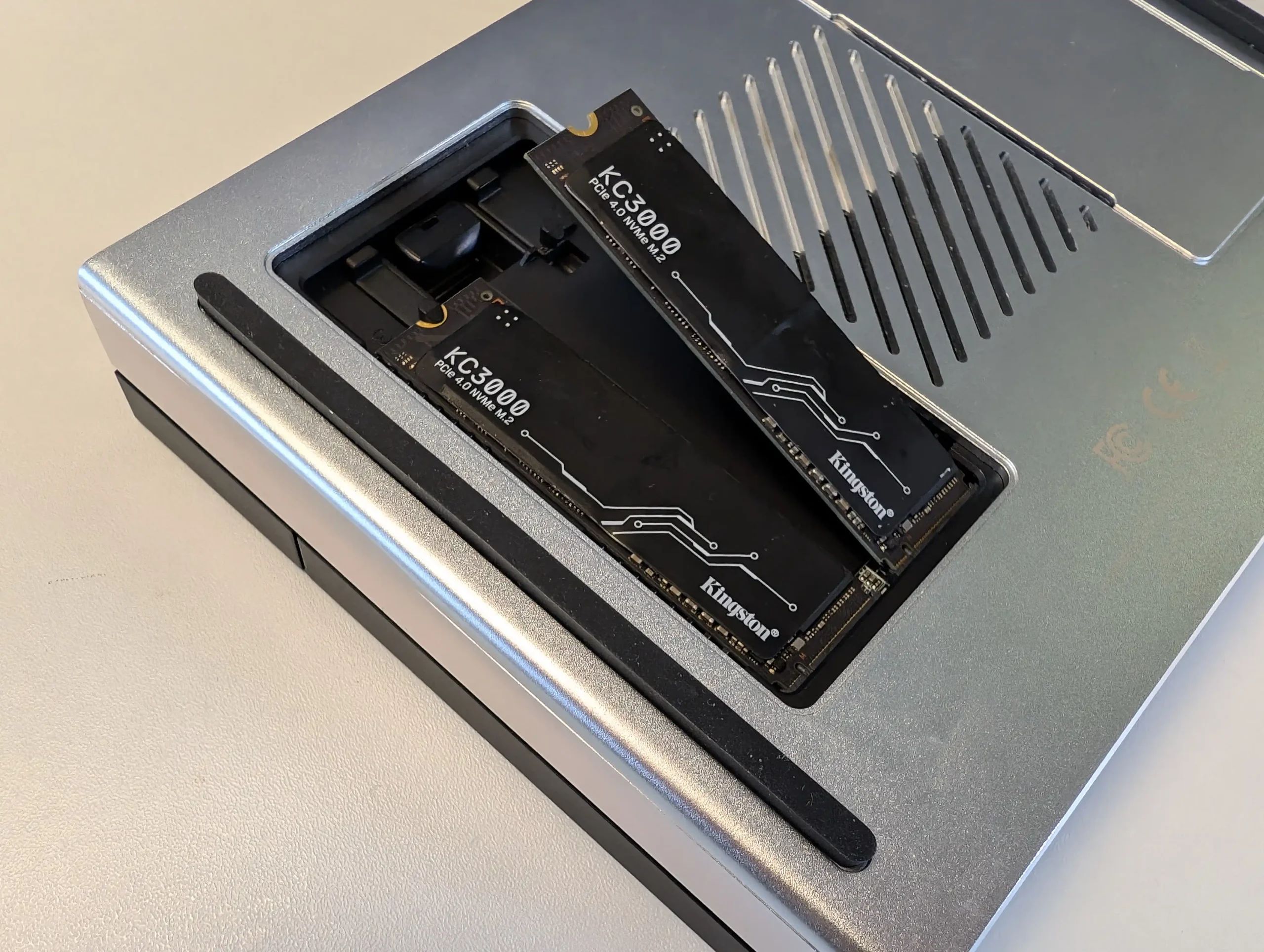
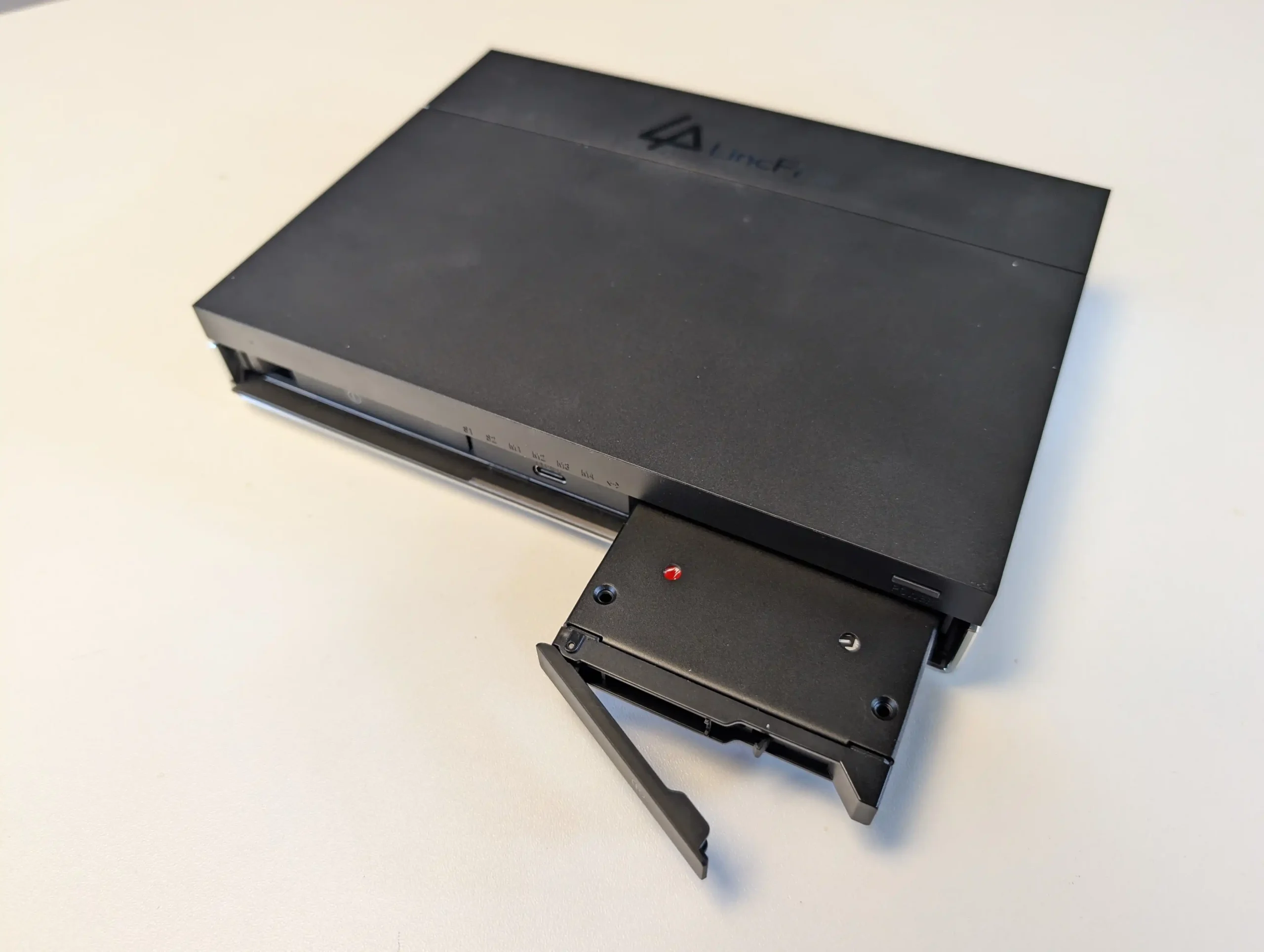
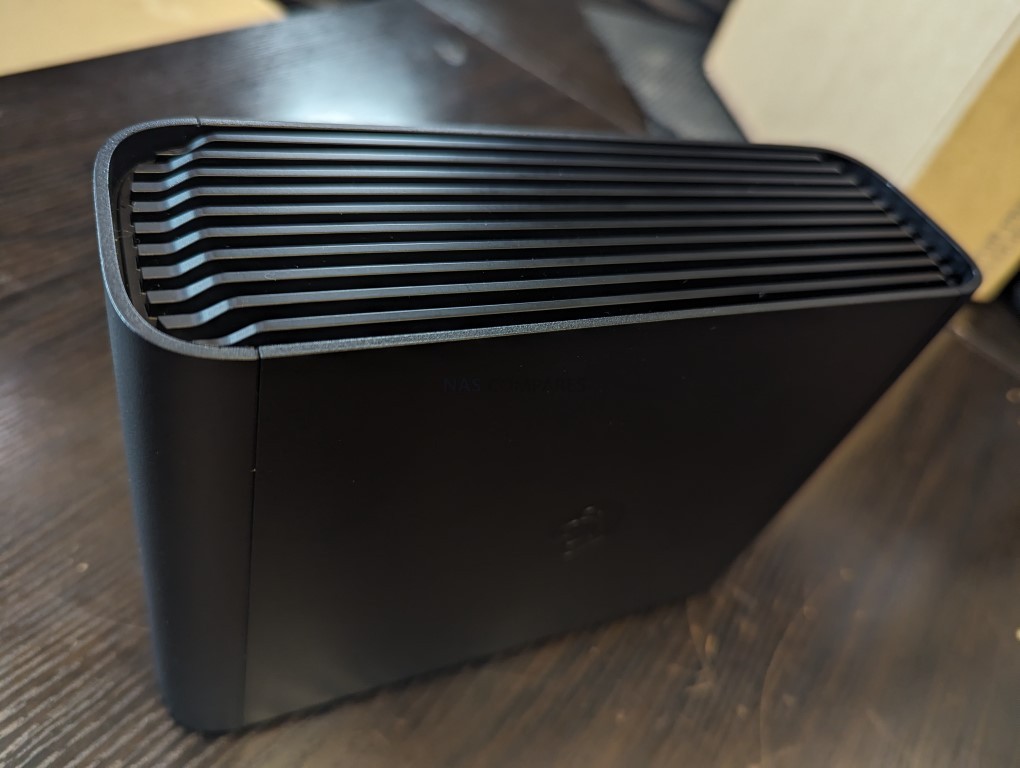
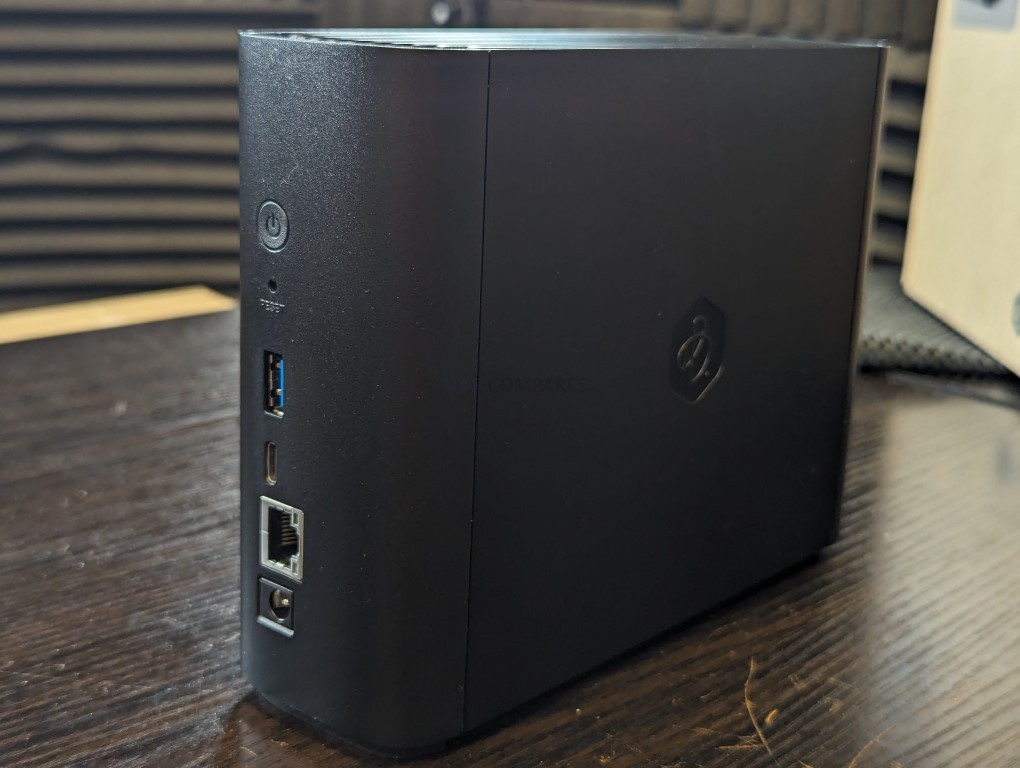
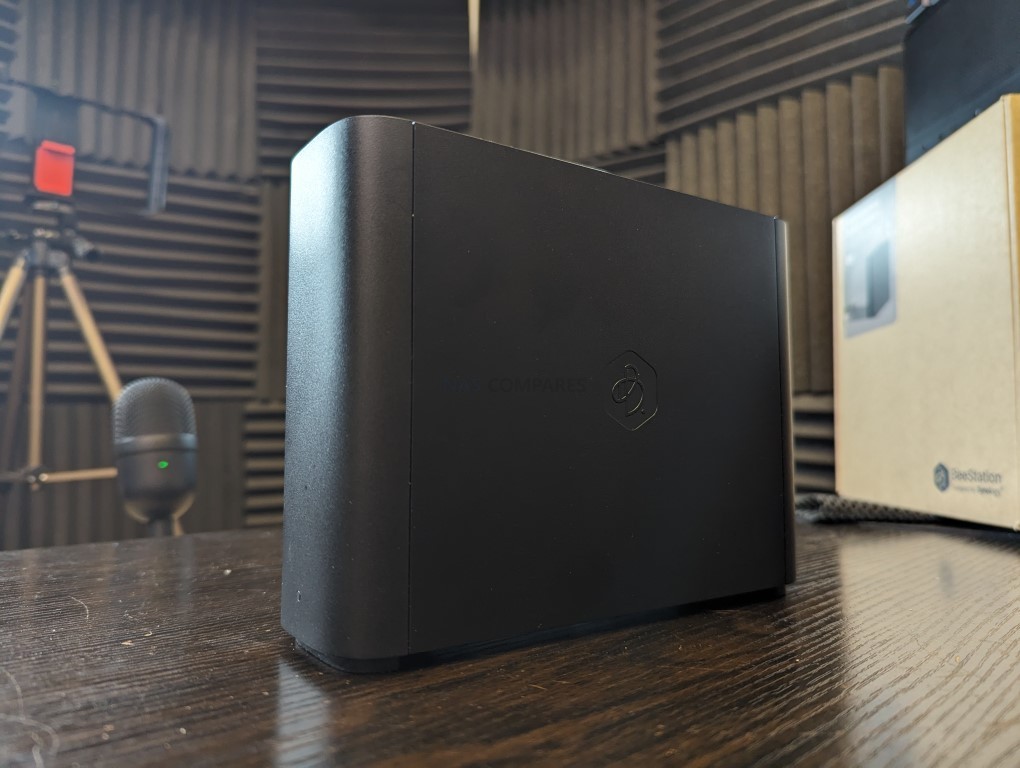
#2 UniFi UNAS 2 – $199
SPECS: Quad core ARM Cortex A55 1.7 GHz – 4 GB RAM – 2 x 3.5″/2.5″ SATA bays – 1 x 2.5 GbE RJ45 with PoE++ – no internal M.2 SSD slots, 1 x USB C 5 Gb/s expansion.
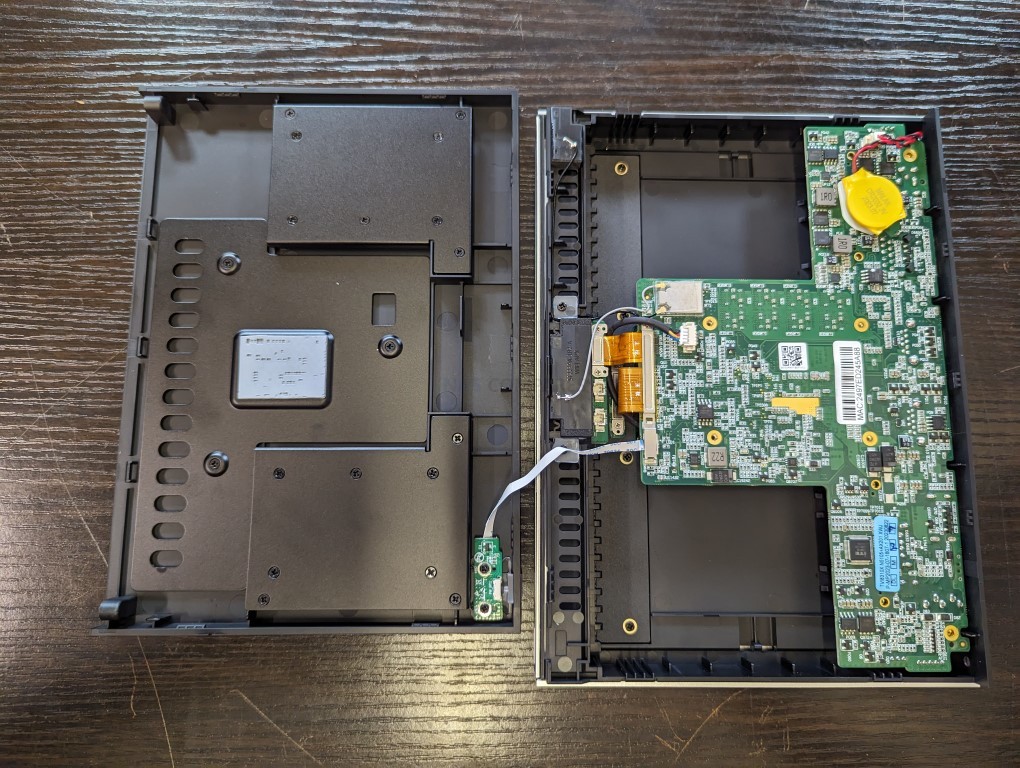
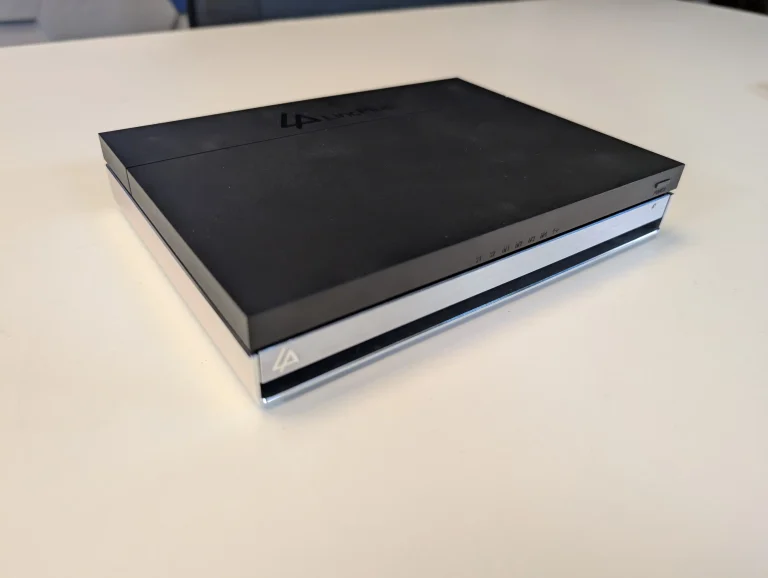
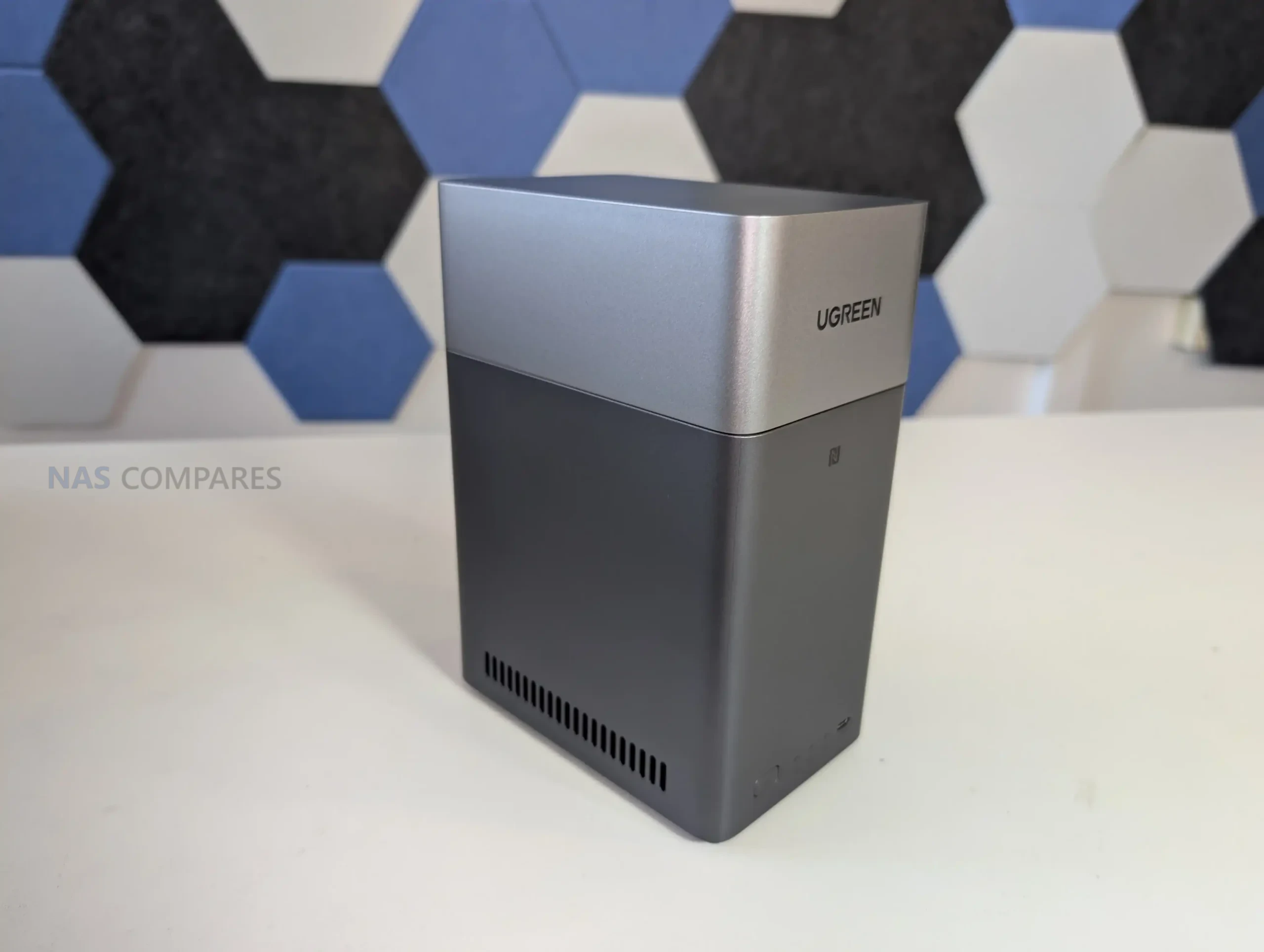
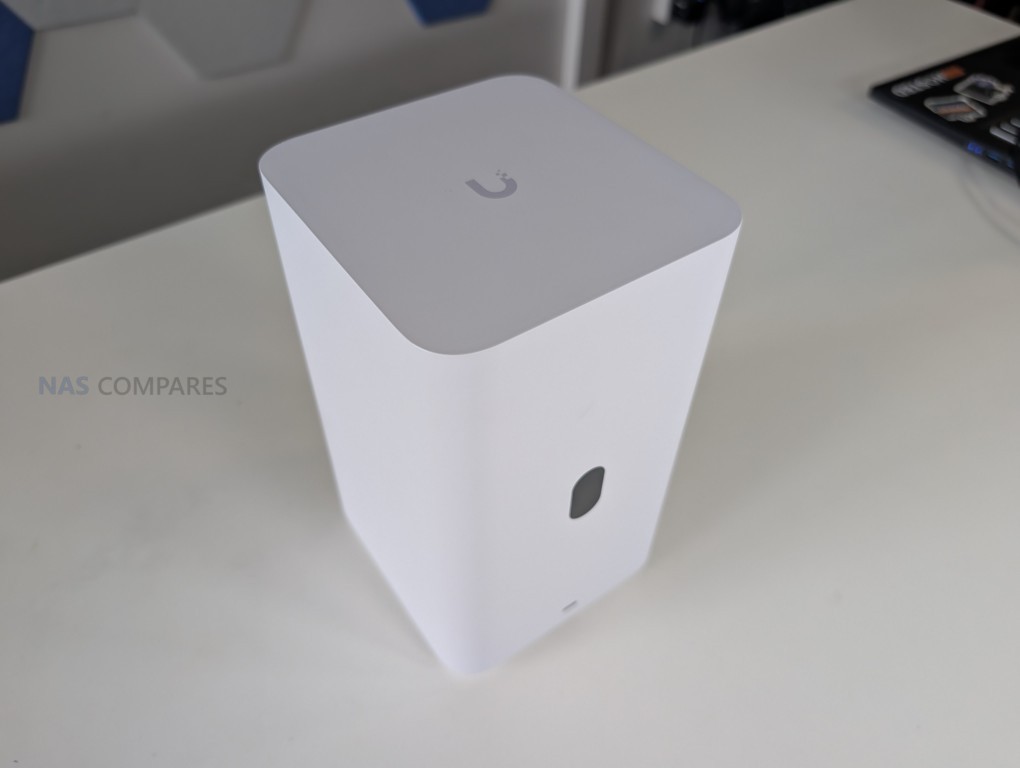
UniFi UNAS 2 targets users already invested in the UniFi ecosystem who want basic network storage and UniFi Drive integration at a low buy in price. Two SATA bays are enough for a mirrored pair of HDDs or SSDs for small site backups, UniFi Protect recordings or general file storage, and the 2.5 GbE plus PoE++ design keeps cabling simple by combining power and data on a single link to an existing UniFi switch. UniFi OS and UniFi Drive provide a simplified management layer for object storage, simple file shares and cloud synced folders, with a small color LCM display giving at a glance system status without needing to log in. The main limitation at this price is that UniFi’s NAS software is still relatively immature, with no native support for third party media servers or advanced NAS apps and no SSD cache tier, so it is best treated as a small, integrated storage node rather than a full featured general purpose NAS. For users who want a cheap box that drops straight into a UniFi rack and handles basic storage quietly and efficiently, it fits that role.
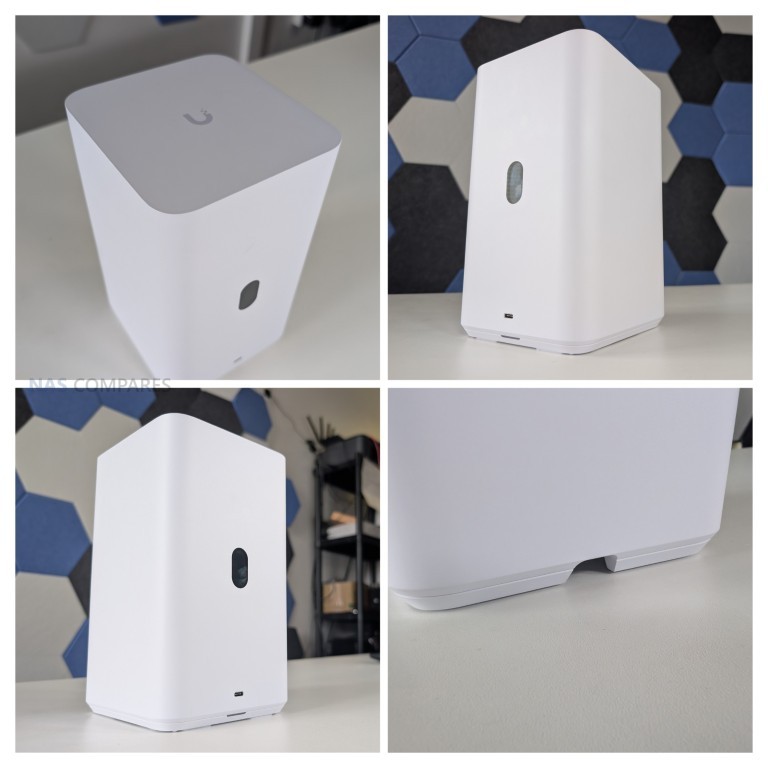
What we said in our September 2025 Review HERE:
The UniFi UNAS 2 is presented as a compact and affordable two-bay NAS designed for straightforward storage and backup tasks, particularly within environments already using UniFi networking hardware. Its PoE++ design is distinctive, allowing both power and connectivity to be delivered over a single cable, simplifying installation where compatible PoE switches are available. This approach aligns with UniFi’s strategy of reducing external hardware requirements, though it also means that a failed port or damaged cable will disable both power and network access simultaneously. For non-UniFi users, the reliance on PoE++ creates an additional barrier, as adoption requires either compatible infrastructure or the included 60W injector. The shared dual-drive tray, lack of hot-swap support, and absence of expansion options further reinforce the system’s role as a fixed-capacity solution, best suited to smaller or secondary deployments. With a maximum drive budget of 52W and overall consumption limited to 60W, the device is power-efficient, but its architecture prioritises simplicity over flexibility.
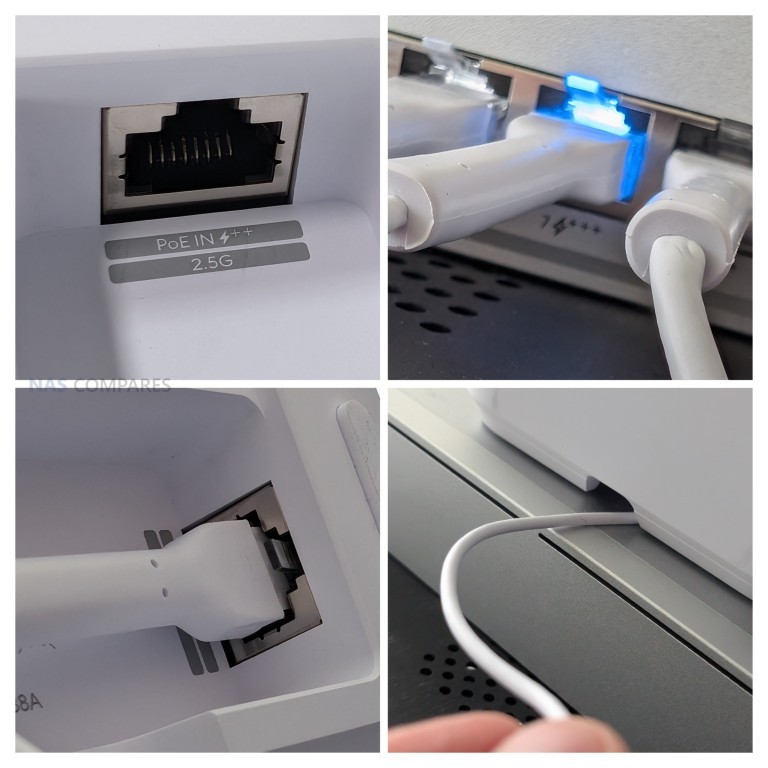
On the software side, the UNAS 2 provides a user-friendly interface with access to snapshots, RAID configuration, system backups, and integration into the UniFi identity ecosystem. However, the limited hardware constrains the range of features available, and certain tools seen in UniFi’s larger NAS models are absent, such as encrypted volumes or extended network protocol support. Performance testing showed sequential read speeds up to 260 MB/s and write speeds around 160–180 MB/s, which make full use of the 2.5 GbE interface but leave little headroom for more demanding tasks. Thermals during extended use regularly pushed the CPU into the high 70s Celsius, and although fan management can be adjusted, sustained workloads highlight the limits of the system’s cooling design. The software’s omission of iSCSI and advanced backup filters also narrows its role, making it less competitive against established vendors in professional or virtualisation scenarios.
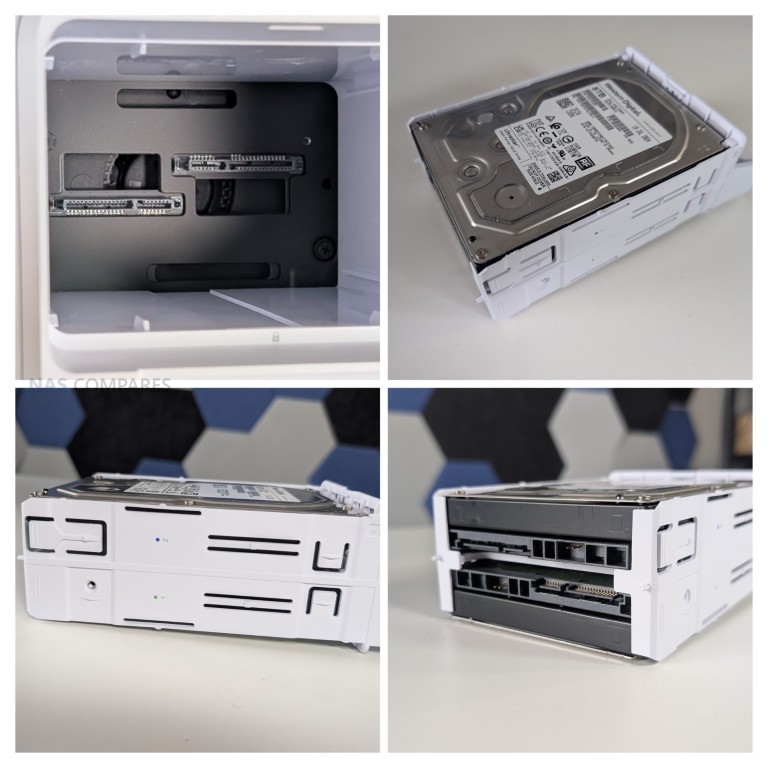
Ultimately, the UNAS 2 is most appropriately positioned as an edge or secondary NAS, providing basic networked storage for existing UniFi users who value plug-and-play deployment and ecosystem consistency, but it is not equipped to serve as a primary system in larger or more demanding environments (VMs, Containers, etc). A great and unique NAS that will nbe at it’s most appealing if you are already invested in the UniFi ecosystem, or have a NAS already that needs a network backup.
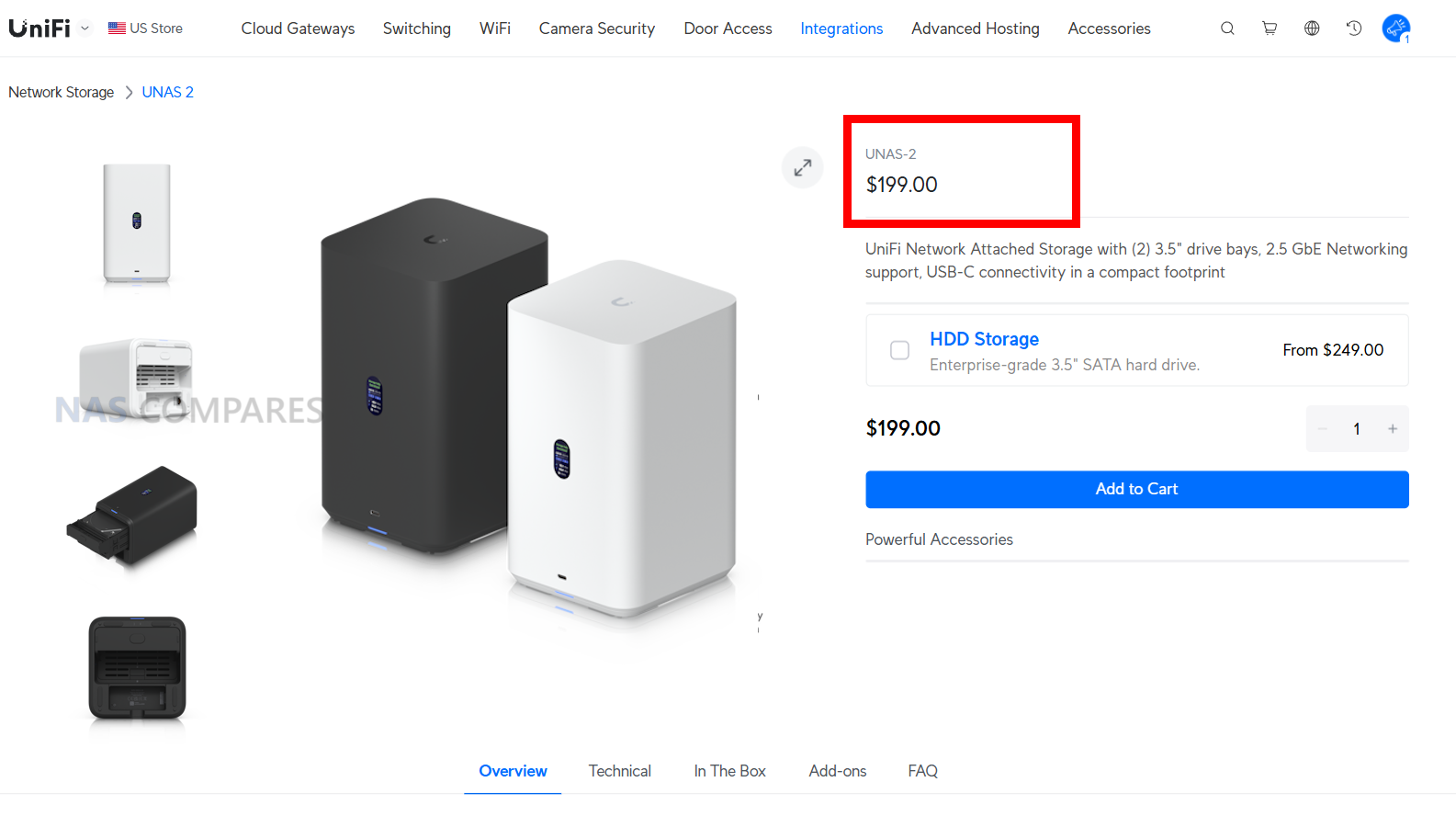
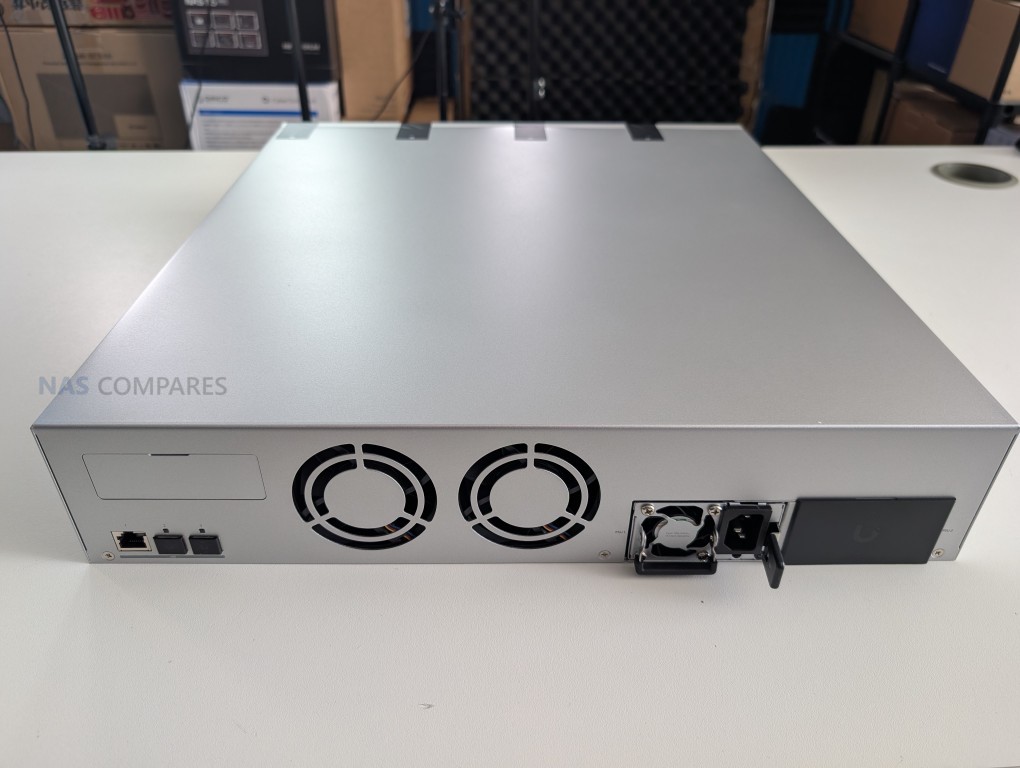
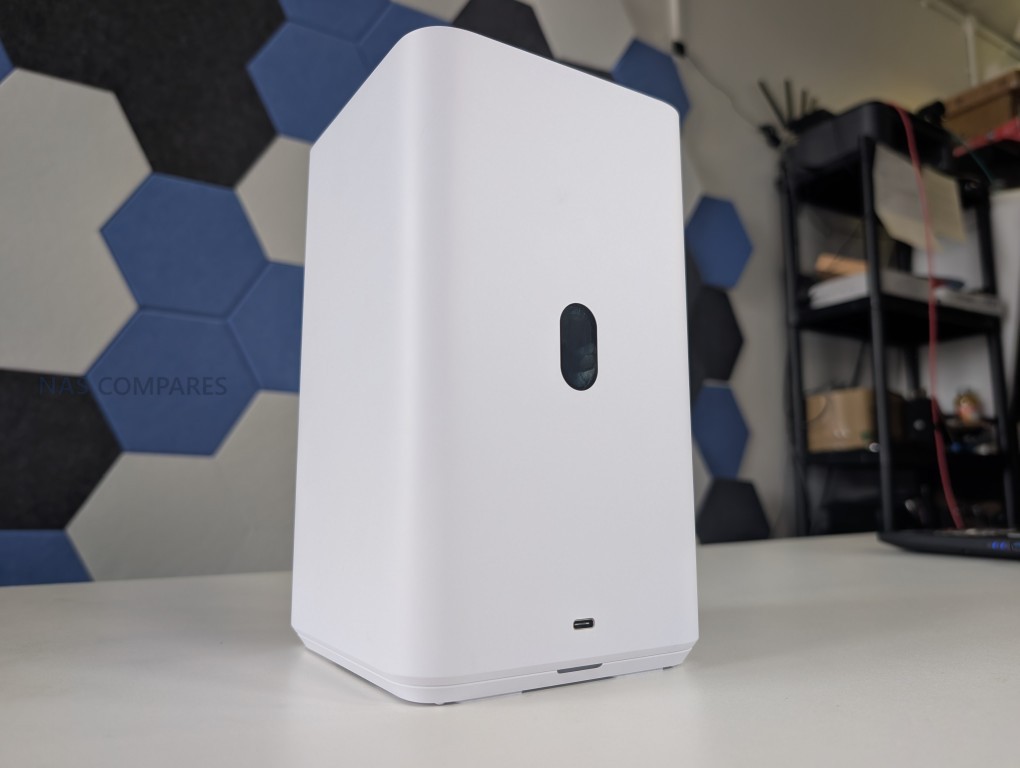
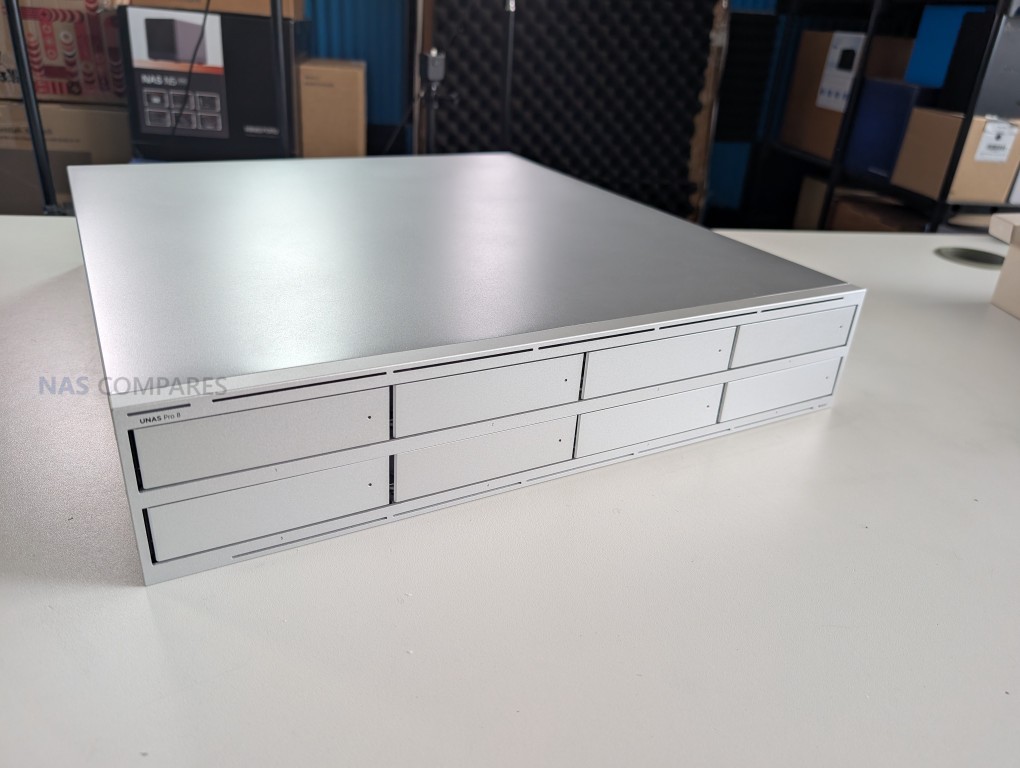
| Here are all the current UniFi NAS Solutions & Prices: |
8.4
Benefits from almost a year of development of the UNAS Pro by UniFi, resulting in a much more complete solution in both hardware and softwareExceptionally appealing price pointExtremely low impact (power use, noise level, physical scale all great)Introduction of USB C 5Gb/s Connectivity is very welcomeSupports complete network/local access if preferred, as well as full remote connectivity with the UI.com account and site manager servicesWide Hard Drives and SATA SSD Support (UniFi branded drives and those from 3rd parties such as Seagate Ironwolf, WD Red and Toshiba N300)Comprehensive network storage software in UniFi NAS OS and Drive.Latest OS updates have included fan control, flexible RAID configurations, encrypted drive creation, customizable snapshots, more backup client choices/targets\'Single Pane of Glass\' management and monitoring screen is very well presented!One of the fastest to deploy turnkey NAS solutions I have ever personally used!
Single network port, though not a dealbreaker (as this is still just 2x SATA throughput), is not great in terms of a network failover or in deployment of SATA SSDsChoice of PoE deployment unusual and limits some deploymentsUSB C connectivity does not support network adapters, NAS expansions or 3rd party UPS devicesVery modest base hardware, but understandable relative to the priceHDD injection is very unique, but it prevents hot swappingStill a lack of client applications native to the NAS services for Windows, Mac, Android and Linux
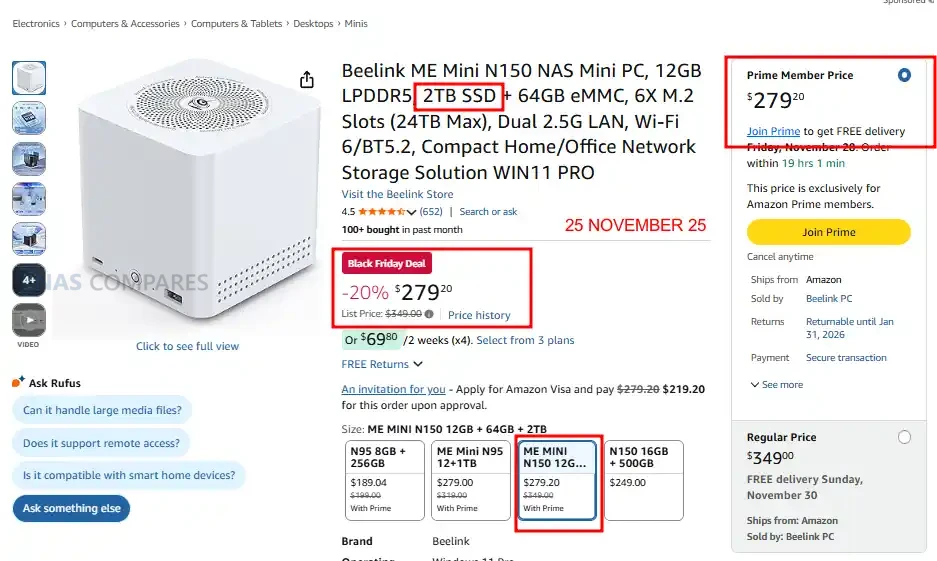
#3 Beelink ME Mini – $209 to $279
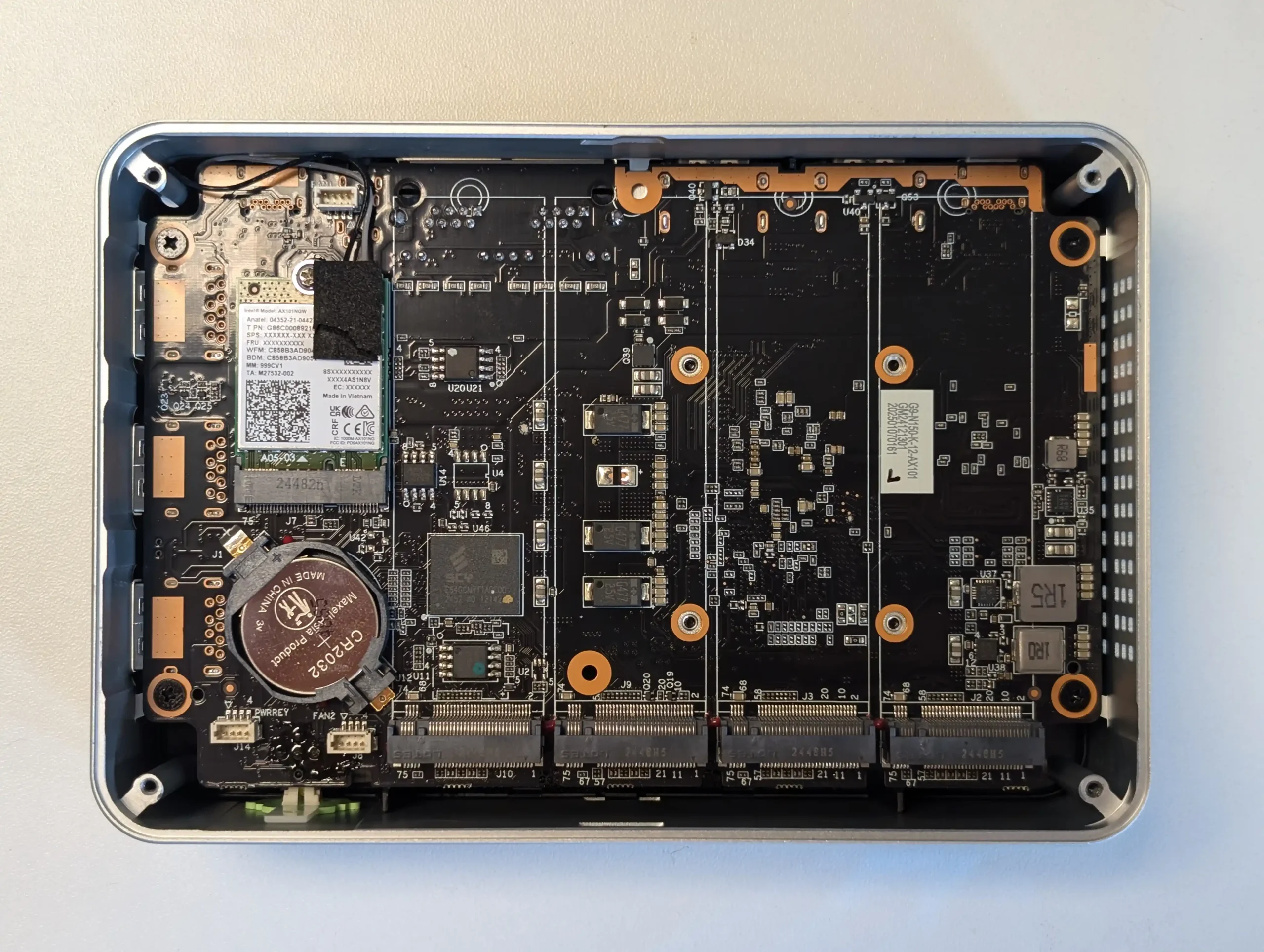
SPECS: Intel Processor N150 quad core up to 3.6 GHz – 12 GB or 16 GB LPDDR5 – 0 x SATA bays / 6 x M.2 2280 NVMe slots (5 x PCIe 3.0 x1, 1 x PCIe 3.0 x2, up to 24 TB) – 2 x 2.5 GbE RJ45 – 64 GB eMMC plus up to 2 TB NVMe preinstalled.
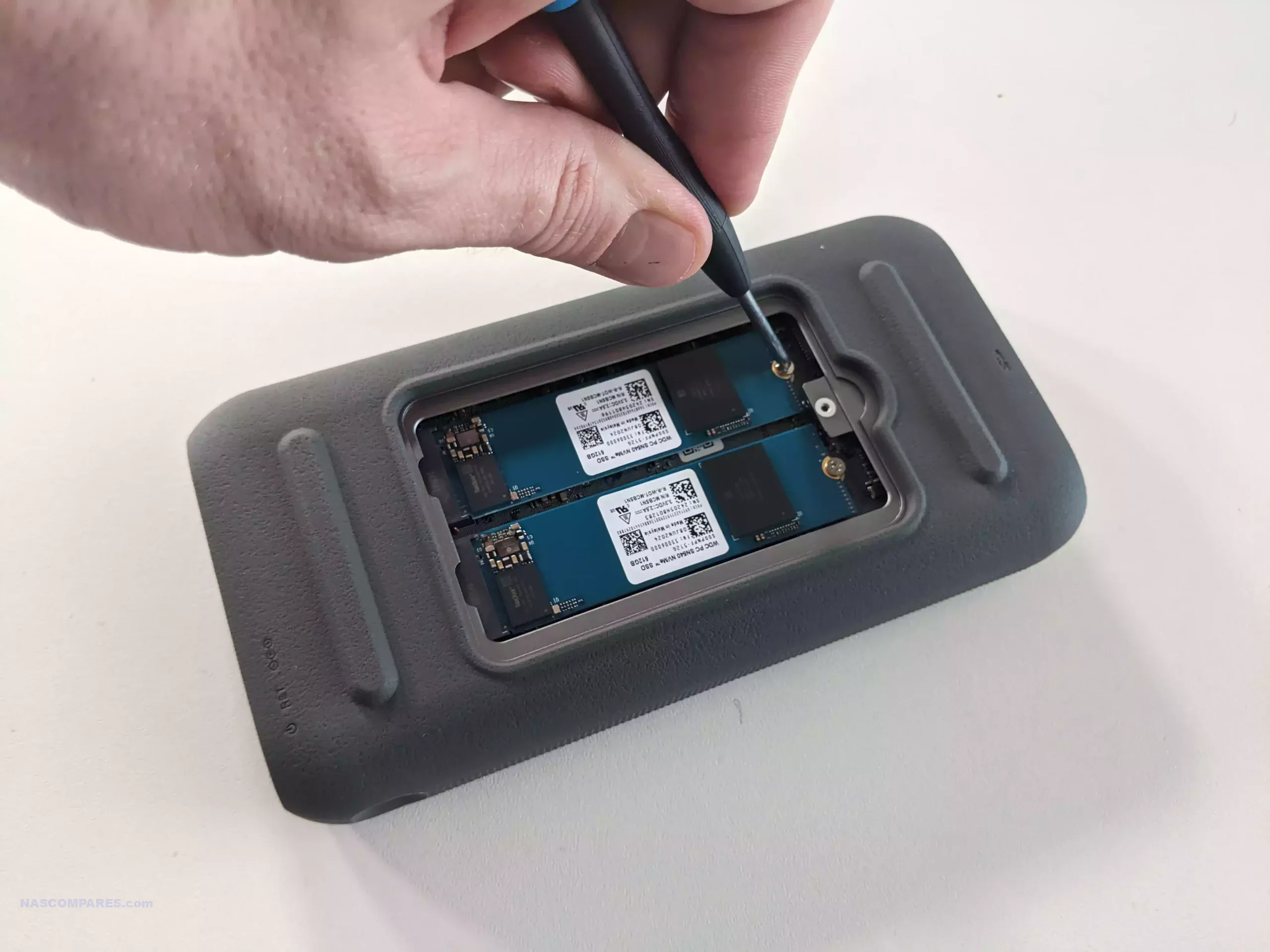
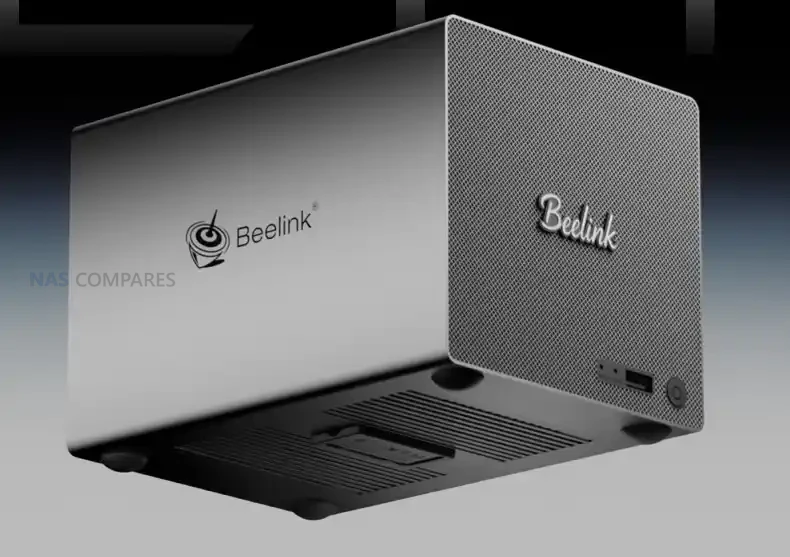
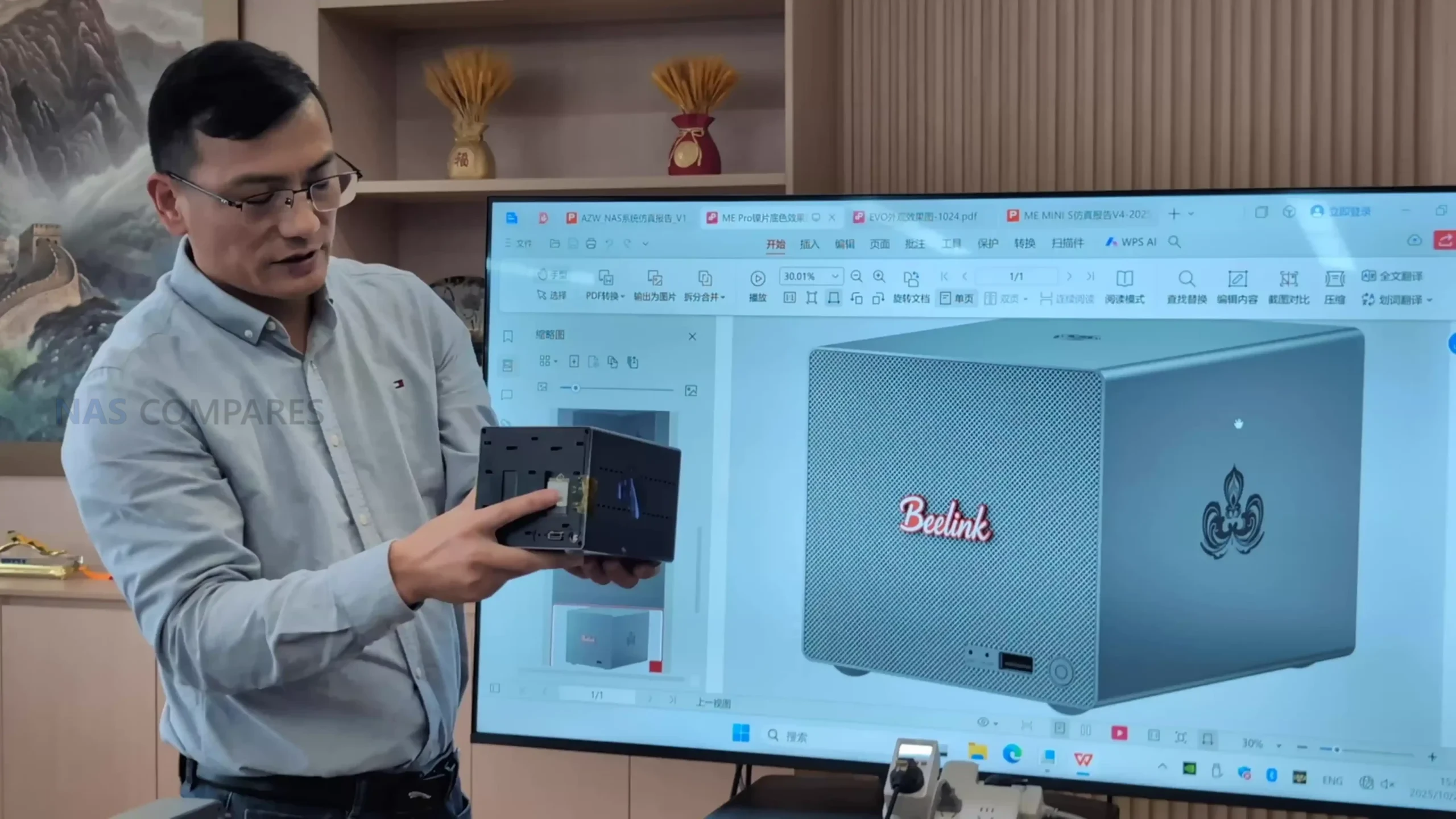
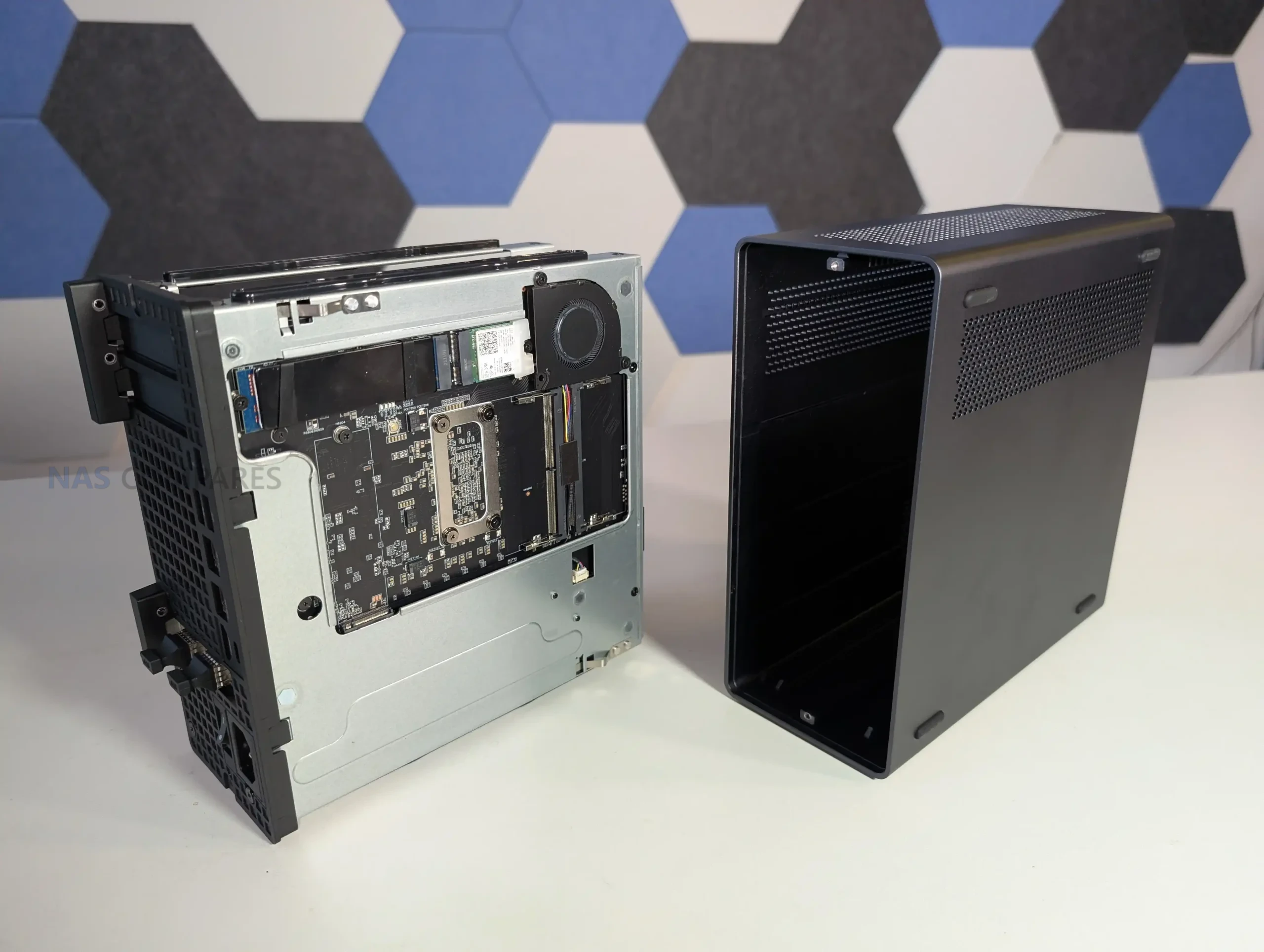
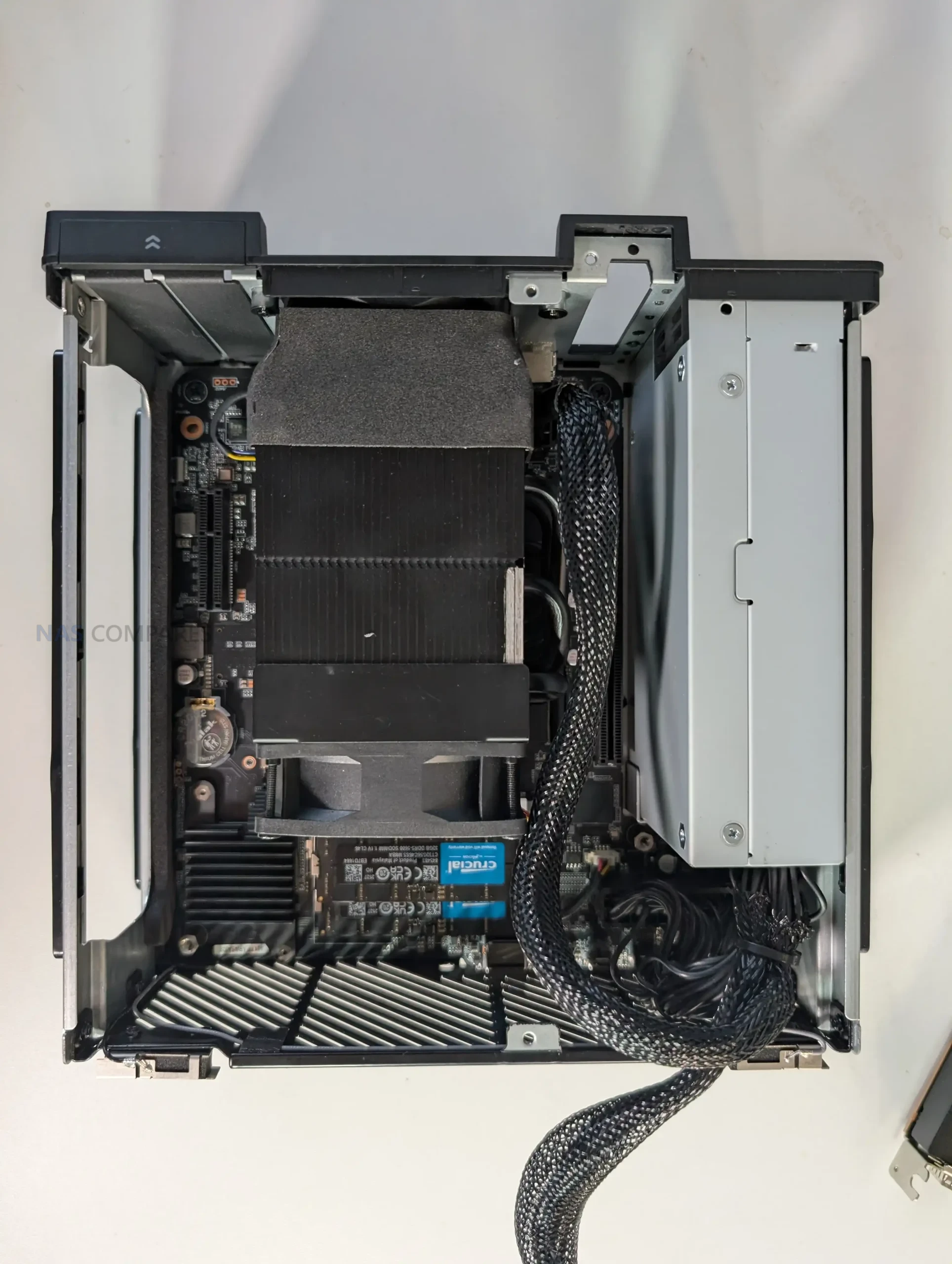
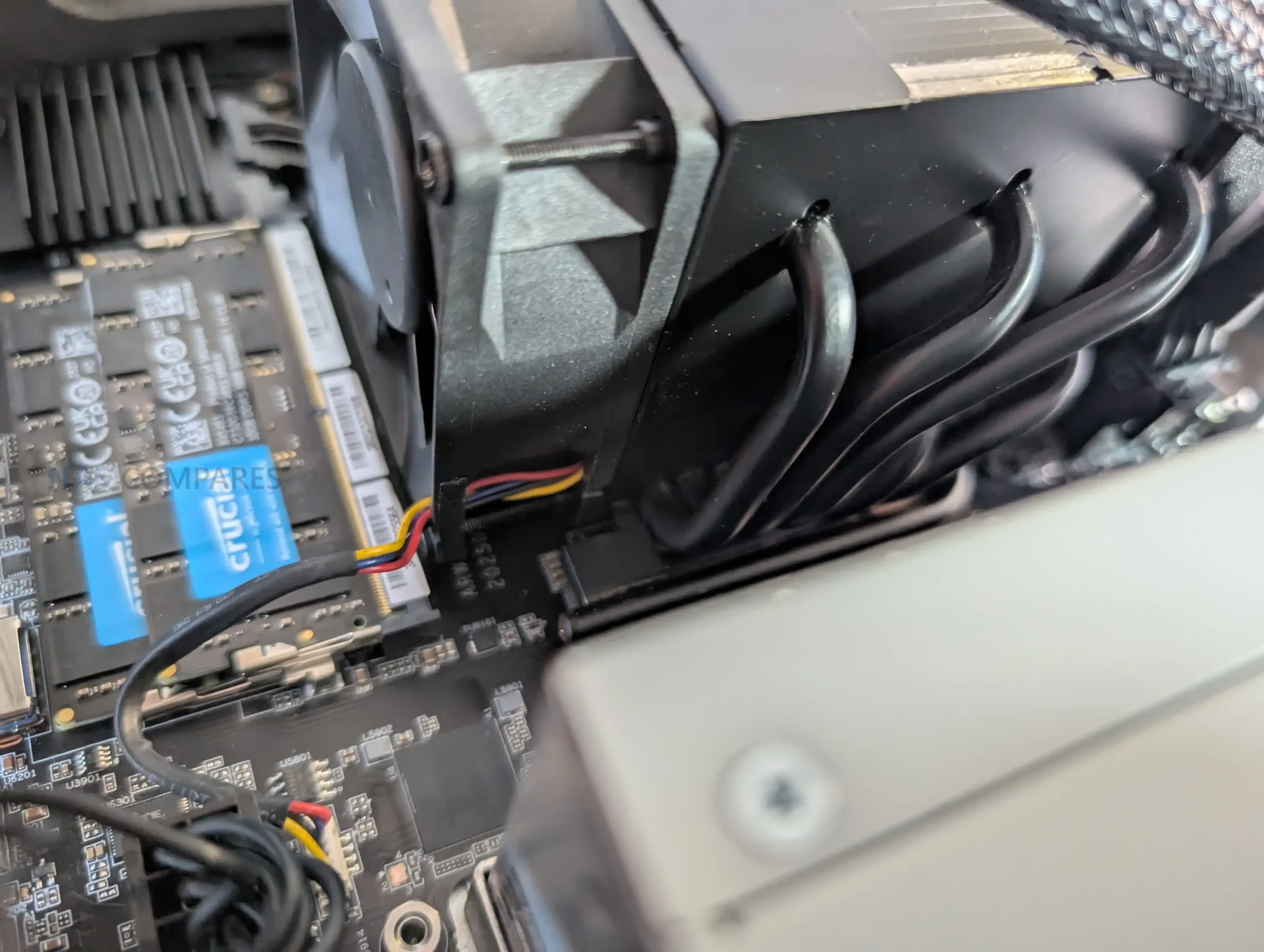
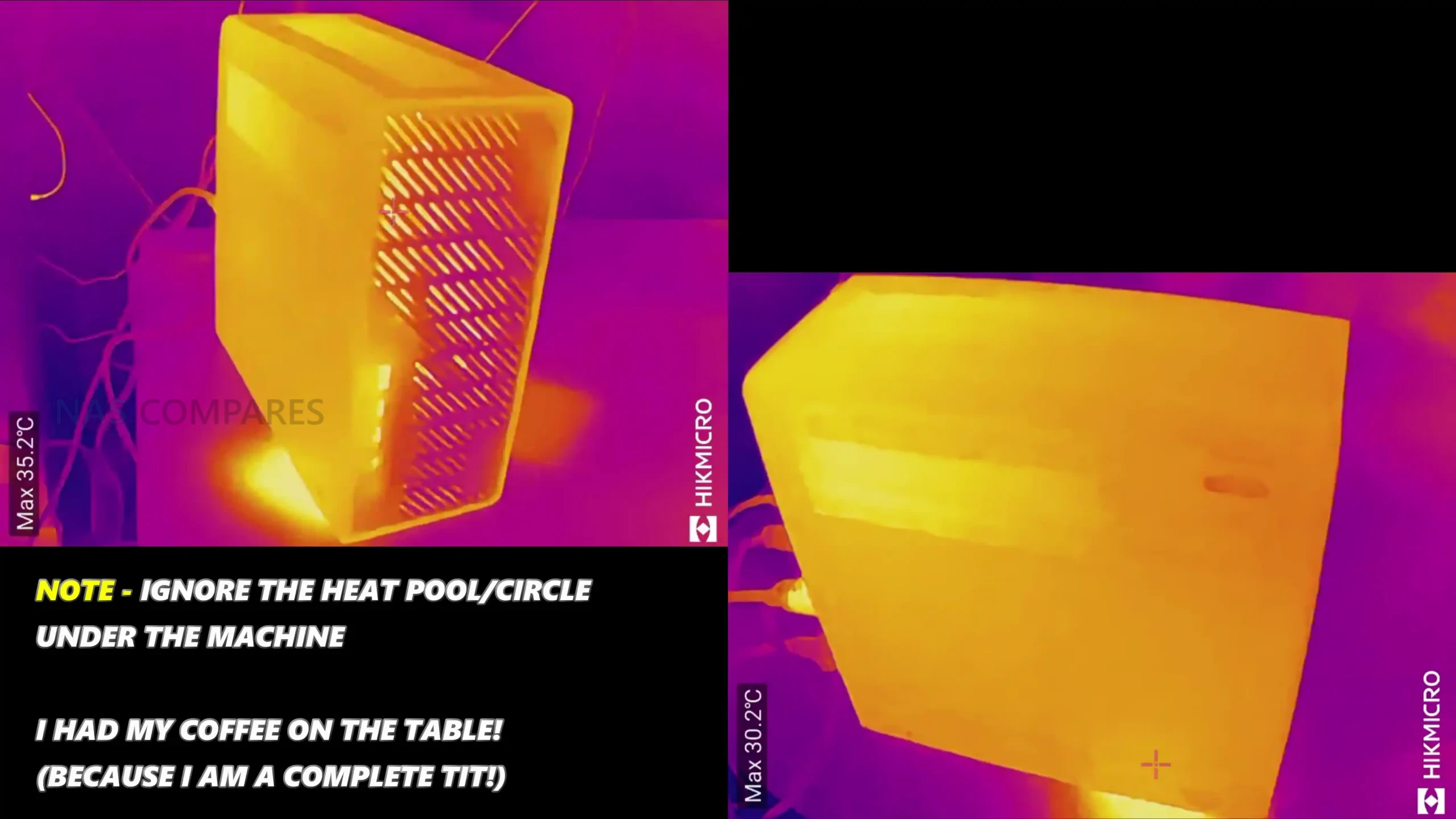
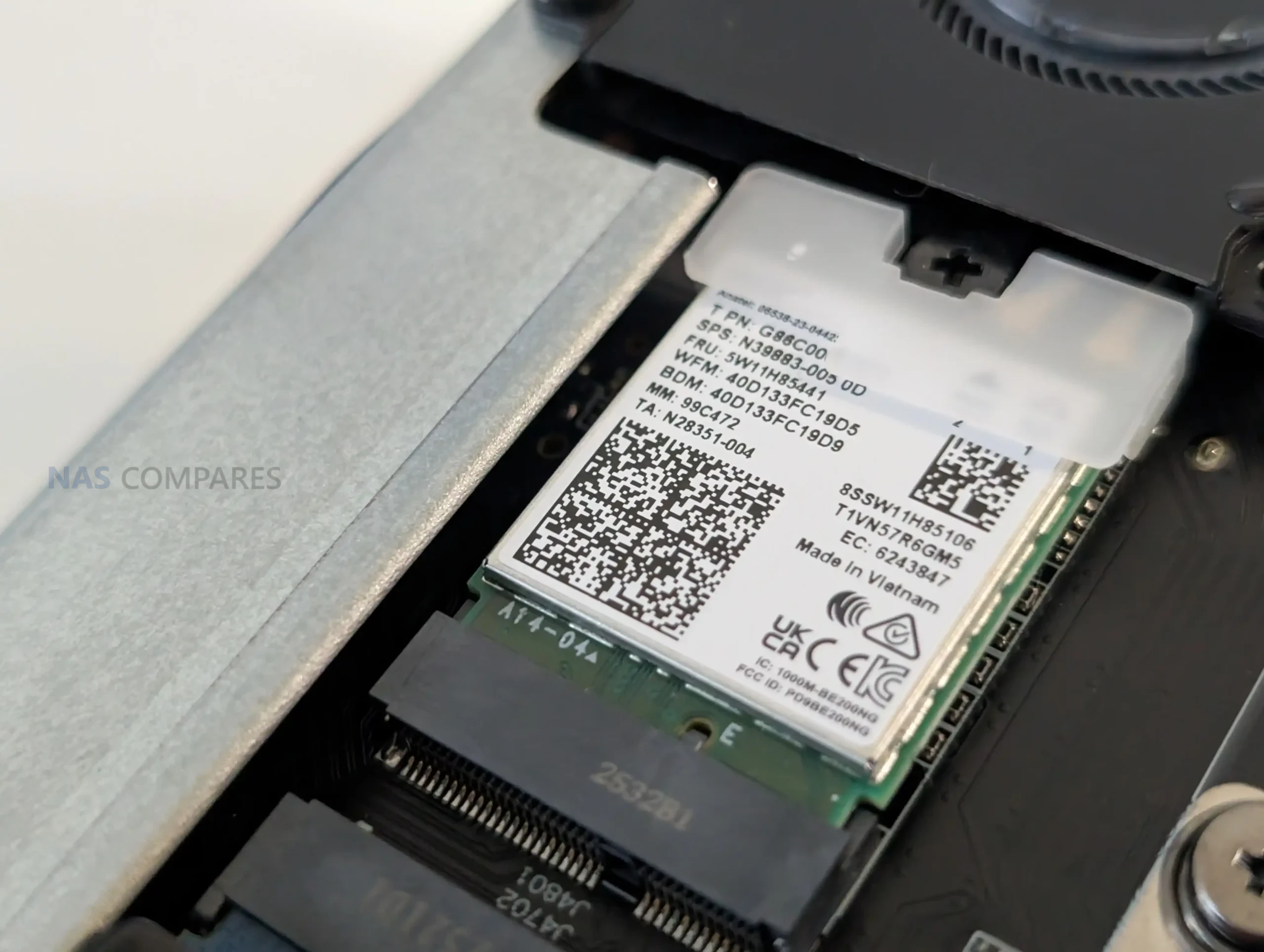
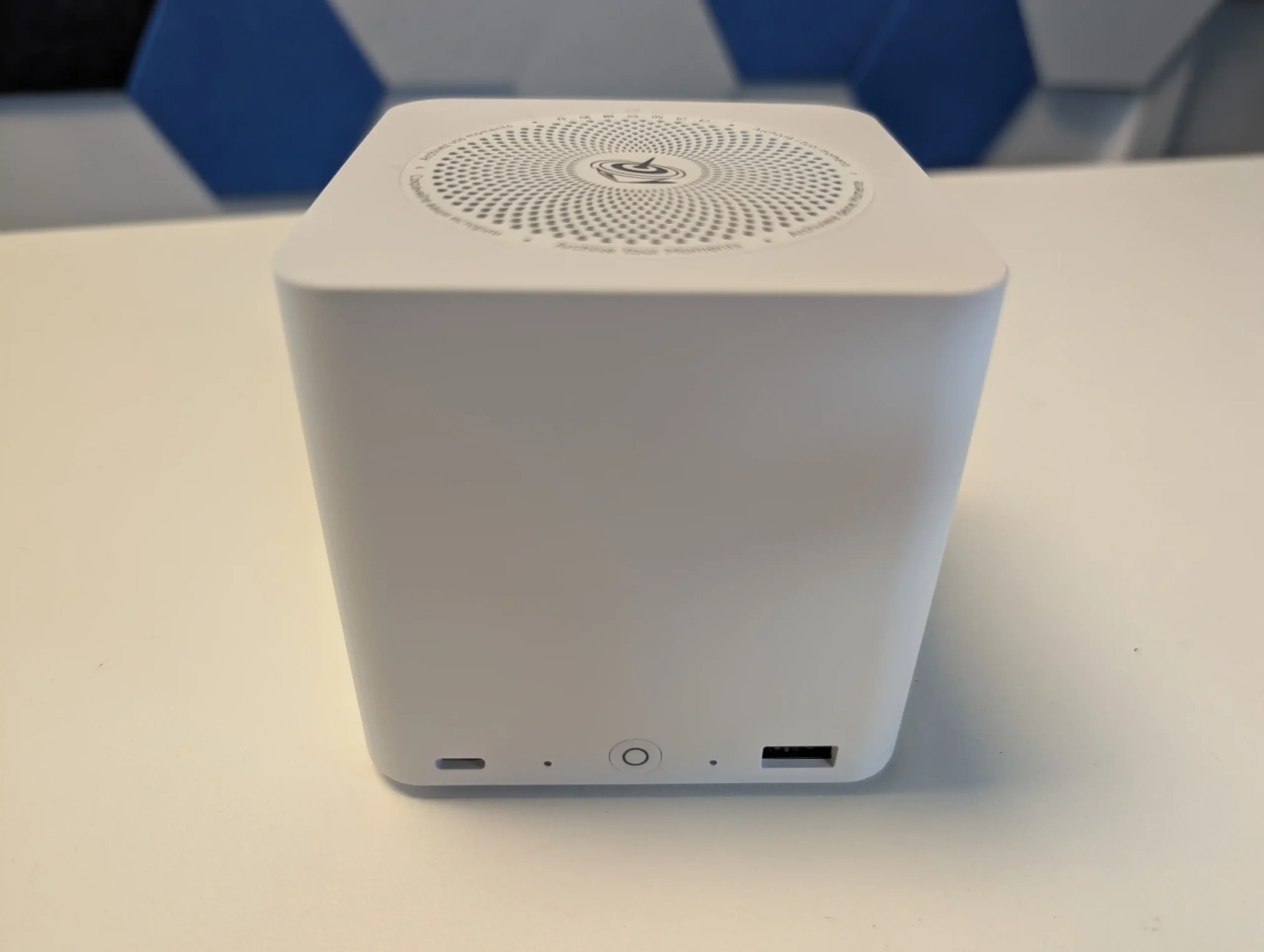
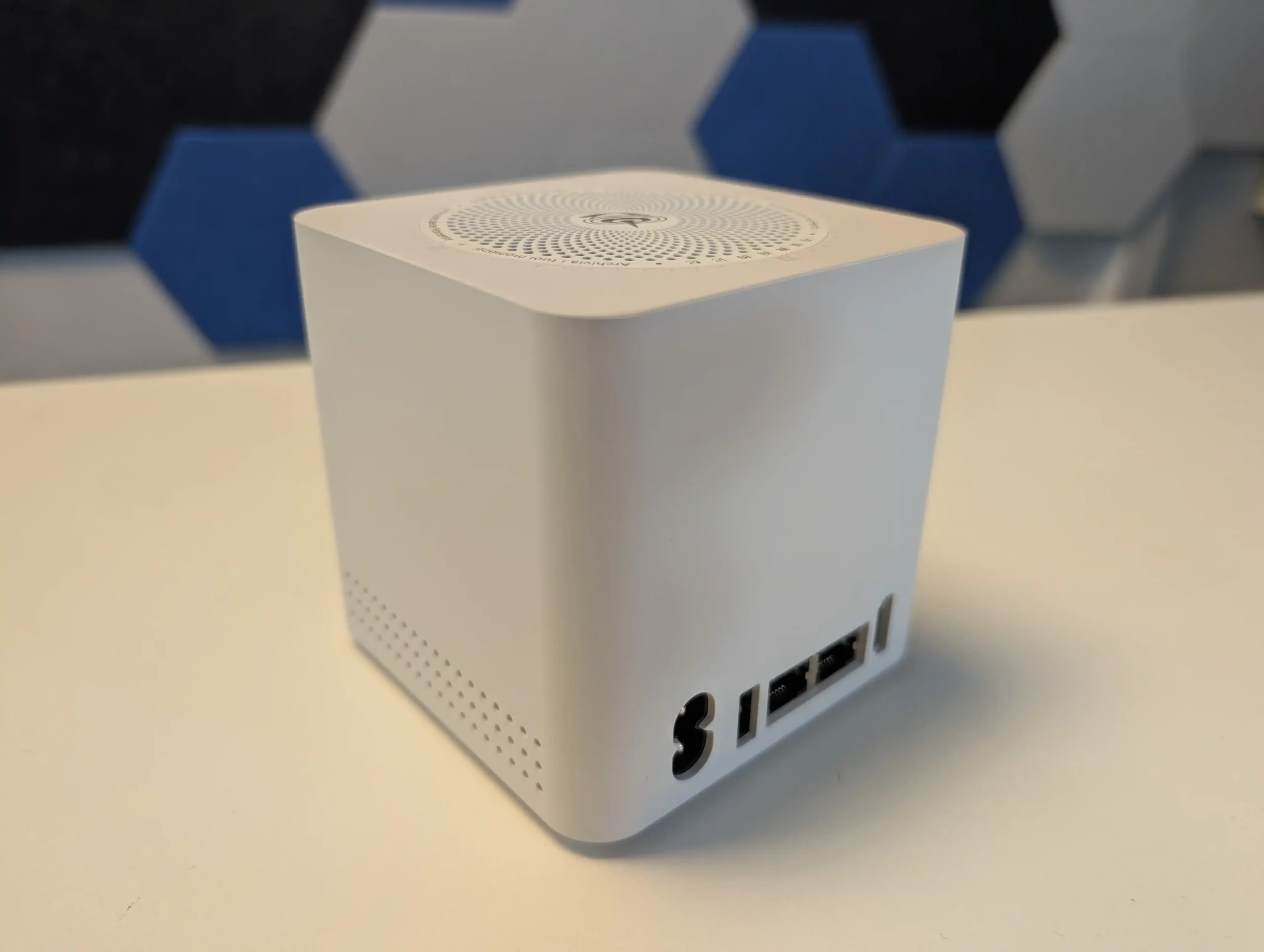
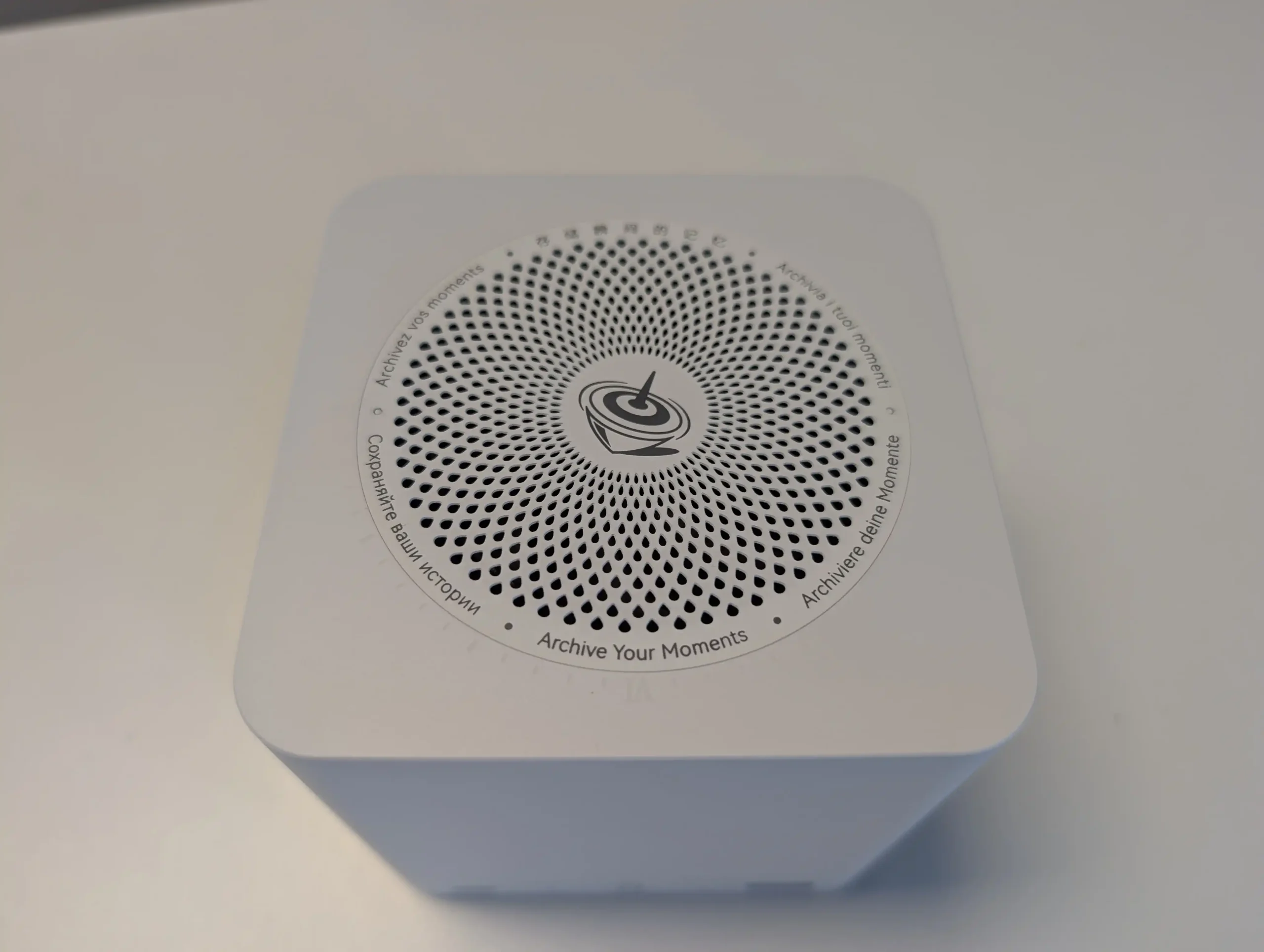
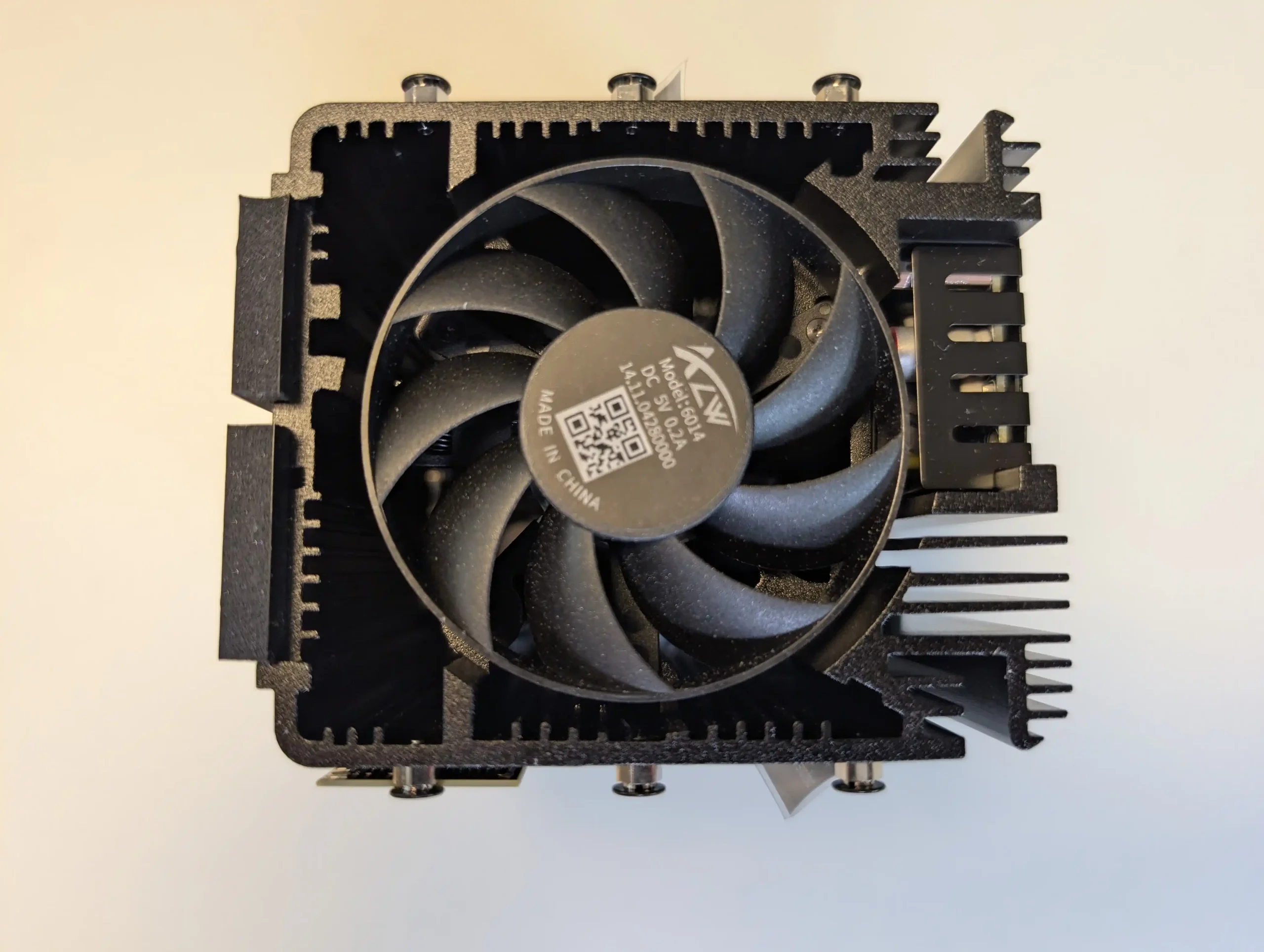
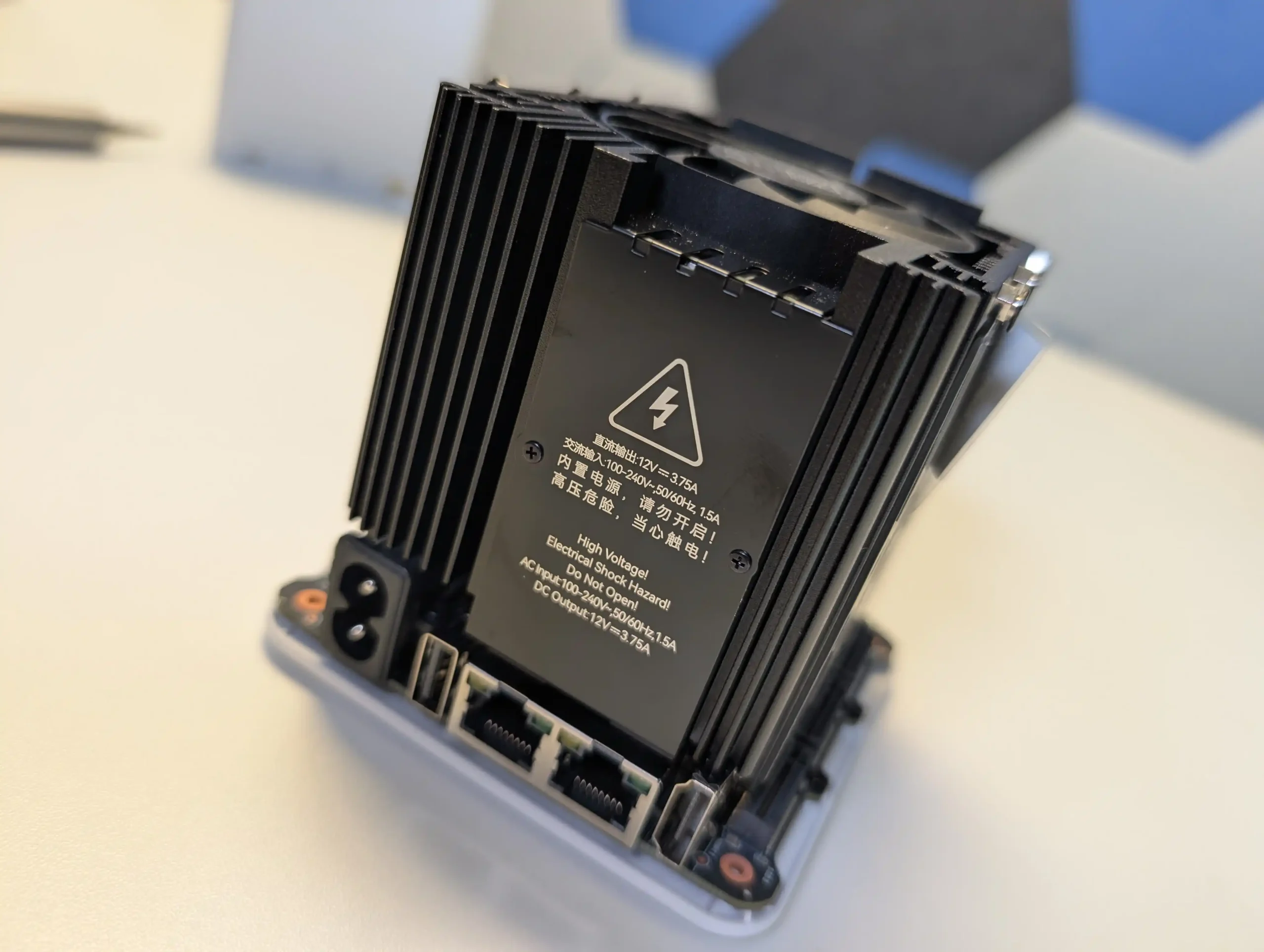
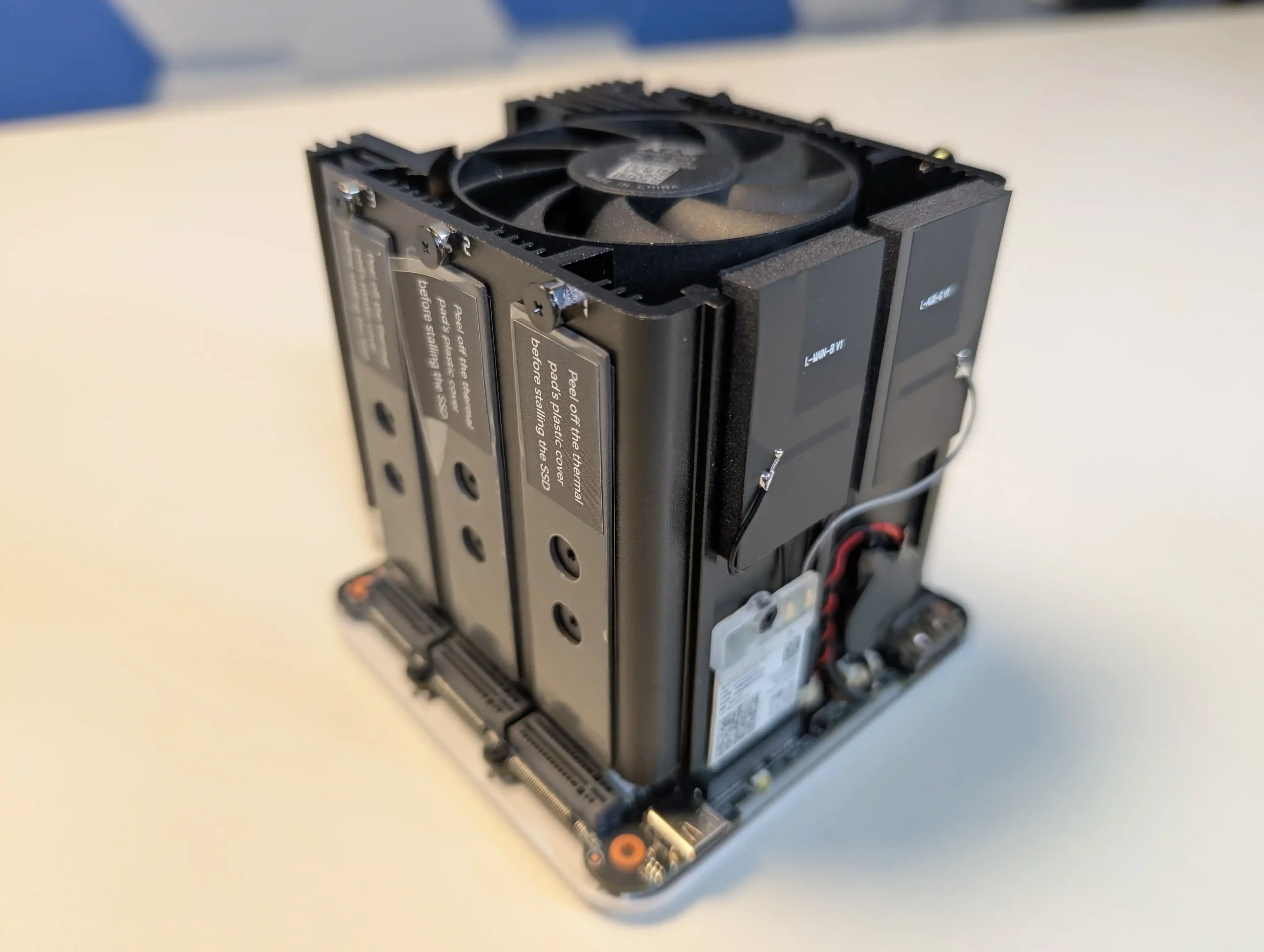
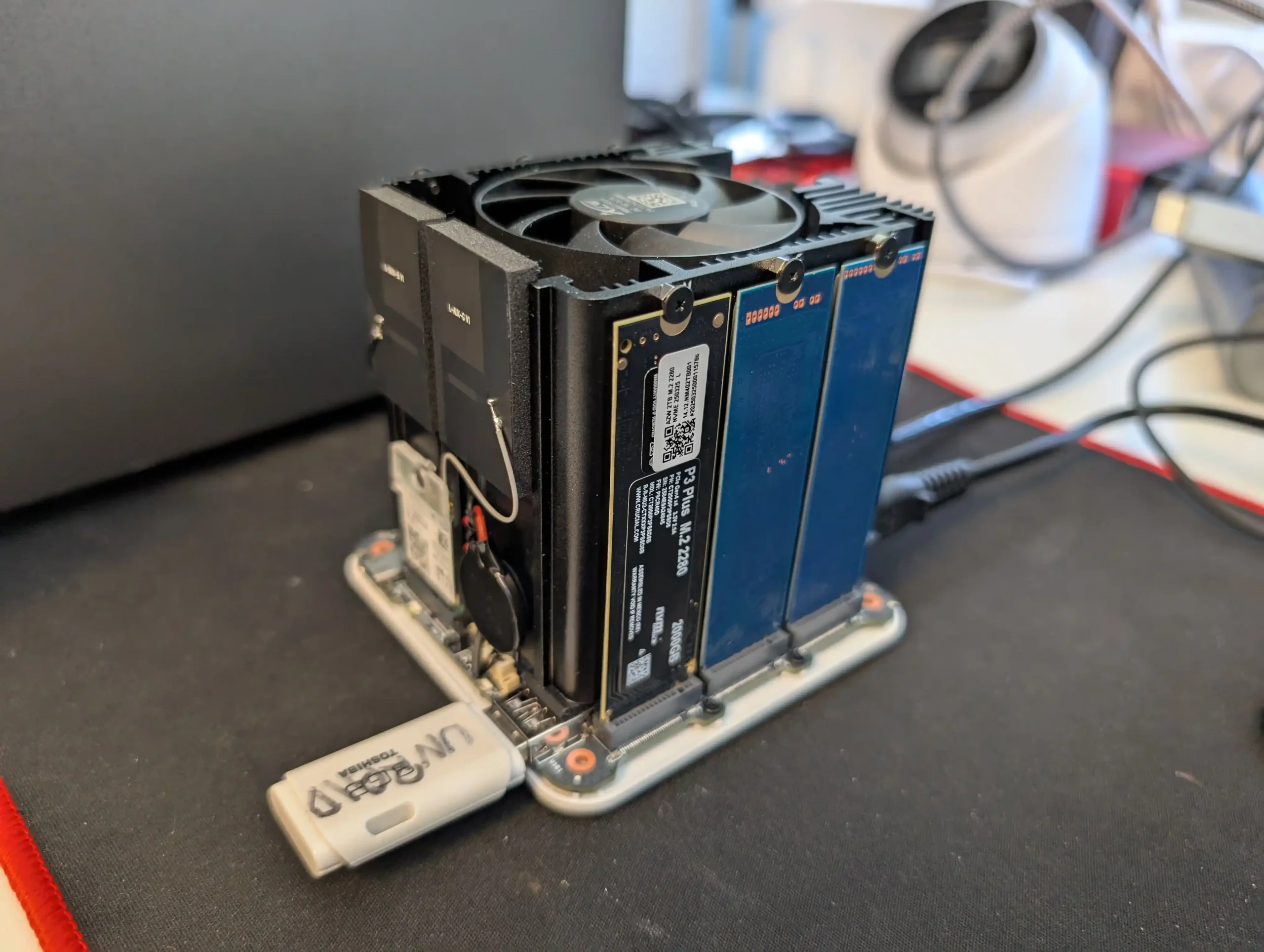
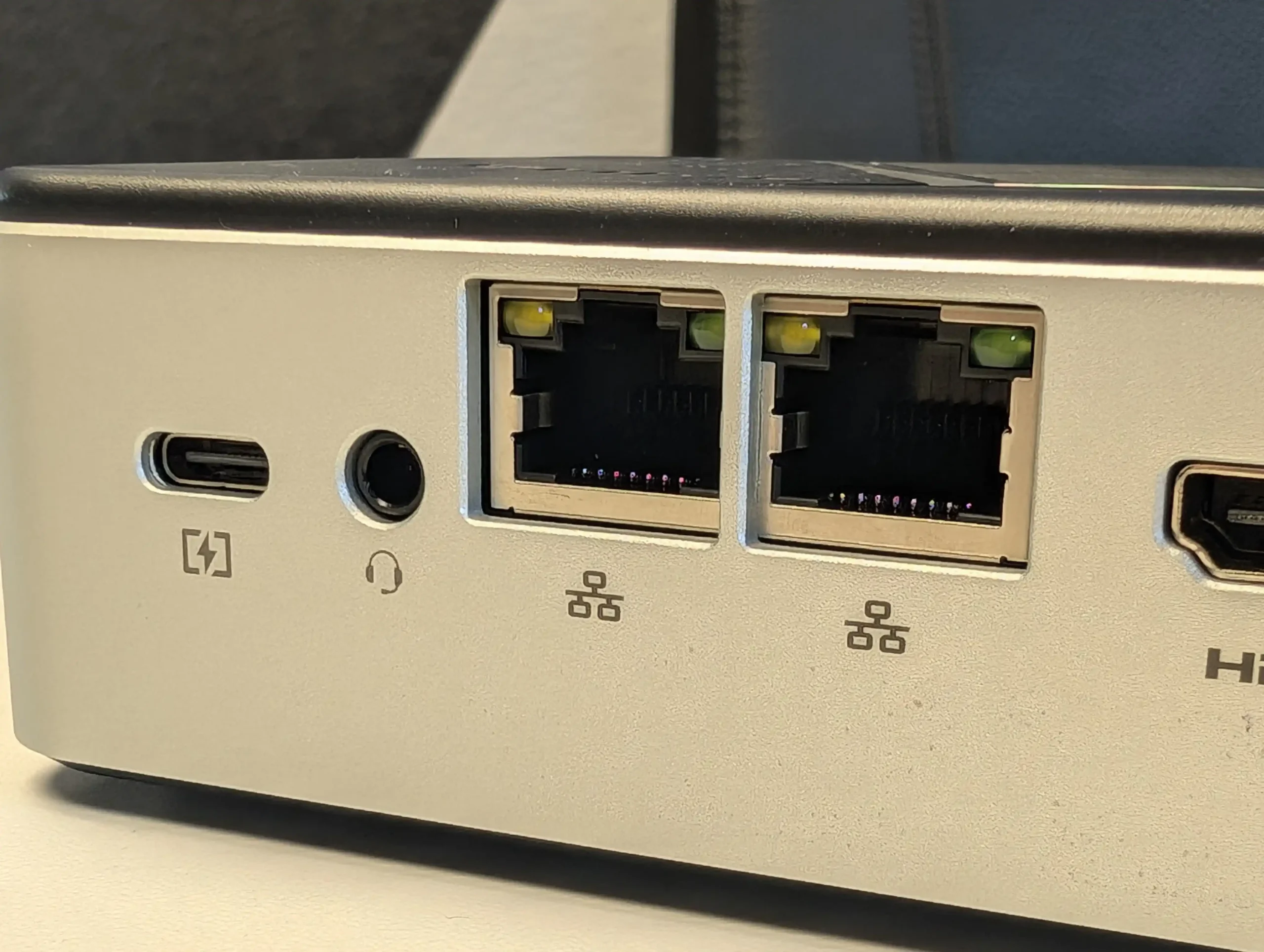
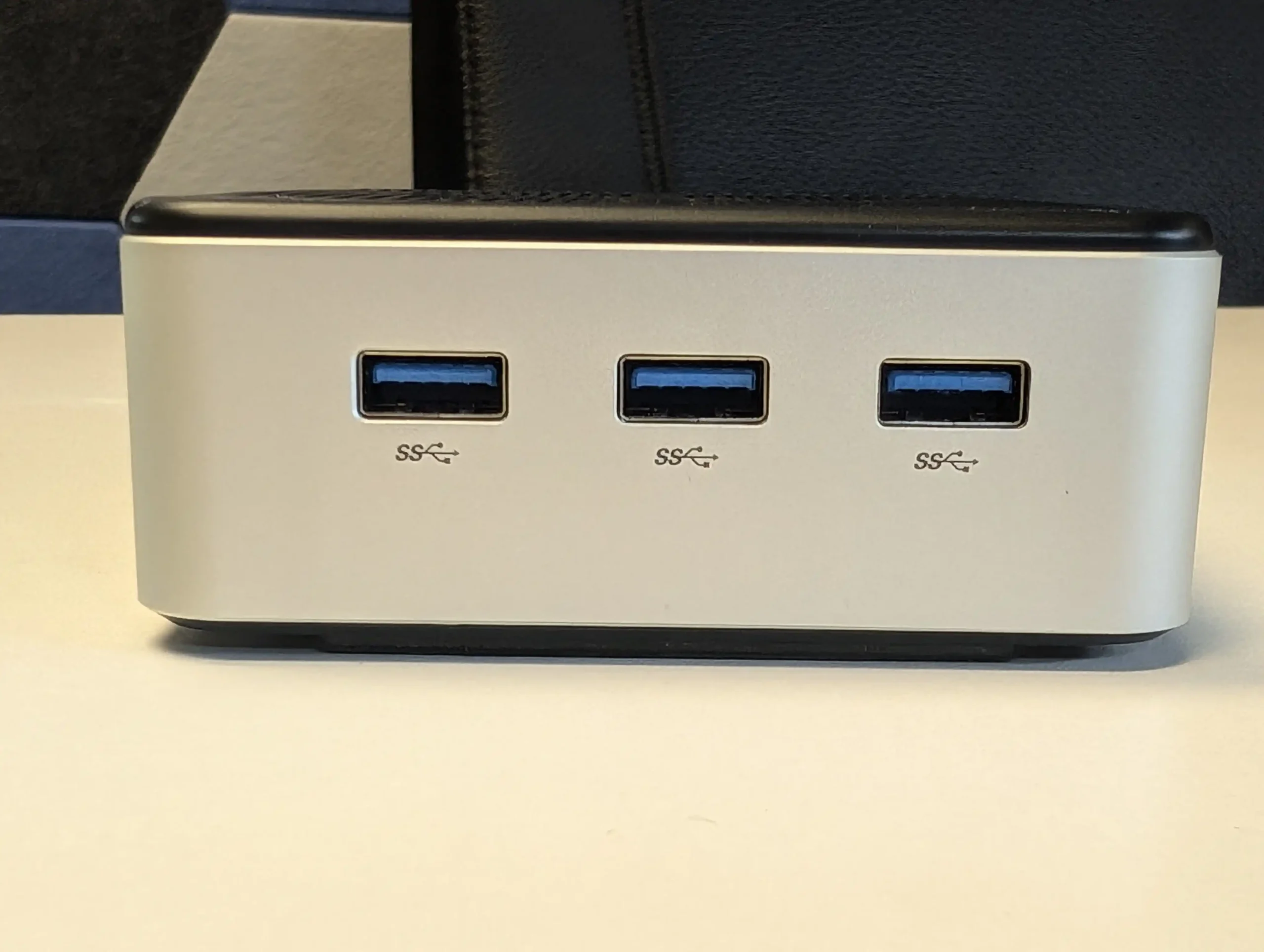
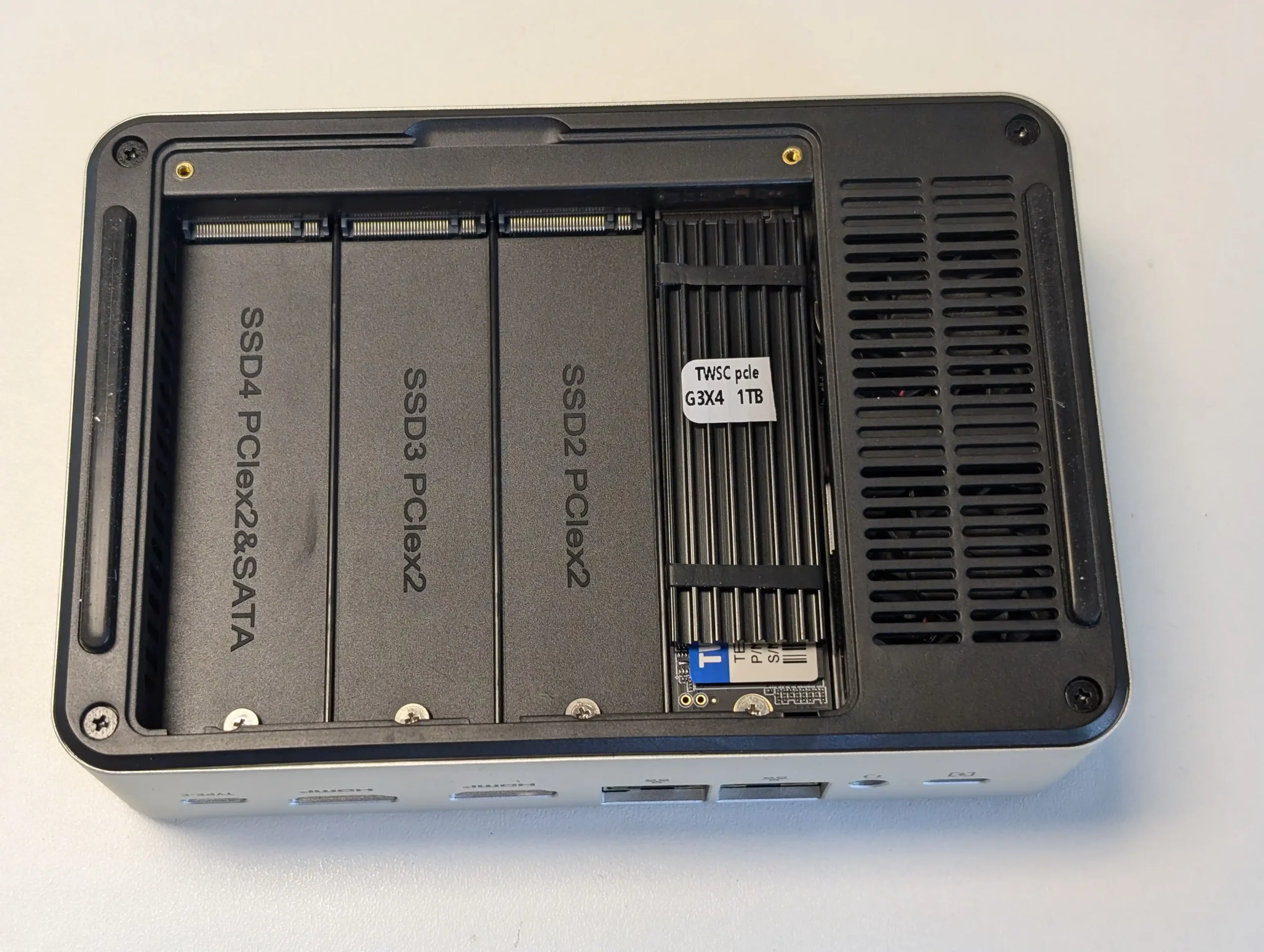
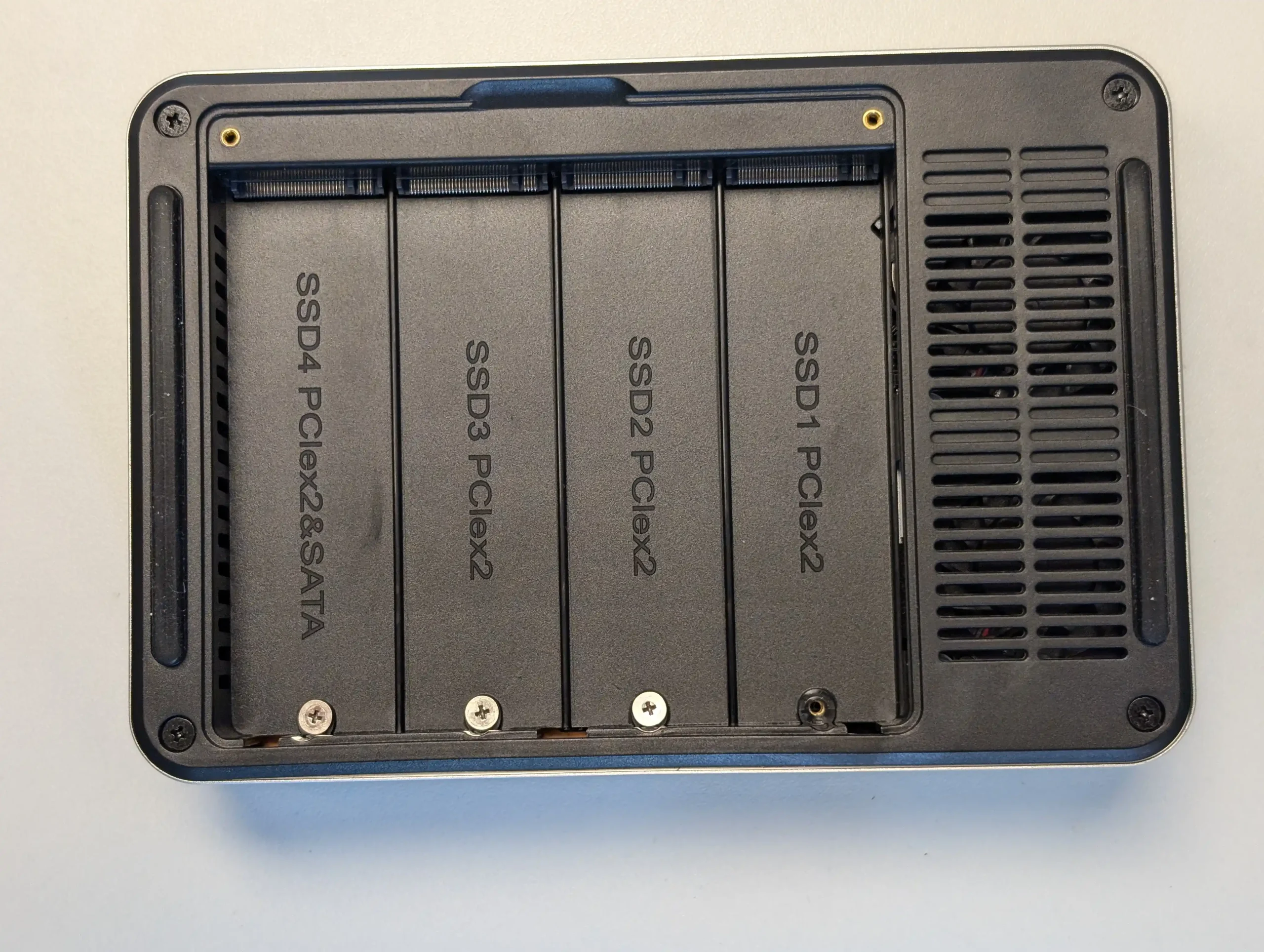
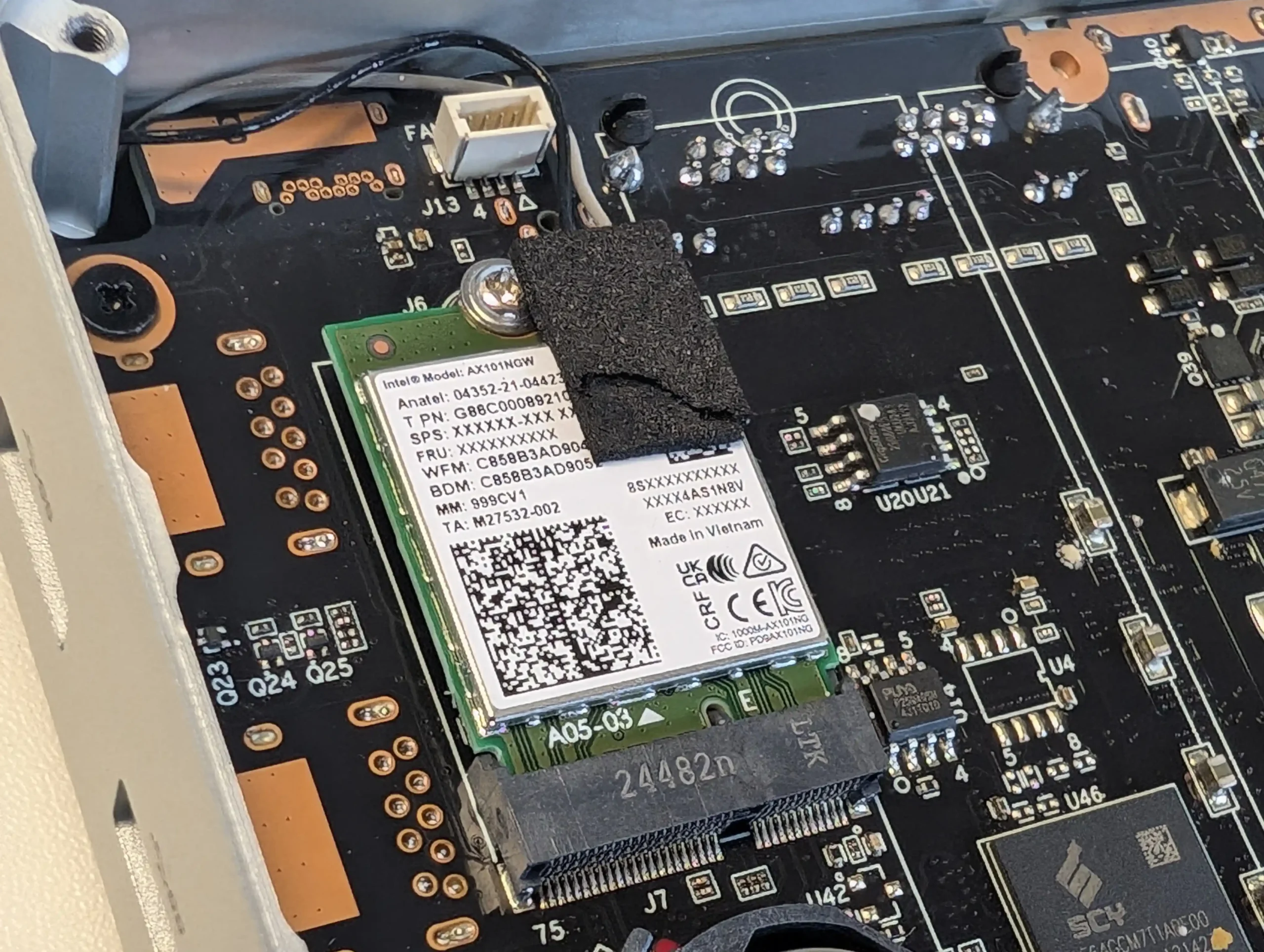
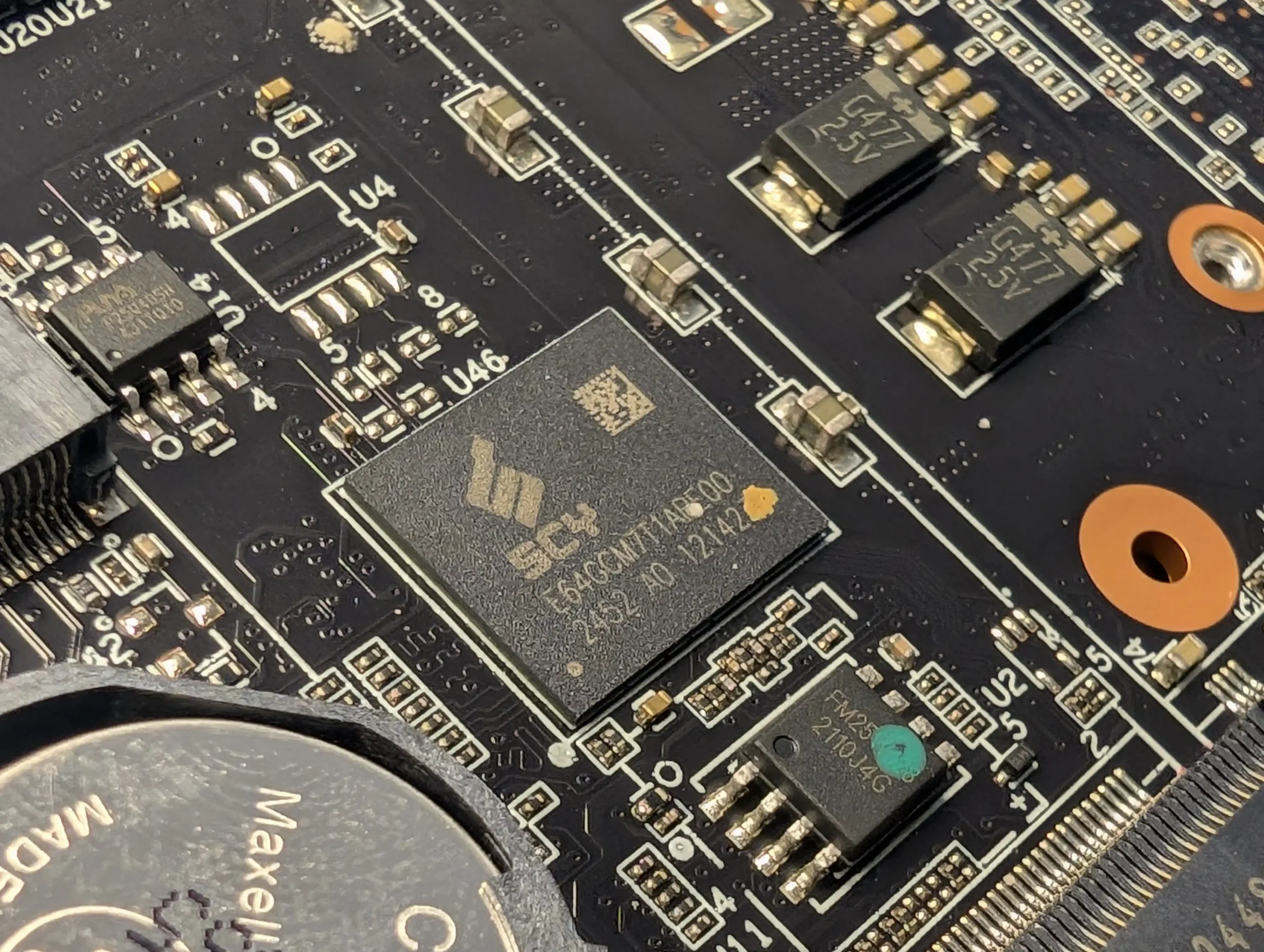
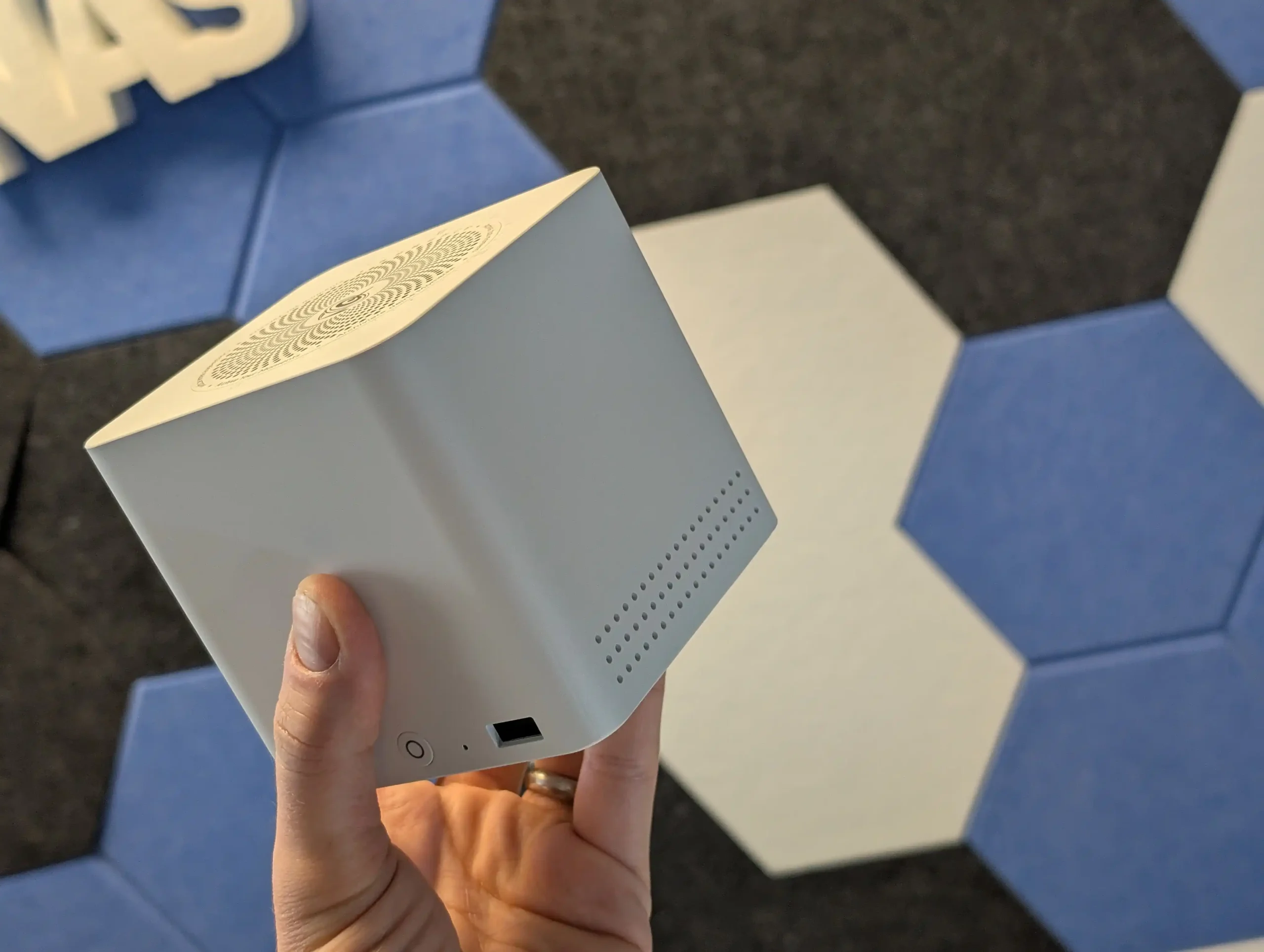
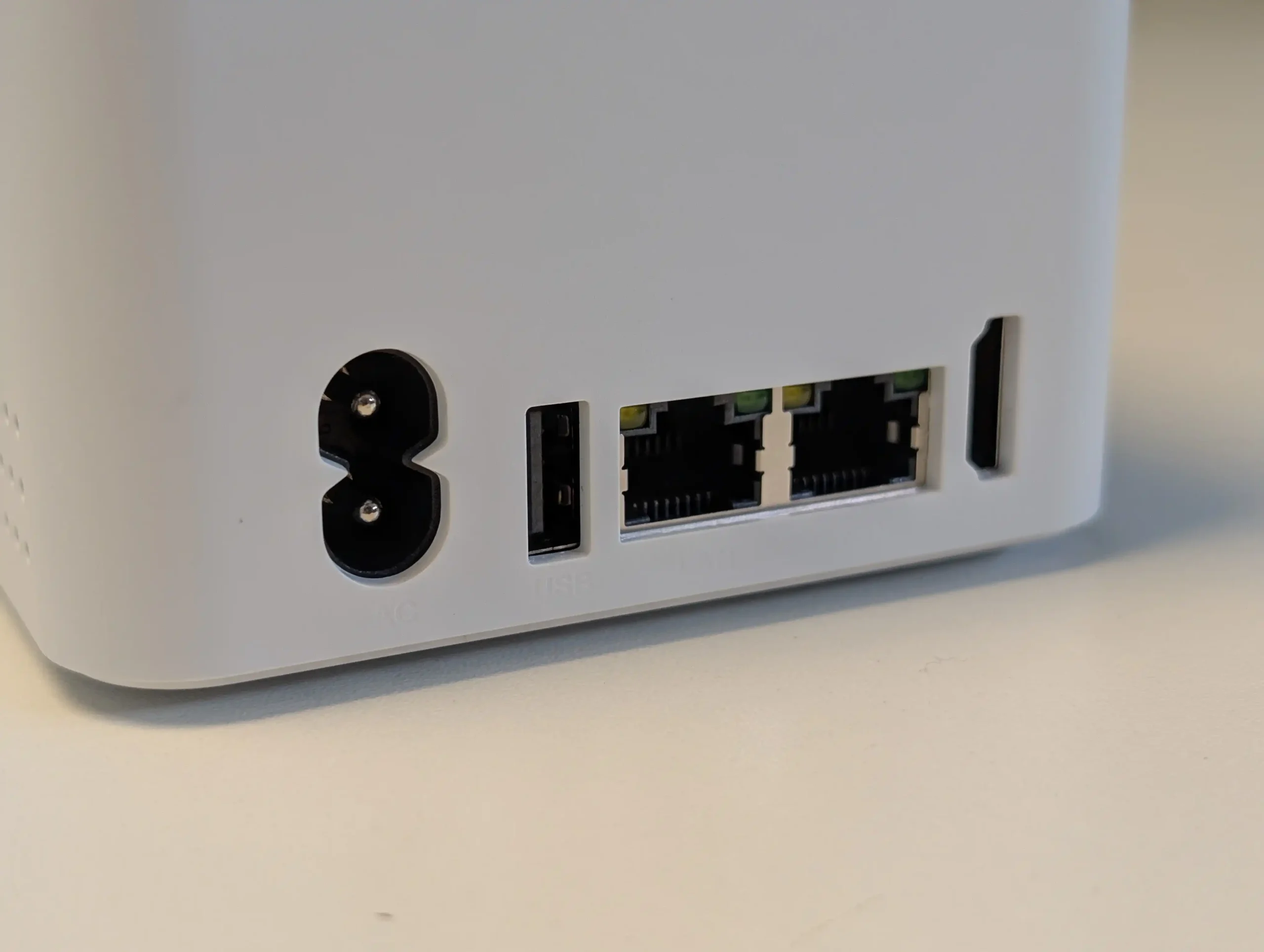
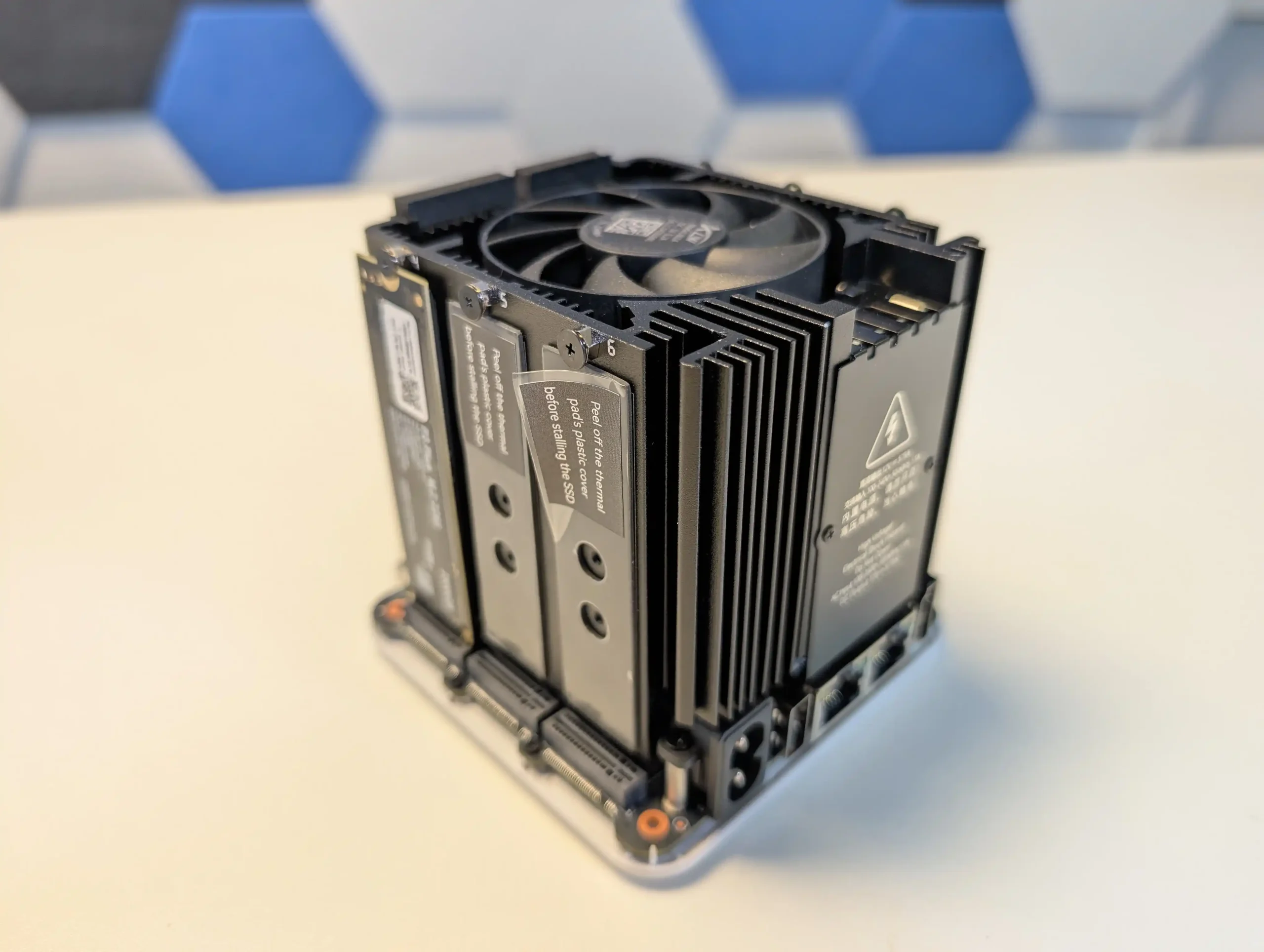
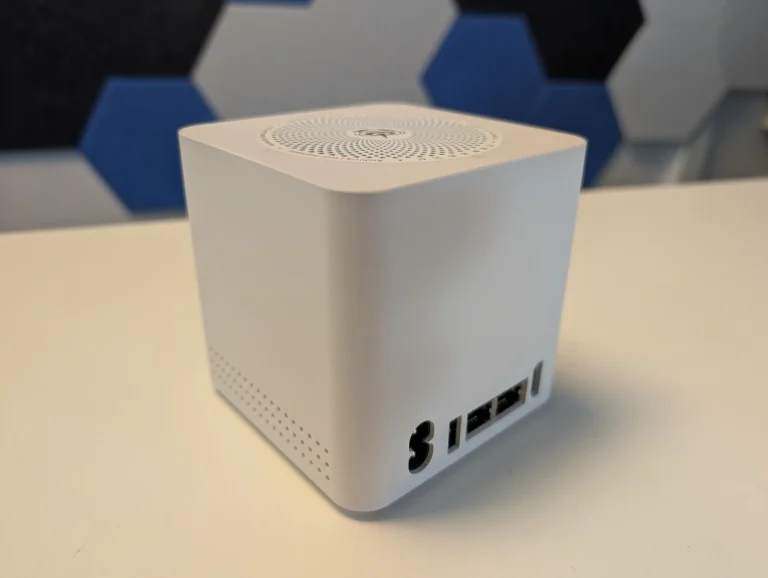
The Beelink ME Mini trades spinning disks for six M.2 slots in a 99 mm cube, making it one of the most storage dense budget options for users who already have or plan to buy multiple NVMe SSDs. At this price bracket it offers far more raw flash capacity potential than traditional 2 bay HDD NAS units, and the dual 2.5 GbE ports allow the box to push enough throughput for small media servers, backup targets and home lab services once an appropriate OS such as TrueNAS, Proxmox, Linux or a lightweight NAS distribution is installed. The integrated PSU, WiFi 6 and compact chimney style cooling keep the physical footprint small while still supporting continuous operation as a low to moderate power SSD based server. The main limitation is that PCIe lane allocation and the N150 CPU cap per drive performance and the unit can run hot under sustained load, so you do not get high end NVMe speeds from each slot and there is no turnkey NAS OS included. It is therefore best suited to buyers who value maximum flash capacity per dollar in a very small chassis and are comfortable treating it as a DIY NAS platform rather than a plug-and-play appliance.
 |
 |
What we said in our June ’25 Review HERE:
The Beelink ME Mini NAS delivers an uncommon blend of size, functionality, and efficiency in a market segment often dominated by larger, louder, and less integrated alternatives. It is not designed to compete with traditional enterprise-grade NAS devices or modular, scalable solutions for prosumers. Instead, its strengths lie in targeting the needs of home users who want a quiet, energy-efficient storage solution that is easy to deploy, aesthetically unobtrusive, and capable of handling daily tasks such as media streaming, file backup, or soft routing. The inclusion of six M.2 NVMe SSD slots—paired with a Gen 3 x2 system slot—offers a rare level of expansion in such a small enclosure. The integration of an internal PSU, silent fan-assisted cooling, and a surprisingly effective thermal design are thoughtful touches that differentiate it from the majority of DIY NAS mini PCs.
 |
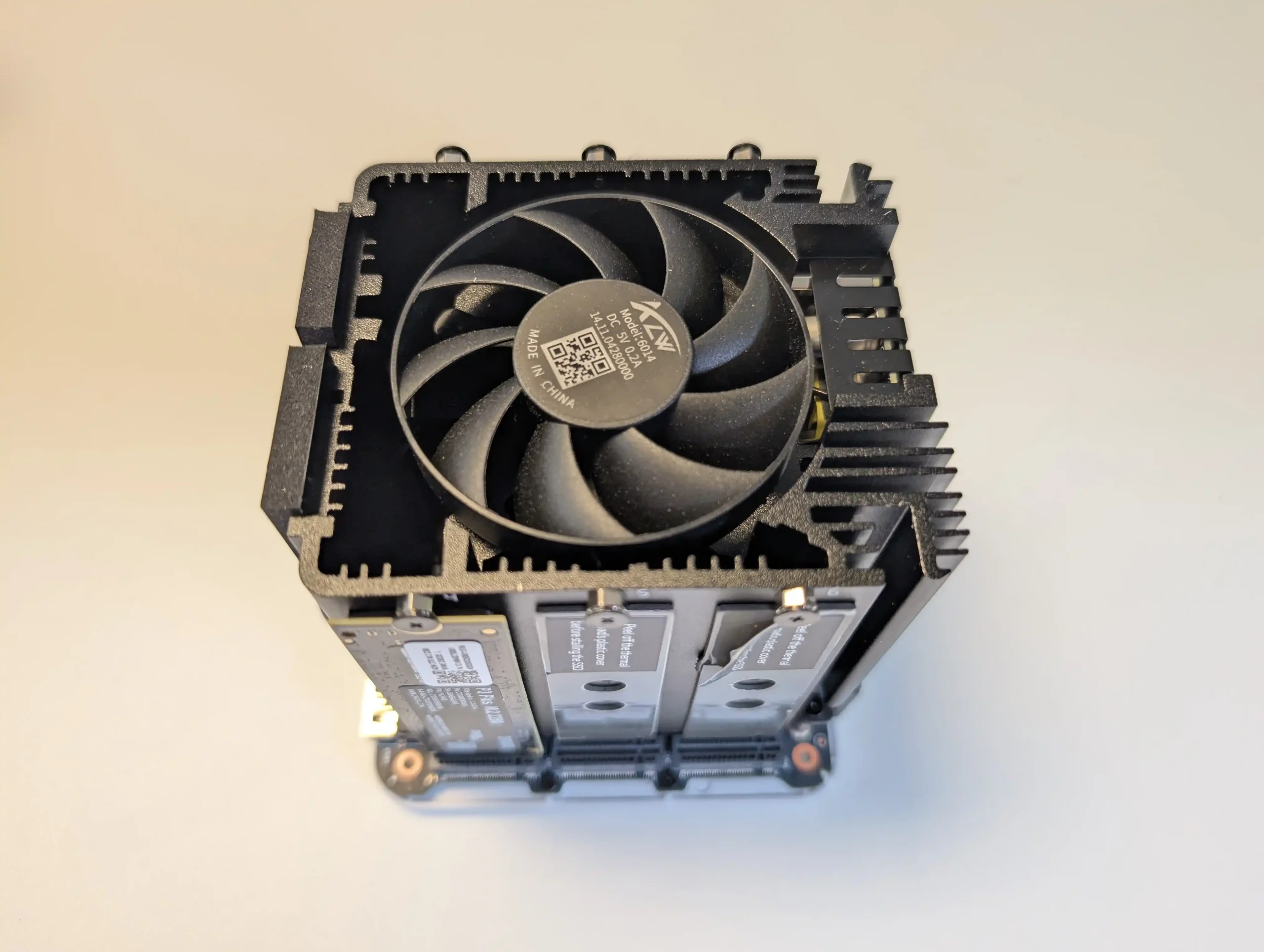 |
That said, it is not without limitations. The memory is non-upgradable, thermal accumulation at the base suggests room for improvement, and bandwidth ceilings imposed by Gen 3 x1 lanes will constrain users who demand high parallel throughput. Still, for its price point—particularly when pre-order discounts are applied—the ME Mini offers significant value, especially when compared to ARM-based NAS solutions with similar or lower specifications. With bundled Crucial SSD options and support for a wide range of NAS operating systems, it positions itself as a ready-to-go platform for tech-savvy users wanting to avoid the assembly of a fully DIY system. Overall, while not a product for every use case, the Beelink ME Mini succeeds in its aim to be a compact, stylish, and capable home NAS.

8.8
Compact cube design (99x99x99mm) ideal for discreet home deploymentSupports up to 6x M.2 NVMe SSDs with total capacity up to 24TBIntegrated PSU eliminates bulky external power adaptersDual 2.5GbE LAN ports with link aggregation supportWi-Fi 6 and UnRAID7 Support means not limited to 2x2.5GLow power consumption (as low as 6.9W idle, ~30W peak with full load)Silent fan and effective internal thermal management via large heatsinkIncludes Crucial-branded SSDs in pre-configured options for reliability
Five of the six SSD slots are limited to PCIe Gen 3 x1 bandwidthMemory is soldered and non-upgradableNot 10GbE Upgradable (maybe m.2 adapter - messy)Bottom panel retains heat due to lack of active ventilation
|
Check Amazon in Your Region for the Beelink ME Mini NAS ($329)
|
Check AliExpress for the Beelink ME Mini NAS ($344 4/6)
|
Check the Official Beelink Site for the ME Mini NAS ($209 4/6)
|


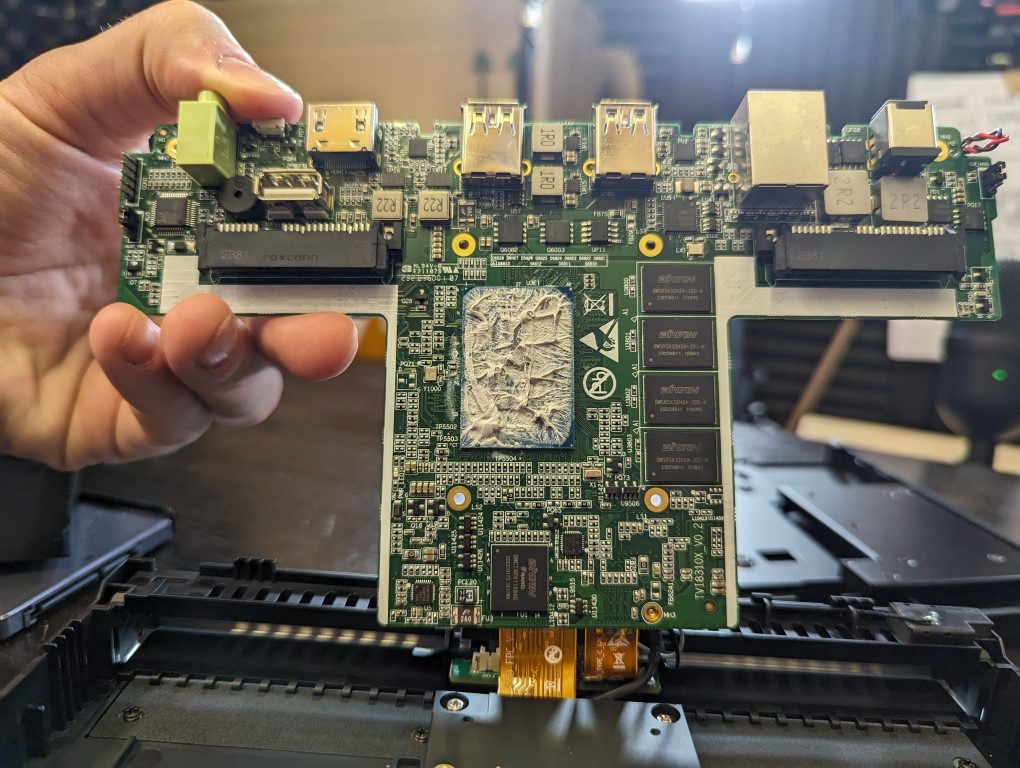
#4 Xyber Hydra N150 – around $208 to $249
SPECS: Intel Processor N150 quad core up to 3.6 GHz – 16 GB LPDDR5 – 0 x SATA bays / 4 x M.2 2280 NVMe PCIe 3.0 x2 slots – 2 x 2.5 GbE RJ45 plus WiFi 6 – 64 GB eMMC with Ubuntu preinstalled and 512 GB NVMe SSD included on many models.
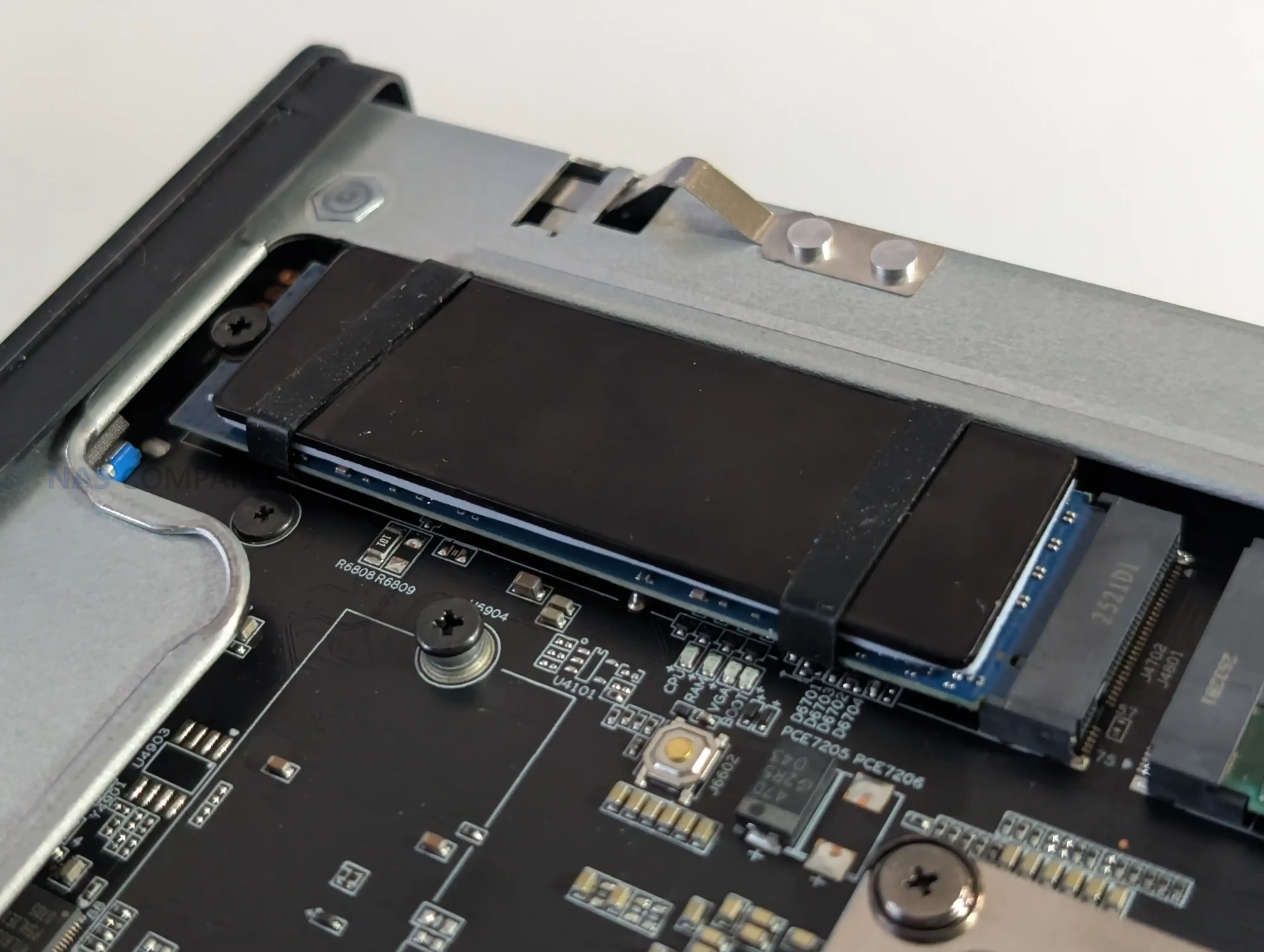
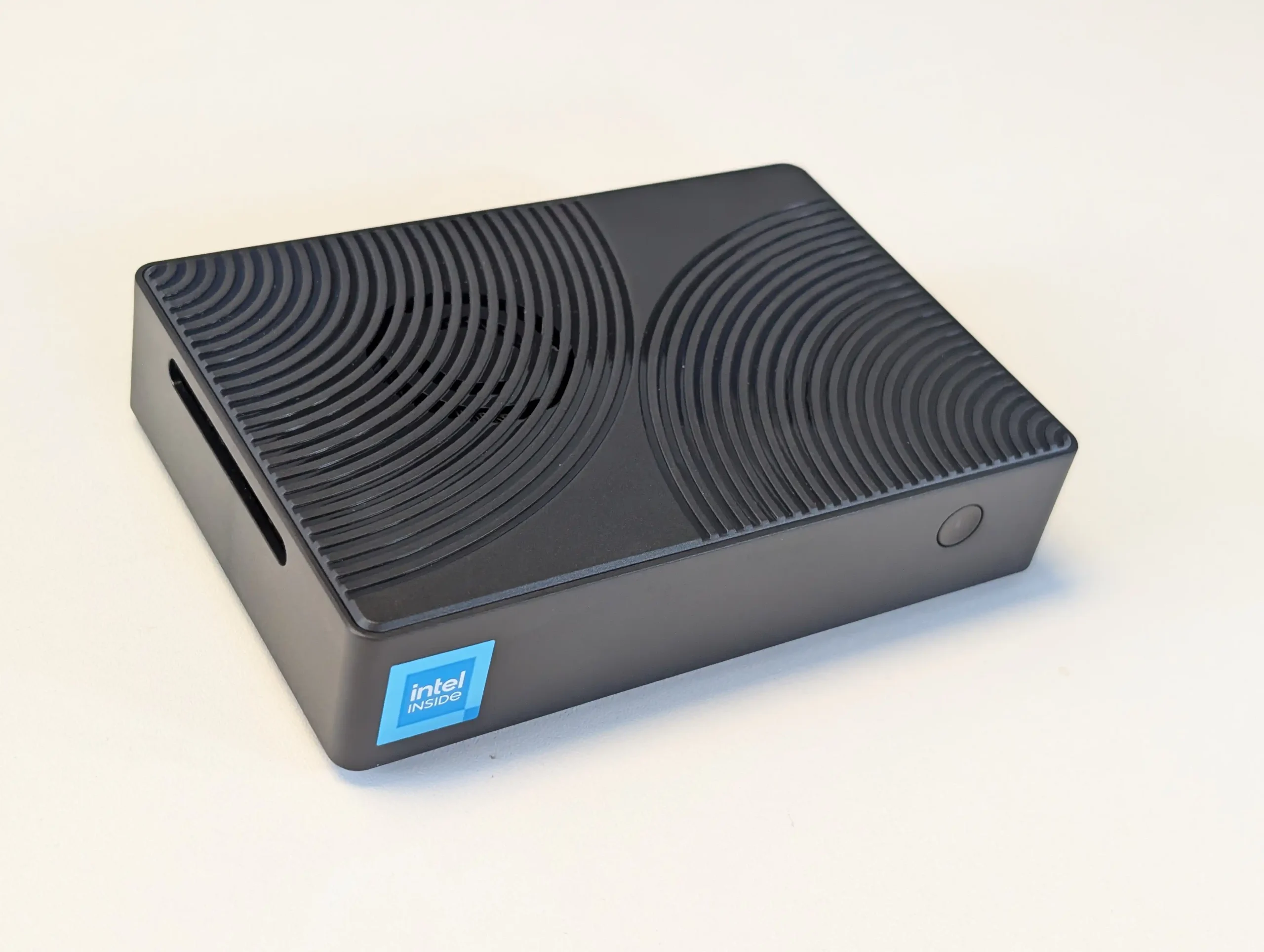
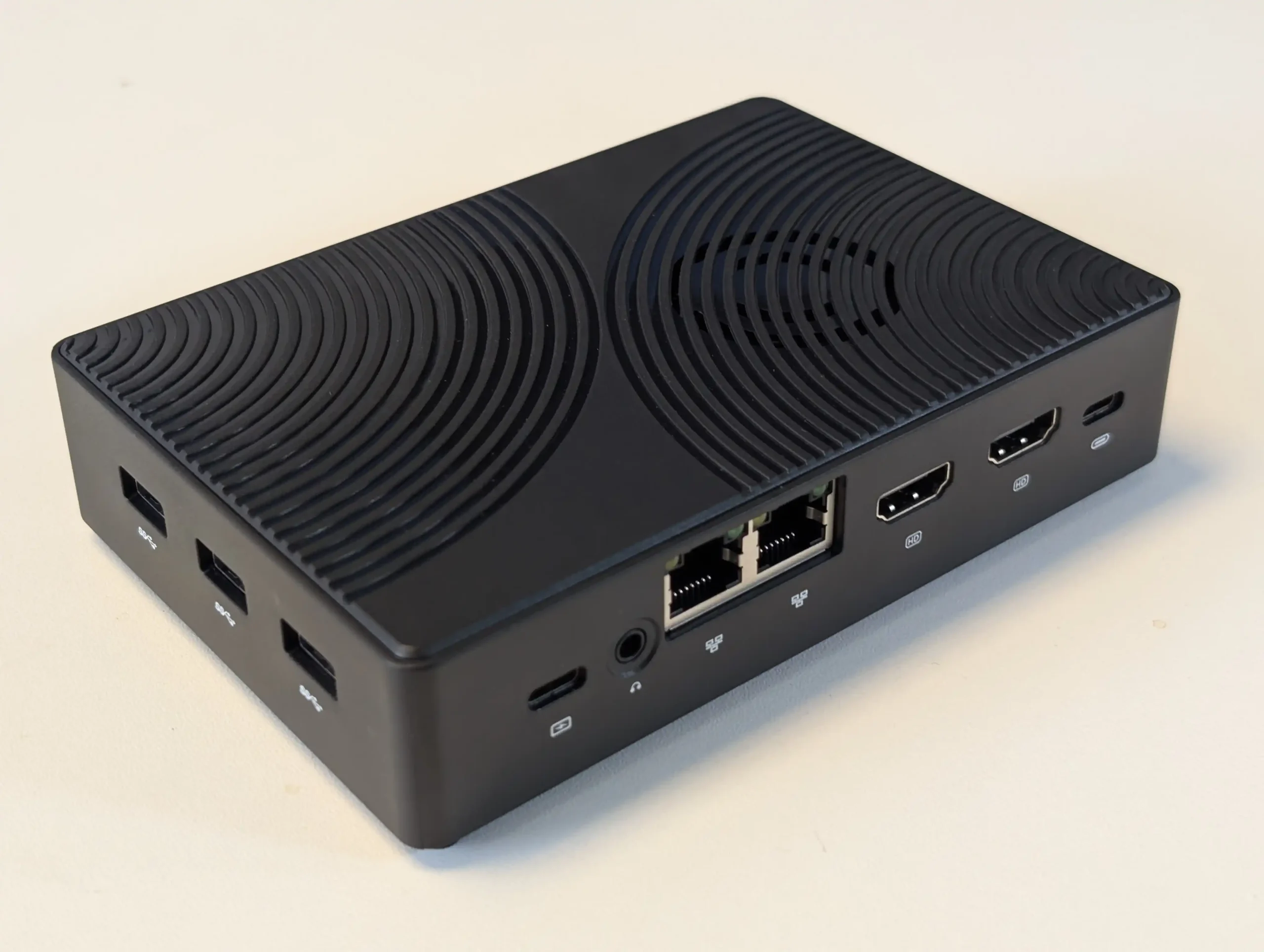
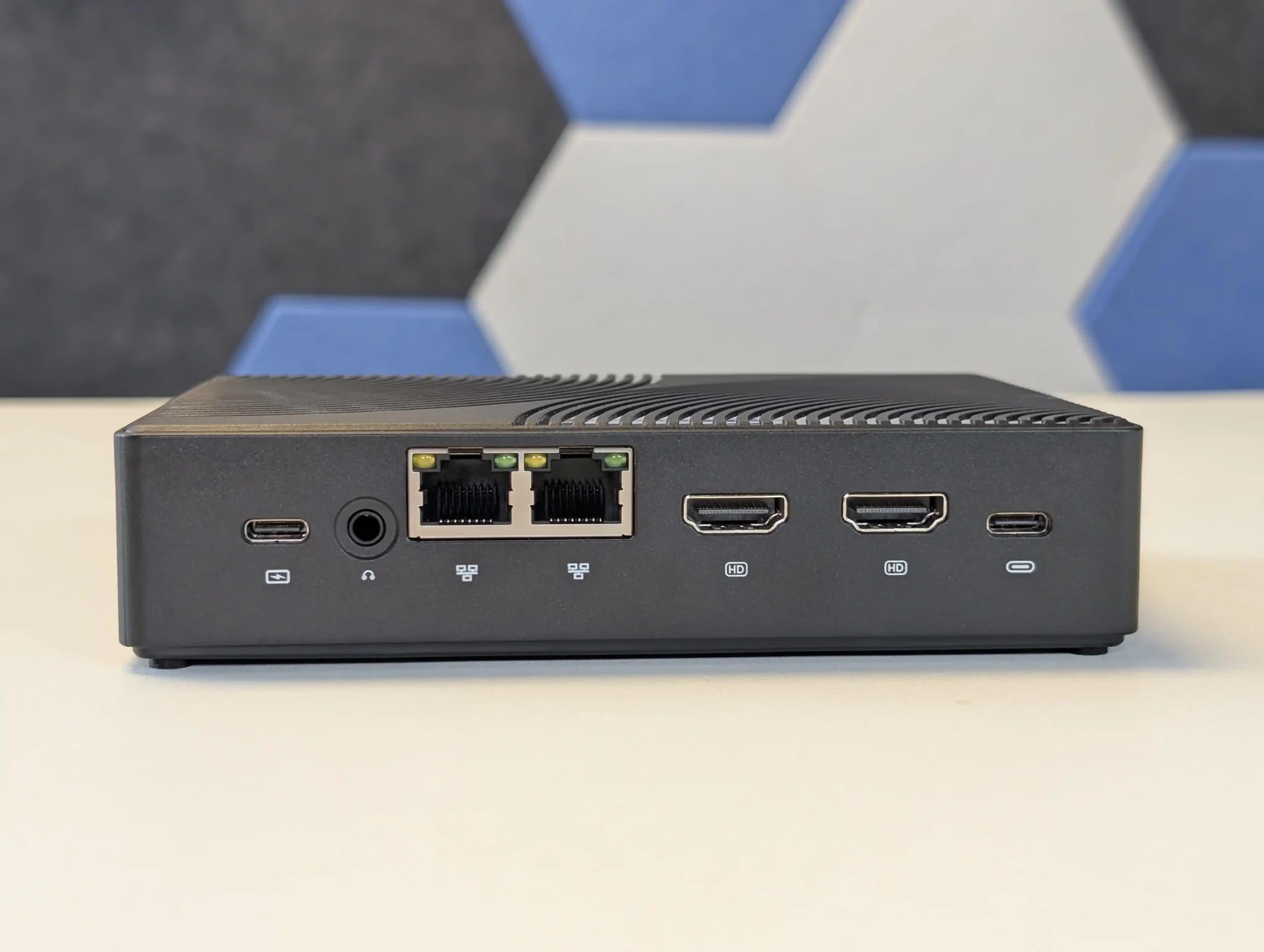
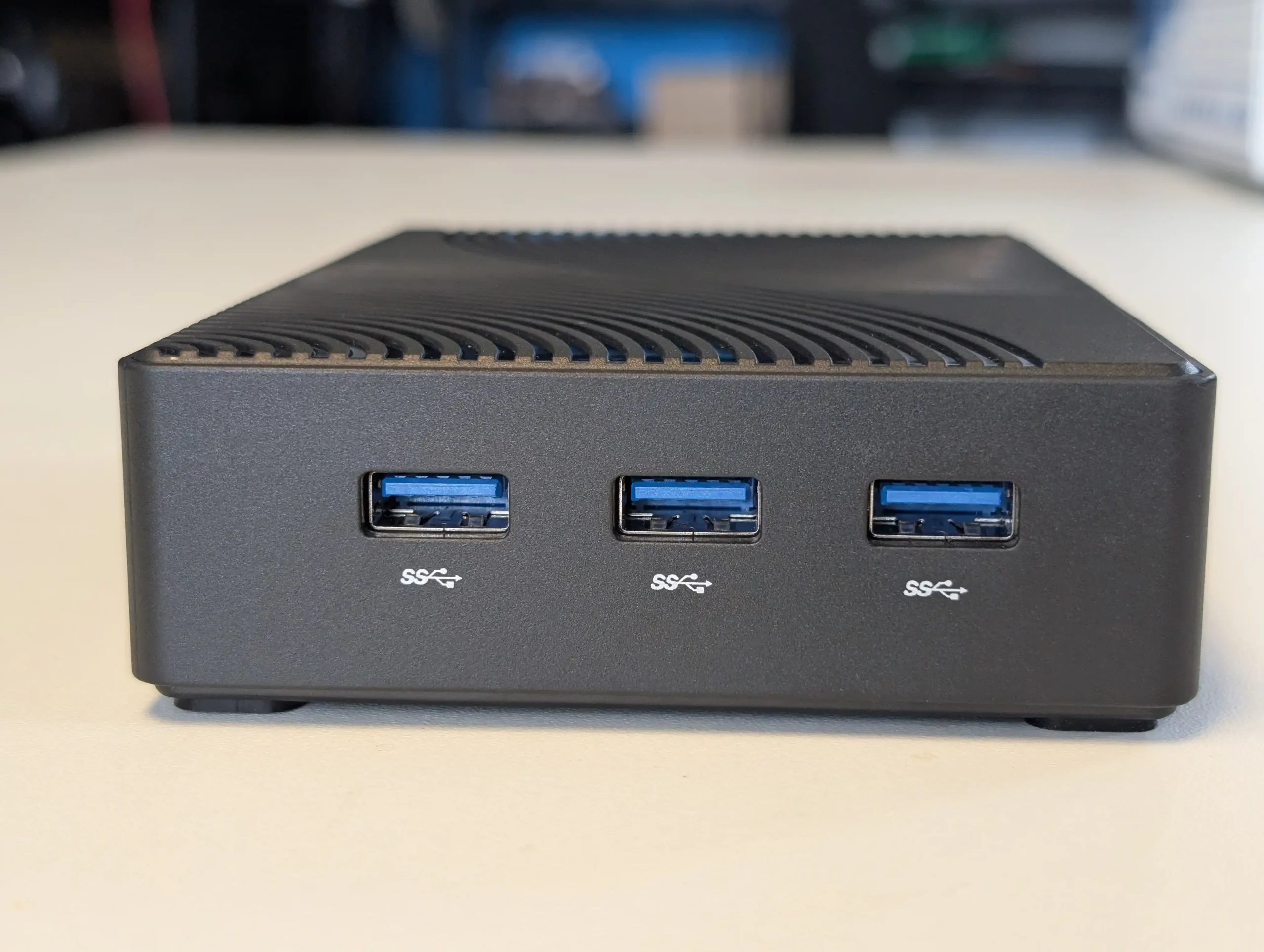
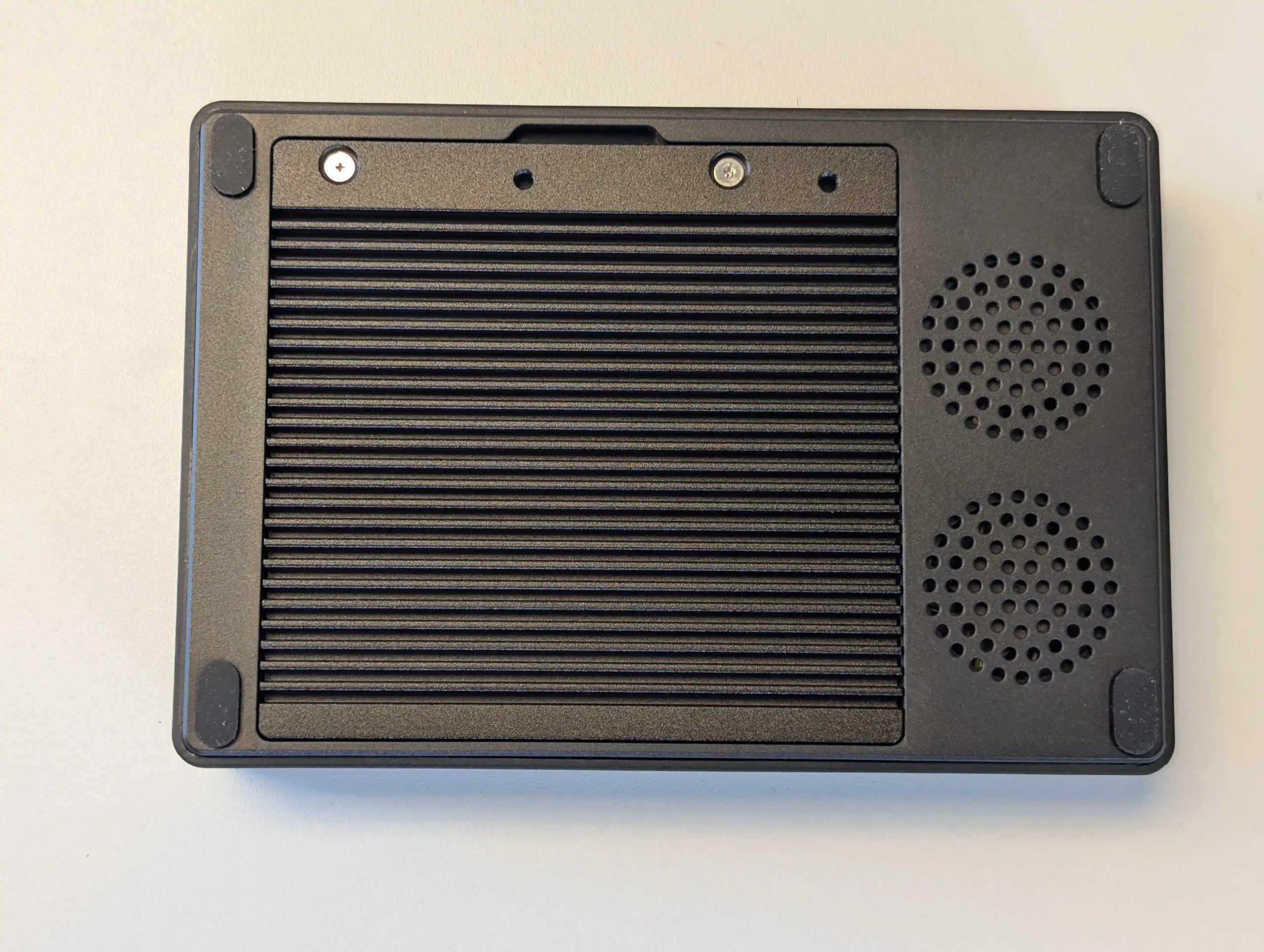
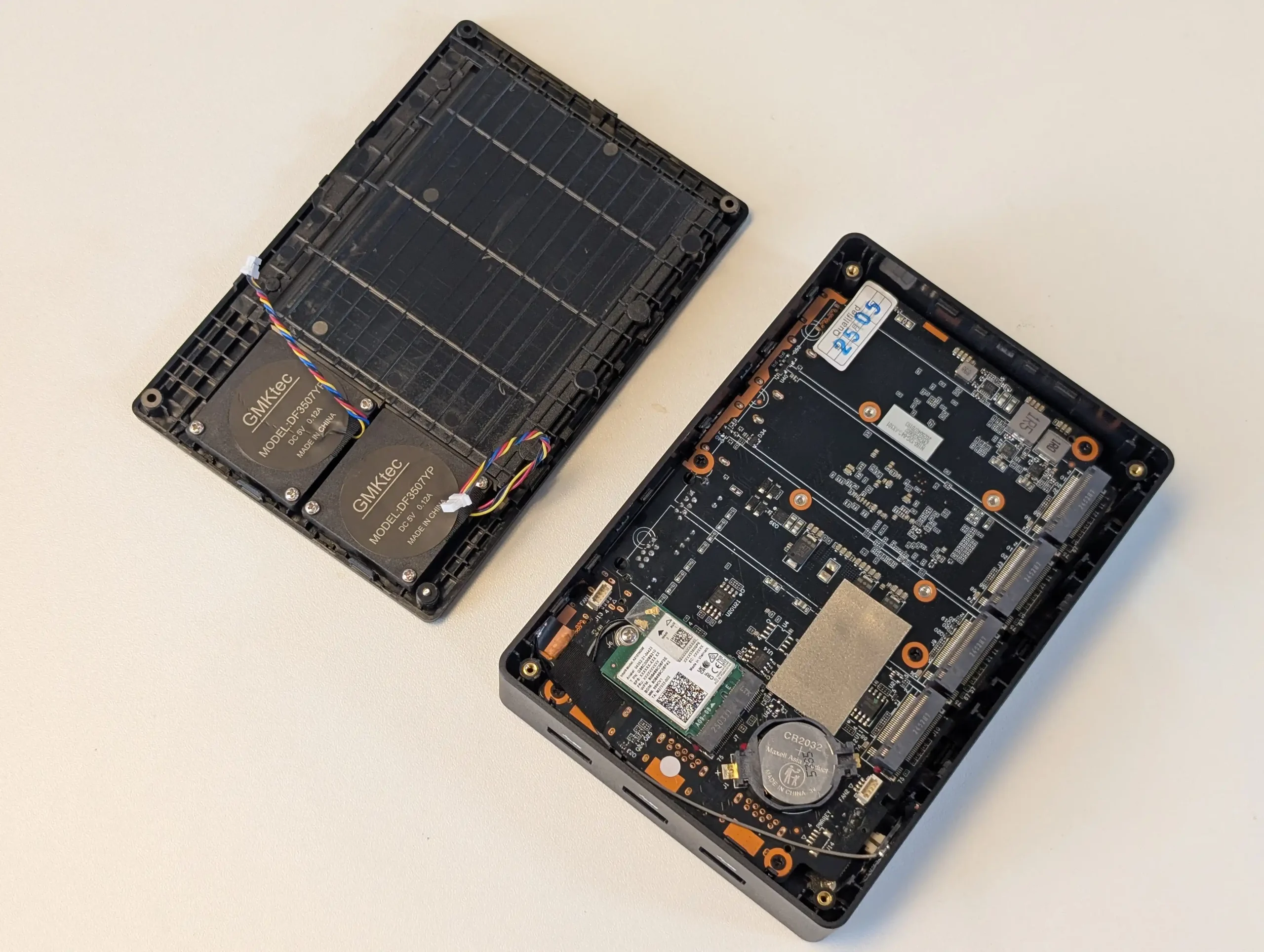
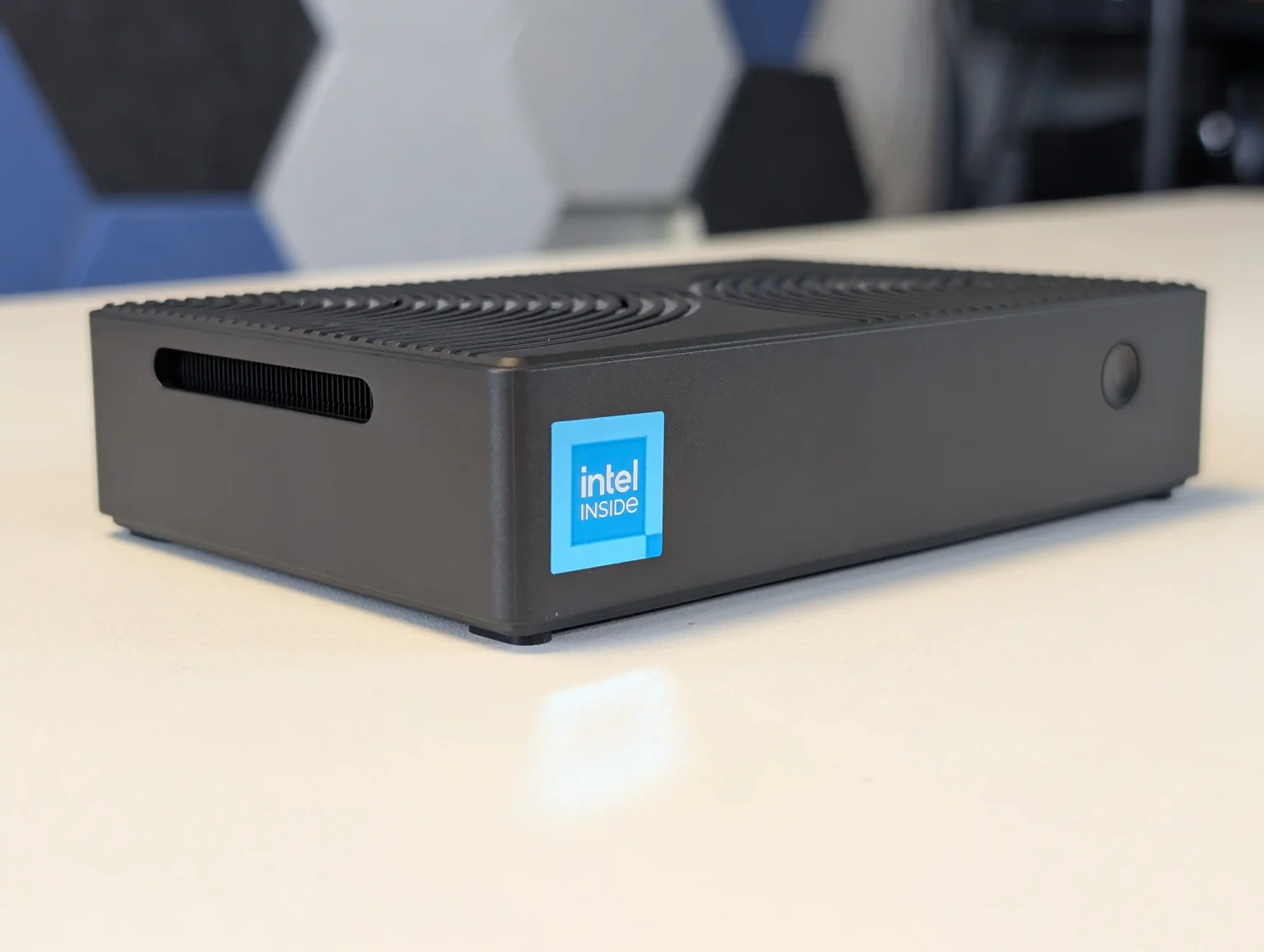
The Xyber Hydra N150 aims at budget buyers who want an NVMe based NAS that is closer to ready out of the box, combining 4 PCIe 3.0 x2 M.2 bays with 16 GB of memory, preloaded Ubuntu and often a preinstalled 512 GB NVMe system drive. That combination makes it straightforward to stand up containers, Docker stacks or lightweight NAS services immediately, then expand capacity by populating the remaining M.2 slots with SSDs as budget allows. Dual 2.5 GbE ports with link aggregation give enough network bandwidth to take advantage of parallel NVMe arrays for home lab or small office workloads, and the revised metal baseplate plus dual fan cooling run cooler than earlier G9 derived designs while still keeping power use modest. The main limitation at this price is that RAM is soldered and each M.2 slot is only x2, so neither memory capacity nor per drive bandwidth can be increased later, and some tuning of fan curves is needed to keep thermals in check under heavy use. For users who want an inexpensive, compact NVMe appliance with more polish than bare boards but are comfortable managing their own OS and RAID layout, it offers a pragmatic middle ground.
 |
 |
What we said in our July ’25 Review HERE:
The Xyber Hydra N150 NAS represents a deliberate and measured evolution of the budget-friendly compact NAS formula, clearly designed to resolve key weaknesses of similar products like the GMKTec G9 without altering the fundamental architecture. Its use of a thicker, thermally conductive metal base plate provides demonstrable improvement in heat dissipation compared to the plastic underside of the G9, a difference borne out in extended load testing where temperatures stabilized more quickly and stayed lower when fan profiles were adjusted. The pre-installed 64GB eMMC module running Ubuntu out of the box eliminates the initial configuration barrier often faced by novice users, while still allowing more experienced users to easily replace it with their OS of choice, such as ZimaOS or TrueNAS. The inclusion of a 512GB NVMe SSD in the primary M.2 bay adds immediate storage capacity without requiring an upfront investment in additional drives, an uncommon but practical feature at this price point.
 |
 |
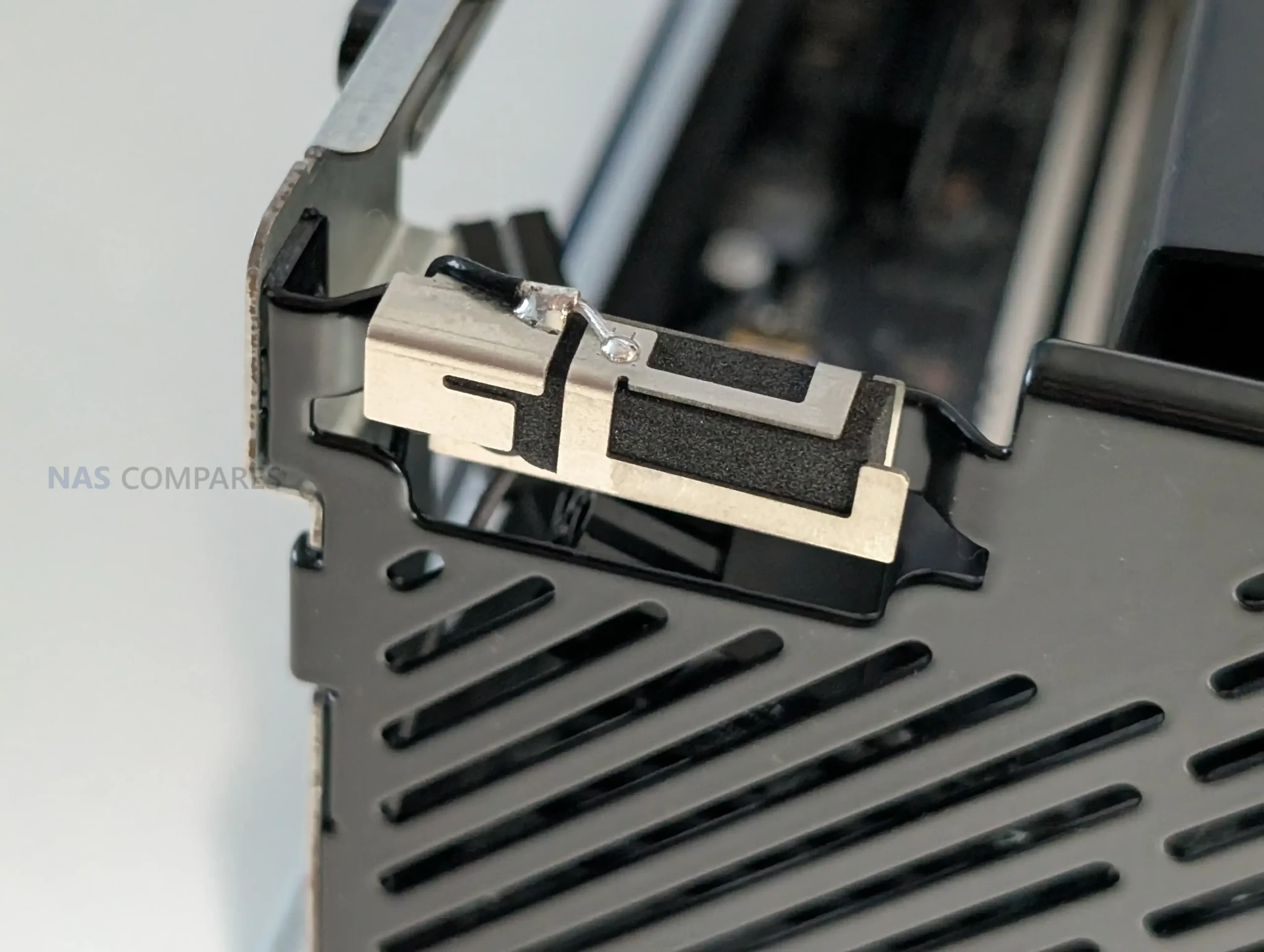
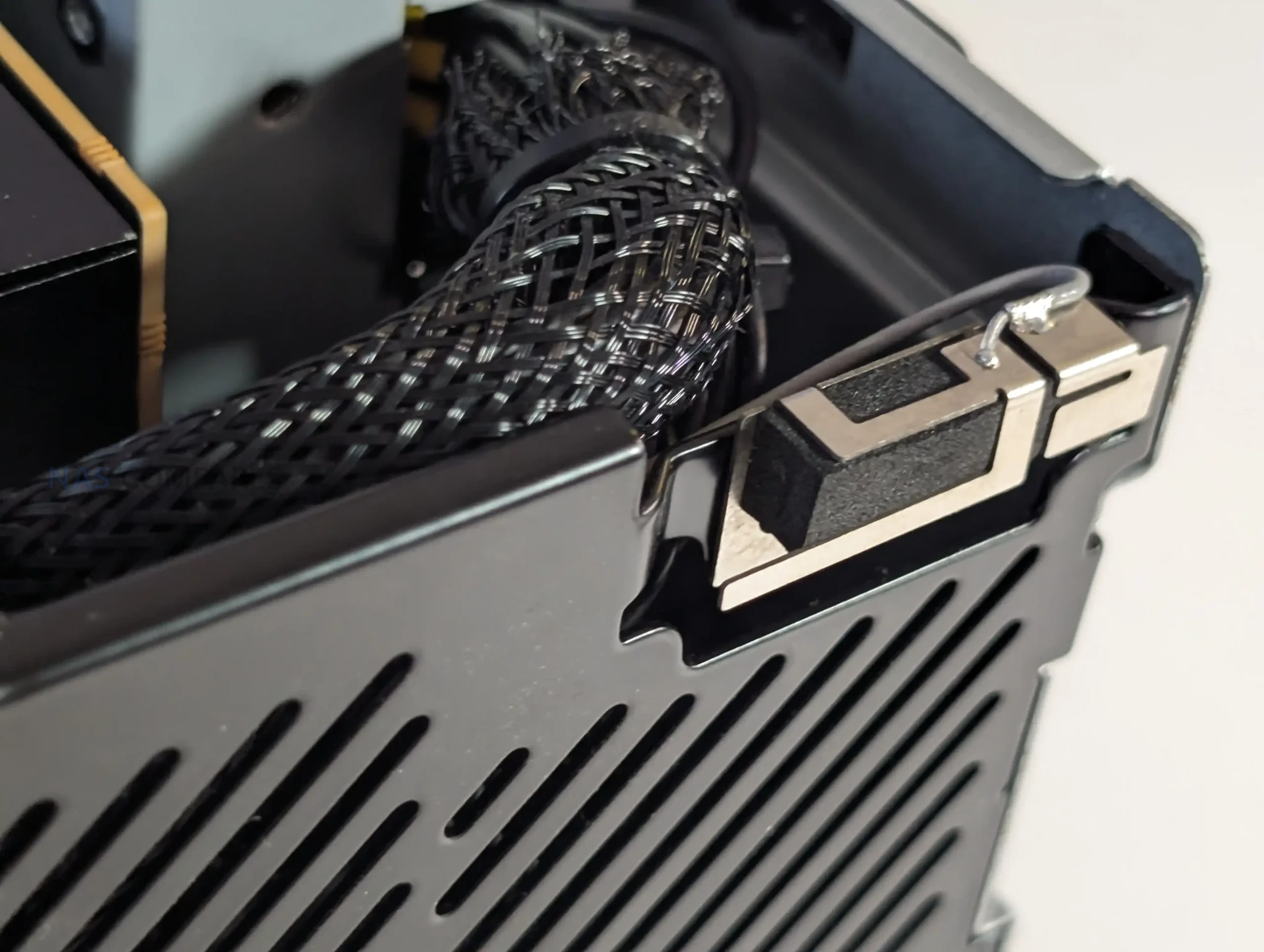
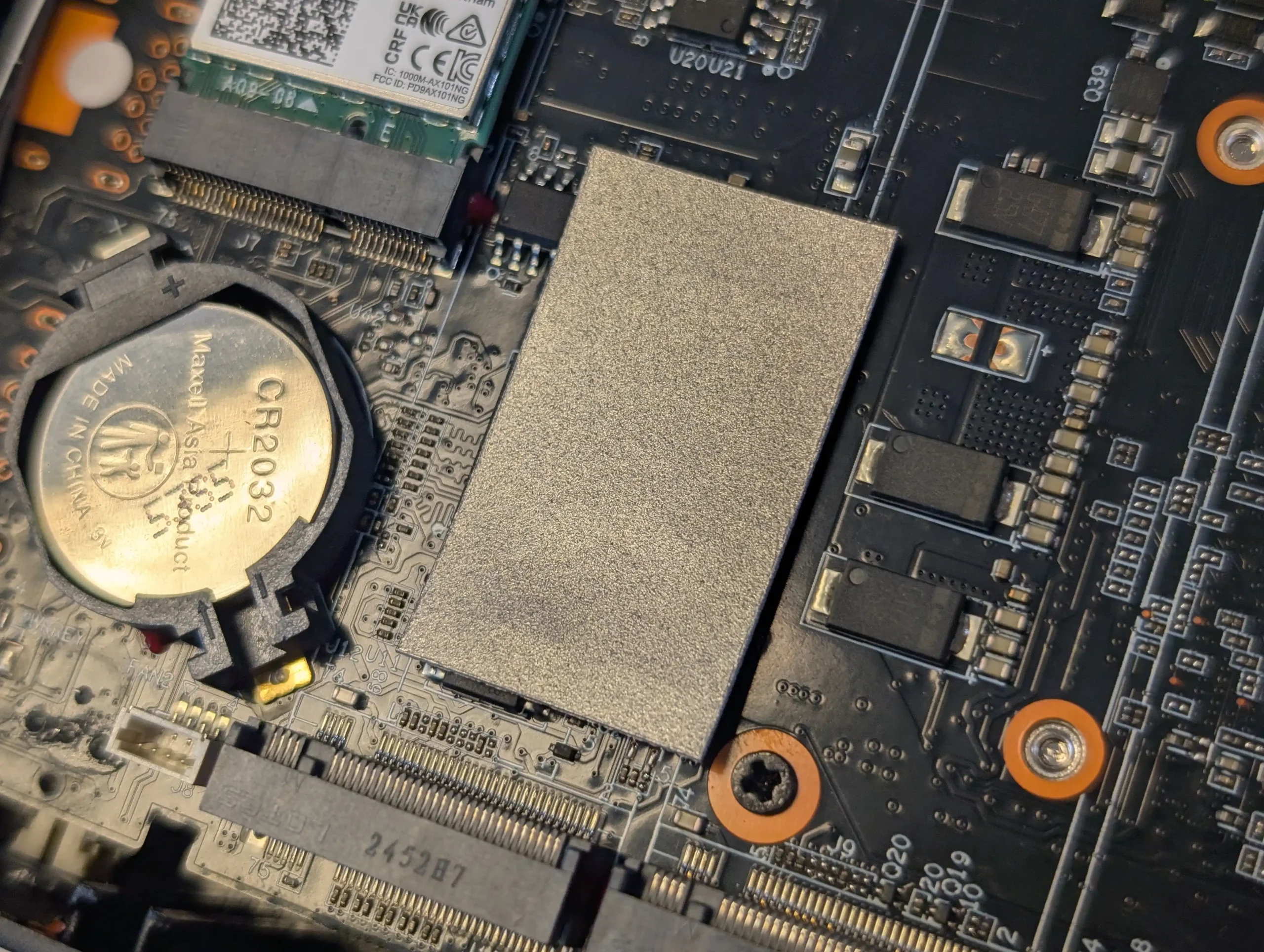
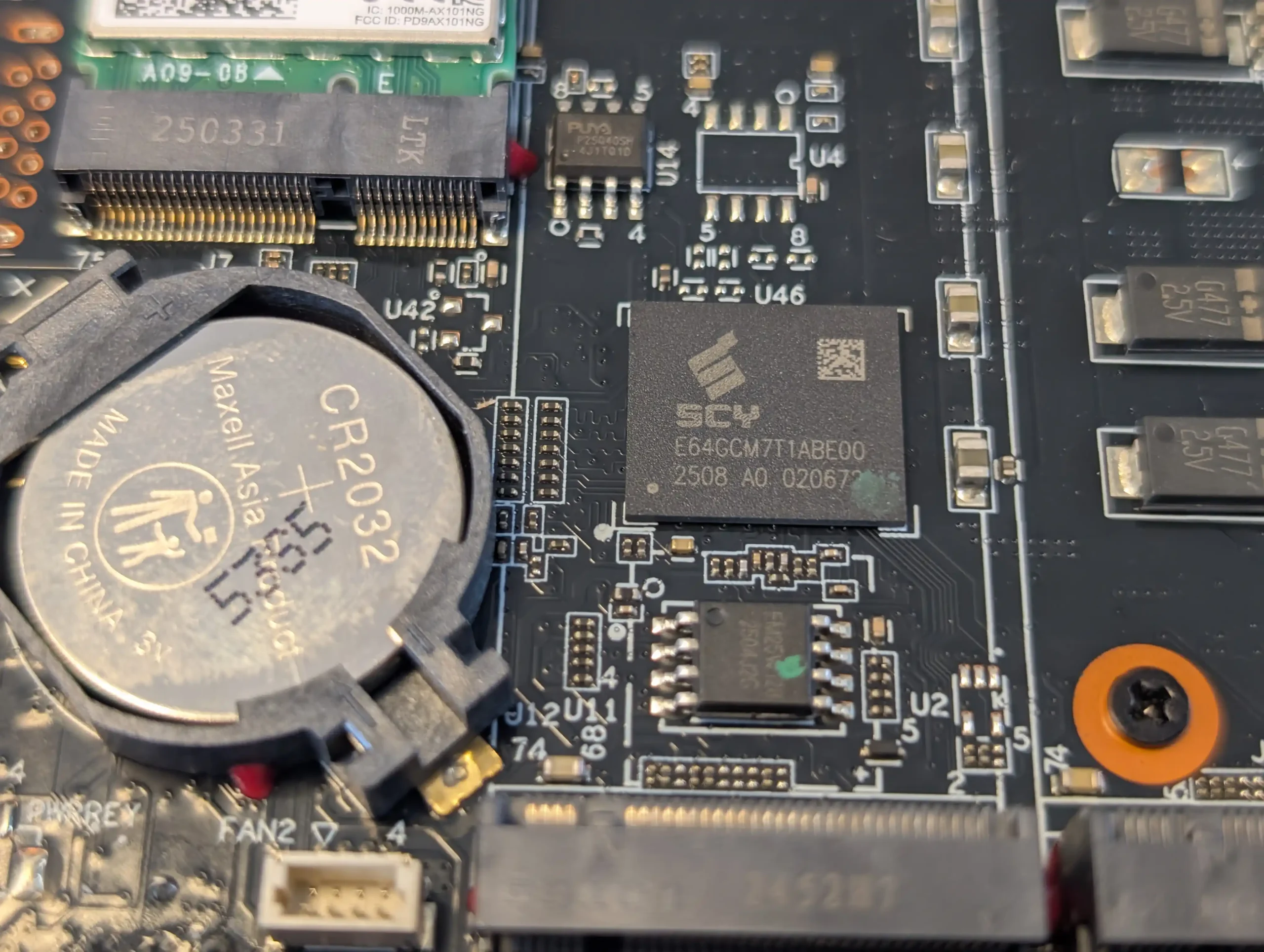
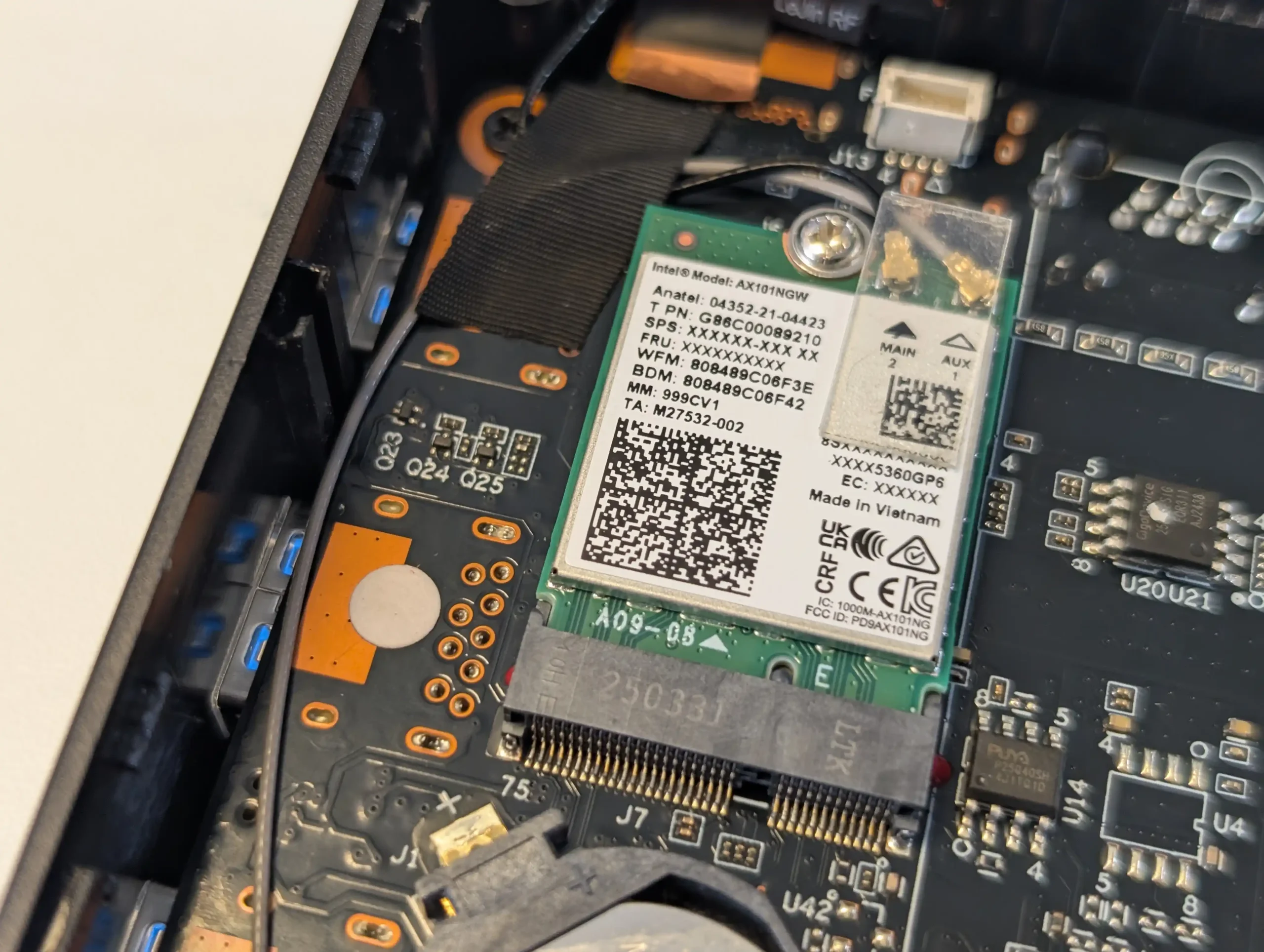
Internally, the decision to provide 16GB of fixed LPDDR5 memory — 4GB more than its nearest comparable competitor — gives the Hydra slightly more headroom for memory-intensive tasks, such as running lightweight container workloads or maintaining a larger metadata cache for media streaming applications. While the memory remains non-upgradable, the choice of capacity is a reasonable compromise given the constraints of the Intel N150 platform and the system’s focus on cost efficiency. The integrated Wi-Fi 6 module, with dual antennas and full UnRAID compatibility, is another meaningful addition, enabling wireless deployments where cabling is impractical and expanding the deployment scenarios for home and small office users. These subtle but important upgrades make the Hydra feel more complete out of the box, catering to a broader range of use cases with fewer compromises.
 |
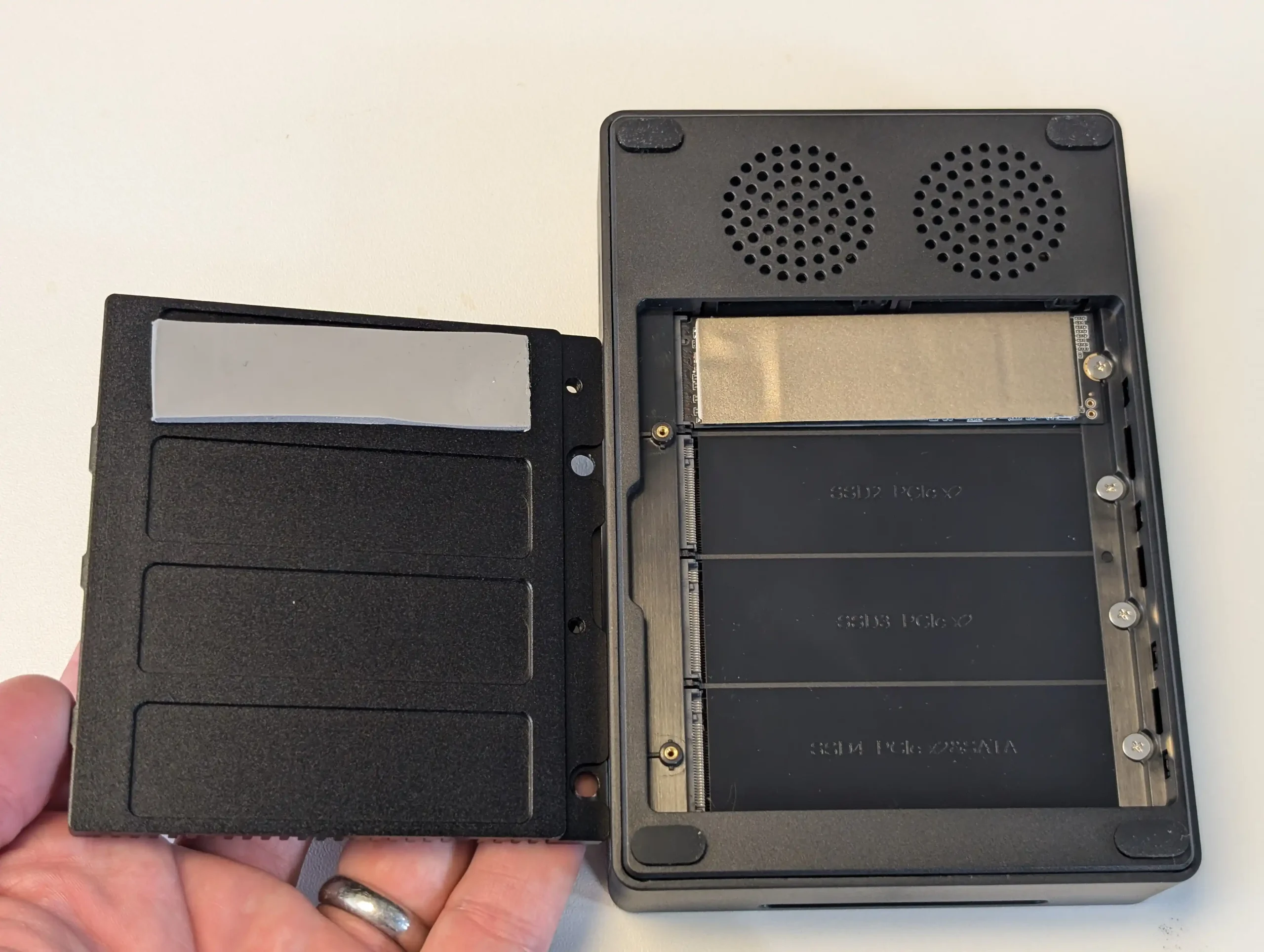 |
That said, the Hydra still shares many of the inherent trade-offs of its class. The N150 processor is adequate for modest workloads, but becomes saturated under sustained high parallel usage, especially when all four M.2 slots are simultaneously active and the CPU nears 100% utilization. The PCIe lane limitations of the platform, with each M.2 slot limited to Gen3 x2 speeds, restrict the aggregate performance potential of RAID arrays or concurrent high-bandwidth operations. Similarly, the continued reliance on dual 2.5GbE ports limits maximum external throughput despite the internal SSD bandwidth being capable of more, and although M.2-to-10GbE adapters remain an option, they come at the cost of sacrificing one storage slot. BIOS-level adjustments are also required to extract the best thermal and fan performance under heavy use, something that more advanced users will appreciate but could frustrate beginners.
 |
 |
Overall, at its introductory price of $218.99, the Xyber Hydra N150 achieves a strong balance of value, practicality, and refinement in the entry-level NAS segment. The thoughtful inclusion of extras — the 64GB bootable eMMC, 512GB SSD, improved cooling, and additional memory — make it feel more turnkey than competing models, while still leaving room for advanced customization. It’s a sensible option for users seeking a compact and efficient NAS for personal cloud storage, light virtualization, or as a dedicated media server, provided expectations around CPU and networking throughput are kept realistic. For its target audience, the Hydra is a compelling and notably improved choice that addresses many of the criticisms of earlier designs without abandoning the affordability that defines this class of devices.
 |
 |
Where to Buy? How Much?
|
8.0
Improved thermal design with a thicker metal base plate for better heat dissipation compared to similar models.Includes 64GB eMMC storage preloaded with Ubuntu OS for out-of-the-box usability.Ships with a 512GB M.2 NVMe SSD in Bay 1, providing immediate usable storage.Fixed 16GB LPDDR5 memory — higher than comparable devices — supports more concurrent tasks.Wi-Fi 6 module with dual antennas, compatible with UnRAID, enabling flexible wireless deployment.Four M.2 NVMe bays, each supporting PCIe Gen3 x2, allowing up to 4 SSDs for flash storage arrays.Dual 2.5GbE ports with link aggregation support for improved network throughput.Compact, quiet, and energy-efficient form factor suitable for home and small office environments.
Memory is soldered and non-upgradable, limiting future scalability.PCIe Gen3 x2 and CPU bandwidth constraints limit maximum aggregate performance under full load.Fans require BIOS adjustments for optimal thermal control during heavy sustained workloads.
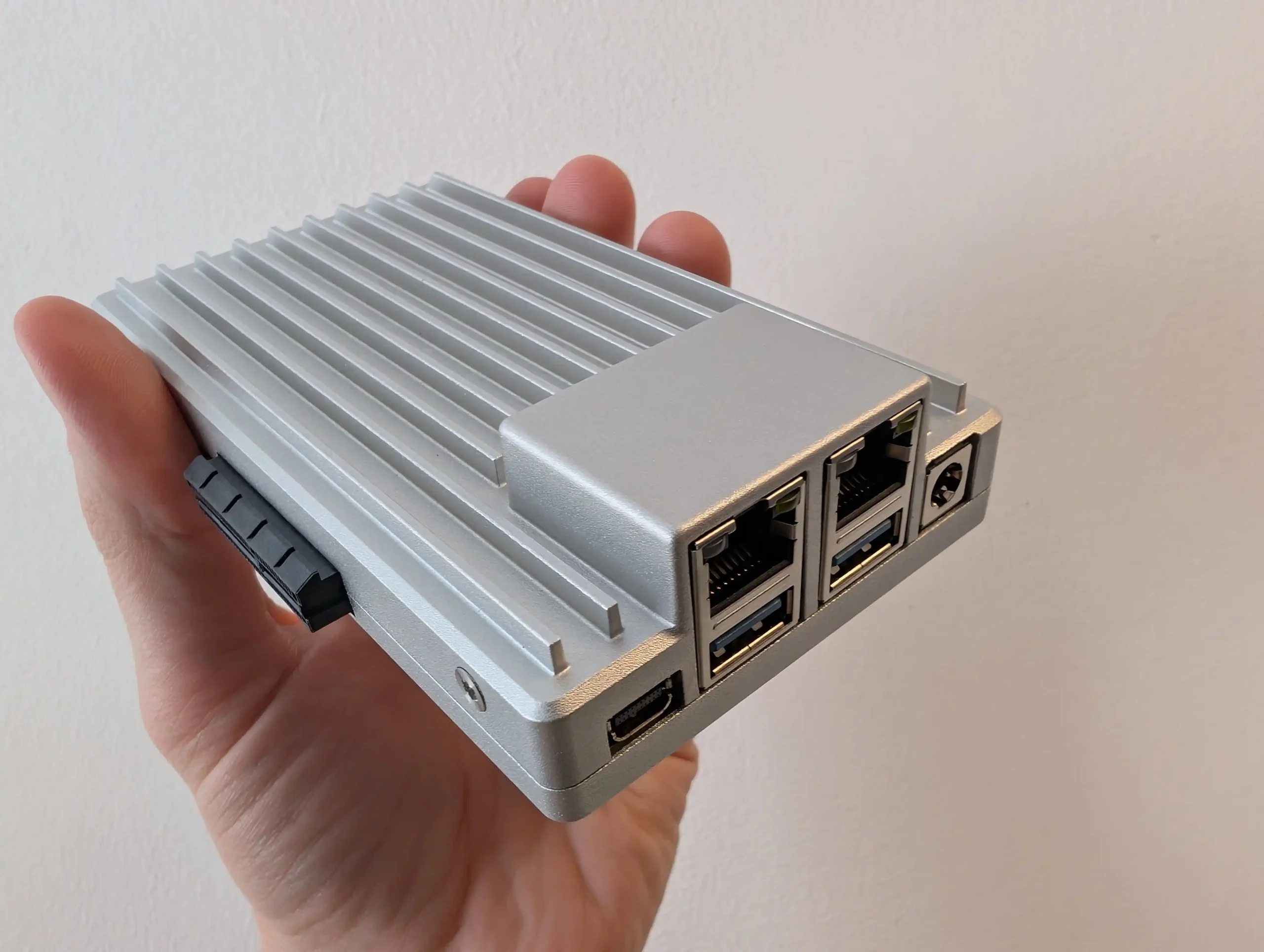
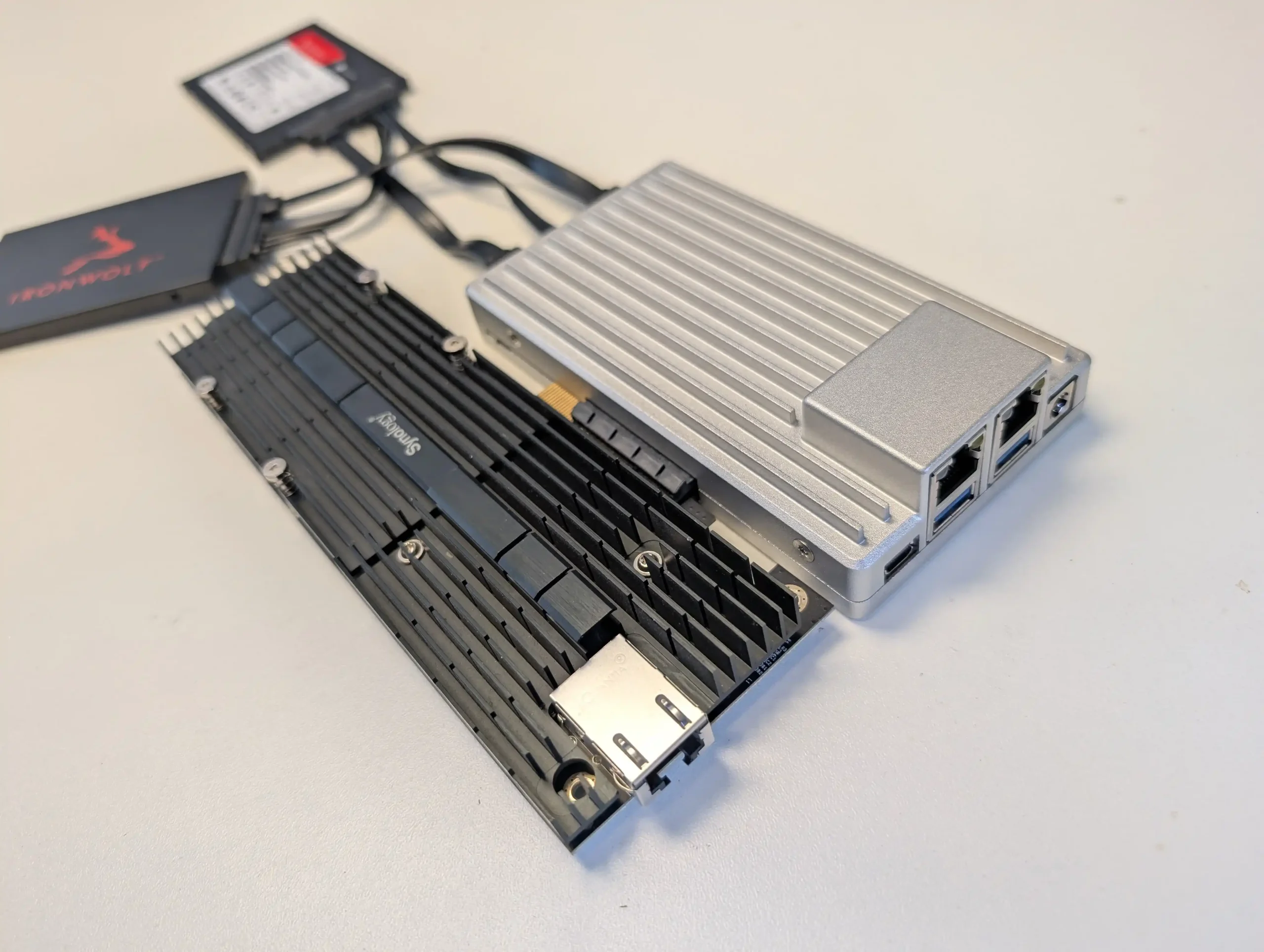
#5 ZimaBoard 2 1664 – $239 to $349
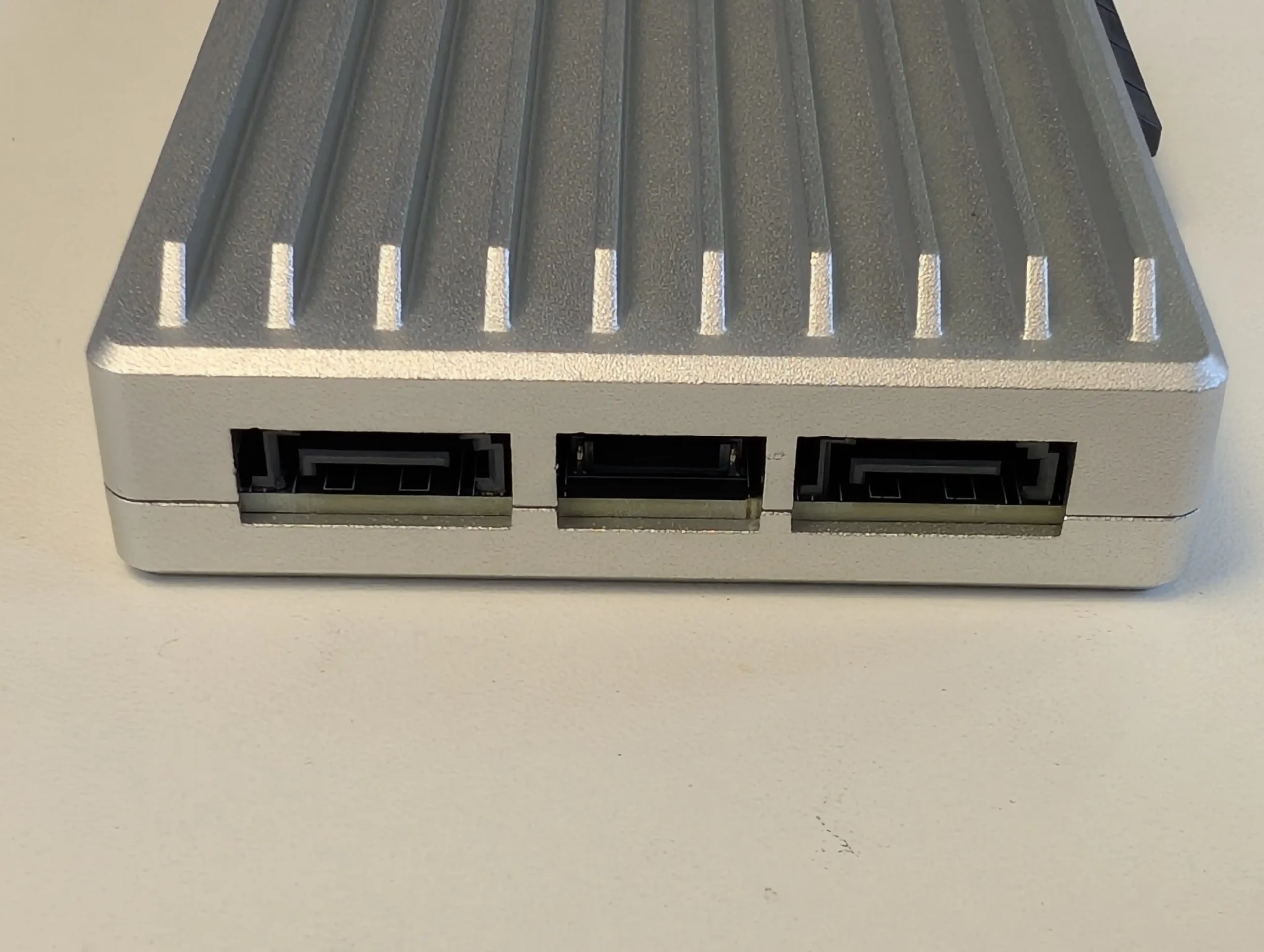
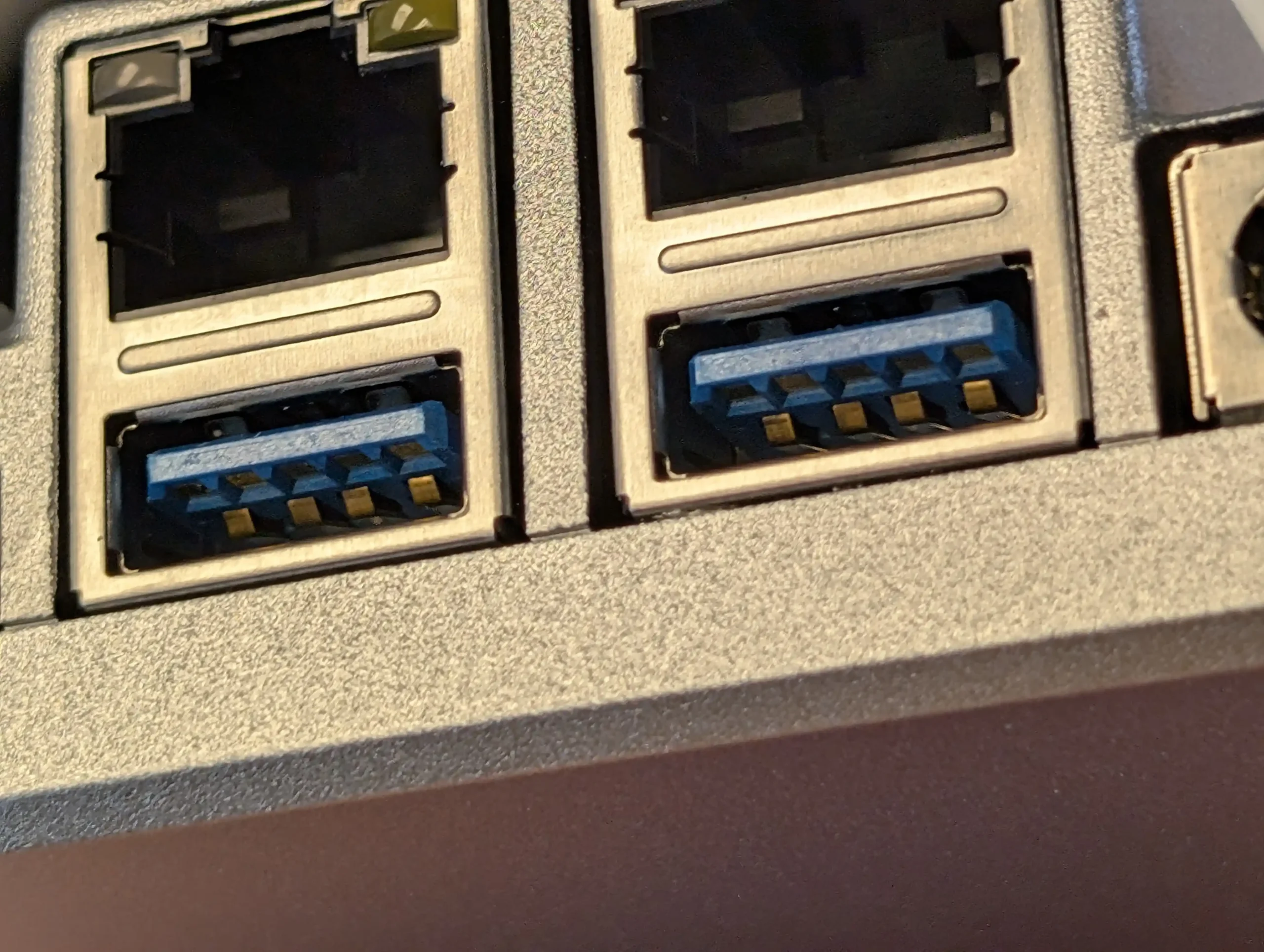
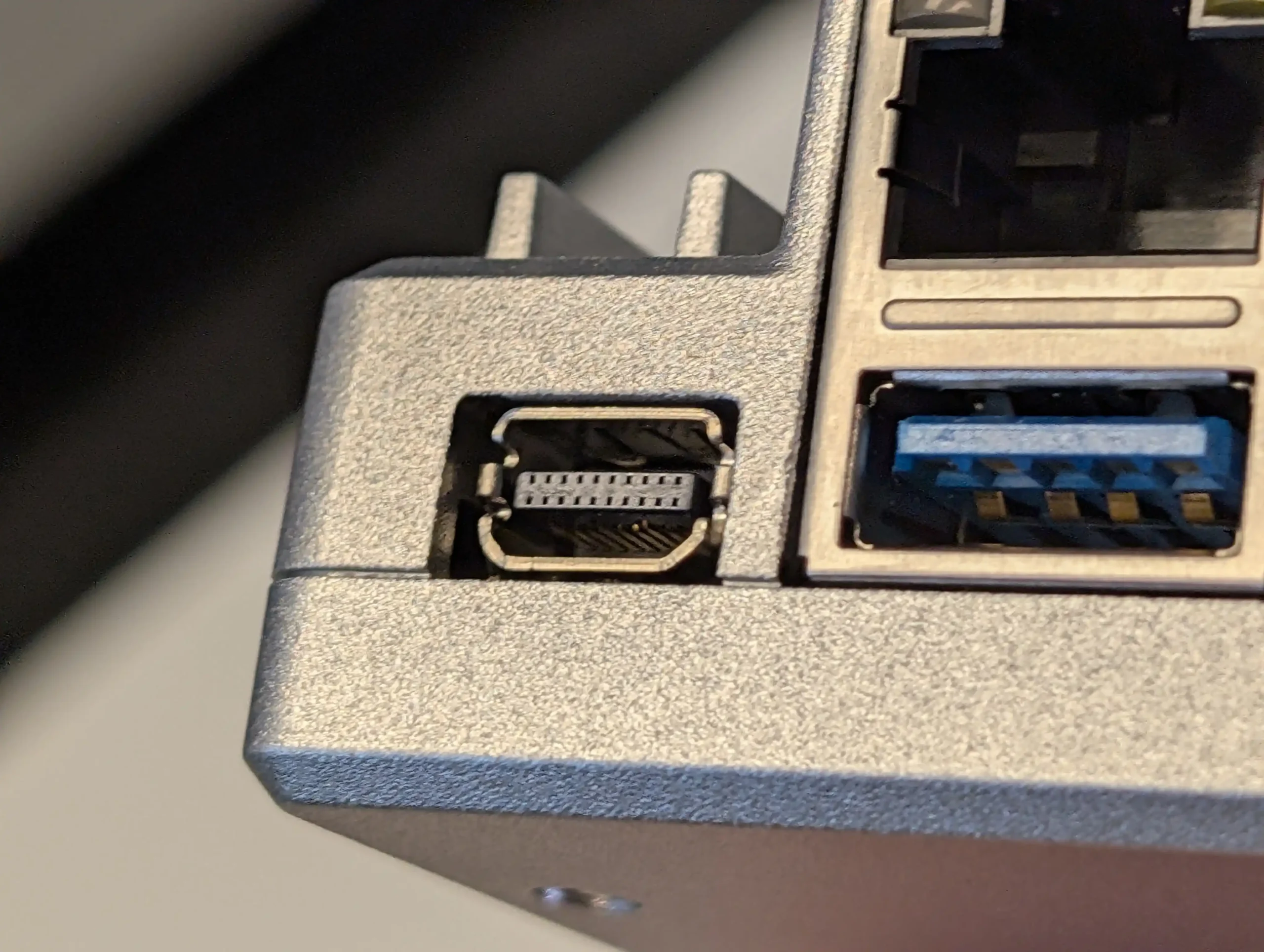
SPECS: Intel Processor N150 quad core up to 3.6 GHz – 16 GB LPDDR5X – 2 x SATA 3.0 ports (via cables to external drives) – 2 x 2.5 GbE RJ45 – 1 x PCIe 3.0 x4 slot, 64 GB eMMC OS storage.
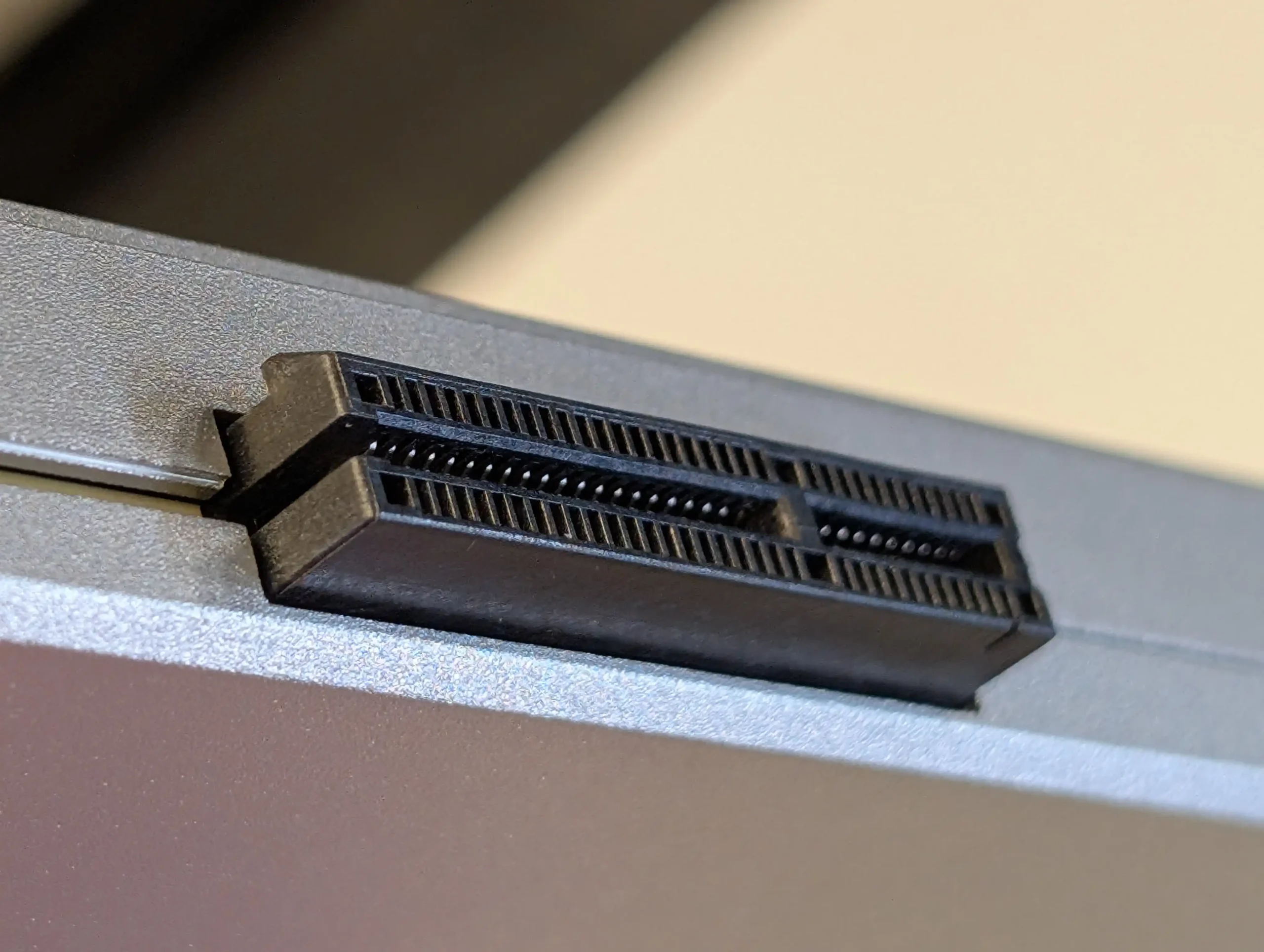
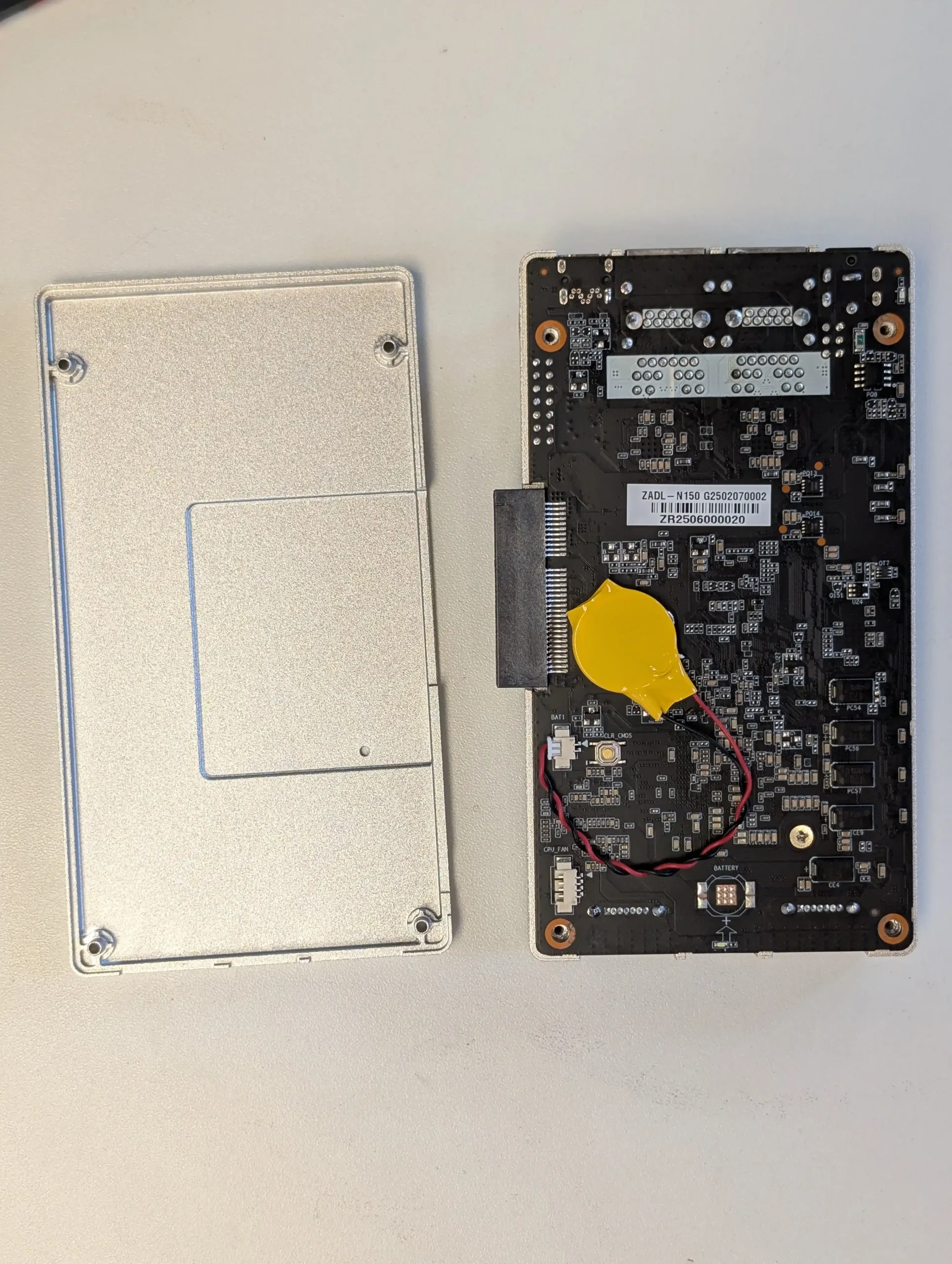
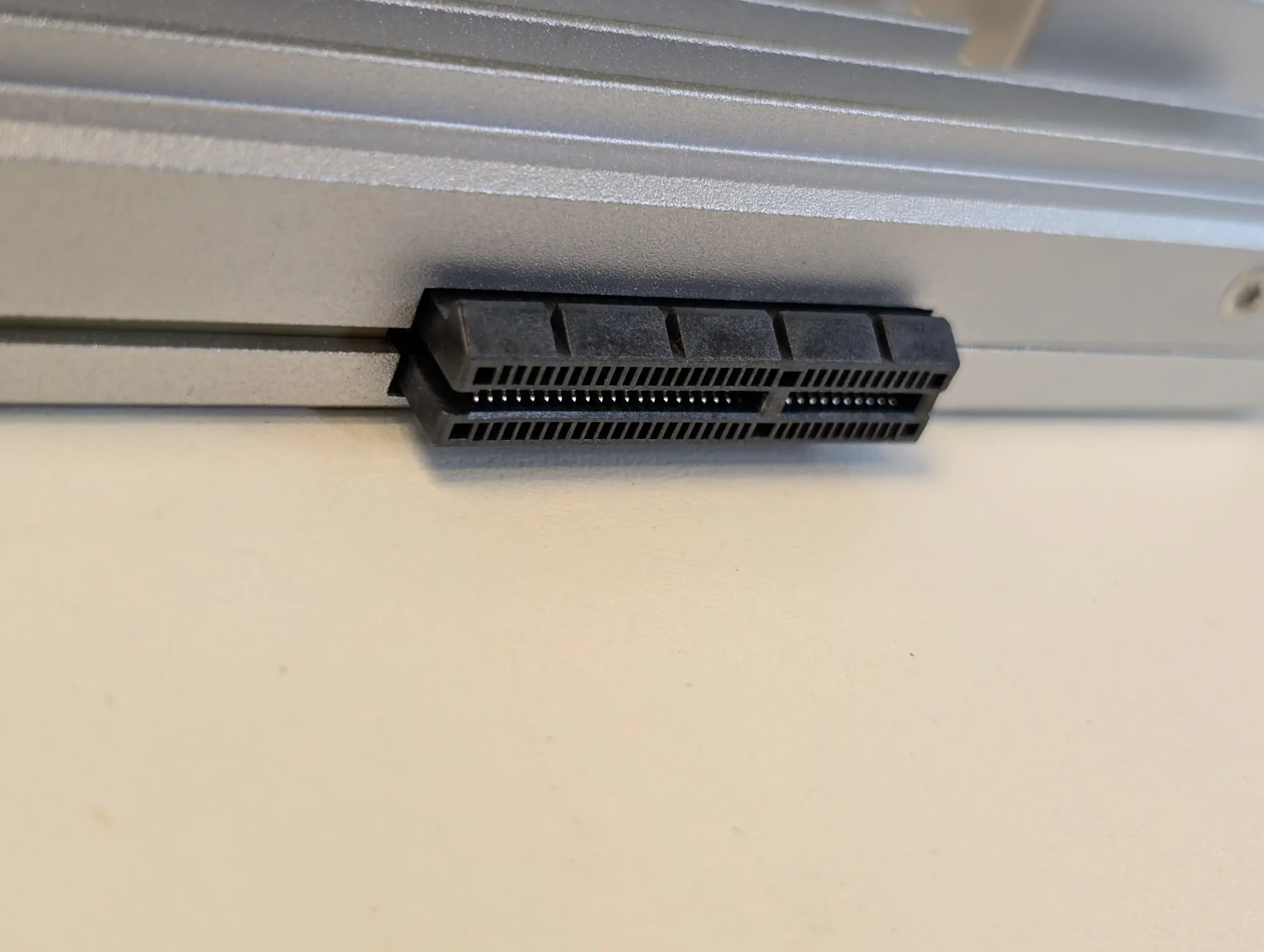
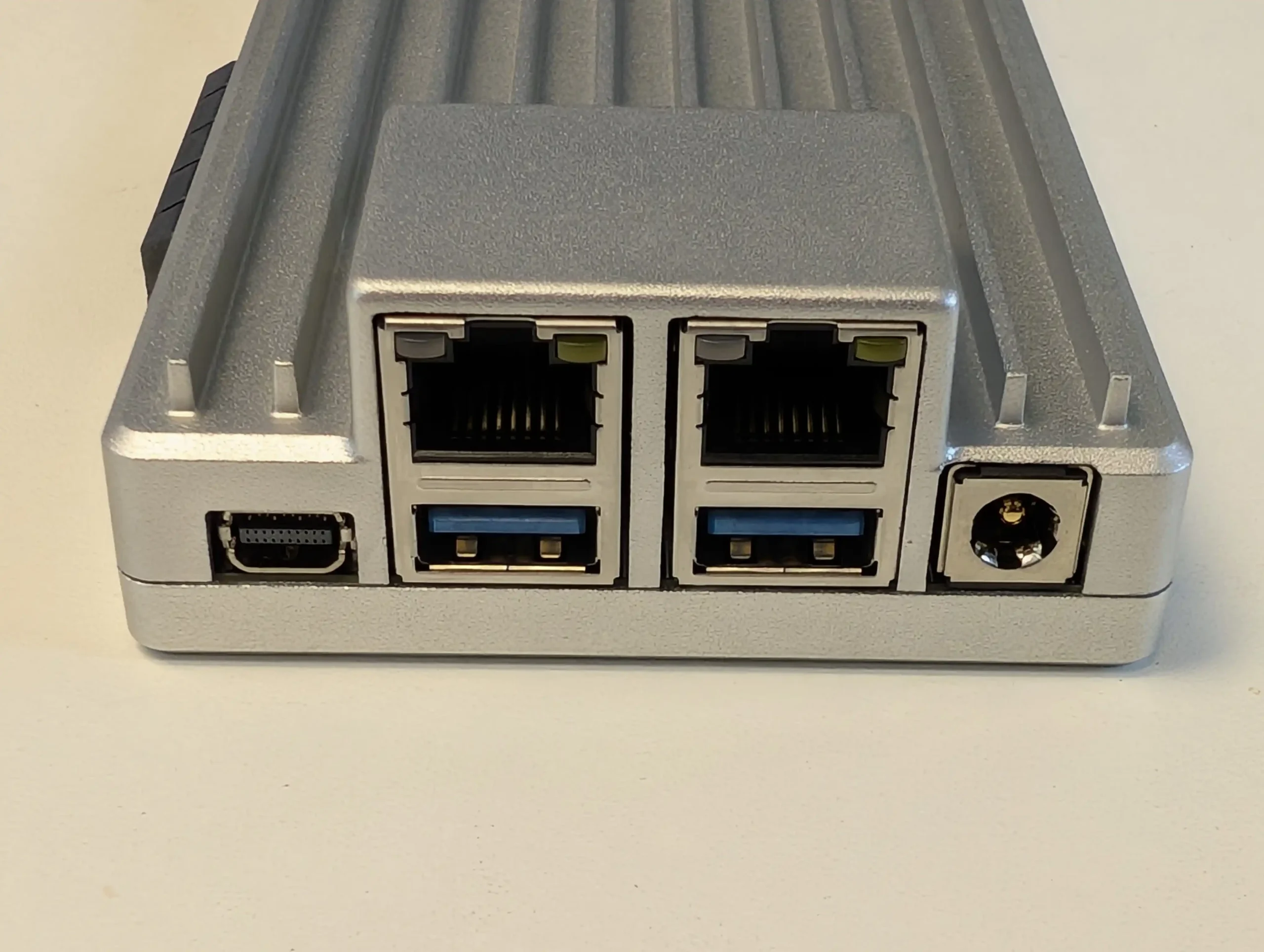
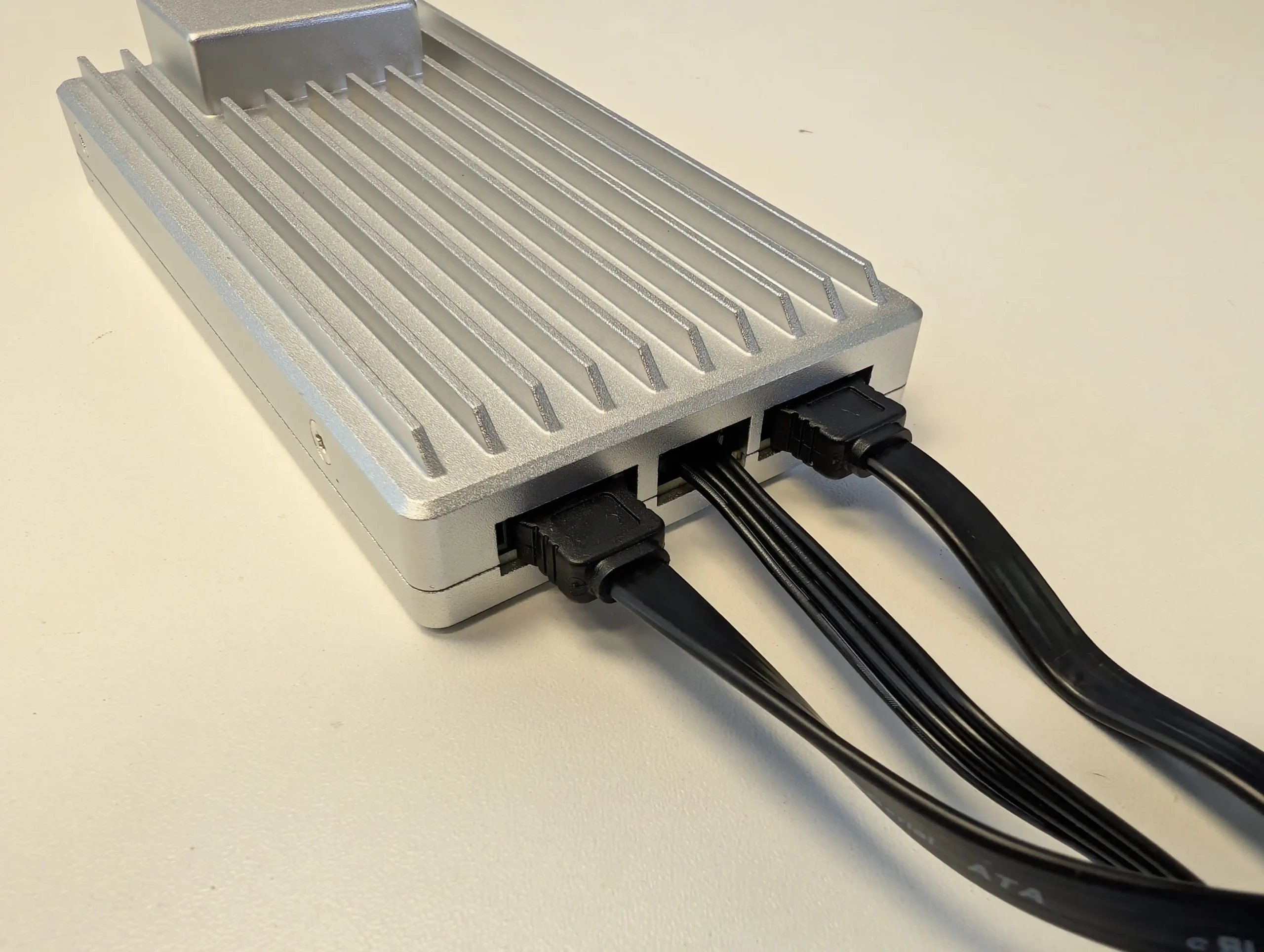
ZimaBoard 2 1664 is a single board x86 server positioned for budget home lab builders who want more flexibility than a fixed enclosure can offer while staying under typical entry level NAS pricing. The board exposes 2 SATA ports with power for attaching HDDs or SSDs in whatever chassis or external mounting the user prefers, alongside dual 2.5 GbE, USB 3, Mini DisplayPort and a full PCIe 3.0 x4 slot that can host extra NICs, HBAs or NVMe adaptors to scale storage and connectivity over time. ZimaOS comes preinstalled and supports alternative systems such as CasaOS, Linux and Windows, so it can act as a low cost base for self hosted services, small virtualisation labs or custom NAS builds using external drive cages or repurposed cases. The main limitation is that there is no built in drive bay system or enclosure, so buyers must factor in the cost and effort of adding their own storage chassis, cabling and cooling if they want something as neat as a traditional NAS. For those willing to do that, it offers one of the most flexible and expandable x86 platforms in the budget bracket, with enough CPU and RAM headroom to grow beyond simple file serving as needs evolve.
 |
 |
What we said in our April ’25 Review HERE:
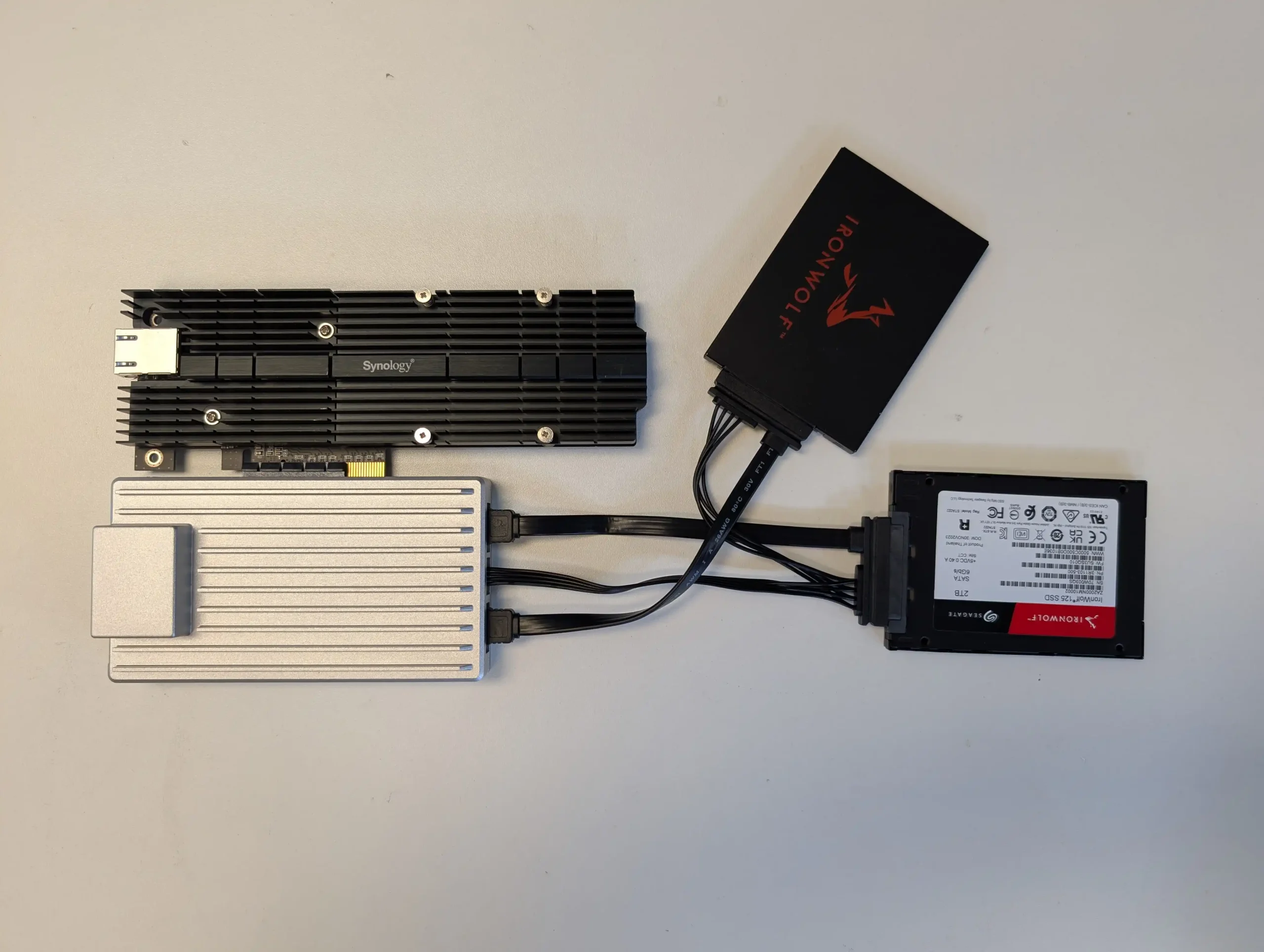
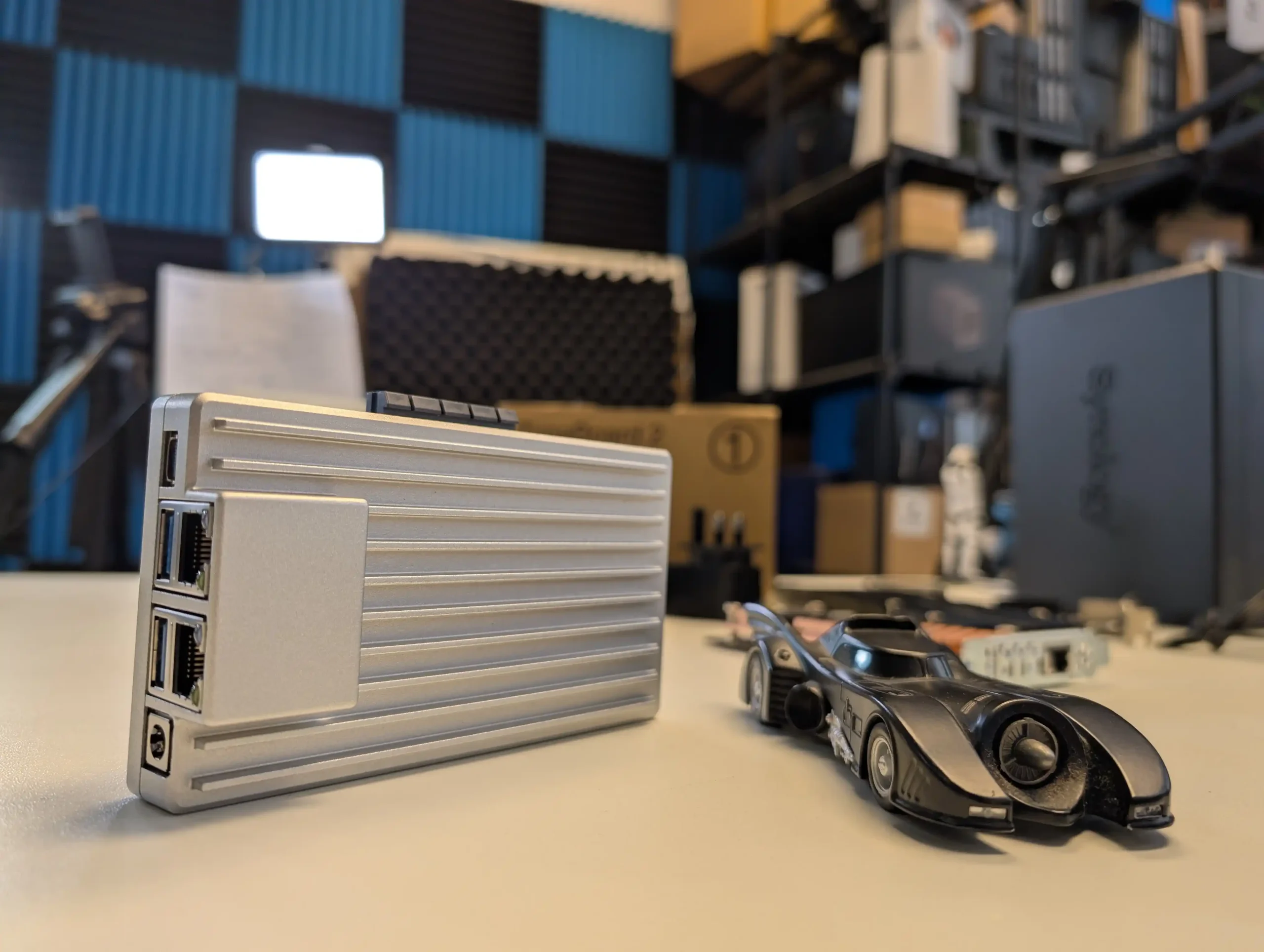
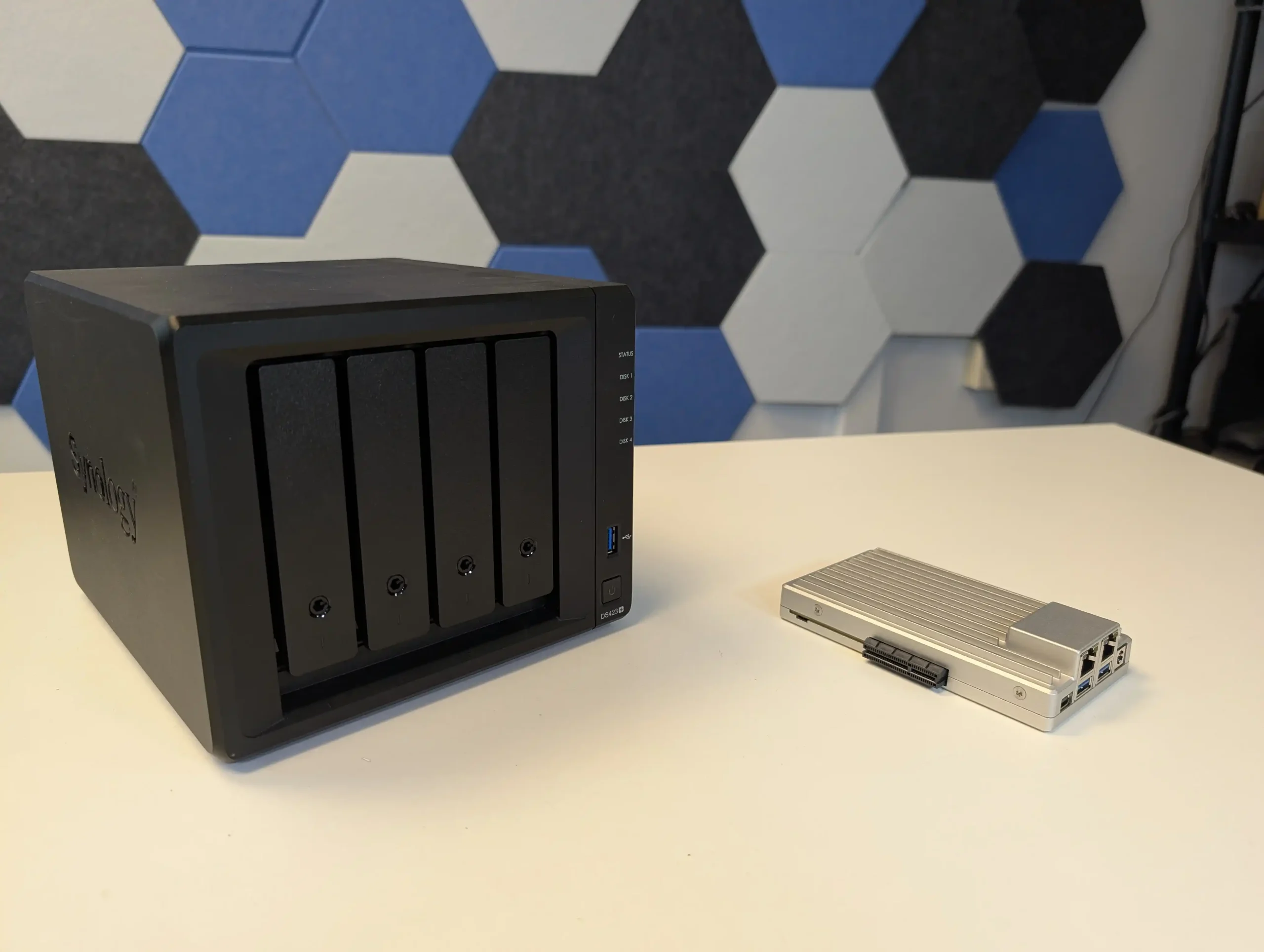
The ZimaBoard 2 is a competent and thoughtfully assembled single-board server that builds meaningfully on IceWhale’s earlier efforts, especially the original ZimaBoard and the ZimaBlade. Its design clearly targets users who want more flexibility and performance than traditional ARM-based boards can offer, but who also value power efficiency, silence, and a small footprint. The use of an Intel N150 CPU, 8GB of LPDDR5x memory, dual 2.5GbE ports, and a PCIe 3.0 x4 slot makes it viable for a variety of home server roles—from basic NAS and smart home coordination to lightweight container hosting and local media streaming. Features like onboard SATA, USB 3.1, and a DisplayPort connection further add to its utility. However, there are hardware limitations that may affect long-term suitability for advanced deployments. The soldered RAM cannot be upgraded, and the internal eMMC storage, while useful for initial setup, is too slow for OS-level responsiveness in more demanding use cases. Passive cooling, while appreciated for silence, also imposes some thermal limitations depending on the deployment environment.
 |
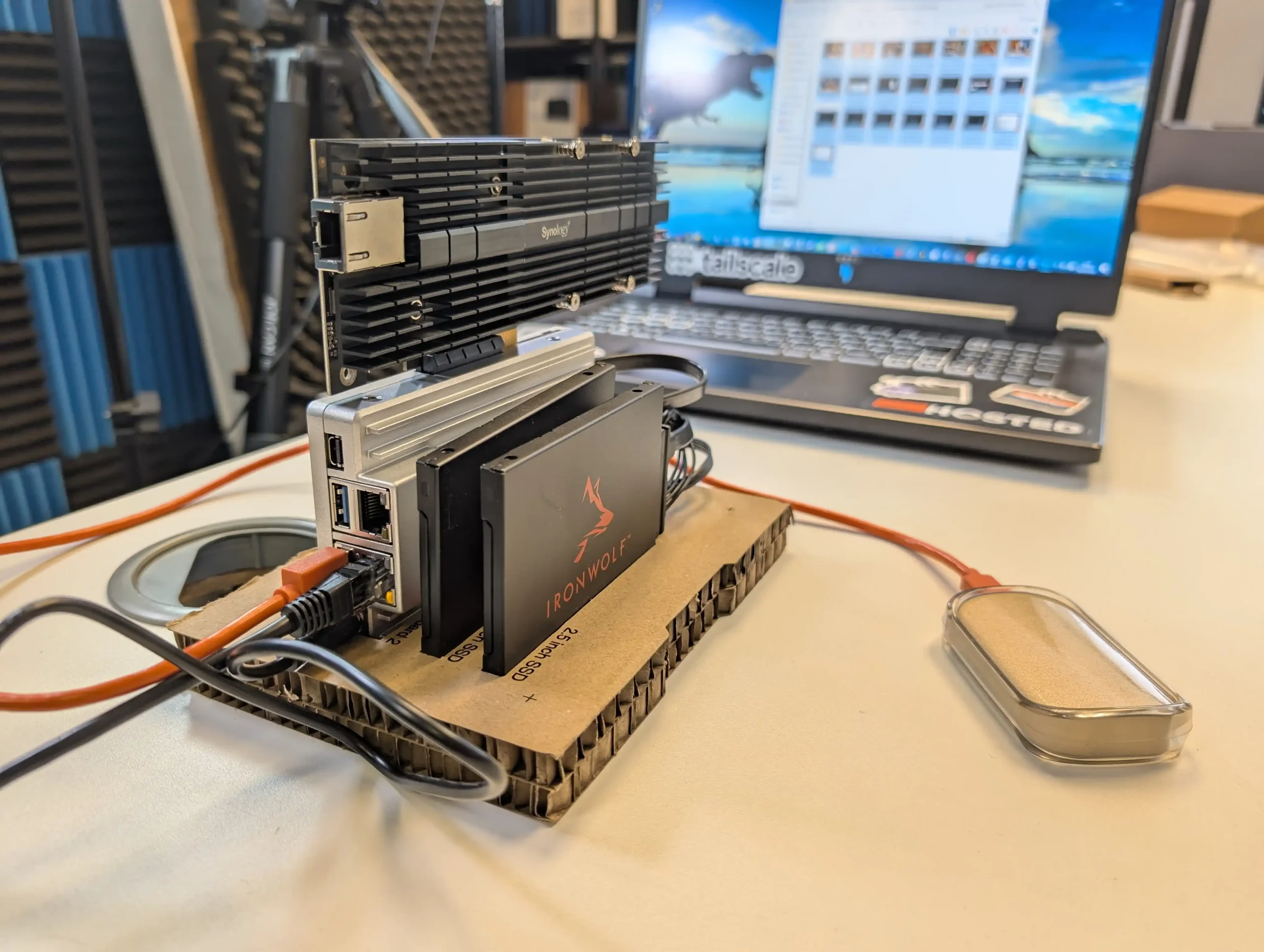 |
On the software side, ZimaOS offers a decent out-of-the-box experience that caters to users with minimal technical background. It handles core tasks like application deployment, file sharing, and system monitoring without requiring advanced configuration, and its Docker-based App Store simplifies access to popular tools. For more experienced users, the system supports third-party OS installation, which is likely how many will ultimately use the ZimaBoard 2. Still, as a bundled solution, ZimaOS has matured significantly and now presents itself as a lightweight, capable, and non-intrusive platform for those who prefer to get started immediately. In the broader context of DIY server hardware, ZimaBoard 2 occupies a middle ground: more powerful and modular than Raspberry Pi-class systems, yet more constrained than full x86 mini PCs or enthusiast-grade NAS hardware. For those who understand and accept these trade-offs, and are willing to plan around its limitations, the ZimaBoard 2 offers a reliable and flexible foundation for compact, energy-efficient computing at the edge.
|
|
|
|
Check Amazon in Your Region for the Zimaboard 2
|
Check AliExpress for the Zimaboard 2
|
9.0
x86 Architecture – Compatible with a wide range of operating systems including ZimaOS, Unraid, TrueNAS SCALE, and Proxmox.Dual 2.5GbE LAN Ports – Offers strong networking capabilities for multi-service workloads and gateway setups.PCIe 3.0 x4 Slot – Enables high-speed expansion for 10GbE NICs, NVMe storage, or combo cards.Fanless, Silent Operation – Completely passively cooled, ideal for home or quiet office environments.Compact and Durable Build – Small footprint with an all-metal chassis that doubles as a heatsink.ZimaOS Included – User-friendly OS with a Docker-based App Store and basic VM tools, ready out of the box.Flexible Storage Options – Dual SATA ports plus USB 3.1 support for connecting SSDs, HDDs, or external drives.Low Power Consumption – Efficient 6W CPU with ~10W idle and ~40W max under heavy load scenarios.
Non-Upgradable RAM – 8GB of soldered LPDDR5x limits long-term scalability for memory-intensive tasks.Slow/Small Default Internal Storage – 32GB eMMC is convenient but underperforms for OS-level responsiveness or high I/O workloads.Thermal Headroom is Limited – Passive cooling alone may not be sufficient in closed environments or under sustained load without added airflow.Not Launching on Traditional Retail, but instead on Crowdfunding.
Taken together, the UGREEN DH2300, UniFi UNAS 2, Beelink ME Mini, Xyber Hydra N150 and ZimaBoard 2 show the different ways vendors are trying to hit the sub 250 dollar bracket without stripping out the core value of a NAS. Some focus on simplicity and bundled software with limited scale, others trade turnkey polish for dense NVMe storage or flexible bare board layouts that assume you are willing to do more of the setup yourself. None of these devices removes the usual compromises around bays, performance, noise or software maturity at this price level, but each offers a clear path away from pure cloud dependence and USB drives. The practical decision is less about which is objectively “best” and more about whether you want a small 2 bay appliance, a compact all flash cube or a configurable single board system that can grow with your skills and requirements over time.
This description contains links to Amazon. These links will take you to some of the products mentioned in today's content. As an Amazon Associate, I earn from qualifying purchases. Visit the NASCompares Deal Finder to find the best place to buy this device in your region, based on Service, Support and Reputation - Just Search for your NAS Drive in the Box Below SUBSCRIBE TO OUR NEWSLETTER
[contact-form-7]
 Join Inner Circle
Get an alert every time something gets added to this specific article!
Subscribe
Need Advice on Data Storage from an Expert?
Finally, for free advice about your setup, just leave a message in the comments below here at NASCompares.com and we will get back to you.
 Need Help?
Where possible (and where appropriate) please provide as much information about your requirements, as then I can arrange the best answer and solution to your needs. Do not worry about your e-mail address being required, it will NOT be used in a mailing list and will NOT be used in any way other than to respond to your enquiry.
[contact-form-7]
Need Help?
Where possible (and where appropriate) please provide as much information about your requirements, as then I can arrange the best answer and solution to your needs. Do not worry about your e-mail address being required, it will NOT be used in a mailing list and will NOT be used in any way other than to respond to your enquiry.
[contact-form-7]
 TRY CHAT
Terms and Conditions
TRY CHAT
Terms and Conditions
 Ko-fi or old school Paypal. Thanks!To find out more about how to support this advice service check HEREIf you need to fix or configure a NAS, check Fiver
Have you thought about helping others with your knowledge? Find Instructions Here
Ko-fi or old school Paypal. Thanks!To find out more about how to support this advice service check HEREIf you need to fix or configure a NAS, check Fiver
Have you thought about helping others with your knowledge? Find Instructions Here











 AI 9 HX PRO 370 CPU with 12 cores, 24 threads, and AI acceleration (50 TOPS NPU) is INCREDIBLE for a compact desktop purchase