If you need affordable and portable storage units to securely contain video games, apps, or confidential information while travelling, then Best Buy has you covered with its exclusive discount deals for Samsung SSDs.
Black Friday 2025 has turned into an unexpectedly strong year for NAS-oriented CPU and motherboard combos, with some of the most capable low-power and mid-range processors finally dropping into impulse-buy pricing. Boards built around the Intel N150, N305, and even the Ryzen 7 8845HS are now appearing with deep discounts, and many of them pair surprisingly high-performance compute with dense SATA layouts, multiple NVMe slots, and 10GbE networking. These platforms slot neatly into the current wave of home lab operating systems, giving users a flexible foundation for TrueNAS, UnRAID, Proxmox, or ZimaOS, whether the goal is a compact all-flash array, a low-watt Plex server, or a fully virtualized workload host. This guide breaks down the best offers available today and highlights the combos that deliver the strongest performance per dollar.
Important – If you are considering purchasing from AliExpress via the links below, here is a list of promo codes thare are valid during Black Friday and Cyber Monday. Additionally, there are ‘red banner’ discounts on many of the pages that are located in red under the product price (I have highlighted the box in red):
$3 off orders over US 18 [USAFF03]
$4 off orders over US 26 [USAFF04]
$9 off orders over US 59 [9USAFF]
$15 off orders over US 89 [15USAFF]
$20 off orders over US 139 [USAFF20]
$30 off orders over US 209 [30USAFF]
$40 off orders over US 279 [40USAFF]
$50 off orders over US 329 [50USAFF]
$70 off orders over US 499 [70USAFF]
ALSO – Need UnRAID? UnRAID 25% Price Drop + $15 Voucher Included with ALL Orders – HERE
10G N150 NAS Motherboard / DDR5 6* SATA / Intel I226 / 2.5G Mini ITX / 2* M.2 – $219.50 HERE
This Mini-ITX NAS-oriented board features an onboard Intel N150 processor paired with DDR5 memory support and a strong storage layout including six SATA 3.0 ports and two PCIe-based M.2 slots. It includes triple-NIC networking with dual Intel I226-V 2.5GbE ports and a 10GbE AQC113 controller, making it suitable for DIY NAS builds that require high-bandwidth local access. With PCIe 3.0 expansion, ATX 24+4-pin power, and full support for Windows and Linux, it offers excellent value at its discounted Black Friday price of $219.50.
Category
Details
CPU
Intel N150 onboard (Twin Lake SoC)
Motherboard Type
Mini-ITX 170 x 170 mm
RAM Type / Maximum
DDR5 SO-DIMM, 1 slot, up to 16GB
SATA Drive Support
6 x SATA 3.0
M.2 SSD Support
2 x M.2 M-Key (PCIe)
Network Connections
2 x Intel I226-V 2.5GbE, 1 x AQC113 10GbE
PSU Type
24-pin ATX + 4-pin CPU power
PCIe Slot Support
1 x PCIe 3.0 x4 slot
N150 NAS 2.5GbE x4 Motherboard / 6* SATA / Mini ITX / 2x M.2 / 1x PCIE – $202.59 HERE
This Mini ITX NAS board uses an onboard Intel N150 or N100 processor and offers a flexible storage layout with 6 SATA ports and 2 M.2 NVMe slots, making it suitable for DIY NAS, Proxmox, and router builds. It provides strong networking options with either 4 Intel I226 2.5 GbE ports or a variant that includes a 10 GbE option, giving it more bandwidth than typical low power boards. With DDR5 memory support, PCIe expansion, ATX power input, and wide operating temperature tolerance, it delivers a balanced platform for homelab users at a competitive Black Friday price.
Category
Details
CPU
Intel N150 or Intel N100 onboard
Motherboard Type
Mini ITX size one hundred seventy mm by one hundred seventy mm
RAM Type and Maximum
DDR5 SO DIMM up to sixteen GB
SATA Drive Support
Six SATA three ports
M2 SSD Support
One M2 NVMe or NGFF and one M2 NVMe
Network Connections
Four Intel I226 two point five gig ports or two two point five gig plus one ten gig (variant)
PSU Type
Twenty four pin ATX plus four pin CPU
PCIe Slot Support
One PCIe three point zero x one slot
i5-12450H / 6xNVMe / 6xSATA / PCI-E X4 / 4x Intel i226-V 2.5G / 2xDDR5 NAS Board – $328.20 HERE
This Mini ITX NAS board features an onboard Intel Core i5-12450H processor and is built for high performance storage, virtualization, and workstation-grade workloads. It supports up to 64 GB of DDR5 across 2 slots, offers 6 NVMe capability through SFF-8643 expansion, includes 2 onboard M.2 NVMe slots, and provides flexible PCIe 4.0 expansion for NICs or GPUs. With 4 Intel I226-V 2.5 GbE ports, HDMI plus DP display support, RAID capability, and a PCIe 4.0 x4 slot, it delivers one of the most capable NAS motherboard platforms in the compact 170 x 170 mm form factor at its Black Friday price of $328.20.
Category
Details
CPU
Intel Core i5 12450H onboard
Motherboard Type
Mini ITX size one hundred seventy mm by one hundred seventy mm
RAM Type and Maximum
DDR5 dual channel up to sixty four GB, two slots
SATA Drive Support
Two direct SATA ports plus five SATA via SFF eight six four three JMB585 controller
M2 SSD Support
Two M two slots, one PCIe four point zero x four and one PCIe three point zero x one, plus four NVMe via SFF adaptor
Network Connections
Four Intel I226 V two point five gig ports
PSU Type
Twenty four pin ATX plus eight pin CPU power (standard ITX layout)
PCIe Slot Support
One PCIe four point zero x four slot (compatible with x eight or x sixteen cards)
1x 10G / N100/N150/N305/N355 / 2x i266V 2.5G / 2x SFF-8643 for 8 SATA / HDMI 2.0 / DP 1.4 NAS Mobo – $303.95 HERE
This Mini ITX NAS motherboard uses Intel N100, N150, N305, or N355 processors and provides an unusually large storage layout with 8 SATA ports and 2 M.2 NVMe slots, making it well suited for heavy TrueNAS and UnRAID storage configurations. It includes a Marvell AQC113C 10GbE port alongside 2 Intel i226-V 2.5GbE ports, giving it strong multi-uplink support for advanced homelab networking or multi-subnet routing. With DDR5 up to 48GB, HDMI plus DP dual display, PCIe expansion, and extensive USB connectivity, it delivers a feature set normally found in higher priced platforms while sitting at a significant Black Friday discount.
Category
Details
CPU
Intel N100 or Intel N150 or Intel N305 or Intel N355 onboard
Motherboard Type
Mini ITX size 170 x 170 mm
RAM Type and Maximum
DDR5 SO DIMM up to 48 GB, 1 slot
SATA Drive Support
8 SATA three ports via two SFF 8643 connectors
M2 SSD Support
2 x M2 NVMe PCIe three point zero x1 slots, 2280 size
Network Connections
1 x ten gig AQC113C, 2 x Intel i226 V two point five gig
PSU Type
24 pin ATX plus 4 pin CPU
PCIe Slot Support
1 PCIe three point zero x1 breakout slot (compatible with x1 x4 x8 cards)
I5 14500HX NAS / 14th Gen & 14 CORE CPU / DDR5 RAM / 10G+2.5G Network / ATX MoBo – $599.06 HERE
This Micro ATX NAS motherboard features the Intel i5-14500HX processor and delivers strong multi-core performance for TrueNAS, UnRAID, Proxmox, and virtualised storage workloads. It includes dual 2.5GbE plus a 10GbE port, giving it significantly more throughput than most consumer ATX boards at this price point. With four DDR5 slots up to 128GB, four M.2 NVMe connectors, and PCIe 4.0 expansion, it provides a high-performance foundation for demanding NAS or homelab builds.
Category
Details
CPU
Intel i5-14500HX (onboard)
Motherboard Type
Micro ATX (244 x 244 mm)
RAM Type / Maximum
DDR5, up to 128GB, 4 slots
SATA Drive Support
SATA ports supported (quantity not listed beyond “SATA” support)
M.2 SSD Support
4 x M.2 NVMe (1 x PCIe 3.0 x4, 3 x PCIe 4.0 x4)
Network Connections
2 x 2.5GbE, 1 x 10GbE
PSU Type
ATX power supply
PCIe Slot Support
1 x PCIe 4.0 x16, 1 x PCIe 4.0 x4
UnRAID 25% Price Drop + $15 Voucher Included with ALL Orders – HERE
The Unraid Cyber Weekend Sale started on Wednesday November 26th, and will run through Cyber Monday, December 1st, 2025. They are discounting Starter and Unleashed licenses, plus all Unleashed upgrades (so, if you have a monthly or annual license, and want to upgrade to lifetime, you will get a discount of the partial upgrade cost too). Also, every license purchased will come with a $15 voucher good for the Unraid Merch Store included. Click below (or HERE) to get your UnRAID license at 25% off.
SUPER BUDGET N5105 NAS Mobo Combo / 4 Cores 4 Threads Low Power Use / 4×2.5G i225 / 2x M.2 Slot 6xSATA – $196.94 HERE
This budget Mini ITX NAS board uses the Intel N5105 processor and offers enough performance for Plex, Jellyfin, Docker containers, and lightweight TrueNAS or UnRAID builds. It includes 4 x 2.5GbE ports for multi-NIC routing or link-aggregation and pairs 6 SATA ports with 2 M.2 NVMe slots, making it suitable for large media libraries or mixed SSD cache setups. With DDR4 support up to 64GB, dual display outputs, low power consumption, and fan headers for stable 24/7 operation, it delivers strong value at its reduced Black Friday price.
Category
Details
CPU
Intel N5105 (4 cores, 4 threads, onboard)
Motherboard Type
Mini ITX (Industrial style)
RAM Type / Maximum
DDR4, up to 64GB, 2 slots
SATA Drive Support
6 x SATA 3.0
M.2 SSD Support
2 x M.2 NVMe (2280)
Network Connections
4 x 2.5GbE (Intel i225 or i226-V depending on board revision)
PSU Type
24-pin ATX
PCIe Slot Support
None
Mini ITX 6 Bay NAS / J4125 NAS MoBo / 4x Intel i226-V 2.5G / 2x M.2 NVMe / 6x SATA + ASM1064 Chip / 2X DDR4 HDMI+ DP –$106.63 HERE
This ultra-compact 17 cm Mini ITX NAS board uses the Intel J4125 processor and is aimed at users who want a silent, fanless, sub-10W micro-NAS or a smart pfSense or OpenWrt router with storage. It delivers an impressive storage layout for its size with 6 SATA ports and 2 M.2 NVMe slots, backed by 4 x Intel i226-V 2.5GbE ports for multi-WAN routing, VLAN networks, or isolated NAS traffic. With passive cooling, DDR4 up to 32GB, dual display output, and a very low price point, it is ideal for compact Proxmox, TrueNAS SCALE (light usage), OpenMediaVault, or edge-router deployments.
Category
Details
CPU
Intel J4125 (onboard, Gemini Lake Refresh)
Motherboard Type
Mini ITX, 17 x 17 cm
RAM Type / Maximum
DDR4, up to 32GB, 2 slots
SATA Drive Support
6 x SATA (2 native + 4 via ASM1064)
M.2 SSD Support
2 x M.2 NVMe (one shares lane with LAN4)
Network Connections
4 x 2.5GbE (Intel i226-V)
PSU Type
ATX 24-pin + 4-pin
PCIe Slot Support
None
Mini ITX 17cm AMD Ryzen 7 8845HS NAS MoBo / 9 Bay SATA / 4X 2.5G / 2x M.2 / PCIE 16X / Dual DDR5 Channel Type-C HDMI DP 4K@60Hz – $635.66 HERE
This Mini ITX NAS platform uses the AMD Ryzen 7 8845HS processor and is aimed at high-performance NAS, Proxmox, and AI-assisted homelab builds, offering far more compute power than typical low-wattage NAS boards. It provides an extensive storage layout with 9 SATA ports and 2 M.2 NVMe connectors, combined with 4 x Intel i226-V 2.5GbE ports for multi-network routing and all-in-one server deployments. With PCIe 4.0 x16 expansion, DDR5 up to 64GB, triple-display output, and USB4 on the rear I/O, it delivers one of the most capable NAS+motherboard combos available at a steep Black Friday discount.
Category
Details
CPU
AMD Ryzen 7 8845HS (onboard, Zen 4)
Motherboard Type
Mini ITX, 17 x 17 cm
RAM Type / Maximum
DDR5, up to 64GB, 2 slots, ECC laptop RAM supported
SATA Drive Support
9 x SATA (via 2 x SFF-8643 breakout + native ports)
M.2 SSD Support
2 x M.2 NVMe (PCIe 4.0 x2, 2280)
Network Connections
4 x 2.5GbE (Intel i226-V)
PSU Type
ATX 24-pin + 4-pin
PCIe Slot Support
1 x PCIe 4.0 x16 (wired x8)
Topton 2x 10GbE AMD 8845HS NAS Mobo Combo / USB4 / 8 SATA / 2x M.2 NVMe / PCIe x16 / 2x DDR5 SODIMM – $635.66 HERE
This high-end Mini ITX NAS motherboard combines the AMD Ryzen 7 8845HS processor with dual 10GbE ports, making it one of the most capable compact NAS and homelab platforms available in 2025. It supports 8 SATA drives through dual SFF-8643 connectors, 2 M.2 PCIe 4.0 x4 NVMe slots, DDR5 up to 96GB, USB4 at 40Gbps, and a PCIe 4.0 x16 slot for GPU or high-speed NIC expansion. With powerful integrated Radeon 780M graphics, triple-display output, and extensive onboard connectivity, it delivers workstation-class performance for TrueNAS, UnRAID, Proxmox, and high-throughput storage or media server workloads.
Category
Details
CPU
AMD Ryzen 7 8845HS (8 cores, 16 threads, Zen 4, up to 5.1GHz)
Motherboard Type
Mini ITX, 17 x 17 cm
RAM Type / Maximum
DDR5 SO-DIMM, up to 96GB (2 slots, 48GB per slot)
SATA Drive Support
8 x SATA (via 2 x SFF-8643 breakout through ASM1164)
This Mini ITX NAS motherboard supports Intel N100, N150, N305, and N355 processors and offers an unusually large storage layout with 8 SATA ports fed from dual SFF-8643 connectors plus 2 M.2 NVMe slots, making it ideal for TrueNAS and UnRAID arrays that need high drive counts in a compact system. It features 1x 10GbE Marvell AQC113C port and 2x 2.5GbE Intel i226-V ports, which provides strong multi-uplink headroom for VLAN setups, multi-subnet routing, or bandwidth-heavy homelab services. With support for DDR5 up to 48GB, dual-display output over HDMI and DP, PCIe expansion, USB3, USB-C, and a full ATX power input, it delivers a premium feature set at a much lower Black Friday price than comparable NAS-class ITX boards.
Category
Details
CPU
Intel N100 or Intel N150 or Intel N305 or Intel N355 onboard
Motherboard Type
Mini ITX size 170 x 170 mm
RAM Type and Maximum
DDR5 SO DIMM up to 48 GB, 1 slot
SATA Drive Support
8 SATA three ports via two SFF 8643 connectors
M2 SSD Support
2 x M2 NVMe PCIe three point zero x1 slots, 2280 size
Network Connections
1 x ten gig AQC113C, 2 x Intel i226 V two point five gig
PSU Type
24 pin ATX plus 4 pin CPU
PCIe Slot Support
1 PCIe three point zero x1 breakout slot (compatible with x1 x4 x8 cards)
This description contains links to Amazon. These links will take you to some of the products mentioned in today's content. As an Amazon Associate, I earn from qualifying purchases. Visit the NASCompares Deal Finder to find the best place to buy this device in your region, based on Service, Support and Reputation - Just Search for your NAS Drive in the Box Below
Need Advice on Data Storage from an Expert?
Finally, for free advice about your setup, just leave a message in the comments below here at NASCompares.com and we will get back to you.Need Help?
Where possible (and where appropriate) please provide as much information about your requirements, as then I can arrange the best answer and solution to your needs. Do not worry about your e-mail address being required, it will NOT be used in a mailing list and will NOT be used in any way other than to respond to your enquiry.
[contact-form-7]
TRY CHAT Terms and Conditions
If you like this service, please consider supporting us.
We use affiliate links on the blog allowing NAScompares information and advice service to be free of charge to you.Anything you purchase on the day you click on our links will generate a small commission which isused to run the website. Here is a link for Amazon and B&H.You can also get me a Ko-fi or old school Paypal. Thanks!To find out more about how to support this advice service checkHEREIf you need to fix or configure a NAS, check FiverHave you thought about helping others with your knowledge? Find Instructions Here
Or support us by using our affiliate links on Amazon UK and Amazon US
Alternatively, why not ask me on the ASK NASCompares forum, by clicking the button below. This is a community hub that serves as a place that I can answer your question, chew the fat, share new release information and even get corrections posted. I will always get around to answering ALL queries, but as a one-man operation, I cannot promise speed! So by sharing your query in the ASK NASCompares section below, you can get a better range of solutions and suggestions, alongside my own.
Black Friday has brought some of the strongest discounts yet on UGREEN NASync systems, making it an ideal time for new users and homelab builders to step into the NAS ecosystem or upgrade to a more powerful and future proof setup. This year’s lineup ranges from compact and affordable 2-bay models for simple backups and family cloud storage to high performance all-flash and 10GbE systems aimed at media creators, home labs, and virtualisation workloads. Whether you need a quiet personal cloud, a fast Plex server, an NVMe-accelerated photo workflow, or a full 8-bay system capable of running containers, VMs, TrueNAS, or UnRAID, UGREEN’s NASync range covers every tier with significant holiday savings. Below is a detailed breakdown of each model on offer, including their best use cases and current Black Friday pricing.
The UGREEN DXP4800 Plus is a 4 bay NAS running UGOS Pro and built around an Intel Pentium Gold 8505 processor with 5 cores and 6 threads, paired with 8GB DDR5 memory that can be expanded to 64GB. It includes a 128GB system SSD, 4 SATA bays, and 2 M.2 slots, allowing a maximum combined capacity of 136TB for mixed HDD and SSD storage. RAID options include JBOD, Basic, 0, 1, 5, 6, and 10, giving users flexible data protection choices. Connectivity is a strong point, with both 2.5GbE and 10GbE network ports, front USB C and USB A ports at 10Gb per second, additional rear USB ports, an SD 3.0 card reader, and 4K HDMI output for direct console access. With a compact footprint of 10.1 inches by 7.0 inches by 7.0 inches and power usage of 42.36W during disk access, the DXP4800 Plus is a high performance prosumer NAS that fits well into creative, home lab, and small business environments.
The UGREEN DH4300 Plus is a simple and affordable 4 bay NAS designed as a reliable backup hub and a private cloud alternative for homes and small offices. It uses an 8 core Rockchip ARM processor with 8GB LPDDR4X memory and a 32GB eMMC system disk, providing enough performance for file sync, photo and video backup, family cloud storage, and basic media streaming through UGOS Pro. The 4 SATA bays support up to 120TB with RAID options including JBOD, Basic, 0, 1, 5, 6, and 10, making it easy to choose between capacity and data protection. A single 2.5GbE port offers fast network transfers, while front USB 3.2 ports and 4K HDMI allow quick file import and local access when needed. With compact dimensions of 155 by 155 by 215.7 mm and low power draw of 22.89W during drive access, the DH4300 Plus is a cost effective way to move away from subscription cloud services and take full control of your own backup and storage system.
The UGREEN DXP480T Plus is a high speed 4 slot NVMe NAS built around the Intel Core i5 1235U processor, designed for users who want the performance benefits of full flash storage rather than traditional SATA drives. With 4 M.2 NVMe slots supporting up to 32TB, the system delivers extremely fast read and write speeds that are ideal for photo and video editing, virtual machines, database work, AI workloads, and low latency cloud sync tasks. UGOS Pro supports RAID modes including JBOD, Basic, 0, 1, 5, 6, and 10, allowing both performance and data protection on NVMe media. Connectivity is equally strong with a 10GbE port for high bandwidth transfers and dual Thunderbolt 4 ports that operate at 40Gb per second for fast external storage or workstation integration. The system includes 8GB DDR5 memory, expandable to 64GB, along with built in WiFi and 8K HDMI output for direct console use. With compact dimensions of 7.05 by 5.59 by 2.05 inches and efficient power consumption, the DXP480T Plus is a compelling option for anyone who wants the speed and responsiveness of an all flash NAS.
The UGREEN DXP4800 is a 4 bay SATA NAS designed for users who want an affordable and straightforward media server for Plex, Jellyfin, or Emby. It runs on an Intel N100 processor with 8GB DDR5 memory and includes 2 M.2 slots for SSD caching, which helps speed up library scanning and artwork retrieval across large media collections. With space for up to 136TB and RAID options covering JBOD, Basic, 0, 1, 5, 6, and 10, it offers plenty of room and flexibility for growing libraries of movies, TV shows, and music. Dual 2.5GbE ports provide more than enough throughput for multiple streams on the local network, and the HDMI 4K output allows direct playback or simple setup without a separate computer. Front and rear USB ports make it easy to import media from external drives, while UGOS Pro supports popular self hosted media applications through containers or native apps. Compact dimensions of 10.1 by 7.0 by 7.0 inches and low power use make the DXP4800 a practical, quiet, and efficient platform for home media streaming with Plex, Jellyfin, or Emby.
The UGREEN DH2300 is one of the most affordable and compact NAS options in the lineup, making it an ideal entry point for anyone who wants simple personal backups or a small private cloud without a large upfront cost. It runs on an efficient 8 core Rockchip A72 plus A53 processor with 4GB LPDDR4X memory and includes 2 SATA bays that support up to 60TB with JBOD, Basic, 0, or 1 for easy data protection. Despite its budget friendly price, it offers useful connectivity including 1GbE networking, front USB C and USB A ports for quick file import, and a 4K 60Hz HDMI output for local setup or direct playback. With a very small footprint at 151 by 98 by 213.7 mm and power use of only 13.72W during drive access, the DH2300 fits comfortably on a shelf or desk and provides a quiet, low cost alternative to cloud subscriptions for photos, documents, and home backups.
The UGREEN DXP6800 Pro is a powerful 6 bay NAS designed for photographers and media professionals who need fast ingest, responsive editing, and reliable large scale storage. It uses an Intel Core i5 1235U processor with 10 cores and 12 threads and includes 8GB DDR5 memory, expandable to 64GB, giving it enough performance for handling RAW photo workflows, large Lightroom or Capture One catalogs, and multi-stream media projects. With 6 SATA bays and 2 M.2 slots, the system can reach up to 196TB of combined storage, allowing long term archives, active project folders, and SSD cache acceleration for quicker preview loading. Dual 10GbE ports provide the bandwidth needed for teams or for editing directly from the NAS over a fast network, while the dual Thunderbolt 4 ports at 40Gb per second allow very rapid transfers from workstations or external drives. A front SD 4.0 card reader simplifies importing photos and footage, and the 8K HDMI output allows direct console access for quick management. Compact at 11.54 by 10.16 by 7.87 inches, the DXP6800 Pro is a high performance, creator focused storage solution that comfortably supports demanding photo and video workflows.
The UGREEN DXP4800 Plus is a powerful and flexible 4-bay NAS built on the Intel Pentium Gold 8505 with 5 cores and 6 threads, paired with 8GB DDR5 memory and support for up to 64GB. It includes a 128GB system SSD, 4 SATA bays, and 2 M.2 SSD slots, giving the system a maximum capacity of 136TB for mixed HDD and NVMe setups. Connectivity is strong with both 2.5GbE and 10GbE ports for high-speed file transfers, media streaming, and multi-user access on UGOS Pro. This Black Friday bundle also includes the UGREEN US3000 UPS, a compact 120W lithium-ion backup module with 0s transfer time, 43.2Wh rated energy, and 12,000mAh capacity. It protects the NAS from sudden power loss, prevents file system corruption, and enables safe shutdown during outages. With front 10Gbps USB-C and USB-A ports, an SD 3.0 card reader, 4K HDMI output, and a compact 10.1 × 7.0 × 7.0 inch chassis, the DXP4800 Plus and included UPS form a reliable, high-performance storage solution for home and professional users.
The UGREEN DXP2800 is one of the best value NAS options in the lineup, offering full access to all UGOS Pro software features while keeping hardware costs low. It runs on the Intel N100 processor with 4 cores and 4 threads, paired with 8GB DDR5 memory and support for up to 16GB, making it capable of running file sharing, photo backup, cloud sync, container apps, and media servers without difficulty. The system includes 2 SATA bays and 2 M.2 SSD slots, giving a maximum storage capacity of 76TB, which is more than enough for home backups or small office data. A 2.5GbE port provides fast transfers for laptops, desktops, and media players, while the front USB-C and USB-A ports at 10Gbps make external storage import easy. With 4K HDMI output for direct console access and a low power draw of only 16.38W during drive access, the DXP2800 delivers the full UGOS Pro experience, including AI photo sorting, mobile backup, cloud sync, and app store functionality, all within a compact 9.1 × 4.3 × 7.0 inch chassis. It is an affordable and highly capable entry point for anyone wanting full NAS functionality without the premium price.
The UGREEN DXP8800 Plus is the ultimate UGREEN NAS server for users who want maximum power, flexibility, and room to grow. It runs on the Intel Core i5 1235U with 10 cores and 12 threads, paired with 8GB DDR5 memory and support for up to 64GB, making it ideal for large scale virtual machines, Docker workloads, and advanced homelab setups including TrueNAS or UnRAID installations. With 8 SATA bays and 2 M.2 SSD slots, the system supports up to 256TB of total storage, which is enough for professional video archives, multi user environments, and massive Plex libraries. Dual 10GbE ports provide extremely fast network throughput for direct editing from the NAS in applications like DaVinci Resolve or Adobe Premiere, while the 2 Thunderbolt 4 ports at 40Gb per second allow rapid offload and workstation integration. A front SD 4.0 reader simplifies media ingest for photographers and editors, and the 8K HDMI output allows direct console access when needed. With a compact 7.05 by 5.59 by 2.05 inch design and strong performance under UGOS Pro, the DXP8800 Plus is the most capable and full featured UGREEN NAS platform for creators, homelab users, virtualisation workloads, Plex servers, and demanding professional storage environments.
The UGREEN DXP6800 Pro is a high performance 6 bay NAS aimed at creators and production teams who need fast ingest, smooth editing, and dependable storage for large projects. It runs on an Intel Core i5 1235U with 10 cores and 12 threads and includes 8GB DDR5 memory with support for up to 64GB, giving it the power required for RAW photo sets, large catalog libraries, and demanding video work. The 6 SATA bays and 2 M.2 SSD slots allow a total capacity of 196TB, making it suitable for long term archives, active project folders, and fast SSD caching to speed up preview generation and media scrubbing. Dual 10GbE ports enable direct editing over the network, while the 2 Thunderbolt 4 ports operating at 40Gb per second support extremely fast transfers from workstations or external storage. A front SD 4.0 card reader streamlines importing footage from cameras, and the 8K HDMI output provides simple local access for setup and management. With a compact footprint of 11.54 by 10.16 by 7.87 inches, the DXP6800 Pro delivers a powerful and efficient workflow platform for photographers, videographers, and studio environments.
UGREEN NASync DH4300 Plus Value Class NAS – $364.99
The UGREEN DH4300 Plus is an affordable 4 bay NAS built for users who want straightforward backups and a dependable personal cloud without the cost of ongoing subscriptions. It is powered by an 8 core Rockchip processor with 8GB LPDDR4X memory and a 32GB eMMC system disk, delivering solid performance for photo libraries, document archives, family media collections, and everyday file sync tasks within UGOS Pro. With support for up to 120TB across 4 SATA bays and RAID modes including JBOD, Basic, 0, 1, 5, 6, and 10, it offers a flexible balance between storage capacity and data protection. A 2.5GbE port ensures fast access on the local network, and the front USB 3.2 ports along with 4K HDMI output make importing files or performing local management simple. Compact at 155 by 155 by 215.7 mm with a low 22.89W power draw during drive activity, the DH4300 Plus provides a practical and budget friendly way to centralise backups and create a private cloud for home or small office use.
The UGREEN DXP2800 is a strong value focused 2 bay NAS that gives users full access to every UGOS Pro feature without requiring high end hardware. Powered by the Intel N100 with 4 cores and 4 threads and equipped with 8GB DDR5 memory, it has more than enough capability for home file sharing, photo and video backups, cloud sync, containerised apps, and lightweight media serving. The combination of 2 SATA bays and 2 M.2 SSD slots allows storage to scale up to 76TB, making it suitable for growing home libraries or small office data sets. A 2.5GbE port provides quick transfers across the network, while the front 10Gbps USB C and USB A ports simplify importing files from cameras or external drives. With 4K HDMI output for direct management and a low 16.38W power draw during active use, the DXP2800 delivers the full UGOS Pro software stack including AI photo sorting, mobile syncing, cloud integration, and a broad app store. Its compact 9.1 by 4.3 by 7.0 inch footprint makes it an efficient and cost effective entry into the UGREEN NAS ecosystem.
UGREEN NASync DH2300 2-Bay Tiny Impact NAS – $188..99
The UGREEN DH2300 is one of the most compact and affordable NAS systems in the range, designed for users who want an easy way to handle personal backups and create a small private cloud without significant expense. It uses an efficient 8 core Rockchip A72 plus A53 processor with 4GB LPDDR4X memory and includes 2 SATA bays that can hold up to 60TB, with support for JBOD, Basic, 0, and 1 to keep data organised and protected. Even at its low price, the system offers practical connectivity including 1GbE networking, front USB C and USB A ports for quick imports, and 4K 60Hz HDMI for local configuration or direct playback. Its small 151 by 98 by 213.7 mm chassis and low 13.72W power draw during active use make it an unobtrusive option for desks, shelves, and shared spaces. For users looking to move away from subscription cloud services and maintain control over photos, documents, and home media backups, the DH2300 provides a straightforward and low cost solution.
This description contains links to Amazon. These links will take you to some of the products mentioned in today's content. As an Amazon Associate, I earn from qualifying purchases. Visit the NASCompares Deal Finder to find the best place to buy this device in your region, based on Service, Support and Reputation - Just Search for your NAS Drive in the Box Below
Need Advice on Data Storage from an Expert?
Finally, for free advice about your setup, just leave a message in the comments below here at NASCompares.com and we will get back to you.Need Help?
Where possible (and where appropriate) please provide as much information about your requirements, as then I can arrange the best answer and solution to your needs. Do not worry about your e-mail address being required, it will NOT be used in a mailing list and will NOT be used in any way other than to respond to your enquiry.
[contact-form-7]
TRY CHAT Terms and Conditions
If you like this service, please consider supporting us.
We use affiliate links on the blog allowing NAScompares information and advice service to be free of charge to you.Anything you purchase on the day you click on our links will generate a small commission which isused to run the website. Here is a link for Amazon and B&H.You can also get me a Ko-fi or old school Paypal. Thanks!To find out more about how to support this advice service checkHEREIf you need to fix or configure a NAS, check FiverHave you thought about helping others with your knowledge? Find Instructions Here
Or support us by using our affiliate links on Amazon UK and Amazon US
Alternatively, why not ask me on the ASK NASCompares forum, by clicking the button below. This is a community hub that serves as a place that I can answer your question, chew the fat, share new release information and even get corrections posted. I will always get around to answering ALL queries, but as a one-man operation, I cannot promise speed! So by sharing your query in the ASK NASCompares section below, you can get a better range of solutions and suggestions, alongside my own.
UGREEN Reveal Two New 4-Bay NAS – The DXP4800 Pro and DXP4800S
UGREEN has expanded its desktop NAS lineup with two additional models, the DXP4800S and the DXP4800 Pro. Both systems appear in regional listings alongside the existing DXP4800 and DXP4800 Plus rather than replacing them, which suggests a parallel product structure rather than a conventional generational refresh. These releases focus on incremental CPU and memory changes while retaining almost identical hardware layouts, storage options and connectivity. The result is a broader range of mid-tier NAS configurations targeted at users who want x86 processors with varying performance levels and memory support, while UGREEN continues to position its DH4300 series toward entry level users and larger capacity deployments. Let’s discuss these two new NAS devices, if/when they will be available, where they sit compared with the existing UGREEN NAS range, and where either of them deserve your money and your data?
UGREEN DXP4800S NAS Specifications
The DXP4800S is seemingly positioned as an updated variant of the original DXP4800, retaining the same core hardware layout while adopting Intel’s newer N150 processor and faster DDR5 memory. The shift to the N150 provides a modest frequency increase over the N100 but maintains identical core count, thread count and power behaviour. Memory remains user accessible through a single slot, with support for up to 16GB. The rest of the internal structure is unchanged, including four SATA bays, two NVMe slots and the same Gen three by one PCIe wiring. The system is intended as a compact x86 home server with improved AI-assisted photo indexing and modest efficiency gains over the standard model.
Externally, the device keeps the original USB layout, HDMI output and 2.5GbE gigabit LAN. The SD card reader remains SD 3.0 and the flash storage stays at 32GB. The overall focus of this model is small refinements rather than a re-engineered platform. Users familiar with the DXP4800 will find the same physical design and the same expandability, but with slightly higher supported memory frequency and a newer entry class processor that aligns with Intel’s Twin Lake manufacturing cycle.
Component
DXP4800S
Processor
Intel N150, four cores and four threads, up to 3.6Ghz
Architecture
x86, Intel seven process
Memory
8GB DDR5 preinstalled, one slot, up to sixteen gigabytes, up to five thousand six hundred megahertz, ECC capable
SATA Bays
Four, compatible with 2.5 inch and 3.5 inch drives
SATA Capacity
Up to 30TB per bay
NVMe Slots
Two M key NVMe 2280 slots, up to eight terabytes each
Flash Storage
32GB
Network
2x 2.5GbE
USB
Front one USB three point two Gen two Type A and one USB three point two Gen two Type C. Rear one USB three point two Gen one
USB Two
Two rear ports
SD Reader
SD 3
HDMI
Up to 4K at sixty hertz
UGREEN DXP4800 Pro NAS Specifications
The DXP4800 Pro introduces more substantial hardware changes than the S variant. It replaces the Pentium Gold processor found in the DXP4800 Plus with the Intel Core i3-1315U, which provides additional cores, higher thread count and improved frequency. This positions the Pro as the most capable four bay x86 model in UGREEN’s lineup. The system also upgrades its SD card reader to SD 4.0 and increases maximum supported memory to 96GB through two DDR5 slots. Internal storage layout remains unchanged, with four SATA drive bays and two NVMe slots, both fully accessible without modifying the chassis. Connectivity mirrors the Plus model by retaining 1x 10GbE and 1x 2.5GbE USB connectivity remains a mix of Gen two front ports and a Gen one rear port. HDMI output continues to support 4K at 60Hz. These choices maintain consistency with the previous model and allow the CPU upgrade to be the primary differentiator rather than a broader redesign of the platform.
Component
DXP4800 Pro
Processor
Intel Core i3 1315U, six cores and eight threads, up to 4.5Ghz
Architecture
x86, Intel seven process
Memory
E8GB DDR5 preinstalled, two slots, up to ninety six gigabytes, up to five thousand six hundred megahertz, ECC capable
SATA Bays
Four, compatible with 2.5 inch and 3.5 inch drives
SATA Capacity
Up to 30tb per bay
NVMe Slots
Two M key NVMe 2280 slots, up to eight terabytes each
Flash Storage
128GB
Network
1x 10GbE + 2.5GbE
USB
Front one USB three point two Gen two Type A and one USB three point two Gen two Type C. Rear one USB three point two Gen one
USB Two
Two rear ports
SD Reader
SD 4
HDMI
Up to 4K at sixty hertz
UGREEN DXP4800S vs DXP4800 NAS Specifications
The DXP4800S is a small technical update to the original DXP4800. Both systems use the same chassis, the same storage layout and the same port arrangement, including four SATA bays, two NVMe slots, a single 2.5GbE network port and the same USB configuration. The primary distinction is the CPU. The older DXP4800 uses the Intel N100, while the DXP4800S switches to the Intel N150, which increases maximum frequency but retains the same four core and four thread structure. Memory configuration also remains largely the same but the S model supports up to 5600MHz DDR5 rather than 4800MHz. All other hardware behaviour is unchanged. Both systems include 32GB of onboard flash, HDMI with 4K60 output and an SD 3.0 card reader. Drive support continues to allow up to 30TB per SATA bay and up to 8TB per NVMe slot. Because of these similarities, the DXP4800S functions as a direct incremental revision of the DXP4800 rather than a new performance tier, and the difference in everyday workloads will be minimal outside of small frequency gains.
Component
DXP4800
DXP4800S
Processor
Intel N100, 4 cores and 4 threads, up to 3.4GHz
Intel N150, 4 cores and 4 threads, up to 3.6GHz
Architecture
x86, Intel 7
x86, Intel 7
Memory
8GB DDR5, 1 slot, up to 16GB, 4800MHz
8GB DDR5, 1 slot, up to 16GB, 5600MHz
SATA Bays
4, supports 2.5 inch and 3.5 inch drives
4, supports 2.5 inch and 3.5 inch drives
NVMe Slots
2 x M.2 NVMe 2280, up to 8TB each
2 x M.2 NVMe 2280, up to 8TB each
Flash Storage
32GB
32GB
Network
1 x 2.5GbE
1 x 2.5GbE
USB
Front USB 3.2 Gen2 Type A and Type C, rear USB 3.2 Gen1
Same ports and speeds
USB2
2 rear ports
2 rear ports
SD Reader
SD 3.0
SD 3.0
HDMI
4K60
4K60
UGREEN DXP4800 Pro vs DXP4800 Plus NAS Specifications
The DXP4800 Pro introduces a more significant hardware step forward compared with the DXP4800 Plus. The Plus model uses the Intel Pentium Gold 8505, while the Pro replaces it with the Intel Core i3 1315U which increases the number of cores, improves thread count and provides higher boost frequencies. Memory capacity also expands from a maximum of 64GB on the Plus to 96GB on the Pro, and the Pro continues to use DDR5 at 5600MHz as its upper supported speed. Flash storage capacity increases from 128GB on the Plus to the same 128GB on the Pro, and internal drive support remains unchanged with four SATA bays and two NVMe slots. Both units maintain the same network arrangement with one 10GbE port and one 2.5GbE port. USB connectivity also remains the same with front USB 3.2 Gen2 Type A and Type C ports and a rear USB 3.2 Gen1 port supplemented by two USB2 ports. The one external difference is the SD card reader which moves from SD 3.0 on the Plus to SD 4.0 on the Pro. The rest of the platform remains identical which makes the CPU, memory ceiling and SD reader the factors that separate the two models.
Component
DXP4800 Plus
DXP4800 Pro
Processor
Intel Pentium Gold 8505, 5 cores and 6 threads, up to 4.4GHz
Intel Core i3 1315U, 6 cores and 8 threads, up to 4.5GHz
Architecture
x86, Intel 7
x86, Intel 7
Memory
8GB DDR5, 2 slots, up to 64GB, 4800MHz
8GB DDR5, 2 slots, up to 96GB, 5600MHz
SATA Bays
4, supports 2.5 inch and 3.5 inch drives
4, supports 2.5 inch and 3.5 inch drives
NVMe Slots
2 x M.2 NVMe 2280, up to 8TB each
2 x M.2 NVMe 2280, up to 8TB each
Flash Storage
128GB
128GB
Network
1 x 10GbE and 1 x 2.5GbE
1 x 10GbE and 1 x 2.5GbE
USB
Front USB 3.2 Gen2 Type A and Type C, rear USB 3.2 Gen1
Same ports and speeds
USB2
2 rear ports
2 rear ports
SD Reader
SD 3.0
SD 4.0
HDMI
4K60
4K60
UGREEN DXP4800 Pro and DXP4800S NAS Release and Price
Both the DXP4800 Pro and DXP4800S are currently listed only in selected Asian regions, with no confirmed schedules for North America, Europe or Australia. Early pricing shows the DXP4800S positioned above the original DXP4800 and the DXP4800 Pro positioned above the DXP4800 Plus, reflecting the newer processors and higher memory ceilings. Regional pricing is based on local currency and tax structures, and the values shown in early listings cannot be treated as indicators of final western pricing. Availability outside these regions is expected to depend on component inventory and on UGREEN’s wider rollout plans, and any potential release is unlikely before early 2026.
Interested in buying a UGREEN NAS, and want to support what me and Ed do at NASCompares easily? Use the links below and we get a small commission (and costs you nothing extra) and helps us keep doing what we do!
This description contains links to Amazon. These links will take you to some of the products mentioned in today's content. As an Amazon Associate, I earn from qualifying purchases. Visit the NASCompares Deal Finder to find the best place to buy this device in your region, based on Service, Support and Reputation - Just Search for your NAS Drive in the Box Below
Need Advice on Data Storage from an Expert?
Finally, for free advice about your setup, just leave a message in the comments below here at NASCompares.com and we will get back to you.Need Help?
Where possible (and where appropriate) please provide as much information about your requirements, as then I can arrange the best answer and solution to your needs. Do not worry about your e-mail address being required, it will NOT be used in a mailing list and will NOT be used in any way other than to respond to your enquiry.
[contact-form-7]
TRY CHAT Terms and Conditions
If you like this service, please consider supporting us.
We use affiliate links on the blog allowing NAScompares information and advice service to be free of charge to you.Anything you purchase on the day you click on our links will generate a small commission which isused to run the website. Here is a link for Amazon and B&H.You can also get me a Ko-fi or old school Paypal. Thanks!To find out more about how to support this advice service checkHEREIf you need to fix or configure a NAS, check FiverHave you thought about helping others with your knowledge? Find Instructions Here
Or support us by using our affiliate links on Amazon UK and Amazon US
Alternatively, why not ask me on the ASK NASCompares forum, by clicking the button below. This is a community hub that serves as a place that I can answer your question, chew the fat, share new release information and even get corrections posted. I will always get around to answering ALL queries, but as a one-man operation, I cannot promise speed! So by sharing your query in the ASK NASCompares section below, you can get a better range of solutions and suggestions, alongside my own.
Share Your Thoughts on a Perfect NAS – Best Feedback Wins One of x200 Beelink ME Mini NAS’
Beelink has begun a new online campaign asking users to share what their ideal NAS should look like. The initiative follows the success of the company’s first consumer NAS, the Beelink ME Mini, a six-slot M.2 NVMe system equipped with Intel’s N150 processor, DDR5 memory, and dual 2.5GbE connectivity. Compact in size yet capable of handling multimedia, Plex, or lightweight virtualisation workloads, the ME Mini became a popular entry point into DIY NAS building through its competitive pricing and quiet operation. Having established a foothold in the NAS segment after years of producing small form-factor PCs, Beelink now appears to be shaping its long-term roadmap around user collaboration. This campaign, which focuses on community feedback, signals the company’s intention to refine the design language, cooling approach, and modular expandability of upcoming systems such as the ME Pro and ME Pro Max, both of which were recently discussed in early development previews during factory visits in Shenzhen. So, how do you provide your feedback on your ideal NAS, and how can you win a free Beelink ME Mini?
Disclaimer – This is NOT A SPONSORED POST! I am covering this because, after the brand allowed me to see their expanding NAS development, I took a personal interest in seeing their work towards building some fantastic solutions for home and business! You can also learn more about this in this video HERE.
How to Provide NAS Feedback and Be Entered into the Beelink ME Mini NAS Draw?
Anyone interested in contributing to Beelink’s NAS design discussion can take part through the company’s official social media posts on YouTube, Facebook, Instagram, Reddit, and X. Each platform follows a similar participation format. Users must first follow Beelink’s official account, like the relevant campaign post, and then leave a thoughtful comment outlining what they believe makes an ideal NAS. These responses can focus on functional aspects such as cooling systems, dust-management solutions, and maintenance access, or on design-related ideas like exterior layout, noise reduction, and modular upgradability.
On YouTube, users can comment directly under Beelink’s community post here. The Facebook campaign can be accessed here, and Instagram participants can submit their responses here. For Reddit, Beelink’s official thread is open for discussion here, while X (Twitter) users are asked to follow @Beelinkofficial, like, retweet, and reply with their input.
All entries must be submitted by November 30th, 2025. Beelink will then review responses and announce the 200 winning contributors on December 3rd. Selected users will receive a free Beelink ME Pro NAS unit once it launches. This structure gives users equal opportunity across every major platform, ensuring feedback comes from a diverse mix of communities including existing ME Mini owners, NAS hobbyists, and small business users looking for scalable and efficient network storage hardware.
Why is Beelink Looking for Feedback on the Perfect NAS?
Beelink’s new initiative, titled “What Should Your Ideal NAS Look Like?”, runs from November 10th to November 30th, 2025, and invites users worldwide to share ideas for the next generation of Beelink NAS systems. The campaign is hosted across all major social media platforms, including Reddit, Facebook, Instagram, X (formerly Twitter), and YouTube. Participants are encouraged to comment directly on Beelink’s official posts, offering detailed suggestions on topics such as system size, cooling efficiency, dust-cleaning convenience, noise levels, maintenance accessibility, DIY flexibility, and aesthetic design. So, think about what influences your decision when buying a NAS device. Factors such as:
Power Consumption
CPU Power vs Efficiency
Scale and physical footprint
Storage Media Type
Network Connectivity
General IO of the Hardware
Turnkey vs Semi-DIY
AMD vs Intel
And of course….Price
To encourage meaningful engagement, Beelink will select up to 200 participants based on the quality and practicality of their submissions. Winners will each receive the upcoming Beelink ME Pro NAS, a follow-up model that extends the ME Mini’s design with increased storage capacity, an upgraded internal PSU, and improved thermal management. The company has also stated that outstanding comments and ideas will be featured publicly on December 3rd, highlighting the most valuable user contributions. In line with Beelink’s broader expansion into the NAS market, this campaign functions not only as a giveaway but also as an open consultation on what the next wave of compact, high-performance NAS hardware should prioritize in 2026 and beyond.
Why This Matters to the NAS Industry?
Beelink’s decision to crowdsource input for its upcoming NAS models reflects a wider shift in how smaller hardware manufacturers are shaping their design and development pipelines. Instead of relying solely on internal research or reseller feedback, Beelink is turning directly to the end users who actively deploy and experiment with NAS systems in home labs, media servers, and small business setups. This approach allows the company to collect detailed, practical insights on what real-world users value most, such as the balance between performance and noise, ease of access for upgrades, power efficiency, and thermal control. In context, this campaign follows Beelink’s rapid emergence as a new competitor in the DIY NAS space. The ME Mini gained traction in 2025 precisely because it delivered features that users had long requested from other compact NAS vendors—such as M.2-only storage layouts, 2.5GbE networking, and an affordable price point around the $200 mark. Now, by seeking public feedback, Beelink appears to be validating the direction of its upcoming models like the ME Pro, ME Pro X, and ME Pro Max, which are expected to feature higher networking speeds, larger capacity support, and improved cooling systems.
The company’s move also suggests it is actively testing which hardware configurations resonate most with a global user base that is increasingly focused on compact, high-throughput NAS systems rather than proprietary ecosystems. Gathering opinions on airflow, dust resistance, and modular design is likely to influence how future Beelink devices are built, potentially leading to products that better address the maintenance challenges of small enclosures and the demand for quieter yet more powerful systems. For a brand still new to network storage, this kind of direct engagement could accelerate its path toward becoming a recognised name in the wider NAS market.
Remember. Entering a comment in this article will not be picked up by Beelink (probably), so if you want to participate in this, head over to the relavent post via the links below:
This description contains links to Amazon. These links will take you to some of the products mentioned in today's content. As an Amazon Associate, I earn from qualifying purchases. Visit the NASCompares Deal Finder to find the best place to buy this device in your region, based on Service, Support and Reputation - Just Search for your NAS Drive in the Box Below
Need Advice on Data Storage from an Expert?
Finally, for free advice about your setup, just leave a message in the comments below here at NASCompares.com and we will get back to you.Need Help?
Where possible (and where appropriate) please provide as much information about your requirements, as then I can arrange the best answer and solution to your needs. Do not worry about your e-mail address being required, it will NOT be used in a mailing list and will NOT be used in any way other than to respond to your enquiry.
[contact-form-7]
TRY CHAT Terms and Conditions
If you like this service, please consider supporting us.
We use affiliate links on the blog allowing NAScompares information and advice service to be free of charge to you.Anything you purchase on the day you click on our links will generate a small commission which isused to run the website. Here is a link for Amazon and B&H.You can also get me a Ko-fi or old school Paypal. Thanks!To find out more about how to support this advice service checkHEREIf you need to fix or configure a NAS, check FiverHave you thought about helping others with your knowledge? Find Instructions Here
Or support us by using our affiliate links on Amazon UK and Amazon US
Alternatively, why not ask me on the ASK NASCompares forum, by clicking the button below. This is a community hub that serves as a place that I can answer your question, chew the fat, share new release information and even get corrections posted. I will always get around to answering ALL queries, but as a one-man operation, I cannot promise speed! So by sharing your query in the ASK NASCompares section below, you can get a better range of solutions and suggestions, alongside my own.
When setting up a NAS, one of the most important and long-lasting decisions you’ll make is choosing the right RAID level. This choice directly impacts how much protection you have against drive failures, how much usable storage space you retain, and how long rebuilds will take when things go wrong. Among the most debated options are RAID 5 and RAID 6, both of which use parity for data protection but differ in how much risk they can tolerate. RAID 5 offers single-drive failure protection with better capacity efficiency, while RAID 6 provides dual-drive fault tolerance at the cost of more storage overhead and longer rebuild times. It’s worth noting that although you can graduate a RAID 5 into a RAID 6 later if your needs change, this is a slow and resource-heavy process. On the other hand, RAID 6 cannot be reversed back into RAID 5, so it’s a decision that requires careful planning from the outset. The balance of speed, safety, capacity, and risk tolerance will determine which configuration is truly best for your setup.
IMPORTANT – It is essential to understand that RAID, whether RAID 5 or RAID 6, should never be considered a true backup solution. RAID protects against drive failures, but it cannot safeguard you from accidental deletion, malware, hardware faults beyond the disks, or disasters like fire and theft.
The TL;DR Short Answer – Over-Simplified, but….
Under 8 Bays = RAID 5
8 Bays or Over = RAID 5, or RAID 6 with Bigger HDDs
12 Bays or Over = RAID 6
If you are looking for simplicity, RAID 5 will usually give you the best balance of speed, storage efficiency, and cost, but it comes with higher risk. RAID 6 is slower to rebuild, consumes more usable capacity, and involves heavier parity calculations, but it provides a much stronger safety net against drive failures. For smaller arrays with modest drive sizes, RAID 5 can be entirely sufficient, especially when paired with reliable backups. However, as drive capacities continue to grow and rebuild times stretch into days, RAID 6 becomes more attractive because it can withstand the failure of two drives without losing the array. In essence, RAID 5 is about maximizing space and performance with a moderate level of safety, while RAID 6 is about maximizing resilience and peace of mind at the expense of capacity and speed. Choosing between them comes down to how valuable your data is, how large your drives are, and how much risk you are willing to tolerate during rebuild windows.
For systems with fewer than 8 bays, RAID 5 will usually be sufficient unless you are running especially large-capacity drives or operating at a business scale where data loss cannot be tolerated. Once you reach 8 bays or higher, RAID 6 should be seriously considered, as the chances of a second drive failing during a rebuild increase along with the overall storage pool size and the scale of potential loss. At 12 bays and beyond, RAID 6 is effectively mandatory, as relying on RAID 5 at that scale means gambling with too many points of failure and too much at stake if something goes wrong.
RAID 5
RAID 6
Pros
Higher usable capacity (only 1 drive lost to parity)
Dual-drive failure protection
Faster rebuild times
Much lower risk of catastrophic rebuild failure
Lower cost per TB
Strong choice for very large drives (10TB+)
Less parity overhead (better write speeds)
Safer for arrays with 6+ disks
Widely supported and simple to manage
More reliable for mission-critical or archival data
Cons
Vulnerable if a second drive fails during rebuild
Slower rebuild times
Higher risk of data loss with large drives
Higher cost per TB (2 drives lost to parity)
Less safe for arrays over 6–8 disks
More computational overhead, slightly slower writes
RAID 5 vs RAID 6 – Build Time and RAID Recovery Time
The initial creation of a RAID array, sometimes called synchronization or initialization, is one of the first differences you’ll notice between RAID 5 and RAID 6. A RAID 5 setup generally completes its initial build faster because it only has to calculate and assign a single parity block across the drives. RAID 6, by contrast, has to generate and distribute two independent parity values on every stripe, which increases the workload on the system. This means that on a fresh setup, RAID 6 will take longer to complete the synchronization process before the array is fully operational, though this is usually a one-time inconvenience at the beginning of deployment. For home and small office setups, this extra build time might not matter too much, but in larger systems with many terabytes of data, it can mean several hours or even days of extra initialization work compared with RAID 5.
The difference becomes more significant when a drive fails and a rebuild is needed. In RAID 5, the system only needs to reconstruct the missing data using the surviving disks and a single parity calculation, which usually makes recovery noticeably faster. RAID 6, however, must perform double parity calculations and restore both sets of parity information onto the replacement drive, extending the recovery window. On large modern HDDs where rebuilds can take dozens of hours, or sometimes multiple days, this extra time becomes a major factor. The trade-off is that RAID 6 offers much stronger resilience while this rebuild is in progress, because the system can continue to operate and survive even if another disk fails during the process. In other words, RAID 5 rebuilds faster but carries more risk, while RAID 6 rebuilds slower but provides a crucial safety margin during the vulnerable degraded state.
Here is a recent video (using the UniFi server platform) that talks about RAID 5/6 vs RAID 10 build times and parity from 777 or 404:
RAID 5 vs RAID 6 – Protection and Vulnerability
The most important factor when comparing RAID 5 and RAID 6 is how well they protect data when drives fail. RAID 5 uses single parity, meaning the system can survive one drive failure without losing data. However, if a second drive fails during the rebuild, the entire array is lost. RAID 6 adds dual parity, which allows the system to tolerate the loss of two drives simultaneously. This extra layer of protection is especially valuable during rebuild windows, which can take many hours or days on modern high-capacity HDDs. In practice, RAID 6 dramatically reduces the risk of catastrophic data loss, at the expense of slower rebuilds and less usable capacity. A subtle but often overlooked vulnerability is the issue of batch manufacturing. Many users buy multiple drives at once, often from the same supplier, meaning the disks may come from the same production batch. If there was a hidden flaw introduced during manufacturing, it is possible that more than one disk could develop problems around the same time. With RAID 5, this creates a dangerous scenario: a second disk failure during a rebuild results in complete data loss. RAID 6 provides a safety margin against these correlated failures by protecting the array even if two drives fail close together in time. Another major risk comes from unrecoverable read errors (UREs) that can occur during rebuilds. Because every sector of every remaining drive must be read to restore the lost disk, the chance of encountering a read error rises significantly with larger drives. In RAID 5, a single URE during rebuild can corrupt the recovery process, whereas RAID 6 has an additional layer of parity to compensate, making it much more reliable during rebuilds. This is especially important in arrays of 8 or more drives, where the probability of encountering at least one problematic sector grows. For users with large arrays or very high-capacity drives, RAID 6’s extra fault tolerance is the difference between a successful rebuild and complete data loss.
RAID 5 vs RAID 6 – Capacity and Price per TB
One of the clearest differences between RAID 5 and RAID 6 lies in how much usable capacity you end up with. RAID 5 only sacrifices the equivalent of a single drive’s worth of storage to parity, which makes it the more space-efficient option. In a six-bay system with 10TB drives, RAID 5 would deliver 50TB of usable storage, while RAID 6 would only provide 40TB. That 10TB difference can be substantial when you are working with large libraries of data such as media collections, surveillance archives, or backups. For users trying to maximize every terabyte of their investment, RAID 5 makes the most efficient use of available space. However, RAID 6’s higher storage overhead translates directly into a higher effective cost per terabyte. Since two drives are always reserved for parity, the total usable space is reduced, and the price you pay for storage per TB goes up. For small home users, this may feel like wasted potential, but the trade-off is the additional layer of fault tolerance. In environments where the cost of downtime or data loss far outweighs the cost of an extra disk, RAID 6 provides stronger long-term value despite the higher price per terabyte. Ultimately, the decision comes down to whether you are more concerned with minimizing cost and maximizing space, or ensuring redundancy and peace of mind.
RAID 6 vs RAID 5 + Hot Spare Drive?
Some users prefer to run RAID 5 with a dedicated hot spare drive rather than choosing RAID 6 outright. In this setup, a single extra disk sits idle until one of the active drives fails, at which point the spare is automatically used for the rebuild. This reduces the amount of time the array spends in a degraded and vulnerable state, since the rebuild begins immediately without waiting for a replacement disk to be manually installed. While this approach still leaves you with only single-drive fault tolerance, it can feel like a middle ground between RAID 5 and RAID 6. In terms of capacity, RAID 5 with a hot spare sacrifices the same amount of usable space as RAID 6, but it does not provide the same dual-drive protection. For arrays of six to eight drives, this compromise can make sense if you prioritize capacity efficiency and faster automated recovery, but once you move into larger-scale storage systems, RAID 6 remains the safer and more resilient option.
RAID 5 vs RAID 6 – Conclusion and Verdict
When choosing between RAID 5 and RAID 6, the decision comes down to weighing efficiency against resilience. RAID 5 is faster to rebuild, provides more usable storage, and costs less per terabyte, which makes it well suited to smaller NAS setups or users who prioritize capacity and speed. RAID 6, on the other hand, offers stronger protection against drive failures, making it far more reliable for larger arrays and higher-capacity drives where rebuild times are long and risks multiply. The general consensus is that RAID 5 can still be a smart choice for arrays under eight bays, but RAID 6 becomes the clear recommendation for systems of eight drives or more, and an essential requirement at twelve drives and beyond. Above all else, it is critical to remember that RAID is not a backup. Neither RAID 5 nor RAID 6 will protect you against accidental deletion, ransomware, hardware faults beyond the disks, or disasters such as fire or theft. RAID is a safety net that improves availability, but it must always be paired with a proper backup strategy if your data truly matters.
This description contains links to Amazon. These links will take you to some of the products mentioned in today's content. As an Amazon Associate, I earn from qualifying purchases. Visit the NASCompares Deal Finder to find the best place to buy this device in your region, based on Service, Support and Reputation - Just Search for your NAS Drive in the Box Below
Need Advice on Data Storage from an Expert?
Finally, for free advice about your setup, just leave a message in the comments below here at NASCompares.com and we will get back to you.Need Help?
Where possible (and where appropriate) please provide as much information about your requirements, as then I can arrange the best answer and solution to your needs. Do not worry about your e-mail address being required, it will NOT be used in a mailing list and will NOT be used in any way other than to respond to your enquiry.
[contact-form-7]
TRY CHAT Terms and Conditions
If you like this service, please consider supporting us.
We use affiliate links on the blog allowing NAScompares information and advice service to be free of charge to you.Anything you purchase on the day you click on our links will generate a small commission which isused to run the website. Here is a link for Amazon and B&H.You can also get me a Ko-fi or old school Paypal. Thanks!To find out more about how to support this advice service checkHEREIf you need to fix or configure a NAS, check FiverHave you thought about helping others with your knowledge? Find Instructions Here
Or support us by using our affiliate links on Amazon UK and Amazon US
Alternatively, why not ask me on the ASK NASCompares forum, by clicking the button below. This is a community hub that serves as a place that I can answer your question, chew the fat, share new release information and even get corrections posted. I will always get around to answering ALL queries, but as a one-man operation, I cannot promise speed! So by sharing your query in the ASK NASCompares section below, you can get a better range of solutions and suggestions, alongside my own.
Review of the Sharge Disk Pro Mobile Hub and Docking Station
The Sharge Disk Pro is a compact external SSD and multifunction USB hub aimed at users who need additional high-speed storage and connectivity for their mobile or desktop devices. Measuring roughly the size of a credit card and just 11mm thick, it merges solid-state storage, data transfer, and video output within a single enclosure. The device is equipped with an integrated USB-C cable, a fan-assisted thermal system, and a magnetic mounting design that allows it to attach securely to compatible smartphones, handheld gaming consoles, or laptops. Available in 1TB, 2TB, and 4TB versions, it uses 162-layer 3D TLC NAND flash and supports sustained 10Gbps transfers via USB 3.2 Gen 2. The Disk Pro also includes active and automatic fan modes designed to regulate temperature during extended operation. Unlike a standard enclosure, it has no option for user-upgradeable storage, with Sharge citing the closed design as essential for cooling performance. The product is currently being crowdfunded through Kickstarter, with early pricing beginning at $189 for the 1TB model and scaling to $469 for the 4TB version, and retail availability expected after the campaign concludes.
Sharge Disk Pro Review – Quick Conclusion
The Sharge Disk Pro is a compact 10Gbps external SSD and USB hub that stands out for its active cooling system, magnetic mounting, and integrated cable design. It delivers sustained read and write speeds of around 800–900MB/s without thermal throttling, even under prolonged load, thanks to its effective fan-assisted cooling. Its multi-port layout, including HDMI 2.1, USB-C PD, and USB-A connectivity, makes it suitable for both laptops and mobile devices, functioning as a miniature docking station. However, it has several trade-offs: the internal SSD cannot be upgraded or replaced, there is no hardware encryption, and the fixed USB-C cable limits repairability. Noise from the fan is noticeable during heavy use, and while its 10Gbps limit caps peak performance, overall reliability and heat management make it a strong all-in-one solution for portable data and connectivity needs.
The Sharge Disk Pro adopts a slim, rectangular chassis with a transparent, cyberpunk-style exterior typical of the brand’s product line. At just 11mm thick and weighing approximately 150g, it remains small enough to slip into a pocket or attach directly to the rear of a device via its magnetic backplate. Sharge provides several self-adhesive magnetic rings that enable mounting on laptops, smartphones, and handheld consoles, including MagSafe or Qi2-compatible models. This mounting flexibility is particularly useful when connecting the device to mobile systems with limited space or single-port connectivity, allowing it to remain flush with the device body during use rather than dangling on a cable.
Internally, the Disk Pro integrates TLC NAND flash storage that is permanently sealed within the casing. It comes in 1TB, 2TB, and 4TB configurations, but does not support user replacement or expansion. Sharge has stated that opening the casing would compromise the structural integrity of the fan-assisted cooling system, which directs airflow directly across the SSD and controller. While this closed design limits user flexibility, it contributes to improved durability and controlled thermals during sustained data operations, addressing a common weakness in other compact SSDs that tend to throttle under heavy load.
Externally, the unit uses an aluminium frame combined with a transparent plastic shell that reveals parts of its internal structure. The materials provide both aesthetic appeal and heat dissipation, with the aluminium core helping to channel heat away from the NAND and controller components. The integrated USB-C cable is short and reinforced, designed for use with laptops, tablets, and mobile phones without introducing unnecessary slack. Although the compactness is one of the Disk Pro’s strongest traits, it does come at the cost of expandability and limited repair potential due to the permanently sealed housing.
From a storage standpoint, Sharge’s choice of 162-layer 3D TLC NAND provides a balance of endurance and sustained performance, suitable for large data transfers, video capture, or use as external storage for gaming devices. Each model is preformatted for exFAT to ensure cross-platform compatibility between Windows, macOS, Android, and Linux systems. The inclusion of integrated power management also means the SSD can draw adequate power even when connected to low-output ports, with the fan and SSD operating efficiently under mobile conditions.
The Disk Pro’s overall form factor and integrated features place it closer to a high-performance portable hub than a simple external SSD. Its sealed construction, integrated active cooling, and additional connectivity are intended to reduce heat buildup, protect data integrity, and simplify on-the-go workflows. For professionals working with large 4K or 8K media files, or gamers seeking extended storage without extra cables, this design approach represents a different balance of portability and utility compared with most standard SSD enclosures on the market.
Sharge Disk Pro Review – Ports and Connections
The Sharge Disk Pro is built around a compact yet functional hub layout that integrates five active ports alongside the internal SSD. These include one HDMI 2.1 output, one USB-C port, one USB-A 3.2 Gen 2 port, and one USB-A 2.0 port, all managed by independent controller chips to prevent bottlenecks when multiple peripherals are in use. The inclusion of an HDMI 2.1 output enables video output up to 8K at 30Hz or 4K at 144Hz, depending on the connected device’s bandwidth. This makes it suitable for use with laptops, tablets, and compatible gaming consoles where both data access and display output are needed simultaneously. The USB-C port provides up to 100W input for power delivery passthrough, while the SSD and downstream ports can output up to 80W, allowing users to charge connected devices while maintaining full data and display functionality.
The built-in USB-C cable is one of the device’s defining physical features. Permanently attached to the chassis, it eliminates the need for separate cabling, reducing potential signal degradation and clutter. The short length ensures a secure connection with minimal strain, making it well-suited for handhelds and mobile phones where portability is essential. However, because it is non-removable, users have no option to replace the cable if it wears out or becomes damaged. The Disk Pro operates entirely over USB 3.2 Gen 2 (10Gbps), meaning it cannot exceed around 1GB/s transfer speeds, but remains fast enough for sustained high-volume workloads and video file handling.
Sharge also includes a 100W USB Power Delivery pass-through system designed for multi-device setups. When connected to a charger, the Disk Pro can simultaneously power a laptop or smartphone and operate as an SSD hub. The system manages current allocation automatically between the SSD, active ports, and the connected host device, maintaining stability under load. Users can switch the SSD off using a built-in hardware toggle to conserve NAND lifespan or operate solely as a docking station. This is a useful inclusion for those who primarily use the Disk Pro as a connectivity bridge rather than as continuous storage.
Despite its small dimensions, the hub’s port spacing and layout are designed for accessibility. Each connection point is positioned to avoid cable overlap, which can be problematic in other compact hubs. The HDMI port sits at the rear next to the USB-C power input, while the USB-A ports are side-mounted to support accessories such as flash drives, keyboards, or game controllers. This arrangement allows the device to function as both a desktop companion and an attachable expansion unit for mobile platforms.
Interface Standard: USB 3.2 Gen 2 (10Gbps)
Integrated Cable: Built-in USB-C, fixed length
USB Ports: 1 x USB-C PD (100W input / 80W output), 1 x USB-A 3.2 Gen 2, 1 x USB-A 2.0
Video Output: HDMI 2.1 supporting 4K 144Hz / 8K 30Hz
Power Delivery: 100W input passthrough, 80W total output
Controller Architecture: Three independent controller chips for port load management
SSD Disable Switch: Hardware button to disable SSD for hub-only use
Sharge Disk Pro Review – Performance Tests
In practical testing, the Sharge Disk Pro delivered performance that closely aligned with its stated specifications. Using AJA System Test on a Windows 11 PC, sustained read speeds averaged between 800 and 900 MB/s, while write speeds remained consistent at around 700 to 800 MB/s across multiple test cycles. These results are in line with expectations for a USB 3.2 Gen 2 (10Gbps) interface, which typically caps out at 1,000 MB/s due to bus limitations. During repeated five-minute transfer tests using 256MB file blocks, there was no noticeable performance degradation or thermal throttling, confirming that the integrated fan and heatsink design effectively maintained stable throughput even under extended workloads. Sequential transfers performed best, while random 4K operations showed typical limitations of USB-based external drives, making it more suited for large media file transfers rather than small transactional data.
Thermal performance was a key focus of Sharge’s design, and testing showed the fan to be highly effective at maintaining low SSD temperatures. With the fan disabled, idle temperatures hovered around 35–37°C, rising only slightly during short file operations.
When the fan was activated in Auto mode, the device maintained temperatures around 34–35°C externally, and the SSD’s internal sensors never exceeded 40°C during prolonged testing. In Turbo mode, which spins the fan up to 10,000 RPM, the system achieved an additional reduction of around 5°C compared to passive cooling. For comparison, typical compact SSDs of similar capacity can reach over 60°C under similar workloads, confirming that active cooling provides tangible longevity and stability benefits for the NAND and controller components.
Noise measurements taken during operation showed moderate but noticeable levels. With the fan off, the Disk Pro was entirely silent, as expected for a solid-state design. When active cooling was engaged, noise levels ranged between 42 and 43 dBA at a one-meter distance, roughly equivalent to a quiet office environment. Although audible, it was far from intrusive and balanced against the benefit of consistent thermal performance. The fan’s automatic speed curve effectively adjusted to thermal demands, rarely ramping to maximum unless under sustained high-intensity transfers. Users who prioritize silence can manually disable the fan when operating in cooler environments or when using the device primarily for intermittent transfers.
The internal SSD uses 162-layer 3D TLC NAND with a proprietary controller tuned for consistent throughput rather than peak burst speeds. The design choice ensures reliable operation across mixed workloads such as 4K video capture, game installation, and system backups. The integrated power delivery circuitry also maintained stability under simultaneous port loads, allowing the SSD and connected peripherals to perform consistently without power drops. While the lack of hardware encryption may be a drawback for enterprise or security-focused users, the drive remains fully compatible with software encryption solutions available on Windows, macOS, and Android.
Interface Speed: USB 3.2 Gen 2 (10Gbps, ~1,000 MB/s theoretical)
Measured Read Speed: 800–900 MB/s sustained
Measured Write Speed: 700–800 MB/s sustained
NAND Type: 162-layer 3D TLC NAND (BiCS6)
Cooling System: Active fan with Auto (7,000 RPM) and Turbo (10,000 RPM) modes
Operating Temperatures: 34–40°C under sustained load
Noise Levels: 42–43 dBA under fan operation, 0 dBA passive
Power Draw: 60W power input for device and fan operation, 100W passthrough charging support
Sharge Disk Pro Review – Verdict and Conclusion
The Sharge Disk Pro represents a deliberate departure from conventional external SSDs, offering a hybrid approach that merges high-speed storage with full USB hub functionality in a portable form factor. Its sealed, magnetically mountable chassis and integrated fan system address the common issue of heat buildup in compact SSDs, maintaining reliable performance over long transfers. While its 10Gbps interface limits absolute throughput to around 1GB/s, the consistent sustained speeds and controlled thermals make it suitable for demanding use cases such as 4K editing, live data capture, or console game storage. The fixed internal SSD and integrated cable limit upgradeability and repair potential, but they also contribute to its streamlined design and compact efficiency.
For users seeking a versatile storage expansion that also replaces a traditional docking station, the Disk Pro’s multi-port setup and cooling design provide clear practical benefits. However, those wanting modular storage or hardware encryption will find its closed system less appealing. Ultimately, it’s a well-engineered portable hub that balances mobility, temperature management, and performance more effectively than most devices in its class. If the retail version maintains the same build and stability demonstrated in testing, it will fill a distinct niche for creators and professionals needing fast, thermally stable external storage in a highly compact form.
This description contains links to Amazon. These links will take you to some of the products mentioned in today's content. As an Amazon Associate, I earn from qualifying purchases. Visit the NASCompares Deal Finder to find the best place to buy this device in your region, based on Service, Support and Reputation - Just Search for your NAS Drive in the Box Below
Need Advice on Data Storage from an Expert?
Finally, for free advice about your setup, just leave a message in the comments below here at NASCompares.com and we will get back to you.Need Help?
Where possible (and where appropriate) please provide as much information about your requirements, as then I can arrange the best answer and solution to your needs. Do not worry about your e-mail address being required, it will NOT be used in a mailing list and will NOT be used in any way other than to respond to your enquiry.
[contact-form-7]
TRY CHAT Terms and Conditions
If you like this service, please consider supporting us.
We use affiliate links on the blog allowing NAScompares information and advice service to be free of charge to you.Anything you purchase on the day you click on our links will generate a small commission which isused to run the website. Here is a link for Amazon and B&H.You can also get me a Ko-fi or old school Paypal. Thanks!To find out more about how to support this advice service checkHEREIf you need to fix or configure a NAS, check FiverHave you thought about helping others with your knowledge? Find Instructions Here
Or support us by using our affiliate links on Amazon UK and Amazon US
Alternatively, why not ask me on the ASK NASCompares forum, by clicking the button below. This is a community hub that serves as a place that I can answer your question, chew the fat, share new release information and even get corrections posted. I will always get around to answering ALL queries, but as a one-man operation, I cannot promise speed! So by sharing your query in the ASK NASCompares section below, you can get a better range of solutions and suggestions, alongside my own.
UGREEN NASync vs UniFi UNAS – Which Should You Buy?
In the evolving landscape of network-attached storage, the arrival of UGREEN and UniFi (Ubiquiti) marks one of the more interesting shifts in consumer and prosumer data management over the last two years. Both brands, previously recognised for their strength in peripheral hardware and networking respectively, officially entered the NAS sector around late 2023 to early 2024, each taking distinct approaches to design, functionality, and ecosystem integration. UGREEN, following a successful crowdfunding launch in early 2024, built its NASync series around desktop and SSD-based solutions for home, creative, and prosumer users seeking all-in-one local storage, virtualization, and multimedia platforms. Its portfolio now includes systems ranging from the ARM-based DXP2800 to the Intel-powered DXP8800 Plus, offering performance tiers from modest home use to compact workstation-class environments.
Meanwhile, UniFi, a brand with a long history in professional networking and surveillance infrastructure, released its UNAS family within the same timeframe, targeting users already invested in its ecosystem of routers, cameras, and switches. The UNAS lineup now spans from the compact UNAS 2 and UNAS 4 desktop units to the rackmount UNAS Pro 4 and Pro 8 systems, with each designed for straightforward deployment and remote integration within the UniFi Network and Protect platforms. Despite arriving from very different sectors, both companies have effectively lowered the cost of entry to reliable NAS storage while redefining how integrated ecosystems can extend storage functionality. This comparison explores their respective design choices, hardware capabilities, software environments, and operational scope to assess which platform is best suited to different user scenarios in 2025 and 2026.
UniFi vs UGREEN NAS – The TL;DR
In comparing the UniFi and UGREEN NAS platforms, it becomes clear that each brand represents a different vision of what modern network storage should be. UniFi’s UNAS series builds on the company’s heritage in networking and surveillance, delivering a range of efficient, ARM-powered NAS systems that integrate tightly within the UniFi ecosystem. Models such as the UNAS 2, UNAS 4, UNAS Pro 4, and UNAS Pro 8 prioritize reliability, centralized management, and long-term stability rather than raw compute power or expandability. Their hardware is deliberately fixed—non-upgradable memory, ARM Cortex-A55 or A57 CPUs, and limited caching support for NVMe drives—but balanced by advanced network connectivity, including dual 10G SFP+ ports, PoE+++ power options, and redundant power supplies. UniFi’s storage OS focuses on core NAS fundamentals: multiple RAID levels, snapshots, encryption, and secure remote access via the UniFi controller. It is intentionally simple, relying on integration with other UniFi products for extended functionality such as surveillance and automation. In contrast, UGREEN’s NASync line follows an open, performance-driven approach designed for flexibility and standalone capability.
Ranging from the DXP2800 with its 8-core ARM processor to the flagship DXP8800 Plus powered by Intel’s i5-1240P, these systems cover every segment from entry-level home use to prosumer and light enterprise workloads. UGREEN’s hardware offers user-upgradable DDR4/DDR5 memory, PCIe expansion, NVMe storage pooling, and multi-gig connectivity, with higher-end models adding dual 10GbE, Thunderbolt 4, and even GPU compatibility. Its UGOS Pro operating system transforms the NAS into a hybrid server capable of running Docker containers, virtual machines, and AI-based indexing, alongside comprehensive backup and synchronization tools across cloud and local environments. While UniFi emphasizes simplicity, low maintenance, and enterprise-grade network reliability, UGREEN delivers a richer feature set and greater hardware freedom at the expense of long-term enterprise validation. In essence, UniFi NAS suits users already invested in UniFi’s ecosystem who value cohesion, predictable performance, and integrated security, whereas UGREEN NAS appeals to those seeking raw performance, versatility, and independent control without ecosystem constraints.
Why Buy UniFi NAS?
Why Buy UGREEN NAS?
Want to support us NASCompares? Use the links/buttons below, and anything you purchase results in a small commission coming to me and Eddie @NASCompares. It really is just the two of us doing everything, and purchasing things via these links will allow you to passively support creators like us (as well as allow us to keep making videos, providing support, running the forum, making tutorials and more) at no extra cost to yourself!
Ecosystem Integration: Seamlessly integrates with UniFi Network, Protect, and Access systems, allowing unified management through a single controller interface.
Centralized Management: Designed for administrators managing multiple UniFi sites or devices, providing consistent firmware, remote access, and monitoring from one dashboard.
Reliable, Efficient Design: ARM-based architecture ensures low power draw, cool operation, and stable long-term performance with minimal maintenance.
Enterprise-Grade Networking: Equipped with up to dual 10G SFP+ and 10GBase-T ports, plus USP-RPS redundancy for professional deployments.
Proven Security Framework: Benefits from Ubiquiti’s mature network security infrastructure, signed firmware updates, and NDAA-compliant hardware.
Superior Hardware Performance: Offers a full range from ARM to Intel Core i5 CPUs, with upgradable RAM, NVMe storage pools, and optional PCIe expansion.
Versatile Software (UGOS Pro): Supports Docker, virtual machines, AI photo indexing, and multi-platform backups out of the box.
All-in-One Standalone System: Functions independently without relying on an external ecosystem, ideal for users wanting a complete server in one unit.
Advanced Connectivity: Includes 2.5 GbE and 10 GbE networking, USB 4/Thunderbolt 4, and support for direct-attached workflows like video editing or large-file transfer.
Rapid Development and Updates: Frequent firmware releases continually add new features, broader hardware support, and improved backup and security options.
UniFi vs UGREEN NAS – Design, Storage and Range
When comparing UGREEN and UniFi’s NAS portfolios, the first and most visible difference lies in how each brand approaches system design and deployment environment. UGREEN’s NASync series is focused entirely on desktop enclosures, reflecting the brand’s consumer electronics background and intent to cater primarily to home users, prosumers, and creative professionals. Each model, such as the DXP2800, DXP4800 Plus, and DXP8800 Plus, follows a compact, upright chassis layout with attention to quiet cooling and minimal footprint. The aesthetic is consistent across the range—metallic finishes, clear drive bay accessibility, and understated branding—intended to fit easily on a desk or in a studio environment. By contrast, UniFi’s UNAS range adopts both desktop and rackmount designs, depending on model class. The UNAS 2 and UNAS 4 are designed for smaller workspaces and integrate PoE+++ power options to simplify installation, while the UNAS Pro 4 (1U) and UNAS Pro 8 (2U) are full rackmount systems made from SGCC steel, reflecting their professional and data-center-friendly construction standards.
UGREEN’s systems emphasize flexibility and user-level expandability within their desktop footprint. Most models in the NASync line support 2.5-inch or 3.5-inch SATA drives, dual NVMe SSD slots, and optional PCIe or Thunderbolt expansion, allowing them to function as both storage servers and active editing platforms. The DXP480T Plus, for example, is an all-SSD NAS with four M.2 NVMe bays that appeals to users seeking maximum I/O performance for tasks such as 4K video editing or database caching. The DXP8800 Plus, the flagship, extends this design language with eight SATA bays, dual Gen 4 M.2 SSD slots, dual 10 GbE networking, and Thunderbolt 4 connectivity, making it one of the most powerful turnkey NAS options in the consumer space. In comparison, UniFi’s UNAS systems prioritize structural consistency and network integration over expandability. Even though all models provide dual or single NVMe slots, these are limited to caching duties. Drive capacity across the lineup scales more linearly, from two to eight 3.5-inch bays, maintaining a clear size-to-performance progression while focusing on rack density and cooling efficiency.
From a usability perspective, UGREEN’s design philosophy focuses on standalone versatility. Each NASync model is built to function independently as a complete storage and application host, with optional integration through standard network protocols. Physical accessibility is a clear design consideration, with quick-release trays, front USB ports, and in some models, SD card readers for direct media offload. The visual and acoustic design is optimized for open environments, with whisper-quiet fan systems and smart temperature management, making them suitable for use beside workstations or in living spaces. UniFi’s design philosophy, however, centers on infrastructure harmony rather than isolation. The rackmount models are designed to slide directly into existing UniFi network installations, using standard 1U or 2U spacing and consistent power integration with UniFi’s USP-RPS redundant supply network. Even the desktop UNAS 4 maintains visual continuity with UniFi routers and switches, using similar matte finishes, front-facing status LEDs, and clean ventilation lines.
In terms of product range, UGREEN currently offers at least seven NASync models, each targeting a specific performance segment. These include the DXP2800 (2-bay ARM), DXP4800 (4-bay N100), DXP4800 Plus (4-bay N305), DXP6800 Pro (6-bay N305), DXP480T Plus (SSD-only, N305), DH4300 Plus (4-bay ARM), and DXP8800 Plus (8-bay i5-1240P). Each generation introduces more advanced CPUs, faster interfaces, and expanded media capabilities. UniFi’s current UNAS range, while smaller, has diversified rapidly since its launch. The confirmed models include the UNAS 2, UNAS 4, UNAS Pro 4, UNAS Pro 8, and the earlier UNAS Pro 7-Bay, all of which use ARM-based processors and fixed memory configurations. A larger ENAS 16-Bay ZFS system is already in development, targeting enterprise and datacenter deployments in 2026. Compared with UGREEN’s more gradual tiered approach, UniFi’s product scaling is defined by form factor and network bandwidth rather than by CPU class or user workload.
Price segmentation further highlights their opposing strategies. UniFi’s UNAS line is priced aggressively to attract users into its broader ecosystem, starting at $199 for the UNAS 2, rising to $799 for the Pro 8, and including mid-tier models like the UNAS 4 ($379) and Pro 4 ($499). The pricing aligns with UniFi’s established model of offering capable hardware at low margins to encourage ecosystem investment across switches, cameras, and controllers. UGREEN, by contrast, positions its NASync devices as feature-rich all-rounders, with prices reflecting performance class: from $279 for the DXP2800 to around $1,299 for the DXP8800 Plus. The difference in pricing structure is significant but reflects how each company defines value—UniFi through integrated ecosystem scaling, and UGREEN through standalone hardware strength and included functionality.
Brand
Model Range
Form Factor
Drive Bays
NVMe Slots
Networking
Power Design
Typical Price Range
UniFi (Ubiquiti)
UNAS 2, UNAS 4, UNAS Pro 4, UNAS Pro 8, UNAS Pro 7-Bay
Desktop / Rackmount (1U–2U)
2 – 8 × 3.5″/2.5″
2 × M.2 (cache only)
Up to 3 × 10 GbE (SFP+ + RJ45)
Internal + RPS / Dual hot-swap PSU
$199 – $799
UGREEN NASync
DXP2800, DXP4800(+), DXP6800 Pro, DXP480T Plus, DH4300 Plus, DXP8800 Plus
Desktop only
2 – 8 × 3.5″/2.5″ + SSD variants
2 × M.2 (cache + storage)
2.5 GbE / 10 GbE / TB4 / USB 4
External or internal PSU
UniFi vs UGREEN NAS – Hardware Range
The internal hardware philosophy of UniFi and UGREEN reflects two distinct interpretations of what a modern NAS should prioritize: efficiency and integration versus performance and versatility. UniFi’s UNAS series relies entirely on ARM-based architecture, a deliberate decision aligned with the company’s emphasis on low power consumption, predictable thermal characteristics, and embedded system reliability. Every model in the current UNAS lineup, including the UNAS 2, UNAS 4, UNAS Pro 4, and UNAS Pro 8, is built around a quad-core ARM processor—the A55 at 1.7 GHz for the smaller systems and the A57 at 2.0 GHz for the rackmount models. These CPUs deliver modest compute performance but strong stability and power efficiency, allowing for sustained 24/7 operation without requiring active thermal management beyond standard fan arrays. This design philosophy mirrors UniFi’s broader network device ecosystem, where embedded ARM SoCs dominate routers, gateways, and cameras, ensuring unified firmware management and hardware compatibility across all product categories.
UGREEN’s NASync architecture takes the opposite route, aiming to deliver workstation-grade power in compact form factors. The entry-level DXP2800 features an octa-core ARM CPU, already outpacing UniFi’s top models in raw processing capability, while the remainder of the series transitions to x86 platforms from Intel’s latest low-power and mid-tier lines. The DXP4800 uses Intel’s N100 processor, the DXP4800 Plus and DXP6800 Pro adopt the more capable N305 with improved iGPU performance, and the flagship DXP8800 Plus integrates the 12th Gen Intel Core i5-1240P, offering hybrid performance and support for hardware transcoding, virtualization, and PCIe Gen 4 NVMe. This variation in processor choice underlines UGREEN’s strategy of providing scalable compute resources for different workloads, from basic backup operations to multi-user virtualization and AI-assisted indexing. Unlike UniFi, UGREEN’s systems can operate as full Linux servers, running multiple containers or virtual machines without external dependencies.
Memory and expansion options further highlight the divergence in hardware scope. UniFi’s systems employ fixed memory configurations—ranging from 4 GB on the UNAS 2 and 4 to 16 GB on the Pro 8—with no user-accessible upgrade paths. This aligns with their embedded design approach, where firmware optimization and unified memory management are prioritized over modularity. In contrast, UGREEN’s NASync devices all support user-upgradable SO-DIMM DDR4 or DDR5 modules, typically allowing capacities between 8 GB and 64 GB, depending on the model. This flexibility benefits users running memory-intensive services such as Docker containers, Plex transcoding, or AI indexing. Moreover, many of UGREEN’s x86 systems support PCIe expansion cards, offering pathways to add 10 GbE NICs, NVMe storage adapters, or GPU accelerators, while UniFi’s systems are intentionally non-upgradable to maintain uniform hardware control and firmware consistency across the UNAS ecosystem.
Networking and connectivity options serve as another key point of differentiation. UniFi has leaned on its networking pedigree, offering up to three 10 GbE connections (two SFP+ and one RJ45) on the UNAS Pro 8, with lower-tier models still providing 2.5 GbE or Gigabit connectivity. Power integration is also a hallmark of their design. The UNAS 2 and UNAS 4 use PoE+++, allowing single-cable deployment through UniFi switches, while the Pro series employs redundant power via USP-RPS or hot-swappable PSUs, reducing downtime in managed networks. UGREEN, on the other hand, focuses on local performance flexibility, providing multi-interface options like 10 GbE, 2.5 GbE, USB 4, and Thunderbolt 4, depending on model class. This allows their systems to double as direct-attached storage (DAS) for editors or content creators, particularly when used via Thunderbolt, an option not present in any UniFi NAS. Power designs in UGREEN systems are conventional but efficient, ranging from compact external adapters on smaller models to integrated supplies on higher-end devices.
The overall hardware comparison reveals two clear user archetypes. UniFi’s hardware suits IT administrators and network professionals seeking dependable, uniform, low-maintenance appliances that integrate natively with UniFi controllers and services. UGREEN’s NASync hardware, meanwhile, targets prosumers, creative professionals, and small business users requiring computational headroom and direct system control. Where UniFi builds closed but predictable infrastructure devices, UGREEN delivers open and adaptable machines capable of serving as both NAS and lightweight servers. The contrast is not one of quality but of philosophy—UniFi favoring consistency and system management efficiency, UGREEN focusing on flexibility and computational breadth.
Brand
Model
CPU Architecture
Memory
Upgrade Options
Networking
Expansion
Power Design
UniFi (Ubiquiti)
UNAS 2 / UNAS 4
ARM Cortex-A55, 1.7 GHz (Quad-Core)
4 GB
Non-upgradable
1 × 2.5 GbE, PoE+++
USB-C (5 Gbps)
PoE+++ or external PSU
UNAS Pro 4
ARM Cortex-A57, 2.0 GHz (Quad-Core)
8 GB
Non-upgradable
2 × 10G SFP+, 1 × 1G RJ45
None
Internal PSU + RPS support
UNAS Pro 8
ARM Cortex-A57, 2.0 GHz (Quad-Core)
16 GB
Non-upgradable
2 × 10G SFP+, 1 × 10G RJ45
None
Dual hot-swap 550 W PSU
UGREEN NASync
DXP2800
ARM Octa-Core
8 GB
Limited
2.5 GbE
USB 3.2
External PSU
DXP4800 / 4800 Plus
Intel N100 / N305
8–16 GB (up to 64 GB)
Yes
2.5 GbE / 10 GbE
PCIe Gen 3
Internal PSU
DXP6800 Pro
Intel N305
16 GB (expandable)
Yes
Dual 10 GbE
PCIe Gen 3
Internal PSU
DXP8800 Plus
Intel Core i5-1240P
16–64 GB
Yes
Dual 10 GbE + Thunderbolt 4
PCIe Gen 4
Internal PSU
UniFi vs UGREEN NAS – Software, Services and Apps
The most significant distinction between UGREEN and UniFi’s NAS platforms lies in their software ecosystems and the broader intent behind their development. UniFi’s UNAS software mirrors the brand’s overarching approach to product design: lightweight, efficient, and designed to integrate seamlessly into the UniFi Network and Protect ecosystems. The UNAS interface focuses almost exclusively on storage management and file security. It provides the fundamental NAS feature set, including multiple RAID configurations, volume encryption, snapshot management, and user-based permission control. Files can be accessed through SMB, NFS, with remote management possible via the UniFi portal or mobile app. However, beyond core storage functionality, UniFi’s NAS software remains deliberately minimal. It lacks support for virtual machines, Docker containers, or app installation frameworks, relying instead on integration with other UniFi devices for broader capabilities such as video surveillance, network management, or cloud relay services.
UGREEN’s UGOS Pro platform adopts a far more expansive, multifunctional design. The software is built on a modern Linux kernel and supports both ARM and x86 architectures, allowing for a full-featured environment with native support for containers, virtual machines, and AI-enhanced media indexing. Out of the box, users can deploy Docker, Portainer, Kubernetes-compatible containers, and KVM-based virtual machines, enabling workloads that go far beyond traditional NAS operations. Backup and synchronization options are also more diverse, with support for rsync, S3, WebDAV, iSCSI, OneDrive, Google Drive, Dropbox, and two-way synchronization across multiple NAS units. The interface emphasizes transparency and customization, giving users direct access to system-level configuration that UniFi’s more streamlined interface omits. Features such as storage tiering (using both HDD and NVMe), application sandboxing, and external GPU detection on select models position UGREEN’s UGOS Pro as one of the most open and flexible NAS operating systems currently available outside of enterprise-class environments.
In client and access support, the contrast continues. UniFi’s ecosystem is designed for centralized control and consistent performance across its product range. The UNAS systems can be monitored via the same UniFi Controller interface used for switches, gateways, and access points, creating a single-pane-of-glass environment that appeals to IT administrators managing multiple UniFi sites. Remote access and firmware updates are handled automatically through UniFi Cloud, and security is strengthened by integration with two-factor authentication, device certificates, and network isolation policies inherited from the company’s professional networking hardware. UGREEN, conversely, provides a more conventional NAS interface that supports multiple access clients and cross-platform tools. In addition to browser access and mobile apps for Android and iOS, users can mount shared drives directly within macOS, Windows, and Linux, while also leveraging a dedicated UGREEN Drive application for photo management and AI-based face/object recognition. Where UniFi’s UNAS feels like an extension of a larger network ecosystem, UGREEN’s software operates as a complete standalone server environment.
Security and maintenance are handled very differently between the two brands. UniFi benefits from a mature background in network device hardening, employing signed firmware, rolling updates, and extensive beta testing through its large enterprise user base. Features such as encrypted storage volumes, HTTPS enforcement, and VLAN isolation come preconfigured with minimal user intervention. However, the trade-off for this controlled environment is reduced user autonomy, as firmware customization and software-side experimentation are discouraged. UGREEN, while newer to the enterprise security space, implements encryption standards such as AES-256, offers built-in 2FA, and continues to expand its ransomware prevention and snapshot recovery tools. Updates arrive frequently and often include feature additions alongside security patches, though the brand still lacks a formal bug bounty or transparency reporting system comparable to UniFi’s. Overall, UGREEN’s software offers greater flexibility and control, while UniFi’s remains more mature and hardened within its controlled network framework.
Brand
OS Name
Core Focus
App/Container Support
Virtualization
Backup & Sync
Remote Access
Security & Maintenance
UniFi (Ubiquiti)
UniFi OS (Storage Module)
File storage, snapshots, ecosystem integration
No app store or containers
None
Local, NFS, SMB, UniFi Cloud
Via UniFi Network / Protect
Encrypted volumes, 2FA, managed firmware updates
UGREEN NASync
UGOS Pro
Multi-purpose NAS, hybrid storage & compute
Docker, Portainer, Linux apps
KVM VM support
Rsync, S3, WebDAV, iSCSI, cloud sync
Browser, mobile app, direct share
AES-256 encryption, 2FA, frequent OTA updates
UniFi vs UGREEN NAS – Verdict and Conclusion
Both UGREEN and UniFi have entered the NAS sector from distinct starting points and continue to move in different directions, each targeting a particular type of user. UniFi’s UNAS series delivers consistency, predictable performance, and dependable integration with the broader UniFi ecosystem. Its software is stable, lightweight, and well-suited to users who prioritize straightforward storage management, reliable data handling, and unified control across routers, switches, and surveillance systems. While the hardware is limited to fixed ARM configurations and non-expandable memory, it is efficient, quiet, and designed for continuous operation with minimal maintenance. For organizations already invested in UniFi infrastructure, the UNAS systems provide a logical expansion that keeps management centralized and operational risk low. However, their value depends heavily on ecosystem synergy; outside of that environment, the systems remain competent but relatively inflexible standalone NAS options.
UGREEN’s NASync platform, on the other hand, appeals to users seeking broader performance capability and independence. Its x86-based models, upgradable memory, and open software environment allow it to serve as a hybrid between NAS and compact server, capable of running applications, containers, and virtual machines alongside storage tasks. The design language is more suited to individual or small business use than datacenter deployment, but the hardware range—from ARM to Core i5—covers a far wider performance spectrum than UniFi’s. Software maturity continues to evolve quickly, with new features added frequently, and the systems provide extensive compatibility with third-party clients and backup services. The trade-off is that long-term reliability and enterprise-level security validation are still developing.
Ultimately, UniFi NAS suits users who already rely on UniFi’s networking ecosystem and value simplicity, predictability, and centralized management, while UGREEN NAS caters to those prioritizing flexibility, compute power, and open software capability. Both brands have lowered the entry barrier into reliable NAS ownership, but they embody opposing philosophies: UniFi focuses on integration and control, whereas UGREEN emphasizes capability and independence.
Why Buy UniFi NAS?
Why Buy UGREEN NAS?
Ecosystem Integration: Seamlessly integrates with UniFi Network, Protect, and Access systems, allowing unified management through a single controller interface.
Centralized Management: Designed for administrators managing multiple UniFi sites or devices, providing consistent firmware, remote access, and monitoring from one dashboard.
Reliable, Efficient Design: ARM-based architecture ensures low power draw, cool operation, and stable long-term performance with minimal maintenance.
Enterprise-Grade Networking: Equipped with up to dual 10G SFP+ and 10GBase-T ports, plus USP-RPS redundancy for professional deployments.
Proven Security Framework: Benefits from Ubiquiti’s mature network security infrastructure, signed firmware updates, and NDAA-compliant hardware.
Superior Hardware Performance: Offers a full range from ARM to Intel Core i5 CPUs, with upgradable RAM, NVMe storage pools, and optional PCIe expansion.
Versatile Software (UGOS Pro): Supports Docker, virtual machines, AI photo indexing, and multi-platform backups out of the box.
All-in-One Standalone System: Functions independently without relying on an external ecosystem, ideal for users wanting a complete server in one unit.
Advanced Connectivity: Includes 2.5 GbE and 10 GbE networking, USB 4/Thunderbolt 4, and support for direct-attached workflows like video editing or large-file transfer.
Rapid Development and Updates: Frequent firmware releases continually add new features, broader hardware support, and improved backup and security options.
Want to support us NASCompares? Use the links/buttons below, and anything you purchase results in a small commission coming to me and Eddie @NASCompares. It really is just the two of us doing everything, and purchasing things via these links will allow you to passively support creators like us (as well as allow us to keep making videos, providing support, running the forum, making tutorials and more) at no extra cost to yourself!
This description contains links to Amazon. These links will take you to some of the products mentioned in today's content. As an Amazon Associate, I earn from qualifying purchases. Visit the NASCompares Deal Finder to find the best place to buy this device in your region, based on Service, Support and Reputation - Just Search for your NAS Drive in the Box Below
Need Advice on Data Storage from an Expert?
Finally, for free advice about your setup, just leave a message in the comments below here at NASCompares.com and we will get back to you.Need Help?
Where possible (and where appropriate) please provide as much information about your requirements, as then I can arrange the best answer and solution to your needs. Do not worry about your e-mail address being required, it will NOT be used in a mailing list and will NOT be used in any way other than to respond to your enquiry.
[contact-form-7]
TRY CHAT Terms and Conditions
If you like this service, please consider supporting us.
We use affiliate links on the blog allowing NAScompares information and advice service to be free of charge to you.Anything you purchase on the day you click on our links will generate a small commission which isused to run the website. Here is a link for Amazon and B&H.You can also get me a Ko-fi or old school Paypal. Thanks!To find out more about how to support this advice service checkHEREIf you need to fix or configure a NAS, check FiverHave you thought about helping others with your knowledge? Find Instructions Here
Or support us by using our affiliate links on Amazon UK and Amazon US
Alternatively, why not ask me on the ASK NASCompares forum, by clicking the button below. This is a community hub that serves as a place that I can answer your question, chew the fat, share new release information and even get corrections posted. I will always get around to answering ALL queries, but as a one-man operation, I cannot promise speed! So by sharing your query in the ASK NASCompares section below, you can get a better range of solutions and suggestions, alongside my own.
The Minisforum MS-02 Workstation – FINALLY A MS-01 KILLER?
Note – Massive thanks to PCWatch for their coverage of the Japan IT Week 2025 Event. They made an excellent article on the Minisforum MS-02 HERE and was the source for today’s article. Check them out!
The Minisforum MS-02 Ultra is a compact 4.8-liter workstation revealed at Japan IT Week Autumn 2025, marking a major upgrade over the earlier MS-01 model. Built around Intel’s 24-core Core Ultra 9 285HX processor, it merges high-end mobile CPU performance with features traditionally reserved for full-size desktops. The system includes support for up to 256 GB of ECC DDR5 memory, four PCIe 4.0 NVMe slots, and three PCIe expansion slots, one of which supports PCIe 5.0 ×16. Network connectivity options extend up to dual 25 GbE SFP28 ports, alongside 10 GbE and 2.5 GbE (vPro) Ethernet. Designed to serve as a workstation or mini-server, the MS-02 Ultra incorporates an internal 350 W Flex PSU, a slide-out chassis for maintenance, and advanced front-to-rear cooling architecture.
Credit to Liu Yao @ PC Watch
Category
Brief Specification
Processor
Intel Core Ultra 9 285HX (24 cores 8P + 16E, 36 MB cache, up to 5.5 GHz)
M.2 2230 E-Key slot (Wi-Fi 7 and Bluetooth 5.4 support)
Power Supply
350 W internal Flex PSU (100–240 V AC input)
Dimensions
221.5 × 225 × 97 mm (≈ 4.8 liters)
Credit to Liu Yao @ PC Watch
Minisforum MS-02 – Internal Hardware
The Minisforum MS-02 Ultra is built around Intel’s Arrow Lake-HX platform, with the Core Ultra 9 285HX serving as its central processor. This 24-core CPU combines eight performance cores and sixteen efficiency cores, reaching up to 5.5 GHz while maintaining a 140 W thermal design power. It incorporates an integrated Intel Arc GPU with four Xe cores and an NPU capable of up to 13 TOPS for AI acceleration. The CPU provides 24 PCIe lanes in total, which are distributed among the system’s multiple expansion and storage options.
Credit to Liu Yao @ PC Watch
Memory capacity is one of the most notable upgrades over its predecessor. The MS-02 Ultra offers four DDR5 SO-DIMM slots, supporting up to 256 GB of 4800 MHz memory, with full ECC functionality for stability in continuous workloads. Two modules are located on the CPU side of the board, and two on the reverse, optimizing thermal spacing and service access. This capacity places it closer to entry-level server configurations than typical mini PCs, reinforcing its suitability for virtualization or compute-heavy tasks.
Credit to Liu Yao @ PC Watch
Storage expansion is handled through four M.2 2280 NVMe slots, each supporting PCIe 4.0 ×4 bandwidth. Combined, these slots can accommodate up to 16 TB of SSD storage. The system’s slide-out chassis design allows quick installation or replacement of drives, simplifying maintenance. Minisforum has also introduced a small debug LED and clear CMOS button on the board, indicating that the model is targeted toward users familiar with system-level configuration and troubleshooting.
Expansion flexibility extends far beyond most small form factor workstations. The system includes three PCIe slots: one PCIe 5.0 ×16, one PCIe 4.0 ×16 (often occupied by a 25 GbE NIC in standard configurations), and one PCIe 4.0 ×4. The top slot can host dual-slot desktop graphics cards, drawing up to 140 W through an included 8-pin auxiliary connector. This allows for the addition of mid-range GPUs such as the NVIDIA RTX 4000 SFF Ada or workstation accelerators, while still retaining physical compactness.
Credit to Liu Yao @ PC Watch
Power delivery is managed through a built-in 350 W Flex PSU that eliminates the need for an external brick. This internal supply was a deliberate shift from the MS-01’s external adapter and helps sustain higher CPU and GPU draw without additional clutter. The unit supports 100–240 V AC input, giving it universal deployment flexibility for both workstation and light server scenarios.
Credit to Liu Yao @ PC Watch
Minisforum MS-02 – Ports and Connections
The Minisforum MS-02 Ultra includes a broad range of connectivity options intended to support both workstation and server workloads. Front access is optimized for frequent use, featuring two USB4 Version 2.0 Type-C ports offering 80 Gbps bandwidth each, a 10 Gbps USB Type-A port, a 3.5 mm audio combo jack, and the system power button. These front USB4 v2 ports also support DisplayPort Alternate Mode and Power Delivery up to 15 W per port, making them suitable for high-speed data transfer or direct monitor output without additional adapters.
Credit to Liu Yao @ PC Watch
The rear I/O layout is designed for permanent peripheral and network connections. It includes a third USB4 Type-C port rated at 40 Gbps, three USB 3.2 Gen 2 Type-A ports at 10 Gbps each, and a single HDMI 2.1 output supporting up to 8K at 60 Hz or 4K at 120 Hz. For network communication, the MS-02 Ultra integrates four ports in total: two 25 GbE SFP28, one 10 GbE RJ-45, and one 2.5 GbE RJ-45. The 2.5 GbE interface uses Intel’s i226-LM controller and supports vPro remote management for BIOS-level administration, which is beneficial for enterprise or headless operation.
Credit to Liu Yao @ PC Watch
Wireless connectivity is provided by an M.2 2230 E-Key slot supporting Wi-Fi 7 and Bluetooth 5.4 modules, enabling flexible configuration for wireless networks or peripheral pairing. The combination of USB4 v2, multiple Ethernet options, and RDMA capability positions the MS-02 Ultra as a system ready for both high-performance workstation setups and compact server deployments. Its port layout, with both front and rear accessibility, ensures straightforward use in horizontal or vertical orientations.
Credit to Liu Yao @ PC Watch
Minisforum MS-02 – Cooling and Temperature Management
The cooling system of the Minisforum MS-02 Ultra is designed to manage sustained high thermal loads while maintaining compact dimensions. The chassis follows a front-intake and rear-exhaust airflow pattern, similar to rackmount servers. A six-heatpipe radiator combined with phase-change material (PCM) ensures efficient heat dissipation from both the CPU and expansion slots. This design enables the system to maintain stable operation at a 140 W CPU TDP, even when fully populated with PCIe cards and NVMe storage. Airflow direction also varies depending on the unit’s orientation, with side-mounted intakes feeding the expansion slots and rear vents handling exhaust when the unit is placed horizontally or vertically.
Credit to Liu Yao @ PC Watch
The internal layout is structured to prevent thermal overlap between major components. The CPU and memory modules are cooled through a direct-contact heat spreader, while GPU and add-in cards draw intake air from the left side and expel it from the right or top, depending on placement. The inclusion of an internal 350 W Flex PSU was balanced with this design, ensuring sufficient clearance and airflow. This approach allows the MS-02 Ultra to sustain continuous high-load performance without external cooling solutions or the noise levels typical of larger tower workstations.
The Minisforum MS-02 Ultra represents a substantial progression from the original MS-01 workstation, addressing nearly every limitation of its predecessor. The earlier model, released in 2023, gained attention for integrating desktop-class performance into a small form factor but was constrained by its single-slot PCIe design, limited memory capacity, and reliance on an external power brick. The MS-02 Ultra resolves these issues with four DDR5 SO-DIMM slots supporting up to 256 GB ECC memory, a dual-slot PCIe 5.0 ×16 slot for graphics or accelerator cards, and a fully internal 350 W Flex PSU. These refinements, along with the addition of 25 GbE networking and USB4 v2 connectivity, elevate the system into a new category that bridges high-end workstation and compact enterprise server design.
Credit to Liu Yao @ PC Watch
Performance and versatility are at the center of this system’s concept. The inclusion of a 24-core Intel Core Ultra 9 285HX CPU and up to four PCIe 4.0 NVMe drives positions it for continuous workloads such as virtualization, software development, or AI inference without the thermal or structural compromises typical of small PCs. Minisforum’s decision to adopt ECC memory and RDMA-capable networking also underlines a shift toward reliability and professional usage scenarios rather than enthusiast or gaming audiences.
Credit to Liu Yao @ PC Watch
In terms of market placement, pricing has yet to be confirmed, but early indications suggest the MS-02 Ultra will likely start around $1,500, with higher configurations approaching or exceeding $2,000 depending on memory, storage, and NIC options. This aligns it with compact workstations like the ASRock DeskMeet X600 and high-end mini servers from OEM integrators, though the Minisforum model’s density and component flexibility set it apart. Overall, the MS-02 Ultra shows how far the brand’s SFF engineering has advanced since the MS-01, turning a well-liked prototype concept into a fully realized professional-grade workstation built for sustained heavy use.
Note – Massive thanks to PCWatch for their coverage of the Japan IT Week 2025 Event. They made an excellent article on the Minisforum MS-02 HEREand was the source for today’s article. Check them out!
This description contains links to Amazon. These links will take you to some of the products mentioned in today's content. As an Amazon Associate, I earn from qualifying purchases. Visit the NASCompares Deal Finder to find the best place to buy this device in your region, based on Service, Support and Reputation - Just Search for your NAS Drive in the Box Below
Need Advice on Data Storage from an Expert?
Finally, for free advice about your setup, just leave a message in the comments below here at NASCompares.com and we will get back to you.Need Help?
Where possible (and where appropriate) please provide as much information about your requirements, as then I can arrange the best answer and solution to your needs. Do not worry about your e-mail address being required, it will NOT be used in a mailing list and will NOT be used in any way other than to respond to your enquiry.
[contact-form-7]
TRY CHAT Terms and Conditions
If you like this service, please consider supporting us.
We use affiliate links on the blog allowing NAScompares information and advice service to be free of charge to you.Anything you purchase on the day you click on our links will generate a small commission which isused to run the website. Here is a link for Amazon and B&H.You can also get me a Ko-fi or old school Paypal. Thanks!To find out more about how to support this advice service checkHEREIf you need to fix or configure a NAS, check FiverHave you thought about helping others with your knowledge? Find Instructions Here
Or support us by using our affiliate links on Amazon UK and Amazon US
Alternatively, why not ask me on the ASK NASCompares forum, by clicking the button below. This is a community hub that serves as a place that I can answer your question, chew the fat, share new release information and even get corrections posted. I will always get around to answering ALL queries, but as a one-man operation, I cannot promise speed! So by sharing your query in the ASK NASCompares section below, you can get a better range of solutions and suggestions, alongside my own.
UGREEN DH2300 NAS Review – Cloud Subscription Killer
The UGREEN DH2300 is a compact two-bay NAS system positioned within the company’s value-focused lineup, intended for users moving away from cloud-based storage platforms toward affordable private solutions. Priced around the $200 mark, it is aimed at those who prioritize simplicity and convenience over raw performance or enterprise-level control. Designed for users who typically rely on Google Drive, iCloud, or Dropbox subscriptions, the DH2300 seeks to provide a self-contained alternative with no recurring fees, offering scheduled backups, remote file synchronization, and integrated media access through UGREEN’s proprietary UGOS Pro operating system. Internally, the system is built around an ARM-based processor combining a quad-core Cortex-A72 and quad-core Cortex-A53 architecture, clocked at up to 2.2GHz, with 4GB of LPDDR4 memory and a built-in 32GB eMMC for the OS. This hardware places the DH2300 in direct competition with entry-level models such as the Synology DS223 and QNAP TS-233, though its Rockchip RK3576 processor, G52 MC3 GPU, and 6 TOPS NPU give it a modest edge in AI-assisted photo recognition, multimedia indexing, and energy efficiency. As a compact, preconfigured NAS designed for first-time adopters, the DH2300’s real focus is not to replace professional systems but to bridge the gap between mainstream cloud users and personal storage ownership, reflecting UGREEN’s broader strategy of simplifying NAS technology for general consumers.
UGREEN DH2300 NAS Review – Quick Conclusion
The UGREEN DH2300 is a compact, affordable two-bay NAS designed to bridge the gap between cloud storage and local data ownership for everyday users. Built around the Rockchip RK3576 processor—featuring two quad-core clusters of Cortex-A72 and A53 cores at up to 2.2GHz—and paired with 4GB of LPDDR4X memory, the system offers reliable ARM-level performance with efficient thermals and low noise output. Its design prioritizes simplicity, with vertical drive insertion, a single rear cooling fan, and a dedicated 32GB eMMC for UGOS Pro, which separates the OS from user data. Connectivity includes a 1GbE port, multiple USB 3.2 Gen 1 ports, and HDMI 4K60 output, while the software delivers key NAS essentials such as RAID management, snapshot recovery, cloud and USB backups, Docker support, and AI-powered photo indexing via its 6 TOPS NPU. Power consumption remains low at 9–13W depending on workload, and noise levels stay within 31–45 dBA under varying fan speeds. Although the fixed memory, single LAN port, and ambiguous CPU marketing reduce its appeal for enthusiasts, the DH2300 stands out as an efficient, straightforward, and well-priced solution for users seeking a dependable private cloud alternative without technical complexity.
SOFTWARE - 7/10
HARDWARE - 8/10
PERFORMANCE - 7/10
PRICE - 10/10
VALUE - 9/10
8.2
PROS
Efficient Rockchip RK3576 processor (dual quad-core ARM design) provides strong performance for a low-power NAS. Integrated 6 TOPS NPU enables local AI functions such as face, text, and object recognition without cloud reliance. UGOS Pro offers an intuitive, user-friendly interface with features like RAID management, snapshots, Docker, and backups. Low noise output (31–45 dBA) and excellent power efficiency (9–13W typical use) suit 24/7 home operation. Dedicated 32GB eMMC system drive keeps the OS separate from data volumes for better reliability. HDMI 2.0 4K60 output allows direct media playback and display management. Competitive pricing around $200 makes it a strong entry-level NAS alternative to subscription cloud storage.
CONS
Single 1GbE LAN port limits transfer speeds and network scalability. Fixed 4GB memory restricts heavy multitasking or Docker use. Spending just $100-150 more gets you much, much more capable x86 powered systems
The UGREEN DH2300 adopts a clean, vertical form factor made entirely of plastic, emphasizing practicality and low cost over premium materials. The enclosure is lightweight yet well-ventilated, featuring a magnetic plastic top panel with slotted air channels that promote consistent airflow across both drive bays. The overall construction favors simplicity, with drive access positioned vertically rather than through traditional caddies. This layout helps minimize the unit’s footprint, making it suitable for desktop environments where noise and vibration are key considerations. While the plastic frame lacks the rigidity of aluminum enclosures seen in higher-end NAS models, it contributes to lower noise resonance and reduced amplification of mechanical drive vibration. The minimalist aesthetic, consistent with UGREEN’s other recent NAS releases, reflects its target audience: users seeking a consumer-friendly device that blends into a home office or living space rather than a server rack.
Internally, the DH2300 supports two 3.5-inch or 2.5-inch SATA drives, each connecting directly to fixed SATA connectors mounted on the board. The drive trays are basic but functional, requiring manual screw installation rather than tool-less mechanisms. Although UGREEN has not explicitly advertised hot-swapping as an official feature, testing showed that it is technically possible to replace drives without powering down, though such actions are not recommended without confirmation from official documentation. The NAS supports standard RAID configurations, including JBOD, RAID 0, and RAID 1, as well as individual drive modes, providing adequate flexibility for redundancy or performance-based setups. Storage initialization is straightforward within UGOS, with pool creation and volume setup guided by a wizard interface that fits the product’s “set-and-forget” philosophy.
Cooling is handled by a single rear-mounted fan positioned behind the drive bays, ensuring that heat generated by mechanical disks is efficiently extracted from the enclosure. The system’s vertical drive layout assists in natural convection, drawing air from the lower portion and expelling it from the top and rear. Despite being a plastic chassis, thermal management remains effective due to the extensive side and rear ventilation grilles, which circulate air across both drives and the mainboard components. In long-term use, the design demonstrated stable internal temperatures under typical file access and synchronization loads, maintaining drive and board thermals within an expected operational range even during extended testing periods.
From a functional standpoint, the DH2300 includes an internal 32GB eMMC module reserved for UGOS, preventing users from needing to dedicate part of their main storage array to system files. This separation simplifies setup and improves reliability by isolating the operating system from data drives. However, there are no M.2 or NVMe expansion slots available, meaning caching or SSD-tiered storage cannot be implemented. This is consistent with UGREEN’s entry-level positioning for the model, and the omission helps reduce production cost while keeping the power footprint low. The 32GB internal storage performs adequately for OS updates, indexing data, and temporary system operations.
The device’s storage capacity can reach up to two 30TB drives, allowing a maximum theoretical total of 60TB raw capacity, though most users will likely configure it in RAID 1 for redundancy. This makes the DH2300 a practical fit for home backup, photo archiving, and small-scale media libraries, especially when paired with the system’s built-in applications for photos, video, and document management. Overall, the DH2300’s design and storage layout reflect its goal of balancing ease of use with functional flexibility, providing just enough configurability to support typical home NAS workloads without introducing complexity that would deter less technical users.
UGREEN DH2300 NAS Review – Internal and External Hardware
Internally, the UGREEN DH2300 is powered by the Rockchip RK3576 processor, a hybrid 8-core ARM SoC that combines four high-performance Cortex-A72 cores with four efficiency-focused Cortex-A53 cores, running at up to 2.2GHz. While UGREEN markets this configuration as an “8-core processor,” it is technically composed of two separate quad-core clusters, something the company’s documentation does not clearly explain. This lack of clarity can mislead users into expecting a single unified 8-core design, whereas in practice the chip functions as two 4-core groups optimized for different workloads. The RK3576, built on an 8nm process, delivers a solid balance between efficiency and multitasking, keeping thermals low while maintaining adequate throughput for home NAS tasks. Its integrated ARM G52 MC3 GPU supports up to 8K H.265/H.264 decoding and HDR rendering through Rockchip’s dedicated Picture Quality Engine, which also supports ACM and DCI color profiles. These capabilities allow the DH2300 to output 4K60 video via HDMI, offering lightweight media playback directly from the system interface—an uncommon inclusion in this price class. Additionally, the CPU’s built-in 6 TOPS NPU enables AI-assisted indexing and face recognition within UGOS Pro, processing such tasks locally instead of relying on cloud services.
Memory allocation on the DH2300 is fixed at 4GB of LPDDR4X, soldered to the mainboard with no expansion slot available. This restriction aligns with the model’s consumer-grade purpose, though it naturally caps Docker container and multitasking potential. The onboard memory is sufficient for file serving, indexing, and moderate background services, while the 32GB eMMC 5.1 storage is dedicated to UGOS Pro and ensures stable OS operations without user intervention. There are no NVMe or UFS storage options, which simplifies the hardware layout but limits potential caching or high-speed data tiers. Nevertheless, the RK3576’s low power draw and balanced architecture ensure consistent operation under typical workloads, even during prolonged use, with minimal heat output and silent operation under idle conditions.
Externally, the NAS presents a modest selection of connectivity options suitable for its market position. The rear hosts a single 1GbE LAN port—adequate for most home users but a notable downgrade from the 2.5GbE interface found on UGREEN’s larger models like the DH4300 PLUS. File transfers, backups, and streaming functions remain well within the limits of 1GbE for single-user environments, though network saturation can occur during multi-user access. Peripheral connectivity is handled by two USB-A 3.2 Gen 1 ports and one USB-C 3.2 Gen 1 port, all operating at 5Gbps, supporting external drives, UPS communication, or backup targets. An HDMI 2.0 port on the rear supports 4K60 output for local playback or display configuration, while system LEDs provide visual feedback for drive activity, system status, and network connection. Power is supplied by a 50W external adapter that connects via a barrel plug, keeping internal temperatures and noise low by externalizing the PSU.
The inclusion of HDMI output in such a budget-focused system underscores UGREEN’s attempt to merge NAS and home entertainment functions. Although the RK3576 chipset supports a wider range of display interfaces—including DisplayPort, MIPI, and eDP—these are not implemented in the DH2300’s design, reflecting deliberate simplification for cost and usability. The absence of multi-gigabit networking, PCIe expansion, or additional LAN redundancy limits its potential for advanced setups, yet for its intended audience the configuration remains practical. In short, the DH2300’s internal layout, despite its simplified design and some ambiguous marketing around the CPU, delivers an efficient and capable platform for mainstream home users seeking affordable private storage.
Component
Specification
CPU
Rockchip RK3576 – Quad-Core Cortex-A72 + Quad-Core Cortex-A53, up to 2.2GHz
GPU
ARM Mali-G52 MC3
NPU
6 TOPS (RKNN)
Fabrication Process
8nm
Memory
4GB LPDDR4X (non-expandable)
System Storage
32GB eMMC 5.1
Drive Bays
2 x 3.5″/2.5″ SATA
Maximum Capacity
Up to 30TB per drive (60TB total)
RAID Support
JBOD, RAID 0, RAID 1
LAN
1 x 1GbE RJ-45
USB Ports
2 x USB-A 3.2 Gen 1, 1 x USB-C 3.2 Gen 1
HDMI Output
1 x HDMI 2.0 (4K60 supported)
Power Supply
External 50W Barrel Adapter
Chassis Material
Plastic (ventilated top and sides)
UGREEN DH2300 NAS Review – UGOS NAS Software and Services
UGREEN’s DH2300 runs the company’s proprietary UGOS Pro, a Linux-based operating system tailored for simplicity and everyday use. The interface mirrors the design language of mainstream consumer cloud platforms, featuring a desktop-style environment with drag-and-drop file management, live system monitoring, and user account controls. Although UGOS Pro shares much of its design and functionality with that found on UGREEN’s larger DH4300 PLUS model, a few service limitations appear due to the ARM-based architecture of the DH2300. These include the absence of virtual machine support and limited resource capacity for multiple Docker containers, stemming from the 4GB of fixed memory. Nonetheless, the software remains fully featured for file storage, synchronization, multimedia management, and light AI applications, and receives regular over-the-air updates that refine usability and security. The desktop and mobile clients also synchronize settings seamlessly, allowing users to manage their NAS both locally and remotely.
From a user management perspective, UGOS provides fine-grained control of accounts, permissions, and network access. Administrators can create user groups, apply password complexity policies, and define shared-folder privileges with ease. The system supports multiple file transfer protocols, including SMB, AFP, NFS, and Rsync, as well as optional WebDAV and FTP for broader compatibility. Remote access can be configured either through UGREEN’s own relay service or via LAN-only mode for tighter network security. The security dashboard consolidates features such as auto-block for repeated failed logins, two-factor authentication, firewall configuration, and selective port access rules. SSH and Telnet access are disabled by default, a responsible design choice for less experienced users, but can be enabled manually for advanced administration. These features bring the DH2300 close in functionality to entry-level NAS systems from Synology or QNAP, even though it remains less configurable overall.
Storage management is one of UGOS Pro’s more mature components. Users can create storage pools and volumes in JBOD, RAID 0, or RAID 1, with scheduled drive tests, SMART diagnostics, and Seagate IronWolf Health integration for supported drives. The storage manager also includes rebuild and repair settings that allow users to prioritise either RAID reconstruction speed or system performance during rebuilds. Snapshot protection is integrated at the folder level, with both versioned and scheduled snapshots available for data recovery. Although the system does not offer full OS-level backups, users can schedule NAS-to-NAS, NAS-to-USB, and NAS-to-Cloud synchronisation tasks using Rsync or proprietary tools. These backups can include filters for file type, size, and modification date, making them adaptable to both personal and small office usage. In practice, the storage controls are intuitive and well-implemented for a first-generation NAS platform, with sufficient safeguards for casual users who might otherwise rely on third-party cloud apps.
Application availability has steadily improved since UGREEN’s NAS debut in 2023 (at least, in the ‘west’, as they have been a NAS name in the east since 2020/2021). The App Center now includes a range of first-party utilities such as a file manager, photo station, video station, and music library, as well as third-party options like Plex, Jellyfin, and Docker containers. AI-based features such as face, text, and object recognition are supported thanks to the 6 TOPS NPU in the RK3576, though performance varies depending on workload size. The integrated Vault app provides encrypted storage areas secured by password or downloadable key, which can be auto-locked on reboot for privacy. Meanwhile, the mobile companion app mirrors almost every desktop function, from user and storage administration to Docker control and media playback. Having all management tasks accessible within a single unified mobile app, rather than separate applications for photos or video, demonstrates UGREEN’s streamlined approach to usability, positioning UGOS Pro as a consumer-friendly OS that hides most of the NAS complexity from first-time users. However, I cannot stress enough that this software is still a decent way behind long-established players such as Synology DSM and QNAP QTS in terms of features, maturity and client support. Additionally, as one of the newest names in the world of NAS, the brand has yet to be truly ‘tested’ when it comes to security strength and how they handle/respond to a larger scale security incident. So wheat we find here is good enough for hte price point, but is only a small step or two above what users have come to expect from privately owned NAS nonetheless in 2025/2026.
UGREEN DH2300 NAS Review – Heat, Noise and Power Consumption Tests
Thermal and acoustic performance on the UGREEN DH2300 is generally stable and consistent with expectations for a low-power ARM-based NAS. The system uses a single rear-mounted fan that automatically adjusts its RPM in response to internal temperature sensors, aided by the ventilated top and side panels. During extended operation, the fan demonstrated smooth, gradual speed transitions rather than abrupt cycling, which helped minimize background noise. With two 4TB Seagate IronWolf drives installed, the system recorded approximately 31–32 dBA in idle mode with the fan set to “Low” in UGOS. When switched to “Auto,” and under light file activity, readings rose to 33–35 dBA, while heavier read and write operations increased noise levels to 38–41 dBA. Under maximum fan speed, levels peaked at 44–45 dBA, making the fan audible but still within acceptable limits for a desktop environment. The use of plastic housing reduces the resonance that typically amplifies drive vibration in metal enclosures, although some low-frequency hum remains during heavy disk access.
Temperature readings taken over a 24-hour mixed-use test period show that the chassis maintains good internal thermal balance, aided by vertical airflow and efficient low-wattage components. The NAS was powered down overnight before the test, then reactivated for hourly upload and backup tasks, simulating intermittent real-world usage. During idle periods, the drives stabilized at 35–37°C, while moderate access cycles pushed them to 42°C. The motherboard and surrounding airflow remained at approximately 34–35°C, with rear exhaust temperatures registering slightly higher. Despite the passive nature of some cooling zones, heat accumulation around the CPU remained minimal, peaking around 50–60°C during sustained transfer activity. These figures suggest that UGREEN’s internal airflow design, while basic, is sufficient for continuous operation with standard HDDs. Users in warmer climates or those employing higher-RPM drives might consider increasing fan control sensitivity via UGOS to maintain consistent thermals.
Power consumption results were equally conservative. With two 4TB mechanical drives installed and the system idle at below 5% CPU utilization, the DH2300 drew roughly 9.5W, a competitive figure for a two-bay NAS. During typical data transfers and 50% CPU load, draw increased modestly to 12–13W, remaining far below that of comparable x86-based systems. The external 50W power adapter ensures the NAS operates efficiently while reducing internal heat buildup. Users employing SSDs instead of HDDs could expect overall consumption to drop by an additional 4–5W, further improving energy efficiency. These results confirm the DH2300’s suitability for continuous operation, including 24/7 use as a network backup target or low-impact media server.
Its minimal noise and low thermal footprint make it a non-intrusive addition to a home or small office environment, aligning with its purpose as a budget, always-on NAS solution.
Test Condition
Fan Mode
Noise Level
CPU Temp
Drive Temp
Power Draw
Idle (Low Fan)
Low
31–32 dBA
45°C
35–37°C
9.5W
File Activity (Auto Fan)
Auto
33–35 dBA
50°C
39–41°C
12W
Sustained Read/Write
High
38–41 dBA
55°C
42°C
13W
Max Load (Fan Max)
Max
44–45 dBA
60°C
43°C
13W
SSD Configuration (Est.)
Auto
30–32 dBA
48°C
33–35°C
8W
UGREEN DH2300 NAS Review – Verdict and Conclusion
The UGREEN DH2300 represents a carefully positioned step in the company’s ongoing effort to make private storage approachable for non-technical users. Its hardware configuration, led by the Rockchip RK3576 processor and 4GB of fixed memory, provides solid baseline performance for a two-bay ARM-powered NAS at this price point. Although its single 1GbE network port may limit throughput for larger file transfers, the system compensates with a highly efficient power profile, quiet operation, and full support for common RAID configurations. The inclusion of a dedicated 32GB eMMC system drive, HDMI 4K60 output, and an NPU capable of AI-based photo indexing places it above most similarly priced entry-level alternatives from QNAP and Synology. However, certain aspects of UGREEN’s marketing—particularly the way the dual quad-core CPU clusters are presented as a single 8-core design—could be clearer. Likewise, the absence of upgradeable memory or faster networking options limits its long-term scalability for users seeking to expand their NAS environment beyond basic media and backup tasks.
From a broader standpoint, the DH2300’s strongest appeal lies in its simplicity and low operational overhead. UGOS Pro, though still developing in maturity, has evolved into a competent, user-friendly platform offering the key features needed for home data management, multimedia access, and scheduled backups. The OS’s stability, combined with efficient hardware and lightweight design, makes this NAS a practical alternative to annual cloud subscriptions for users who simply want local control over their data. It is not a system aimed at enthusiasts or professionals demanding virtual machines, multi-gig networking, or broad third-party OS support, but rather those seeking a self-contained, reliable, and low-maintenance device. Within that niche, the DH2300 delivers strong value and performs consistently well for the intended demographic—serving as an accessible first step into local storage ownership.
This description contains links to Amazon. These links will take you to some of the products mentioned in today's content. As an Amazon Associate, I earn from qualifying purchases. Visit the NASCompares Deal Finder to find the best place to buy this device in your region, based on Service, Support and Reputation - Just Search for your NAS Drive in the Box Below
Need Advice on Data Storage from an Expert?
Finally, for free advice about your setup, just leave a message in the comments below here at NASCompares.com and we will get back to you.Need Help?
Where possible (and where appropriate) please provide as much information about your requirements, as then I can arrange the best answer and solution to your needs. Do not worry about your e-mail address being required, it will NOT be used in a mailing list and will NOT be used in any way other than to respond to your enquiry.
[contact-form-7]
TRY CHAT Terms and Conditions
If you like this service, please consider supporting us.
We use affiliate links on the blog allowing NAScompares information and advice service to be free of charge to you.Anything you purchase on the day you click on our links will generate a small commission which isused to run the website. Here is a link for Amazon and B&H.You can also get me a Ko-fi or old school Paypal. Thanks!To find out more about how to support this advice service checkHEREIf you need to fix or configure a NAS, check FiverHave you thought about helping others with your knowledge? Find Instructions Here
Or support us by using our affiliate links on Amazon UK and Amazon US
Alternatively, why not ask me on the ASK NASCompares forum, by clicking the button below. This is a community hub that serves as a place that I can answer your question, chew the fat, share new release information and even get corrections posted. I will always get around to answering ALL queries, but as a one-man operation, I cannot promise speed! So by sharing your query in the ASK NASCompares section below, you can get a better range of solutions and suggestions, alongside my own.
UGREEN DXP4800 PLUS vs DH4300 NAS – Which Should You Buy?
UGREEN’s emergence into the NAS market has been notably rapid, expanding from its early DXP series Kickstarter campaigns in 2024 to a full retail presence in 2025. Among its growing portfolio, two models now define the entry and mid-range segments of the company’s lineup: the DH4300 Plus and the DXP4800 Plus. Both are 4-bay NAS systems built around UGREEN’s in-house UGOS Pro operating system, offering cross-platform client access, RAID options, and remote synchronization. However, beneath their similar exteriors lie significant differences in design philosophy, hardware architecture, and expandability. The DH4300 represents the brand’s low-power ARM-based solution focused on simplicity and efficiency, while the DXP4800 Plus adopts an Intel x86 platform that aims to deliver higher throughput, broader software compatibility, and long-term scalability. This comparison examines each system in detail to identify where their strengths diverge and which one may better align with different user priorities.
Both the DH4300 Plus and DXP4800 Plus are 4-bay NAS systems, yet their physical execution and approach to storage differ substantially. The DH4300 Plus adopts a compact vertical cube form, measuring just 155mm per side, prioritizing low noise and minimal desk footprint. It uses plastic top-loading trays that can house either 2.5-inch SSDs or 3.5-inch HDDs. Drives are inserted vertically from the top, secured internally via SATA connectors. This layout helps keep the system small and easy to position in tighter setups but limits front-access servicing and restricts the unit’s suitability for hot-swap drive replacement. The DXP4800 Plus, by contrast, uses a more conventional front-loading 4-bay metal chassis that resembles traditional NAS systems from Synology or QNAP. Each tray includes a locking mechanism, supports hot-swapping, and accepts both 3.5-inch and 2.5-inch media. The metal body contributes to improved heat dissipation and rigidity, though it also results in higher weight and slightly higher fan noise. The chassis design clearly targets users expecting long-term durability and easier drive maintenance.
Beyond the drive trays themselves, the DXP4800 Plus expands the internal storage configuration by adding two M.2 NVMe slots. These can be assigned for SSD caching or as additional high-speed storage pools. This flexibility is absent in the DH4300 Plus, which is limited to its four SATA bays. The M.2 capability allows the DXP4800 Plus to create tiered storage setups that combine large-capacity HDDs with SSD acceleration, a feature relevant to media libraries or multi-user data environments requiring rapid retrieval. A key architectural distinction lies in their system drives. The DH4300 Plus relies on a 32GB eMMC flash module, while the DXP4800 Plus integrates a 128GB NVMe SSD dedicated to UGOS Pro. The SSD delivers faster system responsiveness, reduced latency, and provides enough capacity to install alternative operating systems if the user chooses. The eMMC module, while efficient, is considerably slower and less flexible for advanced tasks such as dual-boot environments or virtualized OS installations.
Both systems officially support up to 30TB drives per bay, giving the DH4300 Plus a theoretical ceiling of 120TB, while the DXP4800 Plus extends to 136TB when the NVMe bays are included. The practical implication is straightforward: the DXP4800 Plus provides more room to grow, both in capacity and performance scaling. For users seeking long-term expandability and tiered storage, the Intel-based unit presents the more adaptable platform. Meanwhile, those prioritizing compactness, lower power draw, and quiet operation may find the DH4300 Plus’ simplified vertical design sufficient for modest home or small-office workloads.
DXP4800 PLUS vs DH4300 – Internal Hardware
The UGREEN DH4300 Plus is powered by a Rockchip ARM processor built on a big.LITTLE configuration consisting of four Cortex-A76 and four Cortex-A55 cores, clocked at up to 2.0GHz. This eight-core design is efficient and well-suited for basic NAS tasks such as file sharing, backups, and light multimedia use. The processor is paired with 8GB of LPDDR4X memory that is soldered to the mainboard and non-upgradable. Power efficiency is a major strength of this configuration, typically consuming less than half the power of Intel-based systems when idle. However, its ARM architecture inherently restricts compatibility with x86 applications, virtual machines, and certain Docker containers, limiting its scope for heavier workloads.
By contrast, the DXP4800 Plus employs an Intel Pentium Gold 8505, a five-core, six-thread processor from Intel’s 12th Generation “Alder Lake” family. This hybrid x86 chip combines a single Performance core and four Efficient cores, supporting hardware virtualization, AVX2 instruction sets, and Intel UHD Graphics. Paired with 8GB of DDR5 memory, expandable up to 64GB, the DXP4800 Plus accommodates far more demanding tasks, including Docker deployments, Plex hardware transcoding, and multiple concurrent user operations. The use of DDR5 not only increases bandwidth but also introduces on-die error correction (ODECC) for improved data integrity, especially under sustained workloads.
Thermally, the two models are built with different cooling philosophies. The DH4300 Plus relies on its plastic housing and a single rear fan to quietly manage airflow, maintaining modest heat output even under continuous drive access. The DXP4800 Plus uses a metal chassis with enhanced thermal conduction and larger active cooling components to handle its higher power draw and CPU thermal output. As a result, it operates at a higher baseline wattage but sustains performance under extended heavy loads without throttling.
The difference between these platforms is clear: the DH4300 Plus targets efficiency and affordability, while the DXP4800 Plus prioritizes raw performance, expandability, and compatibility. The ARM-based model functions effectively as a quiet, low-cost personal cloud, whereas the Intel-powered alternative transitions closer to a professional or prosumer NAS capable of handling heavier workloads and future expansion.
DH4300 vs DXP4800 PLUS – Connectivity
The connectivity options on these two NAS systems reinforce their differing design priorities. The UGREEN DH4300 Plus offers a minimal, streamlined interface aimed at simplicity. It features a single 2.5GbE LAN port, sufficient for small network environments or home setups. This port provides adequate throughput for multi-user file access, media streaming, and backups, but limits scalability for link aggregation or 10GbE network integration. On the front, the DH4300 Plus includes one USB-C (5Gb/s) and two USB-A (5Gb/s) ports for connecting external storage or peripheral devices. Around the back, a 4K HDMI 2.0 output is provided, allowing direct media playback or access to the NAS desktop interface through a monitor and keyboard. Although compact and functional, the absence of additional network interfaces or expansion options means the DH4300 Plus is a closed system with limited upgrade flexibility.
The DXP4800 Plus presents a markedly broader I/O profile. Networking is handled by both a 2.5GbE and a 10GbE RJ45 port, enabling dual-network configurations, link aggregation, or high-speed connectivity to 10GbE switches and workstations. This combination provides a clear advantage for environments with large data transfers, such as video editing, virtualization, or backup synchronization across multiple systems. USB connectivity is also improved, with a front USB-C and USB-A port (each 10Gb/s), plus three additional rear USB-A ports—one at 5Gb/s and two at USB 2.0 speeds for legacy devices. The inclusion of an SD 3.0 card reader on the front panel enhances convenience for photographers or media professionals who regularly import content.
Both models offer HDMI output supporting 4K display, but only the DXP4800 Plus benefits from Intel’s integrated UHD Graphics, allowing smoother playback and better compatibility with third-party applications such as Plex, Jellyfin, or VLC in a connected display mode. The DH4300’s ARM GPU can output a graphical interface but struggles with higher bitrates and complex codec formats. Neither system includes PCIe or Thunderbolt expansion, although the DXP4800 Plus is more likely to support future USB-based expansion storage, given its higher USB bandwidth and processing headroom.
Feature
UGREEN DH4300 Plus
UGREEN DXP4800 Plus
LAN Ports
1x 2.5GbE
1x 2.5GbE, 1x 10GbE
USB-C (Front)
1x 5Gb/s
1x 10Gb/s
USB-A (Front)
2x 5Gb/s
1x 10Gb/s
USB-A (Rear)
–
1x 5Gb/s, 2x USB 2.0
SD Card Reader
–
SD 3.0
HDMI Output
4K 60Hz
4K Output
PCIe / Thunderbolt
–
–
Wi-Fi
–
–
The result is a distinct separation in capability: the DH4300 Plus offers the essentials for simple network storage and direct access, while the DXP4800 Plus is engineered to serve as a central node in more advanced home or office networks, handling high-speed workflows and multi-interface operations with ease.
DH4300 vs DXP4800 PLUS – Software and Services
Both NAS systems operate on UGREEN’s UGOS Pro, the company’s in-house Linux-based operating system that has evolved considerably since its debut. UGOS Pro delivers a browser-accessible interface and companion apps for desktop and mobile devices, providing cross-platform file management, media streaming, and remote synchronization. Both the DH4300 Plus and DXP4800 Plus share the same core software experience, including snapshot protection, multi-tier backup utilities, RAID configuration tools, and cloud synchronization with popular platforms such as Google Drive, Dropbox, and OneDrive. Remote access can be achieved through relay services or secure connections such as Tailscale VPN, enabling users to maintain access without direct port forwarding.
Where the differences begin to emerge is in application scope and performance. The ARM-based DH4300 Plus supports a subset of the total UGOS Pro app library, running core services such as file sharing, photo management, and music/video playback, but it is limited when it comes to containerization and virtualization. Its CPU architecture prevents the use of virtual machines and restricts Docker to lightweight ARM-compatible containers. This makes it a suitable platform for personal data hosting or small-scale media libraries but less appropriate for professional or experimental use cases.
The DXP4800 Plus, leveraging its Intel x86 CPU and larger memory capacity, unlocks the full UGOS Pro ecosystem. It supports Docker for containerized applications and a dedicated Virtual Machine Manager, allowing users to run Windows, Ubuntu, or Android environments directly on the NAS. This hardware advantage extends to AI-based services integrated into UGOS Pro, including facial and object recognition within the Photo app. The DXP4800 Plus processes these functions locally at higher speed and with greater precision, while the DH4300 Plus delivers only basic recognition due to its lower AI compute capability.
Media handling is another clear differentiator. Both NAS units can run the native UGREEN Theater app for video playback, but the DXP4800 Plus benefits from hardware-accelerated 4K transcoding via Intel UHD Graphics. This enables smooth playback across Plex, Jellyfin, and Emby, even for HEVC or high-bitrate formats. The DH4300 Plus lacks equivalent hardware decoding support and therefore relies on software rendering, which can lead to stuttering or incompatibility when streaming demanding media.
Overall, UGOS Pro maintains functional parity across both systems at the surface level, yet the DXP4800 Plus unlocks a broader range of use cases—from virtualization to heavier AI and multimedia workloads. The DH4300 Plus remains best suited to users seeking a straightforward, reliable network storage environment without advanced compute or scalability expectations.
DXP4800 PLUS vs DH4300 – Verdict & Conclusion
The UGREEN DH4300 Plus and DXP4800 Plus ultimately cater to two very different categories of users, despite sharing the same UGOS Pro ecosystem and similar 4-bay configurations. The DH4300 Plus is built for simplicity, energy efficiency, and quiet continuous operation. Its ARM-based design consumes far less power and generates minimal heat, which is appealing for users who want a NAS that can run 24/7 in a home or office without significant energy cost or noise impact. It handles standard NAS duties—file storage, scheduled backups, photo management, and light multimedia playback—without issue. However, its hardware limitations restrict its suitability for more advanced workloads such as containerized apps, virtual machines, or high-resolution video transcoding. This makes the DH4300 Plus ideal for users seeking dependable, local network storage that functions as a personal cloud or central backup hub, not as an extensible compute platform.
The DXP4800 Plus, on the other hand, occupies a very different space in UGREEN’s product strategy. Its x86 Intel processor, DDR5 memory, dual-network connectivity (including 10GbE), and support for NVMe caching elevate it closer to what many would consider a professional-grade NAS system. It offers faster response times, wider compatibility with third-party applications, and a platform that supports future scalability through additional storage, memory, and software deployments. This system also opens the door to real virtualization, Docker-based workloads, and higher performance in media services thanks to Intel’s hardware-accelerated graphics. While it requires more power and a higher upfront investment, it delivers a measurable leap in flexibility, stability under heavier loads, and long-term performance headroom.
In practical terms, the DH4300 Plus will satisfy users who simply want to move away from cloud reliance, consolidate data locally, and maintain low running costs. The DXP4800 Plus suits those who expect their NAS to perform as both a data server and an active processing node for AI indexing, 4K media handling, or business-level file operations. Both systems are well-built, and UGOS Pro continues to mature into a stable operating environment, but the DXP4800 Plus clearly represents the more capable and future-ready choice. The DH4300 Plus fulfills its role as a compact, accessible entry into local network storage, while the DXP4800 Plus defines UGREEN’s current benchmark for serious, performance-oriented users.
This description contains links to Amazon. These links will take you to some of the products mentioned in today's content. As an Amazon Associate, I earn from qualifying purchases. Visit the NASCompares Deal Finder to find the best place to buy this device in your region, based on Service, Support and Reputation - Just Search for your NAS Drive in the Box Below
Need Advice on Data Storage from an Expert?
Finally, for free advice about your setup, just leave a message in the comments below here at NASCompares.com and we will get back to you.Need Help?
Where possible (and where appropriate) please provide as much information about your requirements, as then I can arrange the best answer and solution to your needs. Do not worry about your e-mail address being required, it will NOT be used in a mailing list and will NOT be used in any way other than to respond to your enquiry.
[contact-form-7]
TRY CHAT Terms and Conditions
If you like this service, please consider supporting us.
We use affiliate links on the blog allowing NAScompares information and advice service to be free of charge to you.Anything you purchase on the day you click on our links will generate a small commission which isused to run the website. Here is a link for Amazon and B&H.You can also get me a Ko-fi or old school Paypal. Thanks!To find out more about how to support this advice service checkHEREIf you need to fix or configure a NAS, check FiverHave you thought about helping others with your knowledge? Find Instructions Here
Or support us by using our affiliate links on Amazon UK and Amazon US
Alternatively, why not ask me on the ASK NASCompares forum, by clicking the button below. This is a community hub that serves as a place that I can answer your question, chew the fat, share new release information and even get corrections posted. I will always get around to answering ALL queries, but as a one-man operation, I cannot promise speed! So by sharing your query in the ASK NASCompares section below, you can get a better range of solutions and suggestions, alongside my own.
The Terramaster D4 SSD is a four-bay all-flash storage enclosure designed for high-speed external data handling over USB4 connectivity, offering bandwidth of up to 40Gbps. It accommodates four PCIe NVMe M.2 2280 SSDs, allowing a maximum raw capacity of 32TB when fitted with 8TB drives, with larger capacities possible pending future verification. Aimed at professional workflows such as media creation, high-resolution video production, and post-production editing, it is also marketed for gaming environments where low-latency loading and direct game installation are desired. The enclosure does not feature built-in RAID capabilities, instead operating in single-drive mode and relying on the host computer or third-party software for RAID management when required. Measuring 138 x 60 x 140 mm and weighing 392grams, it offers a compact footprint suitable for desktop or mobile editing setups. With active cooling via dual smart fans, wide voltage power input for flexible deployment, and compatibility across USB4, Thunderbolt 3/4/5, and USB 3.x interfaces, the D4 SSD is designed to integrate seamlessly with both Mac and Windows systems, including use as a Mac OS boot drive or as direct expansion for NAS devices with supported ports.
Terramaster D4 SSD Review – Quick Conclusion
The Terramaster D4 SSD is a compact four-bay USB4 NVMe enclosure that delivers high transfer speeds through dedicated PCIe Gen4 x1 lane allocation per drive, managed by the ASMedia ASM2464PDX controller for consistent scaling across single or multiple SSD configurations. While it lacks built-in hardware RAID, this simplifies design, reduces power draw, and allows users to manage RAID through their host system or software tools, offering flexibility for performance or redundancy needs. In testing, it sustained multi-gigabyte throughput under prolonged load without thermal throttling, aided by its dual smart-fan cooling system and low-noise operation, making it suitable for studios and mobile production environments. Its wide voltage input range supports power from standard laptop and mini-PC adapters, and cross-platform compatibility extends to Thunderbolt 3/4/5 and USB 3.x systems, with support for multiple file systems across macOS, Windows, and Linux. Best suited for professionals in media production, post-processing, and high-resolution video editing, the D4 SSD offers a strong balance of speed, efficiency, and portability, though buyers should account for the cost of high-capacity NVMe drives and may wish to add heatsinks for heavy workloads.
BUILD - 10/10
HARDWARE - 7/10
PERFORMANCE - 8/10
PRICE - 9/10
VALUE - 8/10
8.4
PROS
High-speed USB4 interface with up to 40Gbps bandwidth, delivering strong multi-bay NVMe performance. Dedicated PCIe Gen4 x1 lane allocation per slot ensures predictable scaling without lane-sharing bottlenecks. Compact and lightweight chassis with active cooling and low noise output, suitable for quiet work environments. Cross-platform compatibility with Thunderbolt 3/4/5 and USB 3.x, supporting multiple file systems for macOS, Windows, and Linux use. Low power consumption, even under full load, making it efficient for continuous operation.
CONS
No built-in hardware RAID functionality, requiring RAID to be managed by the host system or third-party software. No included NVMe heatsinks, which may be needed for sustained heavy workloads. Performance dependent on host system capabilities and RAID configuration, limiting maximum speeds in some setups.
The Terramaster D4 SSD adopts a compact and minimalist design that prioritises space efficiency while accommodating high-performance M.2 NVMe storage. The chassis is constructed with a combination of metal and reinforced plastic to balance durability with weight reduction, making it practical for desktop setups or mobile editing stations. Measuring 138mm in height, 60mm in width, and 140mm in depth, it has a footprint smaller than many portable RAID enclosures yet houses four internal M.2 2280 slots. Ventilation is a key part of the design, with perforations along the chassis and an internal airflow path from the bottom intake to the top exhaust. This airflow design is paired with a smart dual-fan system to keep temperatures stable under sustained workloads. The minimalist exterior is free of unnecessary styling, focusing instead on functionality and discrete operation in professional environments.
Internally, the storage layout is based entirely on NVMe architecture, with each of the four bays supporting PCIe Gen4 x1 bandwidth allocation. This ensures each SSD has dedicated lane access to maintain predictable throughput, rather than sharing limited controller bandwidth as seen in some lower-cost enclosures. The D4 SSD supports up to 8TB per drive, giving a maximum raw capacity of 32TB, though higher capacities may be supported as larger consumer and enterprise NVMe drives are verified. This design choice prioritises performance consistency and reduces the risk of bottlenecks, particularly when drives are accessed simultaneously for large file transfers or multi-stream media editing.
The enclosure is not equipped with a hardware RAID controller, meaning all drives operate in independent single-disk mode by default. Users wishing to configure RAID 0, 1, or other levels must do so using their operating system’s built-in storage management tools or third-party RAID software. This approach reduces internal complexity, lowers power draw, and avoids thermal buildup from additional processing hardware, but shifts configuration responsibility to the user. For some workflows, particularly those involving high-performance NVMe SSDs, host-managed RAID can still deliver substantial speed gains without affecting compatibility.
For cooling, the D4 SSD uses an active design with two 50mm temperature-controlled fans. These are managed by four onboard temperature sensors, adjusting fan speeds based on workload and heat generation. The airflow design is optimised to pass directly over the NVMe modules and the mainboard’s heat-generating components. While the unit does not include NVMe heatsinks by default, there is space to install aftermarket options if desired. Terramaster’s decision not to bundle heatsinks reflects a balance between cost and compatibility, as different SSDs have varying thermal needs, and some users may prefer specific heatsink designs.
From a noise and usability standpoint, the D4 SSD is intended to operate unobtrusively in environments such as home offices, studios, and editing suites. In standby mode with SSDs installed, the noise level is measured at 19dB(A), making it quieter than many desktop PCs and suitable for near-silent workspaces. Combined with its small physical footprint, this makes it a storage device that can be positioned close to the user without being a distraction, even under full load during extended transfers or media rendering sessions.
Terramaster D4 SSD Review – Internal Hardware
Inside the Terramaster D4 SSD, the hardware is built around a dedicated USB4 bridge controller, the ASMedia ASM2464PDX, which is designed to maintain high throughput across multiple NVMe drives without the lane bottleneck issues found in some lower-cost enclosures. Each M.2 slot is wired for PCIe Gen4 x1 bandwidth, providing up to 2,000MB/s potential per drive, which is then aggregated and managed through the USB4 interface.
This design ensures predictable scaling in both single-drive and multi-drive use, with performance closely tied to the host system’s RAID or file management configuration. The PCB is perforated in multiple areas to enhance passive airflow in conjunction with the active cooling fans, helping to maintain SSD performance during sustained workloads such as large file transfers or continuous video editing.
The storage slots themselves support PCIe NVMe M.2 2280 SSDs, making the D4 SSD compatible with a wide range of consumer and professional-grade drives. While the official capacity limit is listed as 8TB per drive, the enclosure is not restricted by proprietary firmware, allowing for potential support of larger modules as they become available. The absence of hardware RAID keeps internal processing simple, reducing latency and power draw, while allowing the enclosure to work equally well in macOS, Windows, and certain NAS expansion scenarios where the RAID logic is handled externally. Additionally, the enclosure supports multiple file systems including NTFS, APFS, exFAT, FAT32, and EXT4, depending on the host environment.
Power delivery to the enclosure is handled through a 24W external adapter, with a wide input voltage range of 12V to 20V for compatibility with common laptop and mini-PC power supplies. This not only makes it more versatile for travel or integration into mobile production setups but also reduces the need for proprietary adapters.
The included USB4 Type-C cable is 0.8m in length and rated for up to 80Gbps, significantly higher than the device’s 40Gbps requirement, ensuring minimal signal degradation over time. Thermal and power management are monitored by four internal sensors, which regulate the fan speeds to balance cooling and noise.
Component / Feature
Details
Controller Chipset
ASMedia ASM2464PDX
Supported Drive Types
PCIe NVMe M.2 2280 SSD
PCIe Lane Allocation
PCIe Gen4 x1 per slot
Maximum Drive Capacity
8TB per slot (32TB total raw)
Supported File Systems
NTFS, APFS, FAT32, EXT4, exFAT
Cooling System
Dual 50 x 50 x 10mm smart fans with four temperature sensors
Power Supply
External 24W (12V–20V input range)
Cable Included
USB4 Type-C to Type-C, 0.8m, rated up to 80Gbps
Firmware Restrictions
None on drive brand/type (capacity limit subject to verification)
RAID Capability
None (single-disk mode only; RAID via host system)
Terramaster D4 SSD Review – Connectivity
The Terramaster D4 SSD keeps its external connectivity simple, focusing on delivering the highest possible throughput over a single interface. The primary connection is a USB4 Type-C port located on the rear of the unit, providing up to 40Gbps of bandwidth when used with a compatible host device. This interface also ensures backward compatibility with Thunderbolt 3, Thunderbolt 4, Thunderbolt 5, and USB 3.x standards, although maximum speeds will vary depending on the protocol supported by the connected system. This approach makes the D4 SSD suitable for a wide range of setups, from modern Mac computers and high-end Windows workstations to certain NAS devices that offer USB4 or Thunderbolt connectivity for expansion.
The unit does not draw power from the USB4 connection, which is essential given the requirements of running four NVMe drives under load. This separation ensures stable power delivery regardless of the workload, preventing thermal throttling or performance drops caused by insufficient bus power.
The only other physical interface elements are the cooling ventilation openings, the power button, and status indicators. The ventilation is positioned to support the enclosure’s top-to-bottom airflow, with exhaust positioned to avoid heat recirculation. The power button is recessed to prevent accidental shutdowns, and the indicator lights provide a quick visual status of drive activity. While the D4 SSD avoids additional ports such as USB hubs or SD card readers, this streamlined design prioritises stability and speed for storage operations, aligning with its role as a dedicated high-bandwidth storage enclosure rather than a multifunction docking station.
Port / Feature
Details
Primary Data Interface
USB4 Type-C, 40Gbps
Backward Compatibility
Thunderbolt 3/4/5, USB 3.2/3.1/3.0
Power Input
DC-in, 12V–20V wide voltage support
Included Cable
0.8m USB4 Type-C to Type-C, rated up to 80Gbps
Additional Ports
None
Power Source
External 24W AC adapter
Status Indicators
LED indicators for drive activity
Cooling Interface
Top-to-bottom ventilation, dual internal fans
Terramaster D4 SSD Review – Performance and Tests
In practical testing, the Terramaster D4 SSD demonstrated performance levels consistent with the capabilities of its USB4 interface and internal PCIe lane allocation. When fitted with a single PCIe Gen4 NVMe SSD and connected to a compatible Windows host system, sequential transfer rates reached around 1,480MB/s for reads and 1,140MB/s for writes in CrystalDiskMark, with mixed 70/30 read/write workloads averaging 1,286MB/s.
AJA System Test results with a repeated 1GB file showed roughly 1,400MB/s read and 1,300MB/s write, while ATTO Disk Benchmark recorded peaks of 1.57GB/s read and up to 1.5GB/s write.
These results represent roughly three-quarters of the theoretical maximum per-lane Gen4 x1 performance, with minor variations attributable to SSD model and host configuration.
With four SSDs installed and configured in RAID 0 via Windows Disk Management, throughput scaled significantly.
In AJA testing, read speeds reached 2,500MB/s and writes 2,300MB/s. CrystalDiskMark produced 2,047MB/s reads and 1,927MB/s writes in sequential tests, with mixed workloads at around 1,799MB/s.
ATTO testing peaked at approximately 2.93GB/s read and 2.66GB/s write. These figures are below the absolute maximum possible for USB4 but remain strong for a host-managed RAID array without dedicated hardware acceleration.
The results indicate that with a more capable RAID implementation, sustained speeds above 3GB/s would be achievable, making the D4 SSD suitable for high-bandwidth applications such as multi-stream 4K or 6K video editing. Thermal performance was another key testing area given the high-speed NVMe drives involved. Under sustained load with all four SSDs active, the enclosure’s dual-fan cooling system maintained stable operating temperatures without noticeable thermal throttling. Noise output, even at maximum fan speed, remained low enough for close-proximity use in an editing suite or home office. The absence of included NVMe heatsinks did not lead to significant overheating in tests, though installing aftermarket heatsinks could be beneficial for prolonged heavy workloads or in warmer environments.
Power consumption measurements showed efficient operation relative to its performance. With all drives in hibernation, draw was close to 1W; in standby, it was 3–4W; and at full load, the system used only 5–6W. This efficiency, combined with the wide voltage input support, makes the D4 SSD practical for mobile production setups and continuous desktop use without significant power overhead. Compatibility was confirmed across both macOS and Windows systems, with macOS tests achieving up to 3,257MB/s reads and 3,192MB/s writes using four Samsung 990 PRO 4TB SSDs in RAID 0 on a Mac mini with an Apple M4 chip.
Test Setup / Condition
Read Speed (MB/s)
Write Speed (MB/s)
1x PCIe Gen4 NVMe SSD (AJA, 1GB test)
~1,400
~1,300
1x PCIe Gen4 NVMe SSD (CrystalDiskMark)
1,480
1,140
1x PCIe Gen4 NVMe SSD (ATTO)
1,570
1,500
4x PCIe Gen4 NVMe SSDs, RAID 0 (AJA)
2,500
2,300
4x PCIe Gen4 NVMe SSDs, RAID 0 (CDM)
2,047
1,927
4x PCIe Gen4 NVMe SSDs, RAID 0 (ATTO)
2,930
2,660
4x Samsung 990 PRO 4TB, RAID 0 on macOS
3,257
3,192
Idle Power Draw (Hibernation)
~1W
–
Standby Power Draw
3–4W
–
Full Load Power Draw
5–6W
–
Terramaster D4 SSD Review – Verdict and Conclusion
The Terramaster D4 SSD positions itself as a compact, high-speed, and flexible all-flash enclosure for users who require consistent bandwidth and expandable capacity over USB4. Its PCIe Gen4 x1 lane allocation per drive, paired with the ASMedia ASM2464PDX controller, ensures that performance scales predictably from single-drive use to fully populated configurations without the bottlenecks common in lower-end enclosures that multiplex lanes. While the absence of built-in hardware RAID will be seen as a limitation for users wanting an all-in-one solution, the decision to leave RAID management to the host system helps keep the enclosure’s design simpler, power consumption lower, and thermal output under better control. This host-managed approach also allows greater flexibility in choosing software RAID solutions optimised for specific workflows, whether for performance (RAID 0), redundancy (RAID 1), or other advanced configurations. Combined with its small footprint, professional-grade cooling, and wide voltage input range, the D4 SSD fits naturally into both fixed and mobile setups where reliable sustained throughput is essential.
From a value and application standpoint, the D4 SSD’s test results put it among the faster multi-bay USB4 NVMe enclosures currently available, especially given its ability to sustain multi-gigabyte transfers under prolonged load without thermal throttling. It is particularly well-suited to professionals in media production, post-processing, and high-resolution video editing who need large, portable, and quiet storage capable of handling multiple uncompressed video streams in real time. The unit’s quiet operation, even when all drives are active, makes it practical for use in audio-sensitive environments, and its compatibility with Thunderbolt 3, 4, and 5 as well as USB 3.x protocols expands its usability across a wide variety of systems. Potential buyers should, however, factor in the additional cost of populating all four slots with high-capacity NVMe SSDs and consider adding aftermarket heatsinks for continuous heavy workloads, as none are included. For those who already operate in environments where RAID is managed externally or within the operating system, the D4 SSD represents a balanced combination of speed, efficiency, and build quality that should appeal to both Windows and macOS professionals seeking long-term, high-performance storage expansion.
This description contains links to Amazon. These links will take you to some of the products mentioned in today's content. As an Amazon Associate, I earn from qualifying purchases. Visit the NASCompares Deal Finder to find the best place to buy this device in your region, based on Service, Support and Reputation - Just Search for your NAS Drive in the Box Below
Need Advice on Data Storage from an Expert?
Finally, for free advice about your setup, just leave a message in the comments below here at NASCompares.com and we will get back to you.Need Help?
Where possible (and where appropriate) please provide as much information about your requirements, as then I can arrange the best answer and solution to your needs. Do not worry about your e-mail address being required, it will NOT be used in a mailing list and will NOT be used in any way other than to respond to your enquiry.
[contact-form-7]
TRY CHAT Terms and Conditions
If you like this service, please consider supporting us.
We use affiliate links on the blog allowing NAScompares information and advice service to be free of charge to you.Anything you purchase on the day you click on our links will generate a small commission which isused to run the website. Here is a link for Amazon and B&H.You can also get me a Ko-fi or old school Paypal. Thanks!To find out more about how to support this advice service checkHEREIf you need to fix or configure a NAS, check FiverHave you thought about helping others with your knowledge? Find Instructions Here
Or support us by using our affiliate links on Amazon UK and Amazon US
Alternatively, why not ask me on the ASK NASCompares forum, by clicking the button below. This is a community hub that serves as a place that I can answer your question, chew the fat, share new release information and even get corrections posted. I will always get around to answering ALL queries, but as a one-man operation, I cannot promise speed! So by sharing your query in the ASK NASCompares section below, you can get a better range of solutions and suggestions, alongside my own.
Synology DS1825+ vs UGREEN DXP8800 PLUS NAS – Which Should You Buy?
In 2025, the market for high-capacity 8-bay NAS systems has become more competitive than ever, with traditional leaders like Synology now facing serious contenders from newer brands such as UGREEN. The Synology DS1825+ represents the company’s latest flagship in the Plus series, incorporating a more restrictive hardware ecosystem and a focus on long-term software support, surveillance integration, and backup solutions. In contrast, the UGREEN DXP8800 Plus leans heavily into raw hardware capability and customization, offering an unlocked platform for power users and DIY enthusiasts.
This head-to-head comparison explores both systems in terms of design, internal specifications, external connectivity, operating systems, and service ecosystems. Beyond surface specs, we’ll also assess real-world usability, third-party compatibility, and the broader implications of each system’s approach to expansion and user control. Whether you’re choosing a NAS for Plex, virtual machines, business continuity, or scalable 10GbE storage, this article aims to clarify which of these two NAS units better fits different user scenarios in 2025 and beyond.
The Synology DS1825+ is an 8-bay desktop NAS that marks a significant shift in the company’s approach to hardware and compatibility. Equipped with the AMD Ryzen Embedded V1500B processor—a 4-core, 8-thread chip running at 2.2GHz —this system balances power efficiency with performance across general file operations, virtualization, and media hosting. It includes support for up to 32GB of ECC DDR5 memory (2x SODIMM, arriving with 8GB by default), two M.2 NVMe slots for Synology-only SSD caching, and an onboard 10GbE port alongside three USB 3.2 Gen 1 ports. However, Synology’s controversial locked ecosystem continues here, restricting users to only Synology-branded drives for full support and access to storage pools, along with limited use of the NVMe bays strictly for cache, not storage.
While its internal hardware is more capable than previous Plus series models, the DS1825+ removes several features seen in past units. By default, it arrives with 2x 2.5GbE network ports, with the option to scale upto 10GbE with the use of a 1st party upgrade PCIe card, but at this pricepoint many users wuld expect 10GbE as standard. The shift to DSM 7.2 brings a refined software experience, including native Active Backup for Business, Hyper Backup, Surveillance Station, and full Docker support. However, DSM’s increasing reliance on Synology’s own hardware and subscription services, such as C2 Surveillance Proxy and Synology Drive Server, makes it harder for users to customize or expand without sticking to Synology’s ecosystem. Overall, the DS1825+ is best suited for users who want an integrated, secure, and reliable NAS experience with minimal manual setup, provided they are comfortable with the tighter hardware constraints.
The UGREEN DXP8800 Plus is an 8-bay NAS solution that positions itself as a powerful, open-platform alternative for users seeking greater control over hardware and software customization. At the heart of the system is the 8-core, 16-thread Intel Core i5-1235U processor, paired with 8GB of DDR5 memory (expandable up to 64GB), but lacks support for ECC memory. Unlike its Synology counterpart, the DXP8800 Plus supports a much wider range of third-party hard drives and SSDs, and offers 2x Gen 4×4 M.2 NVMe slots that can be used not only for cache but also for primary or tiered storage, depending on the user’s operating system. This flexibility is backed by a user-serviceable layout and BIOS access, which allows full compatibility with alternative NAS OS options such as TrueNAS SCALE, UnRAID, or OpenMediaVault.
Connectivity is another area where the DXP8800 Plus stands out. It features two native 10GbE (RJ45) ports, two 2.5GbE ports, and dual USB4/Thunderbolt 4 ports, dramatically expanding external storage, docking, and display capabilities. This, combined with onboard HDMI output and front-accessible USB 3.2 ports, makes it far more versatile for media creation, backup workflows, and even lightweight workstation use. However, the DXP8800 Plus does not come with a polished first-party NAS operating system—UGREEN’s UGOS Pro remains in early stages, and lacks many of the mature backup, surveillance, and cloud services found in DSM. As such, the DXP8800 Plus is ideal for tech-savvy users who value open architecture, higher hardware flexibility, and self-managed software ecosystems over out-of-the-box turnkey simplicity.
Synology DS1825+ vs UGREEN DXP8800 PLUS NAS – Design and Storage
The Synology DS1825+ maintains the familiar chassis style used in the Plus series, combining functionality with conservative aesthetics. It features a full-sized 8-bay front panel with lockable trays, designed for tool-less insertion of 3.5” SATA drives and optional 2.5” adapters. The main body is a mix of steel and plastic, with a focus on rigidity and reduced vibration. The system lacks any onboard display or LCD, offering only basic LED indicators for system status, drive activity, and alerts, which may frustrate users seeking at-a-glance diagnostics. Access to internal components like the DDR5 ECC RAM and dual M.2 NVMe slots requires removing the top cover and internal caddy brackets, which isn’t as straightforward as it could be—especially given that the NVMe slots are only usable for cache and require Synology-branded drives. Thermal management relies on dual 120mm rear-mounted fans, which operate quietly but are non-replaceable without voiding warranty due to the proprietary fan harness. Physically, the NAS is slightly larger than competing 8-bay units and lacks rubberized feet or vibration isolation, which may be relevant for users placing it on shared work surfaces or desks.
The UGREEN DXP8800 Plus delivers a contrasting design focused on space efficiency, cooling, and user-accessibility. The NAS is housed in a durable metal shell with perforated side panels and a high-density internal structure. Despite its smaller footprint, it manages to accommodate eight SATA bays, two 4X4 M.2 NVMe slots, two SODIMM slots, and active cooling—all while remaining user-serviceable with just a standard screwdriver. The hot-swap trays are spring-loaded and support tool-less 3.5” drives or 2.5” drives via included screws. Access to RAM and SSD slots is streamlined through a simple internal partition design that doesn’t require full disassembly, making upgrades significantly faster than on the DS1825+. The rear exhaust fan is larger than expected for a device this compact, and although thermals are generally within acceptable limits, our testing showed that M.2 SSDs running at PCIe Gen 3 speeds did reach over 65°C during sustained I/O, especially when mounted without aftermarket heatsinks. Unlike Synology, UGREEN includes front-mounted USB 3.2 Gen 2 ports (Type-A and Type-C), ideal for creators and users who frequently move large projects or footage onto the system using direct-attached storage.
When it comes to storage flexibility, the differences are stark. Synology’s DS1825+ enforces a strict hardware compatibility policy, where only Synology-certified HDDs (such as the HAT5300) and SSDs (SAT5200 or SNV3410/3510) are officially supported. Drives outside this list may trigger warnings, be ineligible for pools, or lose access to SMART health readings. NVMe drives cannot be used for storage volumes at all and are locked to caching roles only. These restrictions are enforced by DSM 7.2+ and persist even with the system fully updated.
By contrast, the UGREEN DXP8800 Plus places no such limits. Any SATA or NVMe drive can be used, and users can create pools across mixed-capacity and mixed-brand disks, including enterprise-grade drives. Storage volumes can be configured freely in supported OS environments, and the two M.2 slots can act as primary storage, tiered ZFS vdevs, or cache depending on the OS—TrueNAS SCALE, for instance, recognized all M.2 drives and allowed custom pool creation without issue. This makes UGREEN’s system more attractive to users with existing drives or specific ZFS/Btrfs layouts in mind.
Synology DS1825+ vs UGREEN DXP8800 PLUS NAS – Internal Hardware
he Synology DS1825+ is built around the AMD Ryzen V1500B processor, a 4-core, 8-thread embedded SoC designed specifically for NAS and server workloads. With a fixed base clock of 2.2GHz and no boost functionality, this Zen-based CPU focuses on stability, multi-threaded efficiency, and low power consumption, making it well-suited for consistent background operations like file serving, multi-client backups, and large-scale storage array management. The chip includes AES-NI support for hardware encryption acceleration and offers full compatibility with DSM’s virtualization stack, including Docker and Synology’s Virtual Machine Manager. However, the V1500B lacks an integrated GPU, and the DS1825+ does not support hardware transcoding, making it unsuitable for Plex or media applications that rely on real-time video encoding unless offloaded to cloud services like Synology C2. It’s a reliable and mature processor choice, albeit one that prioritizes stability over flexibility or raw speed.
The DS1825+ ships with 8GB of ECC DDR4 memory (1x SODIMM) installed, with support for up to 32GB across two slots, and ECC is supported on both official and some compatible third-party modules. The internal layout, however, is relatively restrictive. The memory and M.2 slots require tray removal and partial disassembly to access. Synology includes two M.2 NVMe slots that operate at PCIe Gen 3×4, but DSM only allows them to be used for read/write caching and only with Synology SNV3410 or SNV3510 SSDs. These slots are not available for storage pool creation or system boot, regardless of the SSD used. There is no PCIe slot or BIOS access, making this a closed system that enforces Synology’s validation model tightly. While this approach ensures stability, it limits performance tuning and locks users into higher-priced branded components.
The UGREEN DXP8800 Plus uses an Intel Core i5-1235U, a hybrid 10-core (2 performance, 8 efficiency), 12-thread mobile CPU built on the Alder Lake-U architecture. With a boost clock up to 4.4GHz and integrated Intel Xe graphics, it offers both multi-threaded efficiency and hardware video transcoding support via Quick Sync. This is ideal for users running Plex, Jellyfin, or AI-based video analysis locally. The system ships with 8GB of non-ECC DDR4 memory, expandable to 64GB, using standard SODIMM slots. UGREEN’s internal board features 2x M.2 NVMe slots operating at PCIe Gen 4×4 speeds, offering significantly more bandwidth than Synology’s Gen 3 slots. These SSDs can be used for boot, storage pools, or cache, and the system supports a wide range of third-party drives without warnings or restrictions. BIOS access is fully available, allowing installation of operating systems like TrueNAS, UnRAID, or Proxmox. UGREEN’s internal hardware favors openness and customizability, providing users with direct control over performance, expansion, and component choice—at the cost of requiring more technical expertise.
Feature
Synology DS1825+
UGREEN DXP8800 Plus
CPU
AMD Ryzen V1500B (4C/8T, 2.2GHz)
Intel Core i5-1235U (10C/12T, 0.9–4.4GHz)
Architecture
Zen (Embedded, 14nm)
Alder Lake-U (Hybrid, Intel 7)
Integrated GPU
None
Intel Xe (Quick Sync support)
Memory
8GB ECC DDR4 (up to 32GB ECC)
8GB DDR4 non-ECC (up to 64GB)
M.2 NVMe Slots
2x PCIe Gen 3×4 (Synology SSDs, cache-only)
2x PCIe Gen 4×4 (Any SSD, storage/cache/boot)
Drive Bays
8x SATA (Synology-only drives recommended)
8x SATA (any brand/size supported)
Expansion Access
No PCIe, no GPU, no BIOS access
Full BIOS access, OS selectable
Thermal Design
2x 120mm fans, passive CPU cooling
1x rear fan, active CPU cooling
Transcoding Support
None (no GPU)
Yes (Intel Quick Sync supported)
Synology DS1825+ vs UGREEN DXP8800 PLUS NAS – Ports and Connections
The Synology DS1825+ delivers a modest and business-focused range of connectivity options, designed primarily for reliability and integration within an IT-managed environment. It includes 2x 2.5GbE RJ-45 LAN ports, offering basic link aggregation or dual-network failover functionality. While this offers faster-than-Gigabit throughput, the lack of 10GbE out of the box may be limiting for users working with large media files or virtualization workloads, particularly in comparison to other 2025 systems.
The system provides 3x USB 3.2 Gen 1 (5Gbps) Type-A ports, all located on the rear, suitable for UPS integration, external storage, or compatible backup devices. In terms of expansion, Synology includes 2x USB Type-C ports, but these are reserved exclusively for connecting official DX525 expansion units. They do not support data transfer, peripherals, or USB-C accessories and serve only as proprietary expansion interfaces. No HDMI, DisplayPort, or audio outputs are included, and there is no SD card reader. This reinforces Synology’s design philosophy: operate headlessly, manage remotely, and keep the system within the bounds of their validated ecosystem.
In contrast, the UGREEN DXP8800 Plus positions itself as a fully-featured, hybrid-use NAS platform with wide-ranging I/O options for prosumers and professionals. It features 2x 10GbE RJ-45 LAN ports—a clear advantage over Synology’s 2.5GbE setup—offering significantly more bandwidth for media editing, VM hosts, or multi-user environments. On the front, UGREEN includes 2x Thunderbolt 4 (40Gbps) ports, which double as high-speed USB-C for peripherals, external drives, or even eGPU enclosures in supported OS setups. The rear provides 2x USB-A ports at 10Gbps, plus 2x USB 2.0 ports, allowing backward-compatible peripheral support. For display, the system includes 1x HDMI port with 8K output support, connected via Intel’s Xe iGPU, as well as a high-speed SD 4.0 card reader—a particularly valuable addition for content creators offloading camera media directly to the NAS. There is also a PCIe x4 slot for optional hardware expansion. This broad I/O layout enables the DXP8800 Plus to function as a headless NAS, a media server, or even a workstation replacement, depending on the OS you choose to run.
The gap in connectivity between these two NAS systems reflects their broader design philosophies. Synology has deliberately kept the DS1825+ minimal, standardized, and tightly integrated with its ecosystem, which enhances long-term support and serviceability but limits flexibility. UGREEN, on the other hand, offers extensive general-purpose ports that cater to a wider range of workflows—especially for users running Windows, Proxmox, TrueNAS, or virtualized environments. Whether it’s direct media ingestion via SD card, high-speed expansion through Thunderbolt, or dual 10GbE networking, the DXP8800 Plus outpaces the DS1825+ in almost every I/O category. However, this flexibility comes with the expectation that the user is comfortable with open-platform system management and a DIY-style deployment model.
Feature
Synology DS1825+
UGREEN DXP8800 Plus
LAN Ports
2x 2.5GbE RJ-45
2x 10GbE RJ-45
USB Type-A Ports
3x USB 3.2 Gen 1 (5Gbps, rear)
2x USB-A 10Gbps (rear) + 2x USB 2.0 (rear)
USB Type-C / TB4 Ports
2x USB Type-C (for DX525 expansion only)
2x Thunderbolt 4 (40Gbps, front)
Video Output
None
1x HDMI (8K capable)
SD Card Reader
None
1x SD 4.0
Audio Out
None
None
PCIe Expansion Slot
1x PCIe Gen3 x8 (x4 link)
1x PCIe x4
Front USB Access
None
Yes – 2x Thunderbolt 4 ports
Expansion Interface
DX525 via USB-C (proprietary, not general use)
Open – Thunderbolt/USB/PCIe/network based
BIOS/UEFI Access
No
Yes
Synology DS1825+ vs UGREEN DXP8800 PLUS NAS – Software and Services
The Synology DS1825+ runs on DSM 7.2, Synology’s mature and widely respected NAS operating system. DSM offers a broad ecosystem of native applications and services, including advanced storage management, multi-tiered backup solutions, virtual machine hosting, and comprehensive multimedia support. Key built-in tools such as Synology Drive, Hyper Backup, Active Backup for Business, Surveillance Station, and Synology Photos provide enterprise-grade data handling in a highly polished interface.
DSM also includes Snapshot Replication with Btrfs, granular folder/file-level restore, and Active Directory integration. Importantly, DSM supports features like Windows ACL permissions, Samba v4, WORM file locking, and two-factor authentication by default, with Synology’s C2 platform offering cloud sync, identity management, and secure backup options. However, DSM has increasingly tied deeper functionality (e.g., certain security tools and snapshots) to Synology-branded storage and expansion hardware, with third-party drive warnings now appearing by default.
UGREEN’s DXP8800 Plus runs UGOS Pro, a Linux-based operating system developed in-house. Now one year into active deployment, UGOS Pro has matured substantially with ongoing updates and wider feature support. The interface is clean and web-accessible, and recent updates have added core NAS functions previously missing. As of the latest firmware, Docker, virtual machine creation, and Jellyfin media server are all natively supported via one-click installs.
Importantly, iSCSI support was also added, addressing a key omission for enterprise or VMware users. 2-factor authentication (2FA) is now present, and security protocols include IP/MAC-level blocking, custom firewall rules, and access control policies. While UGREEN still lacks the depth of anti-ransomware protection found in DSM or QNAP’s QuFirewall, the fundamentals have improved dramatically. Local-only AI services for photo indexing and object recognition have also been refined, with user-selectable models running without internet access.
Where DSM excels in deep integration and business-class reliability, UGOS Pro stands out for its openness and responsiveness to user feedback. Users can enable SSH, customize OS-level settings, and even install TrueNAS, UnRAID, or Proxmox without voiding the warranty, as UGREEN has opted for an open-platform approach.
UGOS also supports Windows file services (SMB), NFS, and web-based file managers, though its permissions system and UI are still somewhat basic compared to DSM. Synology’s first-party software tends to offer higher polish, more documentation, and broader cross-platform support, particularly in cloud-integrated services, whereas UGOS is catching up in functional breadth but remains relatively limited in automation and long-term software ecosystem depth.
Both platforms include mobile apps and browser-based remote access, but Synology’s remote access via QuickConnect is significantly more user-friendly and secure out-of-the-box, while UGREEN’s remote services are best replaced or supplemented by Tailscale, Cloudflare Tunnel, or similar tools. Synology’s Surveillance Station also has years of development behind it with support for hundreds of IP cameras, whereas UGREEN does not yet include native surveillance software in UGOS Pro.
For users seeking a media-focused setup, UGOS offers a good local multimedia experience via Jellyfin, while DSM supports Plex and Video Station (with transcoding limitations depending on CPU). Ultimately, Synology’s DSM remains the more robust, enterprise-ready option, while UGOS Pro presents a highly promising and increasingly competitive open alternative that still favors self-managed users.
Yes (local-only model selection, disable per feature)
Plex Media Server
Yes (no hardware transcoding)
Not supported natively (use Docker)
Jellyfin Media Server
Installable manually or via Docker
One-click install supported
Remote Access
QuickConnect (Synology ID)
UGOS portal + optional third-party tools
App Ecosystem
Mature, hundreds of first/third-party apps
Growing; core NAS features now stable
Surveillance
Surveillance Station (extensive camera support)
None natively included
Synology DS1825+ vs UGREEN DXP8800 PLUS NAS – Verdict and Conclusion
The Synology DS1825+ remains a compelling choice for users prioritizing reliability, software integration, and long-term support. With the proven DSM 7.2 platform, it offers enterprise-grade tools for file management, backup, virtual machines, and surveillance. Features like Snapshot Replication, C2 cloud integration, and Active Backup for Business provide peace of mind for professionals who want a turnkey experience with minimal maintenance. Although hardware specs such as the Ryzen V1500B CPU and dual 2.5GbE ports might seem modest compared to rivals, they are more than adequate for office environments, multi-user file sharing, and even light virtualization. That said, its increasing reliance on Synology-branded drives and accessories, as well as its lack of GPU support and M.2 NVMe flexibility, could be frustrating for DIY enthusiasts or media-focused users.
By contrast, the UGREEN DXP8800 Plus is a hardware-forward NAS that emphasizes performance, bandwidth, and customization. With a 12-core Intel Core i5-1235U CPU, dual 10GbE, PCIe expandability, and full-speed Gen 4 NVMe slots, it is built for workloads that demand raw power—media servers, high-speed backups, AI indexing, and even containerized apps via Docker. UGOS Pro has matured considerably over the last year, with new features like iSCSI, 2FA, VM hosting, and Jellyfin support making it much more viable than at launch. Still, while UGREEN’s open architecture and wider SSD/drive compatibility are a strength, its software ecosystem isn’t yet as refined or battle-tested as Synology’s DSM, especially for more security-sensitive or compliance-bound environments. Surveillance features and enterprise-level monitoring tools are also still missing or immature in comparison.
In short, the Synology DS1825+ is best suited for SMBs, IT administrators, or content creators who want a dependable, low-maintenance NAS with rich native features and strong vendor support, especially where third-party remote access is limited or not desired. On the other hand, the UGREEN DXP8800 Plus is ideal for prosumers, media professionals, and tech-savvy users who want maximum hardware flexibility, faster internal/external transfer speeds, and the freedom to customize their NAS at the OS level, even if that means dealing with a slightly rougher software experience. If ease of use, documentation, and long-term stability are your priorities, the DS1825+ remains a safe bet. But if you’re looking for value in performance per dollar, more openness, and higher bandwidth potential, the DXP8800 Plus offers a lot for the price.
PROS
CONS
PROS
CONS
DSM 7.2 OS offers mature, stable, and feature-rich ecosystem with professional backup, replication, and VM tools.
ECC DDR4 Memory (8GB expandable to 32GB) ensures greater data integrity and system stability.
Broad software support including Surveillance Station, Active Backup, C2 Hybrid Cloud, and Hyper Backup.
PCIe Gen3 slot allows for 10GbE or 25GbE network expansion or M.2 cache via supported adapters.
Low noise and power efficiency (~23.8 dB, ~60W during access), making it suitable for office environments.
Limited M.2 NVMe support (Gen3x4, only Synology-branded SSDs officially supported).
No built-in GPU or transcoding support, limiting suitability for Plex or media conversion workflows.
Locks users into Synology drives/accessories, reducing flexibility and increasing costs over time.
High-performance Intel Core i5-1235U CPU (12-core, 10-thread) enables heavy multitasking, VMs, and AI workloads.
Dual 10GbE LAN ports allow for ultra-fast network throughput and multi-client simultaneous access.
Two M.2 NVMe Gen4x4 slots support broad range of SSDs for caching or fast storage pools.
64GB DDR5 upgrade support offers excellent memory headroom for Docker, virtualization, and AI indexing.
UGOS Pro now includes Jellyfin, Docker, VMs, iSCSI, and 2FA, closing many early software gaps.
UGOS Pro still lacks polished UI/UX compared to DSM; some features buried or poorly documented.
No official Plex support and limited surveillance tools, weakening multimedia and NVR potential.
Brand trust and software maturity still lag behind market leaders like Synology or QNAP.
This description contains links to Amazon. These links will take you to some of the products mentioned in today's content. As an Amazon Associate, I earn from qualifying purchases. Visit the NASCompares Deal Finder to find the best place to buy this device in your region, based on Service, Support and Reputation - Just Search for your NAS Drive in the Box Below
Need Advice on Data Storage from an Expert?
Finally, for free advice about your setup, just leave a message in the comments below here at NASCompares.com and we will get back to you.Need Help?
Where possible (and where appropriate) please provide as much information about your requirements, as then I can arrange the best answer and solution to your needs. Do not worry about your e-mail address being required, it will NOT be used in a mailing list and will NOT be used in any way other than to respond to your enquiry.
[contact-form-7]
TRY CHAT Terms and Conditions
If you like this service, please consider supporting us.
We use affiliate links on the blog allowing NAScompares information and advice service to be free of charge to you.Anything you purchase on the day you click on our links will generate a small commission which isused to run the website. Here is a link for Amazon and B&H.You can also get me a Ko-fi or old school Paypal. Thanks!To find out more about how to support this advice service checkHEREIf you need to fix or configure a NAS, check FiverHave you thought about helping others with your knowledge? Find Instructions Here
Or support us by using our affiliate links on Amazon UK and Amazon US
Alternatively, why not ask me on the ASK NASCompares forum, by clicking the button below. This is a community hub that serves as a place that I can answer your question, chew the fat, share new release information and even get corrections posted. I will always get around to answering ALL queries, but as a one-man operation, I cannot promise speed! So by sharing your query in the ASK NASCompares section below, you can get a better range of solutions and suggestions, alongside my own.
Terramaster D1 SSD Review – Performance Made Sustainable?
The TerraMaster D1 SSD Plus is a compact, single-bay M.2 NVMe enclosure designed to deliver high-speed direct-attached storage over USB4, with a focus on professional workloads that demand both speed and stability. Aimed at users working with large, high-resolution files such as 4K and higher video editing projects, RAW photo archives, and heavy multimedia workflows, it supports transfer rates of up to 3,853MB/s read and 3,707MB/s write when paired with a compatible PCIe Gen 4×4 SSD. This performance level allows a 3GB file to transfer in around one second under optimal conditions, significantly reducing waiting times in post-production processes. The enclosure is compatible with a broad range of connection standards, including Thunderbolt 5/4/3 and USB4/3.2/3.1/3.0, making it adaptable to both modern and legacy system configurations. Measuring 112.5 × 60 × 33 mm and weighing 246g, it features a fully enclosed aluminium alloy body with passive cooling, designed to keep temperatures stable during sustained workloads without introducing fan noise. Additional onboard safeguards provide short-circuit, voltage surge, and electrostatic discharge protection, while its unibody construction aims to withstand continuous use in demanding environments. With no pre-installed SSD, the D1 SSD Plus supports M.2 2280 NVMe drives up to 8TB, giving users the flexibility to choose their own storage based on performance or capacity priorities.
Terramaster D1 SSD Review – Quick Conclusion
The TerraMaster D1 SSD Plus is a compact, bus-powered USB4 enclosure built for sustained high-speed storage with a focus on stability, thermal efficiency, and cross-platform compatibility. Using the ASMedia ASM2464PDX controller with a PCIe Gen 4×4 lane configuration, it can fully exploit 40Gbps bandwidth when paired with a suitable SSD, maintaining 3,000MB/s+ read and 2,500MB/s+ write speeds without throttling during prolonged workloads. Its fully aluminium passive cooling design keeps drive temperatures around 44–45°C under heavy use while remaining completely silent, making it suitable for both desktop and field use. Supporting capacities up to 8TB, multiple file systems, and connection standards including Thunderbolt 5/4/3 and USB 3.x, it integrates easily into macOS and Windows workflows. However, the short 0.3m USB4 cable can limit positioning flexibility, and performance is heavily dependent on choosing a PCIe Gen 4×4 SSD, with no official compatibility list provided. Overall, it offers strong build quality, sustained performance, and portability, making it a capable option for professionals and power users seeking reliable high-speed external NVMe storage.
BUILD - 10/10
HARDWARE - 9/10
PERFORMANCE - 9/10
PRICE - 7/10
VALUE - 8/10
8.6
PROS
High Sustained Performance – Maintains 3,000MB/s+ read speeds and 2,500MB/s+ write speeds under extended workloads without thermal throttling. Transparent Technical Specs – Clearly states controller model, lane allocation, and maximum tested speeds, aiding informed SSD selection. Robust Passive Cooling – Fully aluminium chassis with integrated heatsink keeps SSD temperatures around 44–45°C under load. Broad Compatibility – Works with USB4, Thunderbolt 5/4/3, and USB 3.x systems across macOS and Windows. Portable and Silent – Compact (112.5 × 60 × 33 mm), fanless design makes it easy to carry and noise-free during operation. Flexible SSD Choice – Supports PCIe NVMe M.2 2280 drives up to 8TB with multiple file system formats (NTFS, exFAT, APFS, EXT4).
CONS
Short Supplied Cable – 0.3m USB4 cable may be impractical for certain desktop or fixed workstation setups. Performance Depends on SSD Selection – Using Gen 3 or slower-lane SSDs can reduce speeds by up to half. No Drive Compatibility List – Lacks detailed recommended SSD model chart to guide optimal performance choices.
The D1 SSD Plus adopts a minimalist, industrial-style design built entirely from aluminium alloy, providing both structural durability and efficient passive heat dissipation. Its solid unibody construction not only makes the device more resistant to daily wear but also allows for a larger heat-spreading surface compared to typical plastic or hybrid enclosures. Measuring just over 11 cm in length, it remains small enough for mobile use while retaining the thermal mass needed to handle sustained high-speed transfers without performance throttling. The matte finish helps reduce the appearance of fingerprints and scratches, making it better suited to frequent handling in professional environments.
Internally, the unit supports a single M.2 2280 PCIe NVMe SSD, accommodating capacities of up to 8TB in a single slot. The choice to limit support to NVMe, rather than SATA-based M.2 drives, ensures the interface is not a bottleneck to the USB4 connection. The enclosure uses a PCIe Gen 4×4 lane allocation, meaning that while it can achieve impressive transfer speeds, installing a Gen 3 drive will limit throughput to roughly half the rated maximum. This makes SSD selection critical for users seeking top performance, especially in workflows involving large sequential file transfers or high-speed scratch disk usage.
The passive cooling system is one of the more notable aspects of the D1 SSD Plus’s design. Instead of an active fan, the aluminium chassis itself acts as a heatsink, with thermal pads positioned to draw heat away from the SSD and controller. During testing with repeated large file transfers, drive temperatures peaked at around 44–45°C, and the enclosure exterior measured approximately 41–42°C, remaining well below thermal throttling thresholds. This approach eliminates moving parts, improving reliability and making the device completely silent, a benefit for audio-sensitive production environments.
From a portability perspective, the D1 SSD Plus is supplied with a compact 0.3m USB4 Type-C cable and a soft carry bag for transport. The short cable supports 40Gbps data rates and up to 240W power delivery, though its length may be restrictive for certain setups, such as when connecting to desktop systems positioned under a desk. Weighing just 246grams without a drive, it is light enough to be carried daily yet solid enough to feel substantial in use.
In terms of safety and operational protection, TerraMaster has included components to guard against short circuits, power surges, and electrostatic discharge. These measures, combined with the robust chassis, aim to keep the enclosure operational even in less controlled environments such as on-location shoots or travel-based editing sessions. For storage expansion scenarios, it can act as either a primary drive for active projects or a fast external repository for completed work, depending on the installed SSD’s performance and endurance characteristics.
Terramaster D1 SSD Review – Internal Design
Inside the D1 SSD Plus, the primary component enabling its performance is the ASMedia ASM2464PDX controller. This USB4-to-PCIe bridge is widely used in high-speed external enclosures, offering stable throughput and supporting PCIe Gen 4×4 lane allocation to the installed SSD. TerraMaster is unusually transparent in publicly listing the controller model and lane configuration, information that many manufacturers omit. This clarity helps users understand the real-world performance limits and the importance of pairing the enclosure with a compatible SSD to reach the quoted speeds.
The M.2 slot supports the 2280 form factor exclusively and is physically keyed for NVMe drives, preventing the installation of incompatible SATA models. Internally, thermal pads are pre-positioned to ensure consistent contact between the SSD and the aluminium housing, which doubles as a heatsink. This direct contact method maximises heat transfer efficiency, enabling the enclosure to sustain high-speed operation without thermal throttling. The lack of an active fan reduces power draw and potential mechanical failure points, aligning the product with professional needs for quiet and reliable operation.
The enclosure draws power entirely from its USB4 connection, operating at 5V and consuming up to 7.5W during active read/write workloads. In idle or hibernation mode, this drops to around 5.5W. The absence of a dedicated power supply simplifies setup and enhances portability, though it also means that connection stability is dependent on the host device’s USB port quality and adherence to USB4 or Thunderbolt specifications. This bus-powered approach makes the D1 SSD Plus practical for mobile workstations, ultrabooks, and modern desktops without spare power connections.
Component / Feature
Detail
Controller
ASMedia ASM2464PDX (USB4 to PCIe Gen 4×4 bridge)
Supported SSD Types
PCIe NVMe M.2 2280 only
Maximum Supported Capacity
8TB (single drive)
Lane Allocation
PCIe Gen 4×4
Cooling System
Passive aluminium heatsink with thermal pad contact
Power Source
Bus-powered via USB4 (5V)
Power Consumption
7.5W active, 5.5W hibernation
Thermal Management
Peak SSD temp ~45°C, enclosure ~42°C under sustained load
Terramaster D1 SSD Review – Connection and Bandwidth
The D1 SSD Plus features a single USB Type-C port located at the rear of the enclosure, serving as its sole data and power interface. This port supports USB4 at 40Gbps, ensuring maximum compatibility with modern high-speed standards while maintaining backward support for Thunderbolt 5/4/3 and USB 3.x generations. This allows the enclosure to integrate into a range of environments, from the latest Apple Silicon systems to older Windows workstations. However, TerraMaster notes that certain Thunderbolt 3-equipped Windows PCs may lack complete USB4 protocol support, which can prevent the device from being recognised unless connected to a different port.
The included 0.3m USB4 cable is rated for the full 40Gbps bandwidth and supports up to 240W of power delivery, even though the enclosure itself draws only a fraction of that power. Its short length makes it well-suited for portable laptop-based workflows but less ideal for desktop systems that require longer reach. Users seeking more flexibility may need to source a third-party cable with equivalent specifications to maintain the enclosure’s full performance potential.
Given the high-speed nature of USB4, signal integrity is critical. The D1 SSD Plus uses a reinforced internal connector to reduce wear and maintain a stable connection over repeated cable insertions. Combined with the aluminium body’s shielding properties, this helps minimise data errors and interference, which is particularly relevant when transferring large multimedia files or working directly from the drive in editing software.
Terramaster D1 SSD Review – Tests
In synthetic benchmarks, the D1 SSD Plus achieved results close to its advertised maximums when paired with a high-quality PCIe Gen 4×4 SSD. Using an AJA 1GB test file loop, sustained read speeds were observed between 3,000 and 3,100MB/s, with writes maintaining 2,550 to 2,600MB/s.
Peak measurements during testing reached 3.55GB/s for reads and 2.8GB/s for writes, confirming that the enclosure can deliver high throughput consistently without early throttling. Mixed workload tests, such as a 70/30 read/write access pattern, still sustained around 2,500MB/s, indicating balanced performance even under varied data operations.
CrystalDiskMark results mirrored the AJA findings, with sequential read speeds consistently exceeding 3,000MB/s and writes holding near 2,600MB/s in repeated trials. These figures place the D1 SSD Plus among the faster single-bay USB4 enclosures currently available, particularly in its ability to sustain speeds over prolonged activity. The stability here is largely attributed to the passive aluminium cooling, which prevented temperature-induced drops in transfer rates that are common in less thermally capable designs.
Real-world file transfers also reflected strong performance. A 100GB mixed-content dataset consisting of video clips, high-resolution images, PDFs, and documents transferred in 63 seconds, averaging 1.58GB/s over the duration. While this figure is lower than synthetic benchmark peaks, it remains well above the speeds of typical USB 3.2 enclosures, providing tangible time savings for users moving large batches of files. The ability to maintain high sustained write speeds is particularly beneficial for workflows such as direct-to-disk recording or continuous large dataset backups.
Temperature monitoring during performance testing showed the installed SSD peaking at 44–45°C after over five minutes of sustained large file writes, with the enclosure’s exterior registering around 41–42°C. These results suggest that the cooling system is sufficient to handle extended workloads without user intervention, making the D1 SSD Plus a viable option for scenarios where the drive may be used heavily for prolonged periods, such as editing directly from the external storage.
Test Type
Read Speed (MB/s)
Write Speed (MB/s)
Notes
AJA 1GB loop
3,000–3,100
2,550–2,600
Sustained, no throttling
AJA peak
3,550
2,800
Short bursts
CrystalDiskMark sequential
~3,089
~2,600
Consistent across multiple runs
Mixed workload (70/30 R/W)
~2,500
~2,500
Balanced read/write workload
100GB real-world transfer
Avg. 1,580
N/A
Completed in 63 seconds
Peak SSD temperature
N/A
N/A
44–45°C (enclosure 41–42°C) during sustained use
Terramaster D1 SSD Review – Verdict and Conclusion
The TerraMaster D1 SSD Plus positions itself as a high-speed, bus-powered USB4 enclosure that places equal emphasis on sustained performance, heat management, and compatibility across multiple connection standards. Its integration of the ASMedia ASM2464PDX controller with a PCIe Gen 4×4 lane configuration ensures that it can fully utilise the available 40Gbps bandwidth when paired with a suitable SSD, avoiding the thermal throttling that can undermine performance in less capable enclosures. TerraMaster’s decision to openly publish controller details, lane allocation, and maximum tested speeds gives technically minded buyers more confidence in what the enclosure can achieve, and helps explain why it maintained stability during repeated multi-gigabyte transfer tests in your review. The combination of a compact footprint, aluminium passive cooling, and complete silence during operation makes it suitable not only for static desktop setups but also for field work, where portability and reliability matter. With support for capacities up to 8TB and a choice of file systems including NTFS, exFAT, APFS, and EXT4, it can be easily integrated into both macOS and Windows workflows without major reconfiguration.
There are, however, practical considerations for prospective buyers. The included 0.3m USB4 cable, while capable of full 40Gbps data rates and 240W power delivery, is short enough to be inconvenient for tower PC users or multi-device workstations, and replacing it with a certified high-speed cable may be necessary in such environments. Furthermore, although the enclosure can accept any PCIe NVMe M.2 2280 SSD, achieving top-tier performance depends on selecting a PCIe Gen 4×4 drive, as using Gen 3 or slower-lane SSDs can halve the potential throughput. Your review also highlighted that while TerraMaster frequently notes the importance of Gen 4 drives, they do not provide detailed compatibility charts or recommend specific models, which could help less experienced buyers avoid suboptimal results. In practice, the D1 SSD Plus delivers a combination of sustained speed, thermal efficiency, and solid build quality that positions it as a strong choice for video editors, media professionals, and advanced home users who require portable storage without sacrificing reliability or performance.
This description contains links to Amazon. These links will take you to some of the products mentioned in today's content. As an Amazon Associate, I earn from qualifying purchases. Visit the NASCompares Deal Finder to find the best place to buy this device in your region, based on Service, Support and Reputation - Just Search for your NAS Drive in the Box Below
Need Advice on Data Storage from an Expert?
Finally, for free advice about your setup, just leave a message in the comments below here at NASCompares.com and we will get back to you.Need Help?
Where possible (and where appropriate) please provide as much information about your requirements, as then I can arrange the best answer and solution to your needs. Do not worry about your e-mail address being required, it will NOT be used in a mailing list and will NOT be used in any way other than to respond to your enquiry.
[contact-form-7]
TRY CHAT Terms and Conditions
If you like this service, please consider supporting us.
We use affiliate links on the blog allowing NAScompares information and advice service to be free of charge to you.Anything you purchase on the day you click on our links will generate a small commission which isused to run the website. Here is a link for Amazon and B&H.You can also get me a Ko-fi or old school Paypal. Thanks!To find out more about how to support this advice service checkHEREIf you need to fix or configure a NAS, check FiverHave you thought about helping others with your knowledge? Find Instructions Here
Or support us by using our affiliate links on Amazon UK and Amazon US
Alternatively, why not ask me on the ASK NASCompares forum, by clicking the button below. This is a community hub that serves as a place that I can answer your question, chew the fat, share new release information and even get corrections posted. I will always get around to answering ALL queries, but as a one-man operation, I cannot promise speed! So by sharing your query in the ASK NASCompares section below, you can get a better range of solutions and suggestions, alongside my own.
OpenAI recently released its first open-weight models, gpt-oss-20b and gpt‑oss-120b, which you can download and run with Ollama. If security and privacy are essential when using AI models, you might not want to use the vendor's chat UI or API. The most powerful AI models require significant computing power and memory, and many desktop devices cannot run these models. Although Ollama was not designed with remote connections in mind, it is still possible. In this series, I will explain how to install OpenAI's open-weight models using Ollama and connect to them remotely from various applications, including VS Code GitHub Copilot. In this first post, I will outline how to choose the right size for your virtual machine, using EC2 instance types in AWS as an example.
The UGREEN DH4300 Plus is a 4-bay NAS solution introduced quietly into the company’s growing lineup of storage devices, appearing online without the usual fanfare. Closely related to the DH4300 Plus in both hardware and feature set, this model forms part of UGREEN’s value-tier NAS systems, designed to provide essential private cloud functionality at a lower cost. Targeted at home users, prosumers, and small offices, the DH4300 Plus offers a mix of modern storage capacity and lightweight computing through its ARM-based architecture. With support for RAID 0, 1, 5, 6, and 10, 2.5GbE networking, and up to 120TB of raw storage across four SATA bays, the device aims to provide a reasonably capable platform for tasks like file serving, multimedia streaming, and basic photo management.
However, the DH4300 Plus doesn’t just follow the pattern of other budget NAS solutions. It includes features uncommon at this price point, such as HDMI output and 10Gbps USB connectivity, which extend its use case beyond simple backups into media and even light-duty AI-powered photo organization. Its system-on-chip, the Rockchip RK3588, is more powerful than the processors seen in comparable entry-level NAS systems from other brands like Synology or QNAP. While it lacks the high-end features of premium NAS units—such as multi-port networking or M.2 expansion—it still manages to deliver a compact, energy-efficient package suited to most daily NAS workloads. This review breaks down each component of the DH4300 Plus, from its physical design and internal hardware to its software ecosystem, to help users decide whether this is the right solution for their needs.
UGREEN DH4300 NAS Review – Quick Conclusion
The UGREEN DH4300 Plus stands out as a well-equipped entry-level NAS that offers considerably more than its modest price tag suggests, positioning itself as a serious contender in the growing value NAS market. Powered by the RK3588 ARM processor and backed by 8GB of LPDDR4X memory, it delivers capable performance for a wide range of NAS tasks including file sharing, media streaming, light containerization via Docker, and AI-assisted photo management. Its support for 2.5GbE networking, 10Gbps USB ports, and HDMI 2.1 output adds versatility, enabling faster-than-Gigabit transfer speeds and options for direct media playback or on-site display access. The system’s low power consumption, compact footprint, and quiet operation make it especially well-suited for 24/7 deployment in home or small office environments. AI functionality for face recognition and album generation, powered by the on-chip NPU, further enhances its value for users managing large personal photo or media libraries. However, the device is limited by its lack of PCIe or M.2 expansion, absence of link aggregation or redundant LAN, and the relatively immature UGOS Pro software, which trails behind DSM and QTS in terms of advanced features, third-party app support, and overall refinement. Still, for users seeking a reliable, efficient, and feature-packed NAS at a competitive price, the DH4300 Plus represents a compelling option that punches well above its weight—offering core functionality, multimedia capabilities, and surprising hardware strength without venturing into high-end NAS pricing territory.
SOFTWARE - 6/10
HARDWARE - 7/10
PERFORMANCE - 6/10
PRICE - 9/10
VALUE - 10/10
7.6
PROS
Powerful ARM CPU: Equipped with the RK3588 SoC, offering 8 cores, integrated GPU, and NPU for AI workloads. Generous (but fixed!) Memory: 8GB LPDDR4X RAM, rare in budget NAS systems, supports multitasking and Docker use. 2.5GbE Network Port: Provides faster-than-Gigabit throughput for backups, media streaming, and multi-user access. HDMI 2.1 Output: Rare on ARM powered turnkey NAS, and enables direct media playback or NAS control at up to 4K 60Hz, uncommon in value-tier NAS units. USB 10Gbps Ports: Dual USB-A 10Gbps and one USB-C 5Gbps allow for high-speed backups or external storage expansion. AI Photo Management: Built-in NPU supports facial recognition and scene detection for local, private media organization. Low Power Consumption: Efficient under load (~30W) and idle (~5W without drives), suitable for 24/7 operation.
CONS
No PCIe or M.2 Expansion: Lacks future scalability for NVMe caching, 10GbE, or other upgrades. Single LAN Port: Only one 2.5GbE port, with no failover or link aggregation support. Limited Software Ecosystem: UGOS Pro lacks iSCSI, VM support, and native Jellyfin, trailing behind DSM/QTS in maturity.
The UGREEN DH4300 Plus adopts a minimalist, vertical chassis design that blends functional cooling with a relatively compact footprint. Measuring 155mm x 155mm x 215.7mm, the enclosure is tall and narrow, allowing it to accommodate four internal 3.5″ or 2.5″ SATA drives without consuming significant desk space. Instead of traditional hot-swappable trays, UGREEN uses a toolless drive insertion mechanism where each drive slides vertically into the chassis.
This approach reduces complexity and keeps production costs lower but introduces compromises in terms of drive handling and vibration isolation. The top panel is removable and held magnetically, granting access to the internal drive bays and initial setup QR code sticker located inside the lid. Ventilation is handled by side vents, perforations at the top of the cover, and a single downward-facing internal fan near the system board.
Drive installation is simple but not entirely refined. Each of the four bays inside feeds directly into a fixed SATA backplane. Drives are inserted vertically without caddies and seat against rubber bumpers at the rear, which help reduce some of the mechanical vibration but do not provide the same structural integrity or thermal separation found in more traditional hot swap and more easily accessible tray-based designs.
The plastic inner rails feel light and somewhat fragile, especially when compared to metal-based bays found in more premium NAS models. Still, the internal structure was found to be sufficient during testing, even when populating the system with higher-capacity drives. The unit officially supports up to 4 x 30TB drives, allowing a total storage capacity of 120TB in JBOD or RAID configurations, though users will need to supply their own disks as none are included in the package.
Airflow and thermal behavior of the DH4300 Plus are managed via passive intake vents and a single active cooling fan positioned on the base of the chassis. This fan draws air from the top and sides of the NAS, passing it over the CPU and power delivery components before exhausting out the bottom. While this layout is thermally efficient for a low-power device like this, it lacks redundancy and doesn’t allow for custom fan curve profiles within UGOS Pro.
During 24-hour tests with four IronWolf drives installed, drive temperatures remained between 44°C and 45°C, while the system chassis and CPU areas stayed in the range of 38°C to 42°C under typical workloads. Though these temperatures are within operational thresholds, users deploying the NAS in warmer environments or fully populating it with high-RPM drives may need to consider ambient airflow or active external cooling assistance.
The DH4300 Plus is constructed from a mix of metal and plastic materials, with a soft matte finish and minimal front I/O clutter. This helps the device appear more neutral in office or home setups. All primary status LEDs are located subtly on the front edge, along with a power button and high-speed USB-C port. Despite its budget positioning, UGREEN has maintained an external aesthetic that doesn’t look out of place beside other premium tech. However, internal cost-saving decisions are more evident. The lack of a proper drive locking mechanism or hotswap support reinforces that this NAS is not meant for heavy-duty enterprise usage or high-frequency drive replacement tasks. It is more appropriate as a near-permanent local storage solution once disks have been installed and configured.
In terms of storage functionality, the DH4300 Plus supports multiple RAID modes, including Basic, JBOD, RAID 0, 1, 5, 6, and 10. This flexibility is notable, as several competing ARM-based NAS units limit RAID options—particularly RAID 6, which requires higher CPU and memory resources to compute parity. While software RAID performance will depend heavily on the chosen configuration and disk types, the Rockchip RK3588 SoC proved capable of maintaining consistent performance in RAID 5 across moderate workloads, including file copying, media playback, and snapshot operations. UGREEN’s system also offers automatic drive recognition and formatting through the UGOS Pro interface, allowing less experienced users to get started quickly, though without the advanced data scrubbing and repair features available on some higher-end NAS platforms.
UGREEN DH4300 NAS Review – Internal Hardware
At the heart of the DH4300 Plus lies the Rockchip RK3588 processor, an 8-core ARM-based SoC featuring a hybrid core architecture. It combines four high-performance Cortex-A76 cores with four efficiency-oriented Cortex-A55 cores, providing a significant performance uplift over most ARM-based NAS processors in the same price bracket. The RK3588 includes a Mali-G610 GPU and an integrated NPU capable of delivering up to 6 TOPS of AI performance. This allows for features like facial recognition, object tagging, and scene categorization within UGOS Pro. Notably, this chip has seen growing popularity in DIY NAS and edge computing applications due to its multimedia capabilities and low power draw. Its inclusion in a turnkey NAS platform at this price point positions the DH4300 Plus as an outlier among typical value-series offerings.
Complementing the processor is 8GB of LPDDR4X memory, which is soldered to the board and not user-upgradable. While this limits long-term scalability, 8GB is a generous amount for an ARM-based NAS and sufficient for most general-purpose NAS workloads including file sharing, media serving, AI-assisted photo sorting, and light Docker container deployment. The system also features a 32GB eMMC module, serving as a dedicated system drive for UGOS Pro. This separation of the OS from user storage pools ensures stability during boot and updates while also freeing up the full capacity of installed SATA drives for data. The lack of NVMe or SATA DOM options means the eMMC is fixed, but in practice, it performed reliably during testing without any bottlenecks.
From a thermal and power standpoint, the RK3588 platform proves to be highly efficient. Even under moderate to heavy loads—such as simultaneous file transfers, streaming tasks, and indexing—the SoC maintains stable temperatures in the low 40s Celsius range. Combined with a modest power draw of around 30–35 watts under active use (and ~4.7 watts at idle without drives), the DH4300 Plus is suitable for continuous 24/7 operation in home or office environments. While the lack of ECC memory or redundant power limits its appeal for enterprise deployment, the core hardware is well-balanced for its target audience, especially when considering how much performance and functionality is packed into a device with a sub-$400 price point.
Component
Specification
CPU
Rockchip RK3588 (8-core, up to 2.4GHz)
Architecture
4x Cortex-A76 + 4x Cortex-A55 (64-bit ARM)
NPU
6 TOPS AI acceleration (int4/8/16, FP16, etc.)
GPU
ARM Mali-G610 MC4
System Memory
8GB LPDDR4X (non-upgradable)
System Disk
32GB eMMC (internal OS drive)
Drive Bays
4 x SATA 3.5”/2.5” HDD/SSD
Max Storage
Up to 120TB (4 x 30TB)
Power Supply
12V / 6A external adapter
Cooling
1 x internal base-mounted fan
Chassis Dimensions
155 x 155 x 215.7 mm
UGREEN DH4300 NAS Review – Ports and Connections
The UGREEN DH4300 Plus offers a streamlined but functionally adequate set of connectivity options for a value-focused NAS. On the front of the device, users will find a USB-C port rated at 5Gbps, accompanied by two additional USB-A ports on the rear capable of 10Gbps transfer speeds. These high-speed USB ports are somewhat unusual on an ARM-based NAS and allow for faster direct-attached storage backups or peripheral integration, including UPS management or external media access. While not hot-swappable in the OS UI, the ports performed reliably in tests when mounting USB SSDs and thumb drives for quick file transfer and offline sync. Their positioning also maintains a tidy cable layout, with most high-traffic connections located on the back panel.
Network connectivity is delivered through a single 2.5GbE RJ45 port, which represents a solid step above the standard 1GbE ports found on most entry-level NAS units. This allows the DH4300 Plus to exceed typical Gigabit transfer speeds, reaching up to ~280MB/s in peak file transfer tests using large sequential data. However, the inclusion of only one LAN port means there’s no support for link aggregation or failover. This limits the device’s flexibility in multi-user environments or scenarios requiring redundancy. Given the hardware capabilities of the RK3588 platform, a second LAN port—or even a fallback 1GbE—would have been ideal. Still, for a single-user or small team deployment, the 2.5GbE connection is more than sufficient for everyday access to large media files, backups, and collaborative workspaces.
One of the most unexpected and welcome features is the presence of an HDMI 2.1 output, capable of 4K at 60Hz. HDMI on value-tier NAS systems is uncommon, and its inclusion here enables media playback, real-time NAS control via a directly connected monitor, and potential kiosk or signage applications. The UGOS Pro operating system includes a built-in theater mode to pair with this feature, although its capabilities are more basic than those found in platforms like QNAP’s HD Station. Nevertheless, for users wanting to leverage the NAS as a lightweight local media center or for on-site admin access without relying solely on browser-based control, the HDMI output adds flexibility. The only caveat is that the device lacks any form of PCIe expansion, so users cannot add additional ports or NVMe caching options later.
Port Type
Specification
LAN
1 x 2.5GbE RJ45
USB-C (Front)
1 x USB 3.2 Gen 1 (5Gbps)
USB-A (Rear)
2 x USB 3.2 Gen 2 (10Gbps)
HDMI Output
1 x HDMI 2.1 (4K 60Hz)
PCIe Expansion
None
Drive Interface
4 x SATA III (direct backplane)
Power Input
12V / 6A DC barrel connector
And for those concerned about noise, the system was surprisingly low noise, for it’s scale. It will, of course,e depend on the kind of drives you use (anything above around 12TB in a 4 disk configuration will likely be louder than the system fans, regardless), but the UGOS NAS software also has some level of fan control (low/high) too which can be adjusted if needed. Overall, the noise level was pretty good for a 4 disk NAS.
UGREEN DH4300 NAS Review – Software and Services
The DH4300 Plus runs UGOS Pro, UGREEN’s proprietary NAS operating system tailored for ARM-based platforms. While it doesn’t match the feature depth of more mature systems like Synology DSM or QNAP QTS, UGOS Pro has seen steady improvements and now covers most of the foundational functions expected from a modern NAS. The UI is browser-accessible and includes modules for storage management, user permissions, cloud sync, backups, and multimedia playback. During testing, the OS handled basic setup, RAID initialization, and file system formatting efficiently. Users can configure shared folders, enable SMB/NFS/AFP protocols, and even set up multi-tiered backup routines to local, USB, or cloud destinations such as Google Drive and Dropbox.
One of the more advanced features is the integrated AI photo engine, which leverages the RK3588’s NPU to organize media libraries using facial recognition, object tagging, and scene classification. This is similar in principle to what Synology Photos or QNAP QuMagie offer, though UGOS Pro lacks the same level of customization or filtering depth. The system can automatically generate albums, identify duplicates, and even create baby-focused timelines.
These features worked reliably on smaller photo sets but began to slow down when indexing larger libraries—likely a result of both memory and algorithmic efficiency. Despite this, the inclusion of AI functionality in a sub-$400 NAS is notable, especially since it runs locally and does not require cloud processing.
Application support is growing within UGOS Pro. Native apps for file access, media playback, surveillance (limited), and mobile sync are included, along with support for Docker containers, allowing users to sideload additional tools not officially available. Notably, BTRFS is supported as a file system option, enabling snapshot functionality and some degree of data integrity checks. However, there are limitations: virtualization is not supported due to the ARM architecture, and there’s currently no iSCSI target support.
Additionally, while the broader UGREEN ecosystem includes a Jellyfin app for other devices, this model did not have native Jellyfin support at launch—requiring users to deploy it manually via Docker. Features like multi-factor authentication, scheduled shutdown/start, and remote access are included, but power users may find the interface lacking compared to more polished systems.
The UGREEN DH4300 Plus delivers respectable media performance when running Jellyfin, particularly with 1080p and 4K content. During testing, the system handled native playback of 4K files smoothly and managed light transcoding tasks without excessive CPU strain, thanks to the efficiency of the RK3588’s integrated GPU and NPU. Native playback of 8K media was technically possible, but pushed the CPU usage to 70–75%, and any attempt at transcoding 8K content resulted in the processor maxing out at 100%, making it unsuitable for high-resolution real-time conversion.
While the NAS can serve 8K files over the network for compatible client playback, its ARM-based architecture lacks the raw transcoding power and hardware acceleration frameworks seen in x86-based systems with Intel Quick Sync. For most users, 1080p and 4K Jellyfin playback—both native and lightly transcoded—is handled reliably, but 8K should be considered the upper limit of what the DH4300 can manage, and only under specific playback conditions without conversion.
UGREEN DH4300 NAS Review – Verdict and Conclusion
The UGREEN DH4300 Plus carves out a unique niche in the budget NAS landscape by delivering hardware typically reserved for higher-tier systems at a much lower price point. Its RK3588 processor, 8GB of RAM, and support for 2.5GbE networking place it well ahead of most similarly priced competitors in terms of raw specifications. Additionally, features such as HDMI output, 10Gbps USB ports, and local AI-powered photo indexing are rare to find in entry-level NAS systems. Despite its plastic-heavy internal design and lack of expansion options like PCIe or M.2, the device delivers stable performance for file sharing, media access, and low-intensity AI workloads. It is not suited for power users demanding virtual machines or advanced snapshot automation, but within its class, the DH4300 Plus presents an appealing balance between cost and capability.
That said, the software experience is still a work in progress. UGOS Pro covers the essentials and offers a visually accessible UI, but lacks the advanced features and ecosystem integration found in more mature platforms like Synology DSM or QNAP QTS. Docker and snapshot support add welcome flexibility, but the absence of native Jellyfin, iSCSI, and VM functionality limits its use in more complex environments. Still, for home users, media collectors, or small office setups looking for reliable backup, modest AI-enhanced photo sorting, and smooth 4K playback, the DH4300 Plus delivers value well beyond its price tag. While it won’t replace high-end NAS appliances, it serves as a capable, efficient, and quietly innovative option in a saturated entry-level NAS market.
This description contains links to Amazon. These links will take you to some of the products mentioned in today's content. As an Amazon Associate, I earn from qualifying purchases. Visit the NASCompares Deal Finder to find the best place to buy this device in your region, based on Service, Support and Reputation - Just Search for your NAS Drive in the Box Below
Need Advice on Data Storage from an Expert?
Finally, for free advice about your setup, just leave a message in the comments below here at NASCompares.com and we will get back to you.Need Help?
Where possible (and where appropriate) please provide as much information about your requirements, as then I can arrange the best answer and solution to your needs. Do not worry about your e-mail address being required, it will NOT be used in a mailing list and will NOT be used in any way other than to respond to your enquiry.
[contact-form-7]
TRY CHAT Terms and Conditions
If you like this service, please consider supporting us.
We use affiliate links on the blog allowing NAScompares information and advice service to be free of charge to you.Anything you purchase on the day you click on our links will generate a small commission which isused to run the website. Here is a link for Amazon and B&H.You can also get me a Ko-fi or old school Paypal. Thanks!To find out more about how to support this advice service checkHEREIf you need to fix or configure a NAS, check FiverHave you thought about helping others with your knowledge? Find Instructions Here
Or support us by using our affiliate links on Amazon UK and Amazon US
Alternatively, why not ask me on the ASK NASCompares forum, by clicking the button below. This is a community hub that serves as a place that I can answer your question, chew the fat, share new release information and even get corrections posted. I will always get around to answering ALL queries, but as a one-man operation, I cannot promise speed! So by sharing your query in the ASK NASCompares section below, you can get a better range of solutions and suggestions, alongside my own.
Windows 11 is a robust operating system with a host of features, especially optimization features. In this guide, we explore one of them, the DirectX Shader Cache in Windows 11, and show you all the different ways to clear it when needed.
What is DirectX Shader Cache in Windows 11?
On Windows 11, the DirectX Shader is the optimization feature for storing pre-compiled versions of special instructions, which are called shaders.
Shaders are tiny programs that your graphics card understands. These programs direct the graphics card’s handling of various graphical effects.
Compiling these shaders may be time-consuming, so the cache increases optimization because pre-compiled versions are easier and faster to access.
Should I Clear the DirectX Shader Cache?
Your decision to clear the cache will depend on you. However, below are some reasons why you may want to do so.
To resolve performance issues – A cleared DirectX Shader cache may resolve some performance issues, including graphical glitches and stuttering.
Freeing up disk space – Even though the cache may not take up much space, clearing it will still free up some extra space on your computer.
To update the cache – If you have just updated your graphics card or installed new games, you may clear the DirectX Shader cache to fill it with new information.
How do I Clear the DirectX Shader Cache?
1. Using the Settings App
1. Lunch the Settings app by clicking Windows + I.
2. Navigate System, then Storage.
3. Select Temporary files.
4. Select DirectX Shader cache and click the Remove Files option at the top.
2. Clear DirectX Shader Cache Using Disk Cleanup
1. Click the Taskbar’s magnifying lens type cleanup, and click Disk Cleanup.
2. Select your C drive, then click the OK button.
3. Tick the DirectX Shader cache option and click OK.
Do I Have to Replace the DirectX Shader Cache After Deleting It?
No, you do not have to replace it. After this cache is deleted, your operating system will automatically fill it with all the needed information.
You should also note that clearing the cache is not something you must do often. It is mainly a troubleshooting step when you face some graphical issues.
A New DirectX Shader Cache
This is all we share in this guide. If you have followed from the beginning, you already know all there is to know about the cache, and you probably already have a new DirectX Shader cache.
Were you able to clear the DirectX Shader Cache in Windows 11? Ask your questions in the comment section below.
FAQs
Does clearing the cache affect system stability?
No, this procedure will not negatively affect your system. This is because the cache is isolated storage with no permanent information.
Is it possible to disable or prevent the creation of the DirectX Shader Cache?
Windows 11 has no official way of disabling this optimization feature.
 Connexion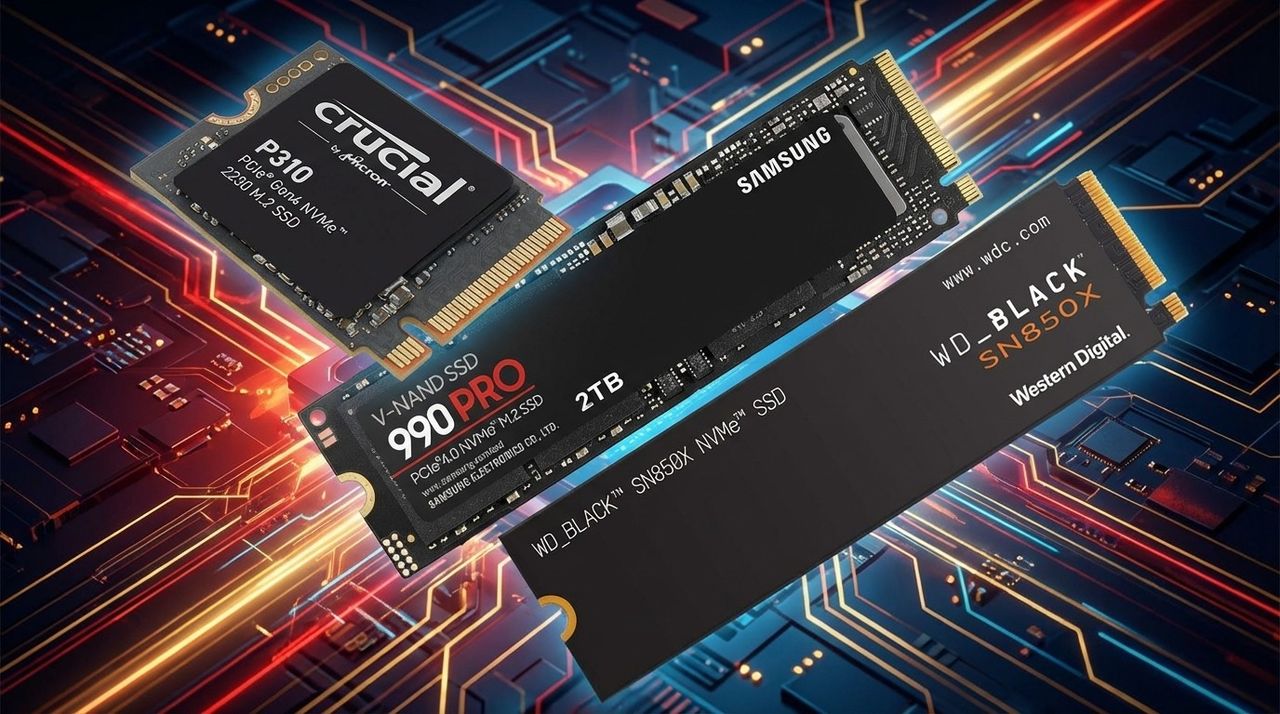

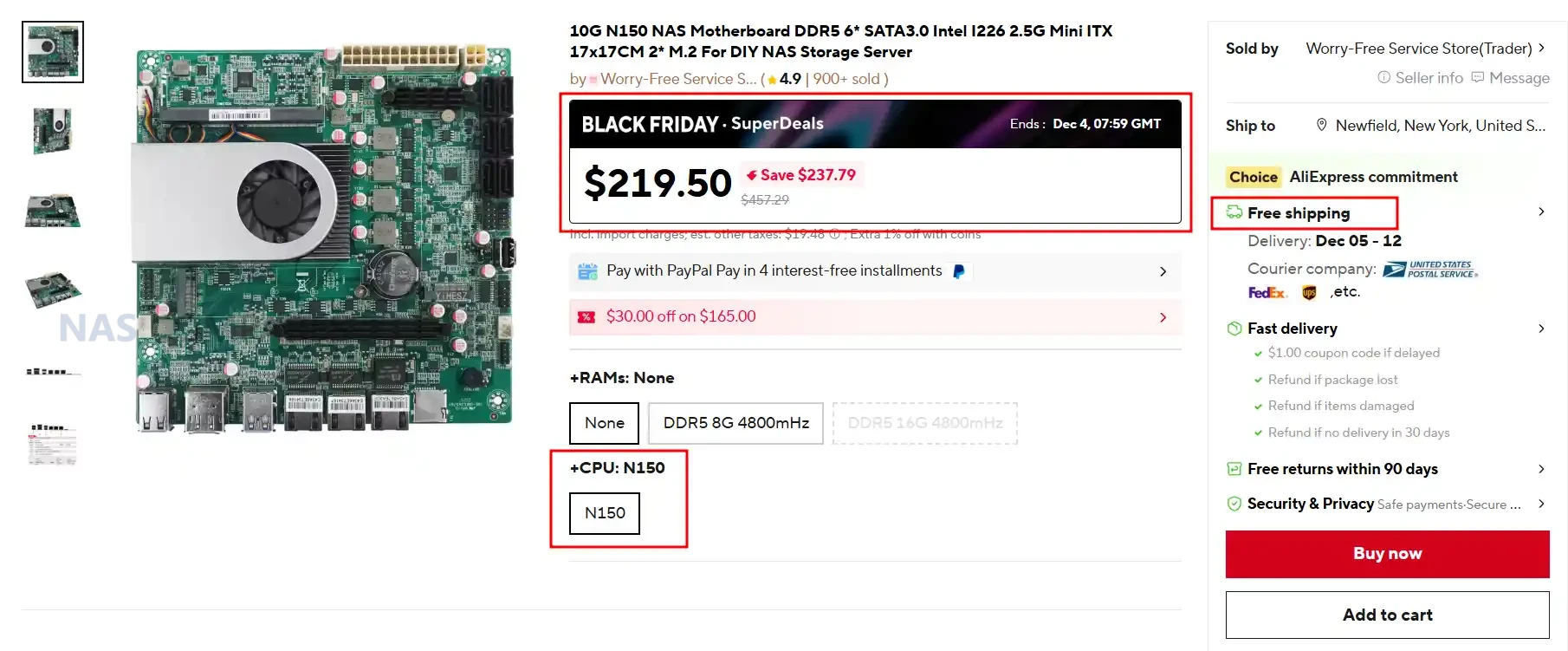
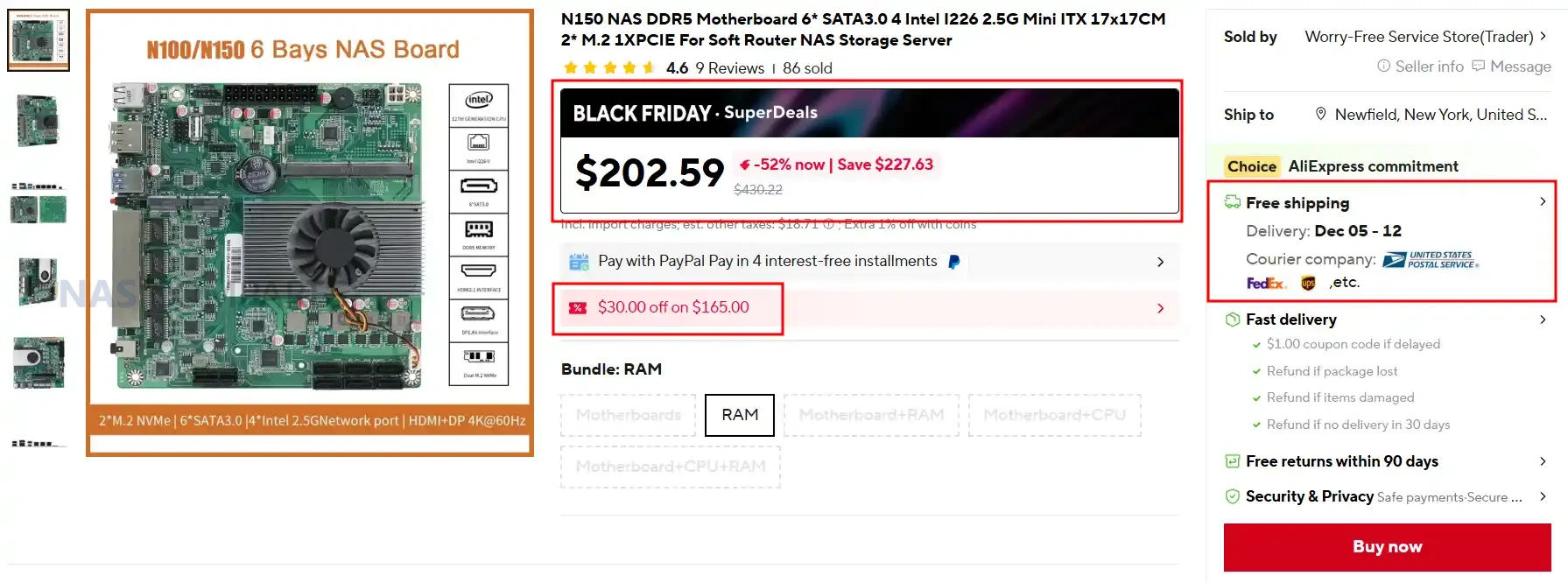
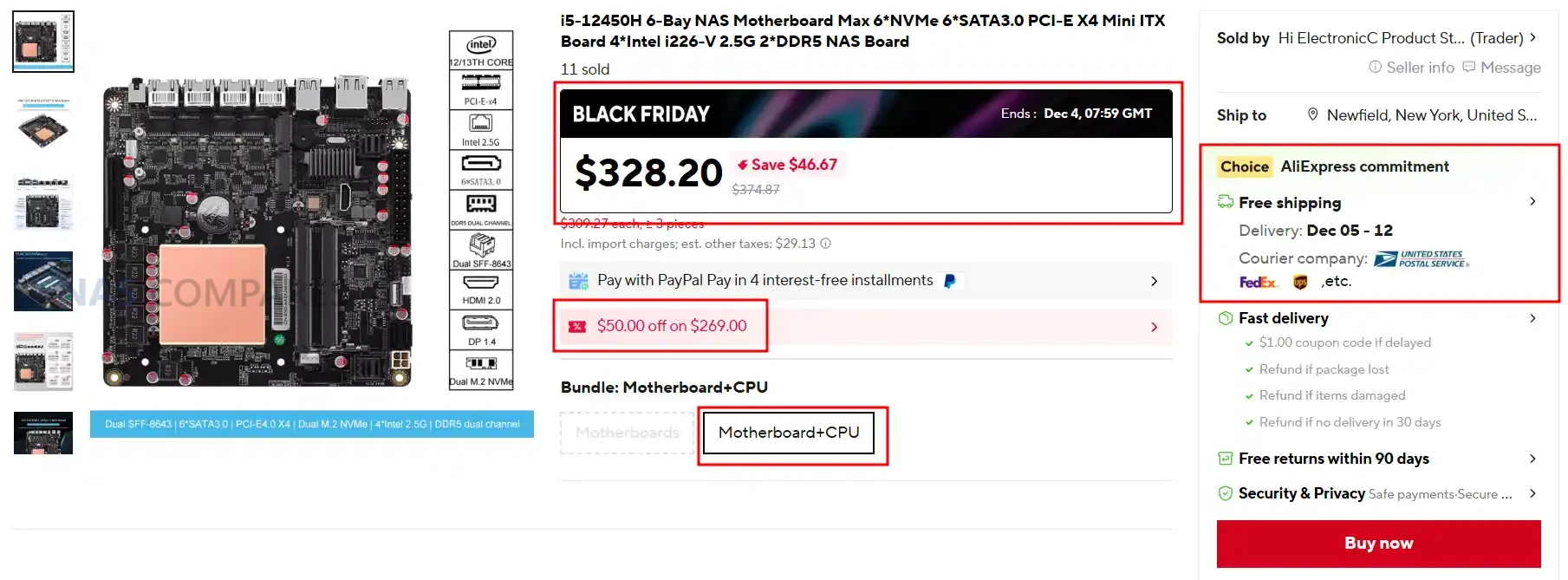
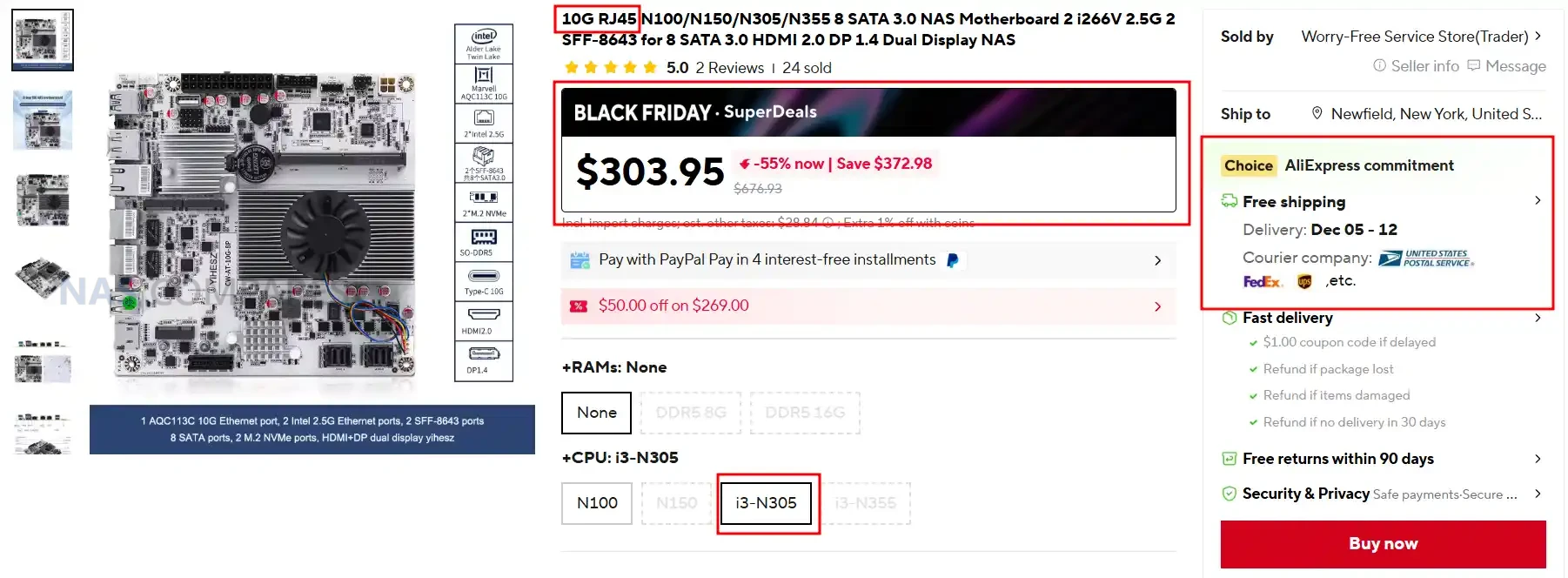
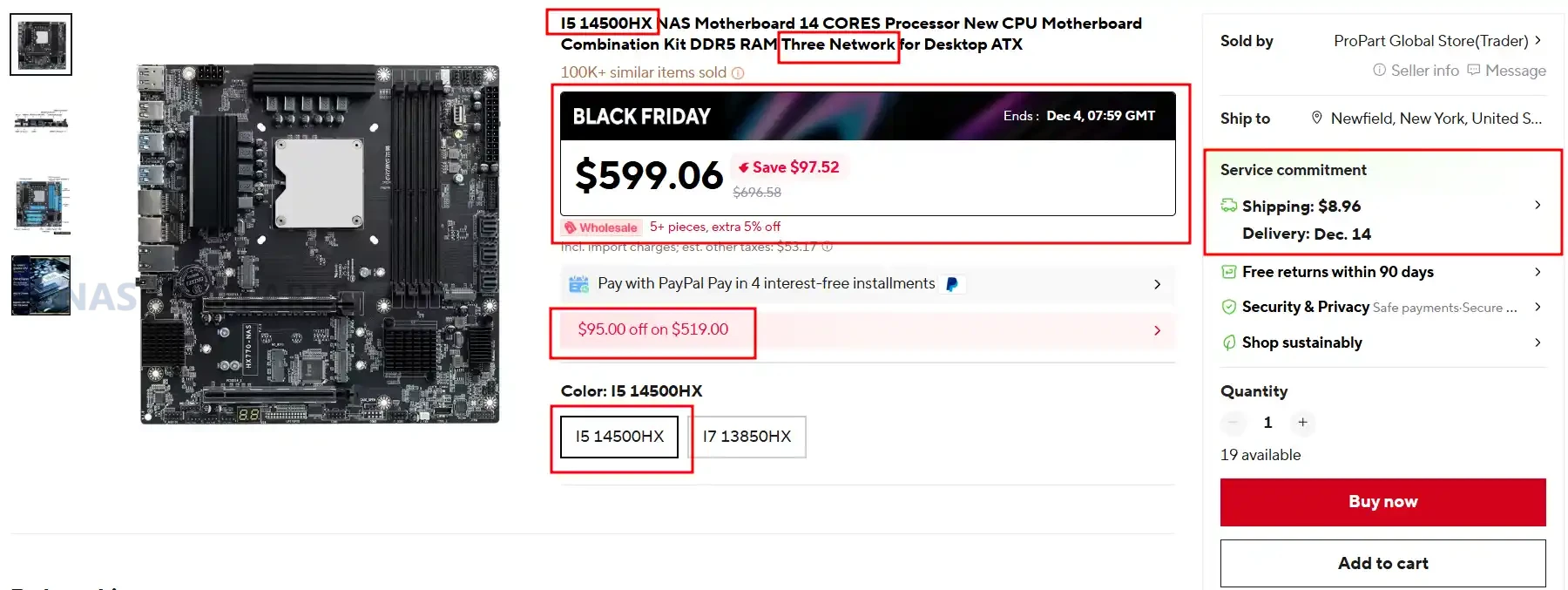

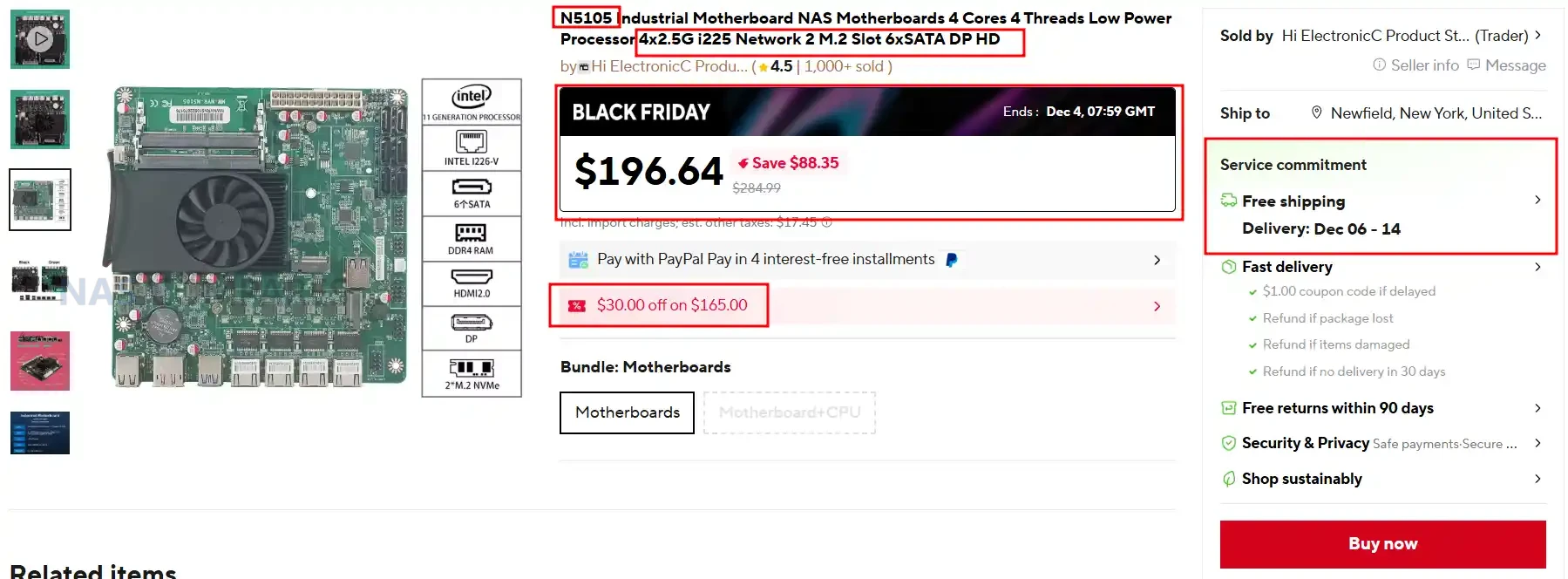
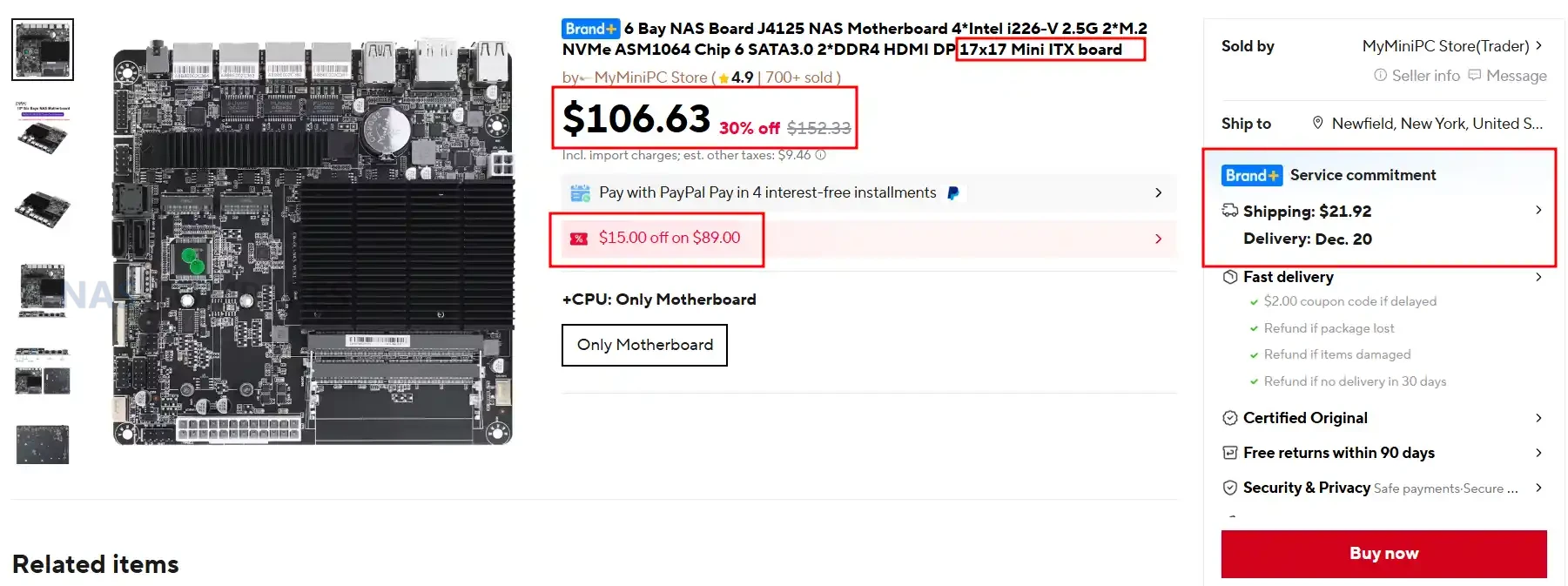
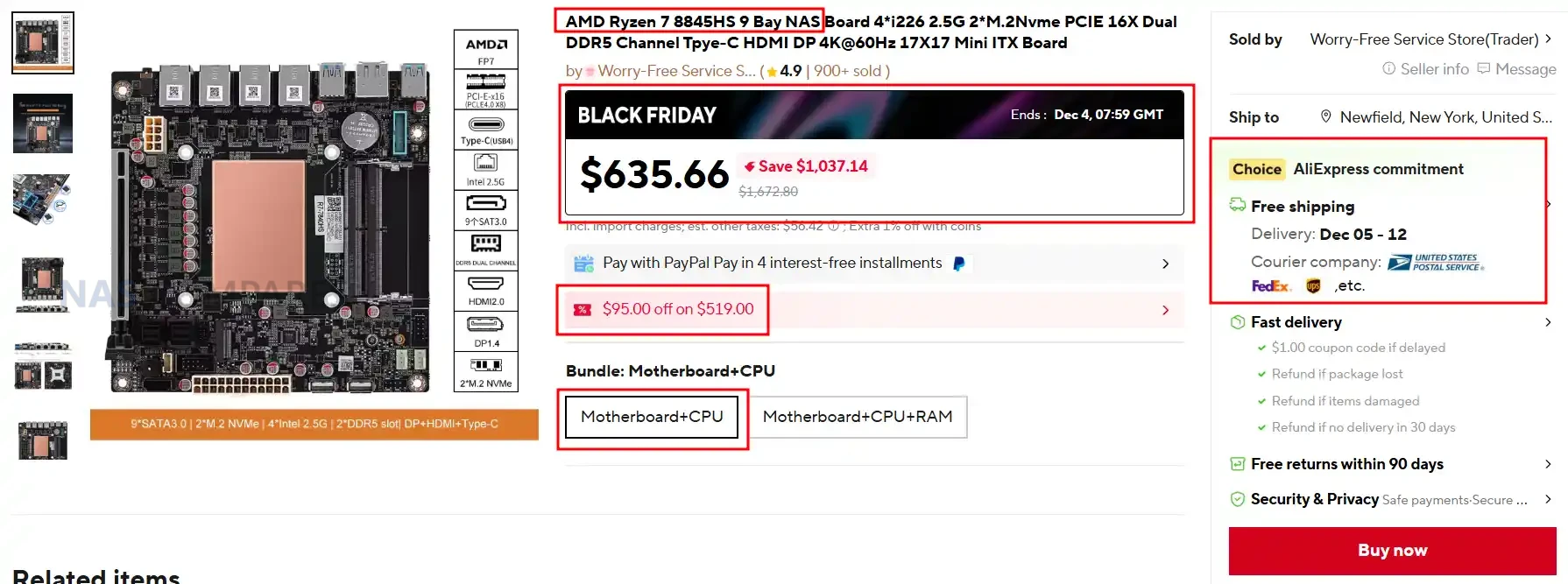
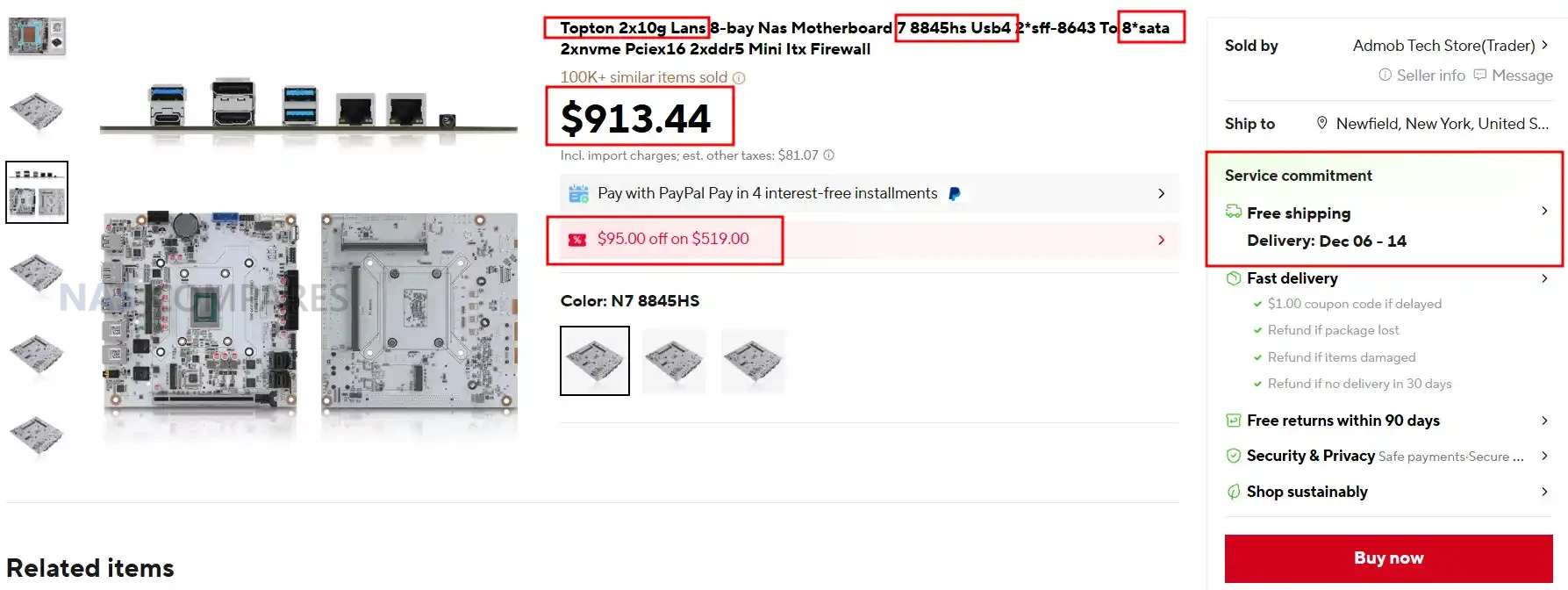
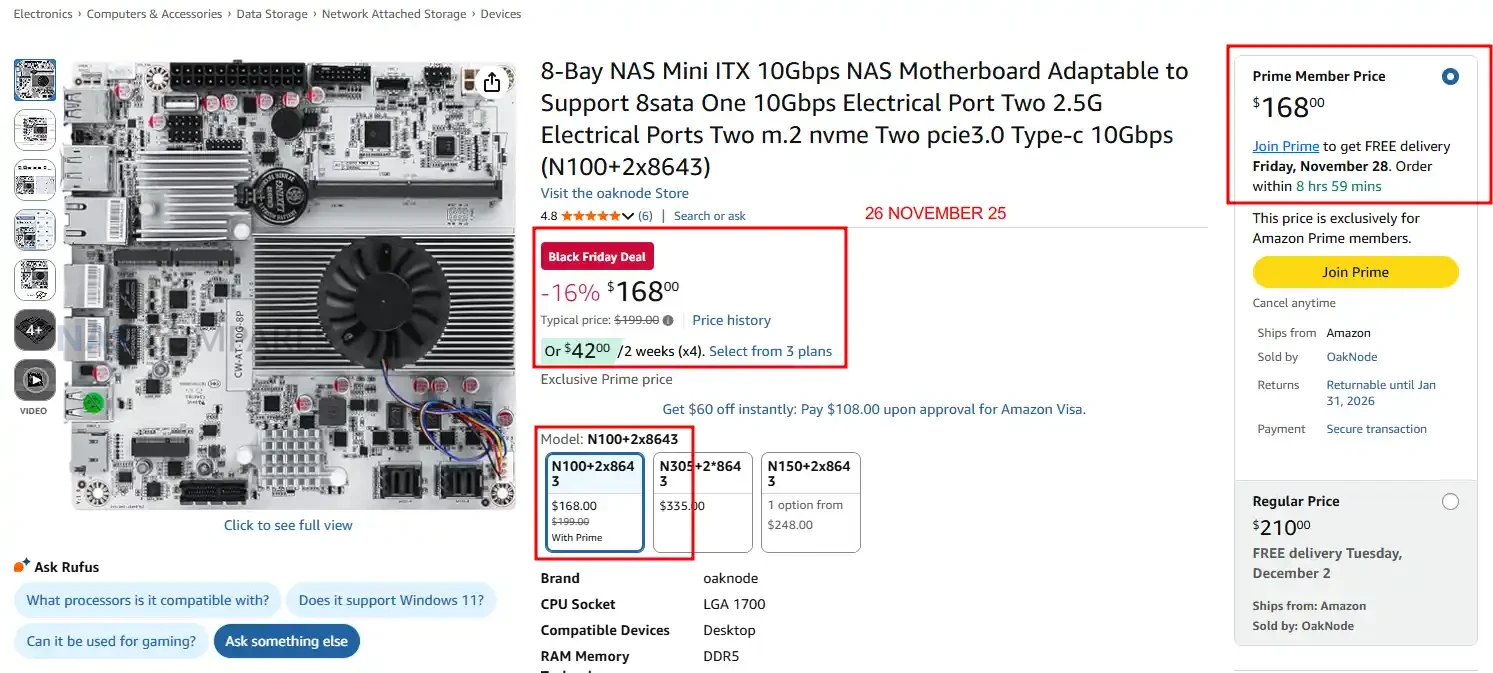
 SUBSCRIBE TO OUR NEWSLETTER
 Join Inner Circle
  Need Help?
Where possible (and where appropriate) please provide as much information about your requirements, as then I can arrange the best answer and solution to your needs. Do not worry about your e-mail address being required, it will NOT be used in a mailing list and will NOT be used in any way other than to respond to your enquiry.
[contact-form-7]
Need Help?
Where possible (and where appropriate) please provide as much information about your requirements, as then I can arrange the best answer and solution to your needs. Do not worry about your e-mail address being required, it will NOT be used in a mailing list and will NOT be used in any way other than to respond to your enquiry.
[contact-form-7]
 TRY CHAT
Terms and Conditions
If you like this service, please consider supporting us.
We use affiliate links on the blog allowing NAScompares information and advice service to be free of charge to you.Anything you purchase on the day you click on our links will generate a small commission which isused to run the website. Here is a link for Amazon and B&H.You can also get me a
TRY CHAT
Terms and Conditions
If you like this service, please consider supporting us.
We use affiliate links on the blog allowing NAScompares information and advice service to be free of charge to you.Anything you purchase on the day you click on our links will generate a small commission which isused to run the website. Here is a link for Amazon and B&H.You can also get me a
 Ko-fi or old school Paypal. Thanks!To find out more about how to support this advice service check HEREIf you need to fix or configure a NAS, check Fiver
Have you thought about helping others with your knowledge? Find Instructions Here
Ko-fi or old school Paypal. Thanks!To find out more about how to support this advice service check HEREIf you need to fix or configure a NAS, check Fiver
Have you thought about helping others with your knowledge? Find Instructions Here

 Or support us by using our affiliate links on Amazon UK and Amazon US
Alternatively, why not ask me on the ASK NASCompares forum, by clicking the button below. This is a community hub that serves as a place that I can answer your question, chew the fat, share new release information and even get corrections posted. I will always get around to answering ALL queries, but as a one-man operation, I cannot promise speed! So by sharing your query in the ASK NASCompares section below, you can get a better range of solutions and suggestions, alongside my own.
Or support us by using our affiliate links on Amazon UK and Amazon US
Alternatively, why not ask me on the ASK NASCompares forum, by clicking the button below. This is a community hub that serves as a place that I can answer your question, chew the fat, share new release information and even get corrections posted. I will always get around to answering ALL queries, but as a one-man operation, I cannot promise speed! So by sharing your query in the ASK NASCompares section below, you can get a better range of solutions and suggestions, alongside my own.




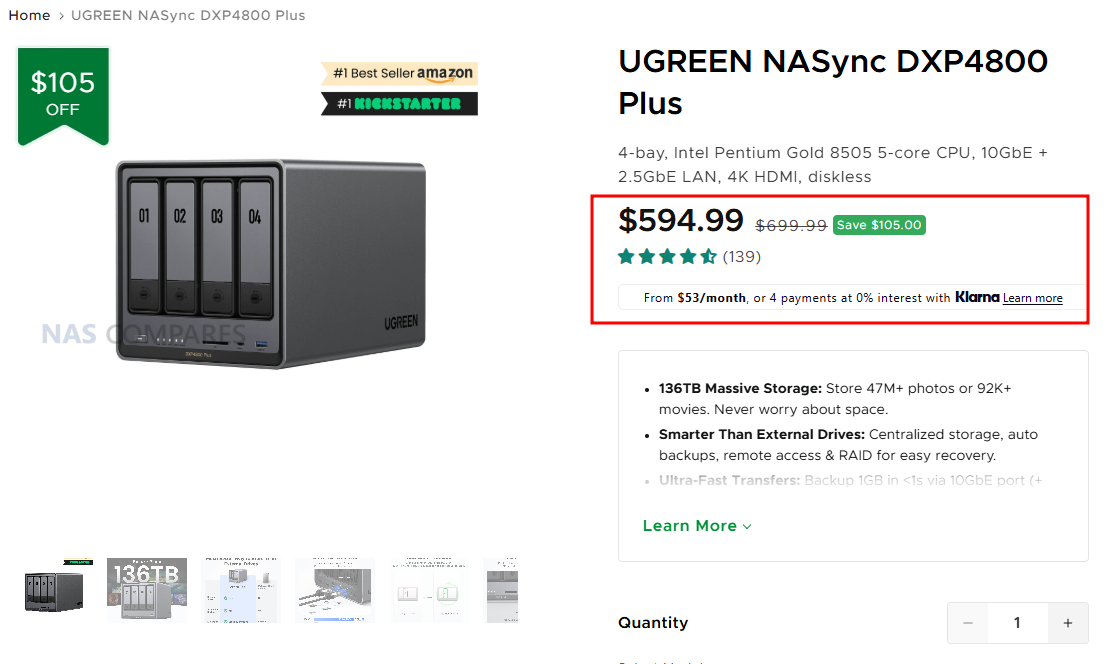
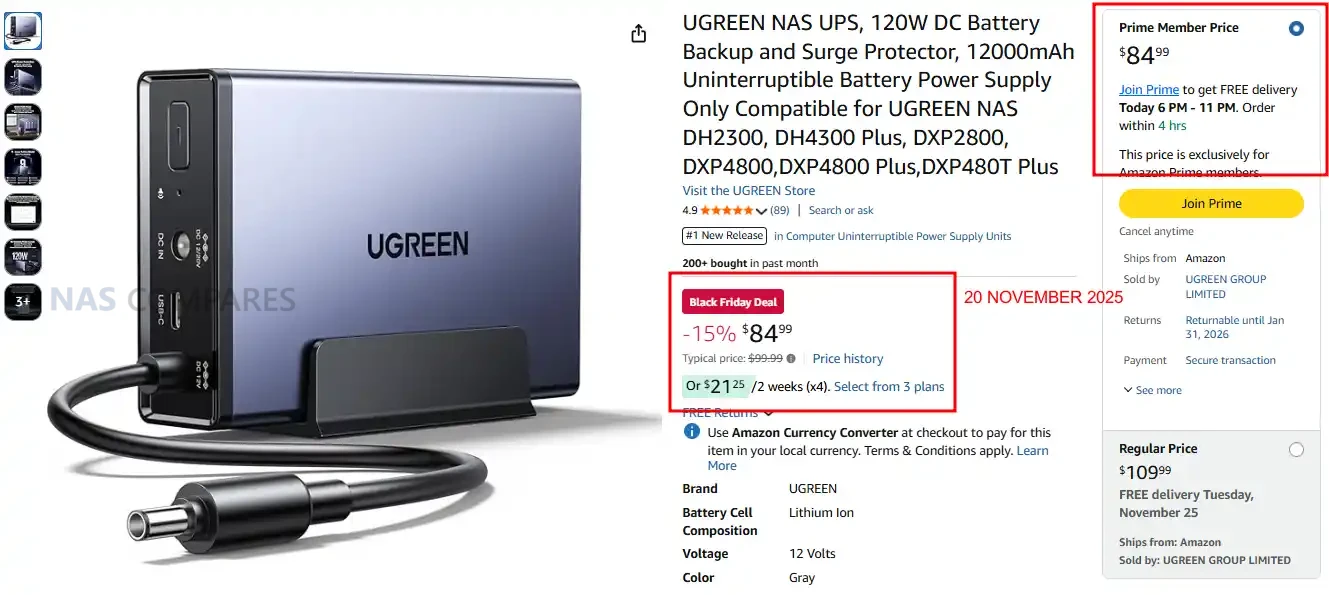
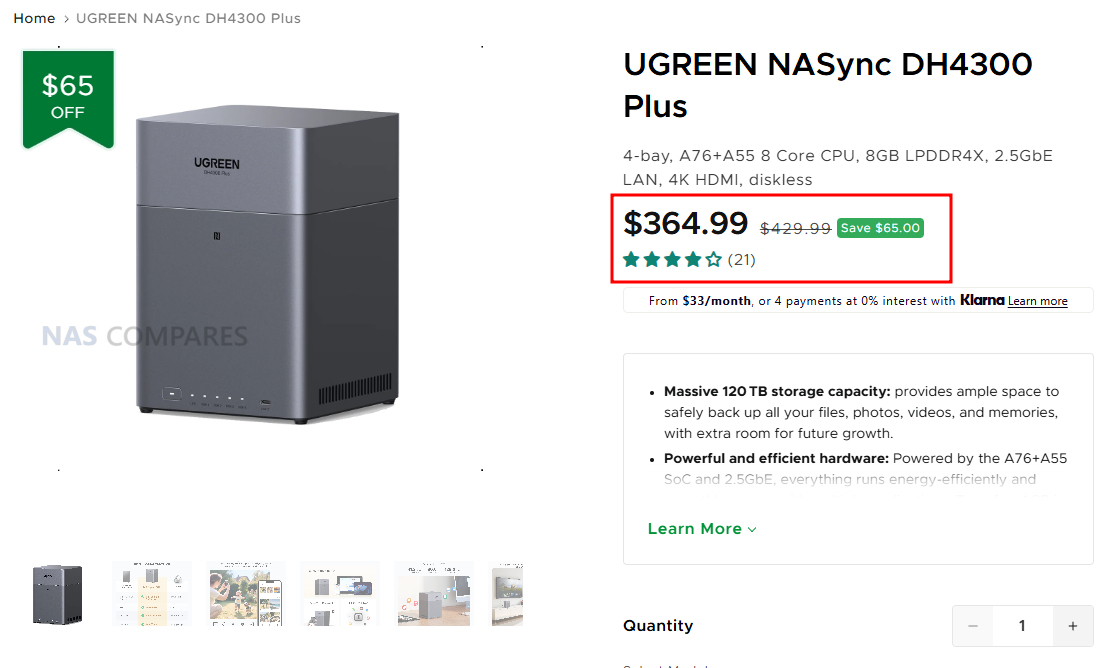
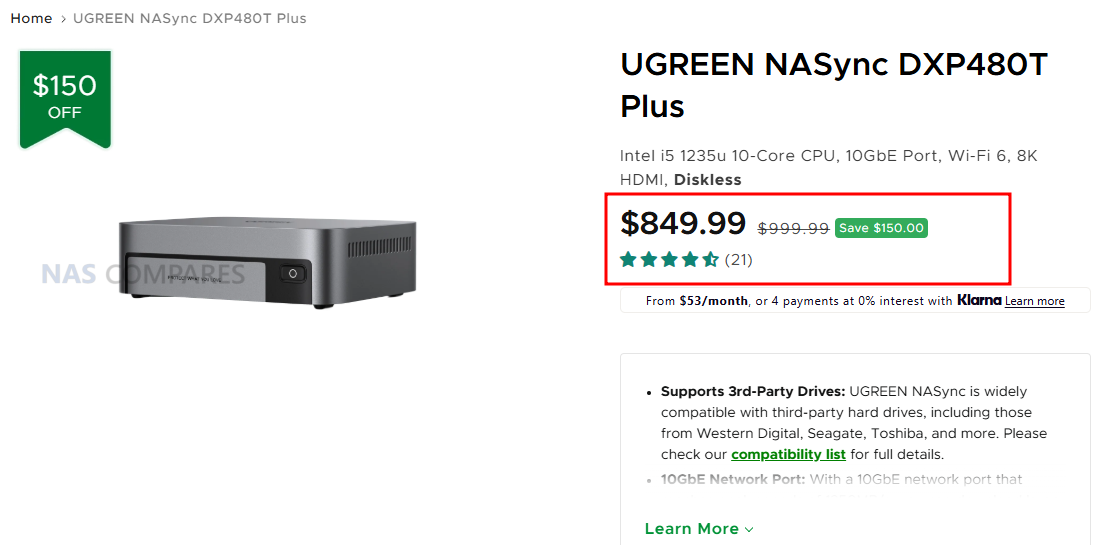
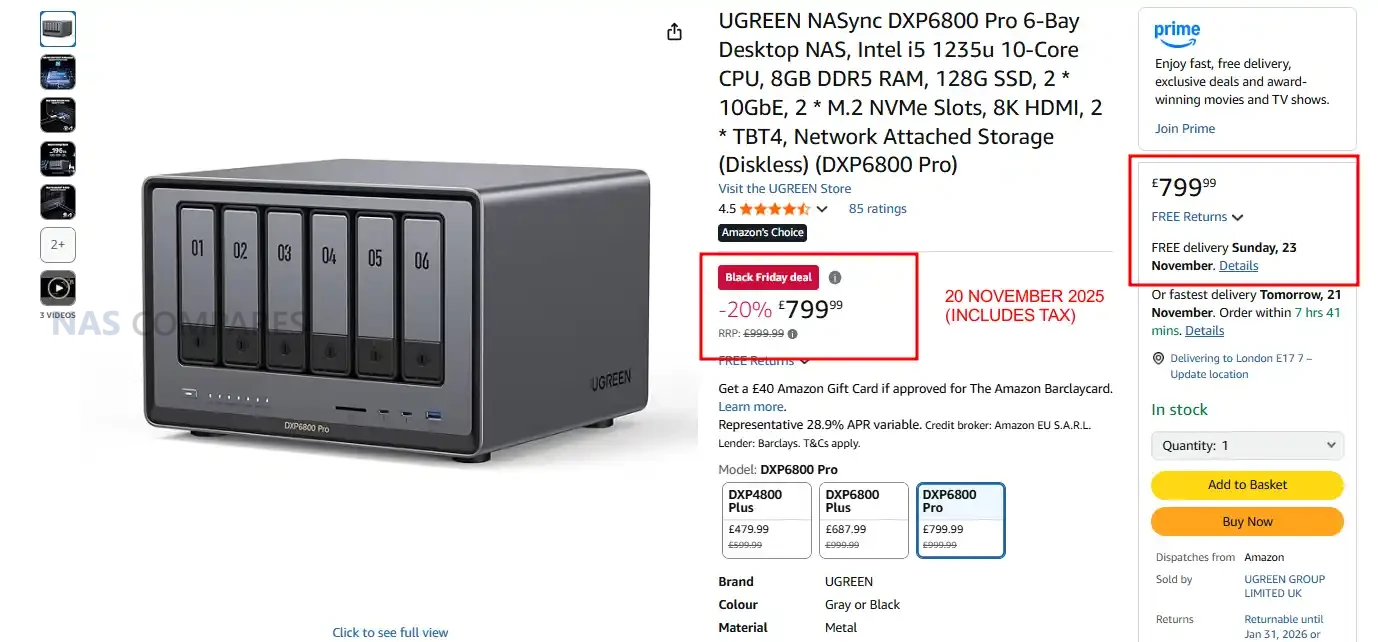
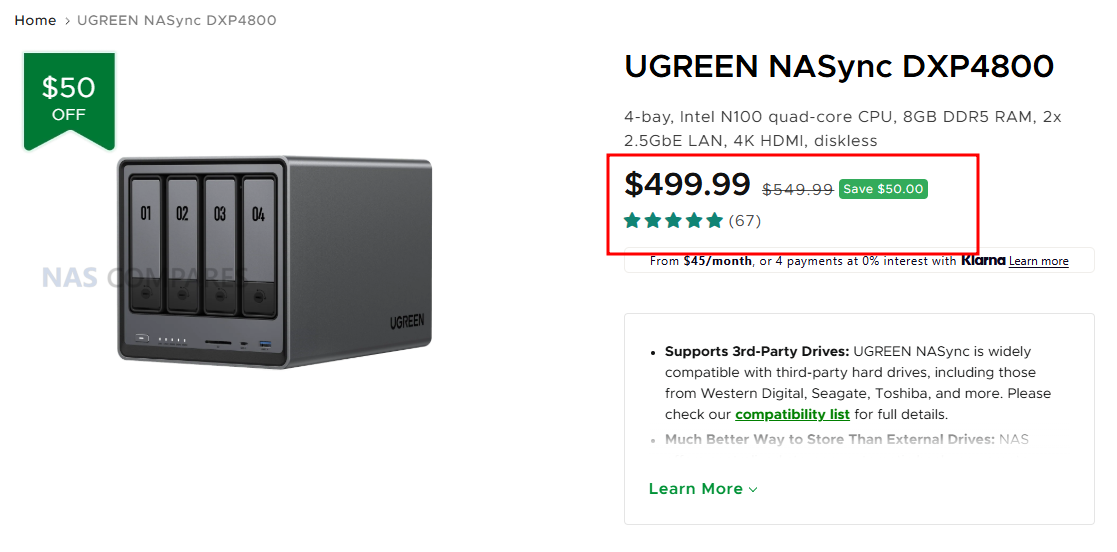
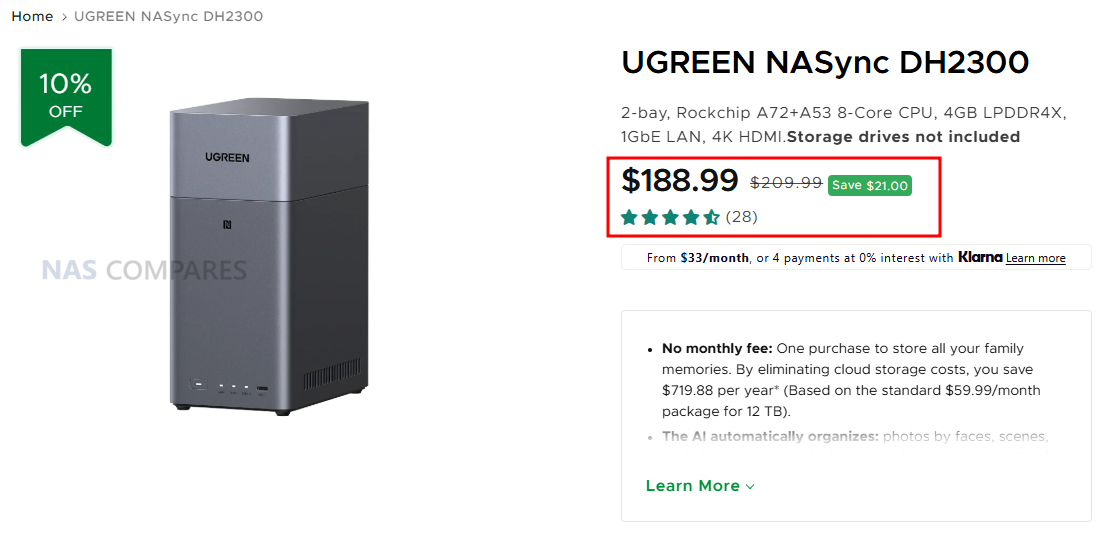
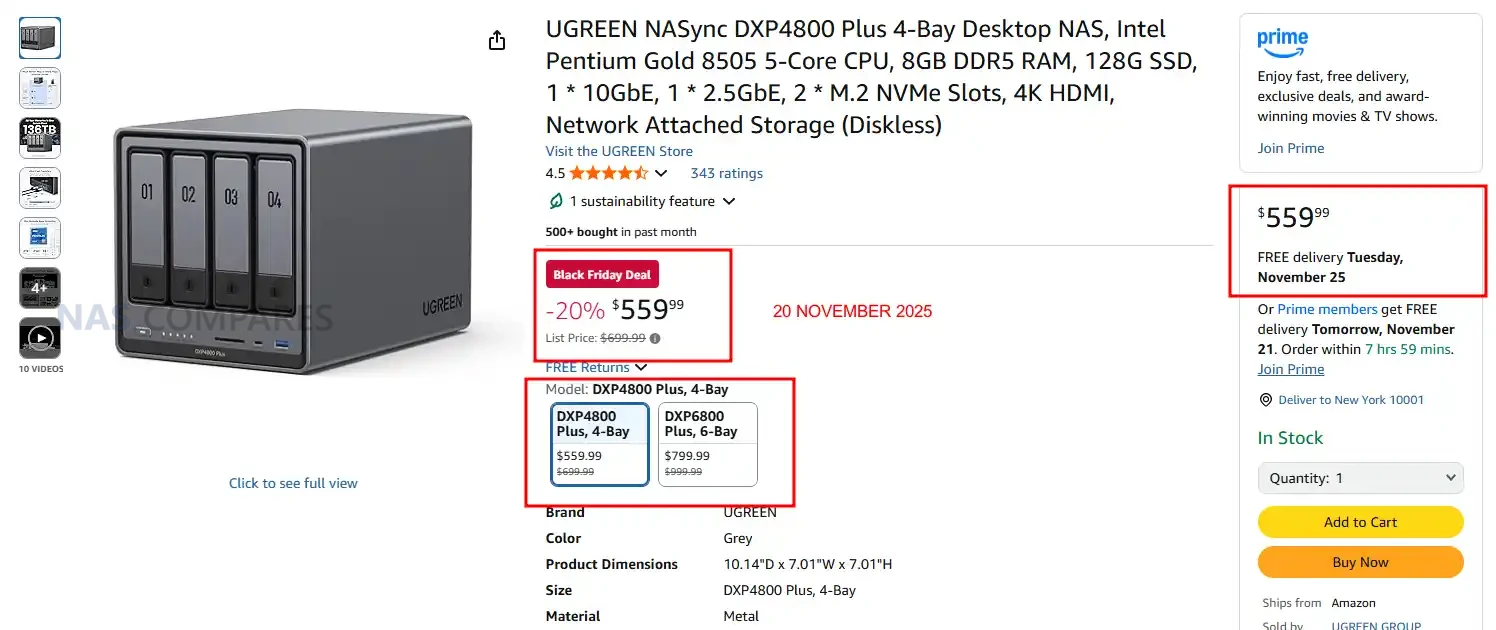
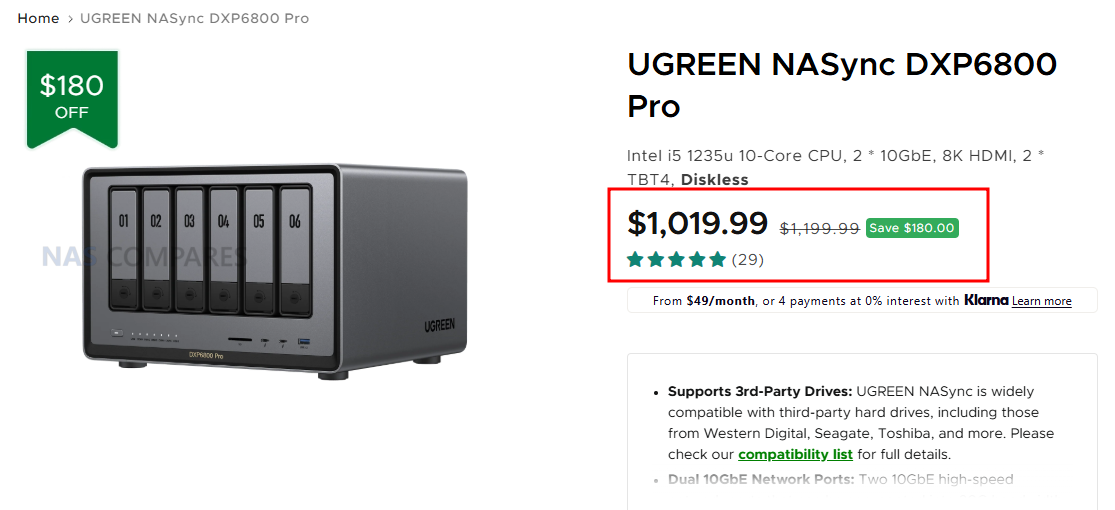
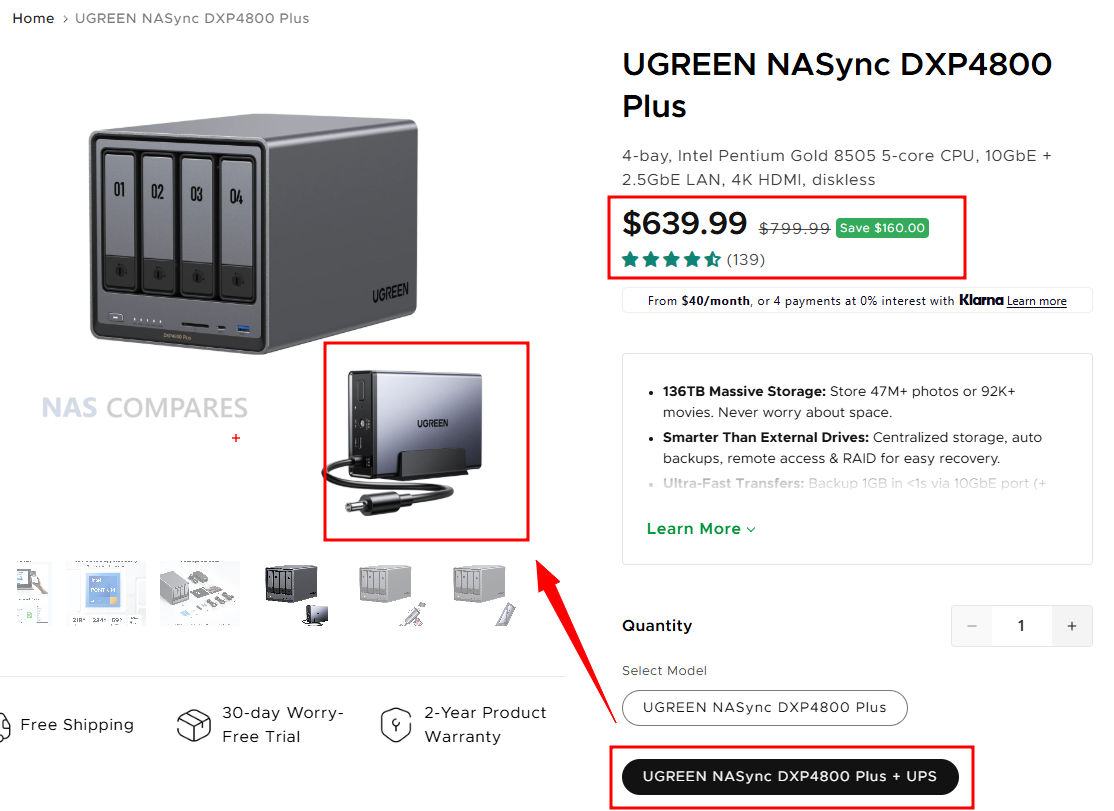
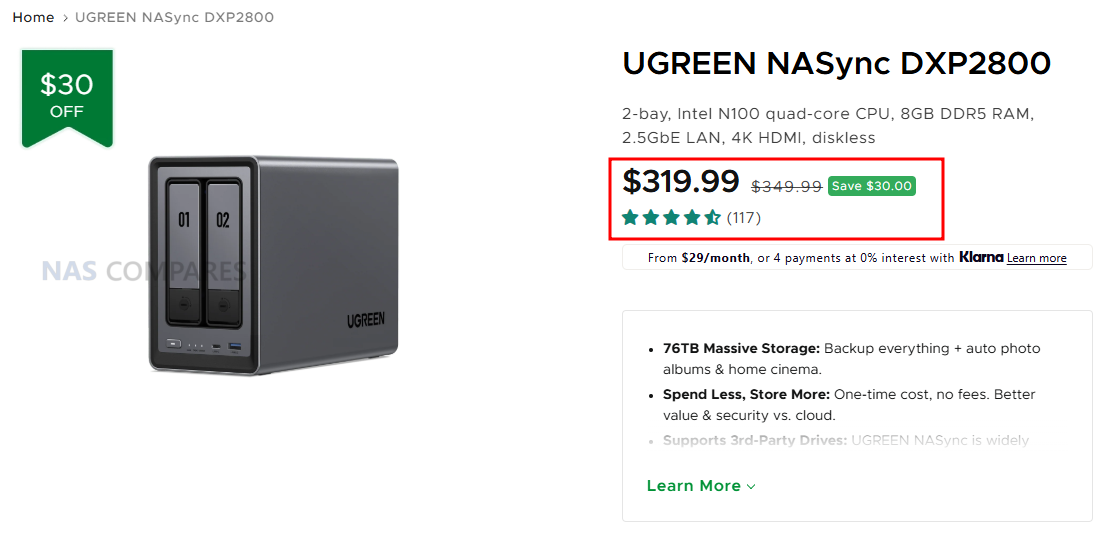
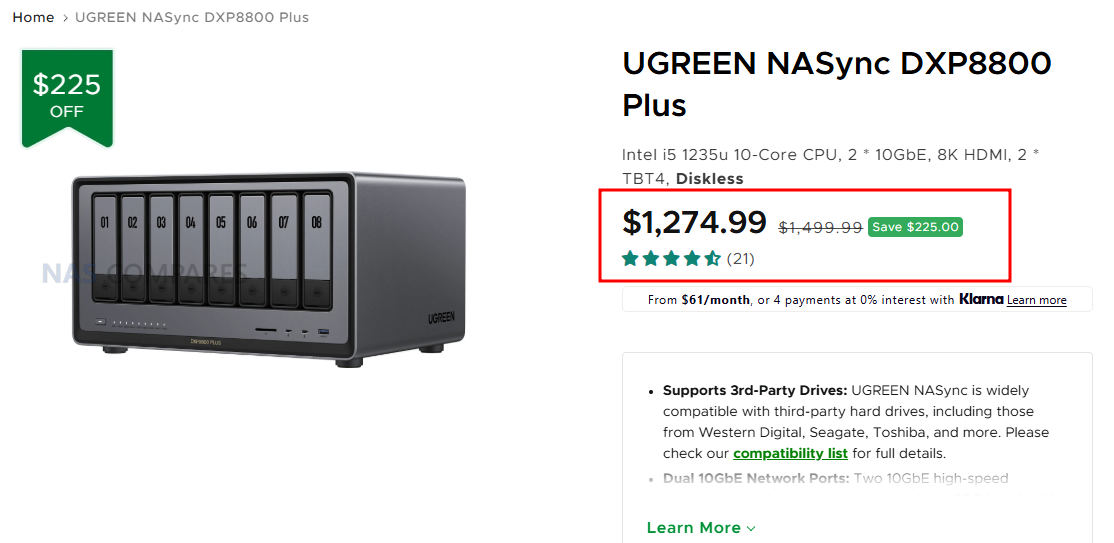
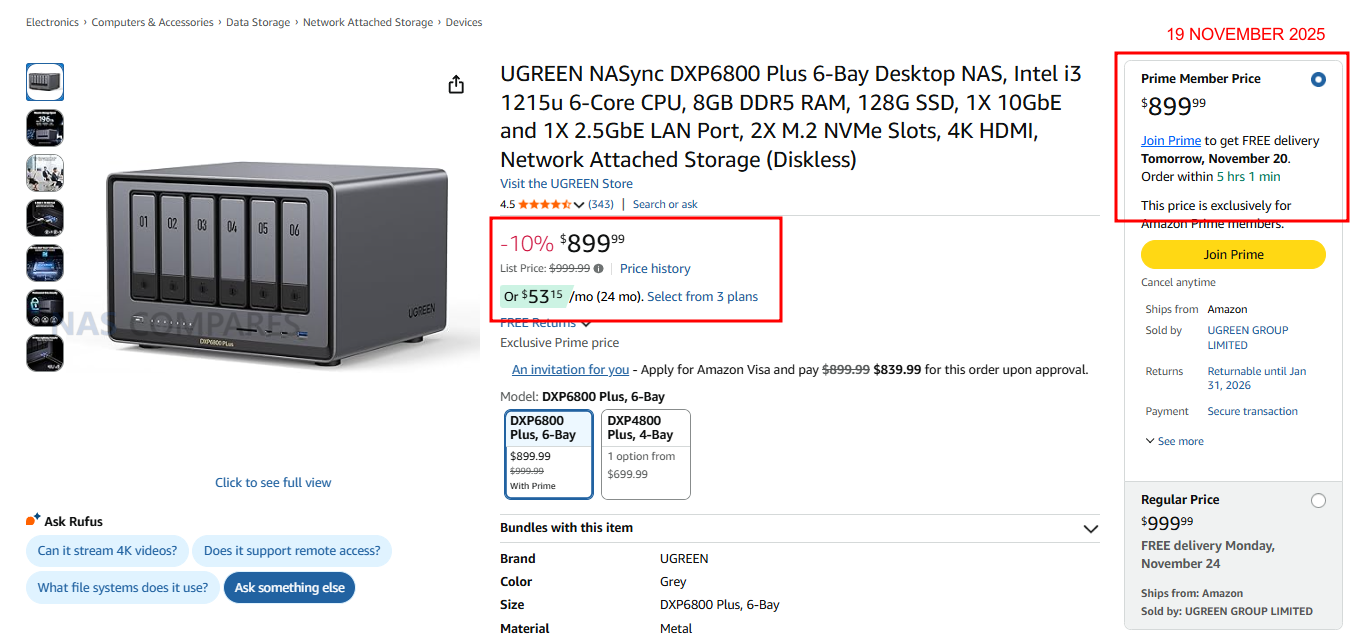
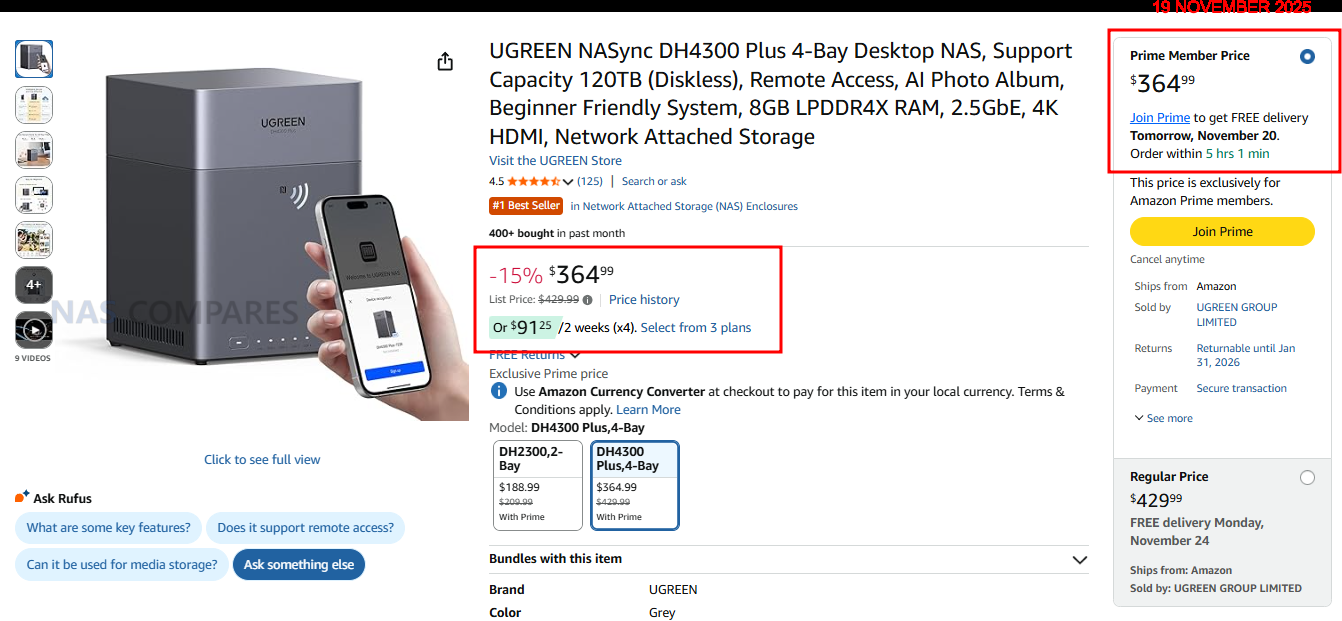
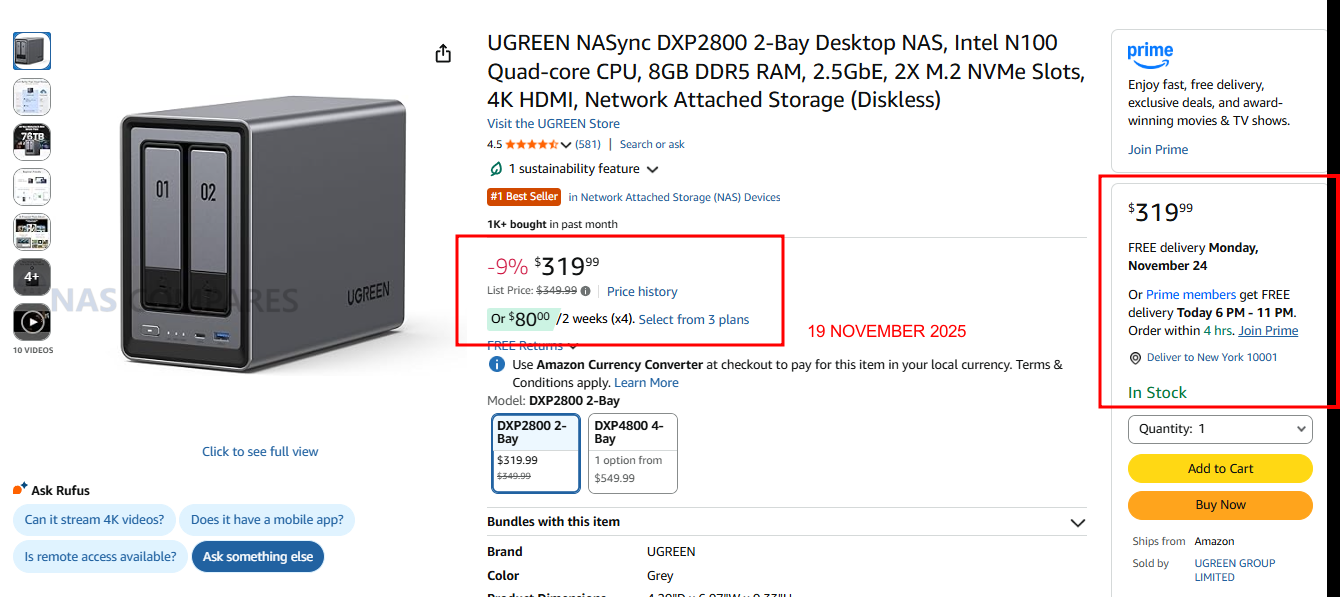
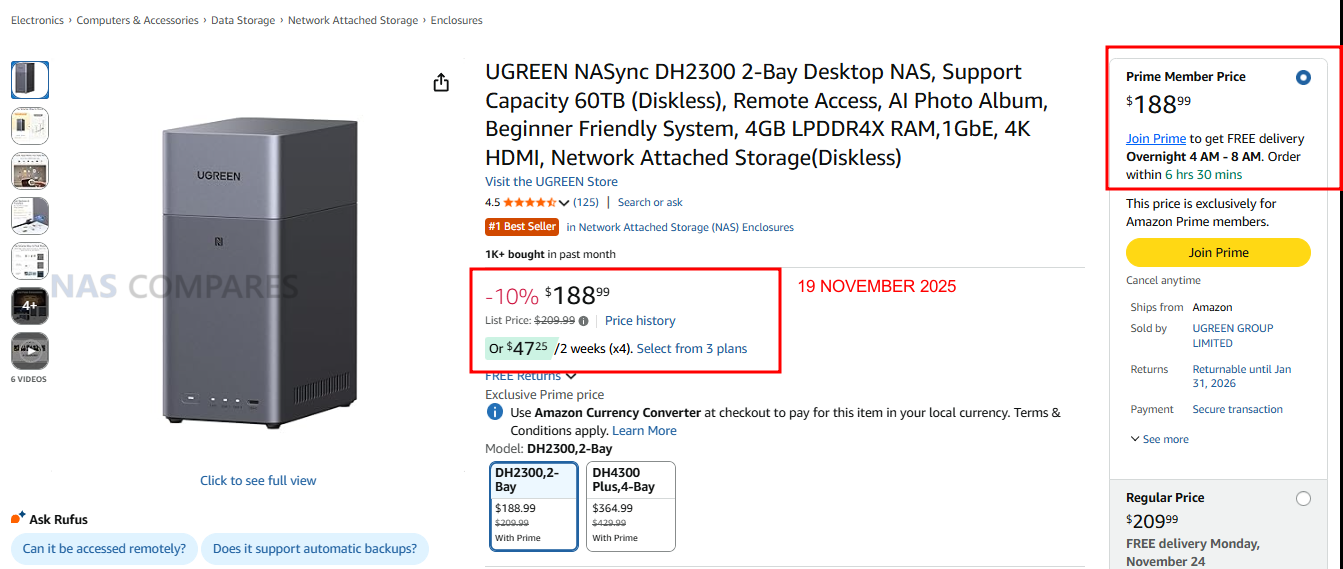
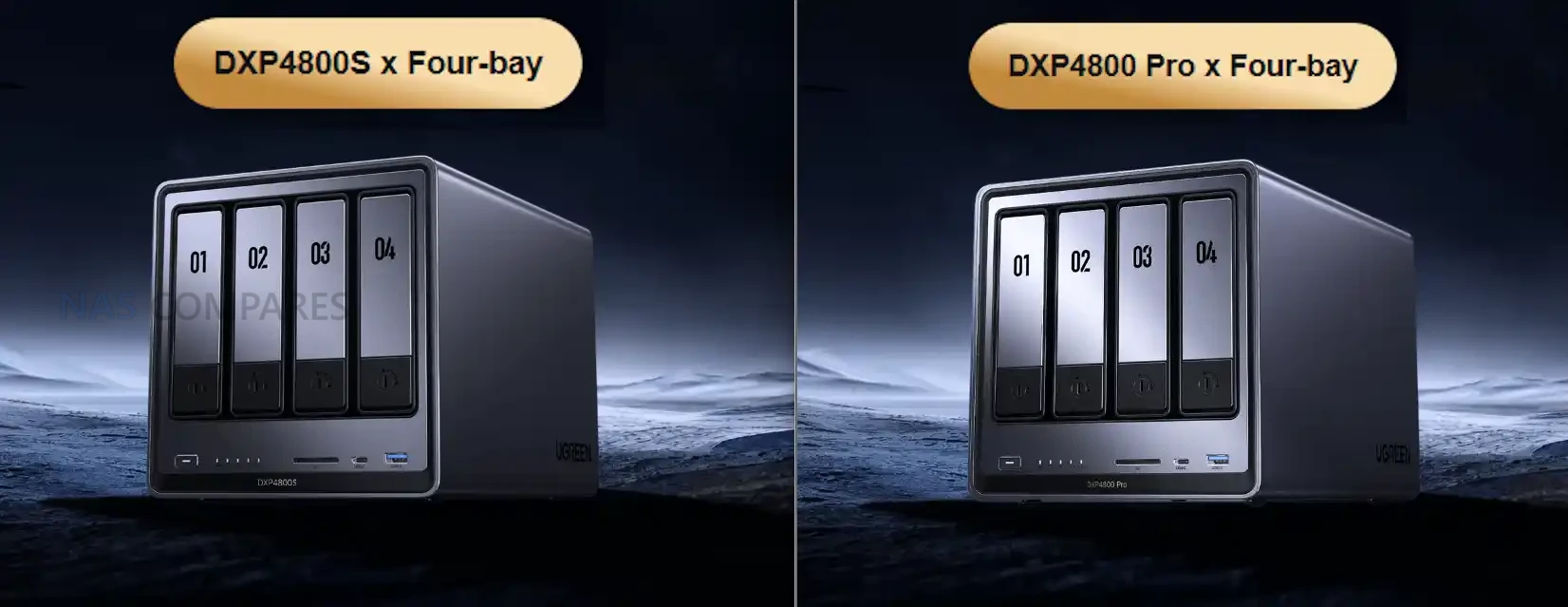
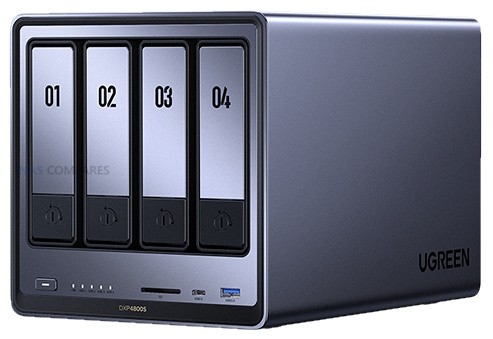
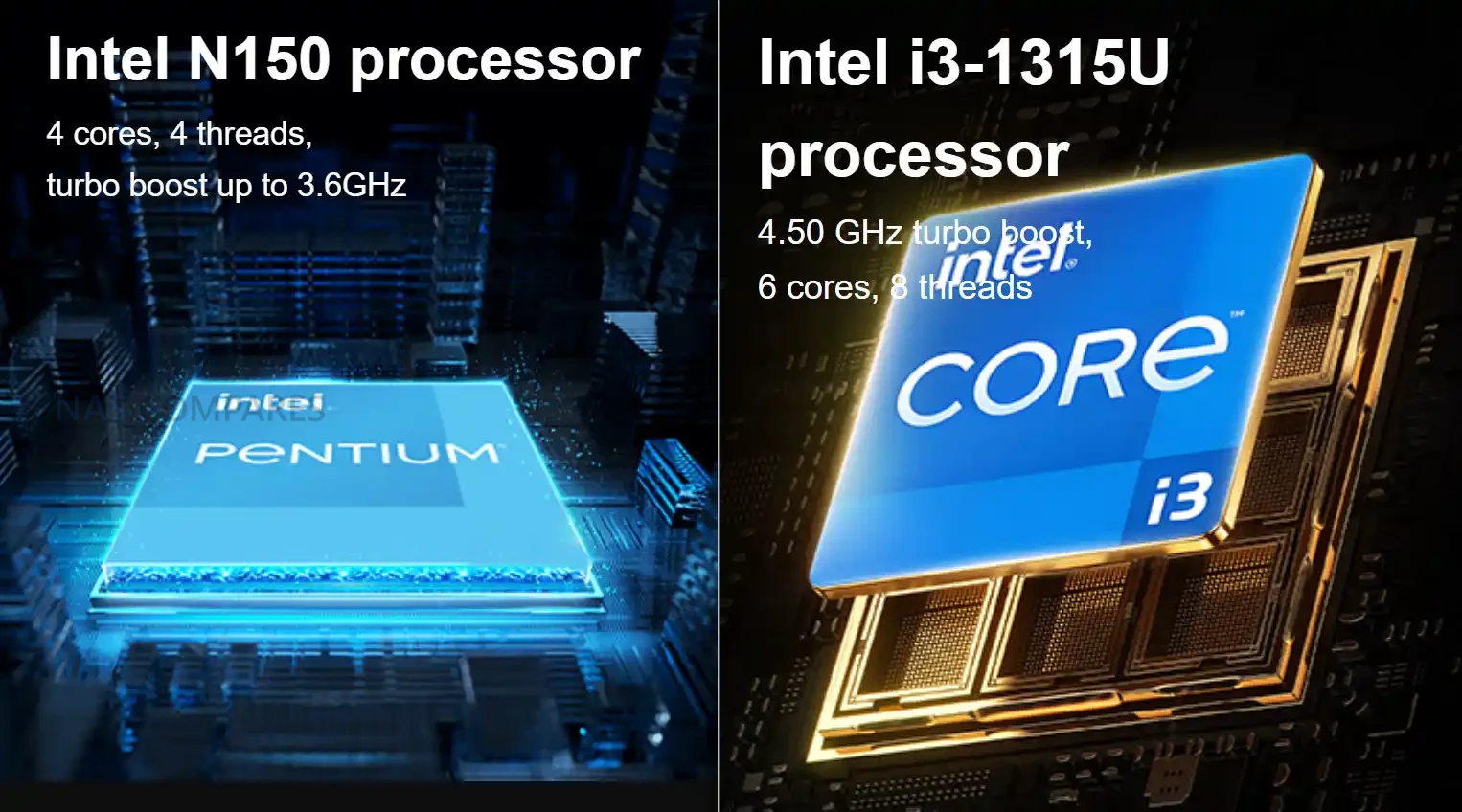
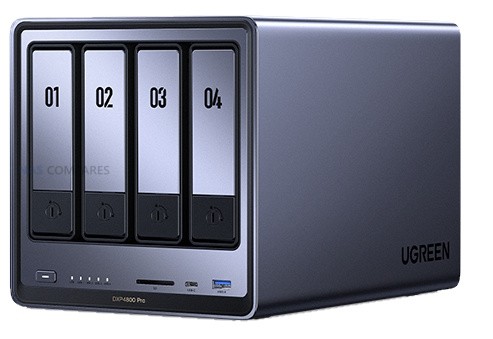
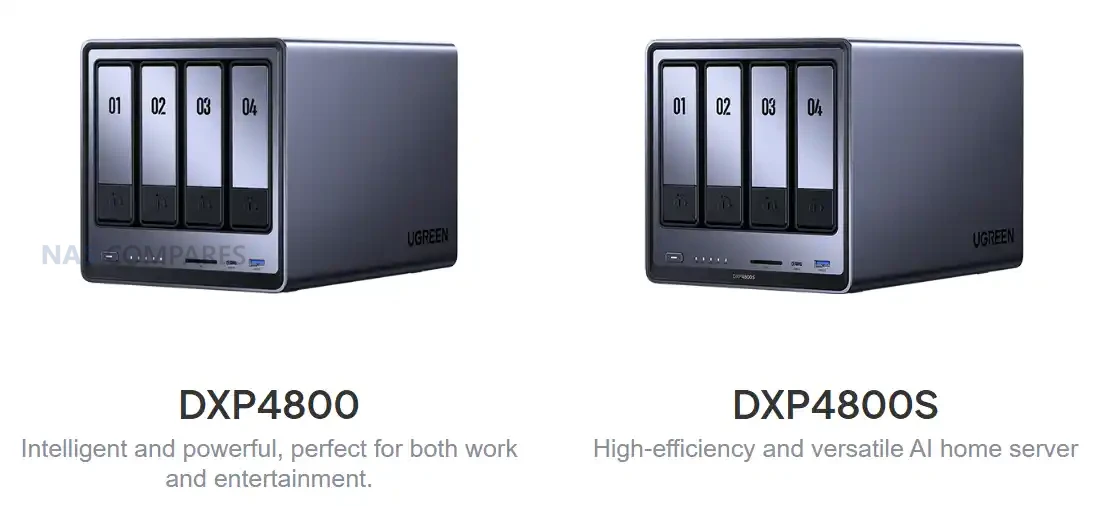
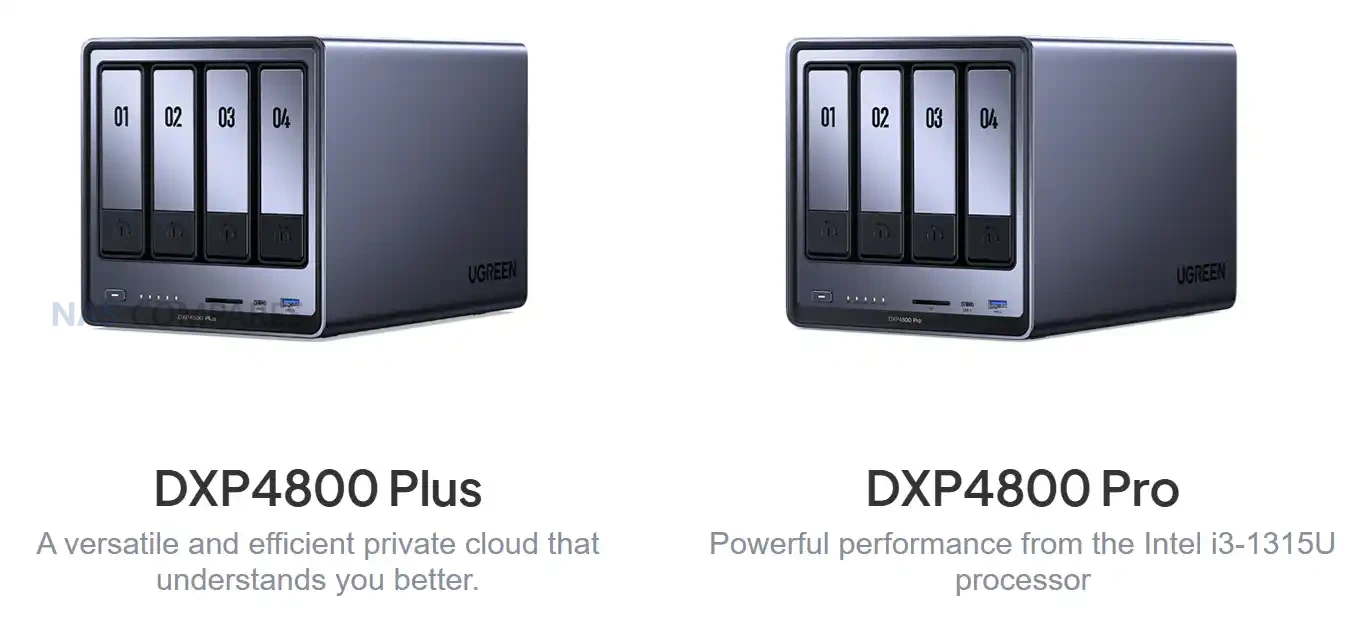
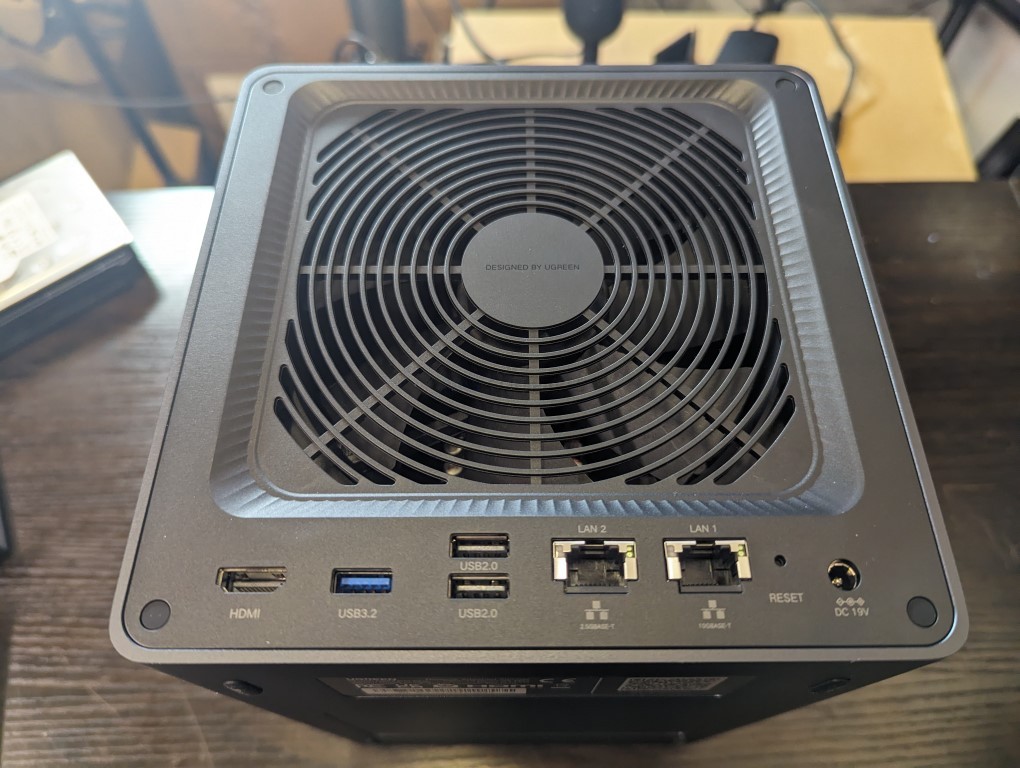
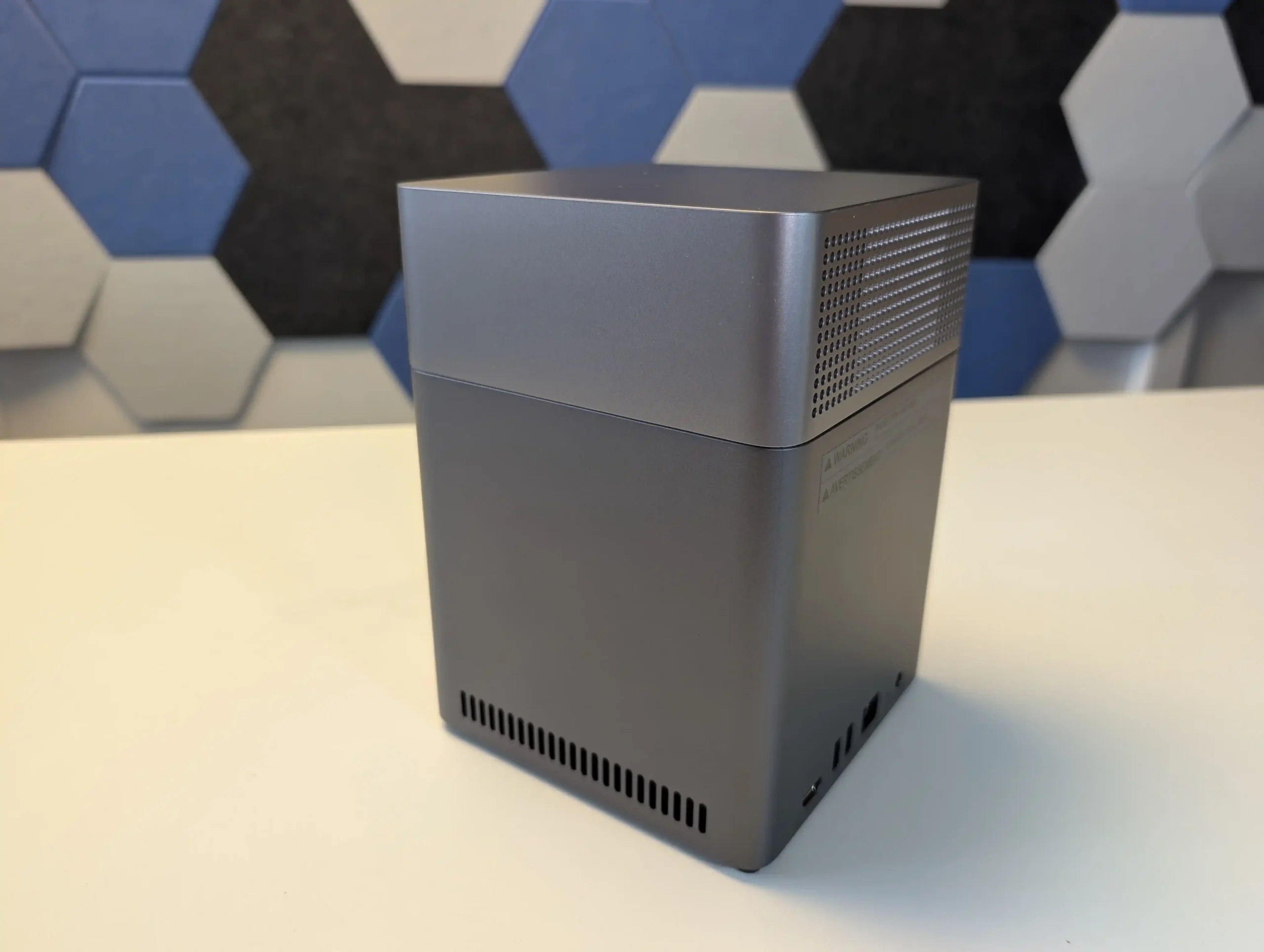
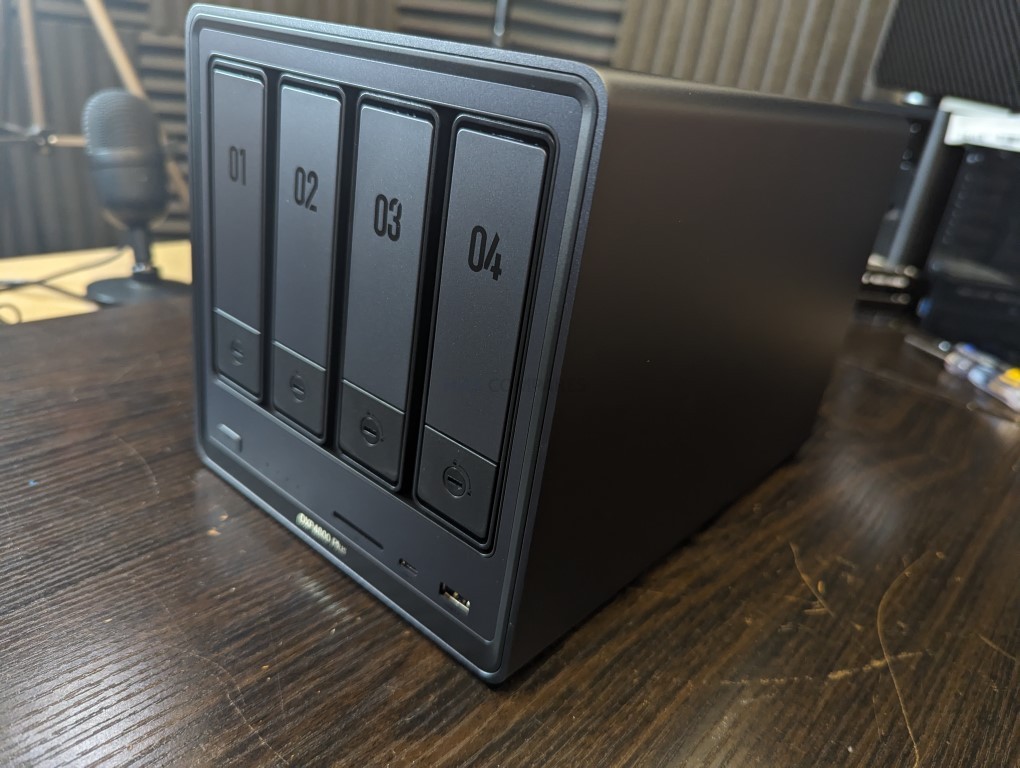
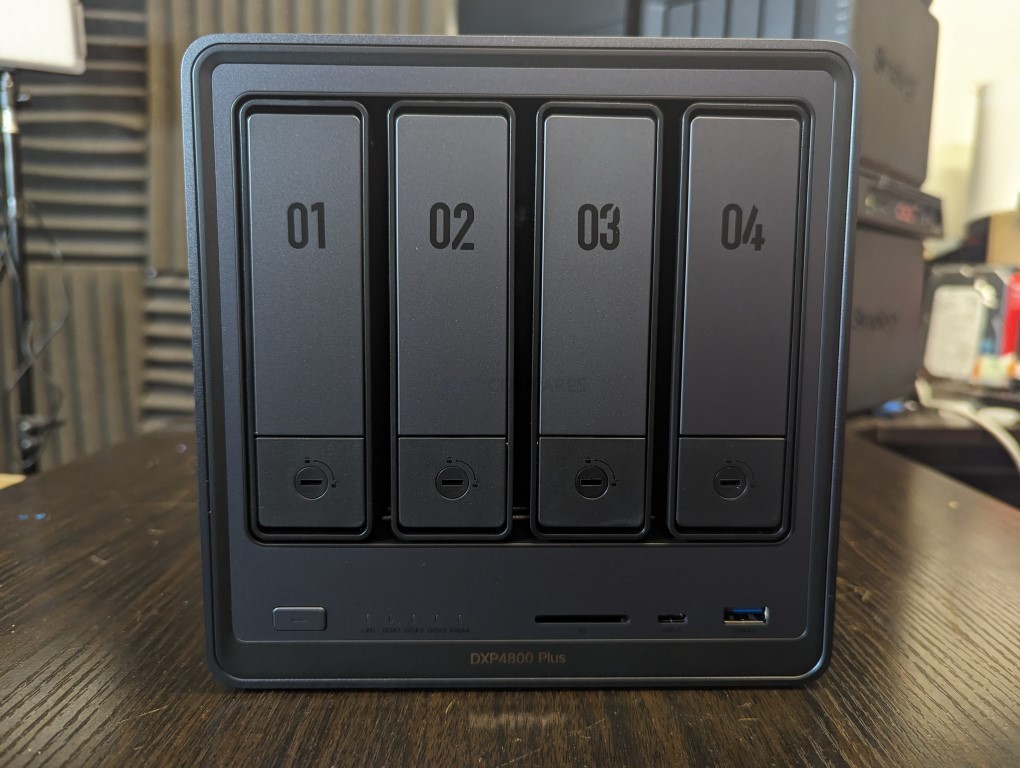



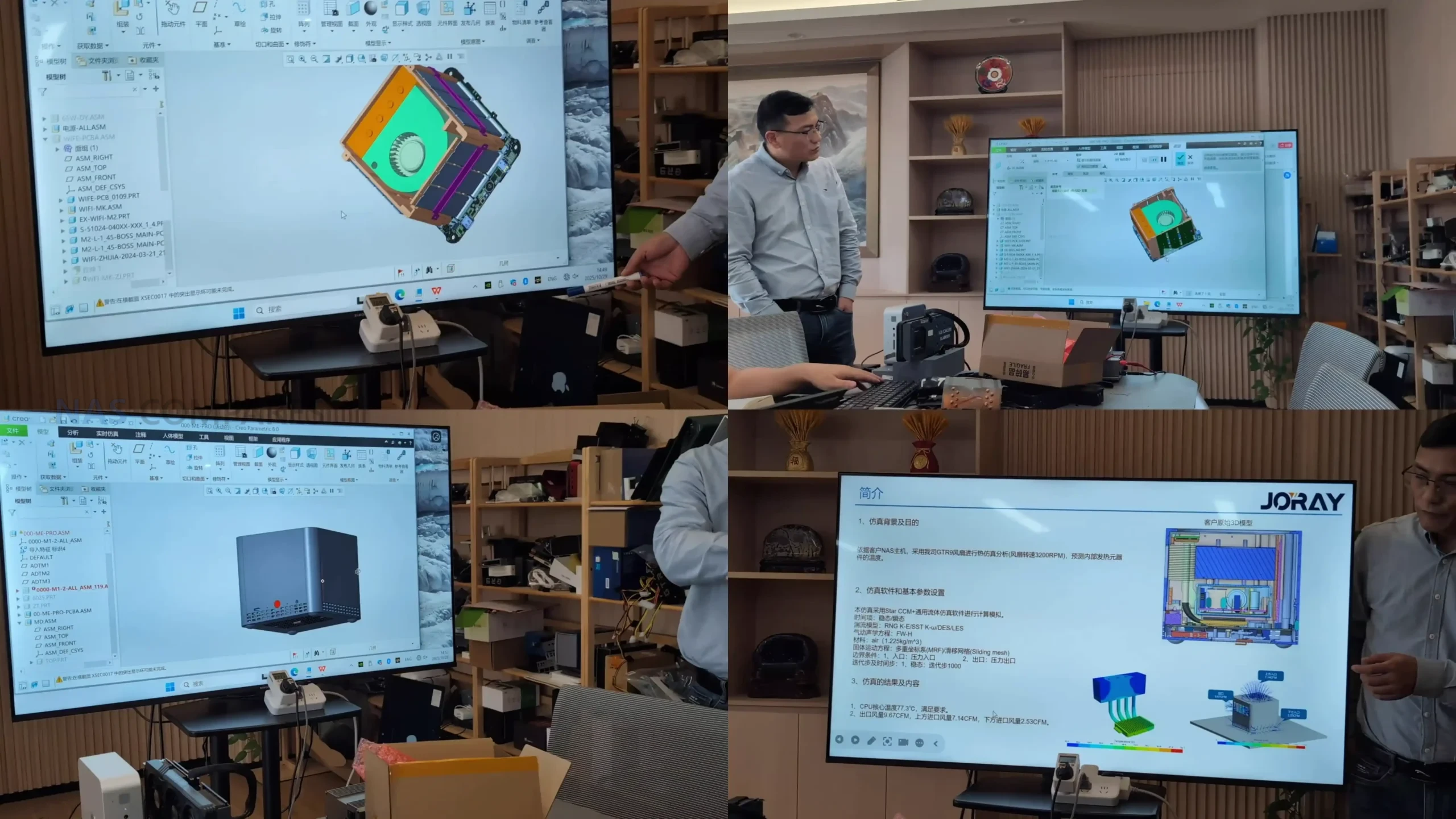
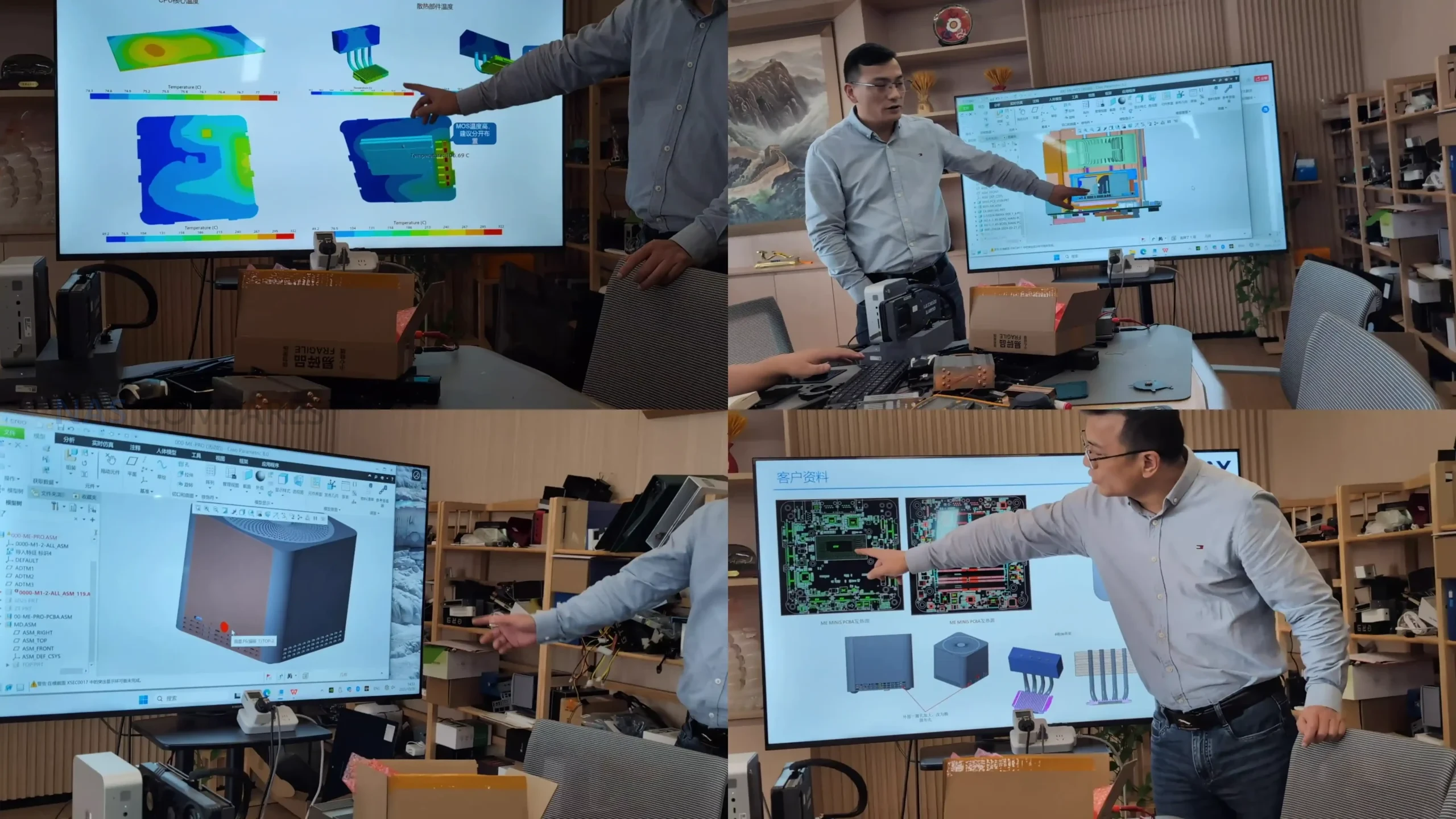
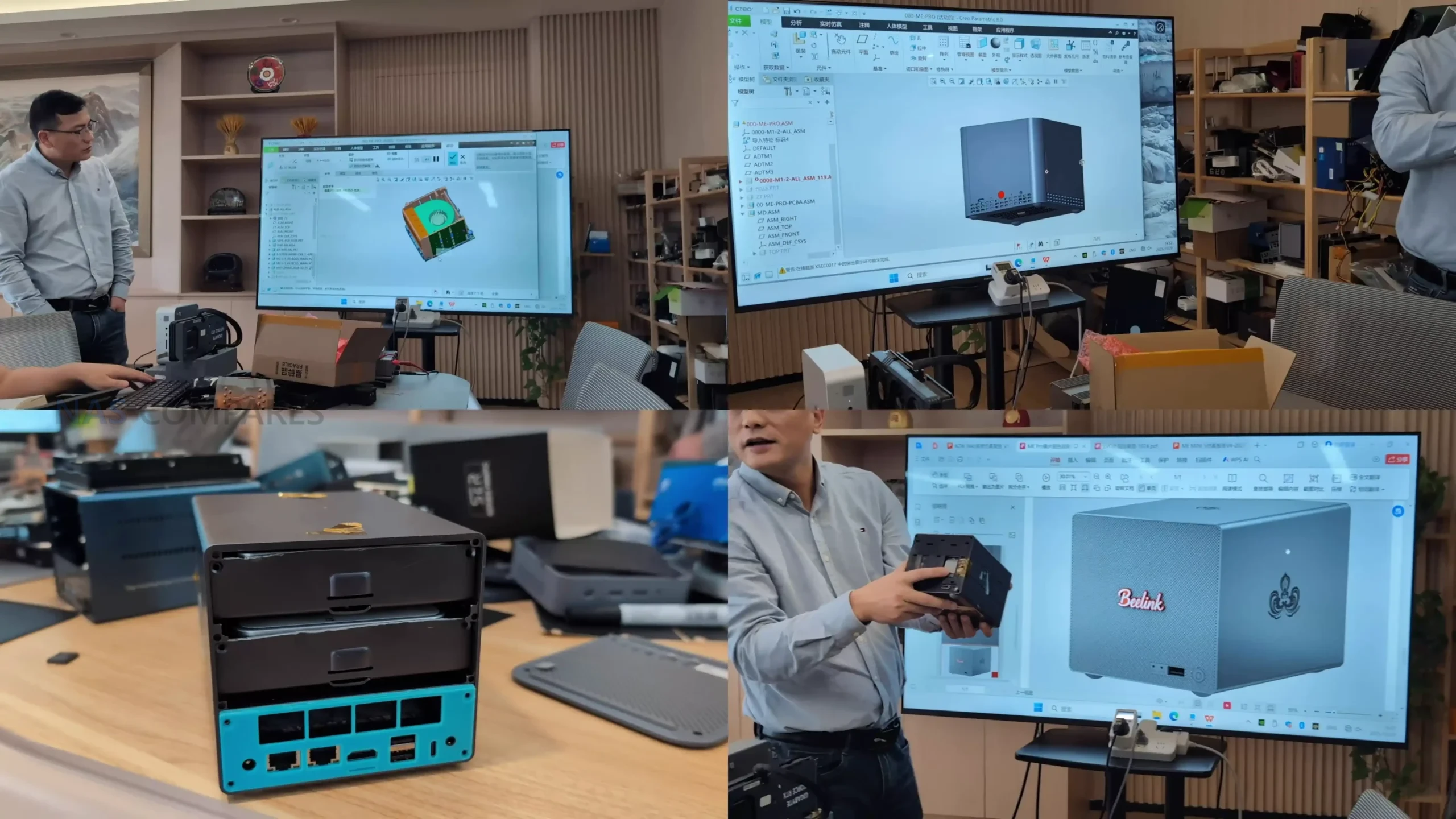
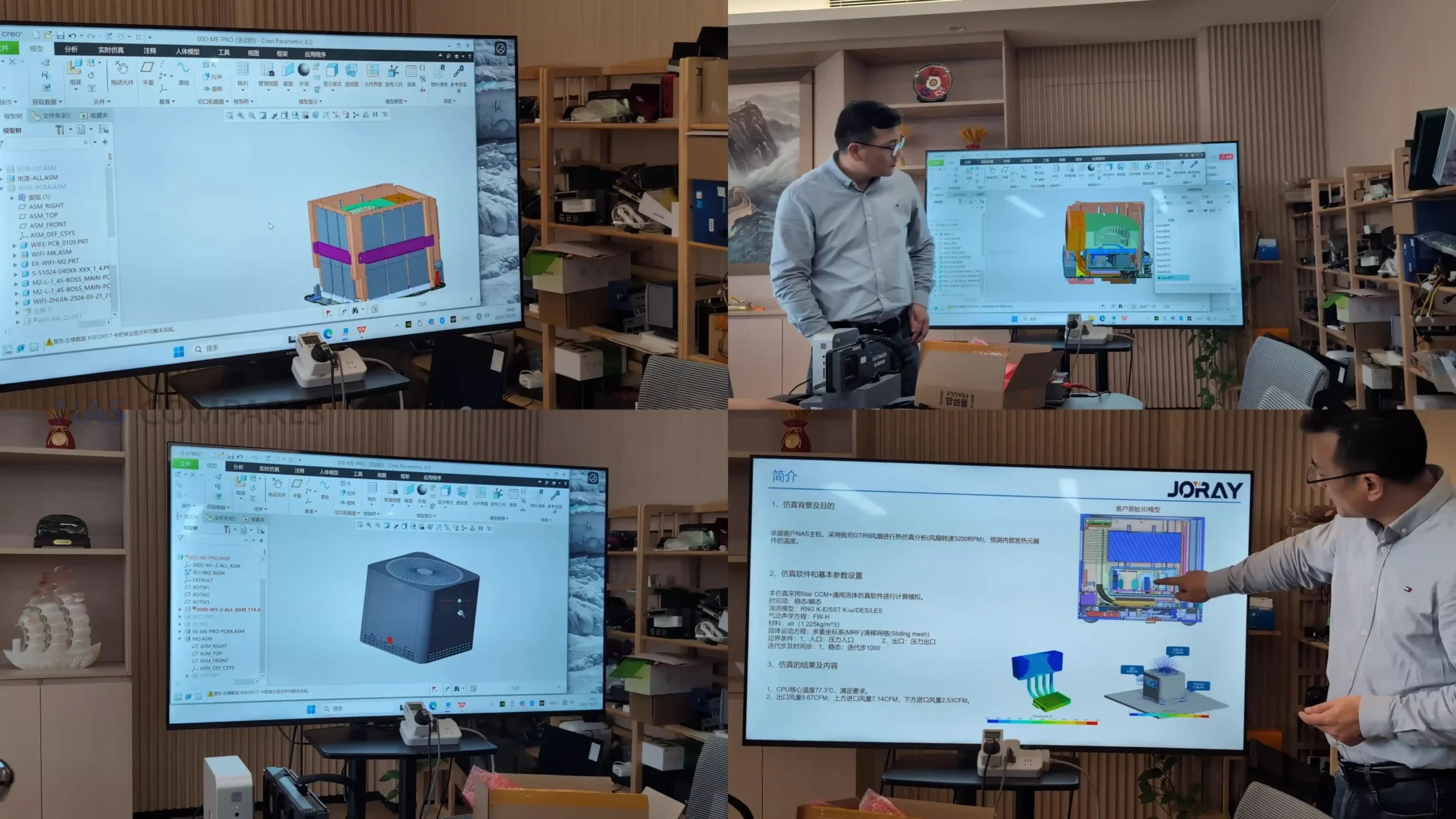
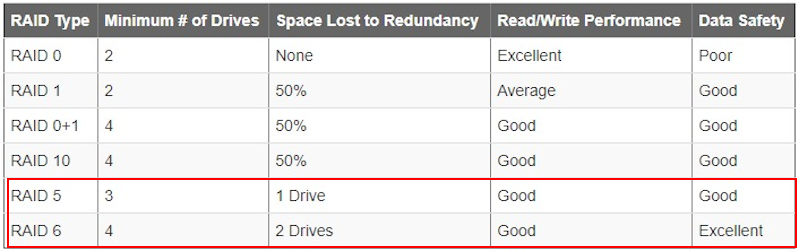
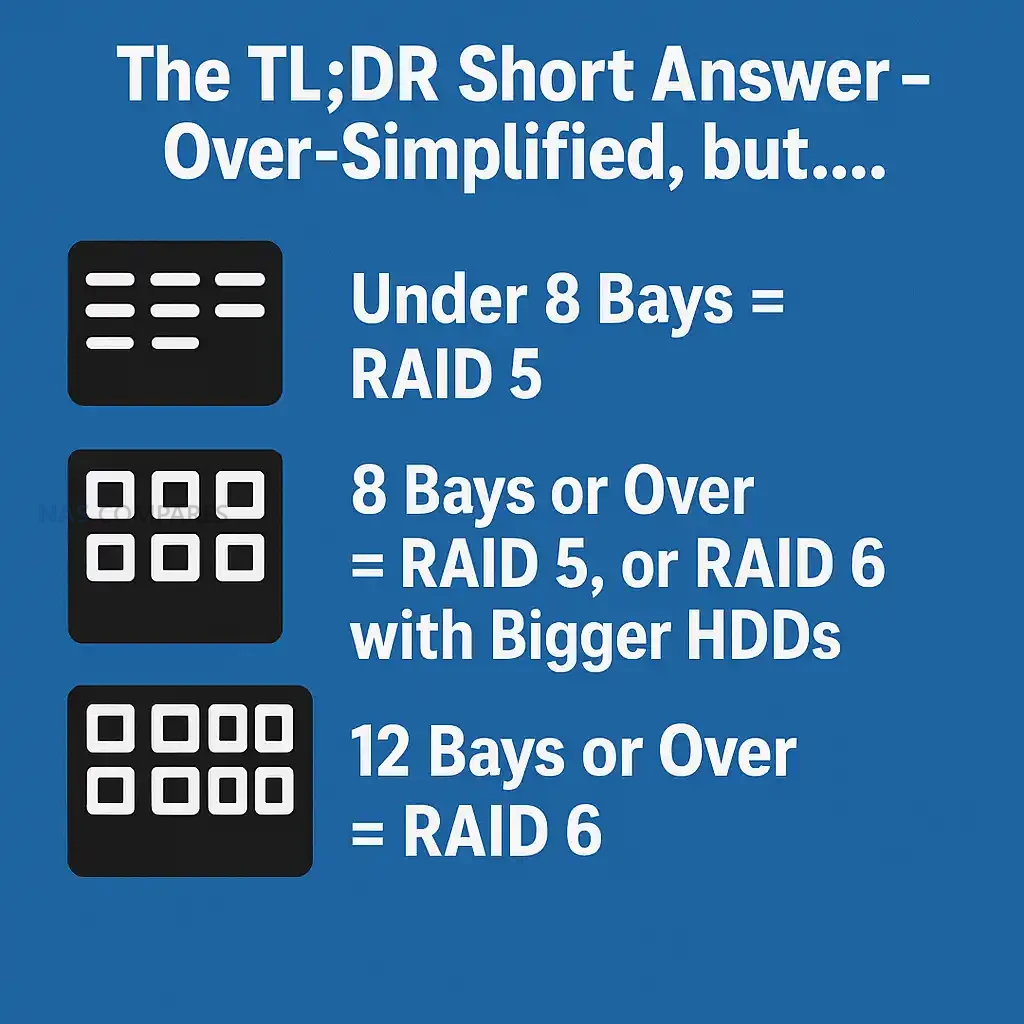

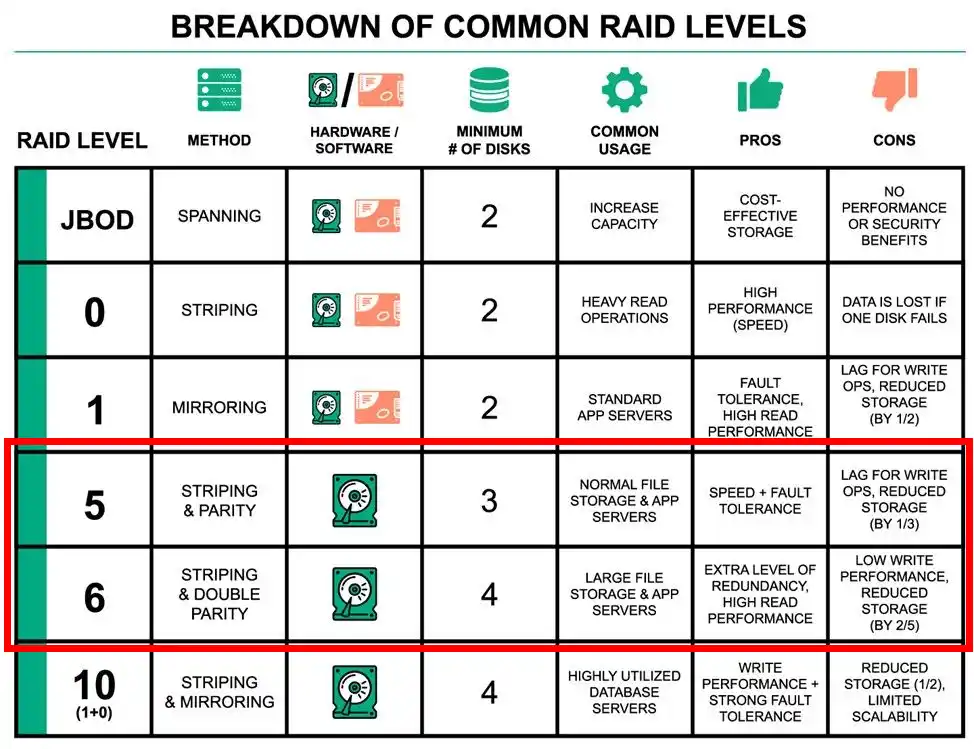
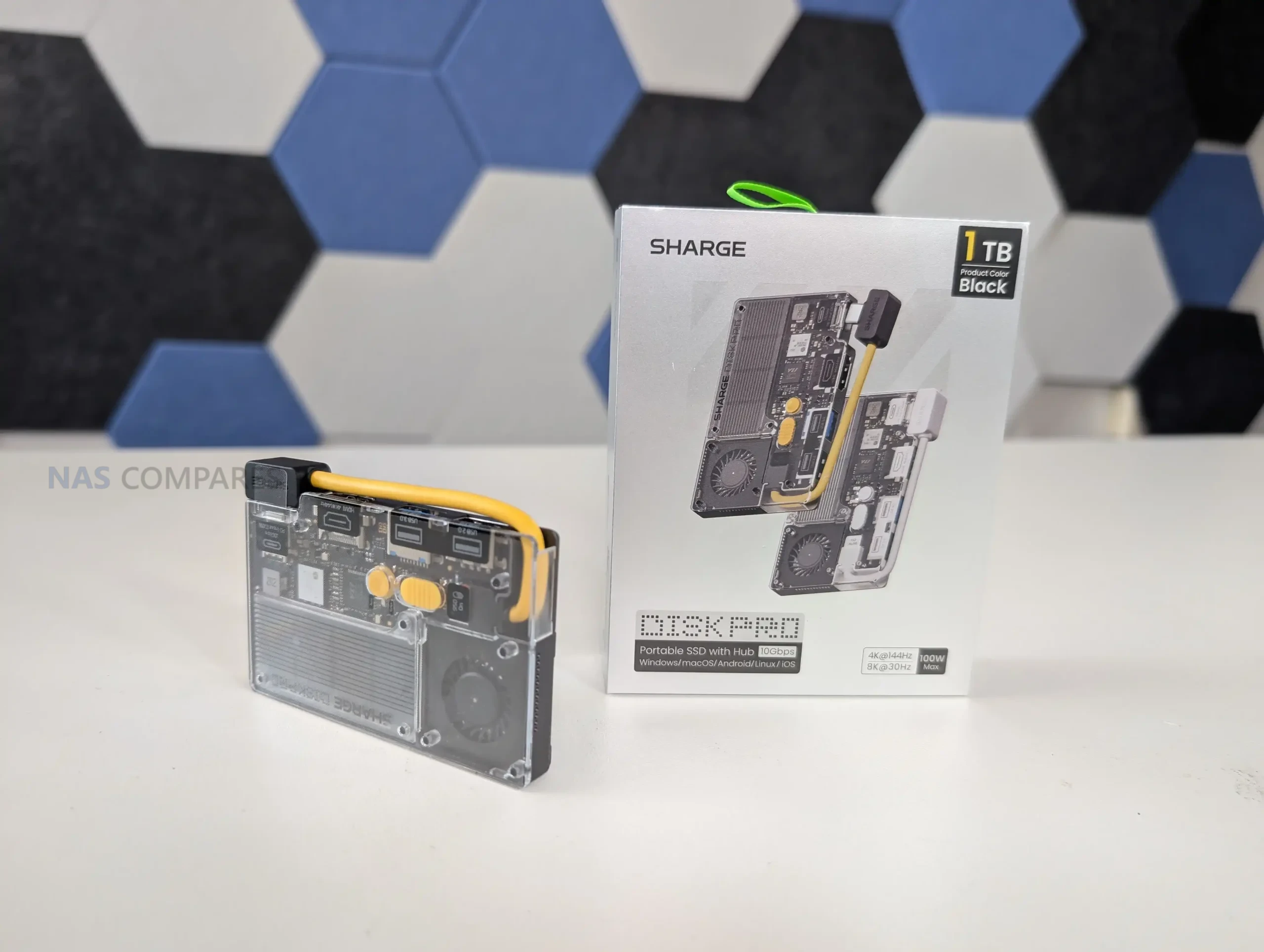

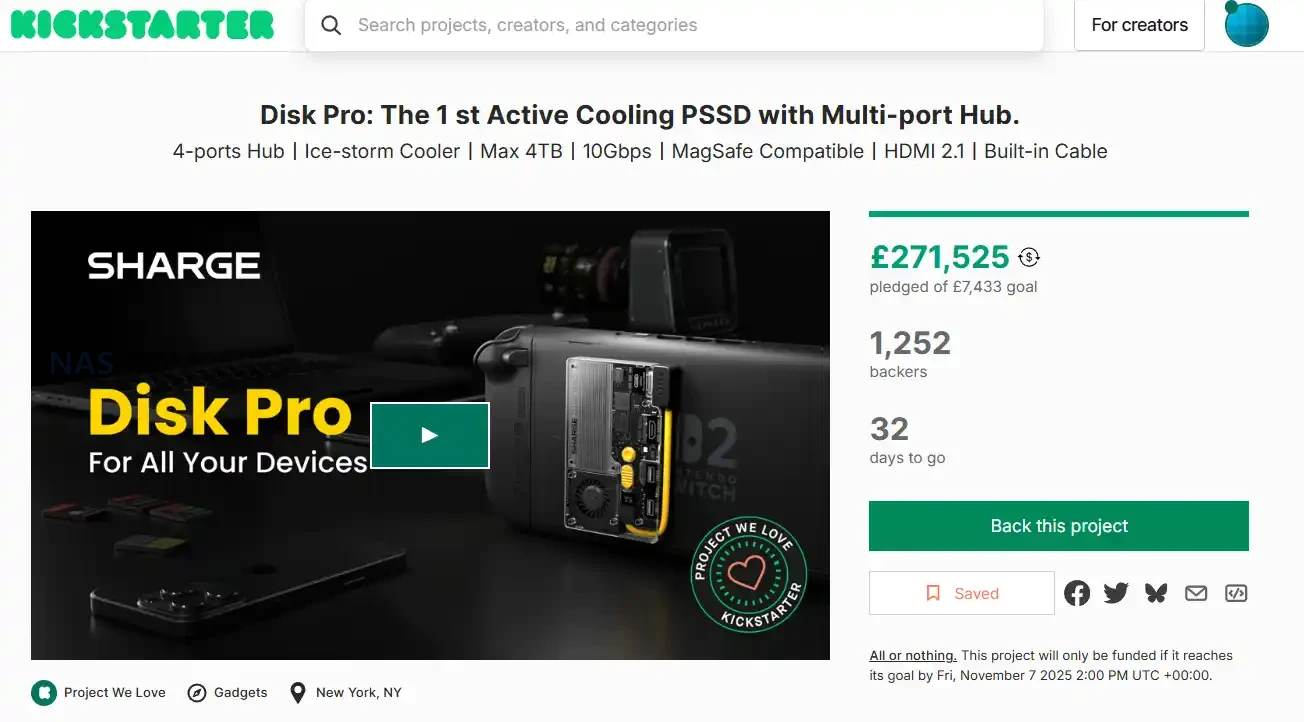
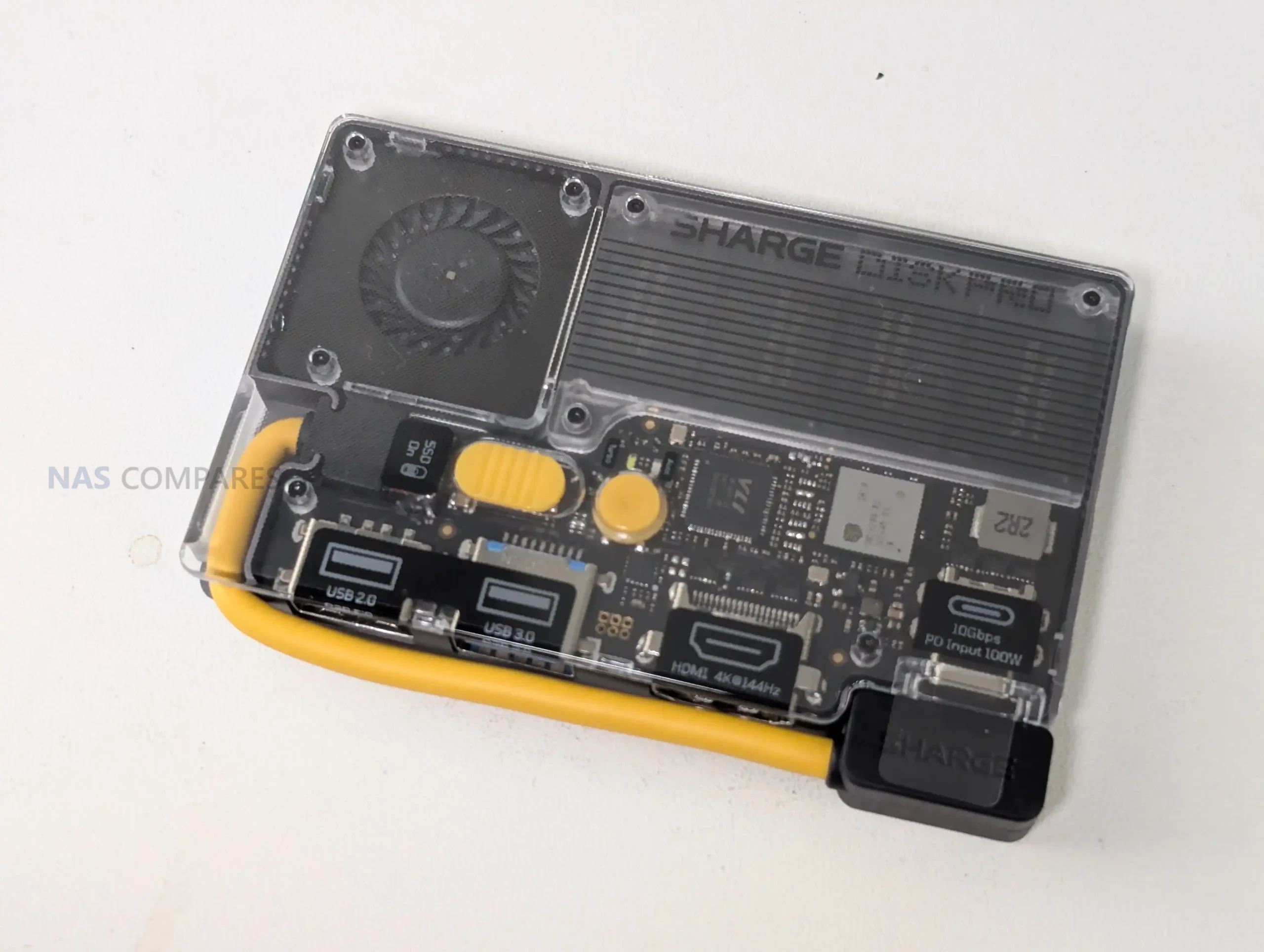
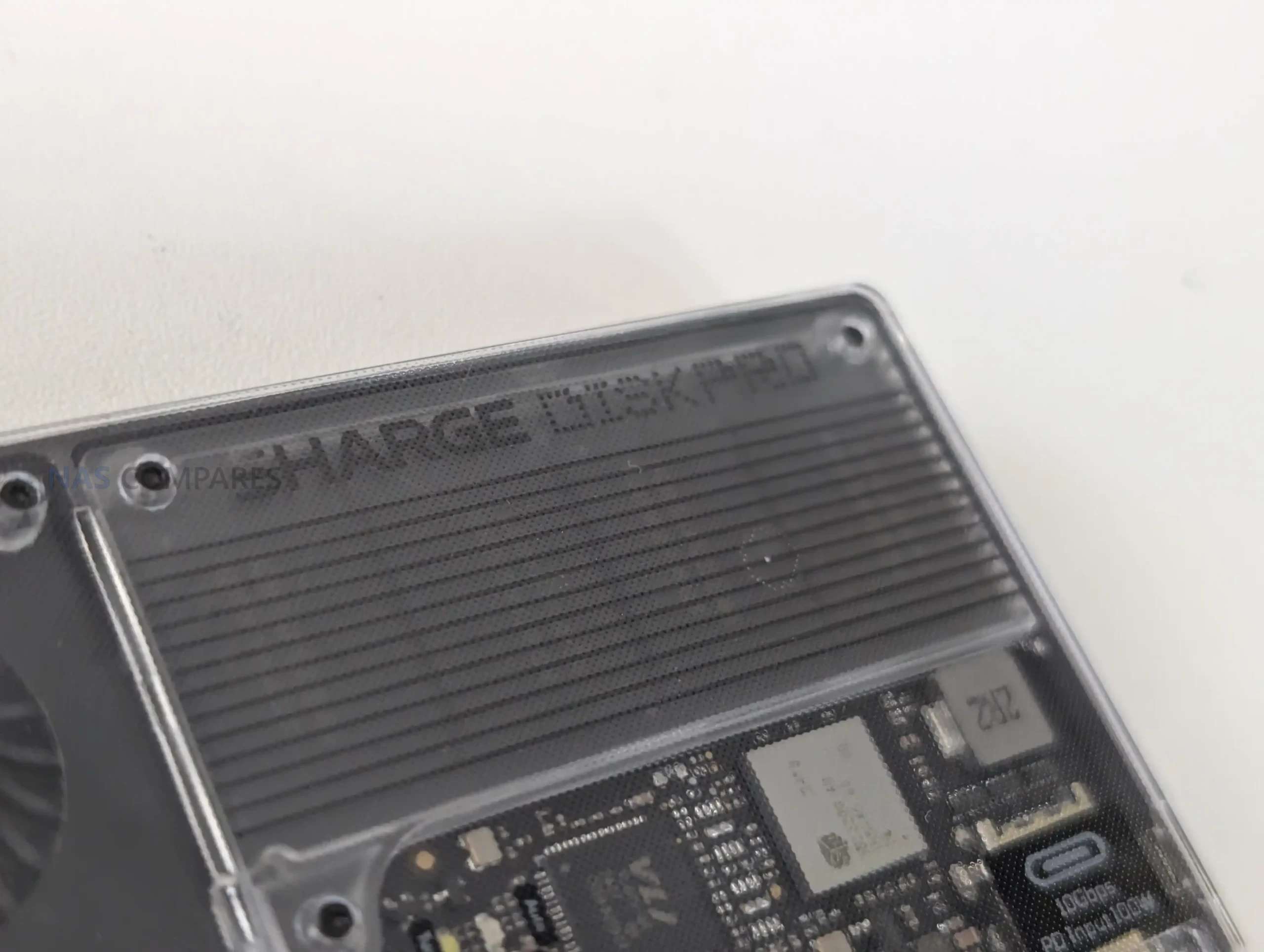
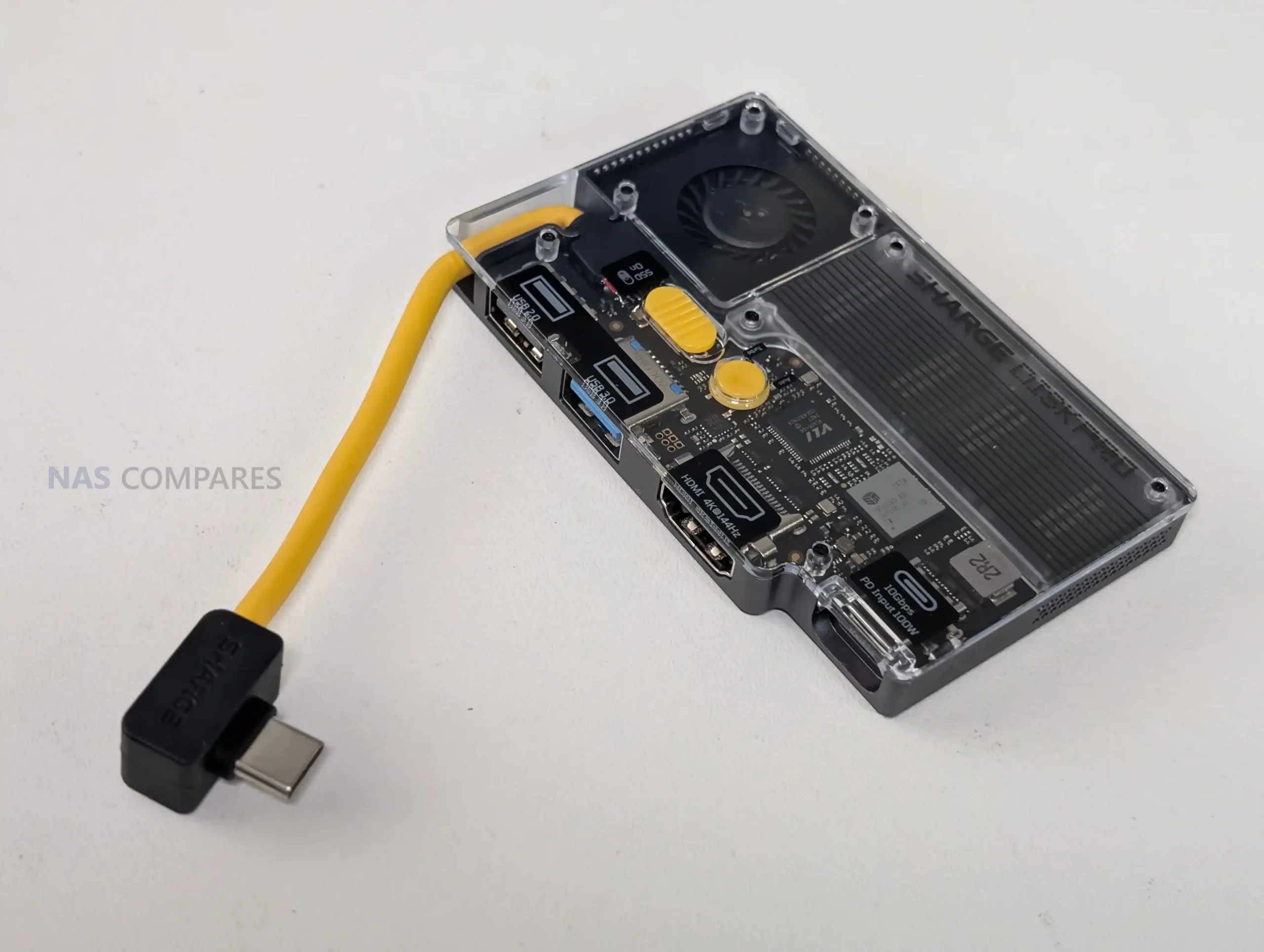
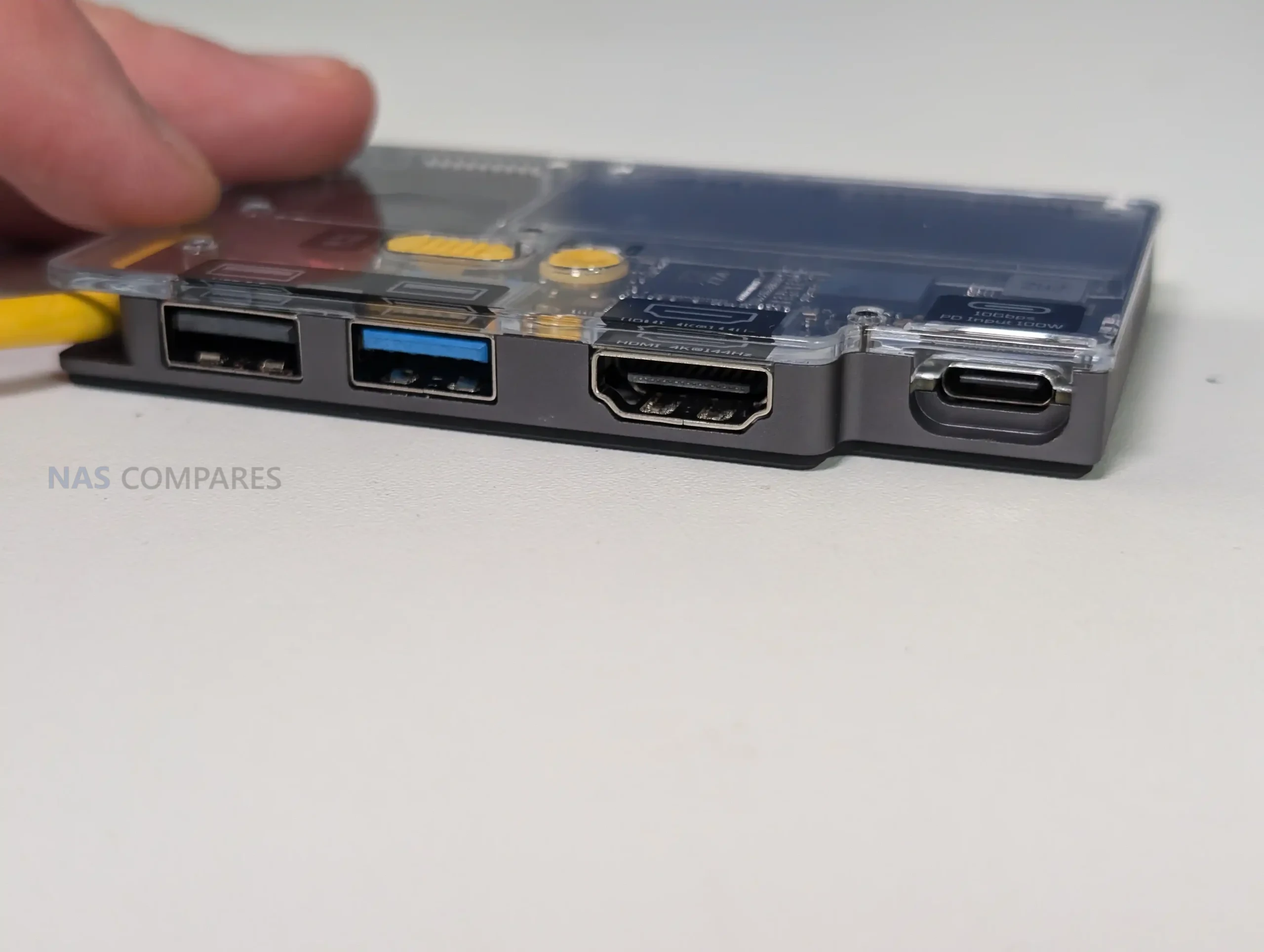


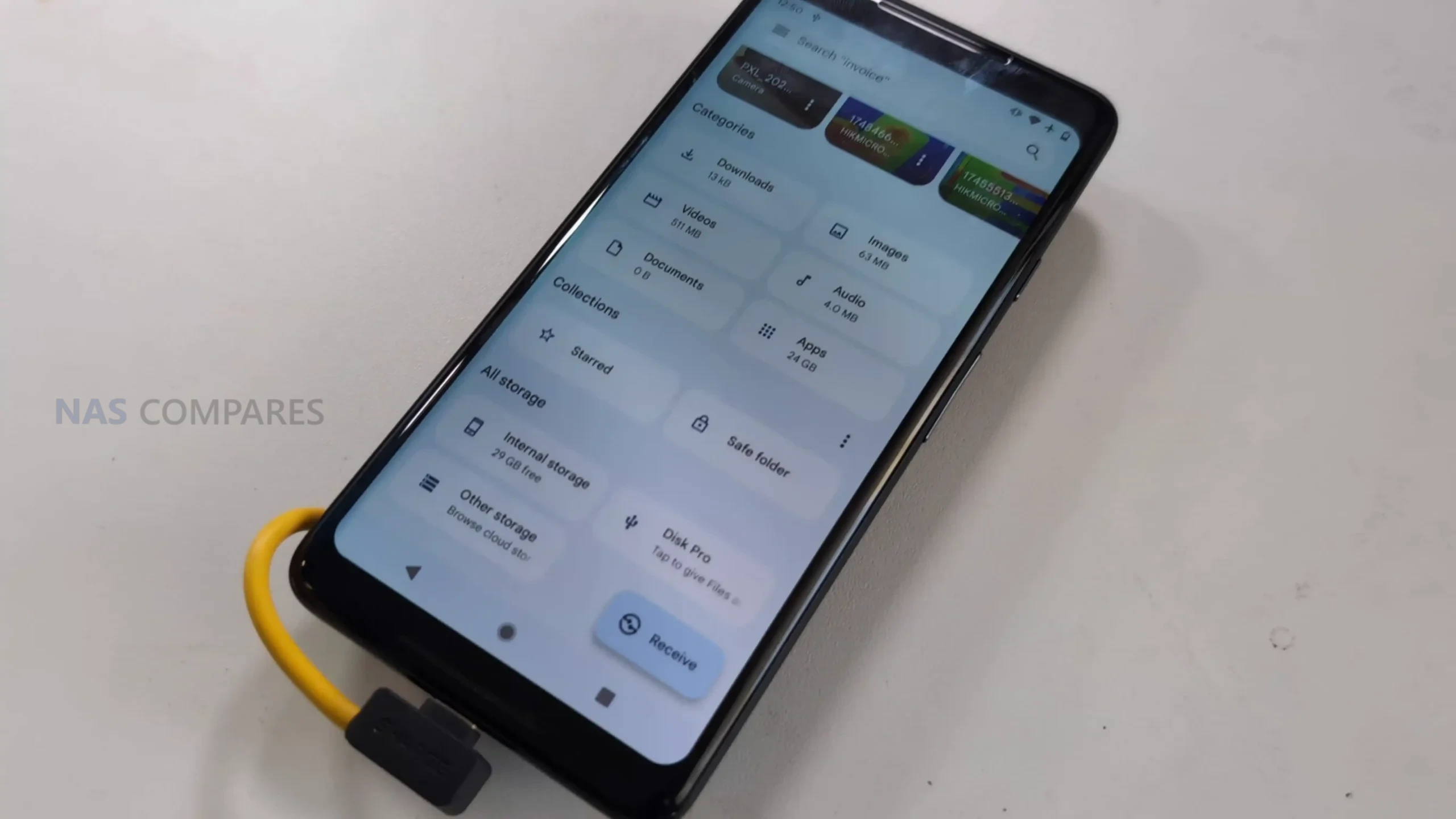
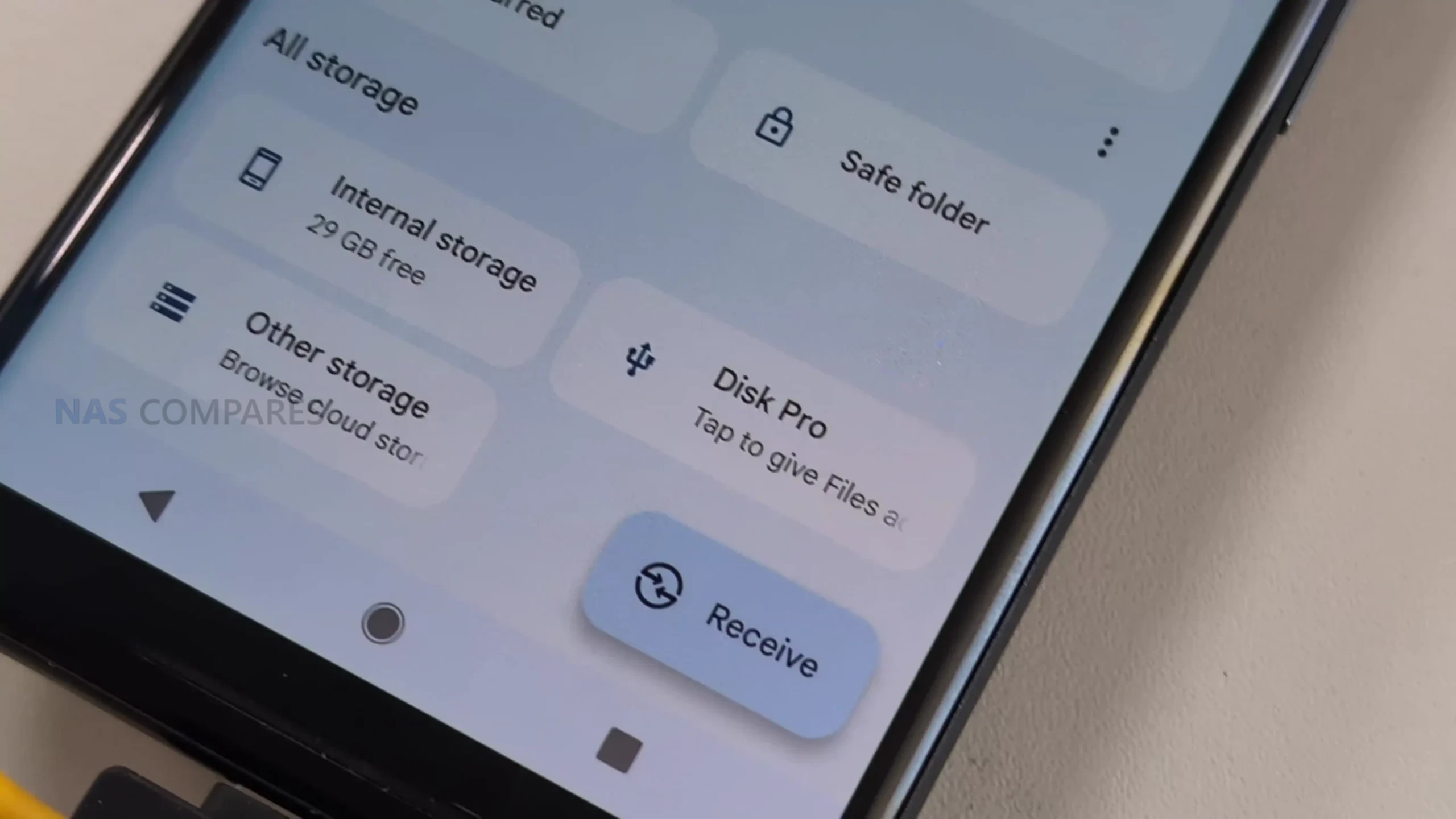

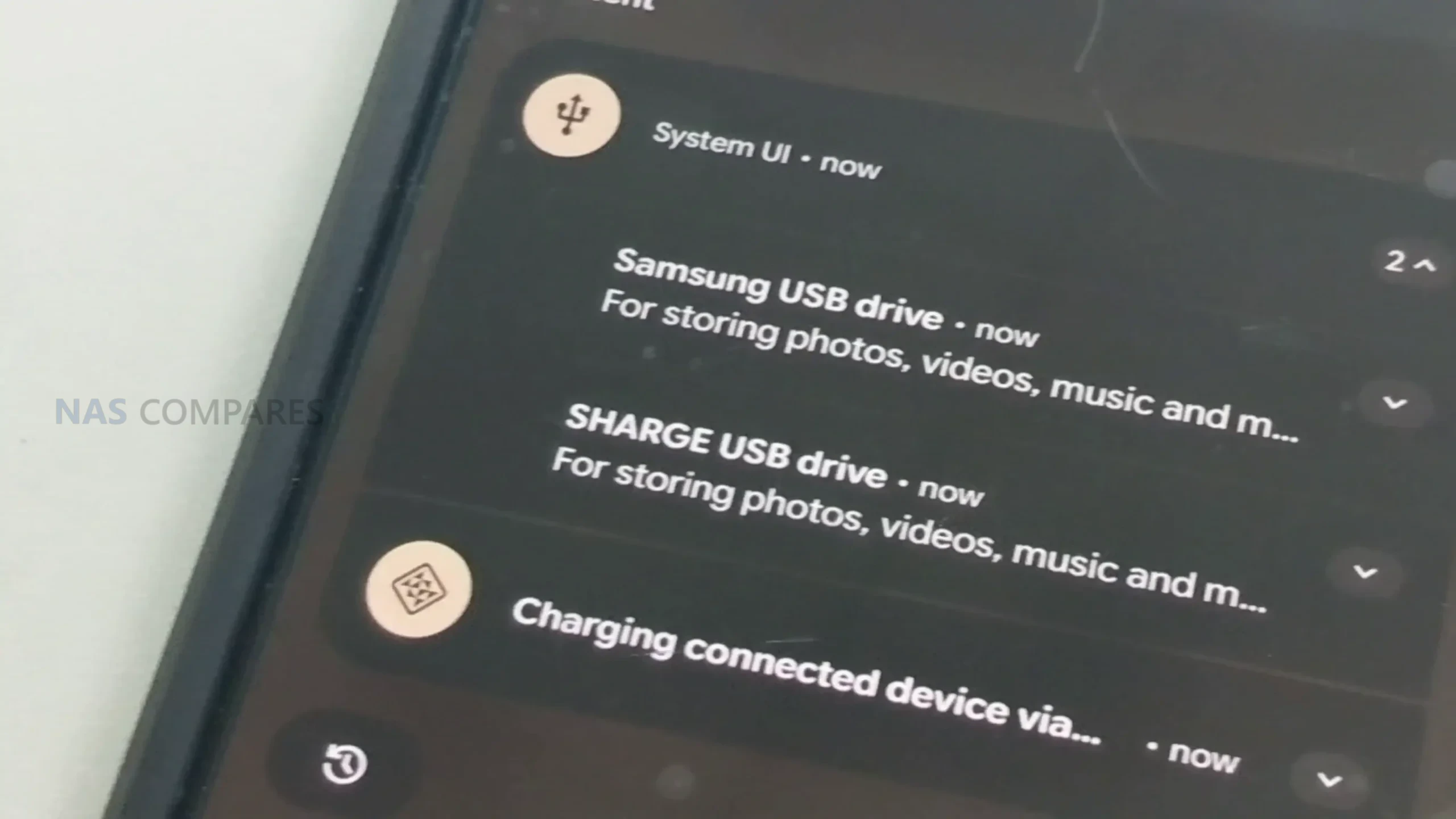
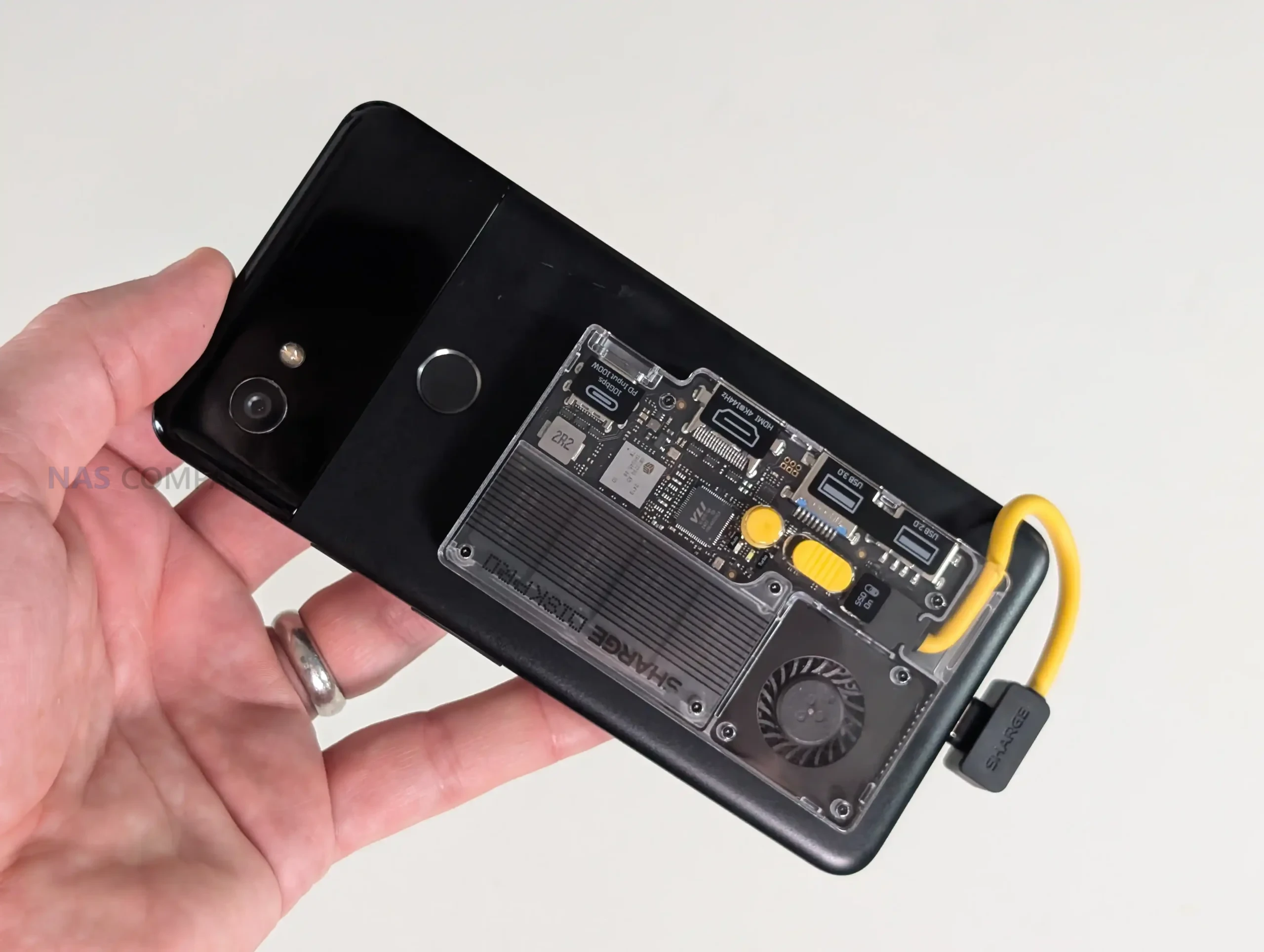
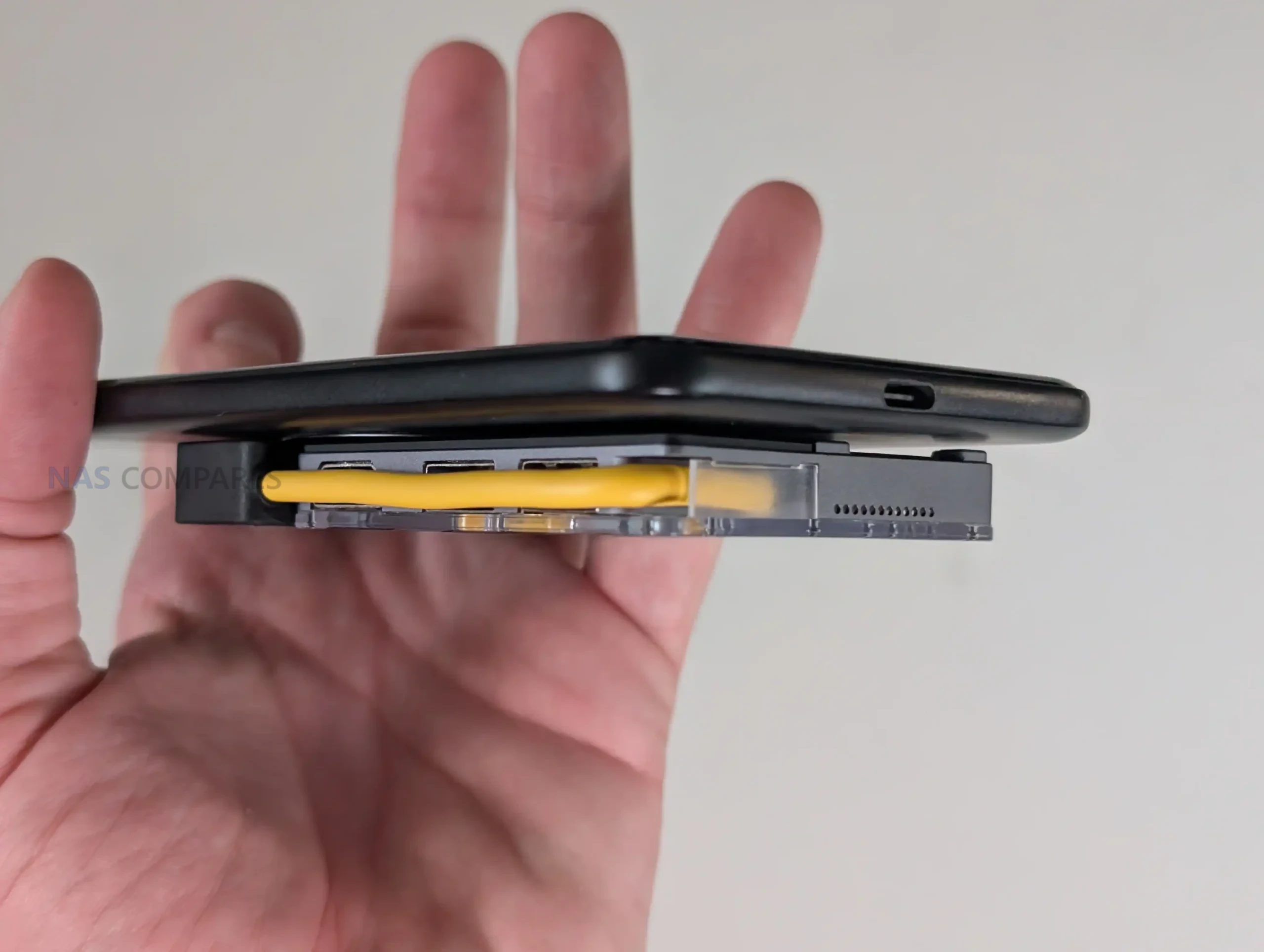
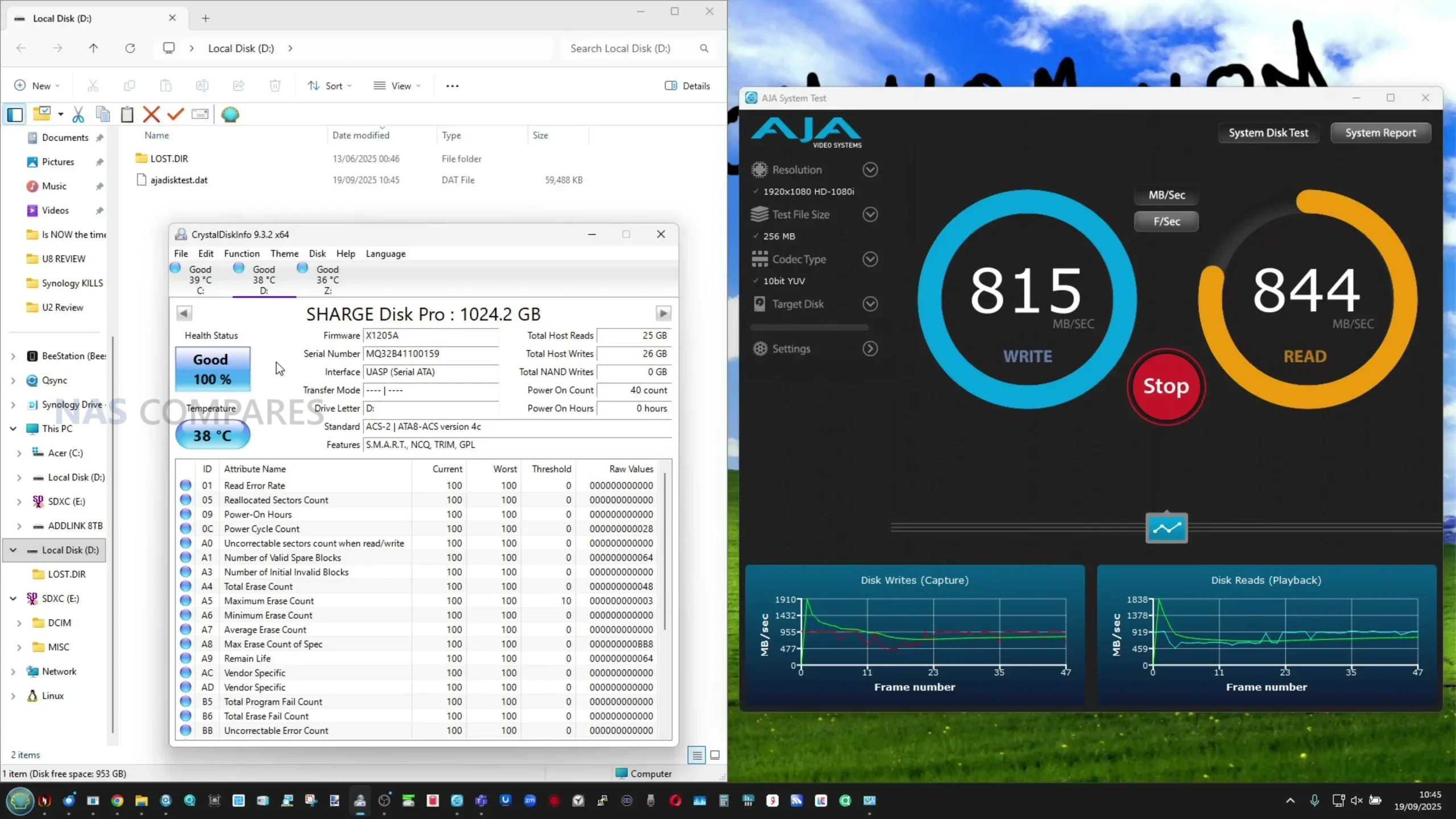
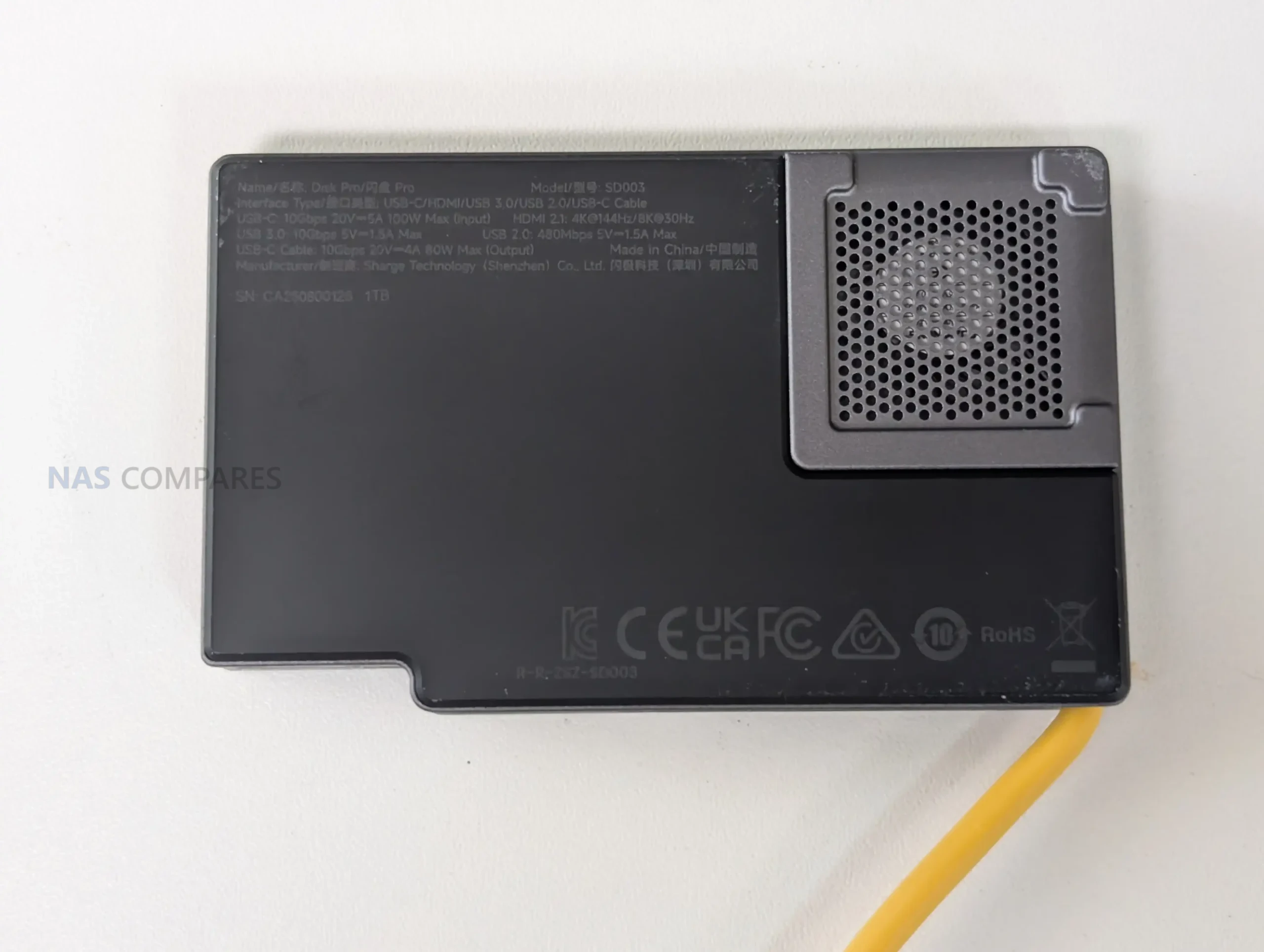
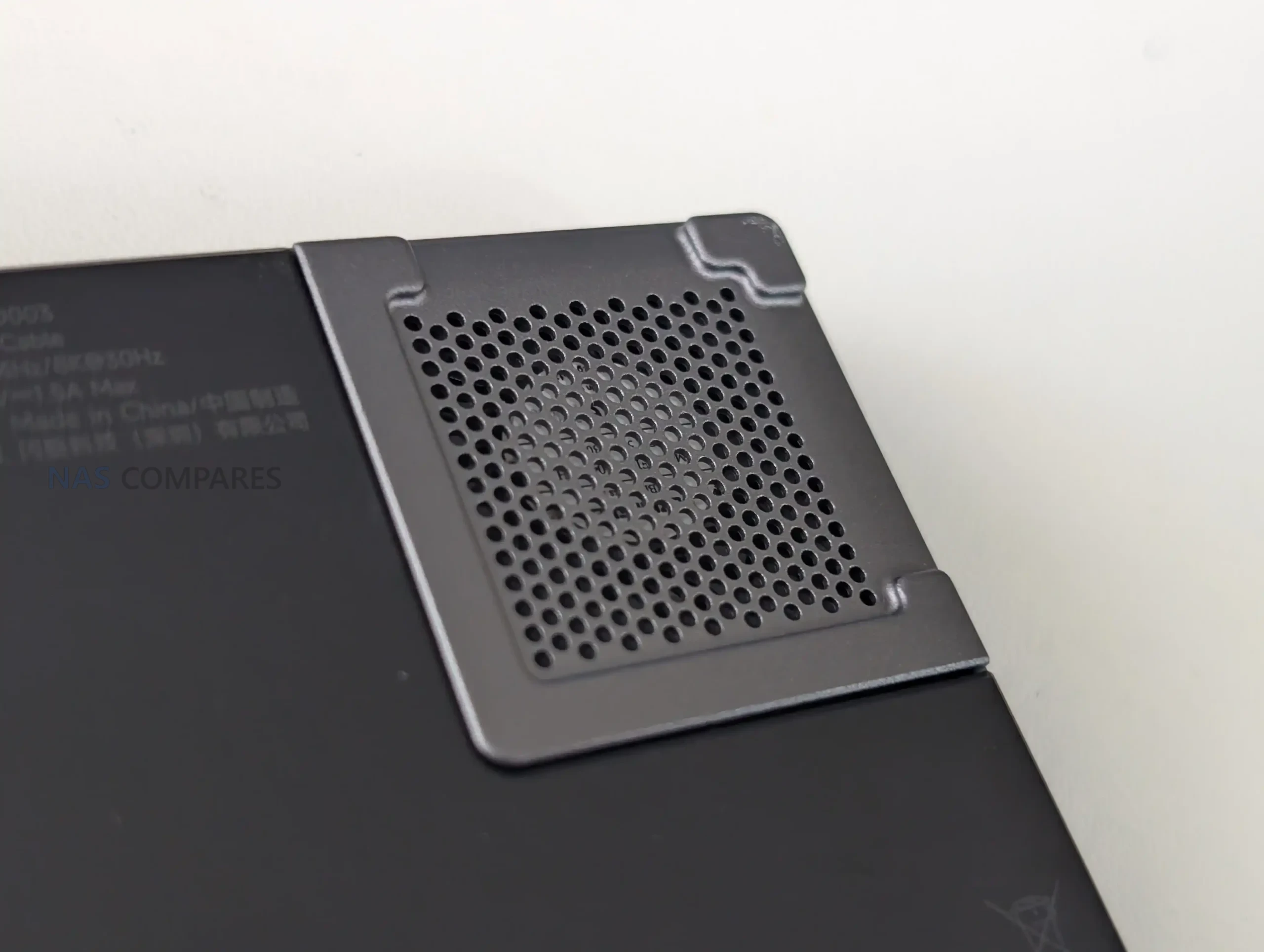
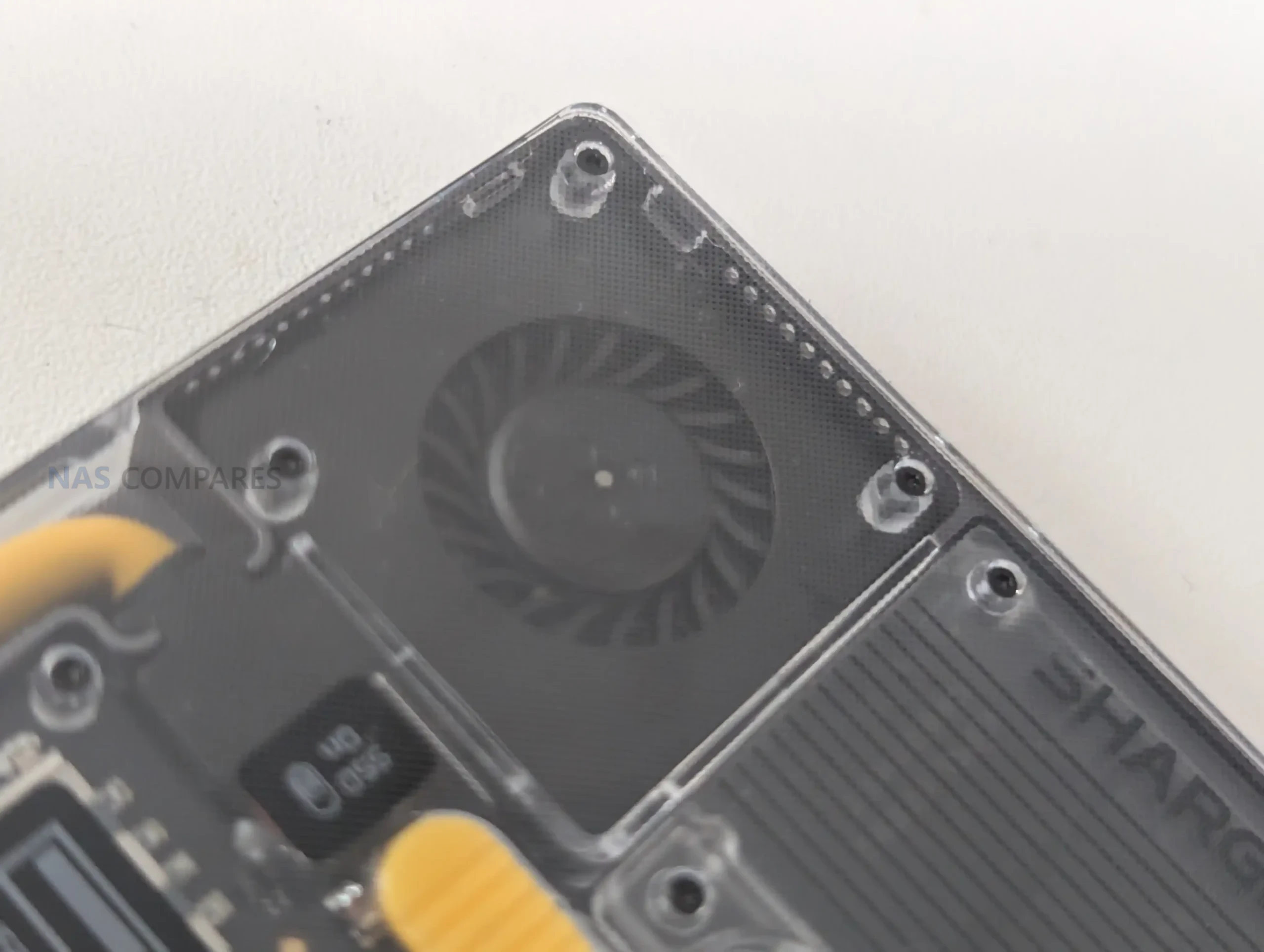
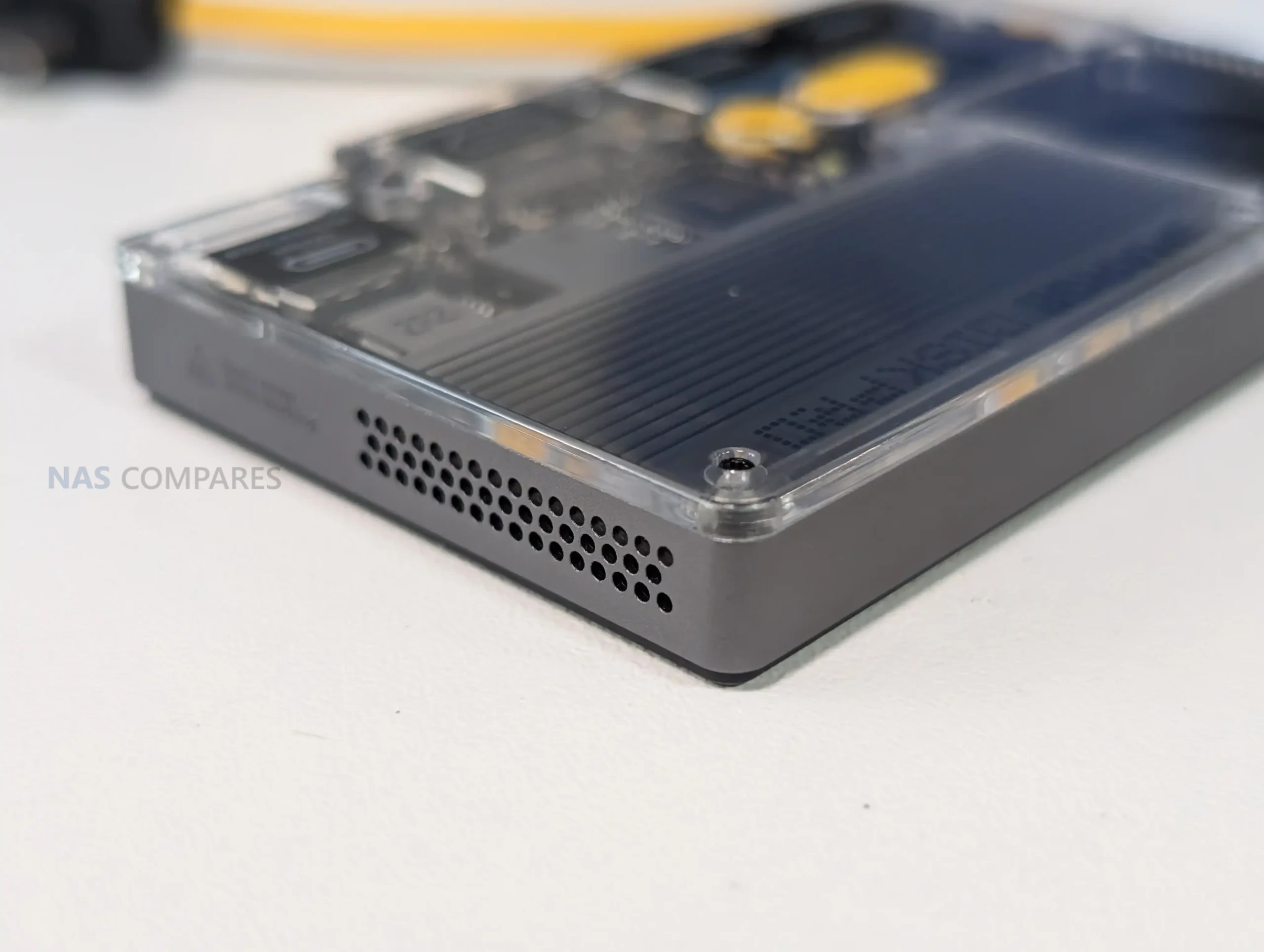
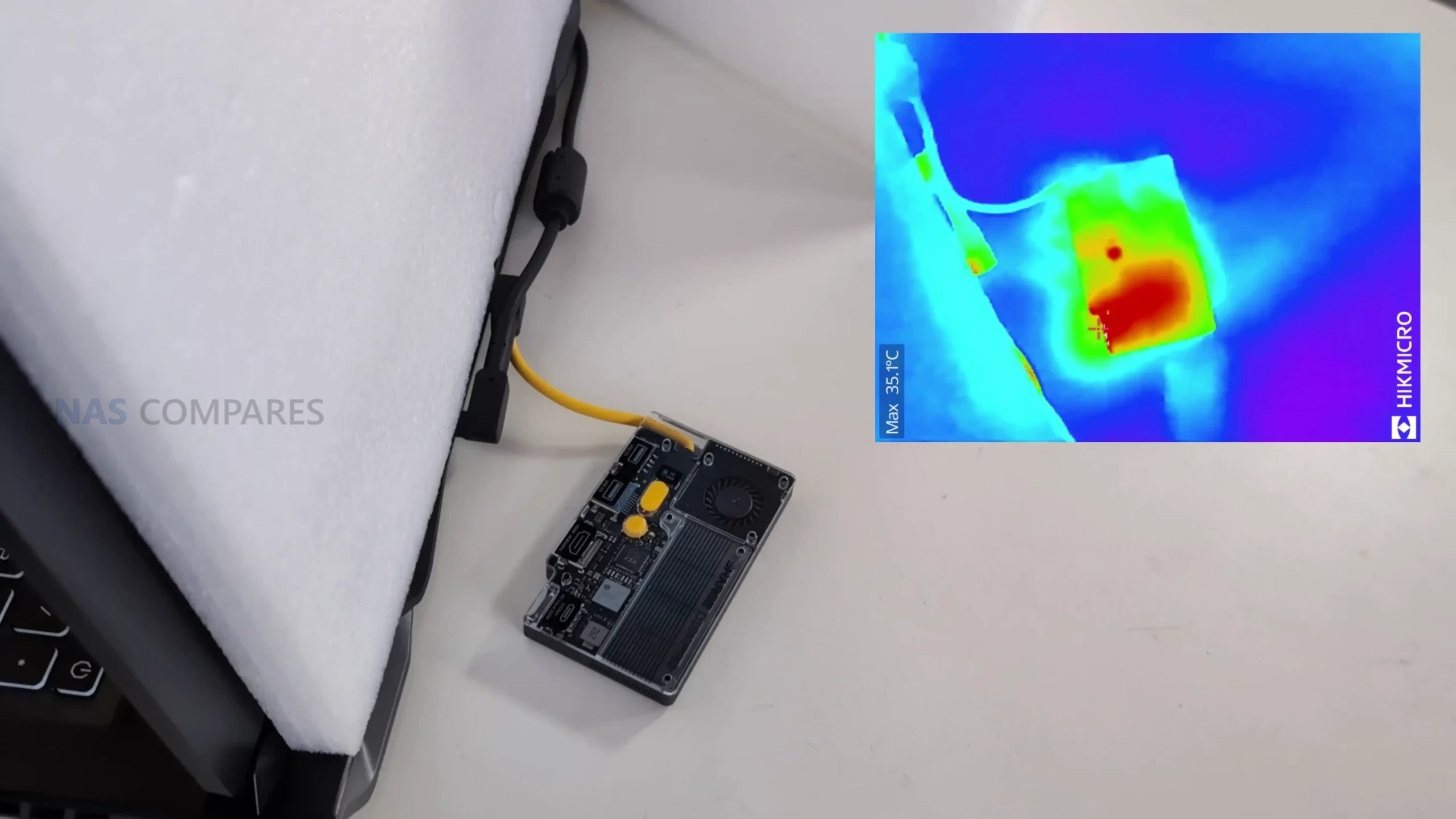
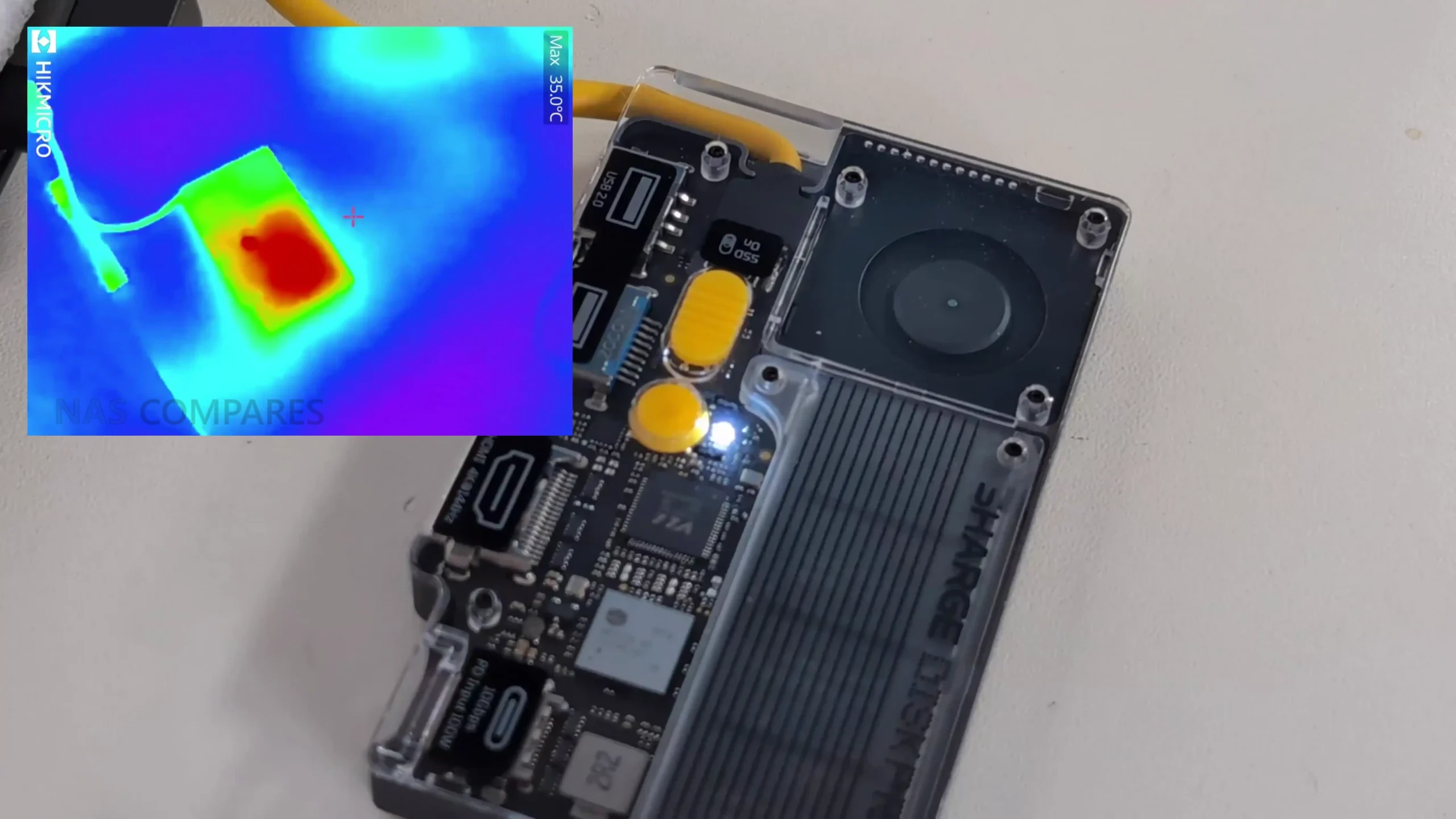
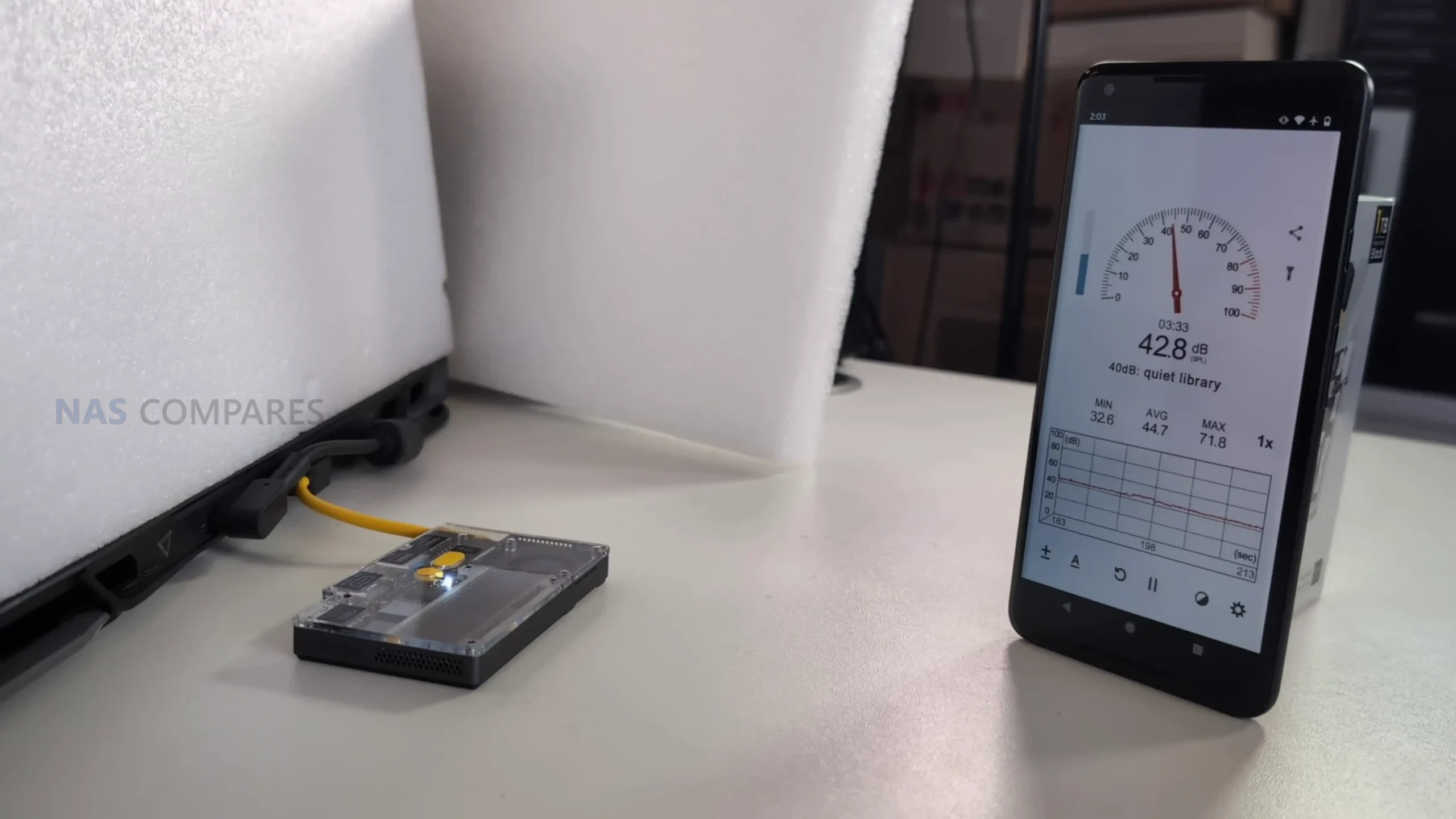
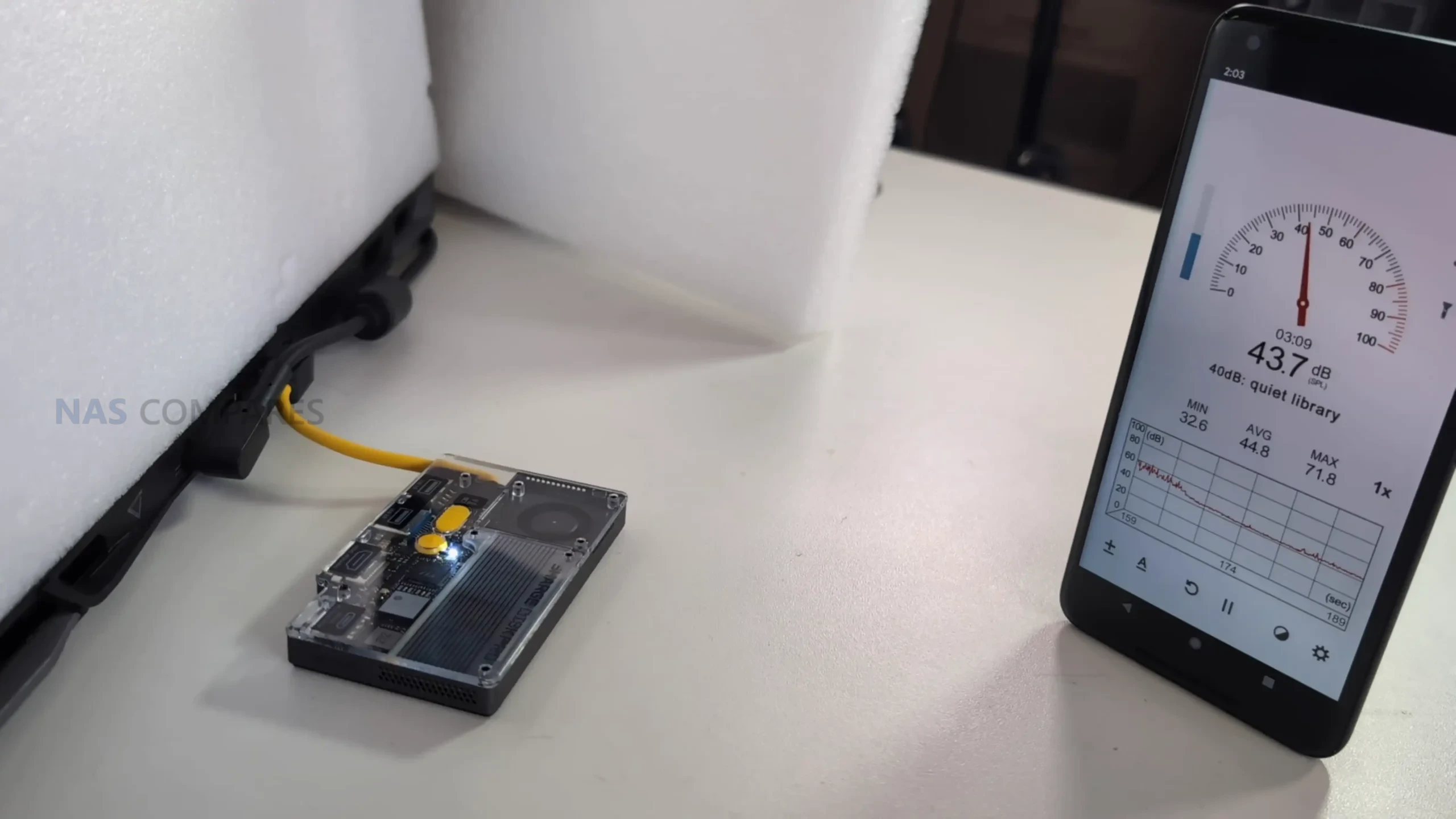
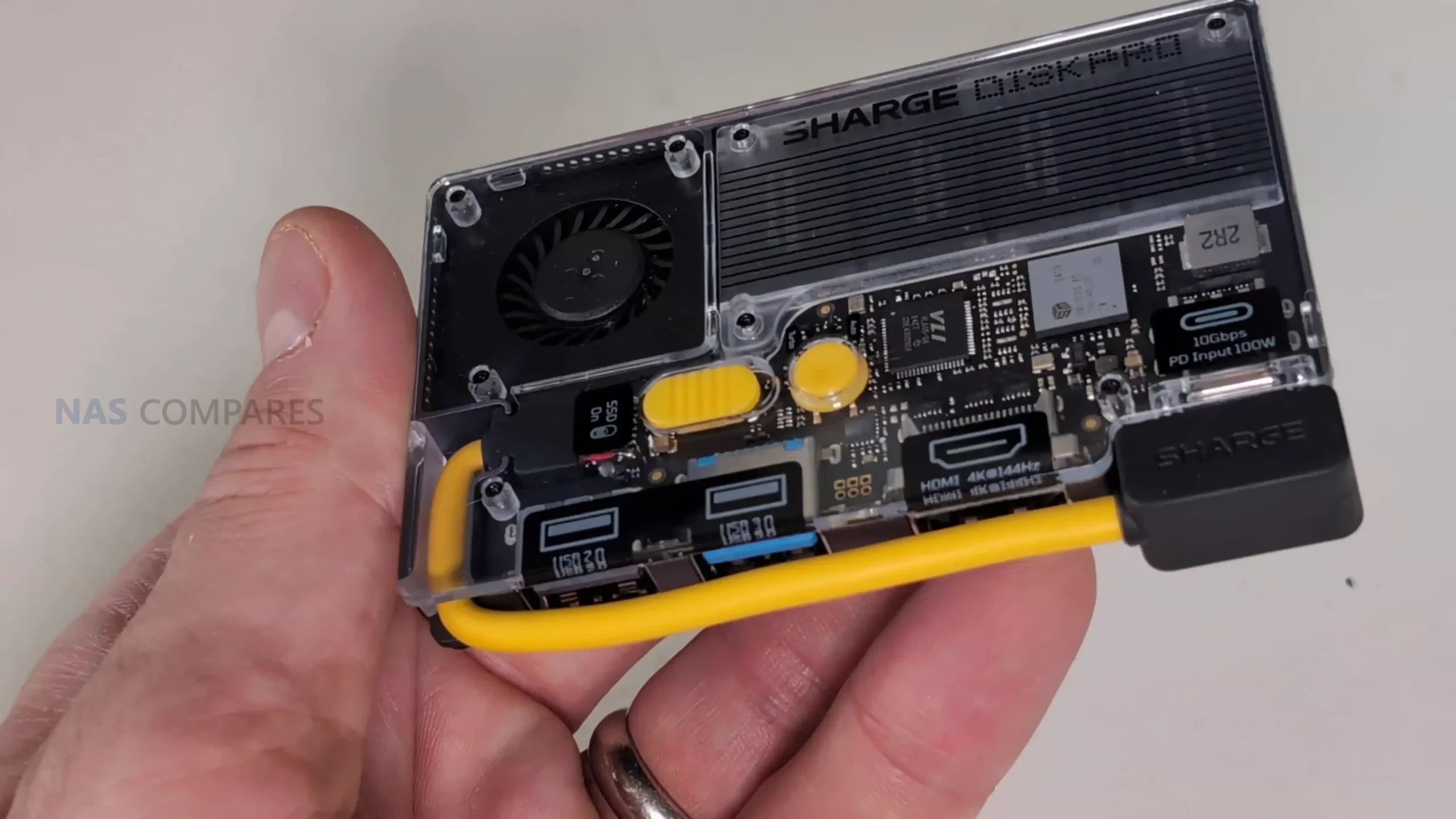
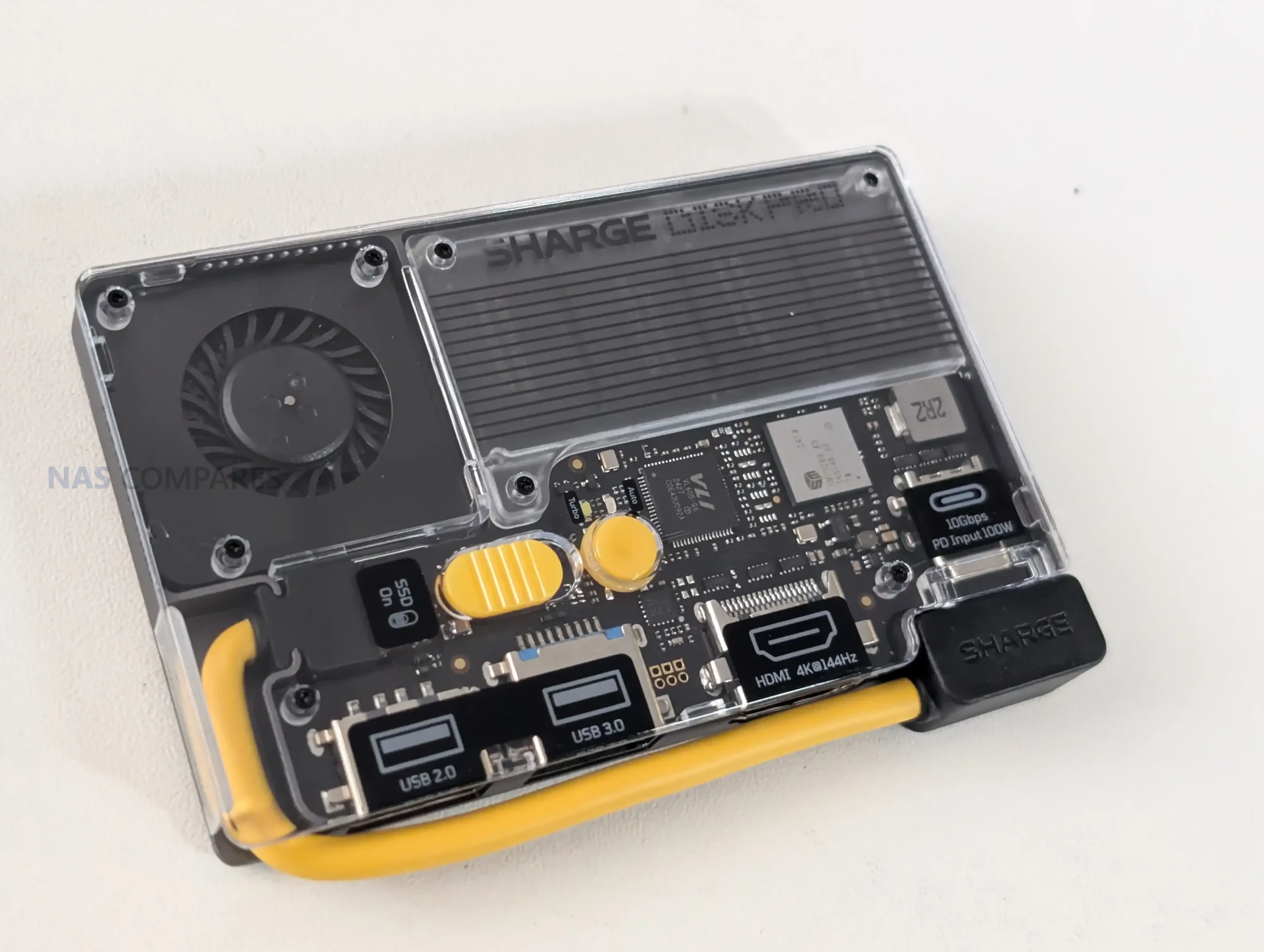

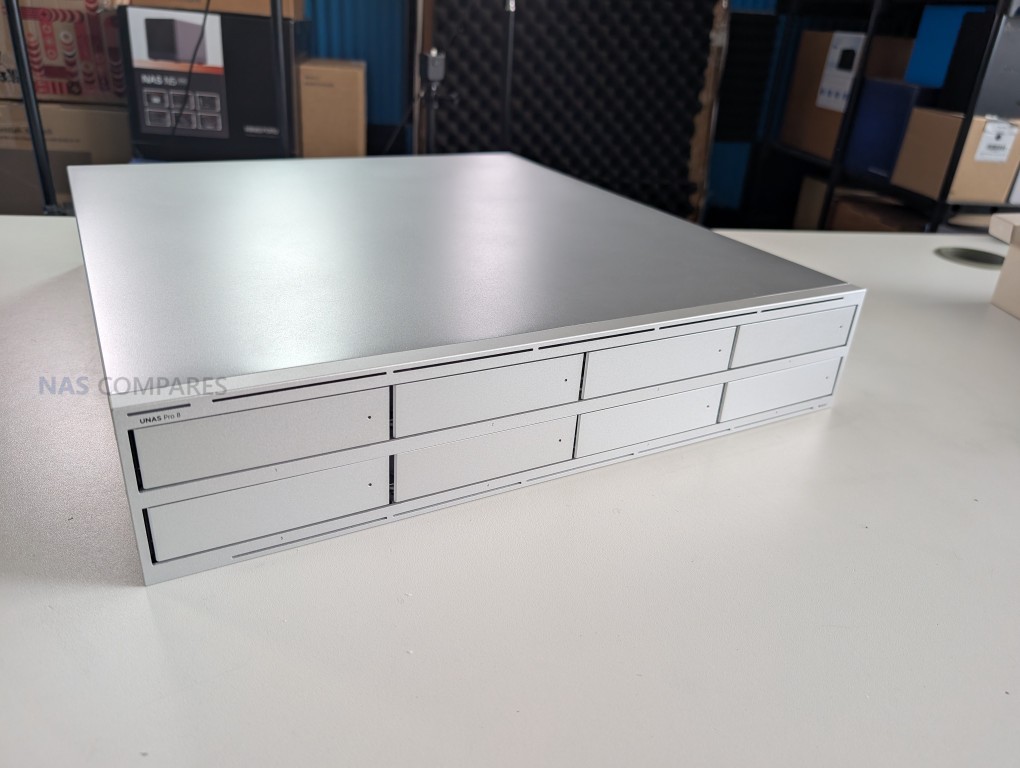
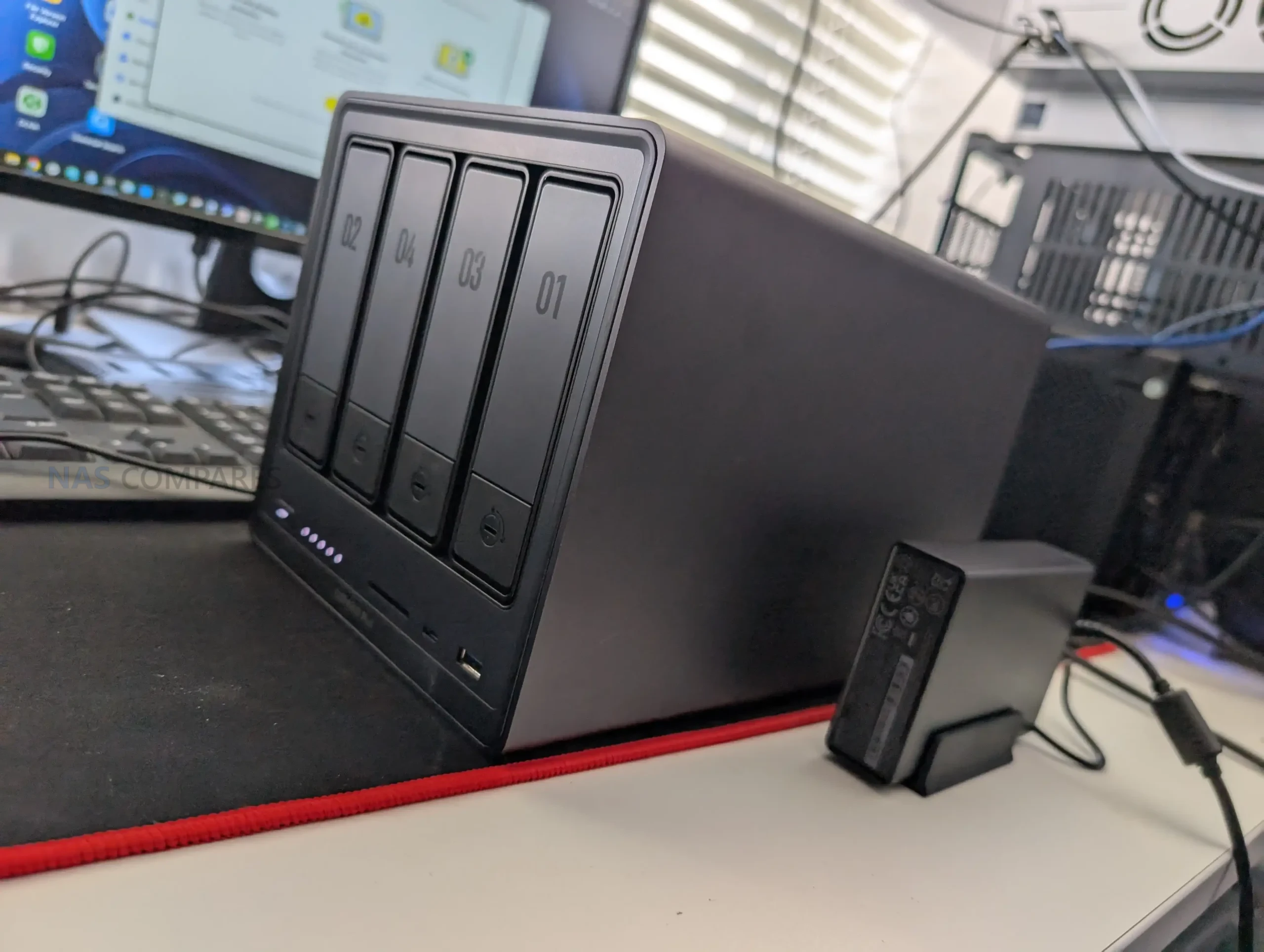
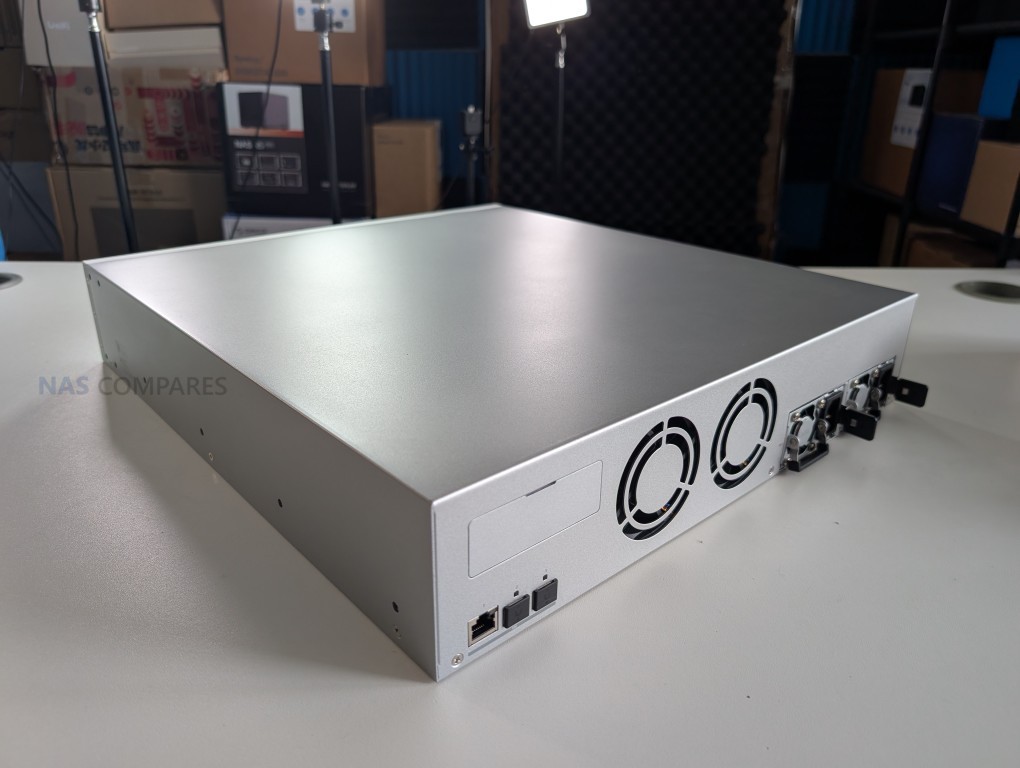
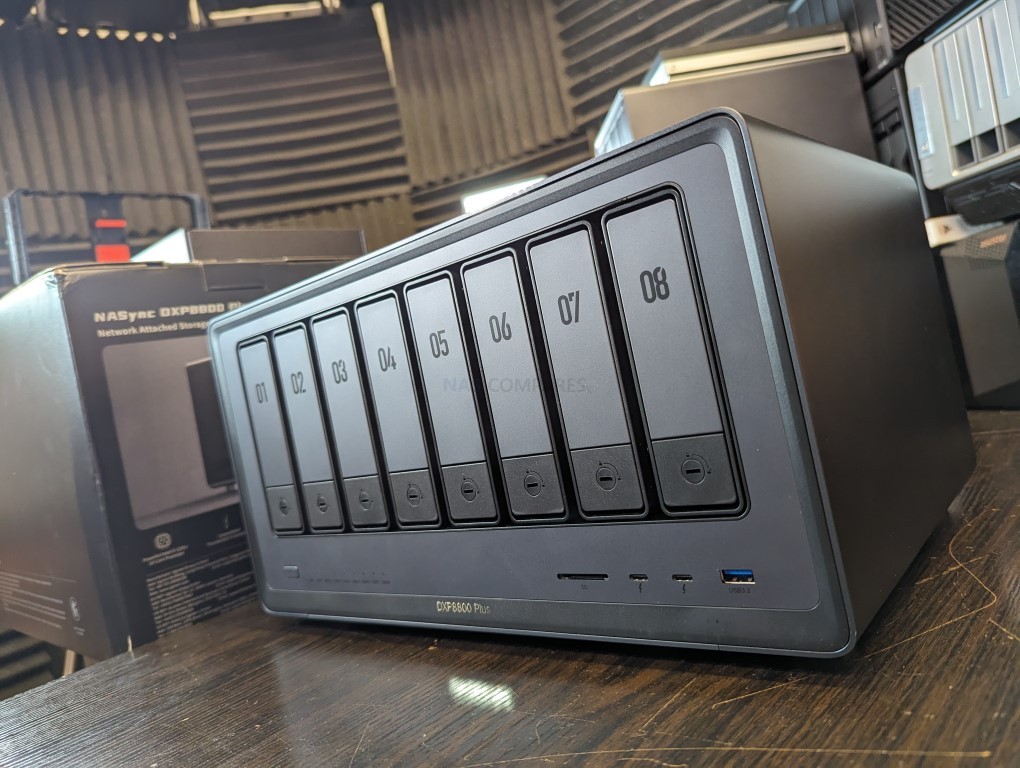


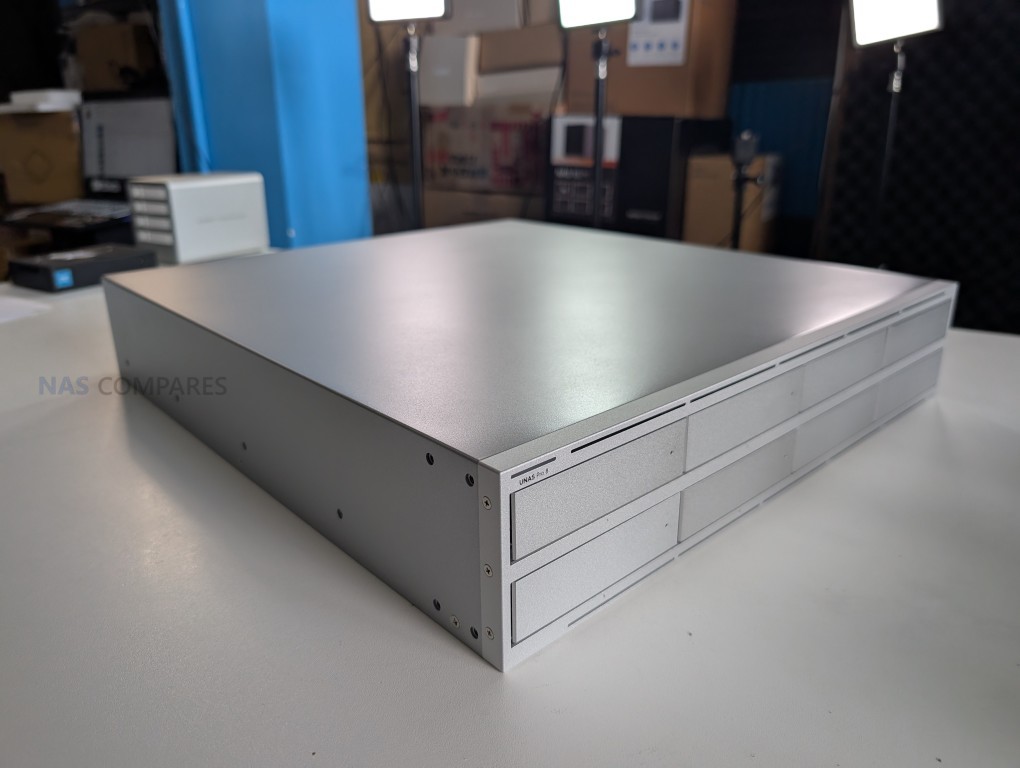
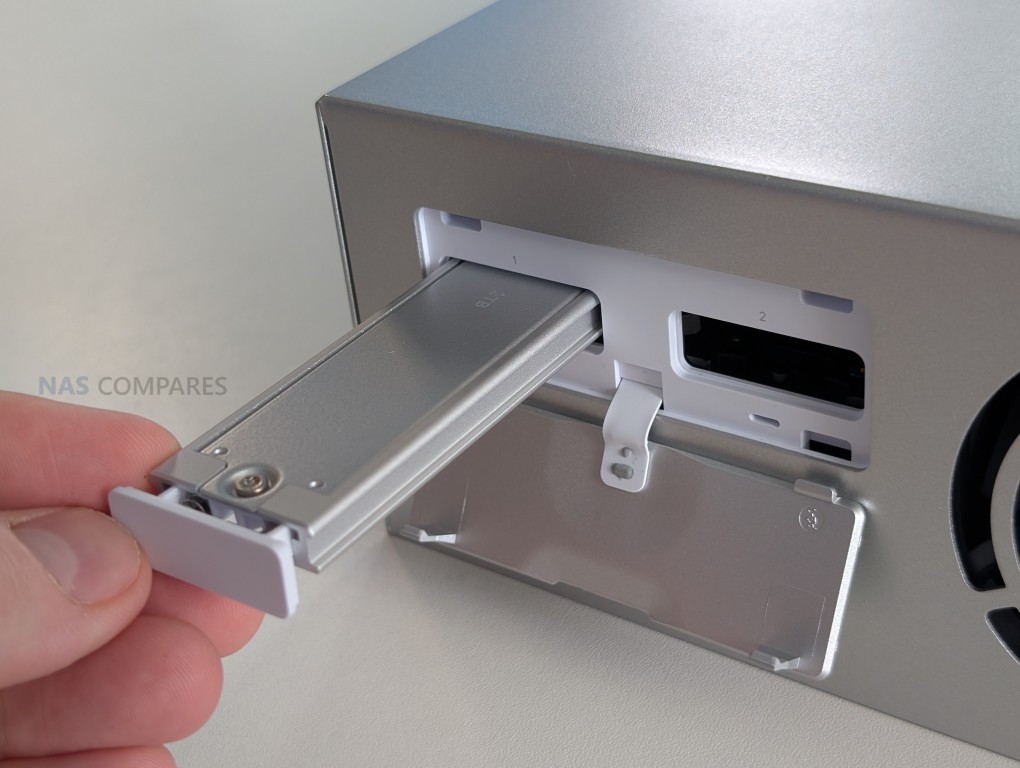

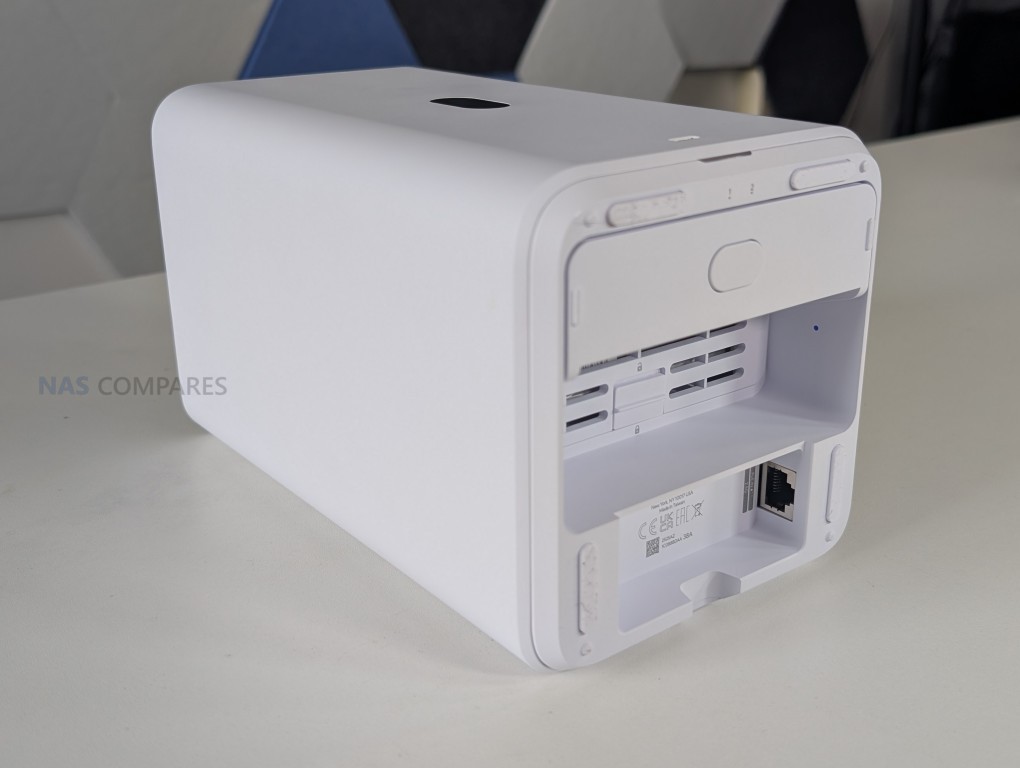
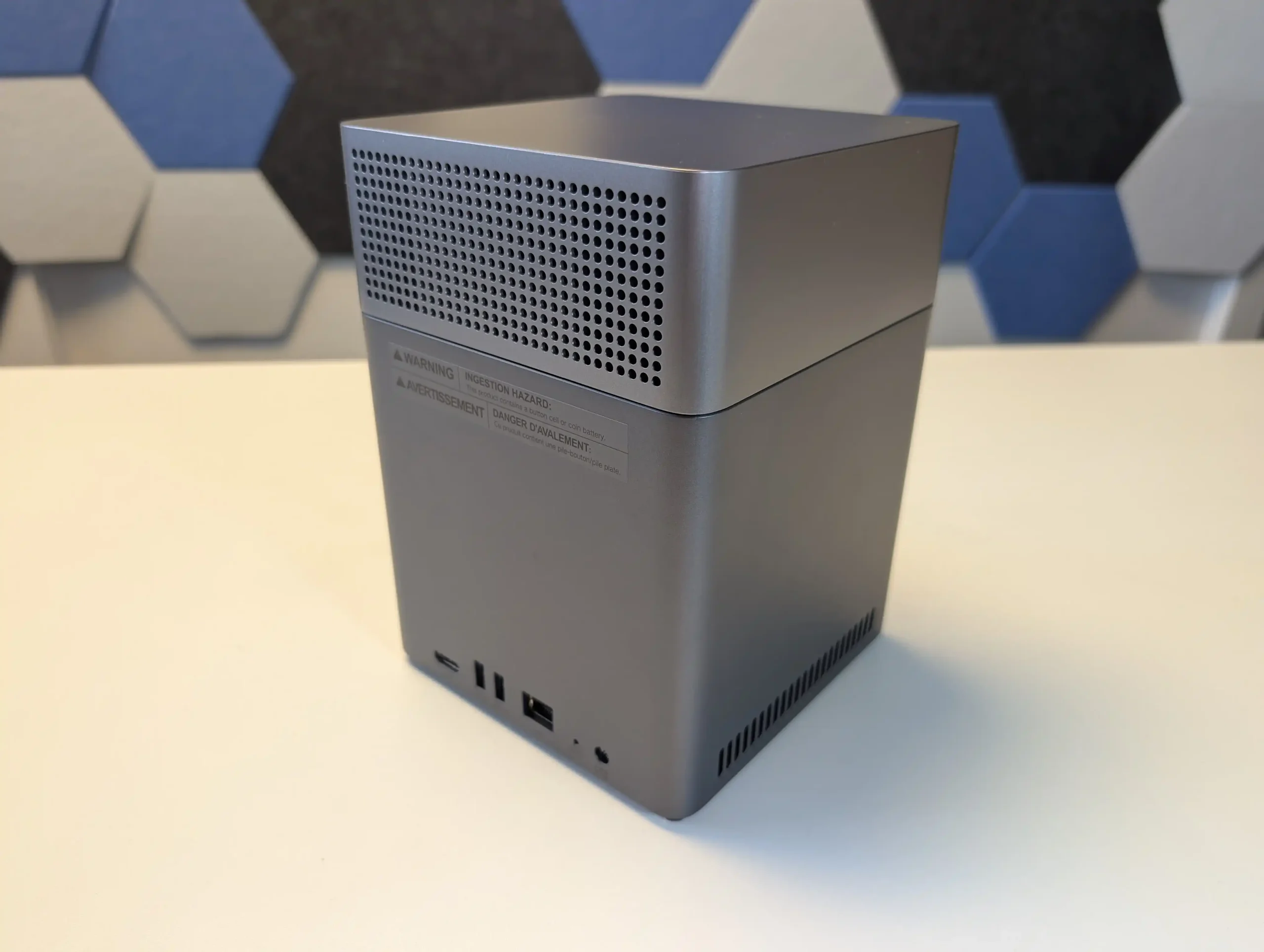
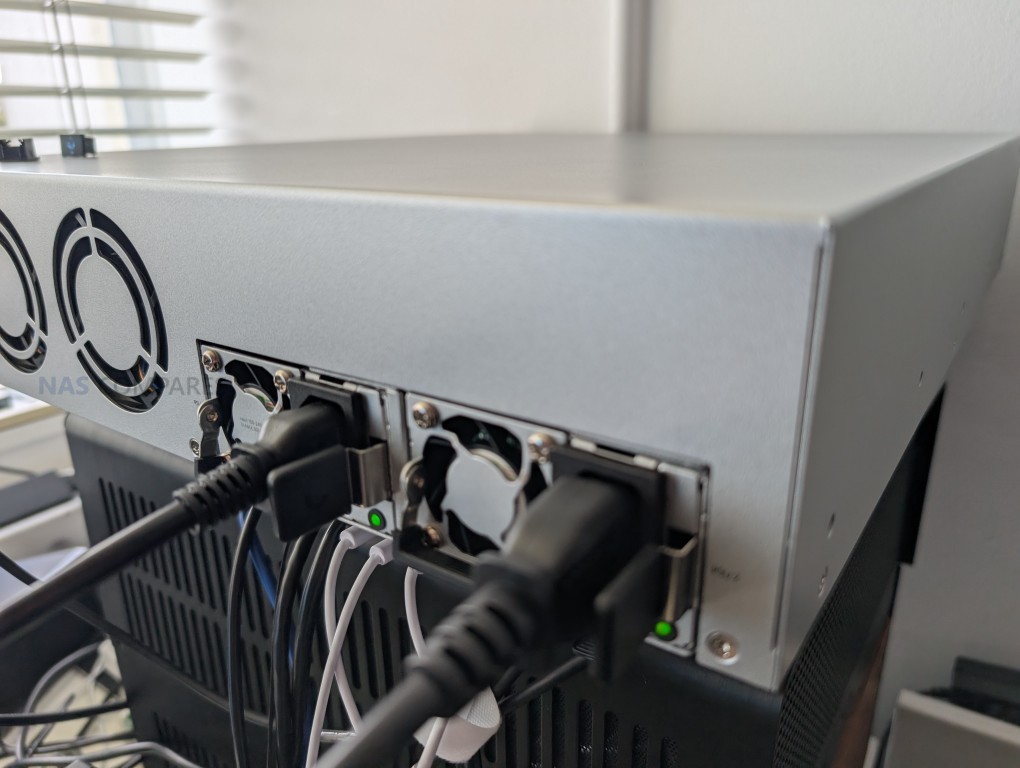
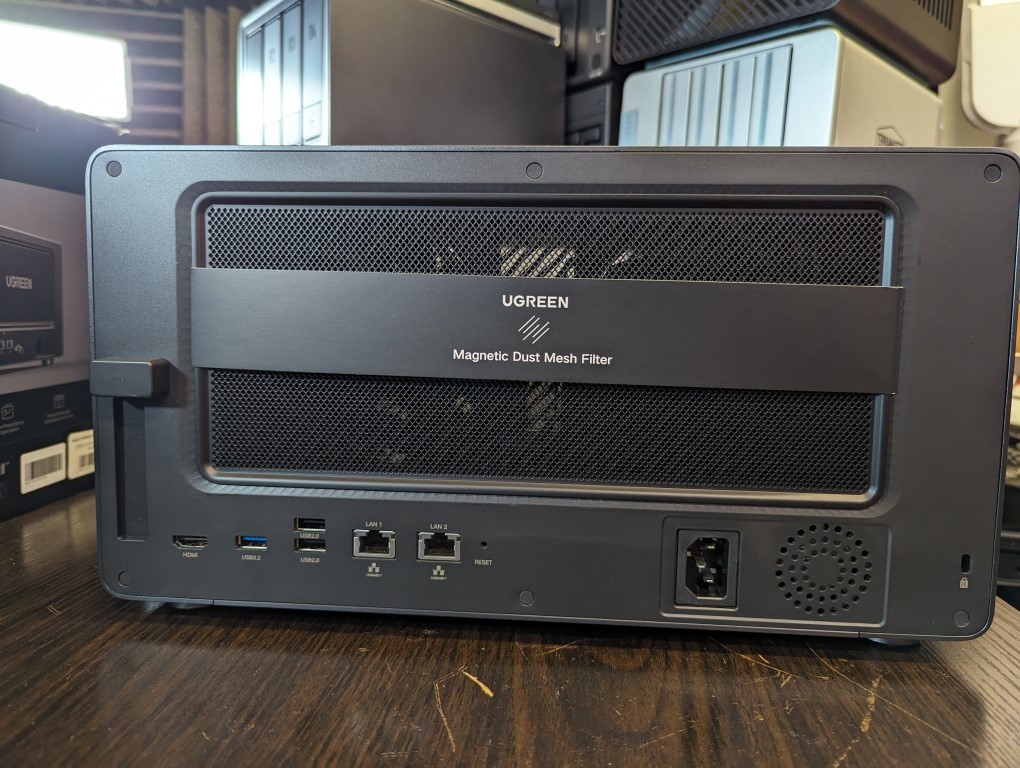
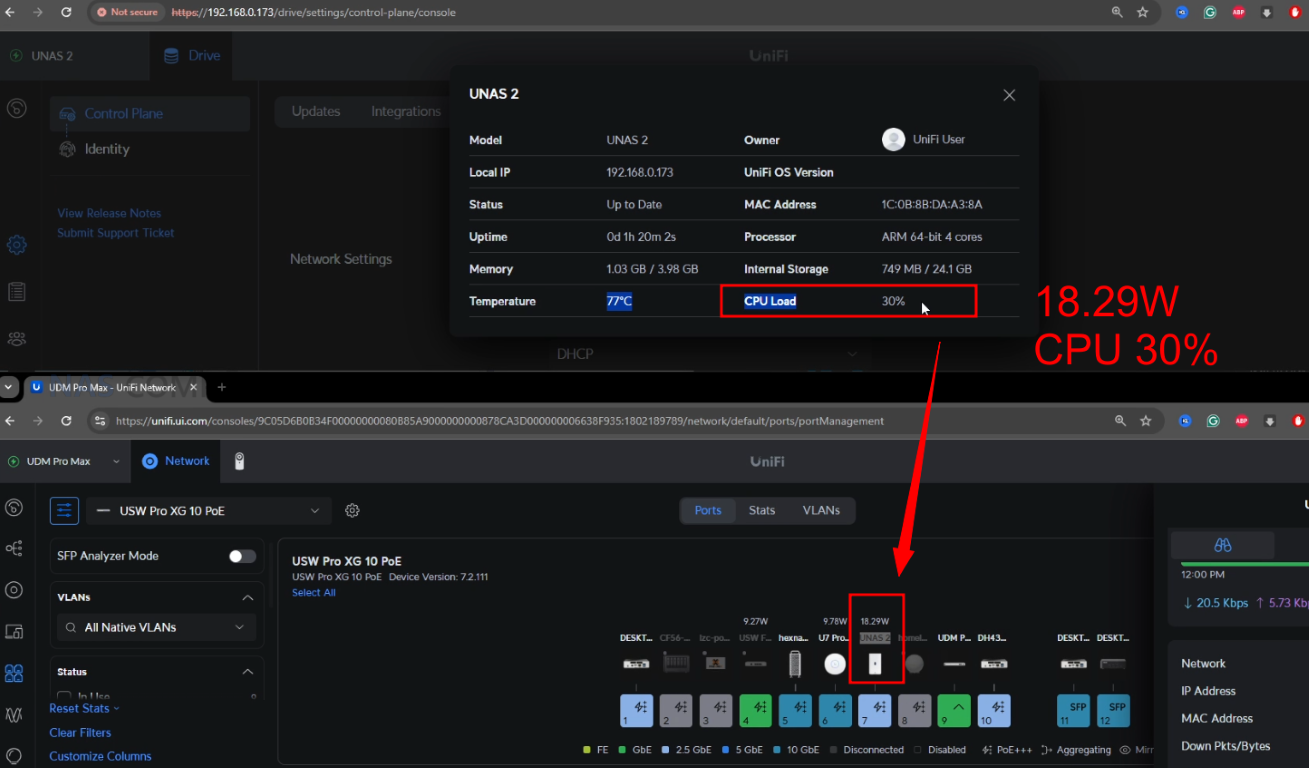
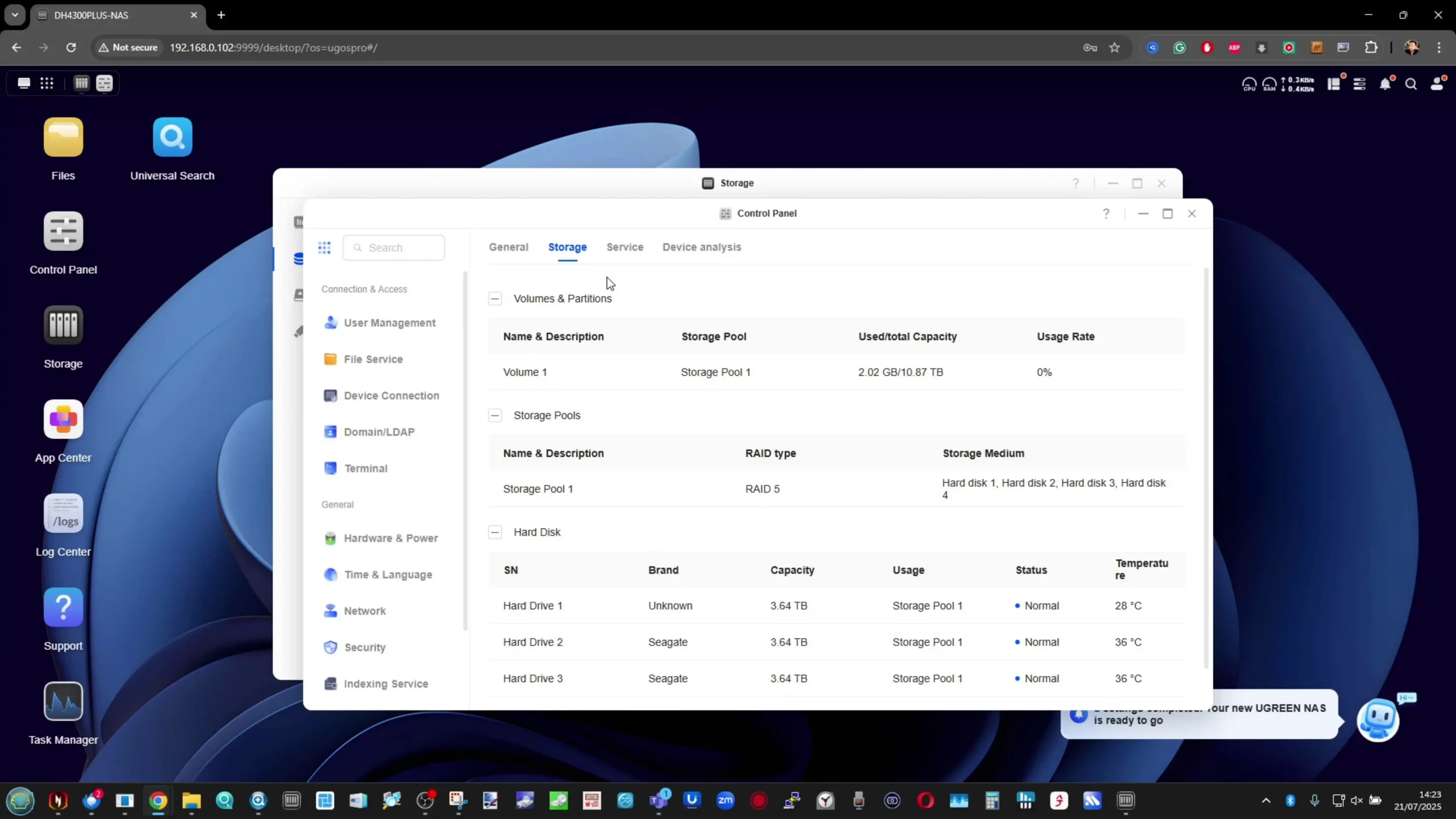
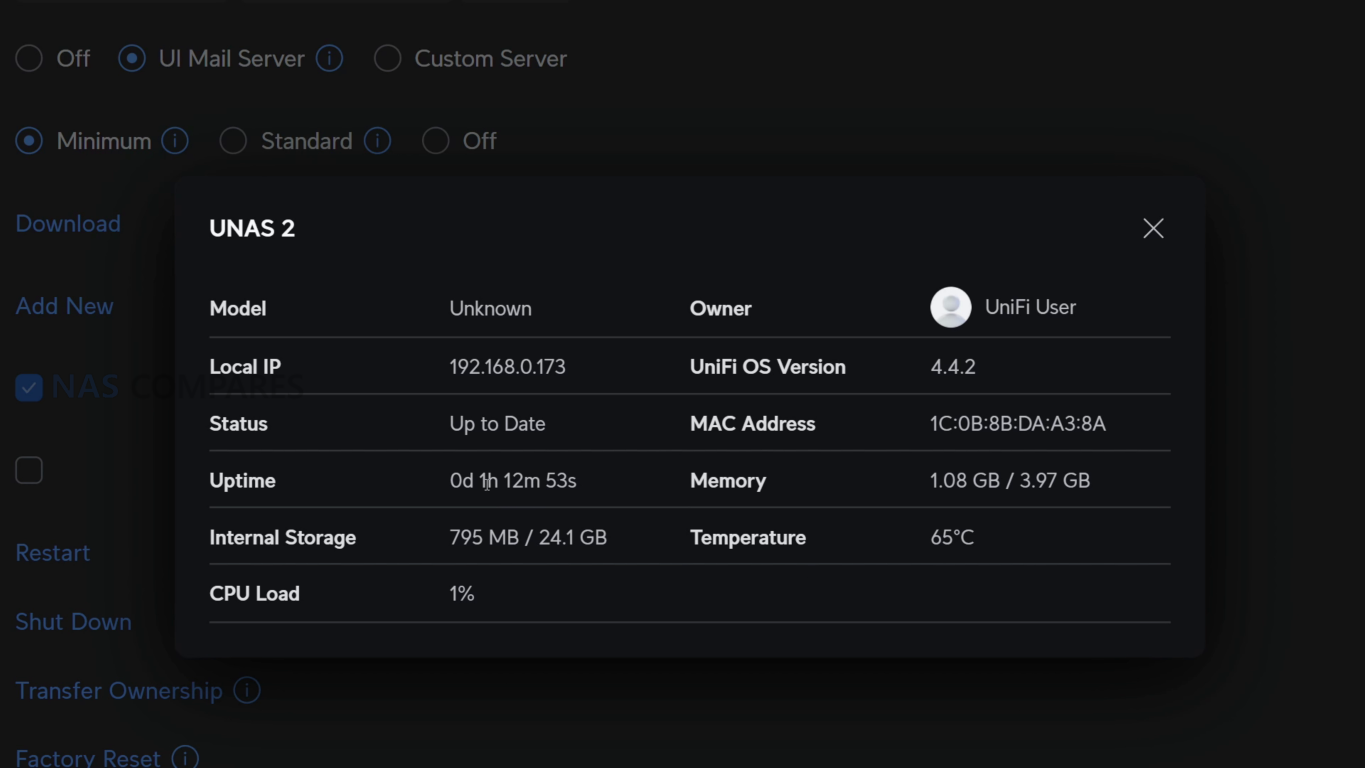
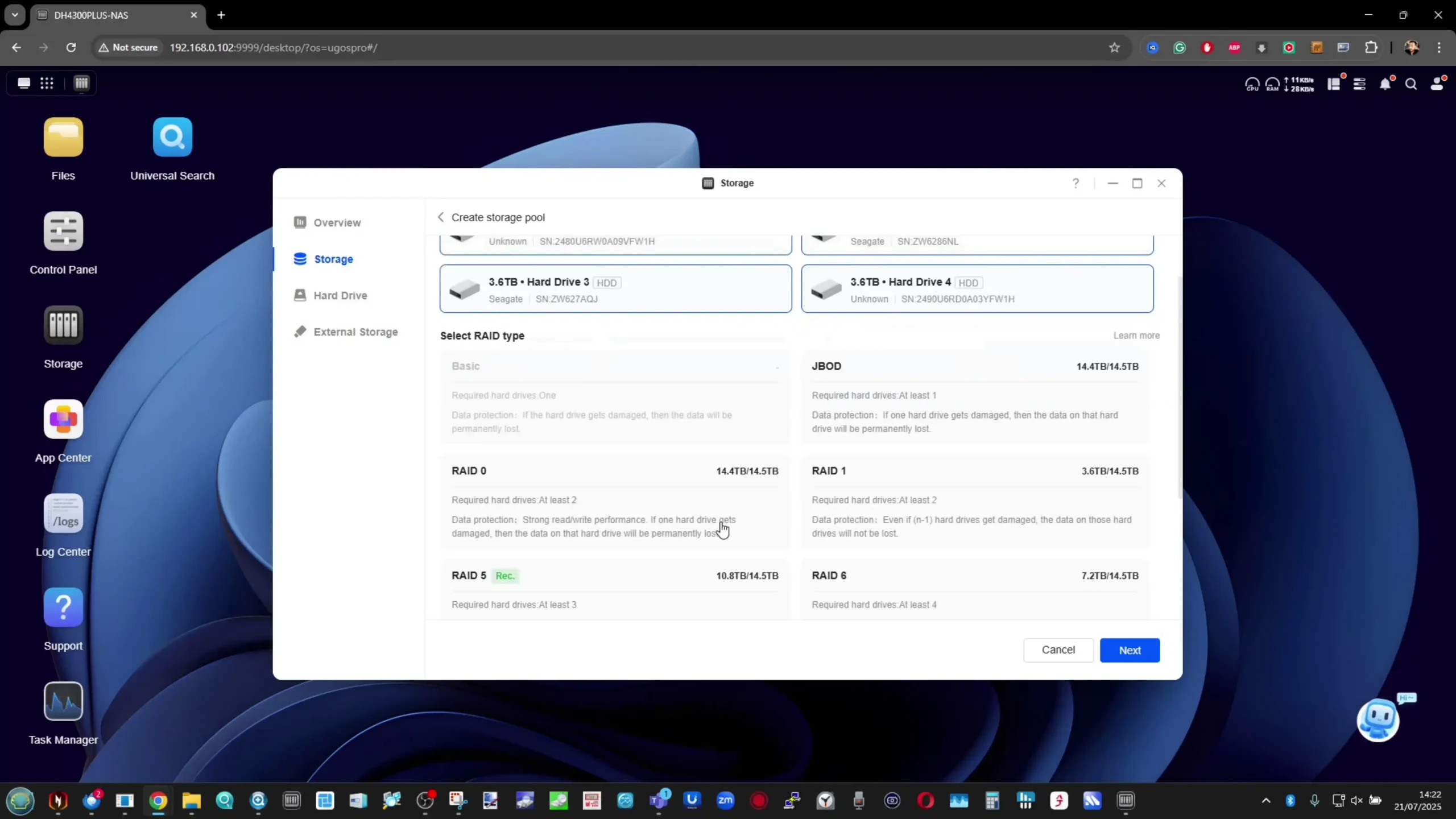
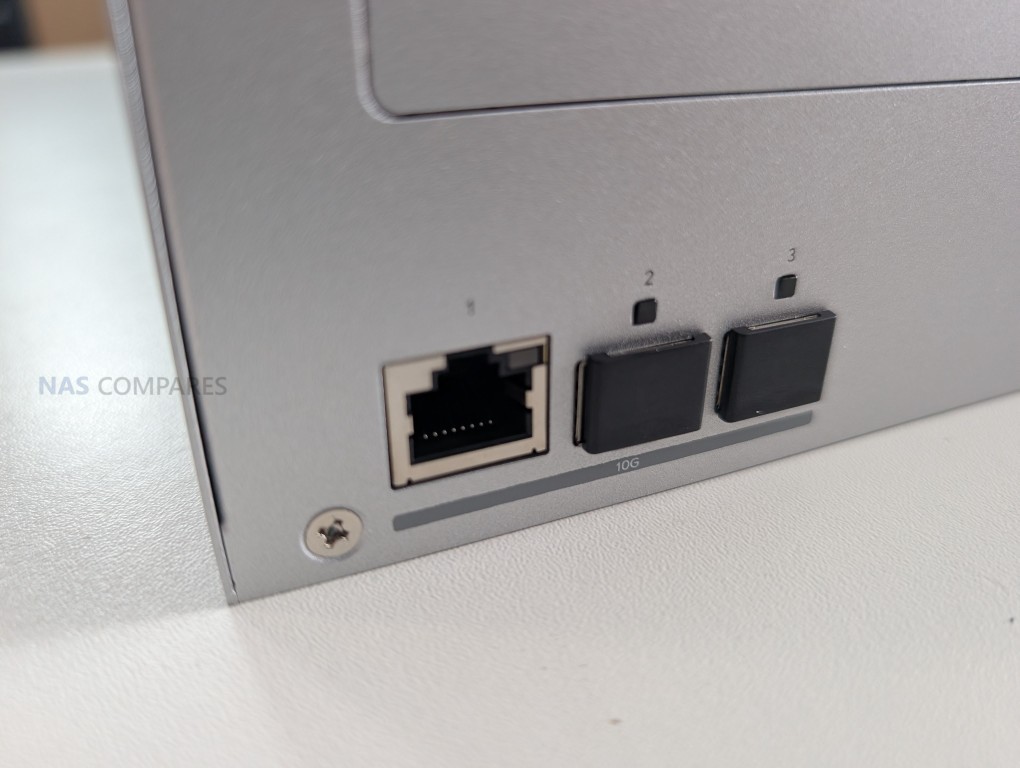
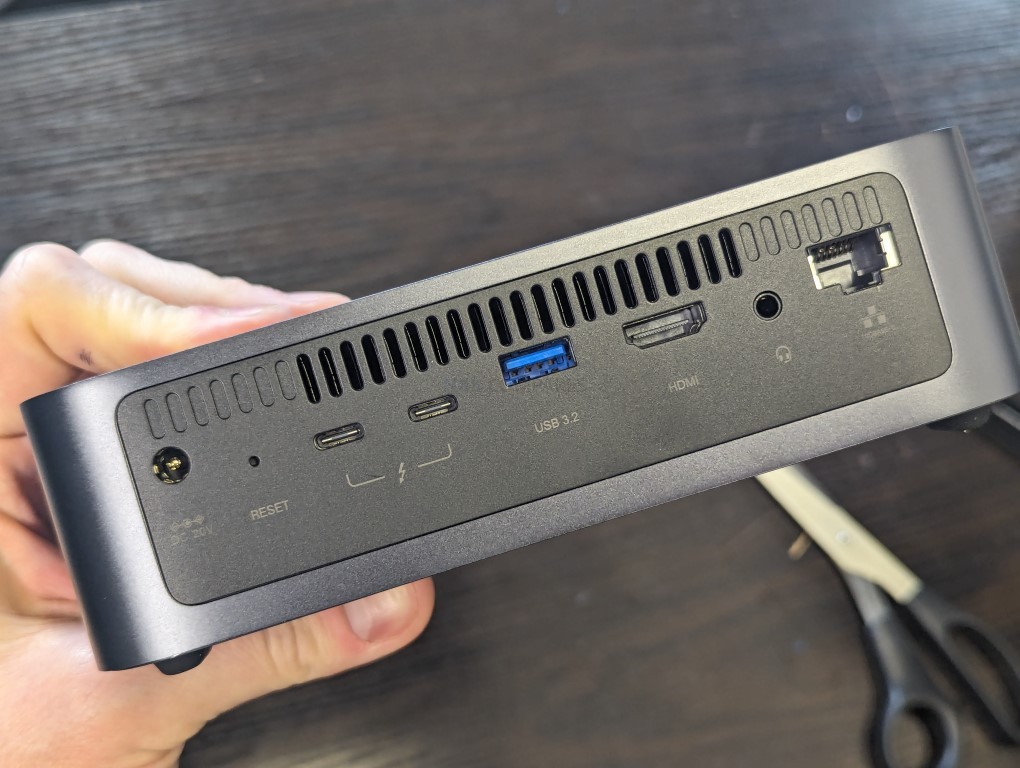
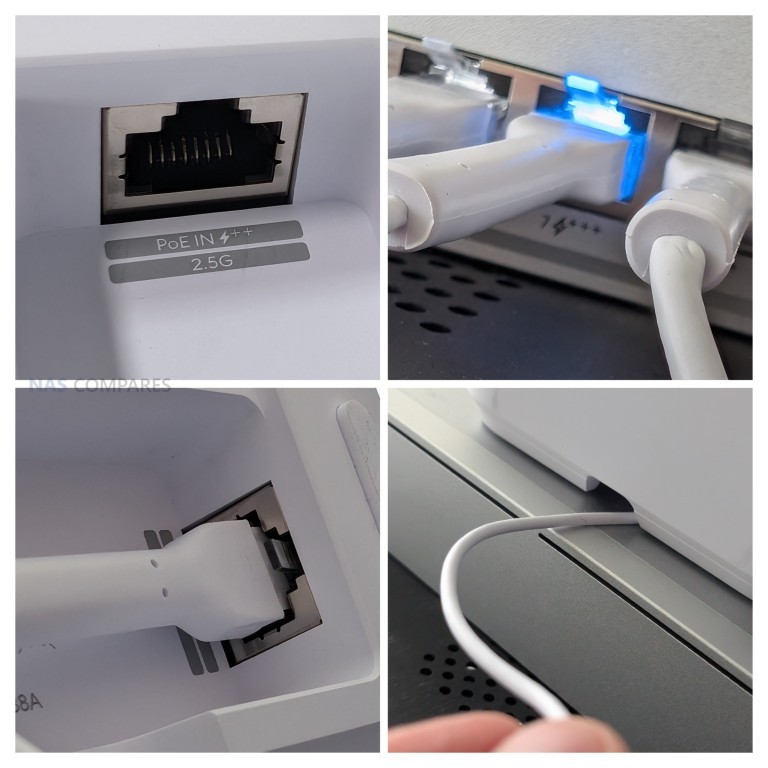
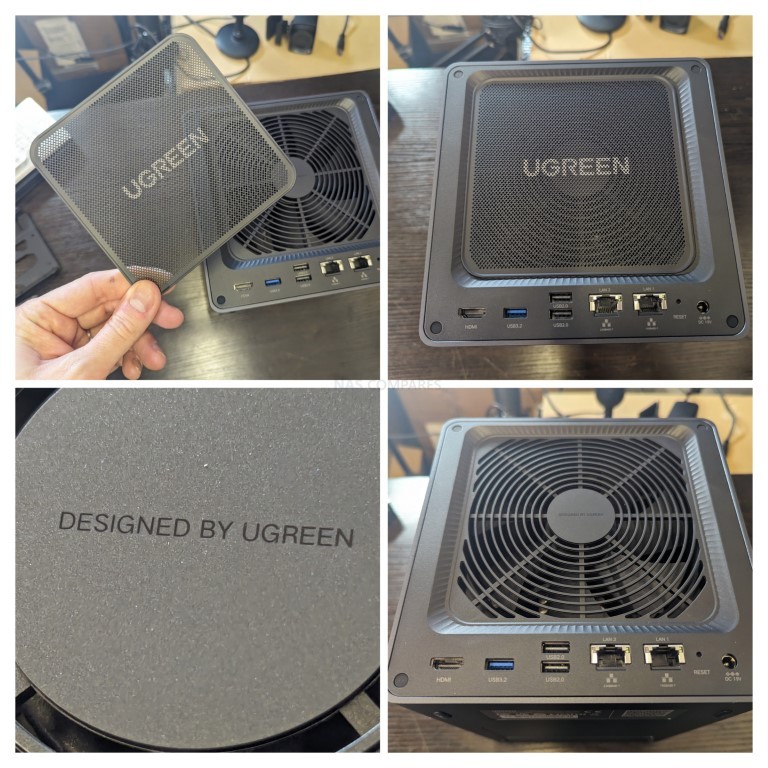
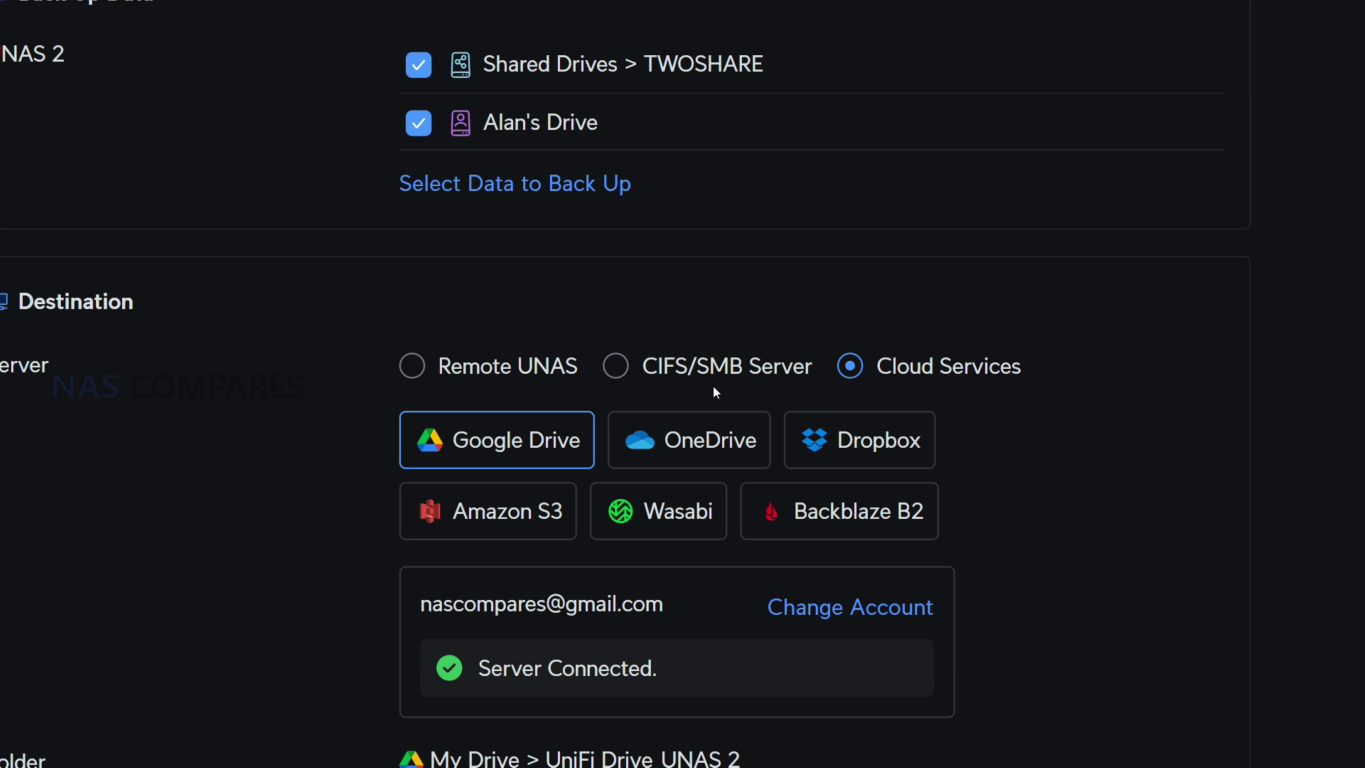
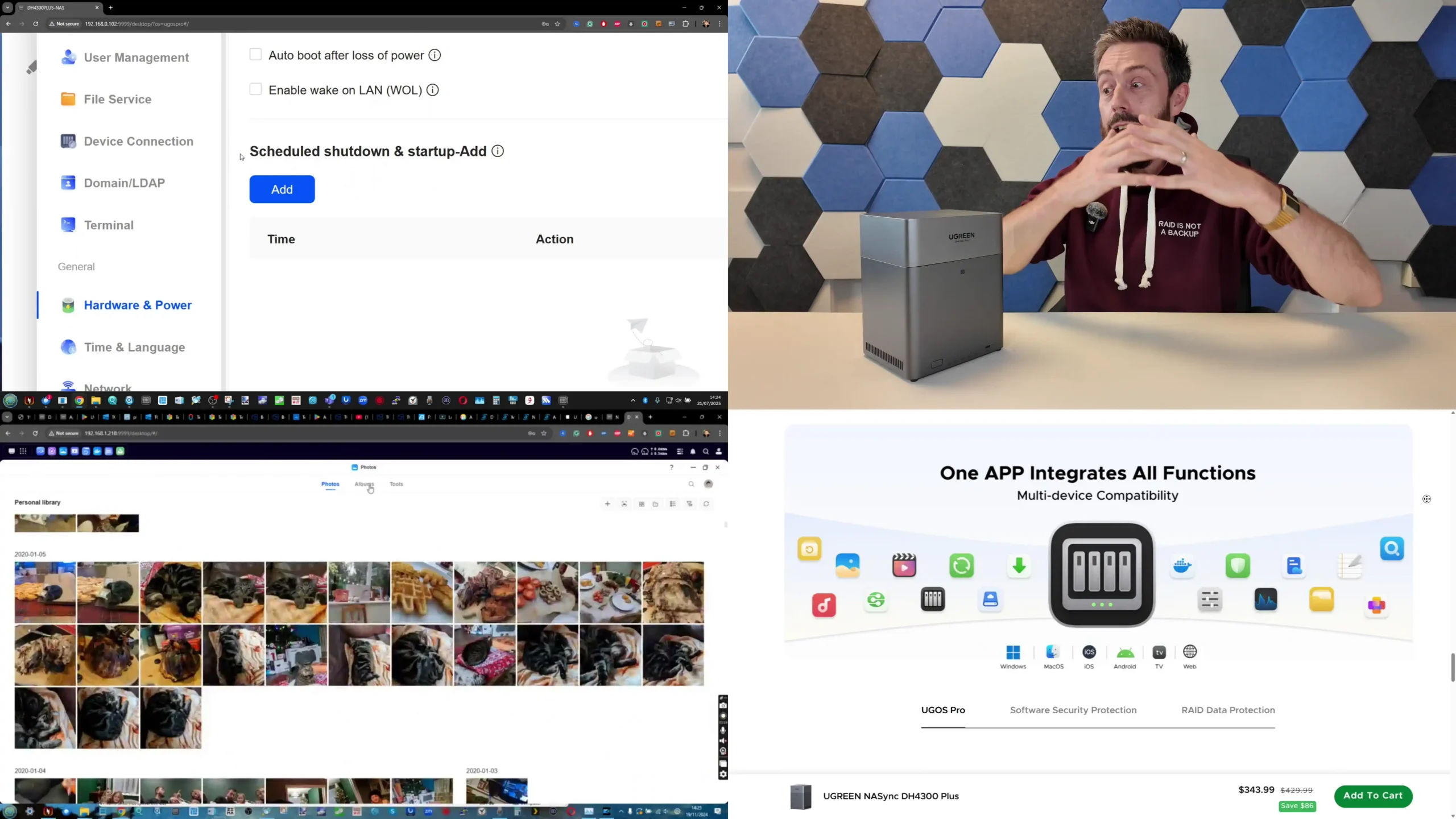
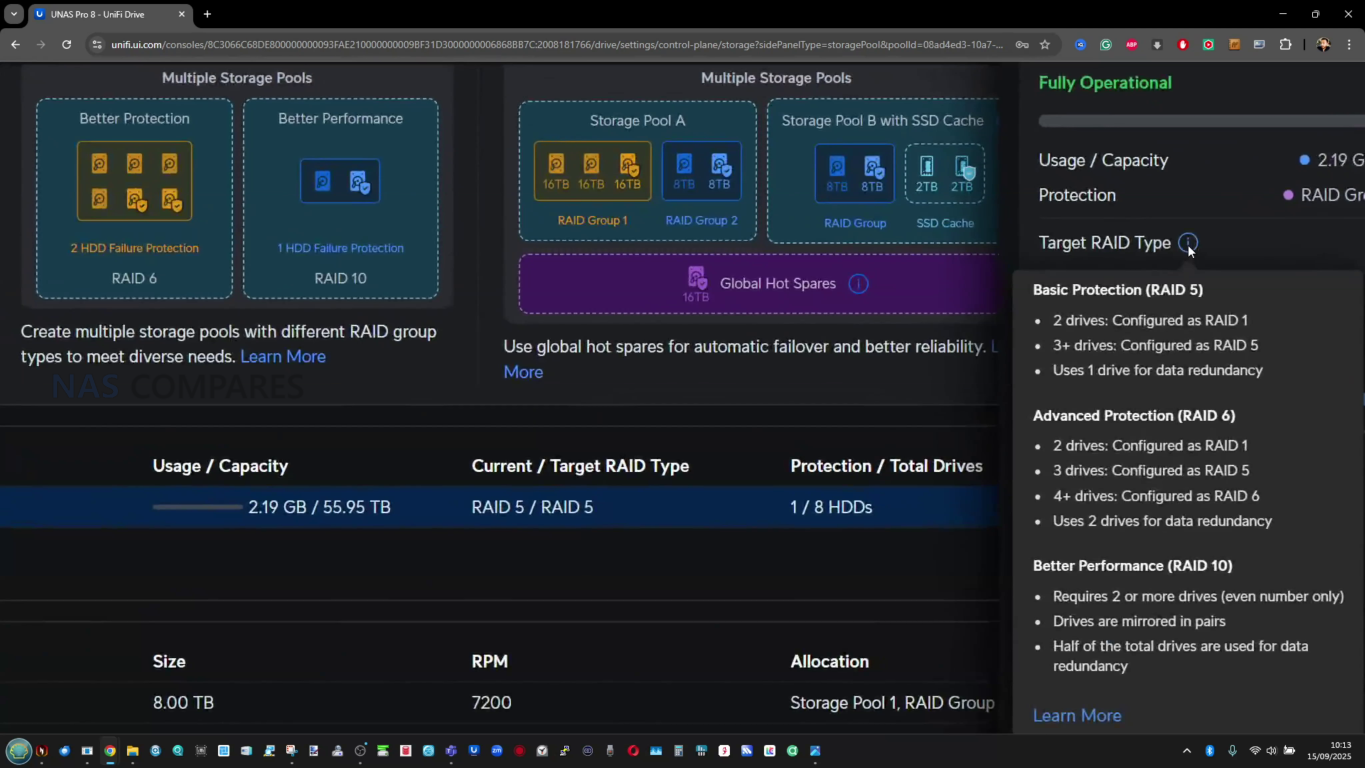
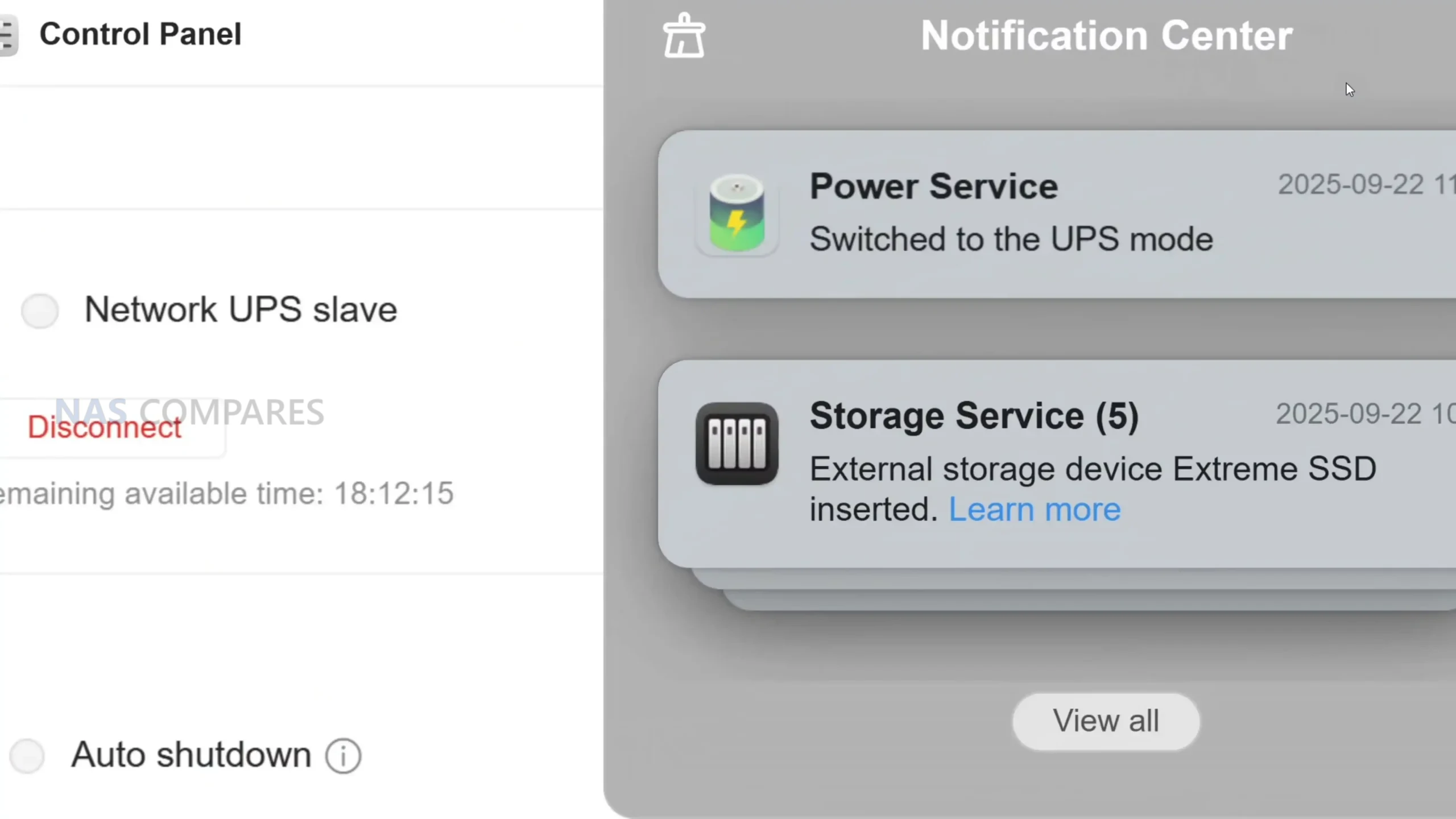
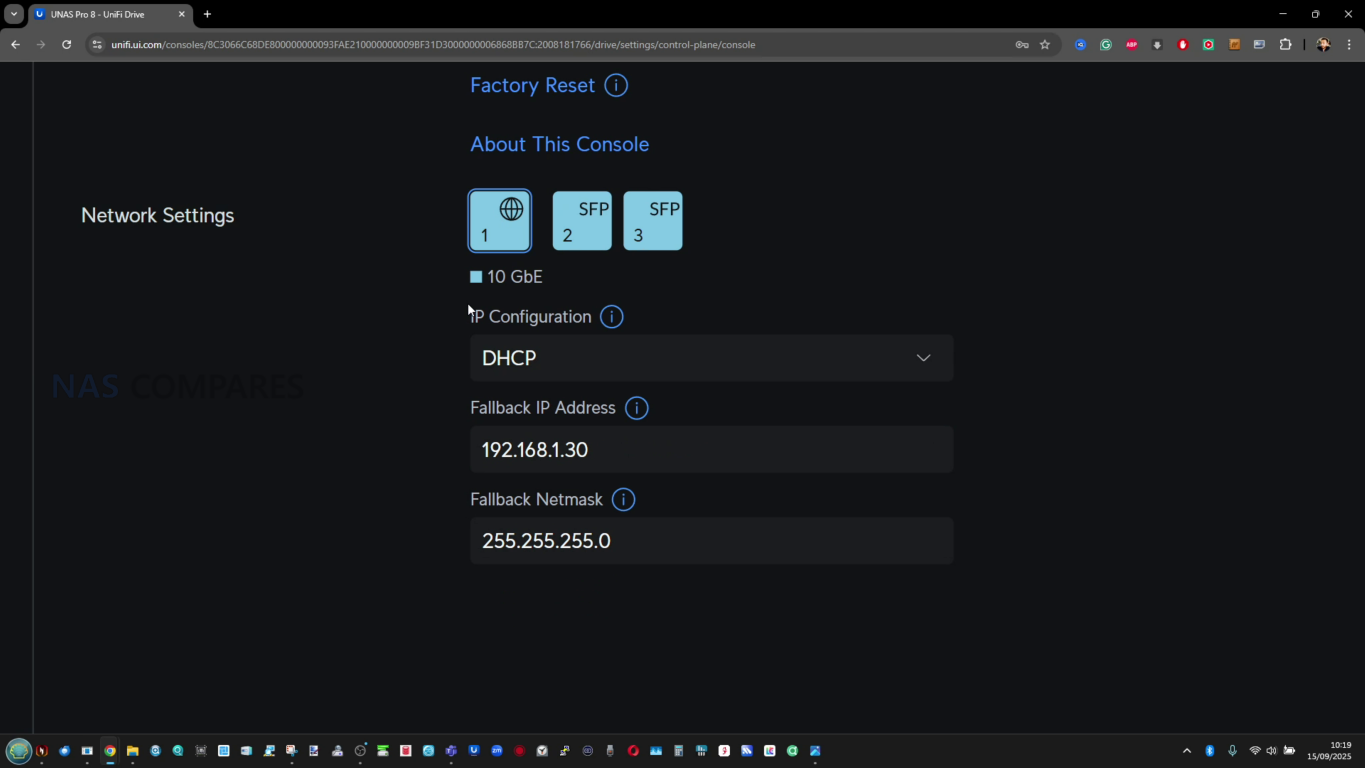
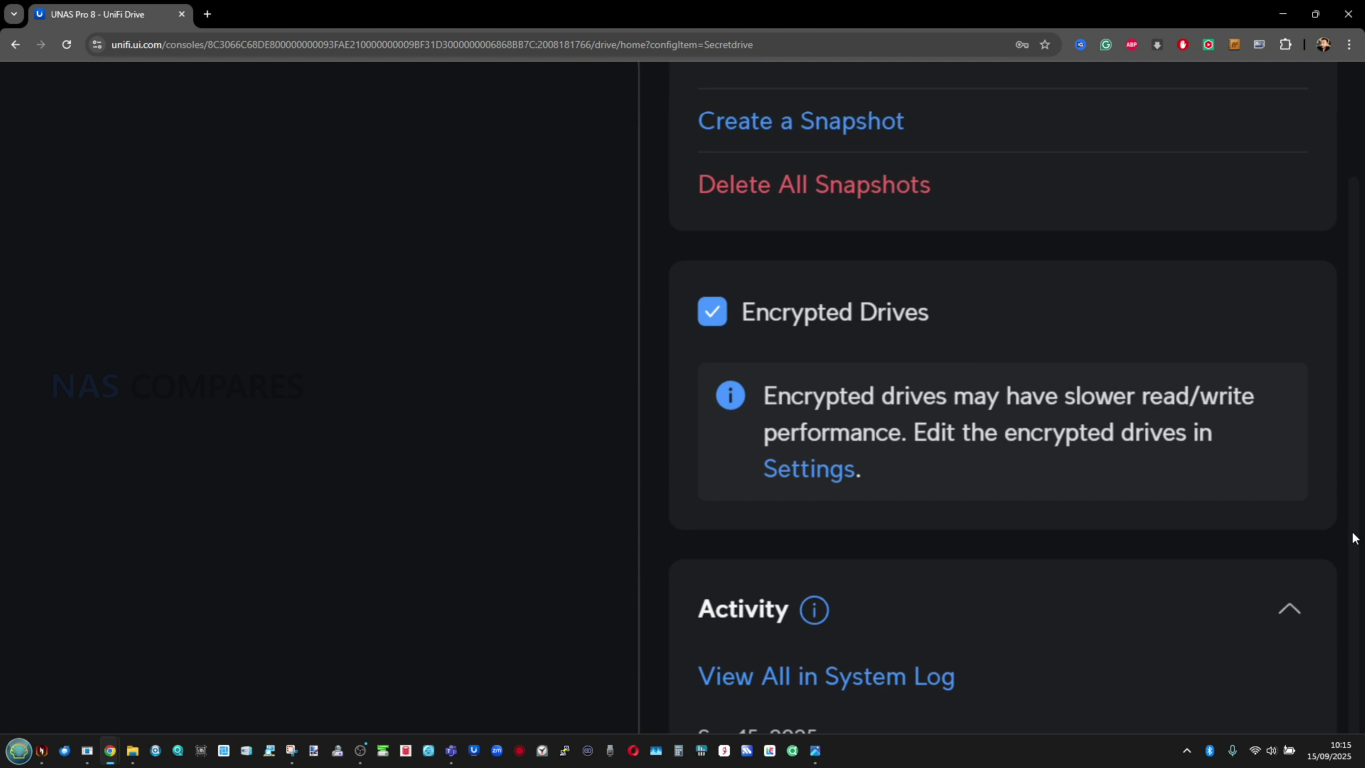
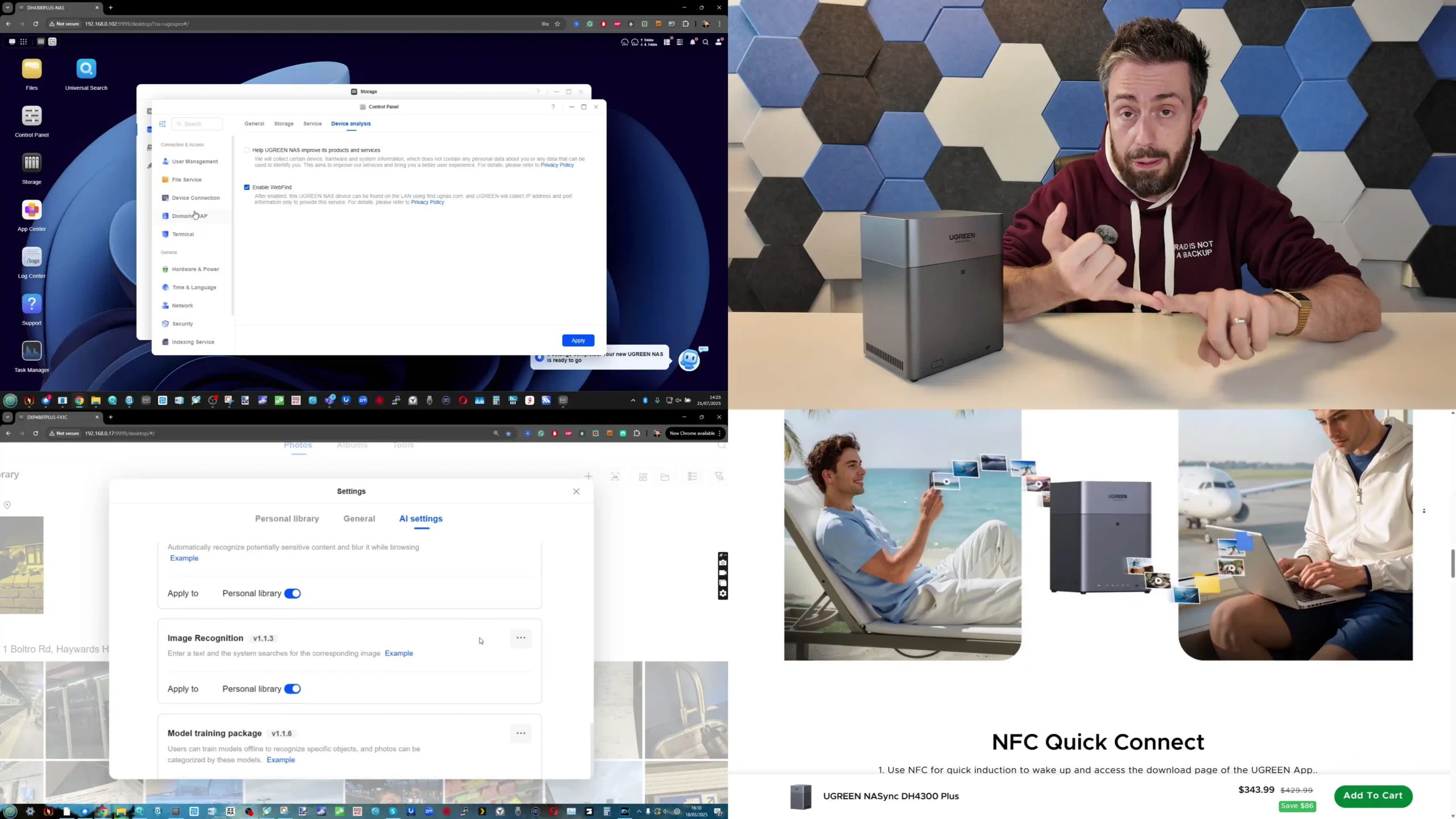
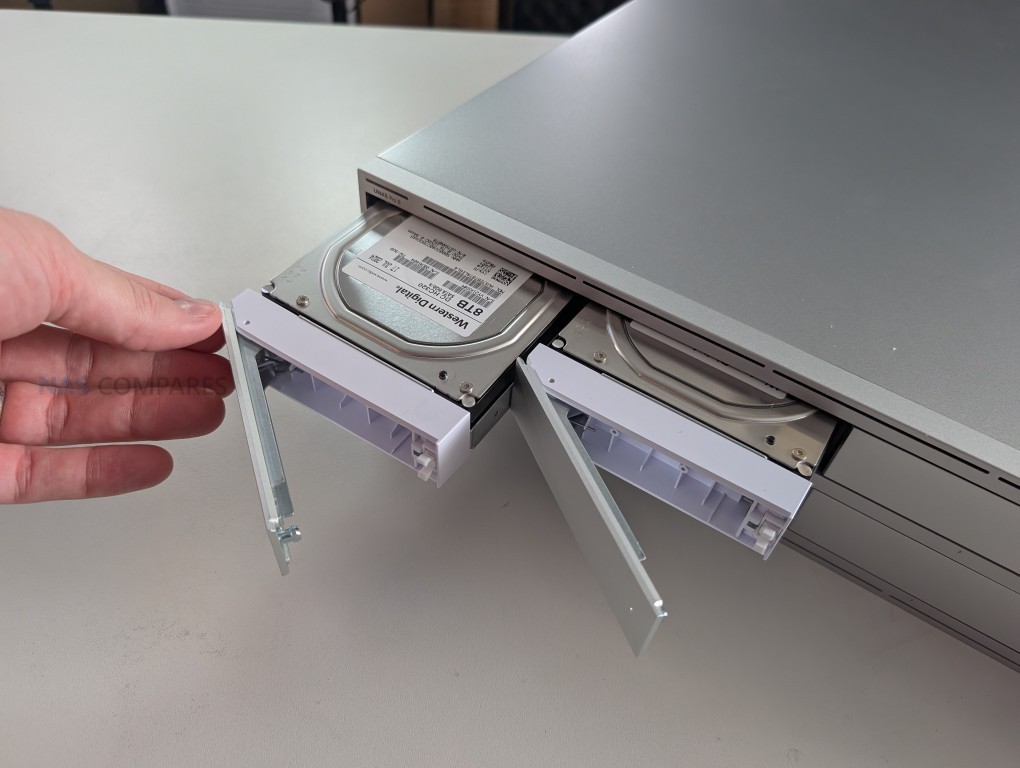
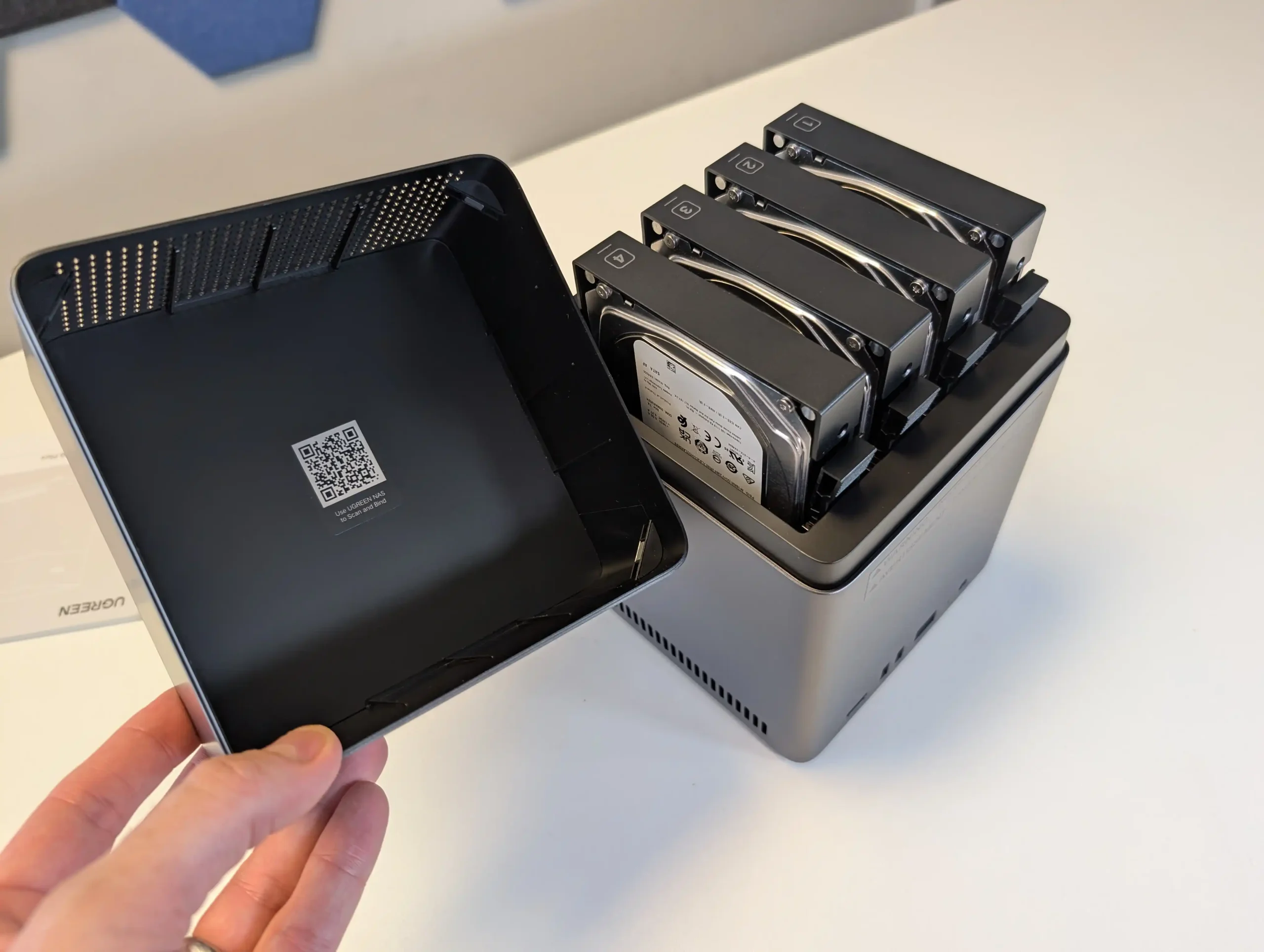
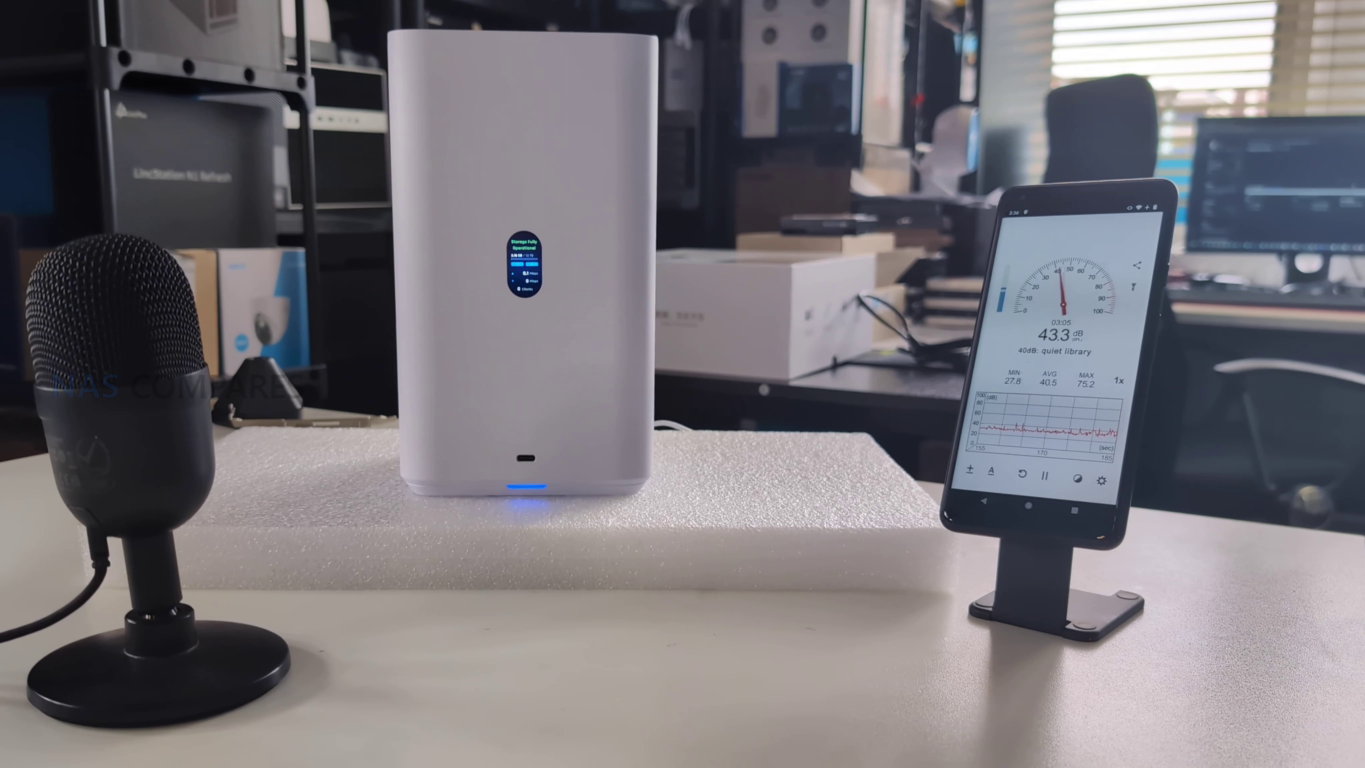
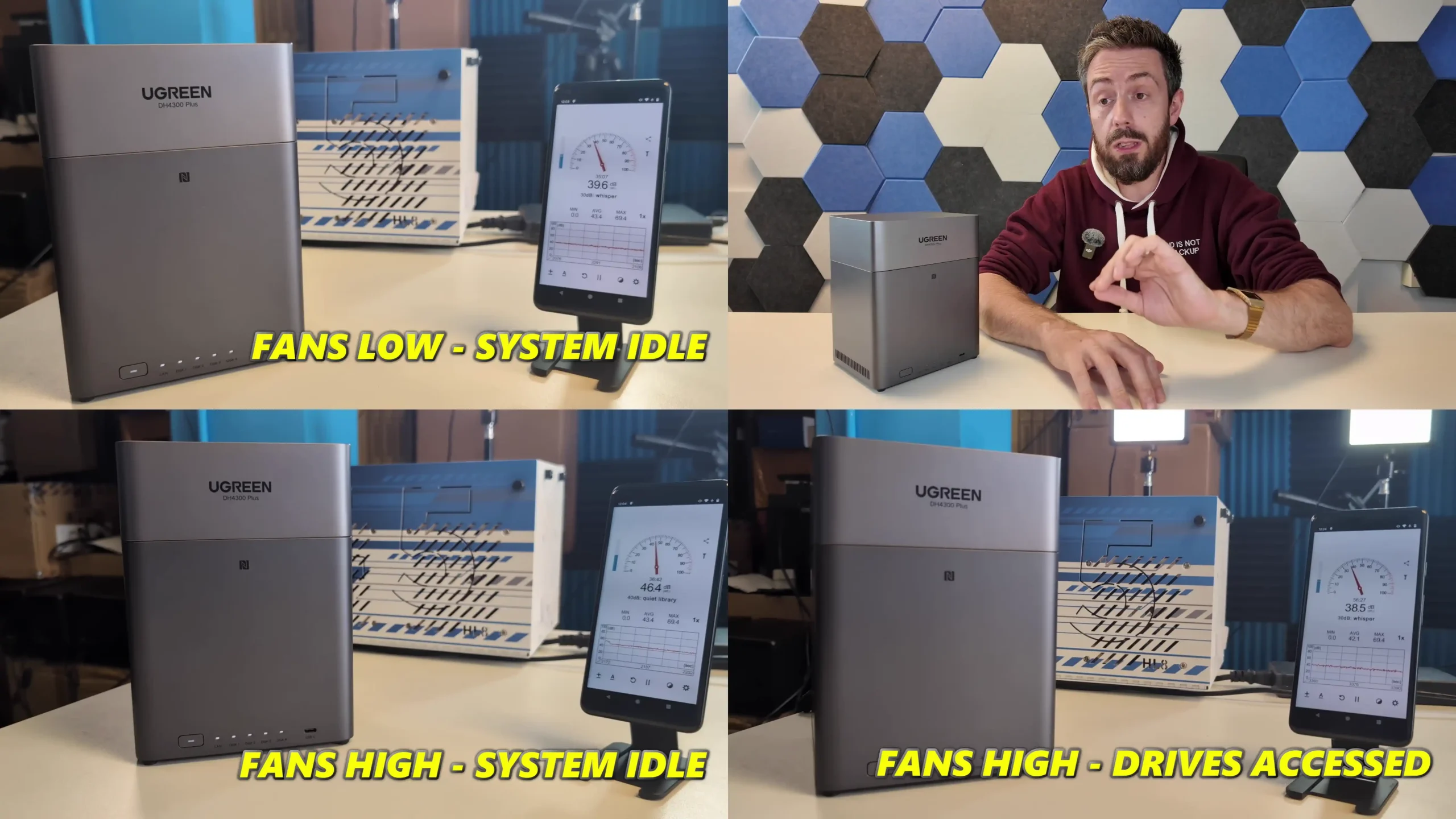
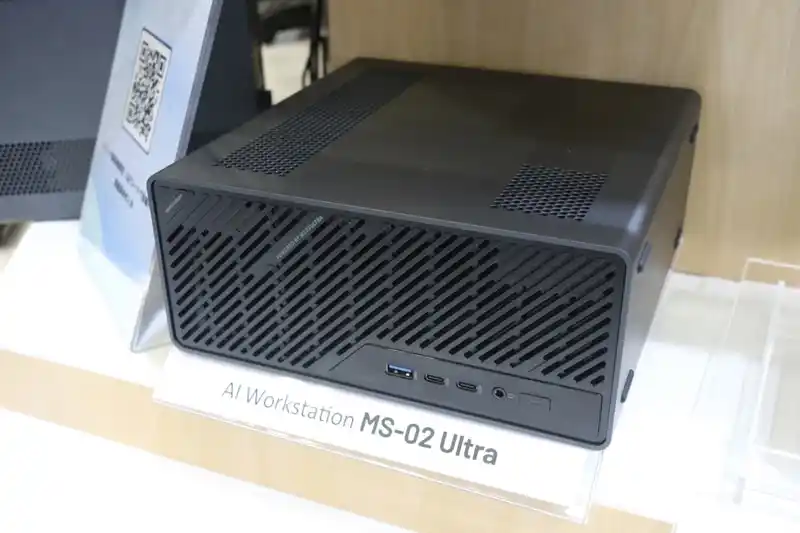
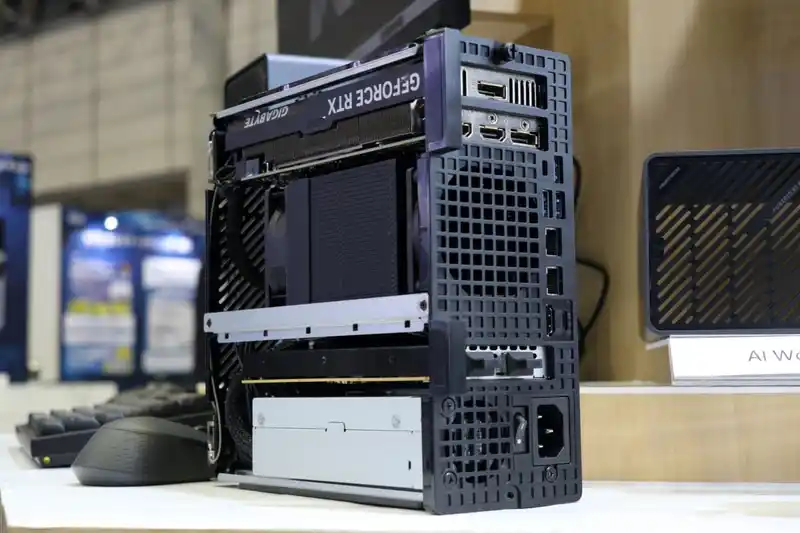
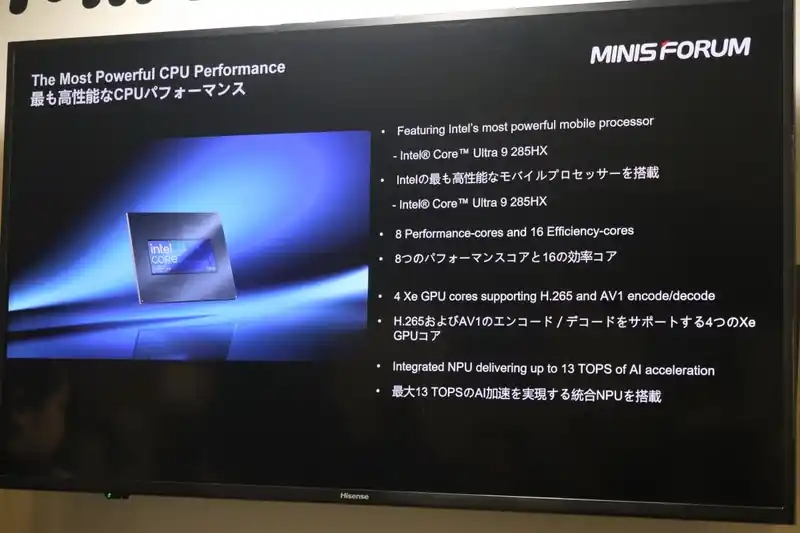
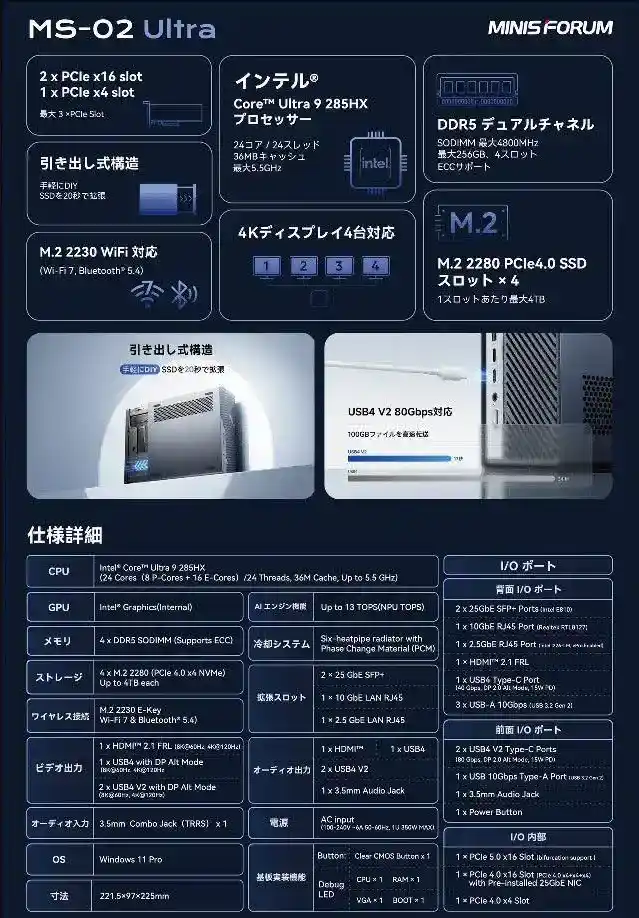
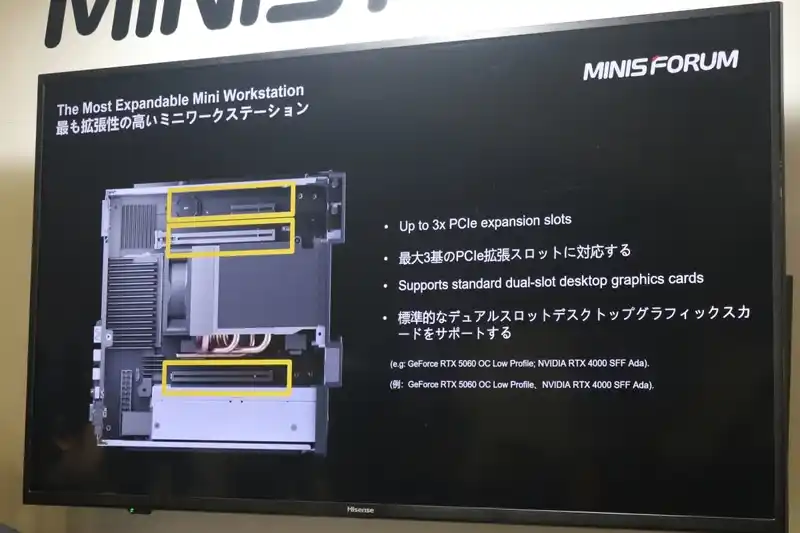
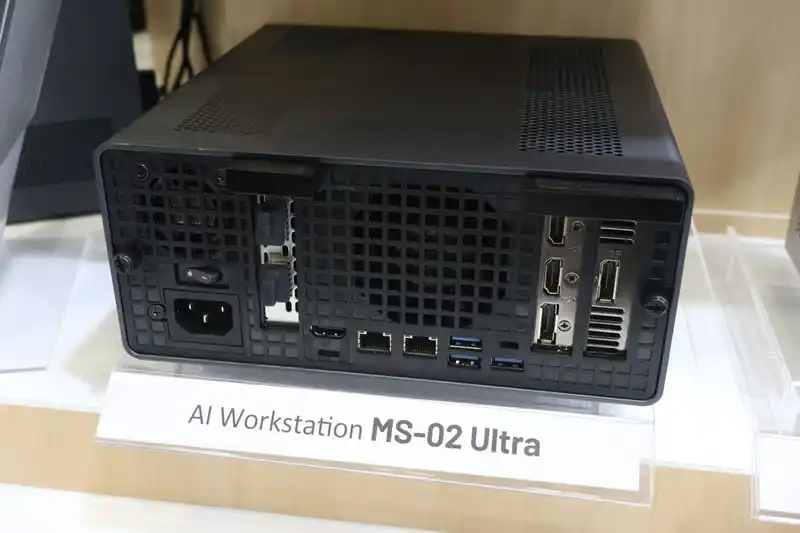
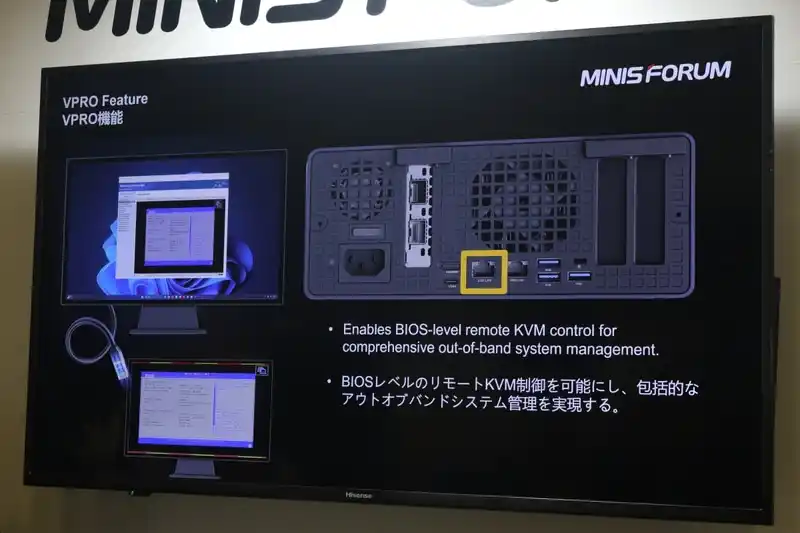
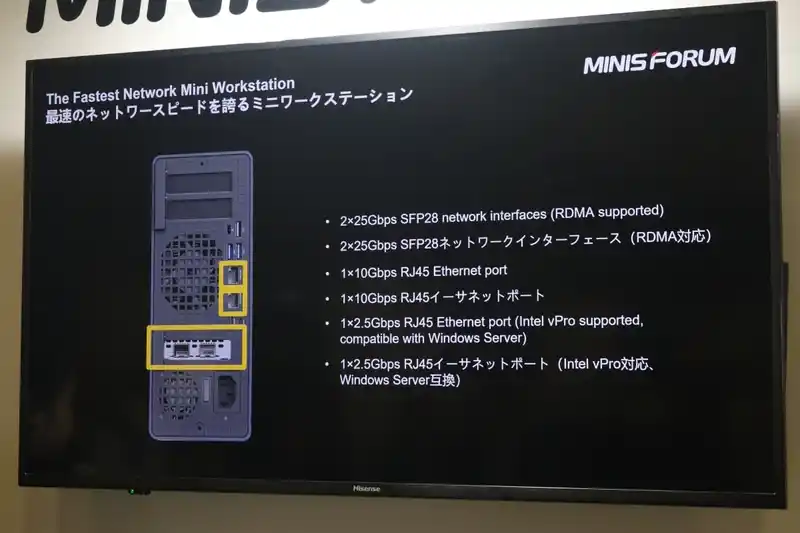
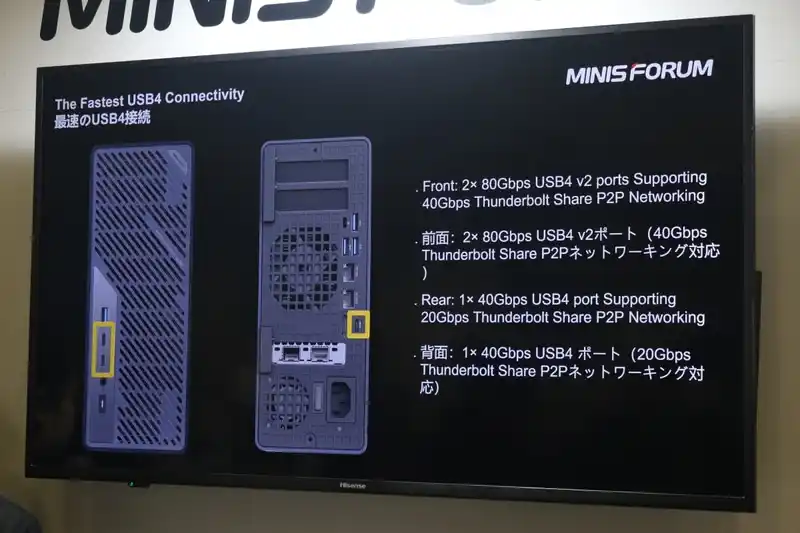
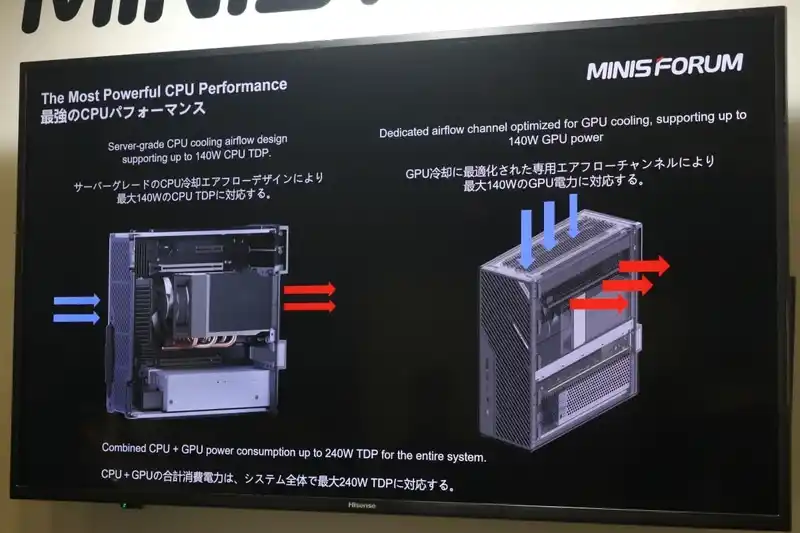
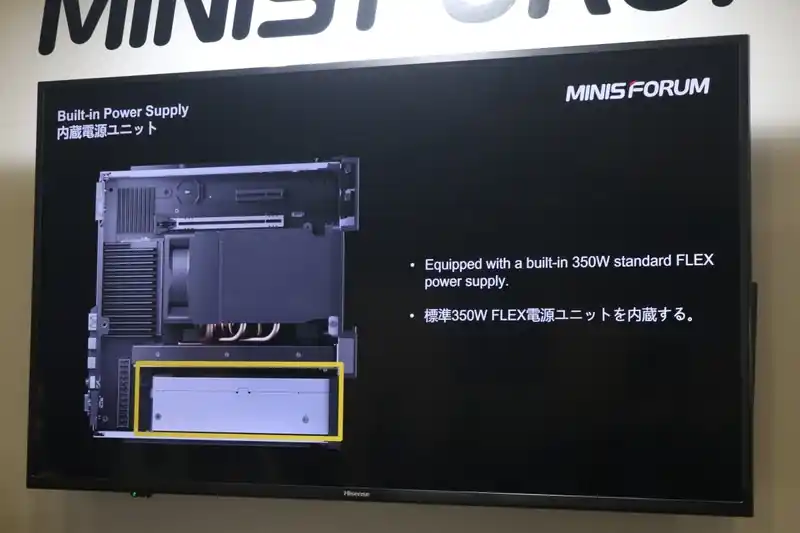
 SUBSCRIBE TO OUR NEWSLETTER
 Join Inner Circle
  Ko-fi or old school Paypal. Thanks!To find out more about how to support this advice service check HEREIf you need to fix or configure a NAS, check Fiver
Have you thought about helping others with your knowledge? Find Instructions Here
Ko-fi or old school Paypal. Thanks!To find out more about how to support this advice service check HEREIf you need to fix or configure a NAS, check Fiver
Have you thought about helping others with your knowledge? Find Instructions Here
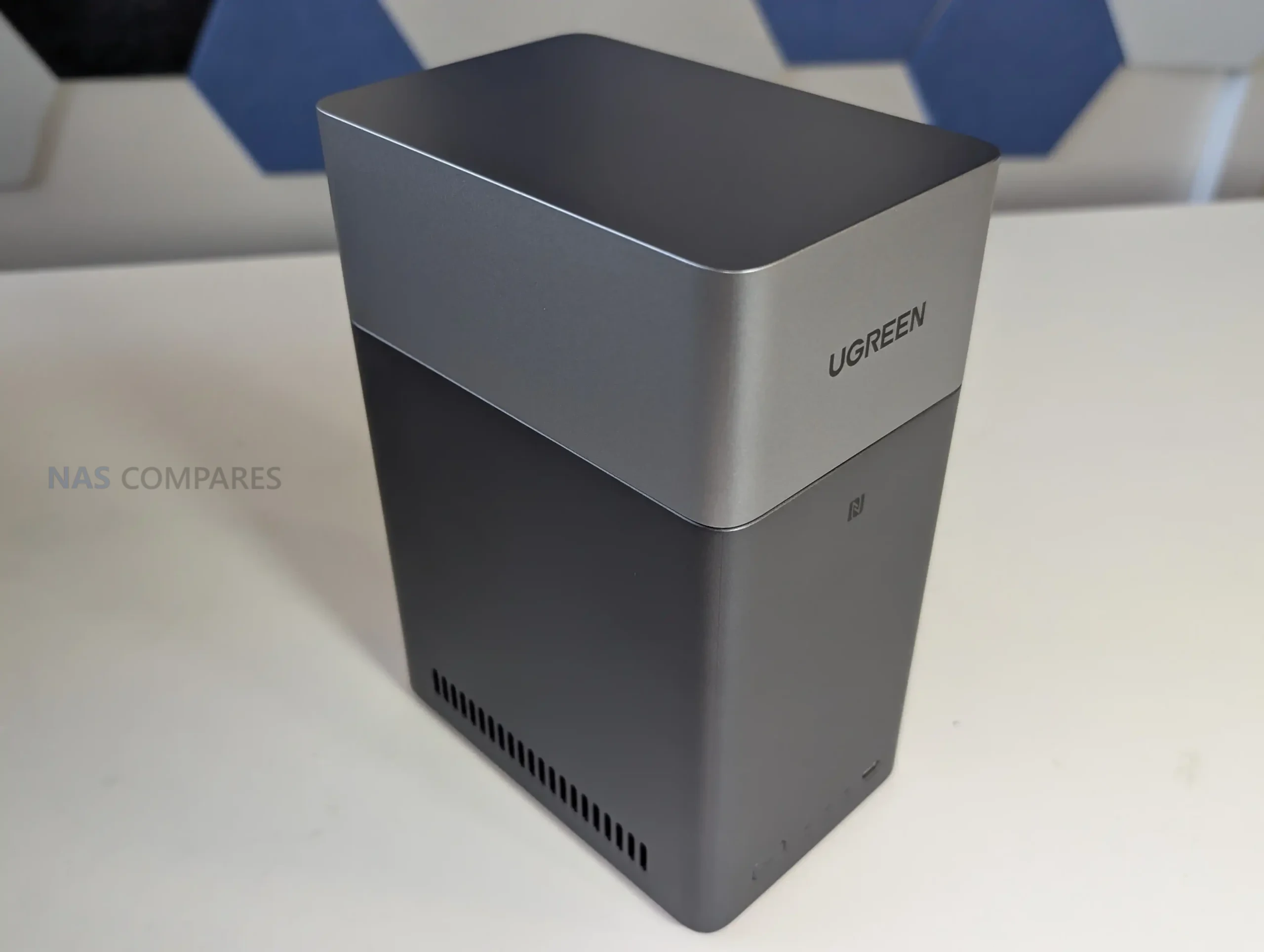
 SOFTWARE - 7/10
HARDWARE - 8/10PERFORMANCE - 7/10PRICE - 10/10VALUE - 9/10
SOFTWARE - 7/10
HARDWARE - 8/10PERFORMANCE - 7/10PRICE - 10/10VALUE - 9/10

 Efficient Rockchip RK3576 processor (dual quad-core ARM design) provides strong performance for a low-power NAS.
 Single 1GbE LAN port limits transfer speeds and network scalability.
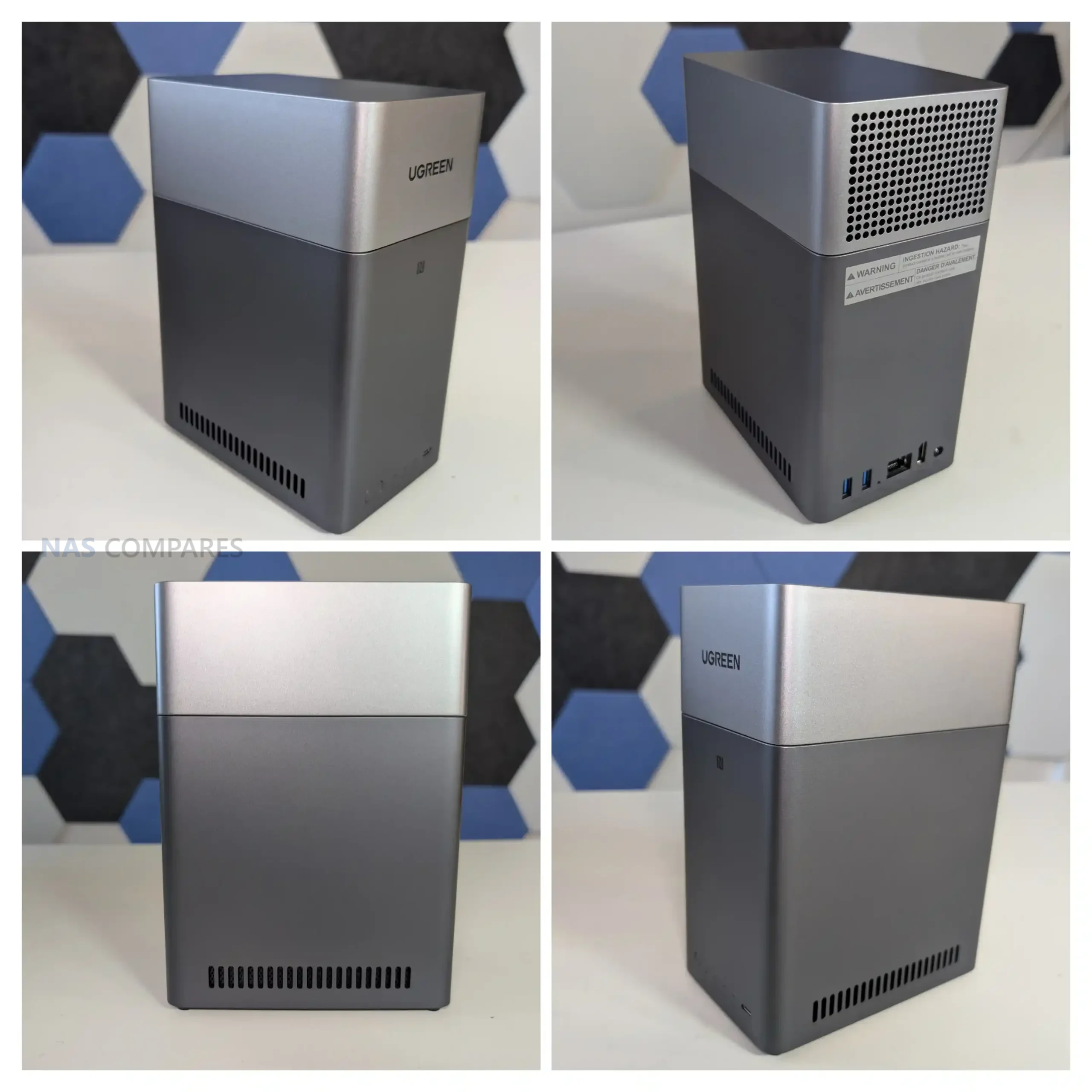
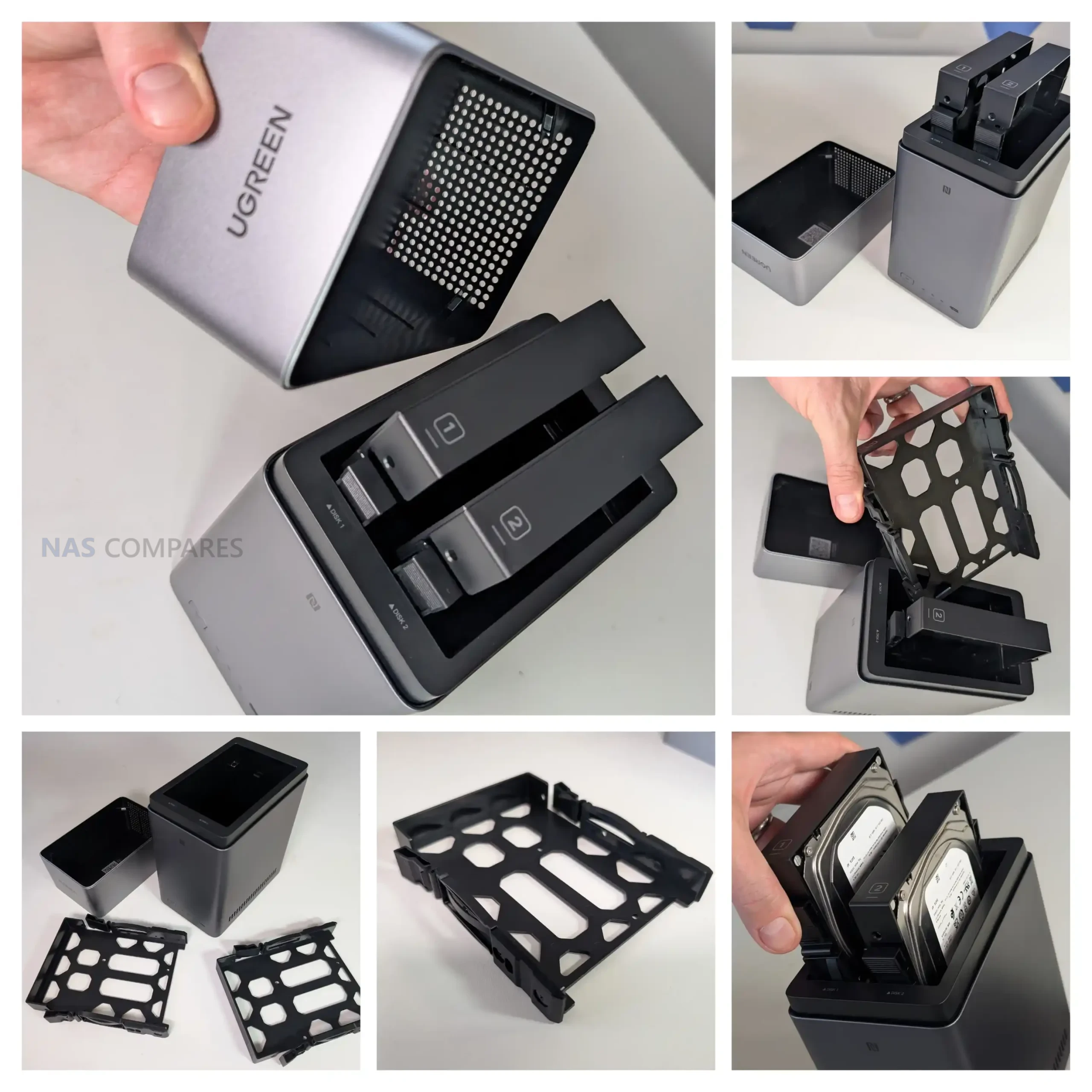
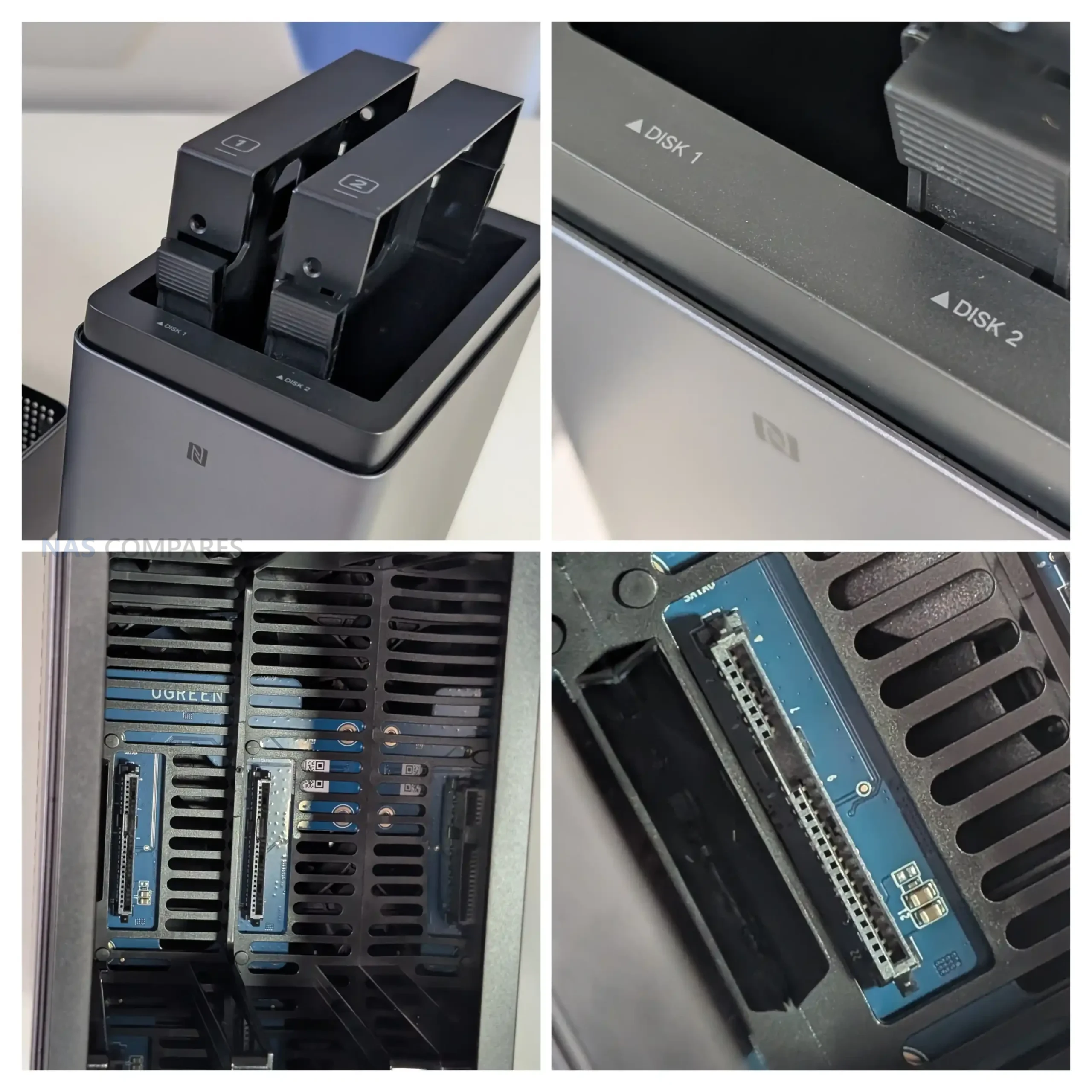
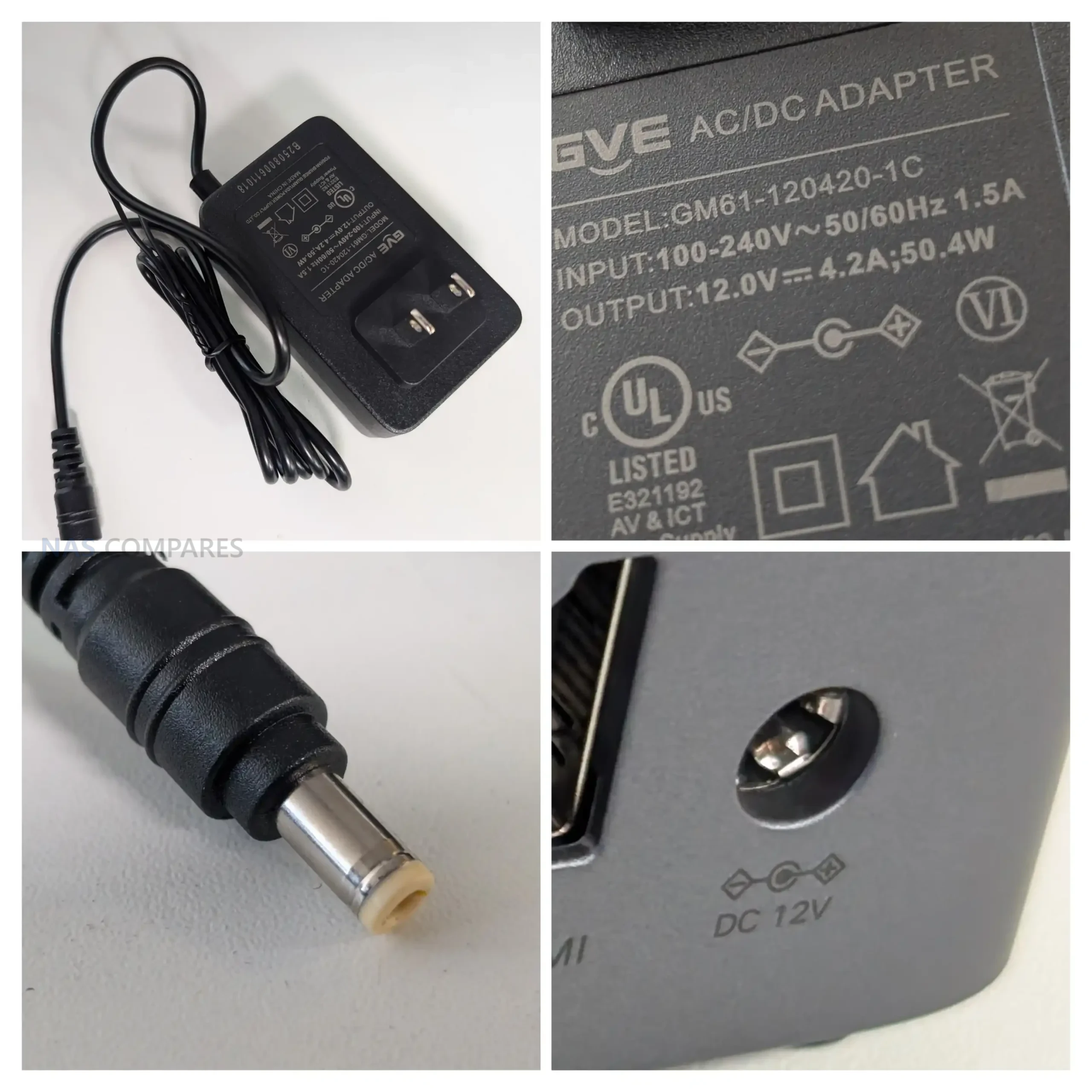
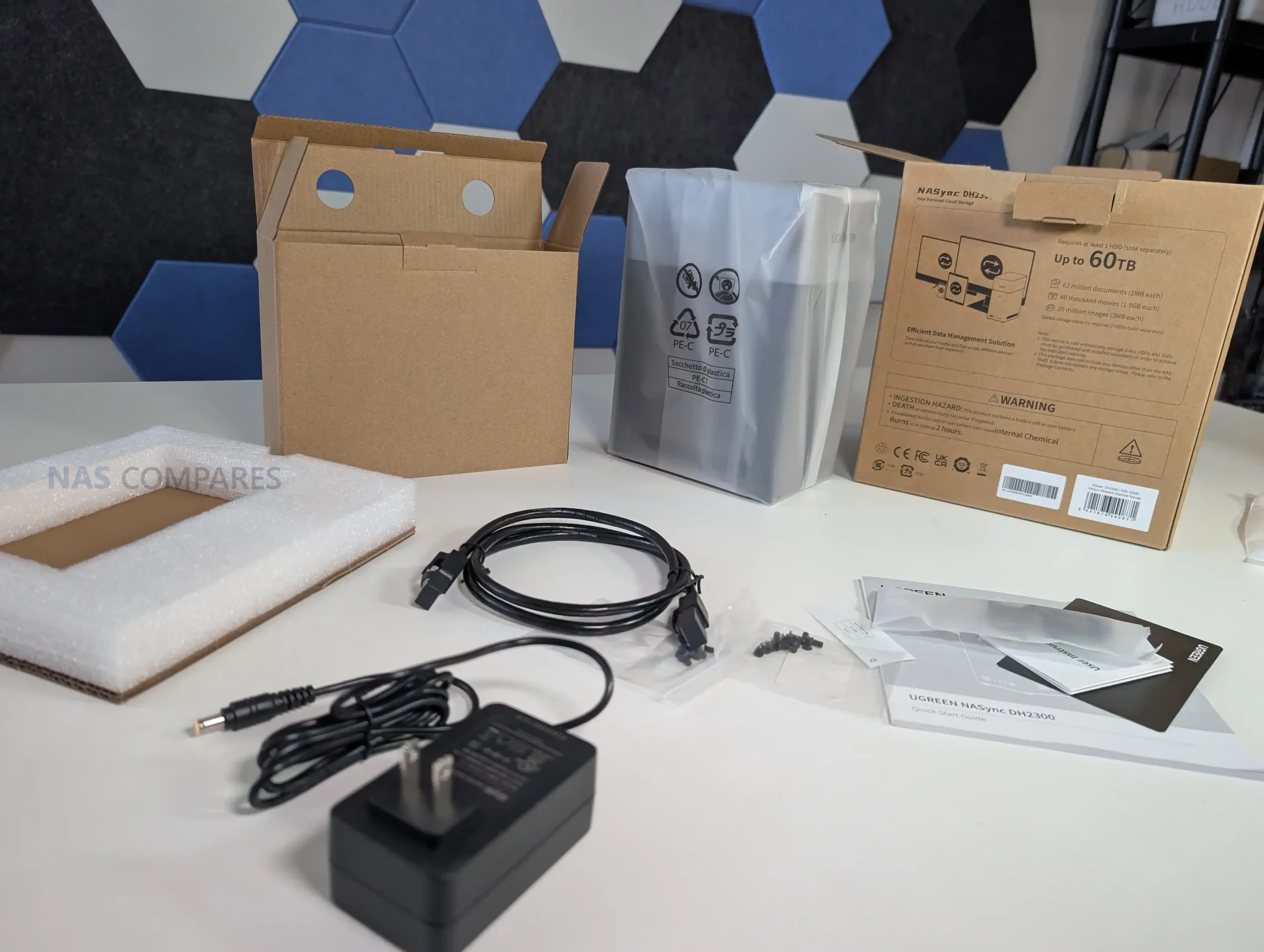
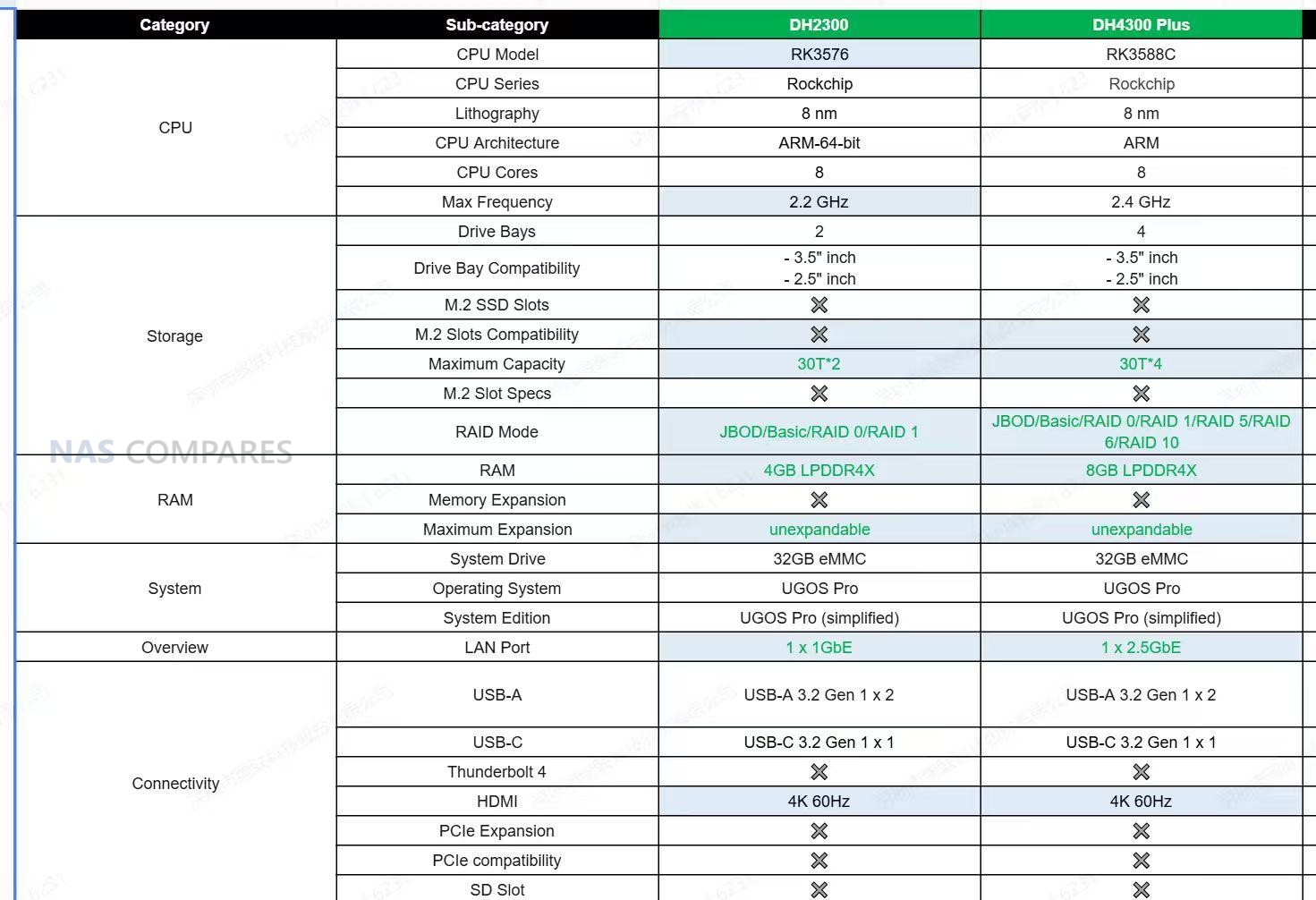
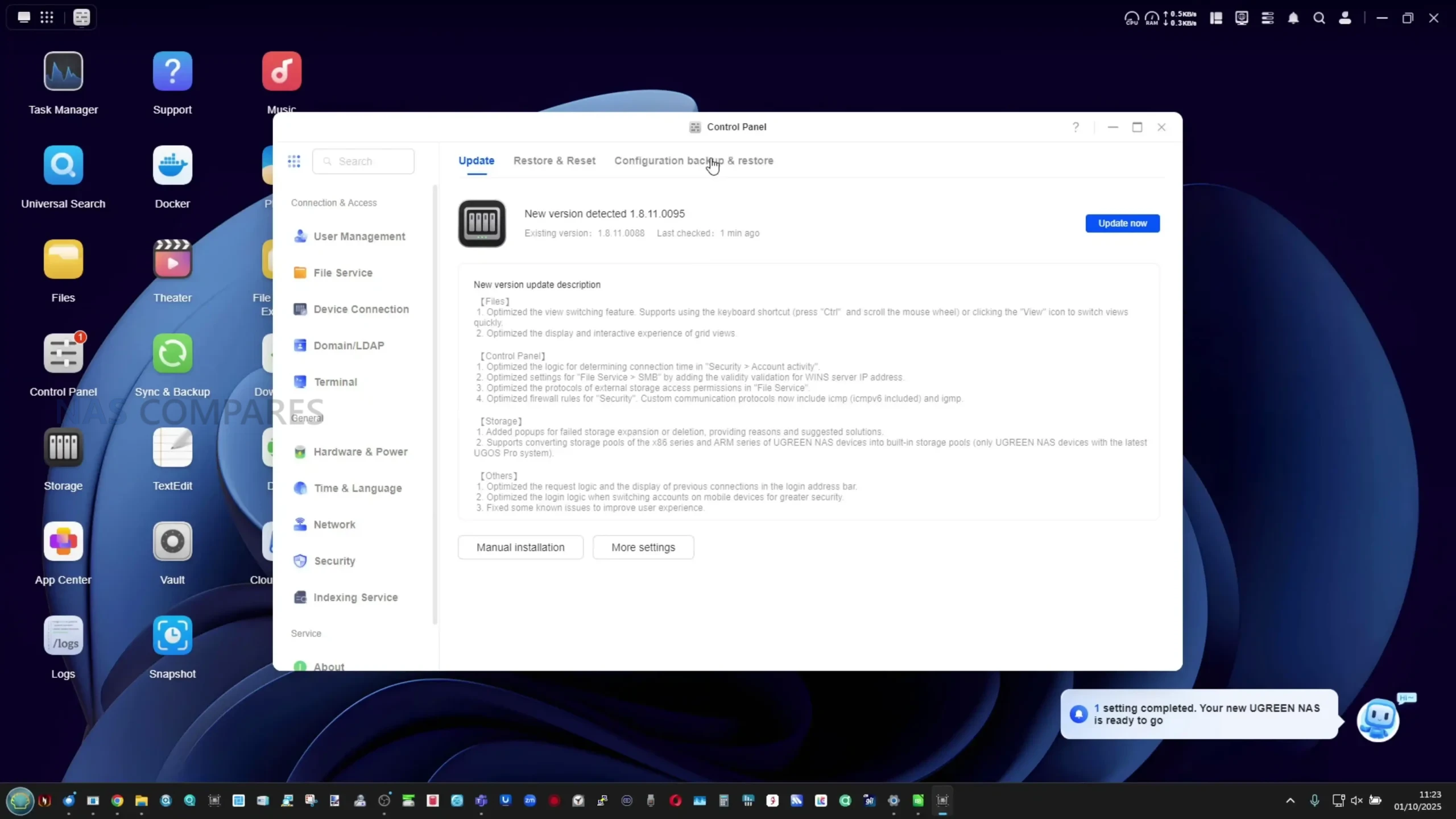
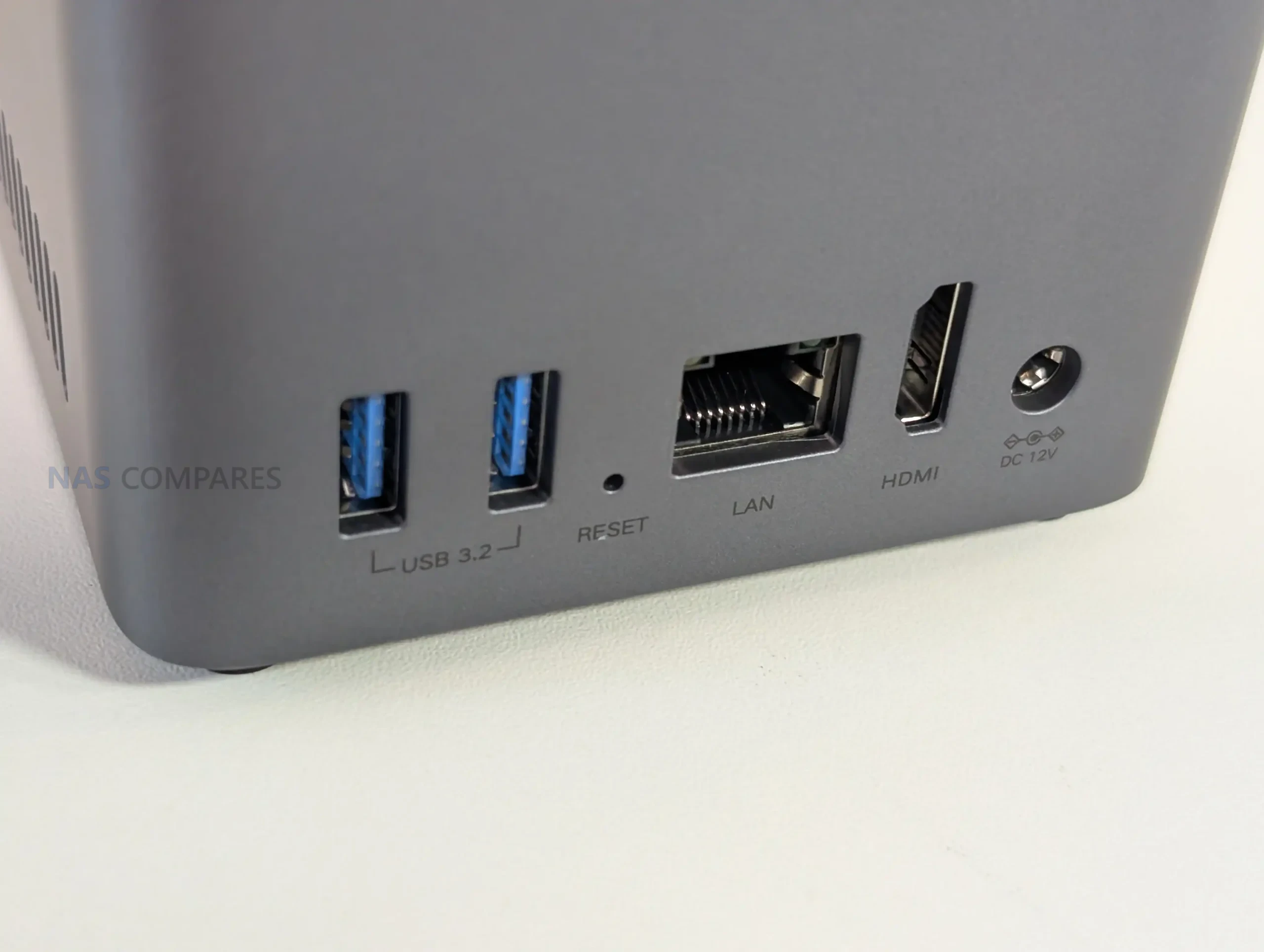
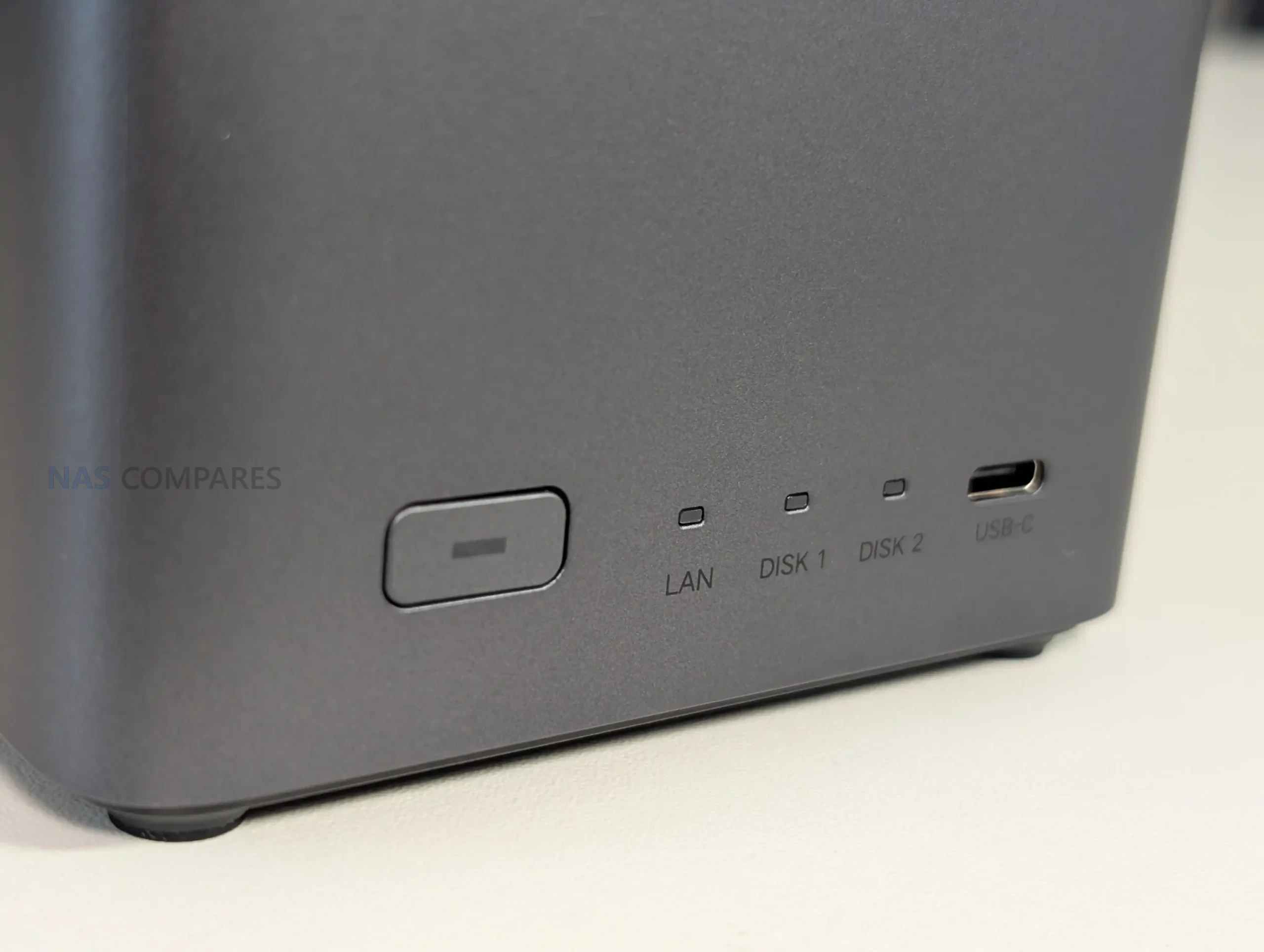
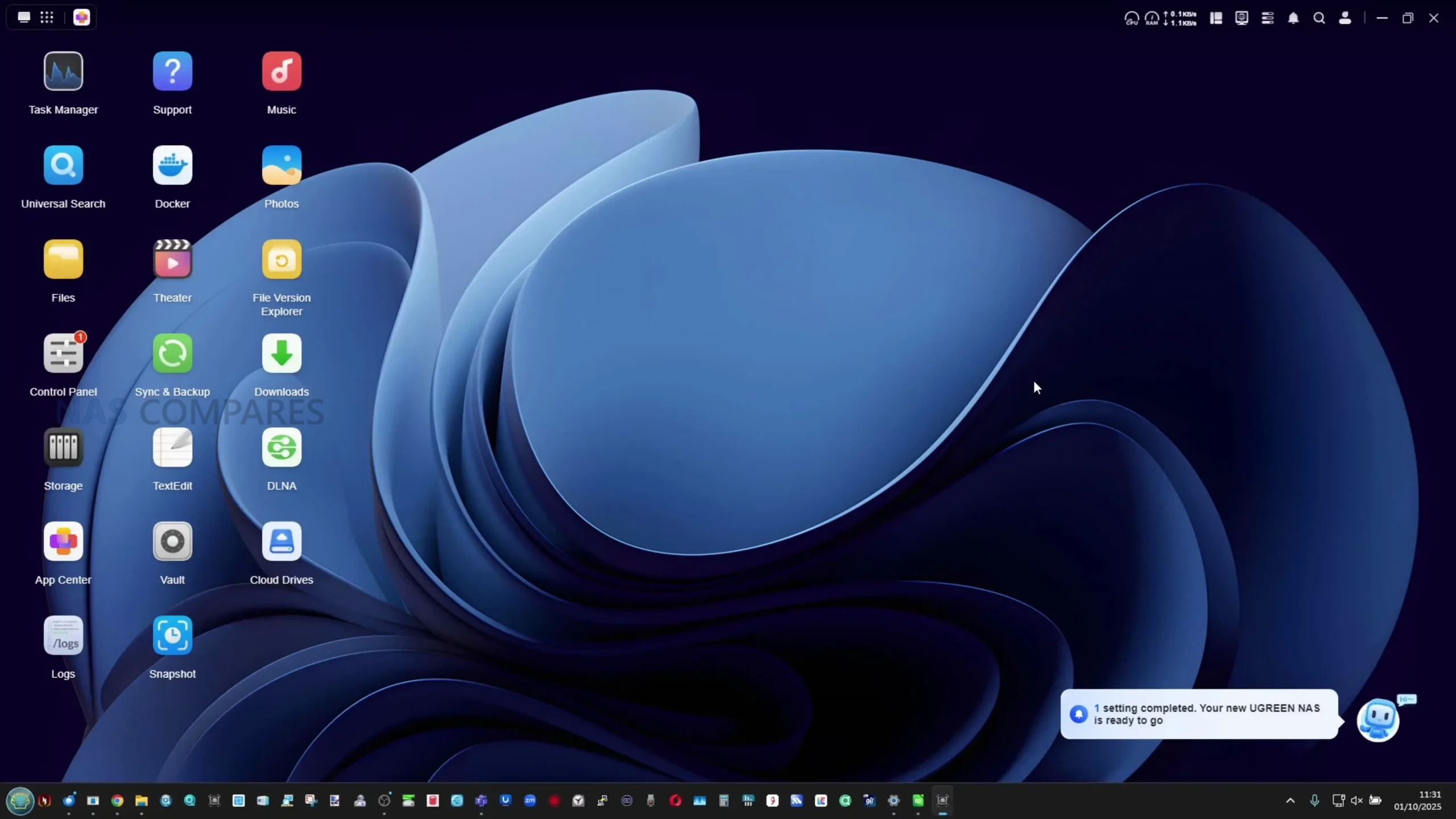
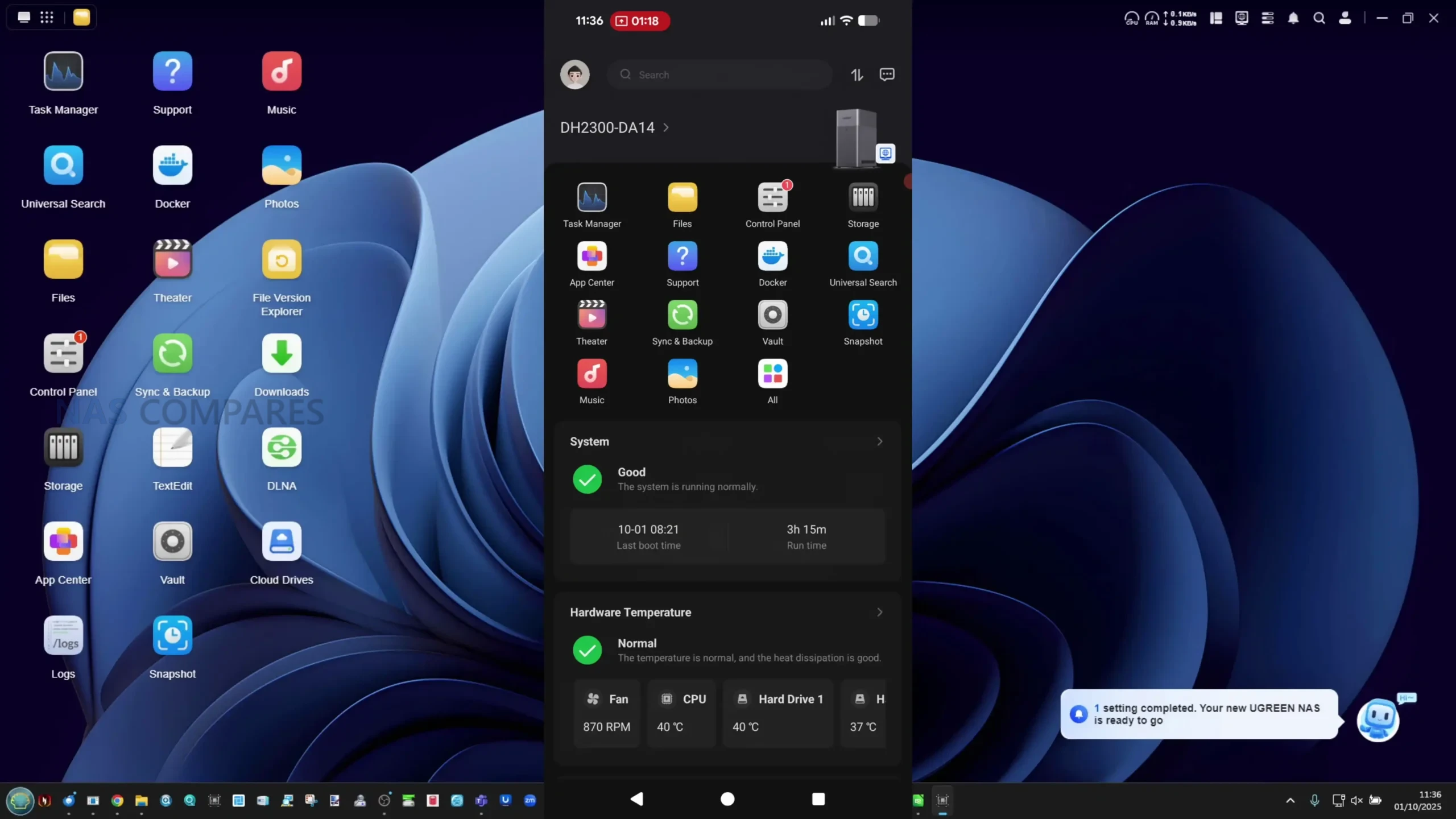
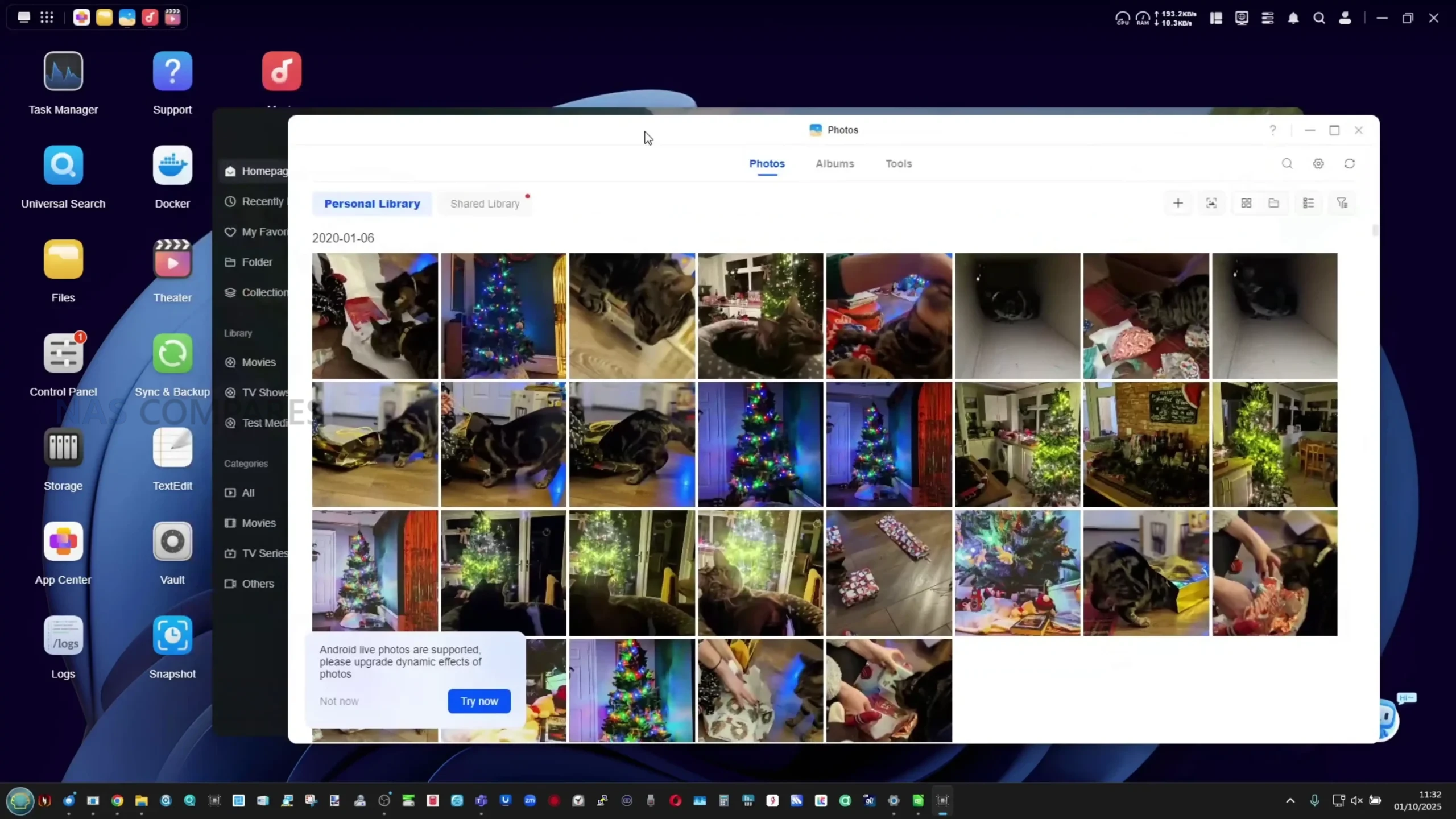
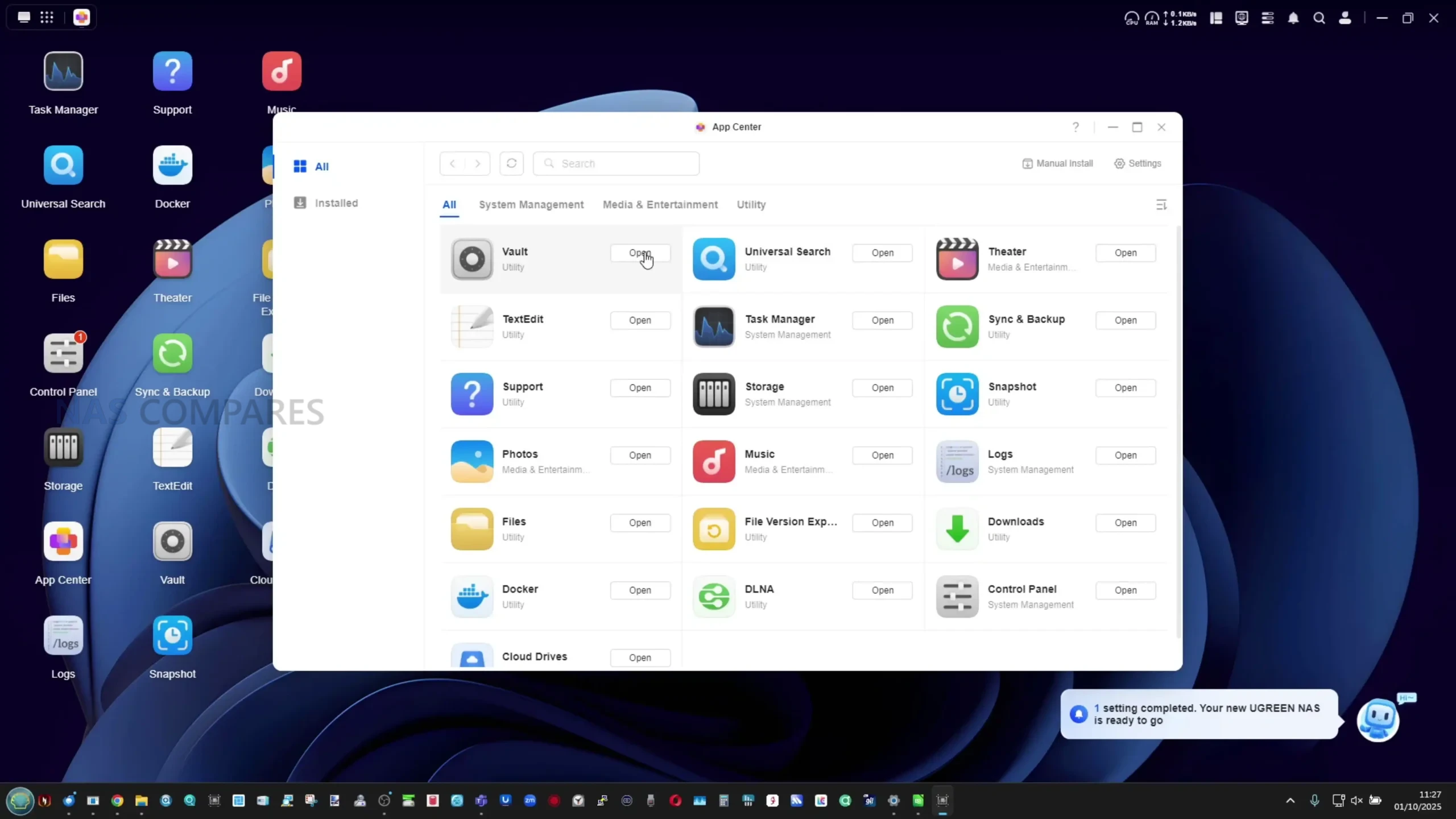
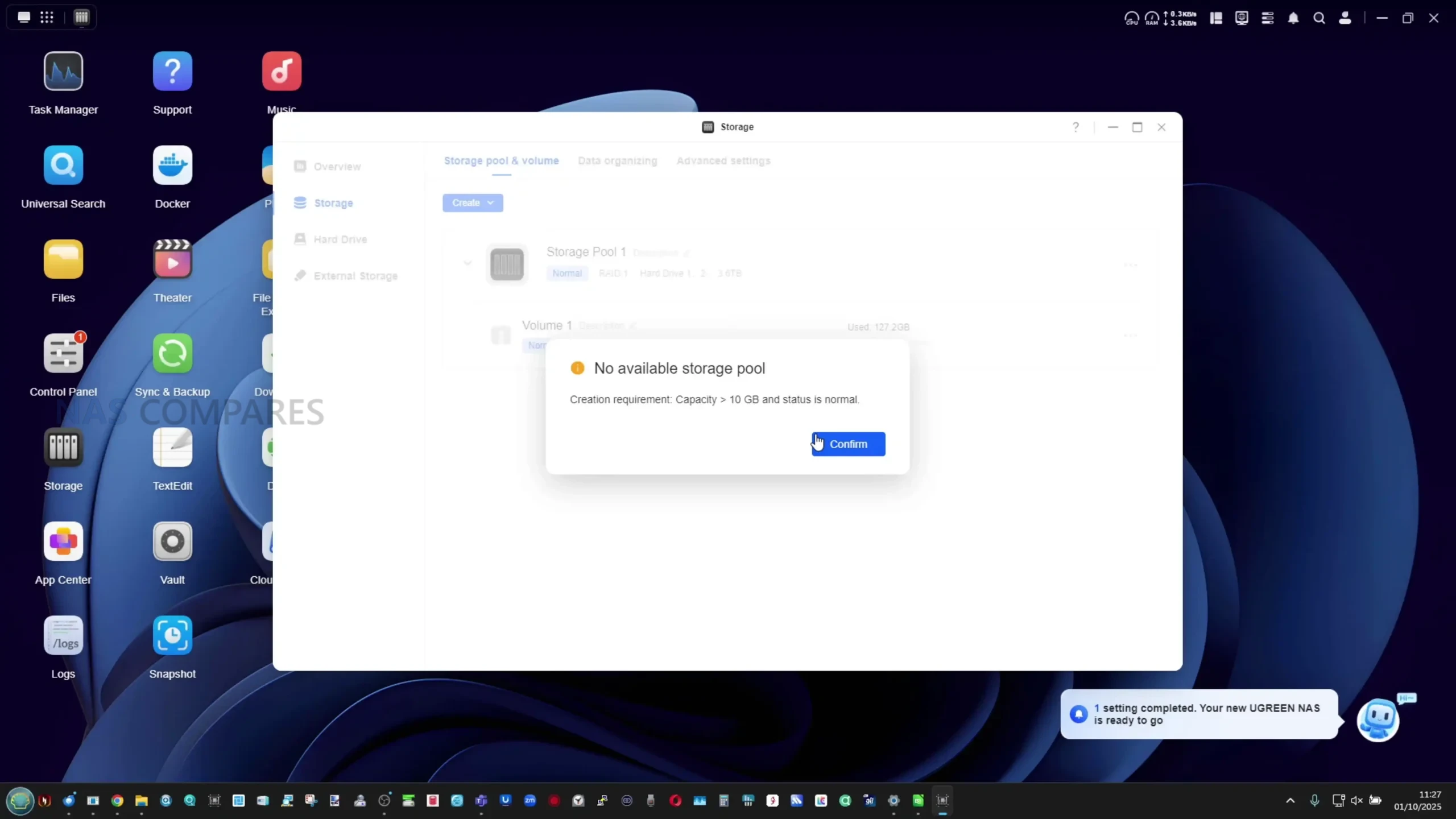
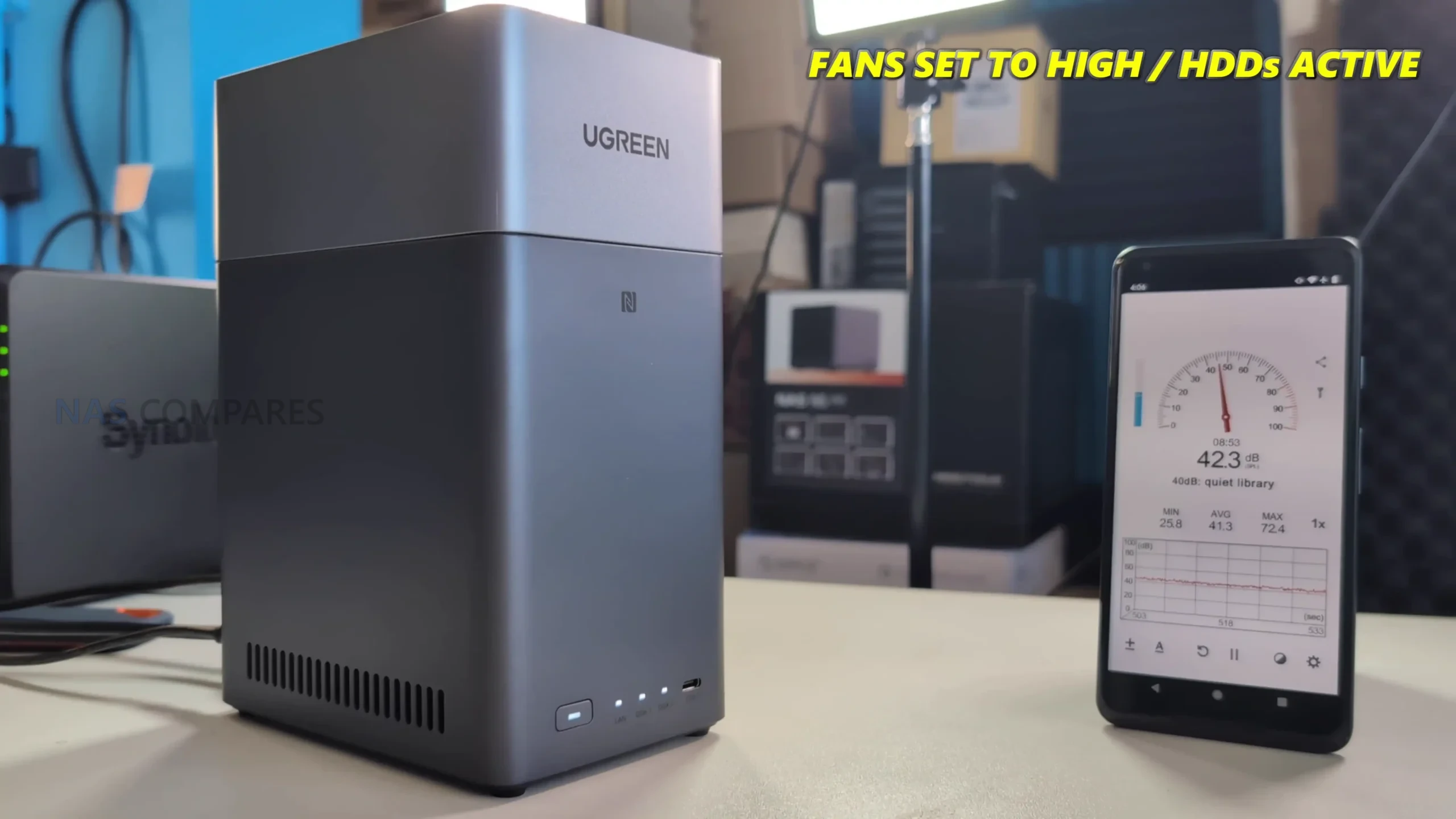
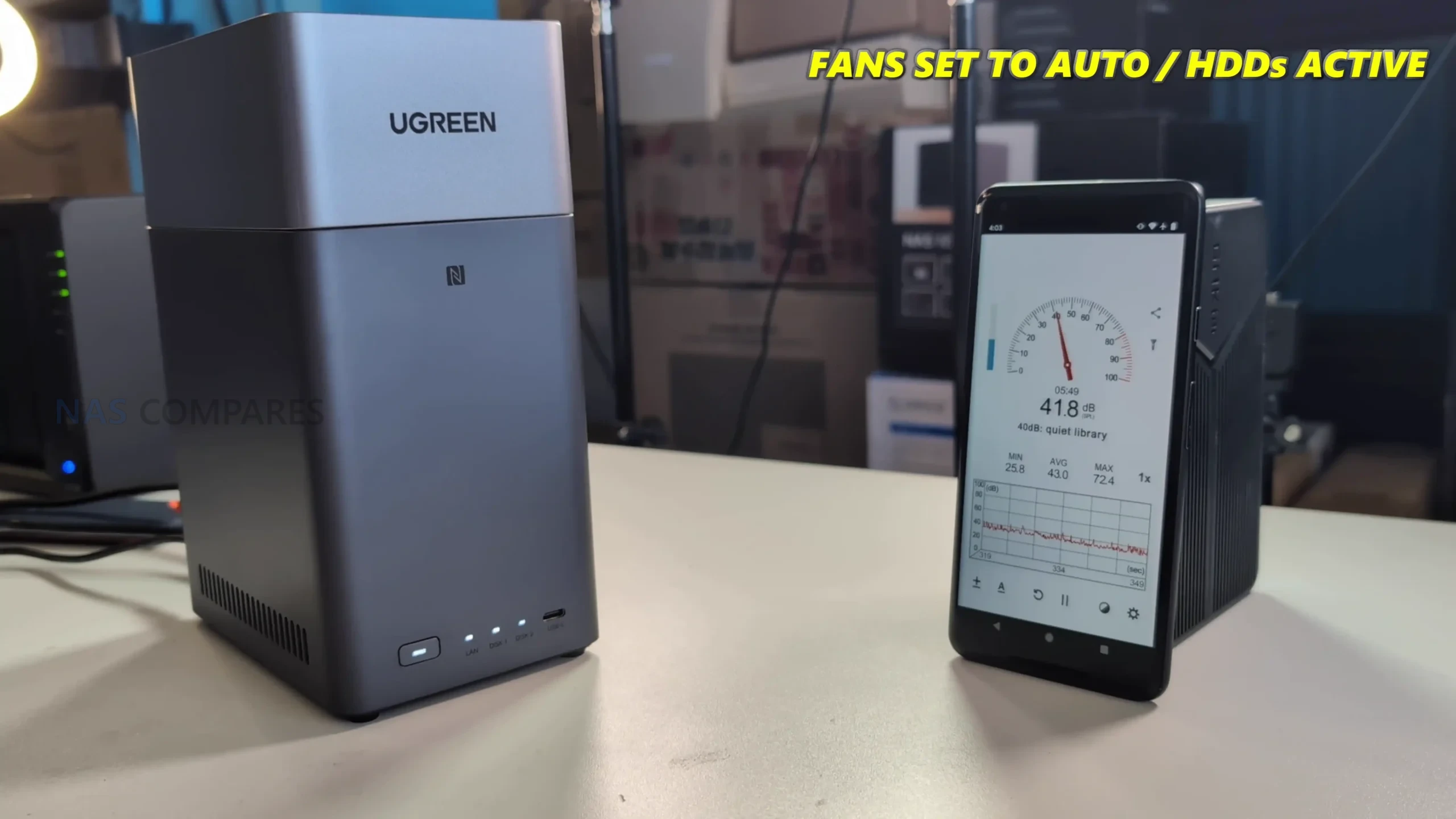
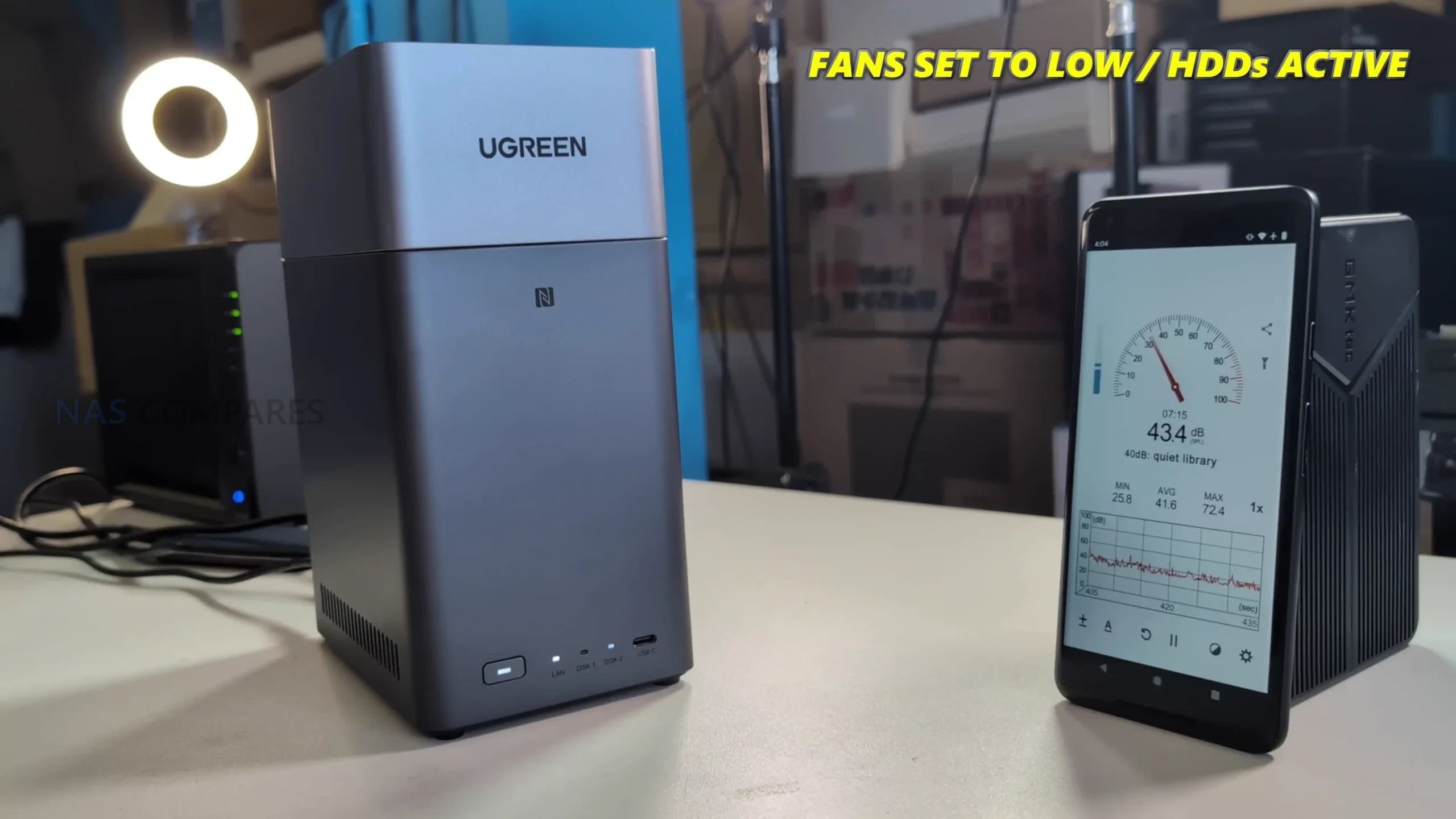
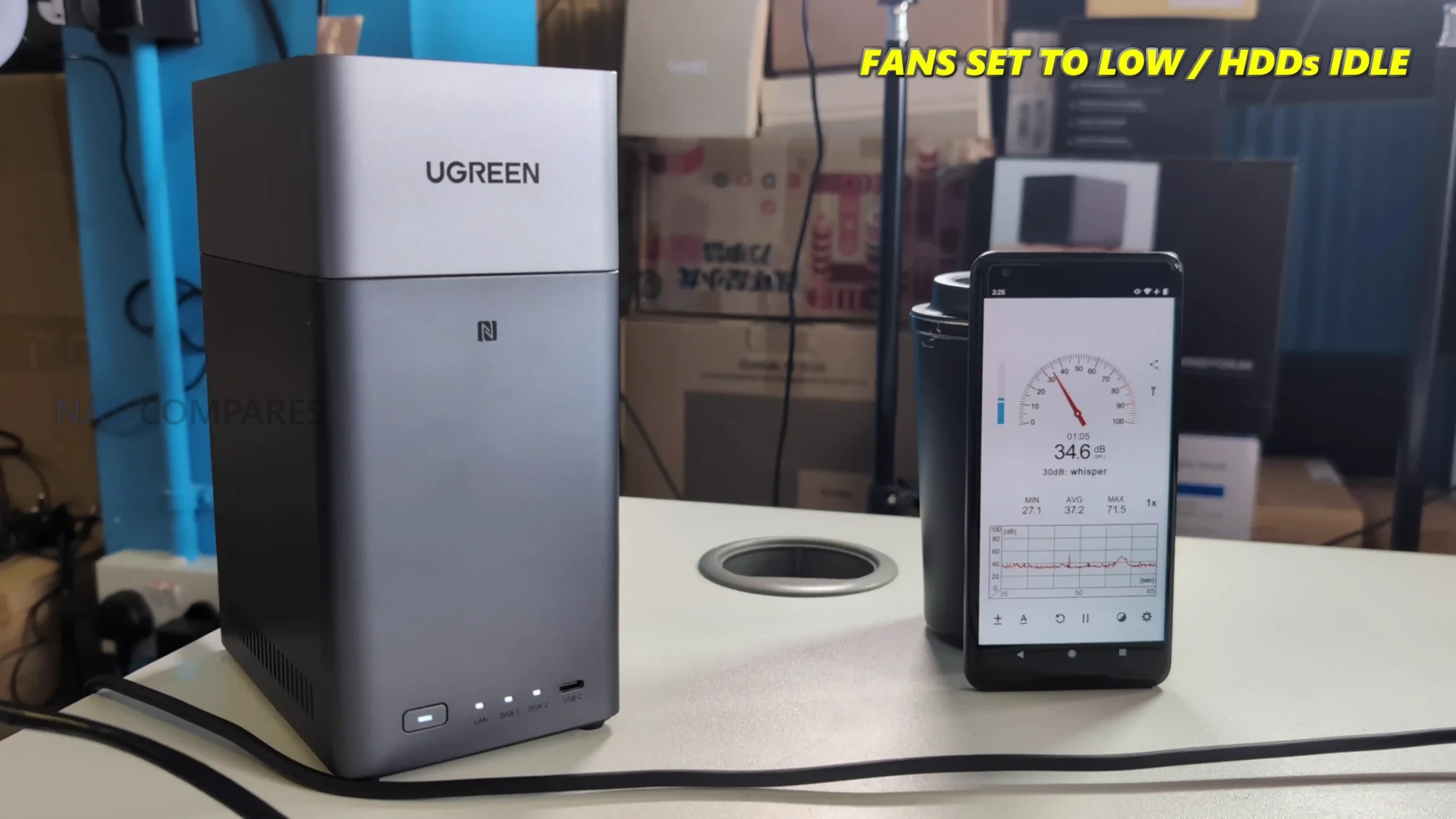



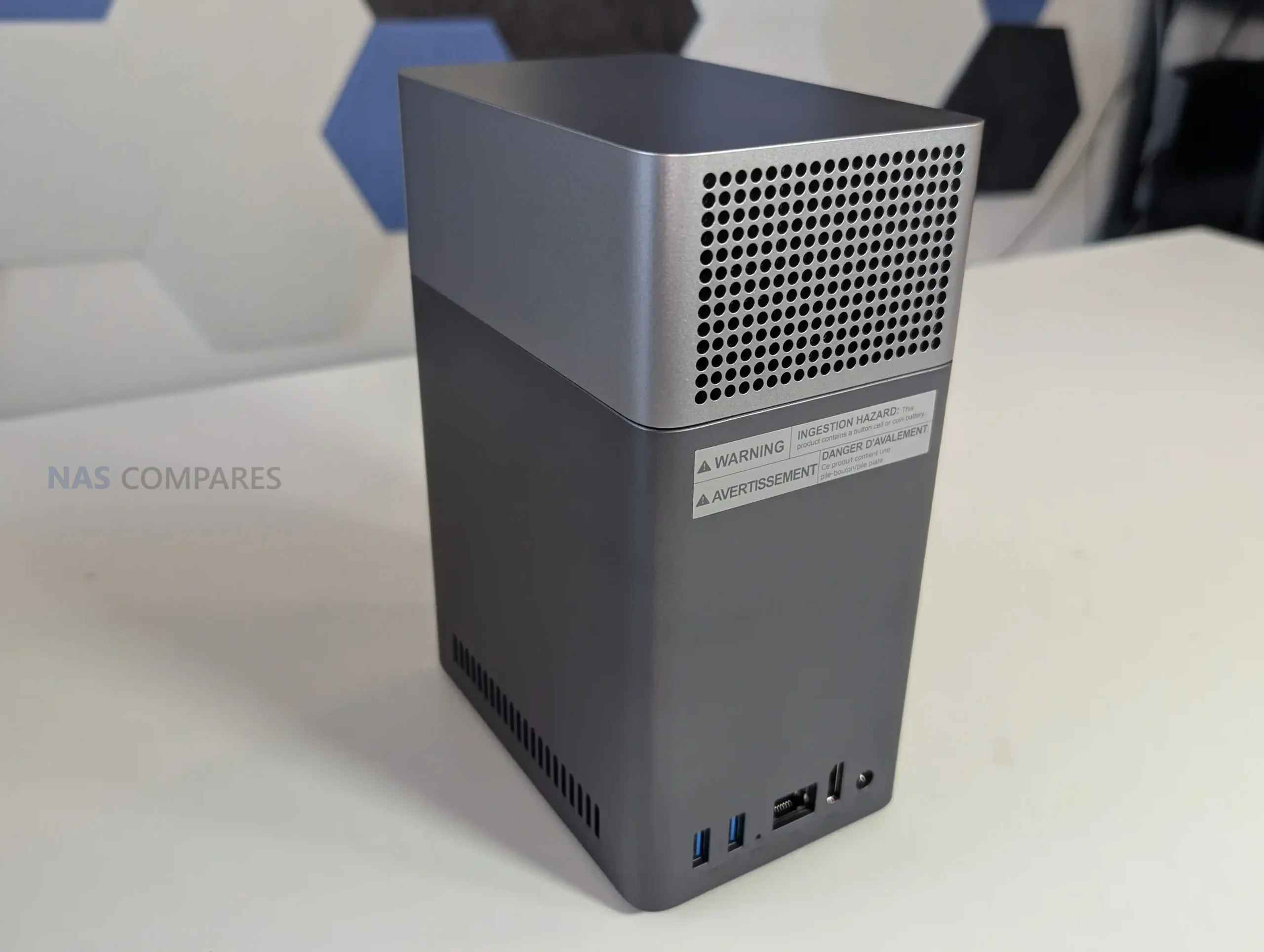
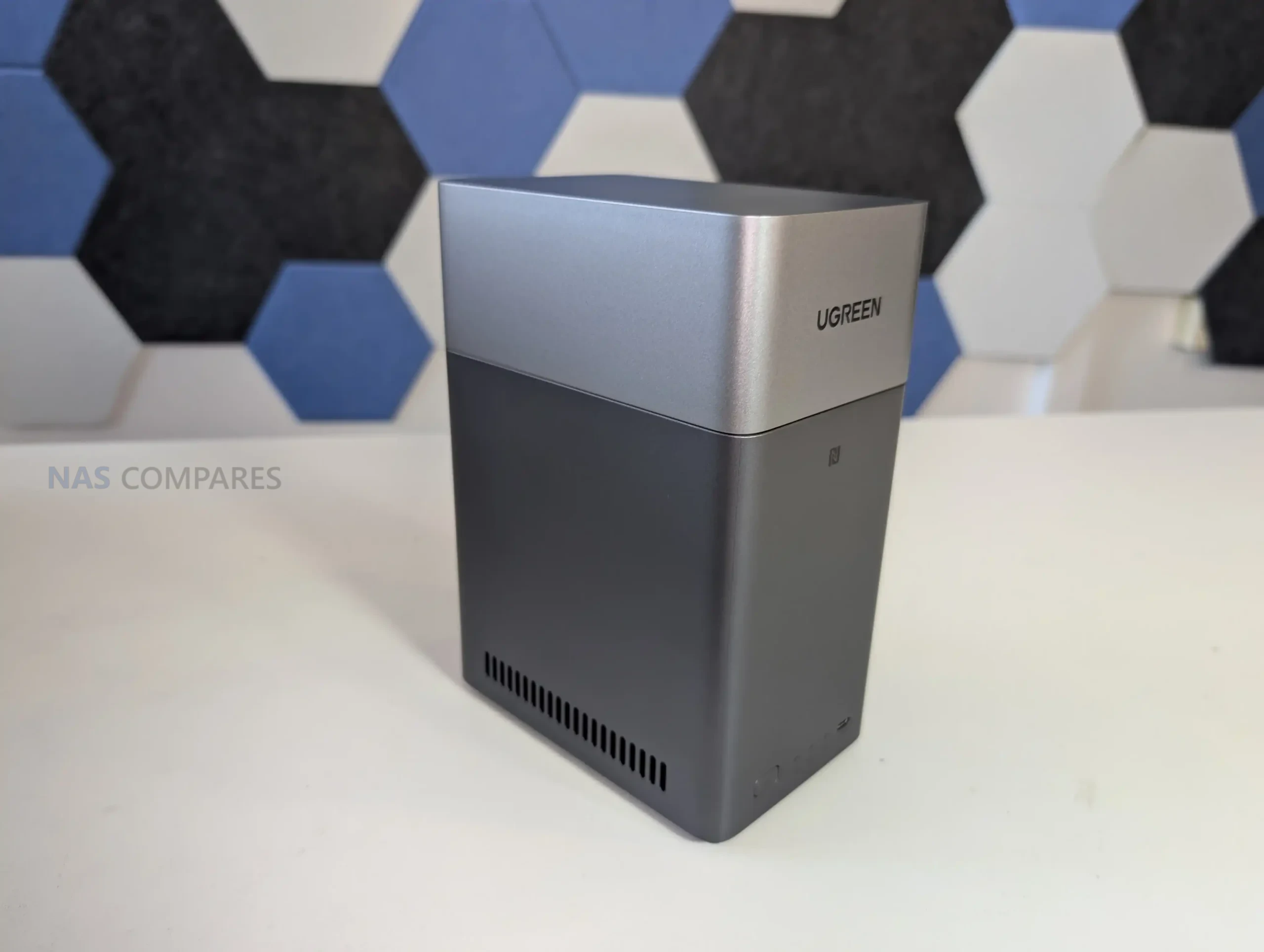
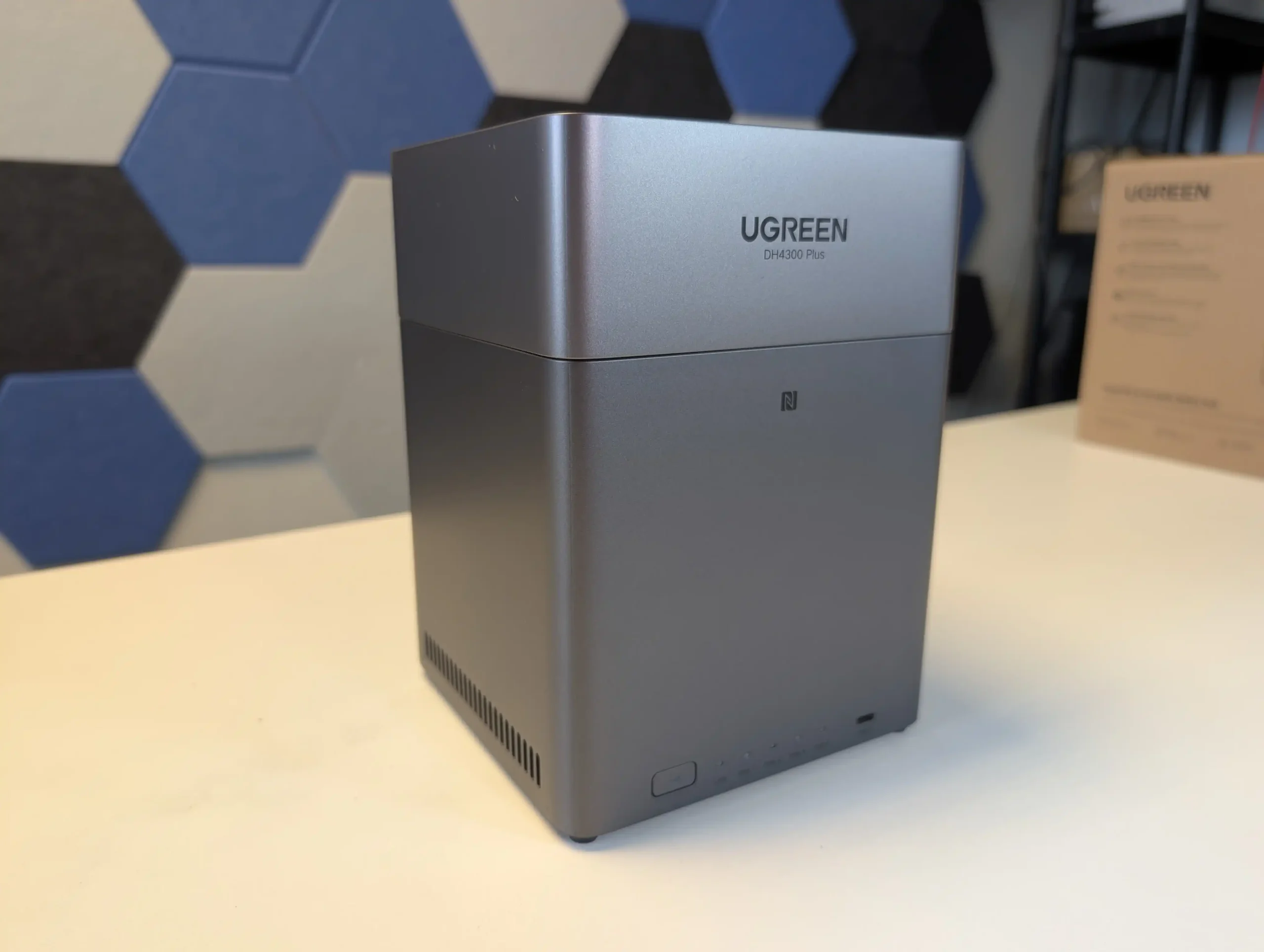
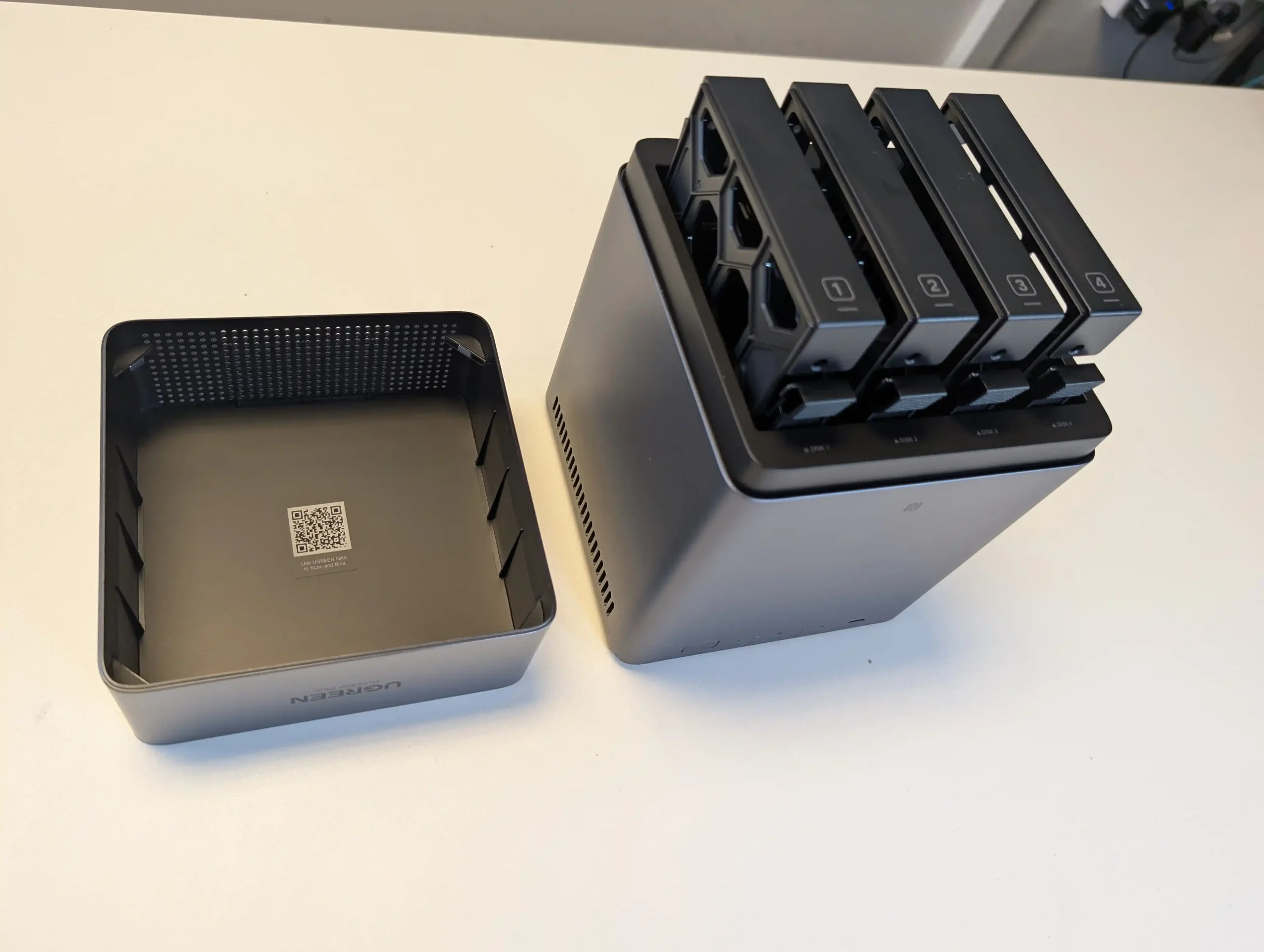
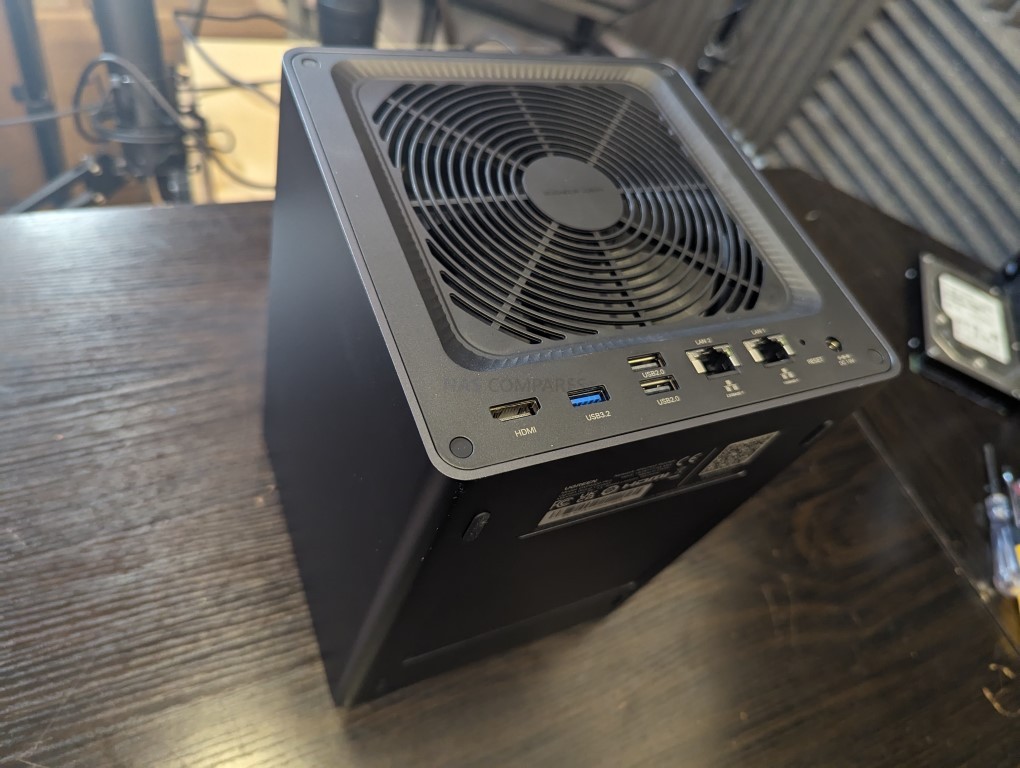
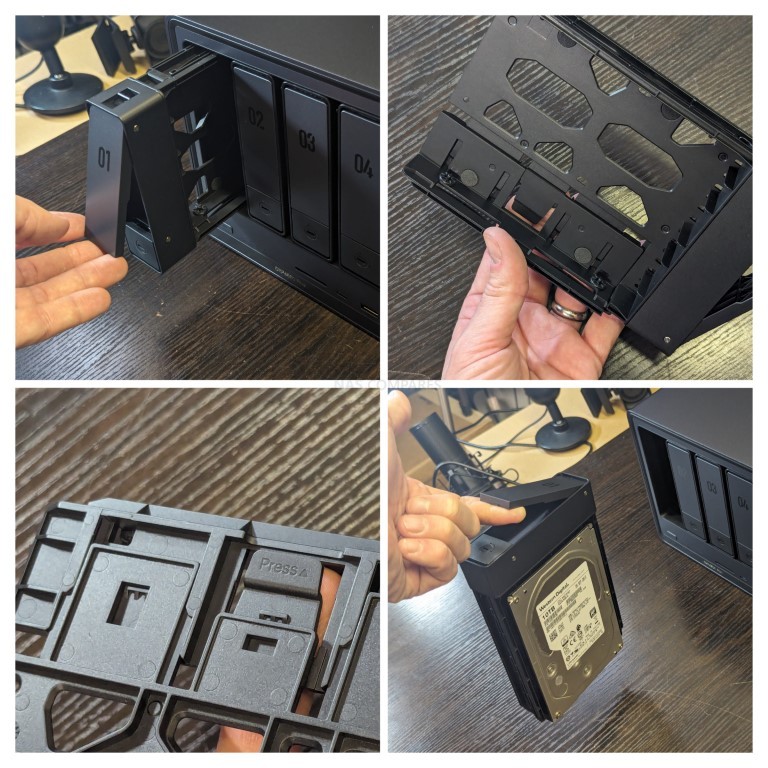
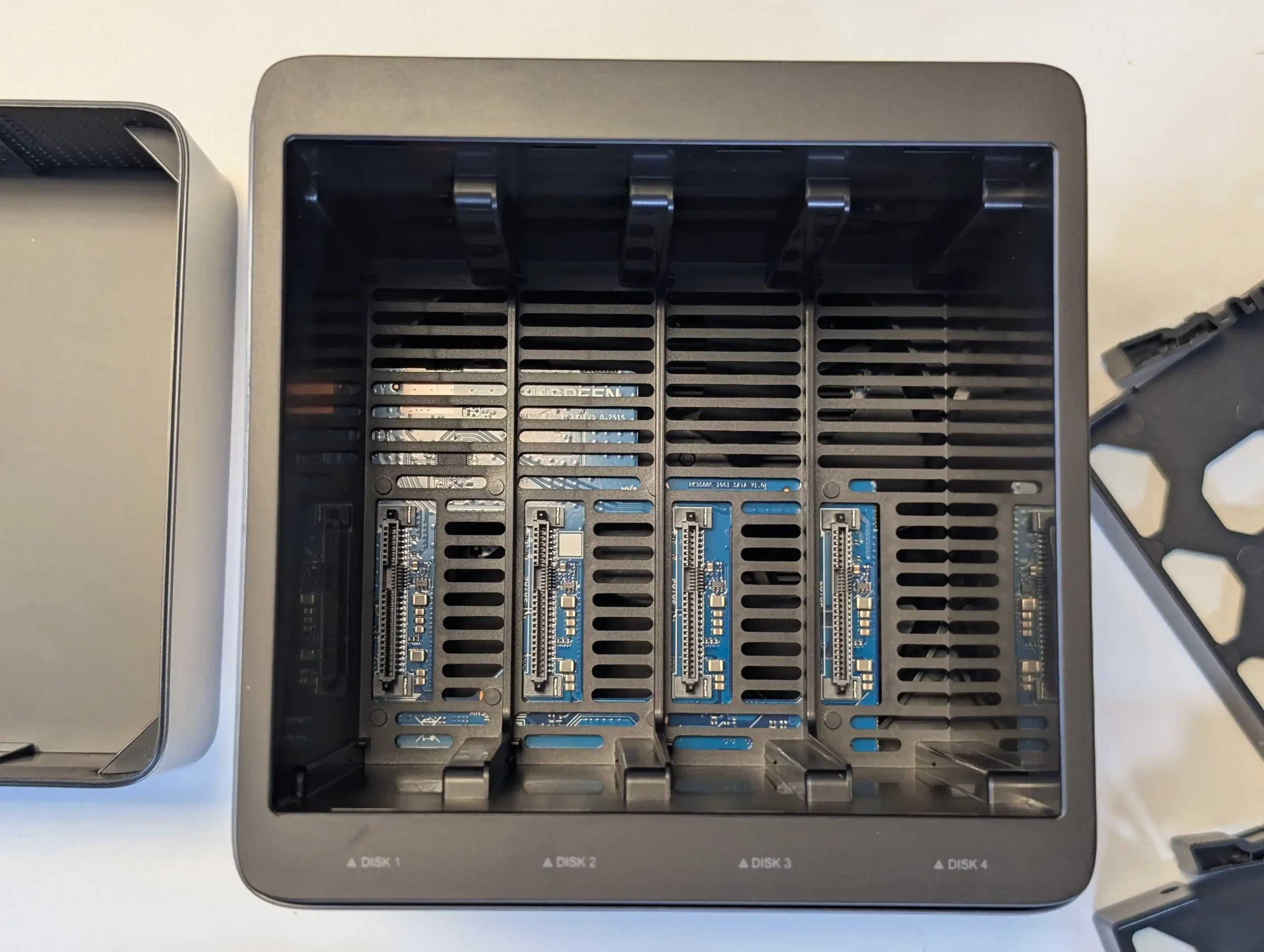
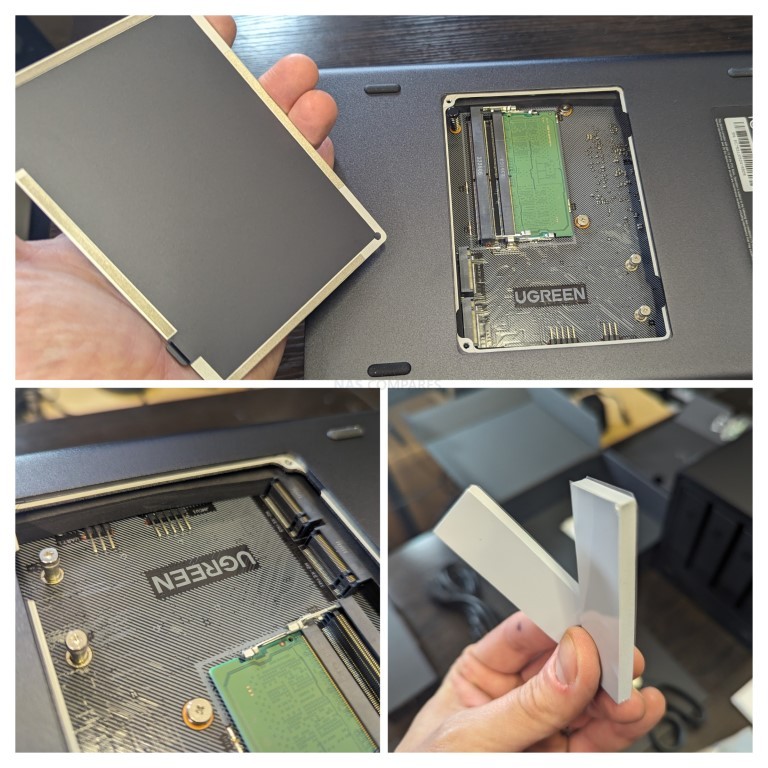
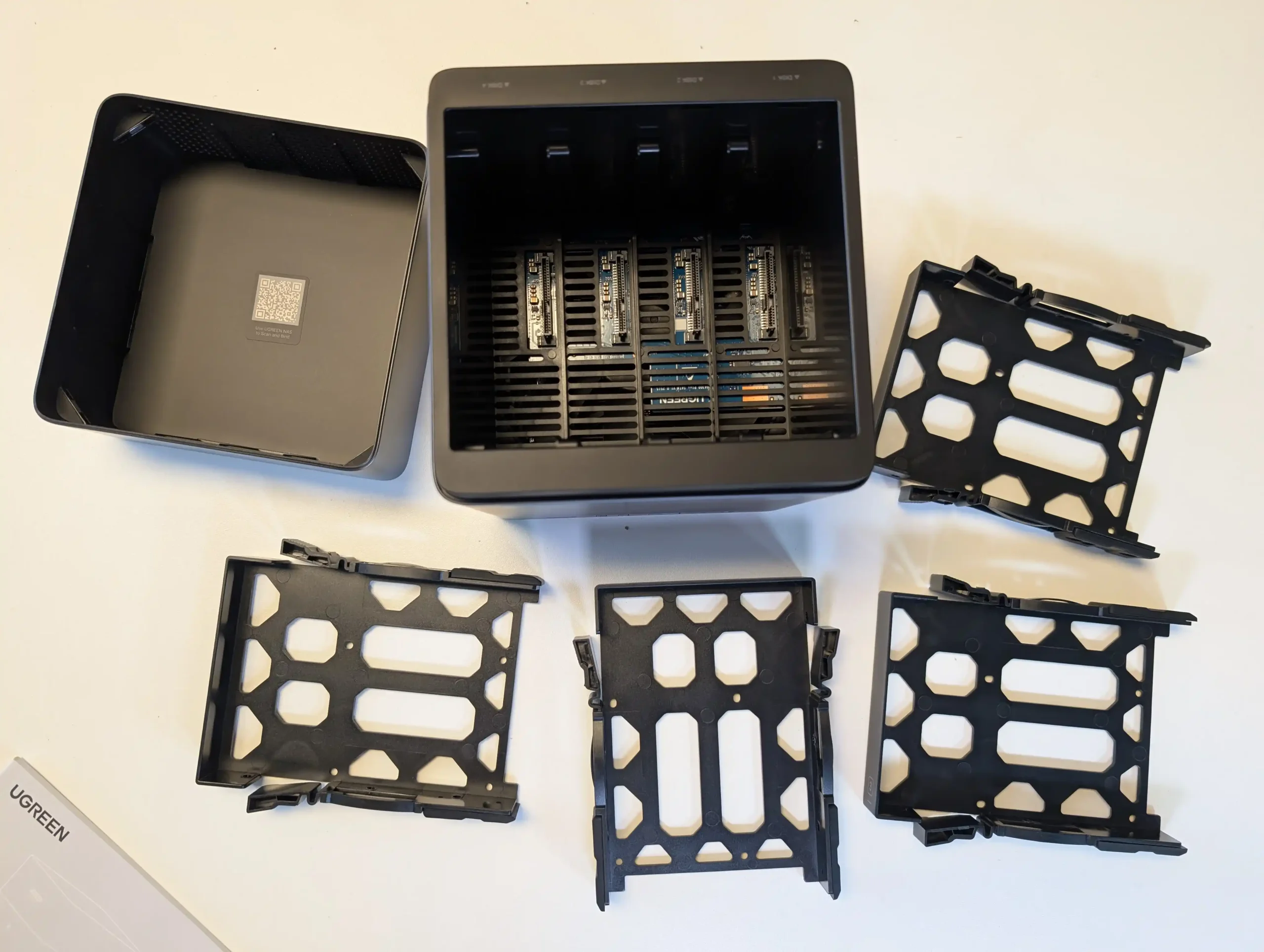
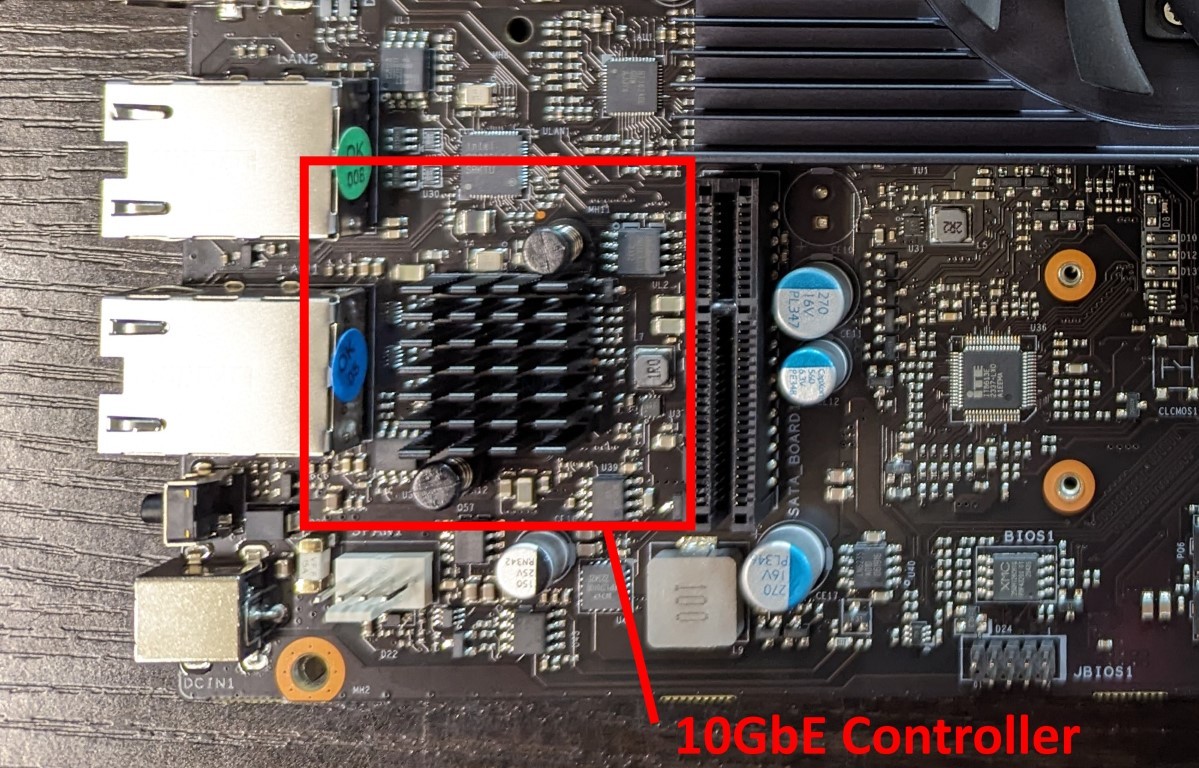
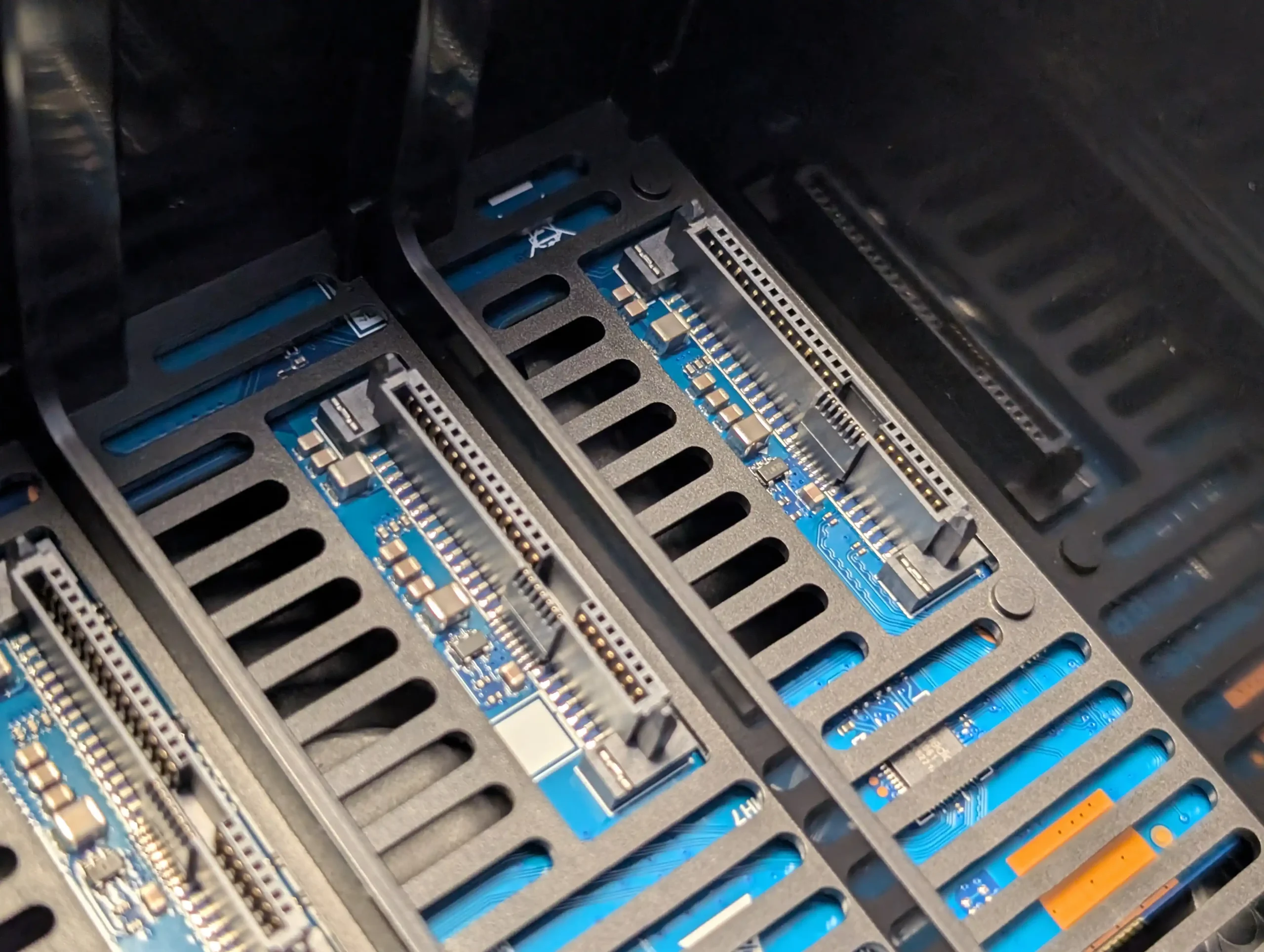
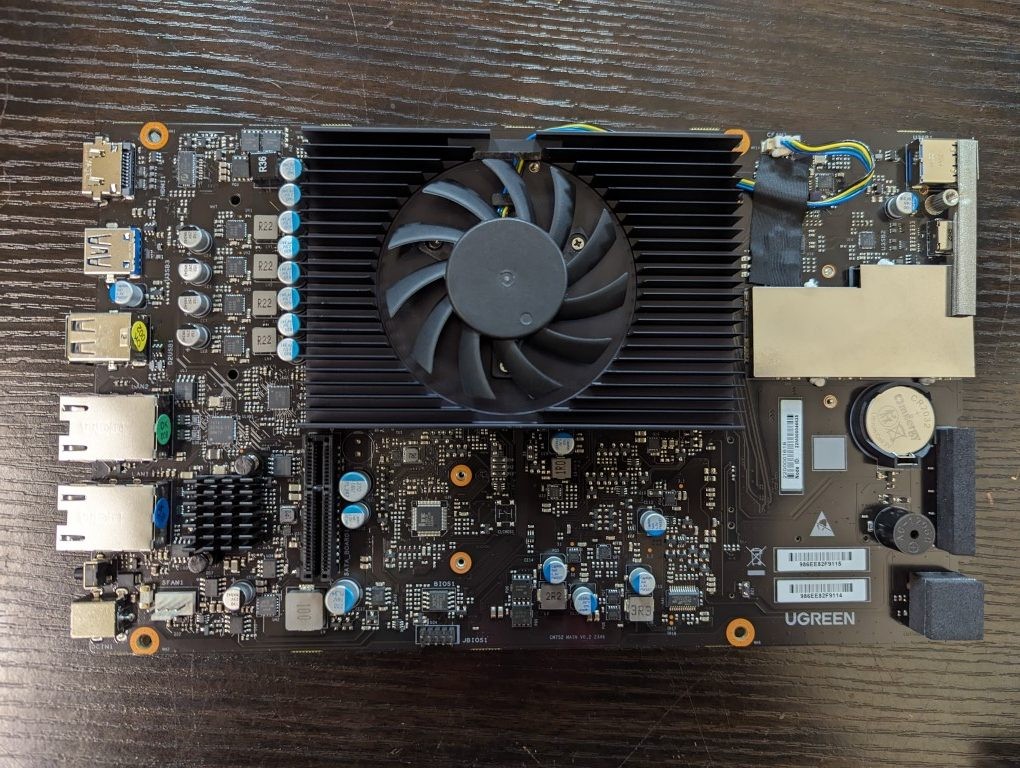
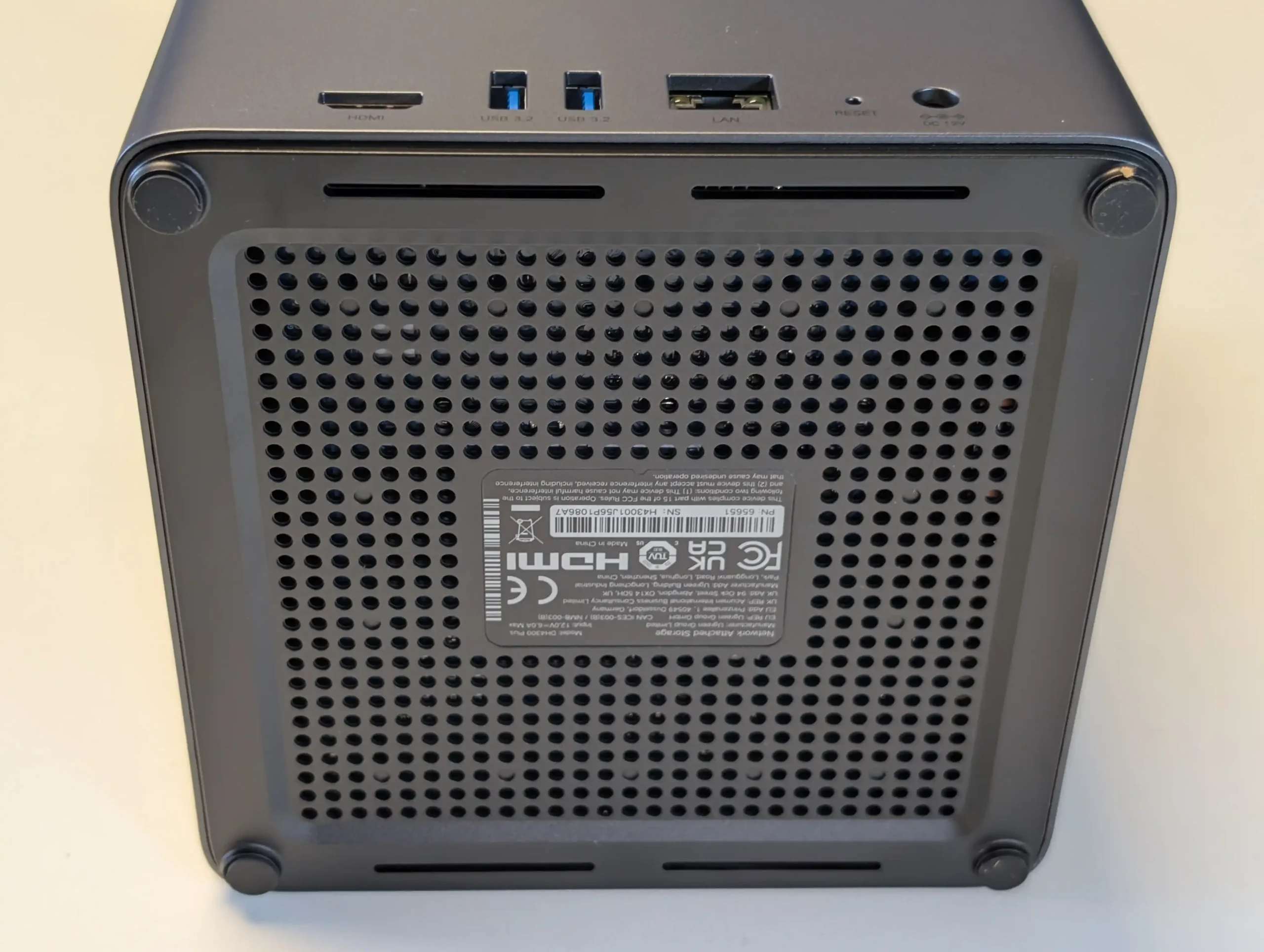
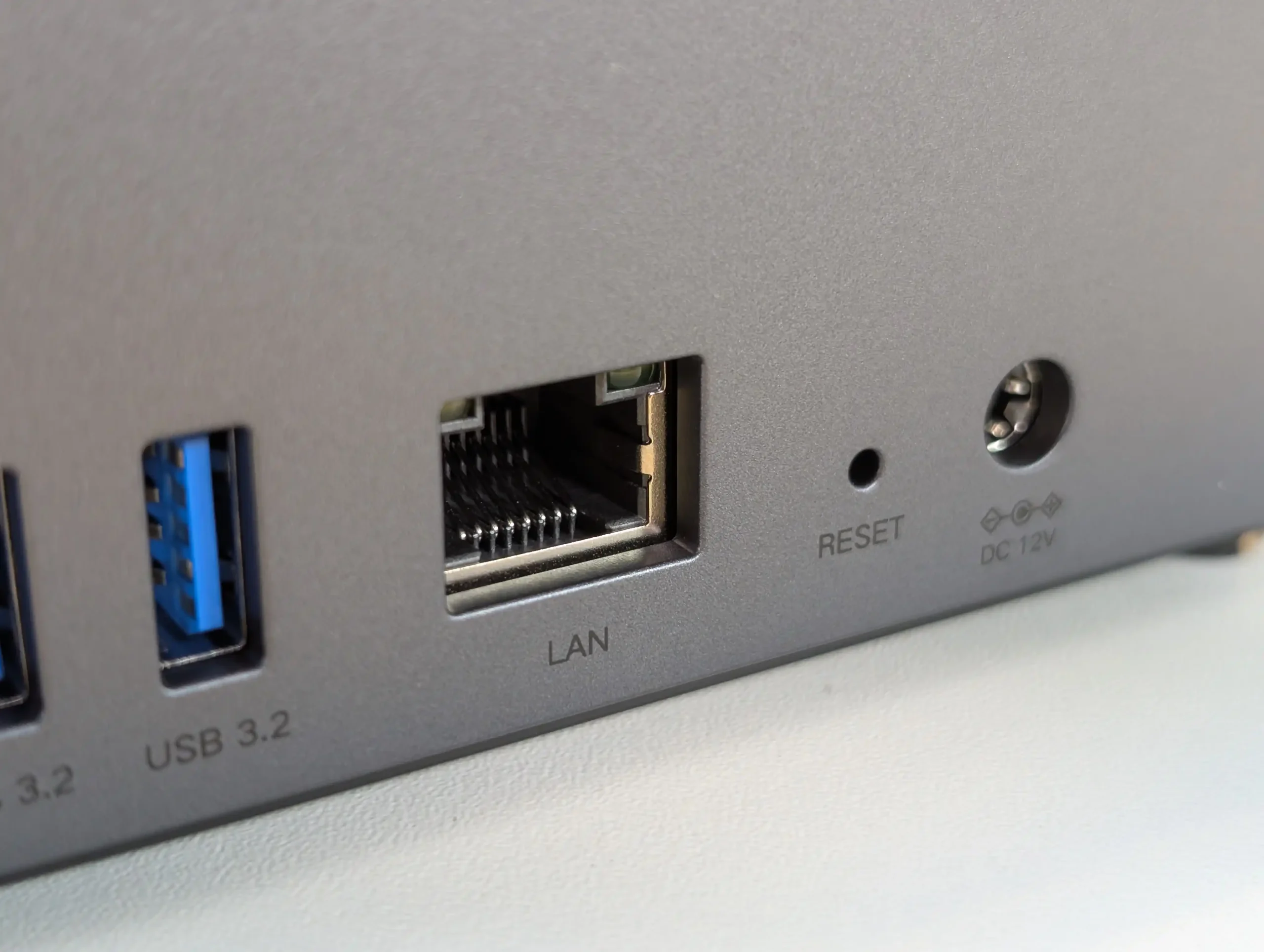
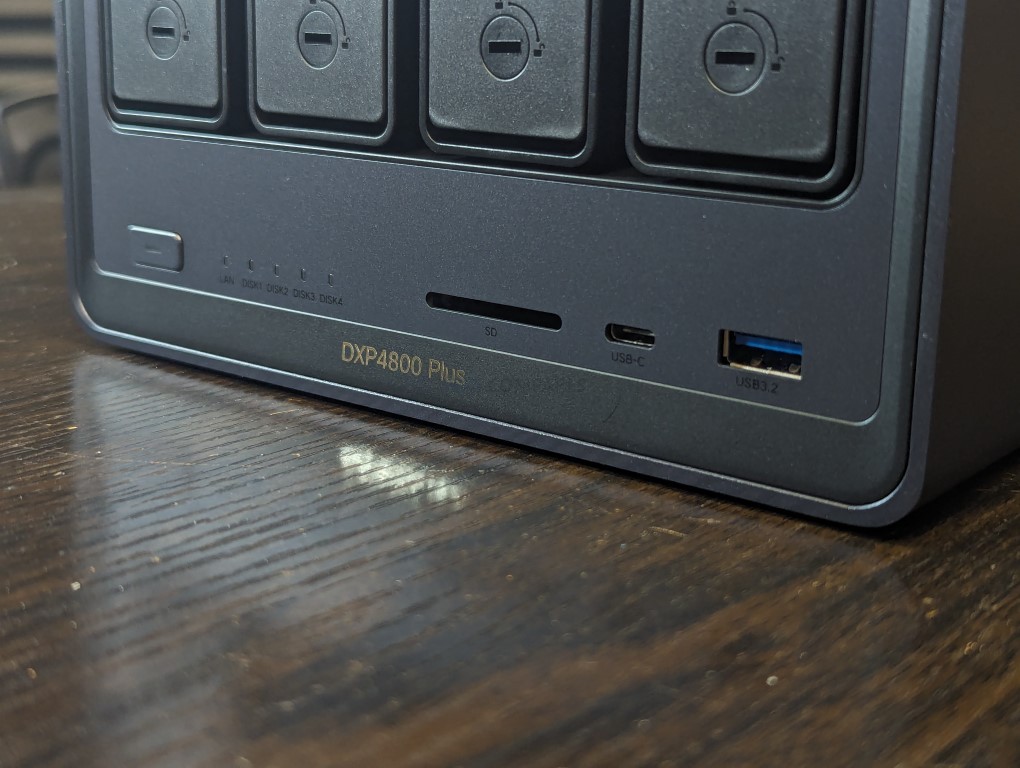
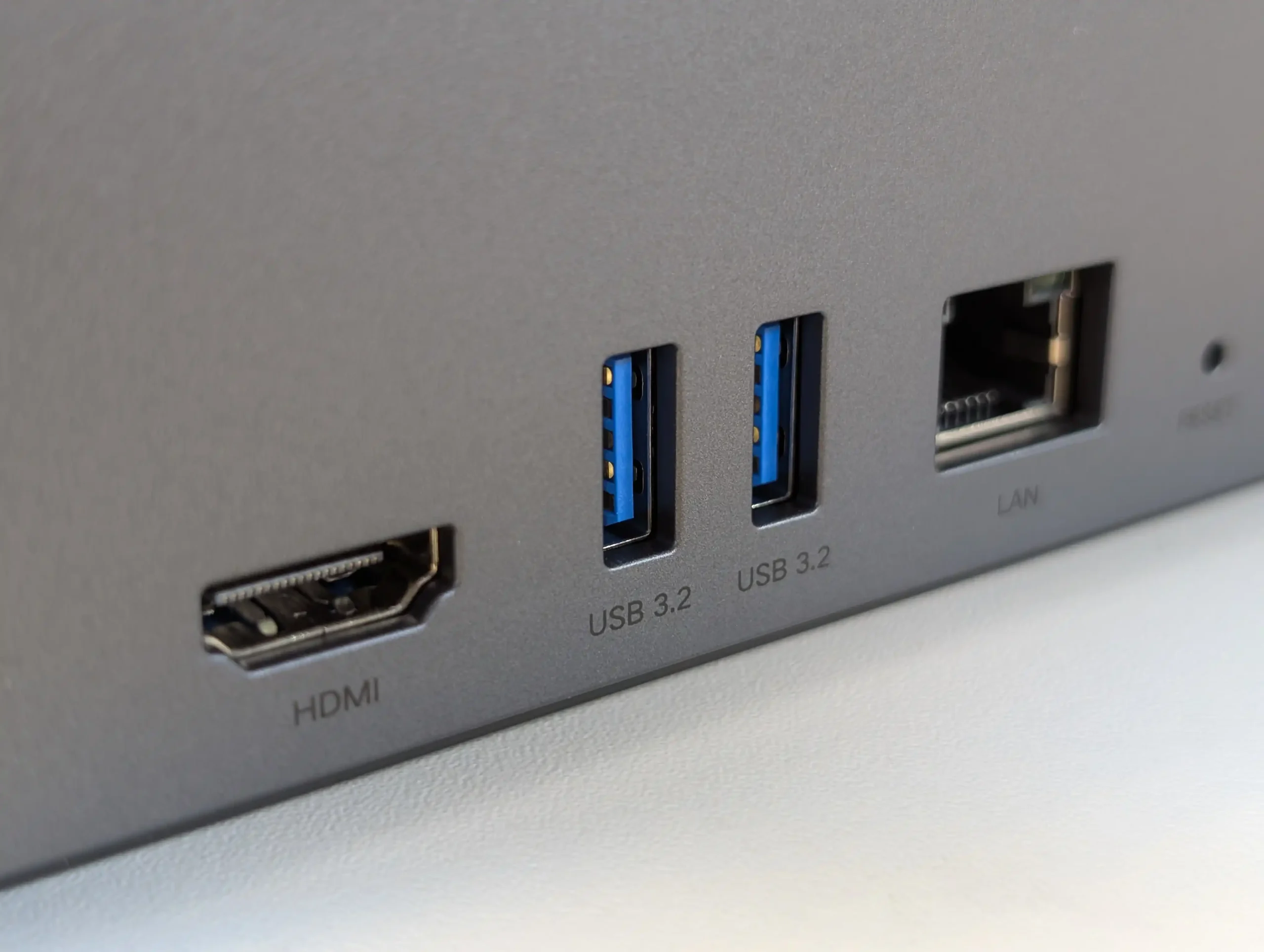
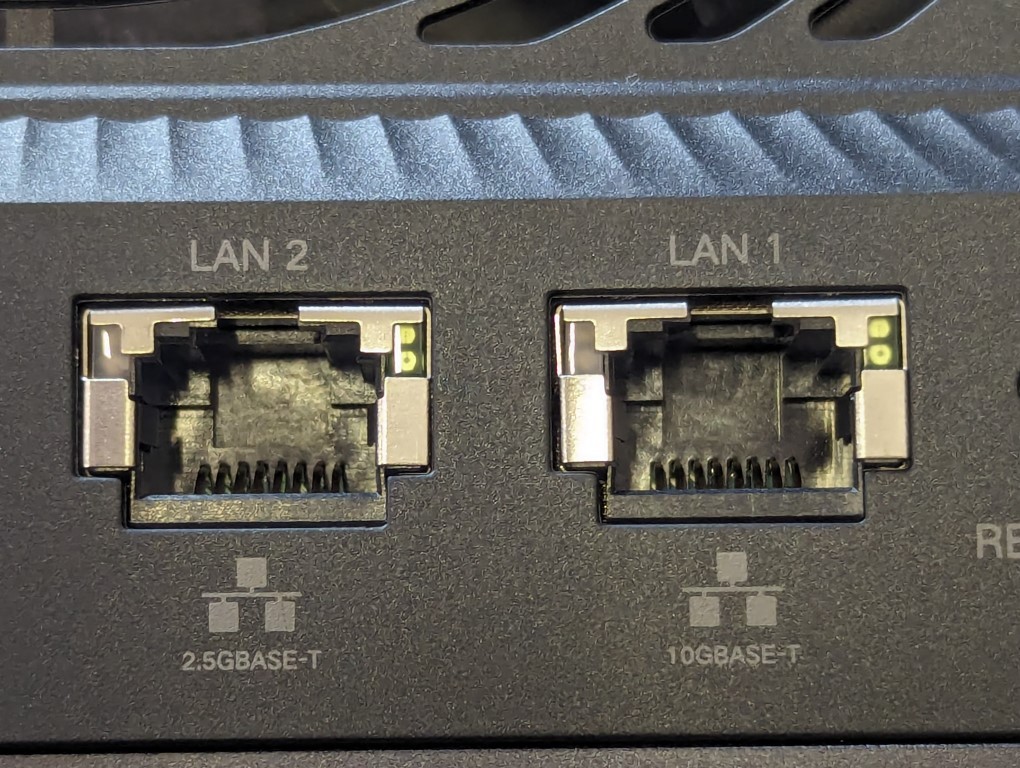
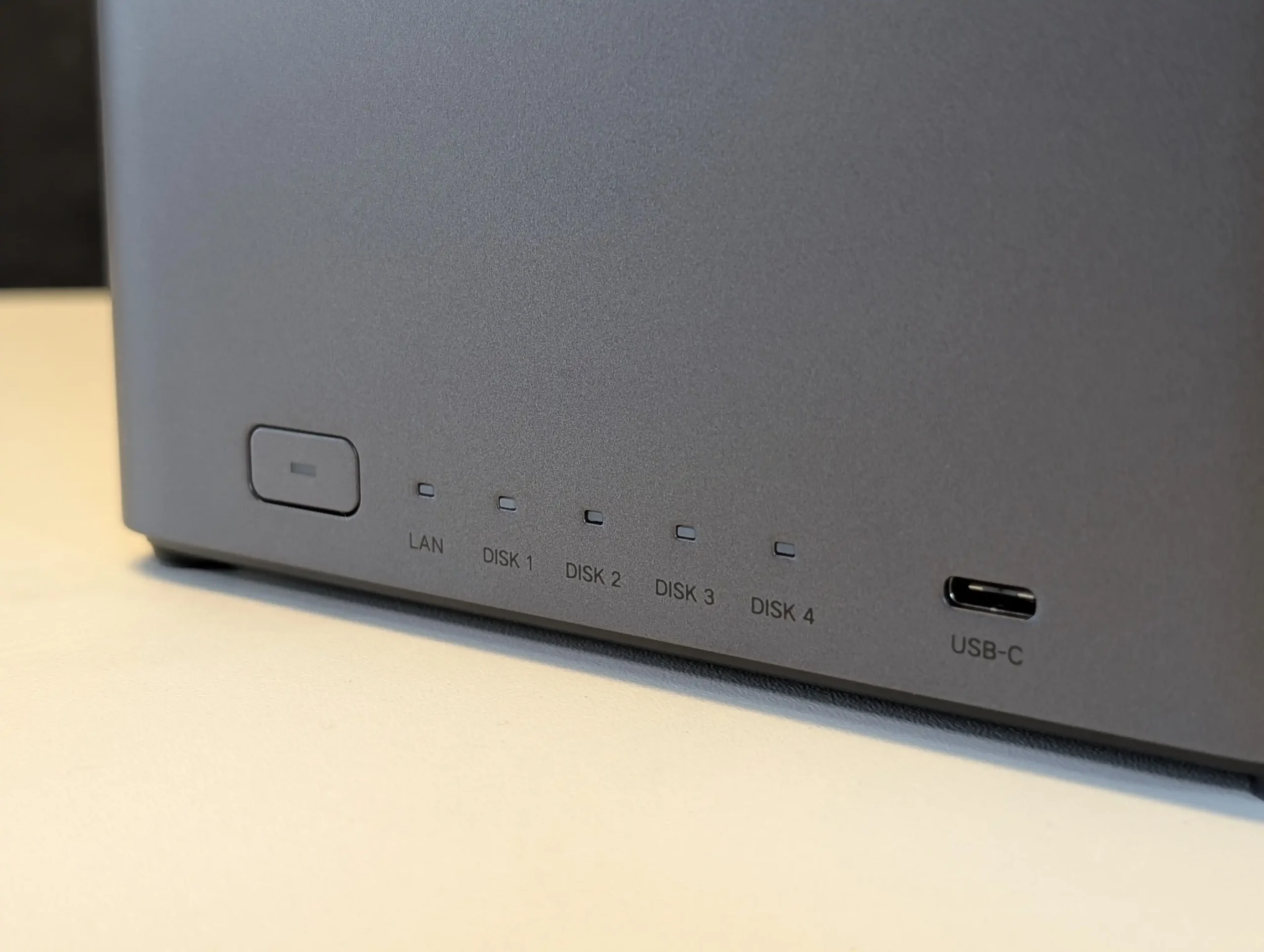
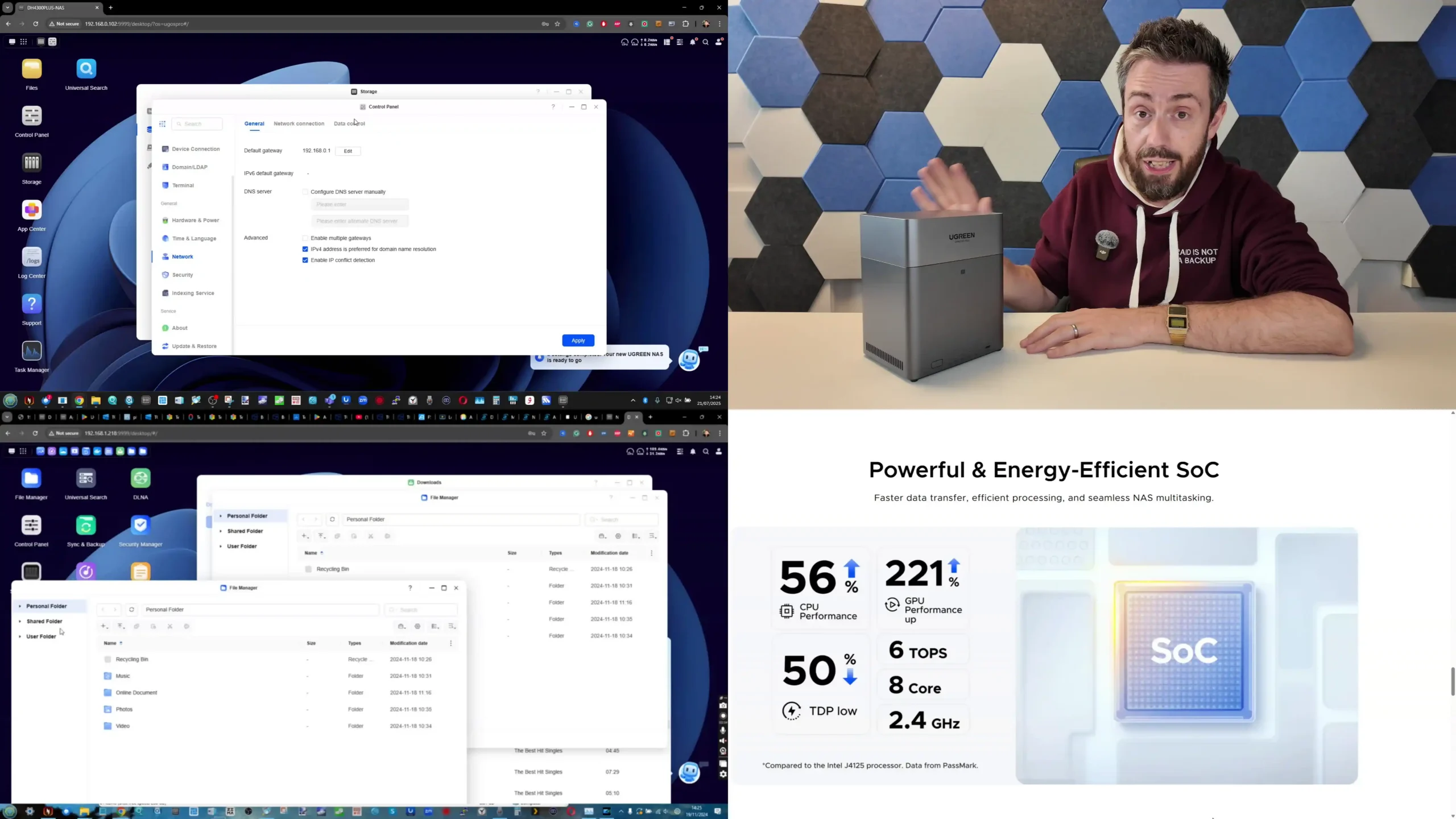
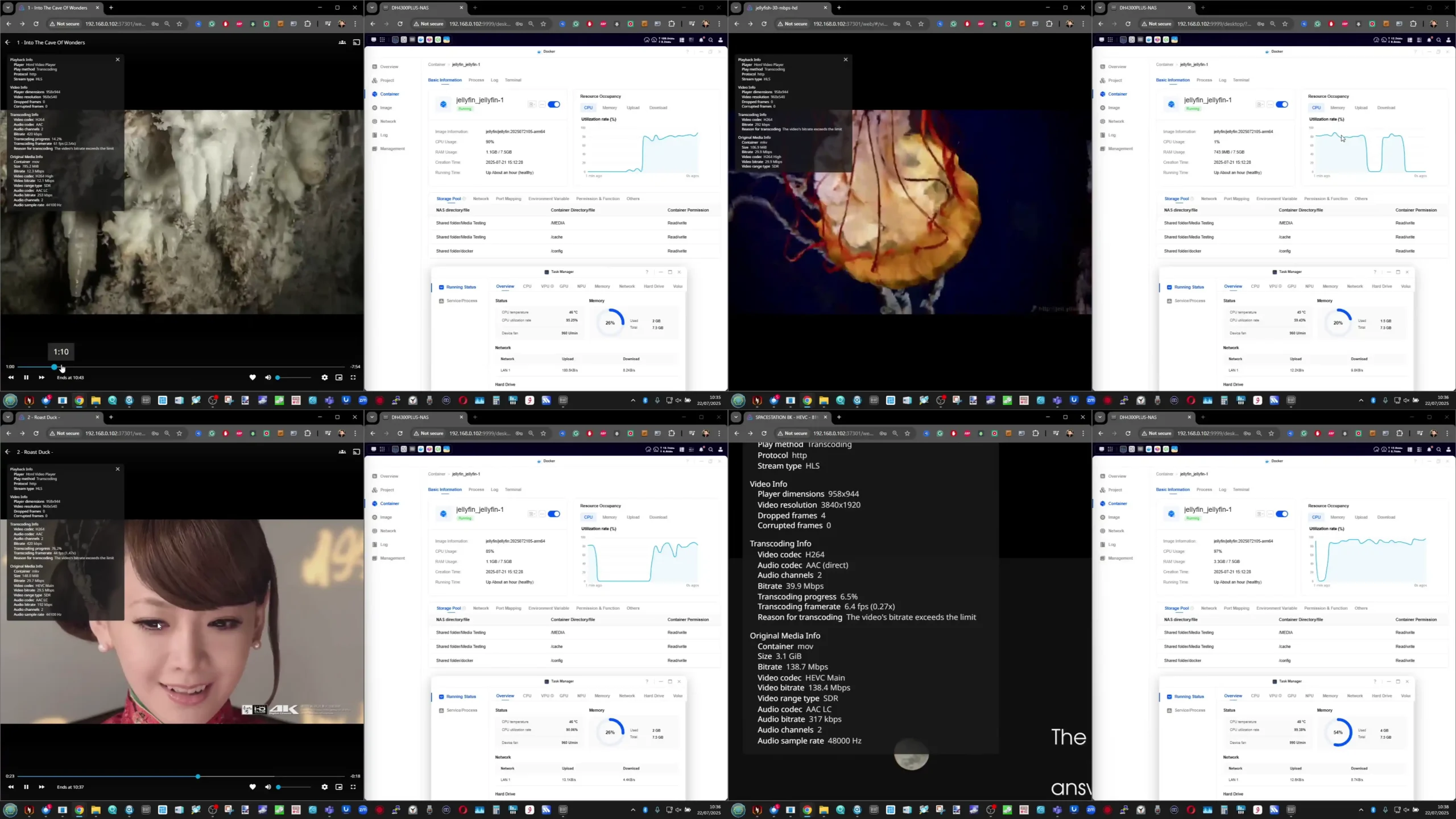
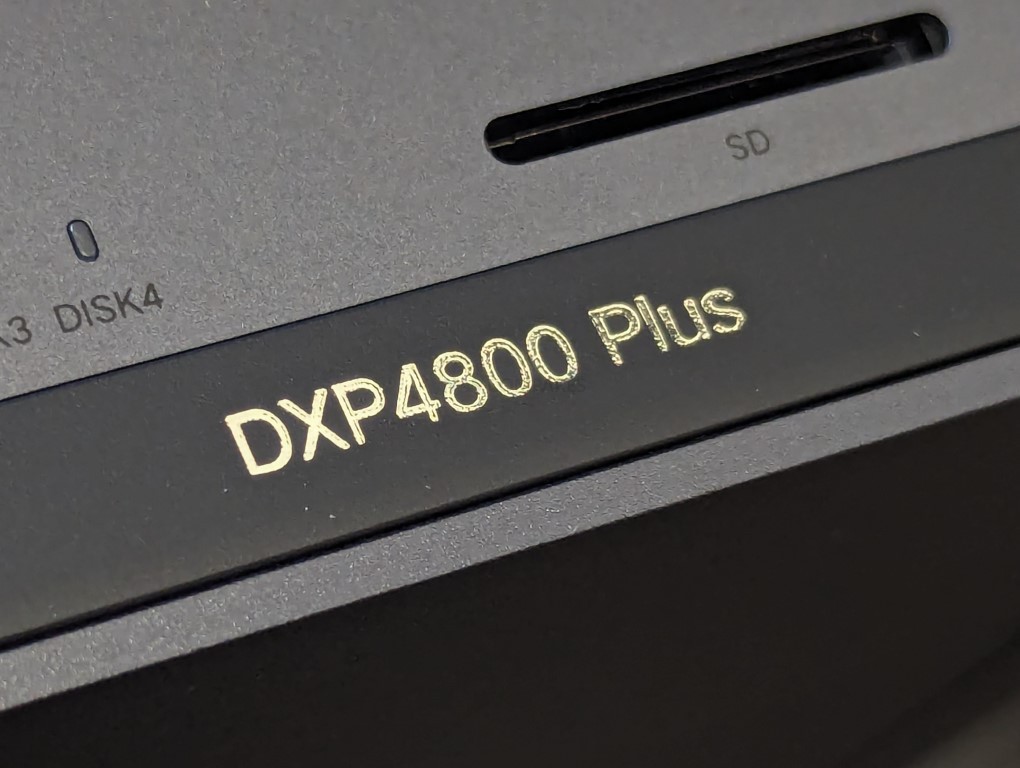
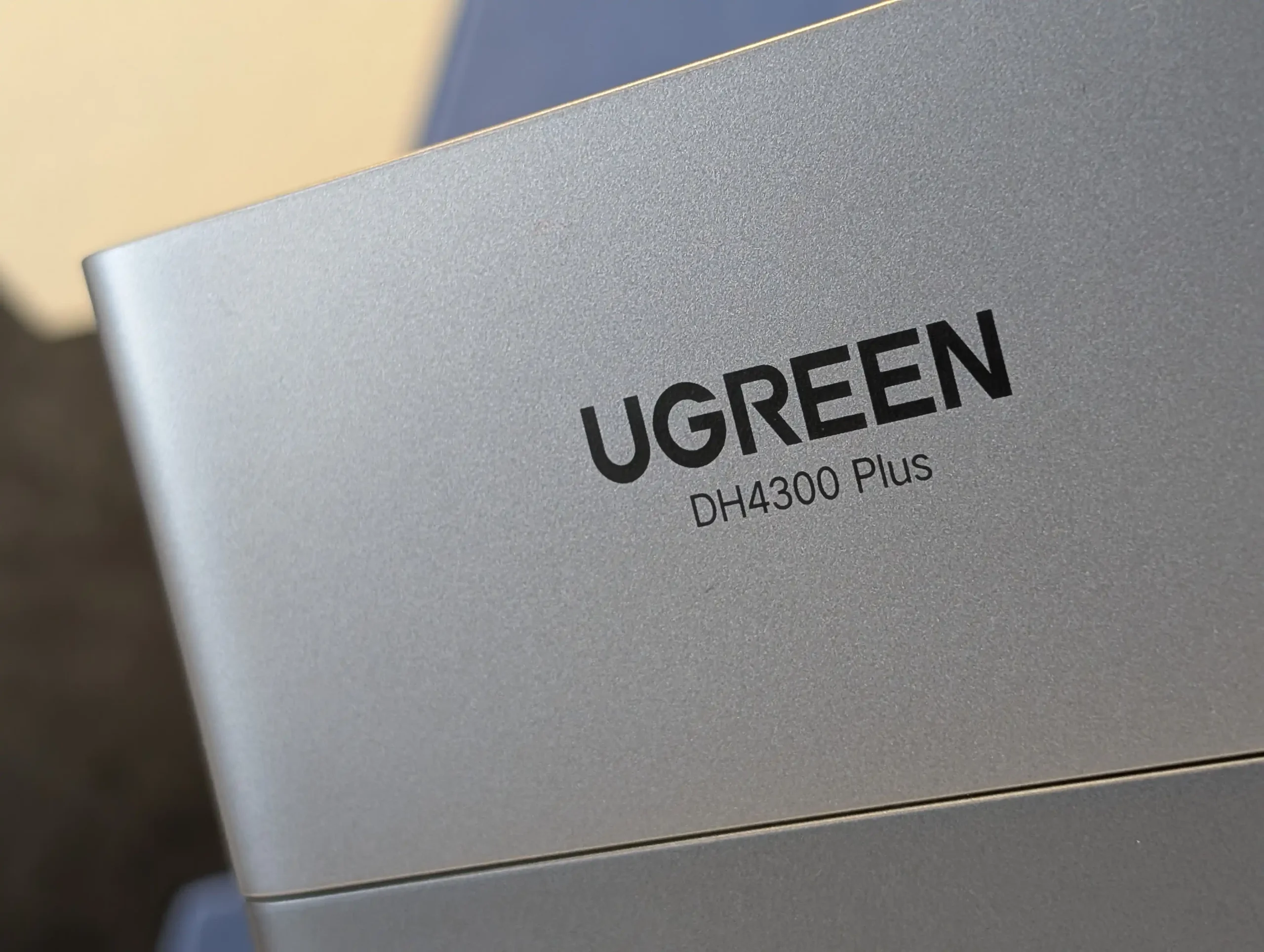
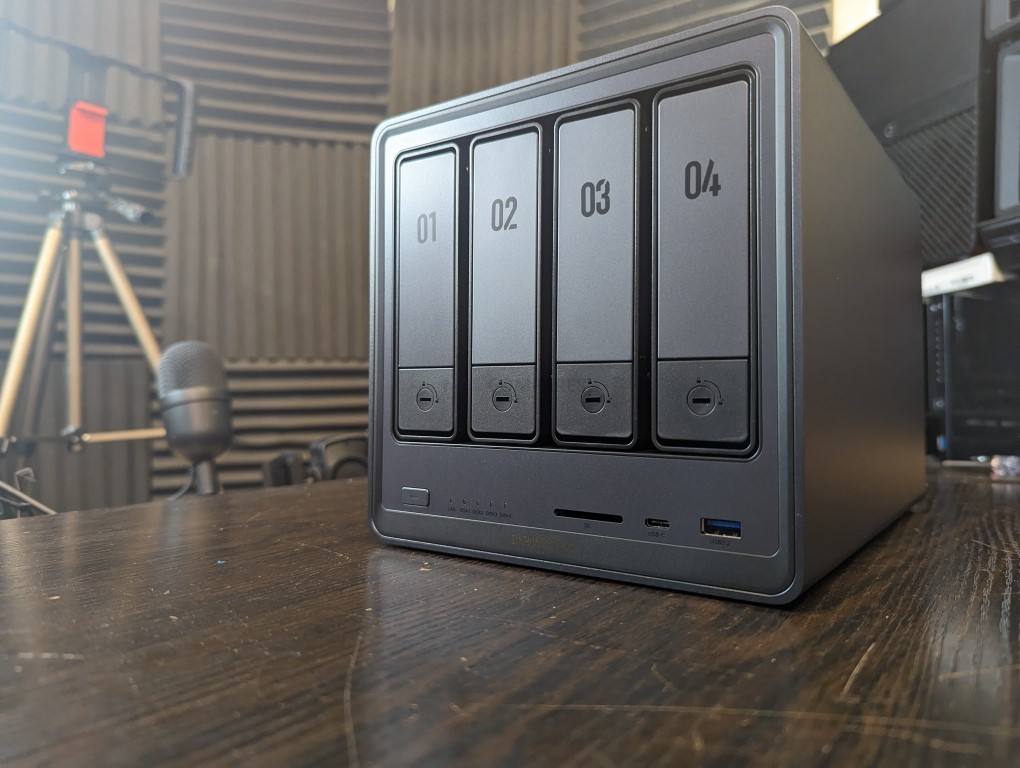
 BUILD - 10/10
HARDWARE - 7/10PERFORMANCE - 8/10PRICE - 9/10VALUE - 8/10
BUILD - 10/10
HARDWARE - 7/10PERFORMANCE - 8/10PRICE - 9/10VALUE - 8/10



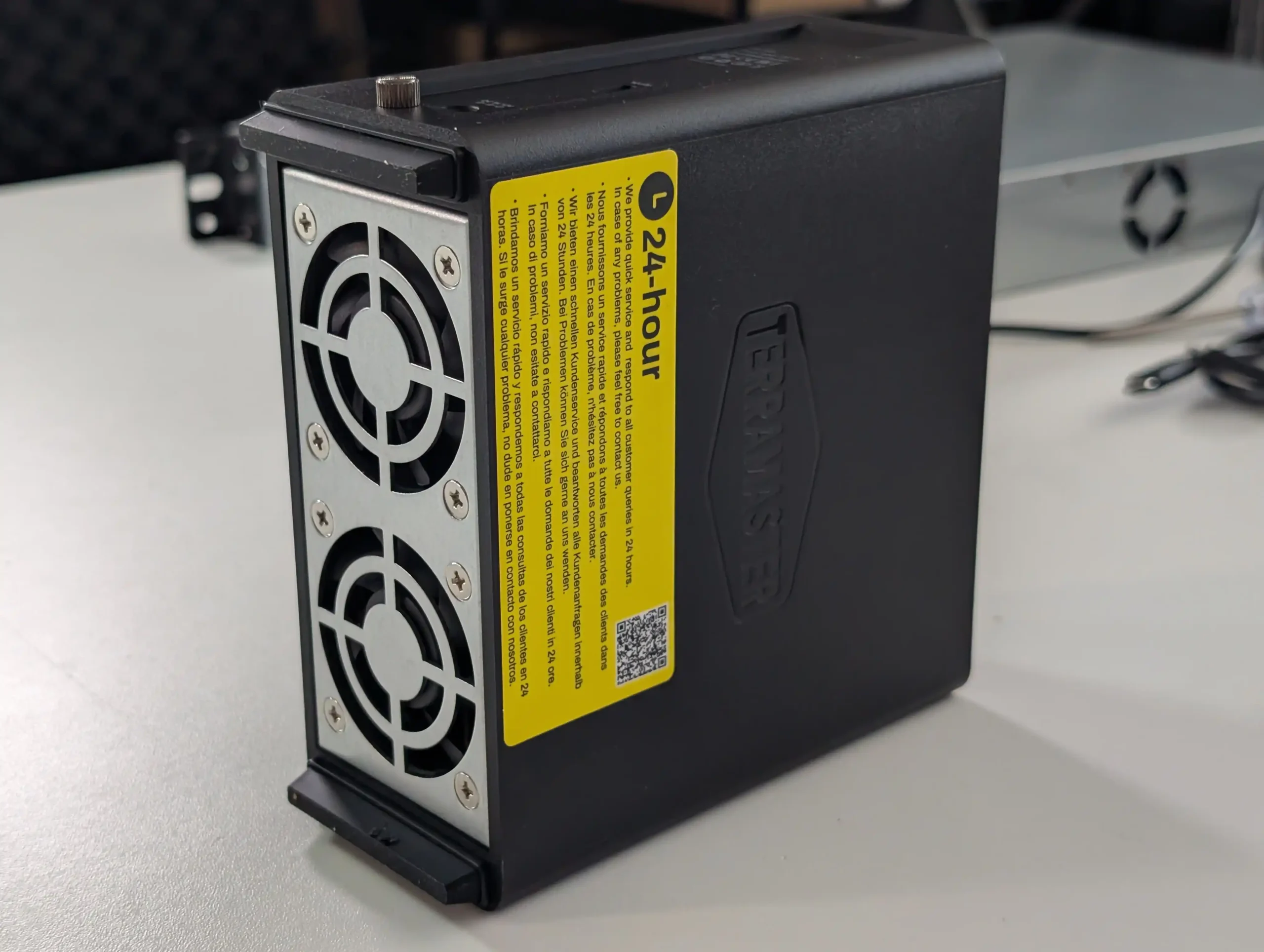
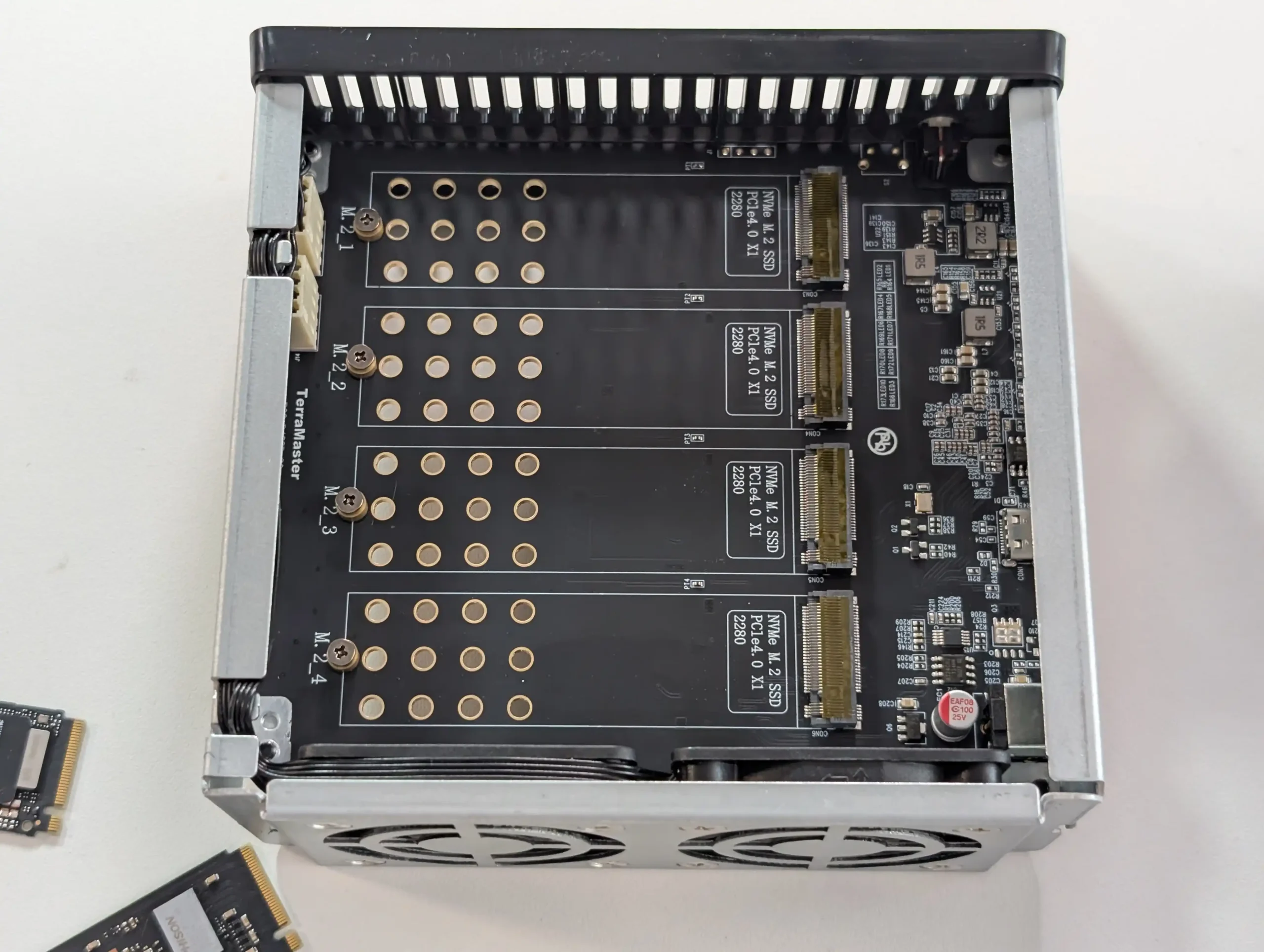
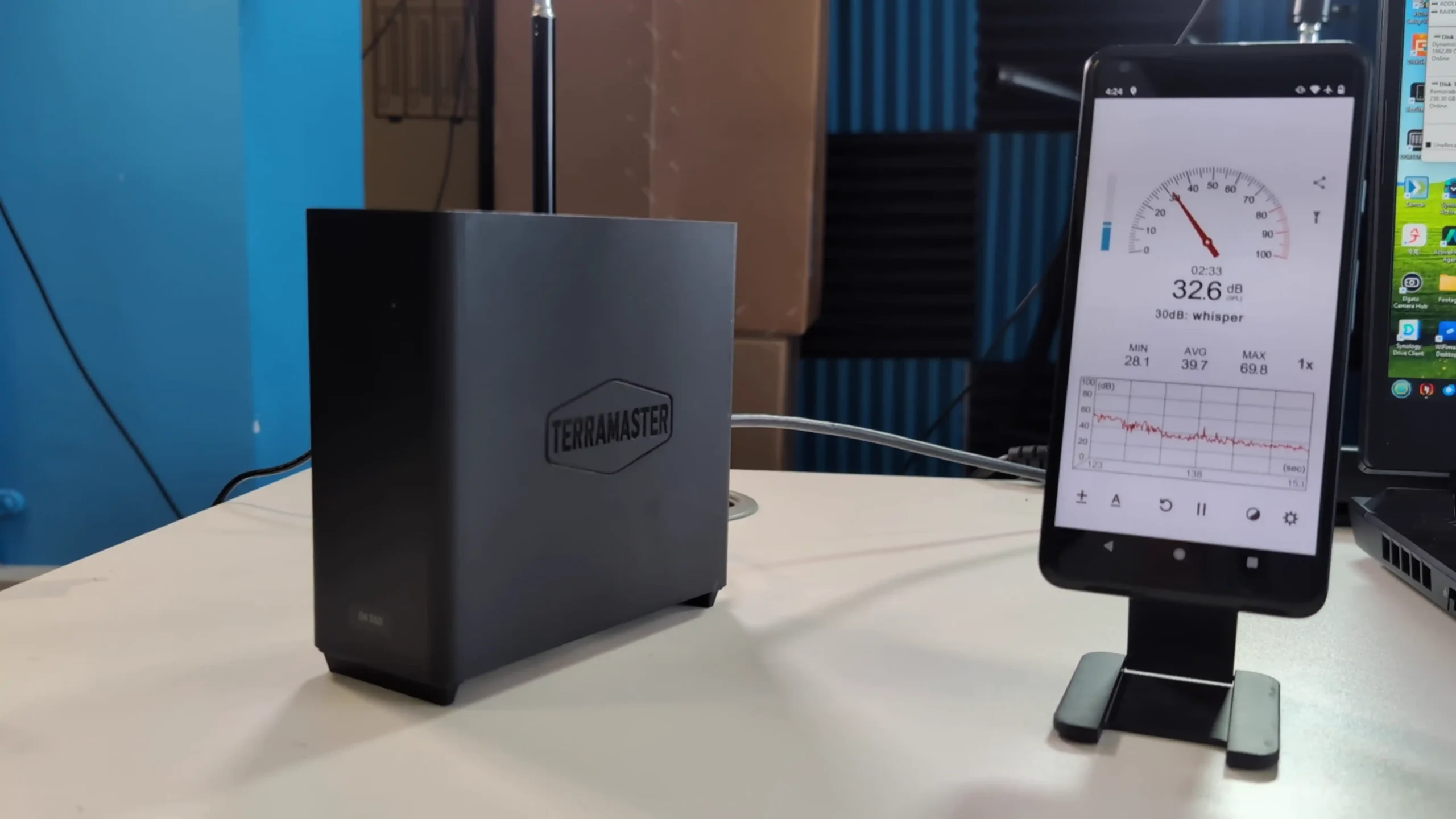
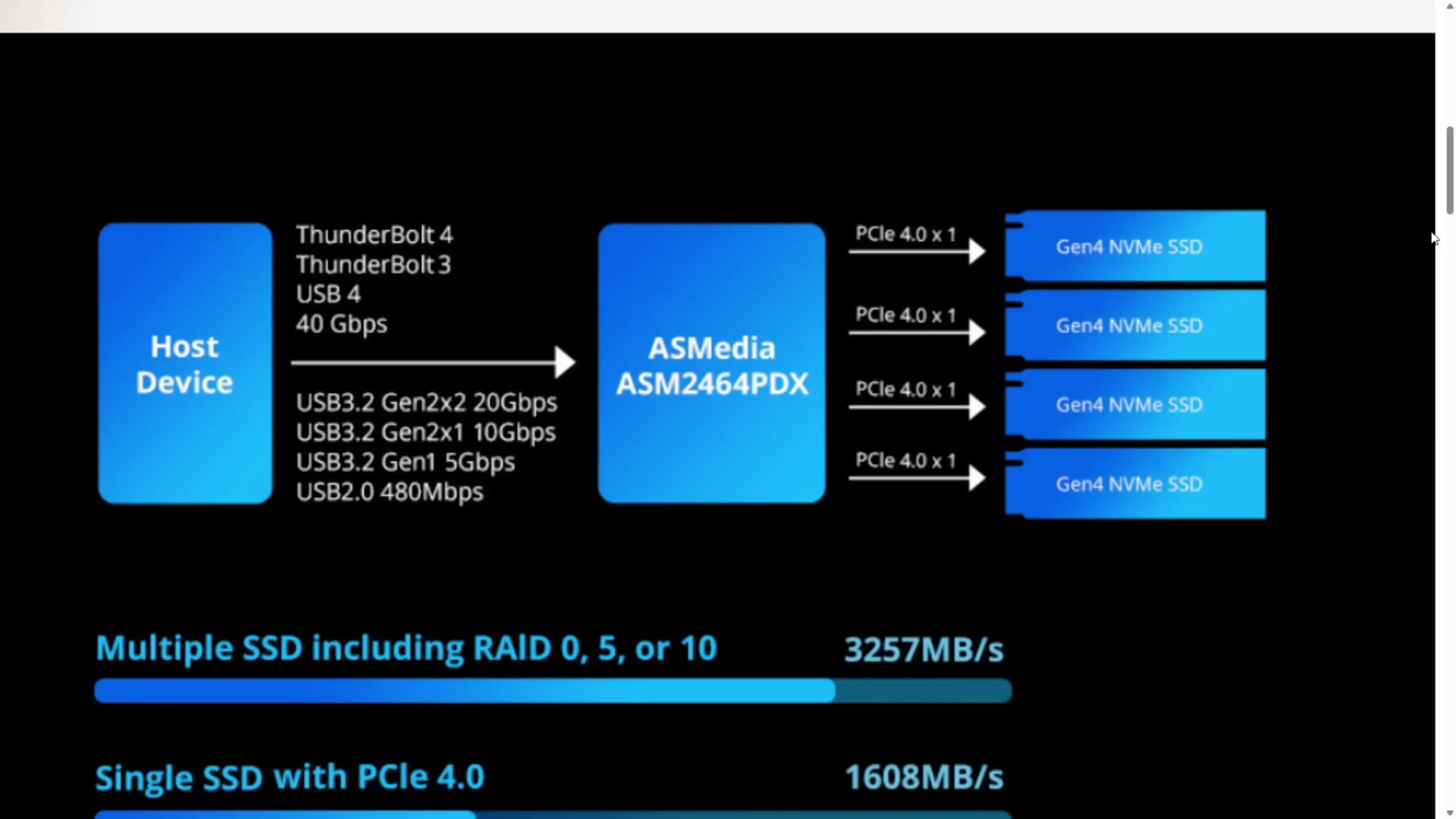
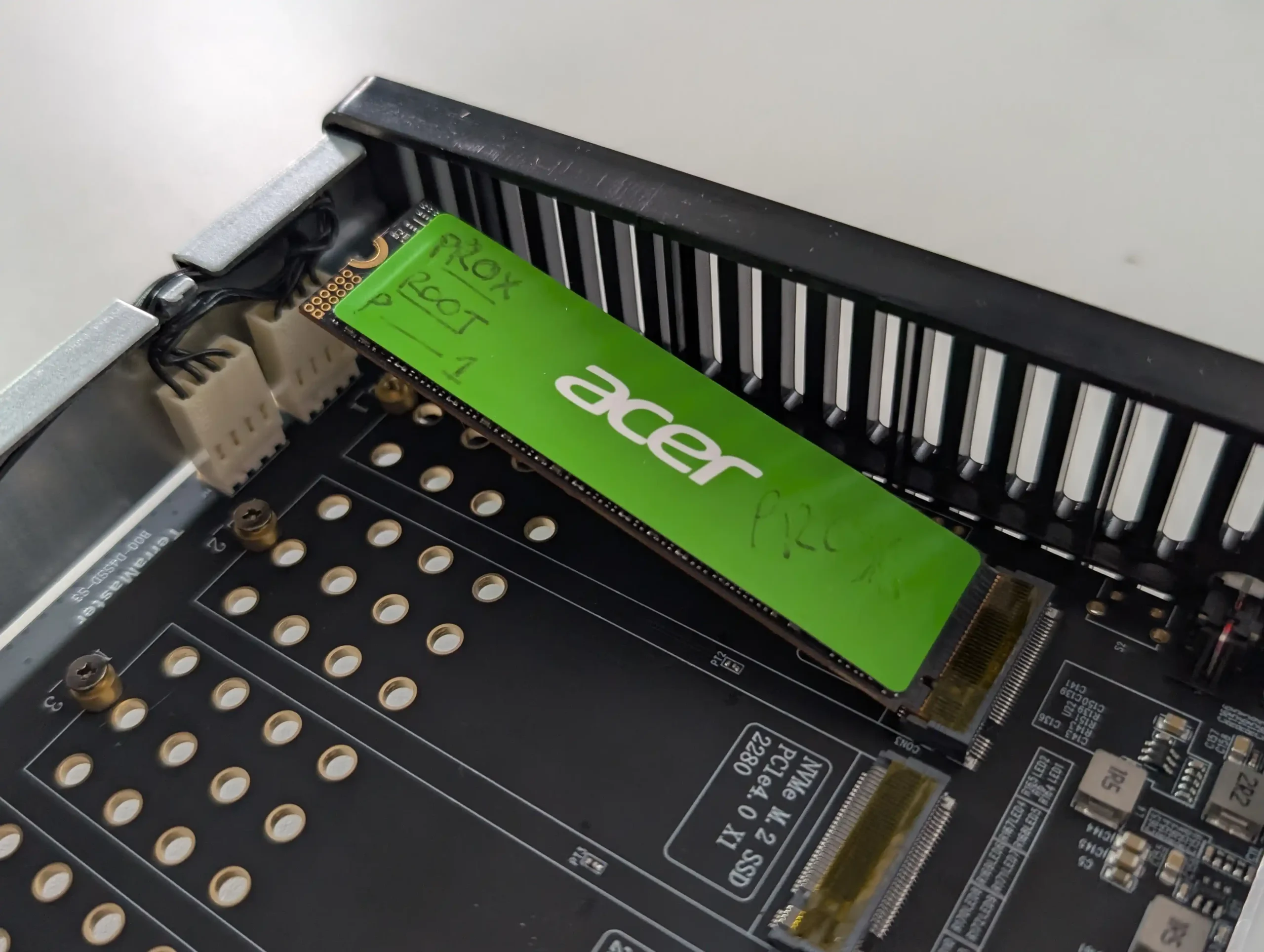
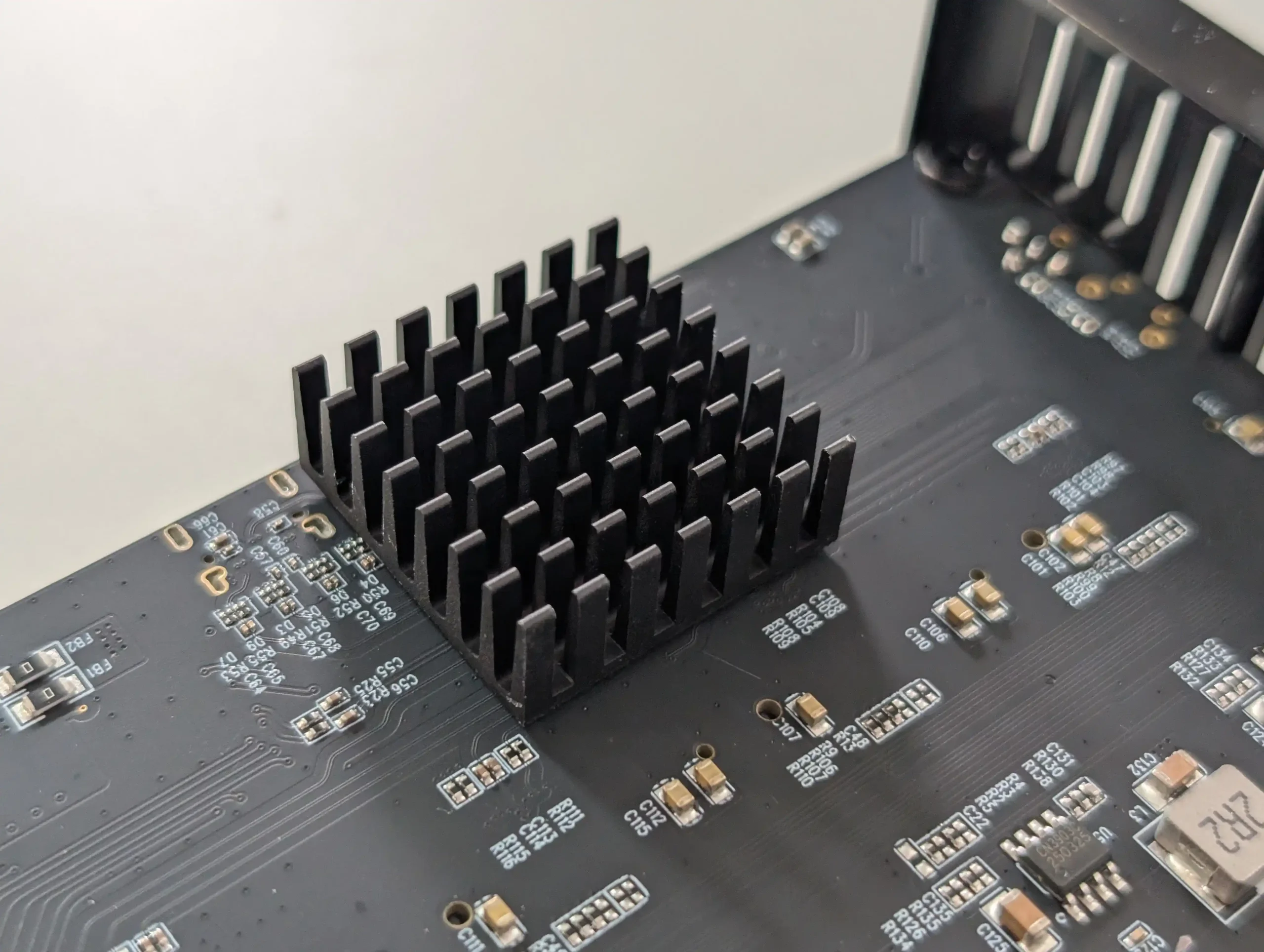
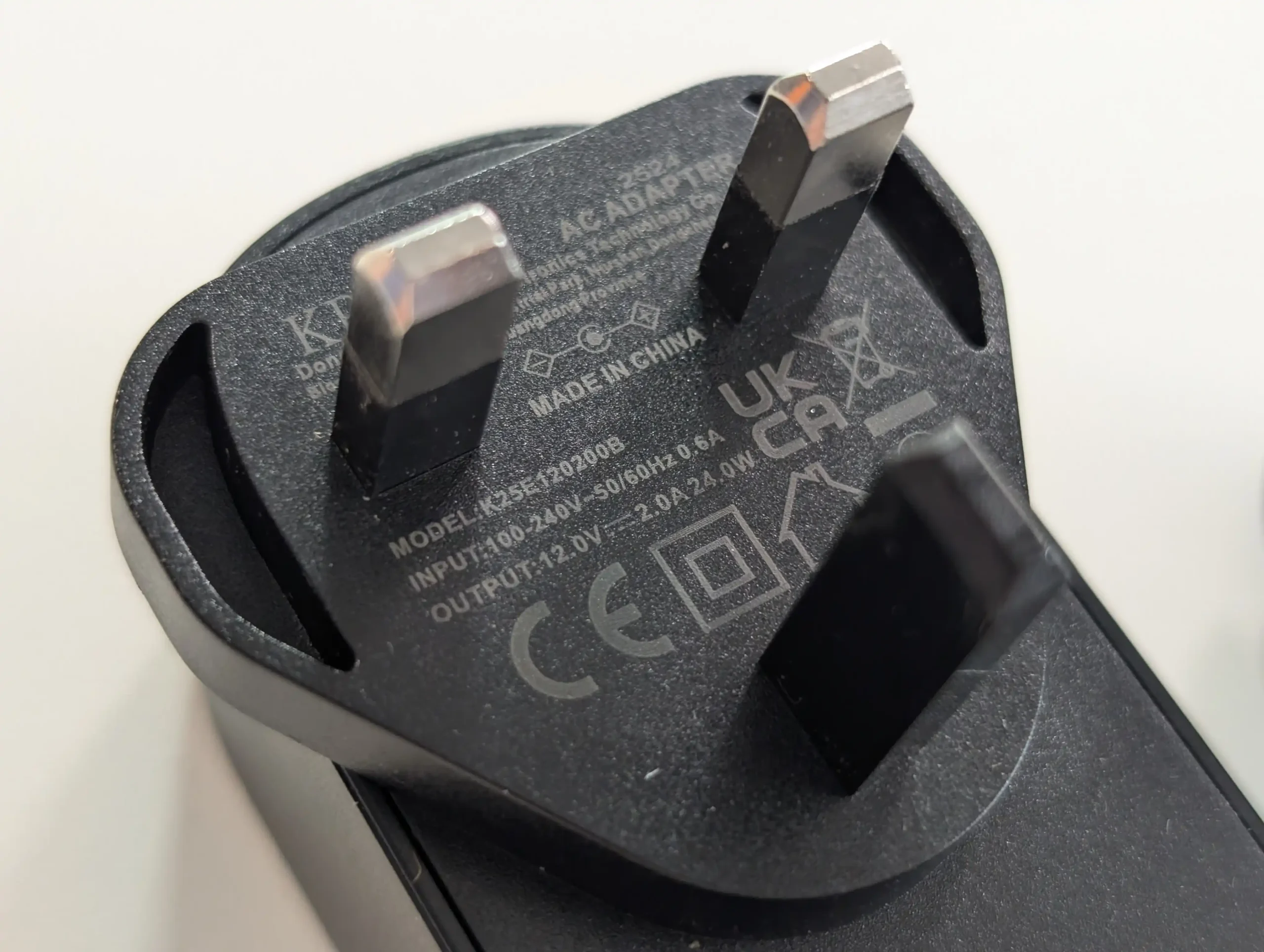
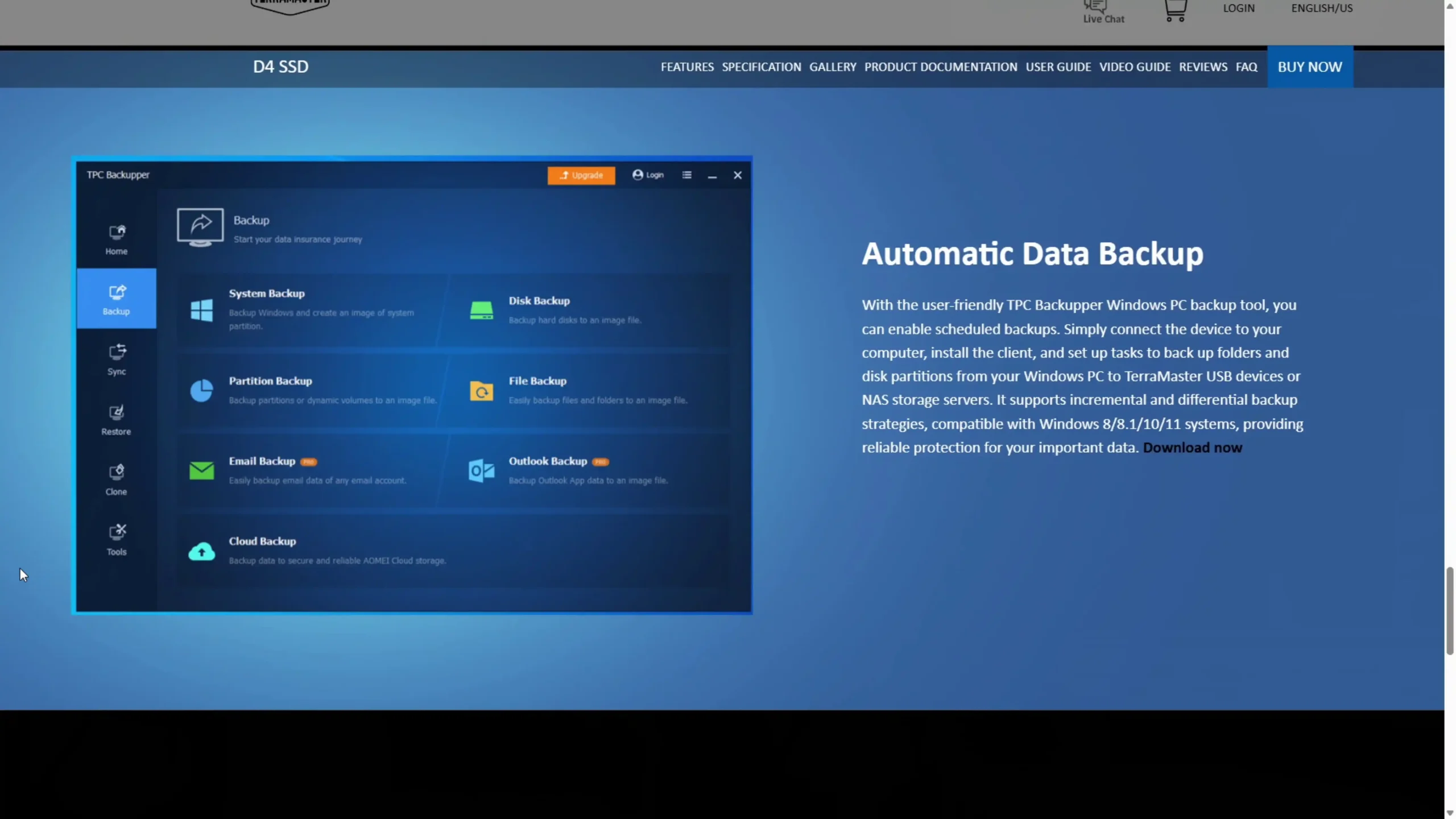
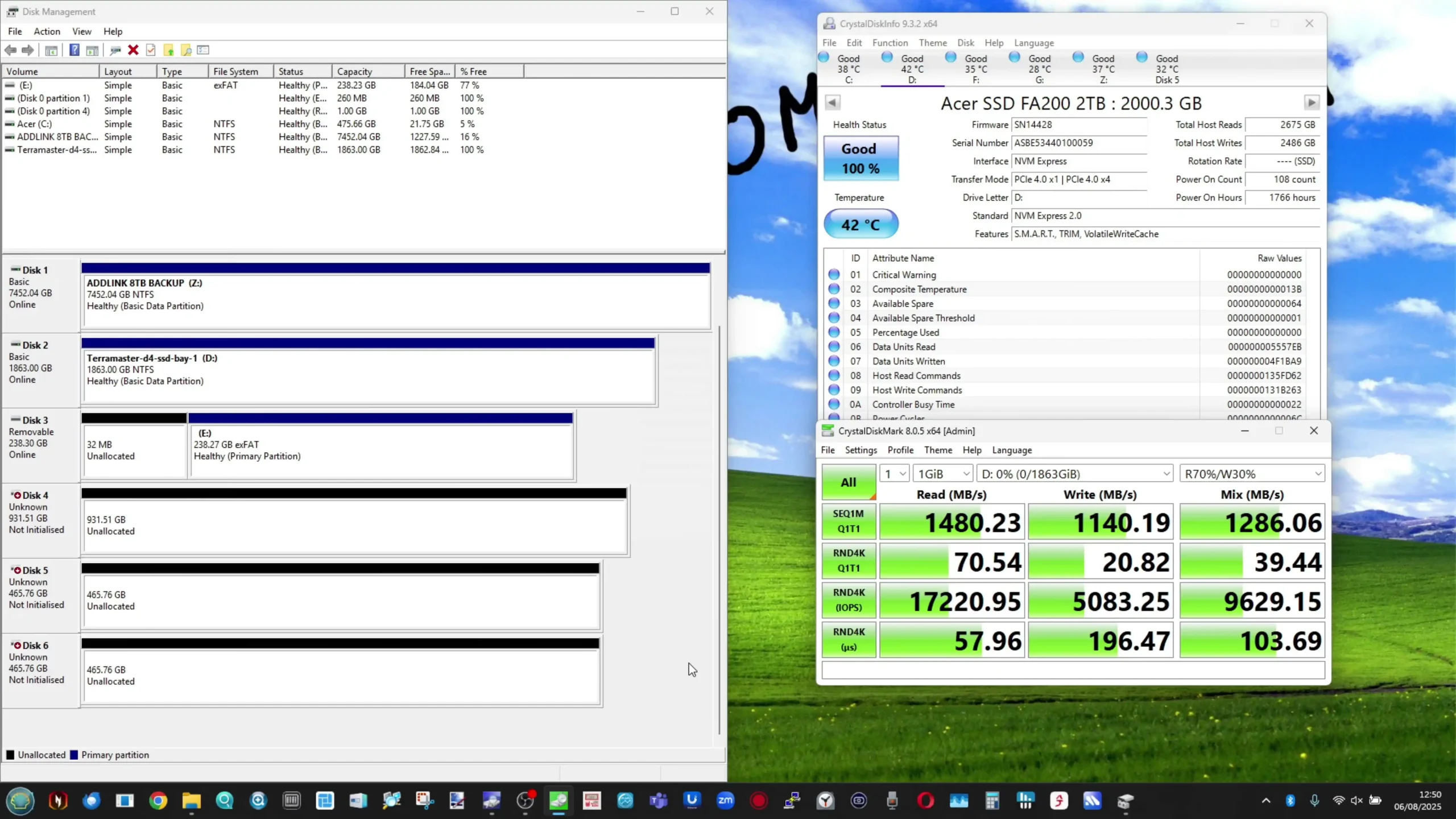
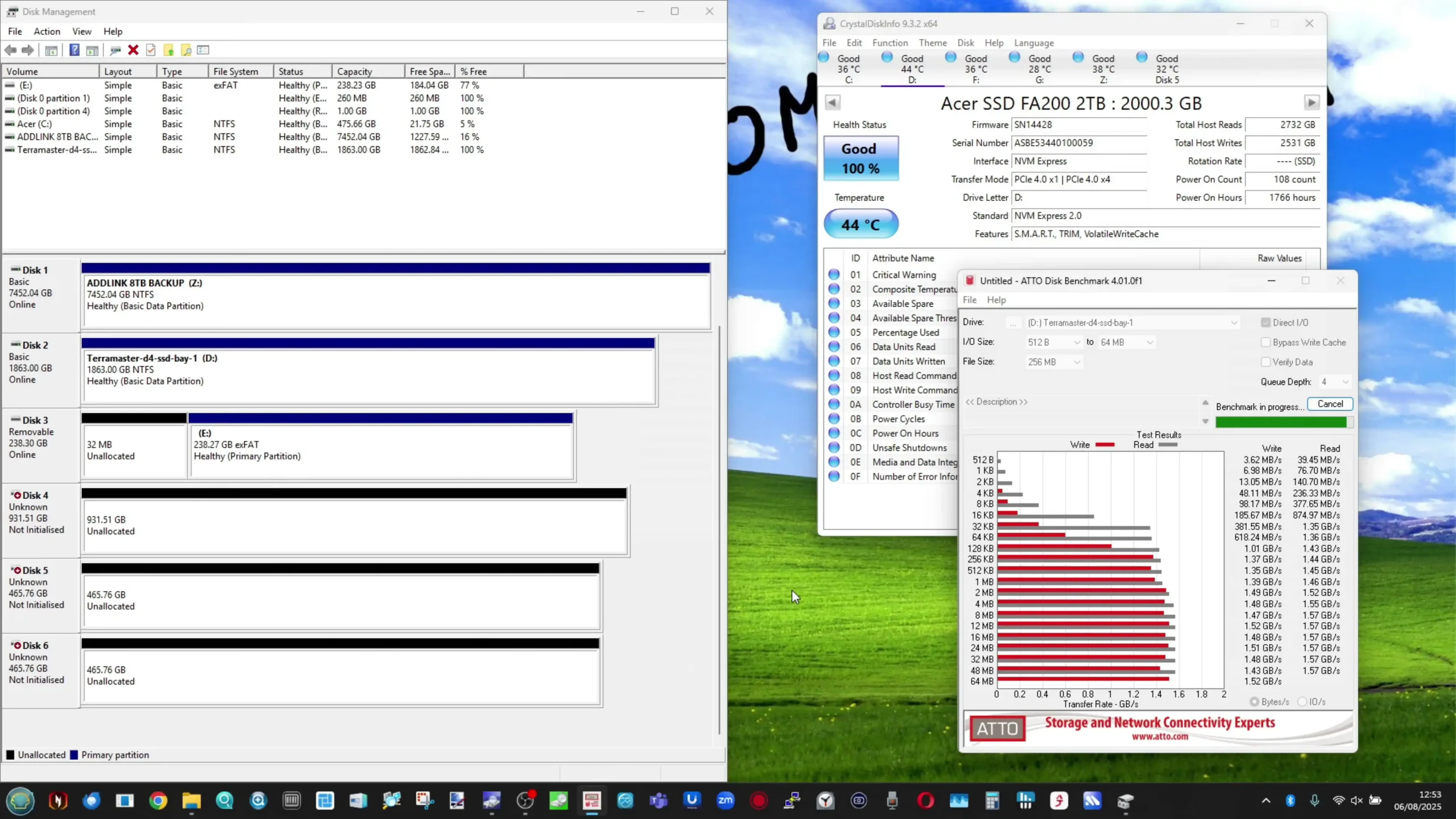
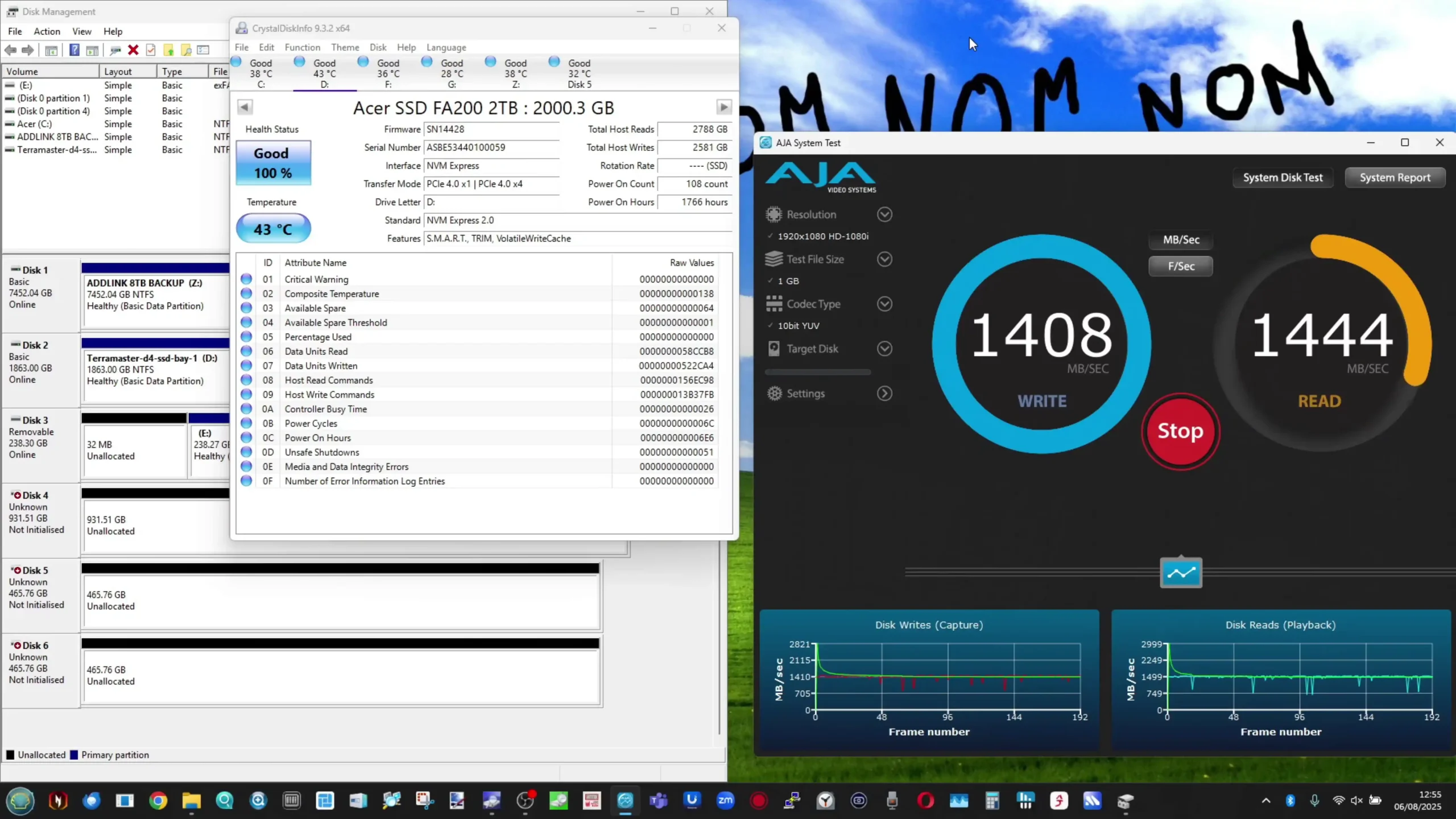
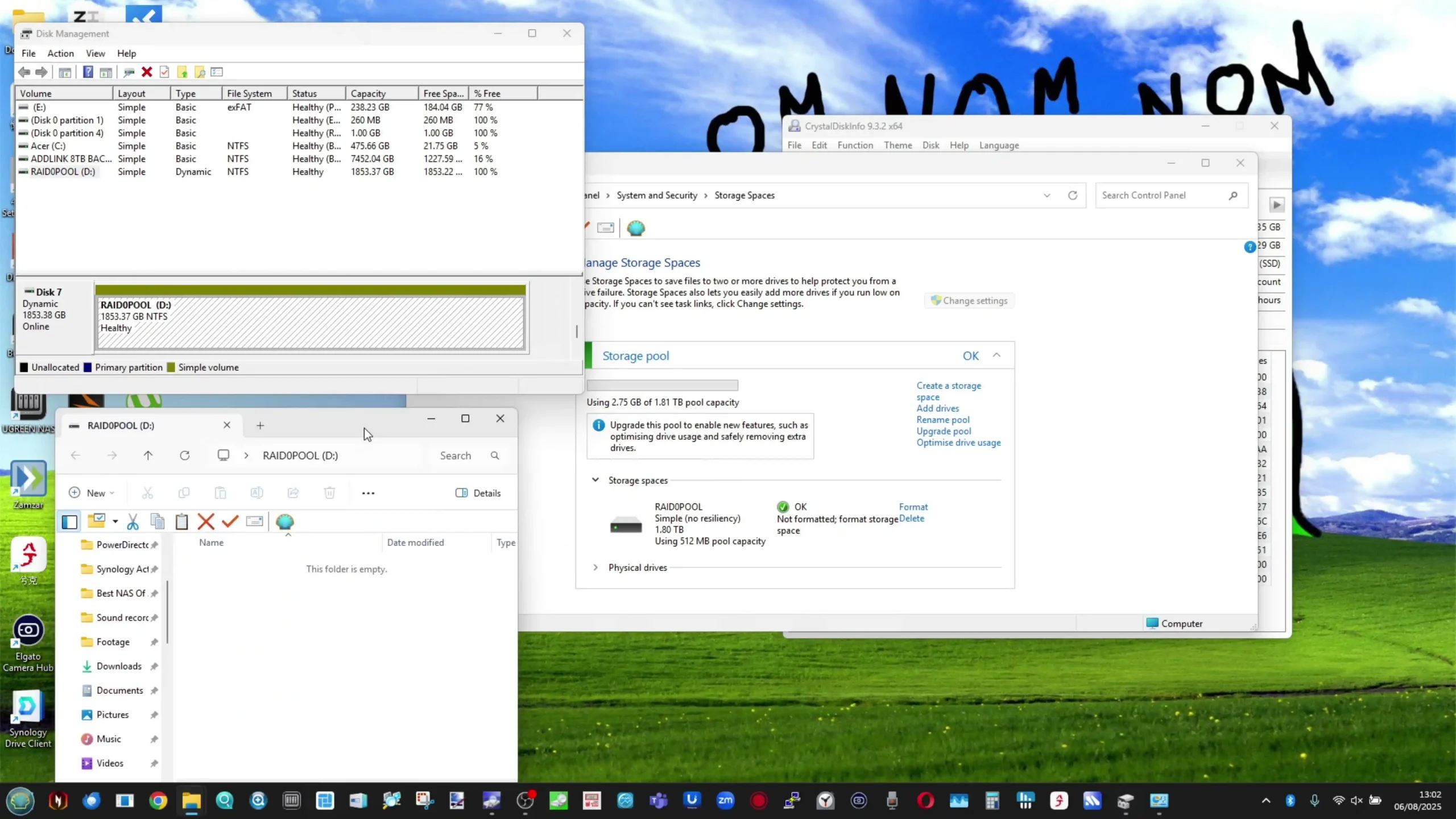
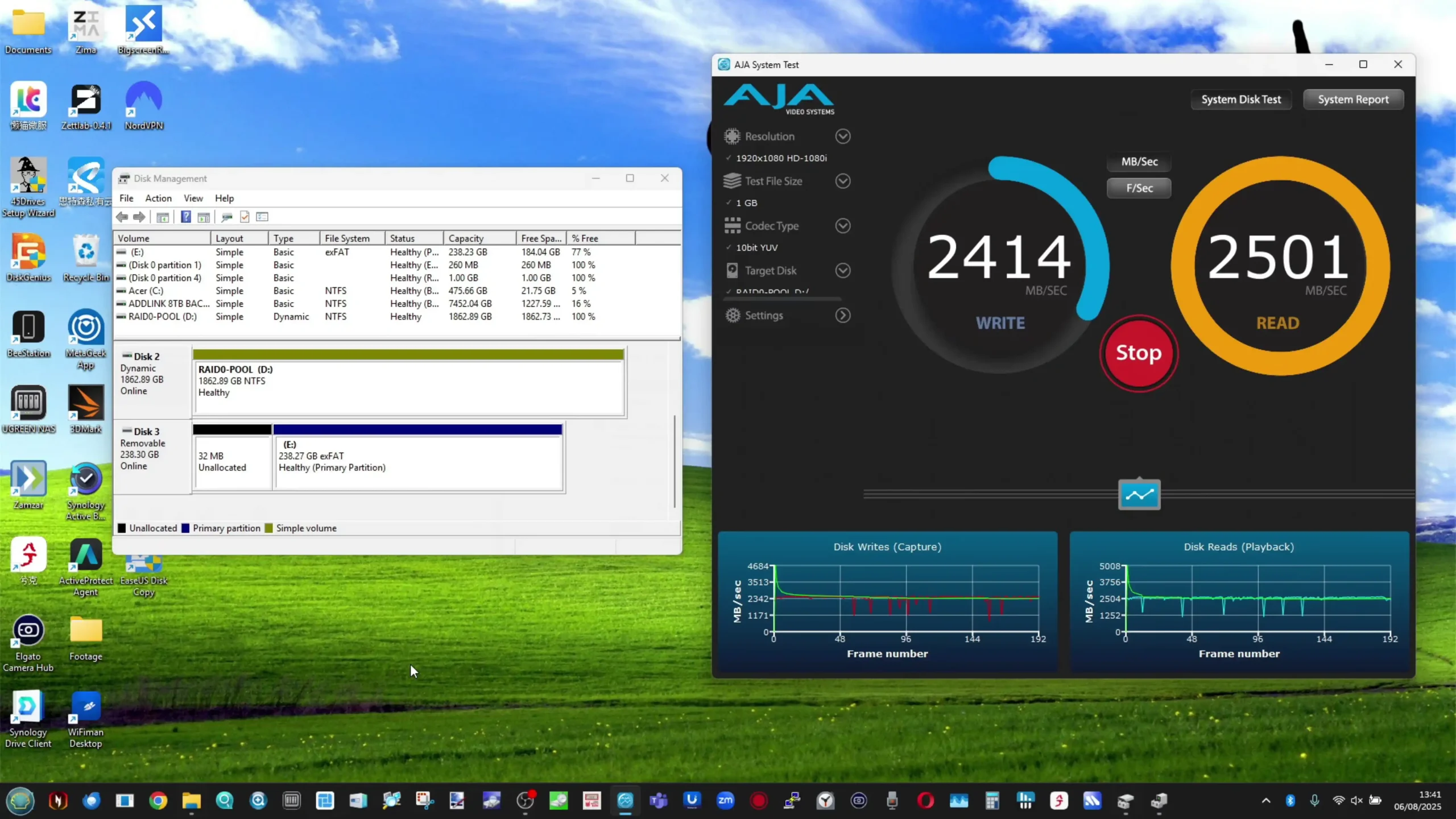
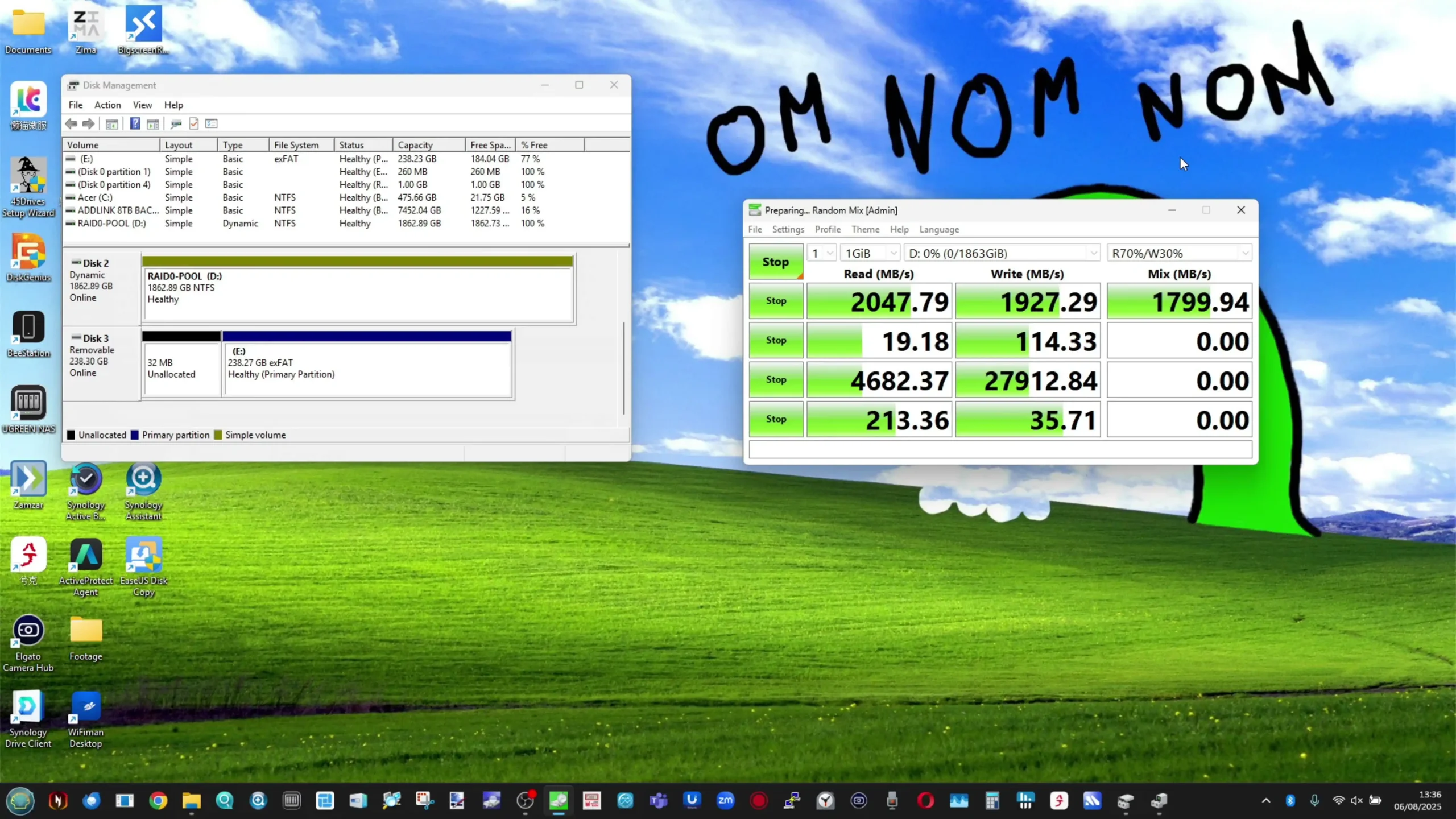
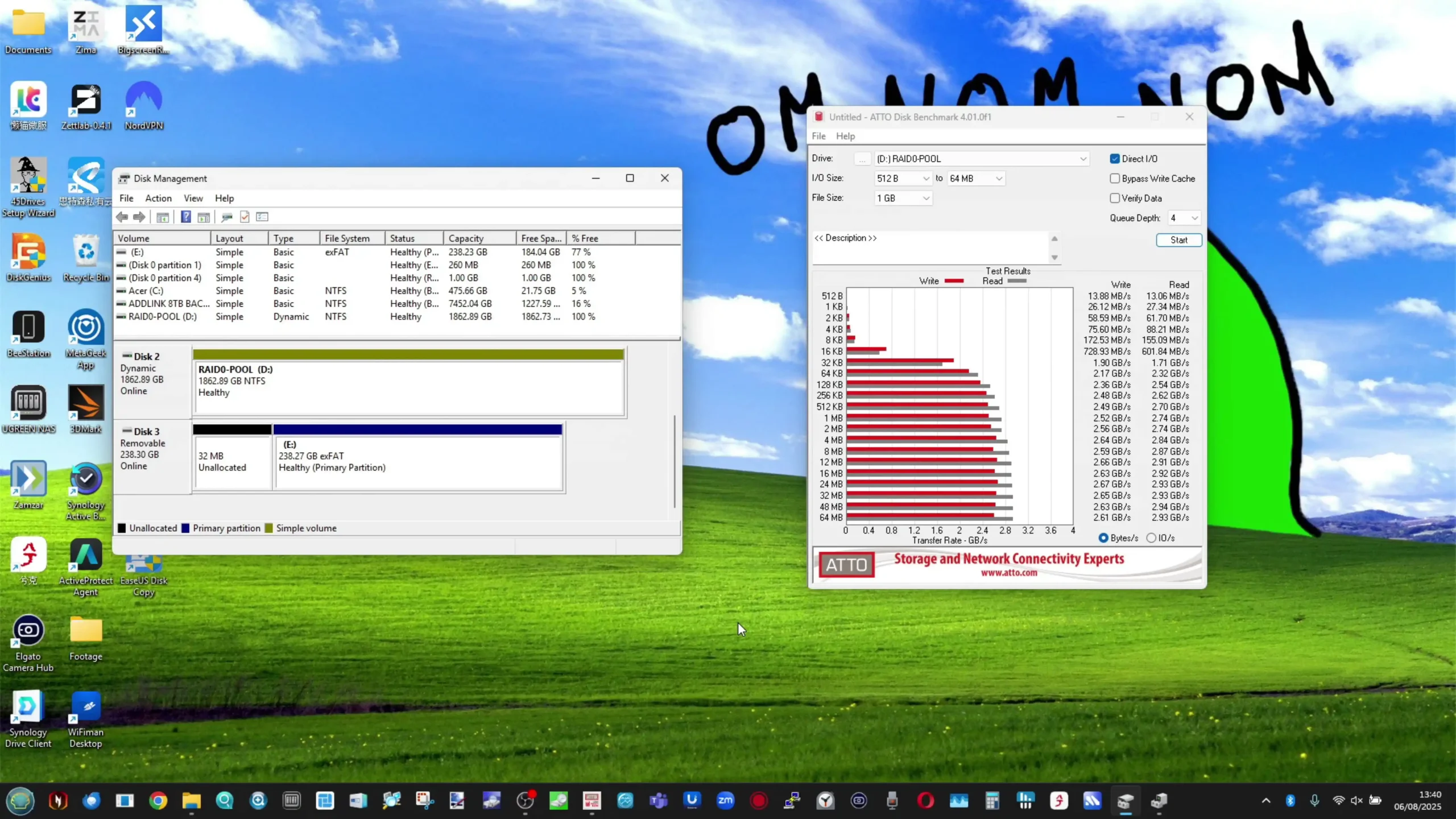
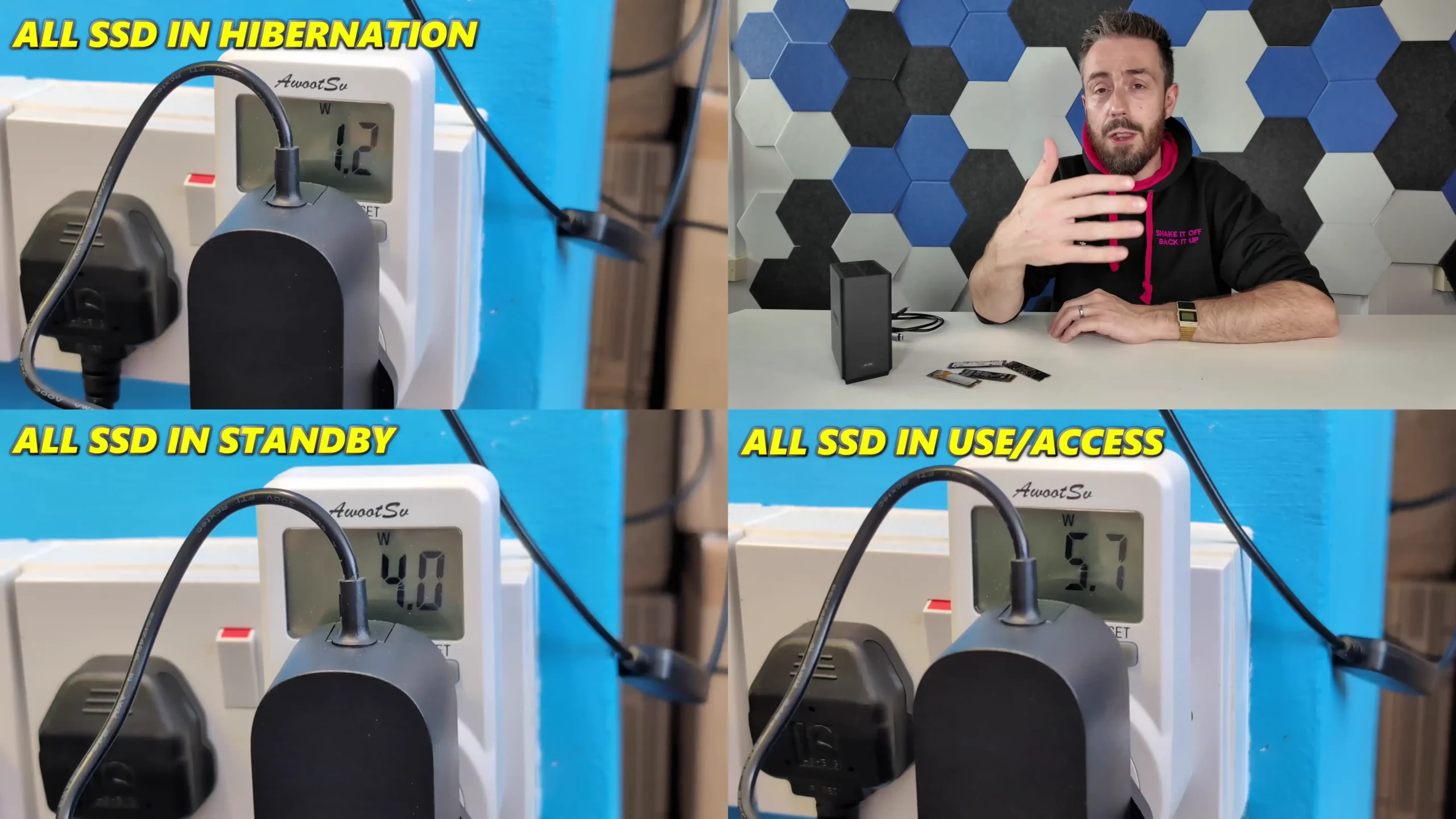
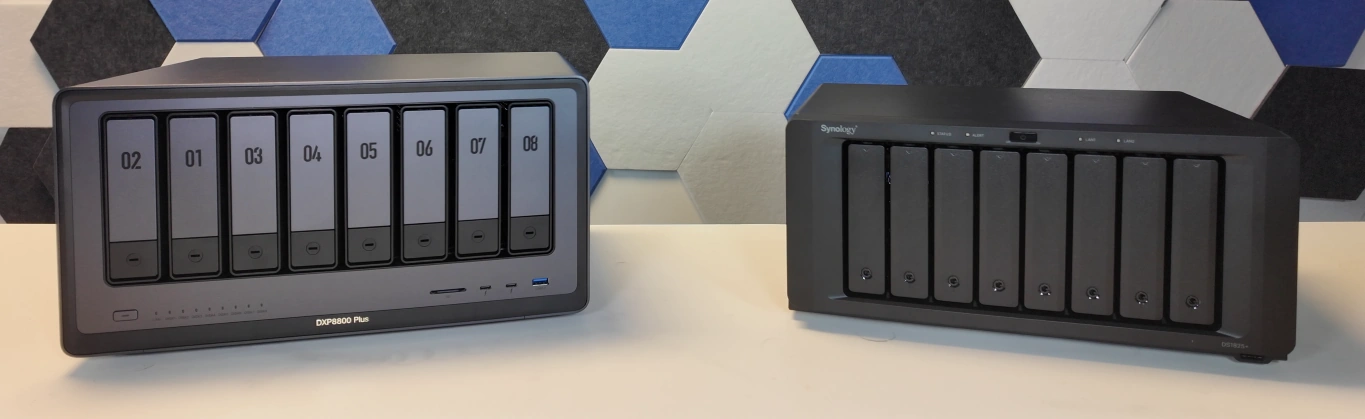
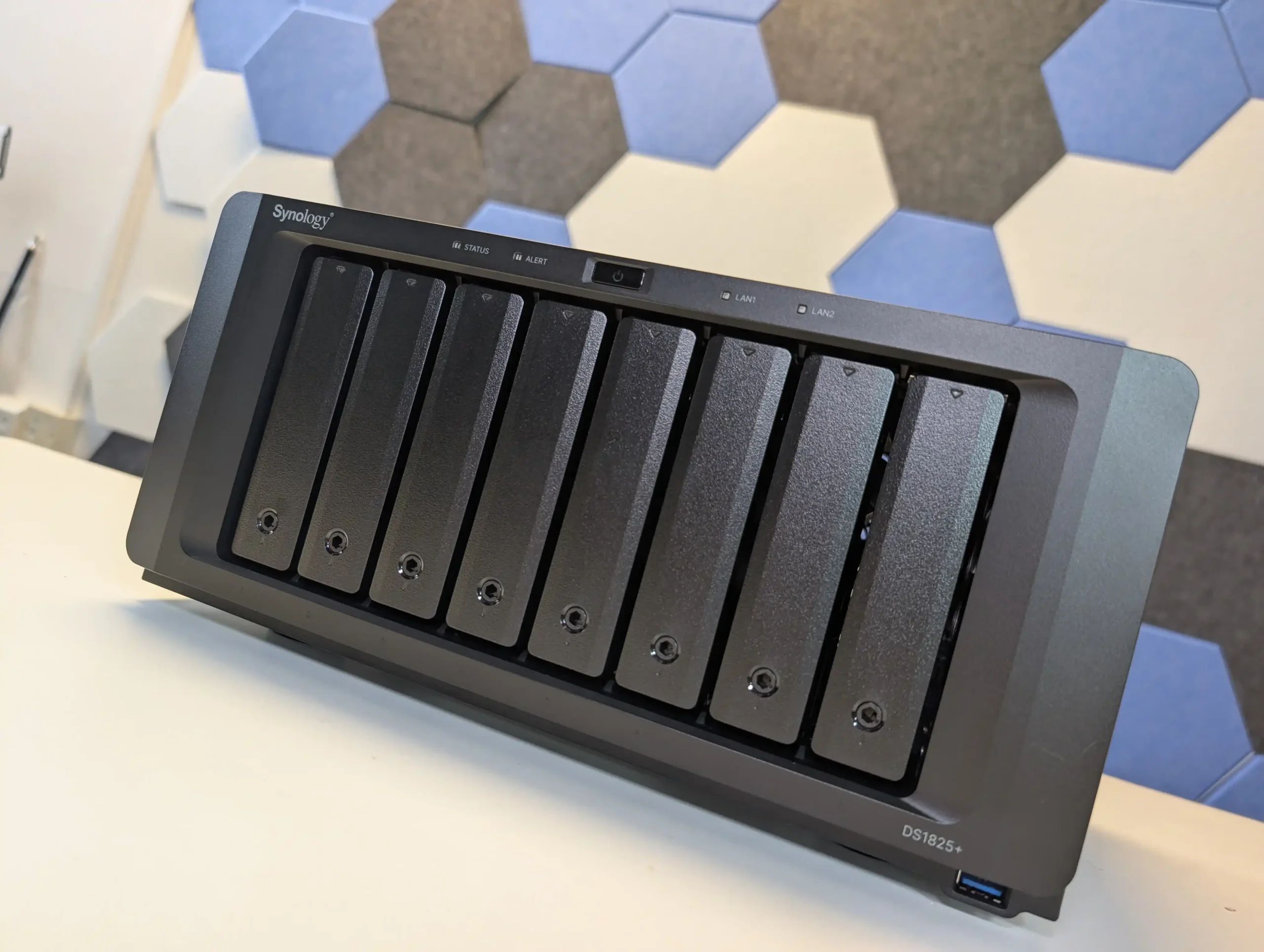
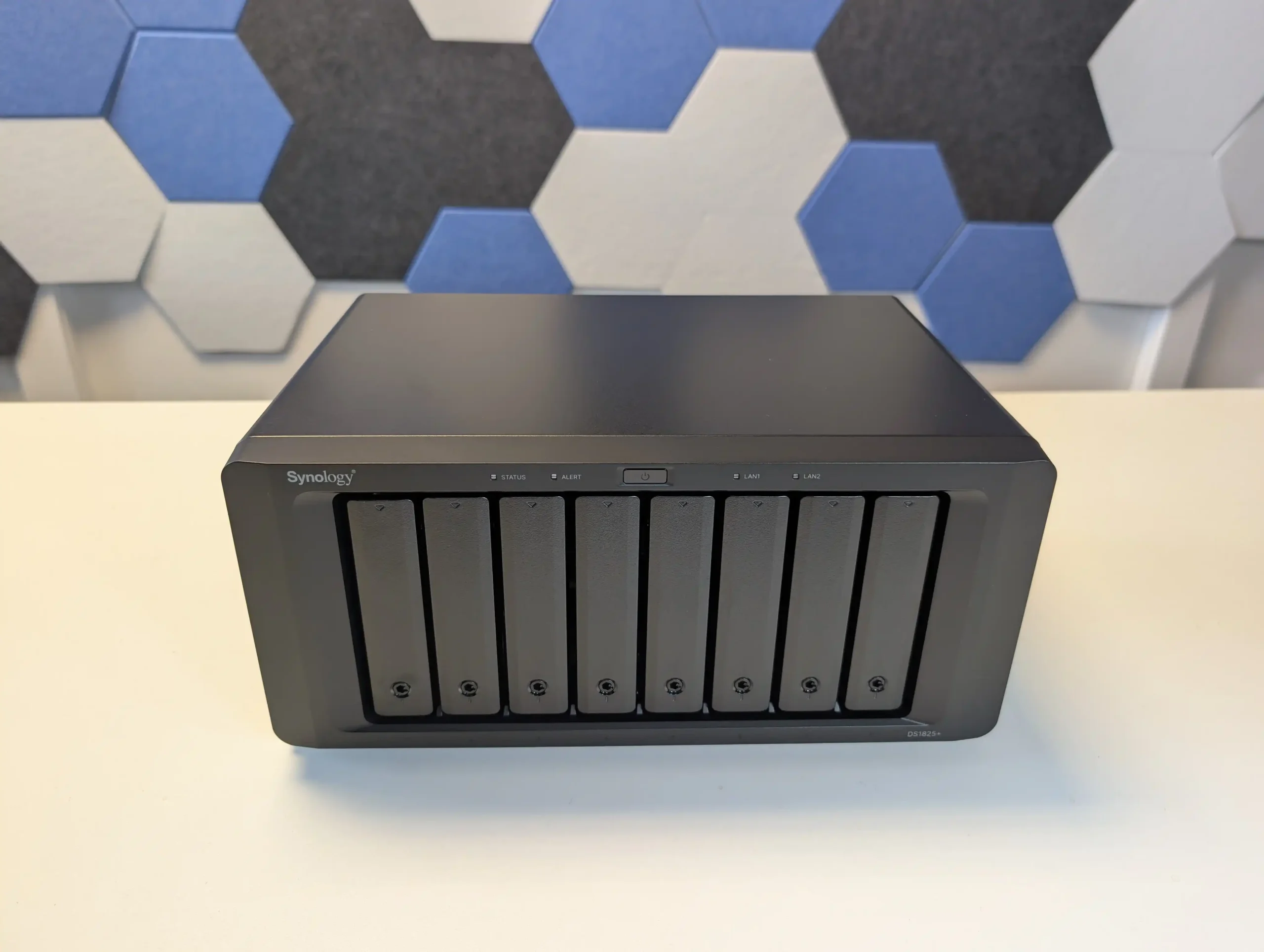
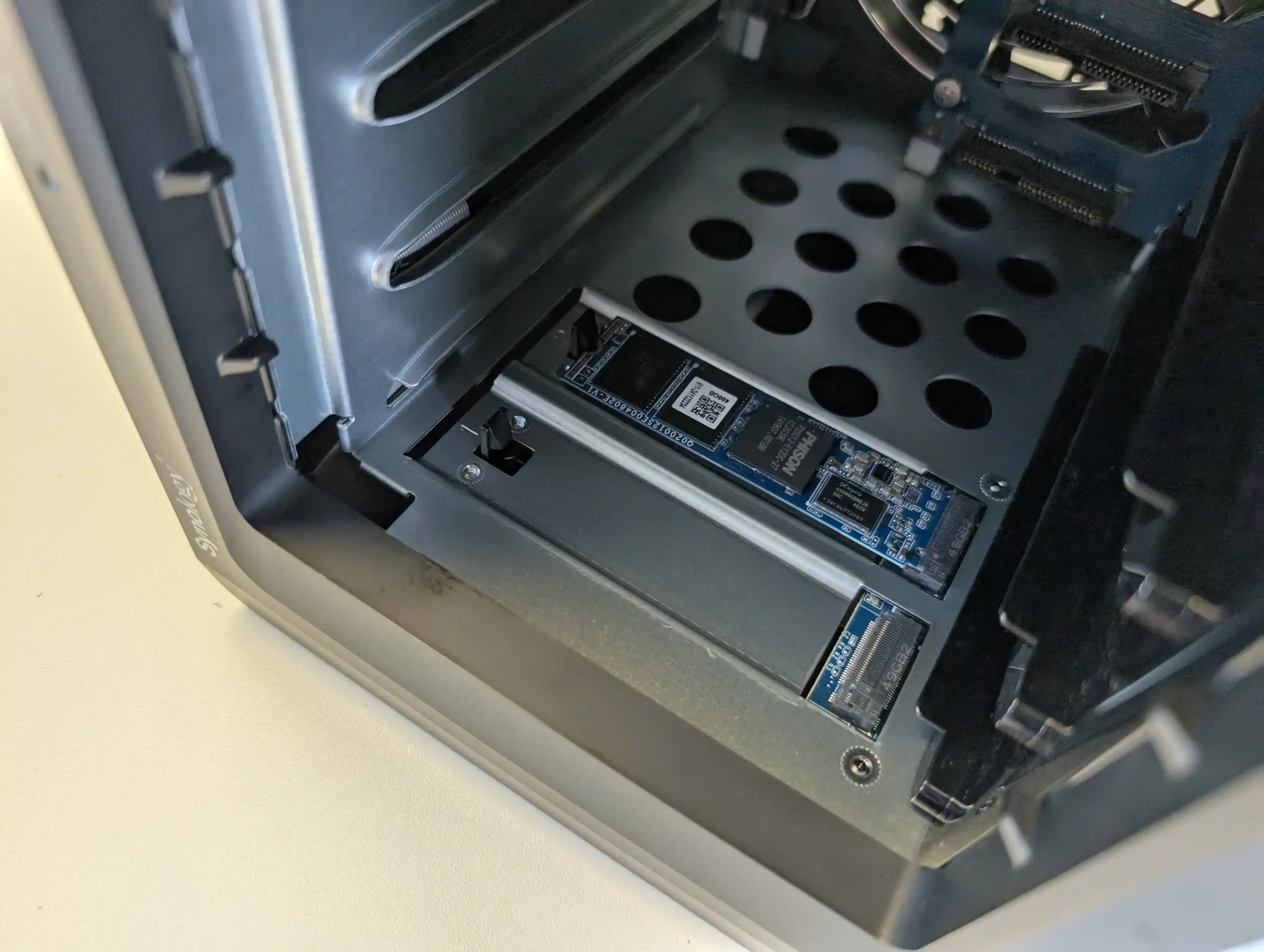
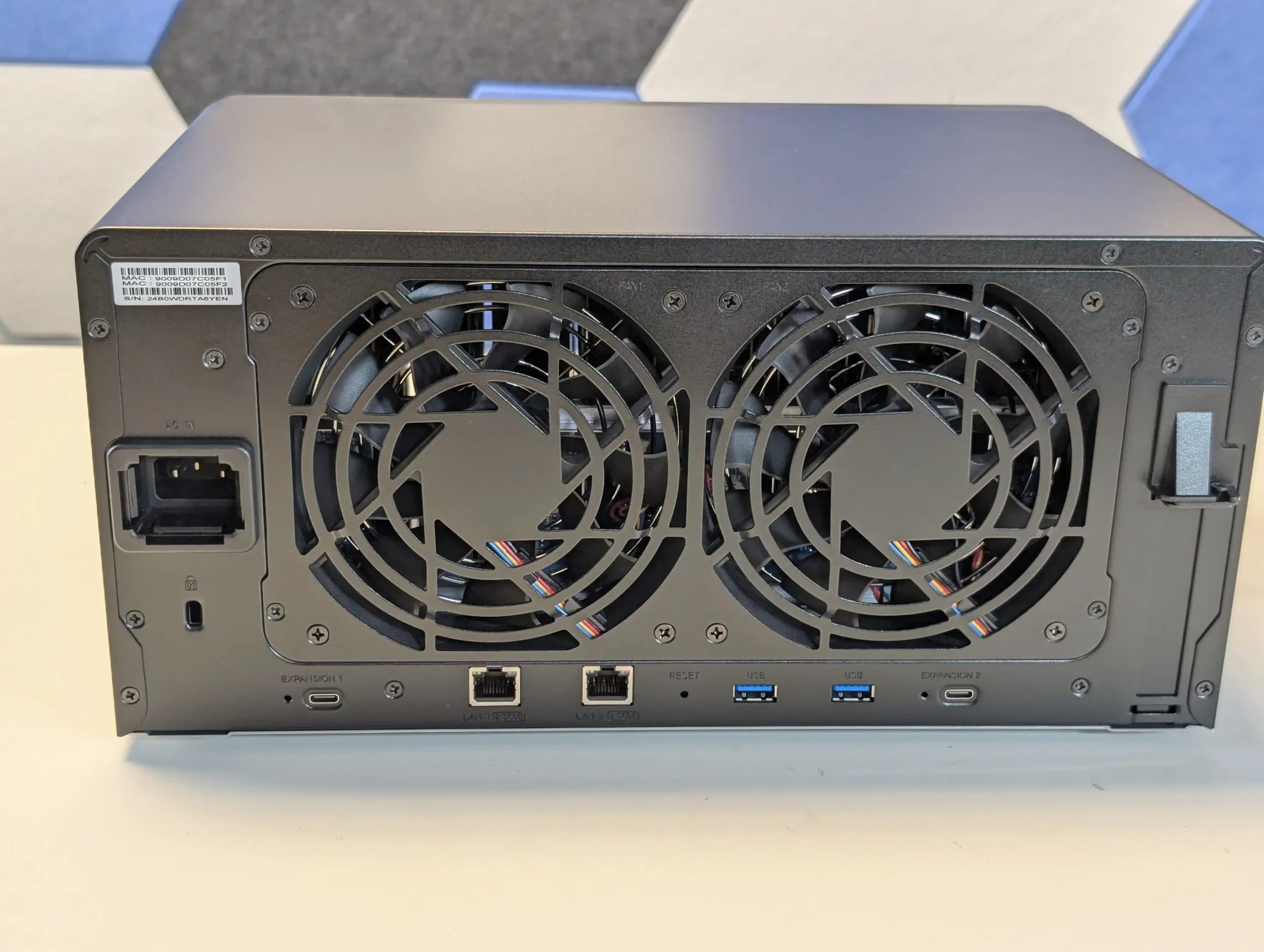
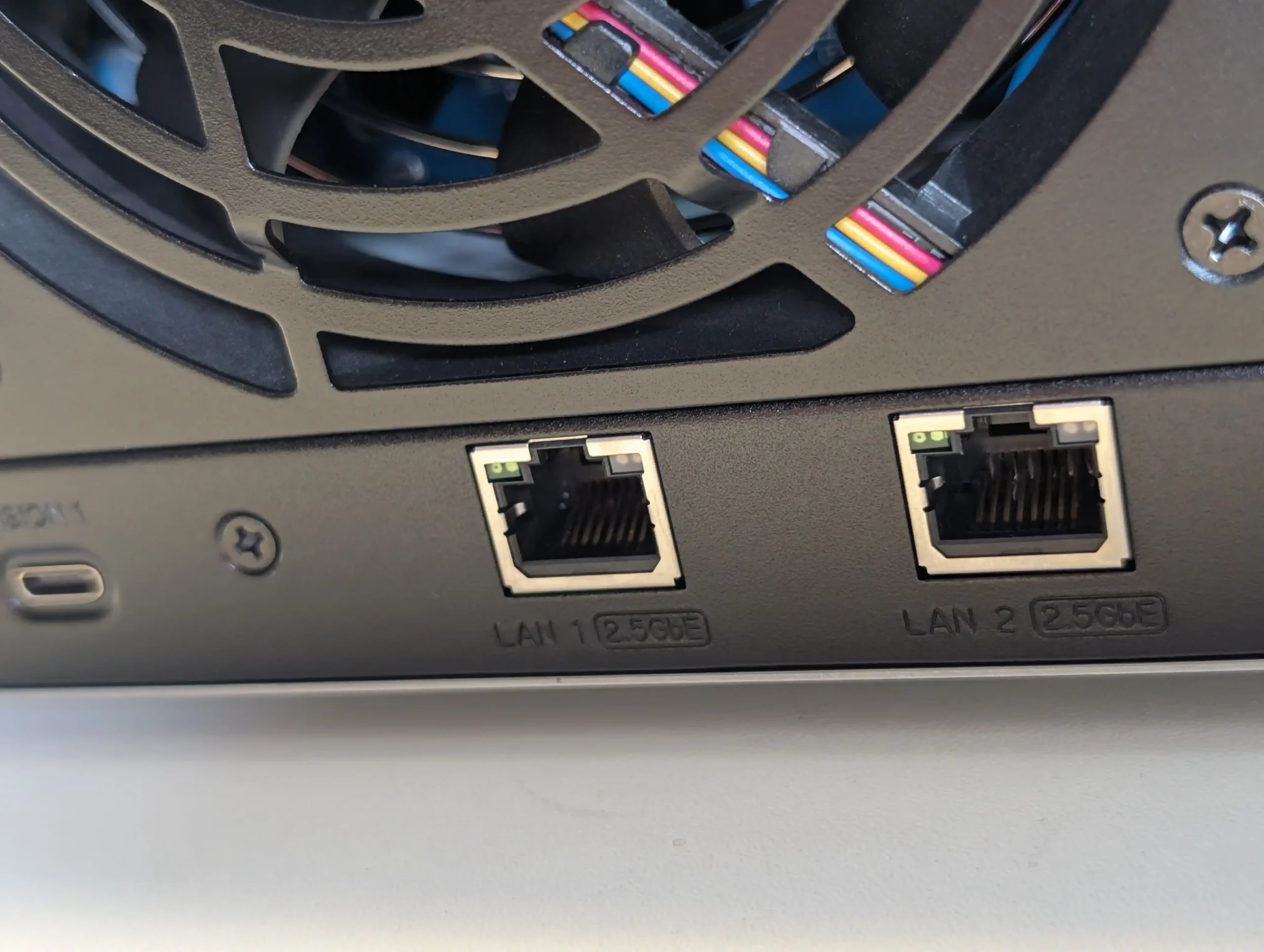
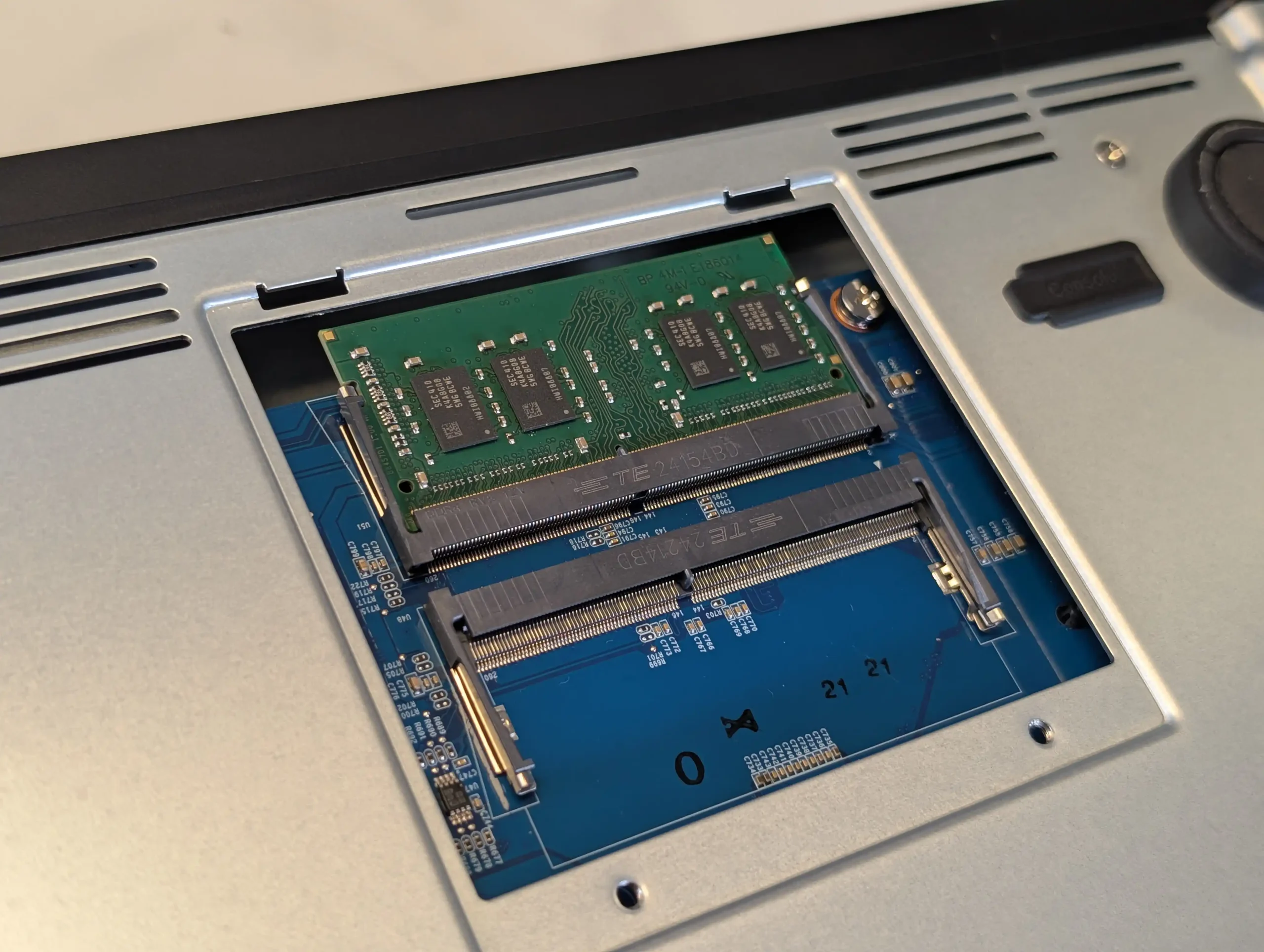
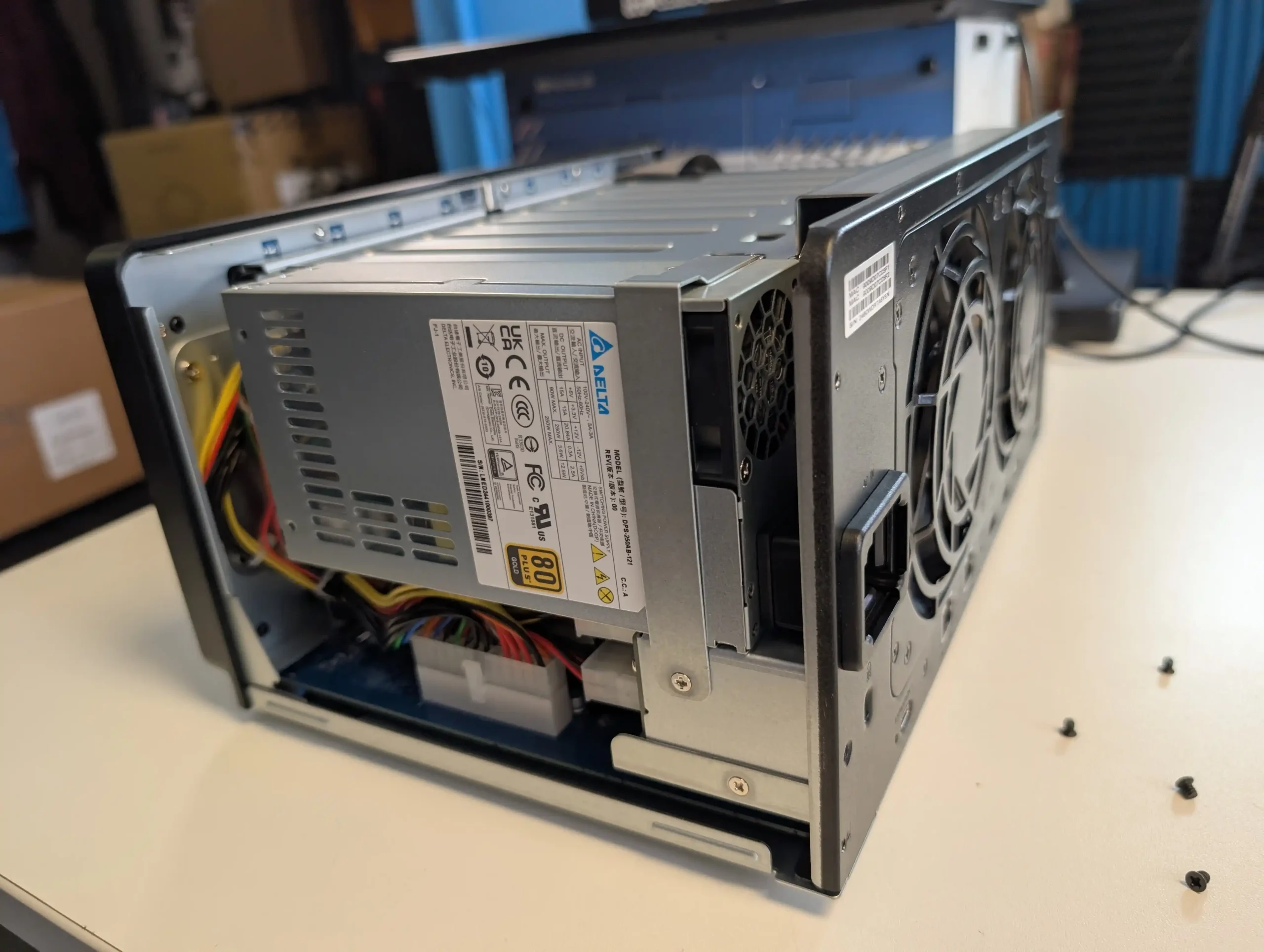
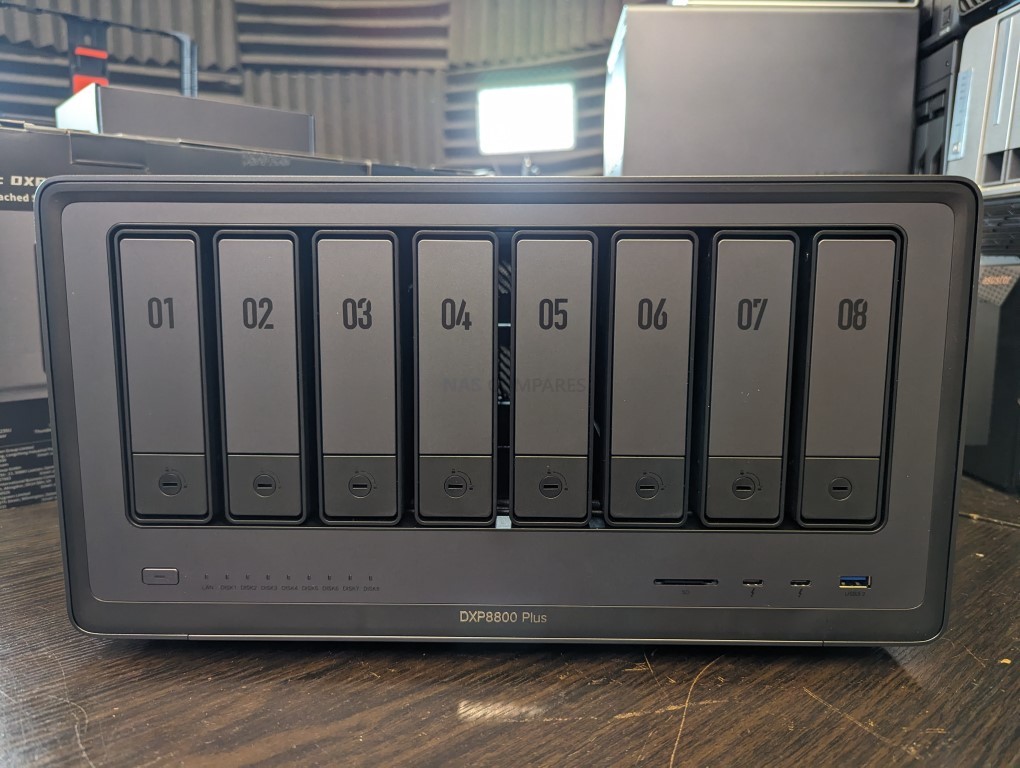
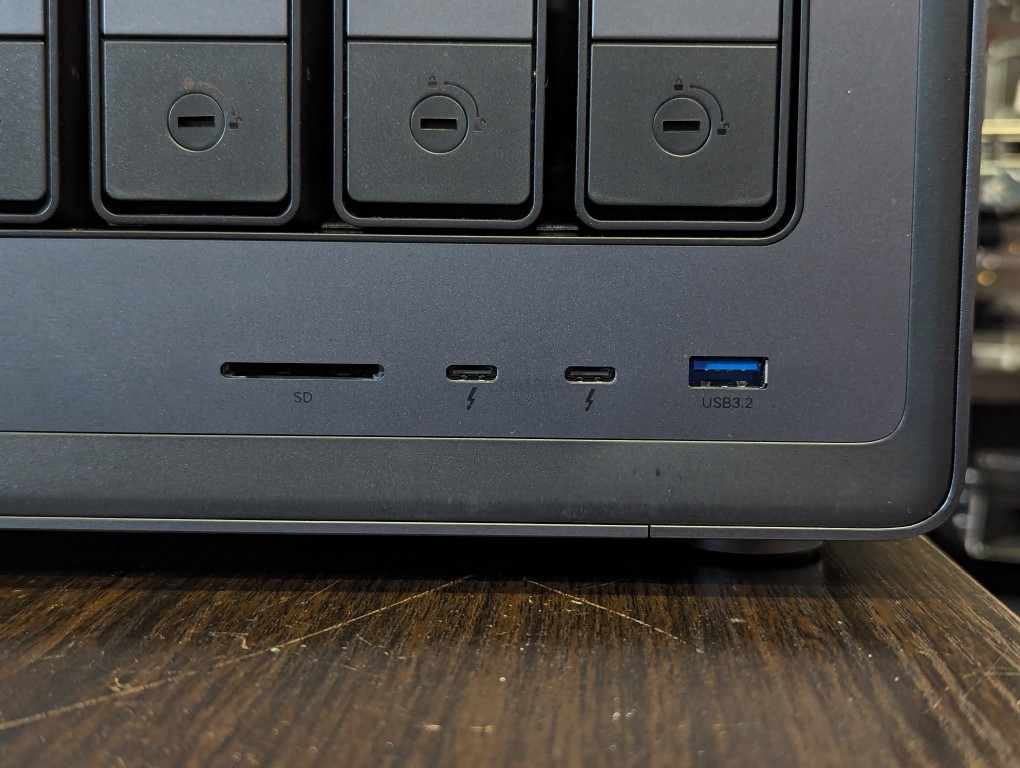
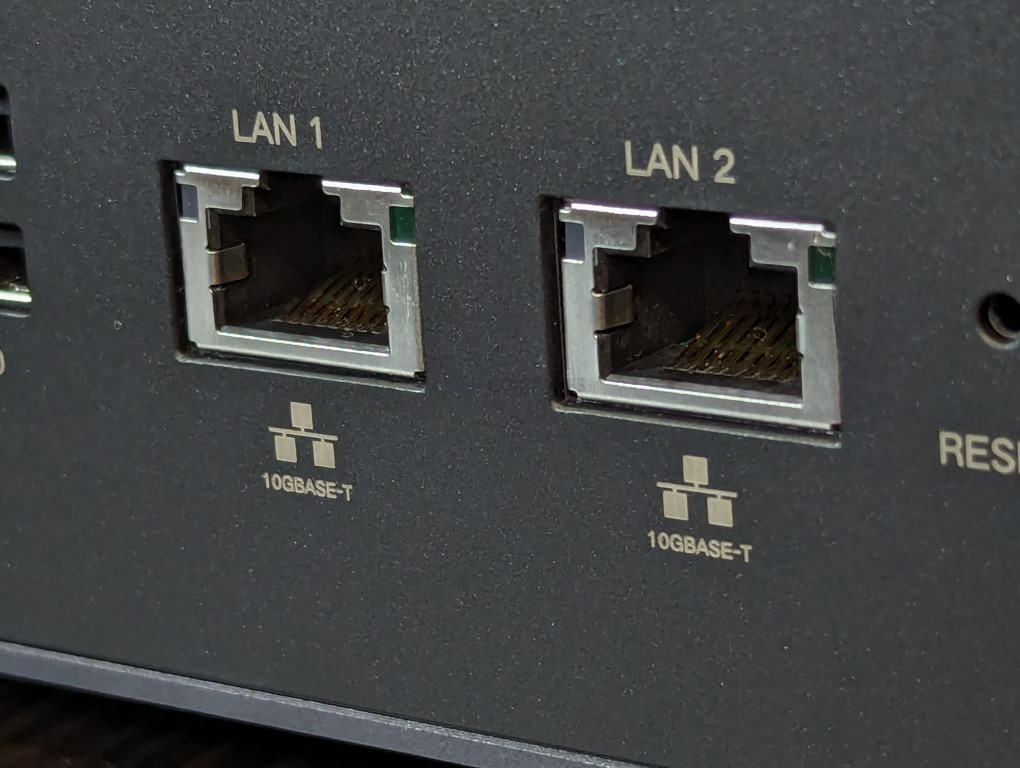
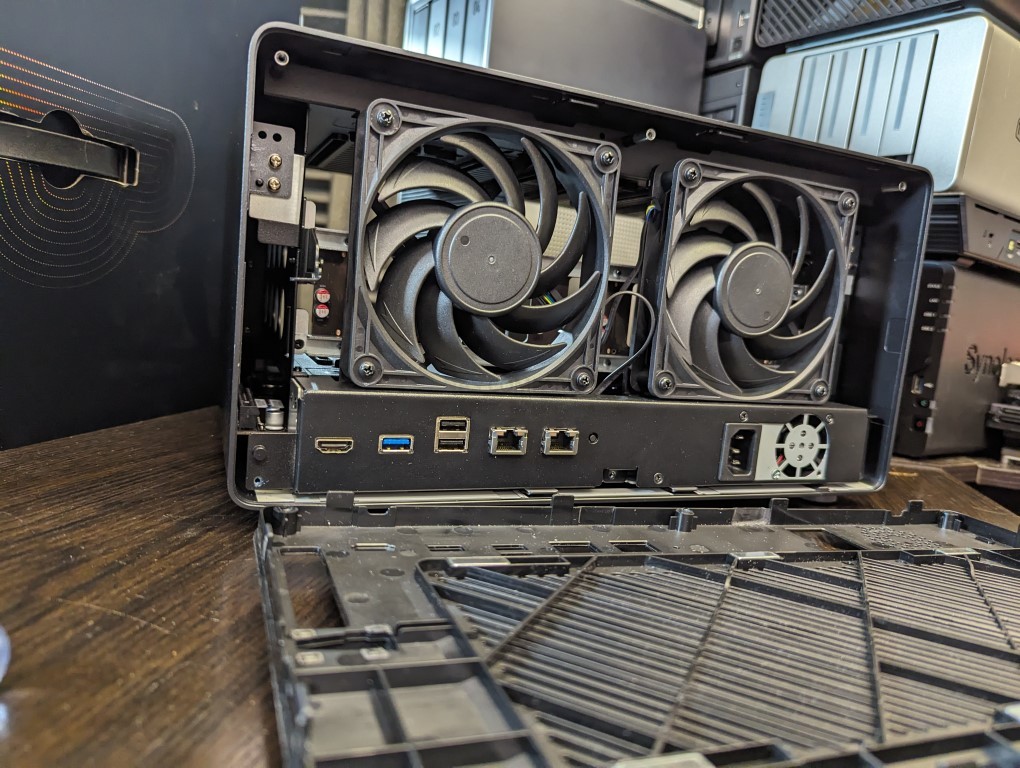
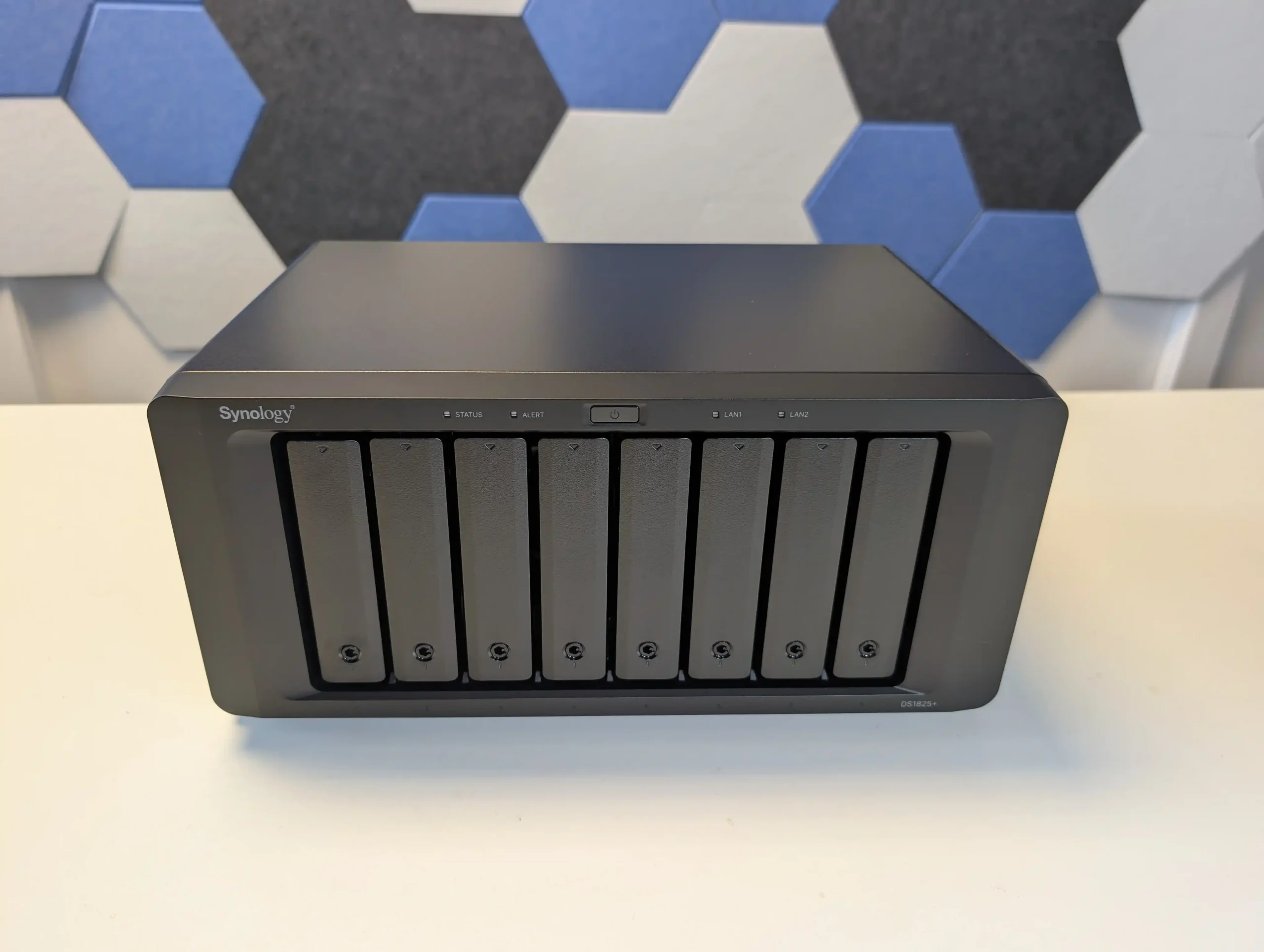
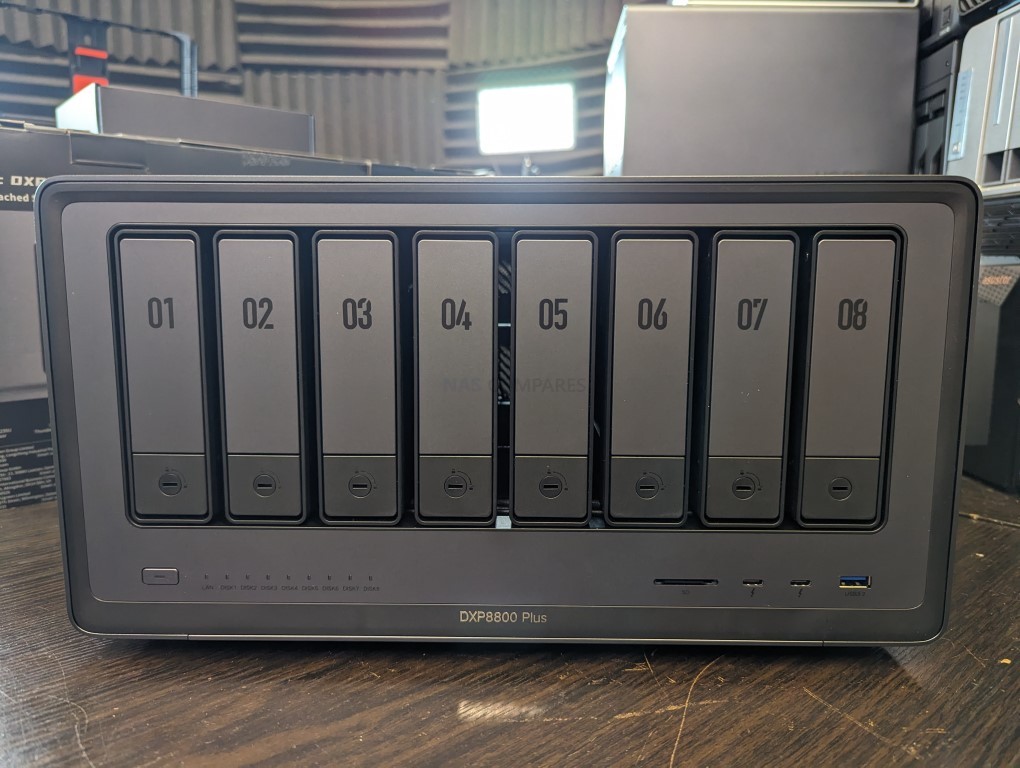
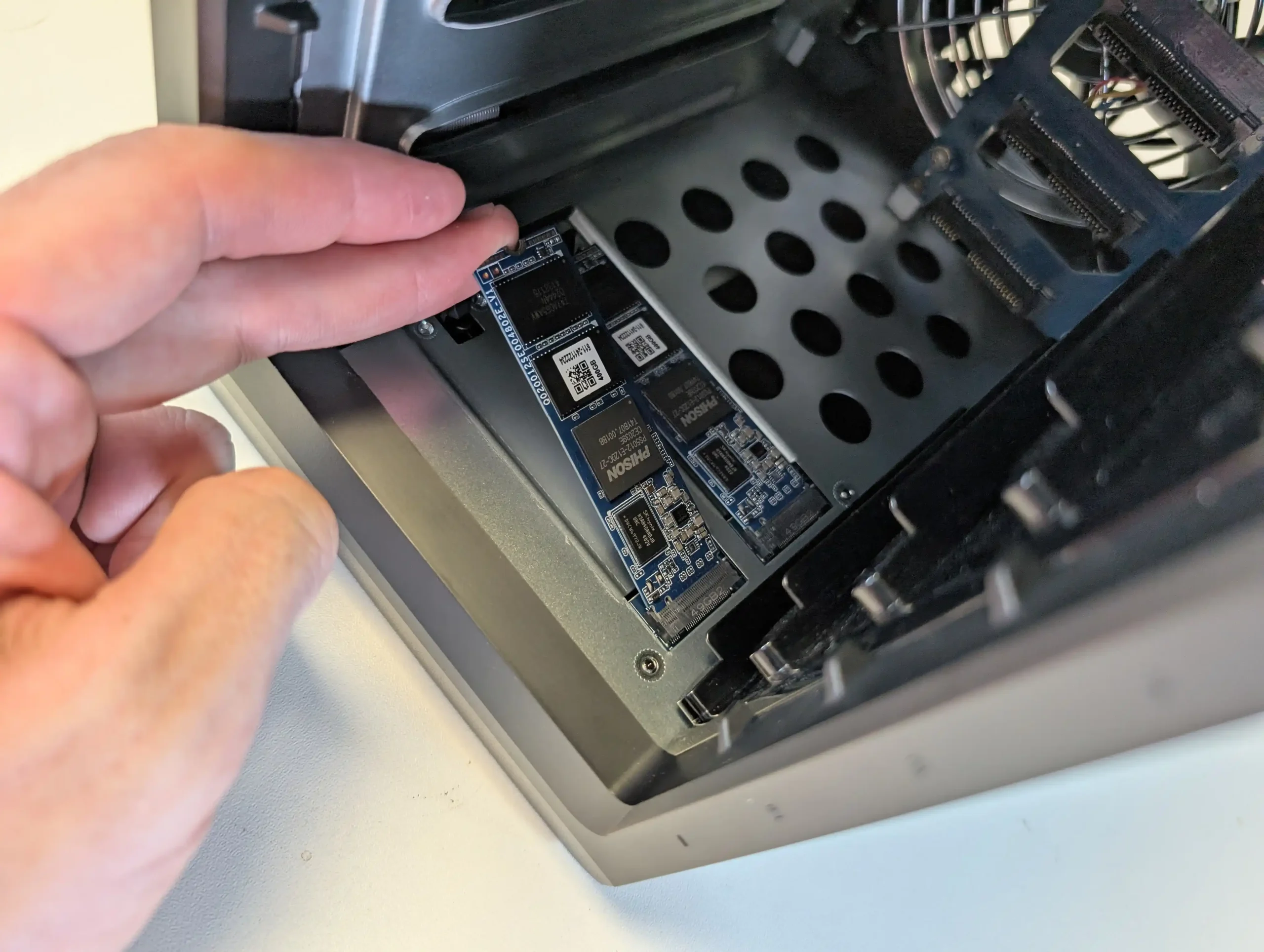
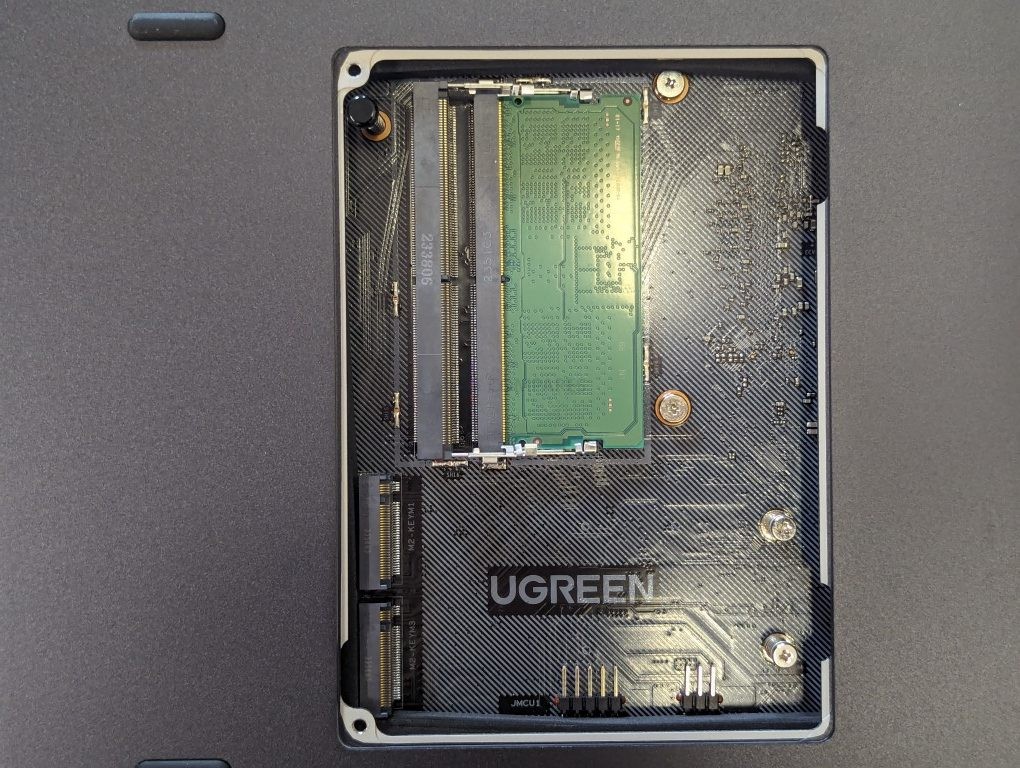
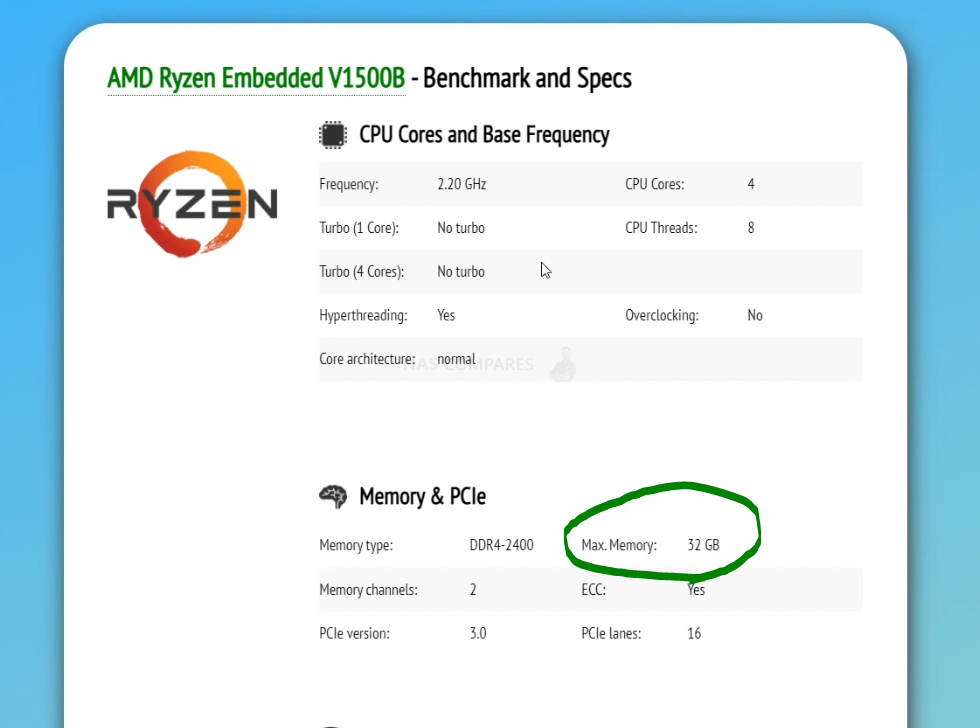
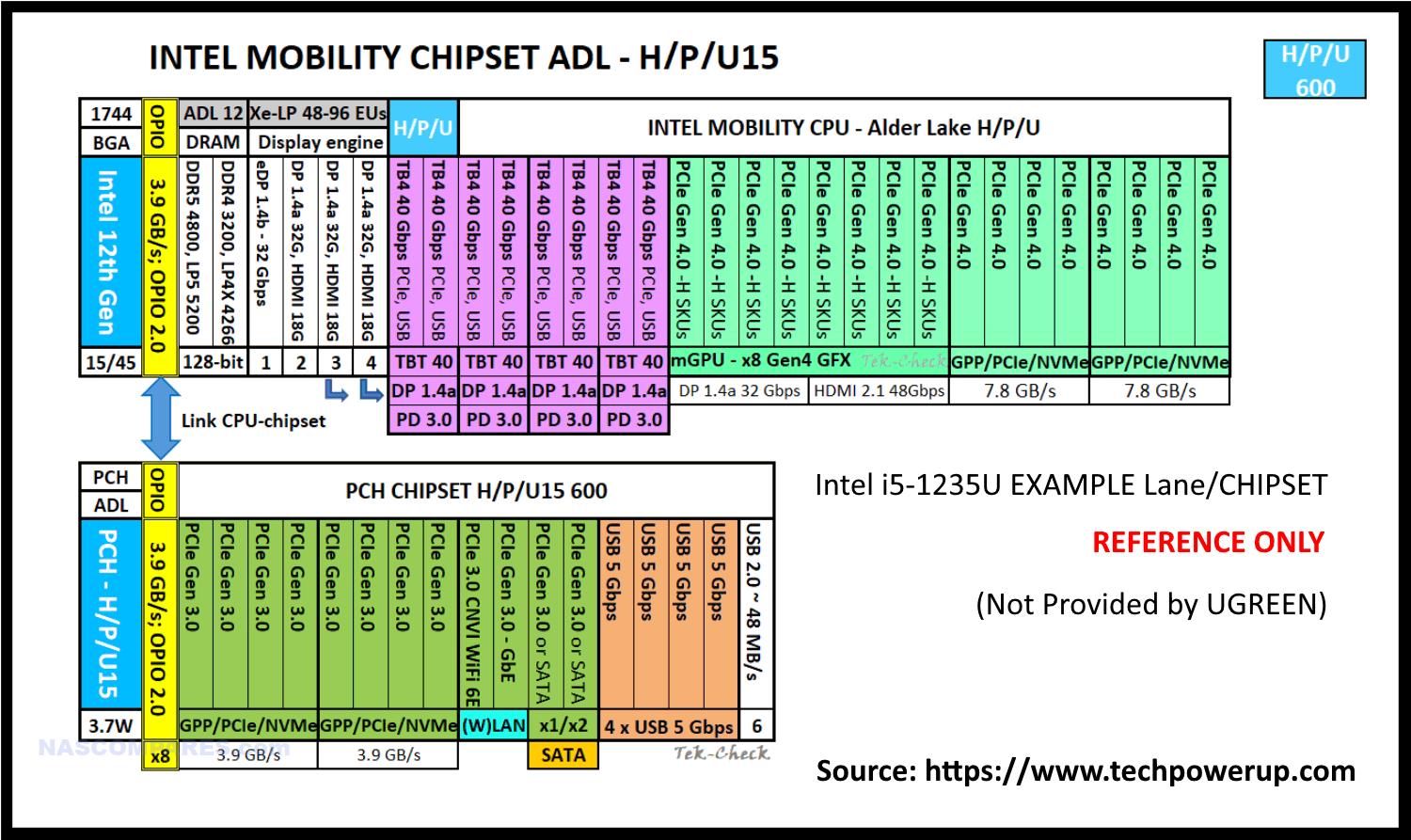
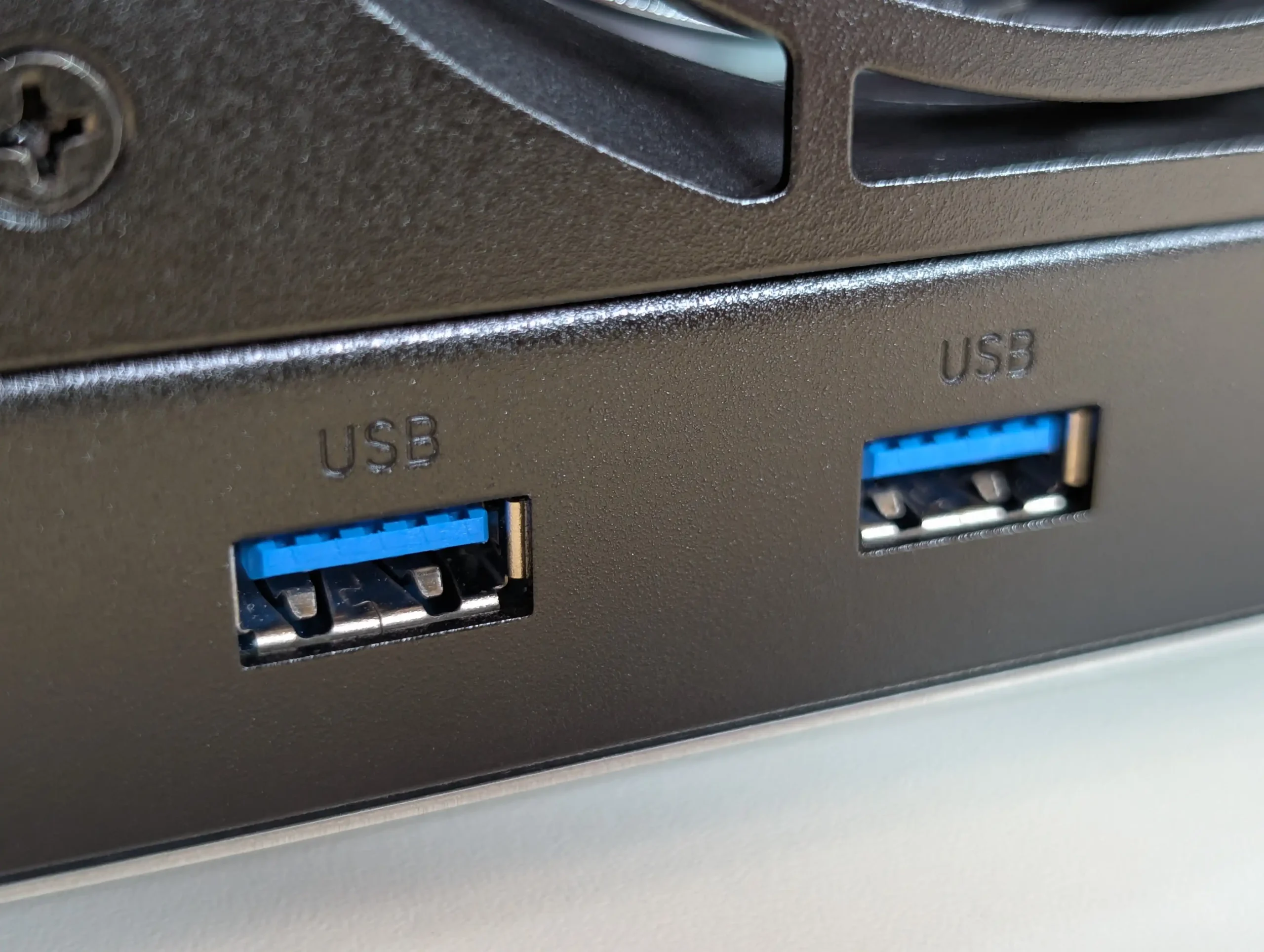
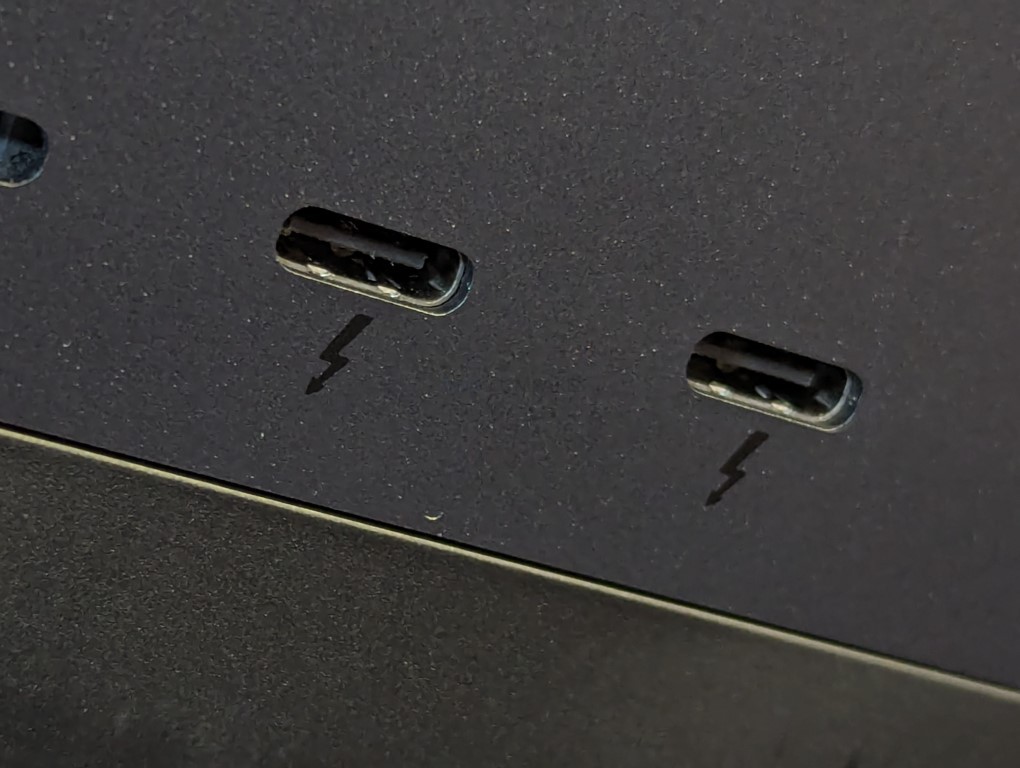
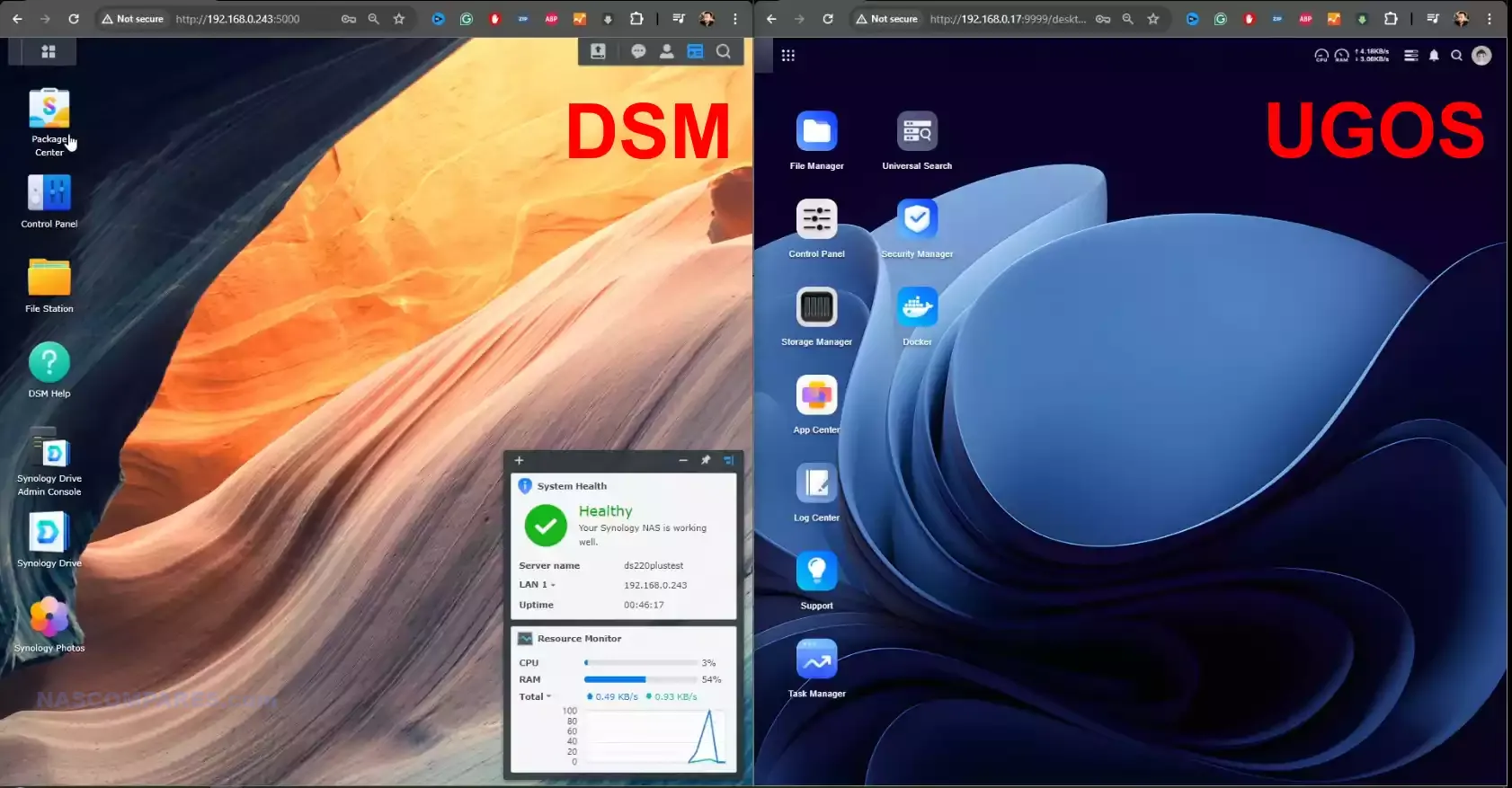
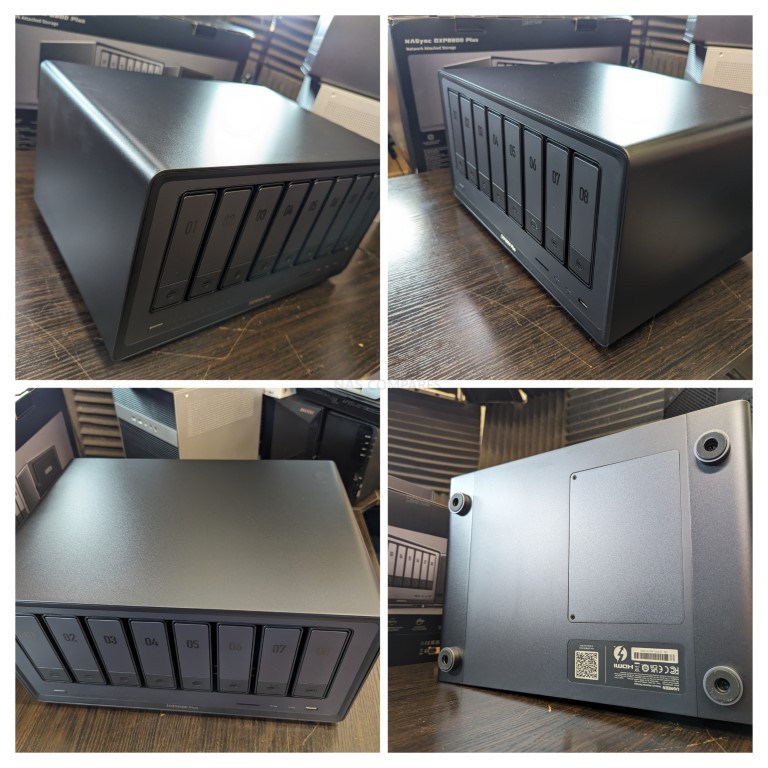
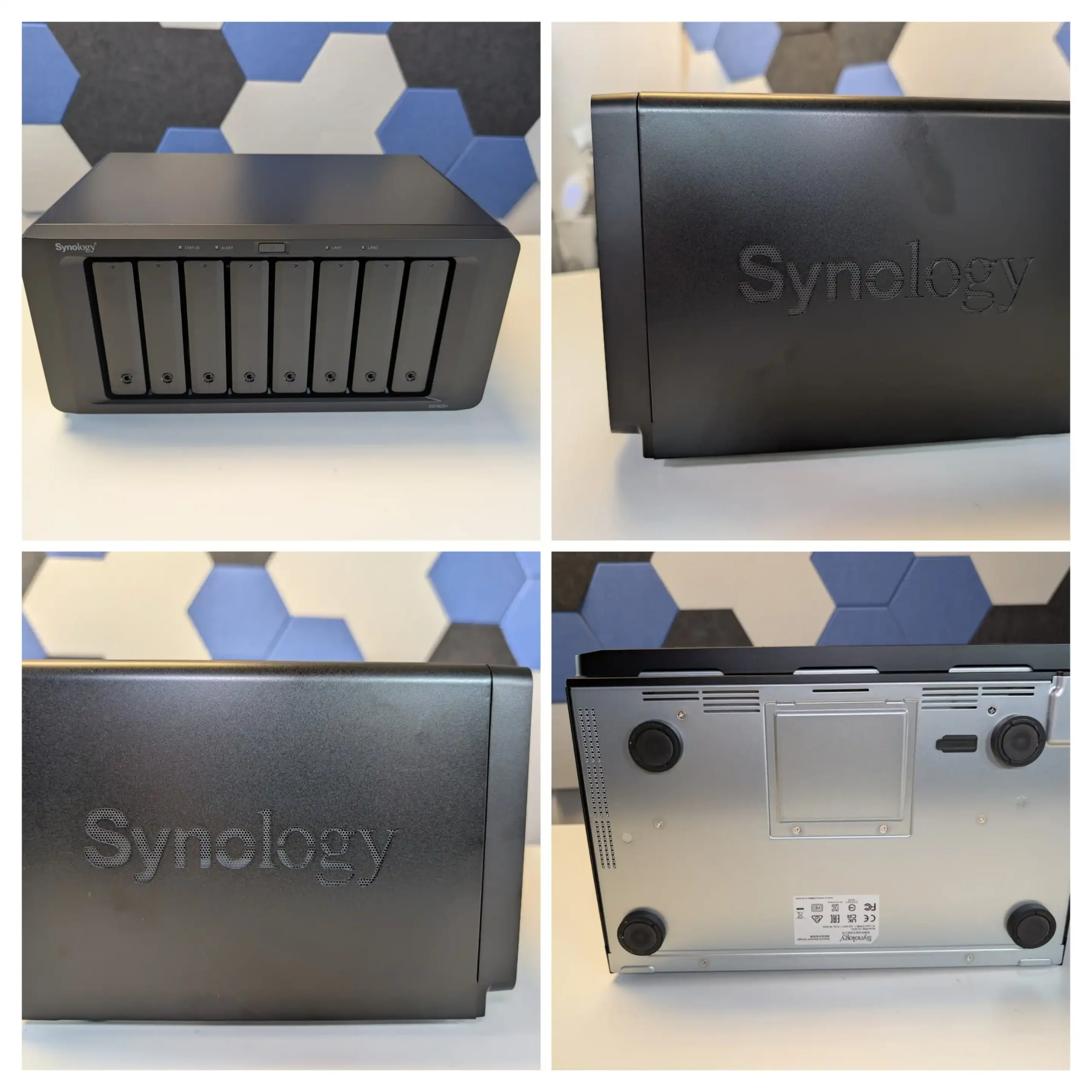
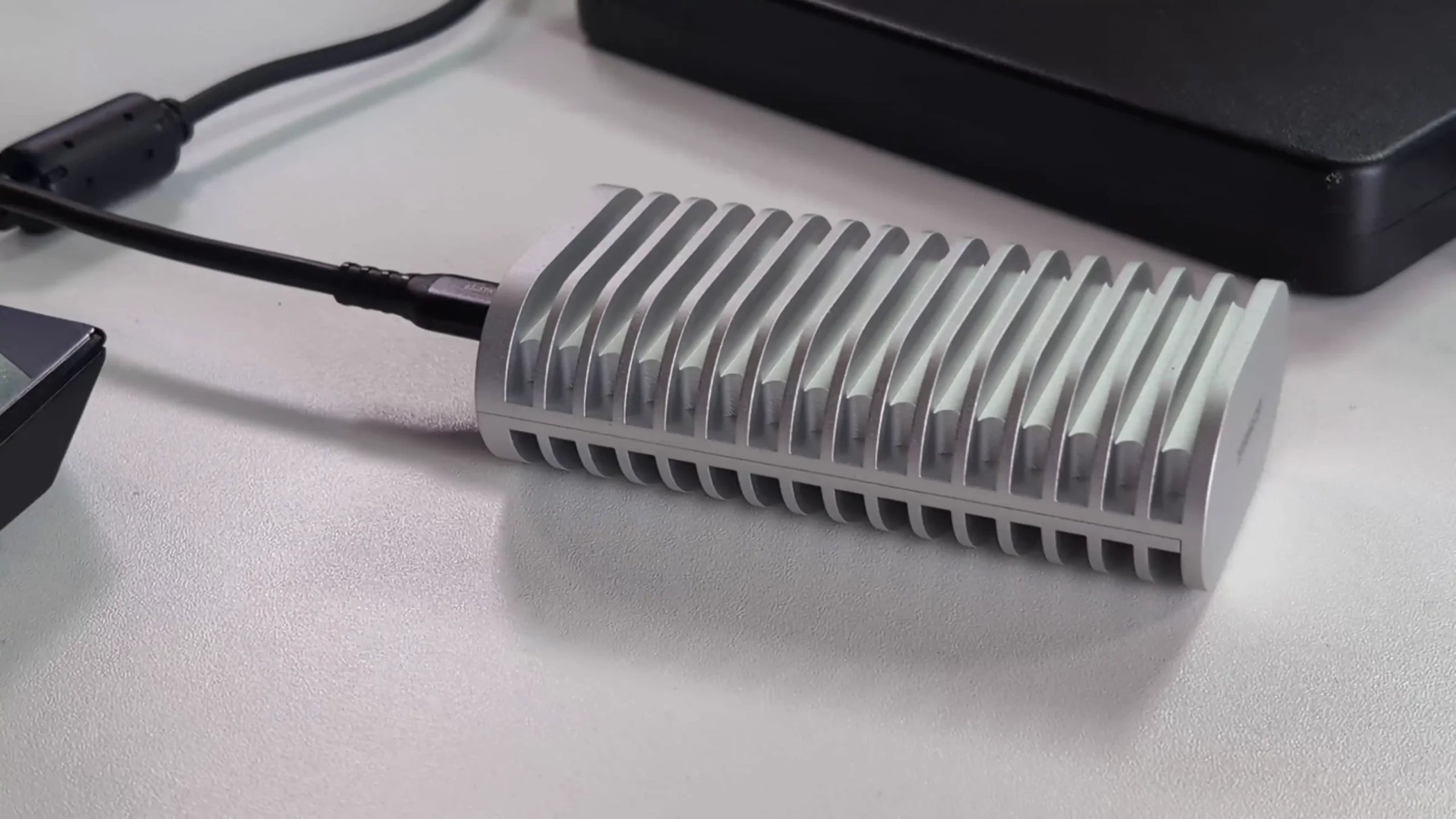
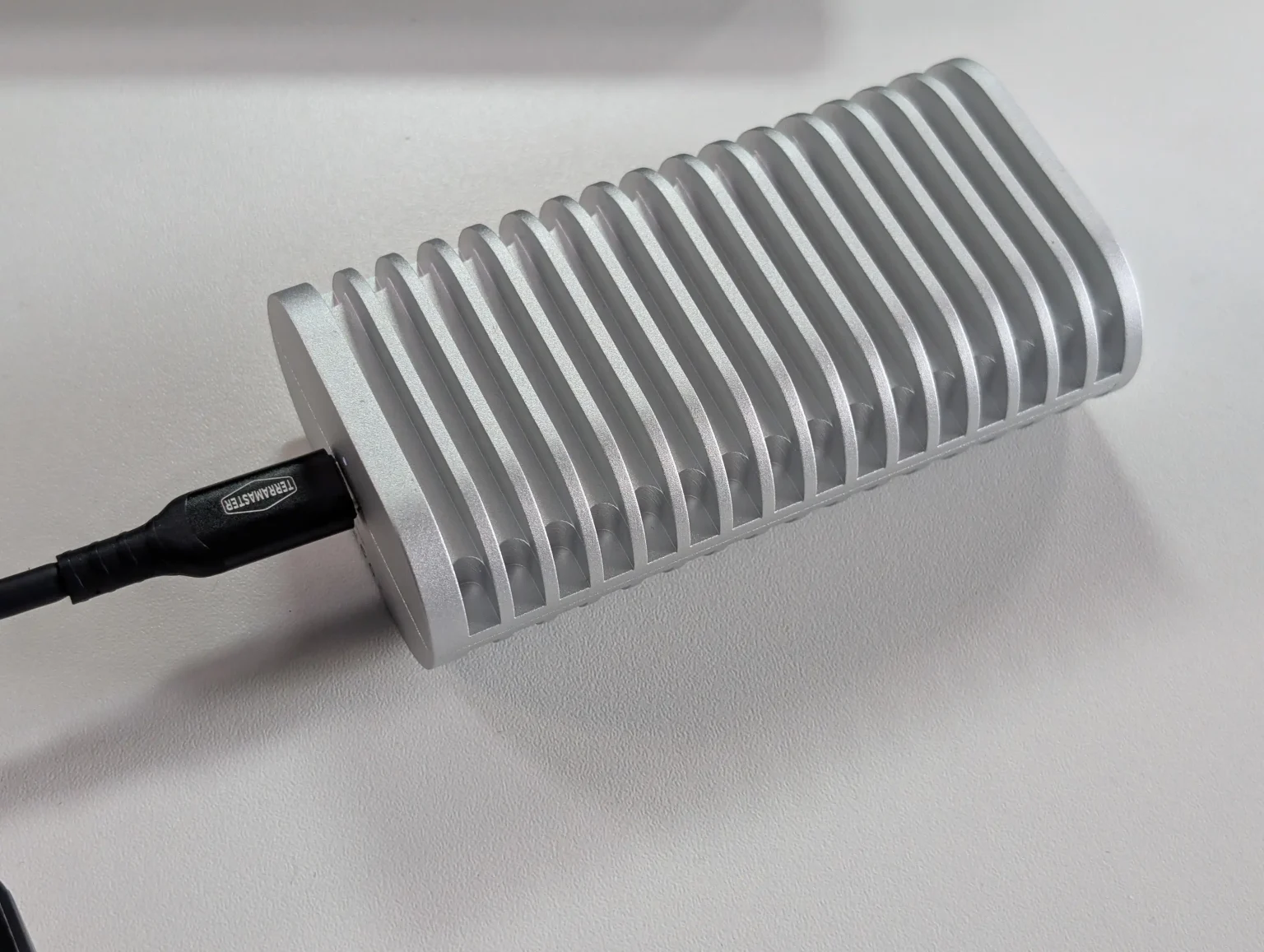 BUILD - 10/10
HARDWARE - 9/10PERFORMANCE - 9/10PRICE - 7/10VALUE - 8/10
BUILD - 10/10
HARDWARE - 9/10PERFORMANCE - 9/10PRICE - 7/10VALUE - 8/10

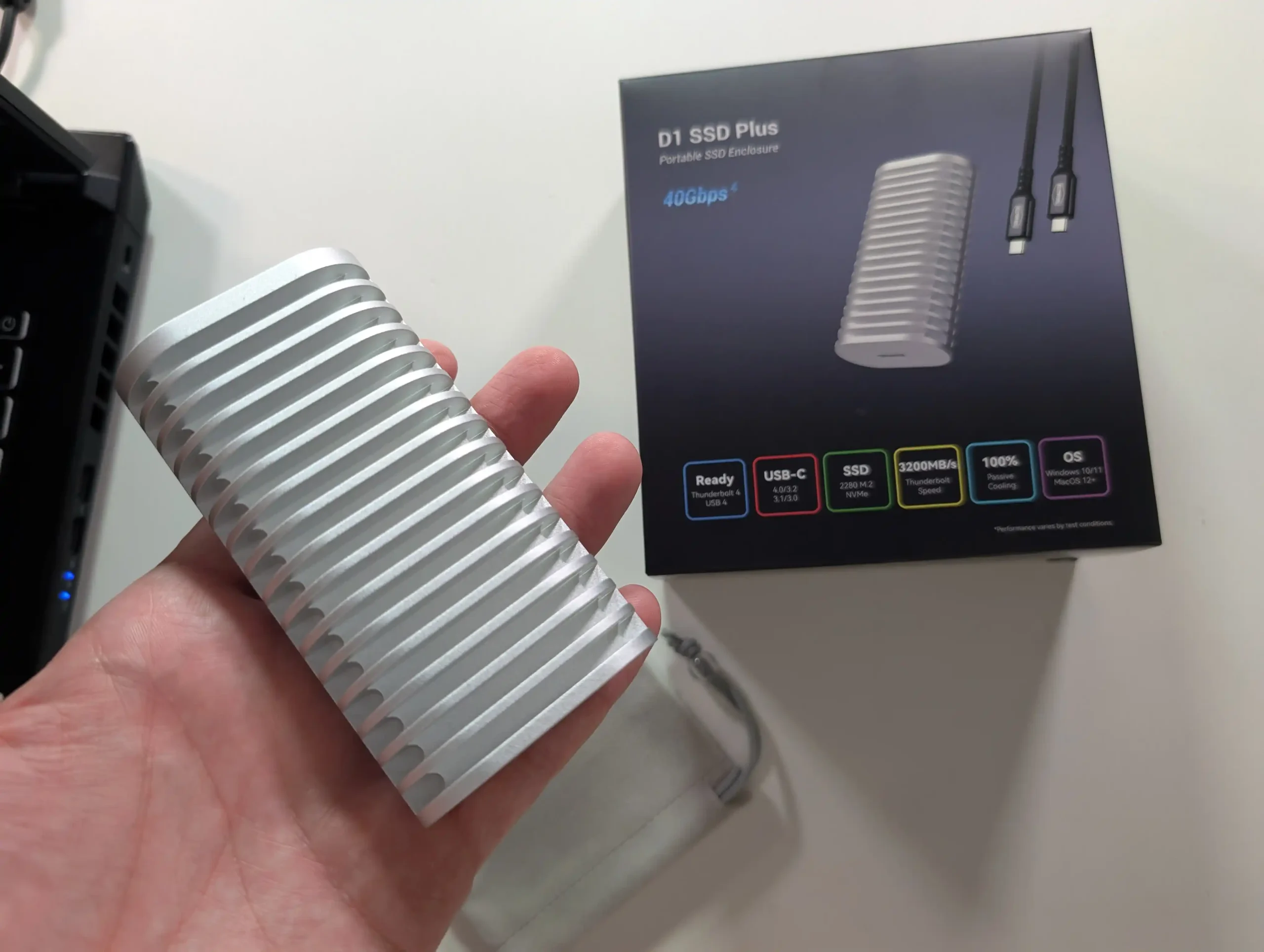
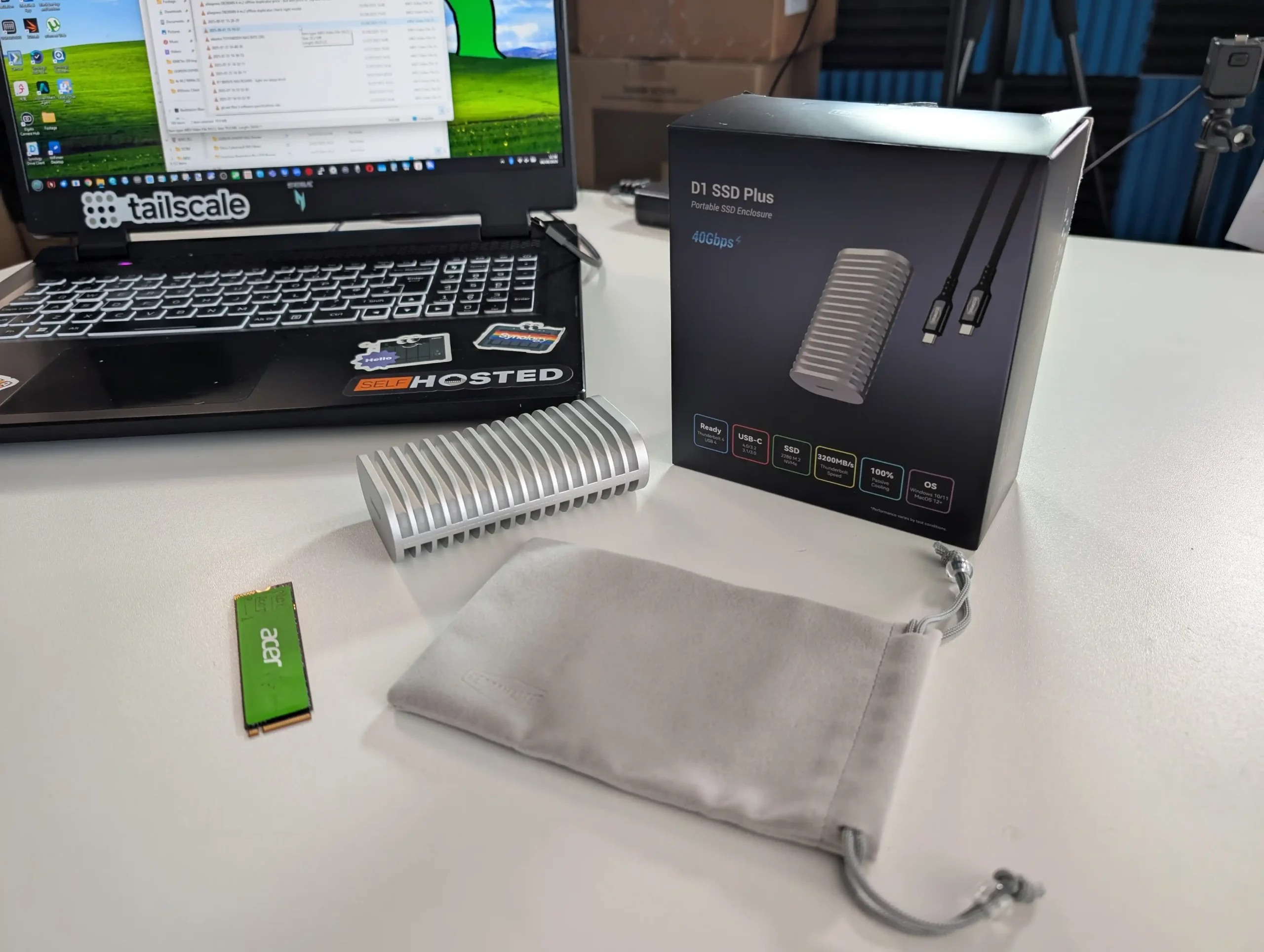
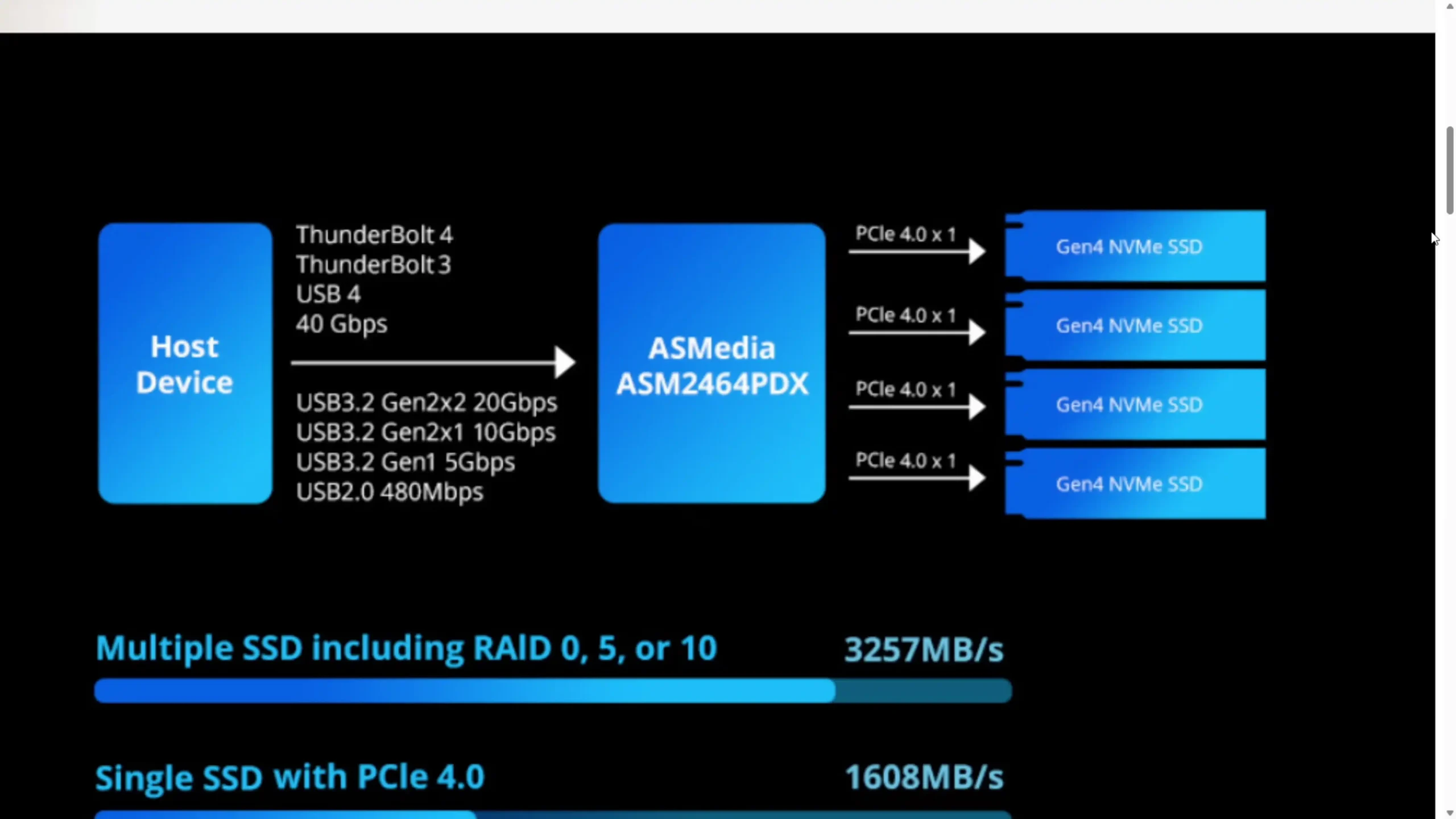
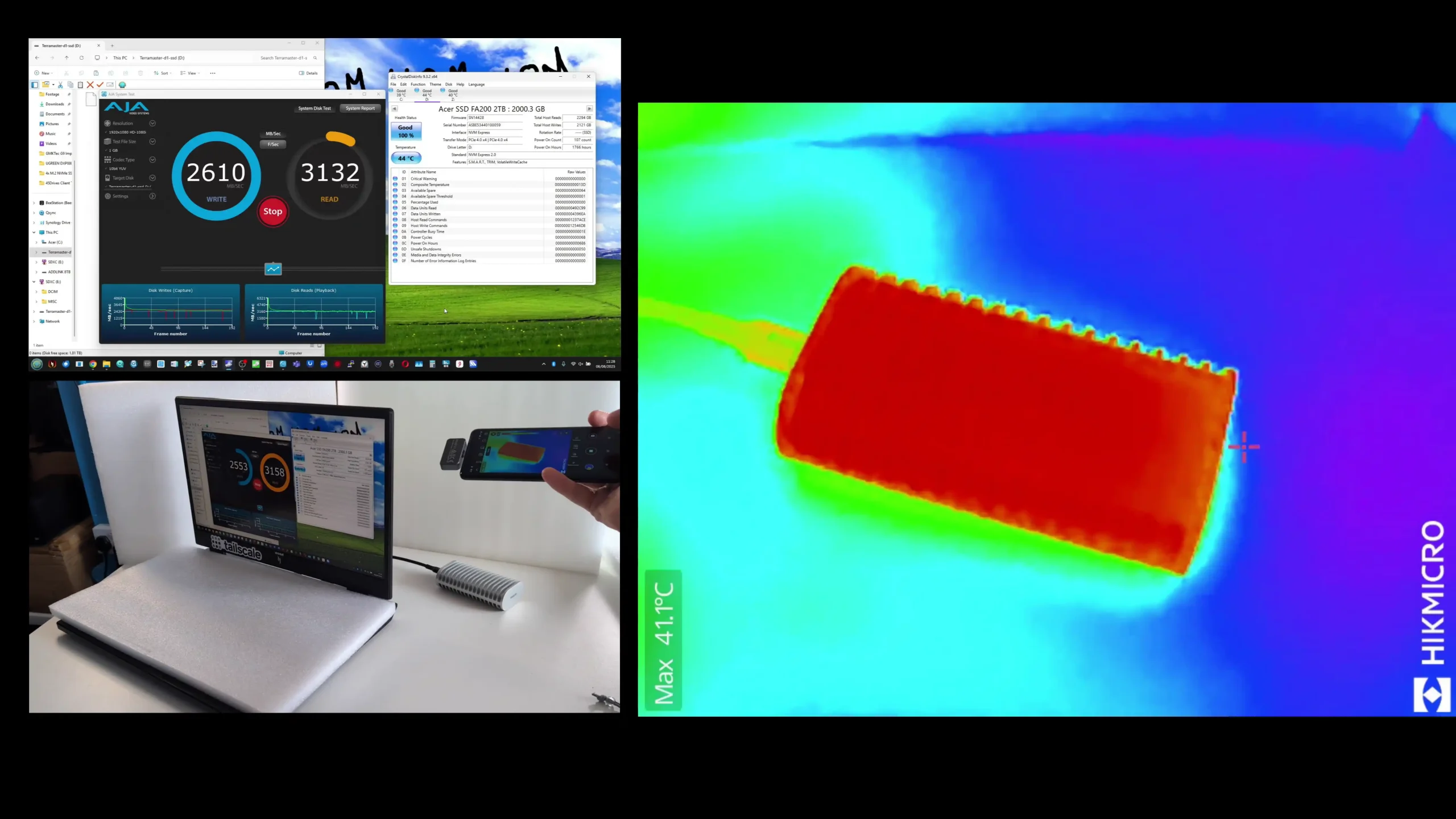
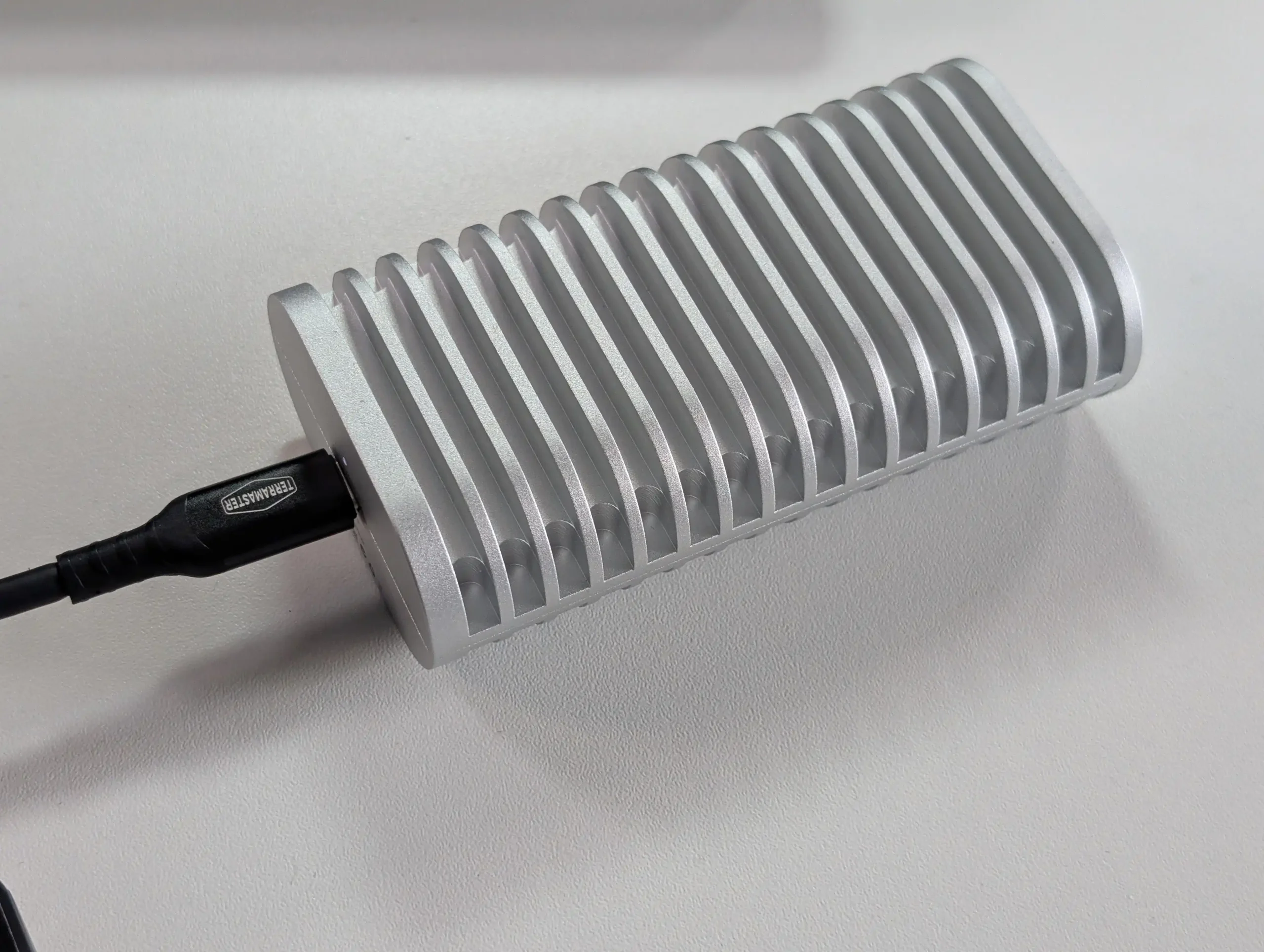
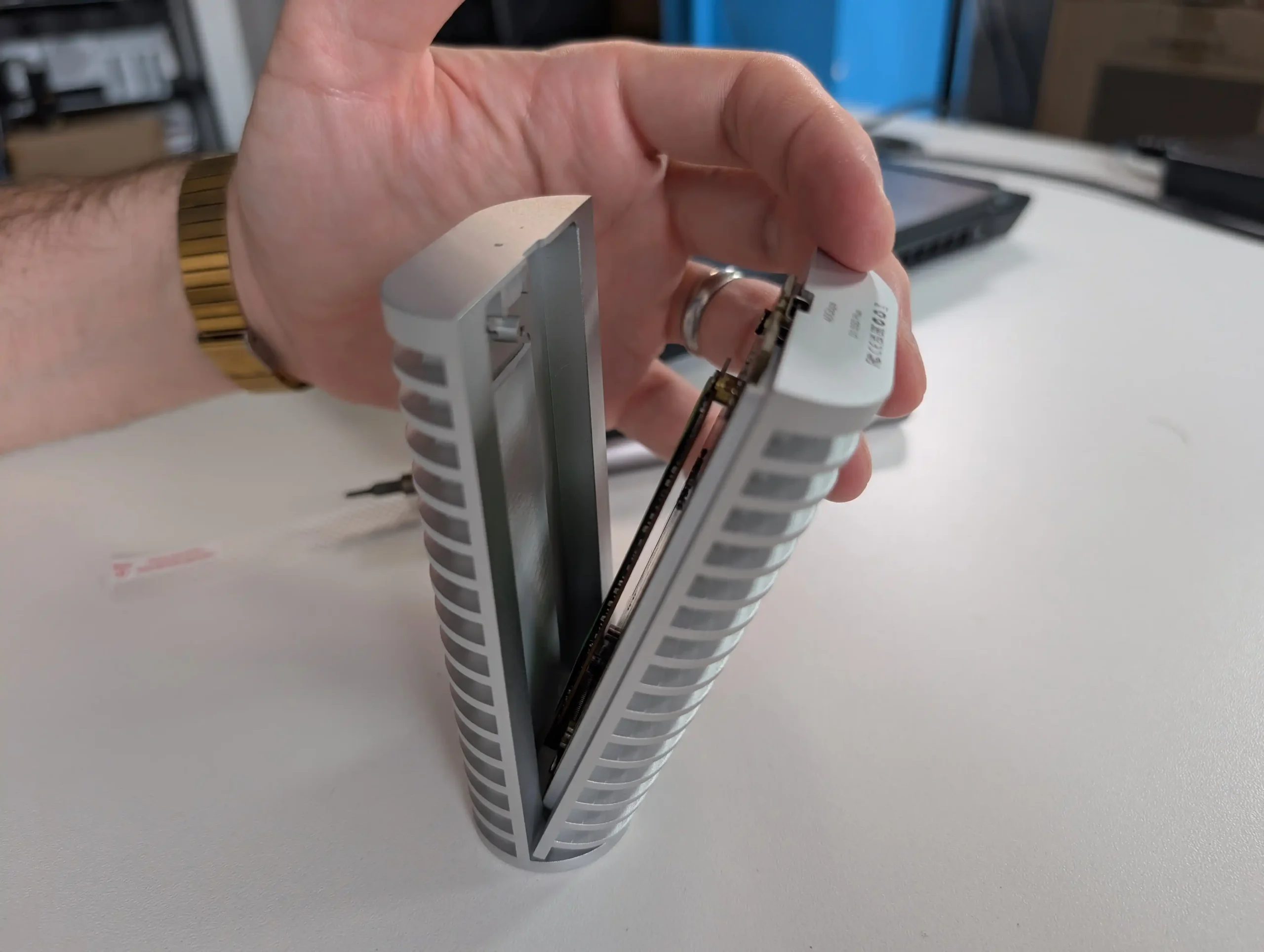
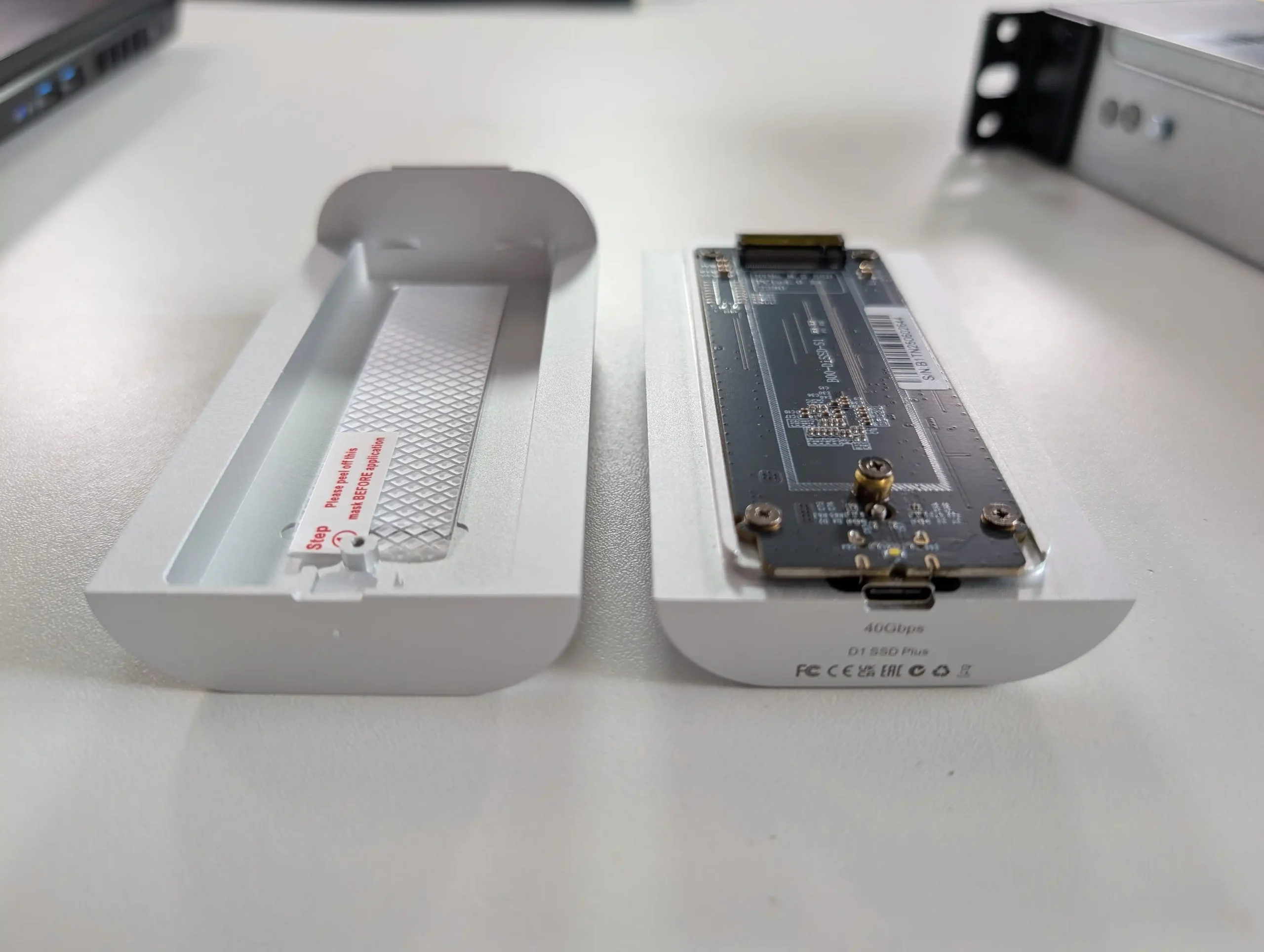
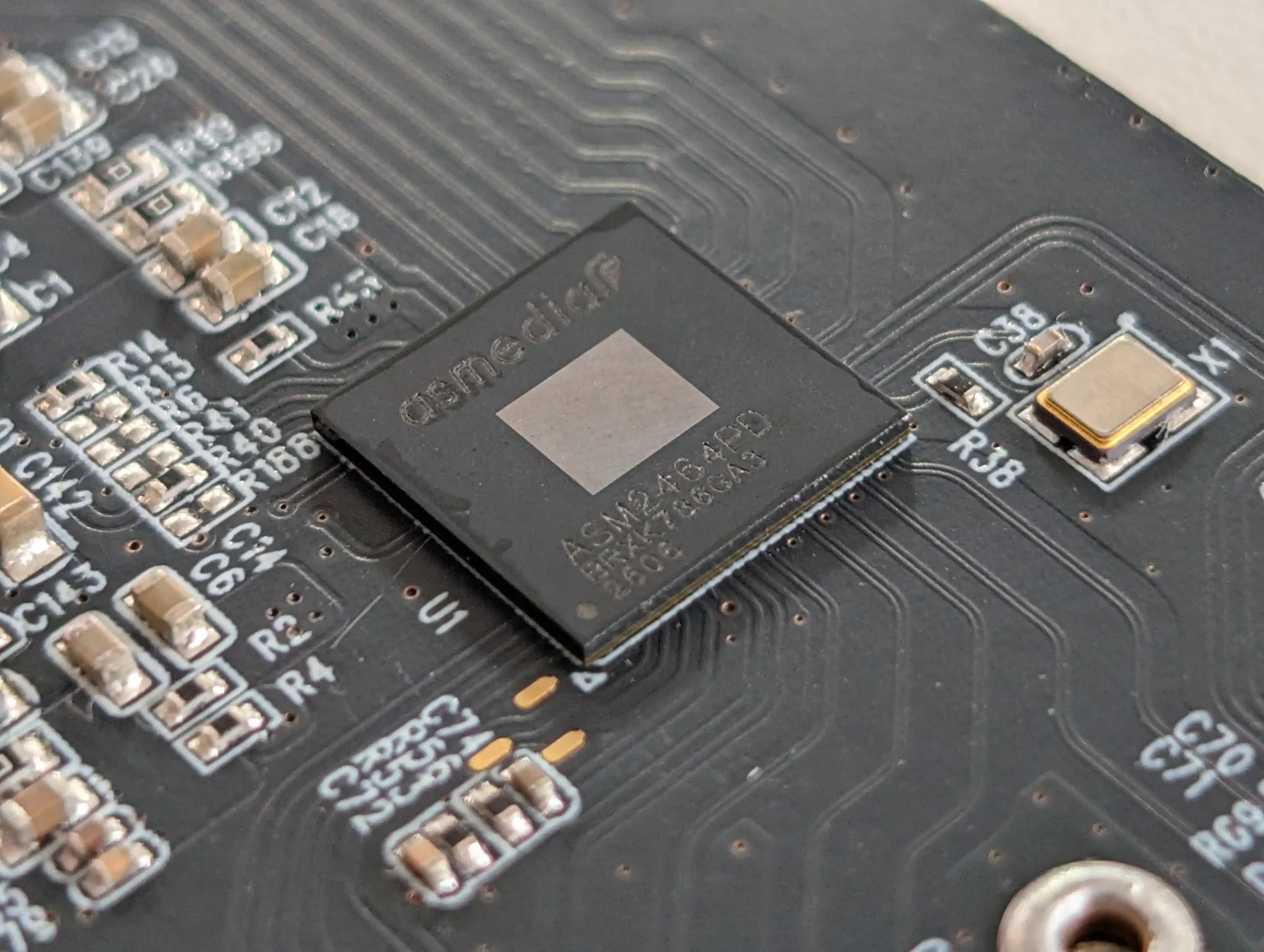
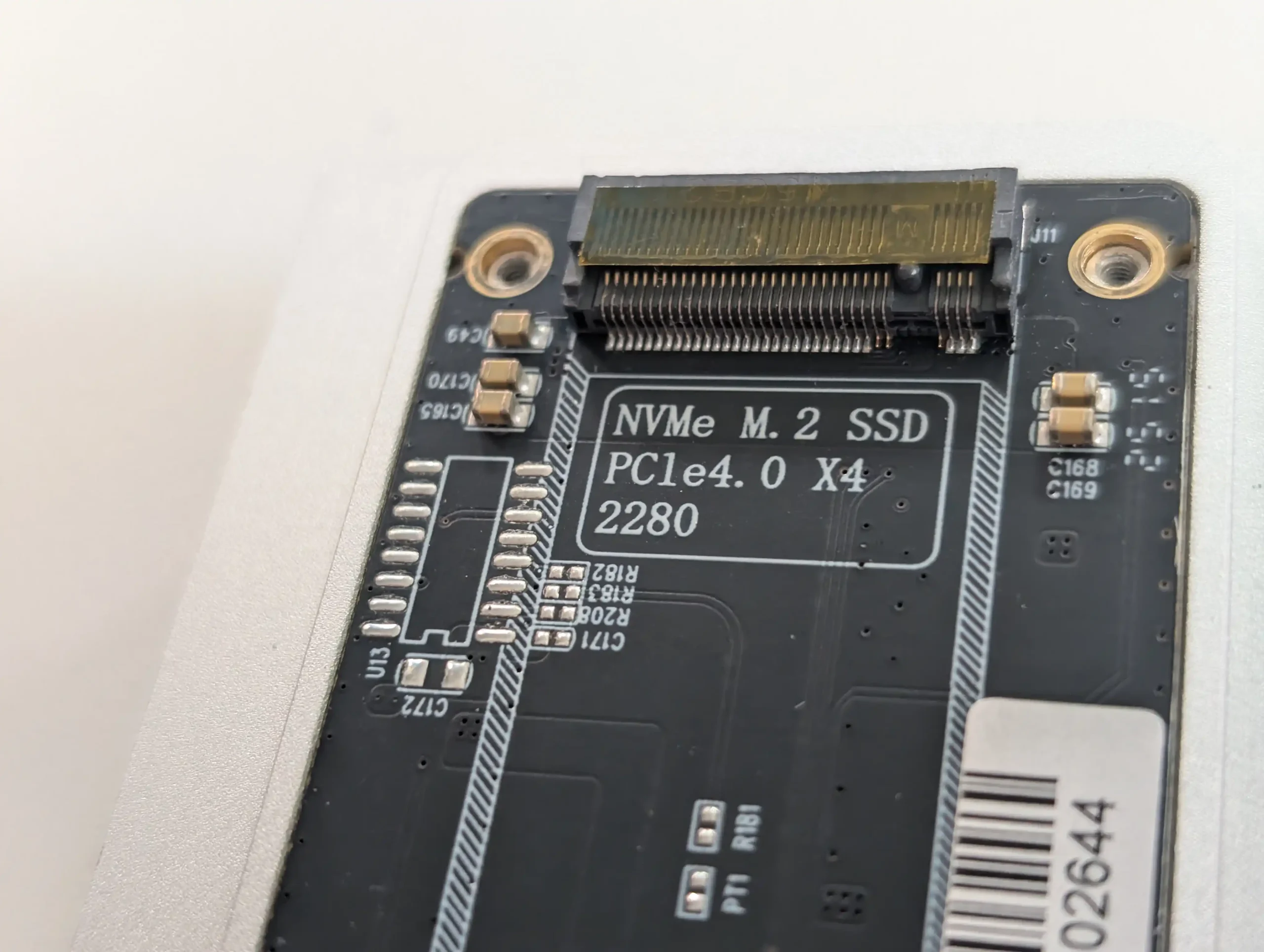
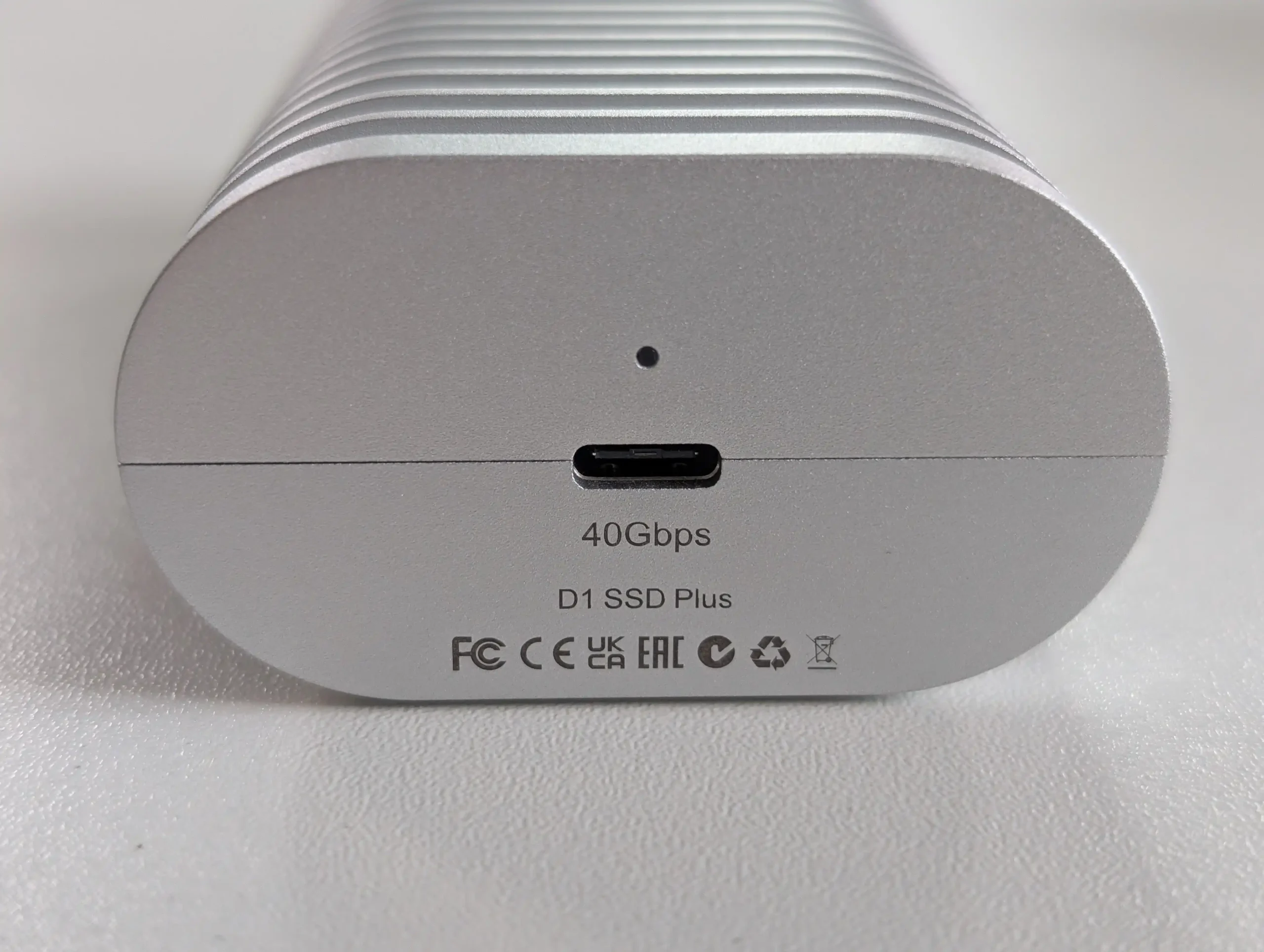
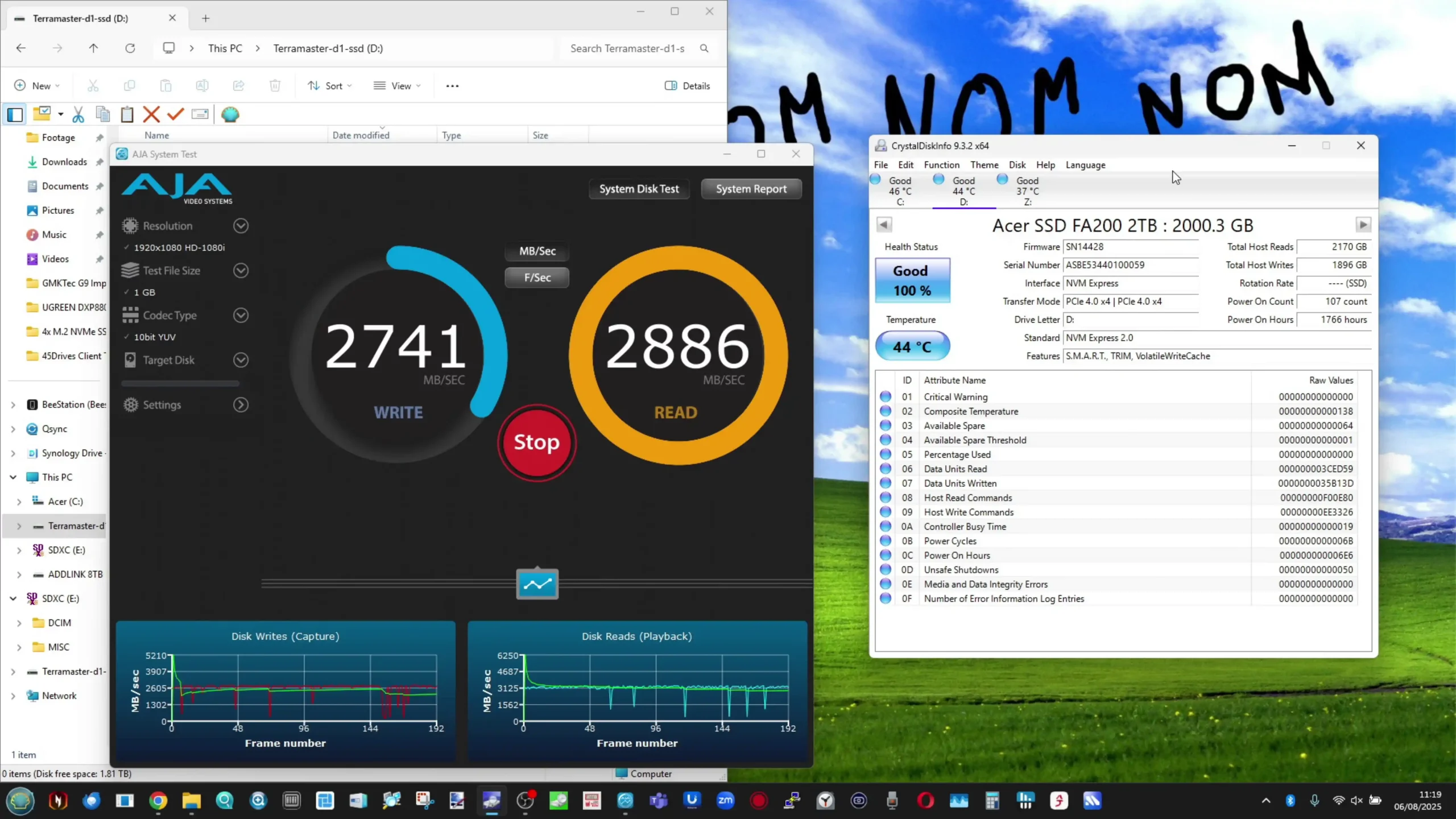
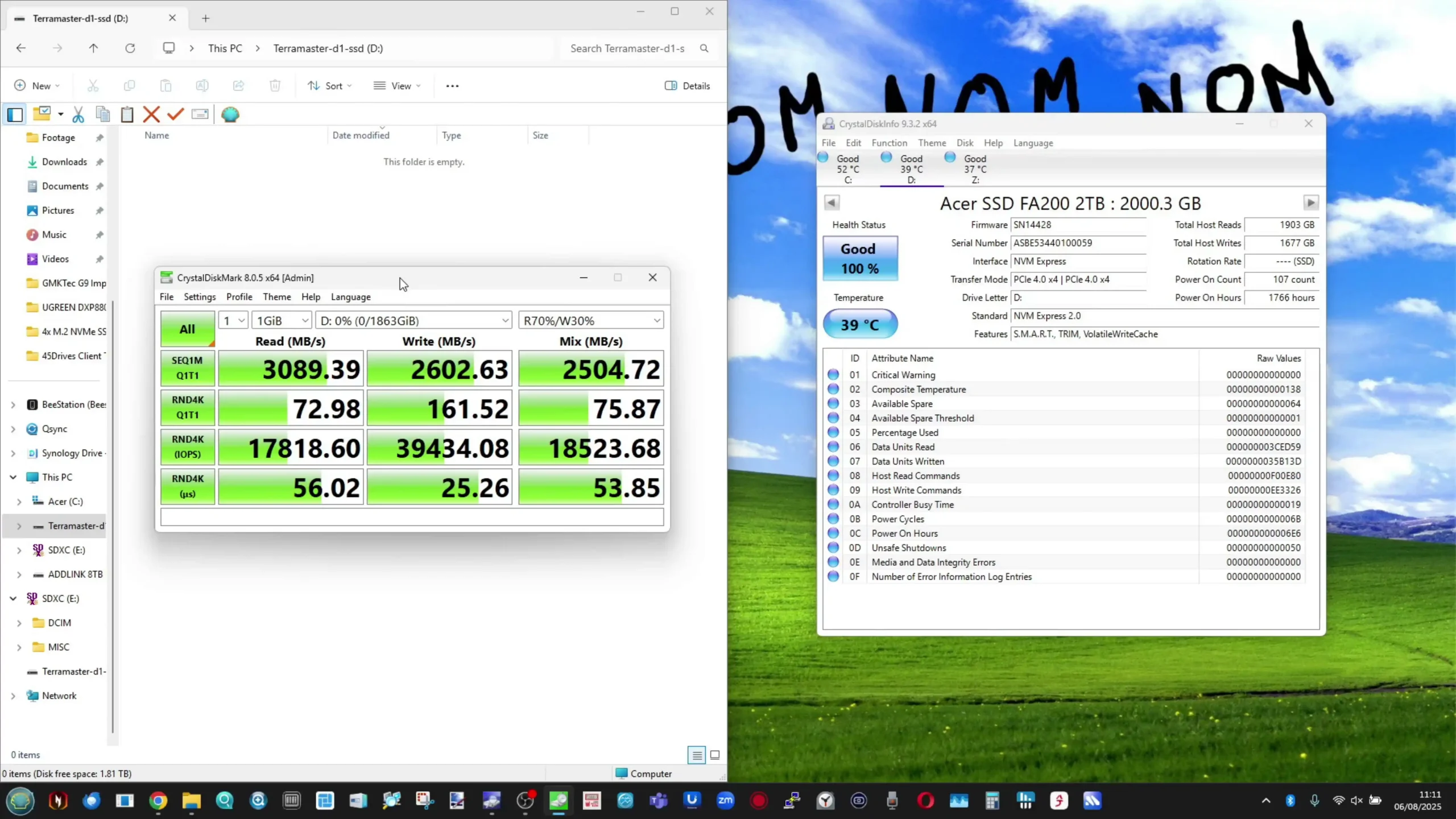
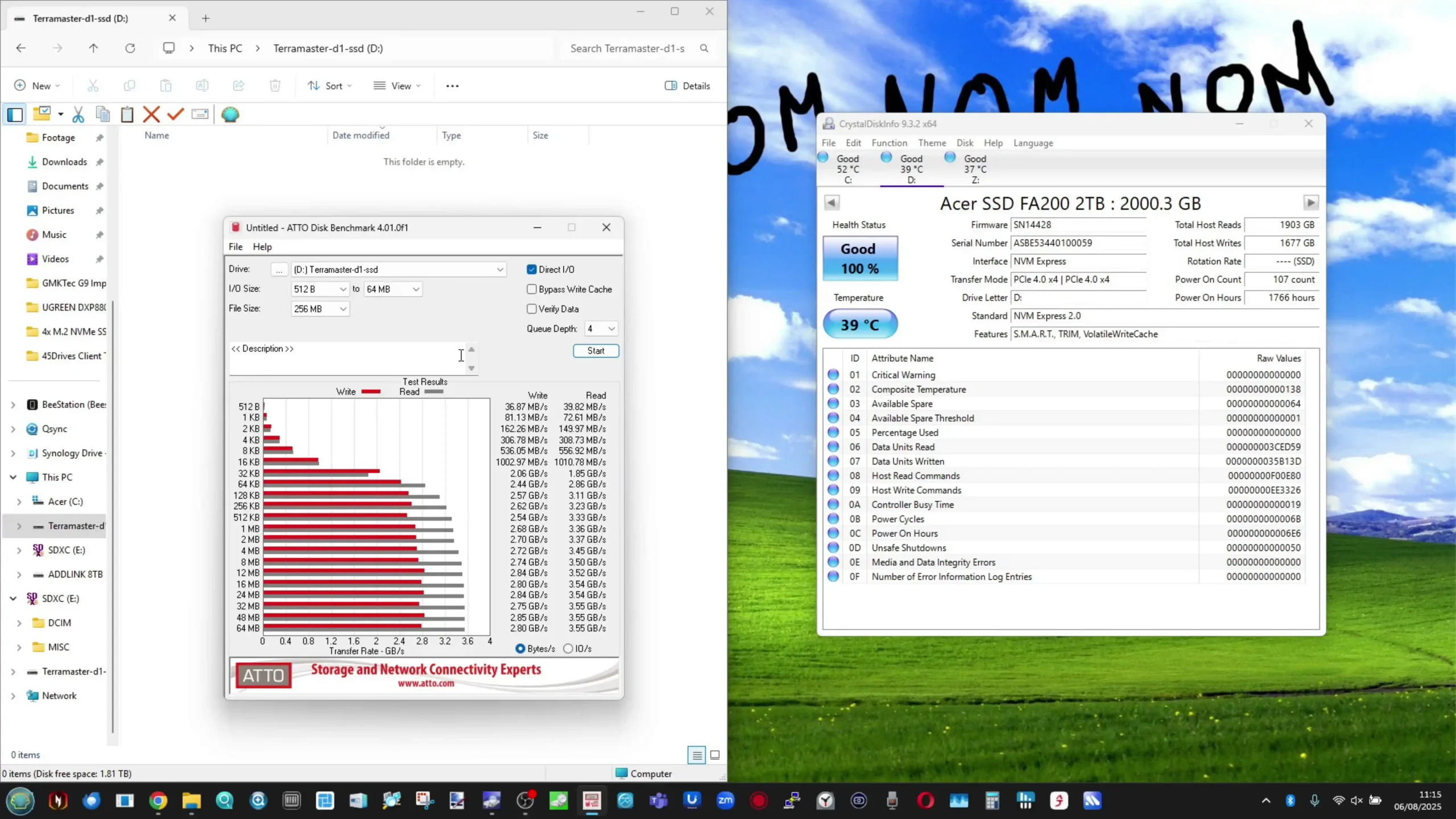
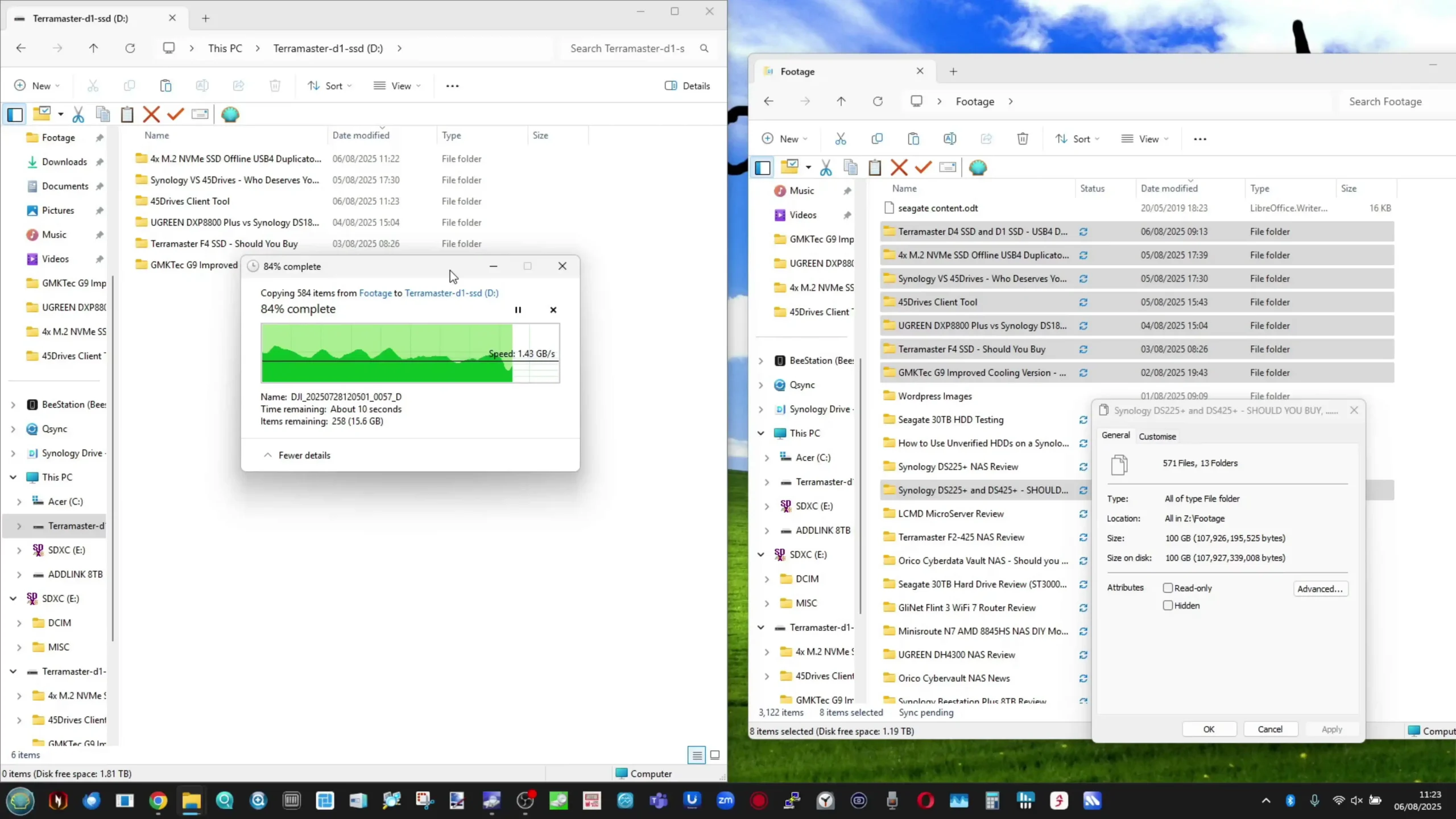
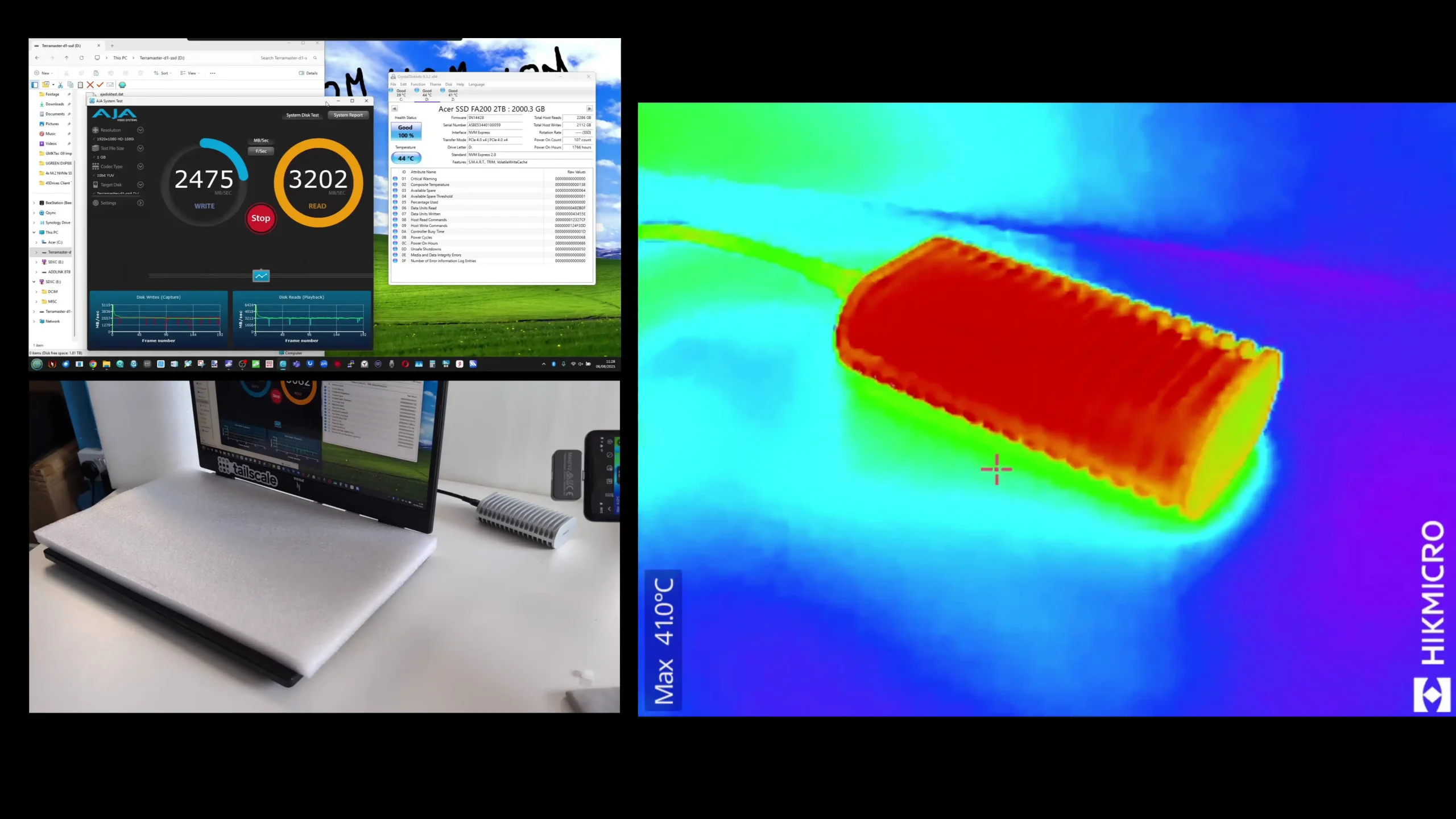
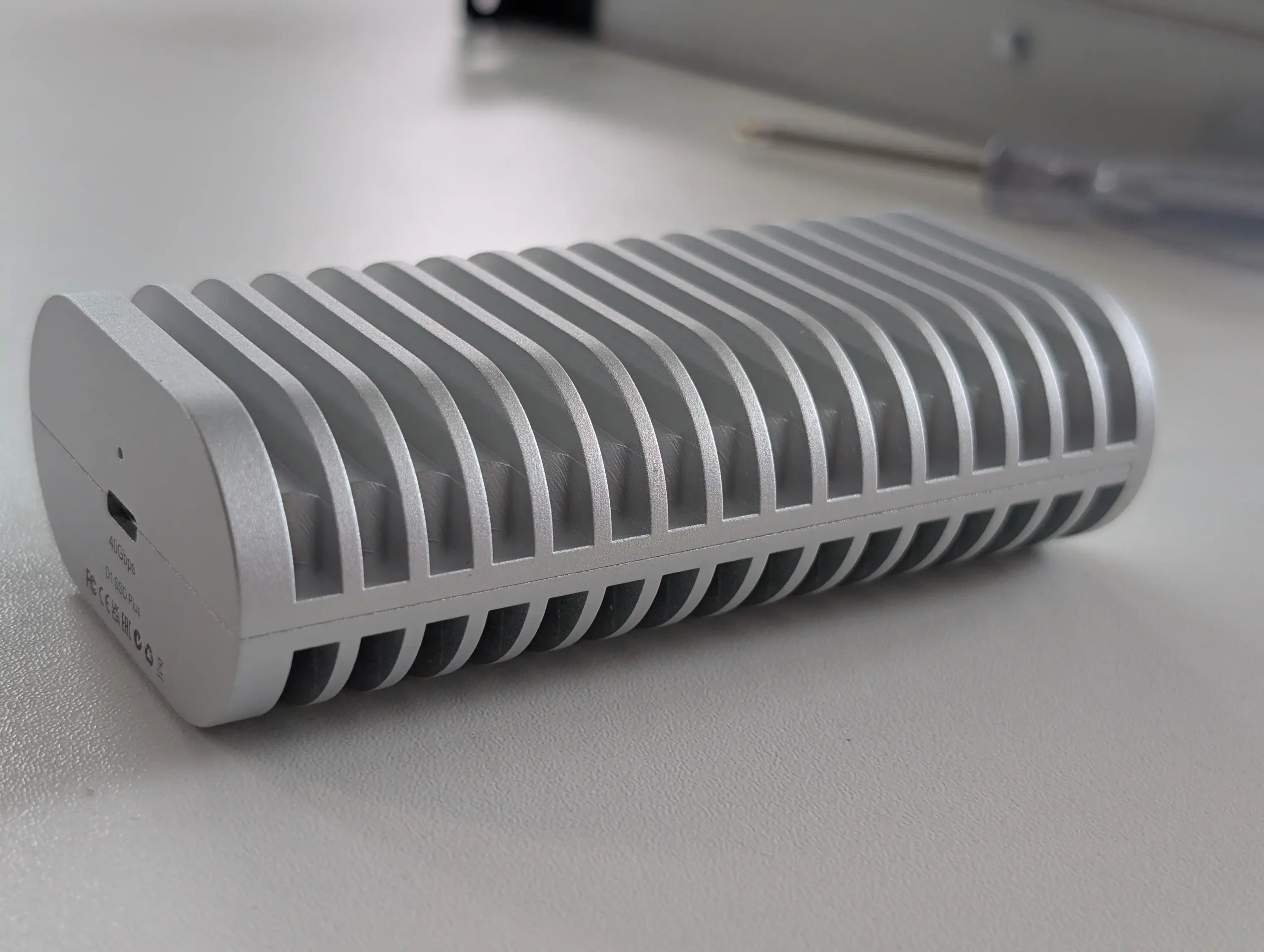
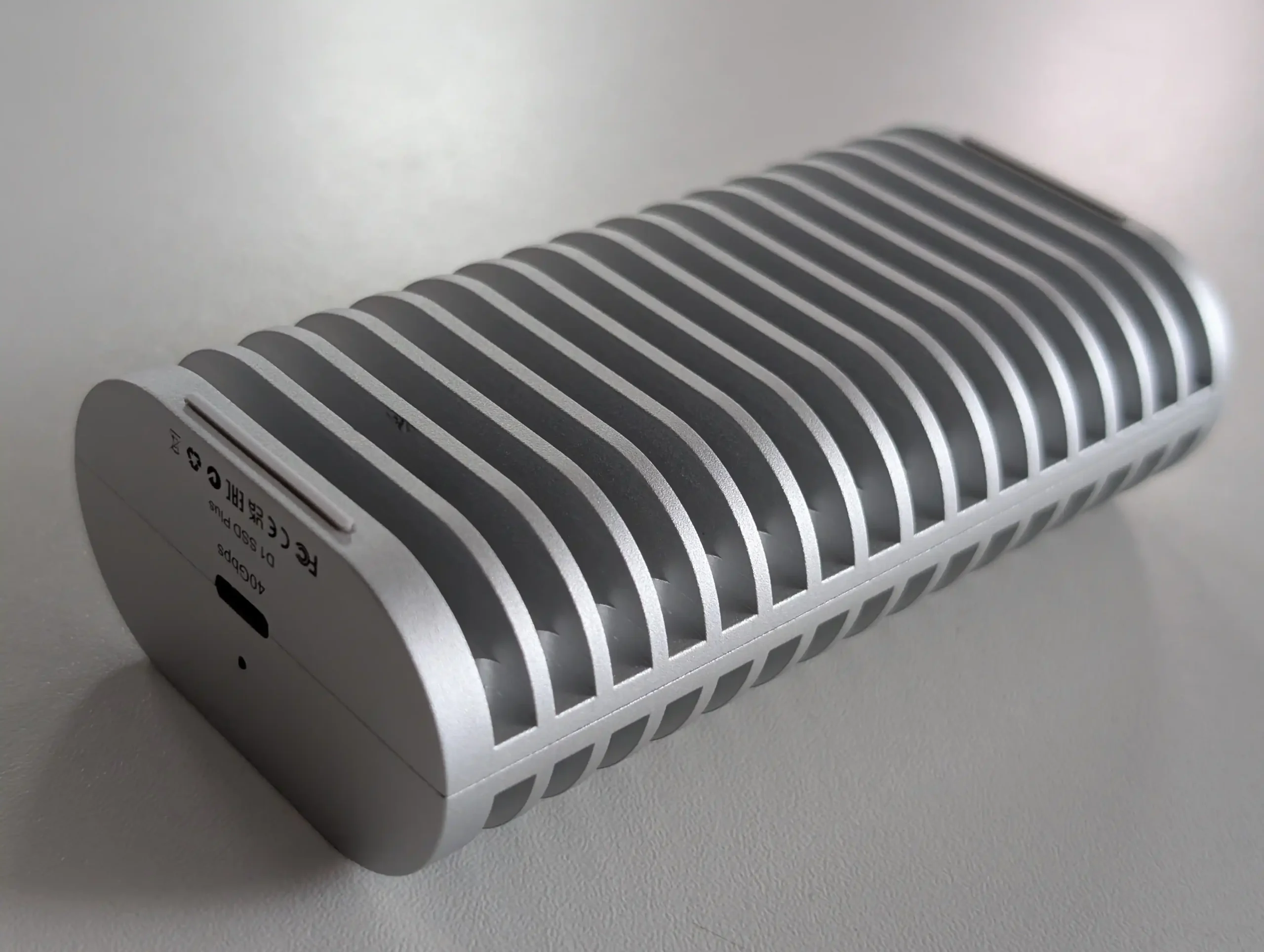
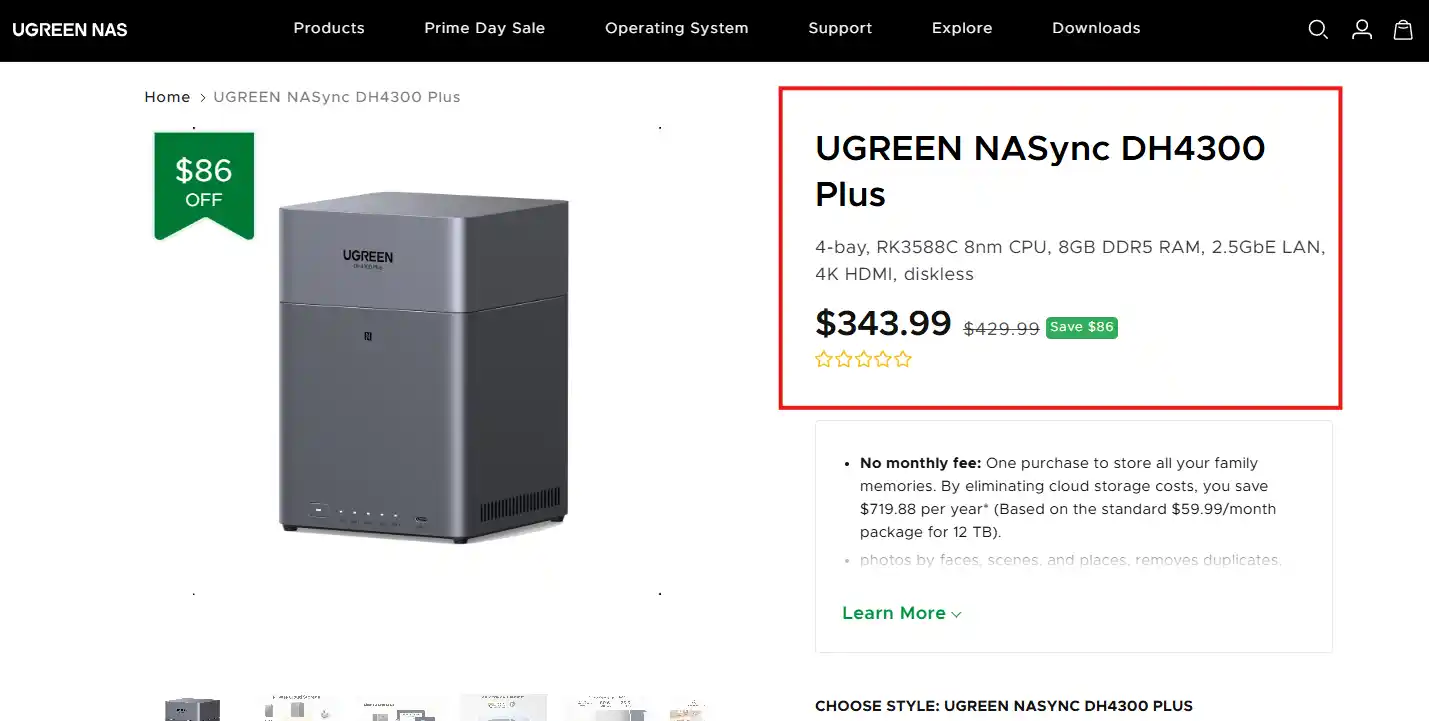
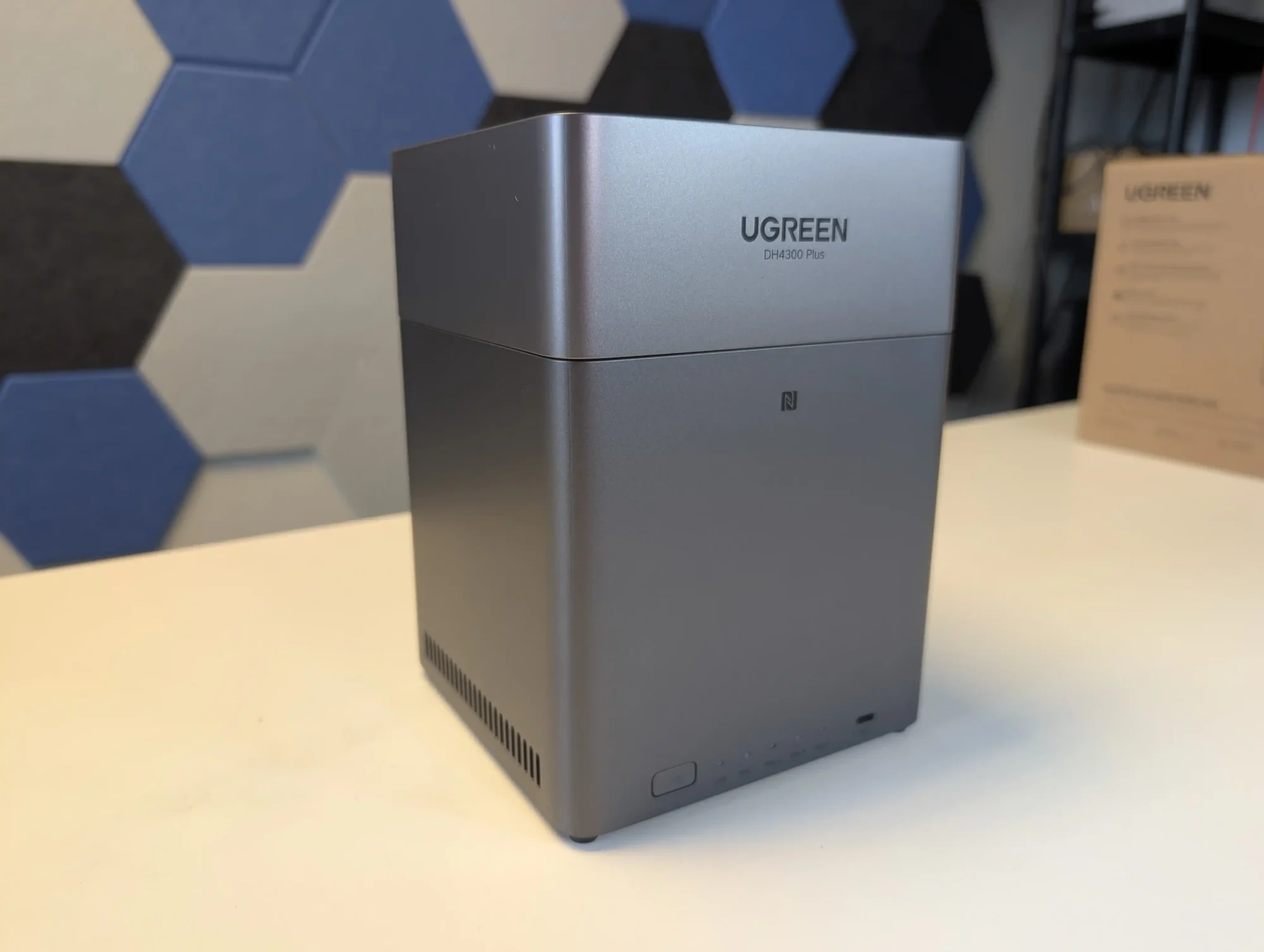 SOFTWARE - 6/10
HARDWARE - 7/10PERFORMANCE - 6/10PRICE - 9/10VALUE - 10/10
SOFTWARE - 6/10
HARDWARE - 7/10PERFORMANCE - 6/10PRICE - 9/10VALUE - 10/10
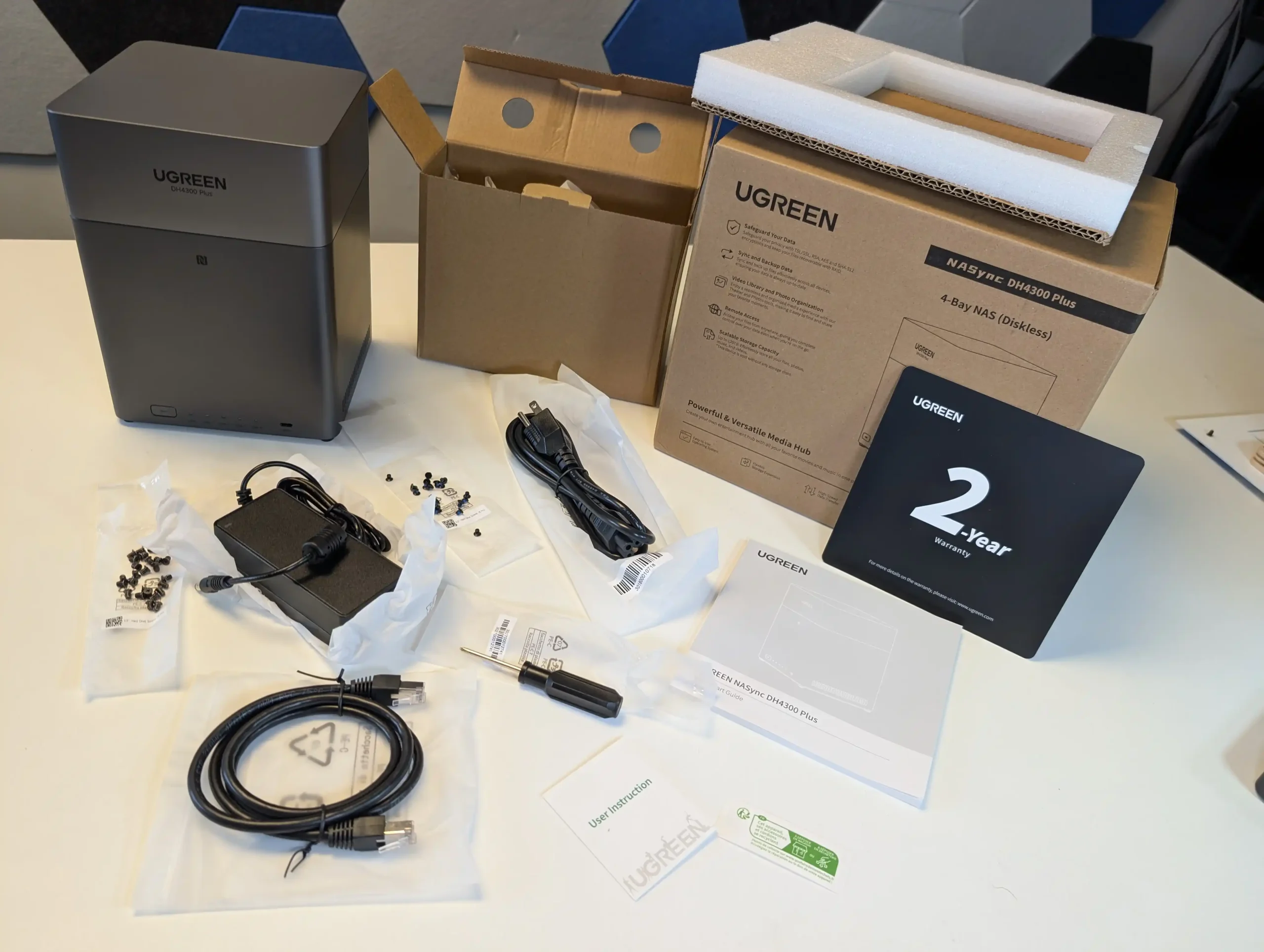
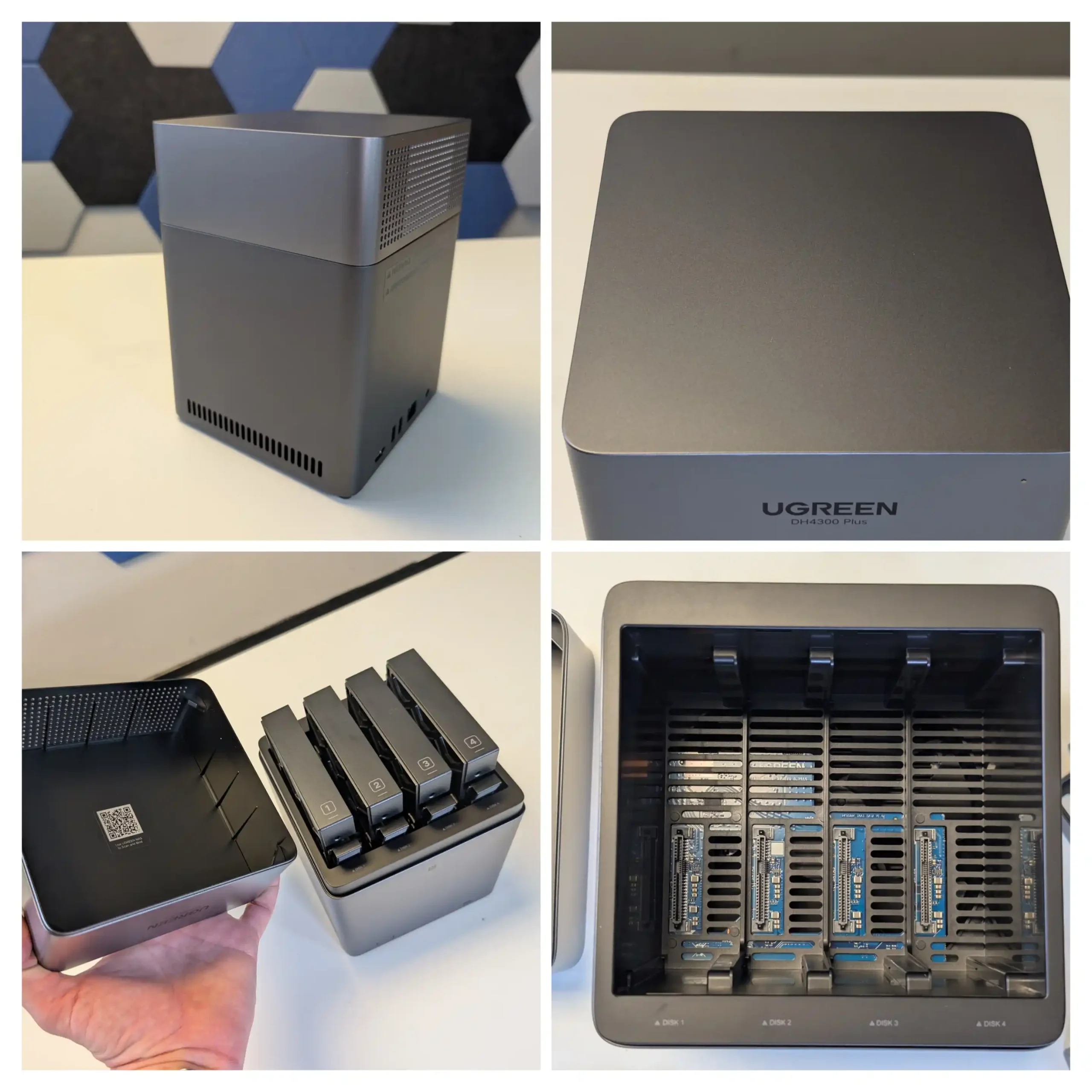
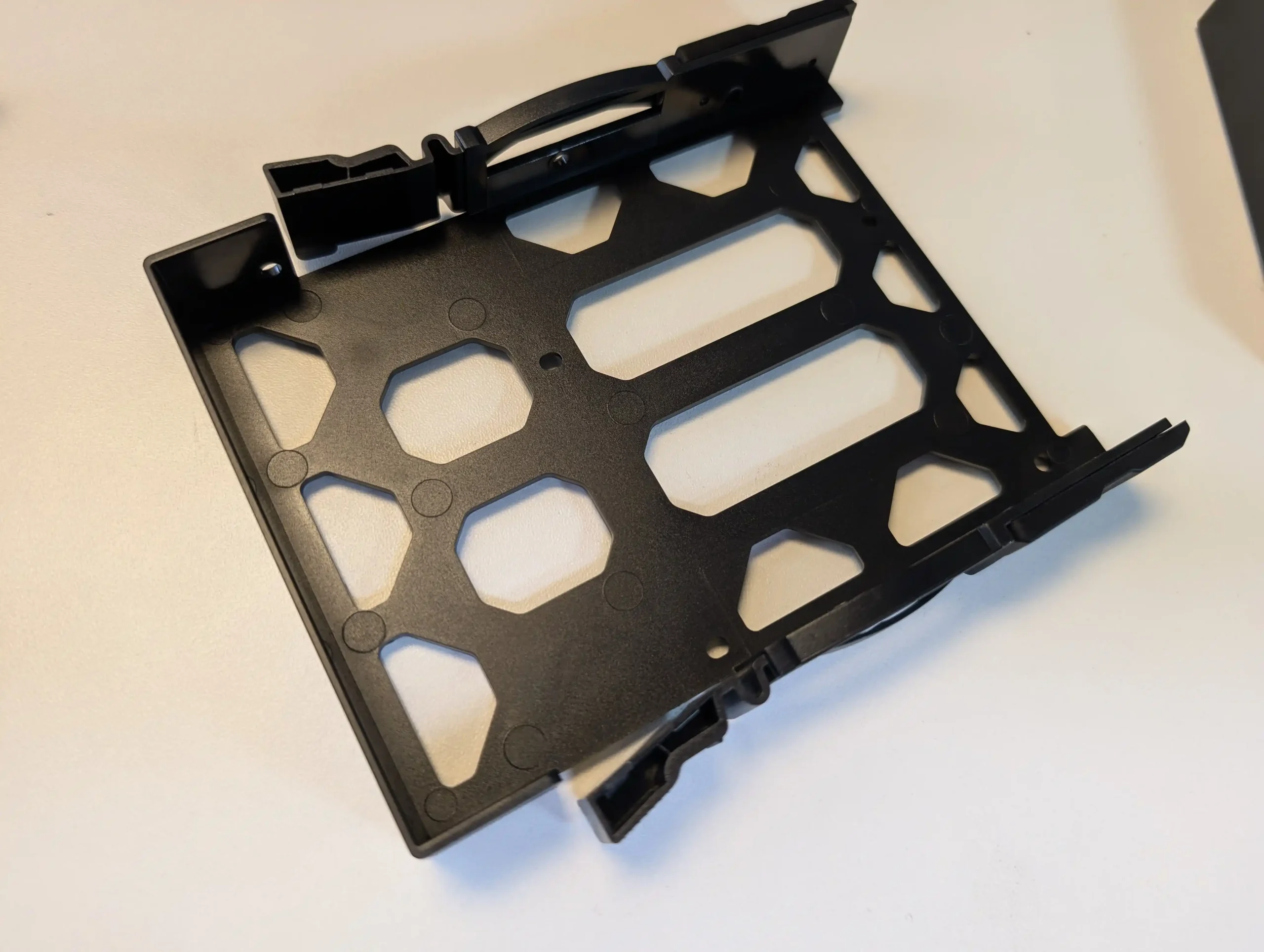
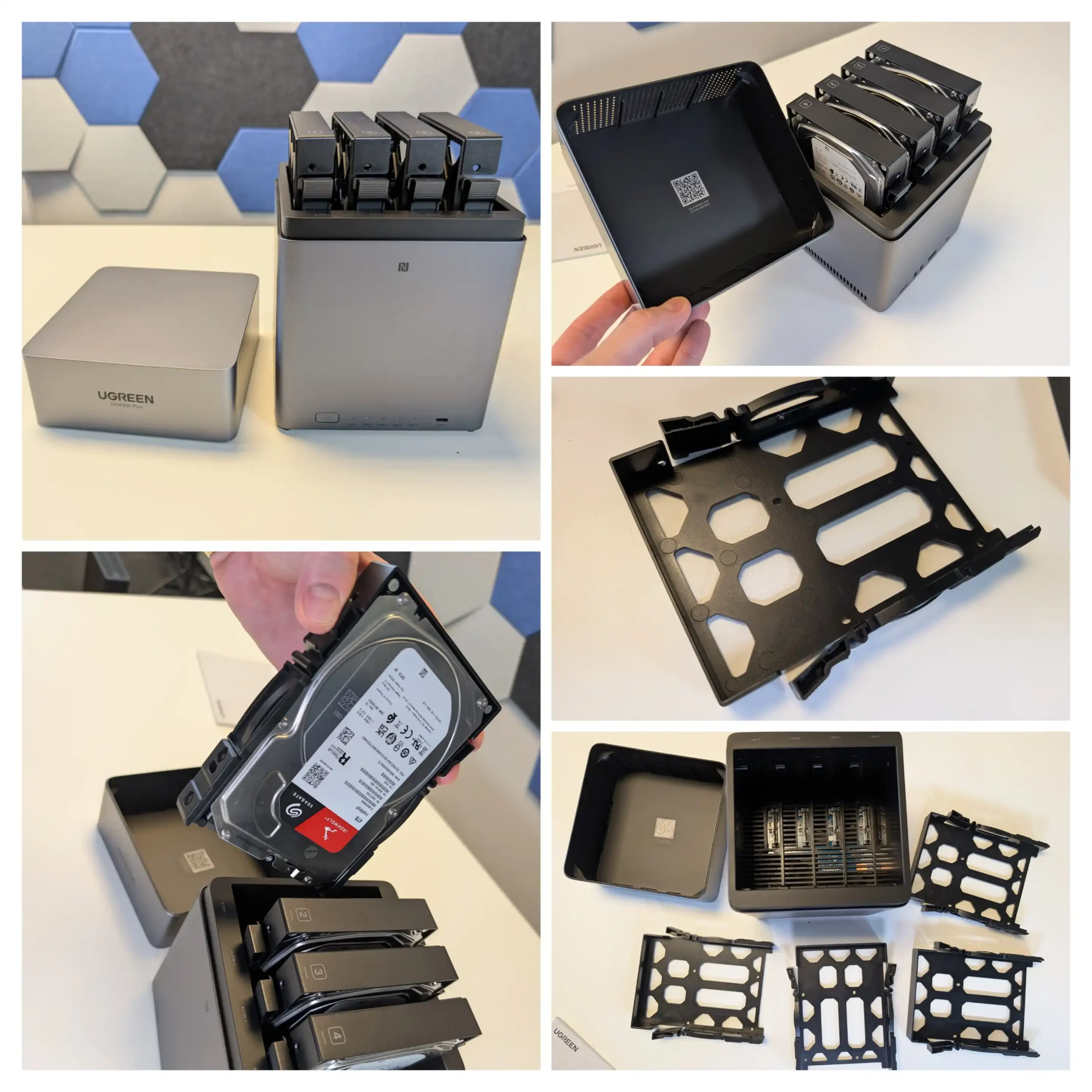

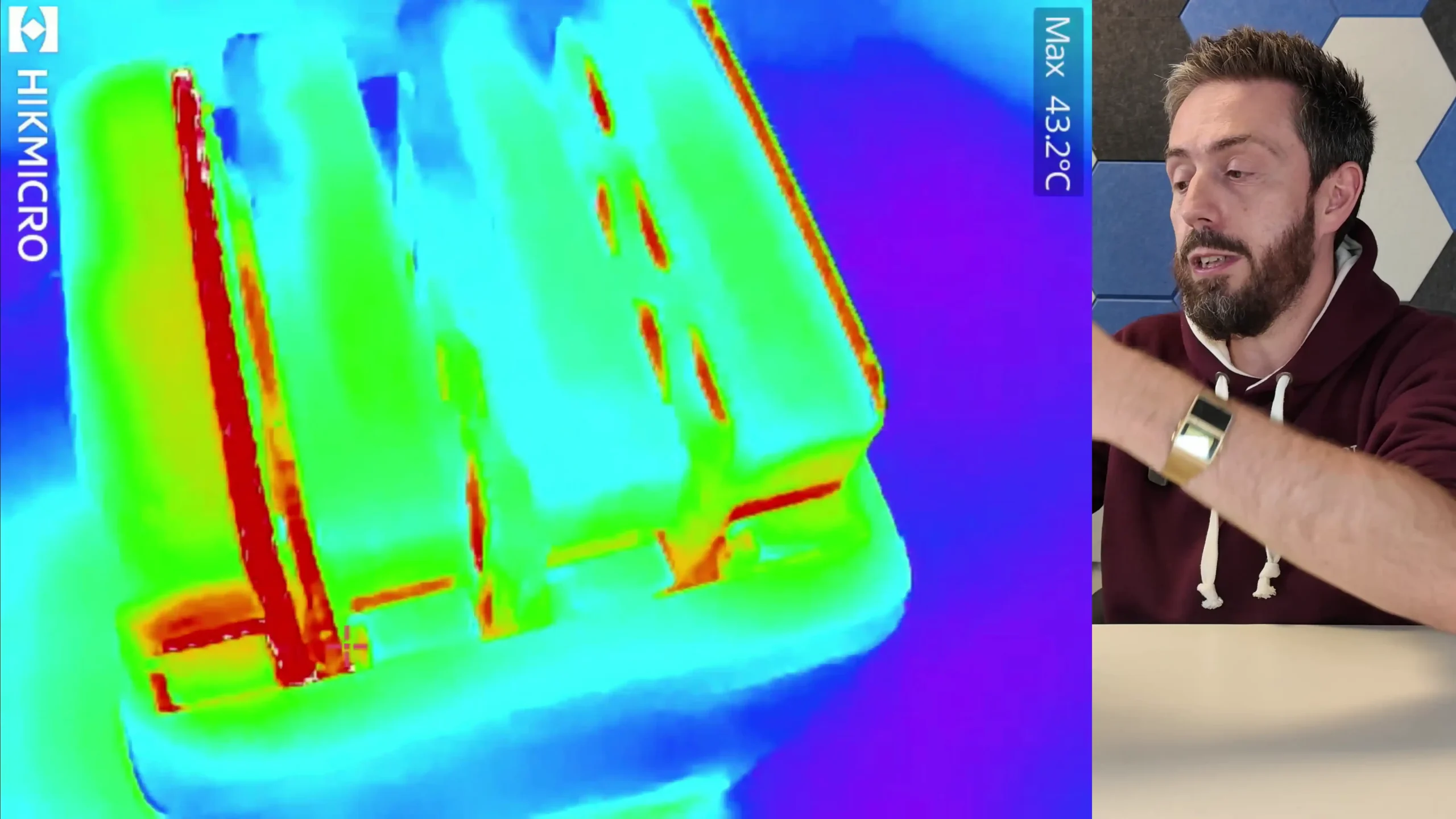

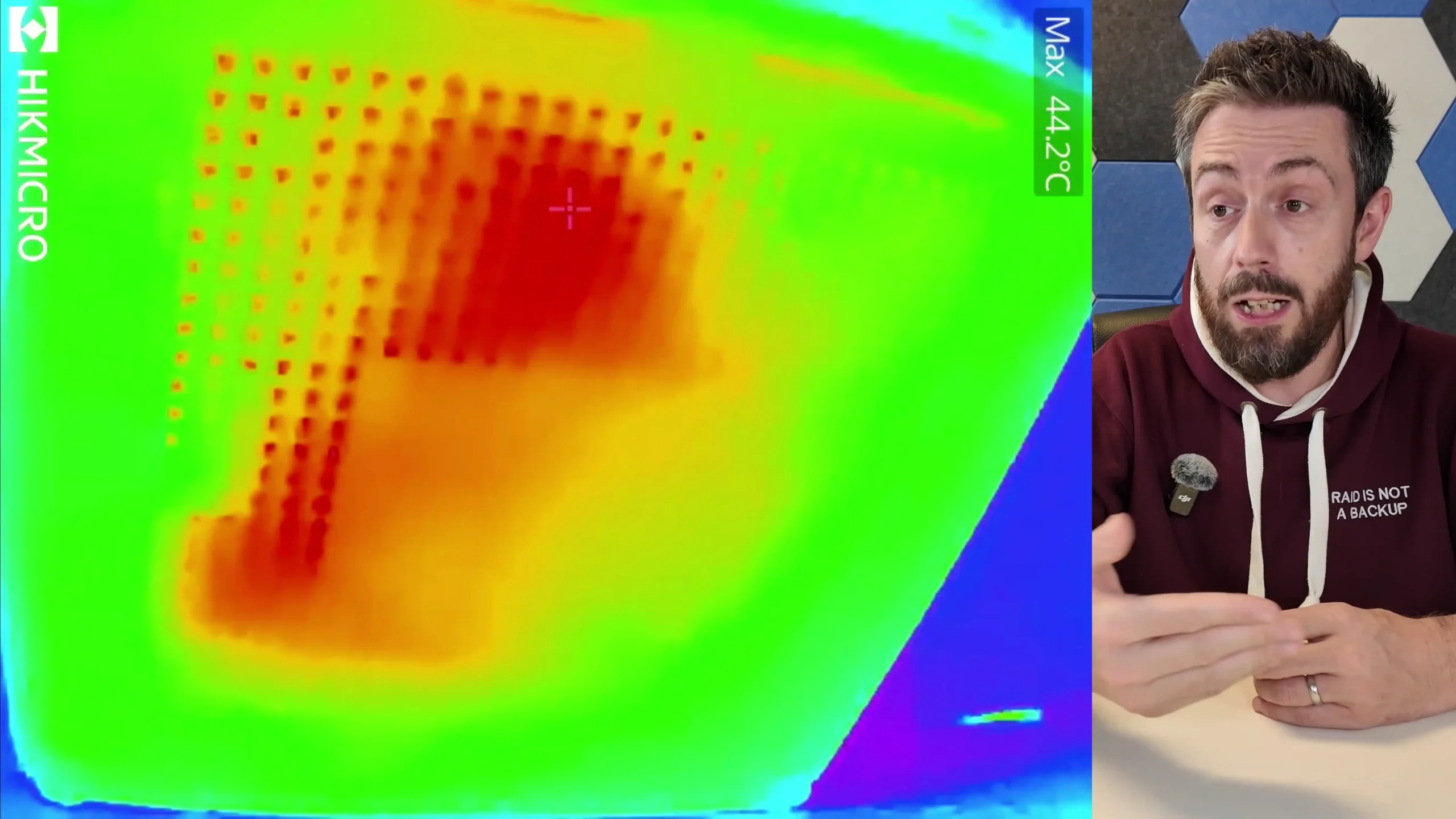
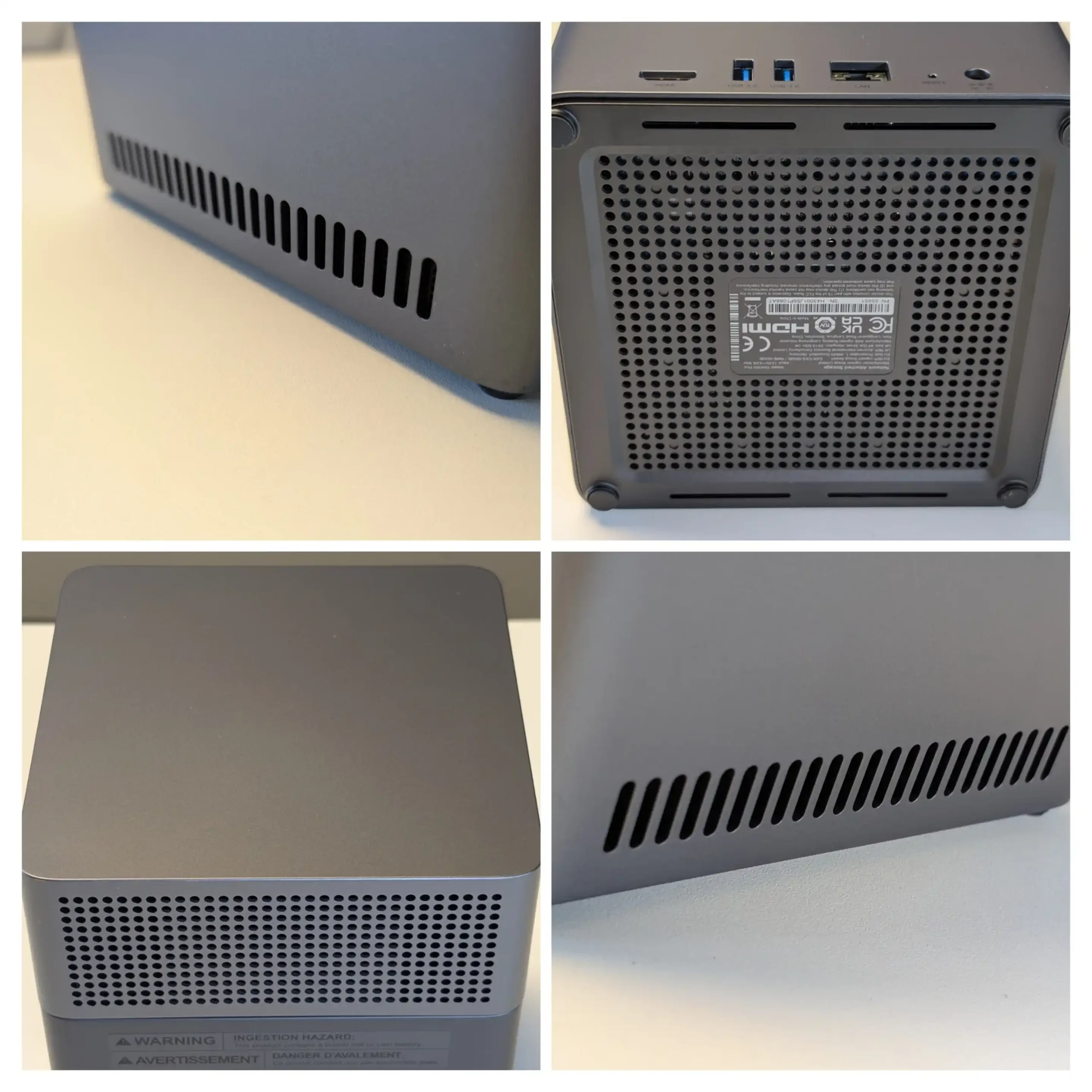
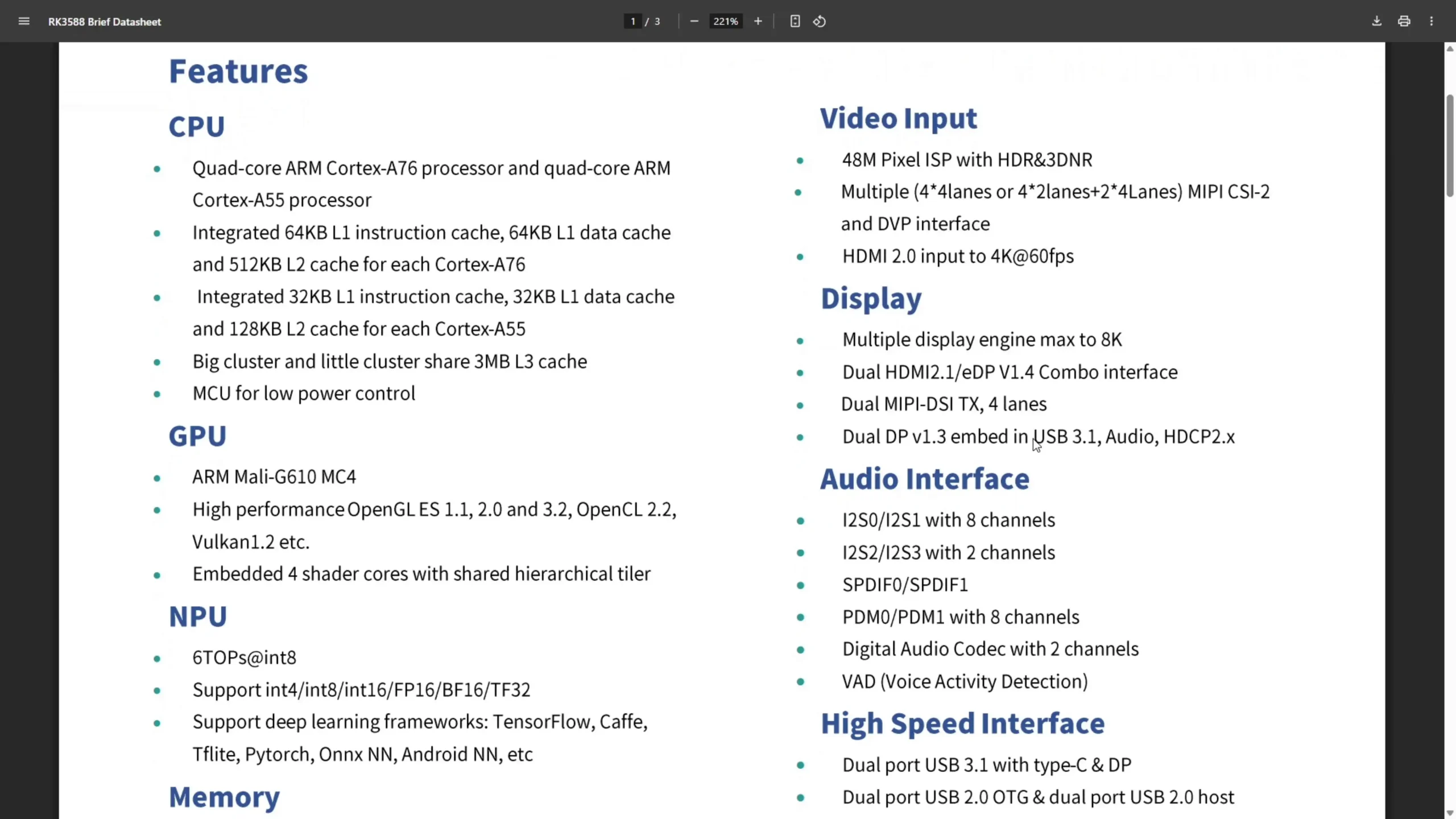
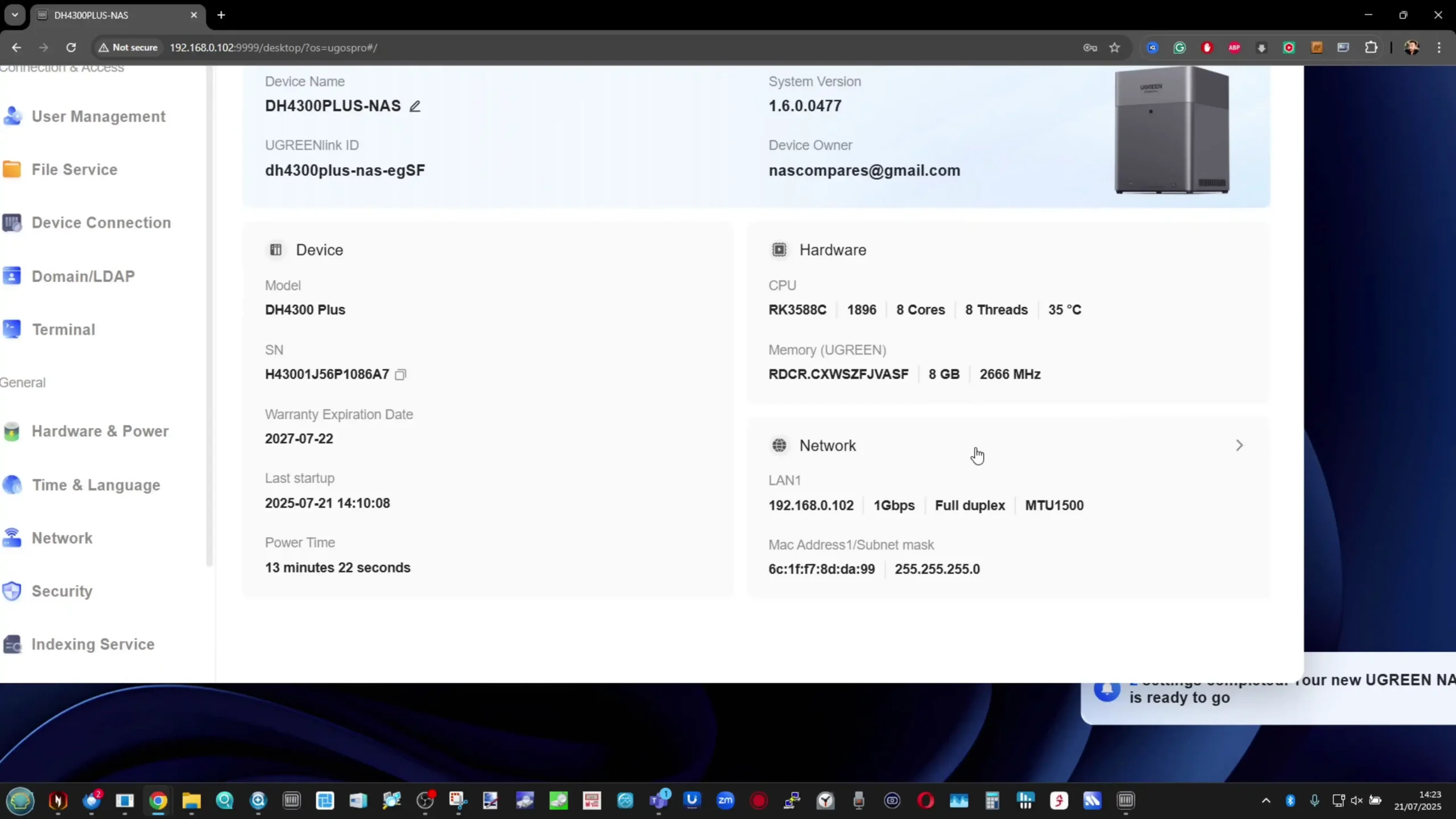
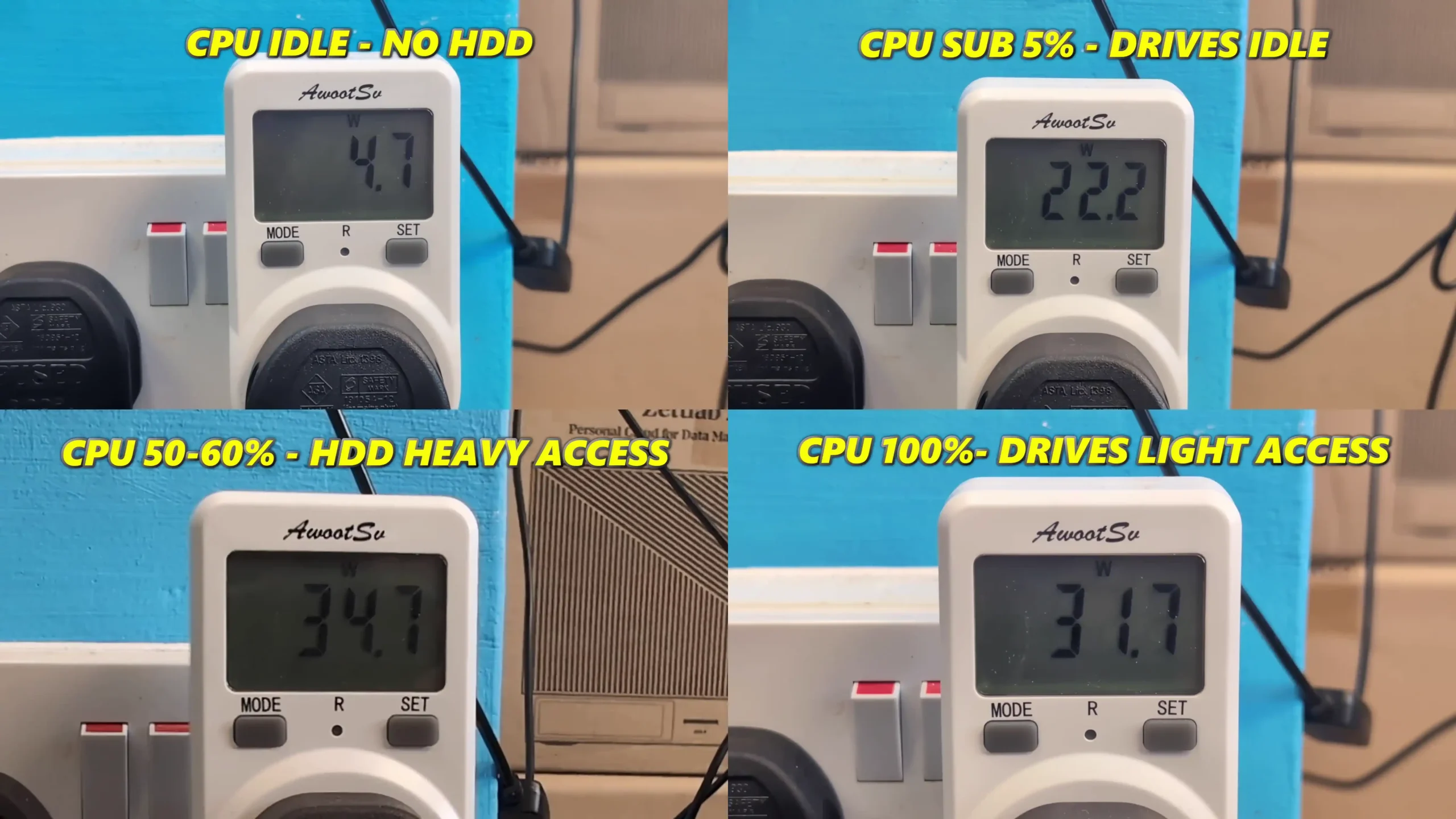
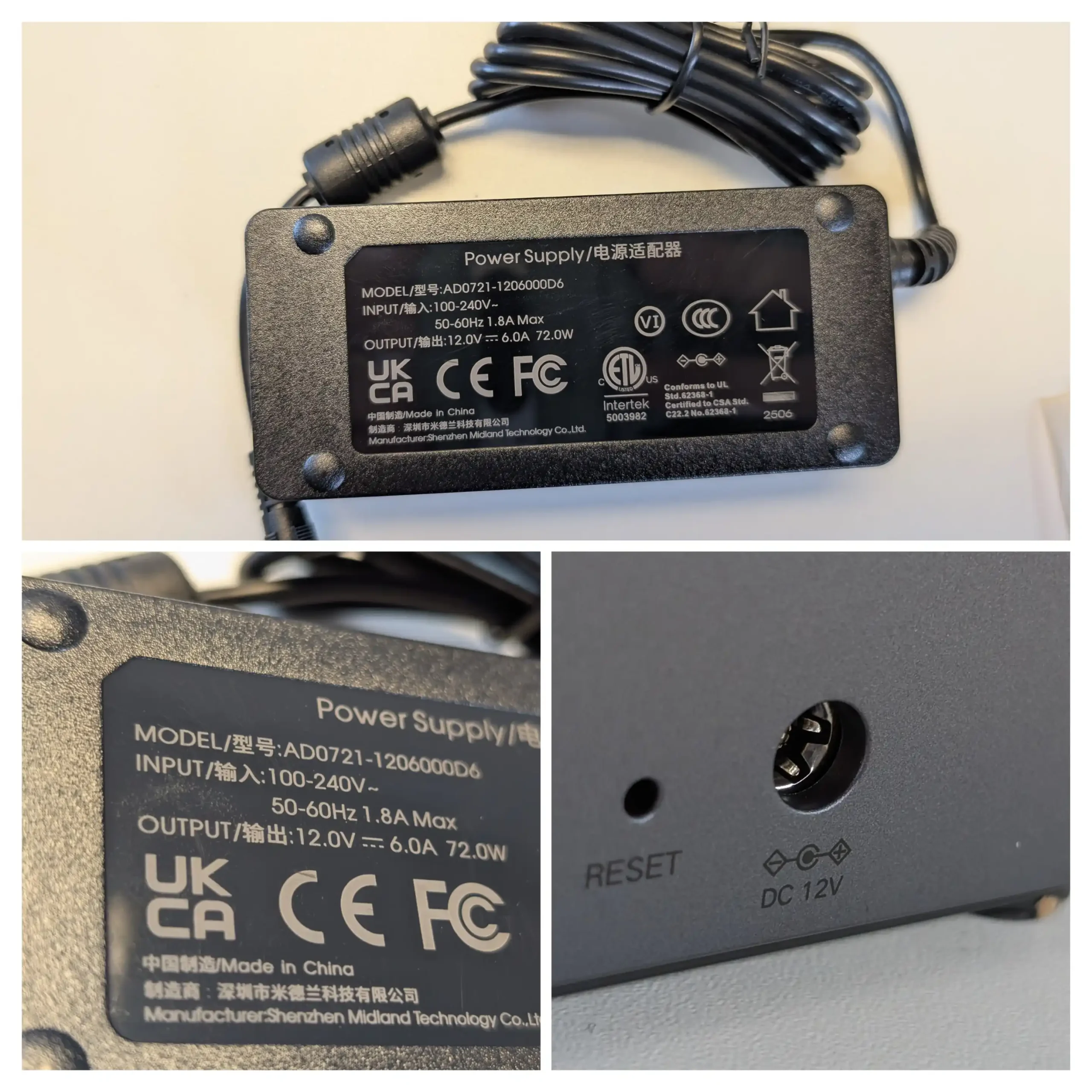
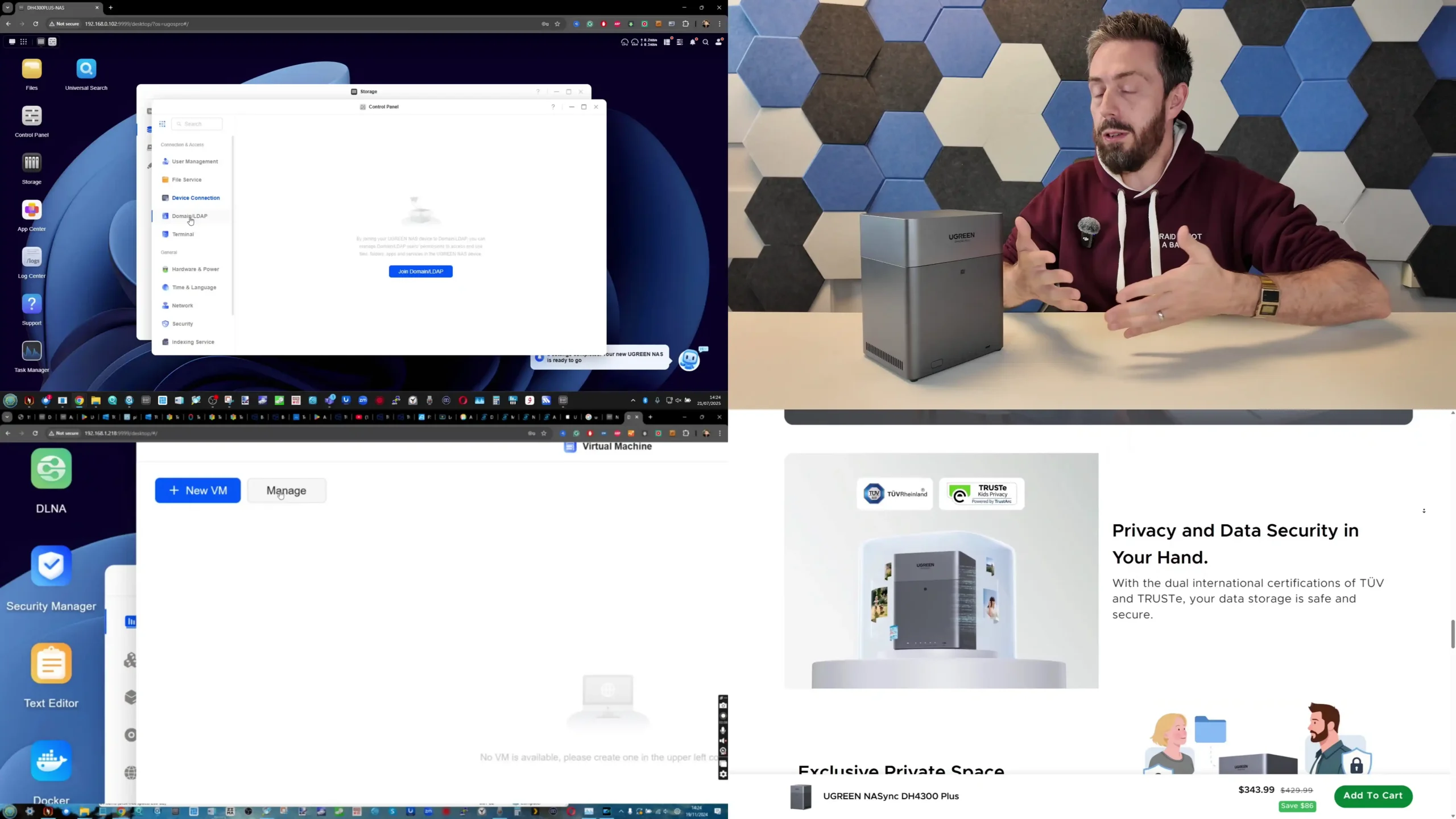
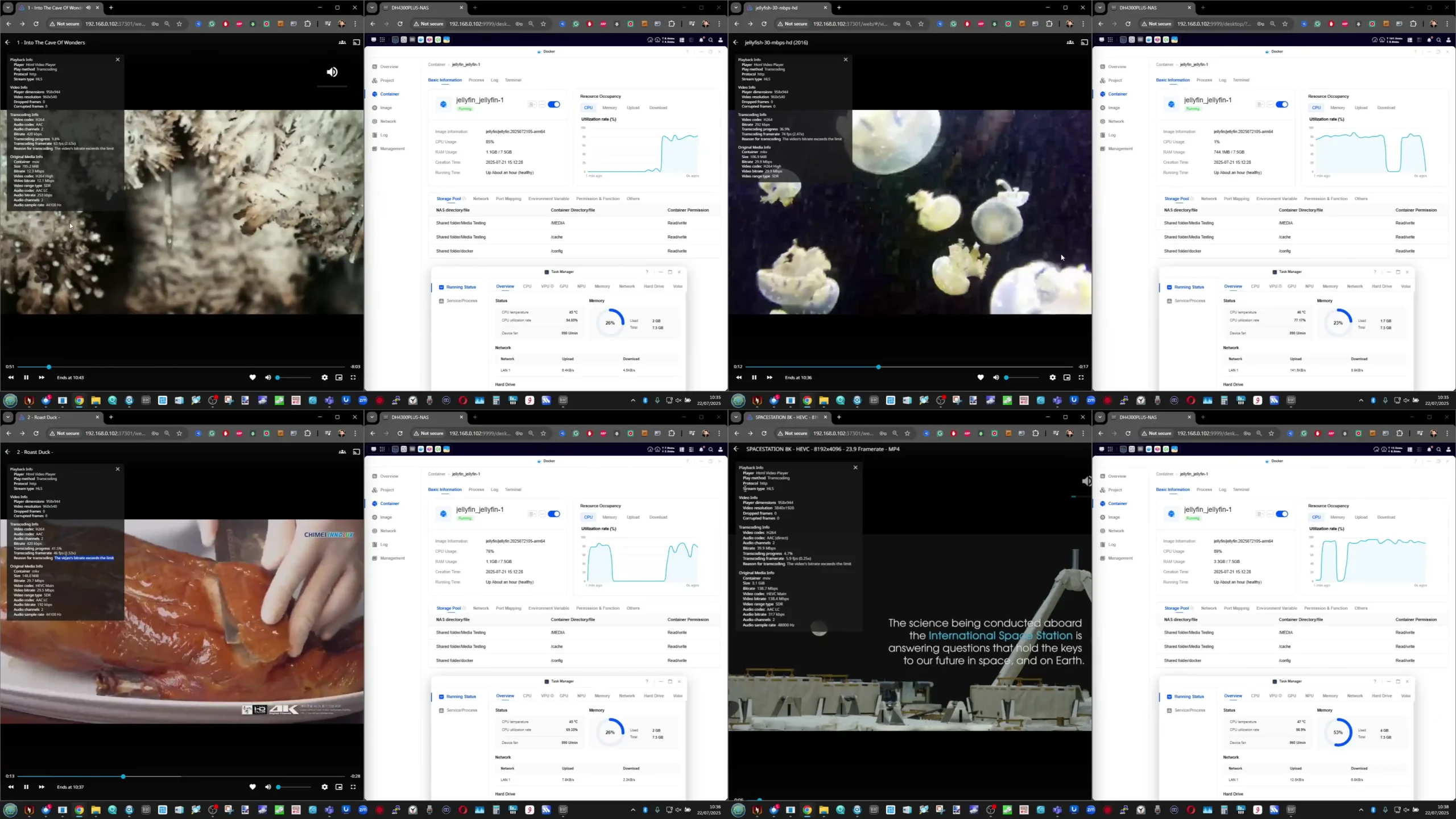
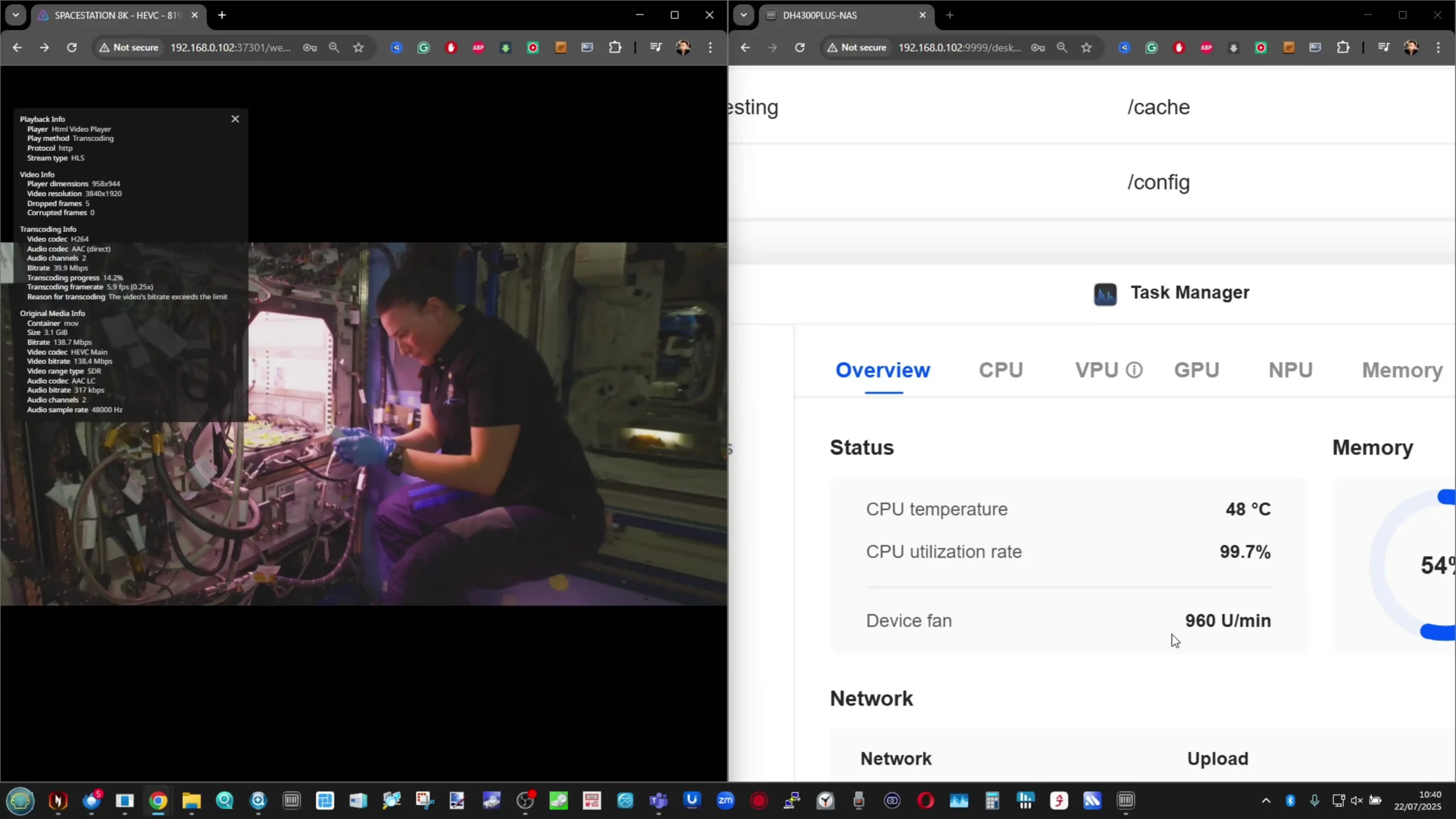
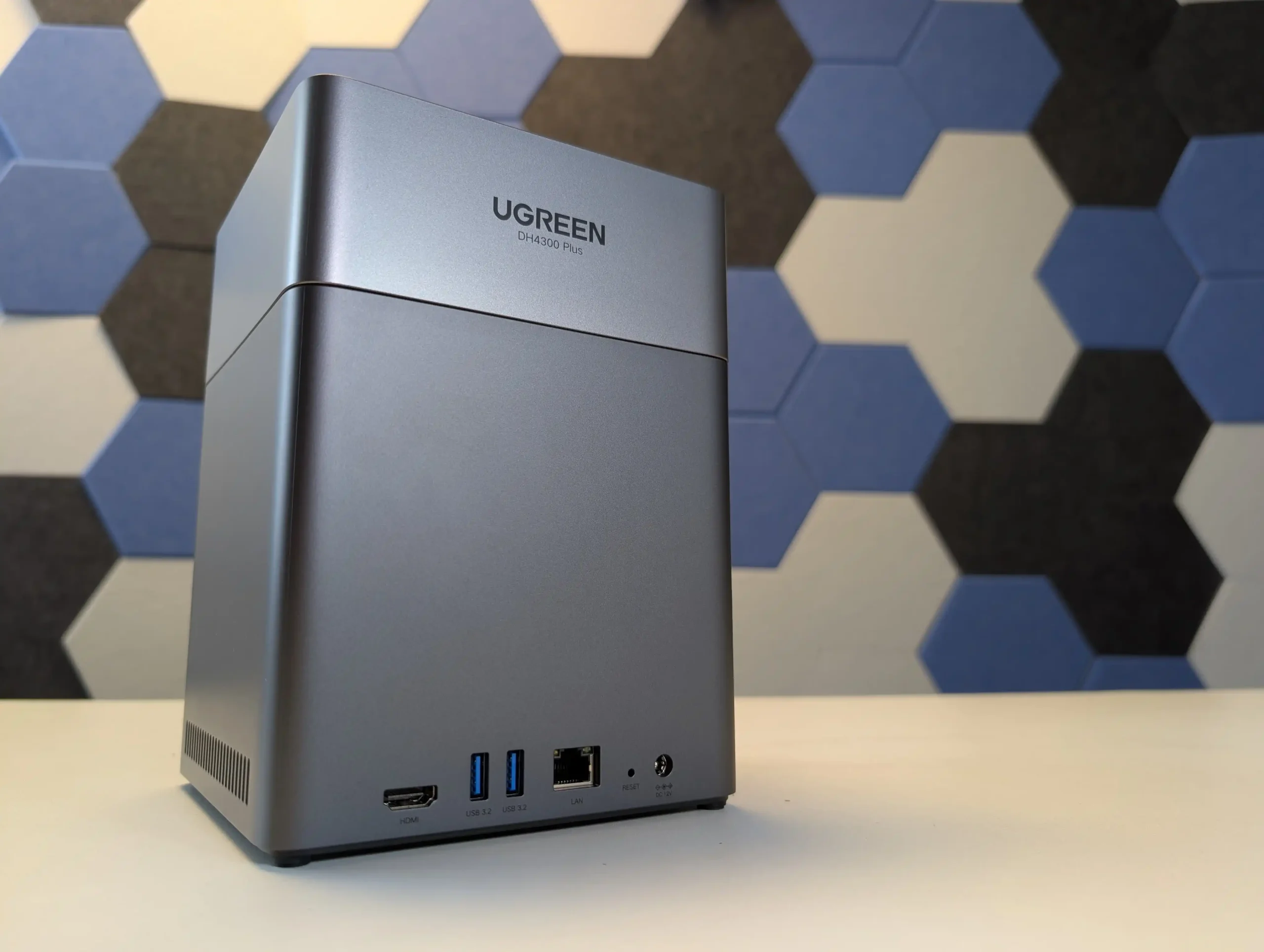





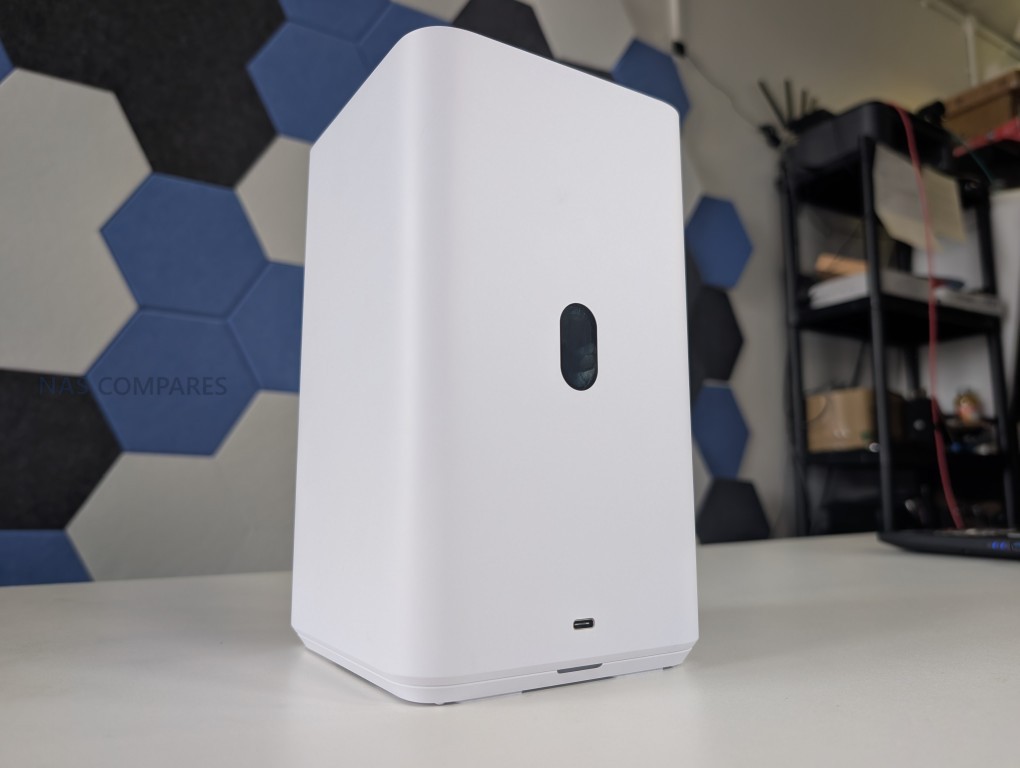

 DSM 7.2 OS offers mature, stable, and feature-rich ecosystem with professional backup, replication, and VM tools.
 Limited M.2 NVMe support (Gen3x4, only Synology-branded SSDs officially supported).