Vue lecture

Il y a de nouveaux articles disponibles, cliquez pour rafraîchir la page.

Synology FS200T NAS Revealed

Synology FS200T NAS is STILL A THING! But Is It Too Late?

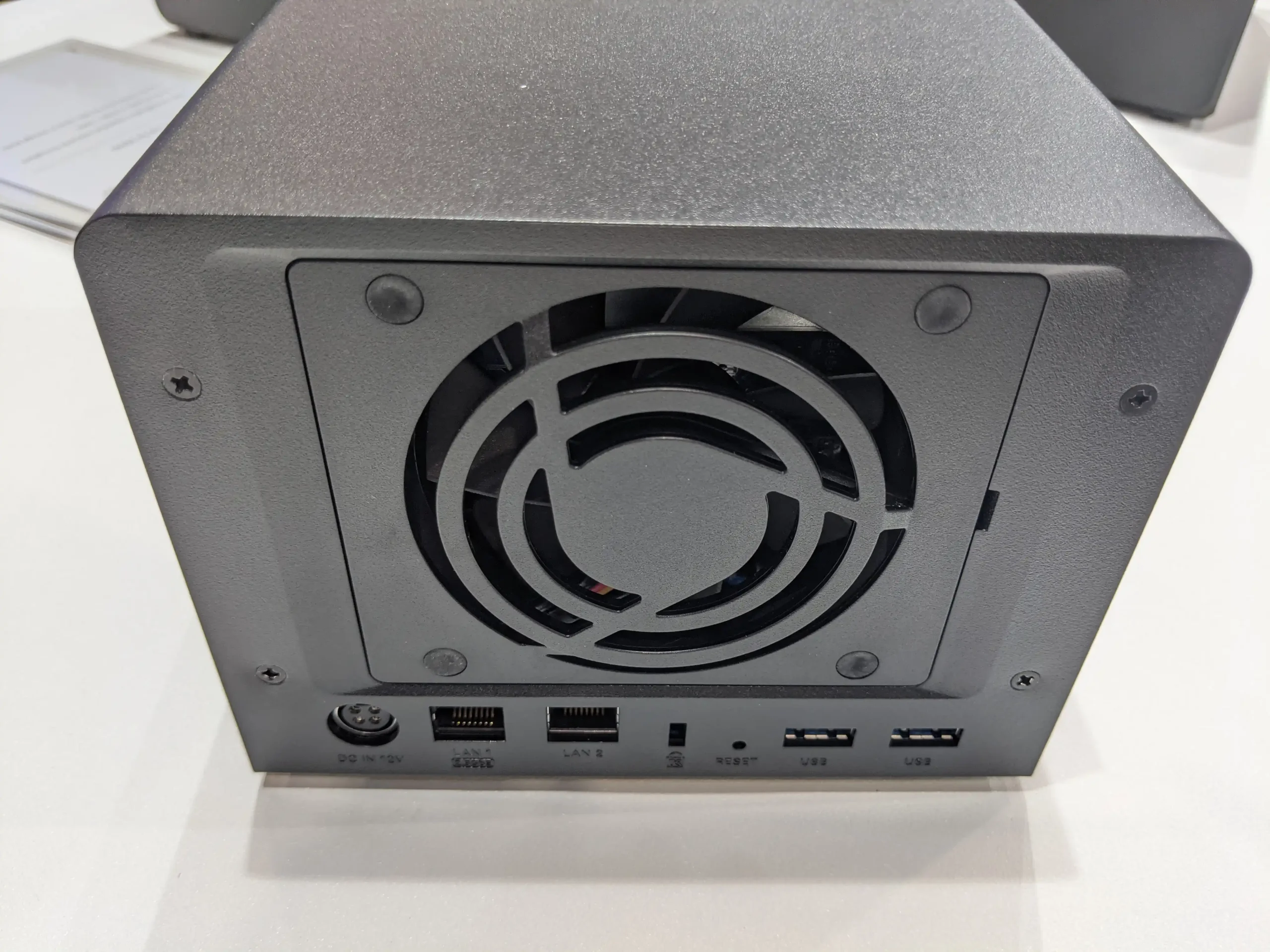
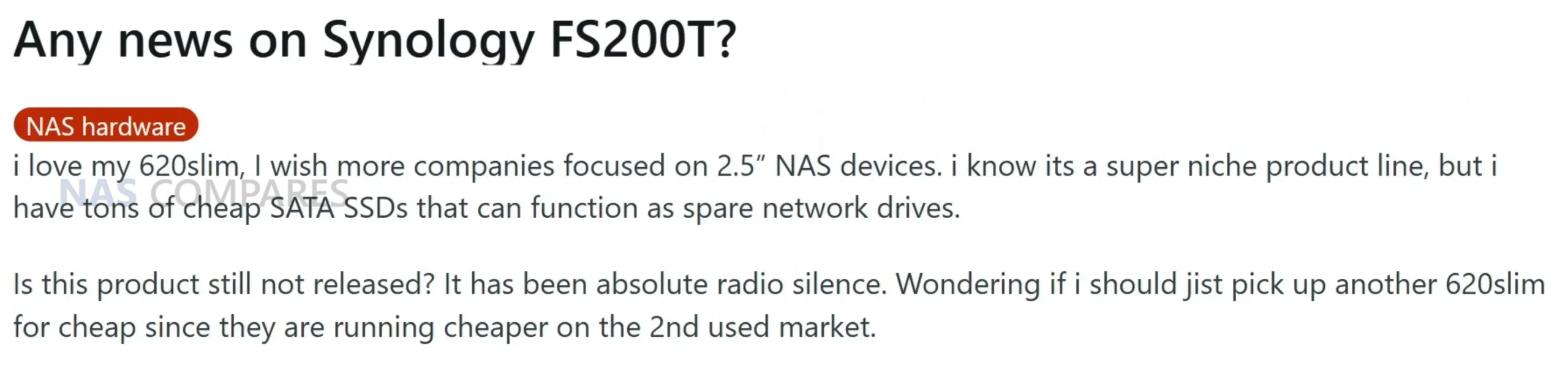
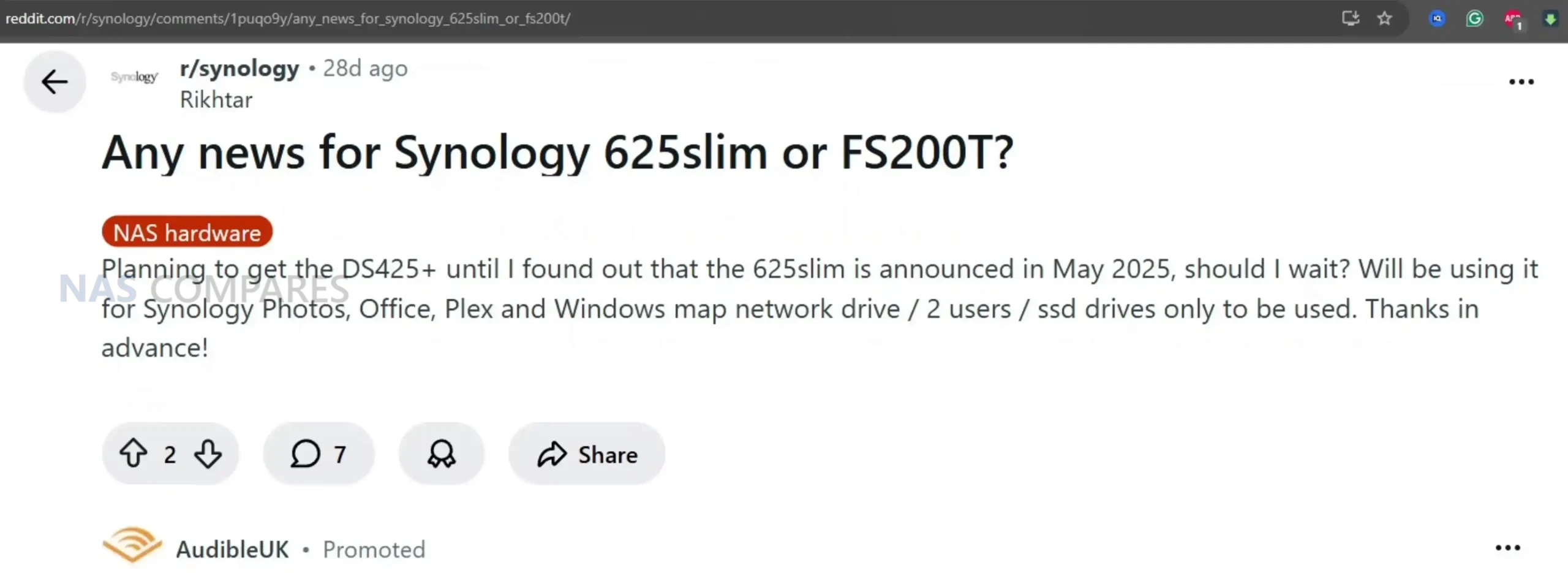
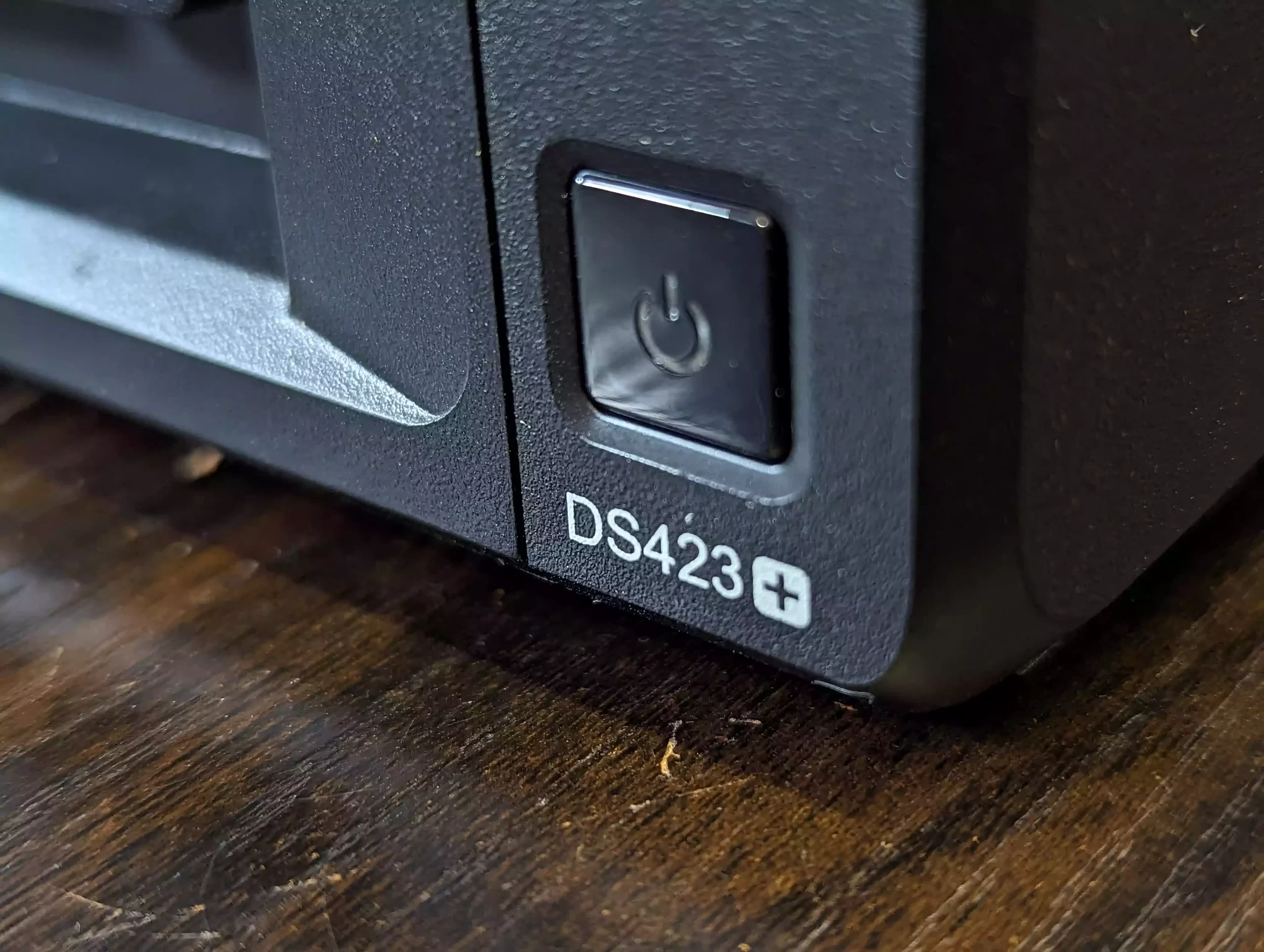
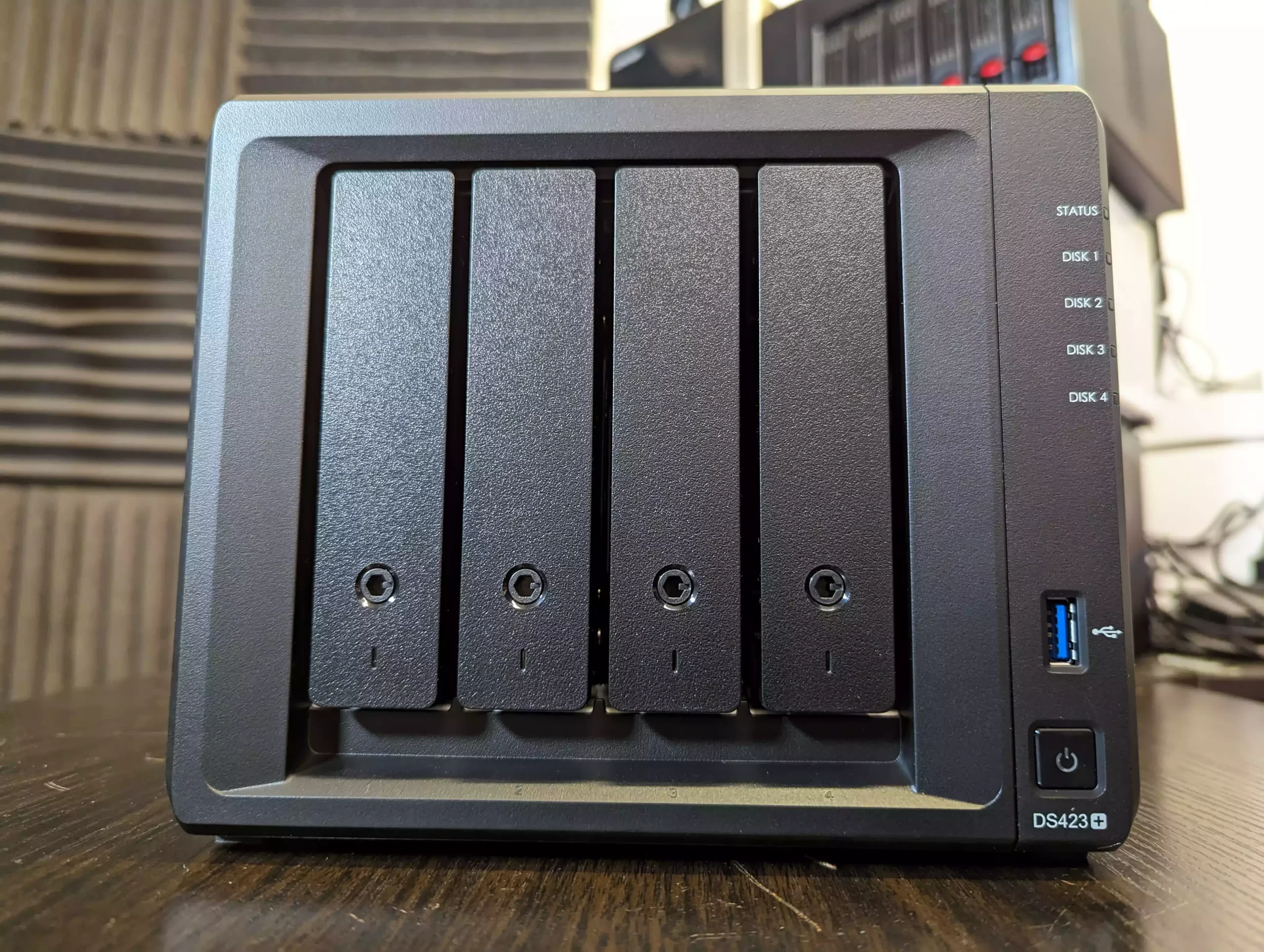
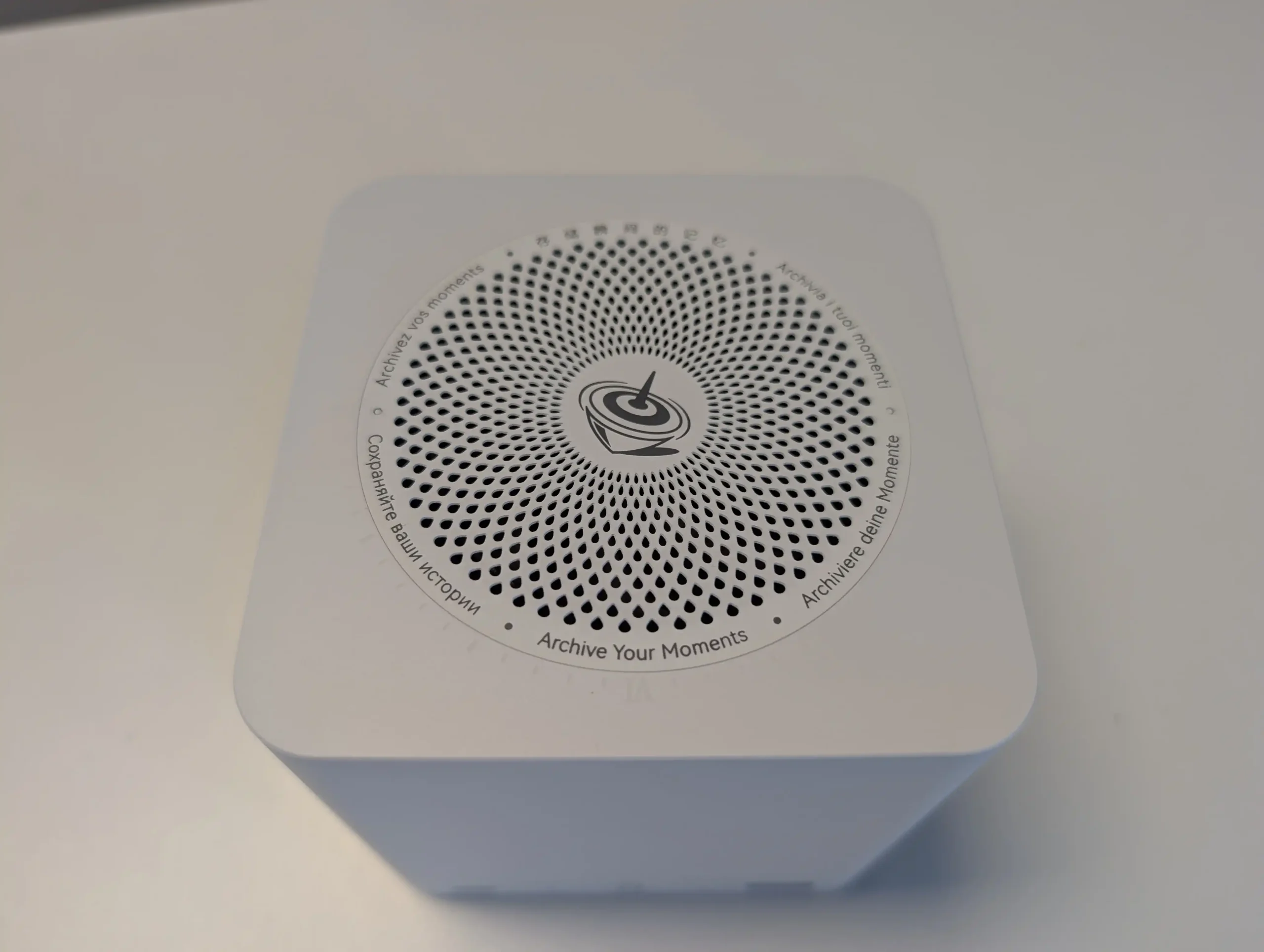
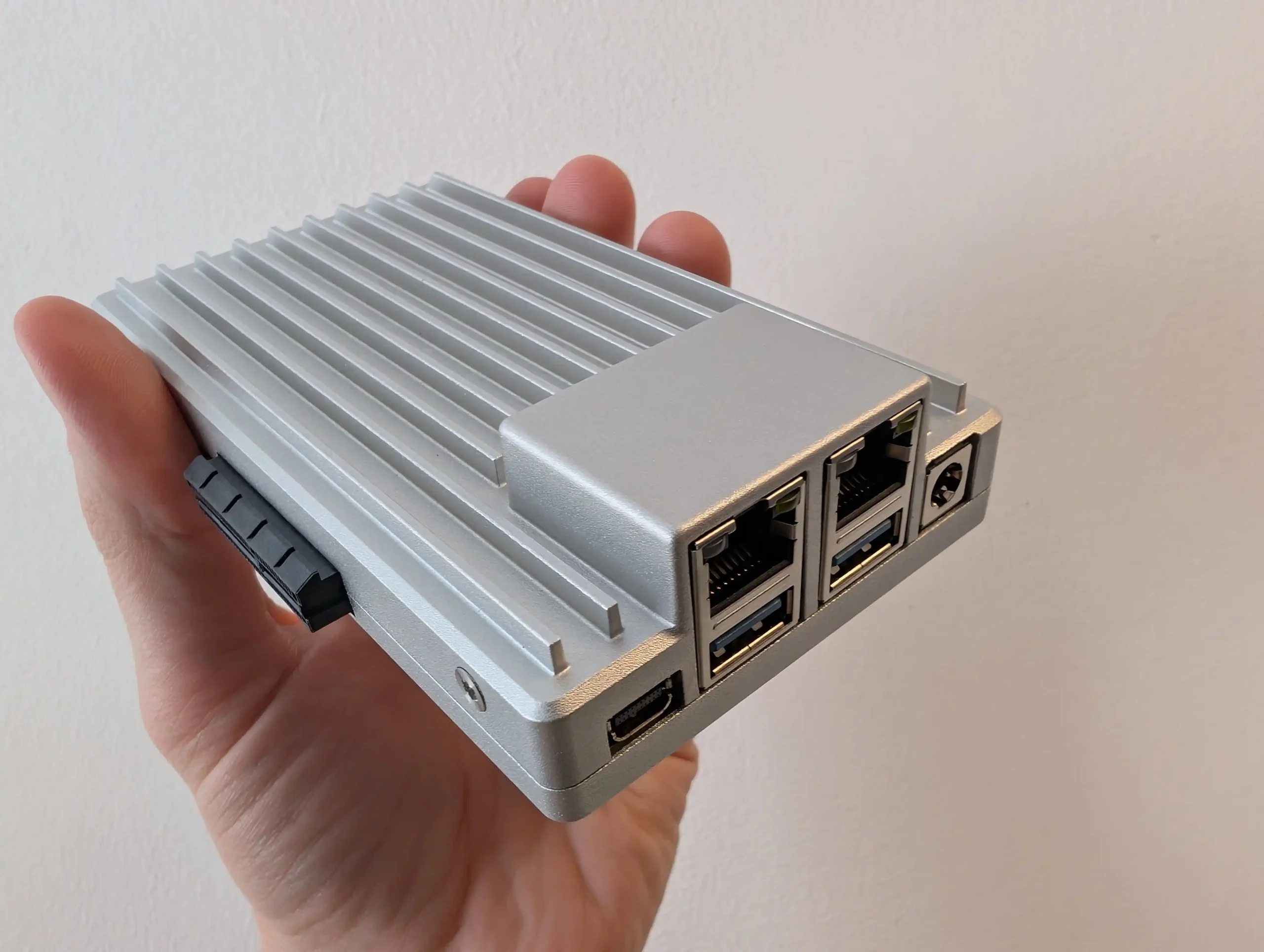
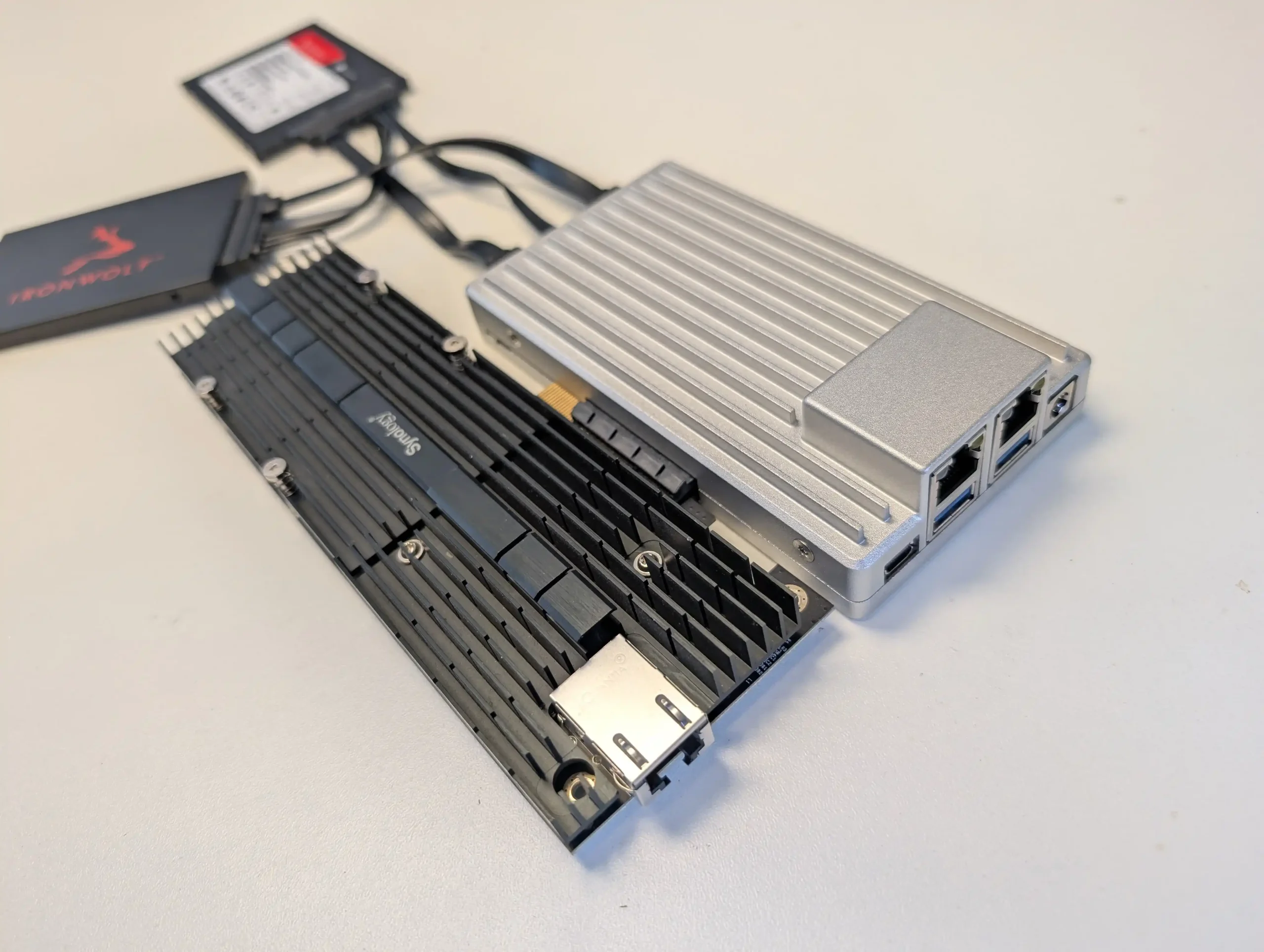
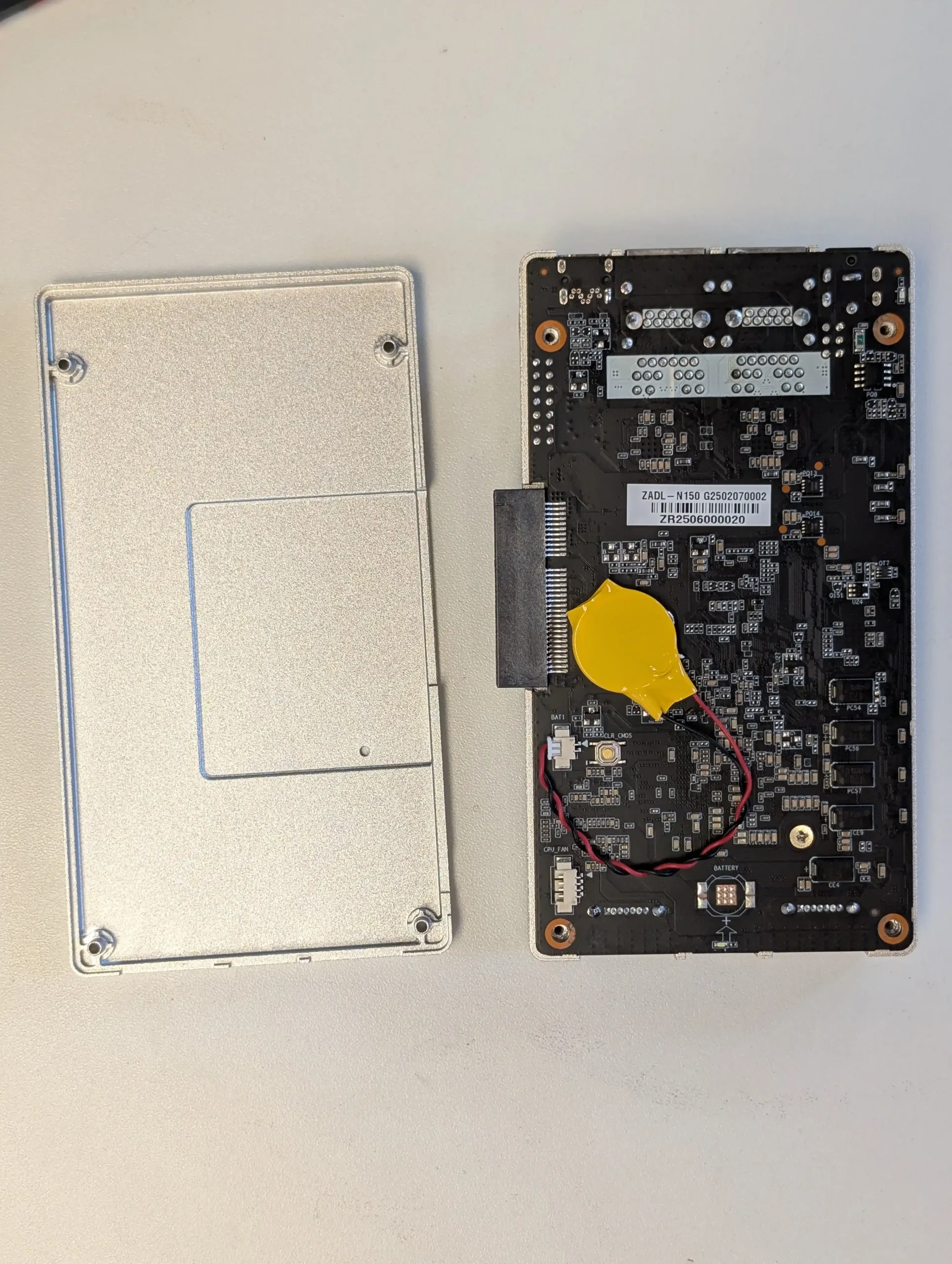
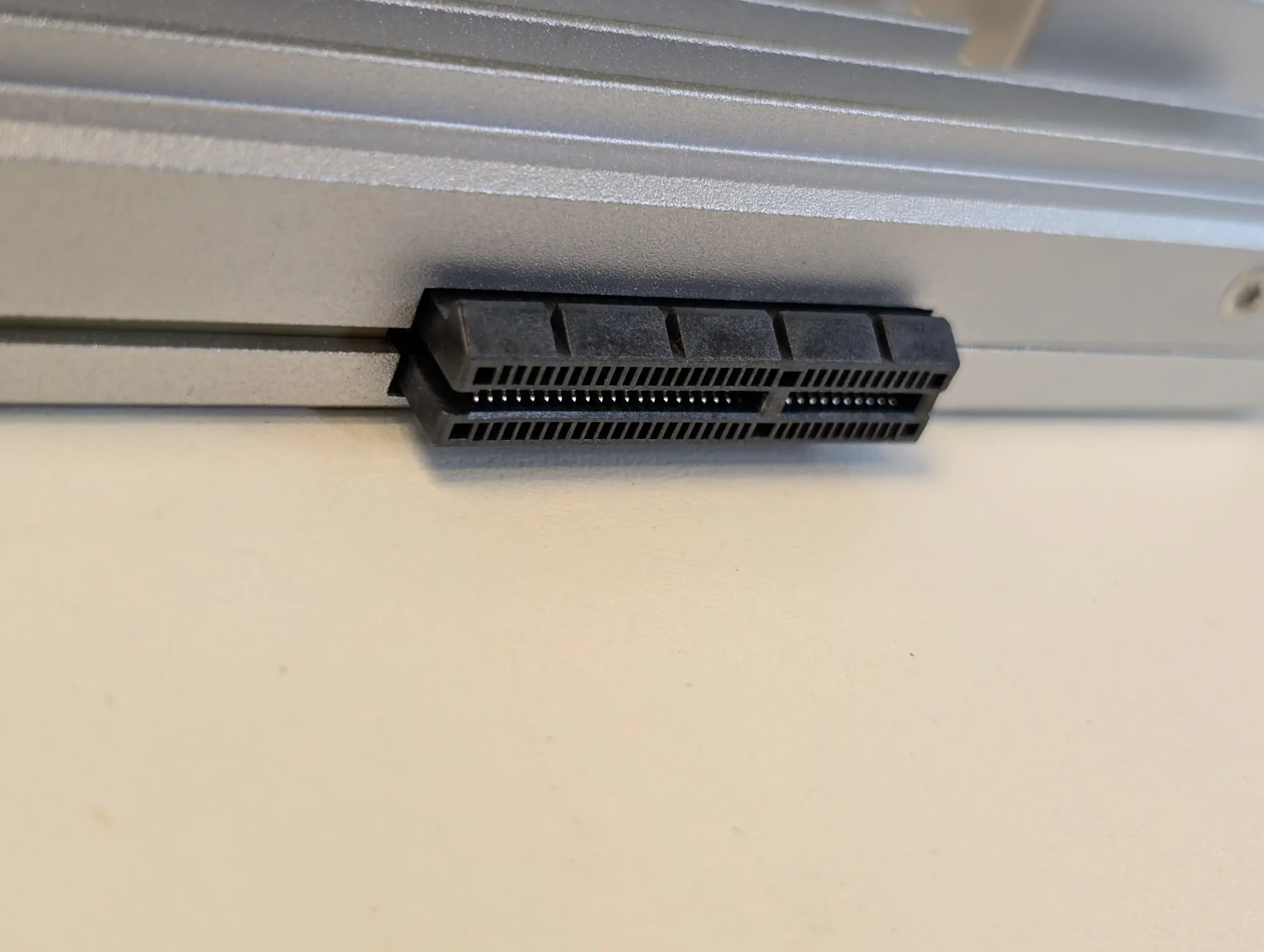
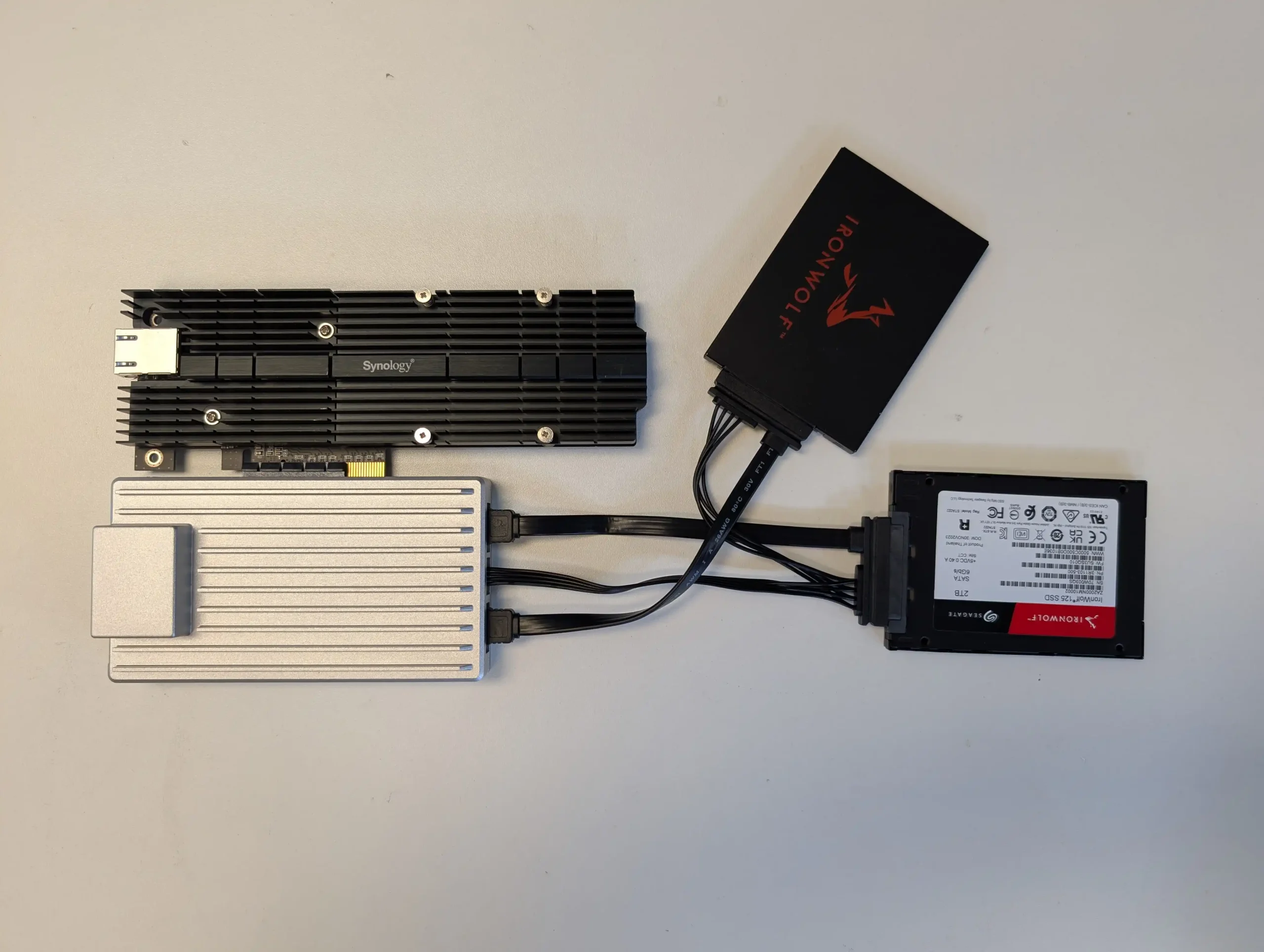
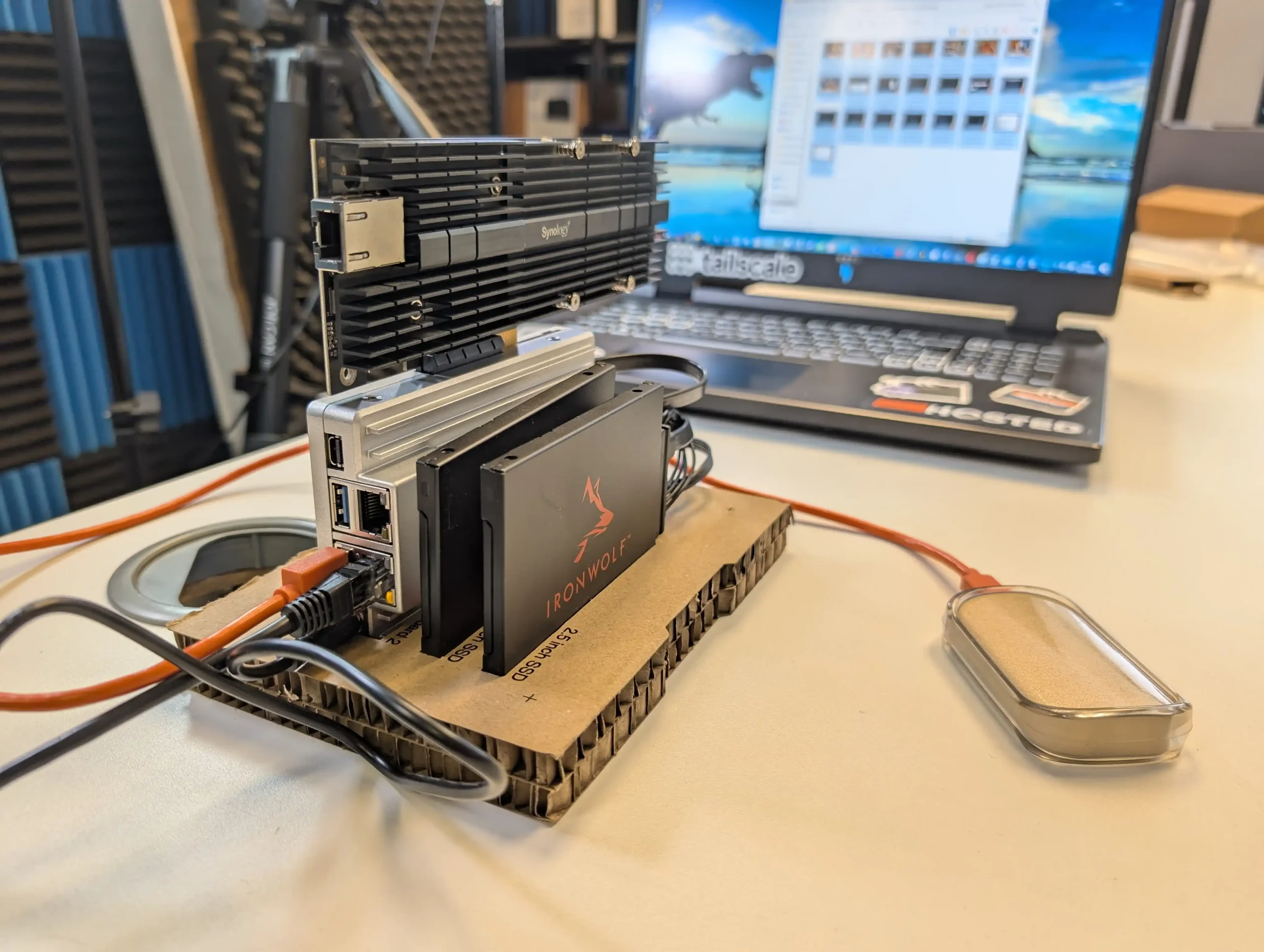
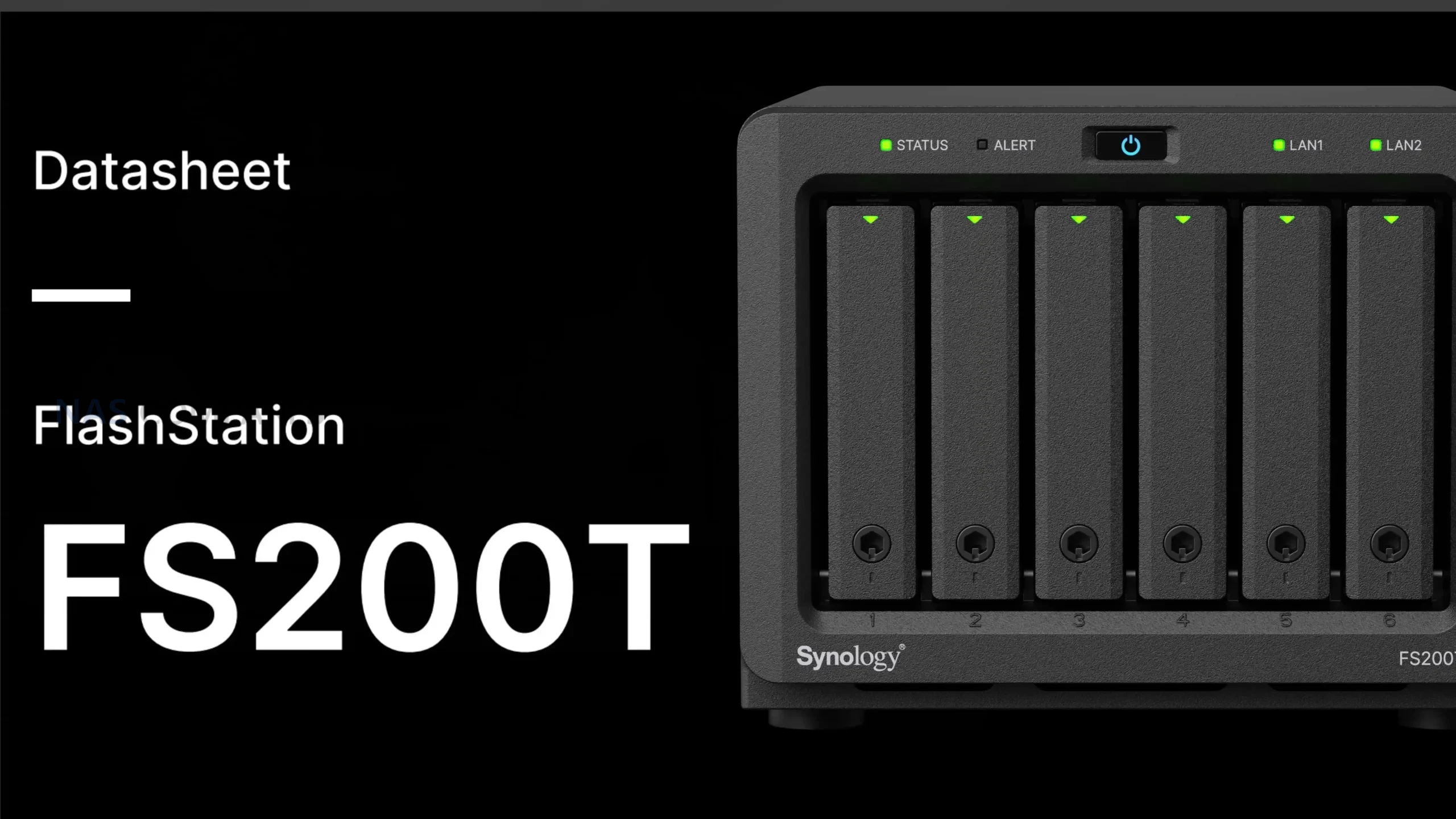
The Synology FlashStation FS200T is a compact 6 bay 2.5 inch NAS that has followed an unusually drawn out and fragmented path to visibility. The device first appeared through semi official leaks in Q1 2025, before being shown more openly at Computex during May and June, giving attendees a first real look at the hardware. After that appearance, public information largely dried up, leading many to assume the system had been delayed indefinitely or quietly cancelled. Interest resurfaced later in 2025 as more complete documentation began to circulate, culminating in a leaked datasheet dated October 16, 2025 that outlined specifications, software capabilities, and Synology’s intended positioning for the device. Despite the lack of an official launch announcement, demand has remained present at a low but steady level, particularly among users who value small, quiet systems and are already invested in the DSM ecosystem. Online discussion has continued across forums and social platforms, with recurring questions around release timing and justification for the product’s existence in a rapidly changing NAS market. The FS200T appears designed to serve a specific niche rather than a broad audience, focusing on an all flash configuration, low acoustic output, and minimal physical footprint. Rather than competing on raw performance or expandability, its purpose is to deliver a responsive, self contained storage platform that runs the full Synology software stack in environments where noise, size, and power consumption matter more than upgrade paths or maximum throughput.
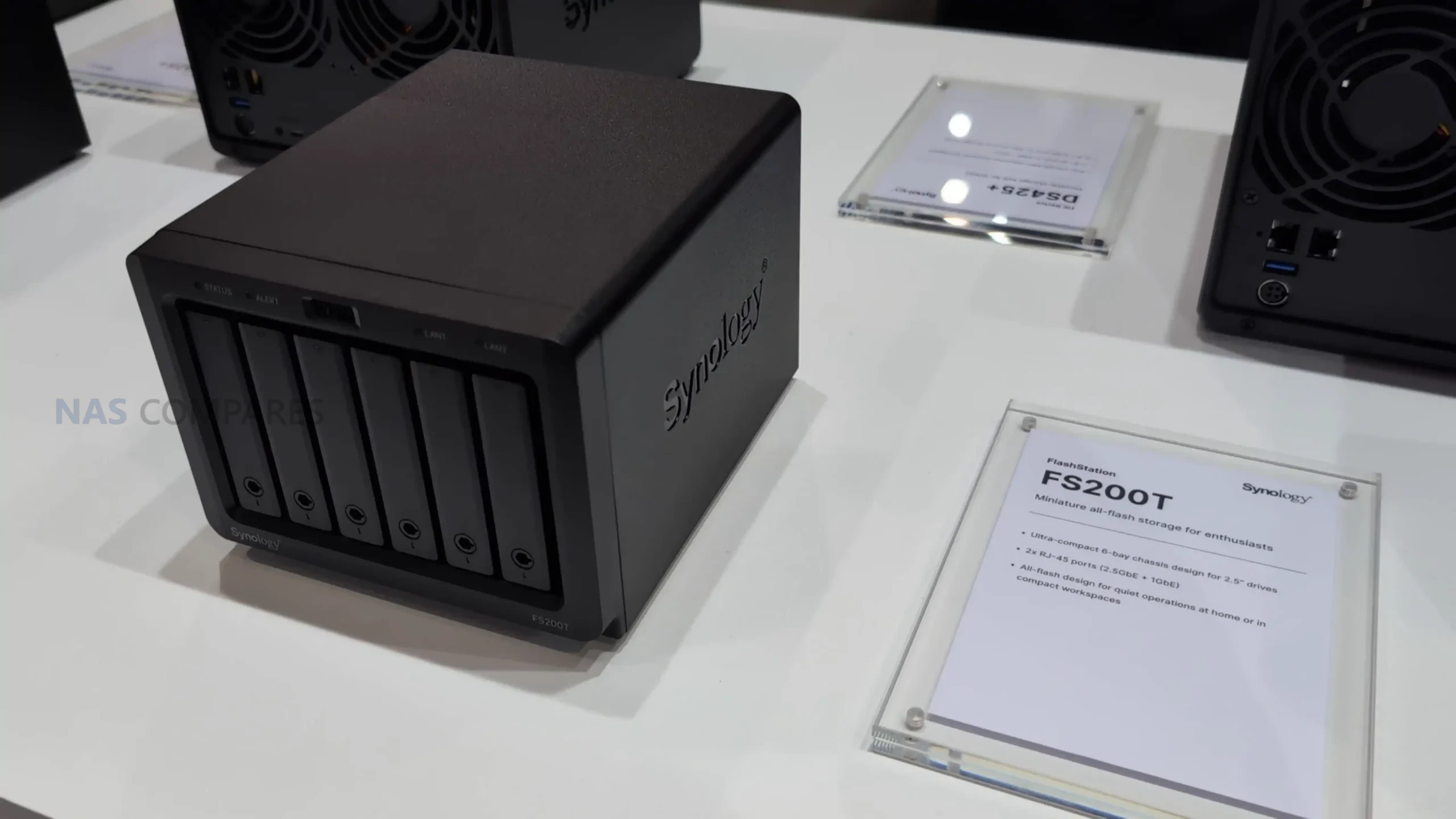
Synology FS200T NAS – Hardware Specifications

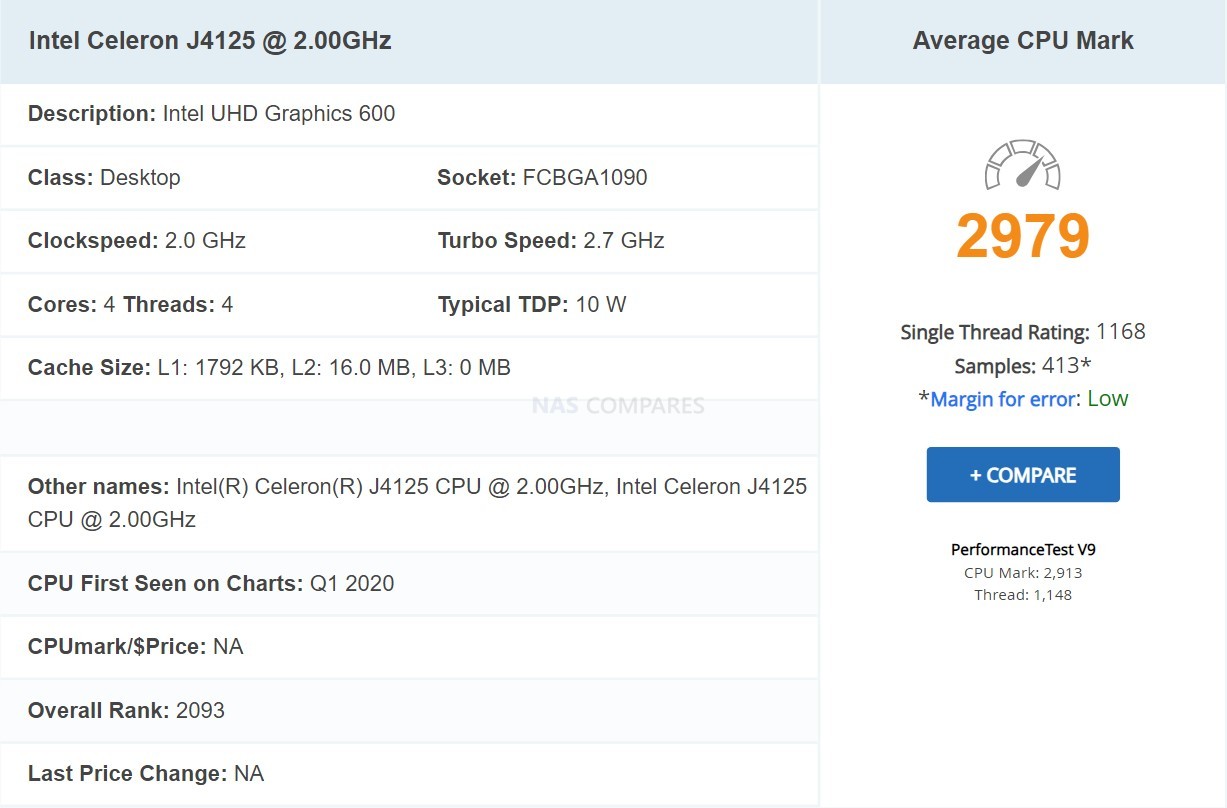
At the heart of the Synology FS200T is the Intel Celeron J4125, a 4 core, 64 bit processor with a 2.0 GHz base clock and a 2.7 GHz turbo ceiling. This is a chip originally released in the 2019 to 2020 timeframe and has been widely deployed across several generations of entry and mid range NAS systems. While it remains serviceable for basic DSM workloads, file services, and light container use, it is increasingly dated by current standards. Intel has since retired this naming convention entirely, shifting its low power roadmap toward newer N series Alder Lake and Twin Lake processors that offer improved efficiency, IPC gains, and more modern media and virtualization capabilities. In that context, the J4125 feels more like a holdover from an earlier design cycle than a deliberate forward looking choice, particularly for a flash focused system introduced in 2026.
The CPU does include a hardware encryption engine, which aligns well with DSM features such as encrypted shared folders, secure snapshots, and HTTPS services. However, expectations around virtualization, AI assisted services, and sustained multi task workloads should remain conservative. Compared with newer low power CPUs, the J4125 lacks the architectural refinements and efficiency improvements that would better justify pairing it with an all flash storage configuration. This choice reinforces the impression that the FS200T is designed around stability and familiarity rather than performance progression.
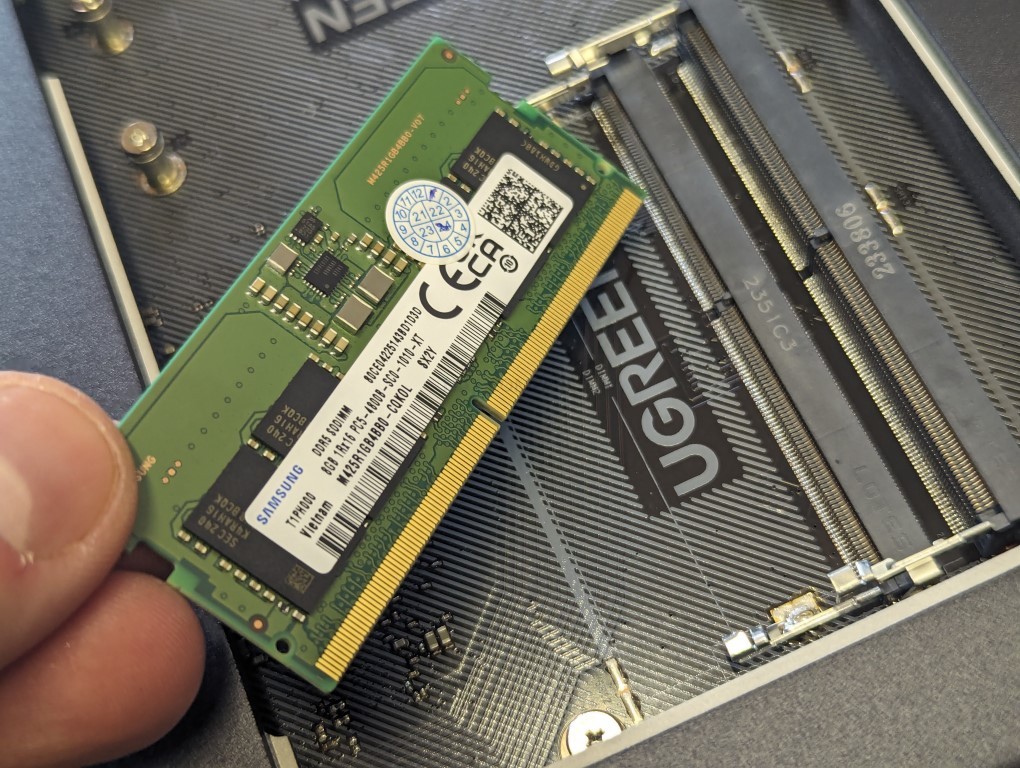
Memory configuration consists of 4 GB of DDR4 non ECC SODIMM installed by default. The system provides 2 memory slots with an official maximum capacity of 8 GB using 4 GB modules. While sufficient for basic DSM services, backup tasks, and light multi user access, this ceiling quickly becomes restrictive when enabling heavier applications such as Virtual Machine Manager, Synology Drive for multiple users, or container based services. Synology also notes that optimal compatibility and warranty support depend on using official Synology memory, further narrowing flexibility for users who might otherwise attempt more aggressive tuning.
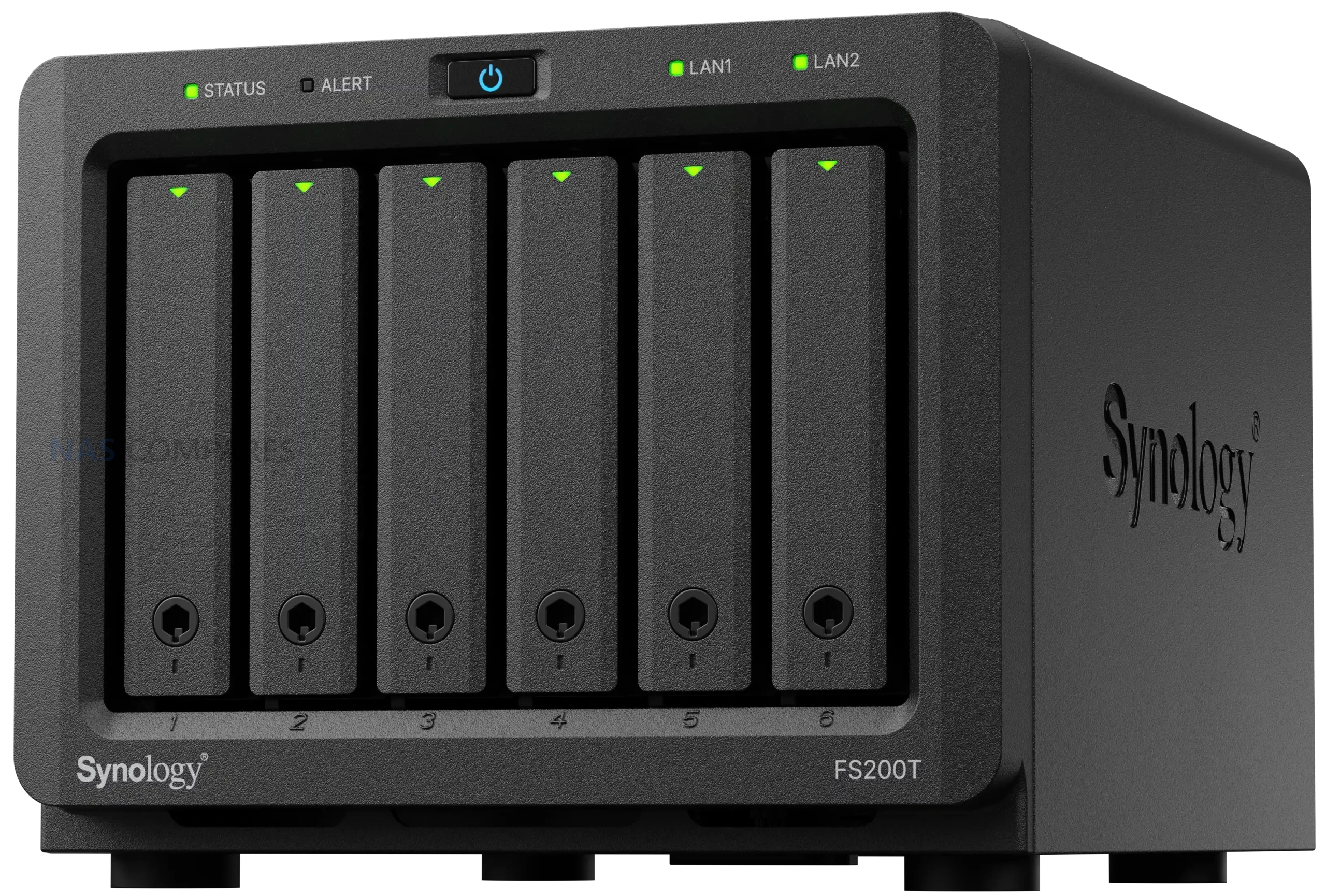
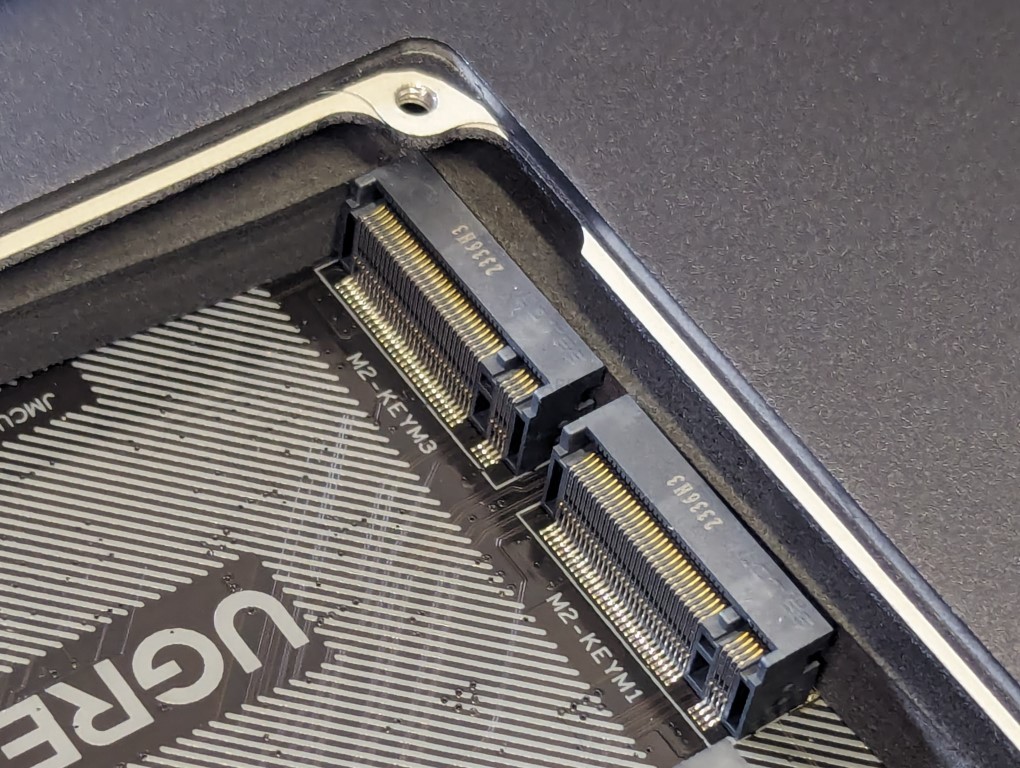
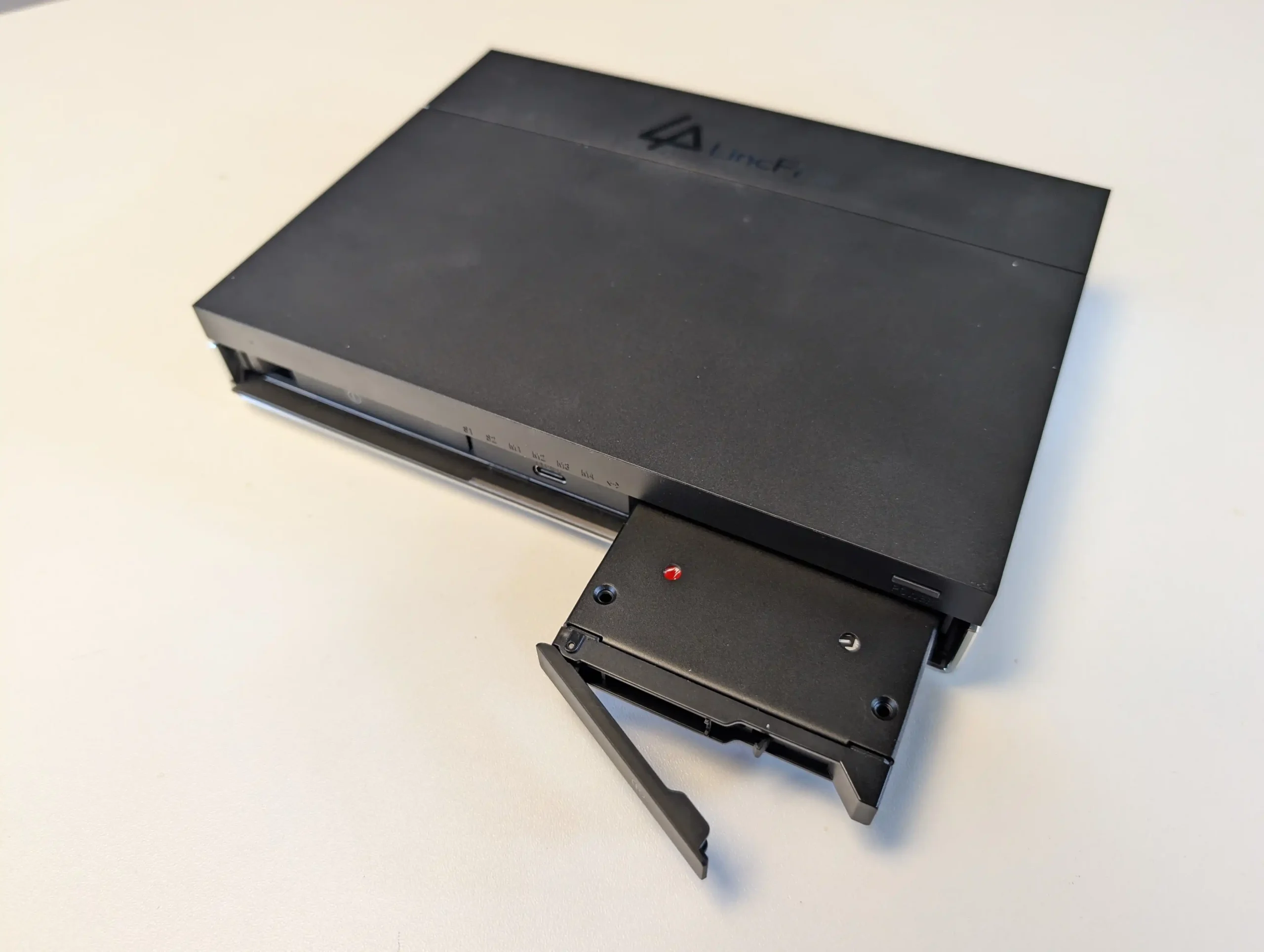
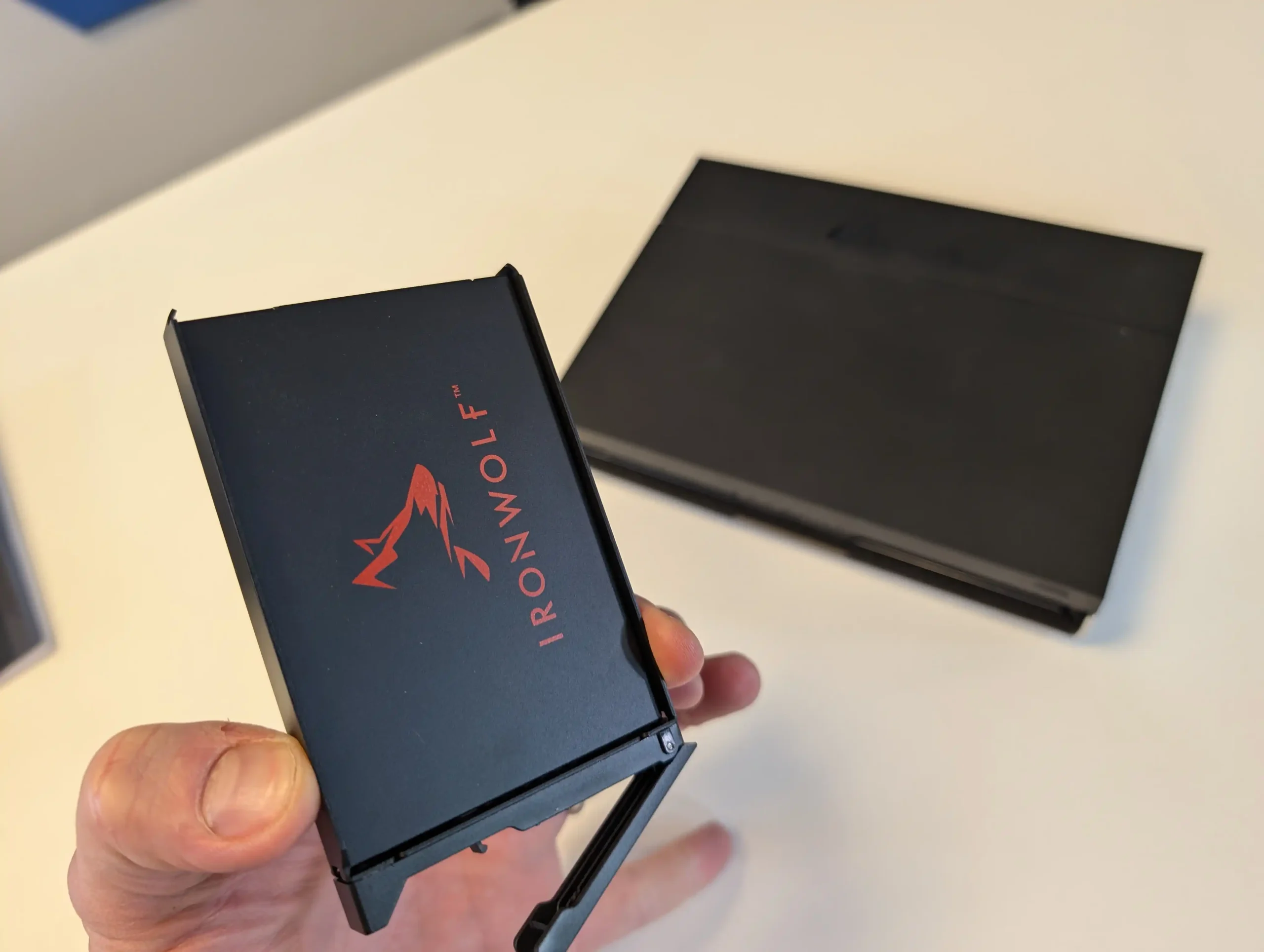
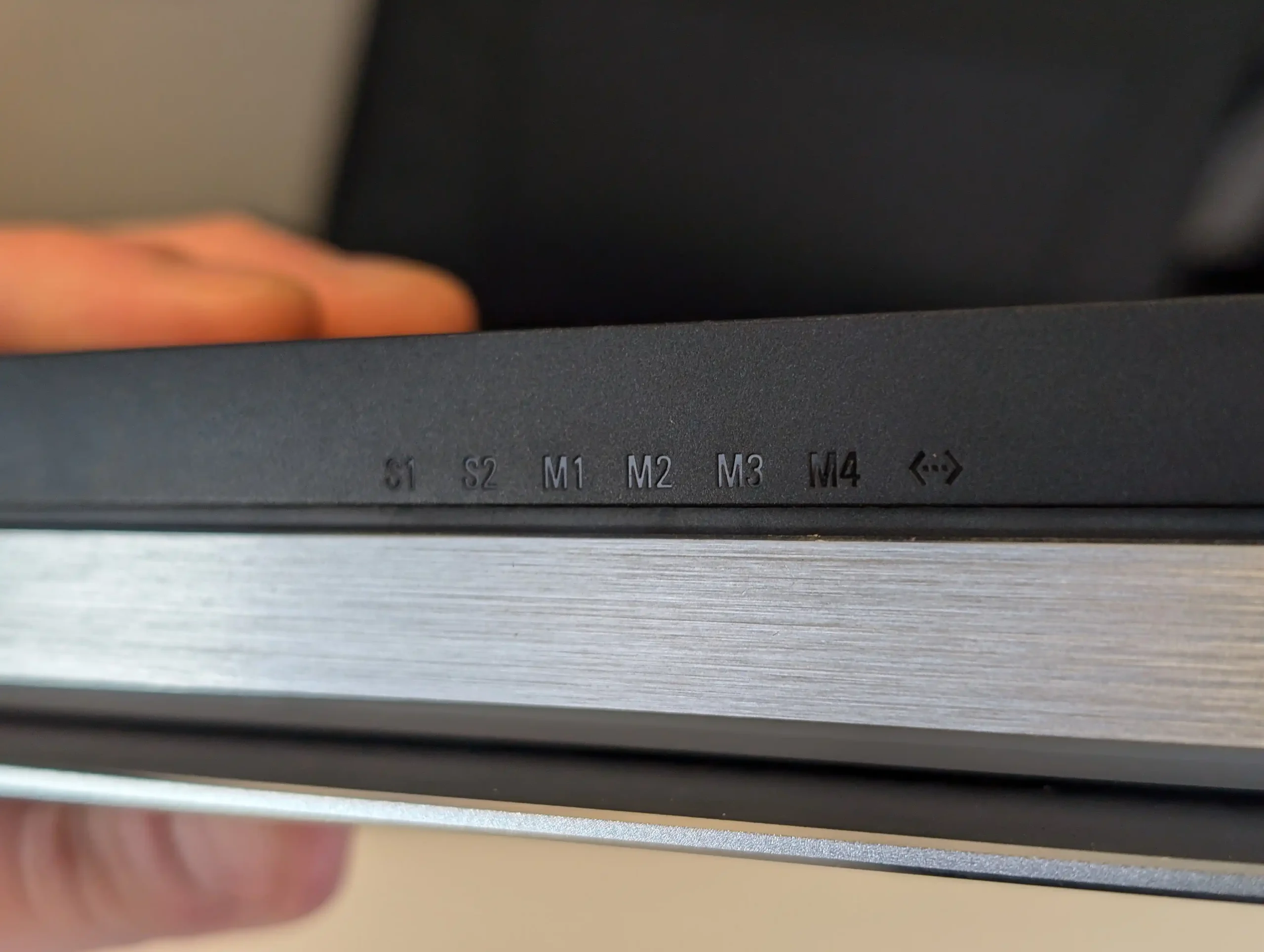
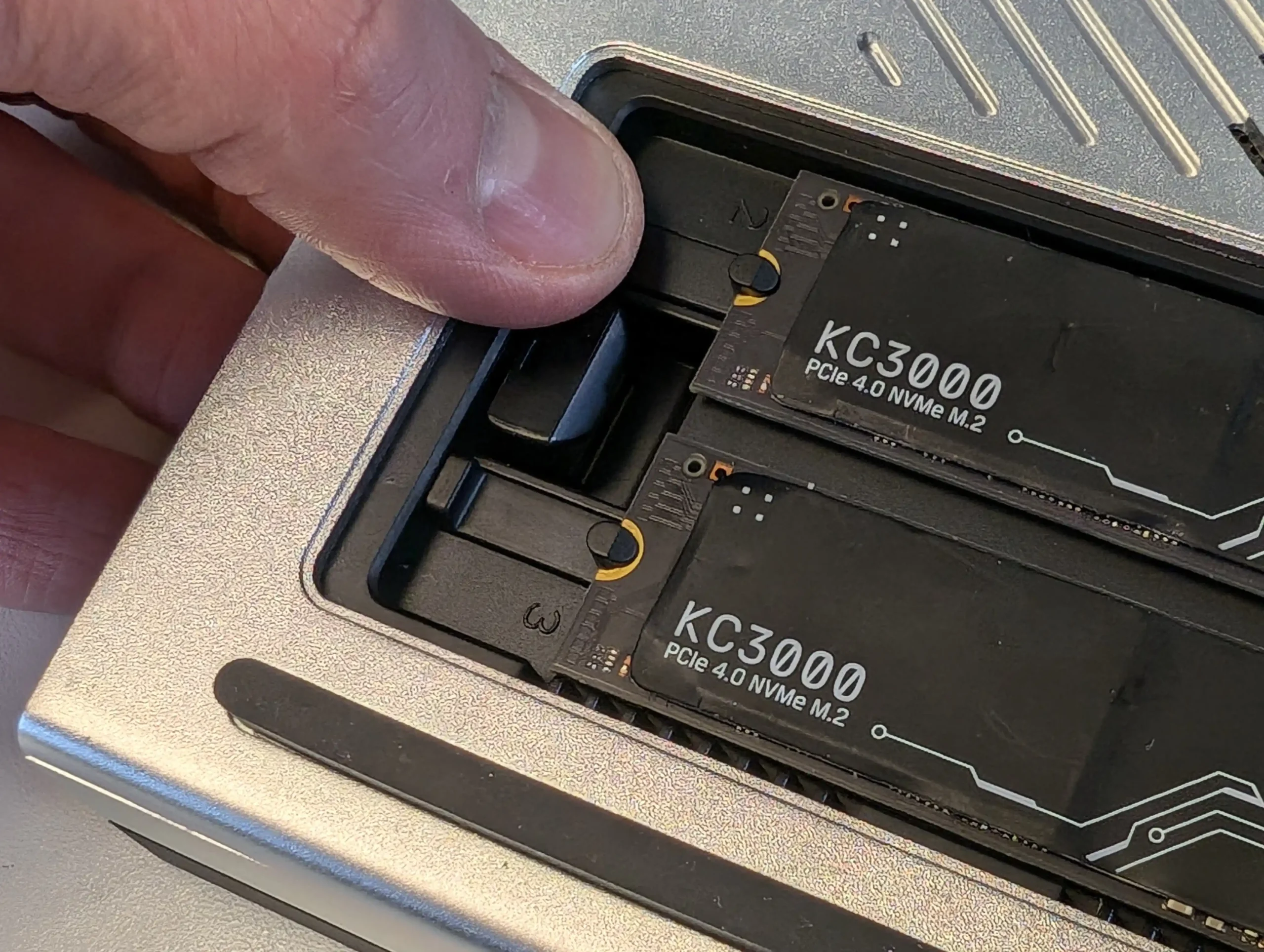
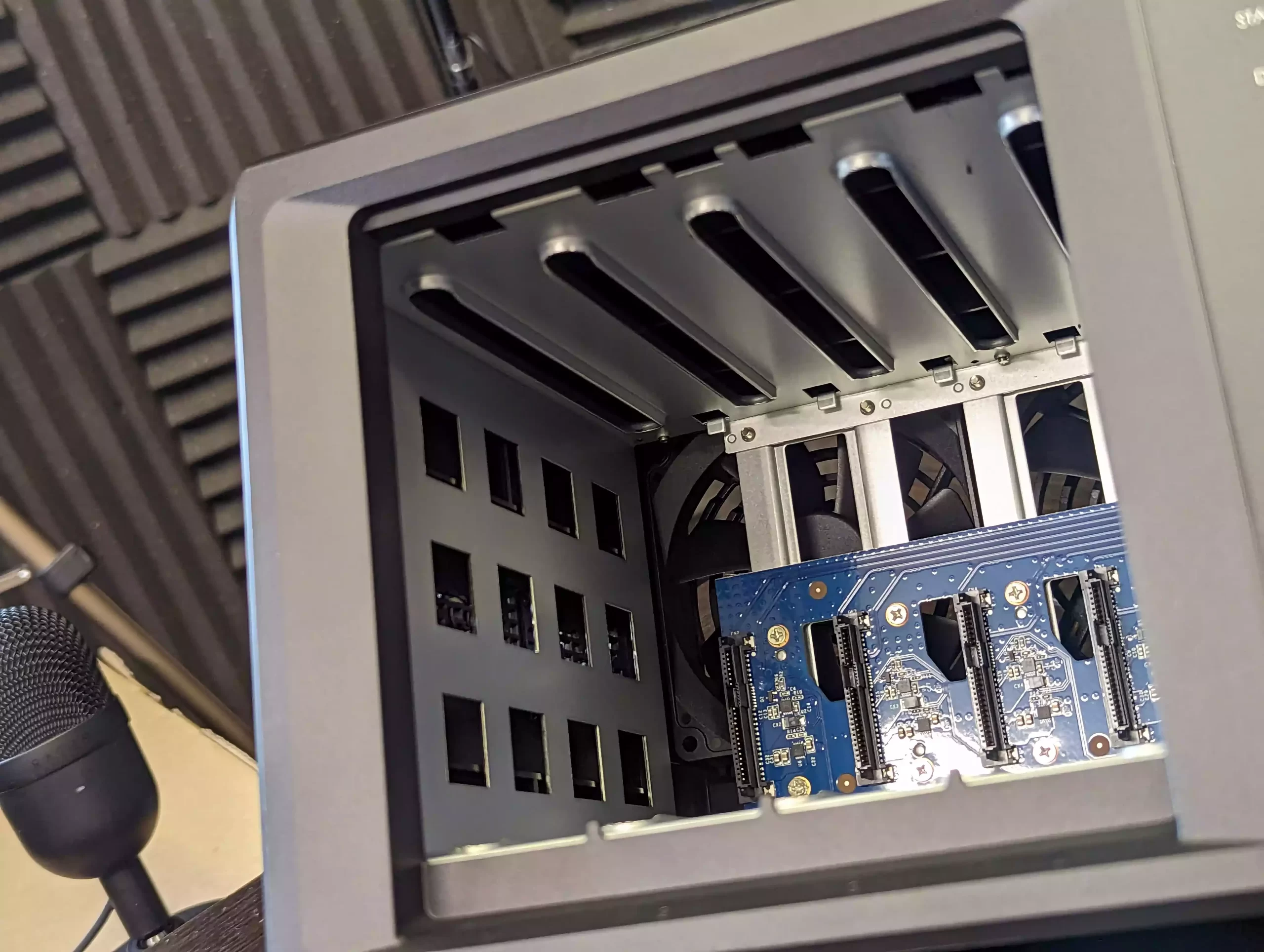
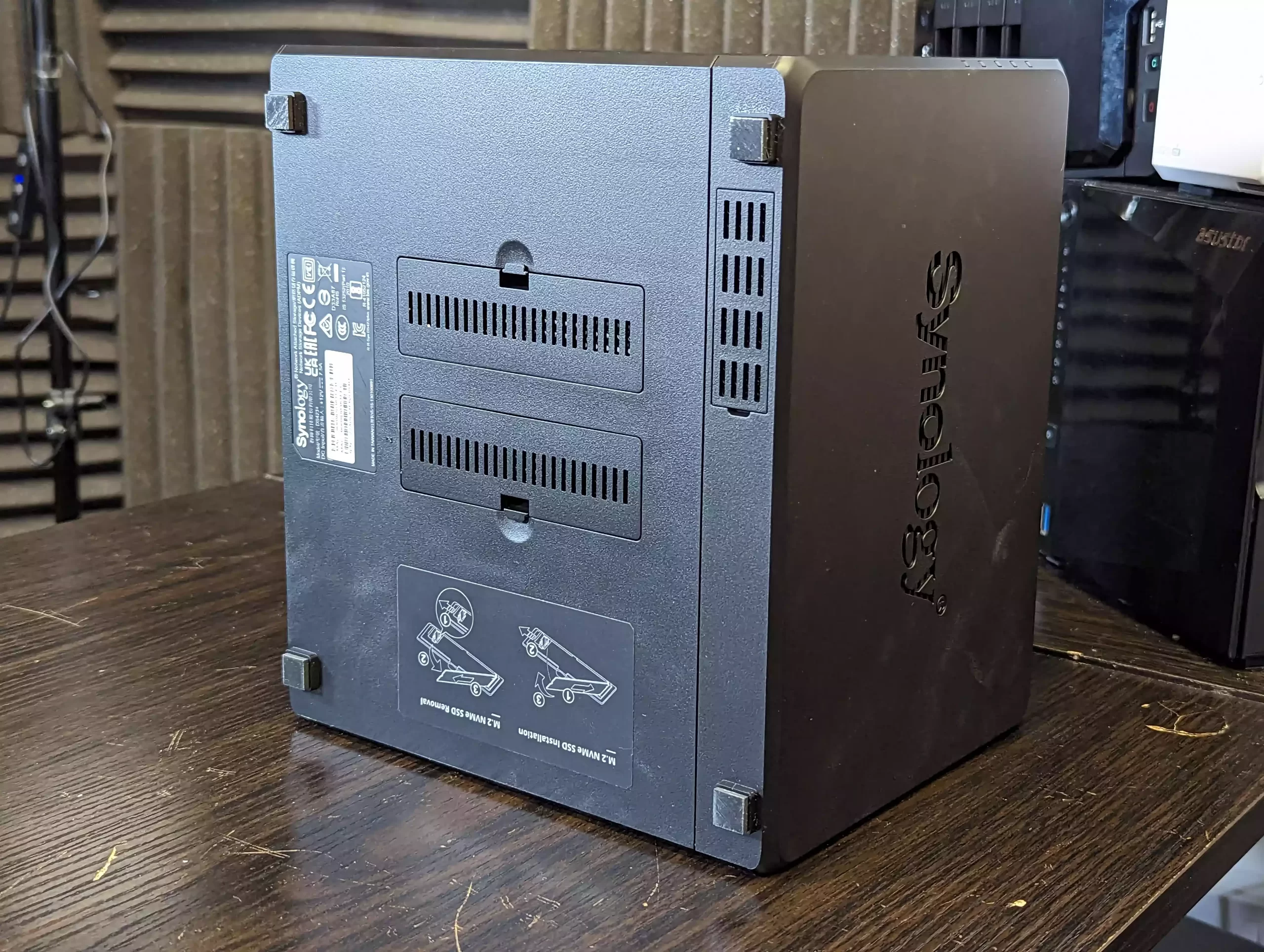
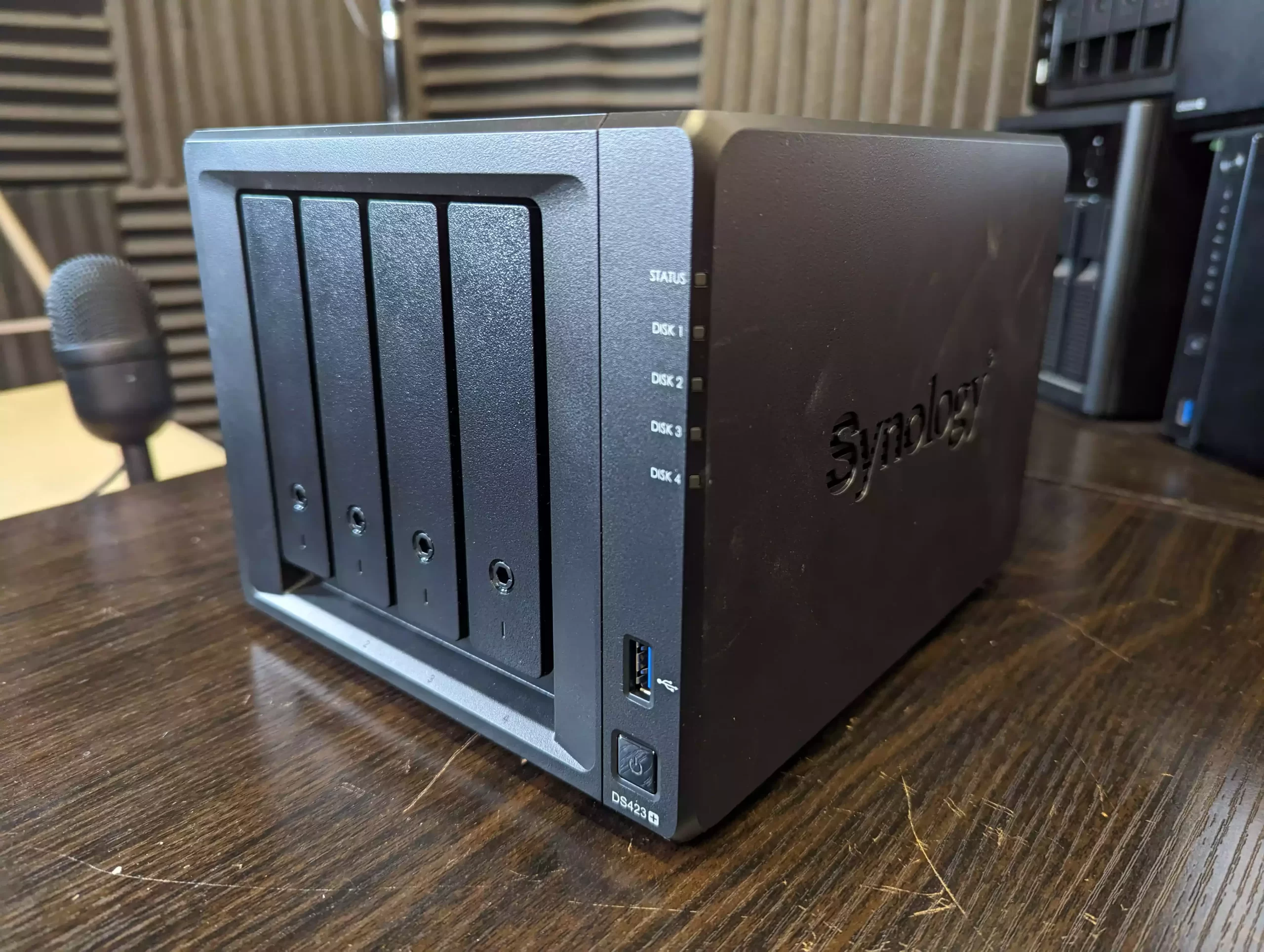
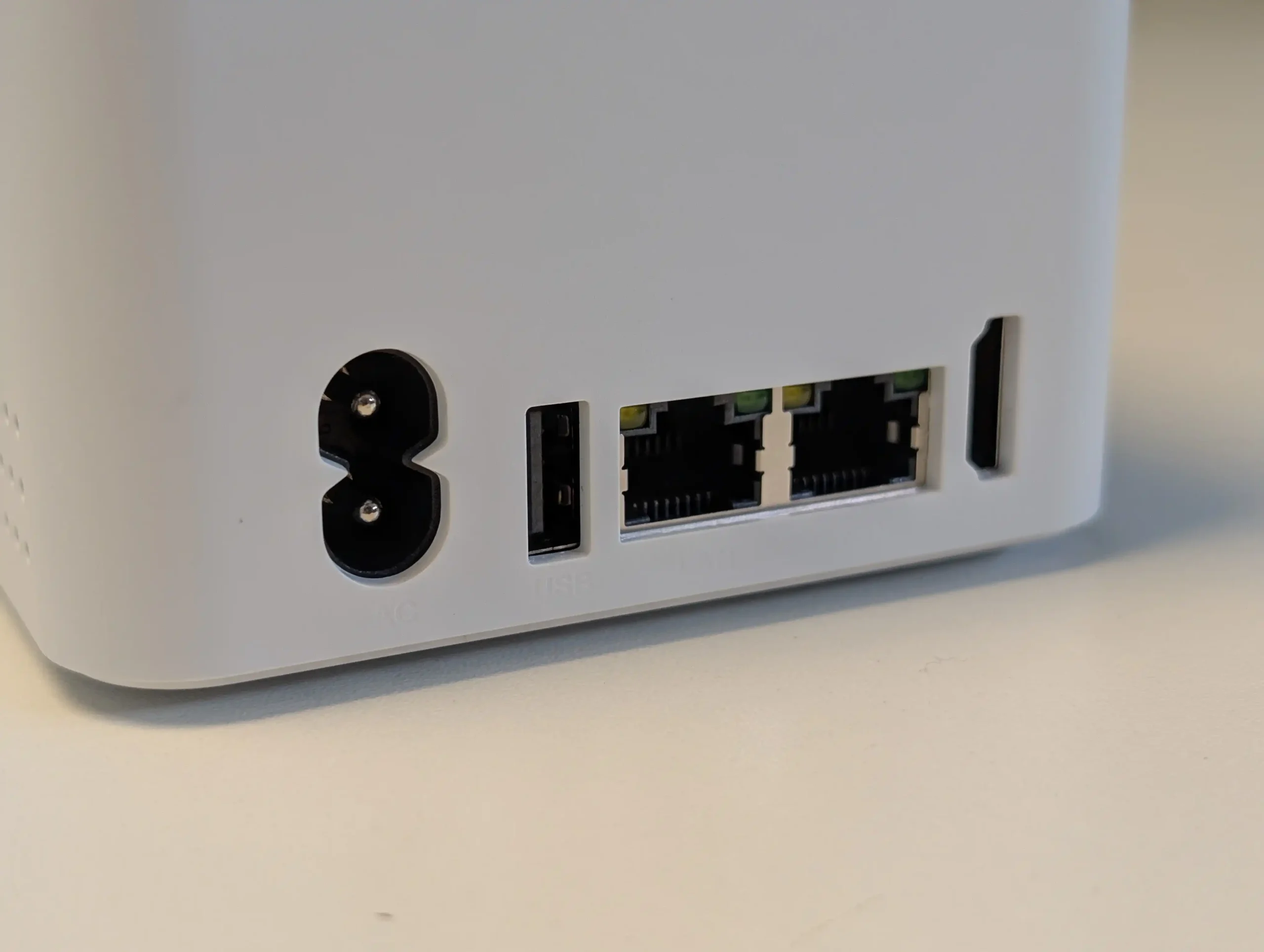
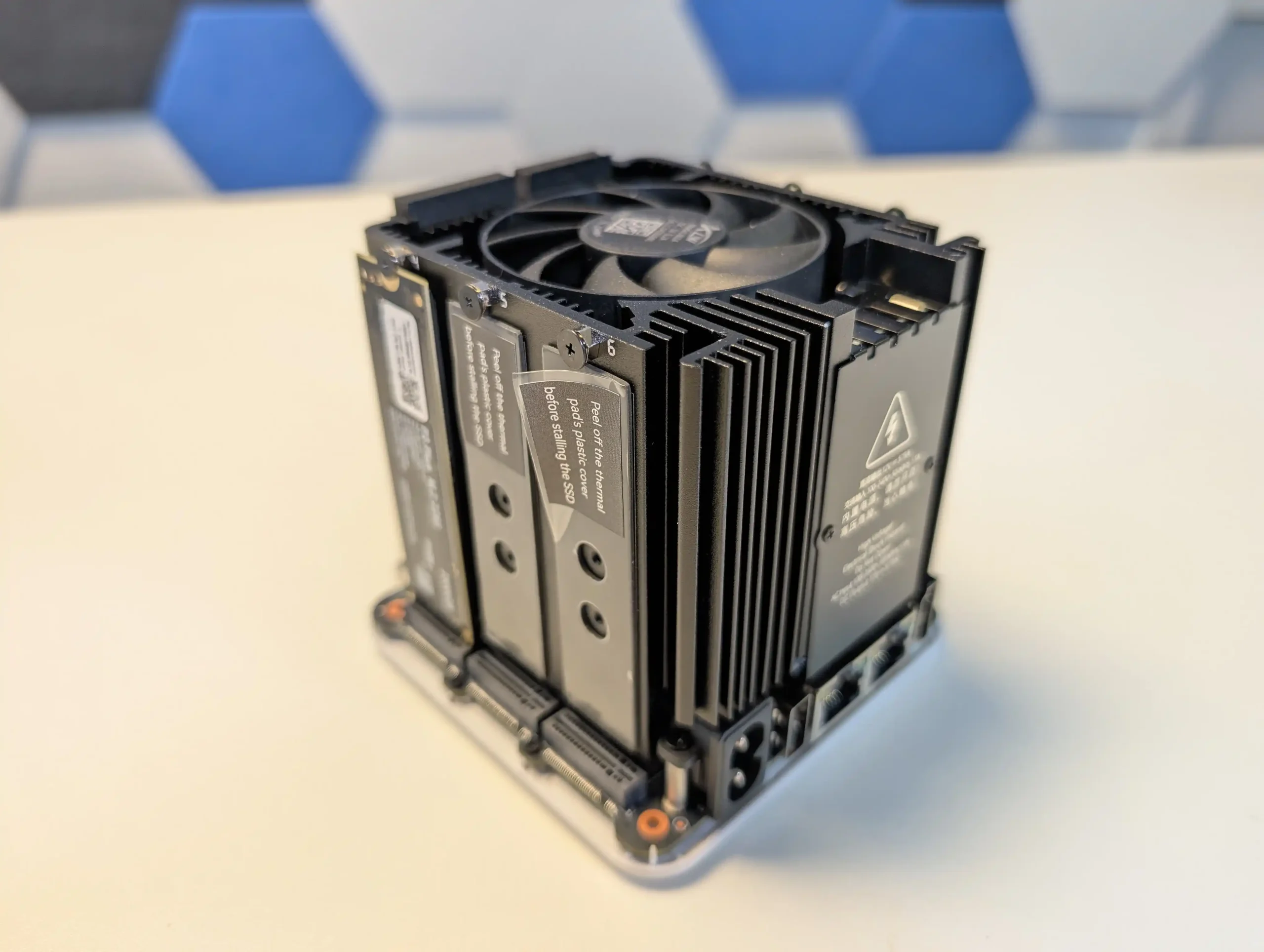
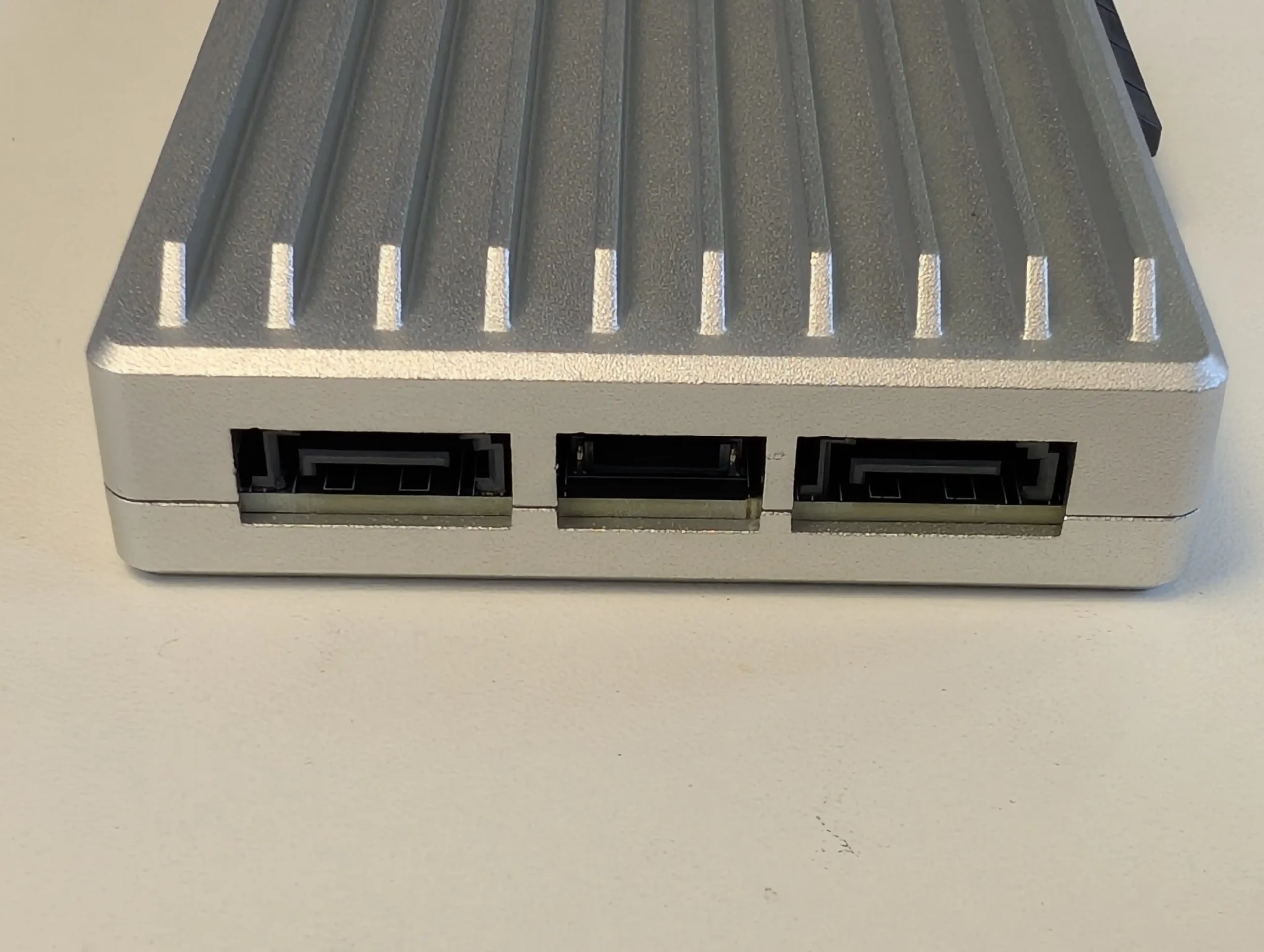
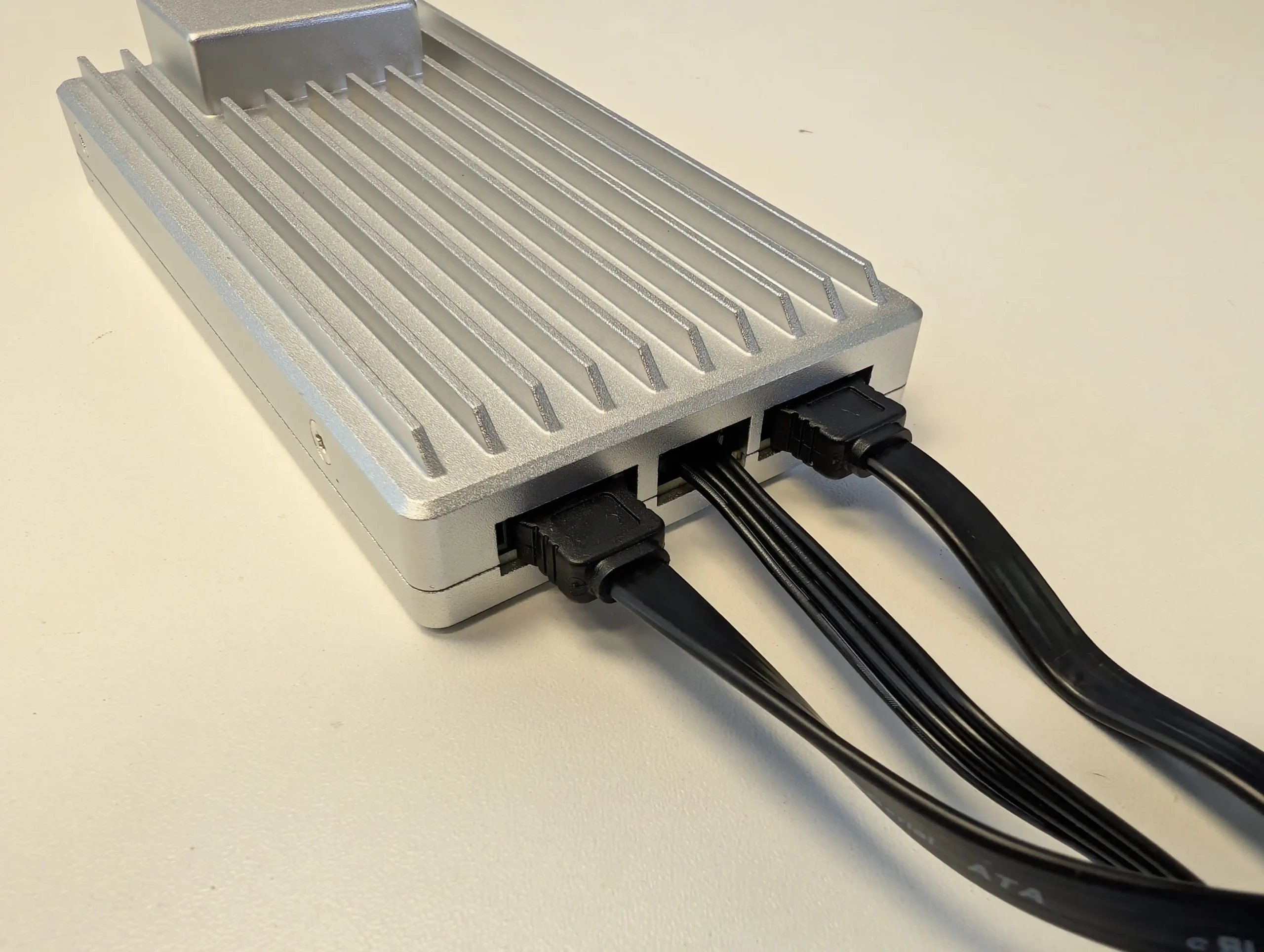
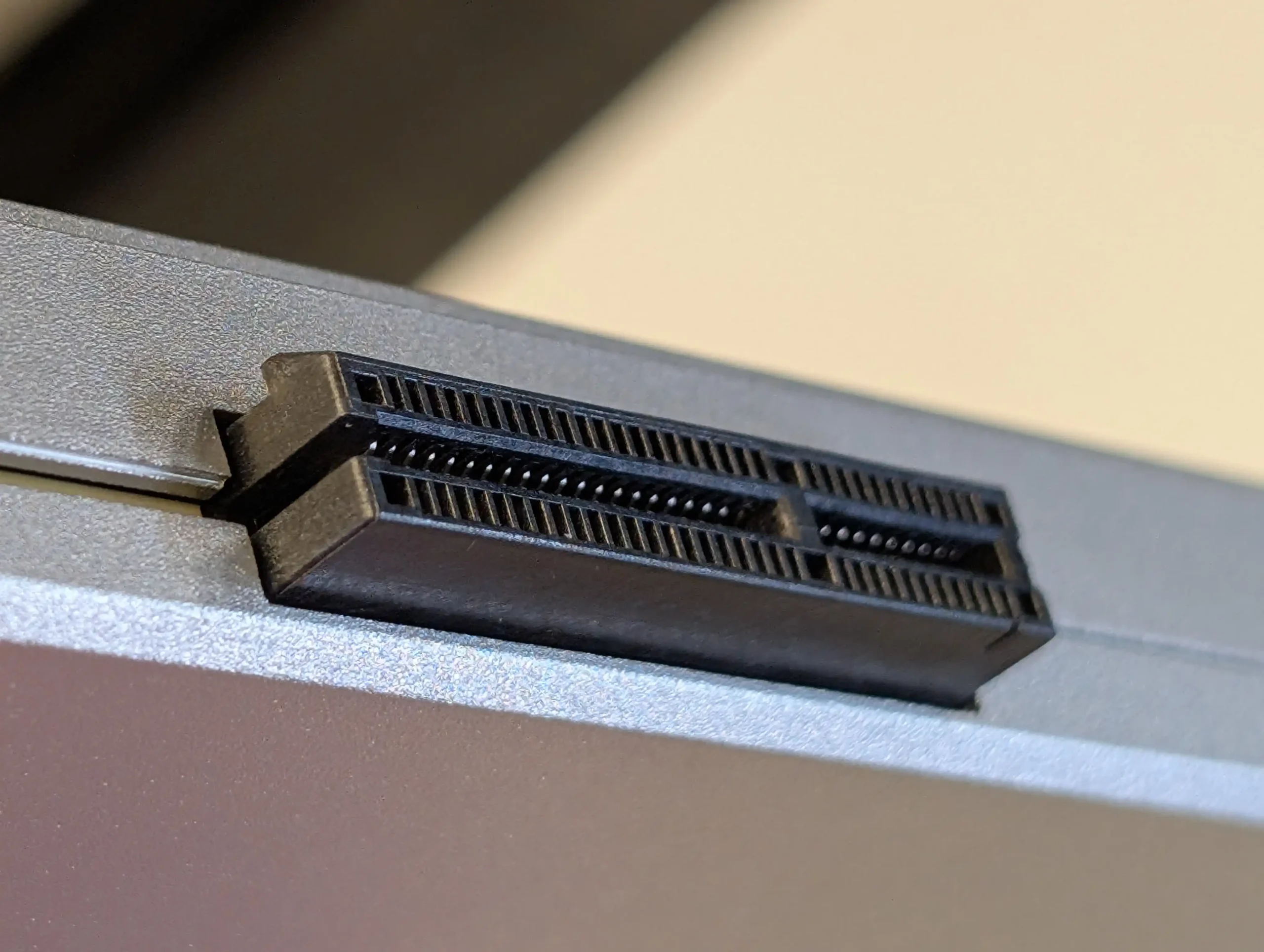
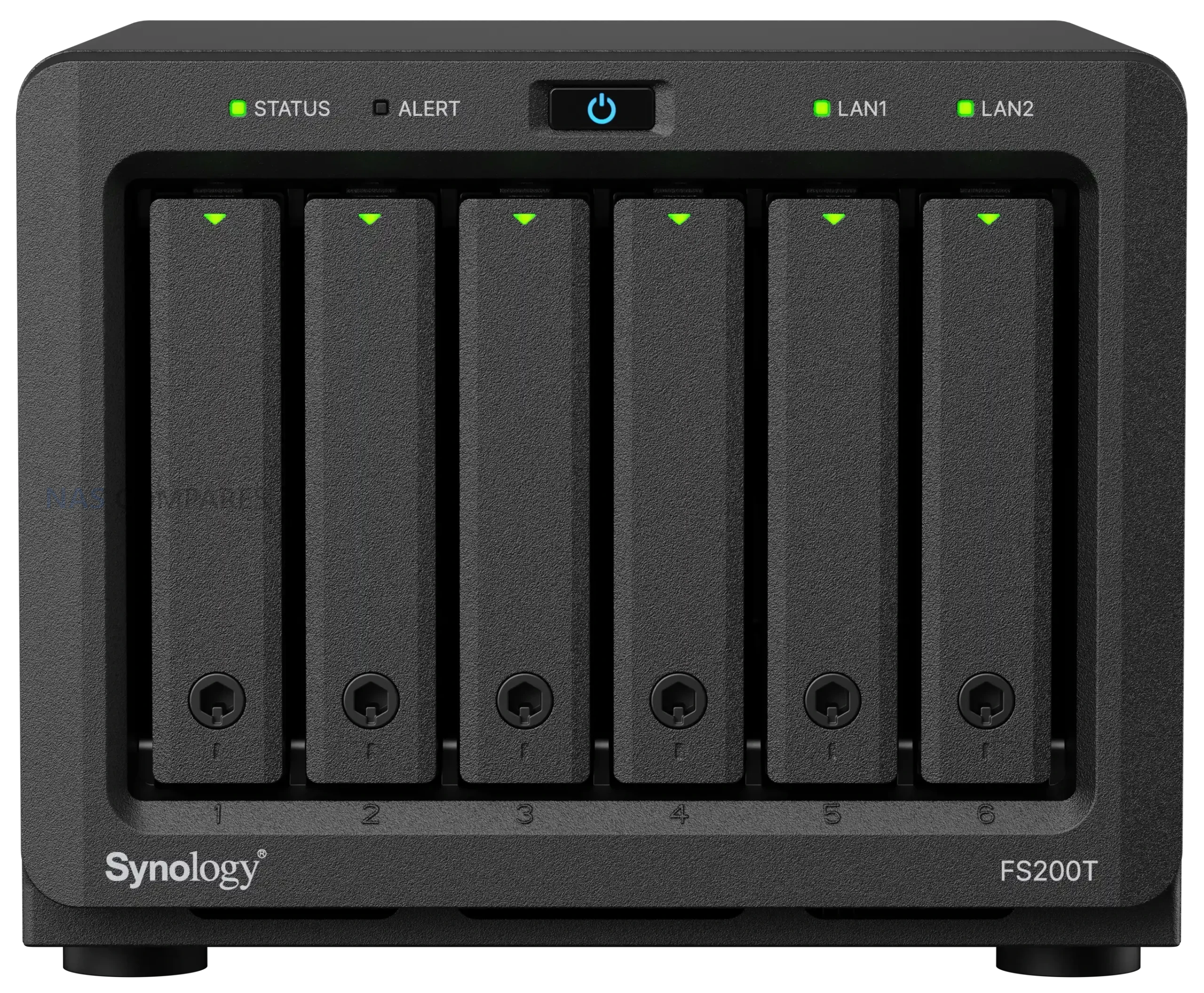
Storage is where the FS200T makes its clearest statement, and also draws its most obvious criticism. The system supports 6 x 2.5 inch SATA SSDs with hot swap capability, and no other internal storage options are listed. There are no M.2 NVMe slots, no cache bays, and no PCIe expansion. In a market where even compact NAS systems increasingly rely on NVMe for primary or cache storage, the exclusive reliance on SATA SSDs feels increasingly out of step. SATA bandwidth limitations mean that even in optimal RAID configurations, the storage subsystem will be constrained long before the SSDs themselves are saturated, particularly when paired with the available network interfaces. This design choice prioritizes compatibility and thermals over performance scalability, but it also places a hard ceiling on what the platform can deliver.
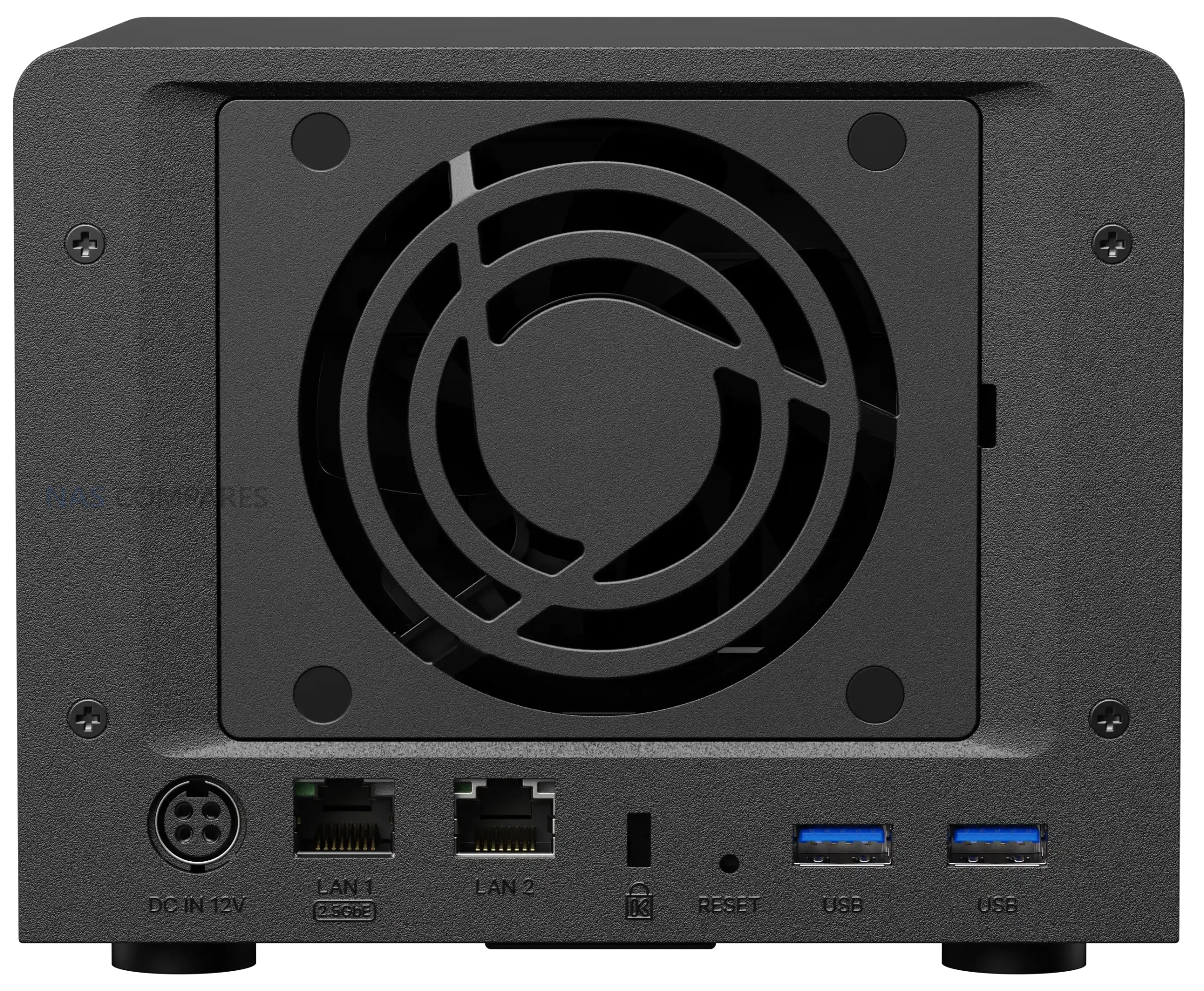
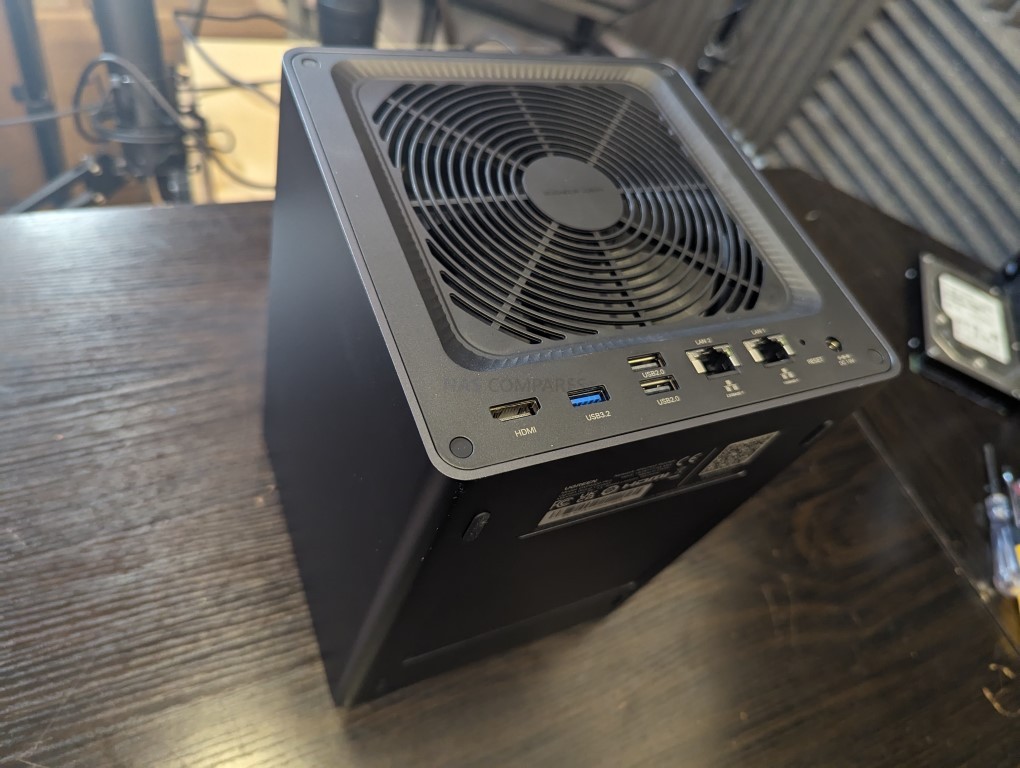
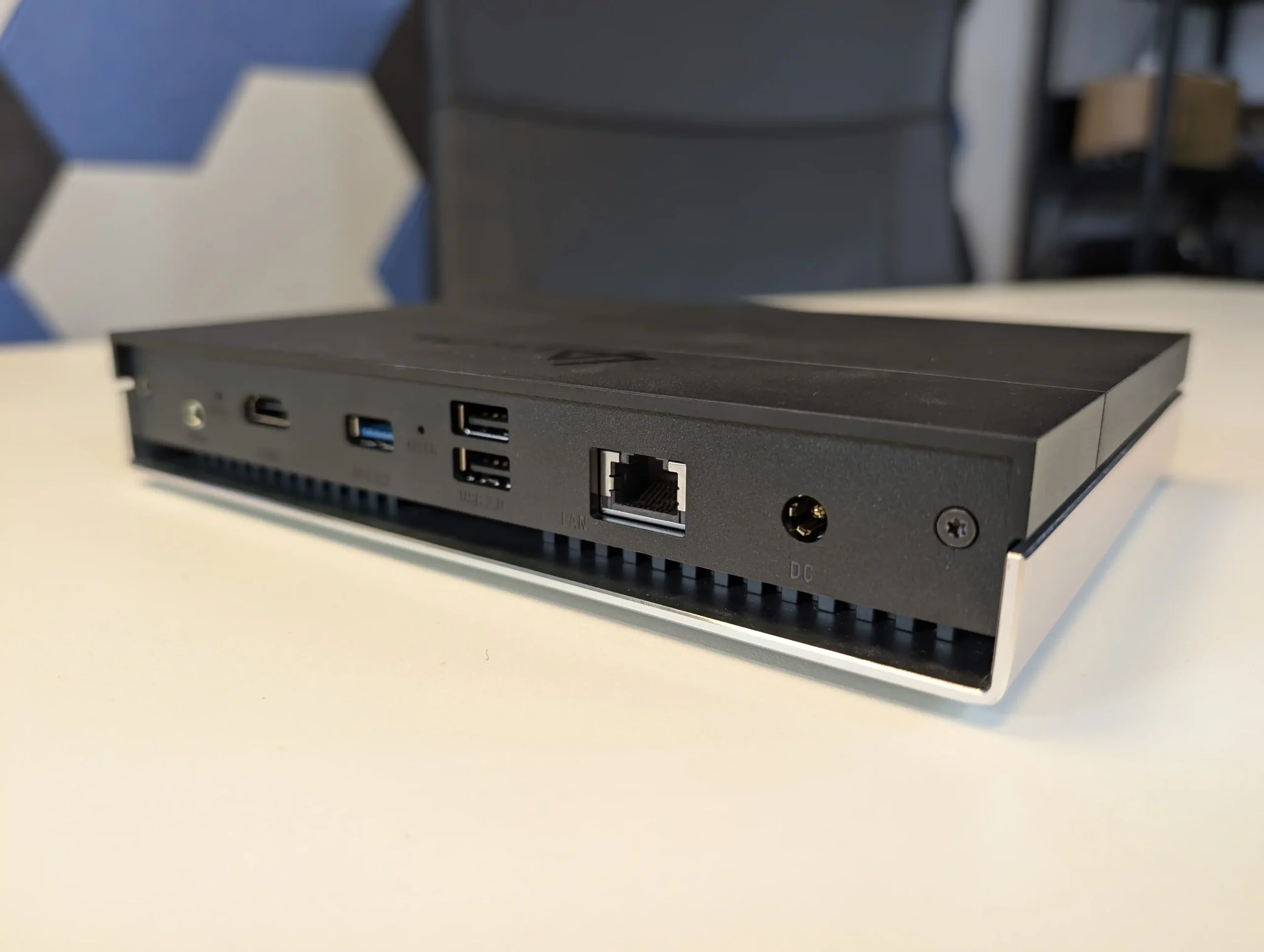
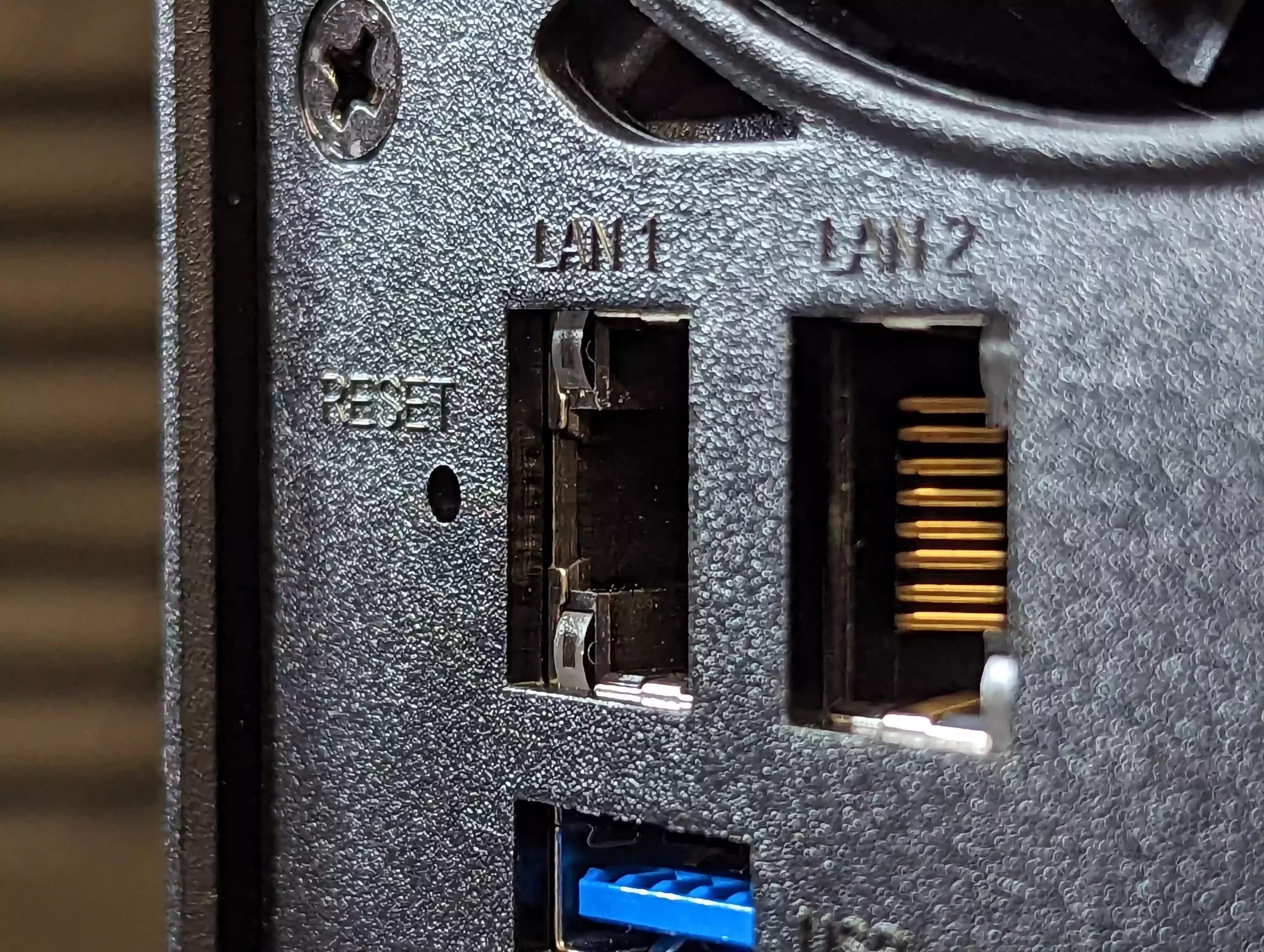
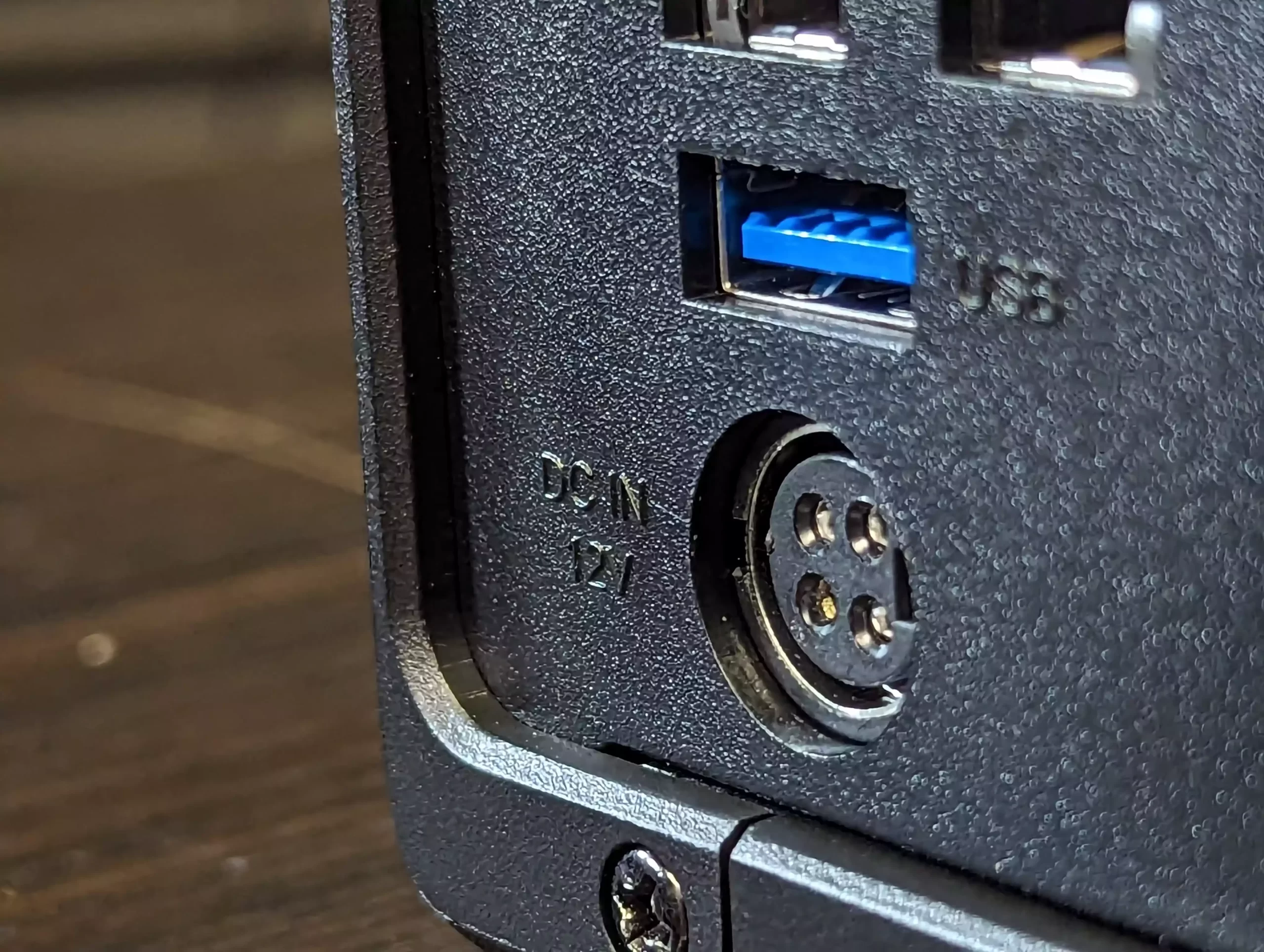
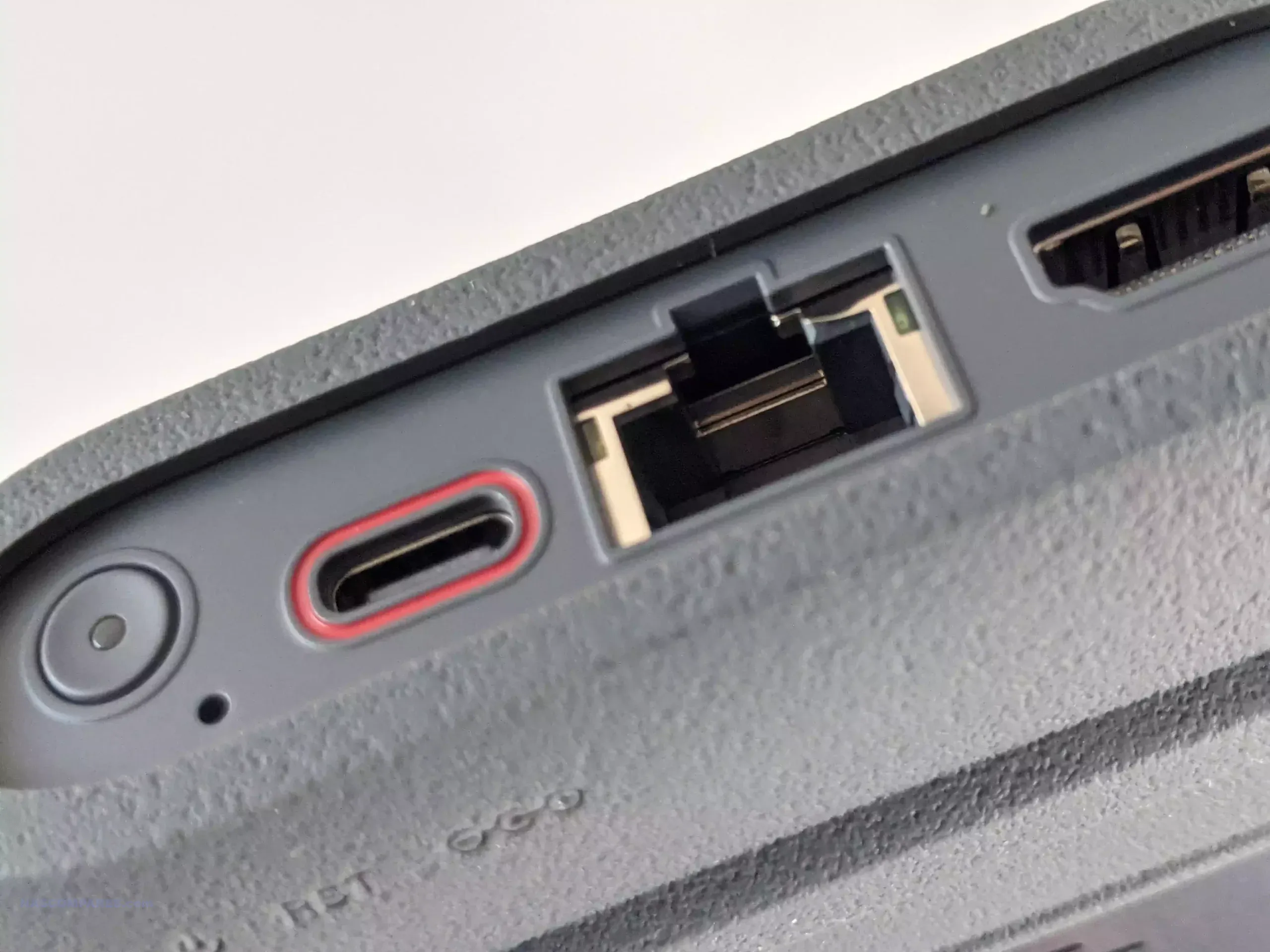
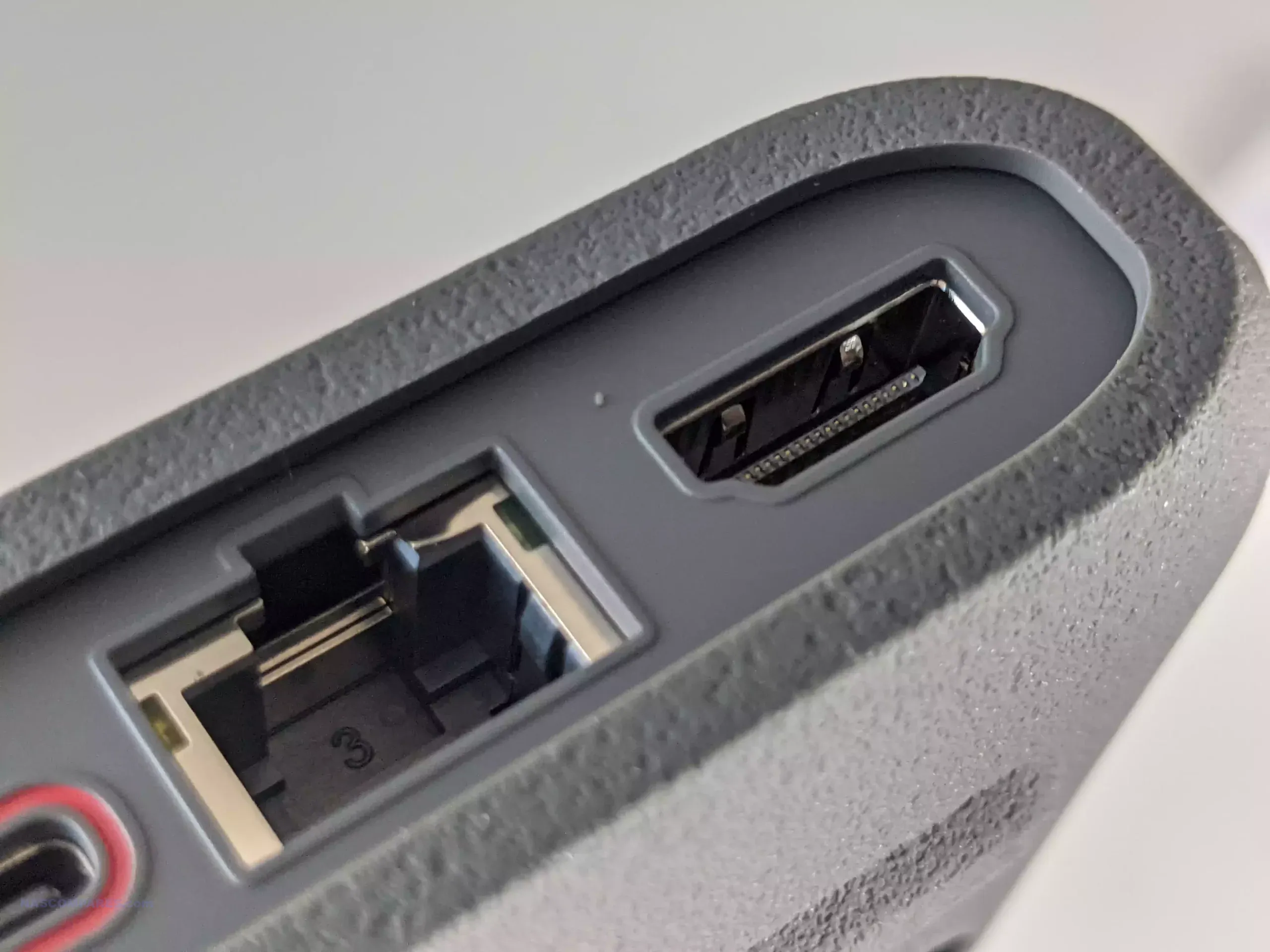
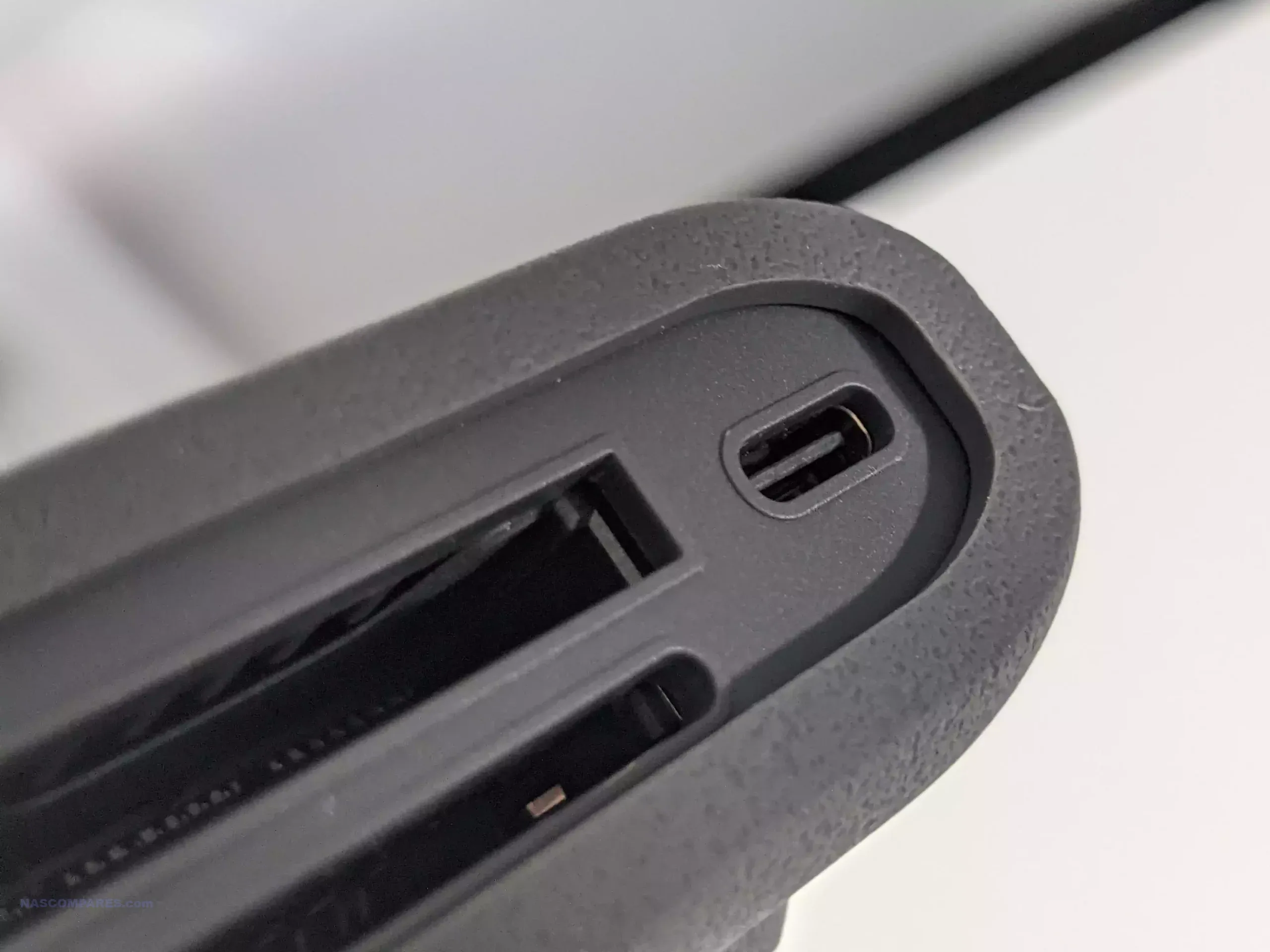
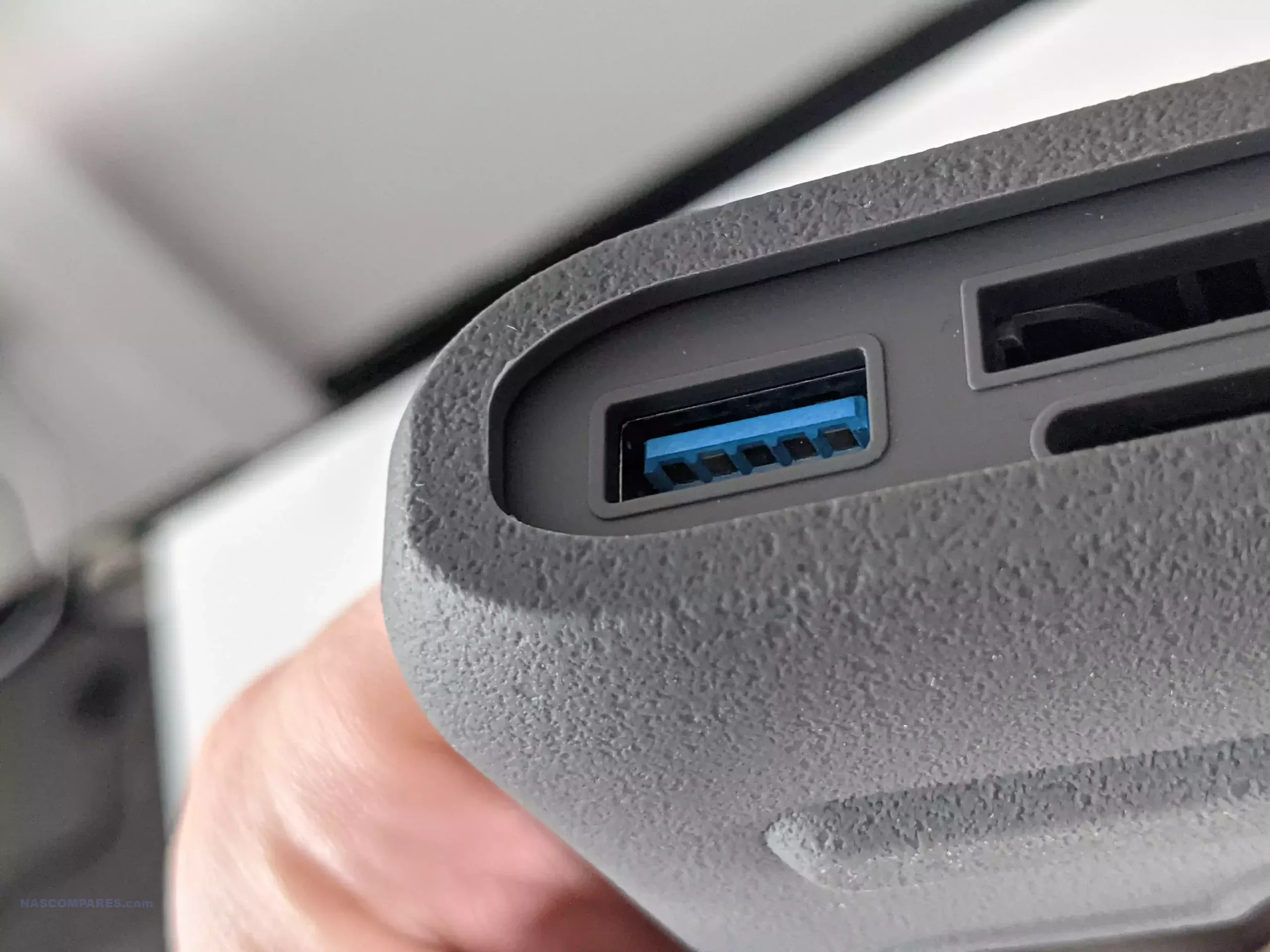
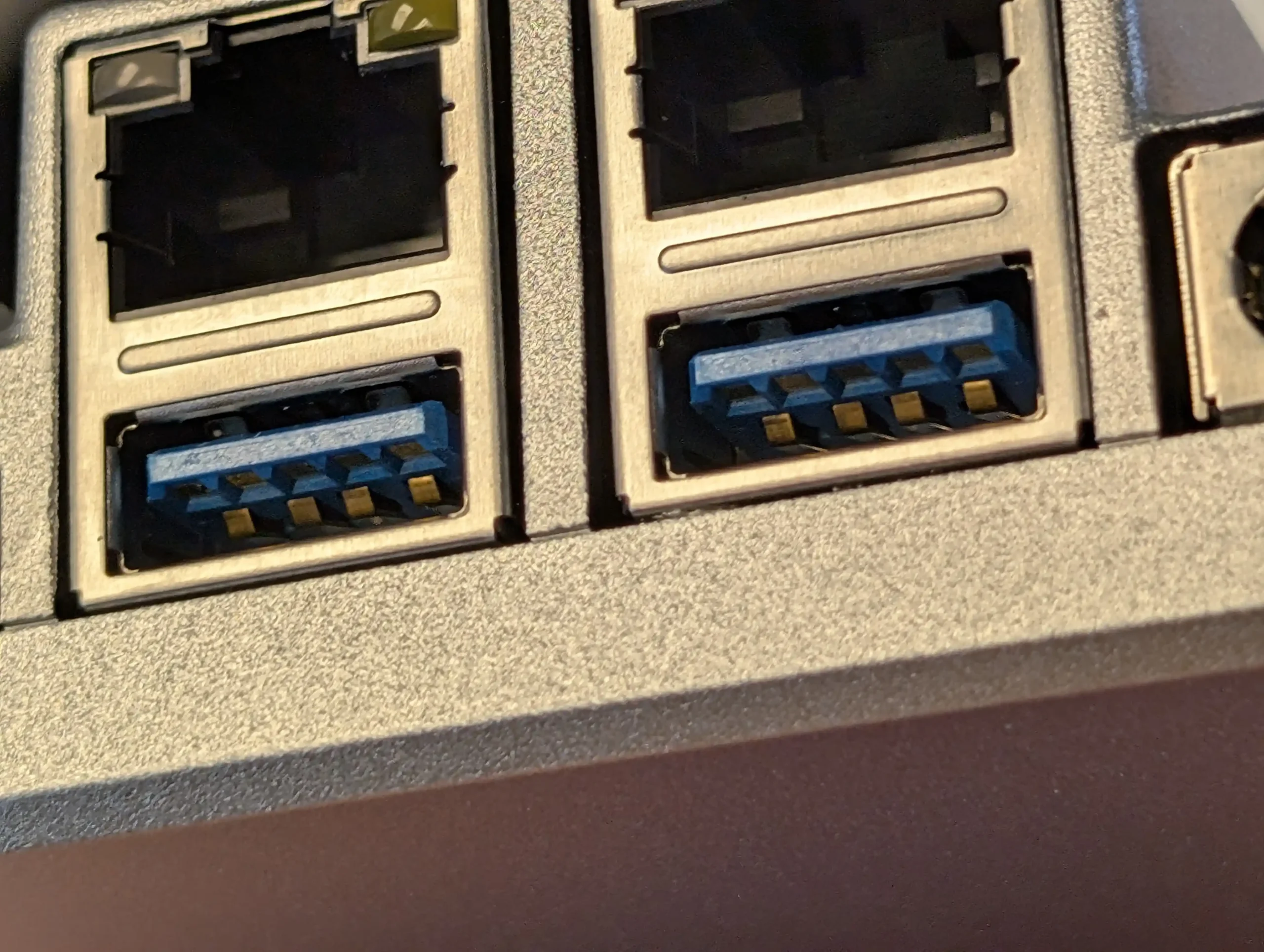
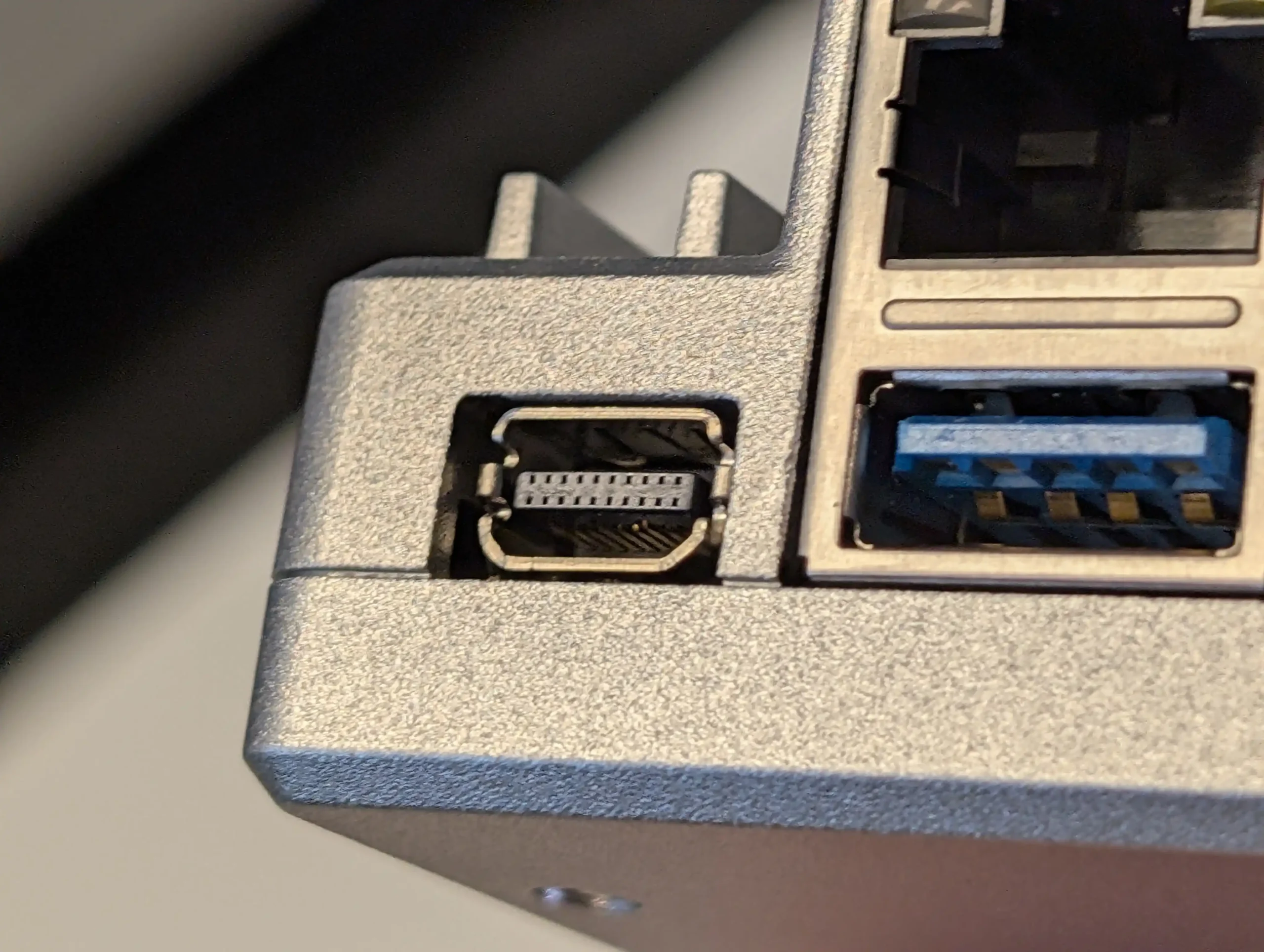
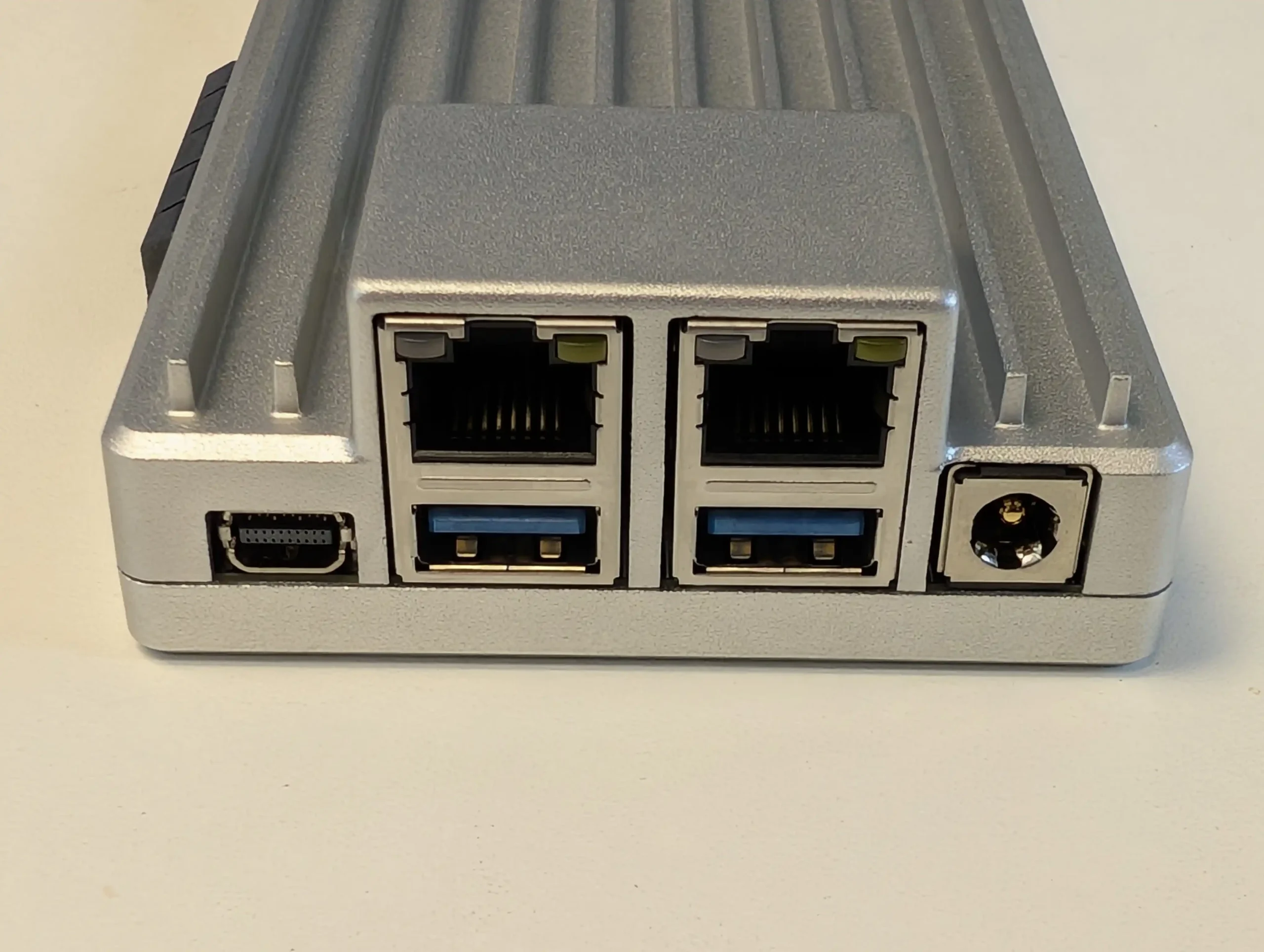
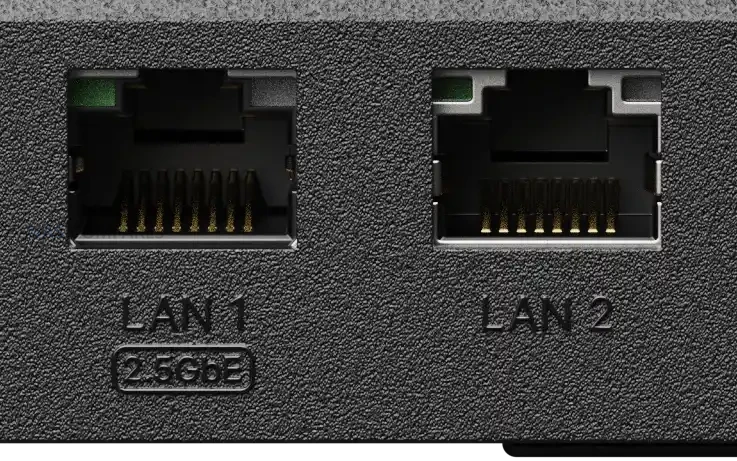
Networking is limited to 2 Ethernet ports, consisting of 1 x 2.5GbE and 1 x 1GbE with failover support. While the inclusion of 2.5GbE is a welcome baseline upgrade over legacy 1GbE only systems, the absence of additional multi gig ports or 10GbE options further compounds the performance bottleneck created by the SATA only storage design. External connectivity is handled via 2 x USB 3.2 Gen 1 ports, suitable for backups or peripheral devices, but there is no mention of USB based expansion units or higher bandwidth options.
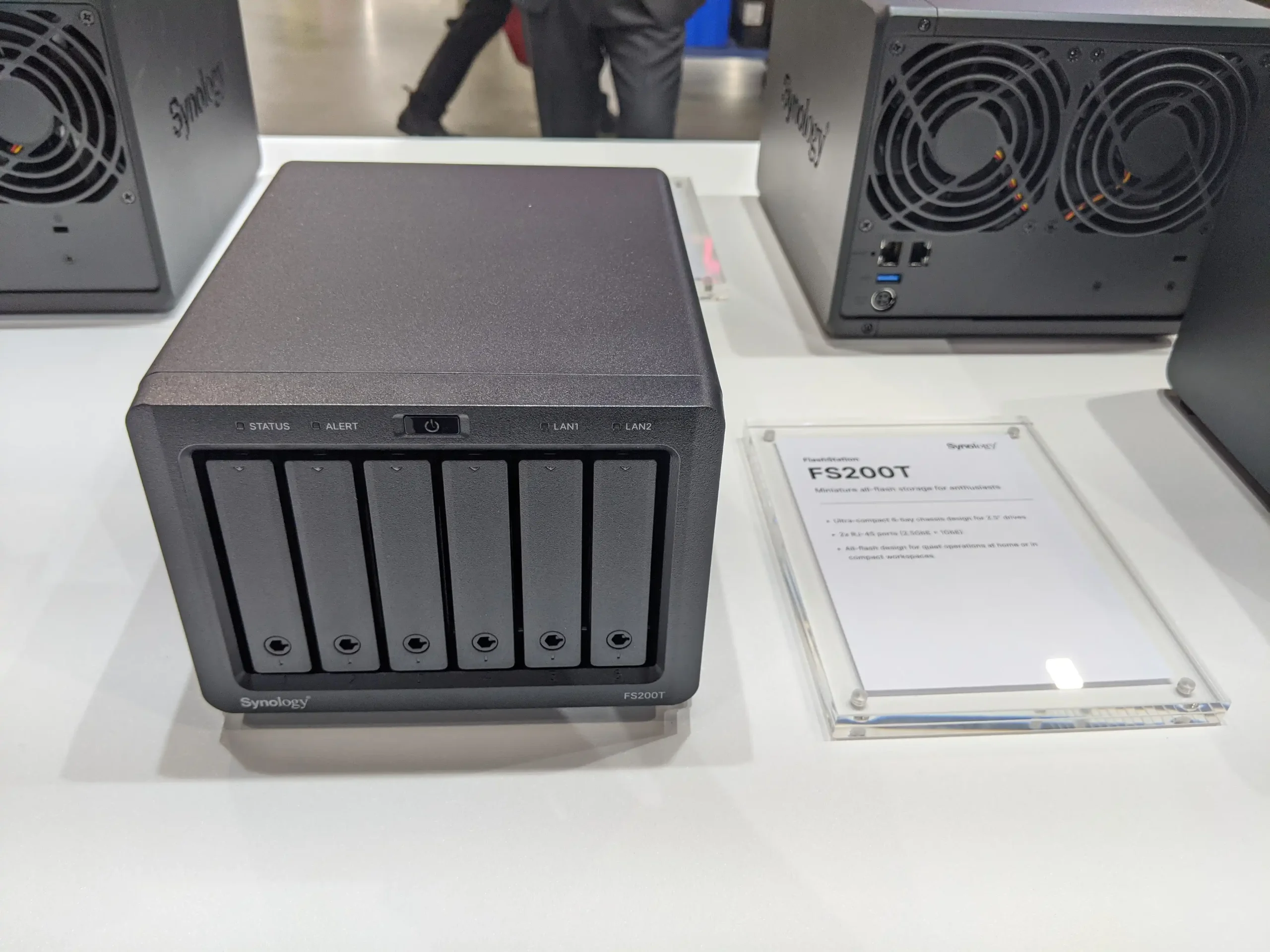
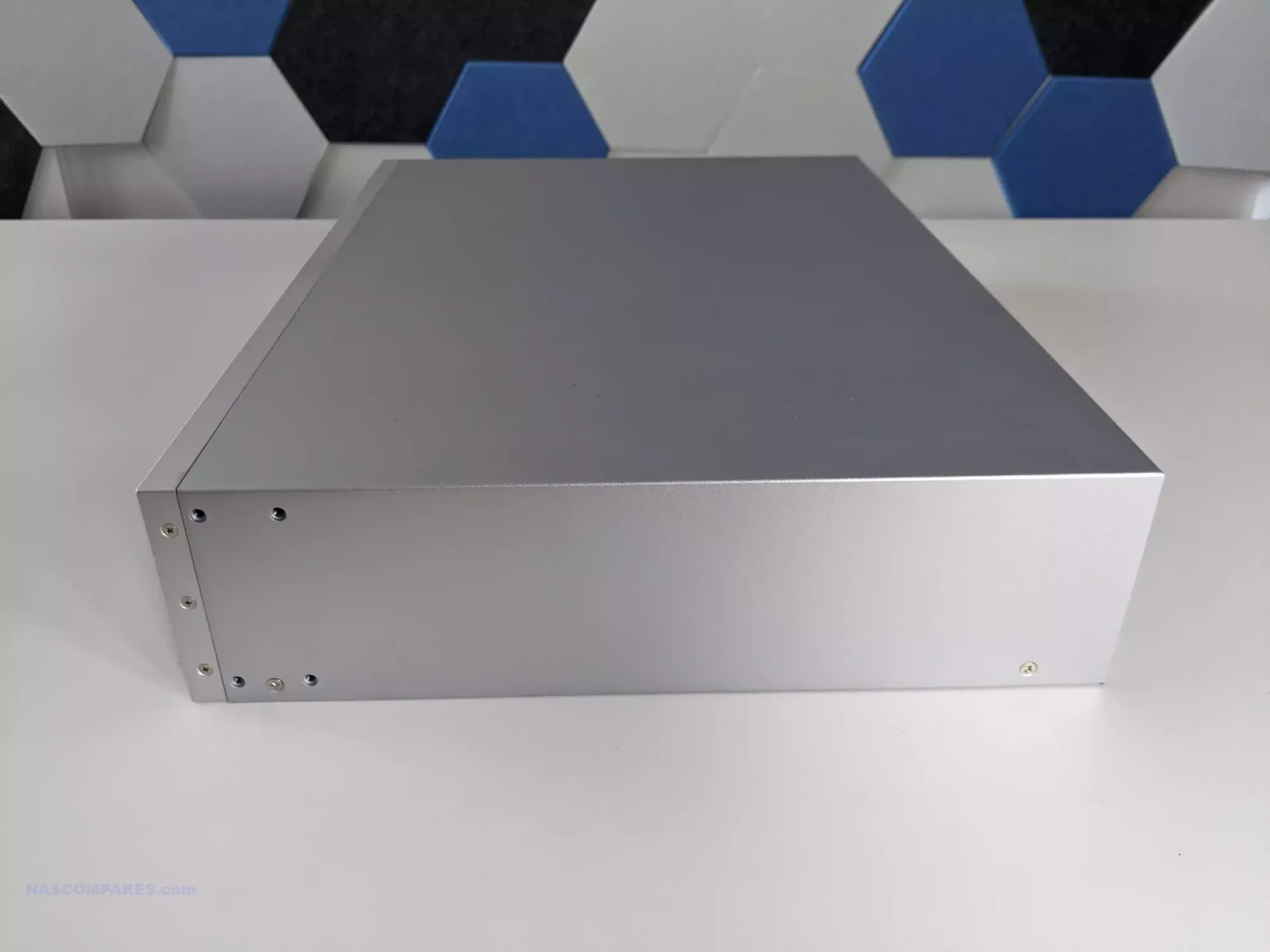
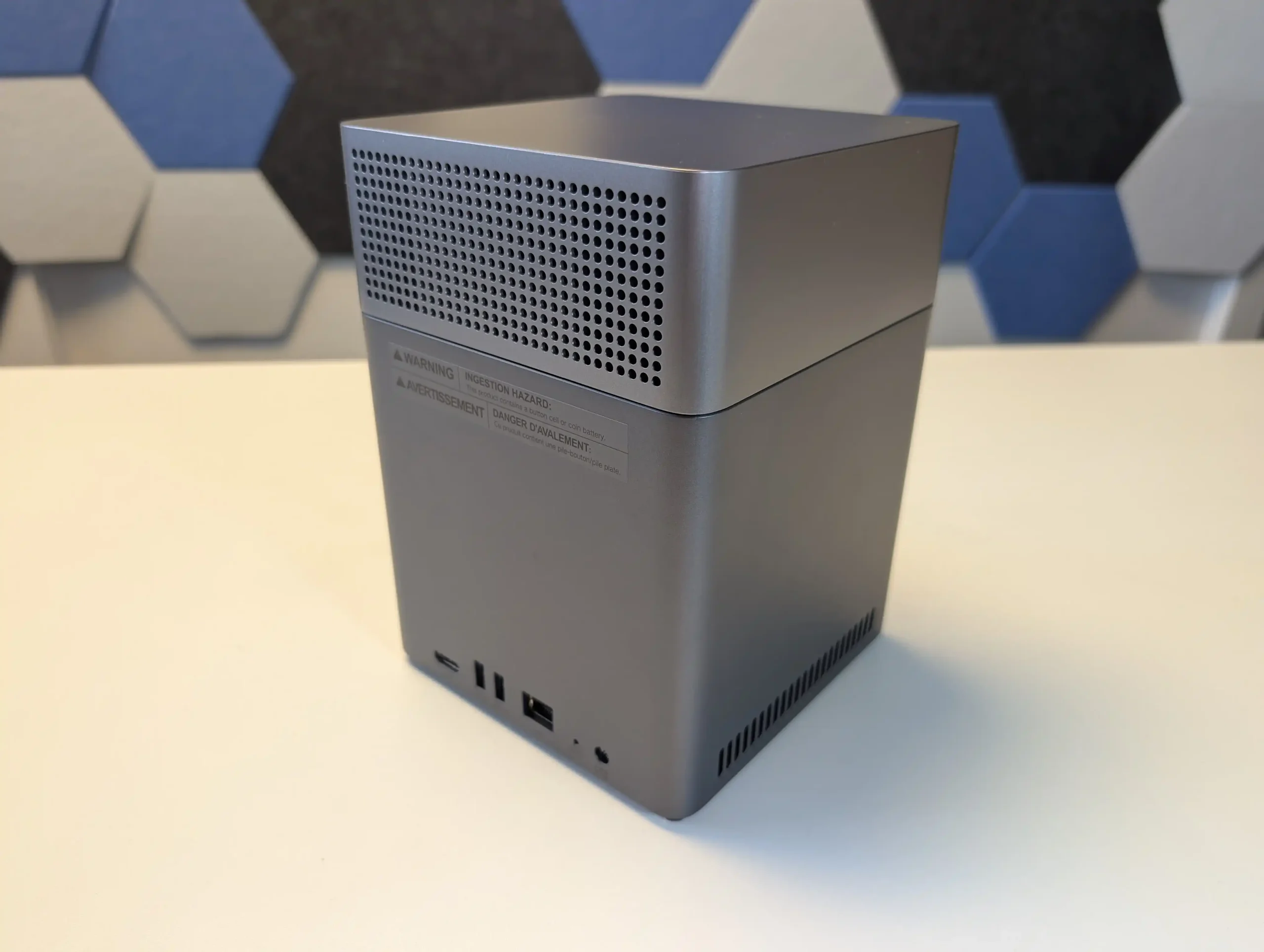
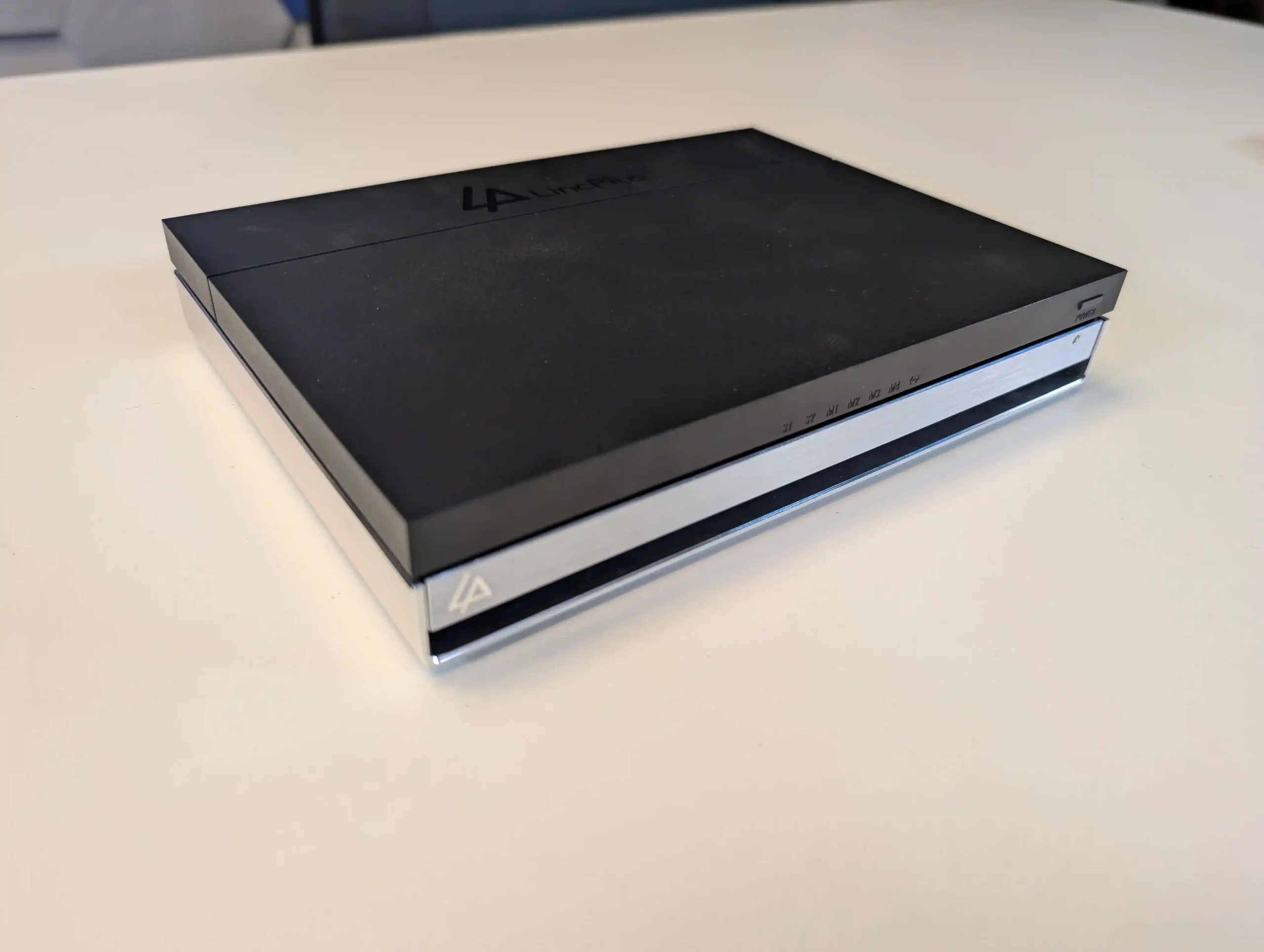
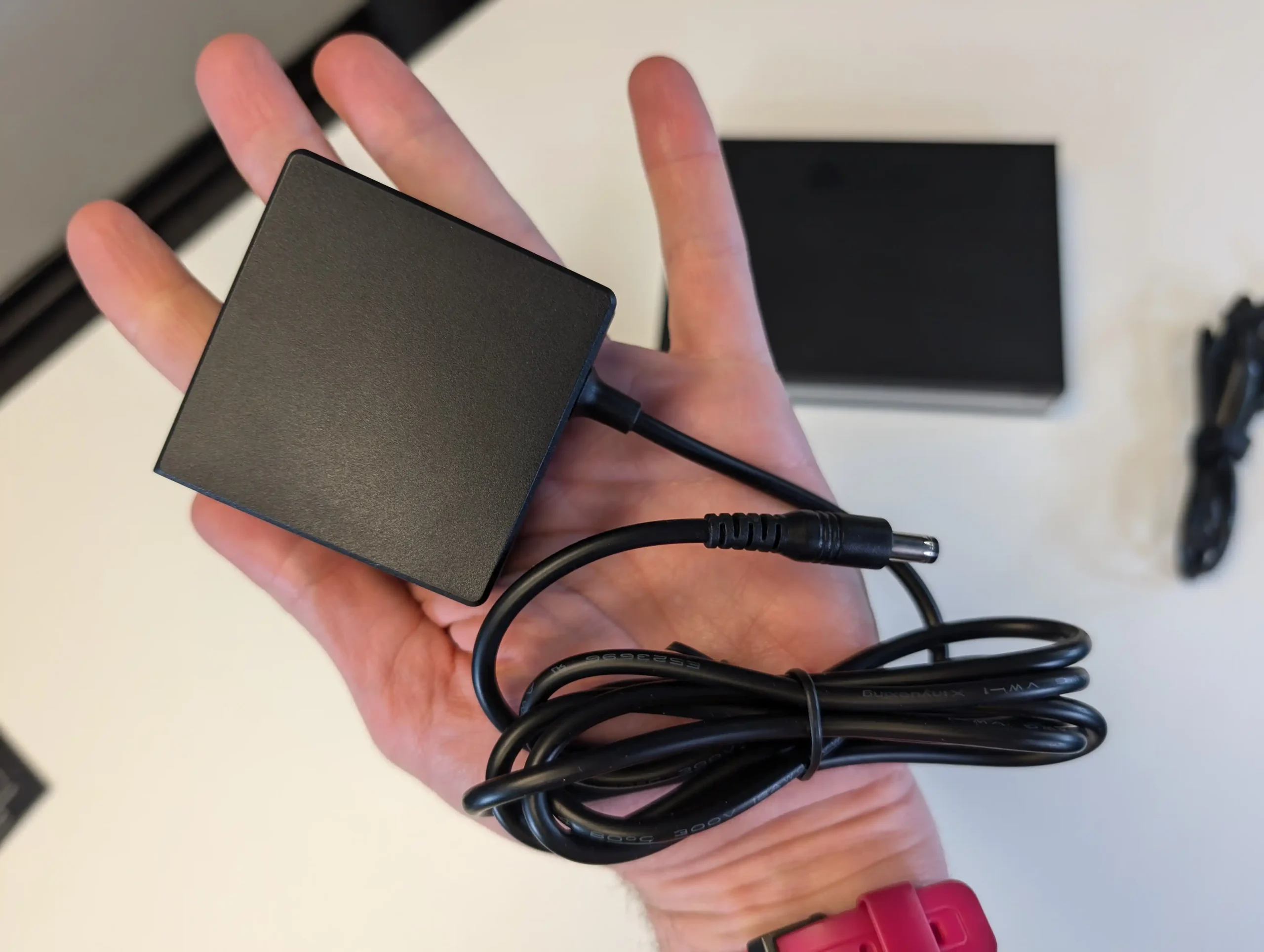
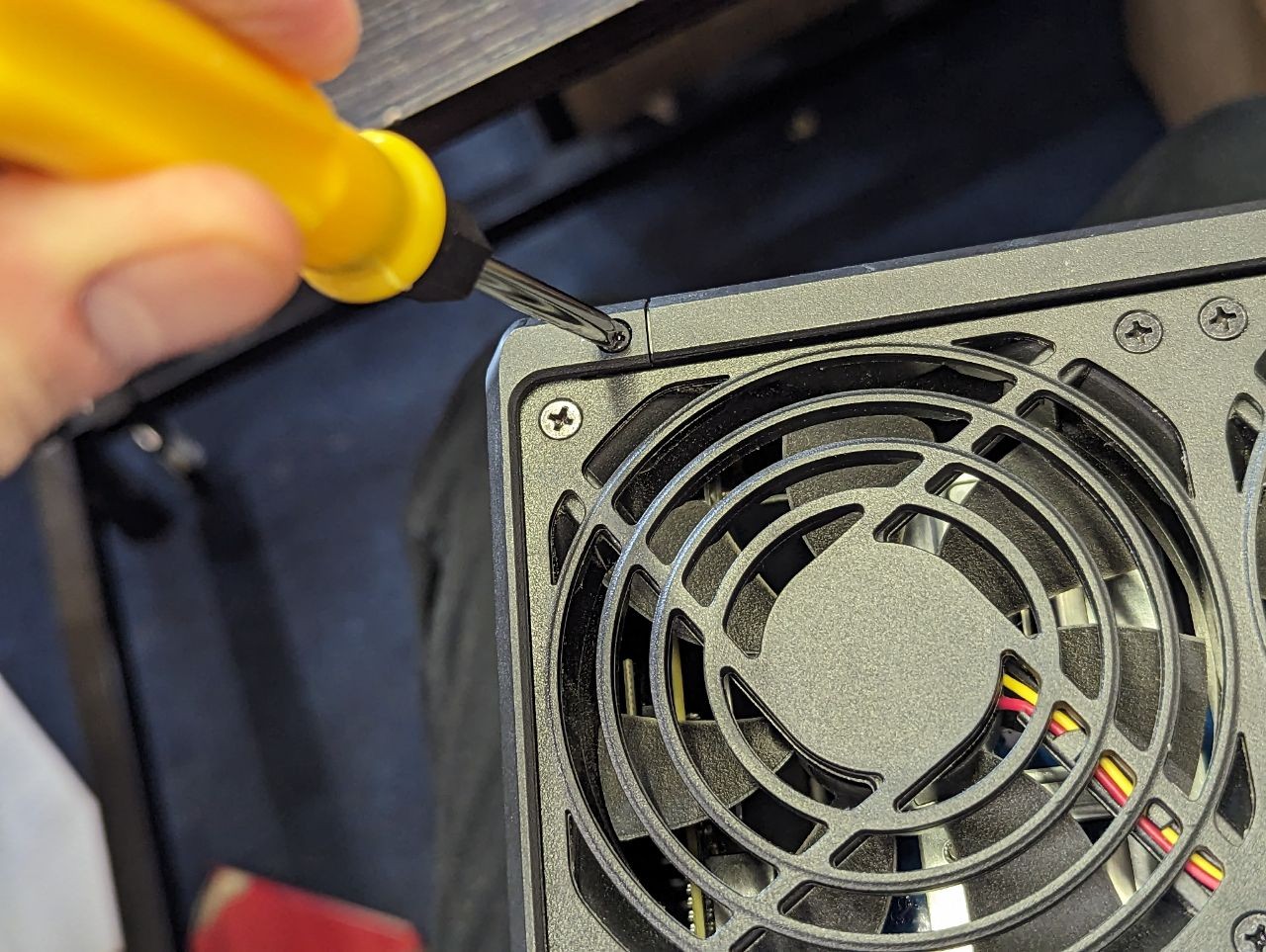
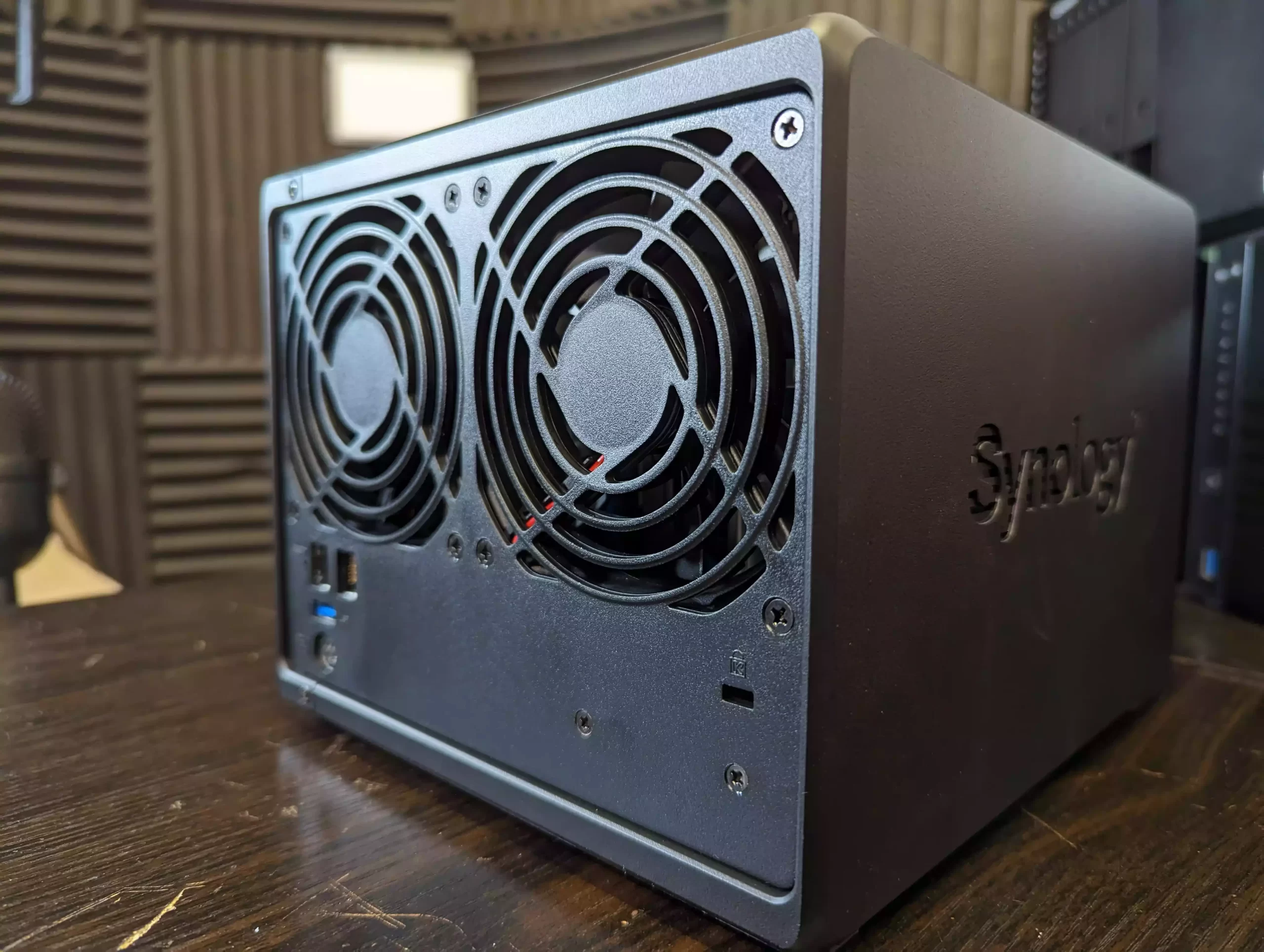
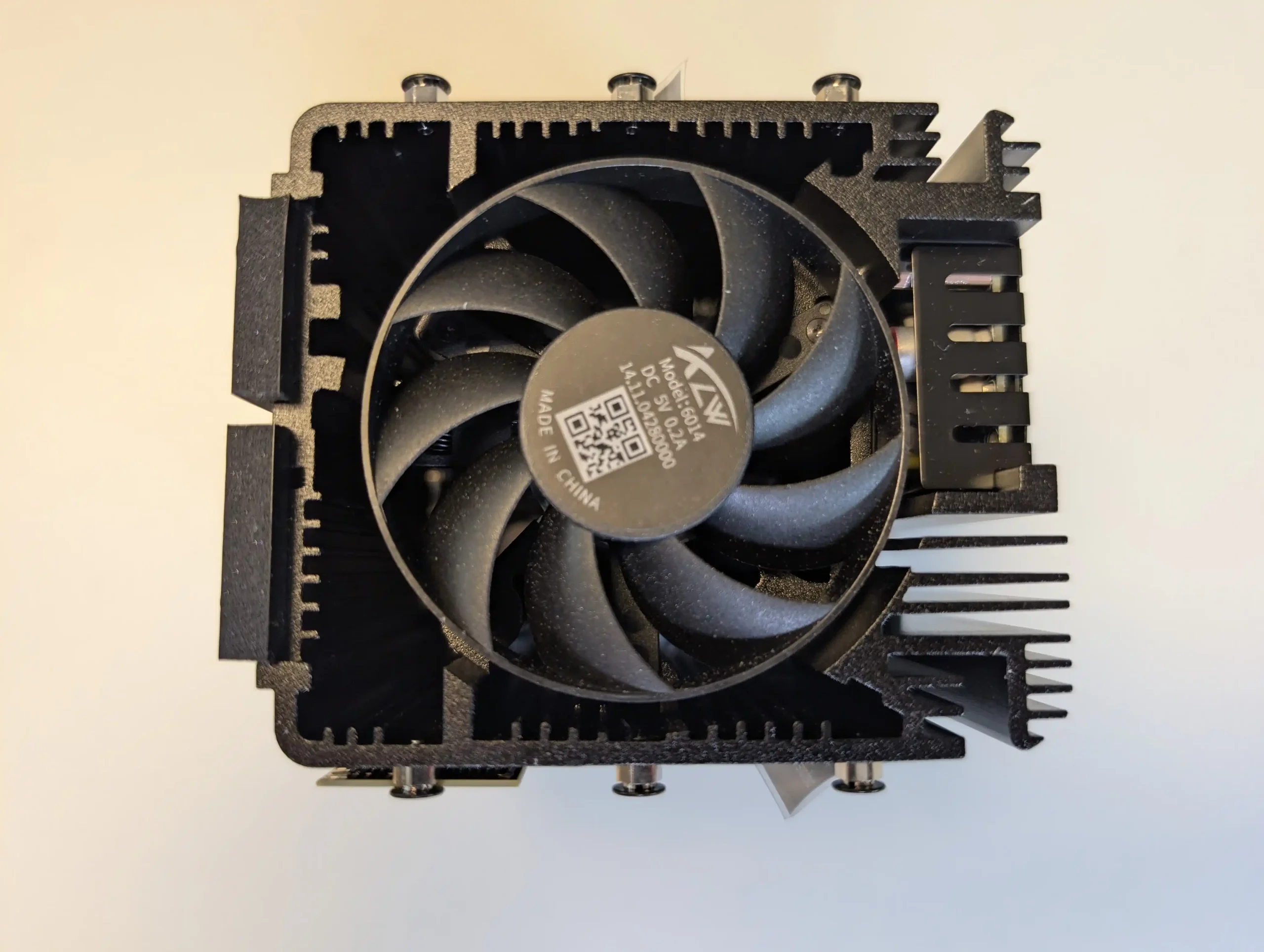
Physically, the FS200T maintains a compact and understated design. The chassis measures 121 mm x 151 mm x 175 mm and weighs 1.4 kg, making it easy to place in home or small office environments. Cooling is managed by a single 80 mm fan, and the lack of mechanical drives supports Synology’s positioning of the system as quiet during operation. Power input is rated from 100V to 240V AC at 50/60 Hz, with operating conditions specified between 0°C and 40°C and 8 percent to 80 percent relative humidity. These characteristics reinforce the system’s focus on low noise, low power operation rather than sustained high performance workloads.

Category Specification
CPU Intel Celeron J4125, 4 core, 64 bit, 2.0 GHz base, 2.7 GHz turbo
Hardware encryption Yes
Memory (included) 4 GB DDR4 non ECC SODIMM
Memory slots 2
Max memory 8 GB (4 GB x 2)
Drive bays 6
Drive type 2.5 inch SATA SSD
Hot swap Yes
LAN ports 1 x 2.5GbE RJ 45, 1 x 1GbE RJ 45
USB ports 2 x USB 3.2 Gen 1
Cooling 1 x 80 mm fan
Dimensions 121 mm x 151 mm x 175 mm
Weight 1.4 kg
Power input 100V to 240V AC, 50/60 Hz

Who is the Synology FS200T NAS For?

The Synology FS200T is clearly aimed at a narrow segment of users who value compact size, quiet operation, and access to the DSM software ecosystem over raw performance or hardware flexibility. This includes home users, enthusiasts, and small office environments where space and noise are limiting factors and where workloads are largely centered around file storage, backups, photo management, and light collaboration services. Users already familiar with DSM who want an always on, low maintenance system for everyday data tasks may find the FS200T fits neatly into that role, particularly if power efficiency and physical footprint are higher priorities than throughput.

At the same time, the FS200T is less well suited to users expecting strong virtualization performance, heavy multi user access, or storage scalability over time. The combination of an older processor, a modest memory ceiling, SATA only storage, and limited network bandwidth means it is not designed to grow alongside more demanding workloads. Power users, media professionals, and those comparing against newer M.2 based NAS platforms may find the system restrictive. In practice, the FS200T makes the most sense for users who want a quiet, self contained DSM appliance and are comfortable accepting its fixed performance envelope from day one.
Has the Synology FS200T NAS Arrived Too Little, Too Late?

The FS200T enters a NAS market that has evolved significantly since its first appearance in early 2025. In that time, compact and enthusiast focused systems have increasingly shifted toward M.2 NVMe as primary storage, often paired with faster multi gig or 10GbE networking as a baseline rather than an upgrade. Against those expectations, a 6 bay, SATA only flash system built around an older Celeron platform feels cautious and, in some respects, behind the curve. Even where SSD responsiveness is present, the combination of SATA bandwidth limits, modest CPU capability, and a single 2.5GbE port constrains how much of that performance can realistically be delivered to connected clients.
These limitations are more pronounced when the FS200T is compared directly with consumer and prosumer alternatives released over the last 12 to 24 months. Many competing systems, including small form factor DIY and appliance style NAS solutions, now offer newer Alder Lake or Twin Lake based processors, higher memory ceilings, and NVMe storage that can scale well beyond SATA constraints. While those platforms may lack DSM and its tightly integrated services, they often deliver noticeably higher throughput, better virtualization headroom, and more flexibility for future expansion at similar or lower price points. In that context, the FS200T’s hardware profile risks appearing static rather than intentionally restrained.
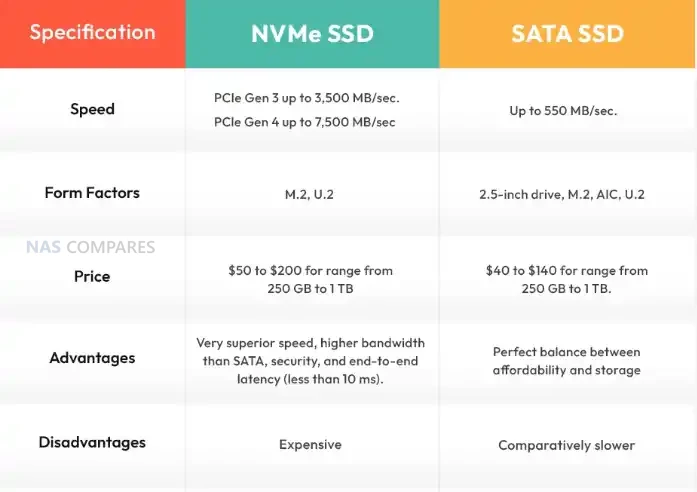
Whether the FS200T is ultimately “too late” depends on how much weight is placed on software versus hardware. For users who specifically want DSM in a very small, quiet enclosure and are comfortable with a fixed performance envelope, the system still fills a clear niche. However, its weaknesses become harder to overlook in a consumer market that increasingly expects NVMe storage, modern CPUs, and faster networking as standard. If pricing and SSD compatibility further narrow its appeal, the FS200T may struggle to justify its position against consumer focused alternatives that offer stronger hardware fundamentals, even if they require compromises on software maturity and ecosystem integration.

📧 SUBSCRIBE TO OUR NEWSLETTER 🔔
[contact-form-7]
🔒 Join Inner Circle

Get an alert every time something gets added to this specific article!


Want to follow specific category? 📧 Subscribe

This description contains links to Amazon. These links will take you to some of the products mentioned in today's content. As an Amazon Associate, I earn from qualifying purchases. Visit the NASCompares Deal Finder to find the best place to buy this device in your region, based on Service, Support and Reputation - Just Search for your NAS Drive in the Box Below

Need Advice on Data Storage from an Expert?

Finally, for free advice about your setup, just leave a message in the comments below here at NASCompares.com and we will get back to you. Need Help? Where possible (and where appropriate) please provide as much information about your requirements, as then I can arrange the best answer and solution to your needs. Do not worry about your e-mail address being required, it will NOT be used in a mailing list and will NOT be used in any way other than to respond to your enquiry. [contact-form-7] TRY CHAT Terms and Conditions

If you like this service, please consider supporting us. We use affiliate links on the blog allowing NAScompares information and advice service to be free of charge to you.Anything you purchase on the day you click on our links will generate a small commission which isused to run the website. Here is a link for Amazon and B&H.You can also get me a ☕ Ko-fi or old school Paypal. Thanks!To find out more about how to support this advice service check HEREIf you need to fix or configure a NAS, check Fiver Have you thought about helping others with your knowledge? Find Instructions Here  

 
Or support us by using our affiliate links on Amazon UK and Amazon US
    
 
Alternatively, why not ask me on the ASK NASCompares forum, by clicking the button below. This is a community hub that serves as a place that I can answer your question, chew the fat, share new release information and even get corrections posted. I will always get around to answering ALL queries, but as a one-man operation, I cannot promise speed! So by sharing your query in the ASK NASCompares section below, you can get a better range of solutions and suggestions, alongside my own.

☕ WE LOVE COFFEE ☕


Best NAS for Under $499

Best NAS You Can Buy Right Now for Under $499 at the end of 2025

By late 2025, the under 499 dollar NAS segment has become far more crowded, with multiple vendors offering systems that combine capable hardware, established operating systems, and multi bay storage at a relatively accessible price. Home users, prosumers, and small workgroups now have access to devices that can centralise files, manage routine backups, and handle local media streaming at performance levels that were previously limited to higher priced units. The range of available designs has also grown, with everything from compact solid state based units to entry level rackmount models appearing in this category. This guide looks at five (technically 6!) turnkey NAS platforms that can be purchased for 499 dollars or less. Each one focuses on a different balance of features, whether that is throughput, virtualisation, containers, or ease of use, yet all provide a practical path toward reliable self hosted storage without pushing the budget too far.

Important Disclaimer and Notes Before You Buy

Every NAS in this bracket is sold without drives, so users must provide their own storage, whether that is 3.5 inch HDDs, 2.5 inch SSDs, or M.2 NVMe modules for all flash builds. This directly influences total cost, particularly for NVMe based systems. Some models include small flash or eMMC for the operating system, but these are not suitable for general data storage. Buyers should account for drive costs, planned RAID layouts, and any needed accessories such as cables, heatsinks, or extra cooling. Software support also varies, with many devices using vendor platforms like DSM, TOS, or UGOS, while others permit alternatives such as TrueNAS or Unraid without affecting hardware support. Systems with less mature software may require more setup work for Plex, Docker, or SMB services, making these NAS units better suited to users who are comfortable handling basic network configuration or are willing to learn more advanced features over time.


UniFi UNAS Pro 7-Bay NAS

$499 – ARM Cortex-A57 – 8GB – 7x 3.5″ SATA – 1x 10GbE SFP+, 1x 1GbE – UniFi OS – BUY HERE

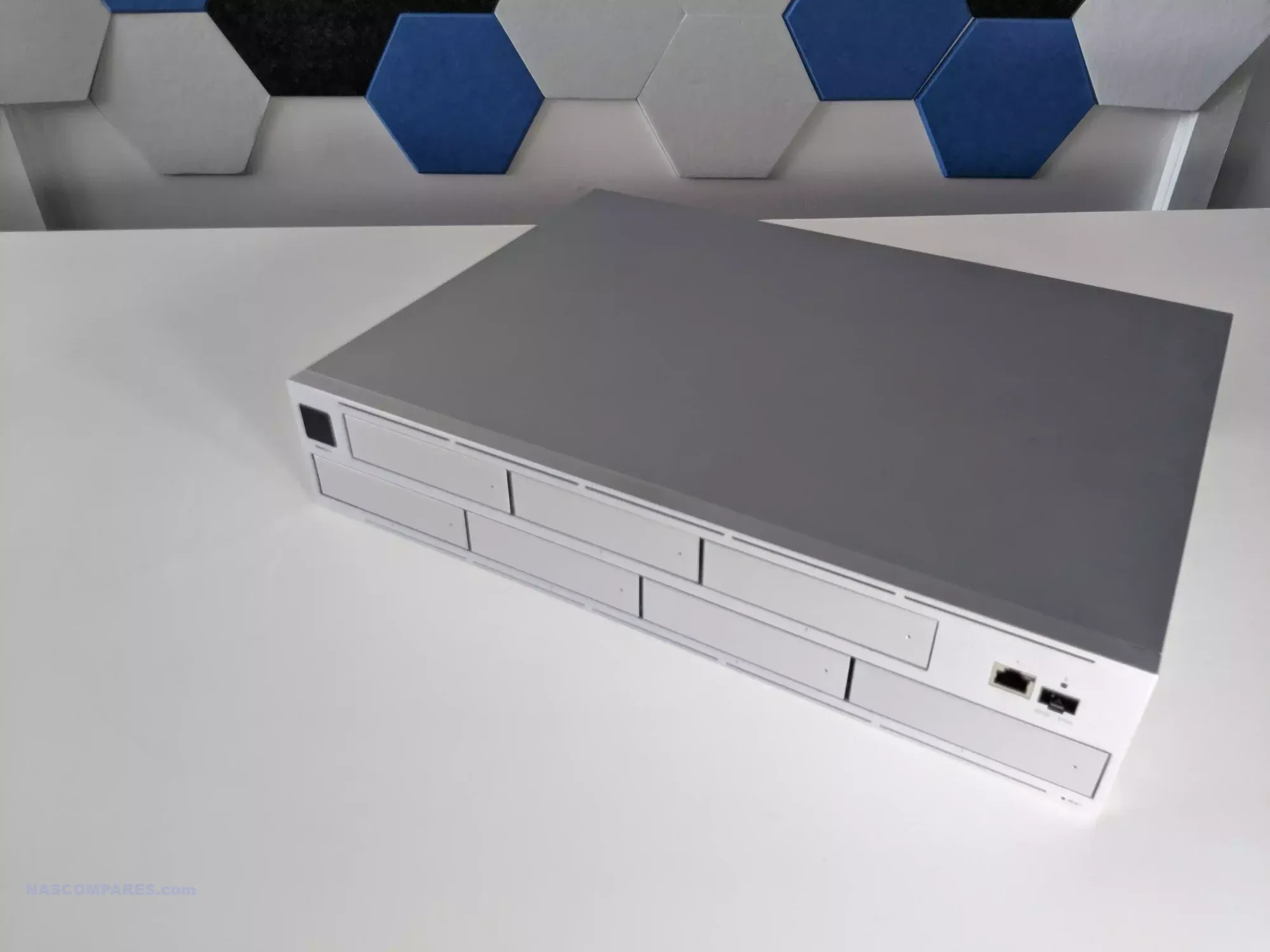
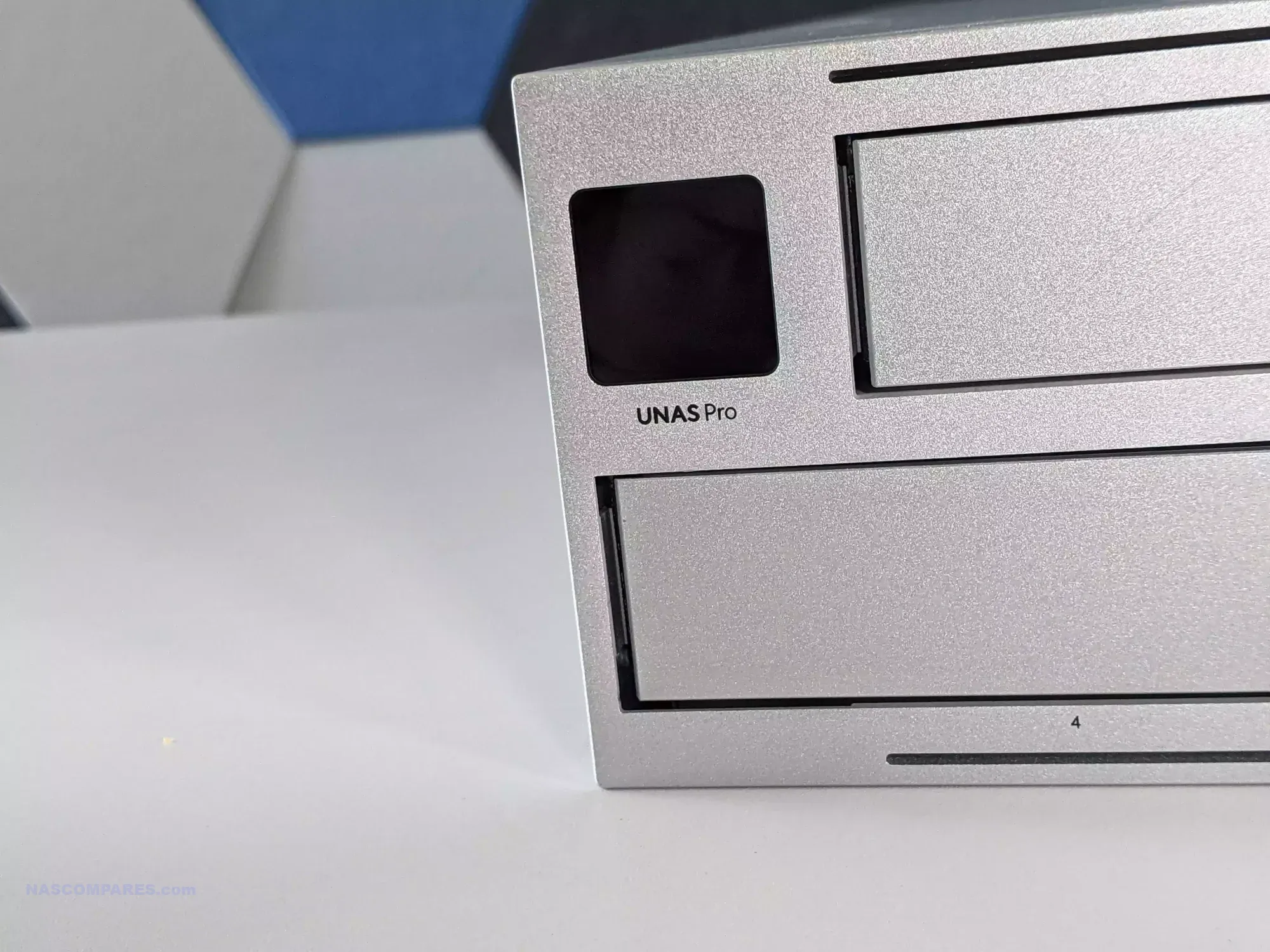
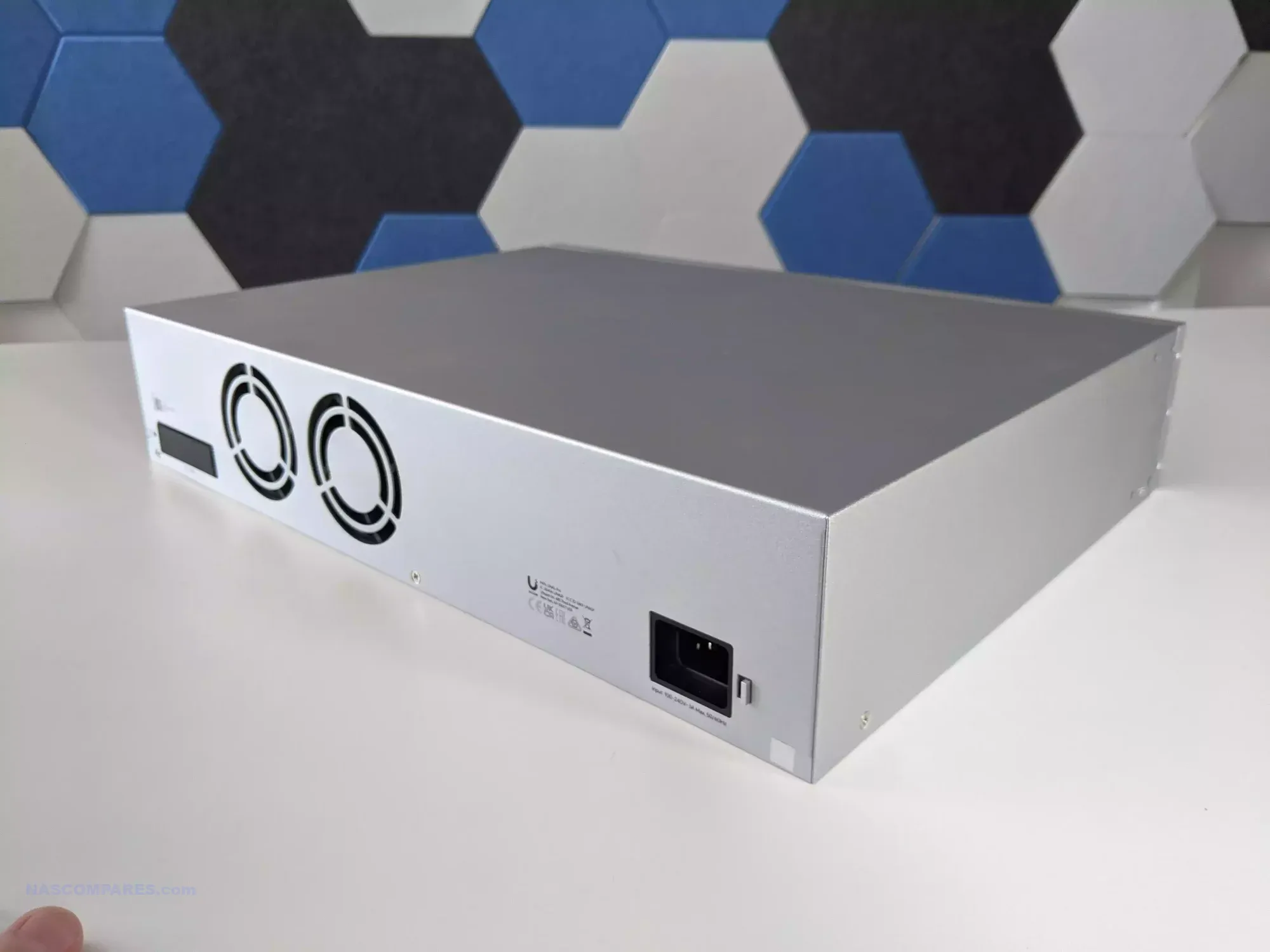
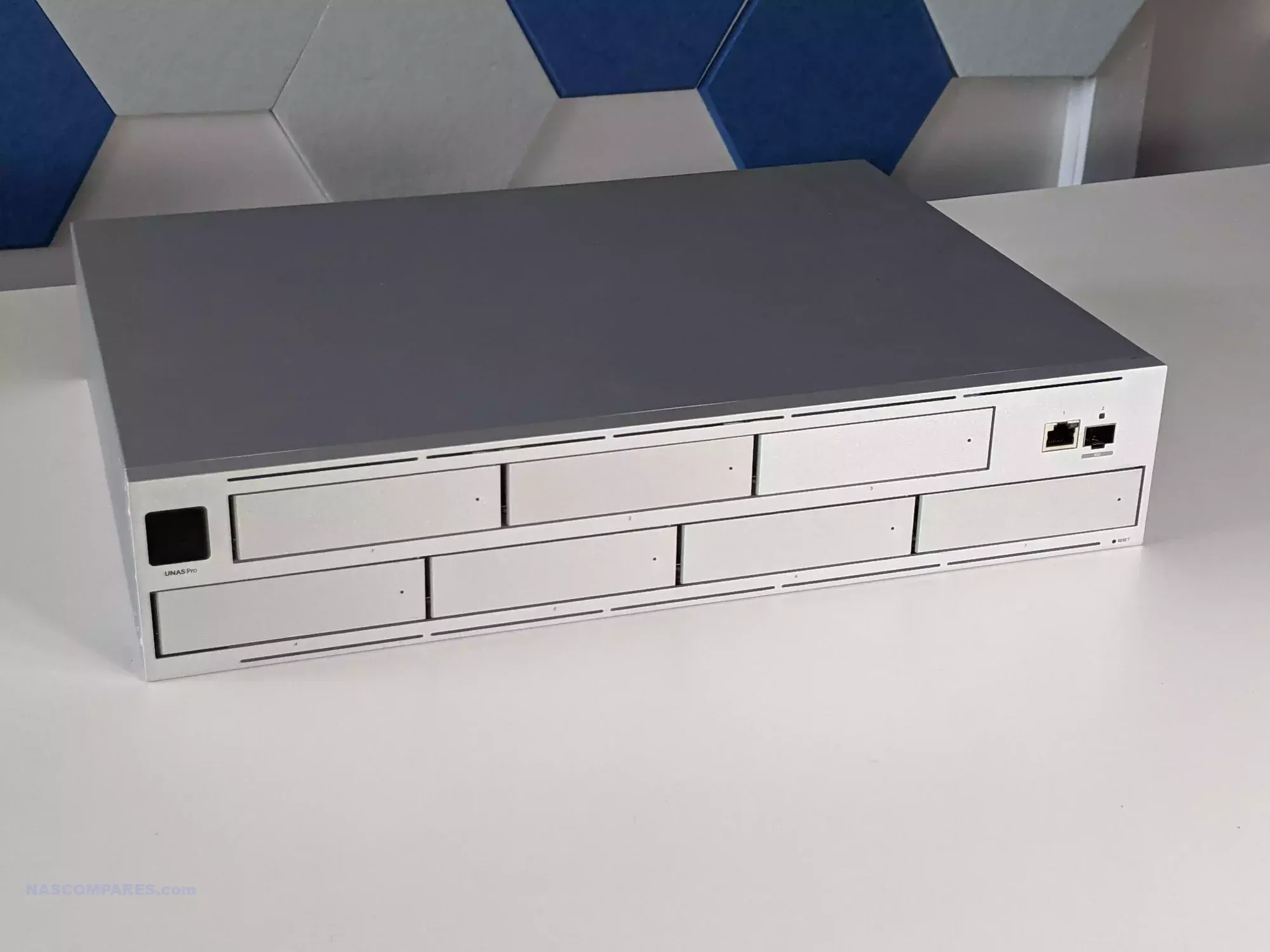
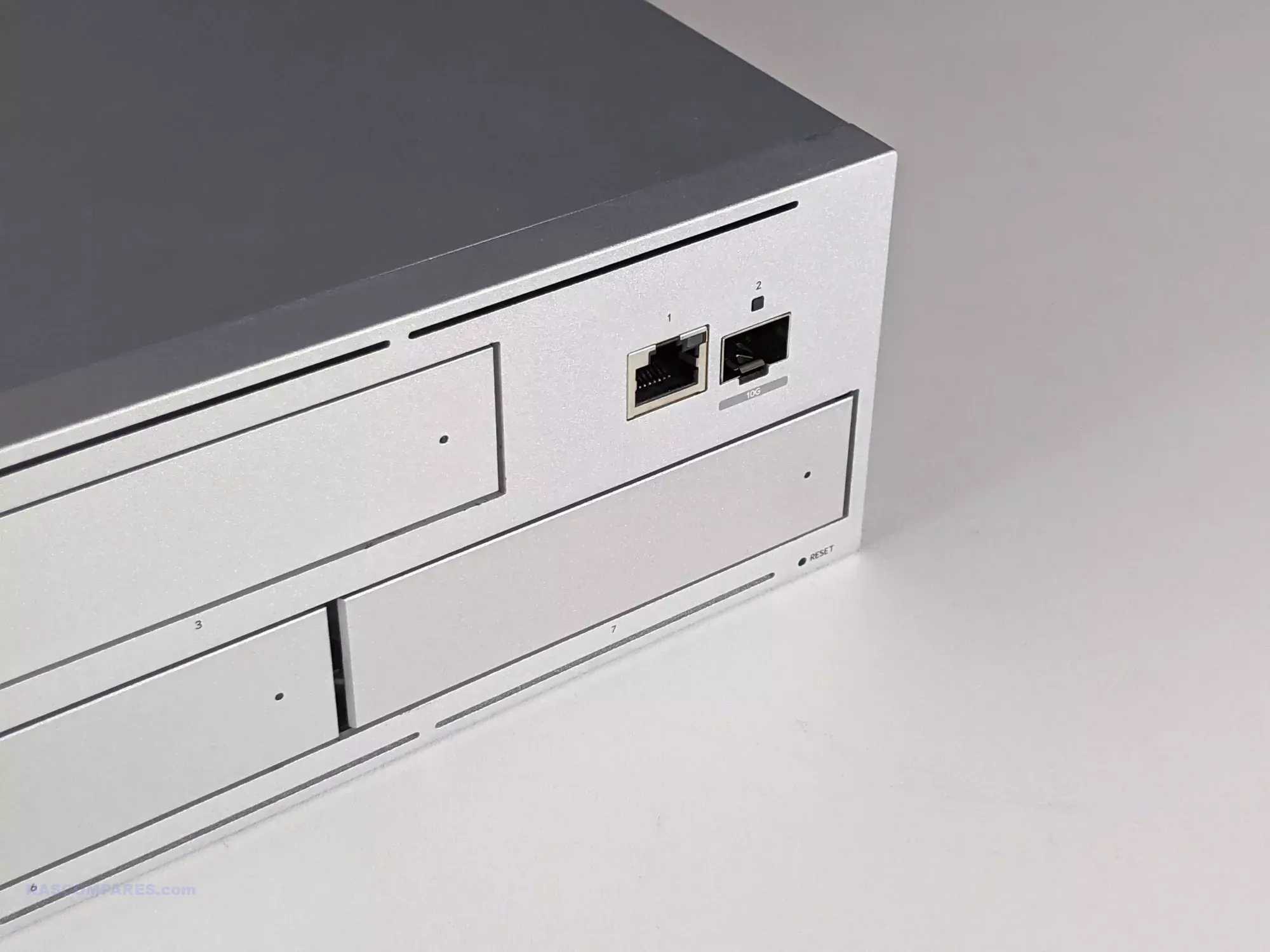
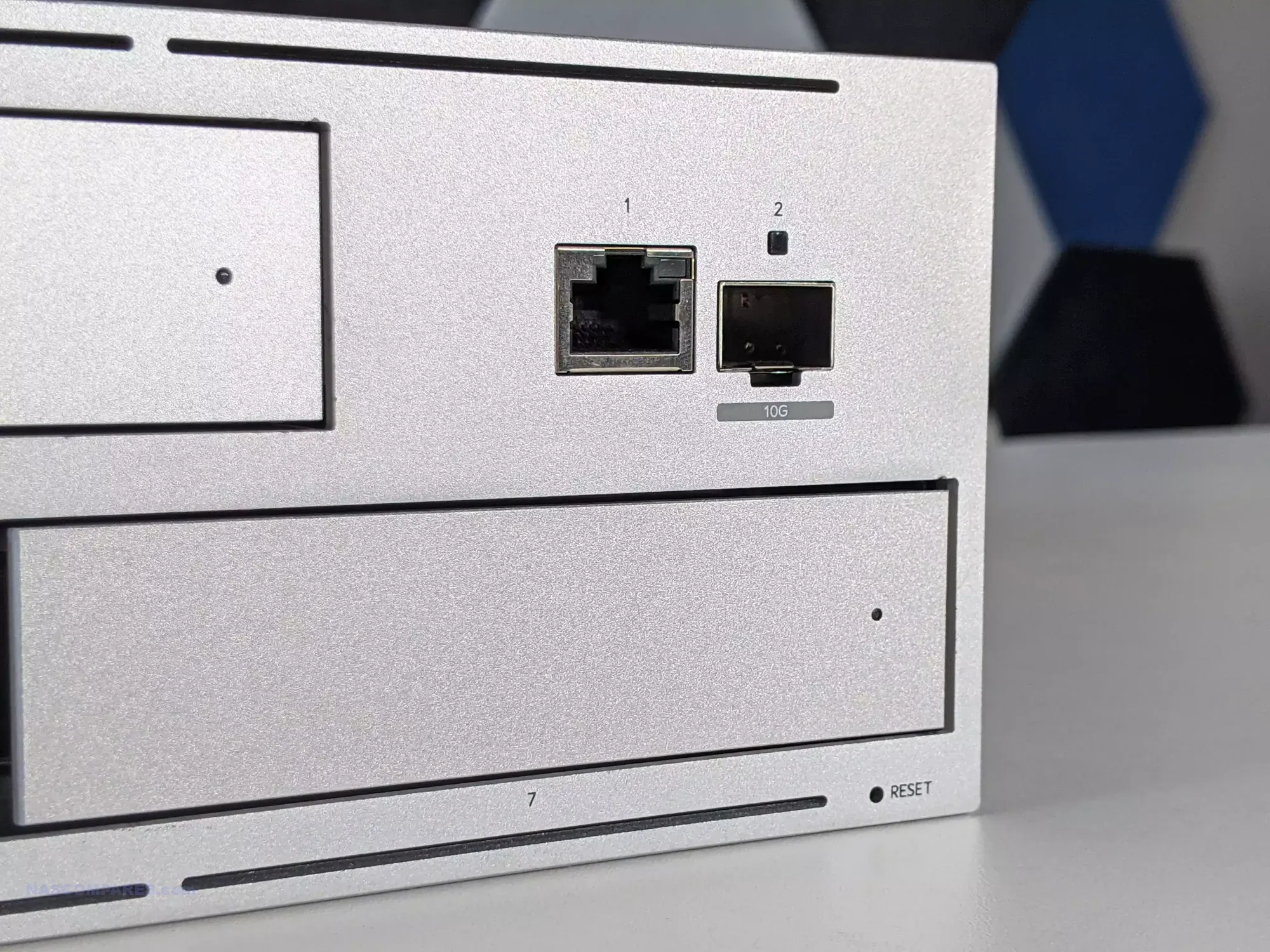
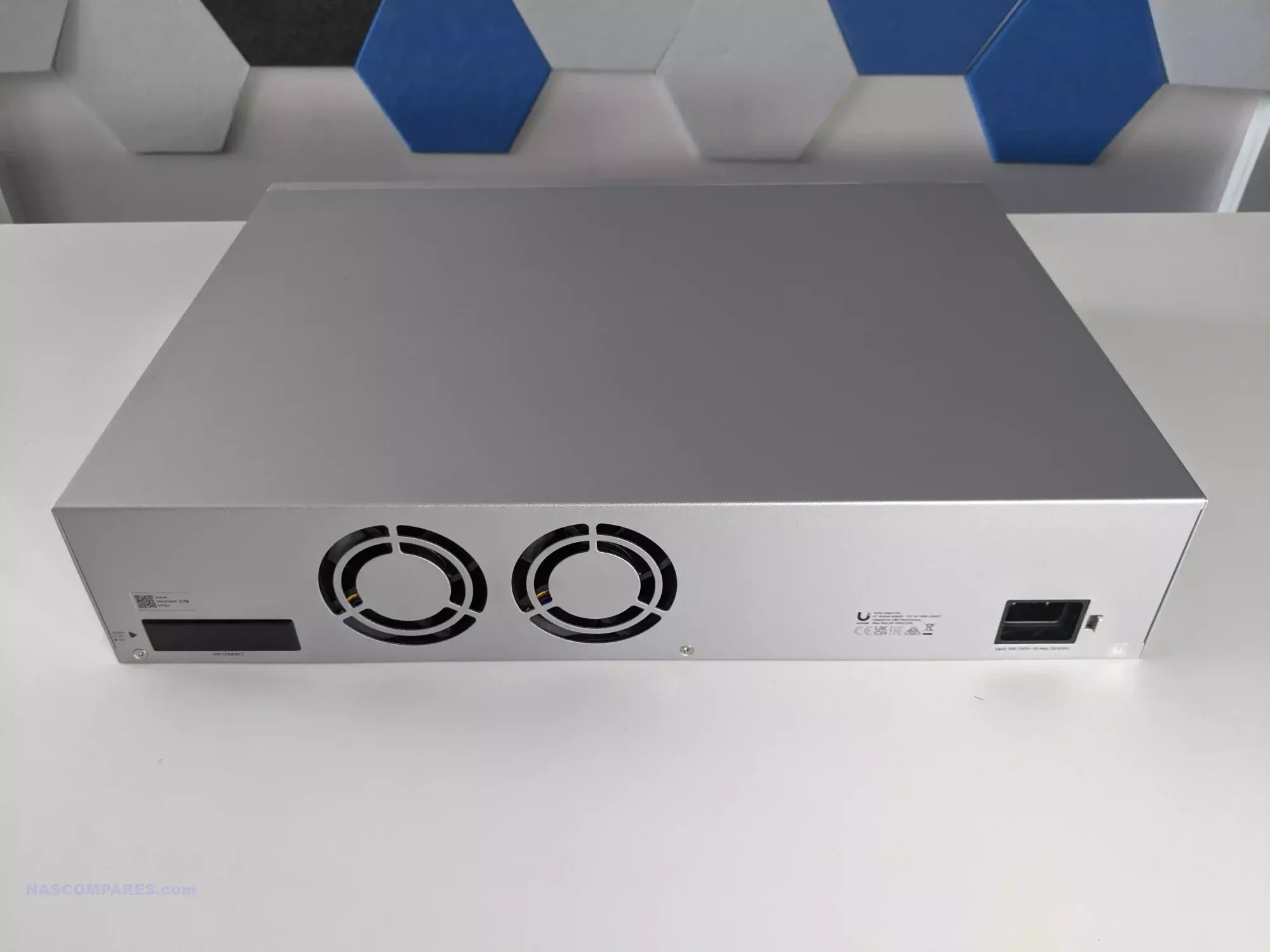
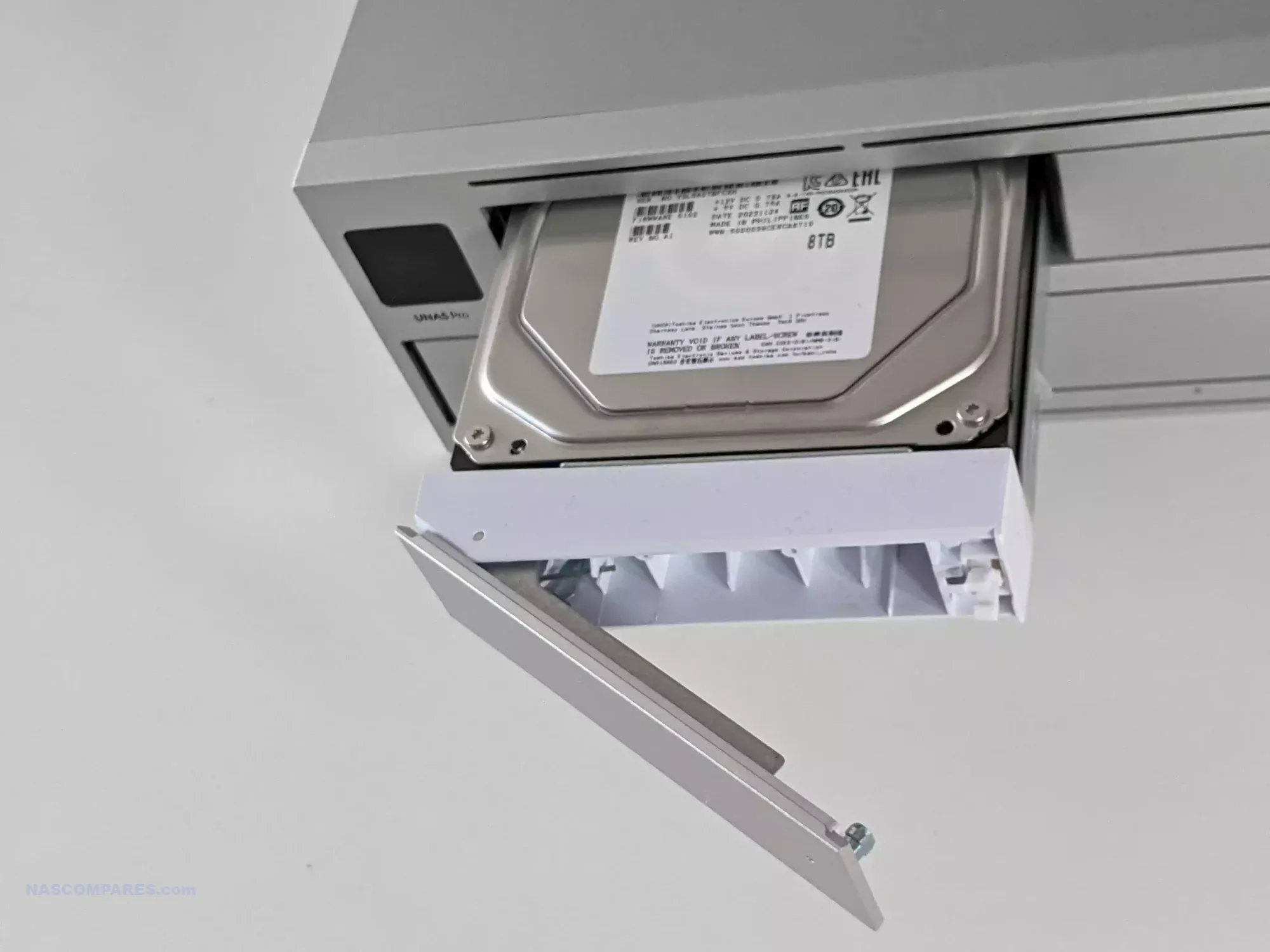
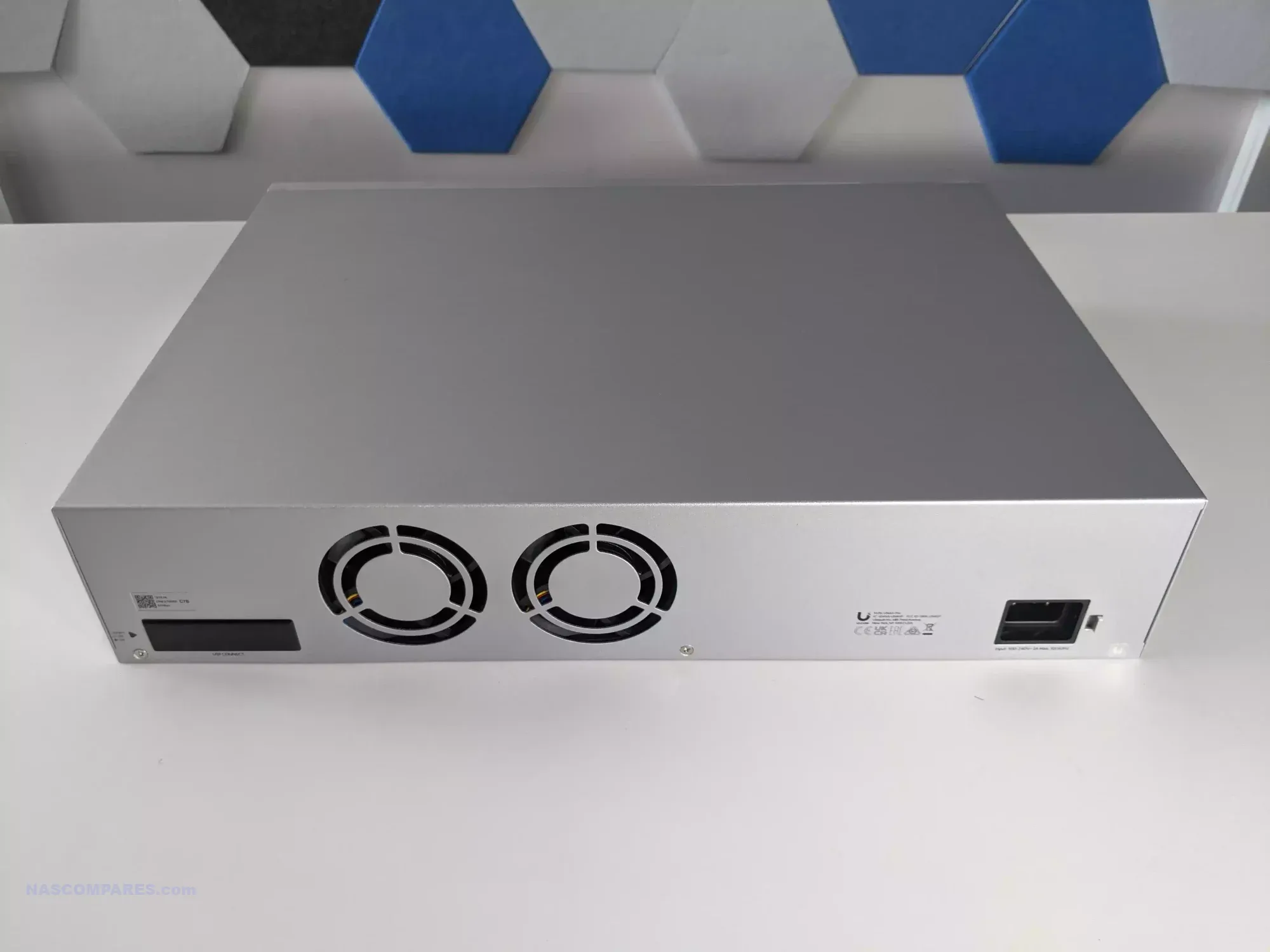
The UniFi UNAS Pro is a two unit rackmount NAS that focuses on high throughput storage rather than general purpose application hosting. It includes seven hot swappable SATA bays for either 2.5 inch or 3.5 inch drives and is built on a quad core ARM Cortex A57 processor at 1.7GHz with 8GB of DDR4 memory. The platform is intended for straightforward file storage and does not provide container services, multimedia features, or virtualisation. Network connectivity consists of one 10GbE SFP plus port and one 1GbE RJ45 port, which makes the system well suited to central backups, shared project storage, and high volume file transfers inside a UniFi managed network.

Management is handled through the Drive application within UniFi OS, with support for RAID zero, one, five, and six. Power redundancy is enabled through an internal 200 watt AC and DC power supply and optional USP RPS failover. A 1.3 inch front panel touchscreen provides system information and basic diagnostics. Although the feature set is narrower than that of a typical multimedia or container focused NAS, the system integrates cleanly with UniFi infrastructure or can operate on its own as a dedicated storage target.

Here are all the current UniFi NAS Solutions & Prices:
  • UniFi UNAS 2 (2 Bay, $199) – HERE
  • UniFi UNAS 4  (4 Bay + 2x M2, $379) – HERE
  • UniFi UNAS Pro 4 (4 Bay + 2x M.2, $499) – HERE
  • UniFi UNAS Pro (7 Bay, $499) – HERE
  • UniFi UNAS Pro 8 (8-Bay + 2x M.2, $799) HERE

Since launching the original UNAS models in 2024, UniFi has expanded the range with new desktop units, including the UNAS two bay at 199 dollars and the UNAS four bay at 349 dollars, along with Pro series models in four bay and eight bay configurations at 499 dollars and 799 dollars. The UNAS Pro sits at the entry point of the Pro line and offers a hardware driven approach suited to users who want reliable multi bay storage with 10GbE connectivity and do not require wider software extensibility.

Component Specification
CPU Quad-Core ARM Cortex-A57 @ 1.7GHz
Memory 8GB DDR4
Drive Bays 7x 2.5″/3.5″ SATA HDD/SSD
Networking 1x 10GbE SFP+, 1x 1GbE
Power 200W internal PSU + USP-RPS redundancy
OS UniFi OS / Drive App
Display 1.3″ touchscreen
Form Factor 2U Rackmount
Dimensions 442 x 325 x 87 mm
Weight 9.5 kg with brackets

UGREEN NASync DXP4800 NAS

$499– Intel N100 – 8GB – 4x 3.5″ SATA + 2x M.2 NVMe – 2x 2.5GbE – UGOS Pro – BUY HERE

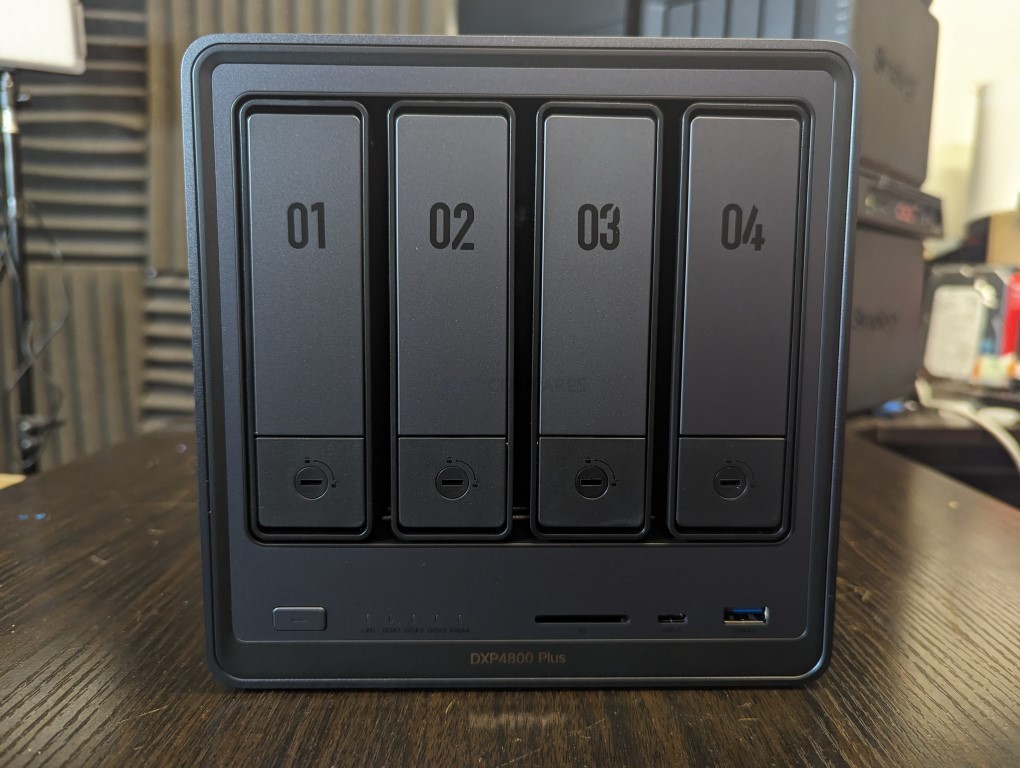
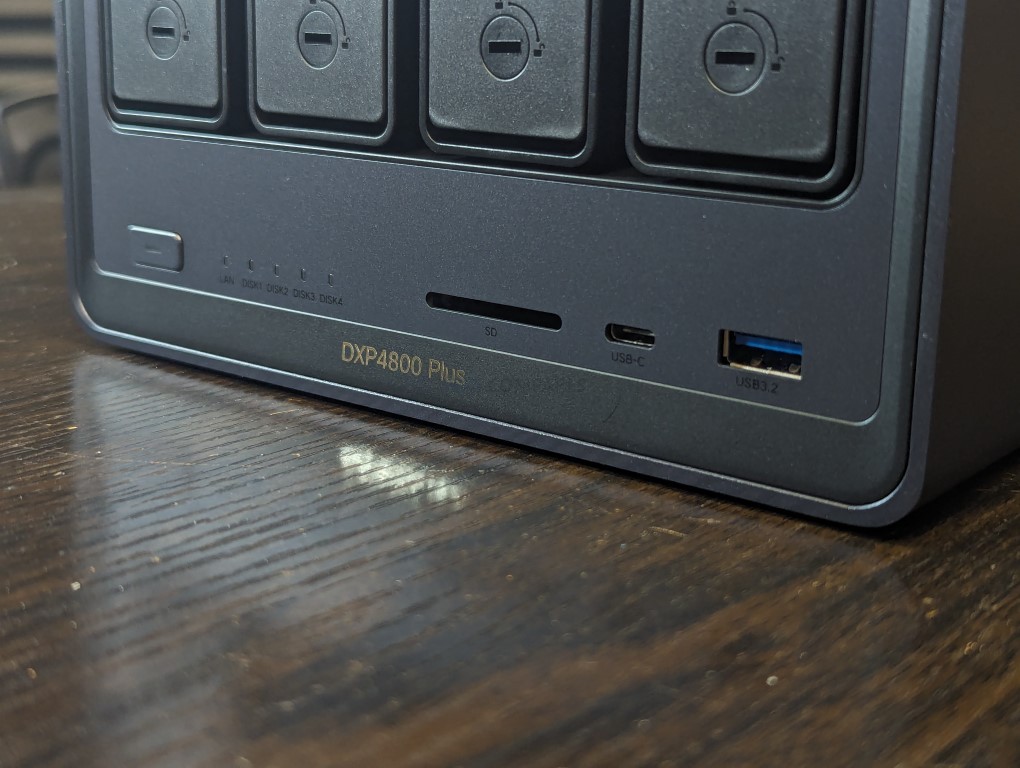
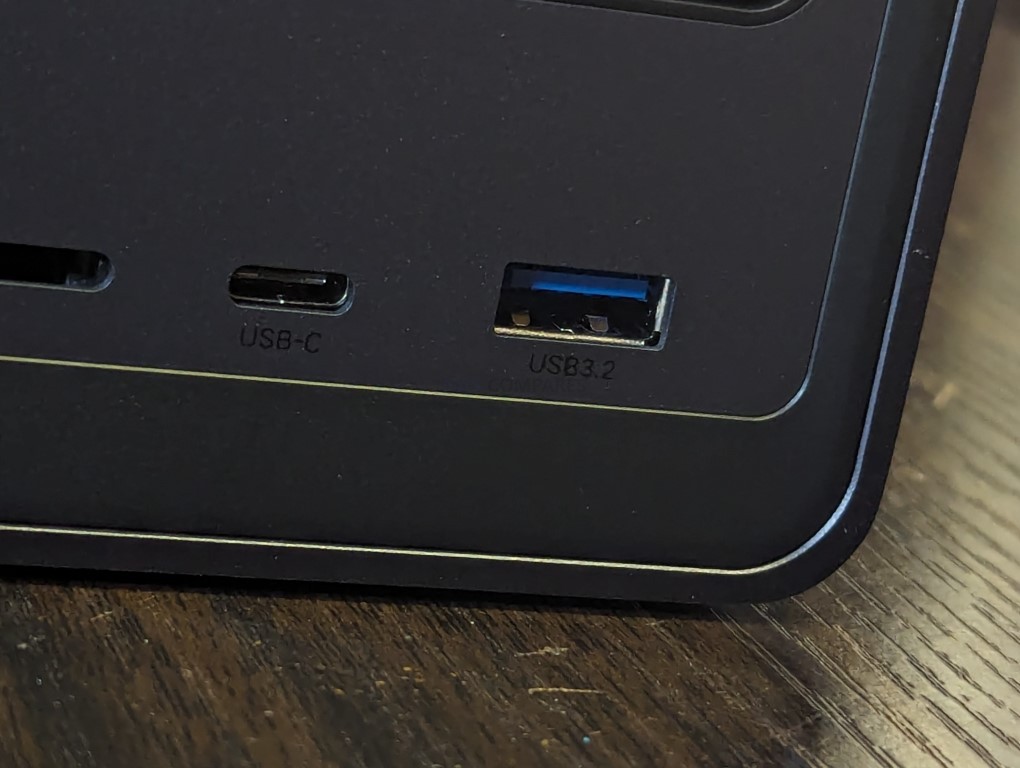
The UGREEN NASync DXP4800 is a four bay desktop NAS that combines hybrid storage options with a growing set of software features. It uses an Intel N100 quad core processor from the twelfth generation Alder Lake N series and includes 8GB of DDR5 memory along with 32GB of onboard eMMC for the operating system. The system provides four SATA bays for hard drives or SSDs and two M.2 NVMe slots that can be used for caching or for creating faster all flash volumes. Network connectivity consists of two 2.5GbE ports with support for link aggregation to improve throughput or provide failover. Front and rear USB 3.2 ports, a USB C connector, and an SD 3.0 card reader add convenience for users who work with external media.

UGOS Pro serves as the software platform and offers RAID zero, one, five, six, and ten, along with Docker, Plex support, cloud sync tools, snapshots, and standard file sharing services. Although UGOS Pro is not as established as DSM or TrueNAS, it has gained stability and functionality over repeated updates and provides a straightforward browser based interface for managing storage and services. For users who want hybrid storage flexibility and a graphical setup process, the DXP4800 fits comfortably in the under 499 dollar category, particularly during sales.

UGREEN also sells a more cost effective alternative called the DH4300 Plus. That model uses an ARM processor with fixed memory and provides only a single 2.5GbE connection. It is suitable for simpler workloads, but users who want stronger performance and broader feature support will likely prefer the DXP4800.

Component Specification
CPU Intel N100 (4 cores, up to 3.4GHz)
Memory 8GB DDR5 (upgradable to 16GB)
Drive Bays 4x SATA (3.5″/2.5″) + 2x M.2 NVMe
Networking 2x 2.5GbE LAN
Ports 1x USB-C (10Gbps), 2x USB-A, SD Card Reader
Video Output 1x HDMI (4K)
OS UGOS Pro
Power Consumption 35.18W (access), 15.43W (hibernation)
Dimensions 257 x 178 x 178 mm (approx.)


LincStation N2 NAS

$399 – Intel N100 – 16GB – 2x 2.5″ SATA + 4x M.2 NVMe – 1x 10GbE – Unraid OS – BUY HERE

The LincStation N2 is a compact solid state NAS that offers higher performance than most systems in this price tier. It uses an Intel N100 processor with 16GB of LPDDR5 memory and supports two 2.5 inch SATA SSDs alongside four M.2 2280 NVMe drives. This six bay layout is aimed at users who want higher IOPS, quieter operation, and lower power consumption than a hard drive based configuration. Network connectivity is provided through a single 10GbE RJ45 port, which is uncommon at this price level and useful for workstation links or scenarios involving multiple simultaneous clients.

The unit includes an Unraid Starter license, giving users access to Docker containers, virtual machines, hardware passthrough, and flexible storage management. Unraid requires some familiarity to use effectively, but it offers greater adaptability than fixed vendor operating systems. The N2 also includes HDMI output, USB C, USB 3.2, and several USB 2.0 ports, which allows it to function as a lightweight home server or media oriented workstation in addition to its NAS role. For users who place priority on SSD storage, 10GbE connectivity, and virtualisation features, the LincStation N2 provides a level of capability that is not common in the sub 499 dollar category.

Component Specification
CPU Intel N100 (4 cores, up to 3.4GHz)
Memory 16GB LPDDR5 (non-upgradable)
Drive Bays 2x 2.5″ SATA + 4x M.2 NVMe
Networking 1x 10GbE LAN
Ports 1x USB-C (10Gbps), 1x USB 3.2, 2x USB 2.0
Video/Audio HDMI 2.0, 3.5mm audio out
OS Unraid (Starter license included)
Dimensions 210 x 152 x 39.8 mm
Weight 800g


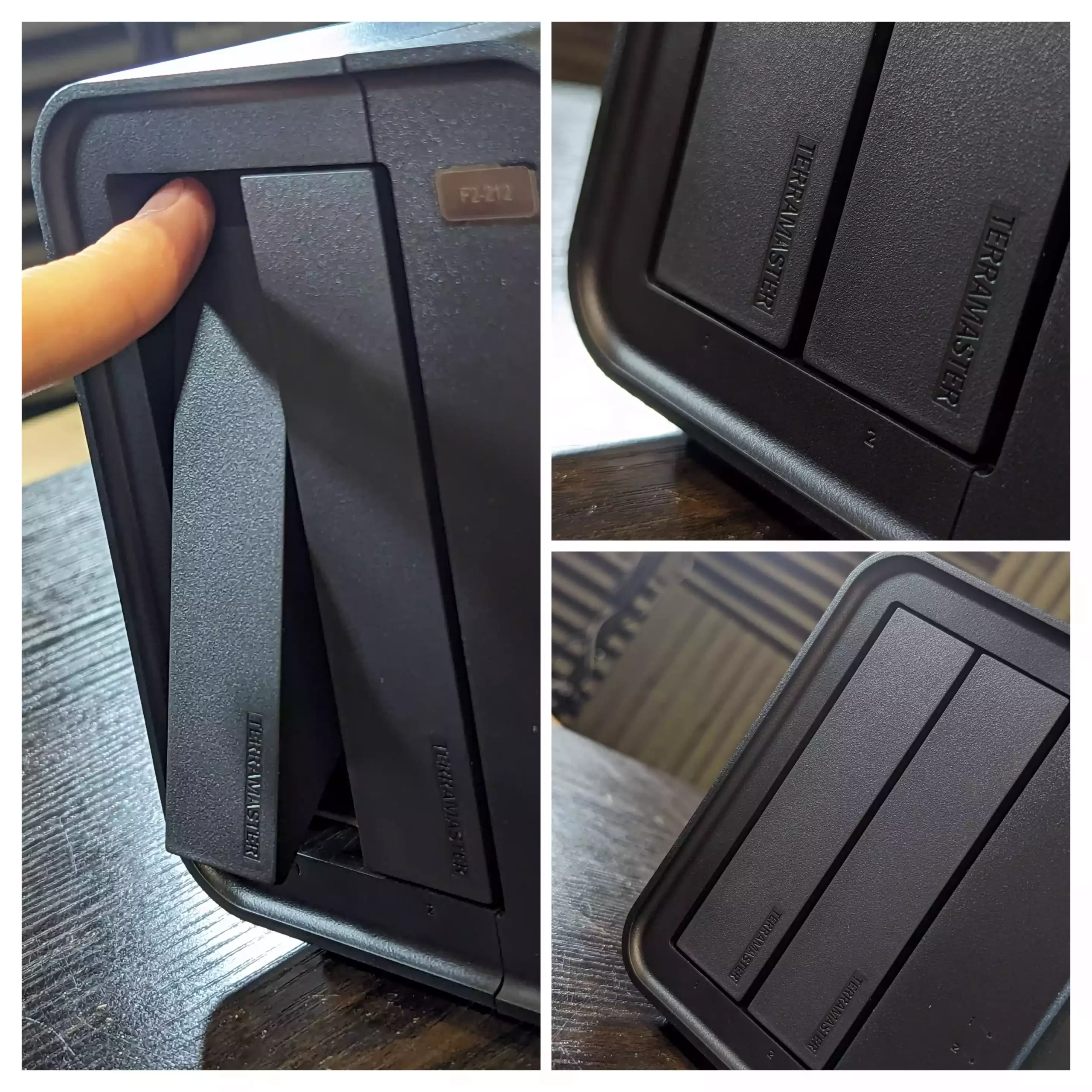
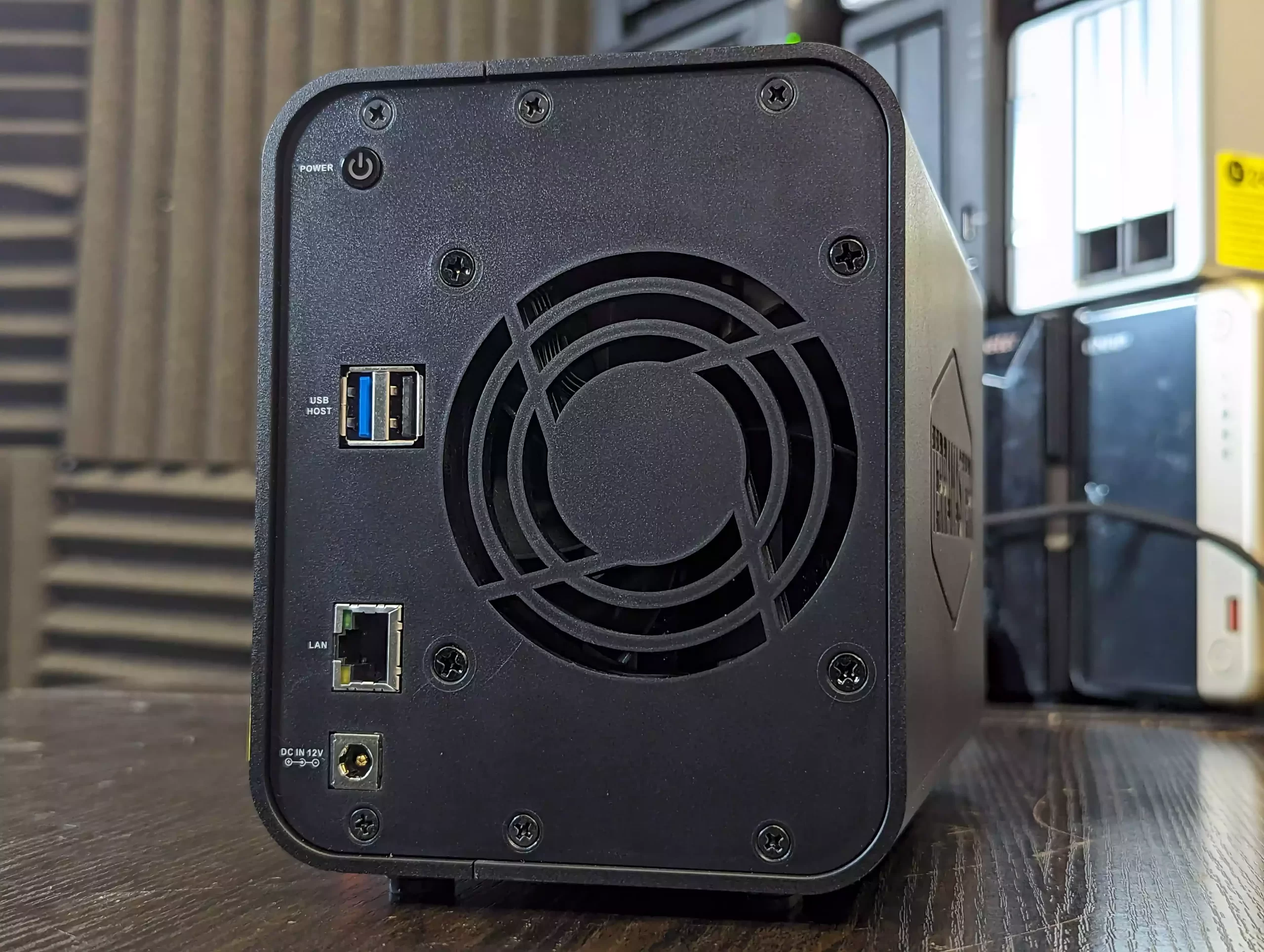
TerraMaster F4 SSD NAS

$399 – Intel N95 – 8GB – 4x M.2 NVMe – 1x 5GbE – TOS (TerraMaster OS) – BUY HERE

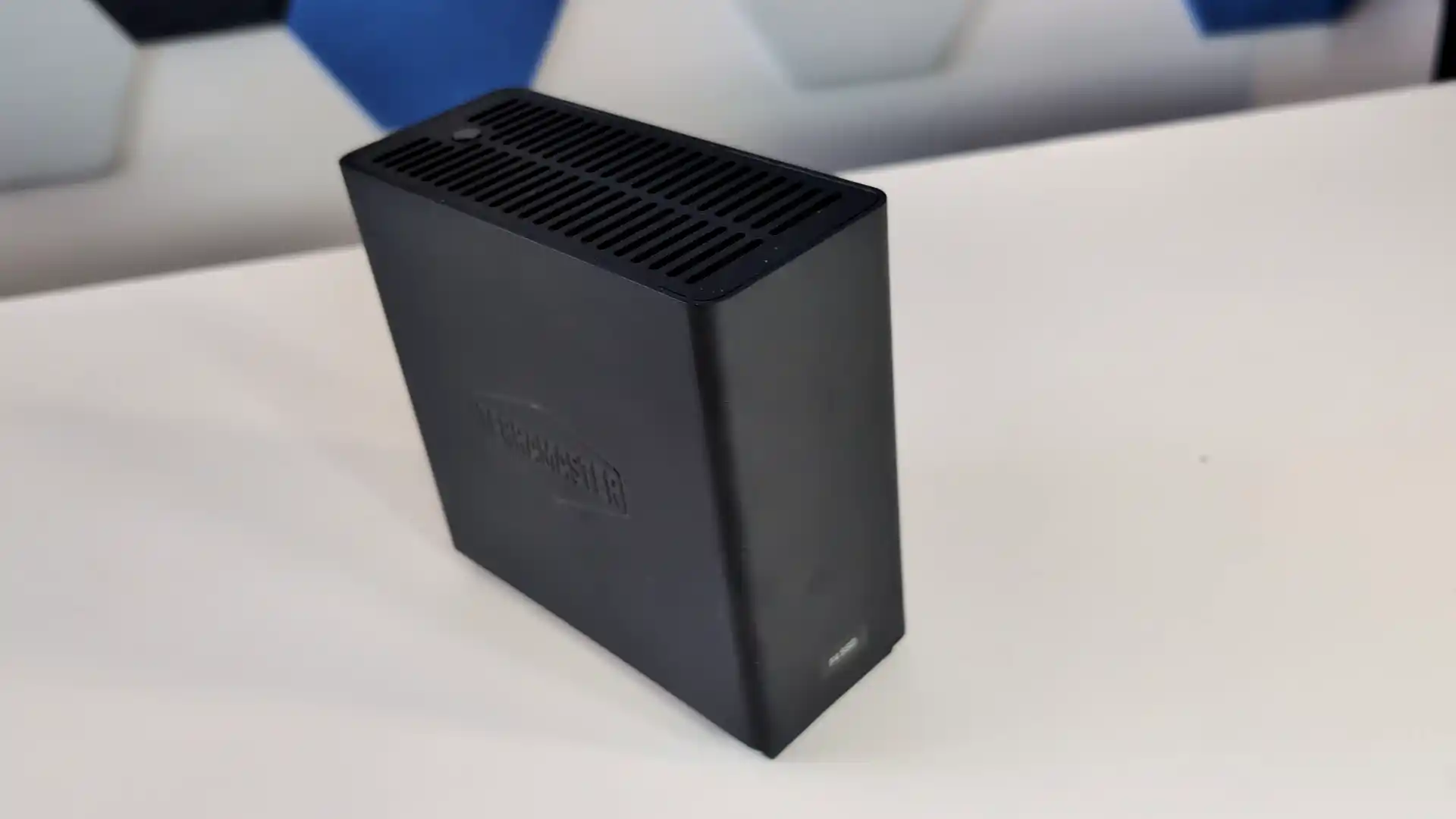
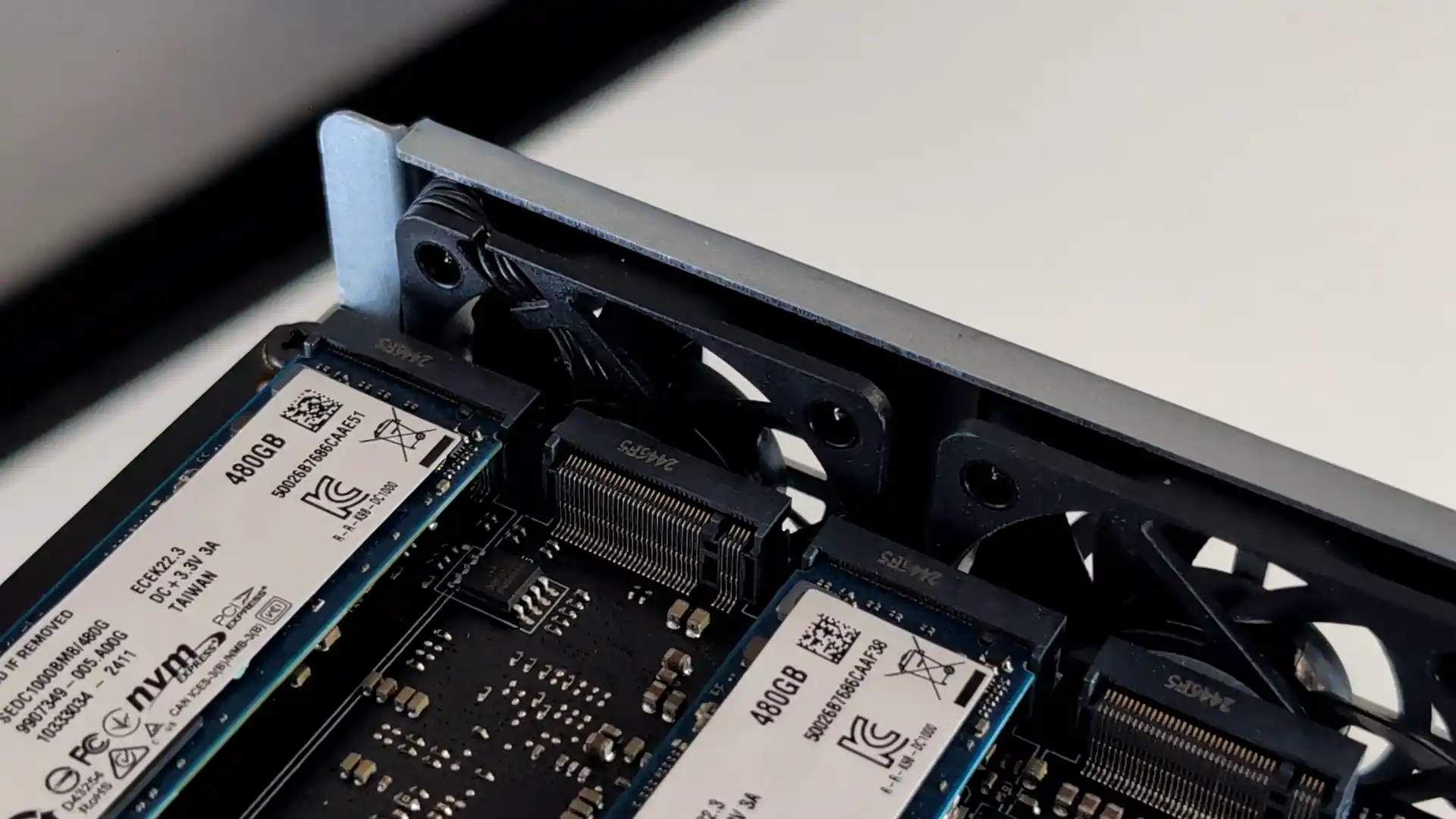
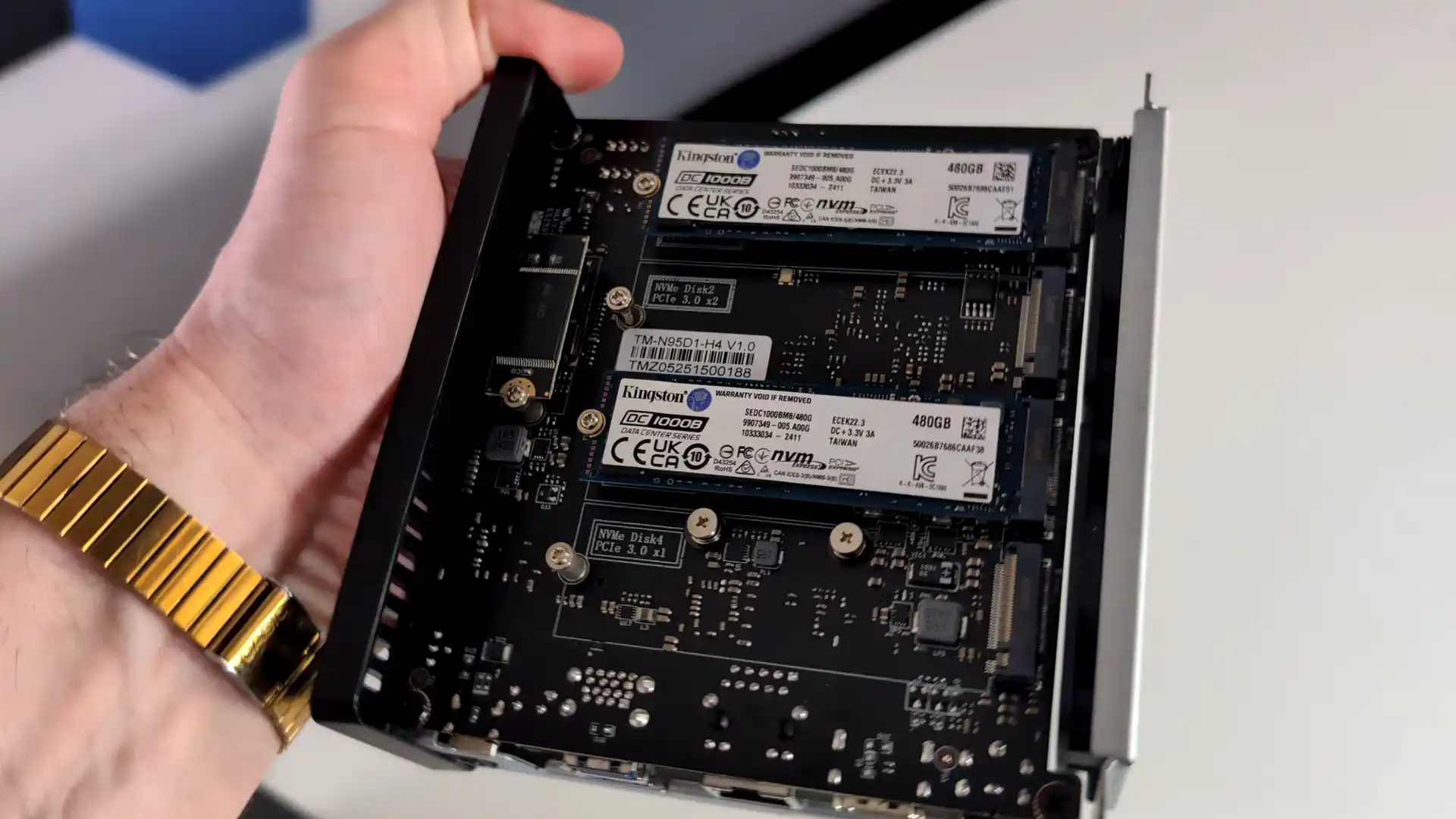
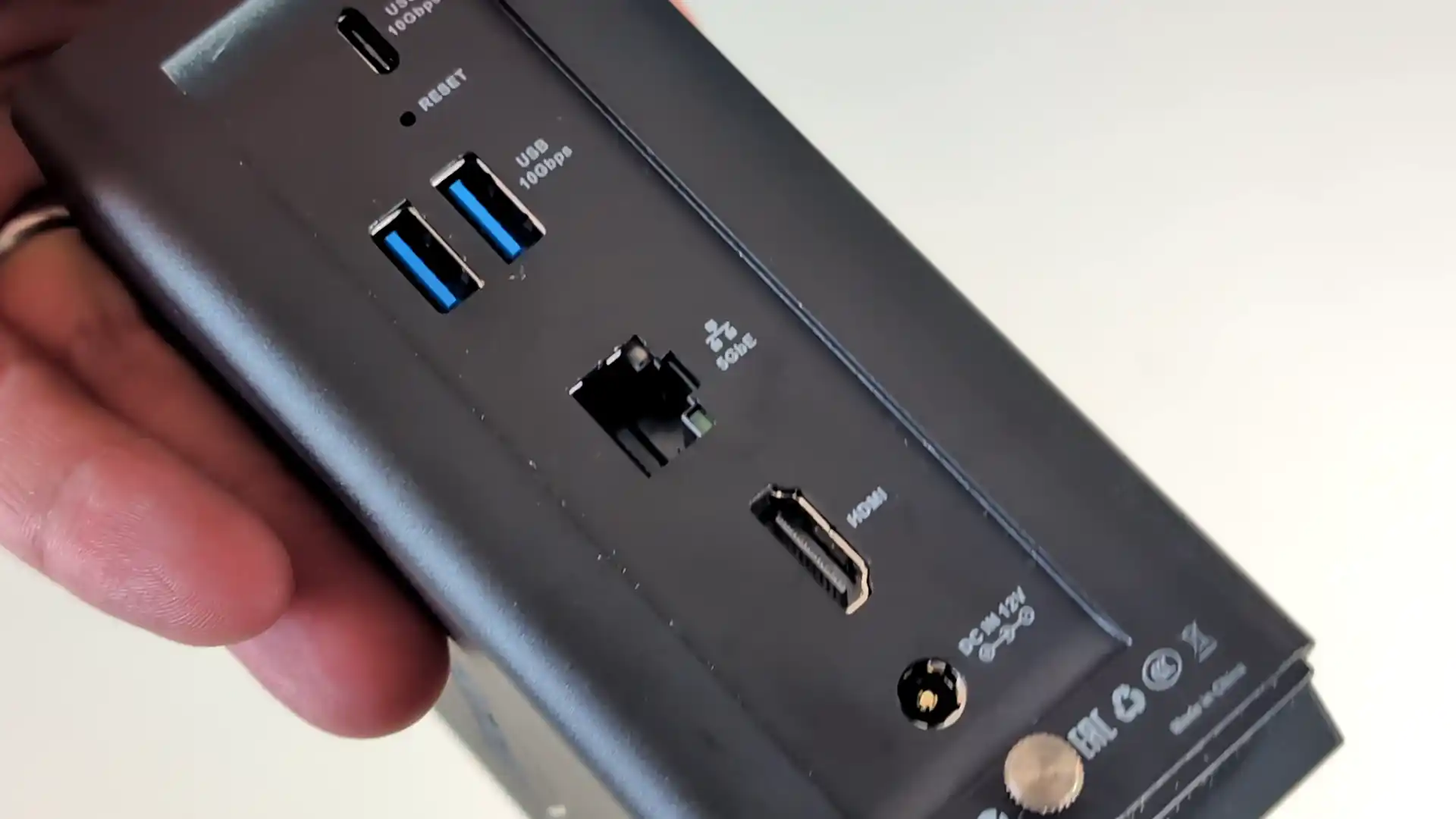
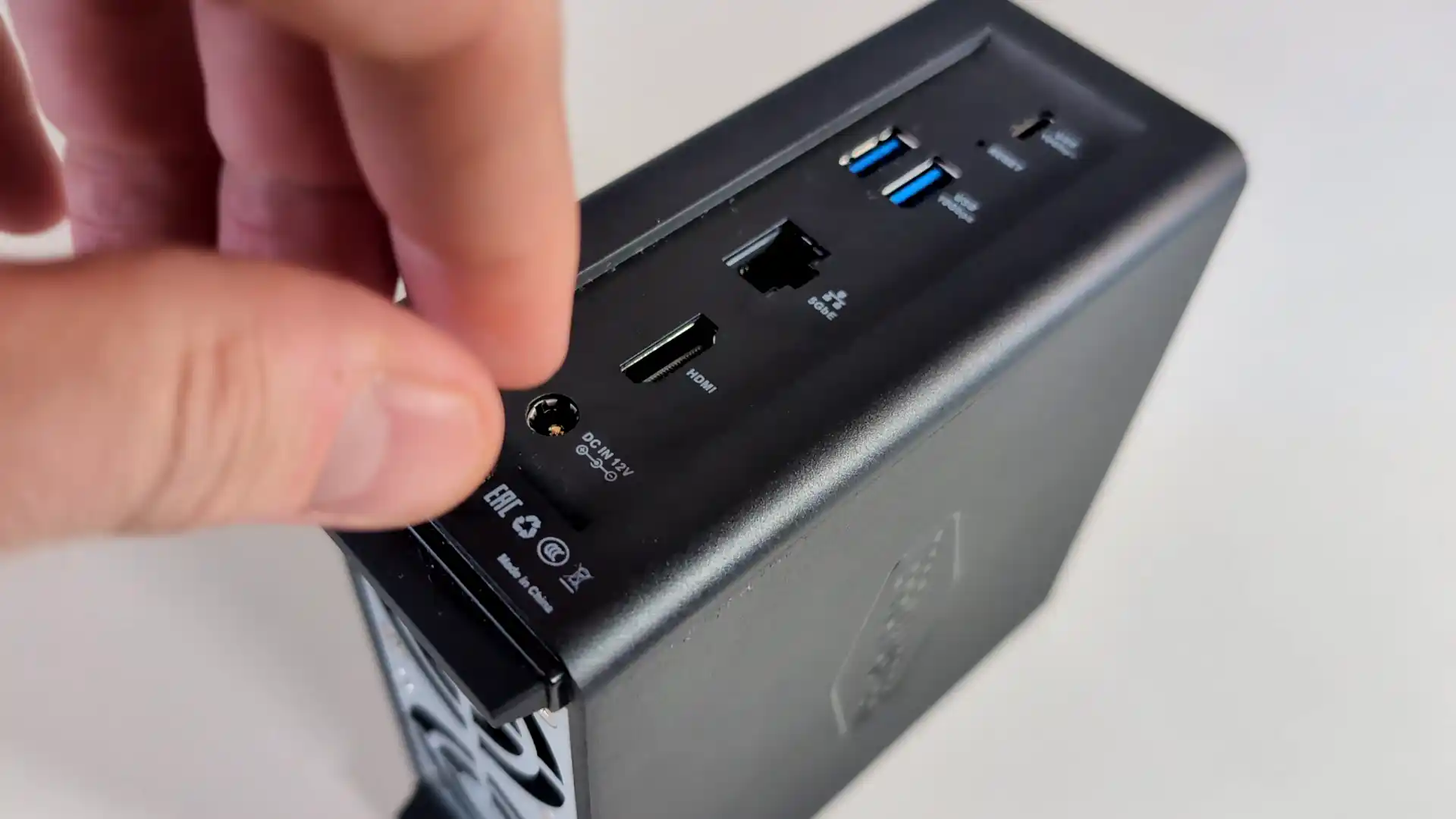
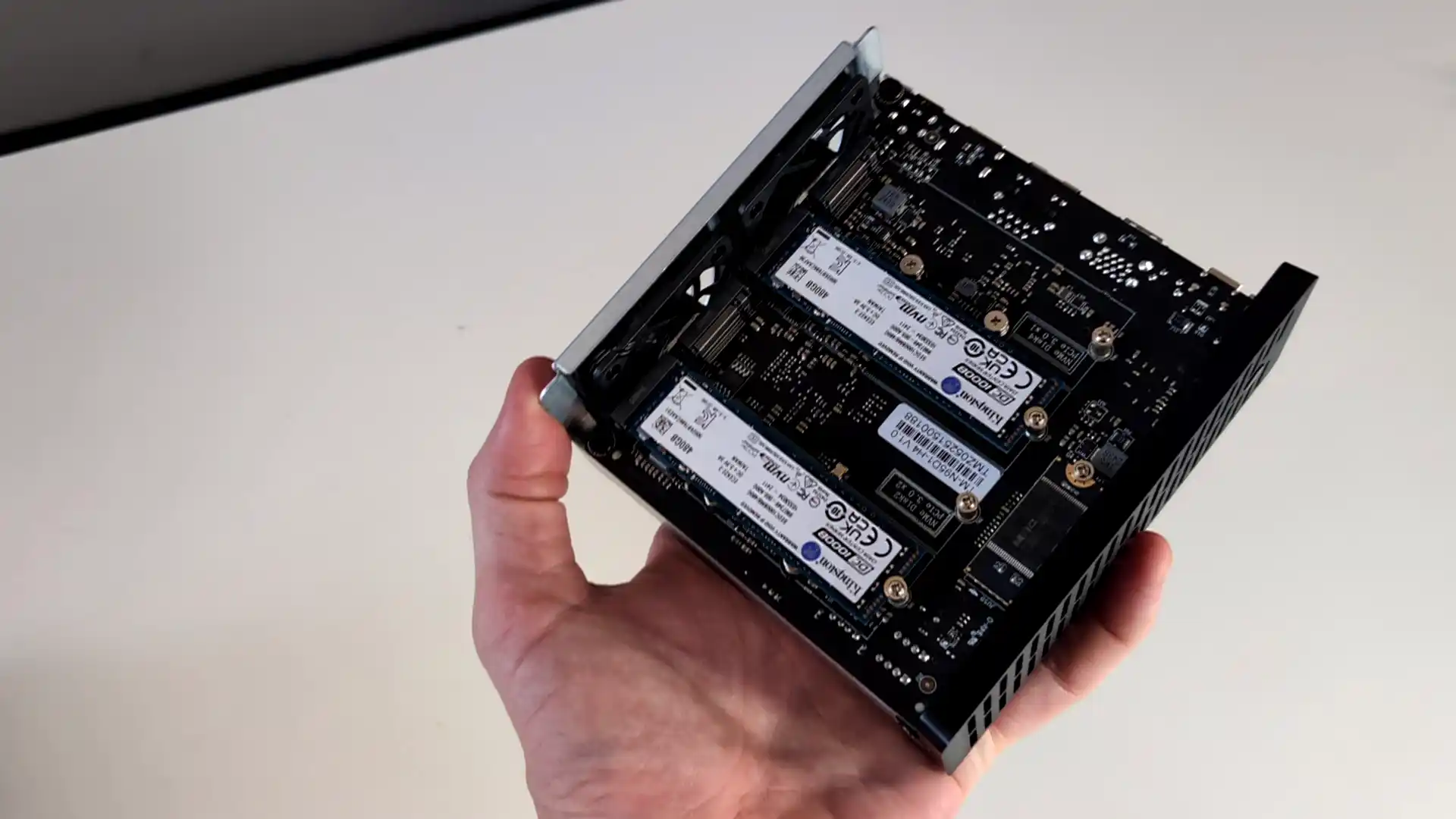
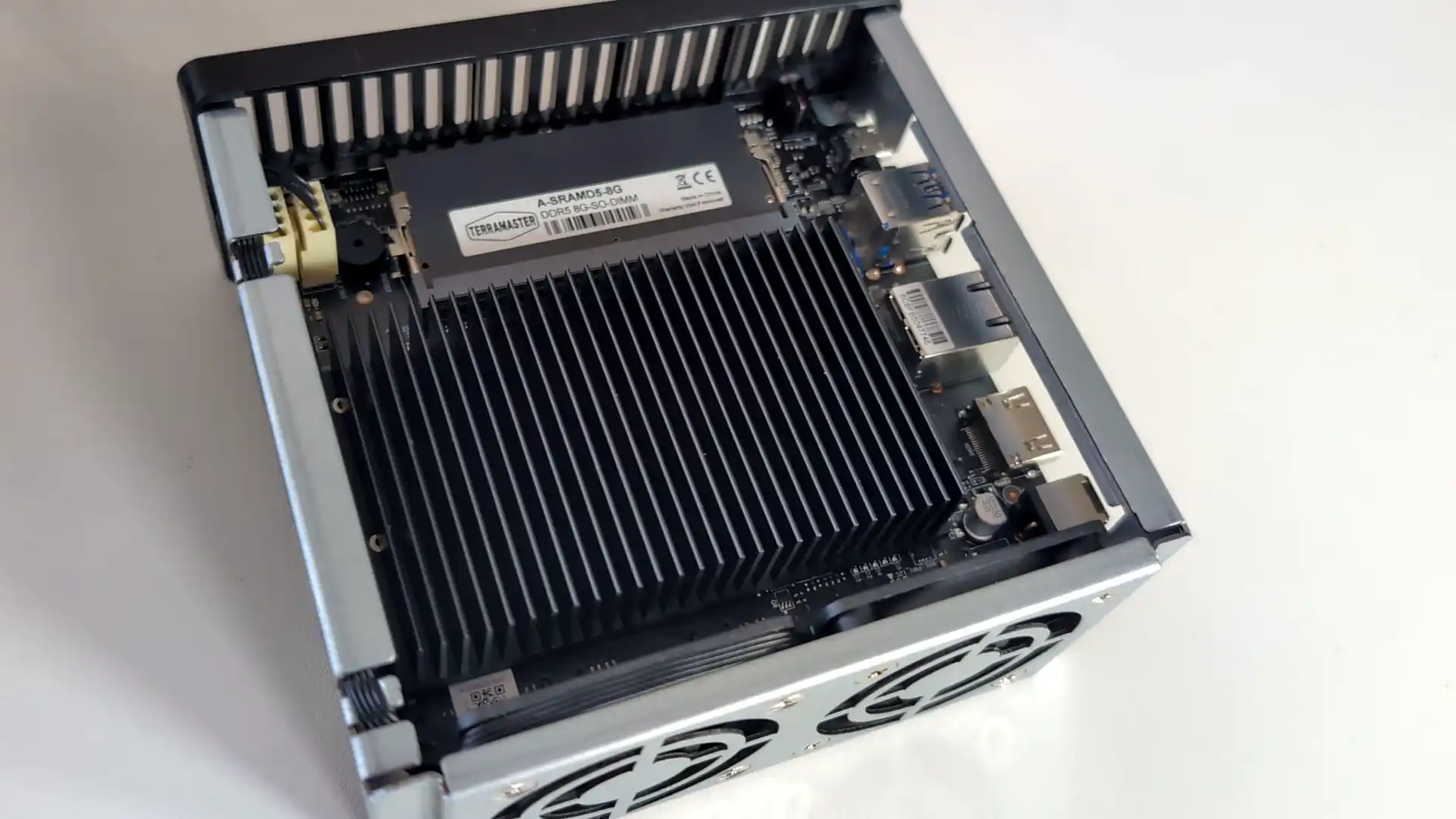
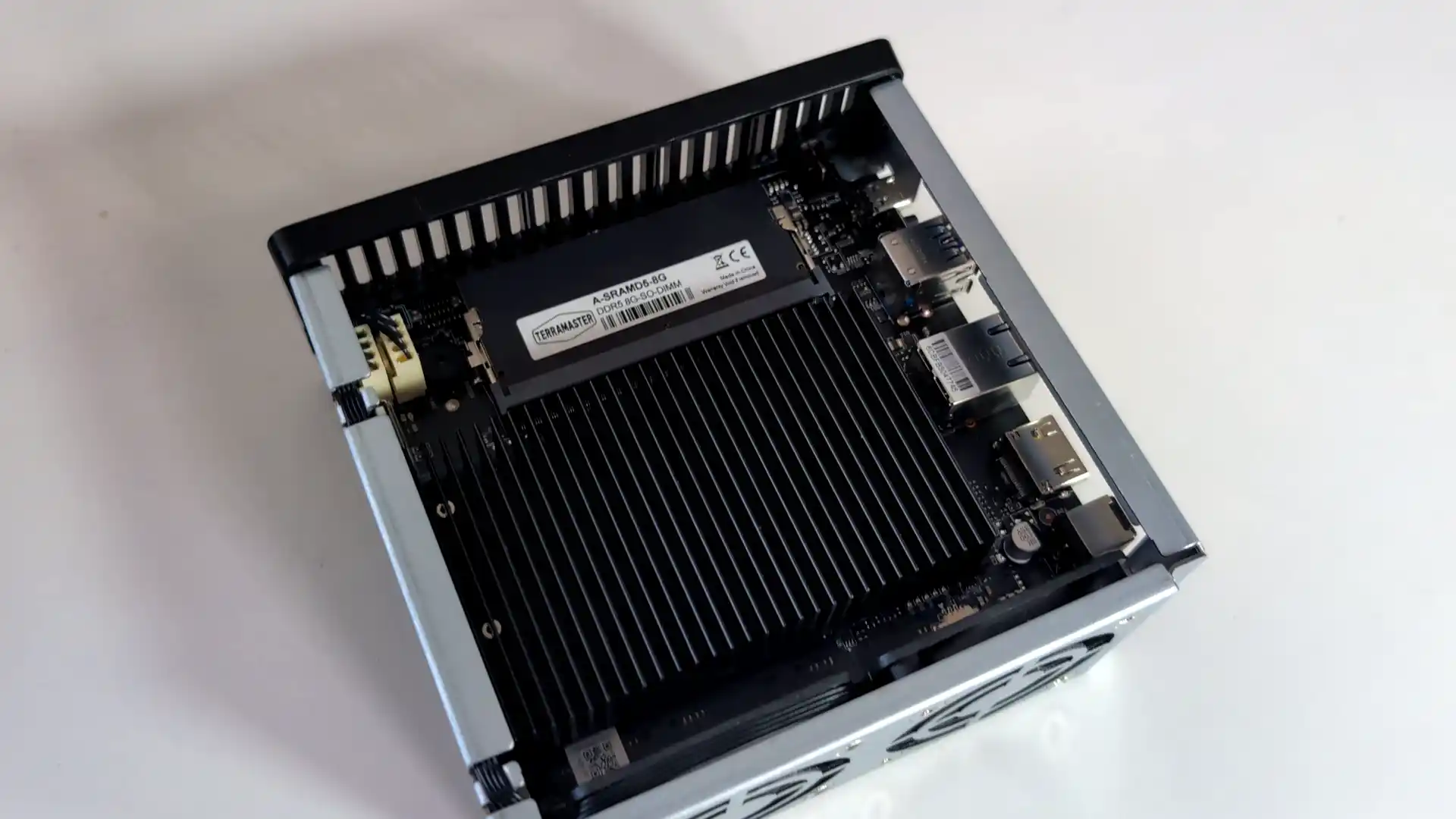
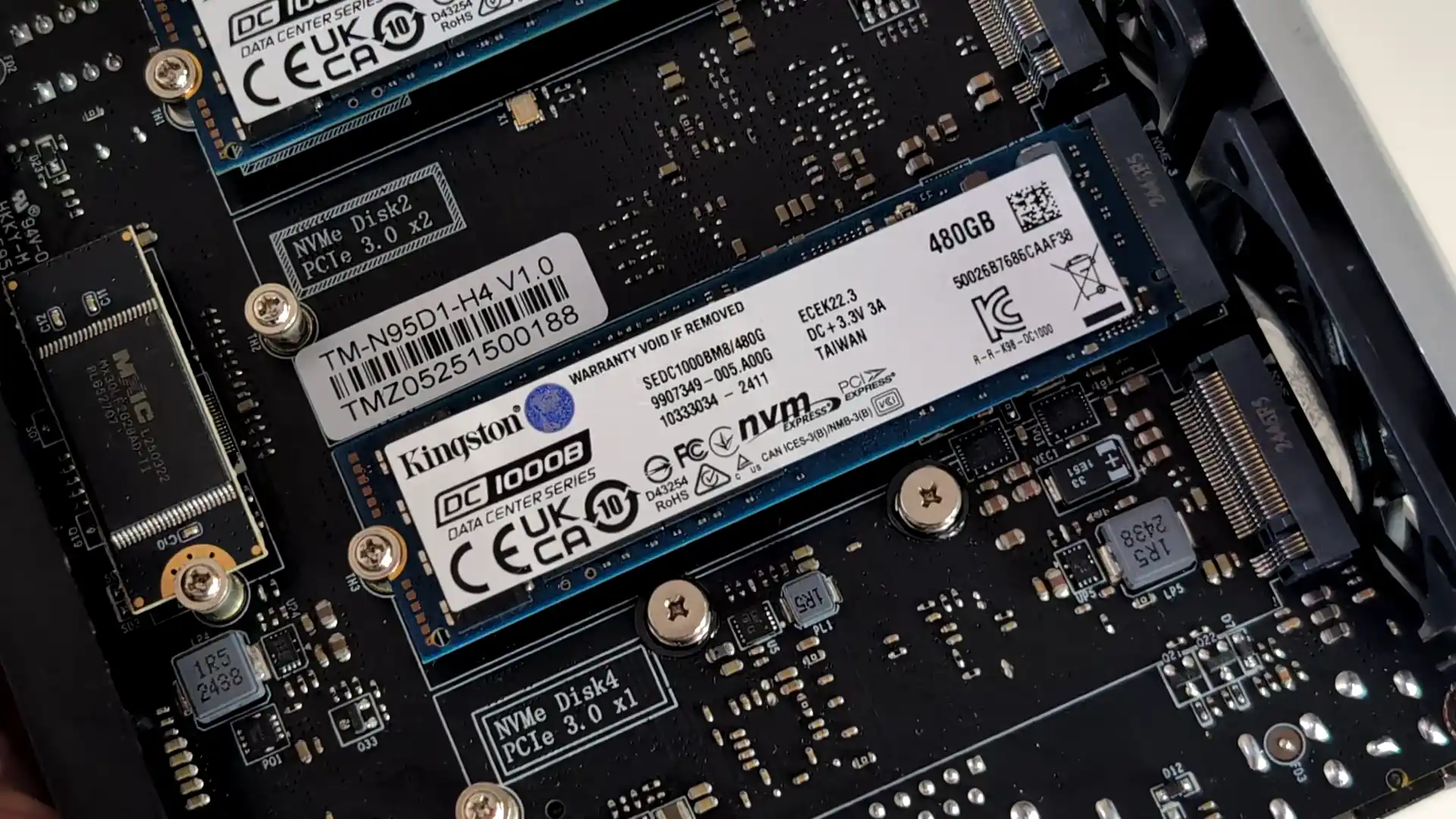
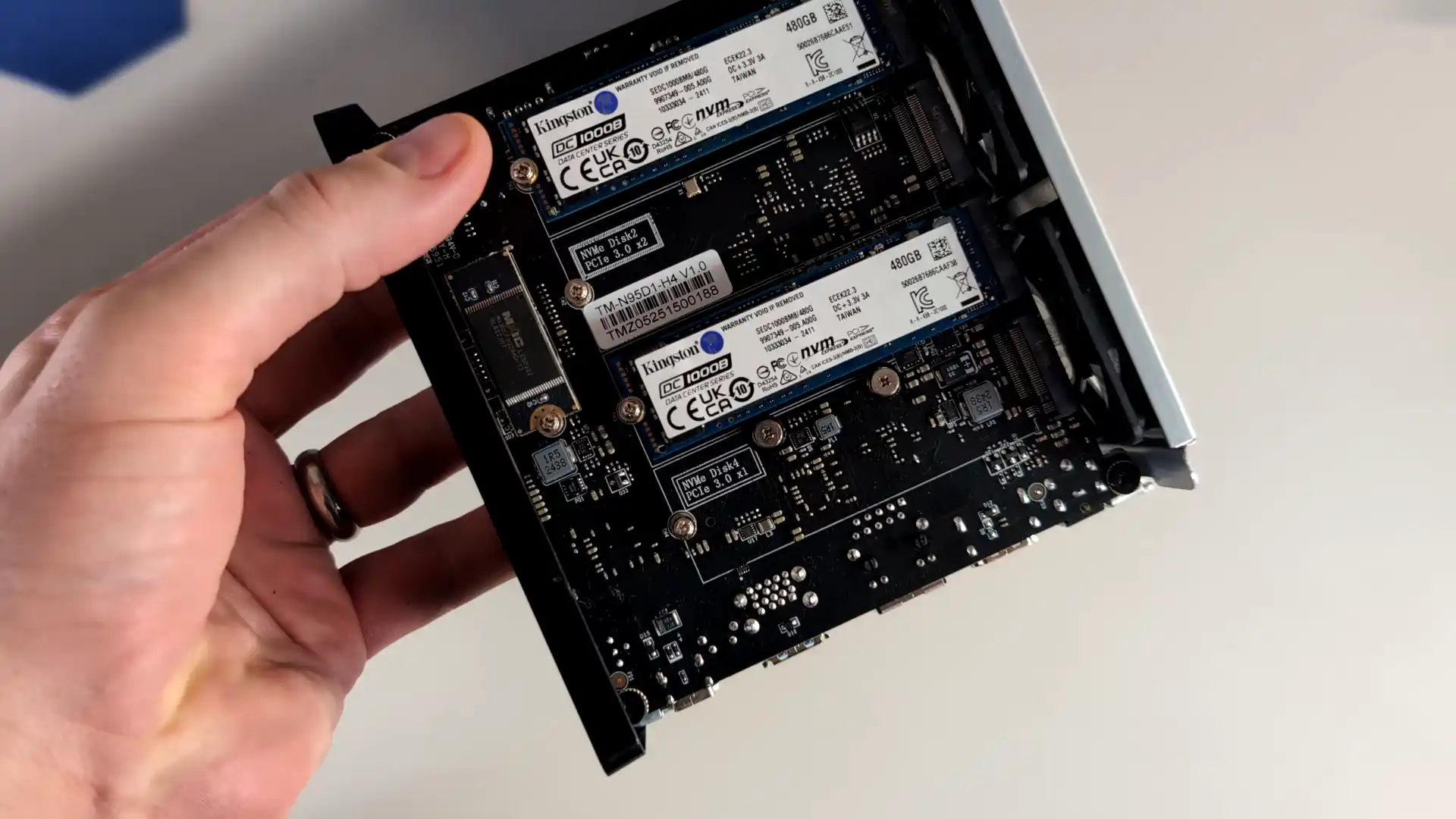
The TerraMaster F4 SSD is a four bay solid state NAS designed for users who want faster access speeds and quieter operation than traditional hard drive systems. It uses an Intel N95 processor from the Alder Lake N family together with 8GB of DDR5 memory in a single SODIMM slot. Storage is provided through four M.2 NVMe positions, with two operating at PCIe 3.0 x2 and two at PCIe 3.0 x1. The system is intended for SSDs only and does not support SATA based drives. Network connectivity is handled through one 5GbE port, which allows higher single link performance than dual 2.5GbE designs and can attach to 10GbE networks at reduced speed.

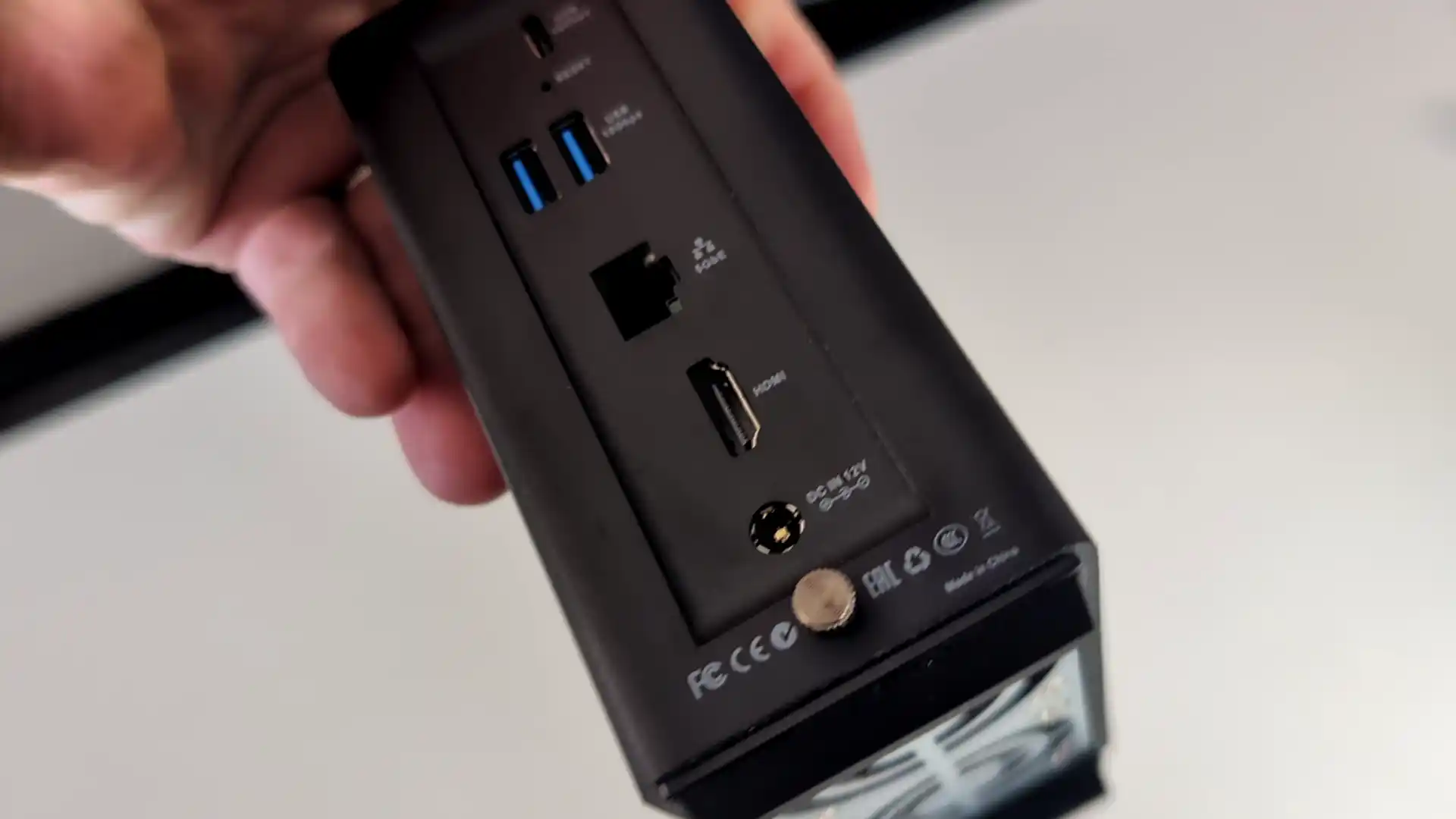
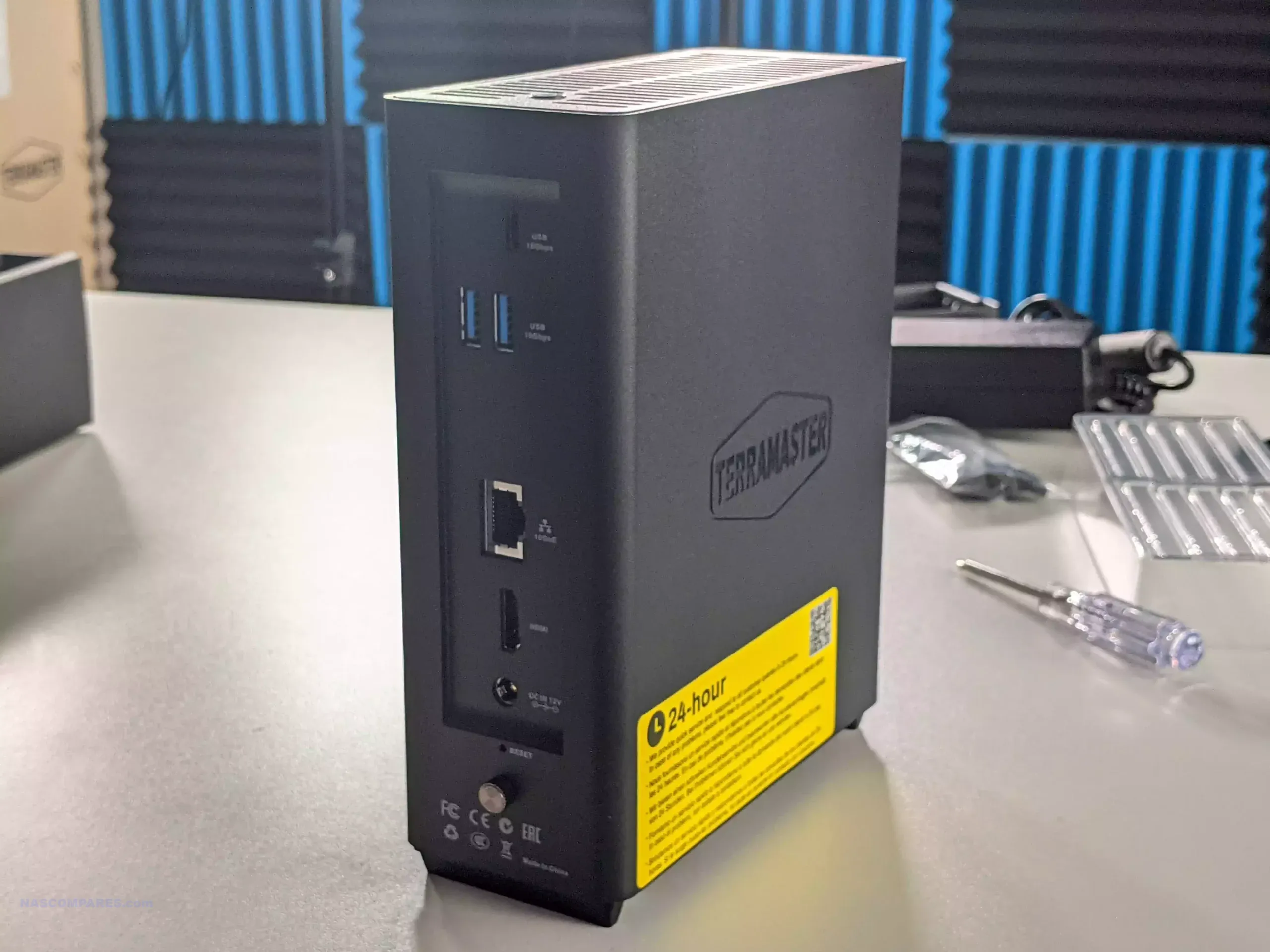
The device runs the TOS platform, which offers multimedia tools, photo management with local AI tagging, cloud sync, user account controls, and a range of backup options. The system supports Btrfs, TRAID for flexible capacity planning, remote access, and mobile applications for file sync and photo uploads. HDMI output, two USB A ports, one USB C port, and quiet fan operation make the F4 SSD suited to home environments that need a compact all flash NAS with minimal configuration.

Users who want more performance can step up to the F8 SSD Plus for roughly 200 to 250 dollars more. That model offers eight M.2 NVMe slots, an eight core N305 i3 class processor, 16GB of memory, and 10GbE networking. The F4 SSD remains the more cost conscious option, while the F8 SSD Plus targets workloads that need considerably more CPU and network headroom.

Component Specification
CPU Intel N95 (4 cores, up to 3.4GHz)
Memory 8GB DDR5 SODIMM (upgradable to 32GB)
Drive Bays 4x M.2 NVMe (2x PCIe 3.0 x2, 2x PCIe 3.0 x1)
Networking 1x 5GbE LAN
Ports 2x USB-A (10Gbps), 1x USB-C (10Gbps), HDMI 2.0
OS TOS (TerraMaster OS)
Noise Level 19 dB(A)
Dimensions 138 x 60 x 140 mm
Weight 0.6 kg (net), 1.2 kg (gross)


Synology DiskStation DS425+ NAS

$499 – Intel Celeron J4125 – 2GB – 4x 3.5″ SATA + 2x M.2 NVMe – 1x 2.5GbE, 1x 1GbE – DSM 7.x – BUY HERE

The Synology DS425 Plus is a four bay NAS positioned as an accessible way to enter the DSM ecosystem while still offering capable hardware for home and small office use. It is built on the Intel Celeron J4125, a quad core processor with a 2.0GHz base frequency and up to 2.7GHz under load. The system includes 2GB of DDR4 memory that can be expanded to 6GB and supports both 3.5 inch and 2.5 inch SATA drives. Two M.2 NVMe slots are available for cache use or for creating faster solid state storage volumes. Network connectivity consists of one 2.5GbE port and one 1GbE port, which gives users some flexibility depending on the switches in their setup.

DSM remains one of the more complete NAS operating systems, with integrated tools for file management, media serving, backup and sync, surveillance, and virtualisation. Synology Hybrid RAID is supported for flexible capacity planning, and the use of Btrfs provides access to snapshots and integrity checks. A notable change in late 2025 is Synology’s updated stance on drive compatibility. The Plus series no longer restricts or warns against the use of third party hard drives or SSDs, meaning users can now deploy Seagate, WD, and other manufacturers without any prompts or reduced functionality. This removes a previous concern for buyers who wanted to reuse existing disks or avoid Synology branded media. For users who want long term software support, a stable operating system, and a straightforward four bay design within the 499 dollar range, the DS425 Plus remains a practical option, now with fewer limitations on drive choice.

Component Specification
CPU Intel Celeron J4125 (4 cores, up to 2.7GHz)
Memory 2GB DDR4 (expandable to 6GB)
Drive Bays 4x 3.5″/2.5″ SATA + 2x M.2 NVMe
Networking 1x 2.5GbE LAN, 1x 1GbE LAN
Ports 2x USB 3.2 Gen 1
OS Synology DSM 7.x
File System Btrfs, EXT4
Dimensions 166 x 199 x 223 mm
Weight 2.18 kg


UnifyDrive UT2 Mobile NAS Drive

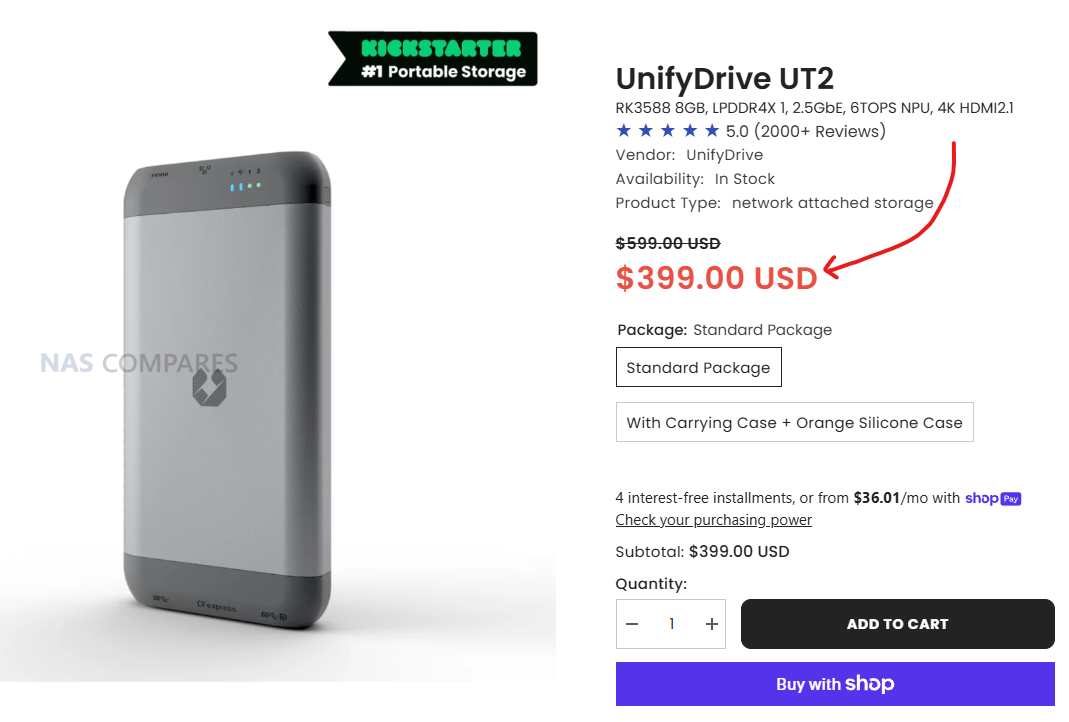
$399 –RK3588 8GB, LPDDR4X 1, 2.5GbE, 6TOPS NPU, 4K HDMI 2.1, WiFi 6 + AP Mode, DAS Mode, 2 Hour Mobile Battery – BUY HERE ( Get a further 5% OFF with this code: NASCOMPARES )

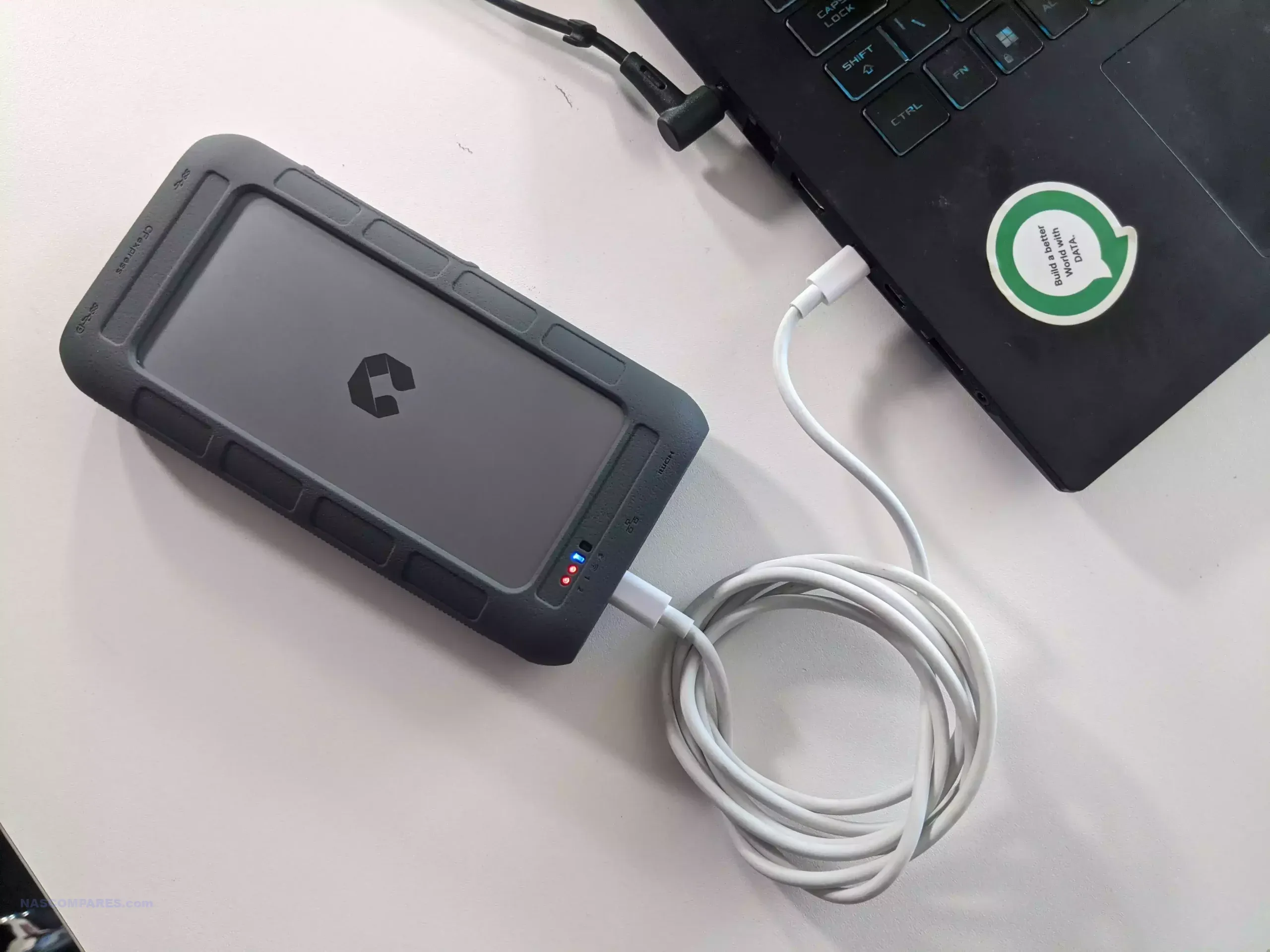
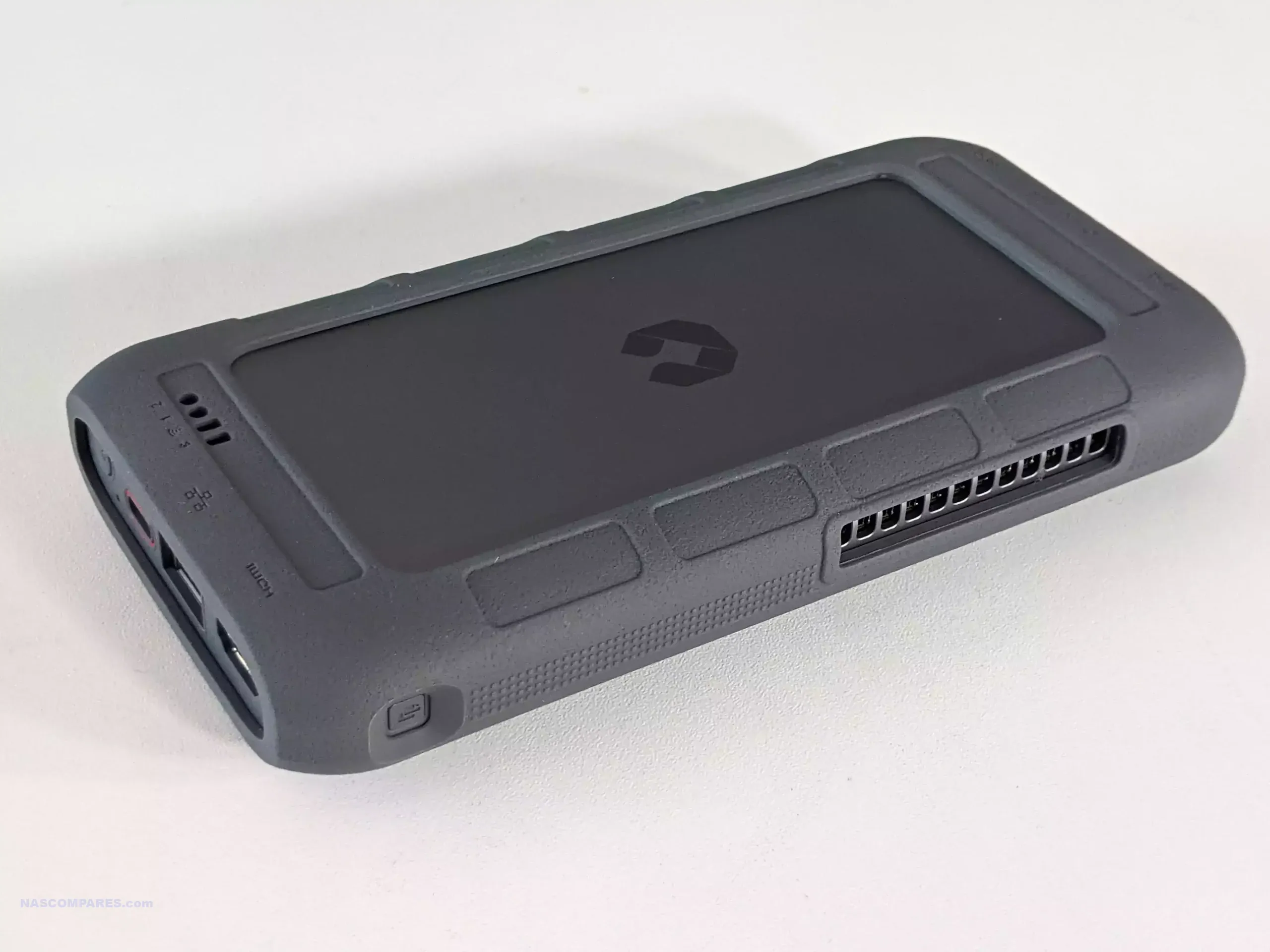
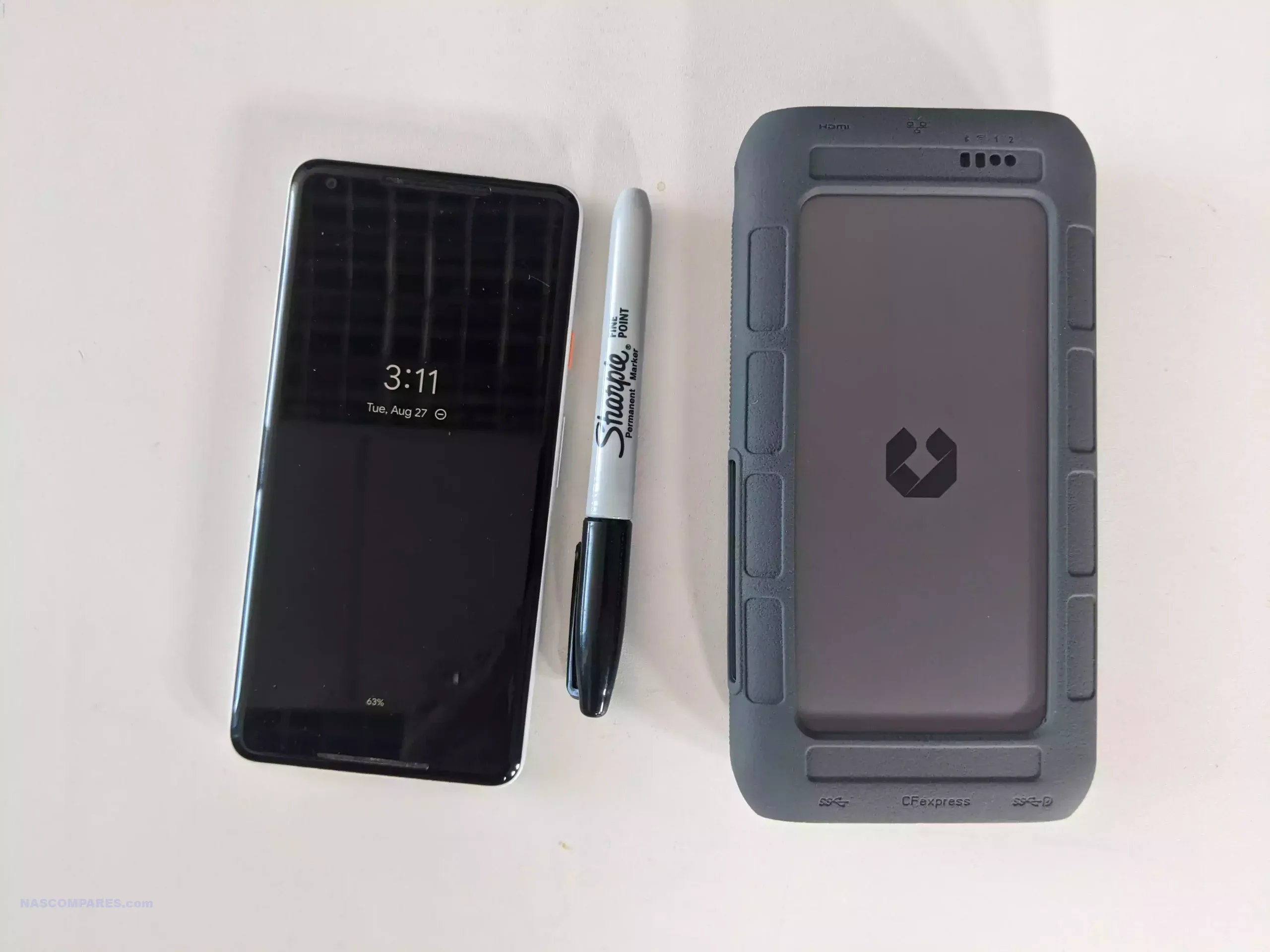
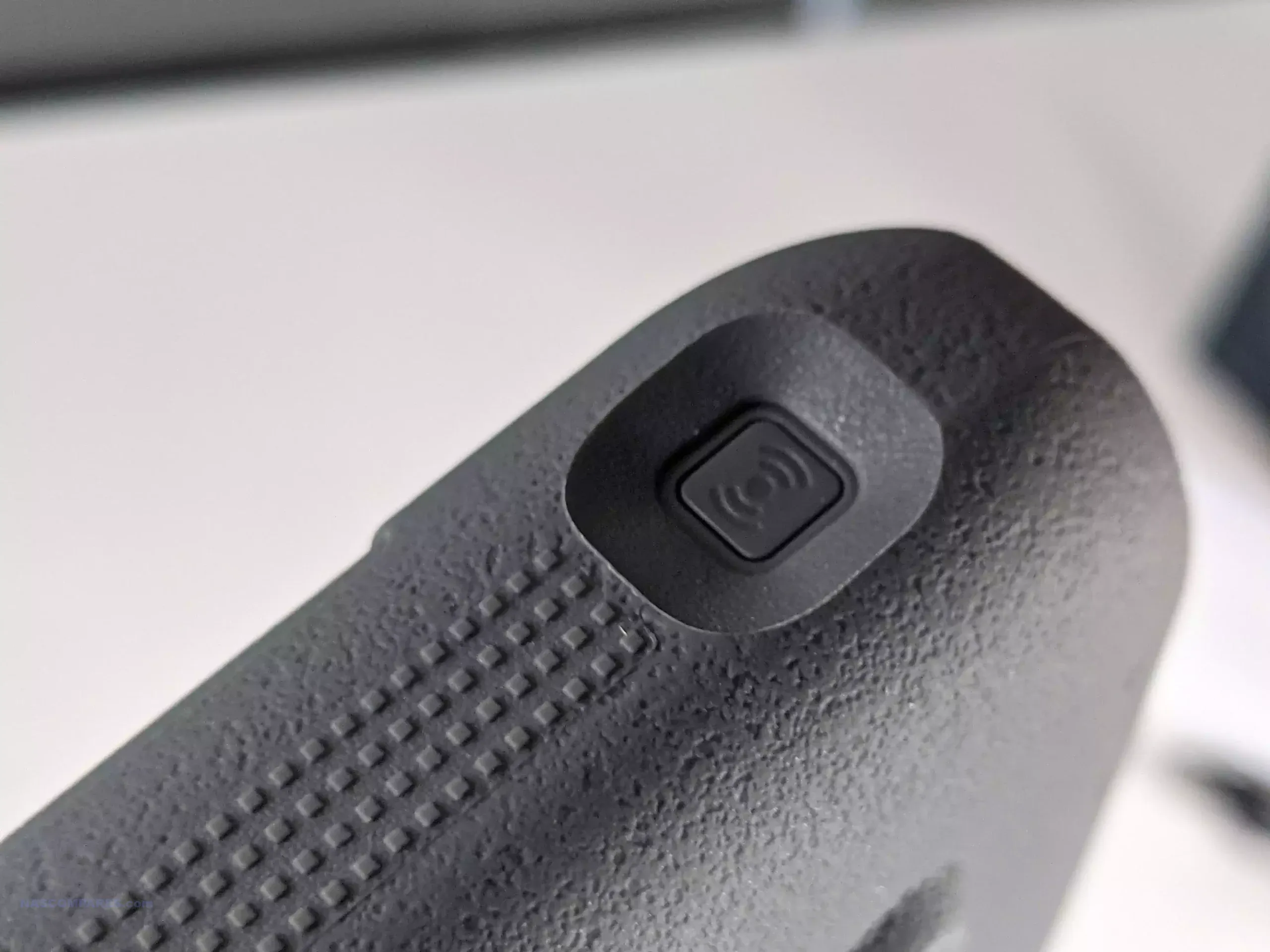
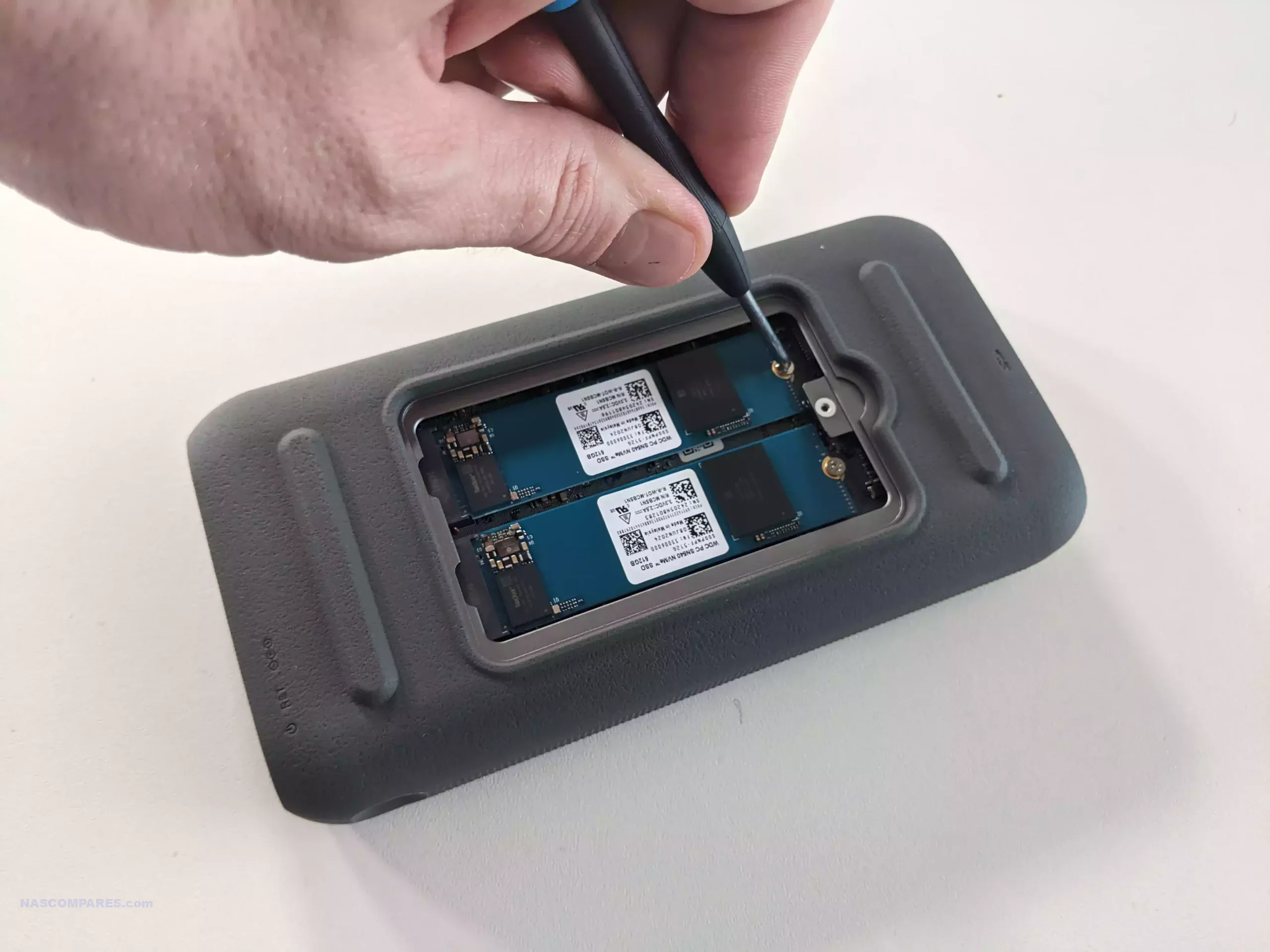
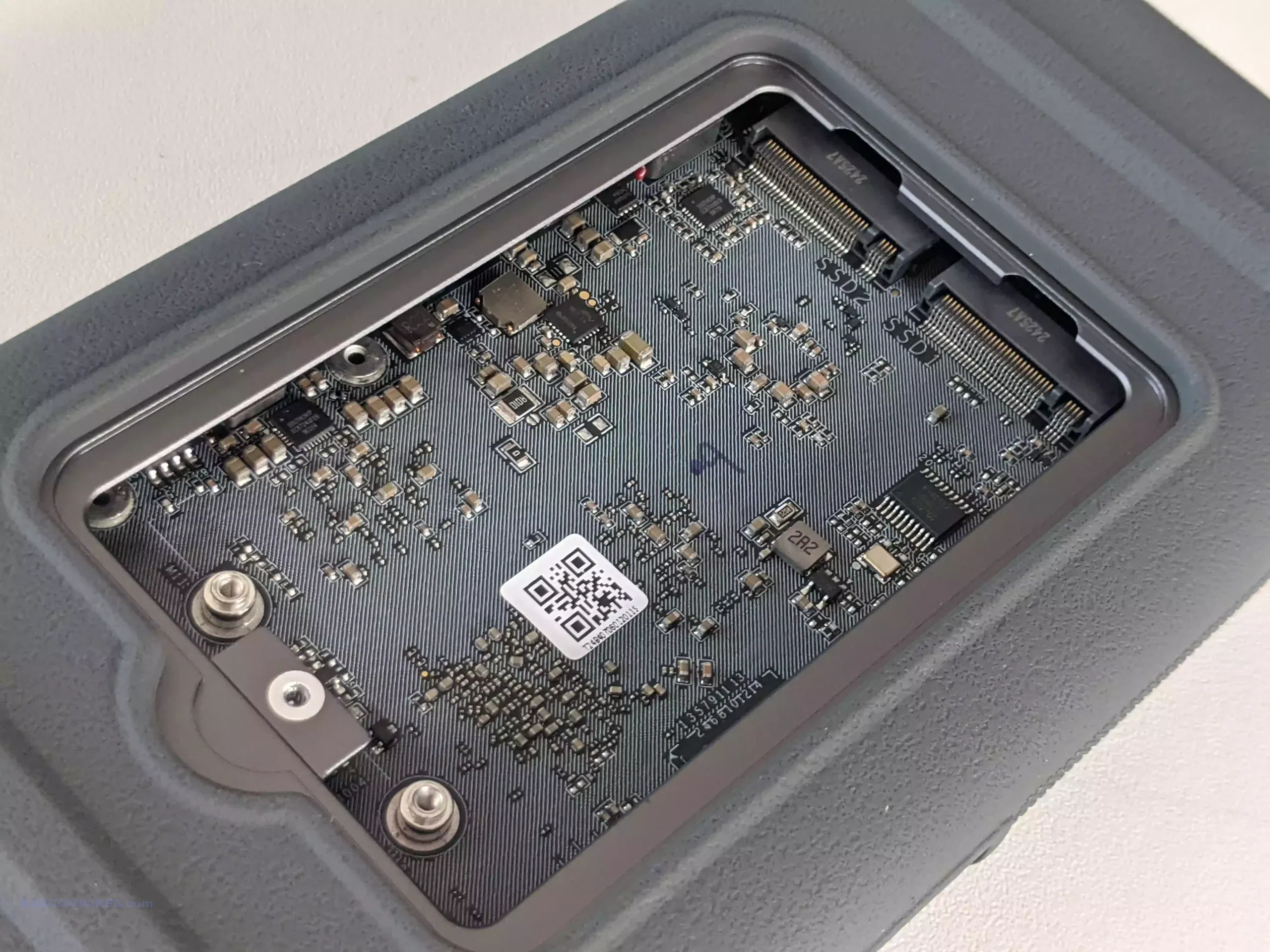
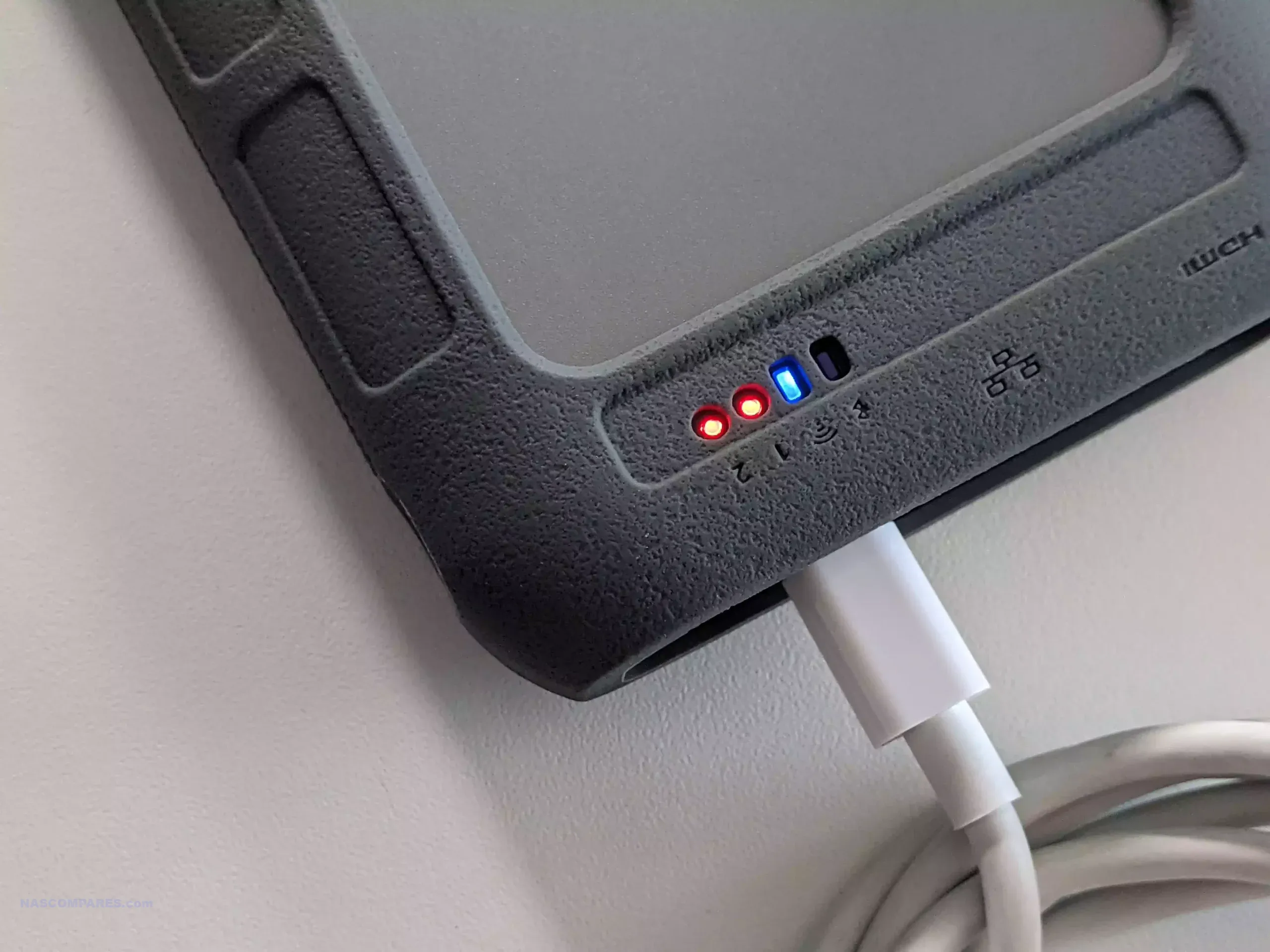
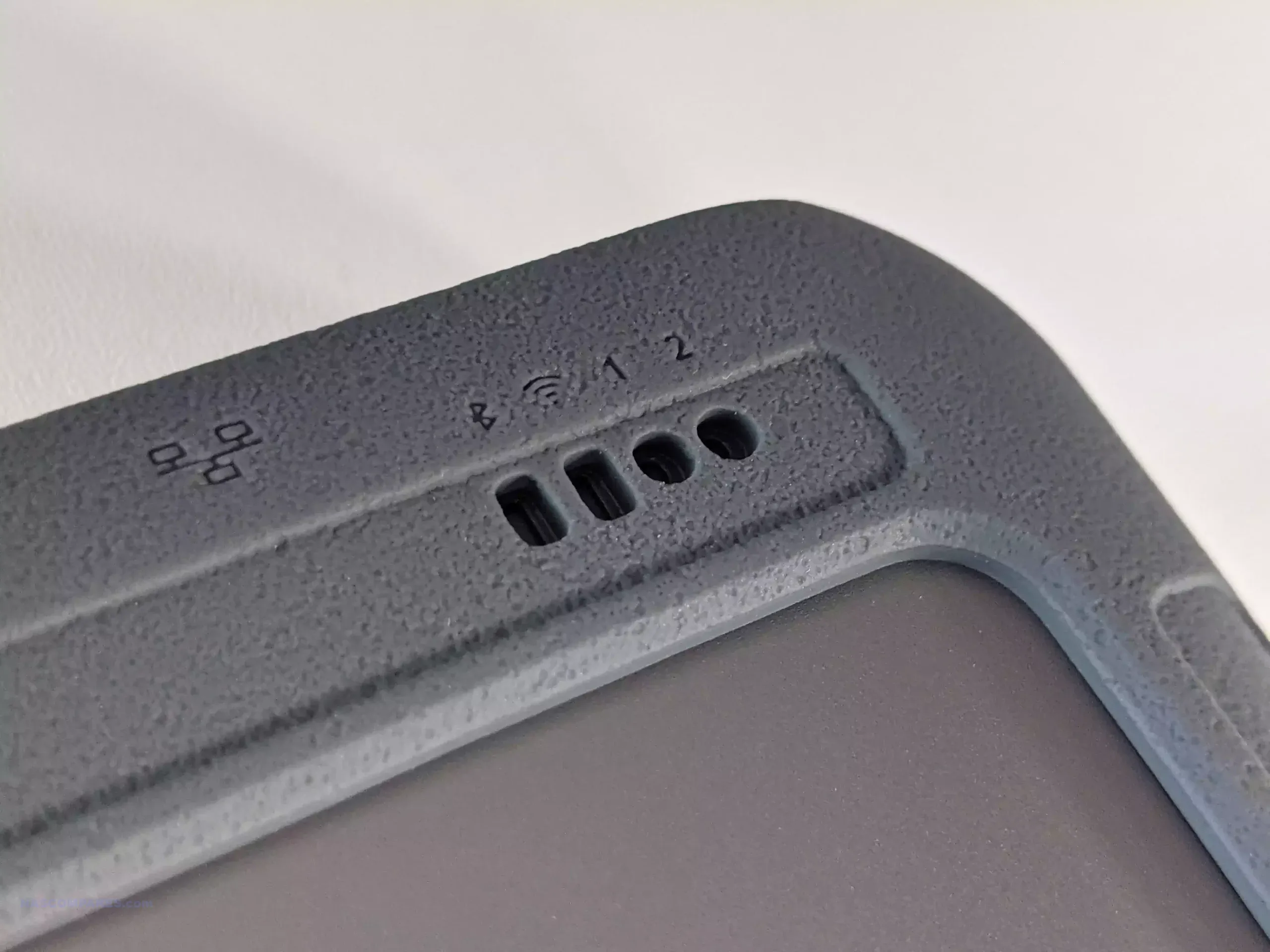
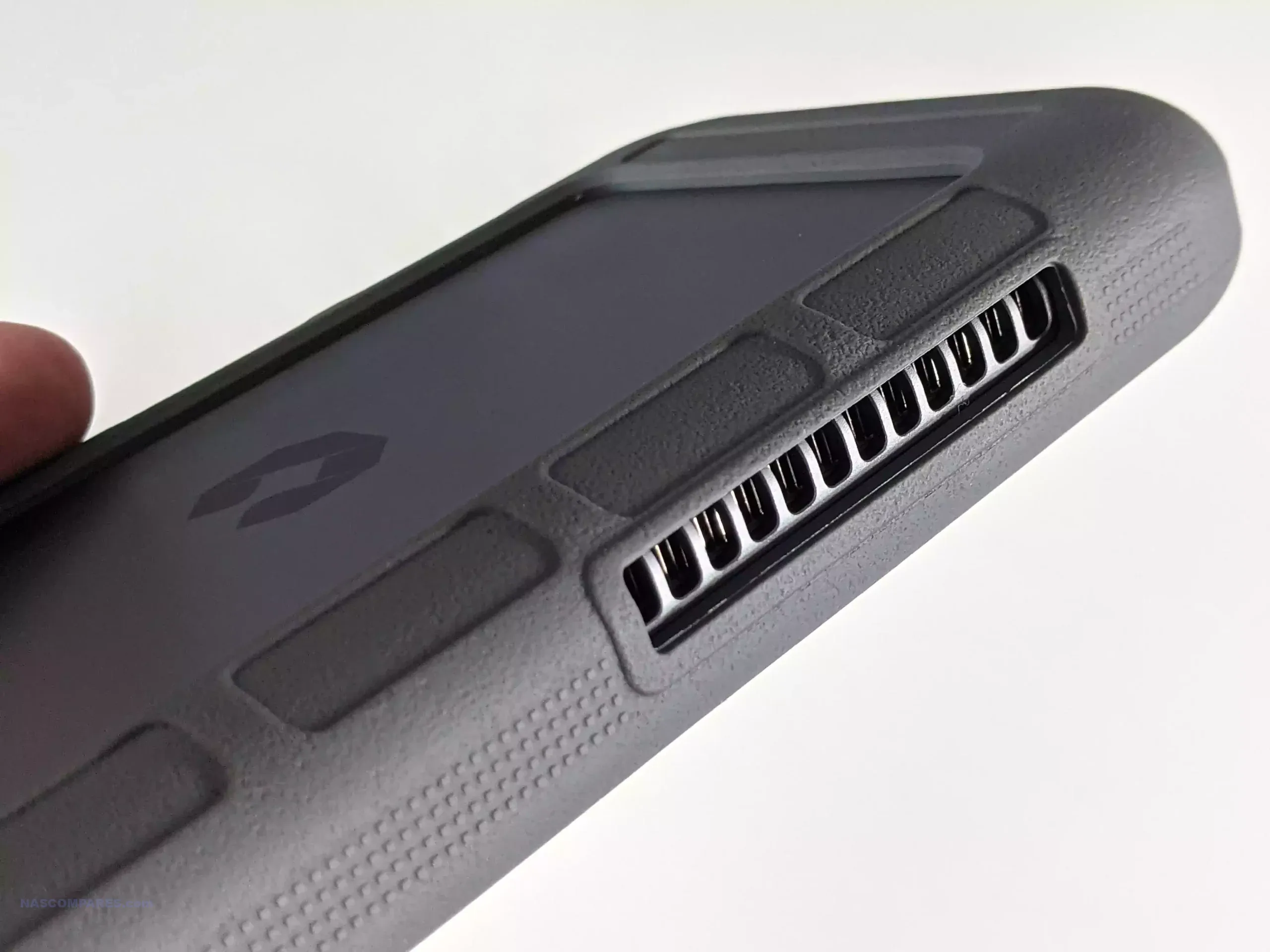
The UnifyDrive UT2 Portable NAS is now a fully released product rather than a crowdfunding prototype, and its design reflects a complete, ready to ship package. The system is compact, roughly the size of a thick smartphone, and weighs around 350g with its protective rubber sleeve. It includes a 32GB eMMC module for the operating system, two M.2 NVMe SSD slots for storage, active cooling, WiFi 6, Bluetooth, a 2.5GbE port, HDMI output, and an internal battery that provides around 30 to 60 minutes of runtime and basic UPS functionality. The retail kit includes multiple USB cables, a power adapter, a remote control for HDMI use, SD and CFe card backup support, and printed quick start materials. Although the fan is audible under load, overall noise levels remain low for a compact ARM based system, and the design allows users to run the NAS handheld, placed on a desk, or carried in a bag without difficulty.

Connectivity is one of the UT2’s strongest aspects. Alongside its dual 5Gb USB ports, users can switch the device between network attached storage mode and direct attached storage mode. The two SD card slots support automated or one touch backups, and the 2.5GbE port gives the unit higher wired throughput than many portable or entry level NAS devices. HDMI output supports up to 4K60 and 8K playback, and media can be controlled either through the mobile application or the included remote. Internally, the UT2 uses a Rockchip RK3588C CPU with ARM Mali G610 graphics and 8GB of LPDDR4X memory. The two NVMe slots appear to operate at PCIe Gen 3 x1 speeds, which is adequate for saturating the wired and wireless interfaces. The memory is soldered and non upgradable, so users who intend to run more demanding workloads will need to account for that limit. Wireless access works through both client mode and the device’s own WiFi access point, enabling file sharing or backup without a pre existing network.

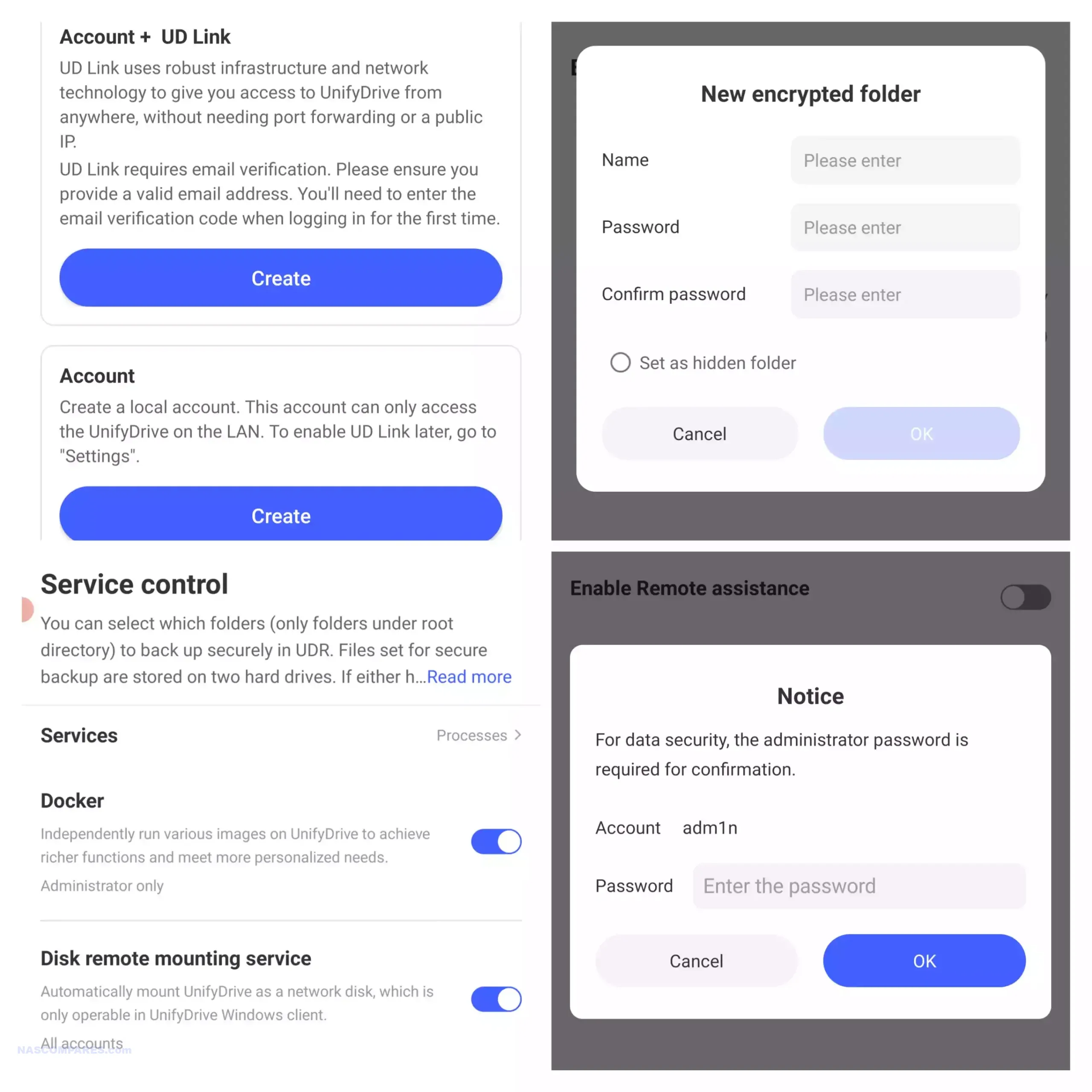
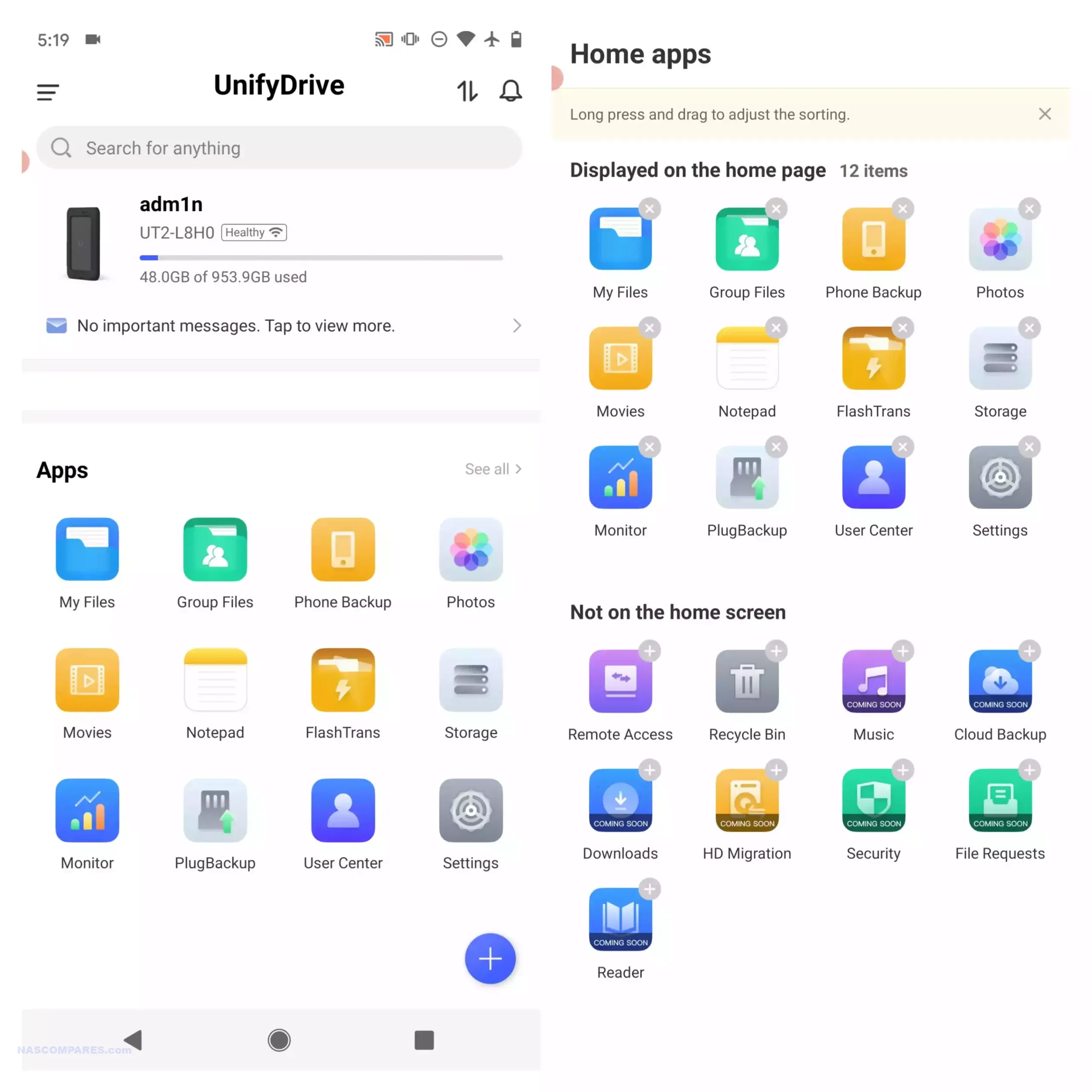
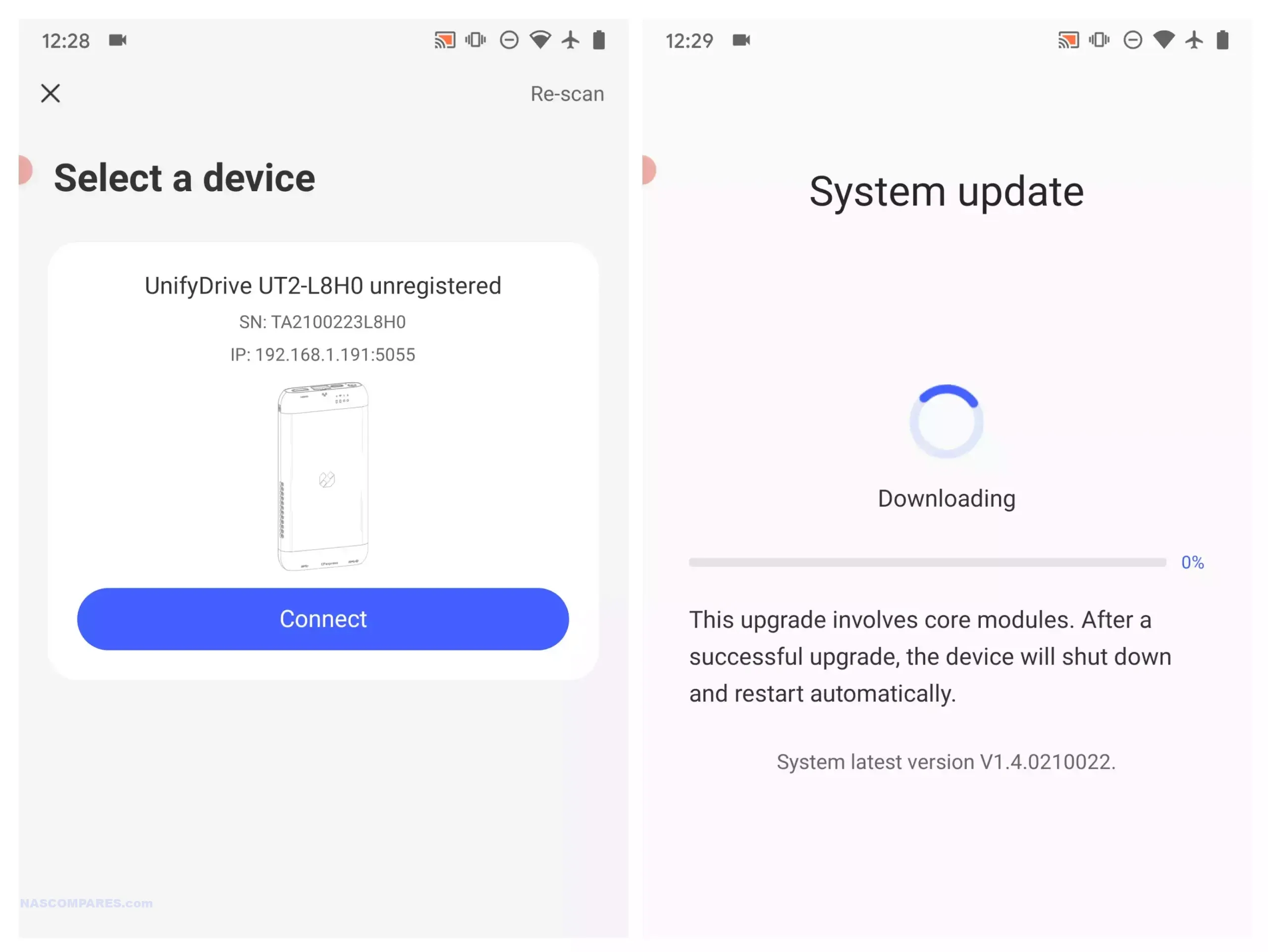
Software management centres on the UnifyDrive mobile application, which has expanded since the product first appeared and now includes RAID pool creation, the selective UDR RAID mode, SMB and FTP services, DLNA media streaming, direct HDMI output control, cloud sync, real time sharing, and device monitoring. Setup can be completed over LAN, WiFi, or Bluetooth, and firmware is updated over the air. The app provides tools for backups, encrypted folders, AI driven photo recognition, scheduled power controls, and general file management. Some advanced features such as additional downloader tools and container support remain under development, but the current software offers more control than most mobile focused NAS interfaces. Remote access is available through an integrated relay service, though support for third party VPN solutions is not yet included. With its combination of portability, NVMe storage, multi mode connectivity, and a growing software stack, the UT2 occupies a niche for users who want a personal cloud device that can be carried between locations while still supporting standard NAS workflows at its 399 to 599 dollar price point.

Use the LINK below + Get a further 5% OFF with this code: NASCOMPARES


The sub 499 dollar NAS segment in late 2025 offers a wide range of systems aimed at different performance levels and storage priorities. Buyers can choose between high capacity RAID focused platforms, SSD oriented designs, or systems built around established software ecosystems. The UniFi UNAS Pro remains a hardware driven storage appliance with 10GbE connectivity and seven bays, making it suitable for backup or archival workloads that require consistent throughput. The UGREEN DXP4800 and the LincStation N2 provide hybrid and all flash configurations, and both include support for containers, virtualisation, and the option to run alternative operating systems if required. Users who prefer a mature software stack with long term updates may gravitate toward the Synology DS425 Plus, which now supports third party drives without warnings or restrictions following Synology’s policy change in October 2025. The TerraMaster F4 SSD serves those who want a compact solid state platform with 5GbE networking and access to the expanding feature set of TOS, including local AI photo tools and multimedia functions. All of these NAS units require user supplied storage and may involve some degree of configuration depending on the software environment. The most suitable choice depends on whether you prioritise performance, software refinement, expansion options, or direct control over how the system is deployed within this price conscious category.


📧 SUBSCRIBE TO OUR NEWSLETTER 🔔
[contact-form-7]
🔒 Join Inner Circle


Get an alert every time something gets added to this specific article!


Want to follow specific category? 📧 Subscribe

This description contains links to Amazon. These links will take you to some of the products mentioned in today's content. As an Amazon Associate, I earn from qualifying purchases. Visit the NASCompares Deal Finder to find the best place to buy this device in your region, based on Service, Support and Reputation - Just Search for your NAS Drive in the Box Below

Need Advice on Data Storage from an Expert?

Finally, for free advice about your setup, just leave a message in the comments below here at NASCompares.com and we will get back to you. Need Help? Where possible (and where appropriate) please provide as much information about your requirements, as then I can arrange the best answer and solution to your needs. Do not worry about your e-mail address being required, it will NOT be used in a mailing list and will NOT be used in any way other than to respond to your enquiry. [contact-form-7] TRY CHAT Terms and Conditions
If you like this service, please consider supporting us. We use affiliate links on the blog allowing NAScompares information and advice service to be free of charge to you.Anything you purchase on the day you click on our links will generate a small commission which isused to run the website. Here is a link for Amazon and B&H.You can also get me a ☕ Ko-fi or old school Paypal. Thanks!To find out more about how to support this advice service check HEREIf you need to fix or configure a NAS, check Fiver Have you thought about helping others with your knowledge? Find Instructions Here  

 
Or support us by using our affiliate links on Amazon UK and Amazon US
    
 
Alternatively, why not ask me on the ASK NASCompares forum, by clicking the button below. This is a community hub that serves as a place that I can answer your question, chew the fat, share new release information and even get corrections posted. I will always get around to answering ALL queries, but as a one-man operation, I cannot promise speed! So by sharing your query in the ASK NASCompares section below, you can get a better range of solutions and suggestions, alongside my own.

☕ WE LOVE COFFEE ☕


Choosing Between WD Red and Seagate Ironwolf HDDs in Your NAS

Seagate Ironwolf vs WD Red (Which is Best in 2025/2026)?

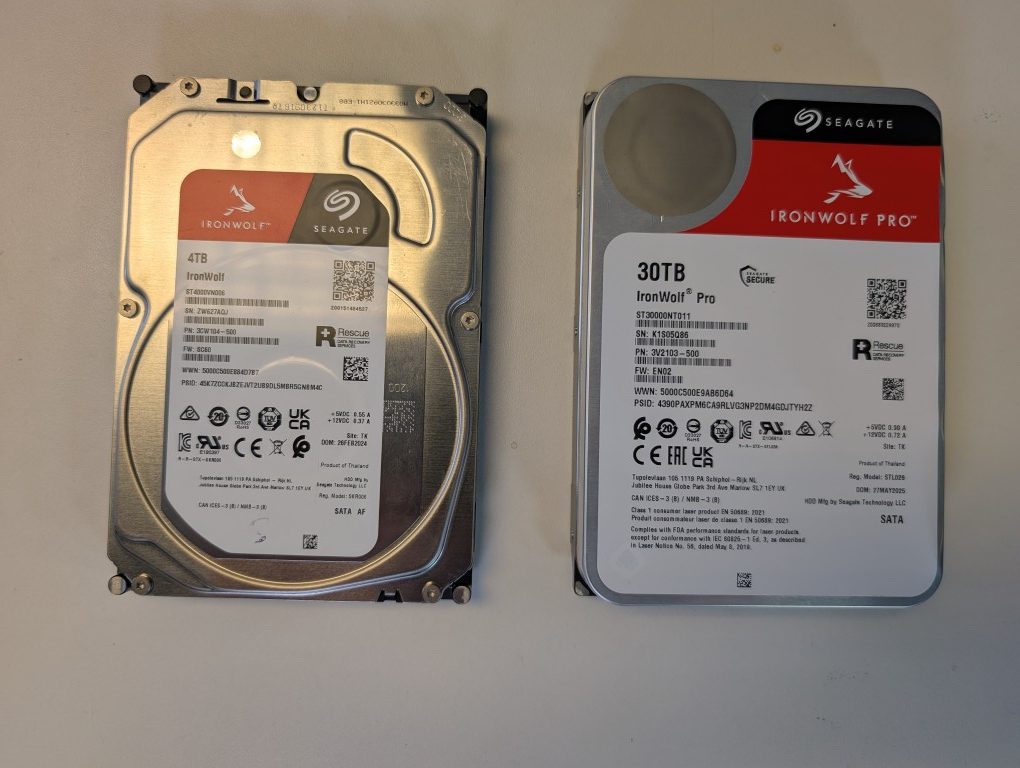
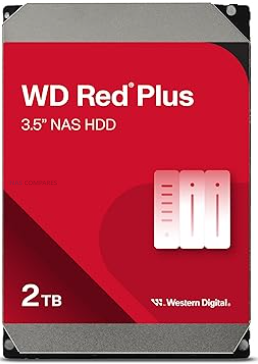
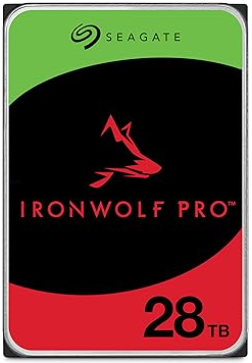
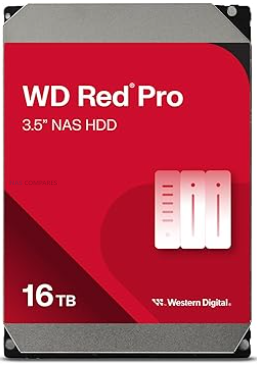
In late 2025, choosing between Seagate IronWolf and WD Red for a NAS is less about raw performance and more about secondary factors such as noise, power consumption, pricing, and ecosystem. Both brands now offer broadly similar SATA performance in their mainstream and Pro lines once you reach 7200 RPM, 256 MB cache, and CMR recording, and both quote comparable workload ratings and multi bay support for NAS use. Durability claims in MTBF, workload per year, and 24 by 7 operation are also effectively at parity on paper, and the underlying engineering around vibration control, error recovery, and NAS specific firmware has converged to a large extent. Where meaningful technical differences still exist is in the maximum capacities on offer and how they are positioned. Seagate currently leads on headline capacity in the NAS tier with IronWolf Pro drives up to 30 TB, while WD Red Pro tops out slightly lower but overlaps most of the mainstream size points that home and small business users are likely to deploy. As a result, the decision for many buyers is less about which brand is objectively better and more about how each behaves in real deployments in terms of acoustics, energy use, long term running costs, warranty extras such as bundled recovery services, and regional pricing patterns at specific capacities.

Seagate vs WD (and Toshiba!) Market Share in 2025/2026?

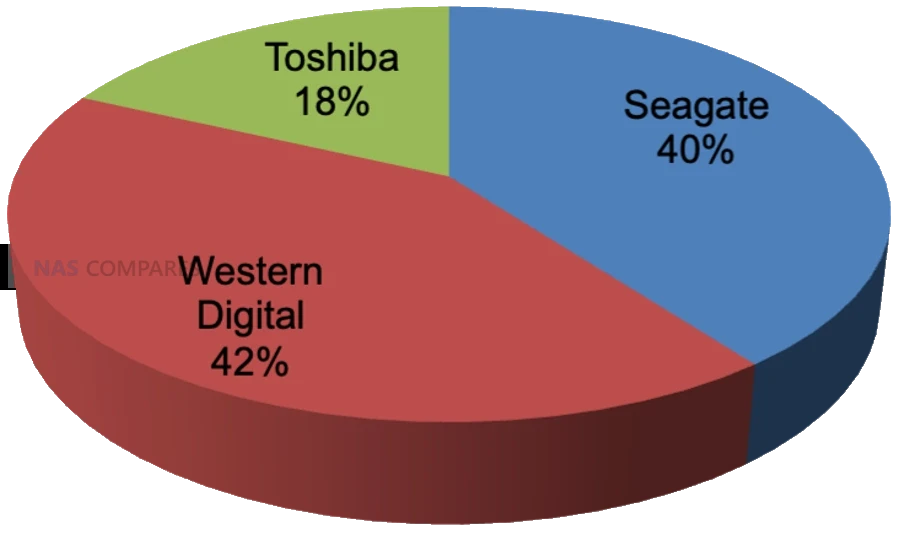
Across the HDD industry in 2024 and early 2025, Western Digital and Seagate remain closely matched, with Western Digital holding a slight lead by several common measures. Public breakdowns of exabytes shipped in 2024 put Western Digital at roughly 38.6 percent of HDD capacity shipped worldwide, Seagate at about 37 percent, and Toshiba at around 24.4 percent, confirming that the market is effectively a 2 vendor race with a smaller but still significant third player. Although the exact percentages vary depending on whether you look at units, capacity, or revenue, the pattern is consistent, with Western Digital marginally ahead and Seagate following closely behind.

Source – https://www.forbes.com/sites/tomcoughlin/2025/05/03/c1q-2025-hdd-industry-update/?utm_source=chatgpt.com

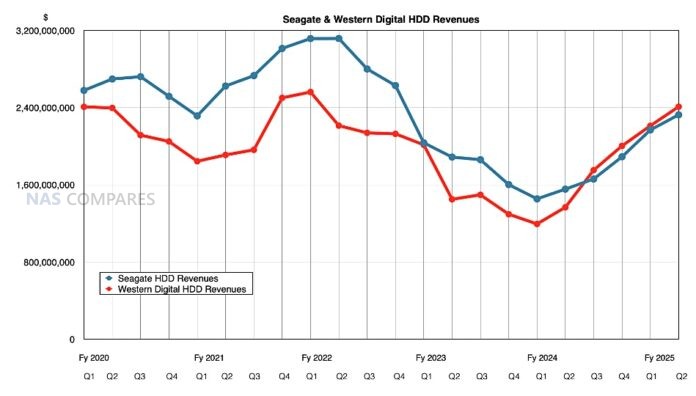
Recent industry and financial reporting also shows Western Digital gaining momentum in high capacity nearline drives, particularly in data center and cloud deployments, with disk based revenue and shipped capacity outpacing Seagate in at least some recent quarters. At the same time, Seagate retains a leadership position in very large capacity models, including 30 TB HAMR based NAS and nearline drives that are already commercially available and aimed at the same high density markets.

Source – https://blocksandfiles.com/2025/01/30/western-digitals-great-disk-driven-quarter/

Taken together, these data points indicate a tightly contested landscape where Western Digital currently leads in overall shipped capacity and revenue, while Seagate pushes the capacity envelope and remains highly competitive in large scale deployments.

Seagate Ironwolf vs WD Red NAS Hard Drives – Price

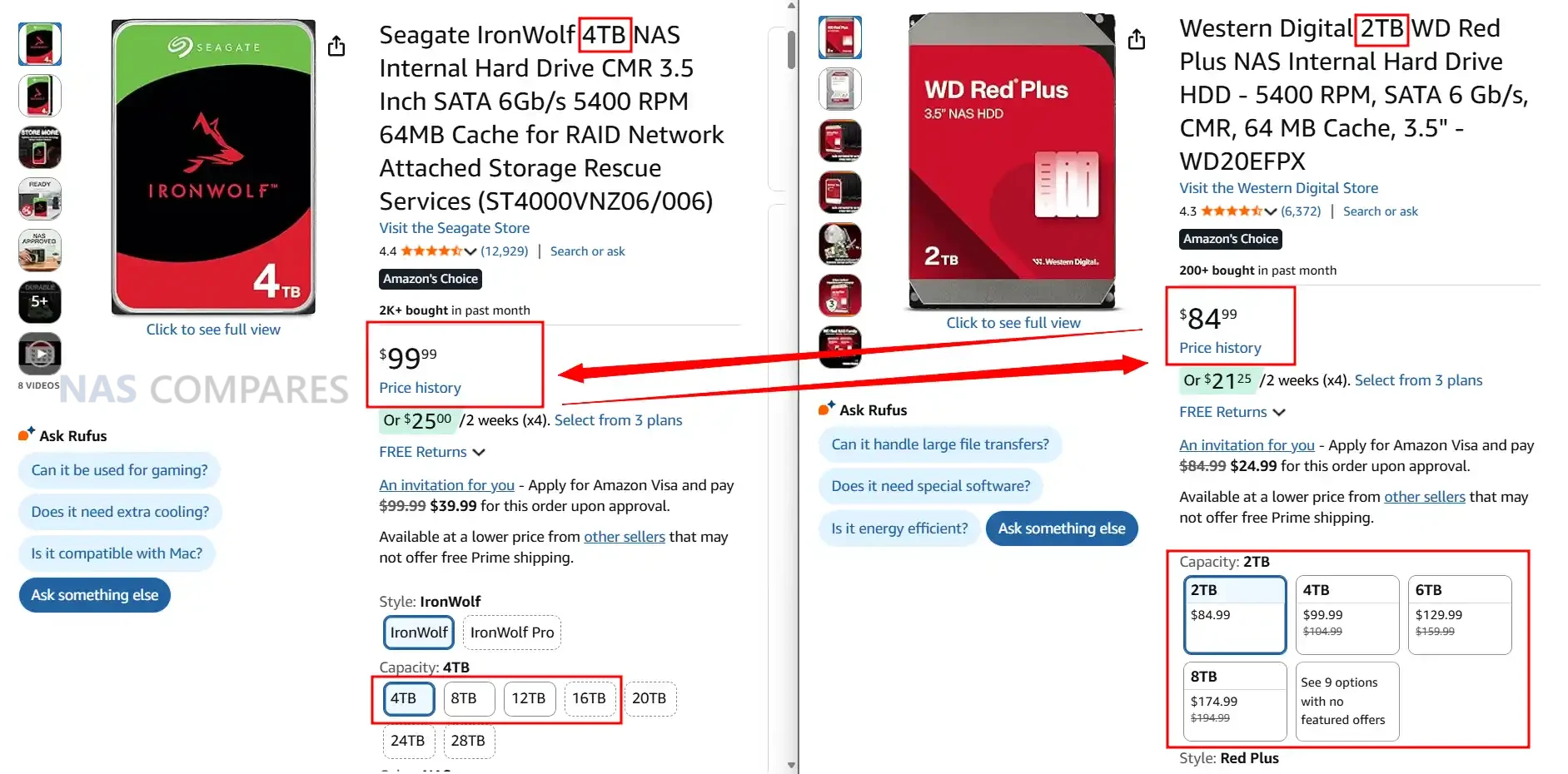
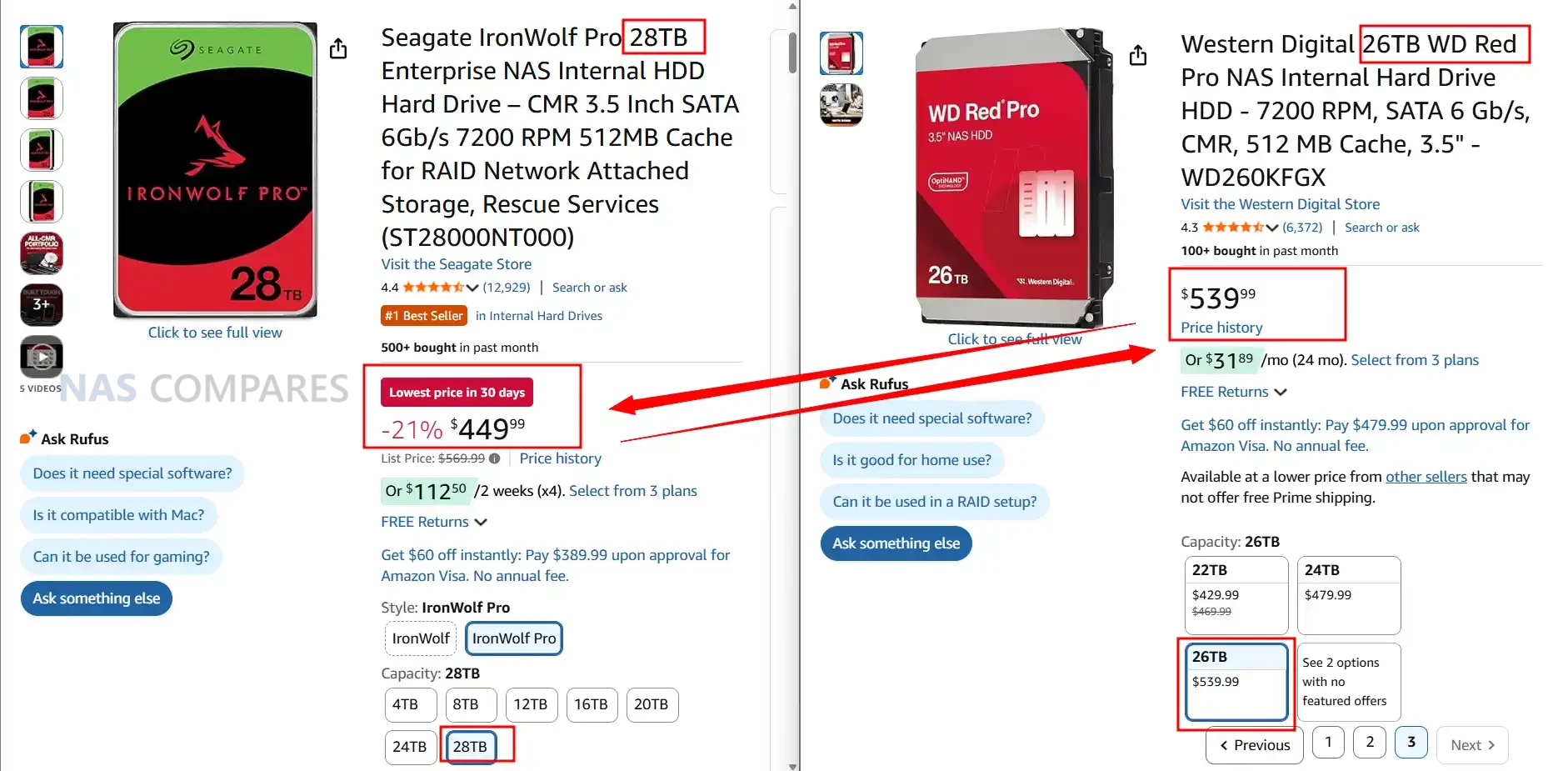
In late 2025 there is a clear pattern in how Seagate and WD position their HDDs on price, even if individual deals move around constantly. In general Seagate tends to be slightly cheaper per terabyte across many mainstream retailers and regions, particularly for larger 16 TB to 24 TB IronWolf and Exos capacities. WD pricing is often a little higher at like for like capacity in third party channels, especially for newer Red Plus and Red Pro models, although temporary sales can narrow or reverse this gap. Both brands are heavily discounted during seasonal events, so headline price screenshots are only ever a snapshot rather than a permanent rule.

Where WD changes the picture is through its own direct store. WD sells Red, Red Plus and Red Pro drives through its retail site and often undercuts third party resellers by a noticeable margin, especially during promotions. That means in some regions the cheapest way to buy WD is directly from WD, while Seagate relies entirely on partner channels and keeps relatively steady discounting through Amazon and similar outlets. As a result it is common to see Seagate come out cheaper in most general marketplaces while WD can be the lowest price only on its own store, which is not available in every country.

Once you move up into Pro and nearline class drives, such as IronWolf Pro versus WD Red Pro or WD Gold, pricing becomes more fragmented. Seagate keeps a fairly consistent capacity step pricing model where higher capacities scale in a relatively predictable way. WD on the other hand often runs multiple Red Pro and enterprise SKUs at the same capacity with different cache sizes or internal designs, which leads to overlapping prices and large swings between models that appear similar on paper. In practice this means that at the Pro tier Seagate is usually easier to price compare, while WD may offer good value on specific model IDs or capacities but requires more careful checking of part numbers and current discounts before purchase.

Seagate Ironwolf vs WD Red – Noise Level Comparison

In terms of acoustic behaviour, Seagate IronWolf and IronWolf Pro drives are consistently a little louder than their WD Red Plus and Red Pro counterparts at like for like capacities. Manufacturer data sheets show most recent IronWolf and IronWolf Pro models idling in the mid to high 20 dBA range, with seek noise commonly around 30 to 32 dBA. WD Red Plus drives in the same capacities often idle in the low to mid 20 dBA range with typical seek levels in the mid to high 20 dBA band, while Red Pro models generally sit around 20 to 25 dBA idle and 31 to 36 dBA under seek depending on capacity and generation. In practical terms this means that in a quiet room or a small office, Seagate NAS drives tend to be more noticeable both at spin up and during sustained random activity.

Capacity Idle Seagate Ironwolf Idle WD Red Plus Idle Winner Seek Seagate Ironwolf Pro Seek WD Red Pro Seek Winner
 
   
30TB 28 dBA (ST30000NT011) no WD equivalent Seagate 32 dBA (ST30000NT011) no WD equivalent Seagate
28TB 28 dBA (ST28000NT000) 25 dBA (WD281KFGX) WD 32 dBA (ST28000NT000) 32 dBA (WD281KFGX) Tie
26TB no Seagate model 25 dBA (WD260KFGX) WD no Seagate model 32 dBA (WD260KFGX) WD
24TB 28 dBA (ST24000NT002) 25 dBA (WD241KFGX), 20 dBA (WD240KFGX) WD 26 dBA (ST24000NT002) 32 dBA (WD241KFGX), 32 dBA (WD240KFGX) Seagate
22TB 28 dBA (ST22000NT001) 32 dBA (WD221KFGX) WD 26 dBA (ST22000NT001) 32 dBA (WD221KFGX) Seagate
20TB 28 dBA (ST20000NT001) 20 dBA (WD202KFGX, WD201KFGX) WD 26 dBA (ST20000NT001) 32 dBA (WD202KFGX, WD201KFGX) Seagate
18TB 28 dBA (ST18000NT001) 20 dBA (WD181KFGX) WD 26 dBA (ST18000NT001) 36 dBA (WD181KFGX) Seagate
16TB 28 dBA (ST16000NT001) 20 dBA (WD161KFGX) WD 26 dBA (ST16000NT001) 36 dBA (WD161KFGX) Seagate
14TB 20 dBA (ST14000NT001) 20 dBA (WD142KFGX), 20 dBA (WD141KFGX) Tie 26 dBA (ST14000NT001) 36 dBA (WD142KFGX), 36 dBA (WD141KFGX) Seagate
12TB 28 dBA (ST12000NT001) 20 dBA (WD121KFBX), 34 dBA (WD122KFBX) WD 26 dBA (ST12000NT001) 36 dBA (WD121KFBX), 39 dBA (WD122KFBX) Seagate
10TB 28 dBA (ST10000NT001) 20 dBA (WD102KFBX), 34 dBA (WD103KFBX) WD 30 dBA (ST10000NT001) 36 dBA (WD102KFBX), 39 dBA (WD103KFBX) Seagate
8TB 28 dBA (ST8000NT001) 20 dBA (WD8003FFBX, WD8005FFBX) WD 30 dBA (ST8000NT001) 36 dBA (WD8003FFBX, WD8005FFBX) Seagate
6TB 28 dBA (ST6000NT001) 21 dBA (WD6003FFBX, WD6005FFBX) WD 30 dBA (ST6000NT001) 36 dBA (WD6003FFBX, WD6005FFBX) Seagate
4TB 28 dBA (ST4000NT001) 20 dBA (WD4003FFBX), 29 dBA (WD4005FFBX) WD 30 dBA (ST4000NT001) 36 dBA (WD4003FFBX, WD4005FFBX) Seagate
2TB 28 dBA (ST2000NT001) 21 dBA (WD2002FFSX) WD 30 dBA (ST2000NT001) 31 dBA (WD2002FFSX) Seagate

The difference becomes more apparent once you move beyond a simple 1 or 2 bay NAS and start populating 4, 6 or 8 bay chassis. Multiple Seagate drives running together produce a slightly harsher mechanical sound profile, with more pronounced click and clunk patterns during head movements, as well as higher cumulative vibration. WD drives, particularly Red Plus and most of the more recent Red Pro helium models, lean toward a smoother background hum with less sharp seek noise and lower ambient vibration. For users placing a NAS in a living room, bedroom or under a desk, this cumulative effect can be significant, even if each individual drive only differs by a couple of dBA on paper.

It is worth noting that not every capacity behaves identically. Lower capacities and some air filled WD Red Plus models idle very quietly and can be comparable with the quietest Seagate SKUs, while some high capacity Red Pro variants with 7200 RPM motors and larger caches approach IronWolf Pro levels of seek noise. However, when you average across the current CMR product stacks in late 2025, WD holds a small but consistent advantage in both idle and seek acoustics, especially in multi bay deployments where background noise and vibration build up over time.


Seagate Ironwolf vs WD Red – Power Consumption (Idle / Active)

Looking purely at spec sheets, both Seagate and WD publish idle and seek values that cluster in similar bands, typically around the low 20 dBA range at idle and high 20 to mid 30 dBA under seek as capacities and spindle speeds rise. In practice though, the character of the noise differs between the brands. IronWolf and IronWolf Pro models tend to produce a sharper mechanical click pattern during head seeks and a more noticeable spin up profile, while WD Red Plus and Red Pro lines usually present as a smoother hum with less abrupt transitions between idle and active states. In a quiet room this difference in tone can matter as much as the numeric dBA rating itself.

Capacity Idle Seagate Ironwolf Idle WD Red Plus Idle Winner Active Seagate Ironwolf Pro Active WD Red Pro Active Winner
             
30TB 6.8W (ST30000NT011) no WD equivalent Seagate 8.3W (ST30000NT011) no WD equivalent Seagate
28TB 6.8W (ST28000NT000) 3.6W (WD281KFGX) WD 8.3W (ST28000NT000) 6.0W (WD281KFGX) WD
26TB no Seagate model 3.6W (WD260KFGX) WD no Seagate model 6.0W (WD260KFGX) WD
24TB 6.3W (ST24000NT002) 3.6W (WD241KFGX), 3.9W (WD240KFGX) WD 7.8W (ST24000NT002) 6.0W (WD241KFGX), 6.4W (WD240KFGX) WD
22TB 6.0W (ST22000NT001) 3.4W (WD221KFGX) WD 7.9W (ST22000NT001) 6.8W (WD221KFGX) WD
20TB 5.7W (ST20000NT001) 2.8W (WD202KFGX), 3.6W (WD201KFGX) WD 7.7W (ST20000NT001) 6.1W (WD202KFGX), 6.9W (WD201KFGX) WD
18TB 5.0W (ST18000NT001) 3.0W (WD181KFGX) WD 7.5W (ST18000NT001) 3.6W (WD181KFGX) WD
16TB 5.0W (ST16000NT001) 3.6W (WD161KFGX) WD 7.6W (ST16000NT001) 6.1W (WD161KFGX) WD
14TB 5.0W (ST14000NT001) 3.0W (WD141KFGX), 3.6W (WD142KFGX) WD 7.6W (ST14000NT001) 3.0W (WD141KFGX), 6.4W (WD142KFGX) WD
12TB 5.0W (ST12000NT001) 2.8W (WD121KFBX), 6.1W (WD122KFBX) WD 7.6W (ST12000NT001) 2.8W (WD121KFBX), 8.8W (WD122KFBX) WD
10TB 7.8W (ST10000NT001) 2.9W (WD102KFBX), 3.0W (WD103KFBX) WD 10.1W (ST10000NT001) 4.6W (WD101KFBX), 6.1W (WD103KFBX) WD
8TB 7.8W (ST8000NT001) 4.0W (WD8003FFBX), 4.9W (WD8005FFBX) WD 10.1W (ST8000NT001) 4.6W (WD8003FFBX), 6.9W (WD8005FFBX) WD
6TB 7.1W (ST6000NT001) 3.7W (WD6003FFBX), 4.0W (WD6005FFBX) WD 9.3W (ST6000NT001) 3.7W (WD6003FFBX), 6.9W (WD6005FFBX) WD
4TB 7.8W (ST4000NT001) 3.7W (WD4003FFBX), 4.0W (WD4005FFBX) WD 8.7W (ST4000NT001) 3.7W (WD4003FFBX), 5.8W (WD4005FFBX) WD
2TB 6.7W (ST2000NT001) 6.0W (WD2002FFSX) WD 6.7W (ST2000NT001) 7.8W (WD2002FFSX) Seagate

At lower capacities, especially in the 2 TB to 6 TB range where air filled designs and lower spindle speeds are common, WD Red Plus models are often among the quietest options, with idle noise figures that sit at the lower end of the published spectrum and relatively soft seek sounds. Seagate standard IronWolf drives in these capacities are not especially loud by absolute numbers, but they generally sit slightly higher at idle and under random activity. Once you move into high capacity Pro class drives, WD Red Pro and IronWolf Pro become more comparable, although WD still often maintains a small advantage in idle noise on the newest helium filled models, while seek noise can be quite close on some capacities.

Noise differences increase as you add more bays and drives. A 2 bay or 4 bay NAS with mixed workloads may only expose a modest gap in acoustic behaviour between the brands, but 8 bay and larger systems can amplify any small variations. Multiple Seagate drives seeking at once will create more noticeable cumulative chatter and vibration inside a metal chassis, which can transfer into desks or shelving if the NAS is not well isolated. WD units with otherwise similar specifications and workload ratings usually generate less overall vibration, so the aggregate sound from a populated chassis can be easier to live with in shared spaces.

For users planning deployments in noise sensitive environments, such as a living room media setup or a small office where the NAS will sit in the same room as desks, these differences can be a factor in the buying decision once capacity and performance requirements are defined. Seagate remains attractive where price per terabyte and maximum capacity are the main priorities, and users are able to position the NAS in a cupboard, loft or separate room. WD drives typically suit scenarios where the system will remain close to people for long periods, sacrificing a small amount of price advantage in favour of lower background noise and a slightly less intrusive acoustic profile at both idle and under sustained activity.

Seagate Ironwolf vs WD Red – Verdict & Conclusion

From a technical perspective Seagate and WD now sit very close to one another in most core HDD metrics, particularly in the NAS focused IronWolf, IronWolf Pro, Red Plus and Red Pro ranges. Both brands use CMR recording on their NAS lines, have comparable workload ratings in each class, and converge around similar sustained transfer rates once you reach 7200 RPM and larger cache sizes. The main structural differences are that Seagate currently pushes higher maximum capacities into the consumer and prosumer space and includes bundled rescue data recovery on many NAS models, while WD tends to retain a small advantage in power consumption and acoustic behaviour at equivalent capacities, especially in multi bay systems. Historical issues such as WD Red SMR drives and Seagate high failure rate models at specific points in time are still relevant for older stock, but the current generation NAS ranges for both vendors are broadly aligned in specification and intended workload.

In practical terms the choice between Seagate IronWolf and WD Red often comes down to priority order rather than any single clear winner. Users aiming for the lowest cost per terabyte and the highest capacities available in the near term will usually find Seagate more attractive, particularly in larger IronWolf Pro and Exos class drives, accepting higher power draw and a more noticeable acoustic profile. Users who are sensitive to noise, want marginally lower long term energy usage or prefer WD’s clearer product segmentation may gravitate toward Red Plus or Red Pro, taking care to select the correct CMR models and capacities. In all cases the decision should be made at model level using current datasheets and pricing, not just brand reputation, and should be paired with a sensible RAID plan and an independent backup strategy, since neither vendor can remove the fundamental risk that any individual hard drive can fail.

Idle Seagate Ironwolf Idle WD Red Plus Active Seagate Ironwolf Pro Active WD Red Pro


📧 SUBSCRIBE TO OUR NEWSLETTER 🔔
[contact-form-7]
🔒 Join Inner Circle


Get an alert every time something gets added to this specific article!


Want to follow specific category? 📧 Subscribe

This description contains links to Amazon. These links will take you to some of the products mentioned in today's content. As an Amazon Associate, I earn from qualifying purchases. Visit the NASCompares Deal Finder to find the best place to buy this device in your region, based on Service, Support and Reputation - Just Search for your NAS Drive in the Box Below

Need Advice on Data Storage from an Expert?

Finally, for free advice about your setup, just leave a message in the comments below here at NASCompares.com and we will get back to you. Need Help? Where possible (and where appropriate) please provide as much information about your requirements, as then I can arrange the best answer and solution to your needs. Do not worry about your e-mail address being required, it will NOT be used in a mailing list and will NOT be used in any way other than to respond to your enquiry. [contact-form-7] TRY CHAT Terms and Conditions
If you like this service, please consider supporting us. We use affiliate links on the blog allowing NAScompares information and advice service to be free of charge to you.Anything you purchase on the day you click on our links will generate a small commission which isused to run the website. Here is a link for Amazon and B&H.You can also get me a ☕ Ko-fi or old school Paypal. Thanks!To find out more about how to support this advice service check HEREIf you need to fix or configure a NAS, check Fiver Have you thought about helping others with your knowledge? Find Instructions Here  
 
Or support us by using our affiliate links on Amazon UK and Amazon US
    
 
Alternatively, why not ask me on the ASK NASCompares forum, by clicking the button below. This is a community hub that serves as a place that I can answer your question, chew the fat, share new release information and even get corrections posted. I will always get around to answering ALL queries, but as a one-man operation, I cannot promise speed! So by sharing your query in the ASK NASCompares section below, you can get a better range of solutions and suggestions, alongside my own.

☕ WE LOVE COFFEE ☕


Best NAS for Under $250

Best NAS You Can Buy Right Now for Under $249 at the end of 2025

As personal data storage requirements continue to rise in 2025, many users are moving away from cloud platforms and monthly subscription services in search of something more private and cost effective. A dedicated NAS, or network attached storage system, allows you to back up photo collections, host a home media library, or manage small business files while keeping full control of your data and avoiding ongoing fees. The good news is that the market now includes several capable options priced at or under 249 dollars. Improvements in low power processors, wider use of DDR5 memory, and leaner operating systems have made entry level systems far more powerful than they were even a year ago. They can comfortably handle tasks such as Plex playback, simple virtualization, and lightweight container apps. This article looks at five NAS units currently available within this price bracket, each offering a practical mix of performance, connectivity, and storage flexibility for anyone building a reliable setup on a limited budget.

Important Disclaimer and Notes Before You Buy!

Before looking at specific NAS models, it helps to understand the common limits of systems in this price tier. Most units under 249 dollars arrive without drives, and rely on NVMe or SATA bays that must be filled separately. Some include small onboard storage such as 32GB to 64GB eMMC that only covers the operating system. This means the total cost of a usable setup will usually be higher than the base price. These devices are aimed at home users and personal cloud tasks rather than heavier business workloads. Several models also lack a full NAS operating system and instead use lightweight platforms such as CasaOS or ZimaOS, or provide only a simple interface for local file access and containers. These options are improving, yet they may not offer advanced RAID tools, snapshot automation, or detailed permission control found on systems like Synology DSM or TrueNAS. Overall, these NAS units suit users with some technical confidence or anyone who wants a simple setup with limited depth.


Beelink ME Mini NAS – 6 Bay SSD NAS

$209 – Intel N150 – 12GB – No SSD (64GB eMMC Only) – 2x 2.5GbE + WiFi 6 – No OS / User Install – BUY HERE

The Beelink ME Mini is a compact NAS designed for anyone who wants fast SSD storage in a very small enclosure. It measures 99mm on each side and includes six M.2 2280 NVMe slots that can deliver as much as 24TB when fully populated. The system uses an Intel N150 processor with 12GB of LPDDR5 memory, which provides a solid mix of performance and low power draw. Connectivity includes two 2.5GbE ports, WiFi 6, and Bluetooth 5.2, giving it flexibility for both wired and wireless use. Cooling is handled passively and the unit contains its own power supply, which keeps noise and cable clutter to a minimum and makes it a good fit for living rooms or compact office spaces.

Component Specification
CPU Intel N150 (4 cores, up to 3.6 GHz)
Memory 12GB LPDDR5
Internal Storage 64GB eMMC + 6x M.2 2280 NVMe slots
Networking 2x 2.5GbE LAN, WiFi 6, Bluetooth 5.2
Ports USB 2.0, USB 3.2, USB-C, HDMI
OS User-defined (Linux-based preferred)
Dimensions 99 x 99 x 99 mm


Terramaster F2-425 2- Bay Intel Value Turnkey NAS

$249 – Intel N5105 – 4GB – TOS 6 Software – 1x 2.5GbE – 2x SATA – BUY HERE

The Terramaster F2-424 is a two bay NAS that sits near the upper edge of the 249 dollar bracket and focuses on providing a more traditional turnkey experience. It uses an Intel Celeron class x86 quad core processor with 4GB of memory that can be upgraded, which allows it to handle general home NAS tasks and hardware assisted 4K decoding for applications such as Plex, Emby, and Jellyfin.

The system supports two SATA drives for a total capacity of up to 60TB and includes TRAID for flexible expansion and space management. Connectivity is limited to a single 2.5GbE port, which is sufficient for most home use but less flexible than some other systems in this list that offer two LAN ports. The unit runs TOS 6, which provides RAID options, snapshots, cloud sync, and a broad selection of built in apps for backup, media, and light productivity needs.

Setup can be completed through the TNAS Mobile app, which also supports automatic photo and video backups from mobile devices. Local AI driven sorting for photos is included, and cross platform access is available through the TNAS client or standard network mapping. TerraSync enables PC backups with version history, and security features include OTP authentication, firewall controls, DoS protections, snapshots, and HyperLock WORM for ransomware resistance. The chassis is quiet in operation and uses tool free push lock trays that allow quick installation or replacement of drives.

Terramaster also offers the F2-425 Plus at roughly 130 dollars more. That model increases CPU and memory resources and is aimed at users who want stronger performance and scalability. For those who want to remain within the 249 dollar limit, the F2-424 provides a straightforward Intel based platform with a familiar OS, upgradable memory, and native HDD support, as long as the single network port meets the user’s needs.


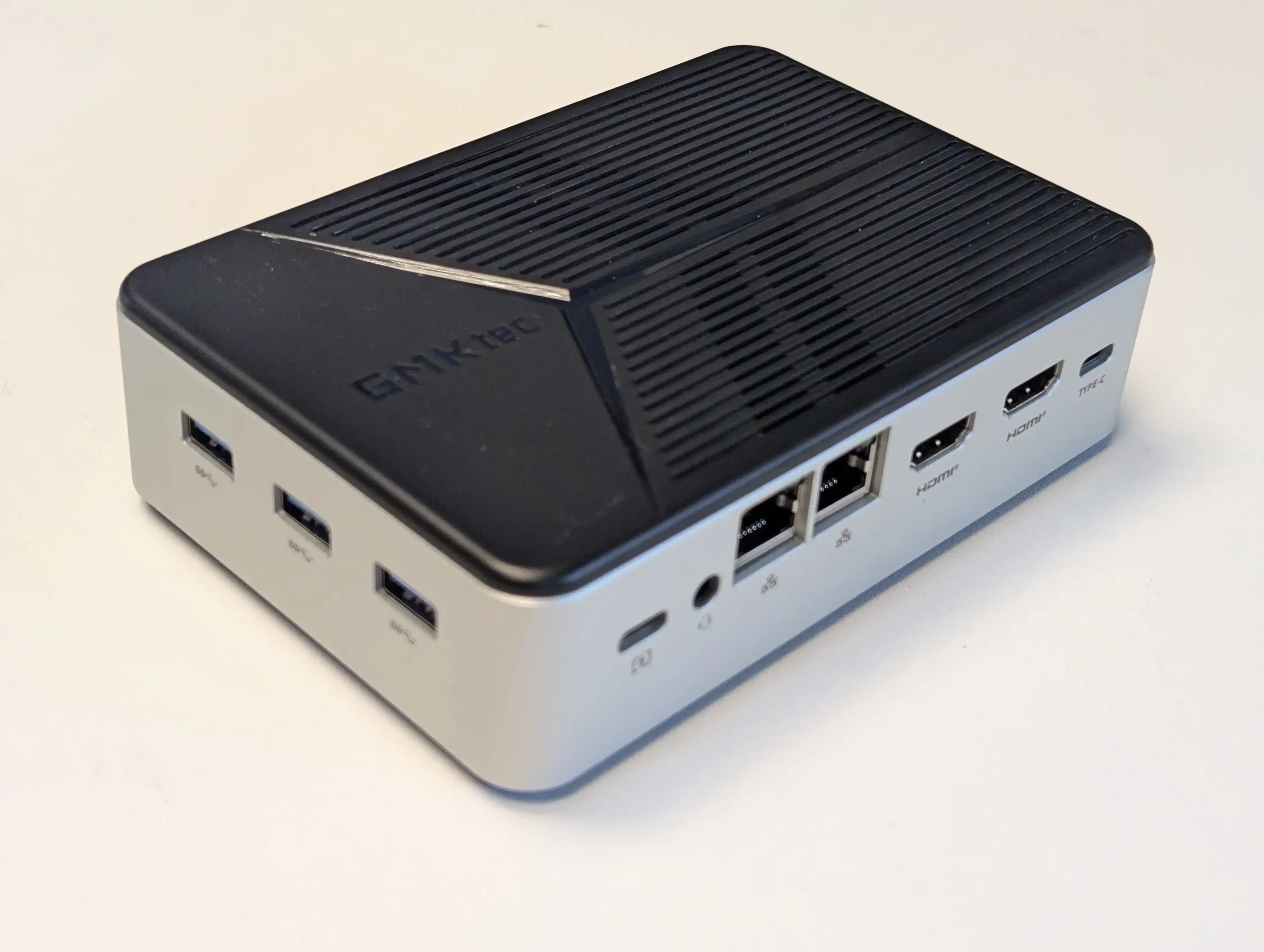
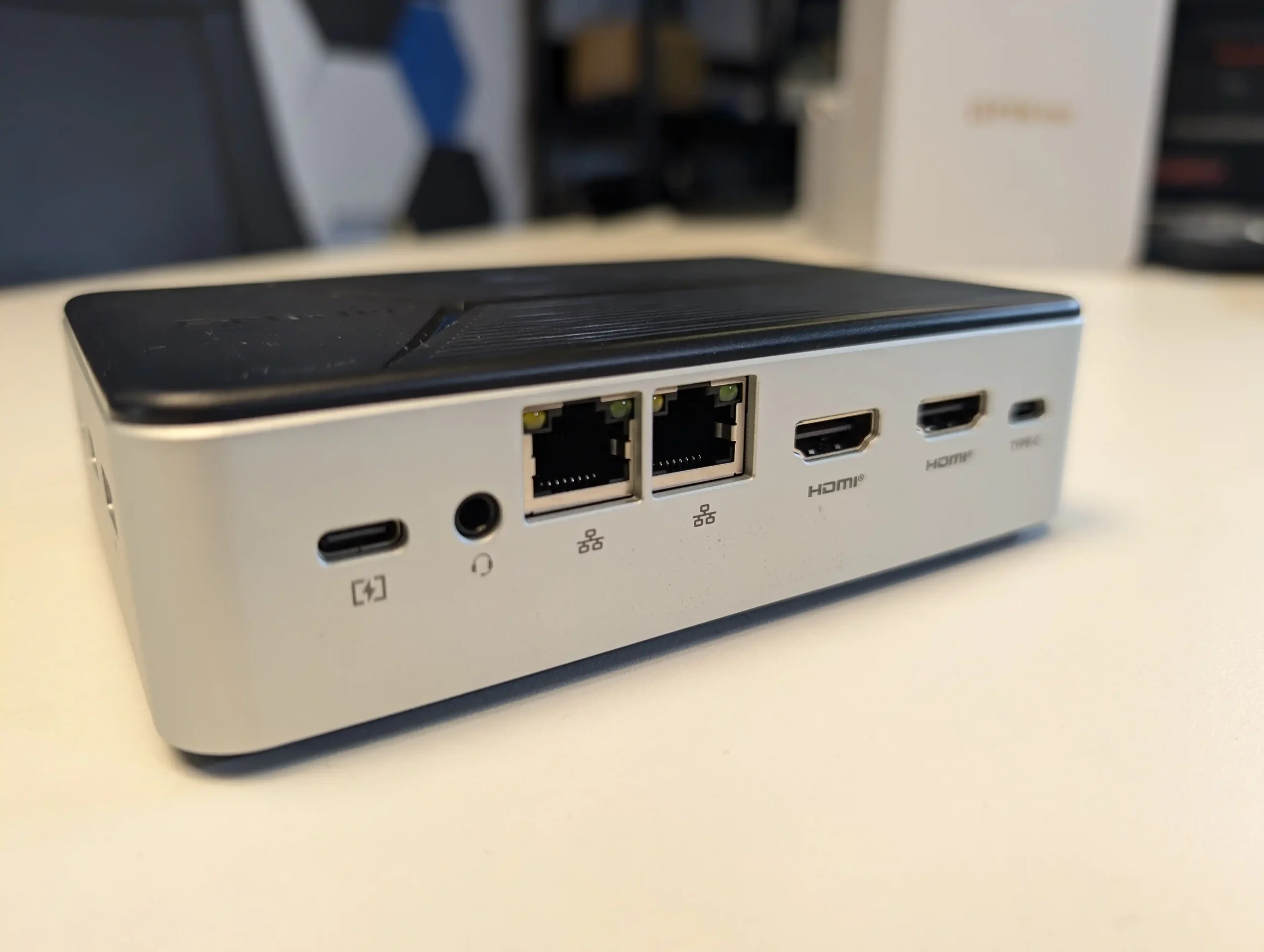
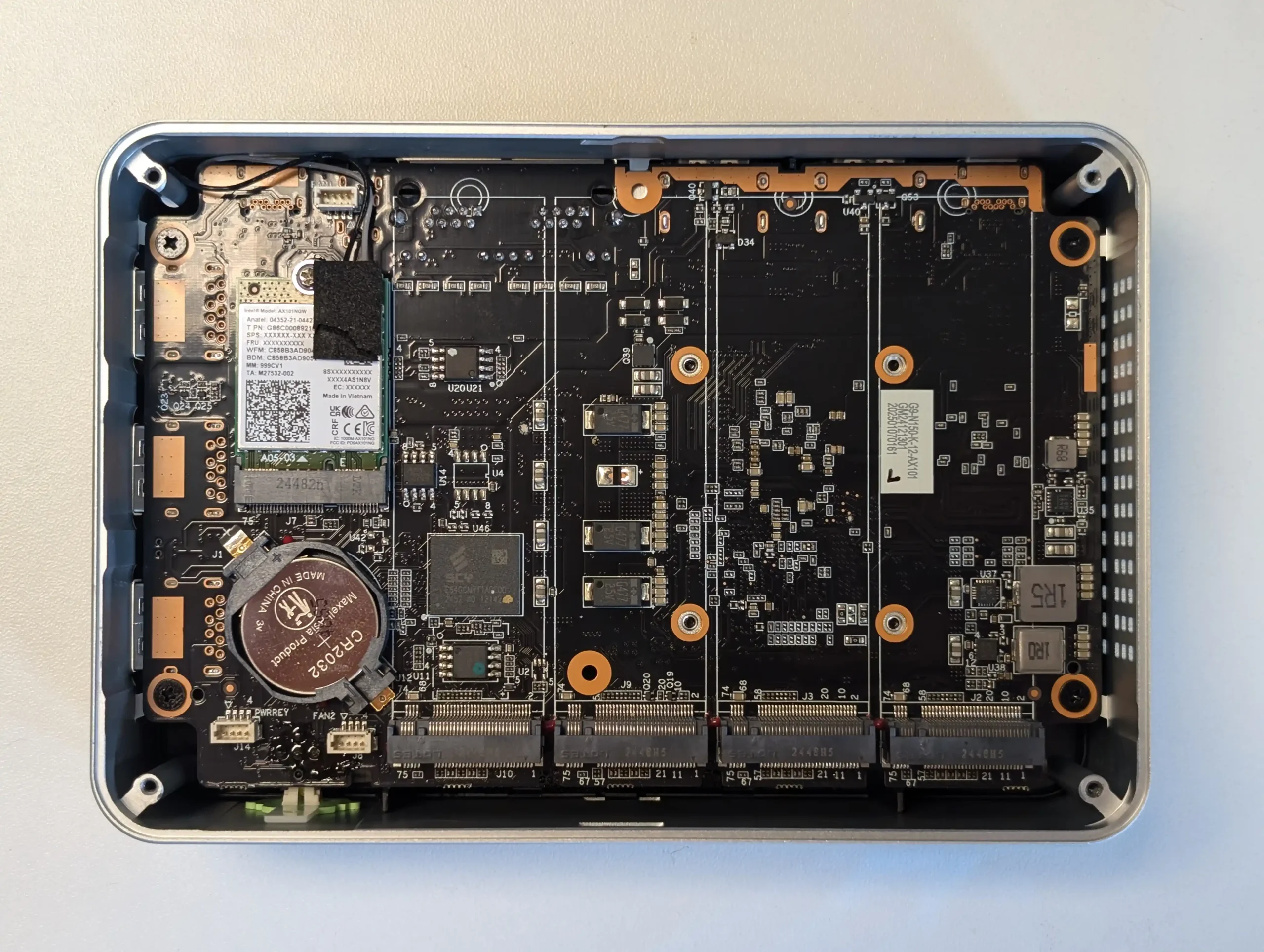
GMKTec G9 NAS – 4 Bay M.2 NAS @ The lowest Price

$185.99 – Intel N150 – 12GB – No SSD (64GB eMMC Only) – 2x 2.5GbE + WiFi 6 – Ubuntu 24.10 (Preloaded, Switchable) – BUY HERE

The GMKTec G9 provides hardware that closely matches the Beelink ME Mini, since it also uses the Intel N150 processor and 12GB of LPDDR5 memory. It arrives in a more traditional rectangular enclosure and includes four M.2 2280 NVMe slots instead of six. The system contains 64GB of onboard eMMC storage that is mainly used to boot Ubuntu 24.10, and it can dual boot into Windows 11 when an additional SSD is installed. As with the Beelink, there is no SATA support, so all storage relies on NVMe drives up to 4TB each. Cooling is handled by an active fan and the device includes two HDMI outputs, which makes it a stronger option for anyone who wants a small desktop system or direct media output as part of their NAS setup. The manufacturer issued a refresh in summer 2025 that improved the cooling layout with better vent placement and more efficient airflow.

Component Specification
CPU Intel N150 (4 cores, up to 3.6 GHz)
Memory 12GB LPDDR5
Internal Storage 64GB eMMC + 4x M.2 2280 NVMe slots
Networking 2x 2.5GbE LAN, WiFi 6, Bluetooth 5.2
Ports 3x USB 3.2, 1x Type-C (DP), 2x HDMI, Audio
OS Ubuntu 24.10 by default, dual-boot capable
Dimensions 146.6 x 100.25 x 38.75 mm


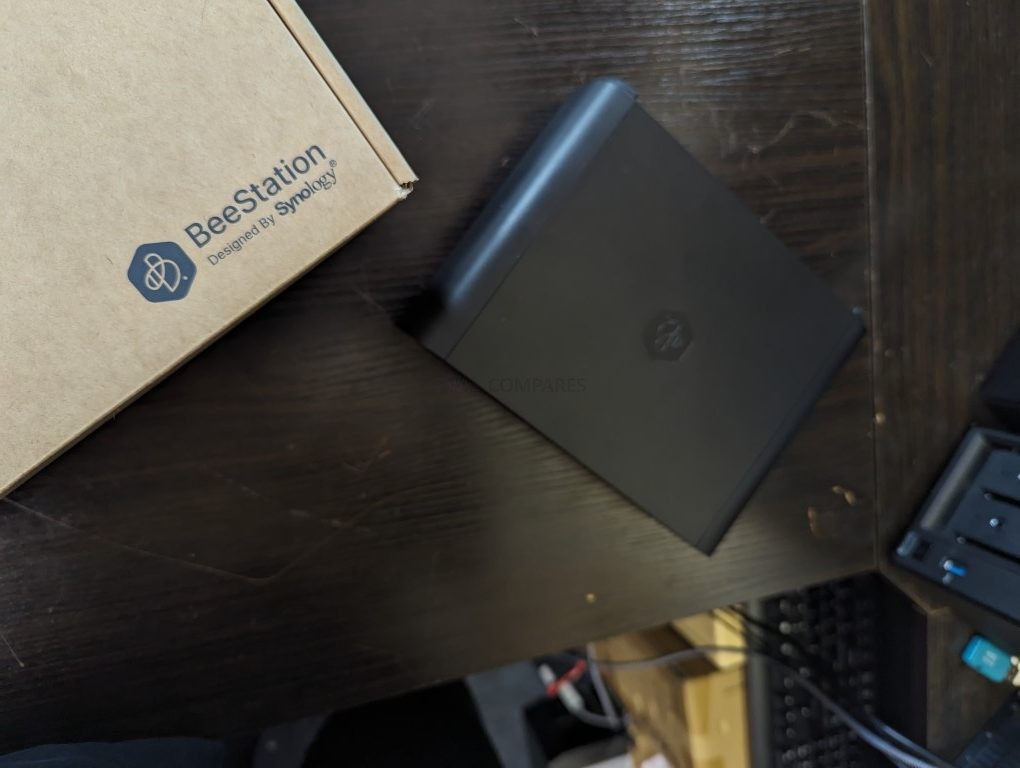
Synology BeeStation 4TB NAS – ALL IN ONE!

$199 – Realtek RTD1619B – 1GB – 4TB SINGLE BAY – 1x 1GbE – BeeStation Manager (BSM) – BUY HERE

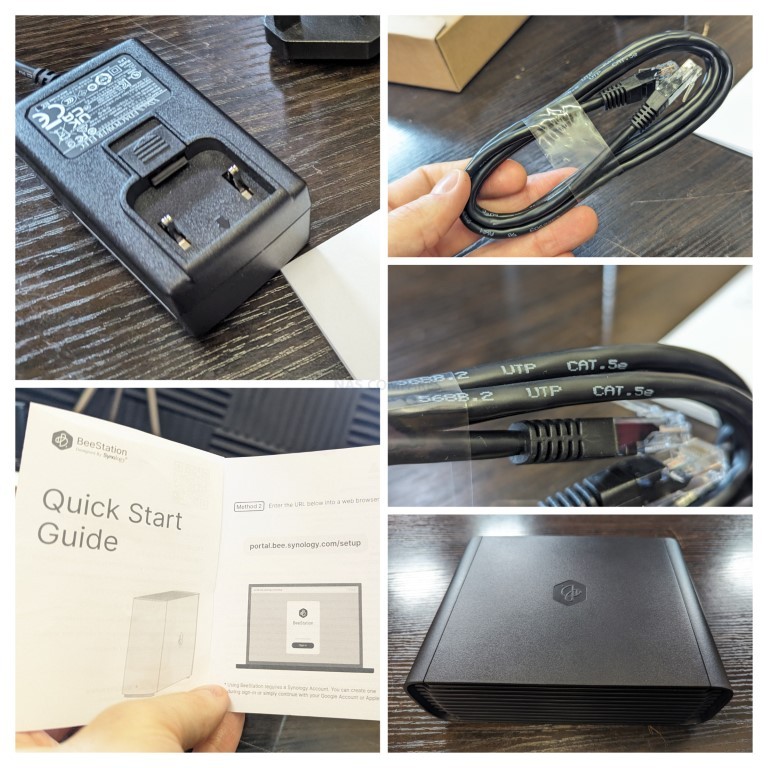
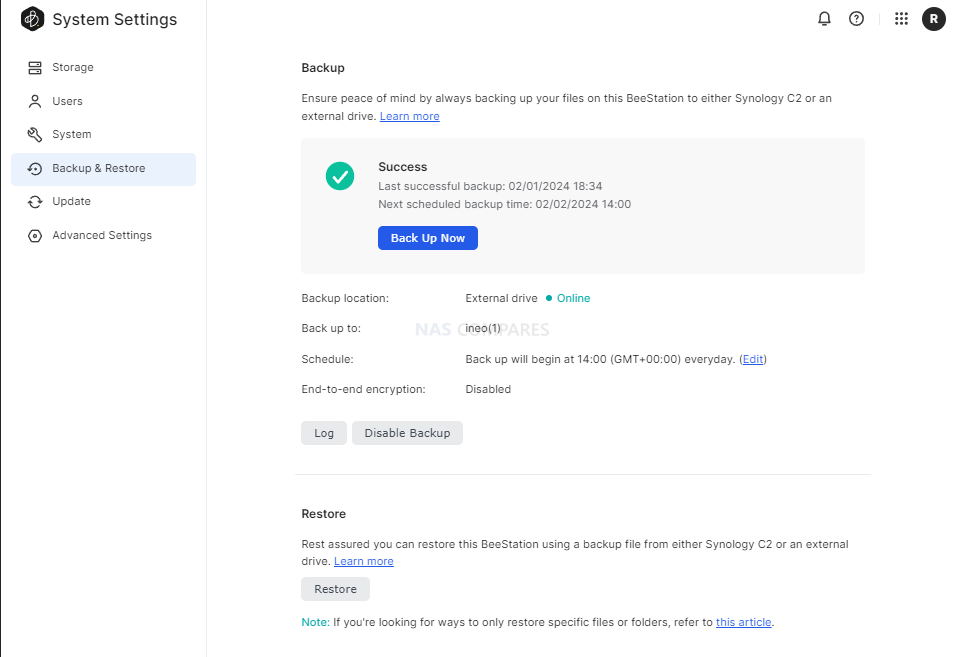
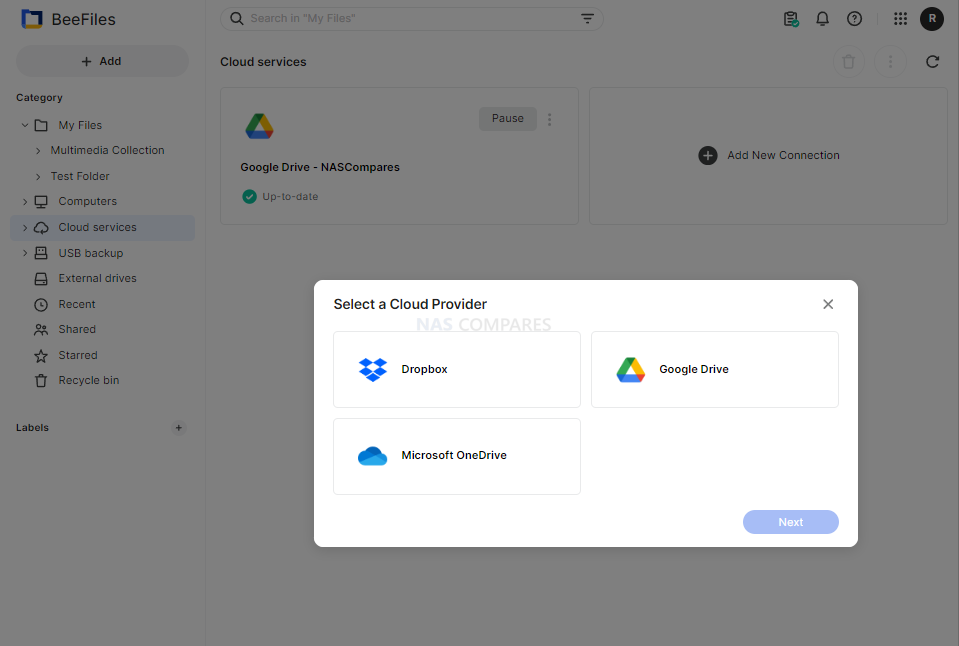
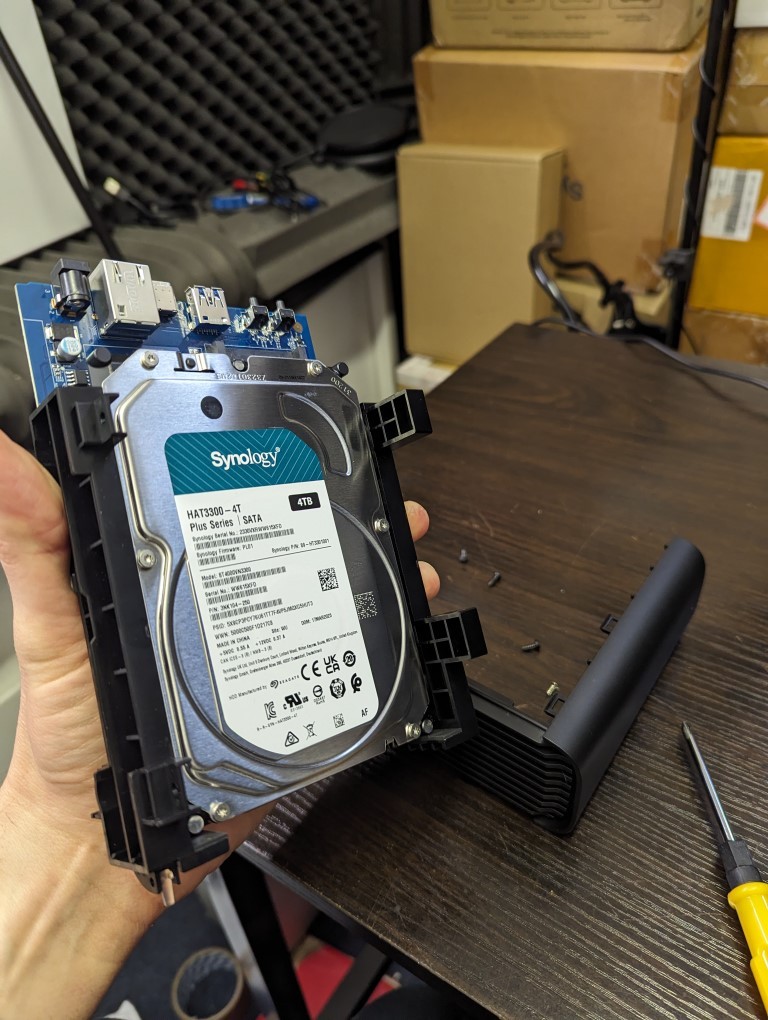
The Synology BeeStation 4TB is a single bay NAS designed for users who want a ready to use system with no installation work. It arrives with a pre installed 4TB hard drive and a sealed enclosure, so there is no need to source or fit storage. The system uses a Realtek RTD1619B ARM processor with 1GB of DDR4 memory and connects through a single 1GbE port. It runs BeeStation Manager, which focuses on beginner friendly features such as cloud style file access, simple photo management, and smooth integration with Synology mobile apps. Synology also released the BeeStation Plus model in 2025 with an Intel processor, more memory, and 8TB of storage, but it sits at roughly double the price. If you are willing to spend more, that model gives you greater performance and capacity.

Component Specification
CPU Realtek RTD1619B (Quad-core ARM)
Memory 1GB DDR4
Internal Storage 4TB HDD (included, sealed)
Networking 1x 1GbE LAN
Ports 1x USB-A 3.2 Gen 1, 1x USB-C 3.2 Gen 1
OS Synology BeeStation Manager (BSM)
Dimensions 148 x 62.6 x 196.3 mm


UGREEN NASync DXP2800 NAS – The New Challenger!

$249 – Intel N100 – 8GB – No Storage (32GB eMMC) – 1x 2.5GbE – UGOS Pro – BUY HERE

The UGREEN DXP2800 sits in the NASync series and targets users who want a mix of expandability and value. It supports both hard drives and SSDs through two 3.5 inch SATA bays and two M.2 NVMe slots that can be used for caching or fast active data work. The system uses an Intel N100 processor from the twelfth generation energy efficient N series and pairs it with 8GB of DDR5 memory that can be upgraded. A 32GB eMMC module holds the UGOS Pro operating system. Connectivity is built around a single 2.5GbE port with several USB ports on the front and rear including USB C and 10Gbps USB A. UGOS Pro offers a clean web interface with containers, RAID options such as zero, one, and JBOD, simple multimedia features, and remote file access.

UGREEN recently released the DH2300 two bay NAS at a noticeably lower price of roughly 100 to 120 dollars below the DXP2800. That model uses a lower power ARM processor, far less memory, and only one 1GbE port. It is acceptable for very light duties, but most users will benefit from spending a little more on the DXP2800 due to its stronger CPU, memory capacity, and networking.

Although UGOS Pro does not match the ecosystem depth of Synology DSM or QNAP QTS, the DXP2800 remains one of the few turnkey systems in this bracket that supports SSD and HDD storage in a flexible layout without proprietary limits. Users will still need to supply their own drives and configure storage pools, yet the combination of hardware capability and manageable software makes it a strong choice for anyone comfortable handling a modest amount of setup work.

Component Specification
CPU Intel N100 (4 cores, up to 3.4GHz)
Memory 8GB DDR5 (non-ECC, upgradeable to 16GB)
Internal Storage 32GB eMMC + 2x SATA + 2x M.2 NVMe
Networking 1x 2.5GbE LAN
Ports Front: 1x USB-C (10Gbps), 1x USB-A (10Gbps) \nRear: 1x USB-A (5Gbps), 2x USB 2.0, HDMI 4K Output
OS UGOS Pro
Dimensions 231 x 109 x 178 mm (approx.)


ZimaBoard 2 (832 Version) – DIY Enthusiast’s DREAM!

$199 – Intel N150 – 8GB – No Storage (32GB eMMC) – 2x 2.5GbE – ZimaOS – BUY HERE

The ZimaBoard 2 (832) is a compact single board NAS platform built for users who want flexibility and modular control rather than a traditional enclosure based system. It arrives as a bare embedded board with all interfaces exposed, which makes it ideal for custom builds. The system uses the Intel N150 quad core processor with 8GB of LPDDR5x memory and includes 32GB of onboard eMMC storage for ZimaOS. The device ships with a lifetime ZimaOS license, which is notable at this price level. It also stands out by providing two powered SATA 3.0 ports, giving it native support for hard drives without any need for USB to SATA adapters. The product is now sold on Amazon, although the price can move between 249 and 349 dollars depending on current stock and promotions, so it is worth watching for discounts.

Connectivity is strong for a low profile platform. It offers two 2.5GbE ports, USB 3.1, a PCIe 3.0 x4 slot, and a Mini DisplayPort output that can deliver 4K60 video. The PCIe slot opens the door for add on networking, storage controllers, or accelerators, although most users will start by using the SATA ports for core NAS storage. The large passive heatsink keeps the board silent, although thermal results will depend on the case you choose and the surrounding environment.

This system suits DIY builders who want to create their own NAS, firewall appliance, lightweight media server, or container host. ZimaOS provides a simple web interface and allows the user to switch to CasaOS or other Linux based platforms if preferred. It is aimed at users who want maximum control and are comfortable managing their own setup rather than those seeking a plug and play NAS.

Component Specification
CPU Intel N150 (4 cores, up to 3.6GHz)
Memory 8GB LPDDR5x
Internal Storage 32GB eMMC + 2x SATA 3.0 (powered)
Networking 2x 2.5GbE LAN
Ports 2x USB 3.1, Mini DisplayPort, PCIe 3.0 x4
OS ZimaOS (also supports CasaOS, Linux distros)
Dimensions 140 x 83 x 31 mm


Each NAS covered in this guide delivers its own mix of hardware capability, expansion potential, and overall usability while staying within the 249 dollar limit. Users who want a fully prepared option with minimal setup will likely prefer the Synology BeeStation, and anyone who wants a small SSD focused system with stronger customisation features may find the Beelink ME Mini or GMKTec G9 more suitable. The UGREEN DXP2800 stands out for its combination of HDD and SSD support and a more developed software platform, while the ZimaBoard 2 is aimed at technical users who want full control over every layer of the build. None of these devices is a perfect all rounder, yet each one provides a practical entry into local storage, self hosted media, and personal backup without exceeding a modest budget

📧 SUBSCRIBE TO OUR NEWSLETTER 🔔
[contact-form-7]
🔒 Join Inner Circle


Get an alert every time something gets added to this specific article!


Want to follow specific category? 📧 Subscribe

This description contains links to Amazon. These links will take you to some of the products mentioned in today's content. As an Amazon Associate, I earn from qualifying purchases. Visit the NASCompares Deal Finder to find the best place to buy this device in your region, based on Service, Support and Reputation - Just Search for your NAS Drive in the Box Below

Need Advice on Data Storage from an Expert?

Finally, for free advice about your setup, just leave a message in the comments below here at NASCompares.com and we will get back to you. Need Help? Where possible (and where appropriate) please provide as much information about your requirements, as then I can arrange the best answer and solution to your needs. Do not worry about your e-mail address being required, it will NOT be used in a mailing list and will NOT be used in any way other than to respond to your enquiry. [contact-form-7] TRY CHAT Terms and Conditions
If you like this service, please consider supporting us. We use affiliate links on the blog allowing NAScompares information and advice service to be free of charge to you.Anything you purchase on the day you click on our links will generate a small commission which isused to run the website. Here is a link for Amazon and B&H.You can also get me a ☕ Ko-fi or old school Paypal. Thanks!To find out more about how to support this advice service check HEREIf you need to fix or configure a NAS, check Fiver Have you thought about helping others with your knowledge? Find Instructions Here  
 
Or support us by using our affiliate links on Amazon UK and Amazon US
    
 
Alternatively, why not ask me on the ASK NASCompares forum, by clicking the button below. This is a community hub that serves as a place that I can answer your question, chew the fat, share new release information and even get corrections posted. I will always get around to answering ALL queries, but as a one-man operation, I cannot promise speed! So by sharing your query in the ASK NASCompares section below, you can get a better range of solutions and suggestions, alongside my own.

☕ WE LOVE COFFEE ☕


Synology Black Friday Deals (2025)

Synology NAS Deals this Black Friday 2025

Black Friday 2025 has brought a round of uncommon discounts to Synology’s latest DiskStation models, with Amazon and B&H offering some of the strongest reductions across the current lineup. Synology hardware rarely receives notable price cuts, particularly on recently launched systems, so this is a useful opportunity for anyone planning an upgrade or expanding their storage. Whether you need a reliable home backup platform, a media server, or a compact office solution, several 2025 generation units are now available at lower prices. This guide outlines the best deals currently live and helps identify which DiskStation models offer the most value during this year’s Black Friday period.

Important note: Some users may have heard that Synology’s 2025 generation DiskStation models restrict the use of non-Synology hard drives. This was true earlier in the year, but Synology reversed the policy in October 2025. Current DiskStation units in this lineup now accept third-party HDDs from any manufacturer with no warnings or reduced functionality. However, M.2 NVMe SSD support remains limited to approved models, and the HDD restrictions still apply to RackStation systems and higher tier products in the broader Synology portfolio. Learn More about this HERE


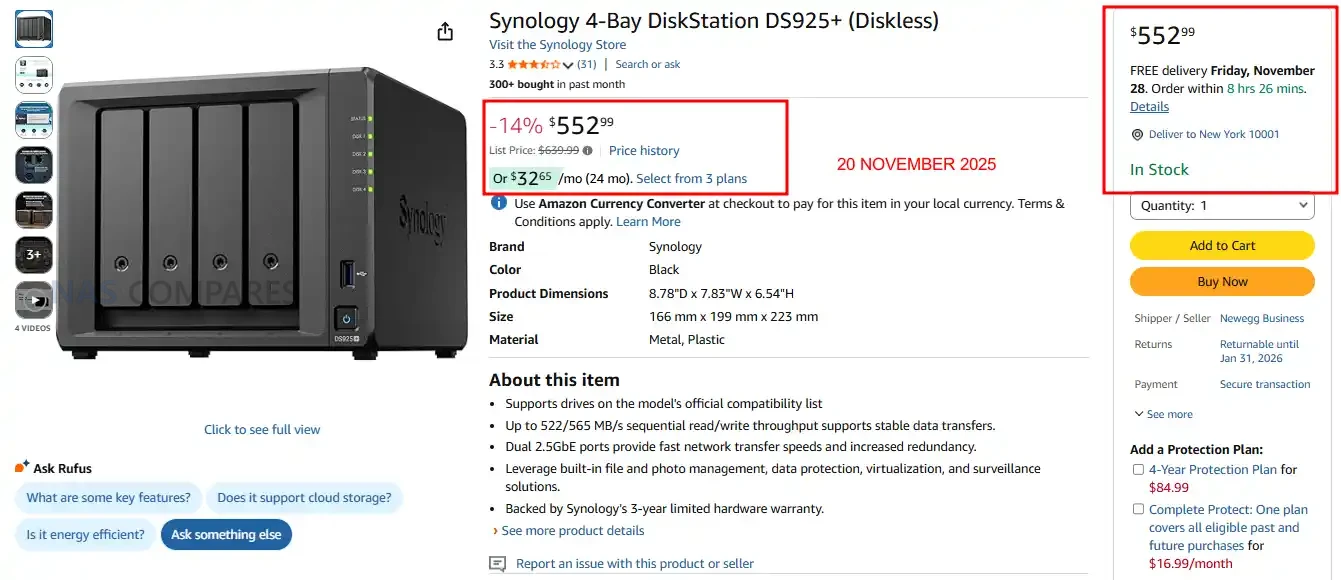
Synology DS925+ NAS – 14% OFF, NOW $552.99 @ Amazon USA

4-bay SATA/SSD NAS with dual 2.5 GbE ports, 2 × M.2 NVMe slots, AMD Ryzen V1500B quad-core 2.2 GHz processor, 4 GB DDR4 ECC memory (expandable to 32 GB).

The DS925+ is a compact four bay desktop NAS built for users who want a balance of performance, expansion, and long term DSM support in a small footprint. It runs on the AMD Ryzen V1500B processor with ECC memory, giving it a stronger hardware foundation than most entry tier systems and enough overhead for multi user workloads, backups, and light virtualisation. The unit supports both SATA hard drives and SSDs, while the two M.2 NVMe slots allow users to add cache or create faster SSD volumes without occupying the main bays. Dual 2.5GbE ports provide improved throughput over standard 1GbE models and support link aggregation for higher sustained speeds. With DSM offering SHR, Btrfs snapshots, file sync tools, media applications, and extensive package support, the DS925+ serves as a flexible storage platform for home offices and small teams that need dependable performance without moving to a larger enclosure. BUY HERE


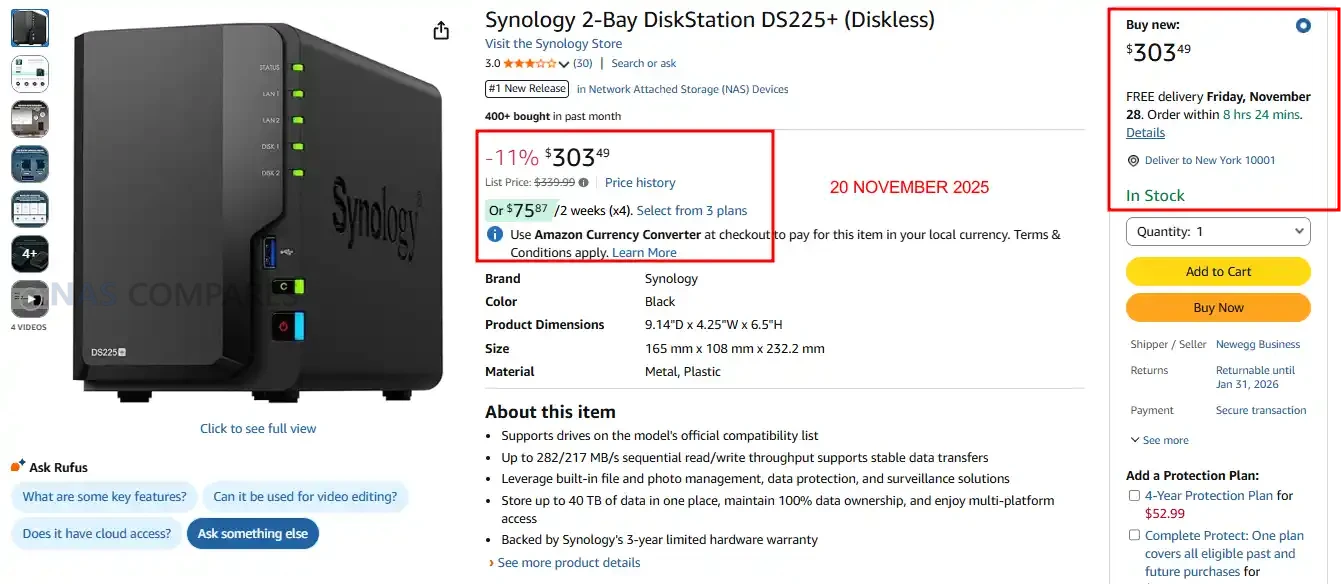
Synology DS225+ NAS – $303.49 (11% REDUCTION) @ Amazon US

2-bay SATA NAS with Intel Celeron J4125 quad-core 2.0/2.7GHz CPU, 2.5GbE + 1GbE LAN ports, dual USB 3.2 Gen 1 ports, 2GB DDR4 memory expandable to 6GB

The DS225+ is Synology’s 2025 two-bay desktop NAS designed for home users, creatives, and small teams seeking a straightforward yet capable storage solution. It supports both 3.5″ and 2.5″ SATA drives, and offers dual network ports—including a 2.5GbE link—for improved throughput in compact deployments. Running DSM, Synology’s mature NAS operating system, it delivers file sharing, backup, photo management, and surveillance features in an easy-to-use package. Its quad-core Intel processor provides capable performance for standard NAS tasks, though the soldered memory and modest expandability may limit its usefulness for heavier workloads or large scale expansion. With its balance of refined software and network capability, the DS225+ is a solid entry point for users focused on dependable, integrated NAS functionality.  BUY HERE


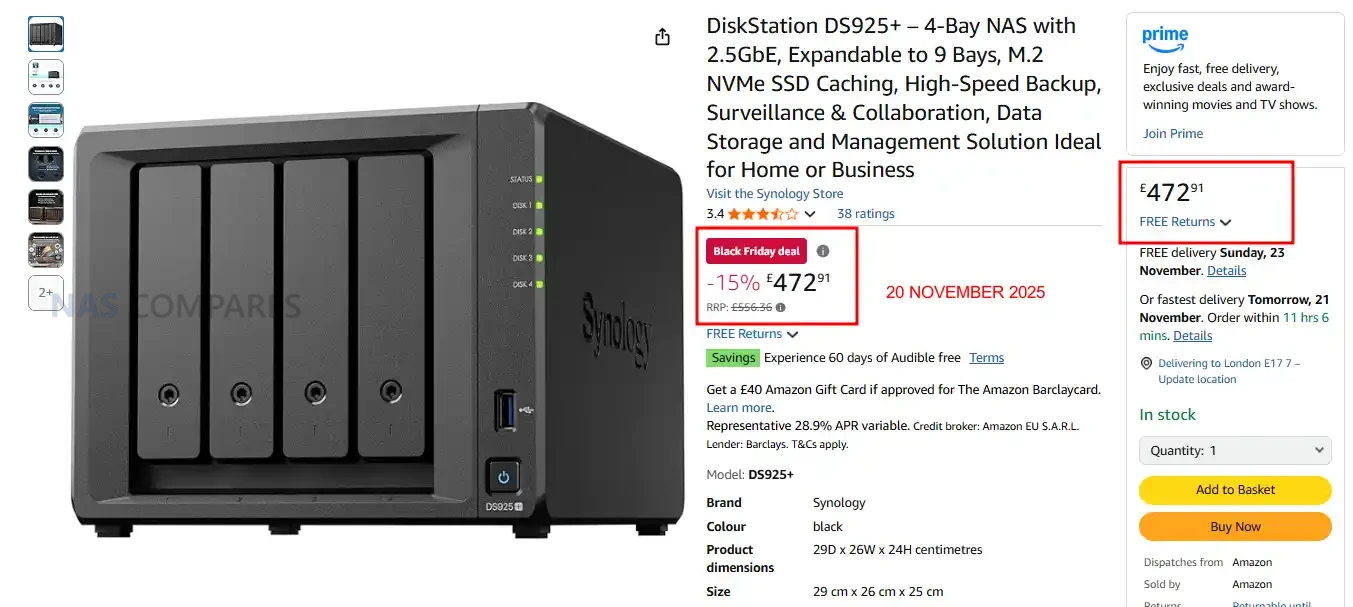
Synology DS925+ NAS @ Amazon UK – 15% OFF, NOW £472 inc.TAX @ Amazon UK

4-bay SATA/SSD NAS with dual 2.5 GbE ports, 2 × M.2 NVMe slots, AMD Ryzen V1500B quad-core 2.2 GHz processor, 4 GB DDR4 ECC memory (expandable to 32 GB).

The DS925+ is Synology’s 2025 four-bay desktop NAS targeted at home offices, prosumers, and small teams who want a mature software ecosystem and future-proof networking. It supports both 3.5″ and 2.5″ SATA drives in its four bays, plus two M.2 NVMe slots for caching or fast SSD volumes, and can be expanded up to nine bays using an external unit. Dual 2.5 GbE ports provide better than standard network speed, while the AMD Ryzen V1500B processor (quad-core) and 4 GB of onboard ECC memory (expandable) deliver a solid foundation for multi-user access, backups, file sharing, and lightweight virtualization. It runs Synology’s DSM operating system, offering rich features such as SHR, Btrfs snapshots, file sync, collaboration tools and media streaming. With its blend of hardware and software, the DS925+ delivers a flexible platform for centralised storage and data management in a compact desktop form. BUY HERE


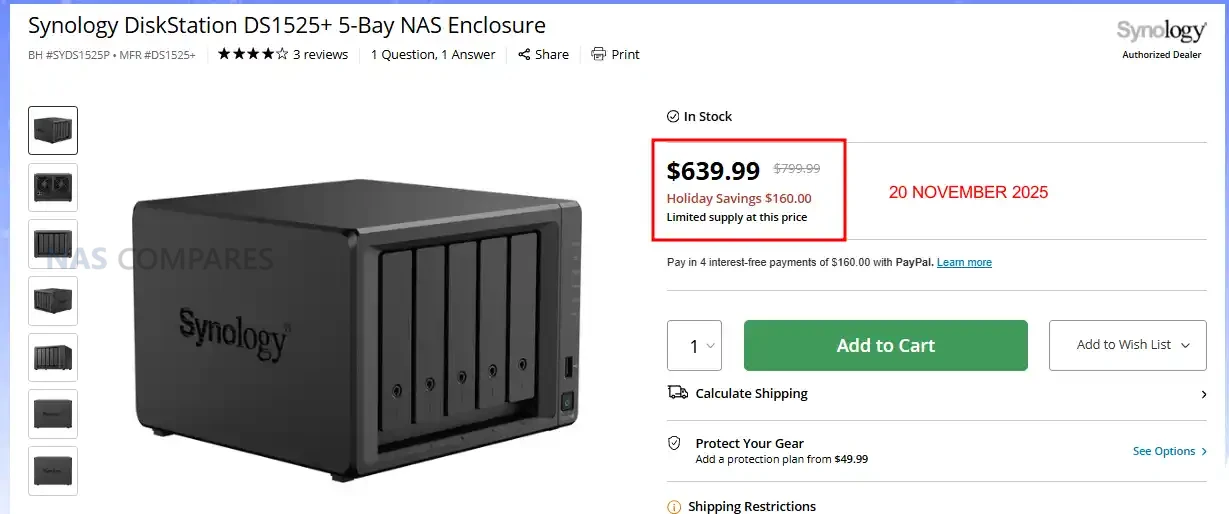
Synology DS1525+ NAS – $160 OFF, NOW $639.99 @ B&H

5-bay SATA/SSD NAS with 2 × M.2 NVMe cache slots, quad-core AMD Ryzen R1600 processor, 8 GB DDR4 ECC memory (expandable to 32 GB), four 1 GbE LAN ports plus optional 10 GbE upgrade slot.

The DS1522+ is a five-bay entry in Synology’s Plus series designed for home offices, prosumers, and small businesses that want advanced storage features in a desktop form. It supports both 3.5″ and 2.5″ SATA drives, plus two M.2 NVMe slots for caching or SSD-based volumes, and can expand up to 15 bays using official expansion units. With the AMD Ryzen R1600 quad-core processor, 8 GB of ECC RAM (upgradeable), and four built-in LAN ports, the unit delivers solid performance and reliability for file sharing, backups, and multi-user environments. The optional 10 GbE upgrade slot adds headroom for higher bandwidth workflows, and the included DSM operating system provides mature features such as SHR, snapshots, virtualization support, surveillance, and rich app integration. With its balance of expansion, performance and software depth, the DS1522+ offers a capable all-round platform for centralised data storage and management. BUY HERE


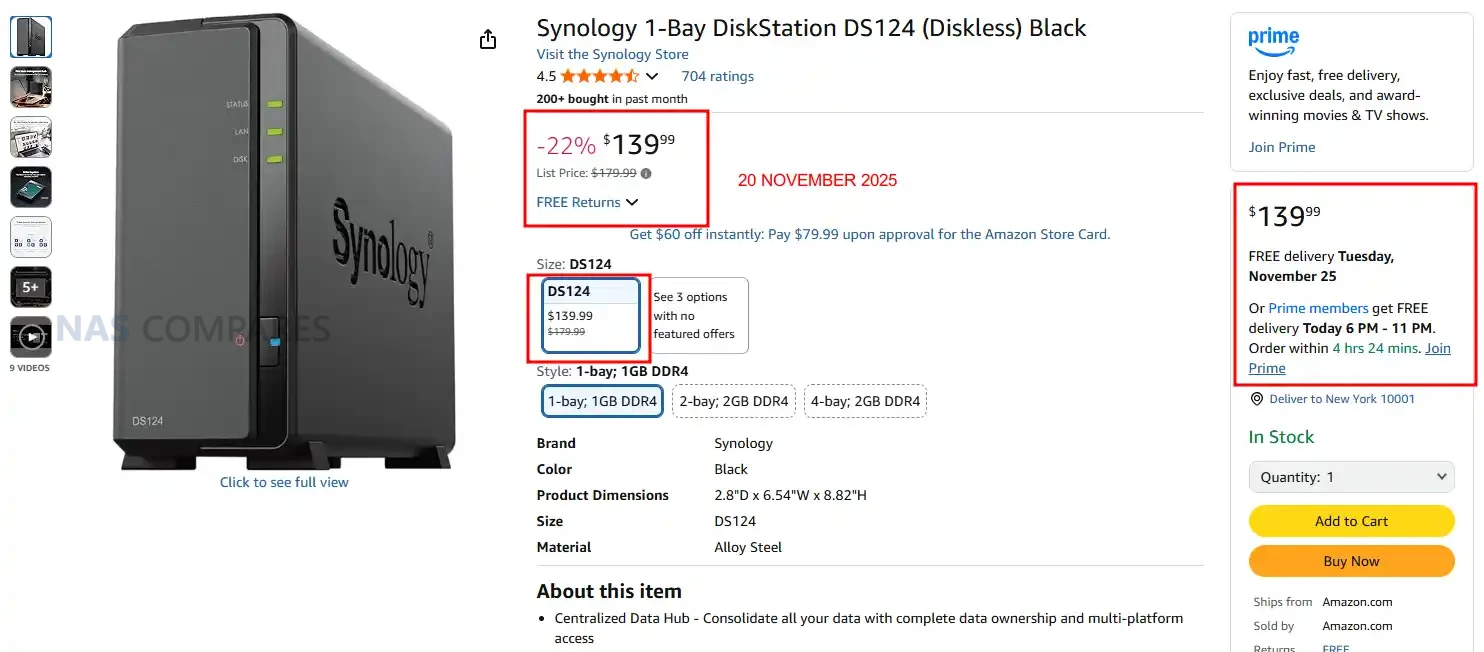
Synology DS124 NAS – NOW $139.99 (22% PRICE DROP) @ Amazon

2-bay SATA/SSD NAS with dual 2.5 GbE ports, Realtek RTD1619B quad-core 1.7GHz CPU, 2 GB DDR4 memory (expandable), and dual M.2 NVMe slots for caching.

The DS124+ is a compact desktop two bay NAS aimed at home users and small offices who want reliable storage with Synology’s DSM platform. It supports both 3.5″ and 2.5″ SATA drives in the two bays, and adds dual M.2 NVMe slots for caching or faster storage tiers. Dual 2.5 GbE network ports give it strong connectivity when paired with a capable switch. Running the RTD1619B quad-core processor and with upgradable memory, the unit delivers better performance than many entry level NAS boxes. DSM provides features such as file sync, snapshot protection, collaboration tools, and mobile access. While it lacks some of the more advanced expandability of larger models, the DS124+ offers a balanced mix of hardware and software for users who need a modest sized, efficient centralized storage box under the Synology ecosystem. BUY HERE


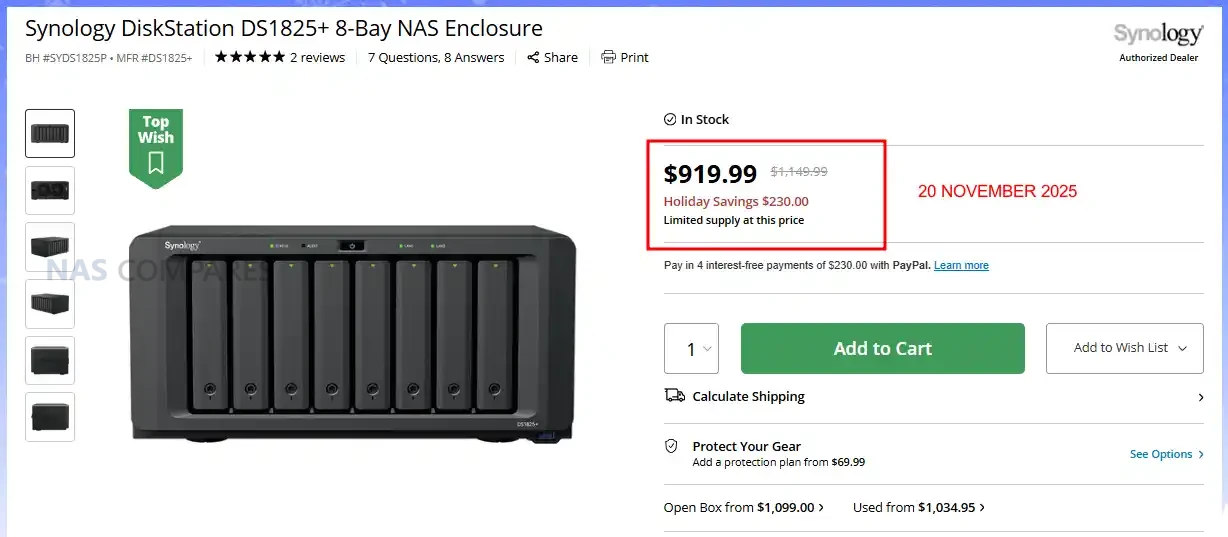
Synology DS1825+ NAS – NOW $919 ($230 OFF) @B&H

8-bay SATA/SSD NAS with dual 2.5GbE ports, 2 × M.2 NVMe slots, AMD Ryzen V1500B quad-core 2.2GHz CPU, 8GB DDR4 ECC memory (expandable to 32 GB), and up to 360TB raw capacity with expansion units.

The DS1825+ sits at the upper end of Synology’s Plus desktop NAS lineup, delivering high capacity and flexibility for serious home users, creatives, and small business teams. With eight hot-swappable drive bays supporting both 3.5″ HDDs and 2.5″ SSDs, and two M.2 NVMe slots for caching or SSD pools, it handles large data sets without needing a rack enclosure. Dual native 2.5GbE ports support modern network speeds out of the box, while the PCIe slot allows optional 10GbE or 25GbE upgrades for future proofing. Its AMD Ryzen quad-core CPU paired with 8GB ECC memory provides a stable foundation for file services, snapshots, VM or container usage, and media streaming. The unit also supports up to 18 drive bays and 360TB raw storage with two DX525 expansion units, offering growth potential as storage needs increase. While it may not push the highest processing power, the DS1825+ blends Synology’s mature DSM software, robust hardware build quality, and flexible storage architecture into a capable all-rounder for users who require capacity, data protection, and software depth in a compact form. BUY HERE


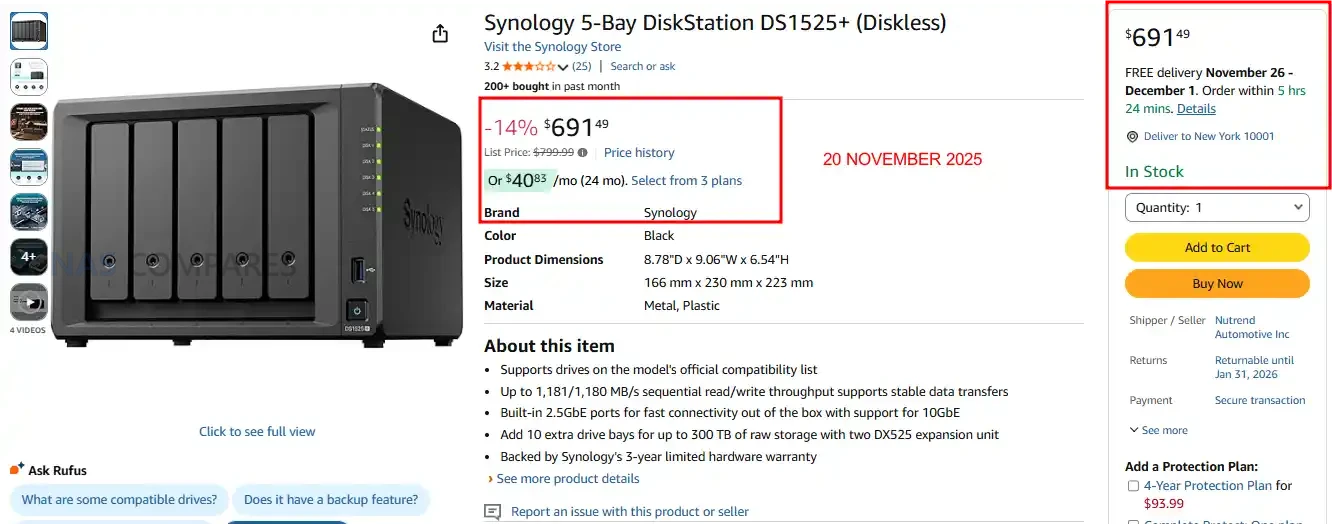
Synology DS1525+ NAS – REDUCED TO $691.49 (15% OFF) @ Amazon

5-bay SATA/SSD NAS with 2 × M.2 NVMe cache slots, quad-core AMD Ryzen R1600 processor, 8 GB DDR4 ECC memory (expandable to 32 GB), four 1 GbE LAN ports plus optional 10 GbE upgrade slot.

The DS1825+ sits at the upper end of Synology’s Plus desktop NAS lineup, delivering high capacity and flexibility for serious home users, creatives, and small business teams. With eight hot-swappable drive bays supporting both 3.5″ HDDs and 2.5″ SSDs, and two M.2 NVMe slots for caching or SSD pools, it handles large data sets without needing a rack enclosure. Dual native 2.5GbE ports support modern network speeds out of the box, while the PCIe slot allows optional 10GbE or 25GbE upgrades for future proofing. Its AMD Ryzen quad-core CPU paired with 8GB ECC memory provides a stable foundation for file services, snapshots, VM or container usage, and media streaming. The unit also supports up to 18 drive bays and 360TB raw storage with two DX525 expansion units, offering growth potential as storage needs increase. While it may not push the highest processing power, the DS1825+ blends Synology’s mature DSM software, robust hardware build quality, and flexible storage architecture into a capable all-rounder for users who require capacity, data protection, and software depth in a compact form. BUY HERE


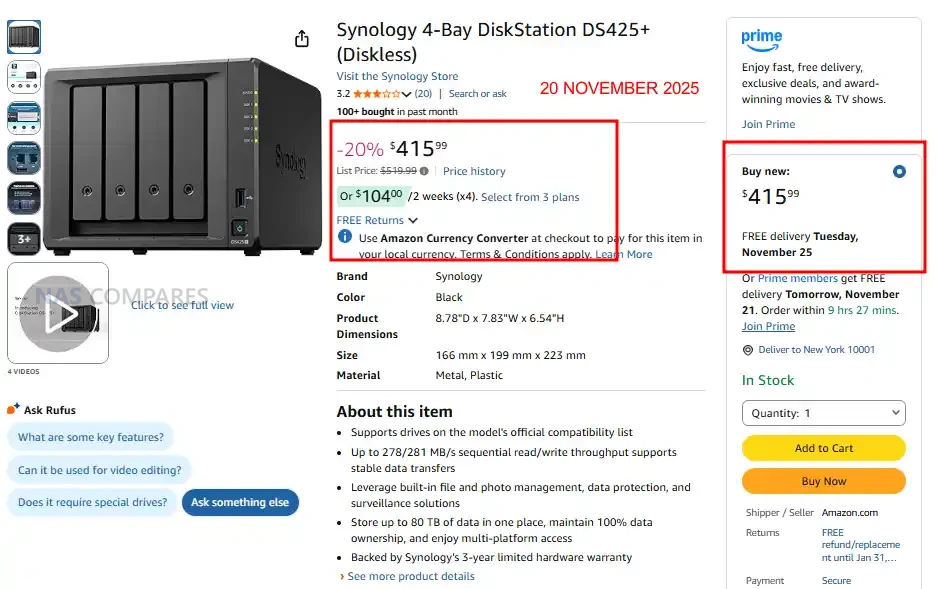
Synology DS425+ NAS – Price Reduction, Now $415.99 (20% OFF) @ Amazon

4-bay SATA NAS with 2.5GbE + 1GbE, 2 × M.2 NVMe slots, Intel Celeron J4125 quad-core 2.0/2.7GHz CPU, and 2GB DDR4 memory expandable to 6GB

The DS425+ is a four bay desktop NAS positioned as an accessible entry into Synology’s 2025 Plus series, offering a familiar balance of performance, storage flexibility, and DSM software capability. It supports both 3.5″ and 2.5″ SATA drives in its main bays, with two M.2 NVMe slots available for caching or faster SSD-based volumes. The system runs on an Intel Celeron J4125 processor and includes 2GB of expandable DDR4 memory, making it suitable for everyday multi user file storage, backups, and light media serving. Connectivity consists of one 2.5GbE port and one 1GbE port, giving users bandwidth options depending on their network. DSM provides features such as SHR, Btrfs snapshots, cloud sync, surveillance tools, and a broad library of first-party applications. With Synology’s updated 2025 stance on third-party drive support, the DS425+ now accepts any standard HDD or SSD without warnings, making it a more flexible option for buyers who want a compact, straightforward, and software-rich NAS at this capacity point. BUY HERE


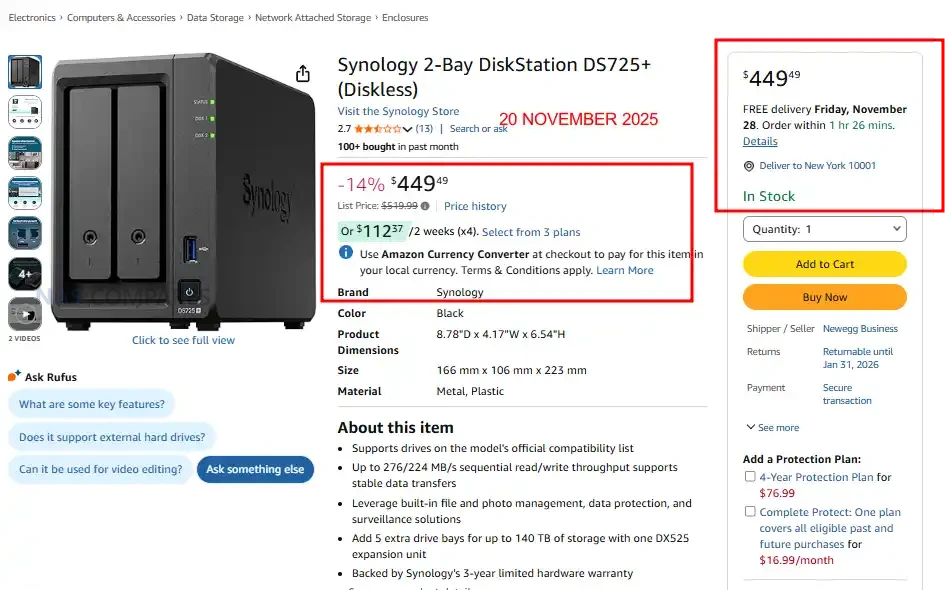
Synology DS725+ NAS – Price Drop, Now $449.49 (14% OFF) @ Amazon US

2-bay SATA NAS with dual 2.5GbE ports, 2 × M.2 NVMe slots for caching, AMD Ryzen R1600 dual-core 2.6/3.1GHz CPU, and 4GB DDR4 ECC memory expandable to 32GB.

The DS725+ is Synology’s compact two-bay Plus series NAS from the 2025 generation, designed for home offices and small businesses seeking high performance and flexibility in a small footprint. It supports both 3.5″ and 2.5″ SATA drives in its bays, and includes two M.2 NVMe slots for cache or fast solid state volumes. Networking is enhanced with dual 2.5GbE ports—an upgrade over earlier two-bay models—delivering better throughput for multi user access or file sharing. Powered by the AMD Ryzen R1600 dual-core processor with default 4GB of ECC memory (expandable), it handles standard NAS workloads, backups and light virtualisation with ease. The inclusion of DSM features such as shared folder snapshots, cloud sync, hybrid backup and mobile client integration makes it a strong choice for users who want Synology’s mature software ecosystem in a compact form. With the company’s updated 2025 policy, users can now install third-party HDDs without compatibility warnings, improving the DS725+’s flexibility when sourcing storage media. BUY HERE


📧 SUBSCRIBE TO OUR NEWSLETTER 🔔
[contact-form-7]
🔒 Join Inner Circle

Get an alert every time something gets added to this specific article!


Want to follow specific category? 📧 Subscribe

This description contains links to Amazon. These links will take you to some of the products mentioned in today's content. As an Amazon Associate, I earn from qualifying purchases. Visit the NASCompares Deal Finder to find the best place to buy this device in your region, based on Service, Support and Reputation - Just Search for your NAS Drive in the Box Below

Need Advice on Data Storage from an Expert?

Finally, for free advice about your setup, just leave a message in the comments below here at NASCompares.com and we will get back to you. Need Help? Where possible (and where appropriate) please provide as much information about your requirements, as then I can arrange the best answer and solution to your needs. Do not worry about your e-mail address being required, it will NOT be used in a mailing list and will NOT be used in any way other than to respond to your enquiry. [contact-form-7] TRY CHAT Terms and Conditions
If you like this service, please consider supporting us. We use affiliate links on the blog allowing NAScompares information and advice service to be free of charge to you.Anything you purchase on the day you click on our links will generate a small commission which isused to run the website. Here is a link for Amazon and B&H.You can also get me a ☕ Ko-fi or old school Paypal. Thanks!To find out more about how to support this advice service check HEREIf you need to fix or configure a NAS, check Fiver Have you thought about helping others with your knowledge? Find Instructions Here  
 
Or support us by using our affiliate links on Amazon UK and Amazon US
    
 
Alternatively, why not ask me on the ASK NASCompares forum, by clicking the button below. This is a community hub that serves as a place that I can answer your question, chew the fat, share new release information and even get corrections posted. I will always get around to answering ALL queries, but as a one-man operation, I cannot promise speed! So by sharing your query in the ASK NASCompares section below, you can get a better range of solutions and suggestions, alongside my own.

☕ WE LOVE COFFEE ☕


How to Get Hardware Transcoding BACK on Your Synology NAS

Get Graphics Drivers and Hardware Transcoding BACK for Plex/Jellyfin/Emby on your Synology NAS

Note – the video on this fix will be published soon and I will update this article with images ASAP.

Synology’s 2025 refresh brought the DS225+ and DS425+ with the familiar Intel Celeron J4125, but it also quietly removed the kernel graphics driver support that Plex, Jellyfin, and Emby use for hardware transcoding of H.264 and HEVC. This guide explains what changed, why it matters for real-world streaming, and how you can restore GPU-accelerated transcoding on these models using an unofficial SSH method shared by the community. If you rely on your NAS to reshape 4K or high bitrate files for phones, tablets, hotel TVs, or limited connections, this walkthrough will help you get that efficiency back.

IMPORTANT – Massive credit to RROrg group over on Github for ‘cracking the nut’ on this with their latest repo HERE 

Additionally, credit to Luka @ Blackvoid, who made this great article, covered this first and gave me permission to use his guide here and in my upcoming video. Read his article HERE

What Happened to Hardware Transcoding on the Synology 2025 NAS, and Why Is This a Problem

When Synology launched the 2025 “x25” lineup, users expected a minor refresh of familiar models like the DS225+ and DS425+. Instead, they discovered that Synology had removed the i915 graphics driver from DSM, effectively disabling hardware transcoding on the Intel Celeron J4125 CPU. This meant that Plex, Jellyfin, and Emby could no longer tap into the iGPU’s Quick Sync Video capabilities. Synology confirmed the change in support tickets, explaining that both H.264 (AVC) and H.265 (HEVC) transcoding had been deliberately blocked at the kernel driver level. The company cited licensing costs for HEVC, even though AVC is license-free, and argued that most client devices already support native playback. The earliest and longest discucssions on this topic are HERE on this Plex Forum thread.

The result is a significant downgrade for users who bought these models expecting the same multimedia performance as their predecessors. Instead of 10–20% CPU usage during hardware-accelerated transcoding, users now see 80–100% CPU utilization when reshaping video on the fly. For remote streaming, converting 4K to 1080p or 720p becomes slow, inefficient, and often unworkable. This change undermines the value proposition of the J4125 platform and leaves Plex and Jellyfin users with hardware that is technically capable but artificially restricted, creating frustration across the Synology community.

Disclaimer: This Is Unofficial – Know the Risks!

Before diving into the workaround, it is important to understand that this method is not supported by Synology and involves altering core system modules via SSH. These steps rely on community-compiled drivers and are provided “as is,” without warranty. Making changes at the kernel level can cause instability, break after DSM updates, or in the worst case, lead to data loss if mistakes are made. You should always keep verified backups of your data before proceeding, and only attempt this if you are comfortable working with the command line and root-level access. Proceed entirely at your own risk.

Step By Step Guide to Get J41225  Graphics Drivers Hardware Transcoding Back

  1. Download the Source Code

  2. Create a Folder on Your NAS

    • Log into DSM and create a new Shared Folder (e.g. scripts) on your main volume.

    • Make sure your DSM account has full access, since root privileges will be needed later.

  3. Upload the Archive

    • Use File Station or SMB to upload the .zip file into the new scripts shared folder.

    • Once uploaded, extract it on the NAS by right-clicking and selecting Extract Here.

    • If extraction creates subfolders, move the relevant script files (such as transcode_4_x25.sh) directly into the main scripts directory for easier referencing.

  4. Create a Scheduled Task

    • Open Control Panel > Task Scheduler.

    • Select Create > Triggered Task > User-defined Script.

    • Give the task a name (e.g. Synogfx).

    • Set the User to root.

    • Set the event to Boot-up so the script runs every time the NAS restarts.

  5. Point to the Script

    • In the task settings, paste the full path to the script file, for example:

      sh /volume1/scripts/transcode_4_x25.sh
    • If unsure, right-click the .sh file in File Station, select Properties, and copy the full directory path.

  6. Confirm and Save

    • DSM will warn you about using root and non-standard scripts. Acknowledge this and proceed.

    • Enter your DSM admin password when prompted.

    • The scheduled task will now appear in the list.

  7. Run the Script

    • Right-click the new task and select Run to execute it immediately.

    • Optionally, reboot your NAS to confirm that the driver loads automatically on startup.

  8. Verify Hardware Transcoding

    • Open Plex (or Jellyfin/Emby) and play a file requiring transcoding.

    • Check playback statistics: you should now see HW (hardware transcoding) instead of CPU-only usage.

Conclusion

Synology’s decision to remove iGPU drivers from the 2025 DS225+ and DS425+ left many users frustrated, especially those who rely on Plex or Jellyfin for remote streaming. While the company cites licensing costs and client-side decoding as justification, the hardware itself remains fully capable of transcoding. Thanks to community-driven efforts, it is possible to re-enable Quick Sync on these models with an SSH-based workaround. This fix restores the efficiency and functionality users expected, though it comes with risks and requires maintenance after reboots. For multimedia enthusiasts who value hardware transcoding, this unofficial solution may be the only way to unlock the true potential of these NAS systems.


📧 SUBSCRIBE TO OUR NEWSLETTER 🔔
[contact-form-7]
🔒 Join Inner Circle

Get an alert every time something gets added to this specific article!


Want to follow specific category? 📧 Subscribe

This description contains links to Amazon. These links will take you to some of the products mentioned in today's content. As an Amazon Associate, I earn from qualifying purchases. Visit the NASCompares Deal Finder to find the best place to buy this device in your region, based on Service, Support and Reputation - Just Search for your NAS Drive in the Box Below

Need Advice on Data Storage from an Expert?

Finally, for free advice about your setup, just leave a message in the comments below here at NASCompares.com and we will get back to you. Need Help? Where possible (and where appropriate) please provide as much information about your requirements, as then I can arrange the best answer and solution to your needs. Do not worry about your e-mail address being required, it will NOT be used in a mailing list and will NOT be used in any way other than to respond to your enquiry. [contact-form-7] TRY CHAT Terms and Conditions
If you like this service, please consider supporting us. We use affiliate links on the blog allowing NAScompares information and advice service to be free of charge to you.Anything you purchase on the day you click on our links will generate a small commission which isused to run the website. Here is a link for Amazon and B&H.You can also get me a ☕ Ko-fi or old school Paypal. Thanks!To find out more about how to support this advice service check HEREIf you need to fix or configure a NAS, check Fiver Have you thought about helping others with your knowledge? Find Instructions Here  
 
Or support us by using our affiliate links on Amazon UK and Amazon US
    
 
Alternatively, why not ask me on the ASK NASCompares forum, by clicking the button below. This is a community hub that serves as a place that I can answer your question, chew the fat, share new release information and even get corrections posted. I will always get around to answering ALL queries, but as a one-man operation, I cannot promise speed! So by sharing your query in the ASK NASCompares section below, you can get a better range of solutions and suggestions, alongside my own.

☕ WE LOVE COFFEE ☕

 
❌