I've been a Manchester United fan for as long as I can remember (going on 37 years now), coming from a family of Manchester United fans. Watching games with my grandad as a young child remains some of my fondest memories.
Sure it's been tough in recent years, but the passion never dies. Imagine my absolute delight when my club crosses over with my job. It's been happening for a couple of years already, since Snapdragon took over shirt sponsorship, and it's gone up another notch this season.
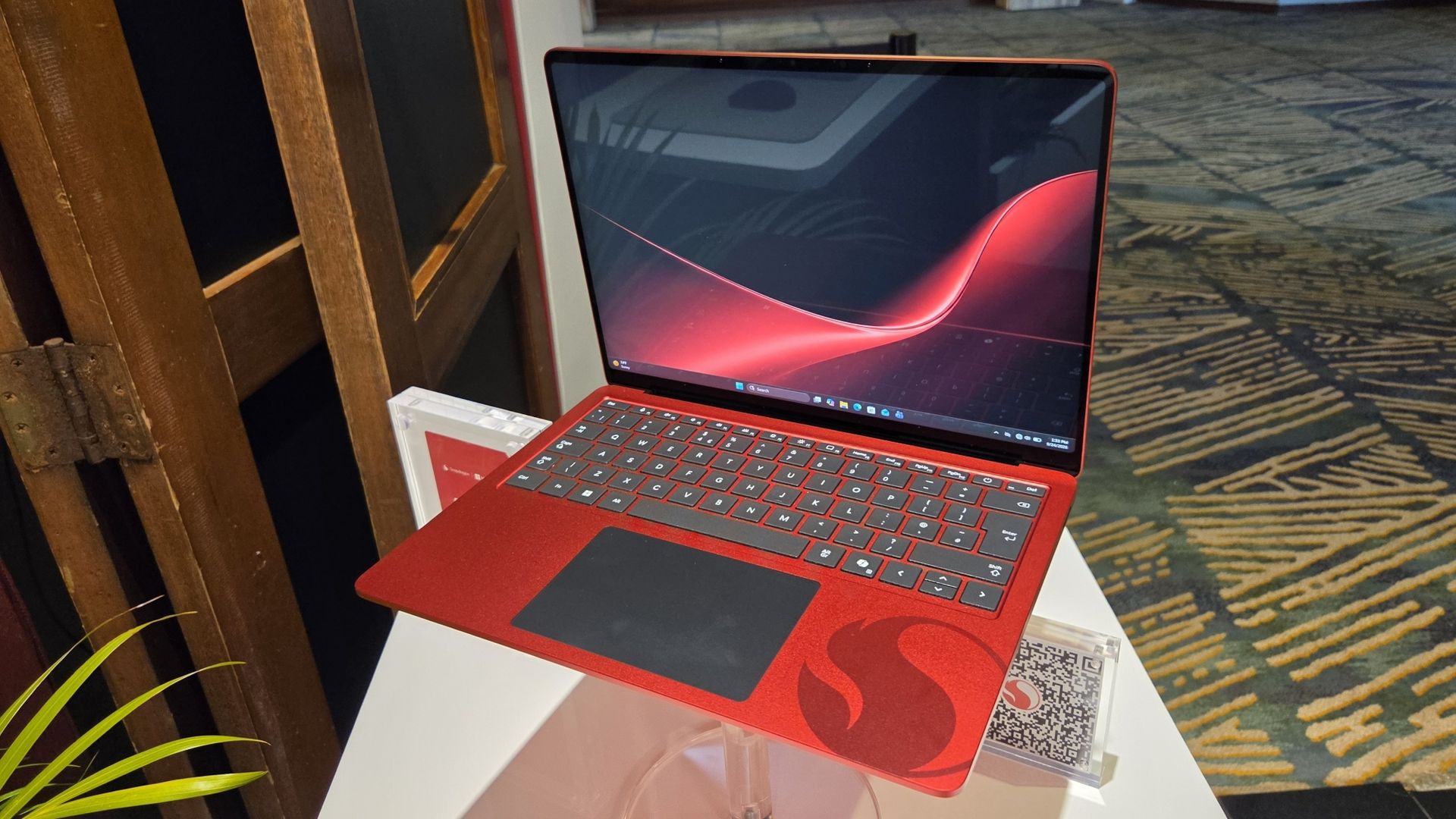
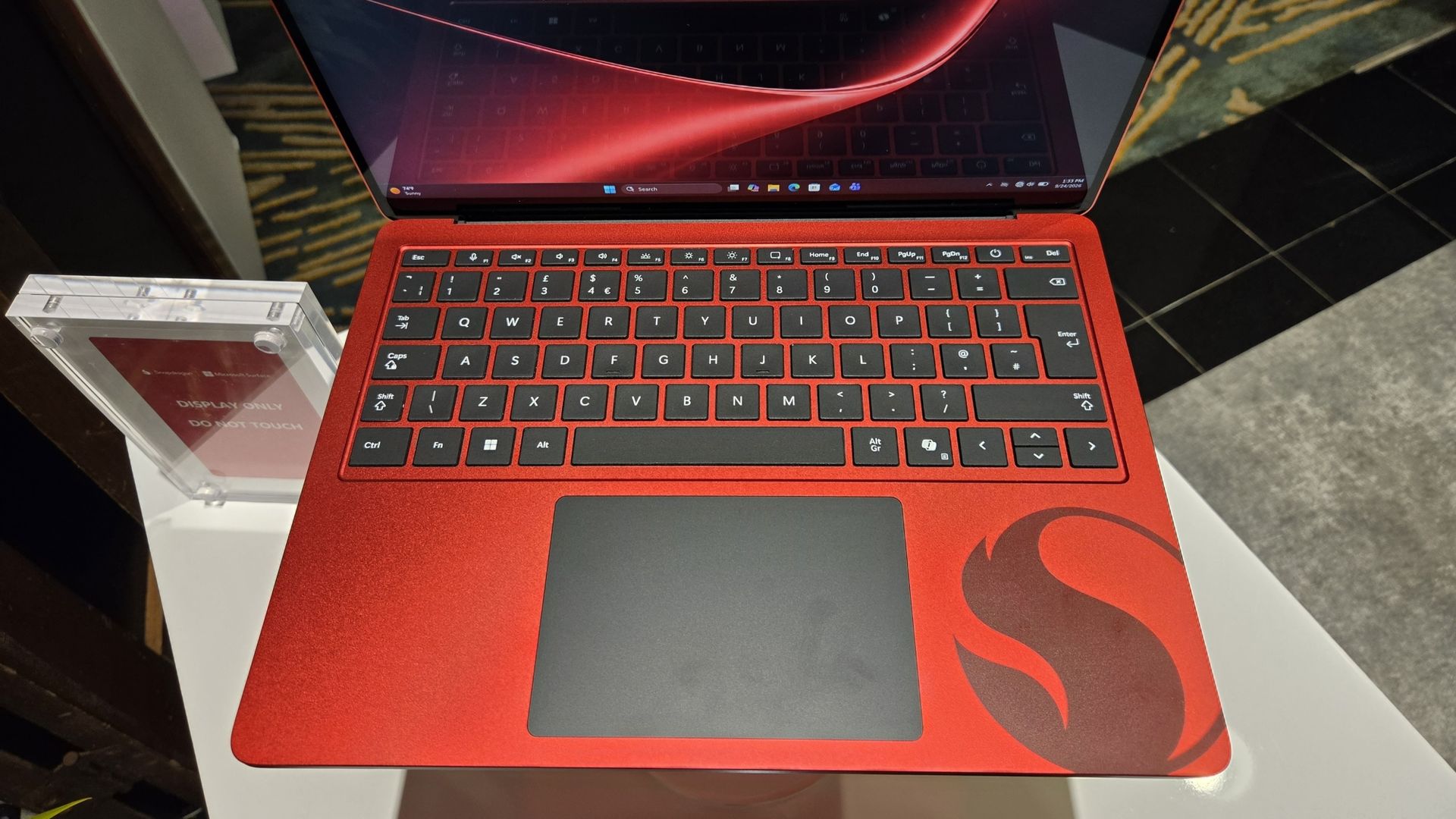
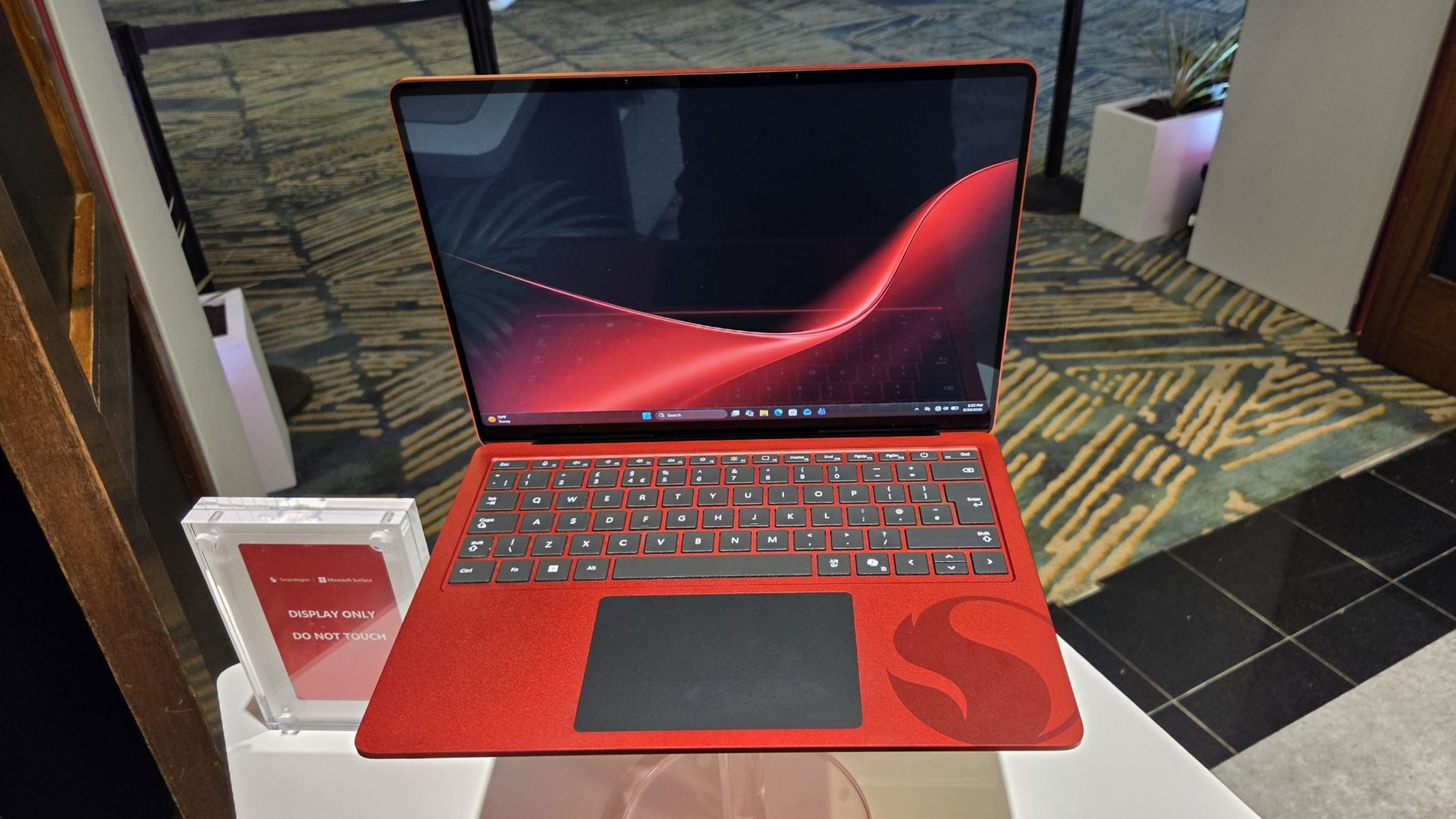
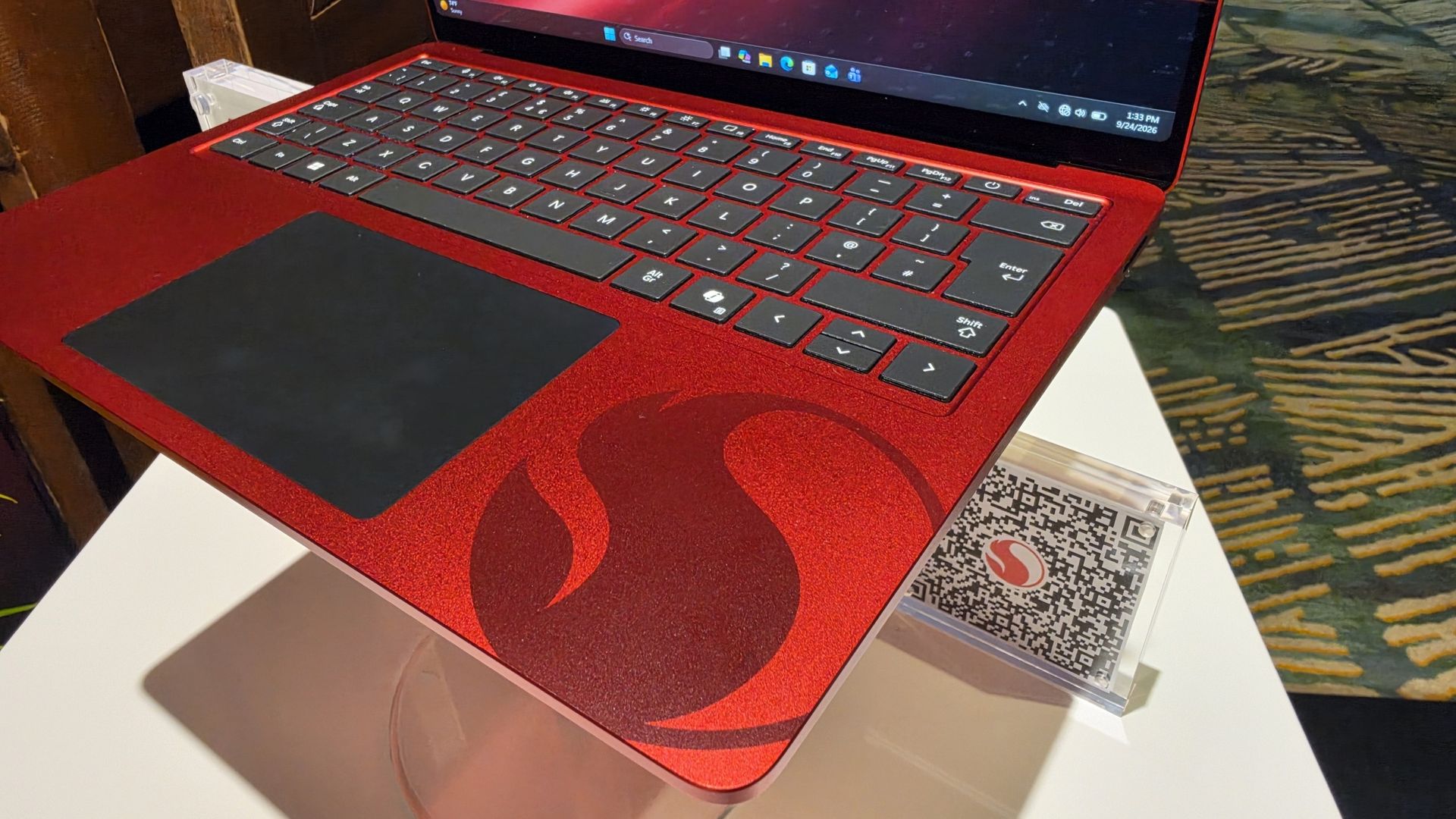
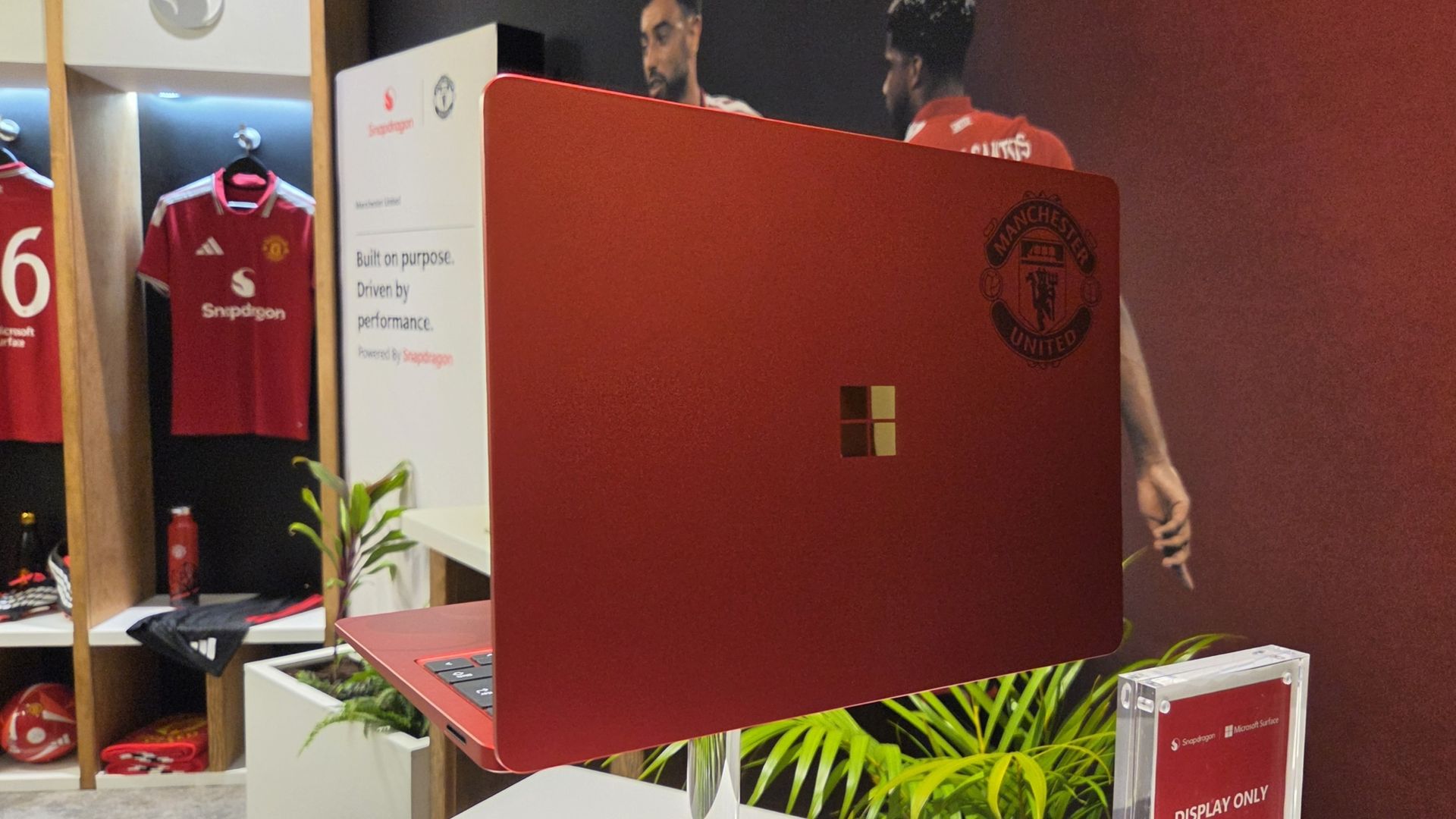
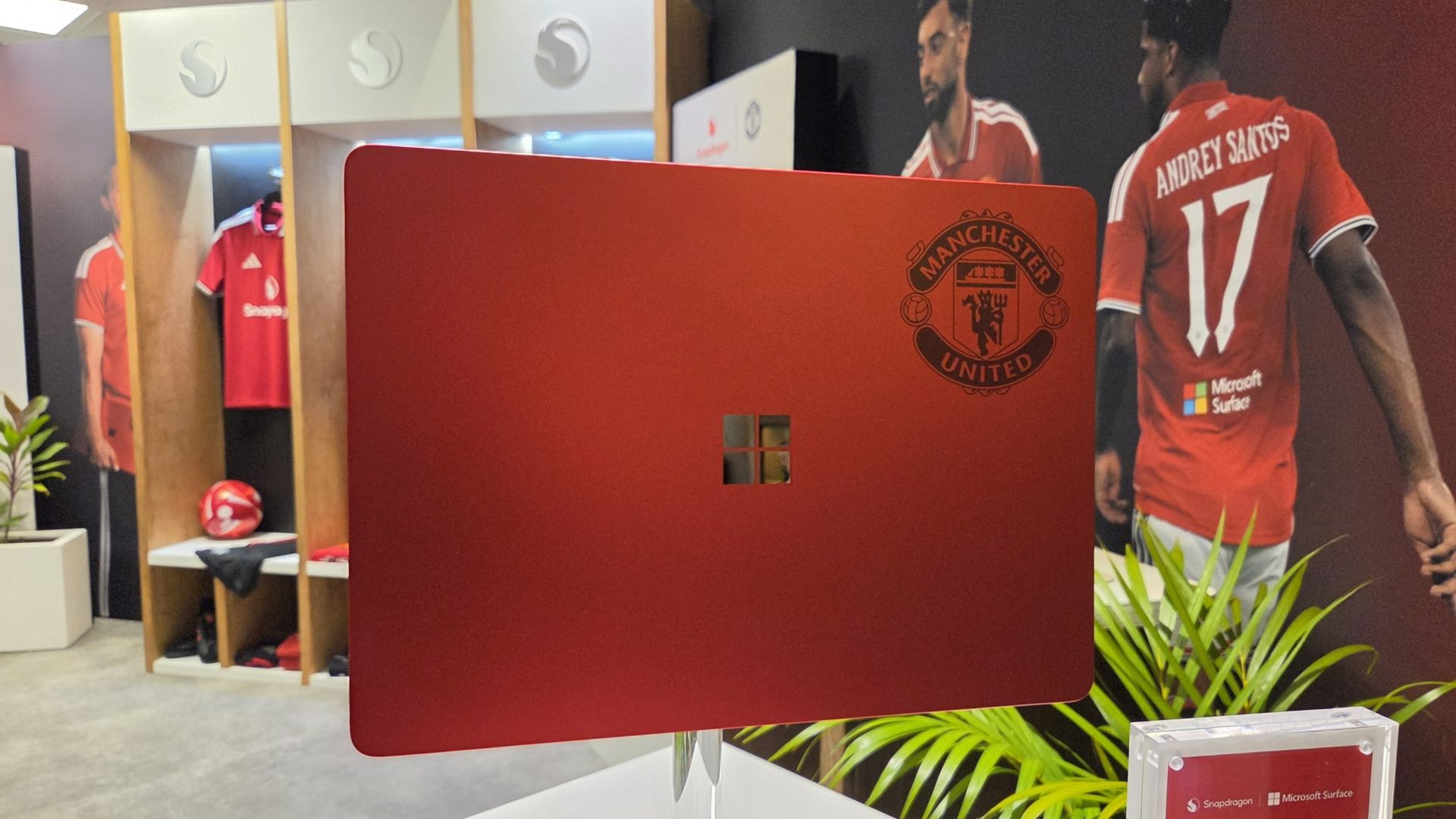
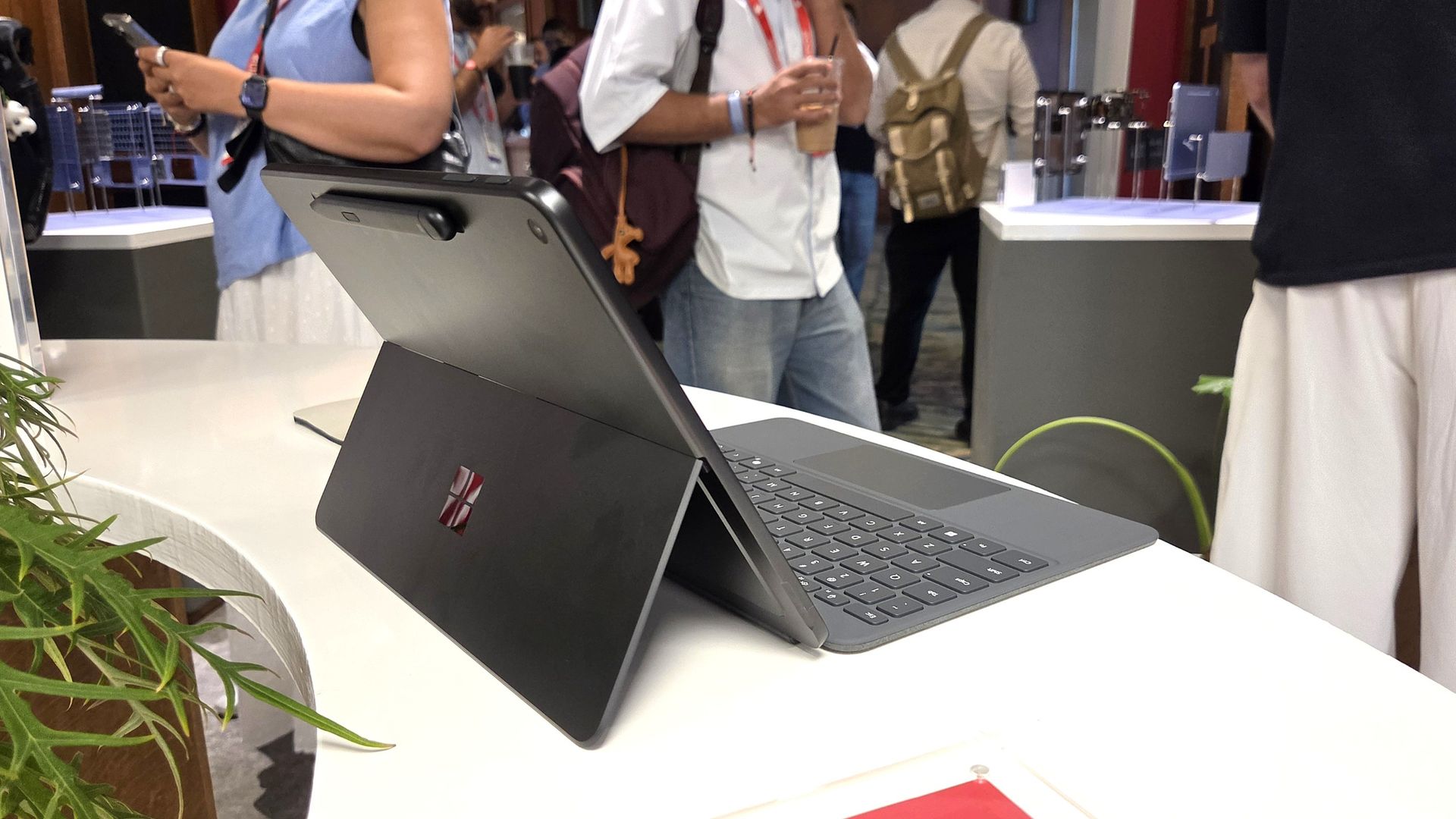
Alongside Microsoft Surface replacing Copilot+ PC (which it seems is now dead) as the rear shirt sponsor, Qualcomm and Microsoft have collaborated on the greatest laptop ever made: The Manchester United limited edition Surface Laptop.
The only downside is that it's not just going on general sale, because I would probably be first in line to buy one. Just because it's red and it has the Manchester United badge on it.
But here it is in all its glory, thanks to our man Zac Bowden, who's on the ground in Hawaii (this job is really tough at times) at the 2026 edition of the Snapdragon Summit.
GloryZac Bowden | Windows CentralGloryZac Bowden | Windows CentralMan UnitedZac Bowden | Windows CentralAnd the RedsZac Bowden | Windows CentralGo marchingZac Bowden | Windows CentralOn on on!Zac Bowden | Windows Central
I don't see an Arsenal laptop out there, do I? Manchester City? Liverpool? Chelsea? Spurs wouldn't even get a calculator these days.
If I had to criticize it at all, beyond the fact it's not going on general sale, it'd be that I don't think it goes far enough into the Manchester United branding. The badge being there is great, but I think they could have done more.
How about ghosting an image of Old Trafford, the Theatre of Dreams, onto the lid like the 1994-1996 home shirt? 30 years on that would have been incredible.
These are extremely limited, and Manchester United and Snapdragon are currently running a giveaway for fans to get their hands on one. You can find out how to enter here and get yourself in the pot to win something that is, frankly, priceless.
Join us on Reddit at r/WindowsCentral to share your insights and discuss our latest news, reviews, and more.
Microsoft just refreshed the Surface Pro 12-inch and Surface Laptop 13-inch with Snapdragon X2 processors. The company also announced the return of the Surface Mouse. In a couple of weeks, we'll get a closer look at the Surface Laptop Ultra during Microsoft's Windows and Surface event.
The Surface family has undergone a lot of changes over the last year. Microsoft officially pulled the plug on the Surface Hub back in April. The Surface Go and Surface Laptop Go have also been cut from the portfolio. With the Surface Studio, Surface Laptop Studio, Surface Duo, Surface Book, Surface Headphones, and Surface Earbuds already discontinued, the remaining Surface lineup is rather streamlined.
But despite the relatively low number of Surface devices being made in 2026, Microsoft announced 12 Surface devices this year. To get to that number, you have to count some devices with similar chassis separately. I consider the consumer and business versions of the Surface PCs separate enough to stand on their own.
Microsoft even introduced a new type of Surface in the Surface Laptop Ultra and brought back the Surface Mouse.
It's a strange contrast. Microsoft has discontinued several Surface product lines and has one of the smallest Surface portfolios in the brand's history, yet the company has announced more Surface hardware in 2026 than in many years when the lineup was much larger.
I've voiced concerns about how Microsoft has unveiled its hardware this year. I think the company has spread things out so much that the Surface brand has been diluted. Case in point, Microsoft just announced new Surface devices two weeks before the company's Windows and Surface event.
Surface was never going to command the attention of an Apple hardware event or even Samsung presenting on stage, but trickling out announcements in press releases or at other companies' events is a bad way to draw interest in Surface.
While I would have preferred a couple of major Surface events that could create hype, Microsoft has unveiled a lot of hardware this year. I'm curious if there is one device that stands out to you.
As much as I am excited about some individual Surface devices, I still feel like the brand is fragmented and lost. What is Microsoft Surface in 2026?https://t.co/5QNvm1Uts6September 23, 2026
With 12 devices announced or launched, there's a good chance you're interested in more than one. Please hop into the comments and share your thoughts in addition to voting in the poll.
Join us on Reddit at r/WindowsCentral to share your insights and discuss our latest news, reviews, and more.
Even local AI will run better thanks to the NPUs in the PCs. You may assume that improved local AI performance, being a highlight of the new Surface devices, would align them perfectly with the upcoming event. Microsoft's invite says that event will focus on "how local AI will shape the next chapter of the PC."
Why did Microsoft just announce a new Surface Pro and Surface Laptop?
Microsoft's unveiling of the refreshed Surface Pro 12-inch and Surface Laptop 13-inch is not an accident. The announcement happened at Qualcomm's Snapdragon Summit. Perhaps there's an agreement in place to feature Surface on stage in Hawaii. Or maybe Microsoft wanted to piggyback on any attention pointed at Snapdragon this week. But I still think it's a strange strategy.
It's not as if the Snapdragon X2 Plus was announced this week. We've known about the chip for ages. It is already available in other laptops, including the Surface Laptop 13.8-inch and Surface Pro 13-inch.
If Qualcomm first announced the Snapdragon X2 Plus this week, it would make sense to announce new Surface PCs powered by it. Alternatively, Microsoft could tease that it has more to share about the chips at the Windows and Surface event.
But instead, we can now cross two more items off the list of potential things we will see at the Windows and Surface event next month.
The Windows and Surface event also falls after many improvements have shipped to Windows 11 or entered testing with Windows Insiders. It seems unlikely that we'll see much new information on stage, but Microsoft could always surprise us.
Surface continues to be a lost brand with no clear identity. Worse, it's a fragmented one. Earlier this year, Microsoft launched Intel and Snapdragon versions of the same PCs separately (see our review of the Intel-based Surface Laptop for Business 8). It announced the Surface Laptop Ultra at one event and saved the details for another. Now it has refreshed two of the few remaining Surface lines just weeks before a Surface event in October. Rather than rebuilding momentum around Surface, Microsoft seems intent on making the brand even harder to follow.
Do you agree or disagree? Let me know in the comments.
Join us on Reddit at r/WindowsCentral to share your insights and discuss our latest news, reviews, and more.
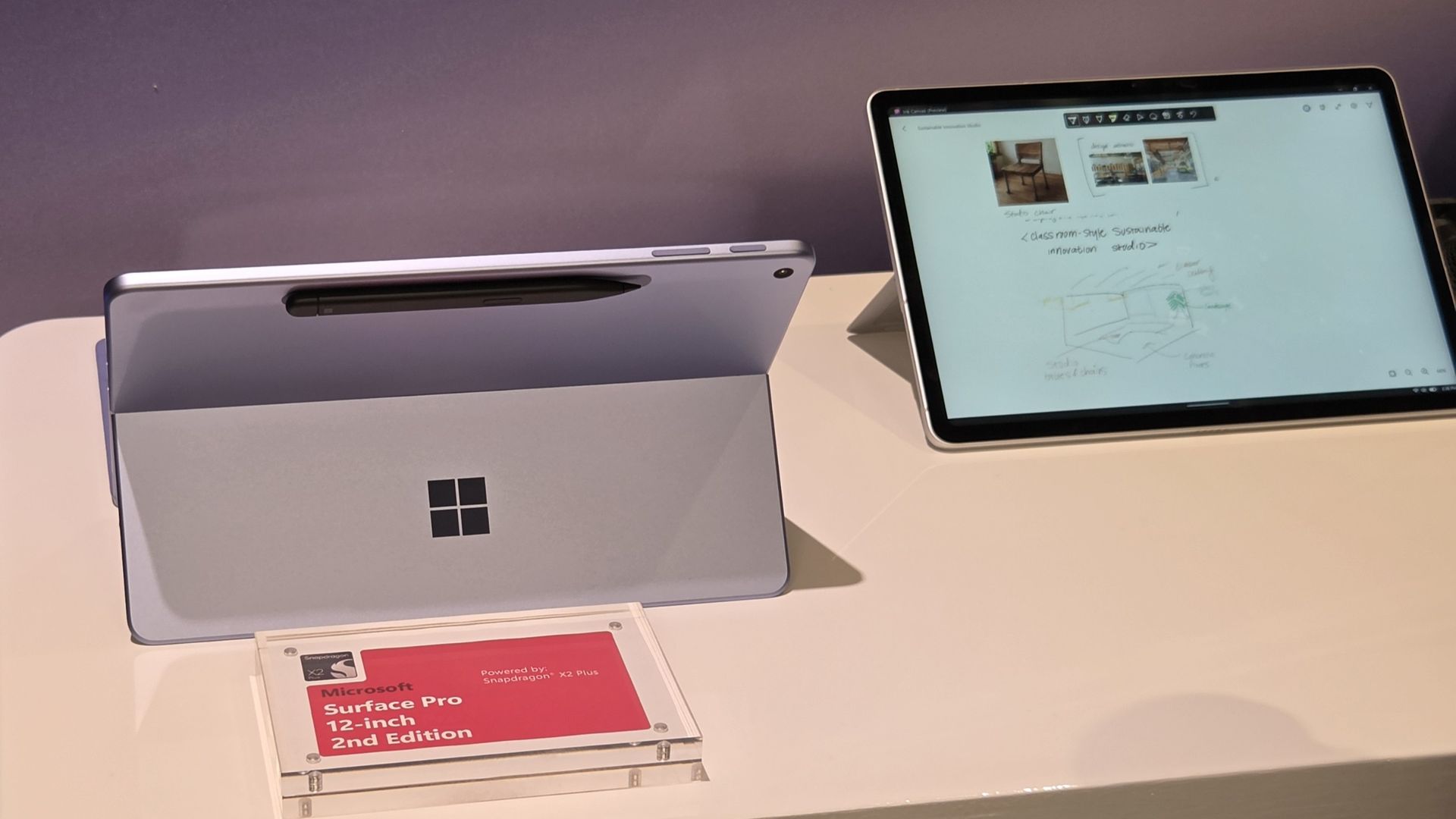
Ink Canvas is a pen-first workspace that combines handwriting, sketches, annotations, and AI features on a single canvas. Microsoft says those inputs provide Copilot with additional context that can be used to generate documents and other content.
"Ink Canvas lets customers use Slim Pen to express intent visually, spatially, and in their own handwriting — giving Copilot richer context and helping rough thoughts become useful creations faster," explained Microsoft.
Ink Canvas will be pre-installed on new Surface Pro 12-inch devices and will be added to the Microsoft Store on October 13, 2026.
Inking, now with AI
Microsoft is no stranger to inking apps and experiences. Surface PCs have supported a pen since the very beginning of the brand. Over the years, Microsoft has tested a variety of ways to integrate inking with Windows.
Back in the days of Windows 10, Microsoft introduced an Ink Workspace that was connected to Microsoft Whiteboard and the Snipping Tool. A major update to Ink Workspace shipped to Windows 11 in 2021.
The improved Ink Workspace lets you pin different apps, making it easier to open inking experiences, such as Sticky Notes or even Microsoft Paint.
I prefer the third-party app Ink Workspace (not related to Microsoft's Ink Workspace) because it has more features. Inking has been at the heart of Surface for years through both first-party and third-party experiences.
Microsoft's new Ink Canvas is the latest attempt by the company to integrate AI into a general user experience. We've seen smartphones and tablets connect inking to AI already. Googlebooks have some tricks in the same area. It will be interesting to see how Microsoft's AI ink experience stands out from the competition.
Join us on Reddit at r/WindowsCentral to share your insights and discuss our latest news, reviews, and more.
Microsoft has announced a brand new version of the Surface Mouse, 10 years after the first one debuted alongside the Surface Studio in 2016 (and not be confused with the refreshed 2025 Microsoft Surface Arc Mouse or the 2018 Surface Precision Mouse). Many had likely assumed the peripheral was dead, as Microsoft hasn’t released any standalone Surface accessories in the last few years as the company refocused its efforts on Surface Pro and Surface Laptop.
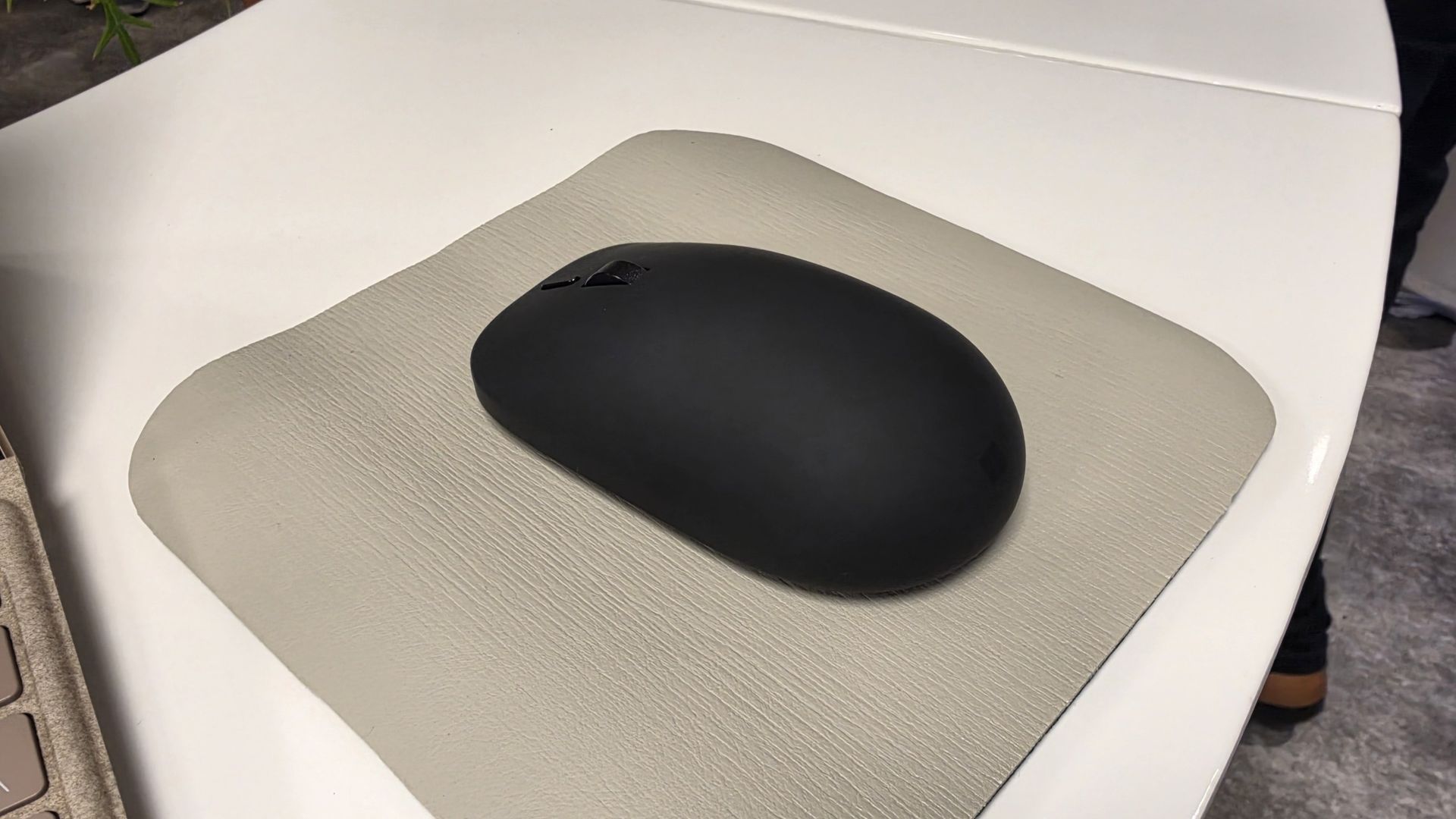
Well, today, the Redmond giant has a wonderful surprise for Surface Mouse diehards. Alongside the refreshed Gen 2 Surface Pro 12-inch and Surface Laptop 13-inch announced today at Snapdragon Summit, Microsoft announced a new Surface Mouse with an updated design, a new black color, built-in haptics, and a new customizable action button.
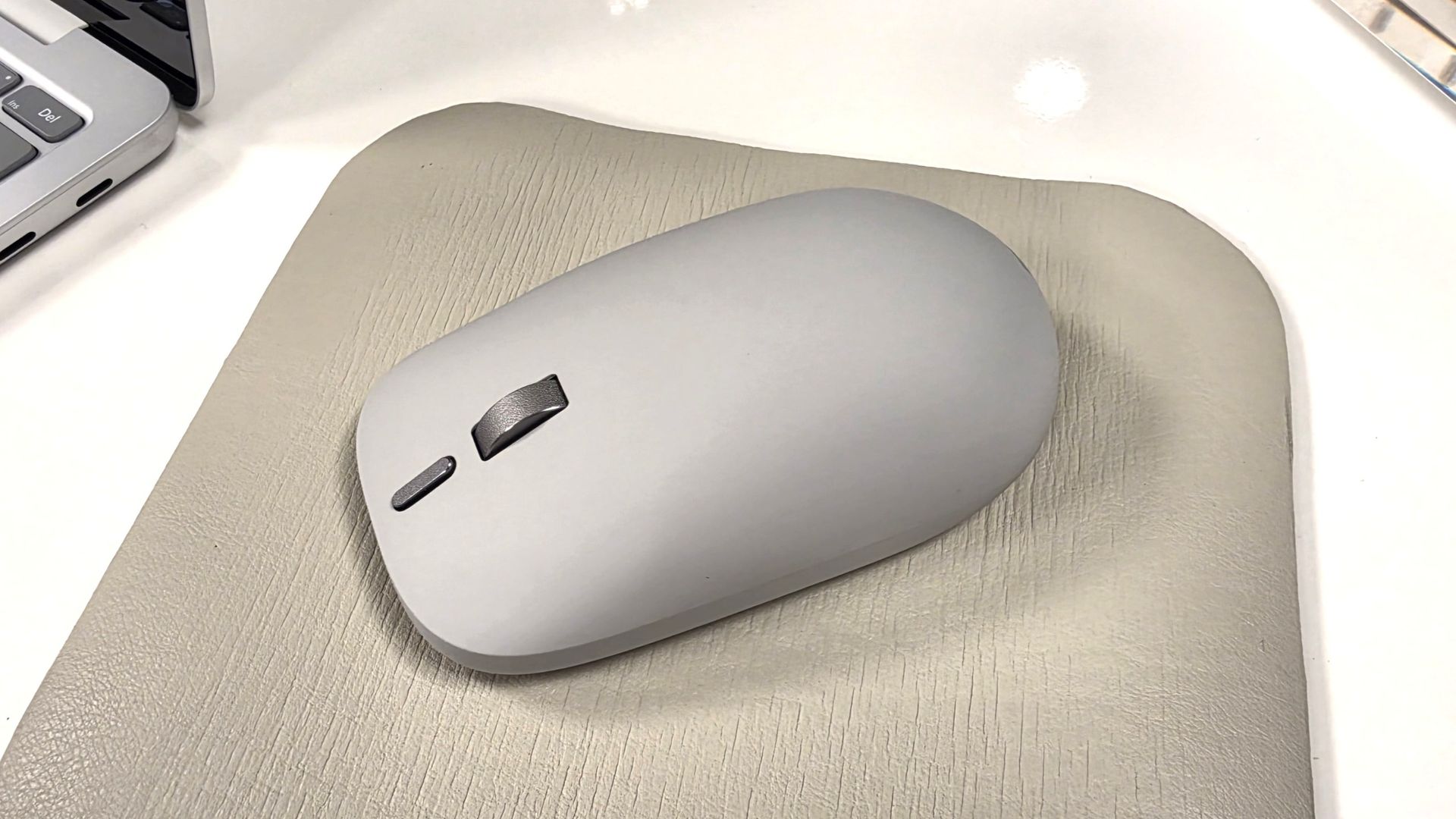
I got a chance to briefly play with the new mouse, and I was taken aback by how premium it feels. It features a lovely soft-touch material that coats the part of the mouse you grab, which feels amazing. The left and right click buttons are also super satisfying, offering tactility while remaining near-silent.
The new Surface Mouse in black looks sleek. (Image credit: Zac Bowden / Windows Central)
The star of the show, however, is the built-in haptics, which makes this the second mouse to support such a feature after the Logitech MX Master 4. Inside the mouse is a small vibration motor that buzzes when you interact with certain parts of Windows, such as snapping an app to the sides of your screen or dragging files between two windows.
It's a small but meaningful improvement that makes using Windows feel more responsive, and it's baked right in on the new Surface Mouse. Additionally, the new mouse now features an extra action button, which can be used to launch an app or shortcut of your choice, configured in the Microsoft Surface app.
Surface Mouse is available to buy on October 13 for $79.99, which is a great deal when you consider the only other mouse with haptics on the market is $120.
Join us on Reddit at r/WindowsCentral to share your insights and discuss our latest news, reviews, and more.
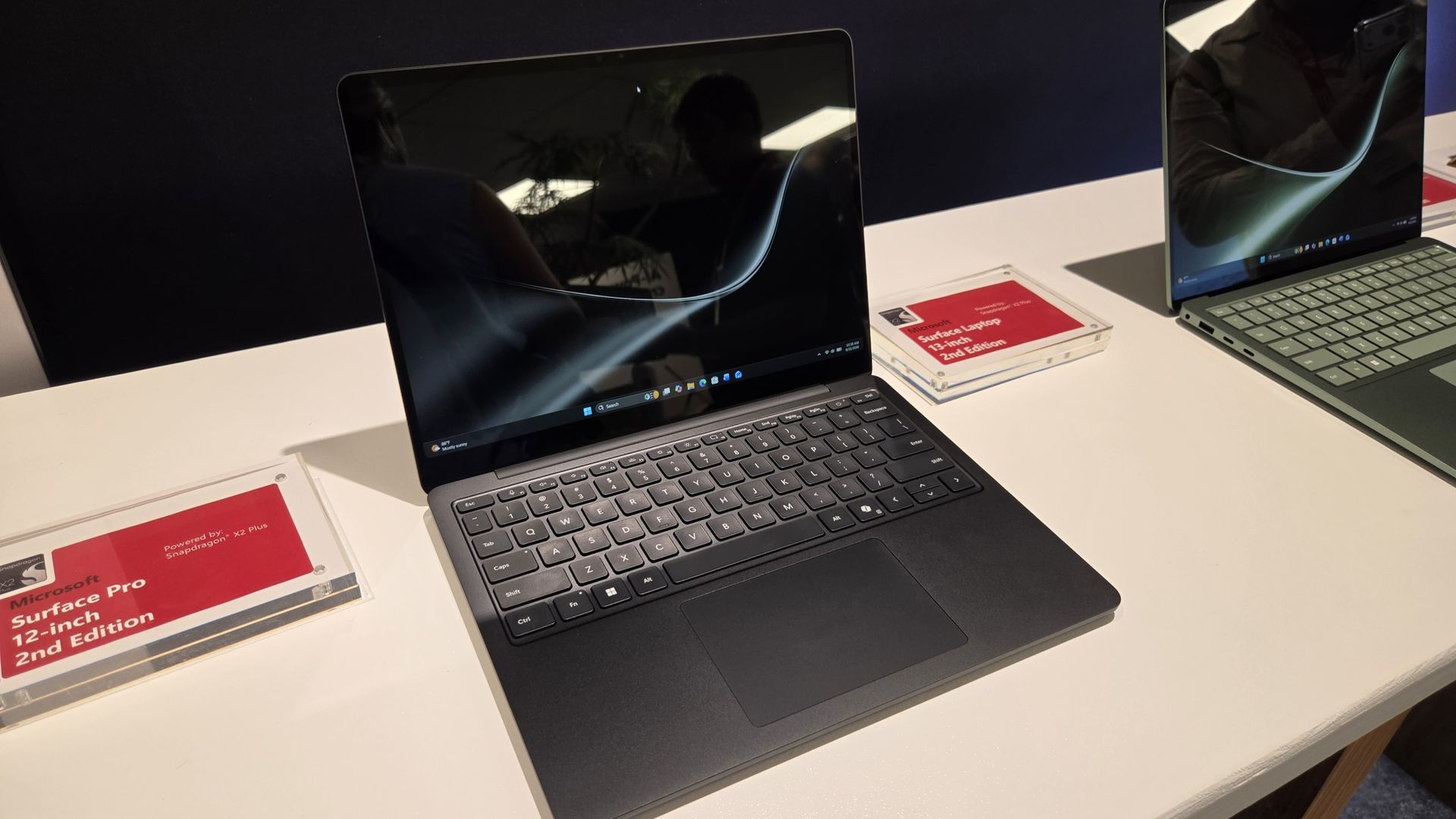
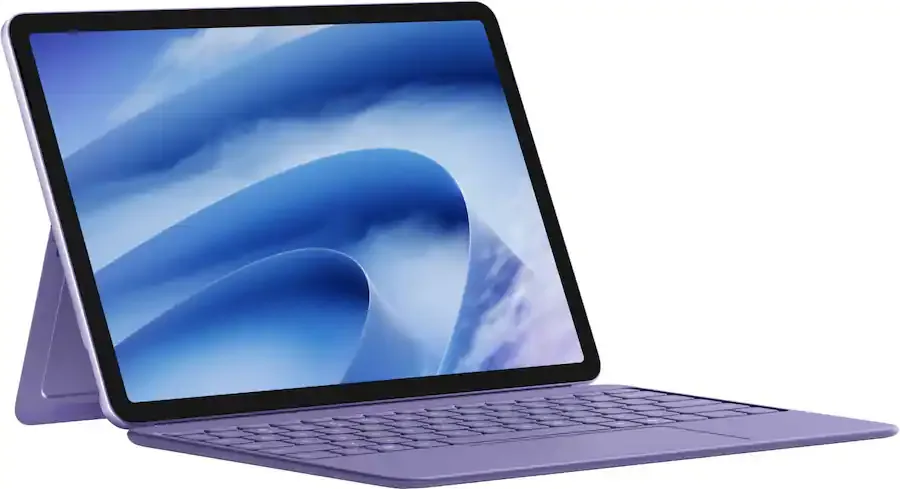
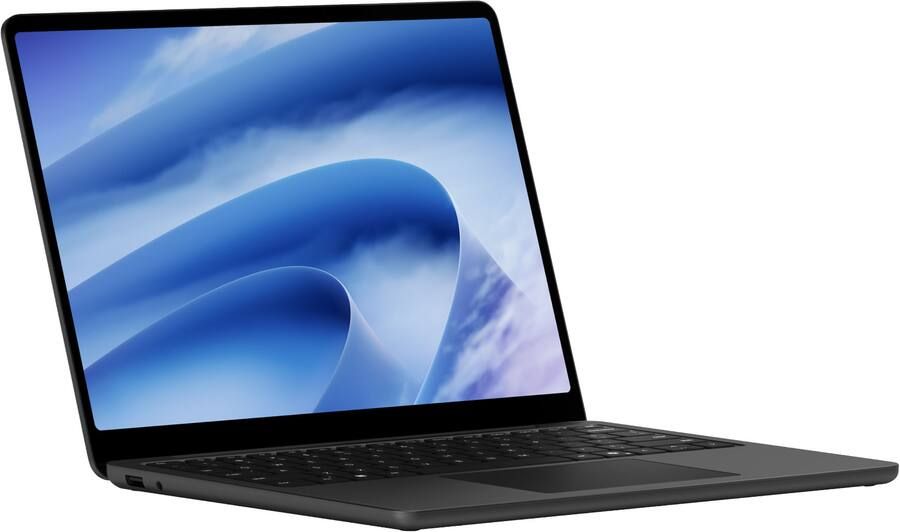
If you’re a fan of Microsoft’s smaller and lighter Surface PCs, we’ve got some good news! During Qualcomm’s annual Snapdragon Summit event in Hawaii, Microsoft announced new versions of the Surface Pro 12-inch and Surface Laptop 13-inch, now powered by the Snapdragon X2 Plus and featuring brighter screens, longer battery life, and even 5G on select models.
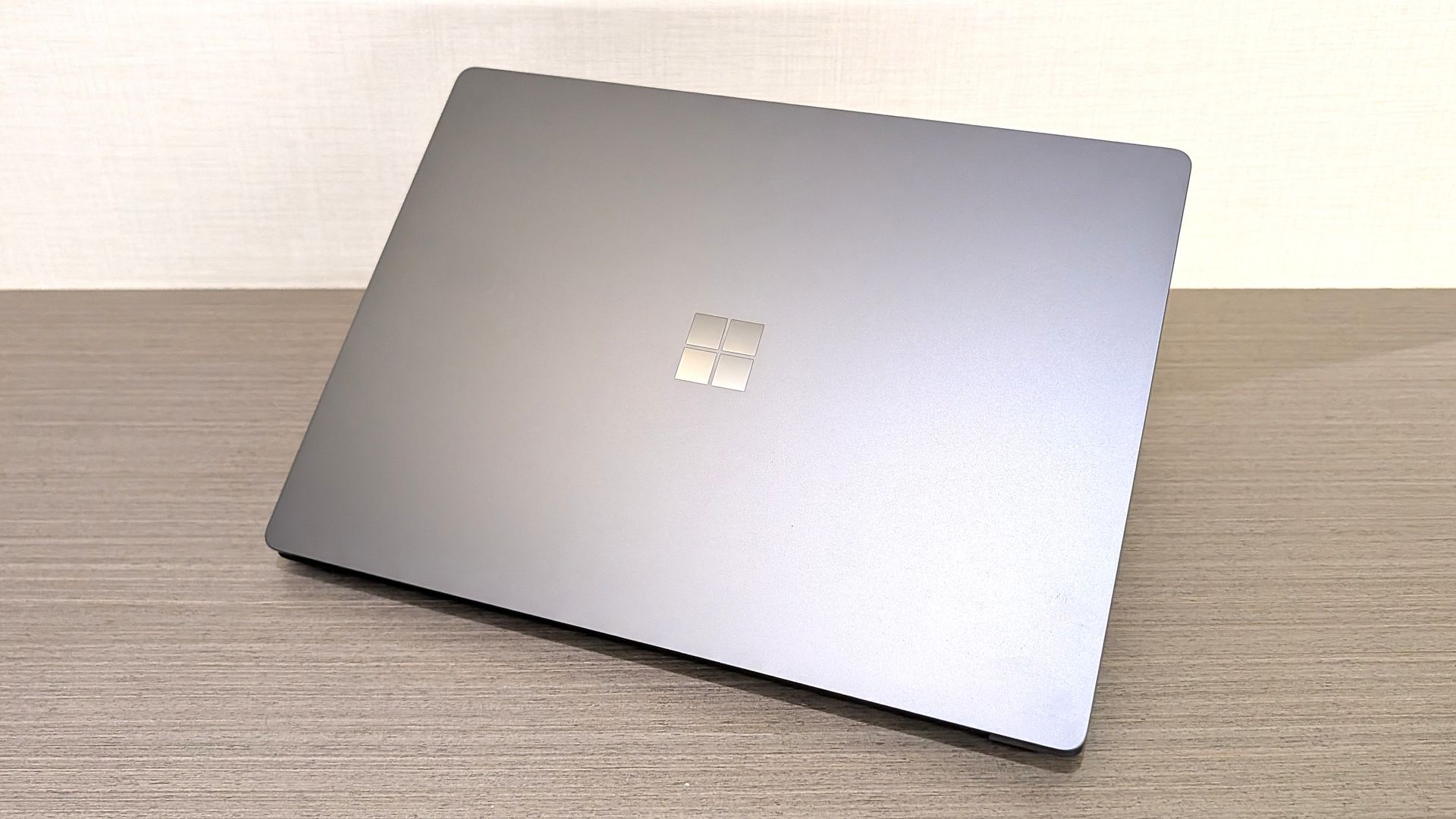
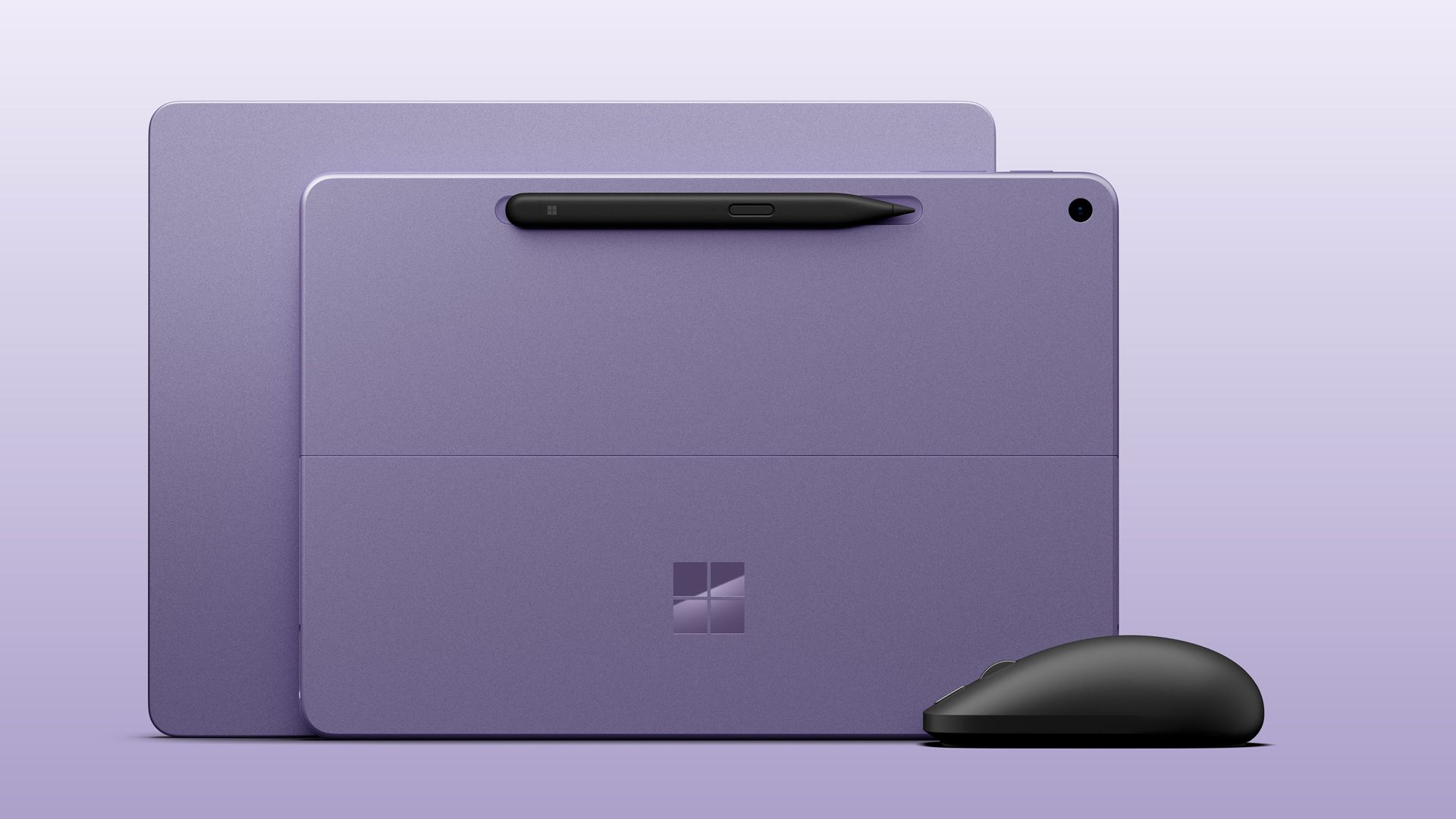
Both come in a new Black colorway (in addition to Platinum and Violet; Ocean Blue has sadly been retired) and feature screens that can now reach up to 500 nits of peak brightness, making them easier to view outdoors in direct sunlight.
Both Surface Laptop 13-inch and Surface Pro 12-inch 2nd Editions come in the Violet colorway with the optional new Surface Mouse. (Image credit: Microsoft)
Category
Surface Pro 12" (Gen2)
Surface Laptop 13" (Gen2)
Processor
Qualcomm Snapdragon X2 Plus (6 Core)
Qualcomm Snapdragon X2 Plus (6 Core)
NPU
Qualcomm Hexagon with 80 TOPS
Qualcomm Hexagon with 80 TOPS
Graphics
Qualcomm Adreno GPU
Qualcomm Adreno GPU
Memory
16GB and 24GB LPDDR5x RAM
16GB and 24GB LPDDR5x RAM
Storage
256GB, 512GB (UFS)
Removable 256GB, 512GB (UFS)
Display
12" PixelSense LCD 2196 x 1464 (220 PPI) Up to 90Hz (60Hz default) Adaptive Color/Contrast Up to 500 nits
13" PIxelSense 1920 x 1280 (178 PPI) Up to 60Hz Adaptive Color/Contrast Up to 500 nits
Weight
1.5 lbs. (0.69kg)
2.7 lbs. (1.23 kg)
Battery life
Up to 15.5 hours of local video playback Up to 13 hours of active web usage
Up to 22.5 hours of local video playback Up to 18 hours of active web usage
Price
Starts $1,149
Starts $1,199
Release date
October 13 (Wi-Fi)
October 13
Surface Pro 12" (2nd Edition): $1149.00 Surface Pro 12‑inch is built for ideas on the move. At just 1.5 pounds, it delivers tablet flexibility with full Windows laptop power so you can sketch, create, stream, and work from almost anywhere. With fast performance and up to 15.5 hours of battery life, it stays productive from morning through night.View Deal
Surface Laptop 13" 2nd Edition: $1199.99 Surface Laptop 13‑inch is Microsoft's most portable model at just 2.7 pounds, built for people who work wherever life takes them. It combines a precision keyboard, premium design, a 13‑inch touchscreen, and up to 22.5 hours of battery life to stay productive on the go.View Deal
Both devices feature the same designs as last year, but with more power and battery life. Indeed, Microsoft claims the Surface Laptop 13-inch gets up to 22.5 hours of battery life, while Surface Pro 12-inch up to 15.5 hours.
Surface Pro 12-inch comes in violet, black, and platinum. Zac Bowden / Windows CentralSurface Laptop 13-inch comes in a new black color.Zac Bowden / Windows Central
Under the hood is Qualcomm’s Snapdragon X2 Plus SoC in a 6-core configuration, paired with 16GB RAM and 256GB storage in the baseline configuration. If you need more RAM or storage, you can customize memory up to 24GB RAM and 512GB storage for a higher price.
Notably, it seems Microsoft has removed the 8GB RAM option that was available on the last-gen Surface Pro 12-inch and Surface Laptop 13-inch, which allowed the company to price those models below $1,000. The new devices start at 16GB RAM, which explains why their starting prices are so high.
The new Surface Pro 12-inch will also be available with 5G as an optional configuration for commercial customers. No pricing or configuration details have been revealed as yet, but the company has confirmed that it’s coming soon.
The Surface Pro 12-inch also comes pre-loaded with a new Windows app called Microsoft Ink Canvas, which Microsoft describes as an “AI-powered, pen-first experience for sketching, annotating, generating images and summarizing text directly on the canvas.” The new app will be made available to download via the Microsoft Store on October 13.
The new Surface Mouse looks great.Zac Bowden / Windows CentralIt features a soft-touch material that feels great.Zac Bowden / Windows Central
Alongside the new PCs, Microsoft also unveiled a new Surface mouse, available in black or platinum colors, and featuring built-in haptics and a new action button that can be configured by the user. It’s the first update to the Surface mouse we’ve seen since it was first introduced 10 years ago.
All three new devices are expected to be made available starting October 13 at the Microsoft Store and third-party retailers like Best Buy and Amazon, though you can now preorder the Surface Pro 12" at Best Buy, as well as the new Surface Laptop 13".
Let us know in the comments your thoughts on the refreshed Surface lineup!
Join us on Reddit at r/WindowsCentral to share your insights and discuss our latest news, reviews, and more.
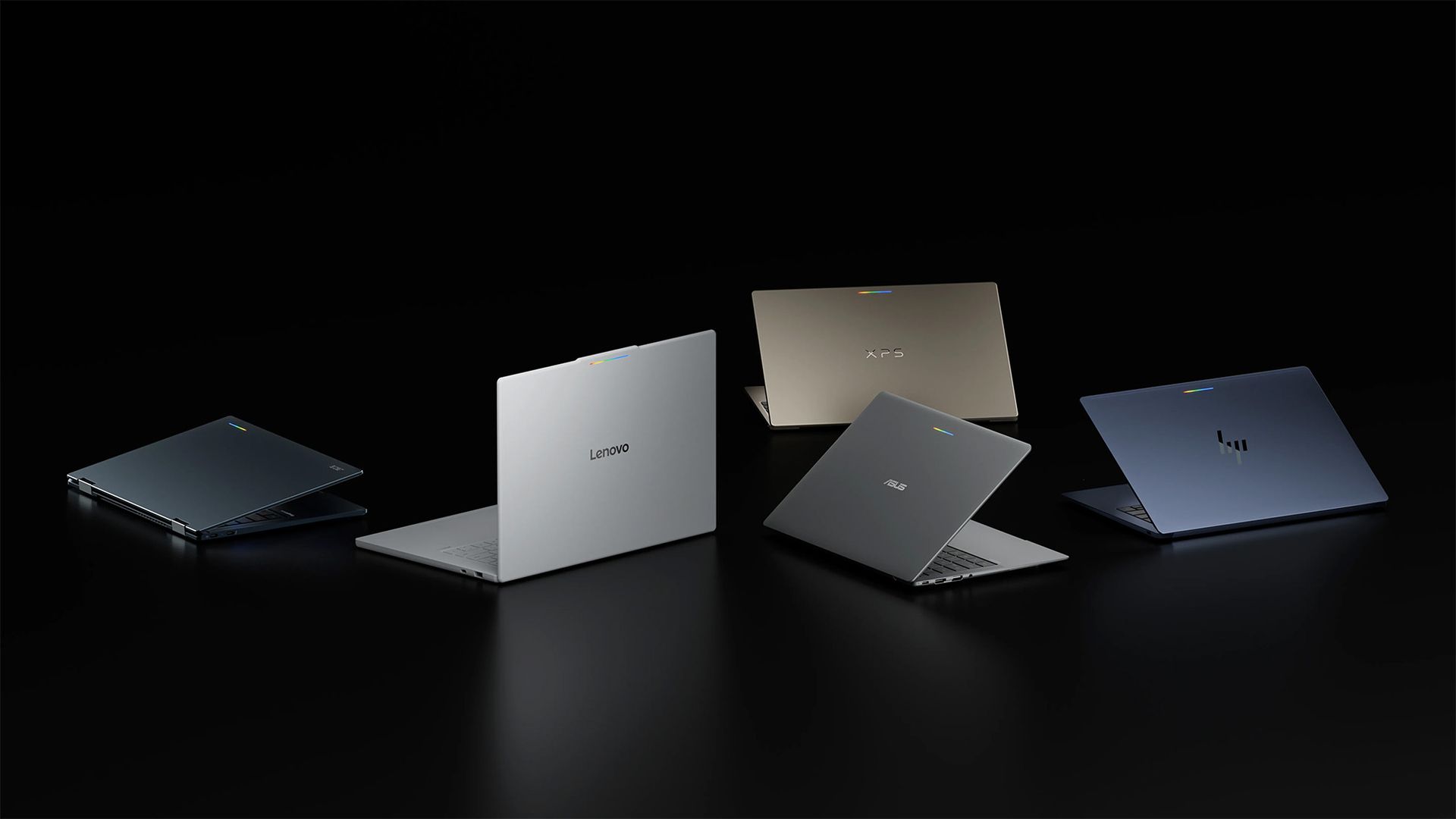
Google recently announced 'Googlebooks' as new laptops built with Intel Core Ultra Series 3 (Panther Lake) and Qualcomm Snapdragon X Elite processors, expanding its range beyond budget-centric Chromebooks at a more premium price point. Starting at $899 with an Acer model, more devices from ASUS, Dell, HP, and Lenovo are also due to launch on October 4, 2026.
The best of Gemini meets a whole new kind of laptop.
Google
Among its five 'flagship' launch models, Google advertises features such as high-resolution touchscreen displays, haptic touchpads, and built-in NPUs for local AI tasks, primarily focusing on Gemini. Of the 13.4-inch to 15.3-inch laptops, only the $999 Dell XPS Googlebook uses an LCD screen, while the remaining brands opt for OLED panels. So, is 'Googlebook OS' any threat to Windows?
Familiar hardware, fledgling OS
It looks familiar, but will enough people buy into Googlebook OS? (Image credit: Google | Getty Images)
My gut reaction — as someone outside the target audience for these Android-on-steroids laptops — was one of unsurprising skepticism. Before looking at prices, I immediately thought of the ongoing, oft-misrepresented software compatibility controversy surrounding Windows on ARM laptops that arrived with Qualcomm's first Snapdragon X chips.
If Microsoft already faced pushback at the slightest hint of incompatibility, I'm not sure a Google-first laptop stands a chance against Windows ultrabooks in the same price range, especially when the first Googlebook wave resembles existing laptops from the same brands anyway. Plus, they have to compete with Apple's similarly priced MacBook Air and cheaper MacBook Neo.
I know, I hear you saying, "Oh, the Windows Central guy isn't excited about the Googlebook? Quelle surprise!" I get it, but hear me out; I'm still a regular consumer like anyone else, and I'm always a fan of genuine rivalry if it drives the kind of competitive pricing that led Dell to answer the MacBook Neo with the new XPS 13.
However, I can't deny my hunch that 'Googlebook' is a boring name (which already confuses Google's own search engine by taking you to Google Books), and that the hardware itself isn't particularly innovative, potentially even confusing your average laptop buyer who doesn't base their entire life around Gemini AI. Is it an even less exciting attempt at a Copilot+ PC for Android fans?
Who are the Googlebooks made for?
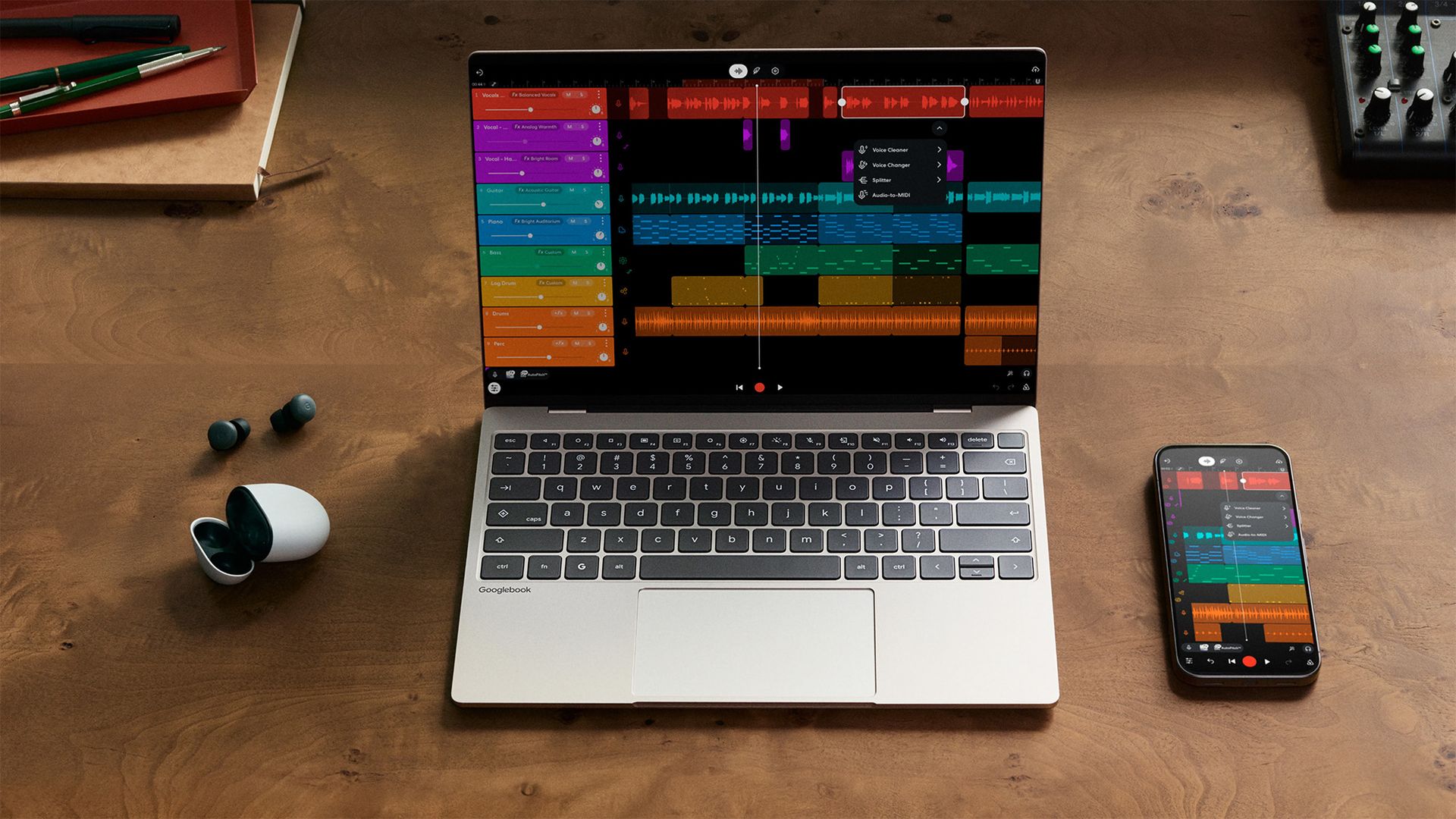
Glowbar aside, this is all pretty standard hardware. (Image credit: Google)
Despite my apprehension, I'm still fascinated, and I wonder what someone would do if they had a chance to go hands-on with a Googlebook. What would you test? Would you try to install a certain app, run a particular component benchmark, or focus more on the premium chassis? As it happens, I might have the opportunity to take the $1,299 ASUS Googlebook 14 for a spin.
I'm particularly interested in hearing what real, regular folk think because, besides the vague claims of being "designed for Gemini Intelligence" alongside an RGB 'Glowbar' that shows little beyond your battery life or charging status, there doesn't seem to be anything to suggest that these Googlebooks aren't much more than glorified Chromebooks or overengineered smartphones.
With Continue On, you can start a task on your Android phone and finish it on Googlebook. Keep your momentum and pick up exactly where you left off.
Google
I can already control Android apps on my Windows PC with Phone Link, though, of course, Google is pushing for a more native feel with its 'Continue On' app handoff feature — my word, it even sounds like Continuum — that allows you to move from your Android device to a Googlebook with your half-completed tasks intact. Sounds smoother than using something like Samsung DeX.
Google's apparent attempt to revive its premium Pixelbook feels like it'll sit in a strange limbo, as the behemoth brand bets it all on Gemini and hopes the general public actually cares enough to ditch Windows, macOS, or Linux to buy into this new generation of AI PC hype. Will it end up in the Google Graveyard, or is the Googlebook different? At least they're trying.
Join us on Reddit at r/WindowsCentral to share your insights and discuss our latest news, reviews, and more.
We're just a couple of months away from Black Friday in November, when we usually see the biggest discounts on some of the best productivity laptops. However, some brands aren't waiting that long.
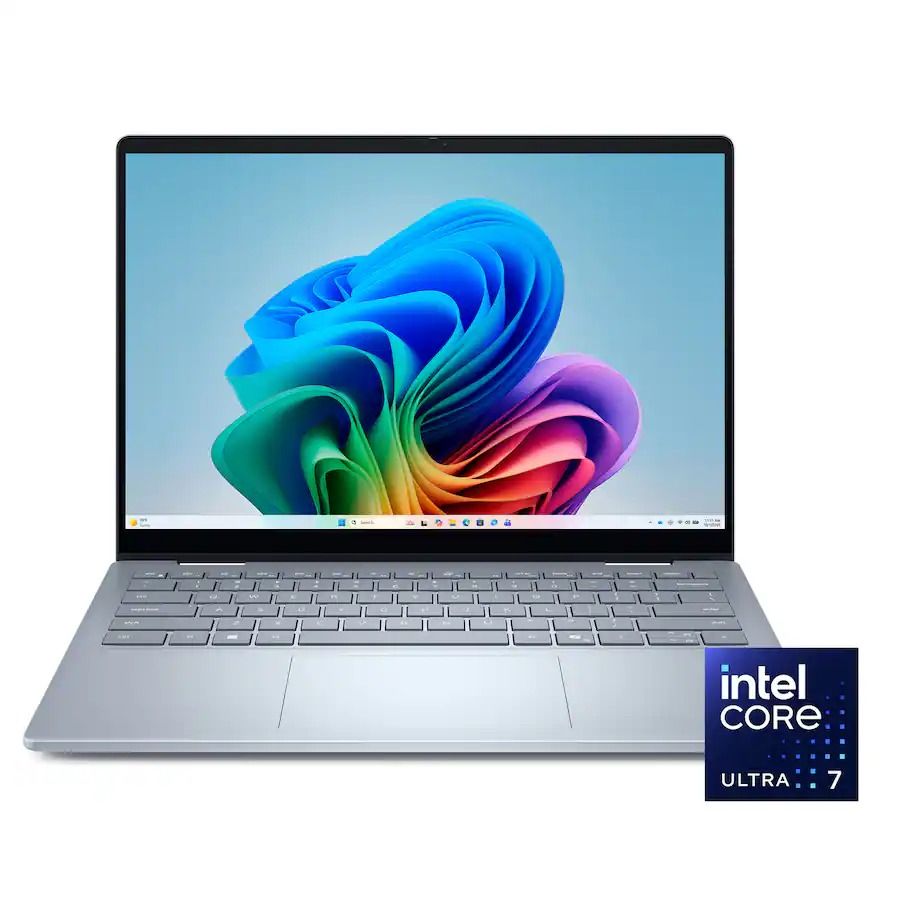
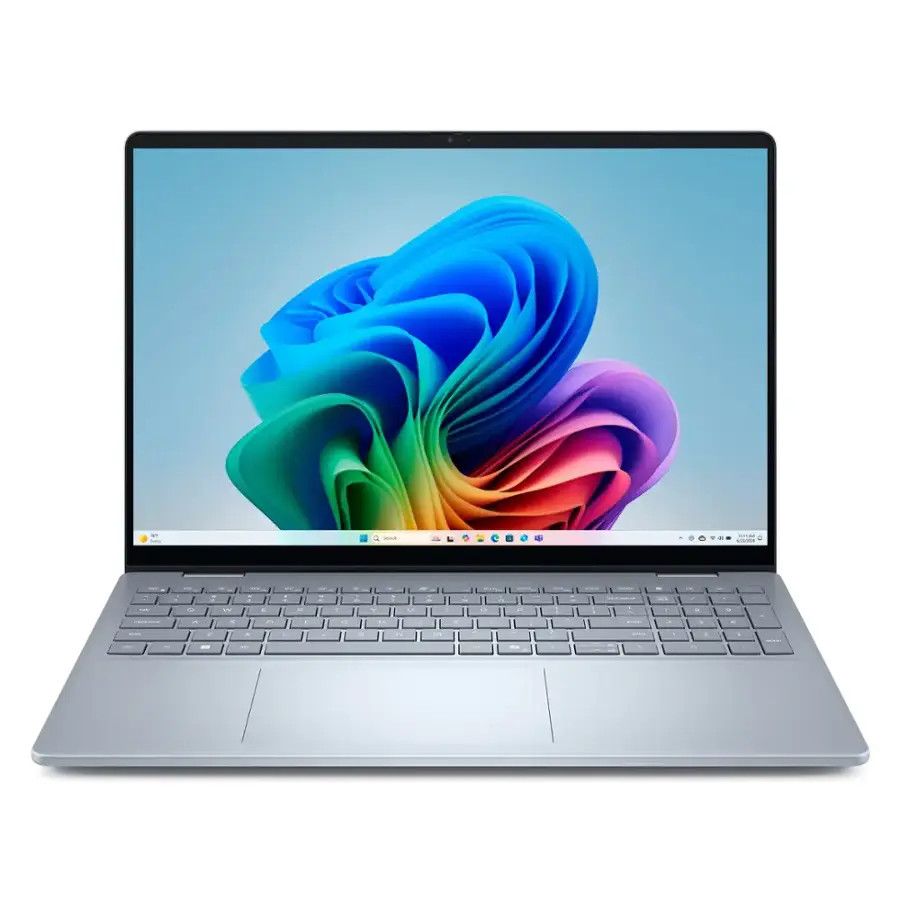
Dell, for instance, is slashing prices on models of its 14 Plus and 16 Plus laptops to $1,109.99 (was $1,379.99) and $1,559.99 (was $1,629.99), respectively, for a limited time. Additionally, Dell is offering discounts on alternative models of the same laptops if you need to change a particular spec at its official storefront.
"The Dell 14 Plus gets the job done without fuss or flair, and its reasonable pricing makes it a solid choice for those who just need a tool." — Zachary Boddy, Former Staff Writer, Windows Central reviewView Deal
"The Dell 16 Plus offers a solid mid-tier laptop experience throughout. Between great general computing performance for any college student or executive and long-lasting battery life, the base $options make a ton of sense." — Ural Garrett, Writer, TechRadar ReviewView Deal
What do you get with a Dell Plus laptop?
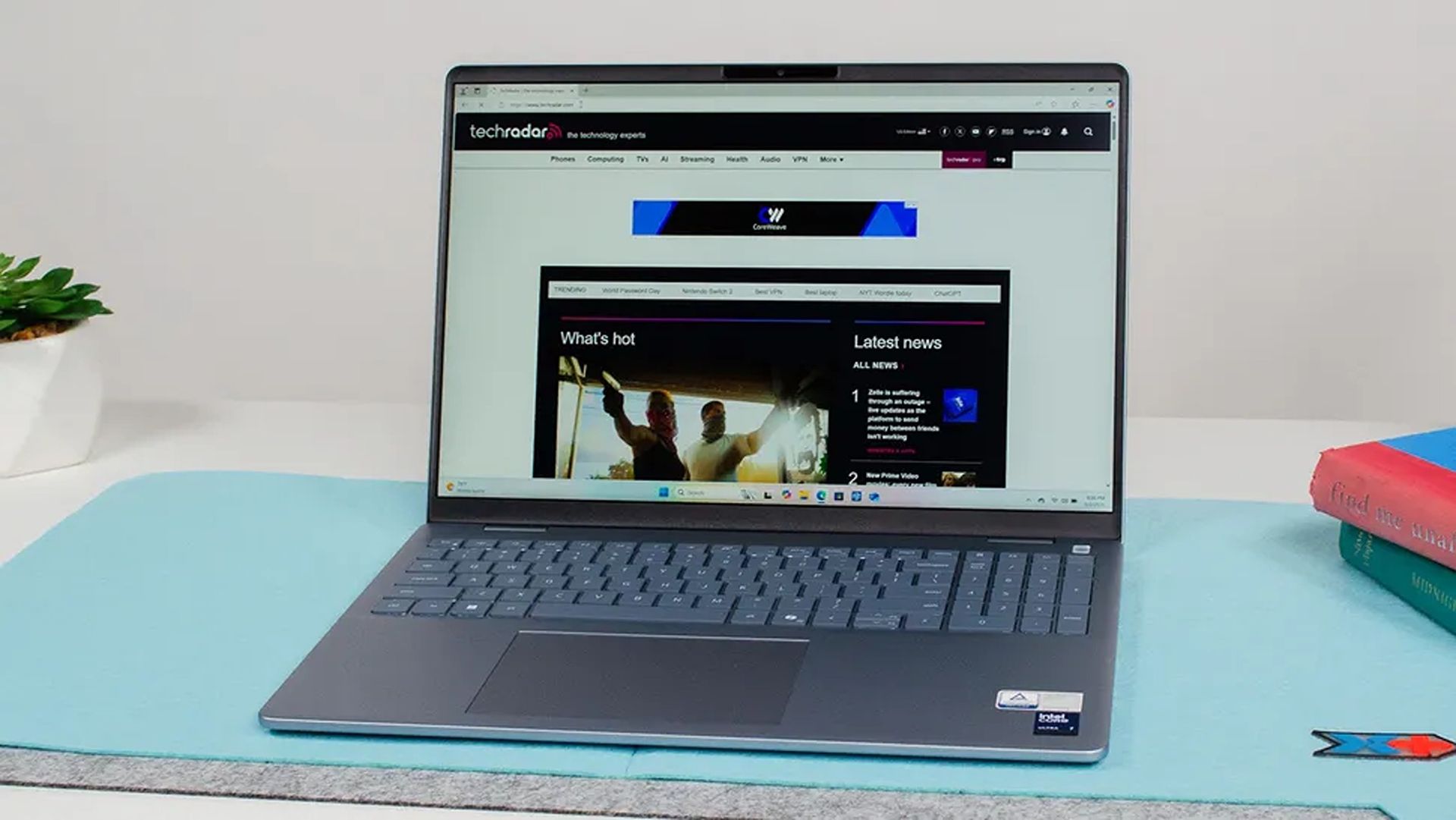
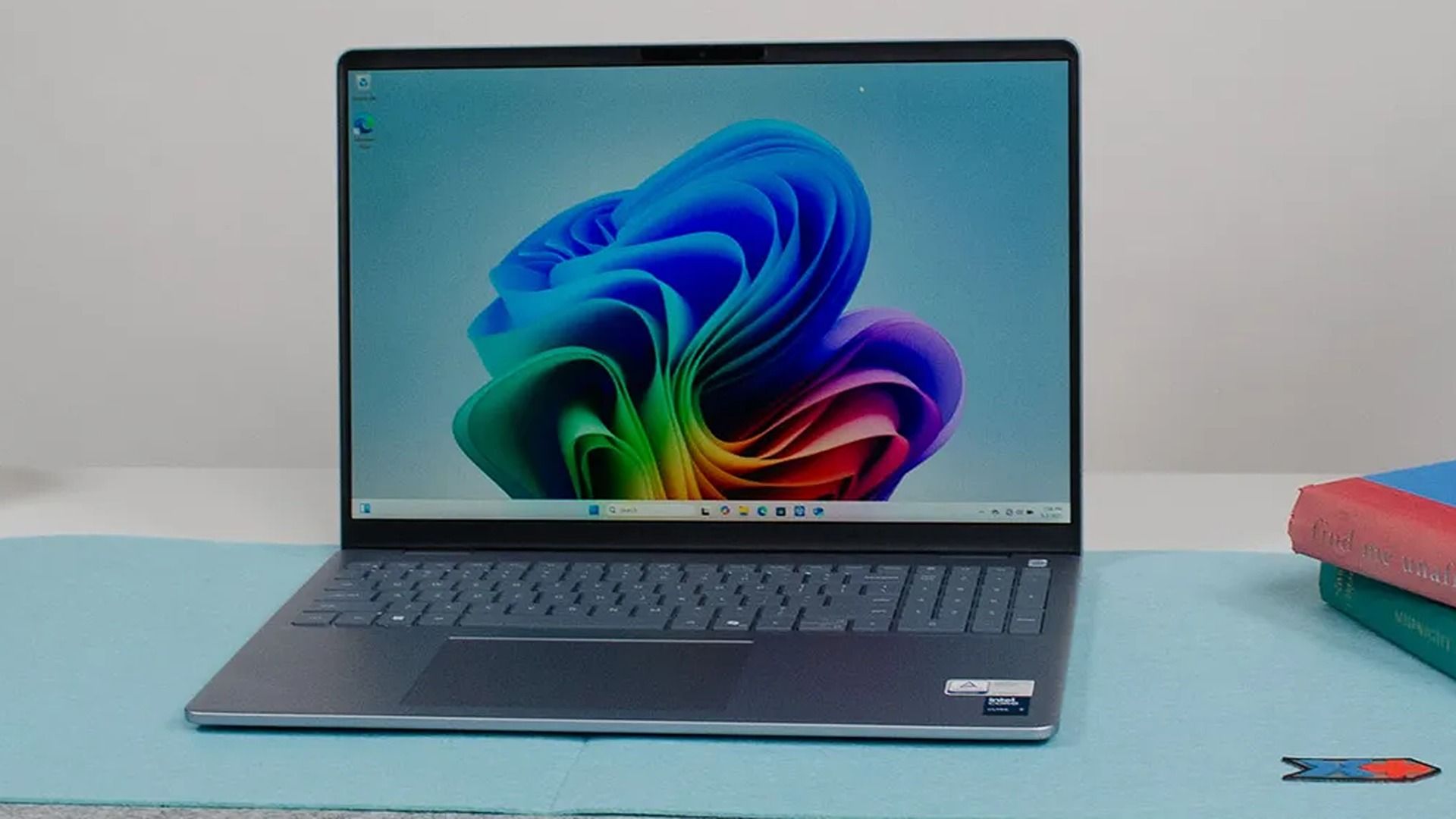
Dell's 16 Plus in action. (Image credit: TechRadar (John Loeffler) | Dell)
If you want no-nonsense laptops that skip gamer-centric RGB lighting and other frivolous features for efficient productivity, you can't go wrong with either the Dell 16 Plus or 14 Plus, depending on your travel needs.
The Dell 16 Plus is a traditional 16-inch portable PC built for work, web browsing, and Copilot+ PC features thanks to its 16GB RAM and Intel Core Ultra processor with an NPU for local AI tasks rated for 47 TOPS.
It also features a solid design weighing 4.12 lbs, so it's still reasonably portable despite its size, plus a QHD+ (2560x1600) 120Hz display with an anti-glare coating, and a battery supporting up to 20 hours of video playback, adjusting for whatever else you need.
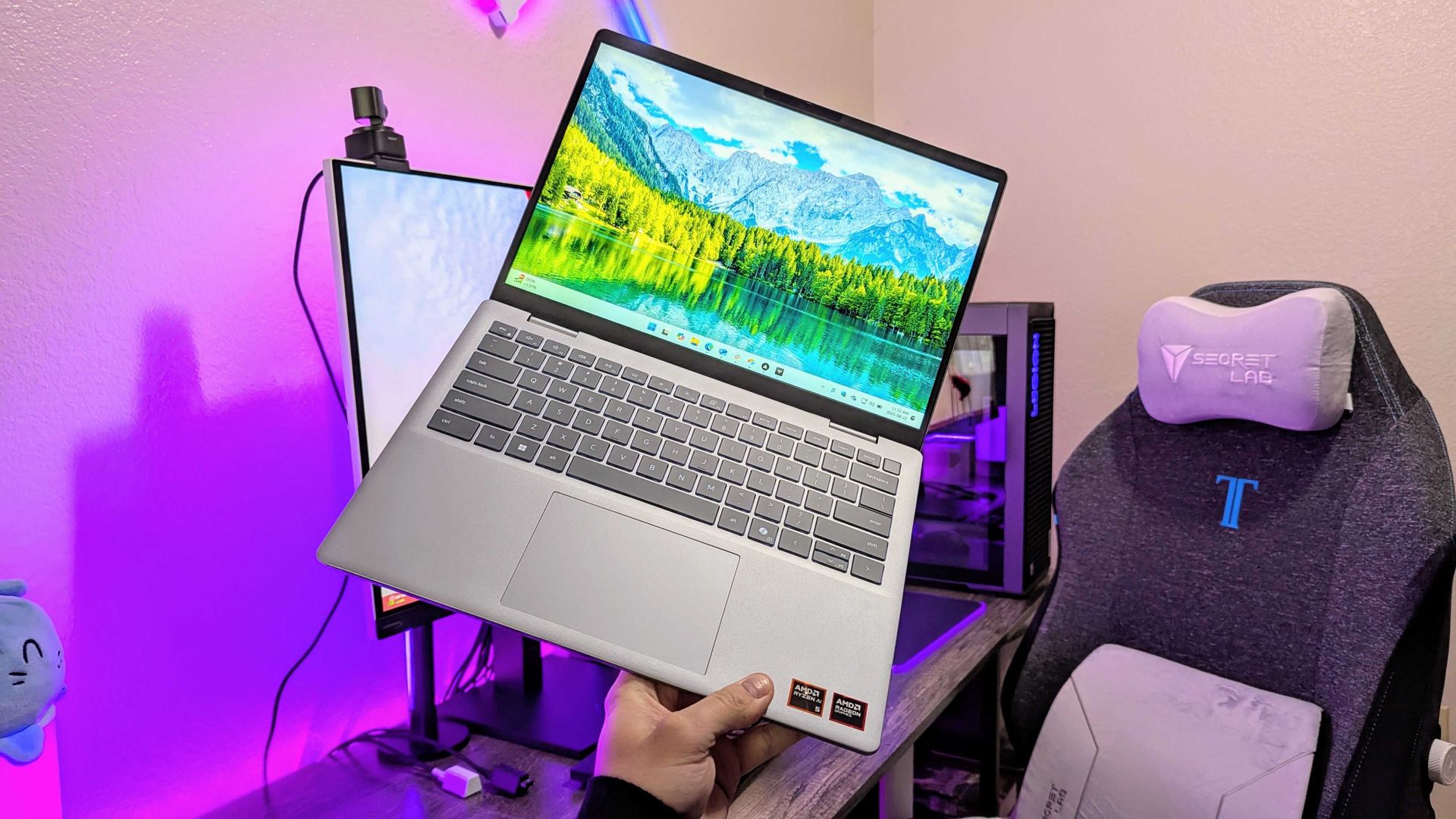
An AMD-based Dell 14 Plus in hand. (Image credit: Windows Central | Zachary Boddy)
Meanwhile, the Dell 14 Plus offers an affordable alternative while keeping 16GB of DDR RAM and a QHD+ panel in its more compact 14-inch display. It packs a slightly more modest Core Ultra 5 226V processor with a 40 TOPS NPU and a 512GB solid-state drive.
Battery life is similar to its larger sibling, if not slightly longer, with a 22-hour estimate for local video playback. Copilot+ PC functionality is also here again, thanks to that built-in NPU, so Microsoft's local AI processes like Click to Do all run on the Intel processor.
Naturally, its smaller size also means a lighter chassis at 3.42 lbs, making it even more portable without feeling cramped while working on its anti-glare 120Hz screen. It also includes USB-A and HDMI ports alongside modern USB-C 3.2 Gen 2, so connectivity is covered.
Can these laptops have their RAM and SSDs upgraded?
The Dell 16 Plus and Dell 14 Plus laptops can't have their soldered RAM upgraded. However, you should be able to replace and upgrade the Gen4x4 QLC SSD inside.
Are these laptops good for gaming?
The Dell 14 Plus and Dell 16 Plus laptops are best suited for lightweight or web-based games. If you try to run anything more graphically intensive, their lack of a dedicated graphics card will deliver lower performance than dedicated gaming laptops.
Join us on Reddit at r/WindowsCentral to share your insights and discuss our latest news, reviews, and more.
Using your virtual reality headset as a monitor for your Windows 11 PC just got a lot better.
Remember when mixed reality and virtual reality were the biggest buzzwords in tech? Before the advent of ChatGPT and the latest wave of AI, tech companies spent billions on the metaverse and VR.
I'd argue that the VR push yielded more concrete results than AI, but that's a topic for another day. Today's news is that mixed reality is still here, and Microsoft just released a new feature for it.
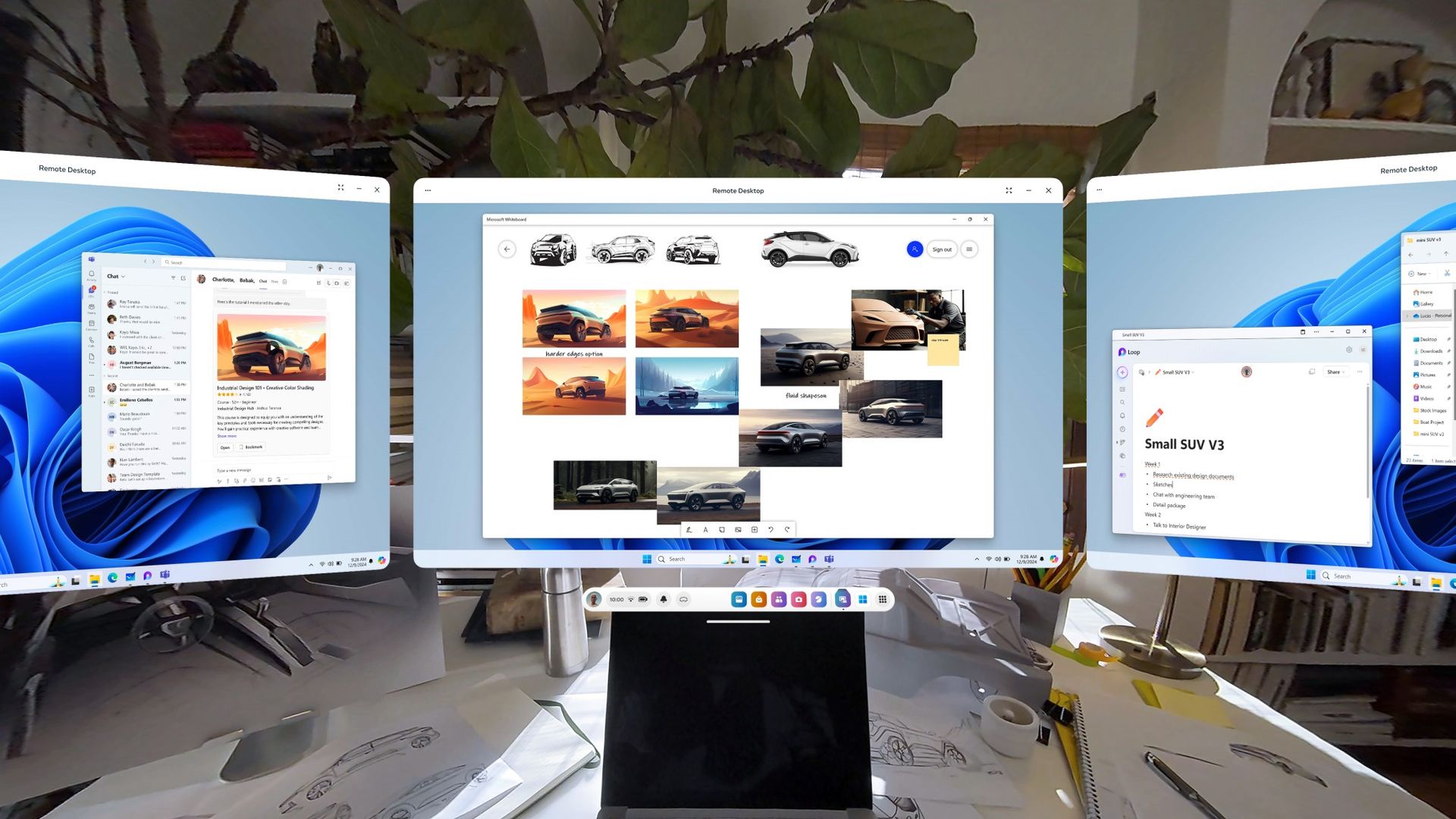
A recent update to Mixed Reality Link greatly improves the experience by allowing you to use your headset's microphone and cameras directly within Windows.
Mixed Reality Link is an app that lets you connect up to three virtual monitors on a supported headset to your PC. With the app, you can extend your computing experience to a device like the Meta Quest 3 or Meta Quest 3S. Mixed Reality Link works through a wired or wireless connection.
Mixed reality may not dominate headlines like it used to, but Microsoft still invests time and effort into it. Mixed Reality Link received an update to work with Windows on Arm last year and is even compatible with Windows 365 Cloud PC.
But Mixed Reality Link had strange limitations that made the experience awkward. If you wanted to use a microphone, you had to have one hooked up to your PC and then talk at it from a distance. Mixed reality headsets have built-in microphones, so it's strange that it took this long to integrate them with Mixed Reality Link.
The update to Mixed Reality Link version 26.9105.9070.0 adds support for using your headset's microphone, sharing your headset's camera with Windows applications, and having your Meta avatar appear as a camera source.
Windows Central take
(Image credit: Future)
I miss virtual reality and mixed reality trending in the news. I covered the Gear VR, the original Quest headset, and the rebrand of Oculus to Meta. I interviewed a game developer in Australia while facing him in his own game. I sideloaded songs onto Beat Saber. It was a fun time in tech.
You can still get a VR headset, of course. There are games worth playing and experiences worth exploring. Microsoft has done some clever stuff to make headsets into virtual offices. Mixed Reality Link's latest update is overdue, but it's a reminder of what mixed reality headsets can do.
Join us on Reddit at r/WindowsCentral to share your insights and discuss our latest news, reviews, and more.
I've been a PC gamer for as long as I can remember, pushing my earliest family desktop computers to their limits by installing a single copy of Command and Conquer to their tiny hard drives, before eventually building my own rigs with a meager part-time job wage and a bright-eyed idea of what good value components looked like.
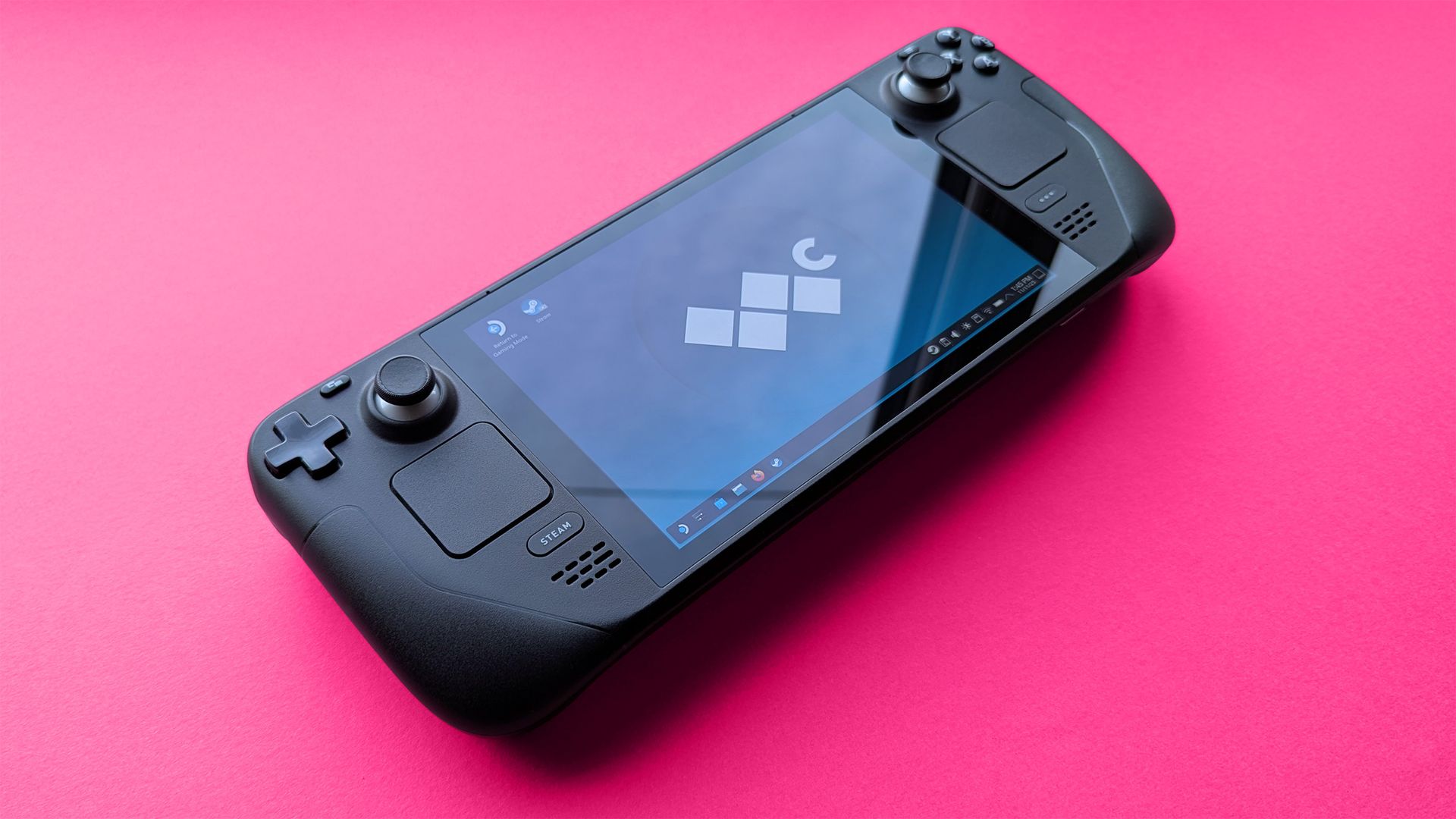
These days, I do most of my gaming on my still-loved Steam Deck, the Linux-based handheld from the same company behind the massive PC game storefront, Steam. It runs practically every game originally designed for Windows, and for the ones that it struggles with, I fall back on cloud gaming on services like GeForce NOW and Xbox Cloud.
Until now, I've pushed as many curious gamers as possible toward handheld gaming PCs, easing them in with budget-friendly options before watching them grow an appetite for high-end examples of excess that squeeze the capabilities of traditional gaming laptops into a compact form factor. However, one seems to have stuck closer to its MSRP, while many others become pipe dreams.
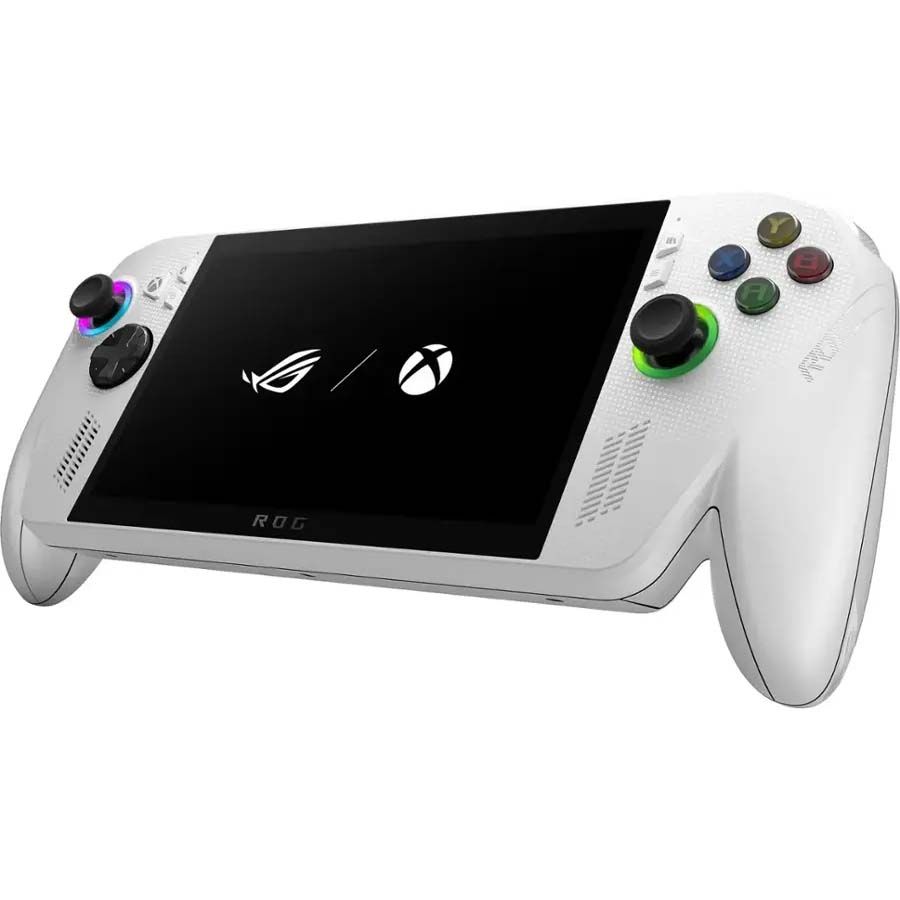
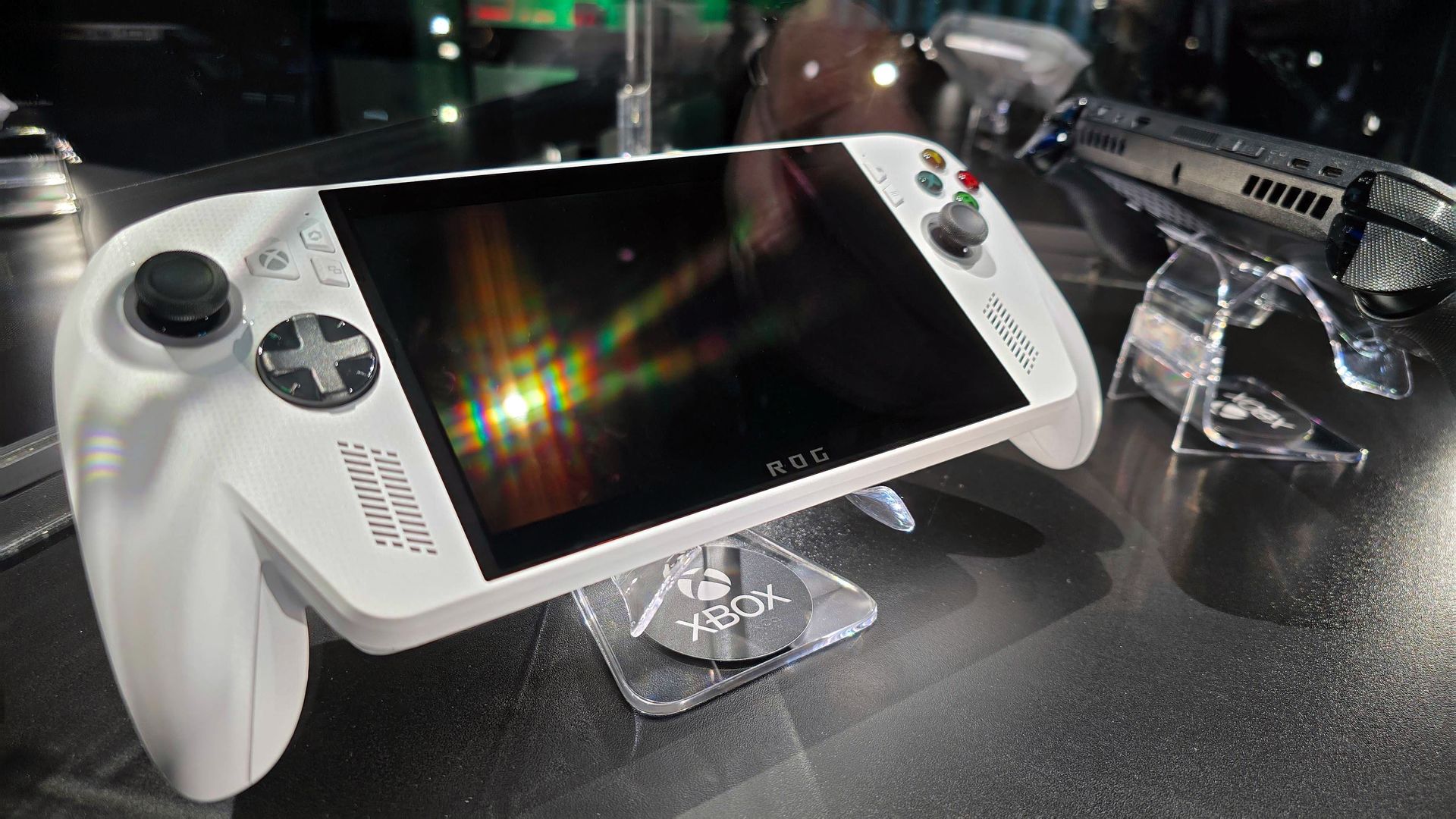
"Power of XBOX. Freedom of Windows. Craftmanship of ROG."View Deal
Somehow, the XBOX Ally is holding strong
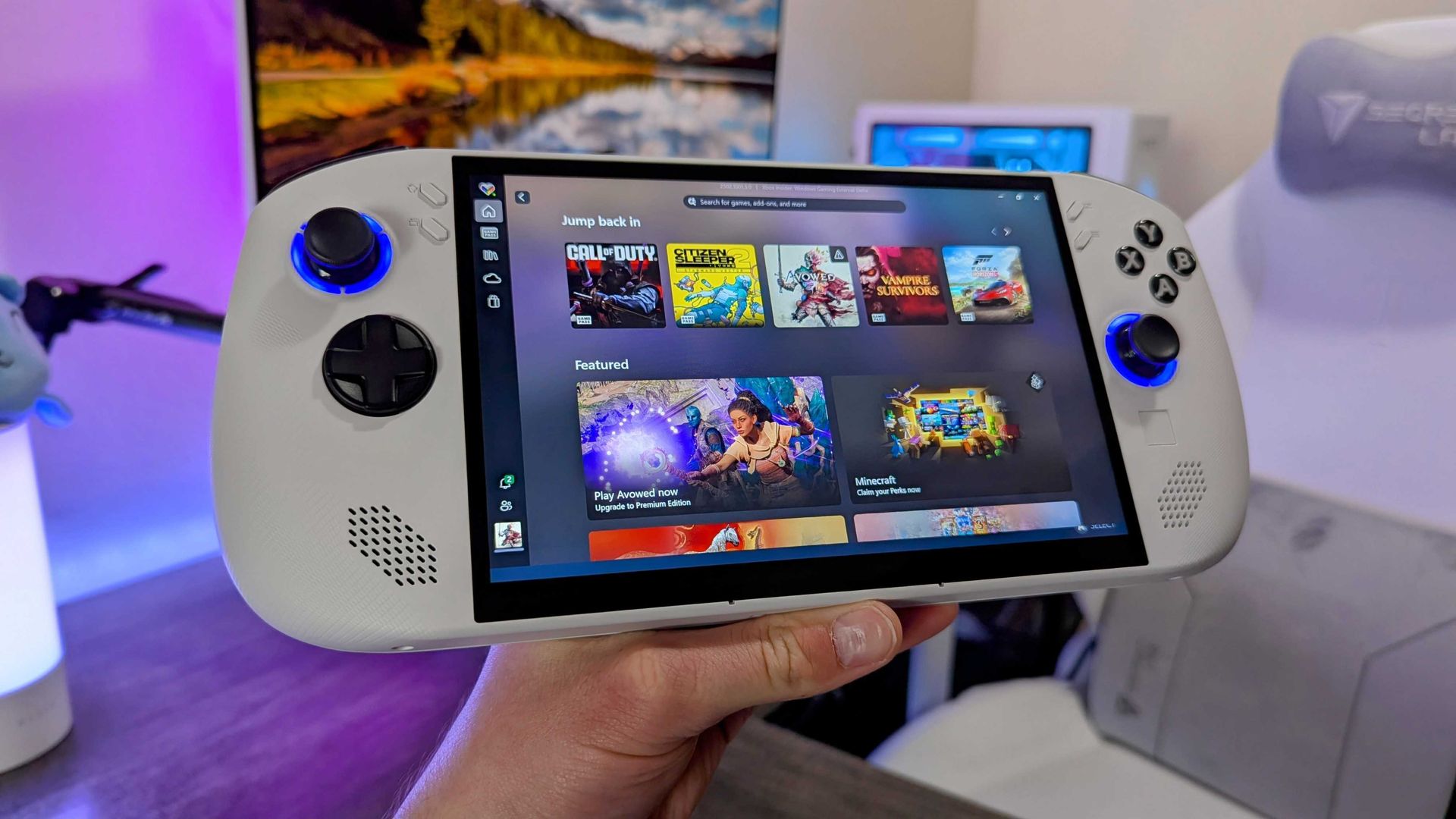
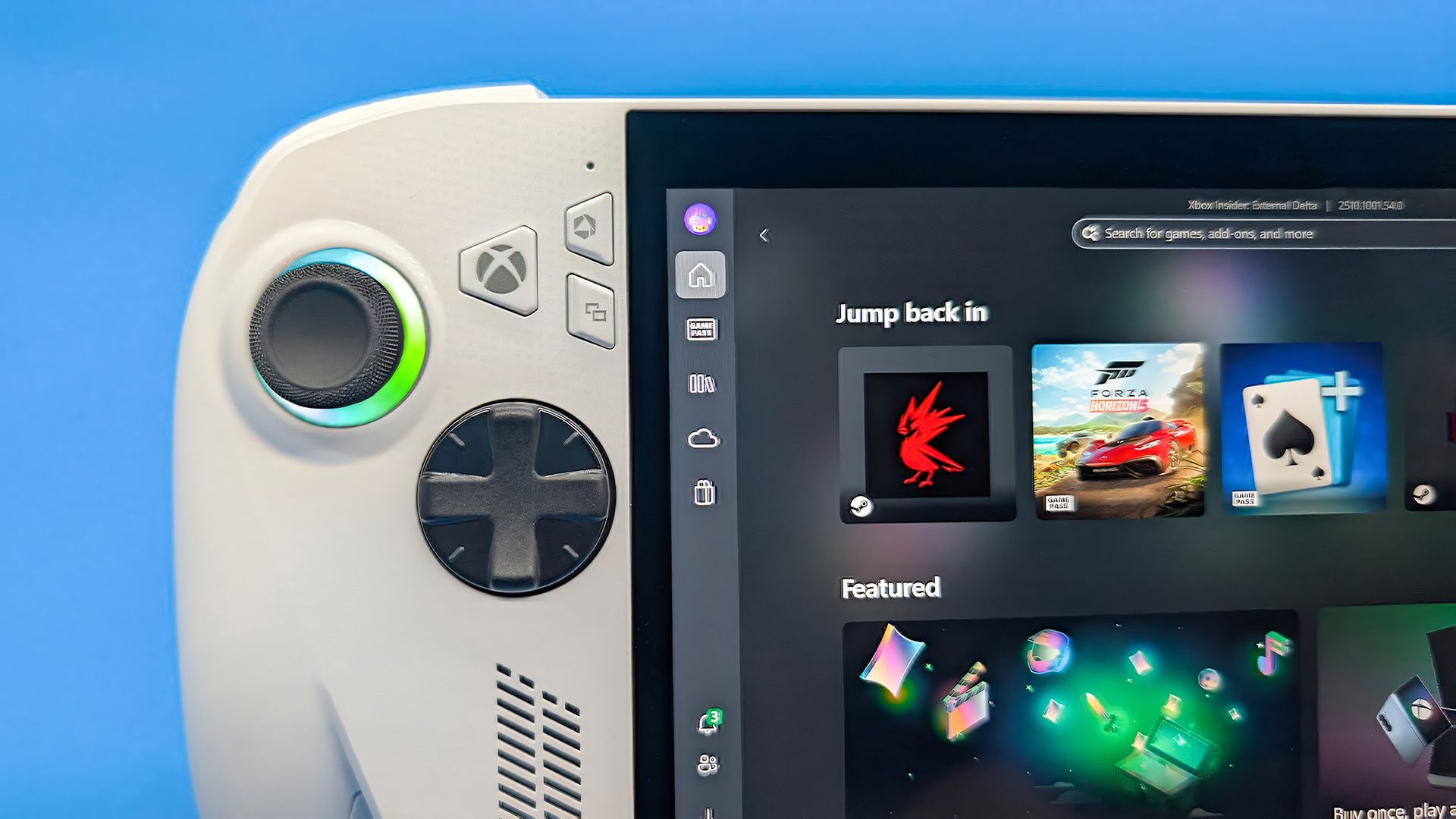
It's a modest machine inside, but the ergonomics make the ROG Xbox Ally worth your attention. (Image credit: Jez Corden | Windows Central)
As it stands, the ROG XBOX Ally sells for $599.99 at Best Buy, which is the same price it launched at when we tested it for our XBOX Ally review. Right now, it holds an average 4.4/5 rating among at least 930 customer reviews from that listing alone, and they seem quite happy with its price-per-performance ratio.
Then again, the ROG XBOX Ally can reach a higher 120Hz refresh rate than the Steam Deck OLED's 90Hz, though you'll have to find a lightweight PC game that runs well enough to show those theoretical benefits of smoother visuals, with support for the Ally's variable refresh rate (VRR) that helps to reduce screen tearing and frame pacing inconsistencies.
"But, it runs Windows!"
Lenovo's Legion Go S arrived without too much fanfare. (Image credit: Windows Central | Zachary Boddy)
Usually snared by the inevitable cost of a Windows license for each corresponding handheld, the appeal of Valve's in-house 'SteamOS' operating system became obvious in the category's formative years. However, alternatives initially designed around that prospect, such as Lenovo's Ryzen Z2 Go-based Legion Go S, now cost around $989.99.
Of course, the repeated blame for these price hikes lands squarely on the memory crisis driven by massive-scale AI hardware infrastructure, which shows no signs of slowing down in the near future. Gamers are essentially stuck between a rock and a hard place as most components become unaffordable, which somewhat softens the OS argument on the PC side.
Because ultimately, there's nothing stopping anyone from installing SteamOS on a ROG XBOX Ally (or any other Windows-based handheld, for that matter). The experience will vary between devices, but to date, none of the major players have arbitrarily locked their products to Windows 11. If, despite all the awful odds, the Ally can maintain its price, it could become the mainstream choice.
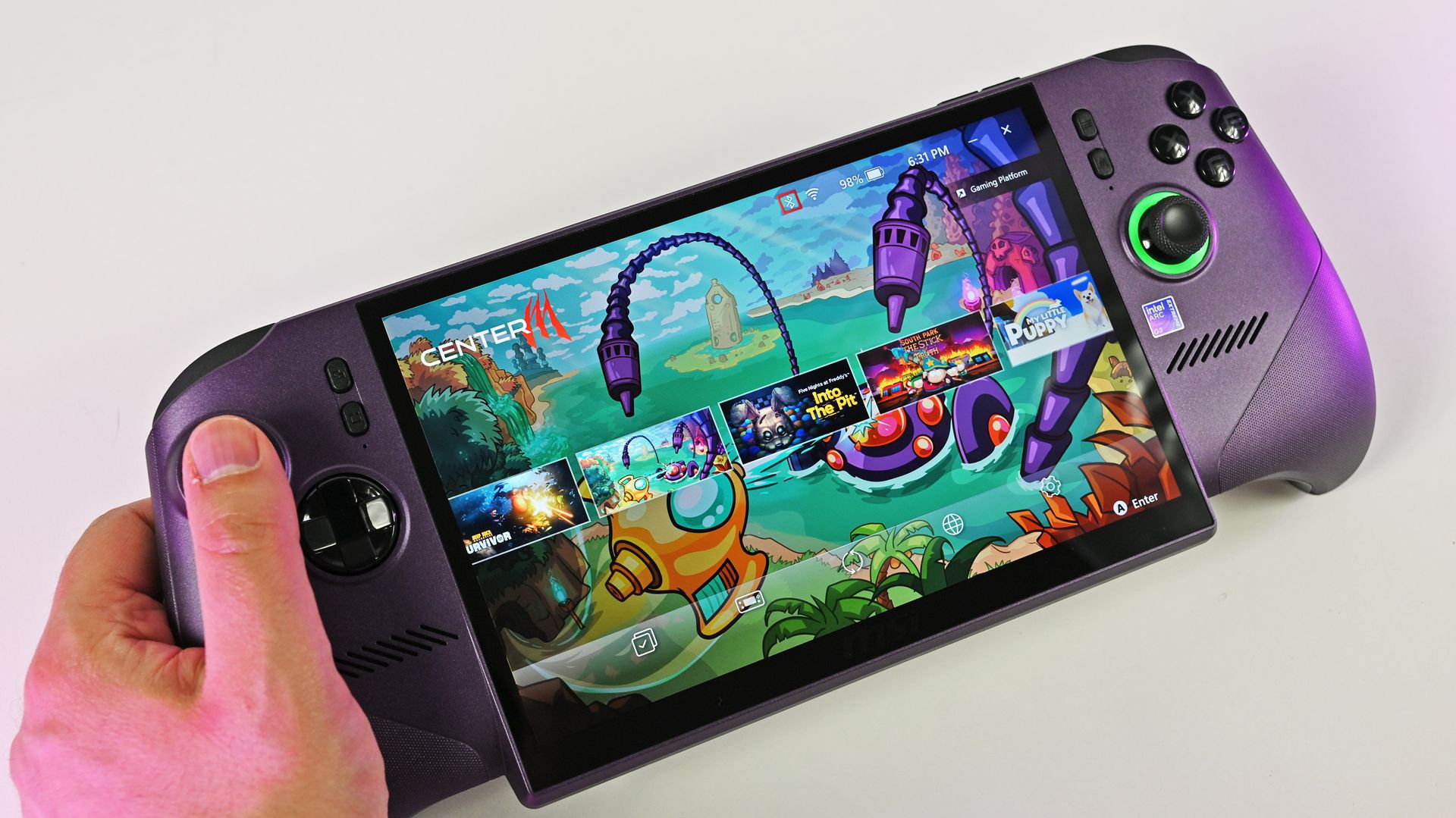
Availability also seems fine for the white XBOX Ally, unlike ultra-high-end variants like the "mind-blowing" MSI Claw 8 EX AI+ and its $1,799 price tag, which apparently convinced flush gamers to spend, but its stock couldn't keep up. For handhelds targeting far below $1,000 — the realm of sensible spending — XBOX is surprisingly beating Valve. Will it last? I'd love to believe it.
Join us on Reddit at r/WindowsCentral to share your insights and discuss our latest news, reviews, and more.
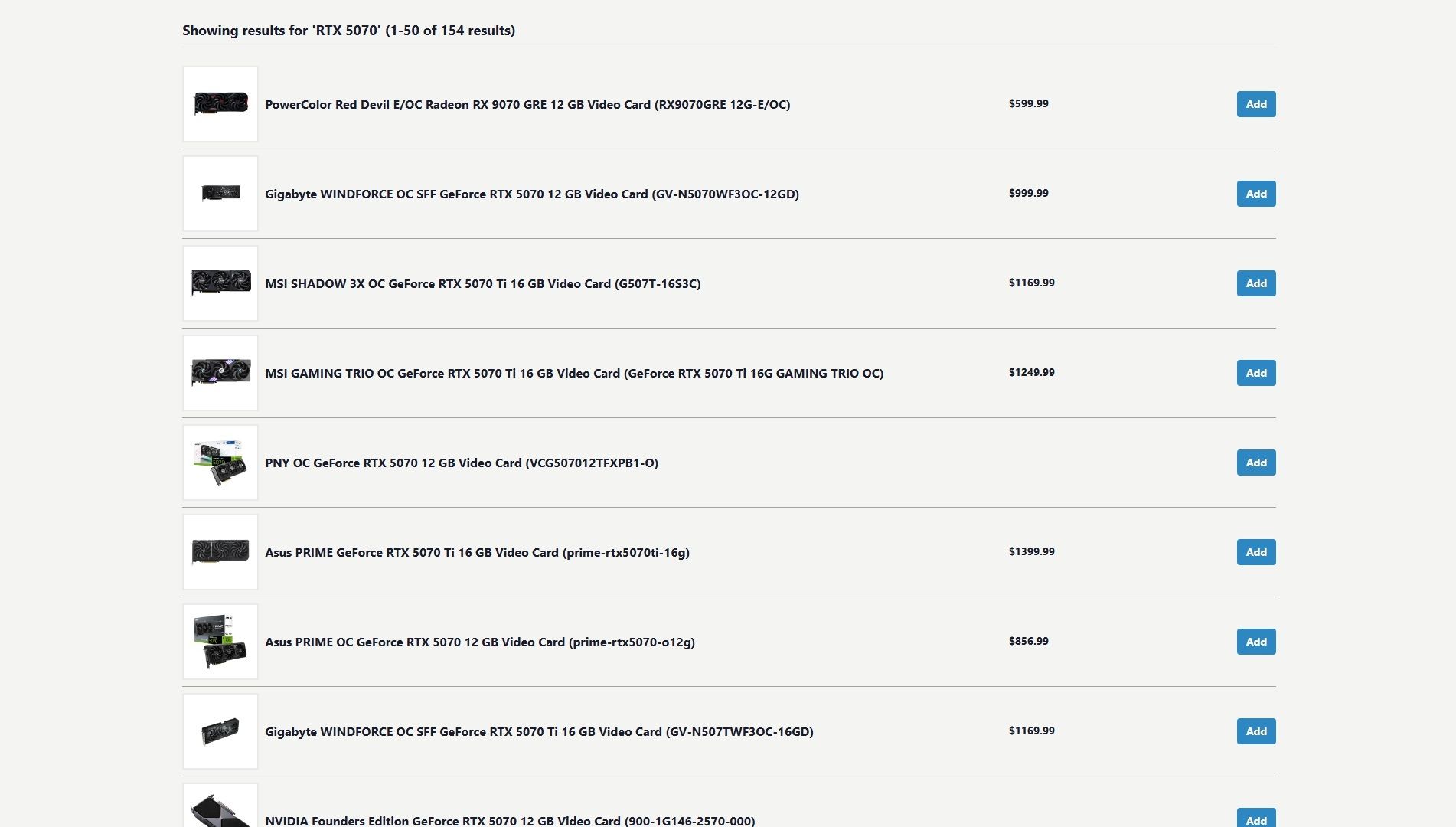
Prices for NVIDIA's RTX graphics cards continue to rise. The price hikes have gotten so bad that they now cost as much as regular mid-range laptops, and sometimes even more online.
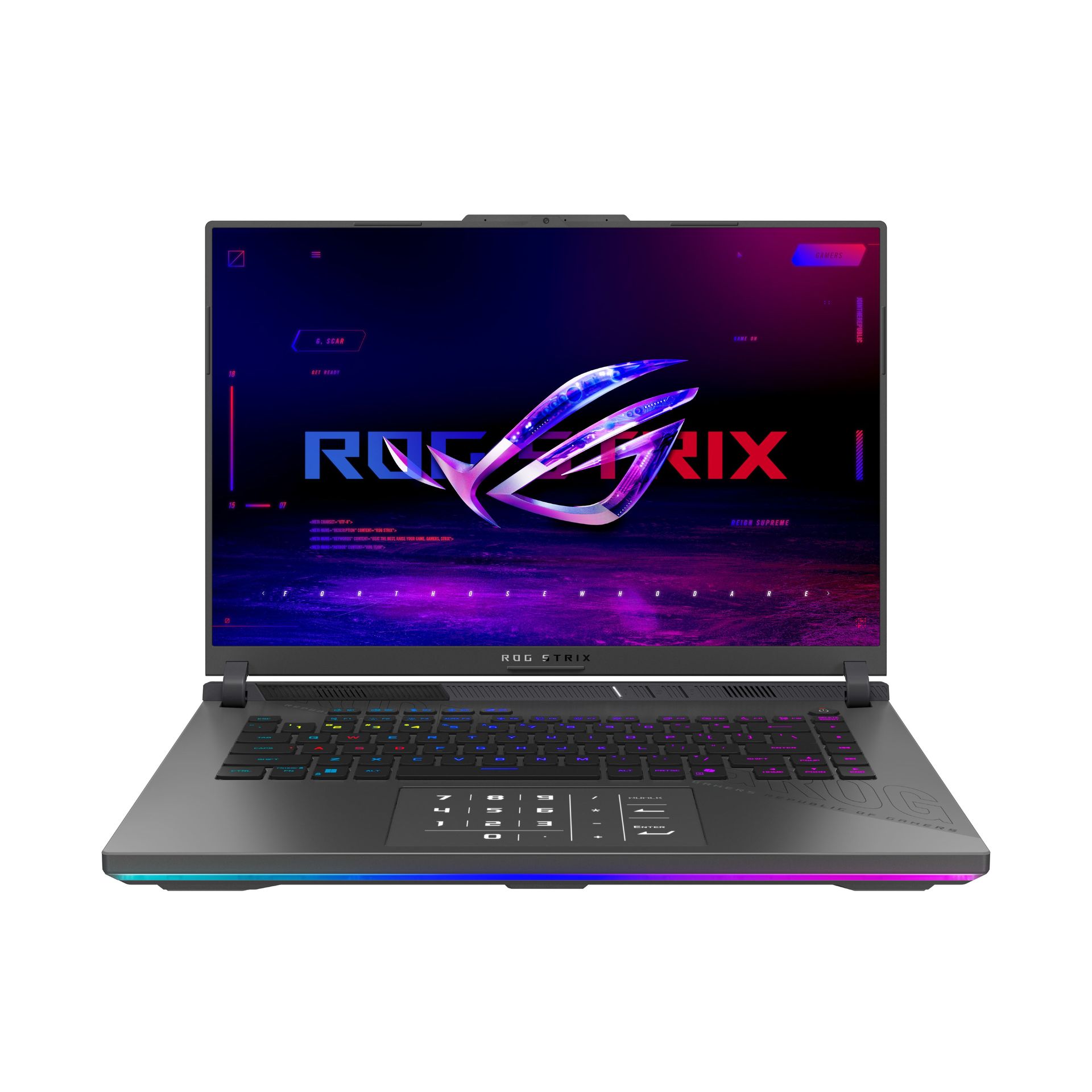
Fortunately, the ASUS ROG Strix G16, one of our favorite AMD gaming laptops equipped with an RTX 5070 graphics card, is currently 18% off at Walmart for $1,549.99 (was $1999.99) to help you get a more affordable means of enriching your PC gaming experience.
"The latest ASUS ROG Strix G16 takes full advantage of AMD's most powerful mobile processors to offer excellent performance and a consistent gaming experience, and may end up being an underrated value-play in the premium gaming laptop segment this year." ~ Zachary Boddy, former Staff Writer
While finding RTX graphics in pre-built gaming laptops isn't the cheapest method, it's better than trying to find them alone at official retailers that will charge nearly $1000 for an RTX graphics card alone, or worse, at 3rd-party retailers that will charge you thousands of dollars for them.
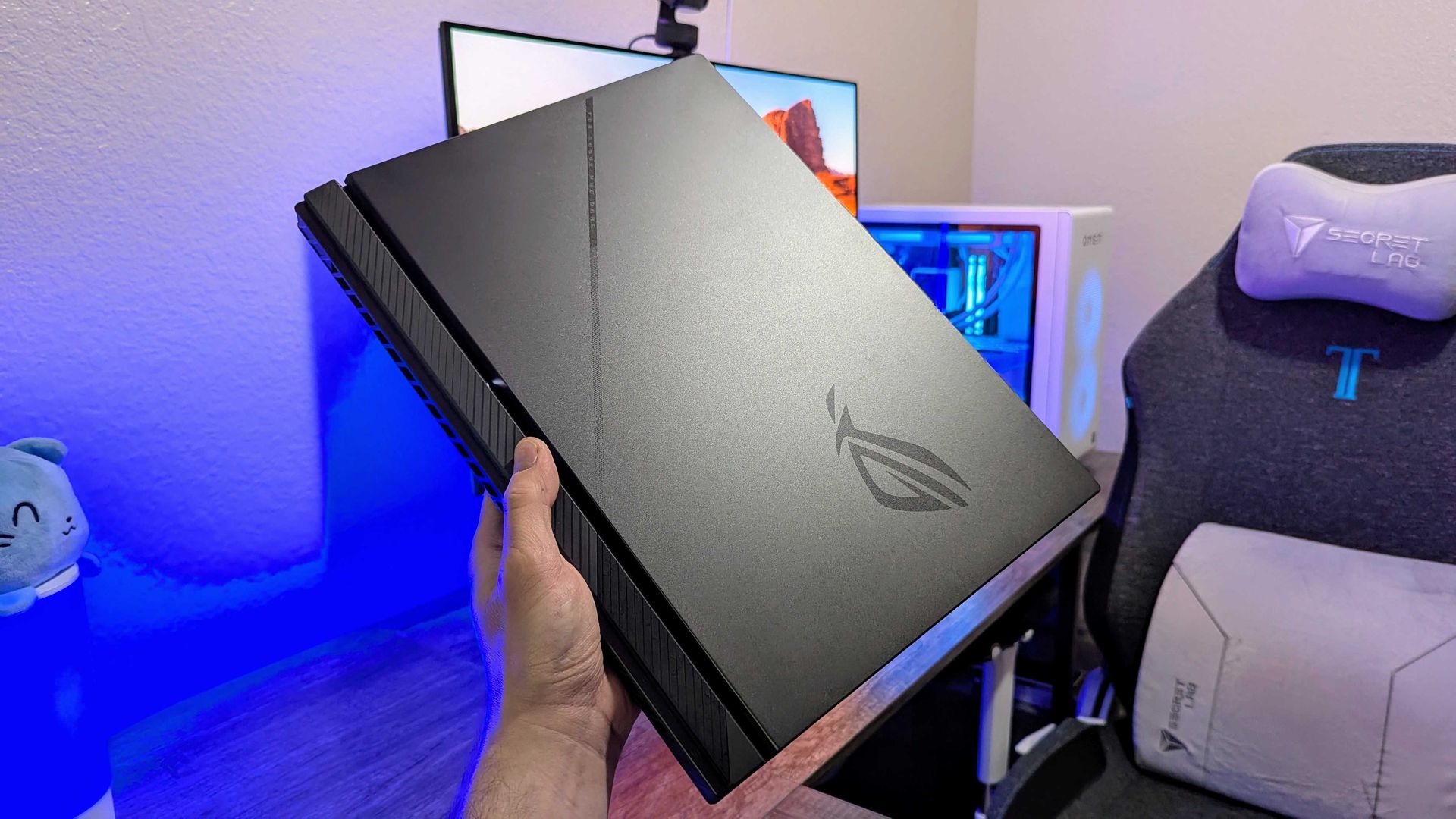
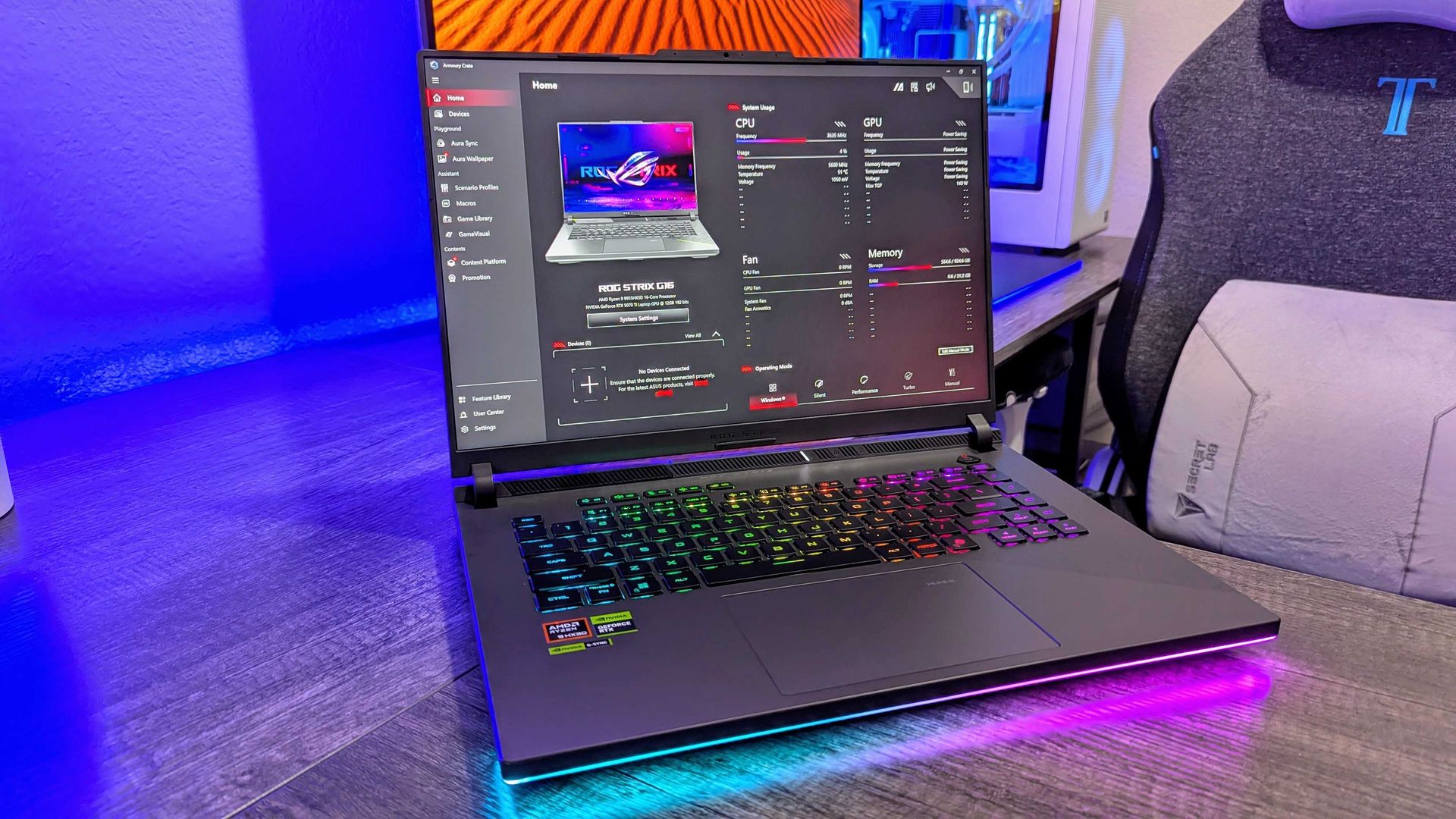
The ASUS ROG Strix G16 on display. (Image credit: Windows Central | Zachary Boddy)
That being said, you will totally get your money's worth when taking advantage of this 18% discount for the ASUS ROG G16 pre-built with an NVIDIA GeForceRTX 5070 GPU, as it's one of the best gaming laptops we've come across.
Thanks to its RTX 5070 GPU coupled with an AMD Ryzen 9 8940HX processor, 16GB of RAM, and a 1TB SSD, the ASUS ROG G16 can easily run titles like Forza Horizon 5 at 120fps/1600p or Cyberpunk 2077 at 60fps/1600p (with ray tracing enabled) with no framerate issues for smoother gameplay experiences.
Plus, the ASUS ROG Strix G16 sports a FHD+ display with a 165Hz/3ms refresh rate to enhance gameplay resolution and framerate stability, and an ACR film to enhance contrast while reducing glare.
On top of that, this gaming laptop features a state-of-the-art cooling system to stop it from throttling when running intensive games, and a three-month subscription code to Xbox Game Pass so players can enjoy the full benefits of Xbox on PC with the ASUS ROG Strix G16.
FAQ
Can I upgrade the ASUS ROG Strix G16's RAM and SSD?
The ASUS ROG Strix G16's DDR5 RAM can be upgraded up to 64GB via two SO-DIMM slots, and its storage can be upgraded up to 8TB via two M.2 NVMe PCIe 4.0 SSD slots.
Is it normal for the ASUS ROG Strix G16 to get hot?
Yes, it can get hot, around 90–94°C when running graphically demanding games or heavy workloads, but its cooling systems will keep it from overheating or throttling. That being said, it's recommended (though not required) to get a cooling pad to help it reduce temperatures slightly better.
What power modes are best for this laptop?
If you're planning on playing video games, turn the ASUS ROG Strix G16's Turbo and Performance Modes on to increase its frame rate performance. If you're just using it for everyday tasks, turn on Silent Mode to reduce fan noise so as to not disturb nearby colleagues.
Join us on Reddit at r/WindowsCentral to share your insights and discuss our latest news, reviews, and more.
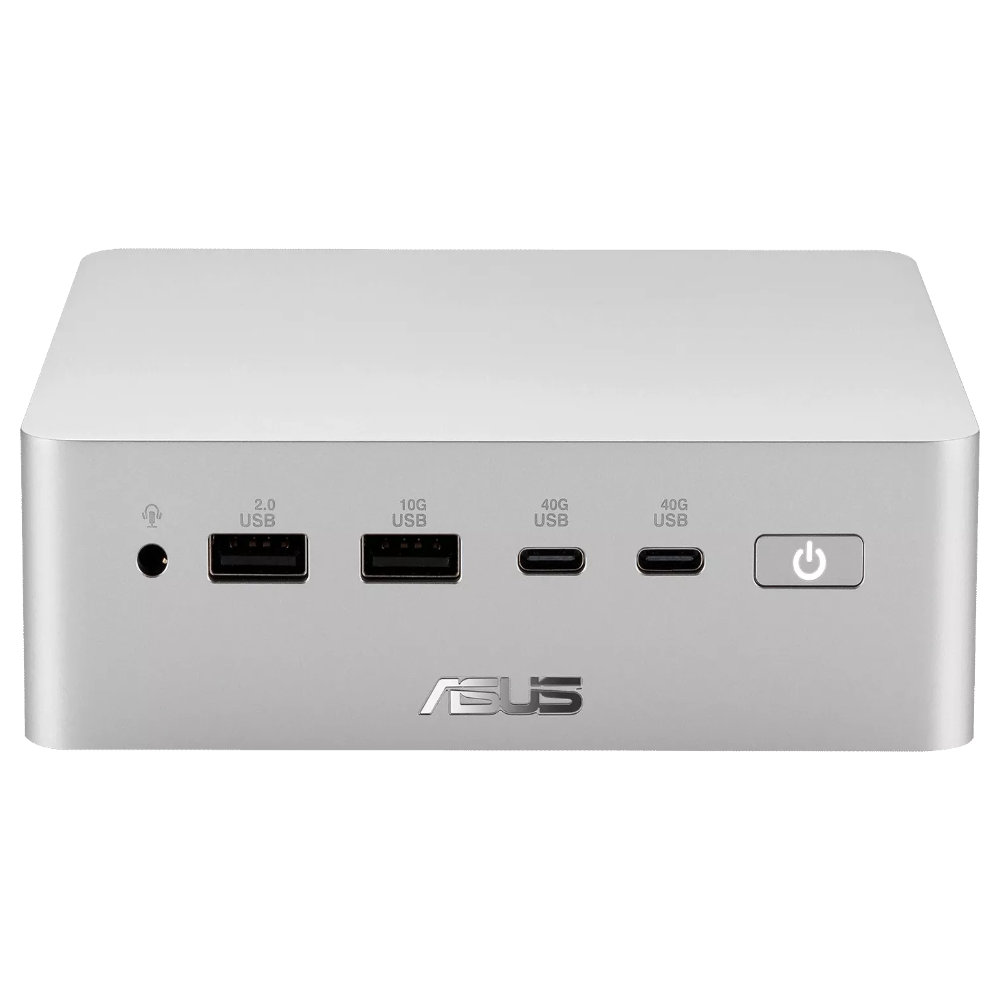
ASUS just started shipping the Ascent QN10, the first mini PC built around Qualcomm’s Snapdragon X2 Elite platform and its 80 TOPS NPU.
The 80 TOPS NPU is designed for local AI tasks such as language models, image processing, and automation workflows.
Up to this point, mini PCs running Windows on Arm have been largely dev kits, such as the Windows Dev Kit 2023. Those types of devices allowed developers to optimize apps for Arm, but they were not aimed at general customers. There have been some consumer mini PCs with Arm processors, but the Ascent QN10 is the first with the Snapdragon X2 Elite.
The ASUS Ascent QN10 is a very different device. It’s a consumer‑ready PC with an anodized aluminum chassis rather than the plastic developer boxes we’ve seen in the past. Our friends at Tom’s Guide said the Ascent QN10 “could be the Mac mini M4 alternative for Windows users.”
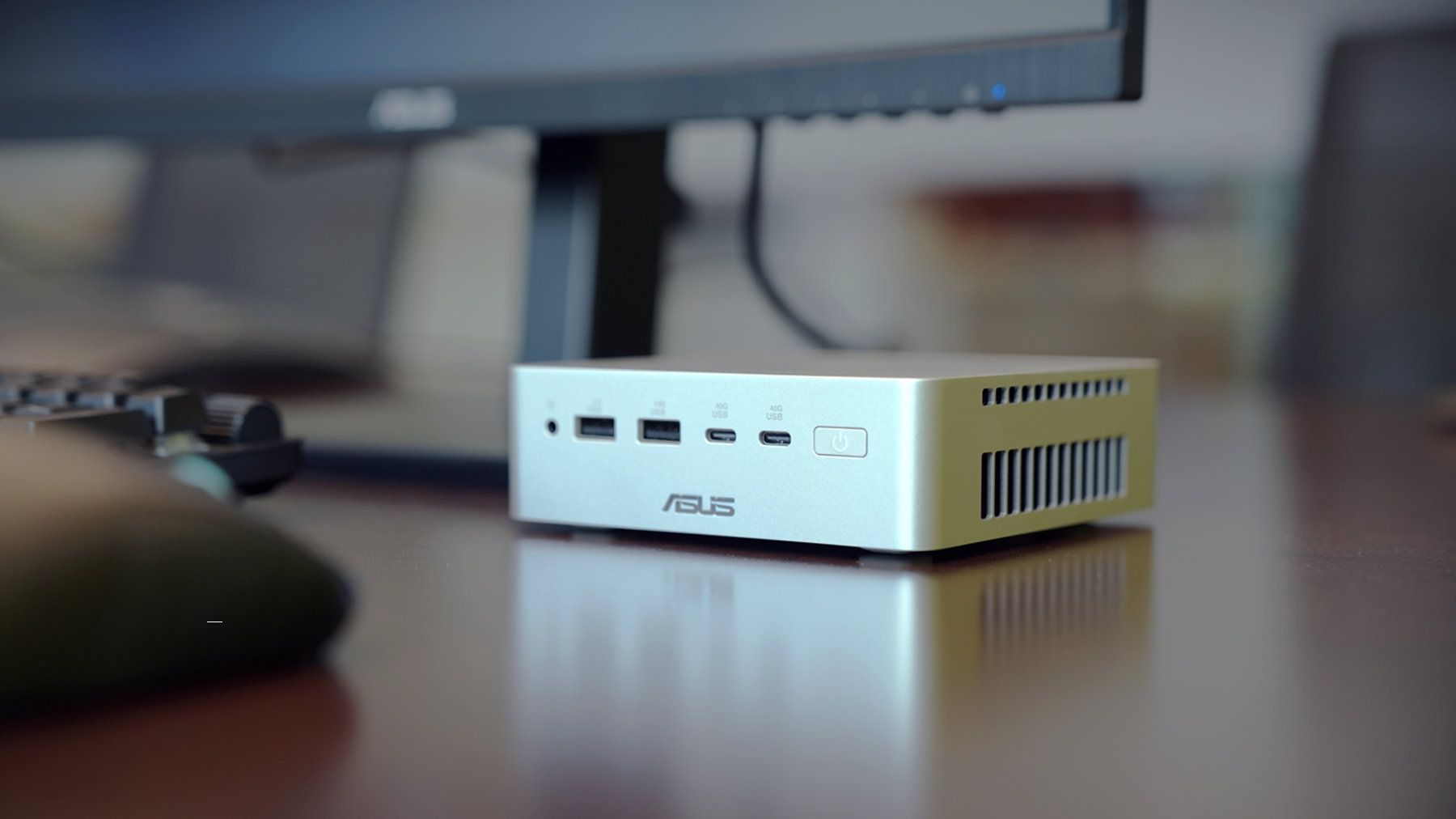
The Ascent QN10 has a 0.7-liter body, making it smaller than many of the best mini PCs. Despite the small body, it packs plenty of ports.
ASUS Ascent QN10 Specs
Processor
Qualcomm Snapdragon X2 Elite (18-Core Oryon CPU)
Graphics
Qualcomm Adreno X2-90
NPU
Qualcomm Hexagon (Up to 80 TOPS)
Memory
Up to 32GB LPDDR5x
Storage
512GB, 1TB or 2TB
Ports
2 x USB4, 2 x USB-A, 1 x 3.5mm audio jack (front), 1 x USB4, 1 x HDMI 2.1, 2 x USB-A, 1 x 2.5 Gigabit Ethernet (rear)
Connectivity
Wi-Fi 7, Bluetooth 6.0
Dimensions
5.1 x 5.1 x 1.5 inches
Weight
1.6 pounds
The specs of the Ascent QN10 received a small bump since our colleagues at Tom's Guide went hands-on with the mini PC. The Ascent QN10 features Bluetooth 6.0 rather than the older Bluetooth 5.4.
The Ascent QN10 has a clever cooling solution that keeps the heat from its CPU and SSD separate. Fresh air is brought in on one side of the device but then split and sent out separately on the other side of the device.
Overall, the Ascent QN10 looks like a strong first showing for Snapdragon X2 Elite in a mini PC. The big question is if there's a demand for an AI-focused mini PC running Windows on Arm.
The Ascent QN10 can access Qualcomm’s AI Hub, which provides over 175 pre‑optimized models and tools for testing and deploying AI workloads.
ASUS
Ascent QN10 Mini PC
This mini PC runs on a Snapdragon X2 Elite and has an NPU with 80 TOPS of performance. Those specs allow it to handle AI workloads effeciently despite the compact body of the mini PC.
Valve's popular Steam Deck handheld pushed handheld gaming PCs into the mainstream with its affordable, Linux-based console, and its potential successor seemingly aims to make the same impact. Speaking to IGN's Jacqueline Thomas, Valve software developer Pierre-Loup Griffais touched on the fabled 'Steam Deck 2' and whether the ongoing RAM crisis could affect its development.
We want to make sure there's a very delineated performance improvement for something like a future Steam Deck.
Pierre-Loup Griffais, Valve
When asked whether ongoing hardware shortages — which have already affected pricing for its Steam Machine PC and Steam Frame VR headset — have changed how Valve thinks about a Steam Deck successor, Griffais answered, "Not really." For now, it sounds like any potential 'Steam Deck 2' will target the same balance of performance and affordability as before, but is that realistic?
Steam Deck performance was crushed years ago
MSI Claw 8 EX AI+ stands as one of the best Windows-based handhelds today. (Image credit: Daniel Rubino)
For clarity, I use my Steam Deck almost every day, and it still powers through my library of built-for-Windows PC games with relative success. However, there's no denying its age, and the custom-made Zen 2/RDNA 2 APU doesn't stand a chance in many of the AAA games released in the past few years. For those demanding titles, plenty of Windows-based handhelds are far better suited.
Unfortunately, much like the Claw [8 EX AI+], the Steam Machine is a premium engineering marvel suffering from historically terrible macroeconomic timing.
Daniel Rubino, Windows Central
In that, I'm trying to stay grounded when I hear that Valve's plans haven't changed for the Steam Deck 2 (or whatever it might be called), because that never necessarily meant it would target the same price point as its first handheld. After all, the company just launched its new Steam Frame VR headset for $1,059, which is higher than it originally planned (via PC Gamer).
So, Valve is stuck between a rock and a hard place: sourcing a follow-up (presumably also custom-made) processor and the corresponding components for a mass-produced handheld without pricing it so high that it loses mainstream appeal. It won't be easy, and I wouldn't be surprised if we don't hear anything concrete about the Steam Deck 2 for a few years.
Join us on Reddit at r/WindowsCentral to share your insights and discuss our latest news, reviews, and more.
Amazon is prepping this year's Prime Big Deal Days event with 48 hours of more exclusive deals, kicking off on Tuesday, October 6, at 12:01 AM PT (3:01 AM ET), and running until Wednesday, October 7, 2026. Naturally, Windows Central is here to hand-pick the discounts that are worth your time, so you won't miss out on the best laptops, PCs, and Xbox gaming bargains.
Once fall arrives, there's so much to get ready for — and Prime Big Deal Days makes it easy to check it all off while saving.
Carmen Nestares, VP of NA Marketing and Prime Tech
You'll need an active Amazon Prime membership (or a 30-day free trial) to take advantage of the exclusive tech deals, with new savings appearing as "Today's Big Deals" throughout the event, running until stock runs dry. Still, if anything sells out, we'll point you in the right direction for alternatives.
Amazon generally offers significant discounts on first-party hardware like Alexa smart speakers and Fire smart TVs, as well as a wide range of laptops and gaming accessories, but its competitors also offer savings on their own. Windows Central is here to find the best deals using our expertise and advice based on real-world experience, so check back often!
Do I need Prime membership for Big Deal Days?
Yes, to enjoy all Prime Day discounts, you need a paid membership or, if you haven't previously registered, a 30-day free trial.
New members can enjoy exclusive Prime Day discounts for free and cancel anytime. After the trial, membership is $14.99/month plus tax. Includes access to games via Prime Gaming alongside Prime Video and Prime Music.
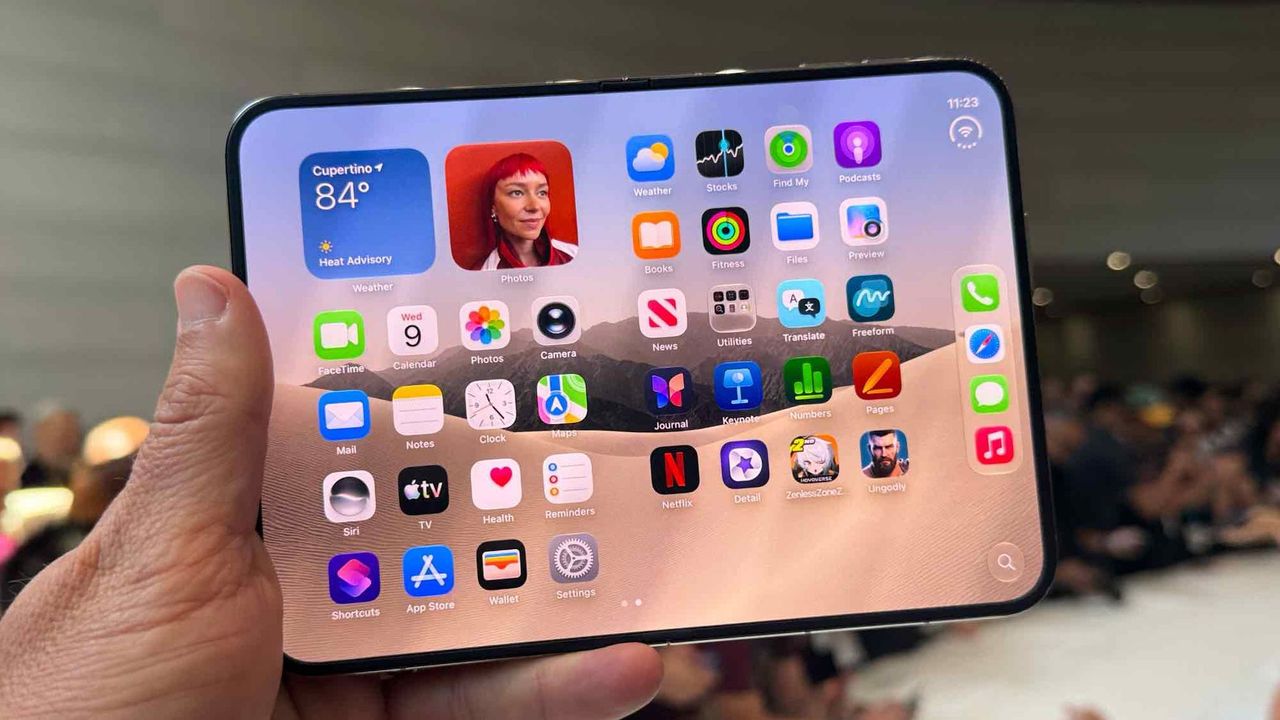
Apple unveiled the iPhone Duo this week, taking the tech world by storm and dominating social media. While folding phones are hardly new, Apple used some clever tricks to make the iPhone Duo stand out. Apple's classic approach of perfecting a product category after other companies have tested the waters is fully on display.
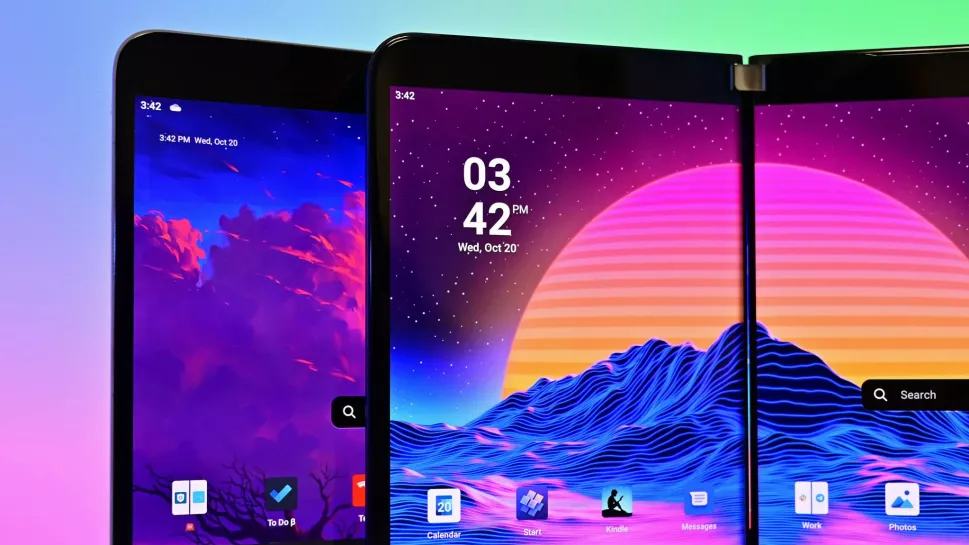
From the passport-like aspect ratio to multitasking to the literal name of the device, it's clear that Apple took inspiration from Microsoft's foldable. It appears that someone in the Apple marketing department had a bit of fun with this fact.
So it turns out, it's more than just the name that Apple borrowed. iPhone Duo is the first folding phone I've seen copy the Surface Duo's unique multitasking and windowing system pretty much 1:1!https://t.co/4KDClS9JxgiPhone Duo can treat each half of the folding display as… pic.twitter.com/gtsnIcbSEXSeptember 10, 2026
In a video demonstrating the multitasking capabilities of the iPhone Duo, Apple chose to have an article from Surface Magazine appear on the screen. That piece is not just a mockup made by Apple, it's a real article that was published in 2018.
It's an interesting read about how Comporta, Portugal became a hot spot for architecture and how the area evolved from its agricultural roots. It also seems to have nothing to do with the iPhone Duo, at least directly.
I confess that I'm not an Apple historian. There is a chance that Comporta's rich architectural history is somehow related to the iPhone Duo, but that seems unlikely.
Before joining Windows Central full time, I worked for a company that presented on stage at WWDC. While I wasn't part of making that presentation, I have experience working on a team that makes videos for that audience.
Marketing videos are meticulously edited. At a company the size of Apple, every single frame that appears on stage will have been looked over several times by an entire team of people. There's almost no chance that the word "Surface" appeared by accident. The only debate that's possible is arguing that there's some other reason for it to appear.
Easter eggs like this are commonplace in the tech industry. Heck, Office 97 had an Easter egg that was not discovered until this year.
I suspect the appearance of Surface in the iPhone Duo announcement is a mixture of a playful jab at Microsoft and a nod to the work done on foldables to refine the category.
Join us on Reddit at r/WindowsCentral to share your insights and discuss our latest news, reviews, and more.
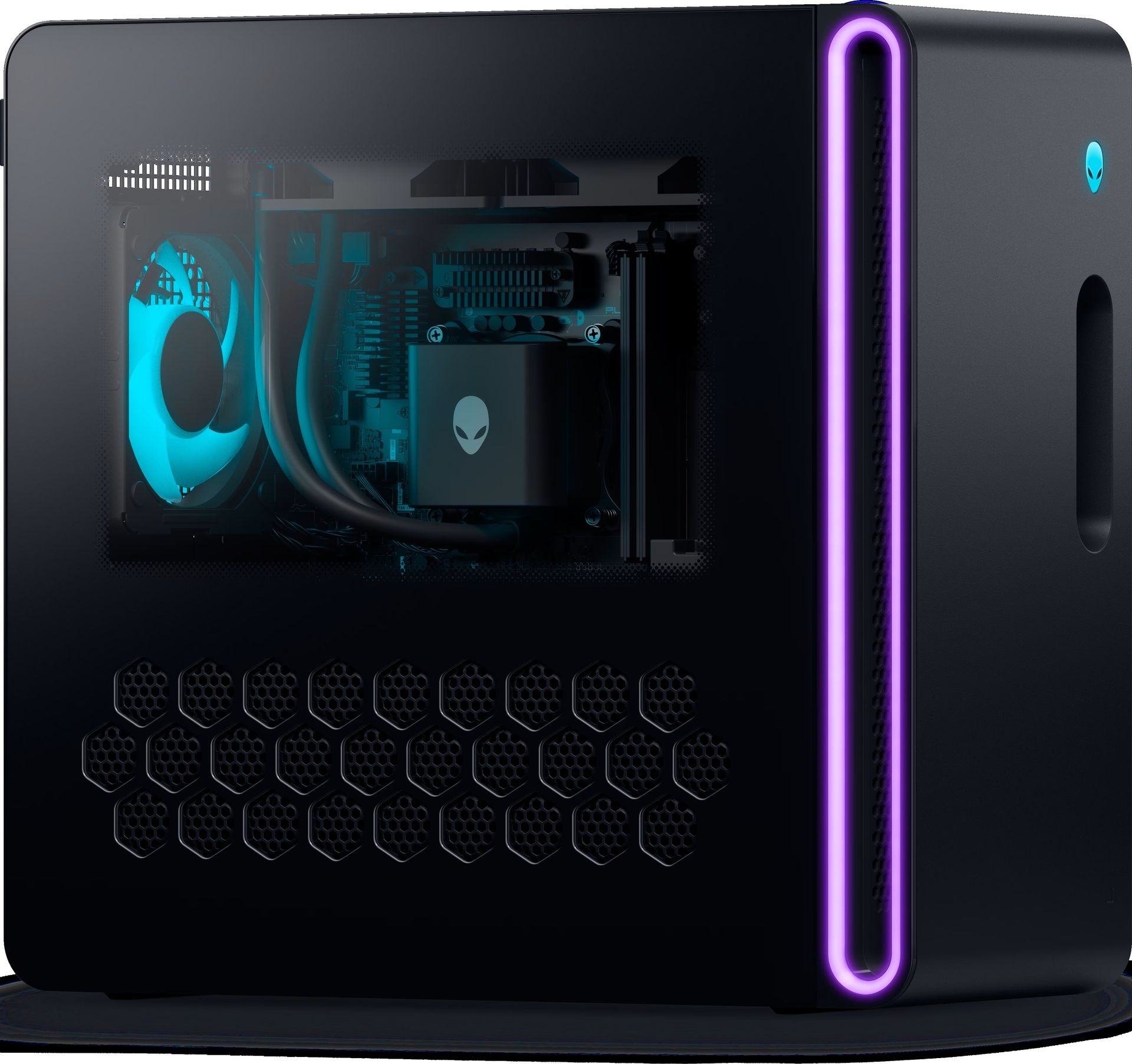
The memory crisis rages on, driving PC gaming prices through the roof. But that won't stop Dell (as Alienware) from offering powerful gaming desktops and letting players enjoy their favorite titles at high resolutions and smooth frame rates.
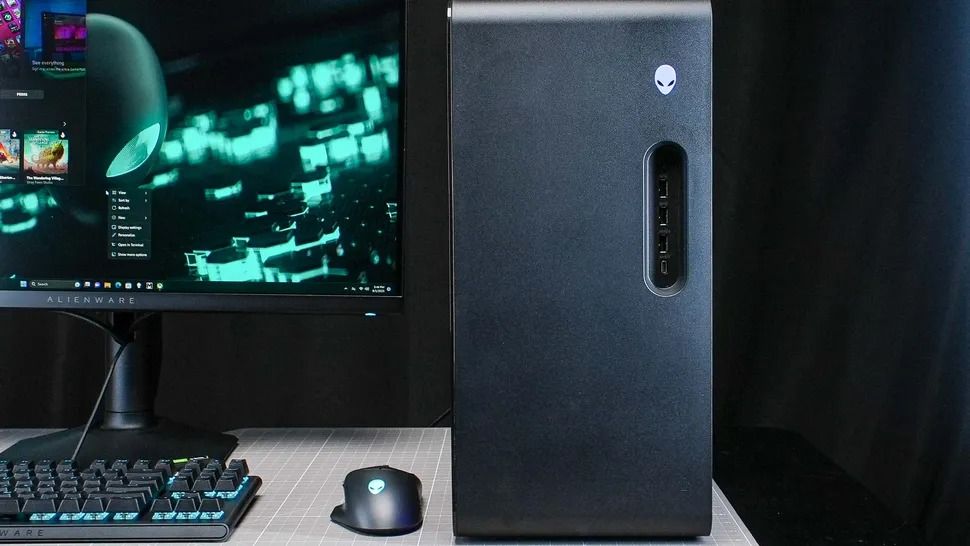
One rig in particular is the Alienware Aurora Gaming Desktop, currently discounted by $1,000 and offering an RTX 5070 (12 GB) GPU, 32GB of DDR5 RAM, and an Intel Core Ultra 7 265F CPU configuration for $2,229.99 at Dell (was $3,229.99).
"The Alienware Aurora R16 delivers great gaming performance at a whisper thanks to its powerful components and enhanced cooling technology." — Tony Polanco, Senior Computing Writer, Tom's Guide
It didn't earn these top review scores lightly either, as the Alienware Aurora R16 configuration that's on sale is equipped with some of the most mainstream and capable hardware for gaming.
These include an NVIDIA GeForce RTX 5070 graphics card to help it run graphically intense games like Cyberpunk 2077 at 1440p and 60fps (with some DLSS support), 32GB RAM to help it maintain stability during heavy multitasking (like playing a game while opening several browser tabs), and an Intel Core Ultra 7 265F CPU to aid it during content creation (like photo editing and rendering graphics) or everyday tasks (like browsing the web or writing reports).
It also has a 1TB SSD, so the Aurora can store plenty of game files or work folders that can be transferred in mere seconds.
To top it off, the Alienware Aurora Gaming Desktop has a superb ventilation and cooling system that will prevent this gaming PC from overheating during heavy-duty tasks while keeping it quiet.
Extra accessories for the Alienware Aurora Gaming Desktop
So if you're looking for a reliable gaming PC rig that can play the best PC games at their full graphical potential while getting some work done on the side in a jiffy, then you won't regret snagging the Alienware Aurora Gaming Desktop, now on sale for $2,229.99 at Dell.
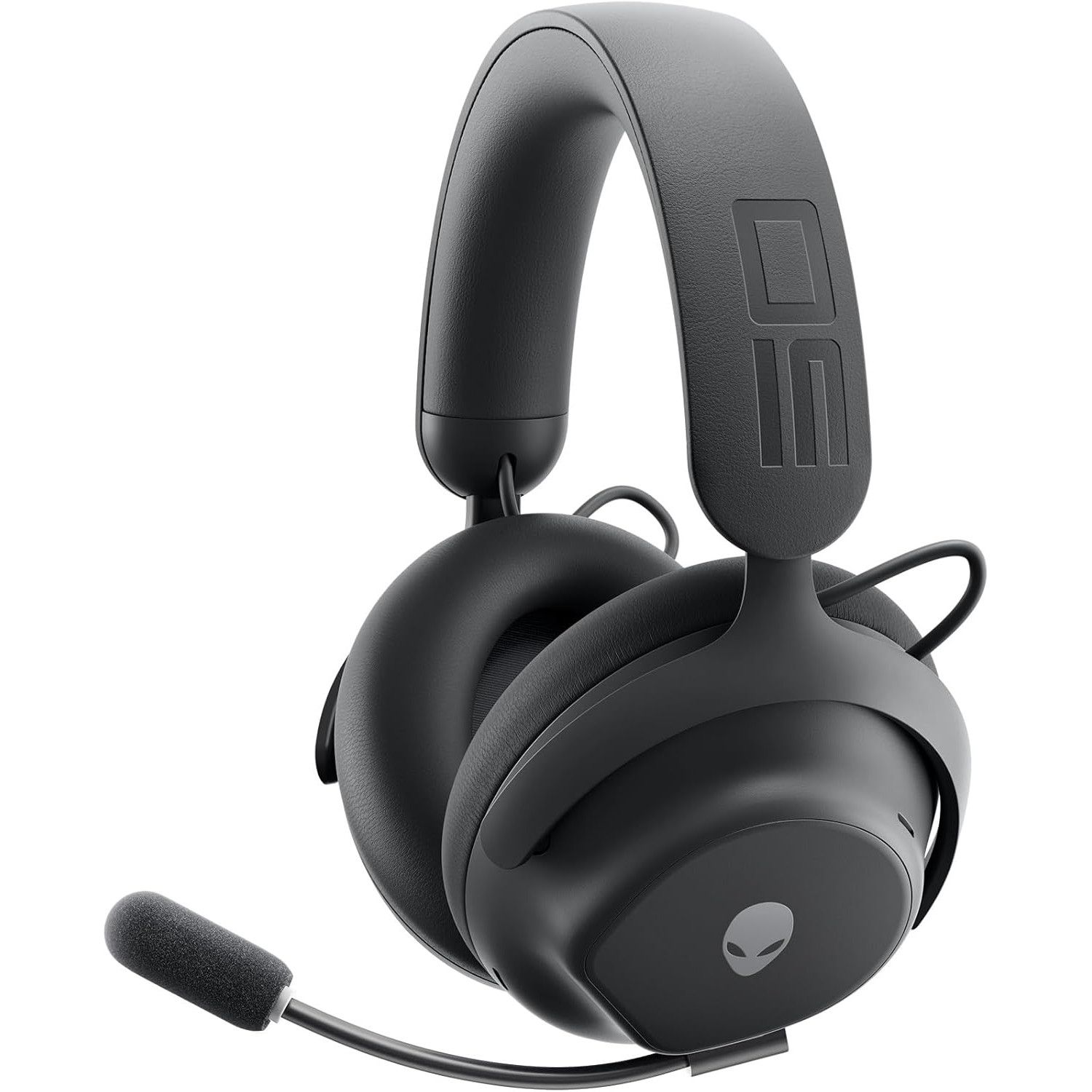
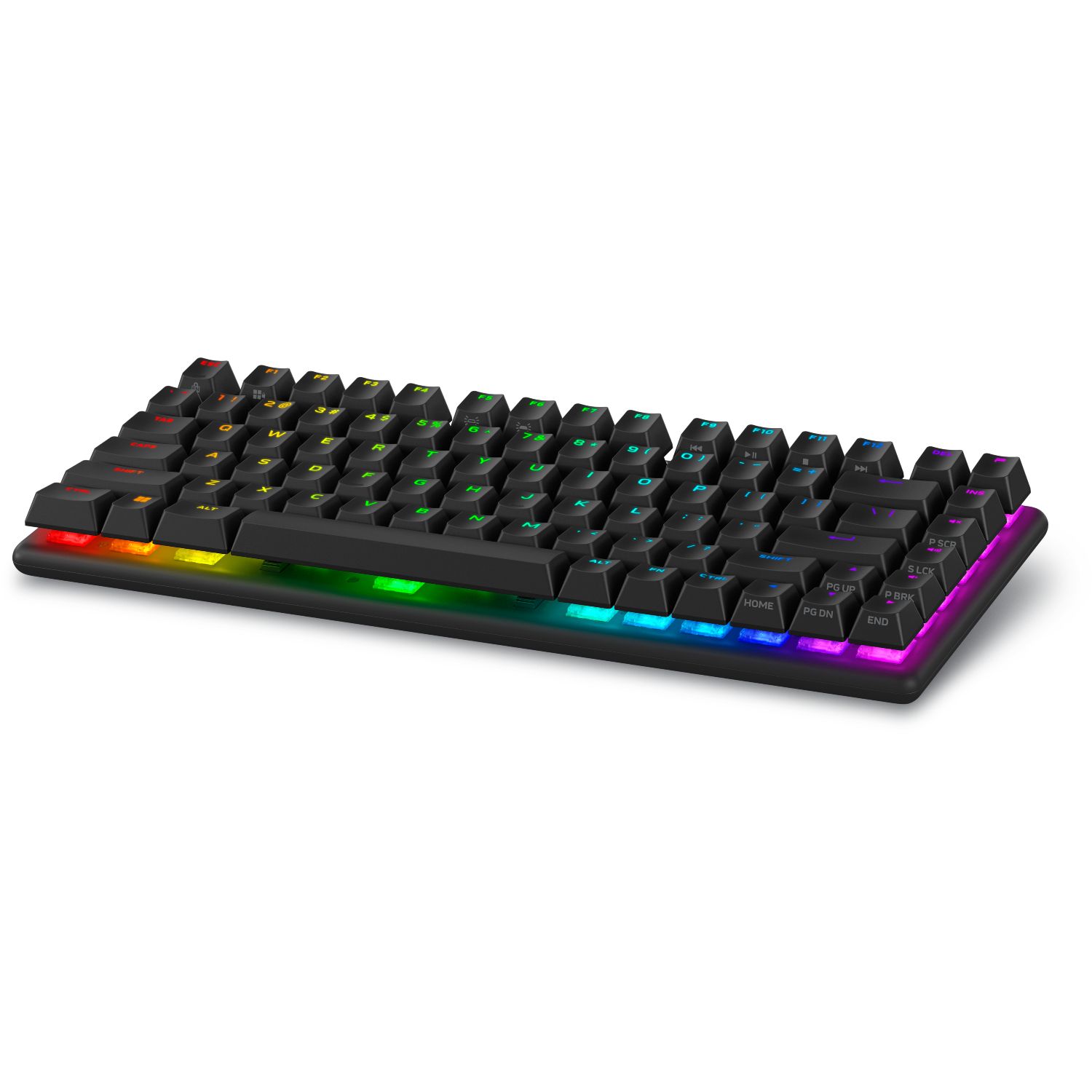
While you're at it, here are some additional discounted accessories to help complete your Alienware Aurora Gaming Desktop setup and enhance your gaming experience.
"Developed in collaboration with over 100 esports professionals, it stands as one of the best wireless gaming headsets and has dethroned my favorite Razer option as my daily driver." — Brendan Lowry, Contributor, Gaming
"Build quality is exceptional, typing feels great, and gaming performance is flawless. It's light on extra features at this price point, but the core experience is good enough to make up for it." — Zachary Boddy, former Staff Writer
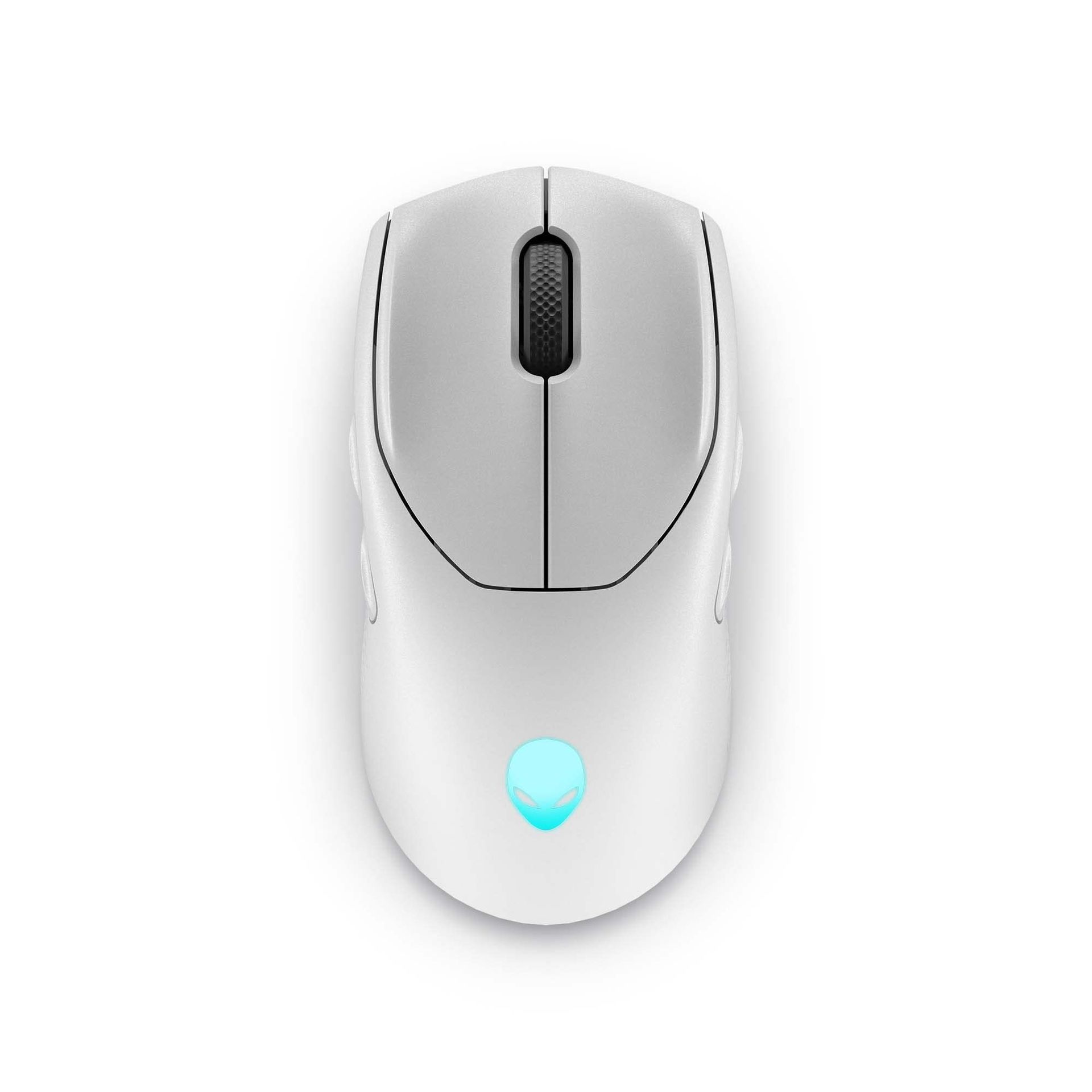
"Dell knocks it out of the park again with the excellent Alienware AW720M gaming mouse. Sleek, lightweight, and gorgeous, this mouse sports some serious hardware and specs." ~—Allisa James, Computing Staff Writer
Yesterday, Apple unveiled iPhone Duo, much to the dismay of the dozens of die-hard Surface Duo fans that opted for Microsoft's now defunct line of foldable phones. Of course, the name of the product was what drew immediate comparisons to Surface Duo, but as the keynote went on, it quickly became evident that it isn't just the name that Apple was interested in.
Ever since Surface Duo launched in 2020, I have heralded it as the best multitasking phone you could buy. No other folding phone, whether that be from Samsung, Huawei, Oppo, Honor, Xiaomi, or Google, have matched the Surface Duo from a pure multitasking perspective.
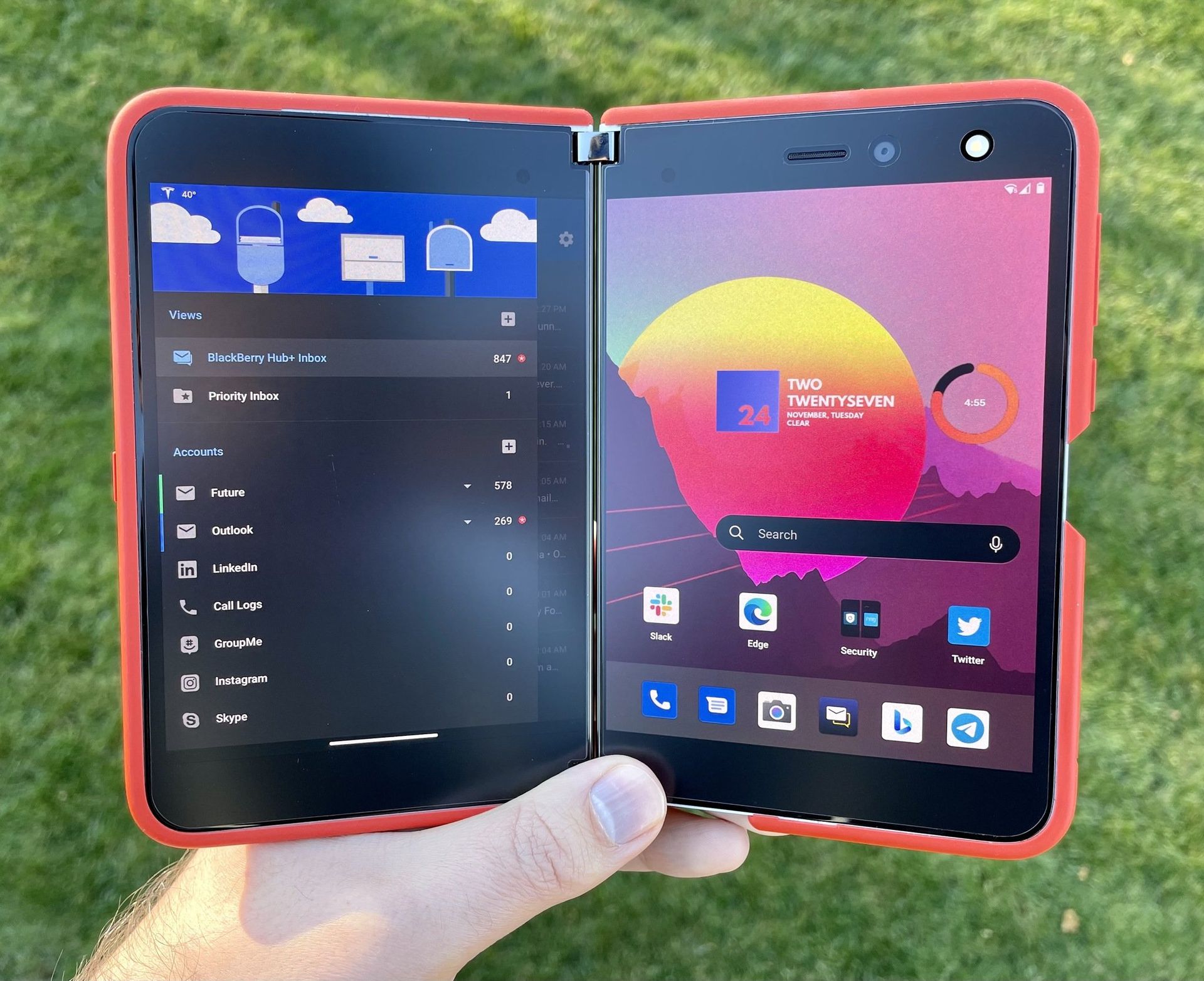
The dual-screen setup allowed for Microsoft to create a new user experience around the gap between the screens, and that led to a unique experience that made multitasking automatic. Open your app on one screen, and the other screen would remain on the home screen, available whenever you need it to begin another task.
Surface Duo multitasking allowed for both halves to work independently or in unison. (Image credit: Daniel Rubino / Windows Central)
If the second screen was free, opening links would open them on the other screen, allowing you to keep viewing the first app without it being obscured by your browser. You could swipe up from the bottom and drag the app across both screens, swapping them in place or spanning a single app across both screens for a totally immersive experience.
No other folding phone has ever matched this level of fluidity or multitasking prowess. Most single-screen folding phones opt to treat the large folding screen as a tablet screen, opening apps full screen and requiring gestures or modes to enter a special "multitasking view" that allows you to run the apps side by side. The OS isn't able to dynamically do this, unlike the Surface Duo.
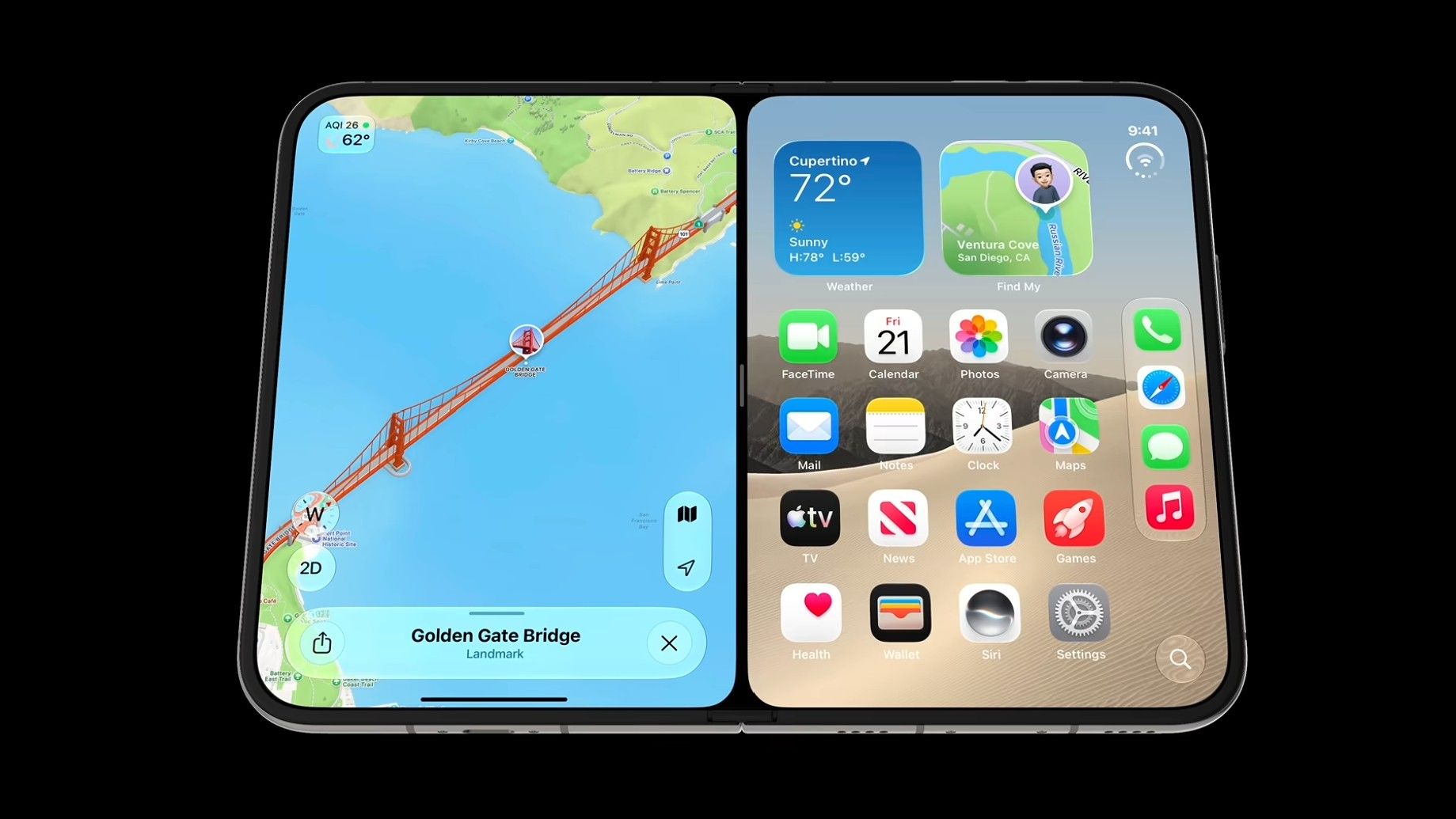
Well, it turns out, iPhone Duo can. I've never seen another folding phone match the Surface Duo's multitasking design, but iPhone Duo does almost identically. In multiple demos, Apple shows the iPhone Duo opening an app, and letting users split it side by side with another app by dragging the app up and docking it to the left or right of the screen.
iPhone Duo lets you treat each side of the folding screen as independent. Just like Duo. (Image credit: Apple)
When you do this, the iPhone home screen appears on the other side, just like Surface Duo. From there, you can open another app, and swap sides with it by doing the same drag and drop gesture you do on Surface Duo. It even opens links in a browser next to your app automatically, just like Surface Duo.
Surface Duo had a lot of flaws, but one thing it got absolutely right was the fluidity and automagic-ness of its multitasking experience. Users were in control of where apps appeared, and it was easy to move apps between the two halves, and have them run side by side. In most instances, multitasking on Surface Duo was an automatic experience. I never had to cognitively initiate a multitasking mode, it automatically happened.
It looks like iPhone Duo is opting for the same design philosphy. User shouldn't need to initiate a complex gesture or mode to multitask. It should just happen when it makes the most sense. If you need to open an app next to your currently open one, just drag the app to the side and open the second app from your familiar home screen.
If you tap a link, it should open the browser next to your current app, not on top of it like so many other Android phones do. Both Surface Duo and iPhone Duo appear to do this correctly, and that's the biggest surprise in my book. It's not just the name Duo that Apple borrowed, it's the entire multitasking design ethos as well.
You can see this in action in this video:
I'm not even mad about it, I've always said that I wish another company built the Surface Duo, because it wasn't fair of Microsoft to debut the best multitasking experience I'd ever seen on a phone, only to kill the product two years later. Apple has taken the best of Surface Duo and implemented it onto its own iPhone Duo, which is a win for Surface Duo fans in my book.
And it's not just the software multitasking and windowing that Apple have copied. iPhone Duo also supports pen, another feature that was incredibly popular on Surface Duo. Many people used their Surface Duo's as a personal diary or note taking device, and it did that quite well. iPhone Duo also supports pen input via the Apple Pencil, which is awesome to see.
I think Apple even indirectly referenced the Surface Duo during their keynote. At the start of the iPhone Duo segment, Apple says "others have created foldables that just feel like two phones awkwardly stuck together." The only folding phone that was literally two phone screens stuck together was Surface Duo.
Apple is right in that you can mimic the setup of a dual-screen phone 100% on a single screen folding phone, and that's exactly what they've done with iPhone Duo. All the dual-screen multitasking behaviors have been implemented on the folding screen, and it still works great.
Surface Duo fans, I fear we may finally have our Surface Duo 3 in the form of iPhone Duo. Too bad it costs $2,000.
Join us on Reddit at r/WindowsCentral to share your insights and discuss our latest news, reviews, and more.
Apple didn't shock the world this week by unveiling the iPhone Duo, but it has taken the tech world by storm. With Apple joining the folding phone fray, we now have millions of people considering foldables that never would have considered the category.
But the iPhone Duo announcement stood out to me for another reason. It shows what happens when a company knows its own identity and leans into it. Apple is far from the first company to make a foldable phone, but the iPhone Duo tackles foldables in a way that's quintessentially Apple.
In normal Apple fashion, the company bided its time and waited for Samsung, Motorola, Xiaomi, and other companies to work out the biggest issues with foldables. Through years of trial and error, other manufacturers have determined the best form factor for a folding phone. They've also figured out use cases for folding screens and the large displays provided by what are essentially tablets that fold into phones at this point.
Apple's patient approach does more than give its engineers real-world feedback about a product category. By waiting until foldables became normal, Apple has left potentially the most difficult task to be completed by other companies: getting people to even consider a folding phone that costs a fortune.
Every time Apple introduces a new product or feature that's been seen elsewhere, people online joke about Apple "inventing" things. I get it. It's an easy joke and some Apple heads are smug and ignore advances made by other companies. But Apple's strategy works. In addition to making Apple money hand over fist, it creates good products.
Apple knows what it is. The leaders at Apple have a clear strategy and know how to make new products. Microsoft is lost when it comes to Surface, and the iPhone Duo shows that.
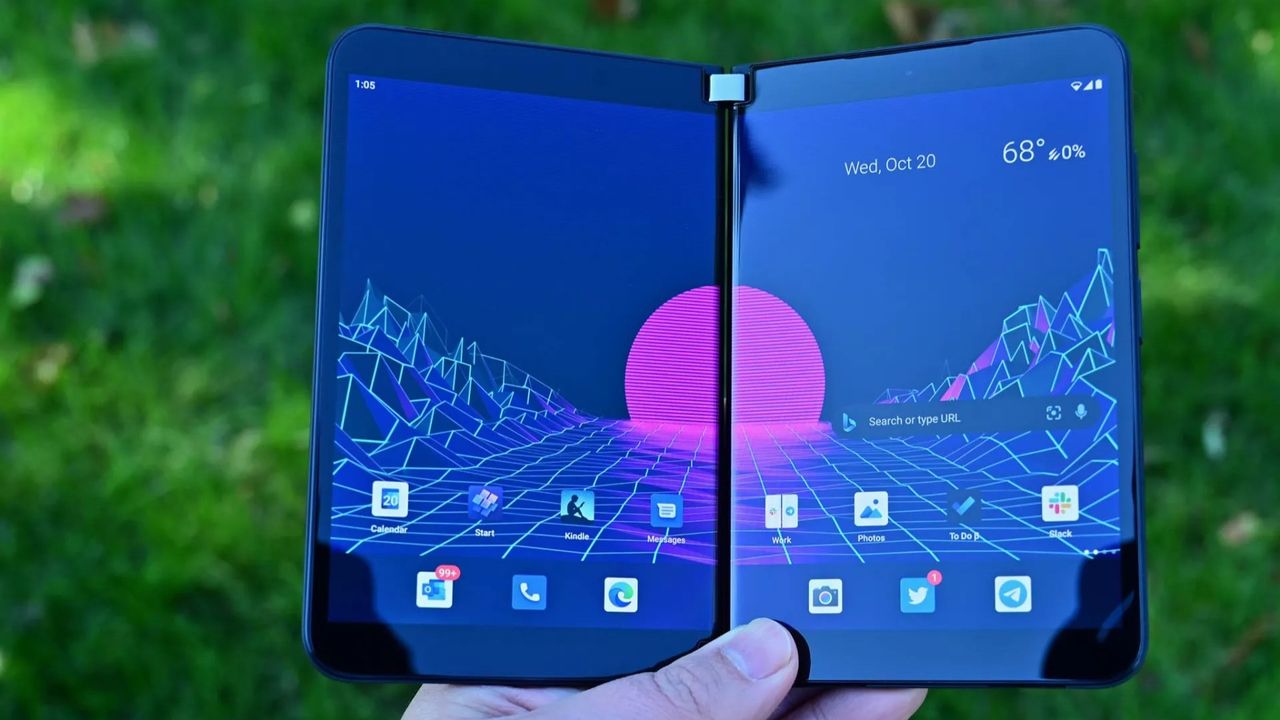
The Surface Duo pushed boundaries but was later abandoned by Microsoft. (Image credit: Future)
Before you jump to the comments, I am fully aware that Microsoft had a foldable phone years before Apple. The buggy mess that was the Surface Duo launched in 2020. After silently fixing a few bugs and realizing people want NFC and good cameras in a smartphone, Microsoft unveiled the Surface Duo 2. But Microsoft abandoned the Surface Duo lineup and never even released the Surface Duo 3, so I'm not going to give it the benefit of the doubt.
By not sticking with the Surface Duo lineup, Microsoft gave up its pioneer status. The company could have made a Surface Duo 3 that addressed concerns and then unveiled a model with a folding screen by now. But instead, Surface Duo is dusted.
When it comes to tech, you need to carve out a niche. That's often done by being the first, the best, or the most affordable. You can also succeed by being unique or by being over the top. Surface used to check some of these boxes, but it rarely does anymore.
What is Surface in 2026? It's no longer the innovative hardware maker that drove the 2-in-1 form factor. Experimental projects have been pushed to the wayside, leaving Lenovo to pick up the slack. Surface PCs were never the most affordable, and I'd argue they aren't even the best options in their respective categories anymore.
Microsoft has shown some small signs of moving in the right direction with the Surface Laptop Ultra, but I still have my reservations. Surface still seems lost, and I don't see Microsoft returning to the experimental roots of the product family.
Microsoft no longer pushes the limits of computing with experimental hardware. But it also does not wait long enough to see a category fully mature and then swoop in with a perfected version. Surface is stuck in the middle of a crowded PC space and feels like a leftover appendage of a bloated company.
Join us on Reddit at r/WindowsCentral to share your insights and discuss our latest news, reviews, and more.
Ever since the MacBook Neo launched earlier this year, Windows OEMs have scrambled to ship devices that match it from a design and price perspective. Until this year, most Windows OEMs weren't all that interested in insuring their sub-$1,000 laptops were pretty, but that has all changed in recent months.
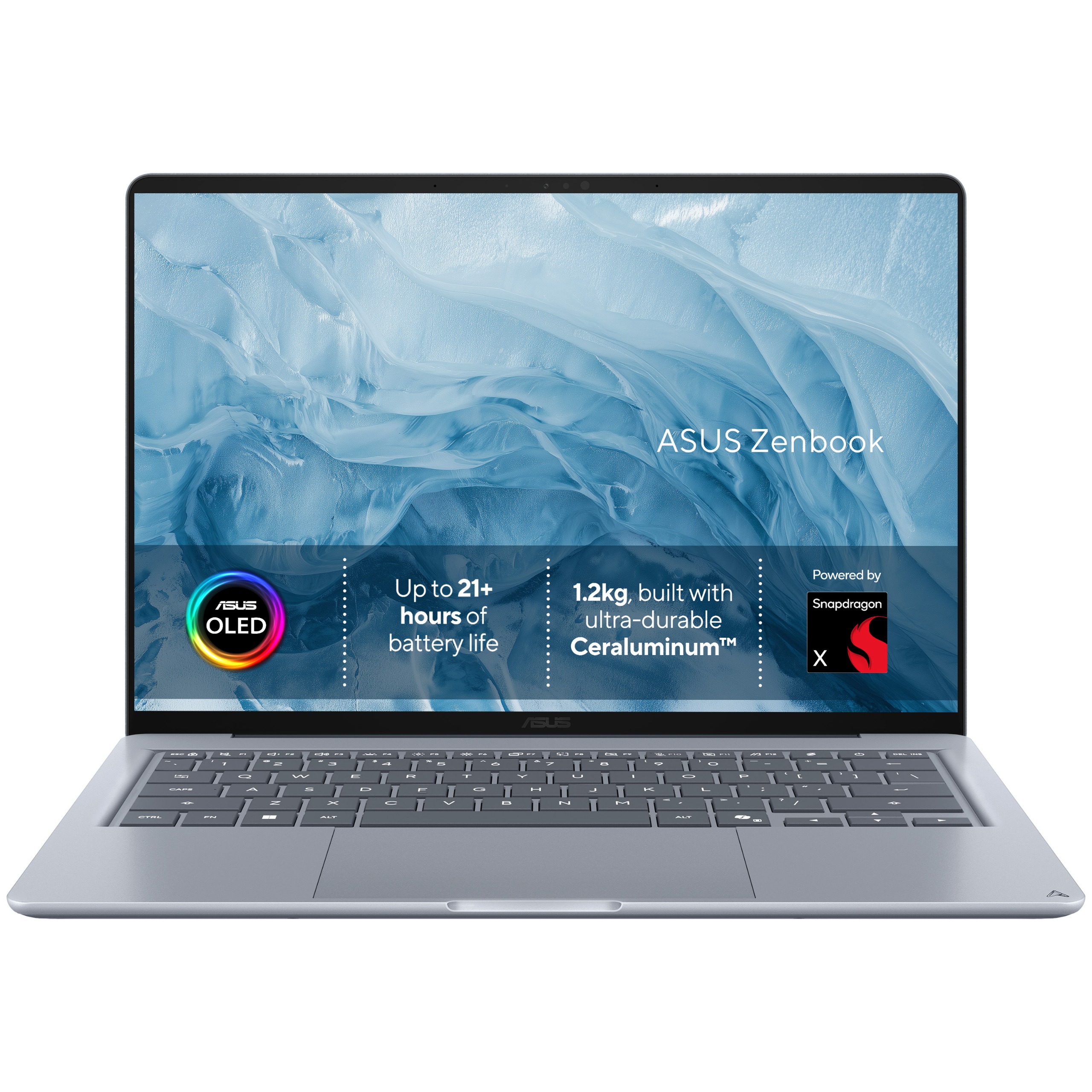
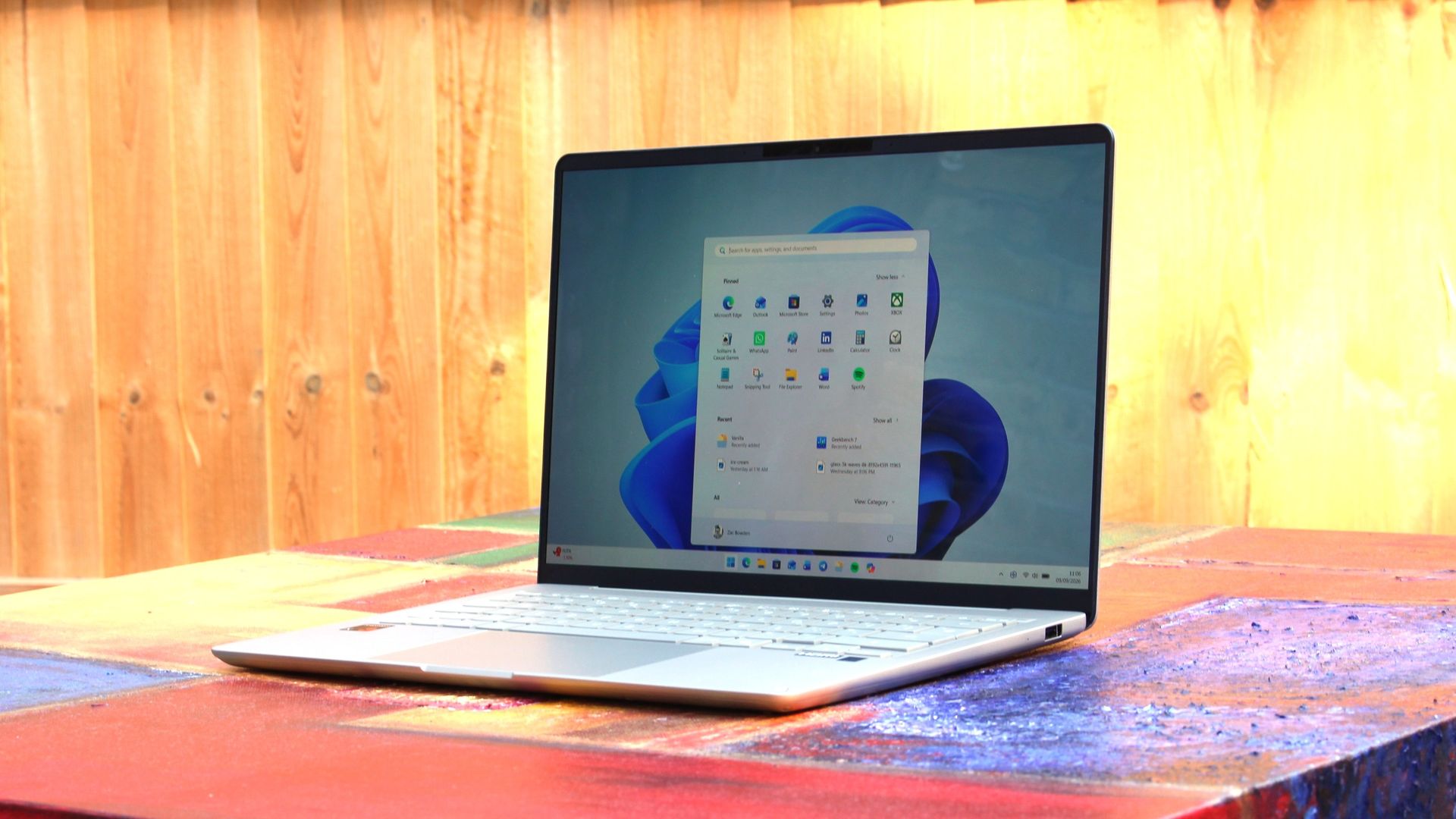
OEMs like Dell and Acer have come out with $799 laptops that match the MacBook Neo in design and premium build quality, and now ASUS is joining the fray with their own $799 Windows laptop that also looks the part. The new ZenBook 14 with Snapdragon X is one of the better $799 Windows laptops we've tested, thanks to its premium design and excellent OLED display.
I've been daily driving the ZenBook 14 over the last few weeks, and this is my full review.
This review was made possible via a sample unit supplied by ASUS. The company had no editorial input and did not see the contents of this review before publication.
ASUS
Zenbook 14 (UX3480 Snapdragon)
The ASUS ZenBook 14 with Snapdragon X is ASUS's first true MacBook Neo competitor. Coming in at $799, it features a 1080p OLED display, excellent keyboard, plenty of ports, good performance and all day battery life.
Category
Specification
Model
UX3480QA
Operating System
Windows 11 Home
Processor
Snapdragon X X1 26 100 (30MB Cache, up to 2.97GHz, 8 cores, 8 threads)
Graphics
Qualcomm Adreno GPU
Neural Processor
Qualcomm Hexagon NPU up to 45 TOPS
Display
WUXGA (1920×1200) OLED, 16:10, 0.2ms response, 60Hz, 100% DCI‑P3, 1,000,000:1 contrast, 16.7M colors, 70% less blue light, non‑touch
Memory
16GB or 8GB LPDDR5X (on board)
Storage
256GB M.2 NVMe PCIe 3.0 SSD
Expansion Slot
1× M.2 2280 PCIe 4.0×4
I/O Ports
2× USB‑C (USB 3.2 Gen 2, display & power delivery) 1× USB‑A (USB 3.2 Gen 1) 1× HDMI 2.1 TMDS 1× 3.5mm audio jack
AI Noise Canceling, Live Update, TaskFirst, WiFi SmartConnect, Function key lock, Splendid, Fan Profile, Battery health charging, System diagnosis
Included Offers
3‑month Google AI Pro 3‑month GoPro Premium+ 1‑month Adobe Creative Cloud All Apps Xbox Game Pass Premium (2 months)
Security
TPM, Microsoft Pluton, BIOS password protection, IR webcam with Windows Hello
What I love
(Image credit: Zac Bowden / Windows Central)
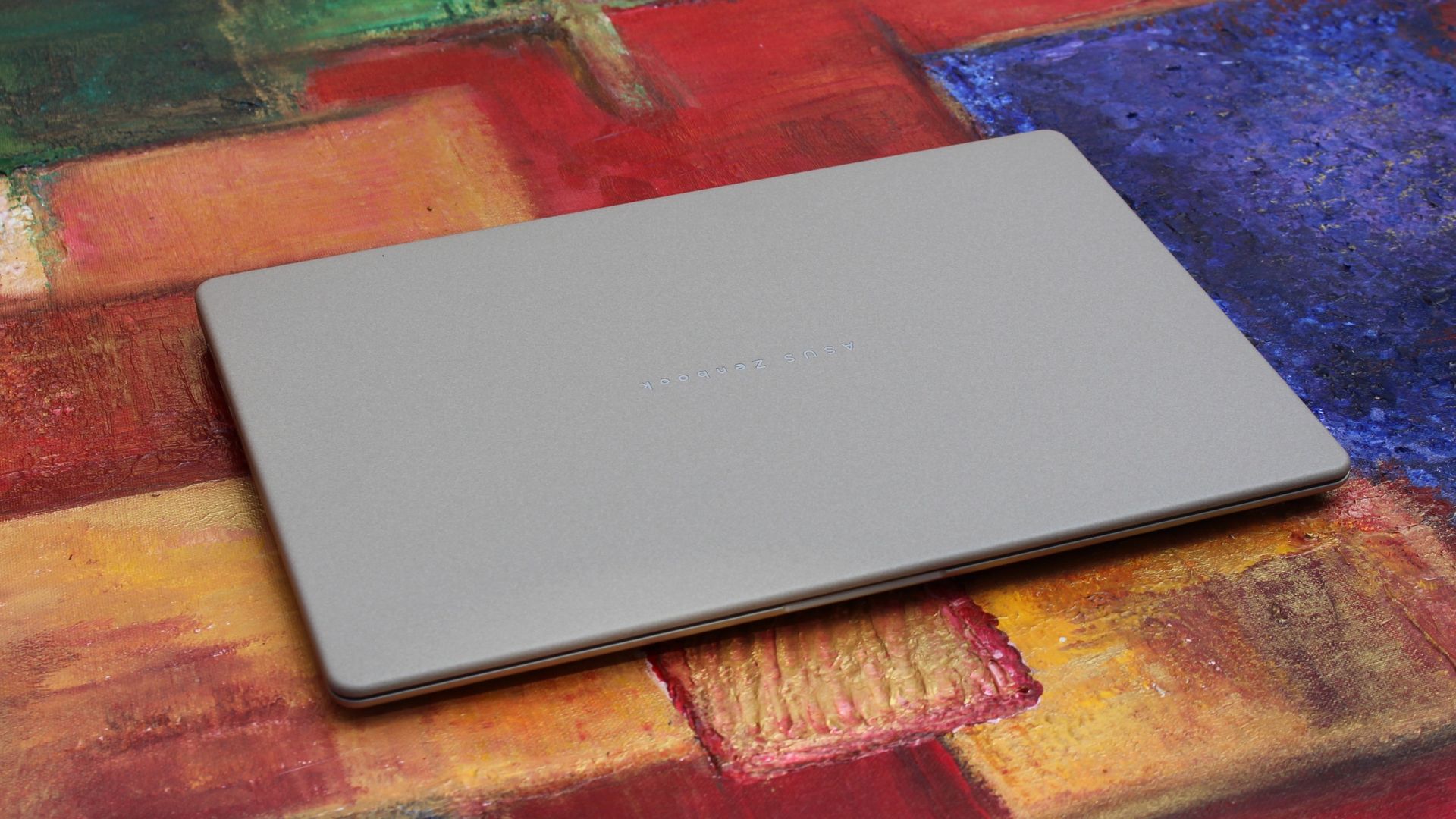
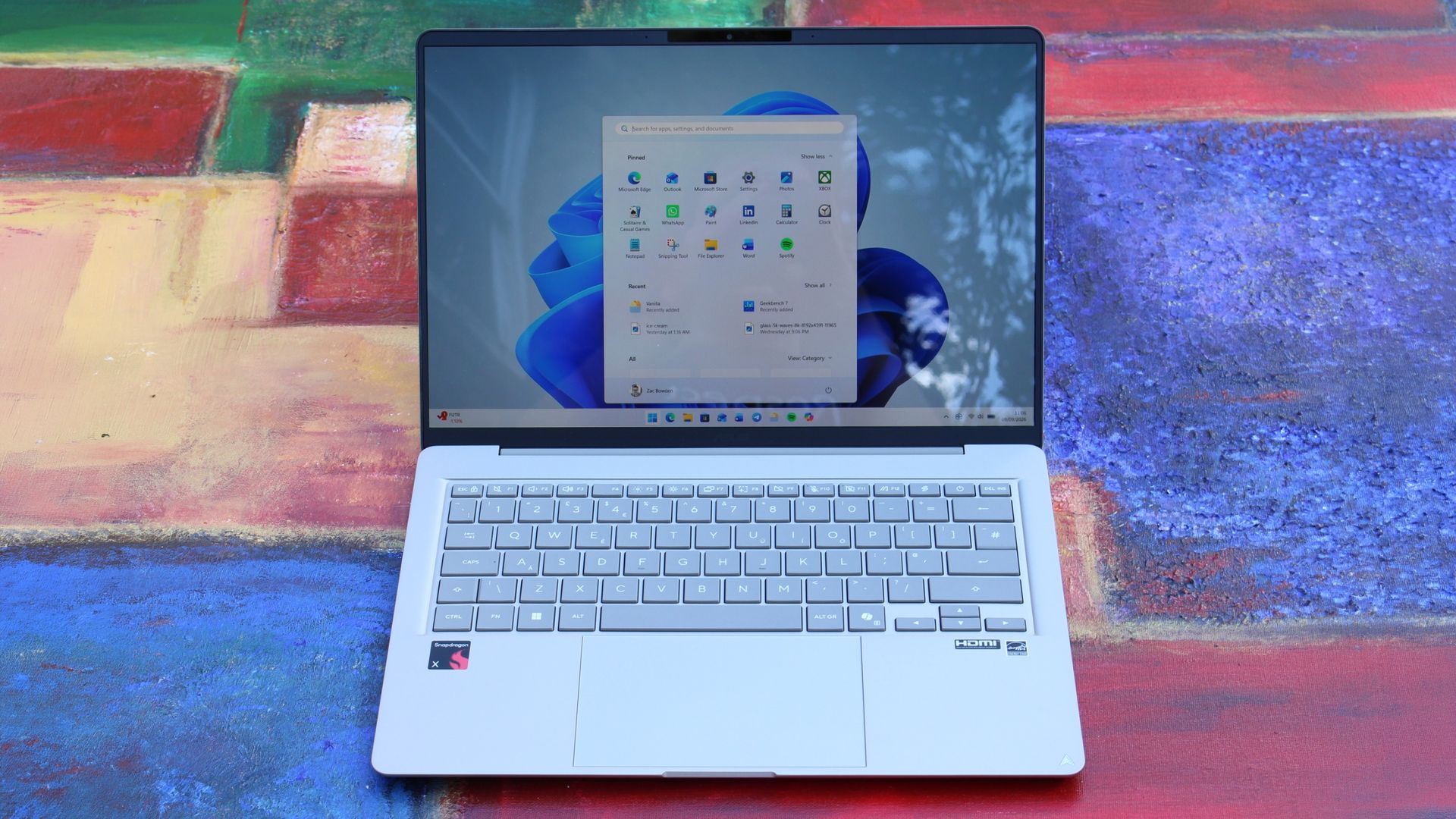
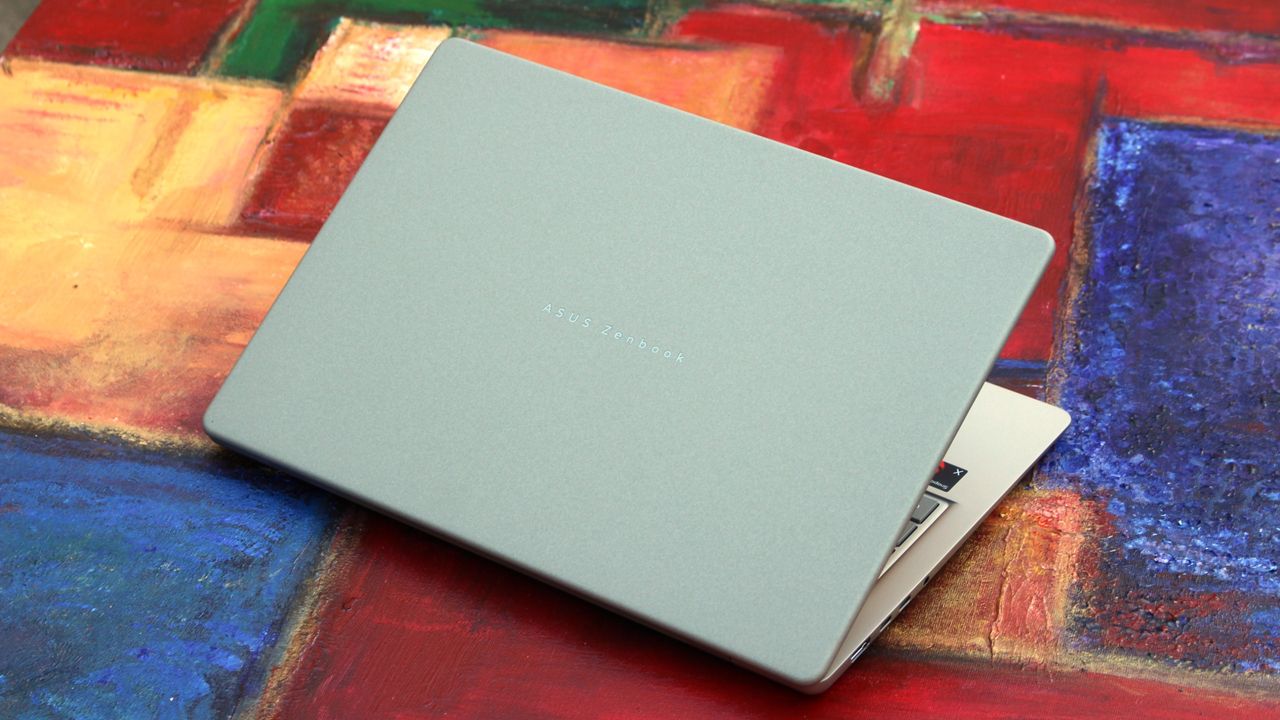
Any laptop that wants a running chance at being competitive with the MacBook Neo needs to focus on design and build quality. Luckily, the ASUS ZenBook 14 is a device that looks and feels the part. It features a premium metal chassis with a coating that does a great job at hiding fingerprints and remaining light.
The design of the laptop is notably rounder than the MacBook Neo and other laptops in this price range, which gives it an edge in ergonomics too. Carrying this laptop around in your hands is very comfortable, and it just looks great when sitting on a desk or on your lap.
The texture of the chassis is nice and smooth, and cold to the touch which helps with that premium feeling. It's also super lightweight, coming in at just 2.87lbs, making it a touch heavier than the MacBook Neo but still plenty light, especially at 14-inches. The chassis does flex a tiny amount, but not enough for it to take away from the overall premium experience.
(Image credit: Zac Bowden / Windows Central)
Opening the laptop up, we're greeted with what I'd arguably describe as the star of the show. This laptop is rocking 14-inch OLED display that looks great for $799. It is a 1080p panel, which is notably lower resolution than what you might find on the MacBook Neo and Dell XPS 13, but the OLED colors make up for that slight drop in sharpness.
You don't often find OLED displays on laptops at this price bracket, especially not with a Snapdragon chip on the inside. This laptop is powered by the Snapdragon X 8-core SoC, which delivers good performance for day to day tasks while being incredibly energy efficient, meaning this device will last you all day on a single charge without breaking a sweat.
The configuration that starts at $799 includes 8GB RAM, which is a little on the low side in 2026, but if you're only planning to use your laptop for lightweight productivity tasks and a bit of multitasking between a web browser, Spotify, Teams/Slack, and an email client, it should be more than enough. If you need more, ASUS does offer the laptop with more RAM and storage at a higher price.
(Image credit: Zac Bowden / Windows Central)
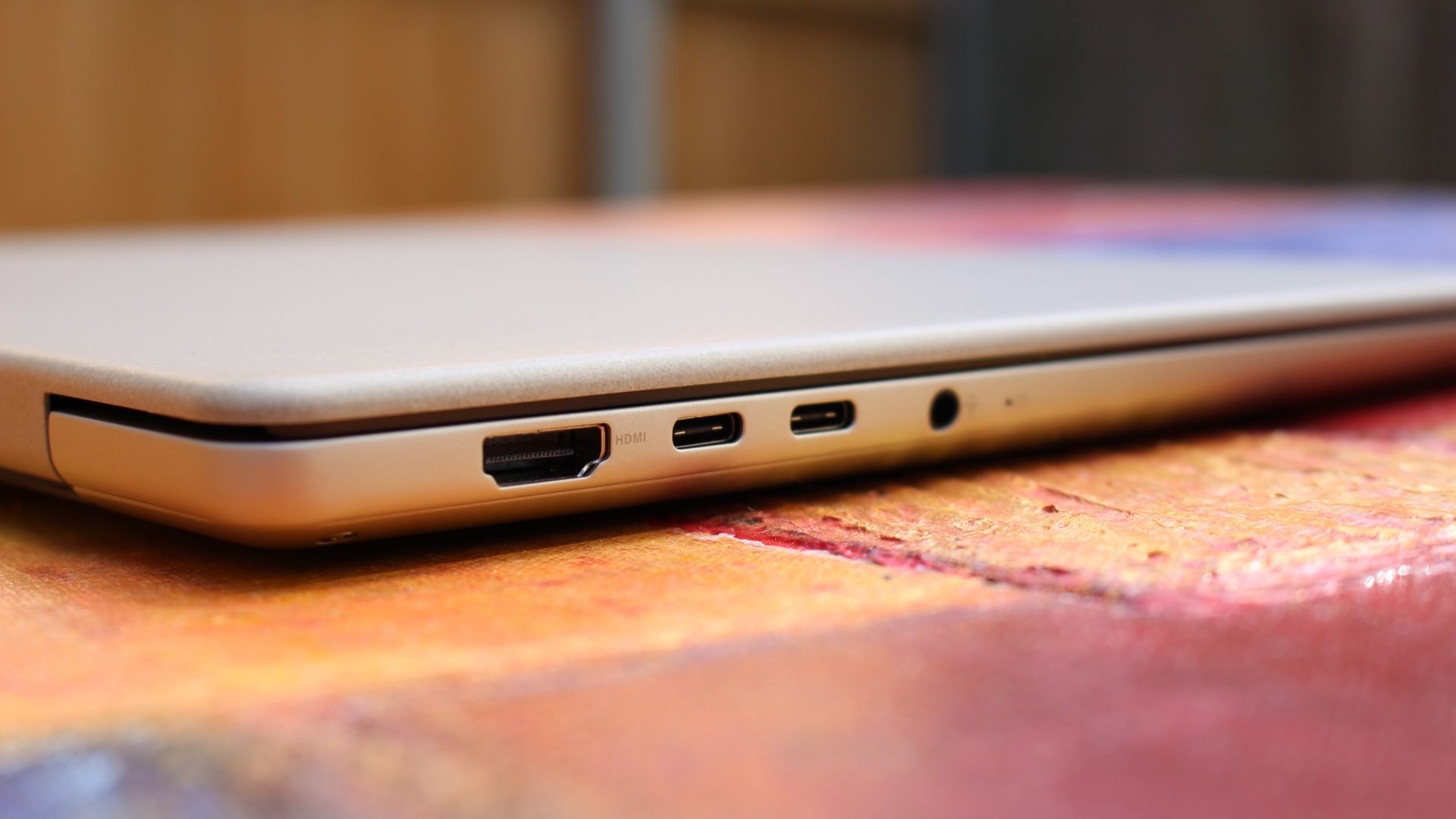
Turning out attention to the chassis once more, we have plenty of ports for a laptop at this price bracket. It features a full size USB-A port on the right, and two USB-C ports, a full-size HDMI port, and a 3.5mm audio jack on the left. The USB-C ports are used for both data and charging the device.
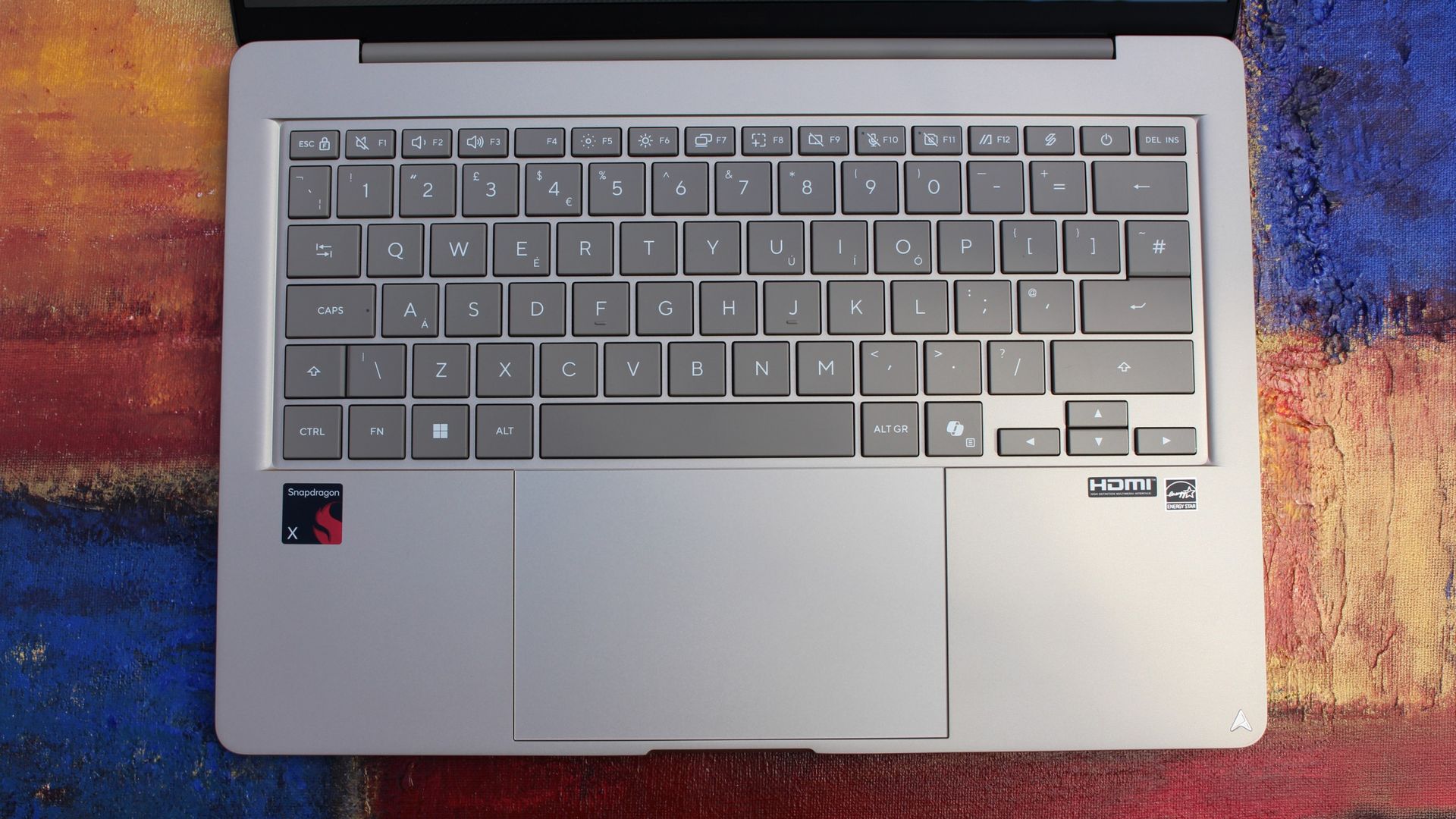
I also want to take a second to shout out the great keyboard on this laptop. The ZenBook 14 has one of the best feeling keyboards I've ever typed on at this price point. For $799, this keyboard is lush. It's tactile yet quiet, and my fingers just glide across the keys. Actuating the keys is also easy and weightless.
(Image credit: Zac Bowden / Windows Central)
Lastly, the audio and webcam on this device are surprisingly good. The webcam is a XX shooter which looks great in well lit rooms, but gets a bit noisy in low light. It's perfect for Teams calls and video calling friends, and the built-in microphone is more than cabable for the same tasks.
What's really nice about the webcam is that it also features IR sensors for Windows Hello face unlock. This level of biometric authentication isn't something you'll find on the $799 MacBook Neo, but it does match the $799 Dell XPS 13.
What I hate
(Image credit: Zac Bowden / Windows Central)
There's not much to dislike about the ASUS ZenBook 14, but there are a few things I noticed during my time with it that I wasn't a fan of.
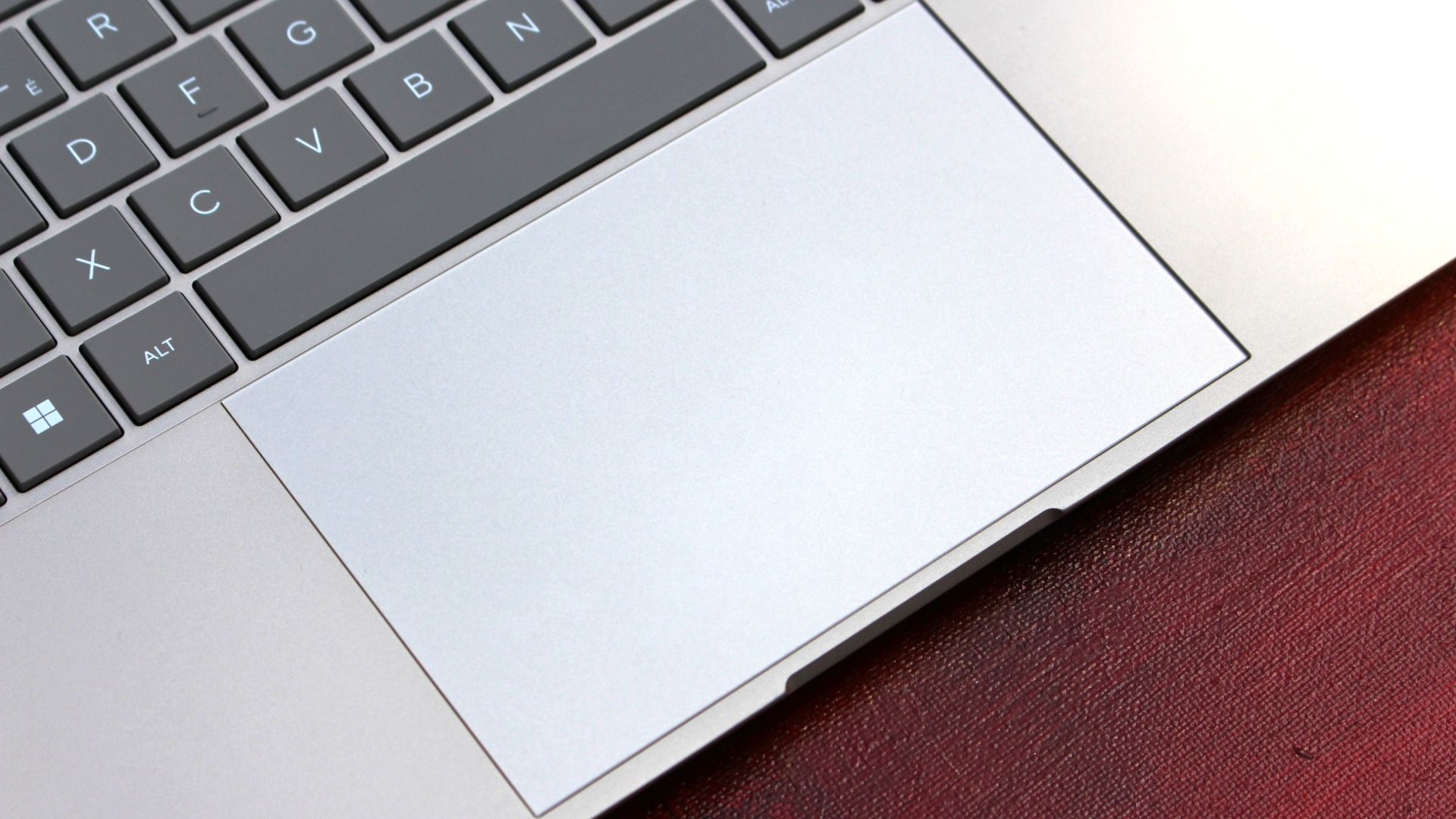
First of all, I don't like the trackpad. It's nice and smooth, and plenty large, but that's about as much good as I can say about it. I don't know if this was just an issue with my review unit, but the trackpad feels notably tougher to actuate than other trackpads I've tried. The MacBook Neo's trackpad is effortless, but the ZenBook 14 trackpad is a little tougher to press down.
I'll also say that the tracking of the trackpad itself is also not great. When people say Windows trackpads suck, I suspect it's trackpads like this that they're referring to. It just doesn't feel very accurate, often over or under shooting where I intended to move the mouse. The keyboard also doesn't feature a backlight, which kind of sucks. I know the MacBook Neo also doesn't have a backlight, but it also sucks on that laptop too. At $799, the laptop should have a backlight in my opinion.
The only other annoyance I found with the ZenBook 14 is that I found its fan spins up a fair bit, and it can get quite loud under super intensive load. It's not normally an issue in day to day use, but if you're susceptible to fan noise, I'd be weary of the ASUS ZenBook 14.
Conclusion
(Image credit: Zac Bowden / Windows Central)
The ASUS ZenBook 14 is the latest MacBook Neo competitor to hit the scene, and it's one of the better ones. Yeah, the trackpad isn't amazing, but everything else about this laptop is great for a $799 starting price.
I think it's one of the better looking $799 laptops you can find right now, complete with a thin and light profile and plenty of ports to boot. It also has all day battery life, and good performance for the day to day tasks you'd be expected to want to complete on a device in this price bracket.
The OLED display is a great addition, and while I wish it was slightly higher resolution and higher refresh rate, the panel itself is perfectly acceptable at this price point. In fact, I'd say the punchy colors are worth the slight decrease in resolution.
ASUS
Zenbook 14 (UX3480 Snapdragon)
The ASUS ZenBook 14 with Snapdragon X is ASUS's first true MacBook Neo competitor. Coming in at $799, it features a 1080p OLED display, excellent keyboard, plenty of ports, good performance and all day battery life.
Join us on Reddit at r/WindowsCentral to share your insights and discuss our latest news, reviews, and more.

 Connexion